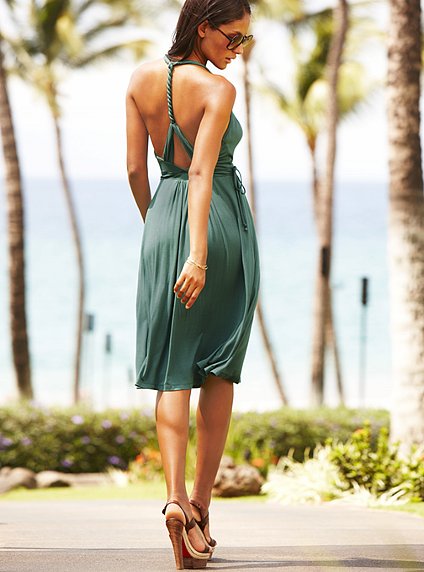
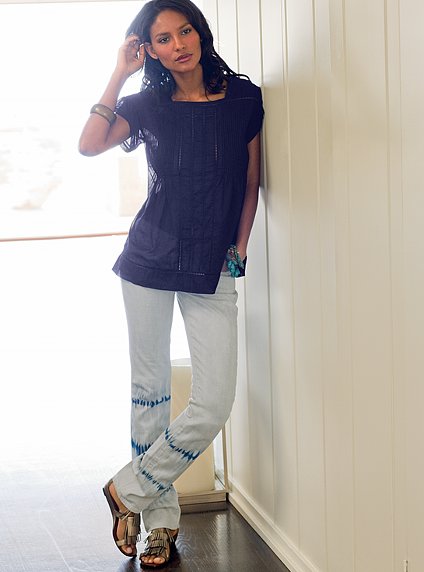
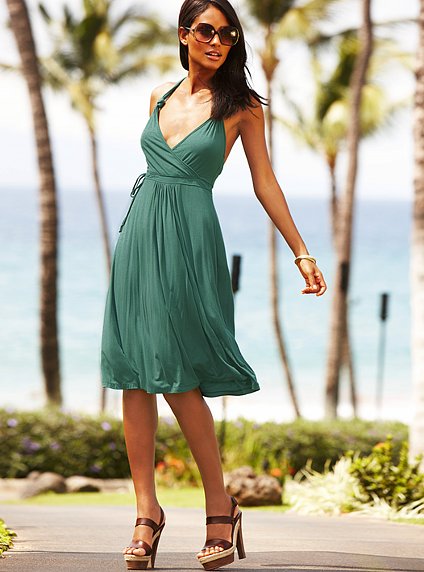
Everything posted by Matute
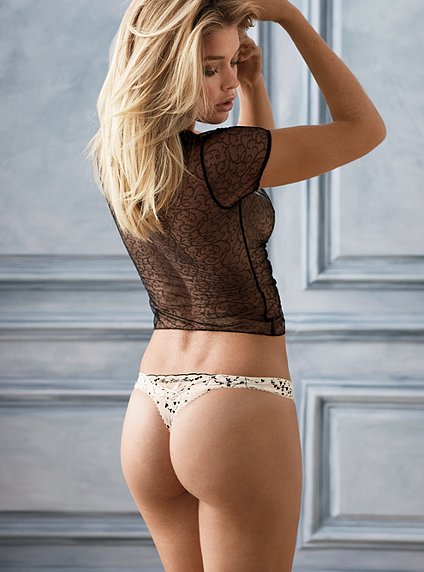
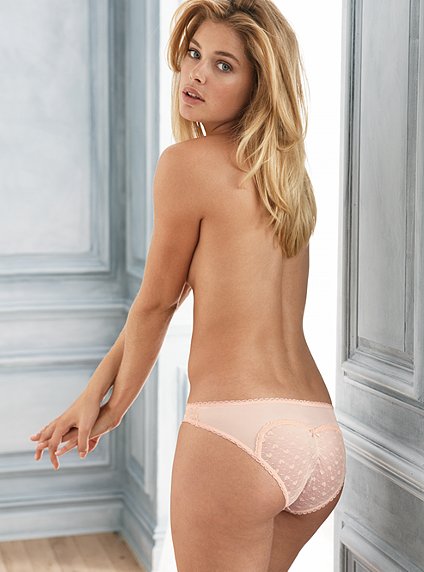
- Doutzen Kroes
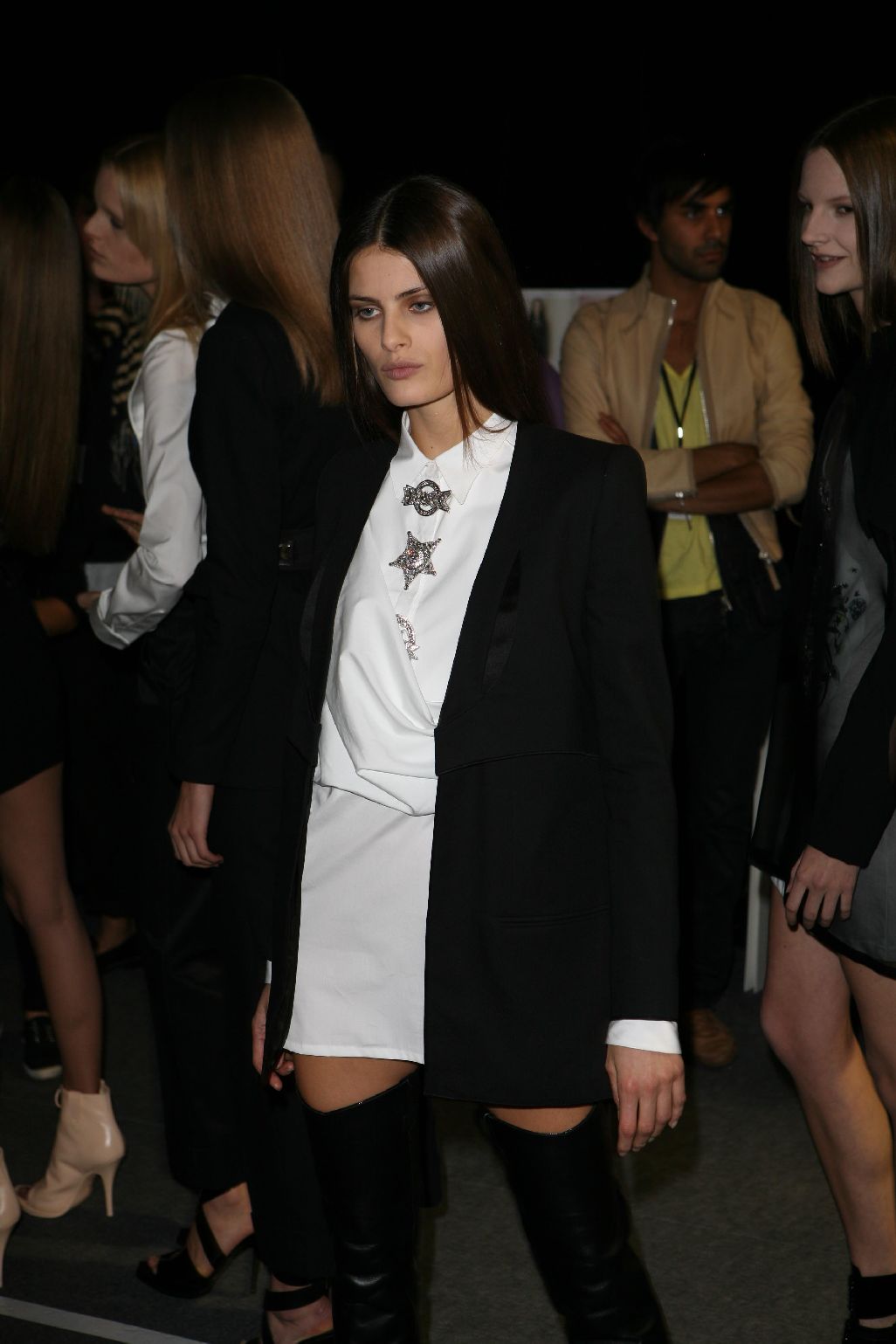
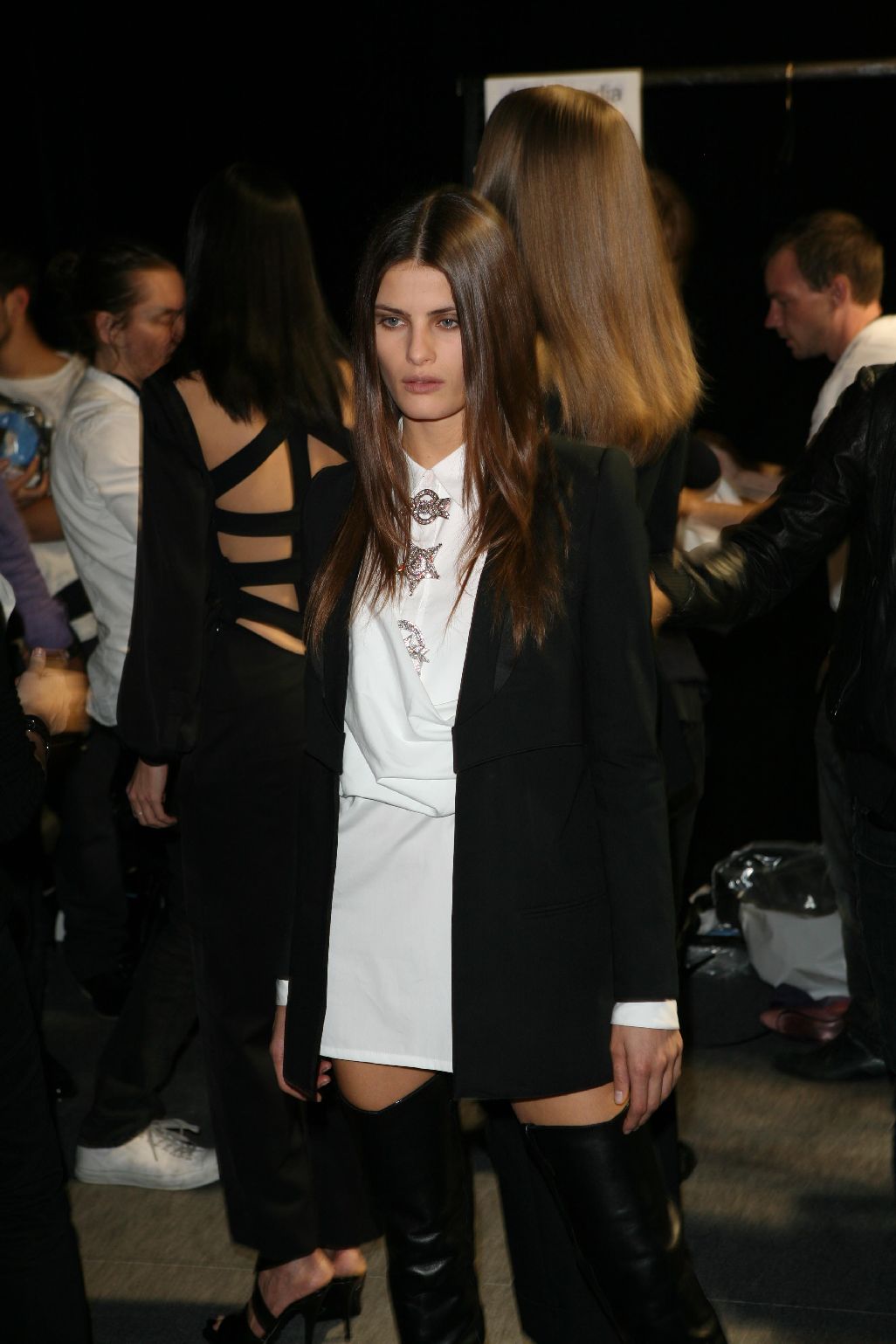
- Irina Shayk
-
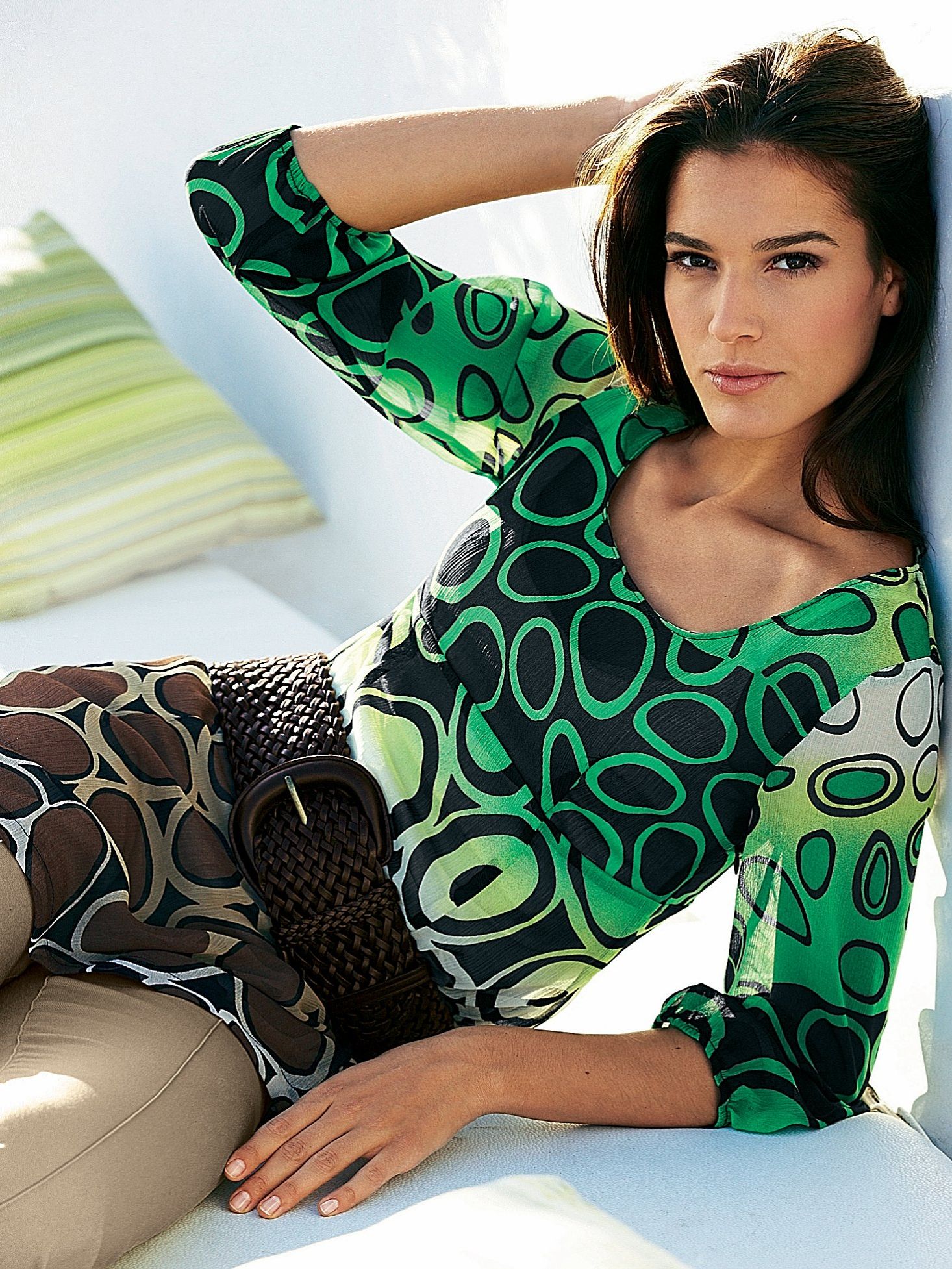
Emanuela de Paula
-
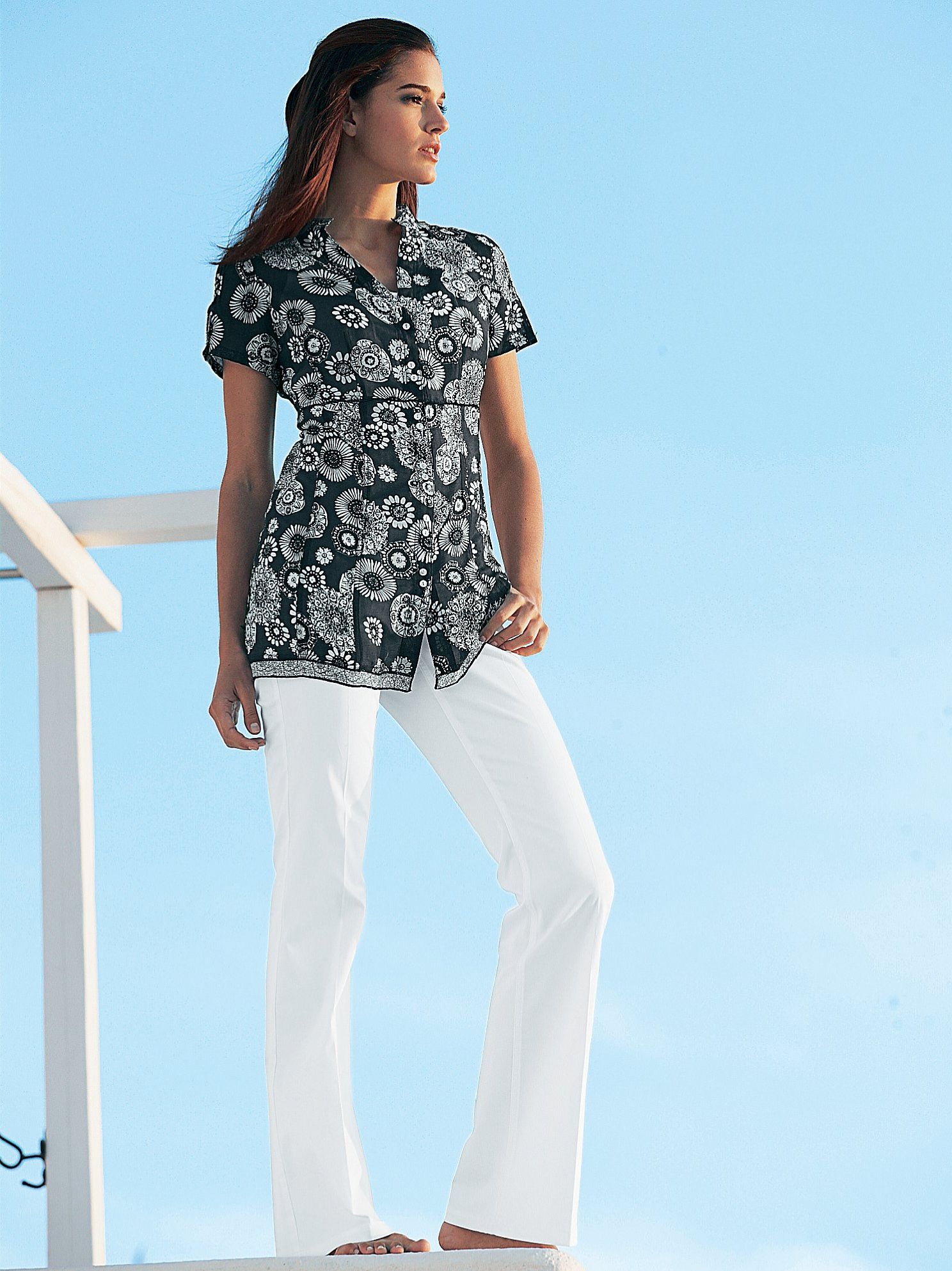
Emanuela de Paula
-
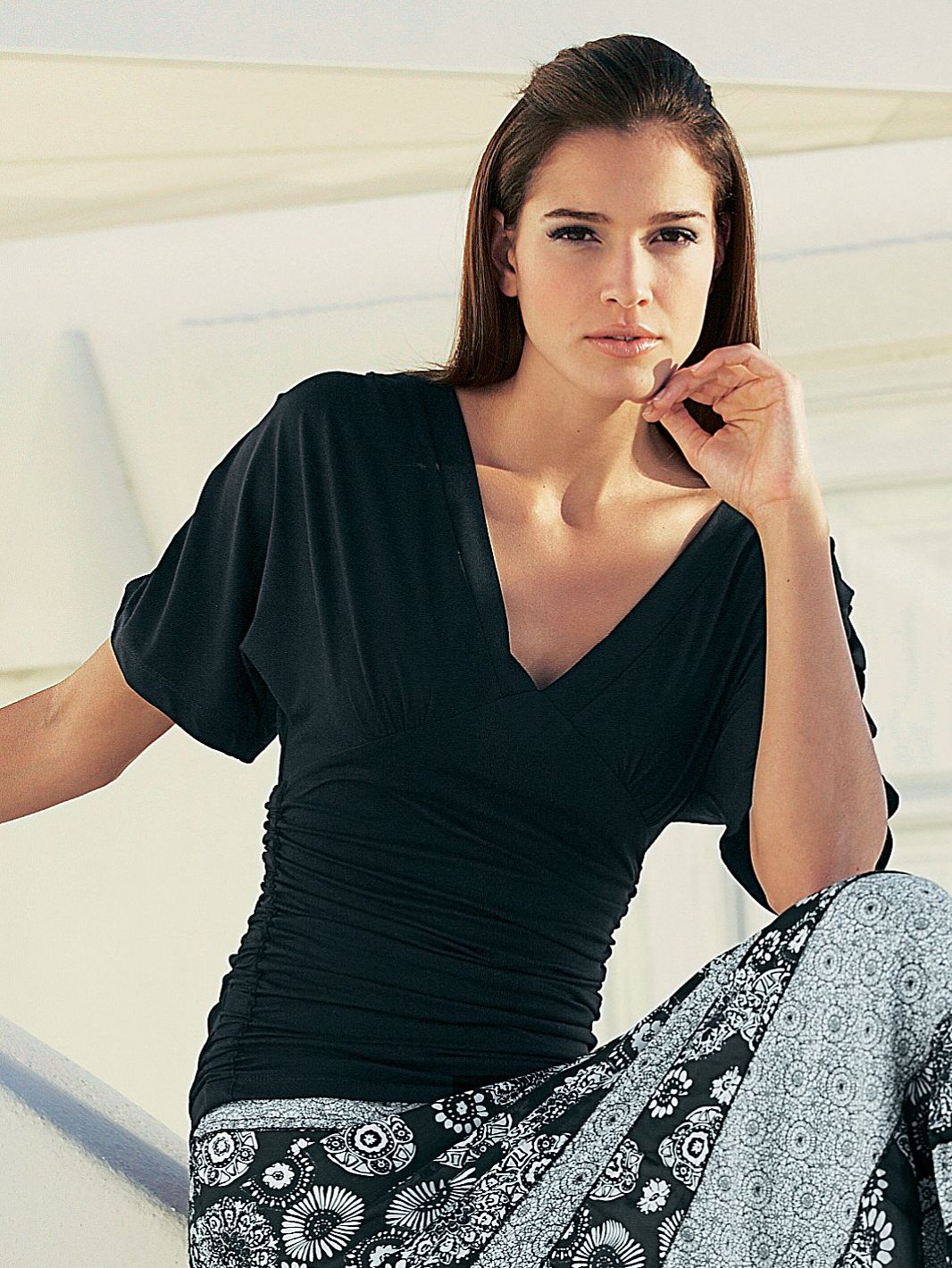
Emanuela de Paula
-
Emanuela de Paula
-
Emanuela de Paula
Damnit, you beat me to it! Serieusly, Thank you for another Manu injection. Was getting pretty low on those lately. Wish there were new pictures of her every day . Tanks Fantasy.....and there are more new pics from VS Here they are

-

Emanuela de Paula
- Irina Shayk
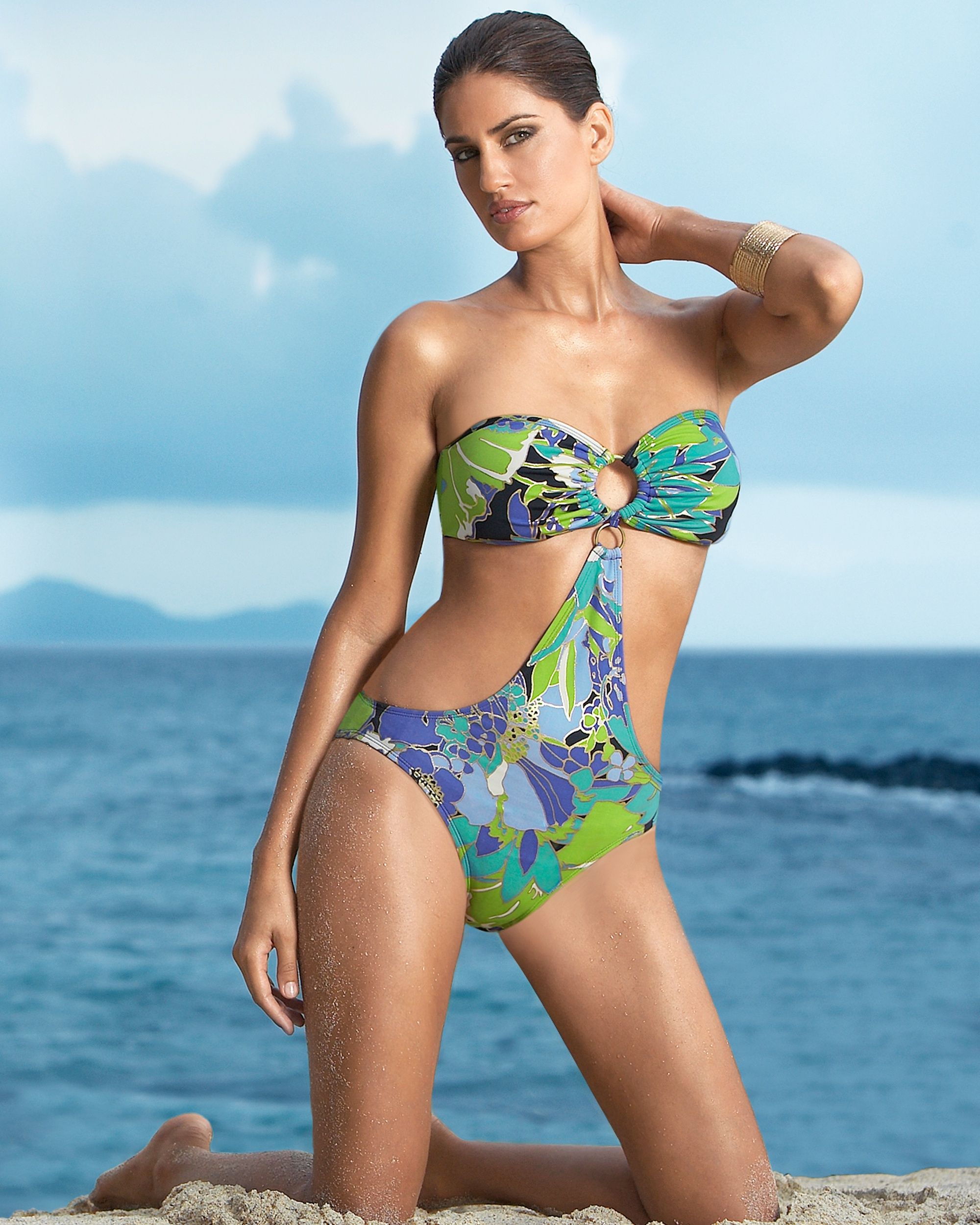
- Emanuela de Paula
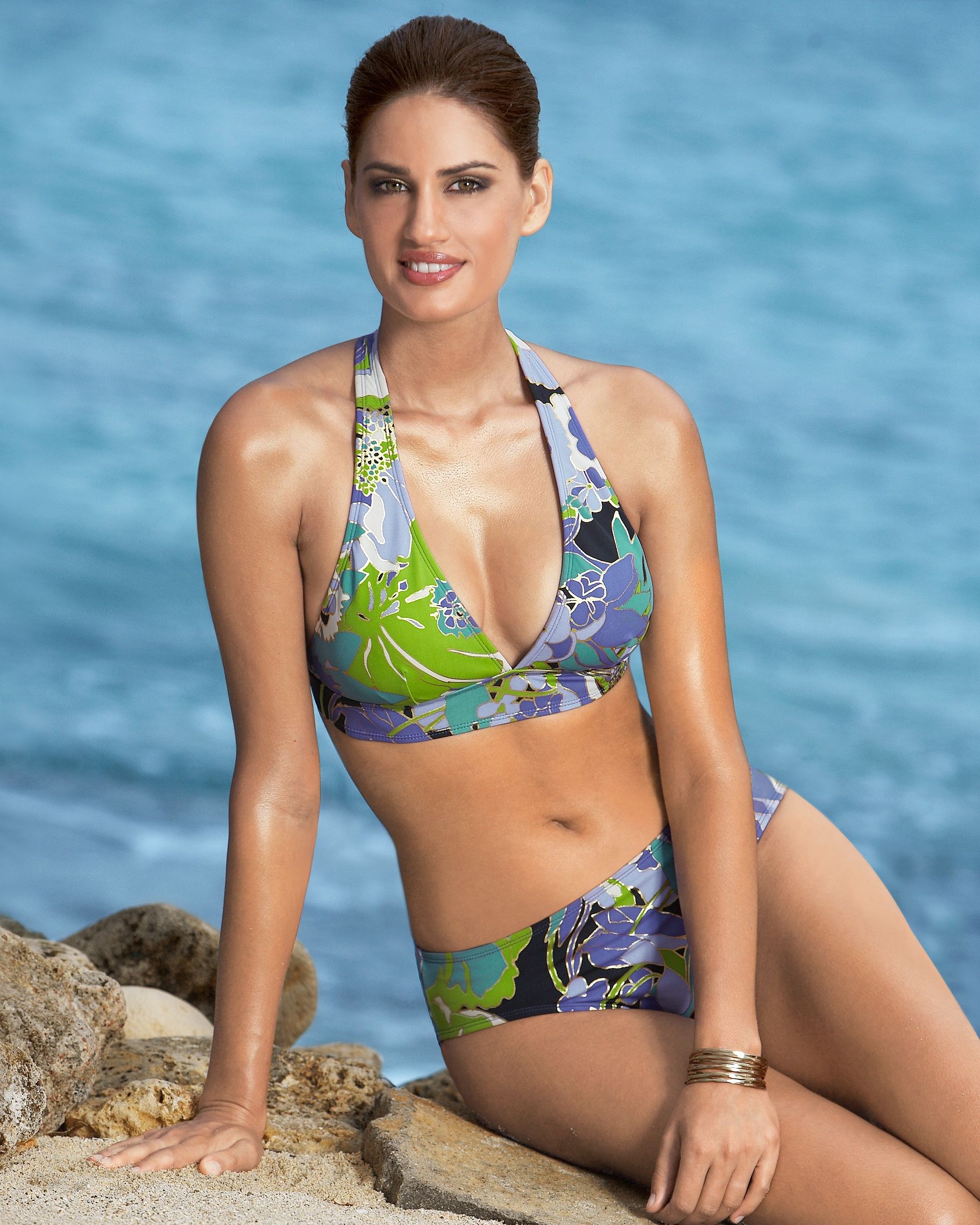
- Miscellaneous

- Emanuela de Paula
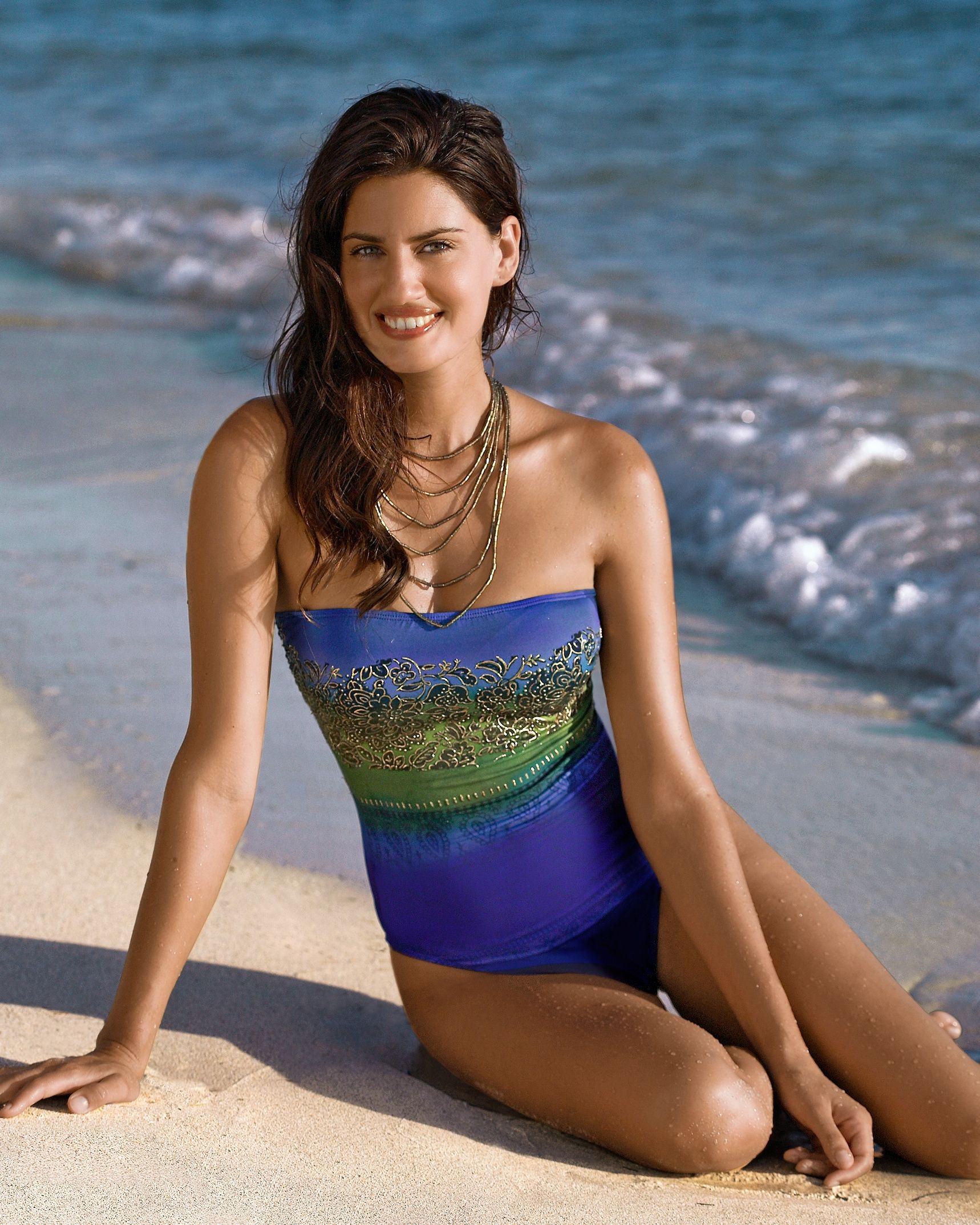
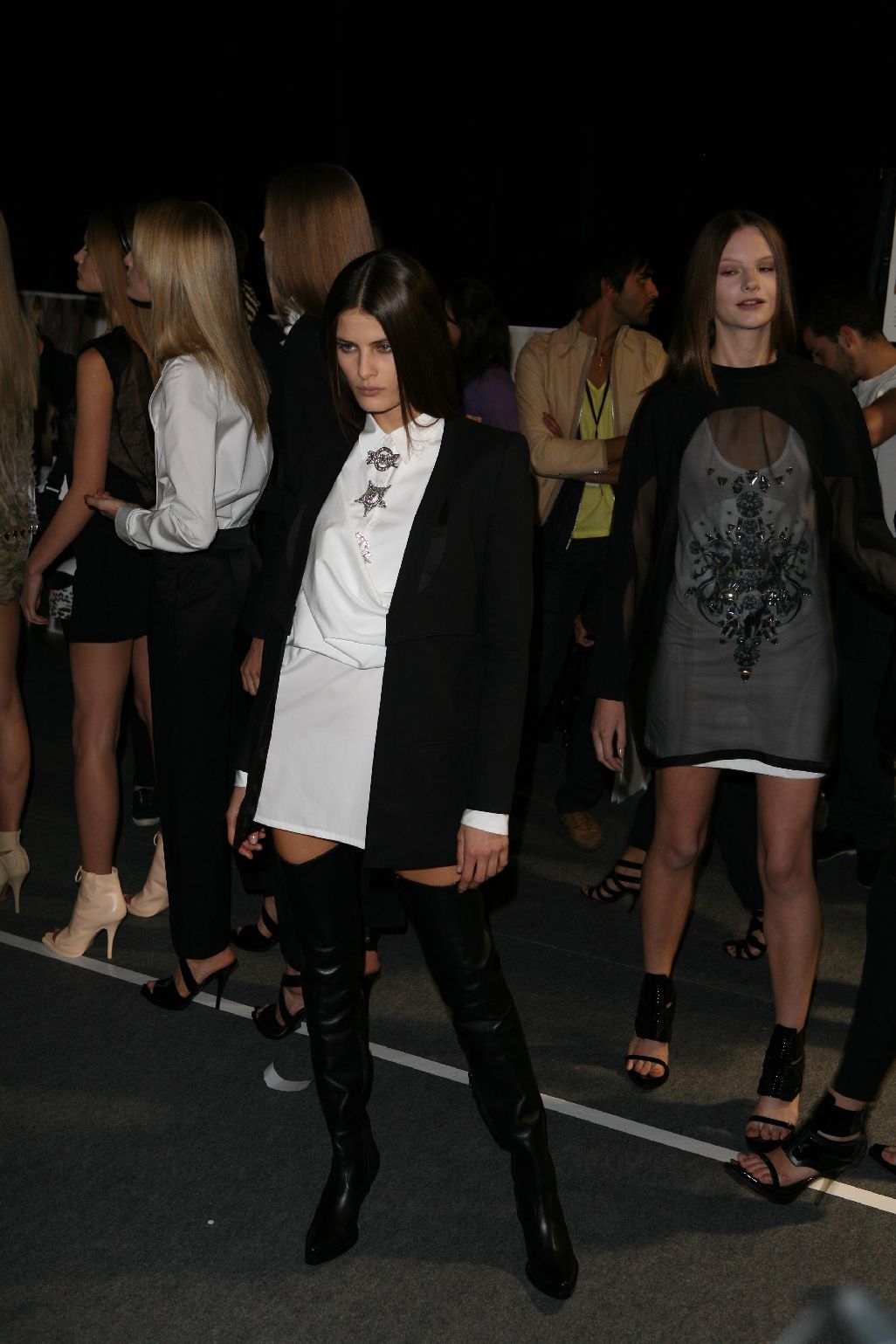
- Isabeli Fontana
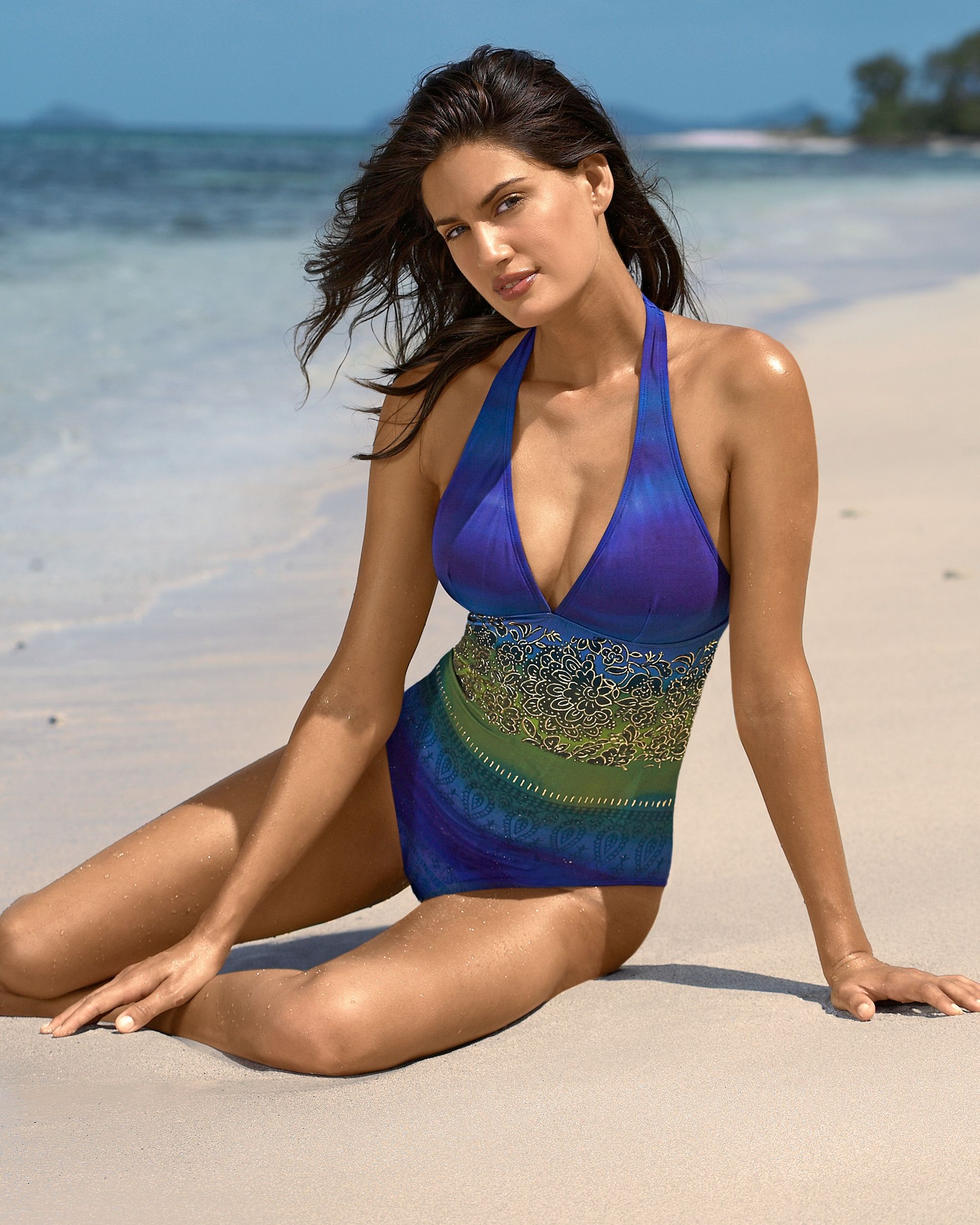
- Isabeli Fontana
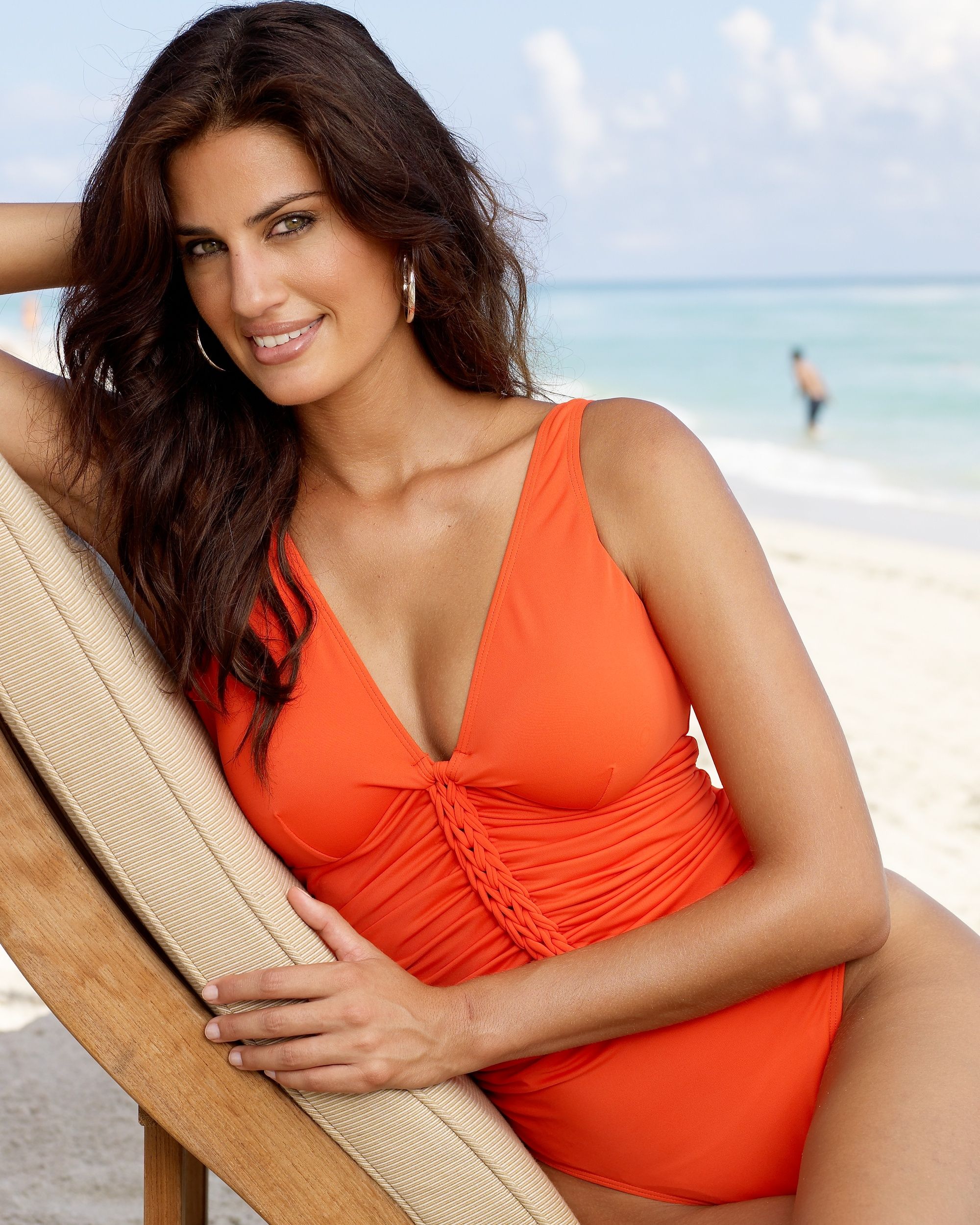
I agree, agree, agree, agree, agree......... Thank you Francy- Emanuela de Paula
- Raica Oliveira
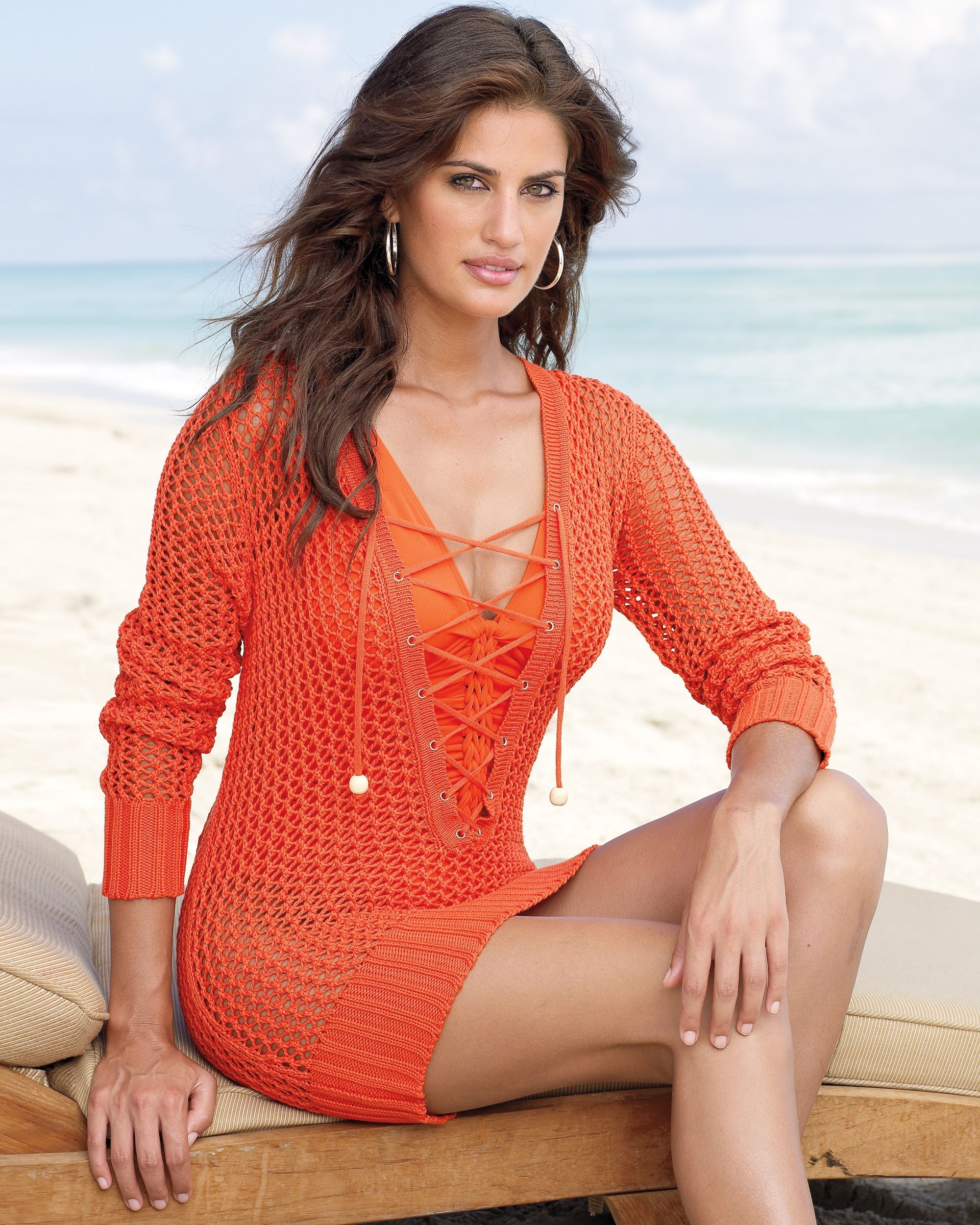
Thank you sweet-lady- Raica Oliveira
Sorry alegraat but pic no. 10 is also not Raica- Chiara Baschetti
- Chiara Baschetti

Wow, we have new Chiara fans on an other Forum You can see it here: Credit to "danforddan" who made this beautiful wallpaper of Chiara, immediately- Isabeli Fontana
Imitation of Christ Fall 2001 Collection / New York, 13.02.2001 Red Carpet Francy, did you get my pm or is something out of order with the messenger on Bellazon ??????- THE BEST OF VSFS 2008
Congratulations Izabel for best legs.... as we see you have a B I G fan-background- Everything About Her
- Jenna Pietersen

Thank you supermuppet.....excellent find- Chiara Baschetti
- my 10'000th post !!
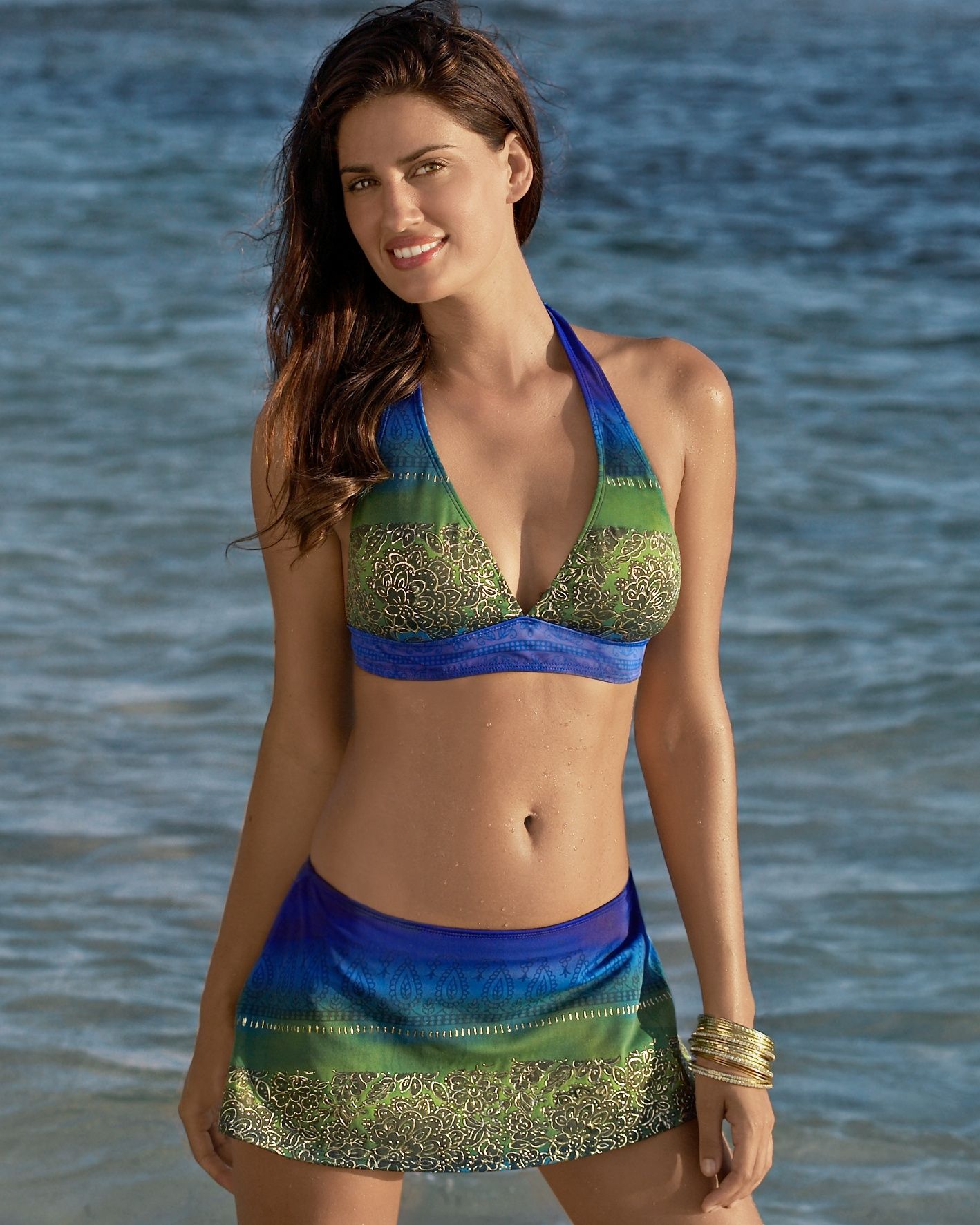
Congrats my lovely F R A N C Y 10.000 post You always make a ........ I remember when I was a newbie on Bellazon and you was the first who replyed with a "Thank you" on a post which I did. Now, I can say we are big friends for all my dear !!!!! Matute
Account
Navigation
Search
Configure browser push notifications
Chrome (Android)
- Tap the lock icon next to the address bar.

- Tap Permissions → Notifications.
- Adjust your preference.
Chrome (Desktop)
- Click the padlock icon in the address bar.

- Select Site settings.

- Find Notifications and adjust your preference.

Safari (iOS 16.4+)
- Ensure the site is installed via Add to Home Screen.
- Open Settings App → Notifications.
- Find your app name and adjust your preference.

Safari (macOS)
- Go to Safari → Preferences.

- Click the Websites tab.

- Select Notifications in the sidebar.

- Find this website and adjust your preference.
Edge (Android)
- Tap the lock icon next to the address bar.

- Tap Permissions.

- Find Notifications and adjust your preference.

Edge (Desktop)
- Click the padlock icon in the address bar.

- Click Permissions for this site.

- Find Notifications and adjust your preference.

Firefox (Android)
- Go to Settings → Site permissions.

- Tap Notifications.

- Find this site in the list and adjust your preference.
Firefox (Desktop)
- Open Firefox Settings.

- Search for Notifications.

- Find this site in the list and adjust your preference.