

Matute
Members
-
Joined
-
Last visited
Everything posted by Matute
-
 ^^ Thanks @Der Bastian
 -
^^ Thanks @jj3
-
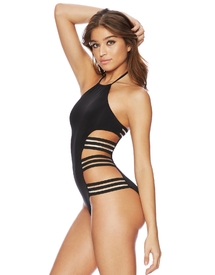
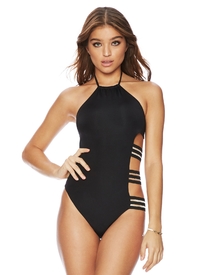
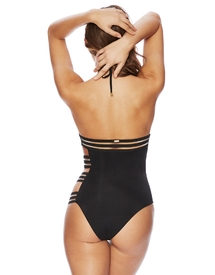
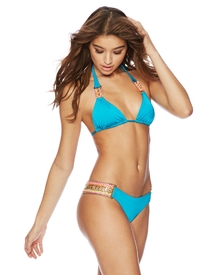
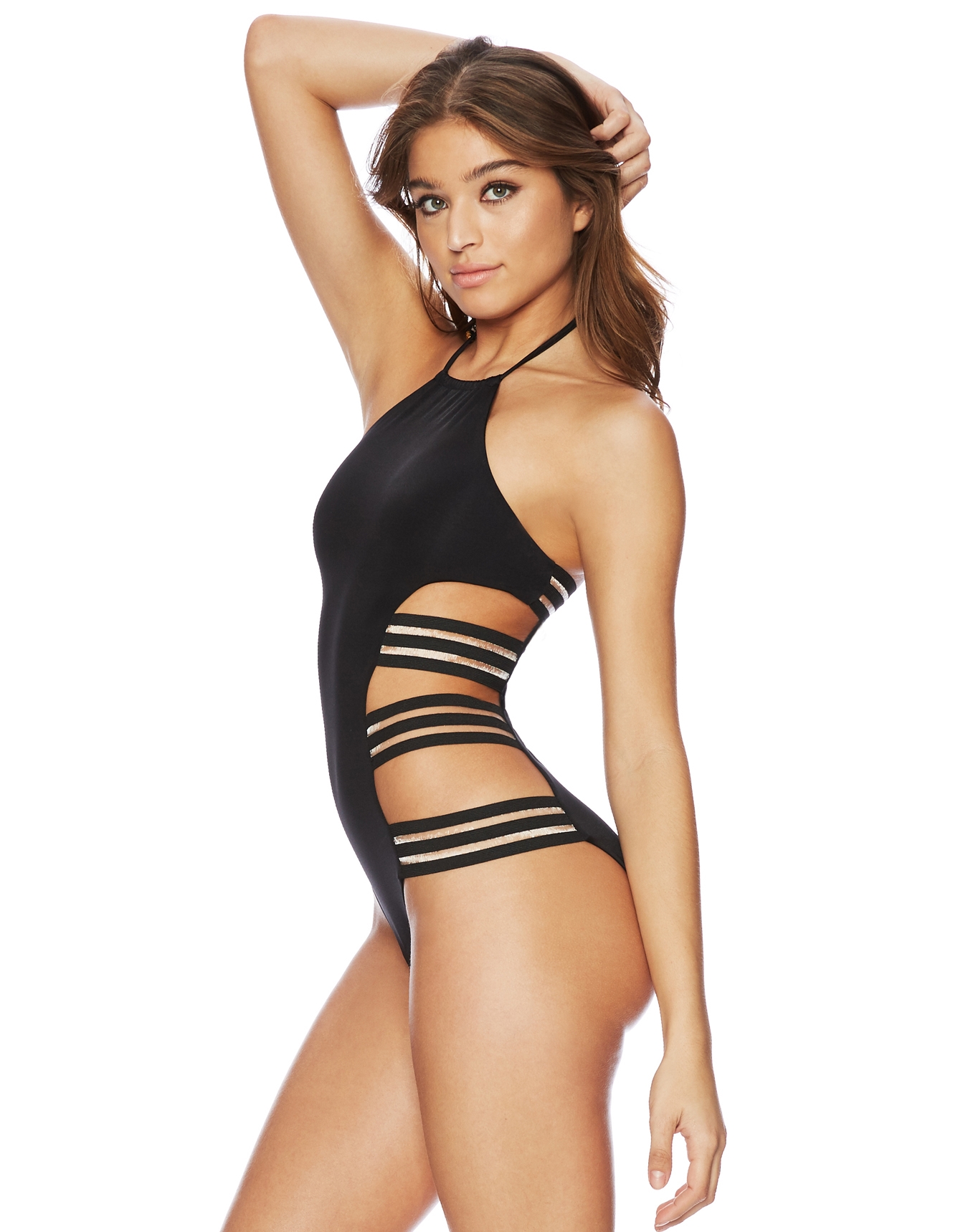
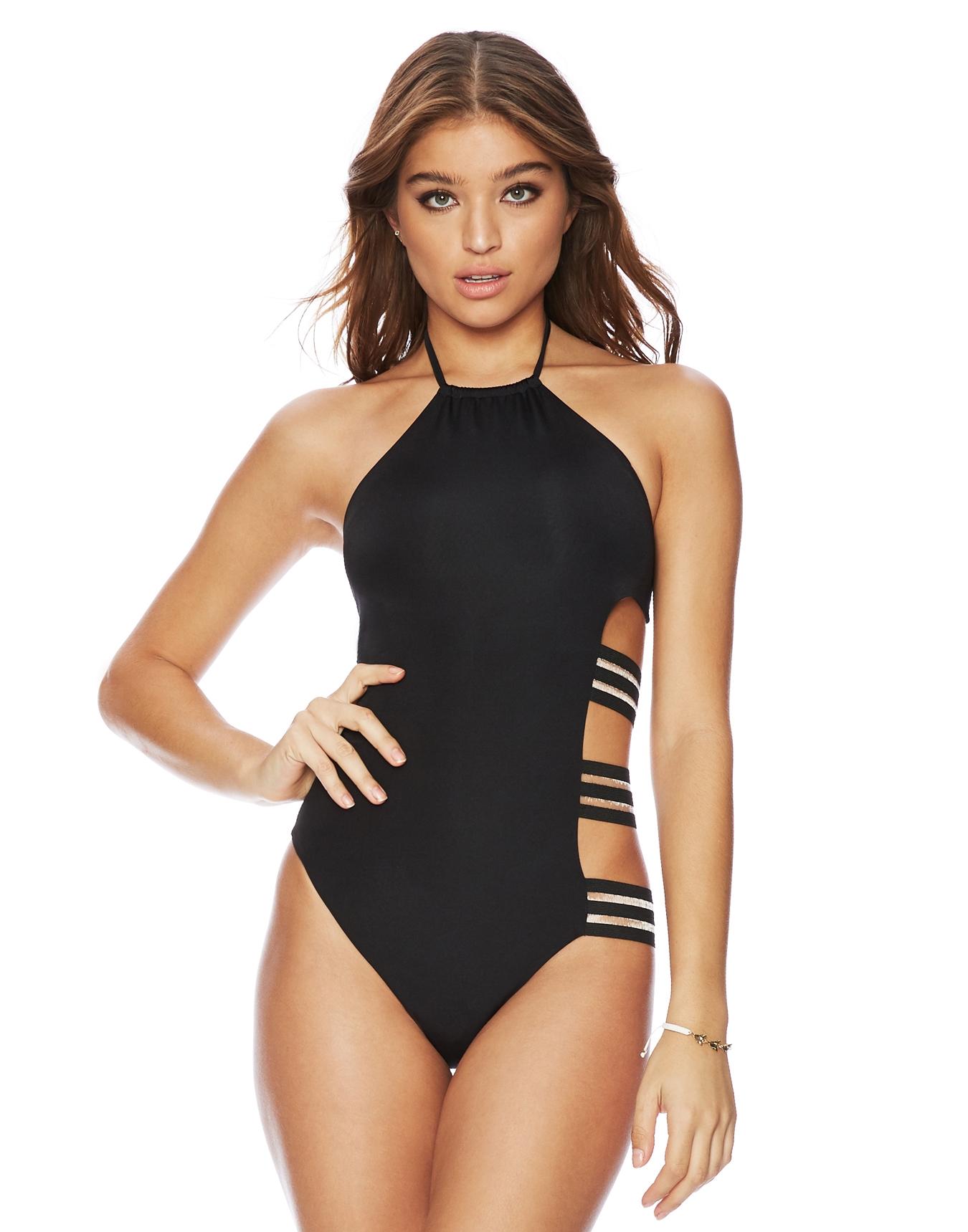
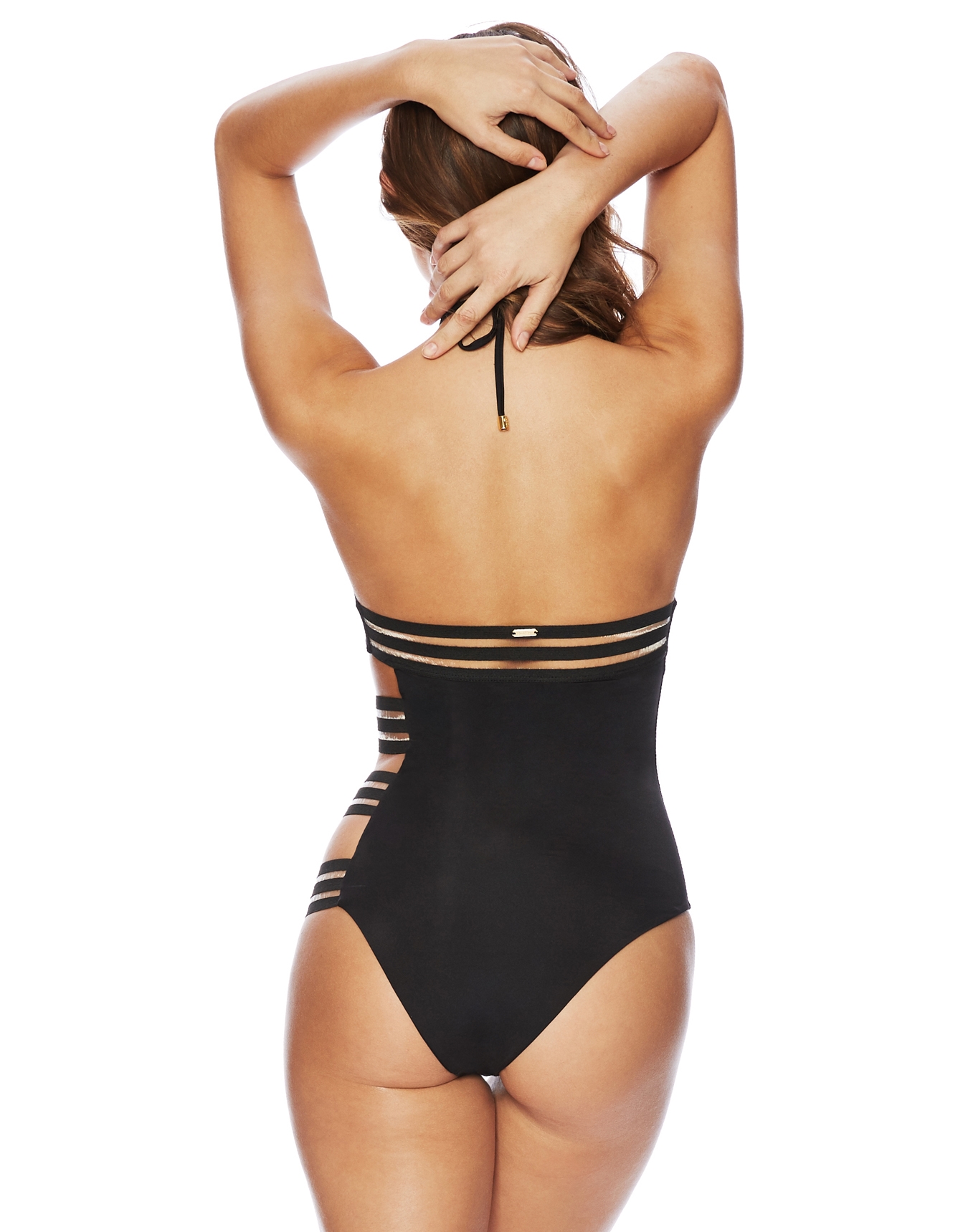
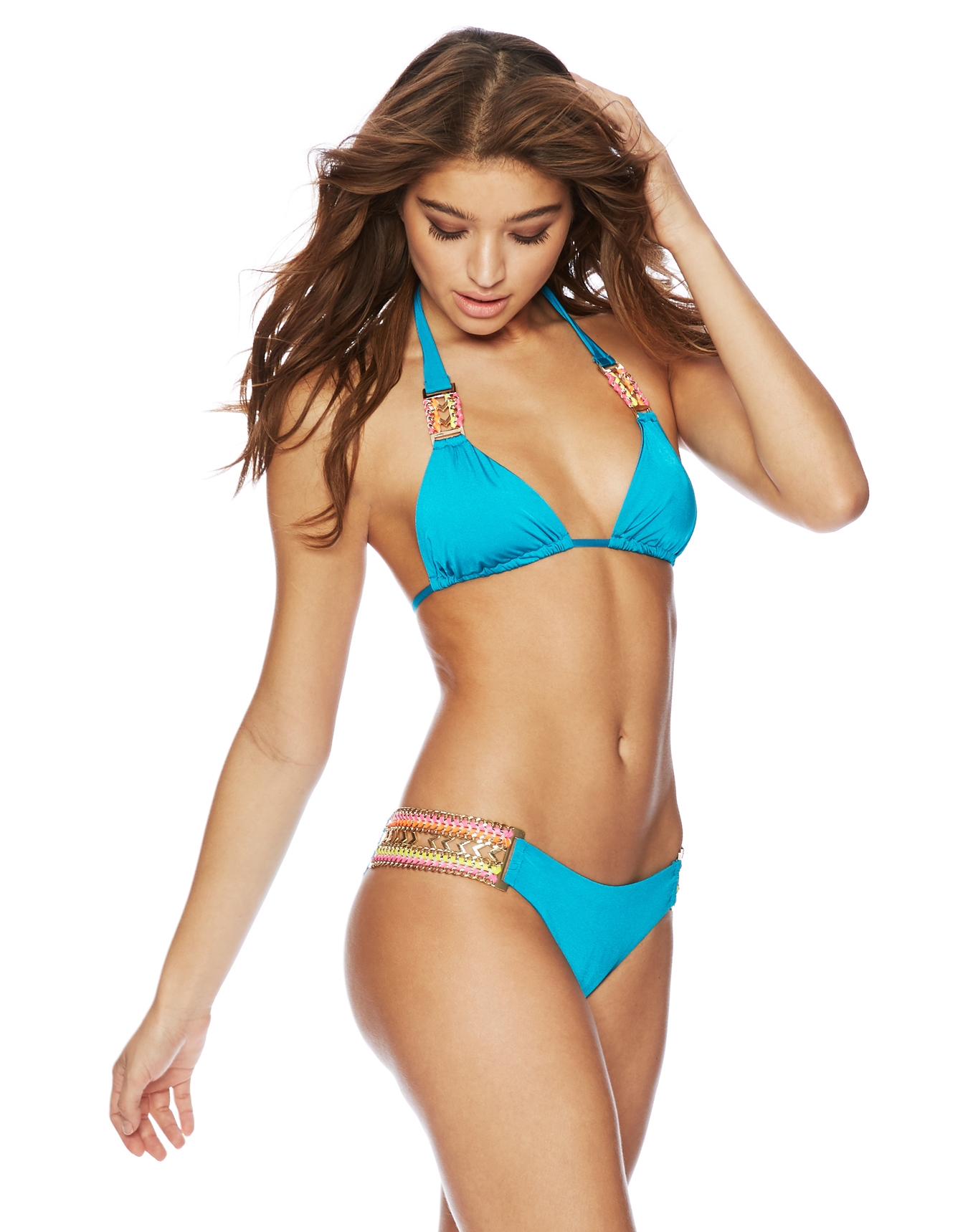
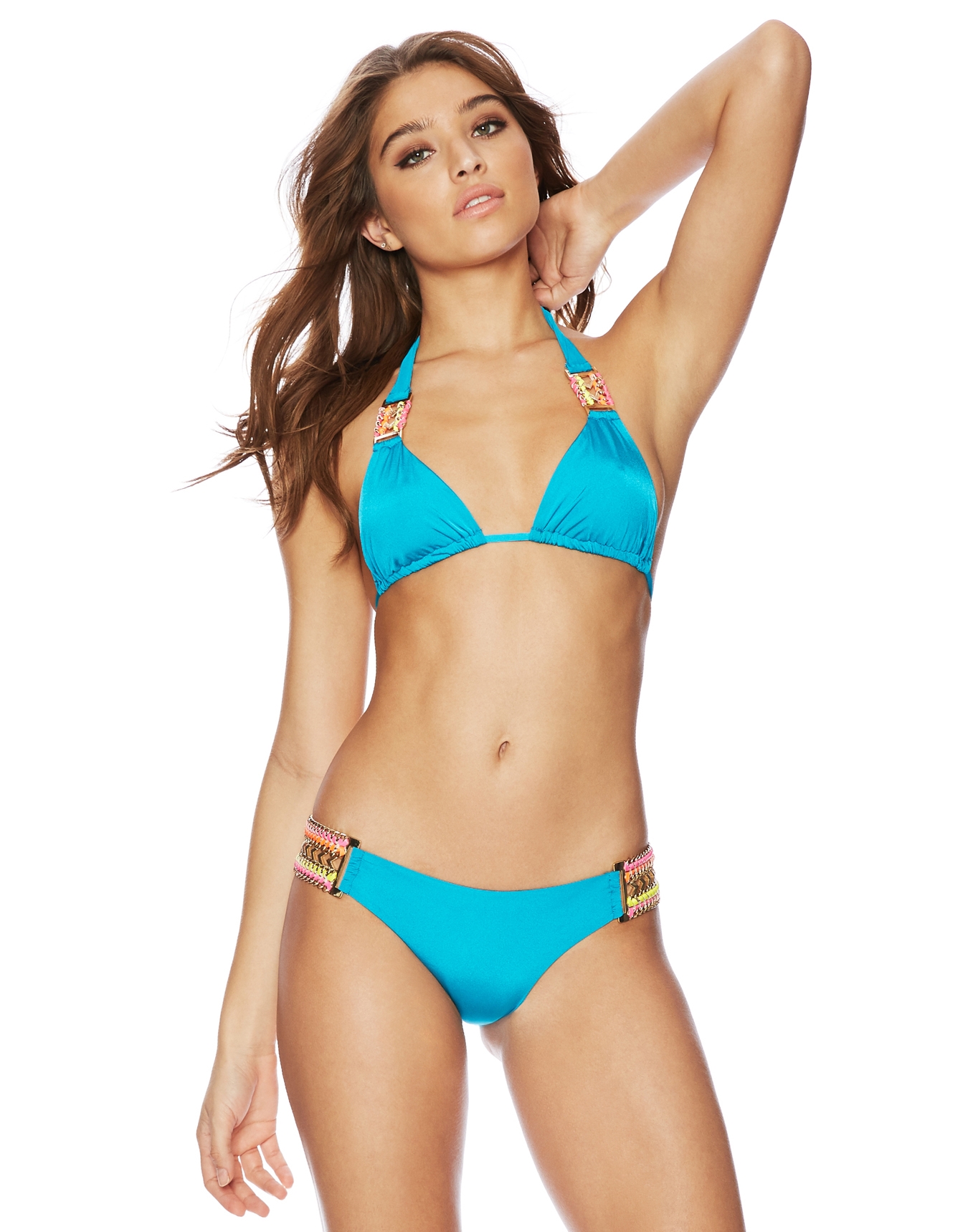
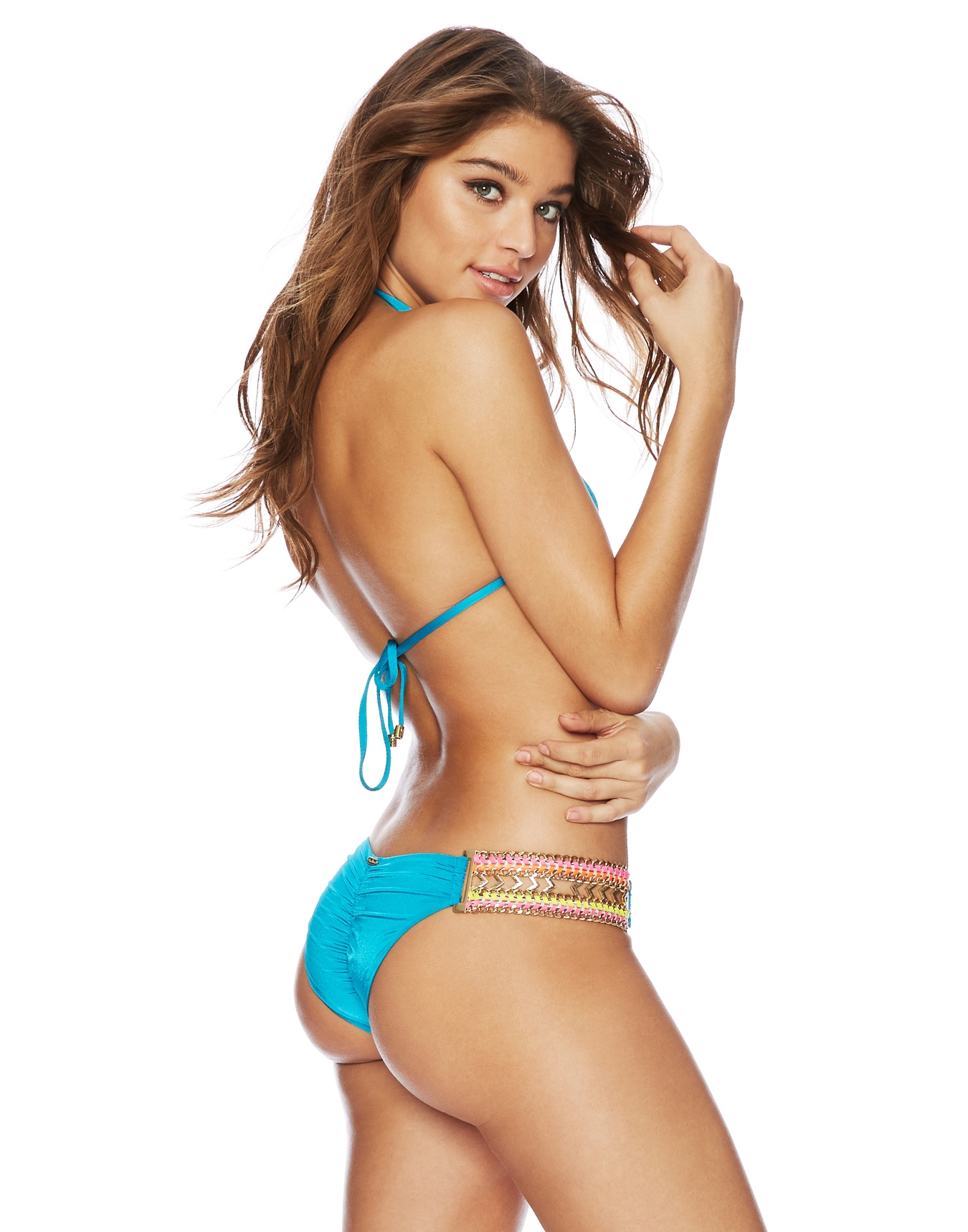
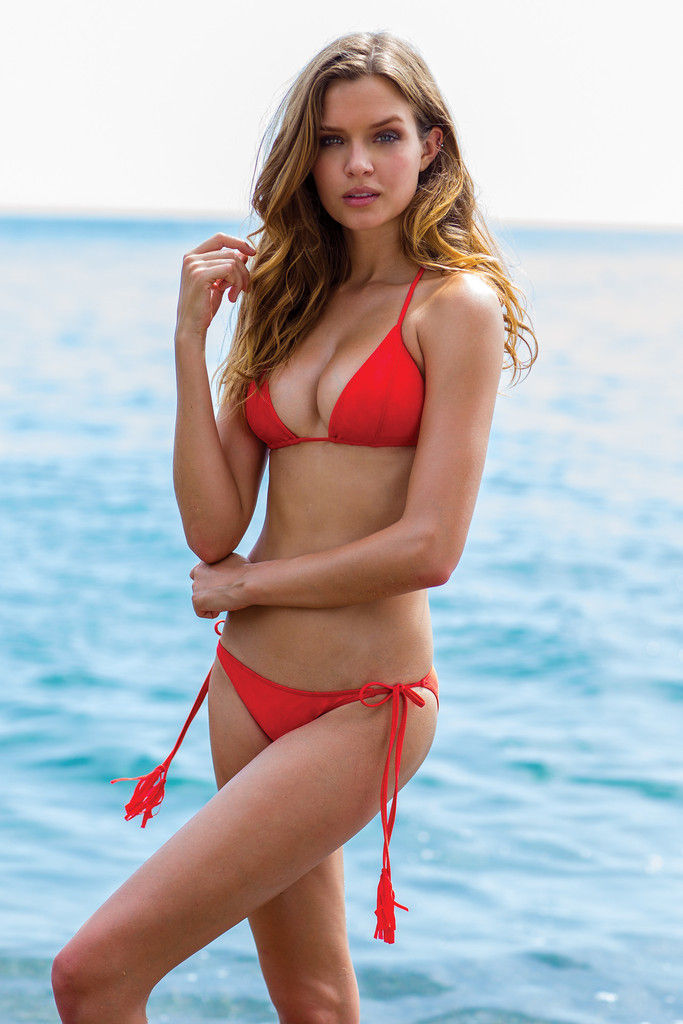
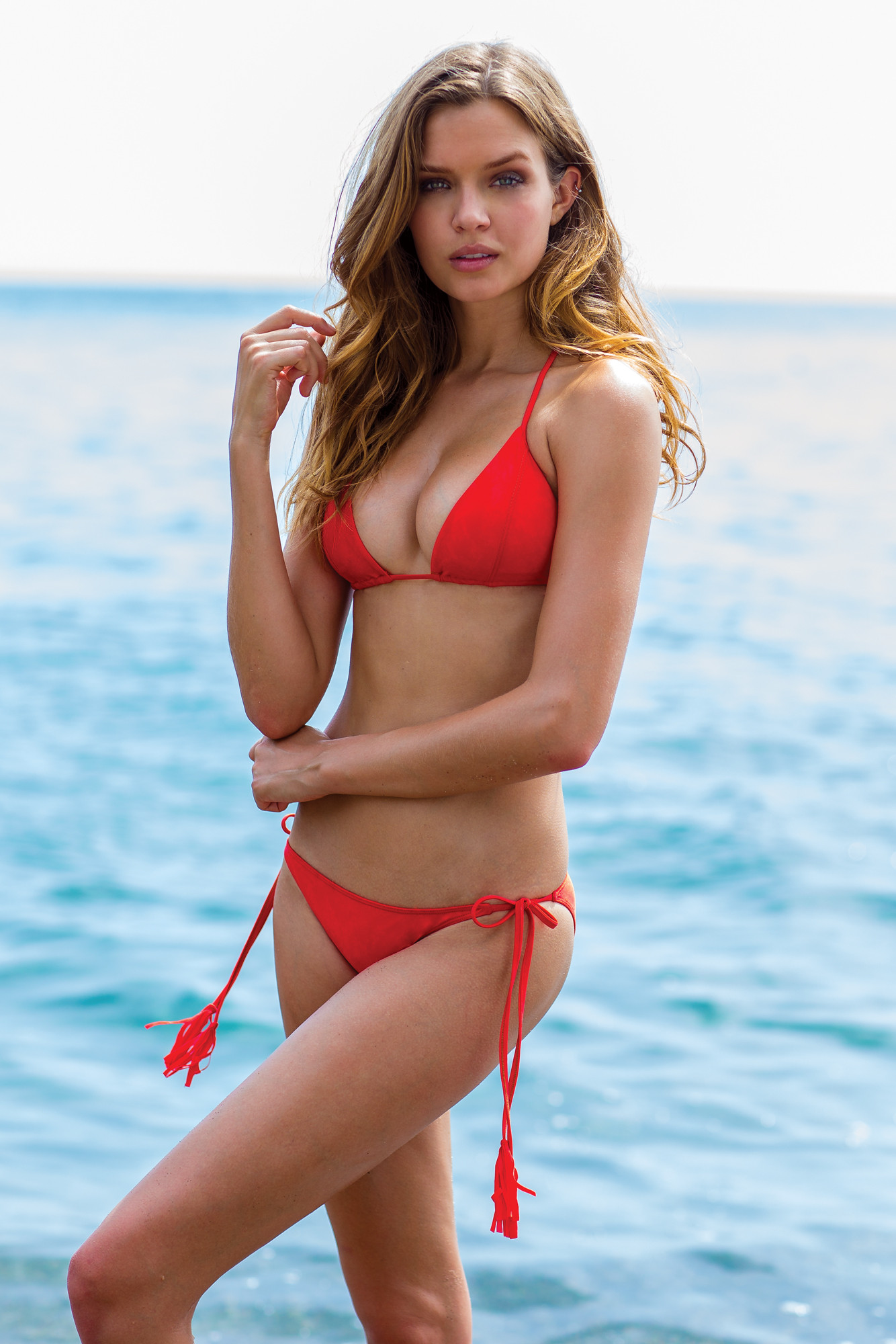
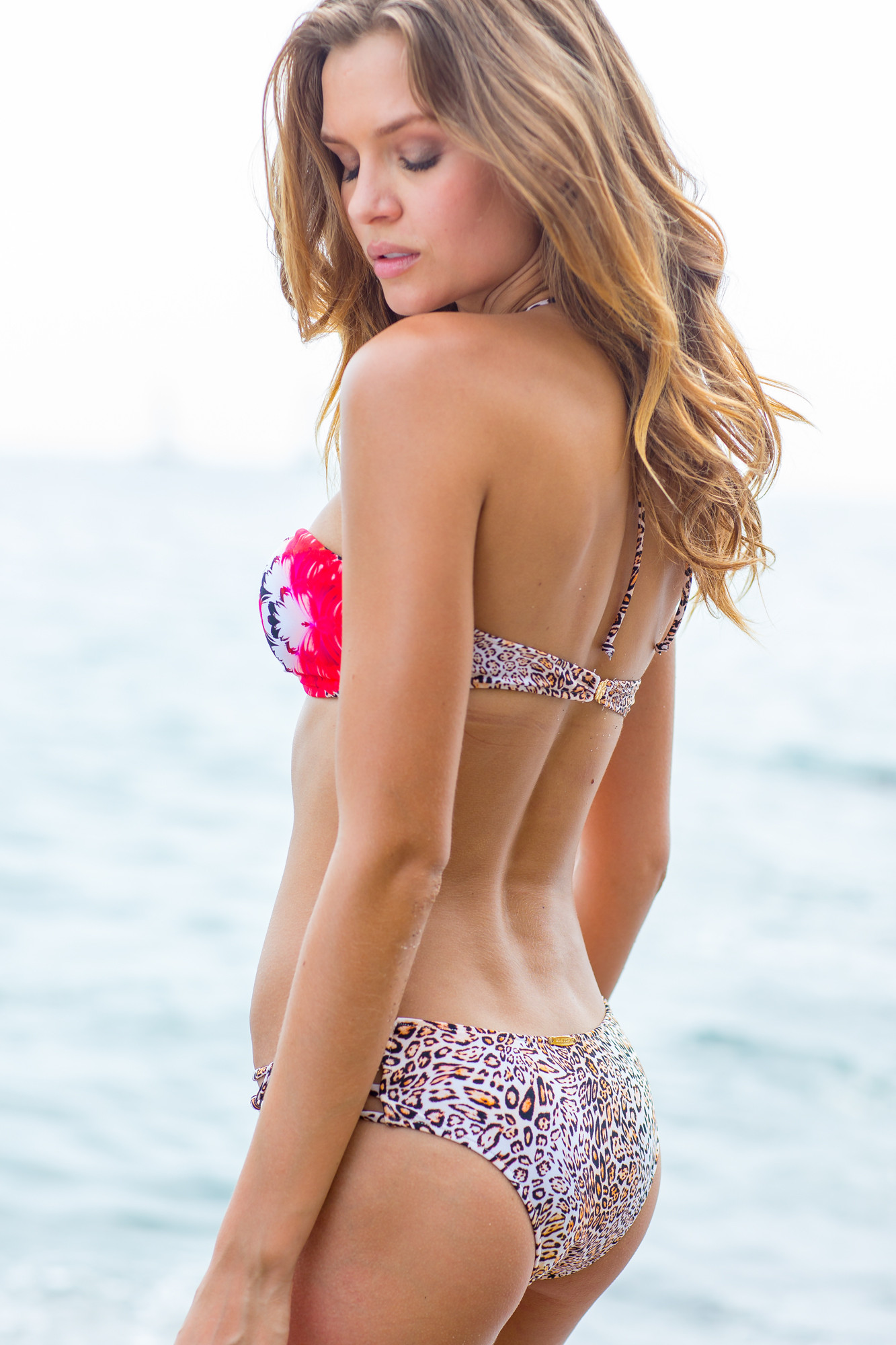
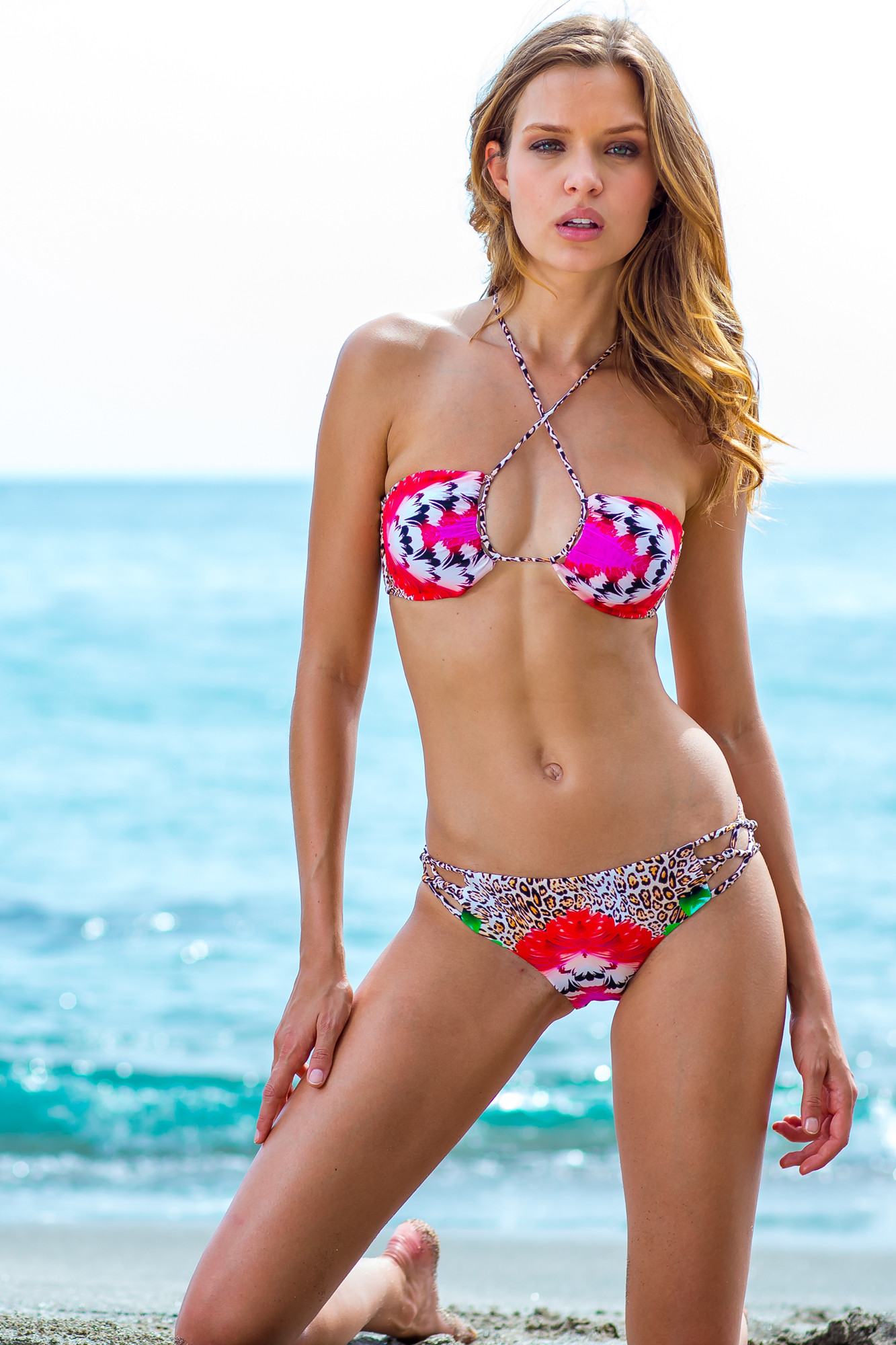
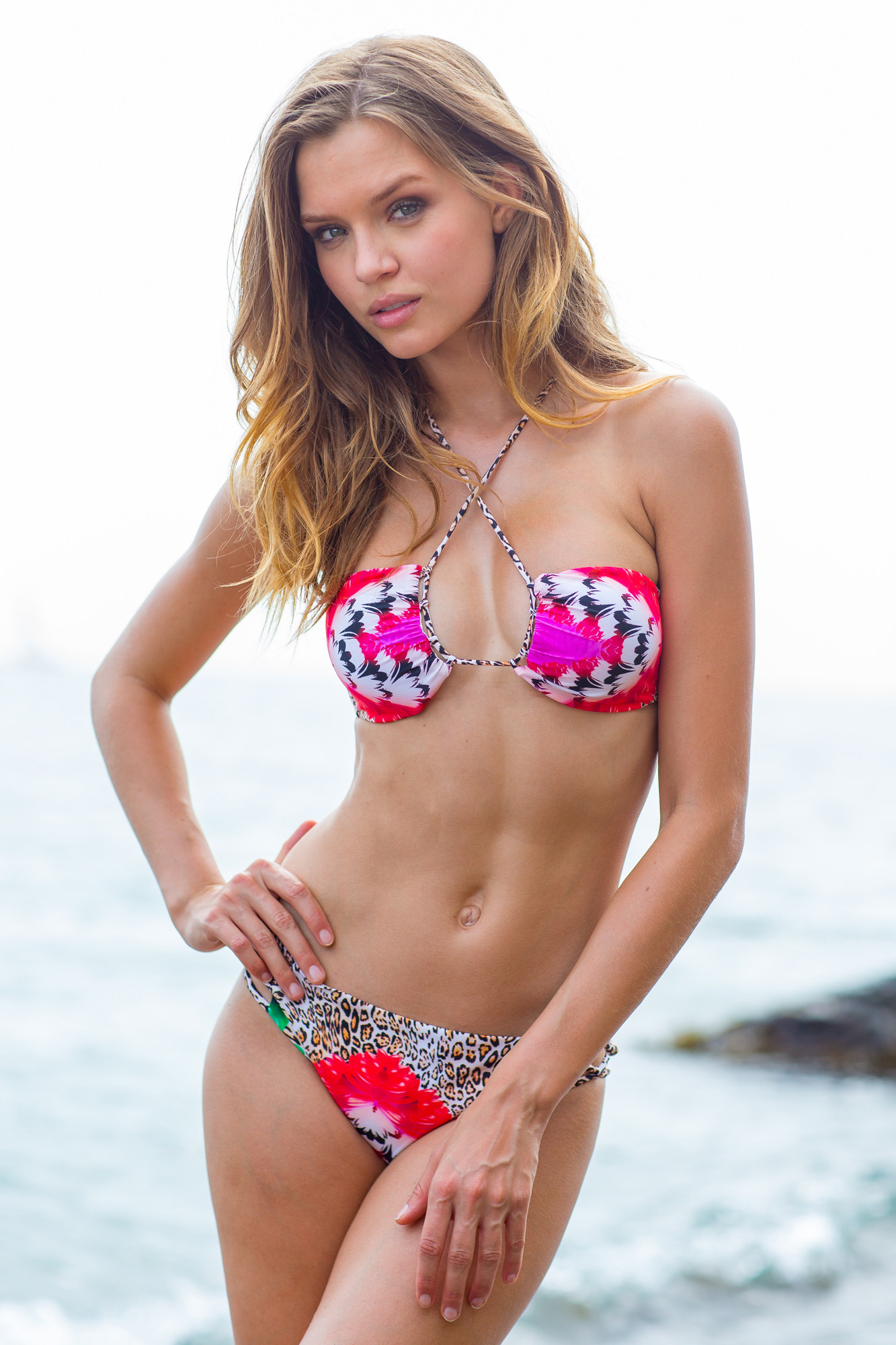
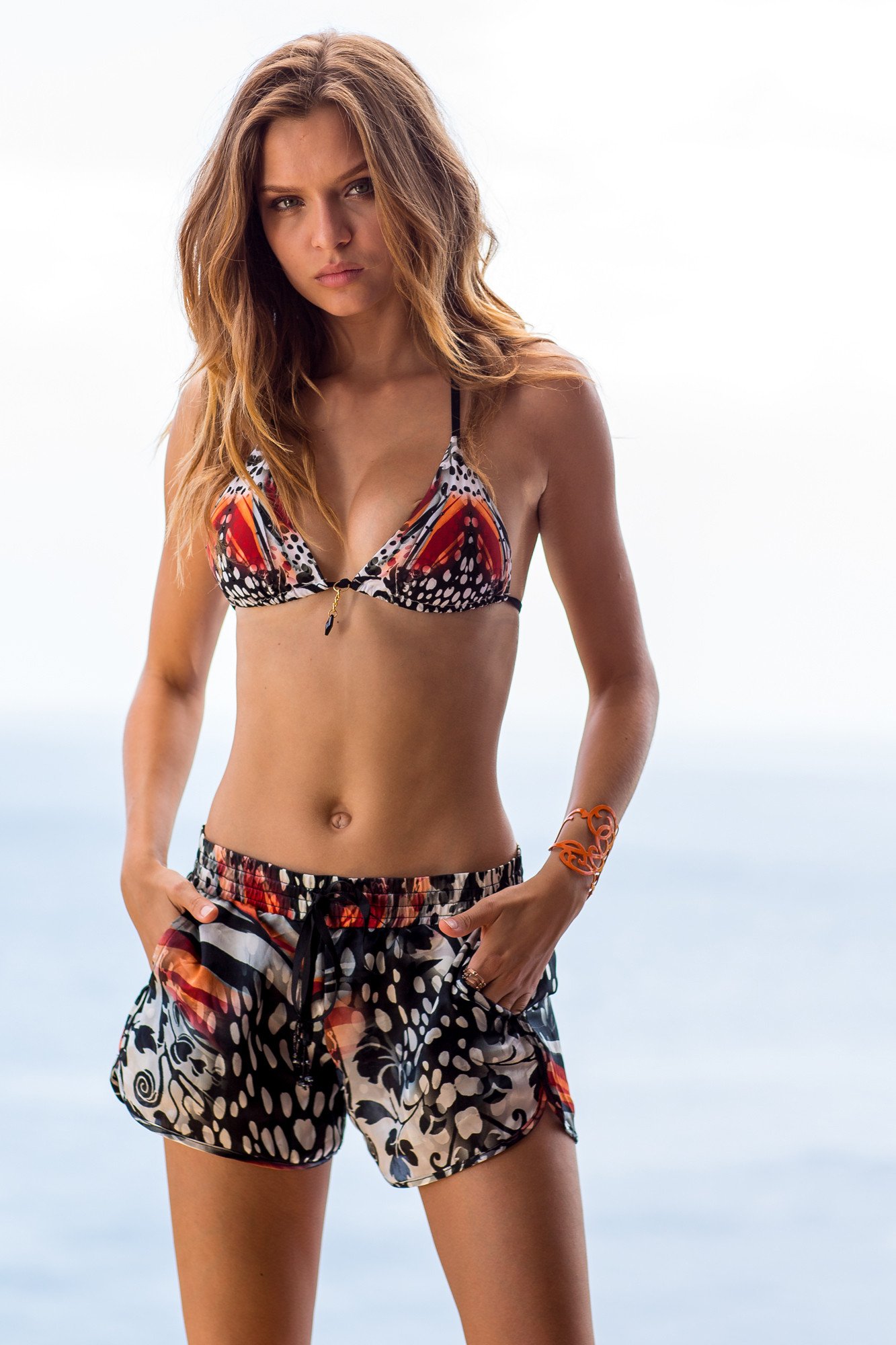
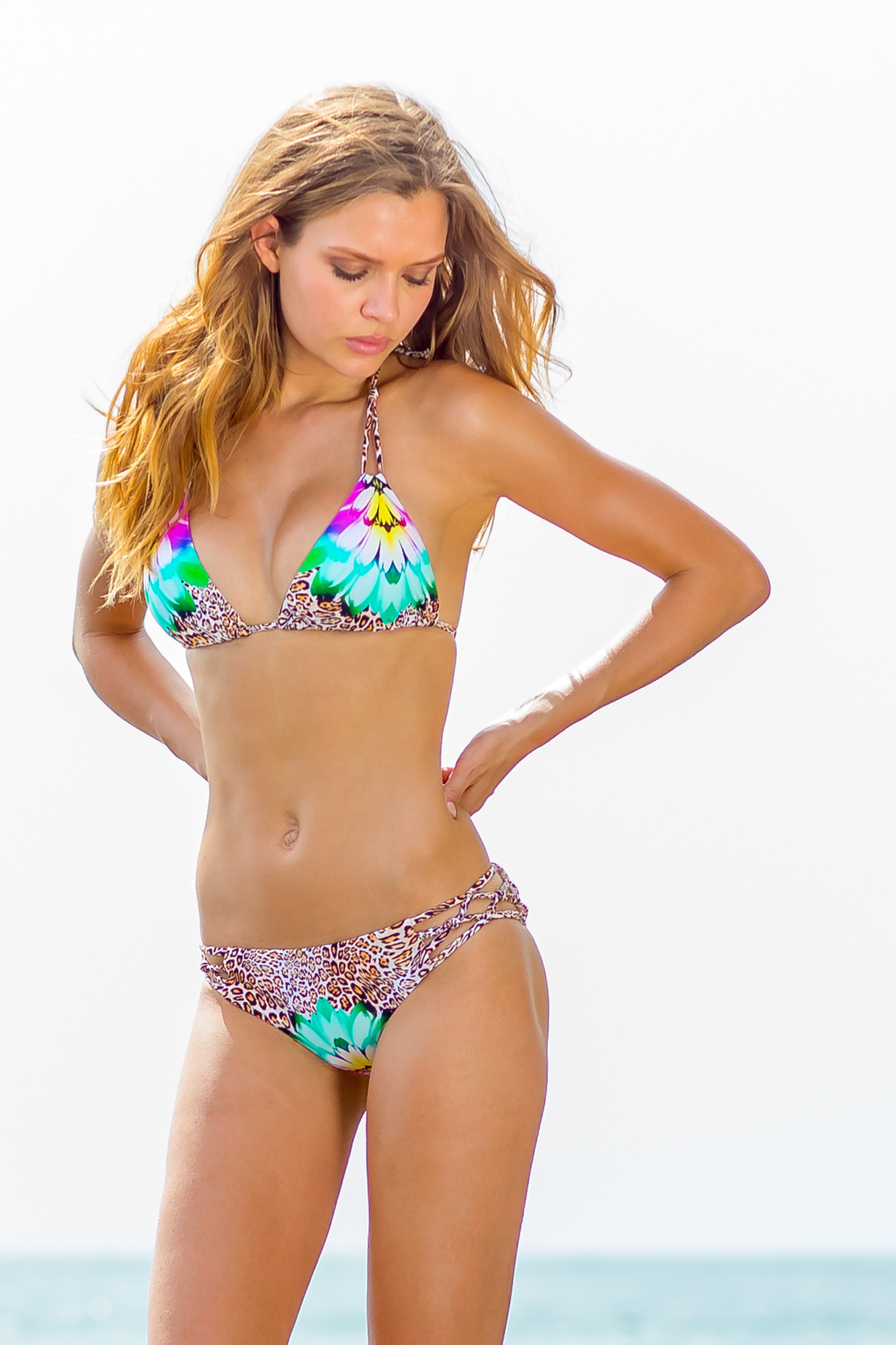
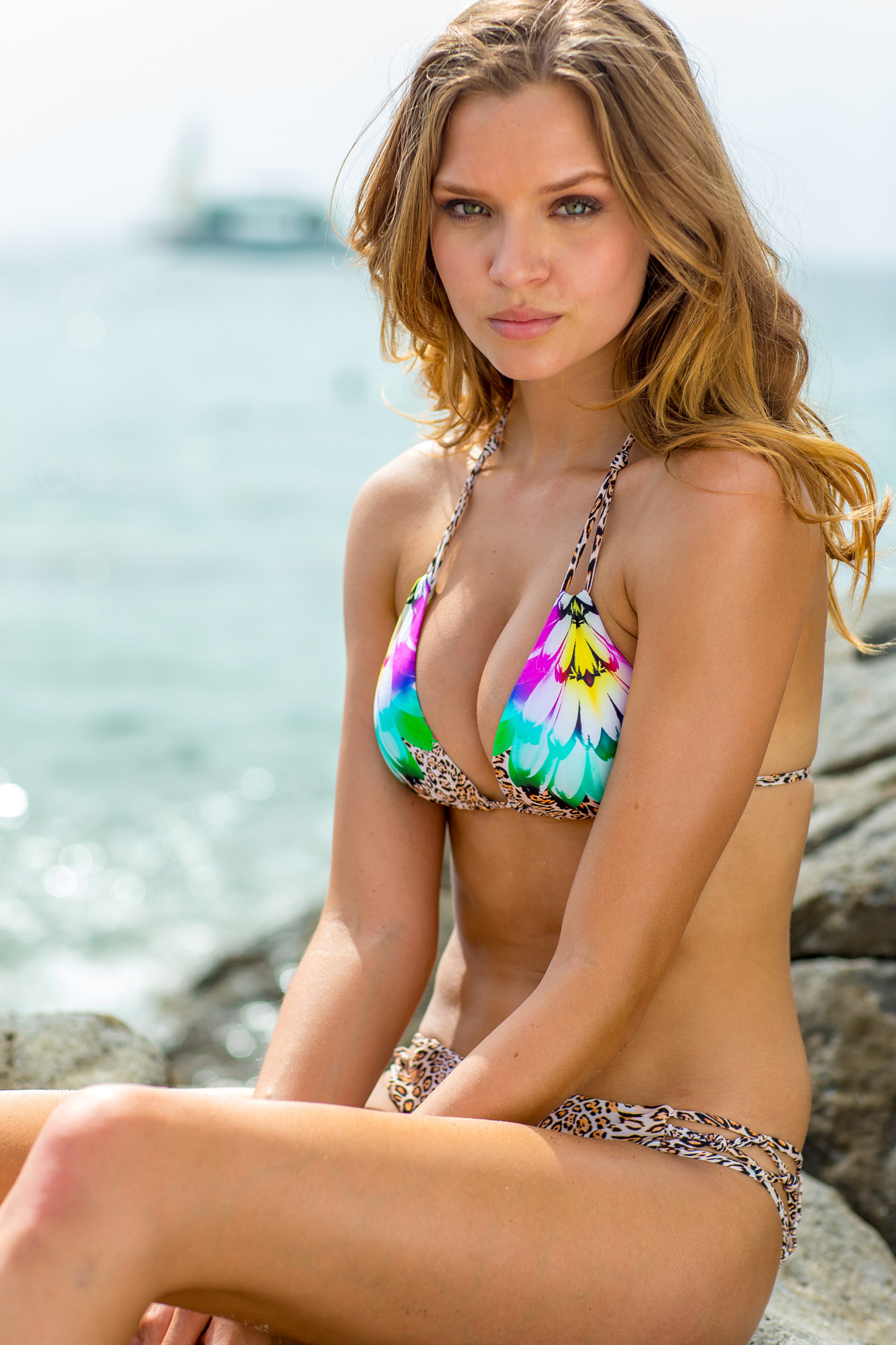
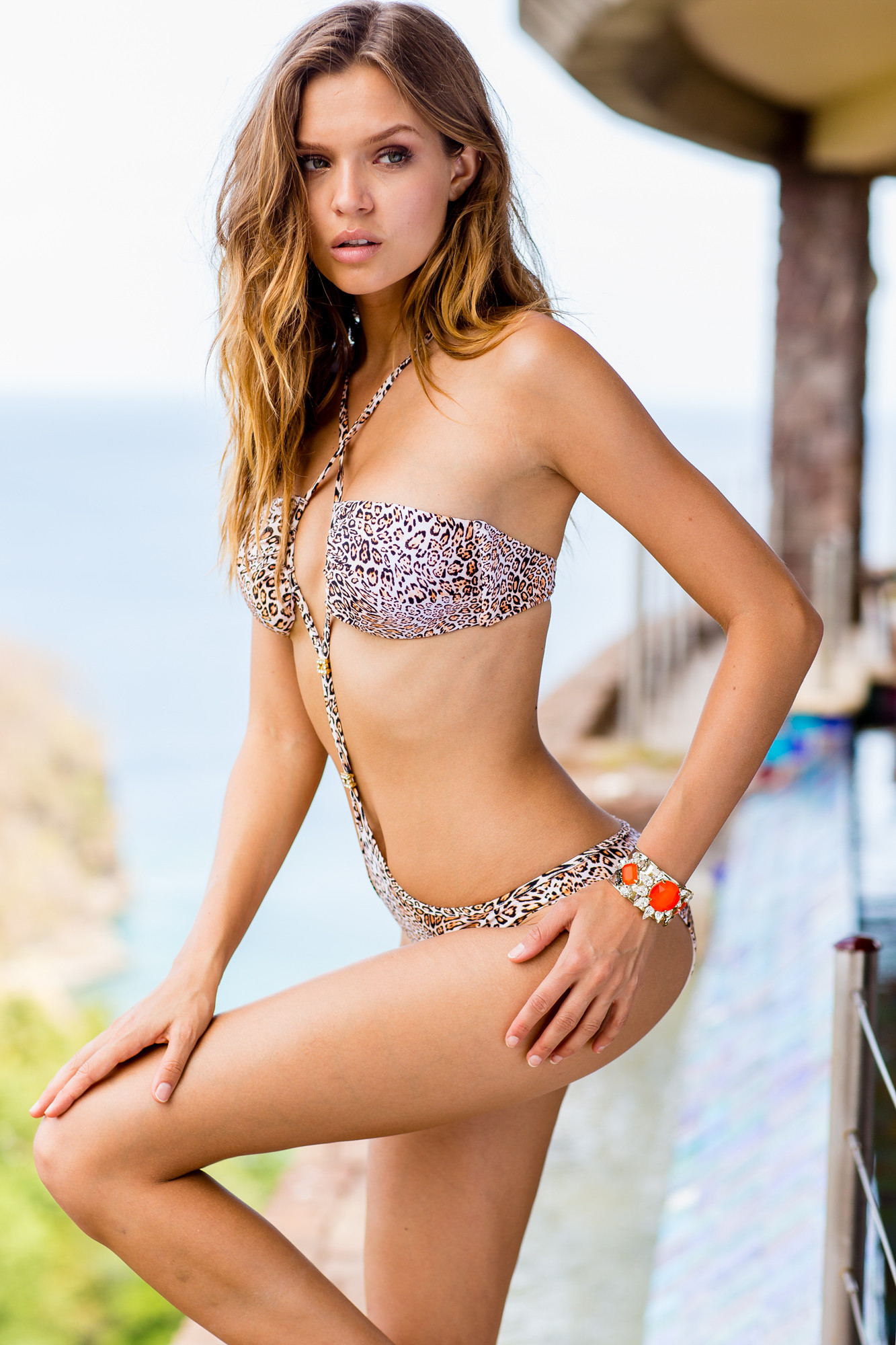
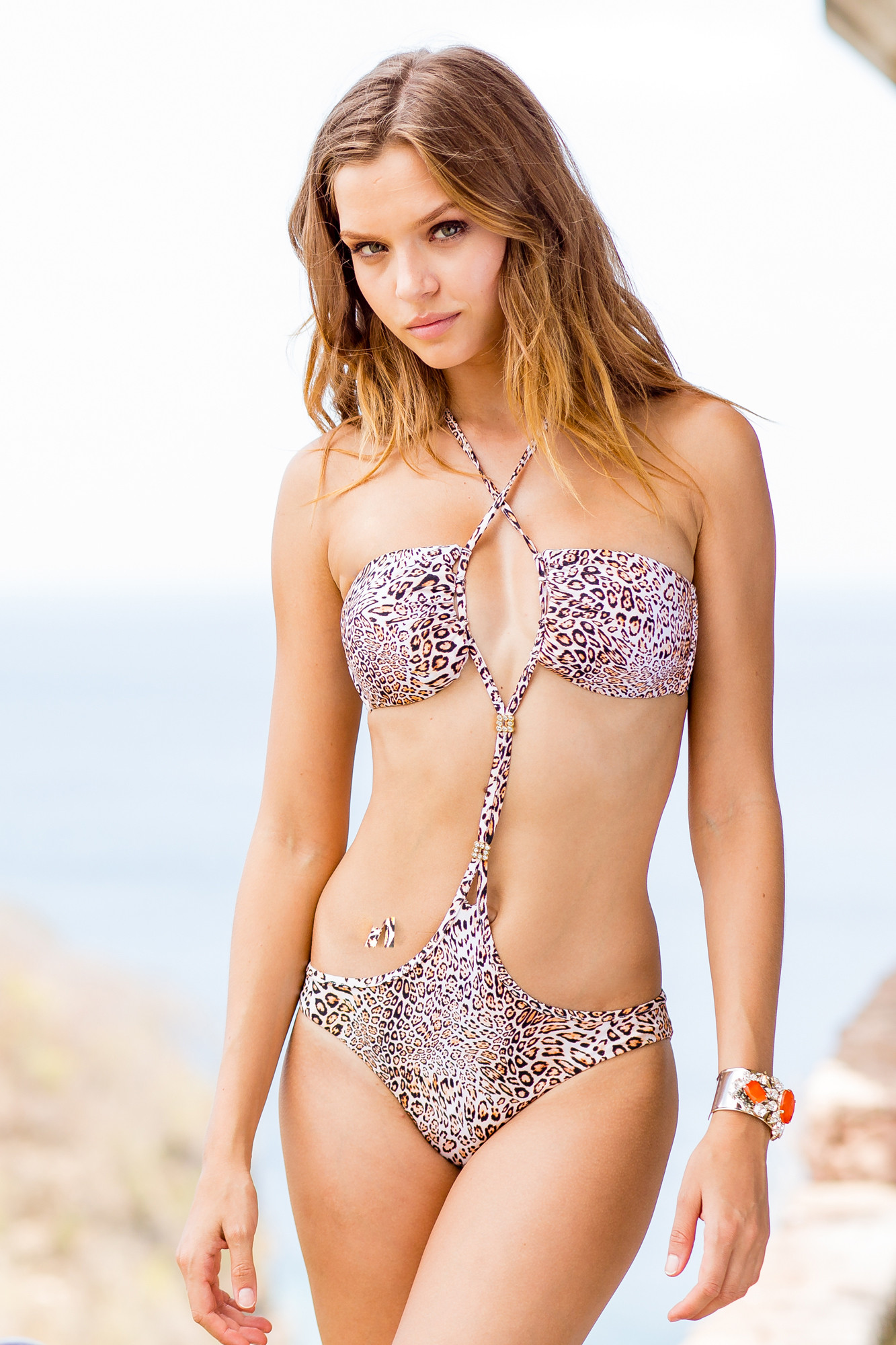
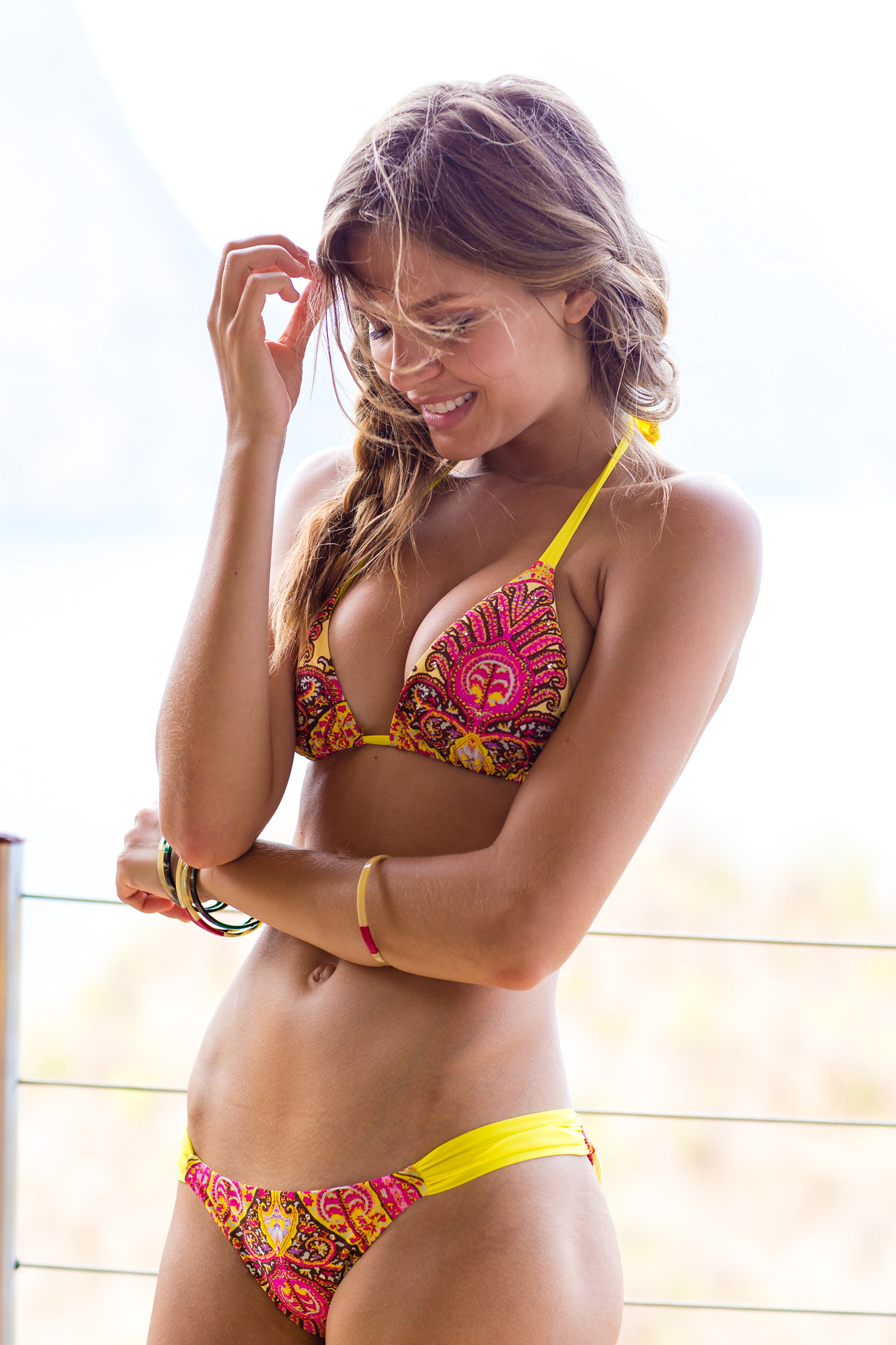
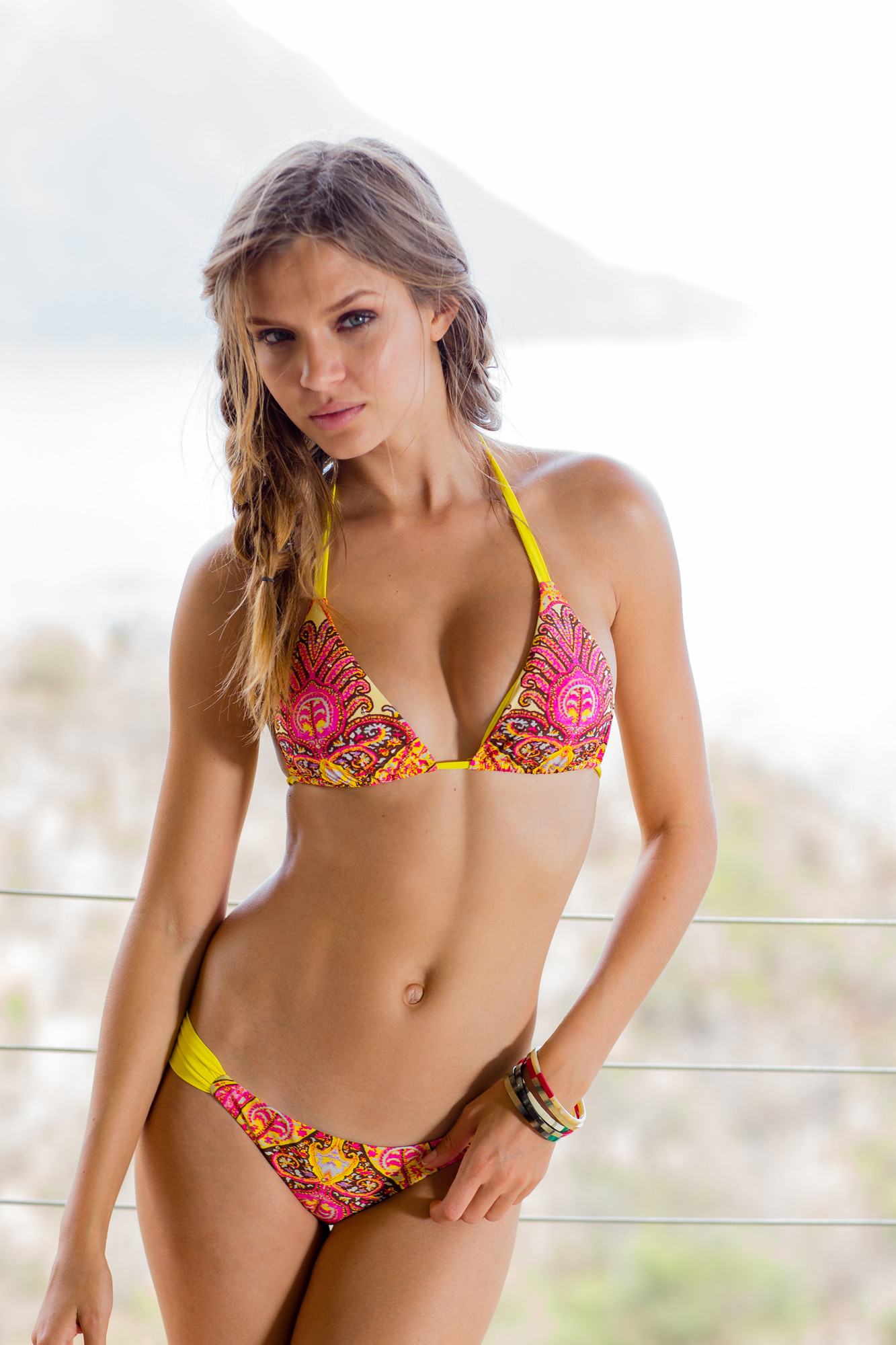
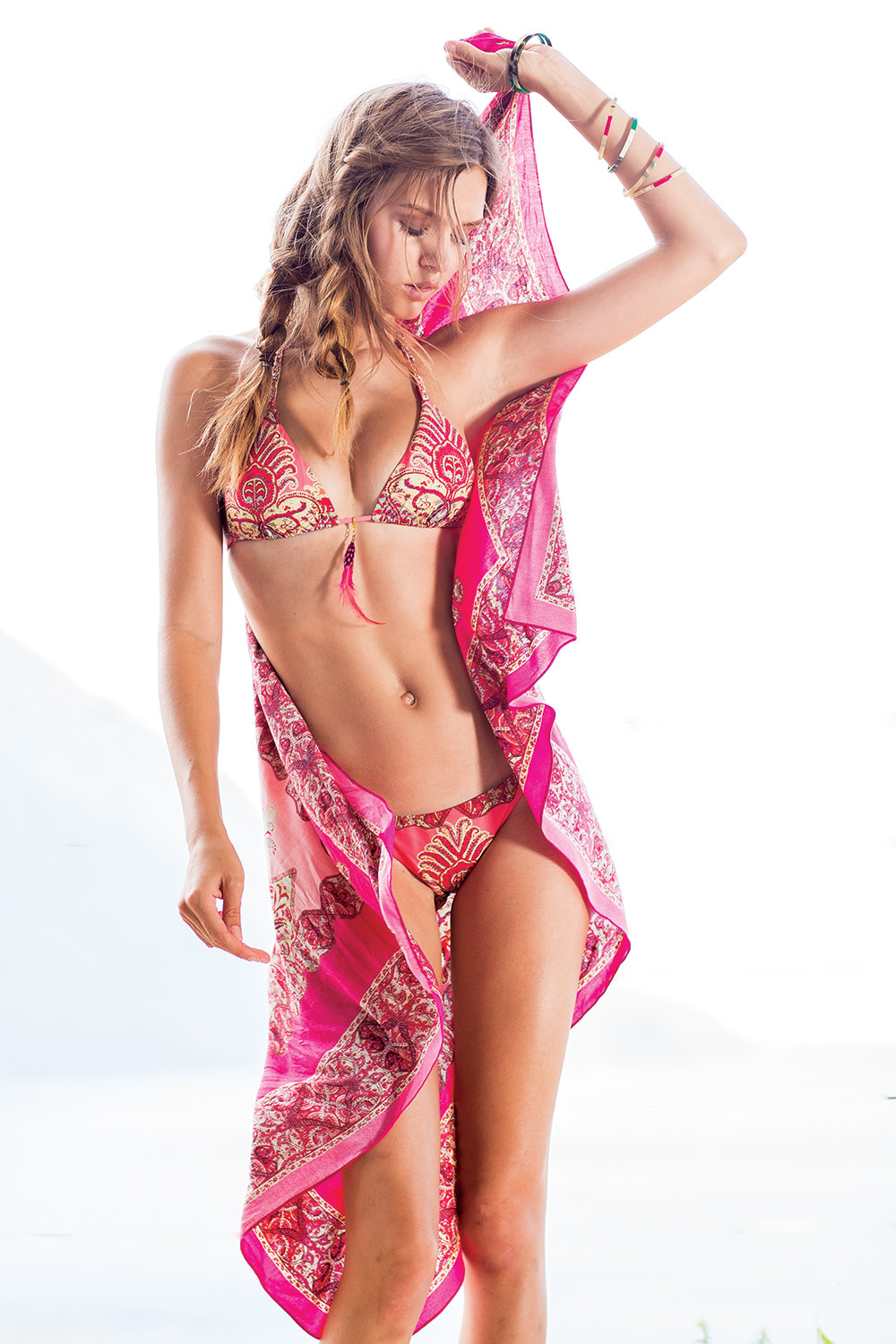
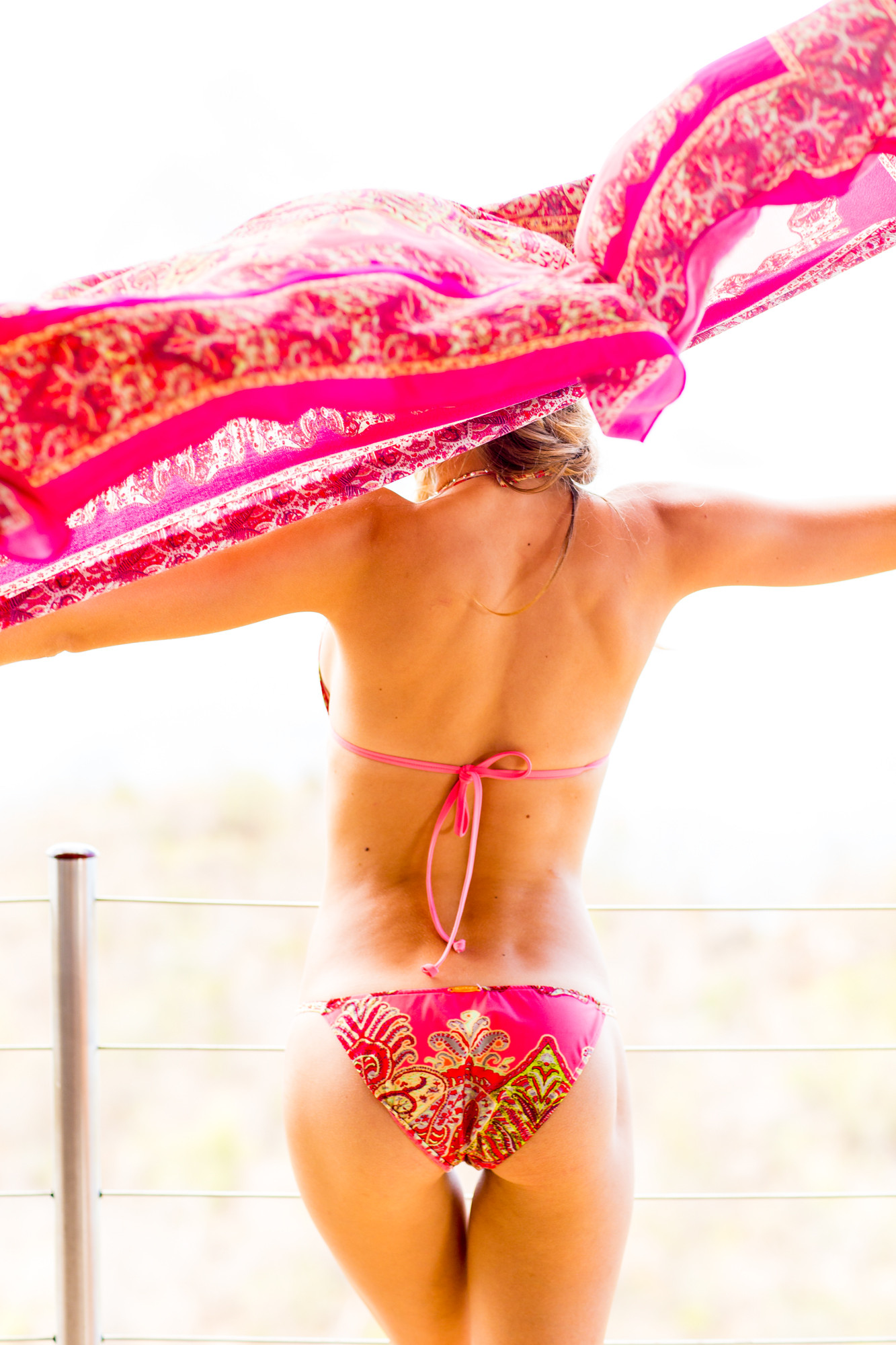
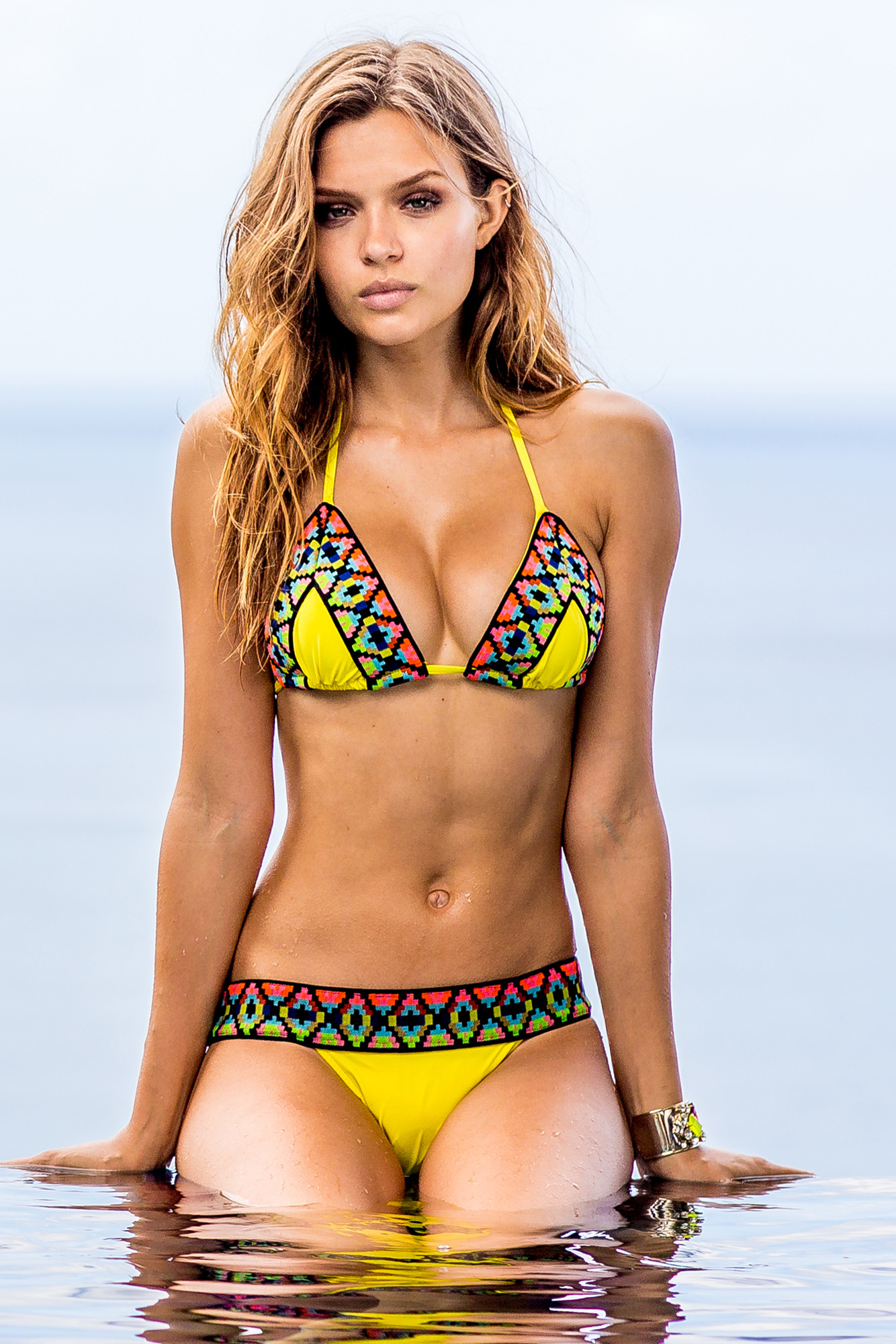
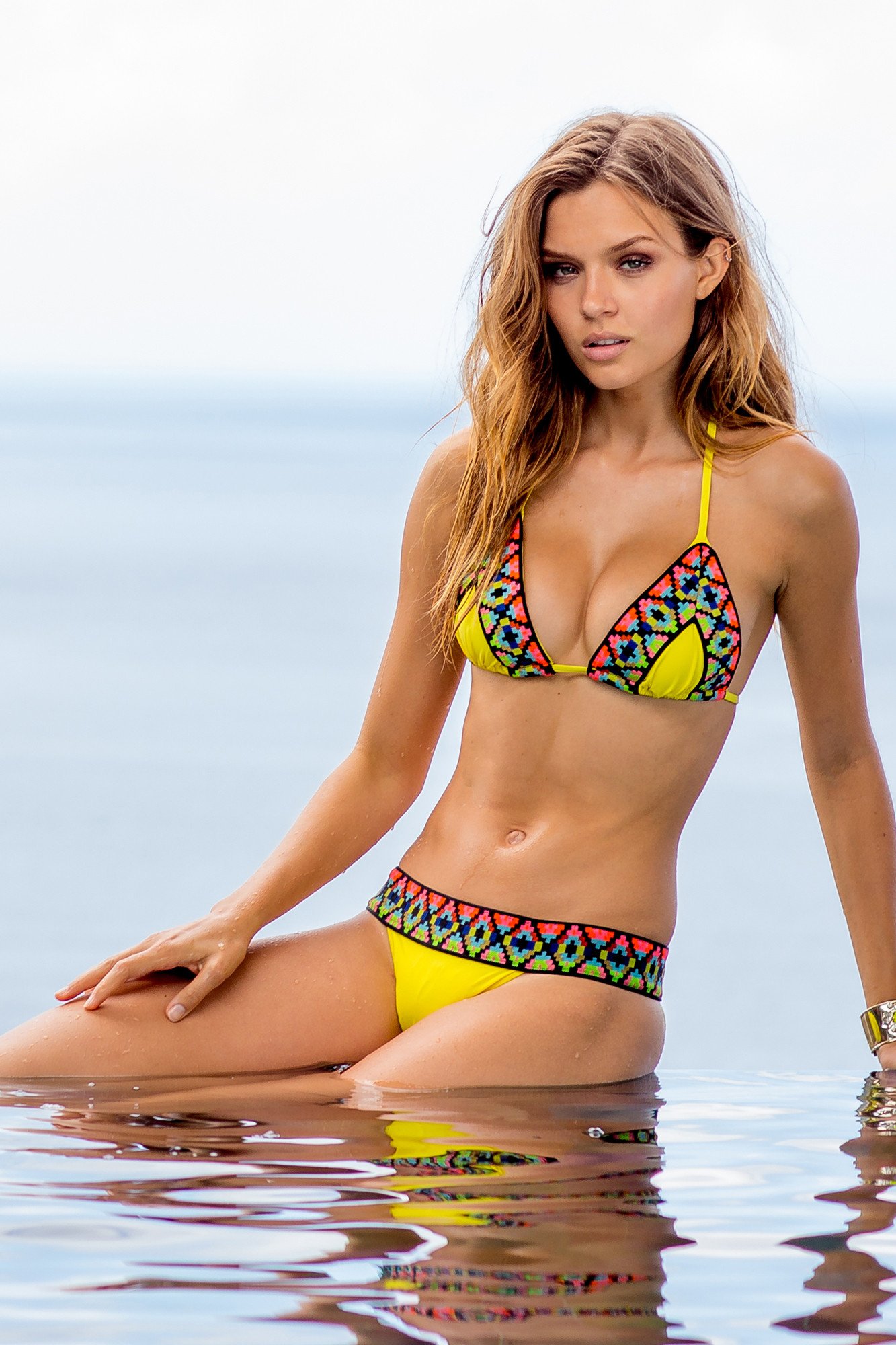
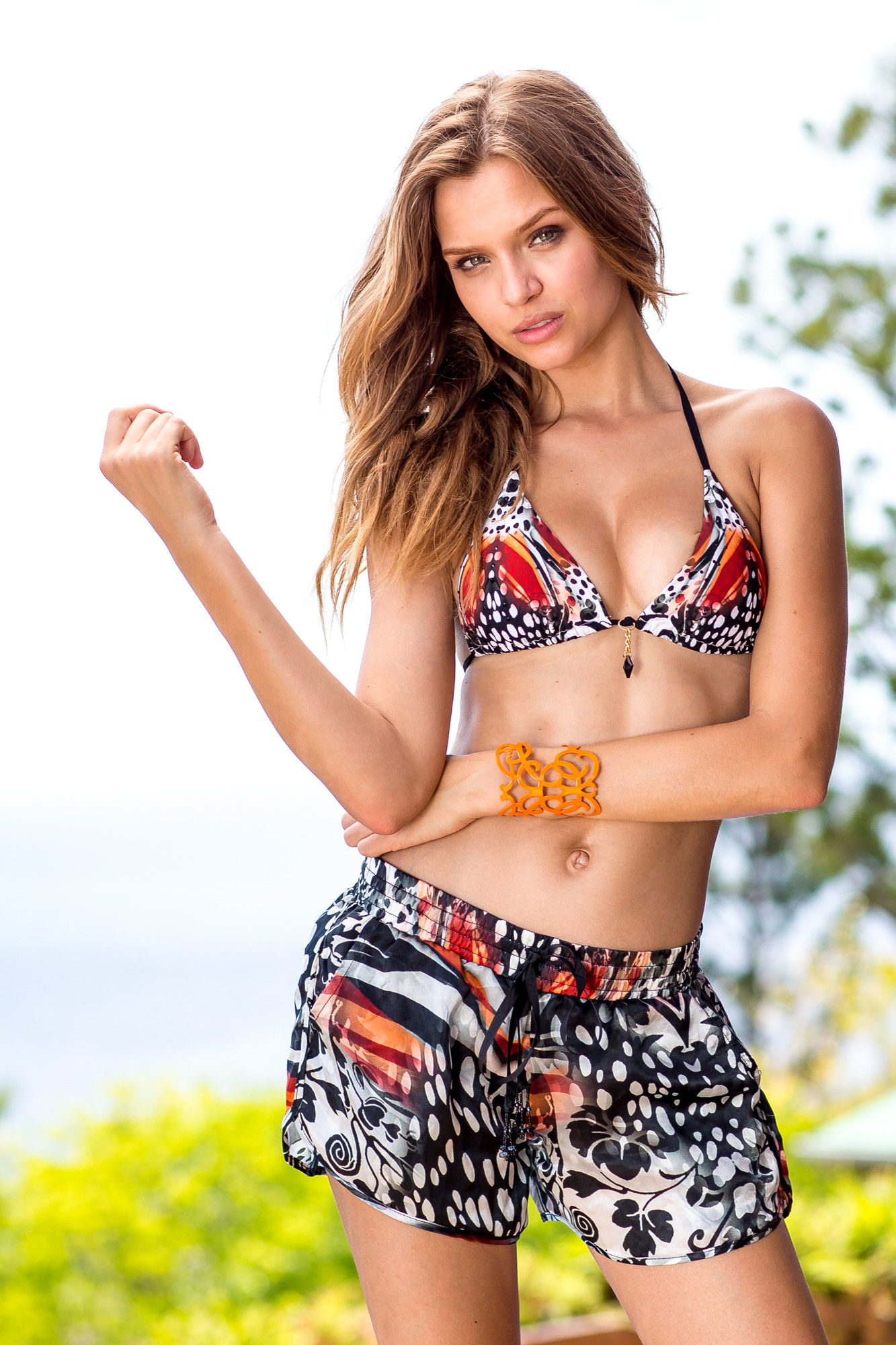
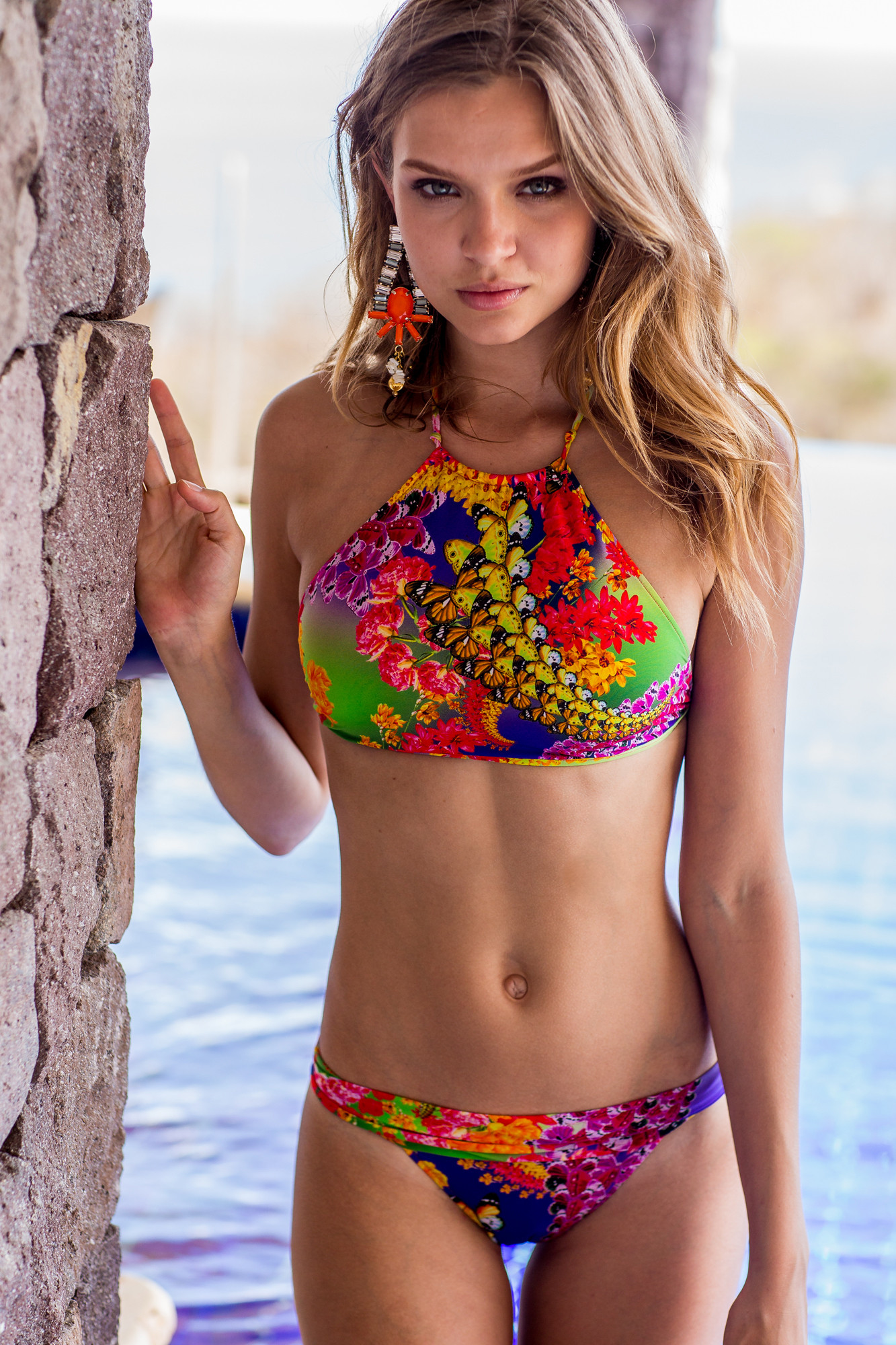
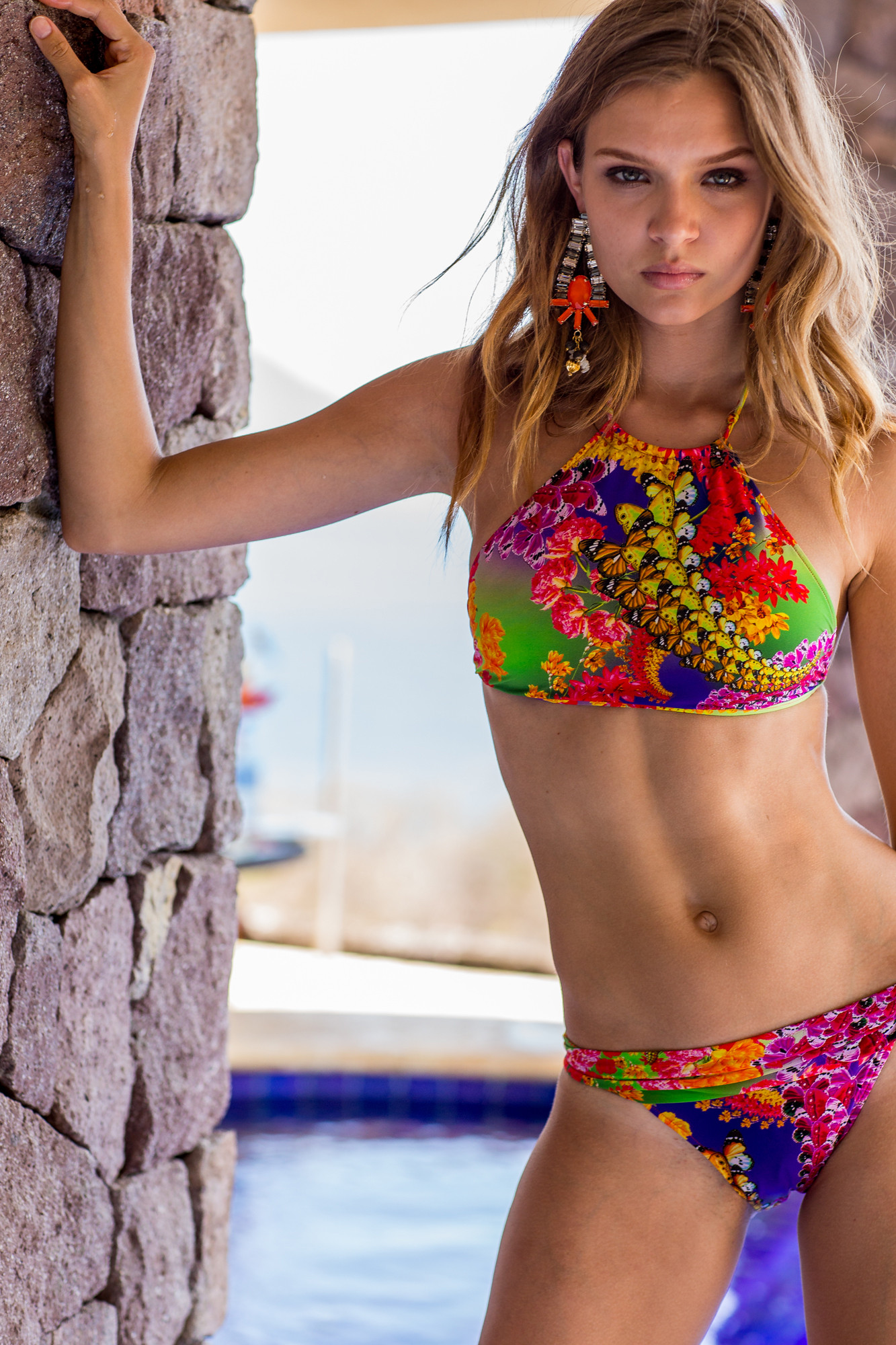
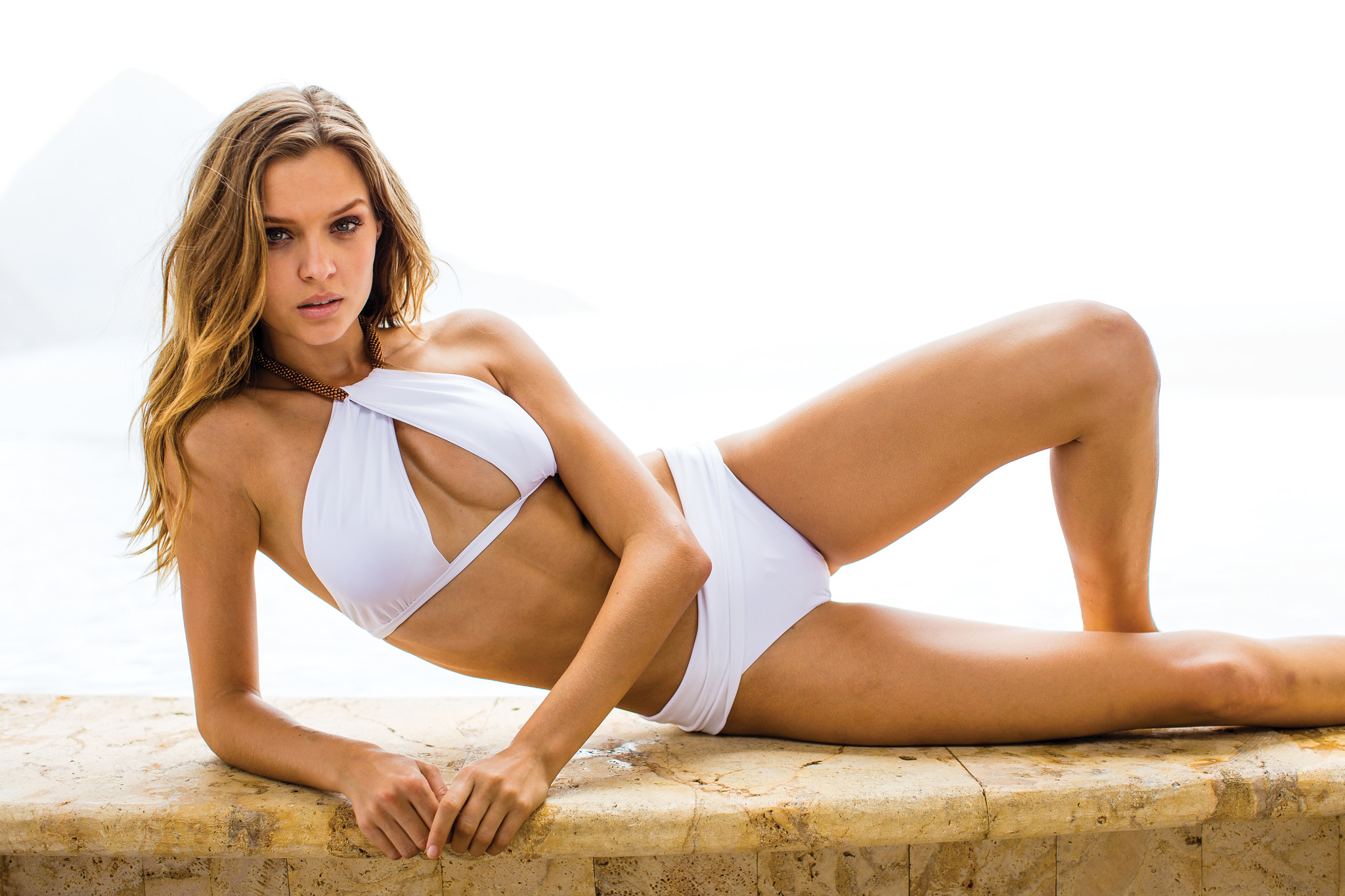
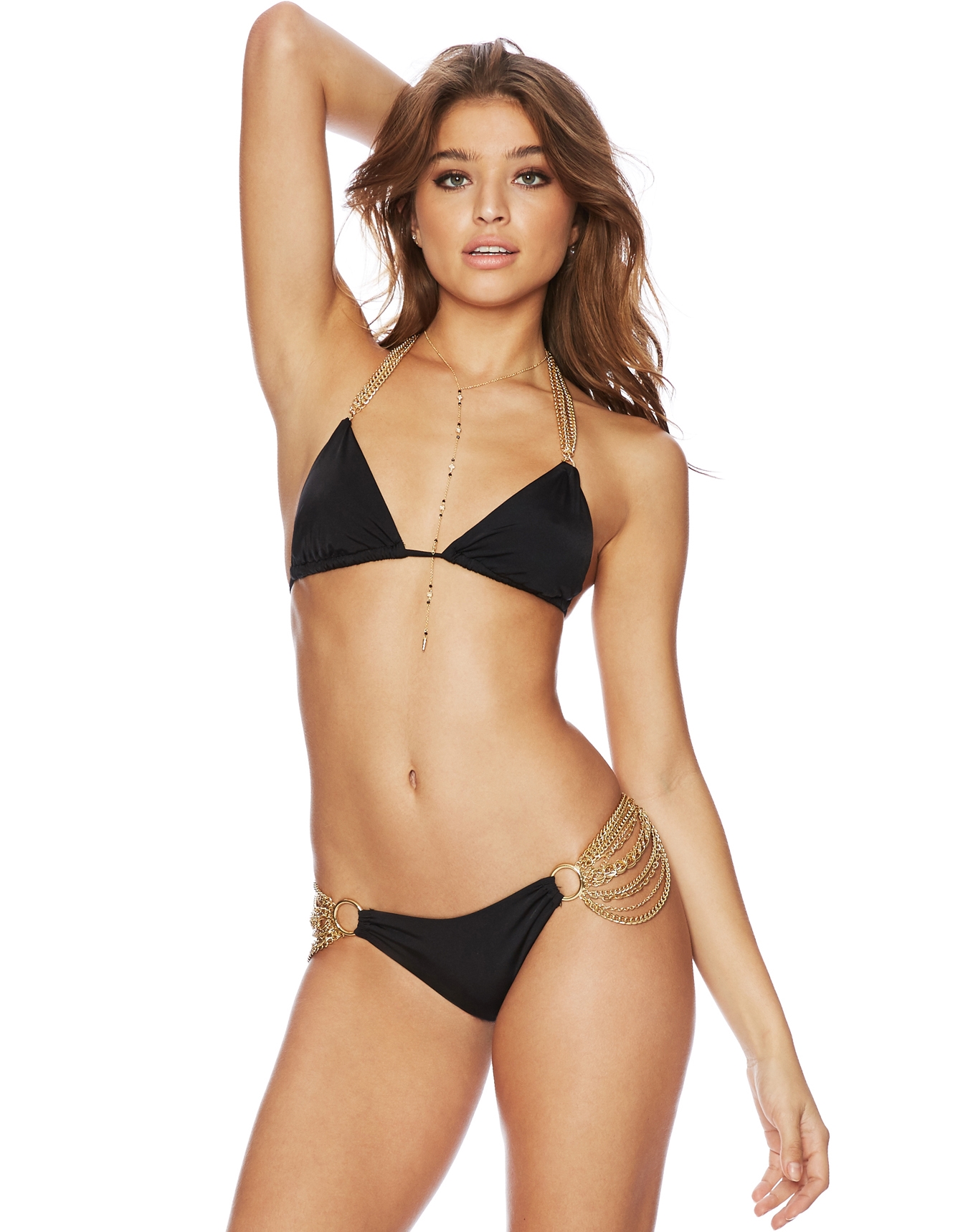
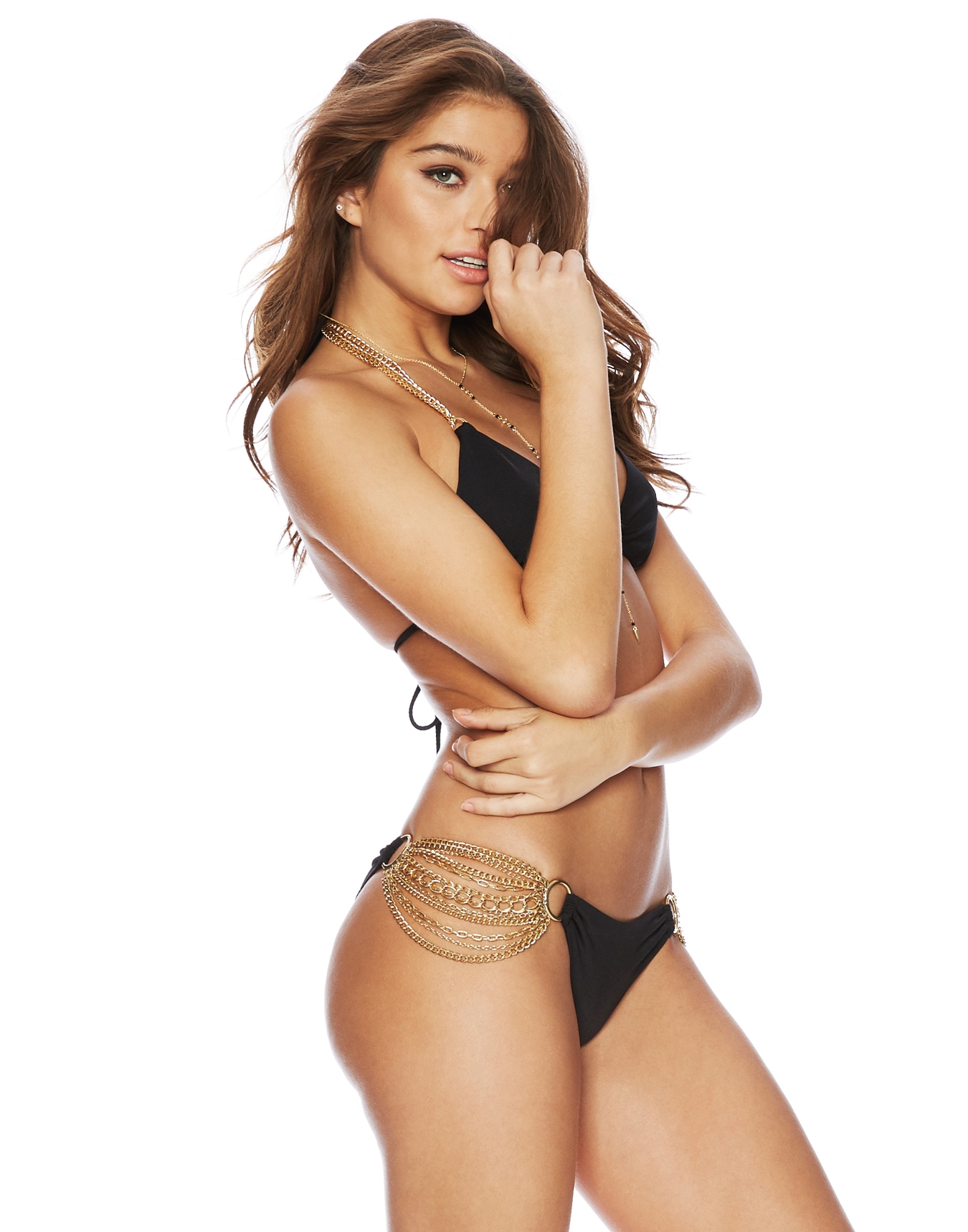
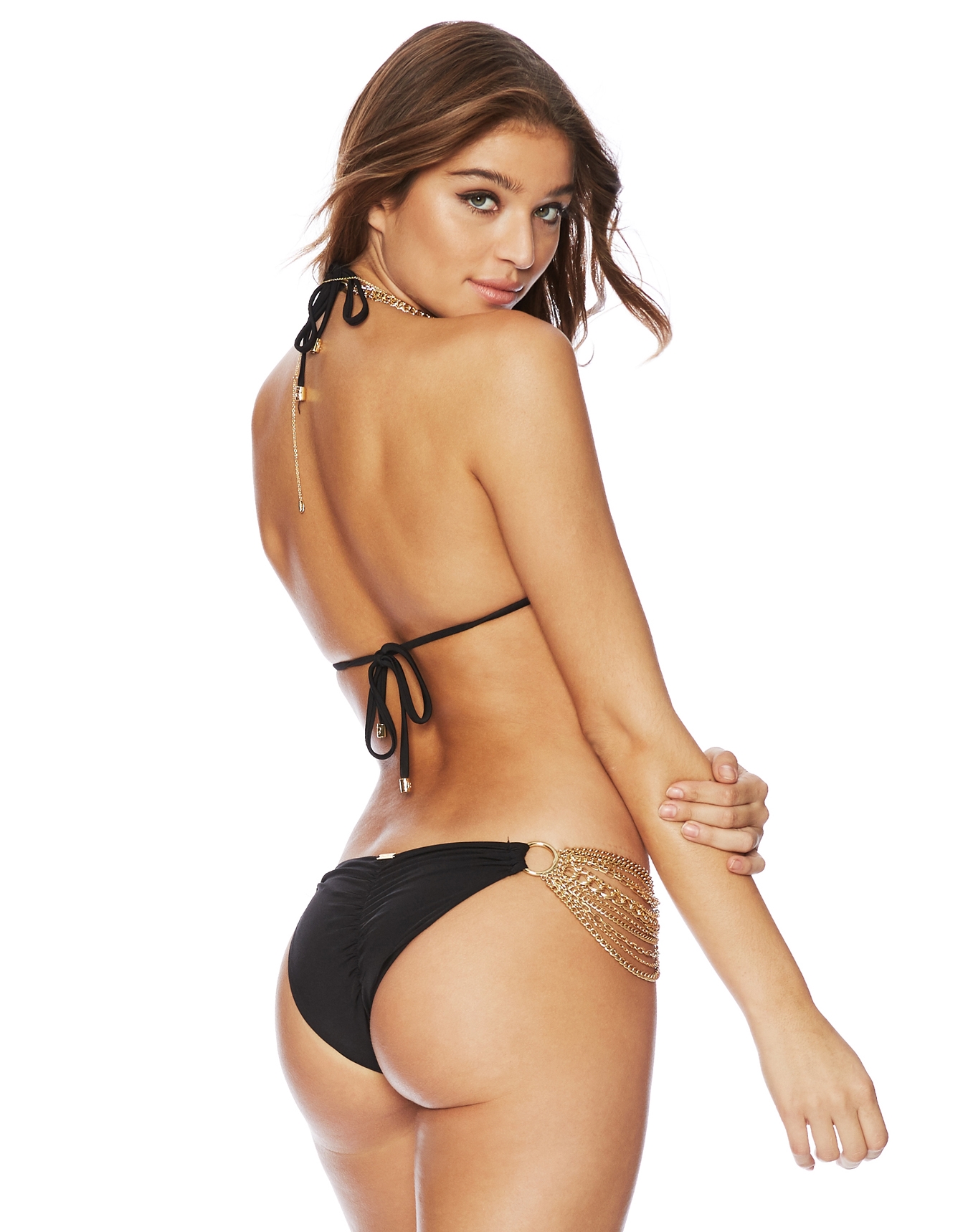
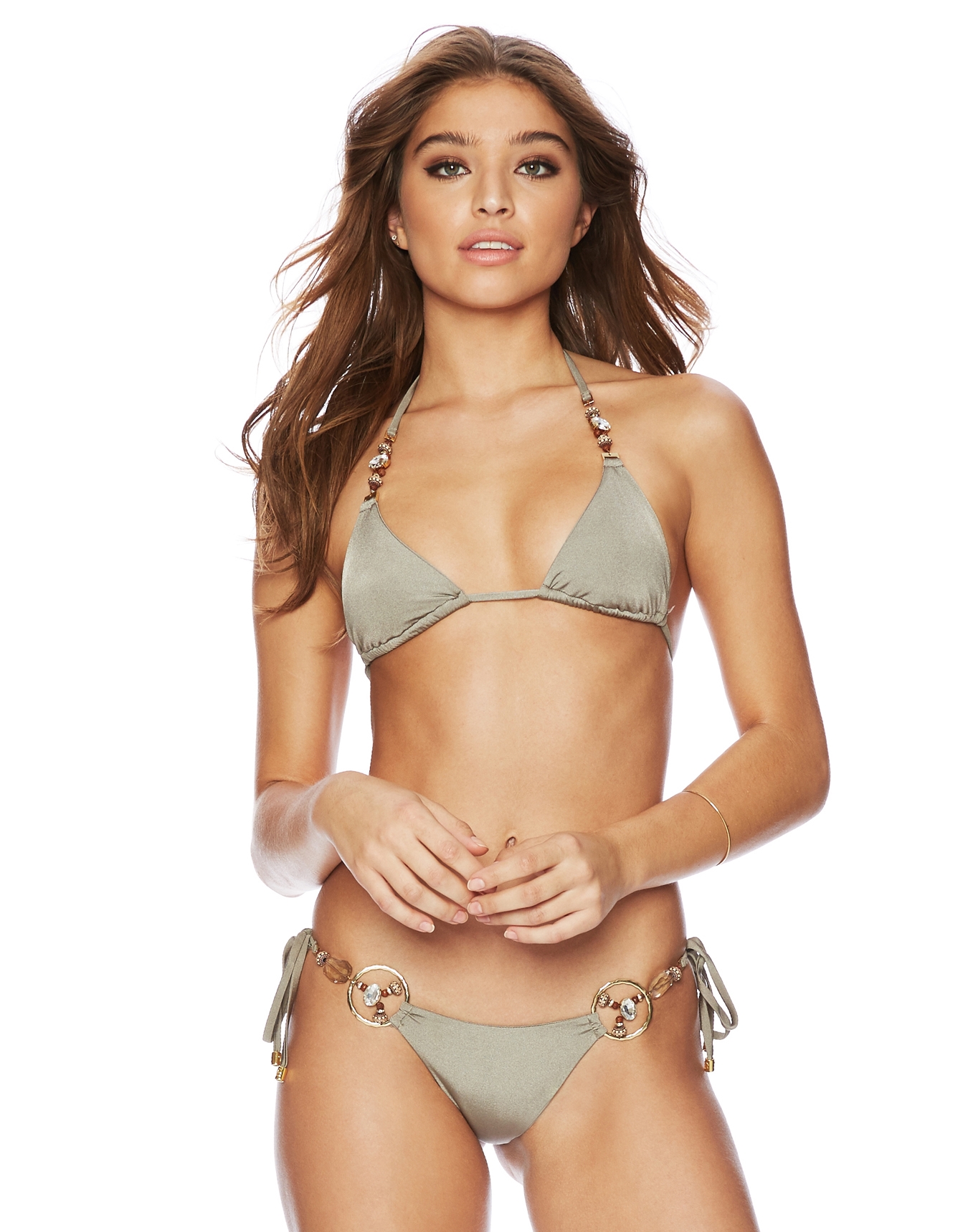
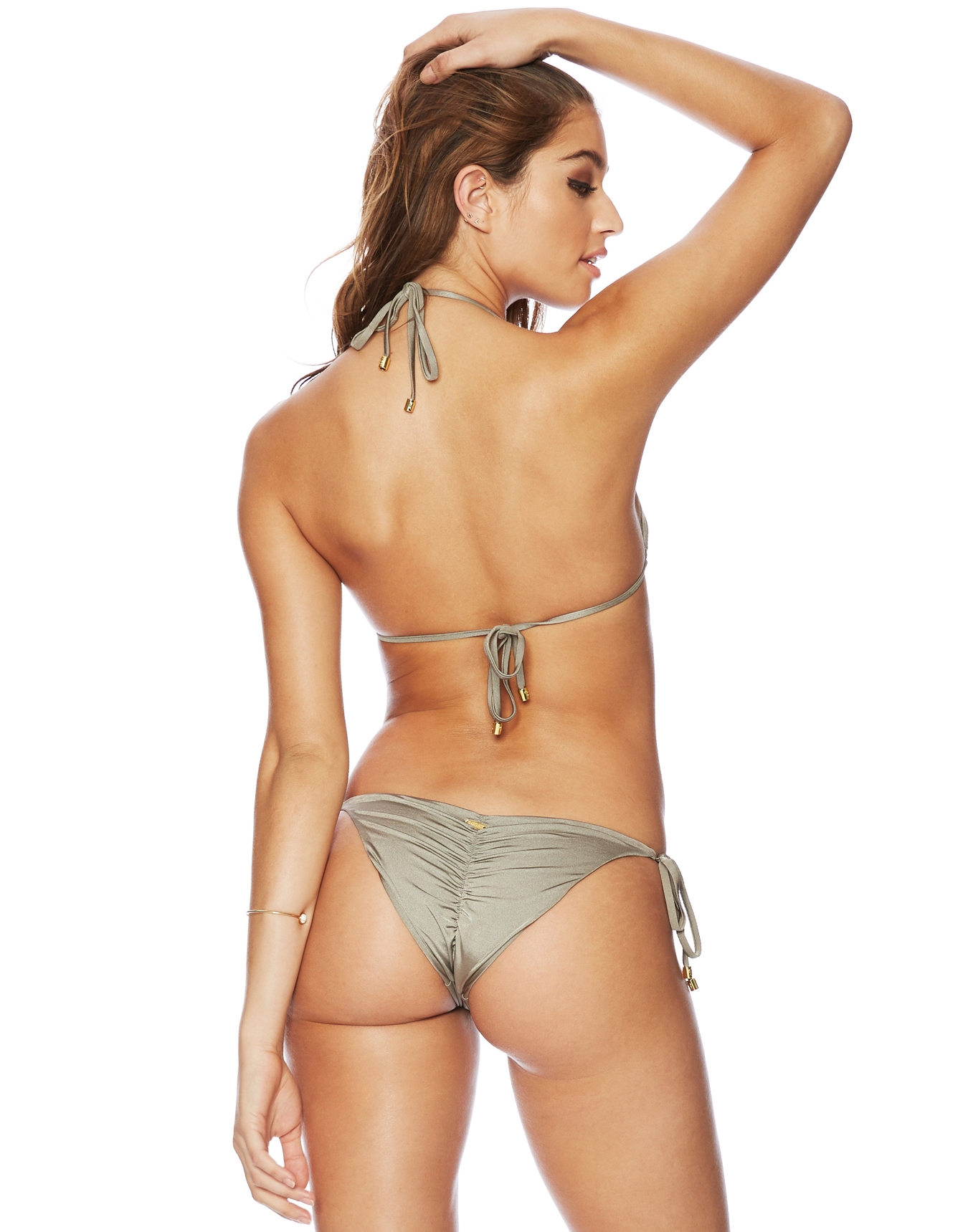
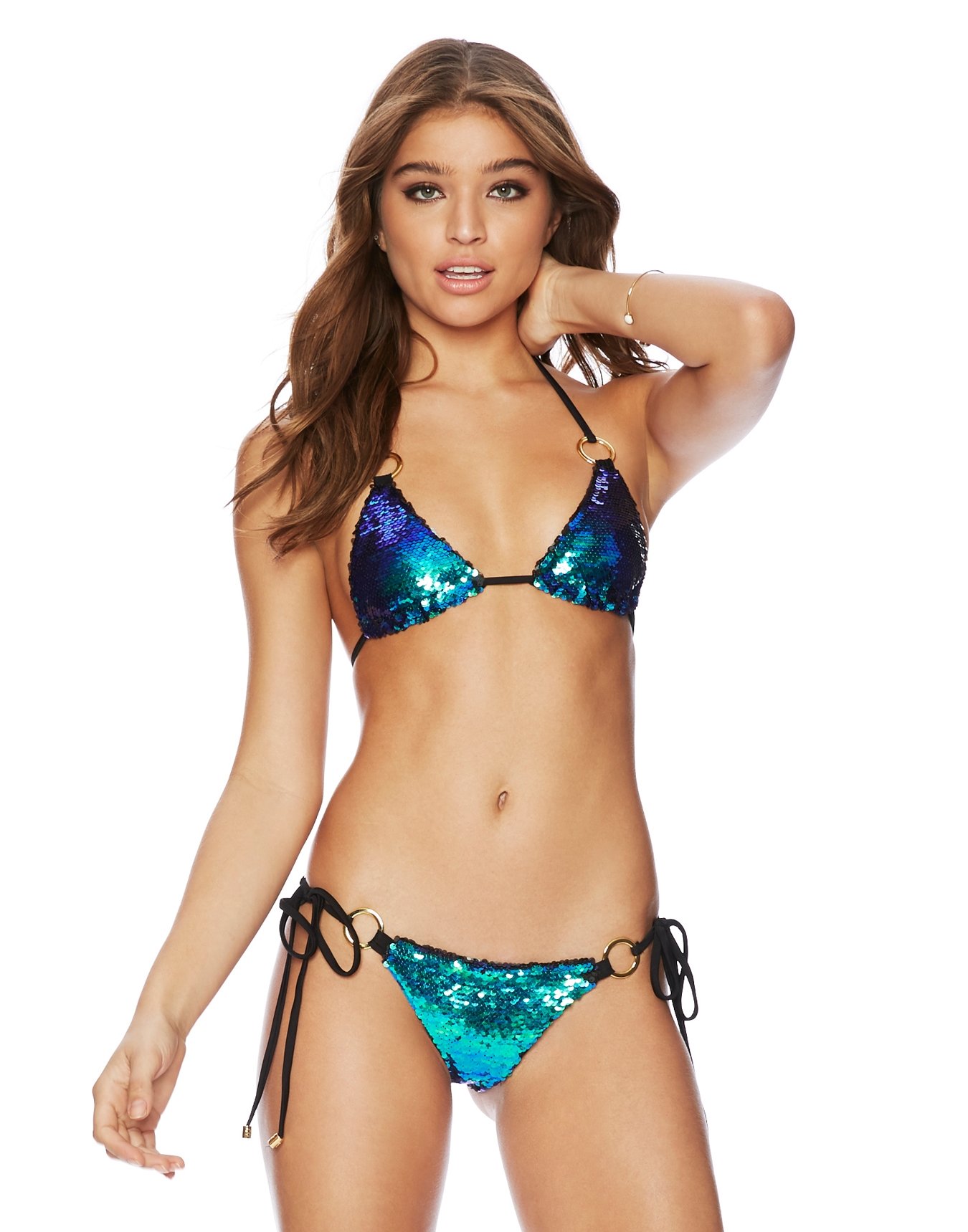
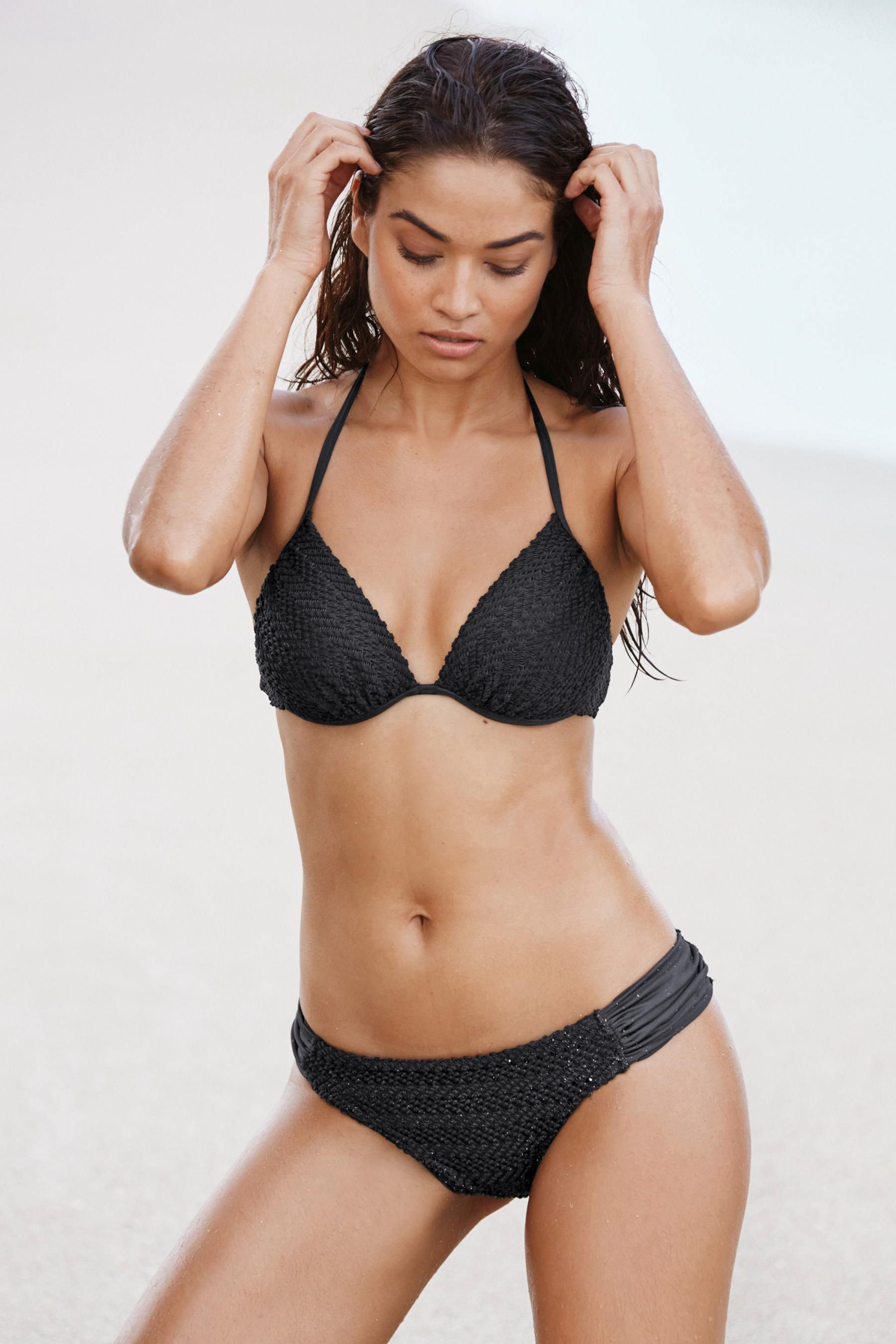
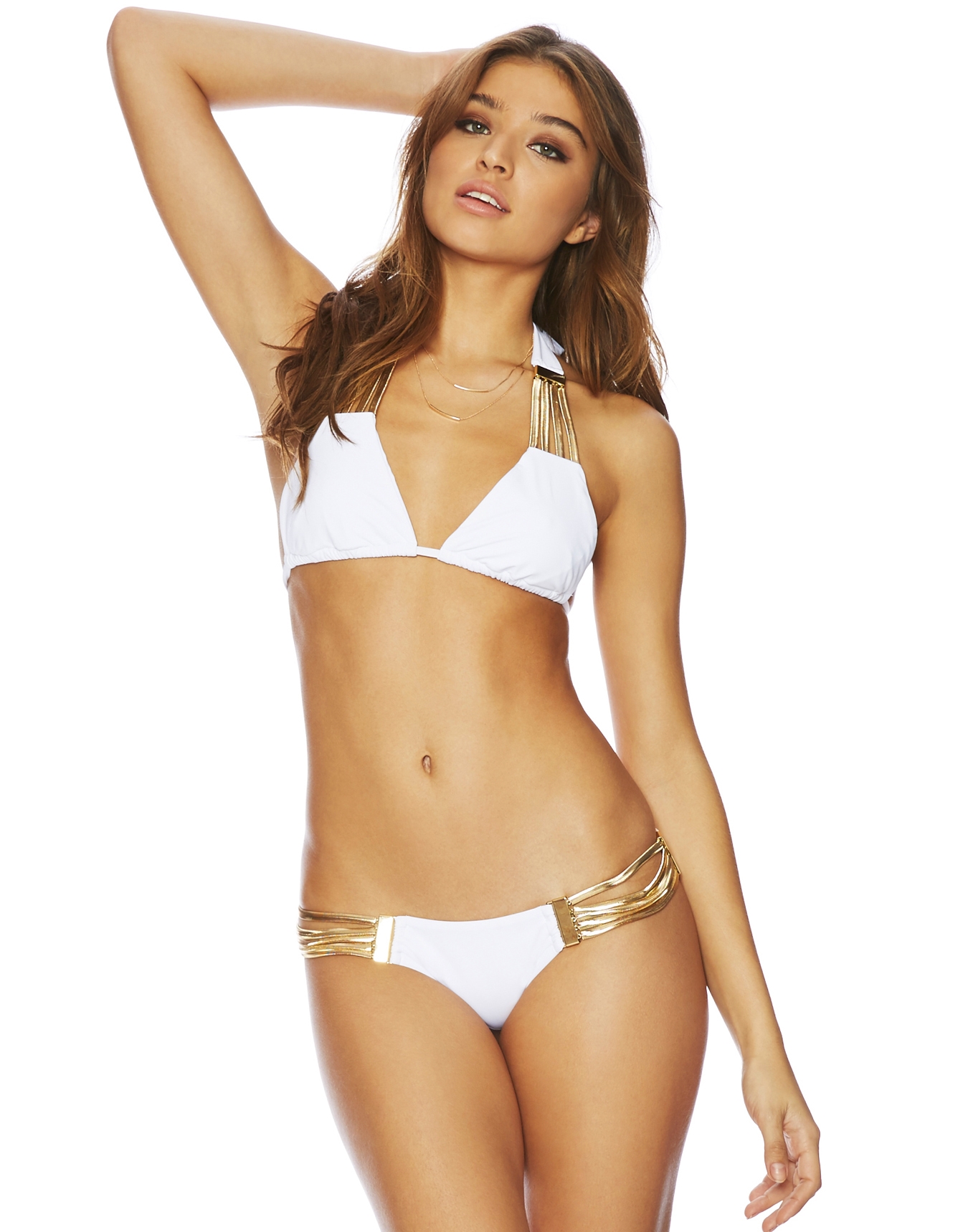
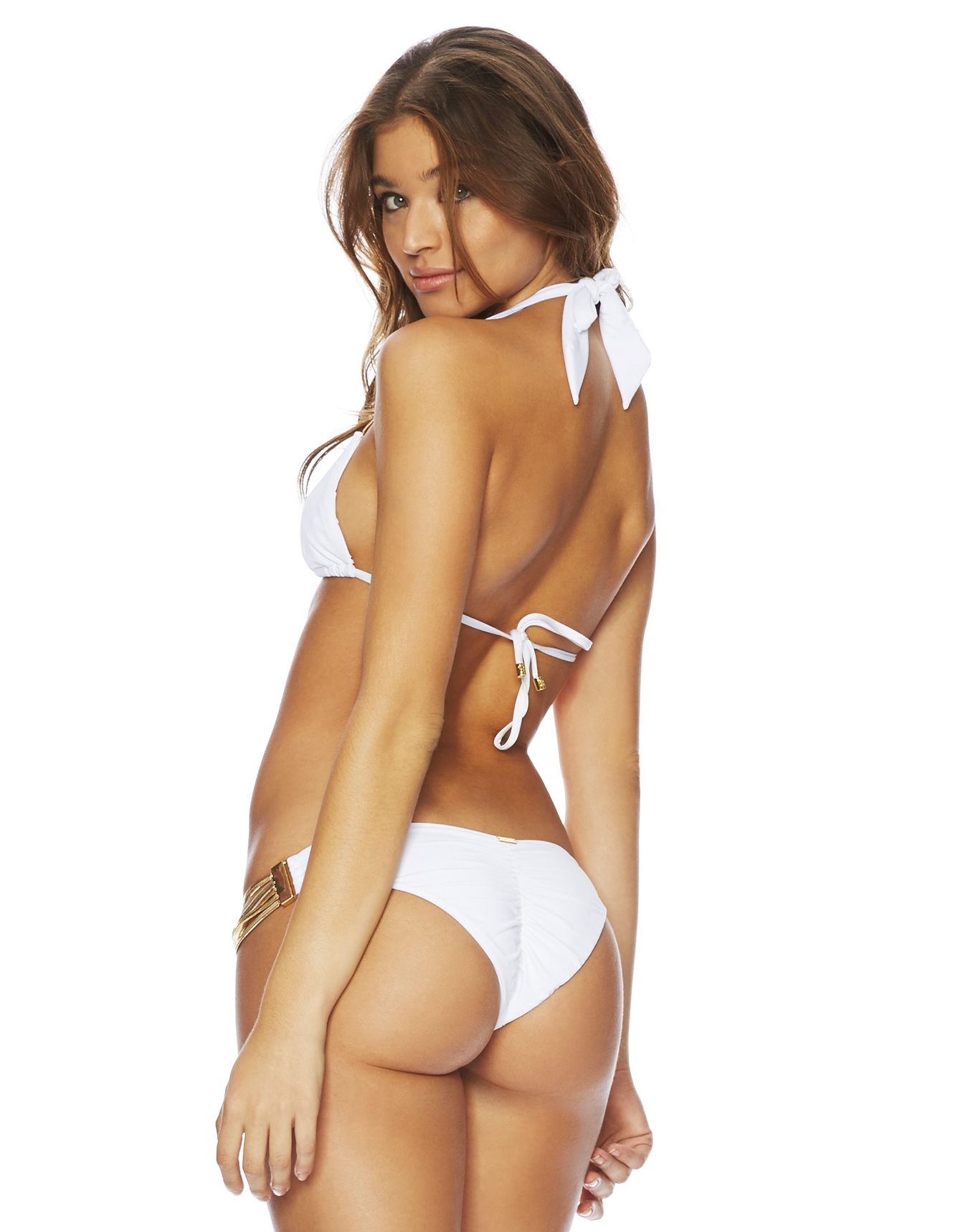
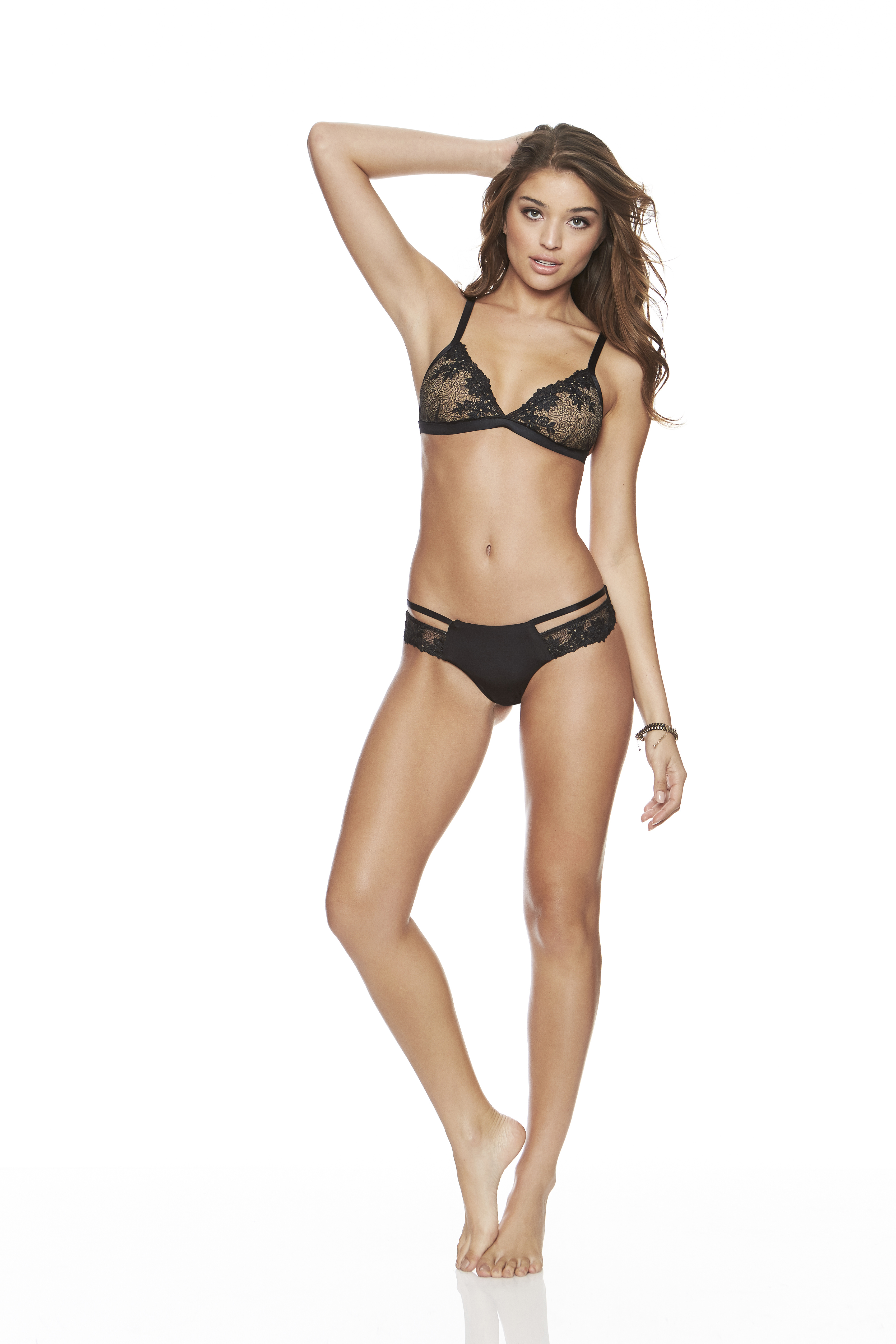
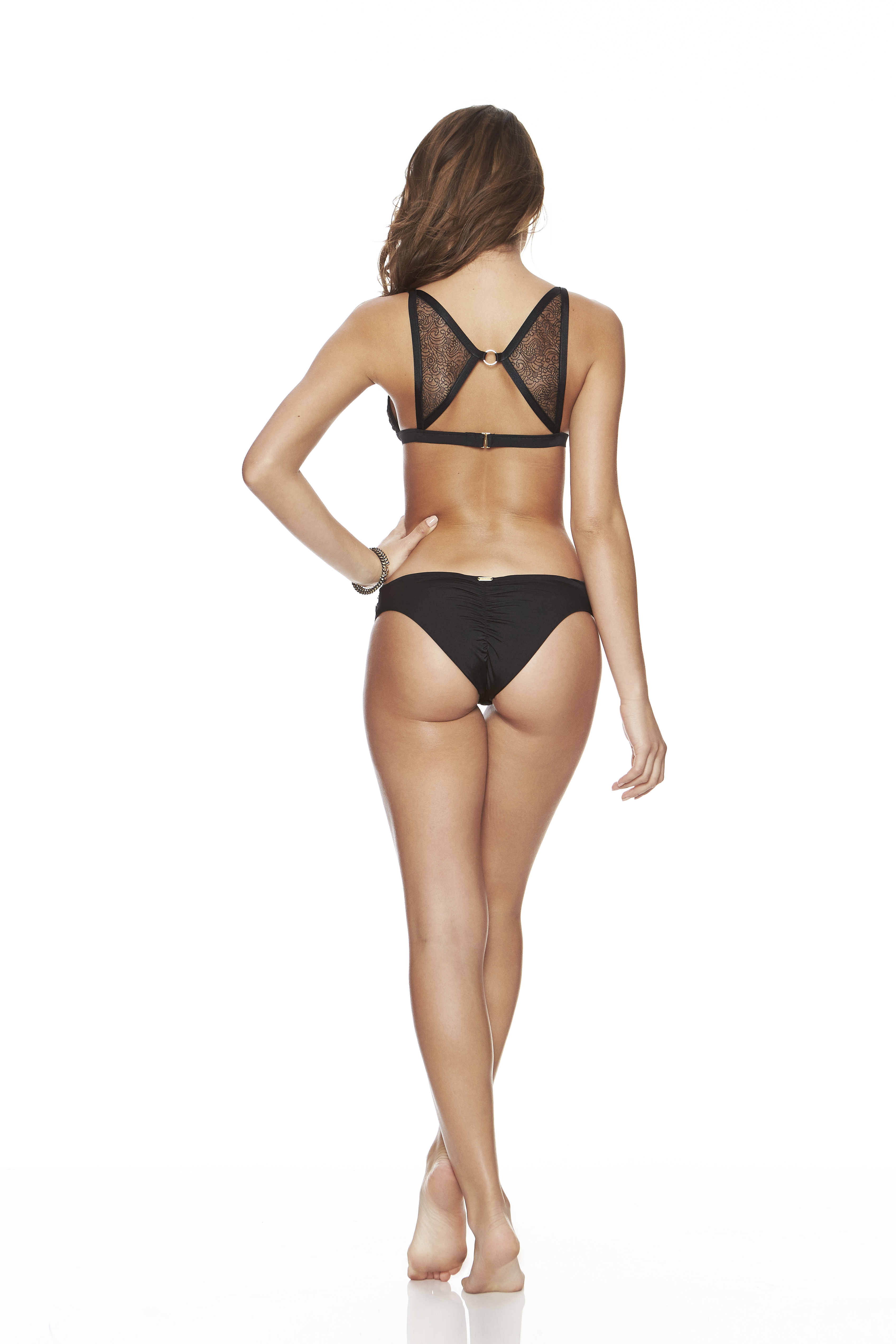
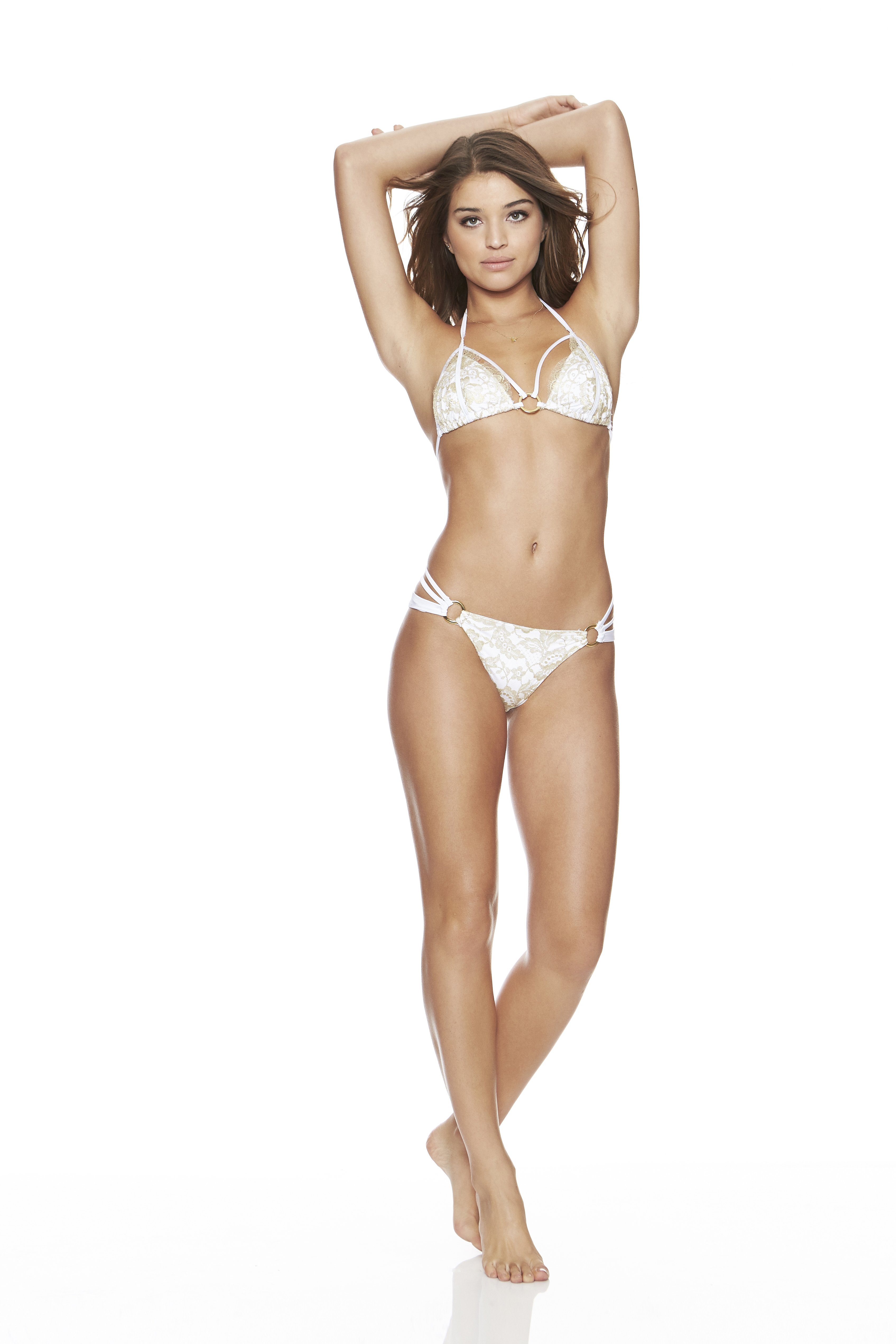
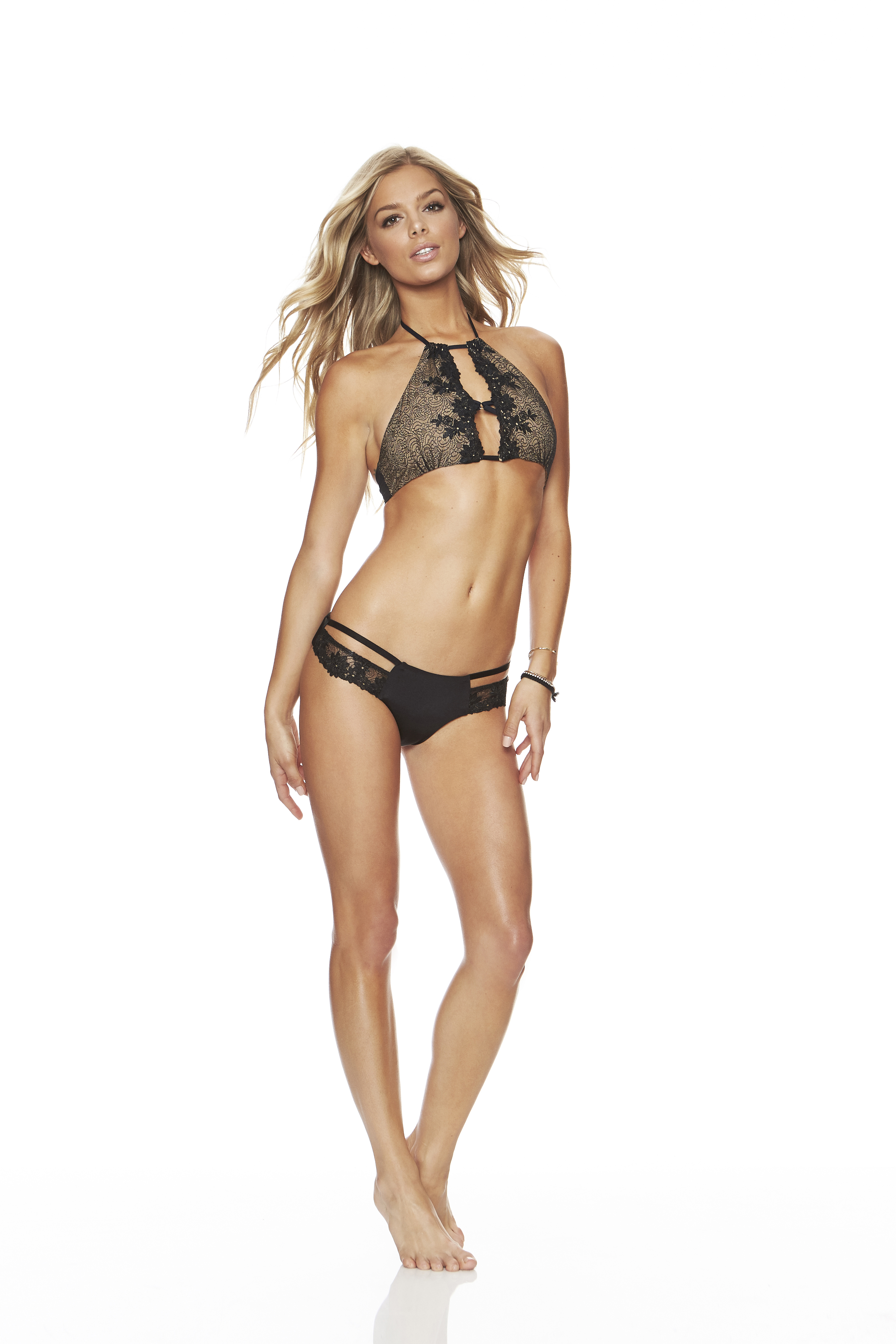
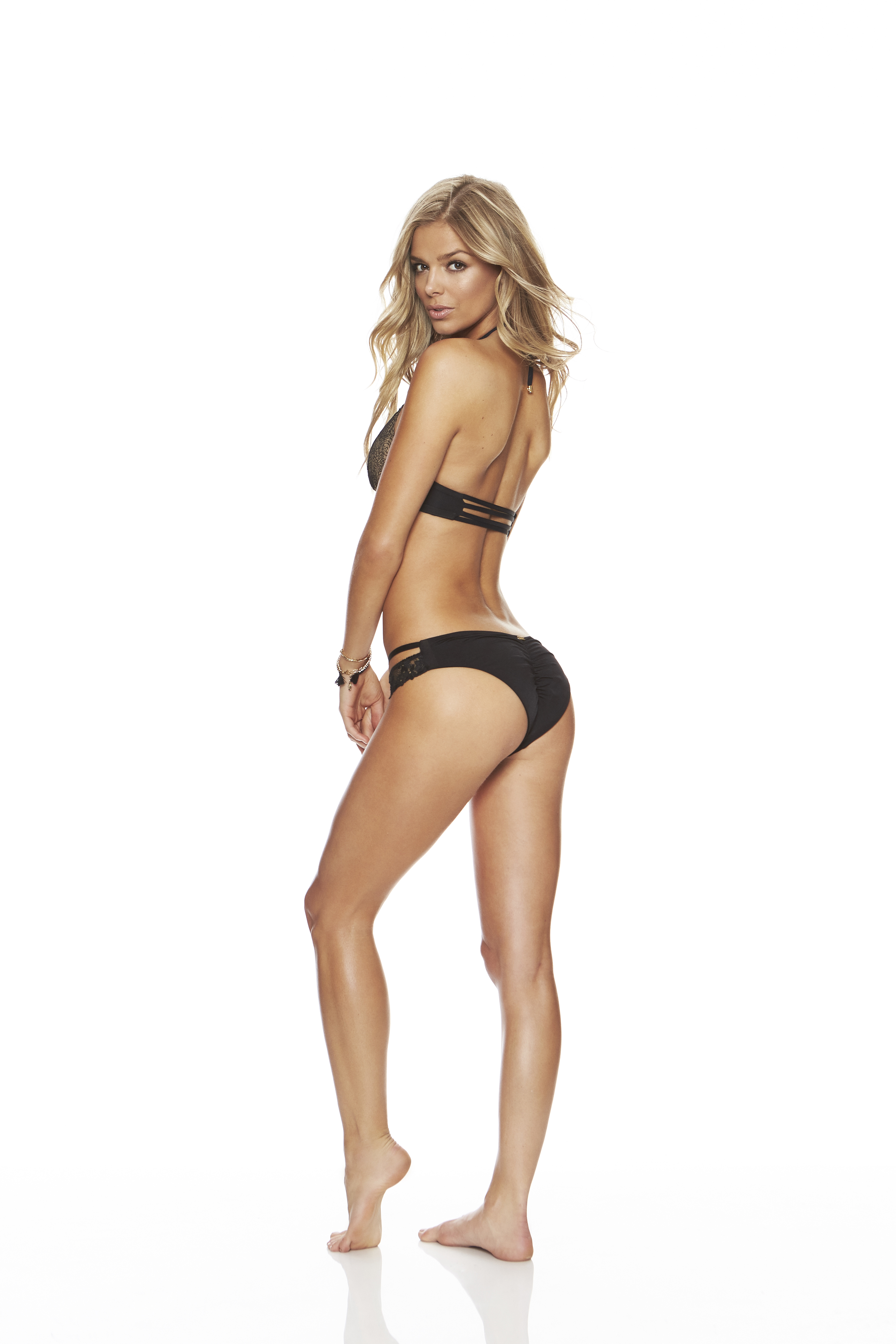
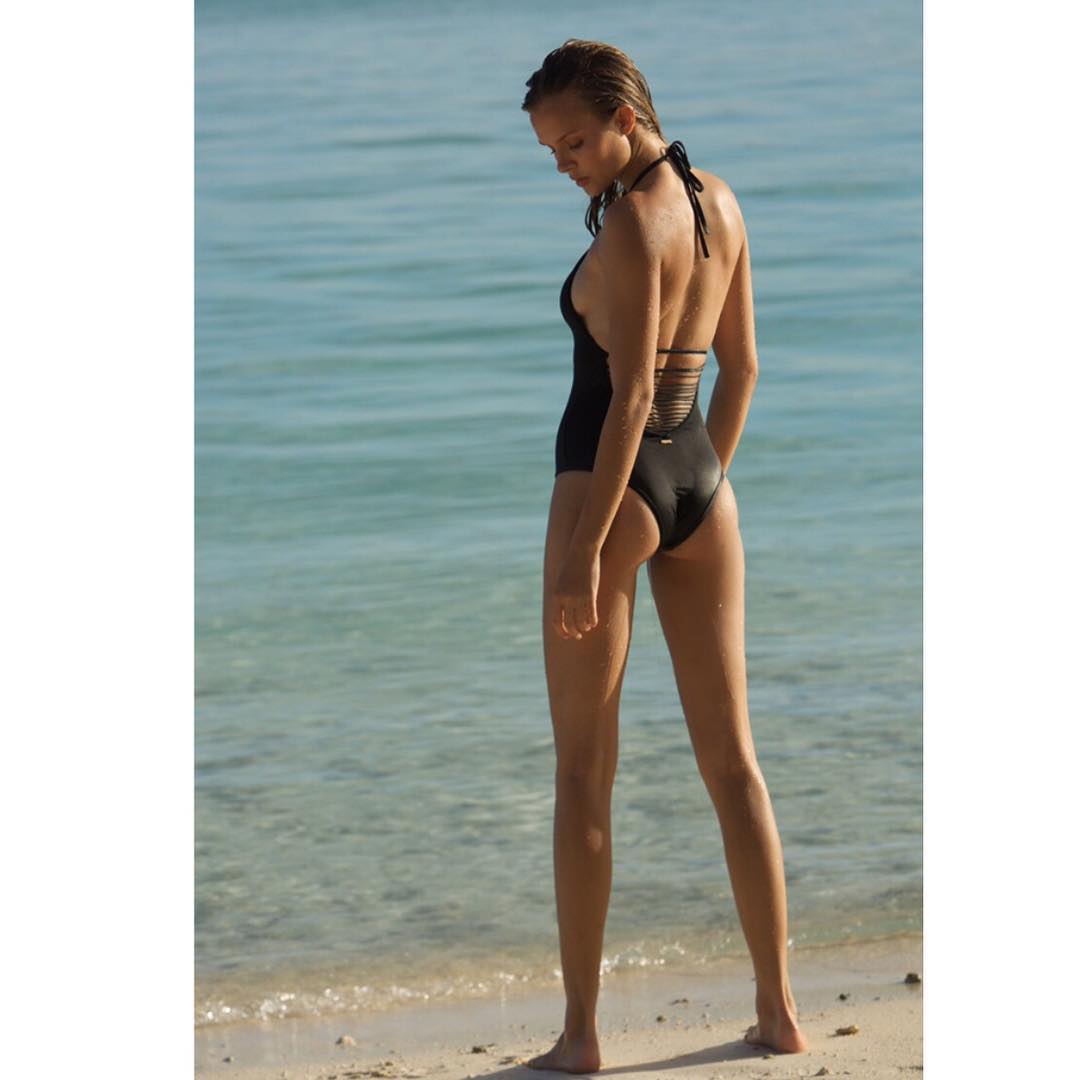
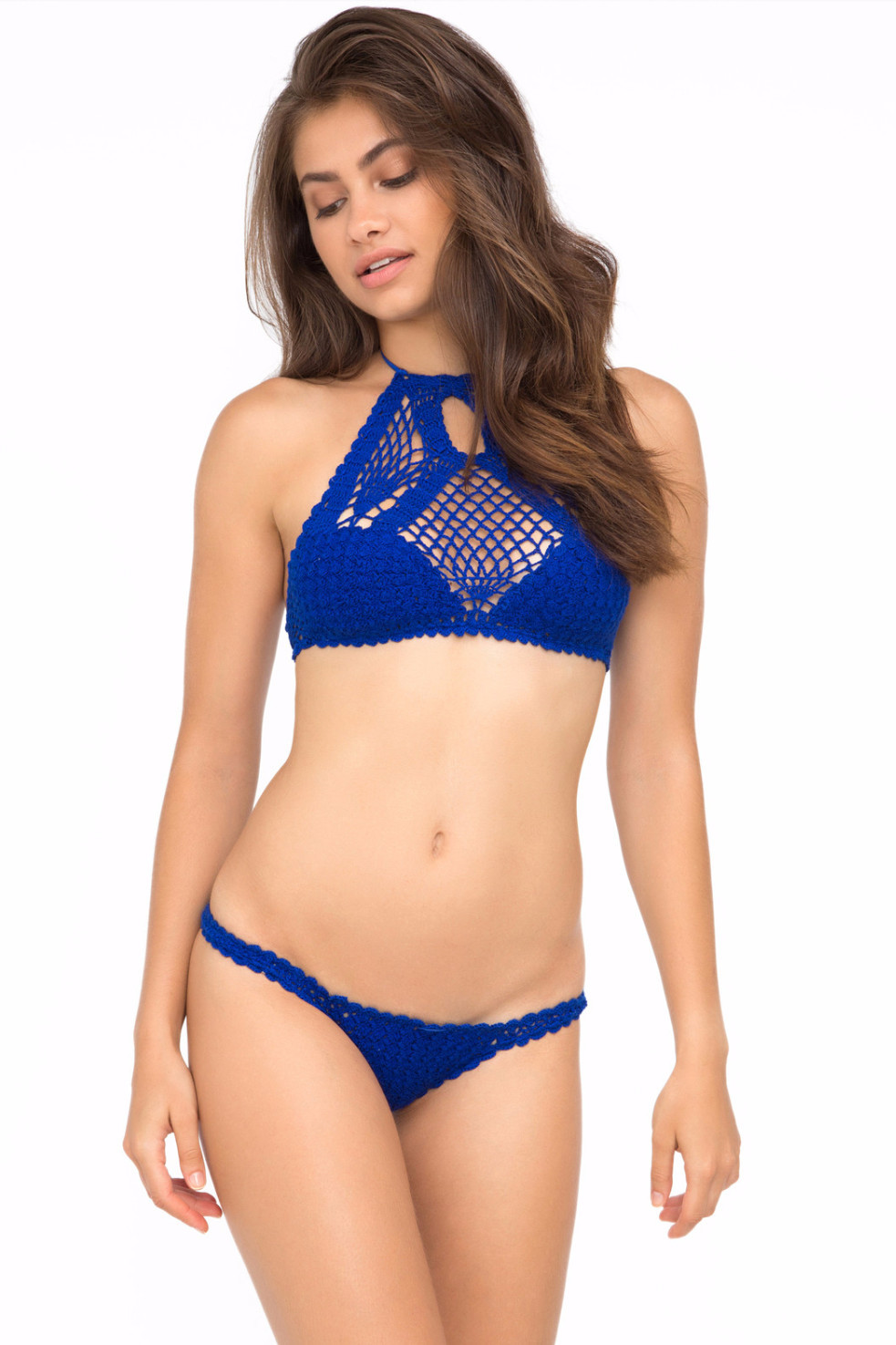
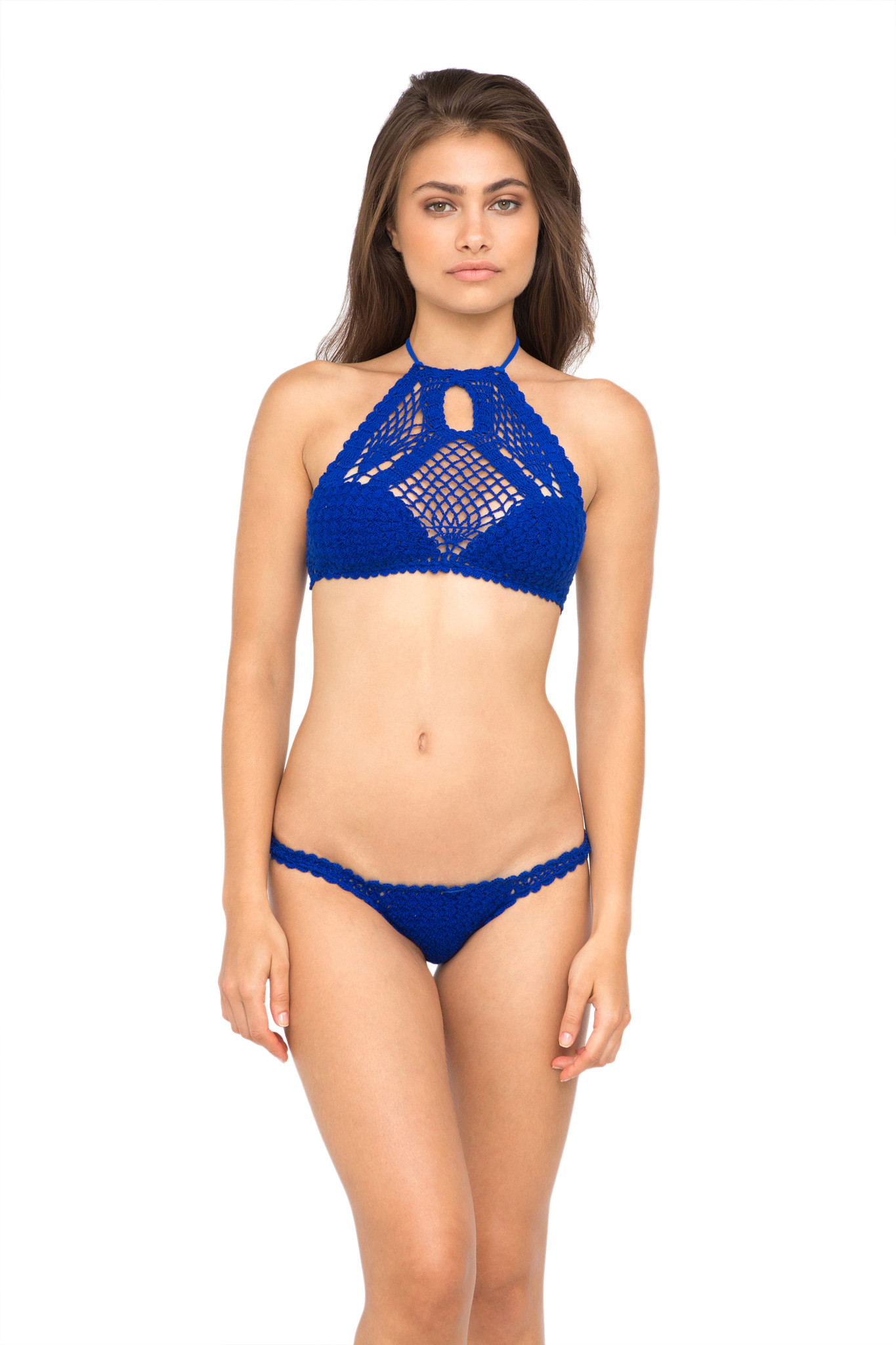
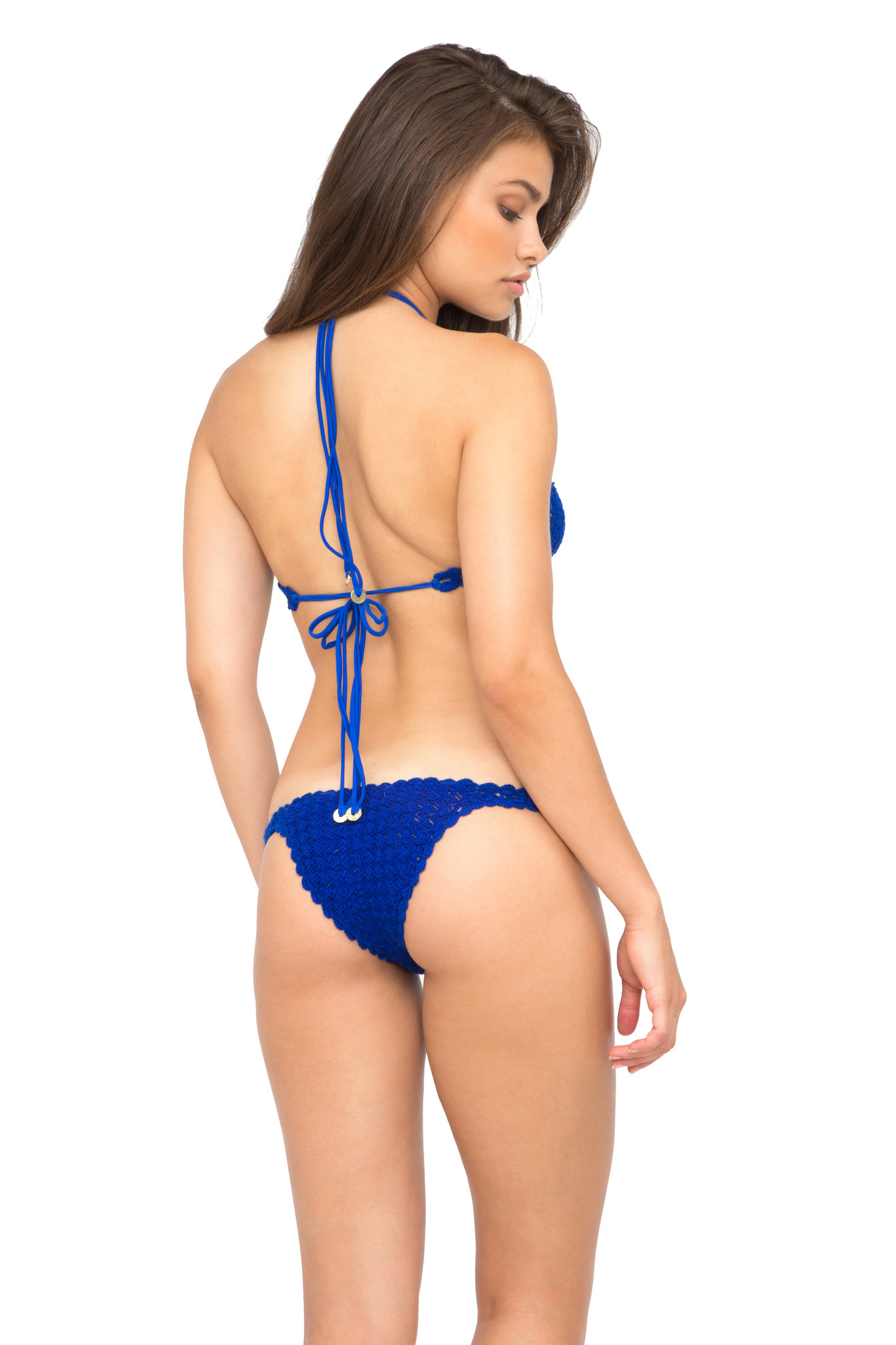
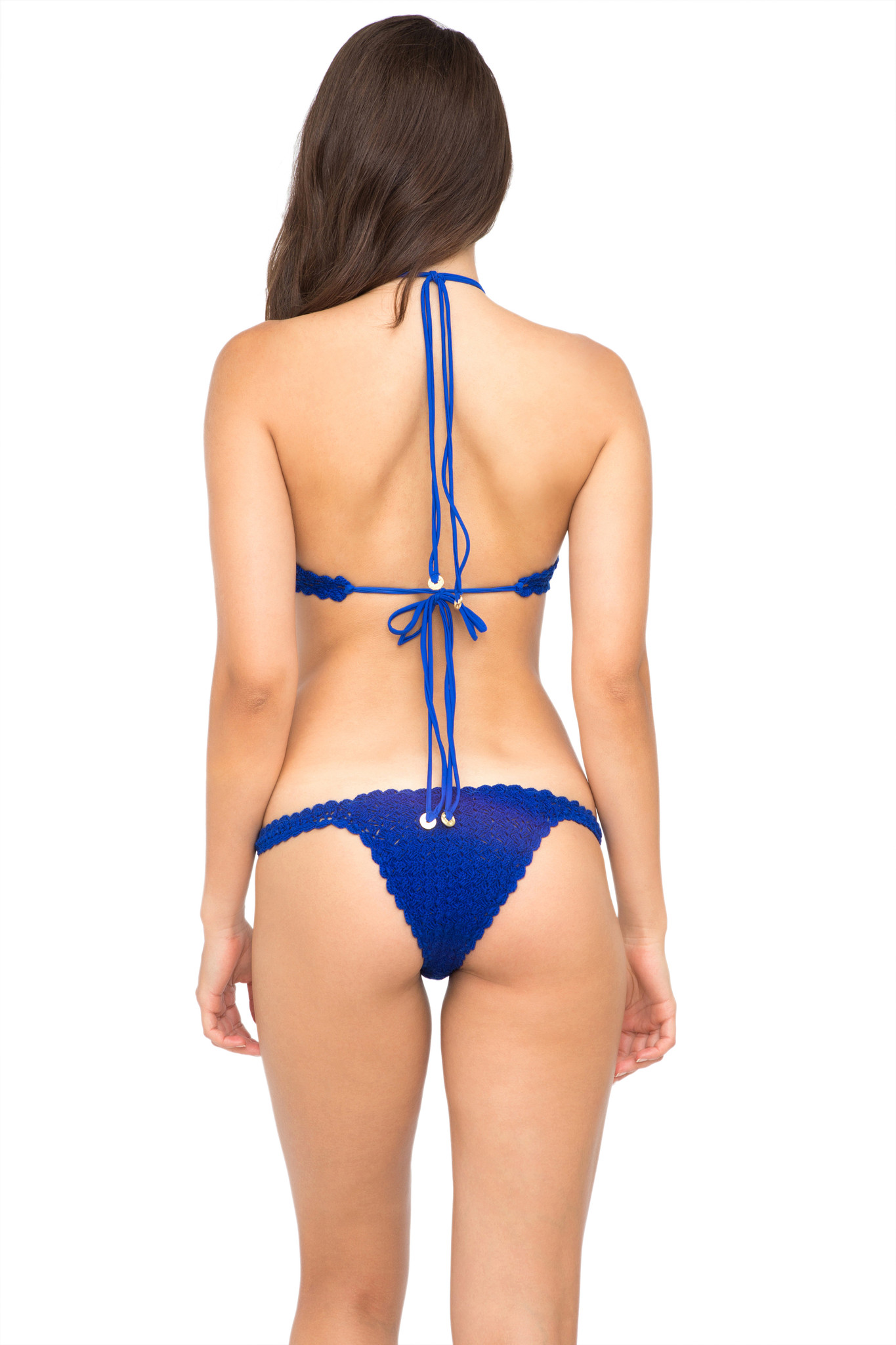
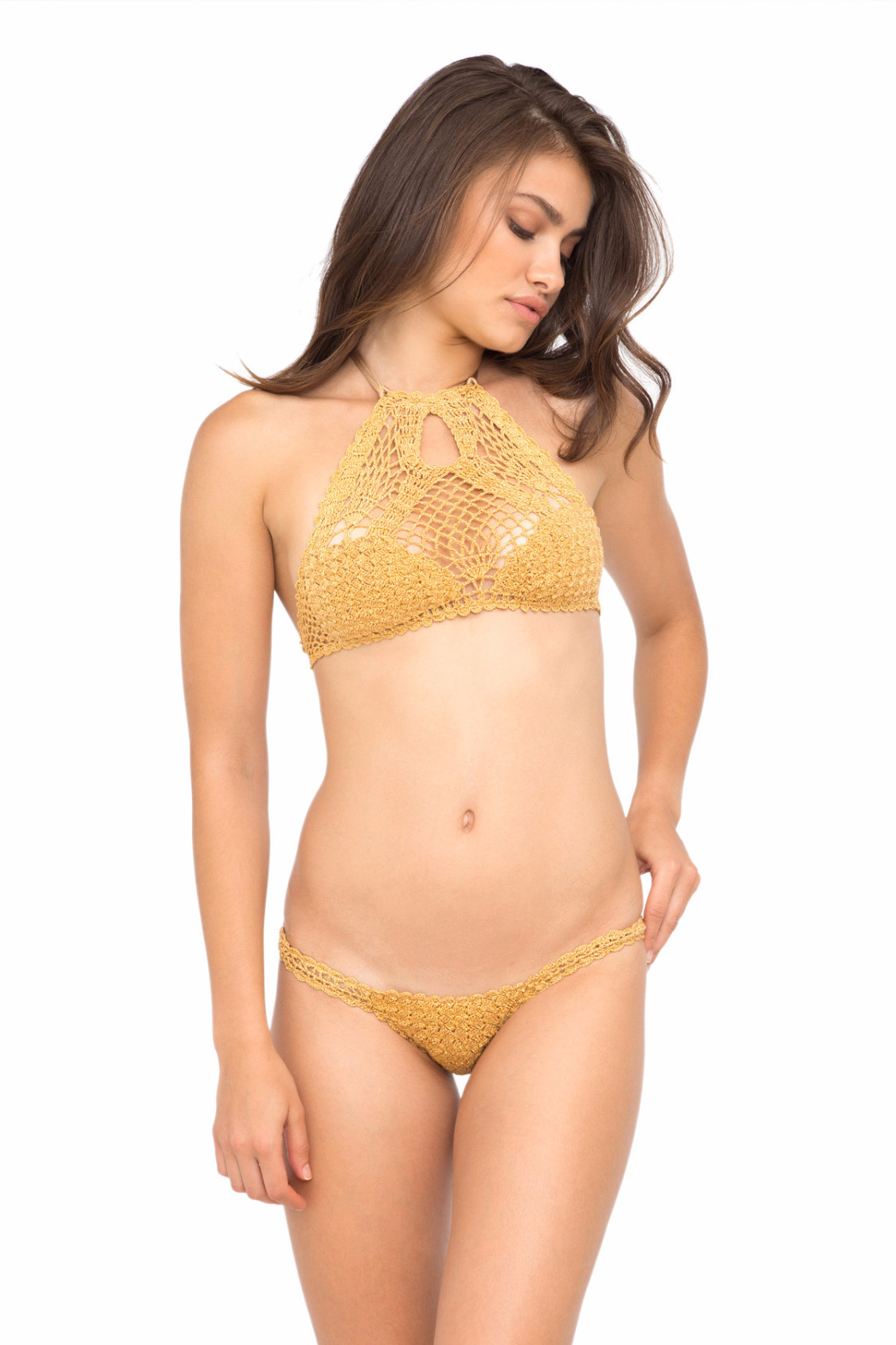
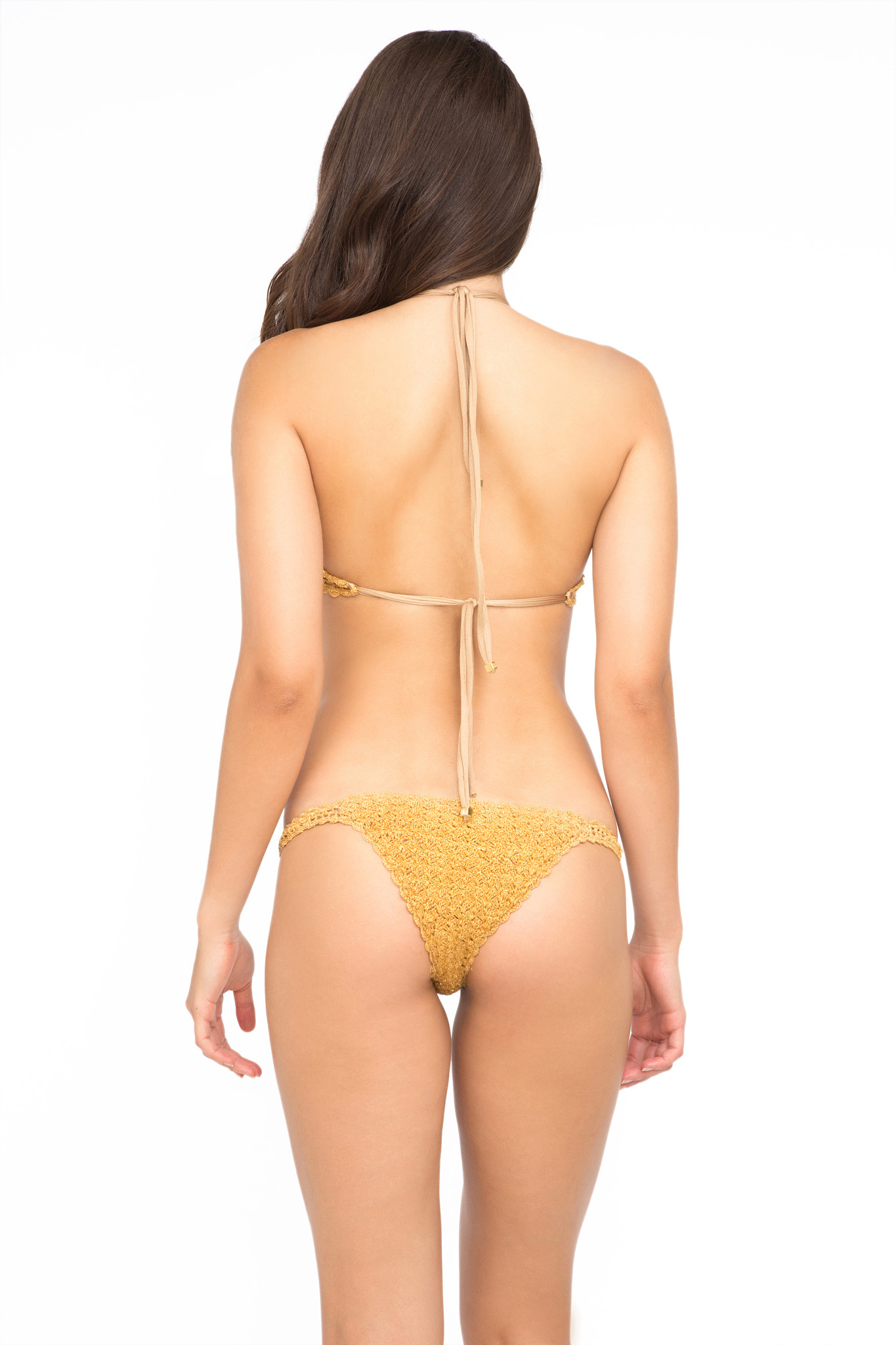
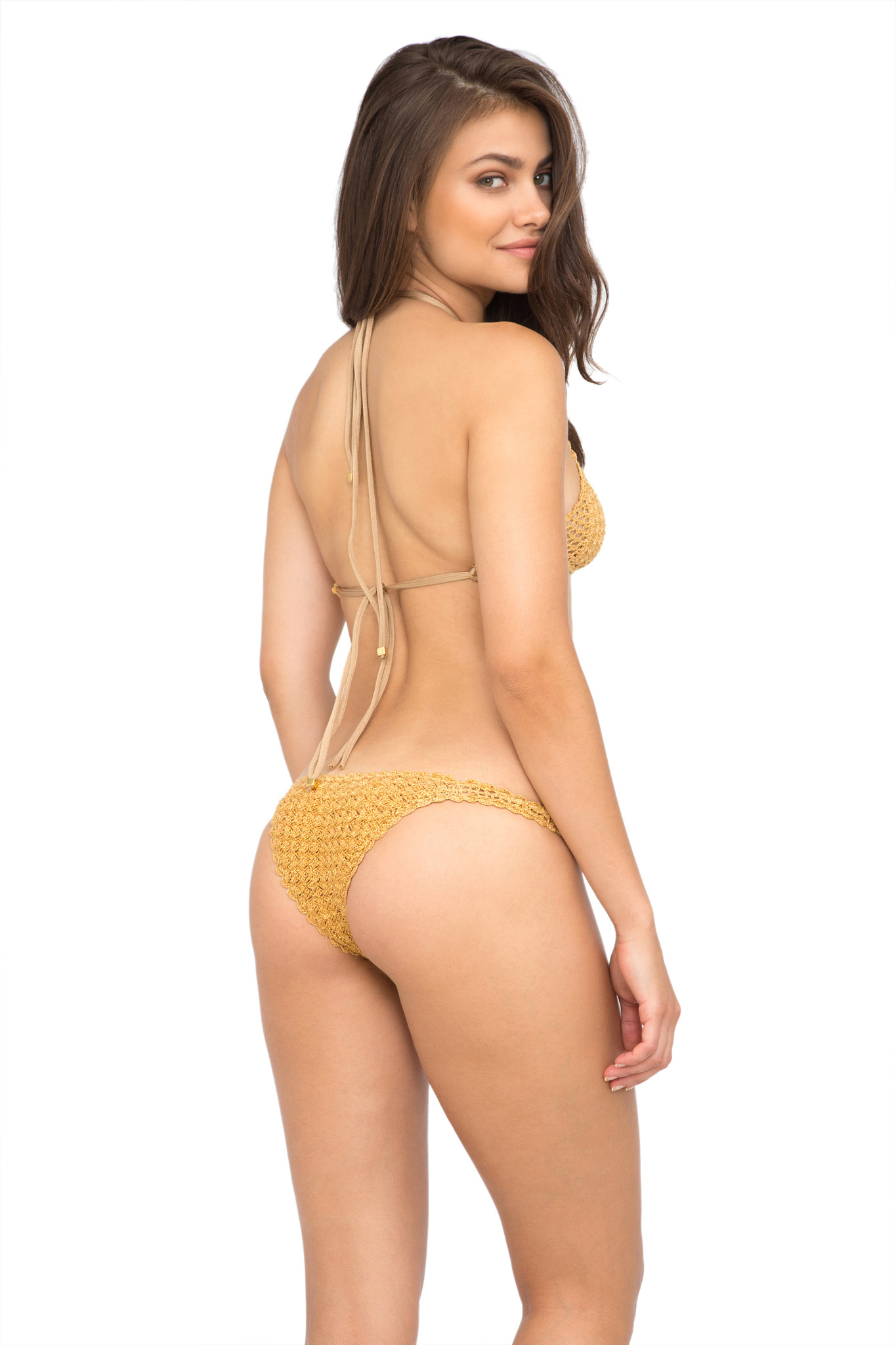
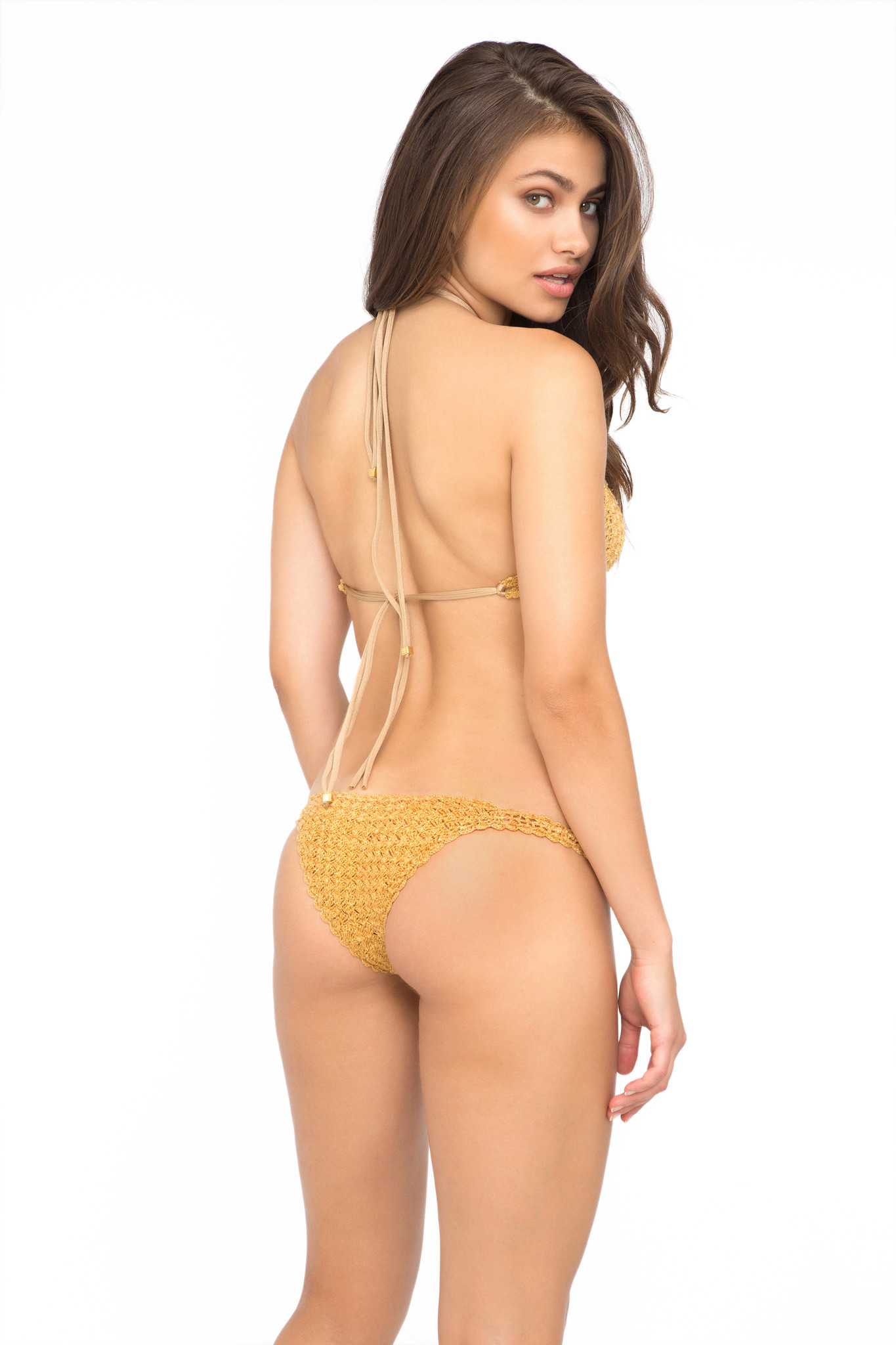
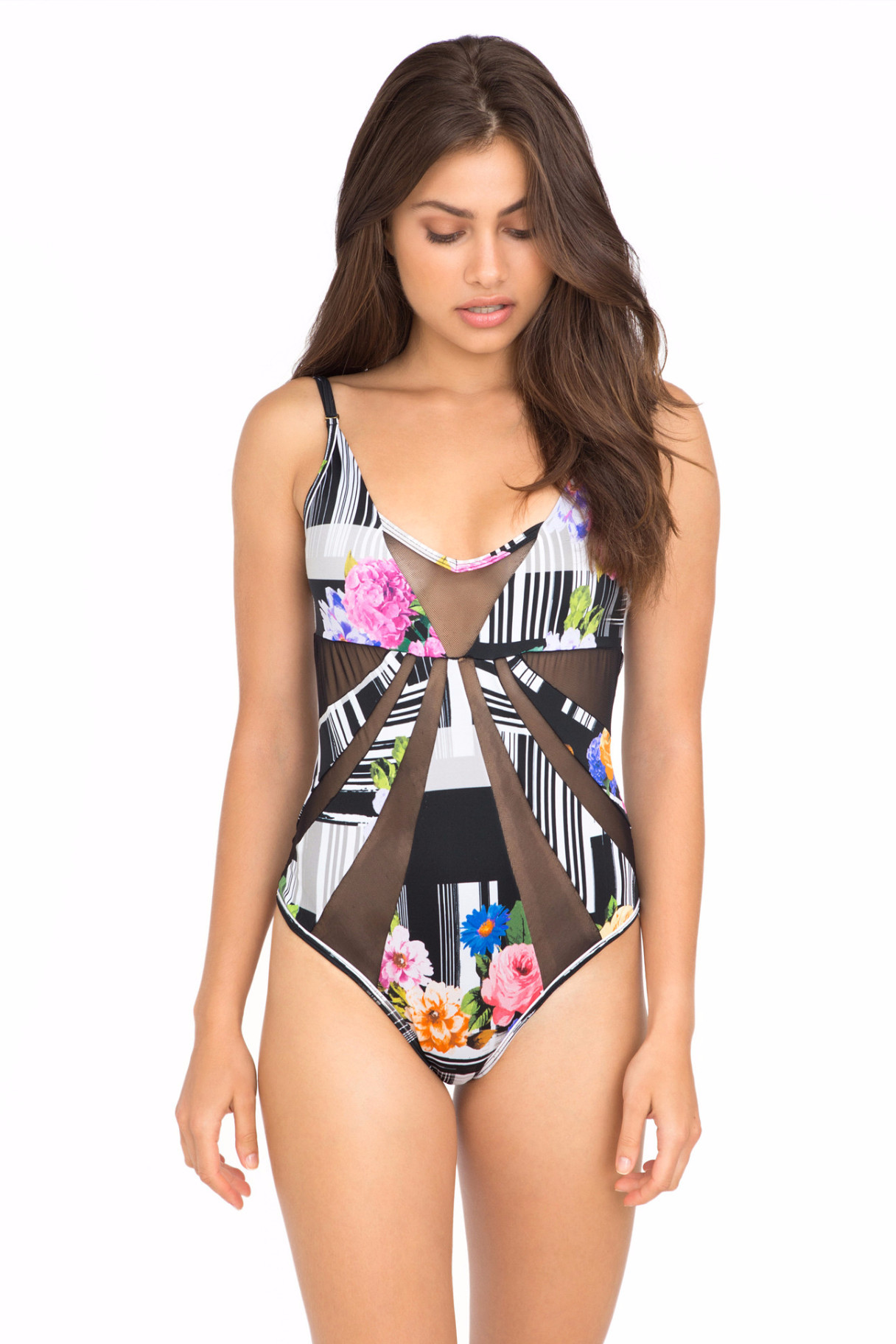
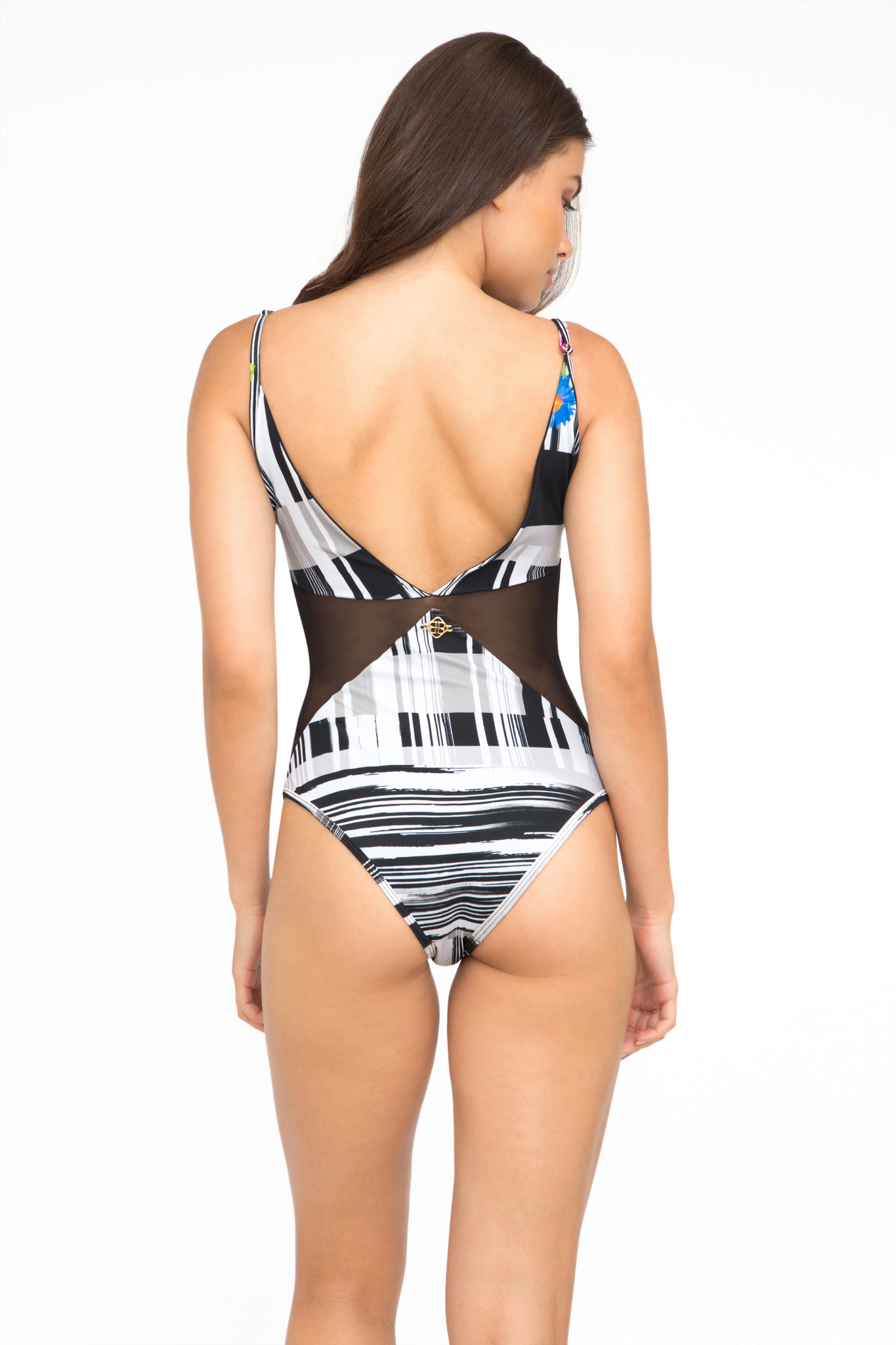
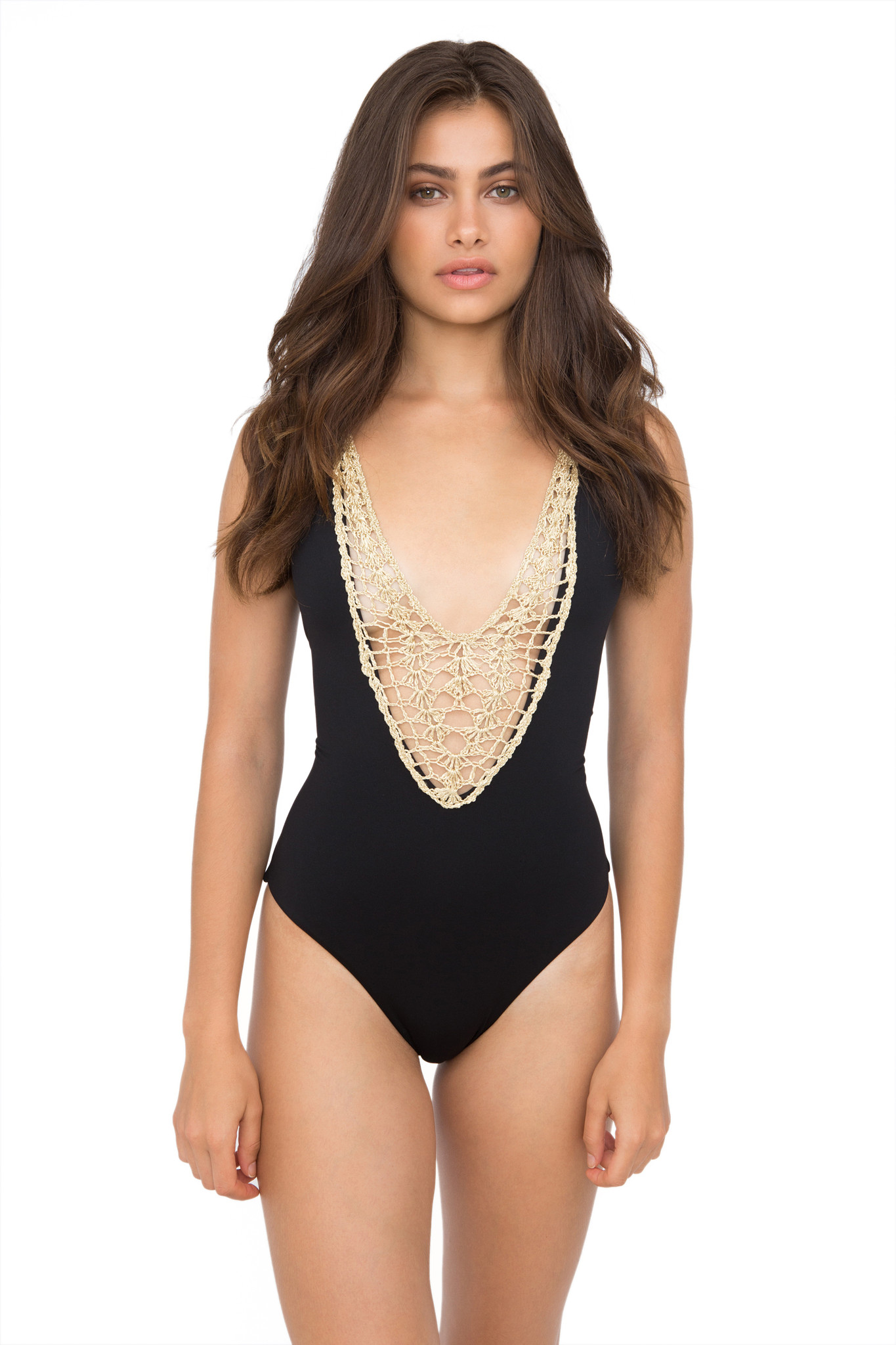
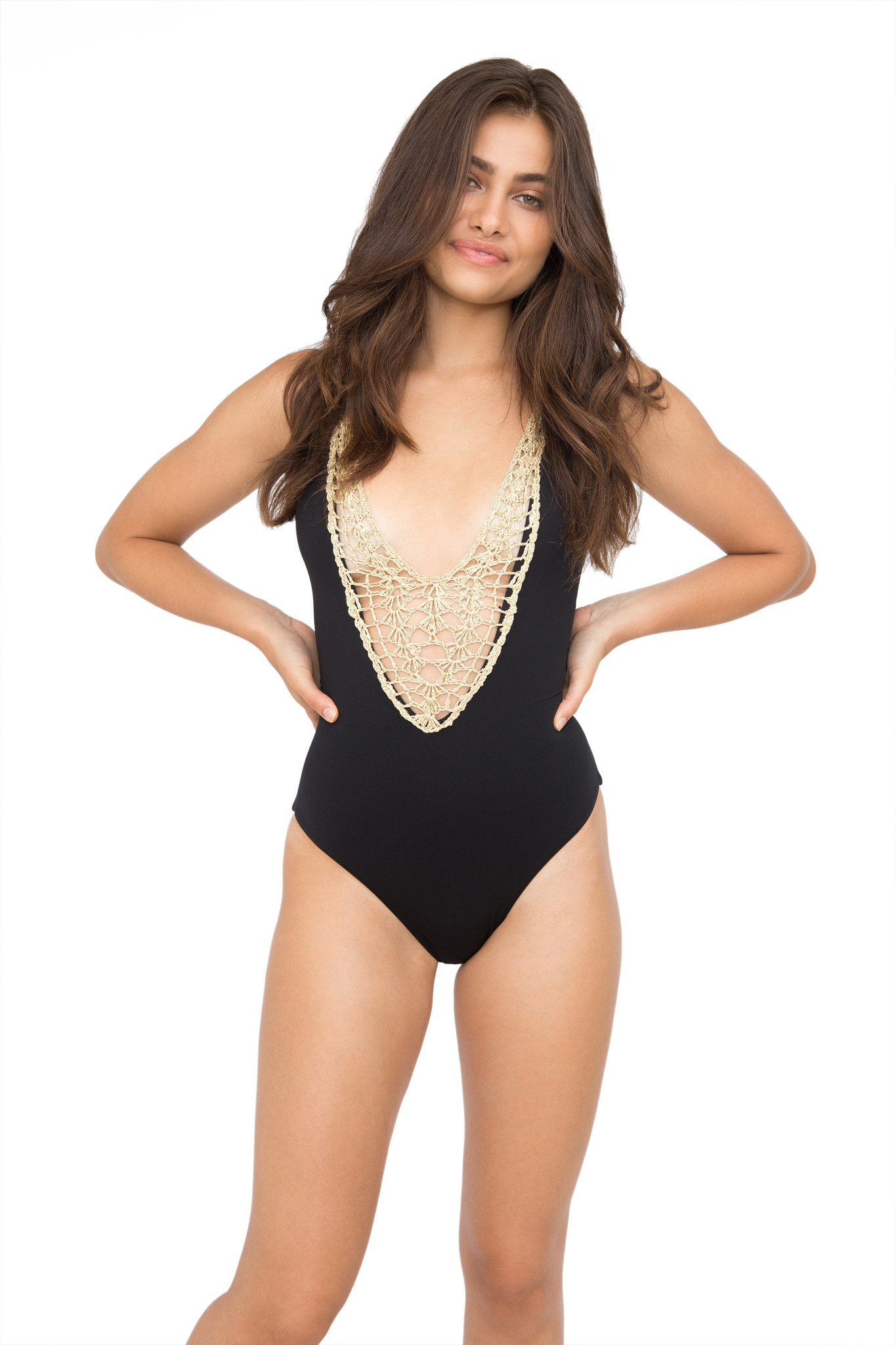
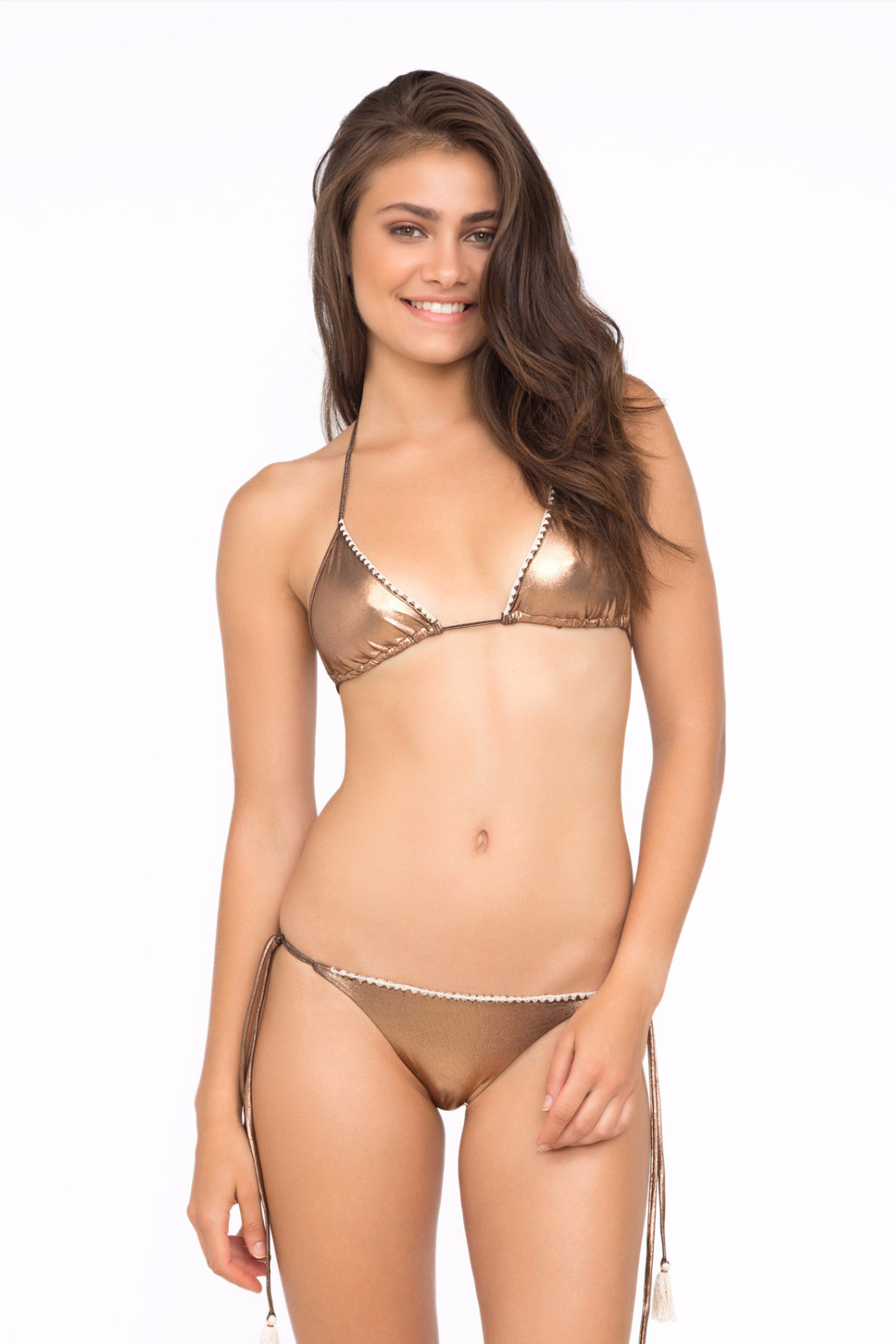
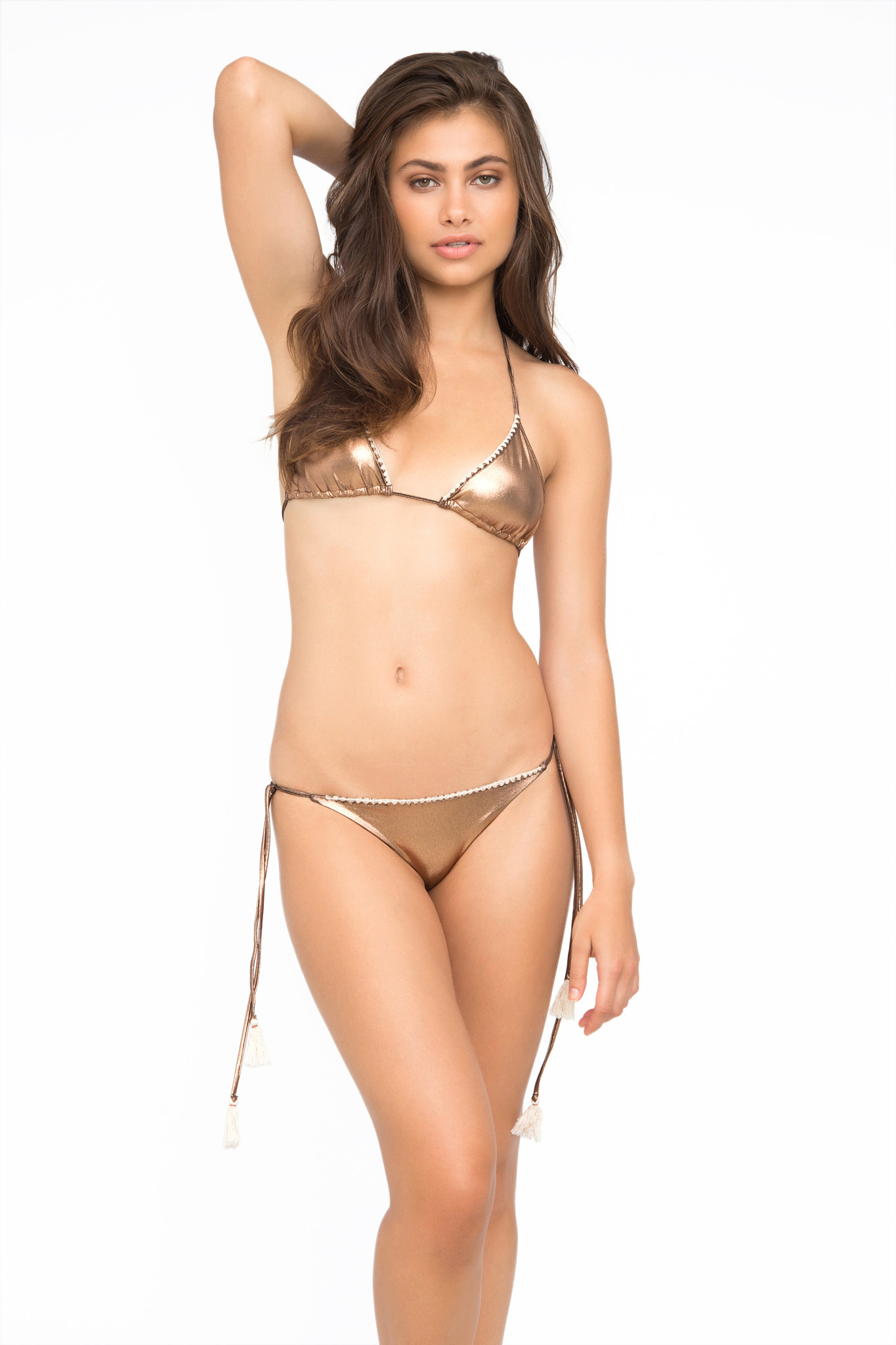
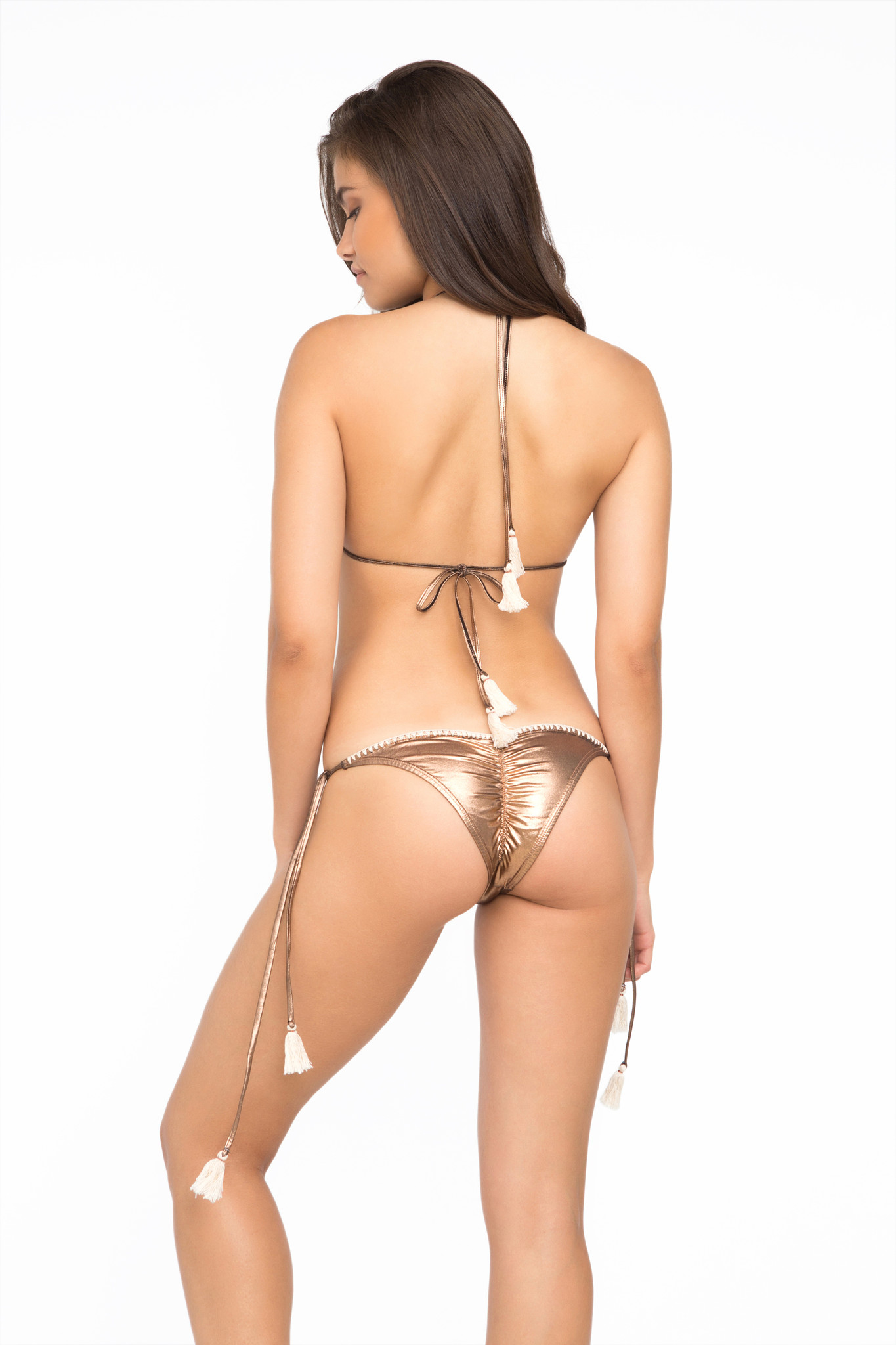
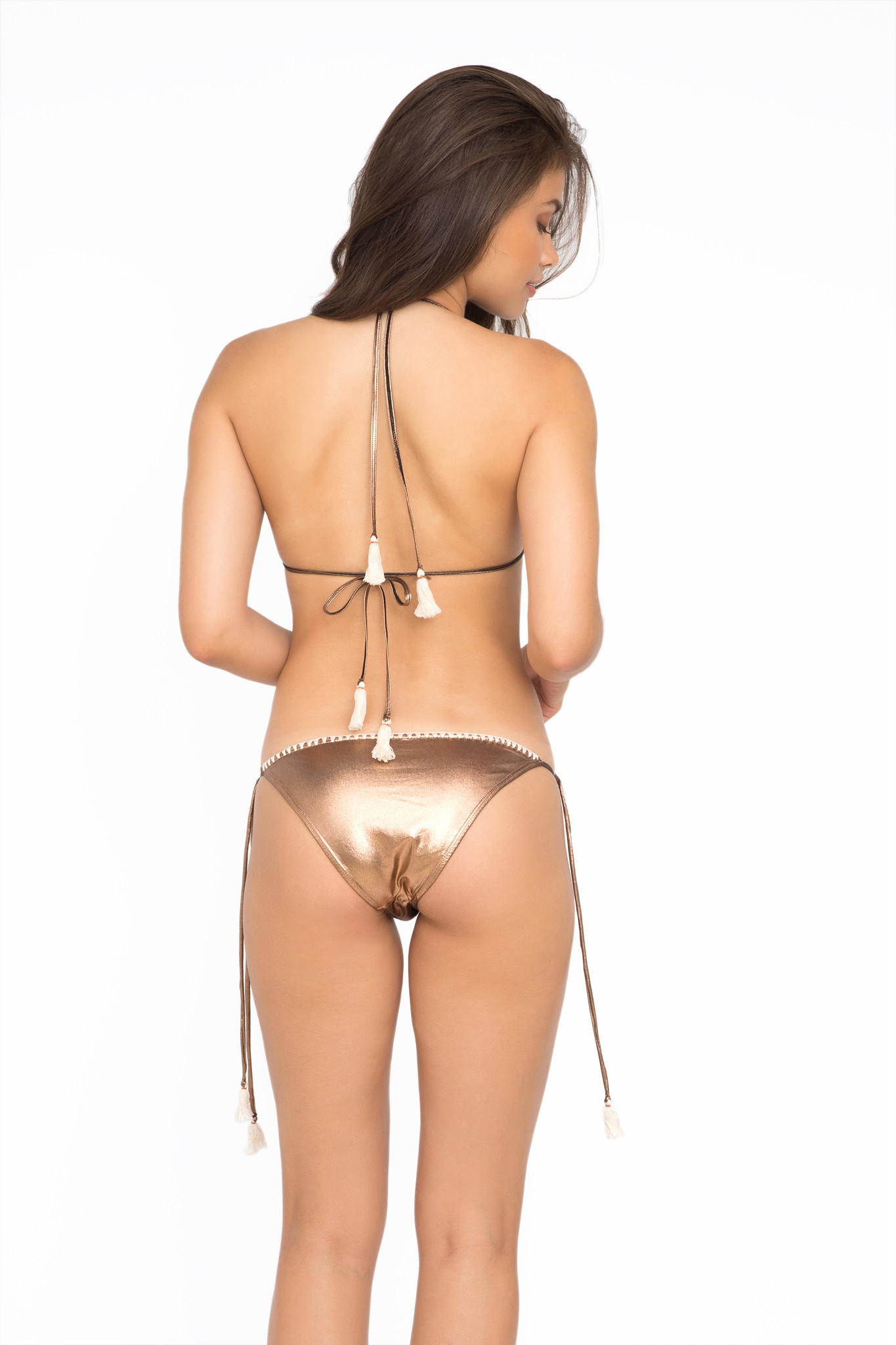
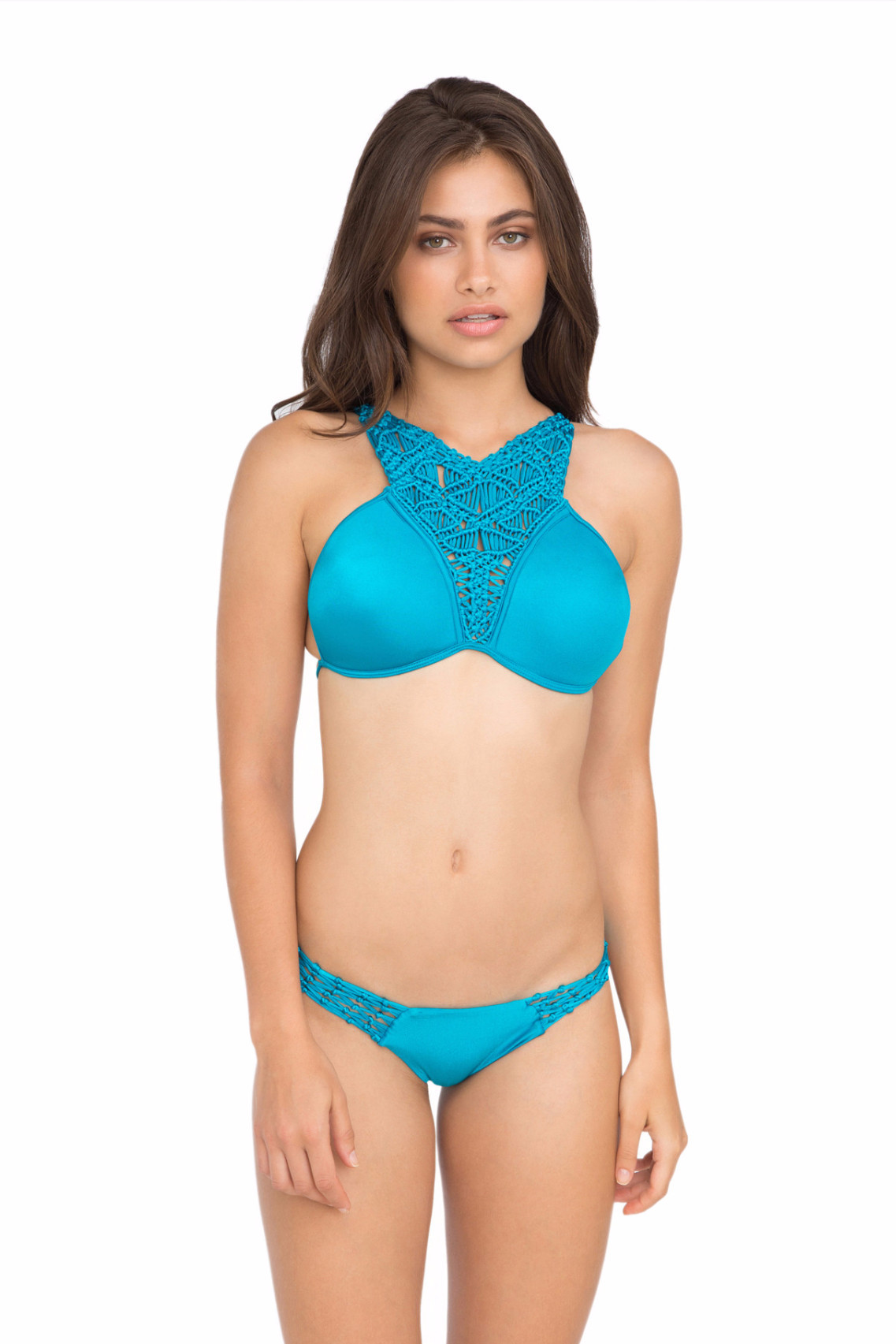
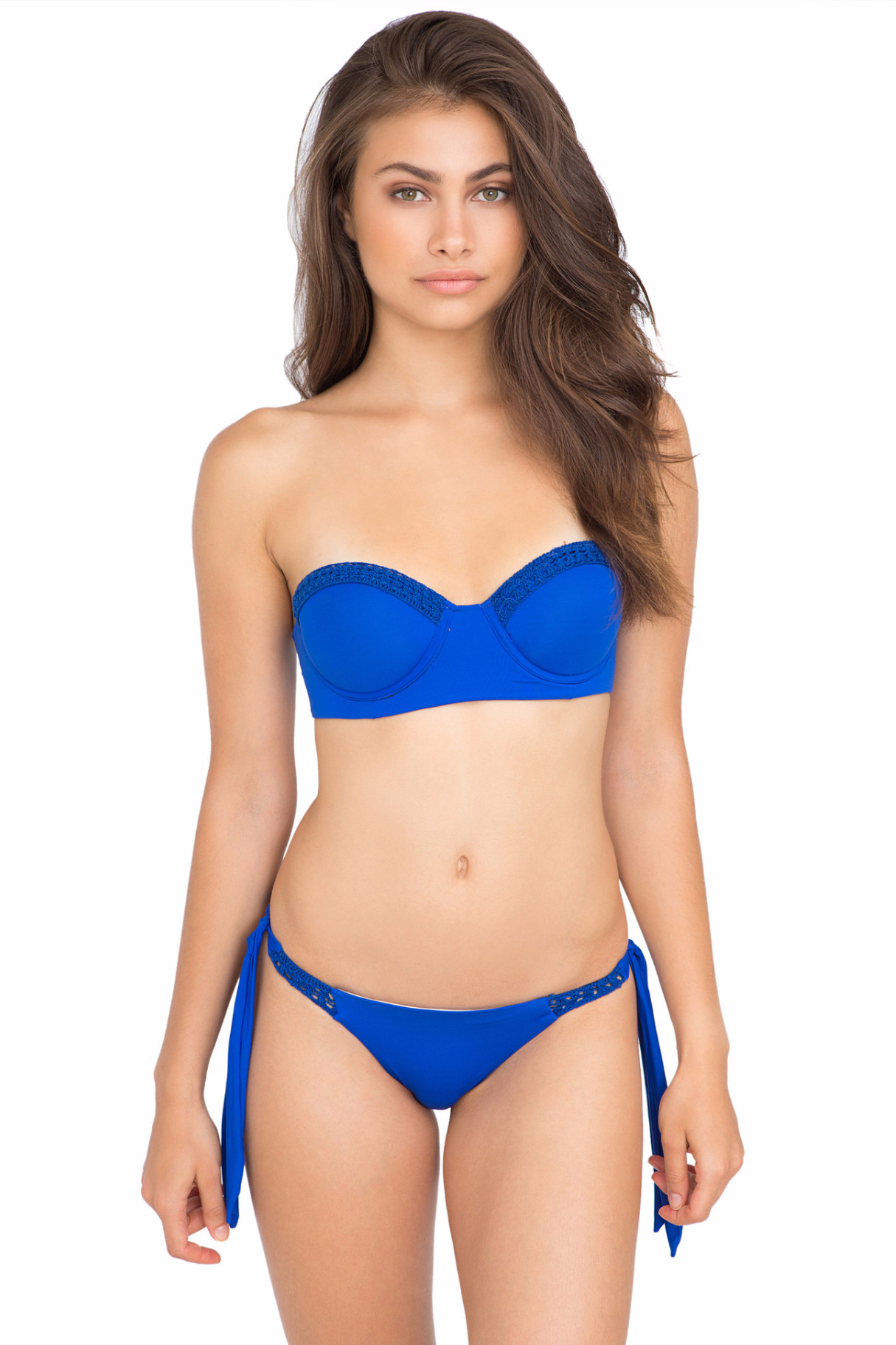
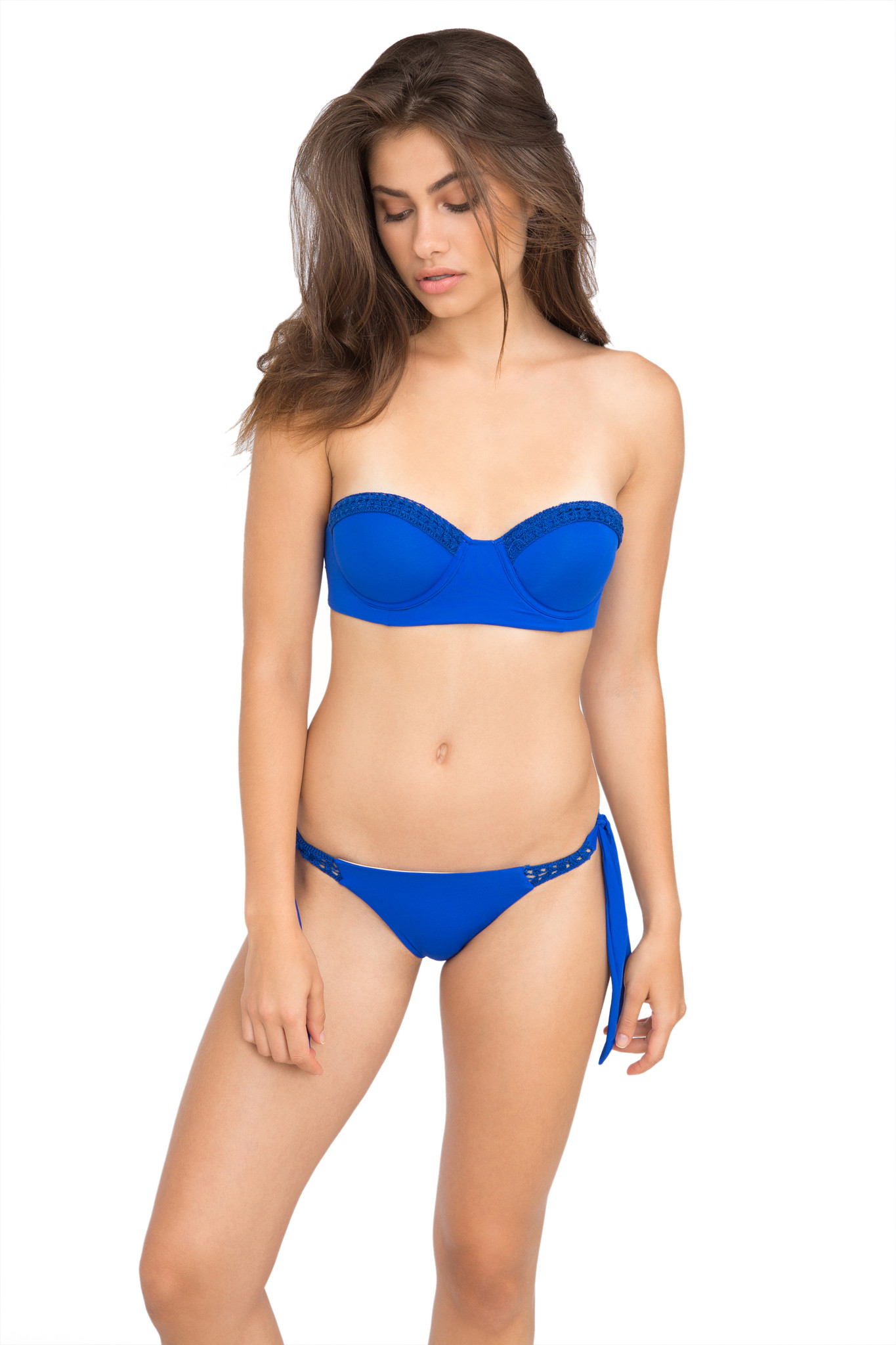
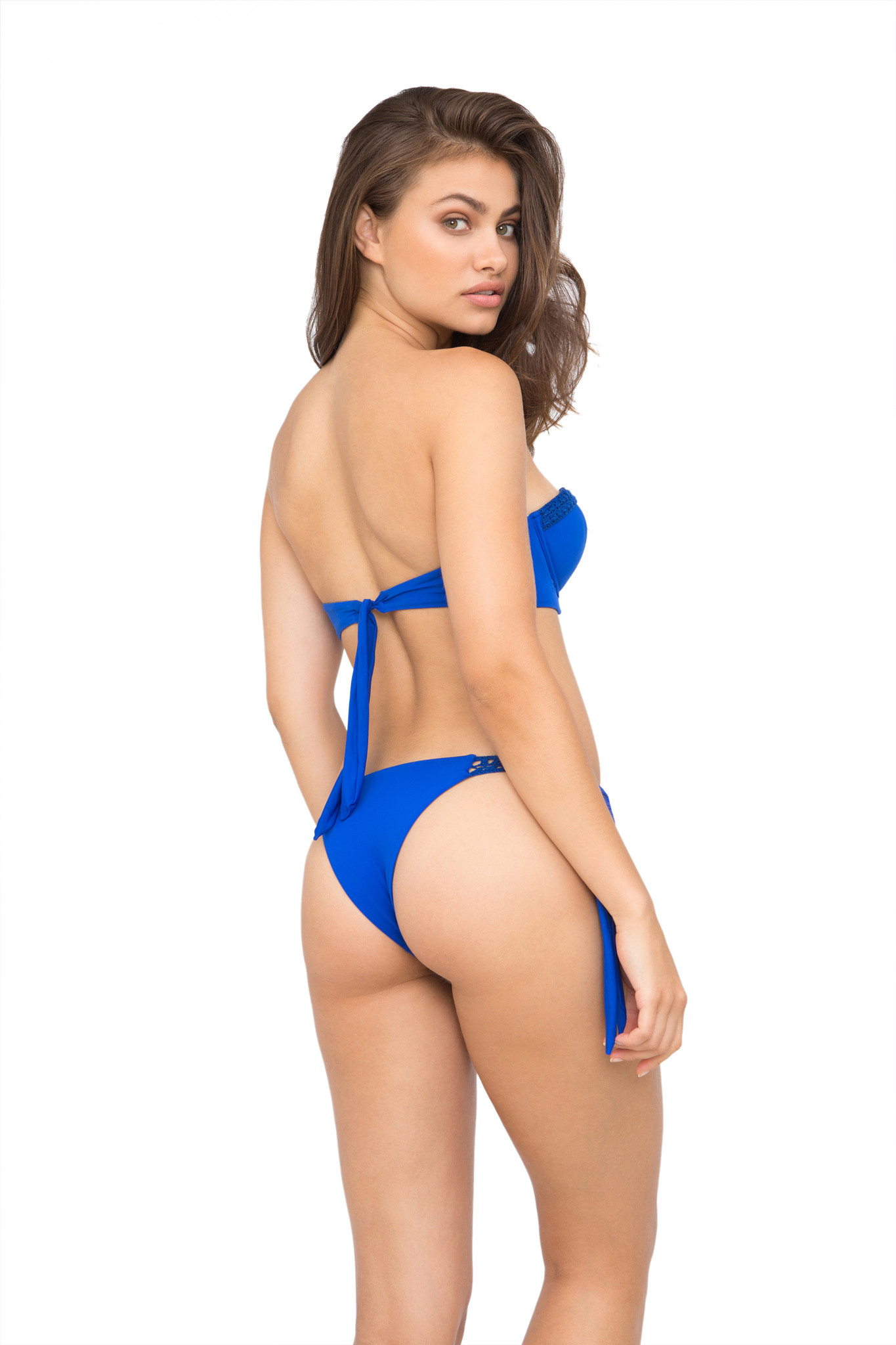
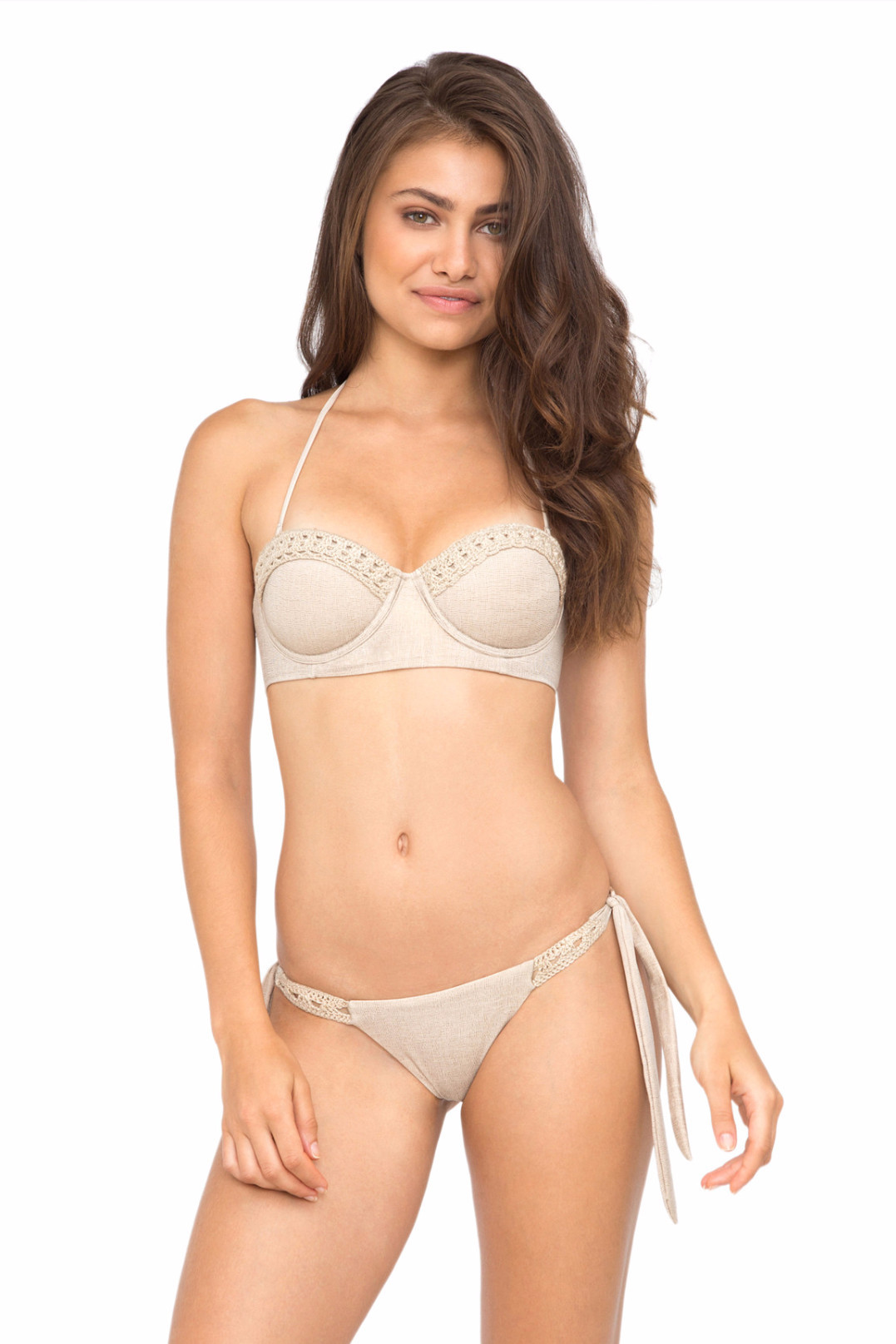
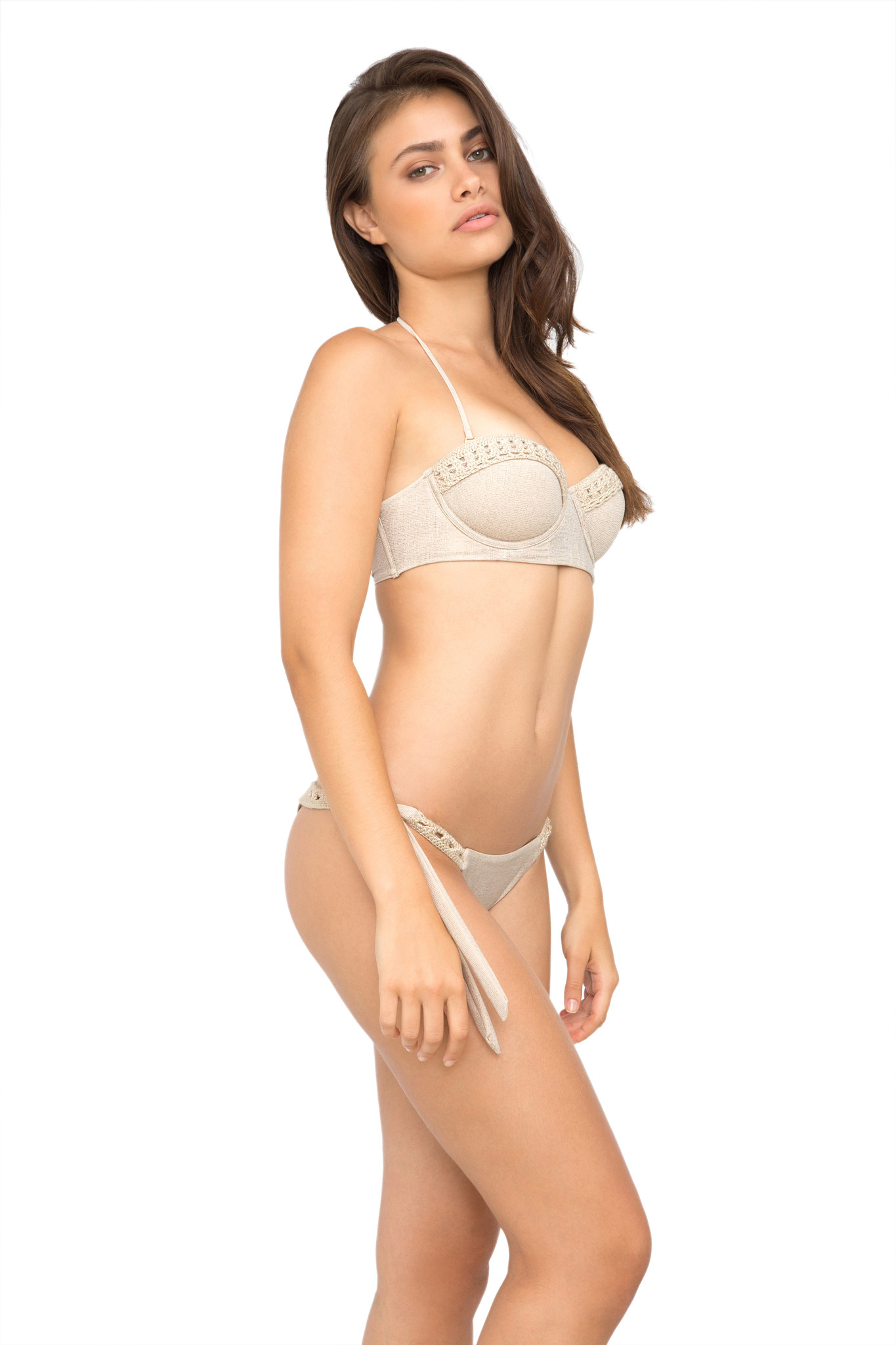
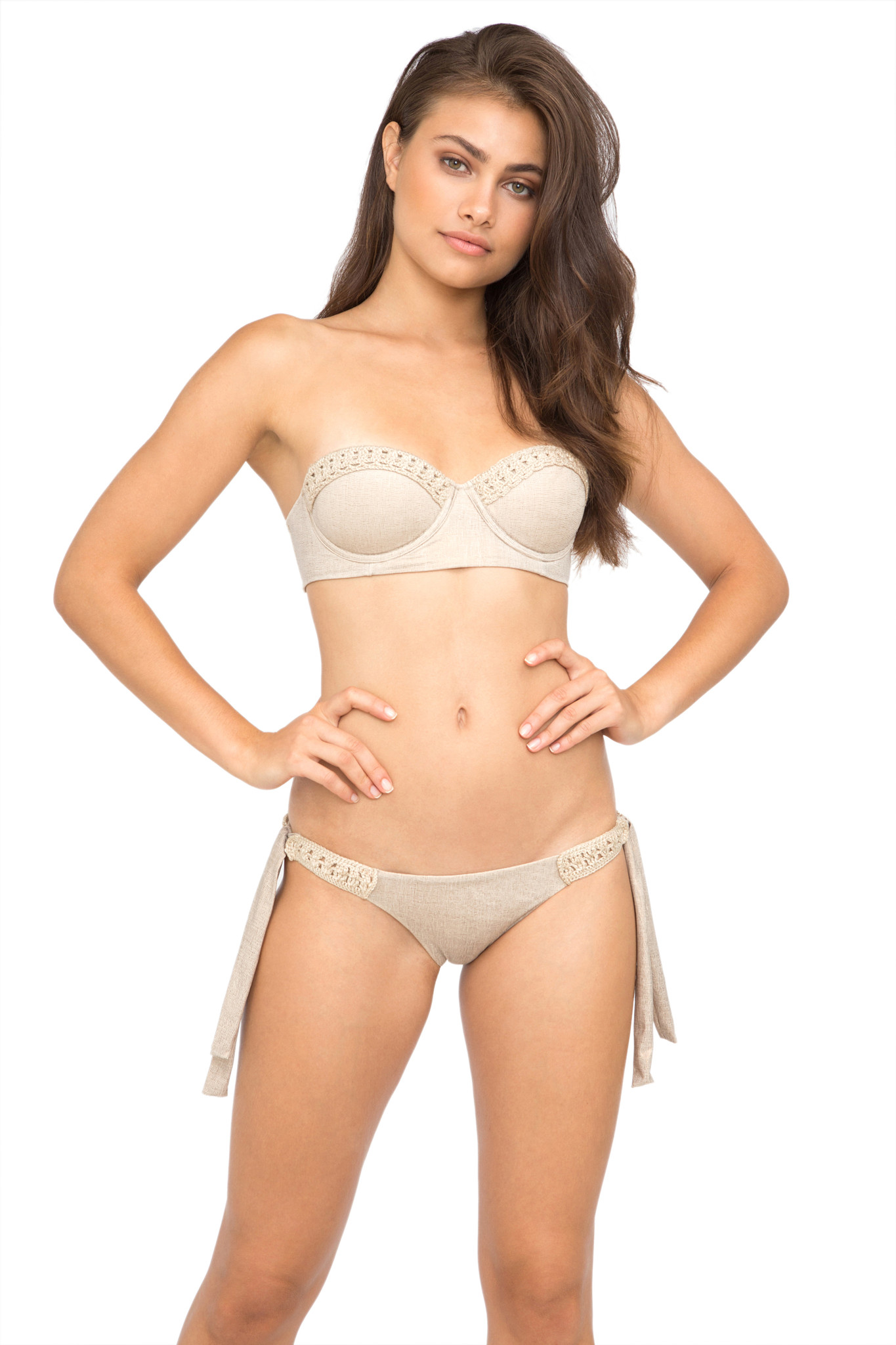
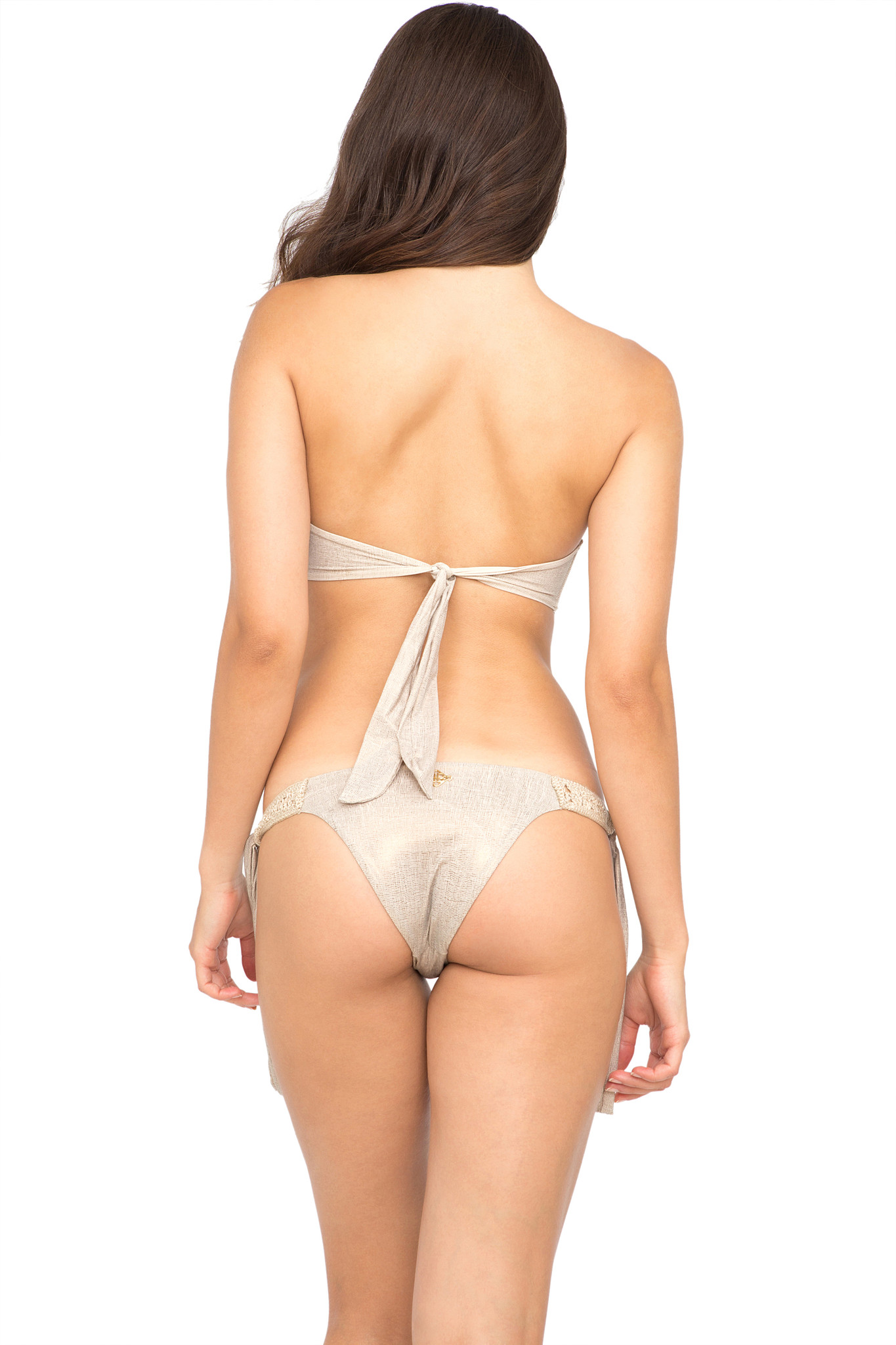
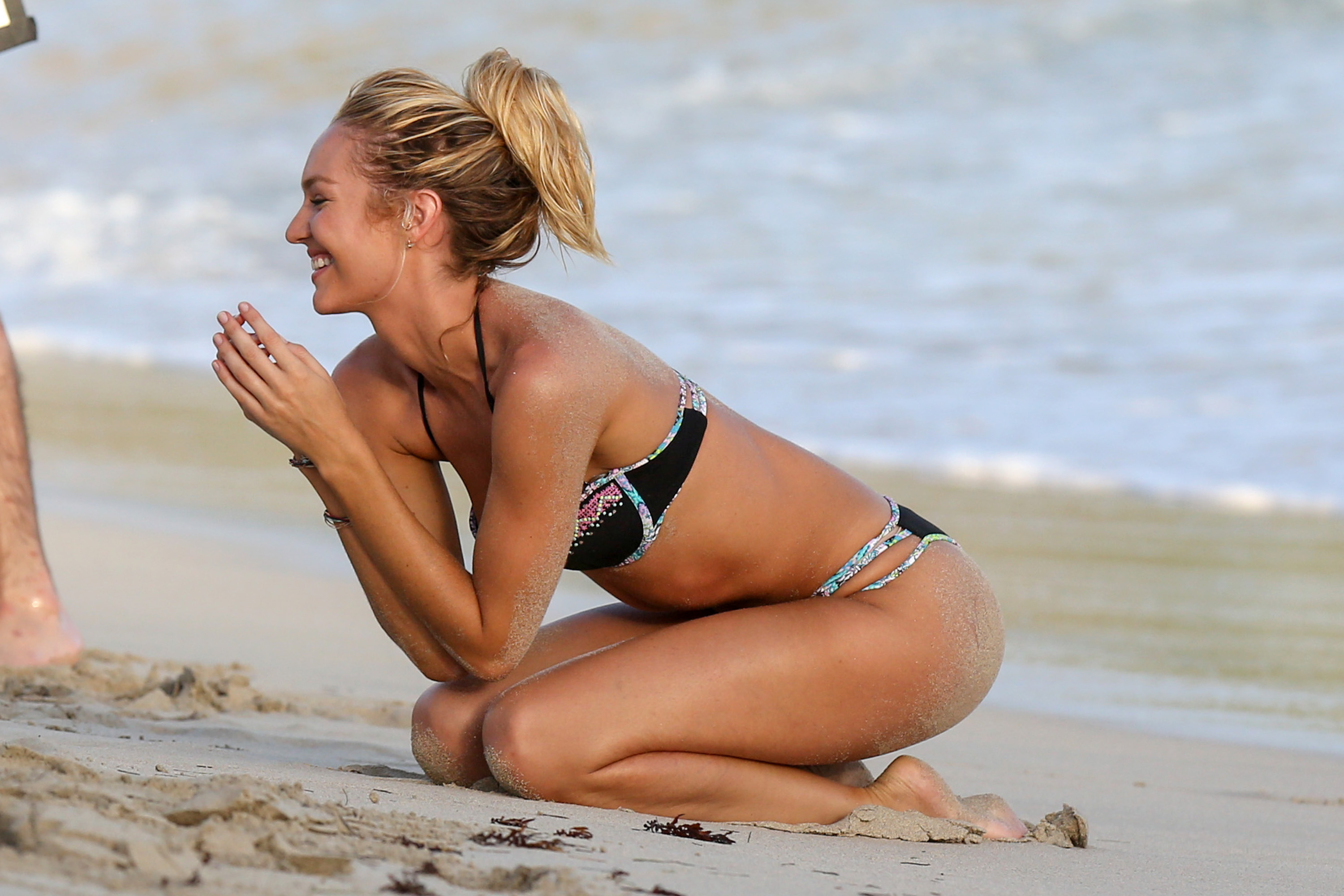
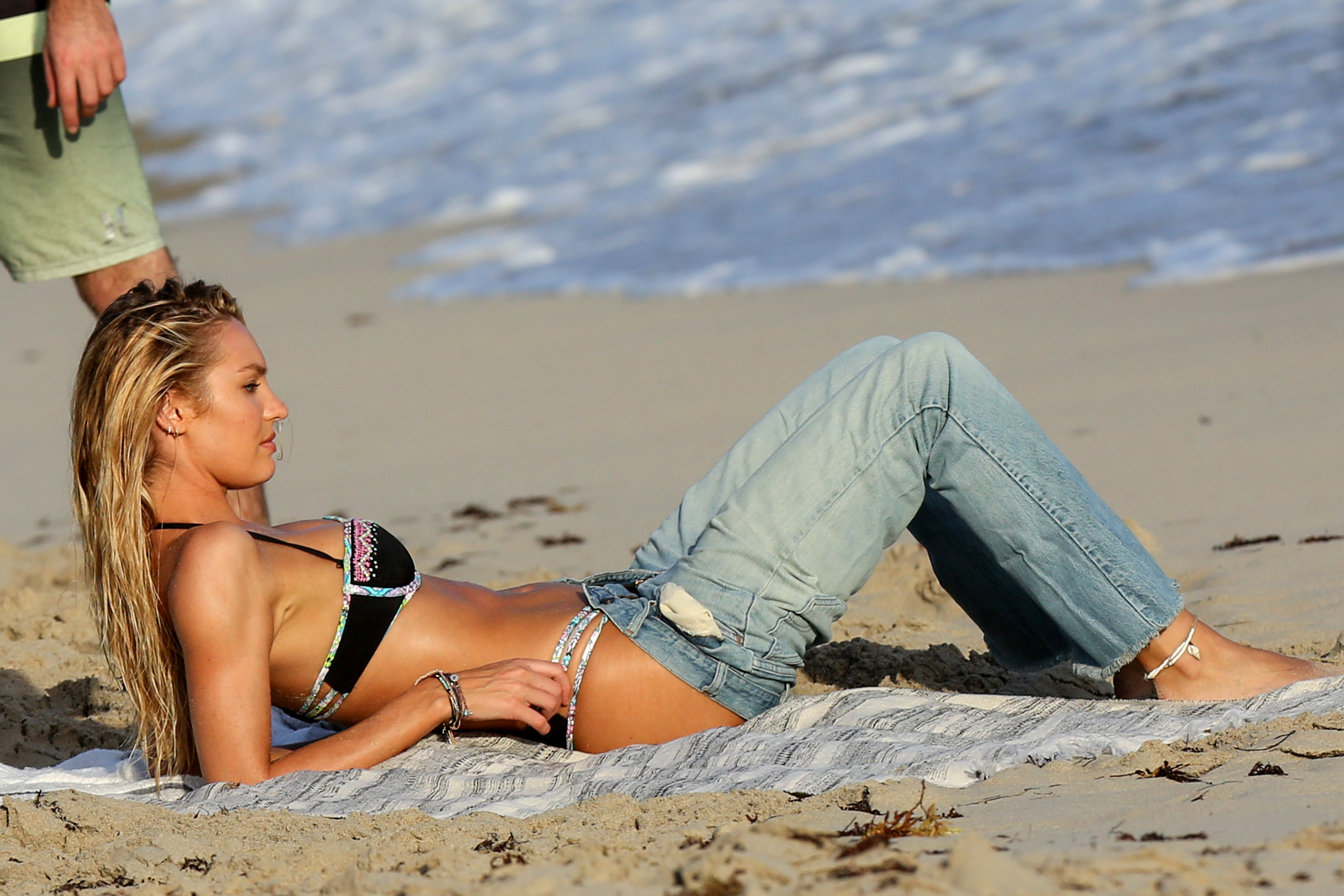
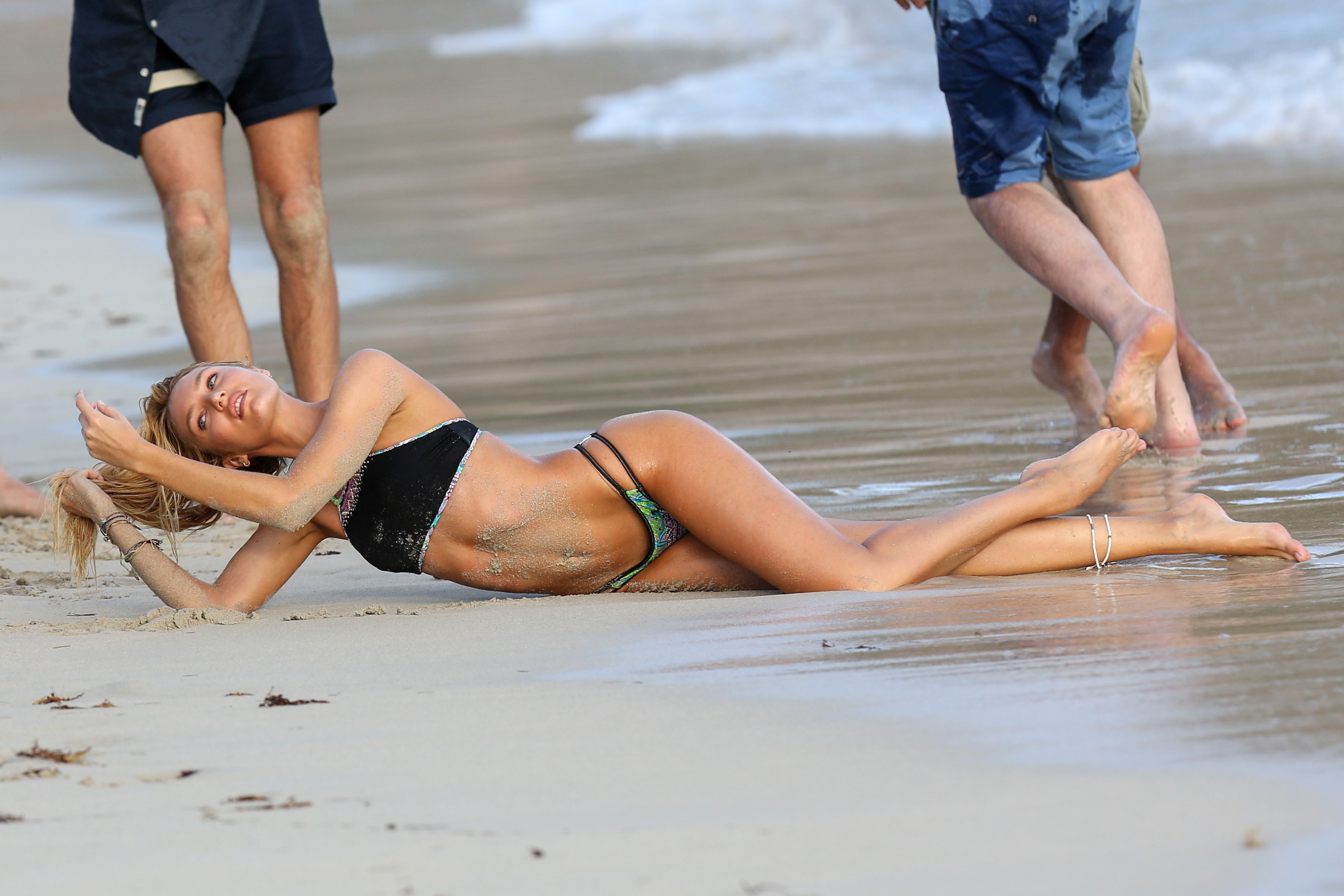
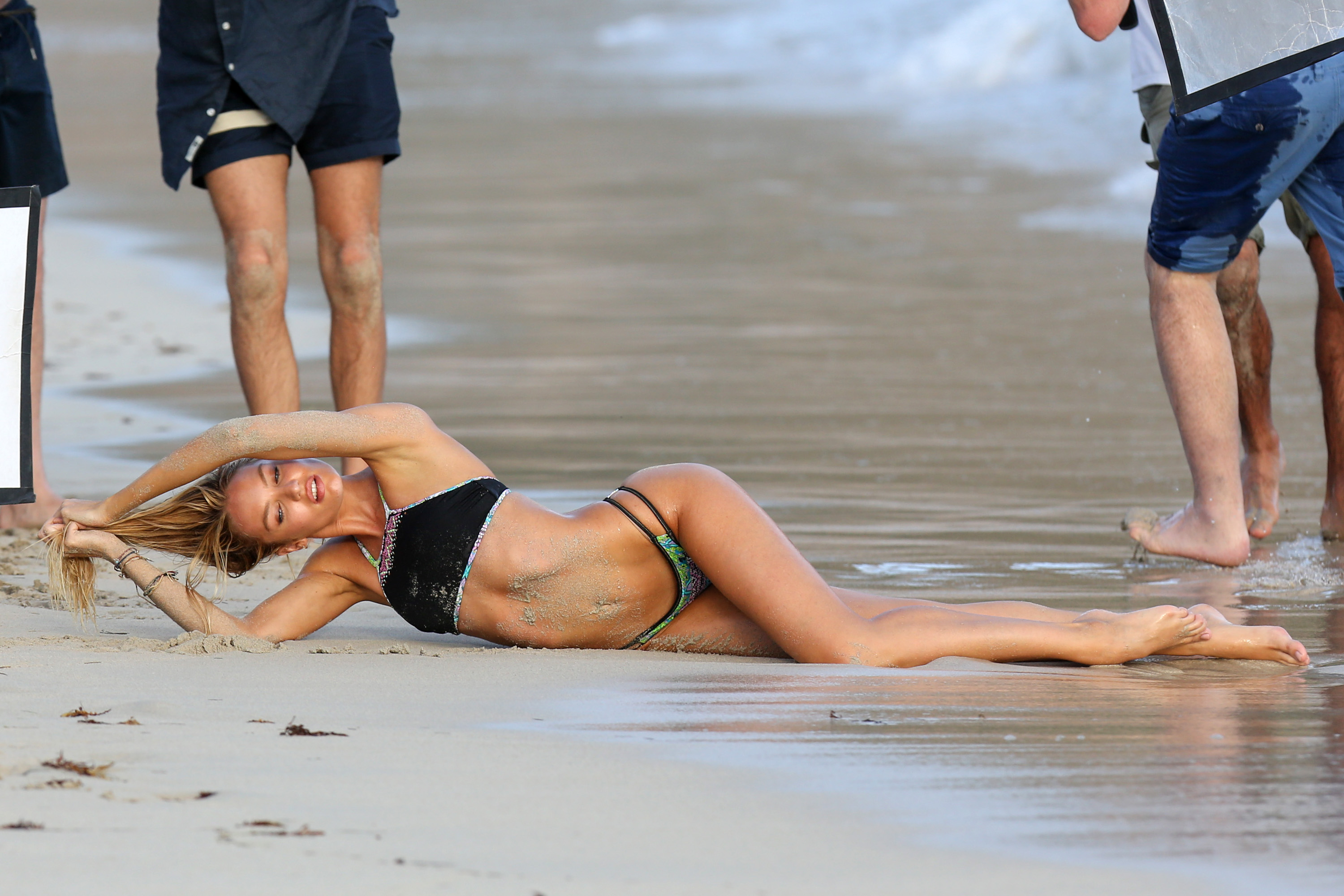
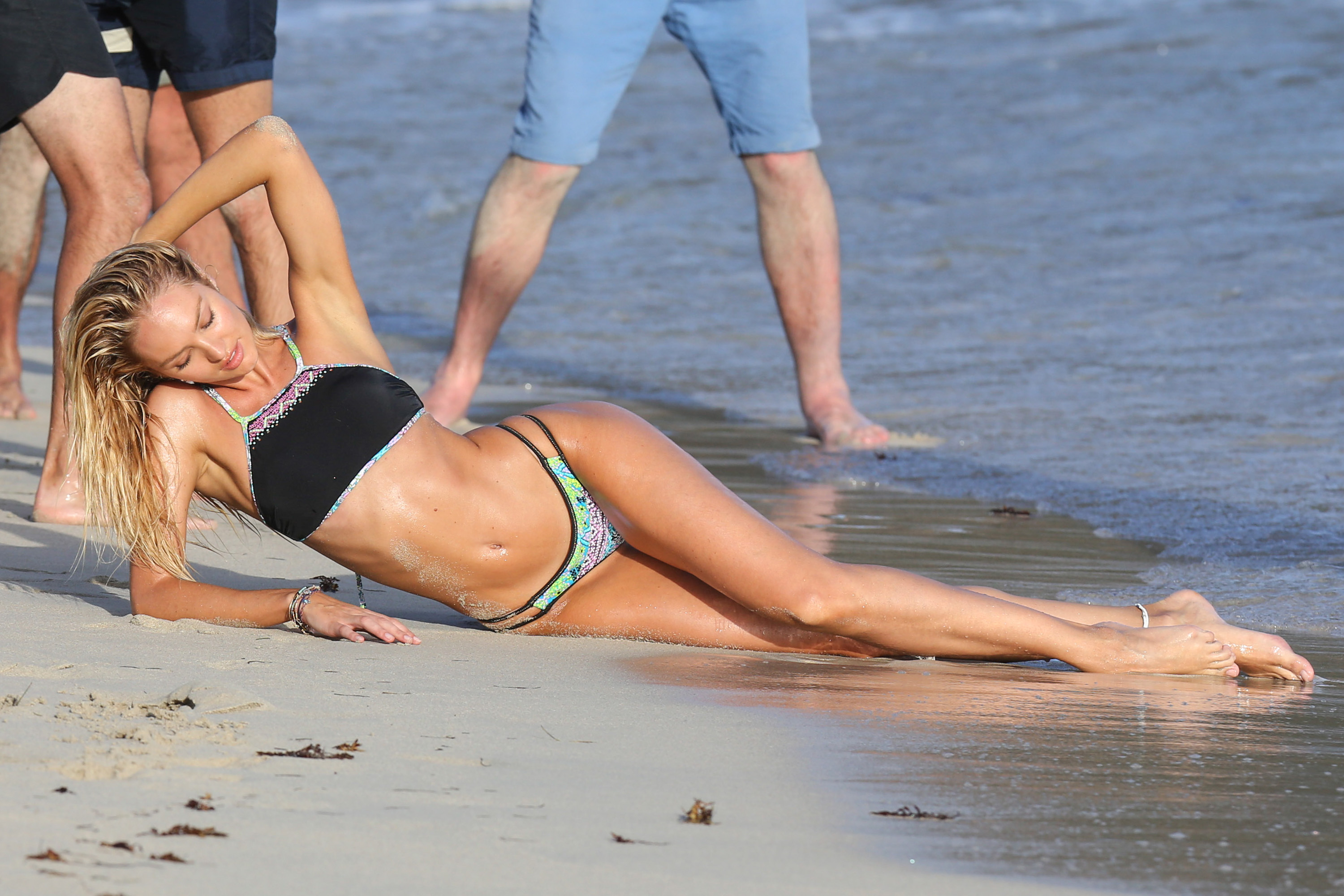
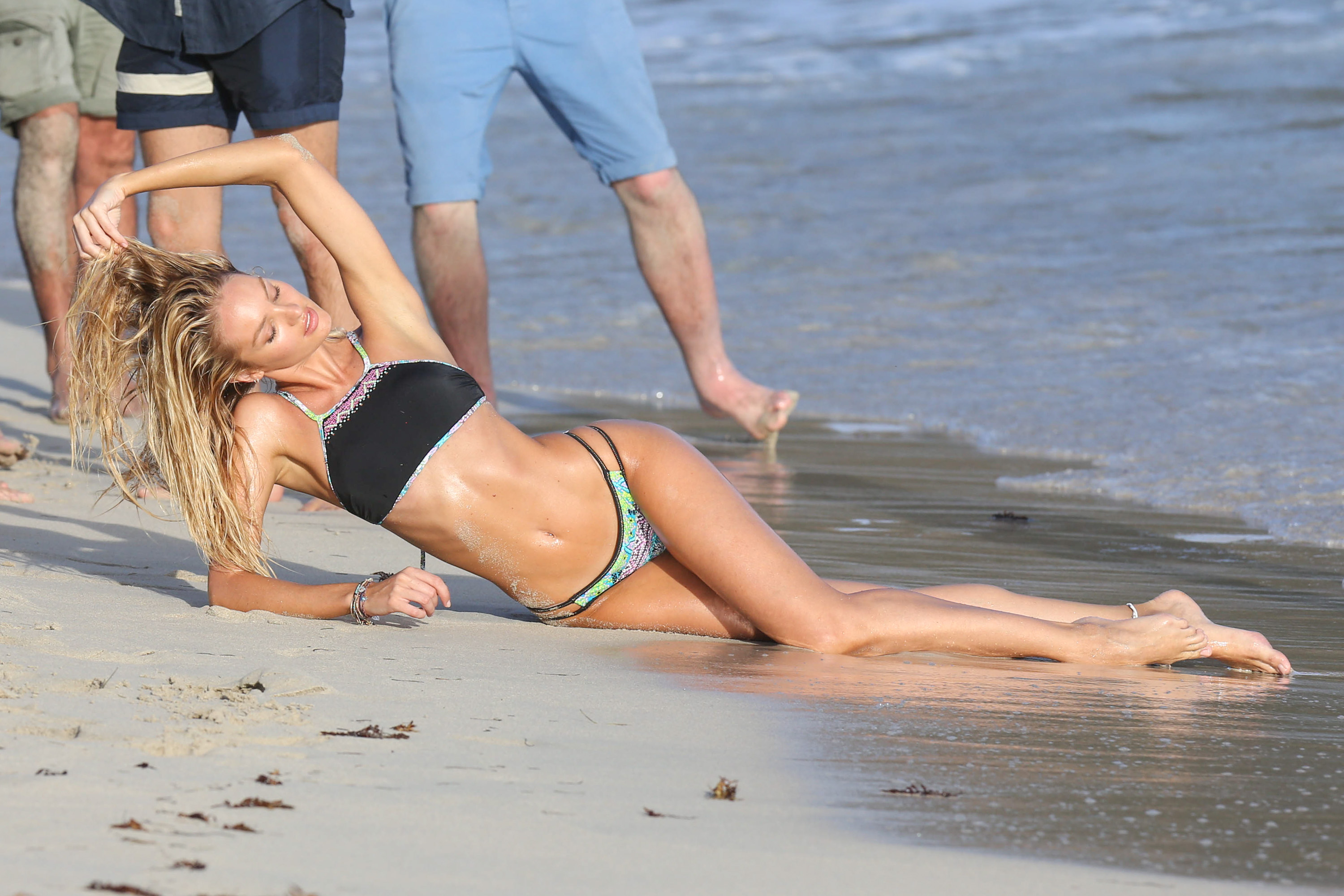
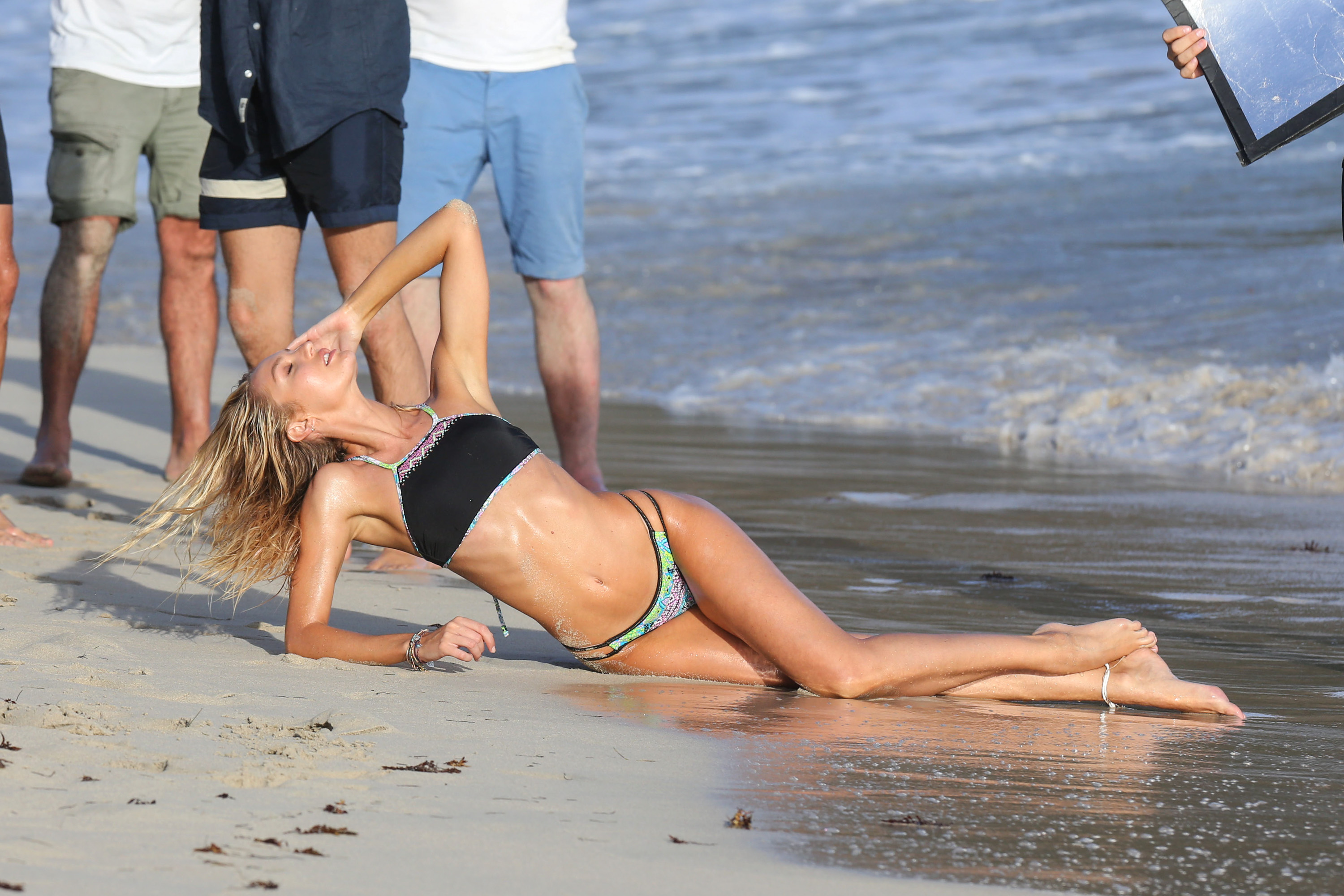
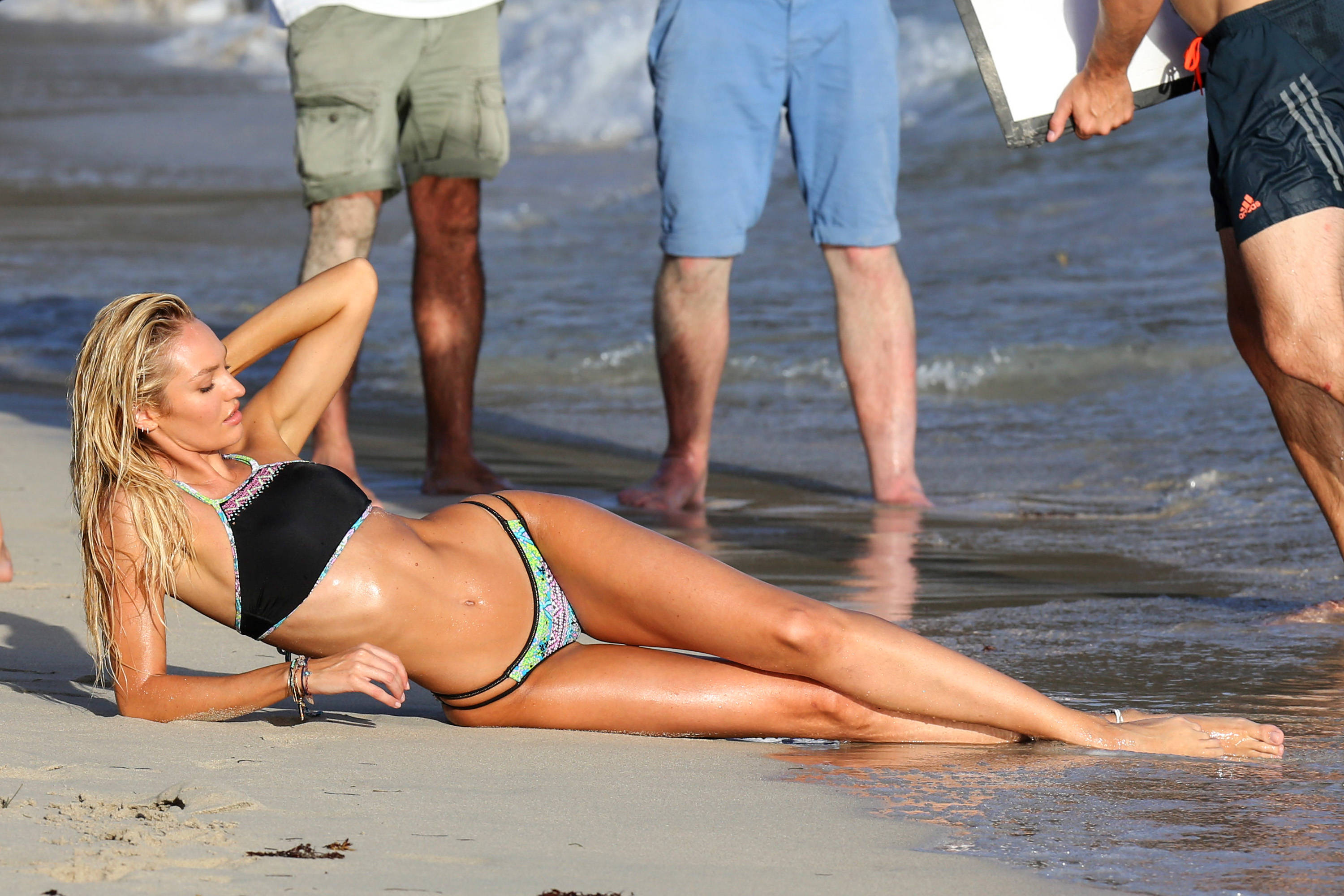
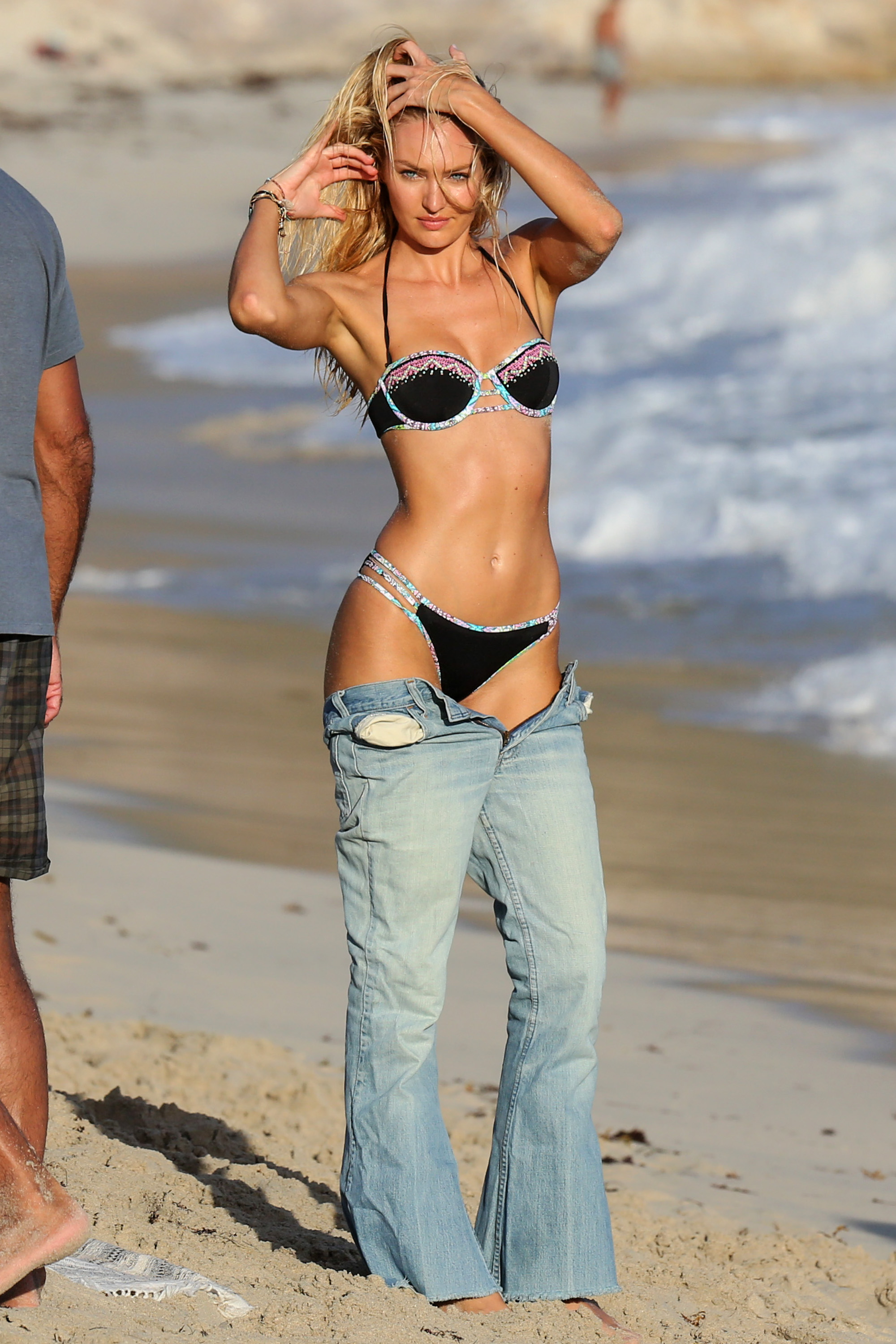
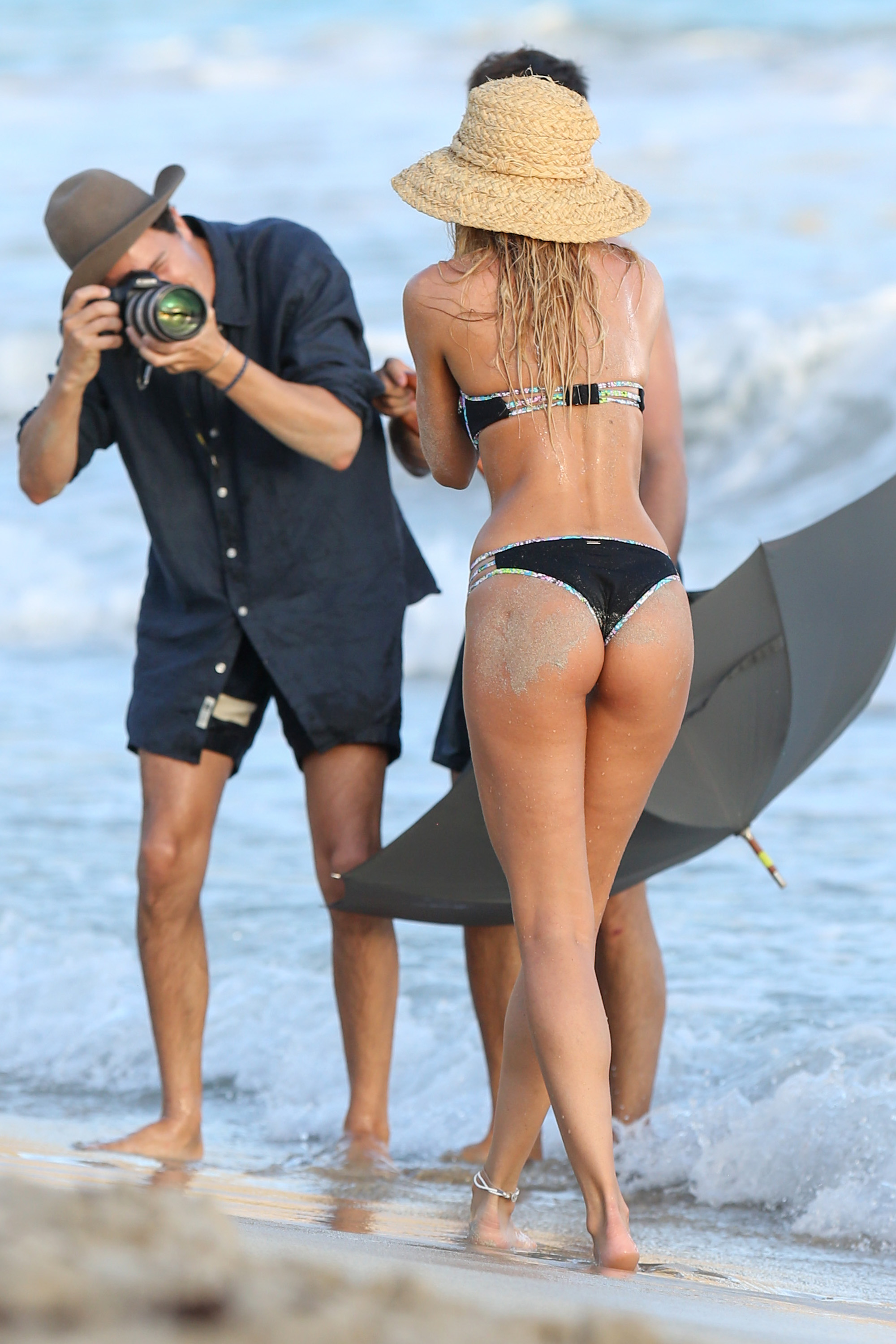
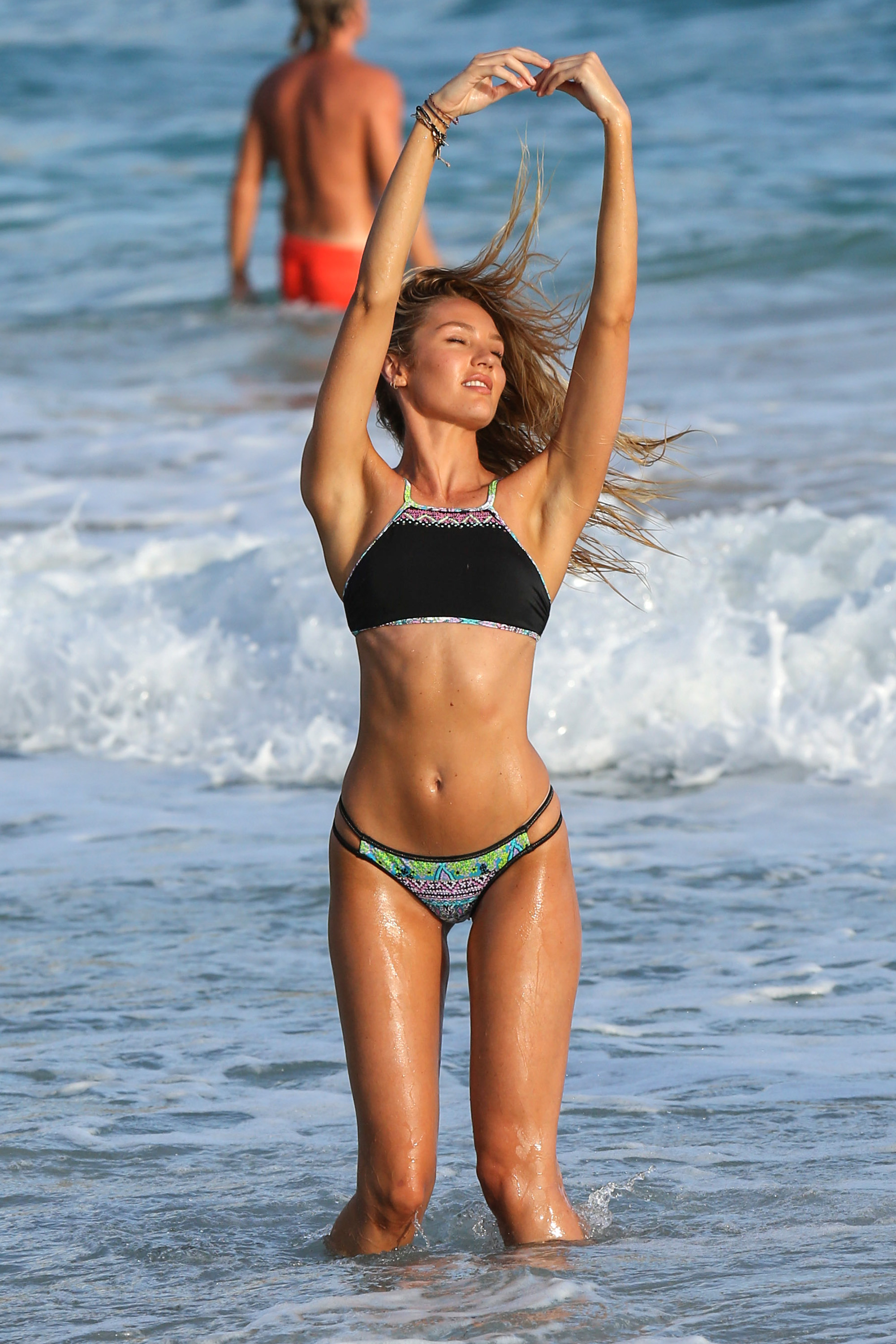
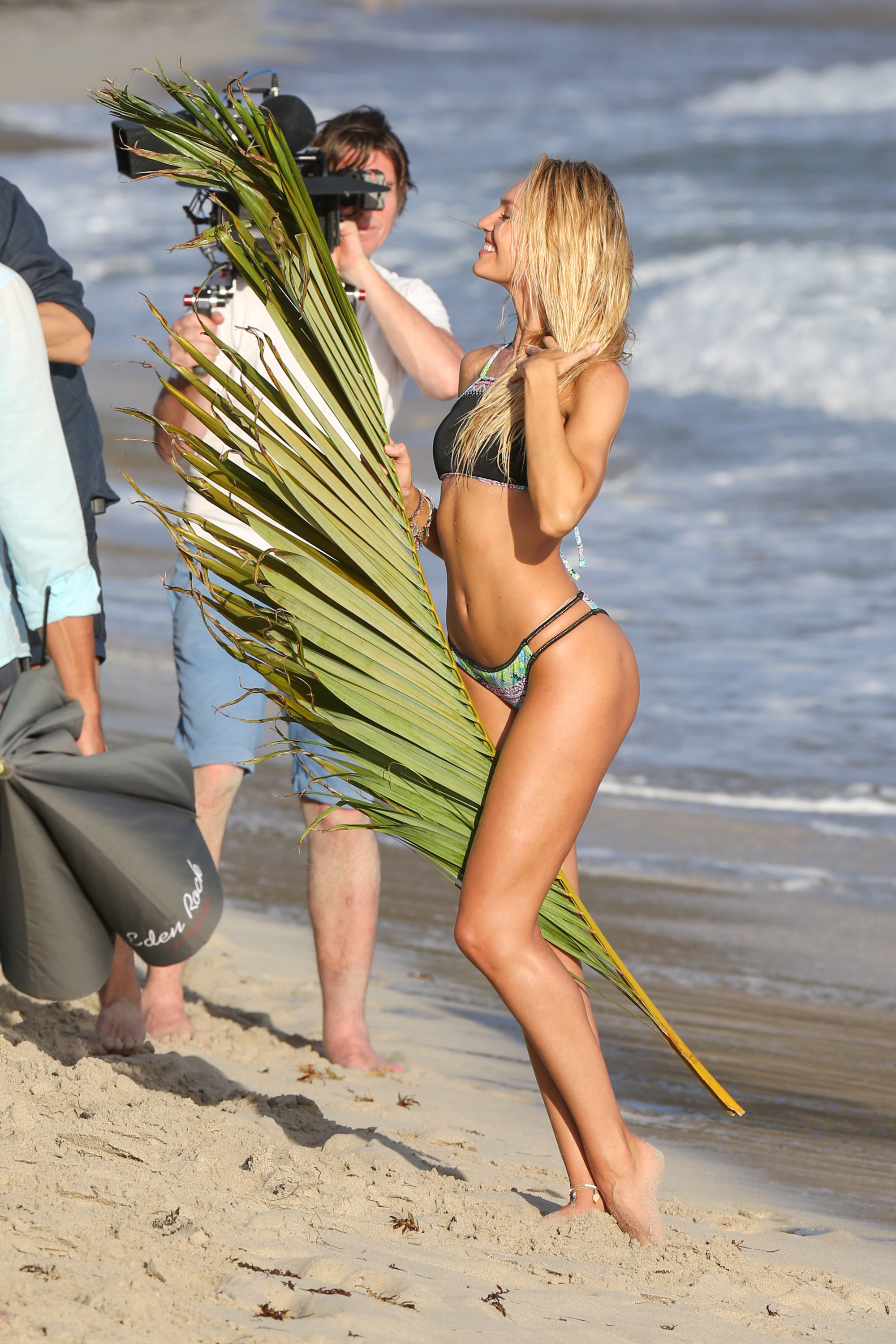
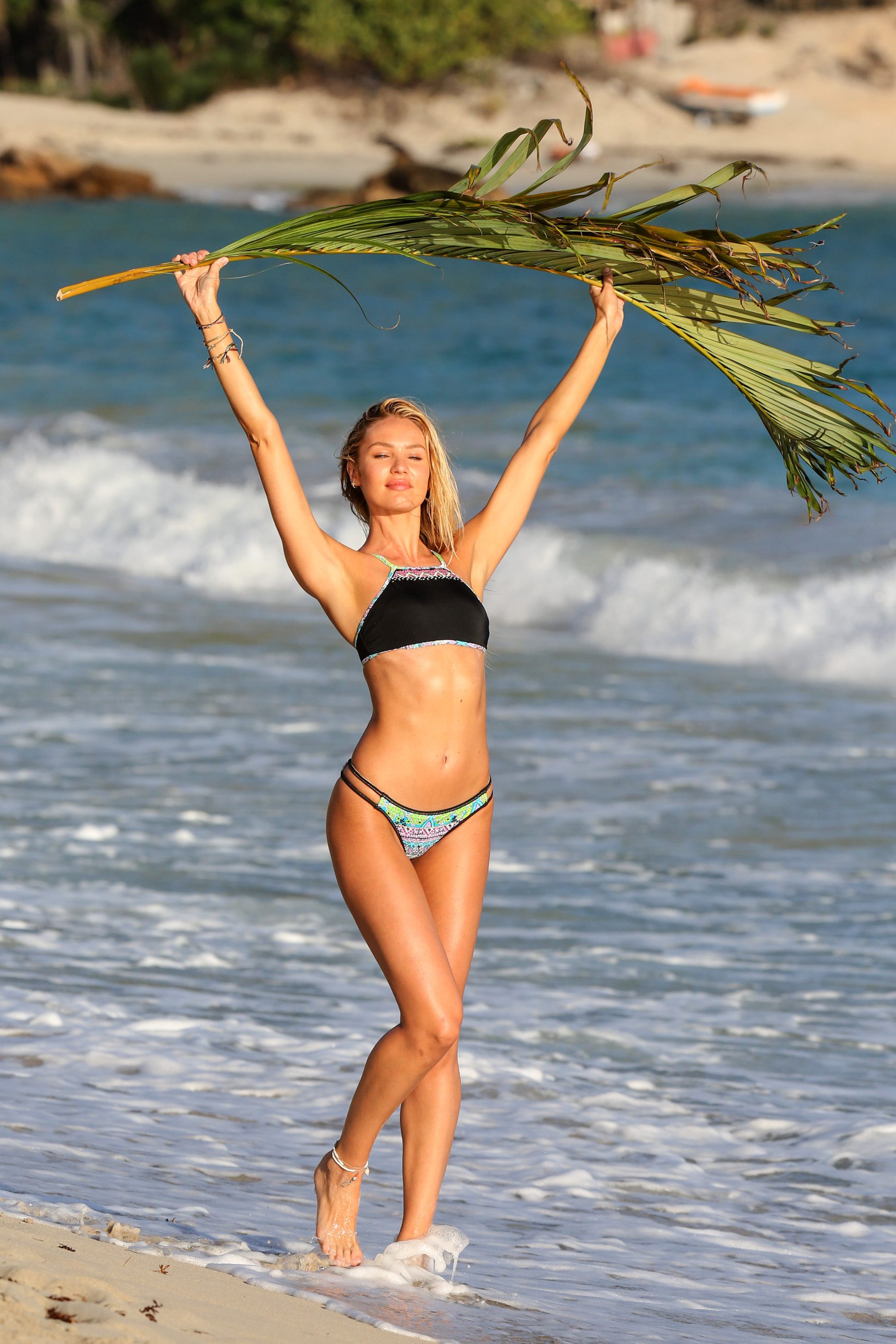
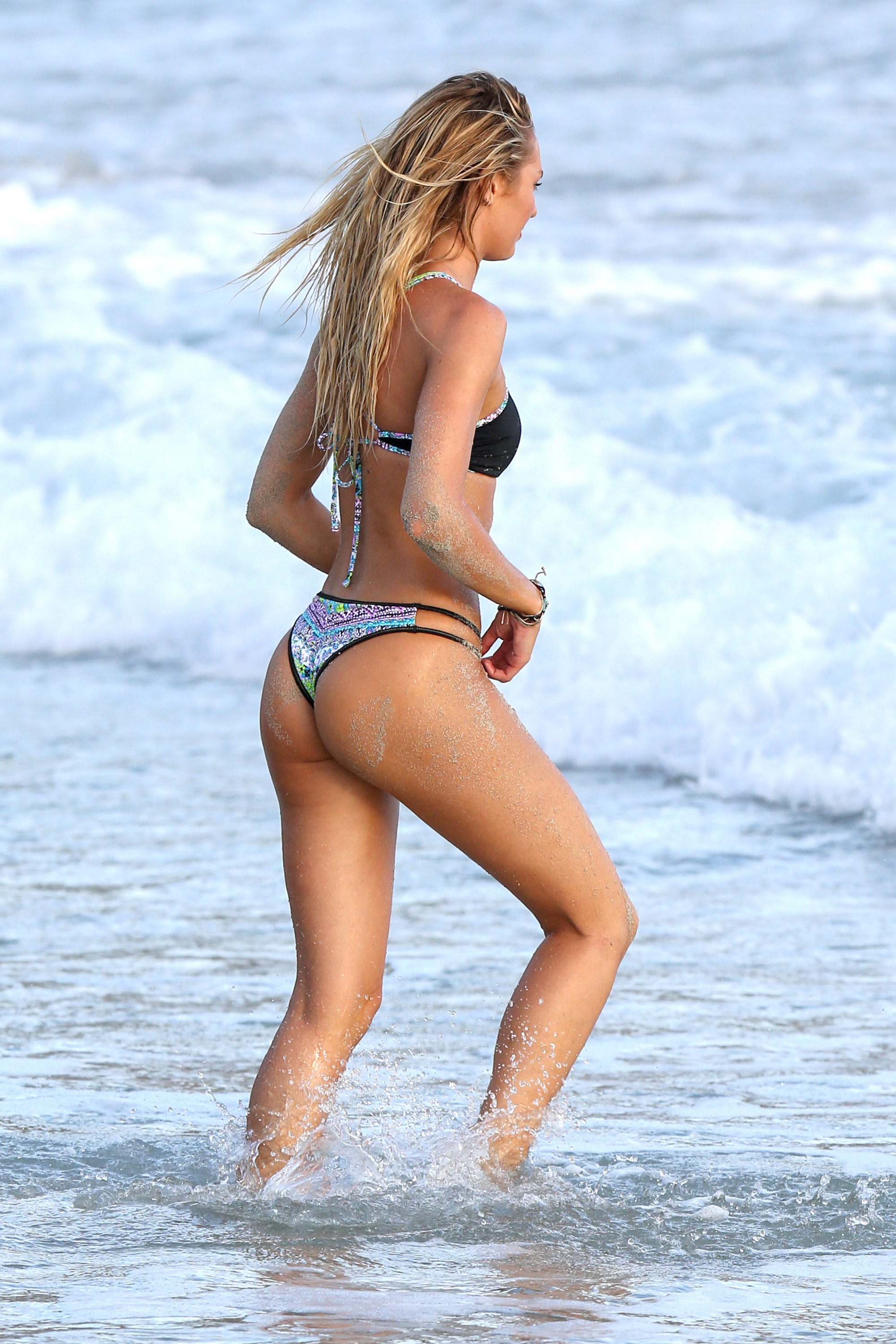
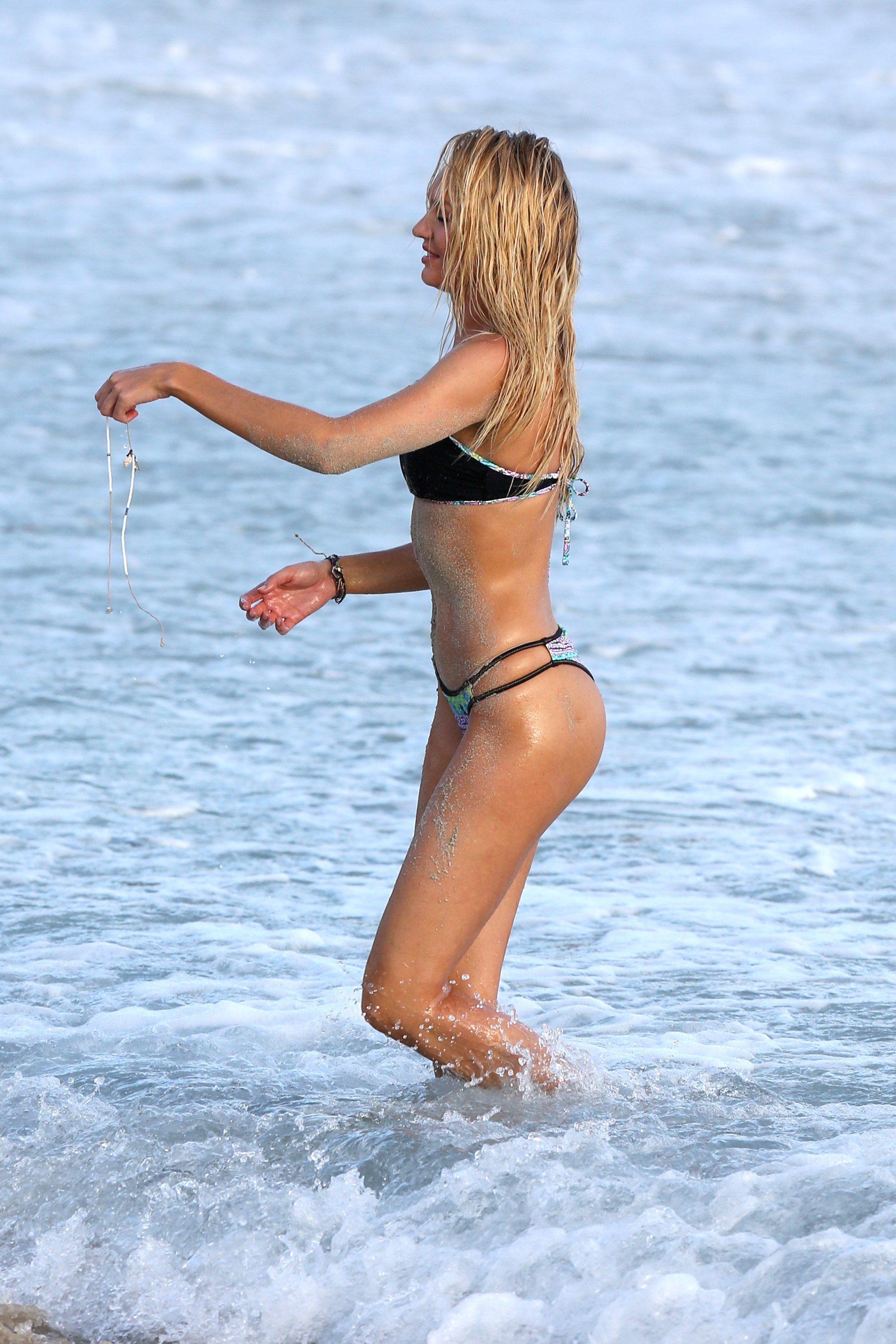
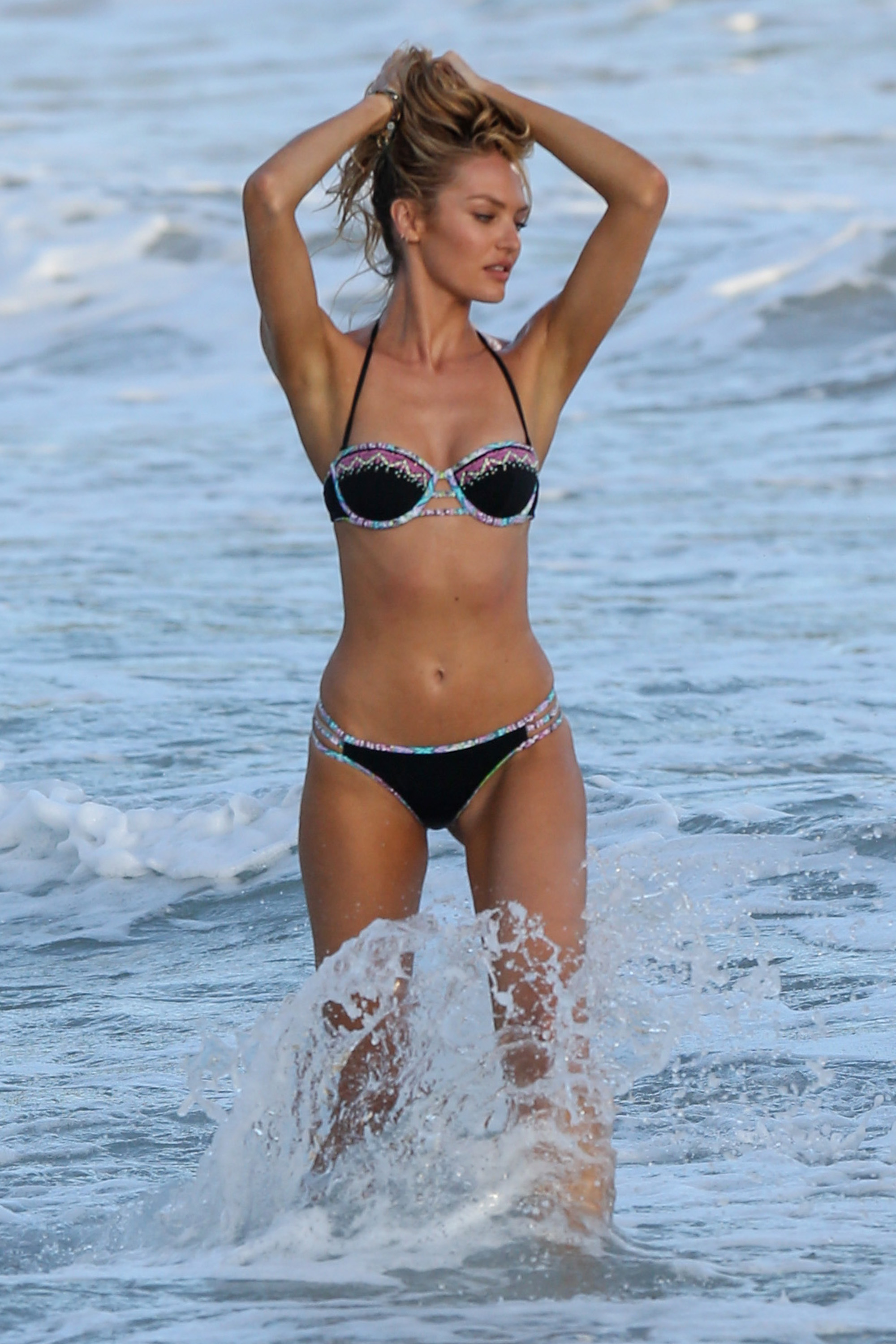
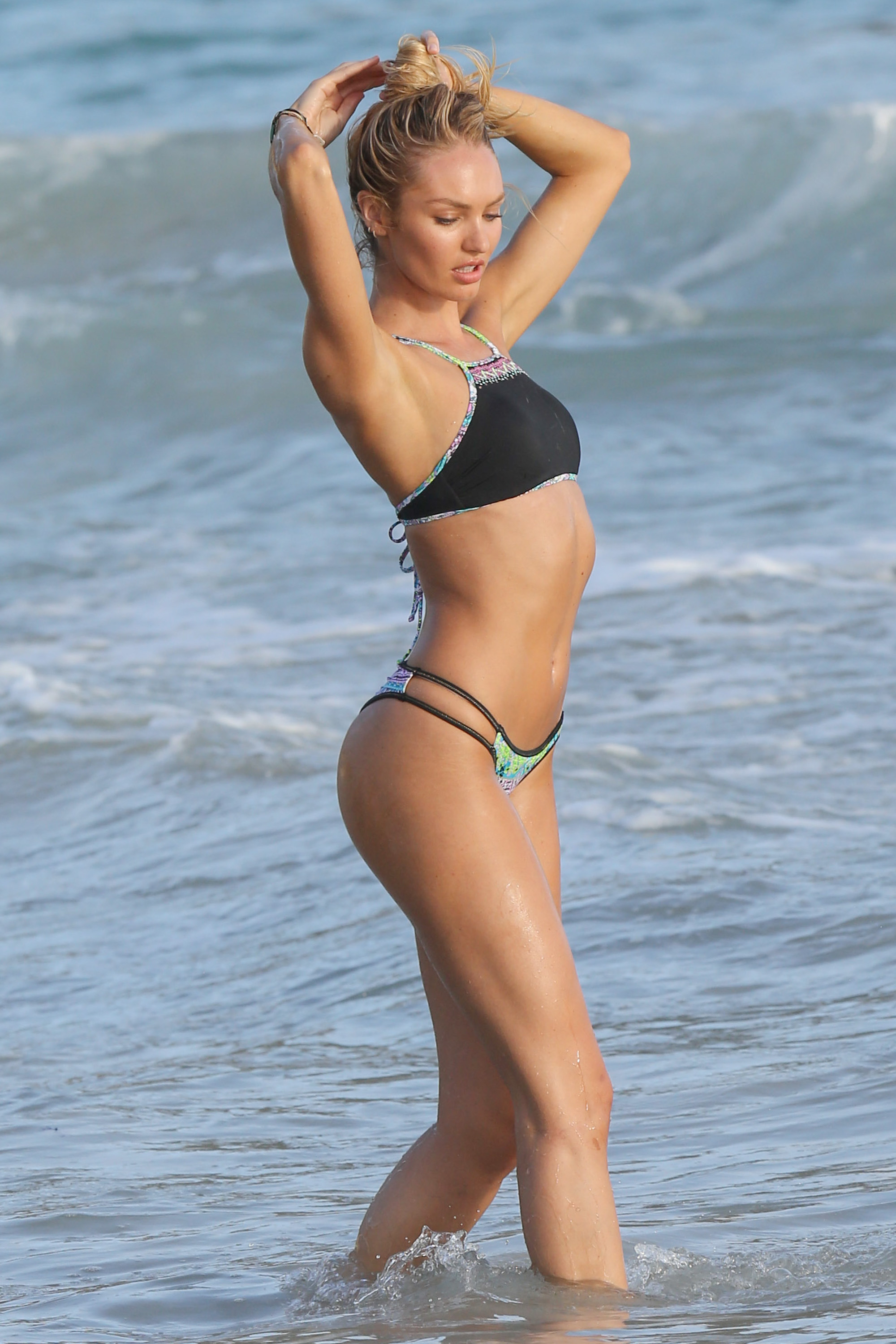
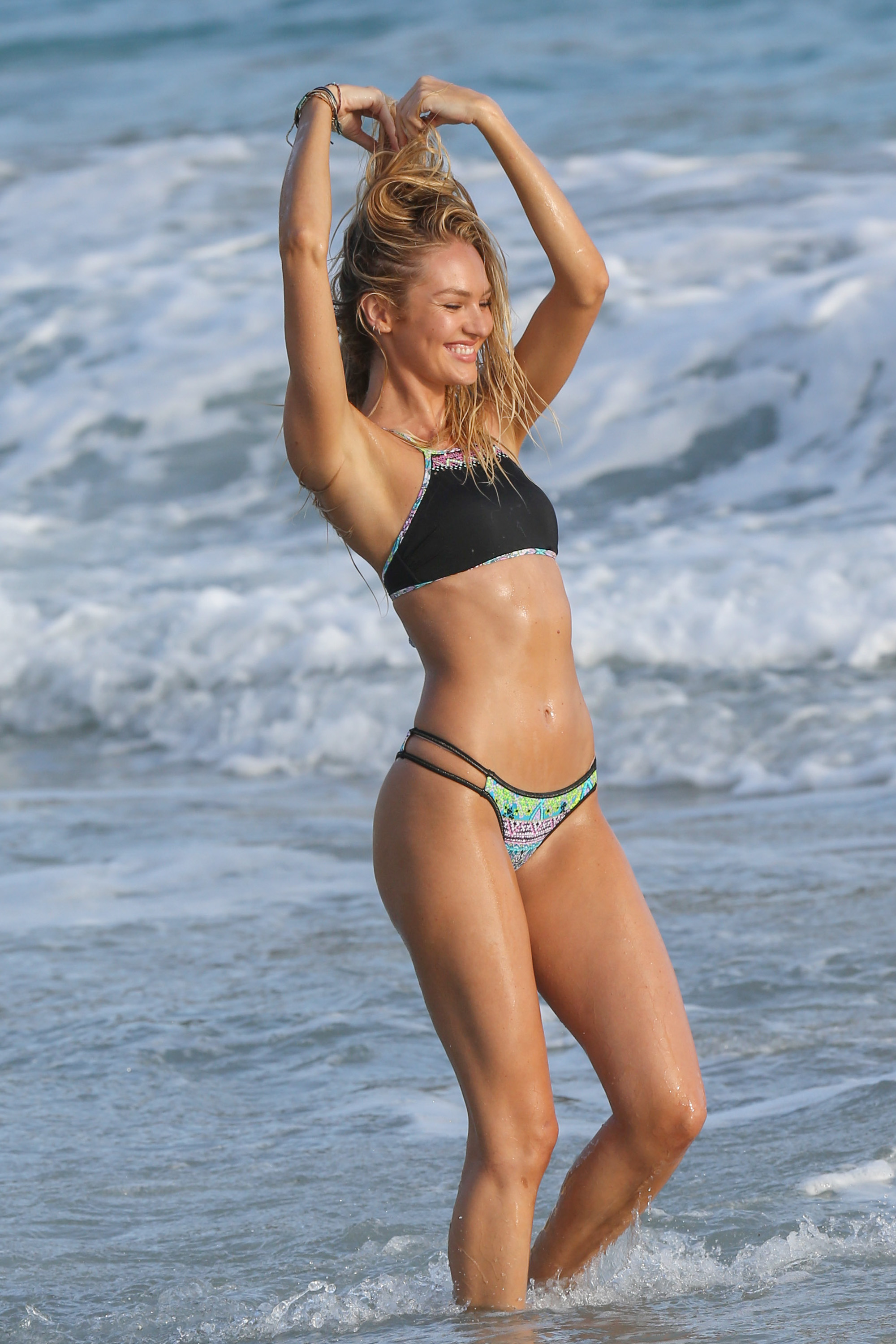
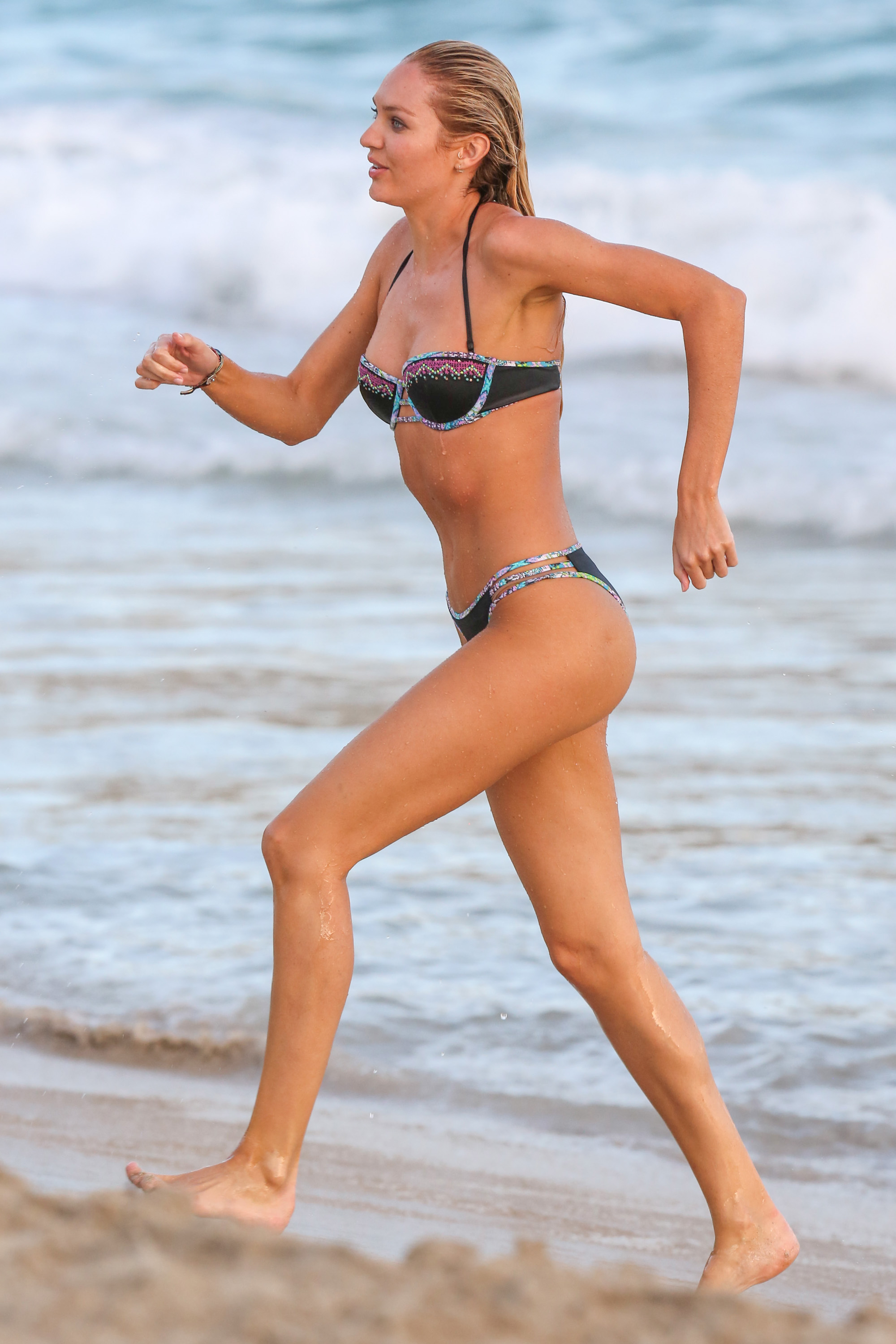
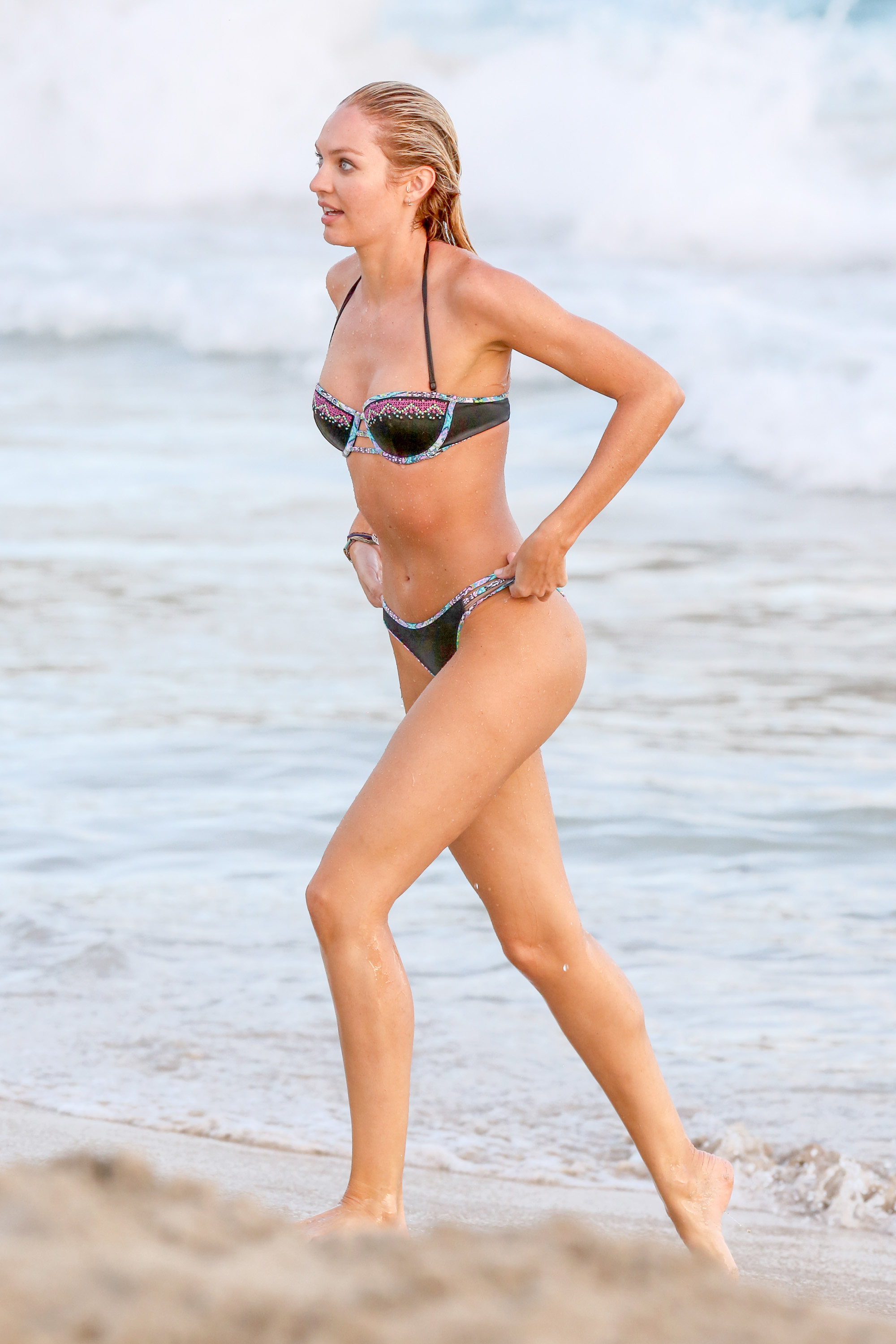
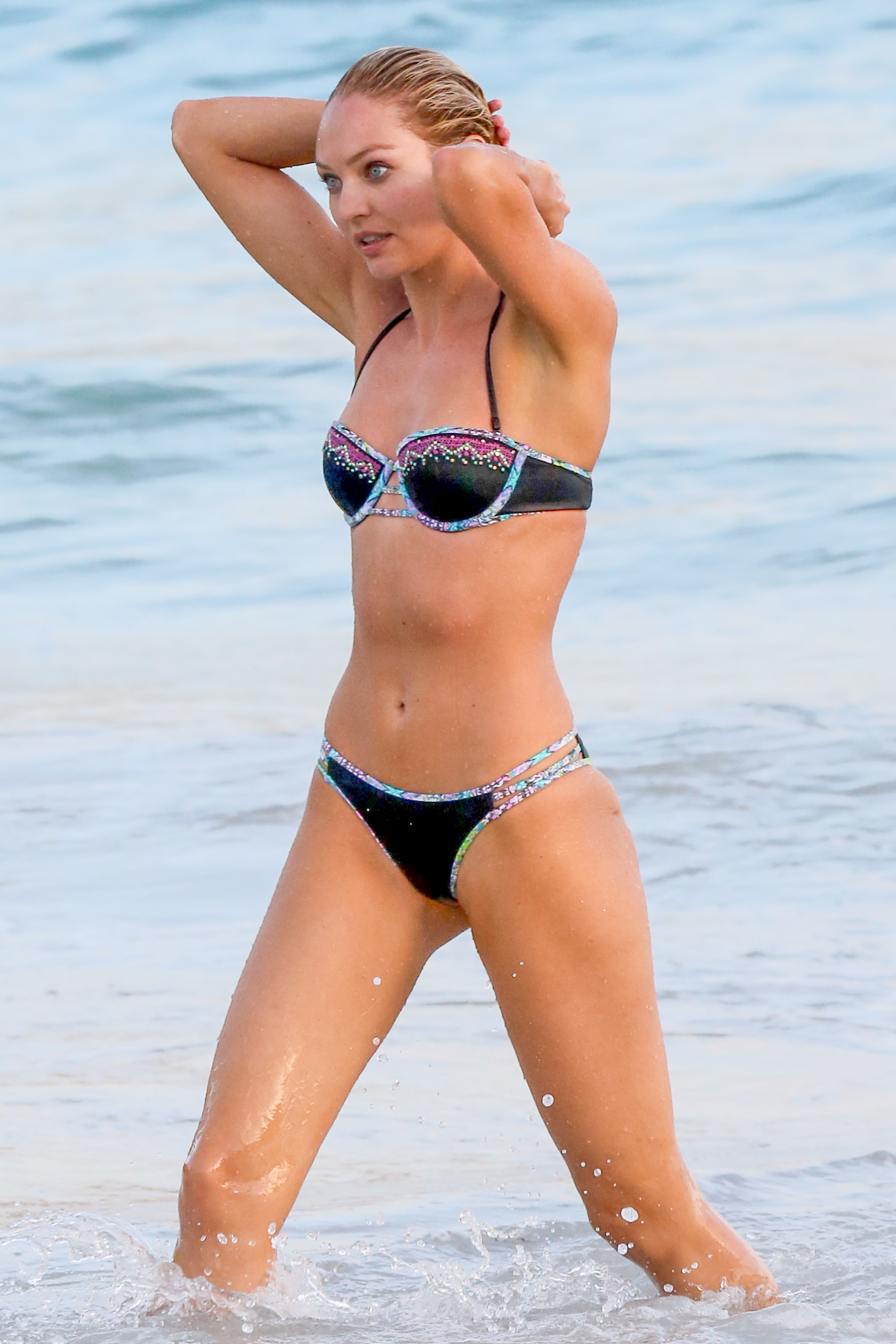
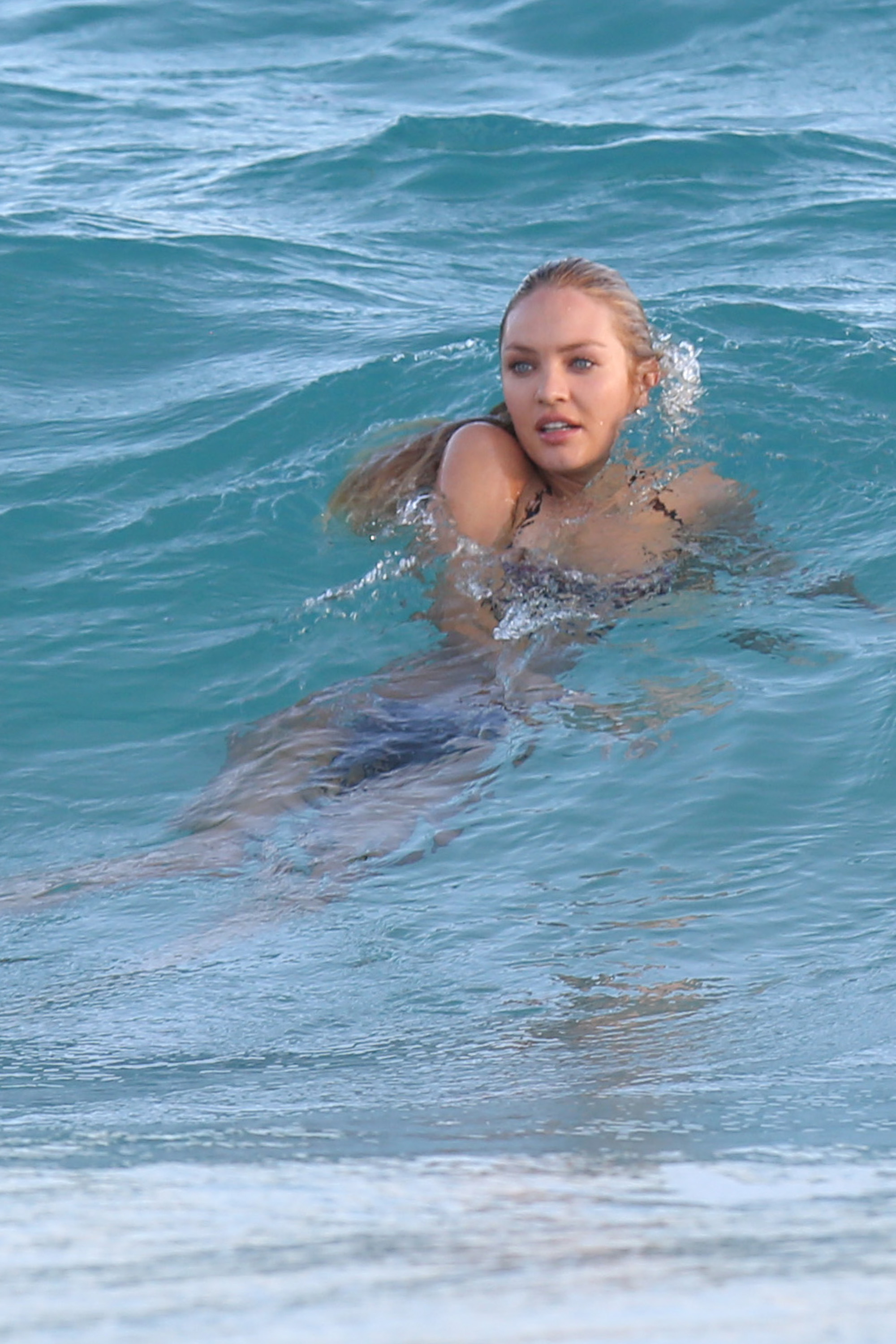
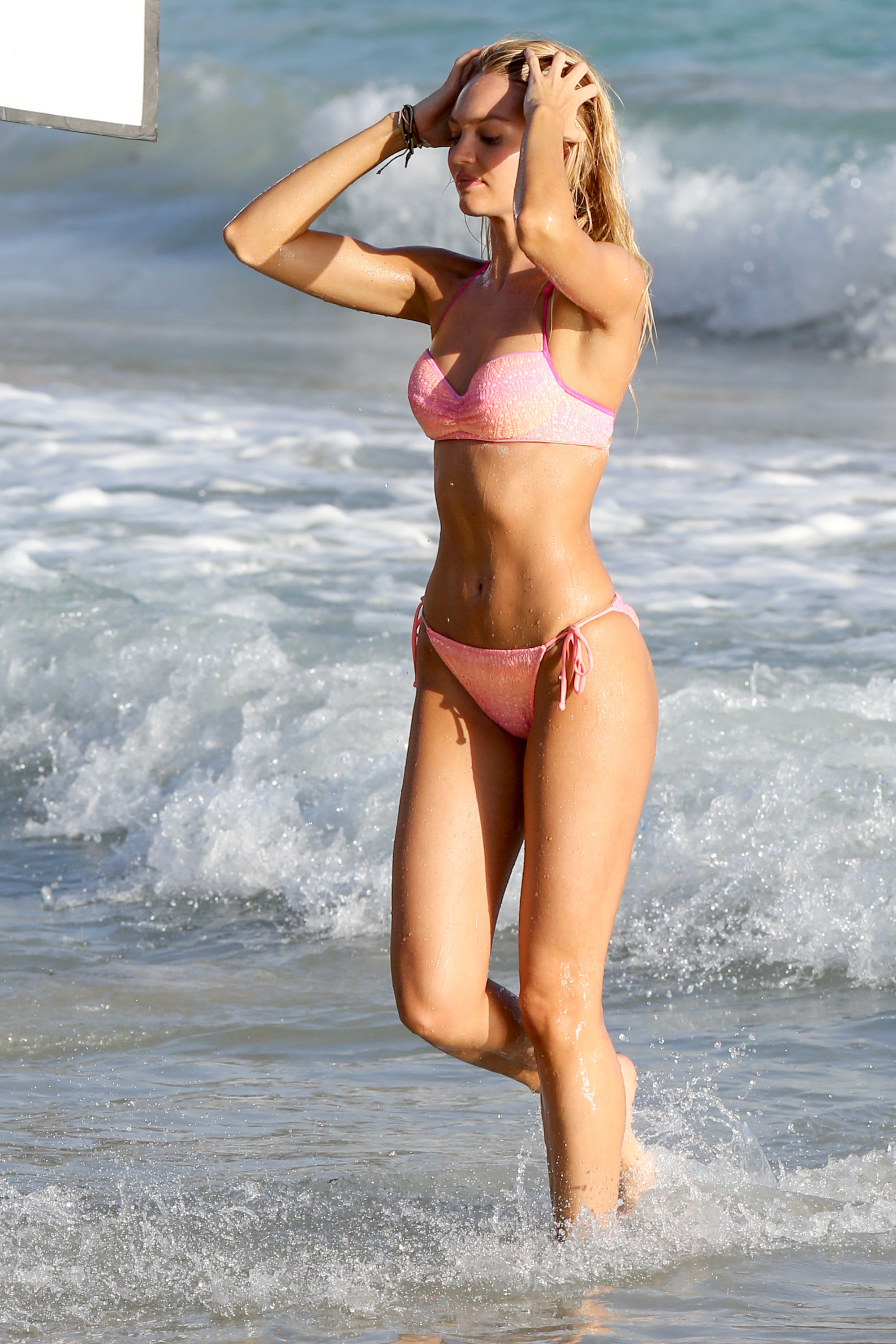
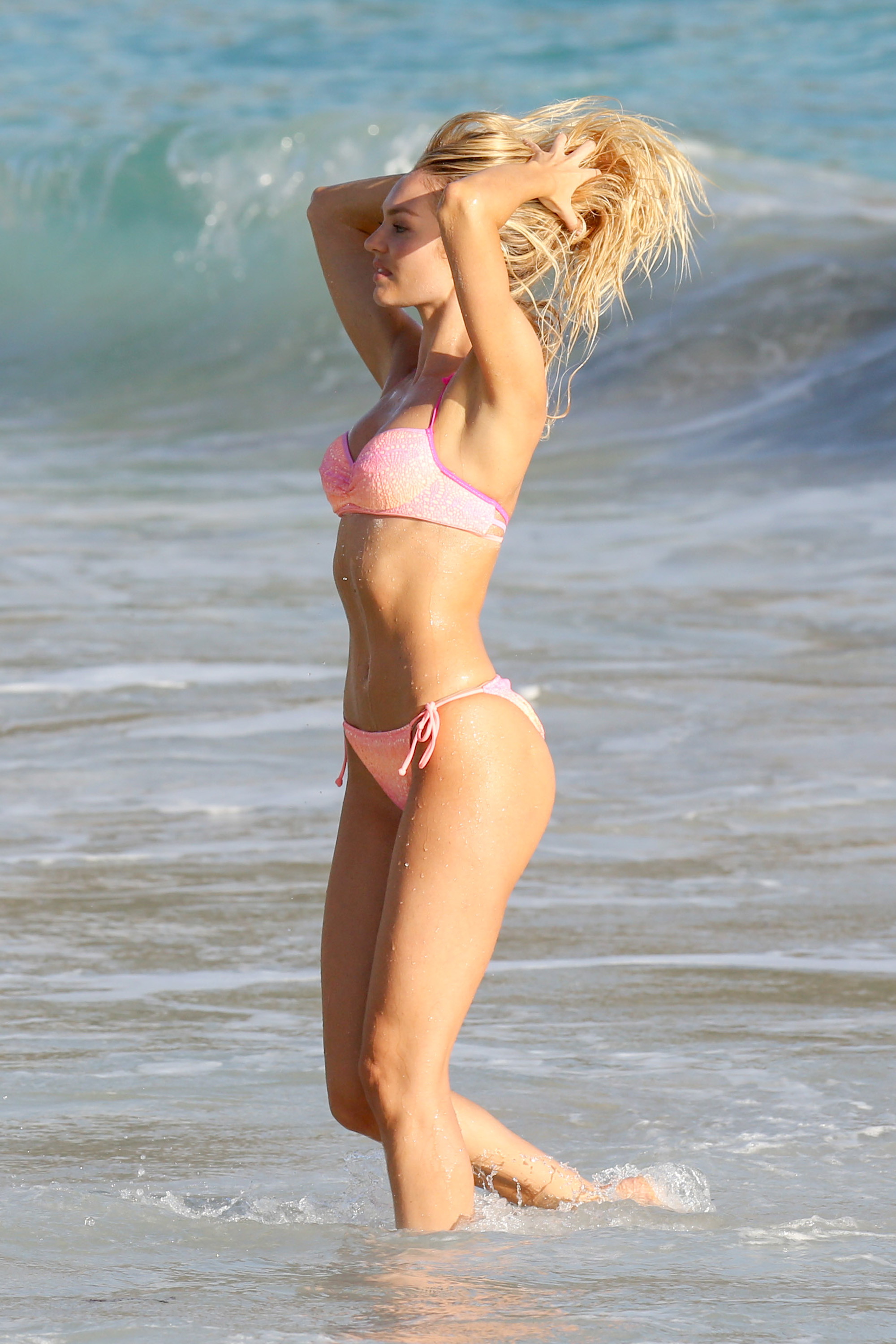
Beach Bunny "new"
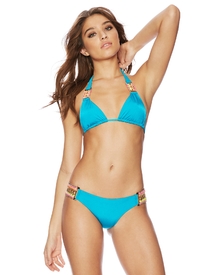
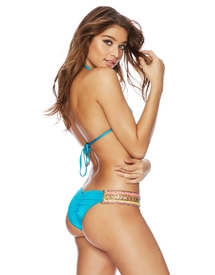
-
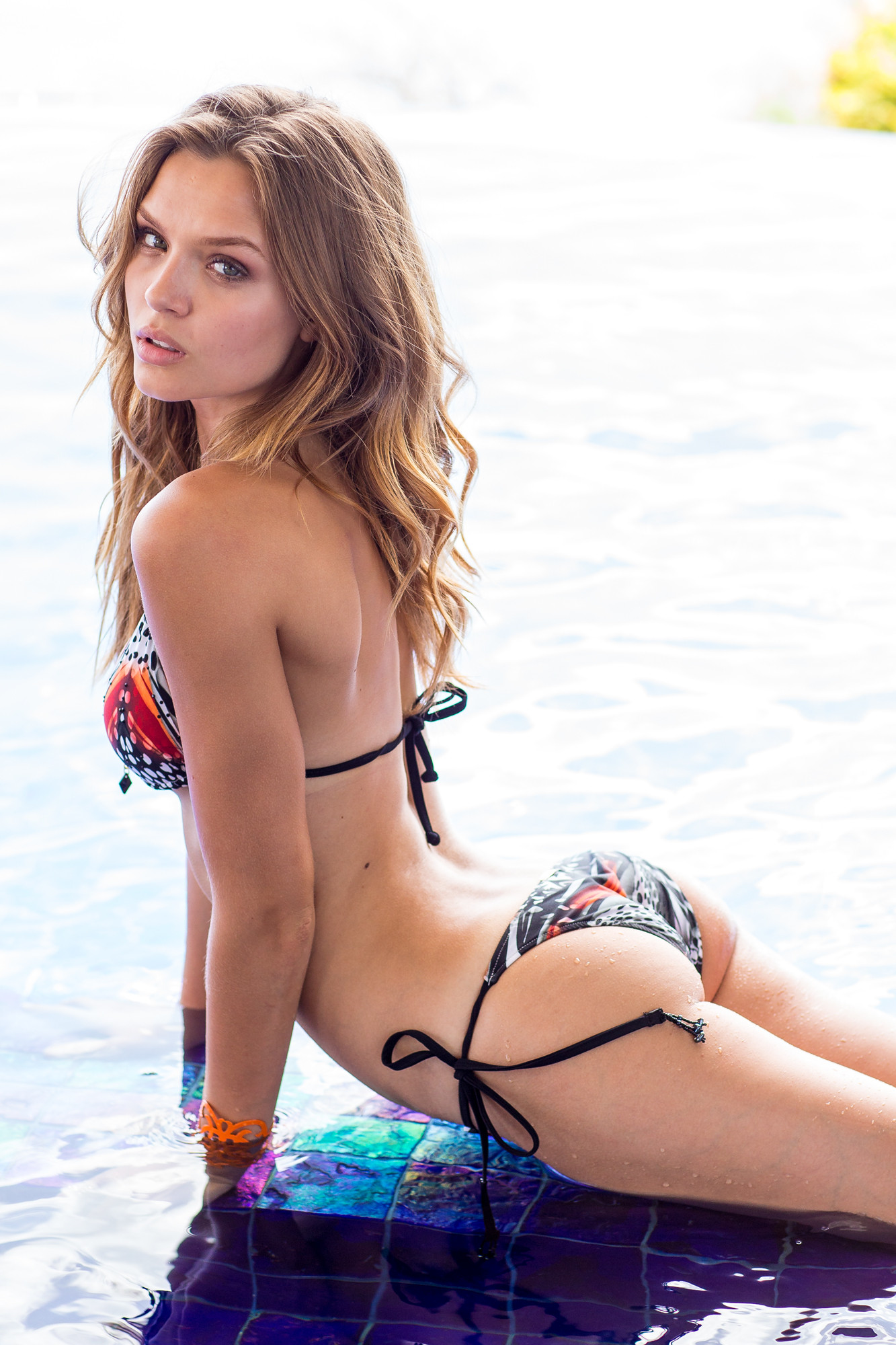
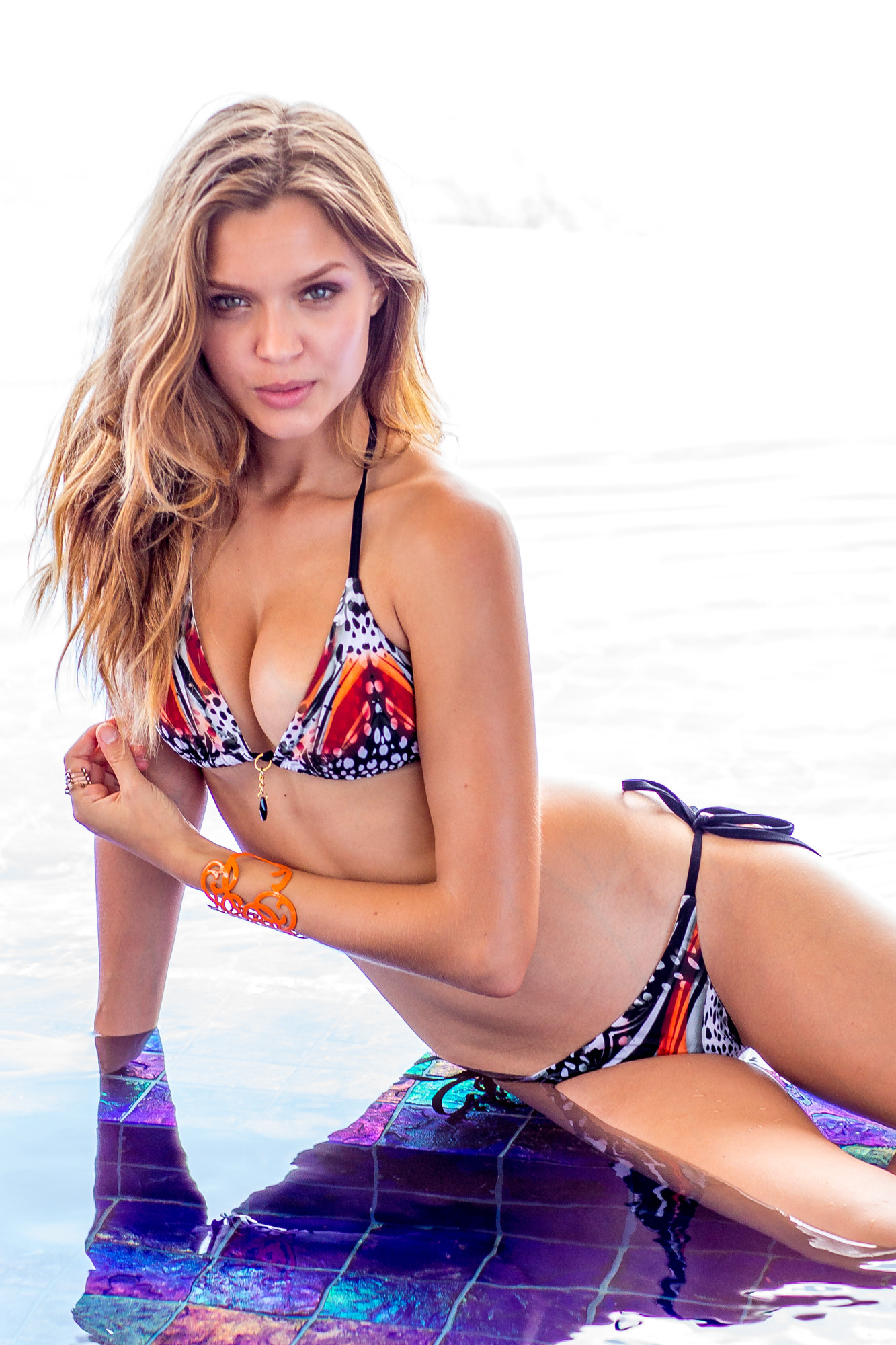
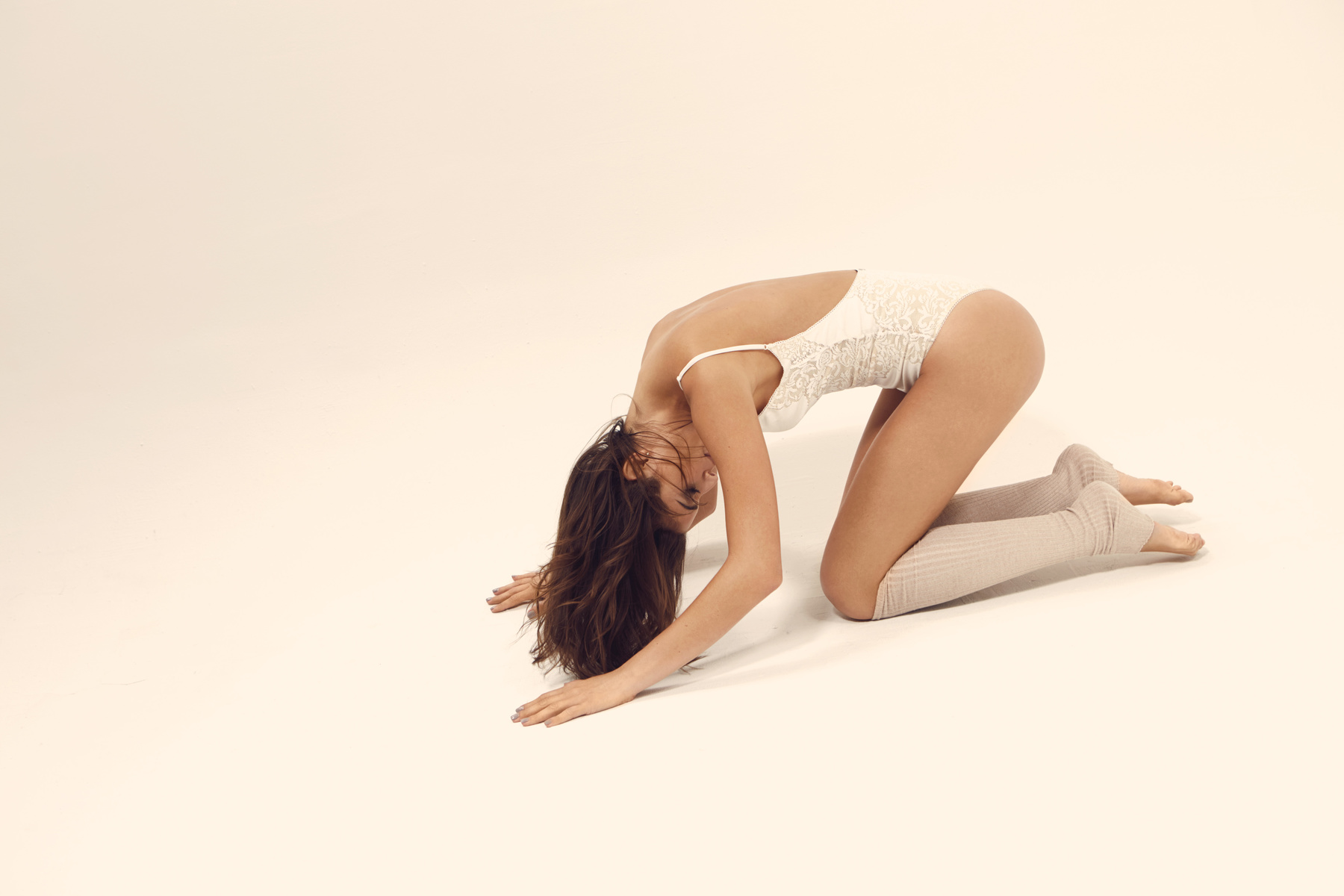
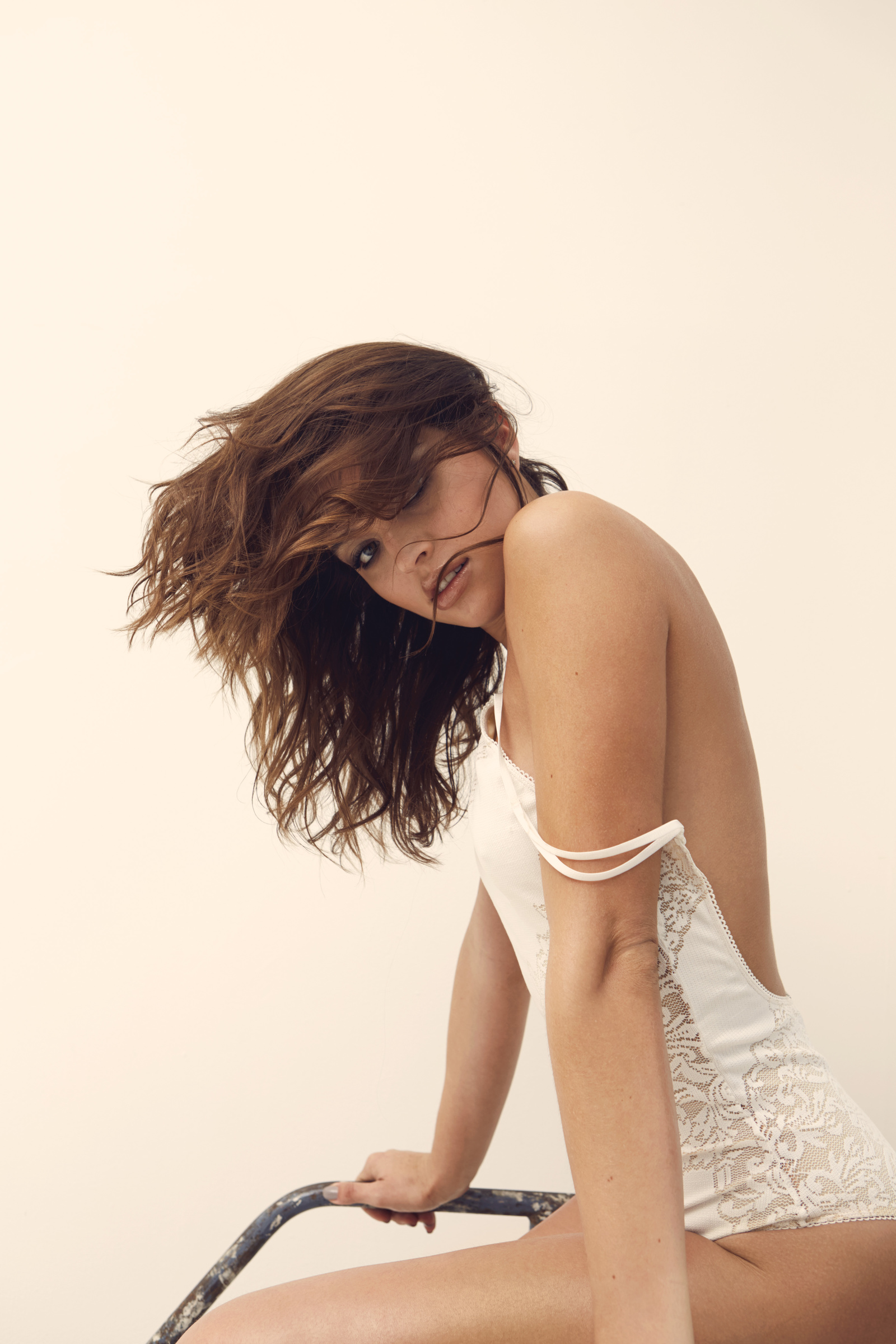
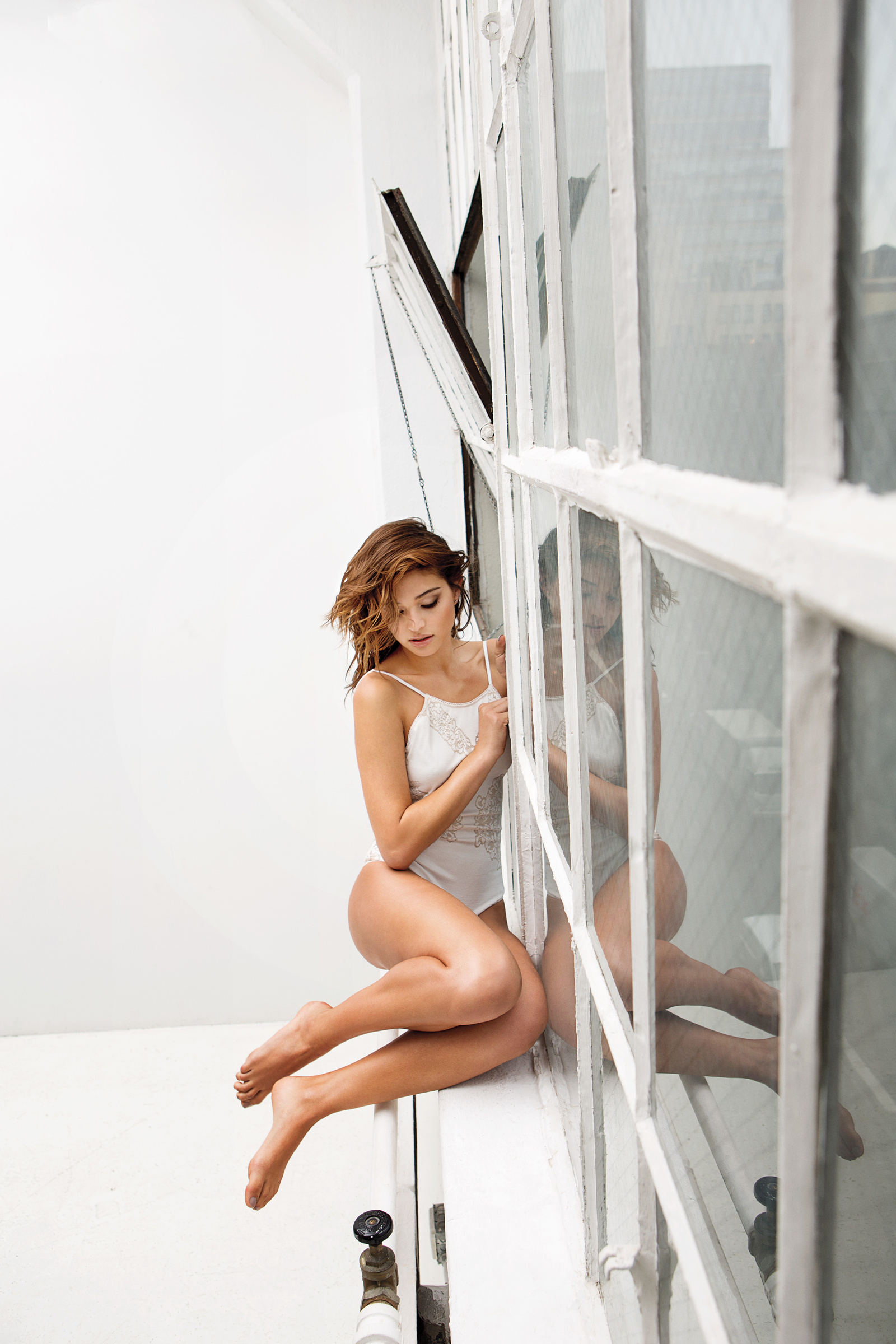
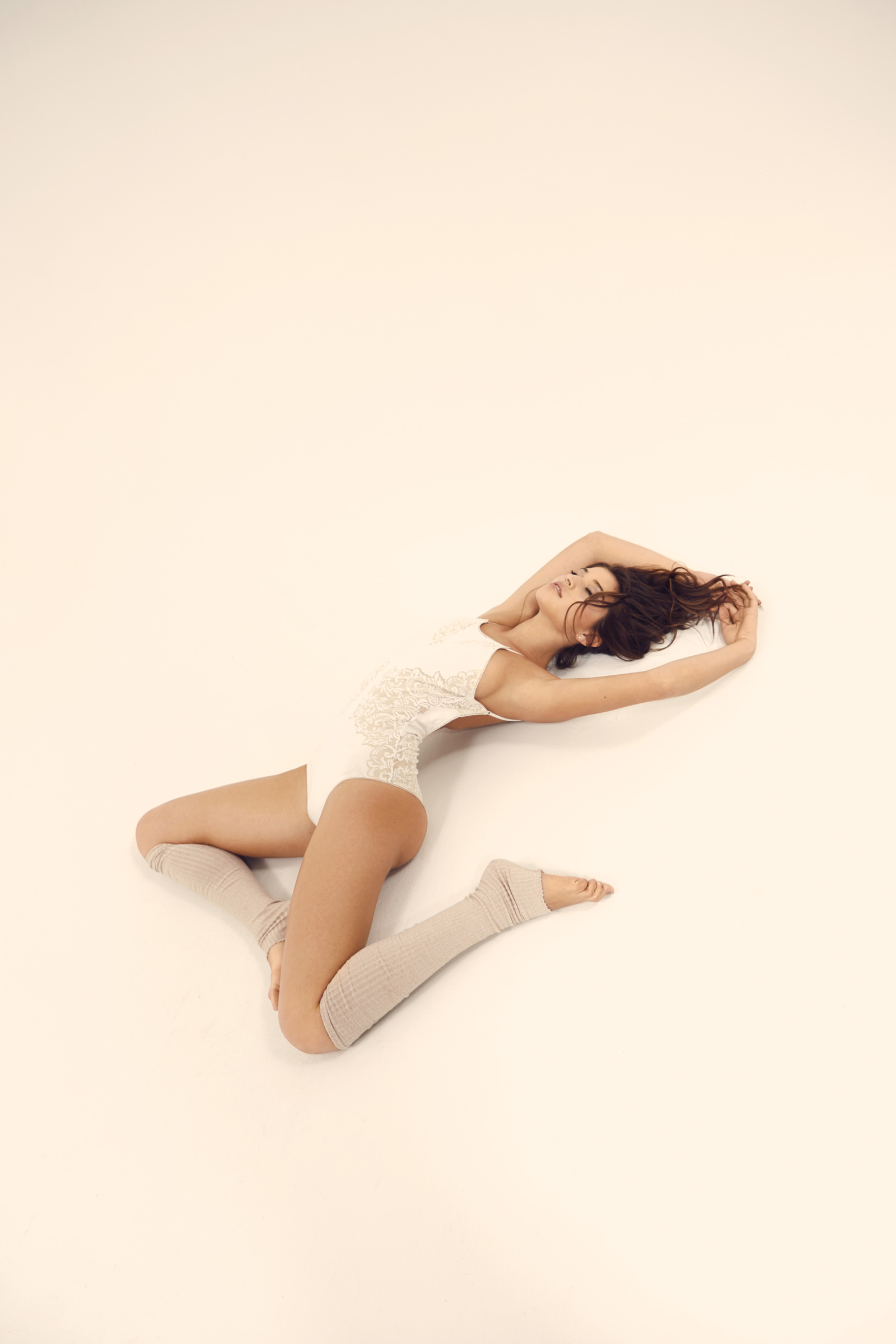
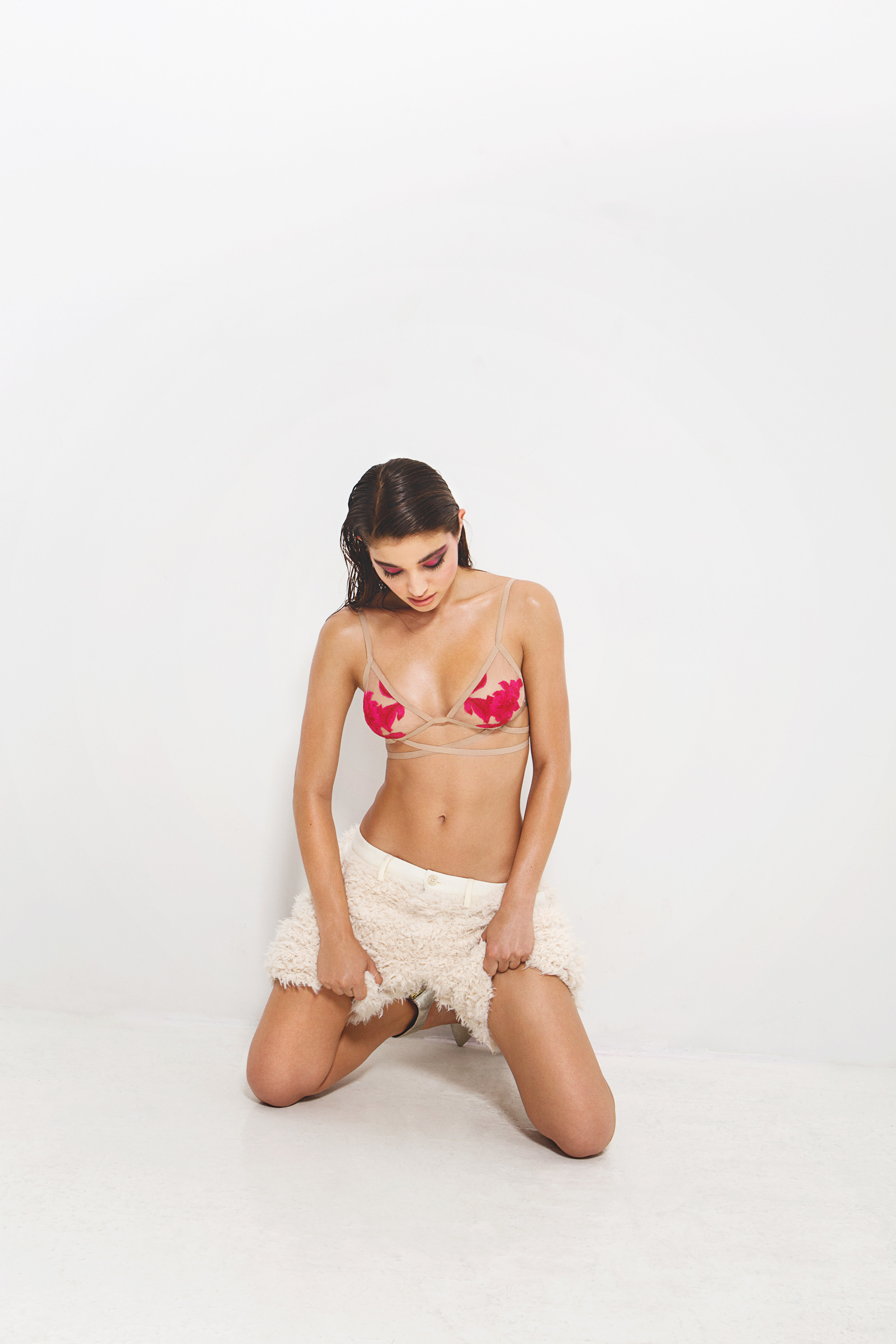
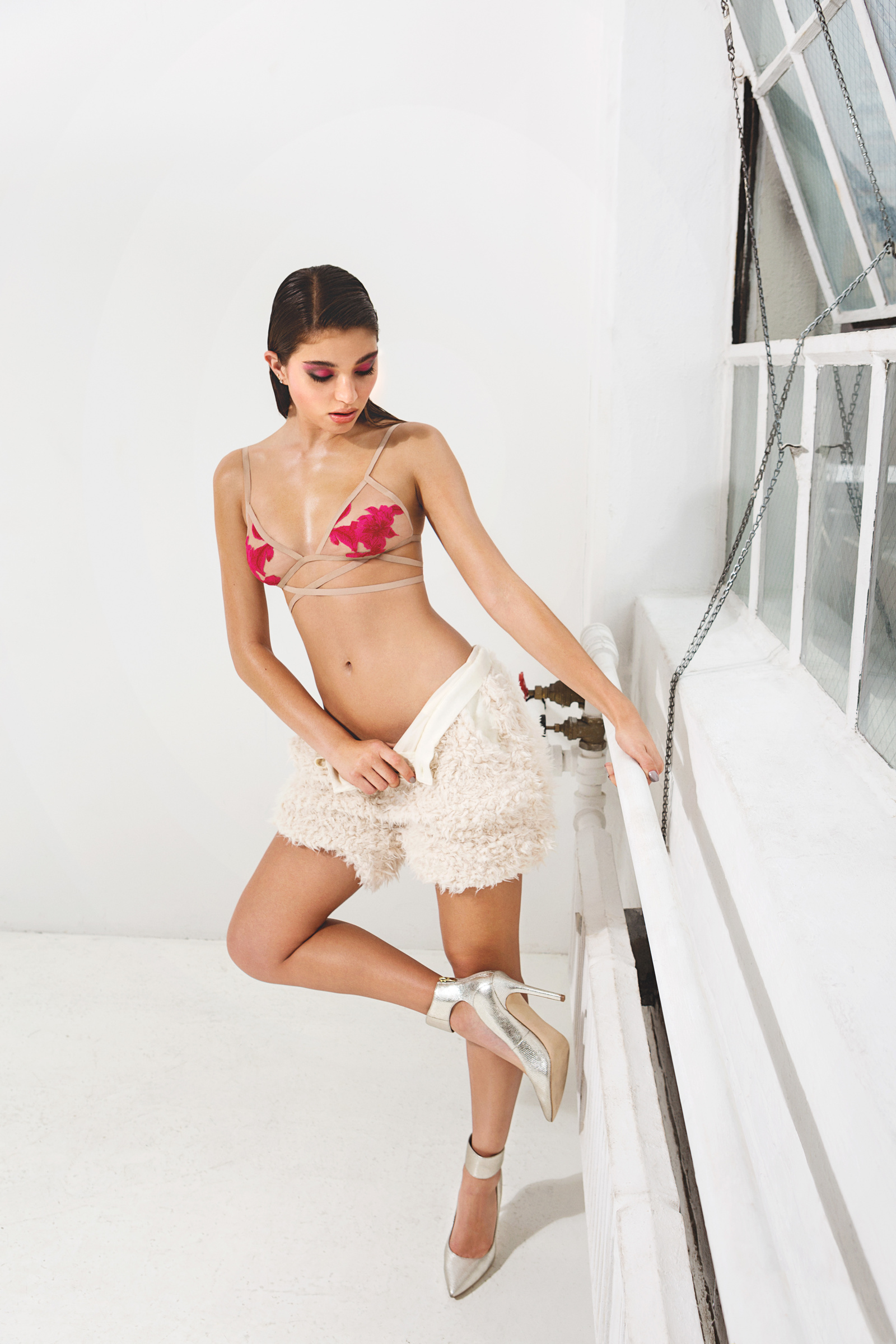
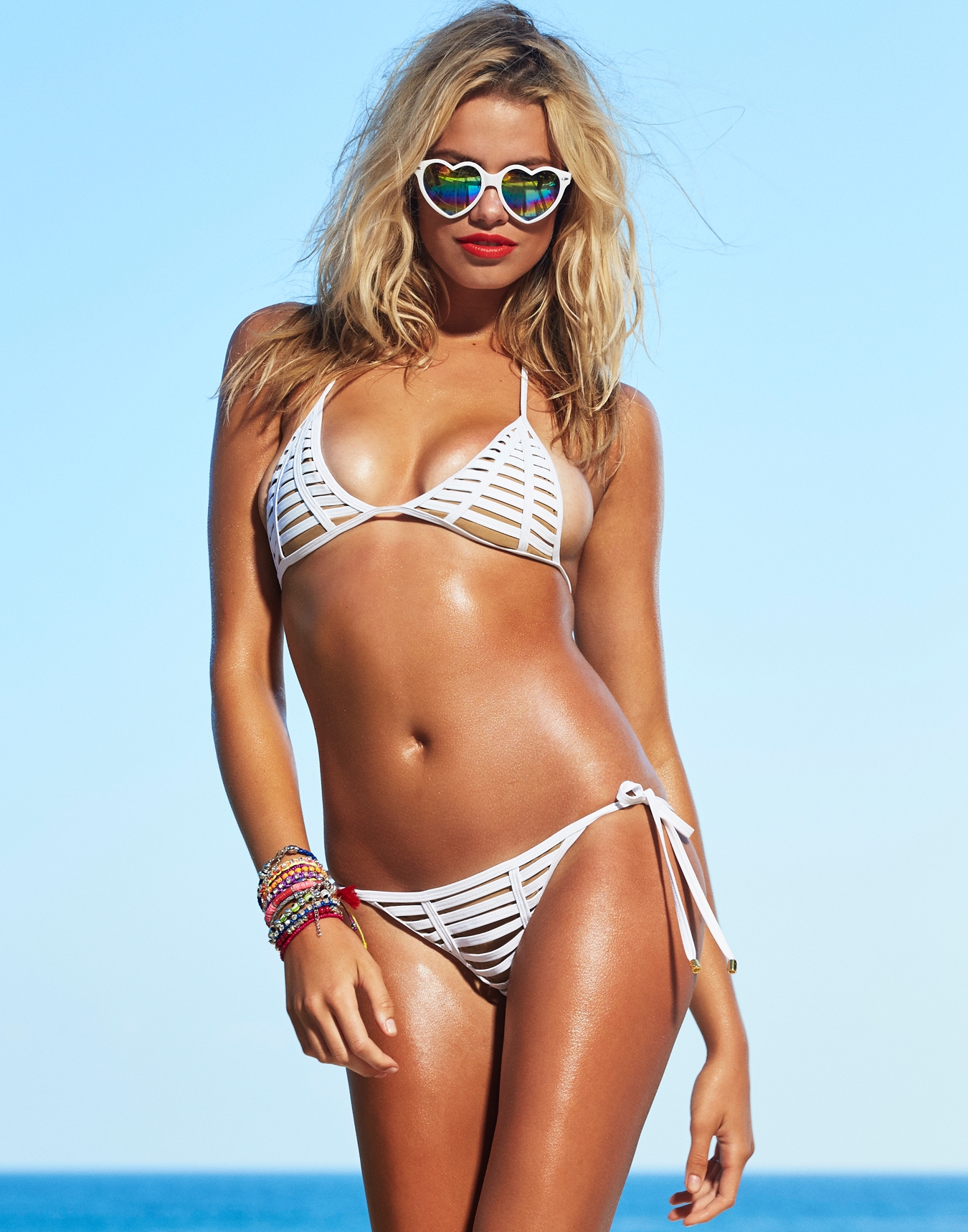
Loungerie Ad Campaign 2015





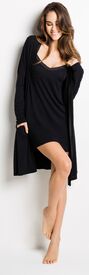
-
-
-
r1studios
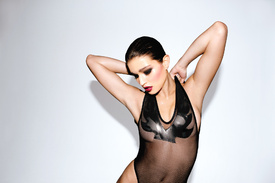







-
deleted by me.
-
^^ But unfortunatelly all repost (revolve clothing, as well).
^^ Thanks @jet3
Beach Bunny 'new'
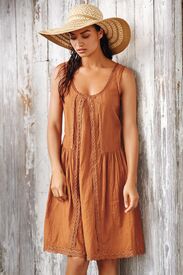
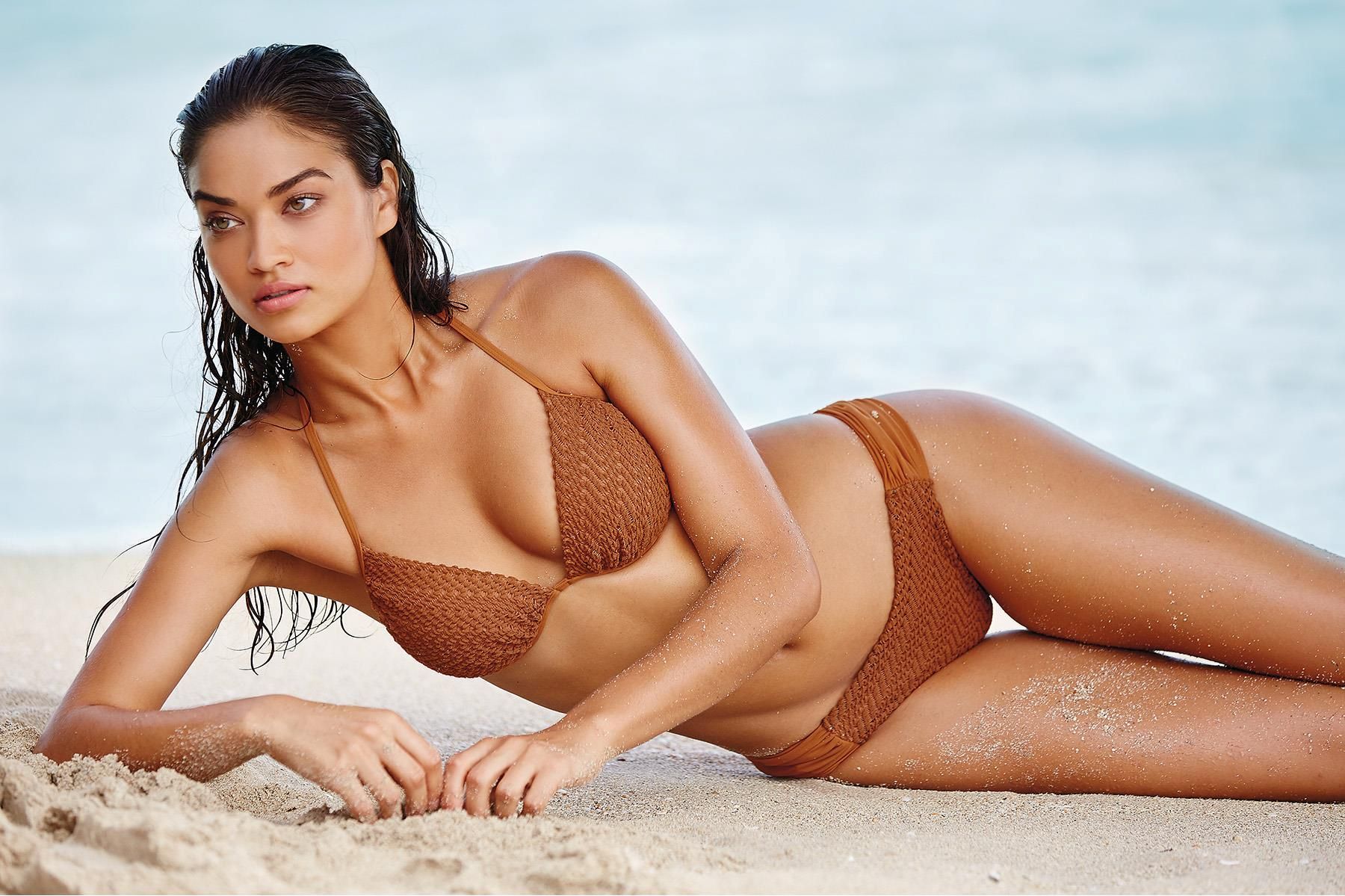
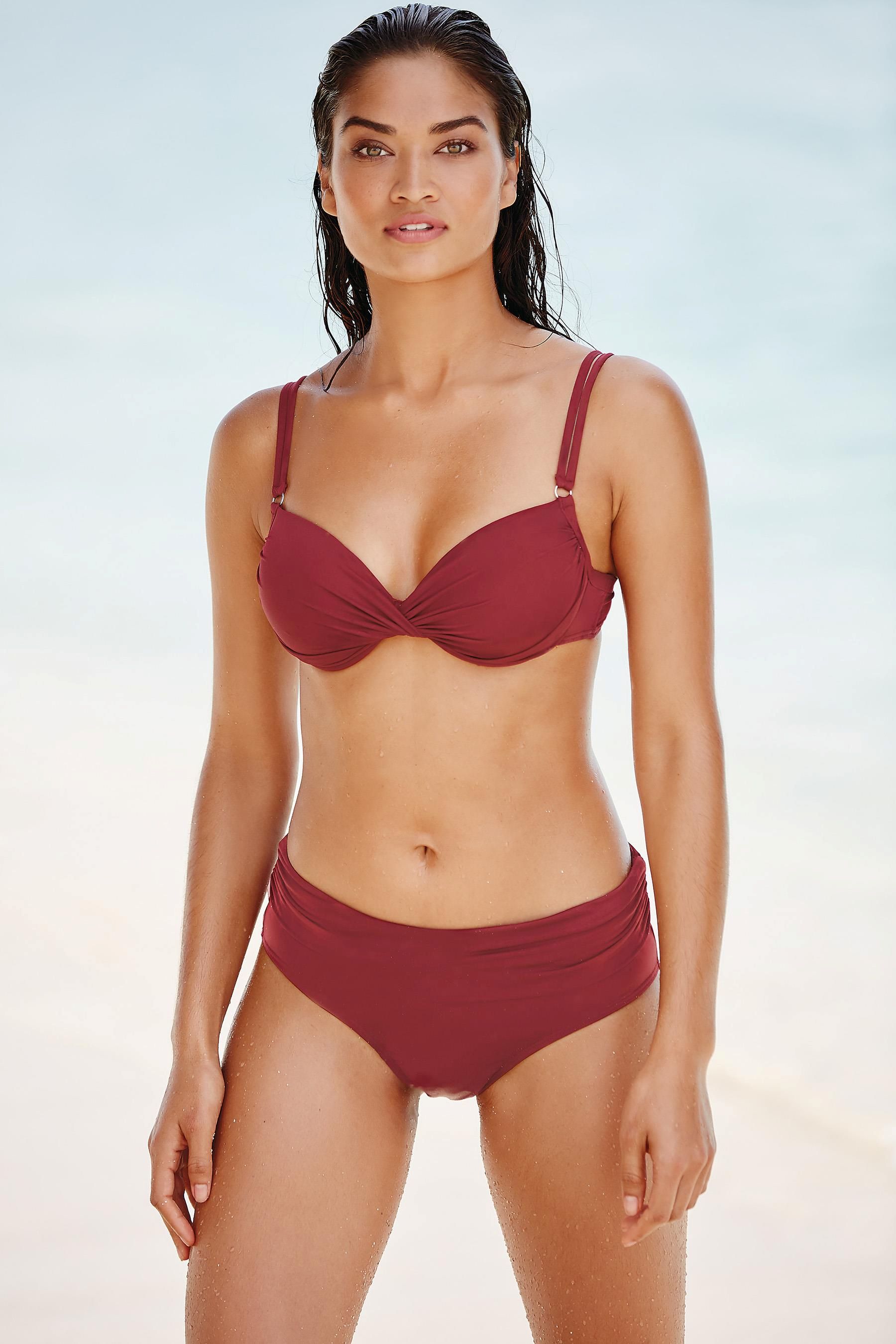
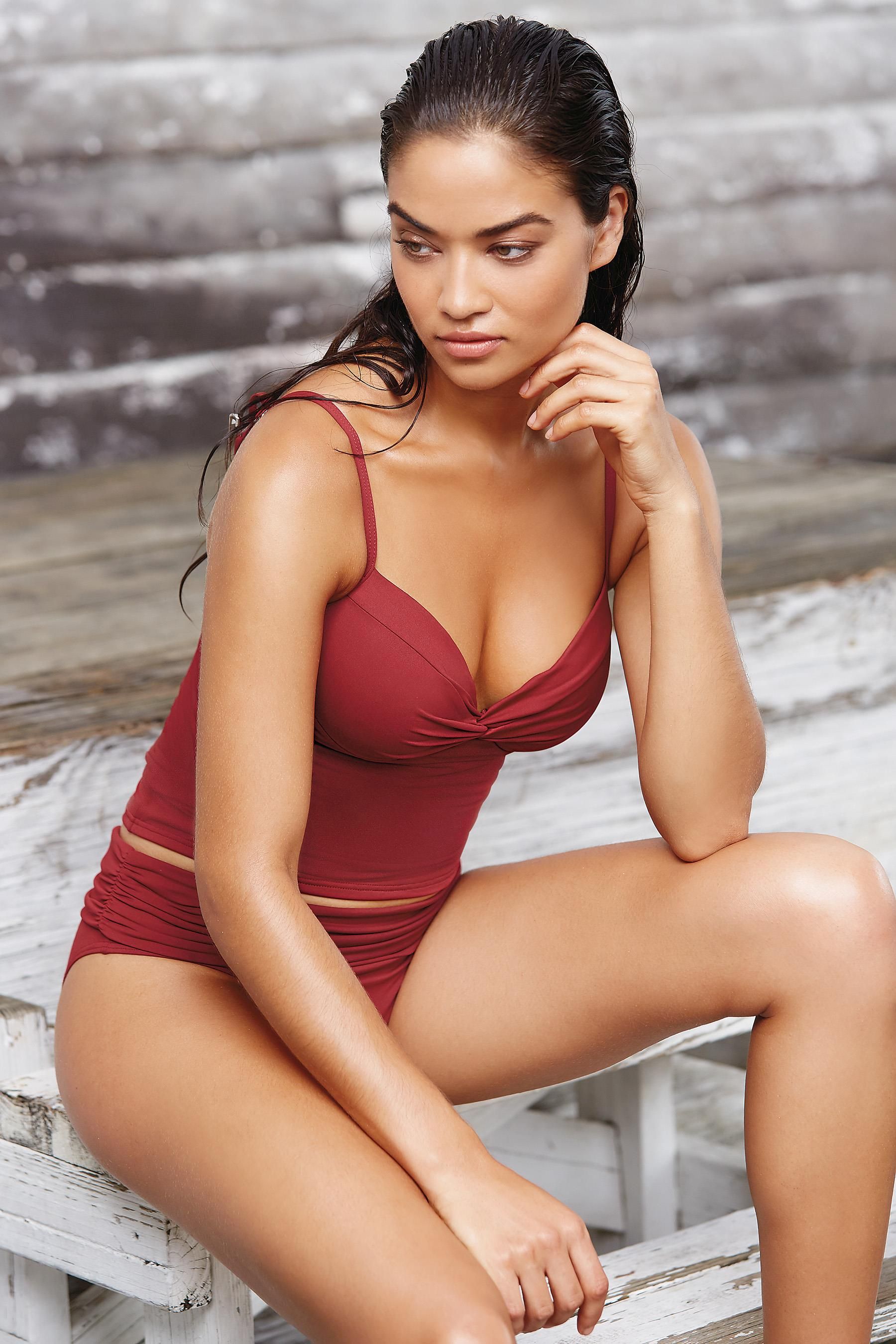
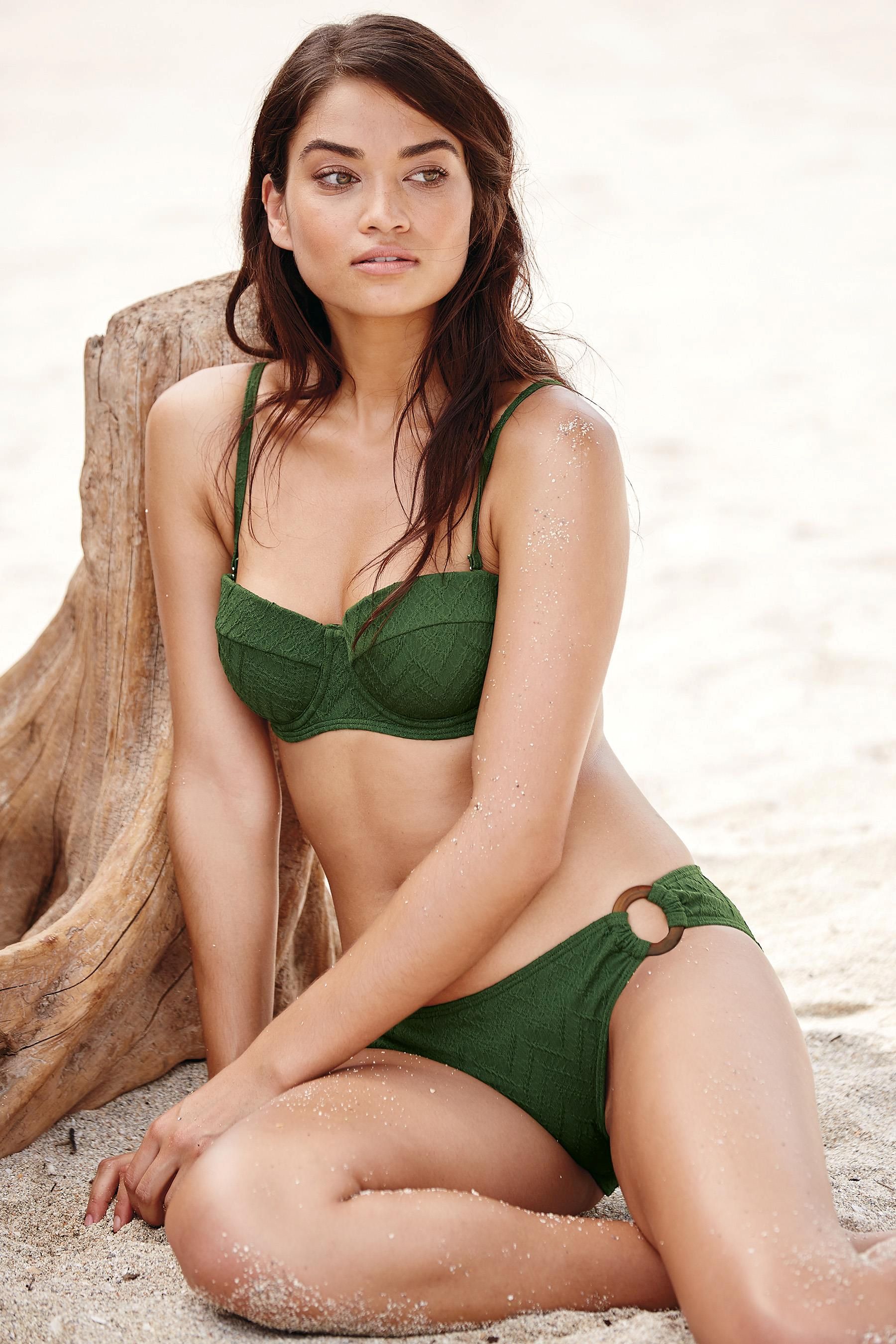
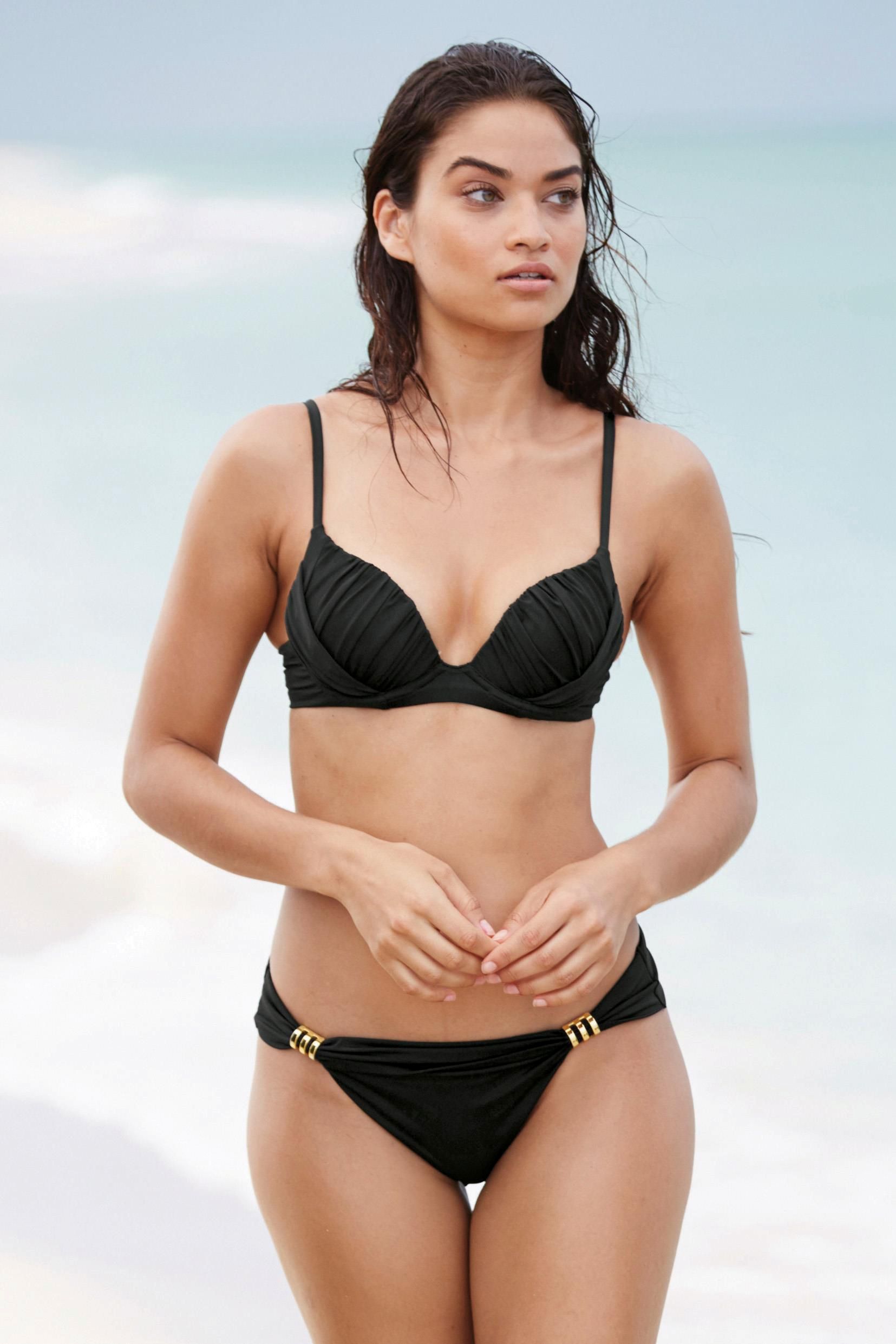
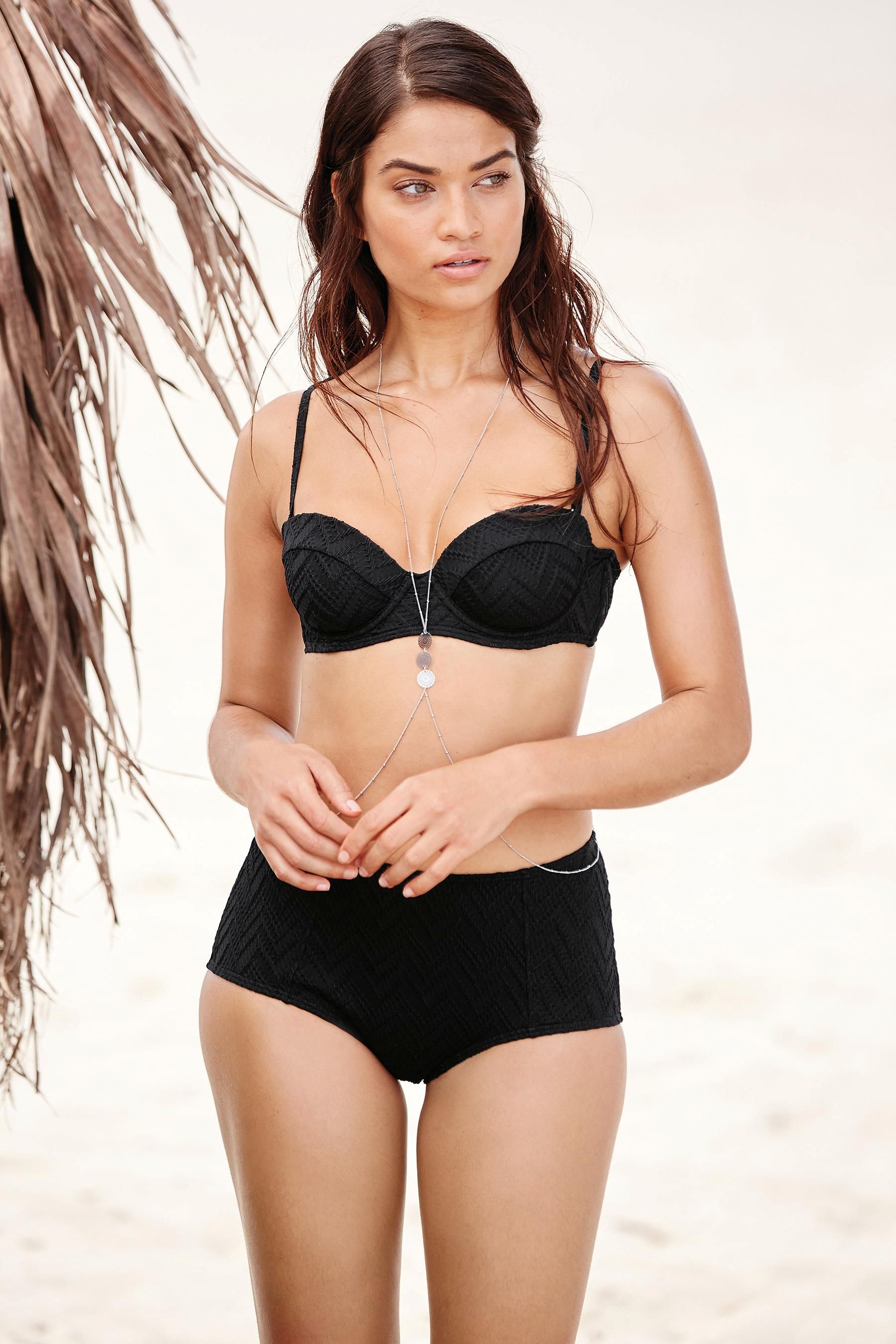
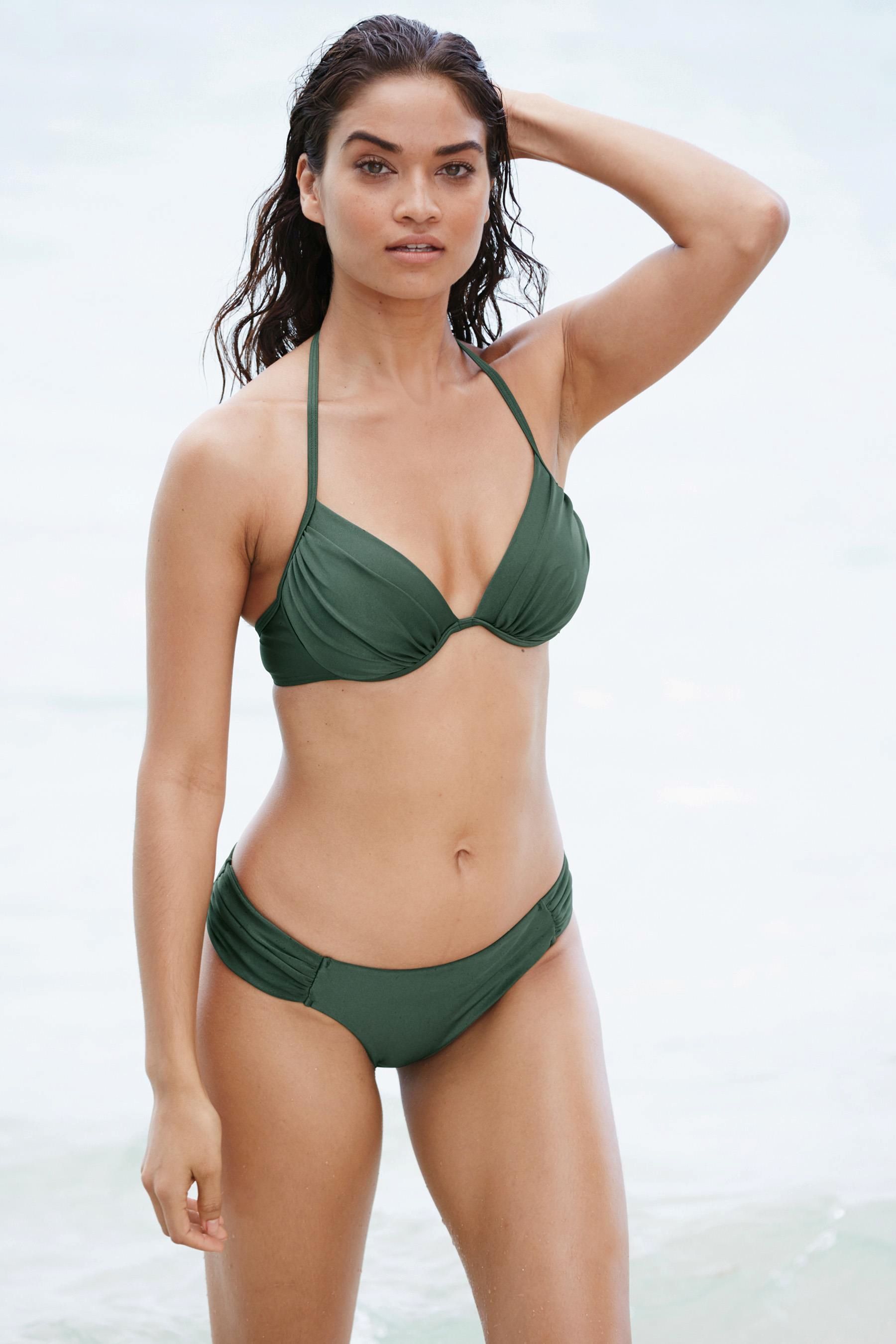
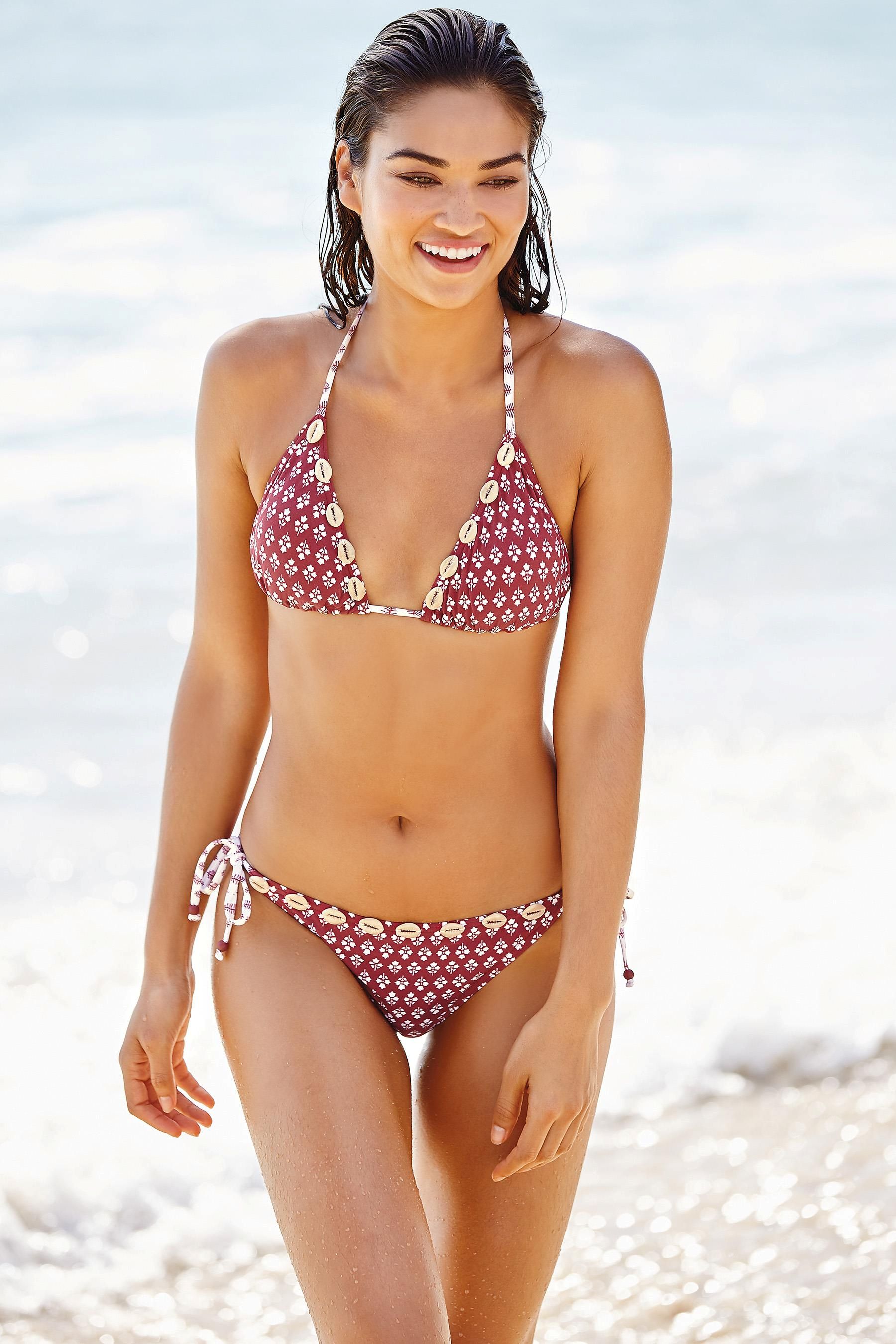
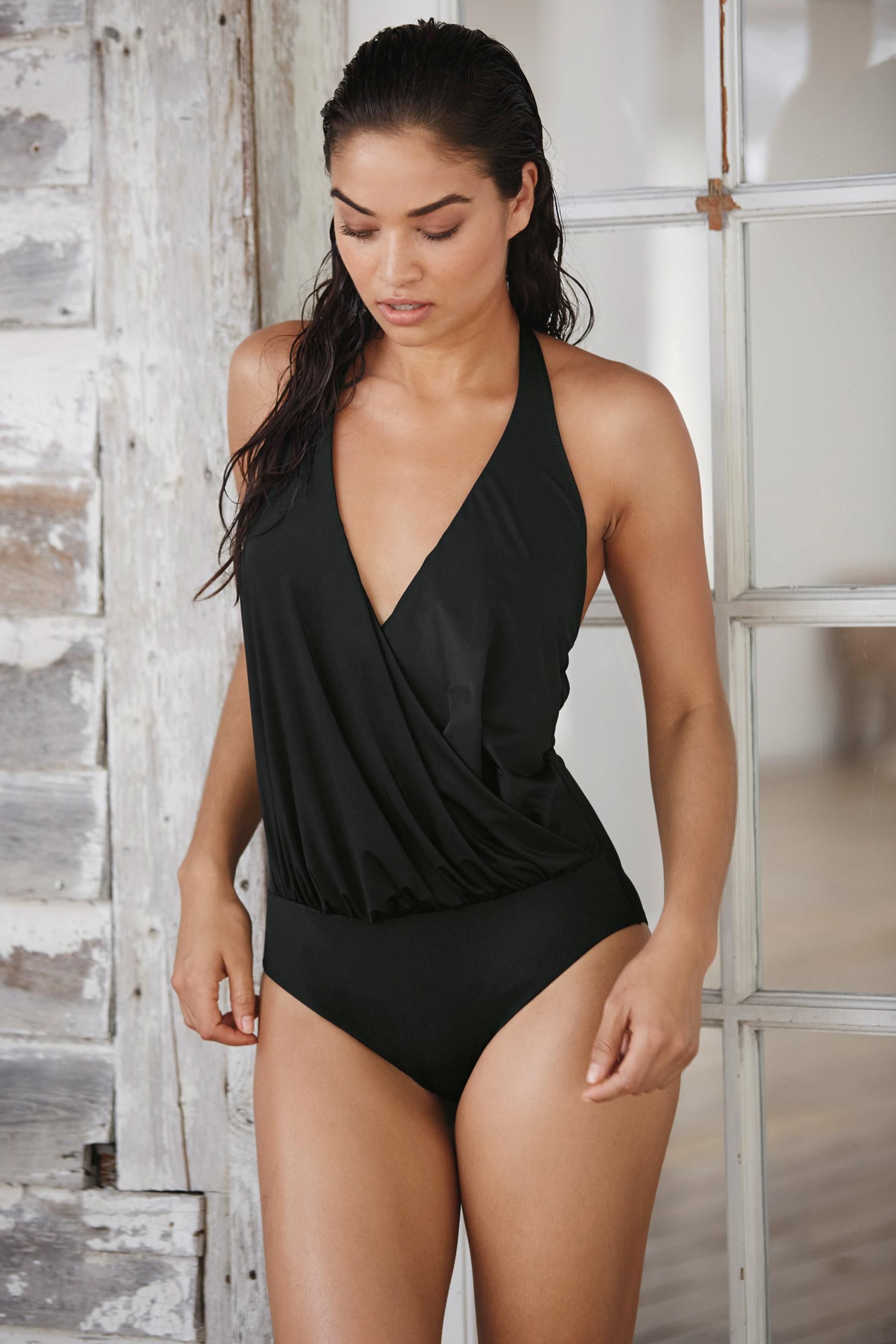
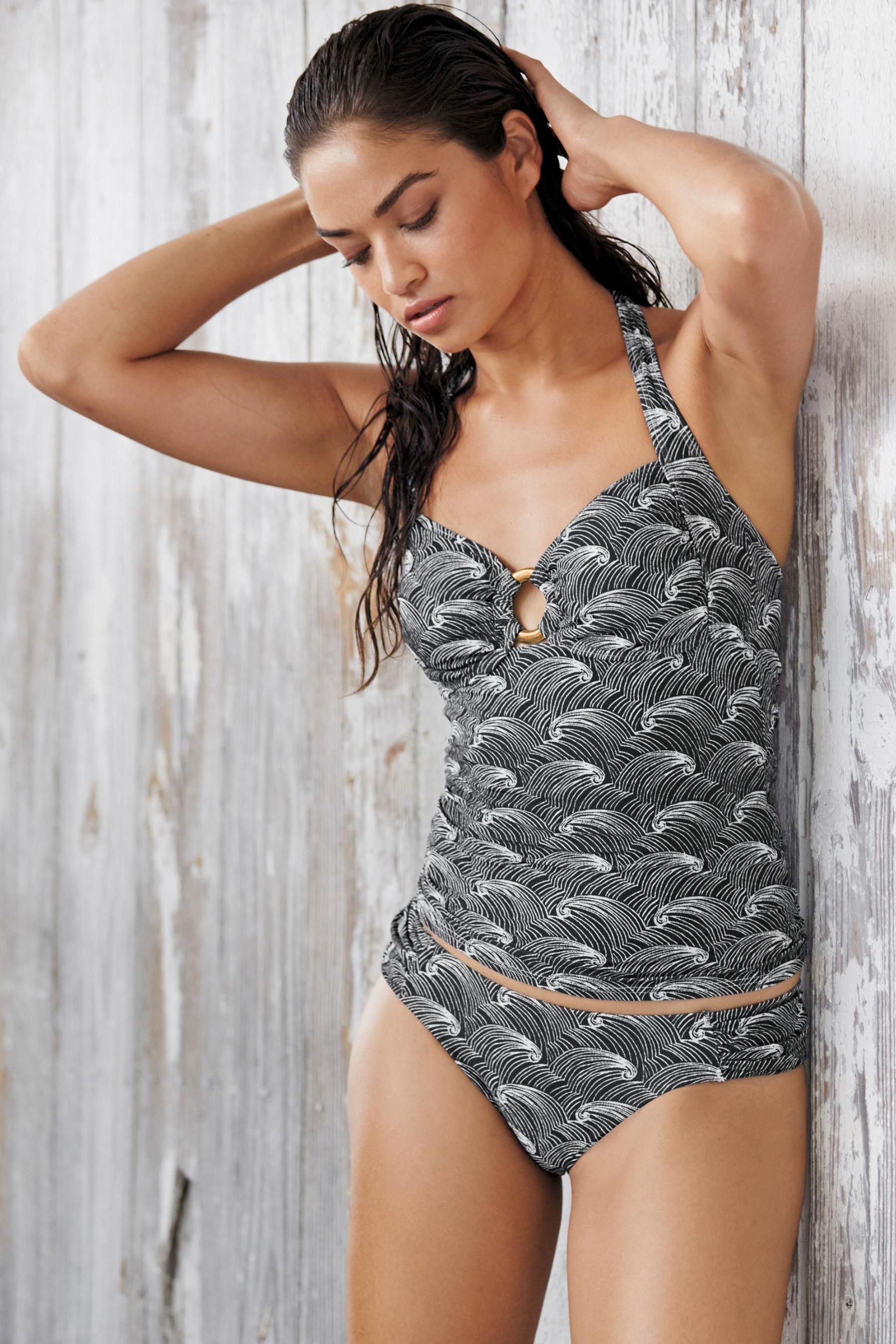
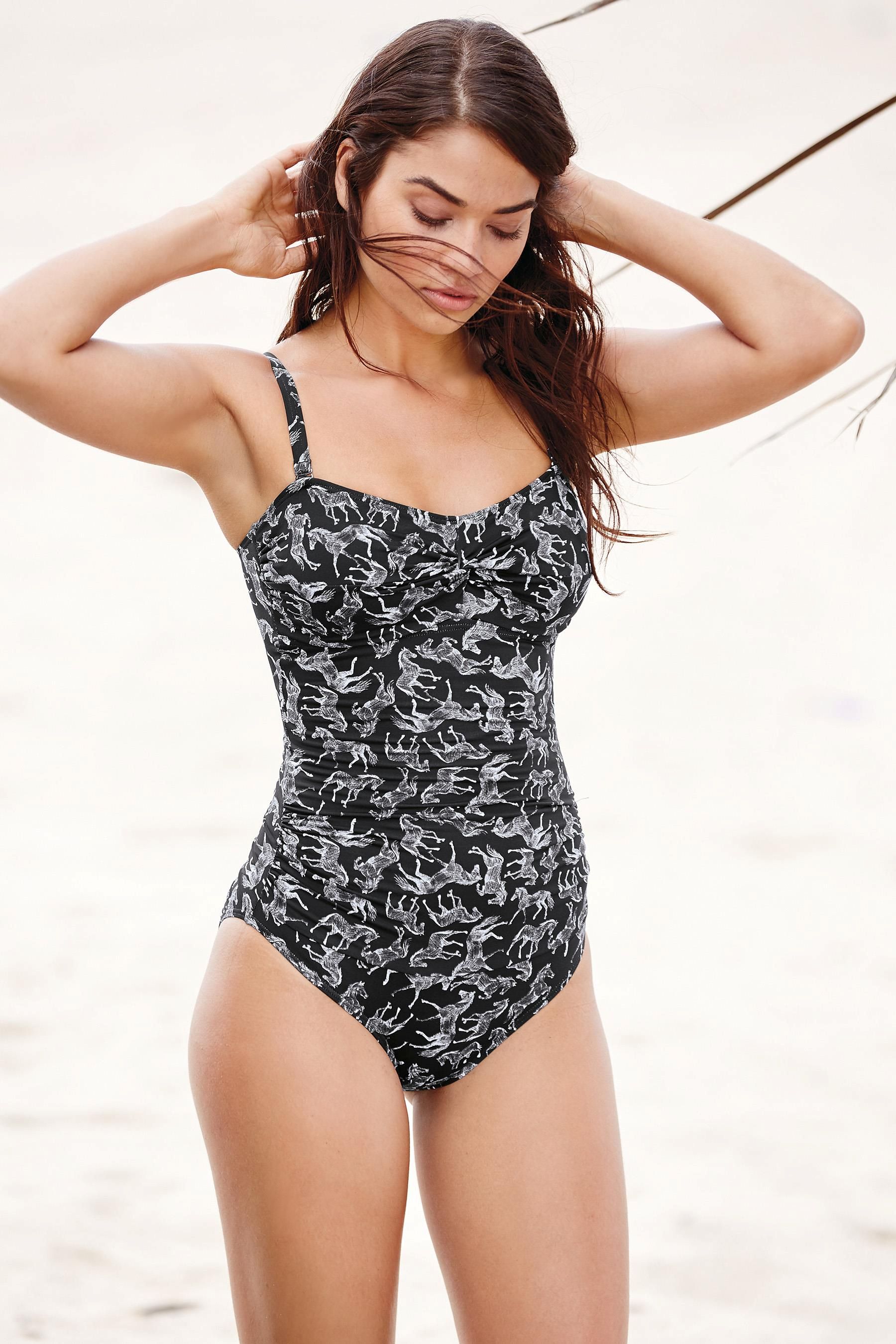
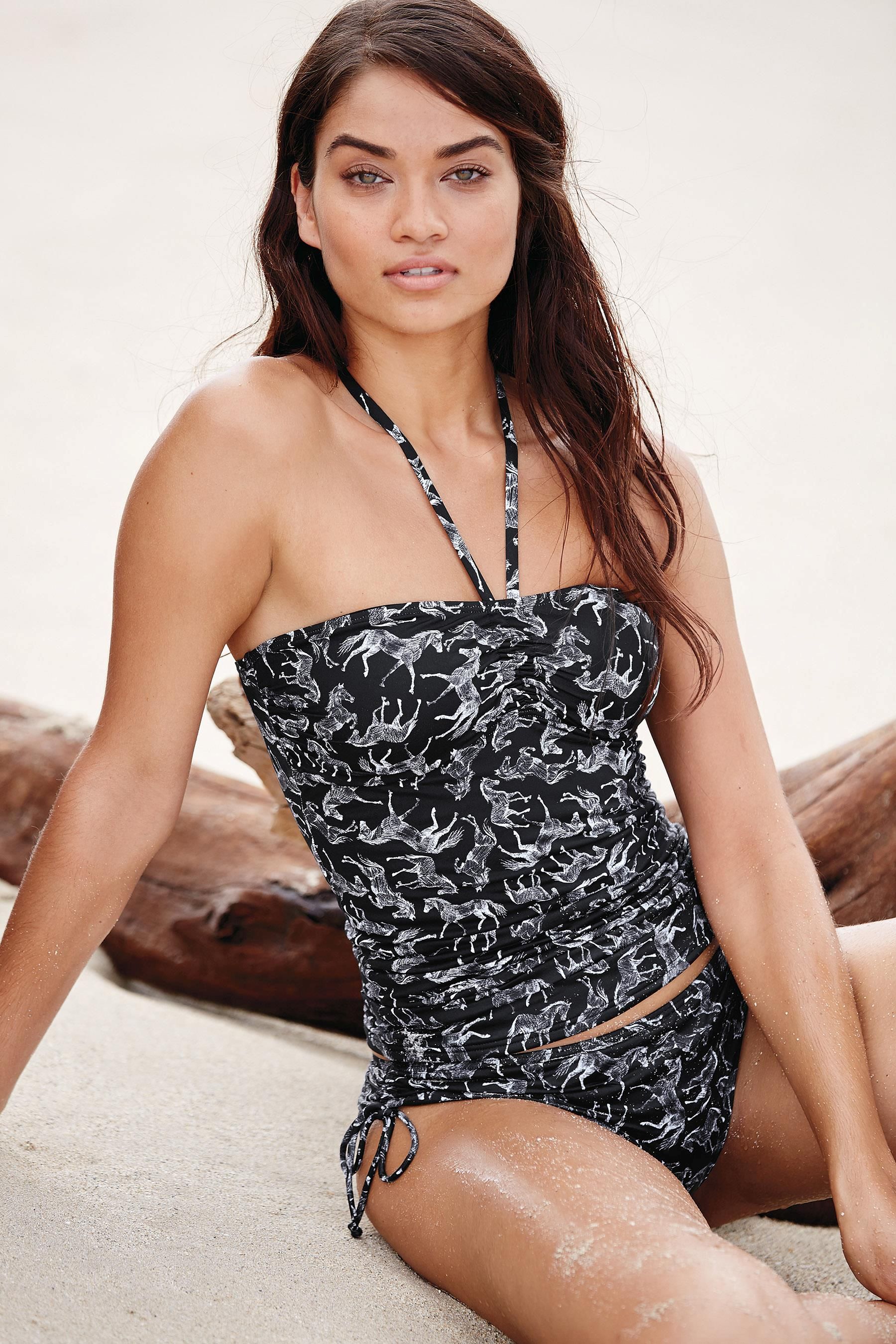
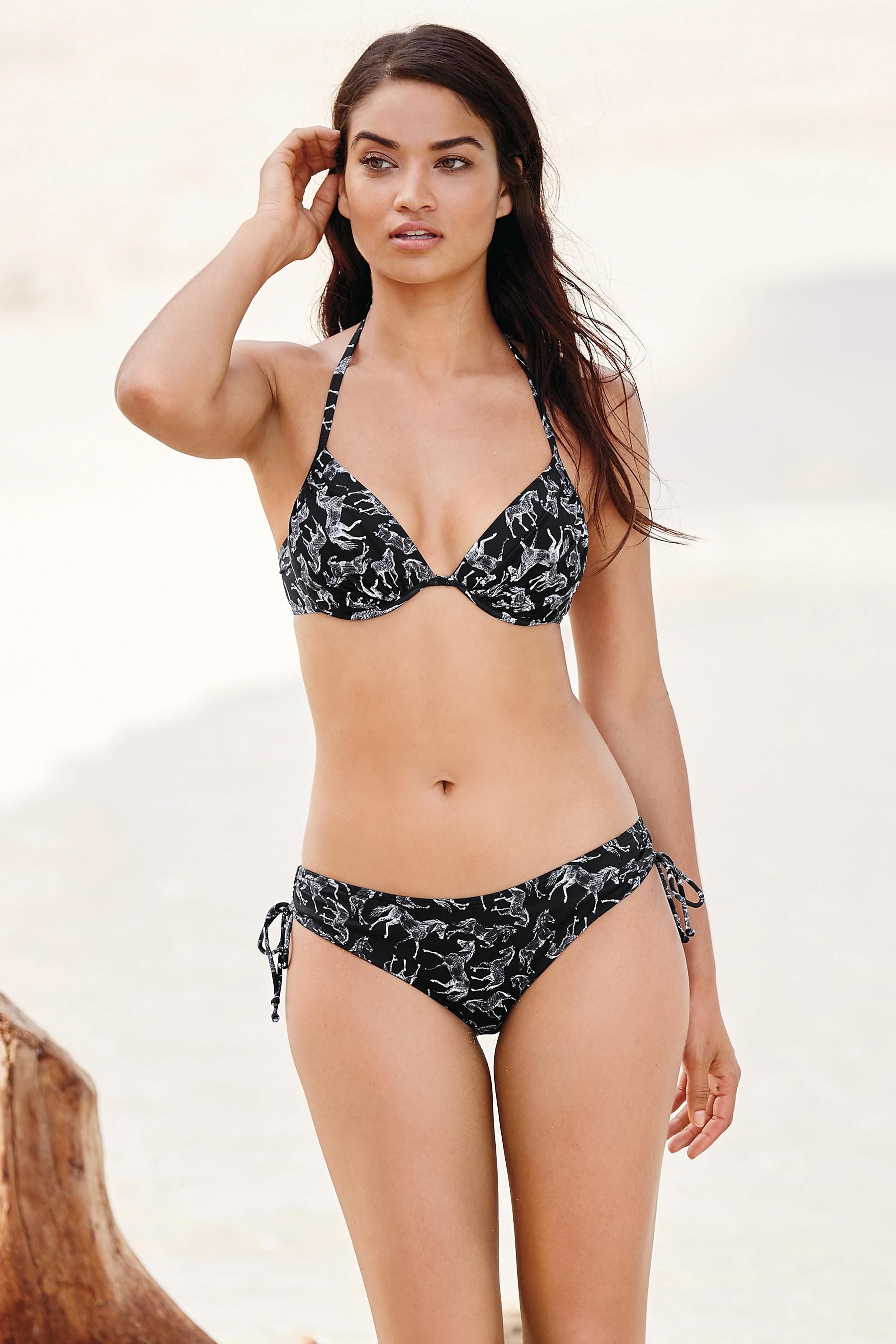
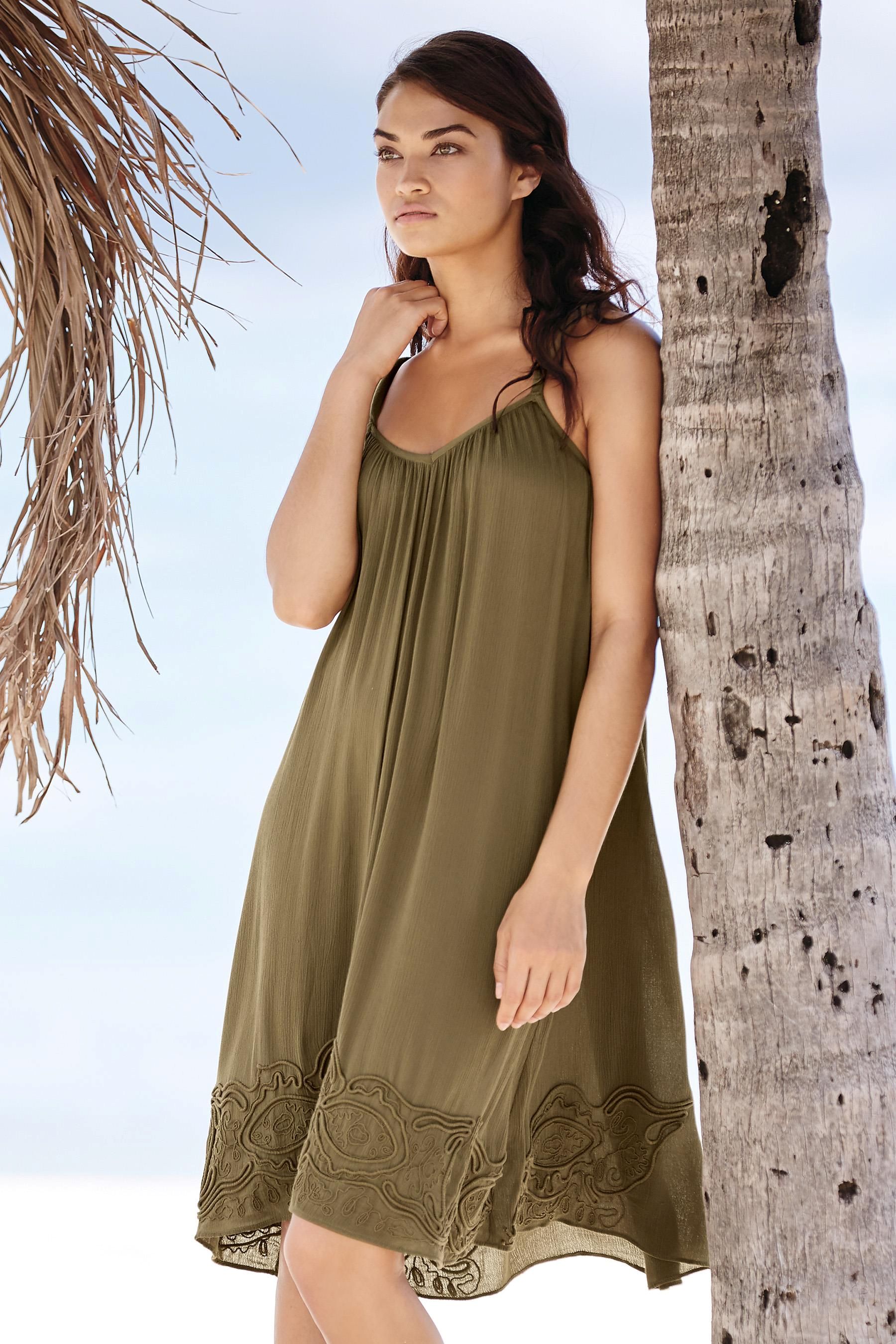
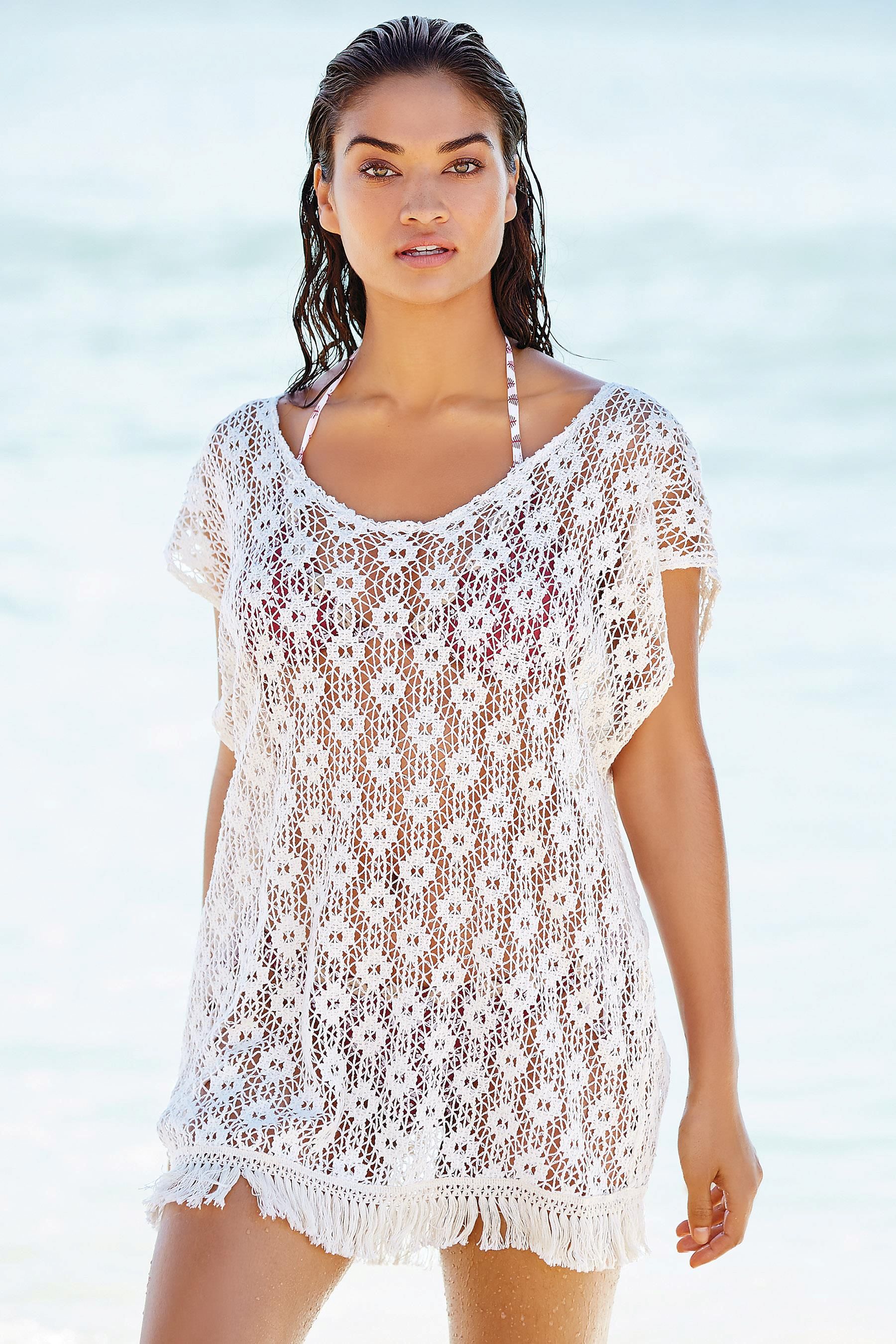
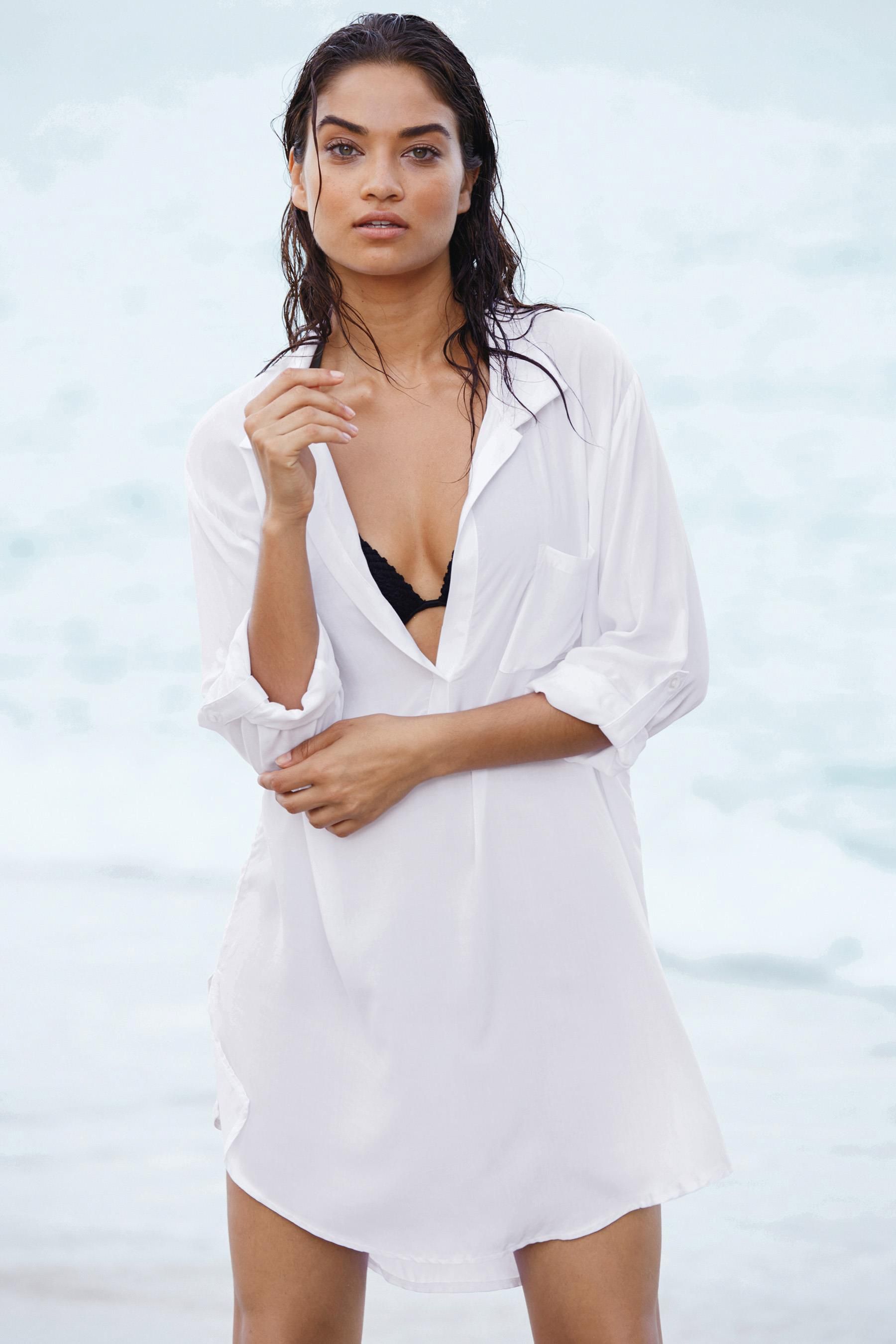
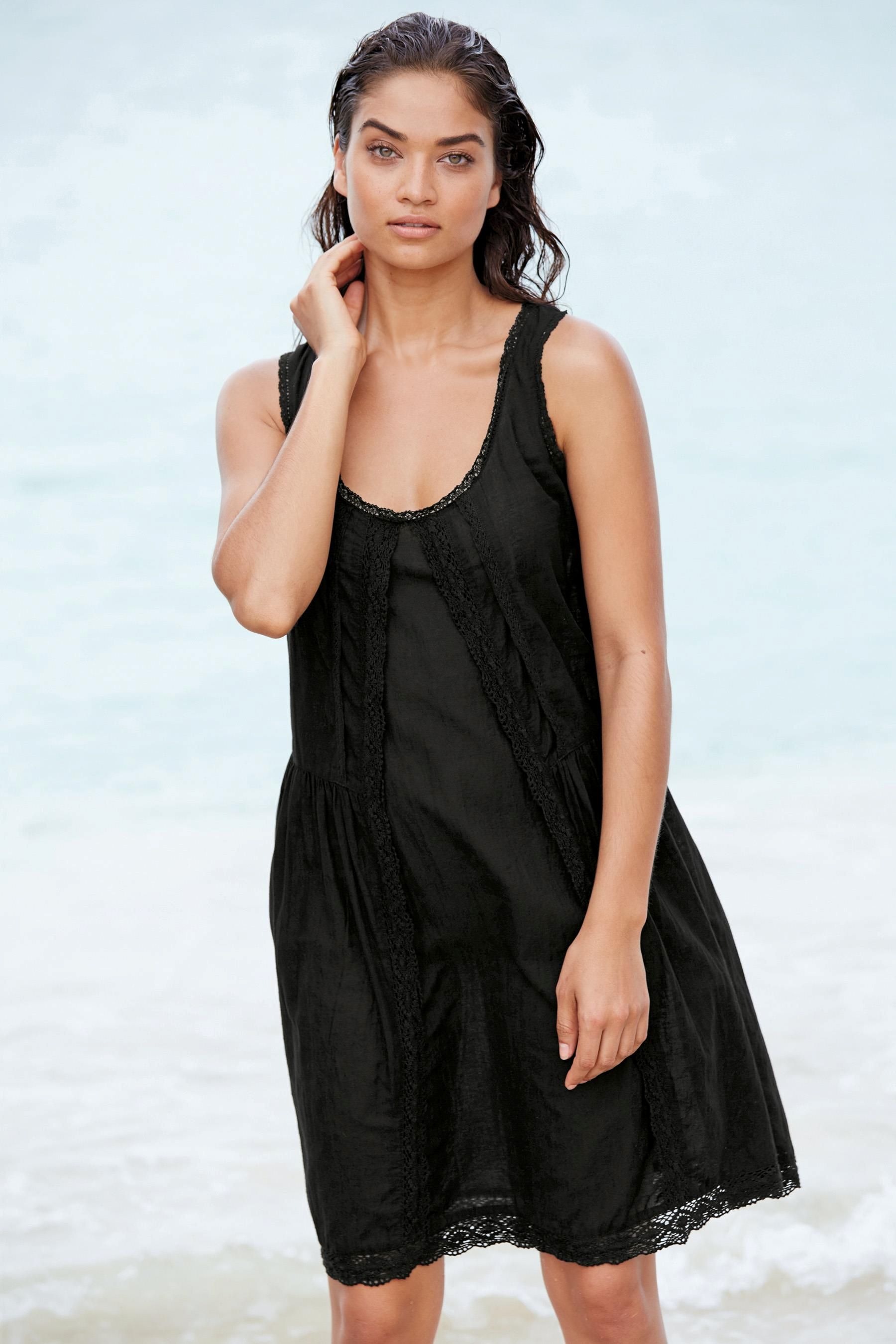
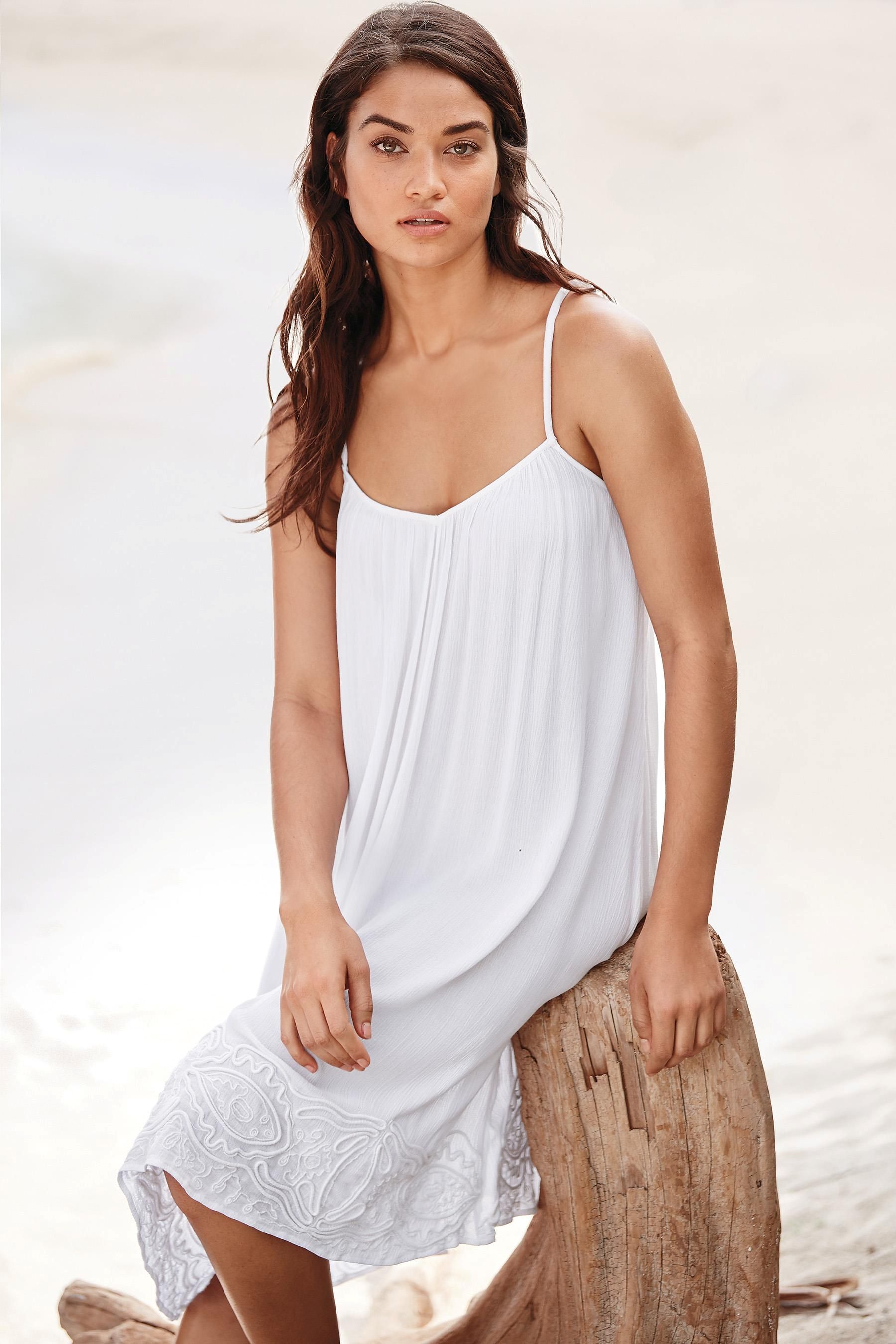
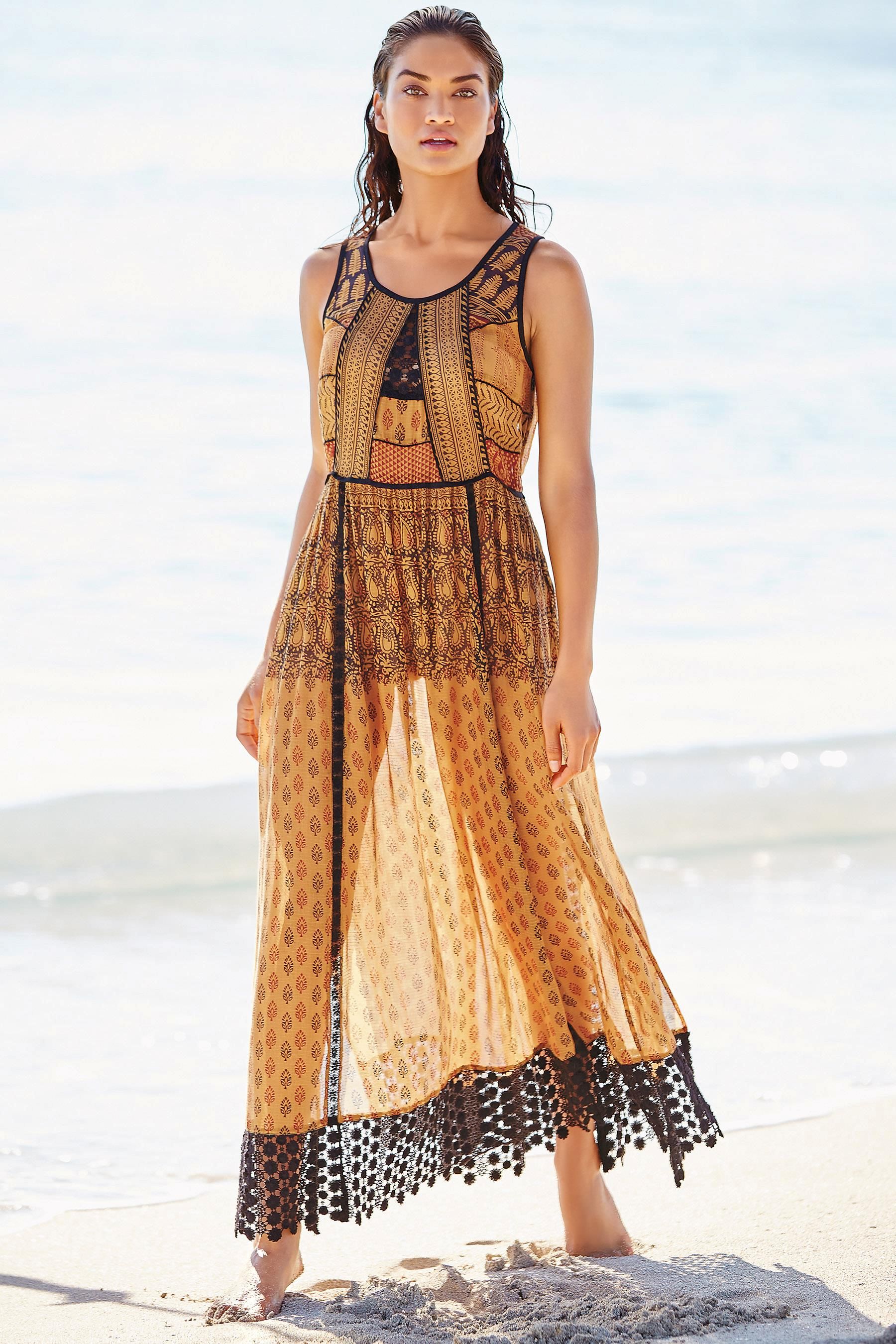
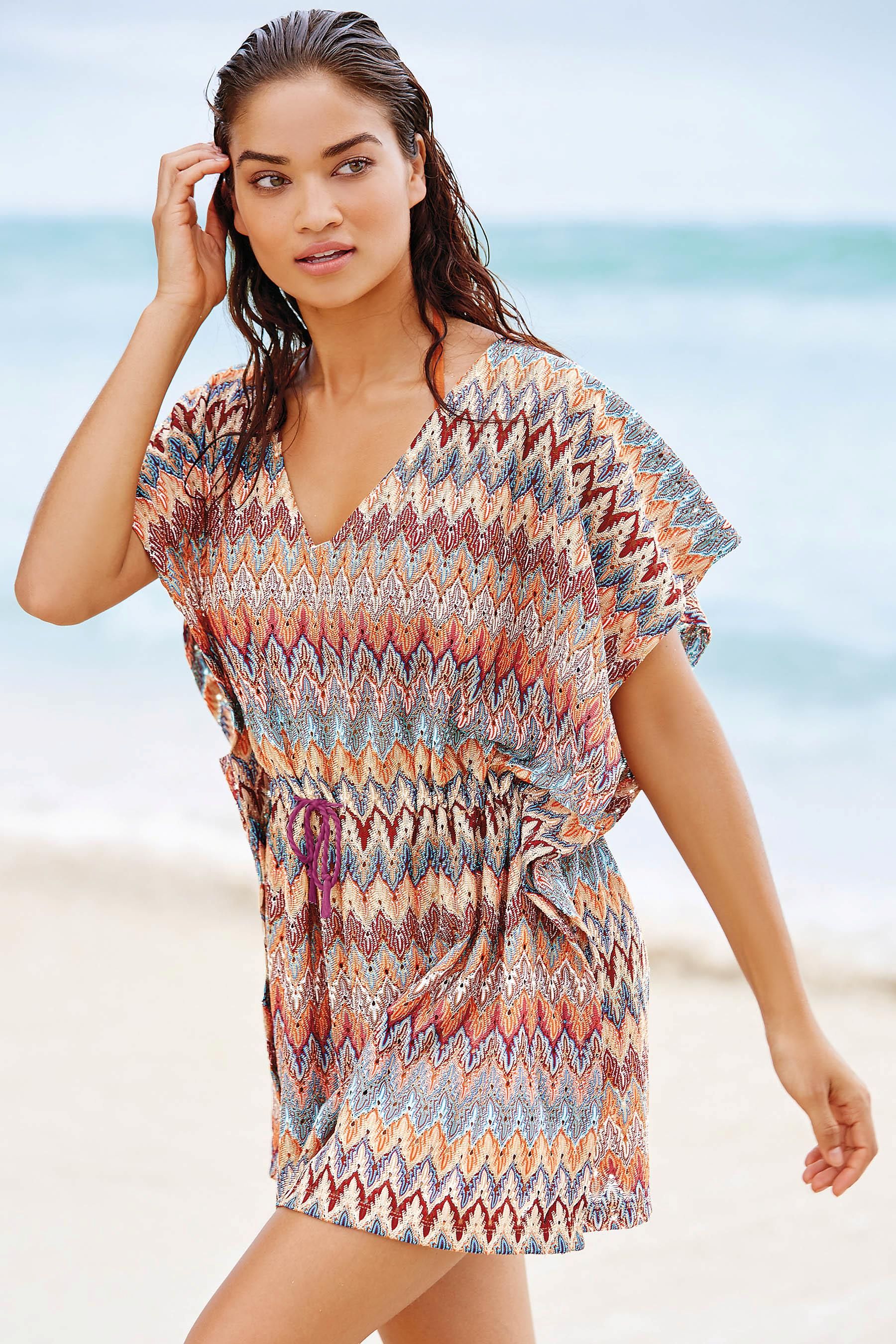
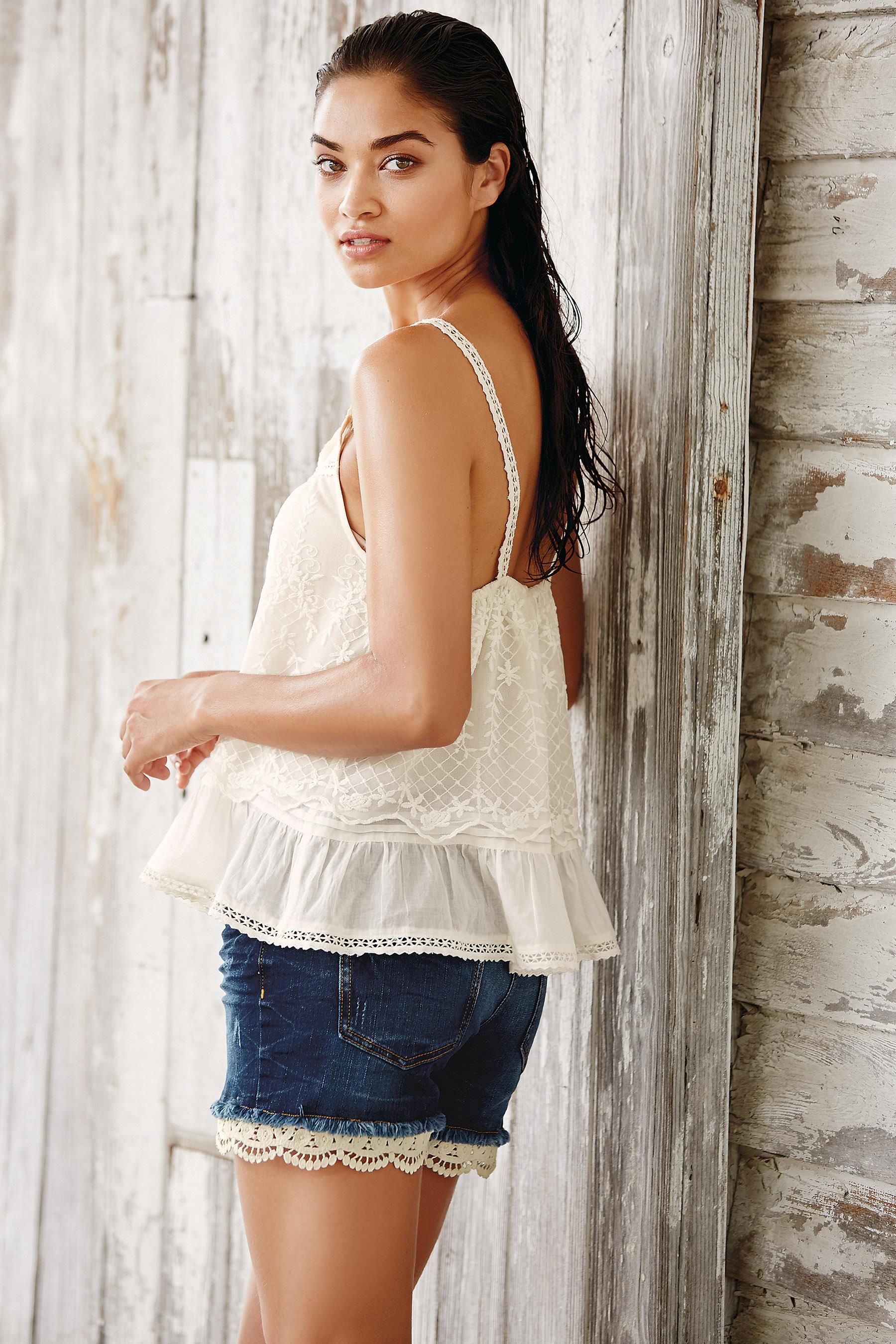
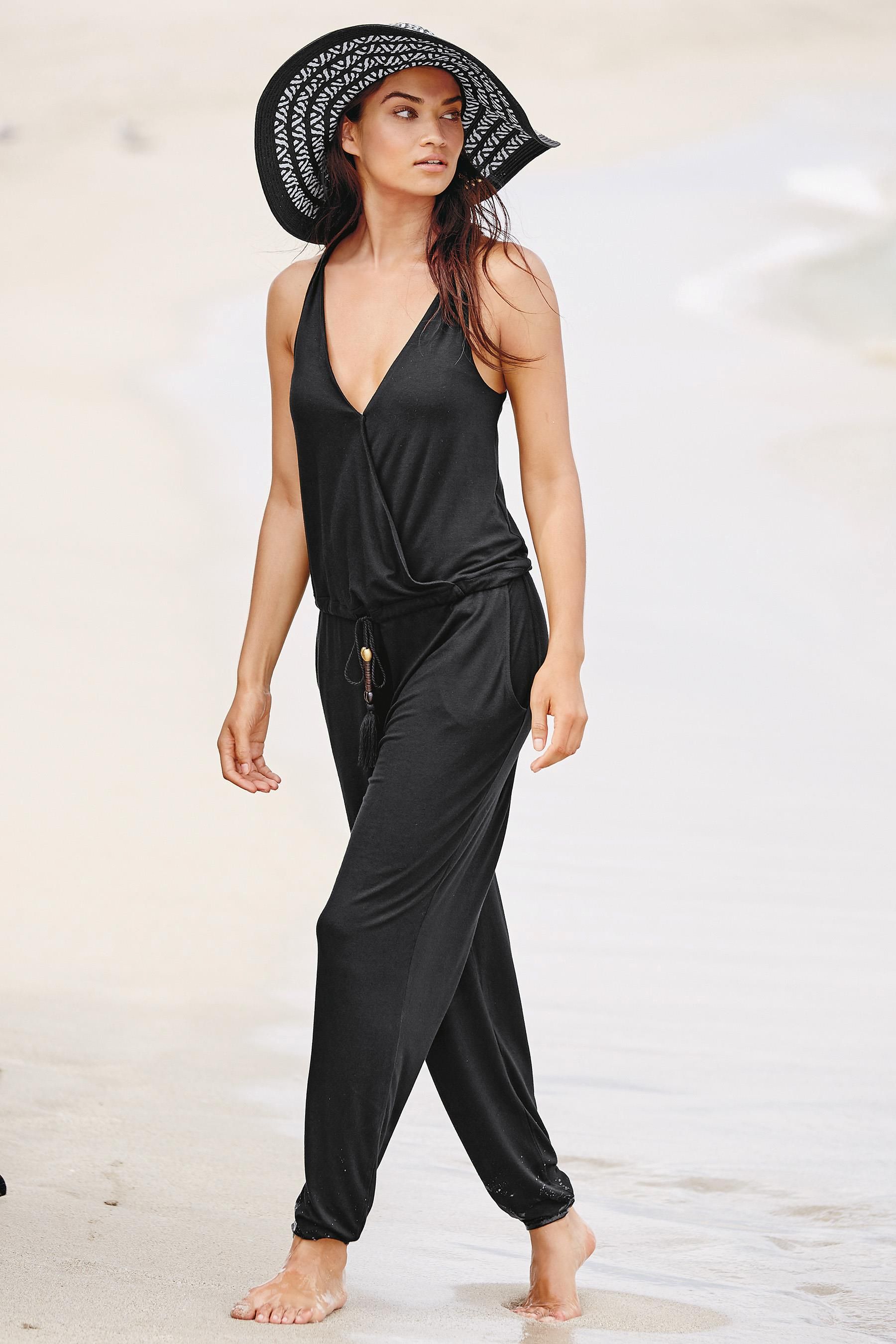
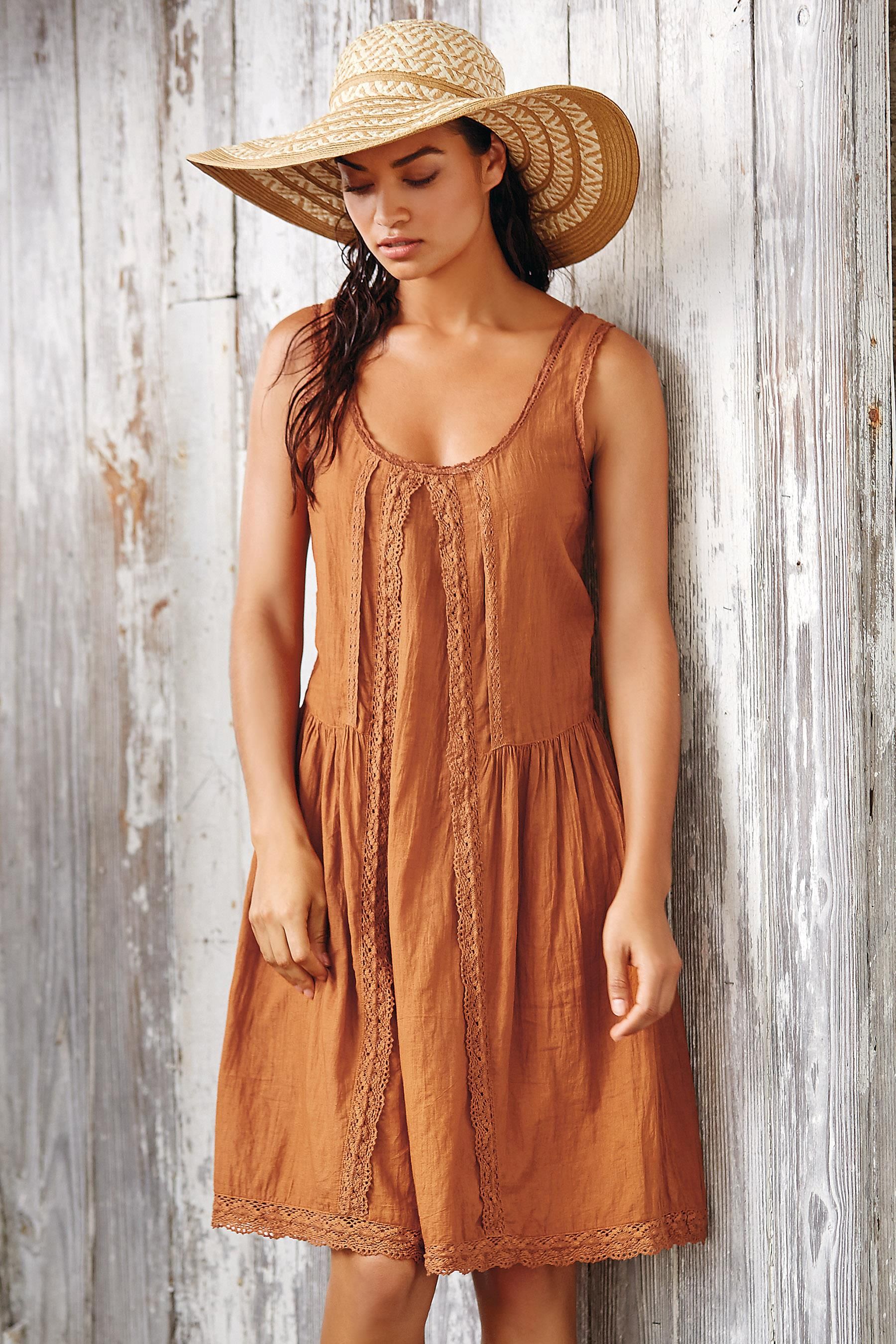
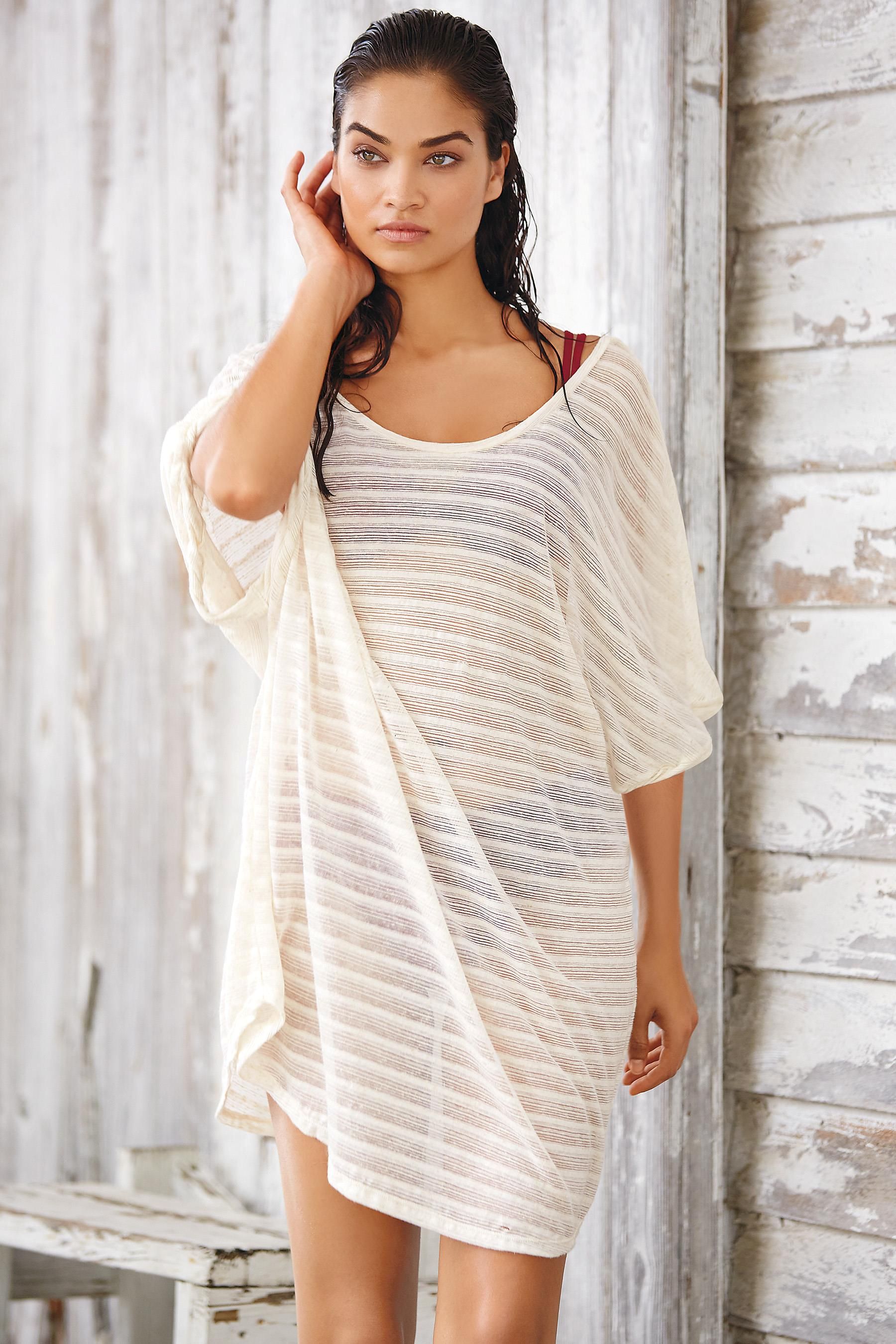
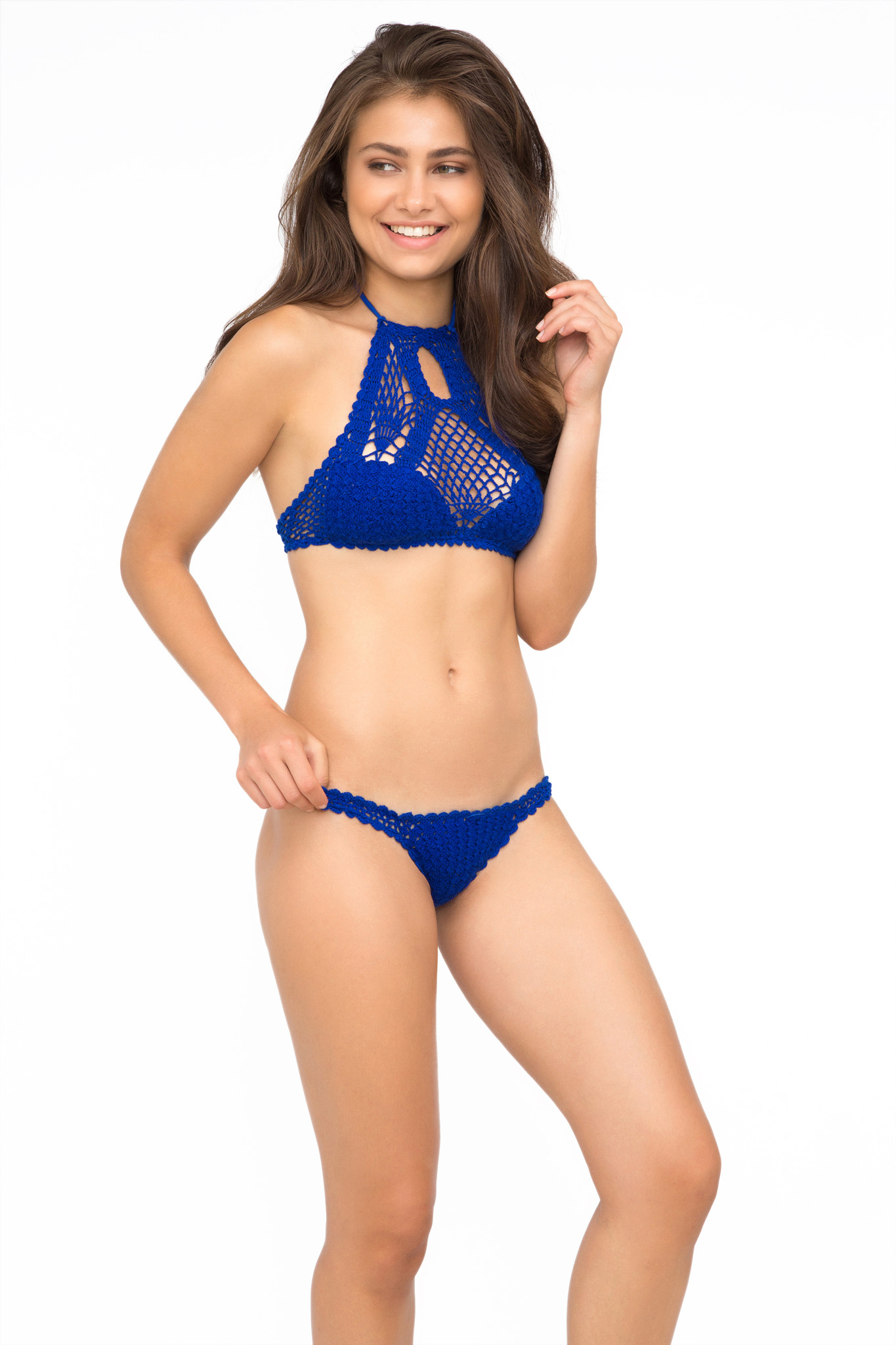
 Next co.uk, new swim & beachwear collection 2016
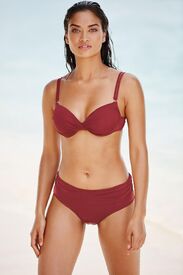
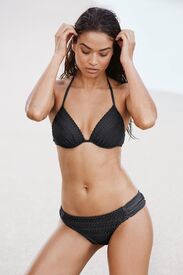
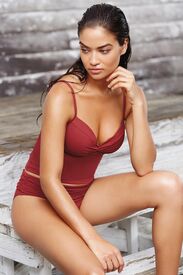

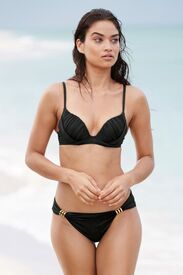
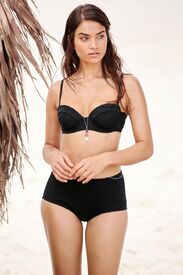
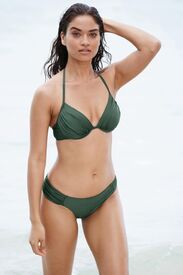

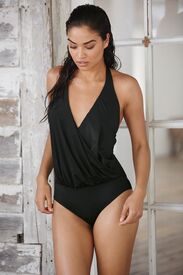
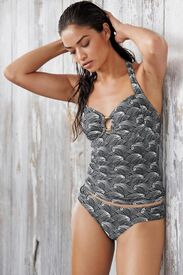
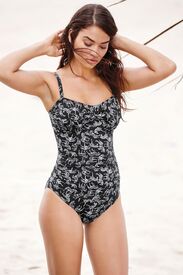
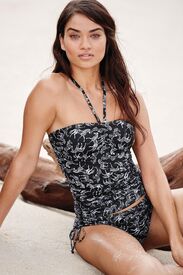
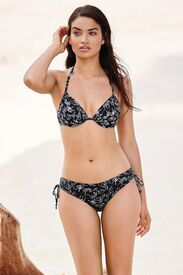
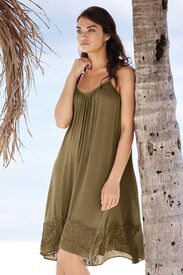
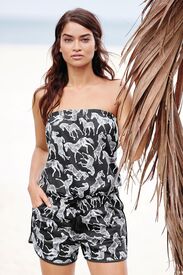
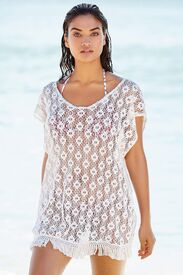
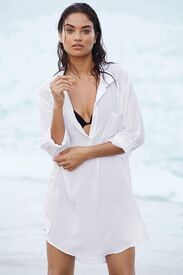
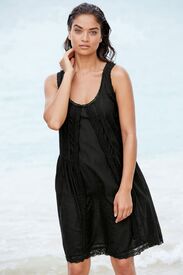
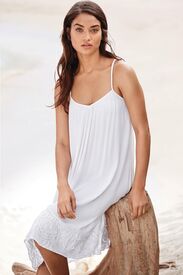
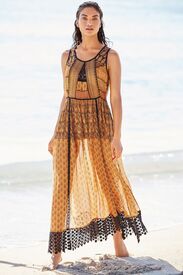
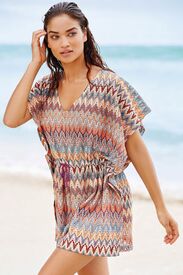

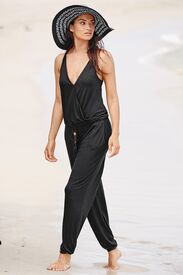
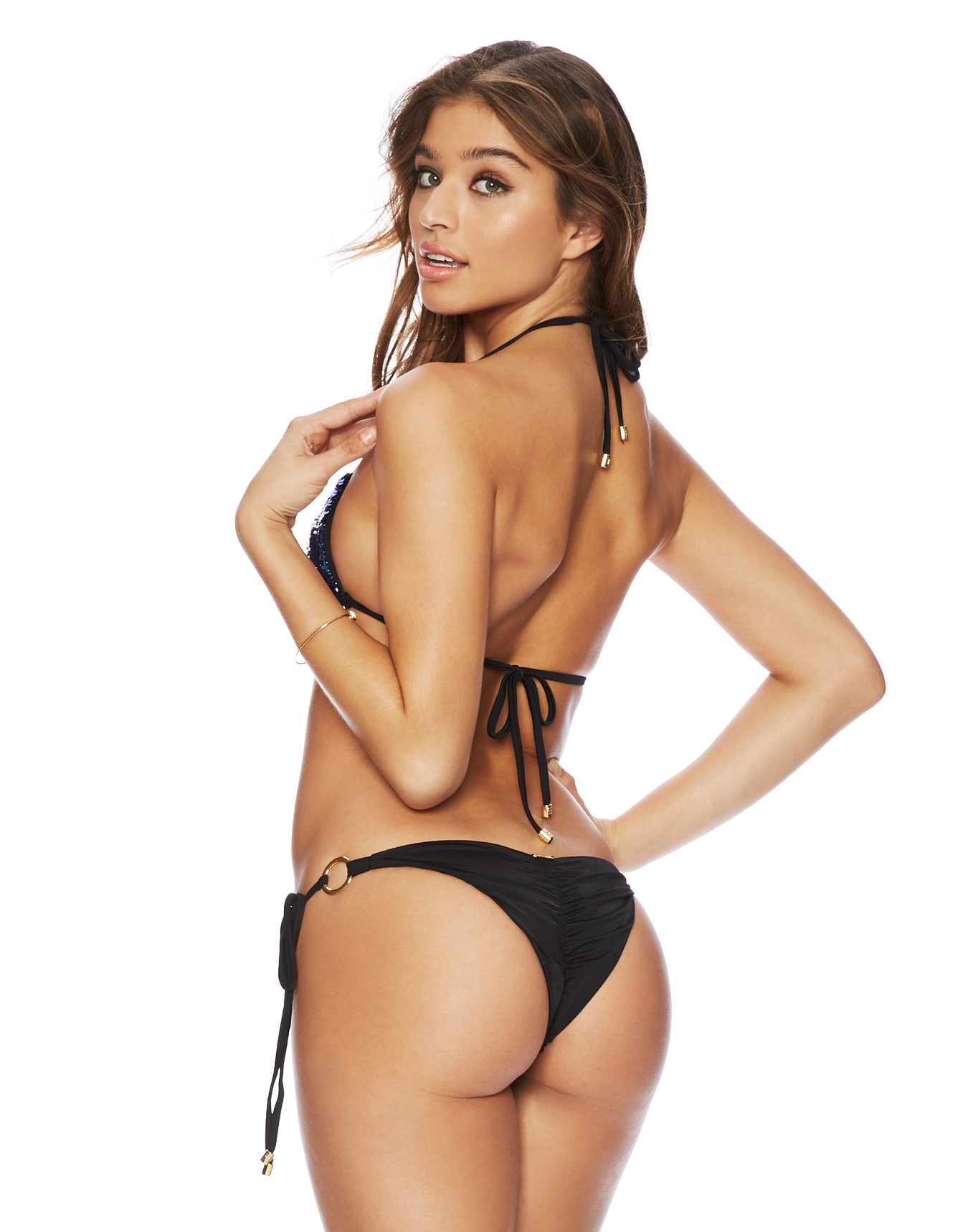
 Beach Bunny 'New' Beach Bunny 'UHQs' !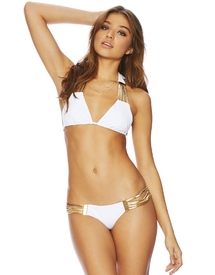
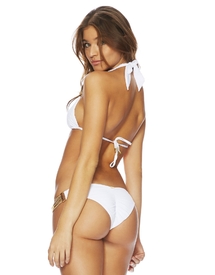
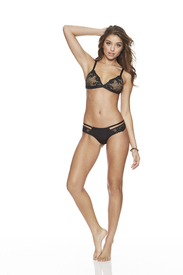
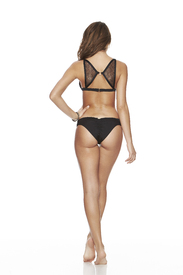
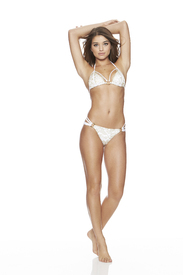 Beach Bunny 'UHQs' !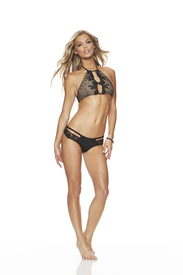
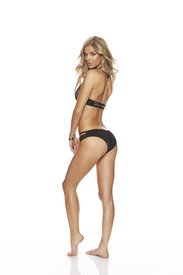 Beach Bunny 'New'
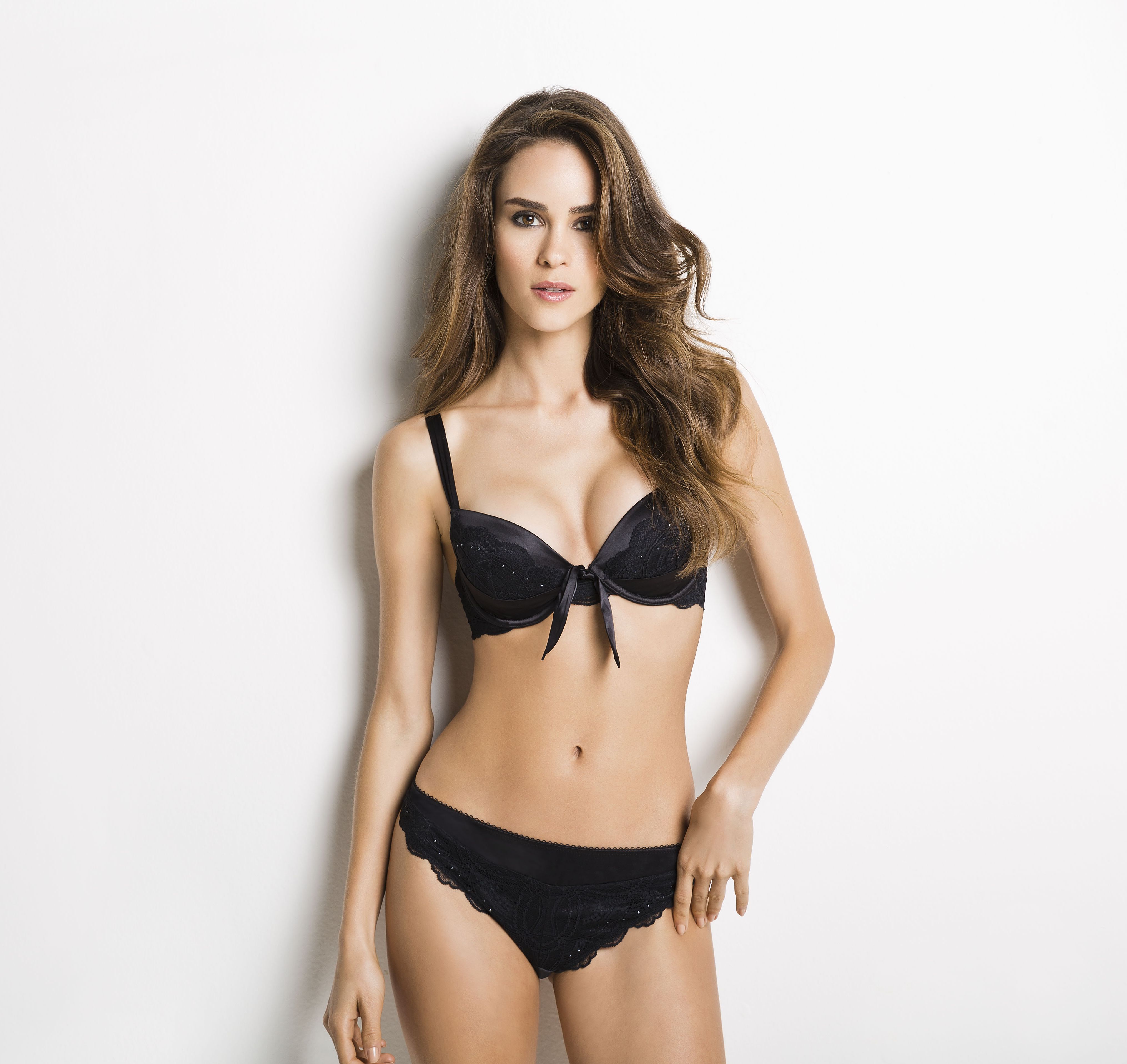
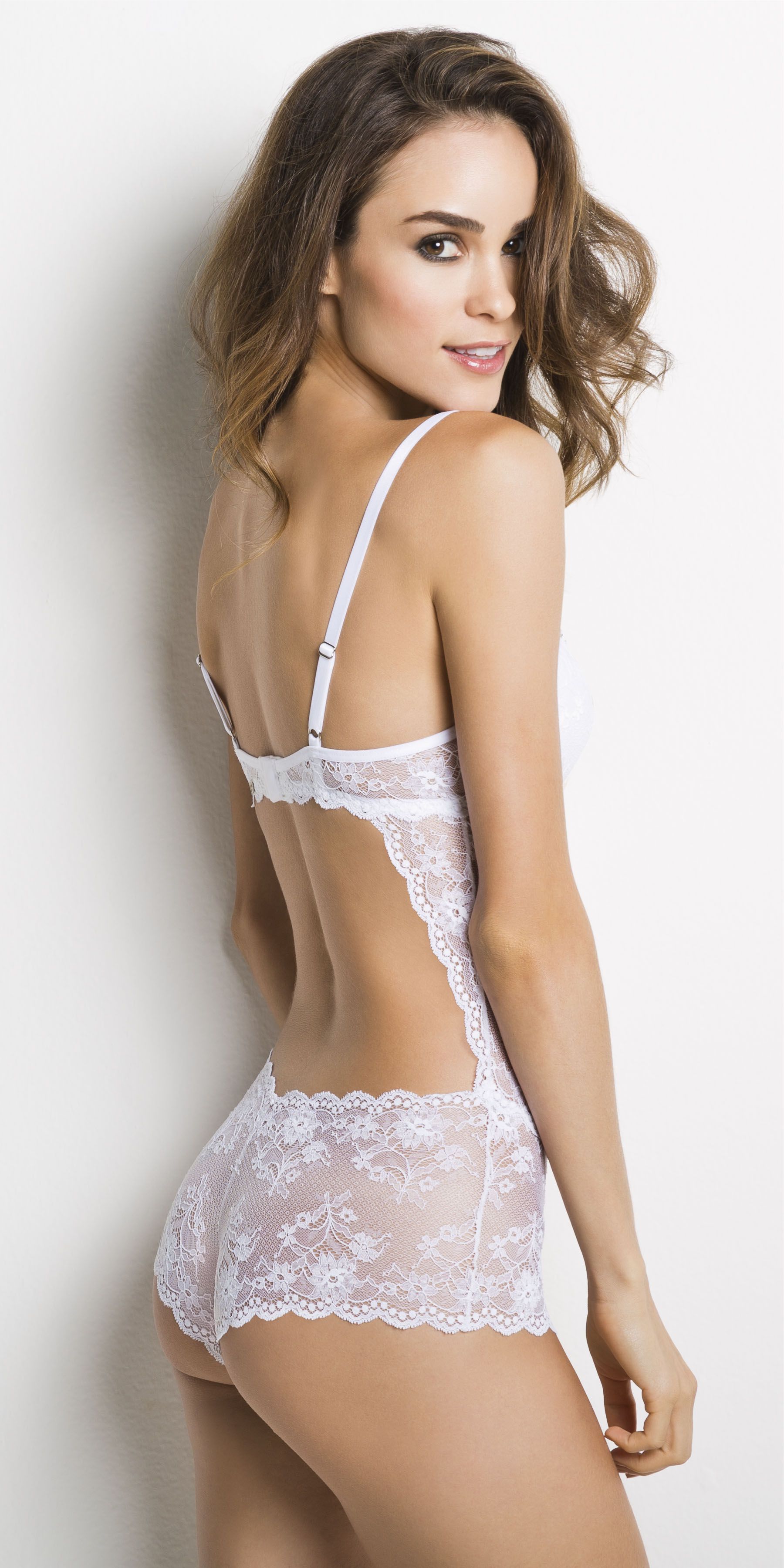
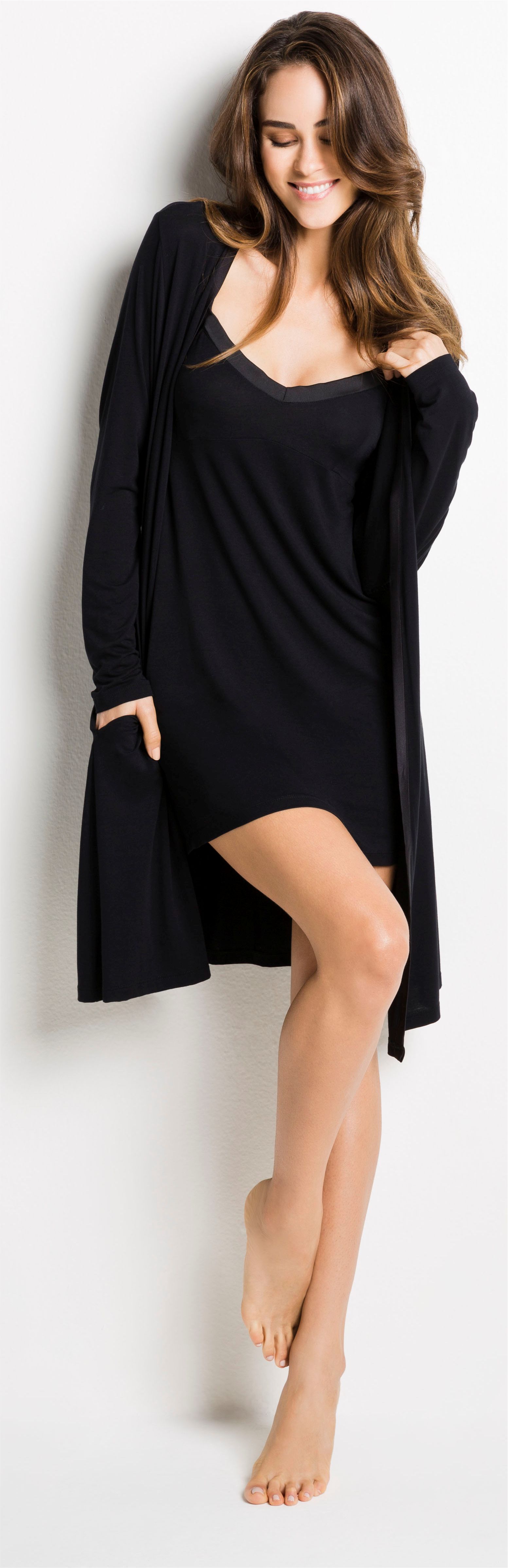
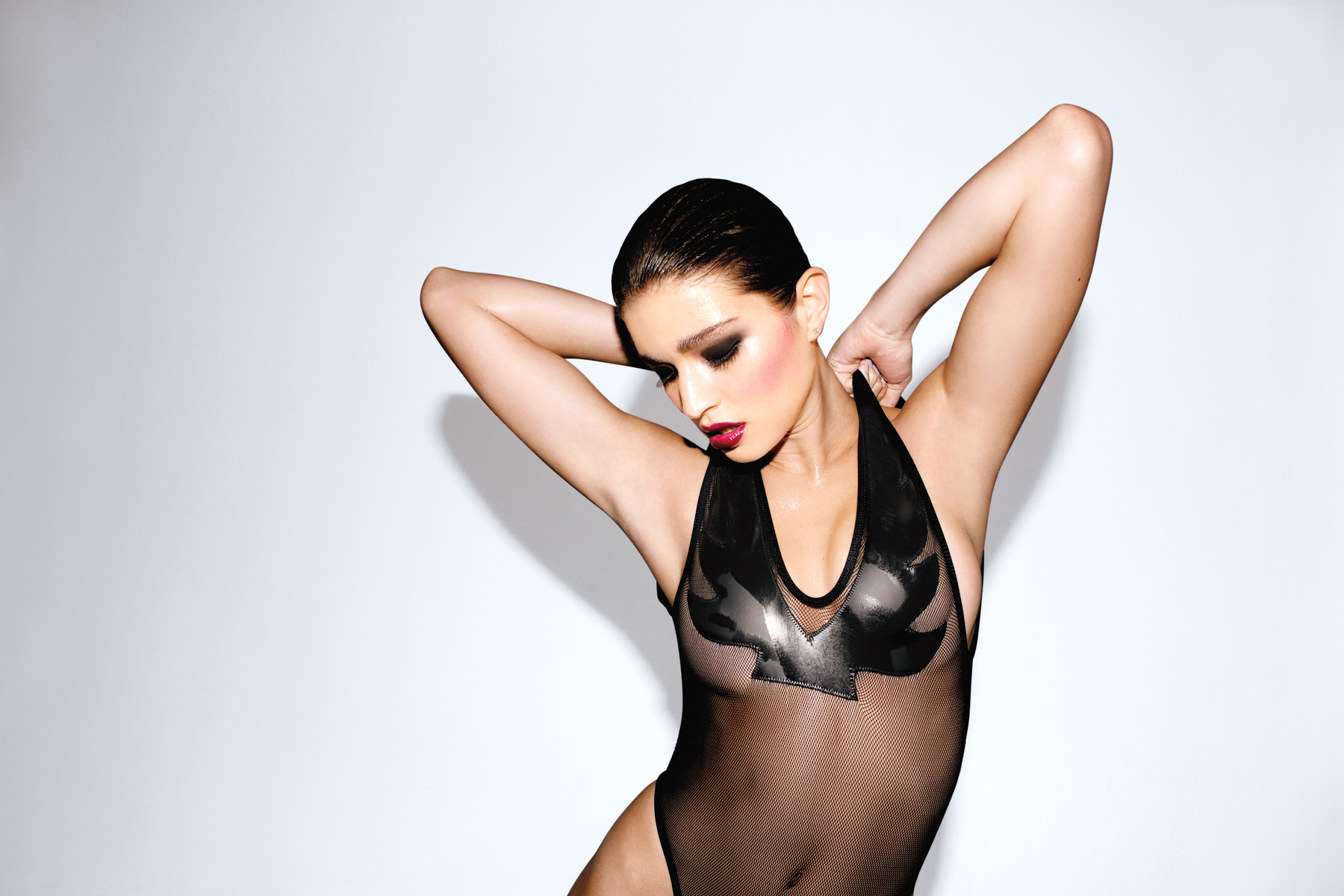
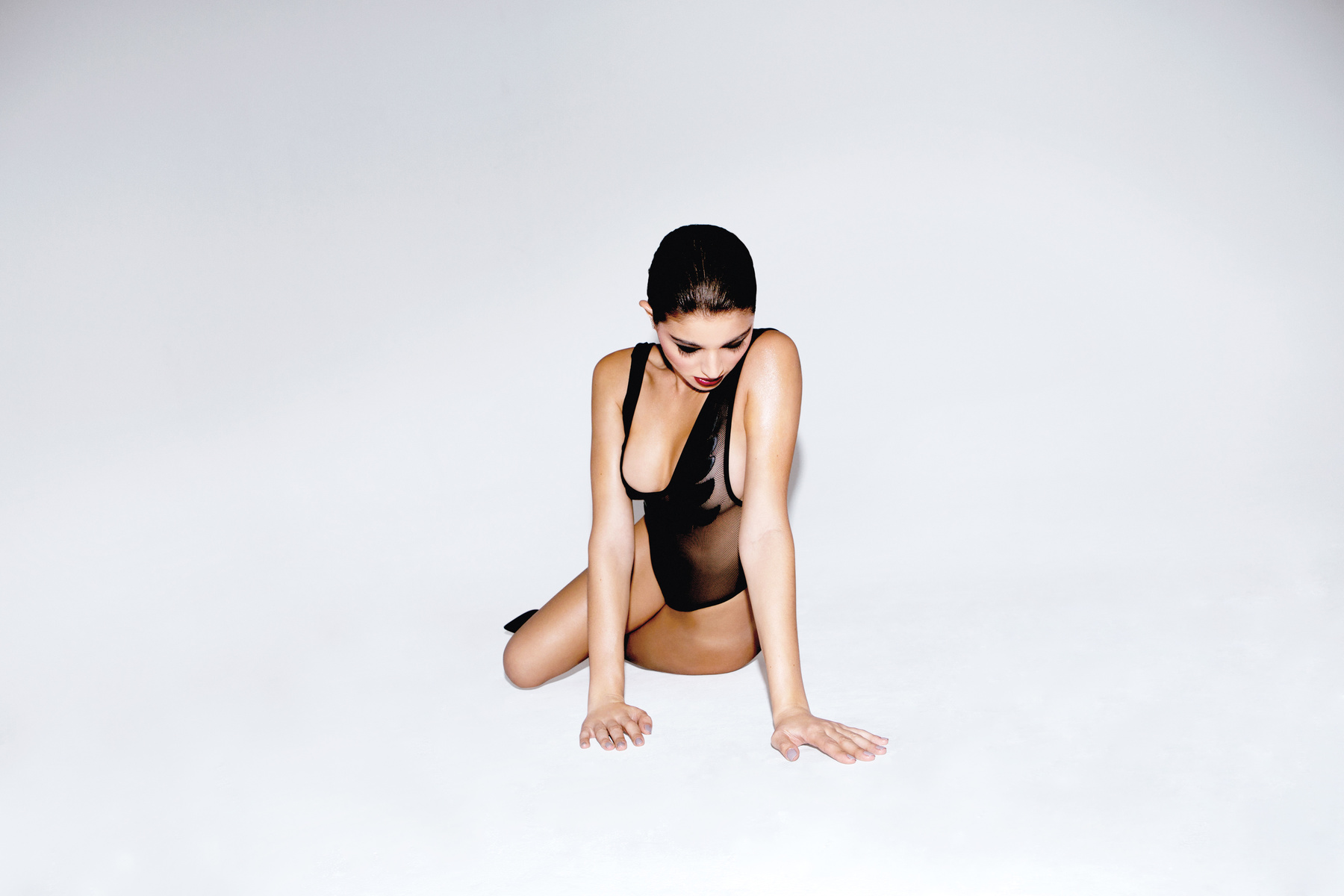
La Perla .... a few years ago
Beach Bunny 'New'
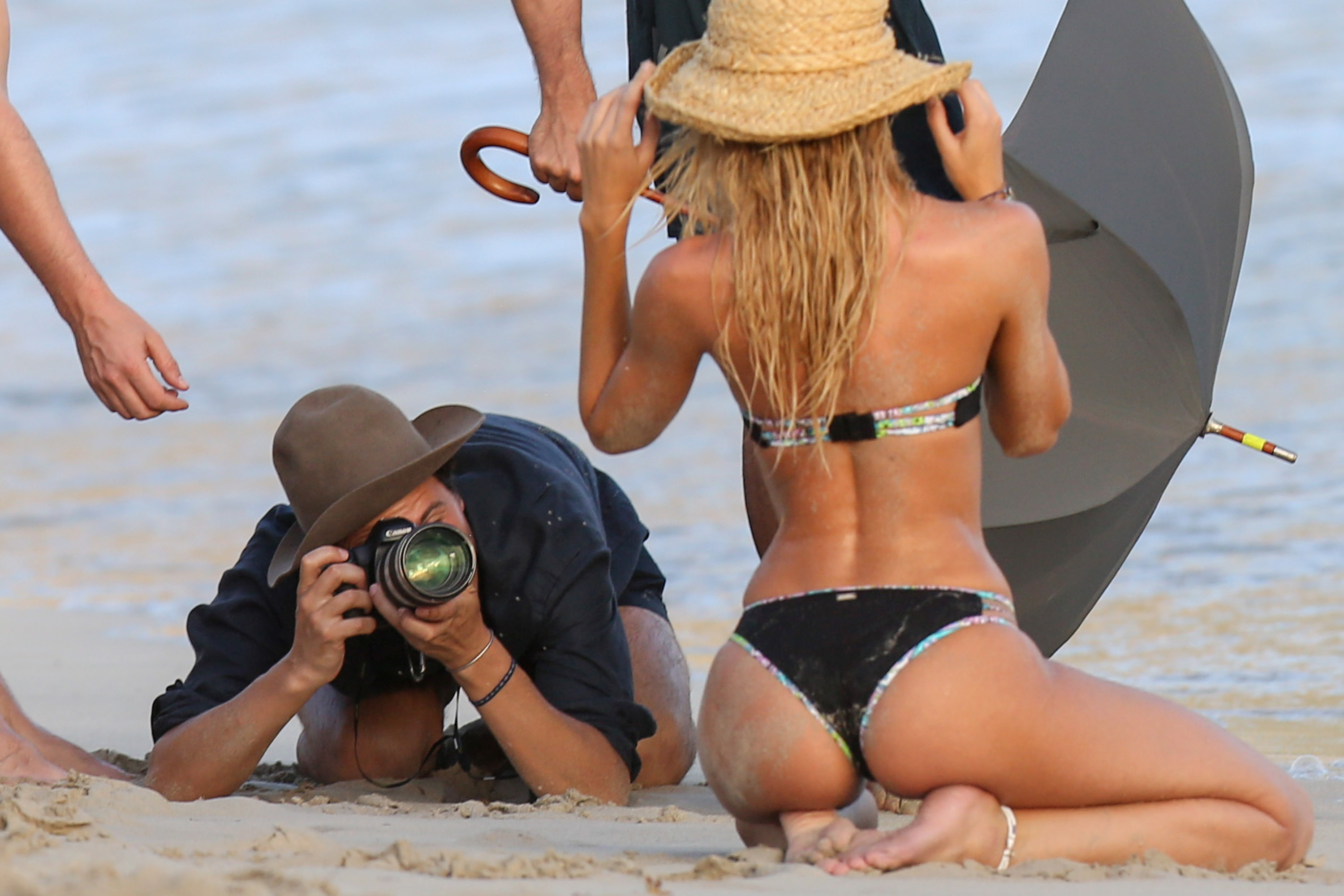
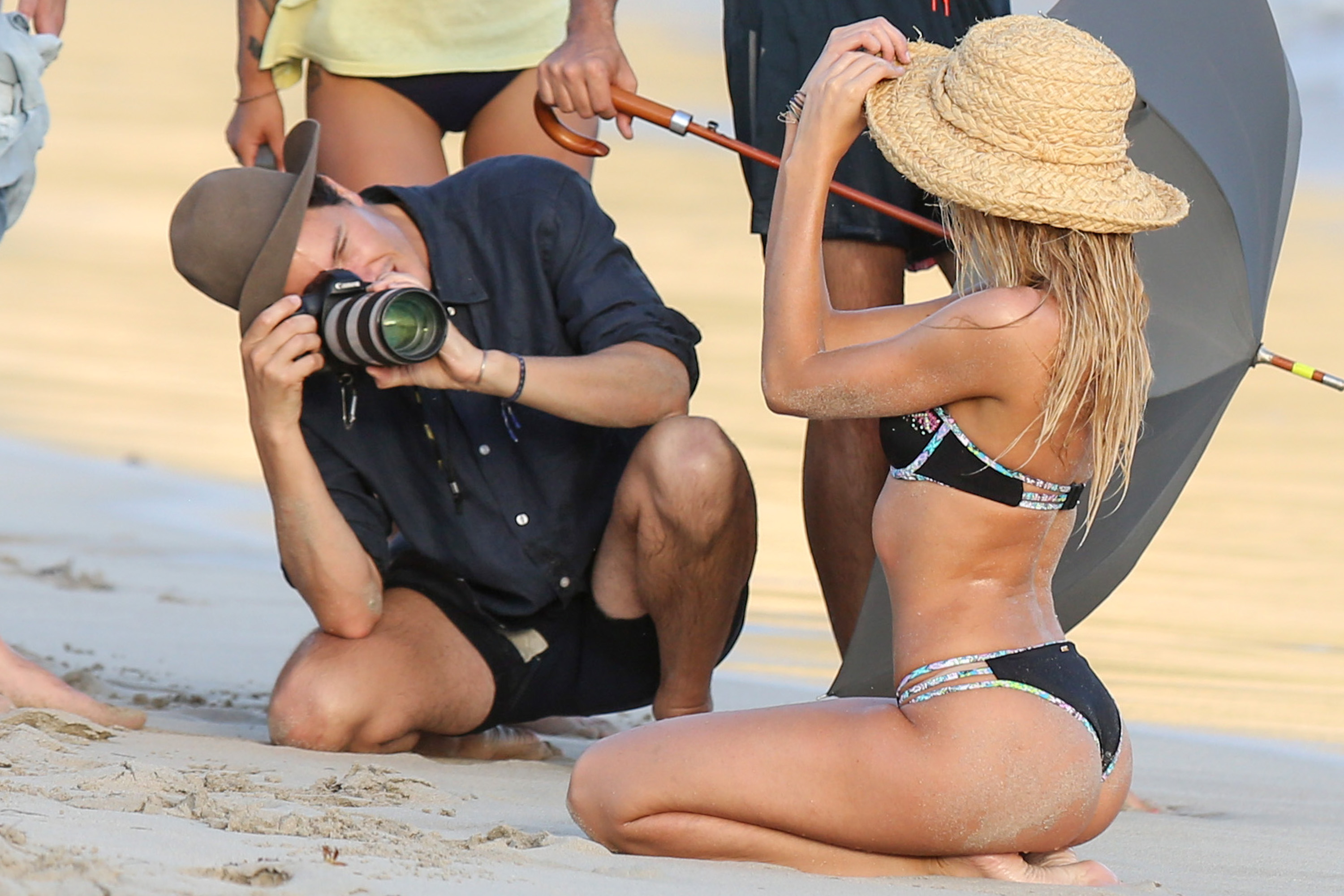
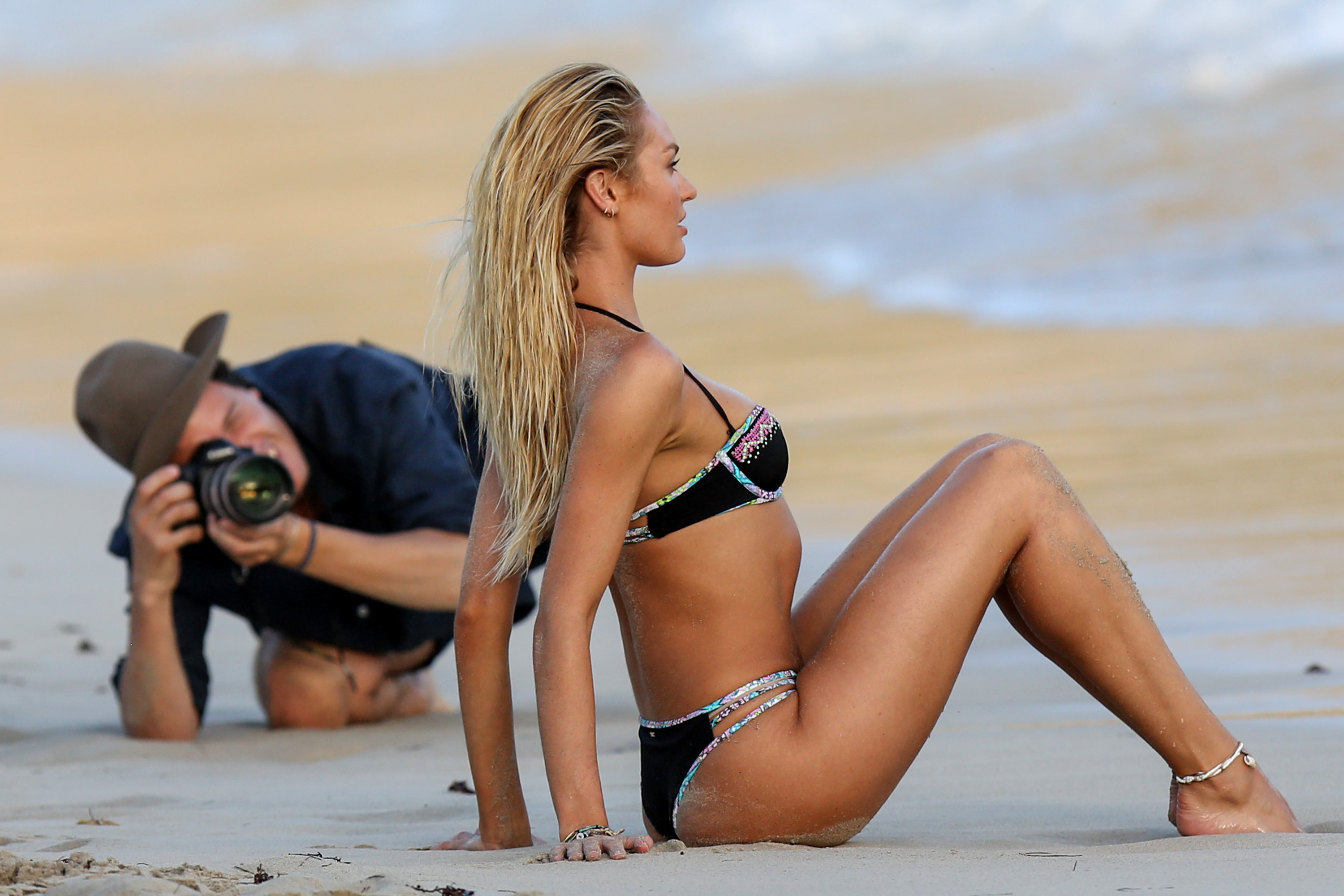
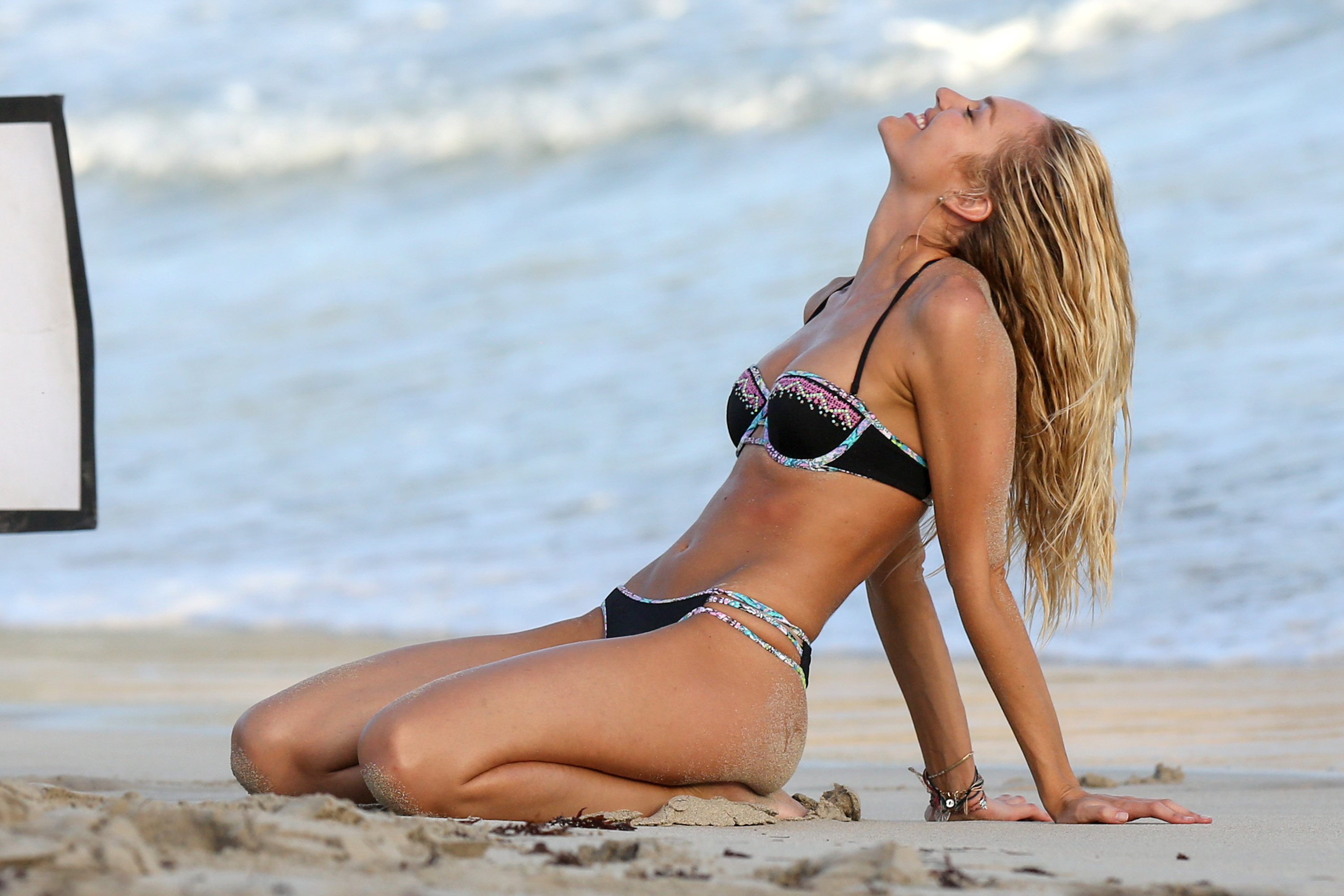
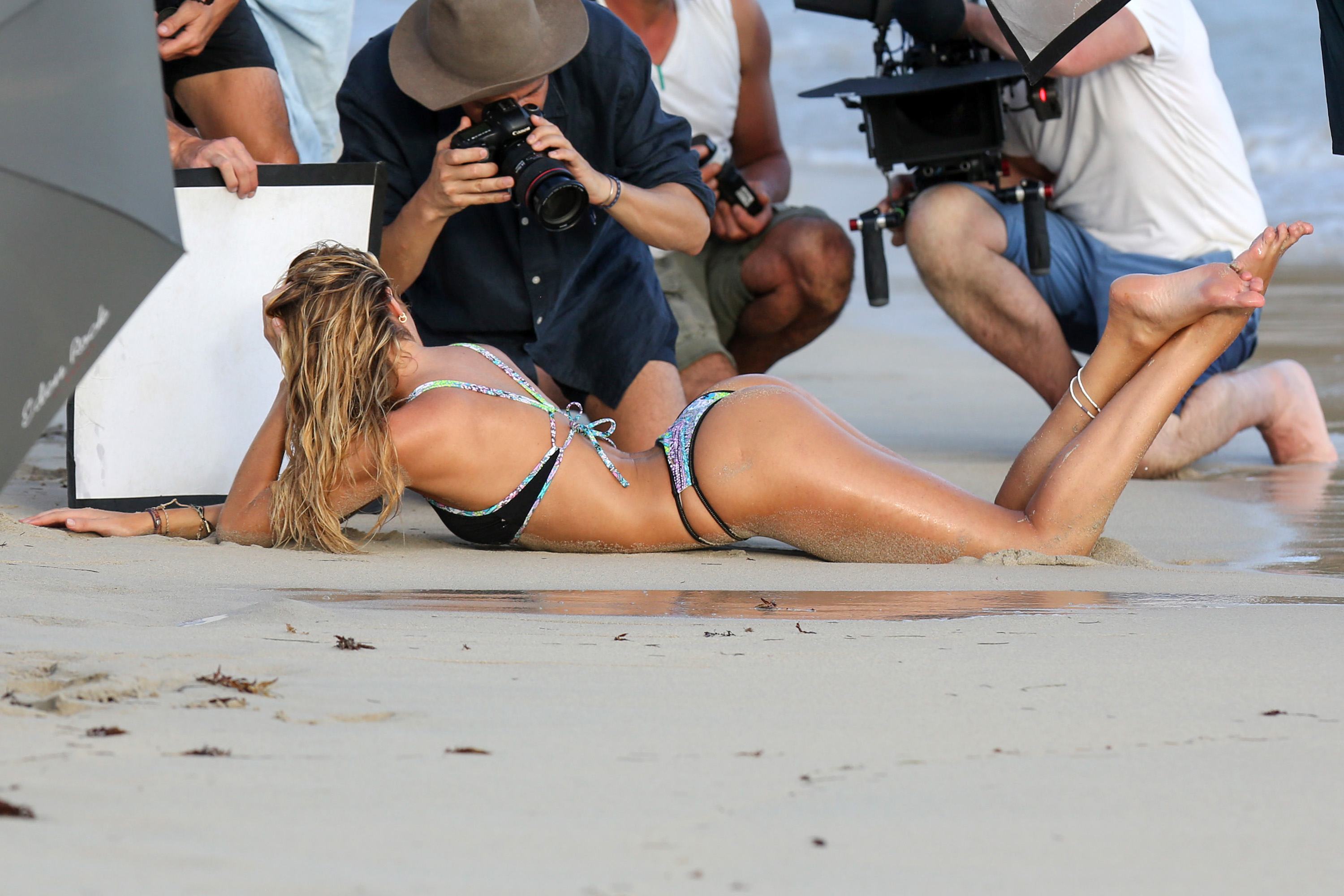
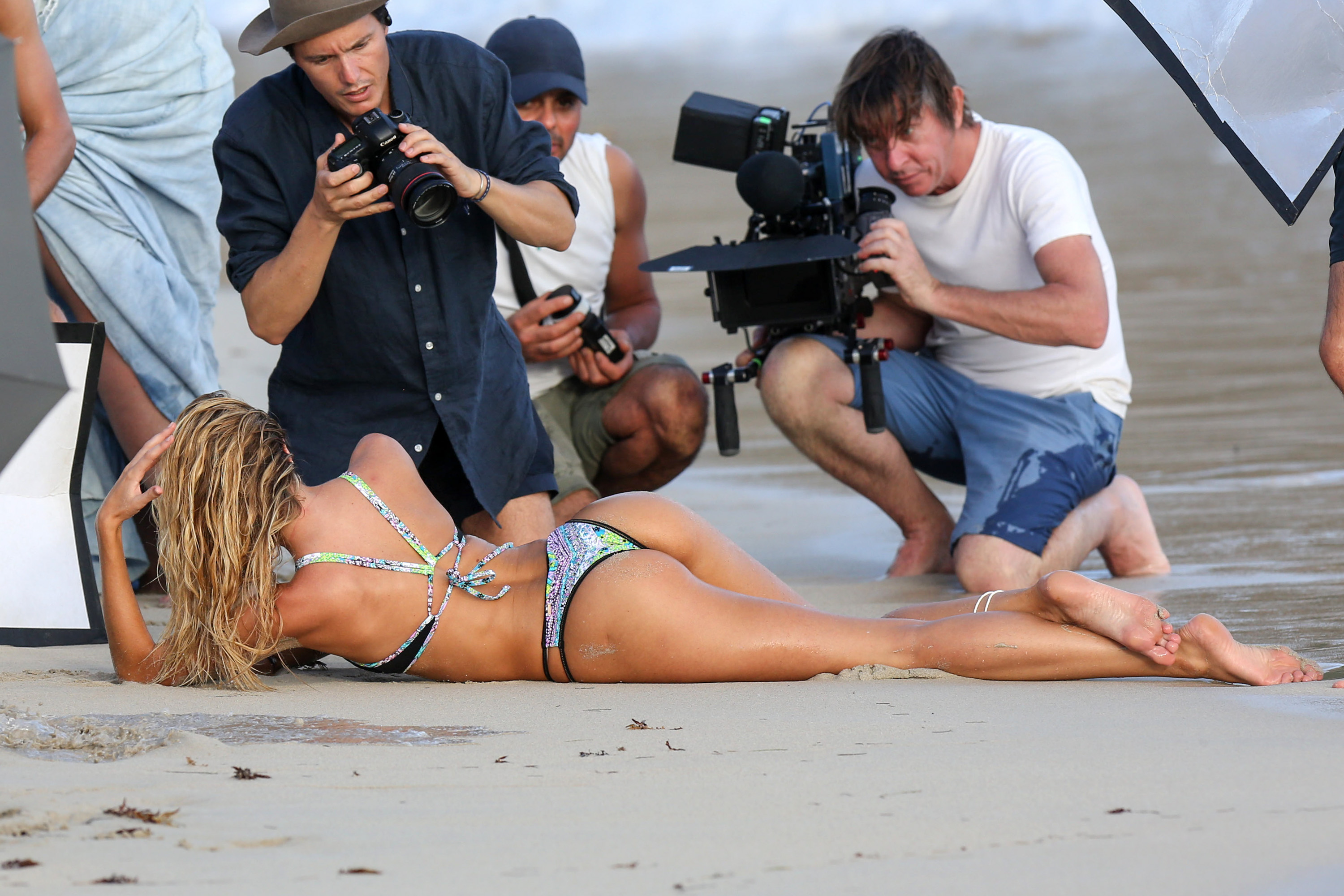
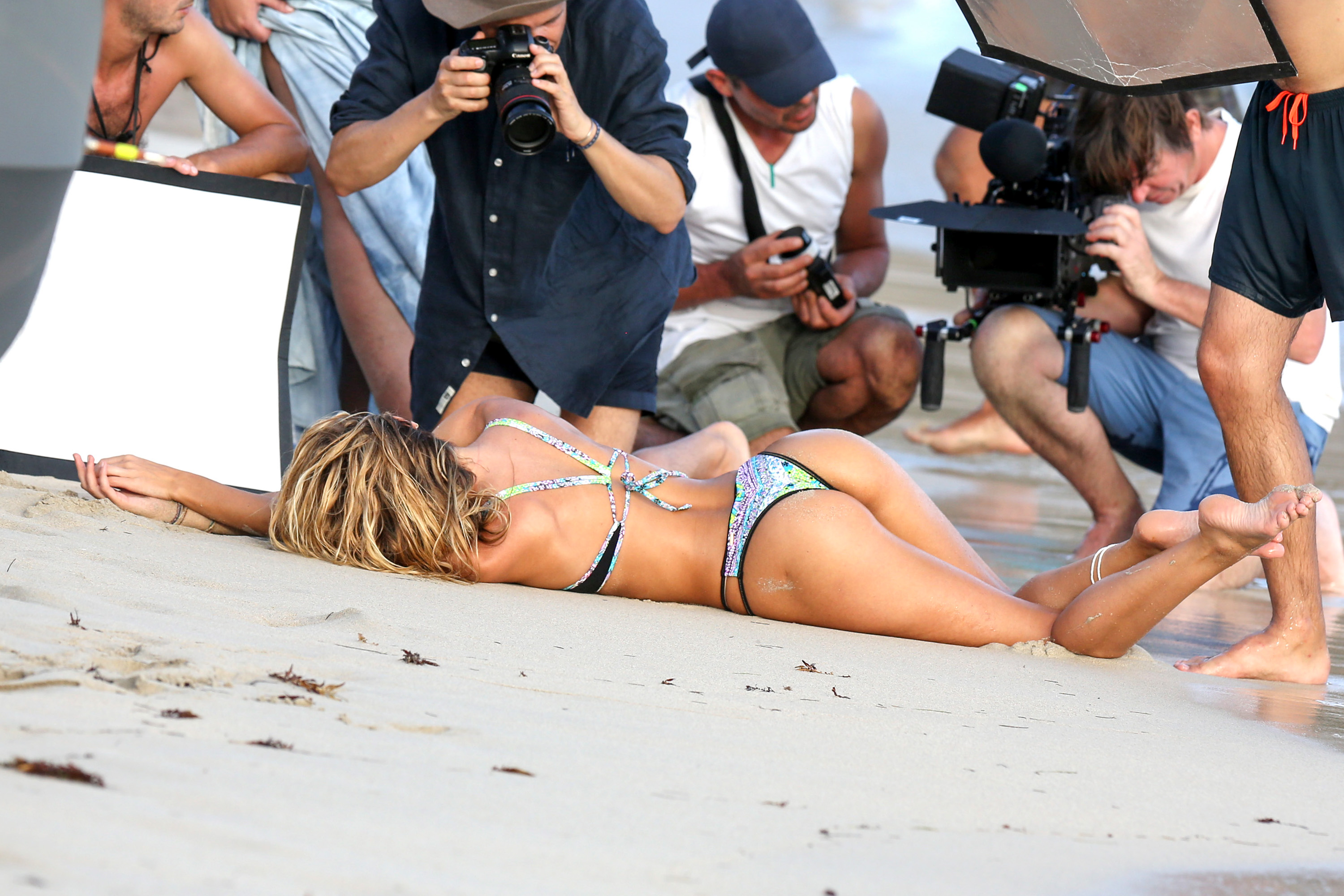
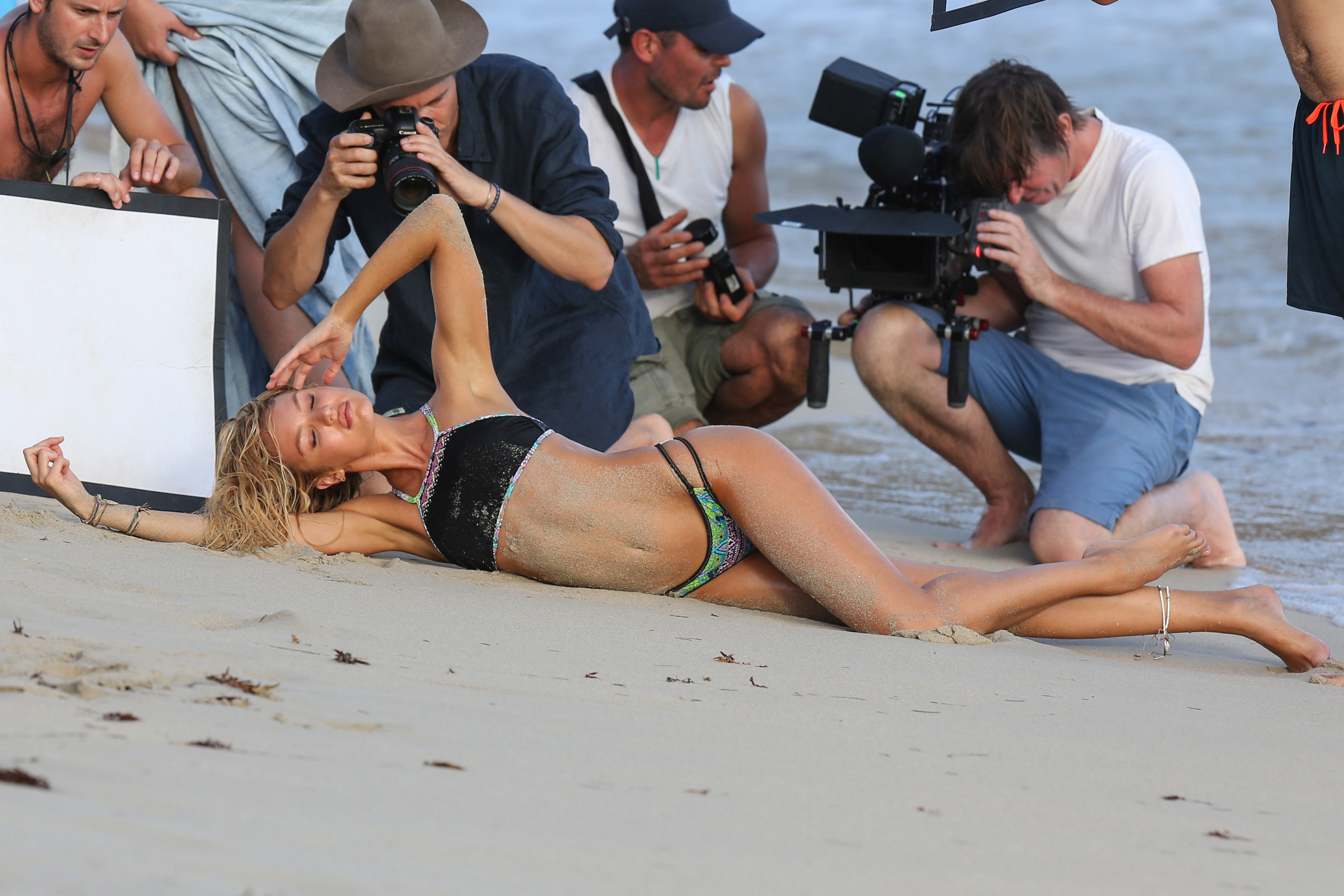
La Perla .... a few years ago HQs
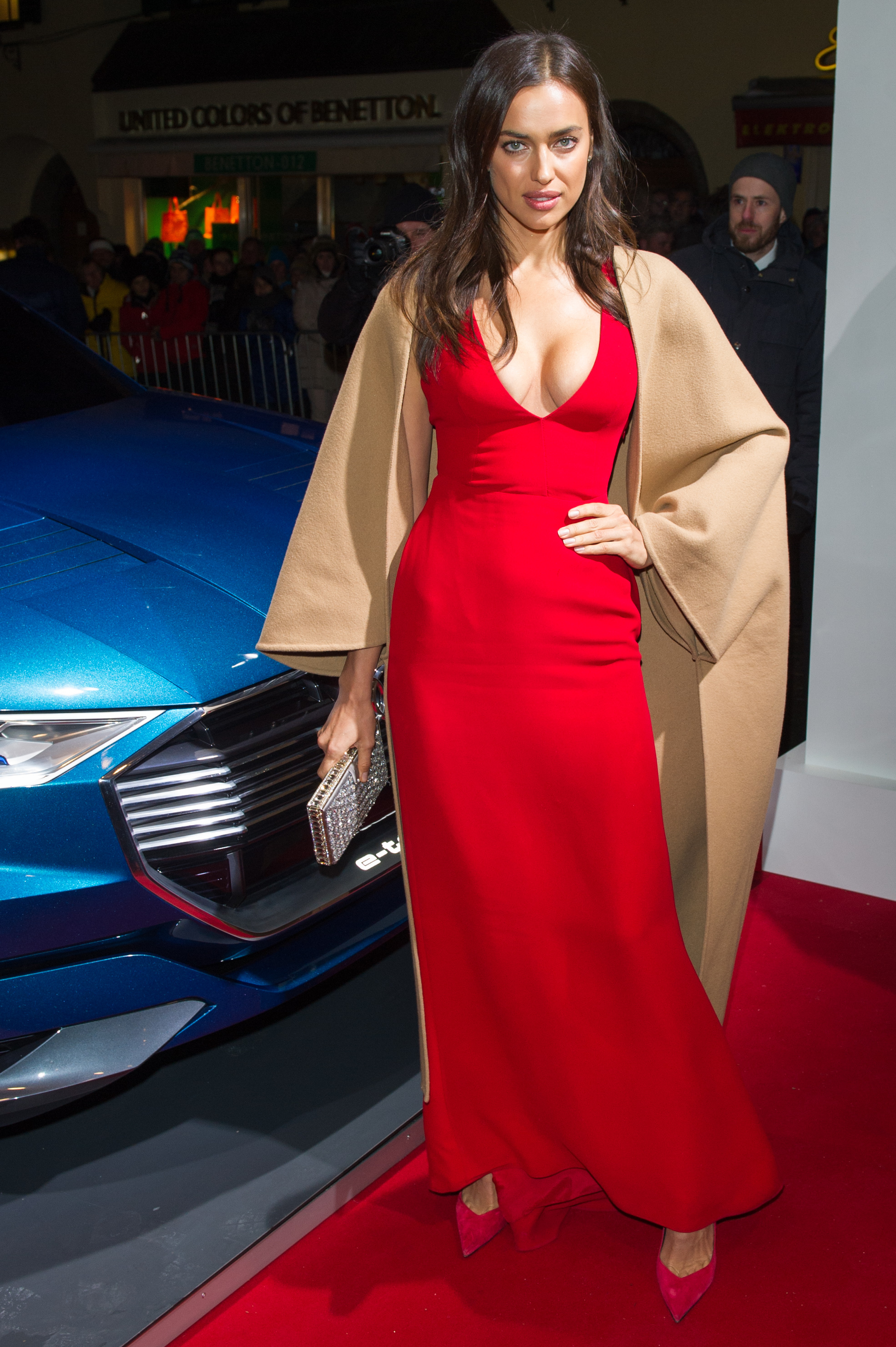
HQs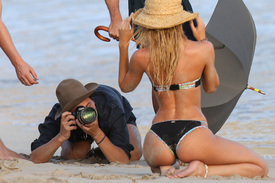
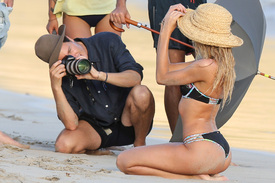
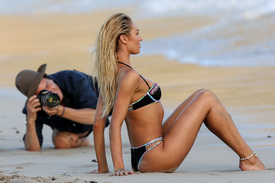
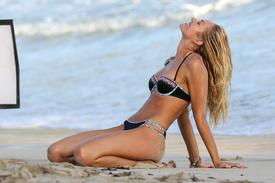
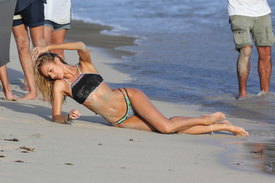
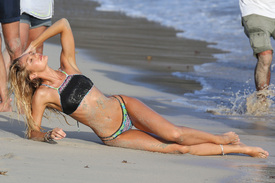
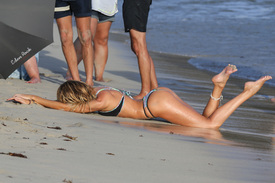
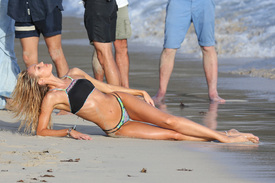
 HQs
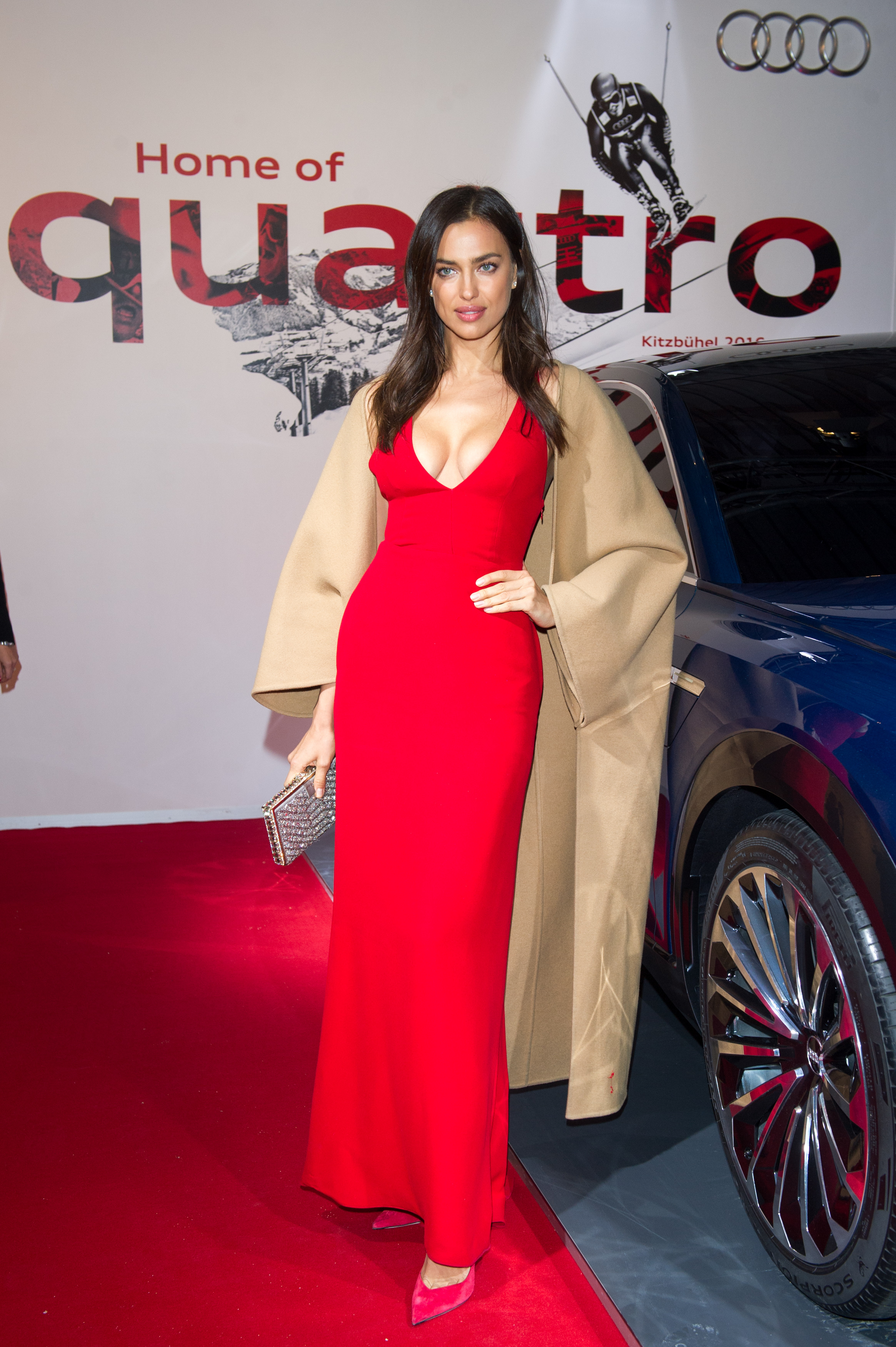
HQs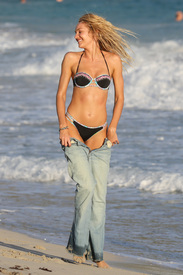
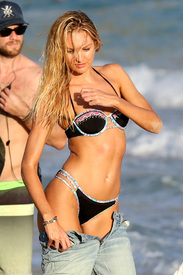
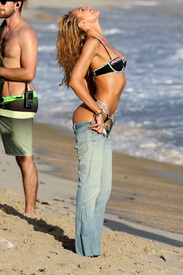
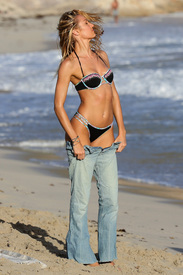
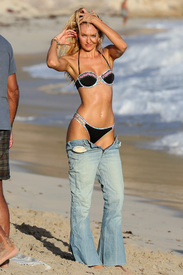
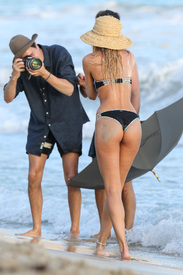
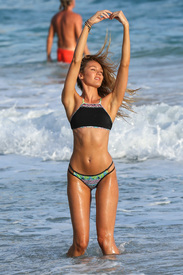
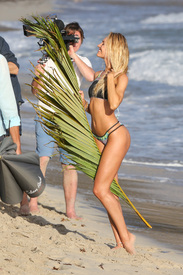
 HQs
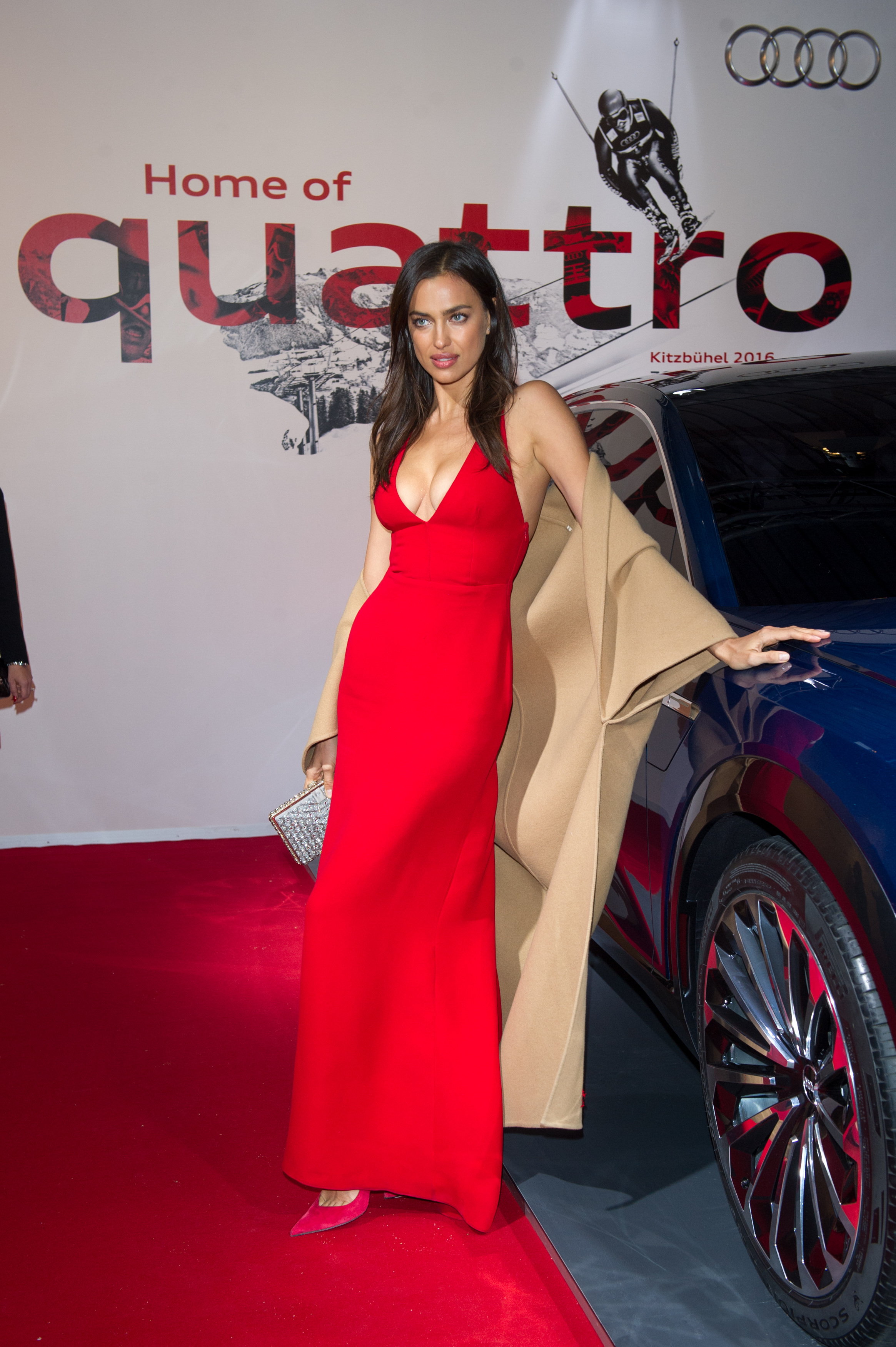
HQs
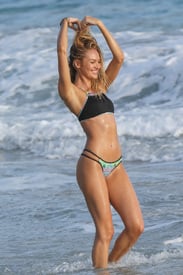
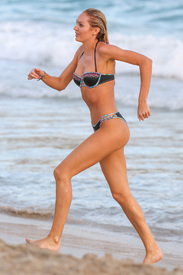
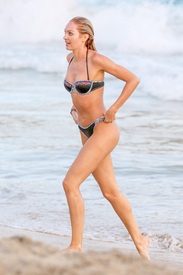
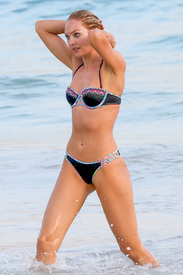
 HQs
HQs

















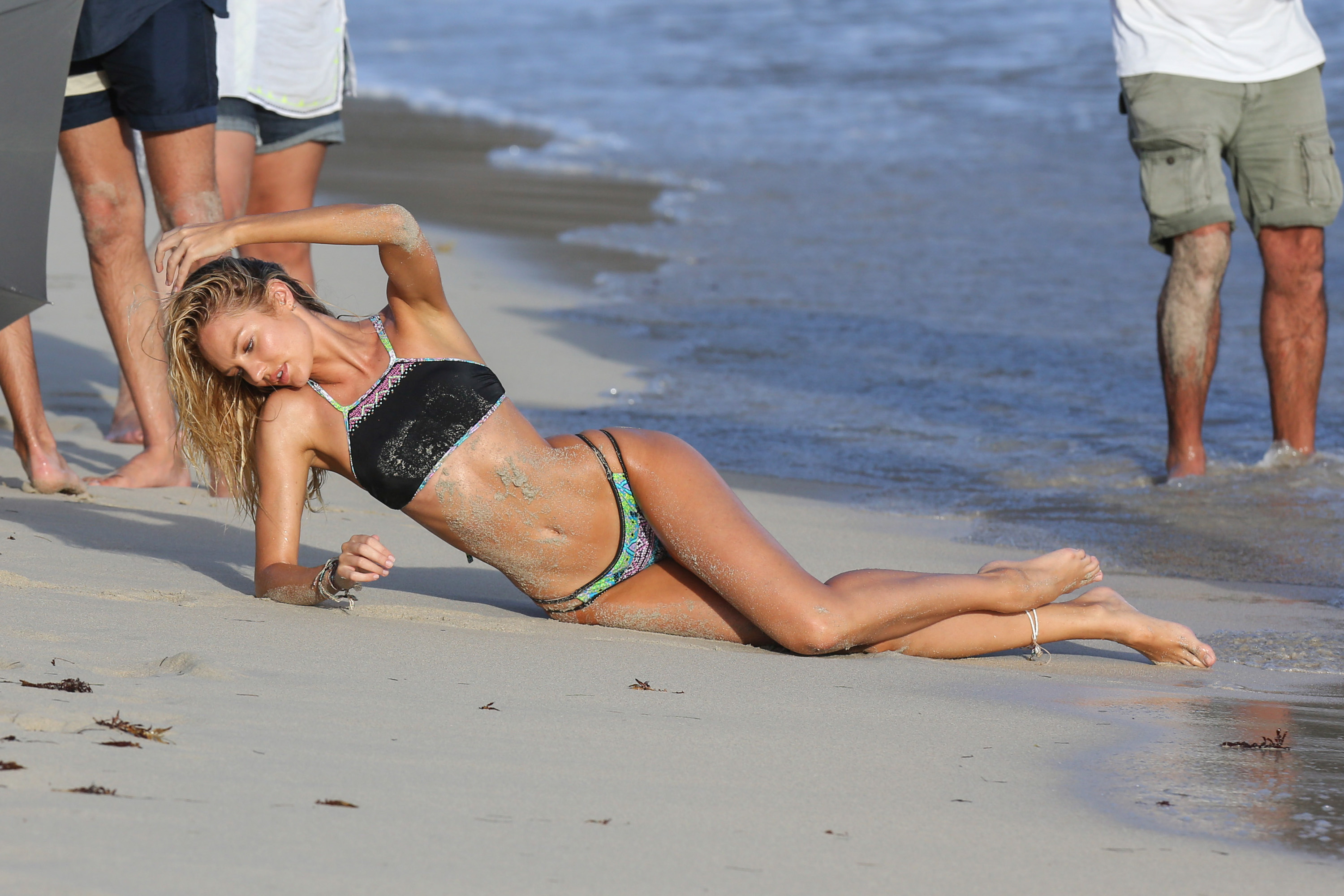
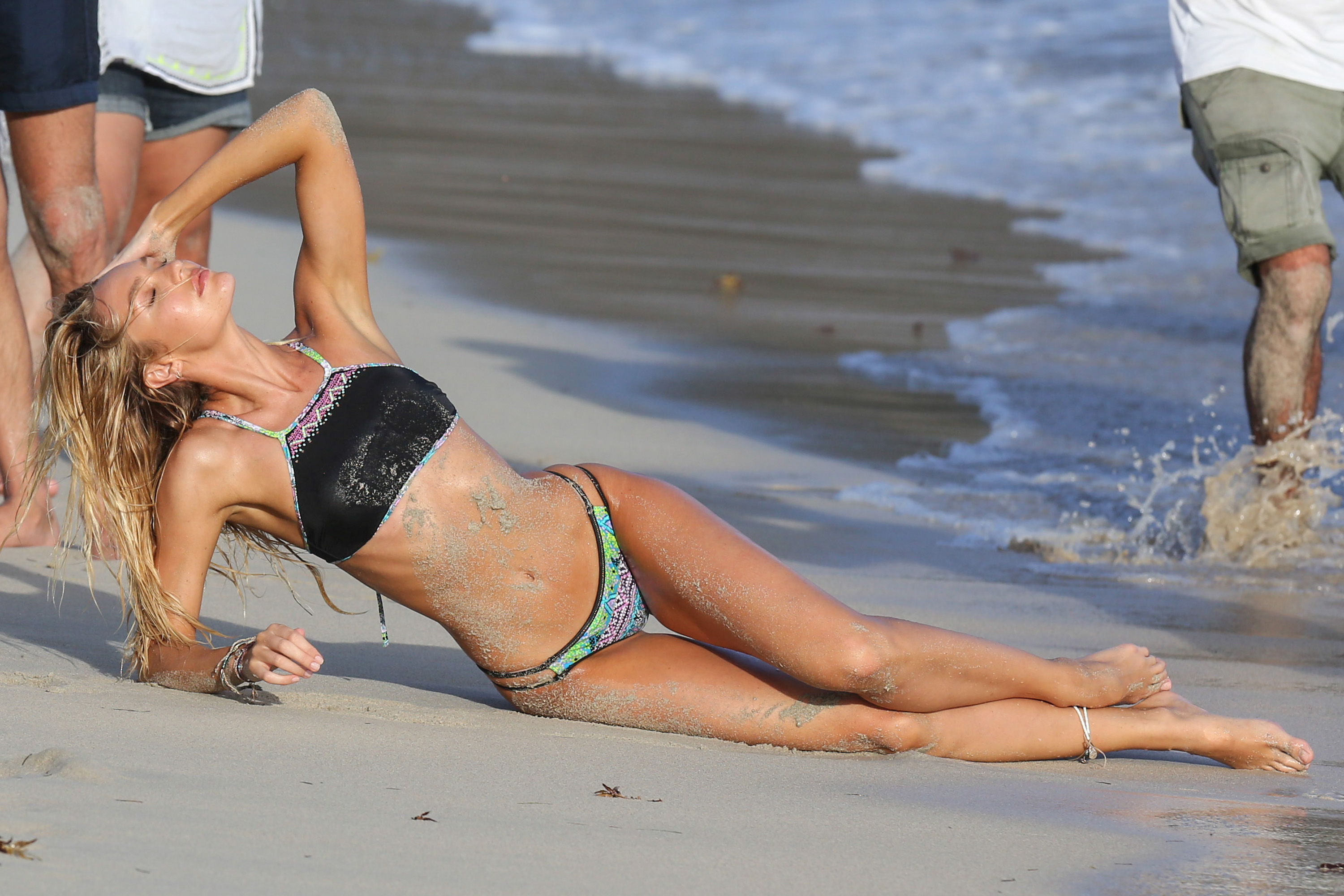
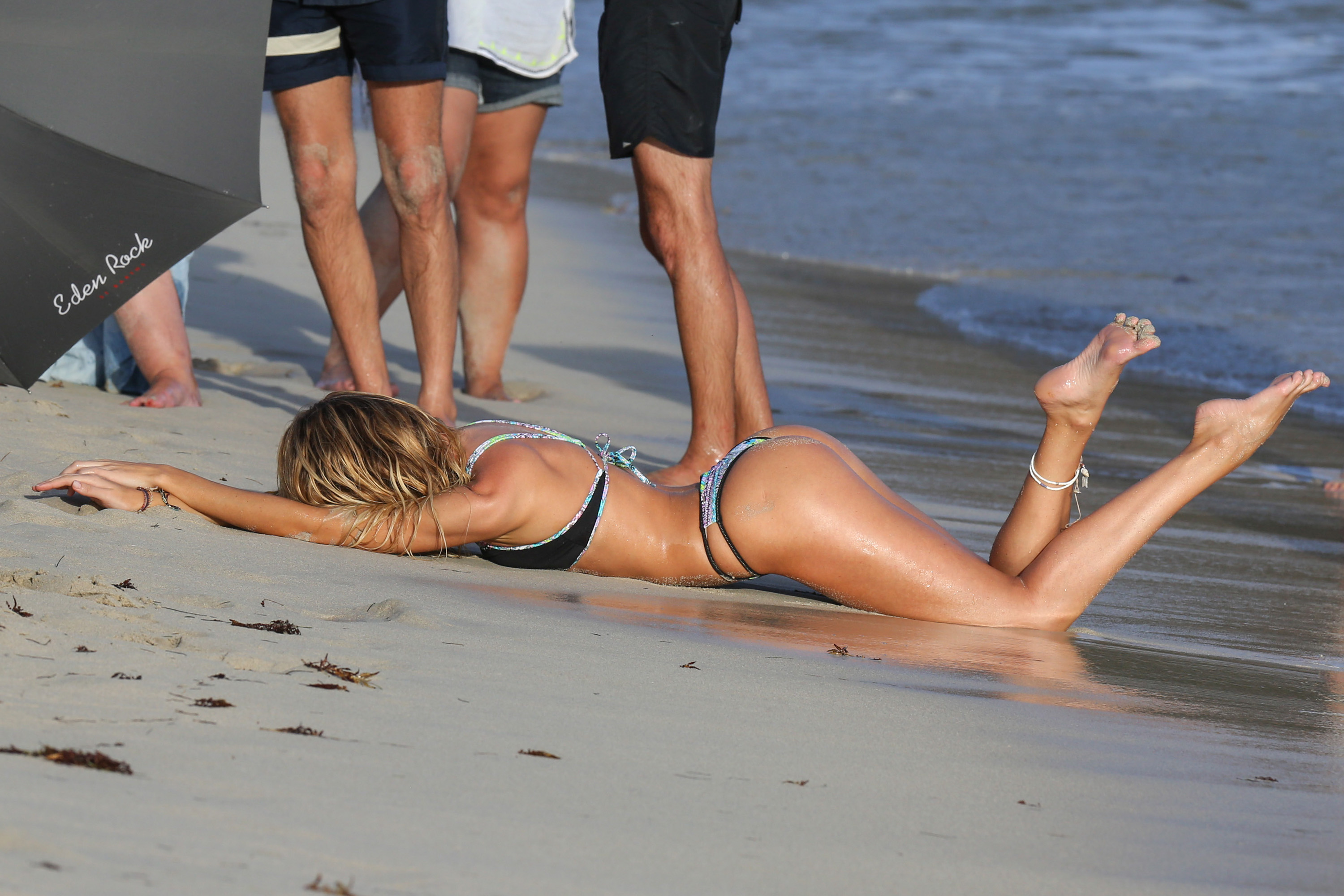
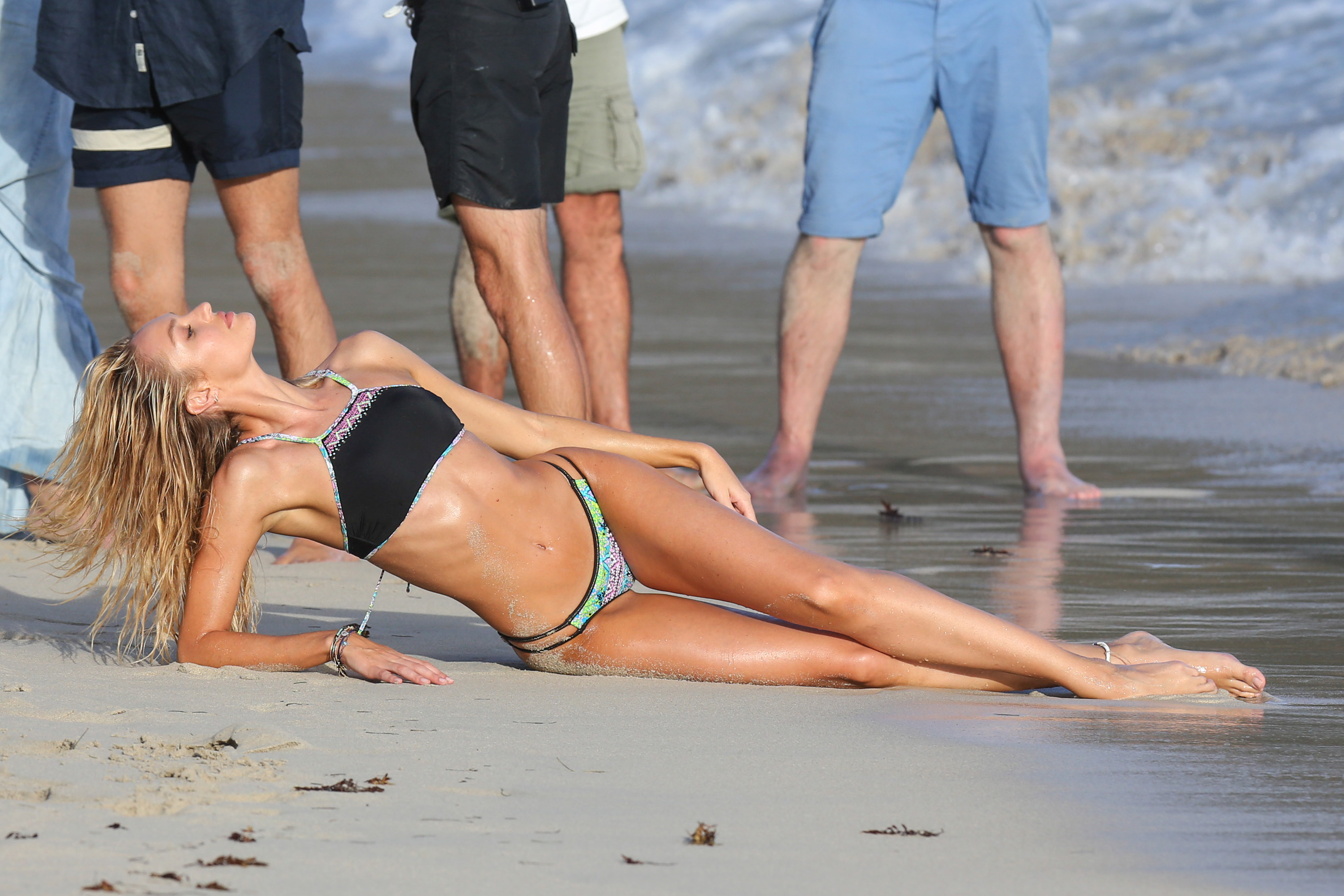
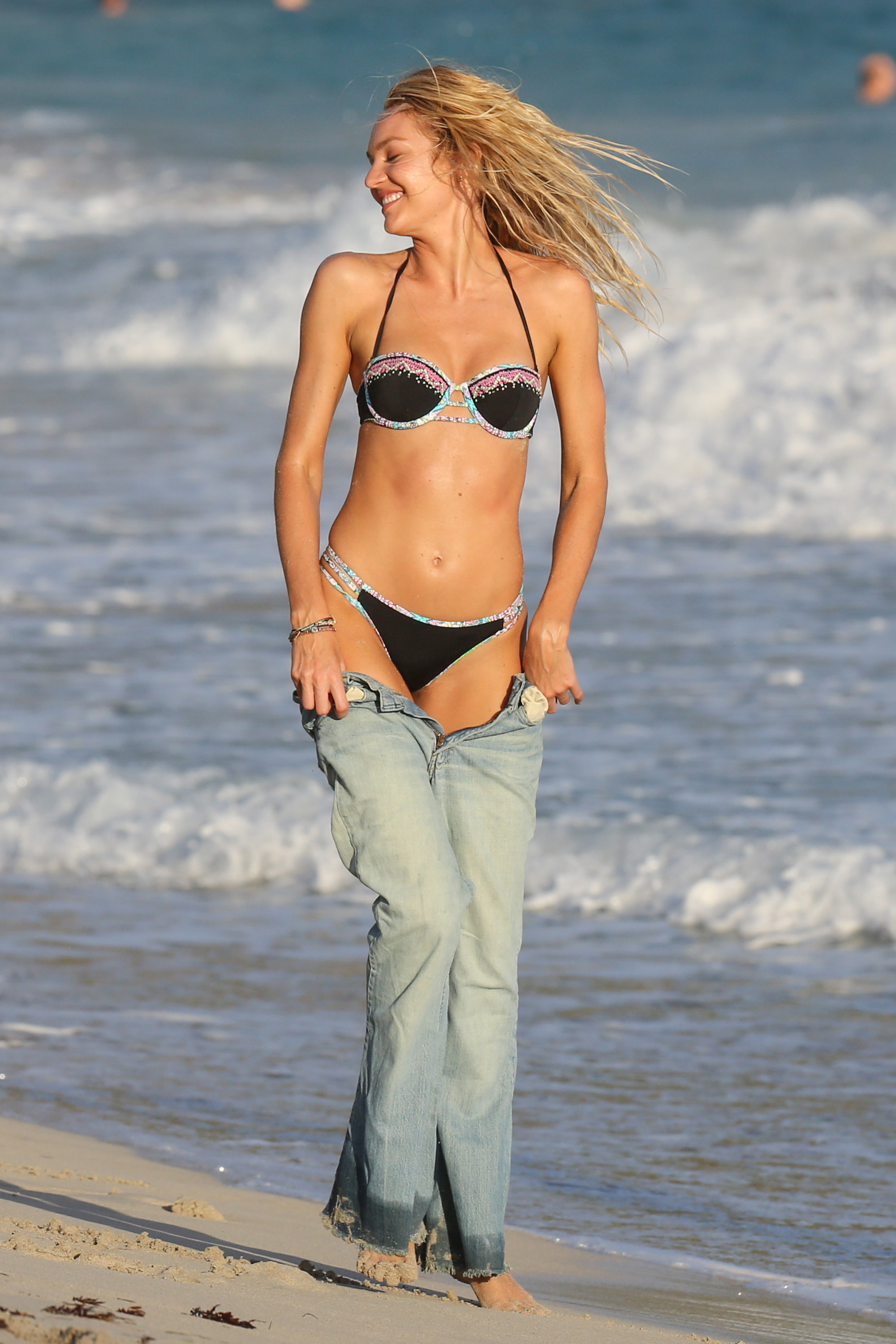
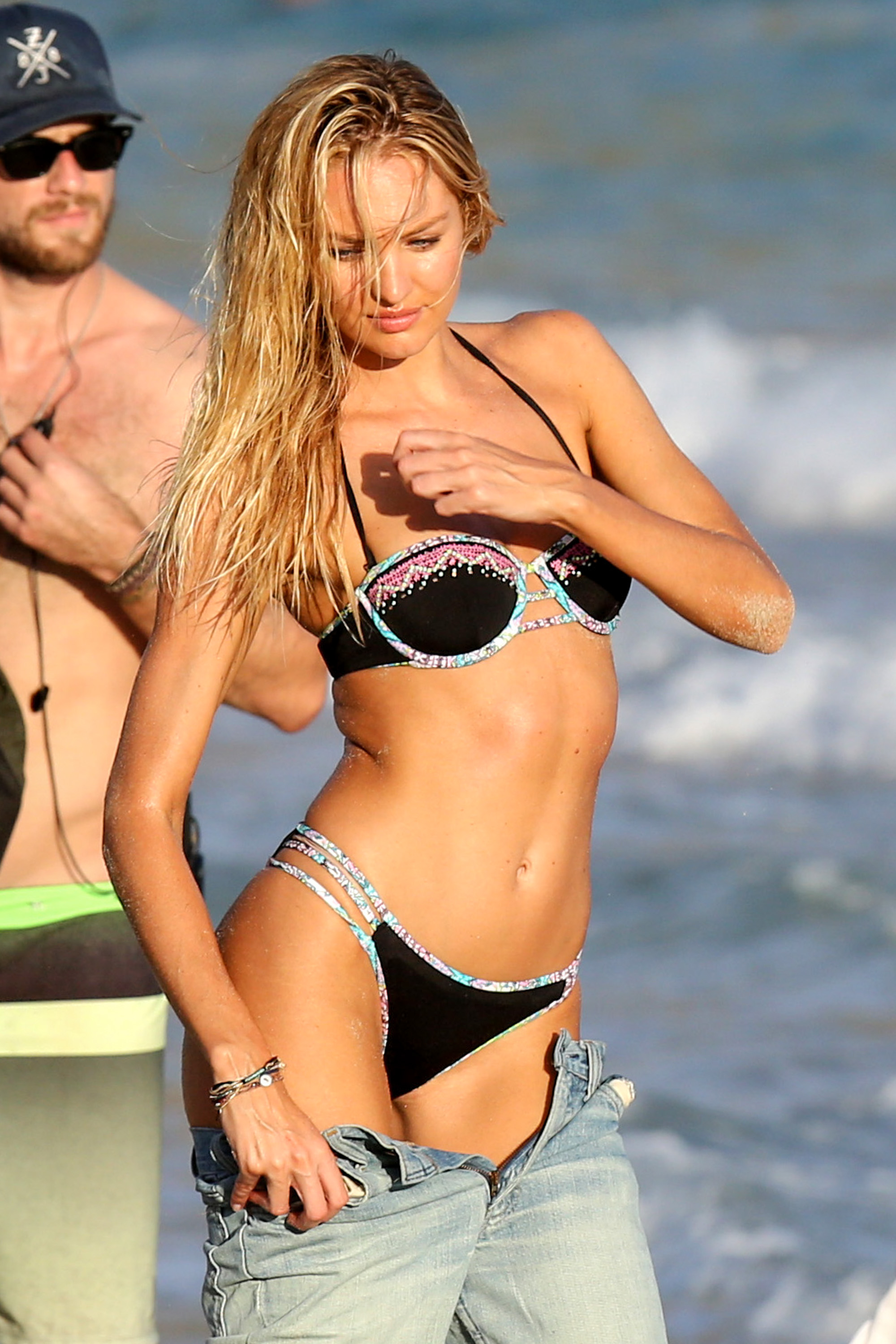
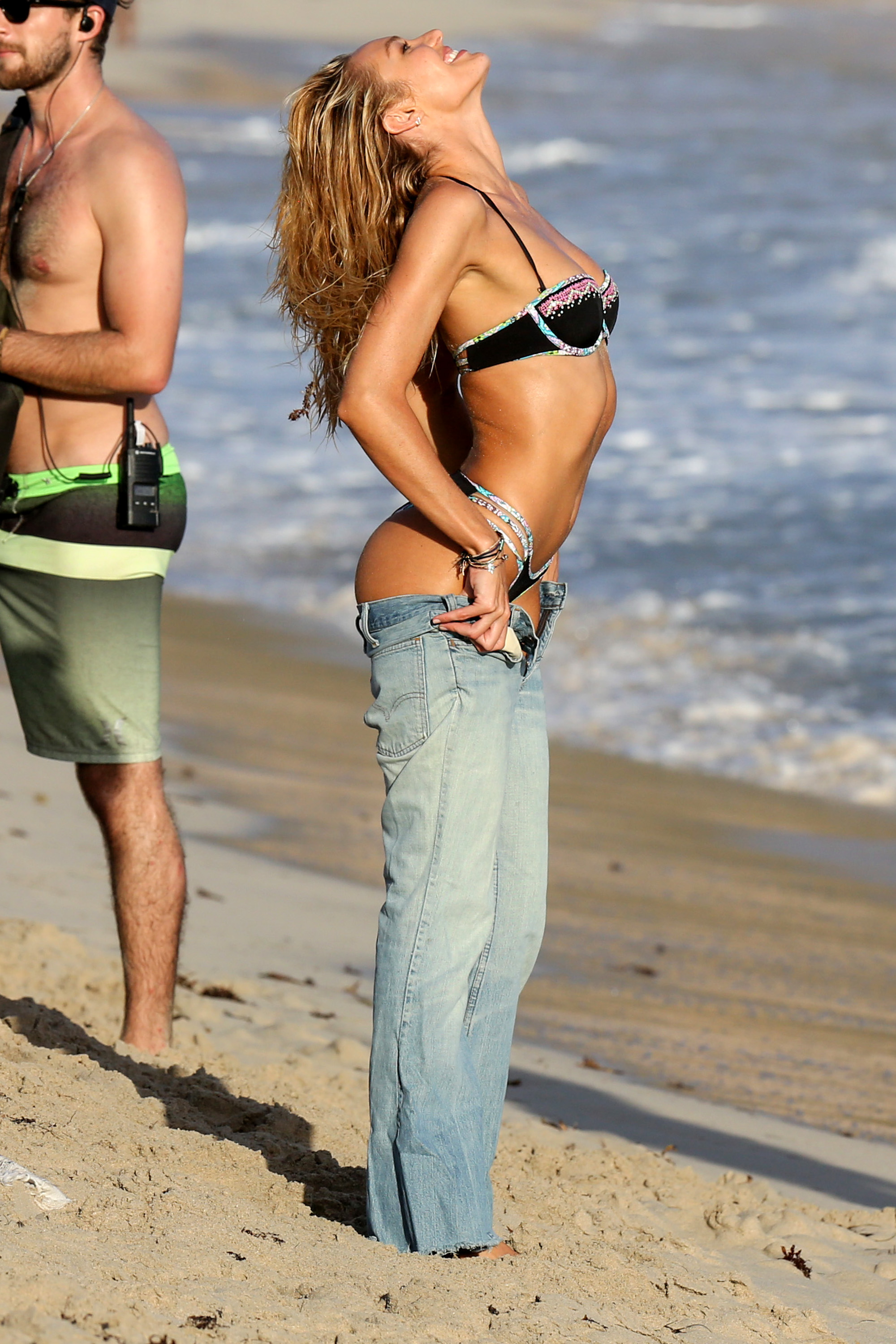
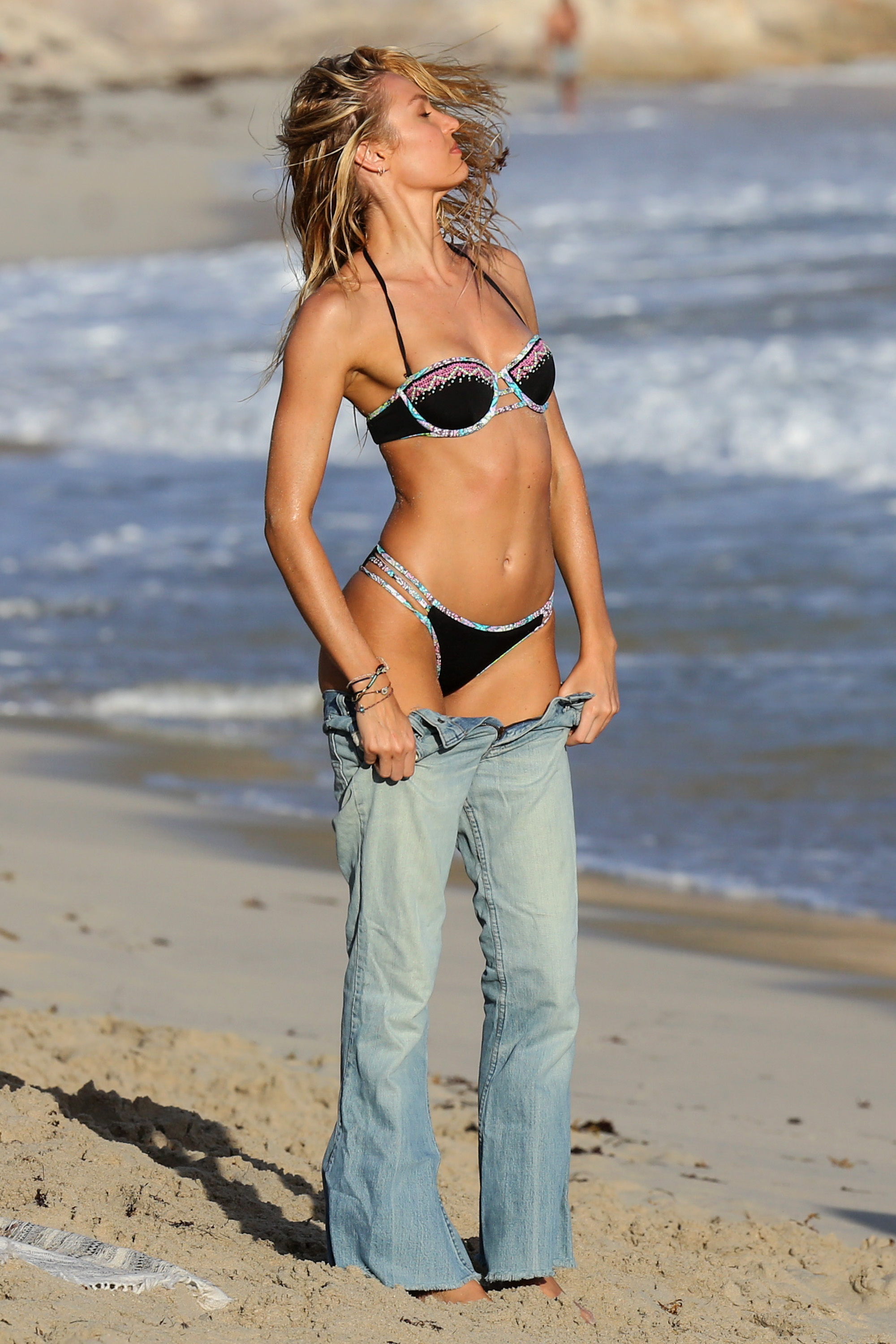
Account
Search
Configure browser push notifications
Chrome (Android)
- Tap the lock icon next to the address bar.
- Tap Permissions → Notifications.
- Adjust your preference.
Chrome (Desktop)
- Click the padlock icon in the address bar.
- Select Site settings.
- Find Notifications and adjust your preference.
Safari (iOS 16.4+)
- Ensure the site is installed via Add to Home Screen.
- Open Settings App → Notifications.
- Find your app name and adjust your preference.
Safari (macOS)
- Go to Safari → Preferences.
- Click the Websites tab.
- Select Notifications in the sidebar.
- Find this website and adjust your preference.
Edge (Android)
- Tap the lock icon next to the address bar.
- Tap Permissions.
- Find Notifications and adjust your preference.
Edge (Desktop)
- Click the padlock icon in the address bar.
- Click Permissions for this site.
- Find Notifications and adjust your preference.
Firefox (Android)
- Go to Settings → Site permissions.
- Tap Notifications.
- Find this site in the list and adjust your preference.
Firefox (Desktop)
- Open Firefox Settings.
- Search for Notifications.
- Find this site in the list and adjust your preference.