Candylicious.
Members
-
Joined
Everything posted by Candylicious.
-
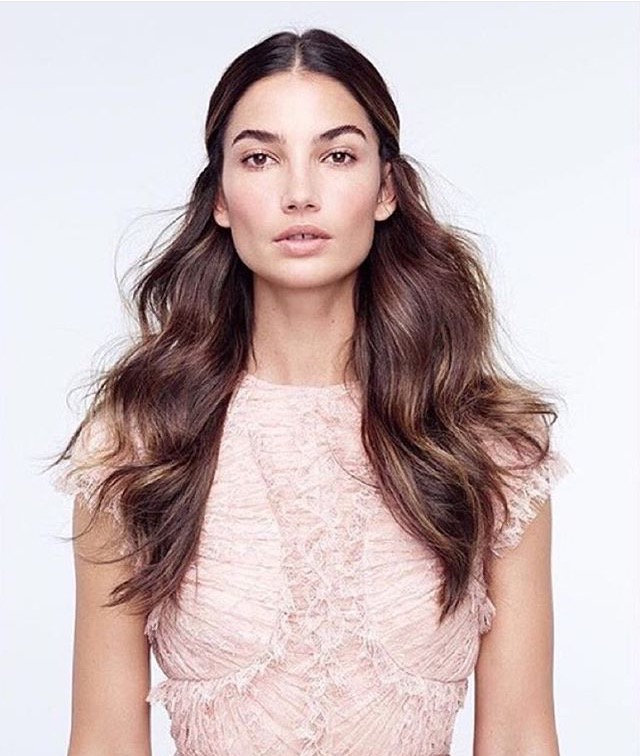
 lilyaldridge@VogueMagazine by @WillyVanderperre Styled by the loveliest @tabithasimmons wearing @worldmcqueen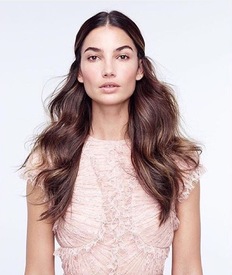
-
https://www.instagram.com/p/-1rUVHPrqa/ Way too many blondes, like you even can't see the difference between them
-
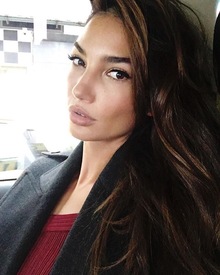
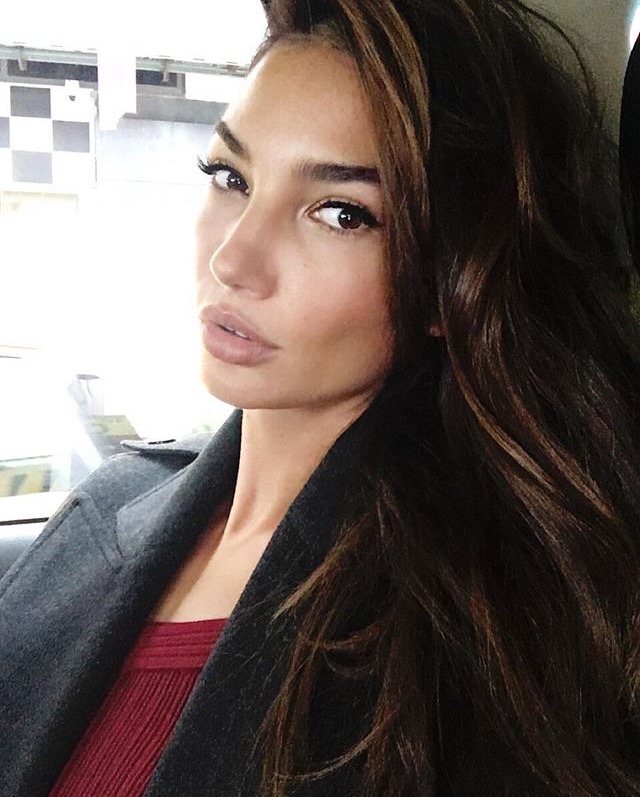
lilyaldridge#VsFashionShow2015 Press day!!! With @cgonzalezbeauty@jennifer_yepez @victoriassecret
-
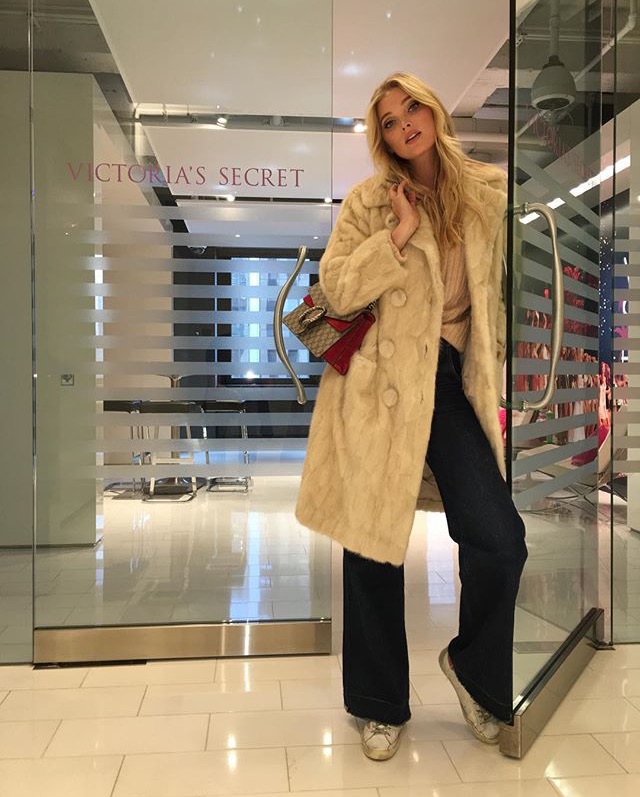
cbstvHi guys! It's @hoskelsa taking over the @CBStv Instagram account today!

-
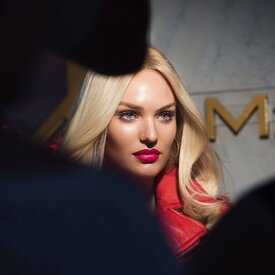
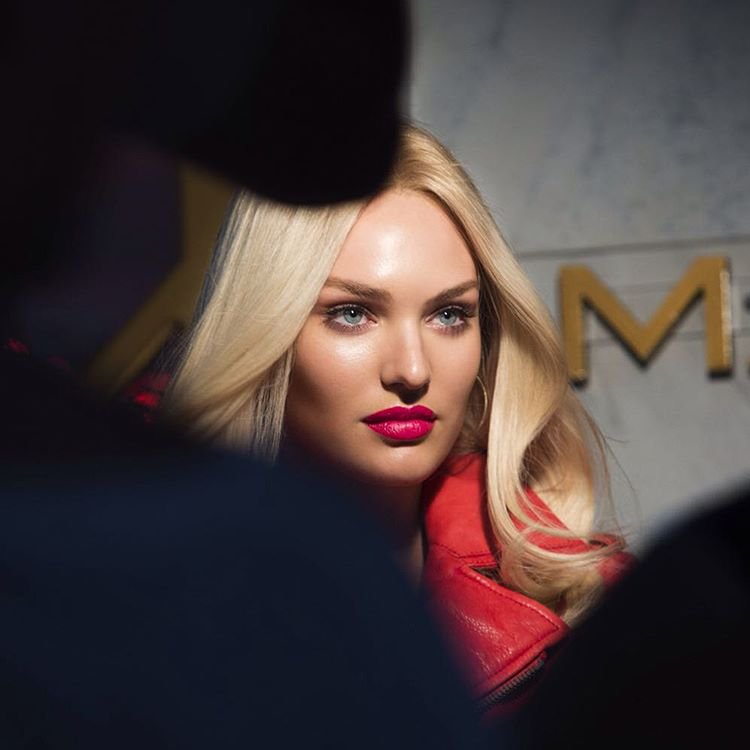
maxfactorBeauty goals @angelcandices#BTS
-
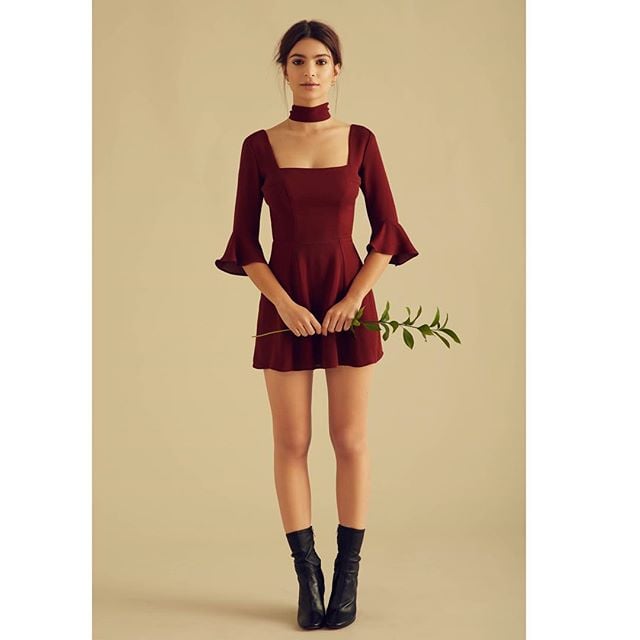
@EmRata: The Emily Dress by Christy Dawn x Emrata is available Monday, December 7. 25% of proceeds will go to @PPact
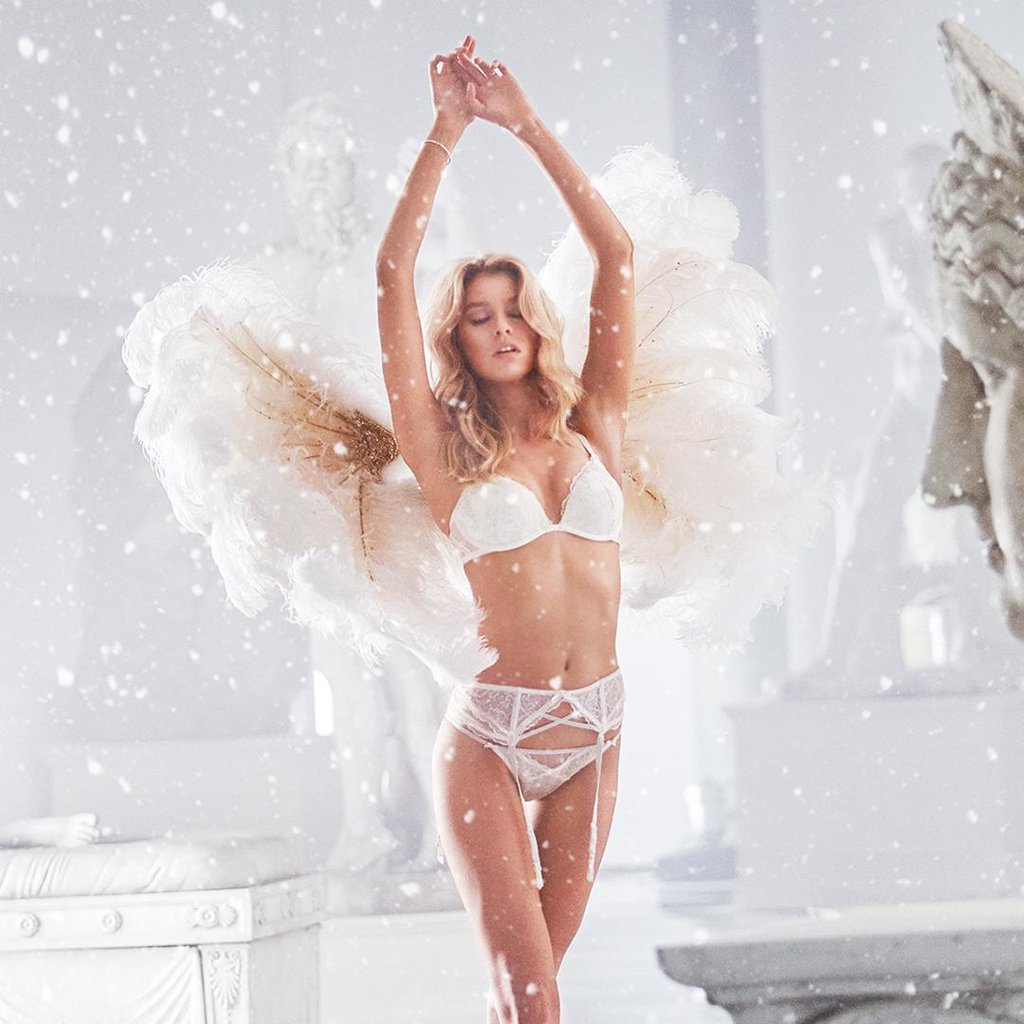
twitter@victoriassecret
Another preview LUI
 twitter@victoriassecret
 ^ You have to click on the little eye next to the emoticon button @okeydokey
^ WOW! That's beautiful Thank you so much!
BTS shooting Acqua di Gioia - Armani 2013
^ You have to click on the little eye next to the emoticon button @okeydokey
^ WOW! That's beautiful Thank you so much!
BTS shooting Acqua di Gioia - Armani 2013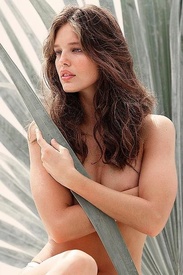 Tennis December 2015 teamemilydidonato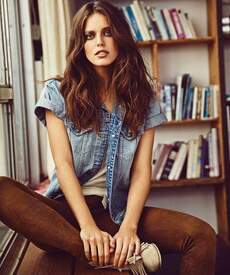


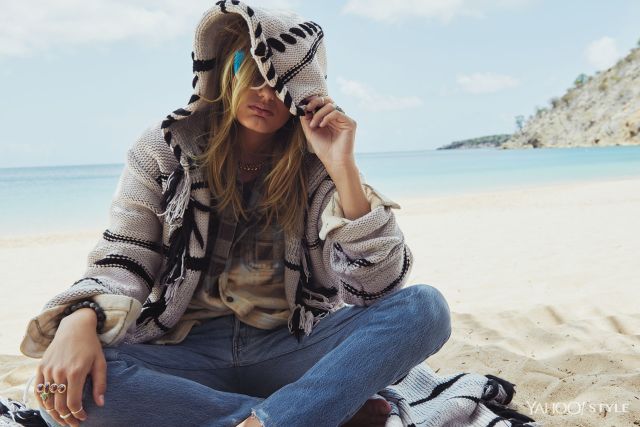
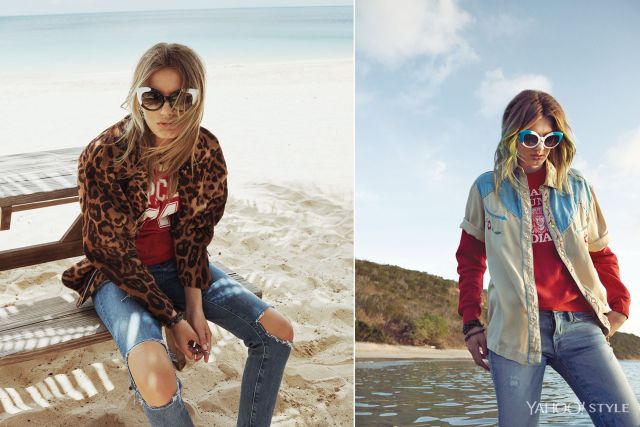
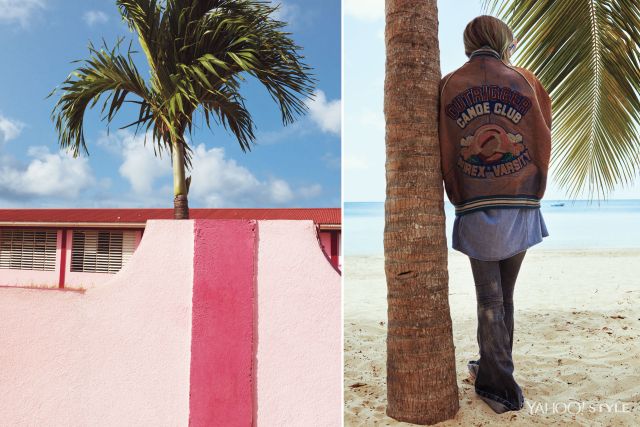
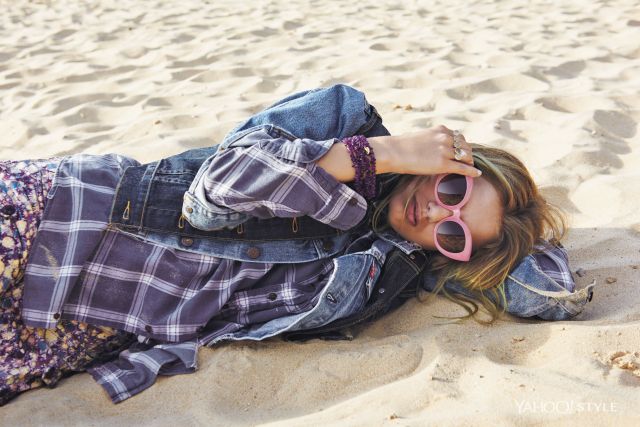
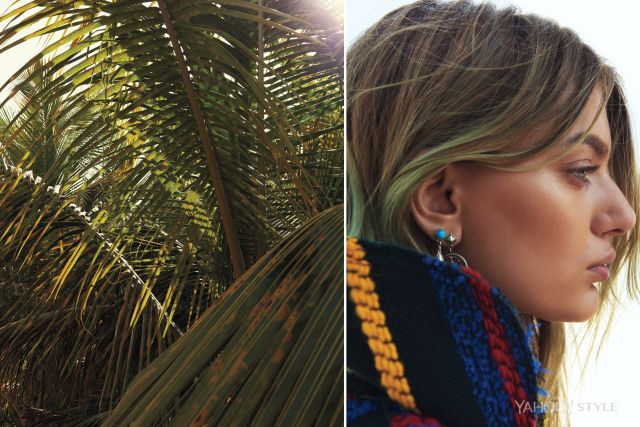
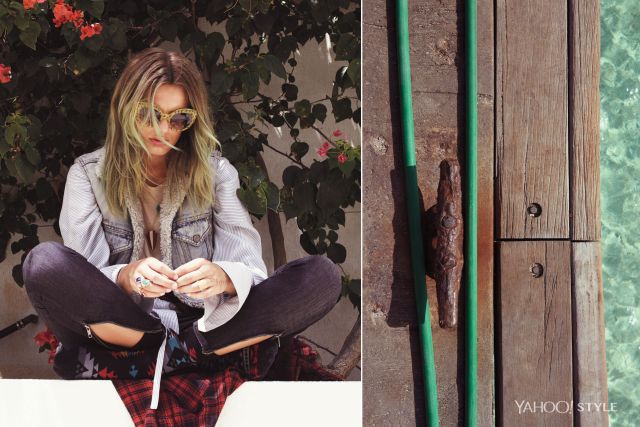
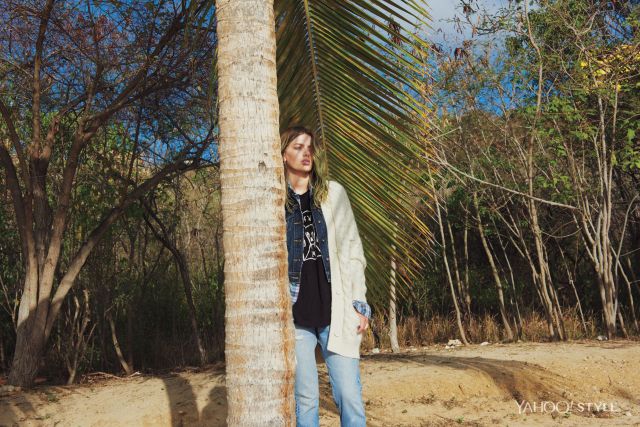
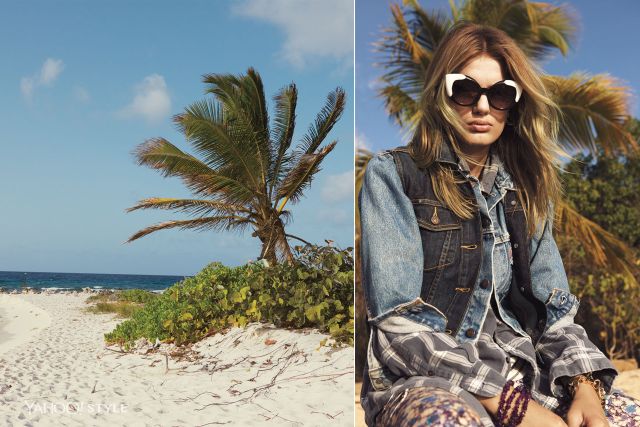
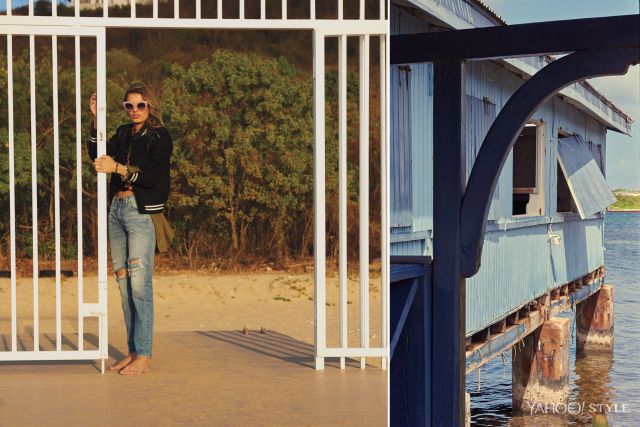
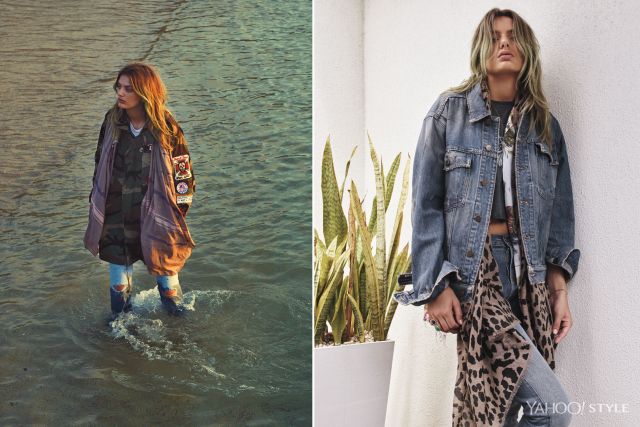
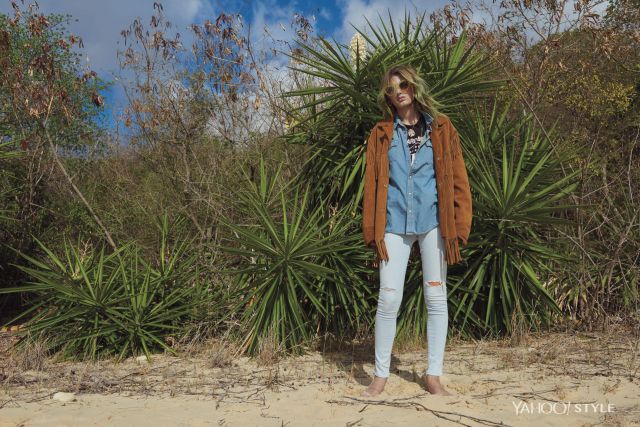
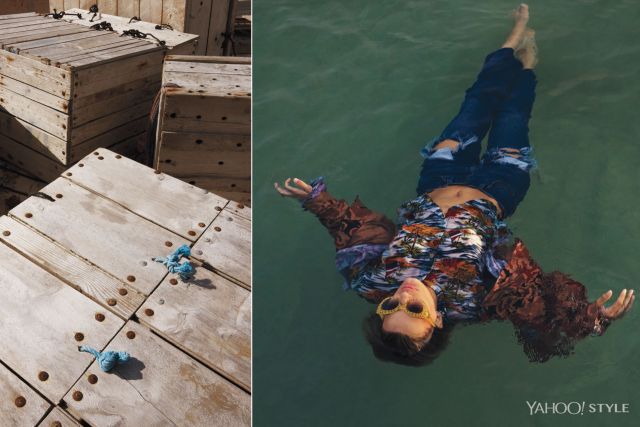
 full article here: https://www.yahoo.com/style/wear-disheveled-denim-looks-true-140150281.html
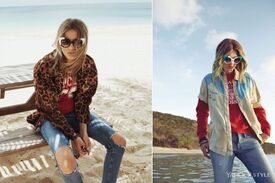
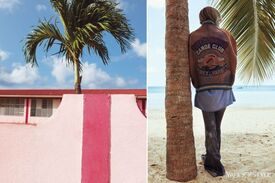

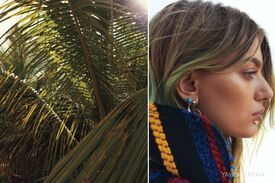
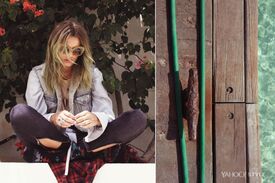

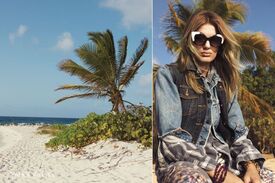
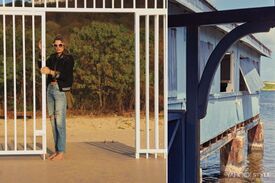
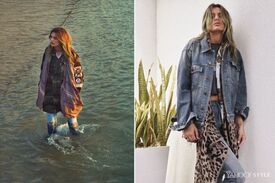
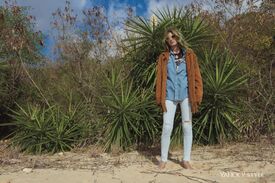
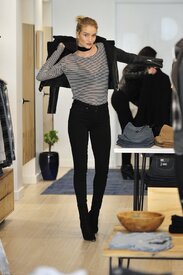
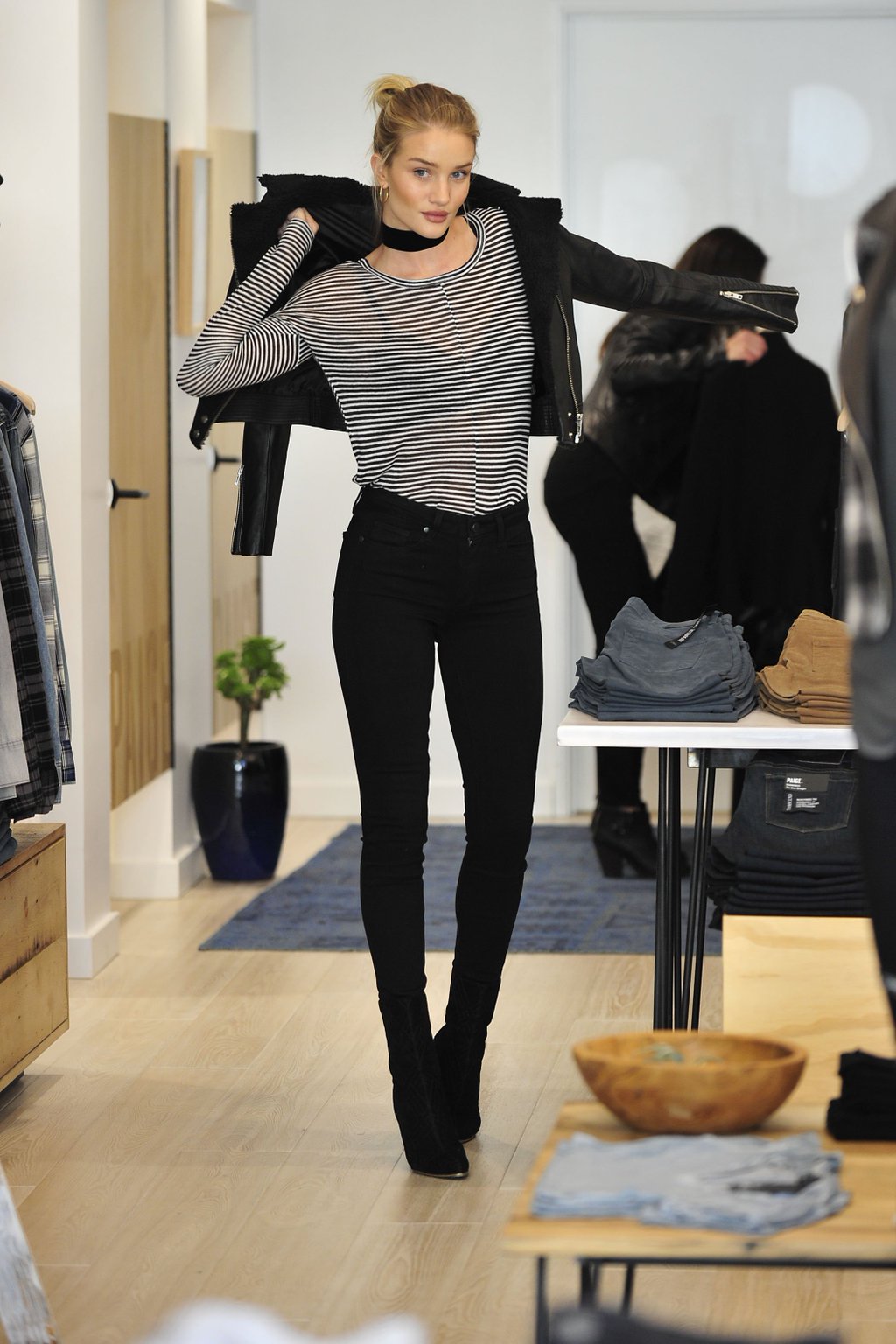
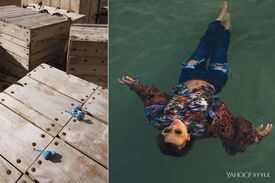 @PaigeDenim: .@RosieHW shopped at our @thegrovela store today... and may have picked up a few things for herself too. #LIVEINIT
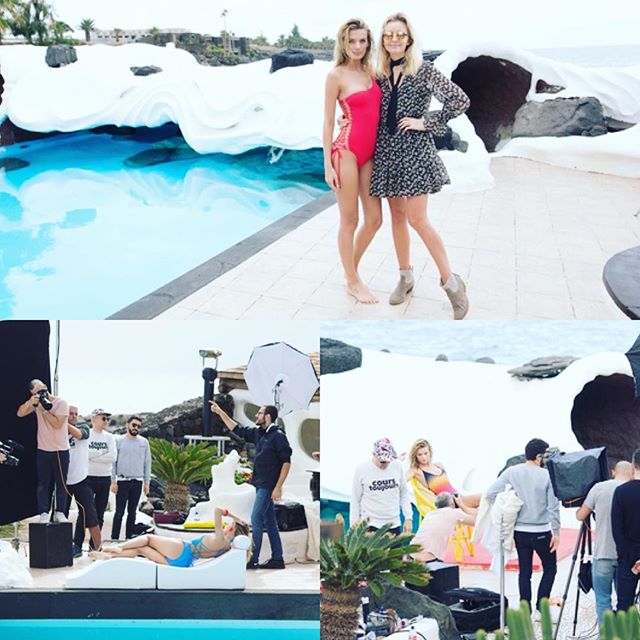
 Shooting a new project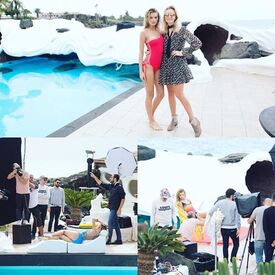
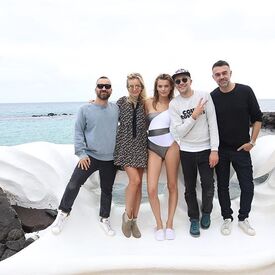 @loh_keeh Wow a commercial with only blondes! I'm very curious! Was it with the Rome setting?
aligirllllvita @vitasidorkina Photographer: @_samcrawford Makeup: @mariel_barrera#styledbyalisonmalter
@loh_keeh Wow a commercial with only blondes! I'm very curious! Was it with the Rome setting?
aligirllllvita @vitasidorkina Photographer: @_samcrawford Makeup: @mariel_barrera#styledbyalisonmalter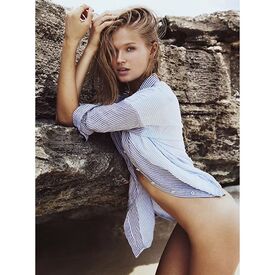 ingefonteynefotoHere we are again #Paliminito #bts last year @marloeshorst
^^ Wow! That's a gorgeous pic
^ Gorgeous !
^^ Wonderfull add looking forward to see the rest Edita looks amazing as always Thanks @Sunshiine
ingefonteynefotoHere we are again #Paliminito #bts last year @marloeshorst
^^ Wow! That's a gorgeous pic
^ Gorgeous !
^^ Wonderfull add looking forward to see the rest Edita looks amazing as always Thanks @Sunshiine



Account
Navigation
Search
Configure browser push notifications
Chrome (Android)
- Tap the lock icon next to the address bar.
- Tap Permissions → Notifications.
- Adjust your preference.
Chrome (Desktop)
- Click the padlock icon in the address bar.
- Select Site settings.
- Find Notifications and adjust your preference.
Safari (iOS 16.4+)
- Ensure the site is installed via Add to Home Screen.
- Open Settings App → Notifications.
- Find your app name and adjust your preference.
Safari (macOS)
- Go to Safari → Preferences.
- Click the Websites tab.
- Select Notifications in the sidebar.
- Find this website and adjust your preference.
Edge (Android)
- Tap the lock icon next to the address bar.
- Tap Permissions.
- Find Notifications and adjust your preference.
Edge (Desktop)
- Click the padlock icon in the address bar.
- Click Permissions for this site.
- Find Notifications and adjust your preference.
Firefox (Android)
- Go to Settings → Site permissions.
- Tap Notifications.
- Find this site in the list and adjust your preference.
Firefox (Desktop)
- Open Firefox Settings.
- Search for Notifications.
- Find this site in the list and adjust your preference.