
Candylicious.
Members
-
Joined
Everything posted by Candylicious.
-
 angelcandicesGetting the Tum in the the sun ????
-
Taylor is so beautiful she stands out
https://mobile.twitter.com/victoriassecret/status/719646223616077824
angelcandices#bliss
 Today she's shooting for Elle Australia with Lily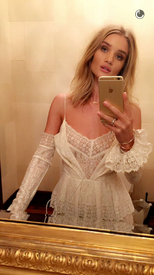


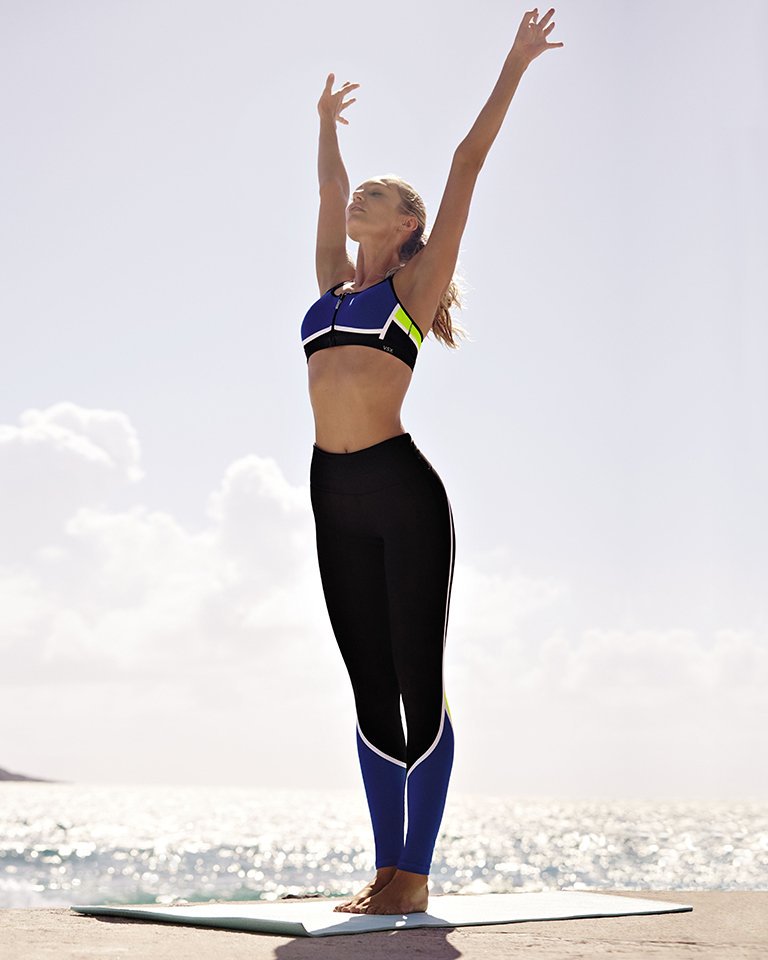
 Bigger plus less cropped
 Downloaded
 DARK ANGELS. 1. Lindsey 2. Krysten 3. Emeraude 4. Priyanka ENSEMBLE: 5/10 THE GOSSIP GIRLS. 1. Michelle 2. Taylor 3. Jessica 4. Kelly ENSEMBLE: 3/10
Hilary Jennifer
'GAME OF THRONES' QUEENS. 1. Emilia 2. Sophie 3. Natalie 4. Rose ENSEMBLE: 4/10 THE HISPANICS. 1. Roselyn 2. Natalie 3. Eva 4. Salma ENSEMBLE: 7/10
Julianne Vanessa
ingefonteyneAhhhhhh #magical#blacknwhite #boraseries @angelcandices
DARK ANGELS. 1. Lindsey 2. Krysten 3. Emeraude 4. Priyanka ENSEMBLE: 5/10 THE GOSSIP GIRLS. 1. Michelle 2. Taylor 3. Jessica 4. Kelly ENSEMBLE: 3/10
Hilary Jennifer
'GAME OF THRONES' QUEENS. 1. Emilia 2. Sophie 3. Natalie 4. Rose ENSEMBLE: 4/10 THE HISPANICS. 1. Roselyn 2. Natalie 3. Eva 4. Salma ENSEMBLE: 7/10
Julianne Vanessa
ingefonteyneAhhhhhh #magical#blacknwhite #boraseries @angelcandices MTV BABES. 1. Katie 2. Crystal 3. Poppy 4. Ivana ENSEMBLE: 2/10 SMALL SCREEN CUTIE PIES. 1. Misha 2. Anna 3. Aimee 4. Caitlin ENSEMBLE: 3/10
Oh i did ? sorry i forgot, just count the first then
Adriana Britney
Downloaded Too sweet
MTV BABES. 1. Katie 2. Crystal 3. Poppy 4. Ivana ENSEMBLE: 2/10 SMALL SCREEN CUTIE PIES. 1. Misha 2. Anna 3. Aimee 4. Caitlin ENSEMBLE: 3/10
Oh i did ? sorry i forgot, just count the first then
Adriana Britney
Downloaded Too sweet

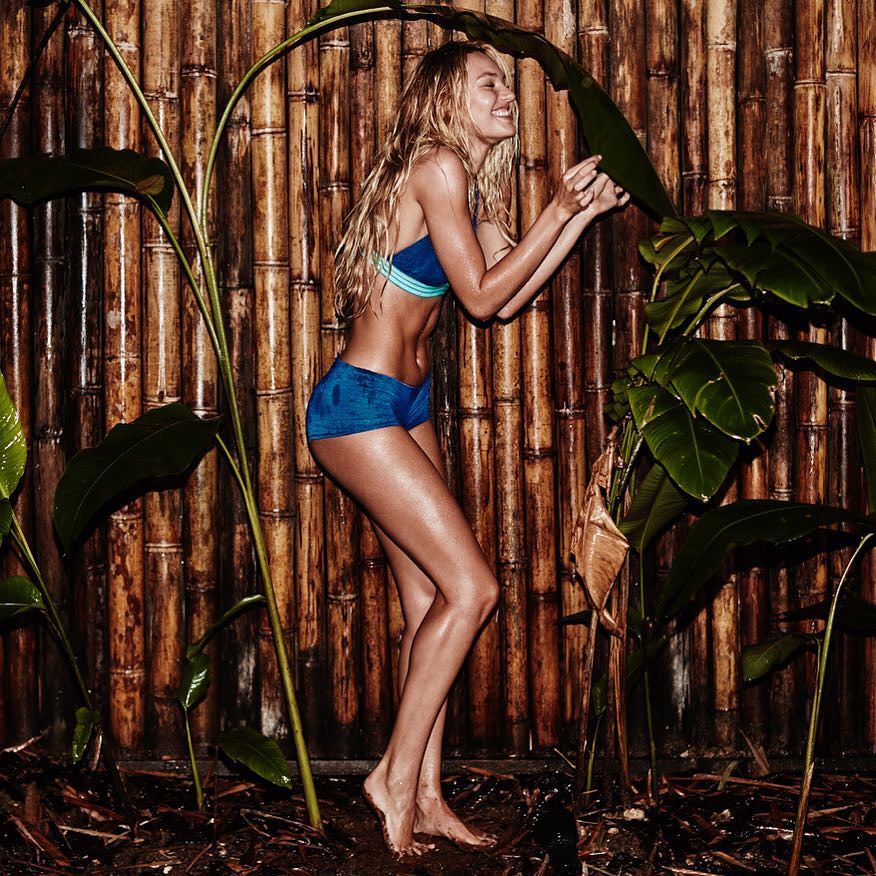
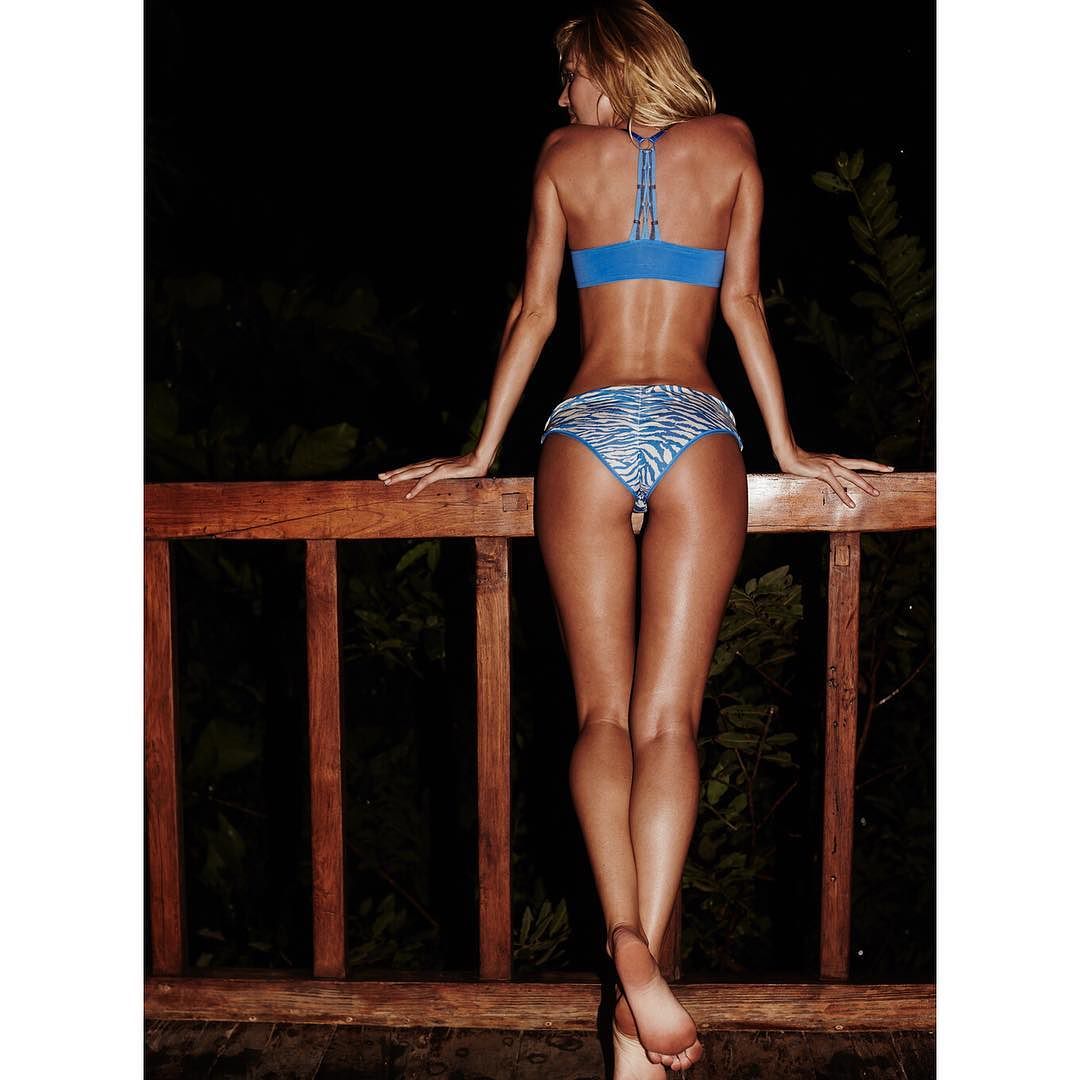
 angelcandicesNot sure what's going on here but I like it. #intothewild angelcandicesInto the wild ??? @victoriassecret #puravida
 BLONDES TO THE BONES. 1. Rachel 2. Margot 3. Julianne 4. January ENSEMBLE: 8/10 AUSTRALIAN BABES. 1. Ruby 2. Isabel 3. Jessica 4. Rachael ENSEMBLE: 7/10
Adriana Scarlett
BLONDES TO THE BONES. 1. Rachel 2. Margot 3. Julianne 4. January ENSEMBLE: 8/10 AUSTRALIAN BABES. 1. Ruby 2. Isabel 3. Jessica 4. Rachael ENSEMBLE: 7/10
Adriana Scarlett

















Account
Navigation
Search
Configure browser push notifications
Chrome (Android)
- Tap the lock icon next to the address bar.
- Tap Permissions → Notifications.
- Adjust your preference.
Chrome (Desktop)
- Click the padlock icon in the address bar.
- Select Site settings.
- Find Notifications and adjust your preference.
Safari (iOS 16.4+)
- Ensure the site is installed via Add to Home Screen.
- Open Settings App → Notifications.
- Find your app name and adjust your preference.
Safari (macOS)
- Go to Safari → Preferences.
- Click the Websites tab.
- Select Notifications in the sidebar.
- Find this website and adjust your preference.
Edge (Android)
- Tap the lock icon next to the address bar.
- Tap Permissions.
- Find Notifications and adjust your preference.
Edge (Desktop)
- Click the padlock icon in the address bar.
- Click Permissions for this site.
- Find Notifications and adjust your preference.
Firefox (Android)
- Go to Settings → Site permissions.
- Tap Notifications.
- Find this site in the list and adjust your preference.
Firefox (Desktop)
- Open Firefox Settings.
- Search for Notifications.
- Find this site in the list and adjust your preference.