
Carrie36
Members
-
Joined
-
Last visited
Everything posted by Carrie36
-
From her IG


-
Video 1a4f1d4a9971.mp4
-
Gianna Bellucci


-
Maybe the photographer can explain why her head is cut in half in every picture!
-
-
Is anyone else finding that all the videos on pages are now so large that they do not fit on the screen?
-
It's sad, as I have been a fan of Rachel's for many years and still enjoy her fun videos, but whatever fillers etc she has done to her trout pout lips have ruined her looks for me. She used to be so pretty, hopefully it is all reversable.
-
Oh what has she done to her face? 😮Yes, my thoughts too.Some more.......











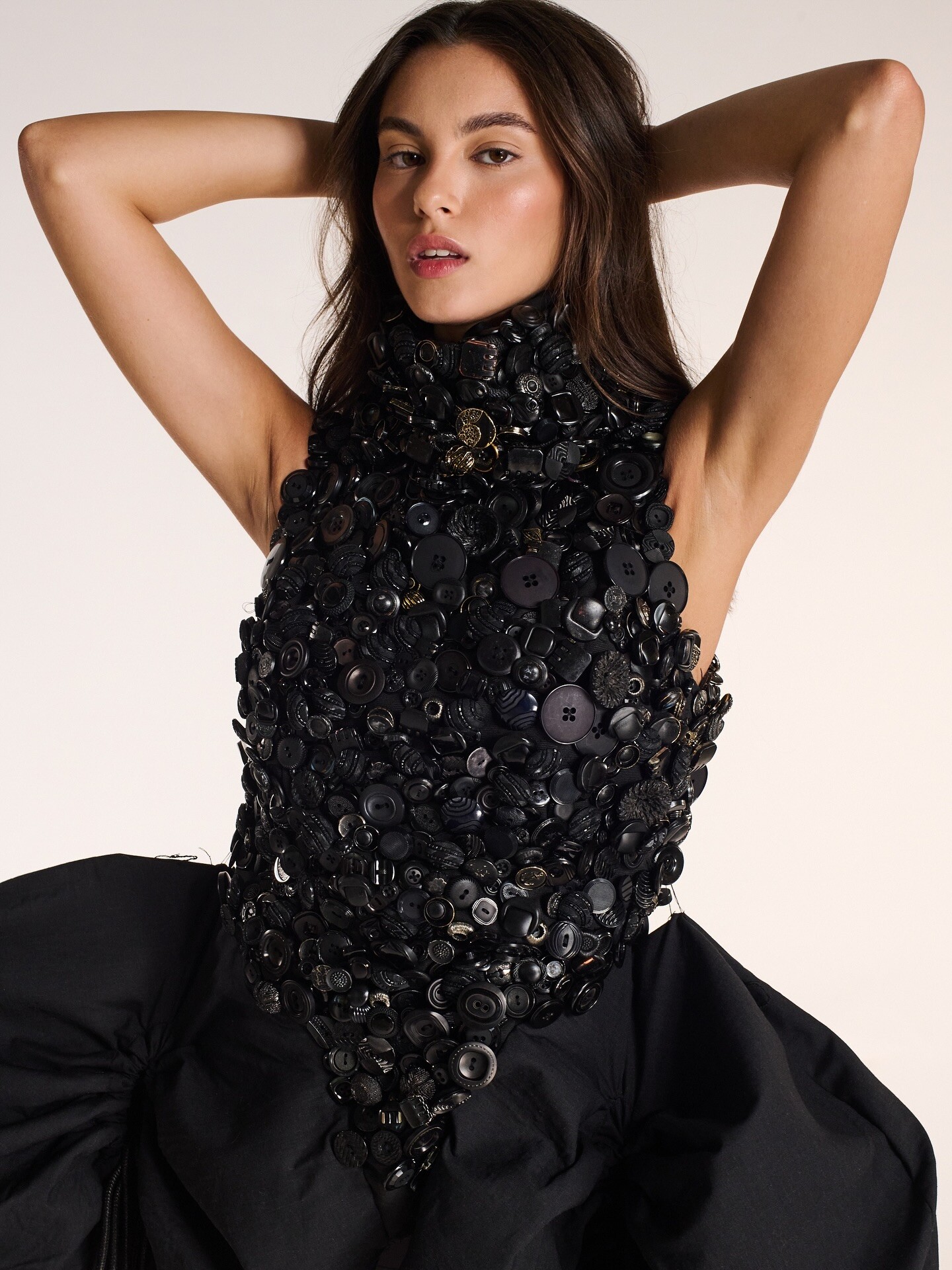







.jpg.043dabc3f93ad0322e18a25f881662dd.jpg)
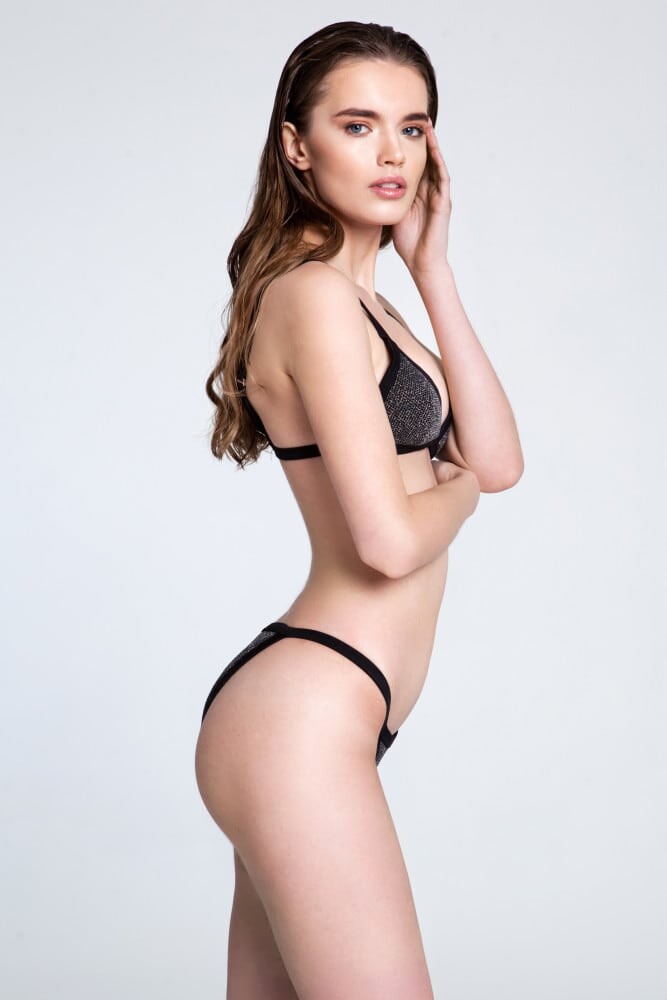

















Account
Navigation
Search
Configure browser push notifications
Chrome (Android)
- Tap the lock icon next to the address bar.
- Tap Permissions → Notifications.
- Adjust your preference.
Chrome (Desktop)
- Click the padlock icon in the address bar.
- Select Site settings.
- Find Notifications and adjust your preference.
Safari (iOS 16.4+)
- Ensure the site is installed via Add to Home Screen.
- Open Settings App → Notifications.
- Find your app name and adjust your preference.
Safari (macOS)
- Go to Safari → Preferences.
- Click the Websites tab.
- Select Notifications in the sidebar.
- Find this website and adjust your preference.
Edge (Android)
- Tap the lock icon next to the address bar.
- Tap Permissions.
- Find Notifications and adjust your preference.
Edge (Desktop)
- Click the padlock icon in the address bar.
- Click Permissions for this site.
- Find Notifications and adjust your preference.
Firefox (Android)
- Go to Settings → Site permissions.
- Tap Notifications.
- Find this site in the list and adjust your preference.
Firefox (Desktop)
- Open Firefox Settings.
- Search for Notifications.
- Find this site in the list and adjust your preference.