Jump to content
View in the app

A better way to browse. Learn more.

Bellazon

A full-screen app on your home screen with push notifications, badges and more.

To install this app on iOS and iPadOS
  1. Tap the Share icon in Safari
  2. Scroll the menu and tap Add to Home Screen.
  3. Tap Add in the top-right corner.
To install this app on Android
  1. Tap the 3-dot menu (⋮) in the top-right corner of the browser.
  2. Tap Add to Home screen or Install app.
  3. Confirm by tapping Install.

Ant

Members
  • Joined

  • Last visited

Everything posted by Ant

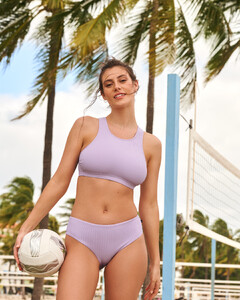
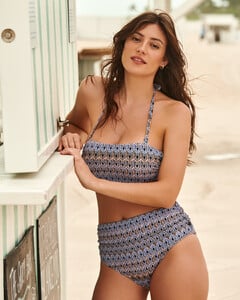
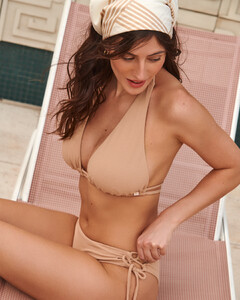
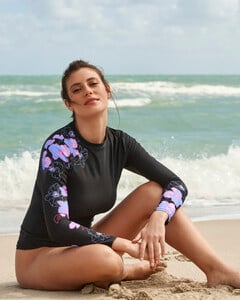
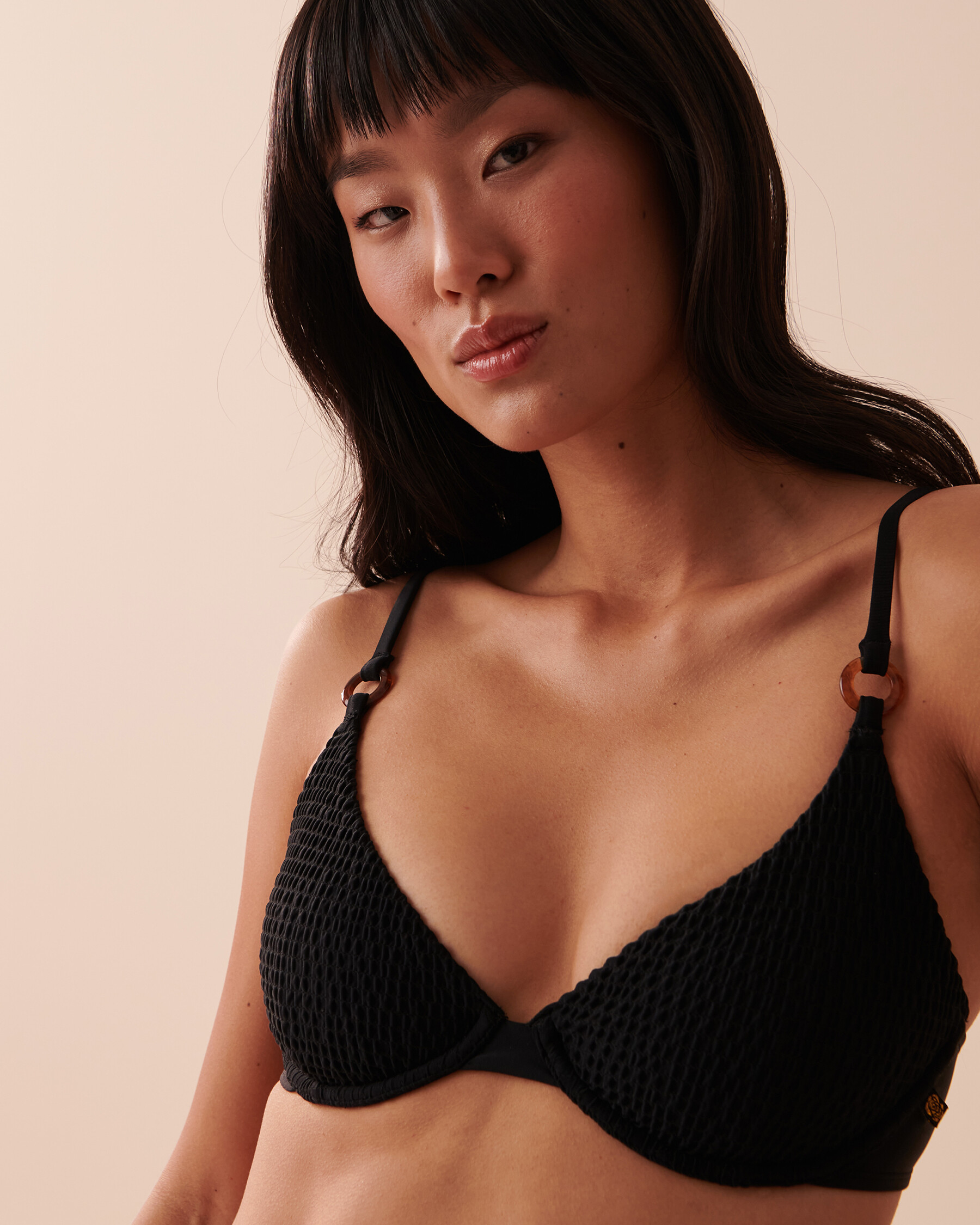
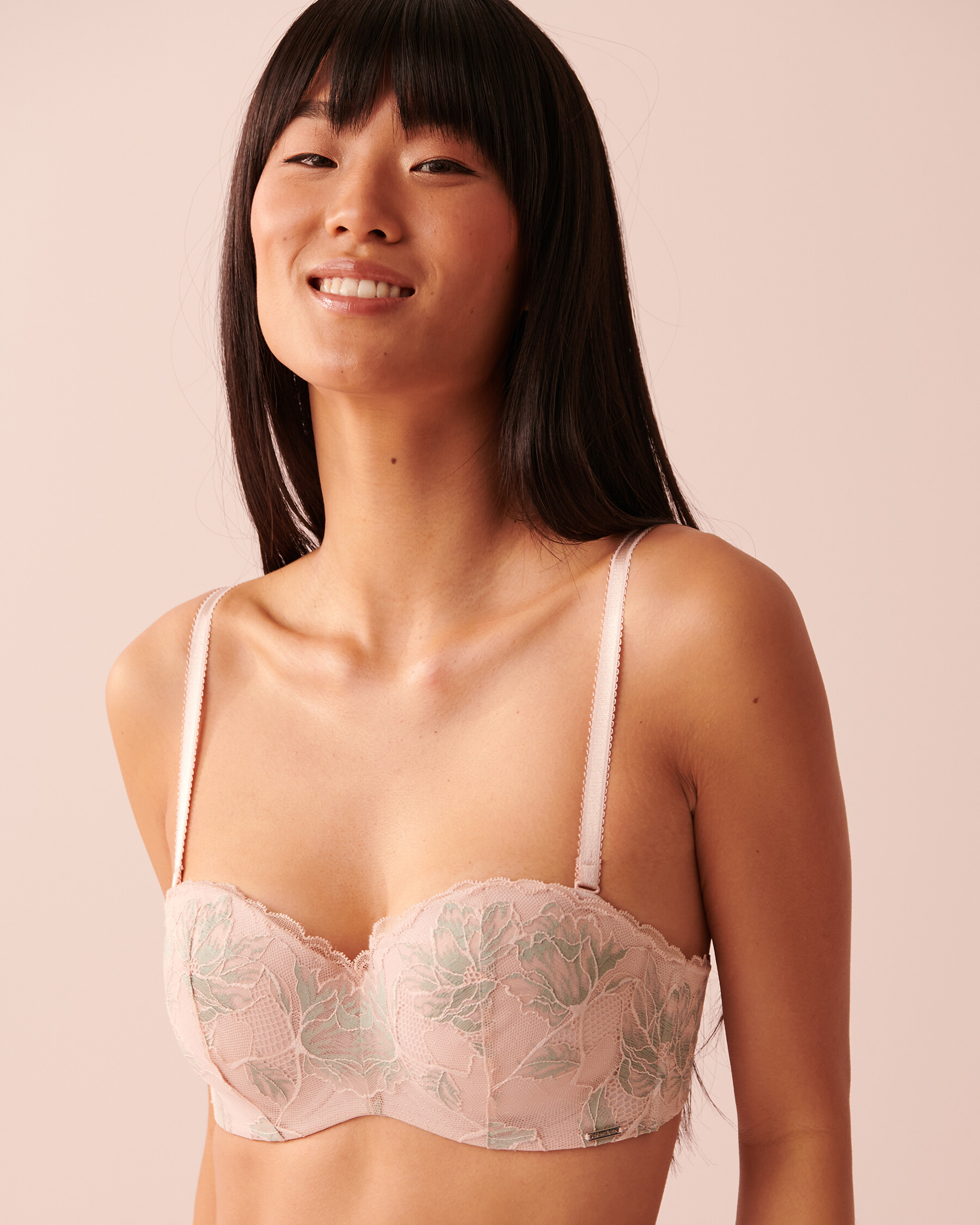
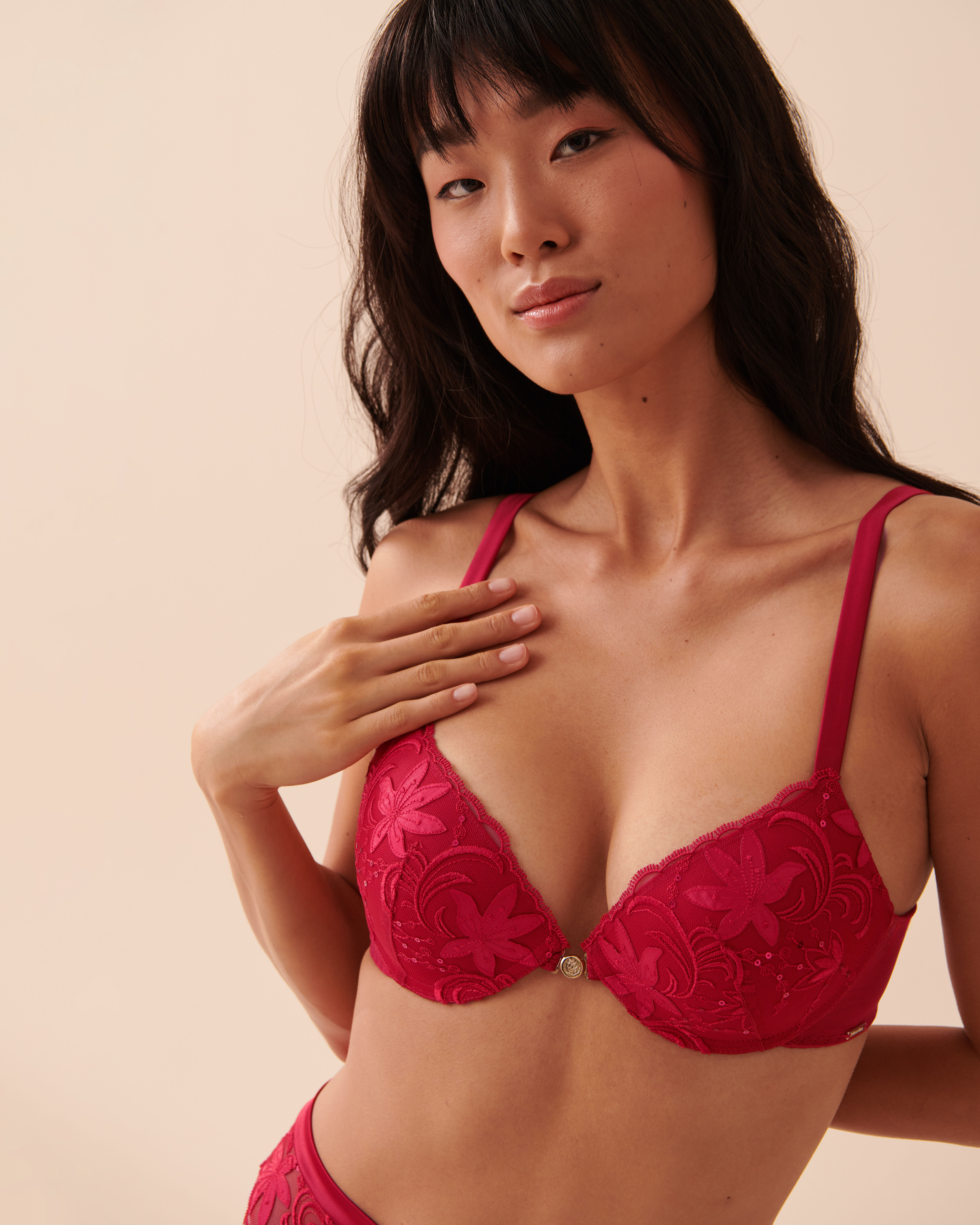
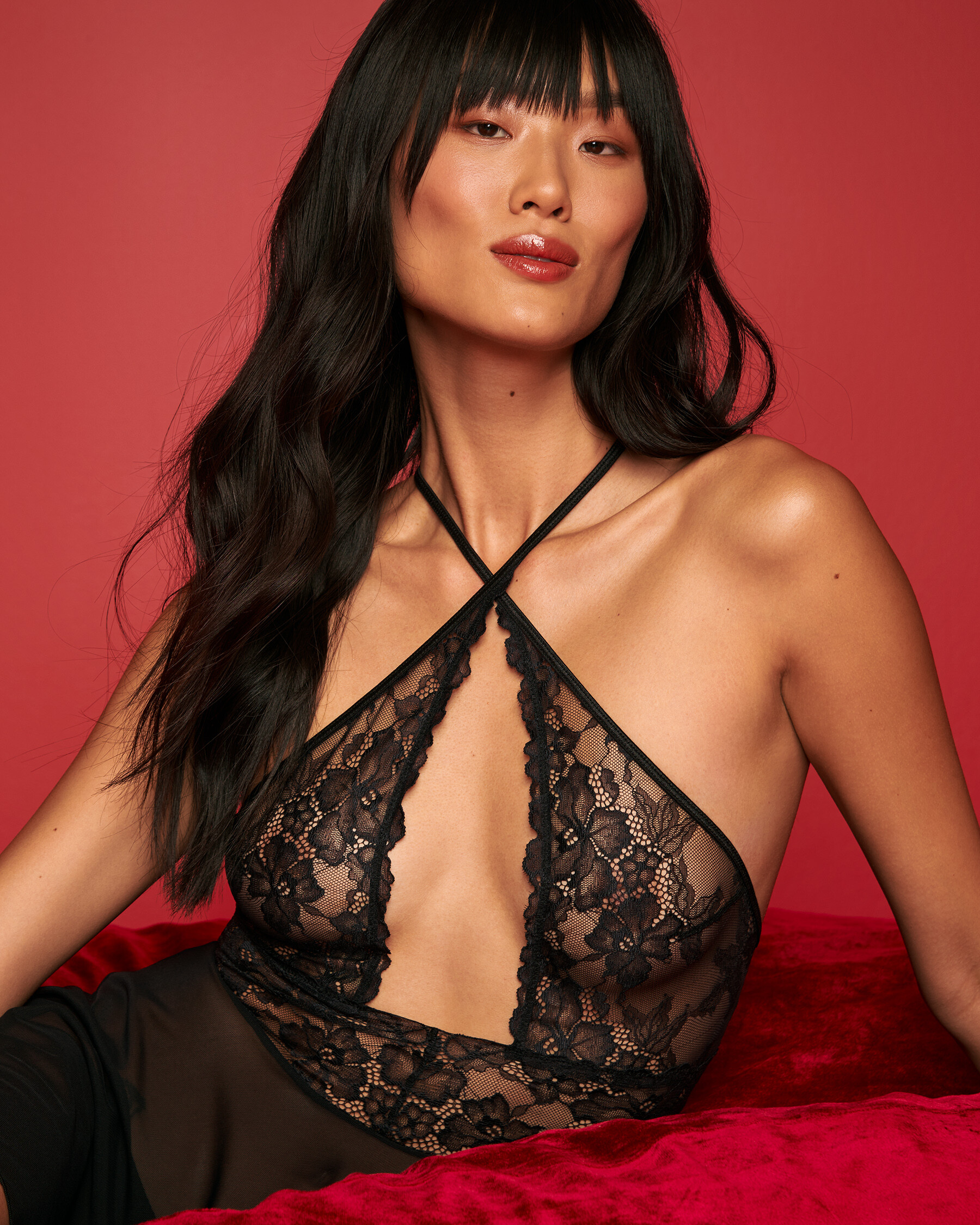
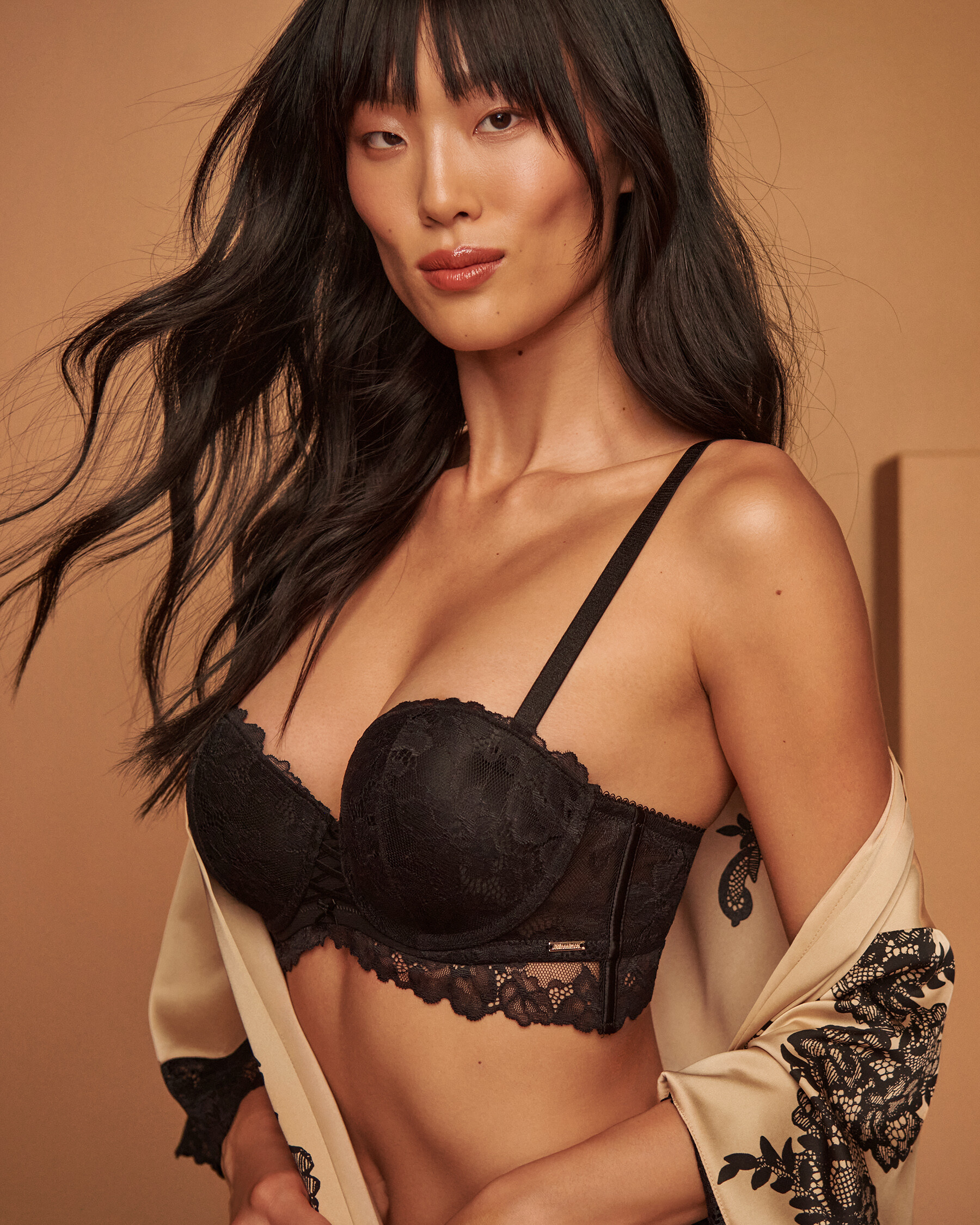
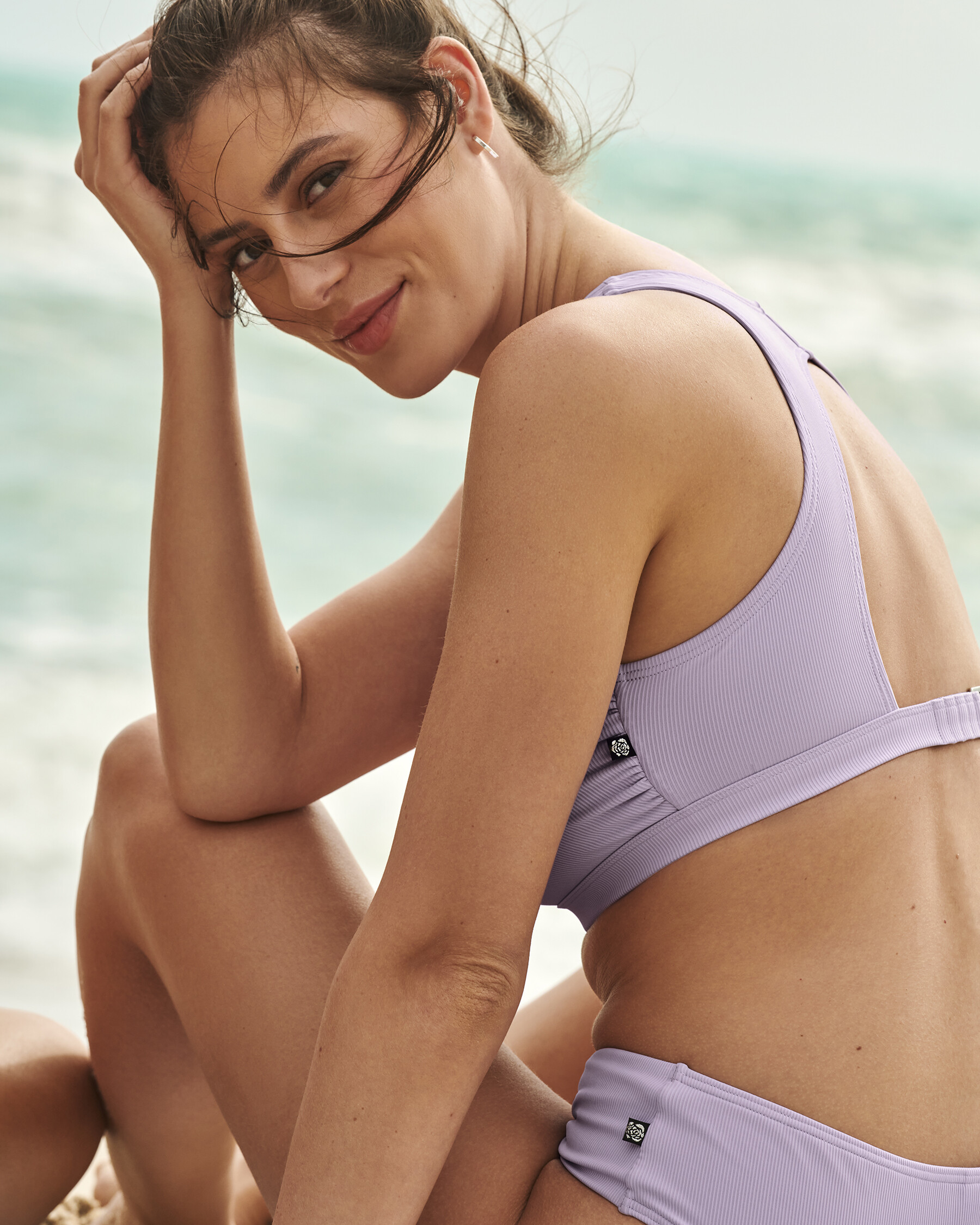
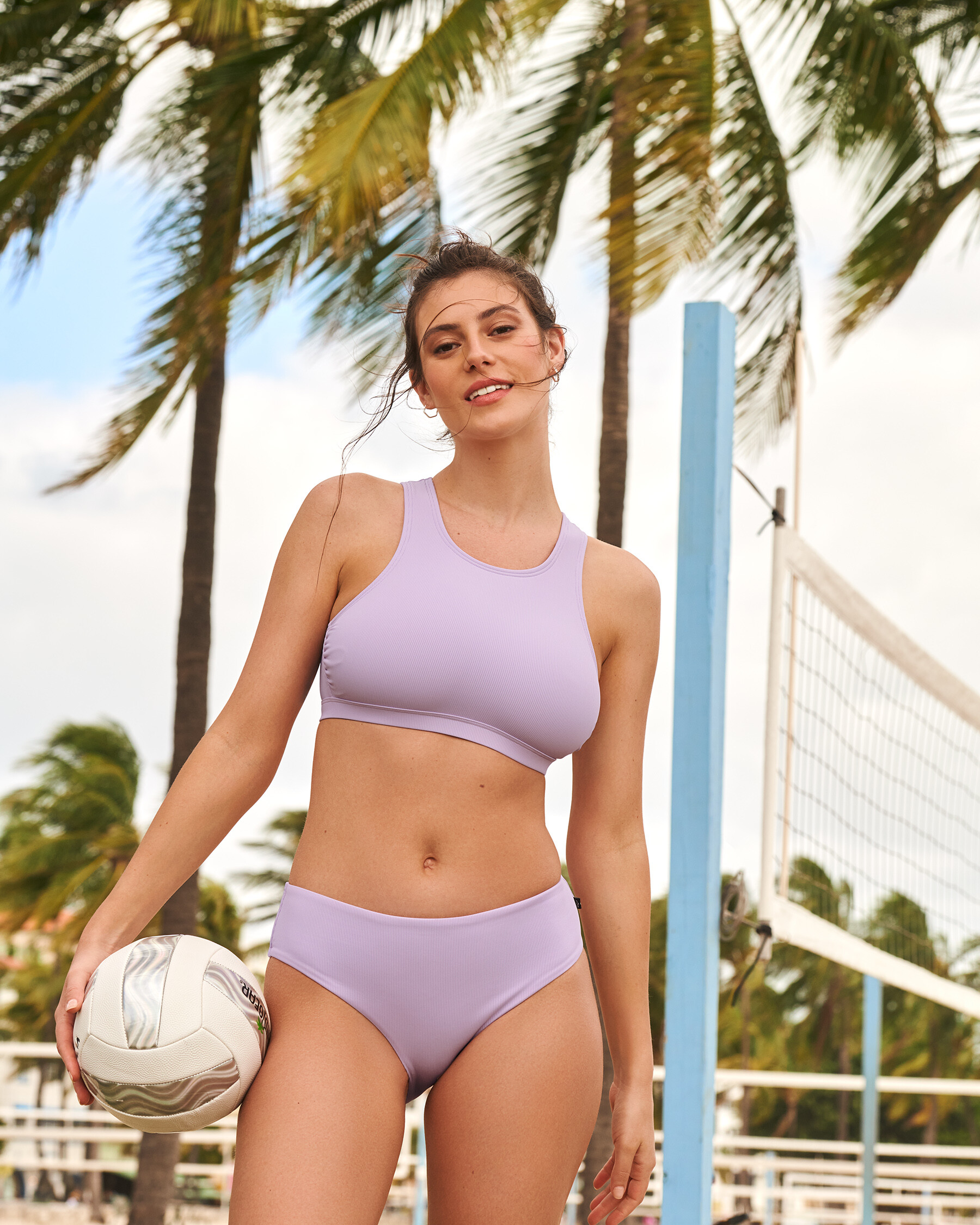
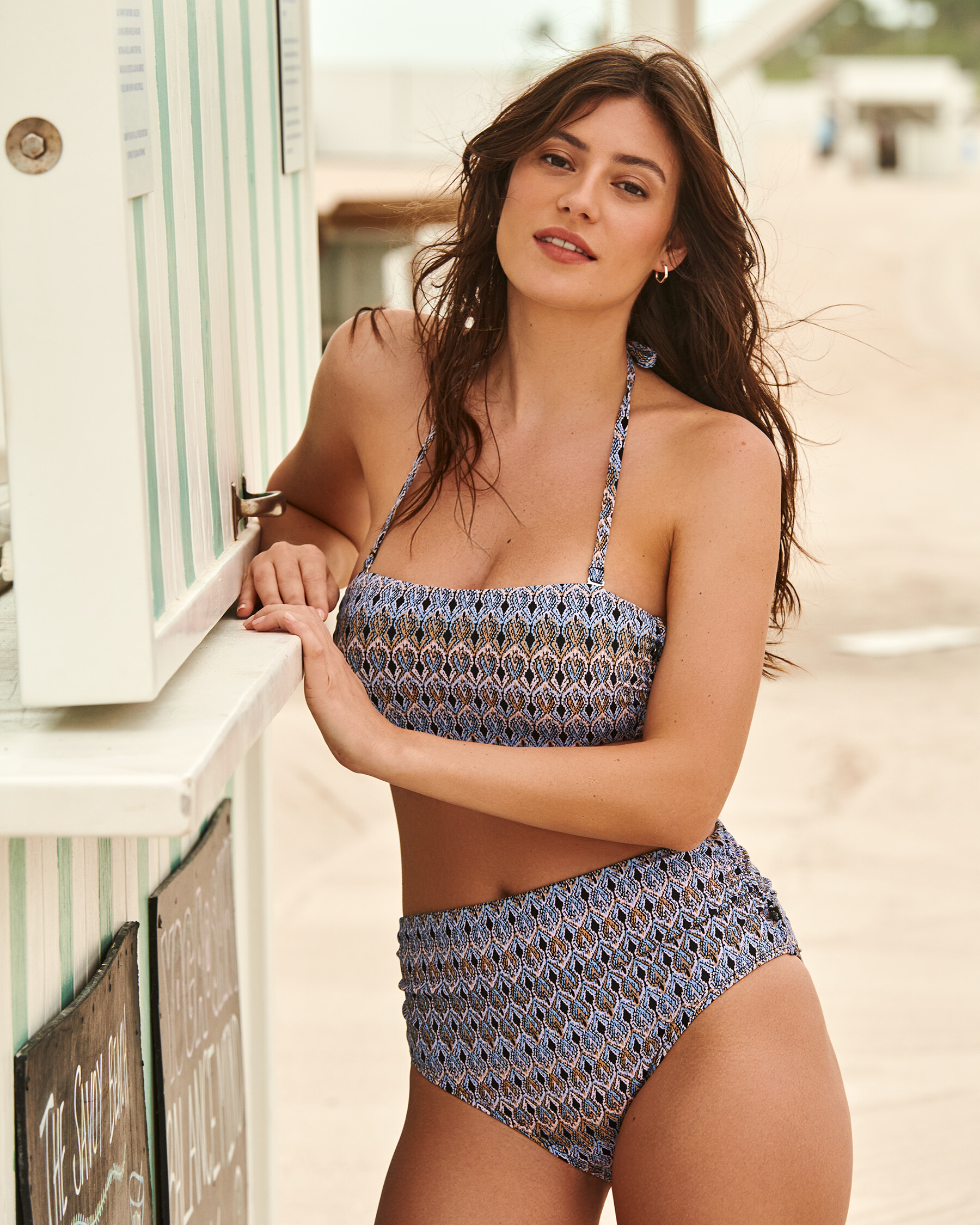
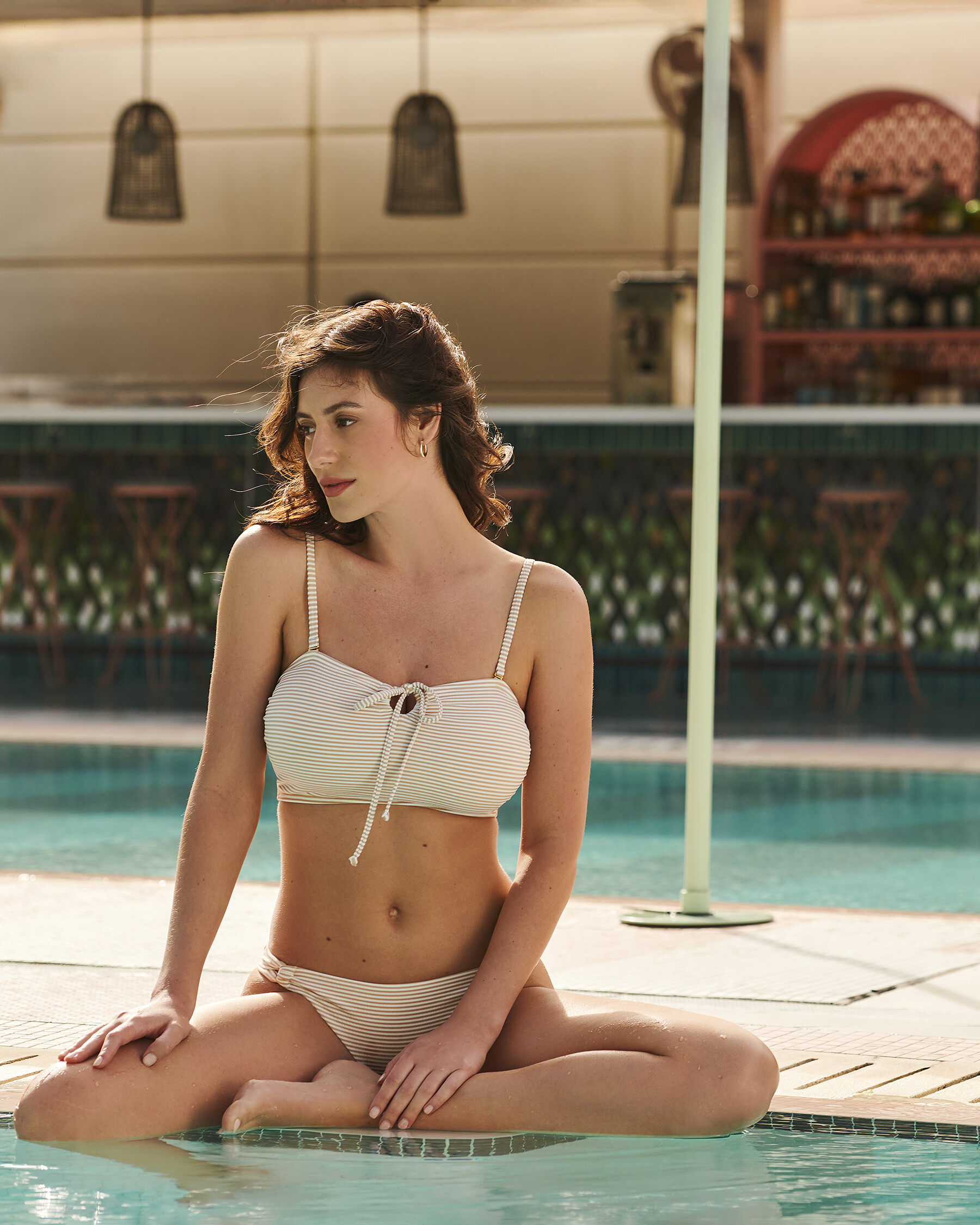
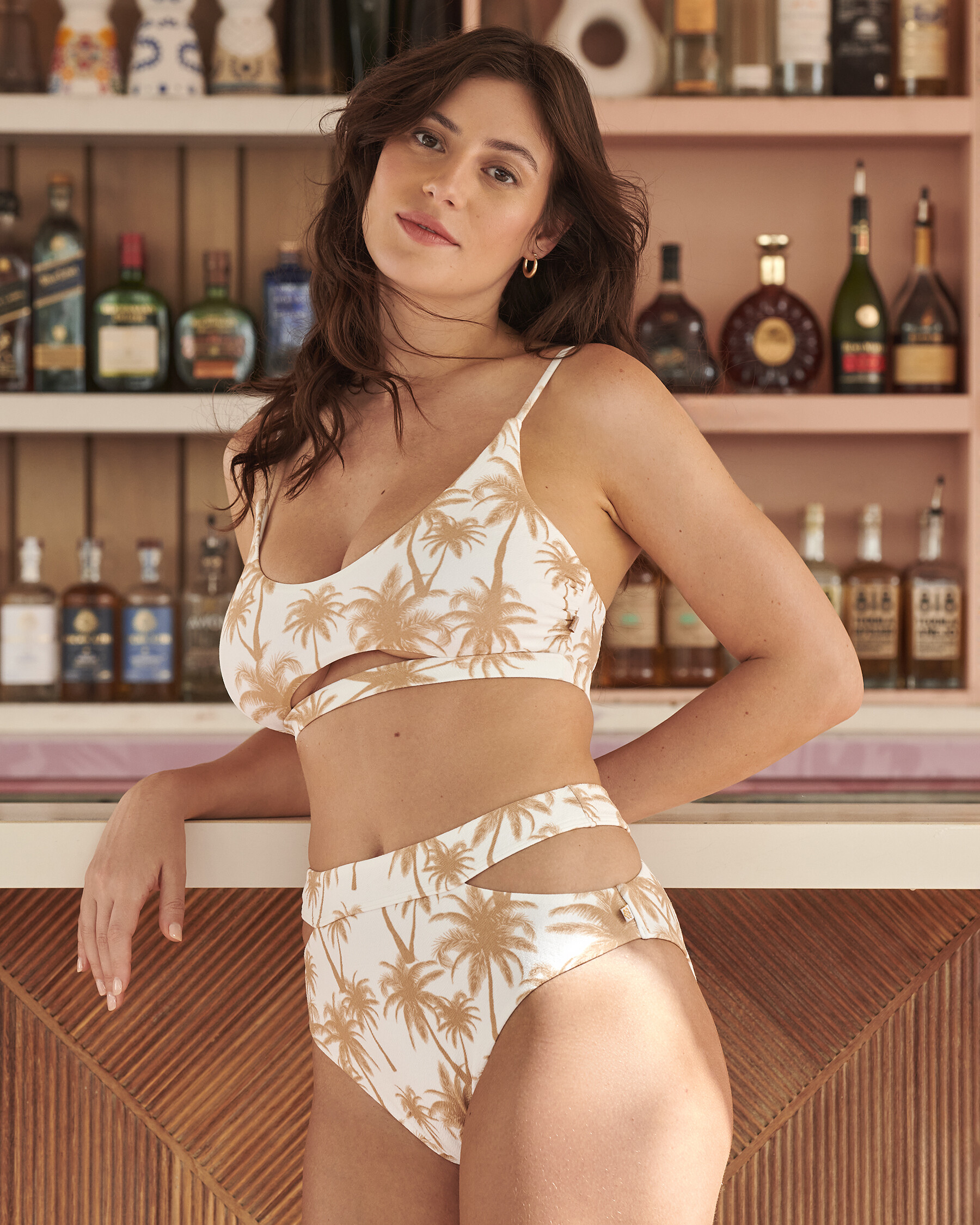
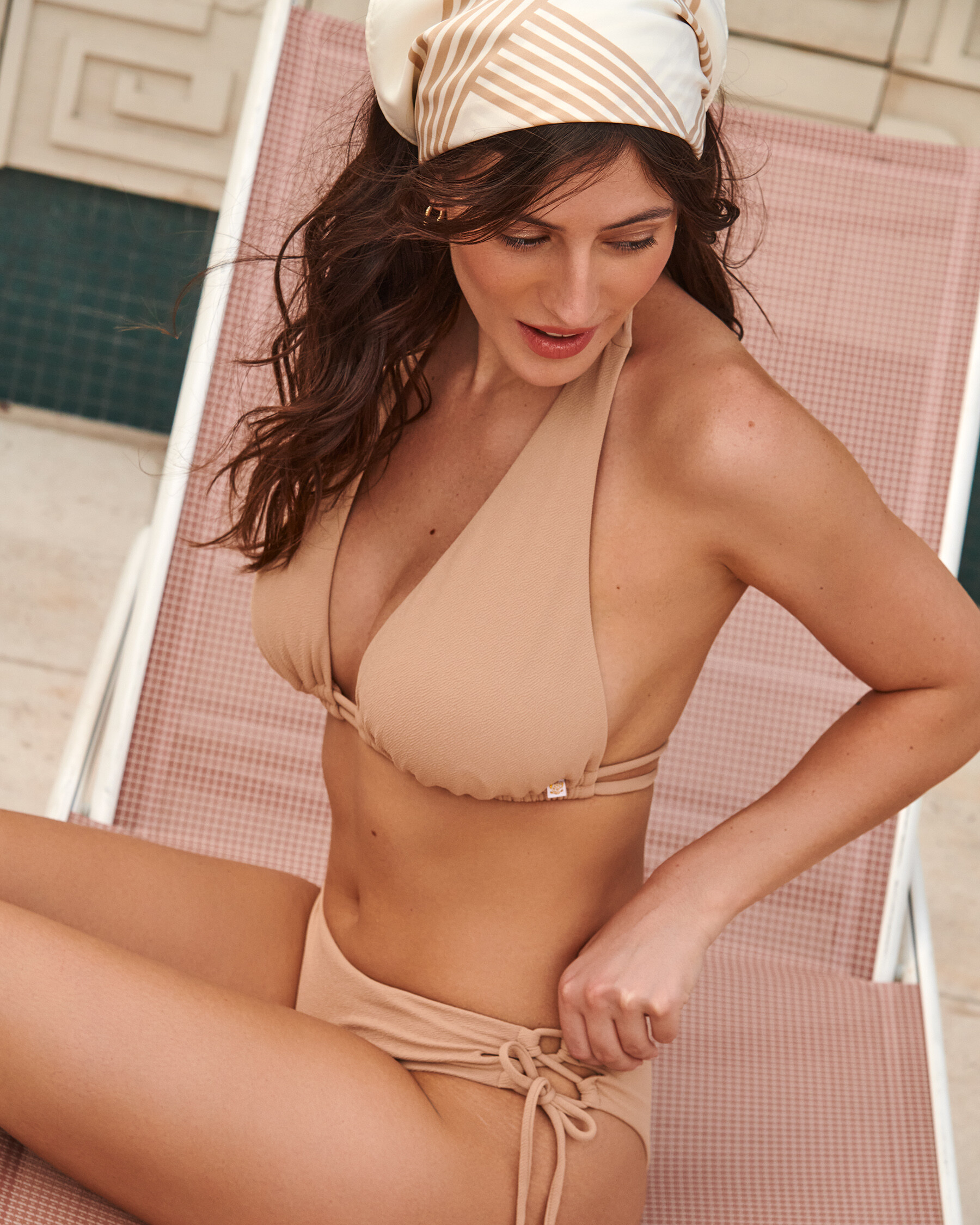
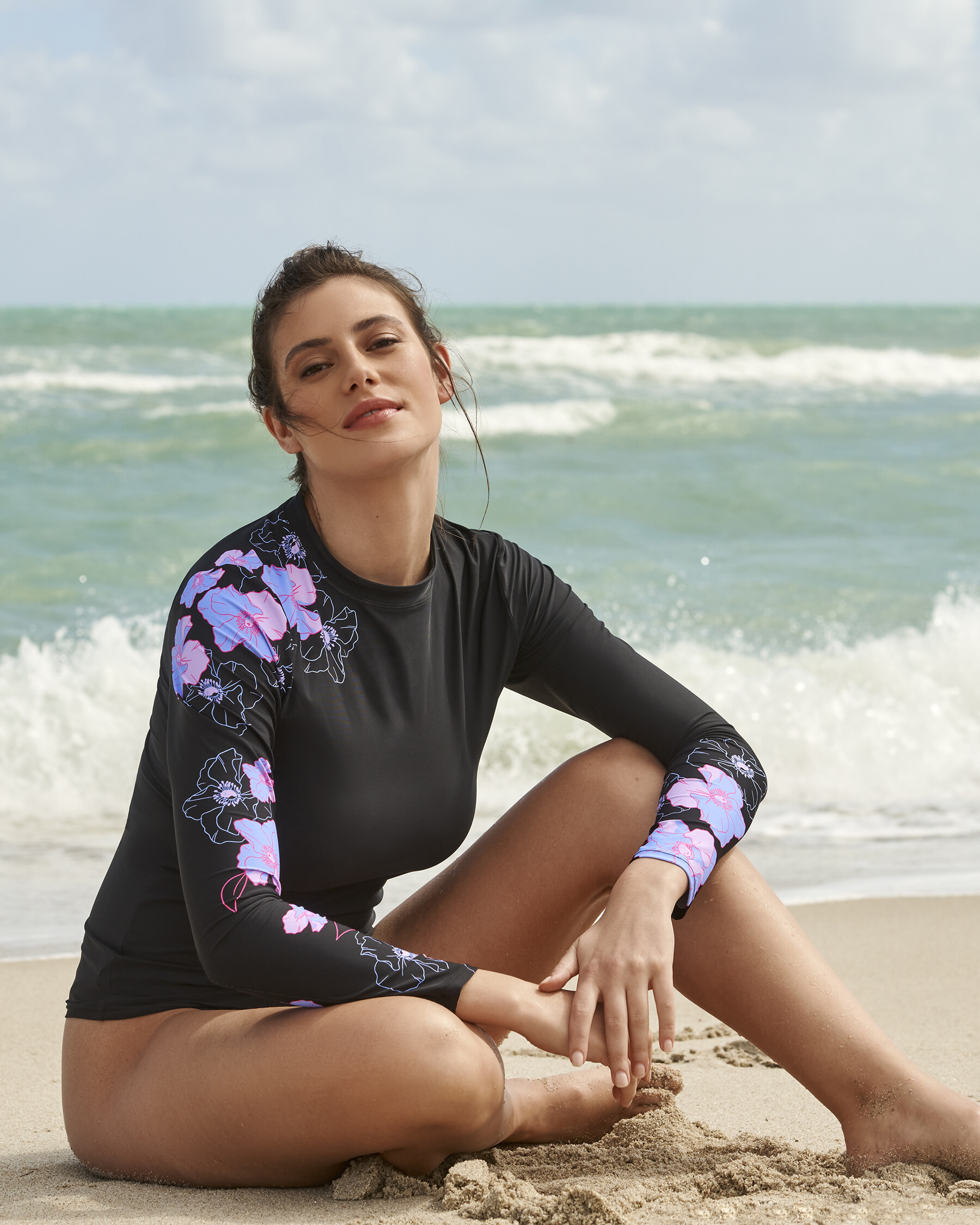
  1. La Vie En Rose Swimwear
  2. More Mark Barnfield
  3. More Randy Drevland
  4. Ant replied to Ant's topic in Female Fashion Models
    The Fox Tan
  5. Ant replied to Ant's topic in Female Fashion Models
    Bec Blooms
  6. Ant replied to Ant's topic in Female Fashion Models
    Filippo Bonfiglio Larger
  7. Poetry By Locals by Mark Barnfield
  8. Ant replied to Ant's topic in Female Fashion Models
    Sir Maos A Lot
  9. Ant replied to Ant's topic in Female Fashion Models
    Todd W Shaffer
  10. Ant replied to Ant's topic in Female Fashion Models
    Alek Michaud Nudity
  11. Ant replied to Ant's topic in Female Fashion Models
    Danny Higs
  12. Ant replied to Ant's topic in Female Fashion Models
    Carluccio
  13. Ant replied to Ant's topic in Female Fashion Models
    Randy Drevland 2022
  14. Ant posted a topic in Female Fashion Models
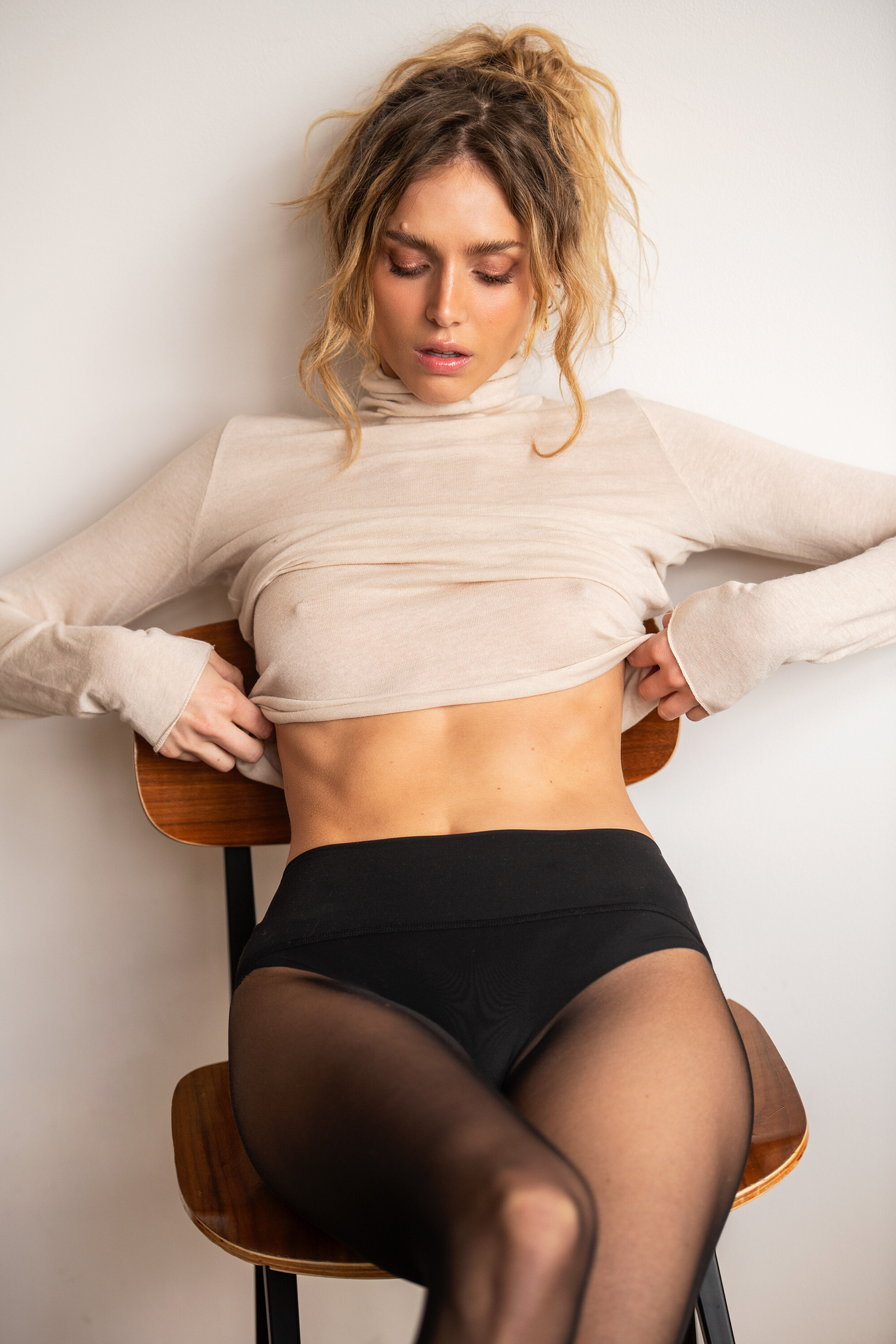
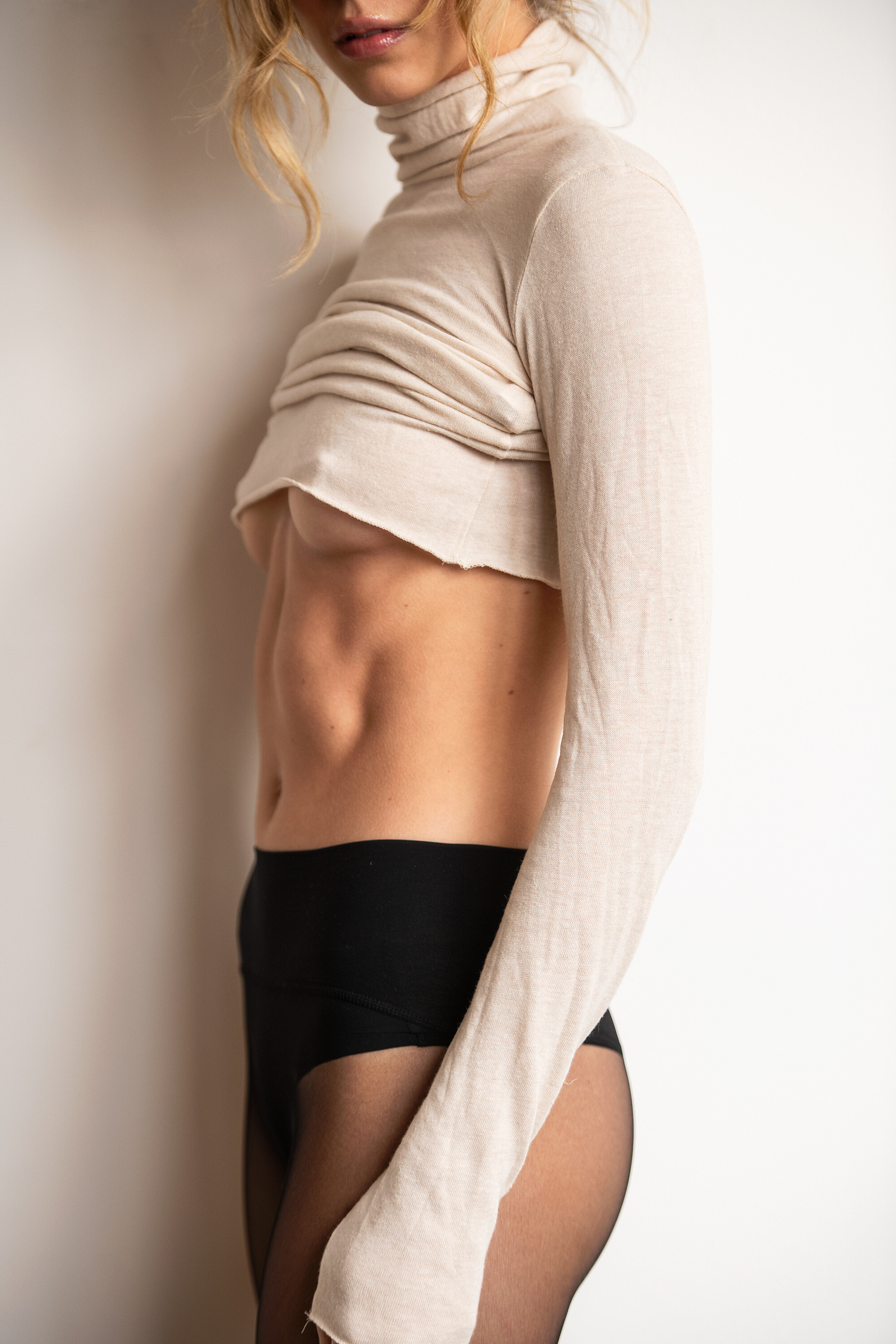
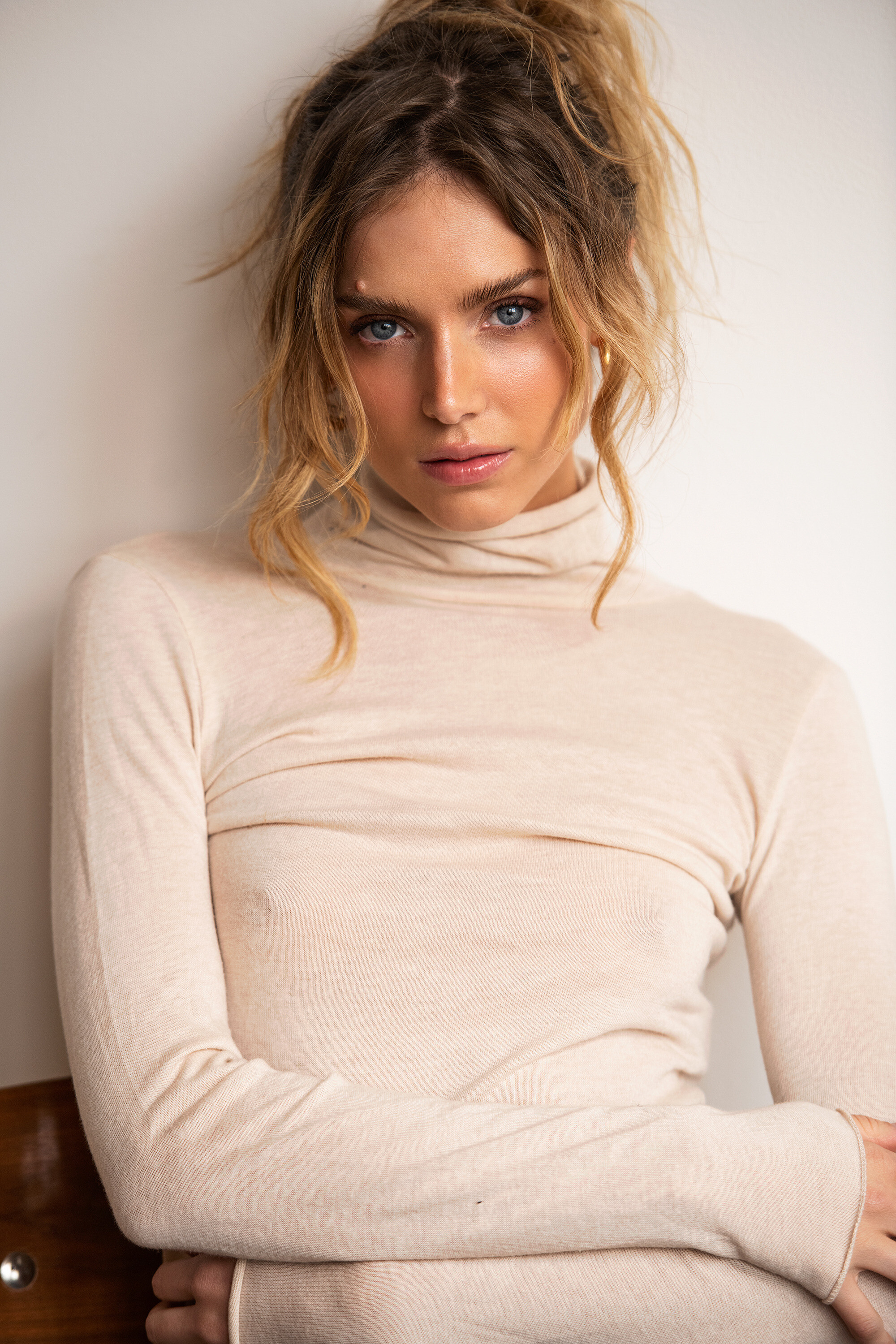
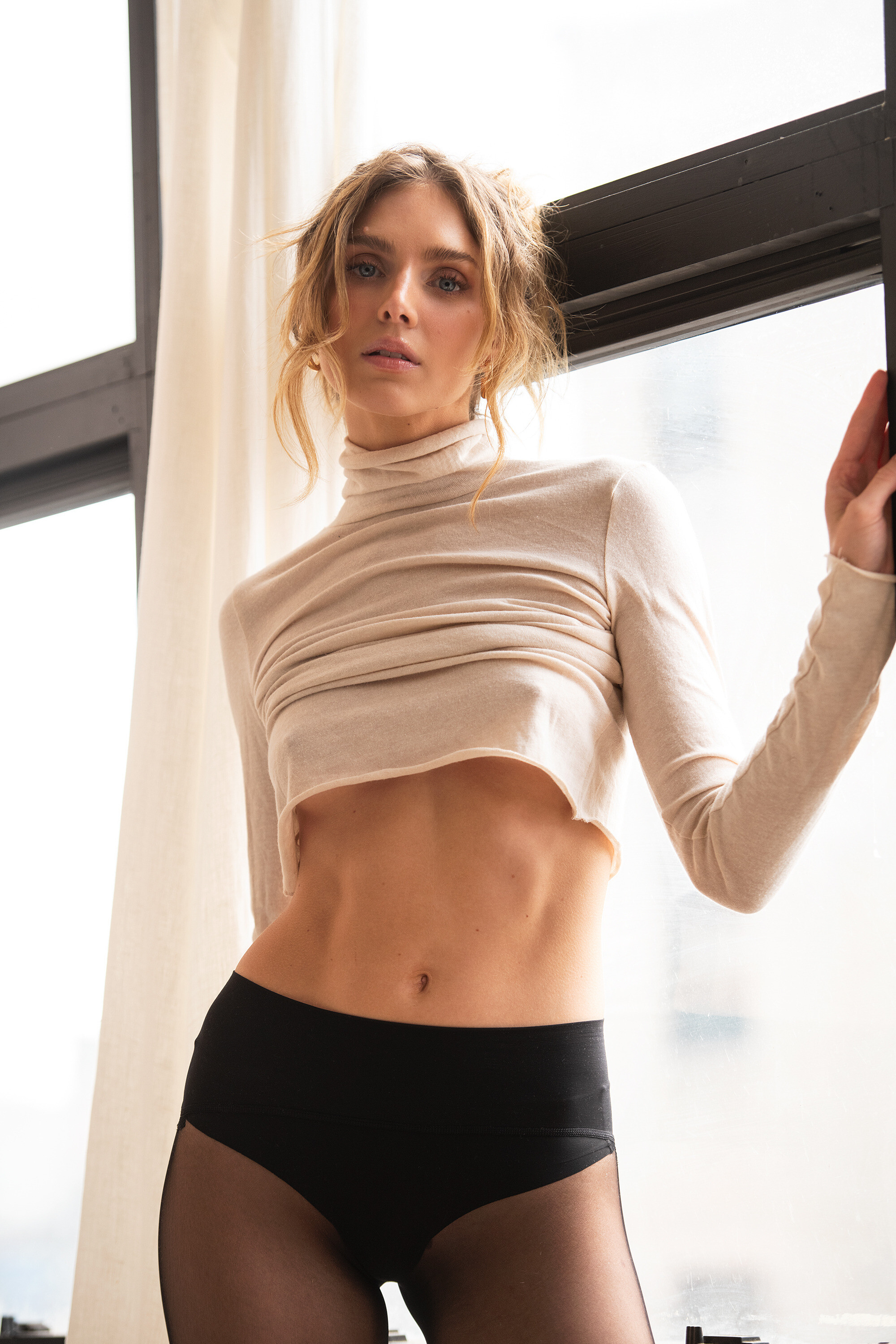
    EURO MAY from Thailand INSTA AGENCY: The Management NYC Randy Drevland 2023
  15. Randy Drevland Insta
  16. Ant replied to Ant's topic in Female Fashion Models
    Beatrice Gilbo

Configure browser push notifications

Chrome (Android)

  1. Tap the lock icon next to the address bar.
  2. Tap Permissions → Notifications.
  3. Adjust your preference.
Chrome (Desktop)
  1. Click the padlock icon in the address bar.
  2. Select Site settings.
  3. Find Notifications and adjust your preference.