
Carla S
Members
-
Joined
-
Last visited
Everything posted by Carla S
-
 Zuhair Murad SPRING 2024 COUTURE

-
VISUAL TALES MAGAZINE








-
ZARA Monday to Friday Line - Old Campaign - Winter 2018










-
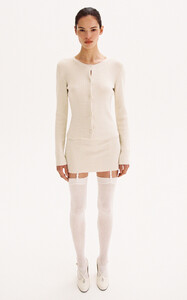
AYA MUSE Pre-Fall '24






































-
-
-
Sporty & Rich Mate_S&R_01.mp4 Mate_S&R_00.mp4
-
-
For Love & Lemons Mate_FL&L.mp4
-
Perfect Moments AW 23 Campaign












 Perfect Moment Faretta_AW23-Campaign-Felix-Video.mp4 Fare_Perfect Moments_02.mp4
Zimmermann Resort 2024 324447729_879615326702928_4899360689329947875_n.mp4
Perfect Moment Faretta_AW23-Campaign-Felix-Video.mp4 Fare_Perfect Moments_02.mp4
Zimmermann Resort 2024 324447729_879615326702928_4899360689329947875_n.mp4
 Net-A-Porter S/S 22 Dresses Campaign Photo by Ina Levy





 Le Monde - old Story (Publié le 28 novembre 2017) Photo by Karim Sadli
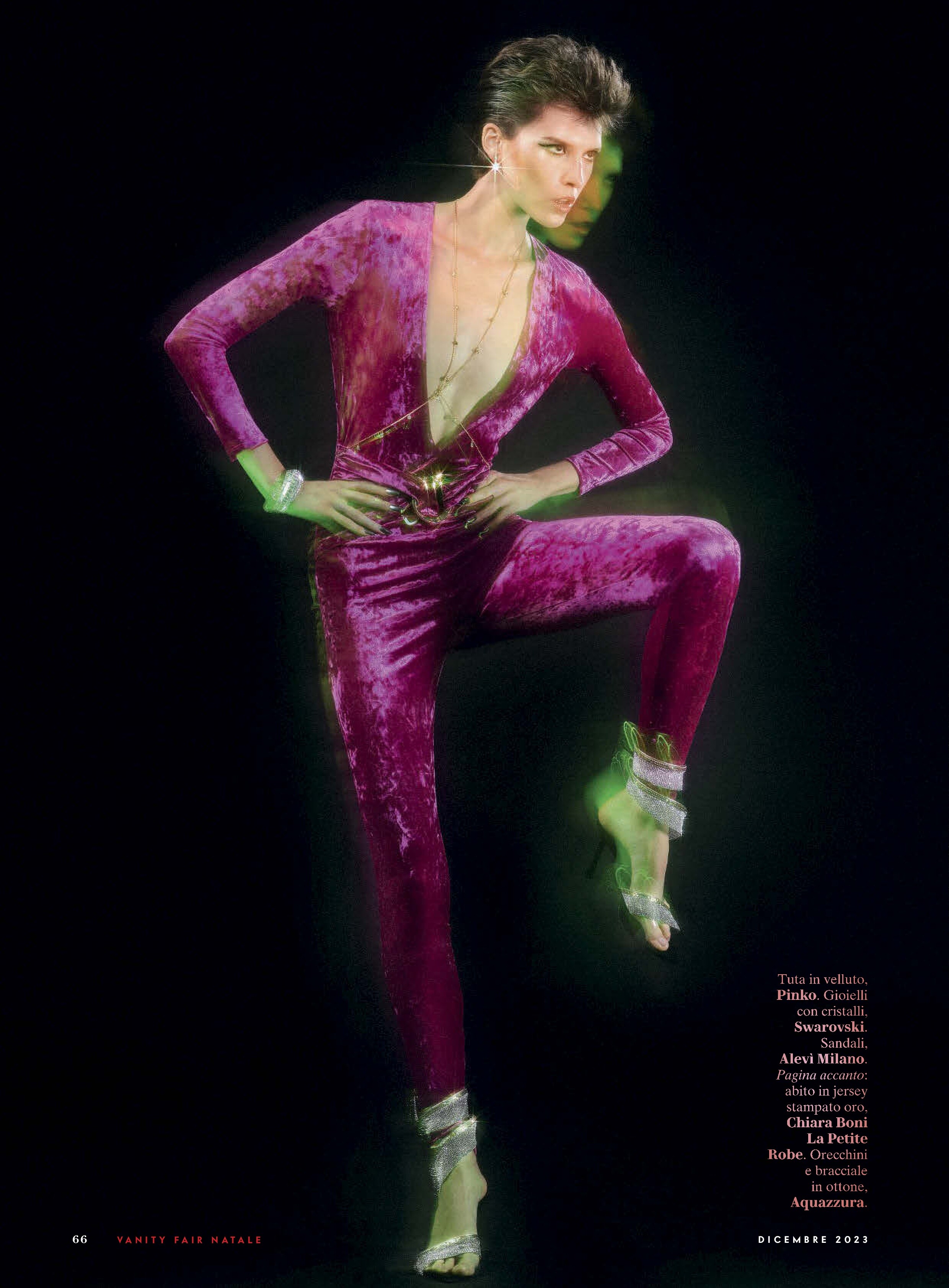
 Vanity Fair Italia Natale December 2023











 ELLE UK Dezember 2023 Fendi Story Photo by Luc Braquet

 Istanbul News

 New / old Campaing in ELLE France 21. 09.
 BLOOMINGDALE'S Women's Fashion Catalog Fall 2023



 … and in Print





































































































































































Account
Search
Configure browser push notifications
Chrome (Android)
- Tap the lock icon next to the address bar.
- Tap Permissions → Notifications.
- Adjust your preference.
Chrome (Desktop)
- Click the padlock icon in the address bar.
- Select Site settings.
- Find Notifications and adjust your preference.
Safari (iOS 16.4+)
- Ensure the site is installed via Add to Home Screen.
- Open Settings App → Notifications.
- Find your app name and adjust your preference.
Safari (macOS)
- Go to Safari → Preferences.
- Click the Websites tab.
- Select Notifications in the sidebar.
- Find this website and adjust your preference.
Edge (Android)
- Tap the lock icon next to the address bar.
- Tap Permissions.
- Find Notifications and adjust your preference.
Edge (Desktop)
- Click the padlock icon in the address bar.
- Click Permissions for this site.
- Find Notifications and adjust your preference.
Firefox (Android)
- Go to Settings → Site permissions.
- Tap Notifications.
- Find this site in the list and adjust your preference.
Firefox (Desktop)
- Open Firefox Settings.
- Search for Notifications.
- Find this site in the list and adjust your preference.