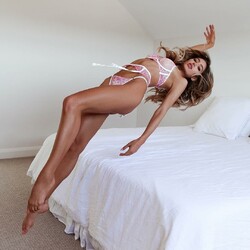
RebelleFleur
Members
-
Joined
-
Last visited
Everything posted by RebelleFleur
-
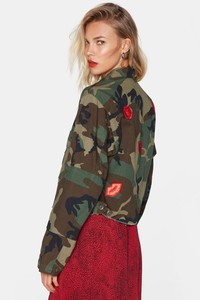
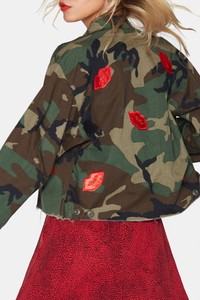
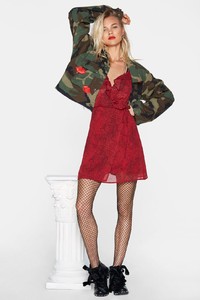
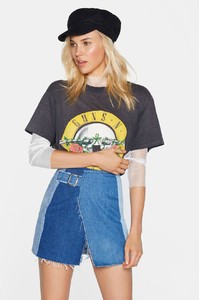
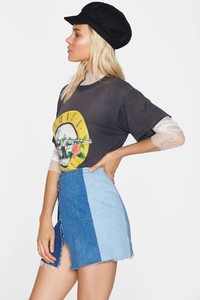
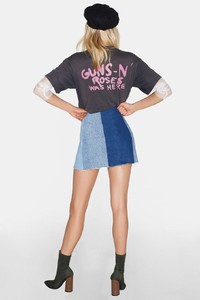
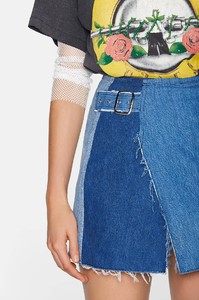
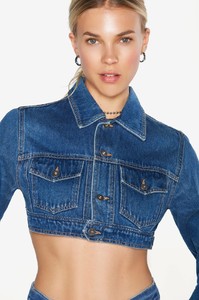
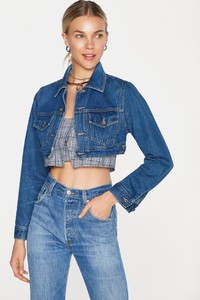
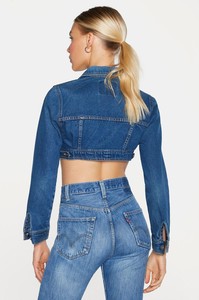
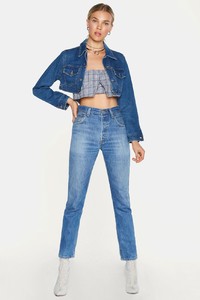
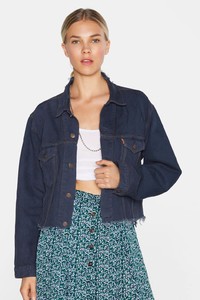
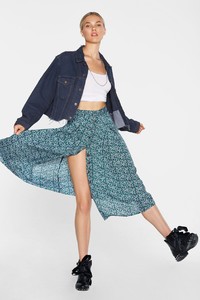
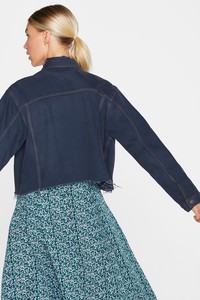
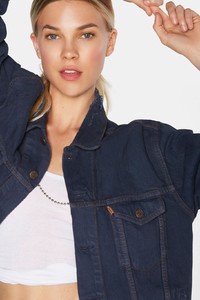
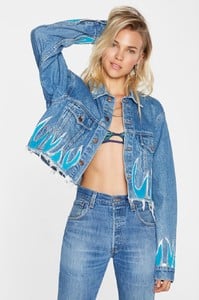
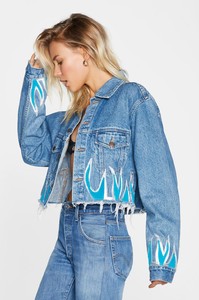
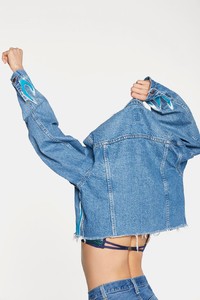
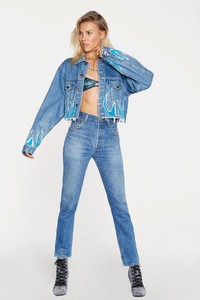
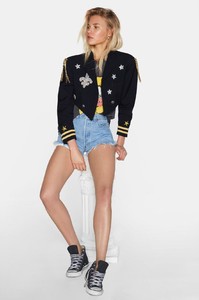
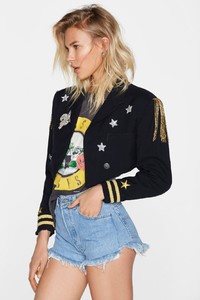
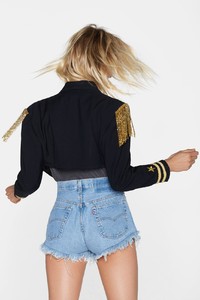
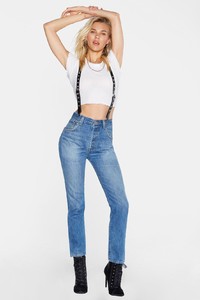
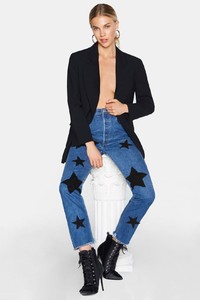
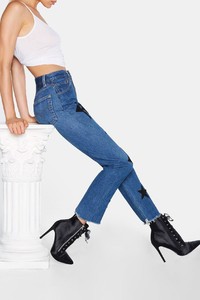
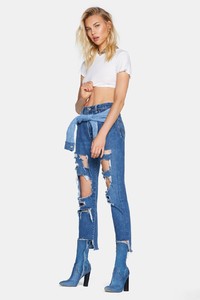
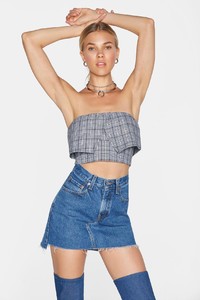
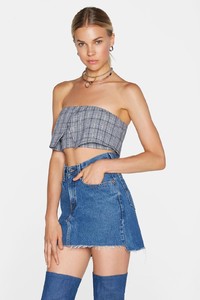
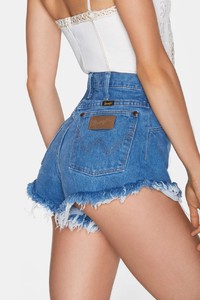
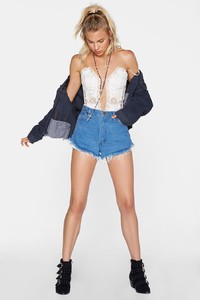
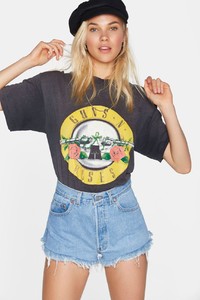
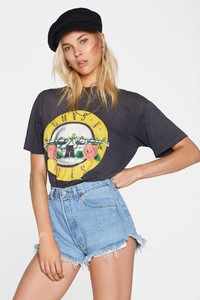
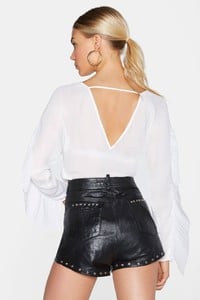
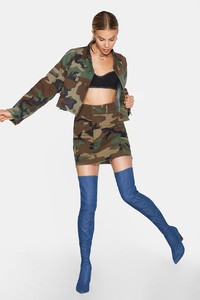
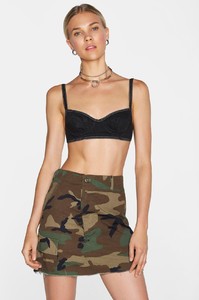
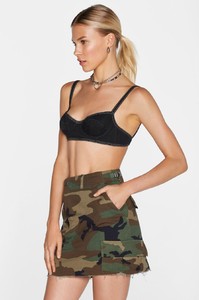
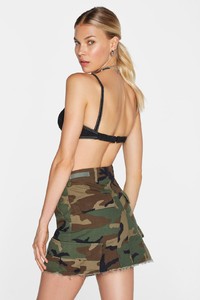
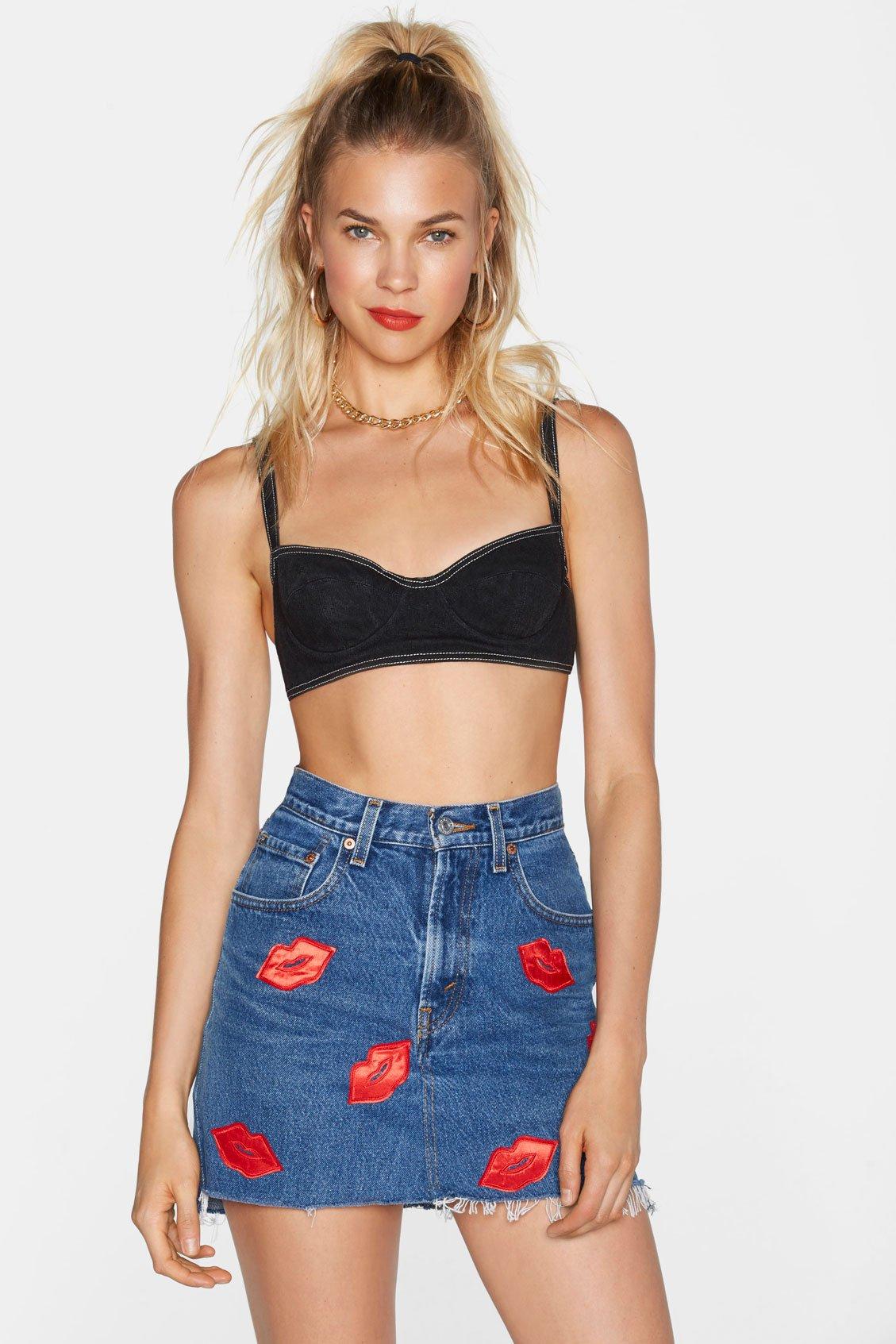
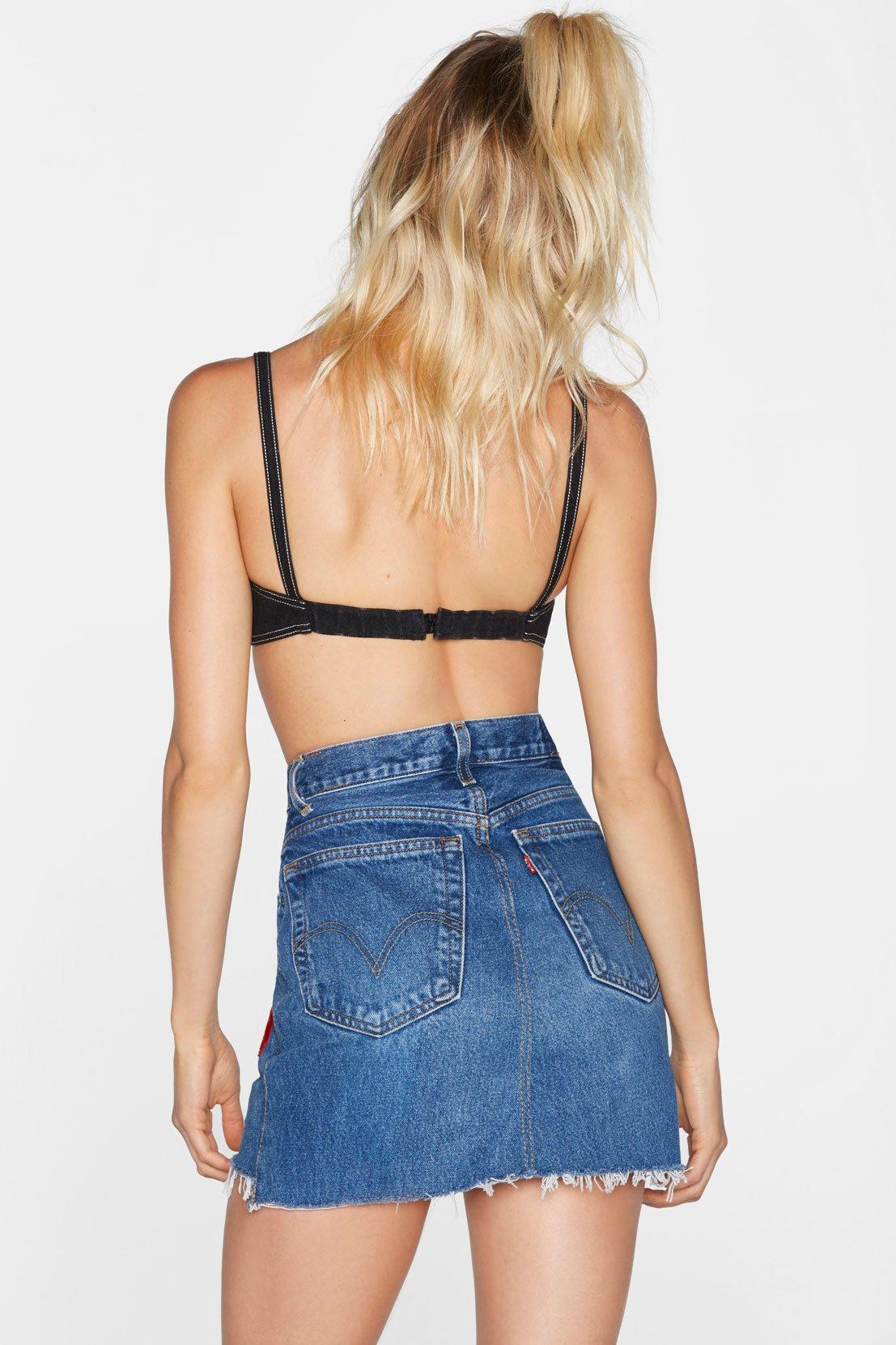
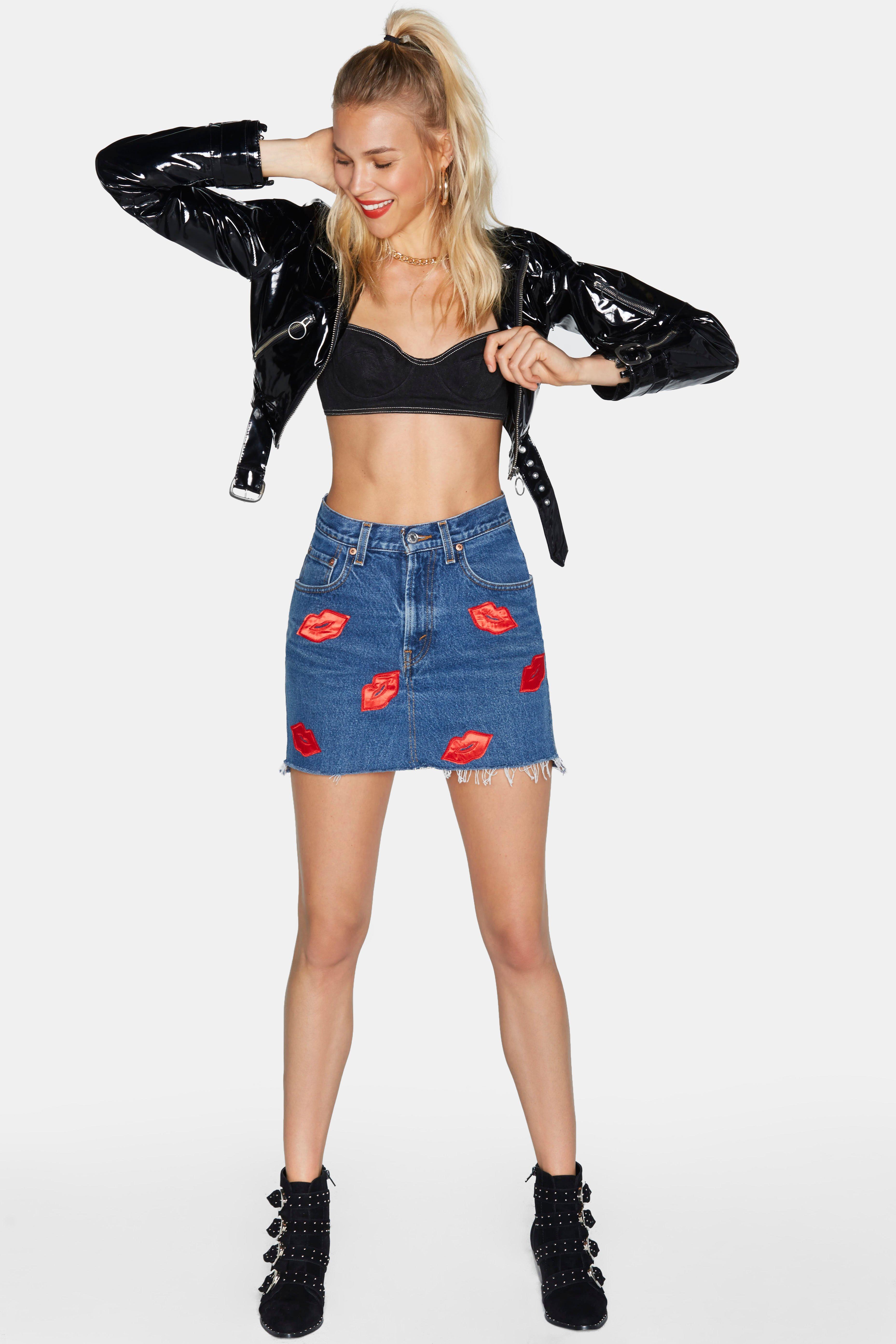
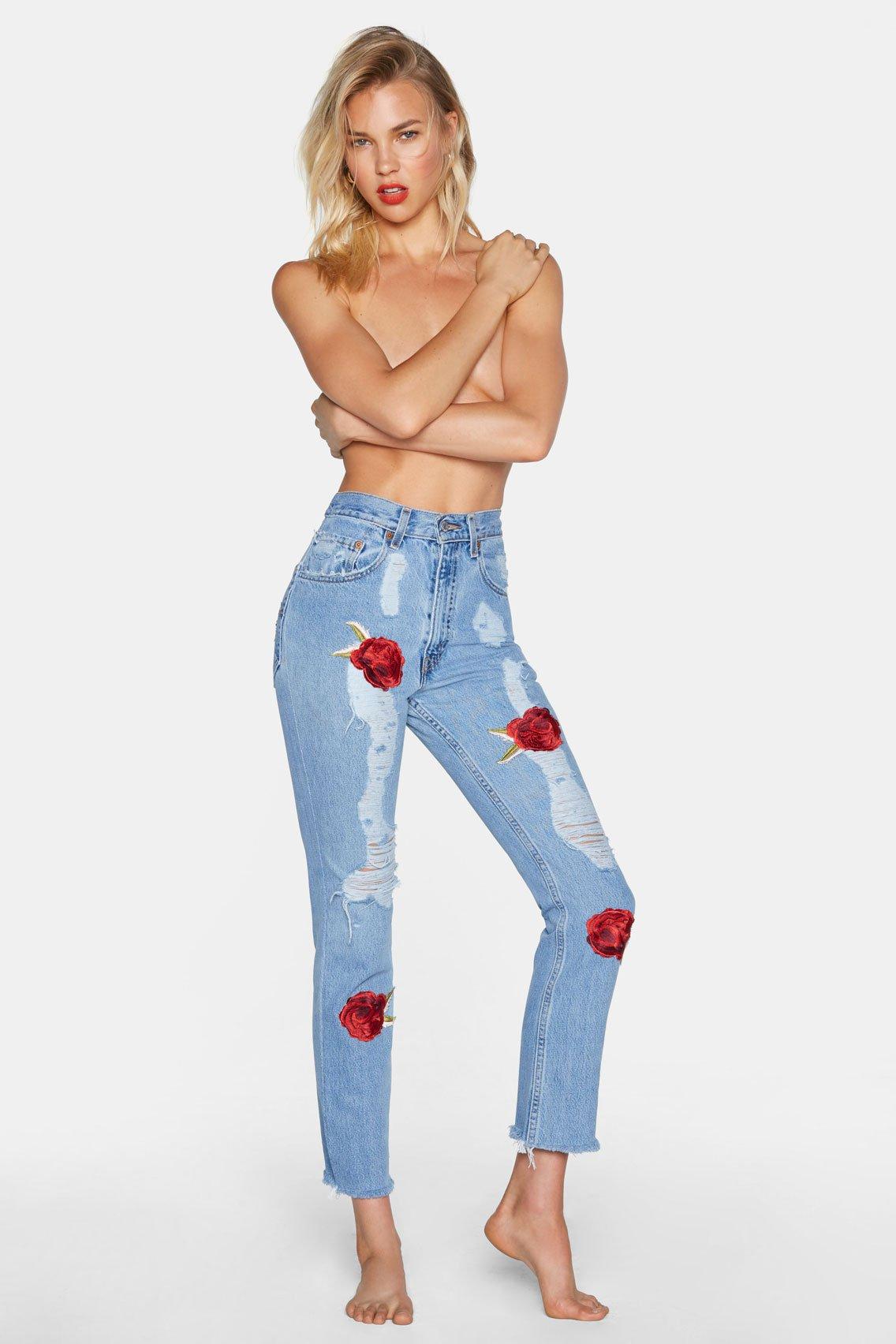
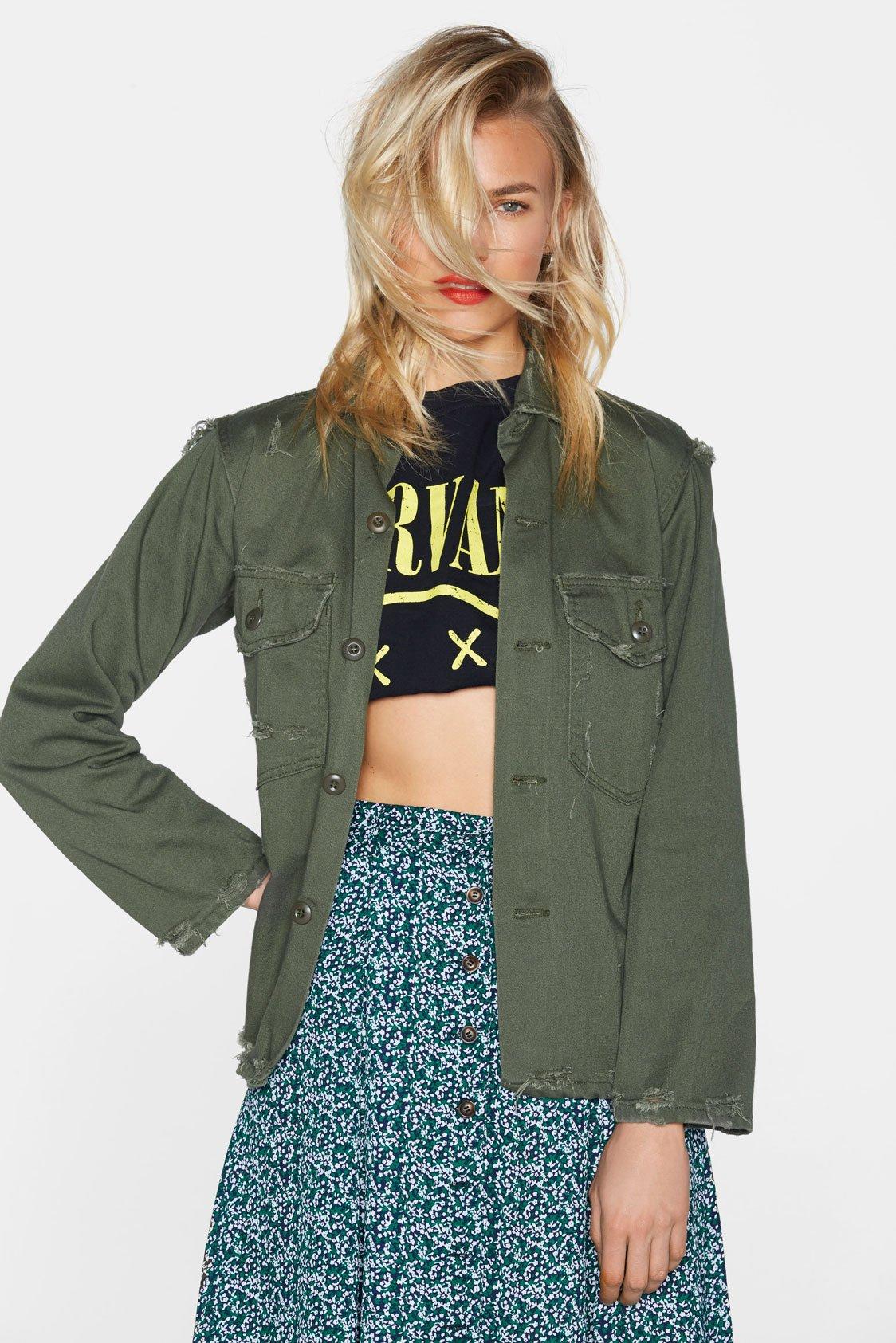
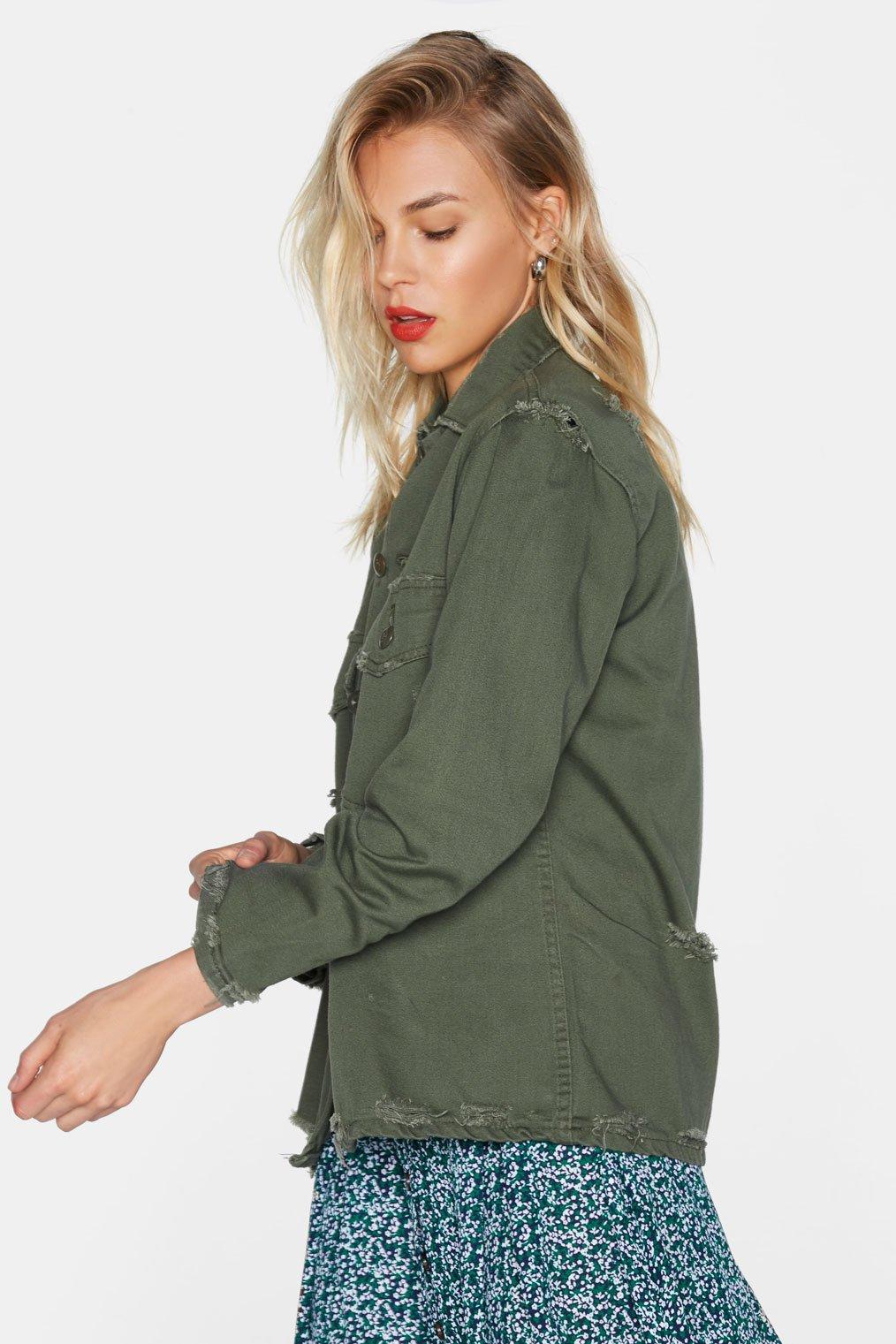
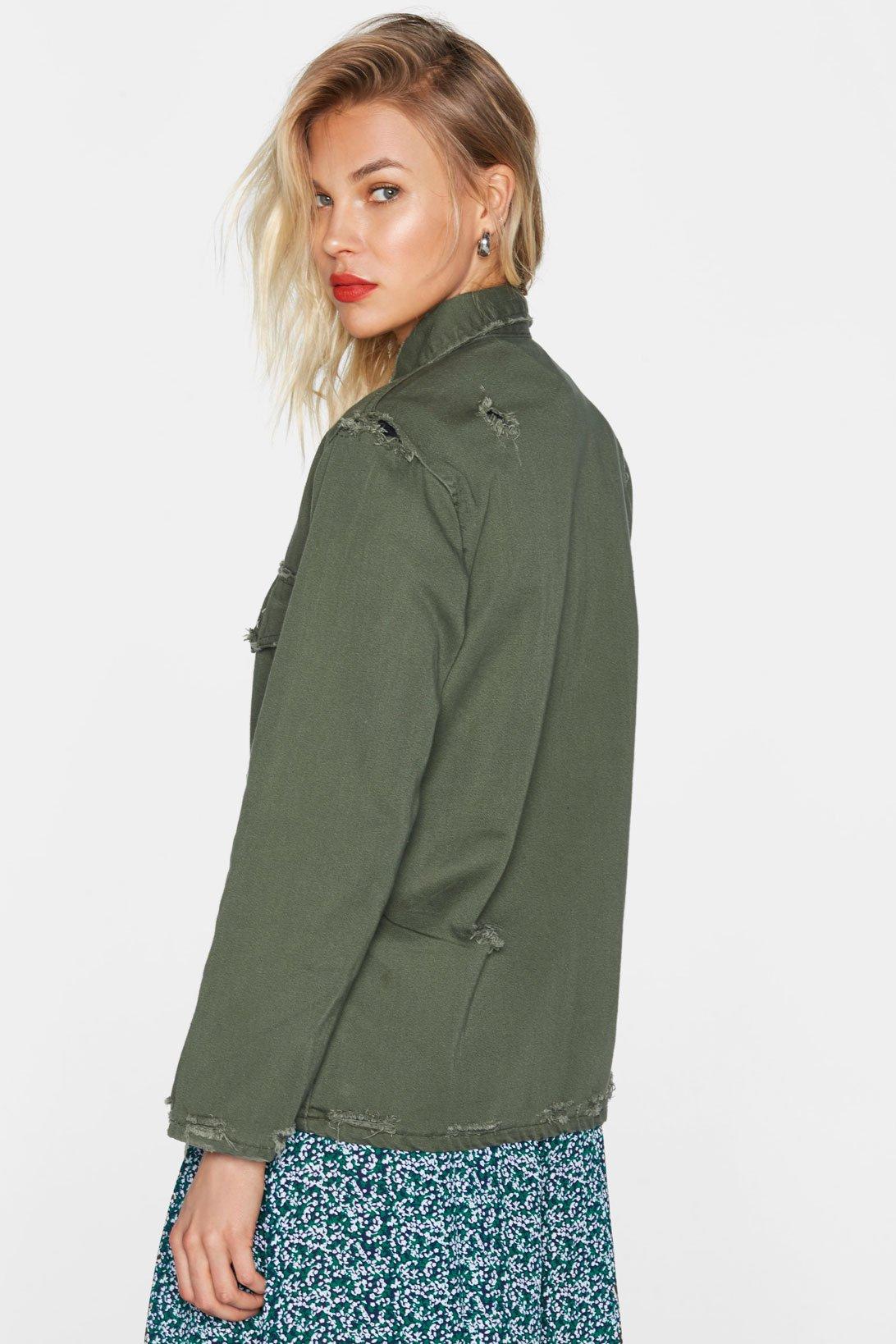
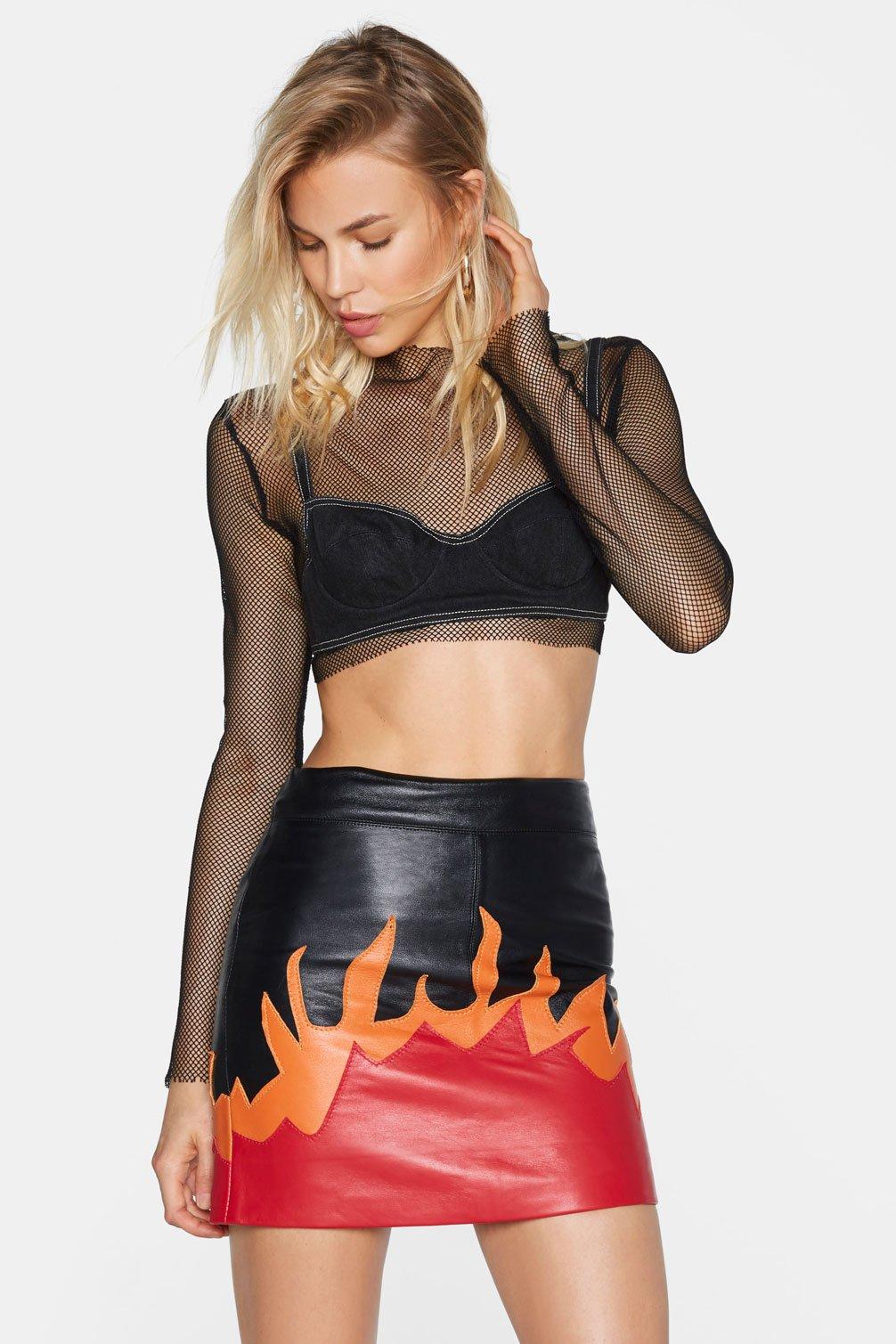
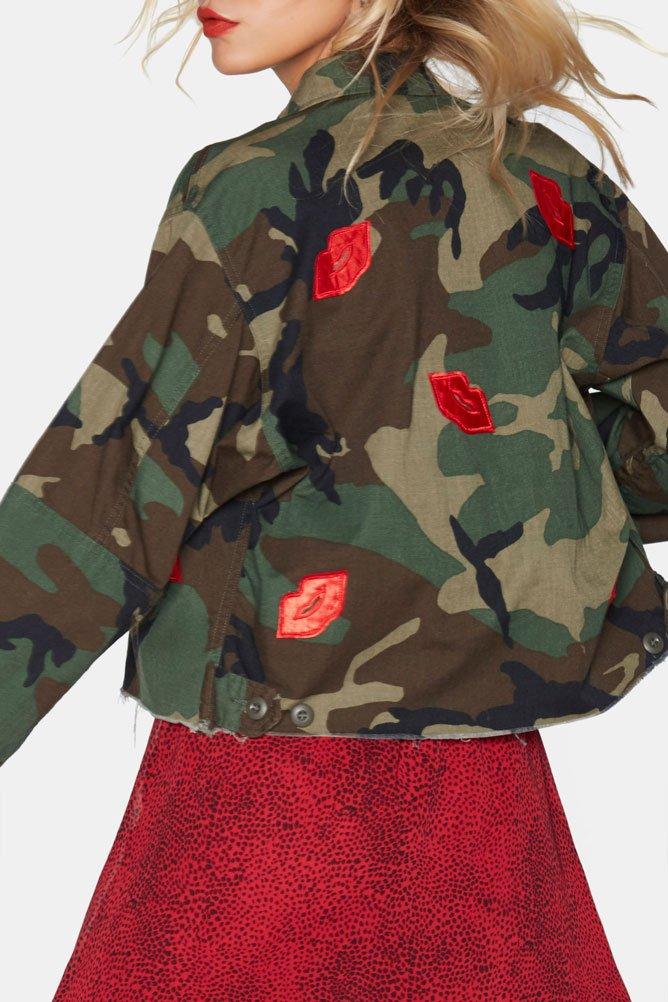
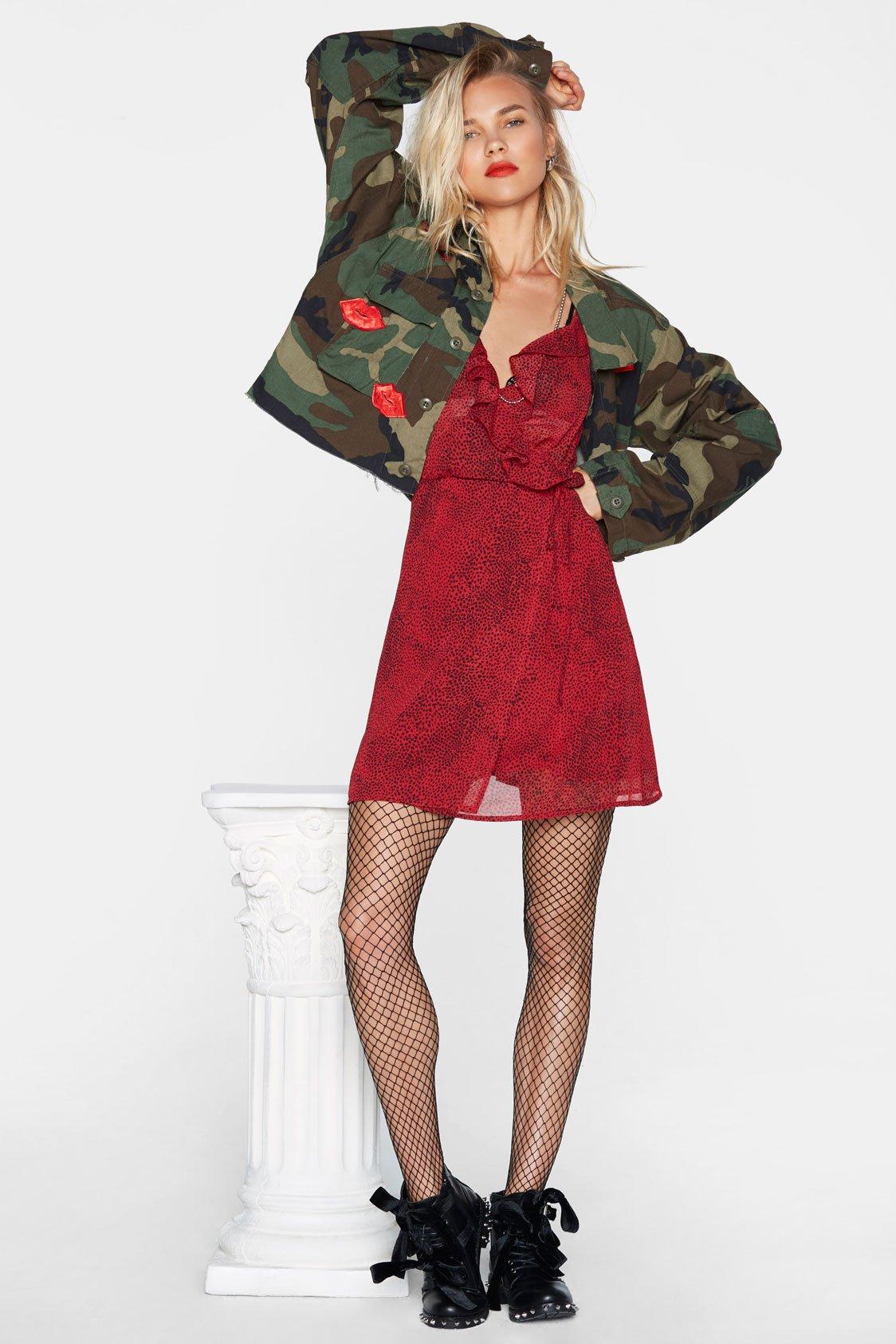
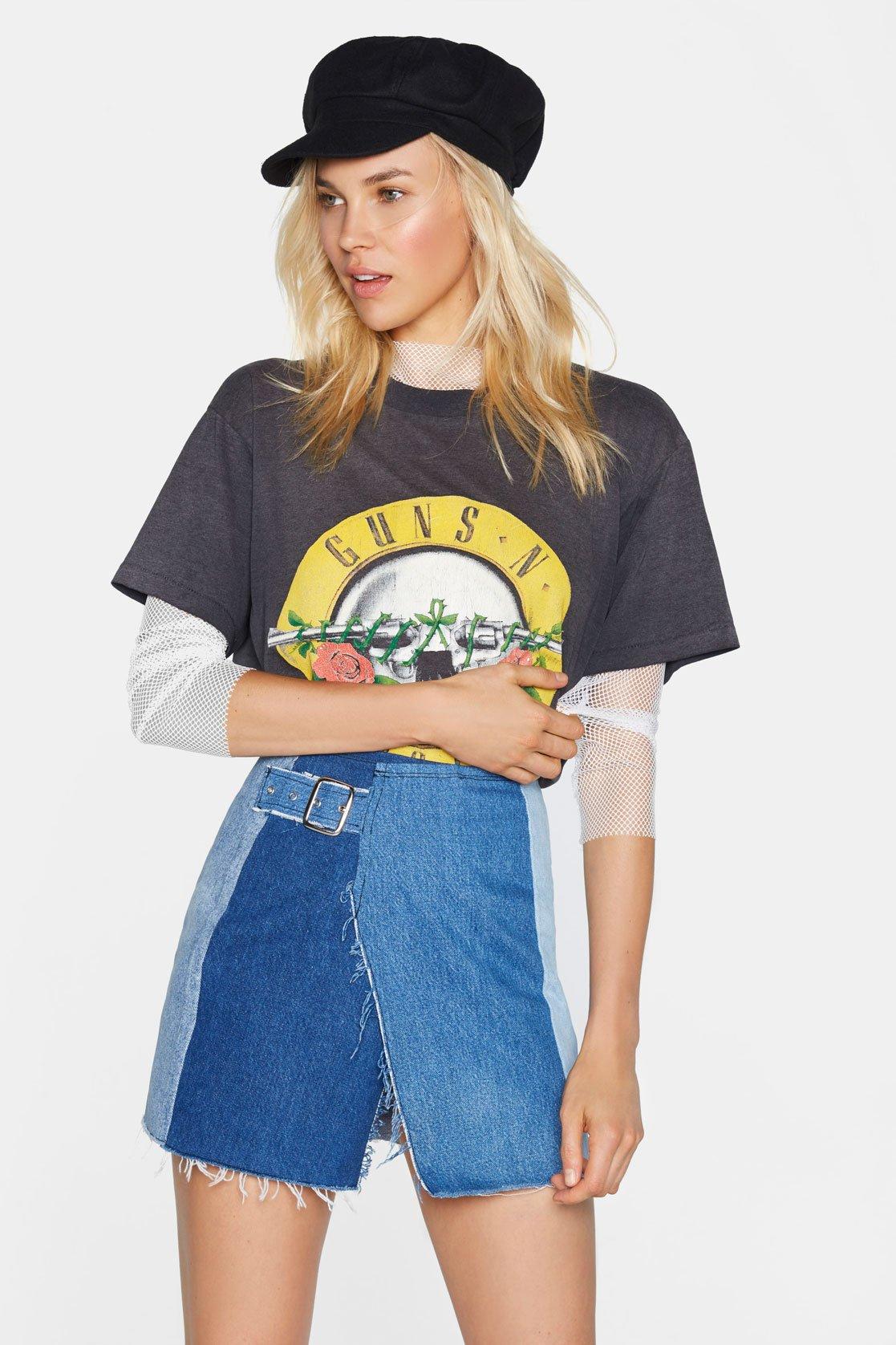
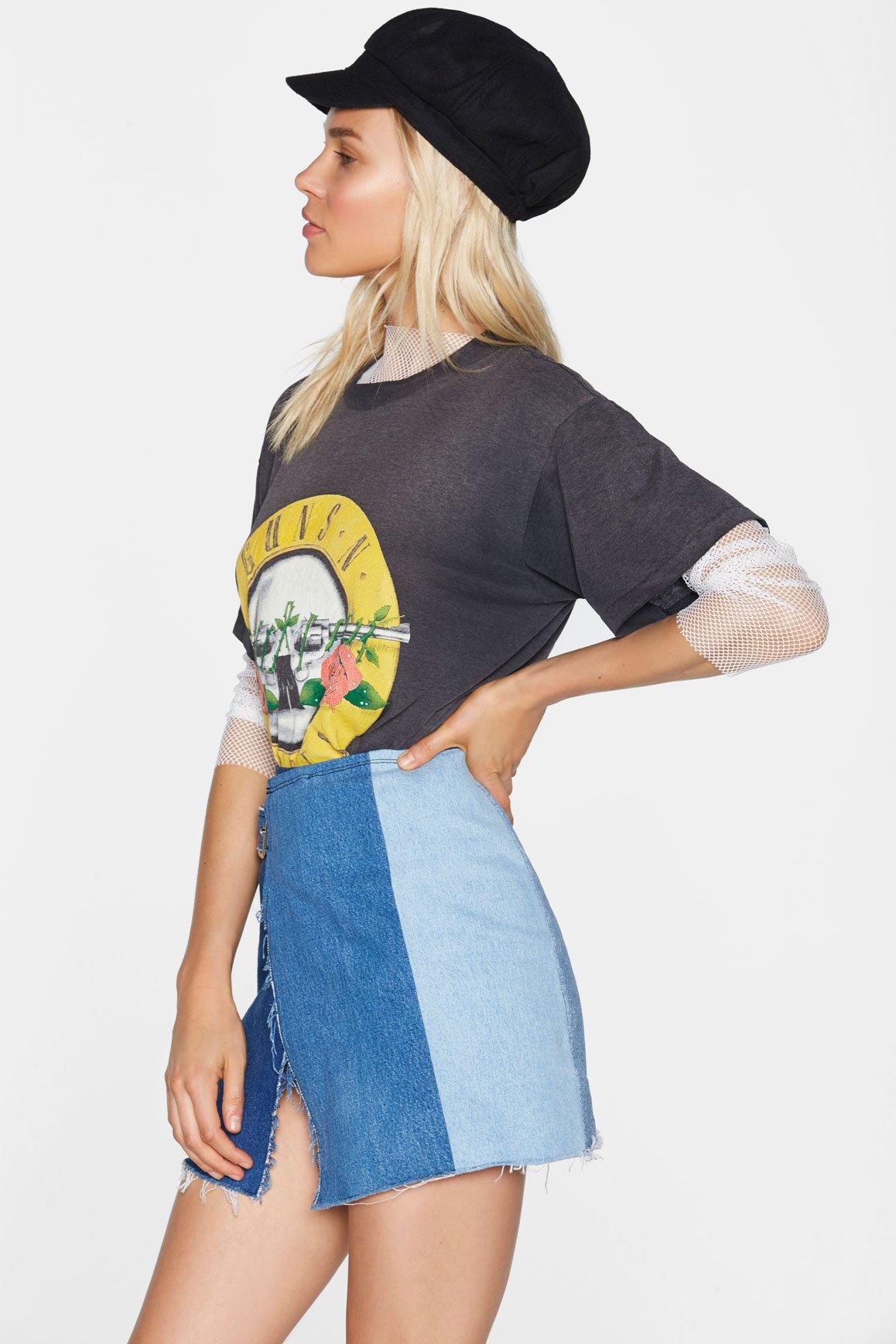
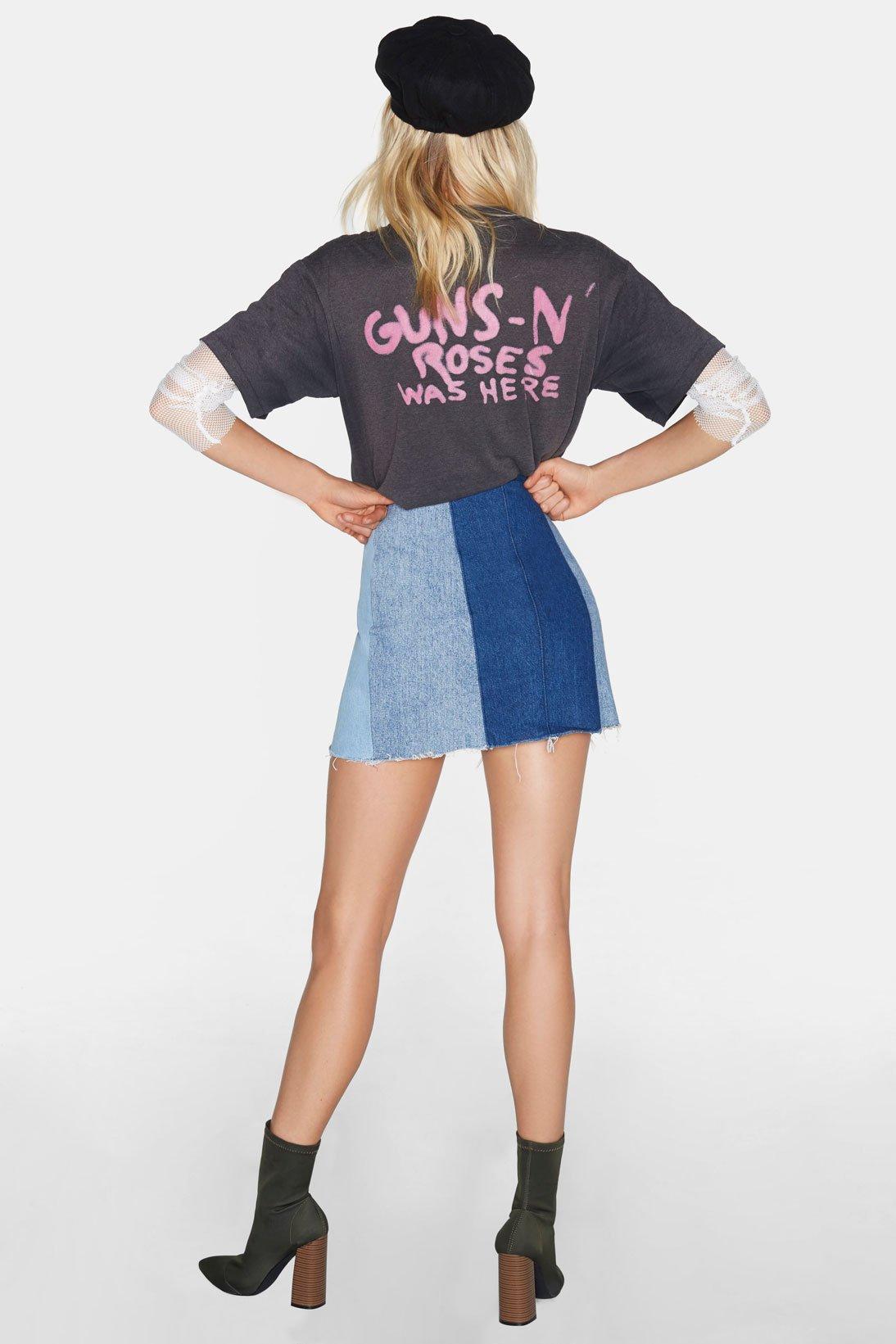
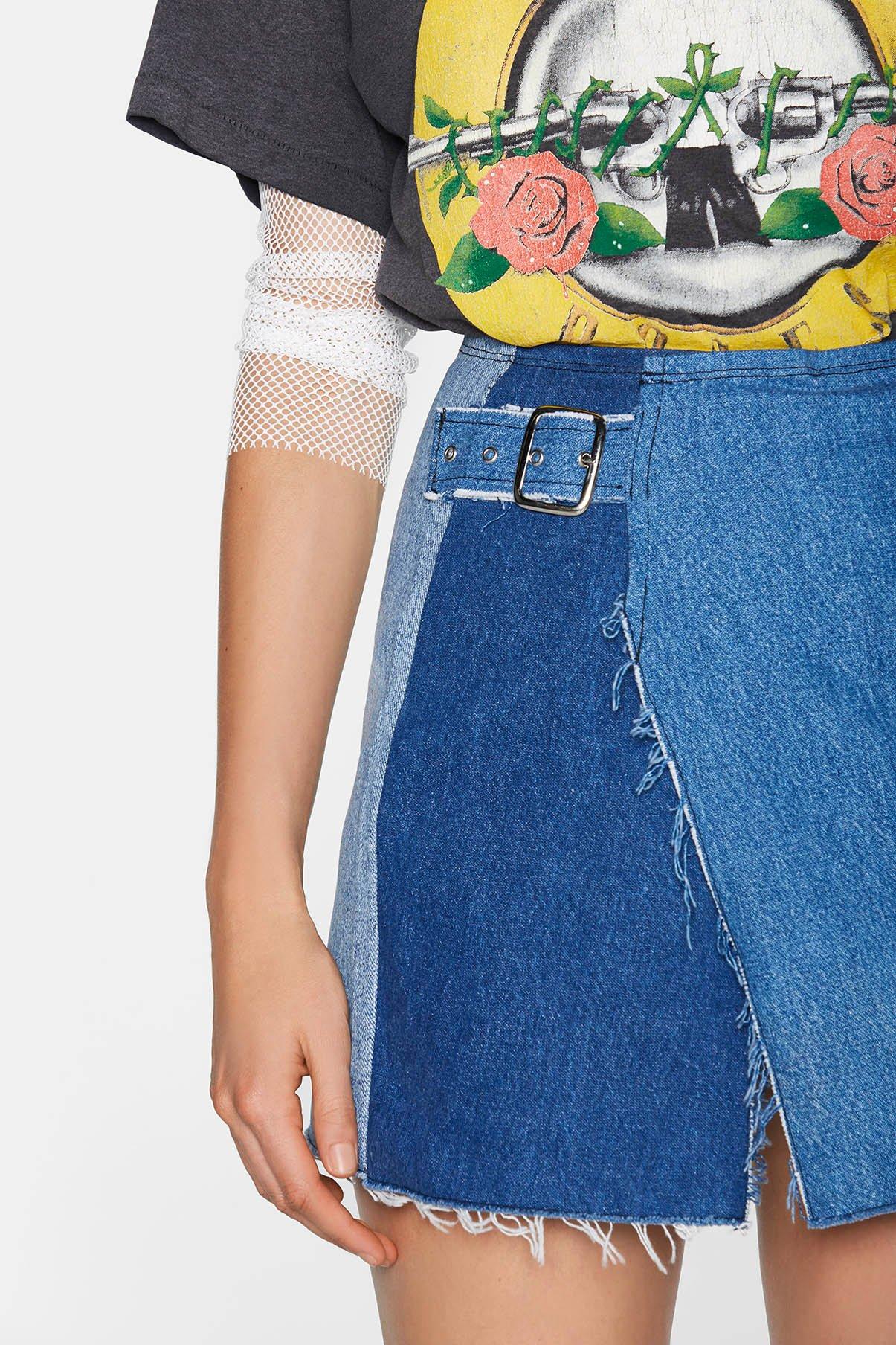
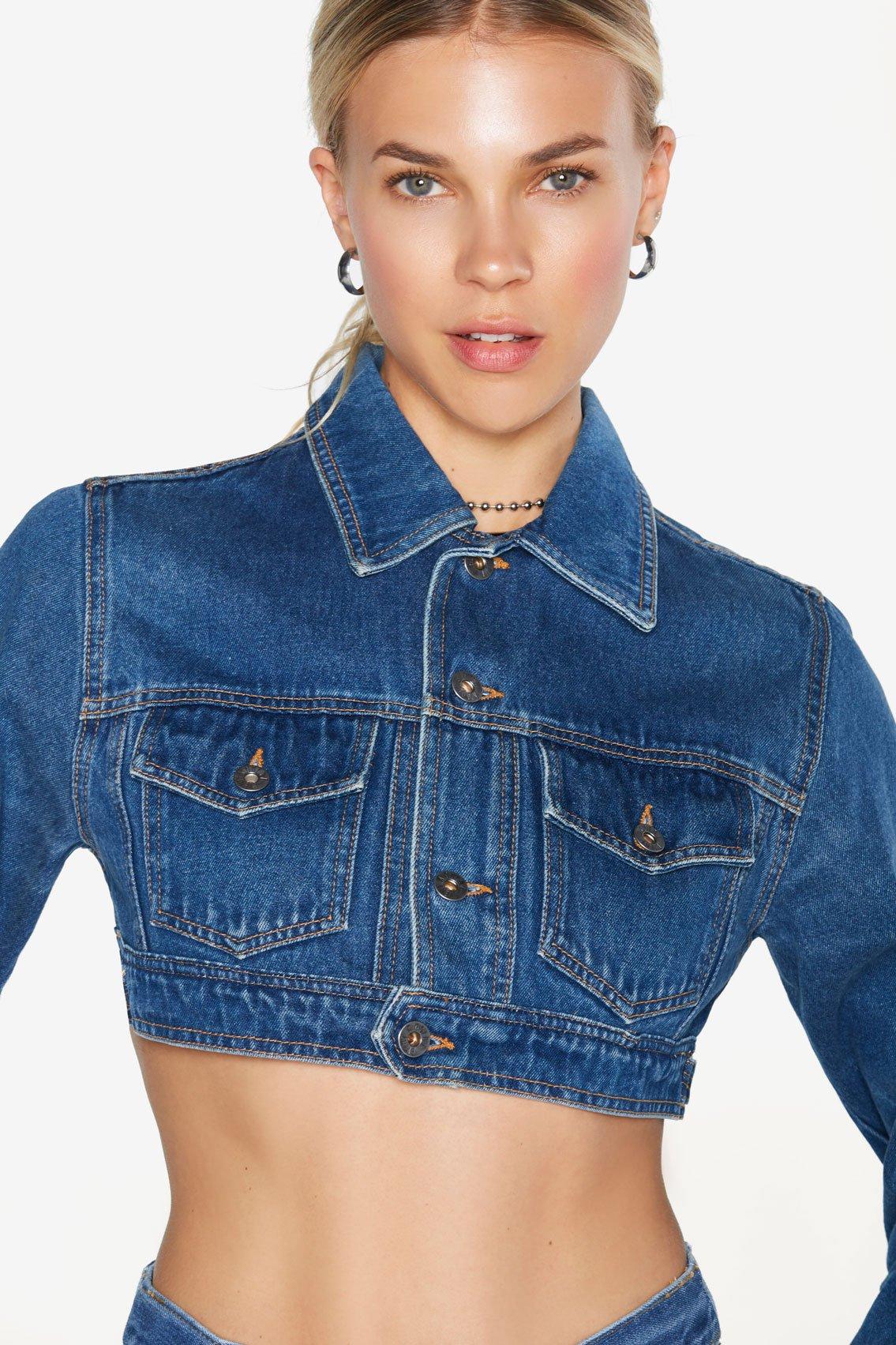
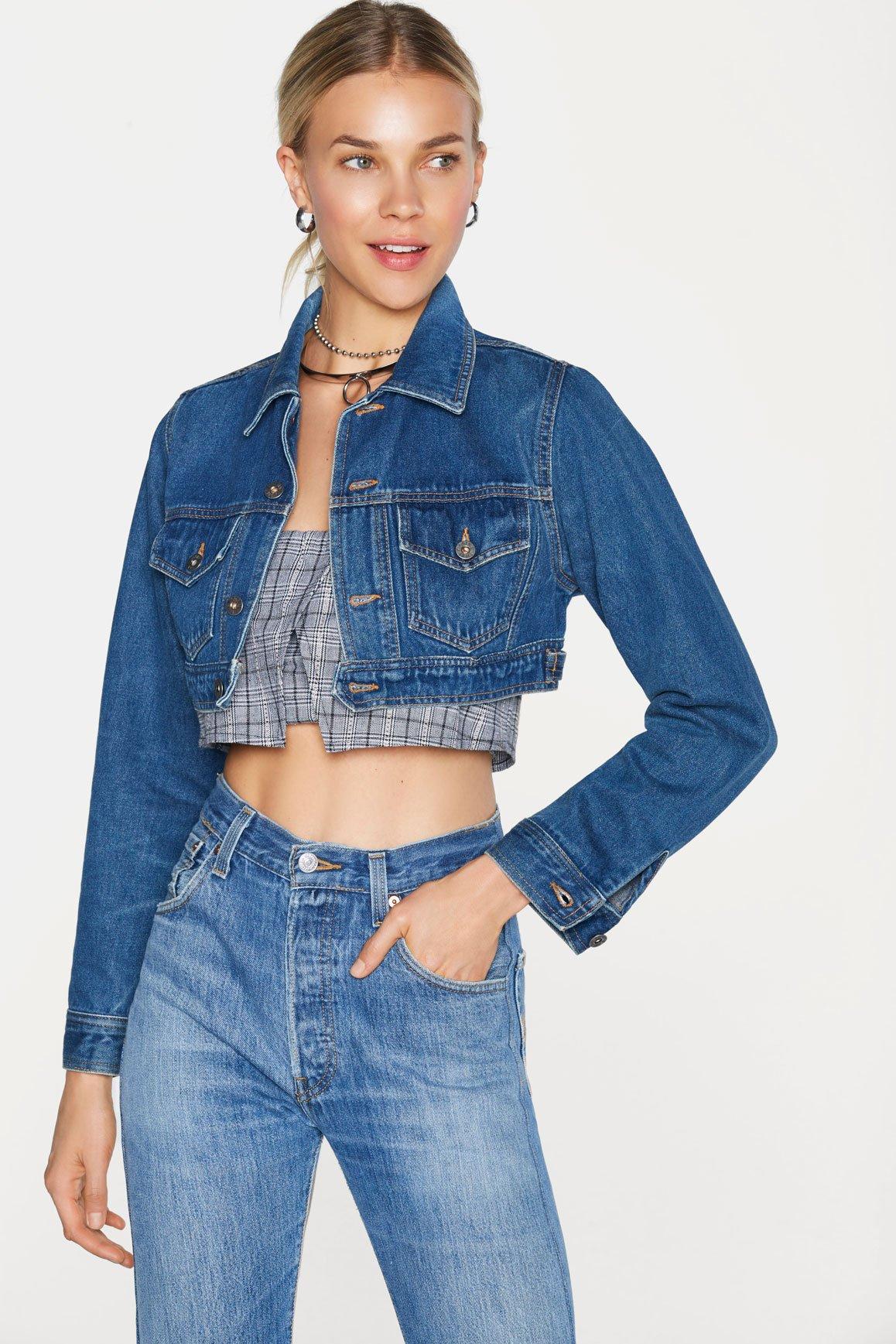
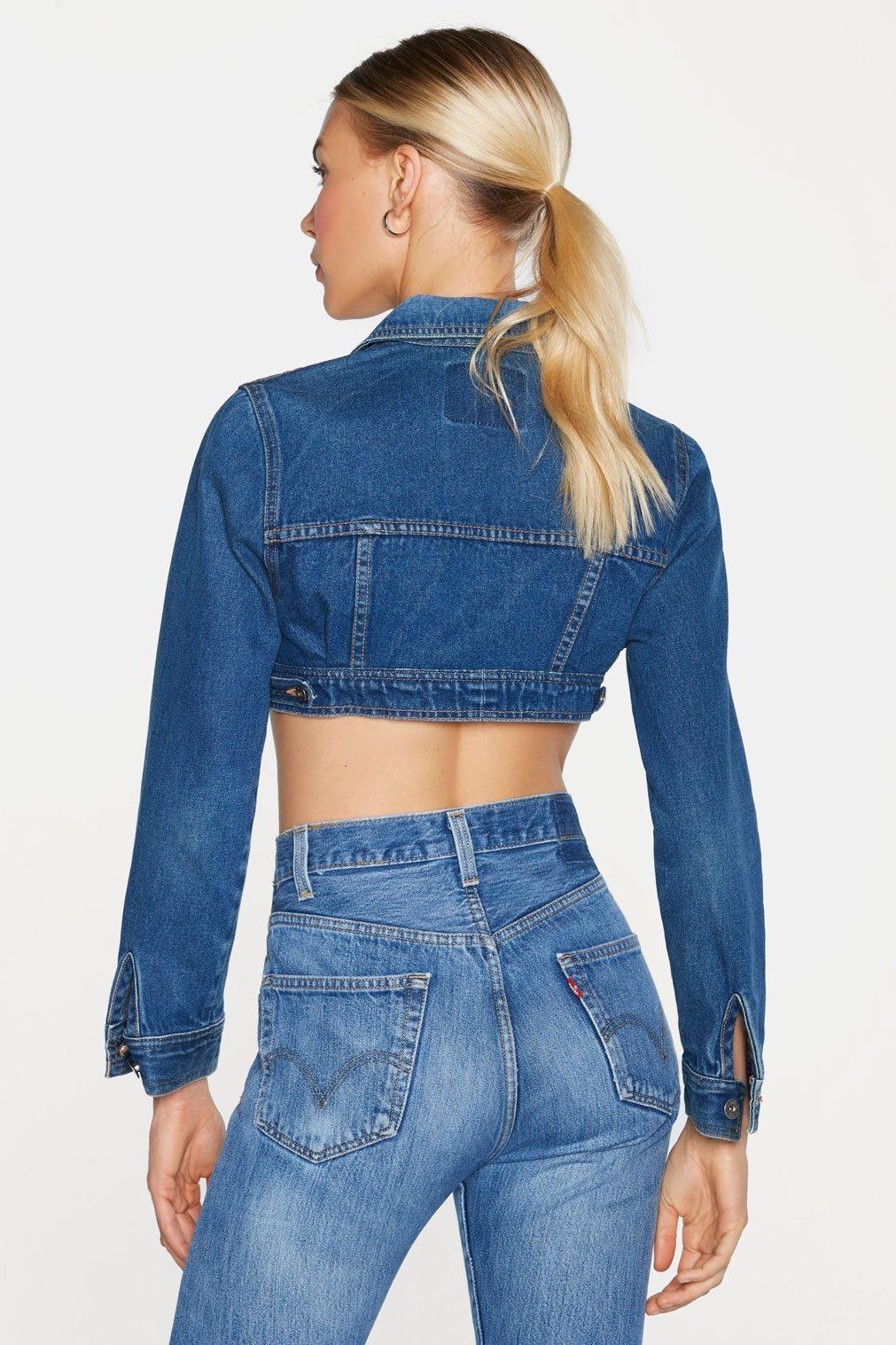
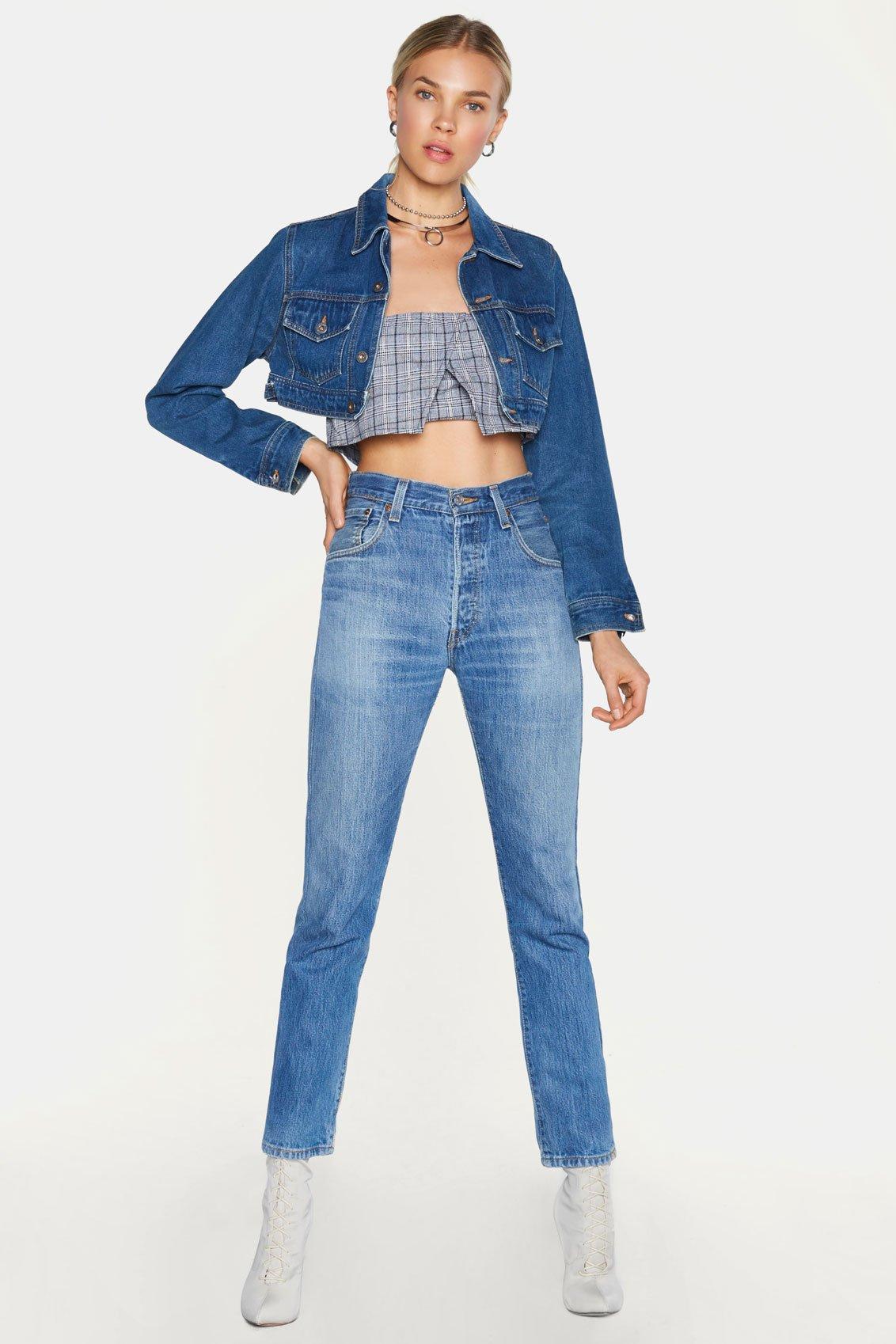
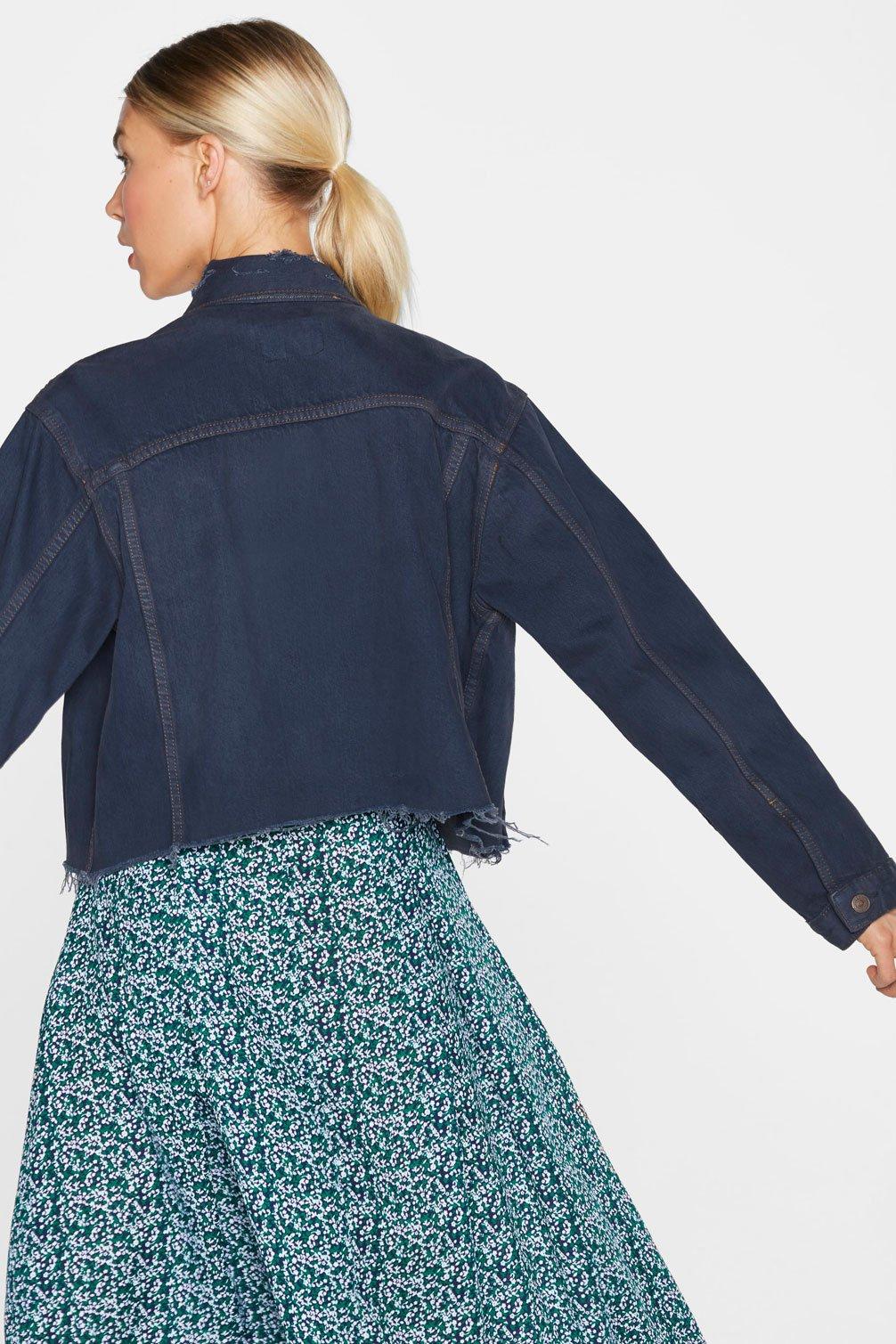
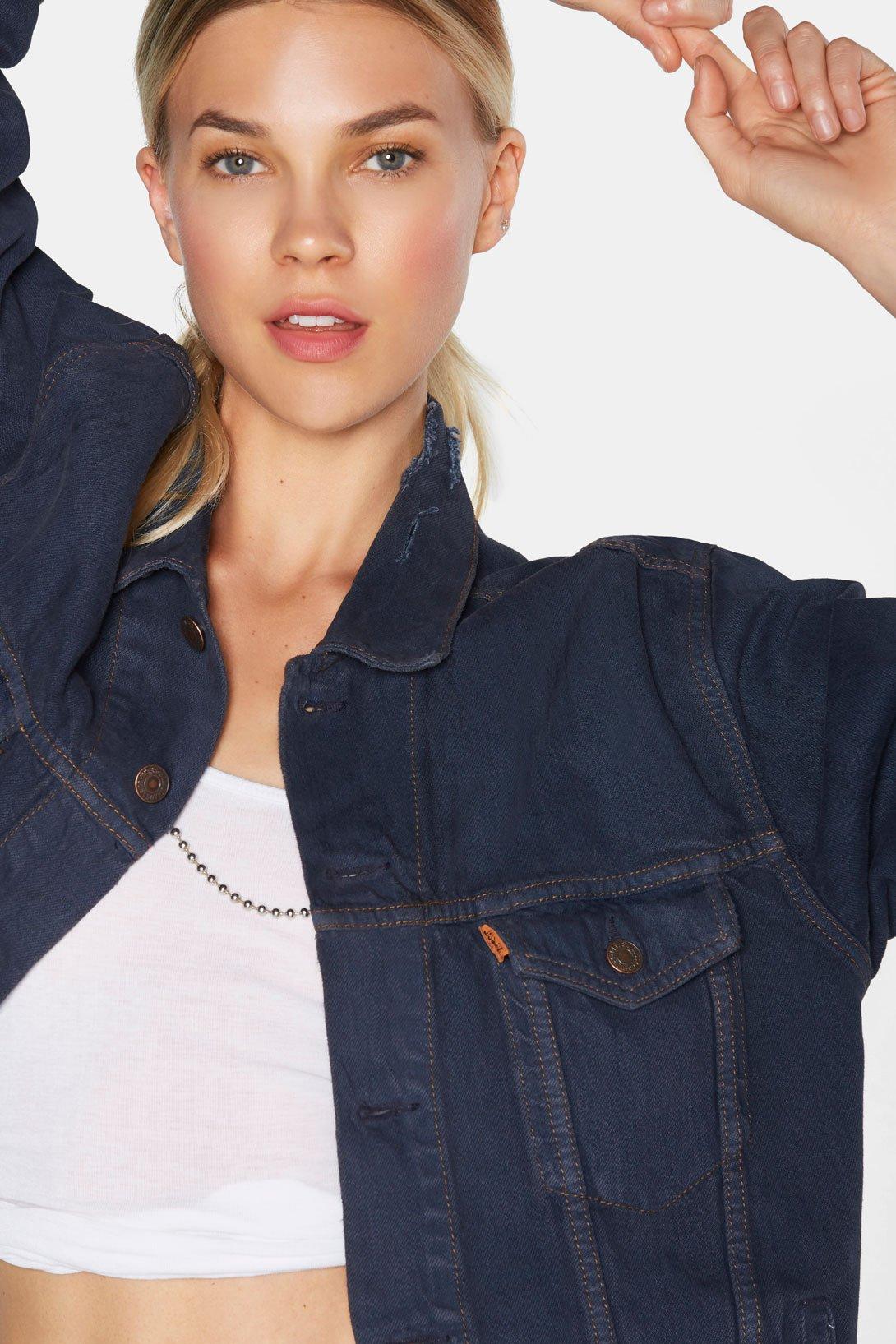
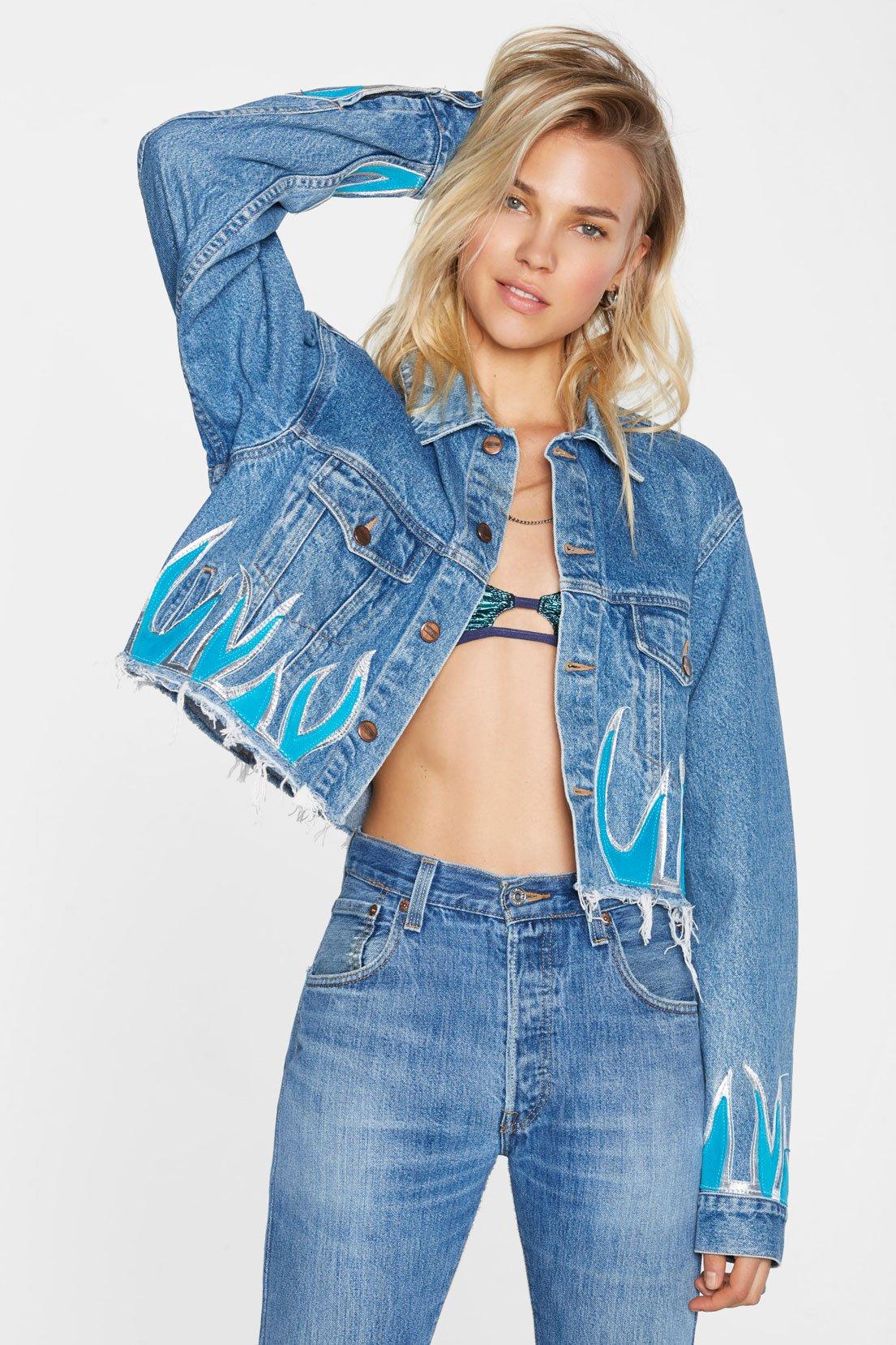
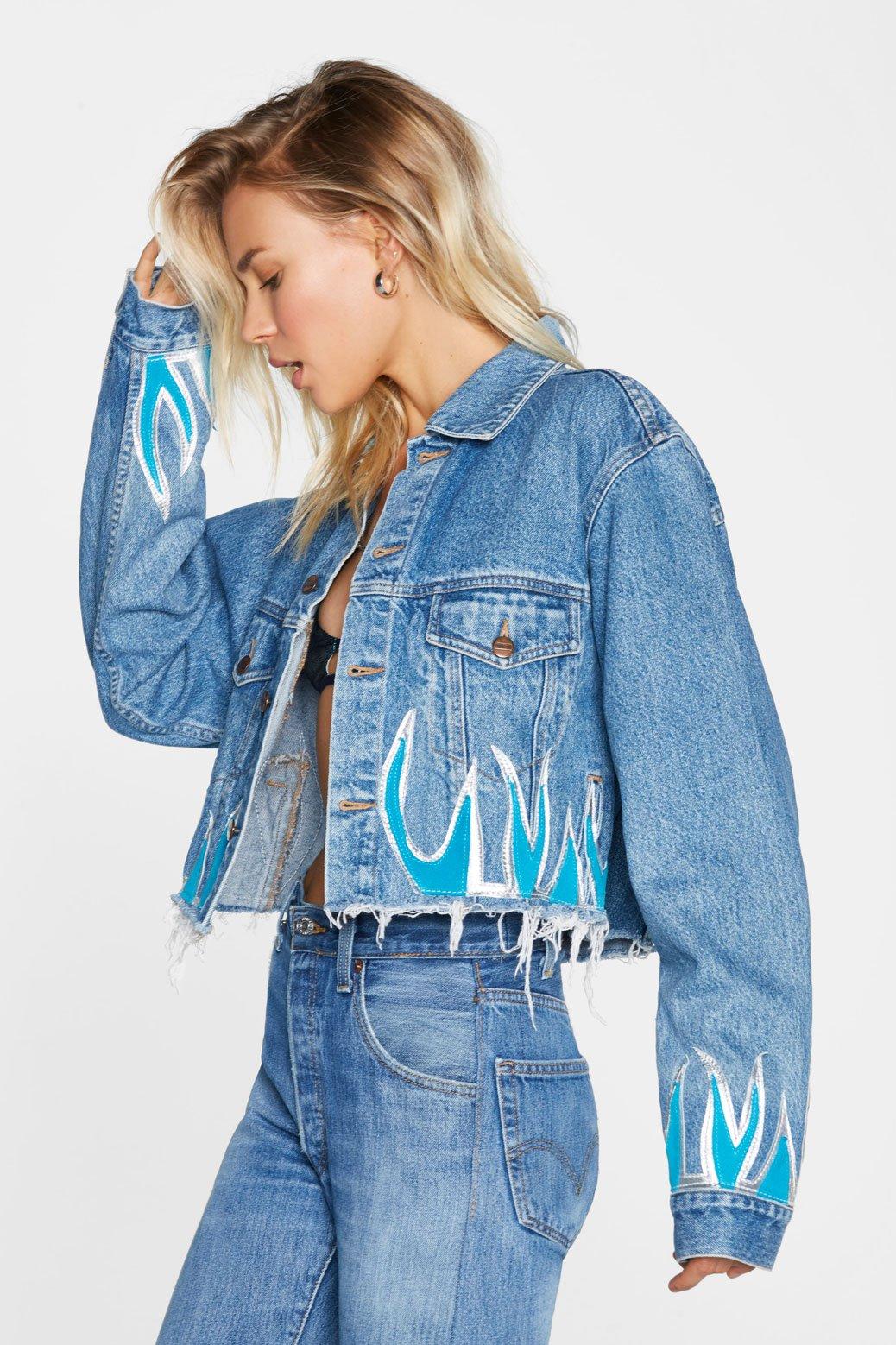
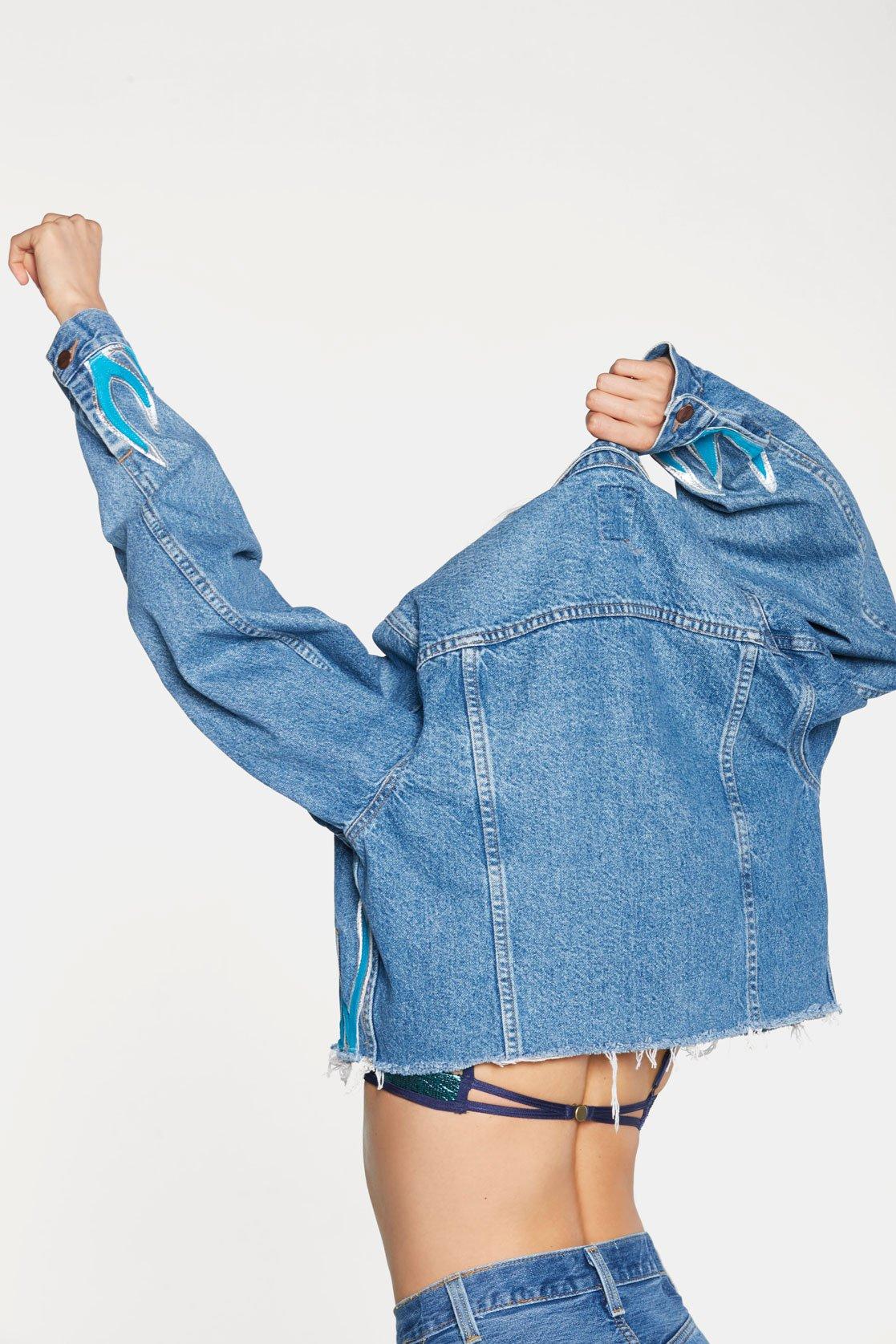
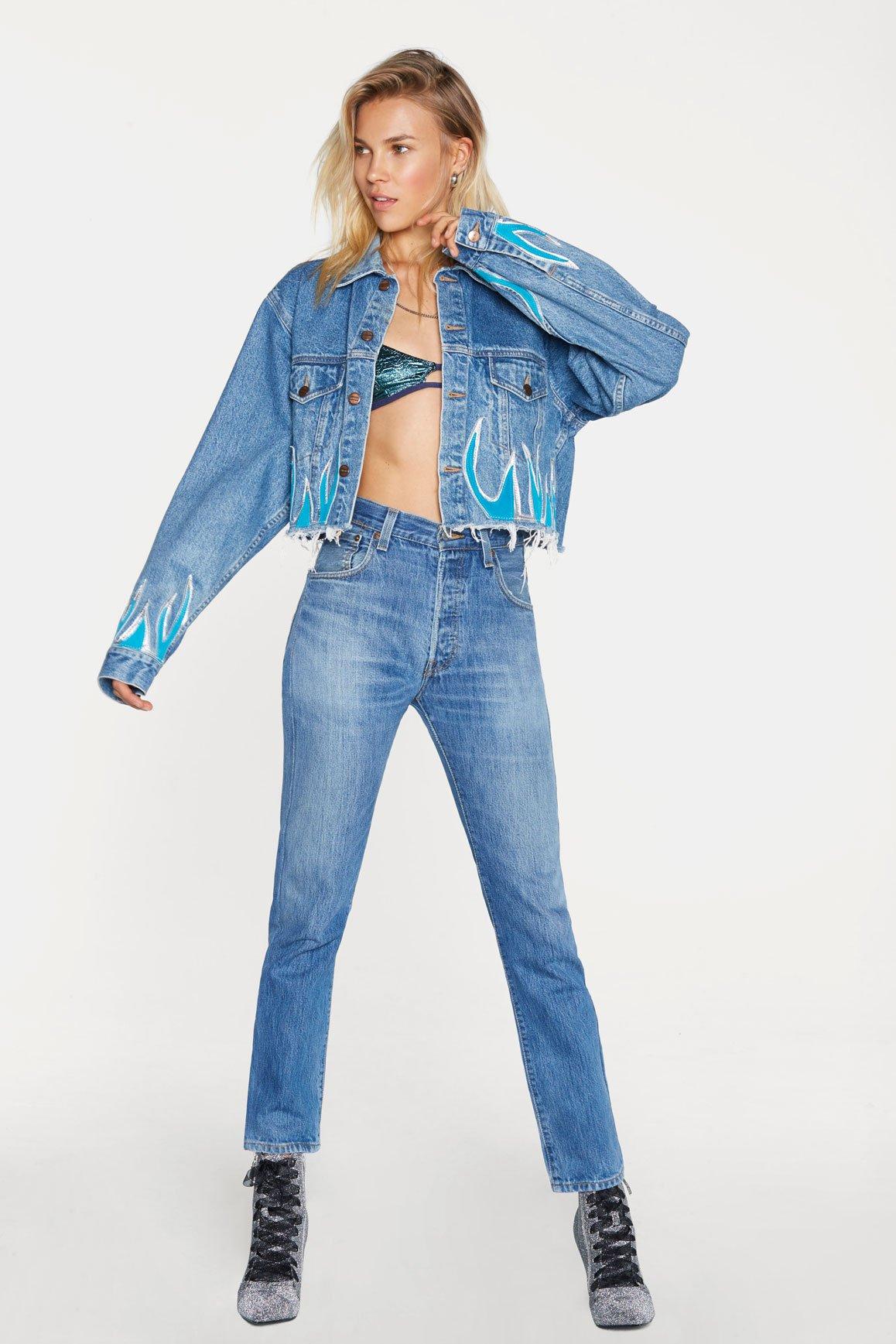
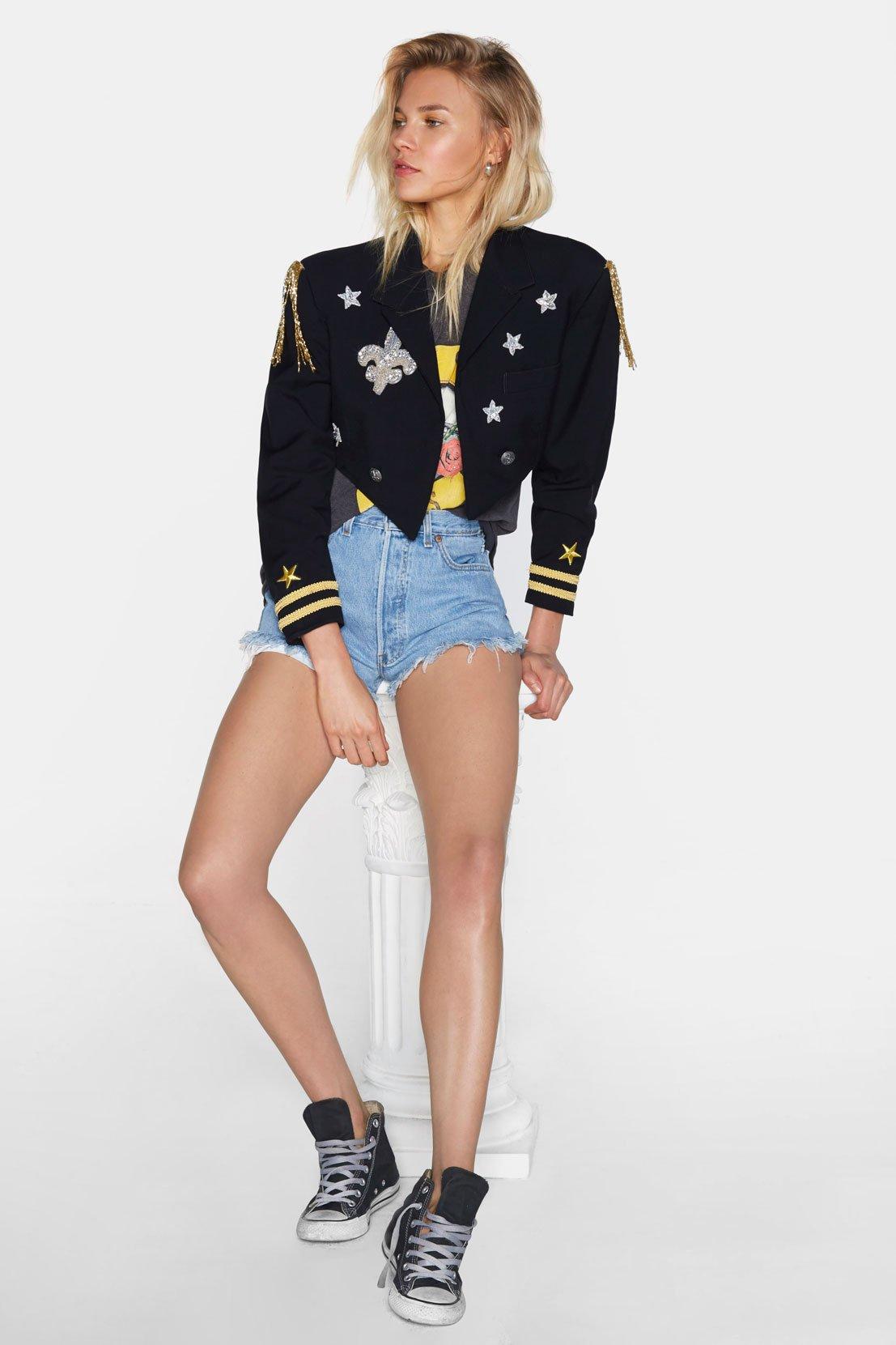
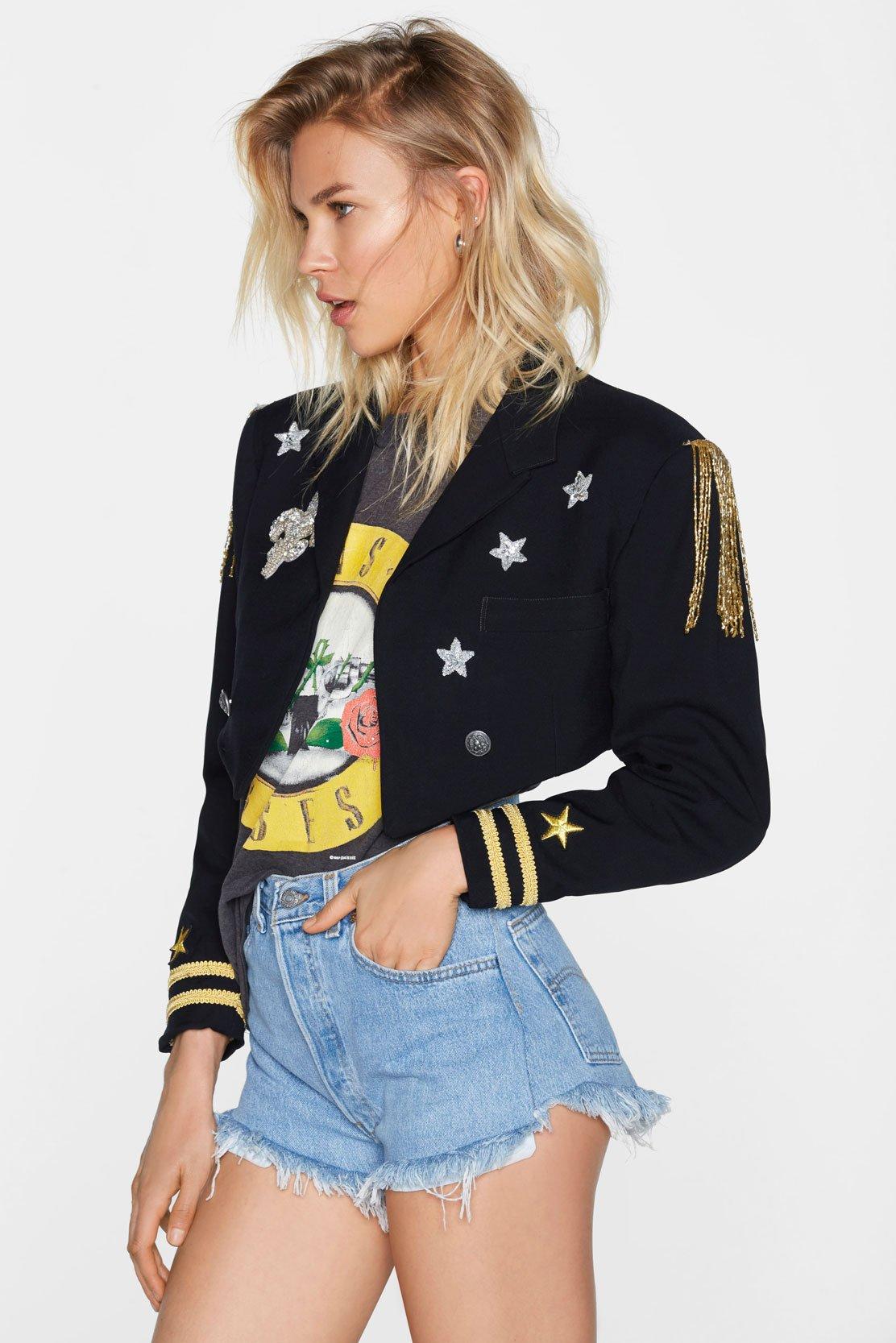
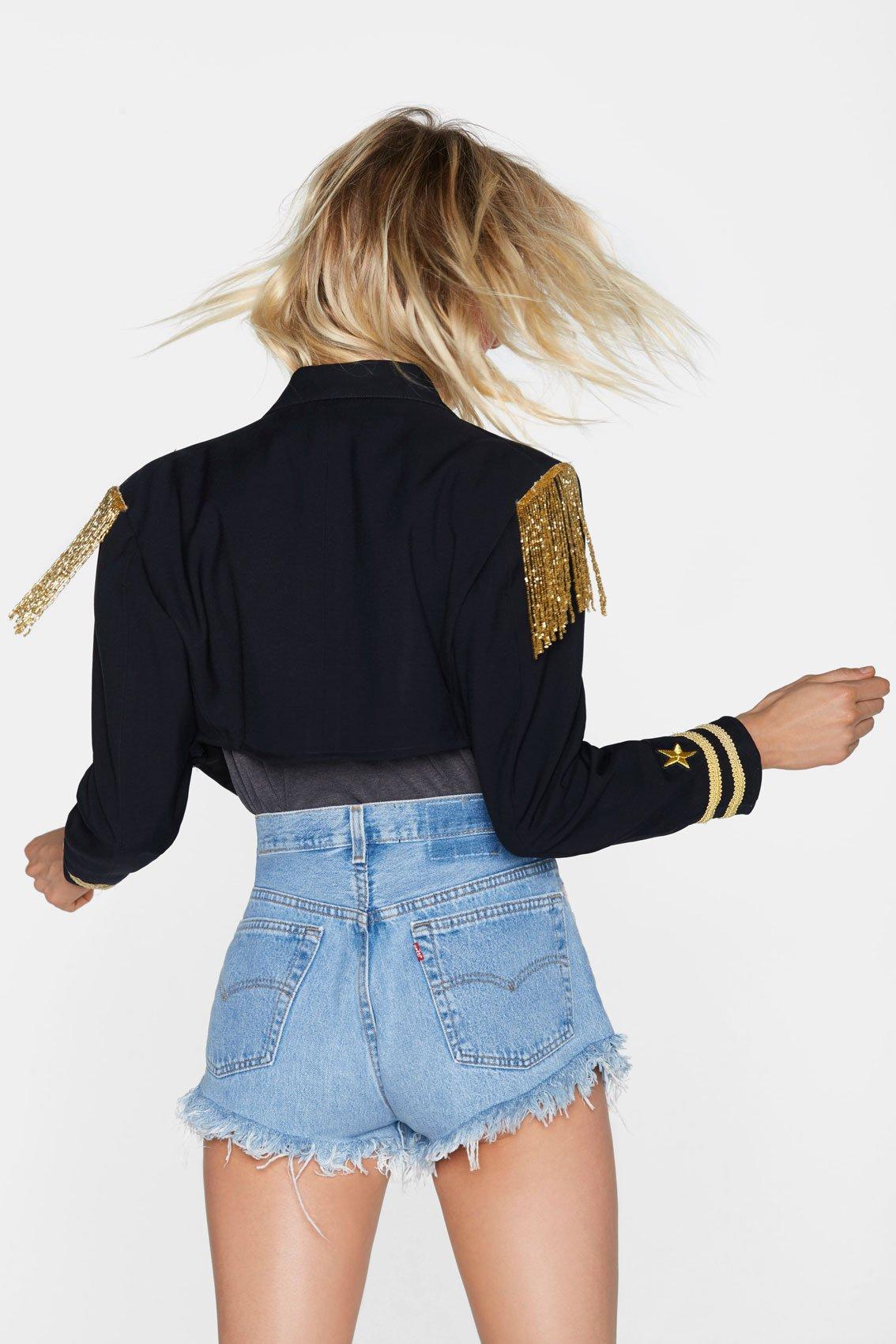
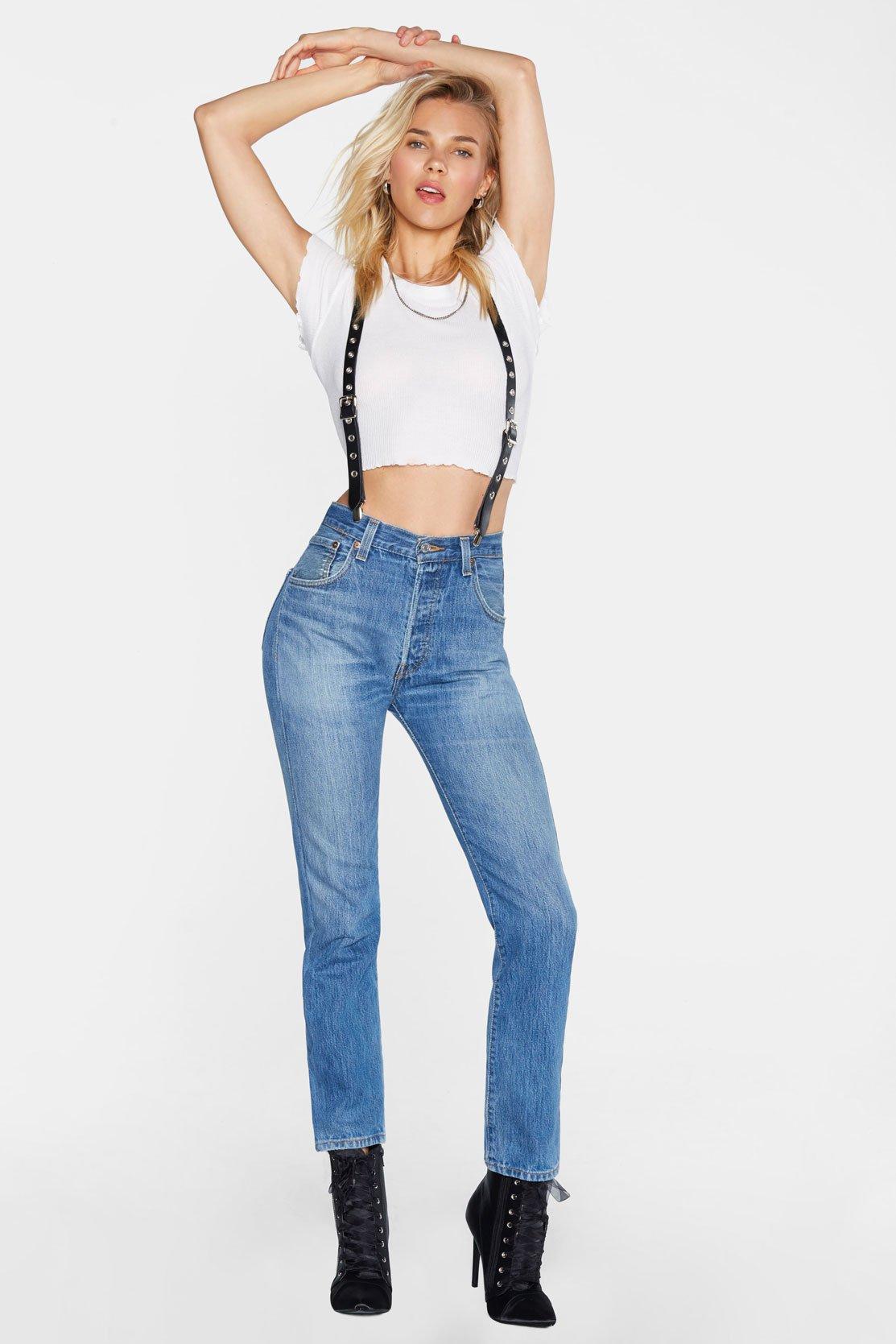
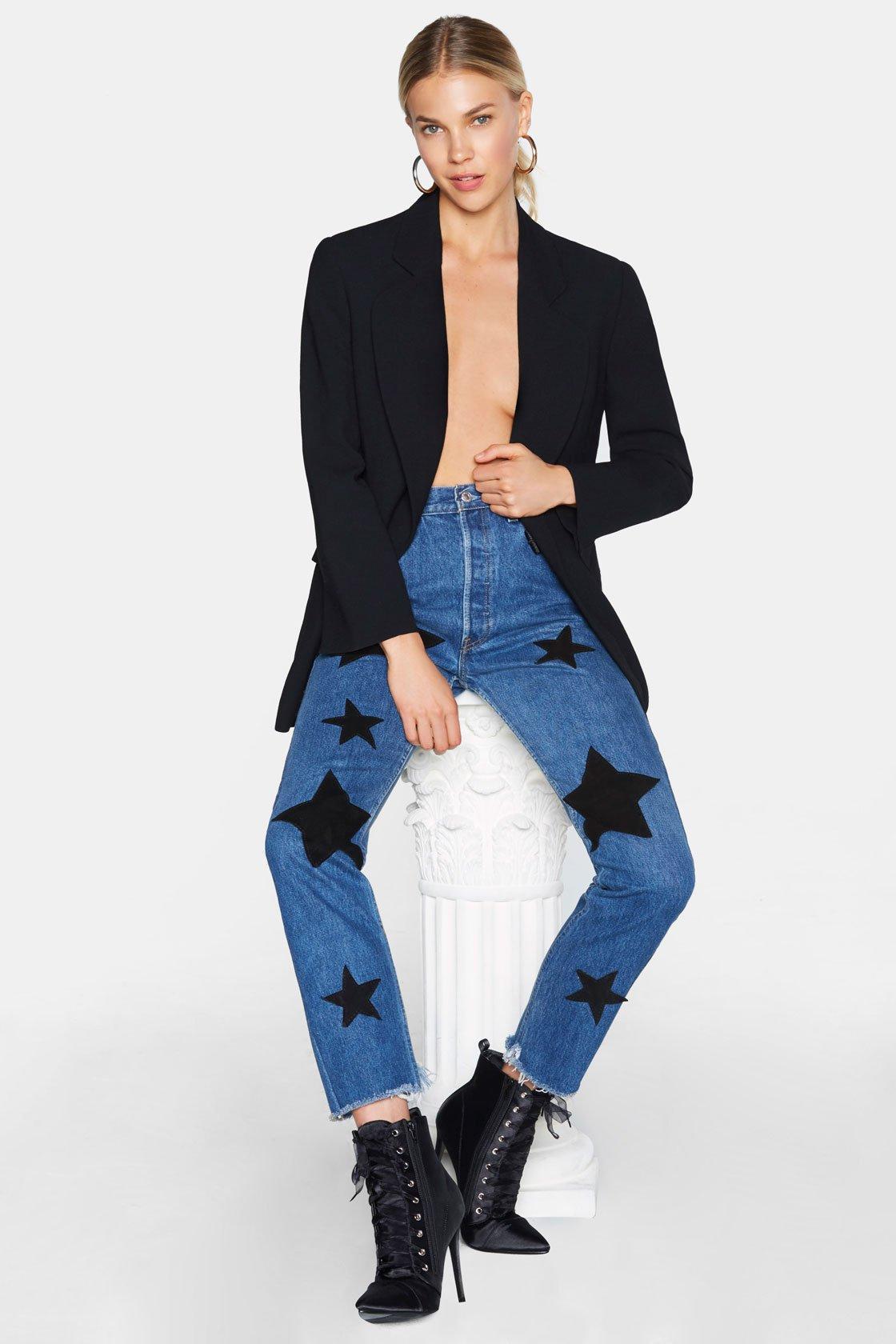
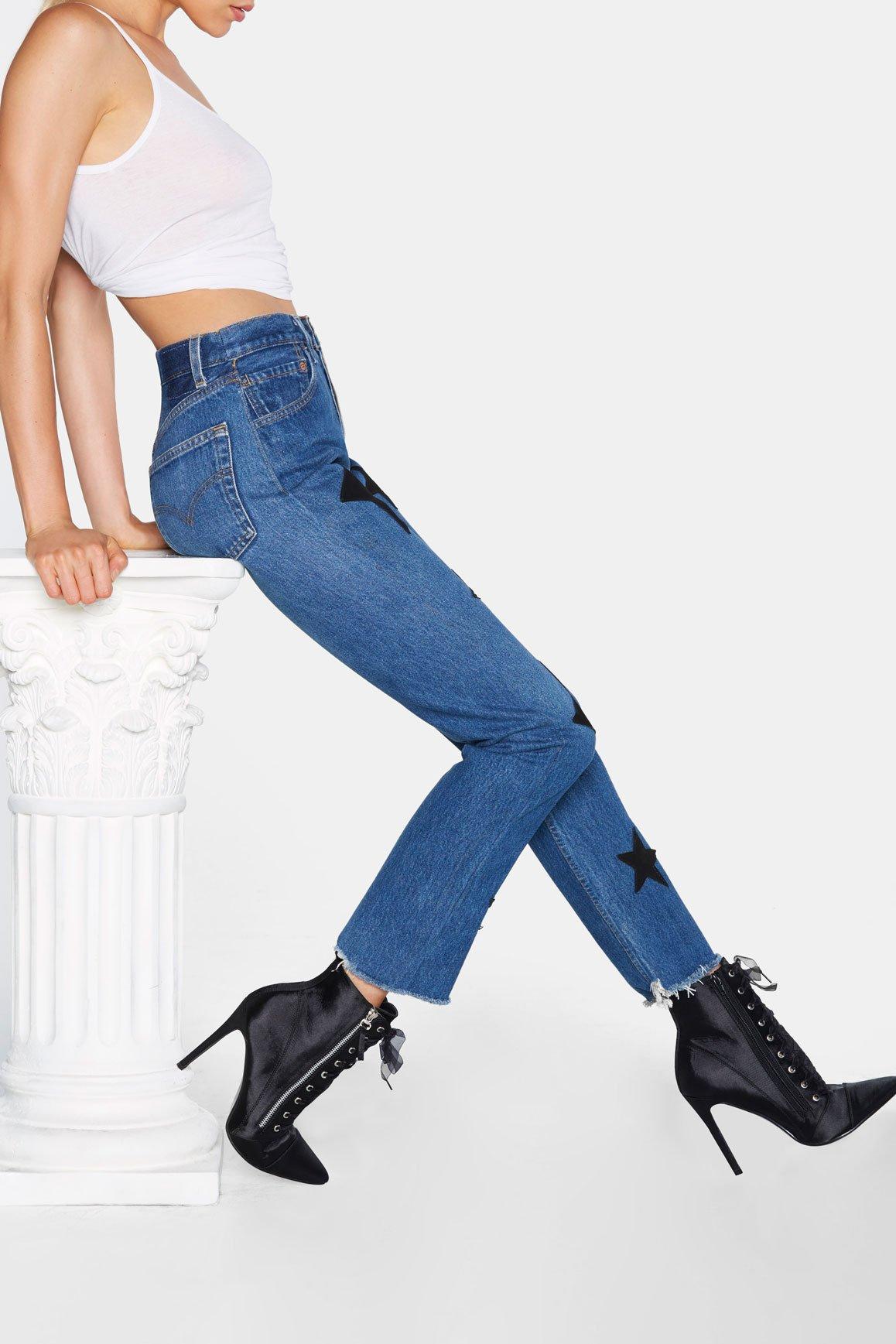
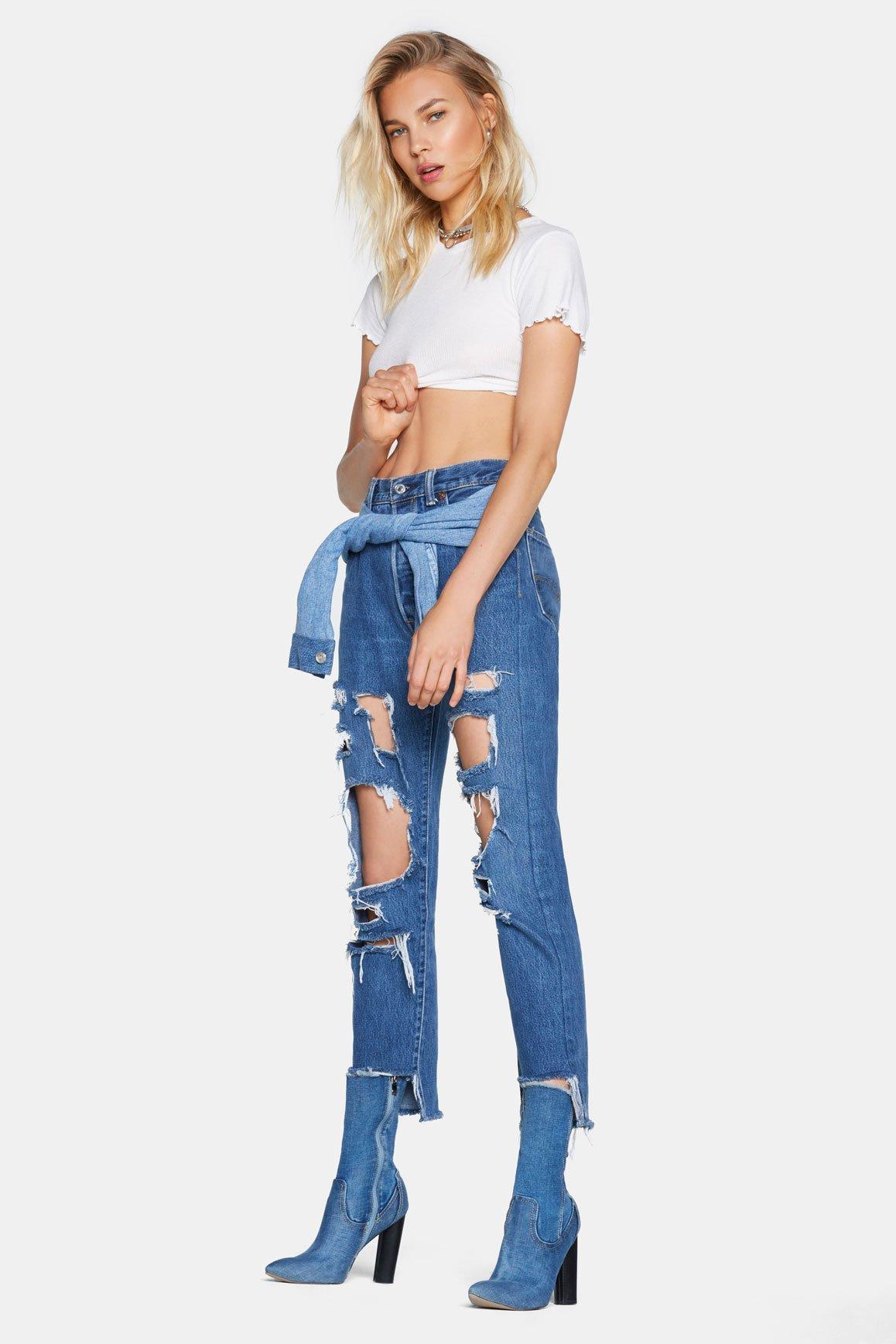
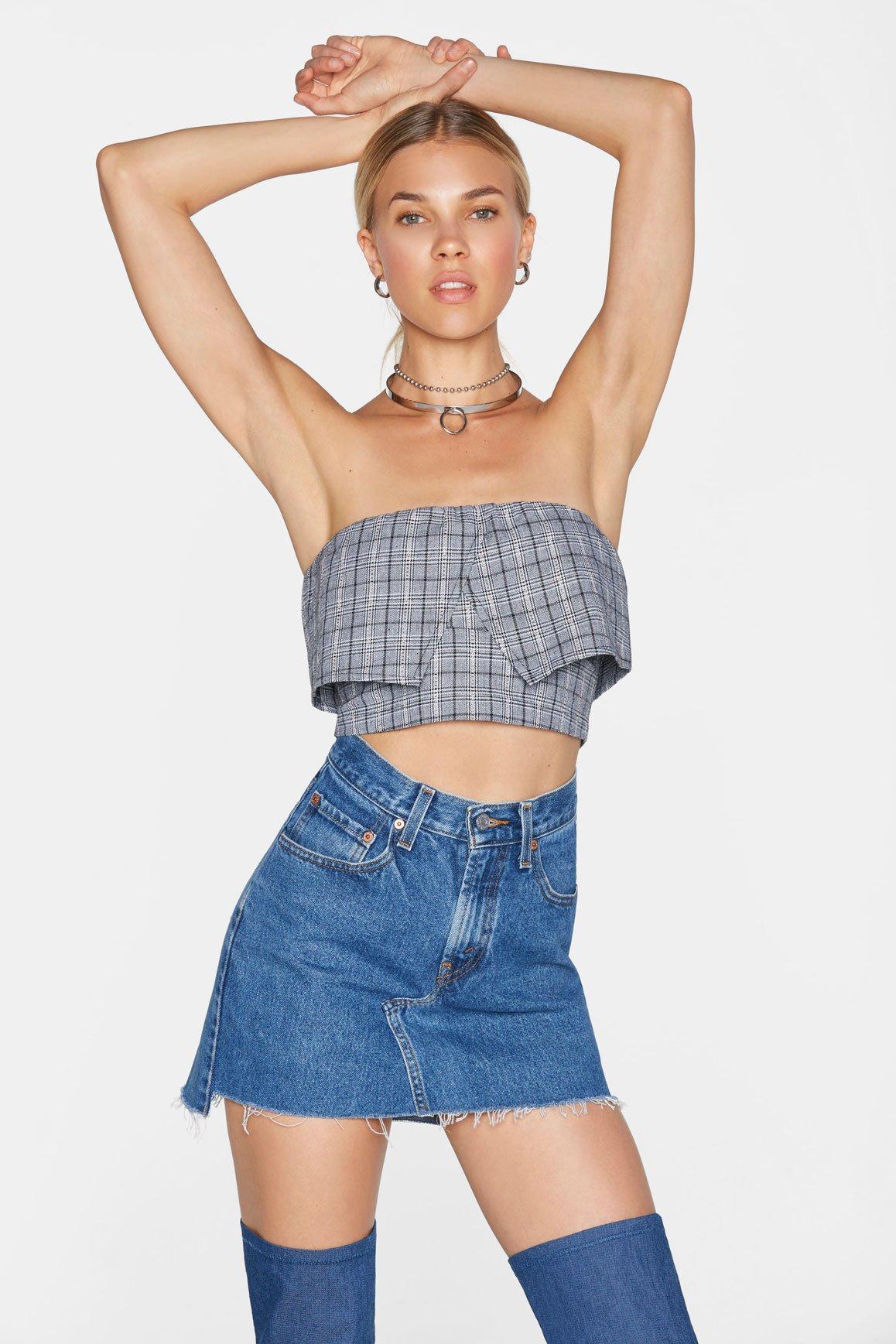
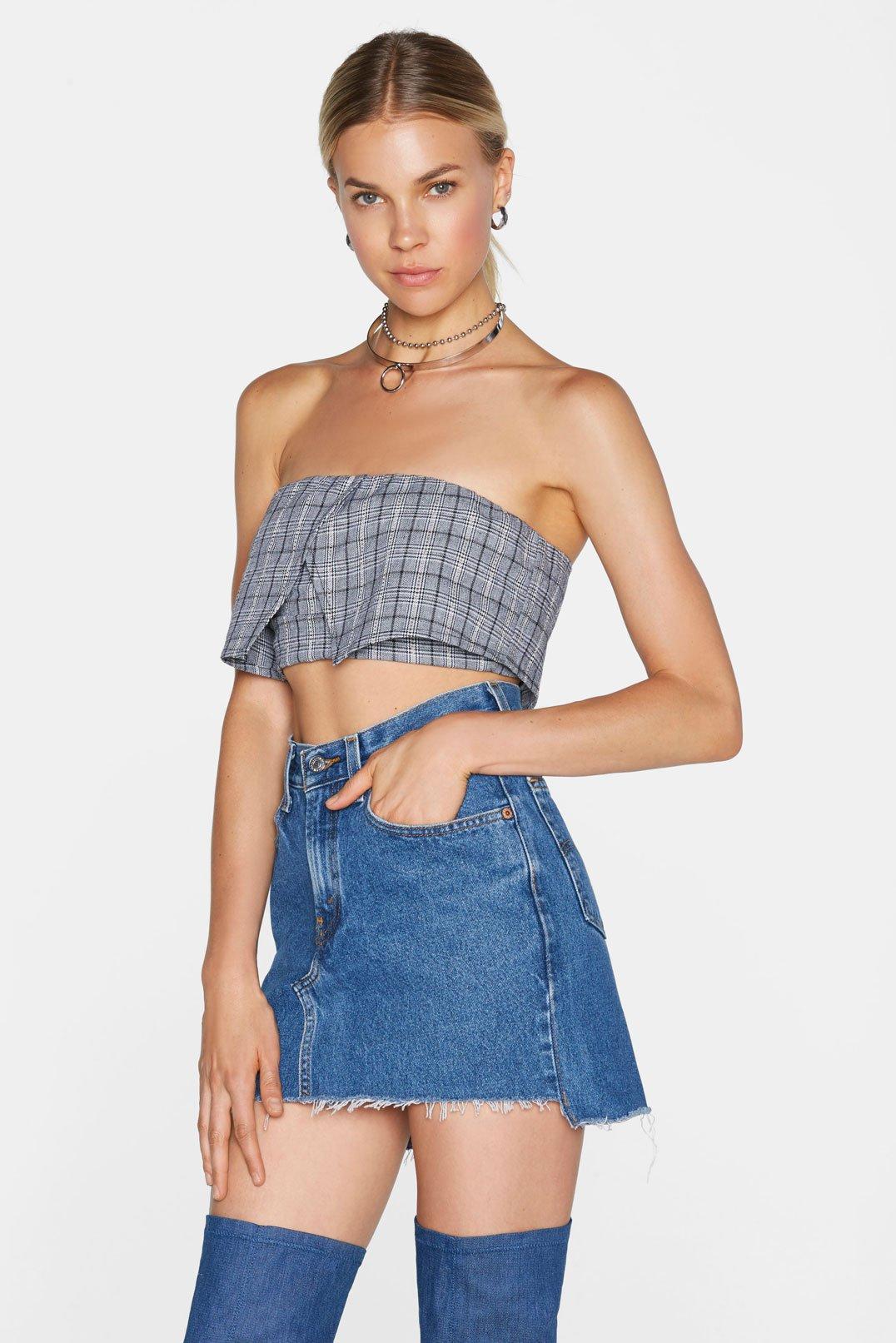
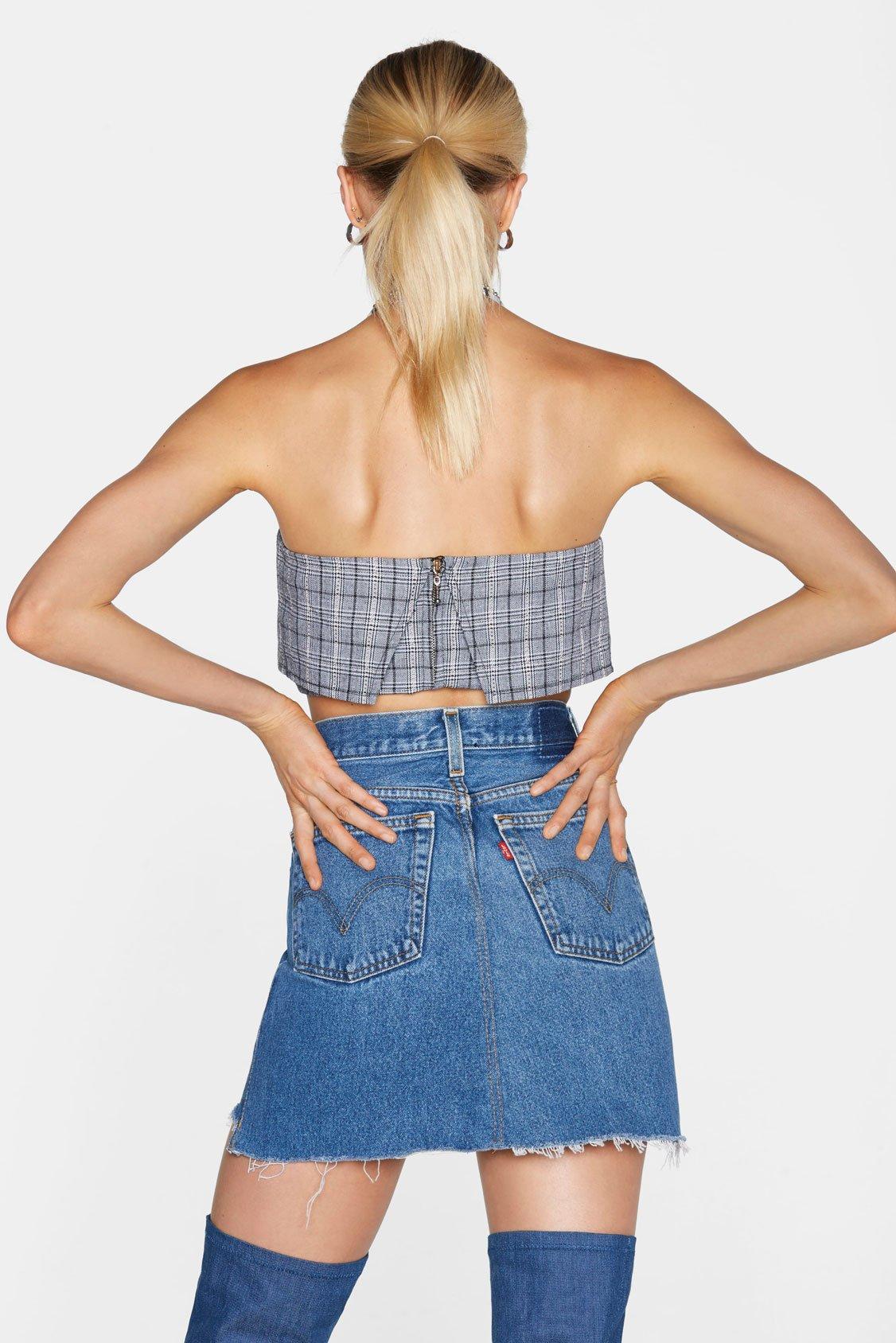
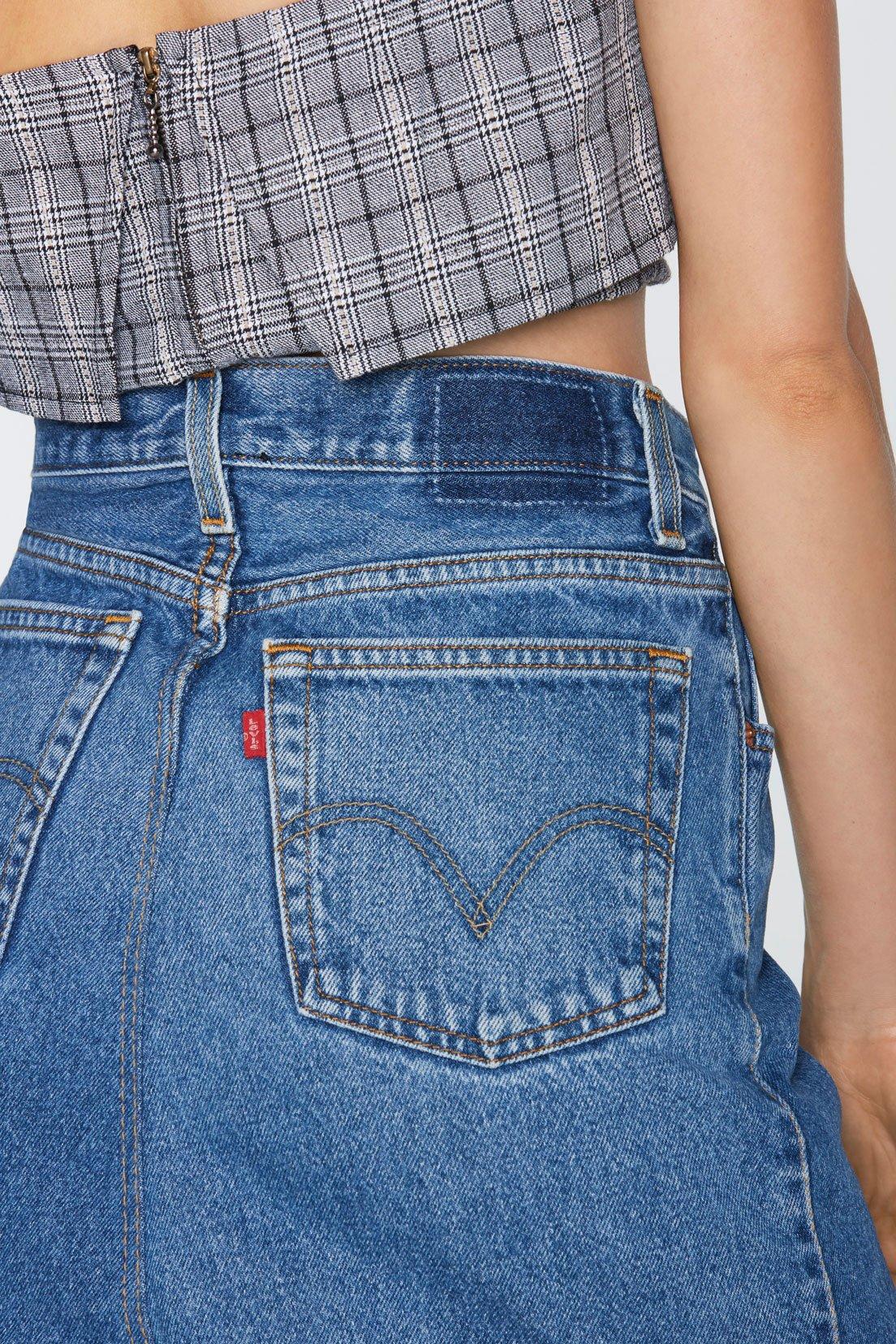
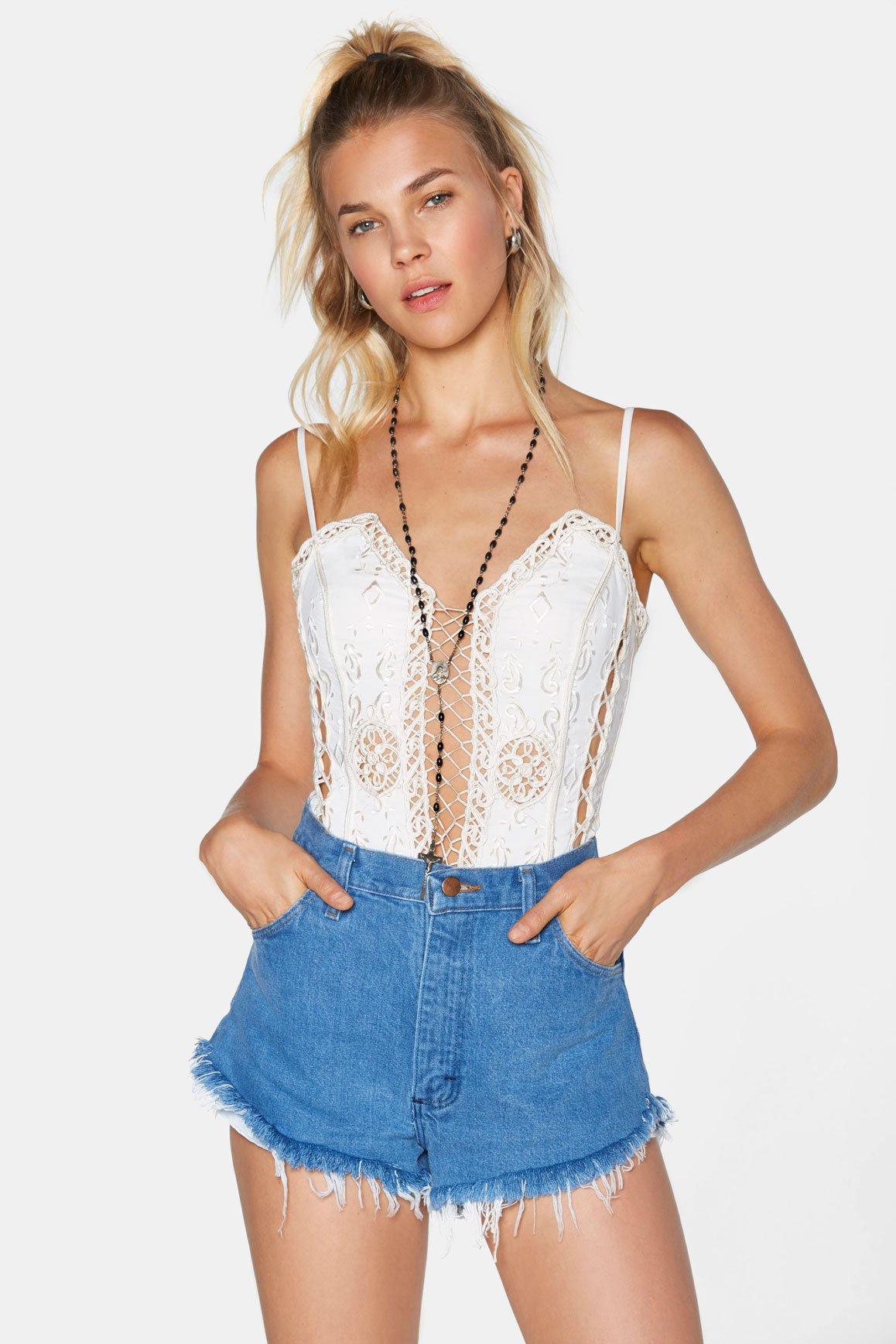
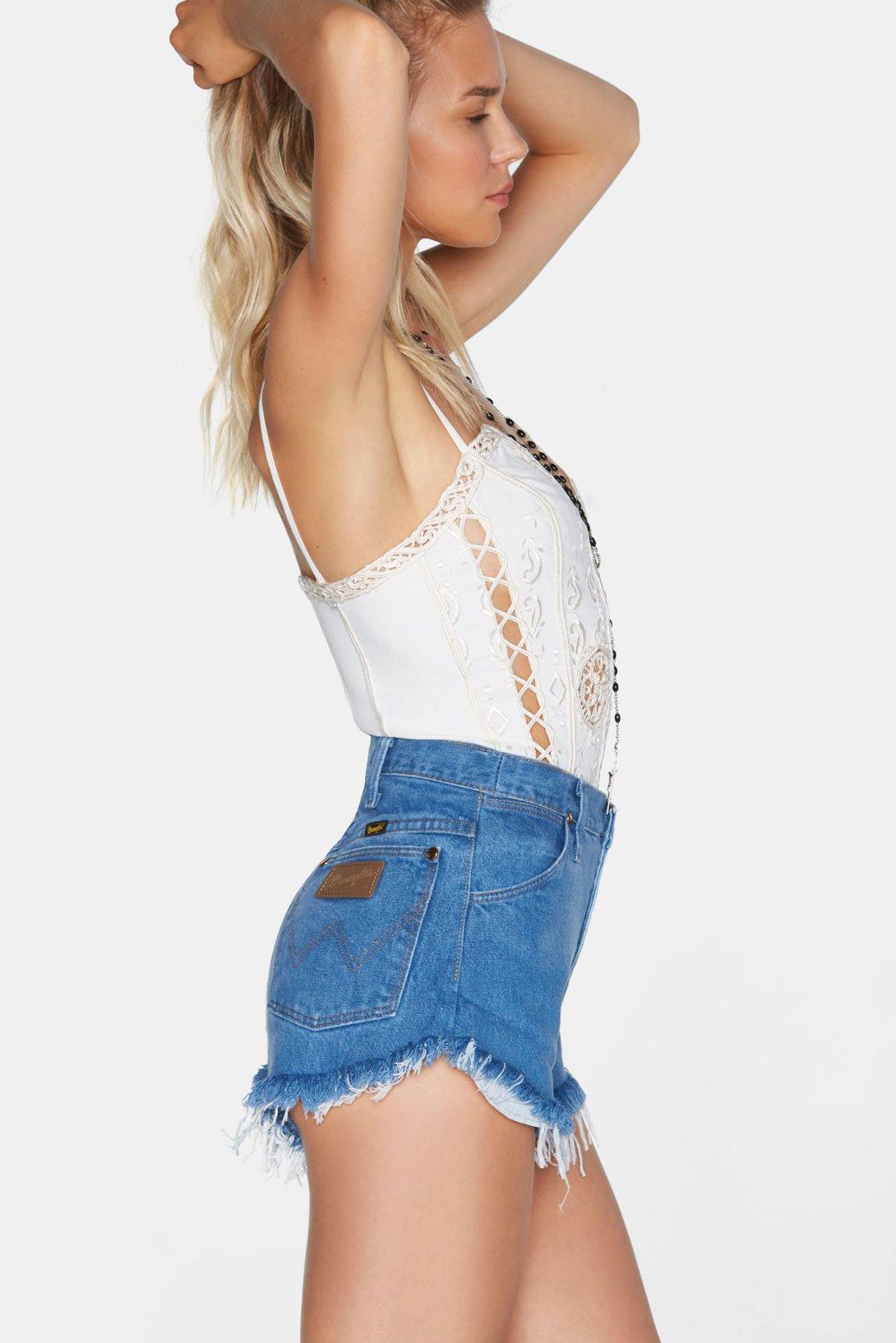
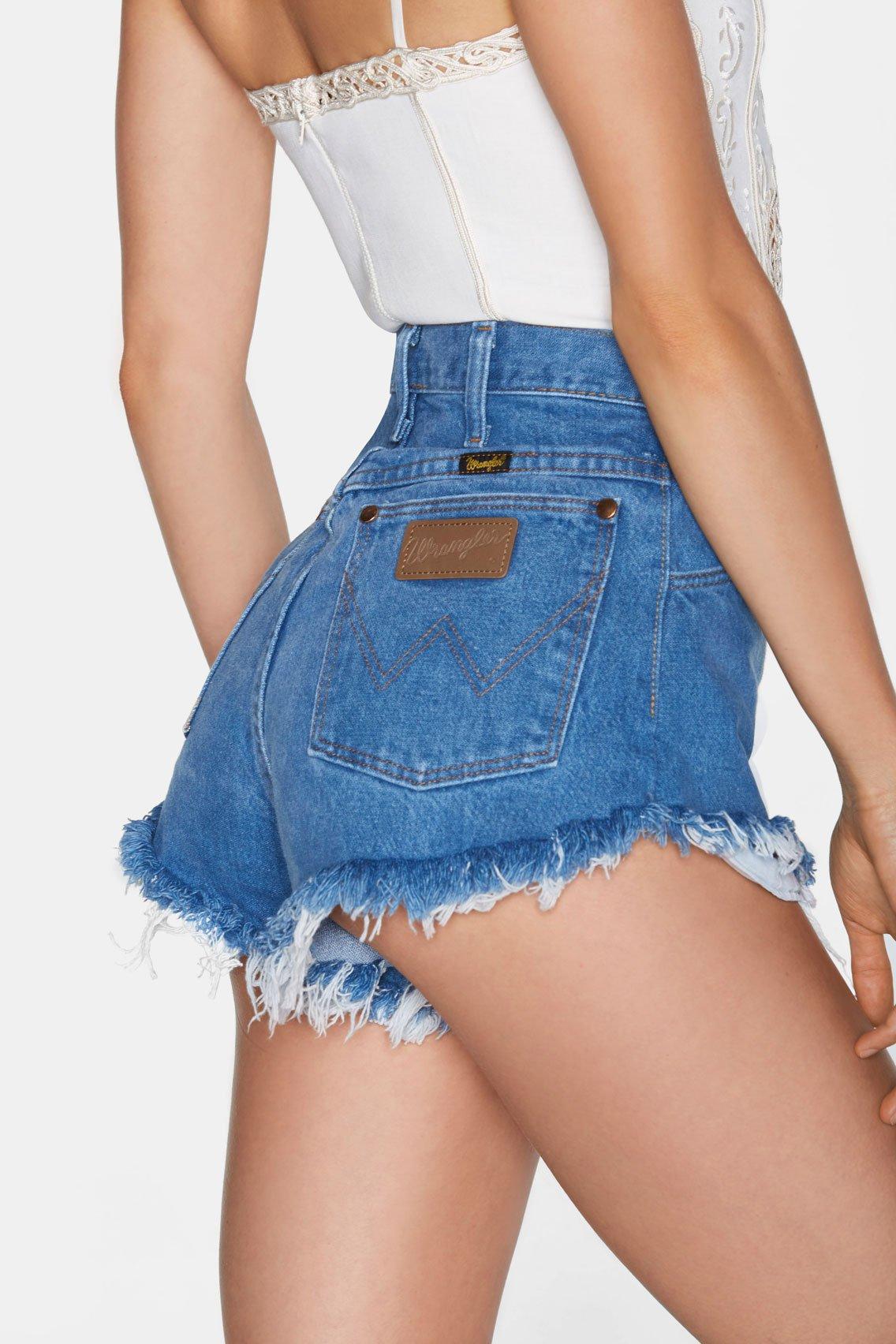
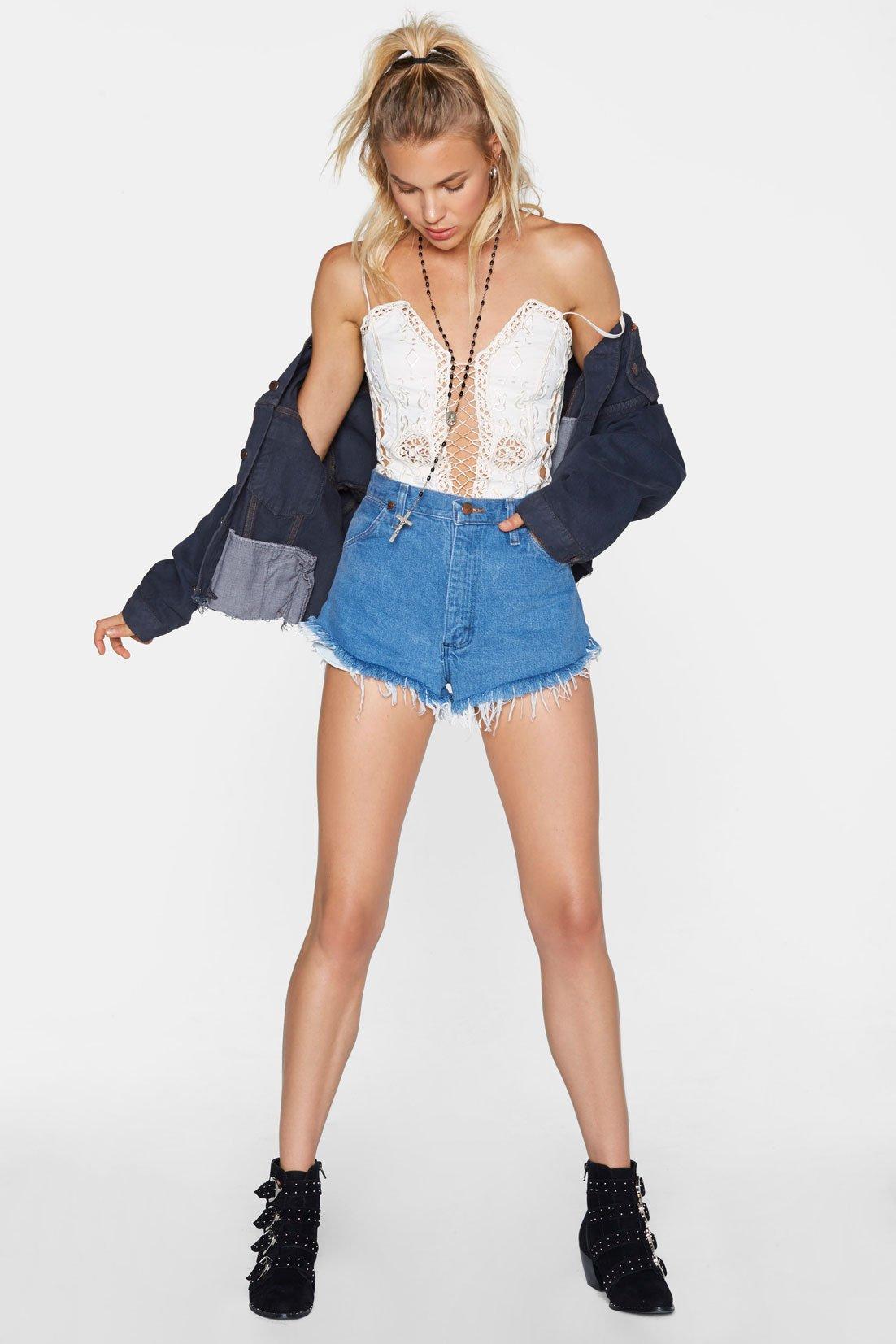
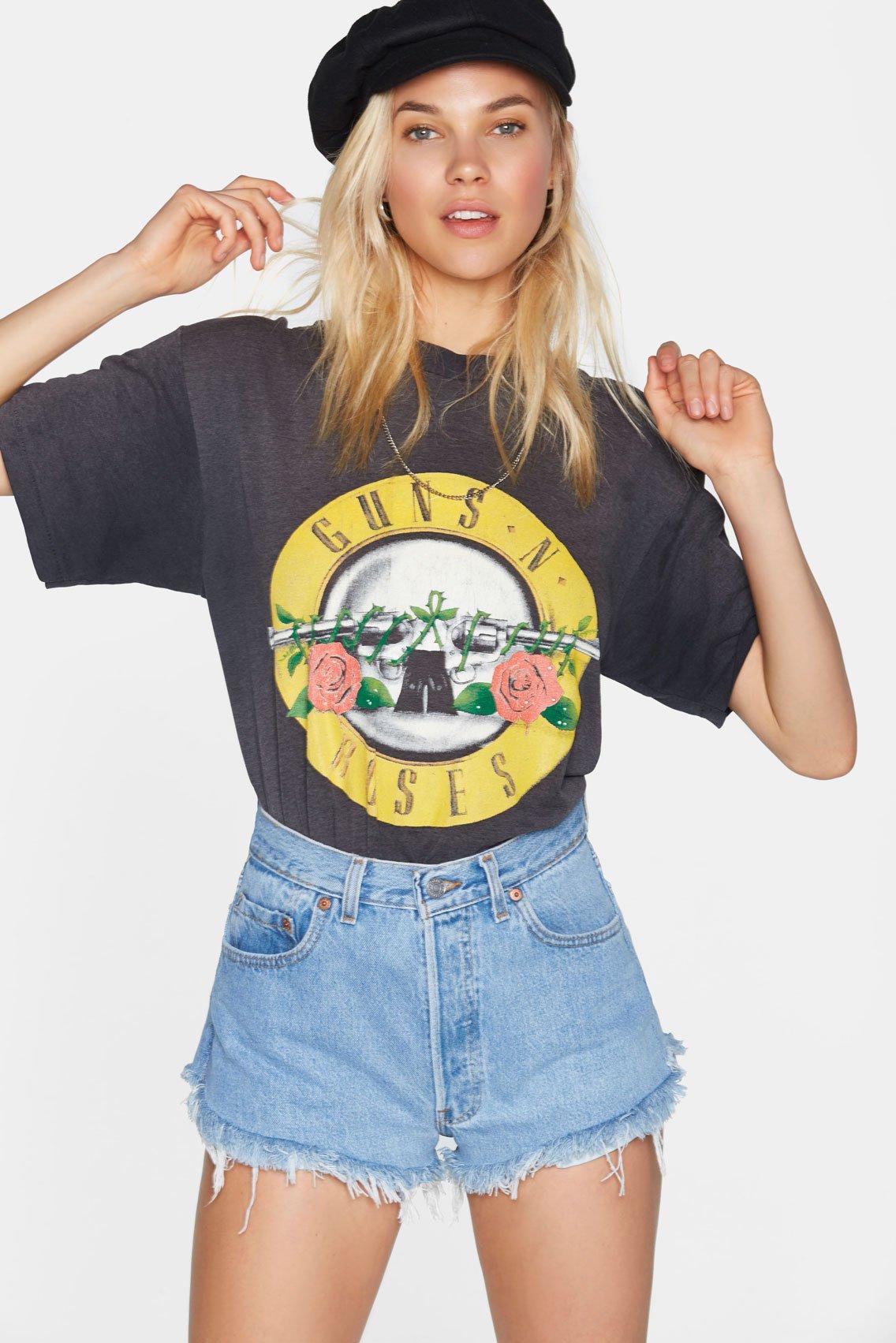
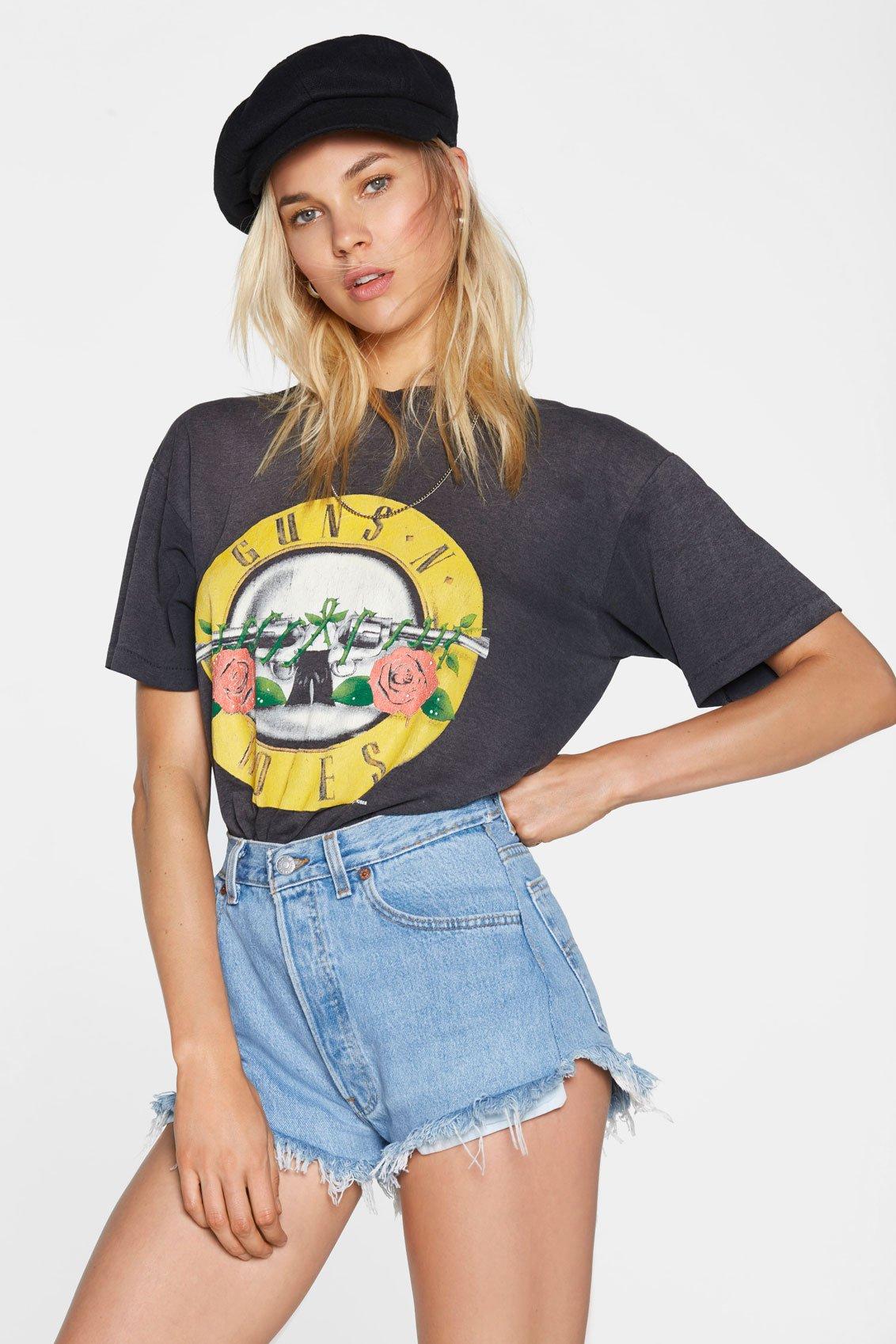
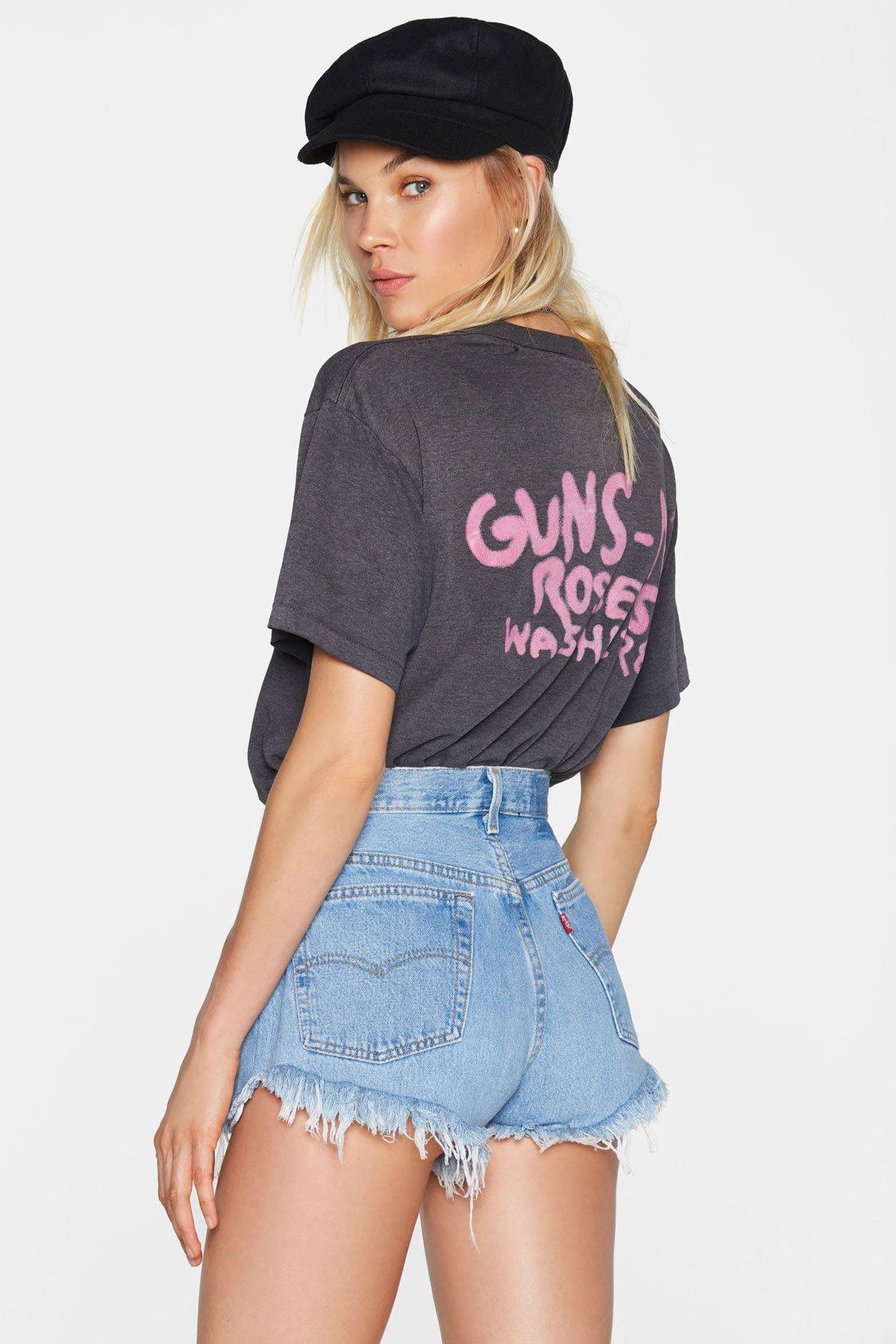
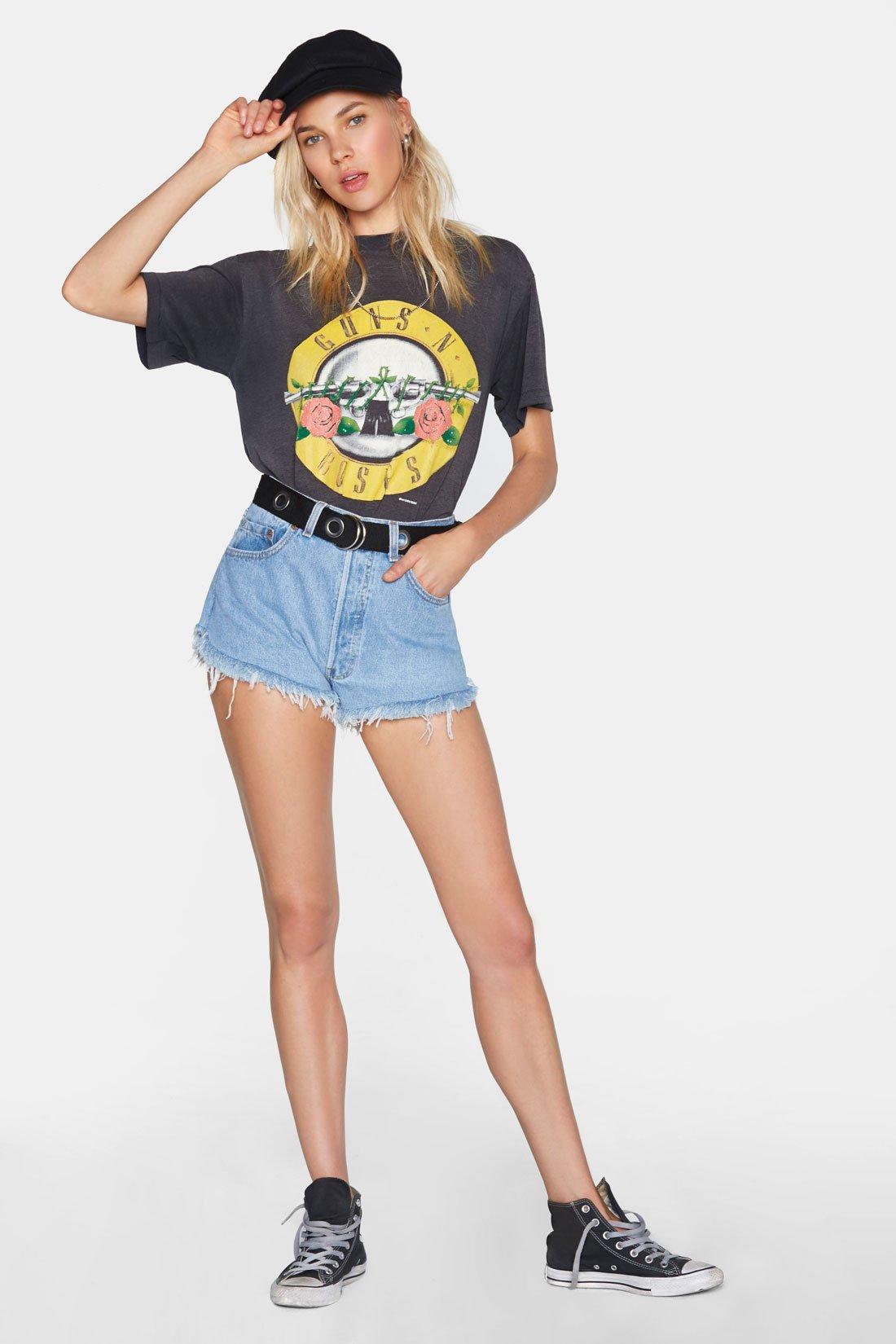
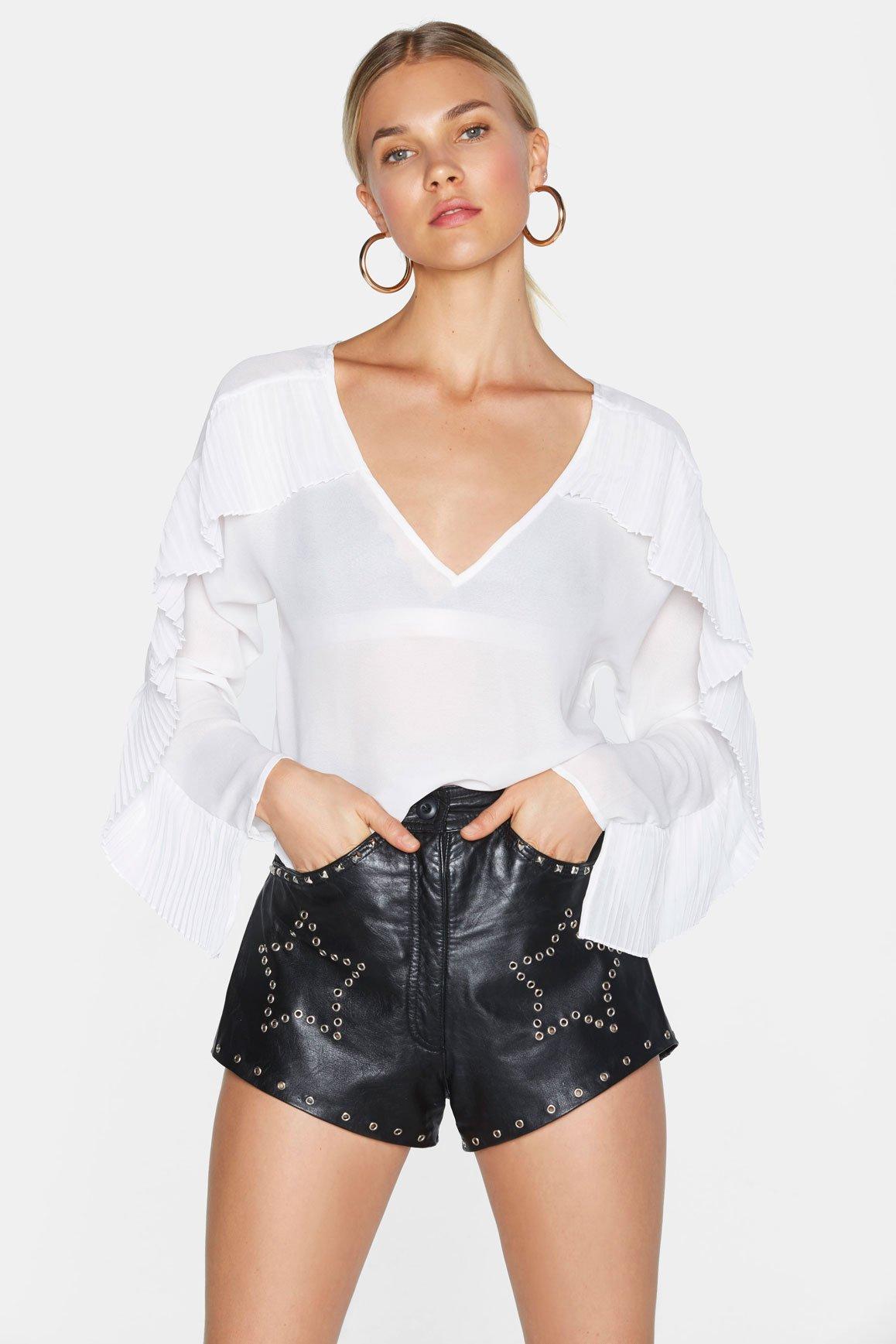
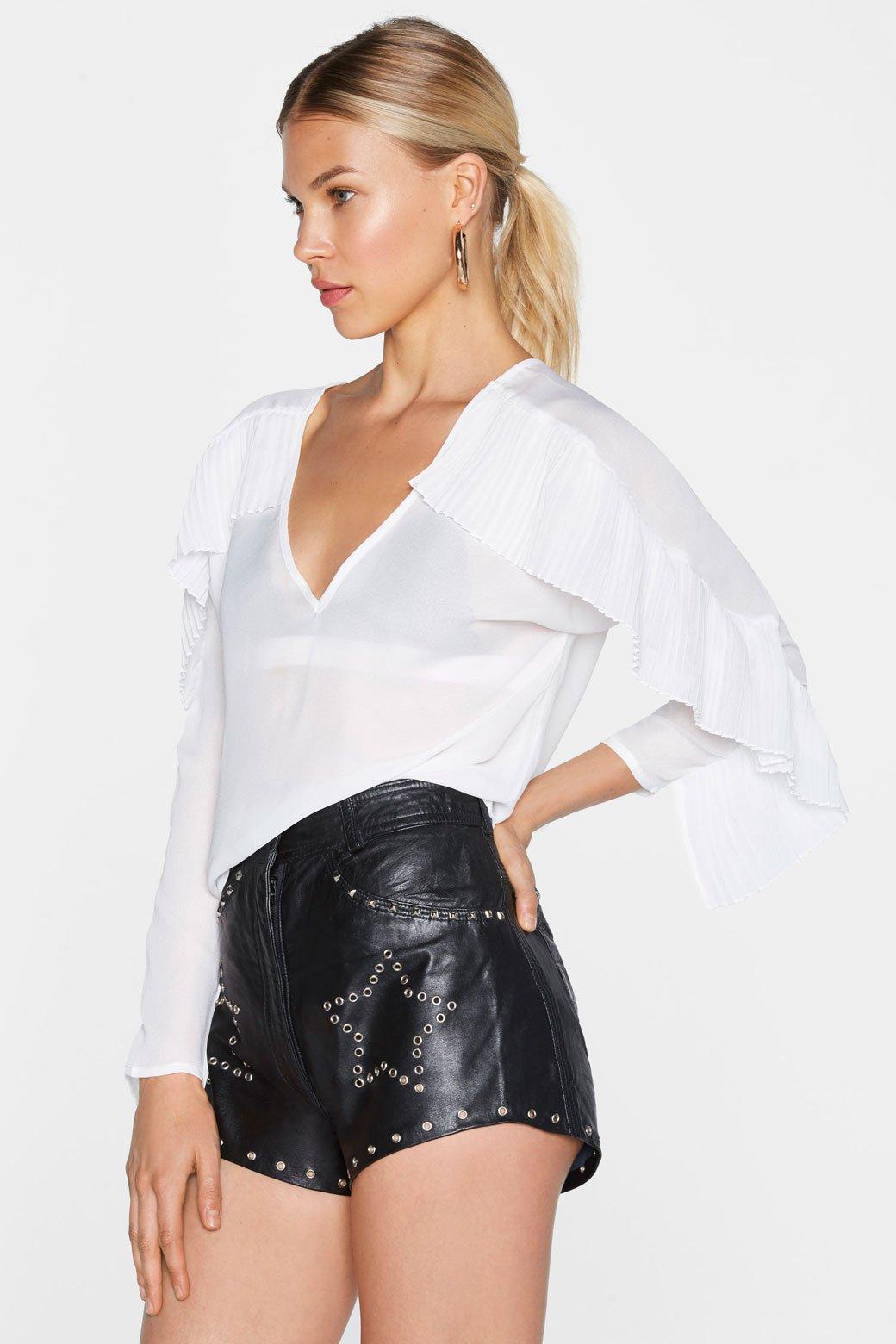
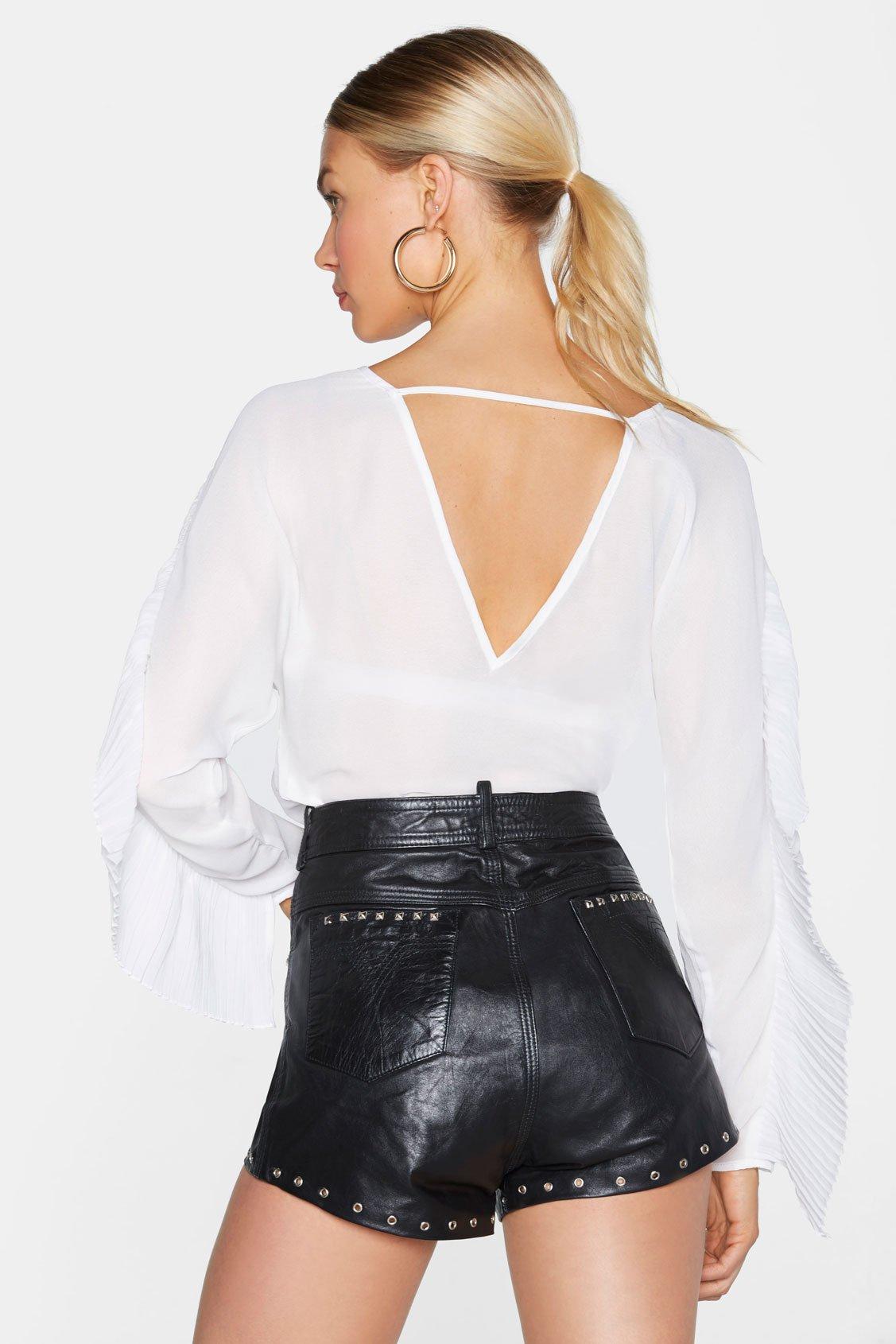
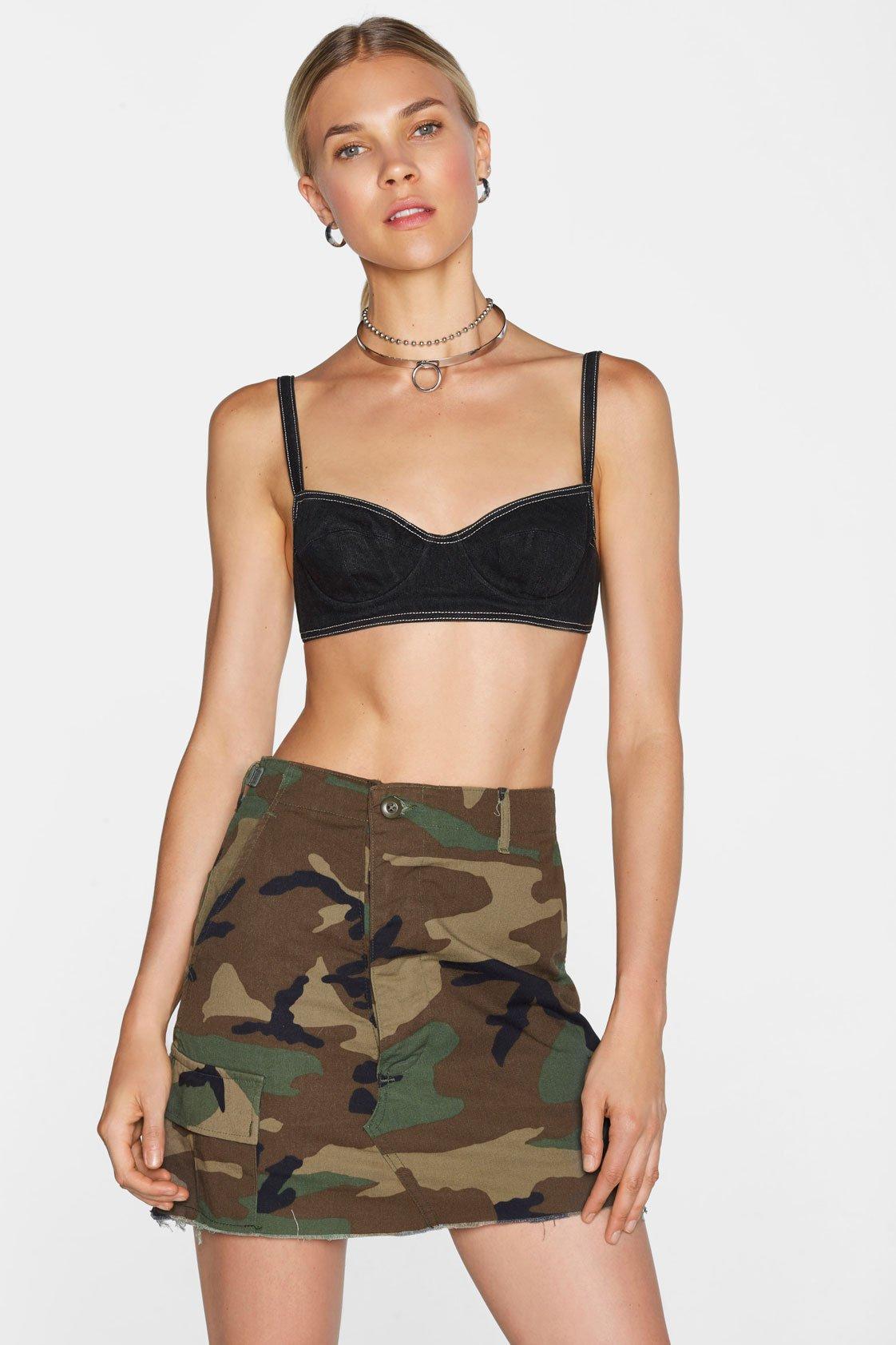
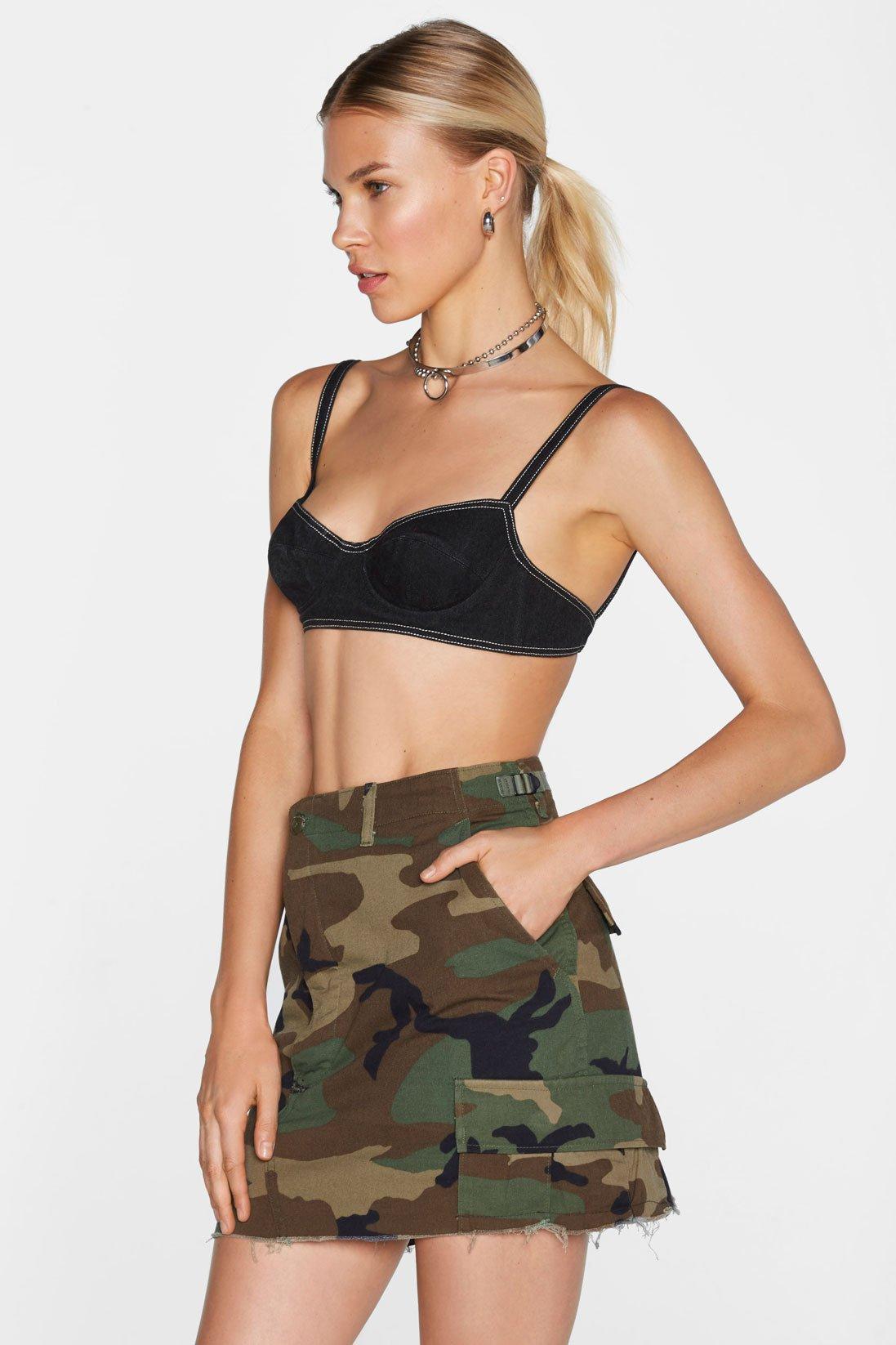
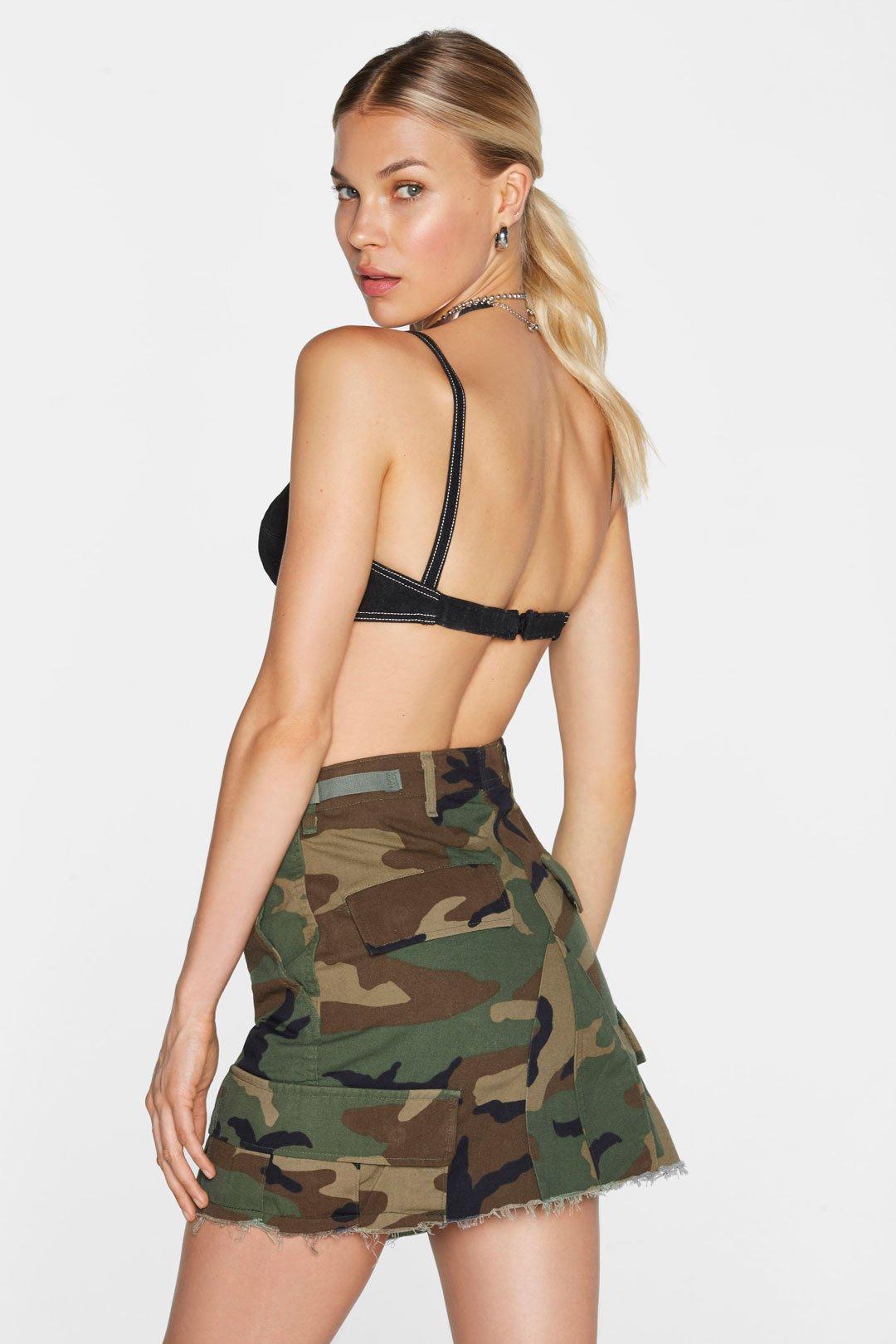
 Nasty Gal 2/2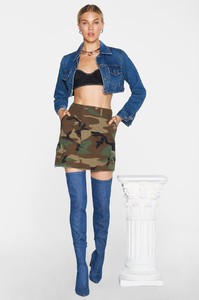
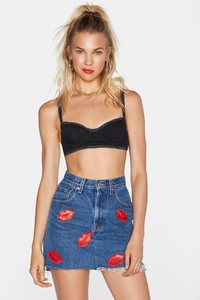
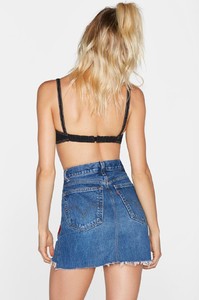
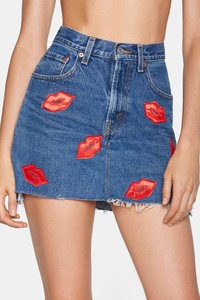
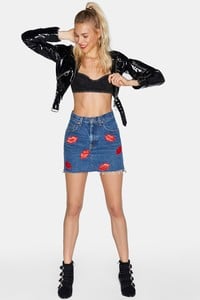
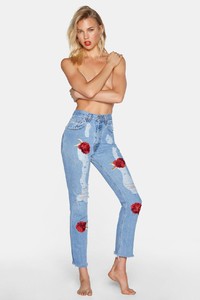
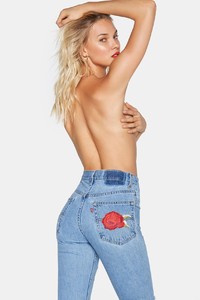
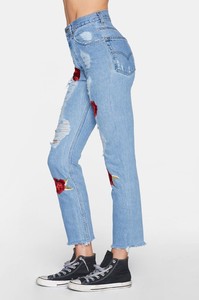
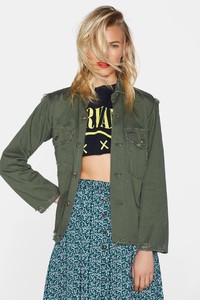
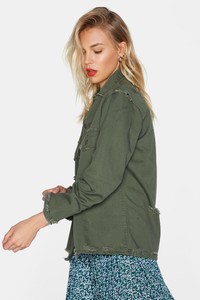
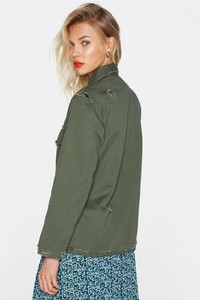
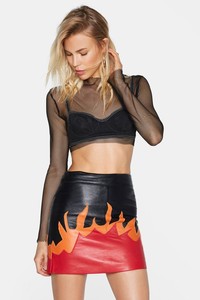
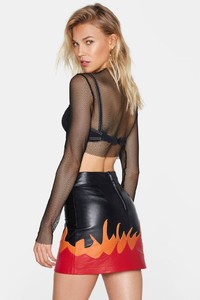
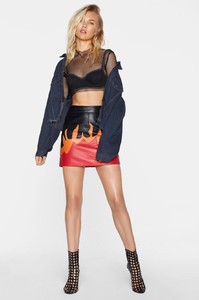
-
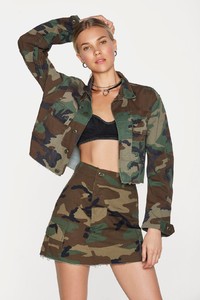
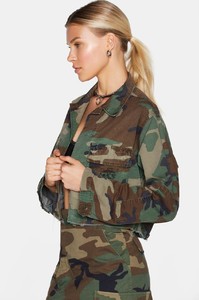
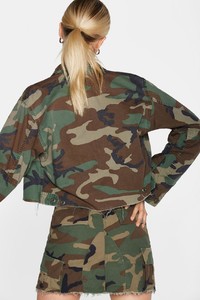
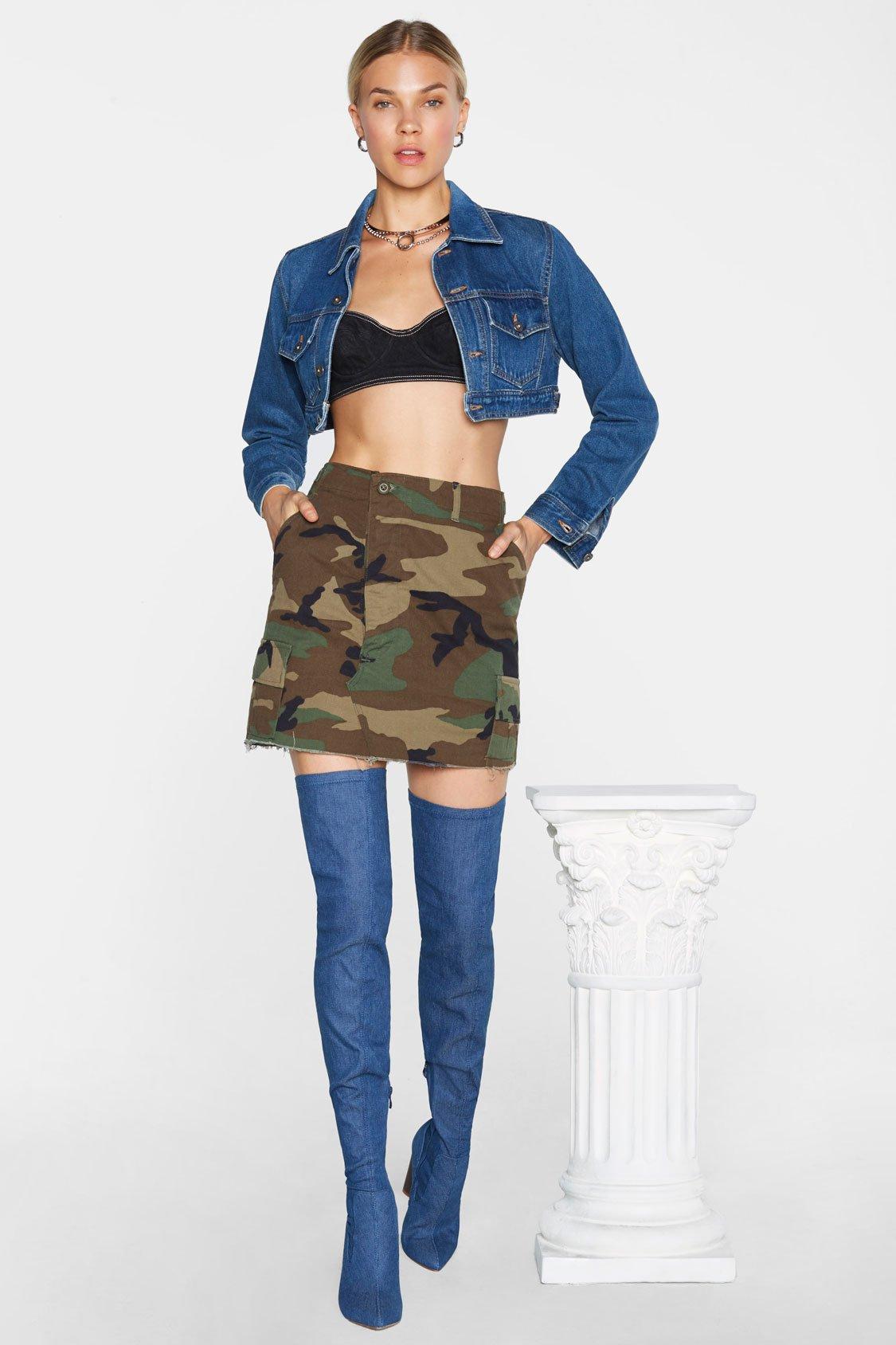
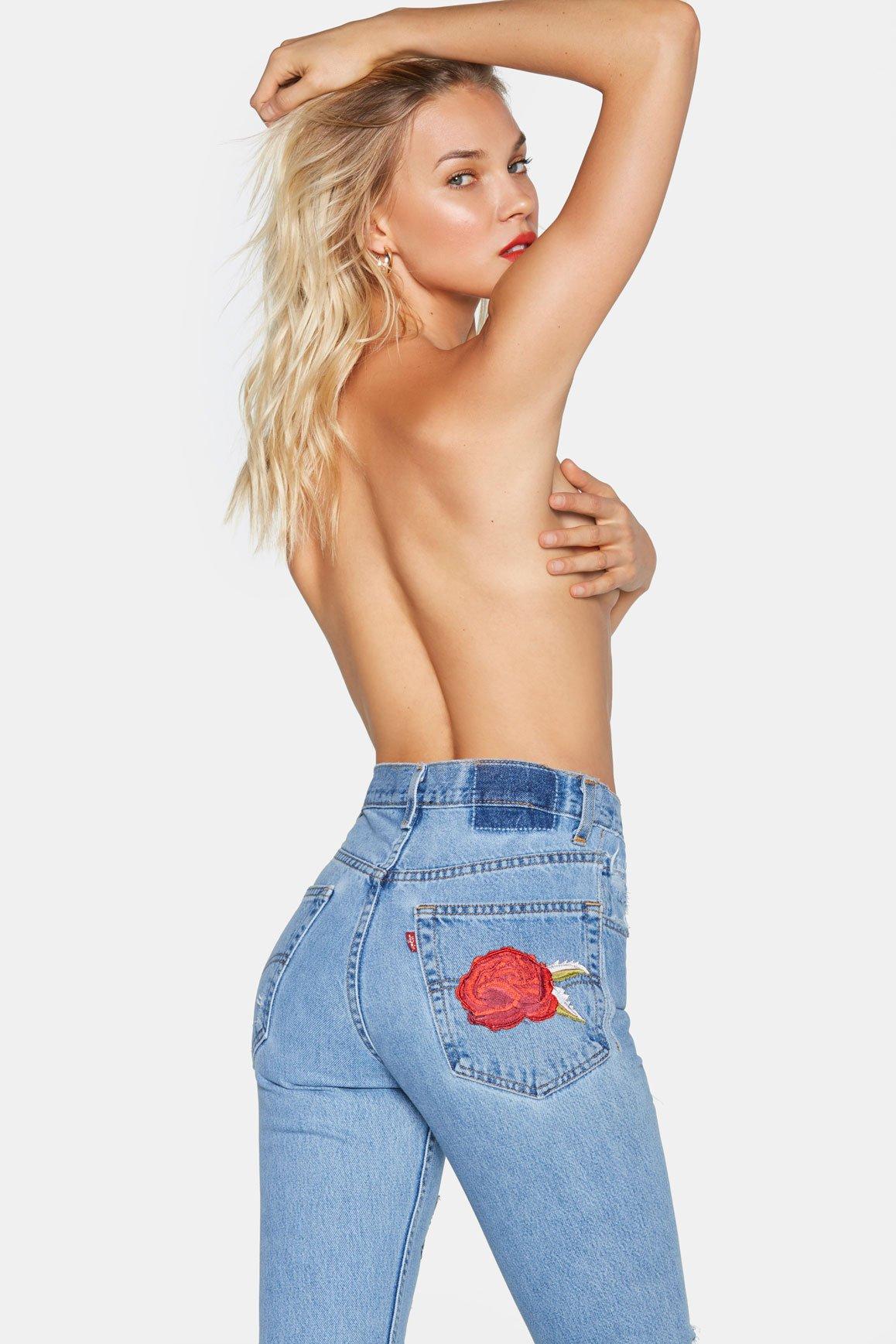
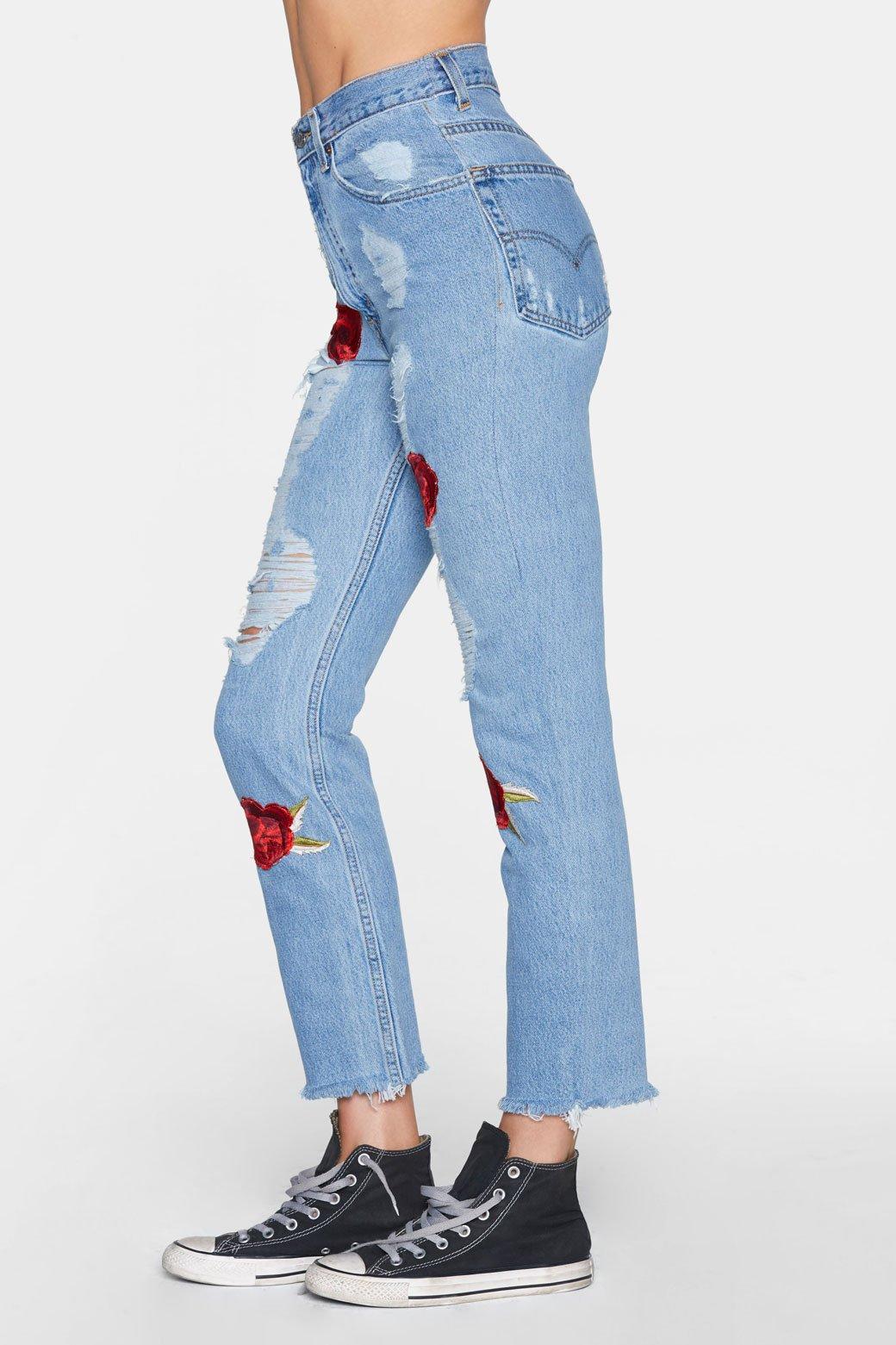
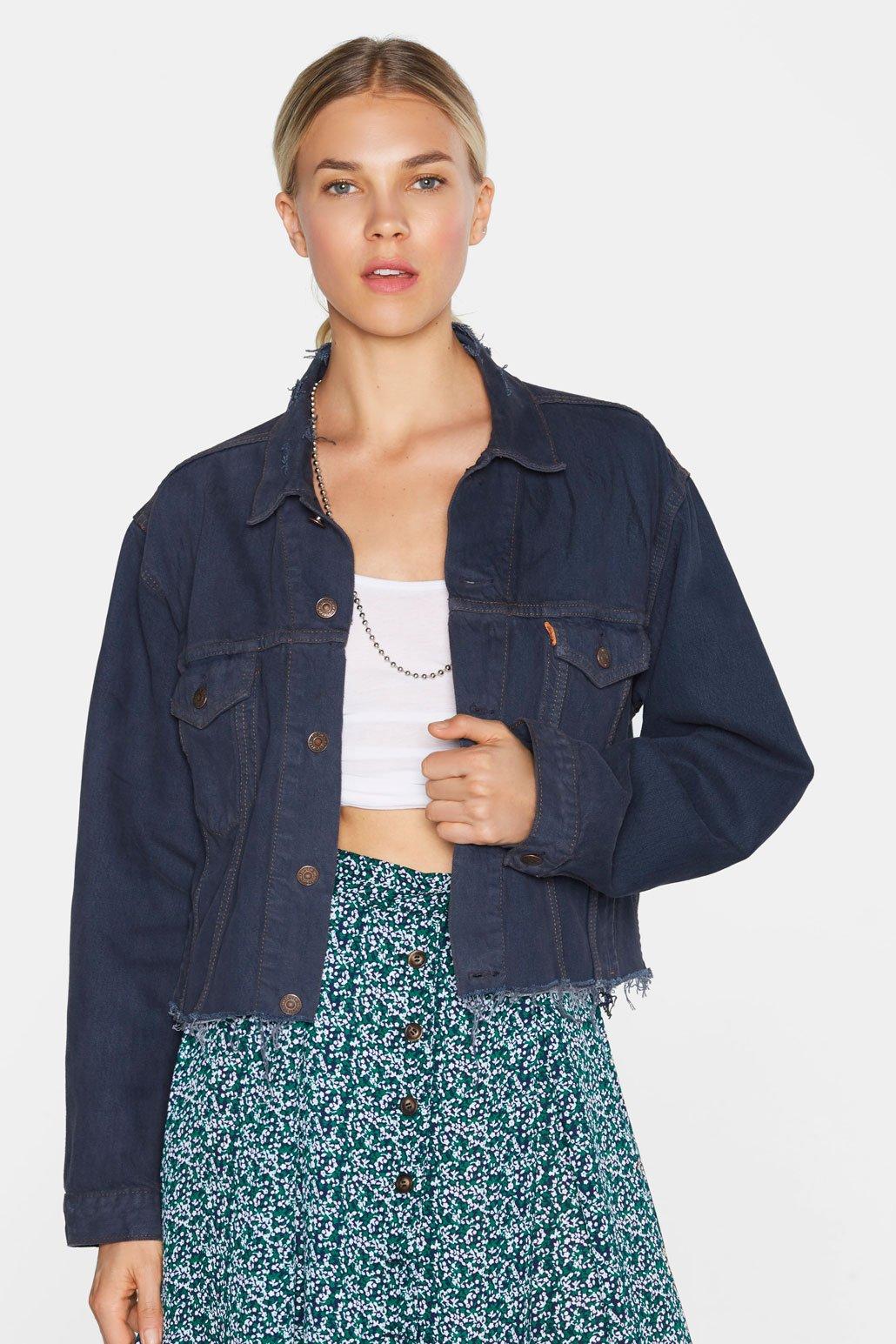
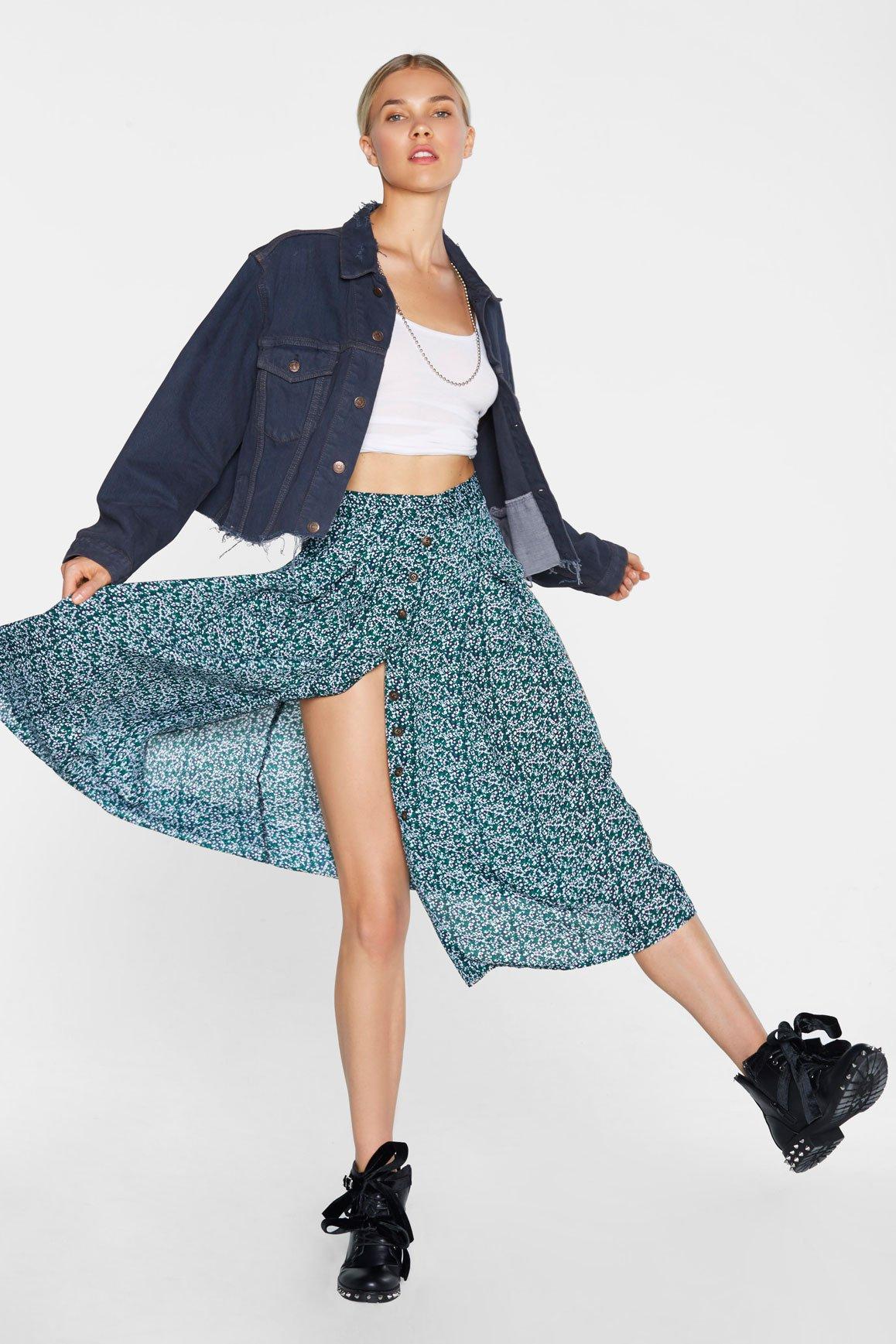
Nasty Gal 1/2
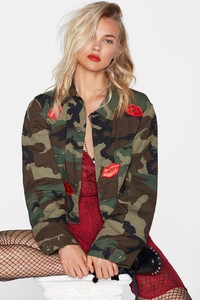
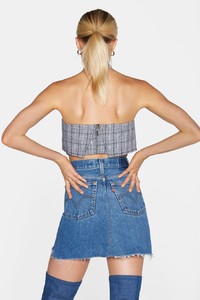
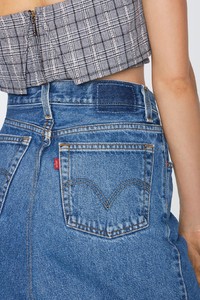
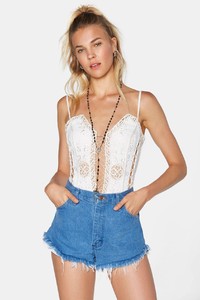
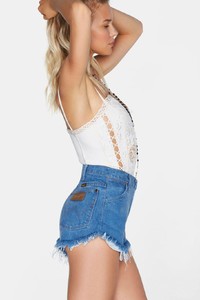
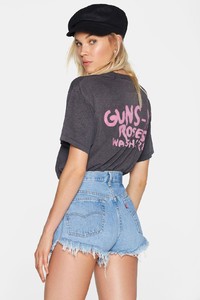
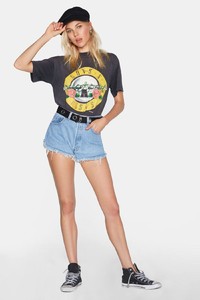
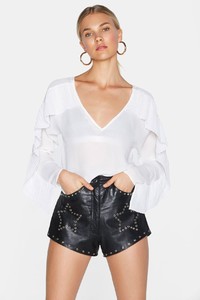
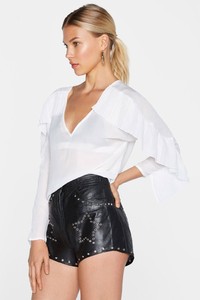
-
adds
-
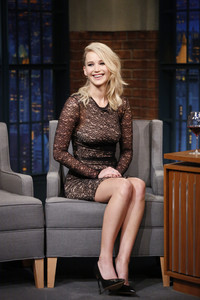
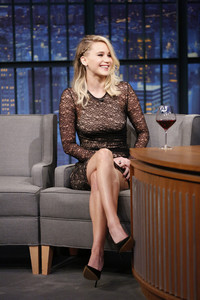
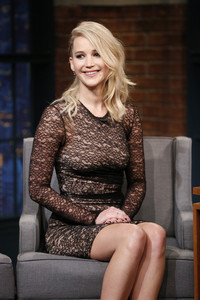
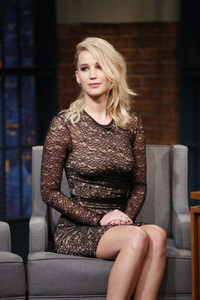
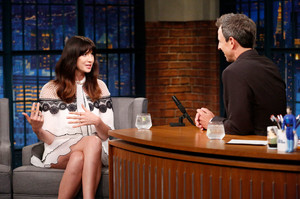
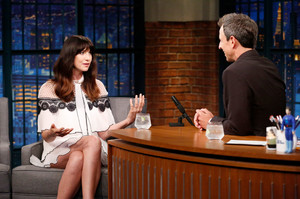
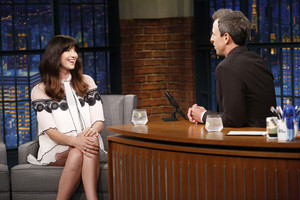
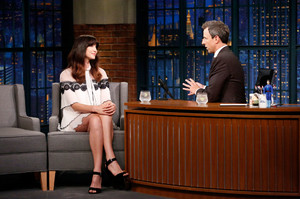
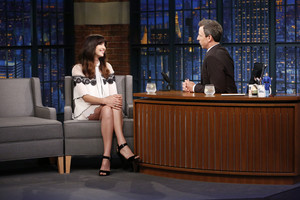
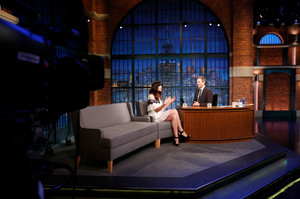
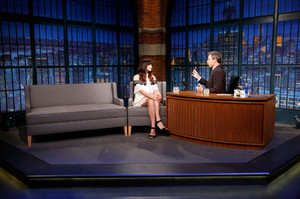
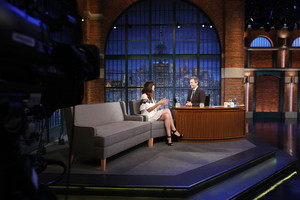
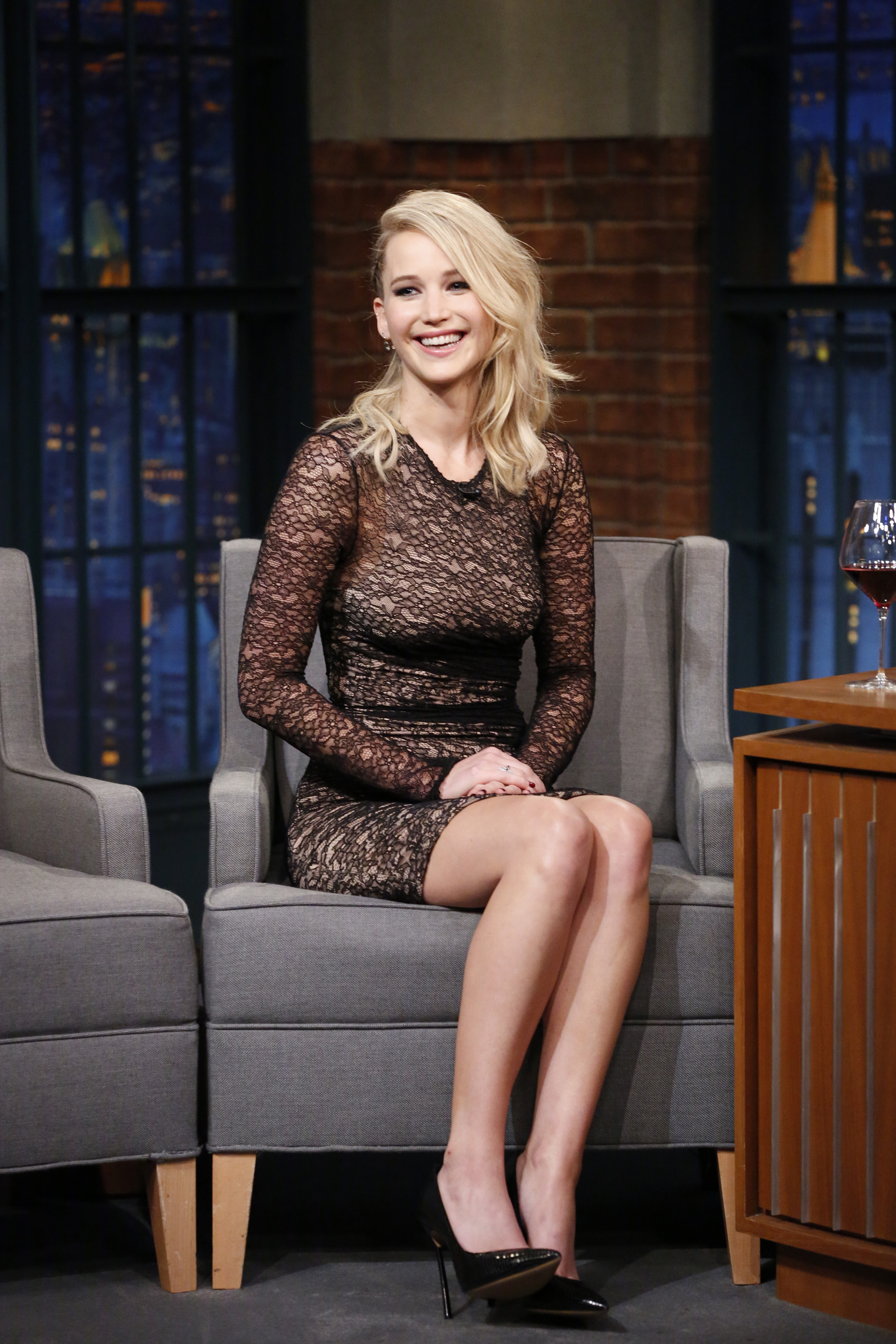
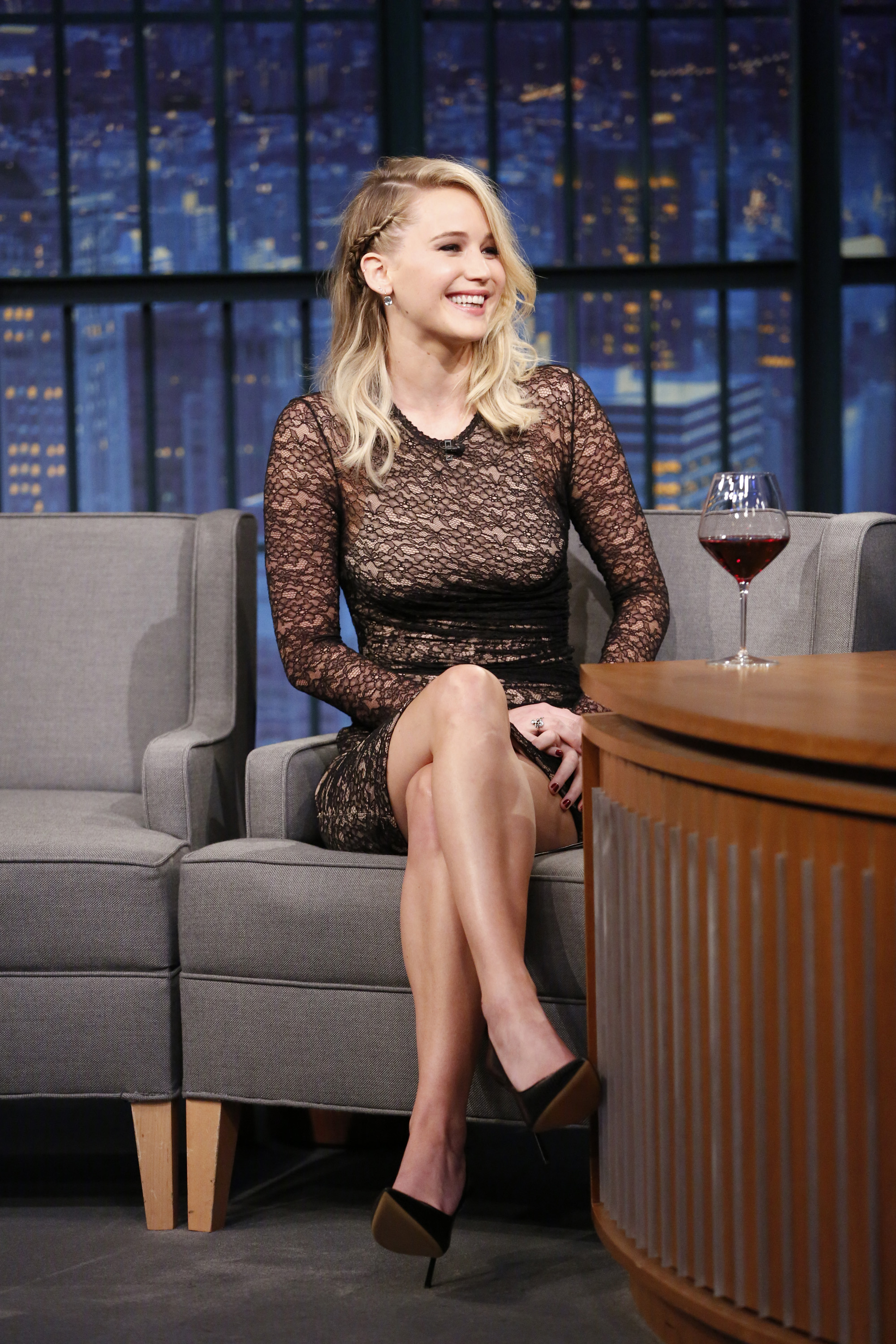
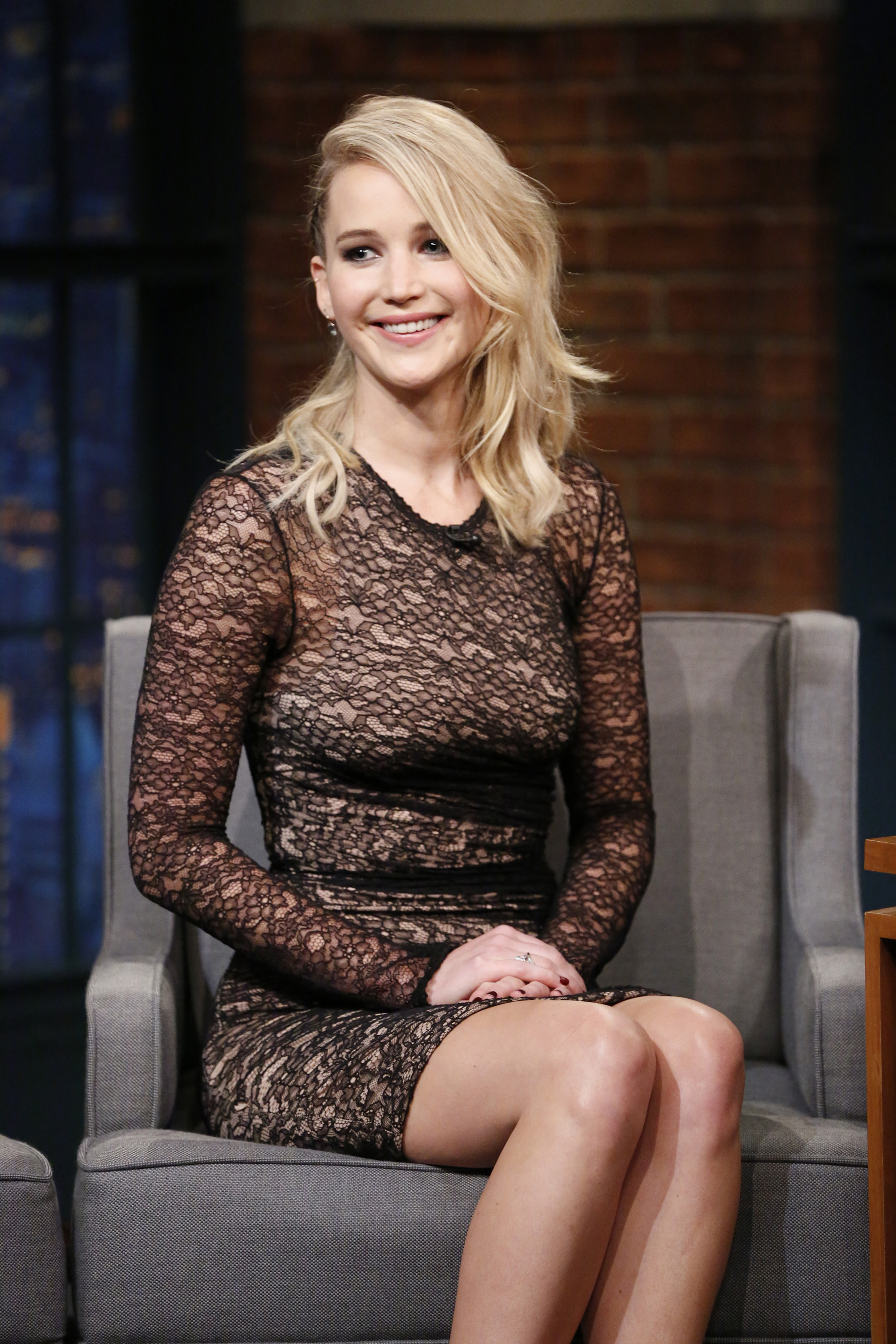
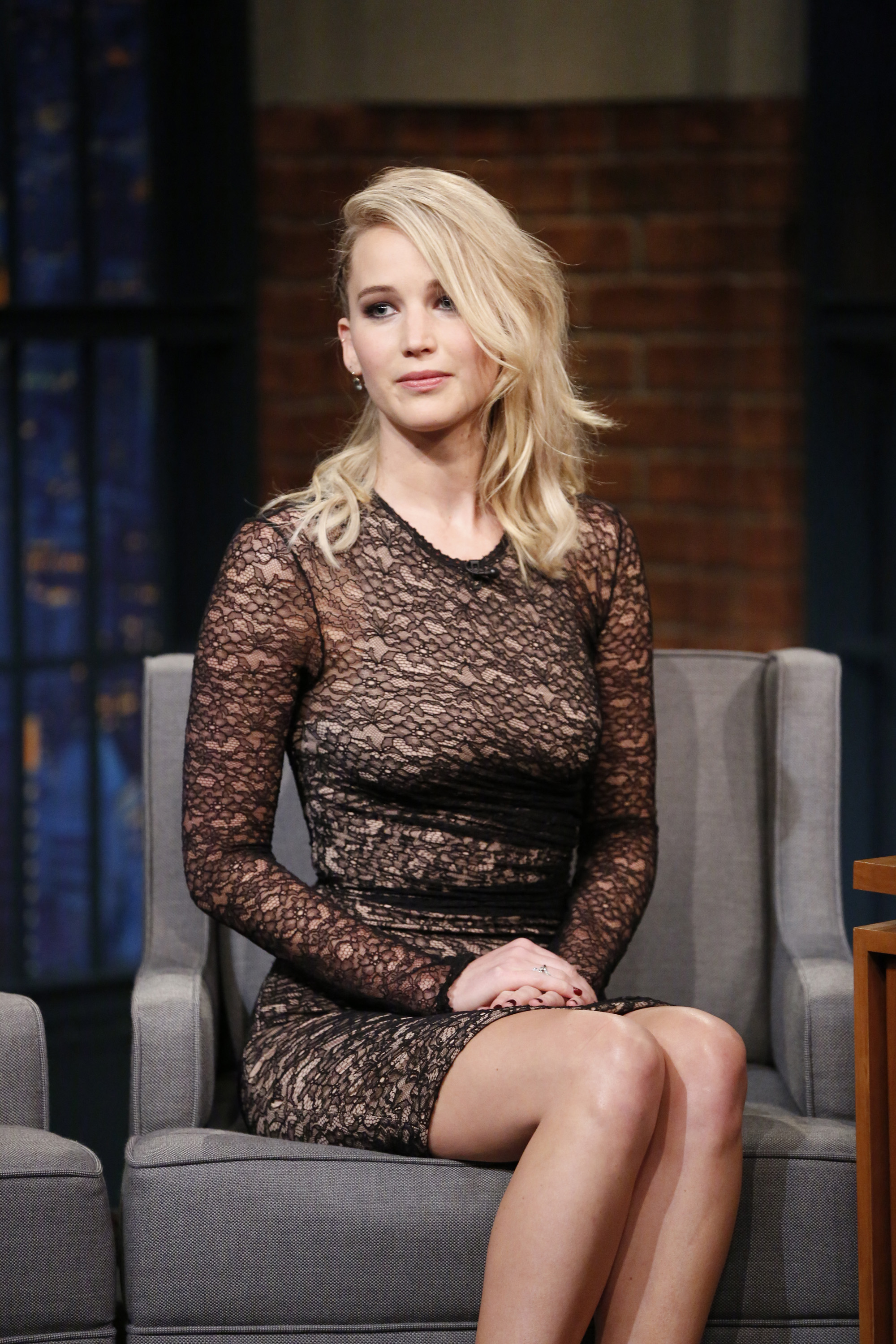
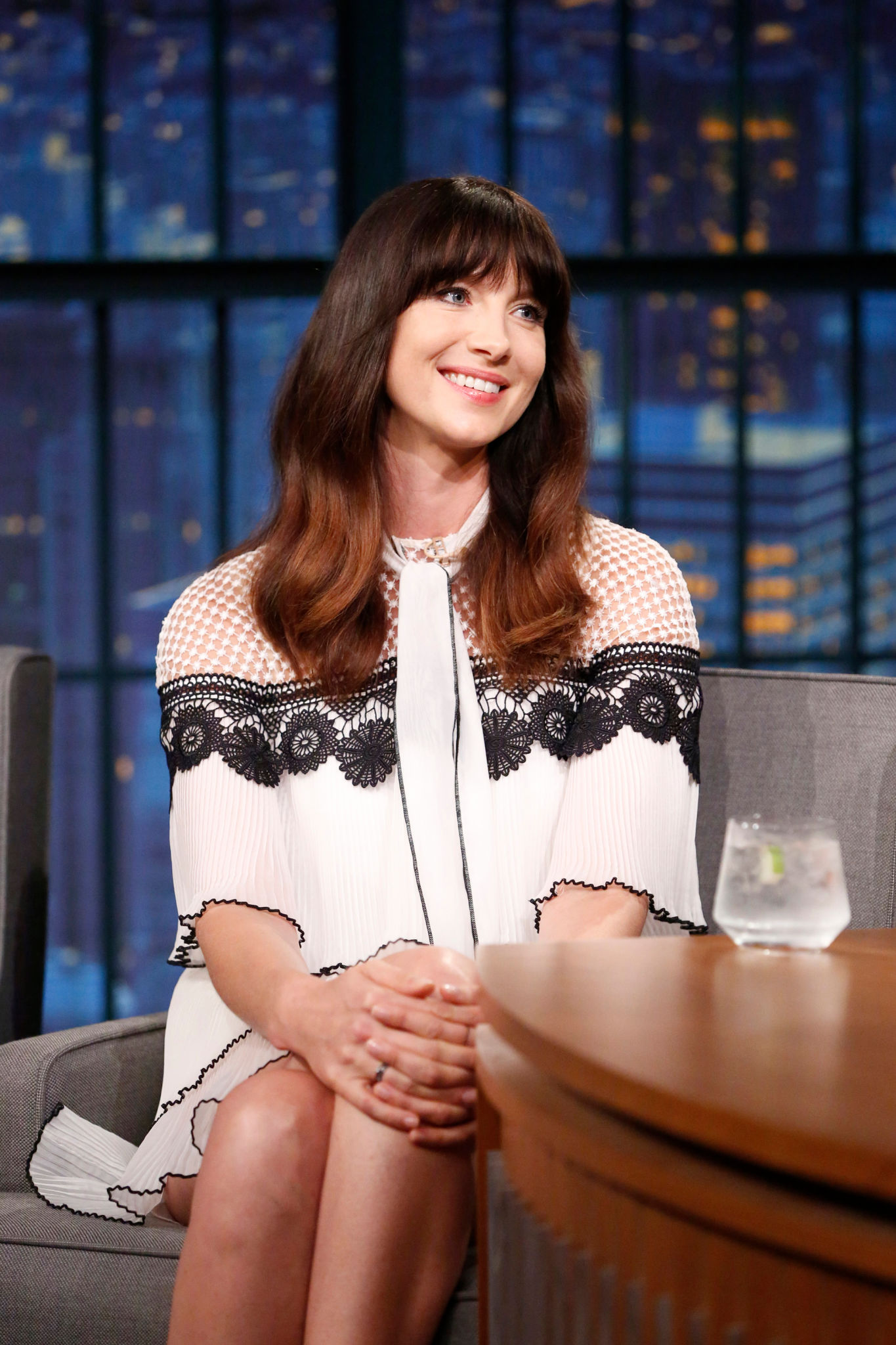
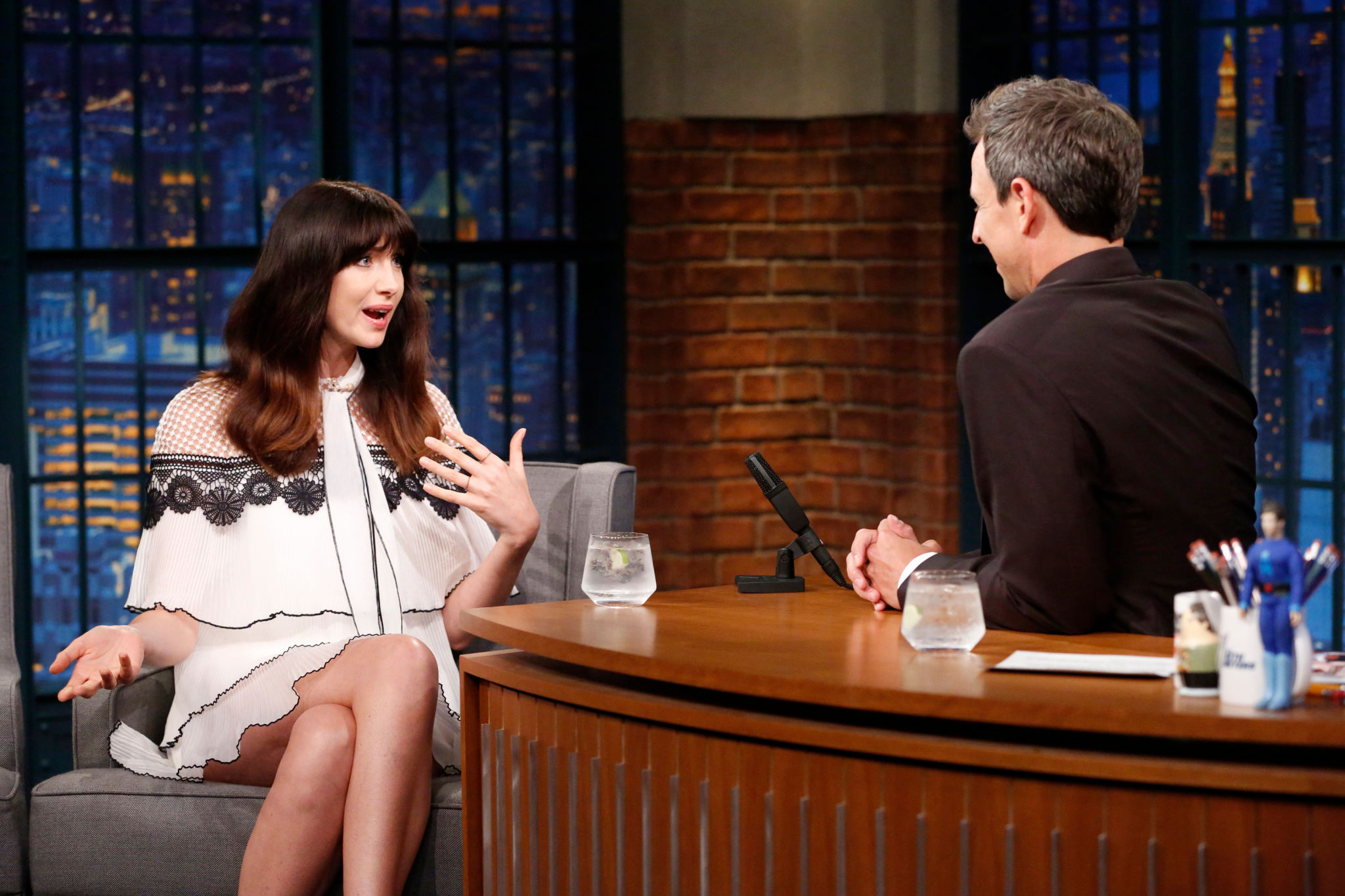
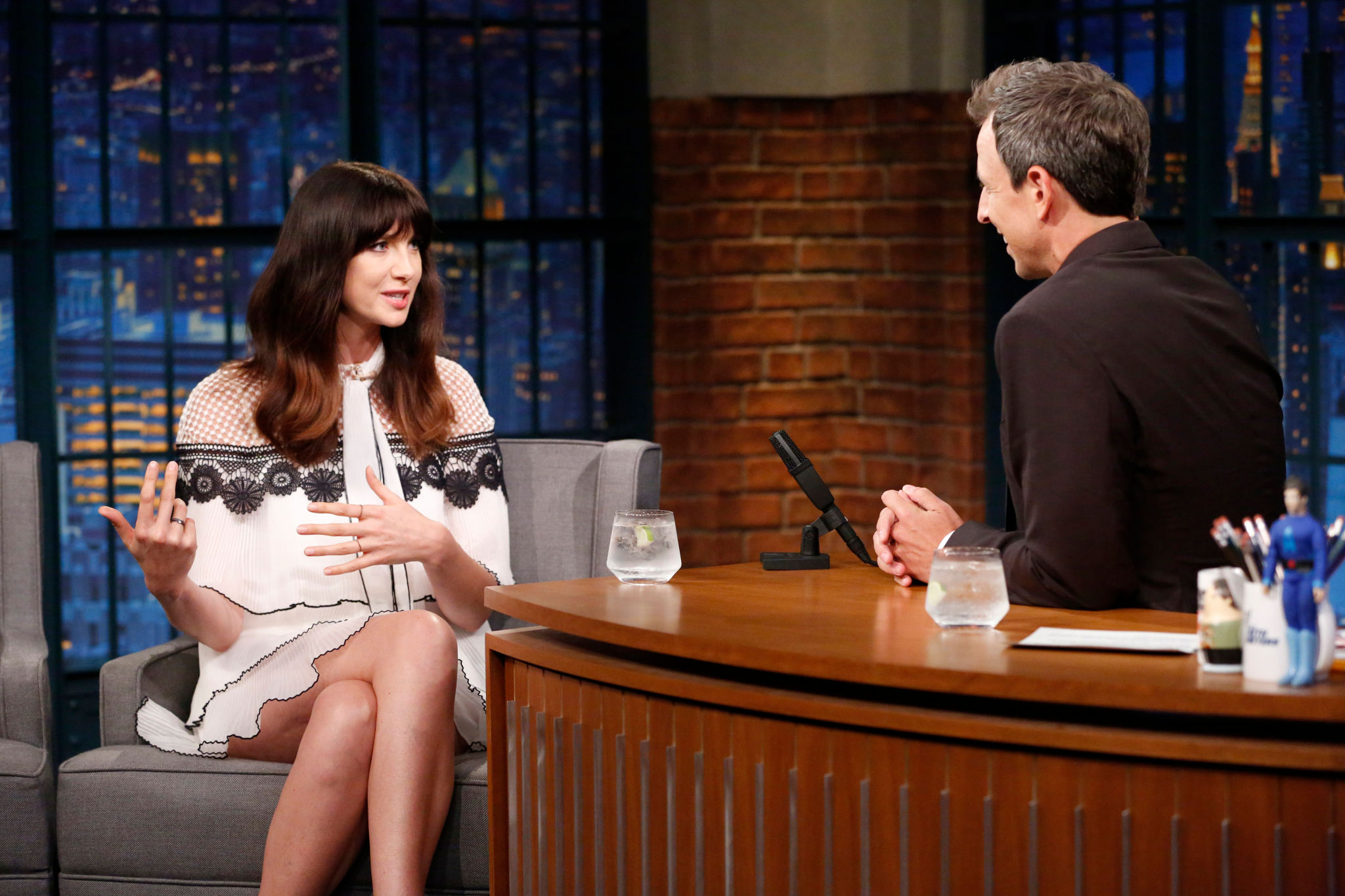
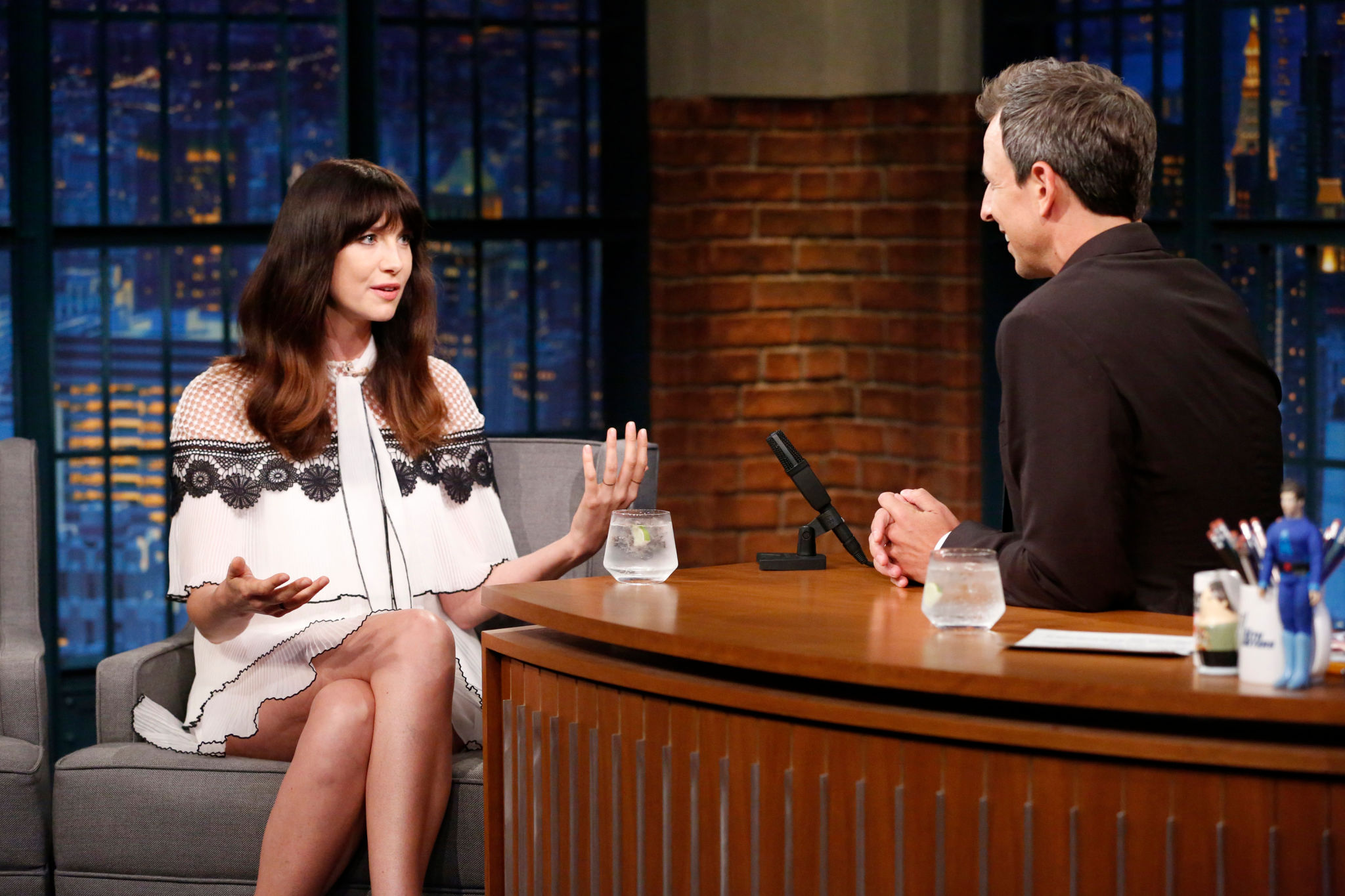
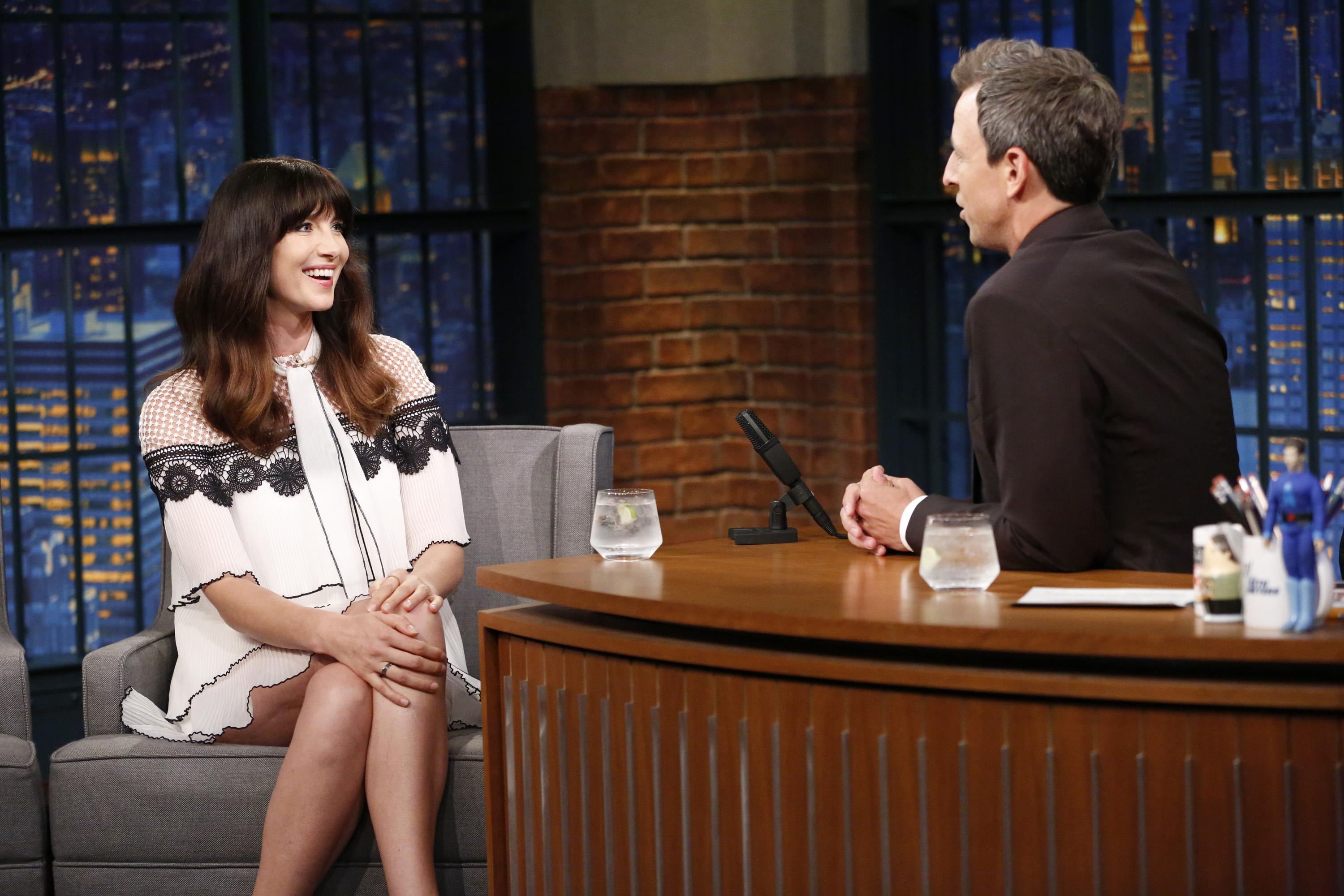
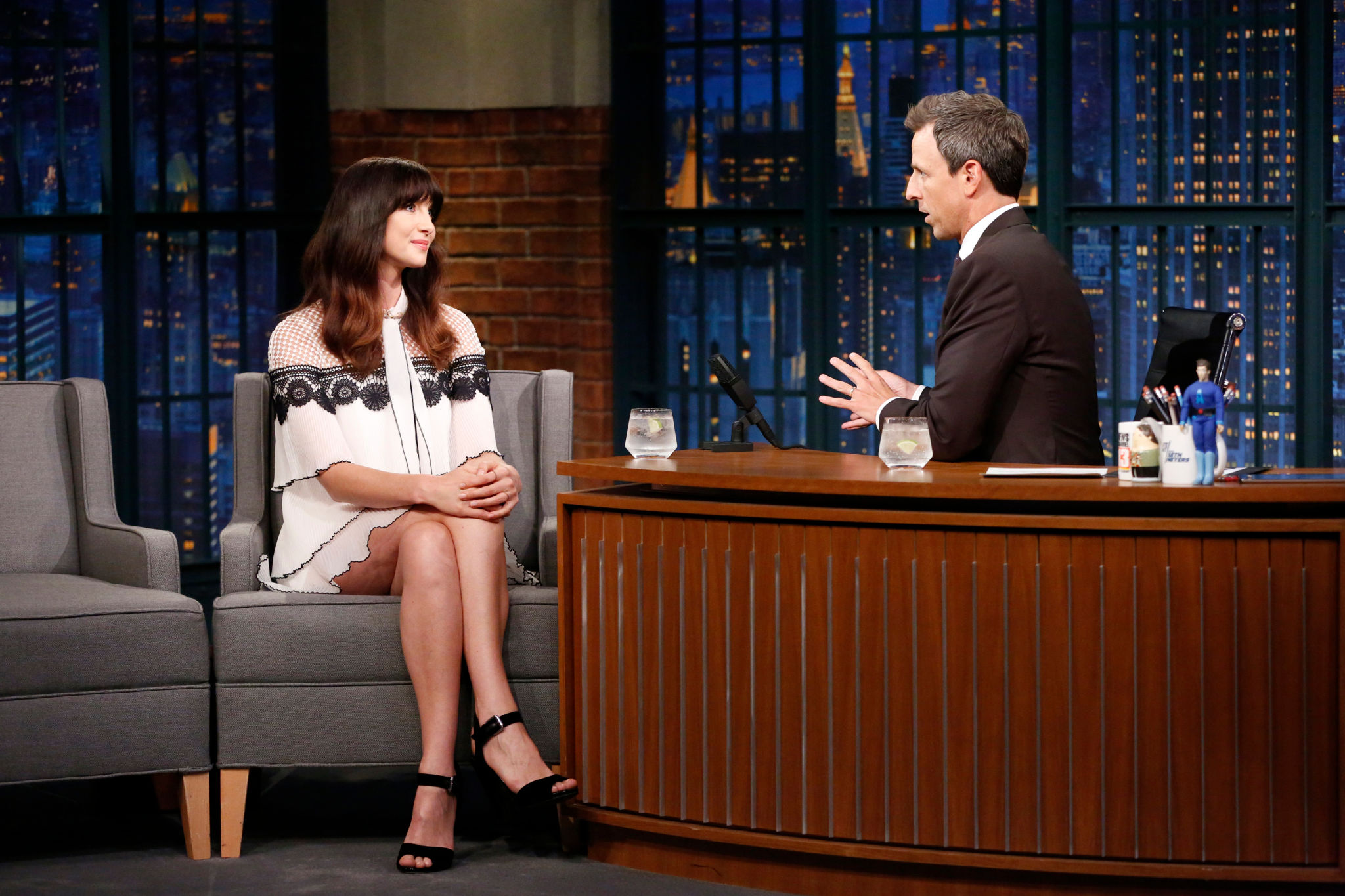
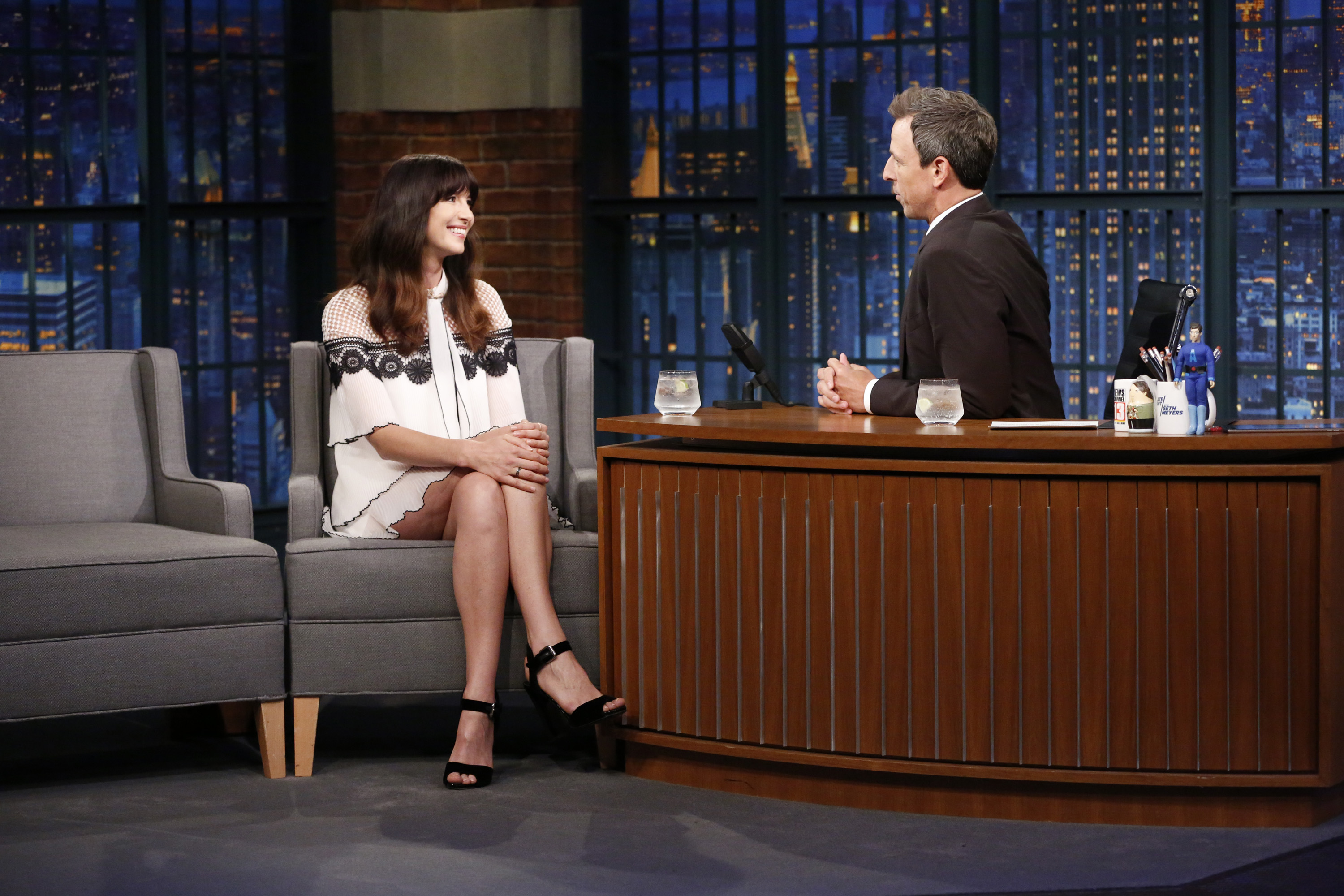
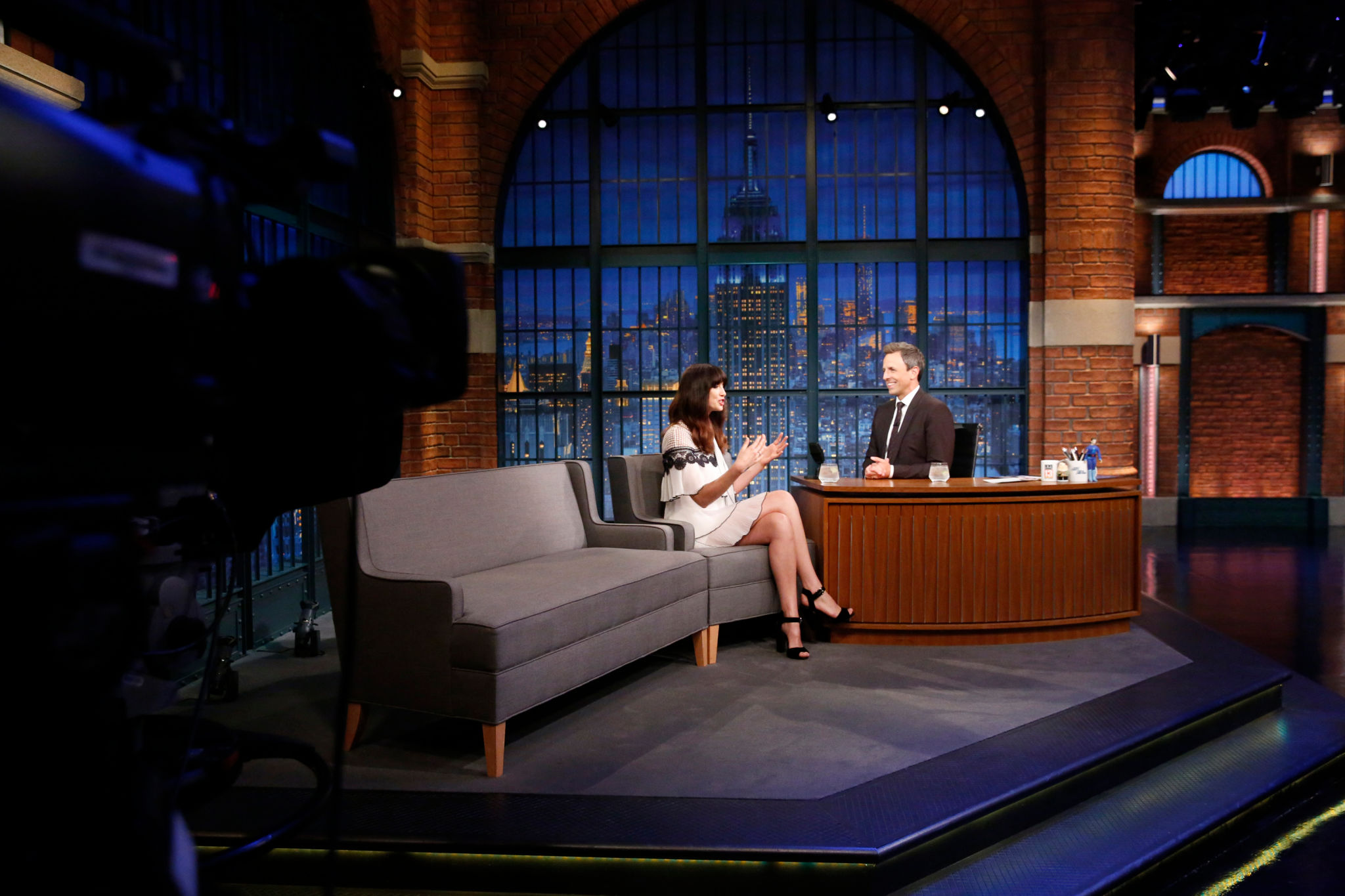
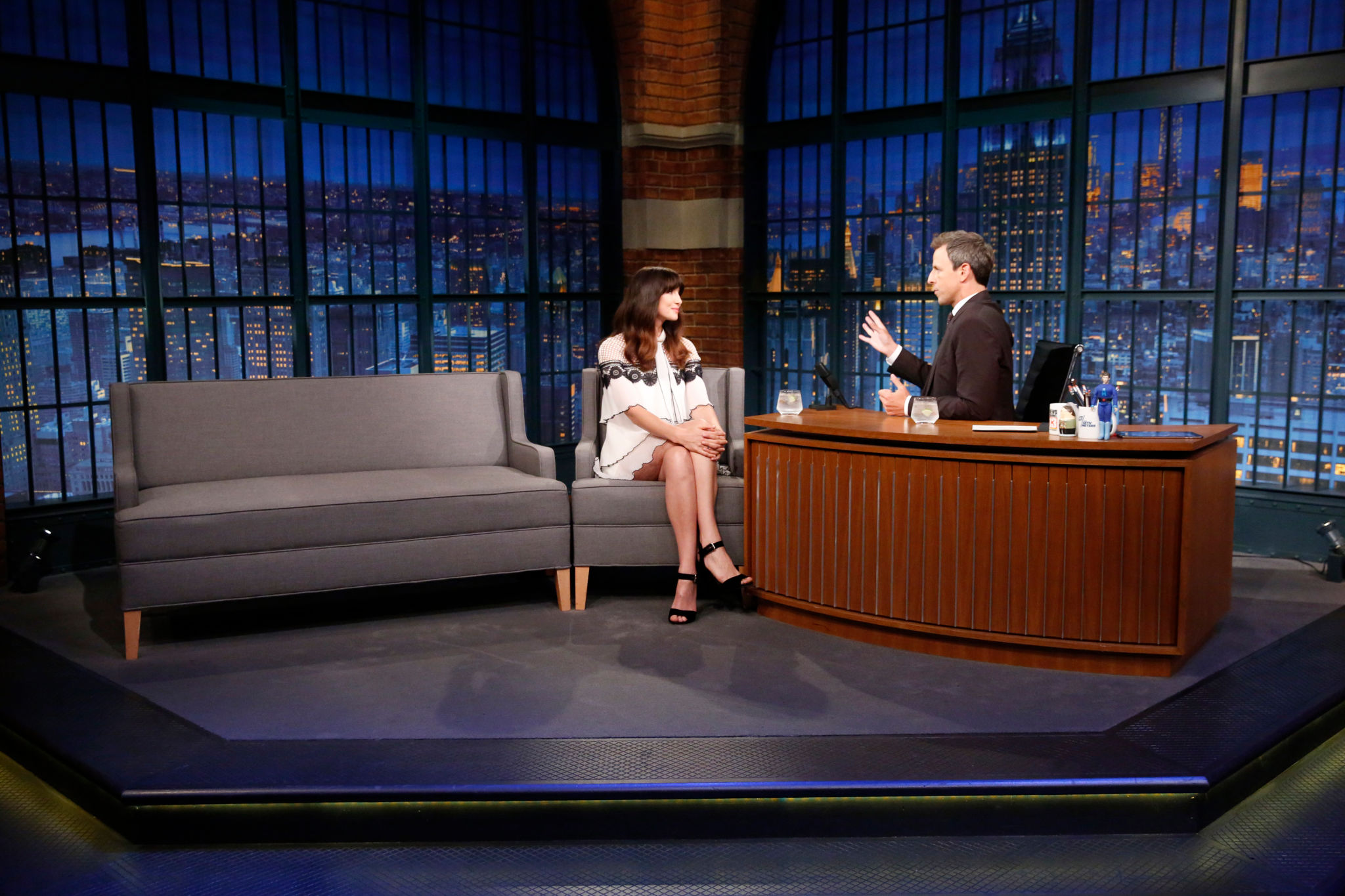
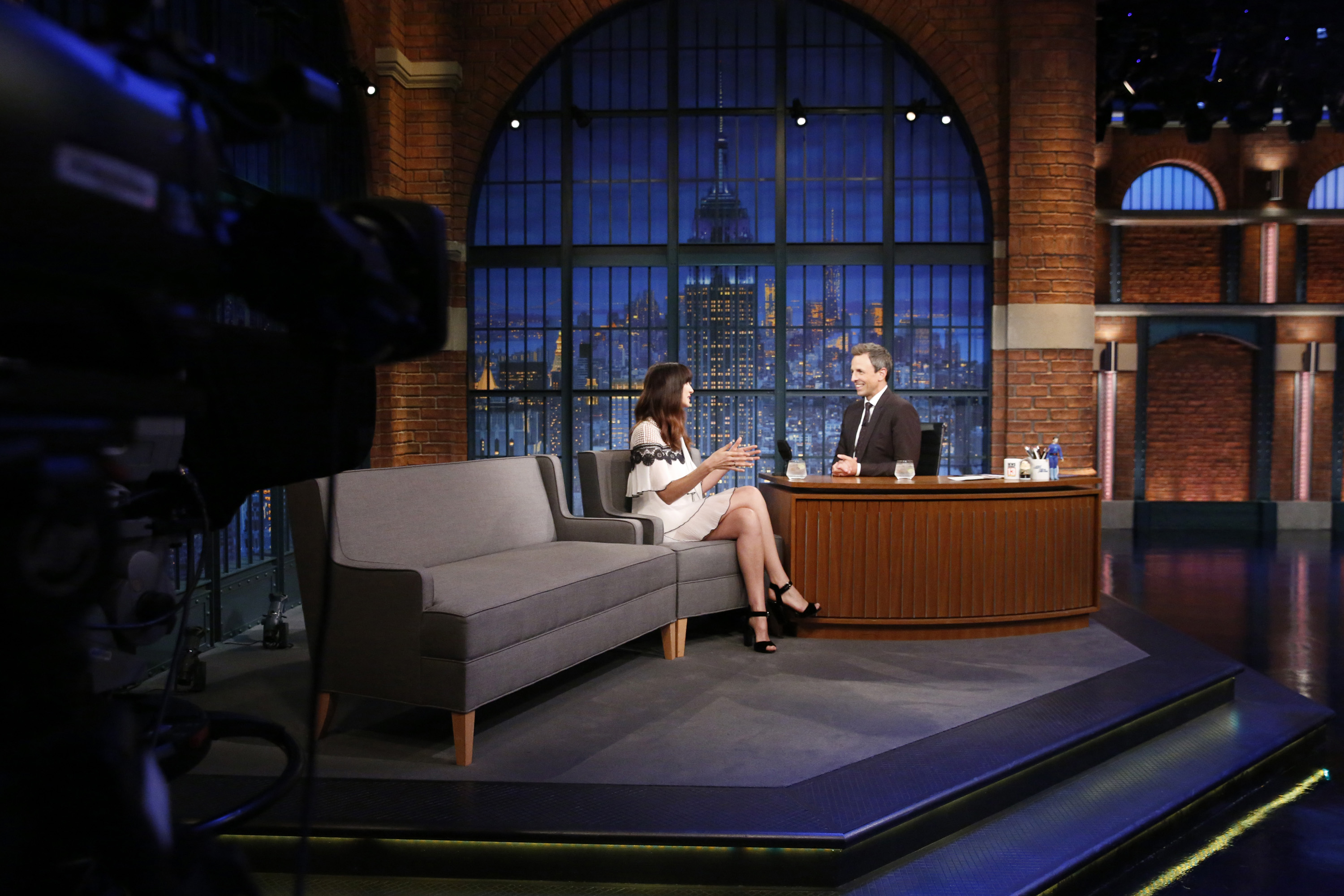
Late Night with Seth Meyers, NYC, 14 September, 2017
-
'Late Night with Seth Meyers' in New York 09/14/2017
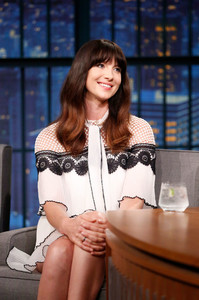
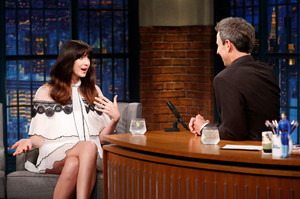
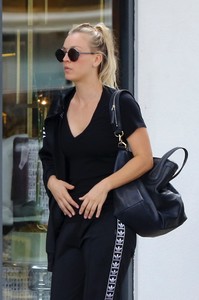
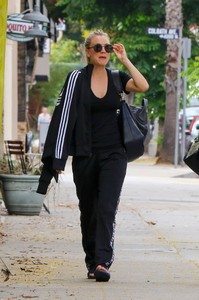
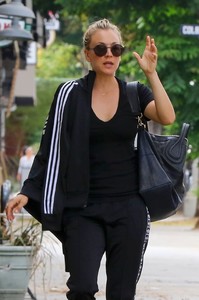
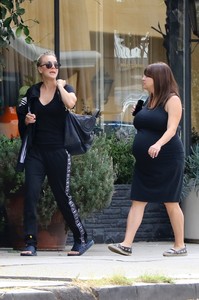
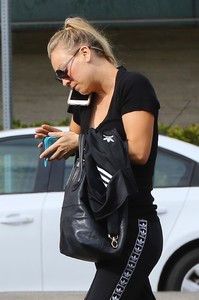
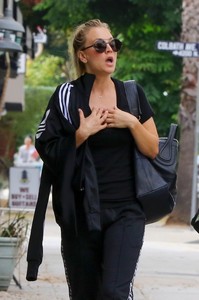
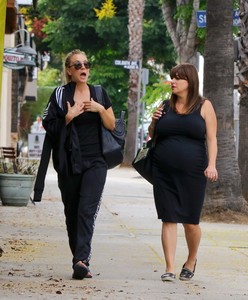
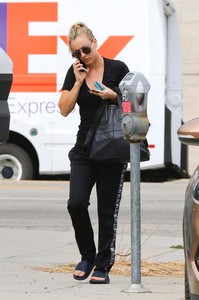
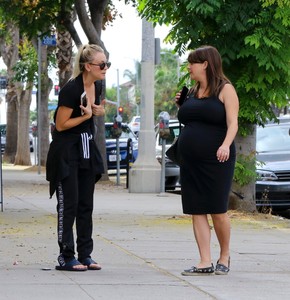
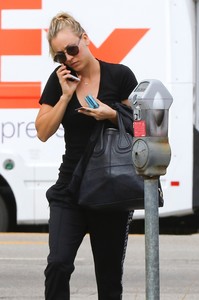
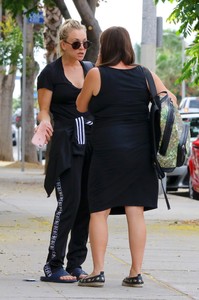
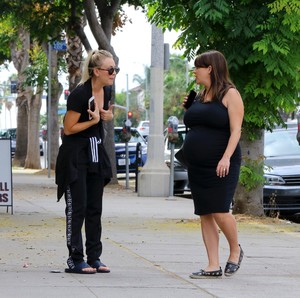
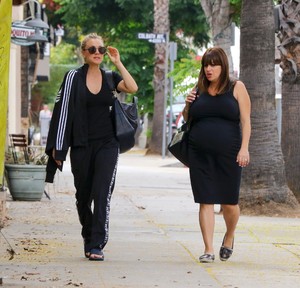
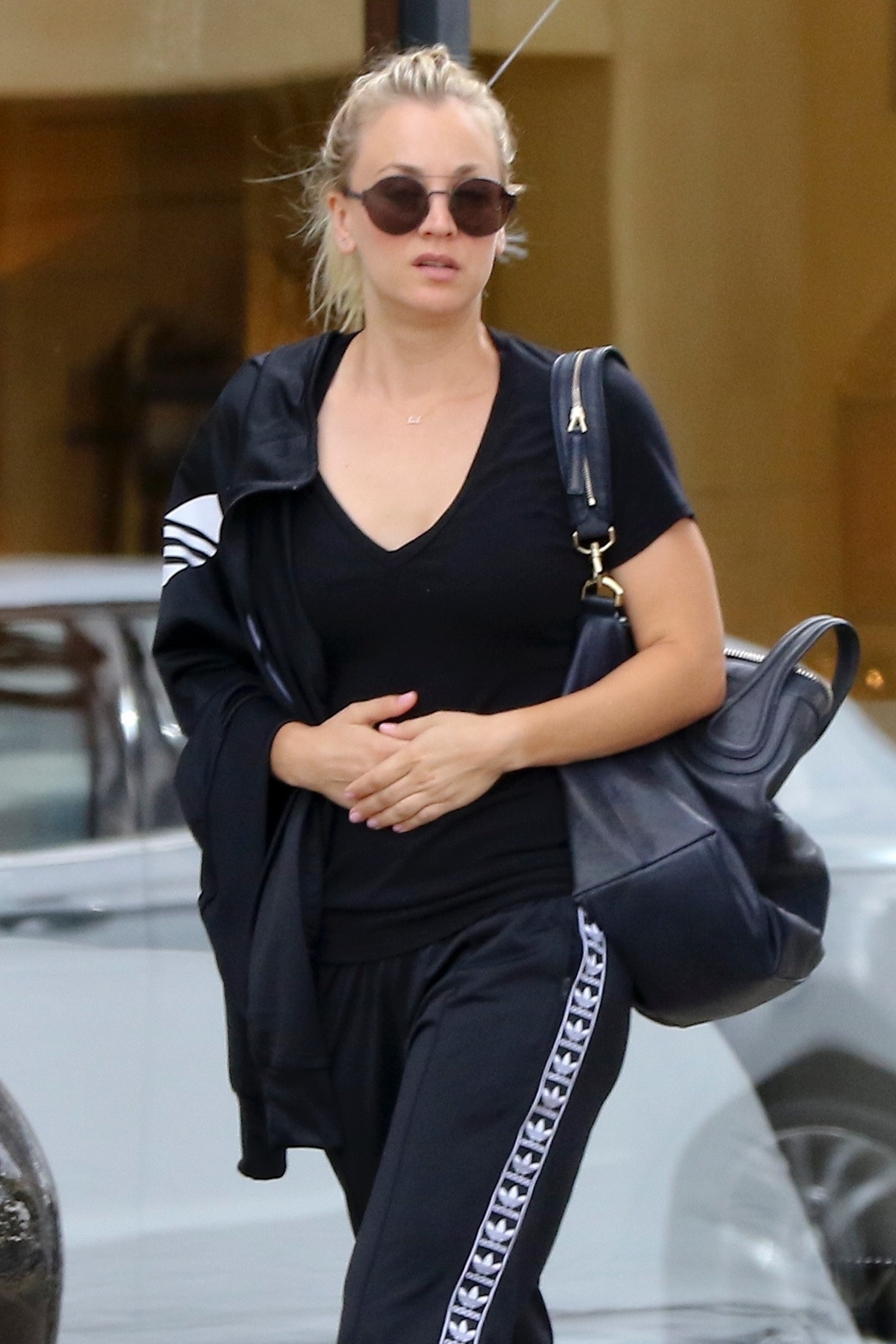
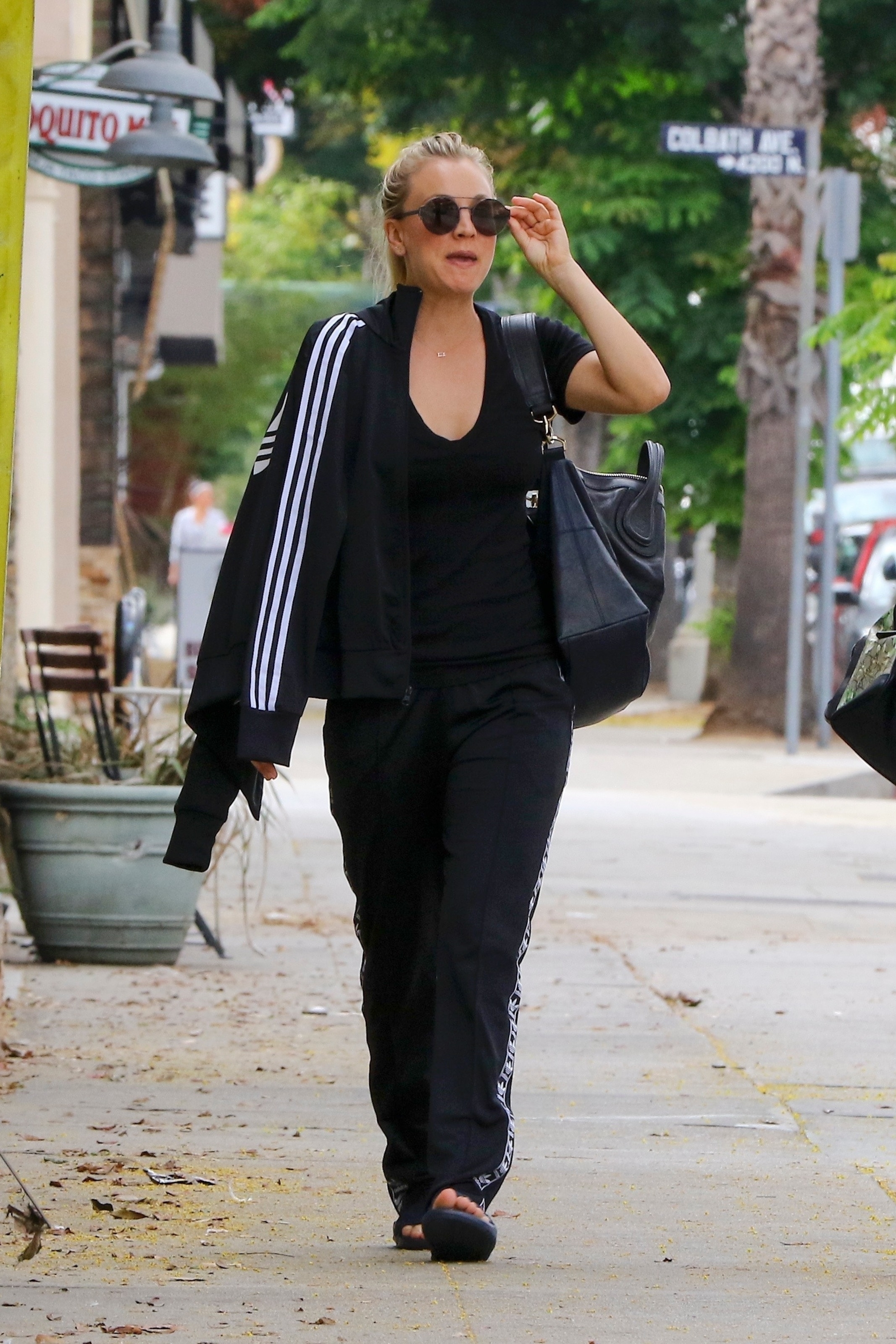
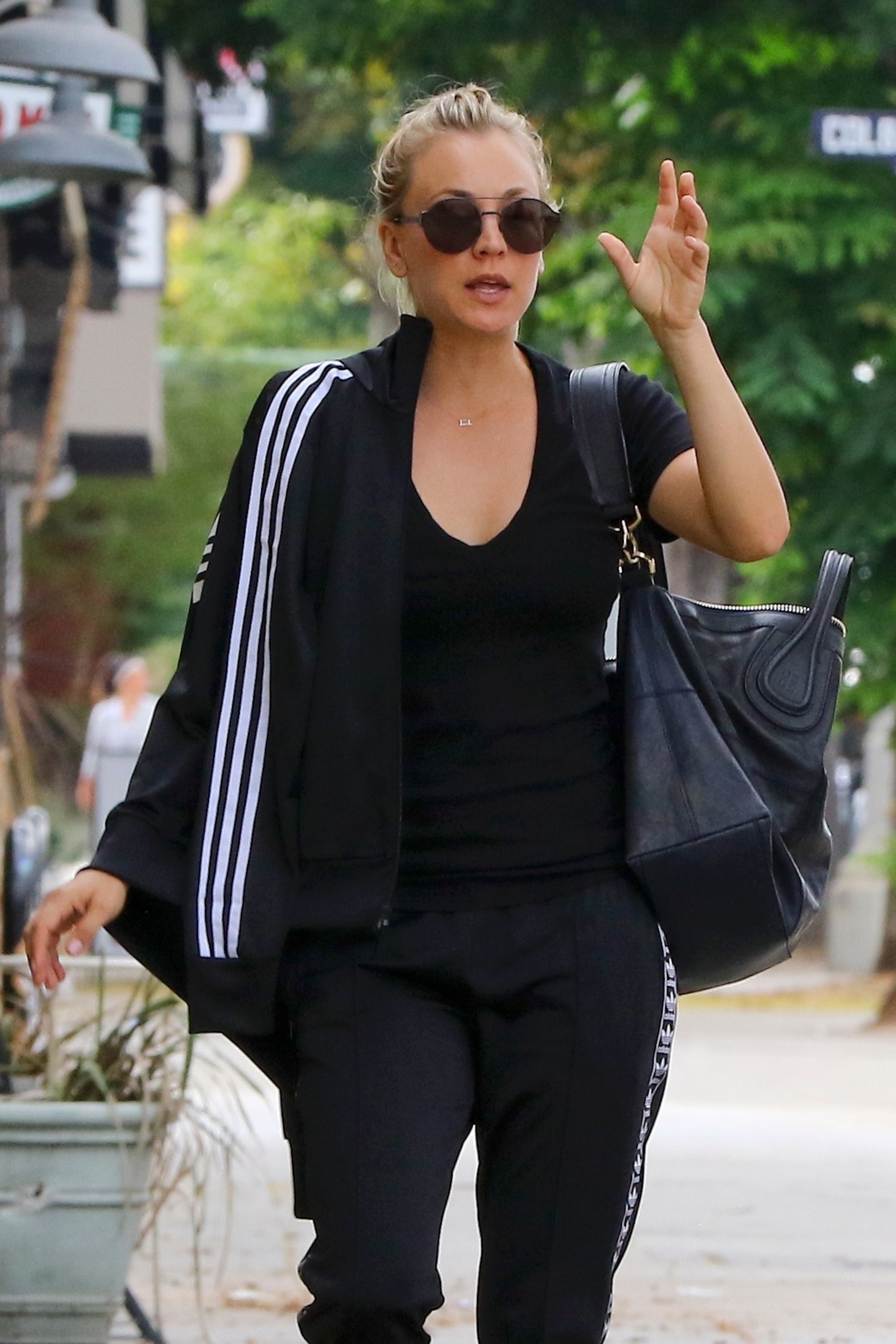
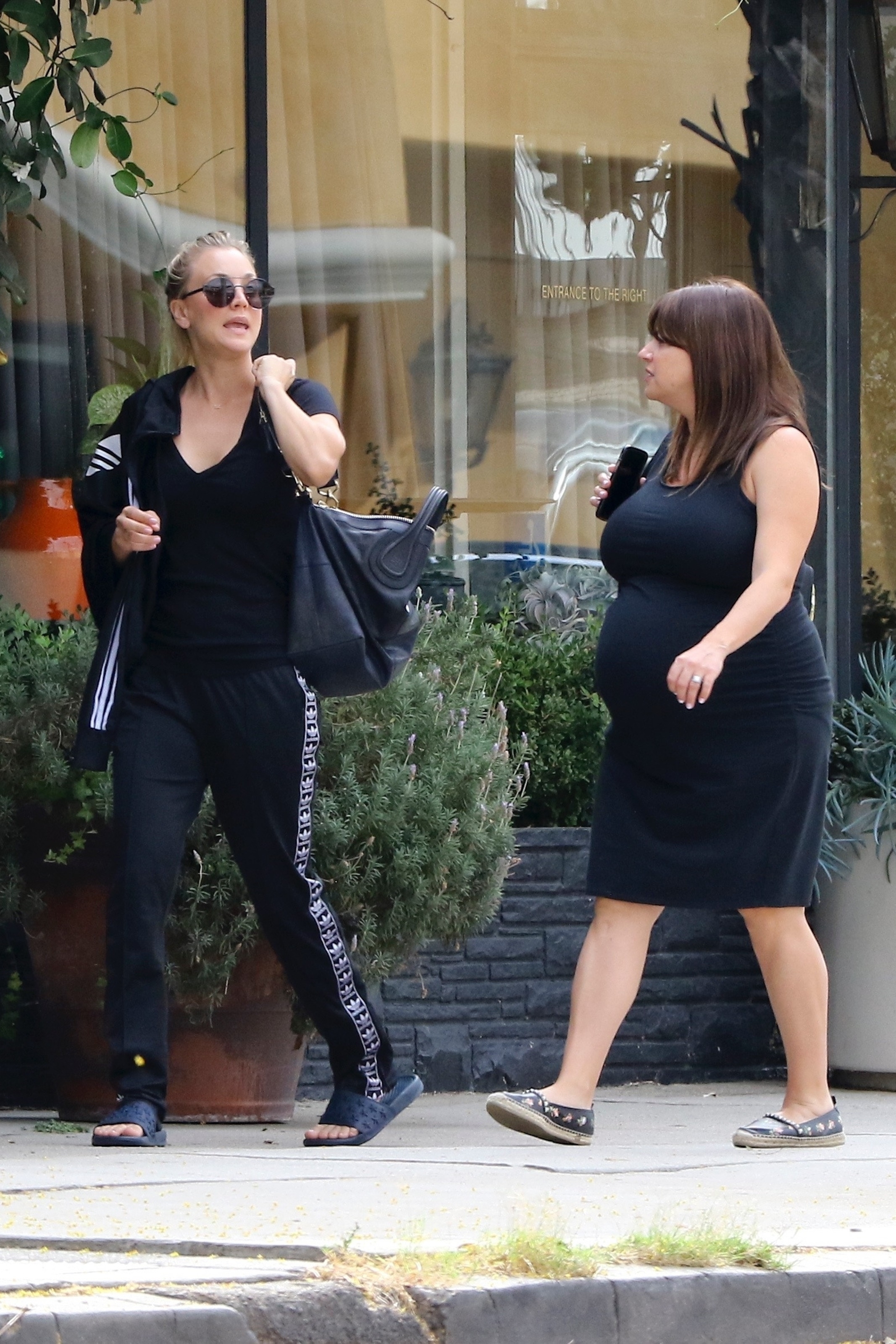
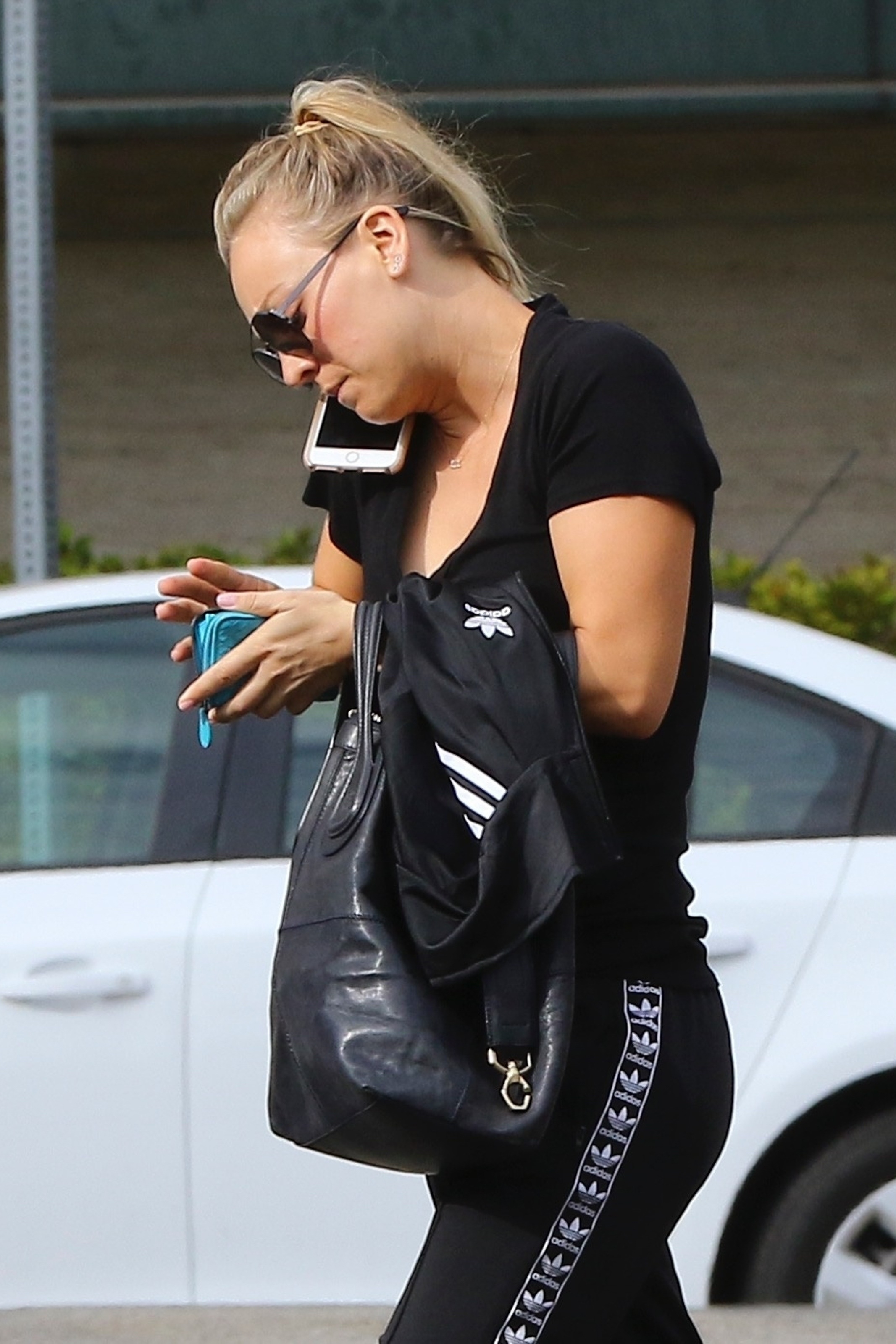
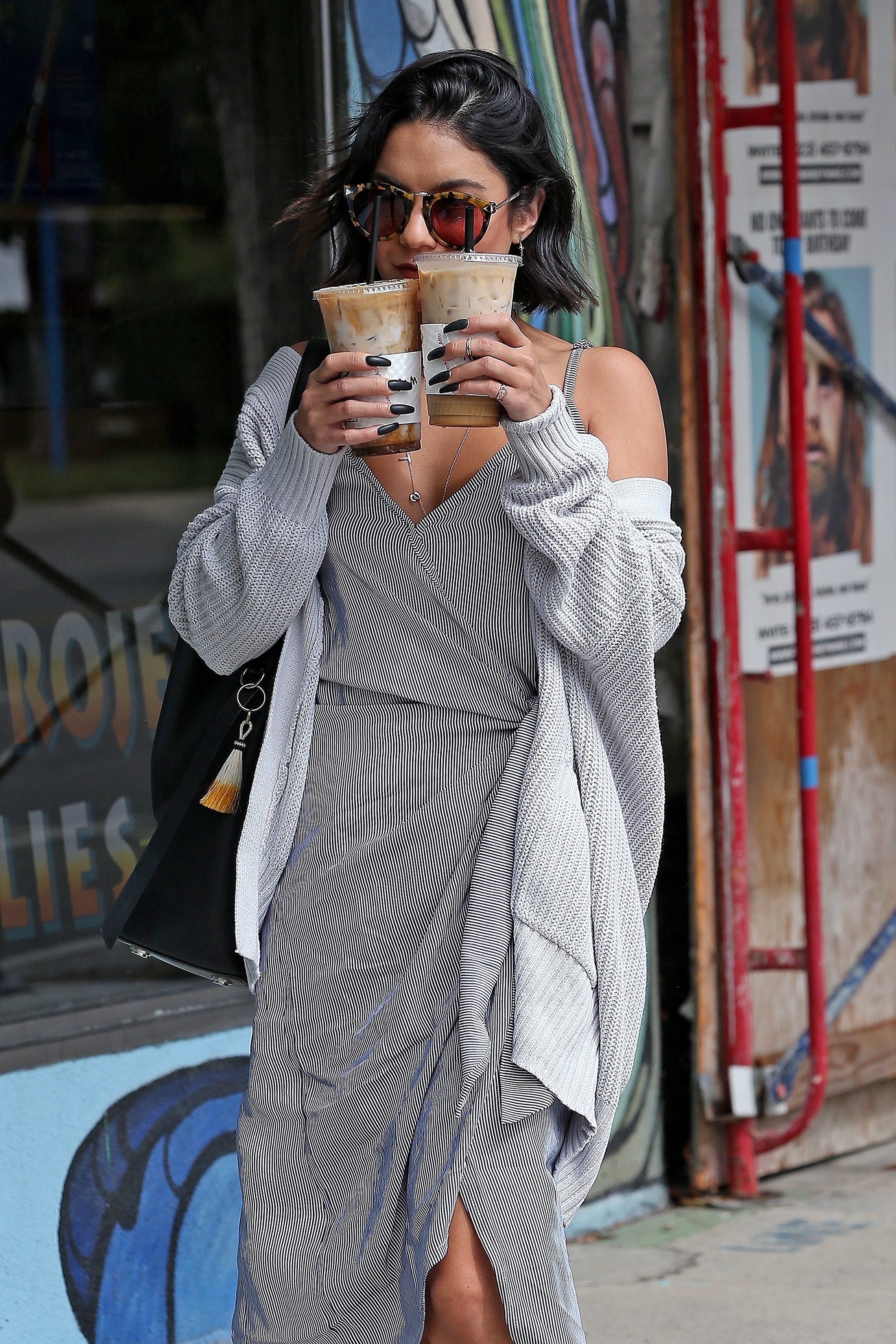
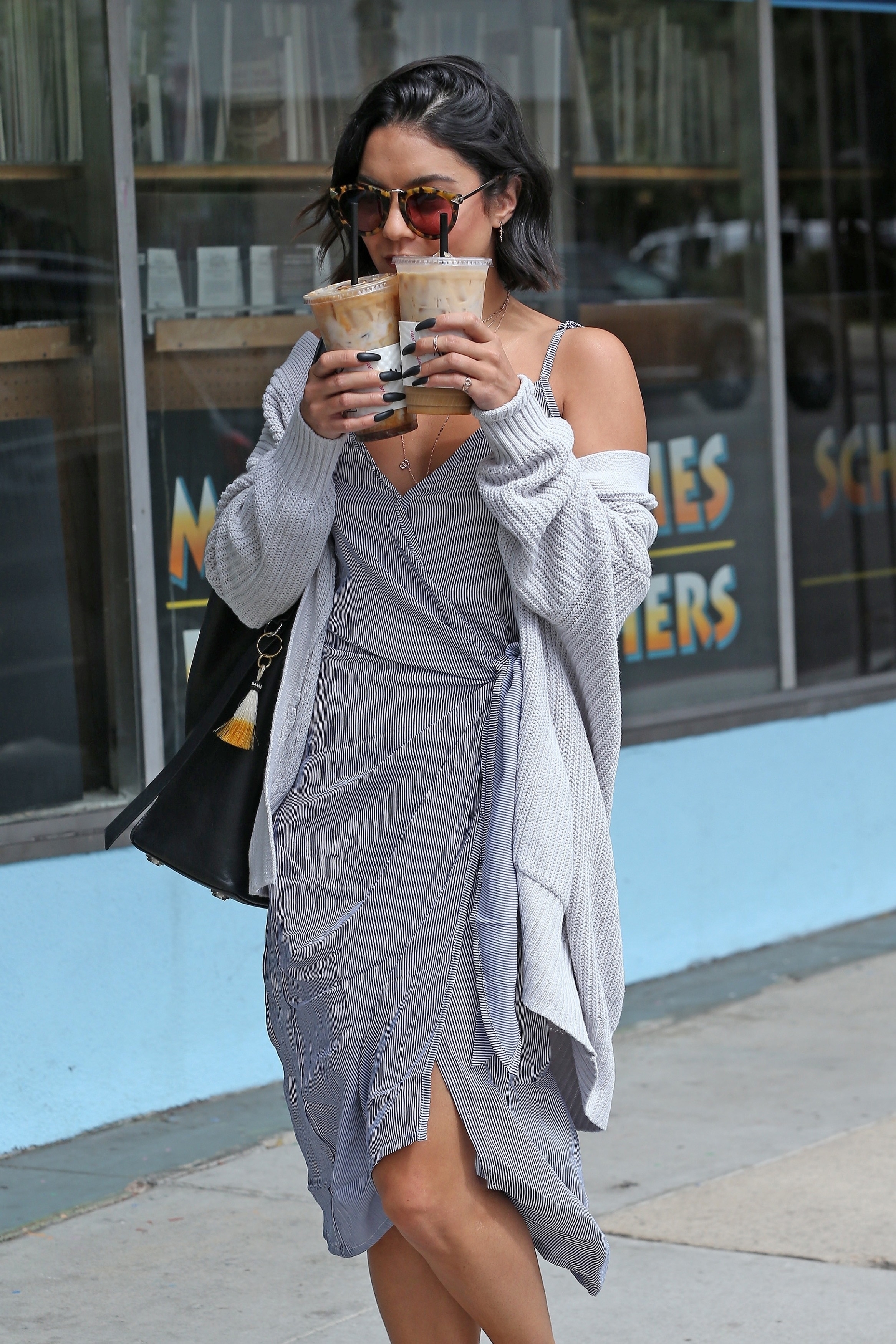
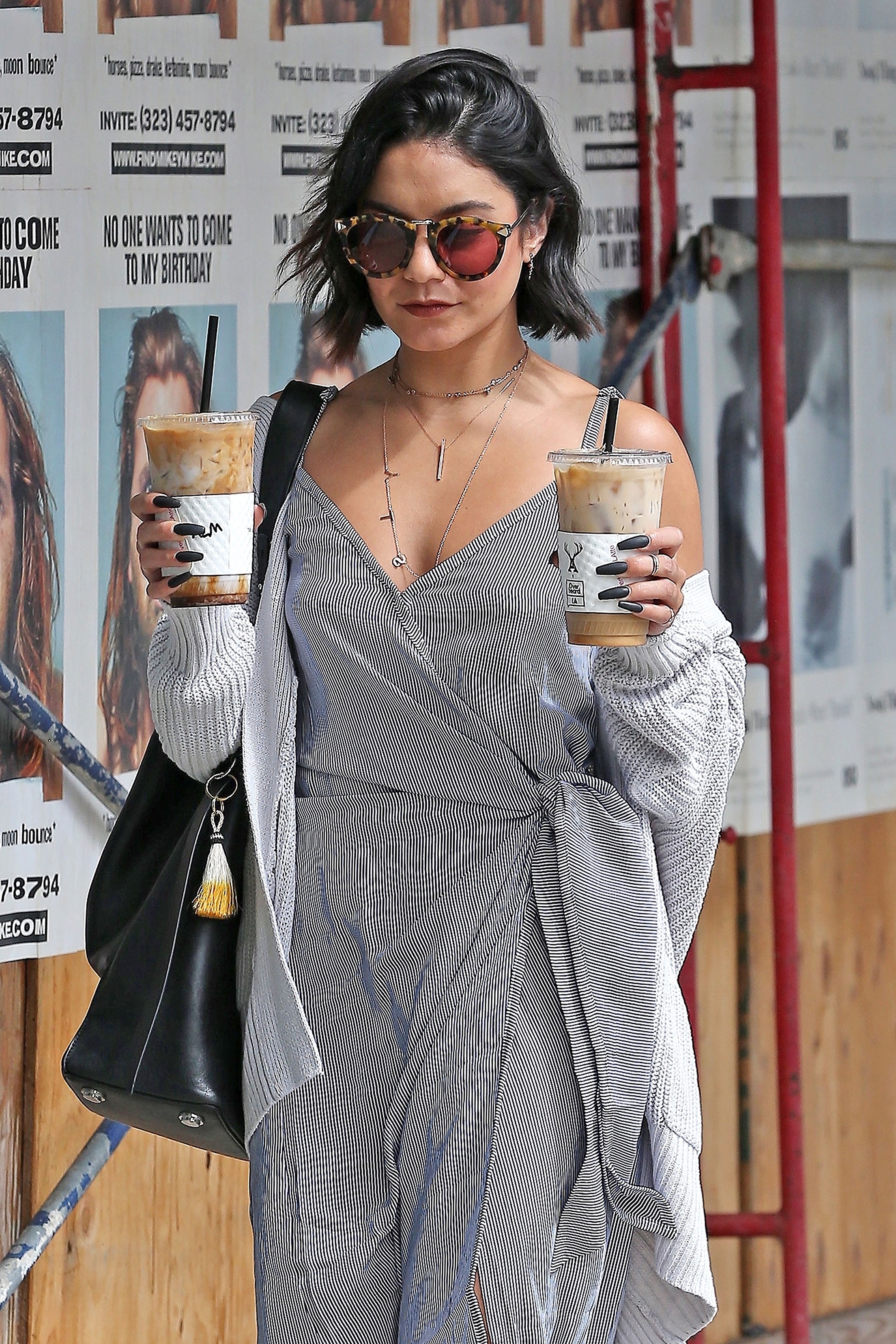
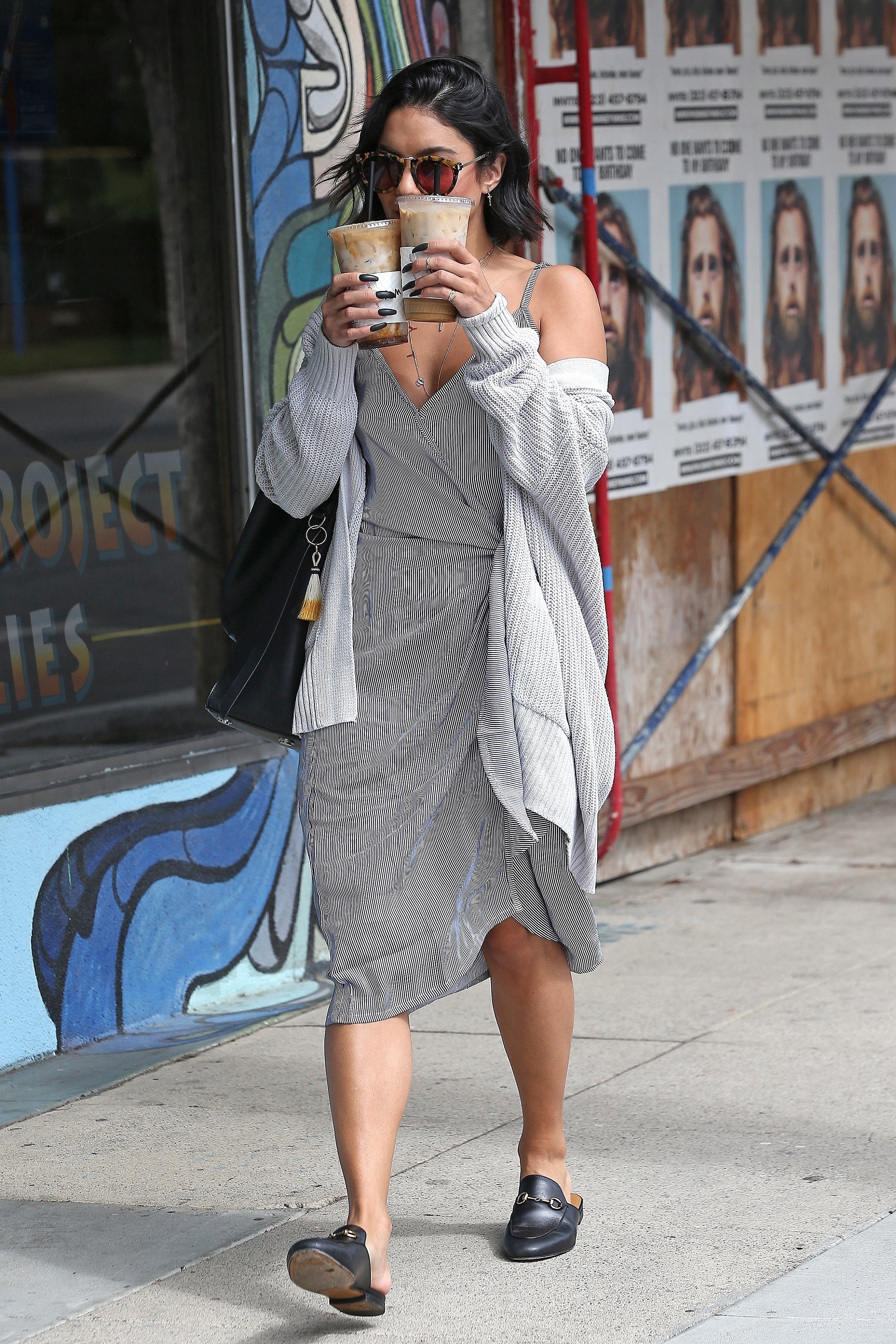
 Heads to lunch with a friend at Sweet Butter Kitchen following a yoga class in Studio City, CA - September 14, 2017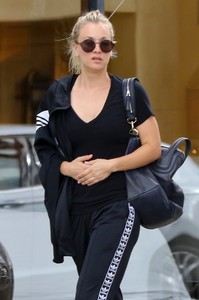
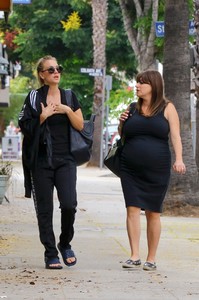
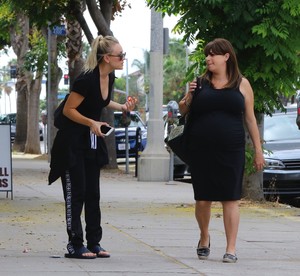
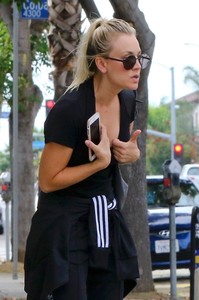
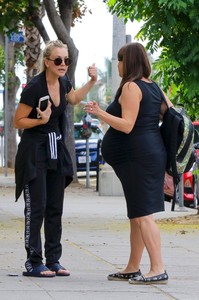
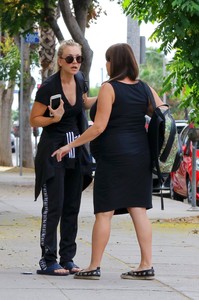
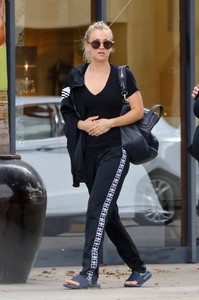
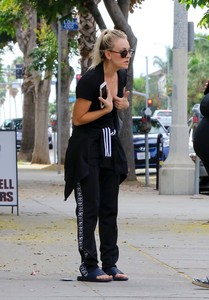
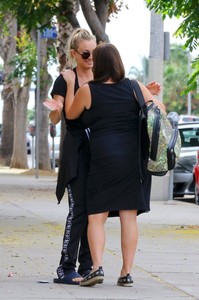
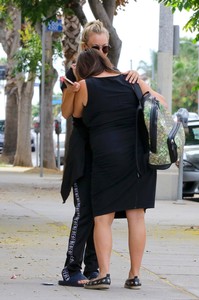
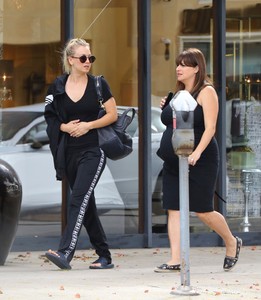
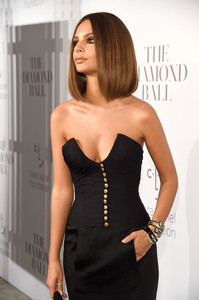
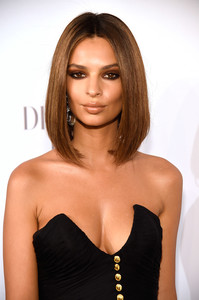
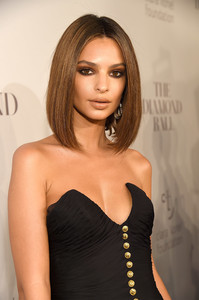
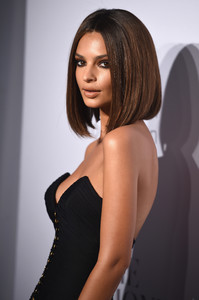
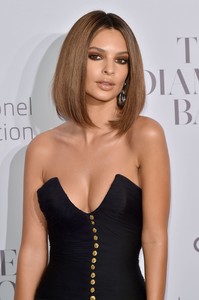
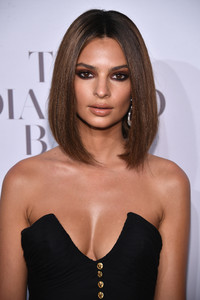
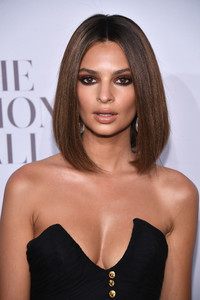
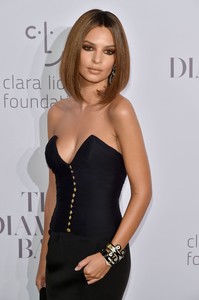
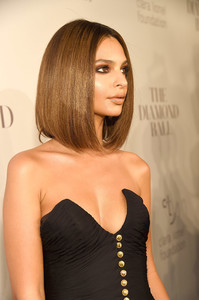
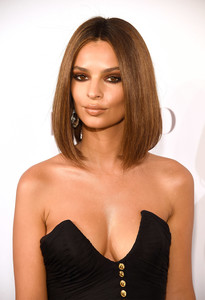
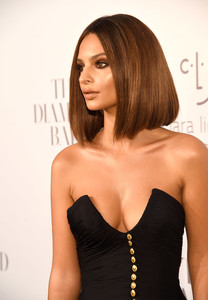
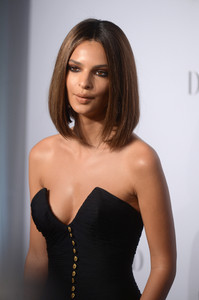
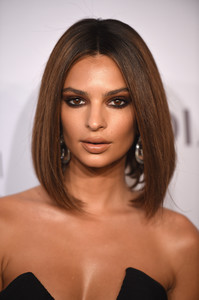
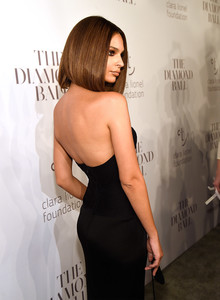
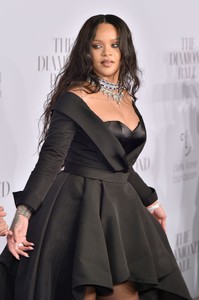
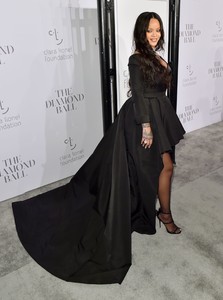
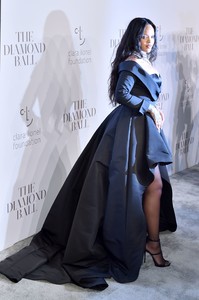
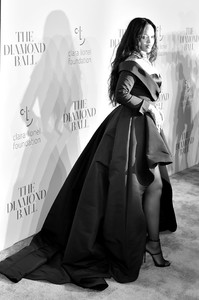
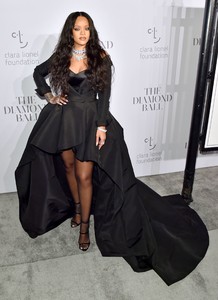
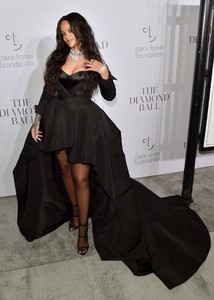
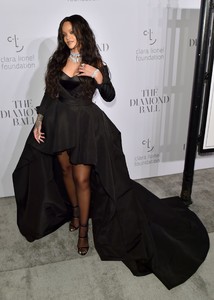
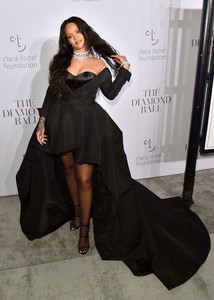
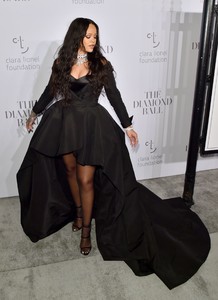
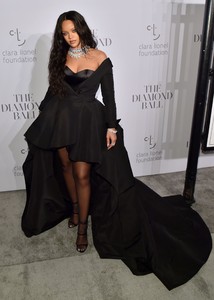
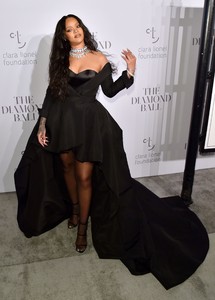
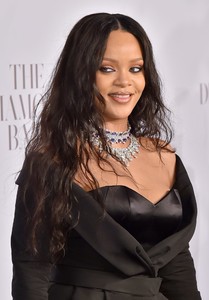
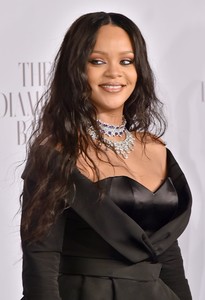
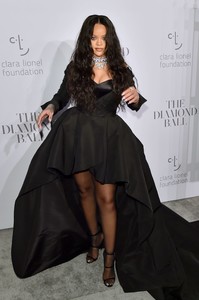
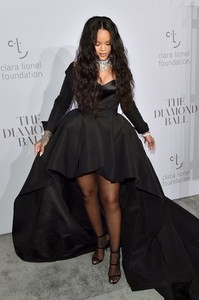
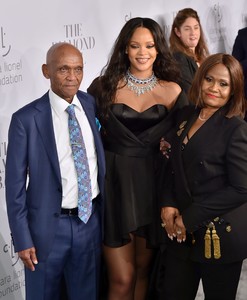
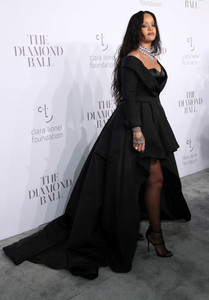
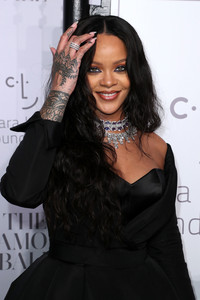
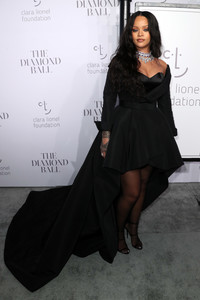
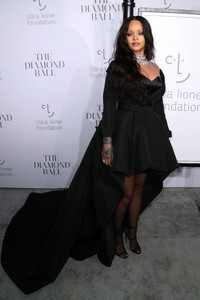
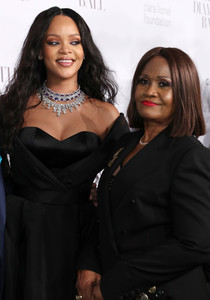
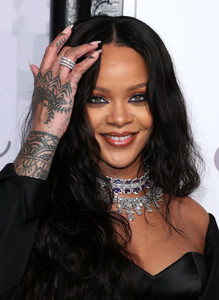
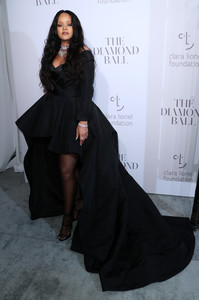
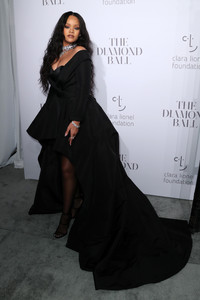
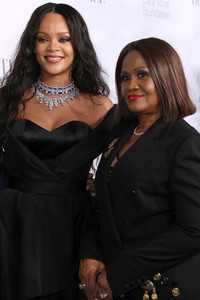
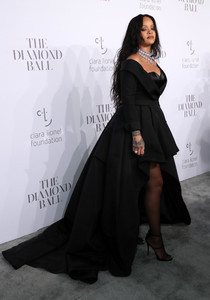
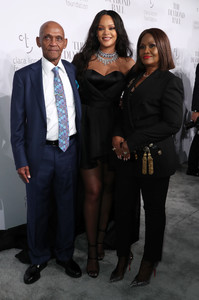
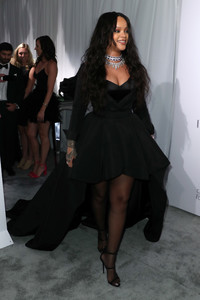
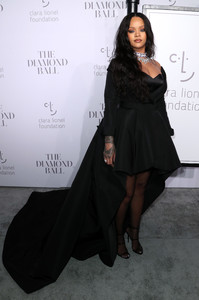
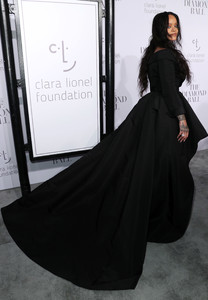
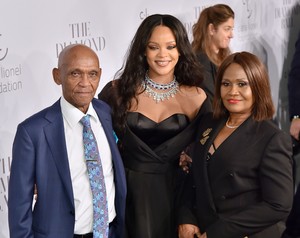
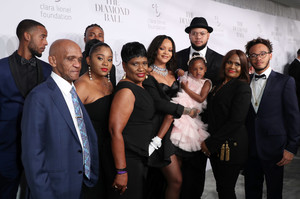
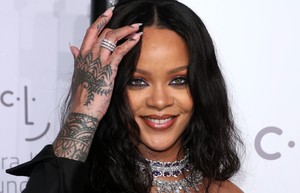
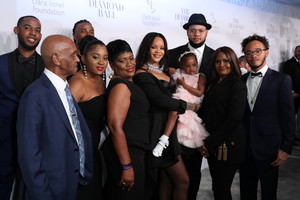
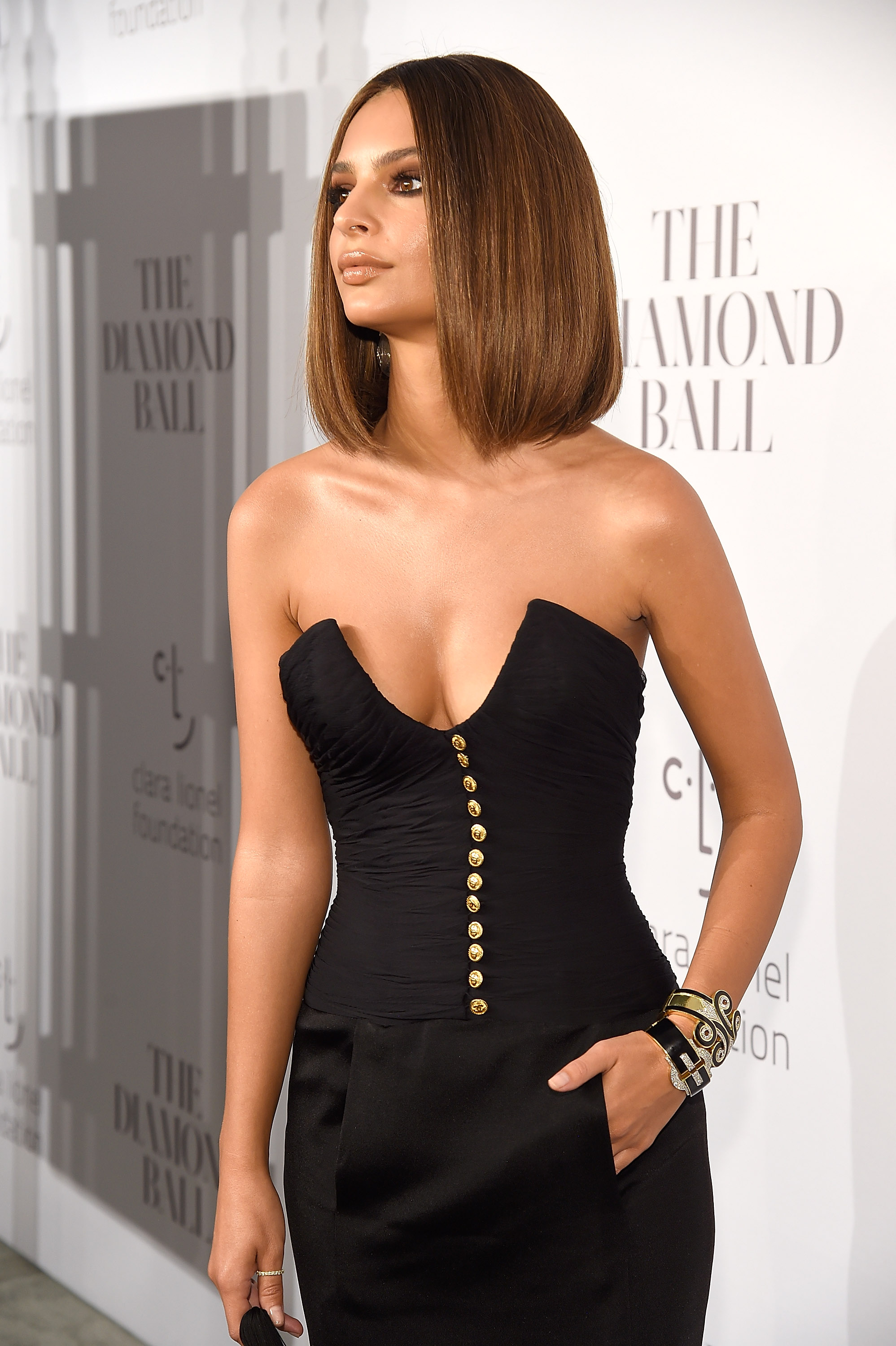
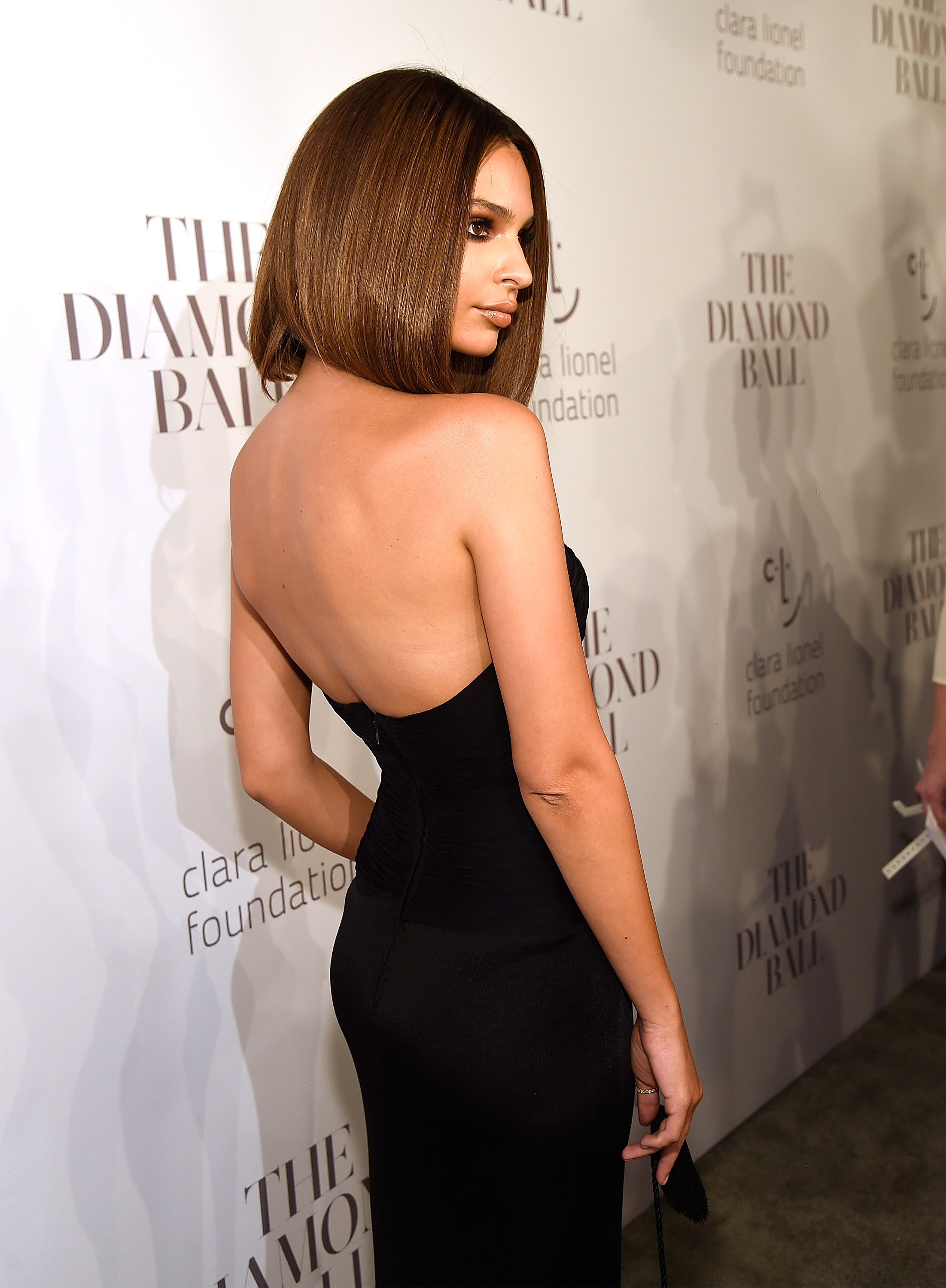
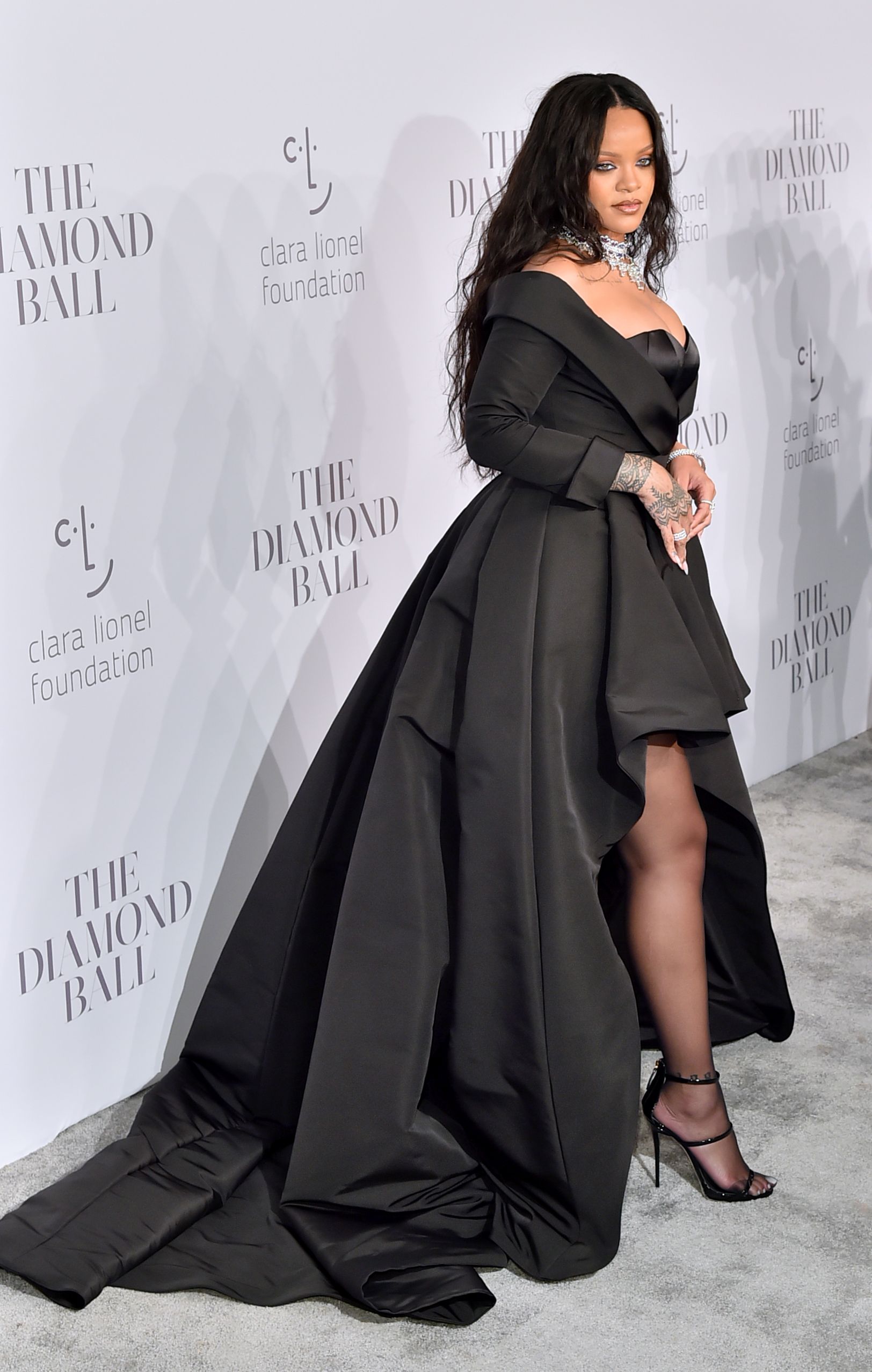
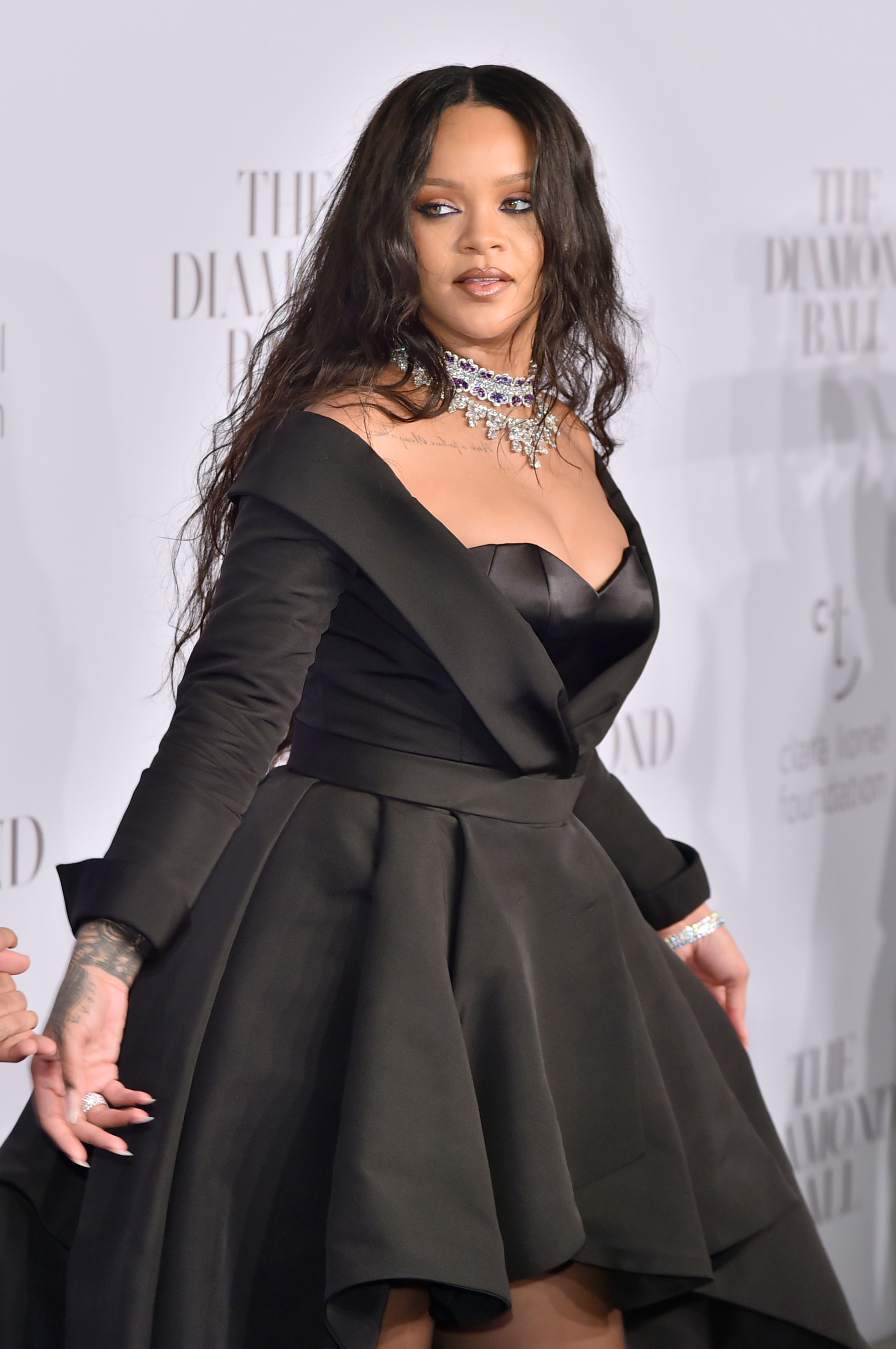
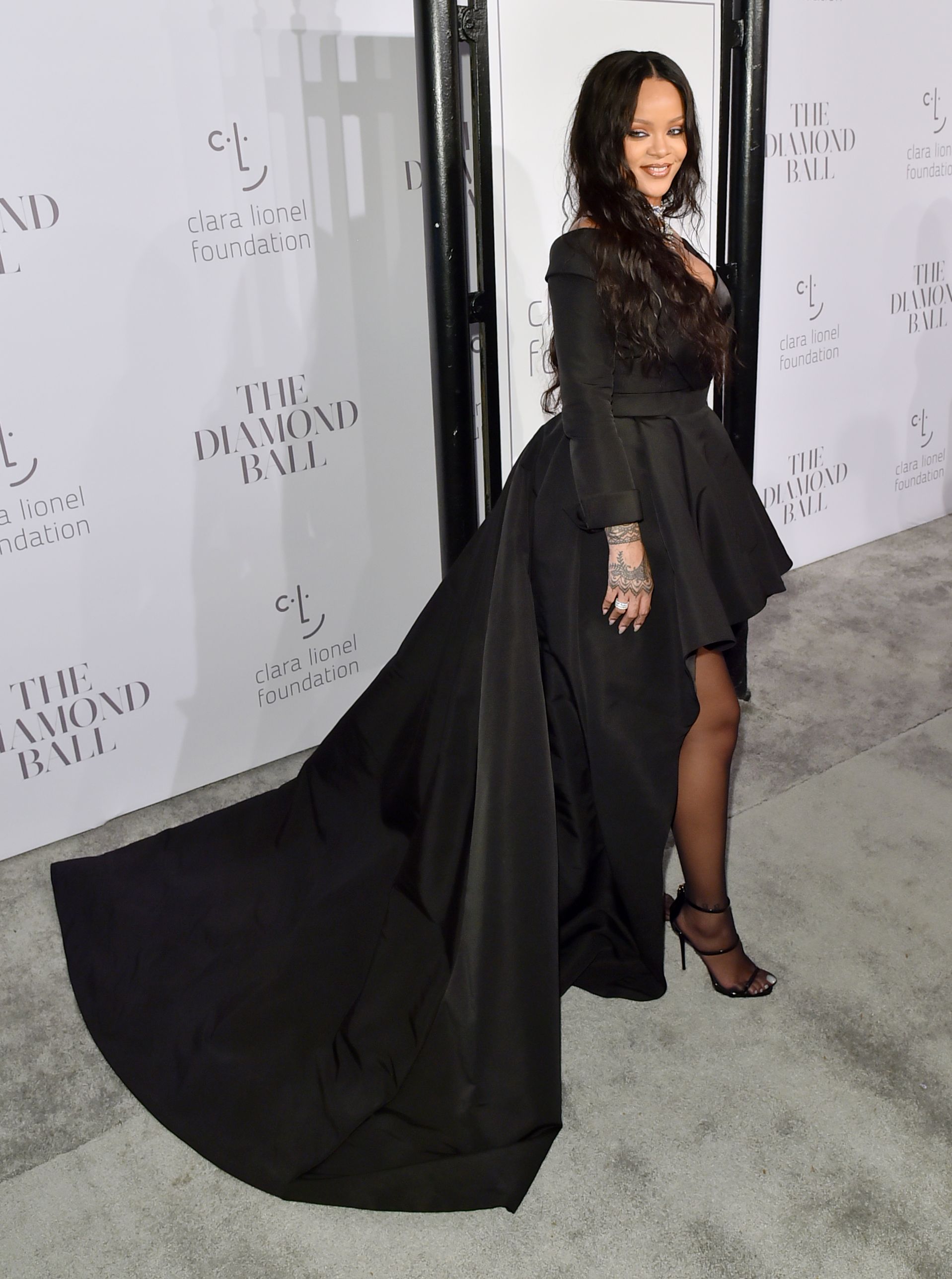
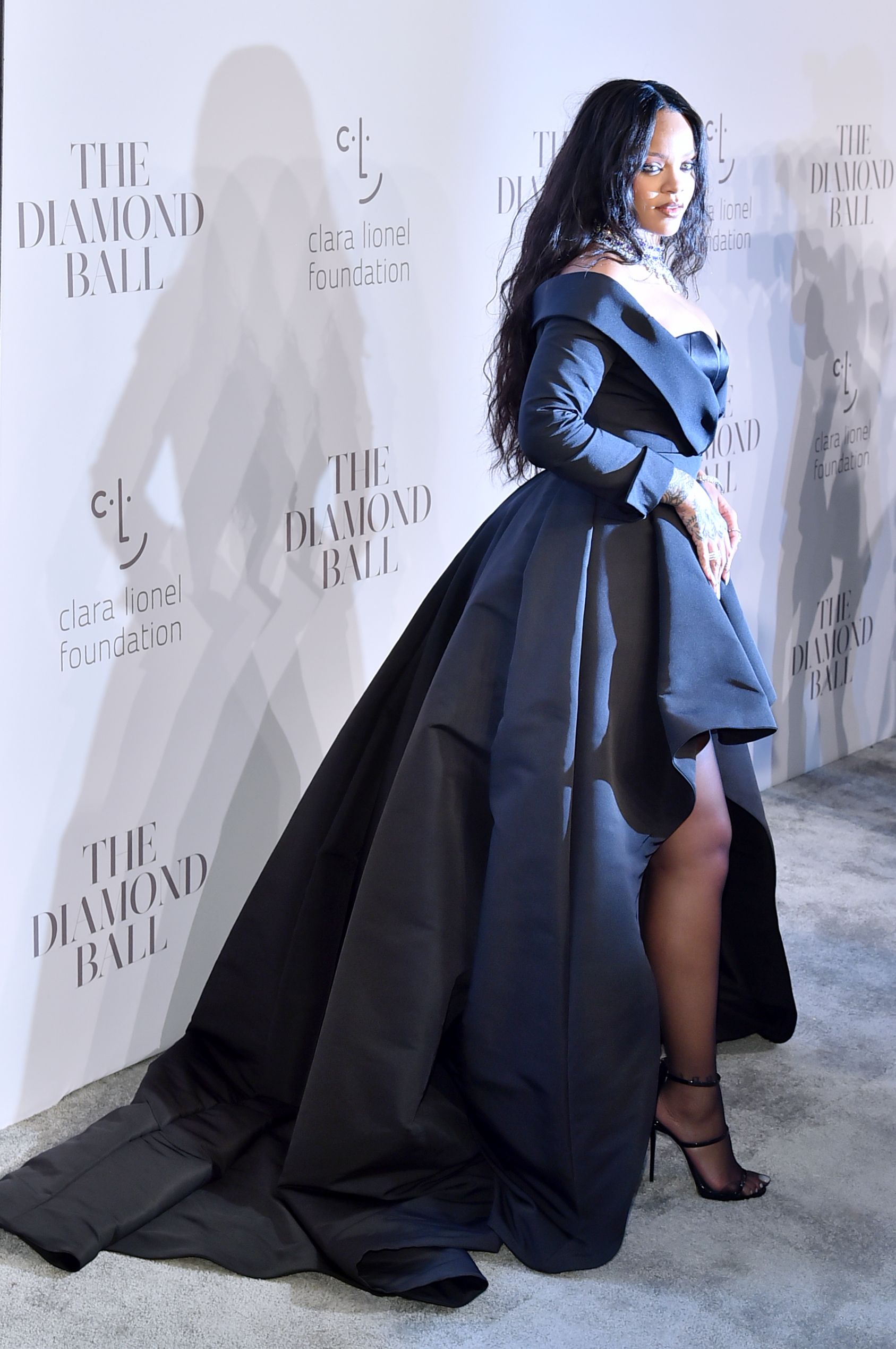
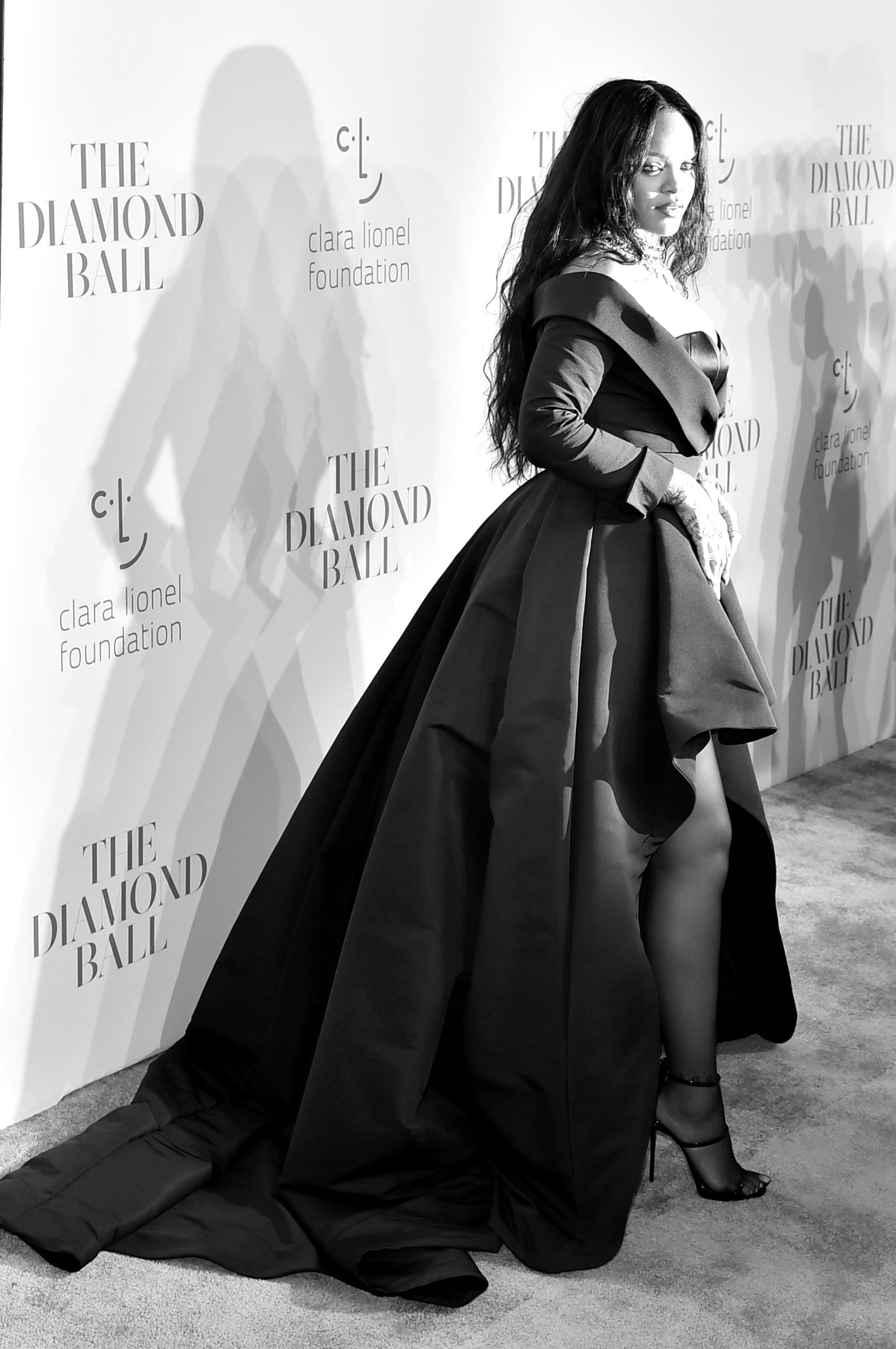
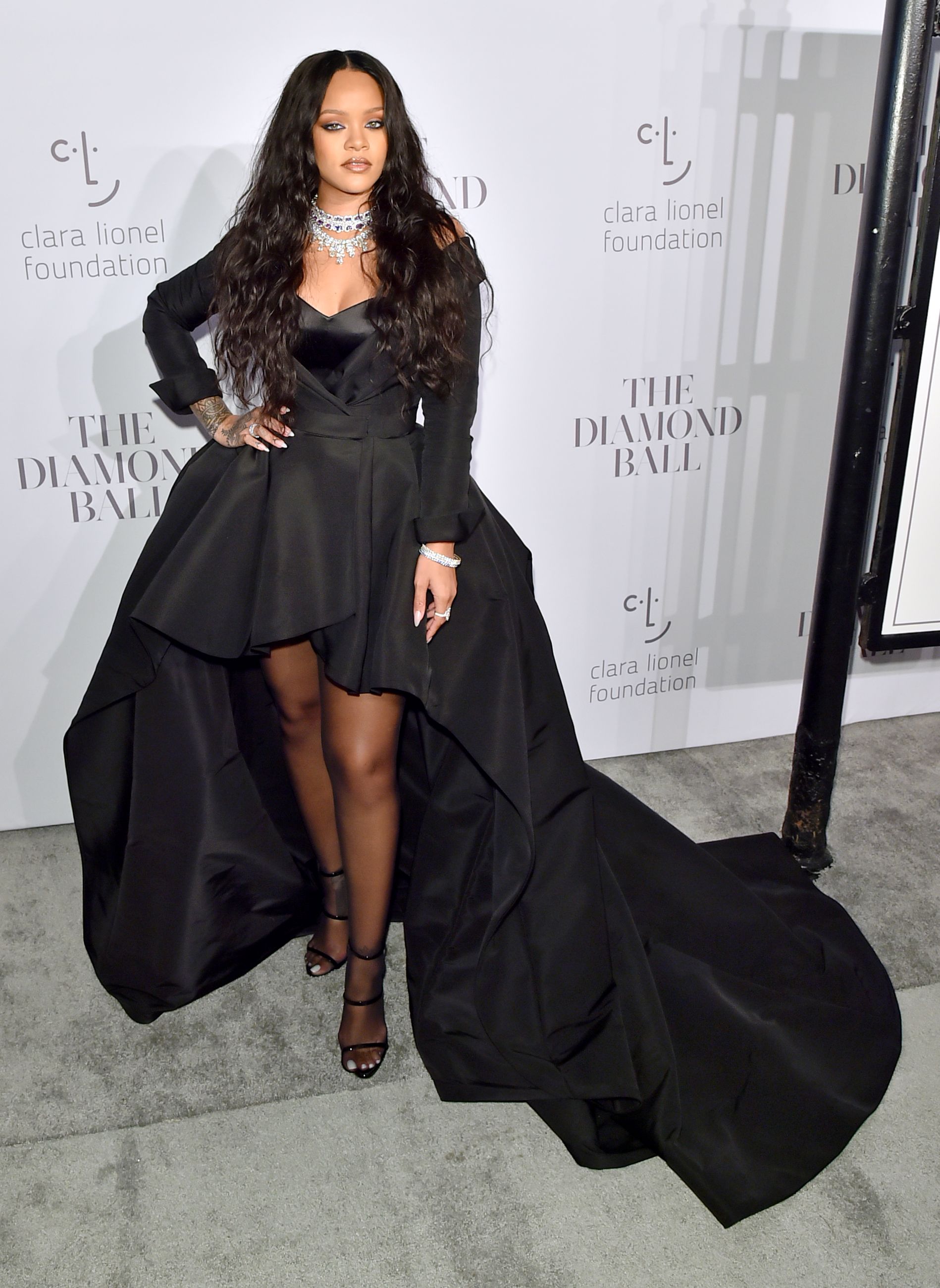
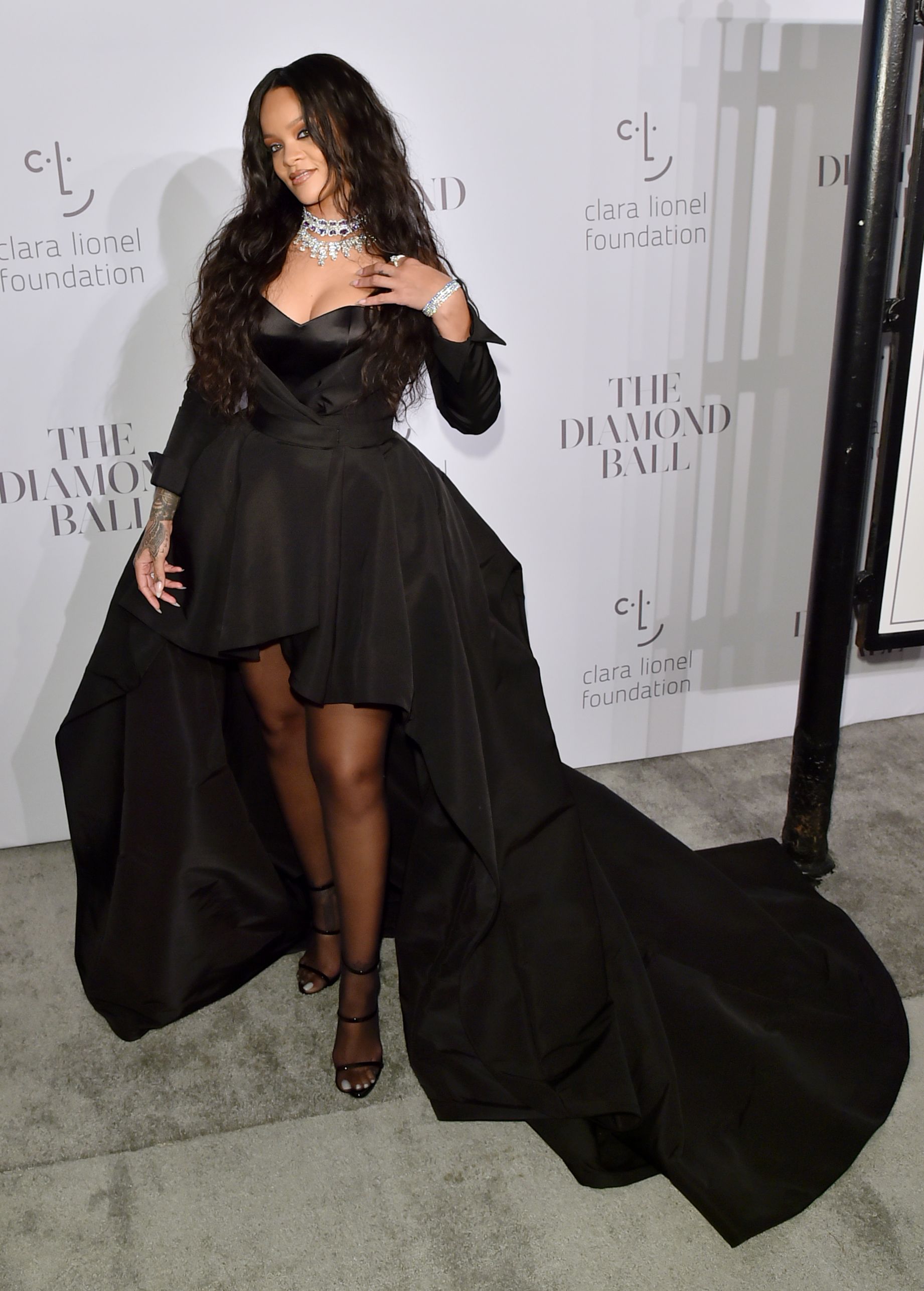
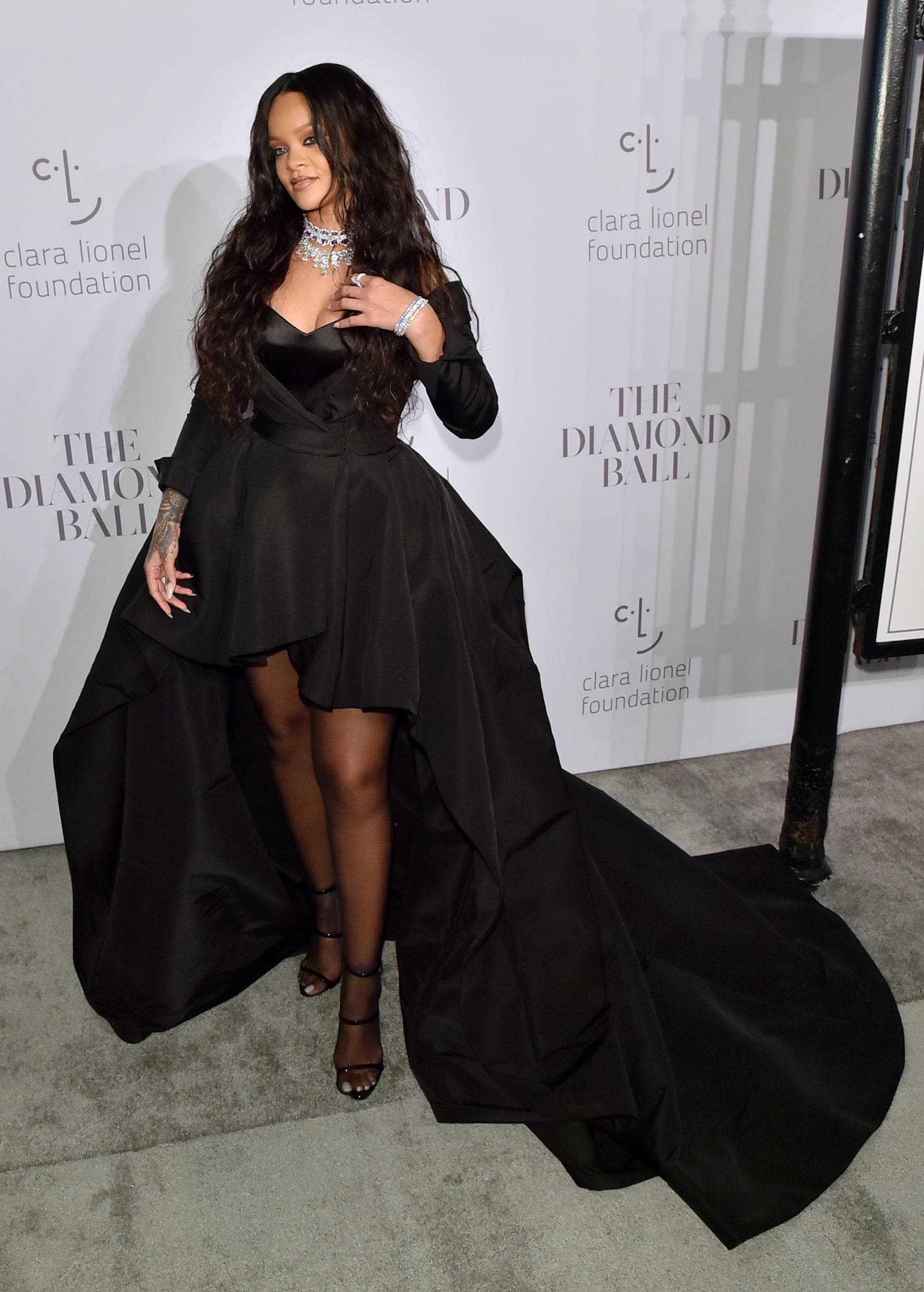
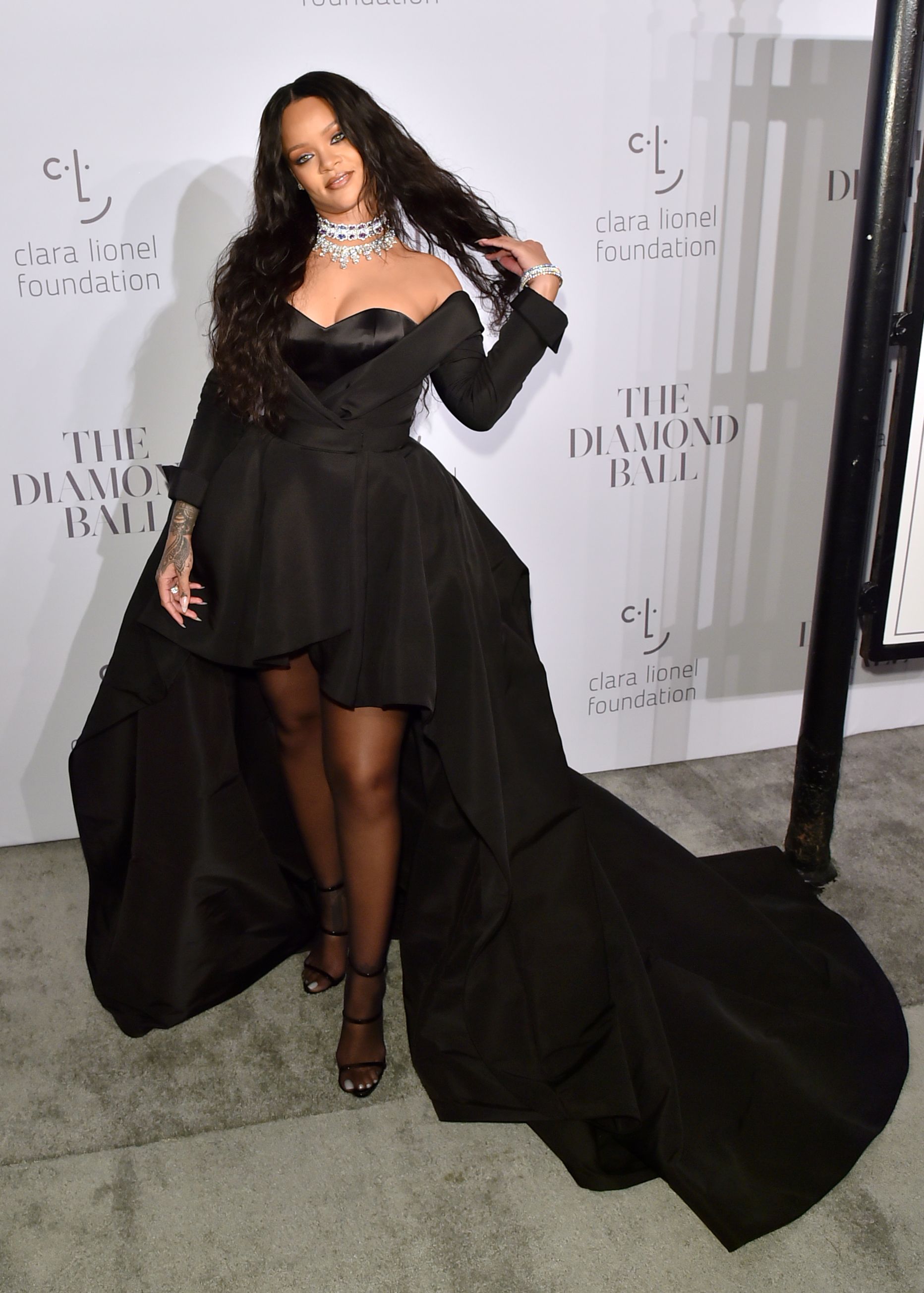
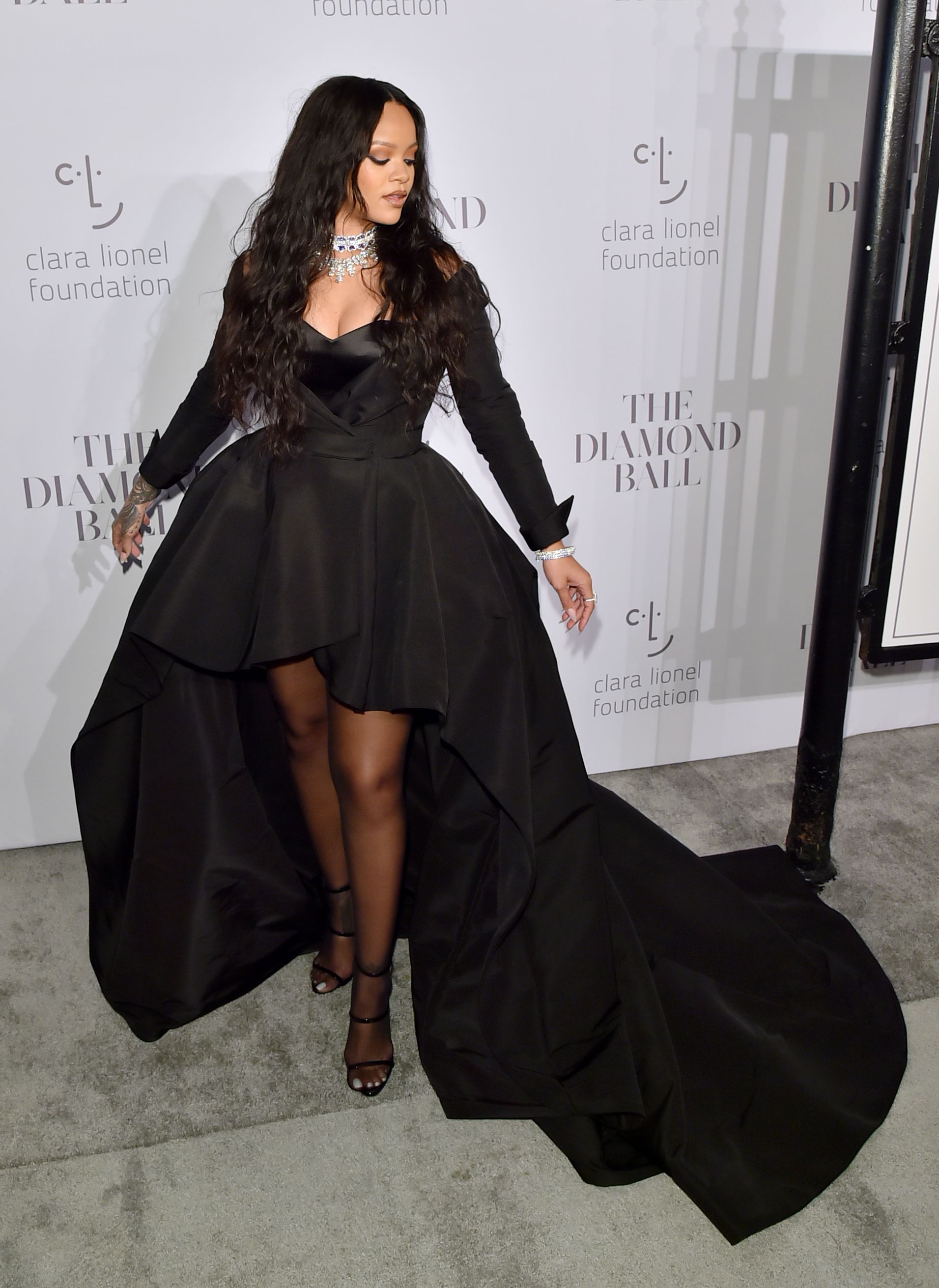
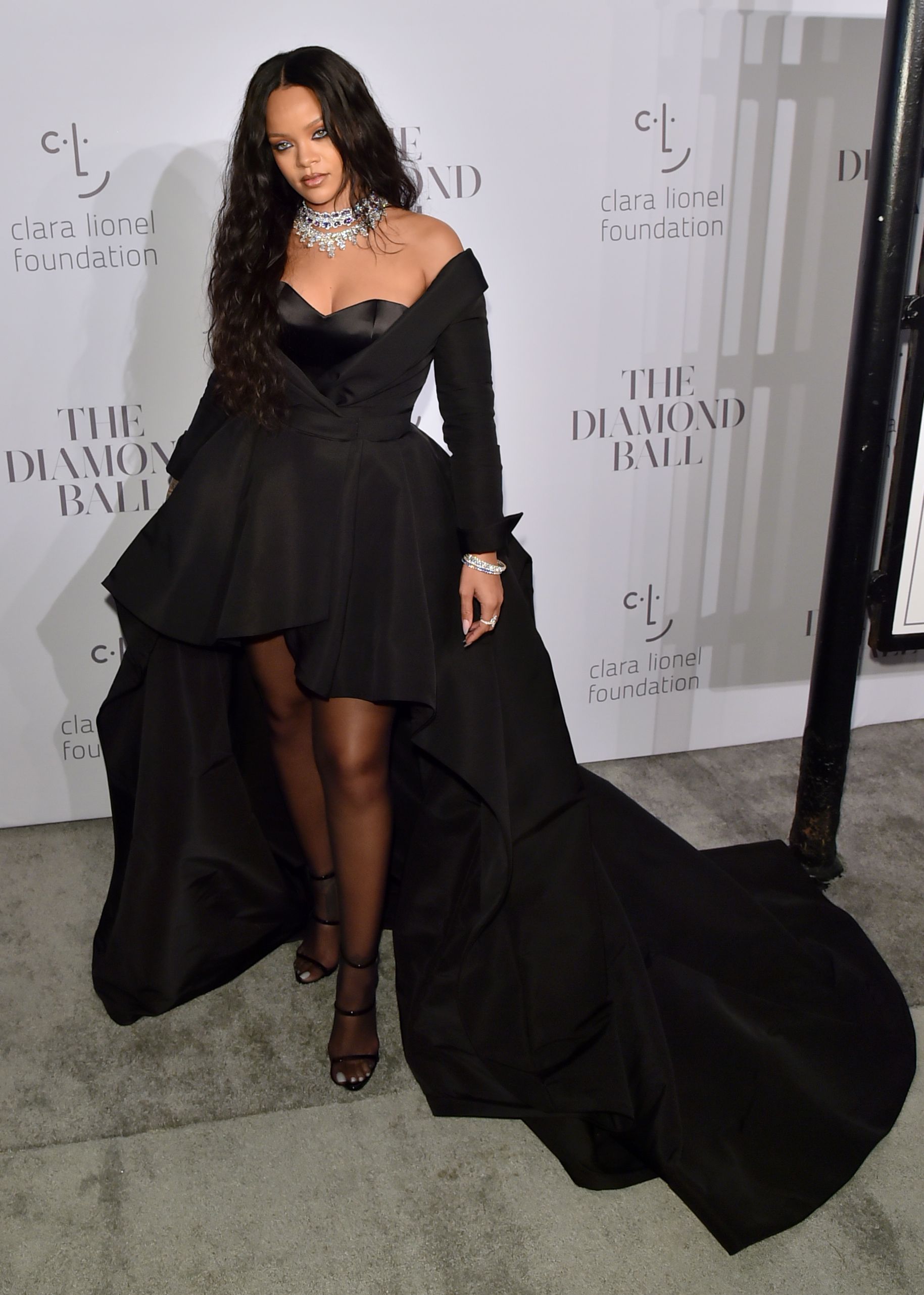
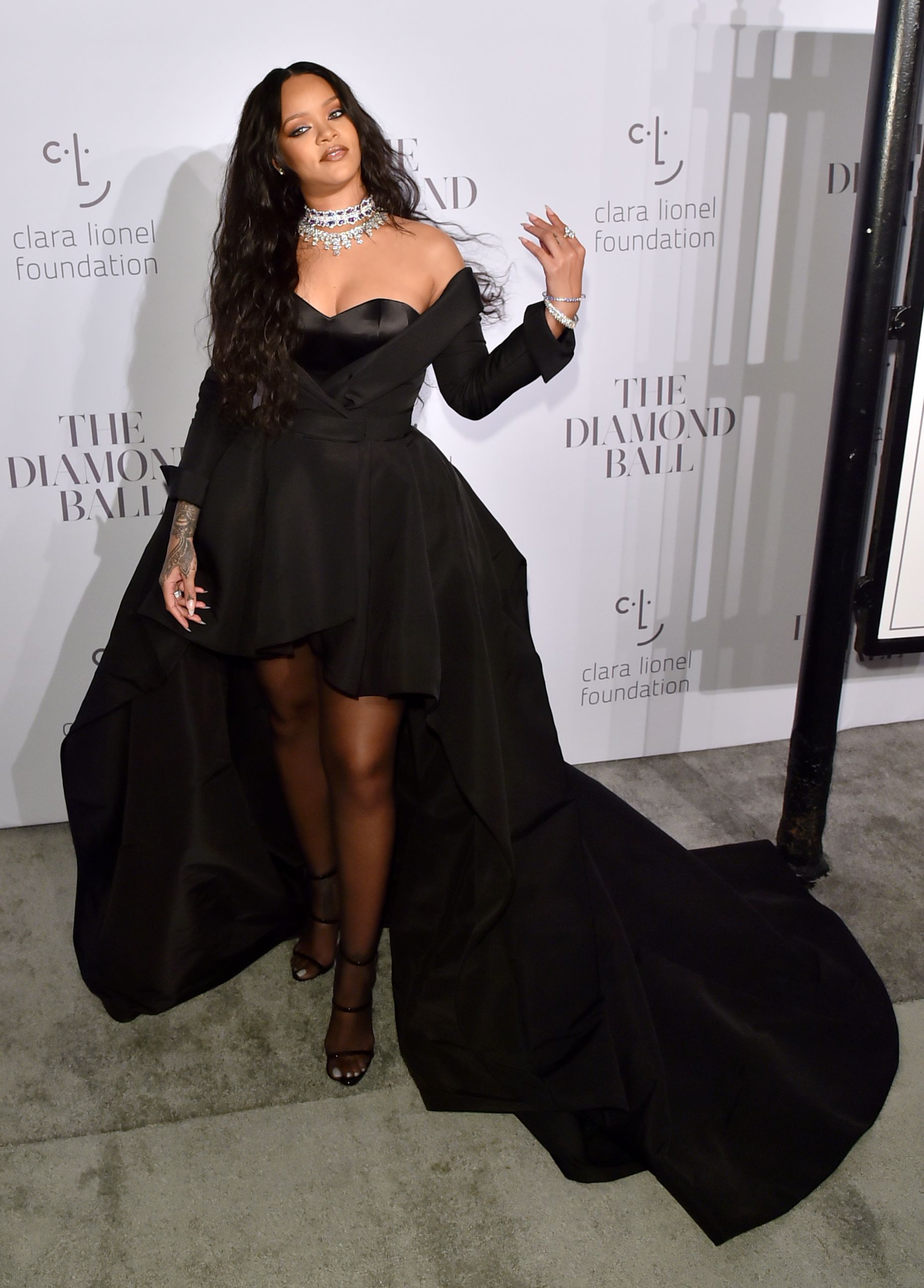
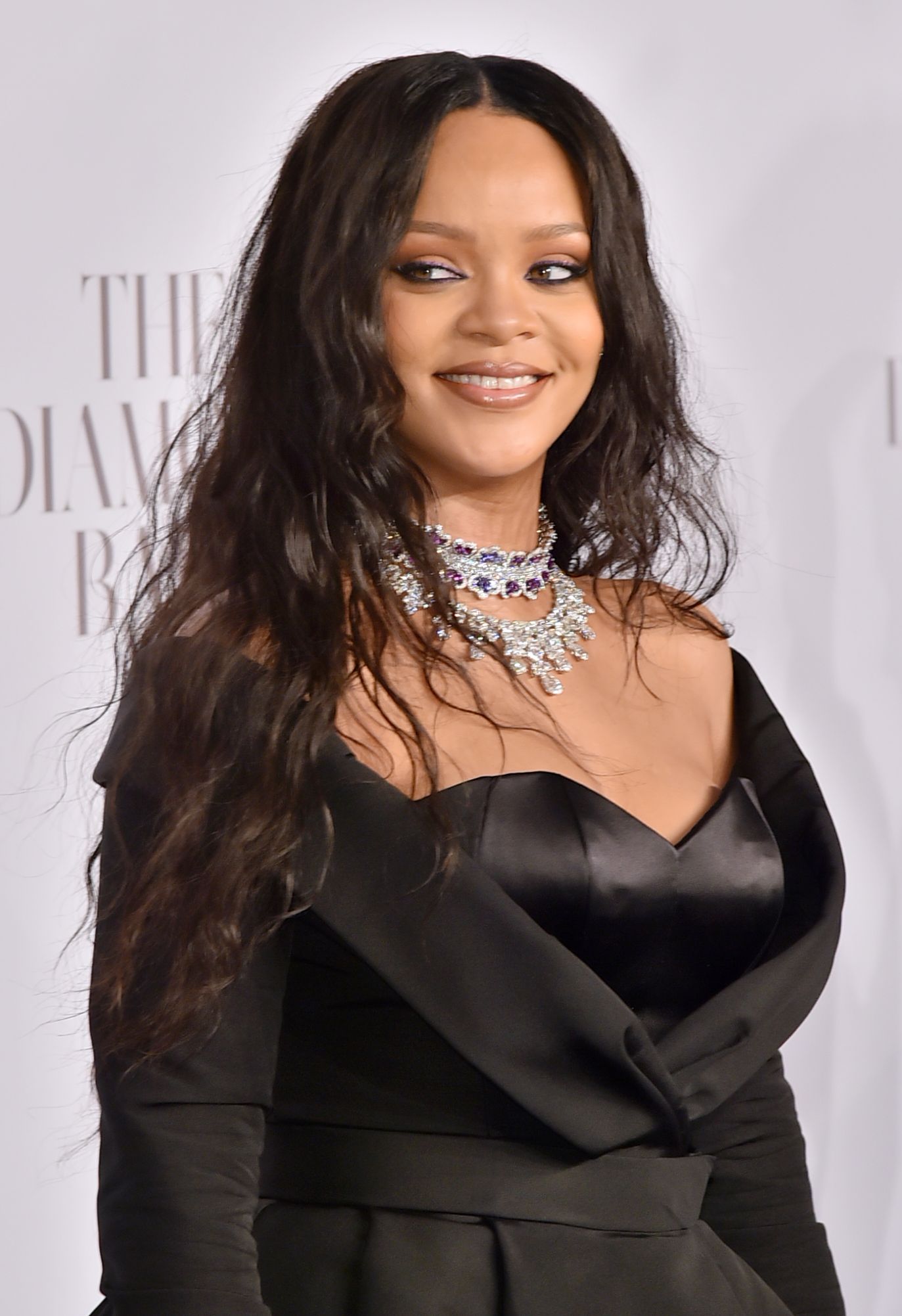
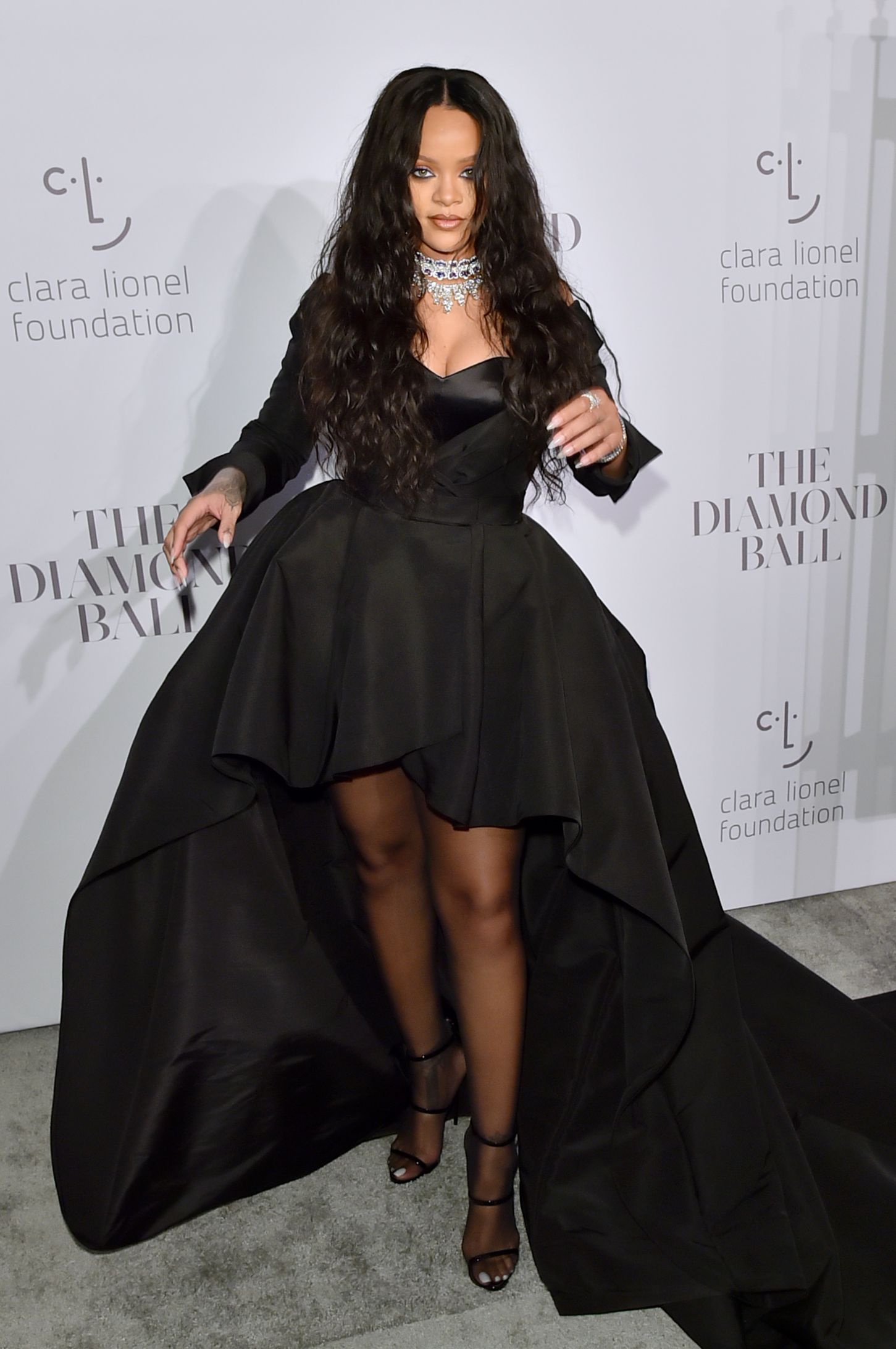
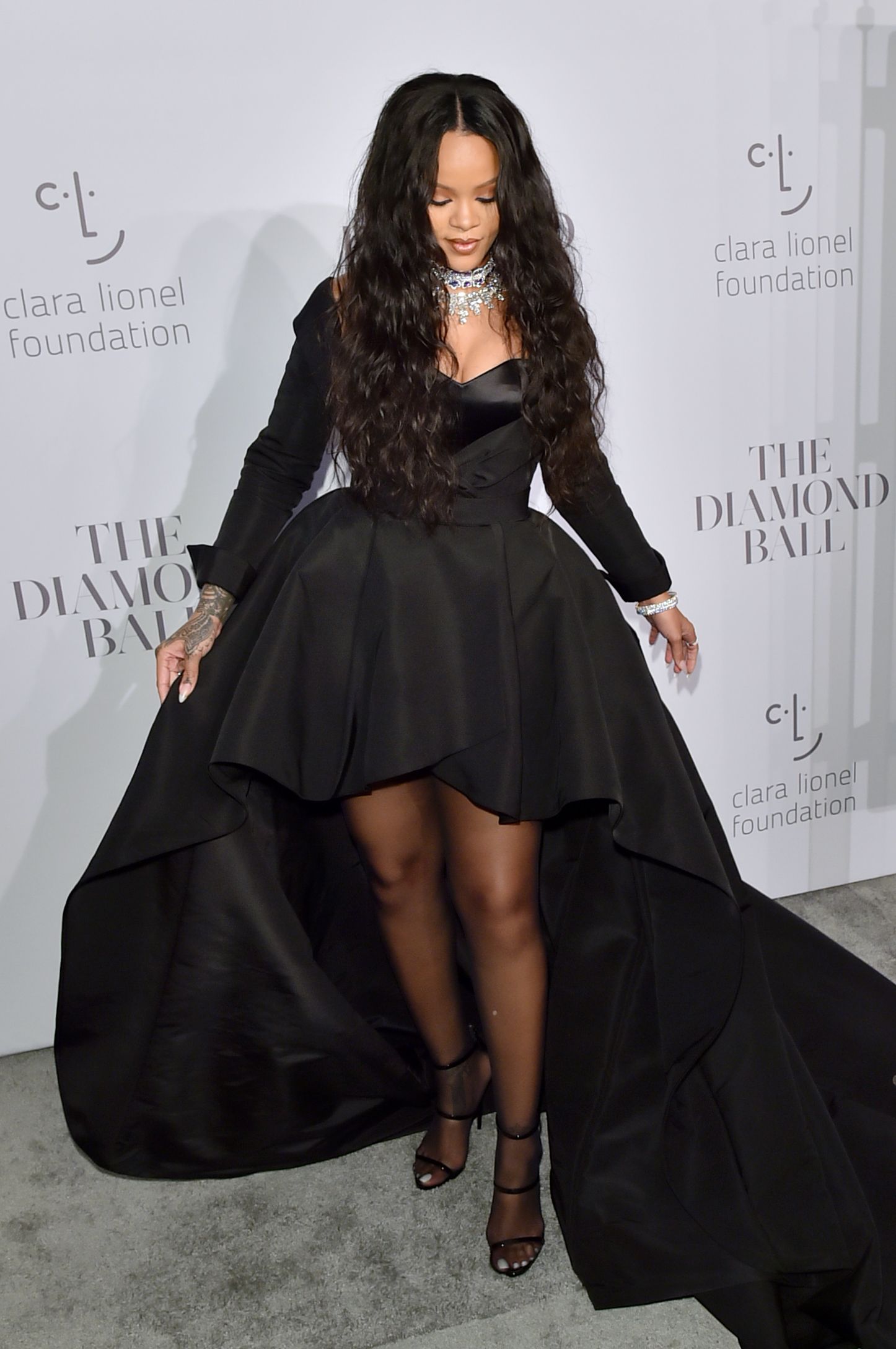
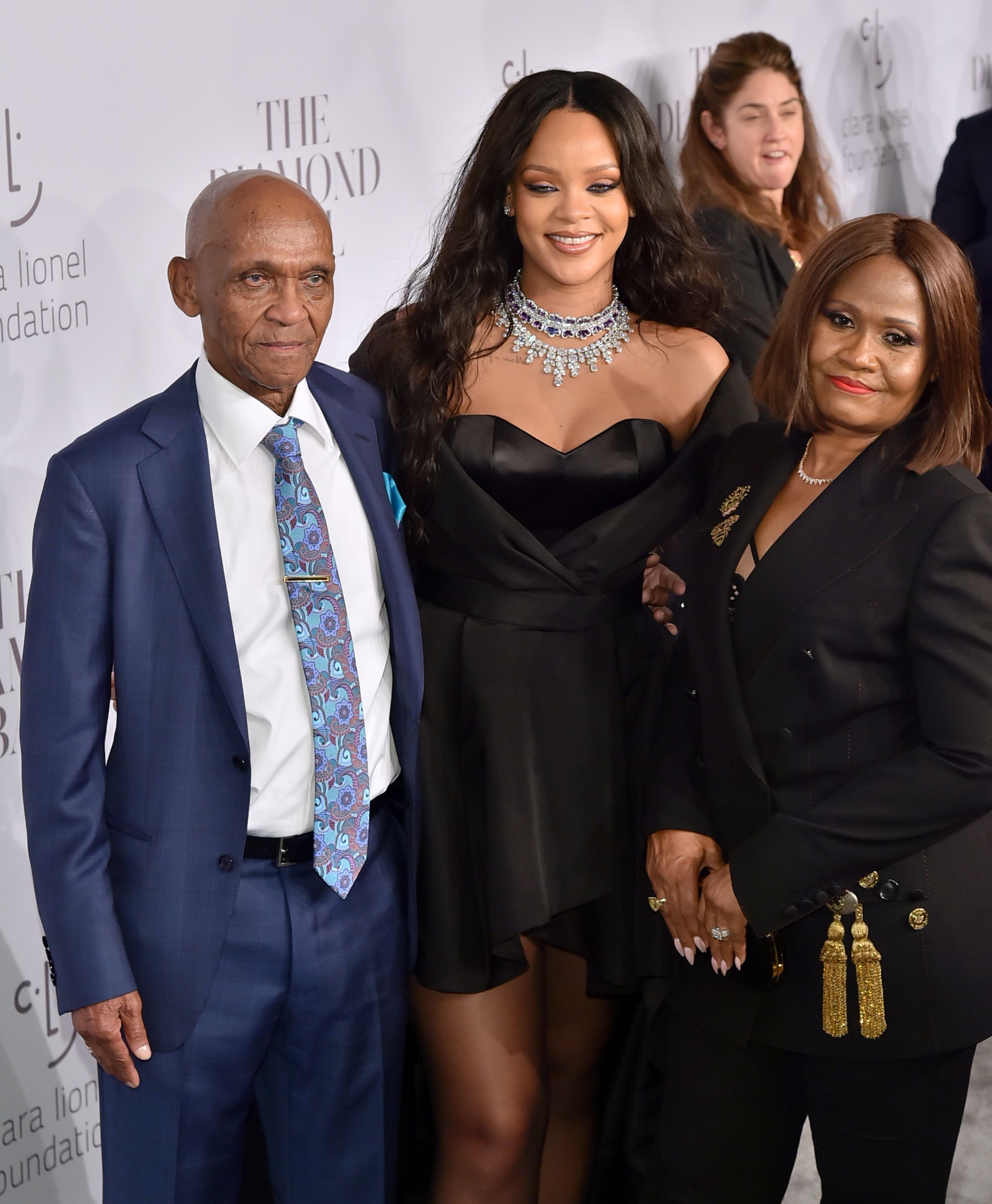
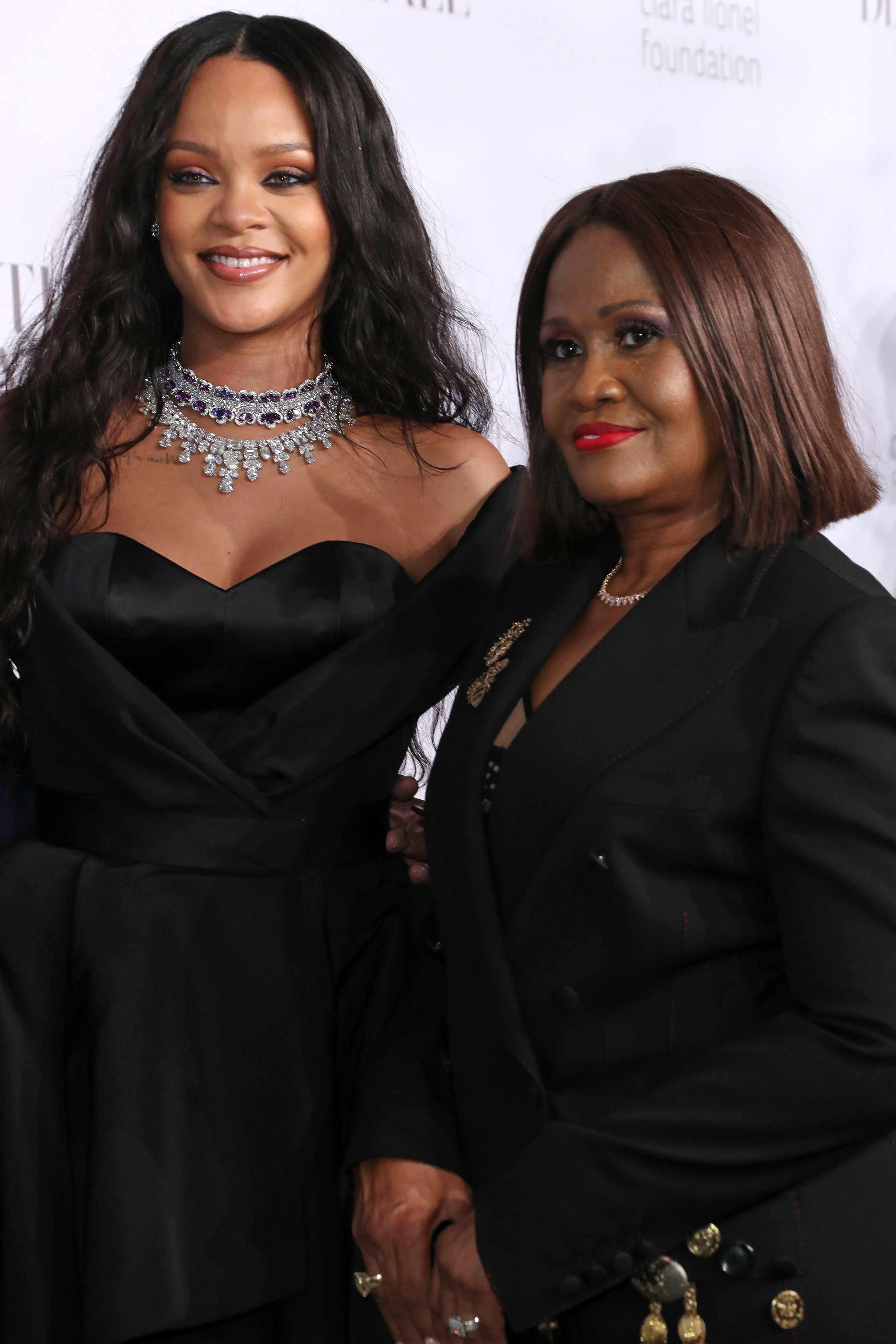
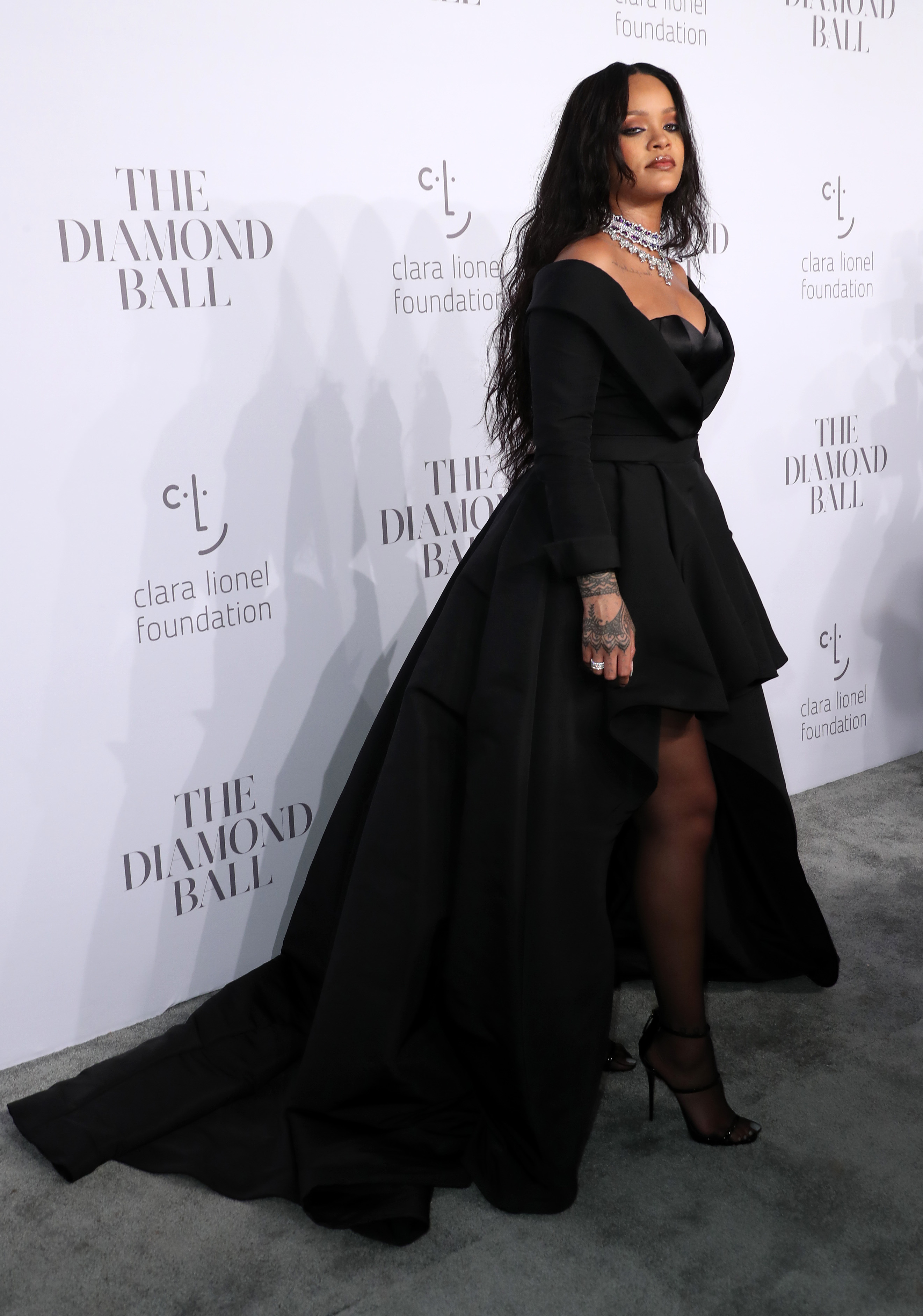
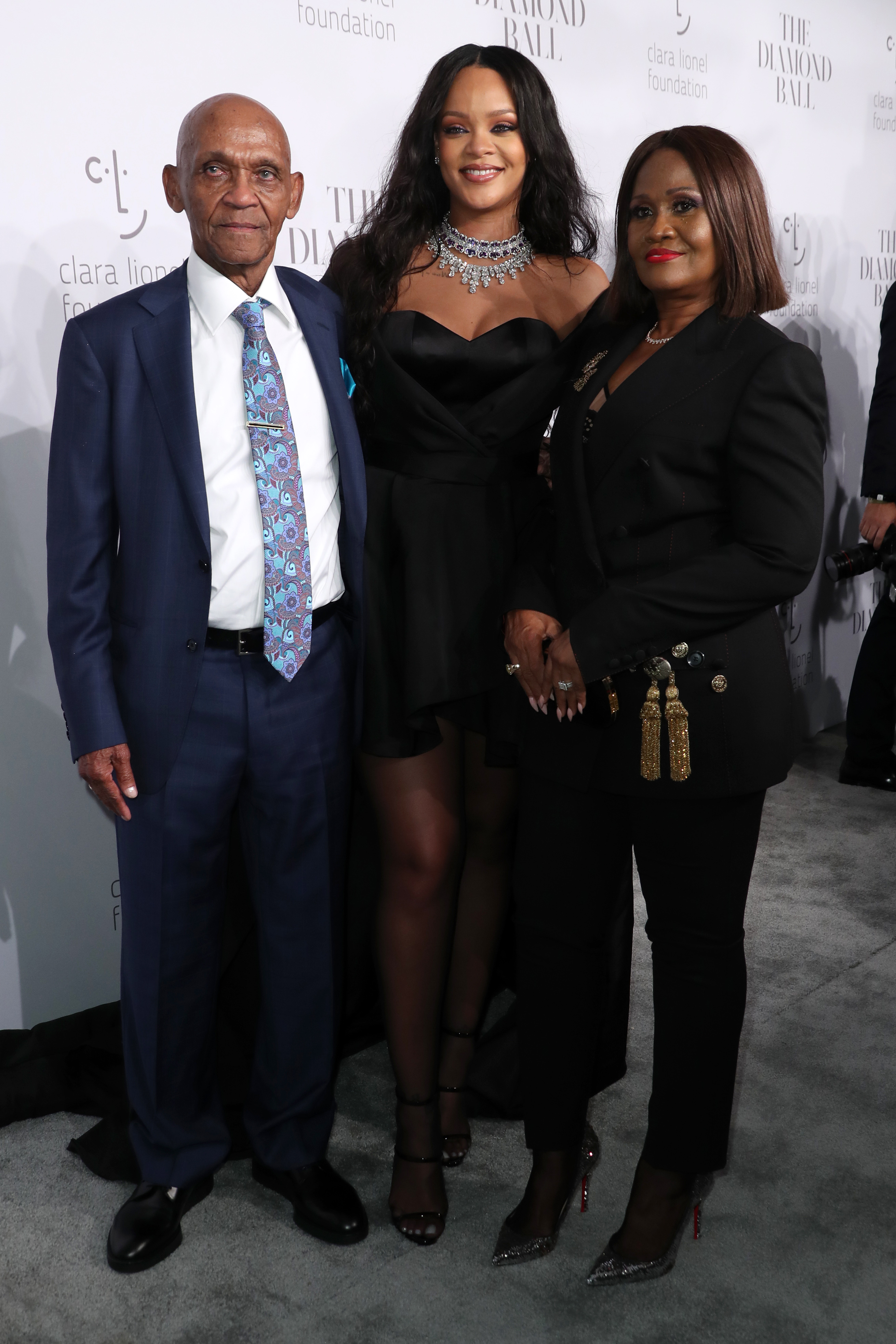
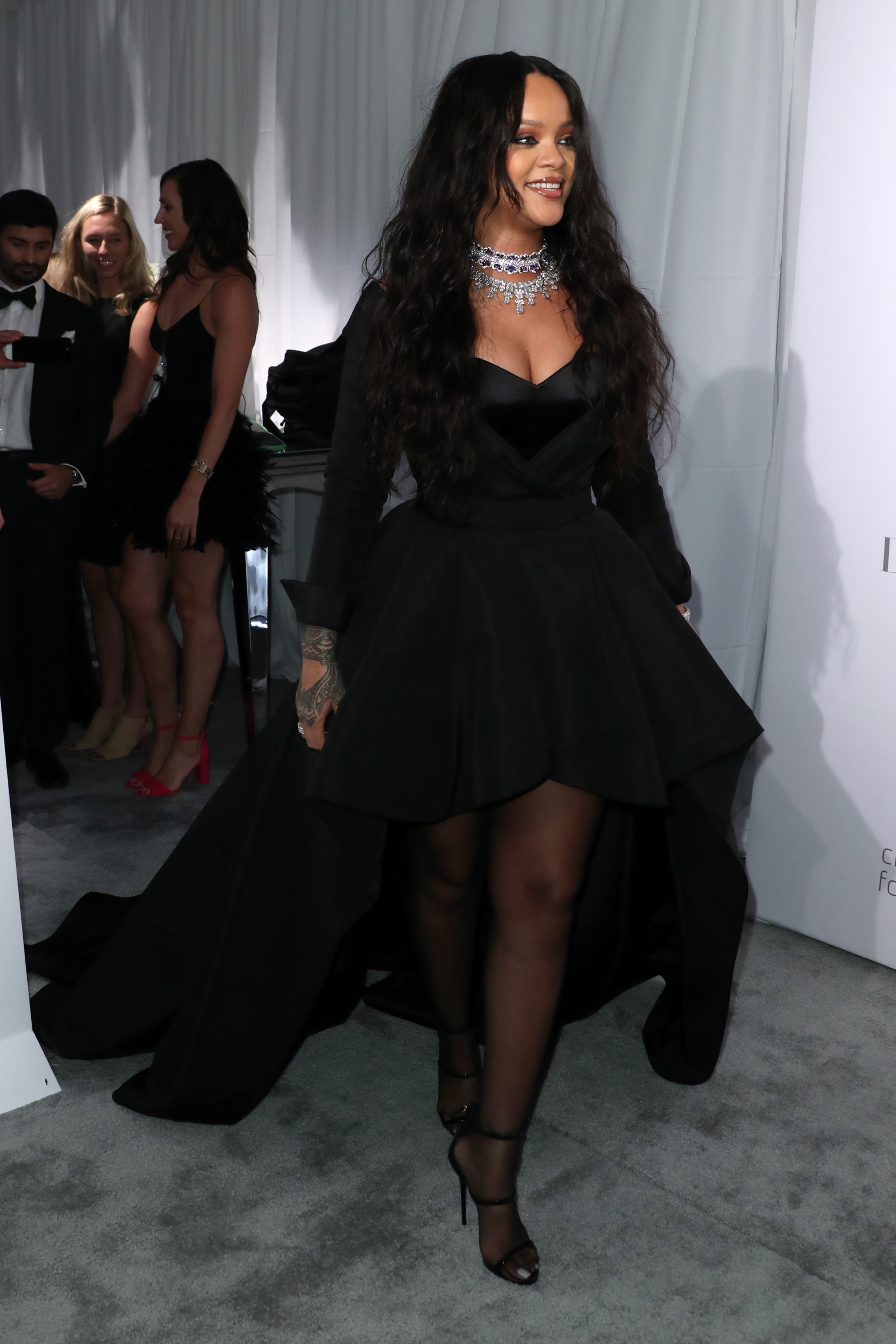
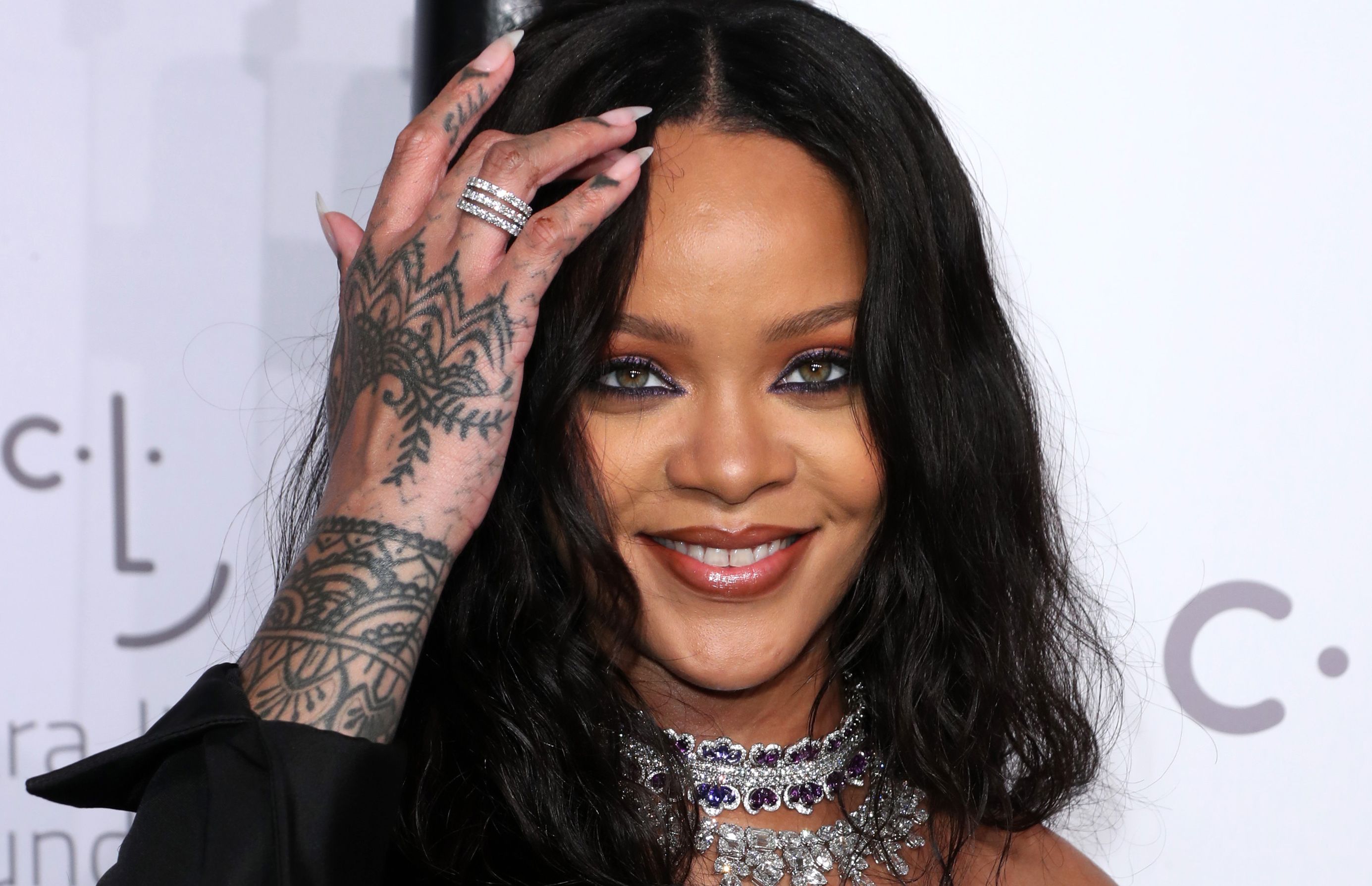
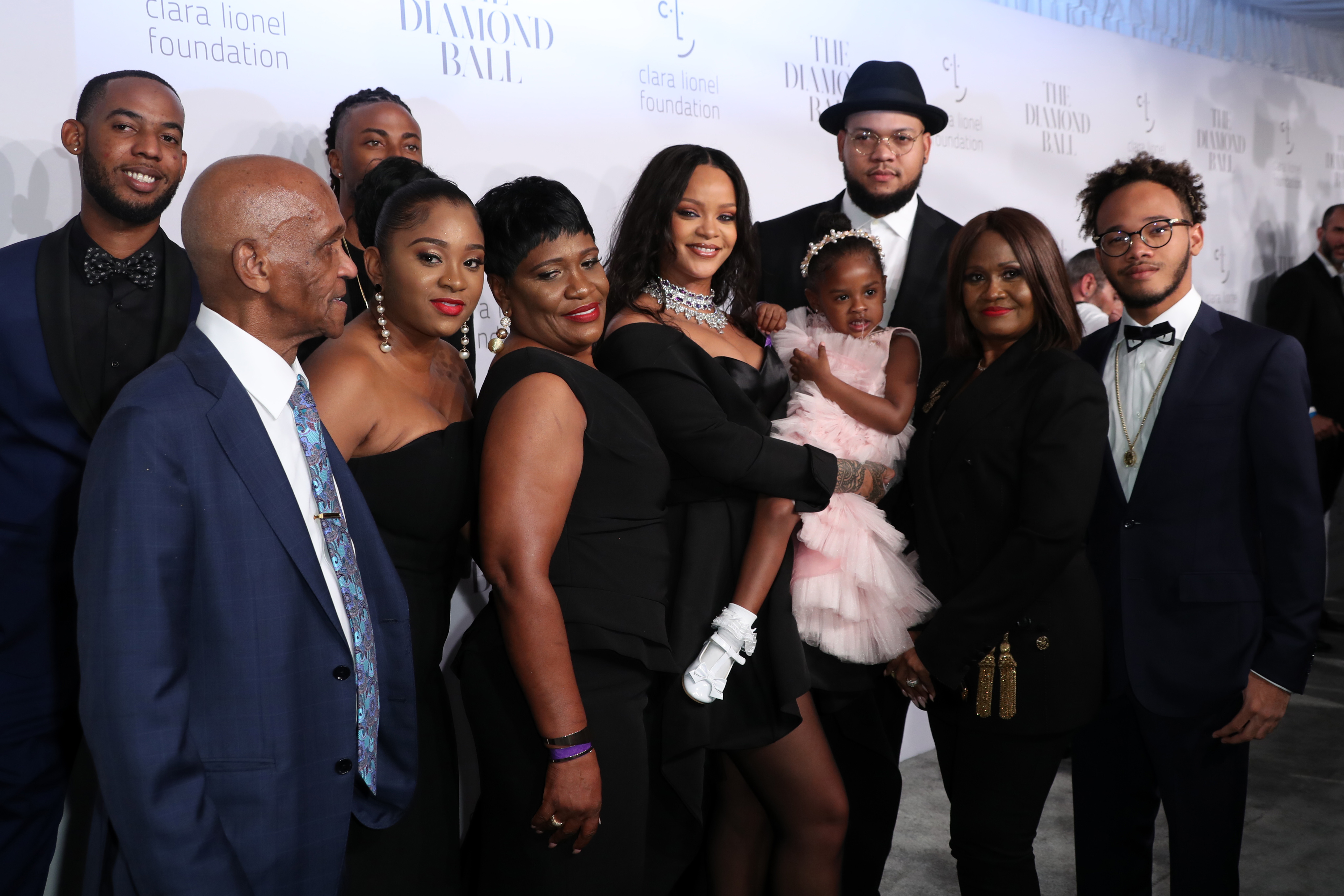
 Attends her 3rd Annual Clara Lionel Foundation Diamond Ball at Cipriani Wall Street in New York - September 14, 2017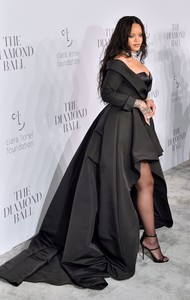
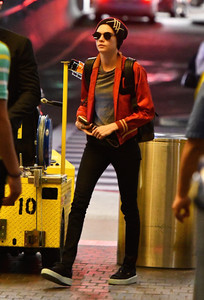
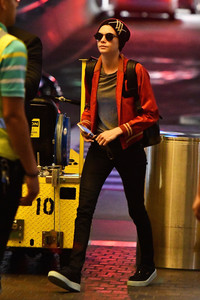
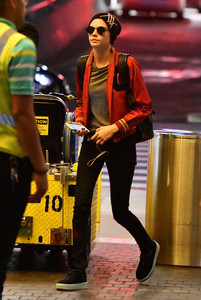
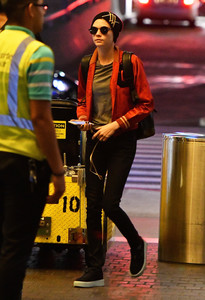
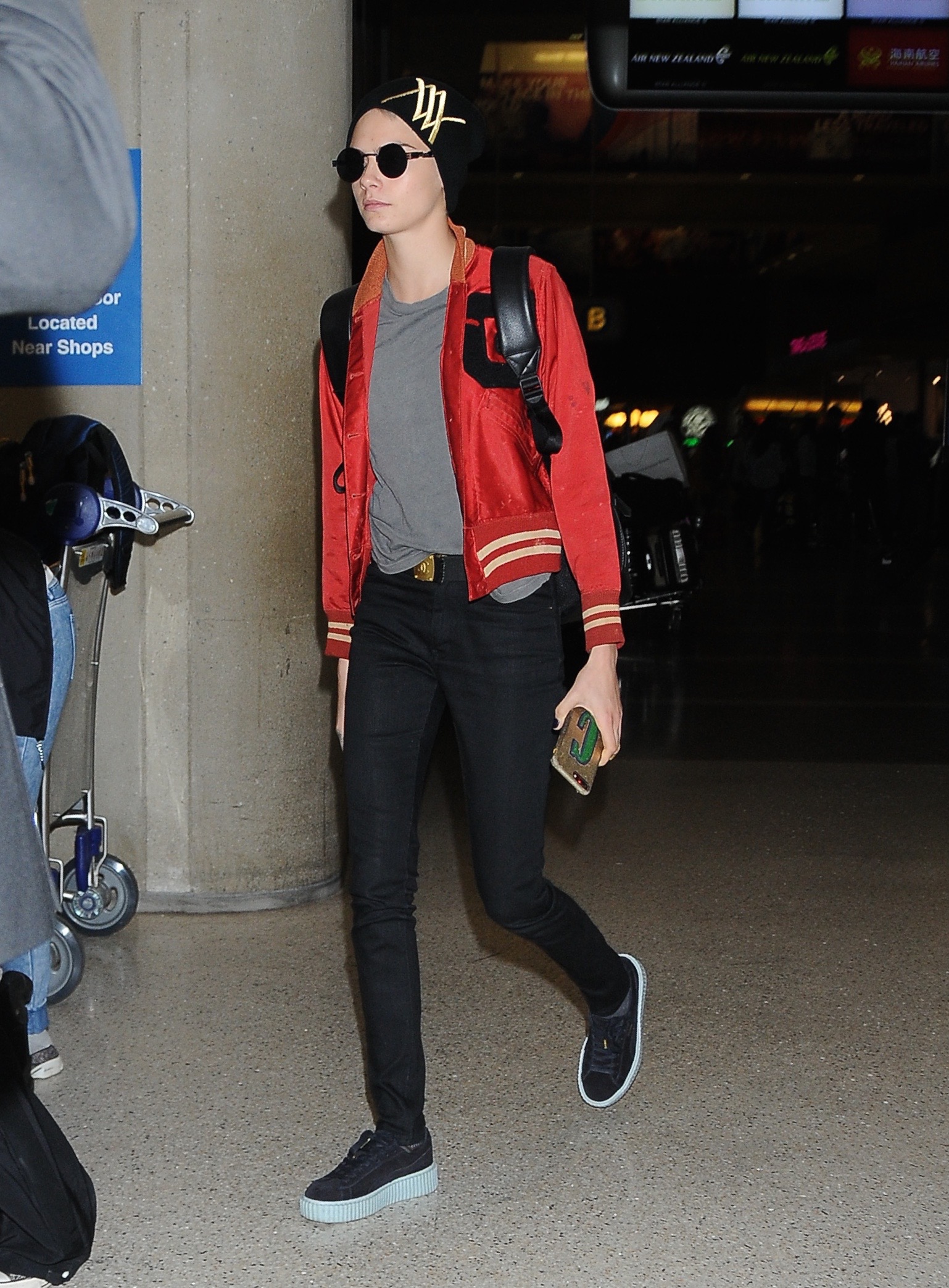
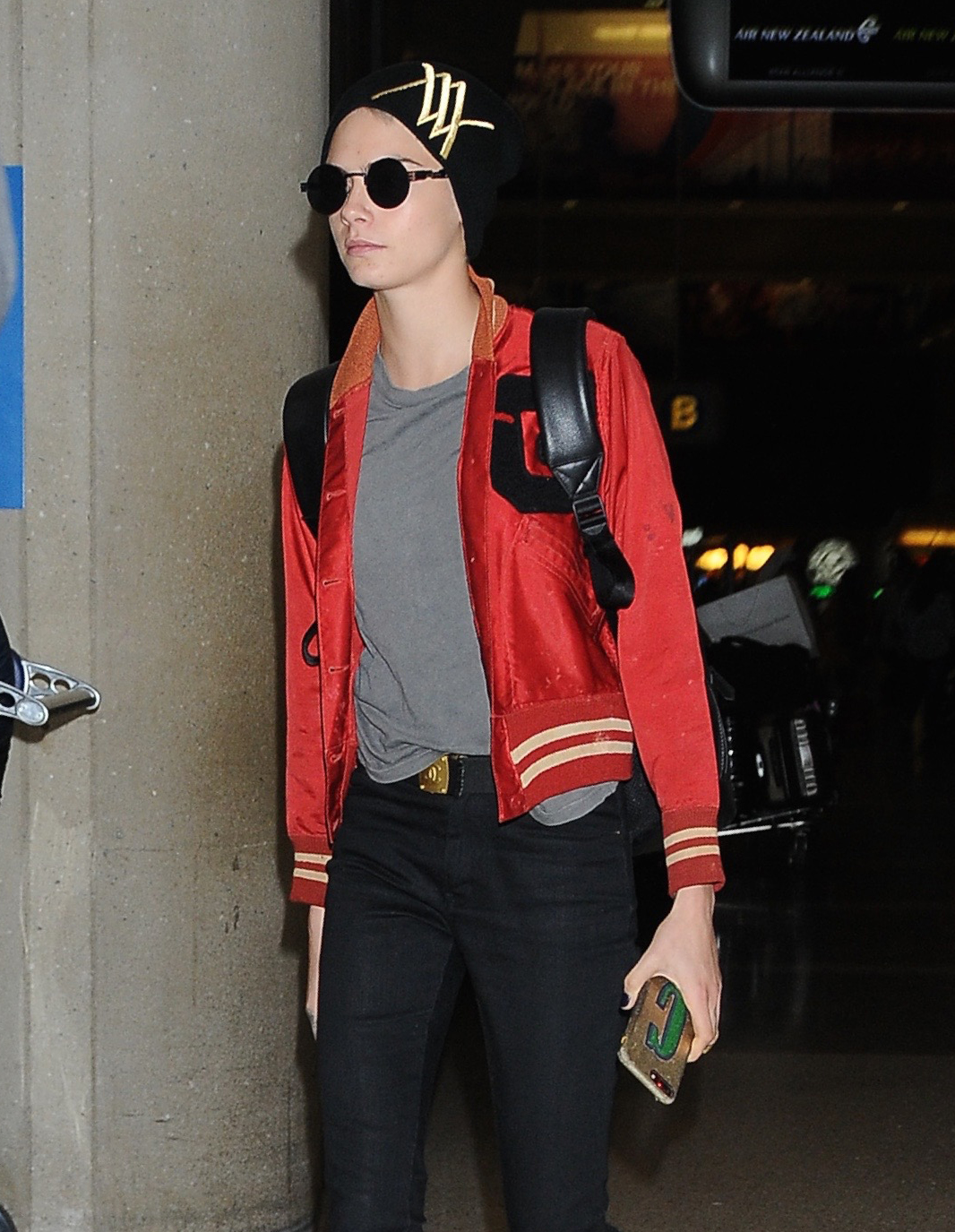
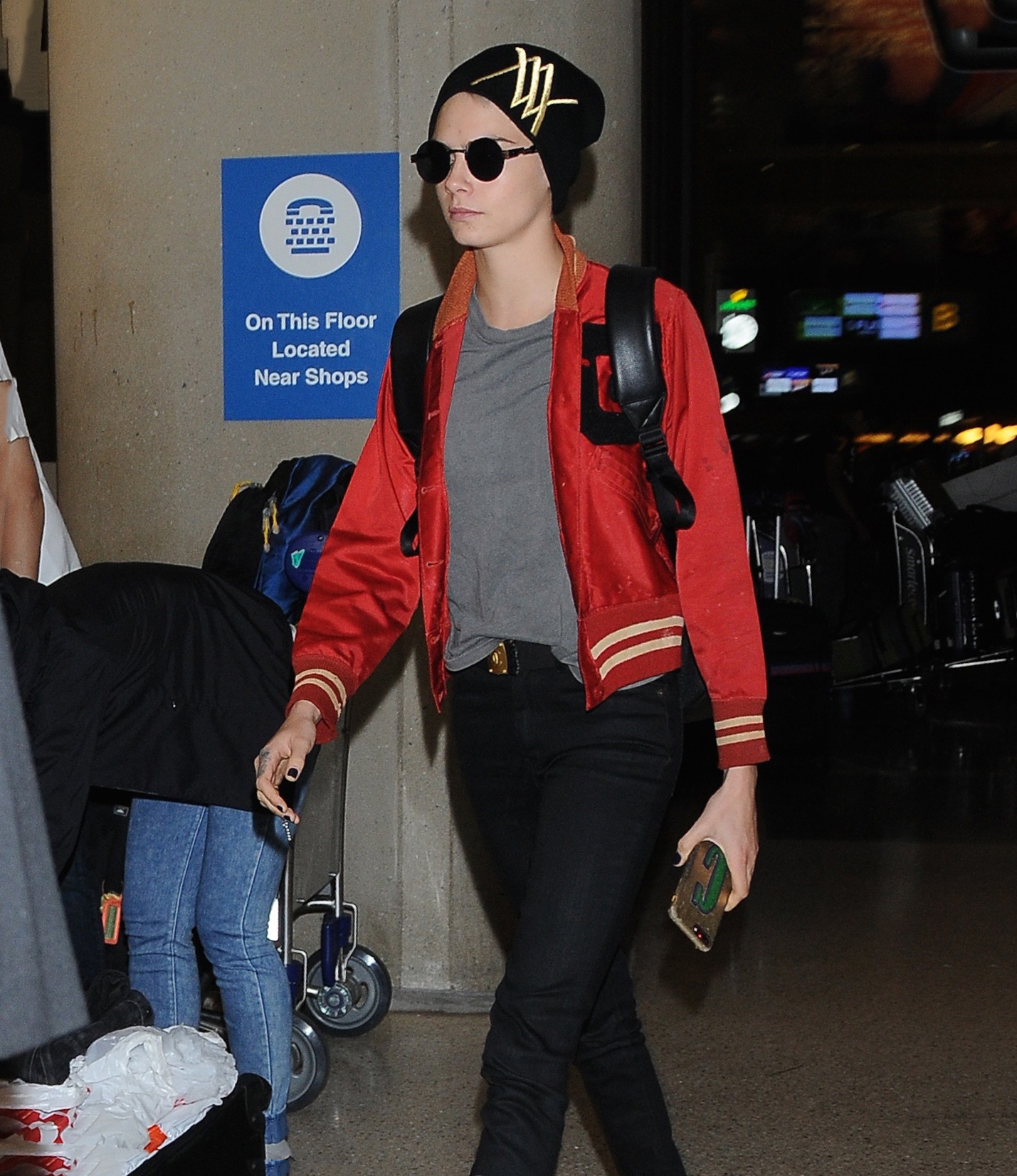
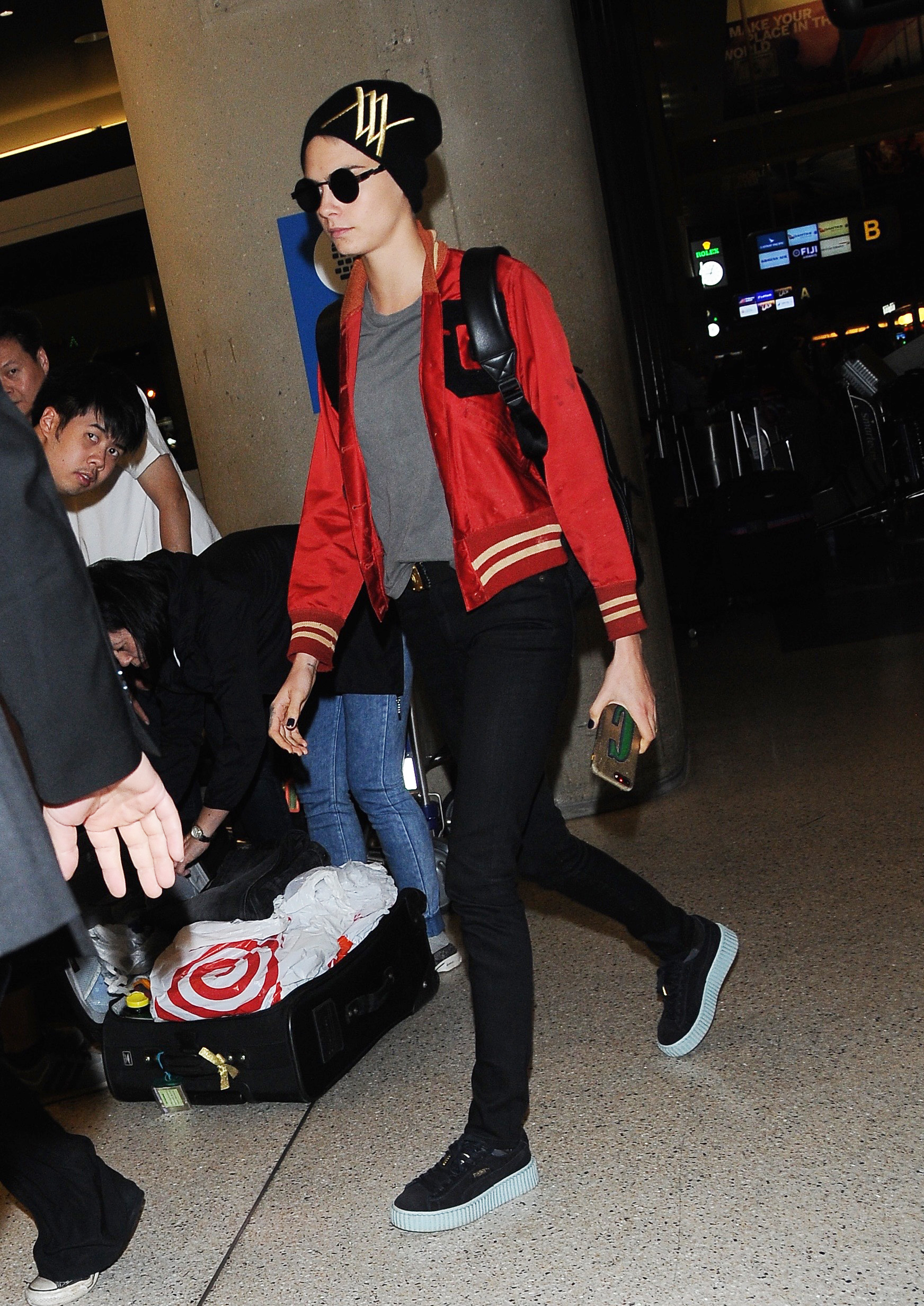
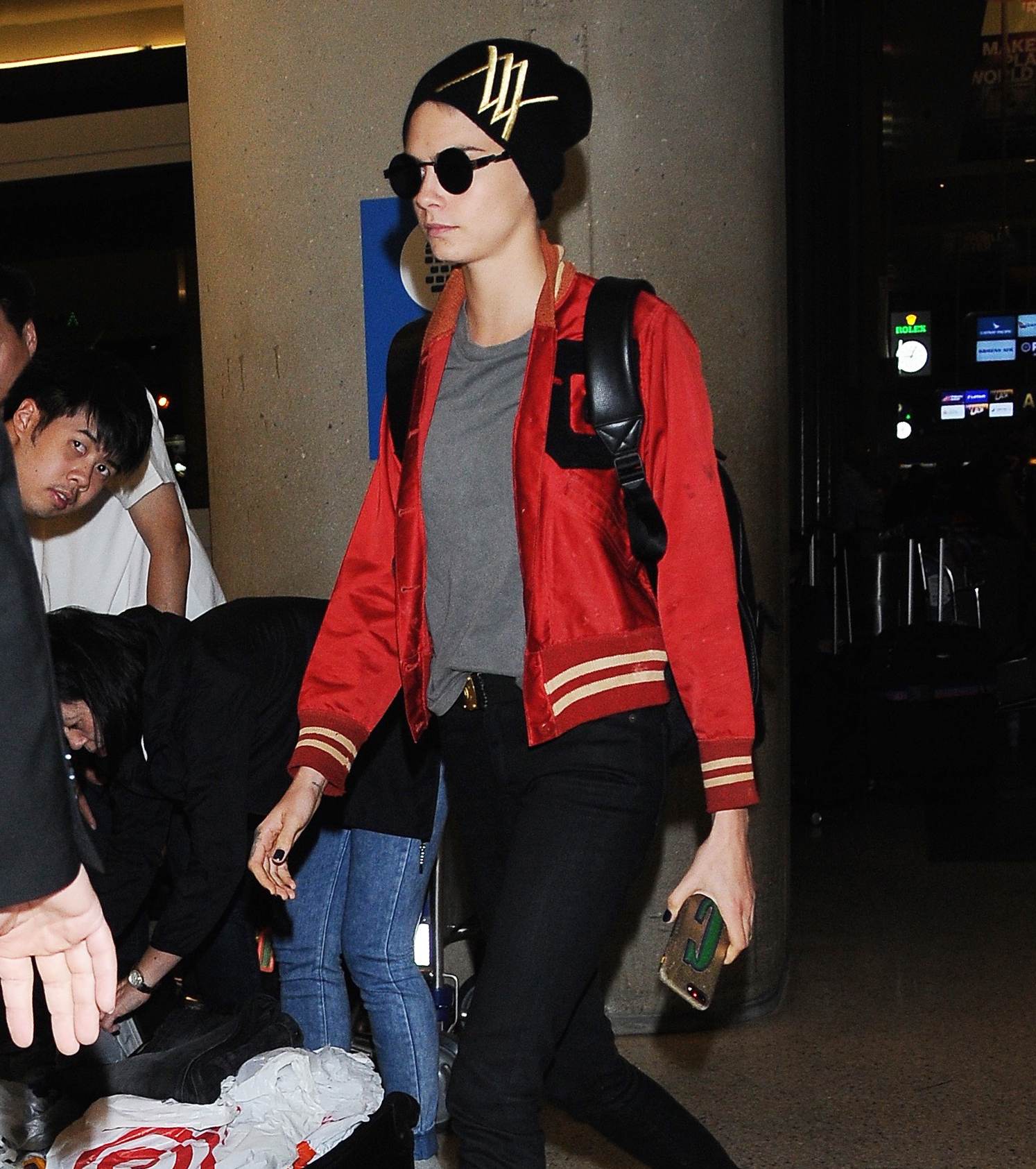
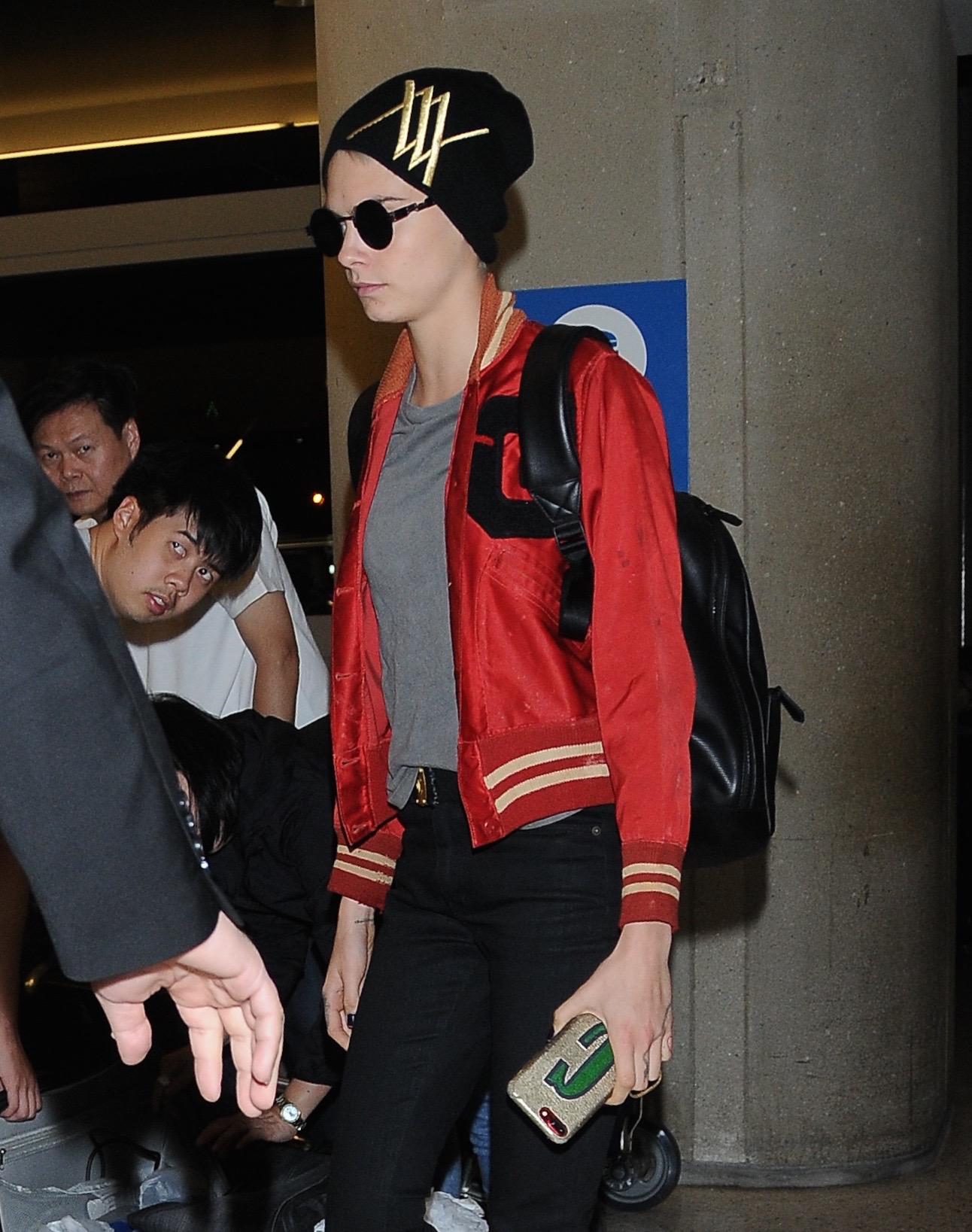
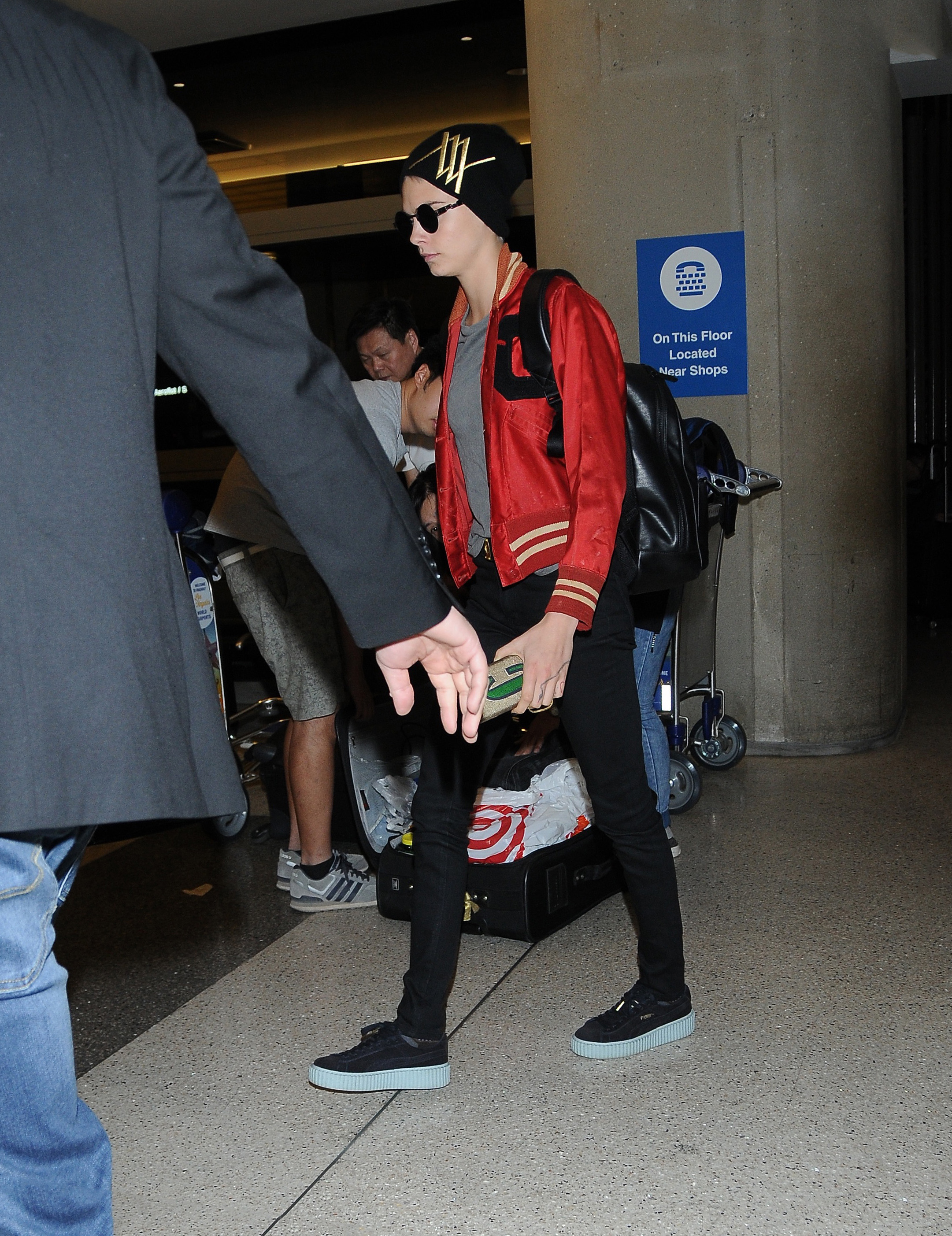
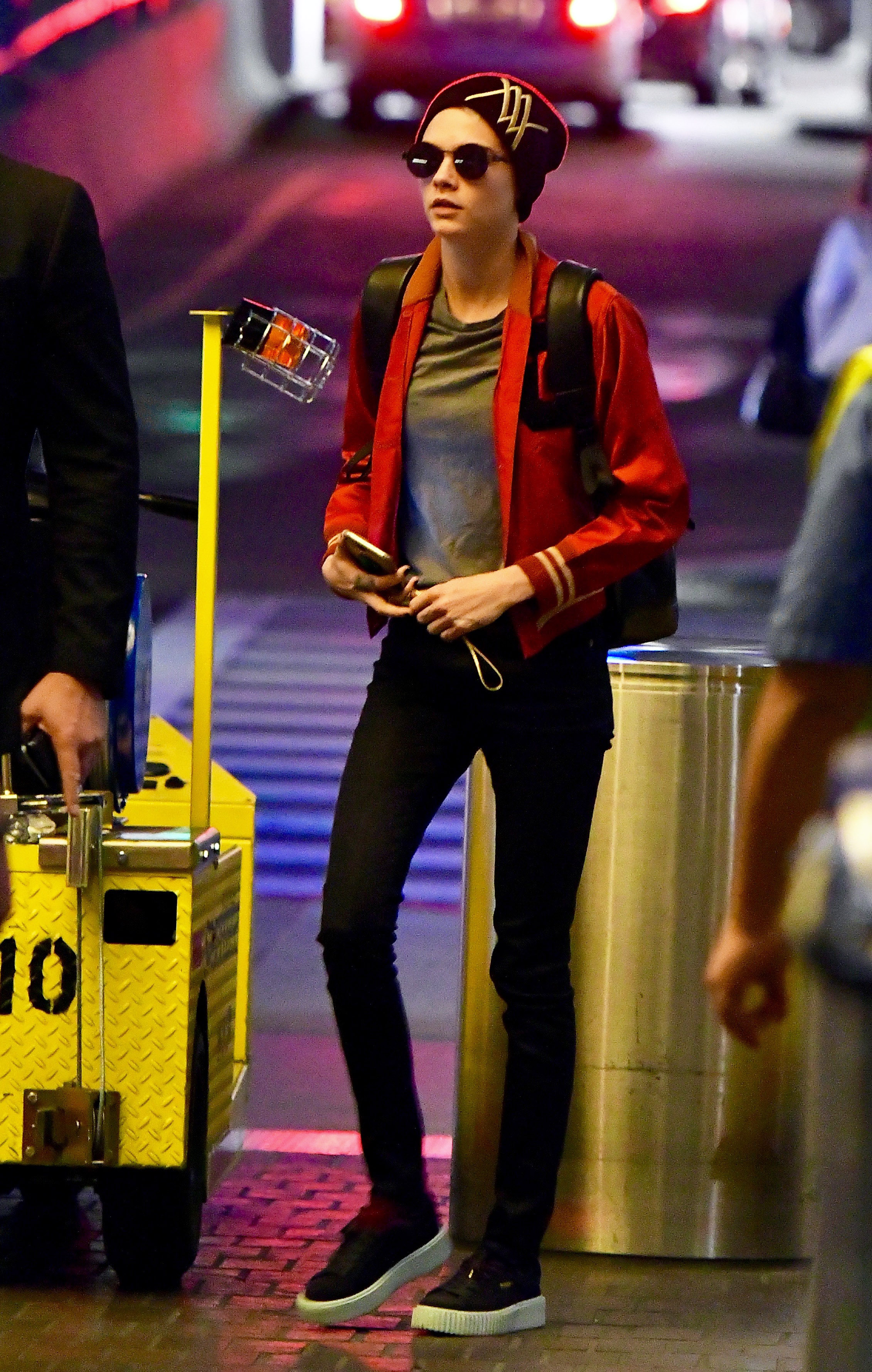
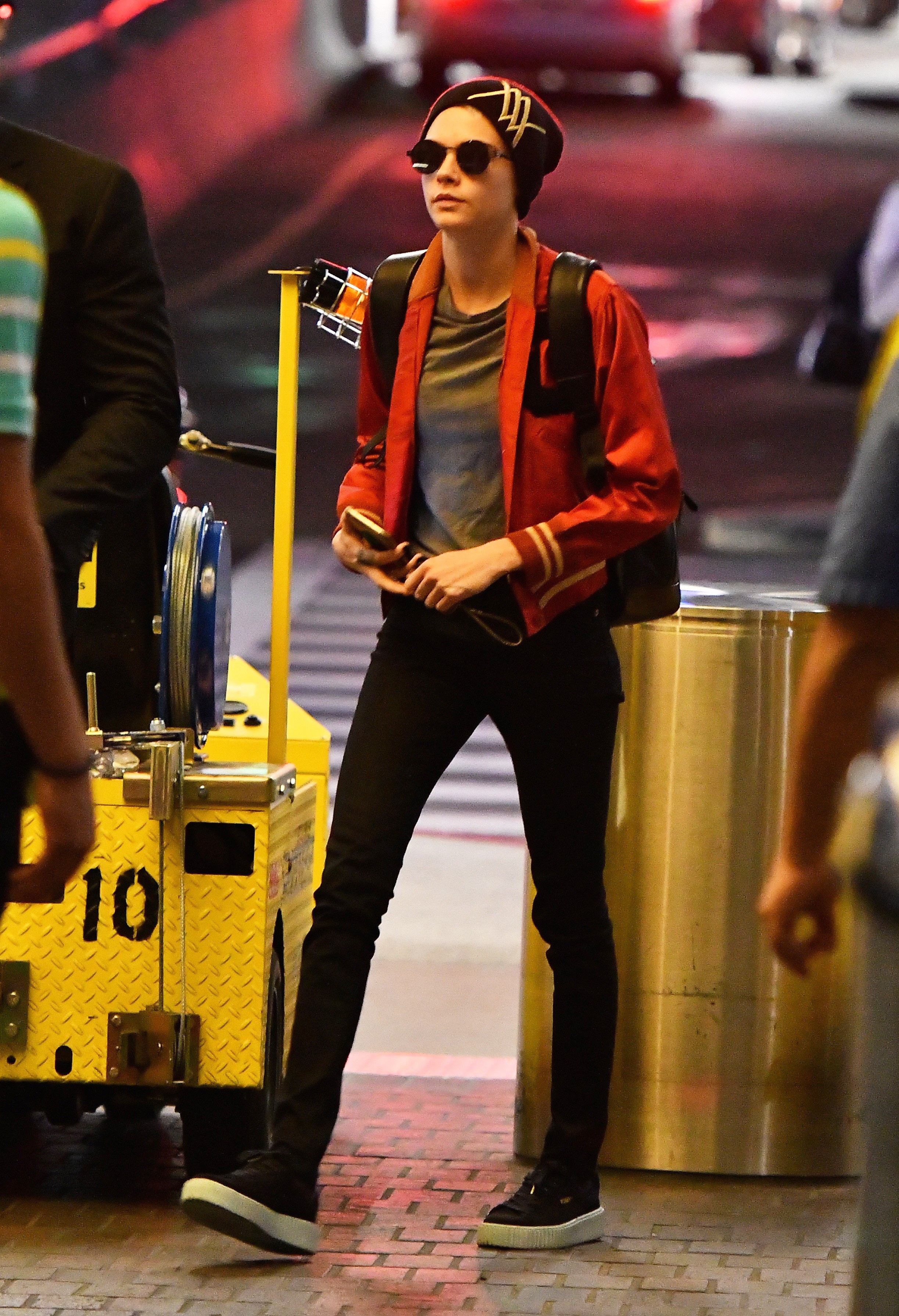
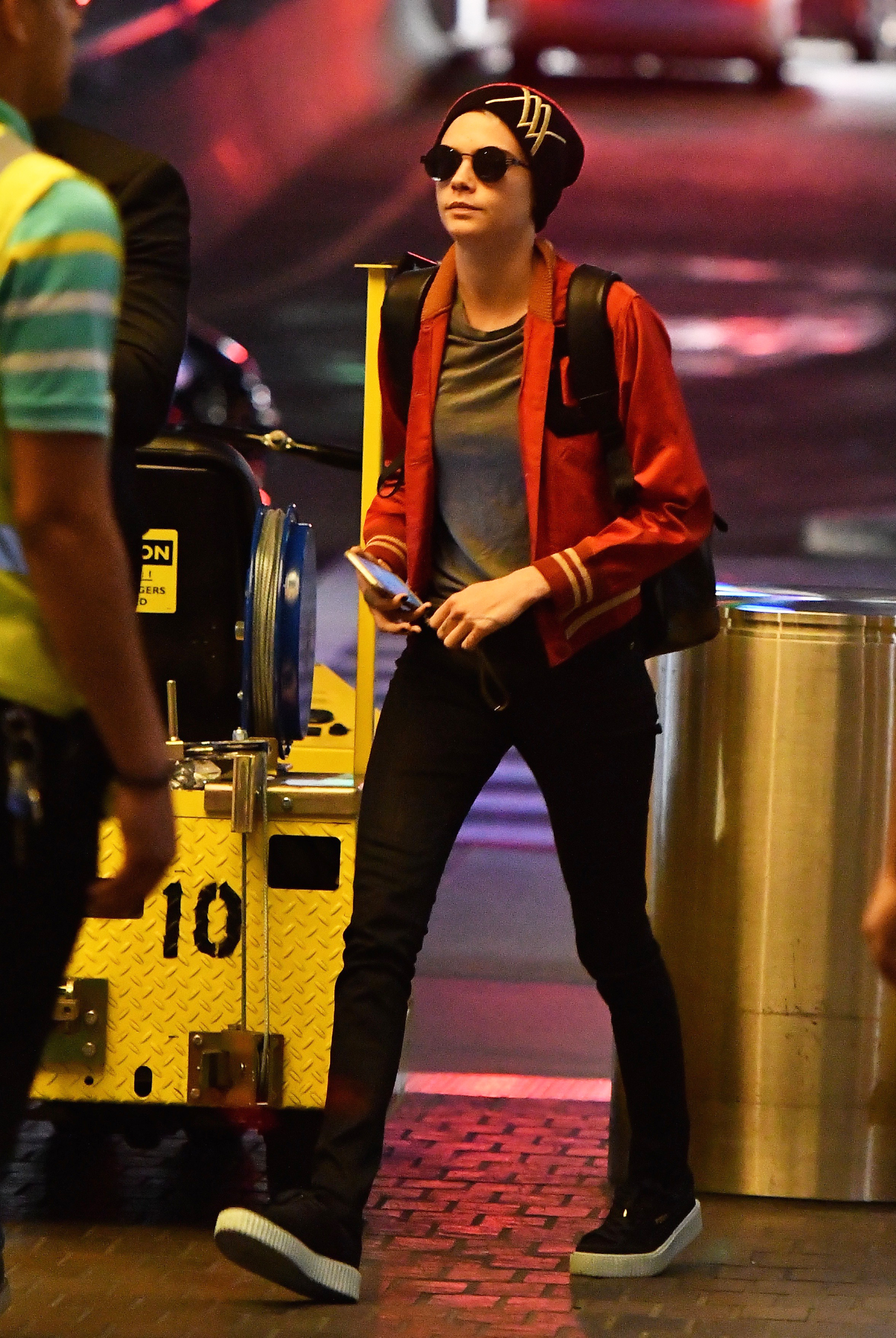
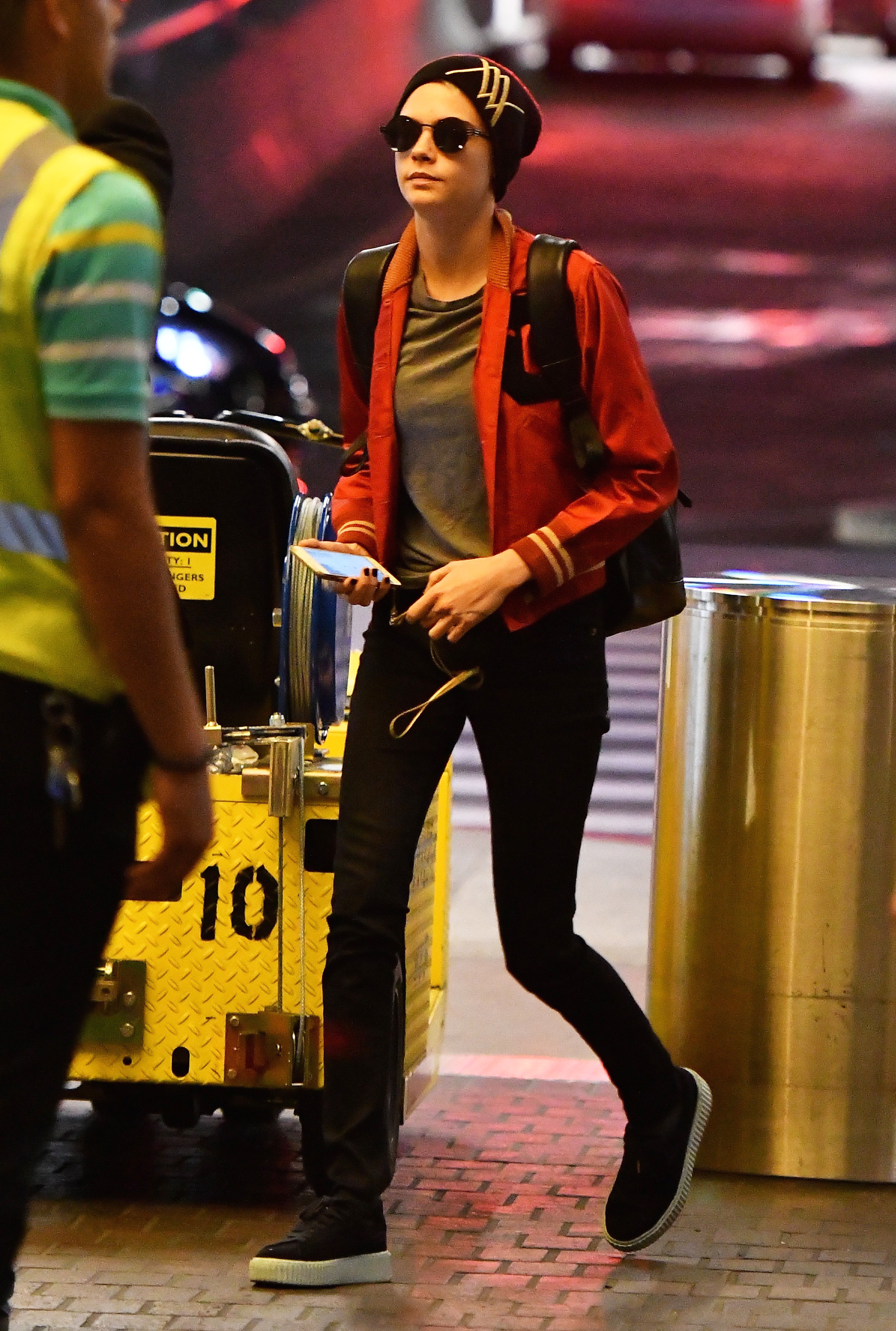
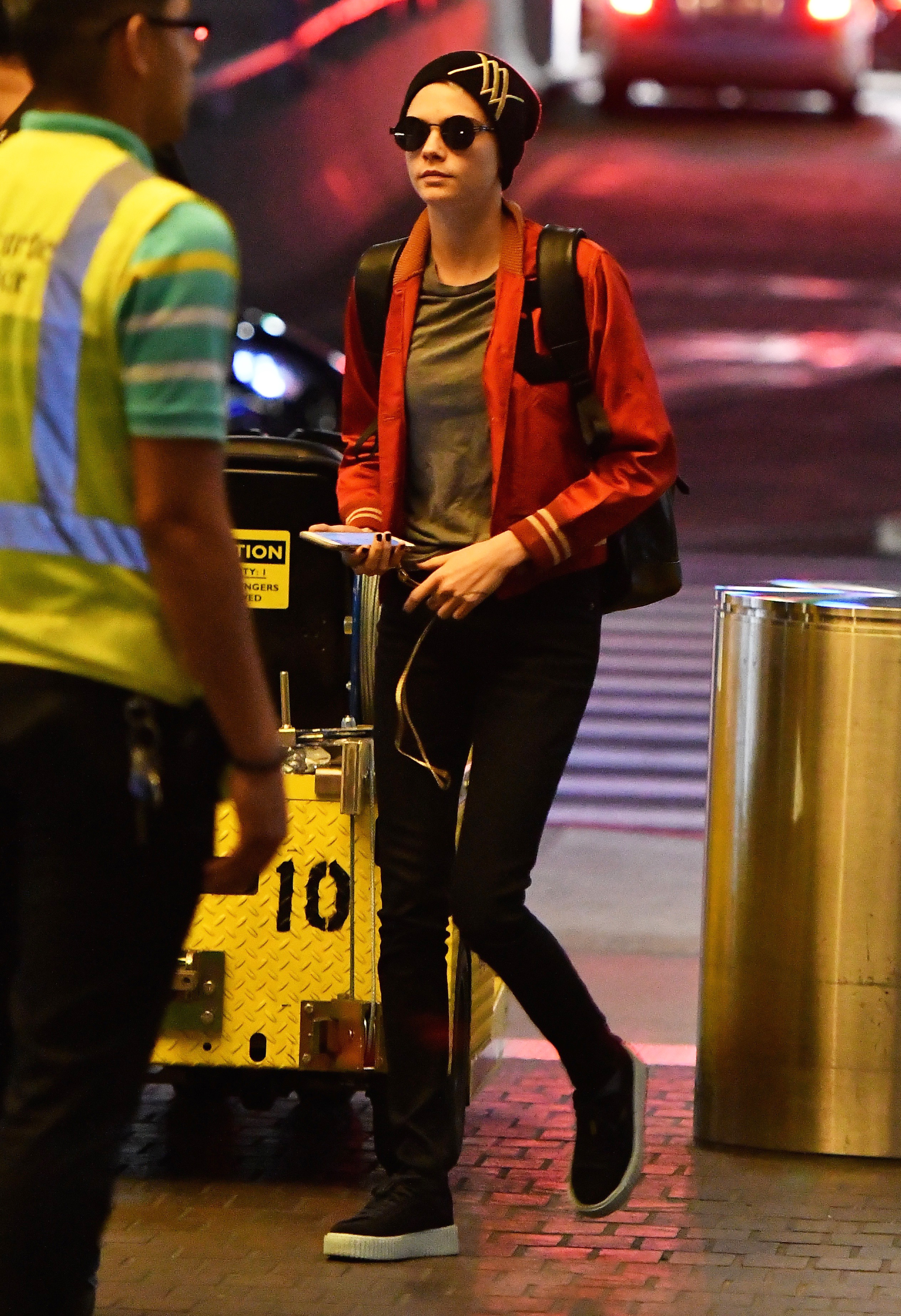
 Cara Delevingne - is spotted at LAX airport in Los Angeles 09/14/2017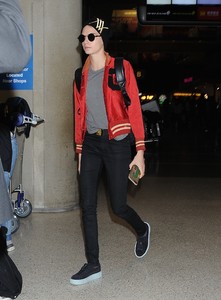
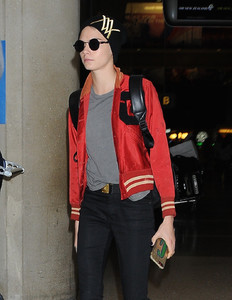
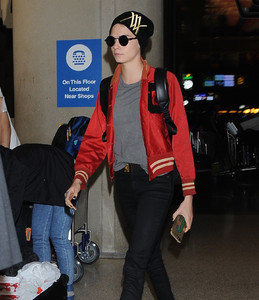
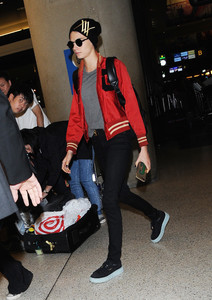
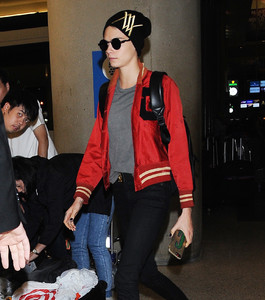
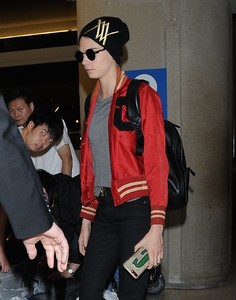
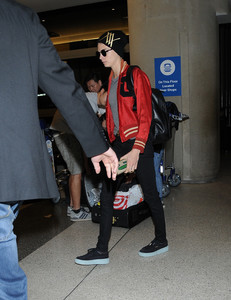
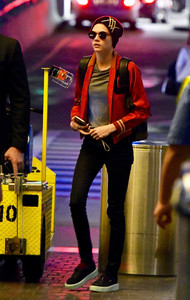
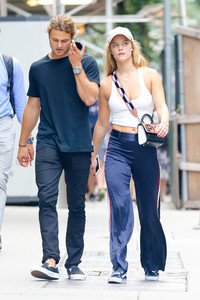
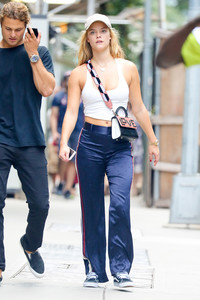
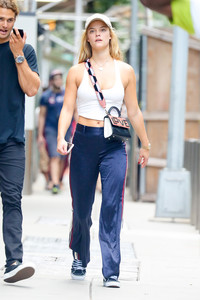
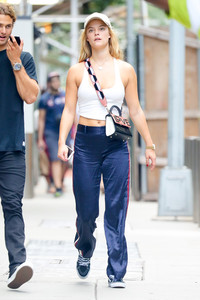
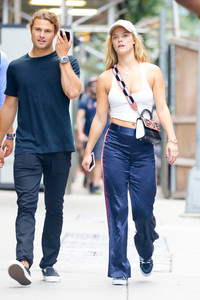
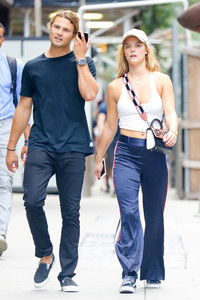
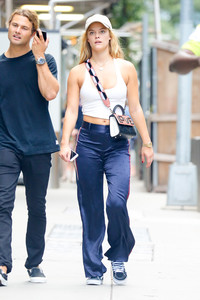
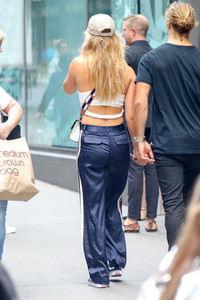
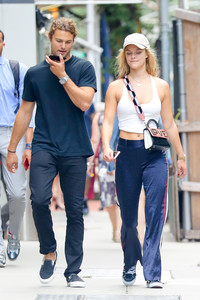
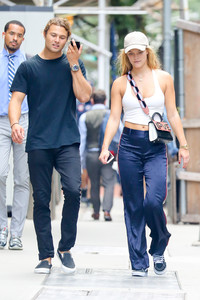
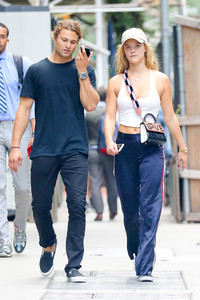
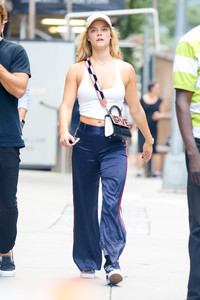
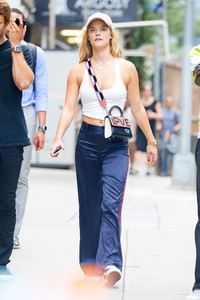
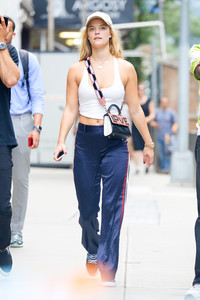
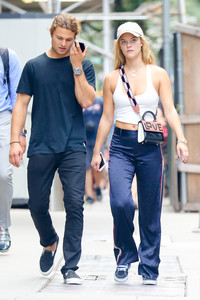
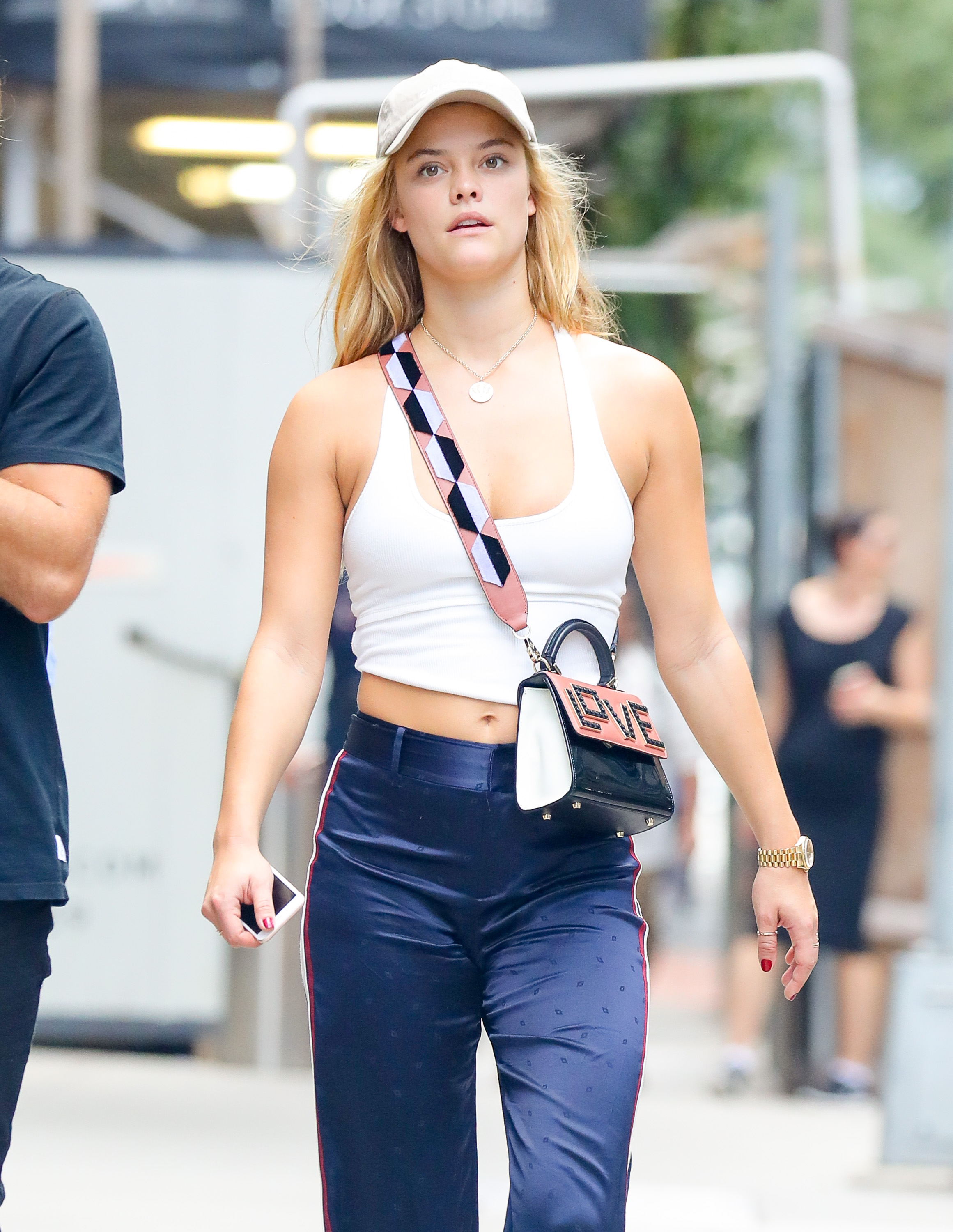
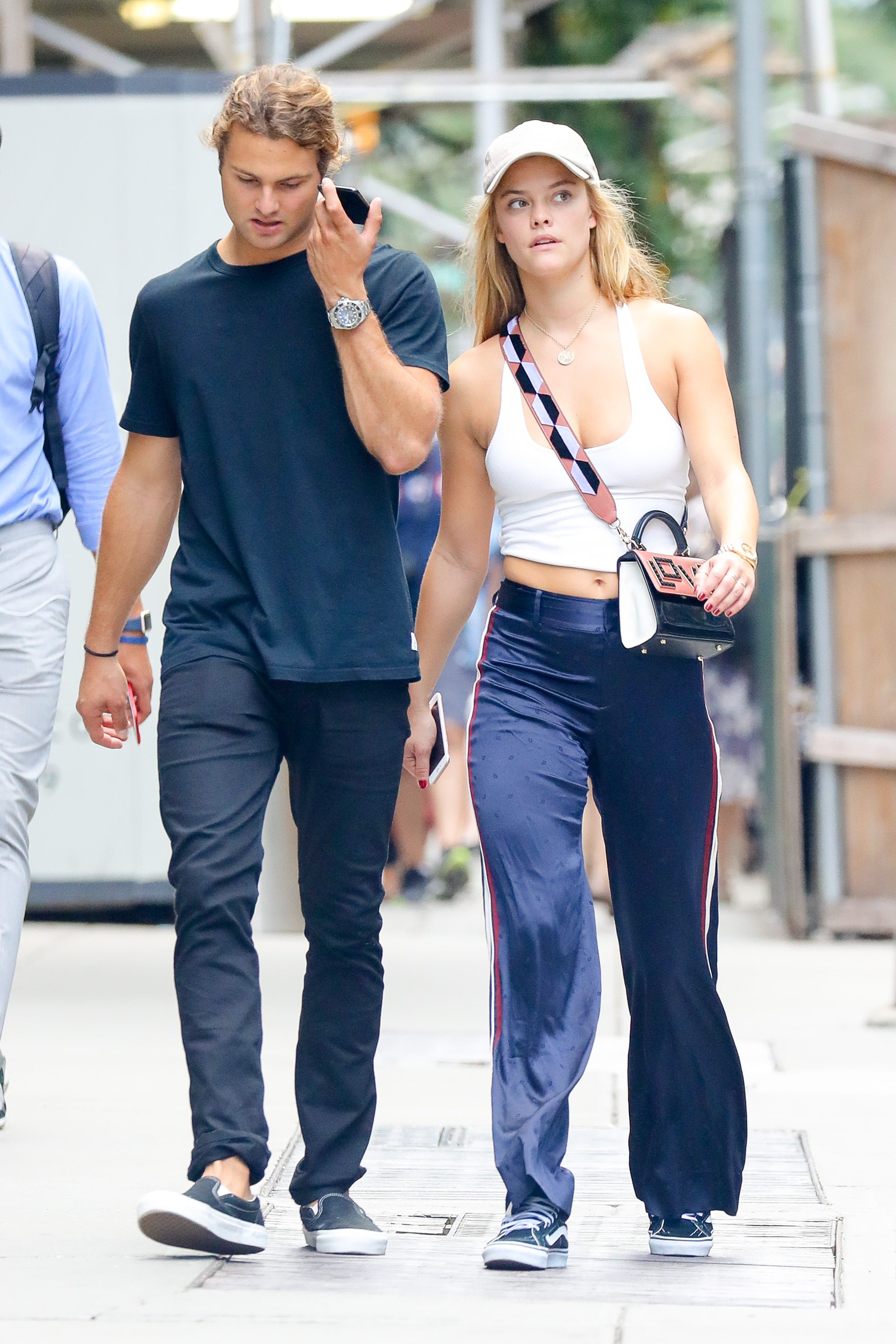
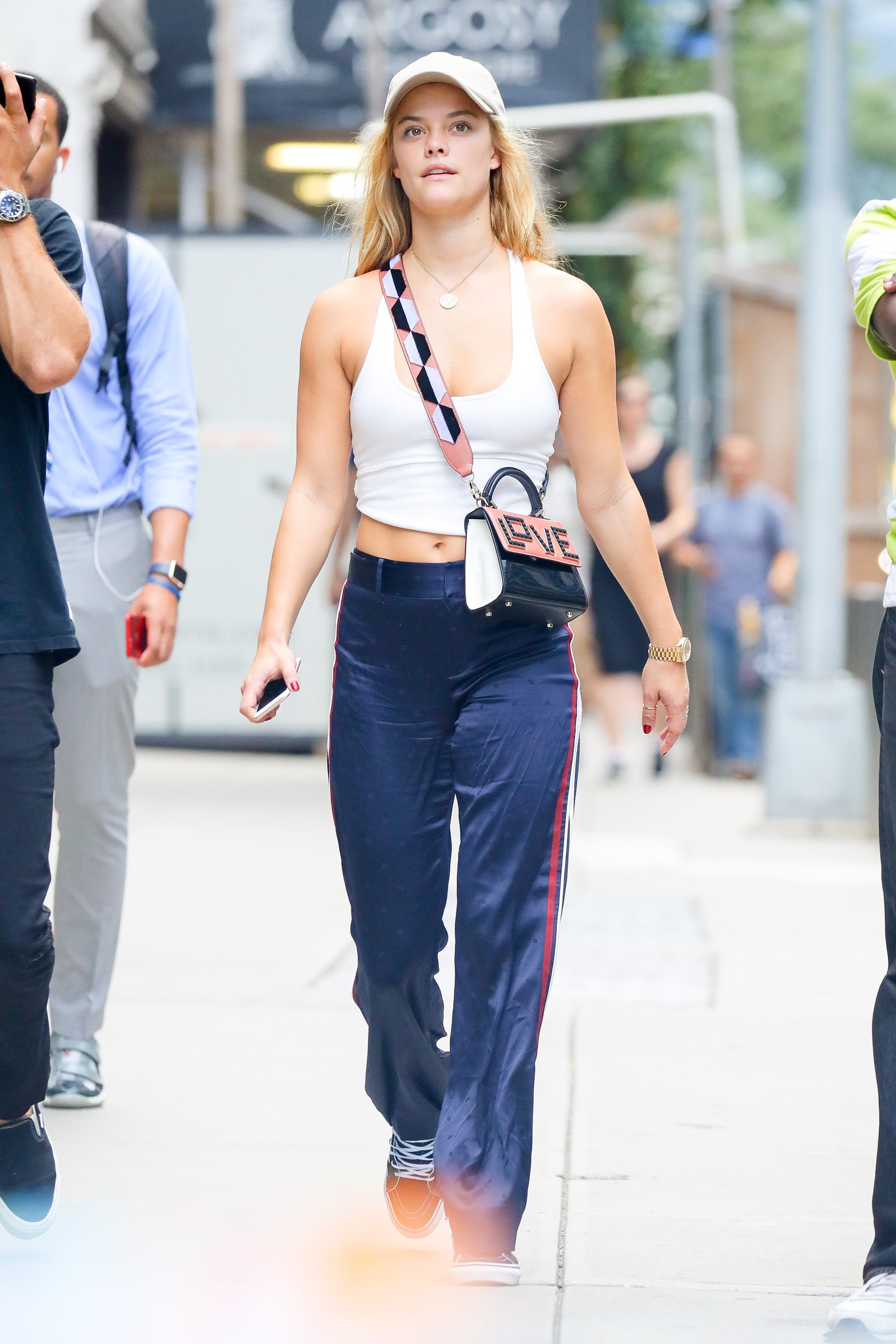
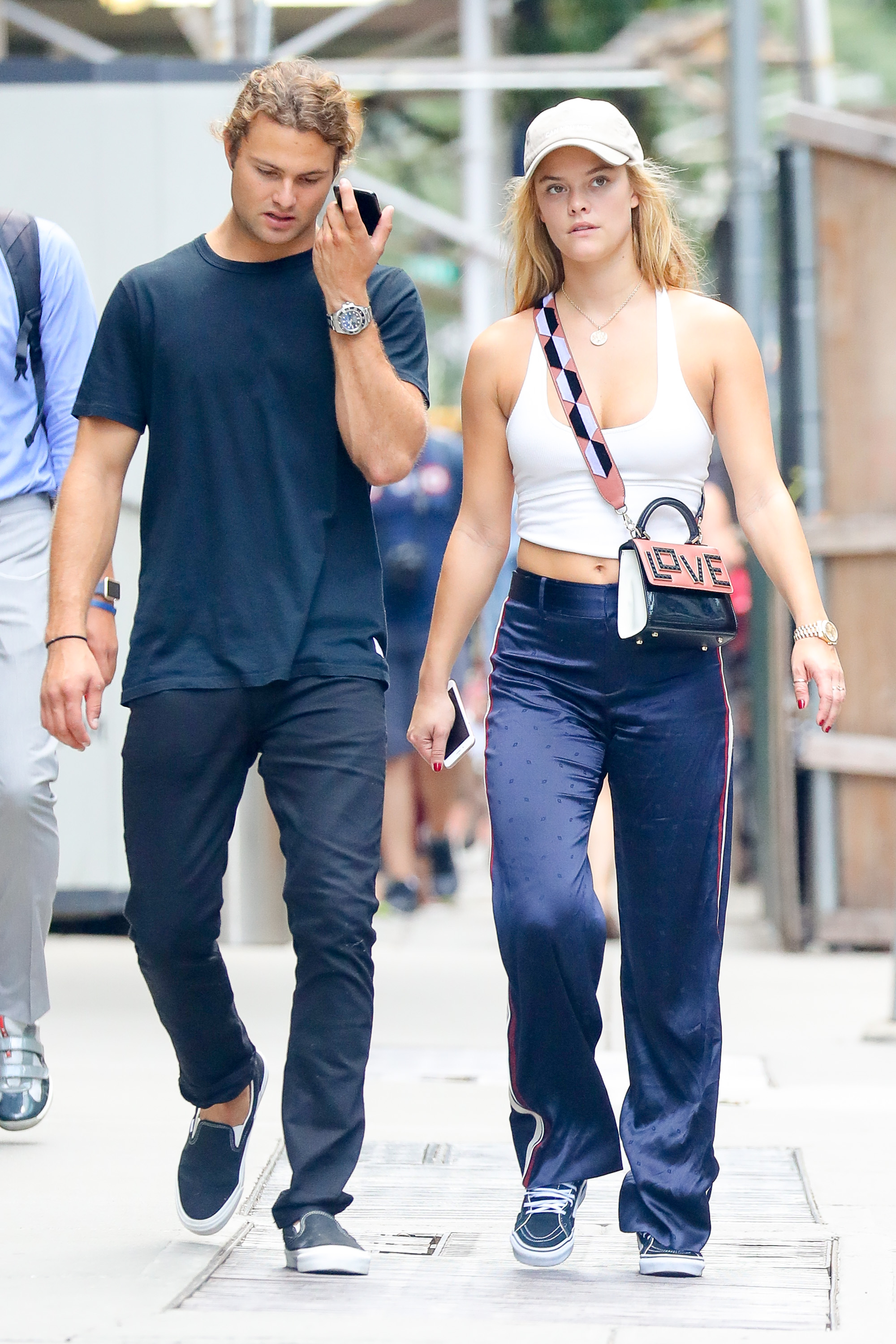
 Spotted walking with her boyfriend in New York City - September 14, 2017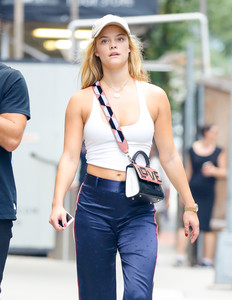
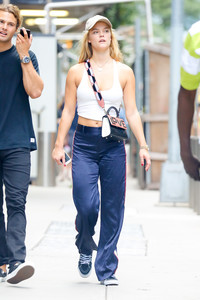
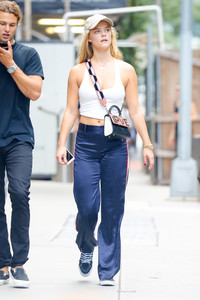
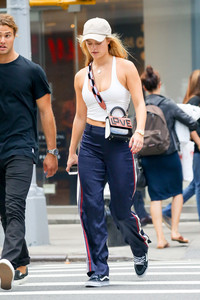
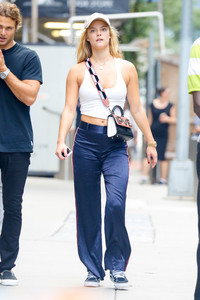
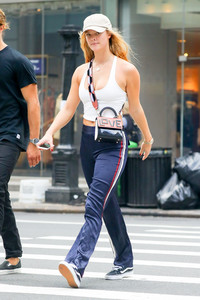
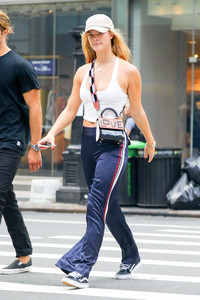
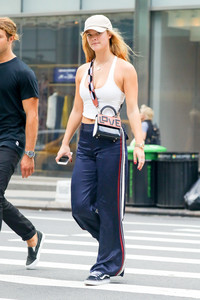
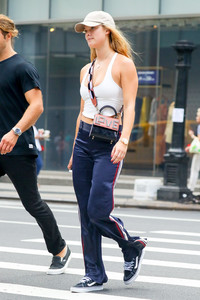
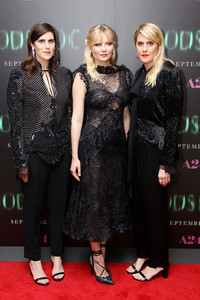
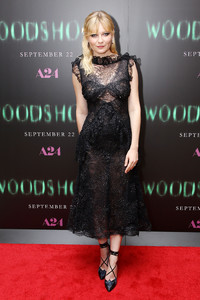
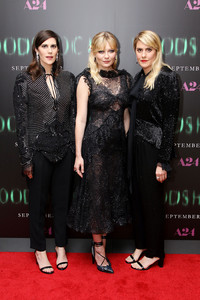
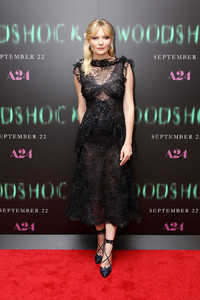
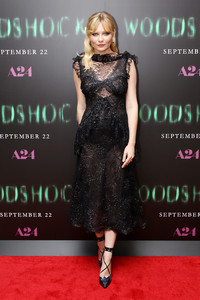
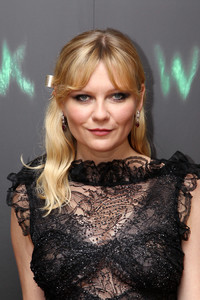
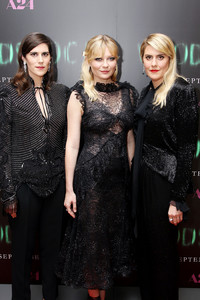
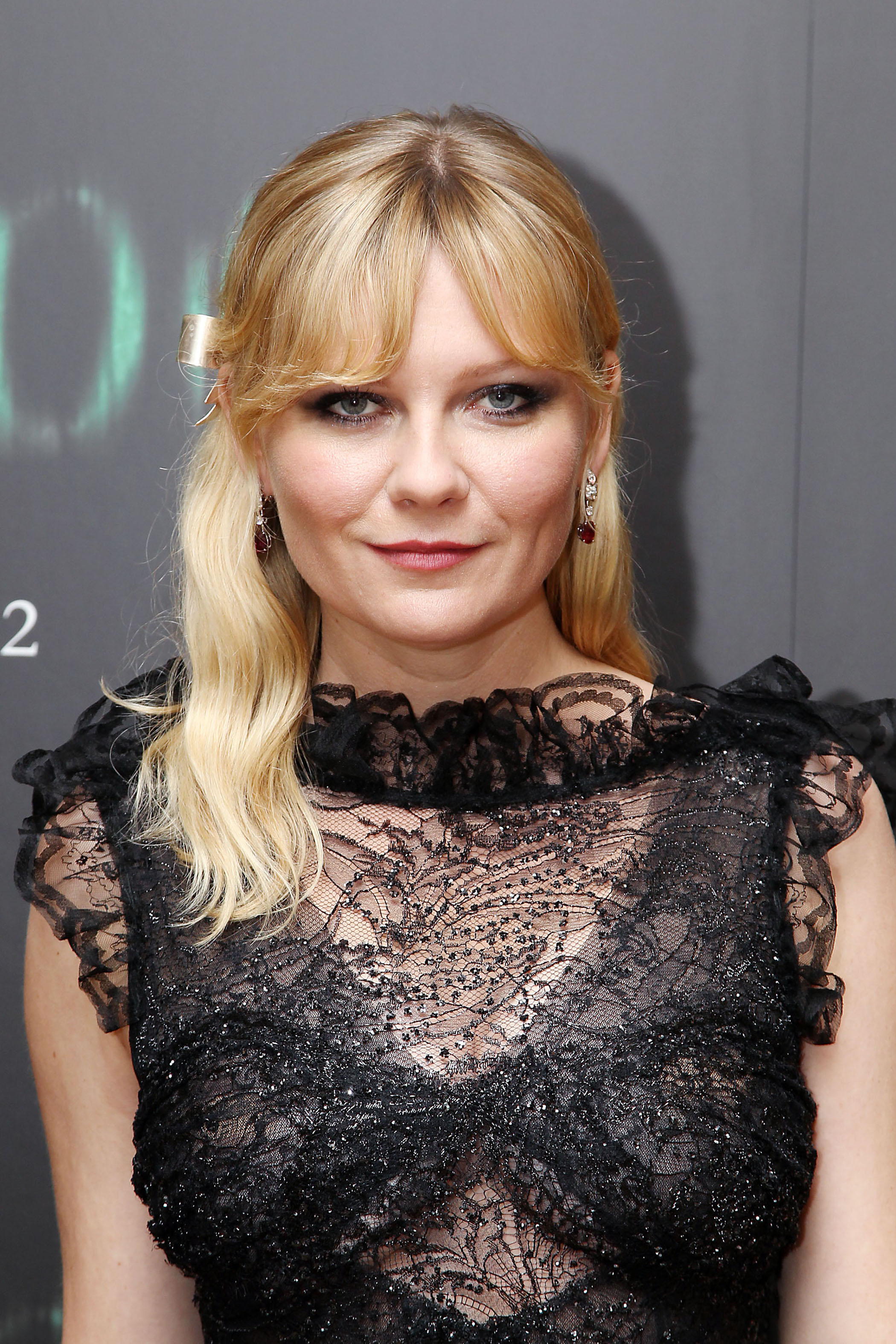
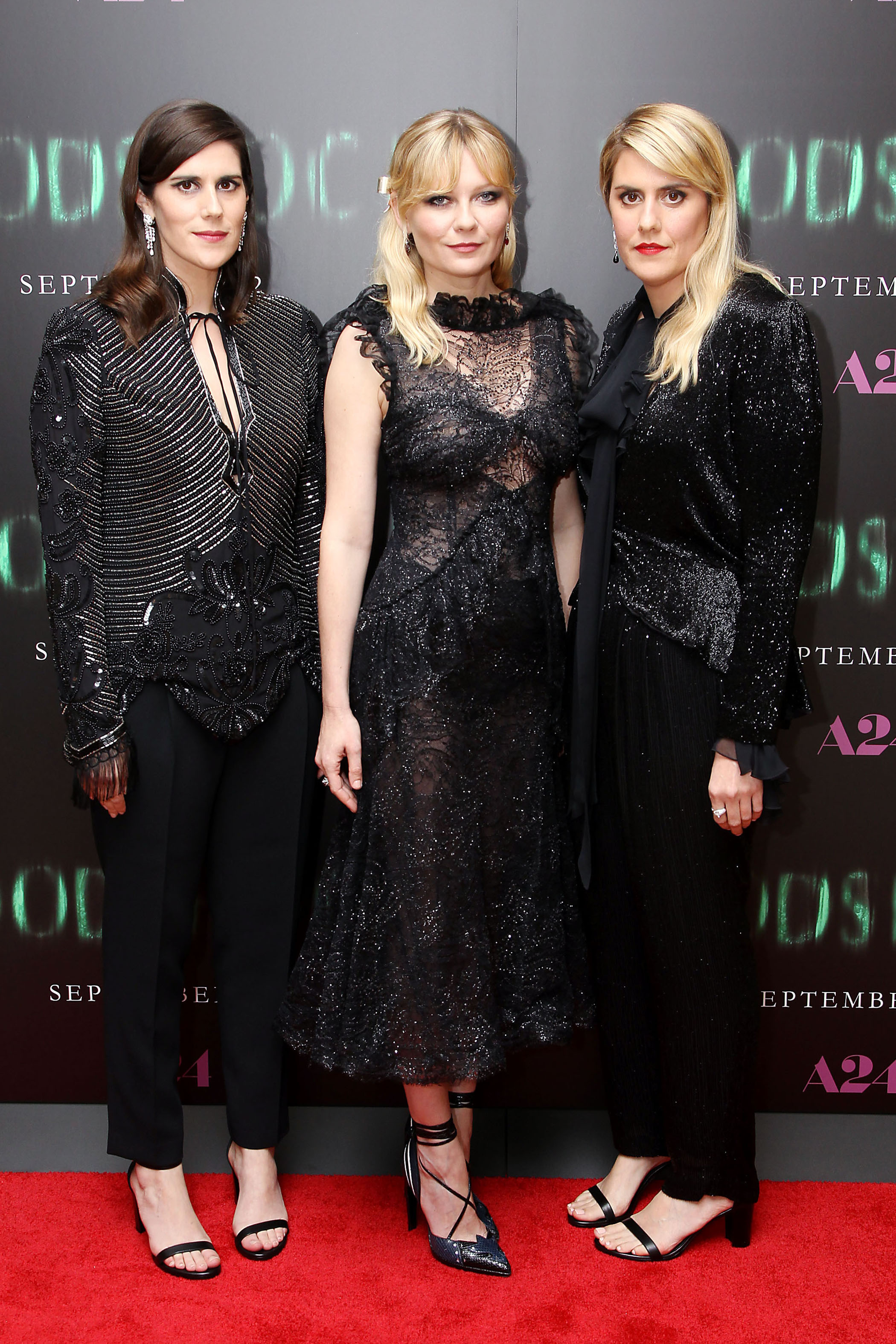
 A24s' "Woodshock" Special Screening in New York - 14 September 2017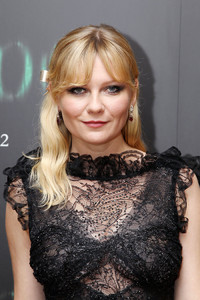
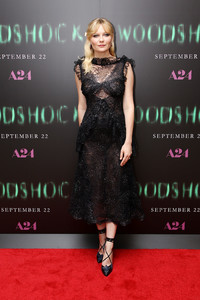
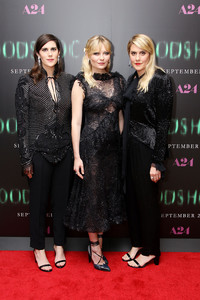
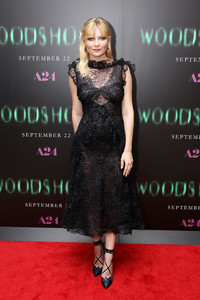
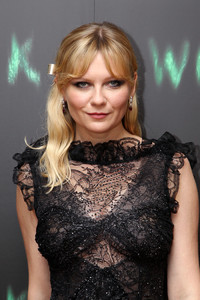
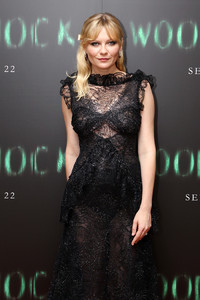
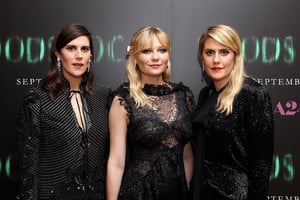
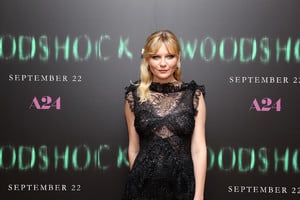
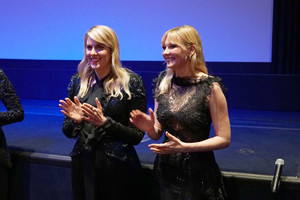
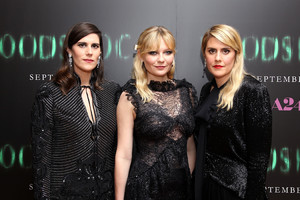
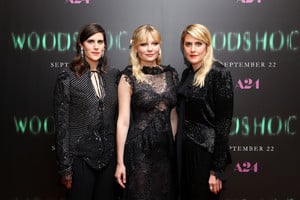
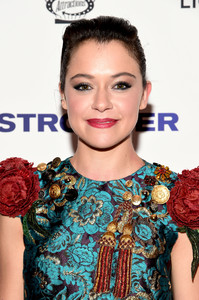
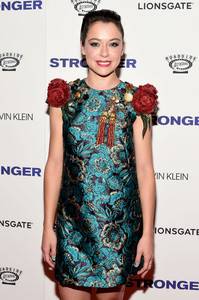
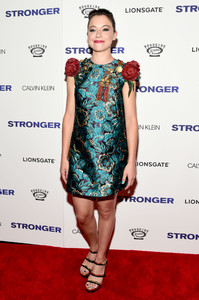
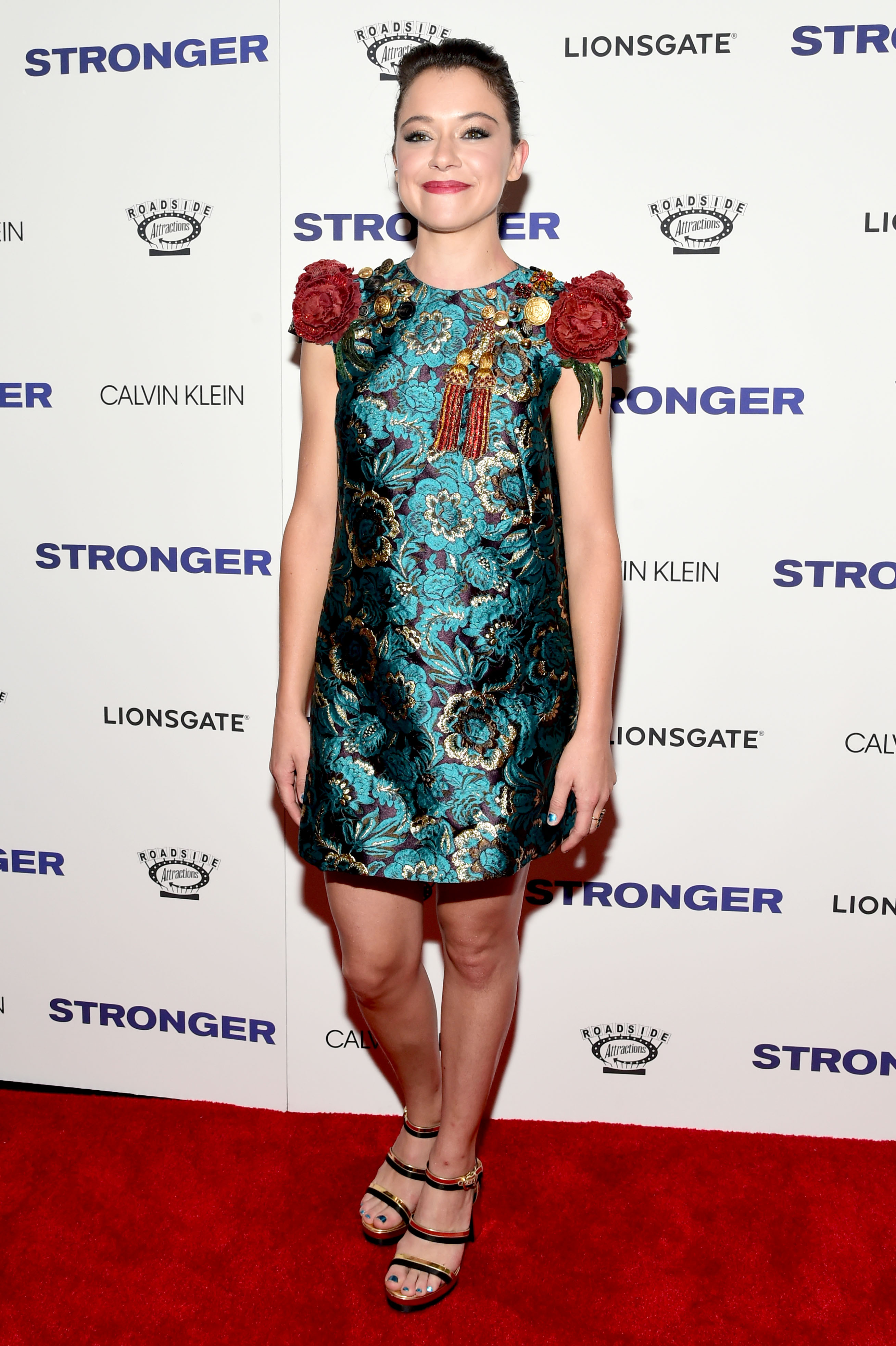
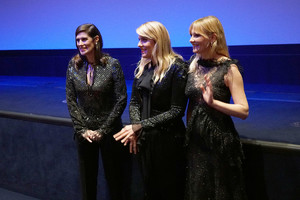 "Stronger" premiere in New York - 14 September 2017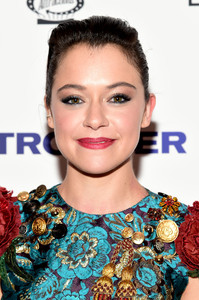
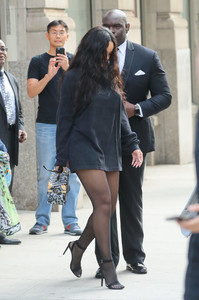
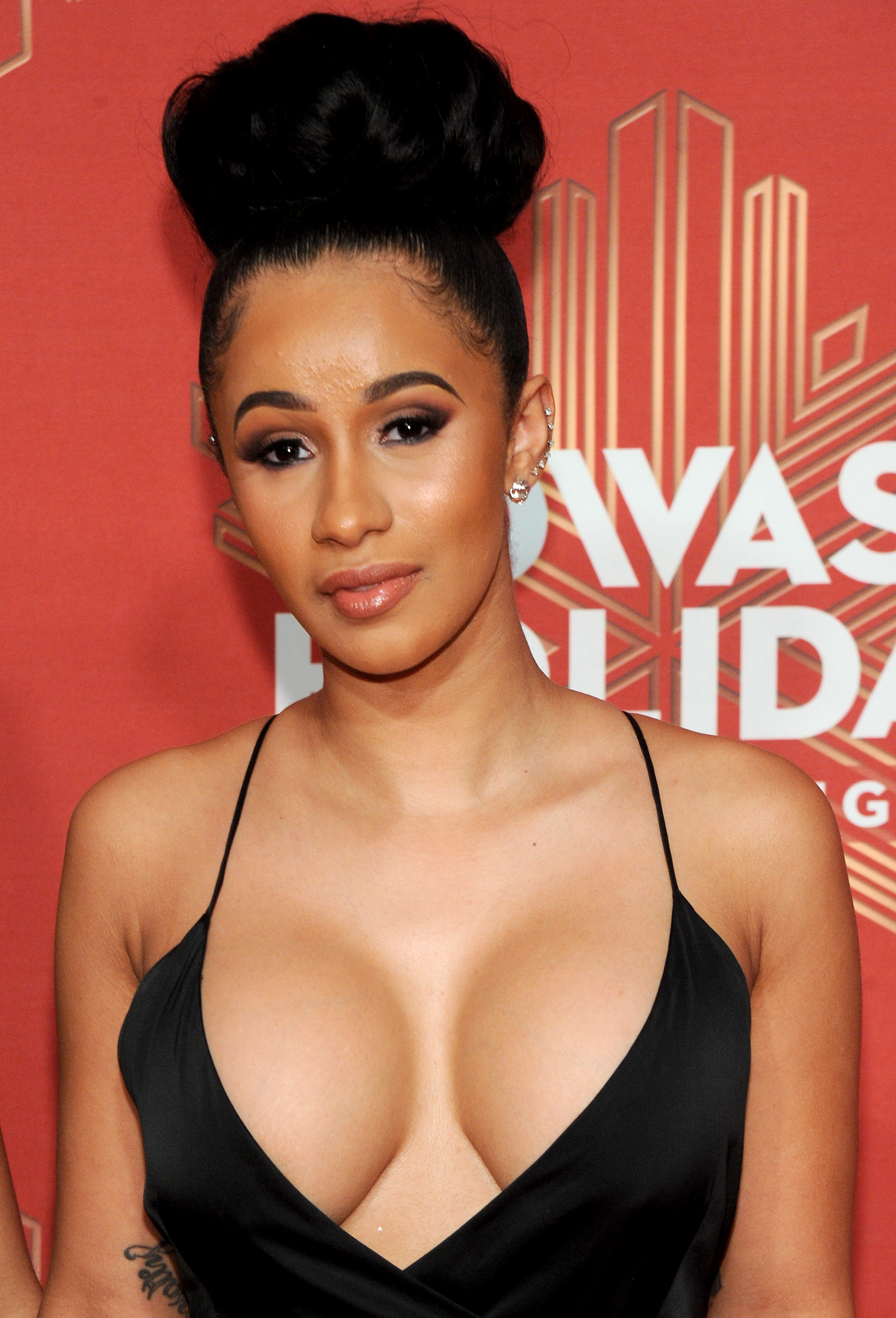
 Belcalis Almanzar[1] (born October 11, 1992 in the Bronx), professionally known as Cardi B, is an American hip hop recording artist, as well as a television and social media personality. Born and raised in the Bronx borough of New York City, she first received public attention as an exotic dancer, and coupled with her "no filter attitude," through Instagram she became an internet celebrity. She continued to gain more recognition in 2015, after becoming a regular cast member of the VH1 reality television series Love & Hip Hop: New York. In February 2017, Cardi B signed her first solo record deal with Atlantic Records. She continued to rise to prominence in August, when her commercial debut single "Bodak Yellow", reached number two on the US Billboard Hot 100 chart,with the New York Times calling it "the rap anthem of the summer."
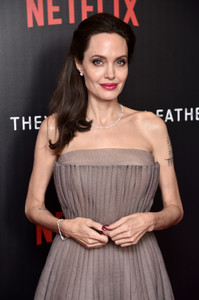
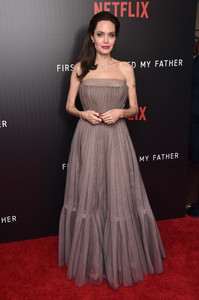
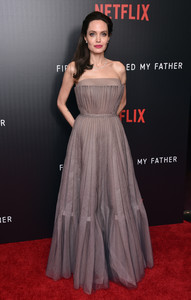
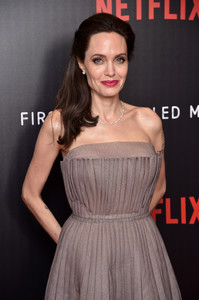
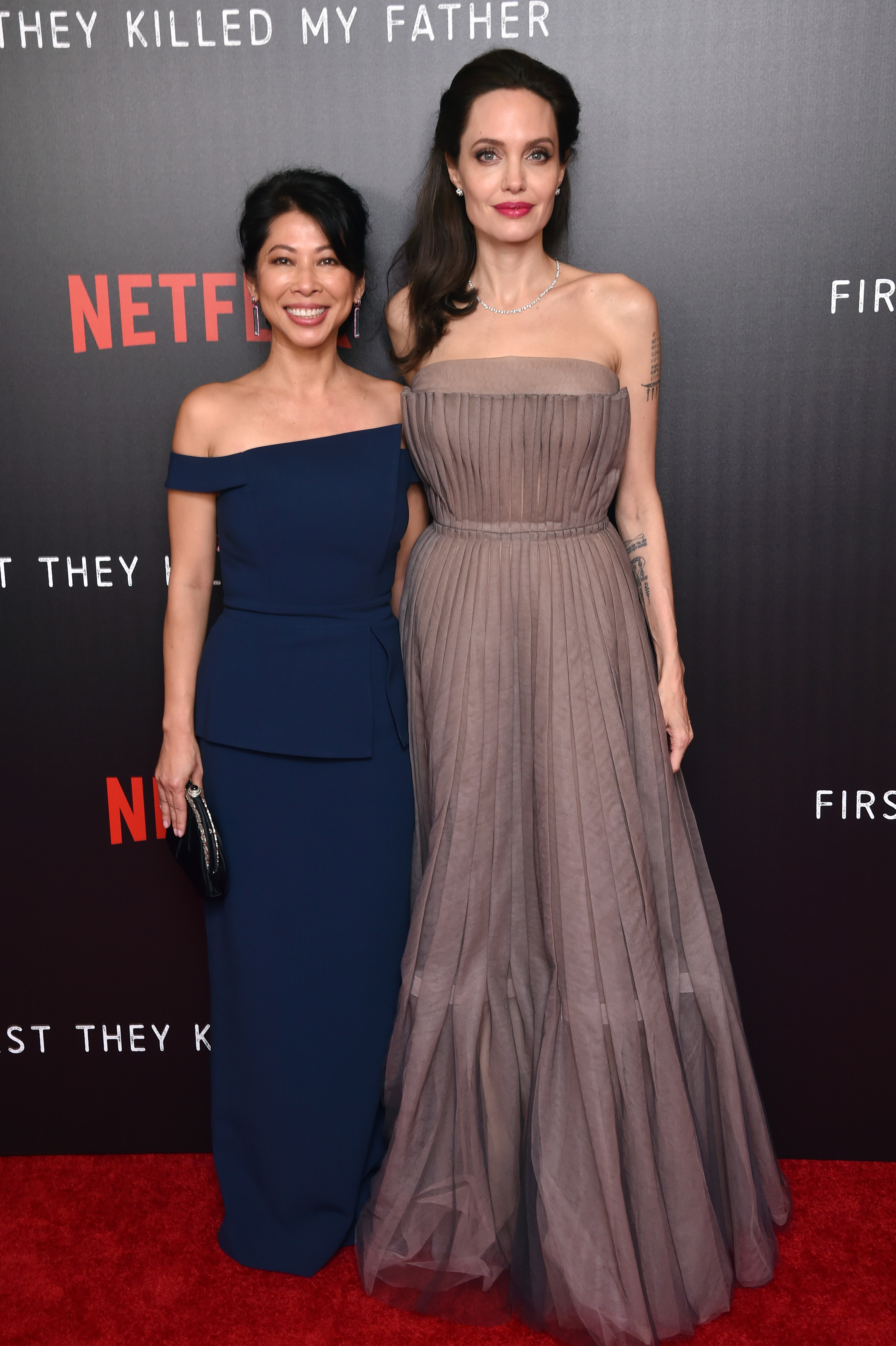
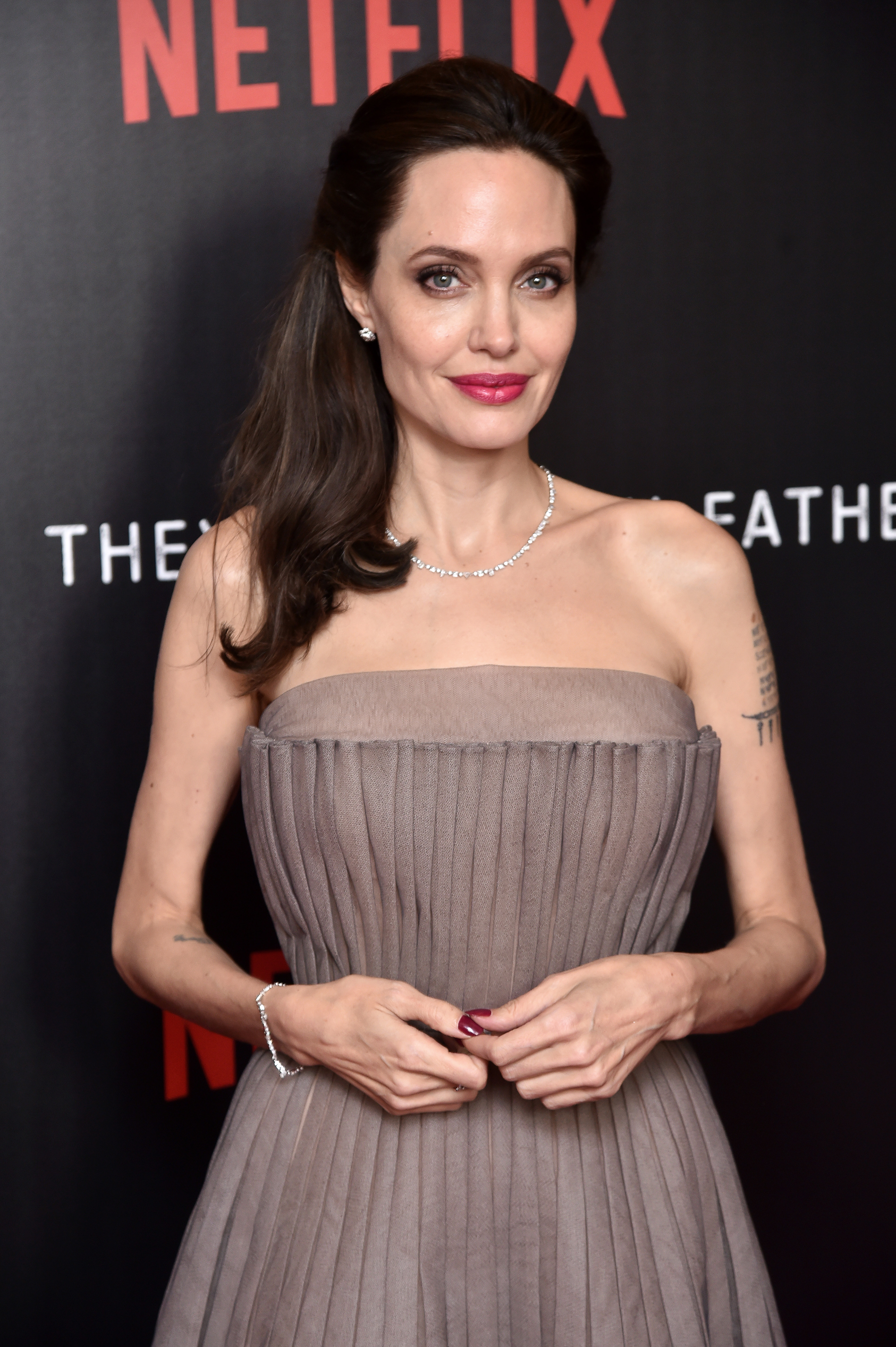
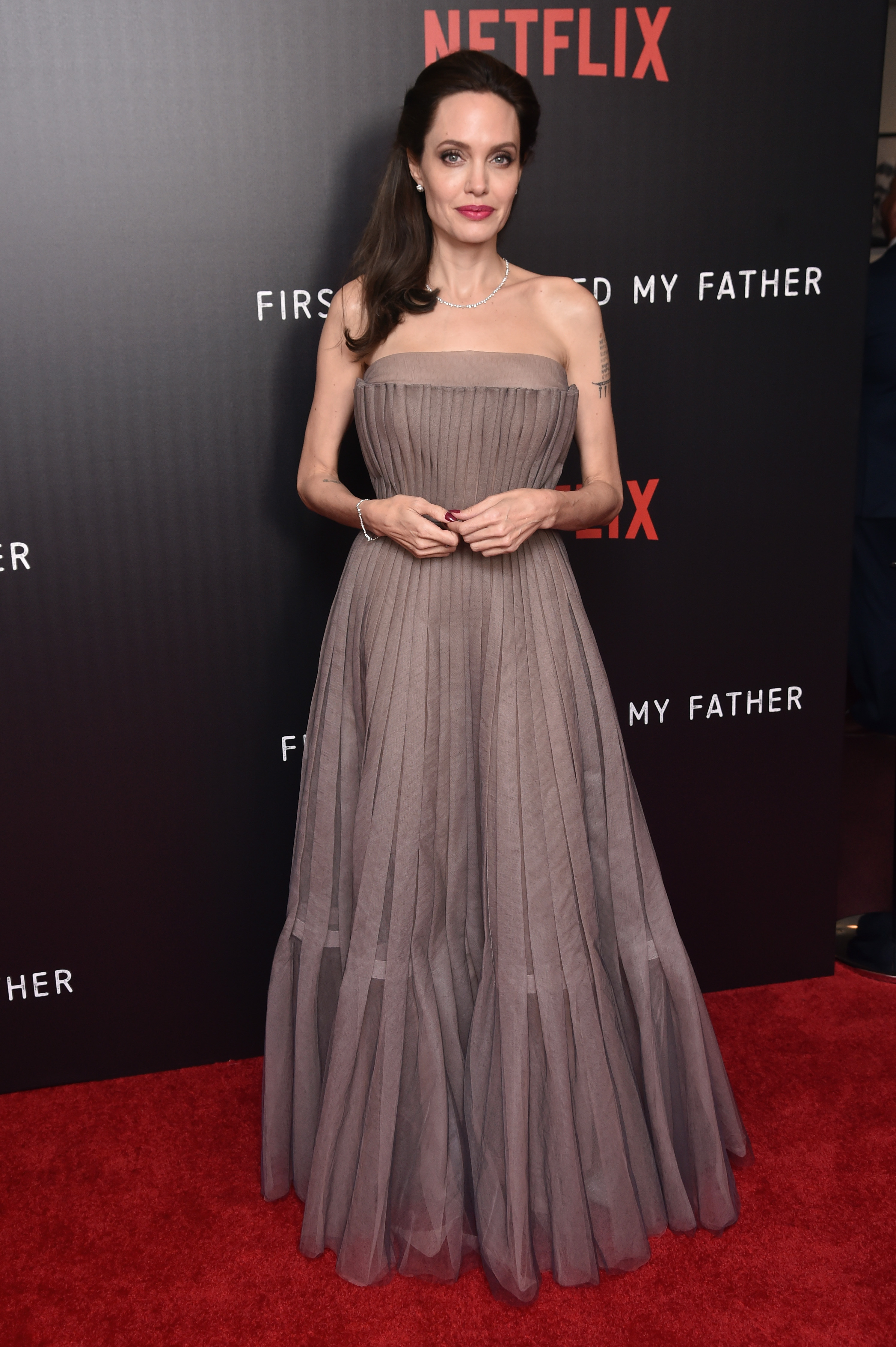
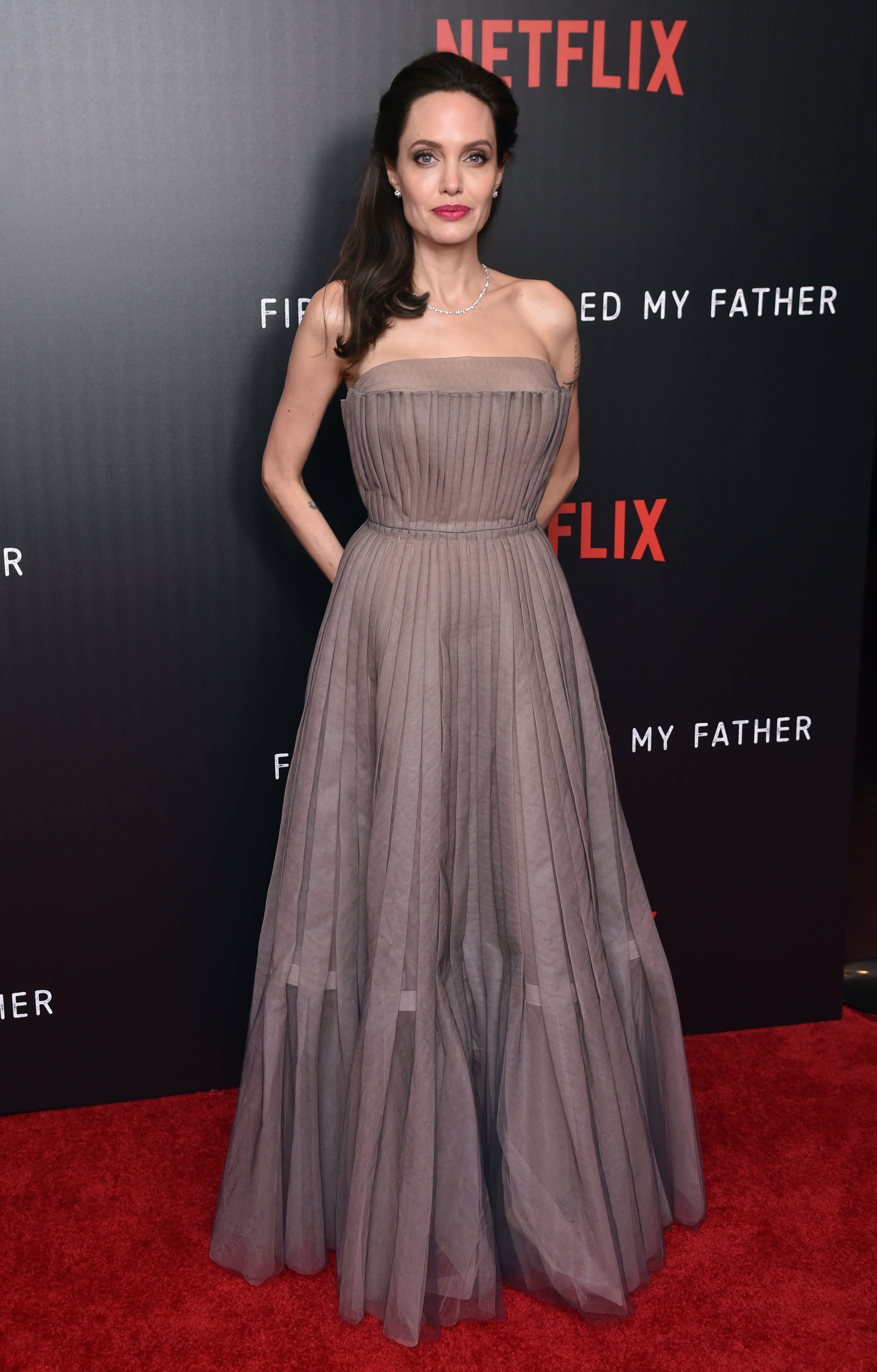
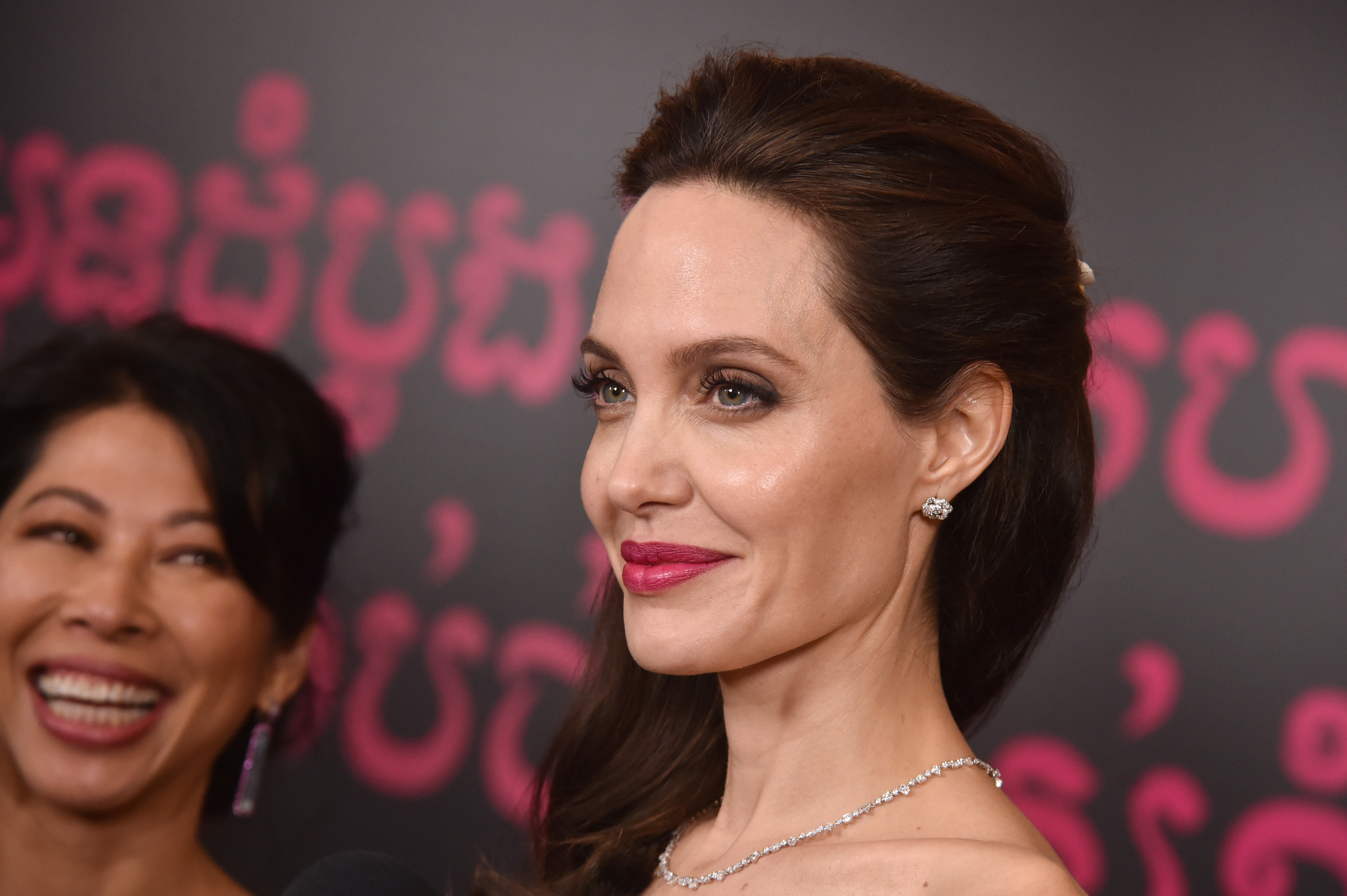
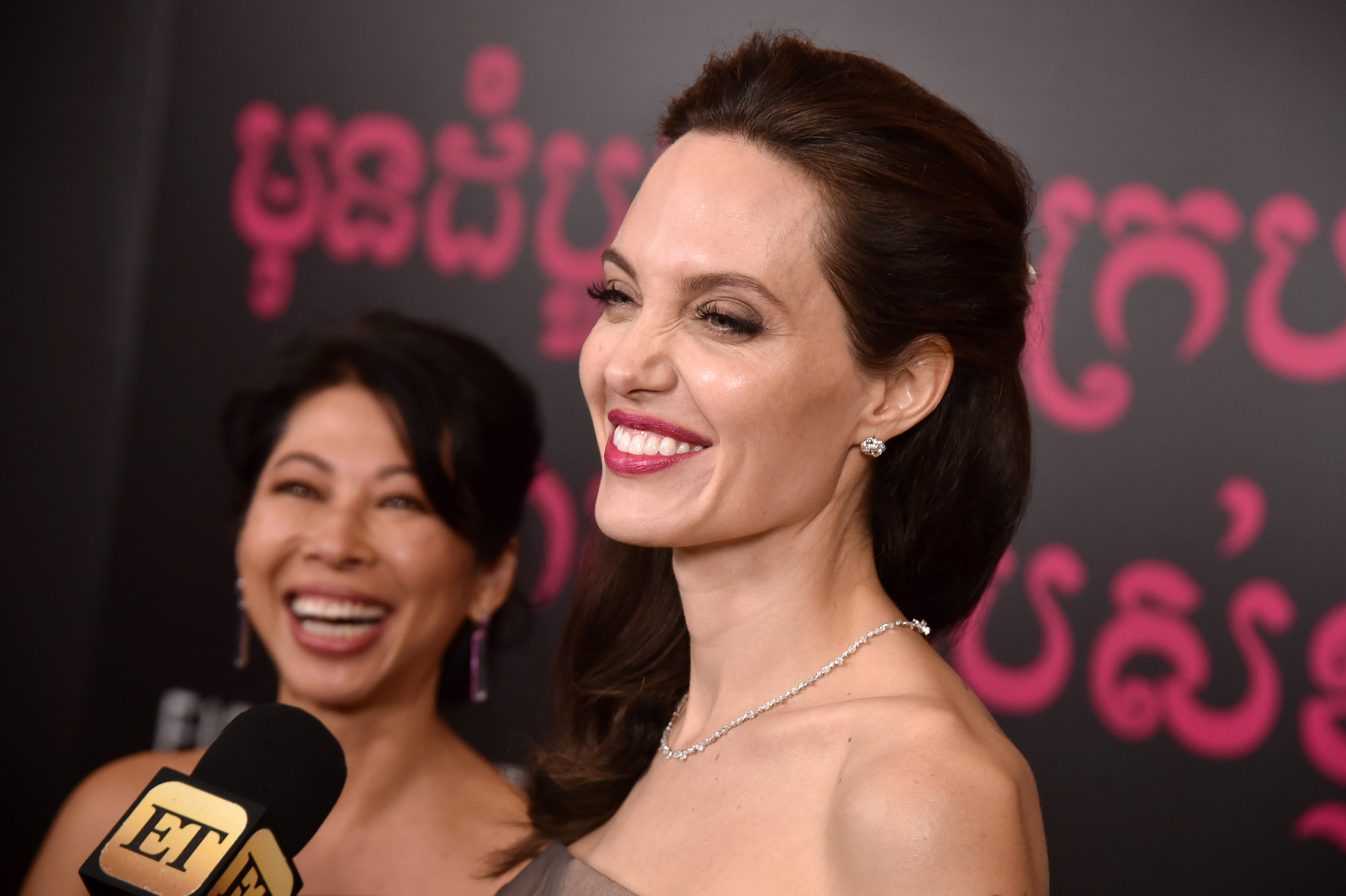
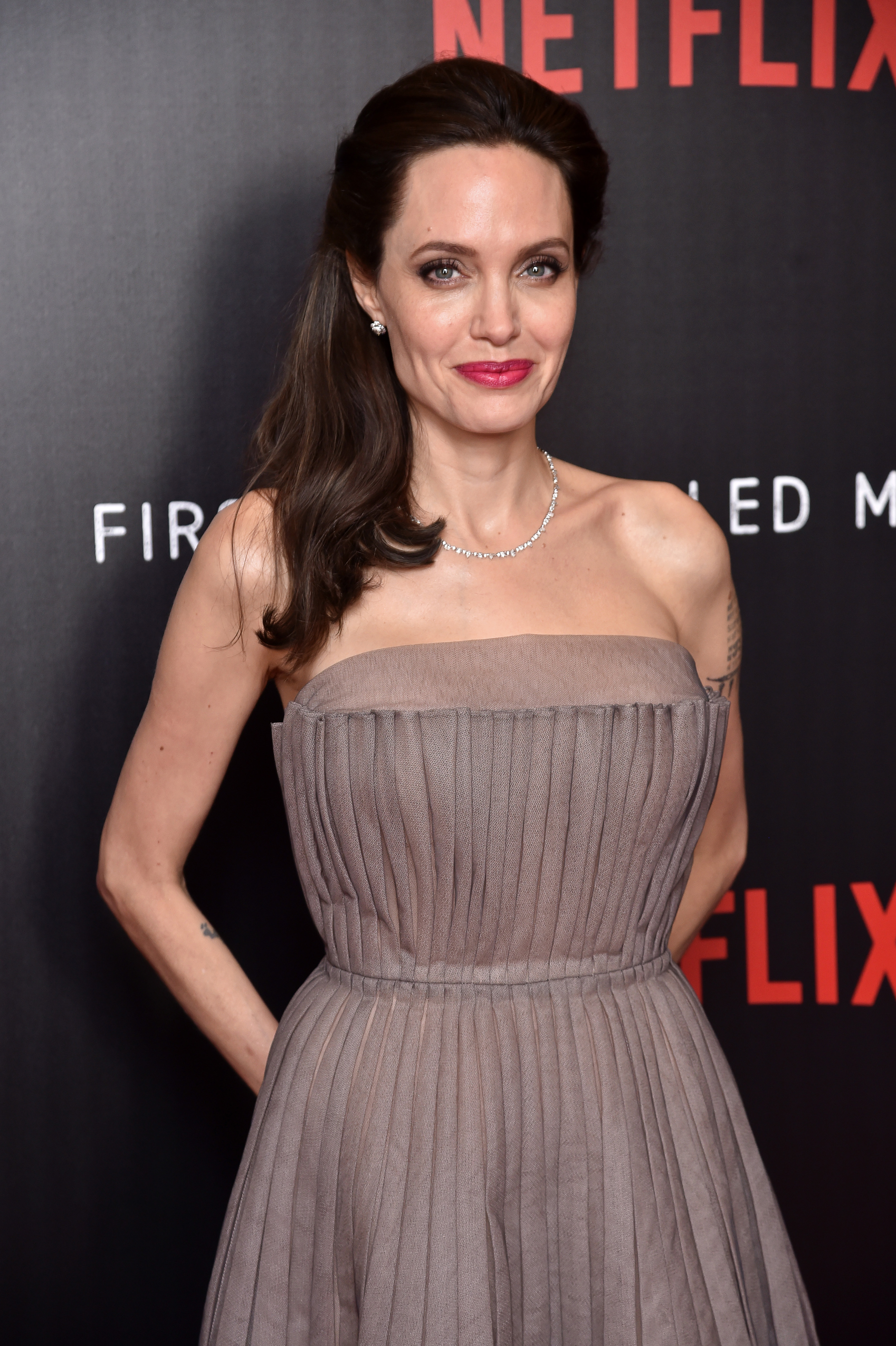
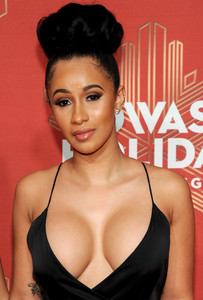 Attends the 'First They Killed My Father' film screening in New York - September 14, 2017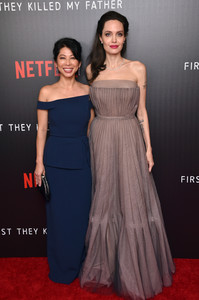
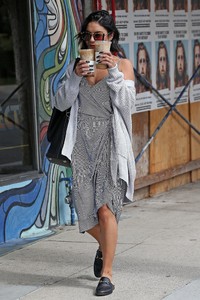
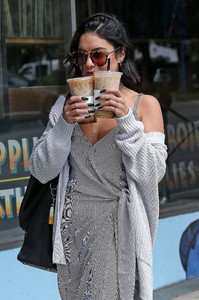
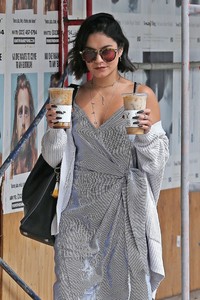
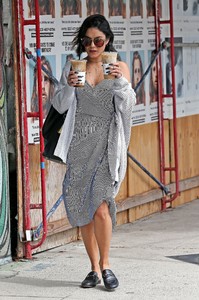
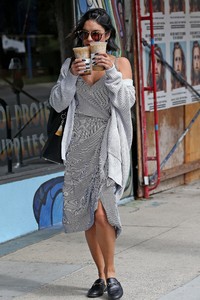
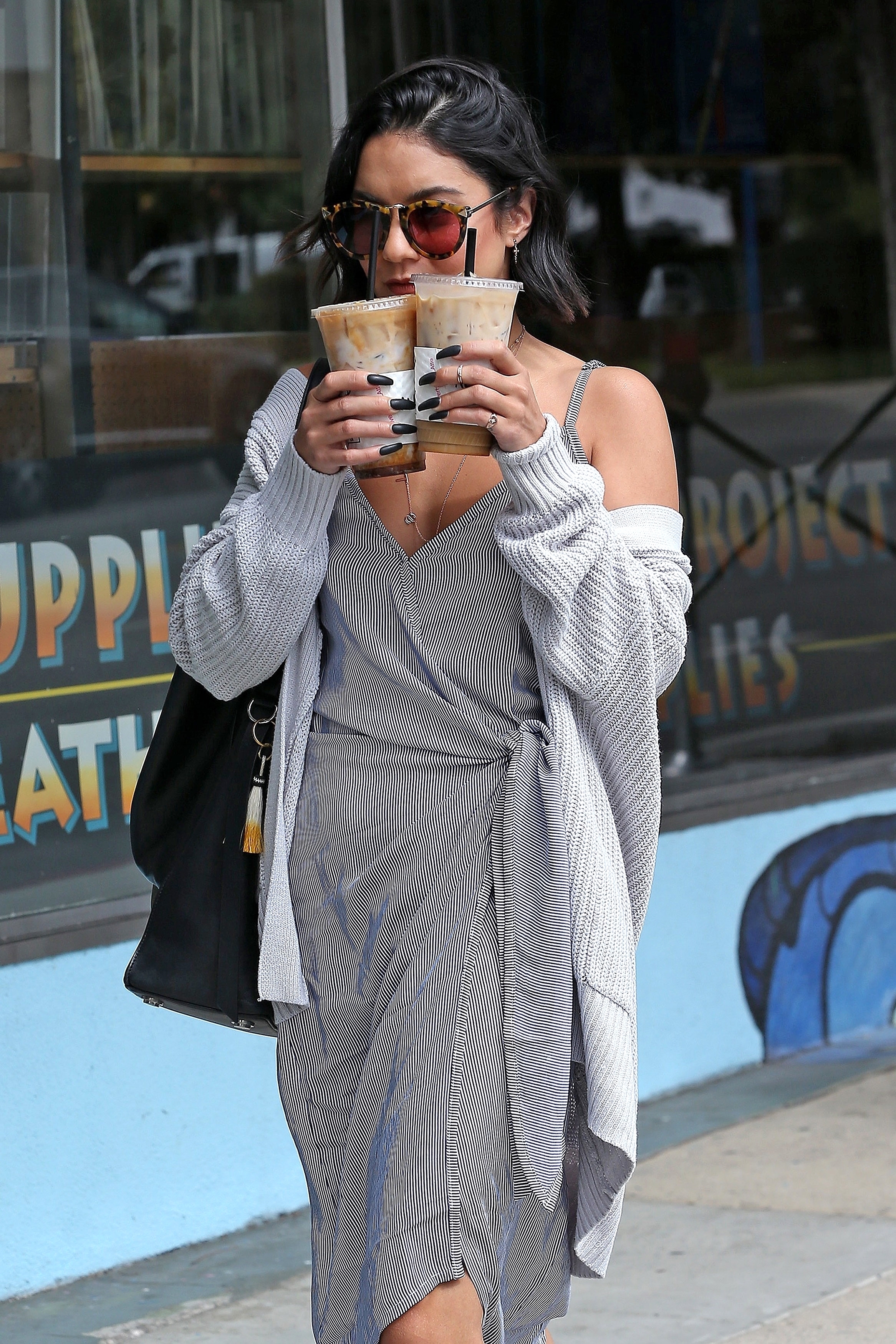
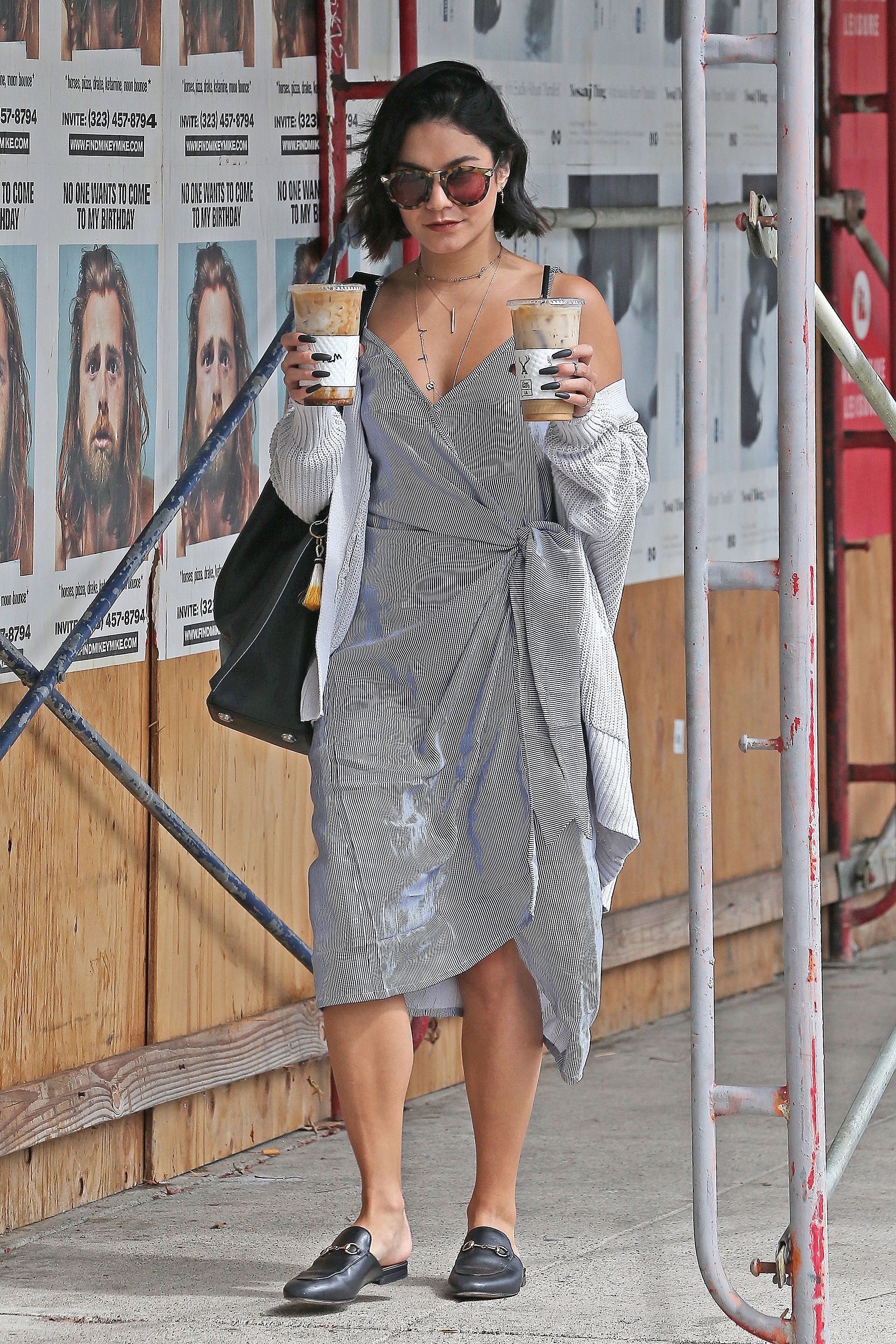
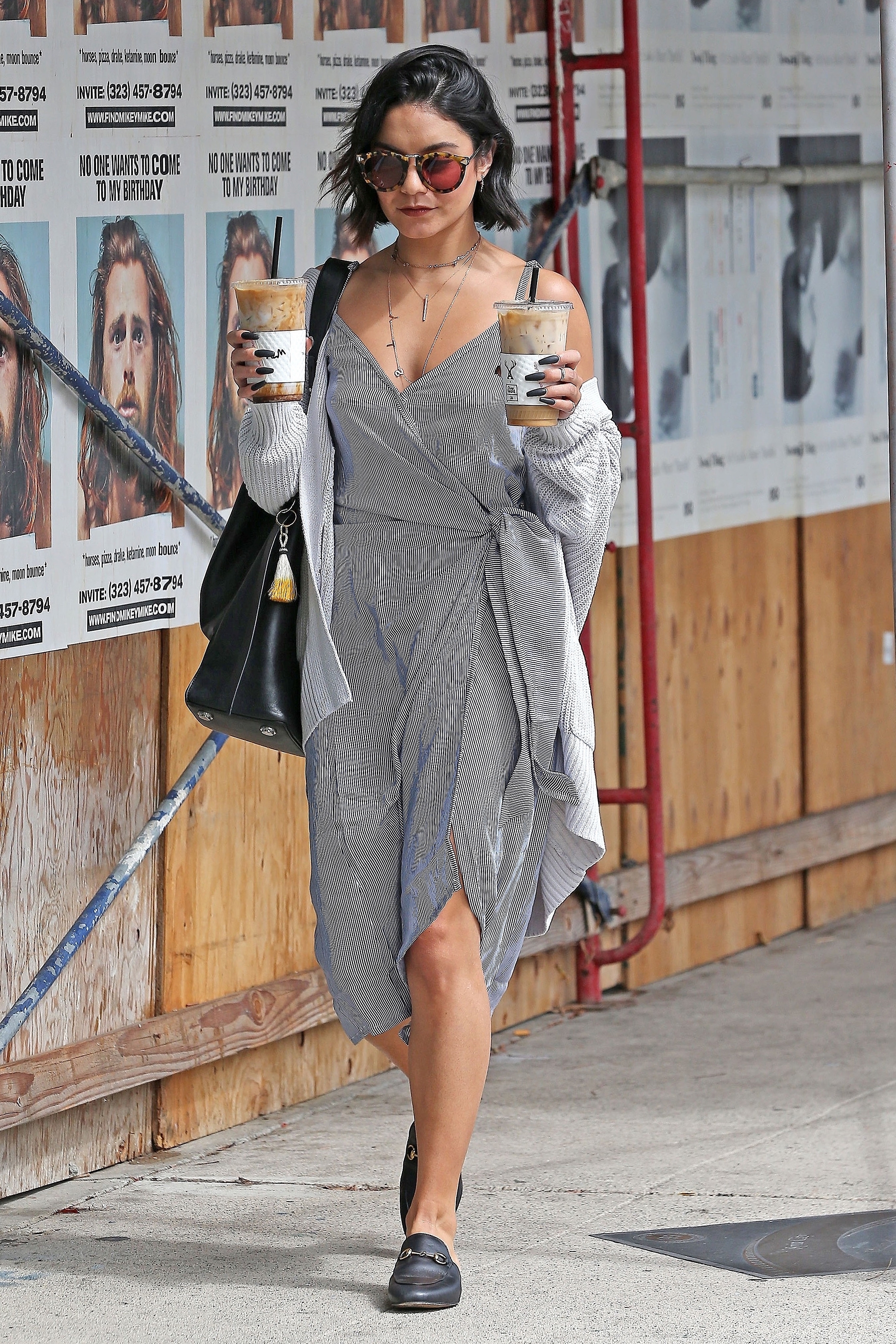
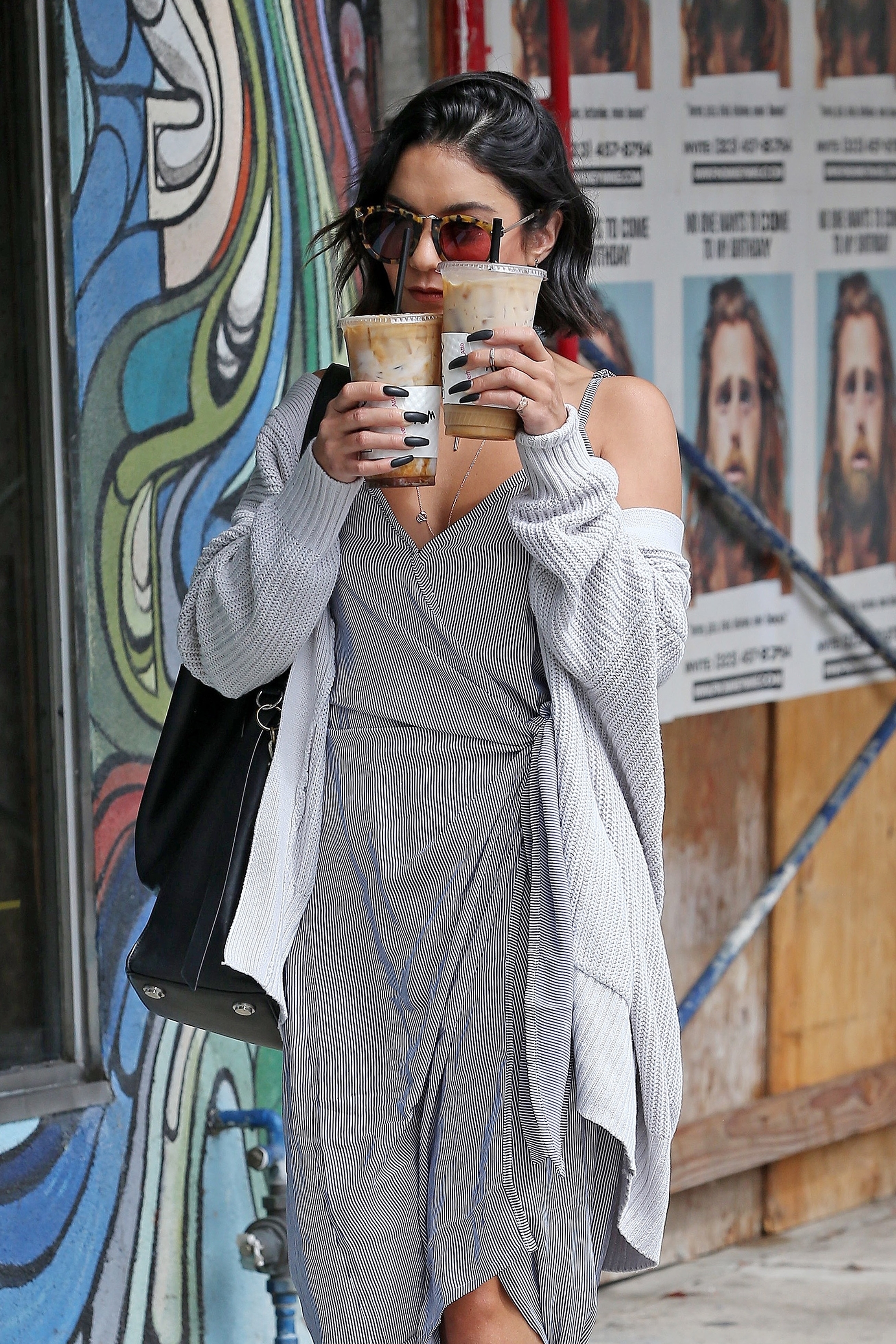
 Out and About in Studio City, CA - 09/14/2017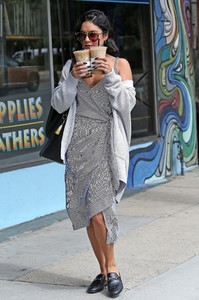
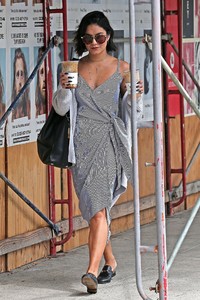
.thumb.jpg.cf27dc020bca005829dff566bc051c9e.jpg)
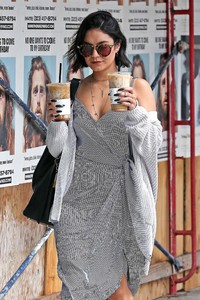
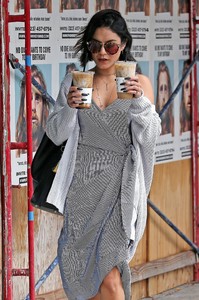
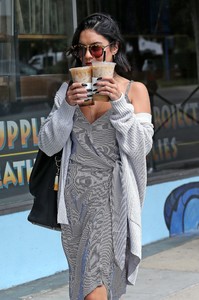
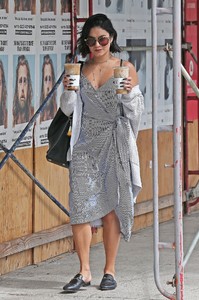
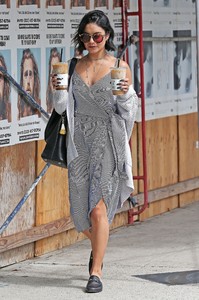
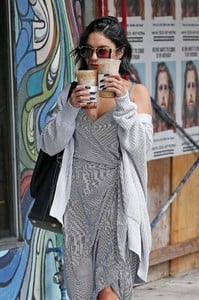
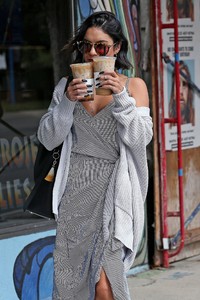
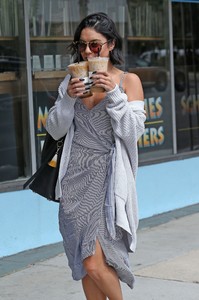
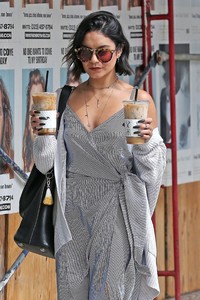
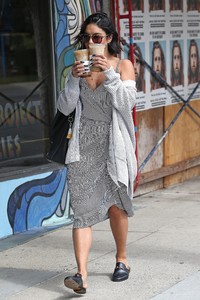
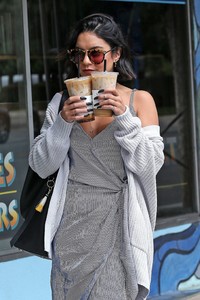
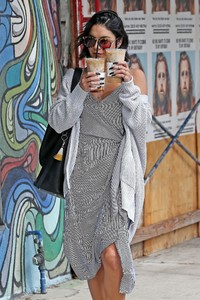
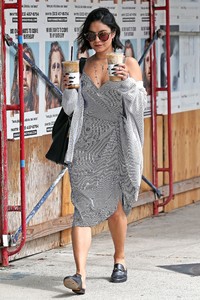
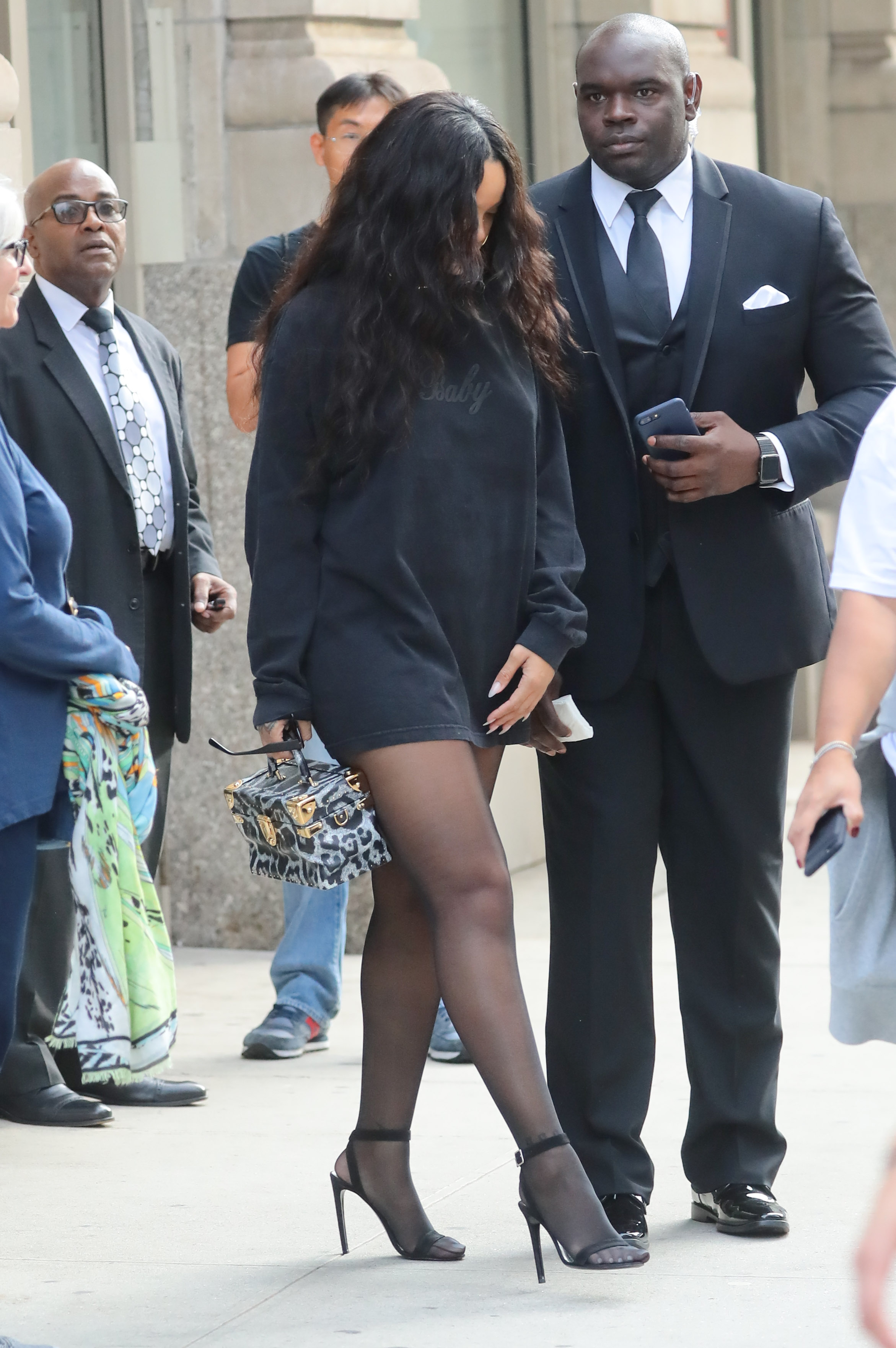
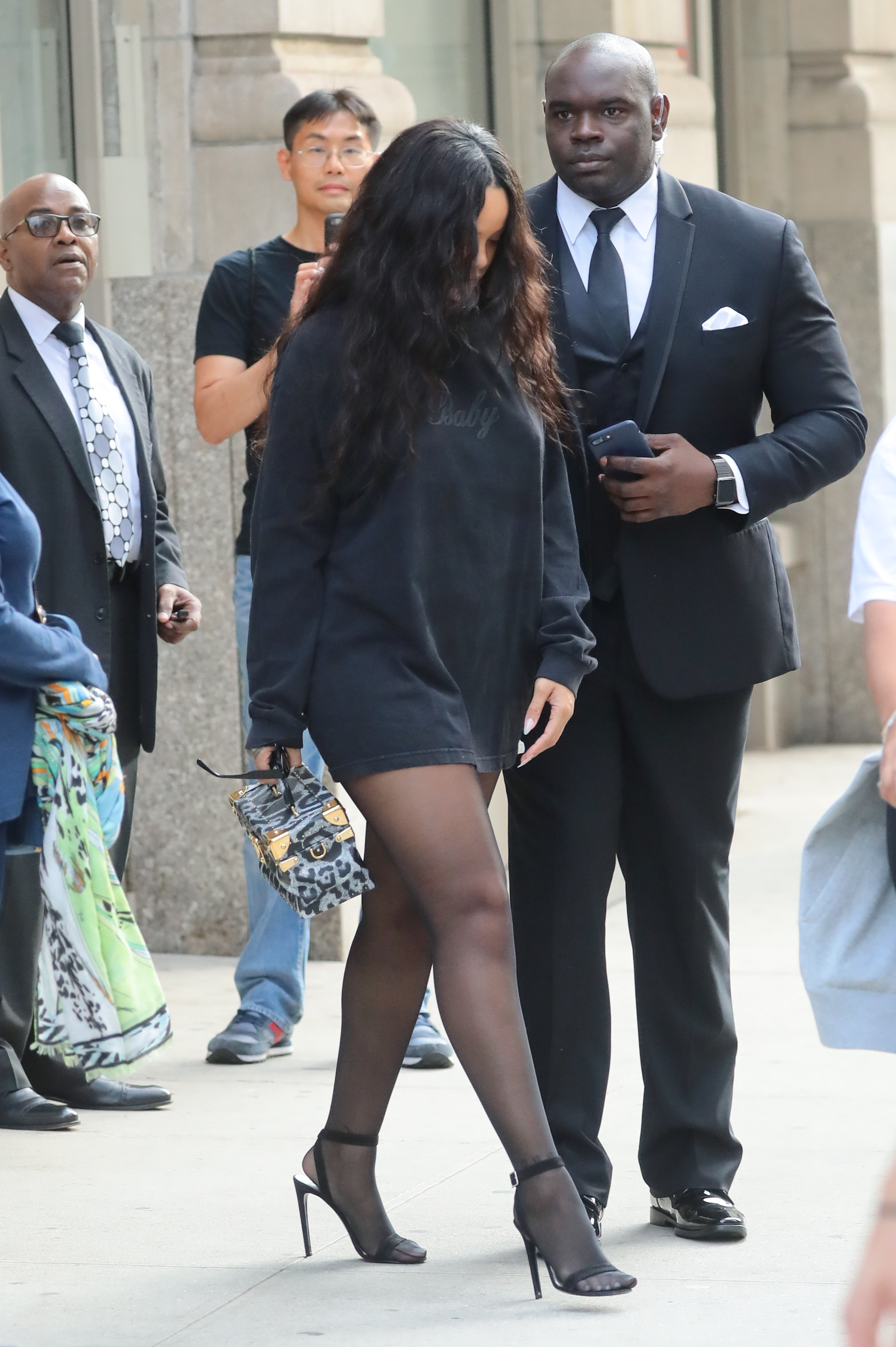
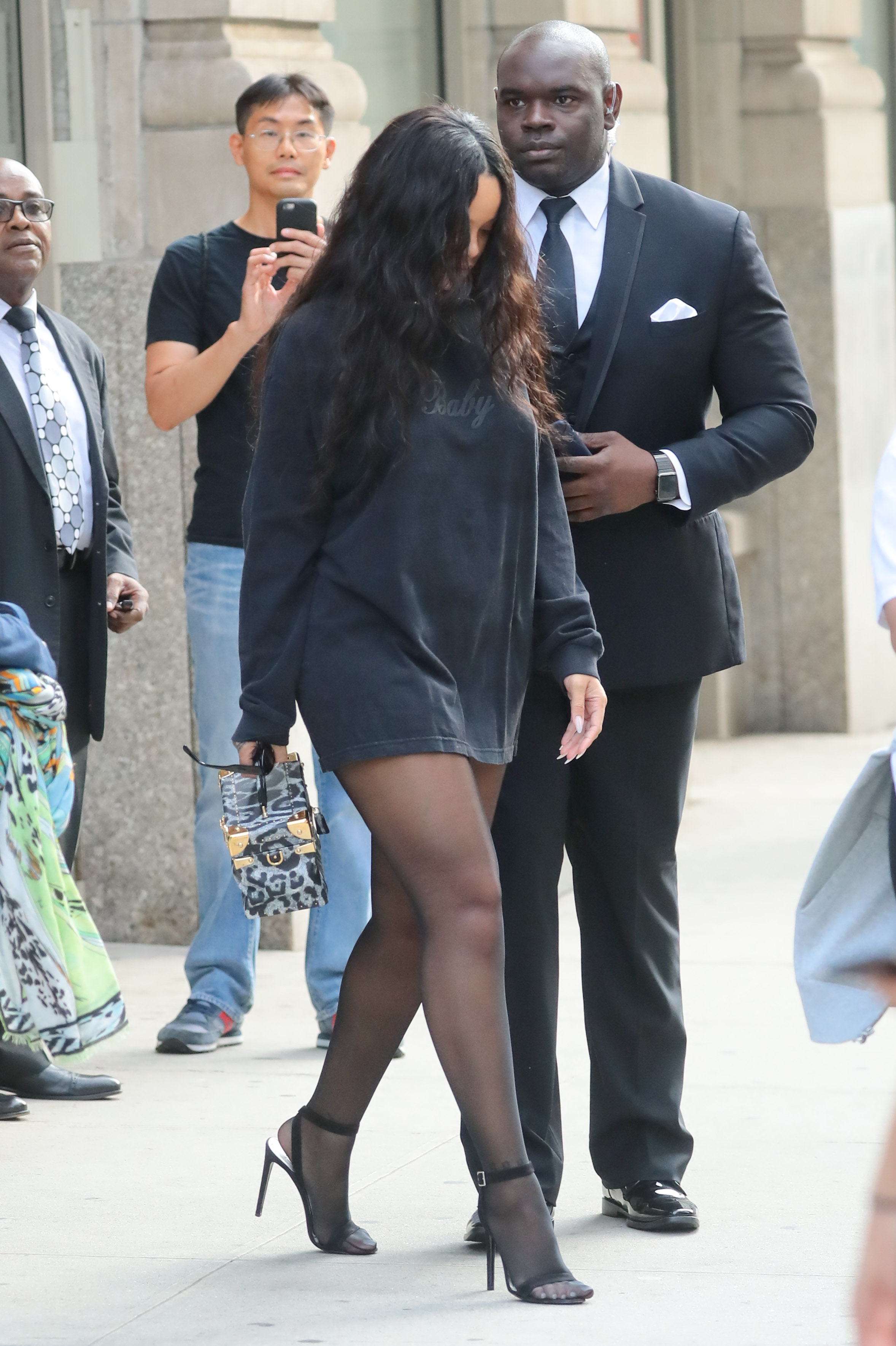
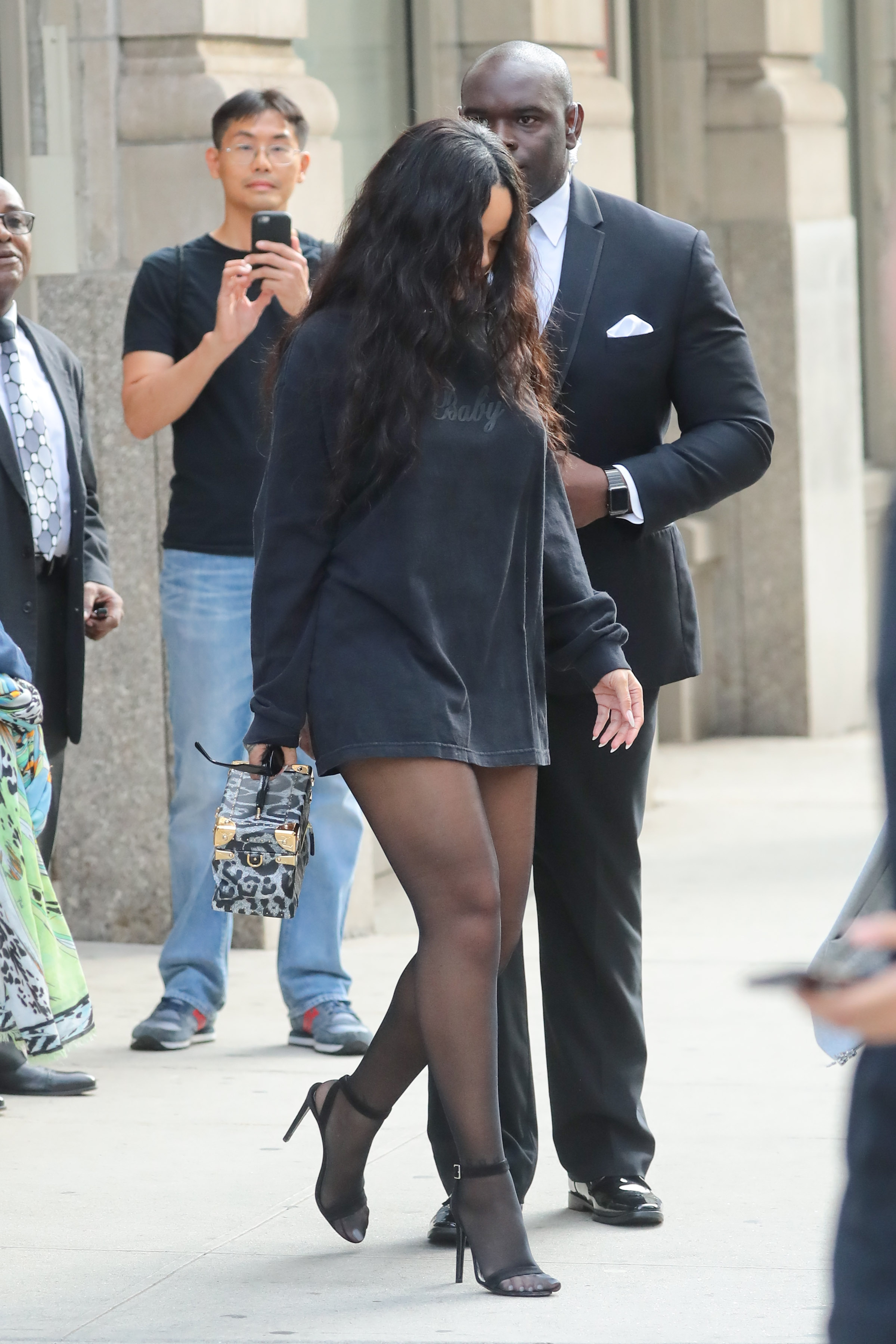
 Heads out to an event in New York City - September 14, 2017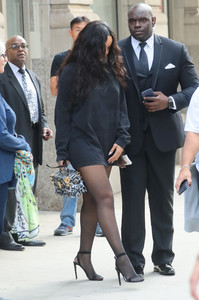
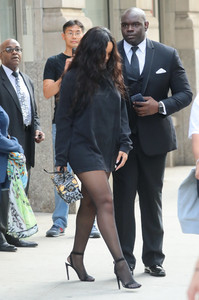
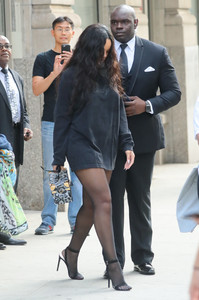

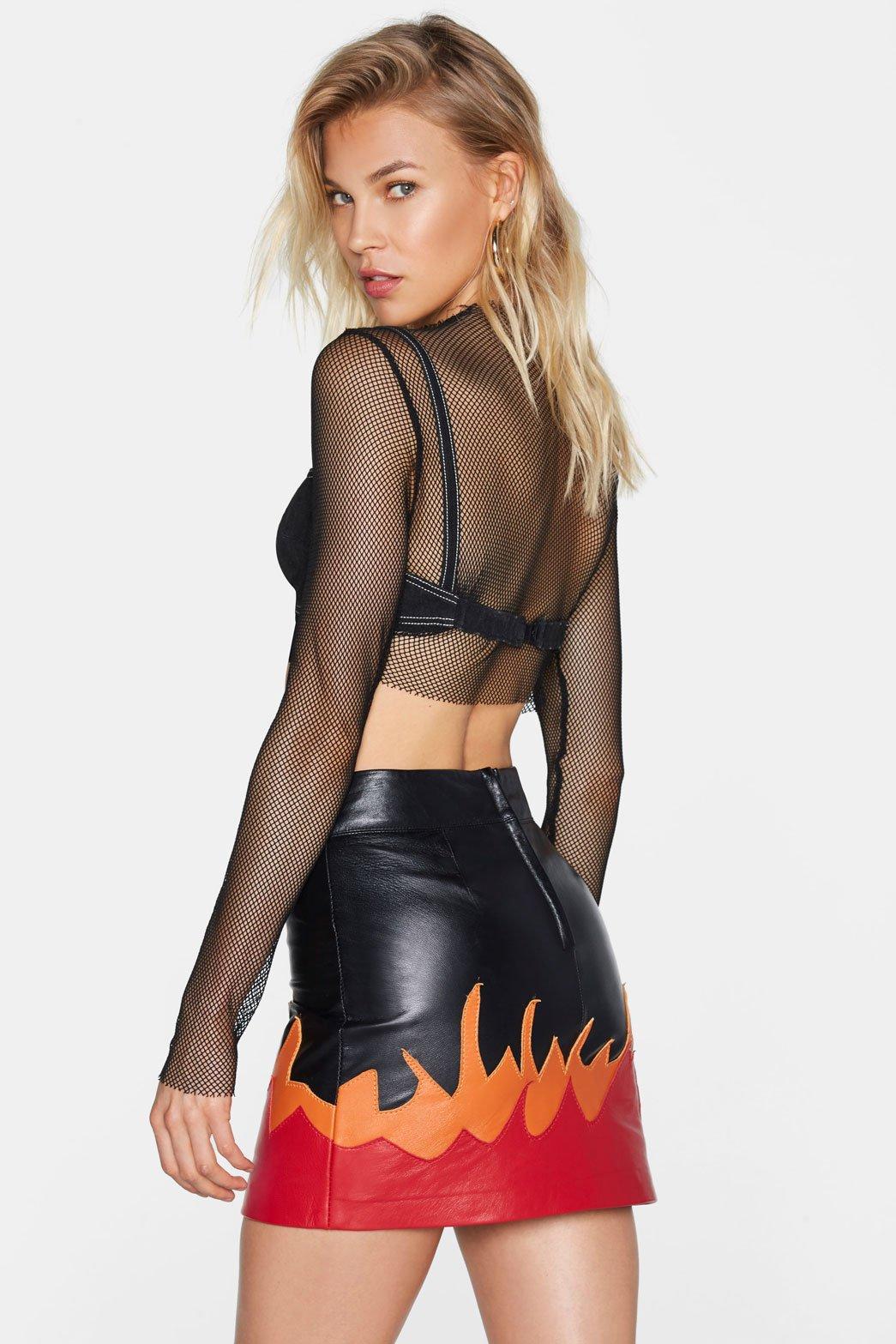
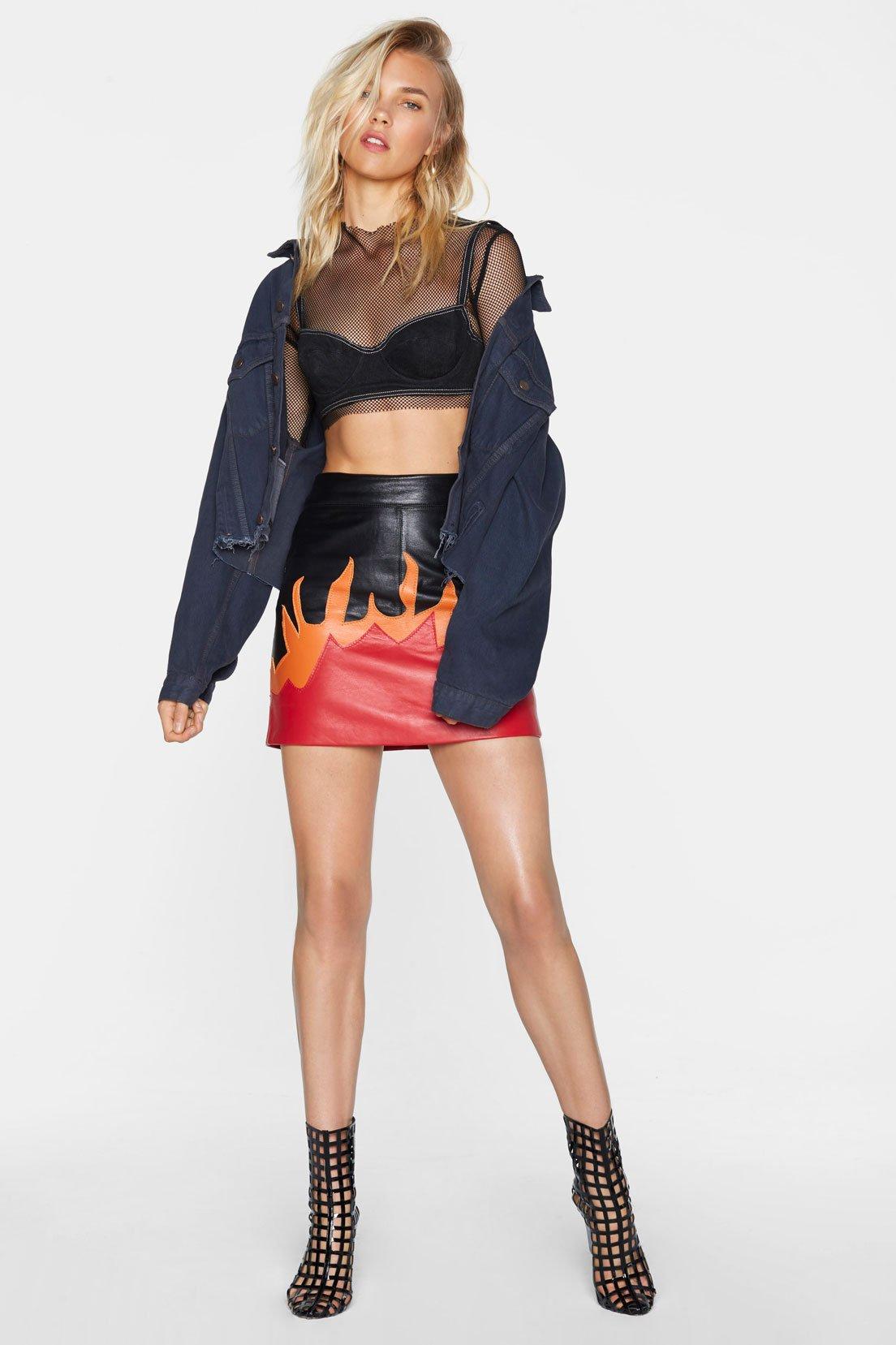
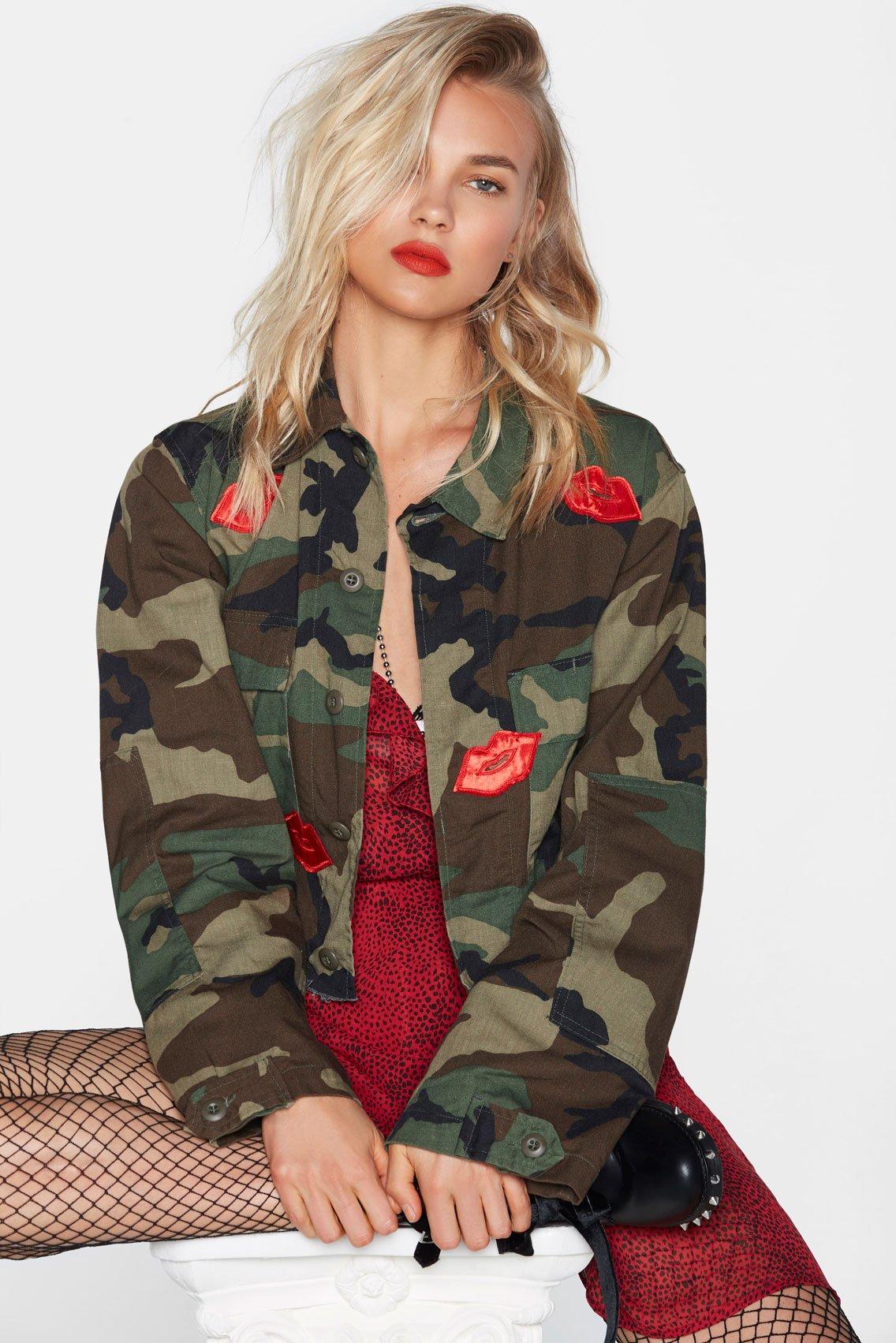
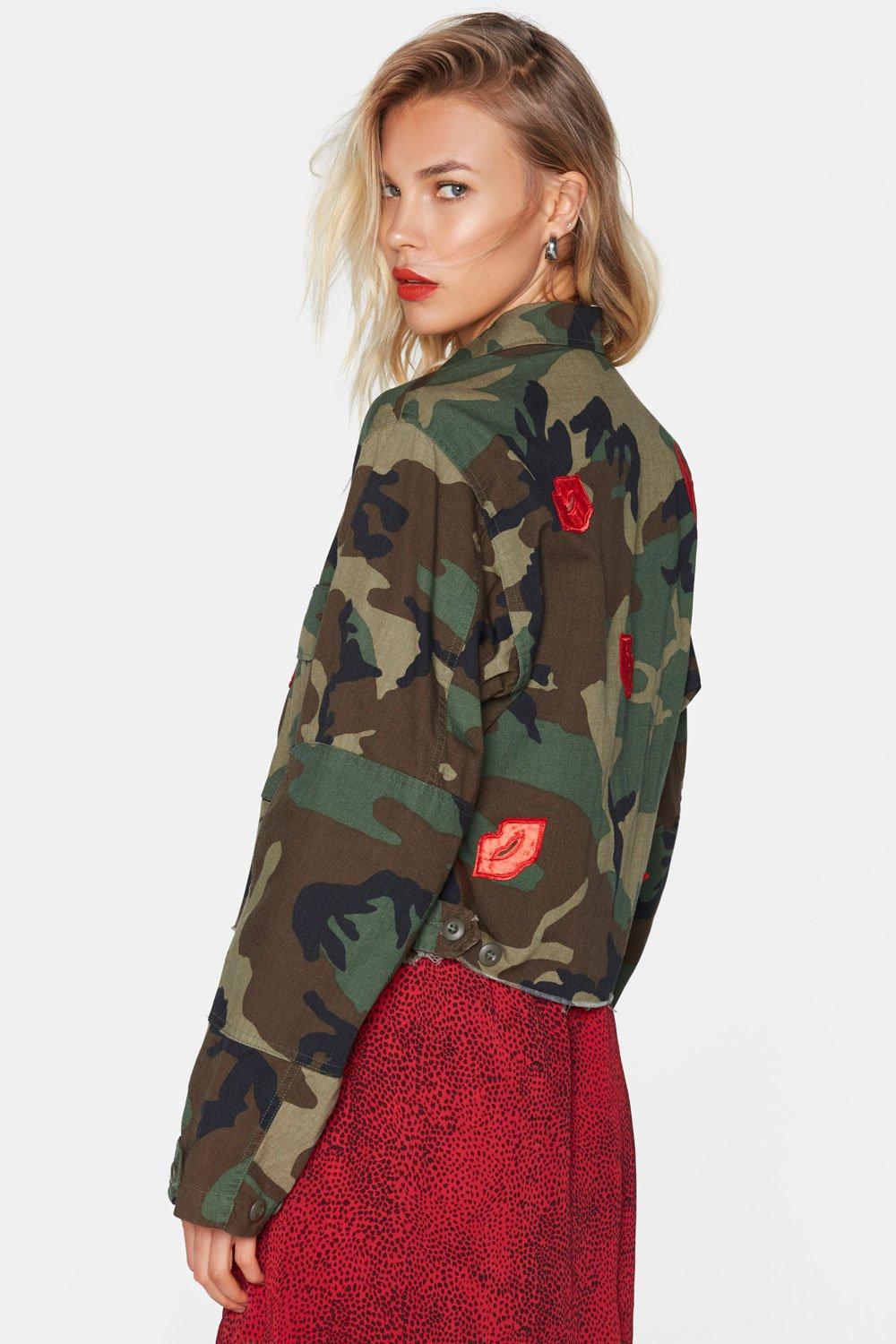
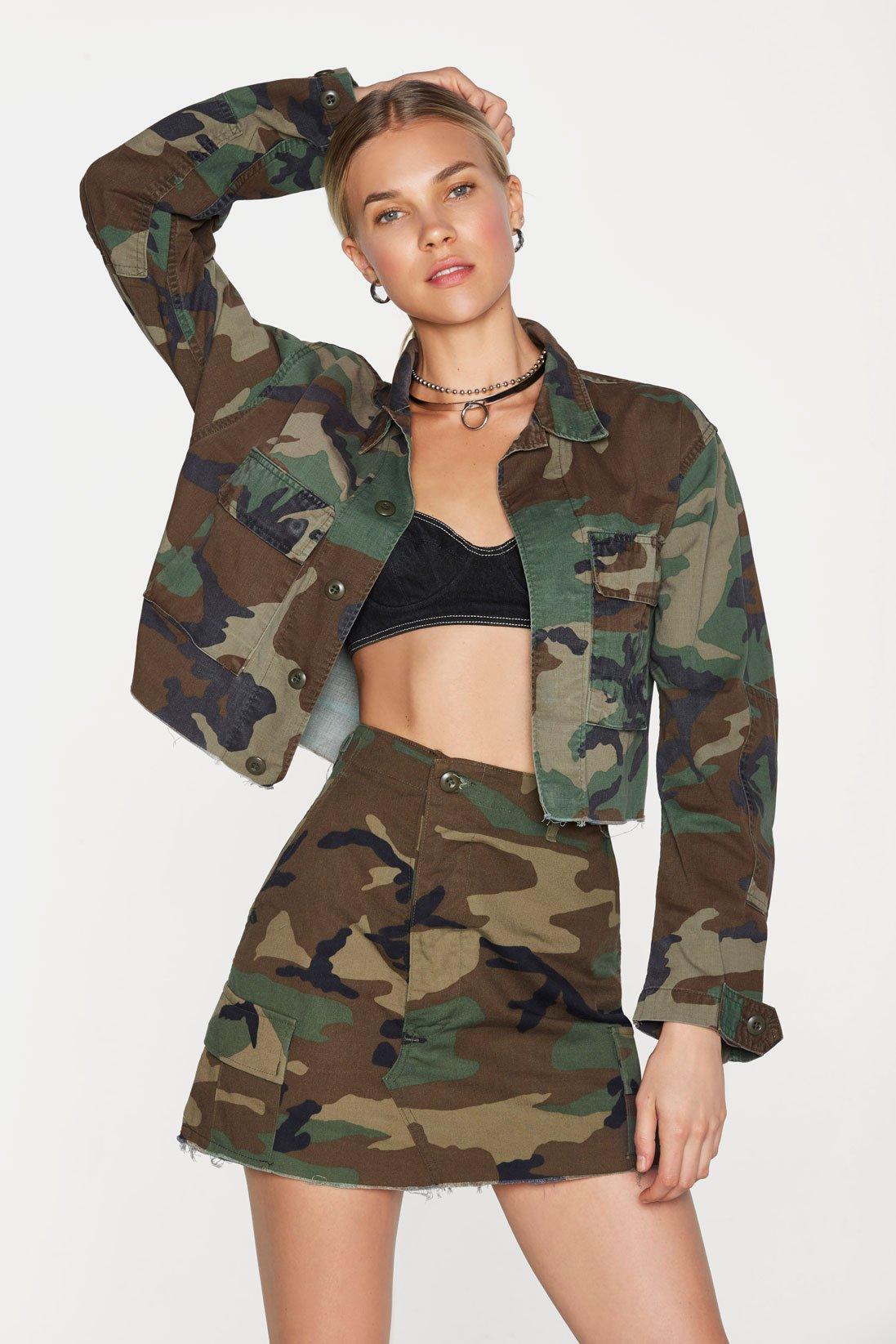
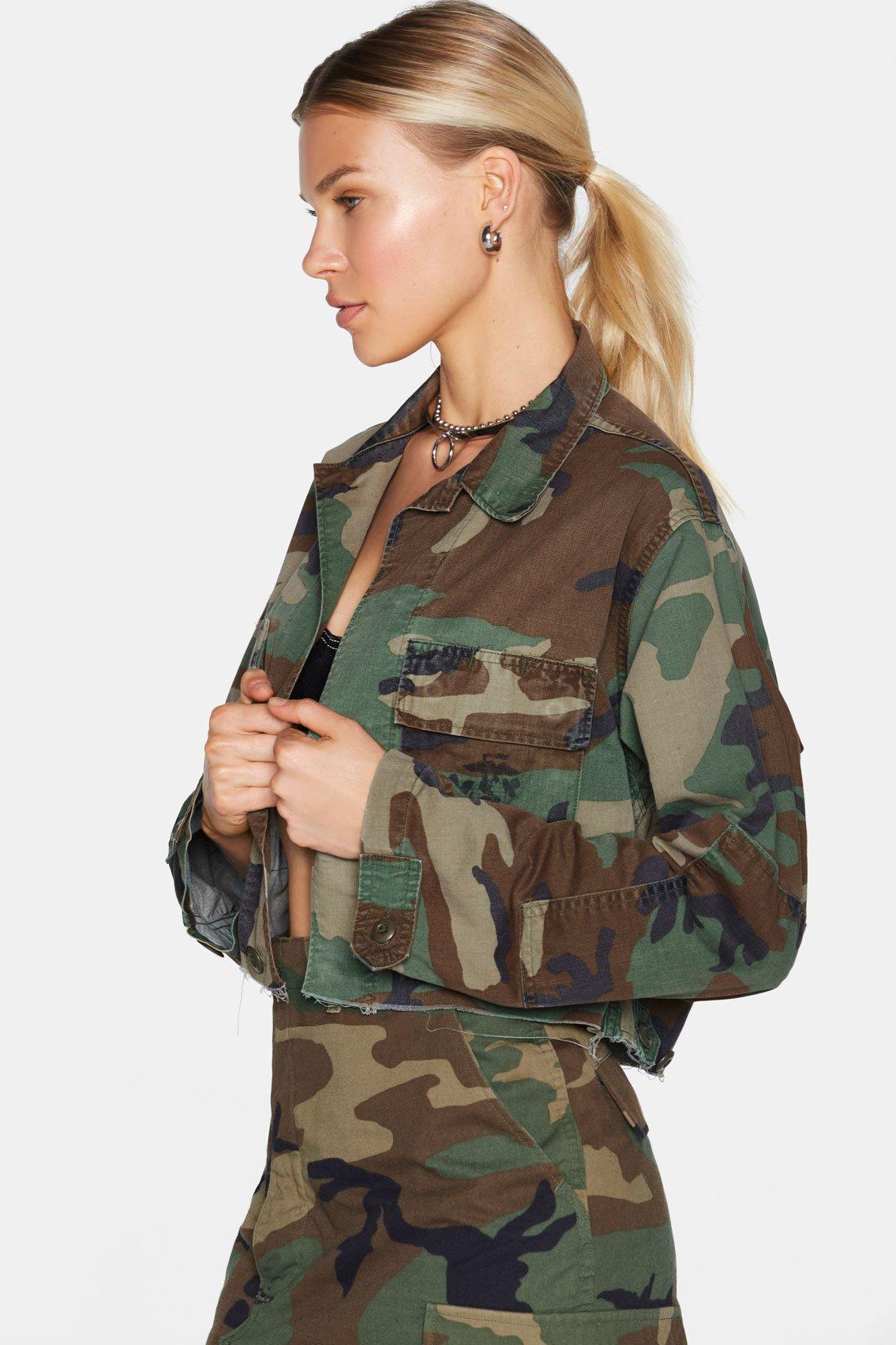
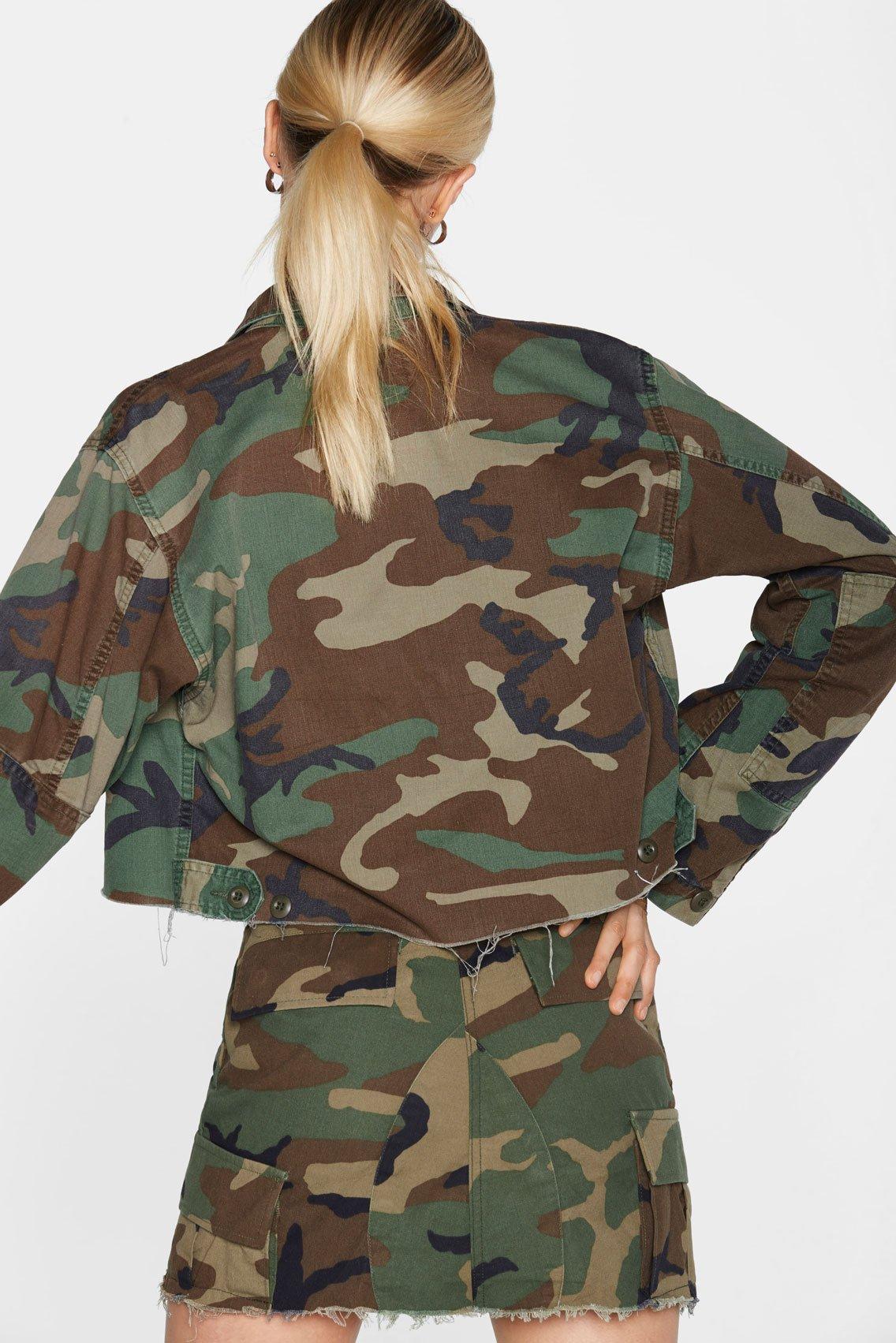
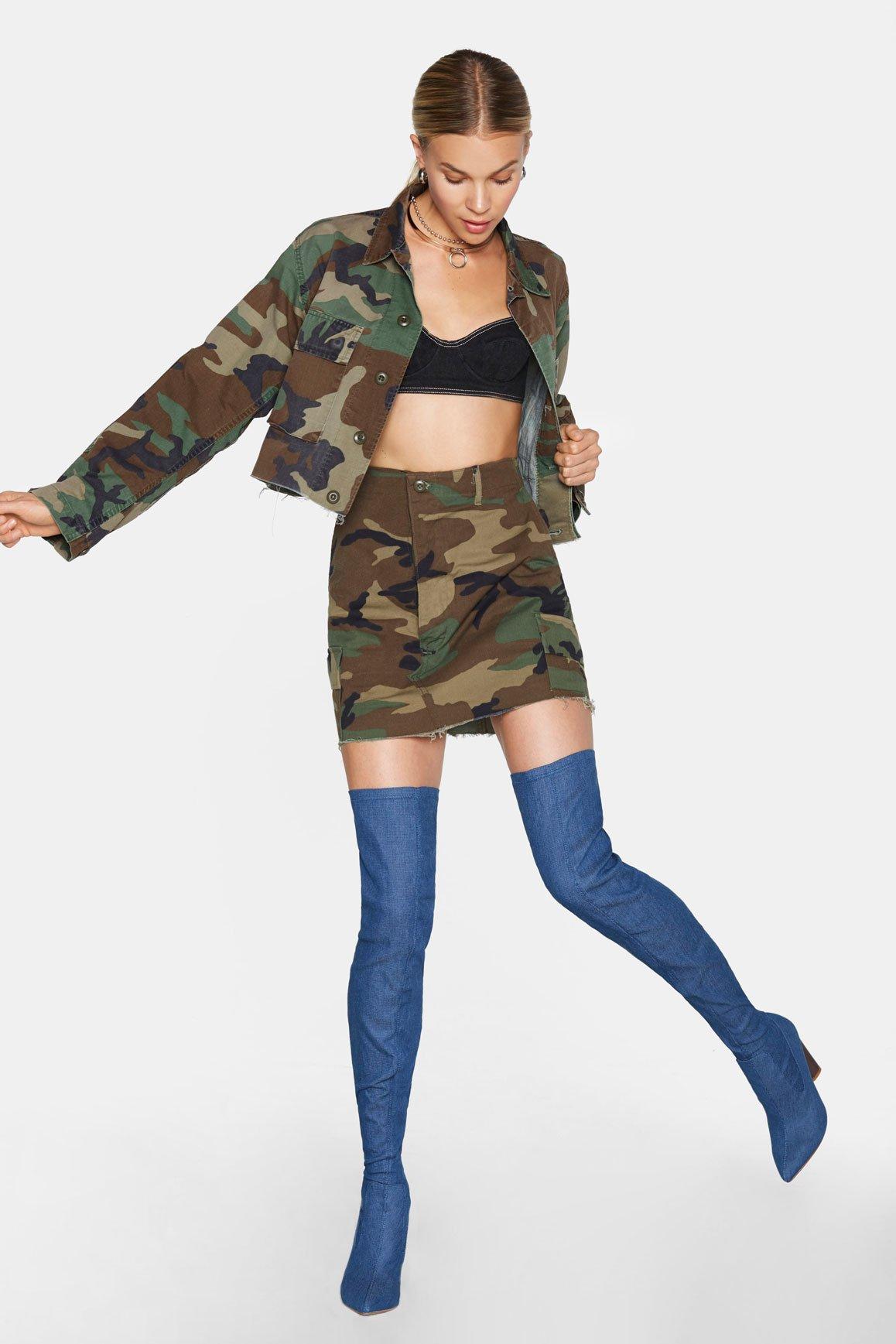
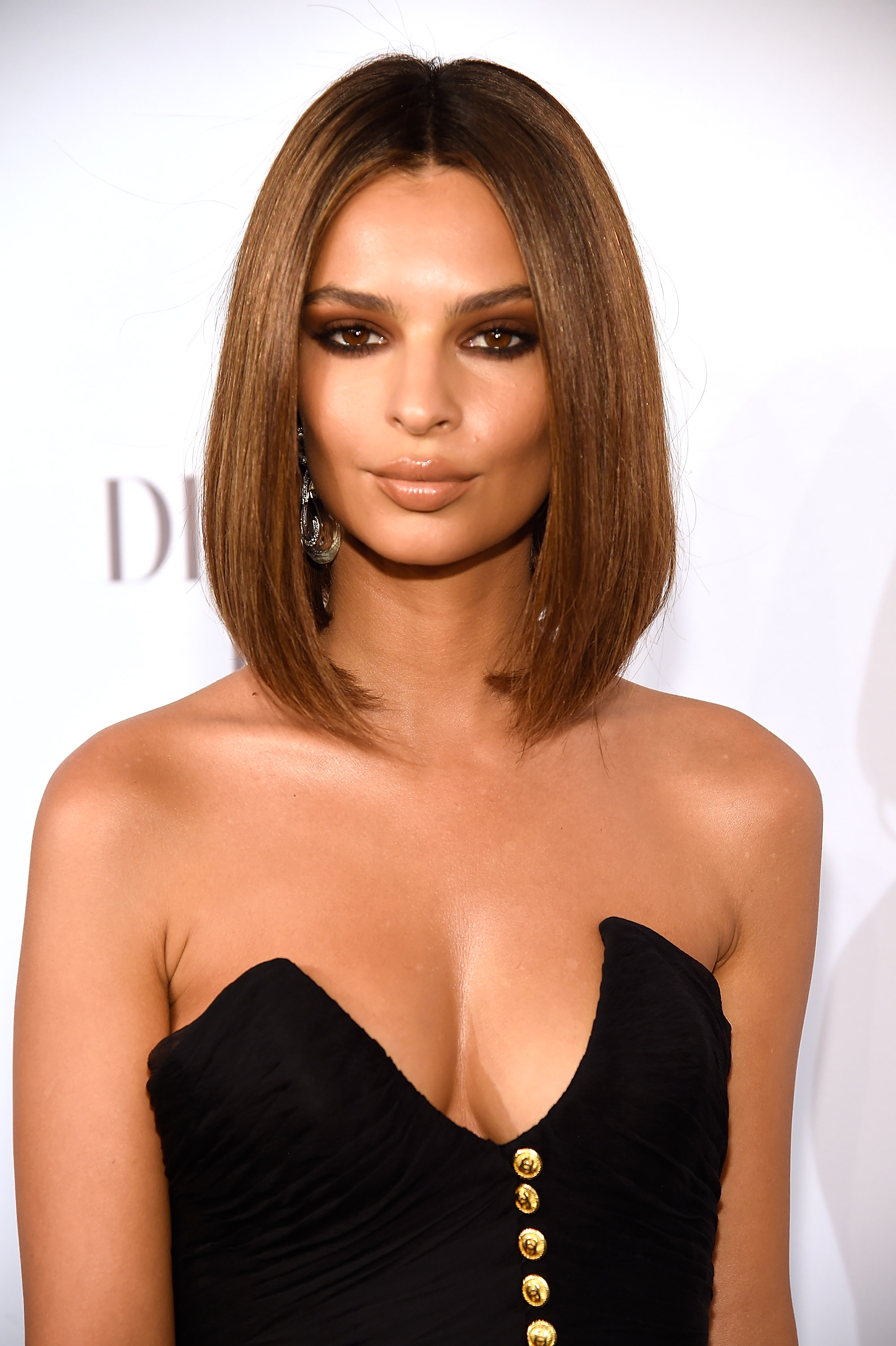
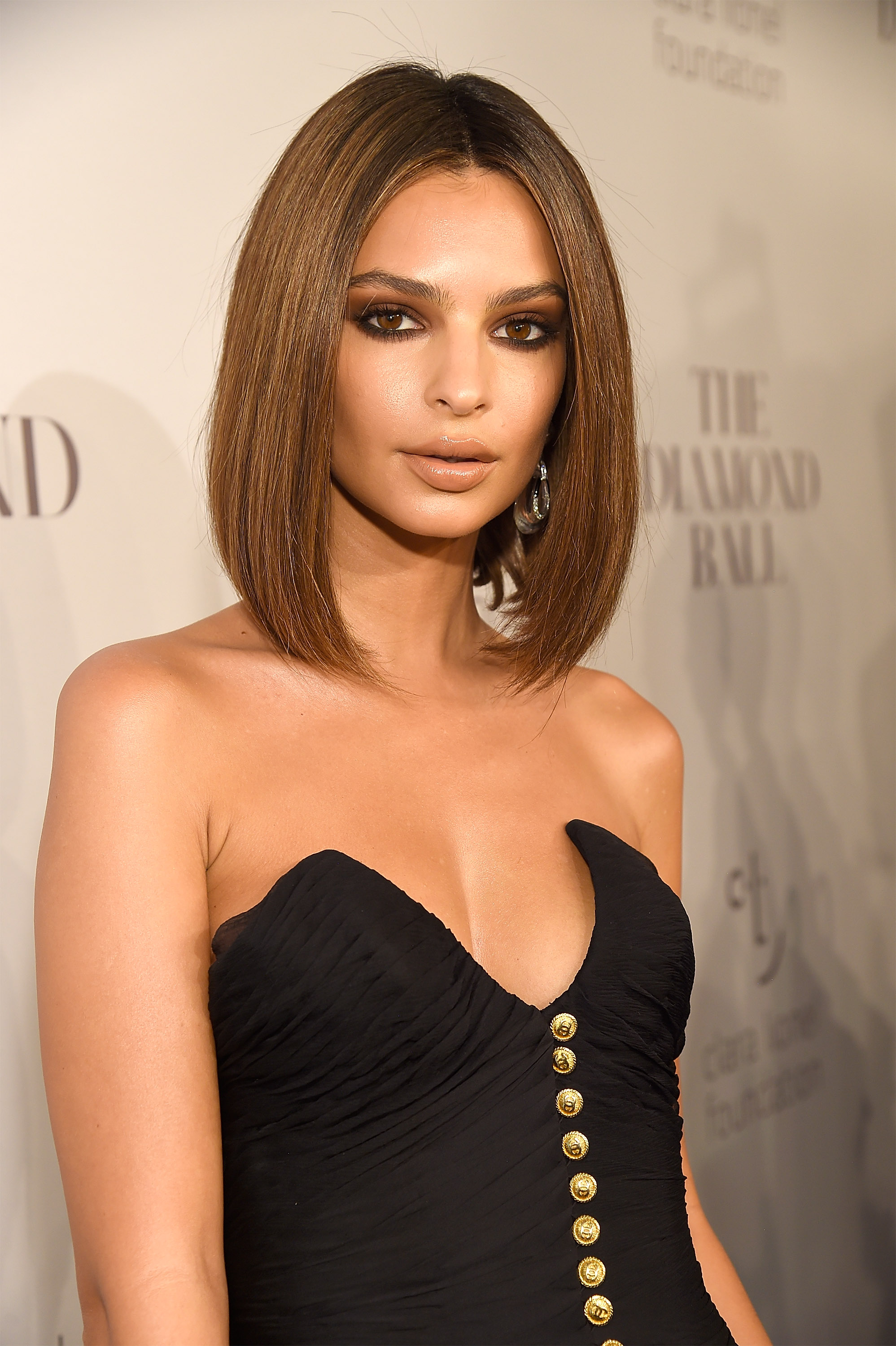
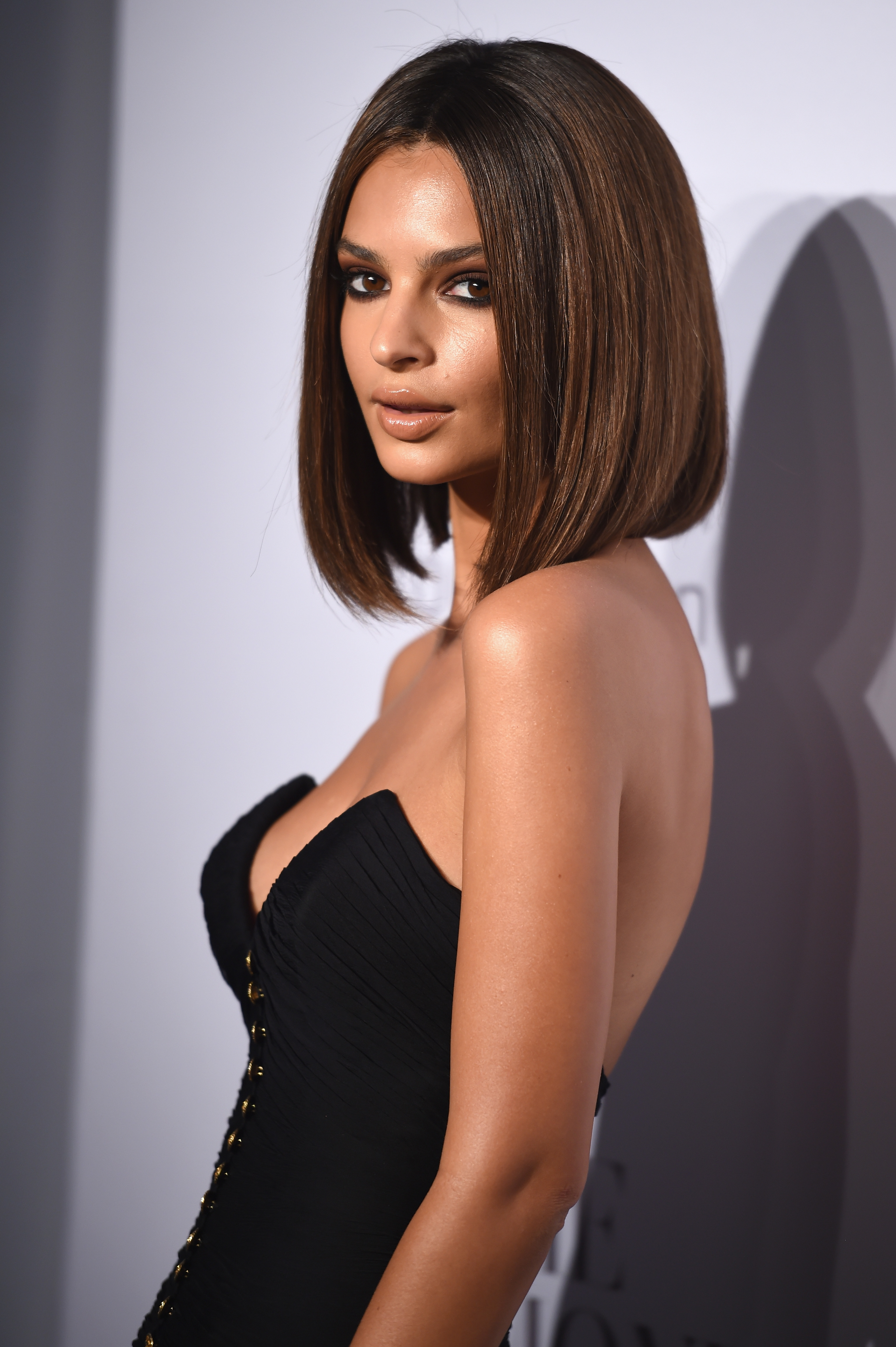
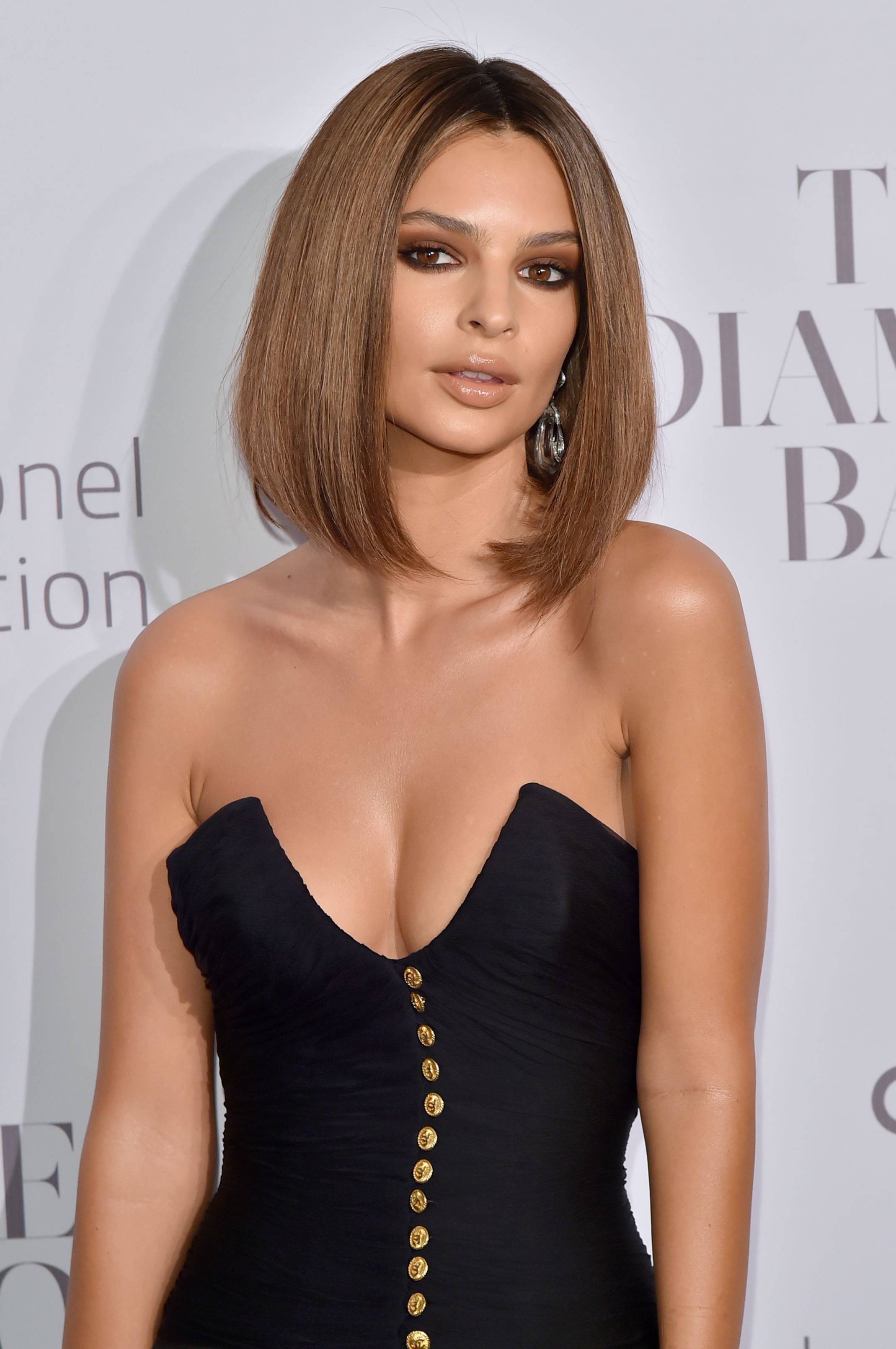
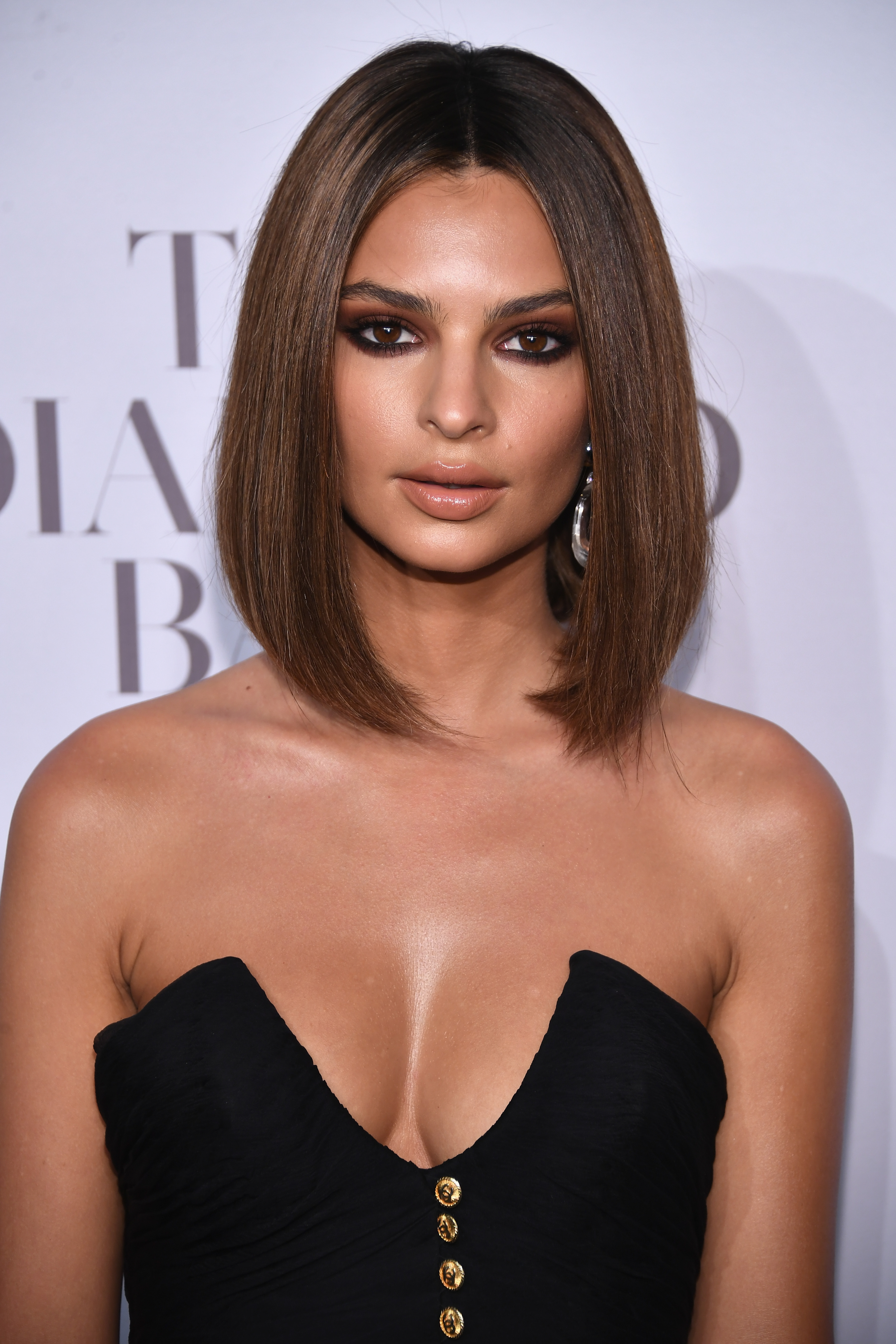
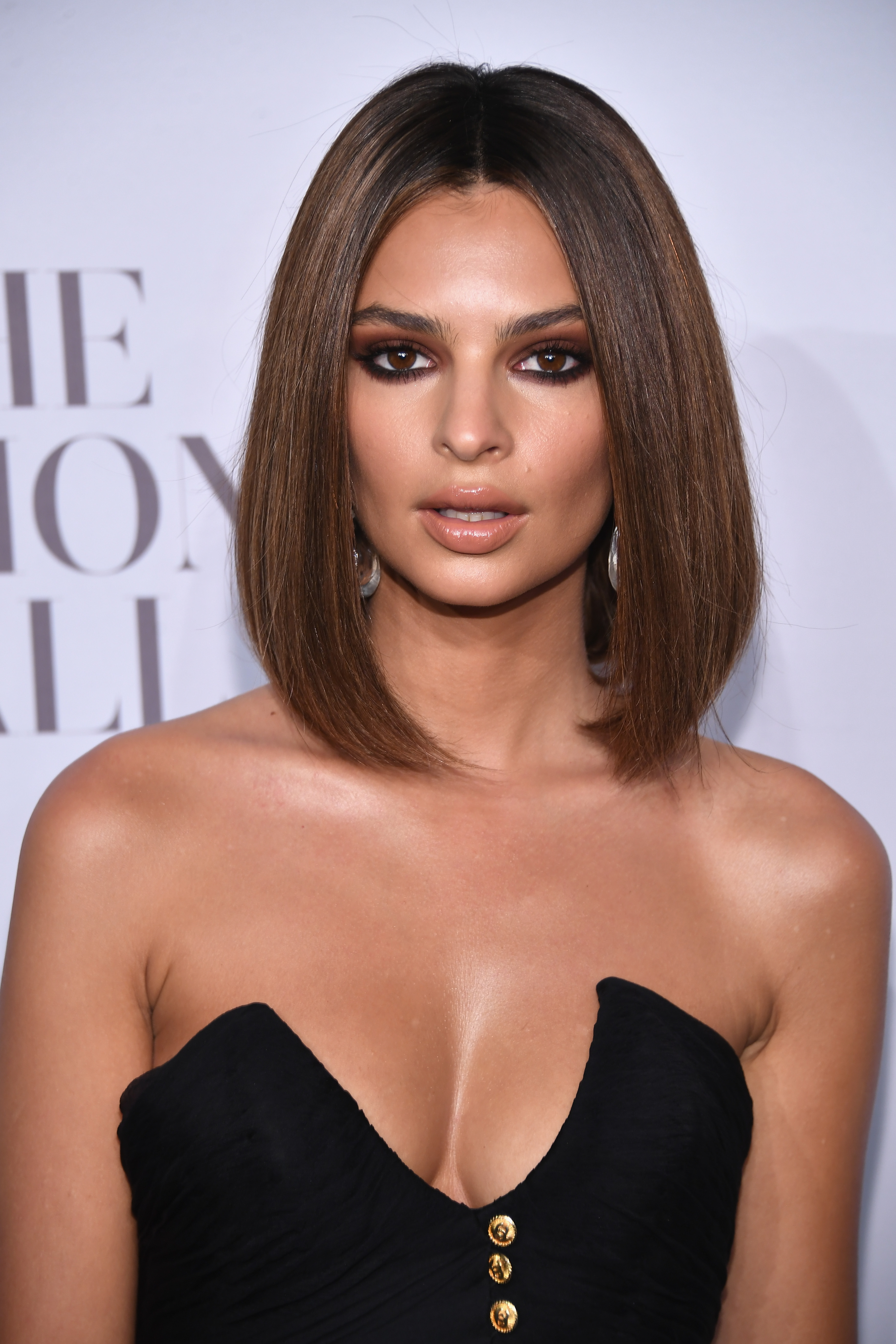
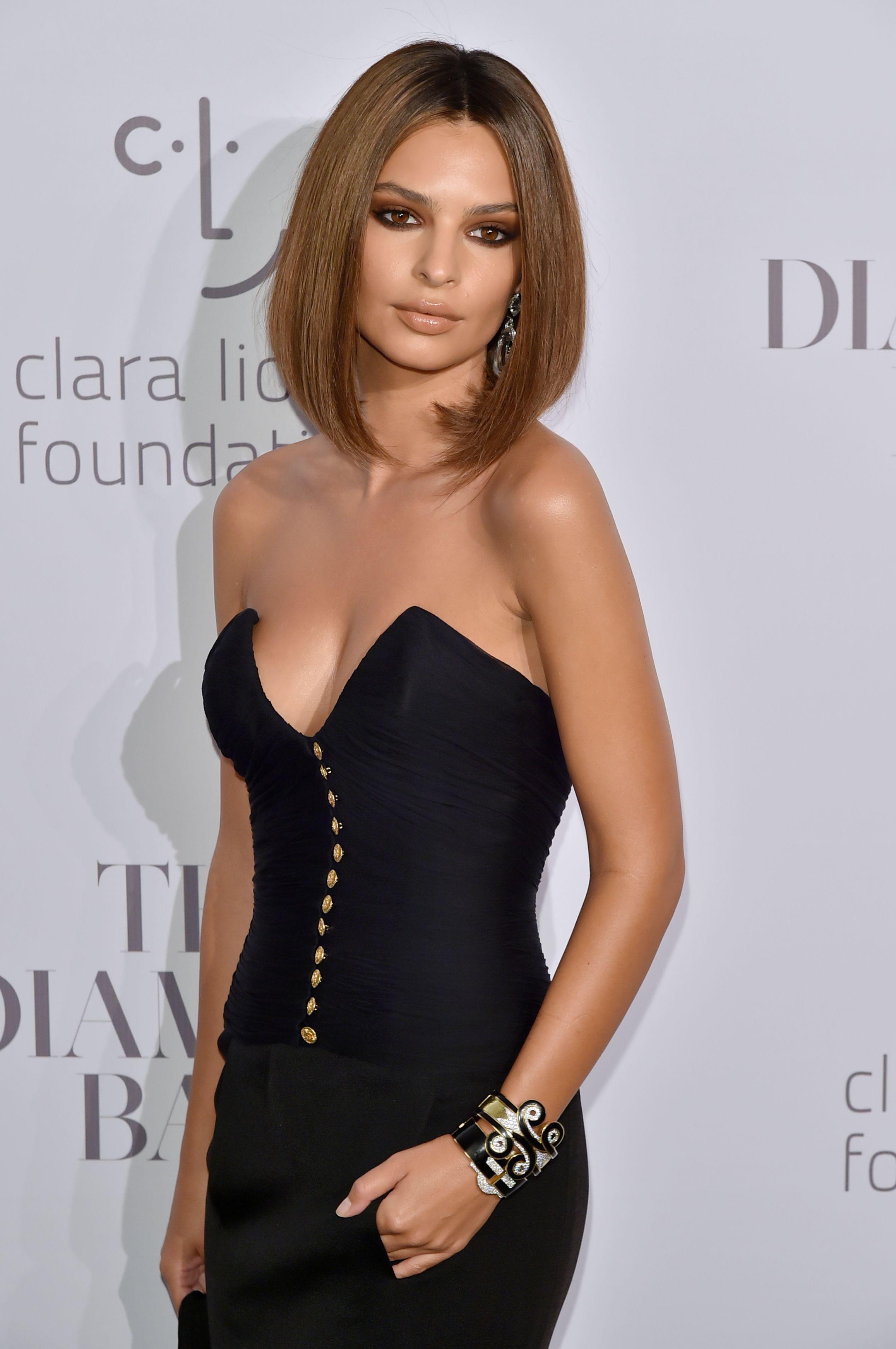
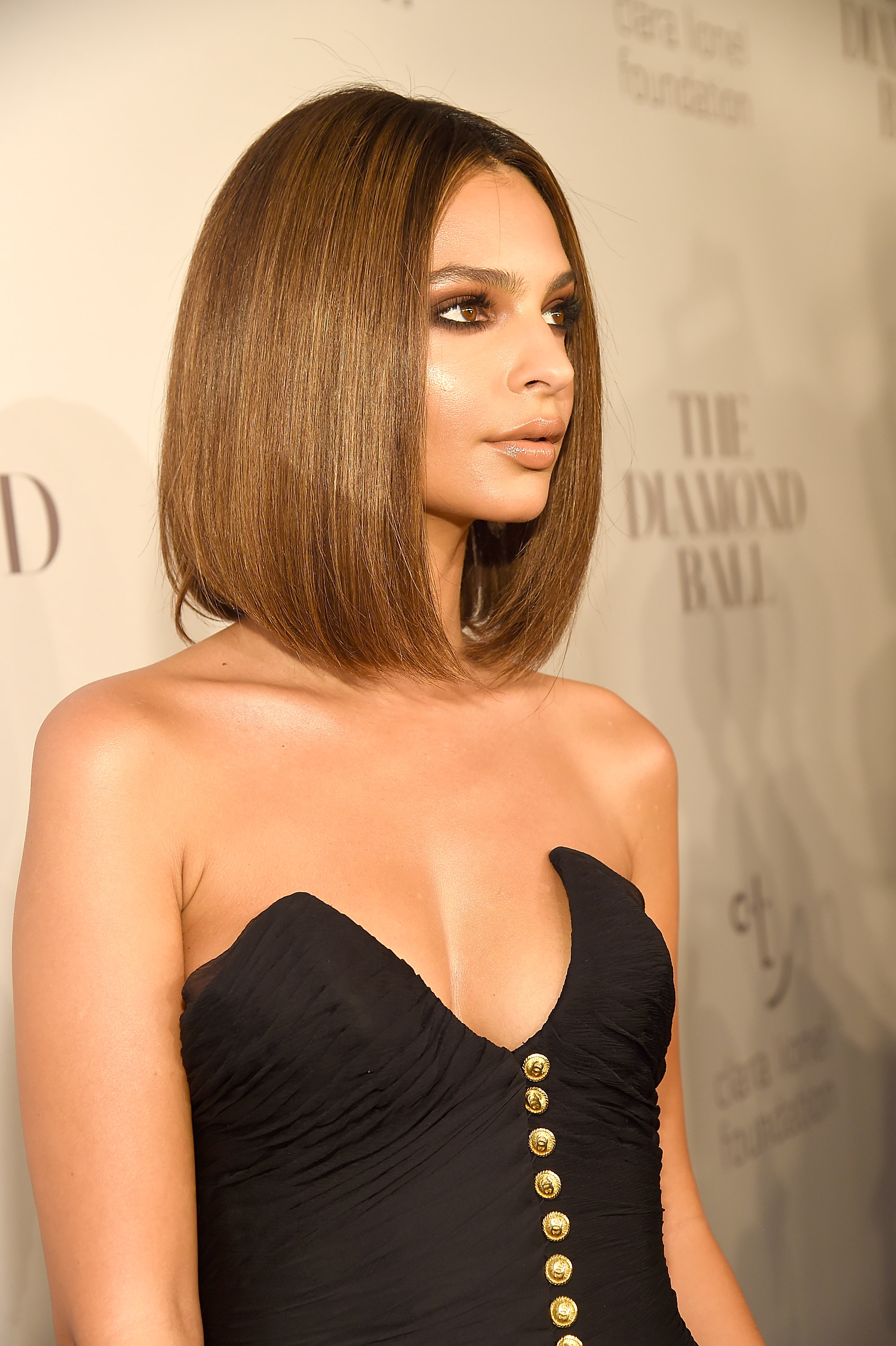
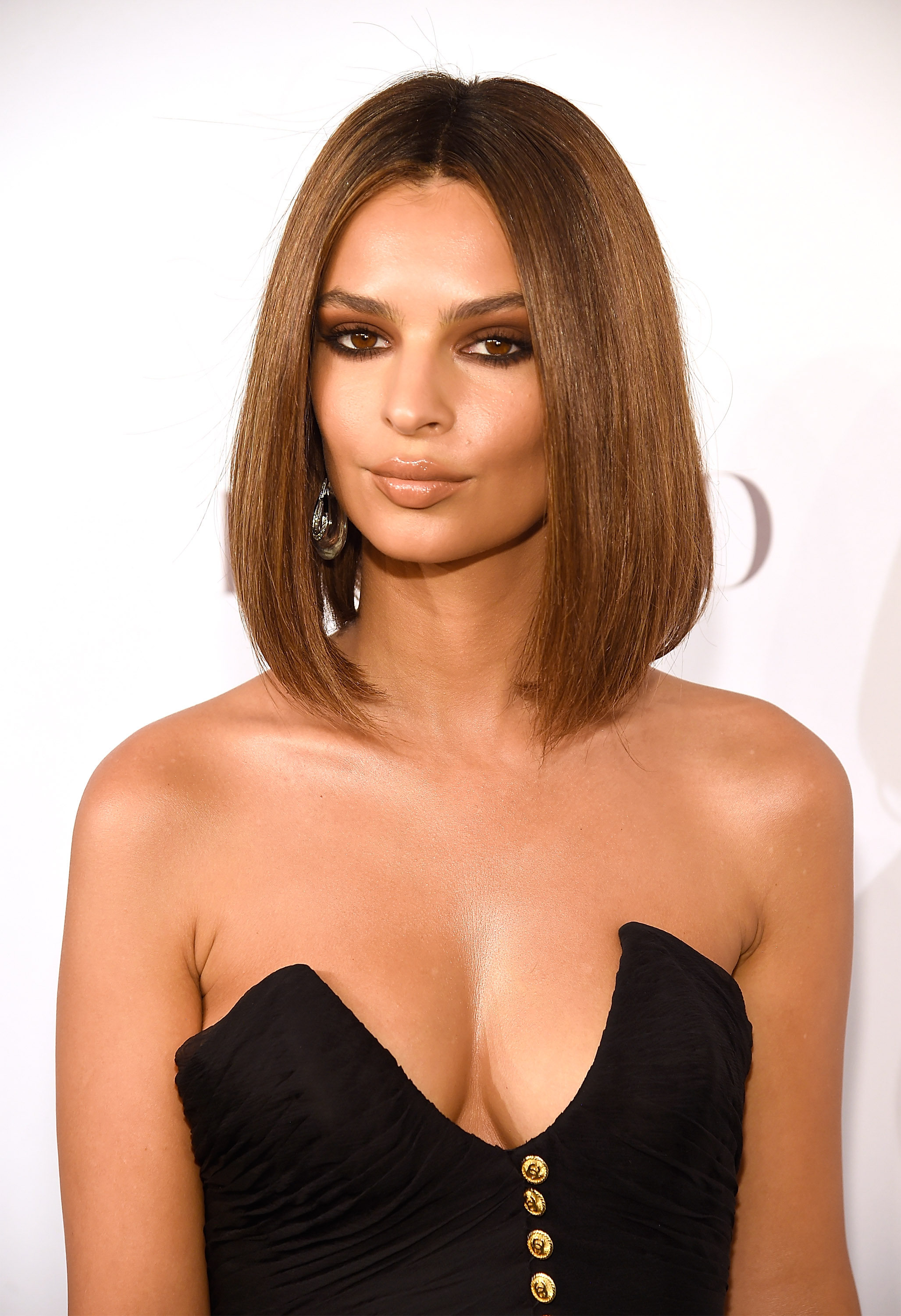
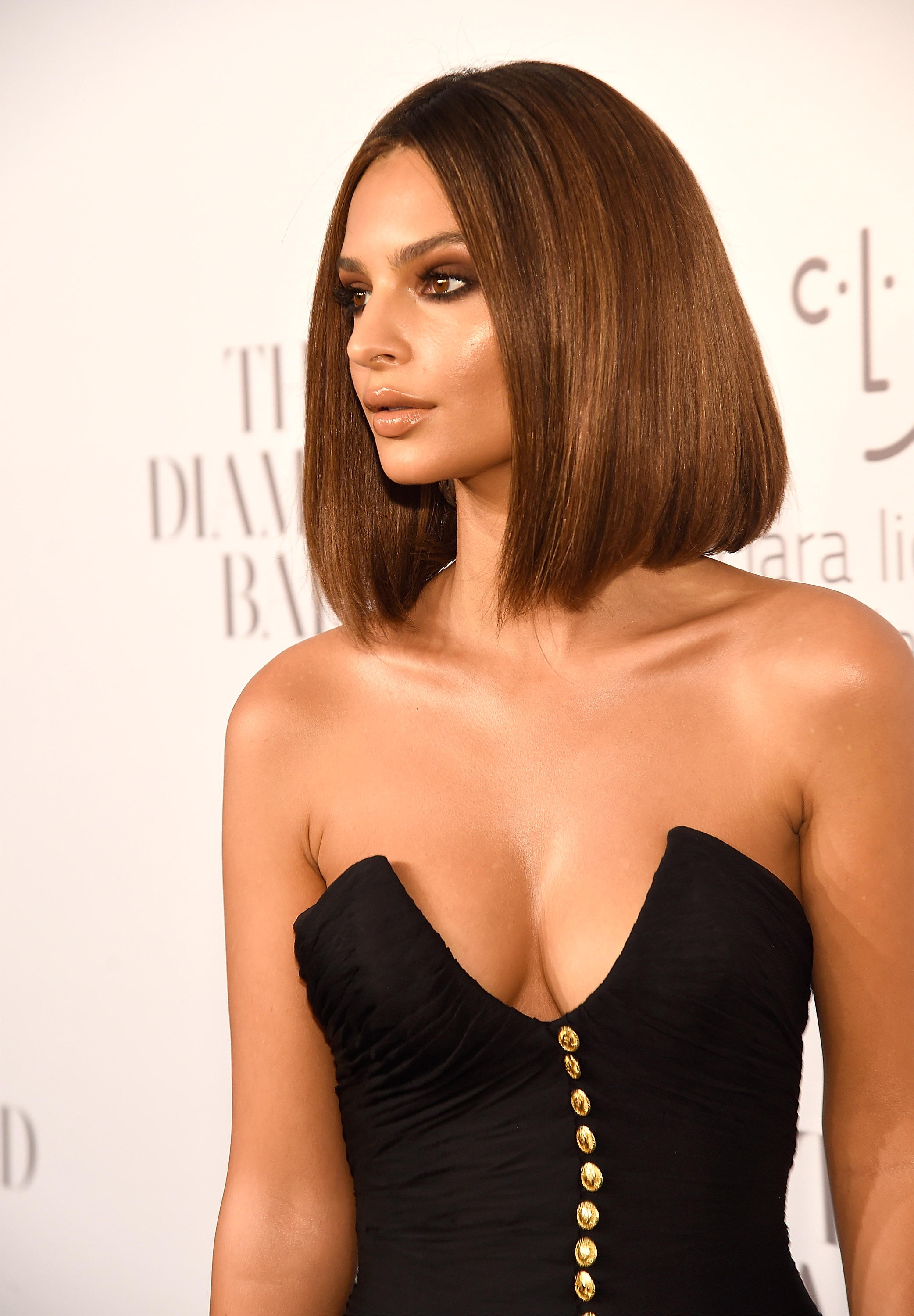
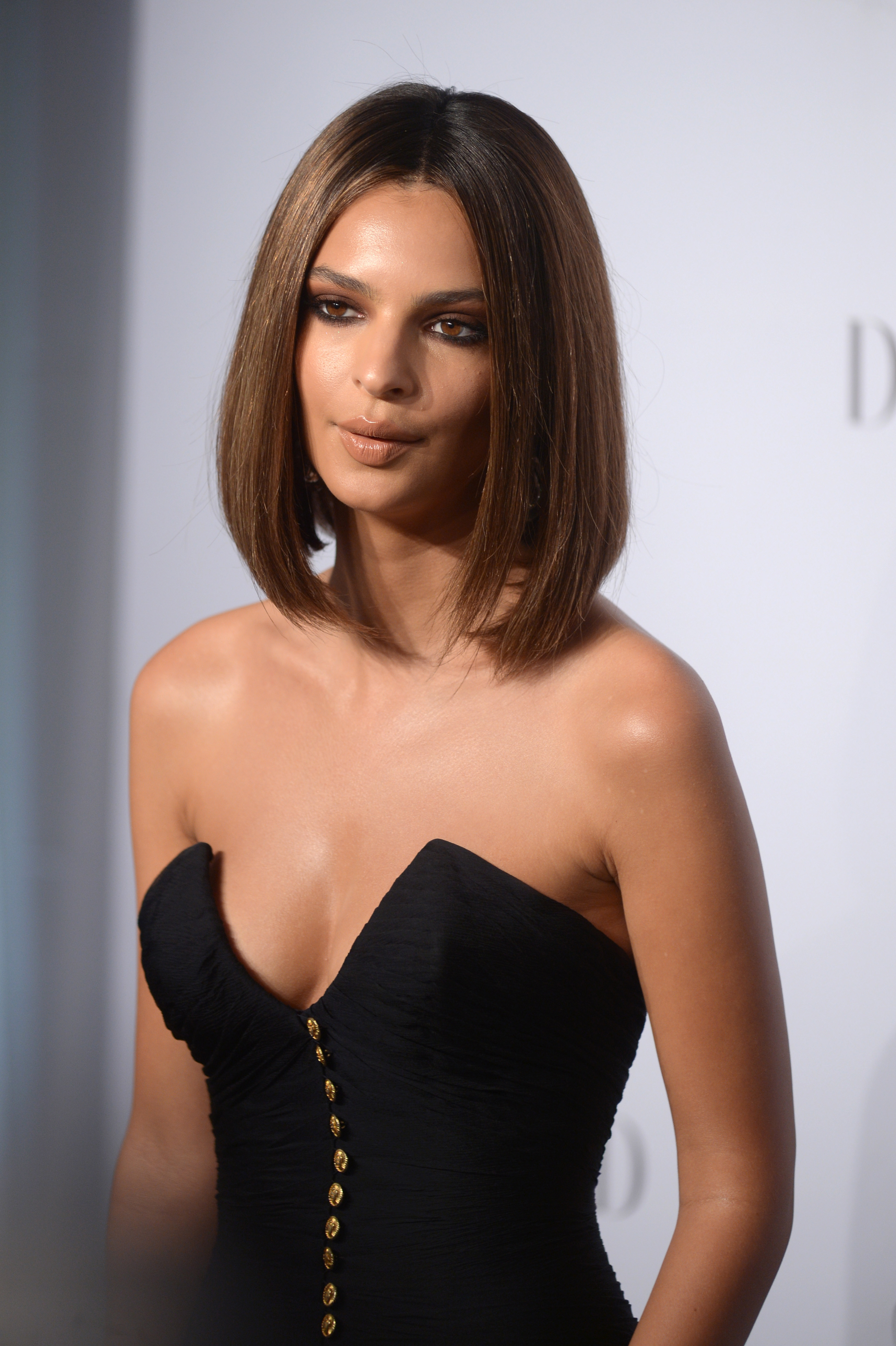
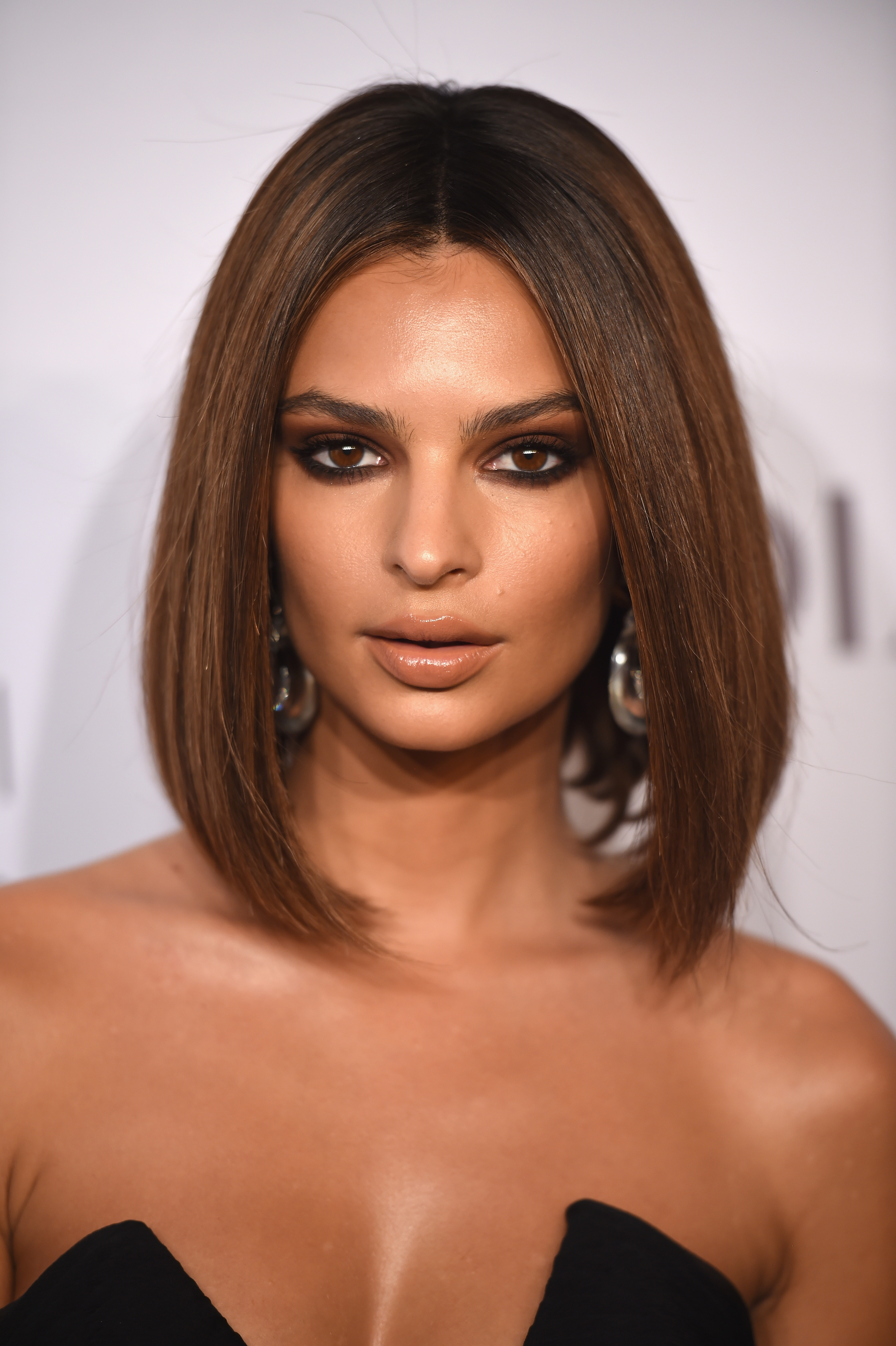
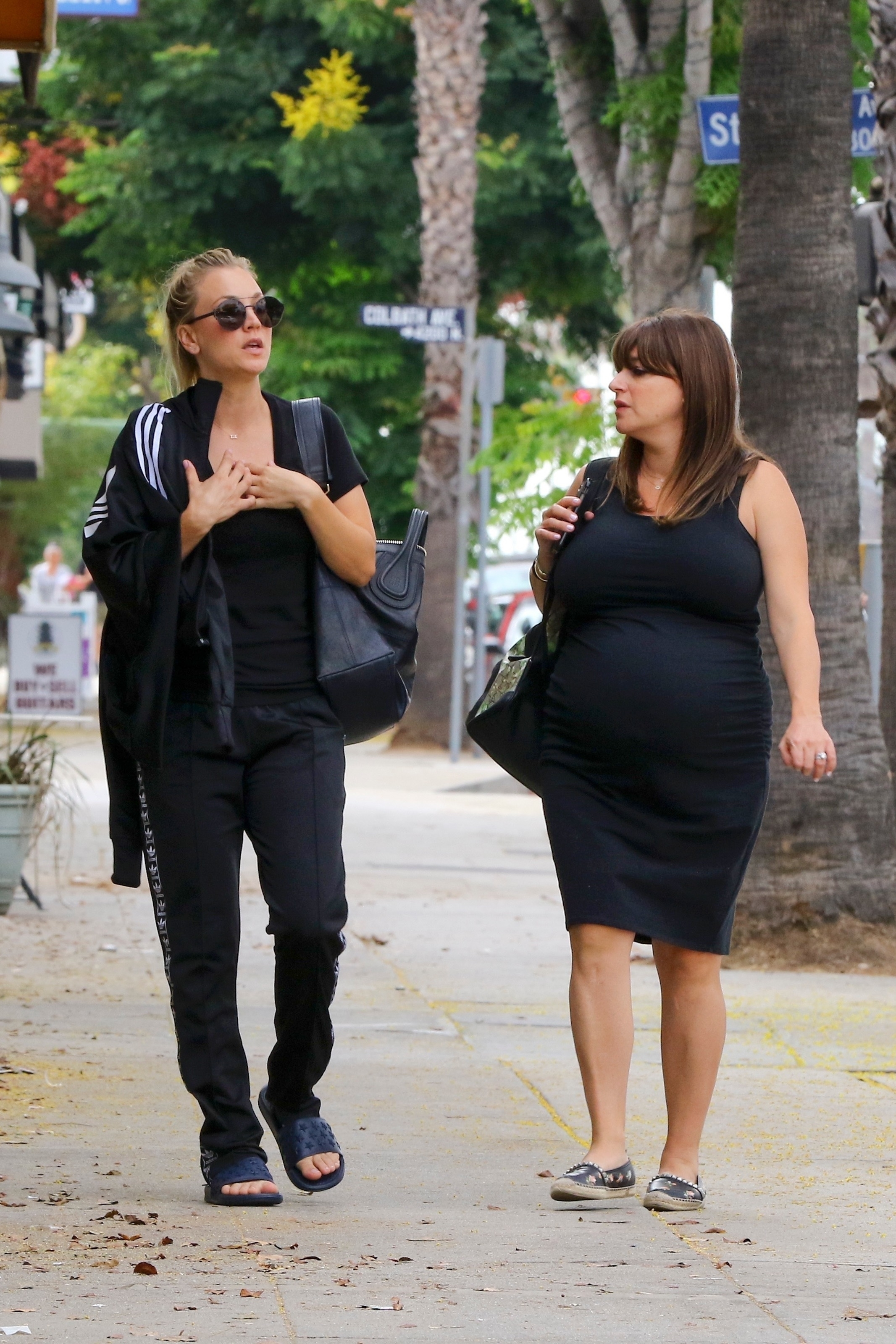
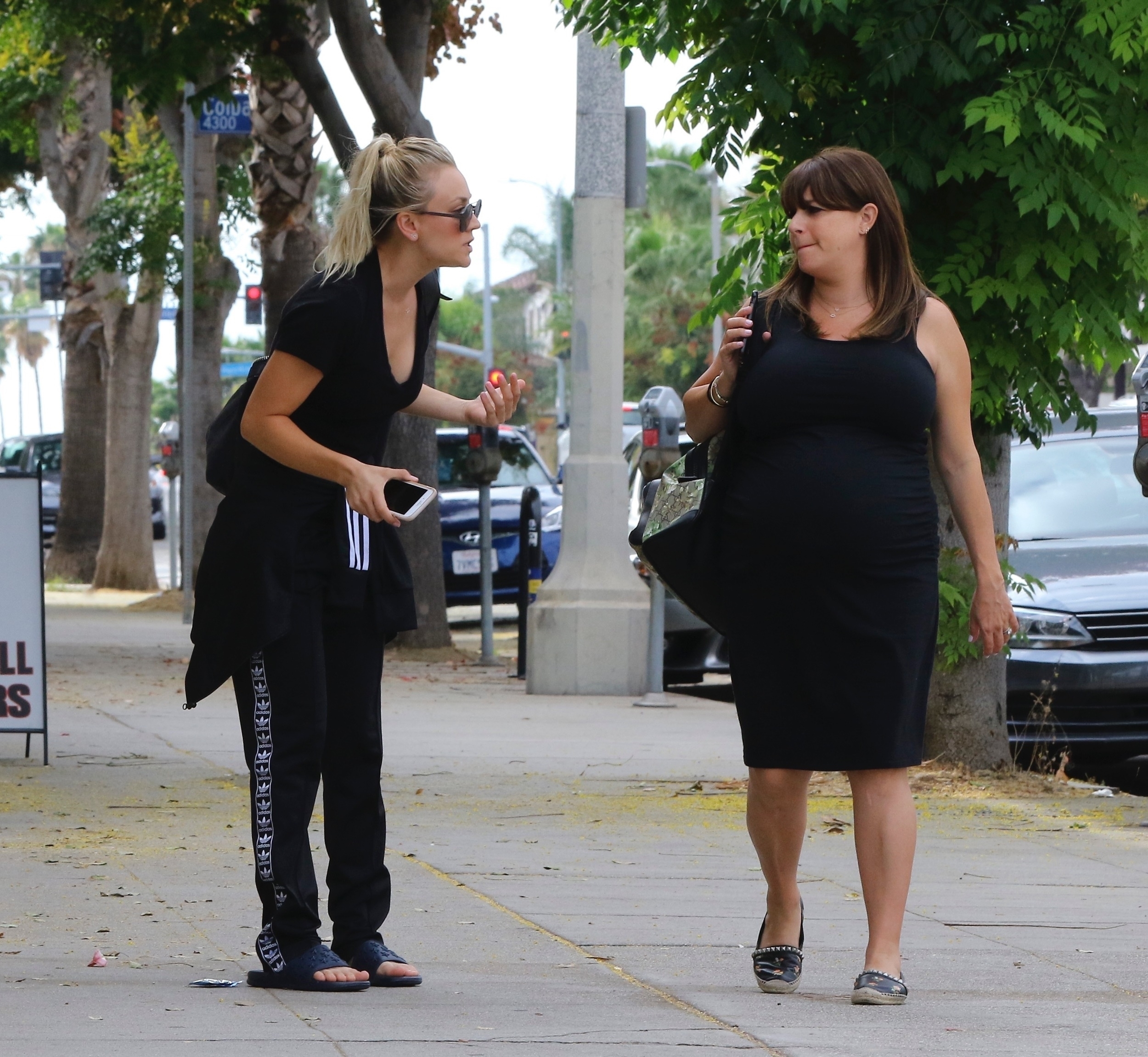
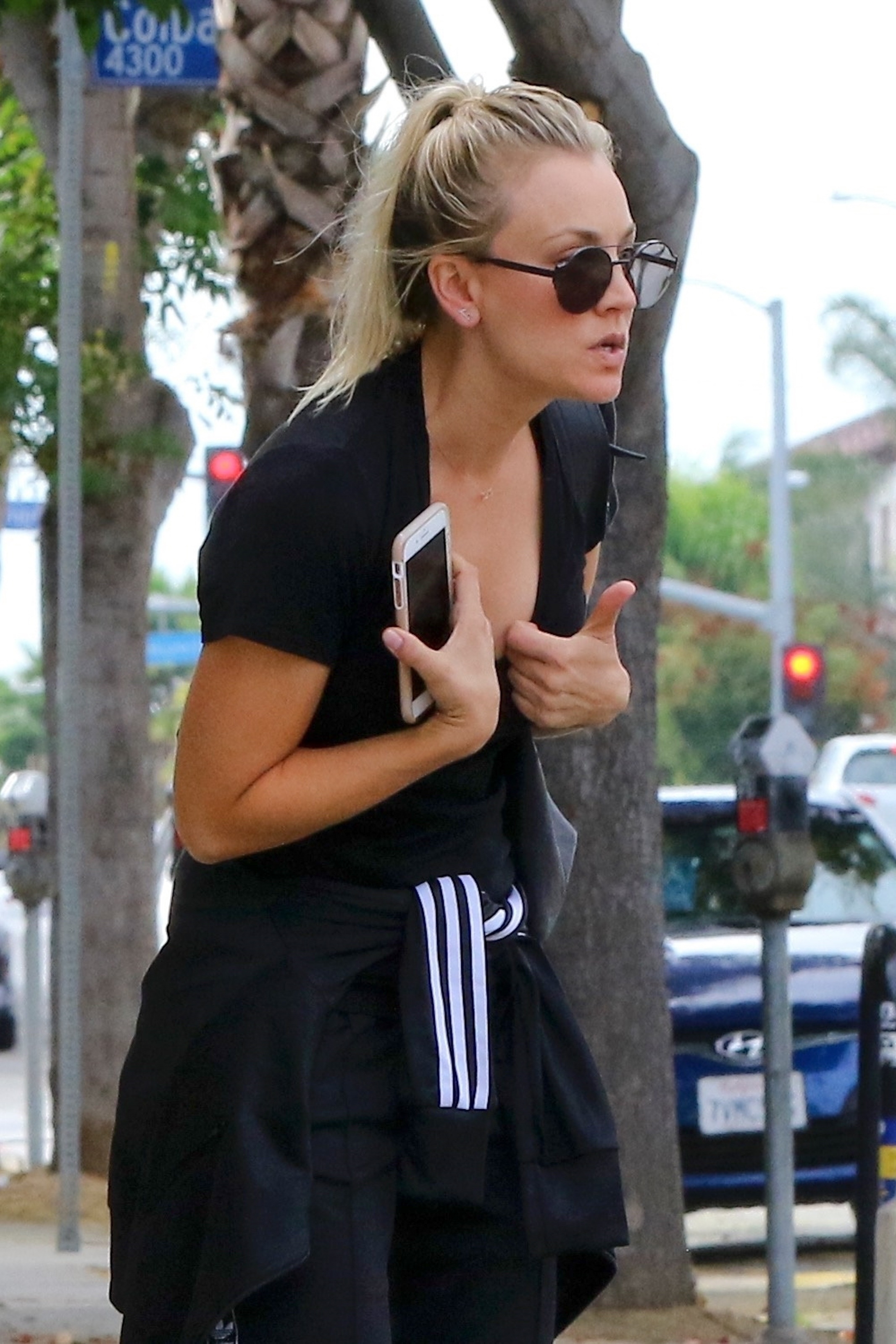
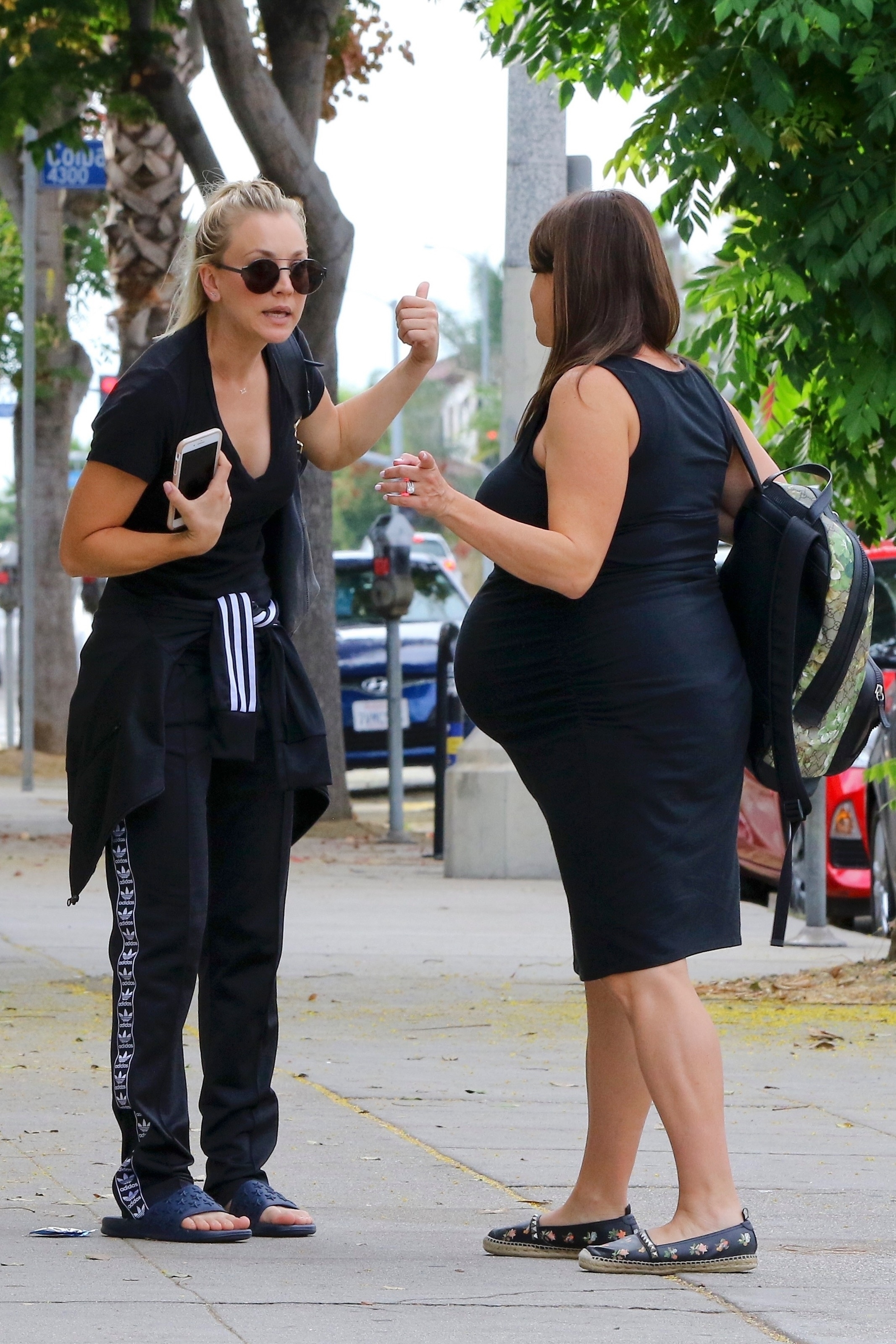
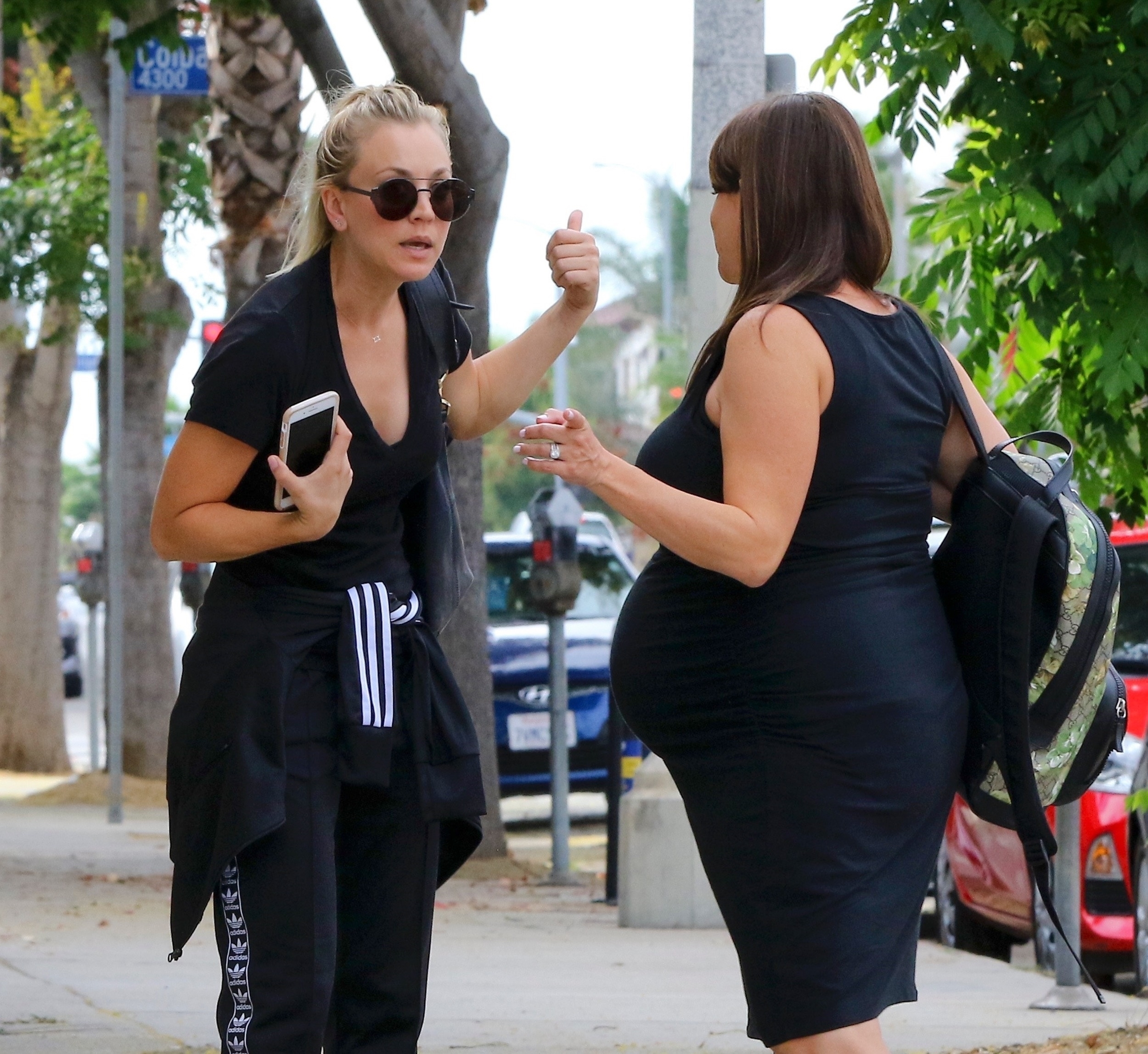
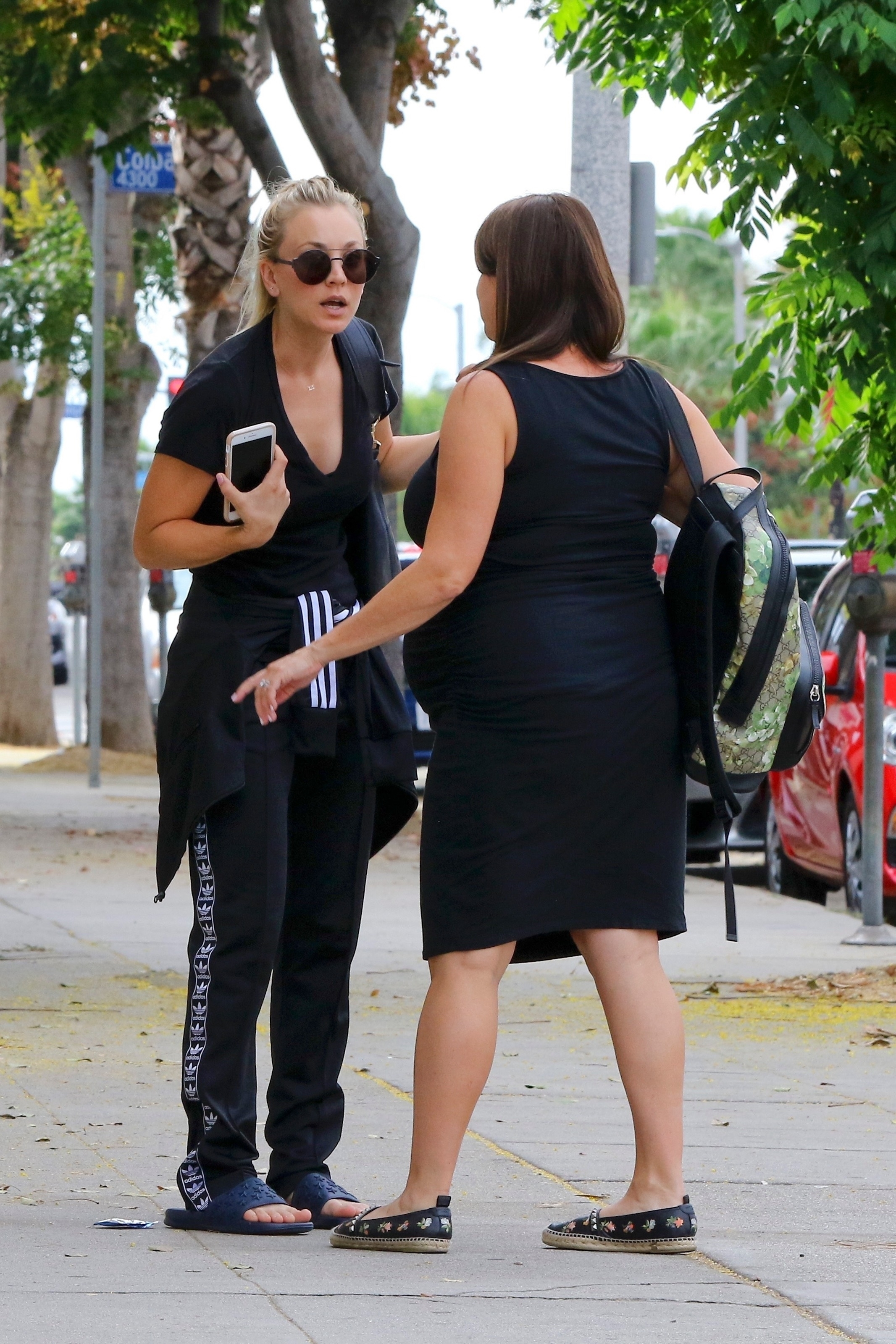
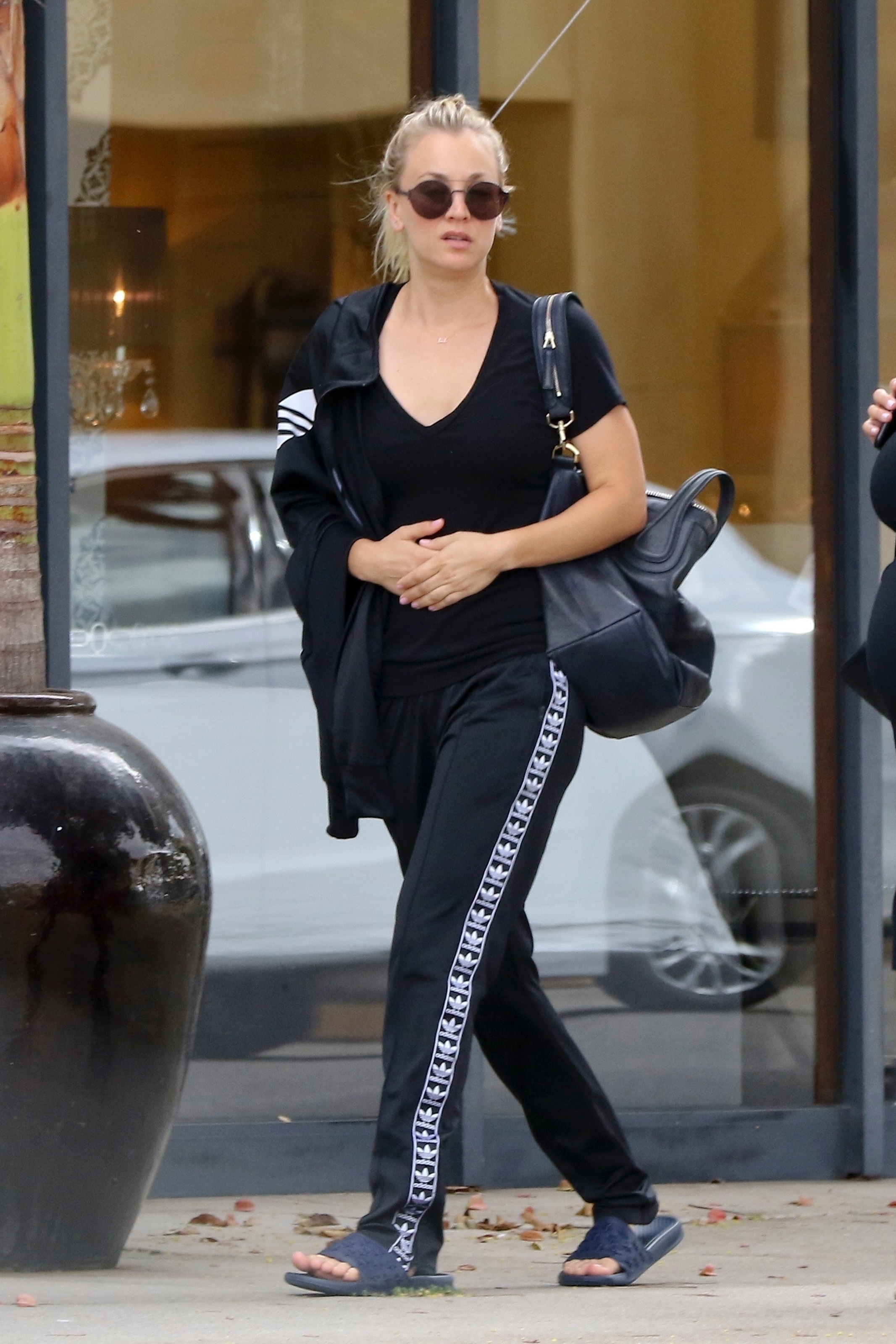
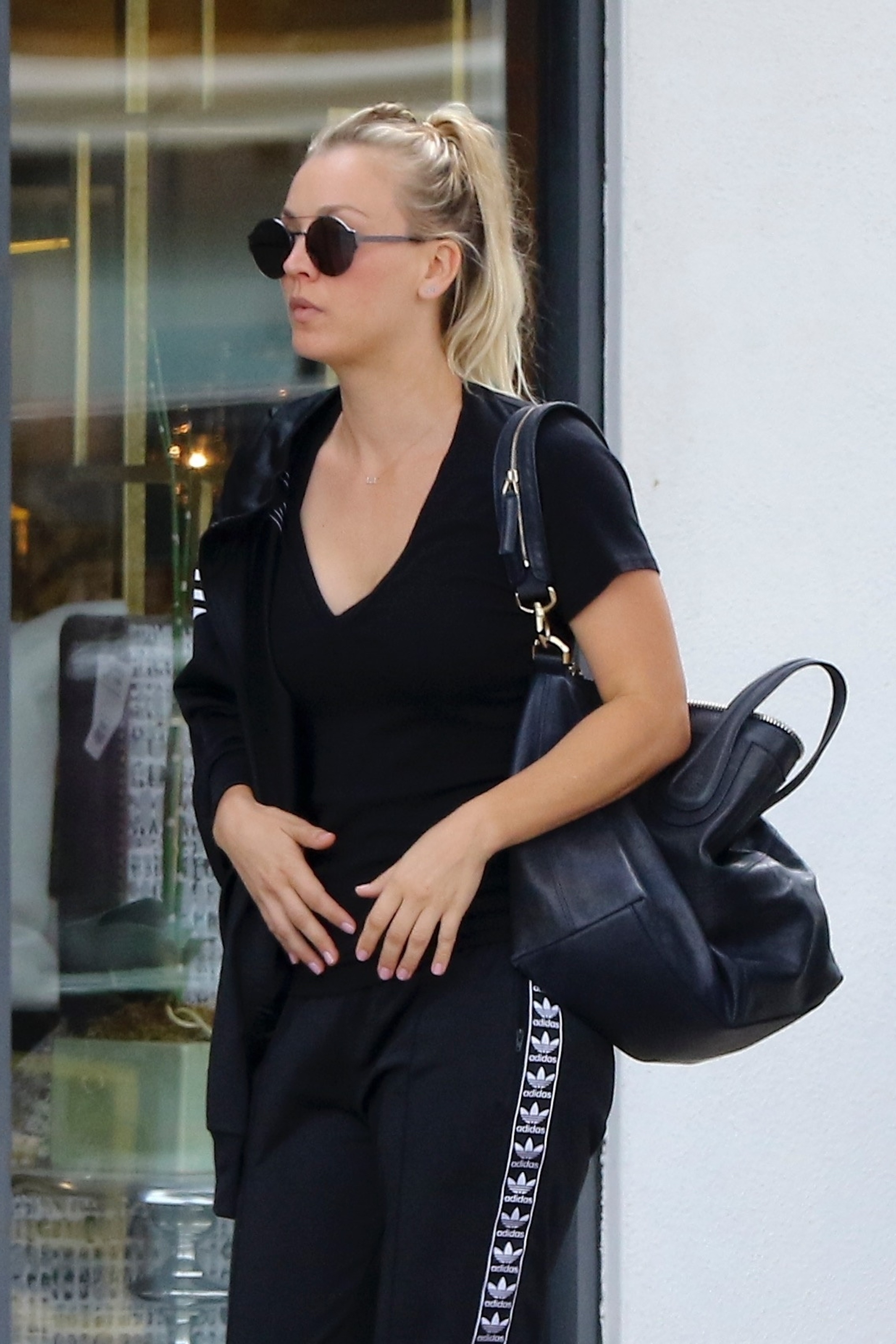
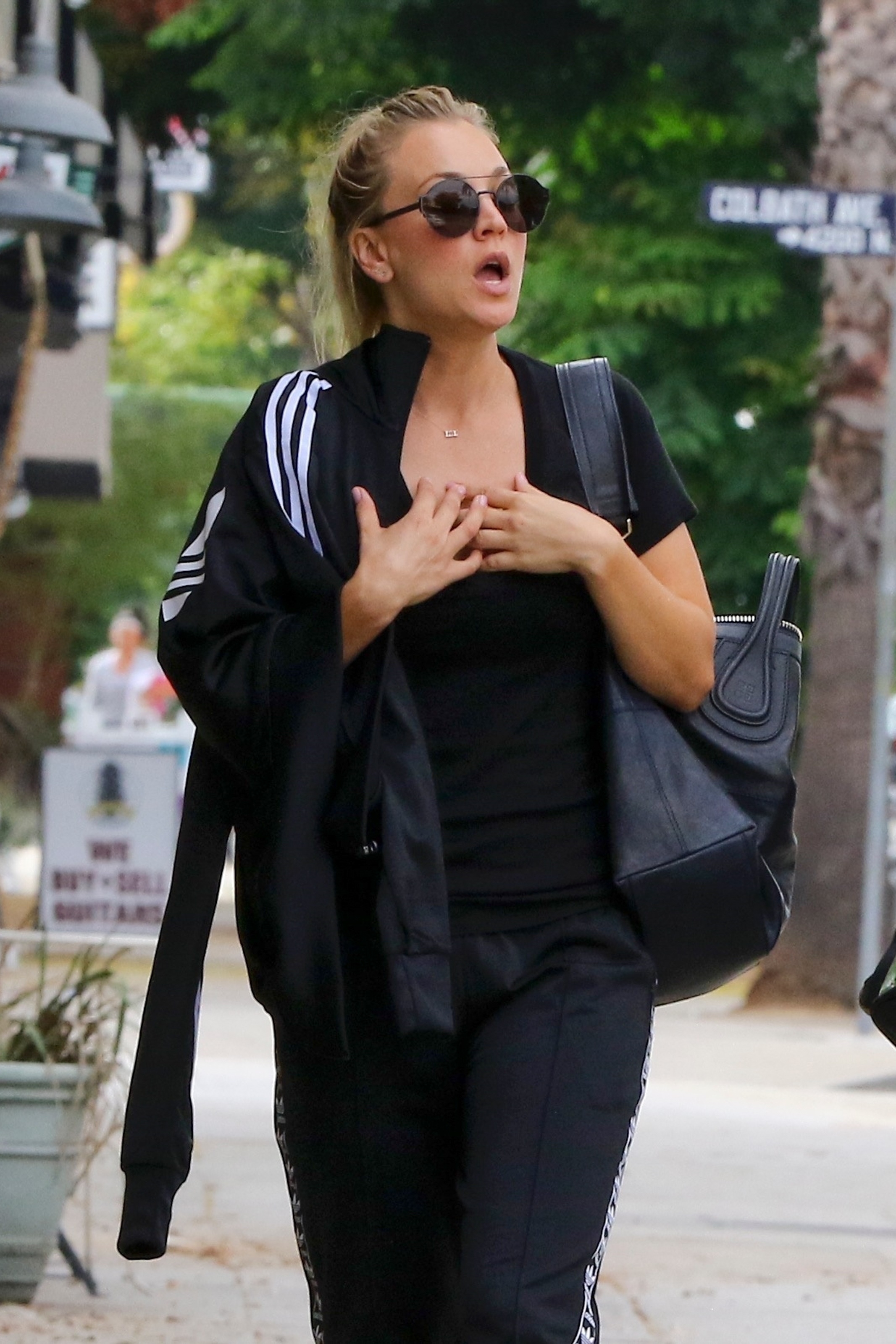
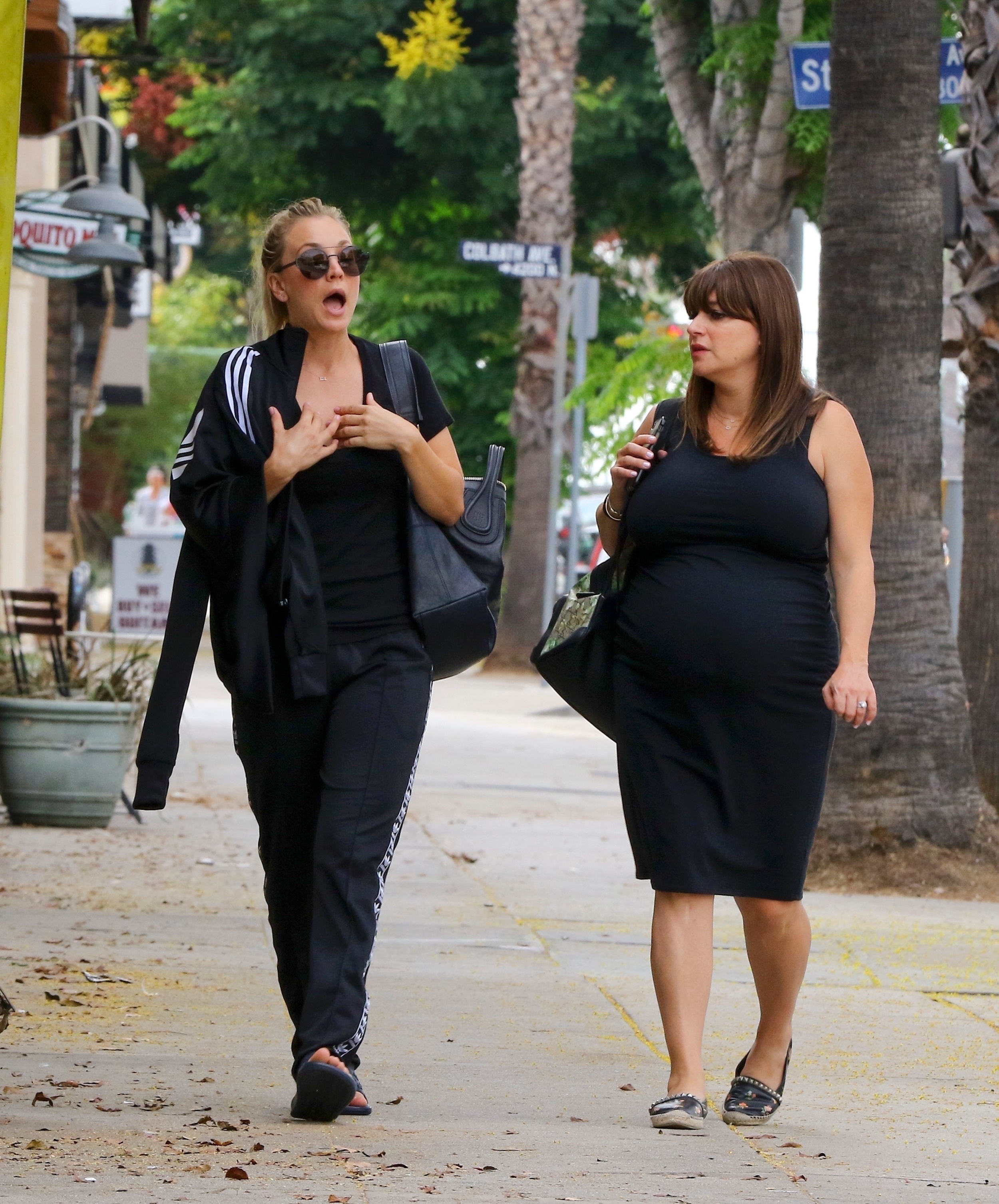
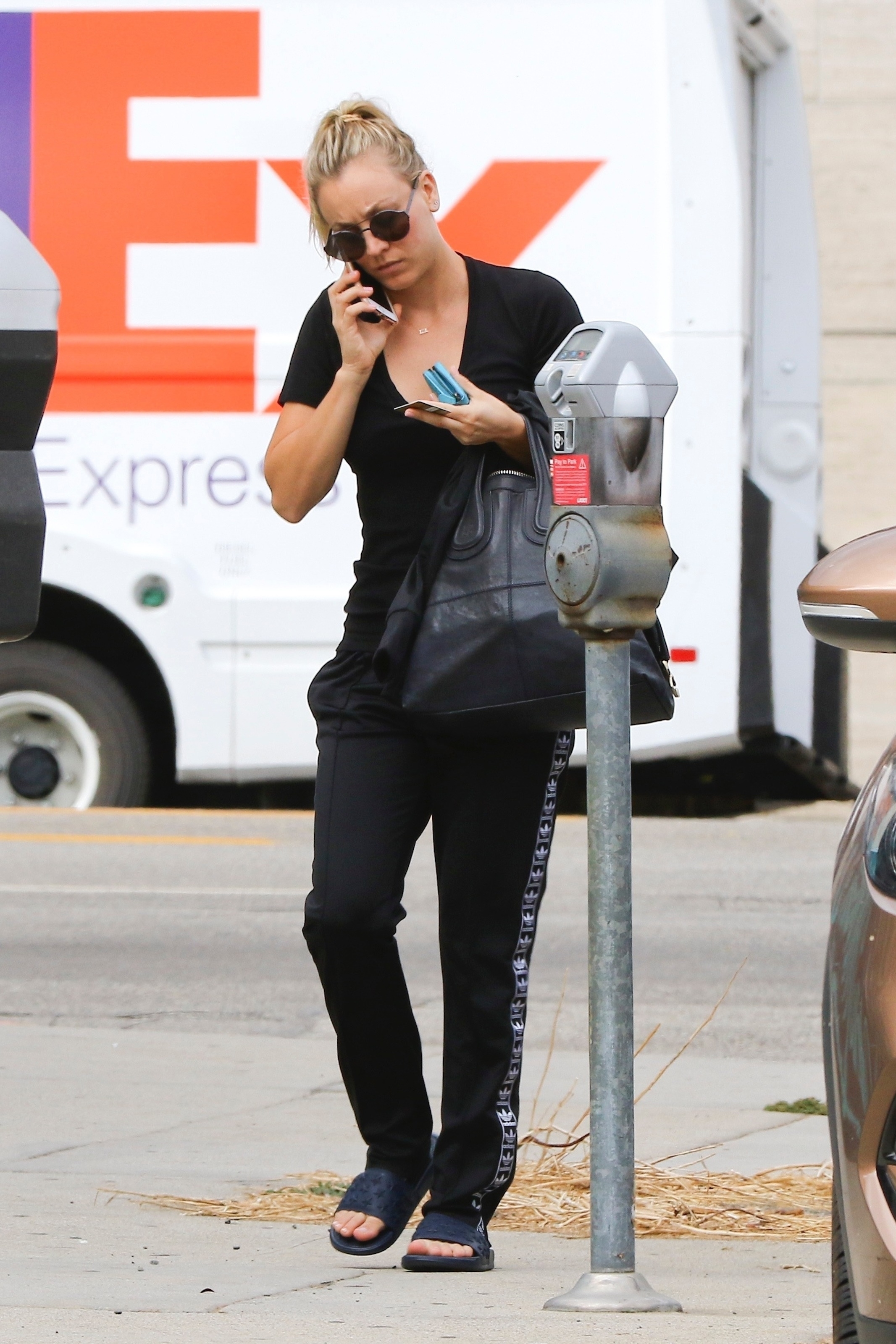
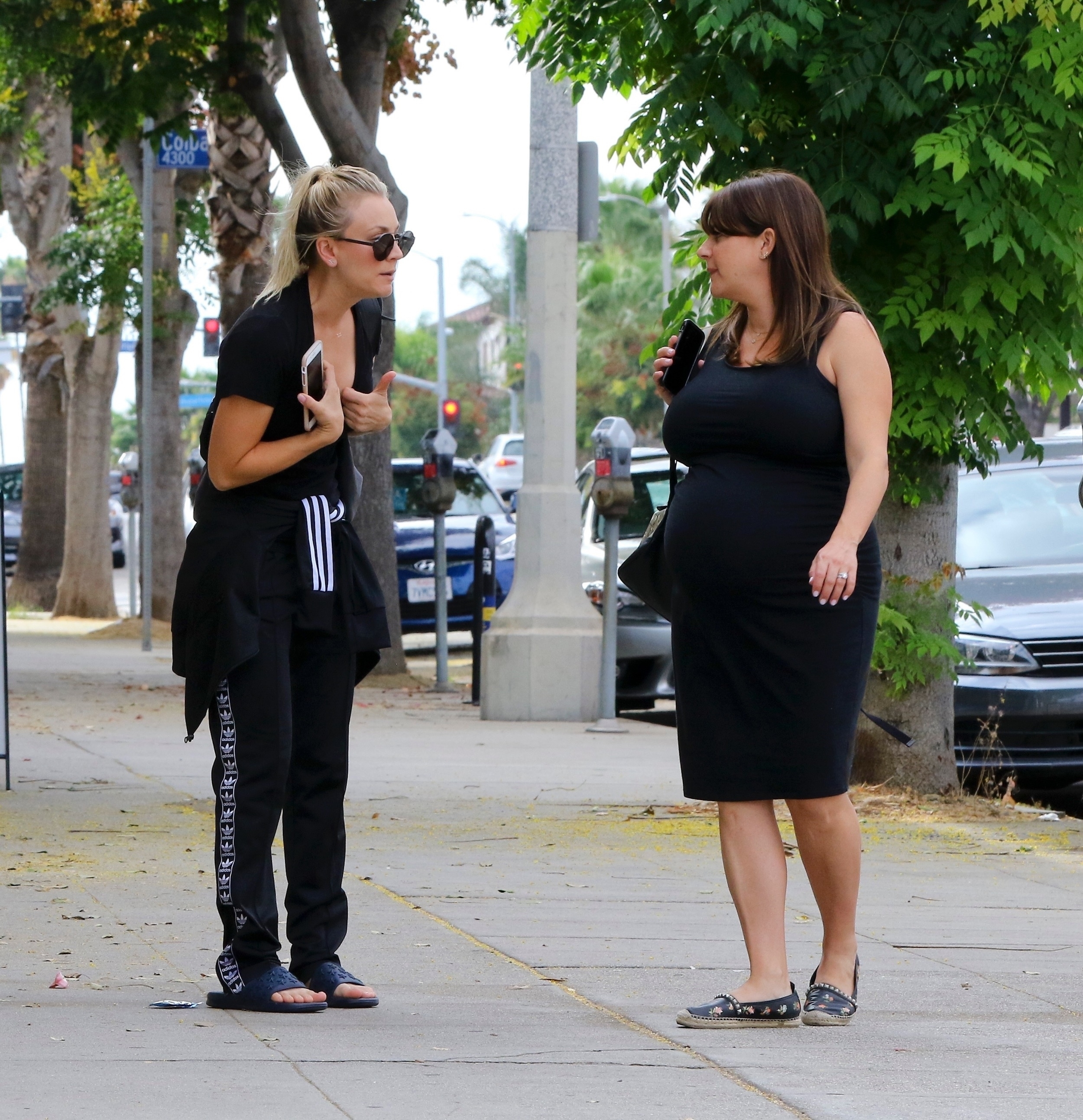
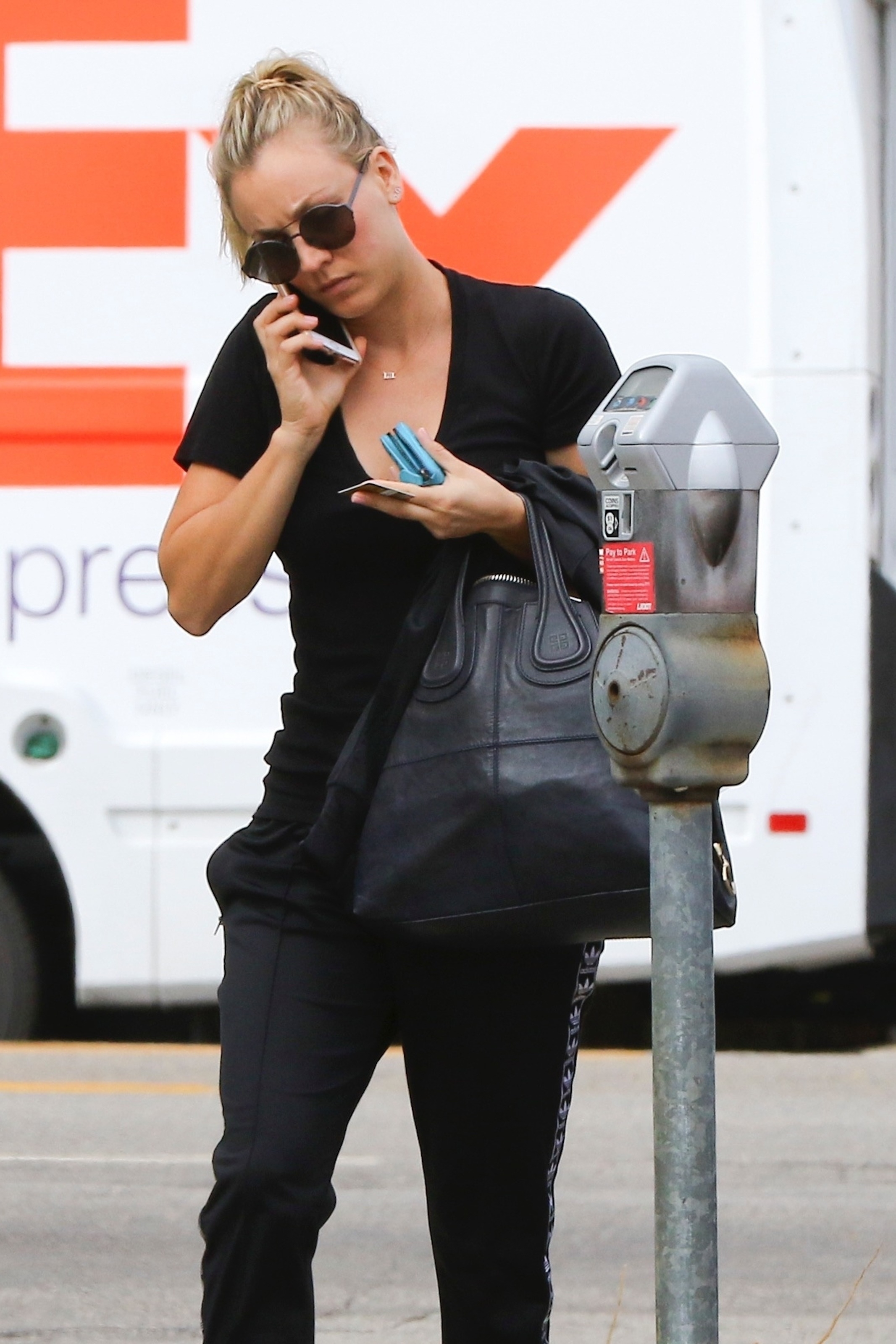
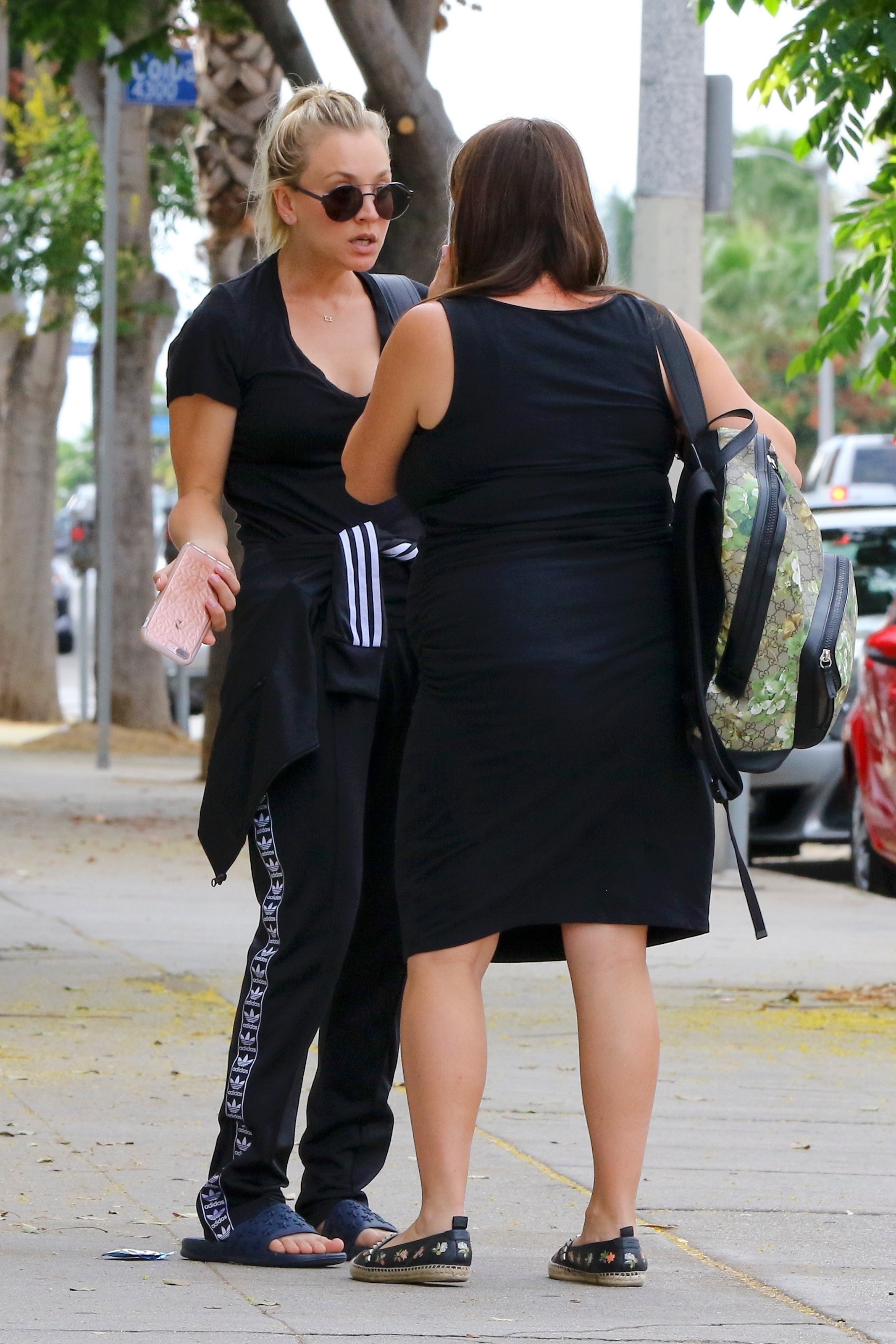
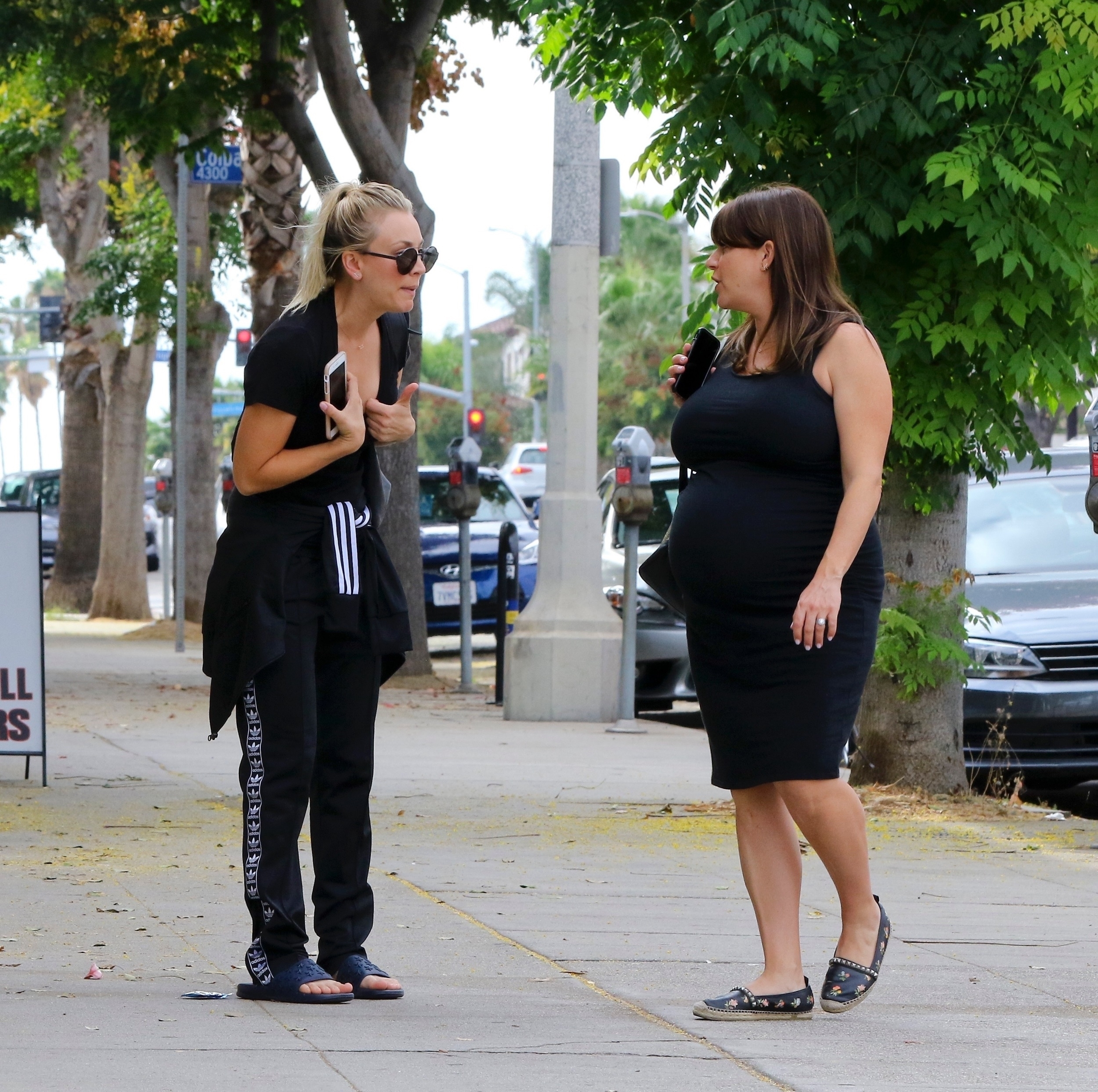
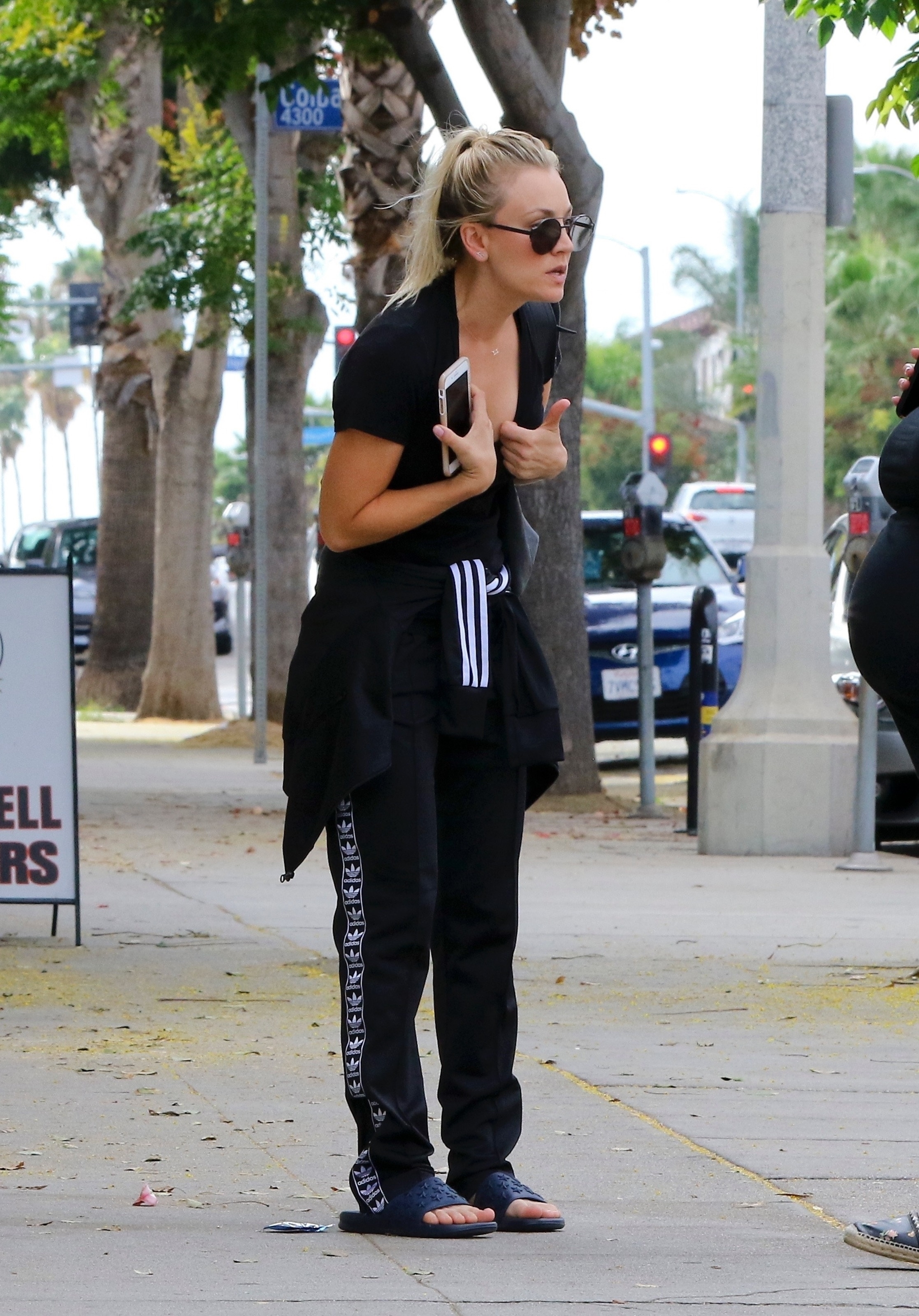
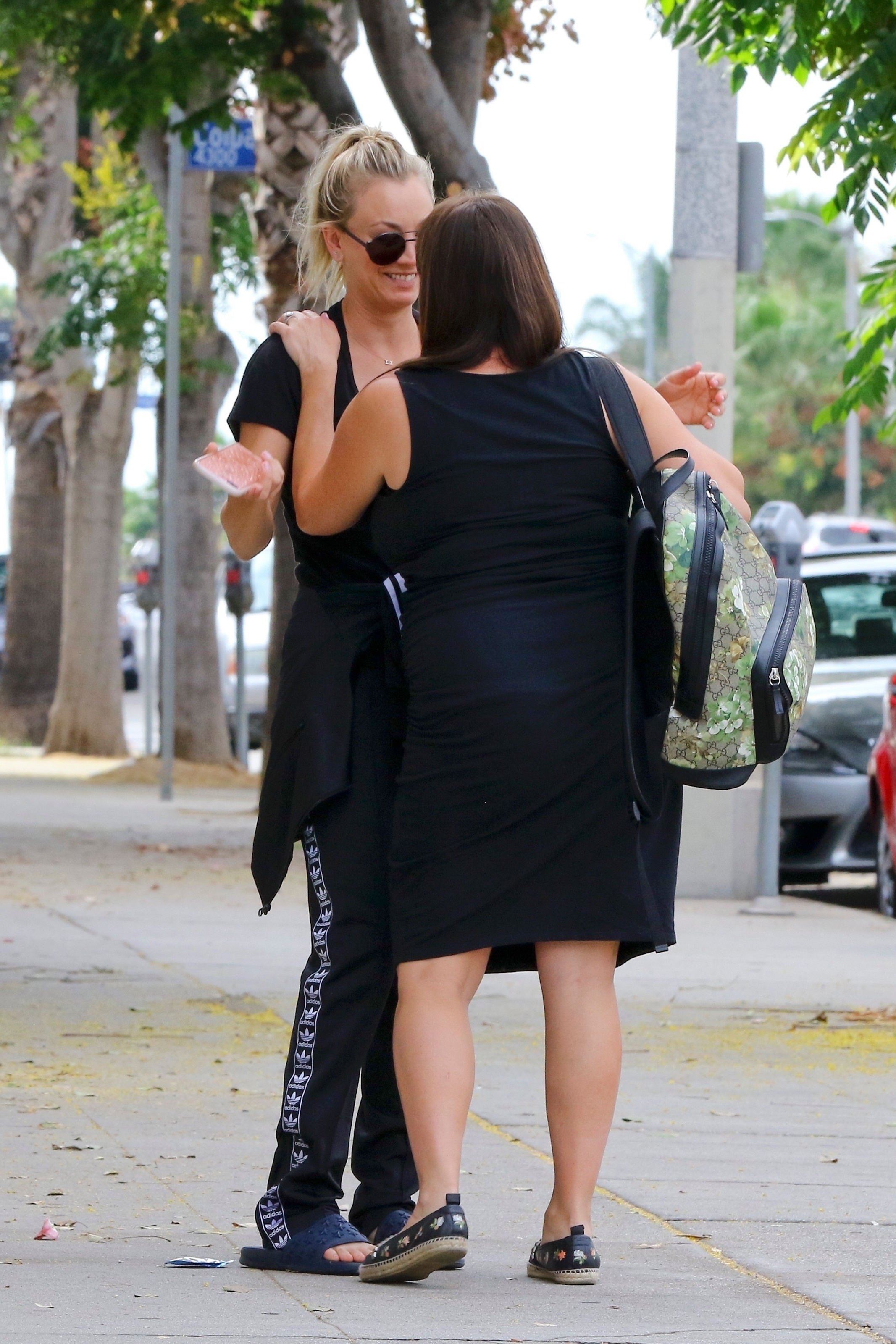
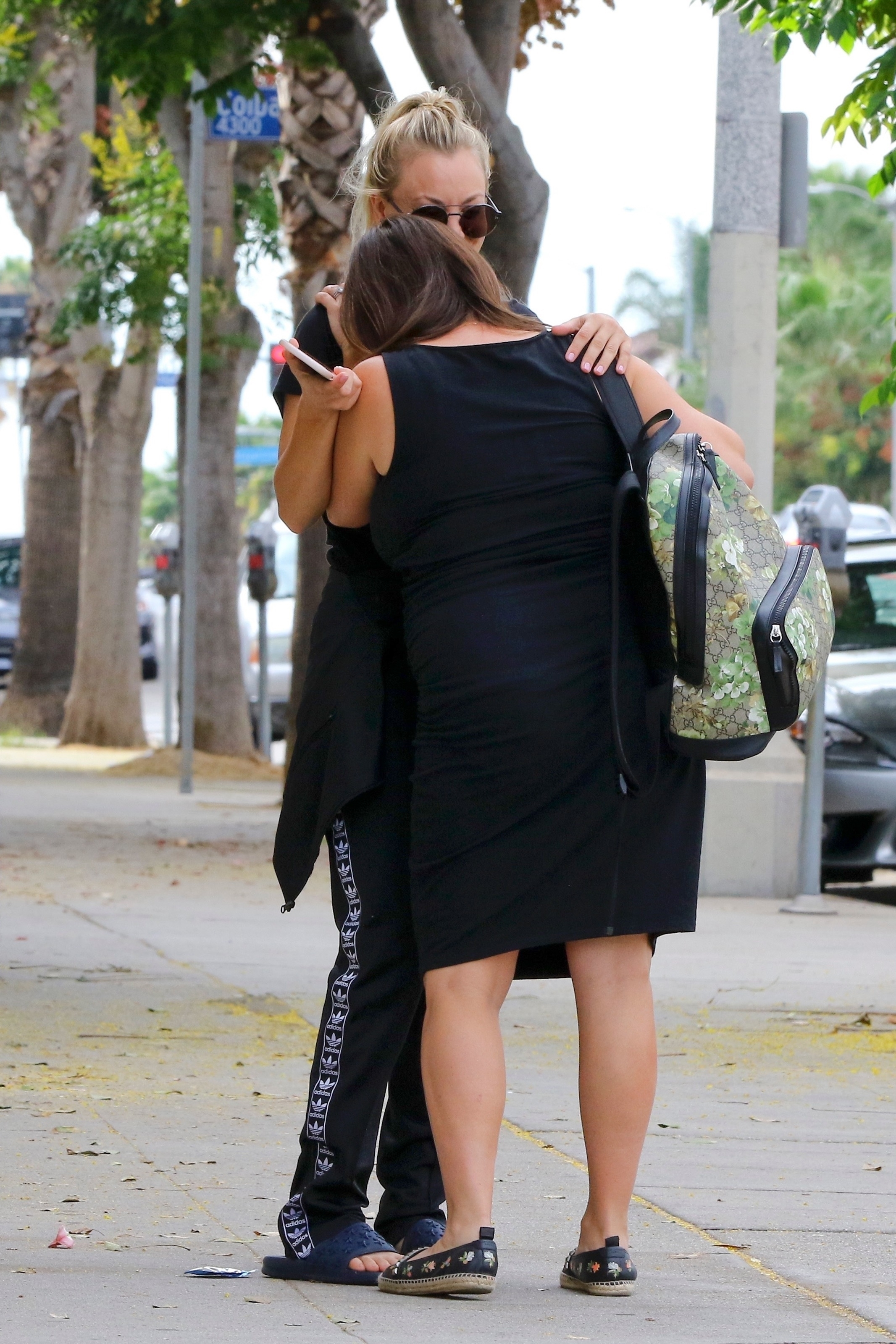
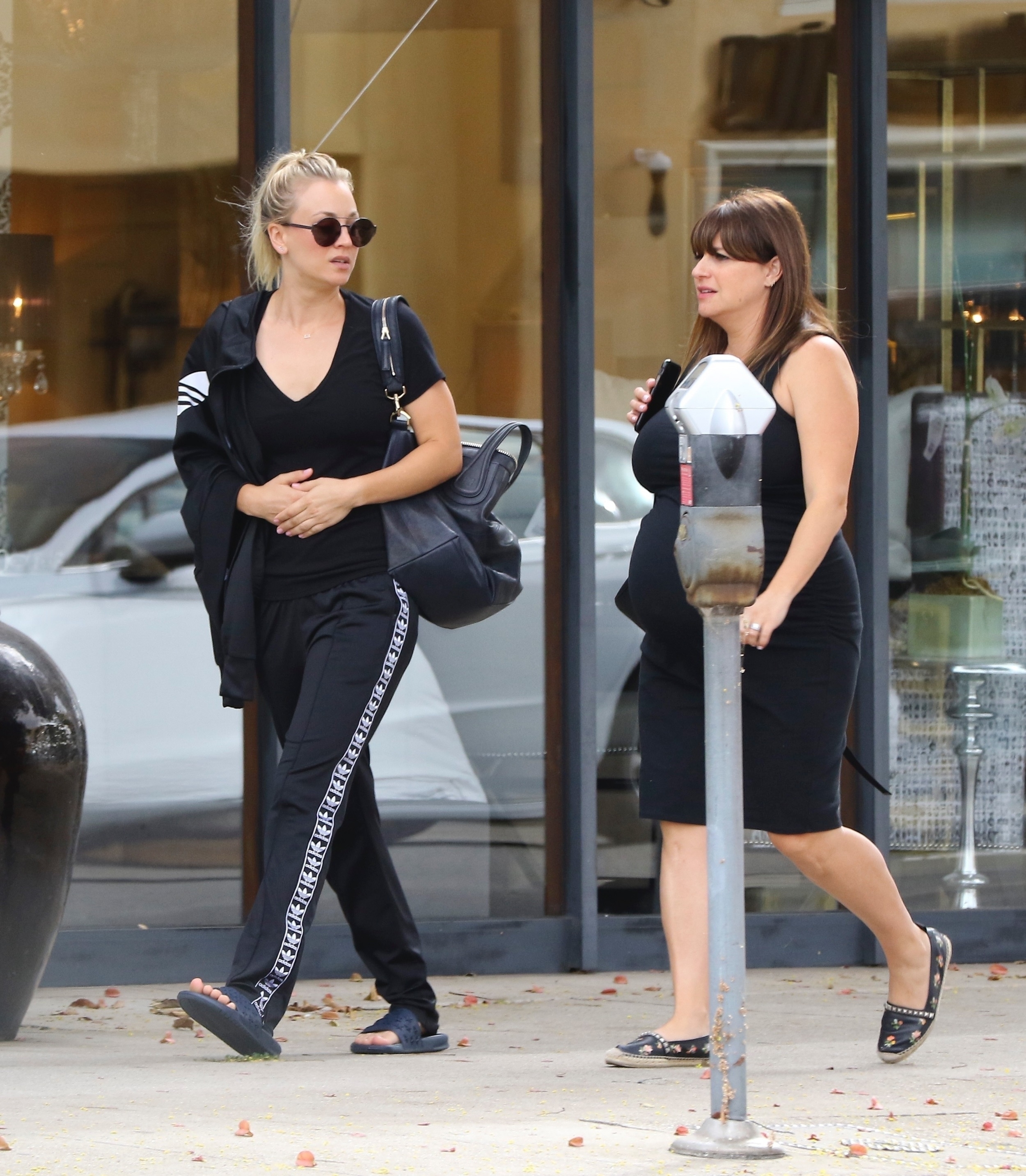
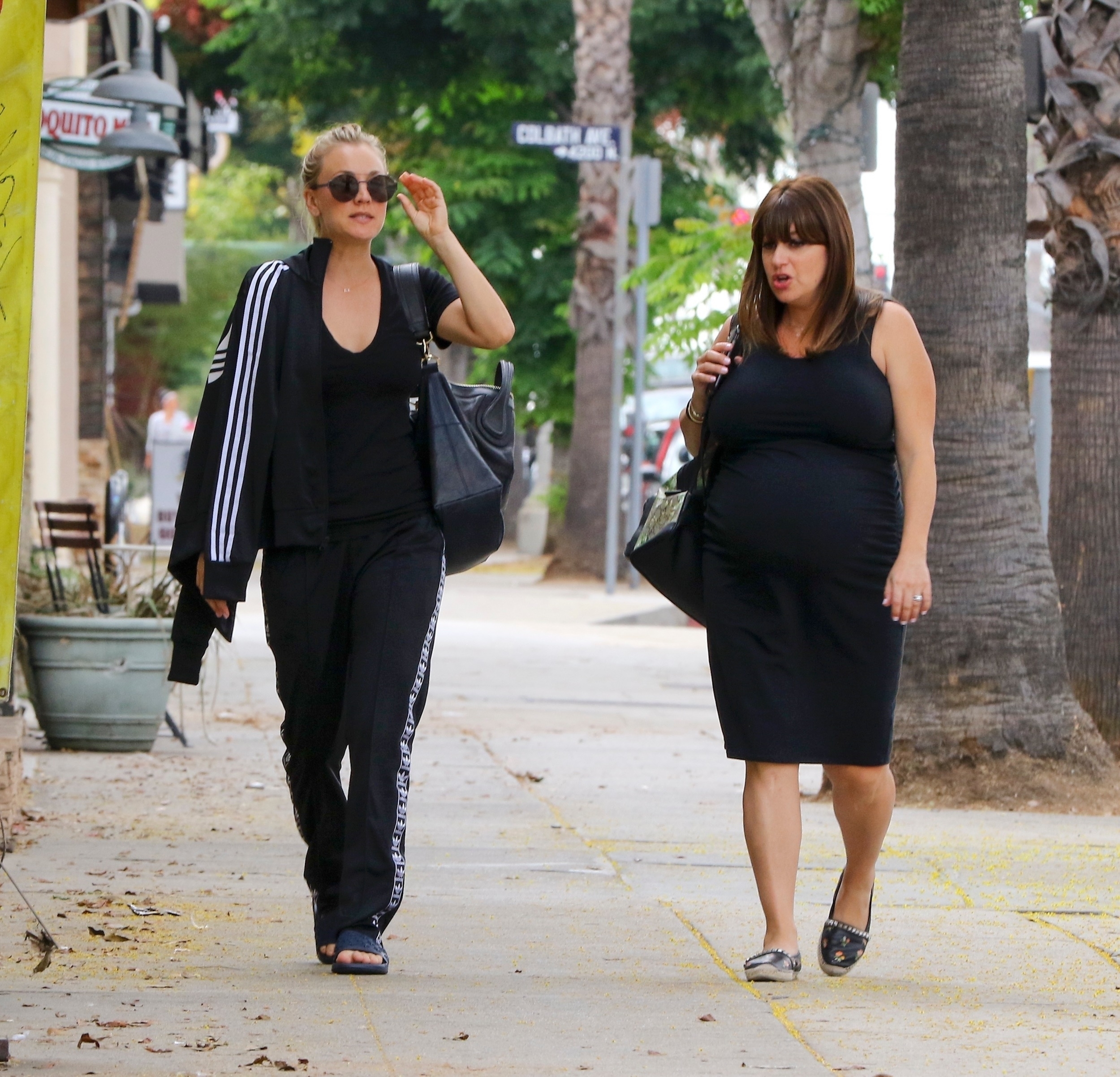

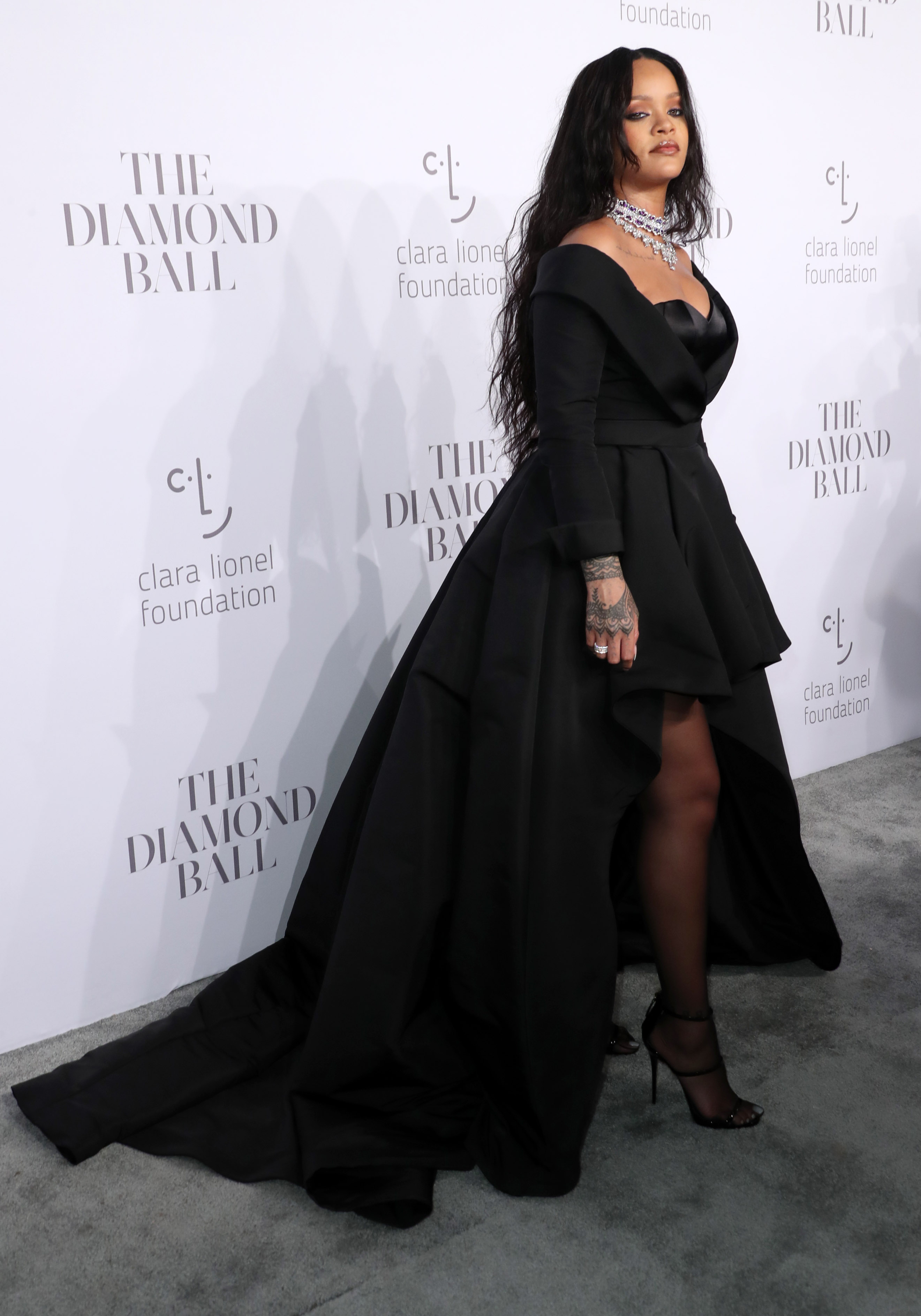
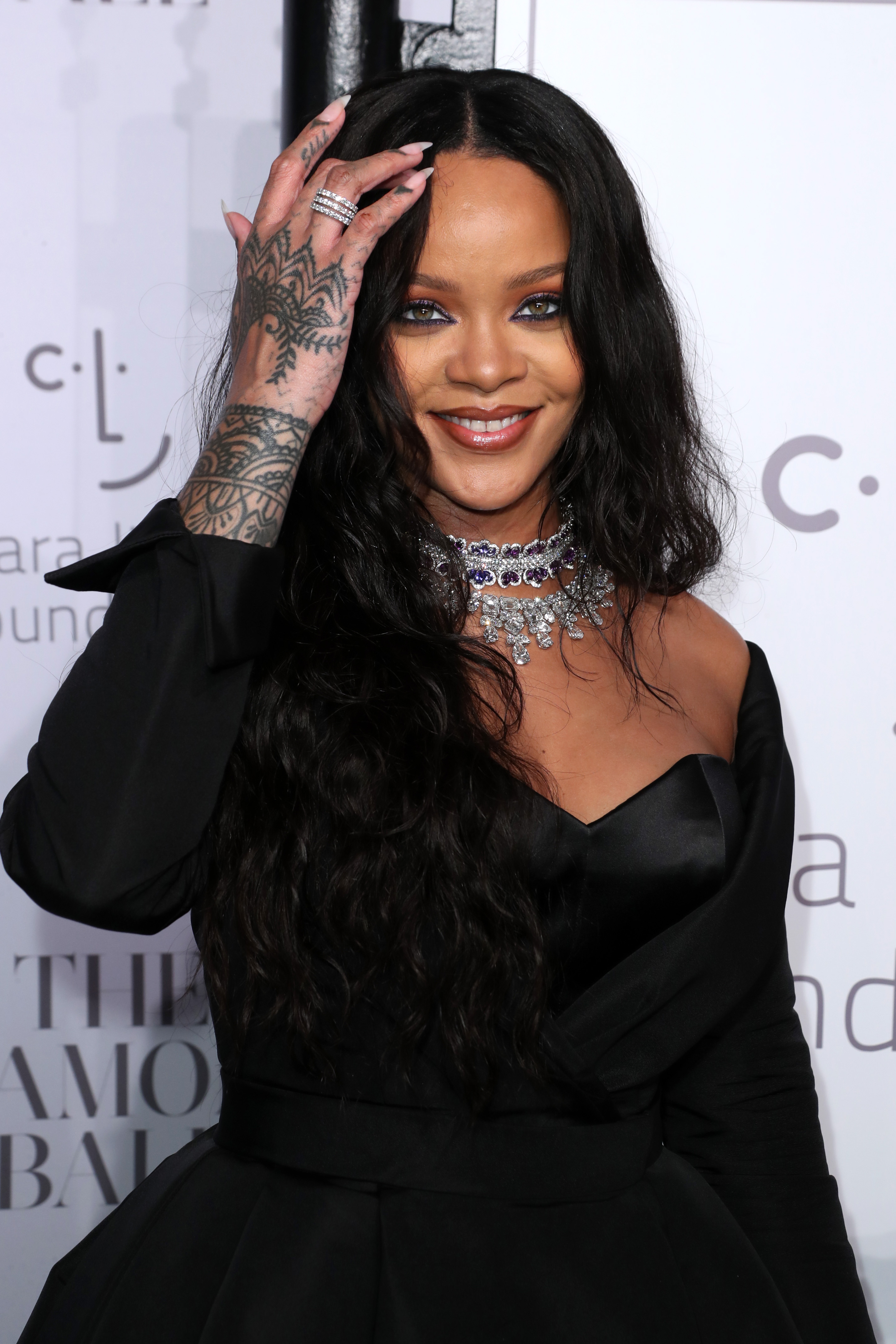
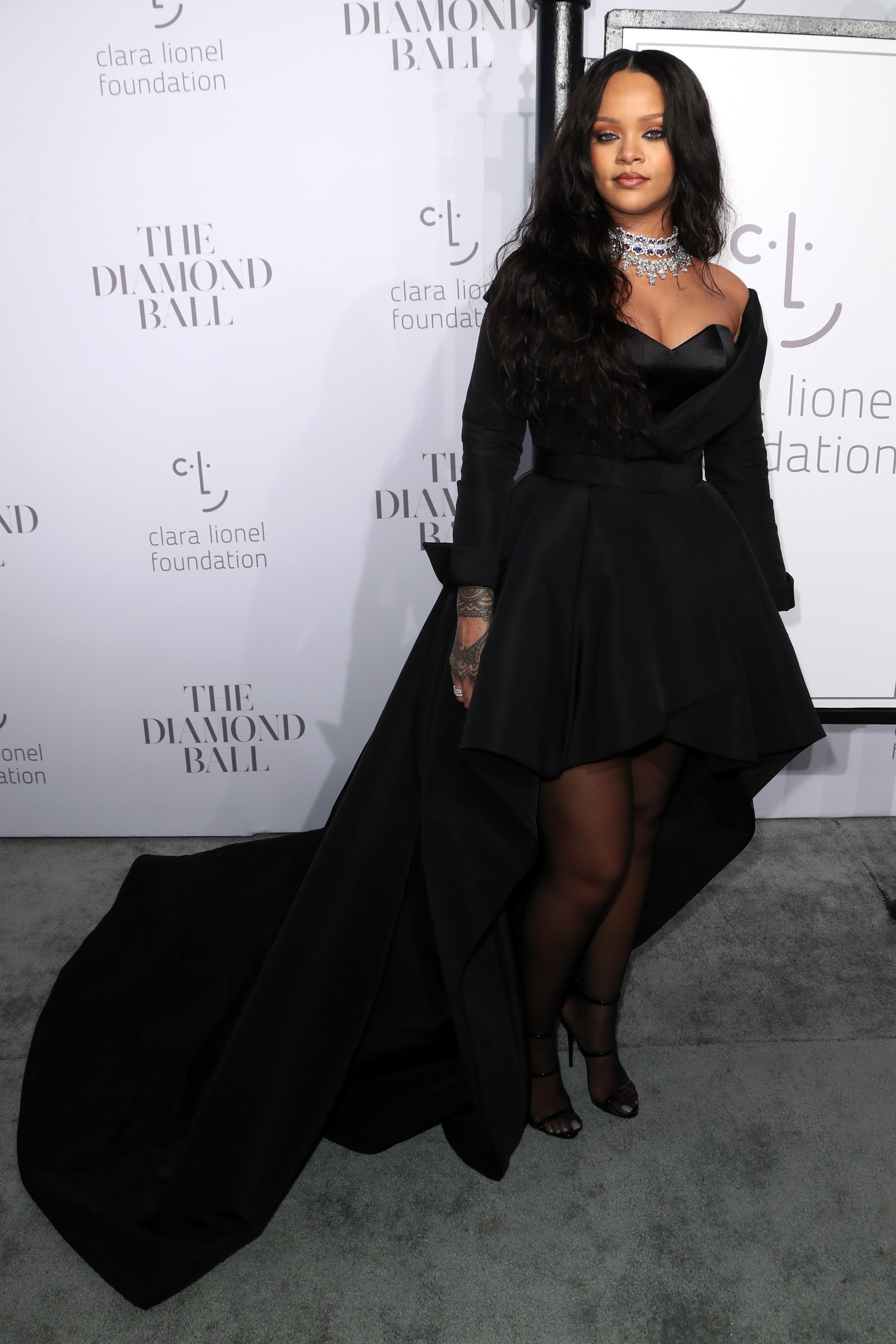
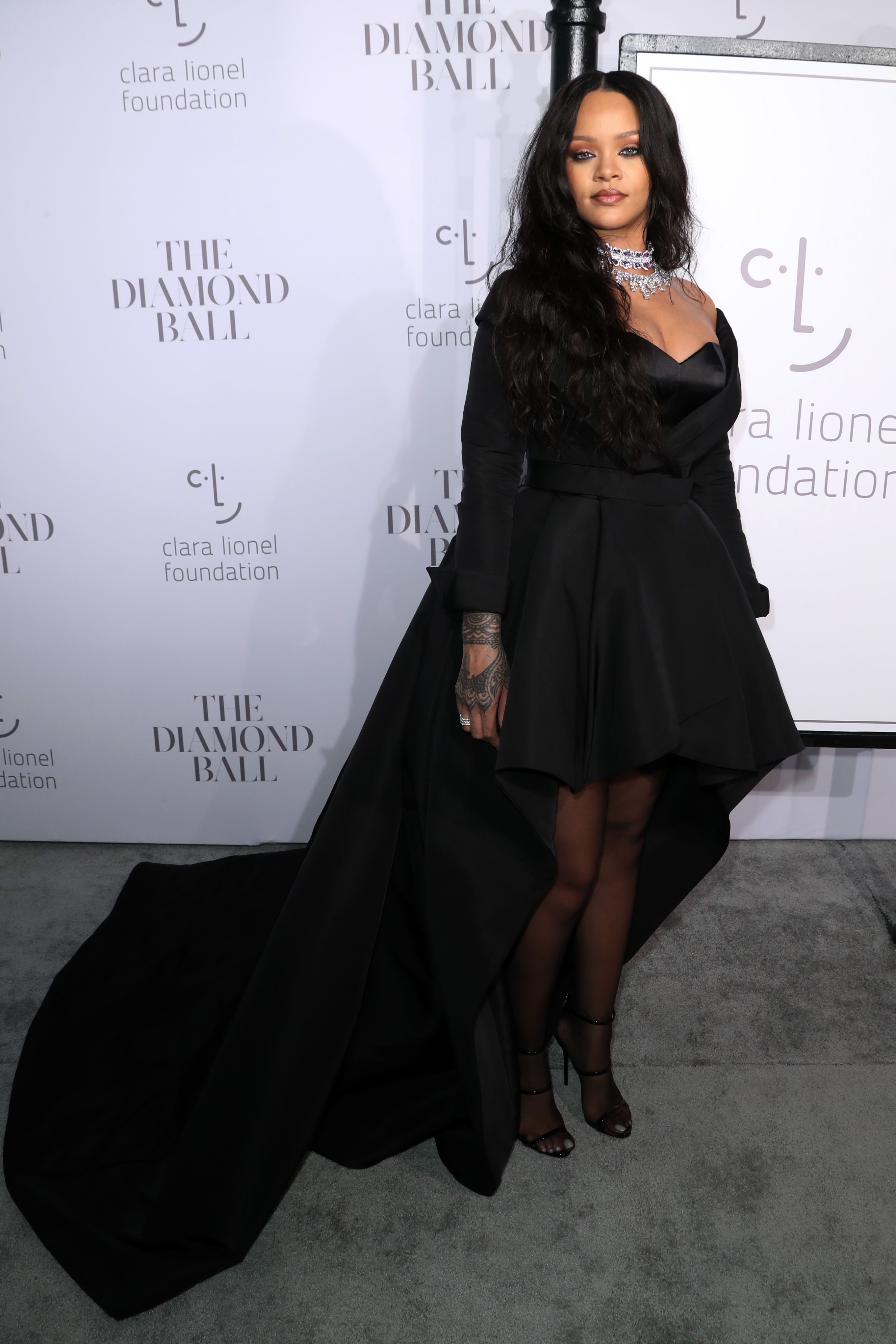
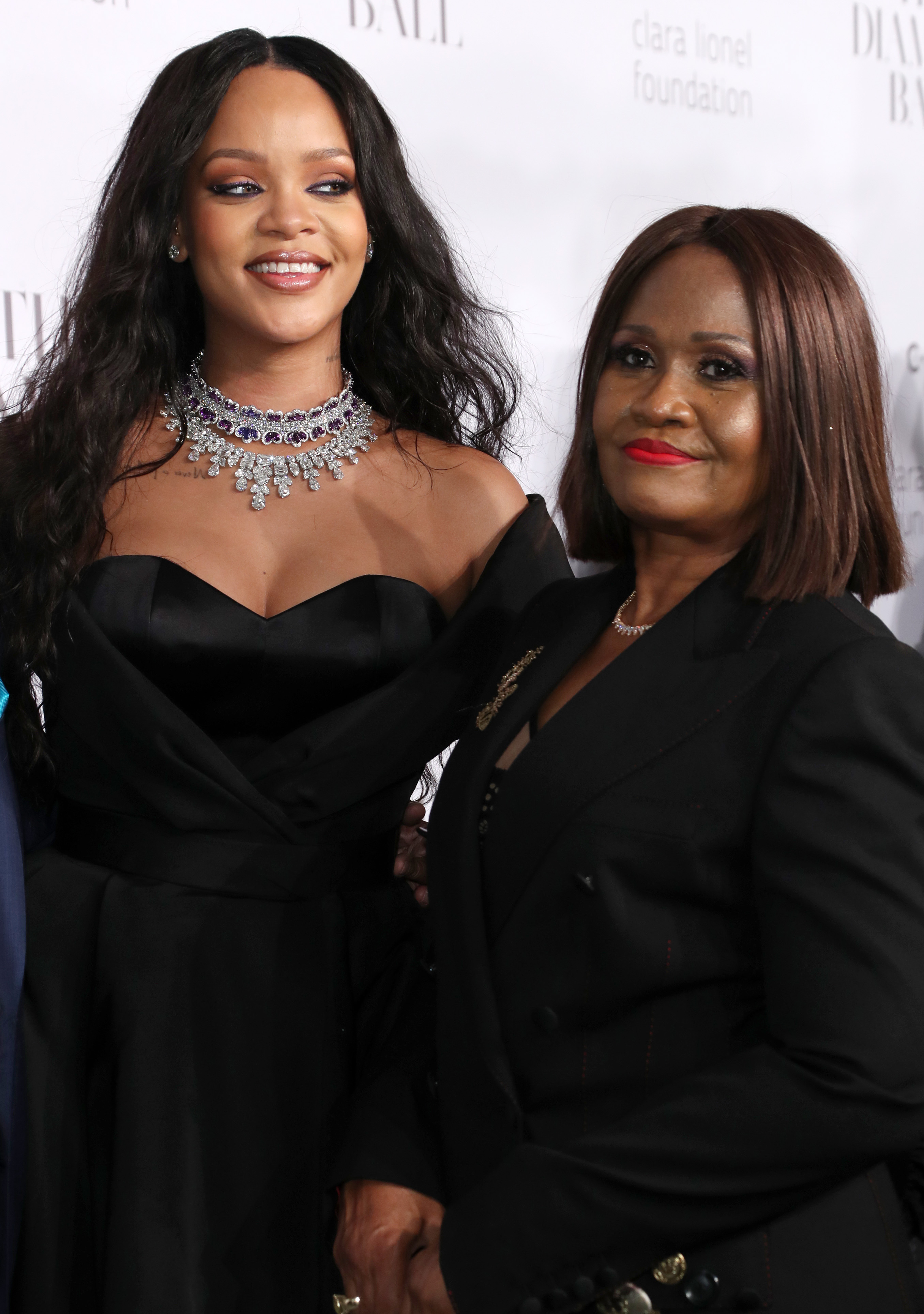
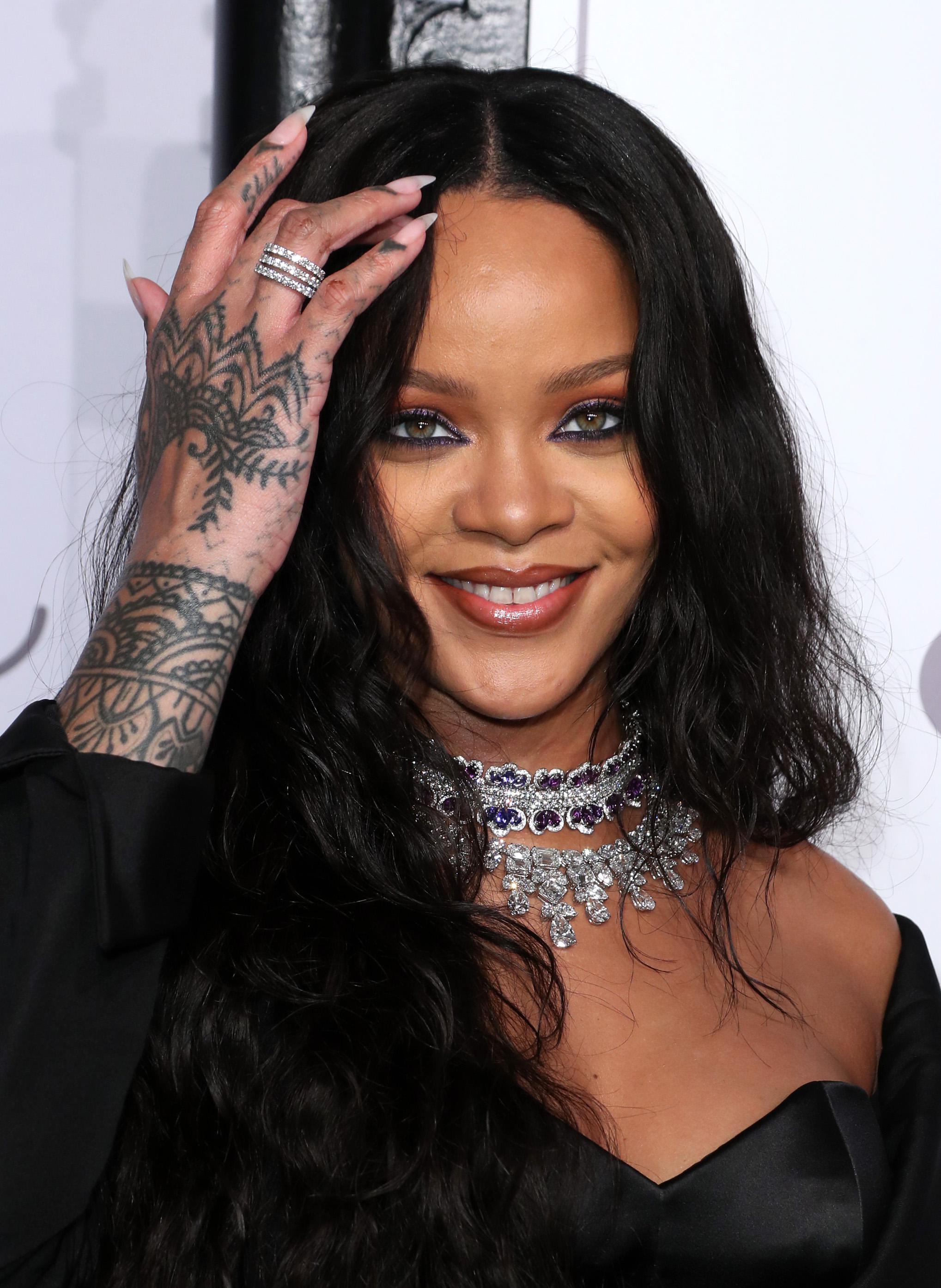
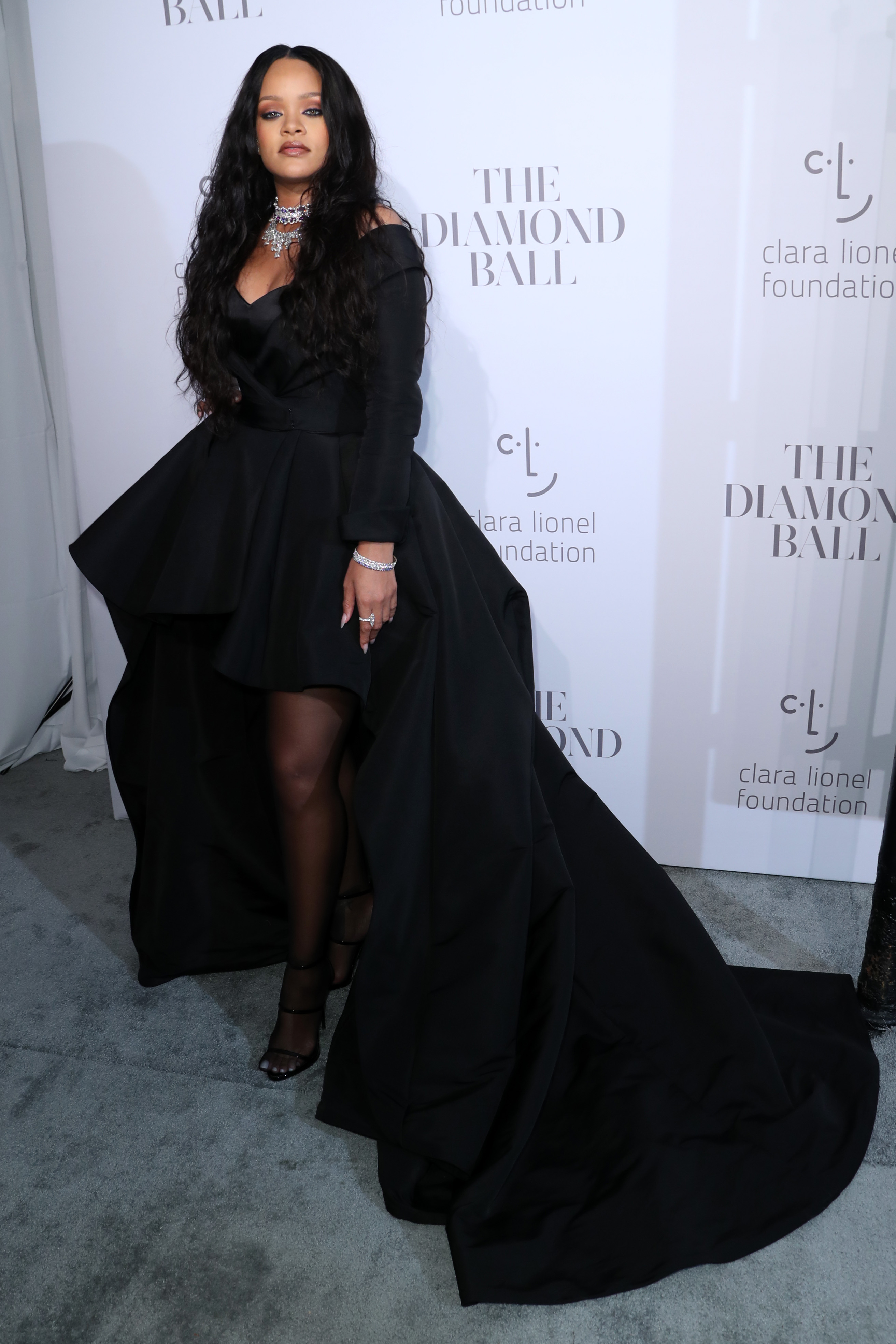
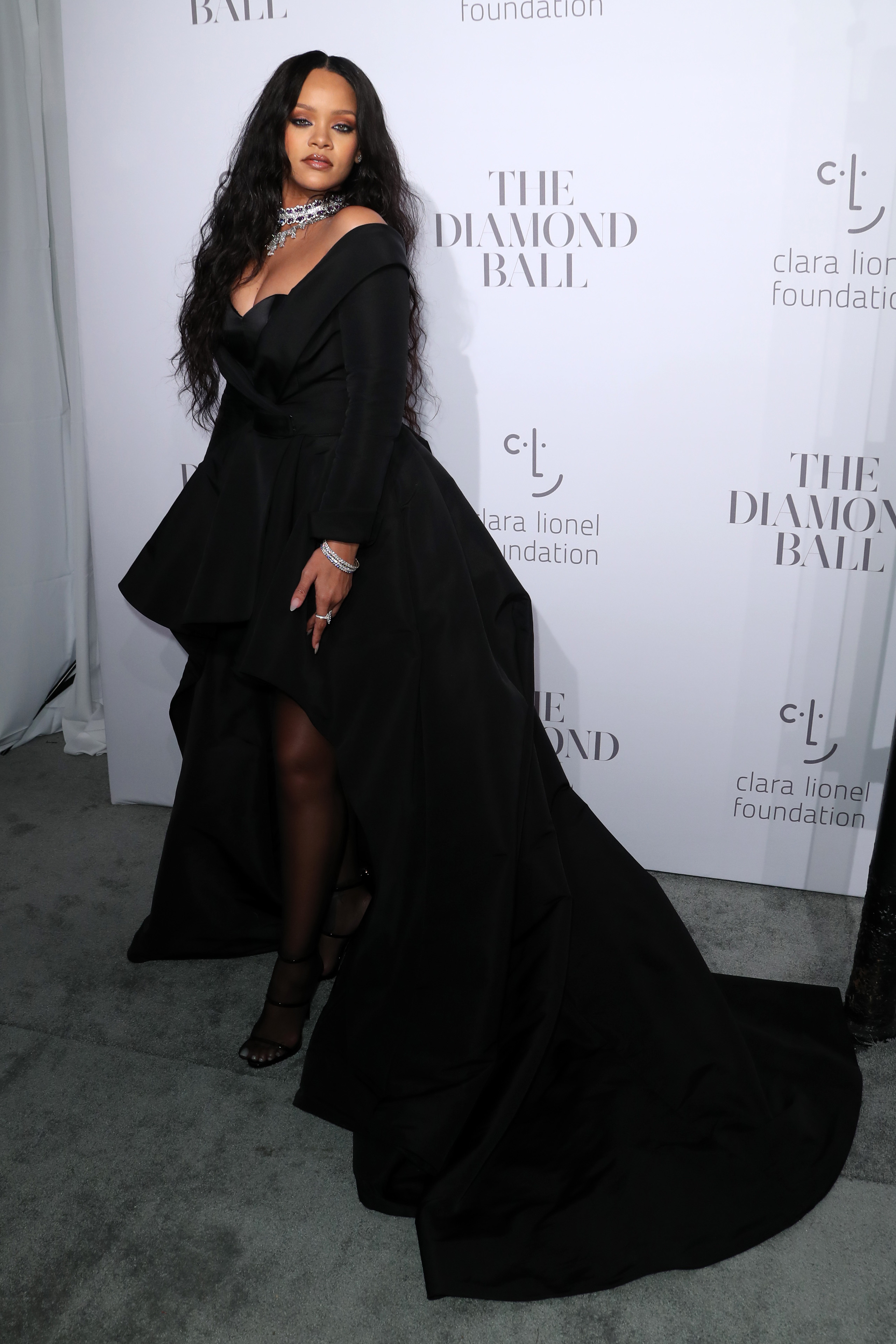
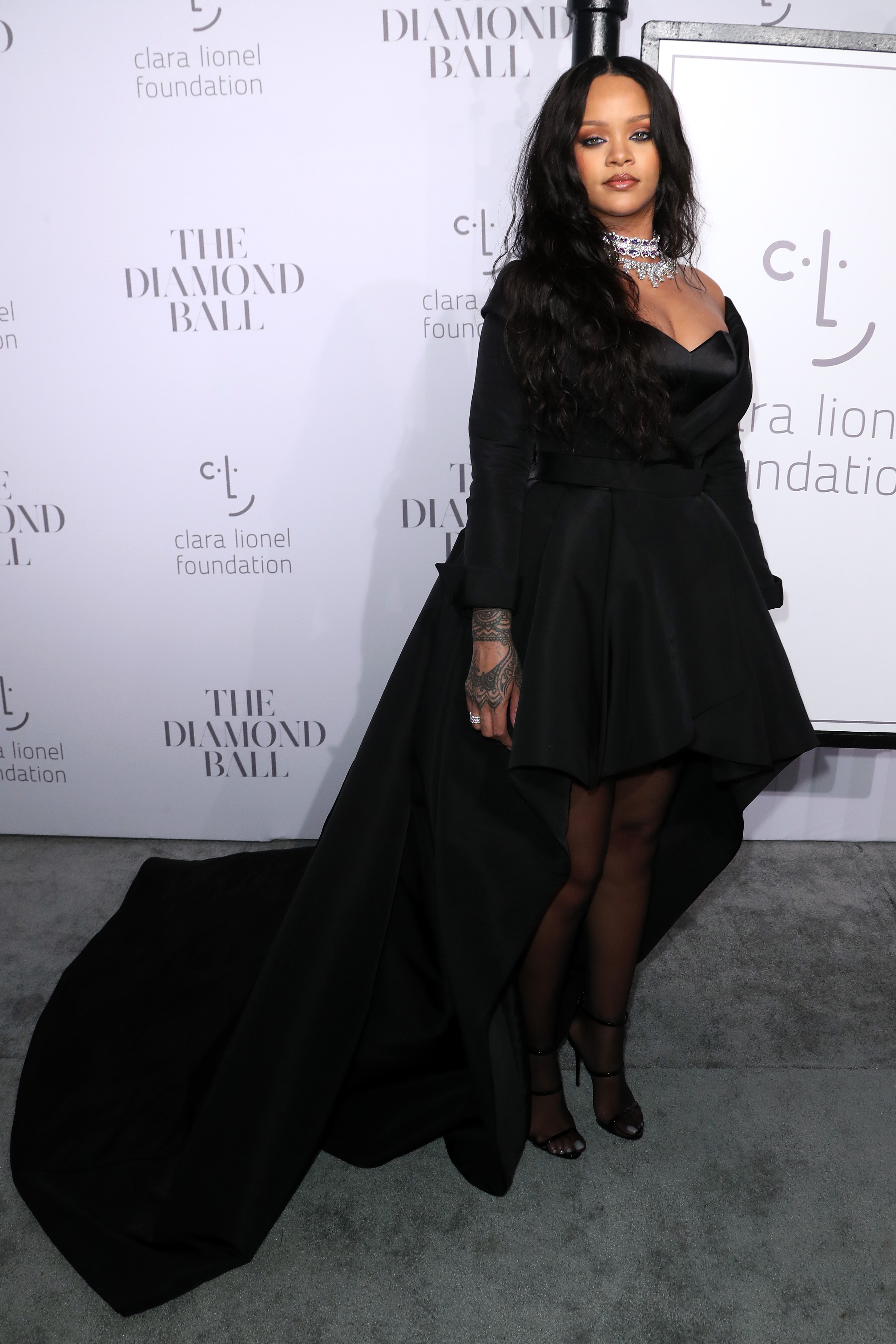
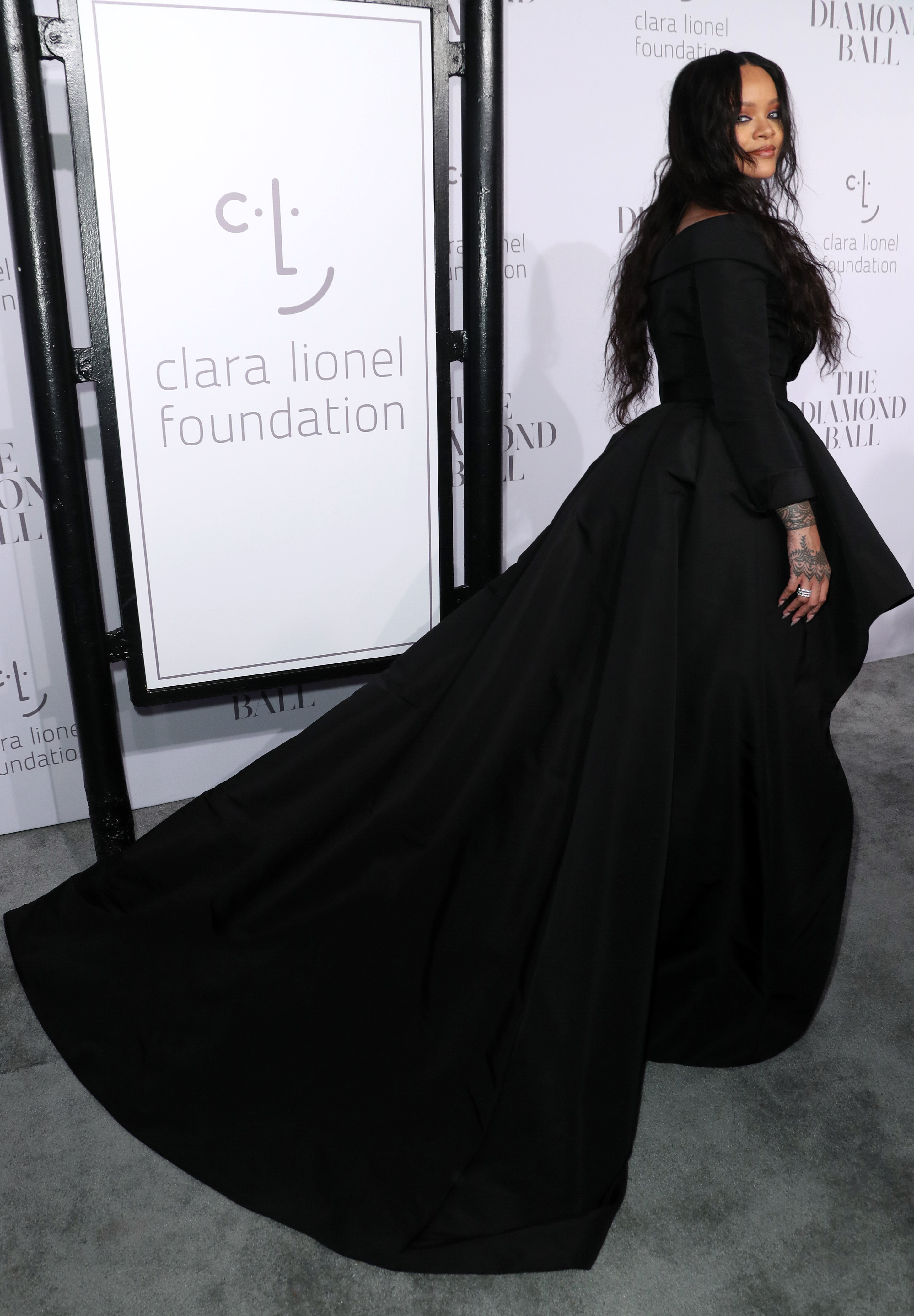
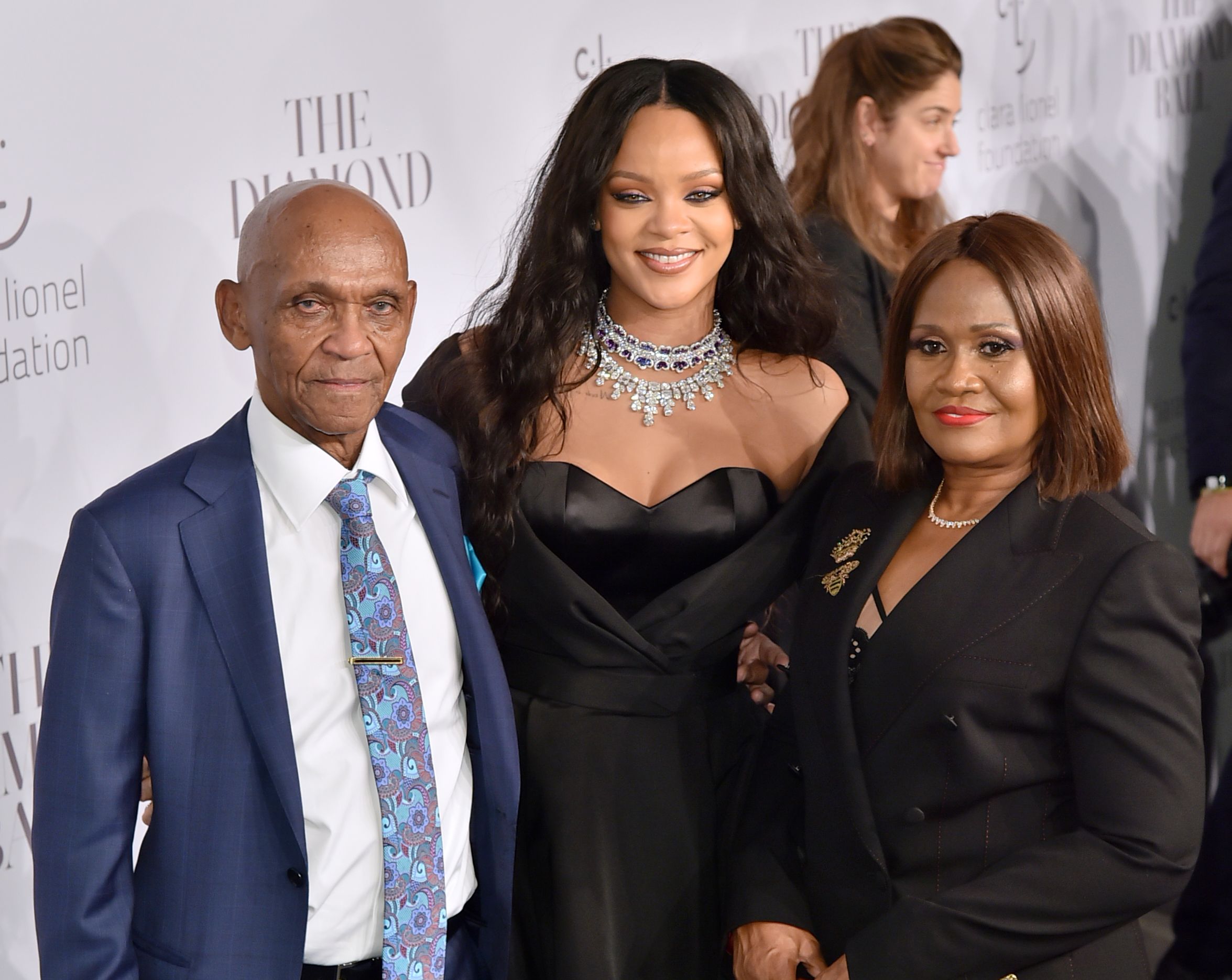
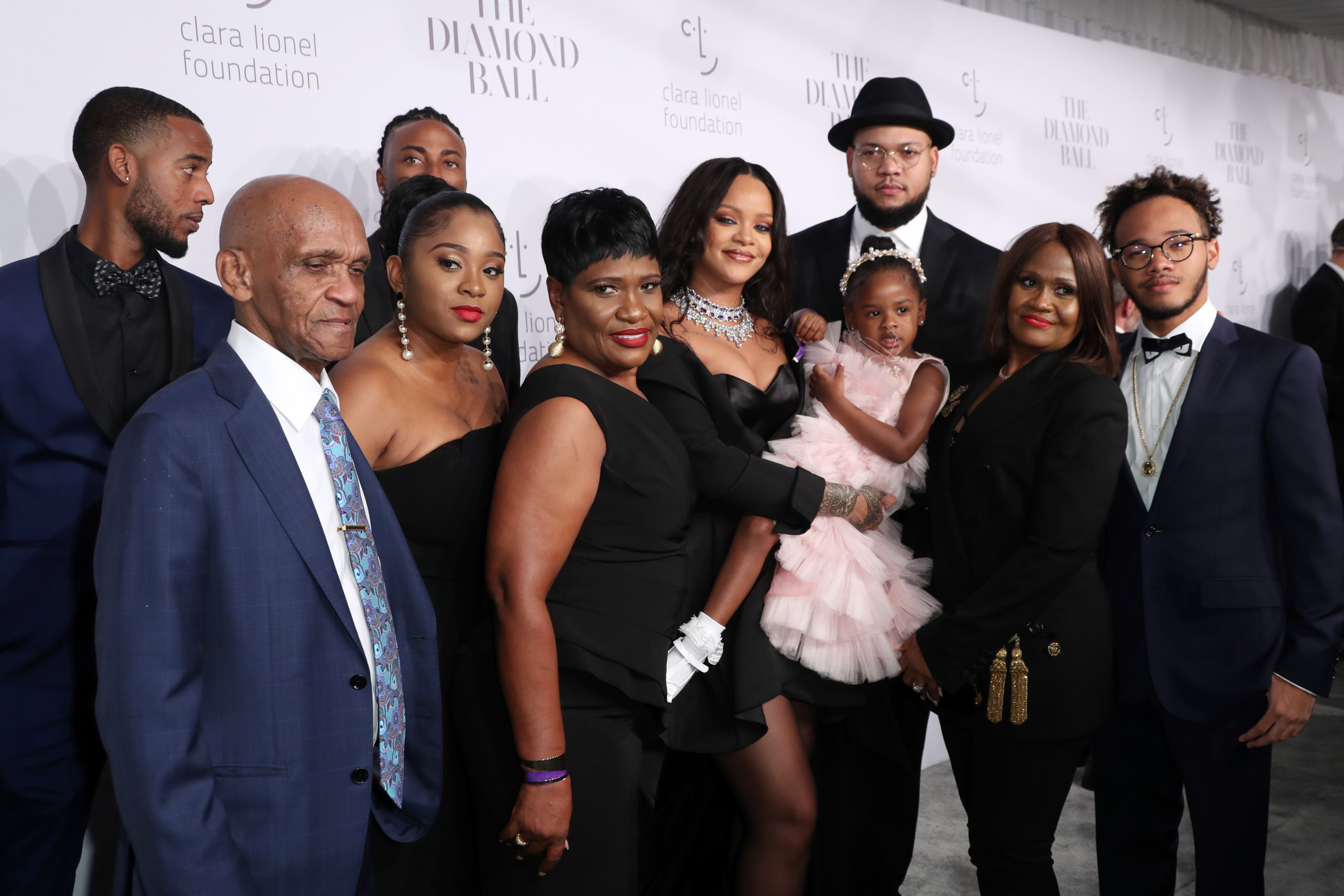
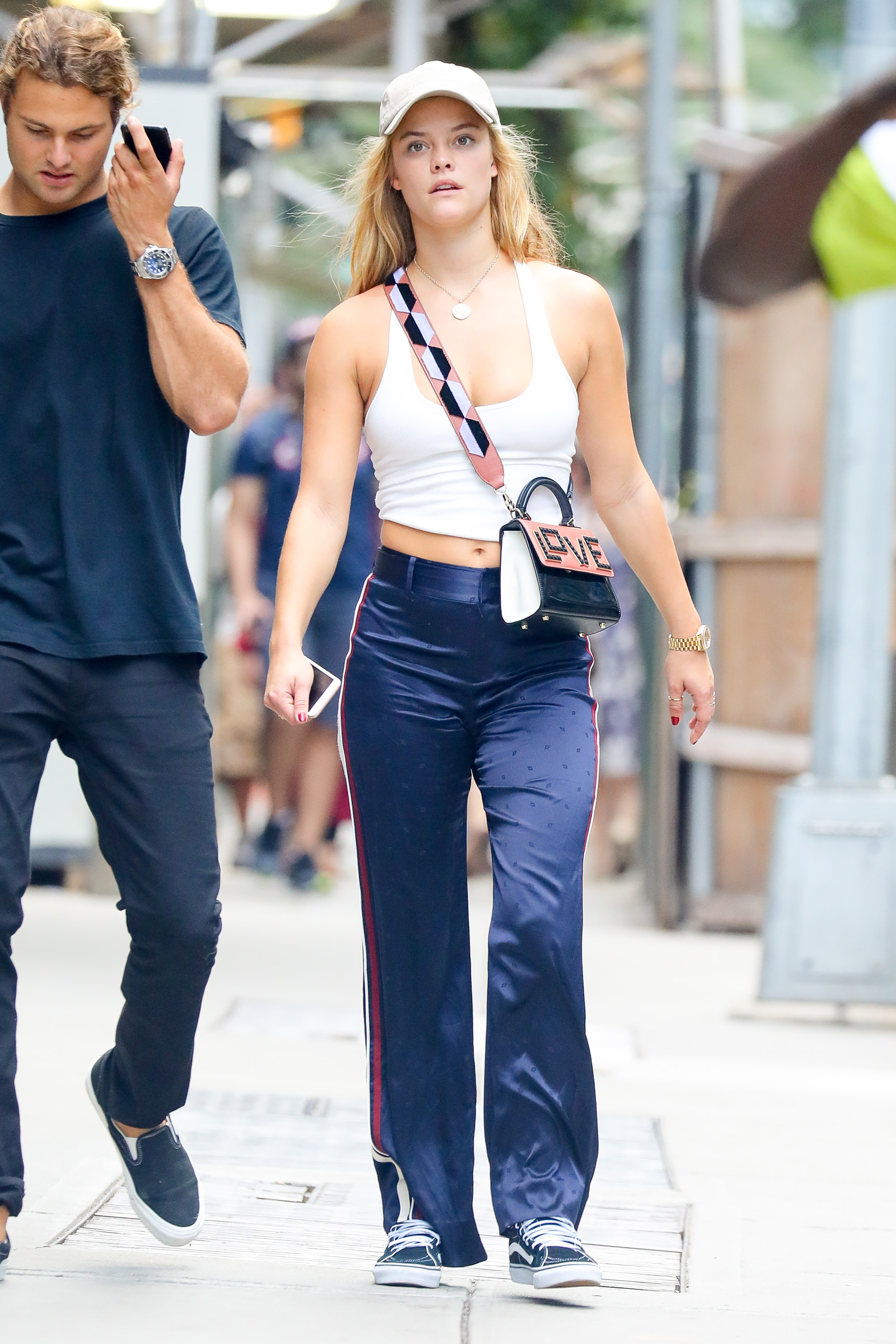
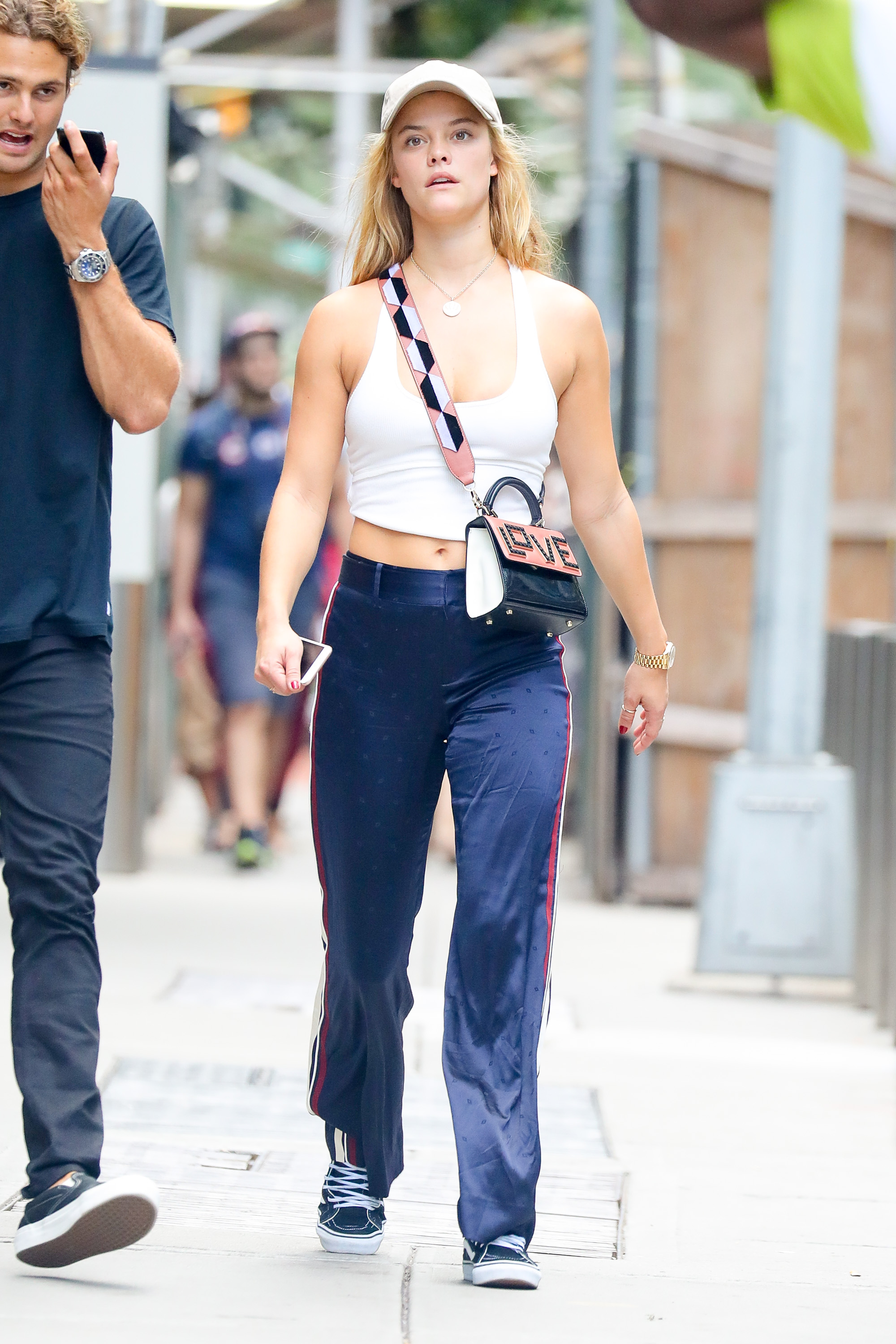
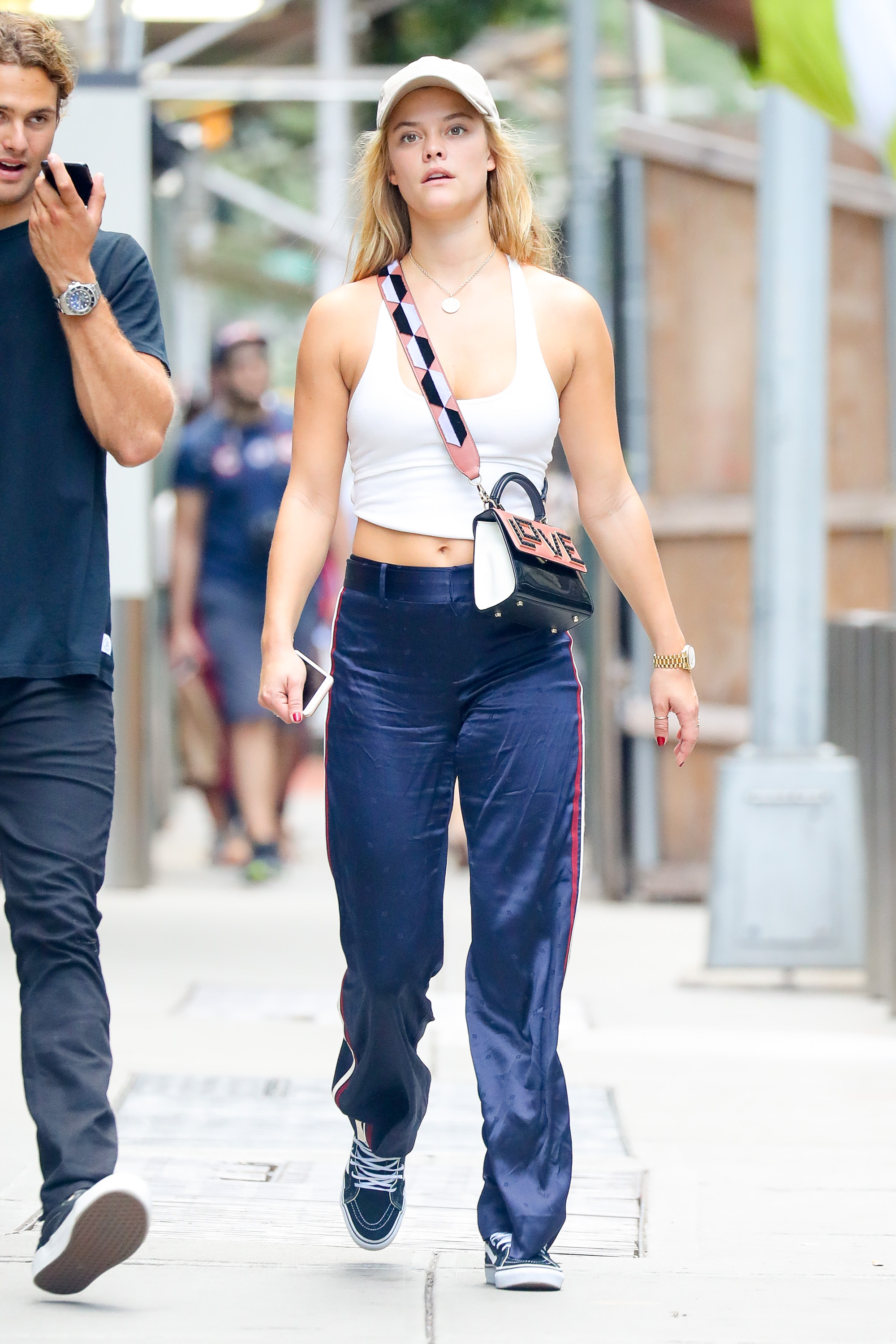
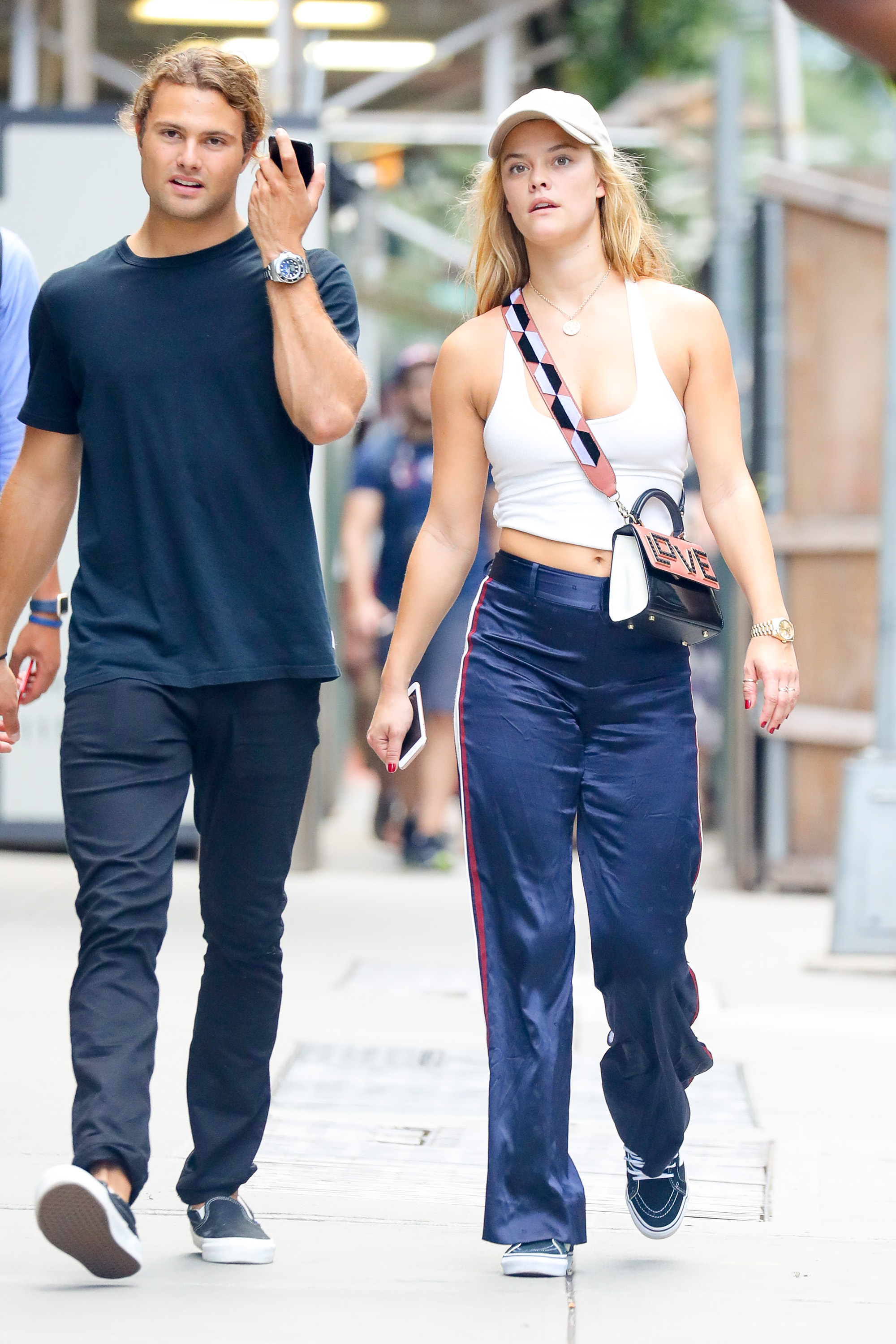
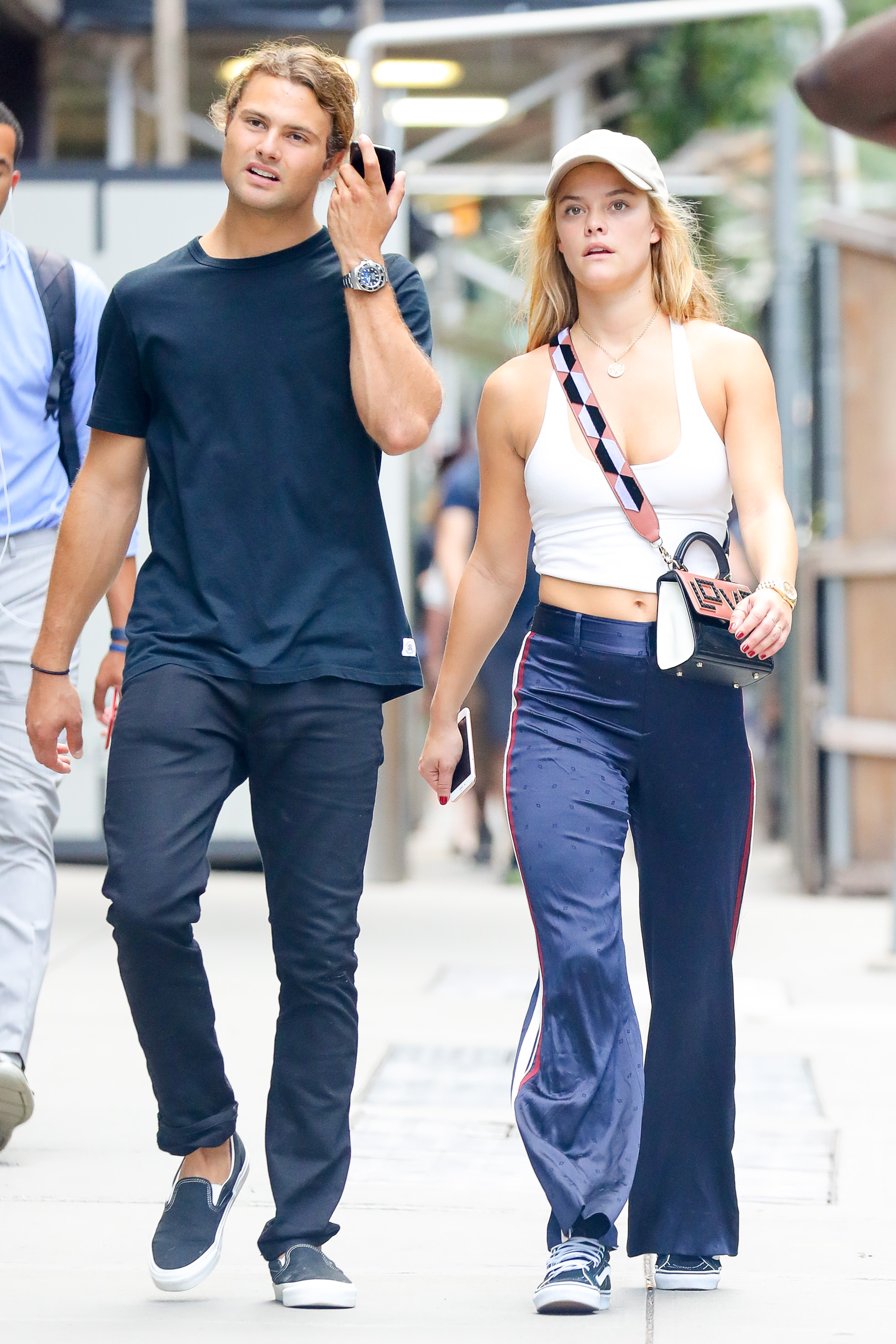
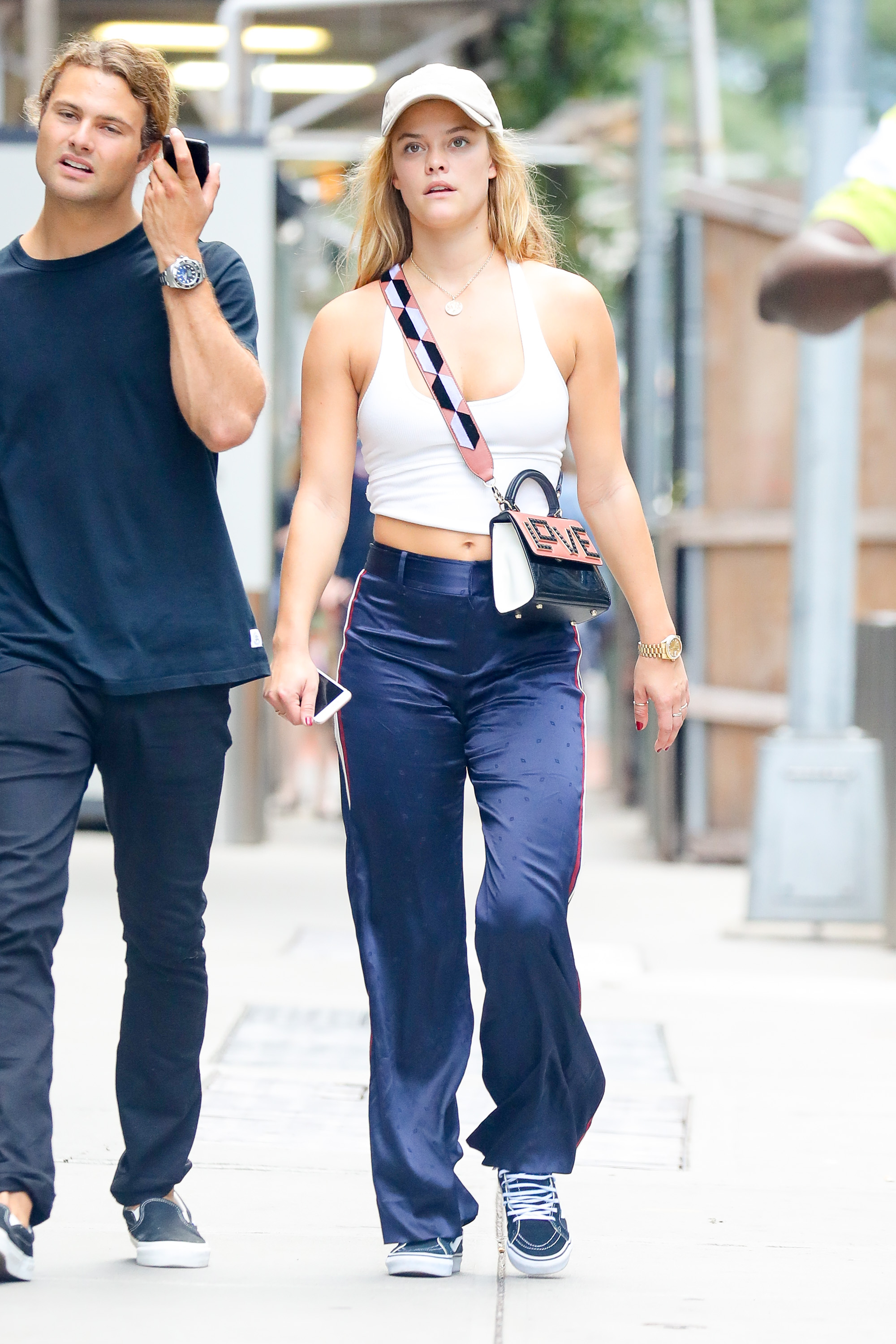
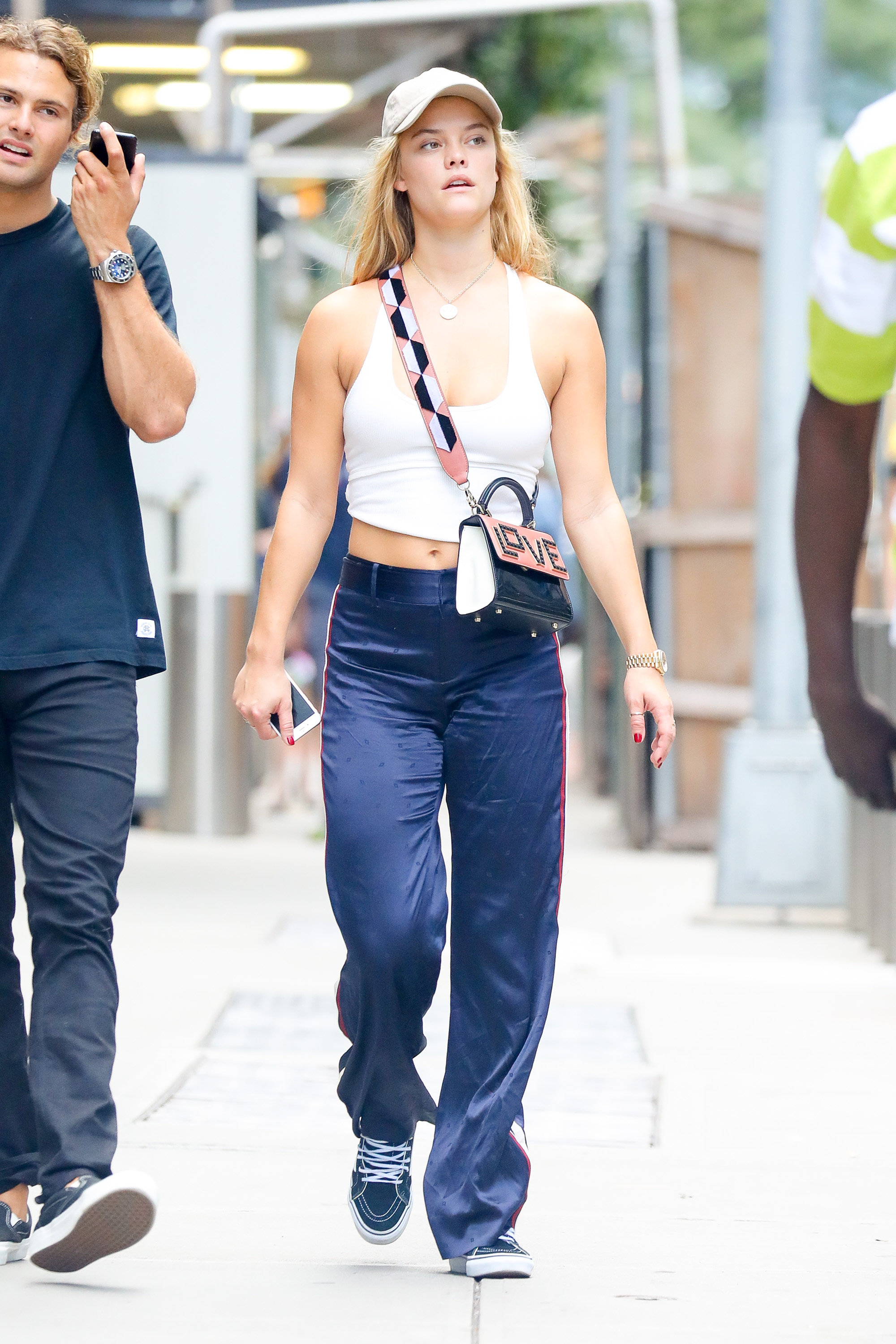
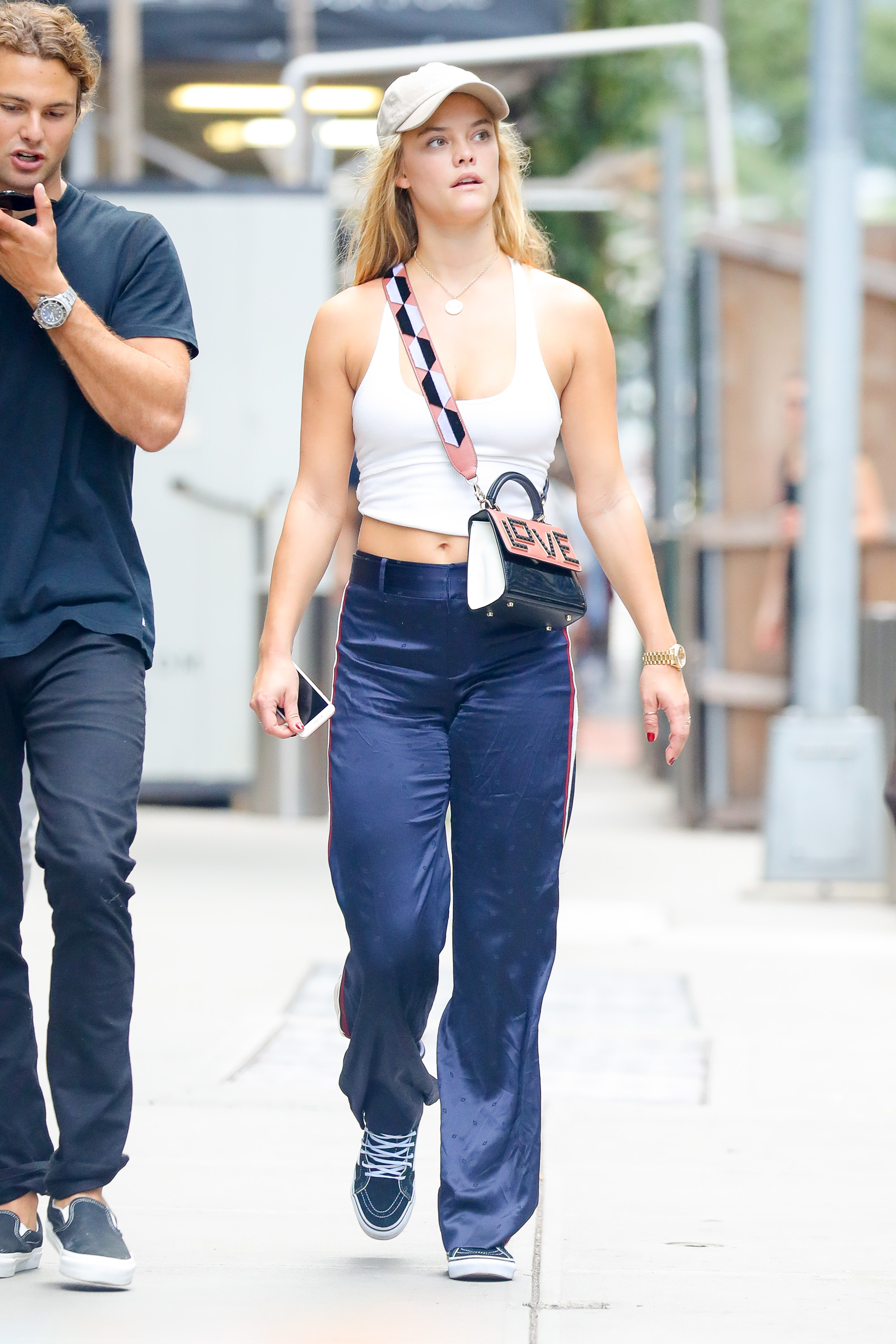
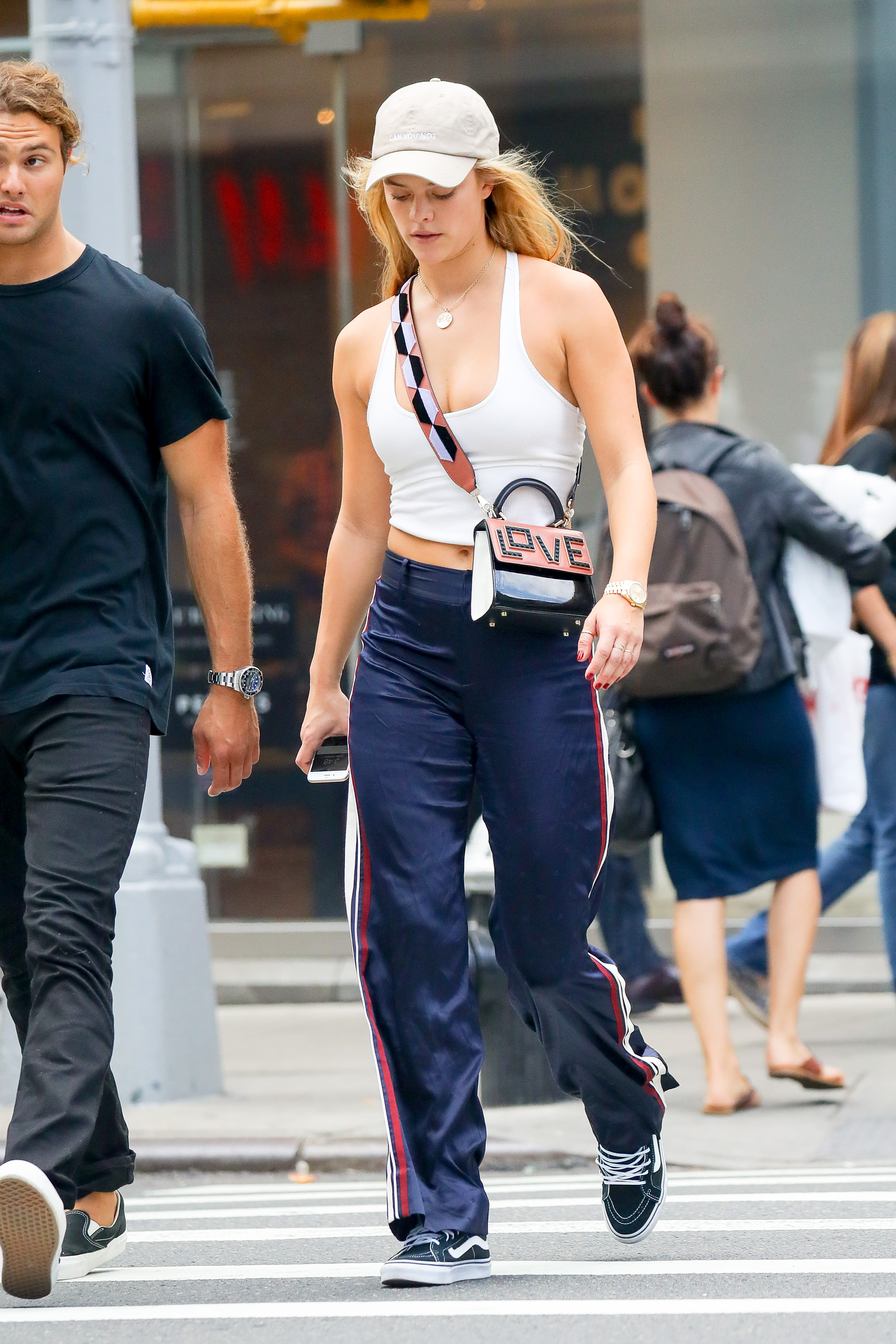
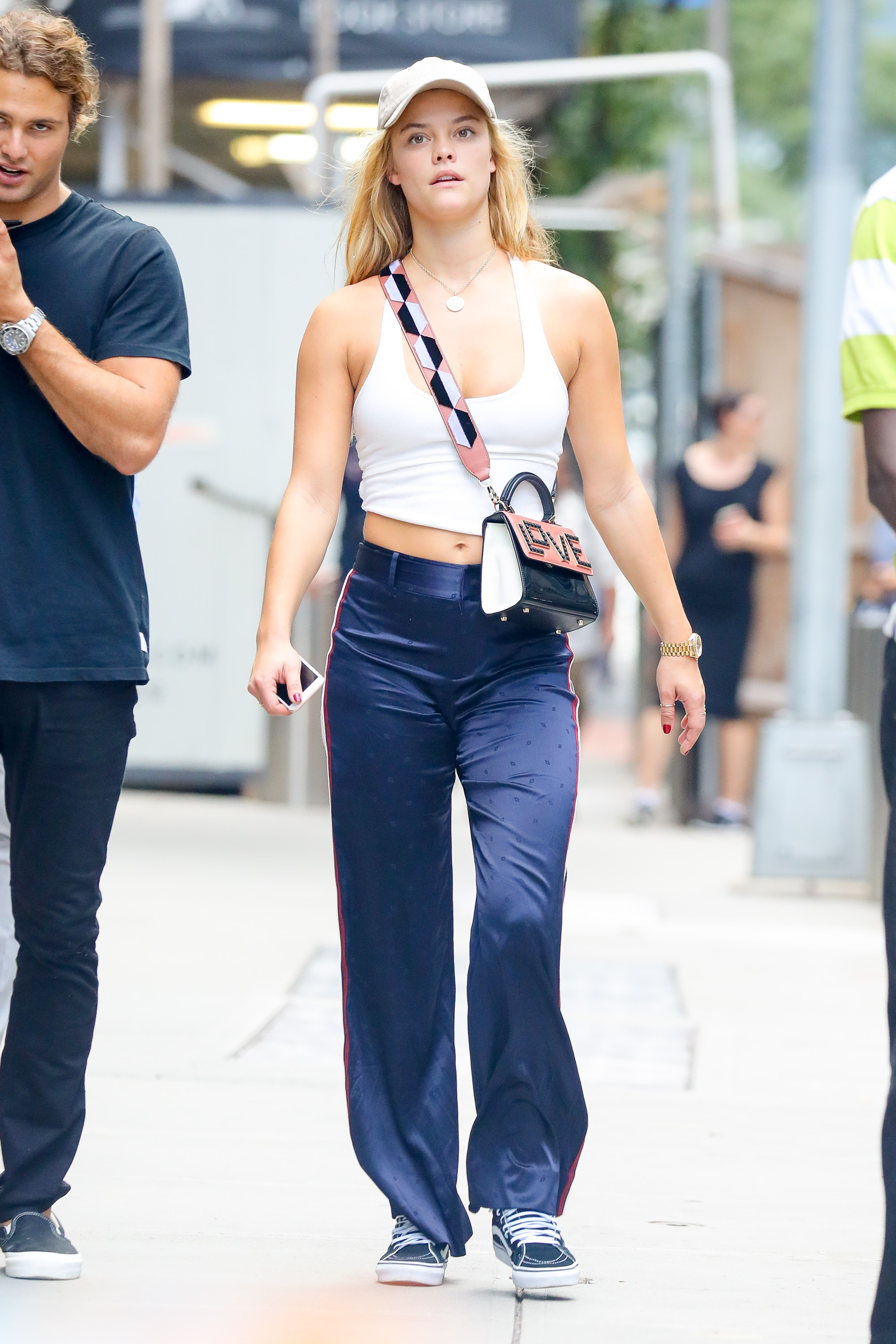
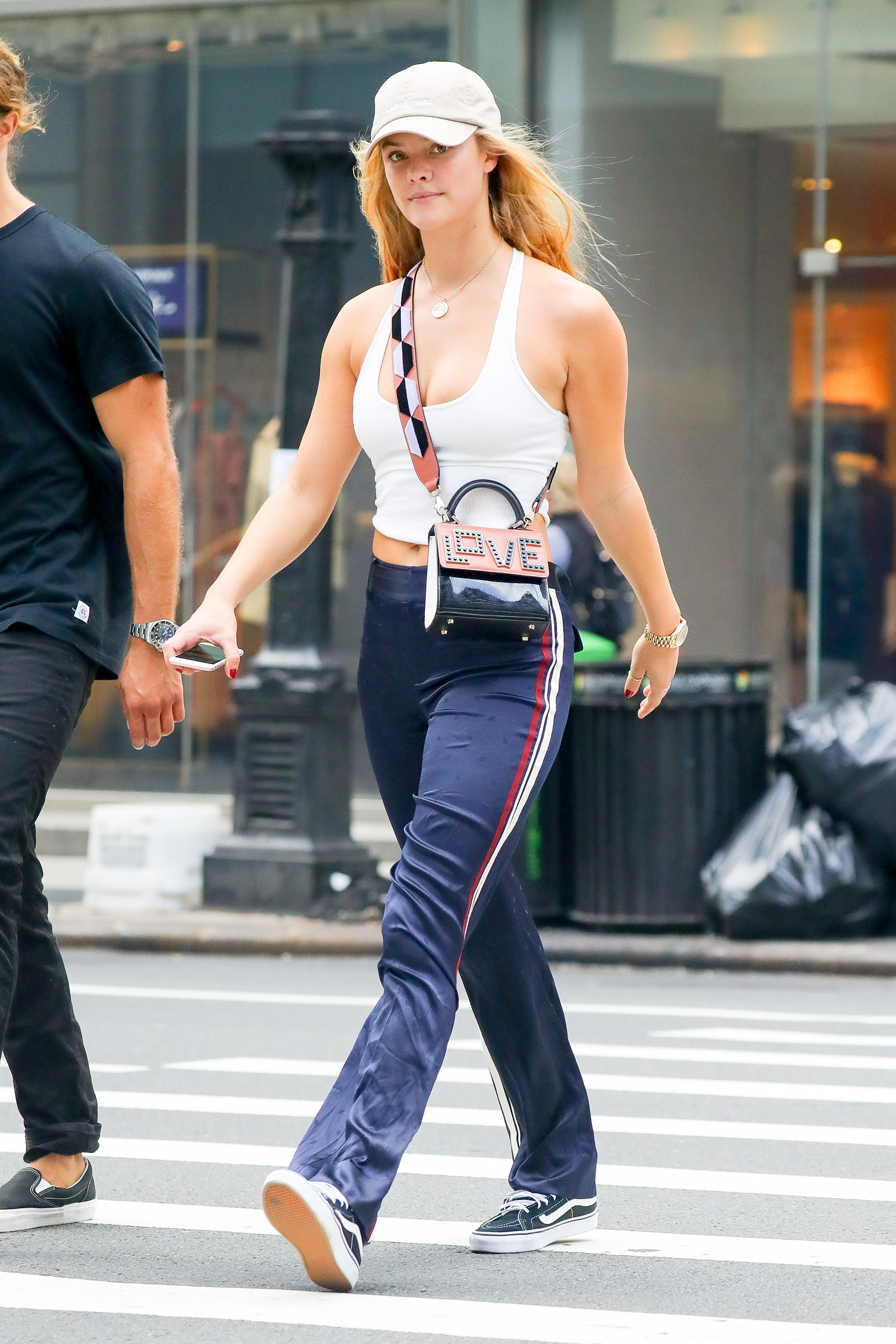
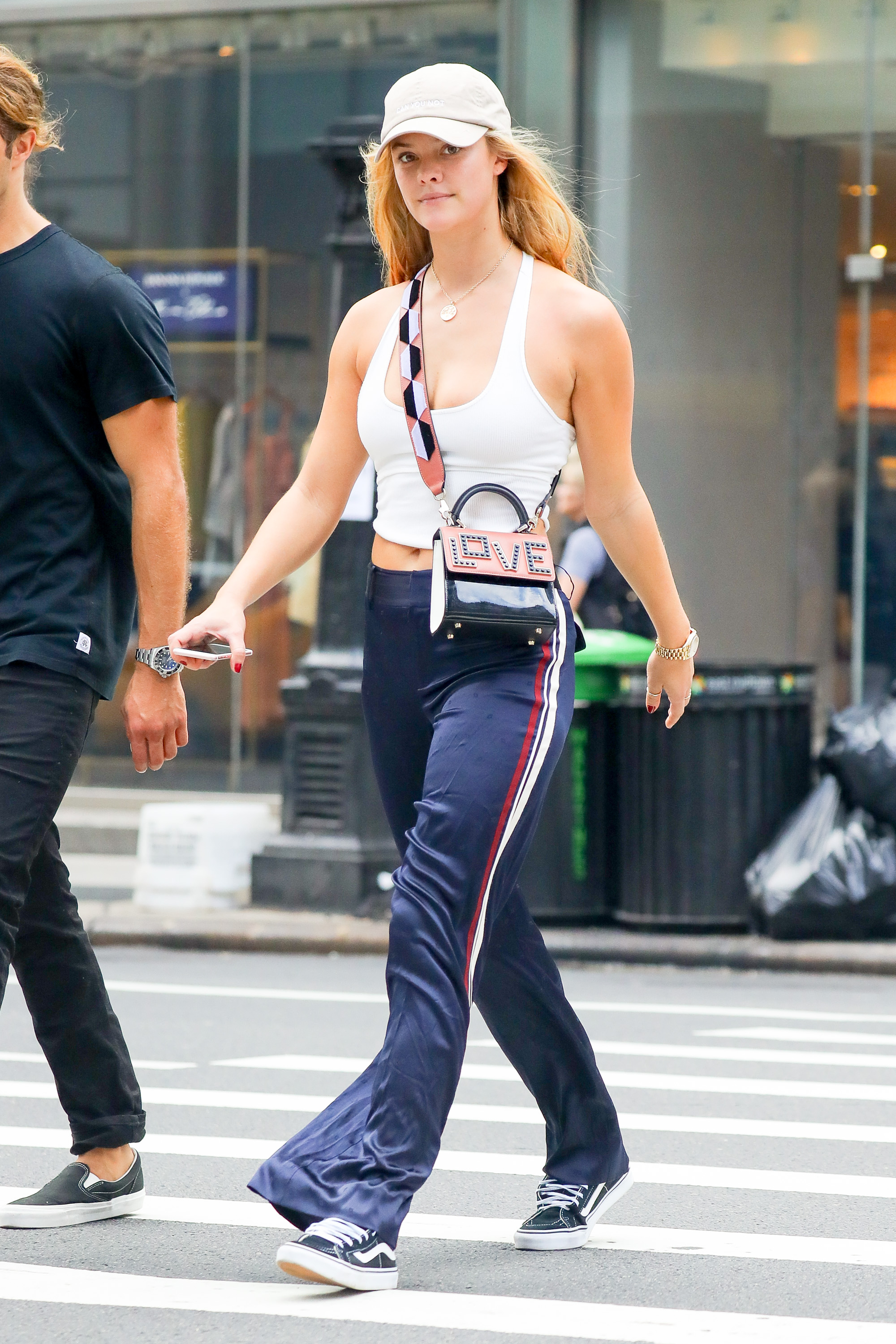
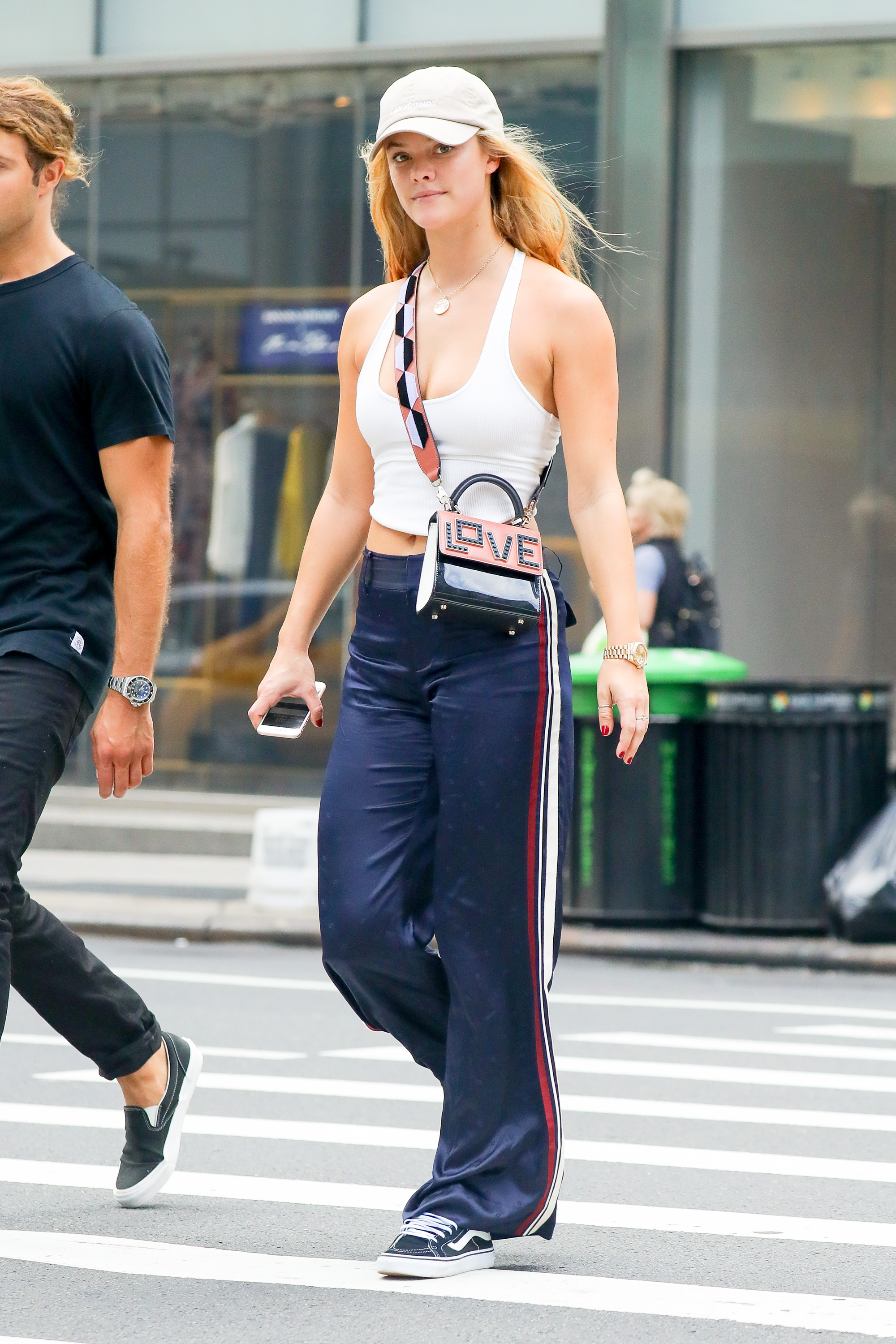
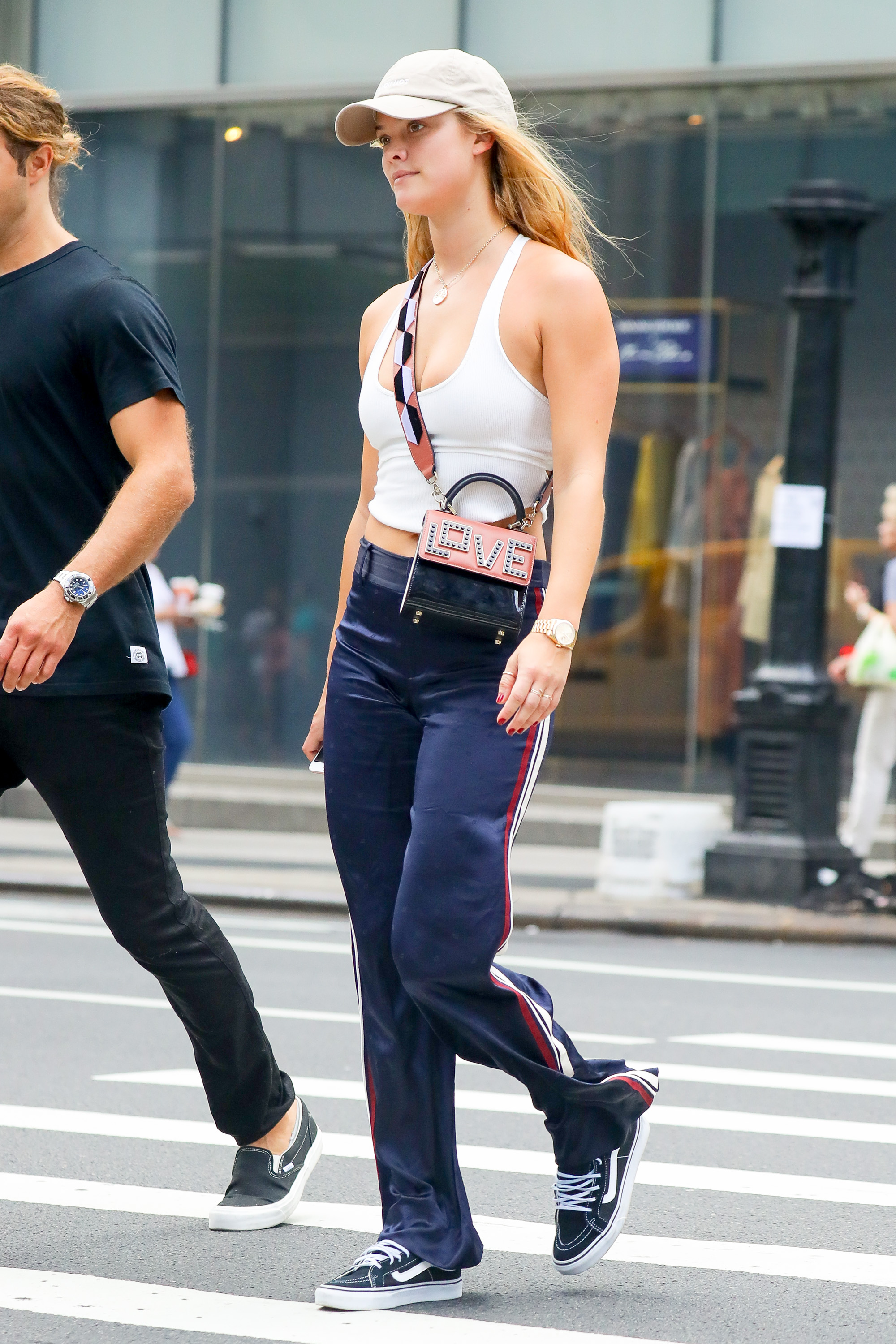
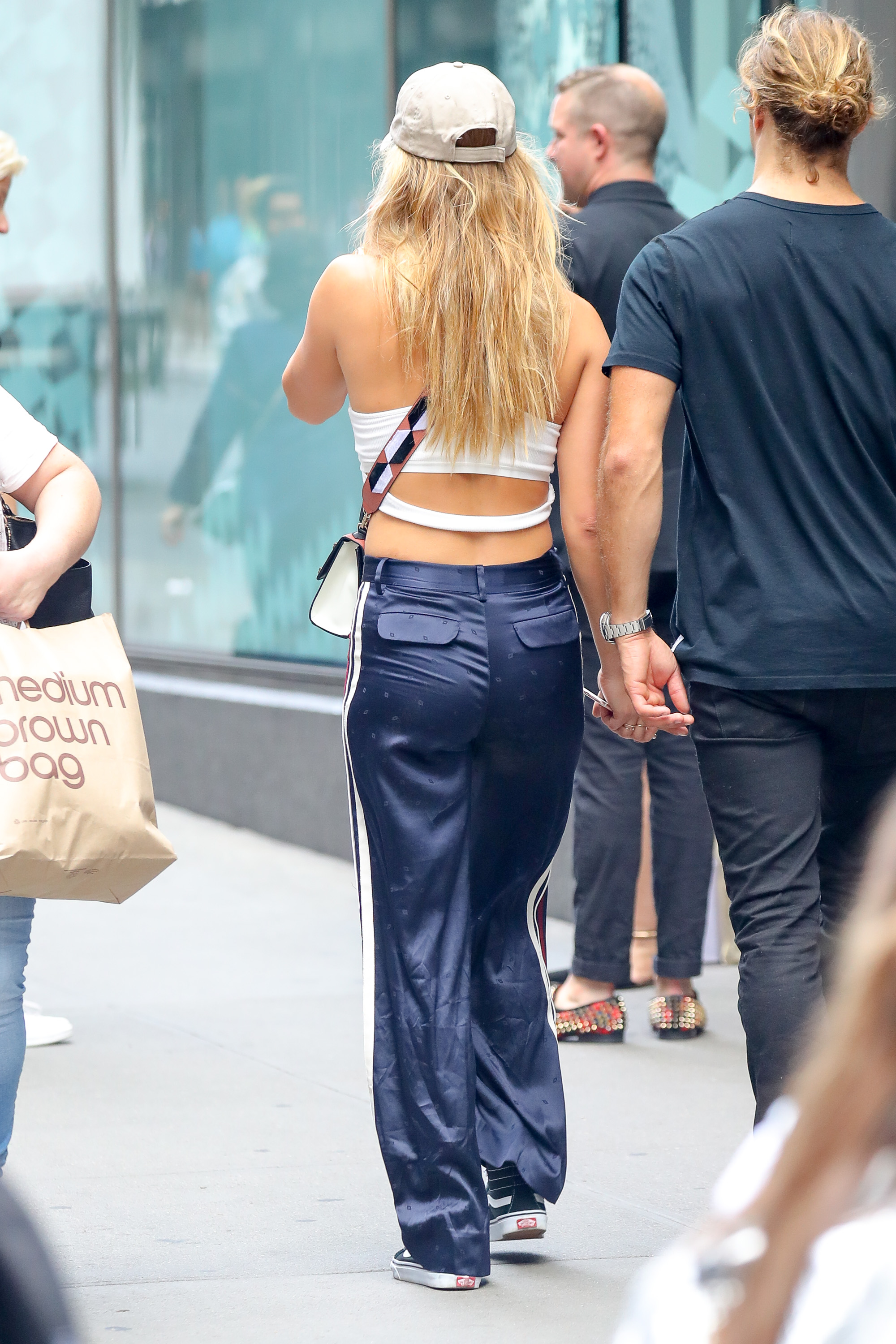
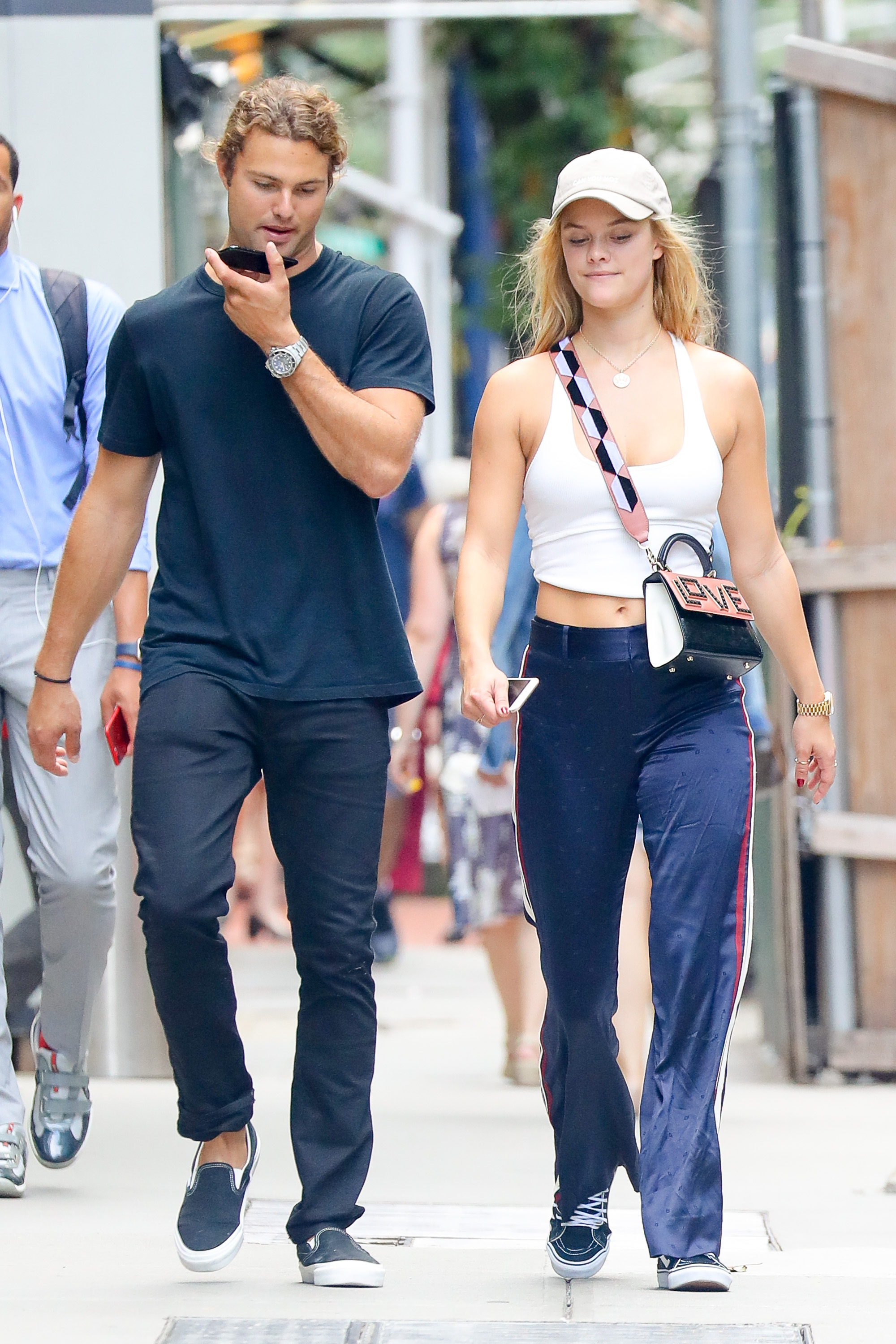
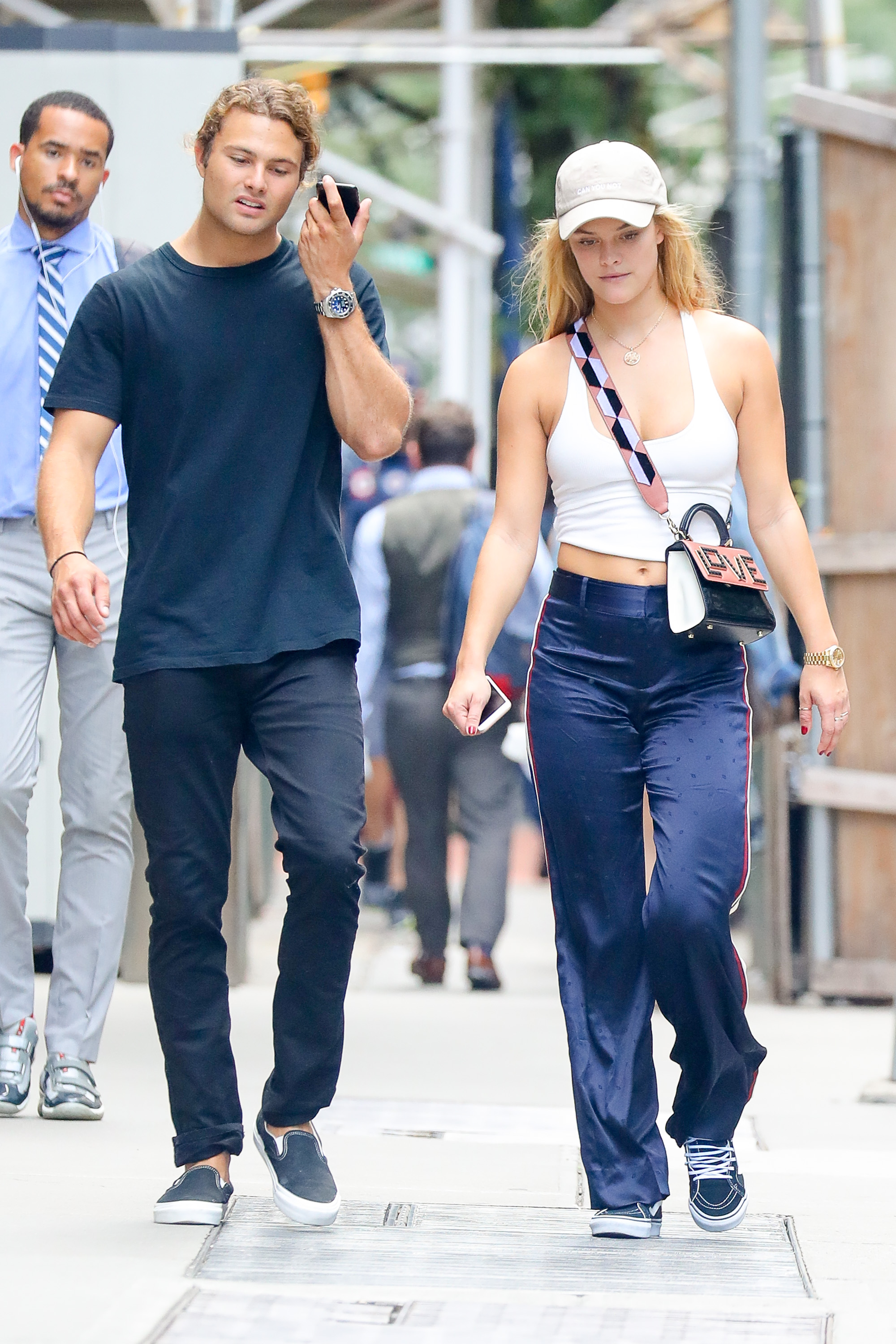
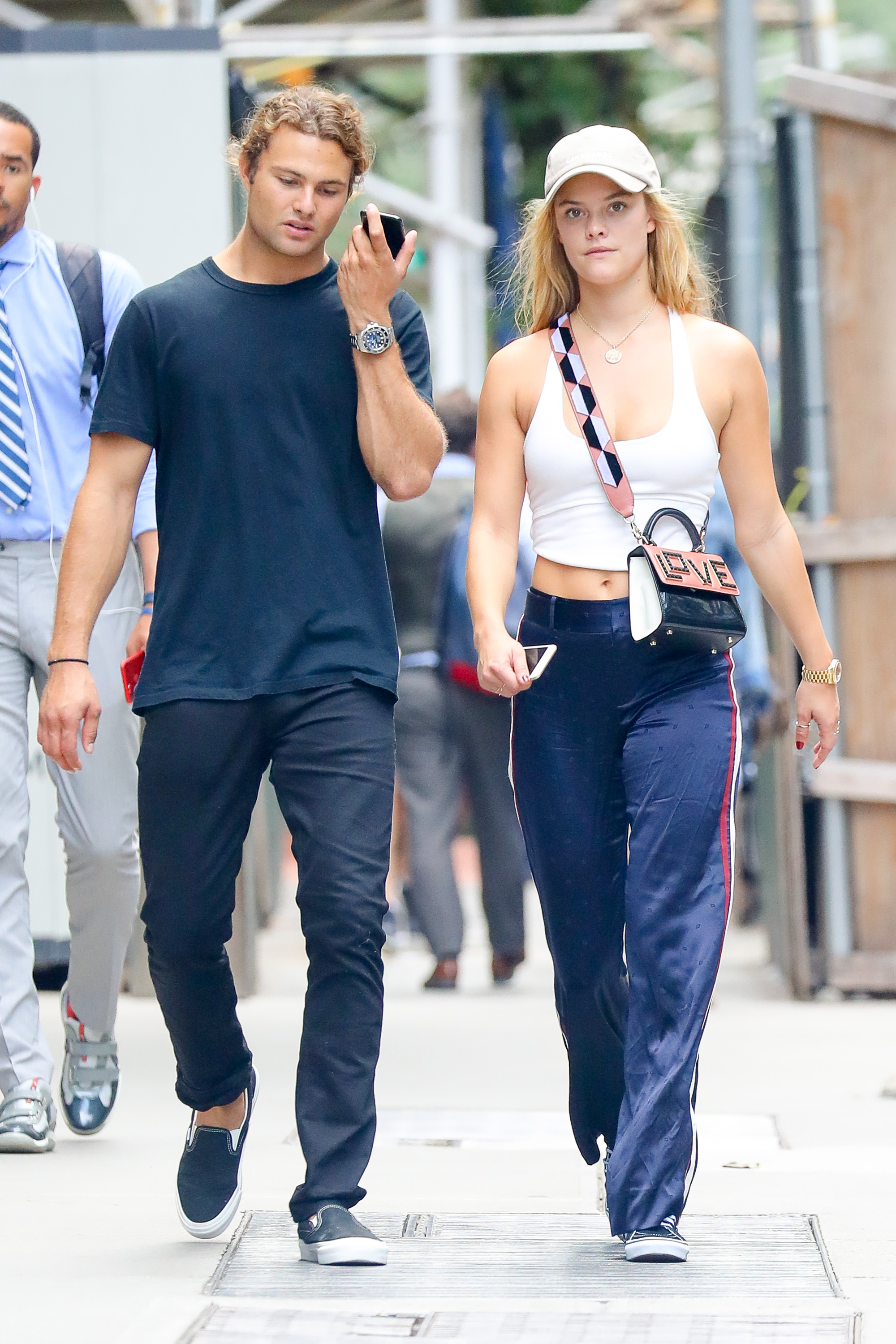
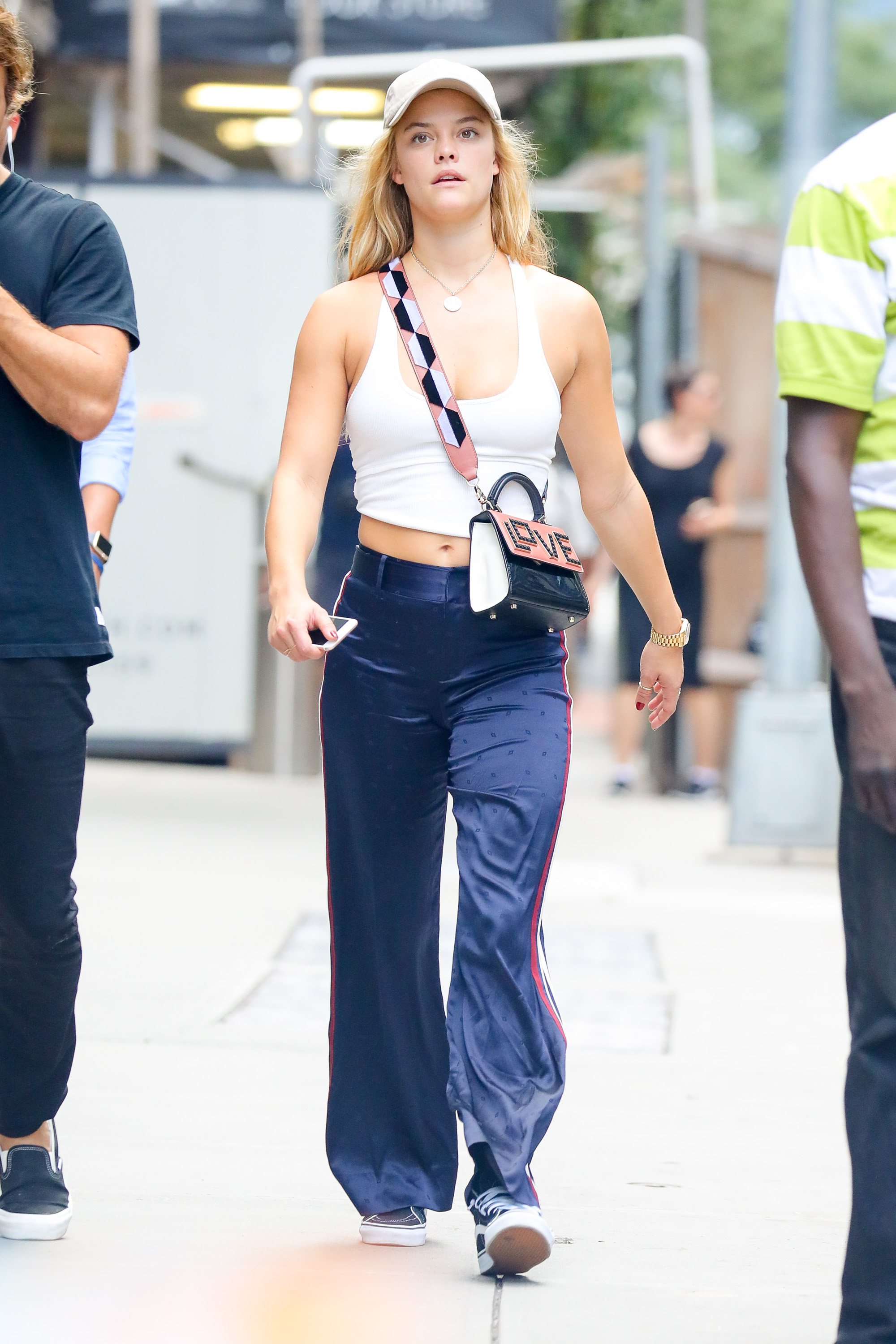
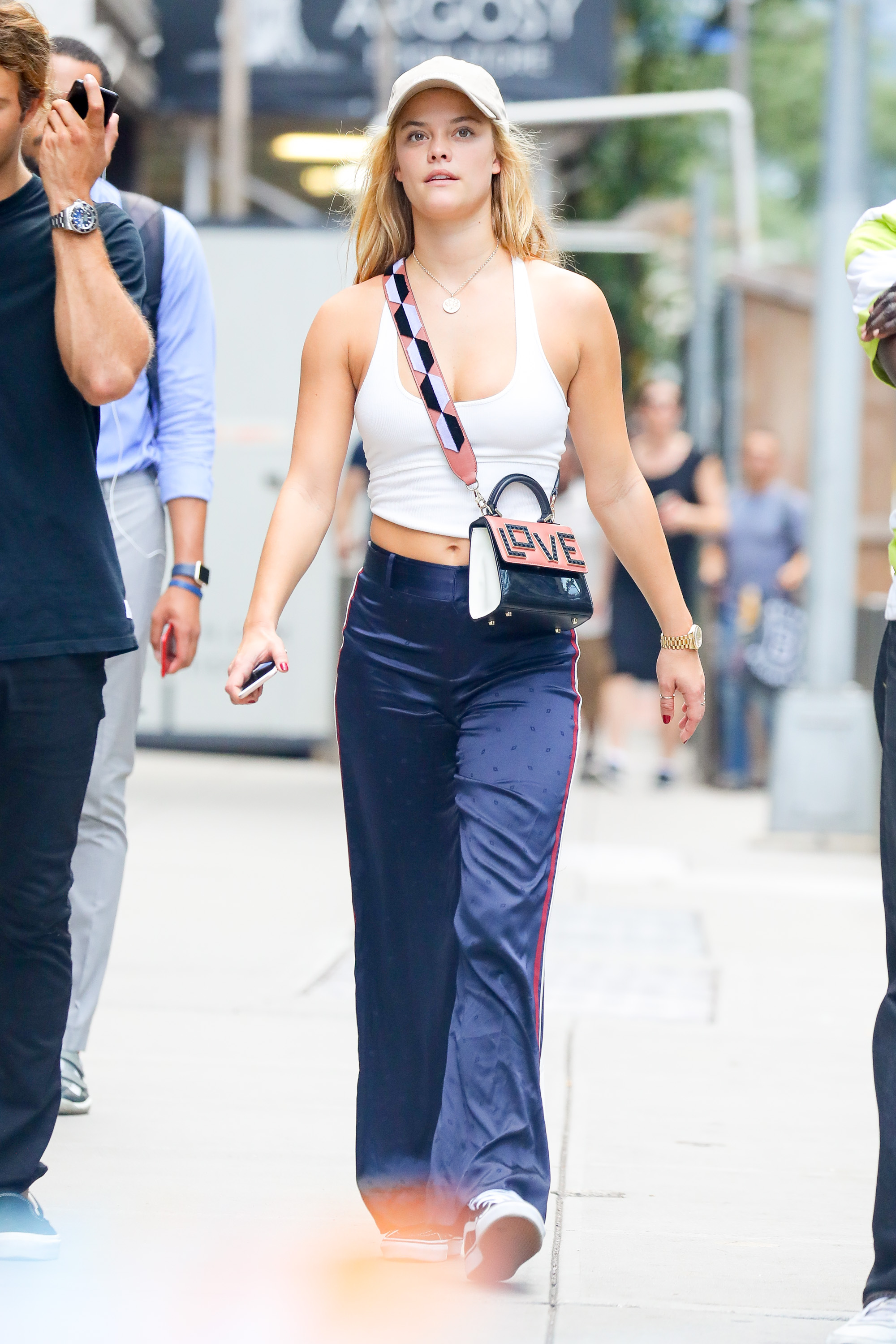
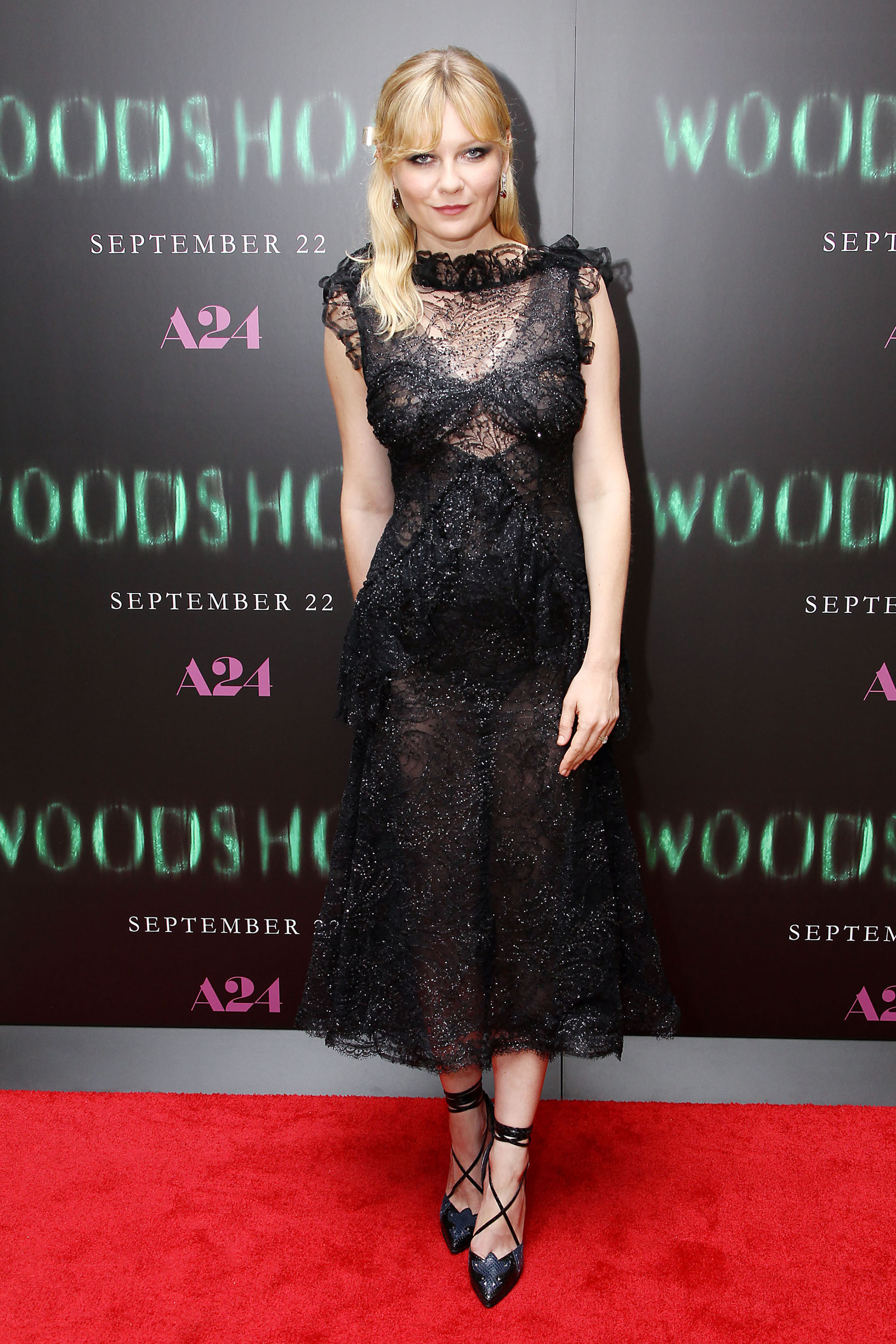
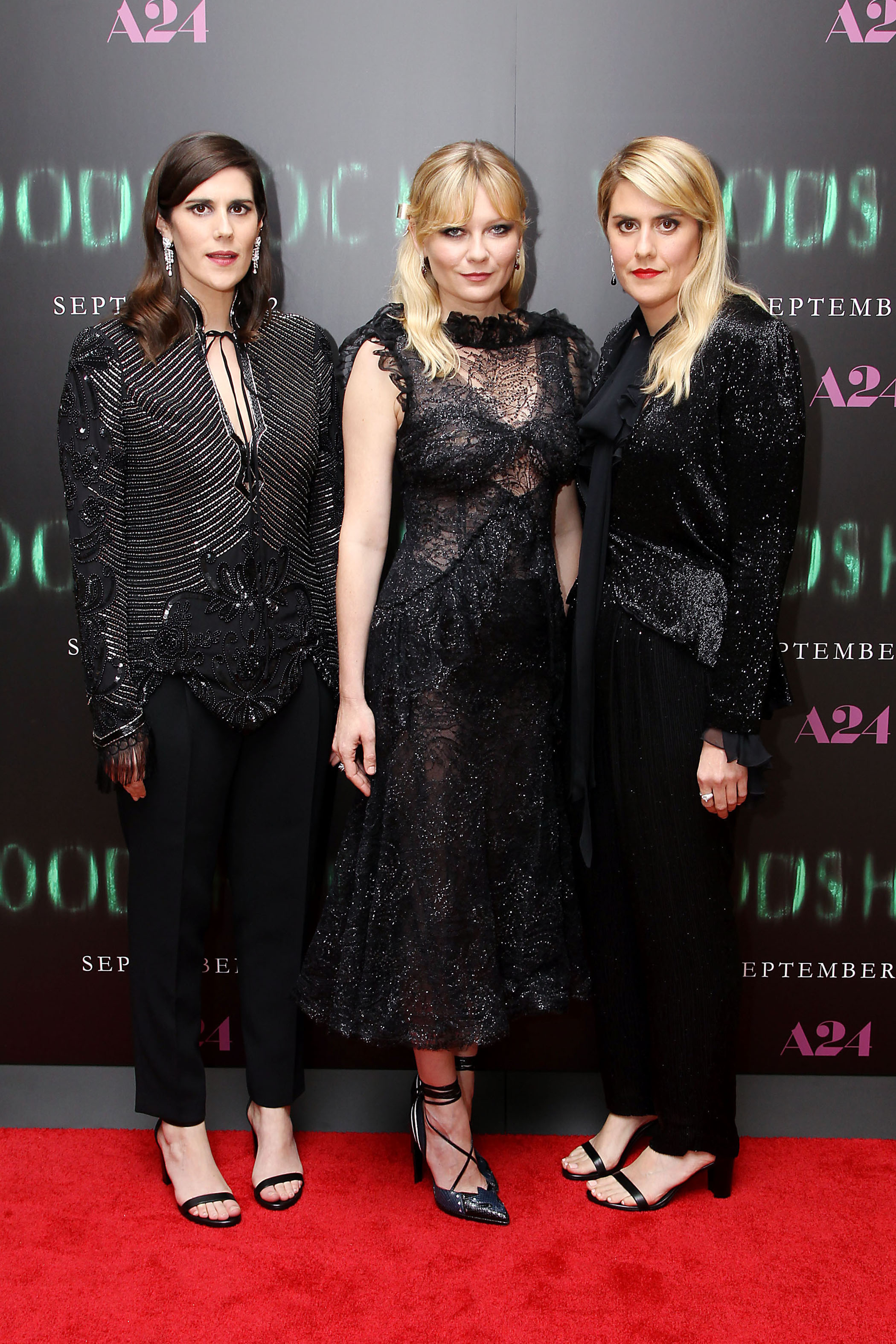
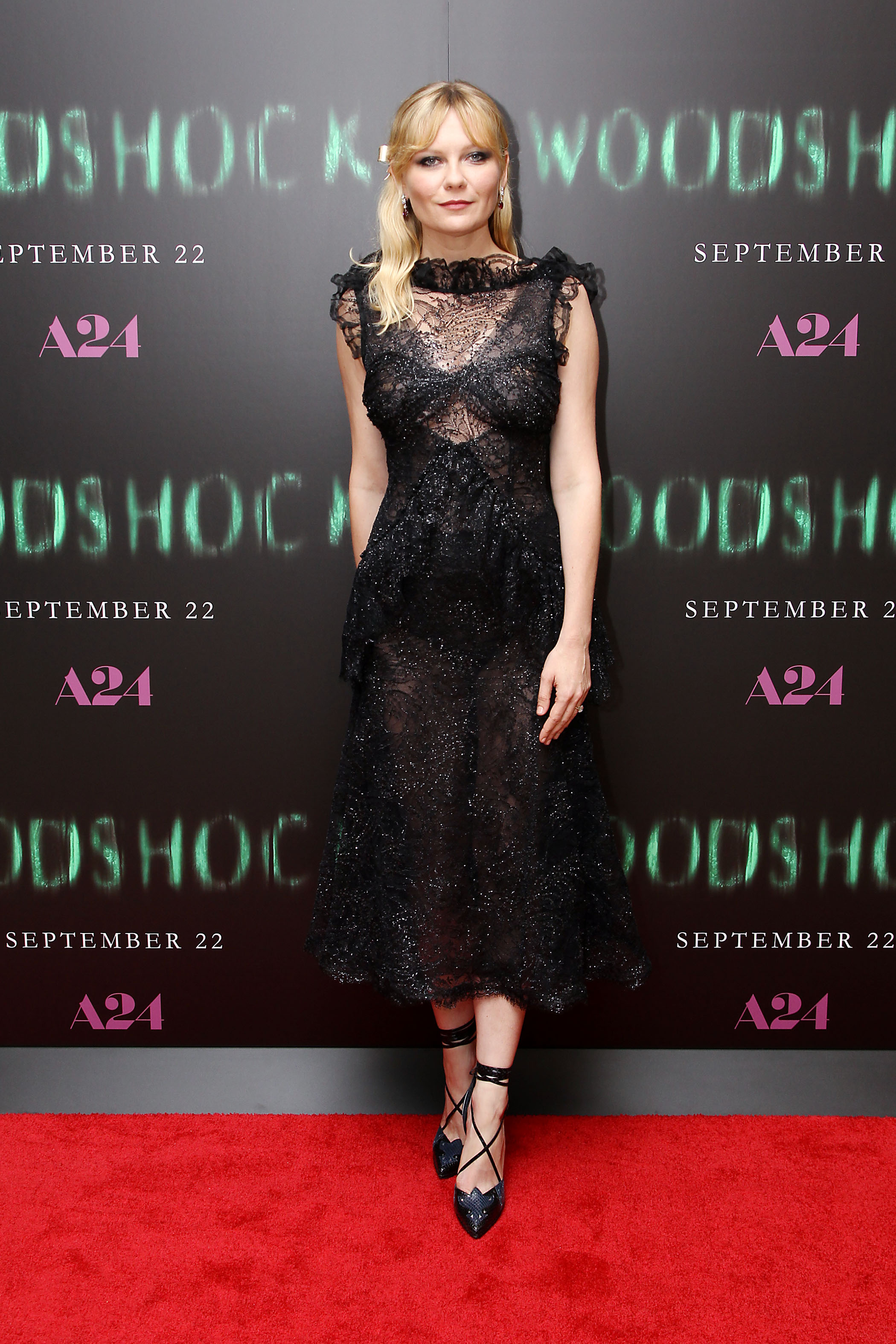
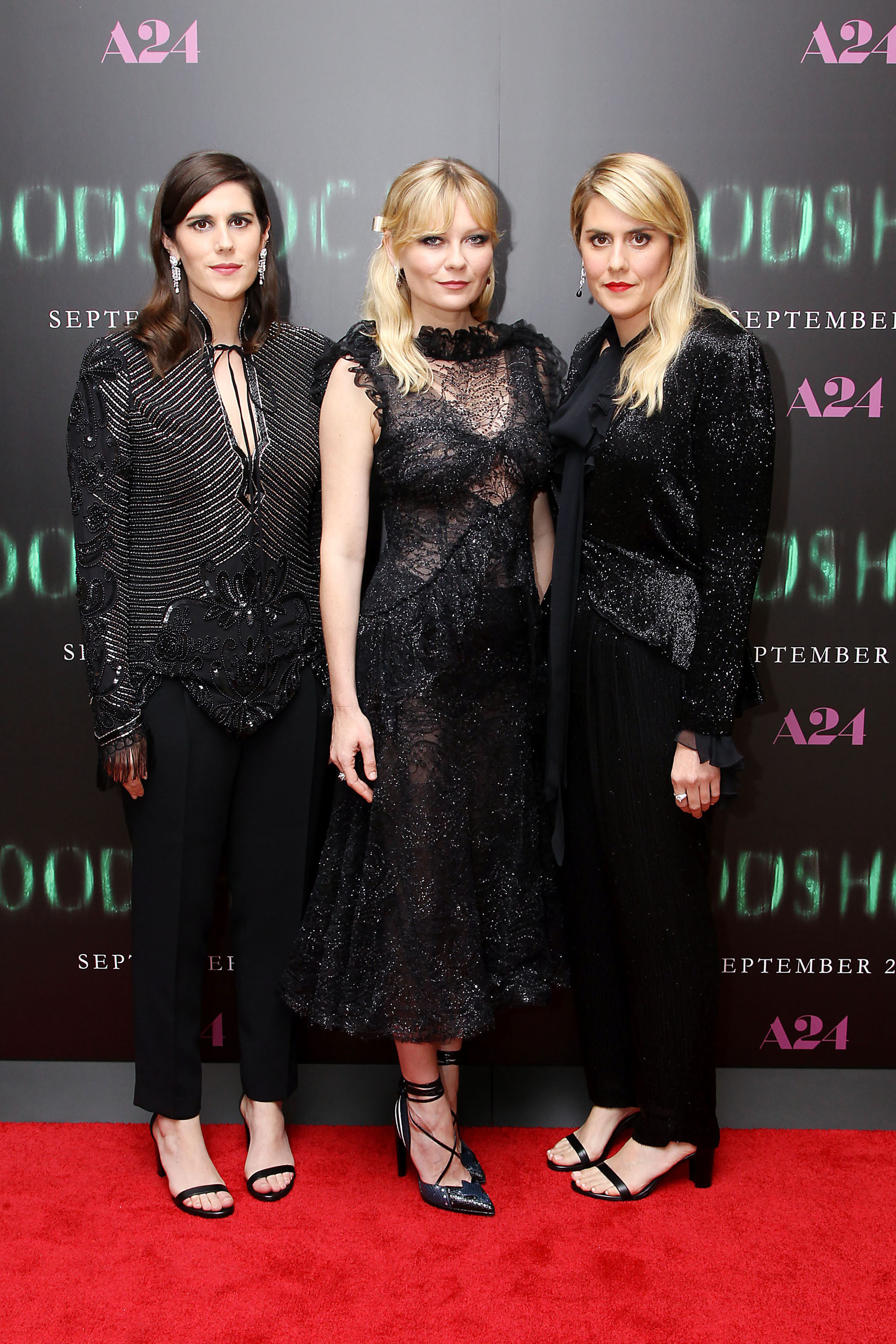
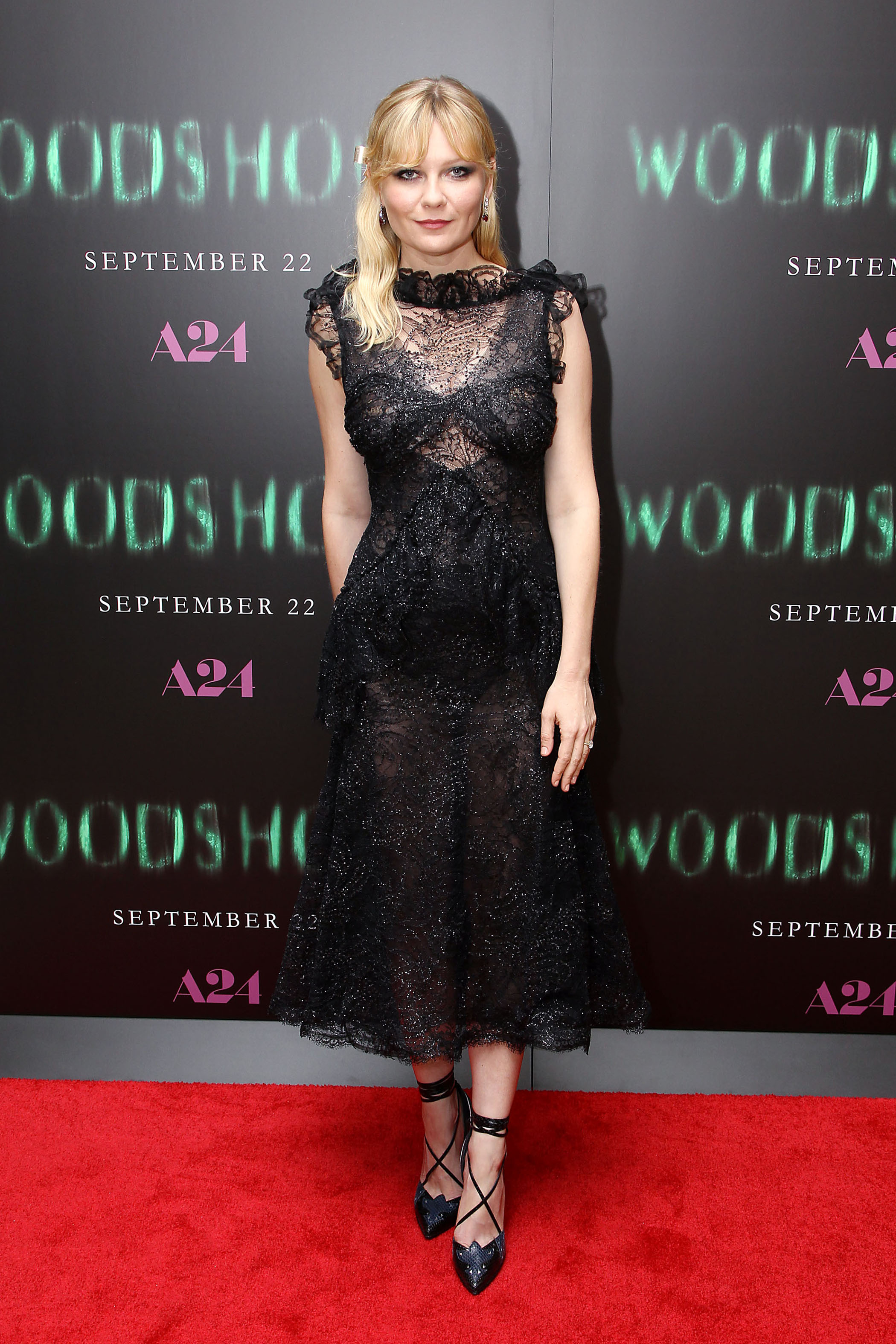
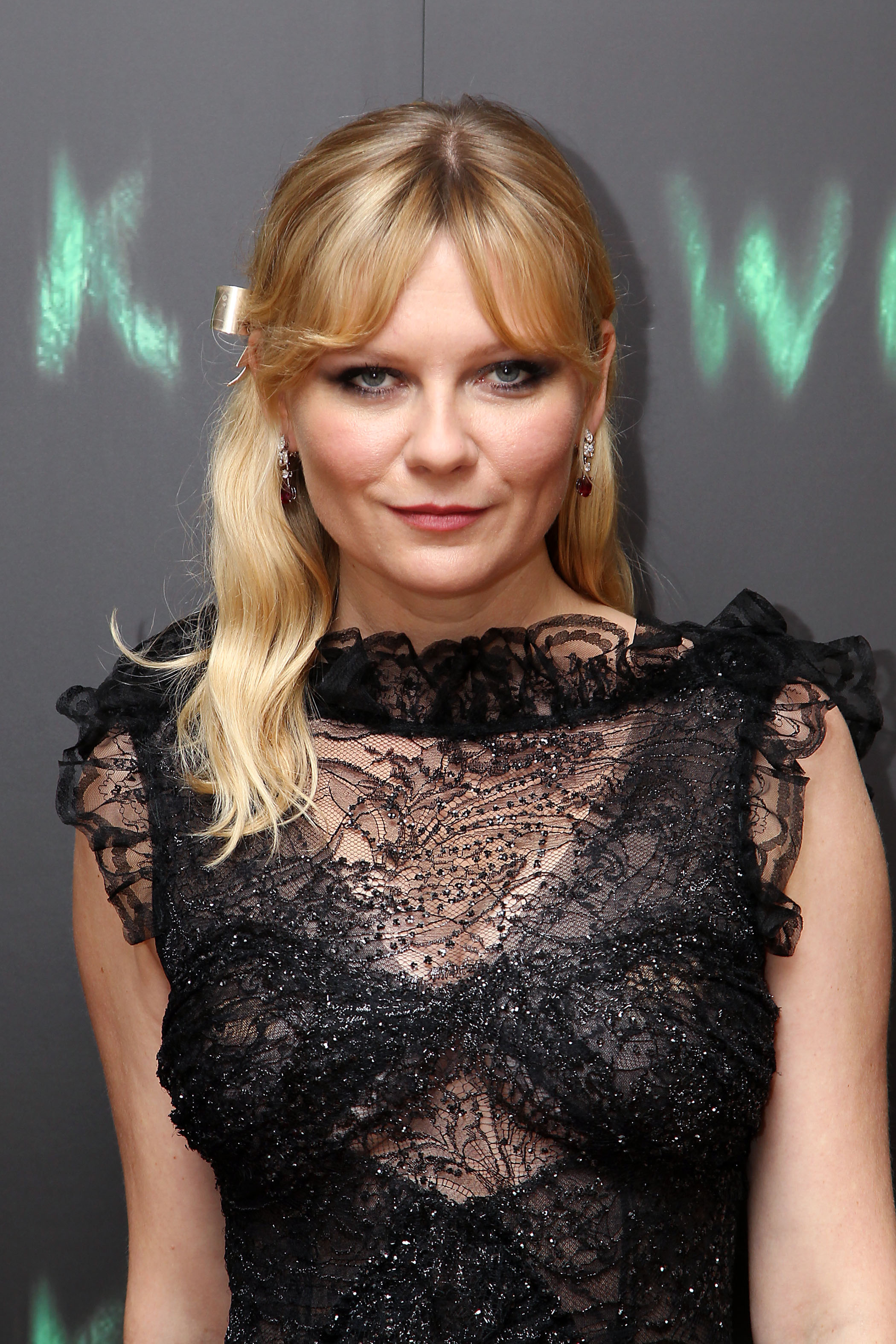
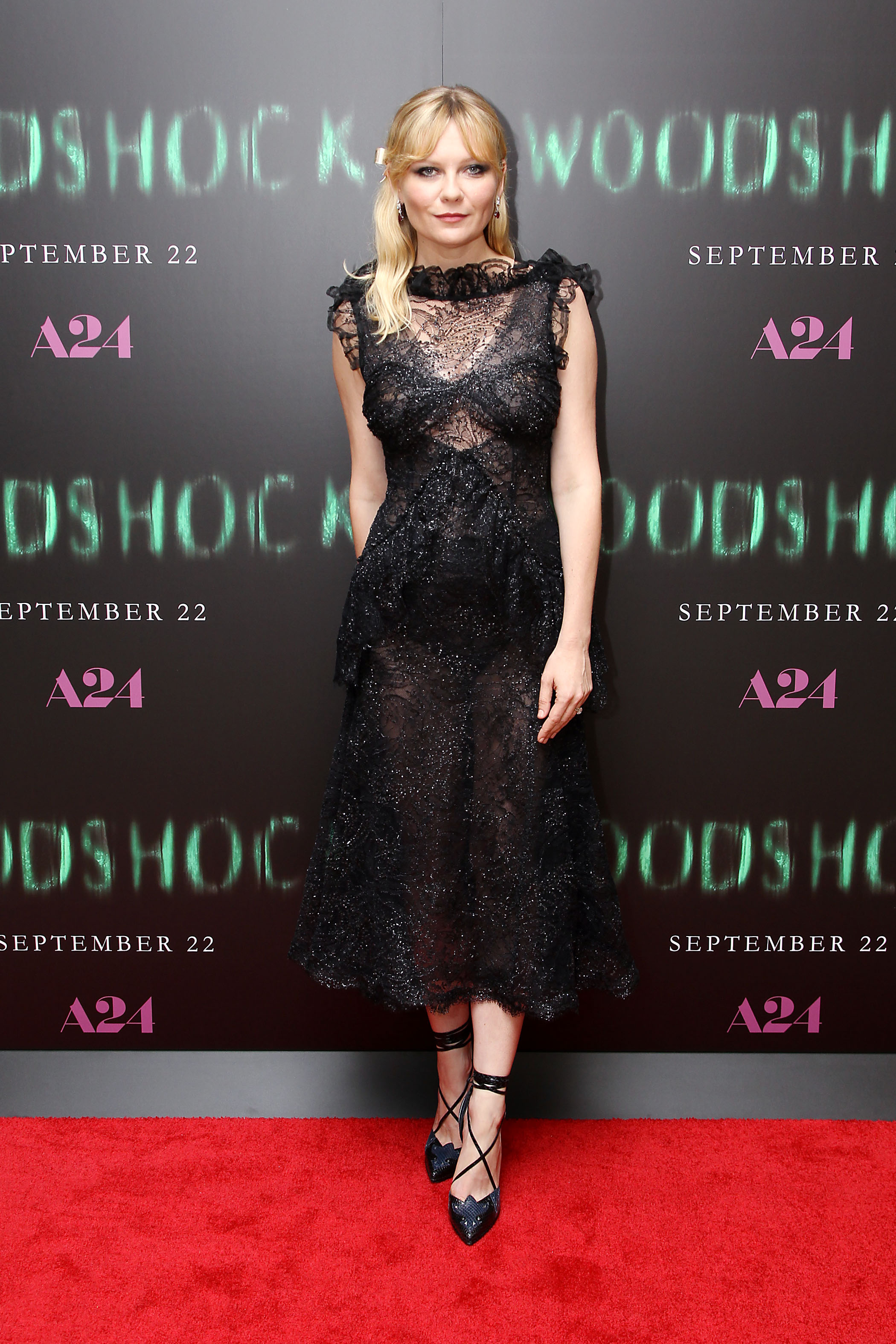
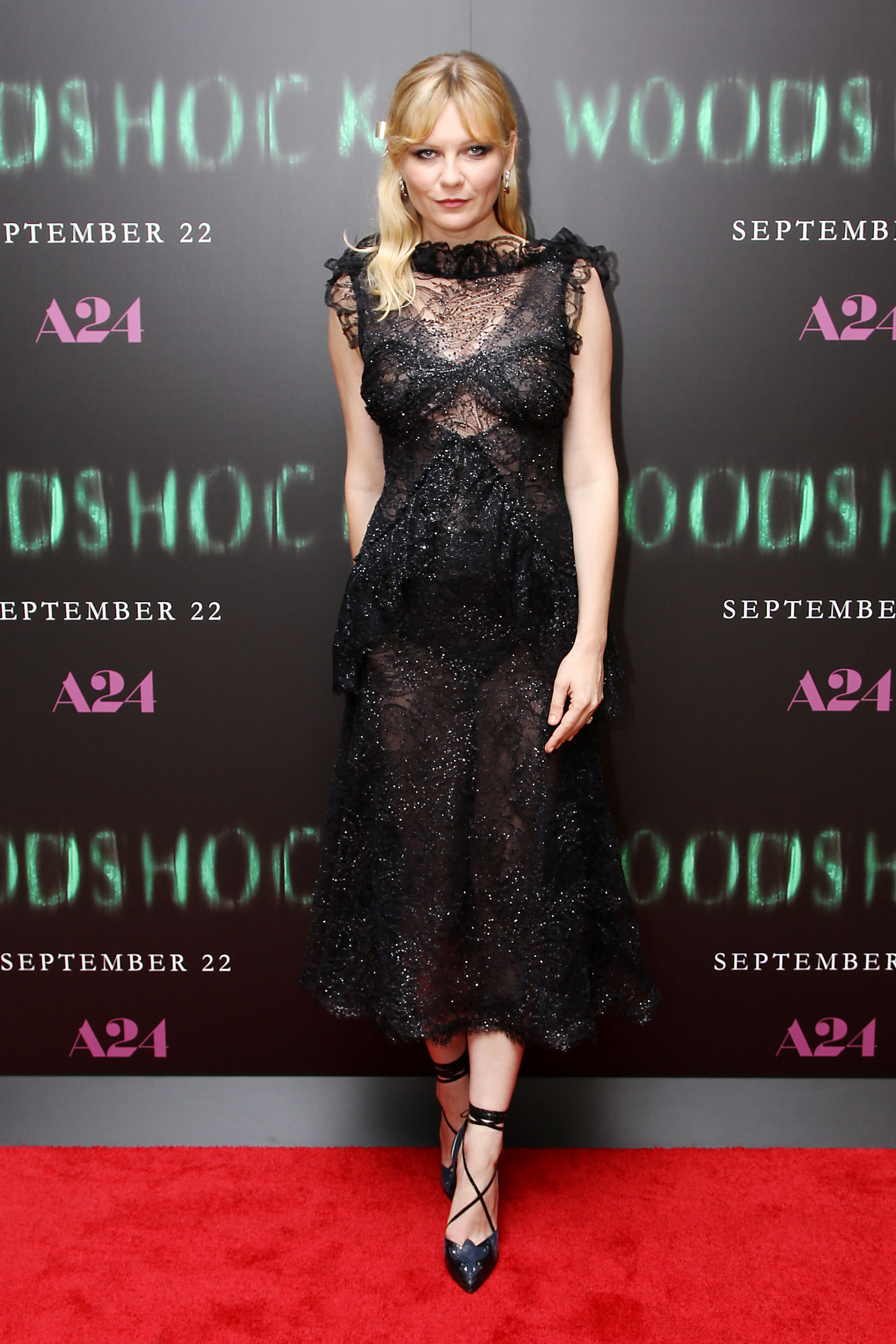
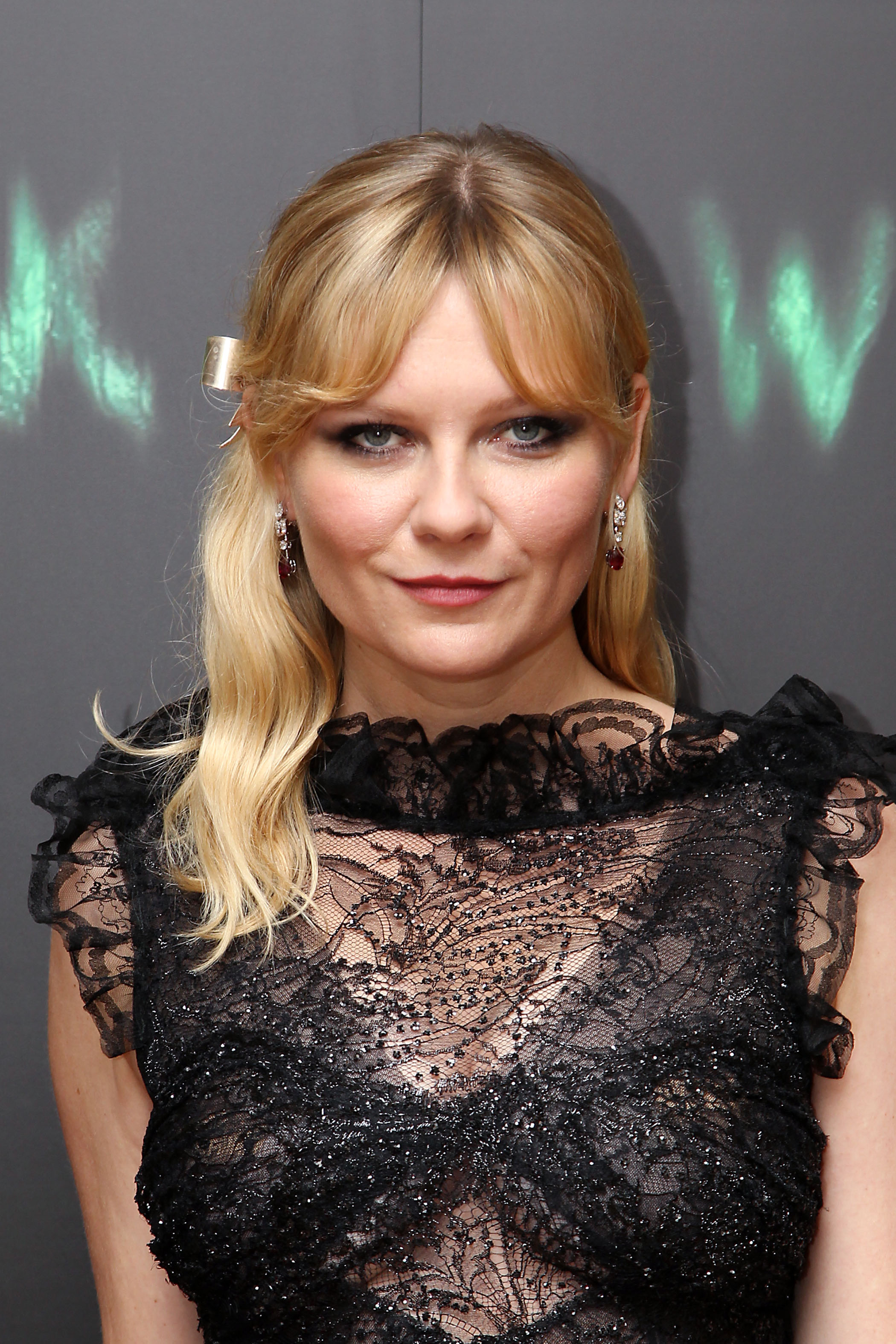
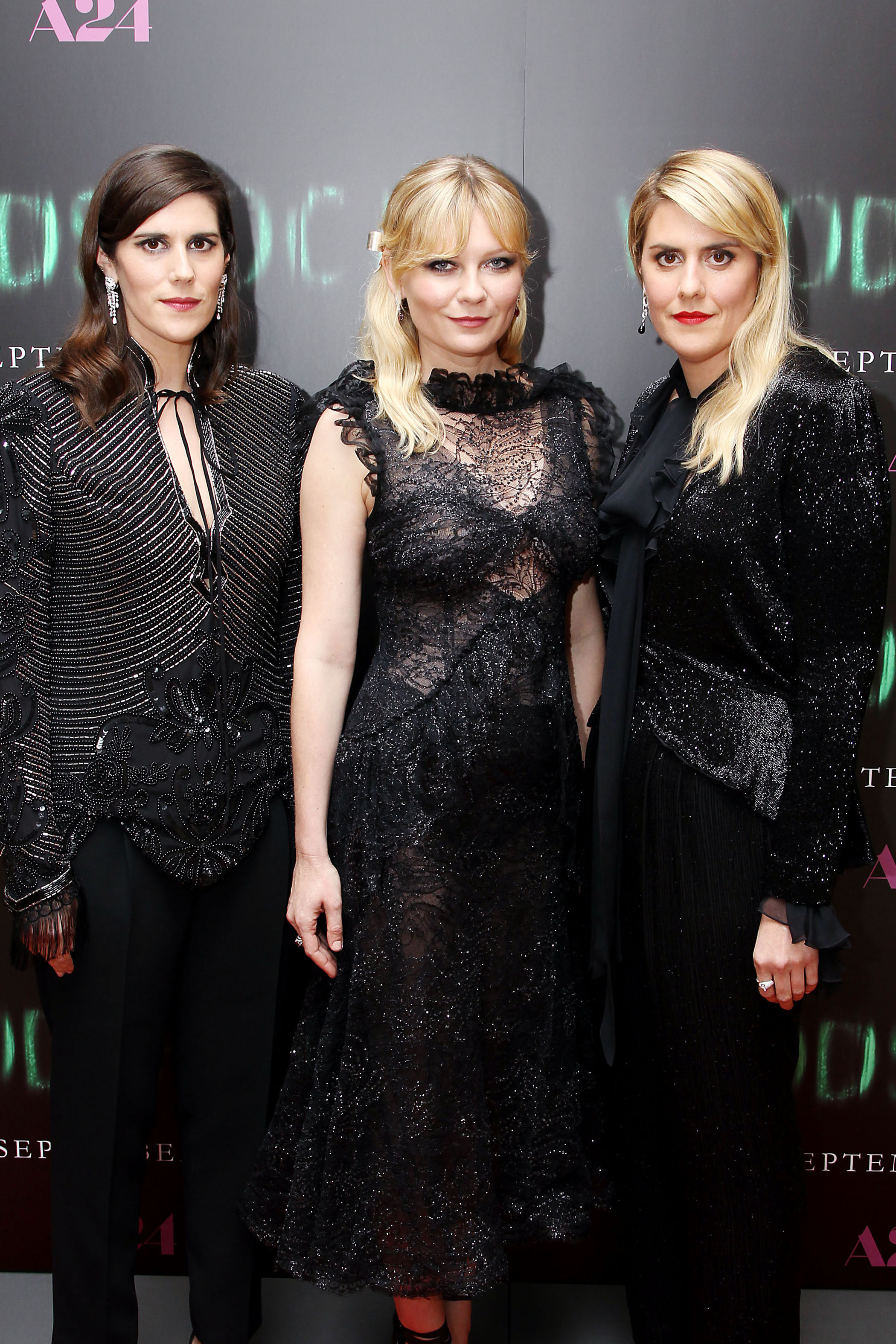
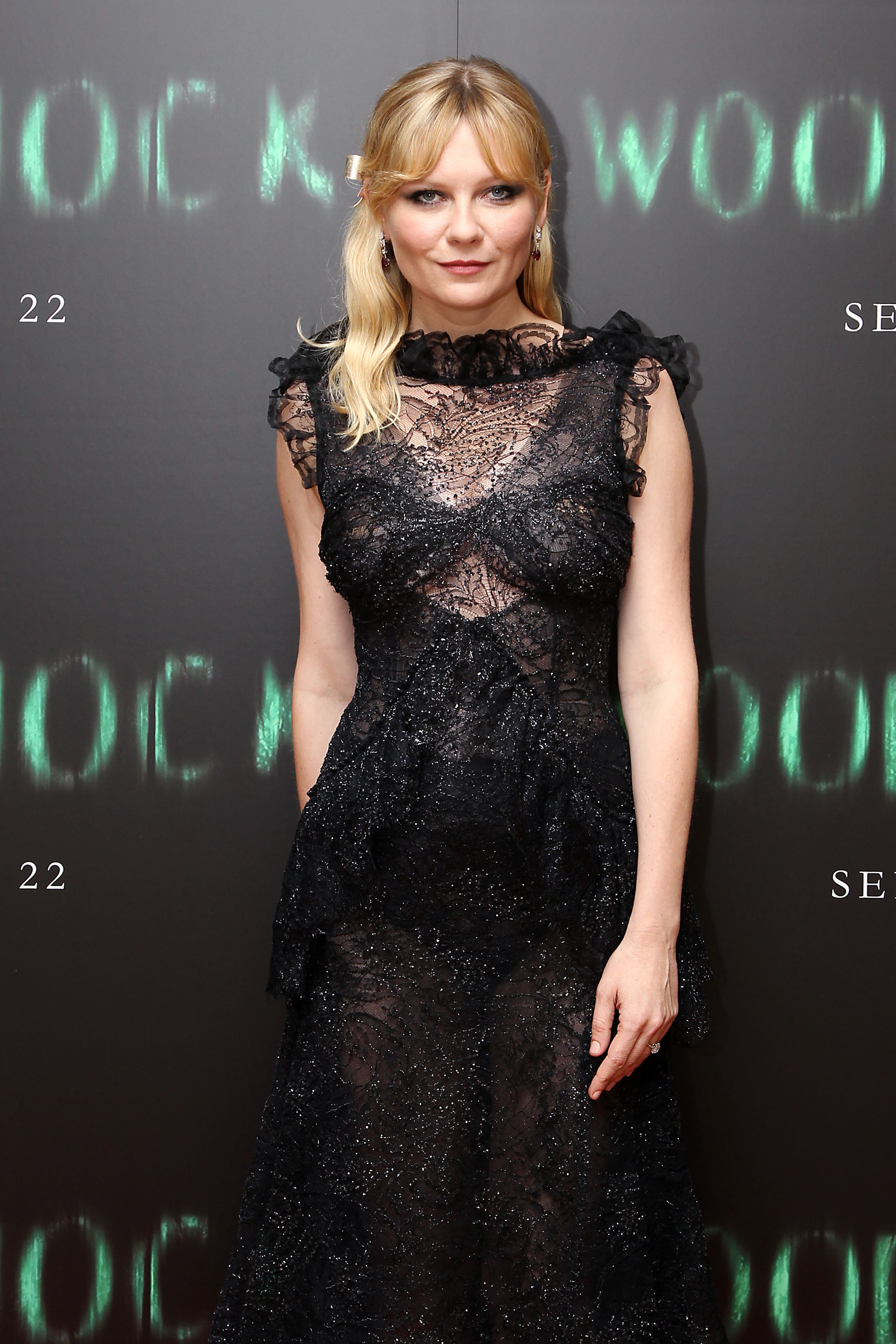
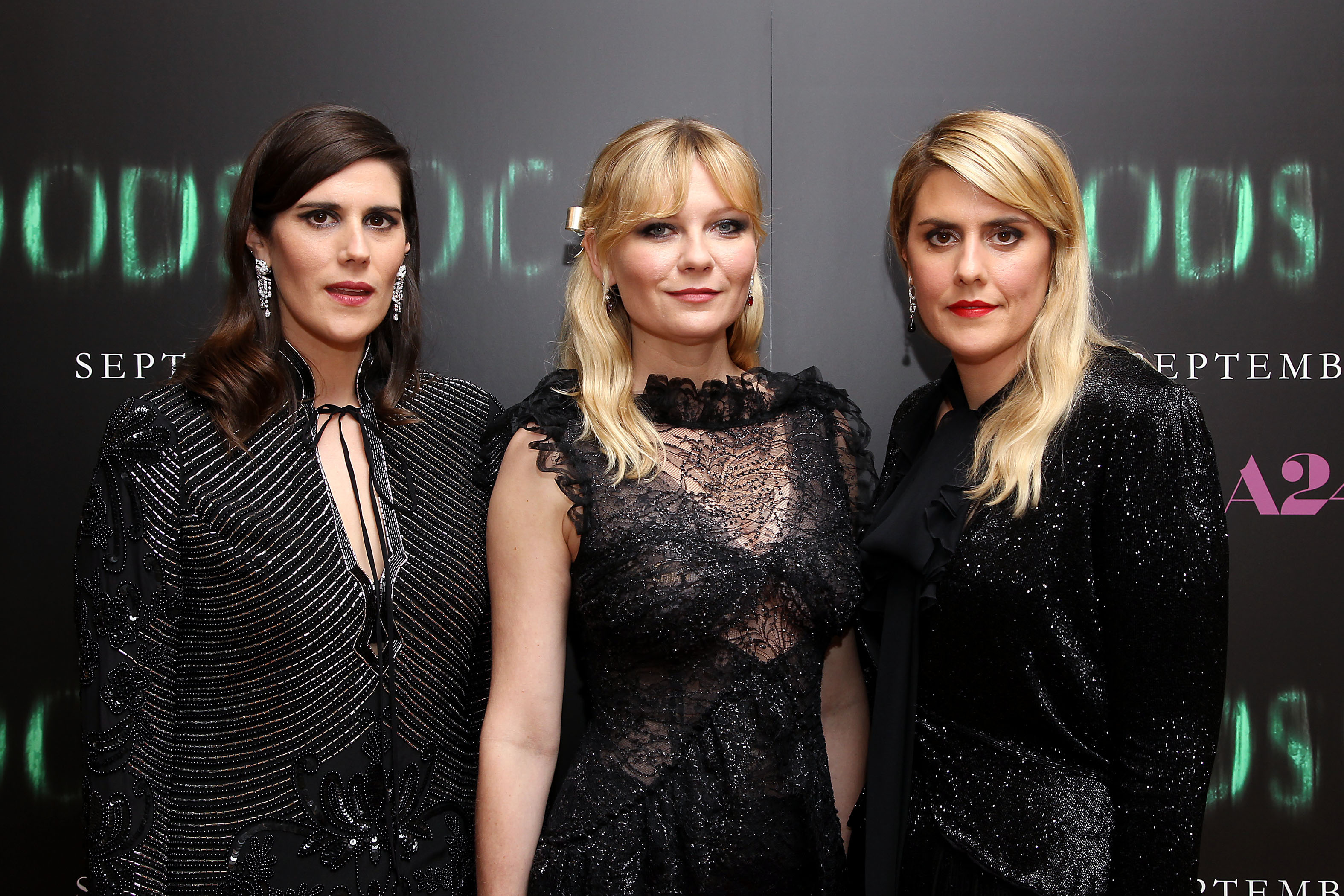
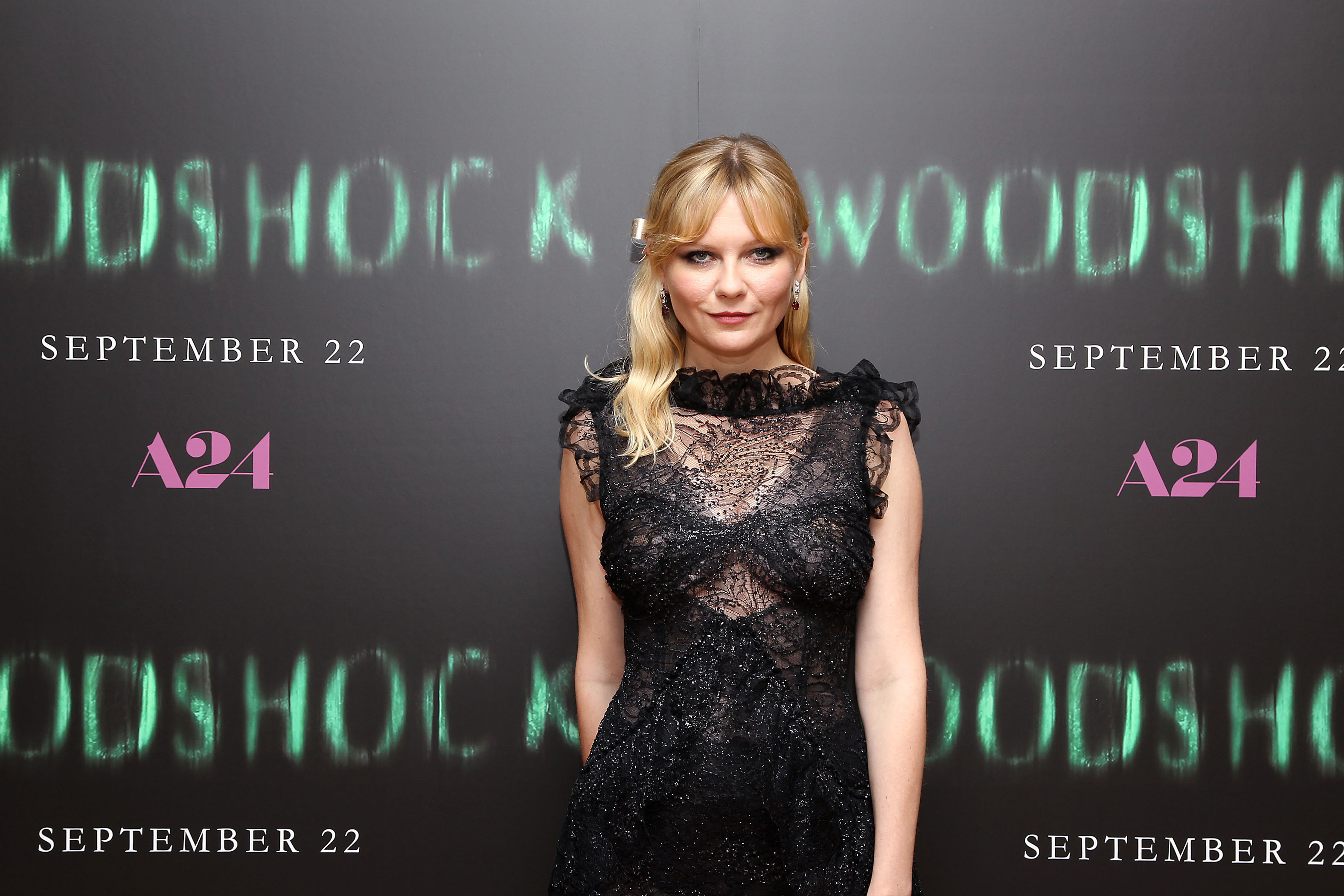
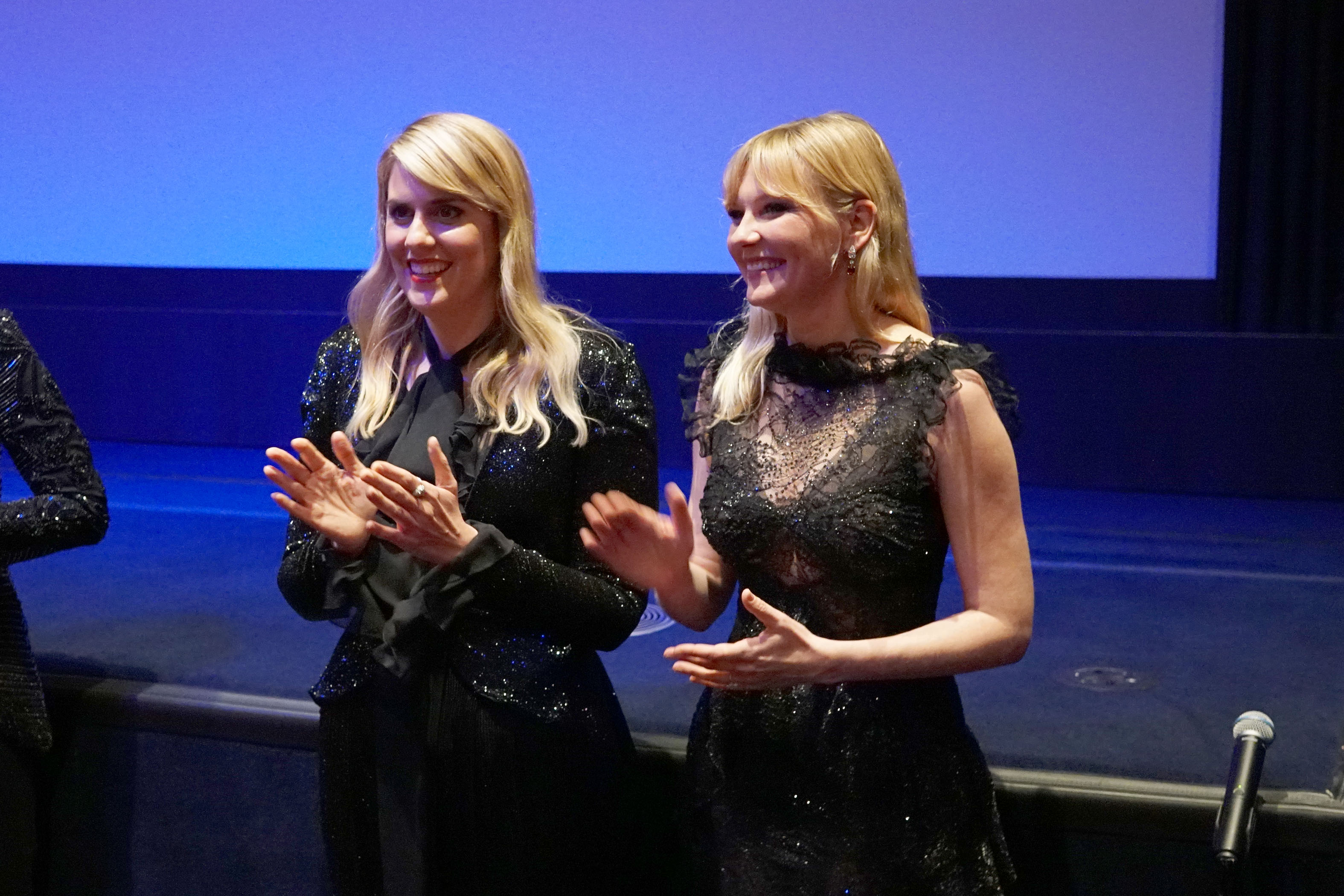
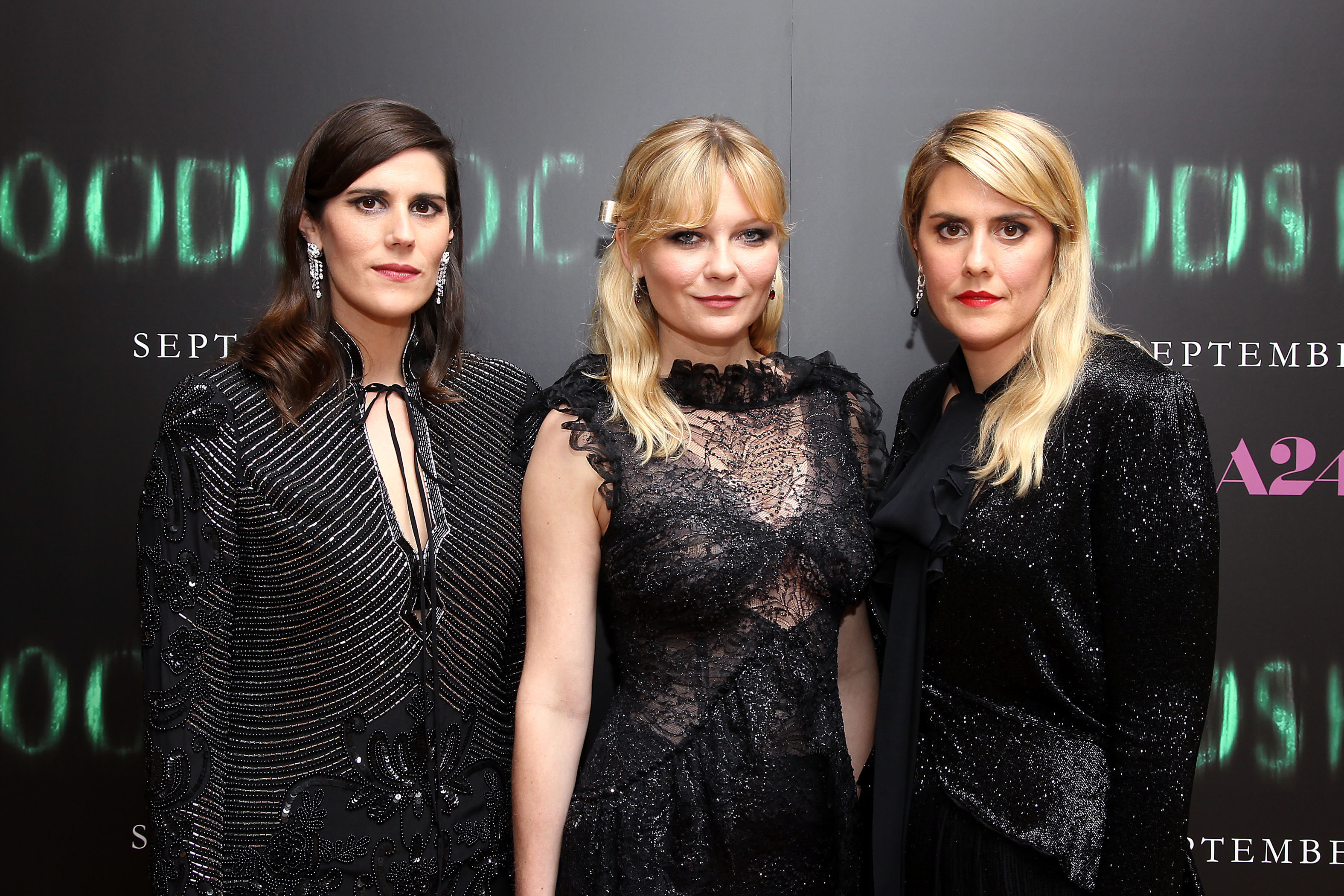
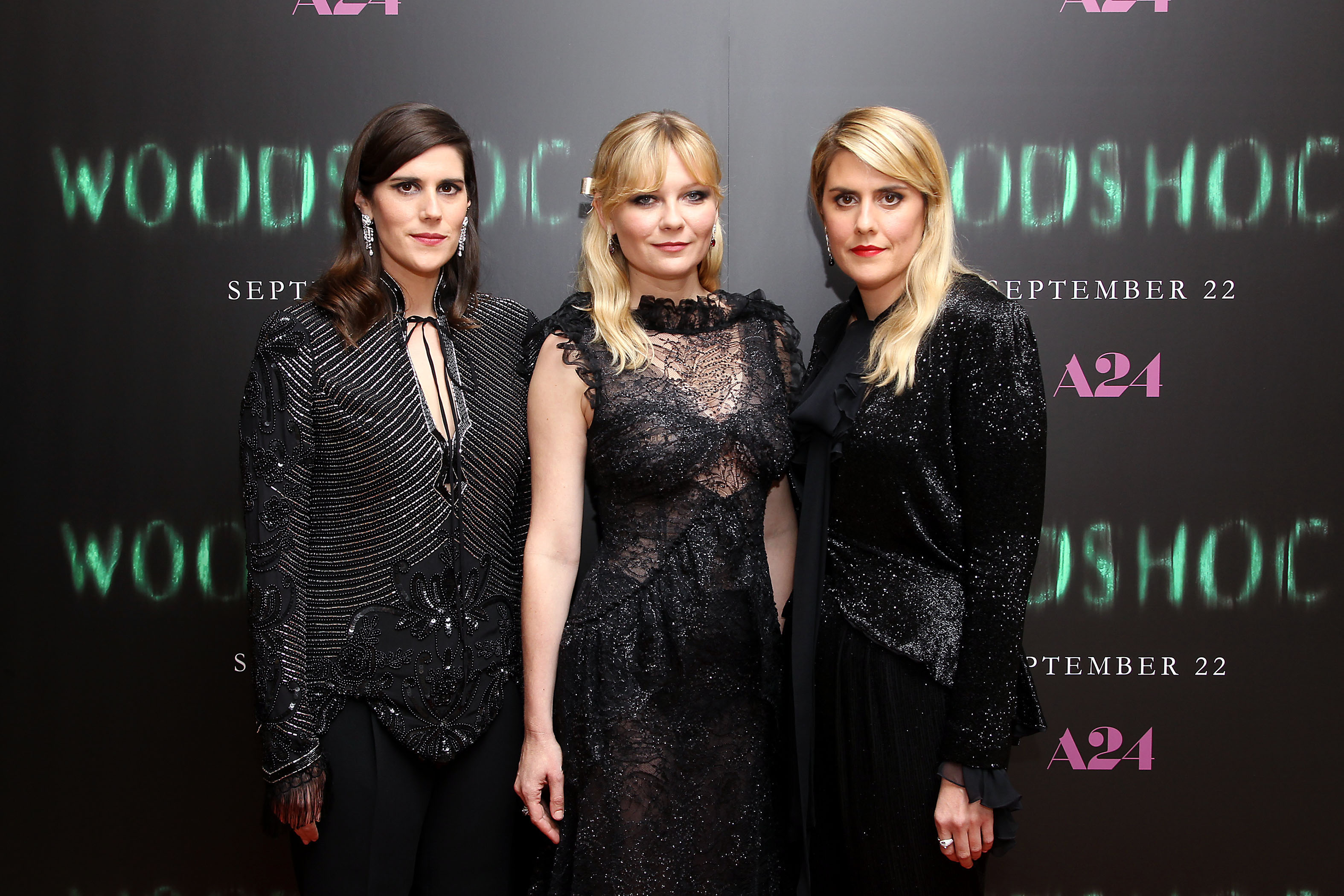
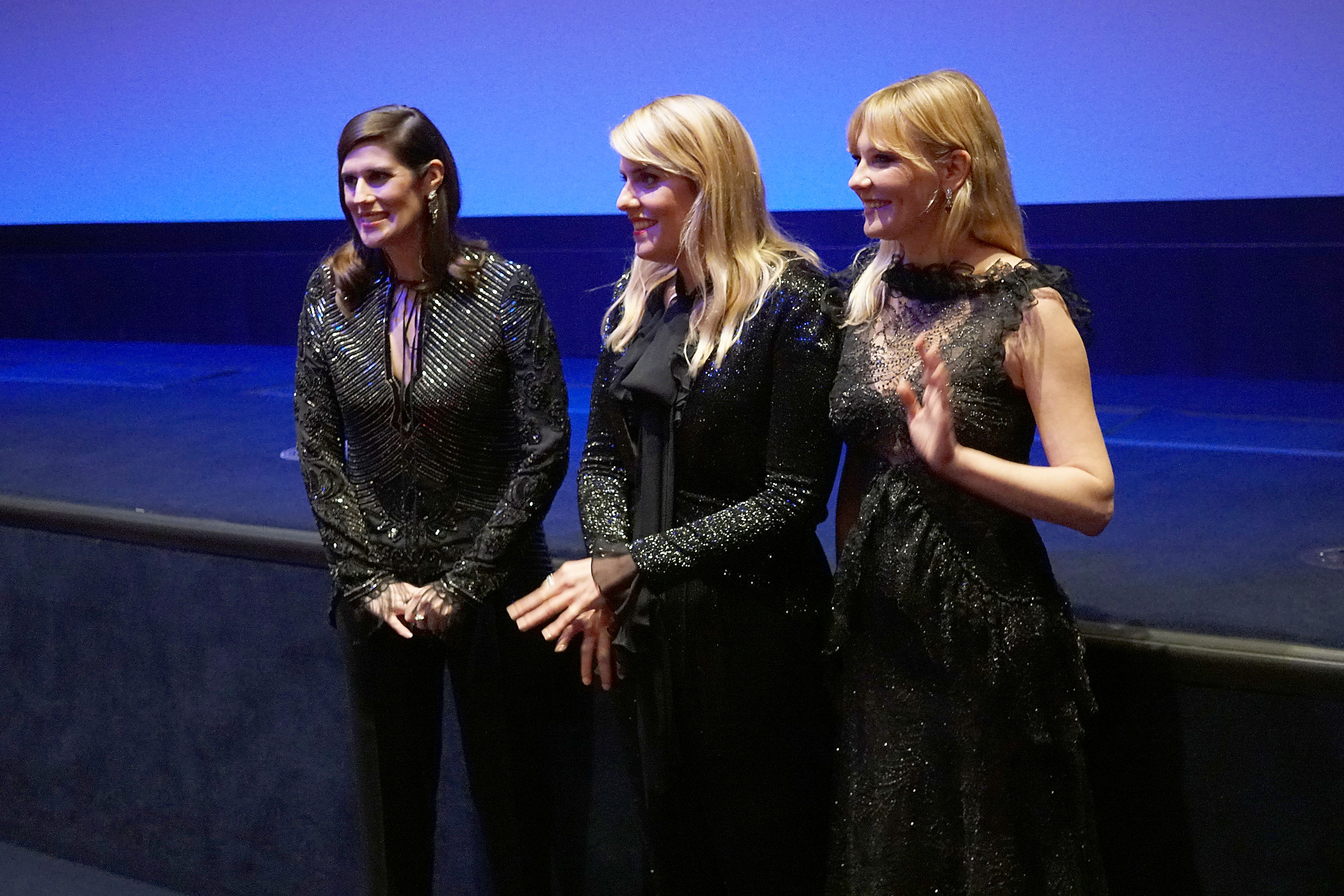
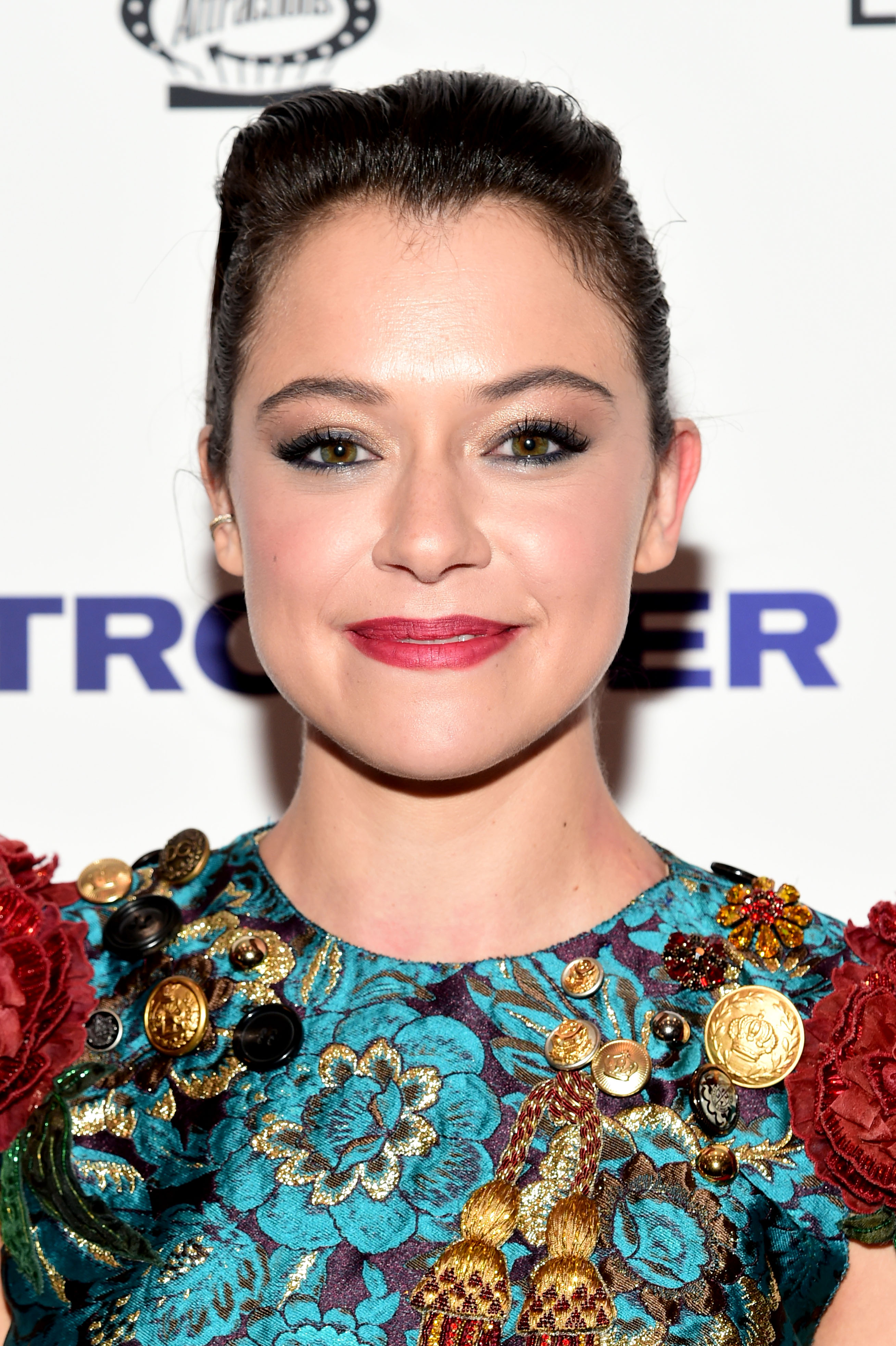
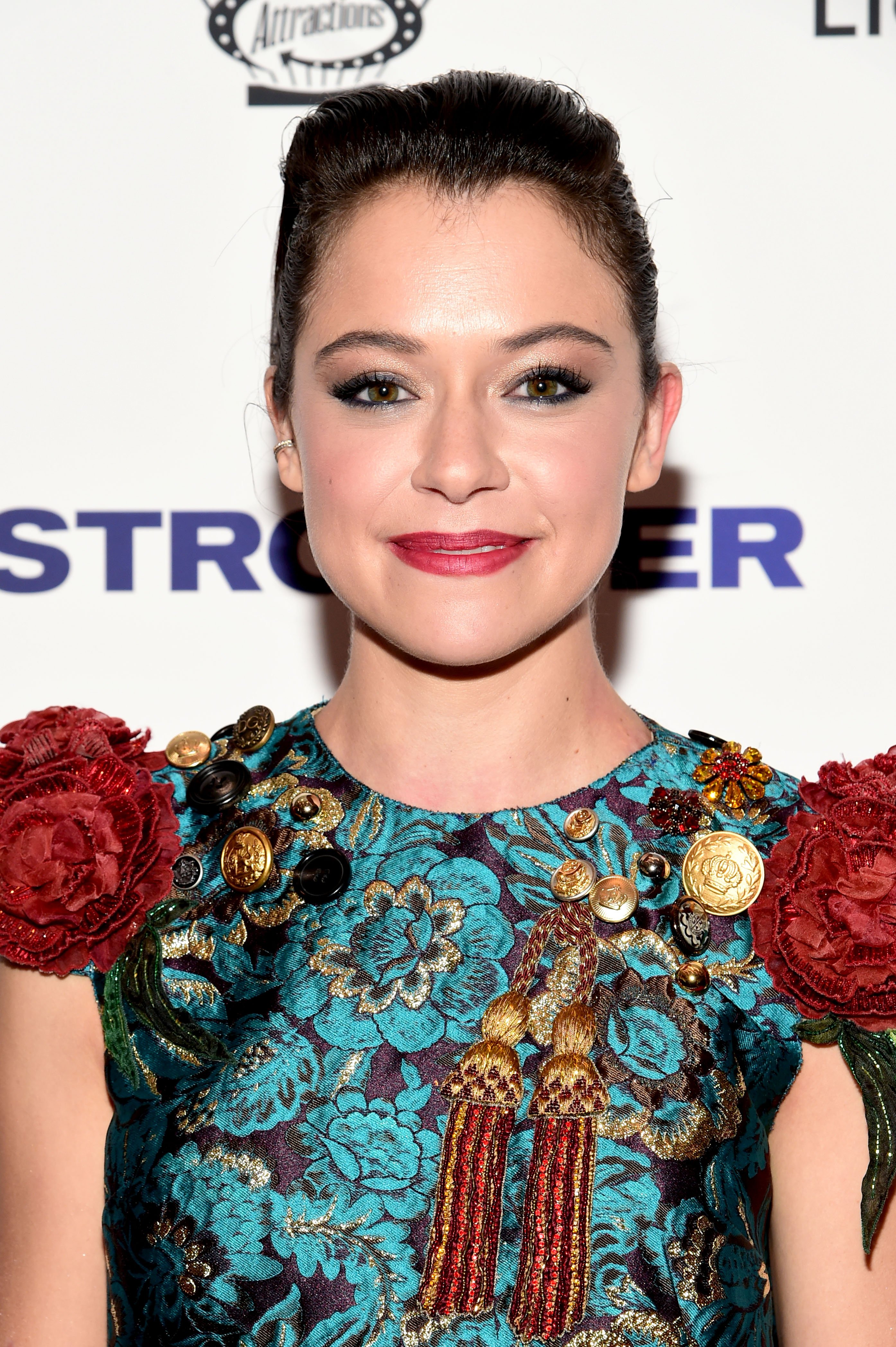
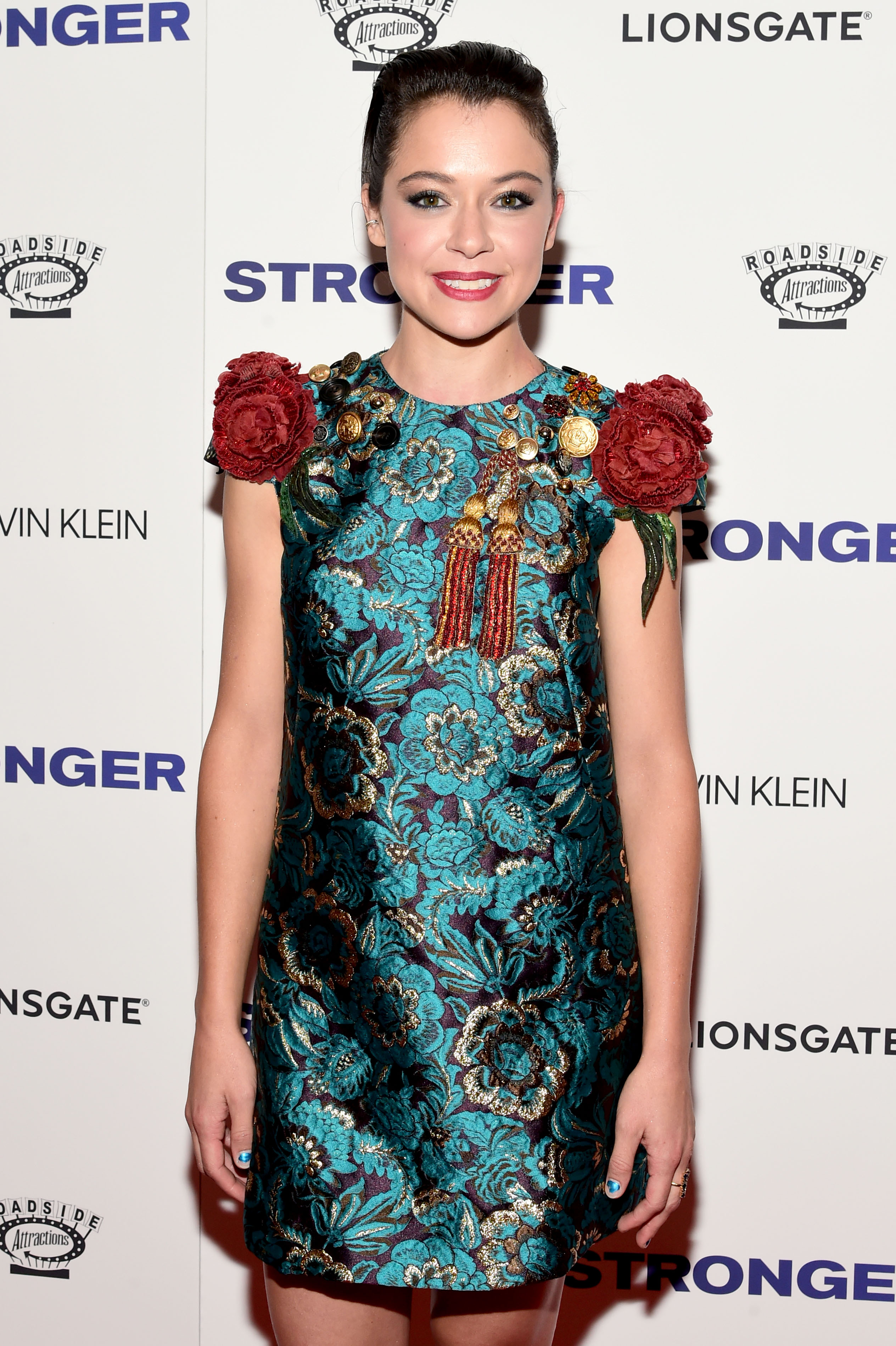
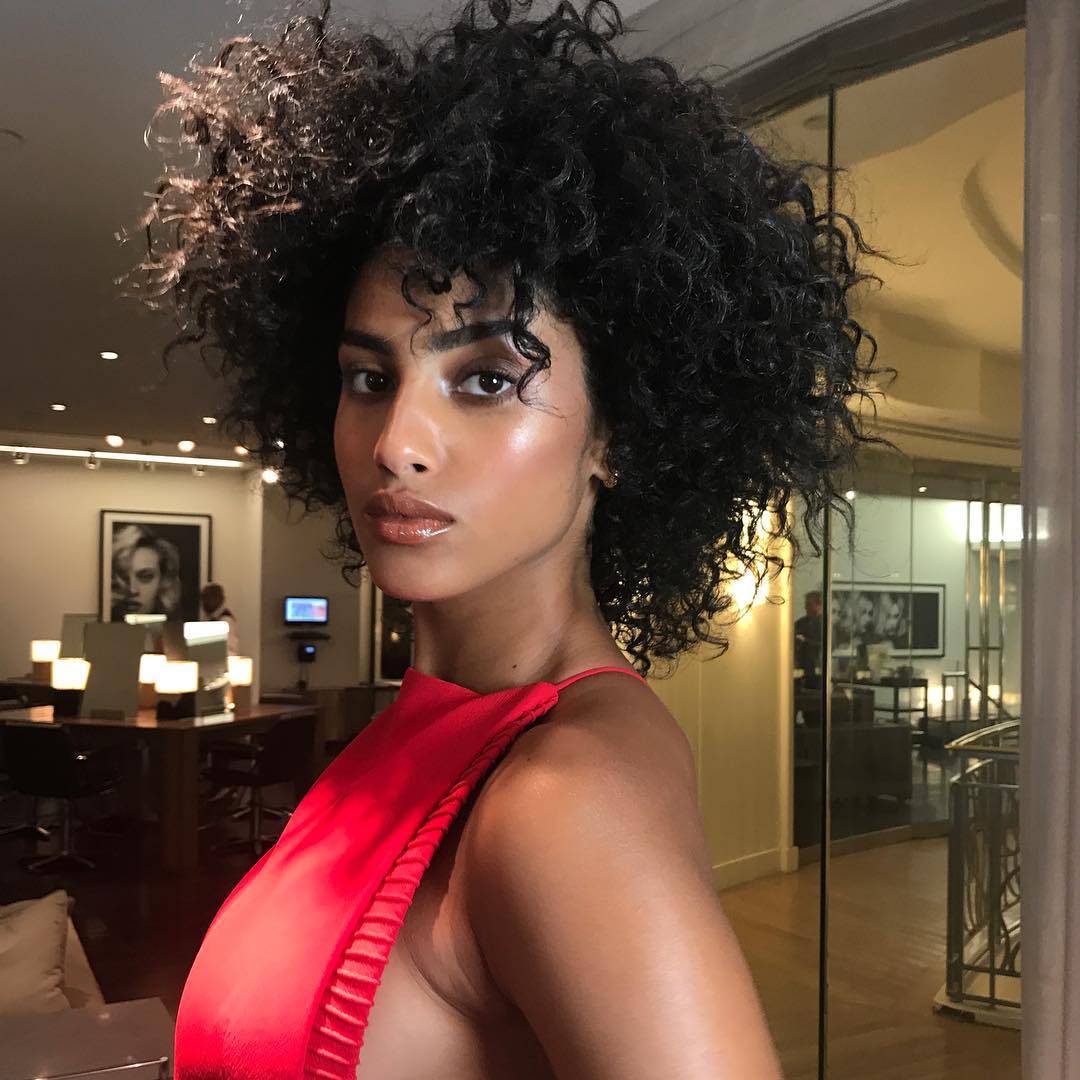
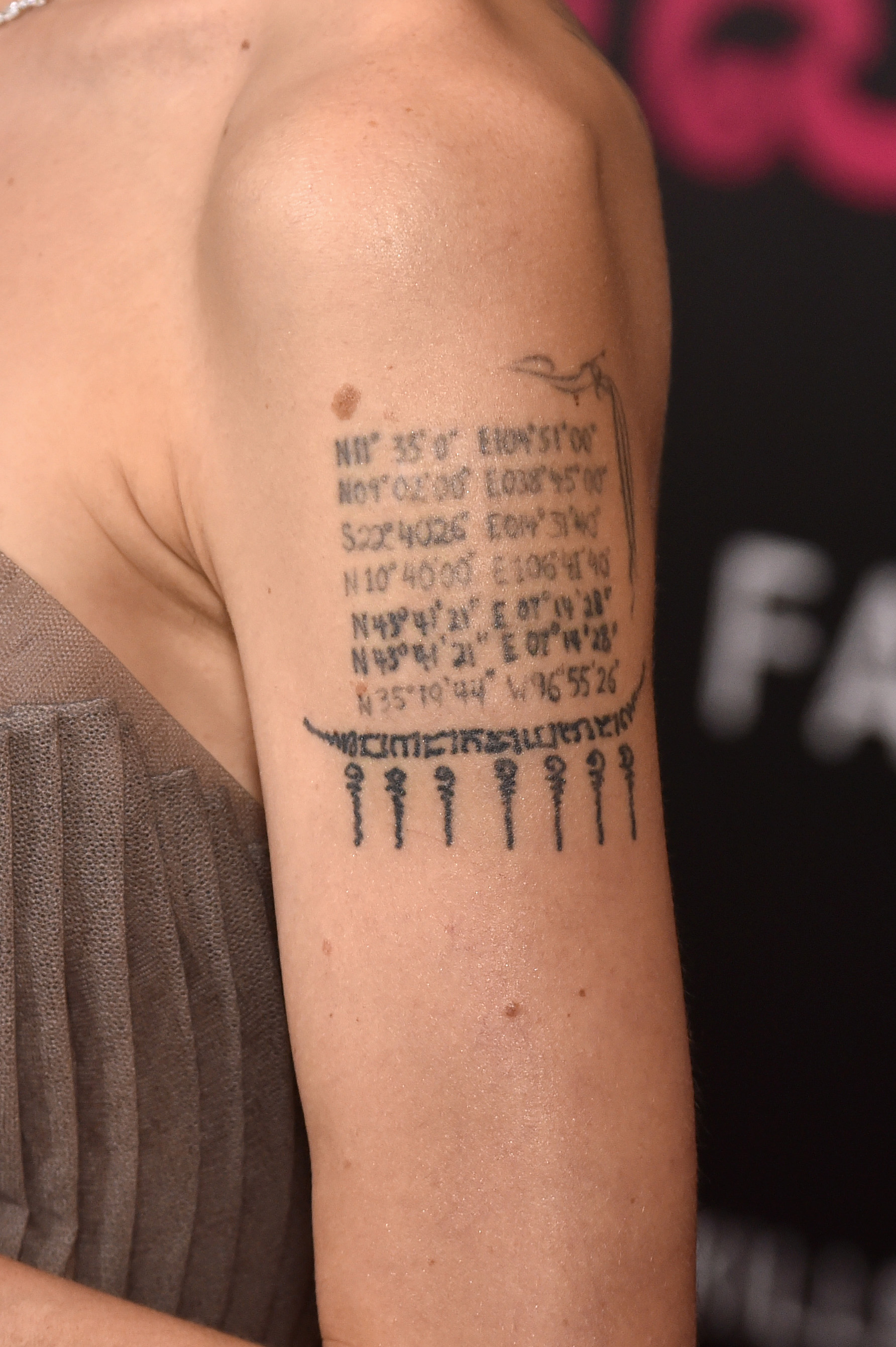
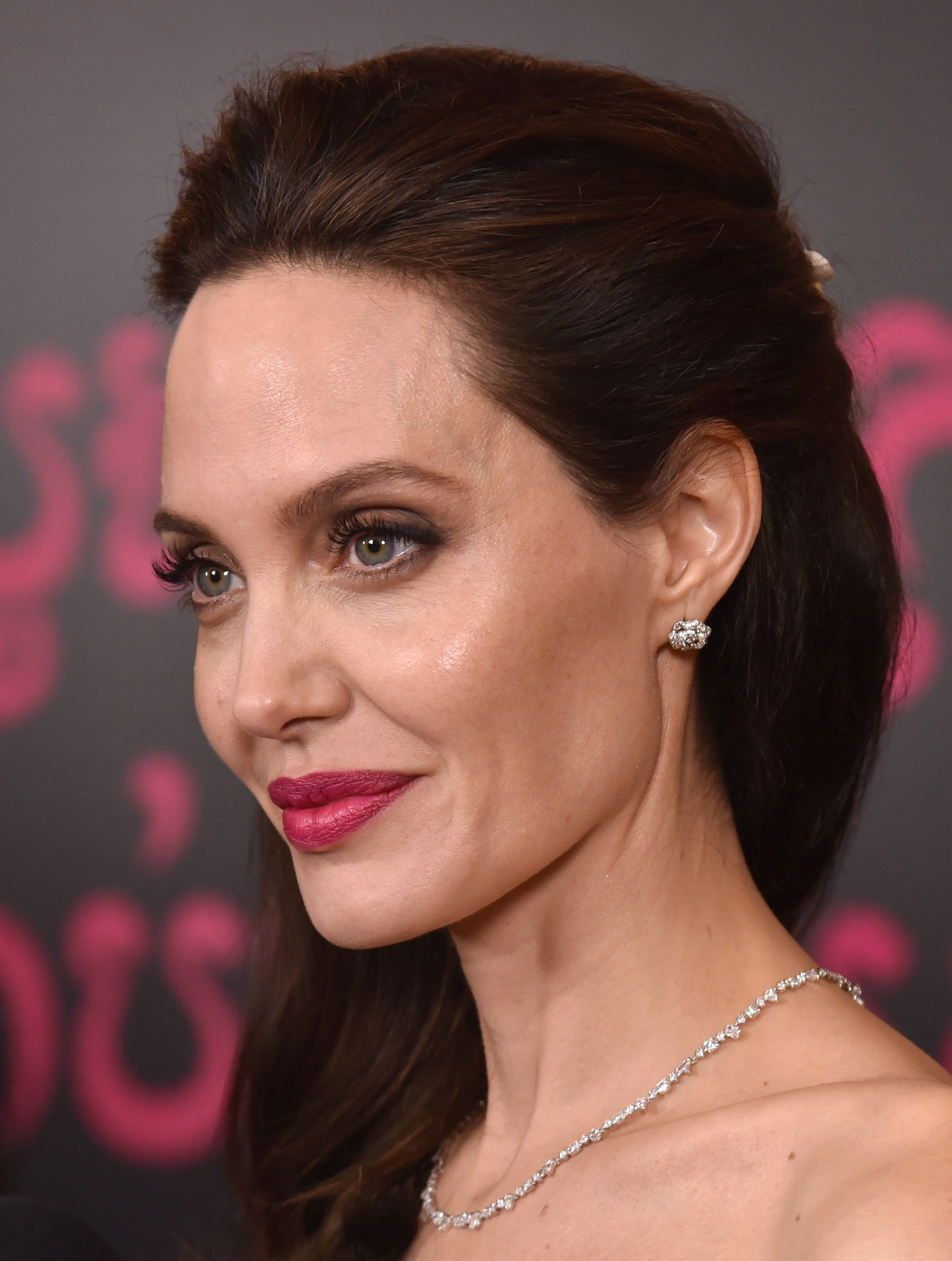
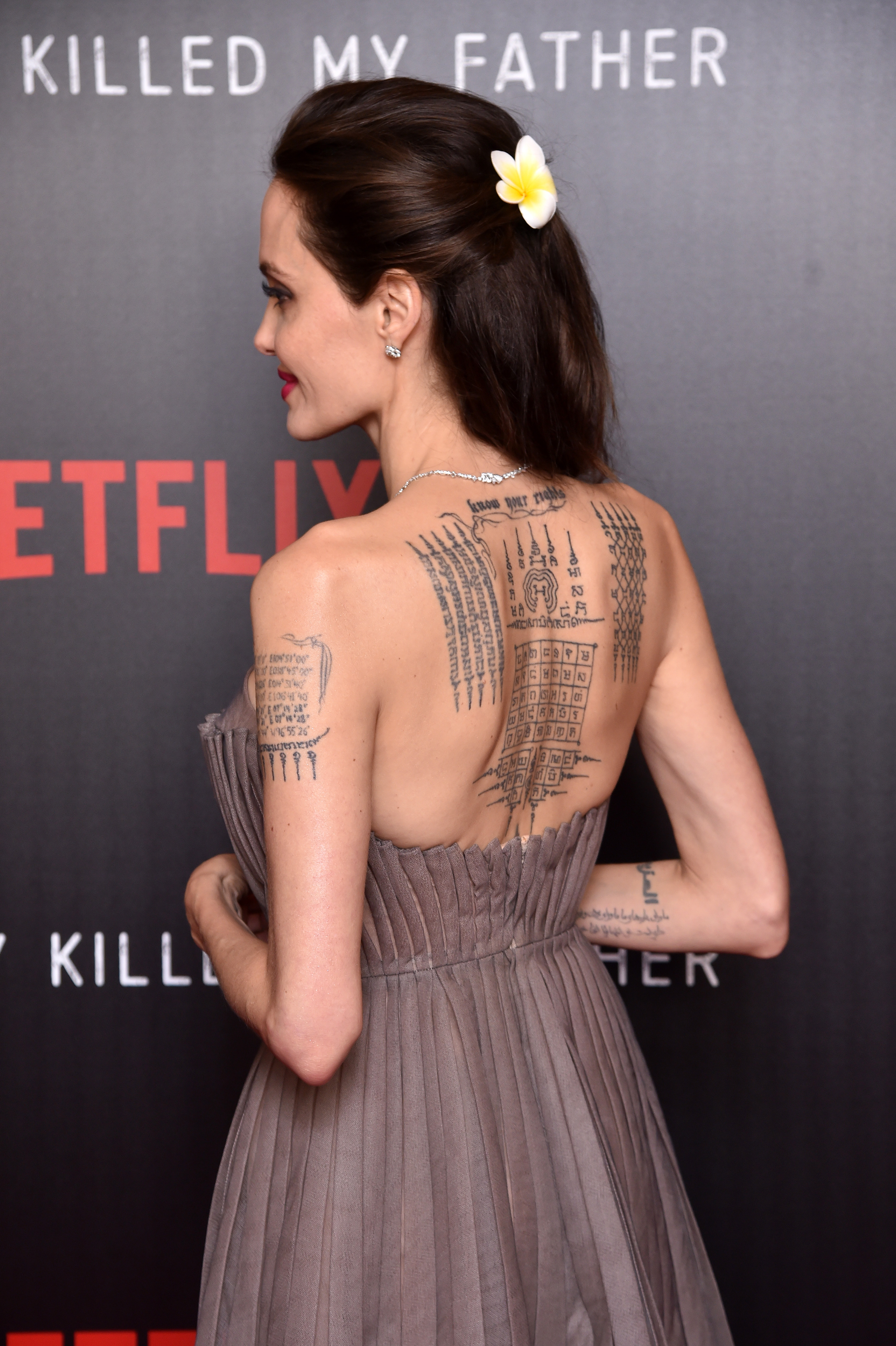
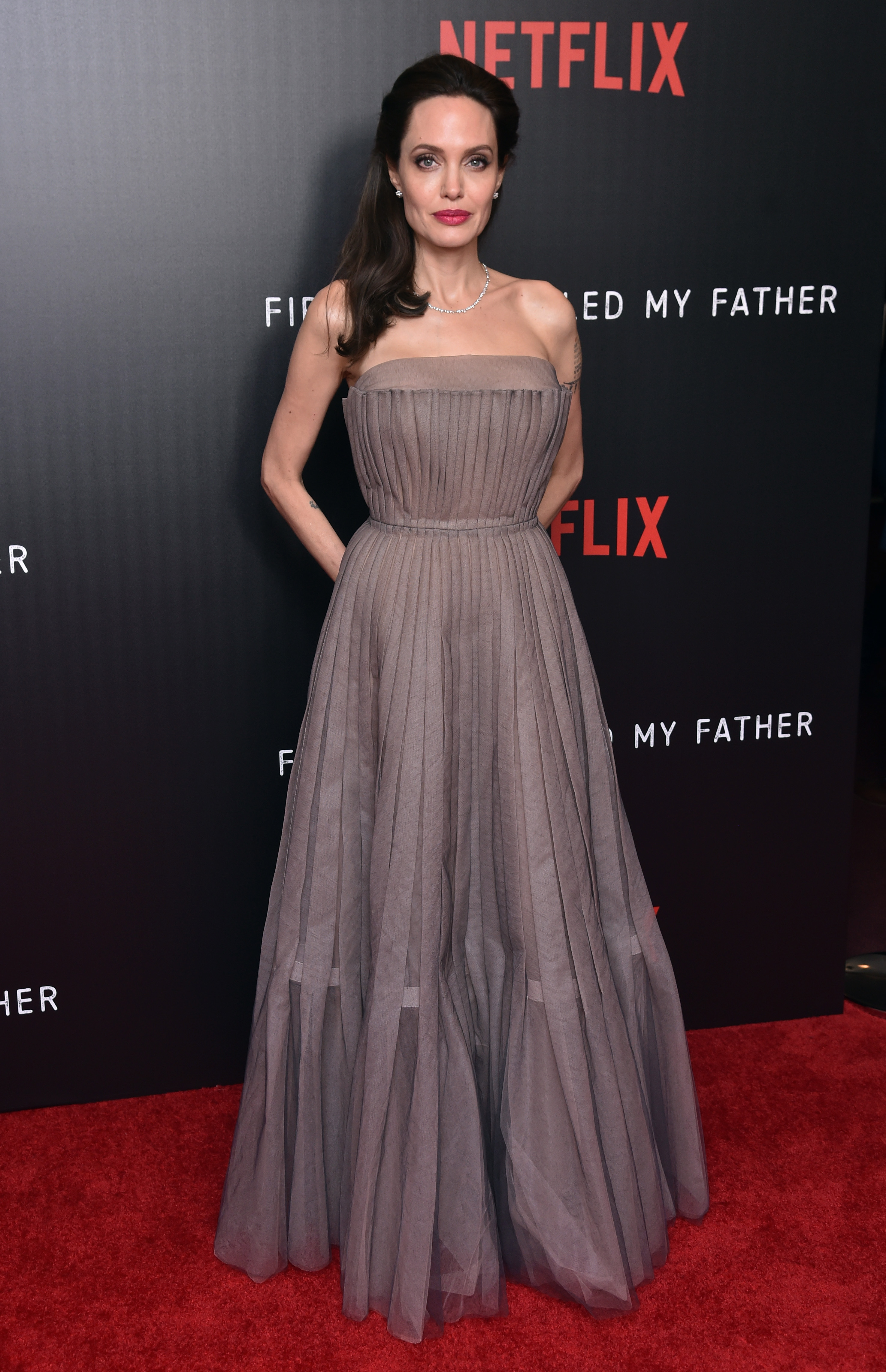
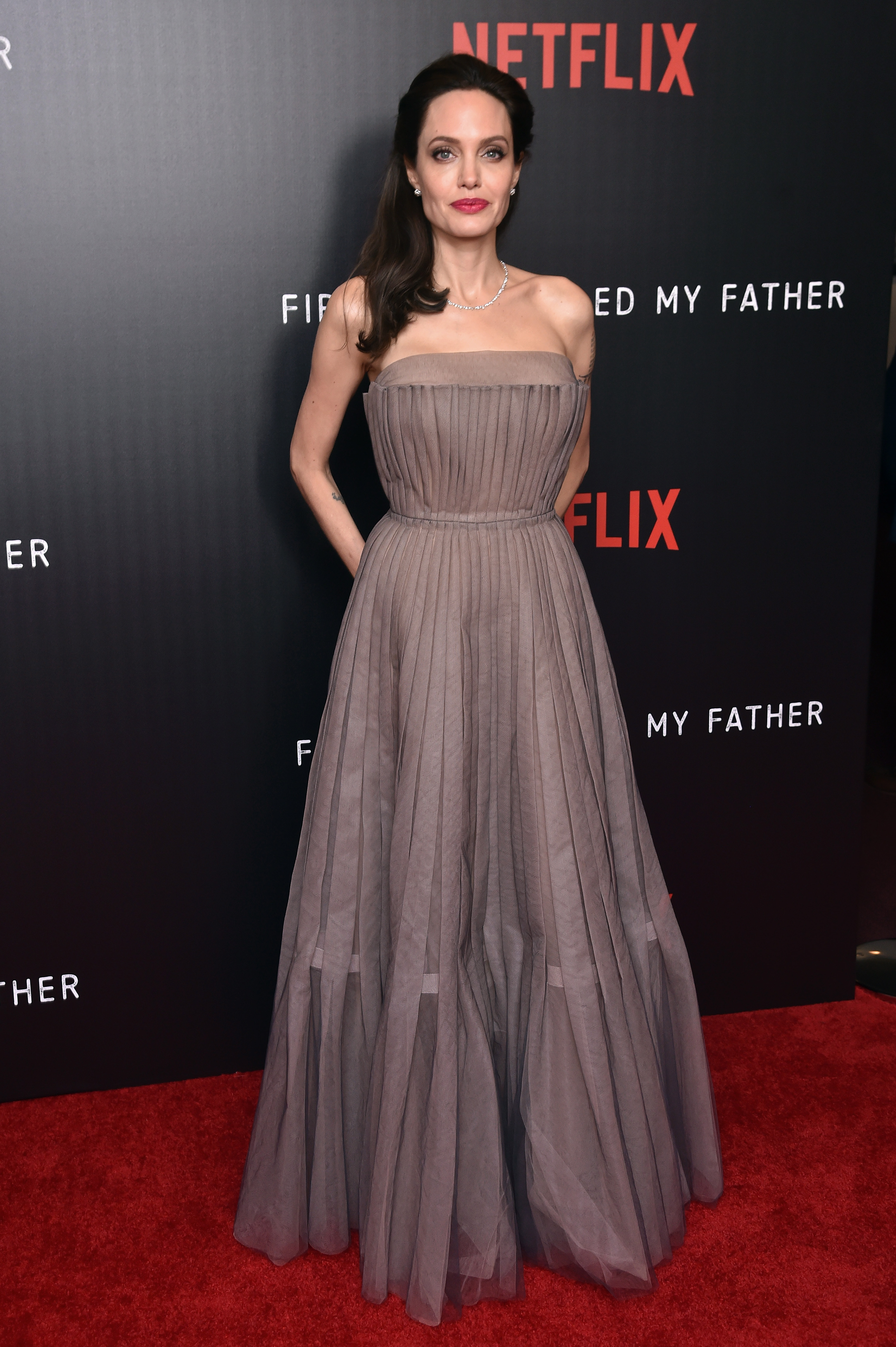
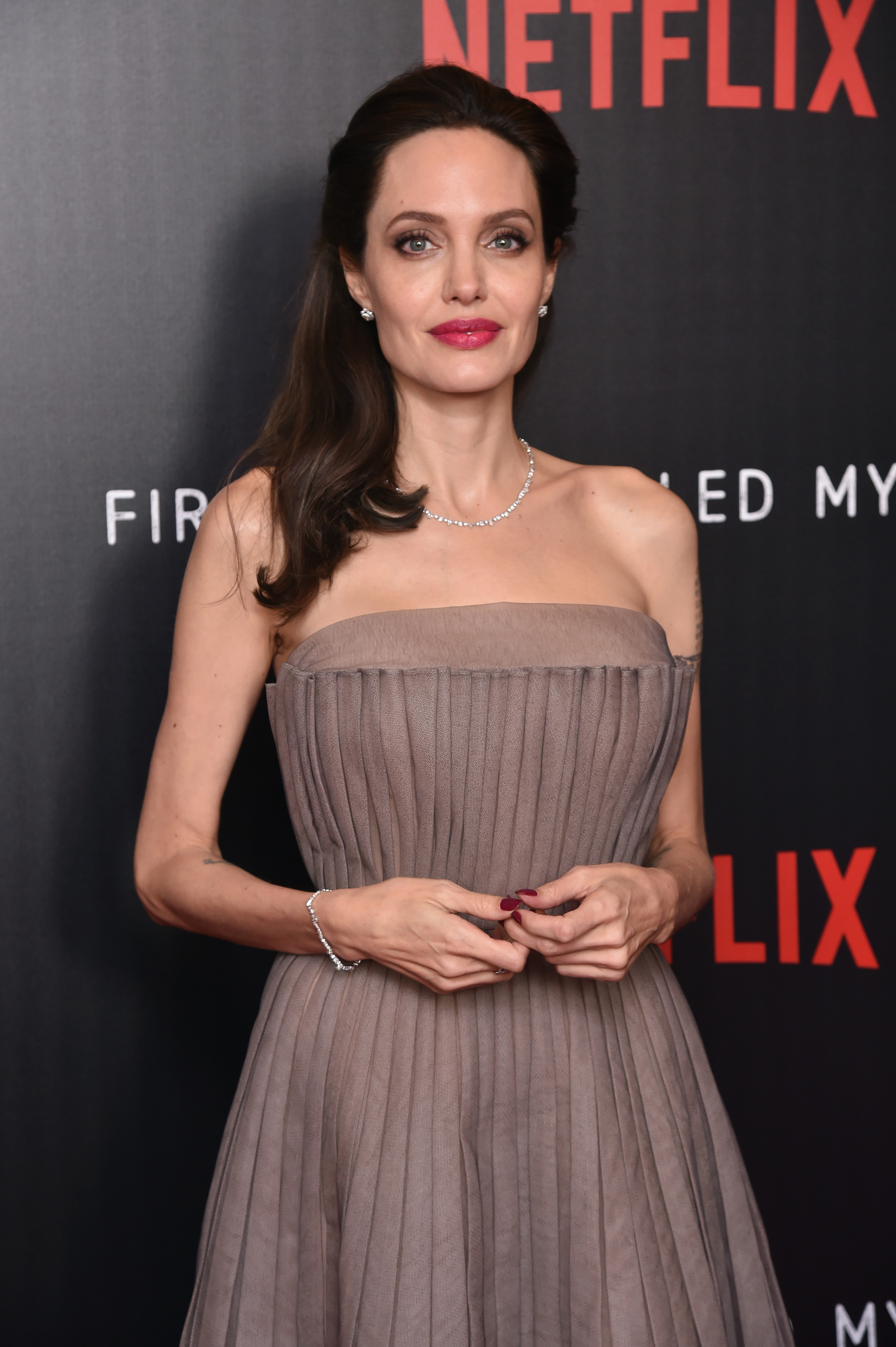
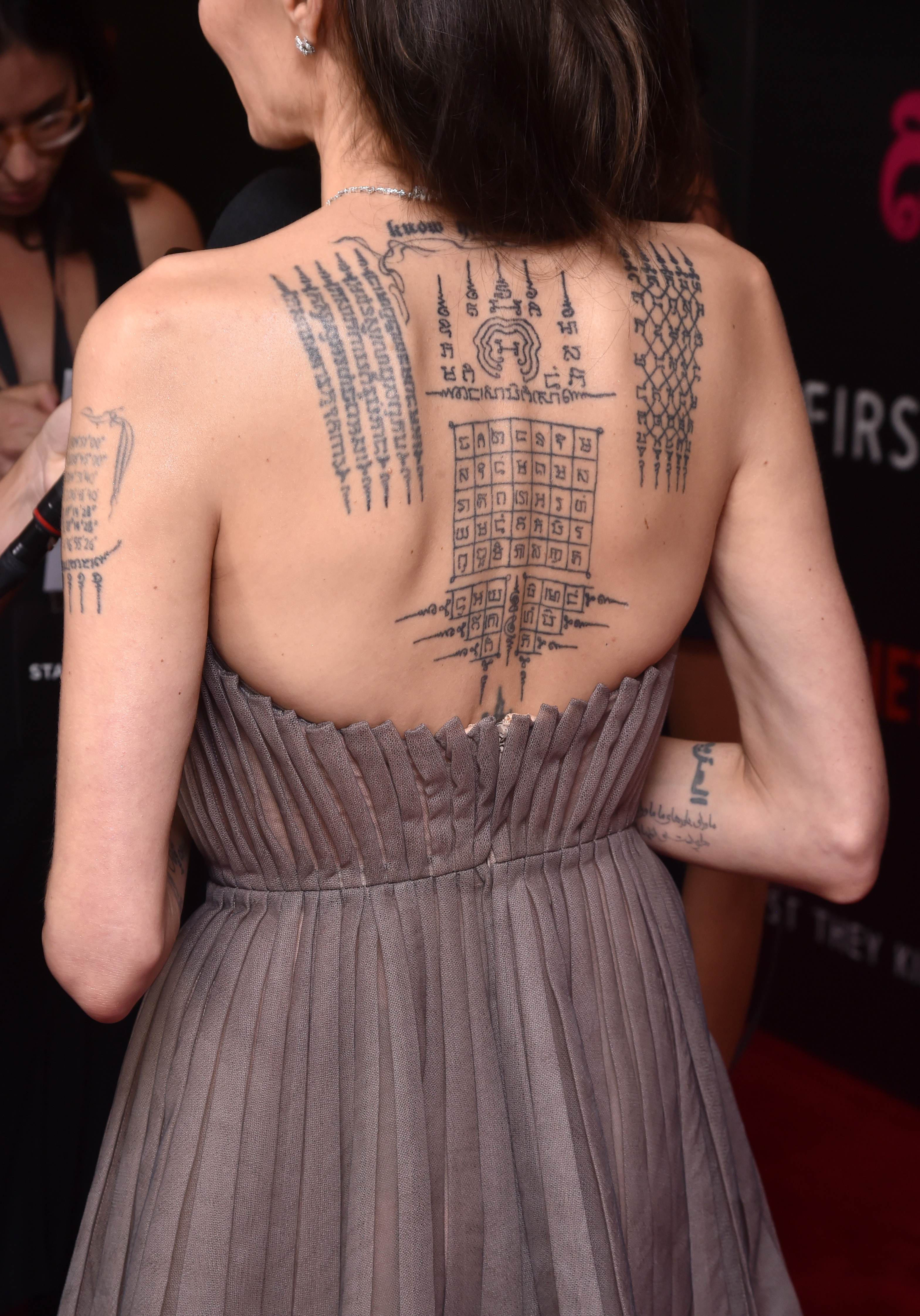
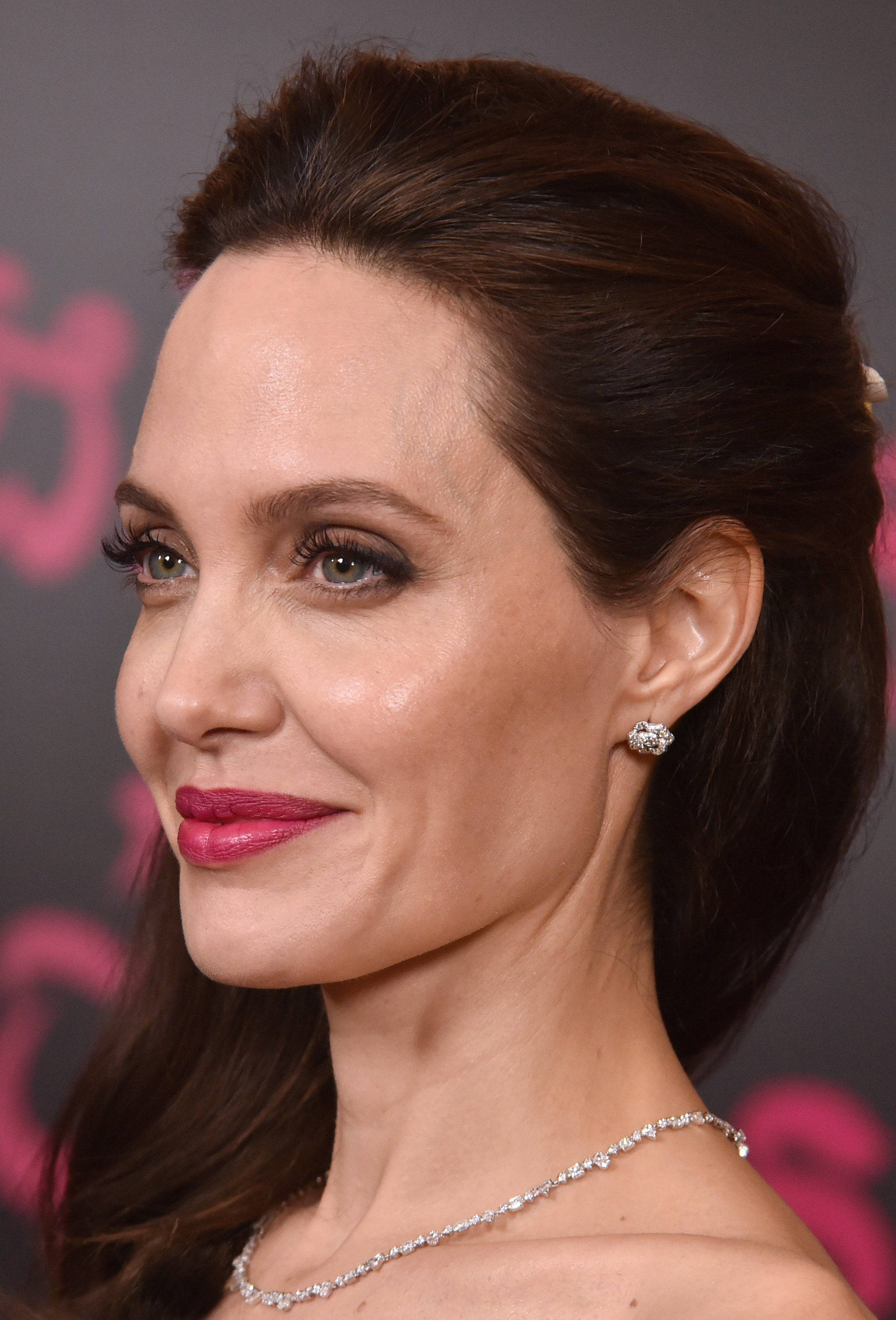
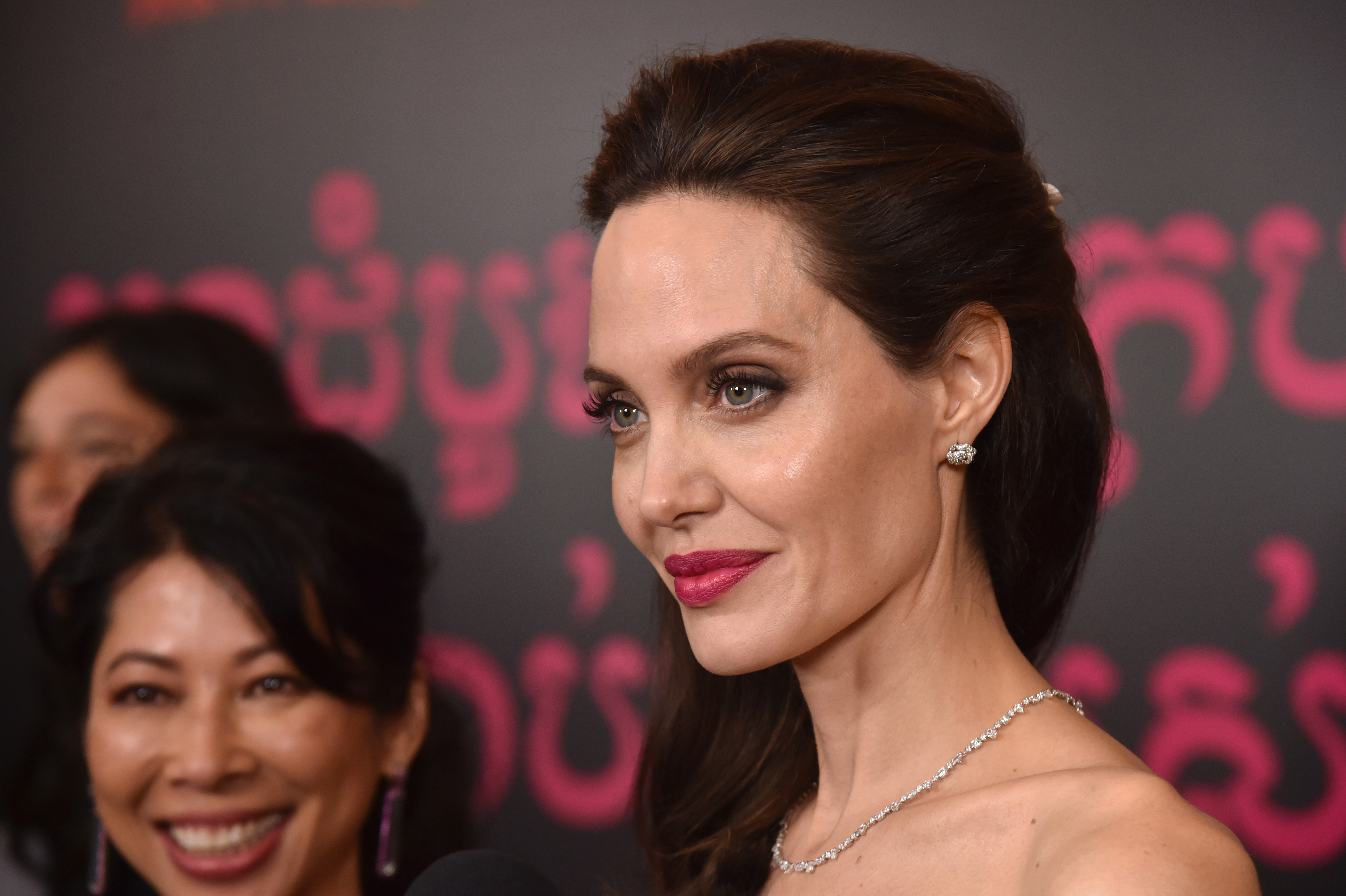
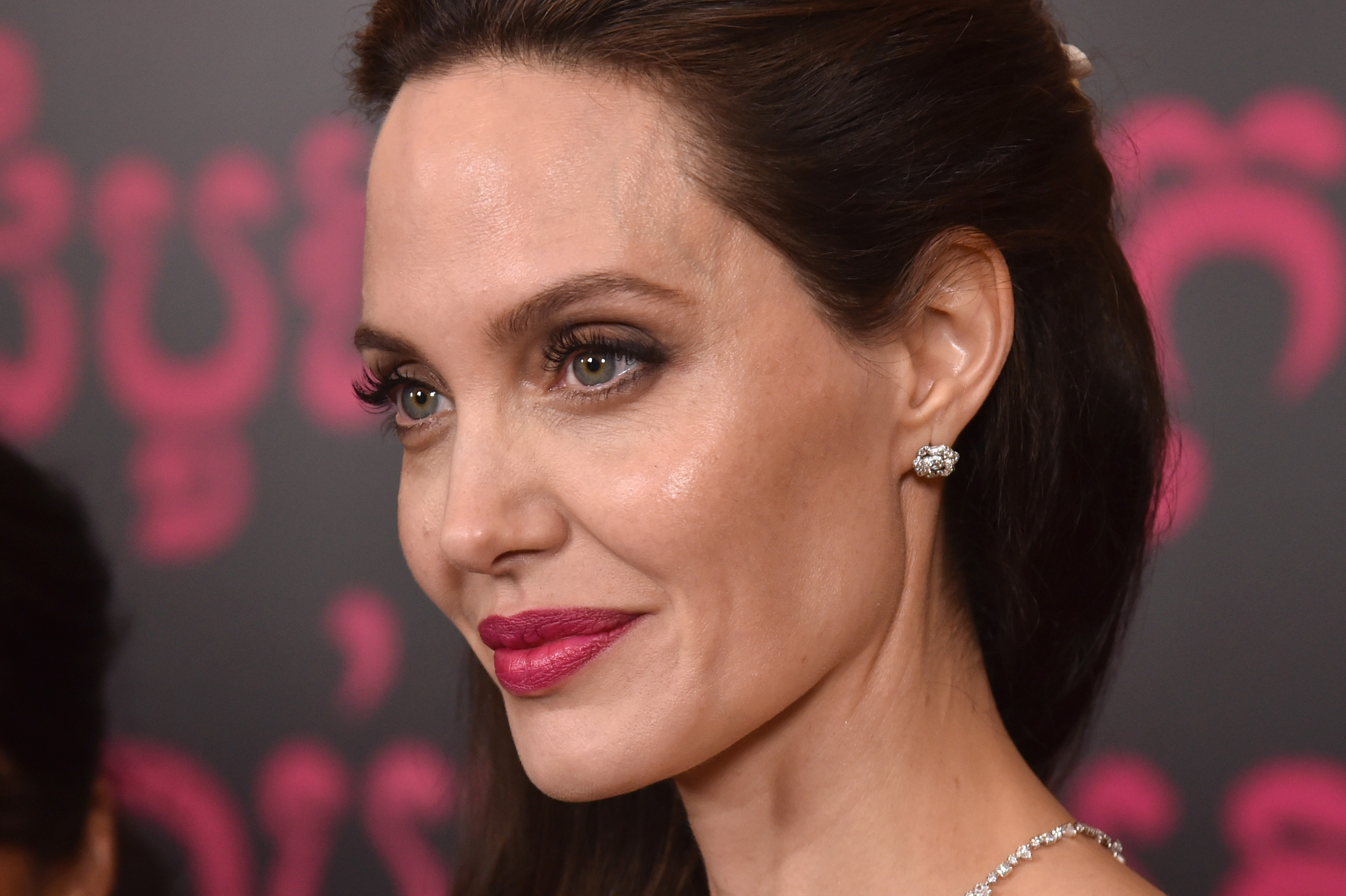
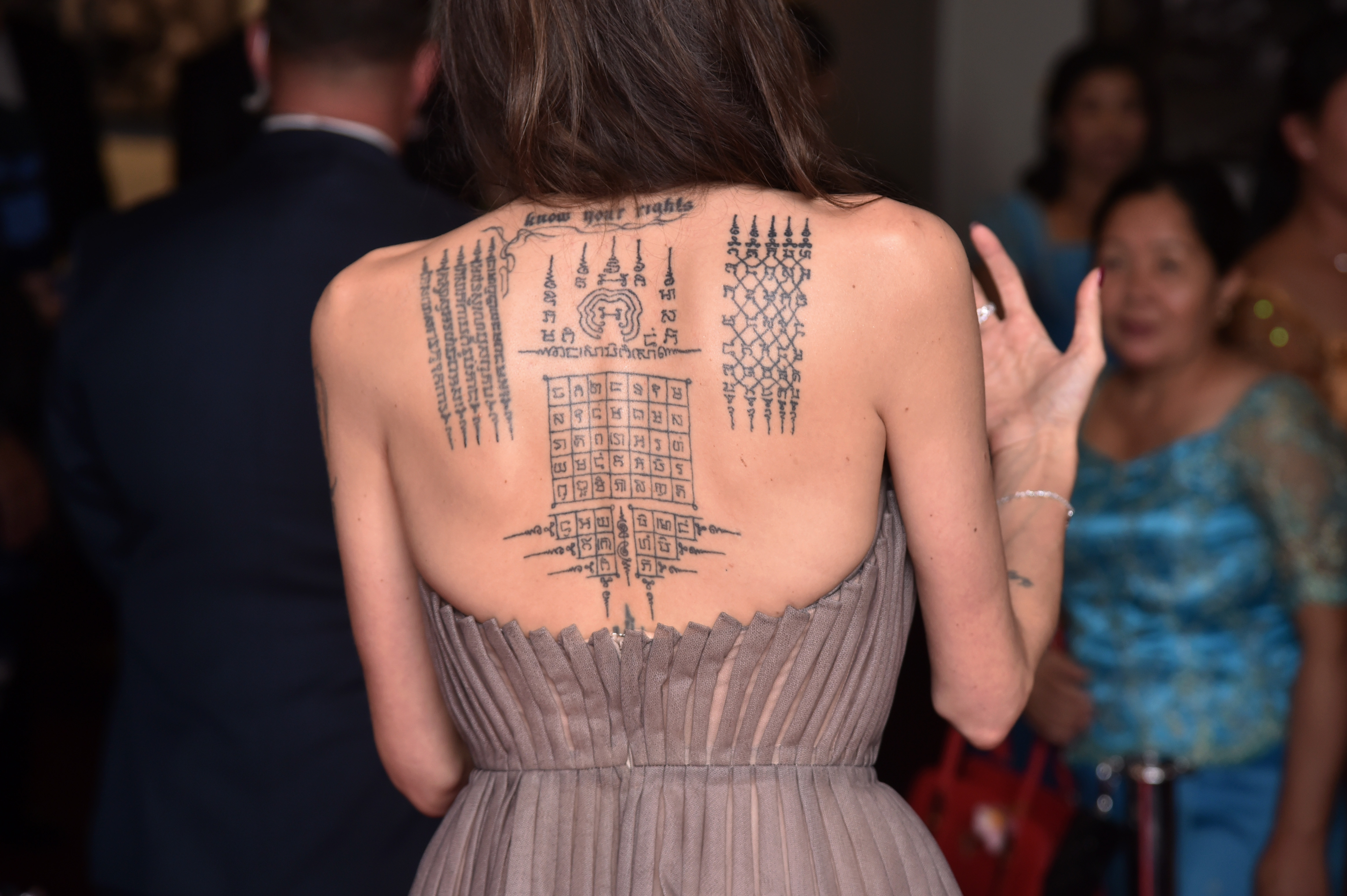
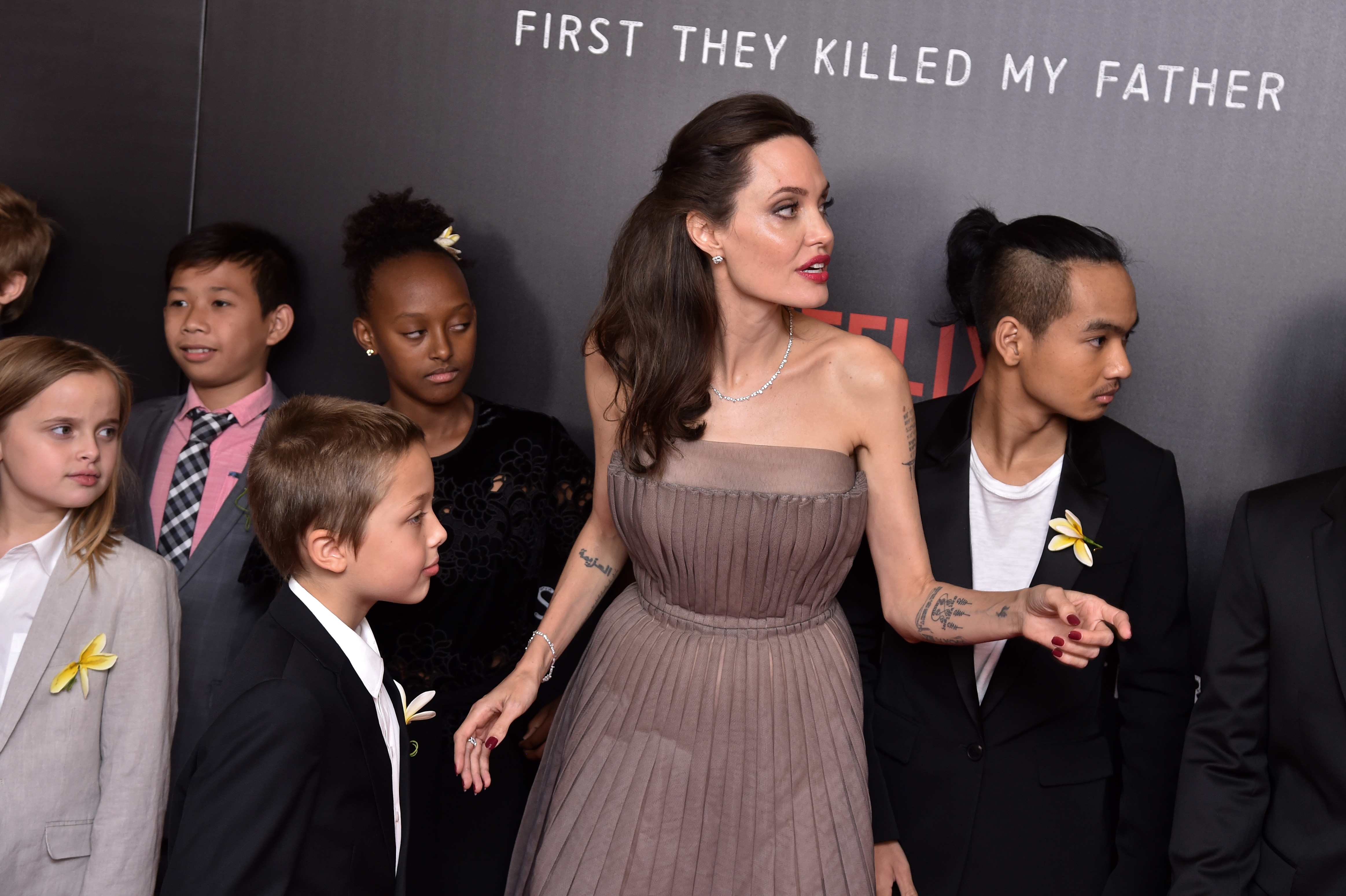
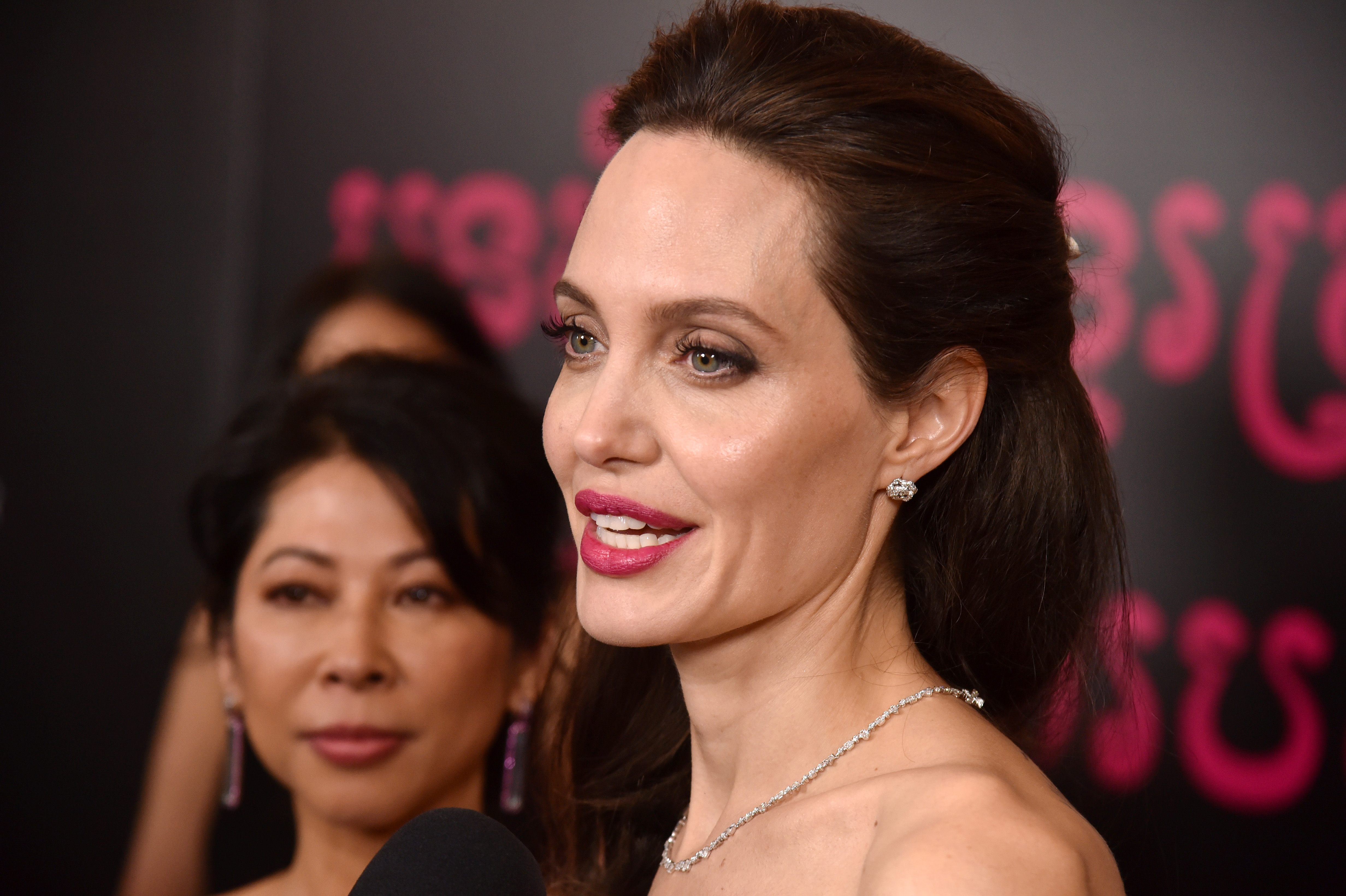
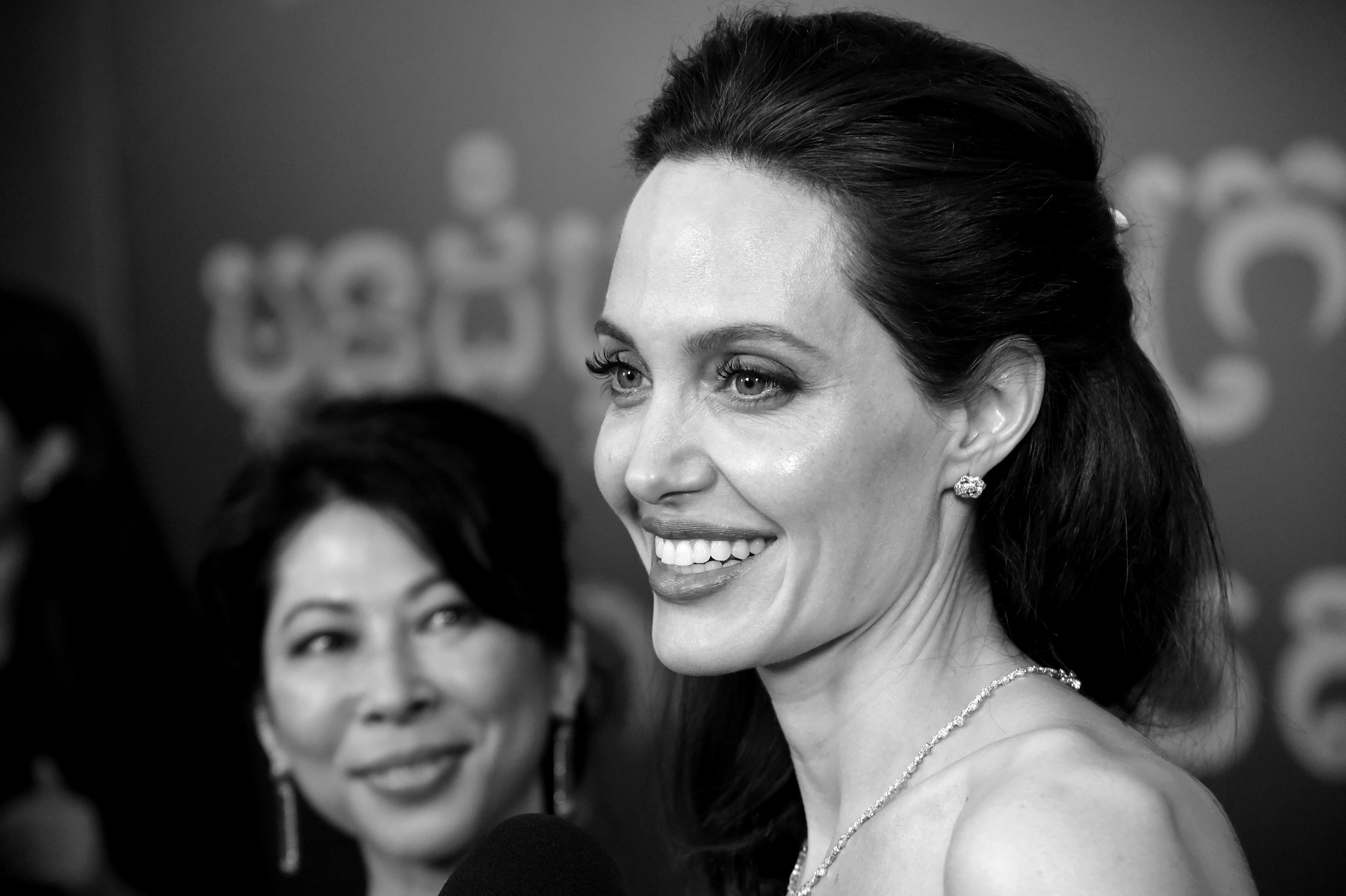
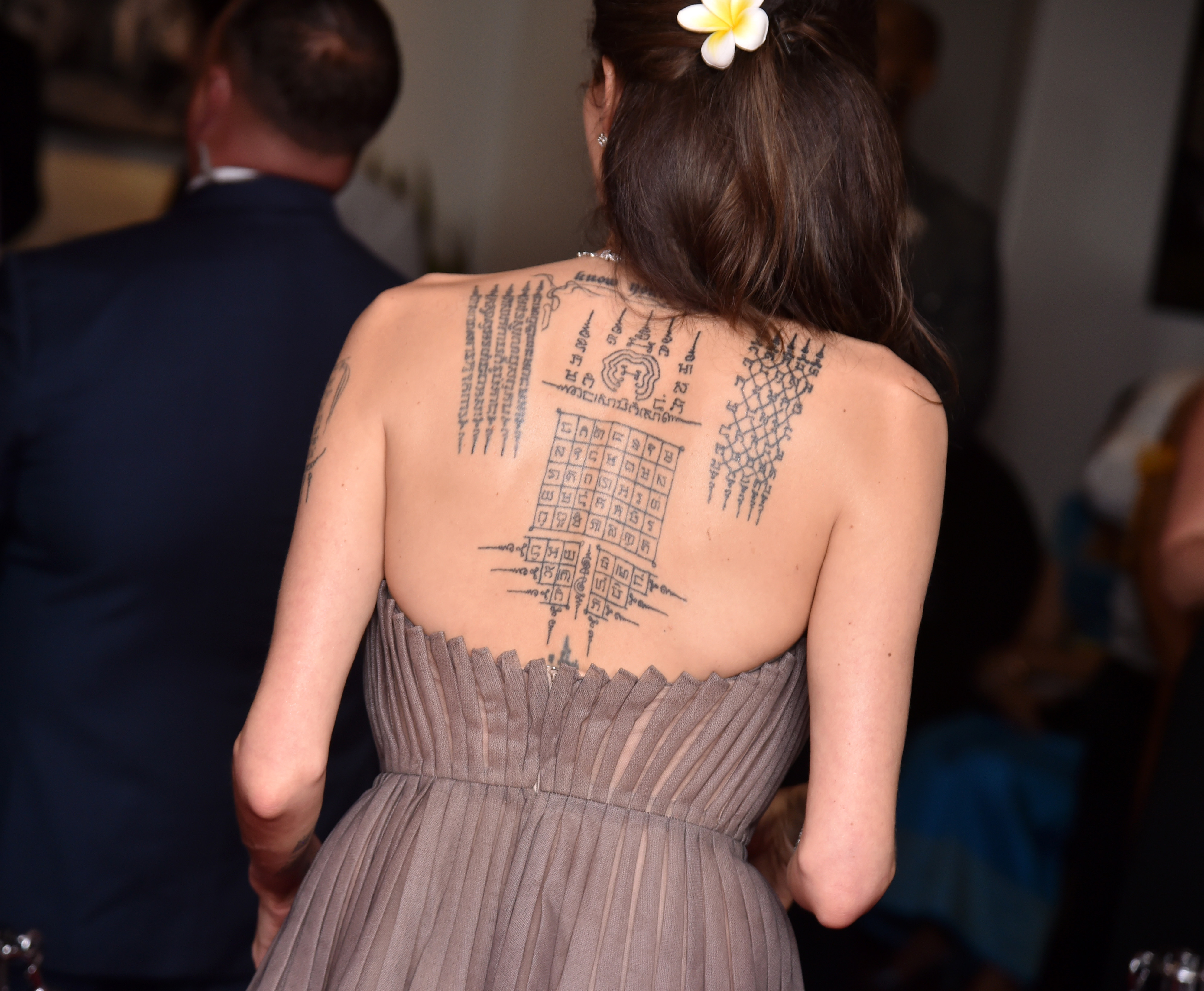
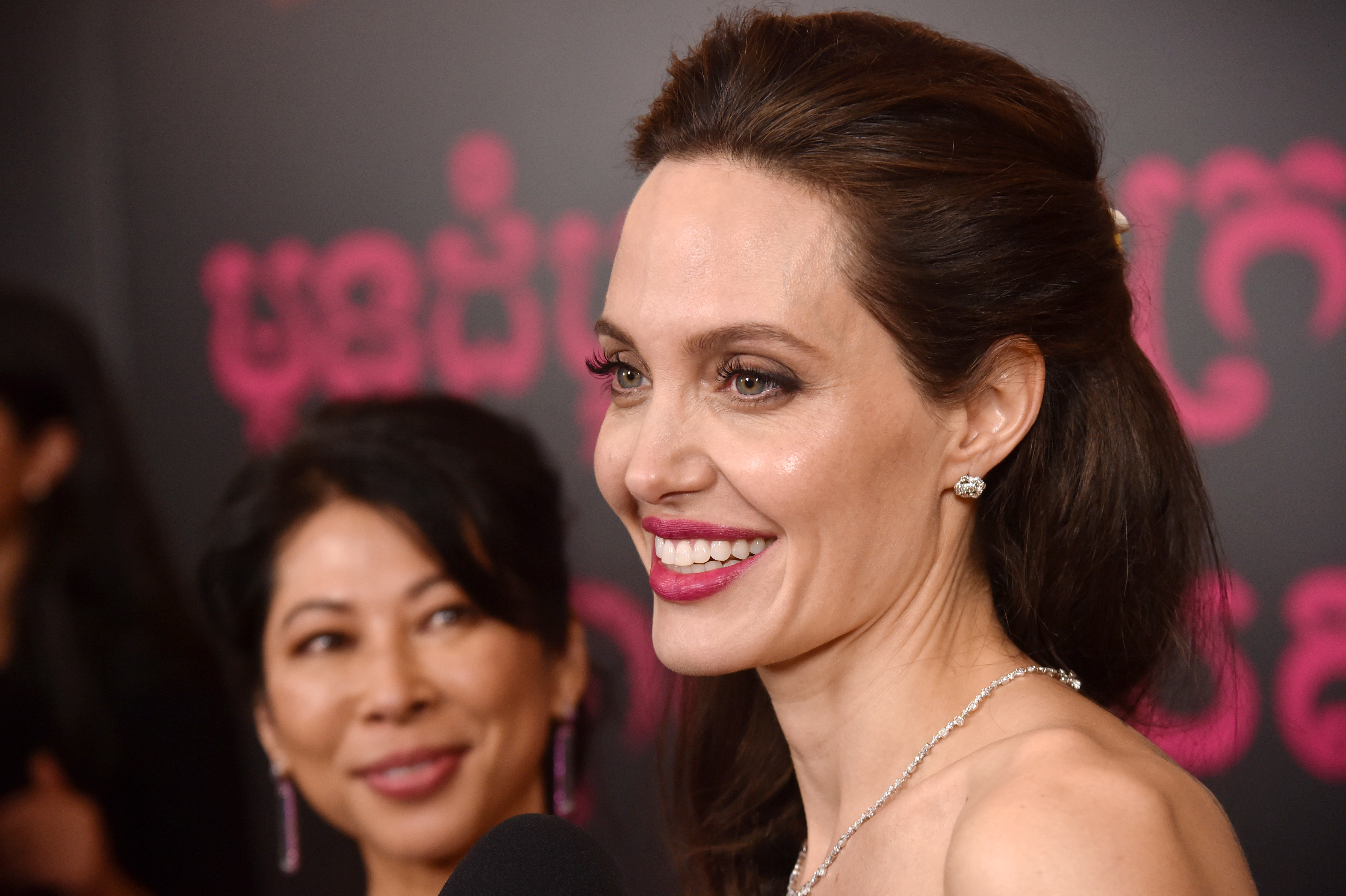
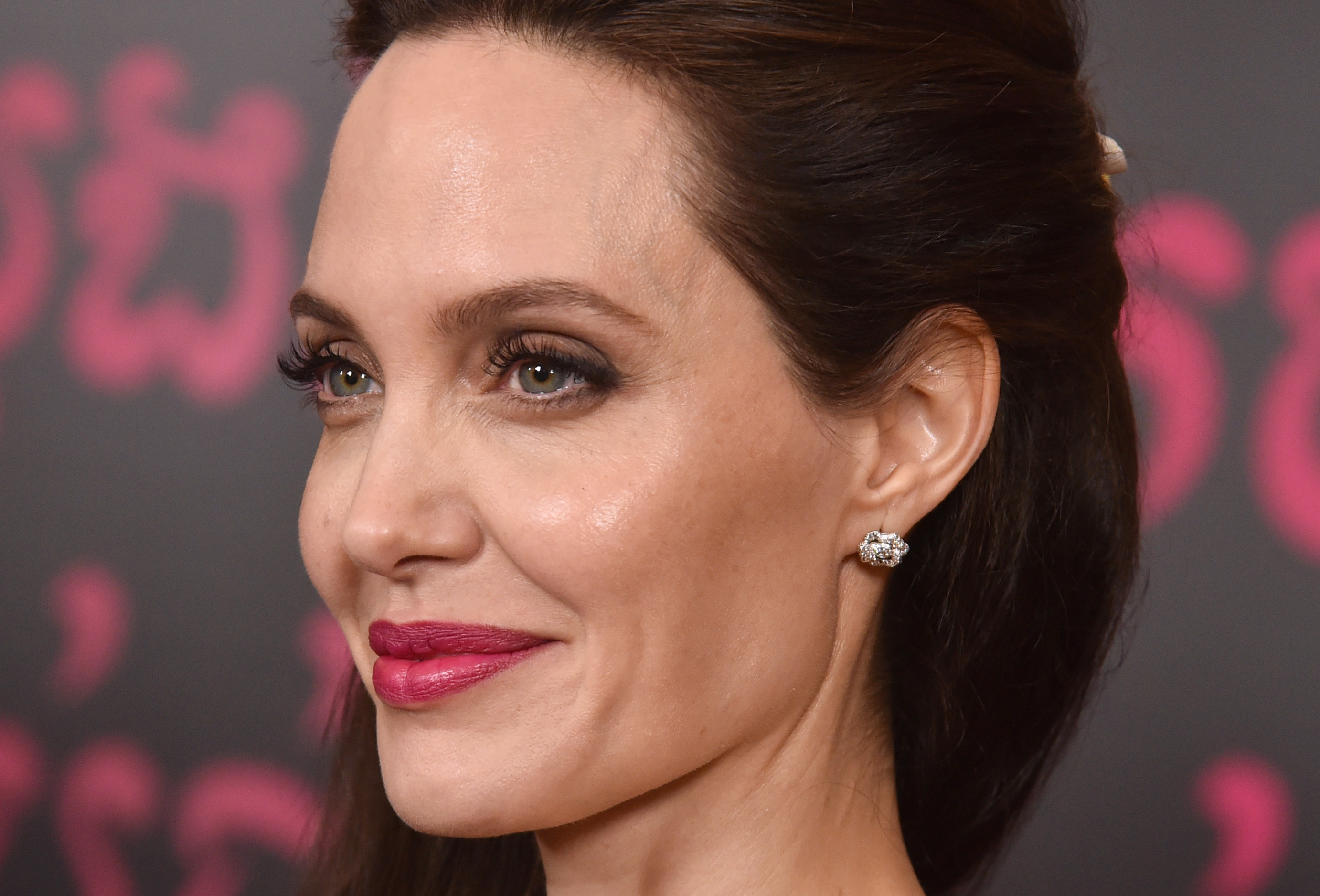
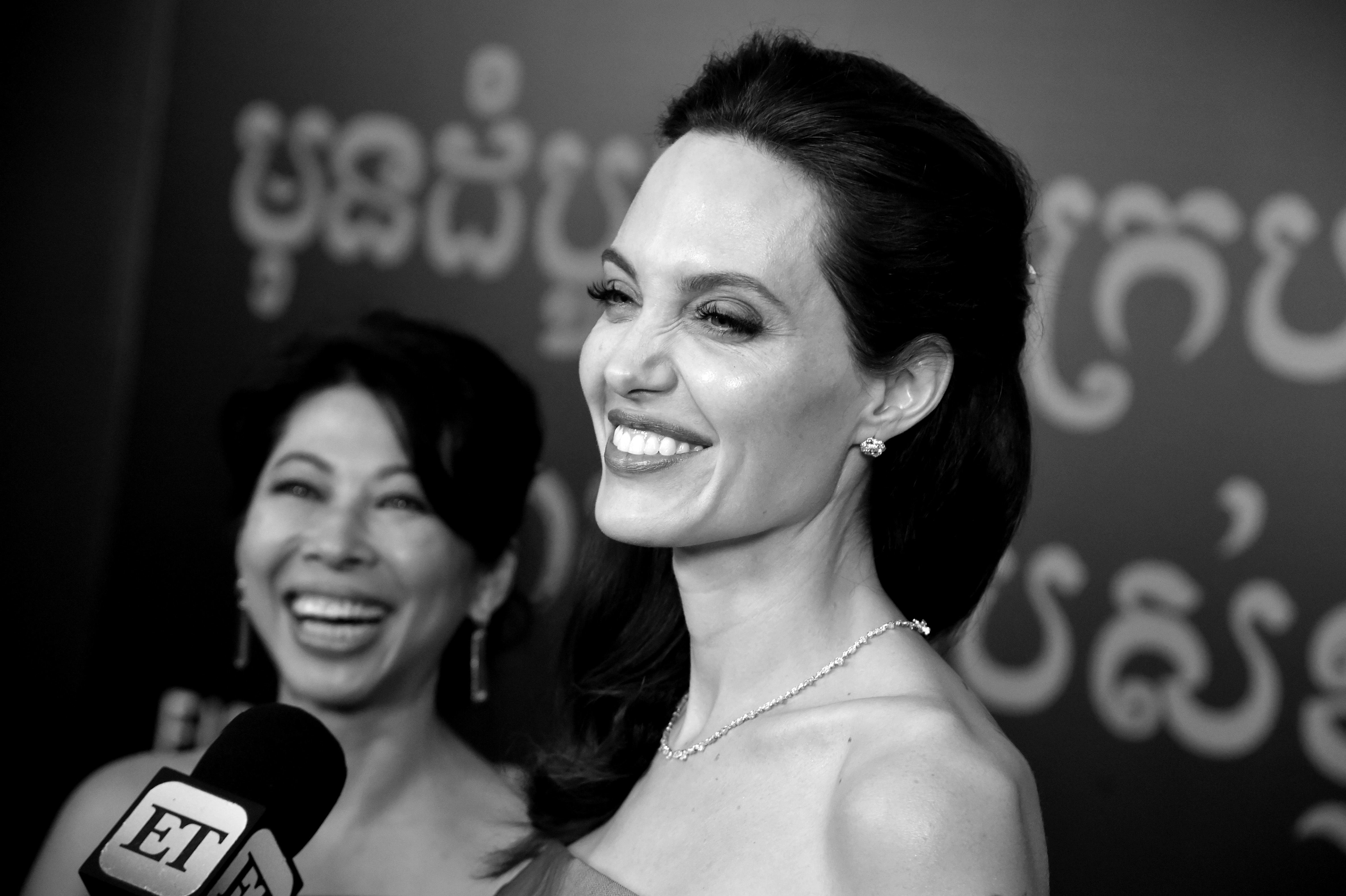
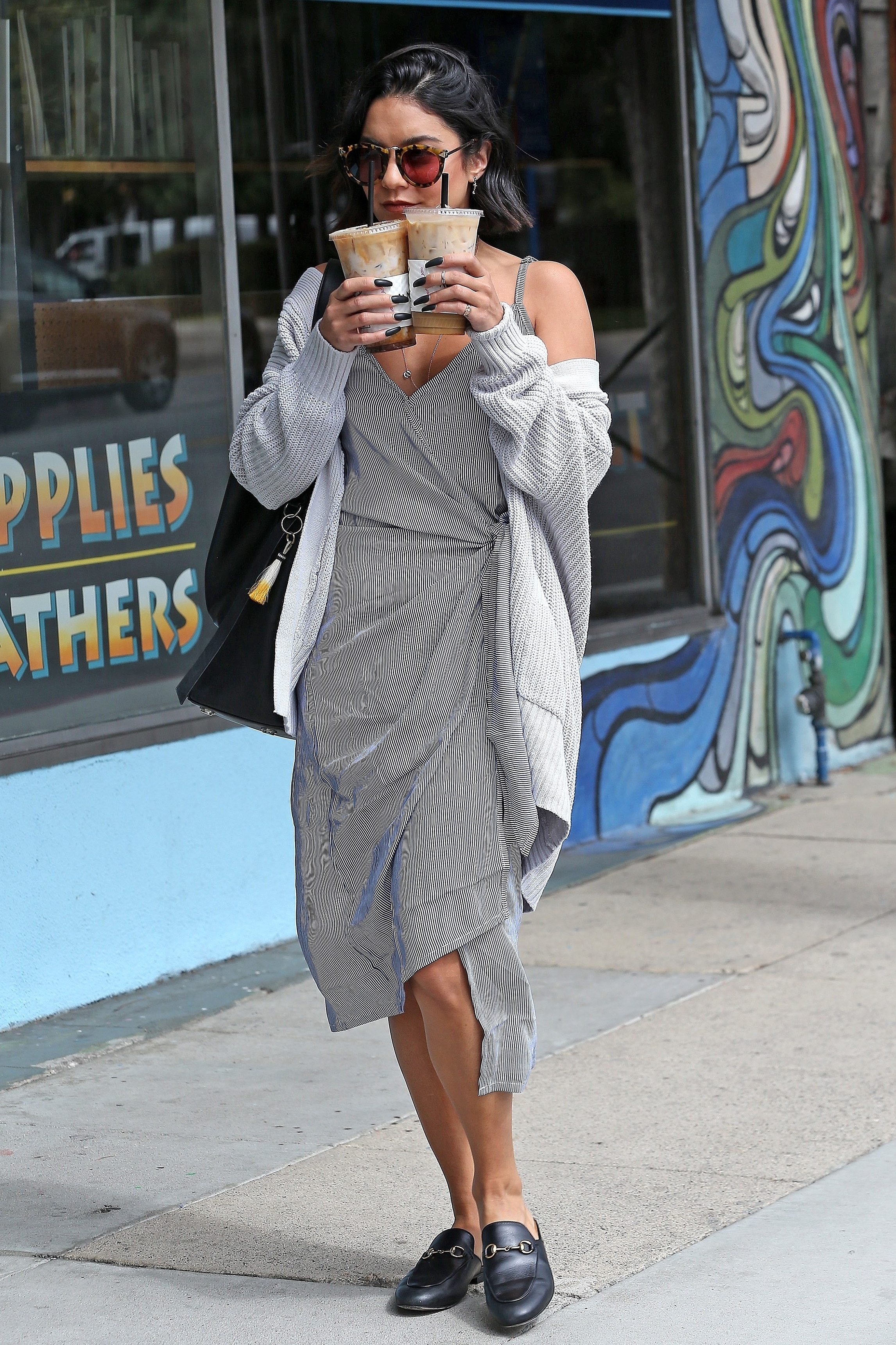
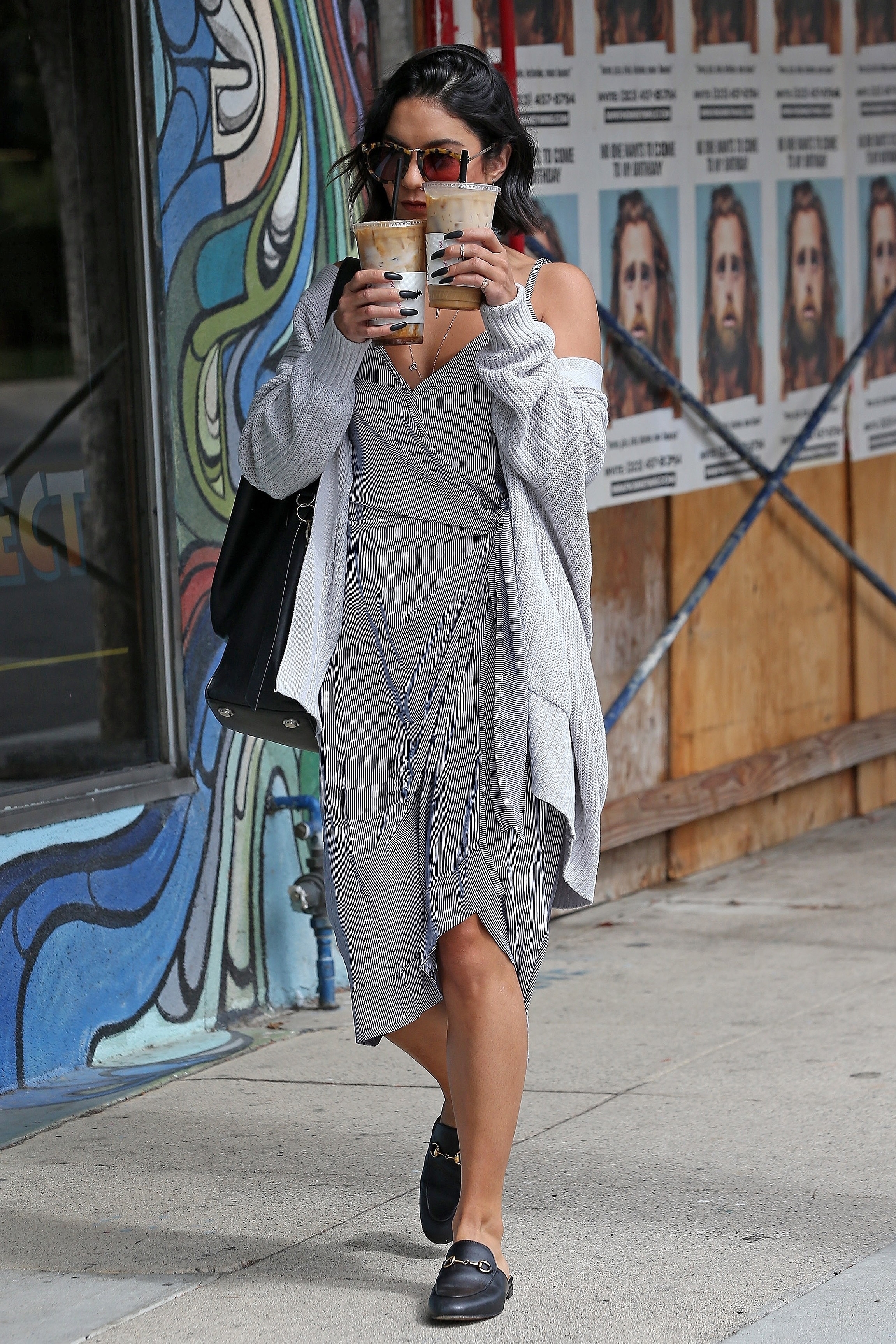
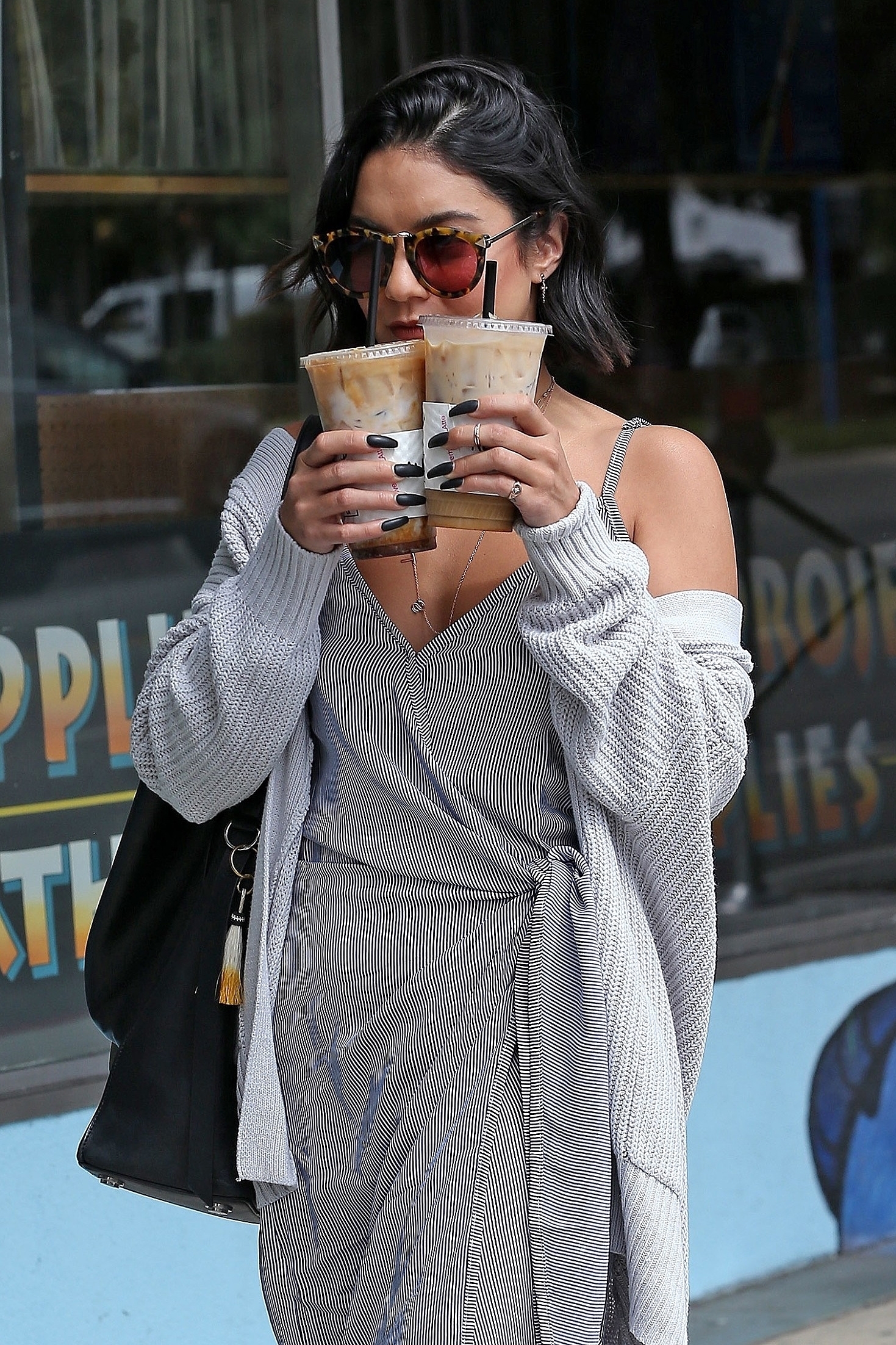
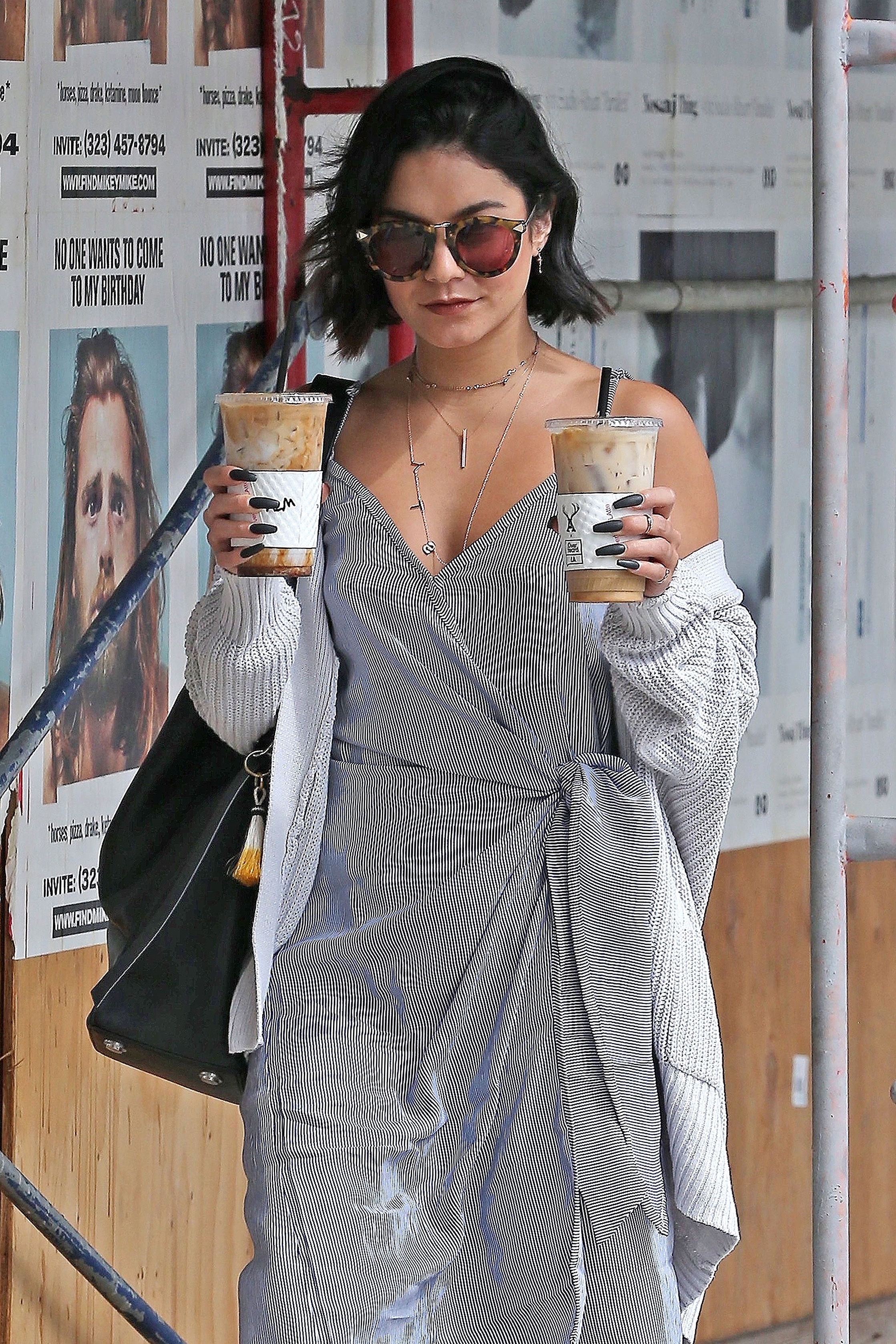
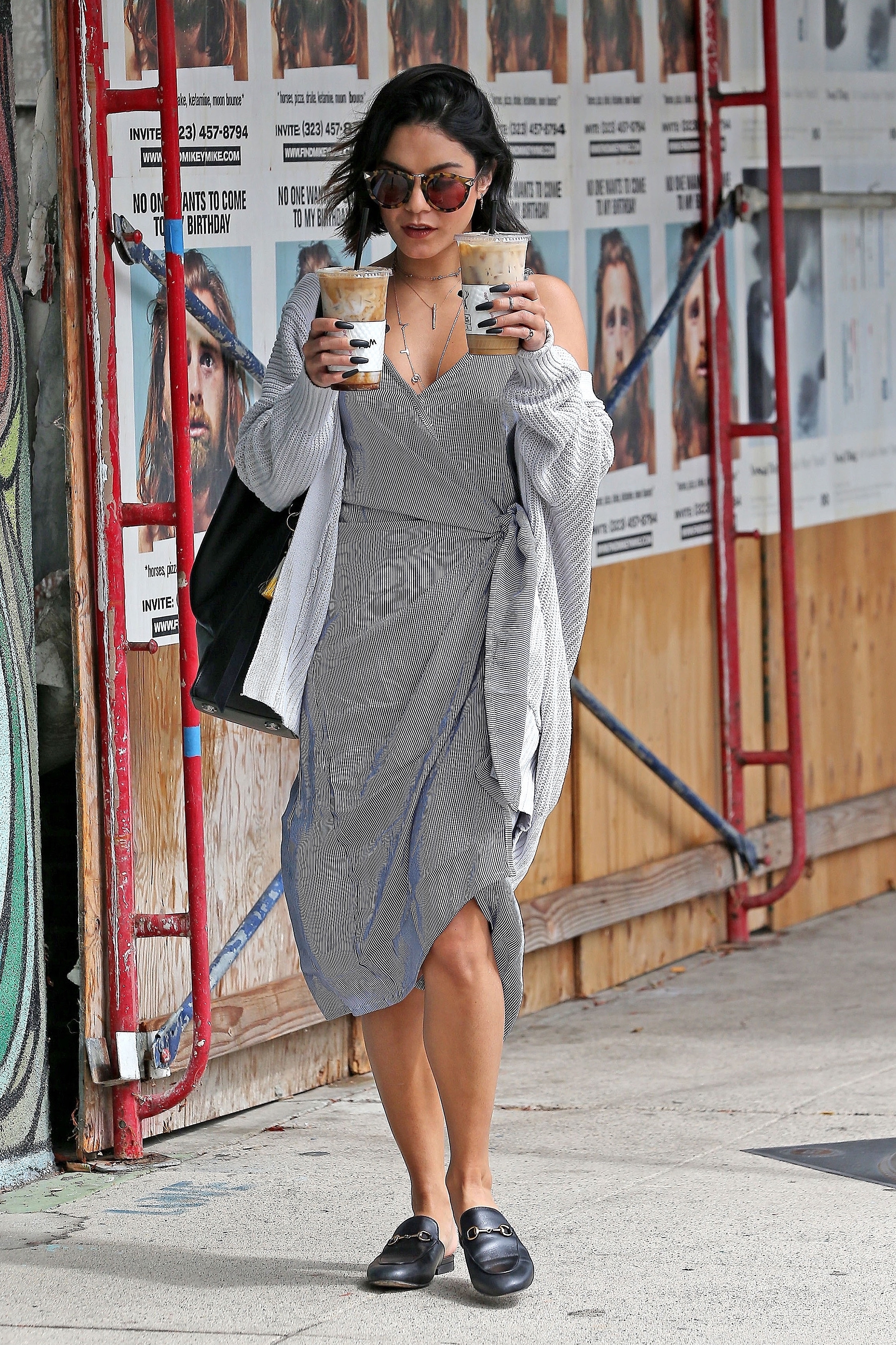
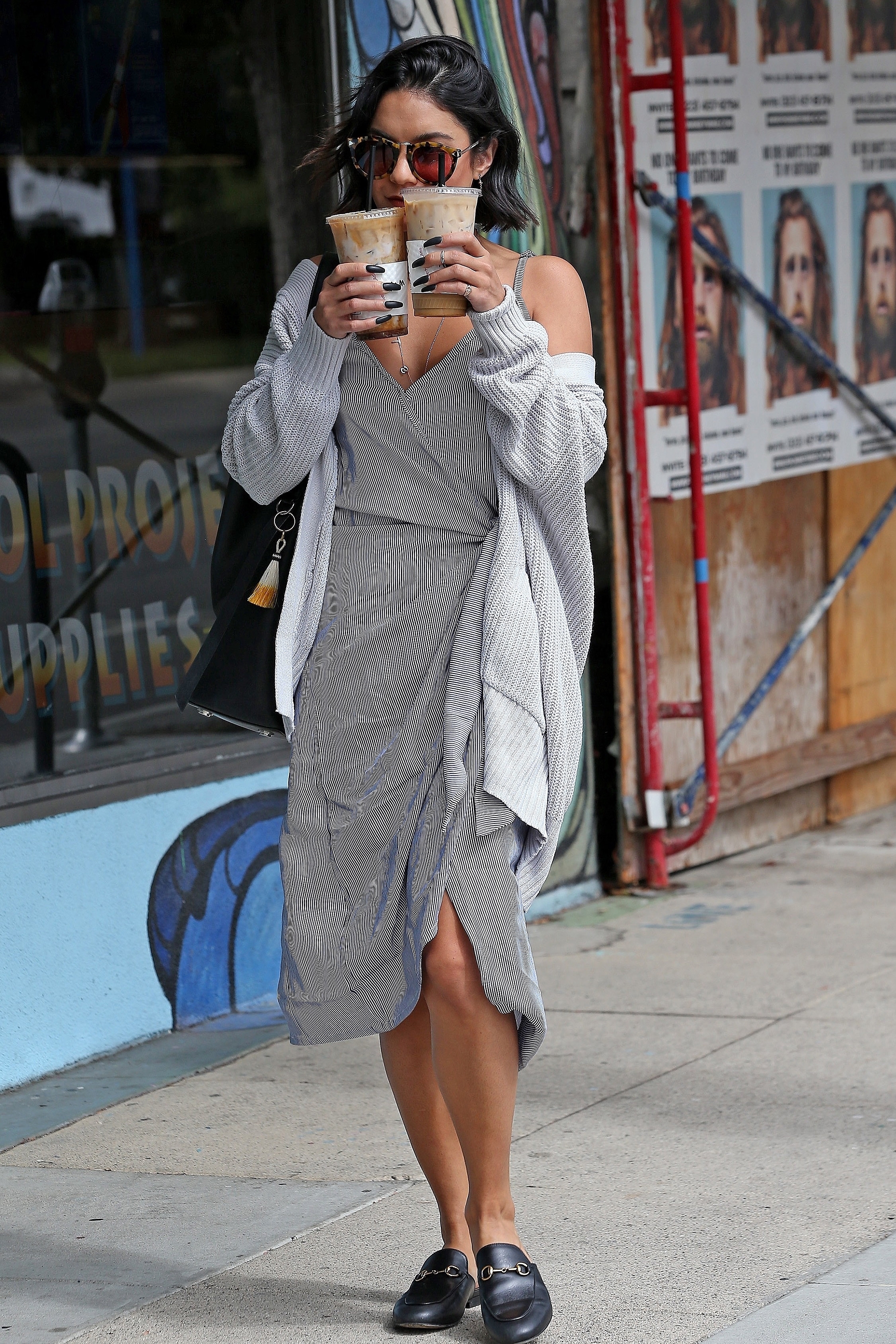
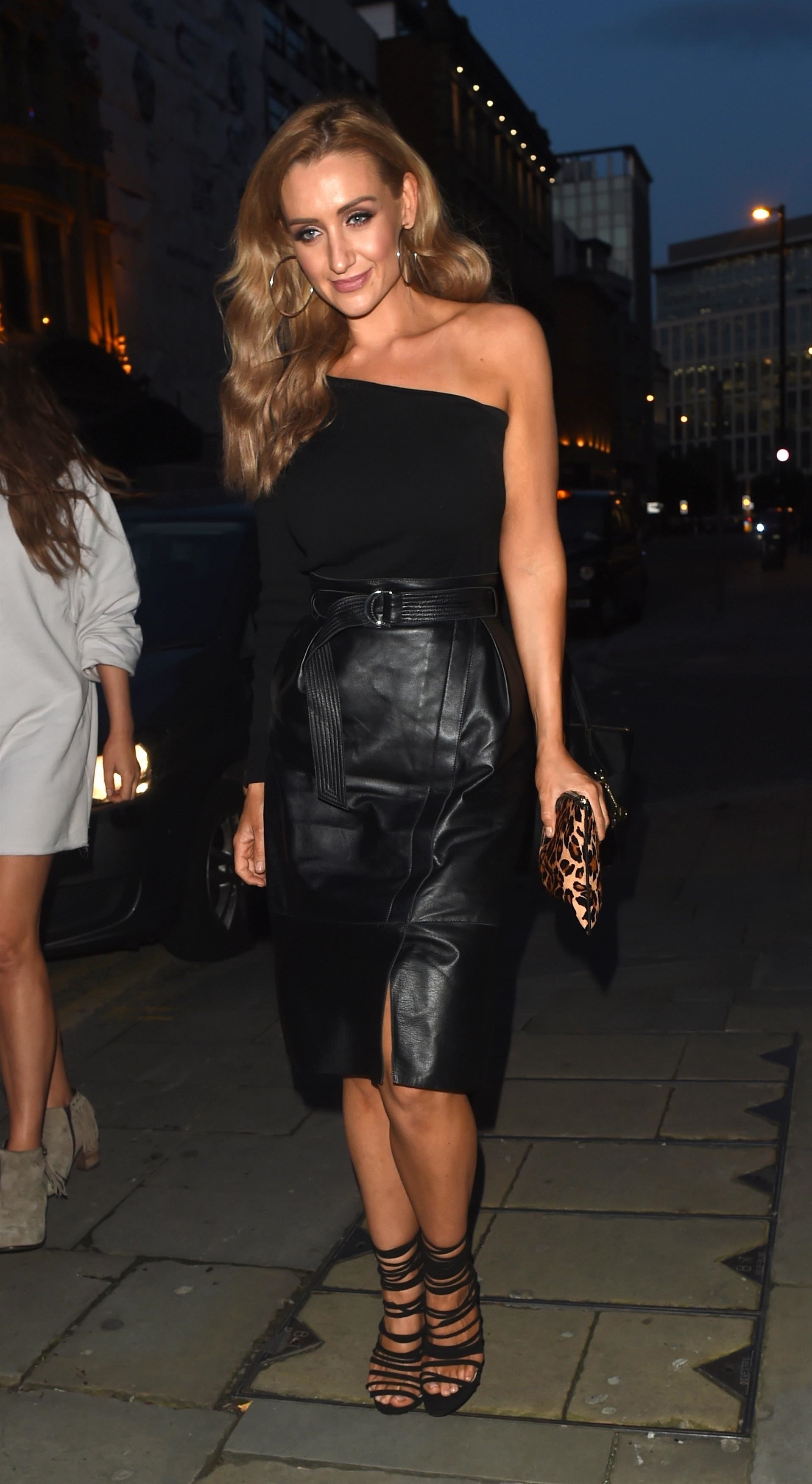
.jpg.b95c5610c4565c2dffbbfb4ce152d0dc.jpg)
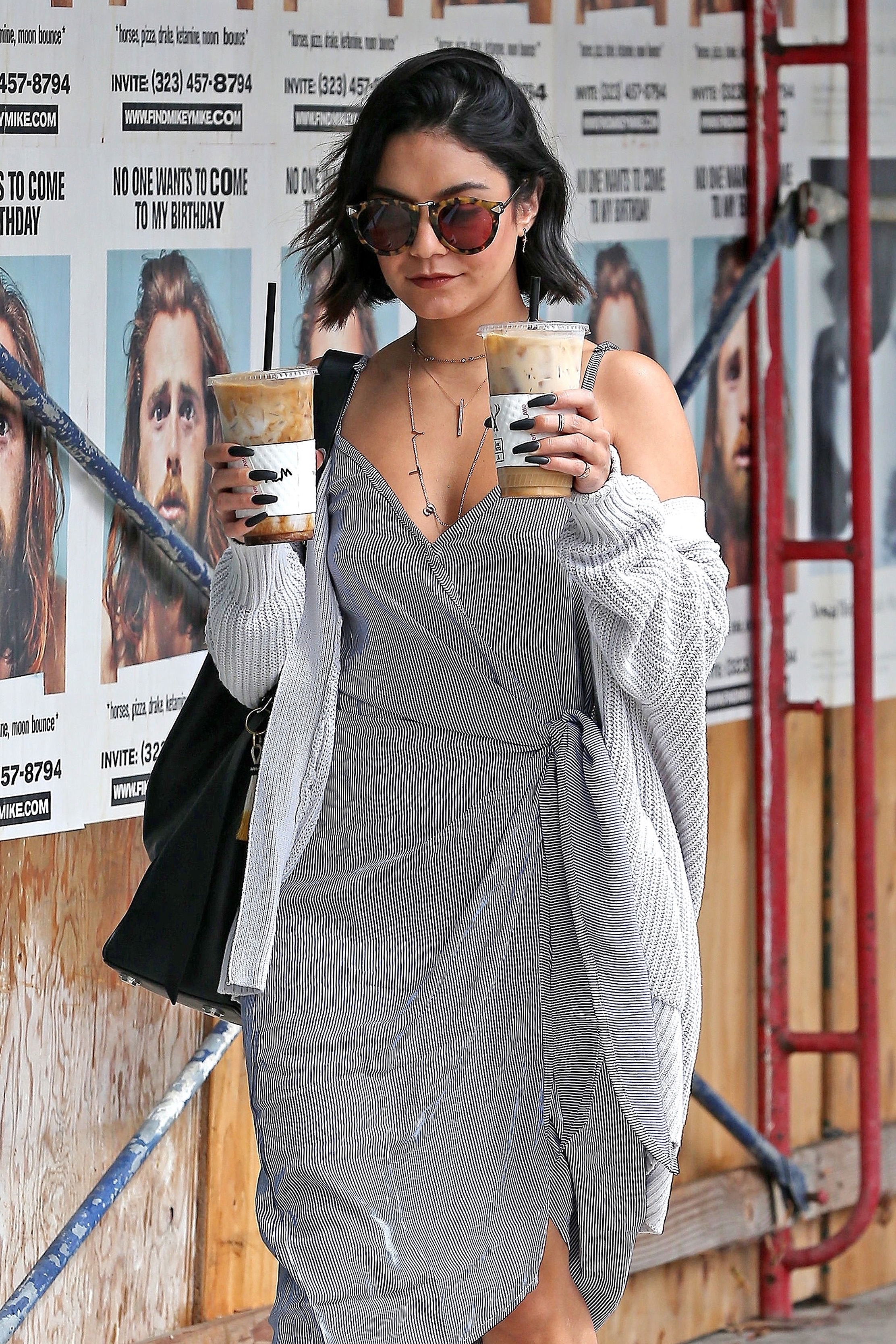
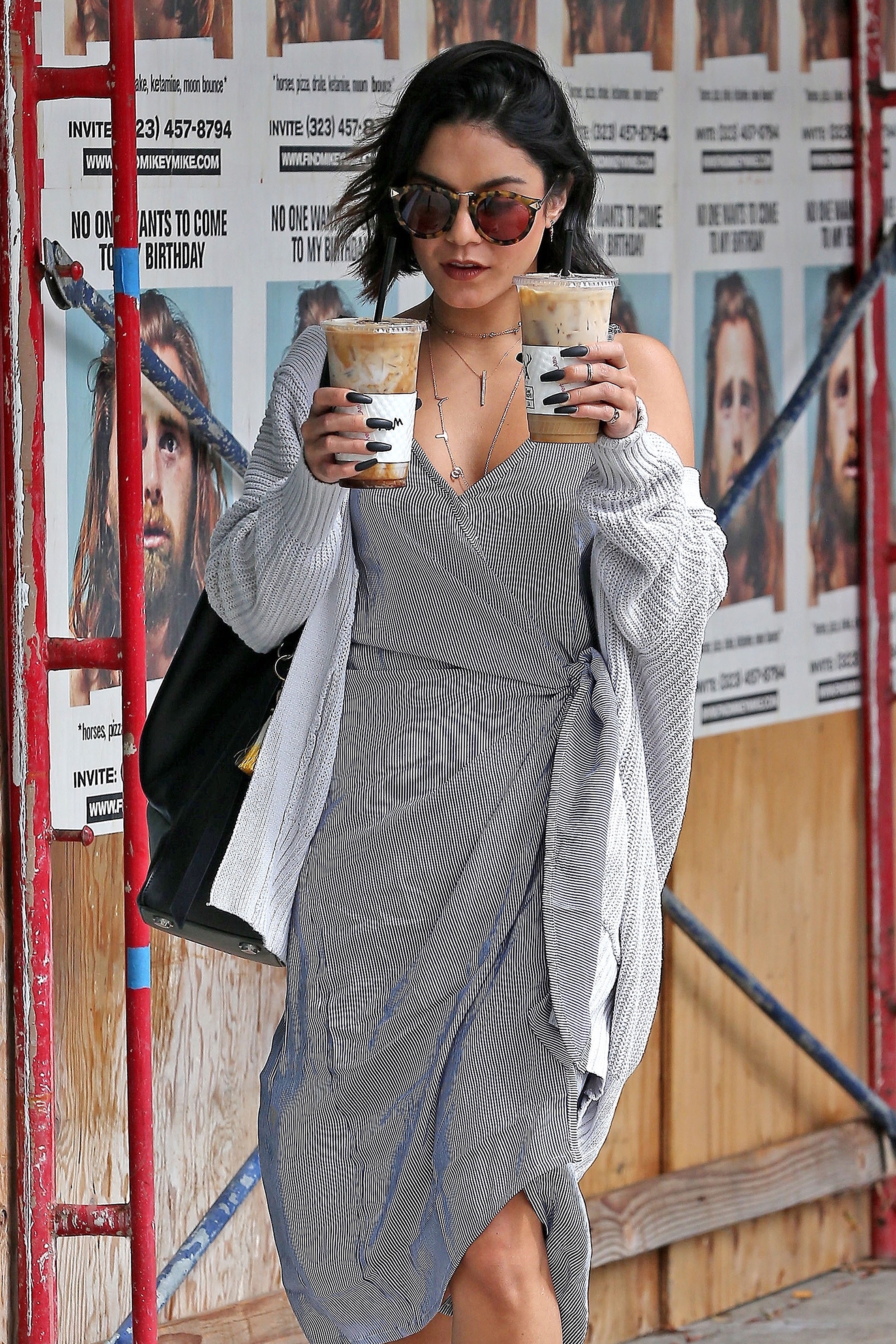
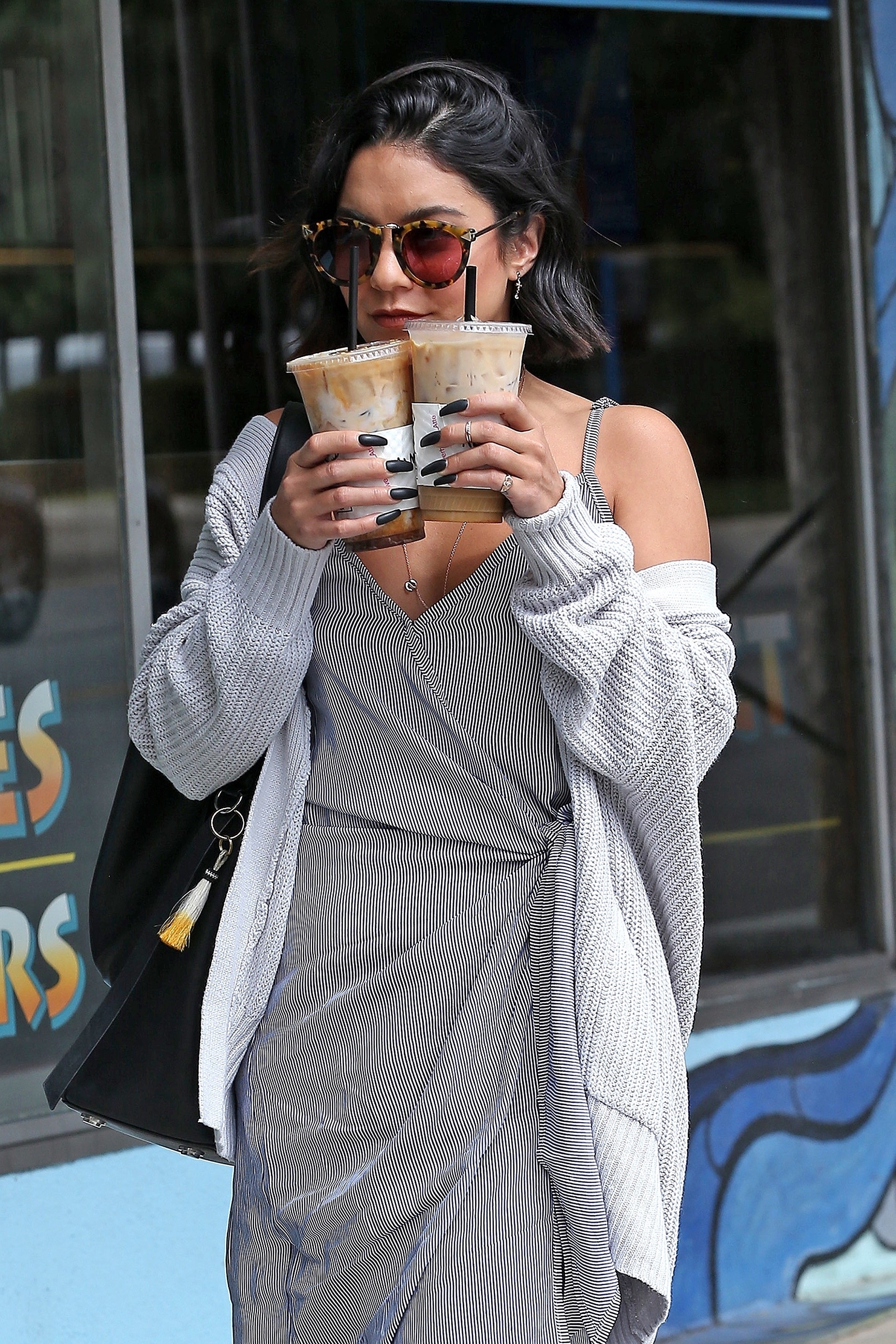
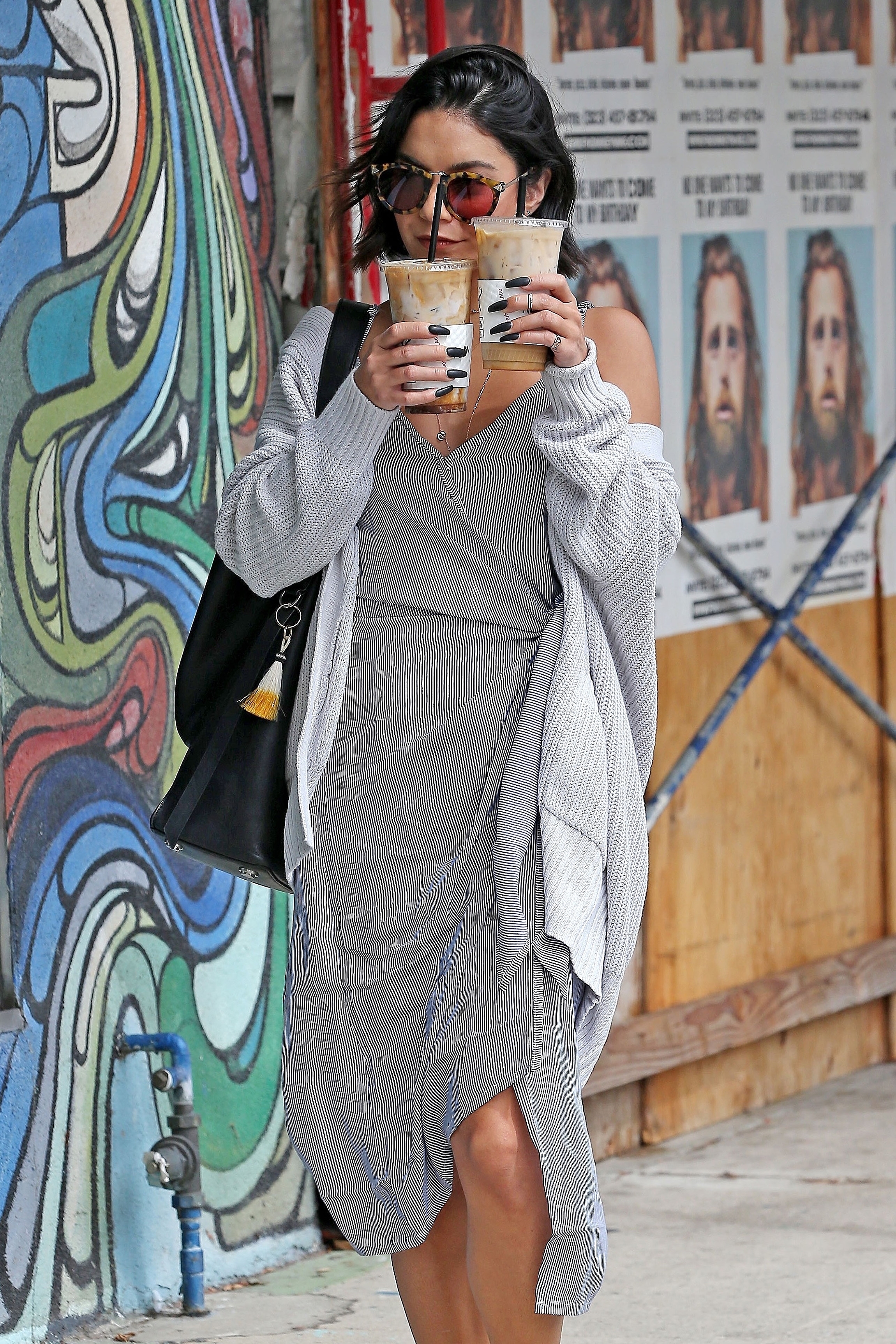
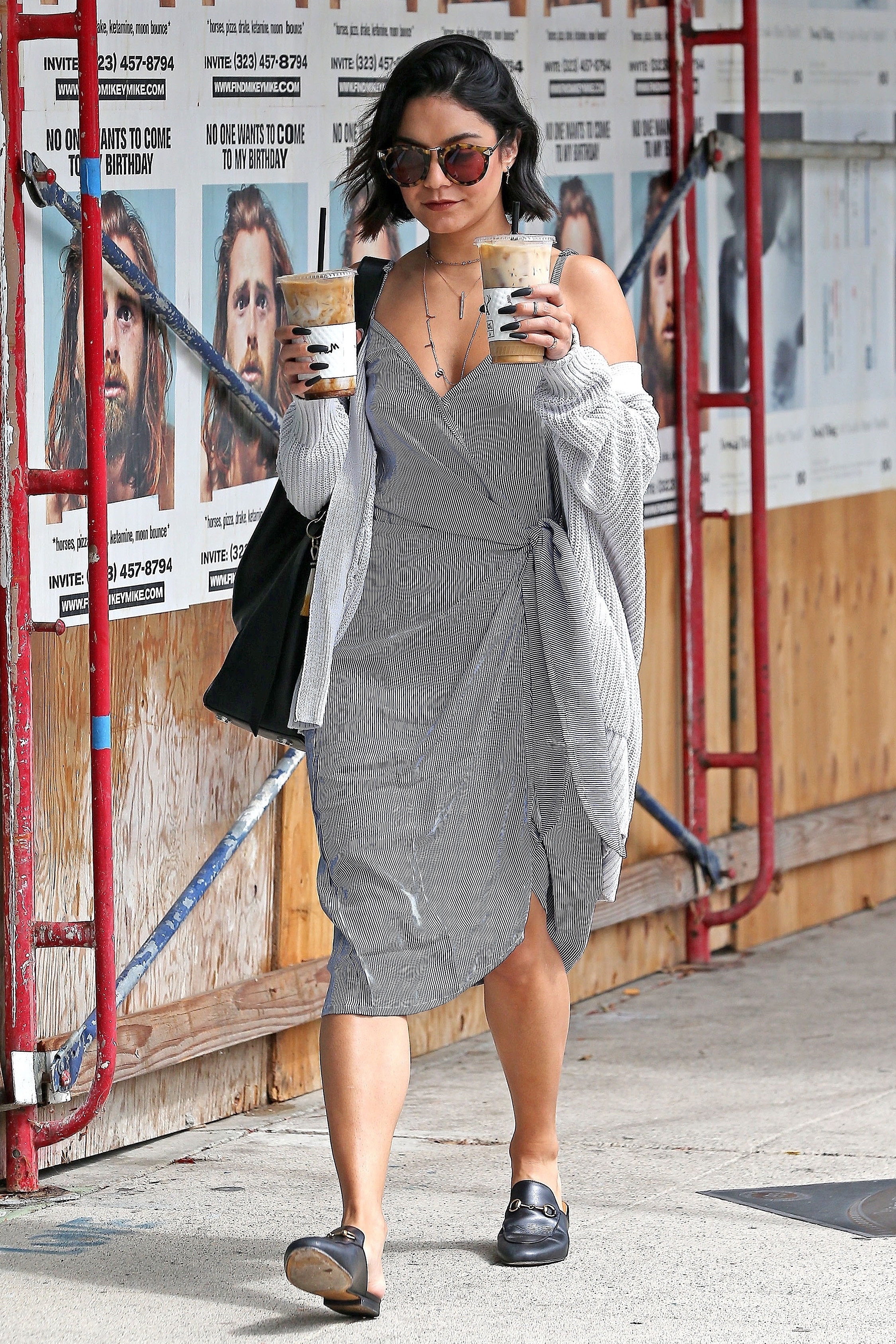
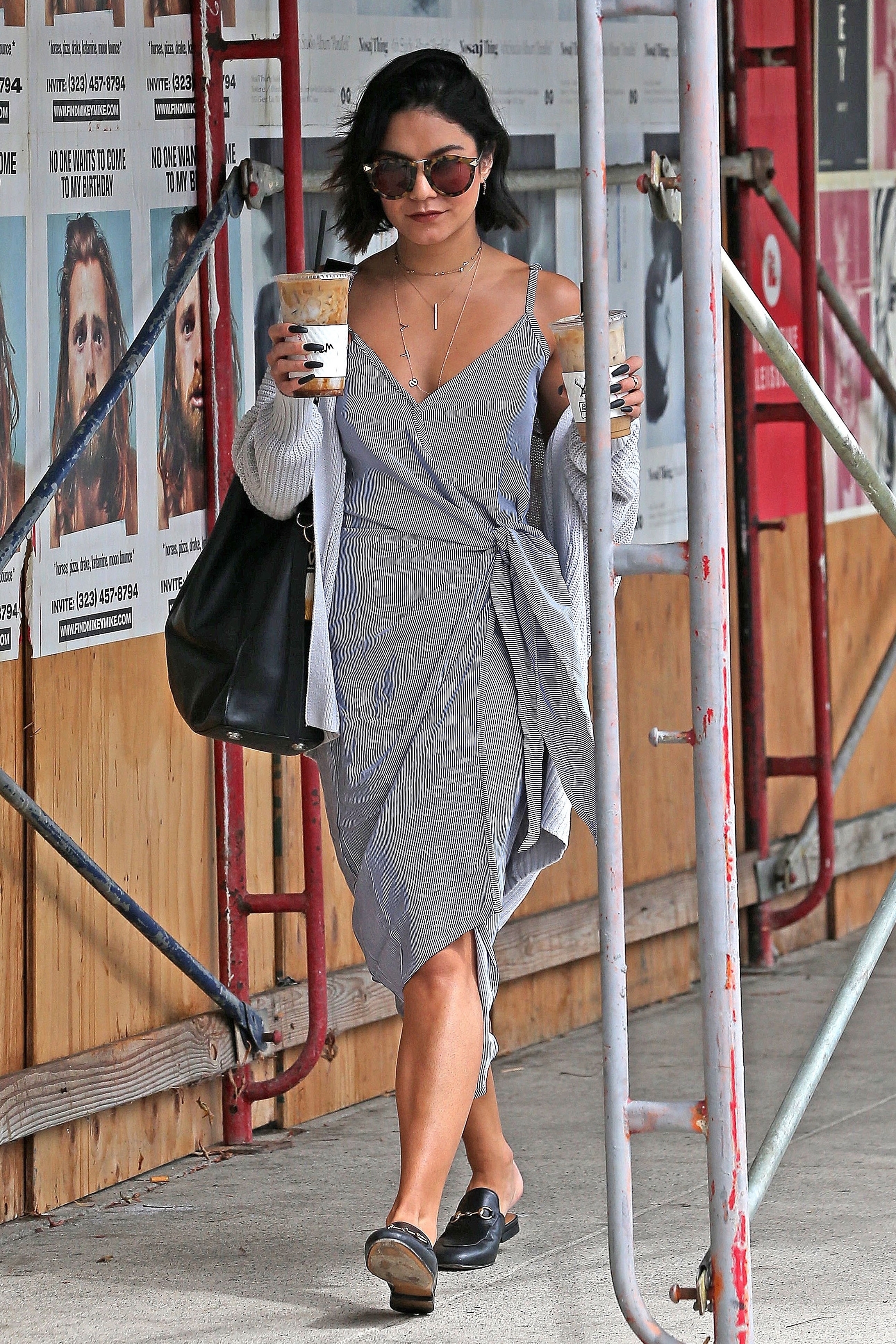
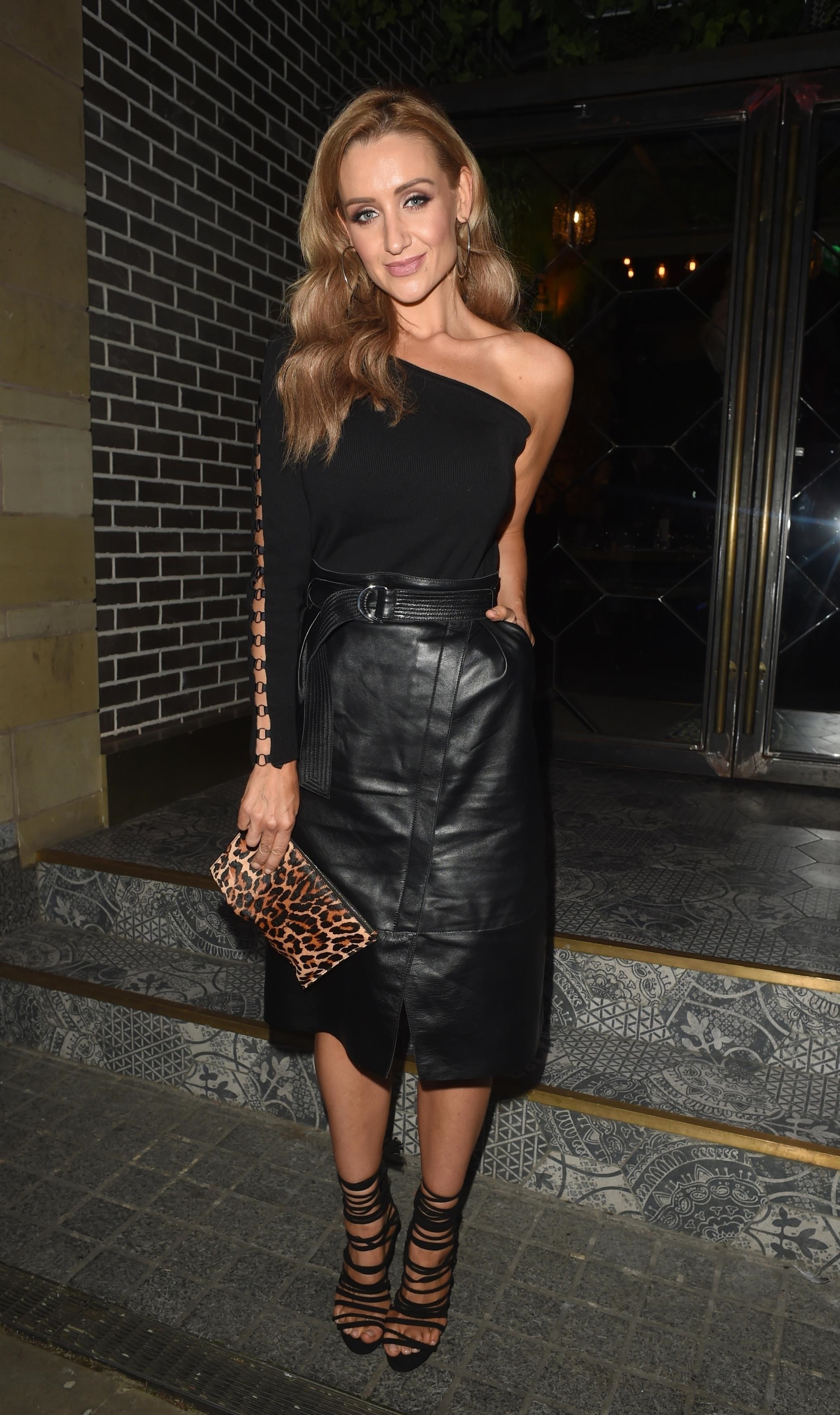
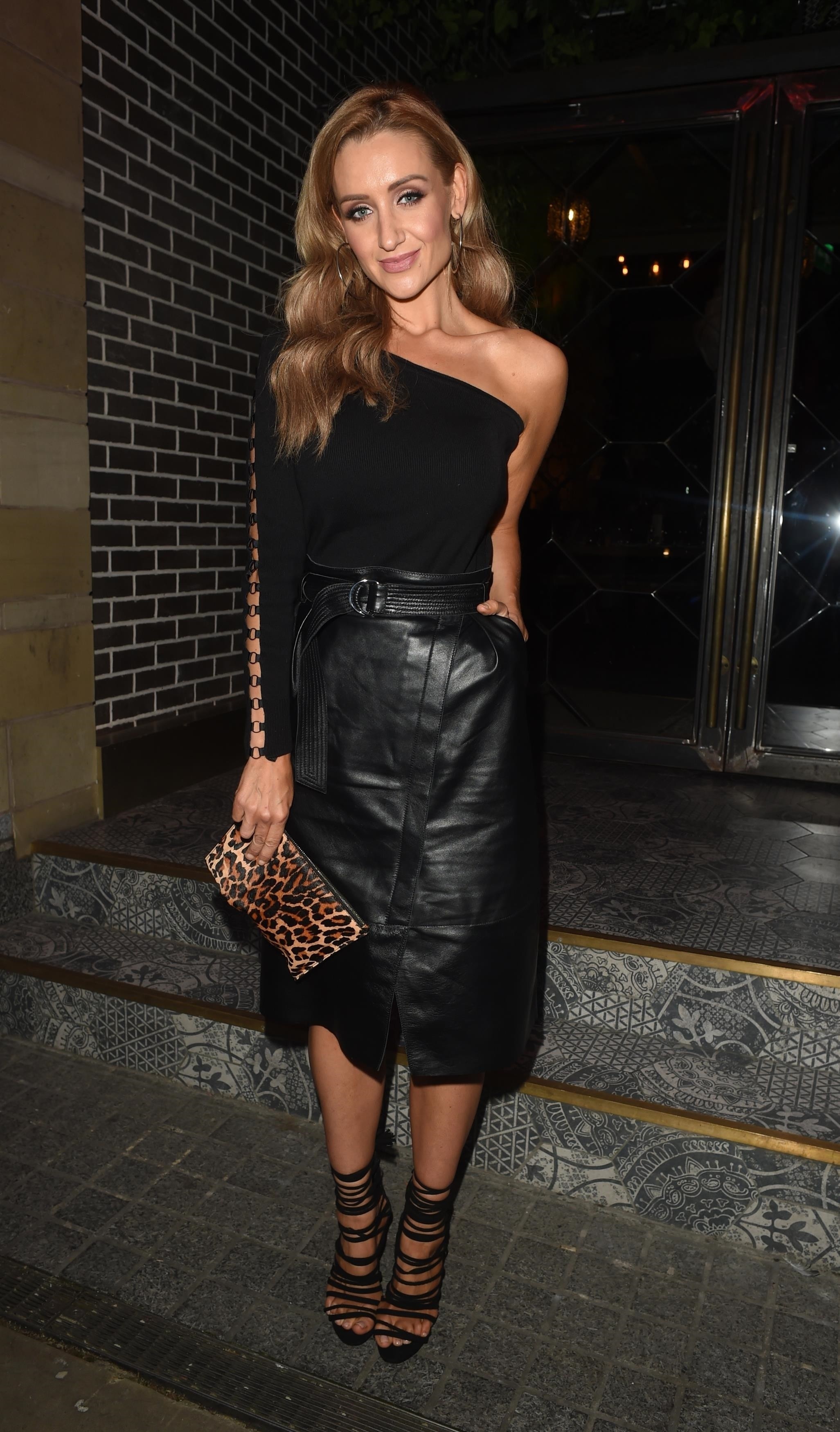
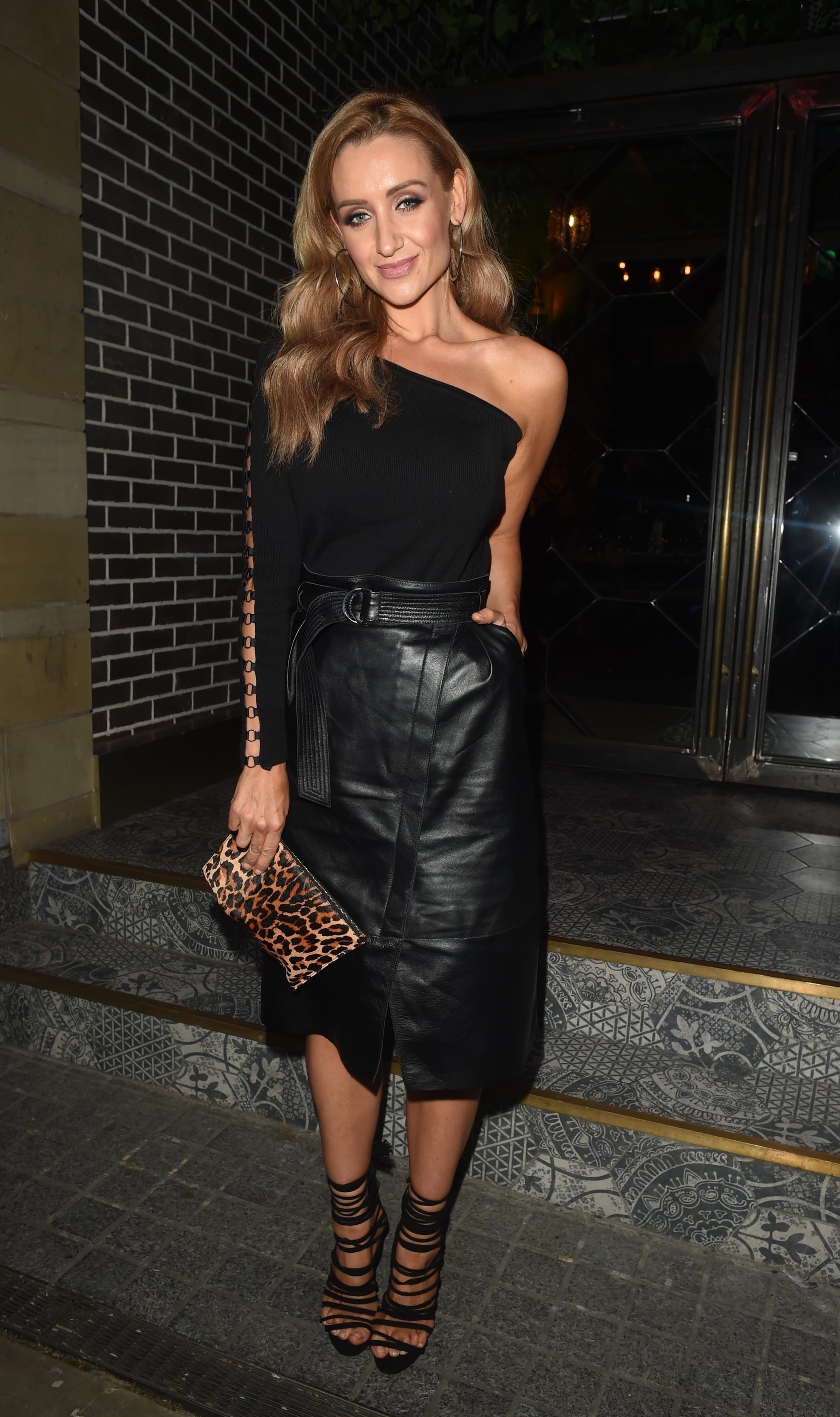
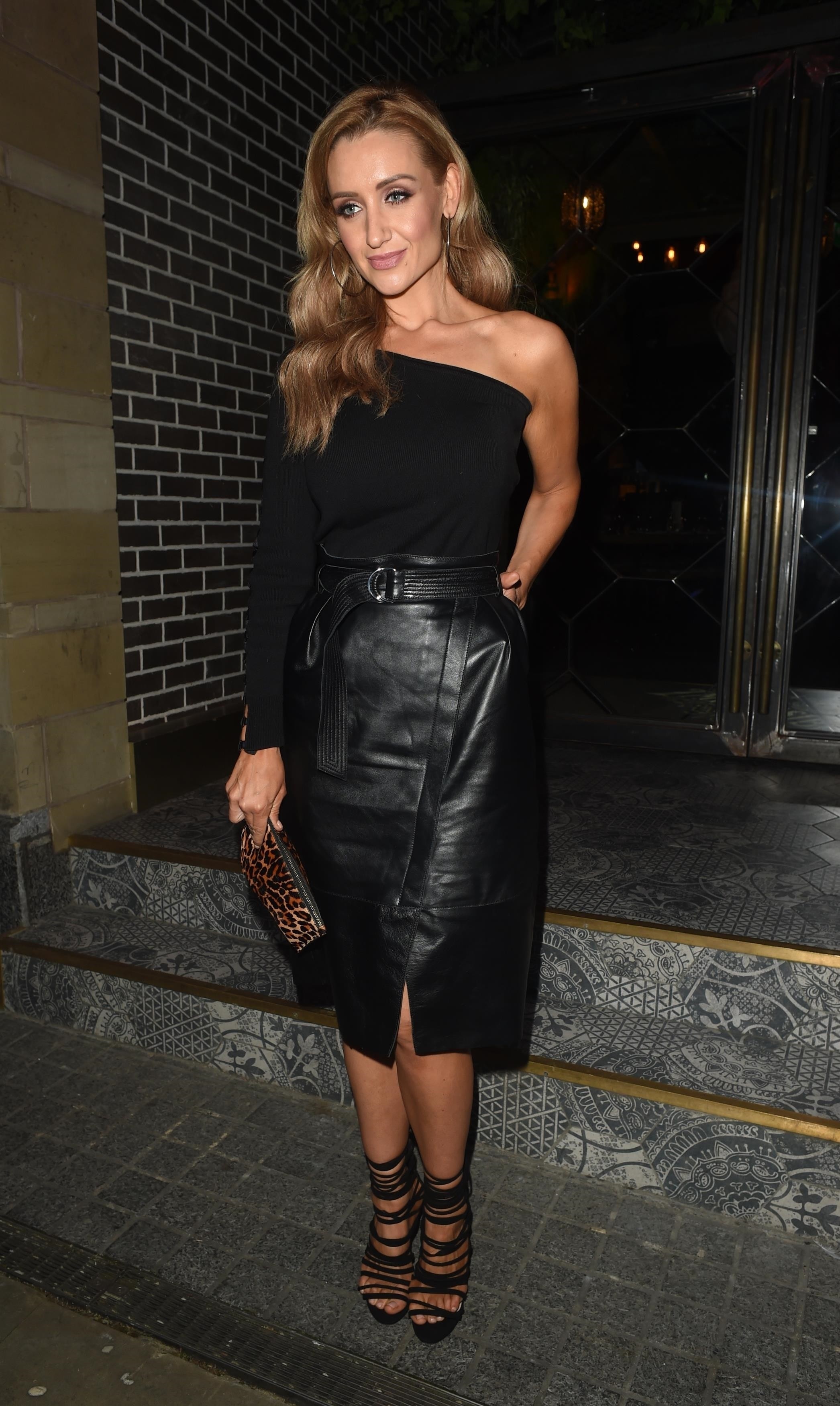
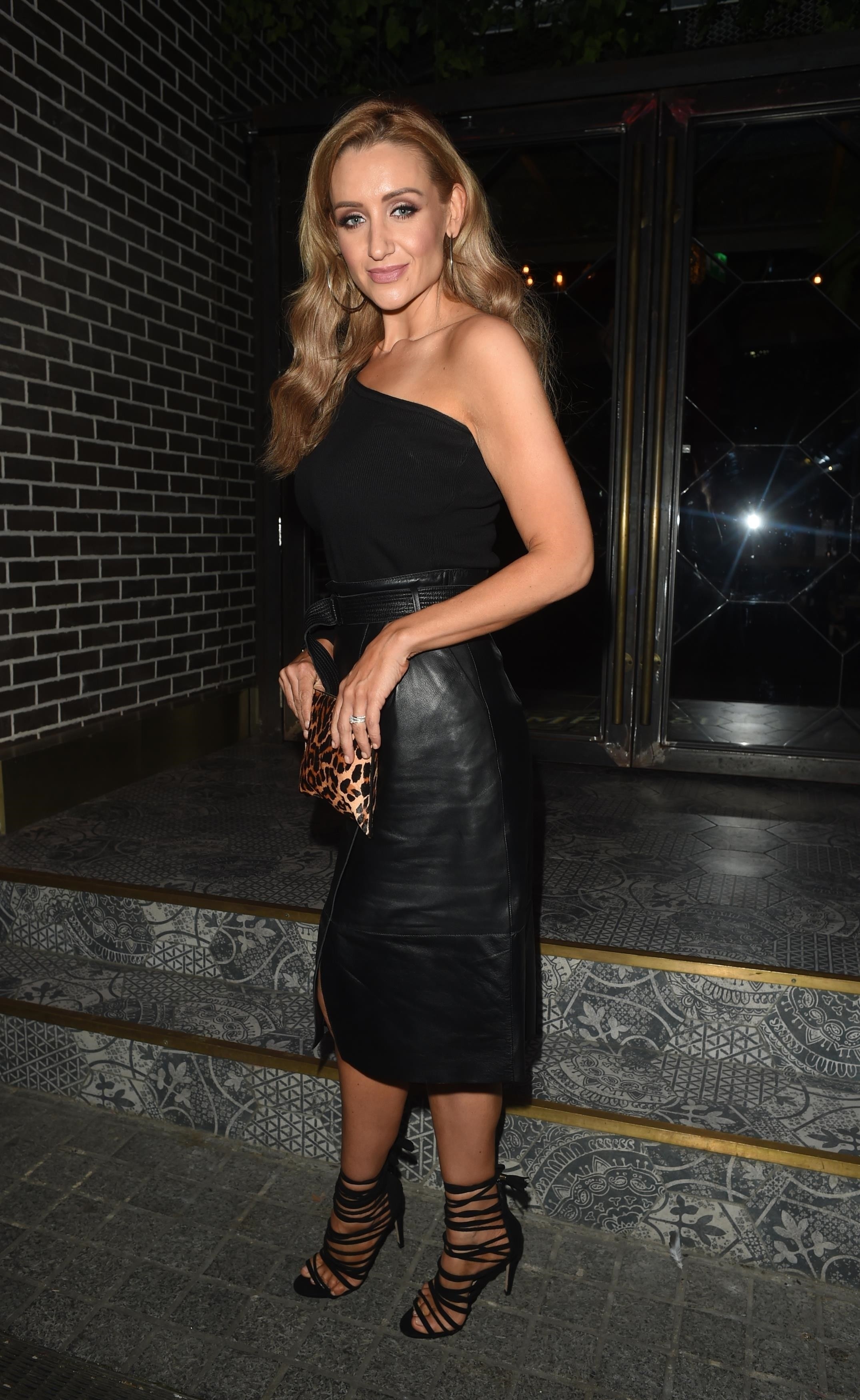
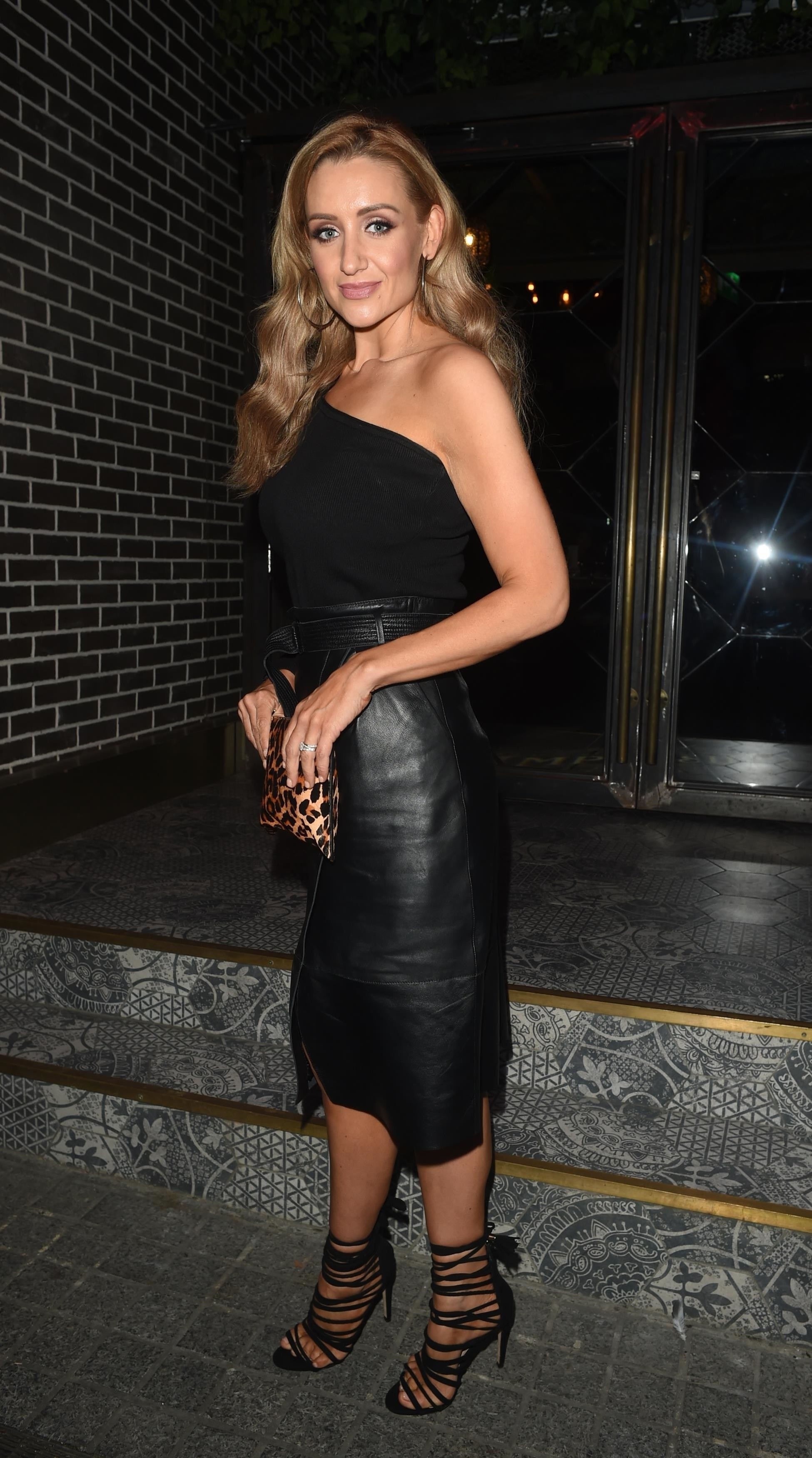
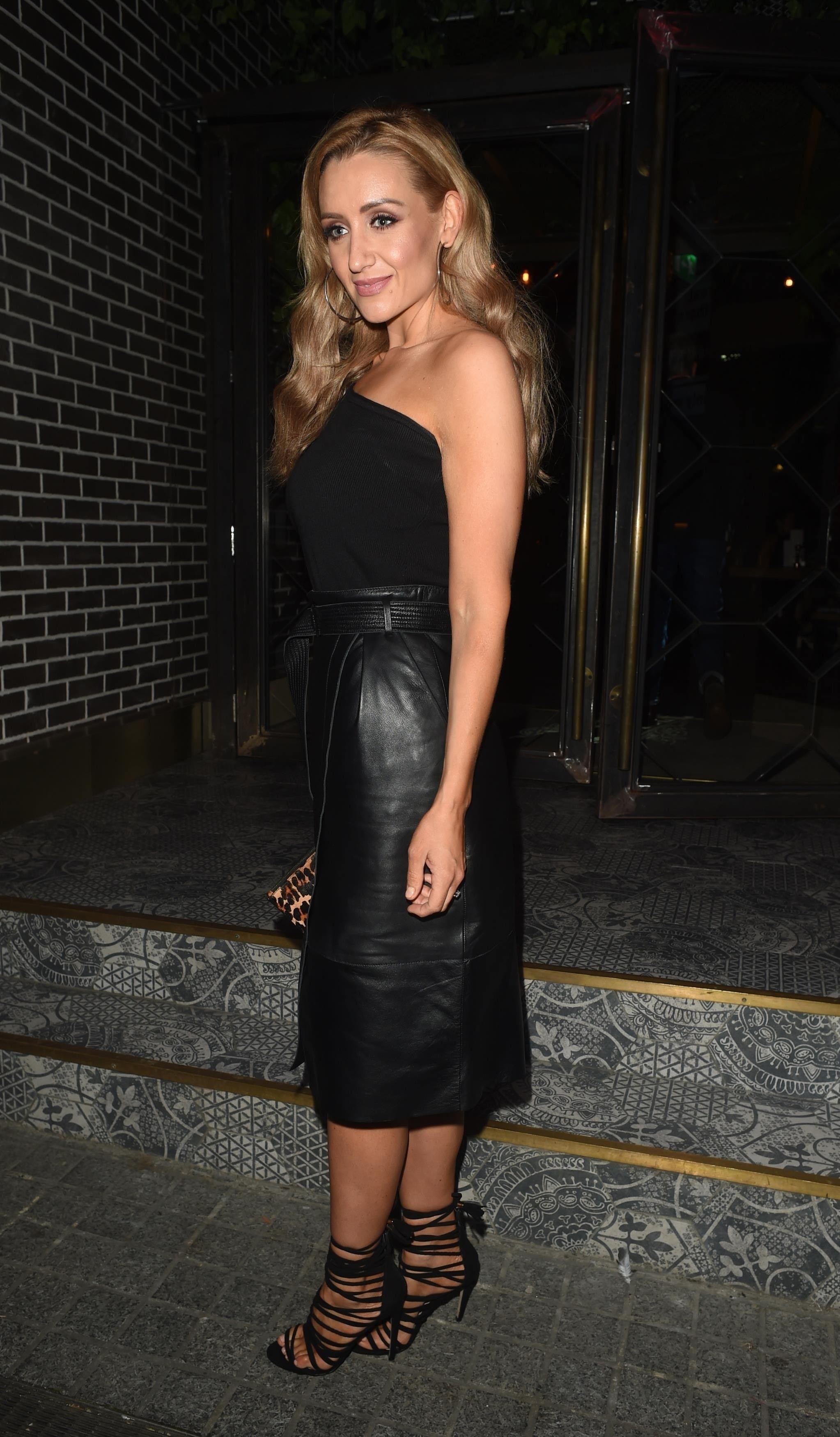
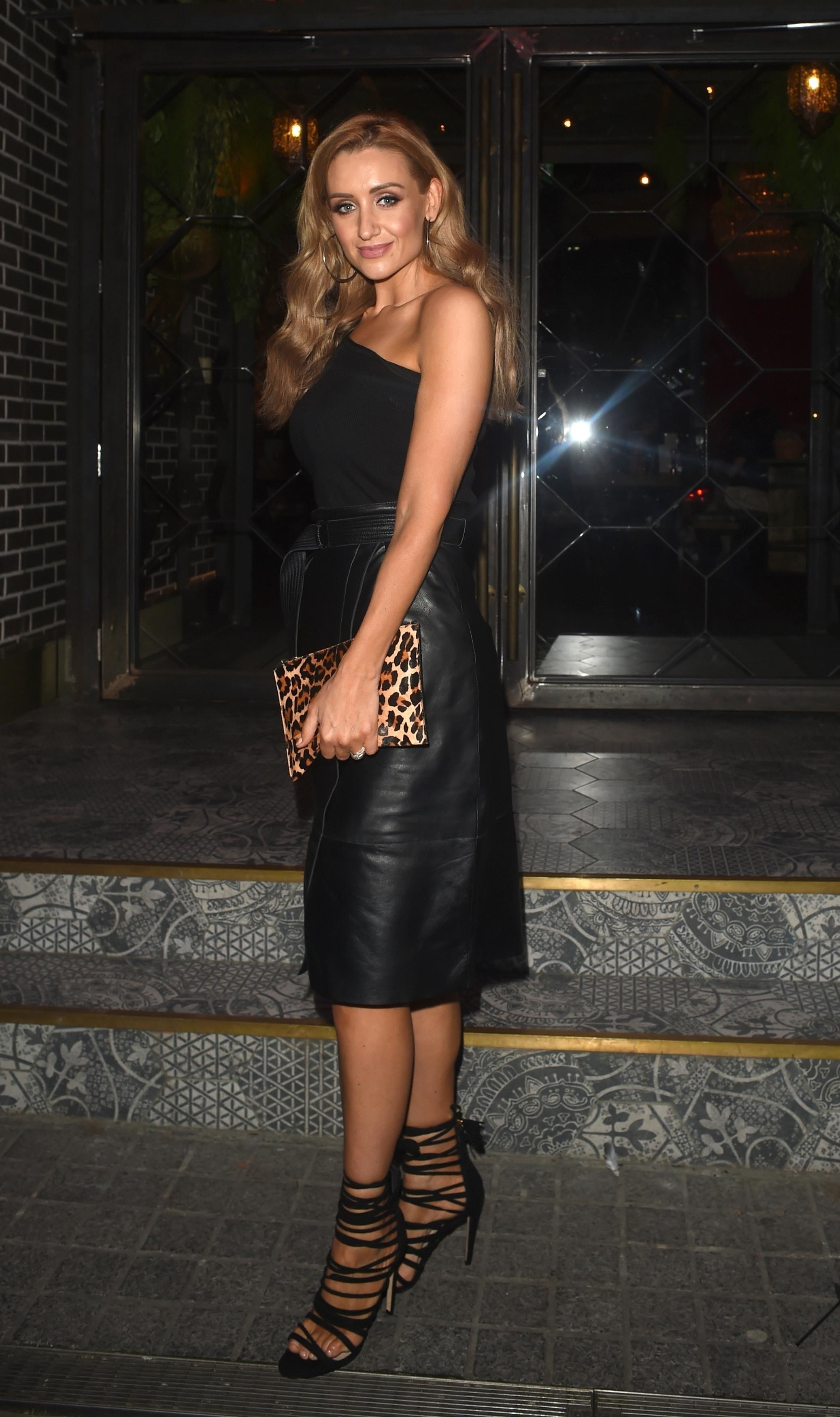
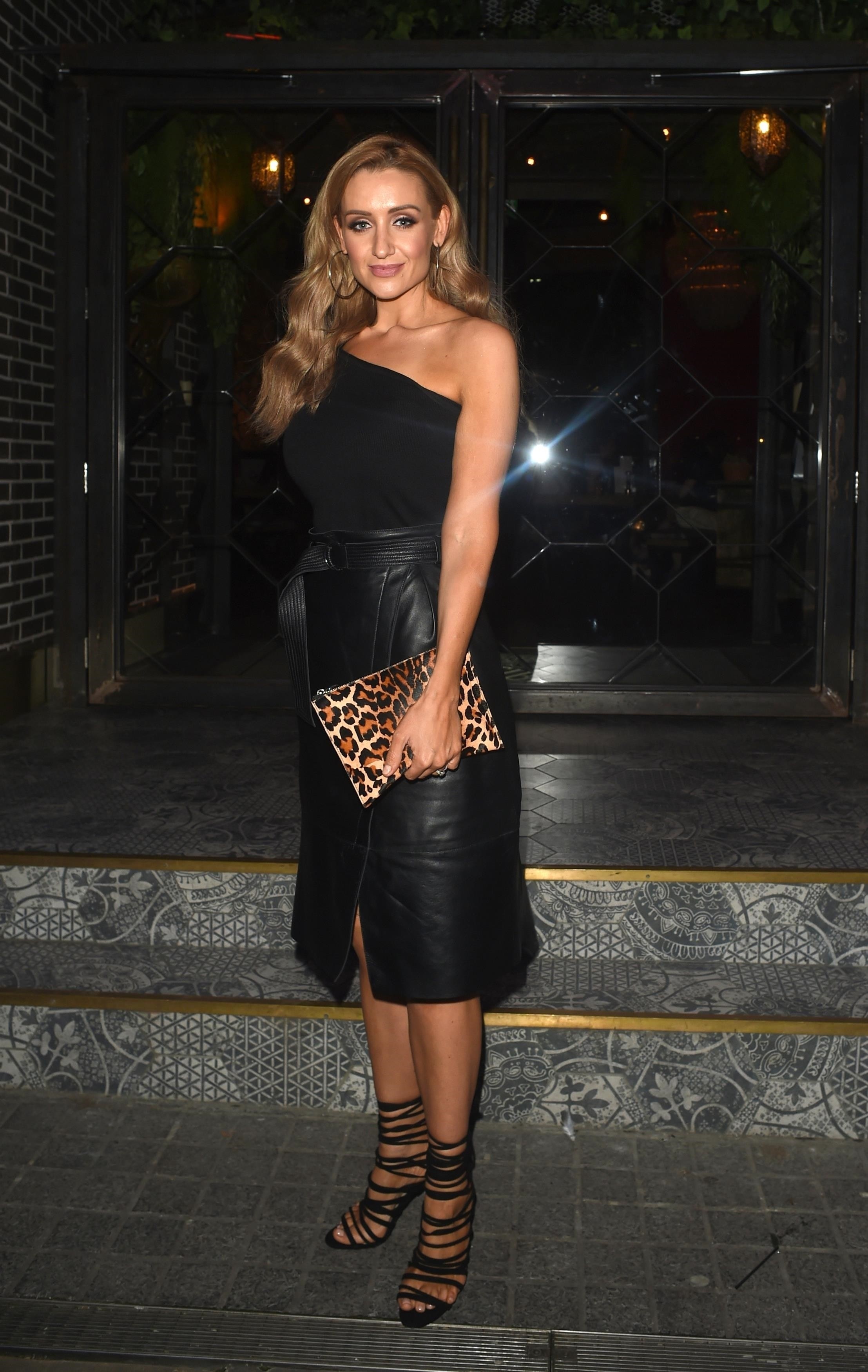
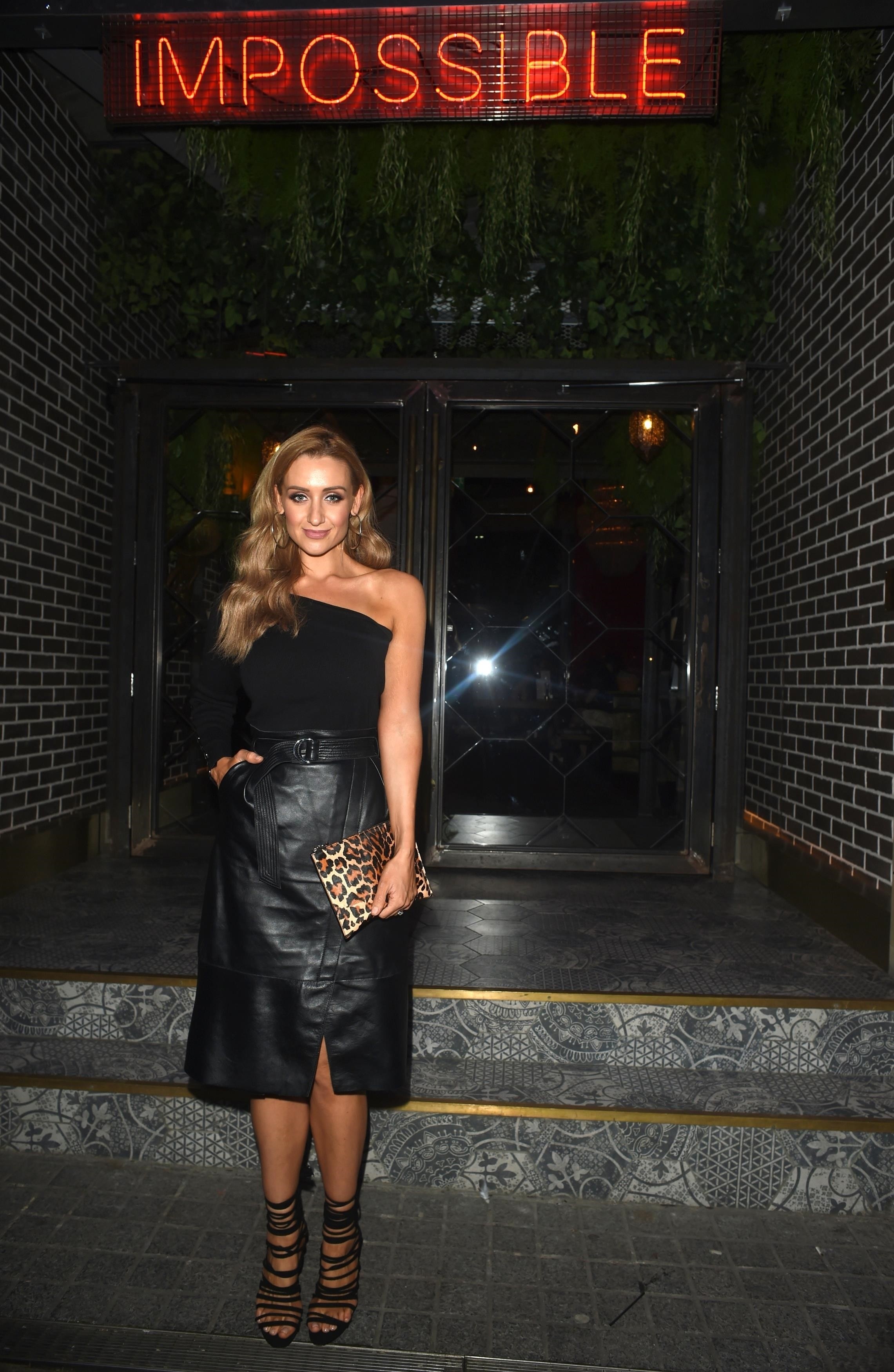
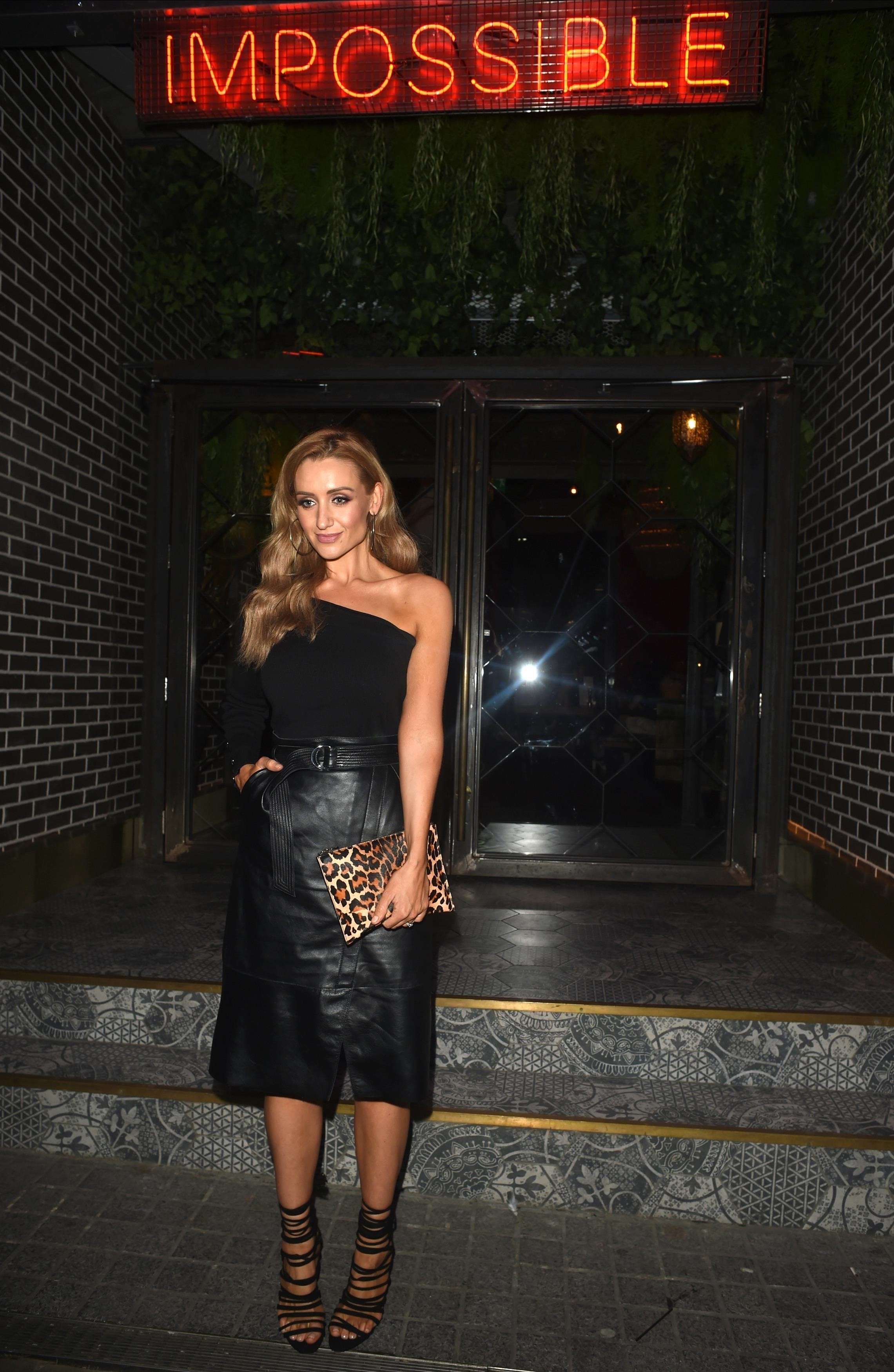
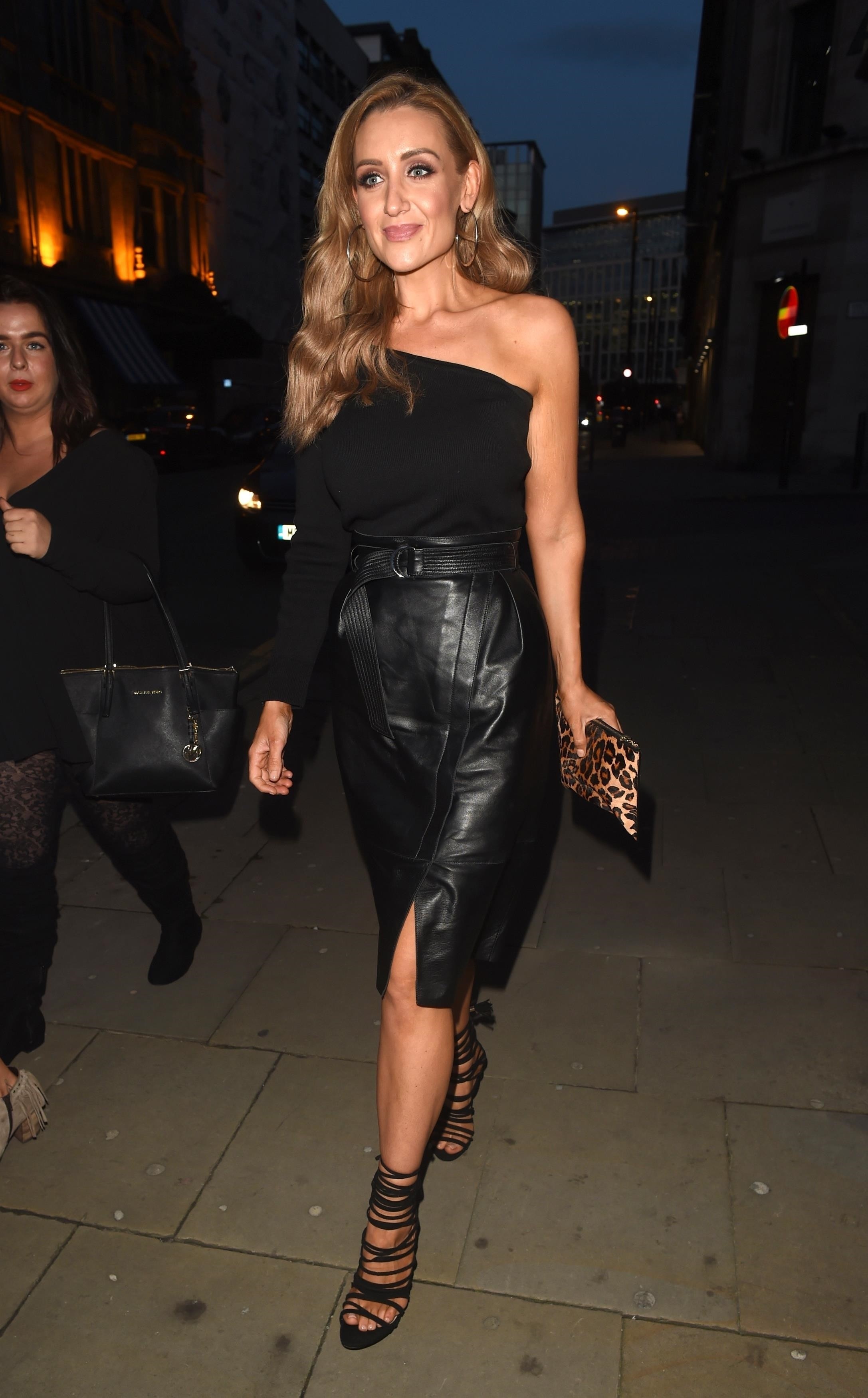
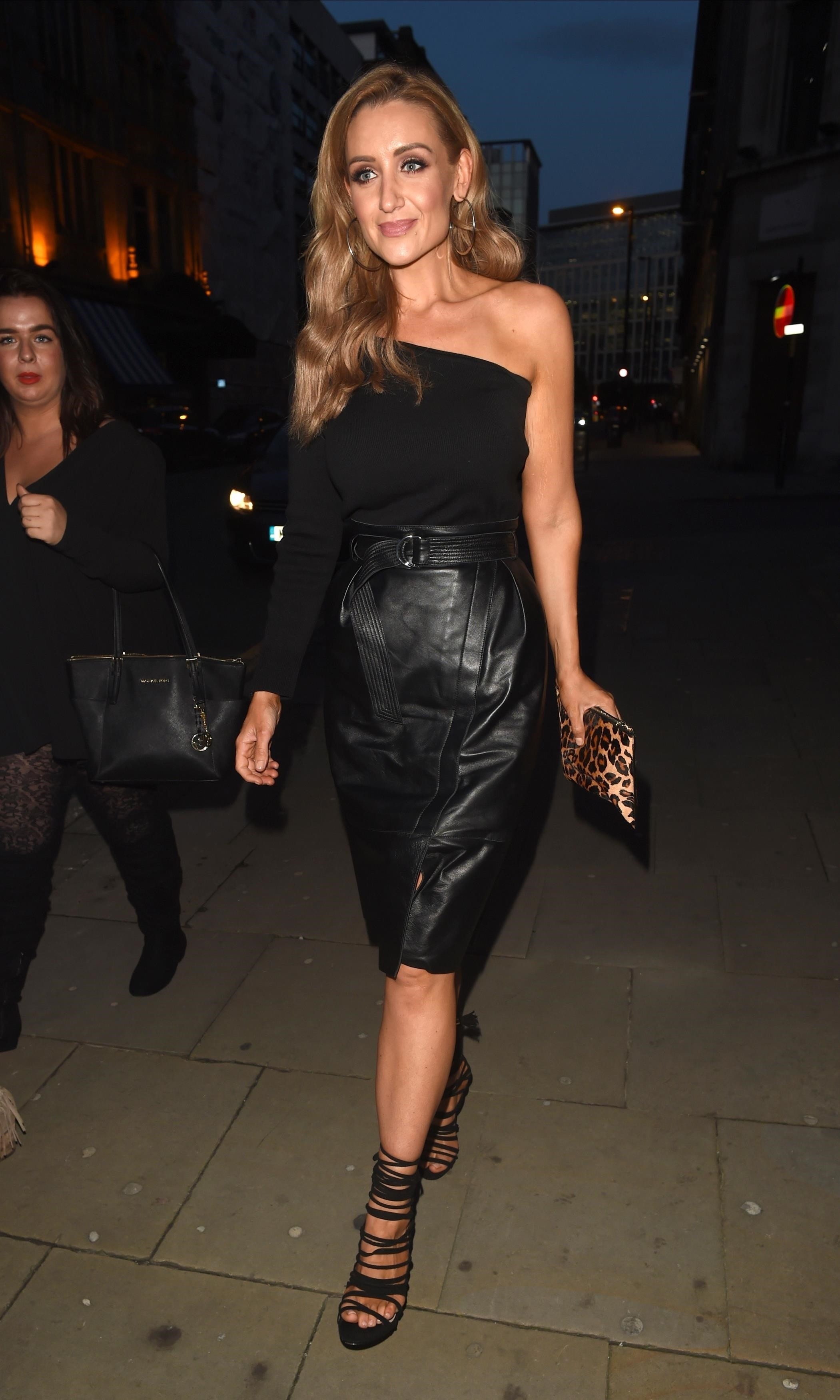
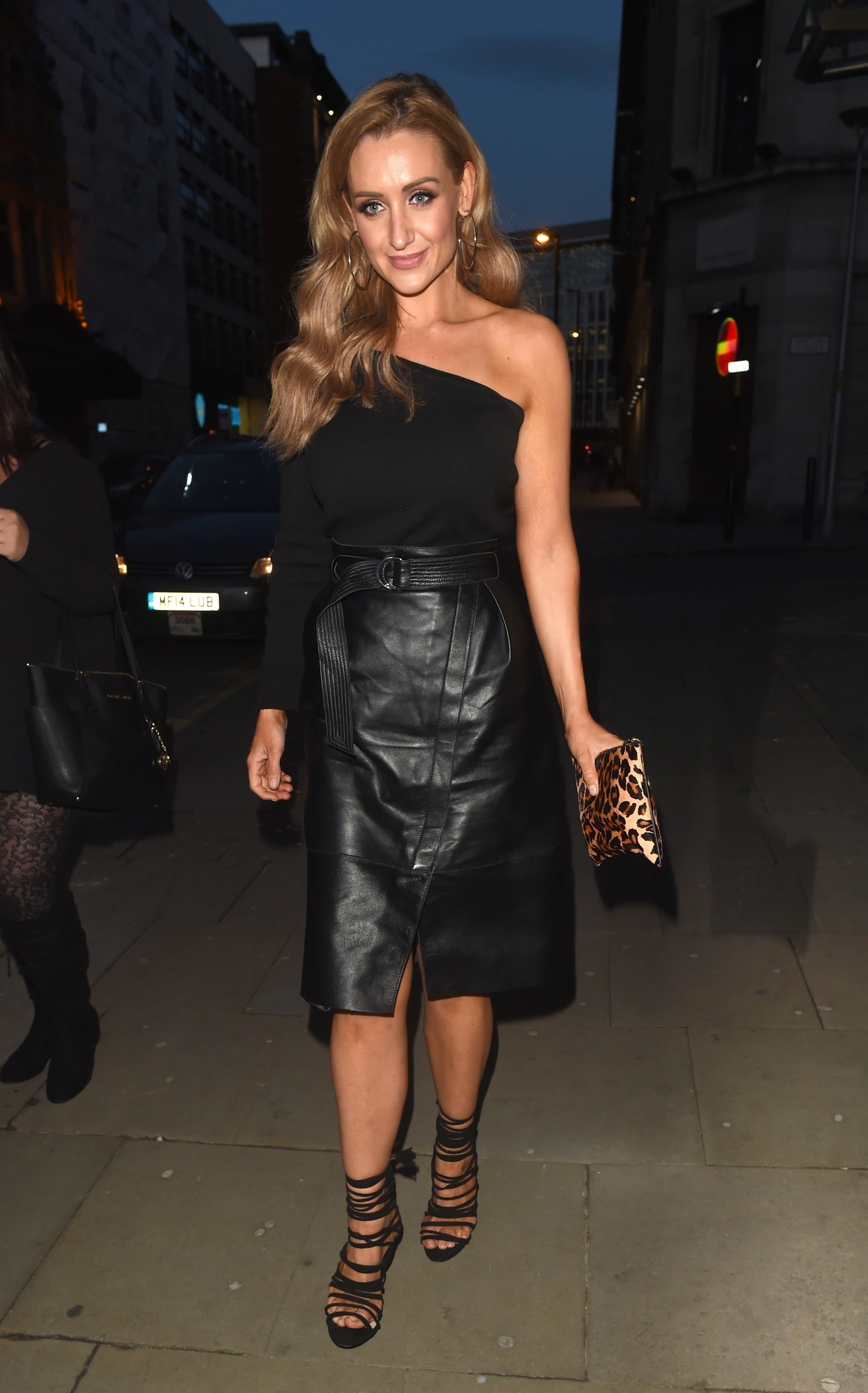
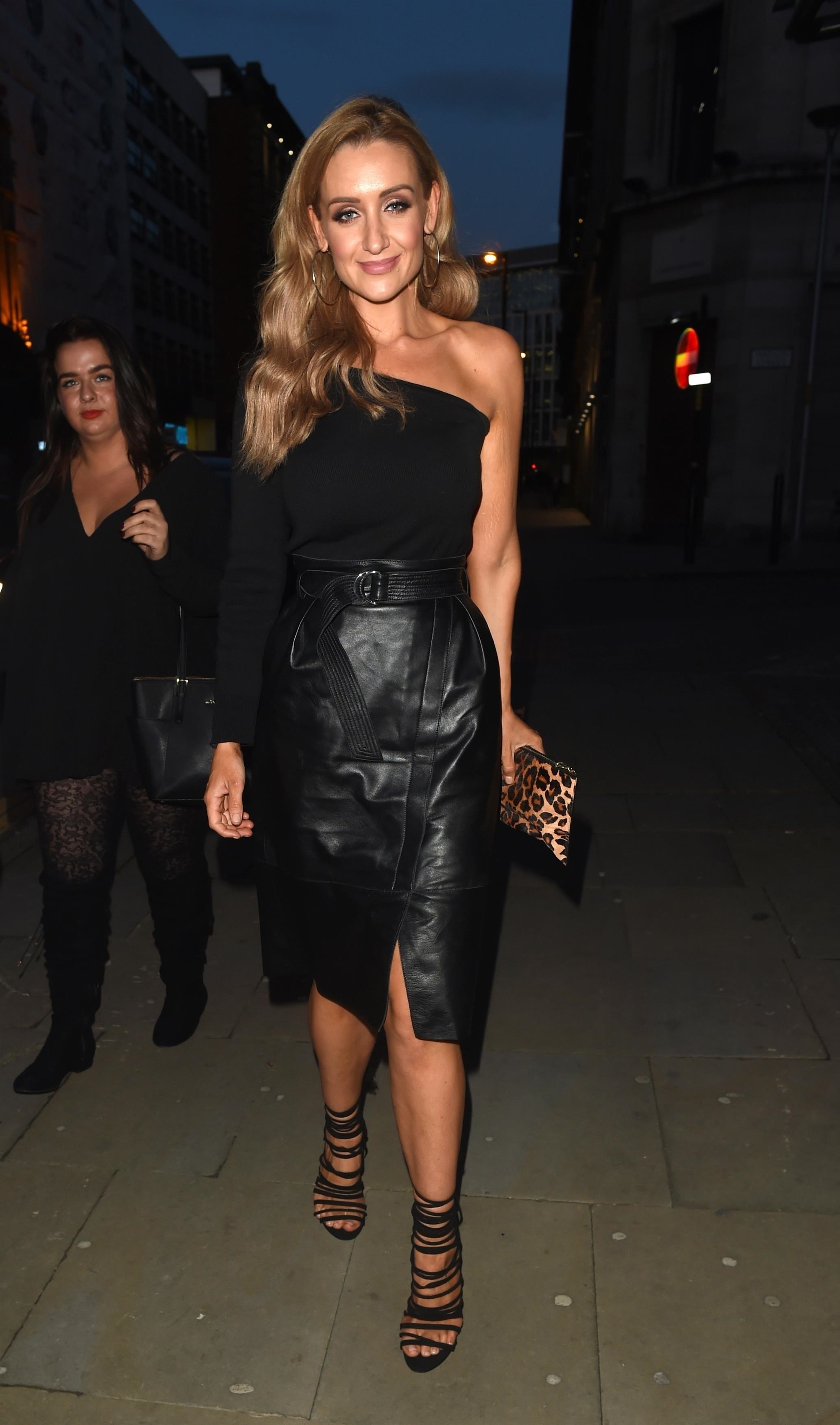
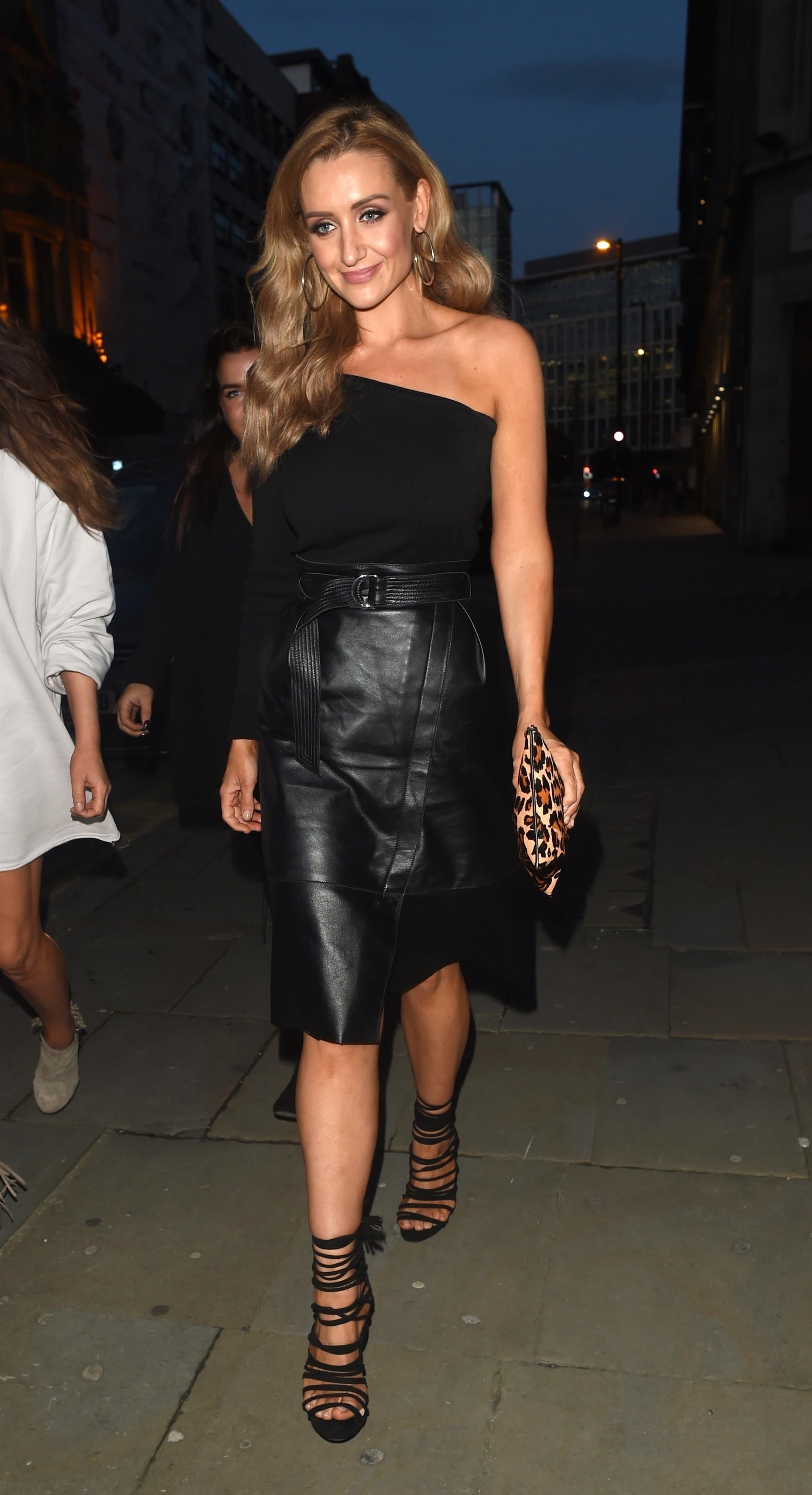
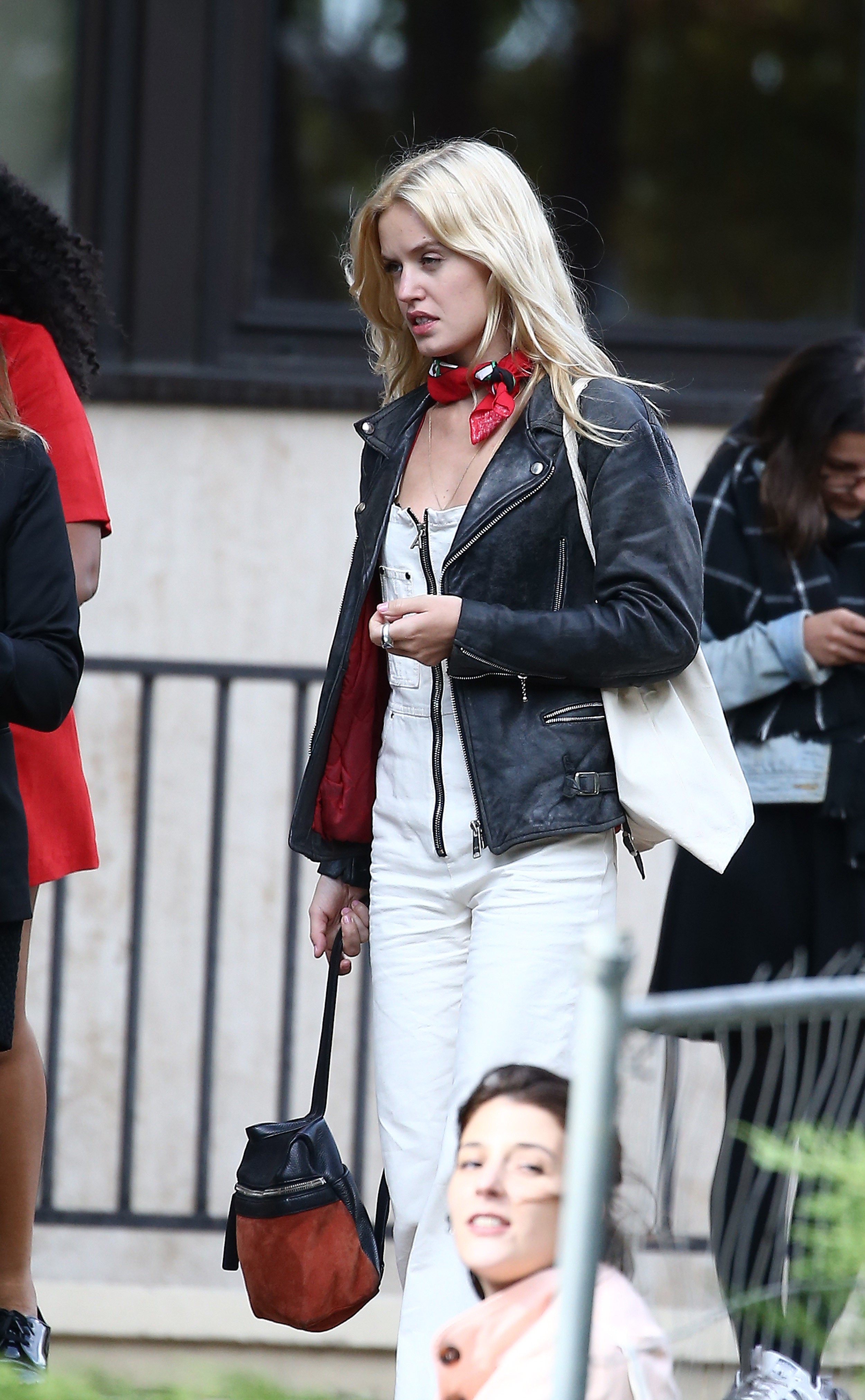
.jpg.22783defaf1ad41b136032458de29dc6.jpg)
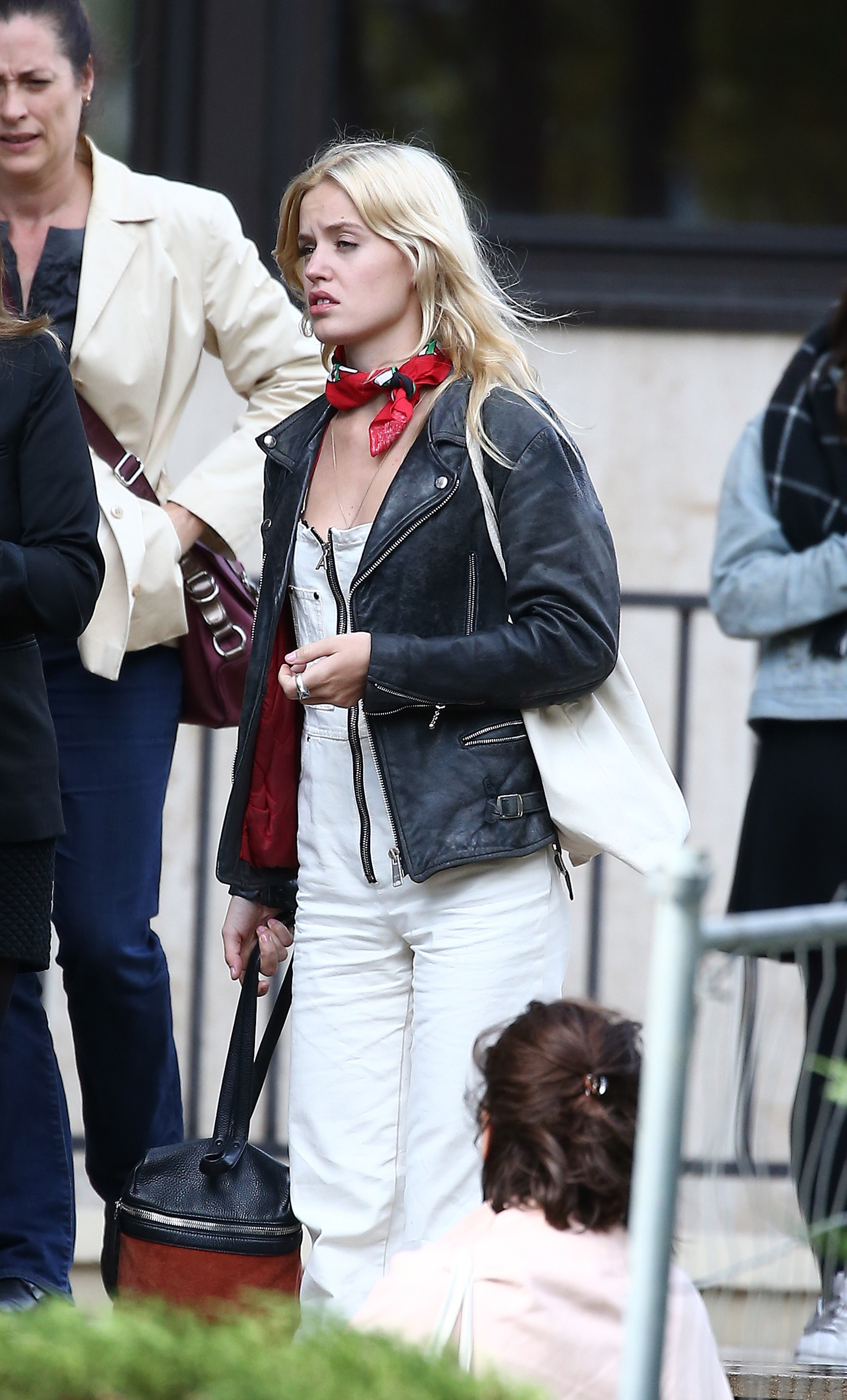
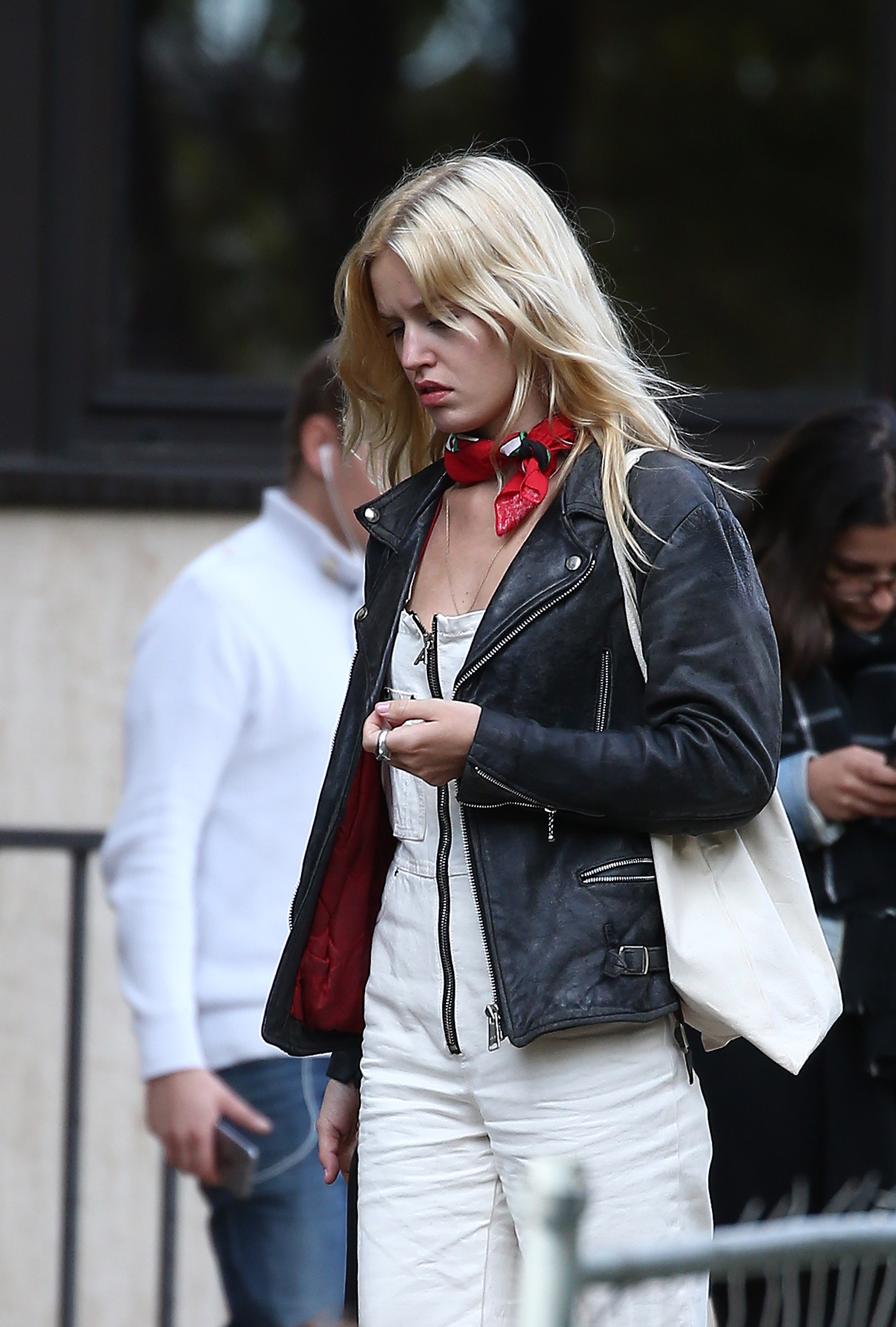
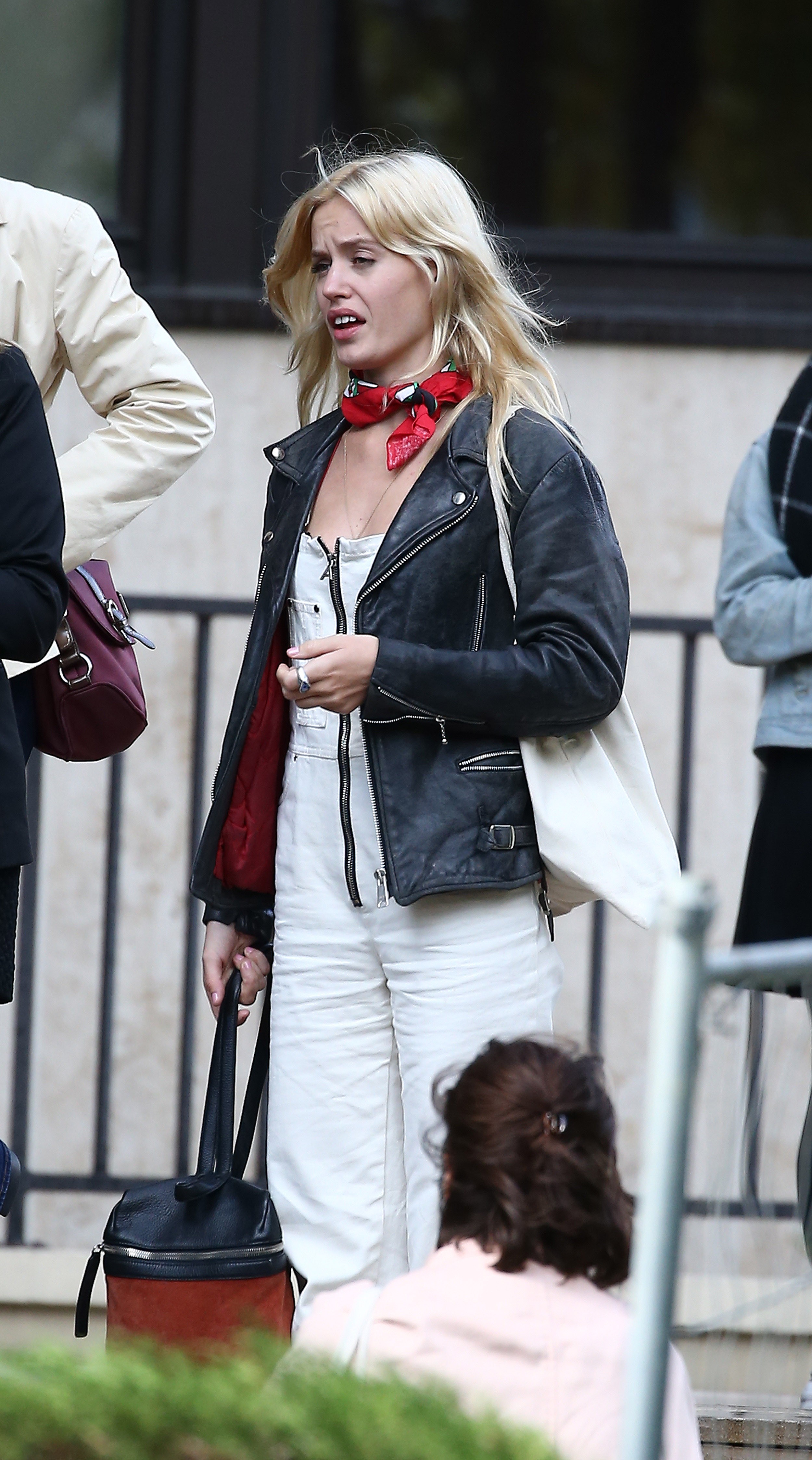
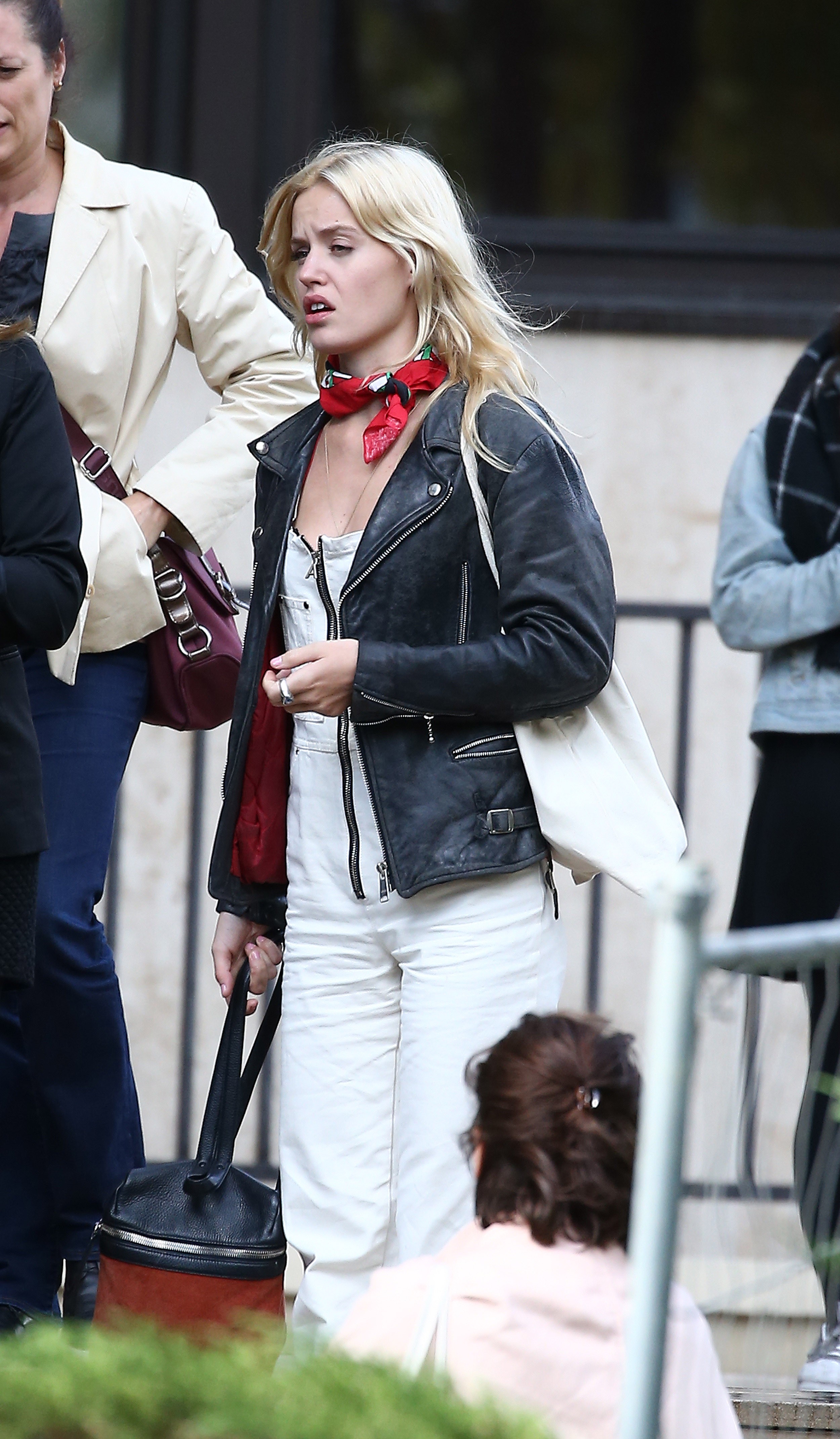
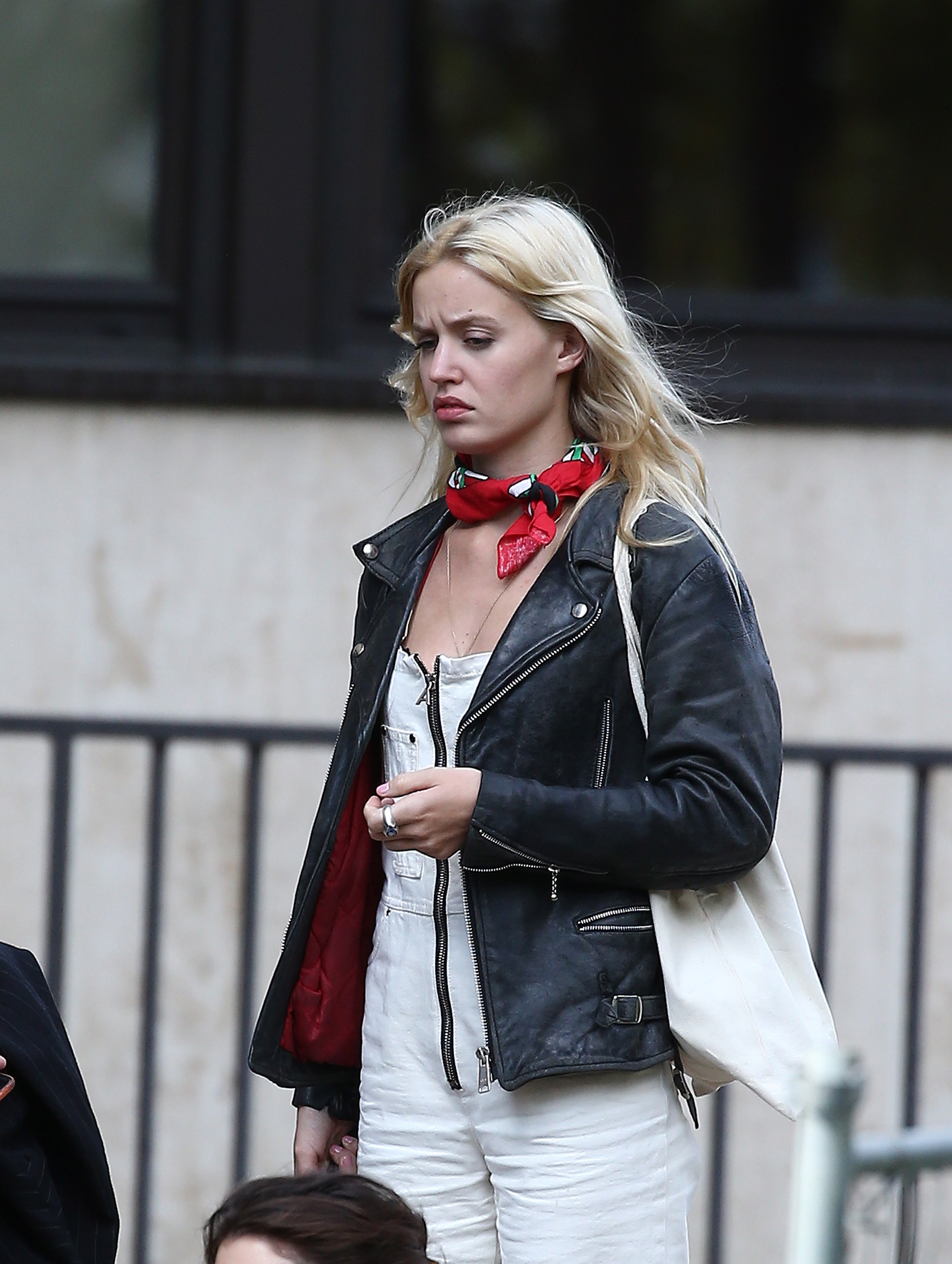
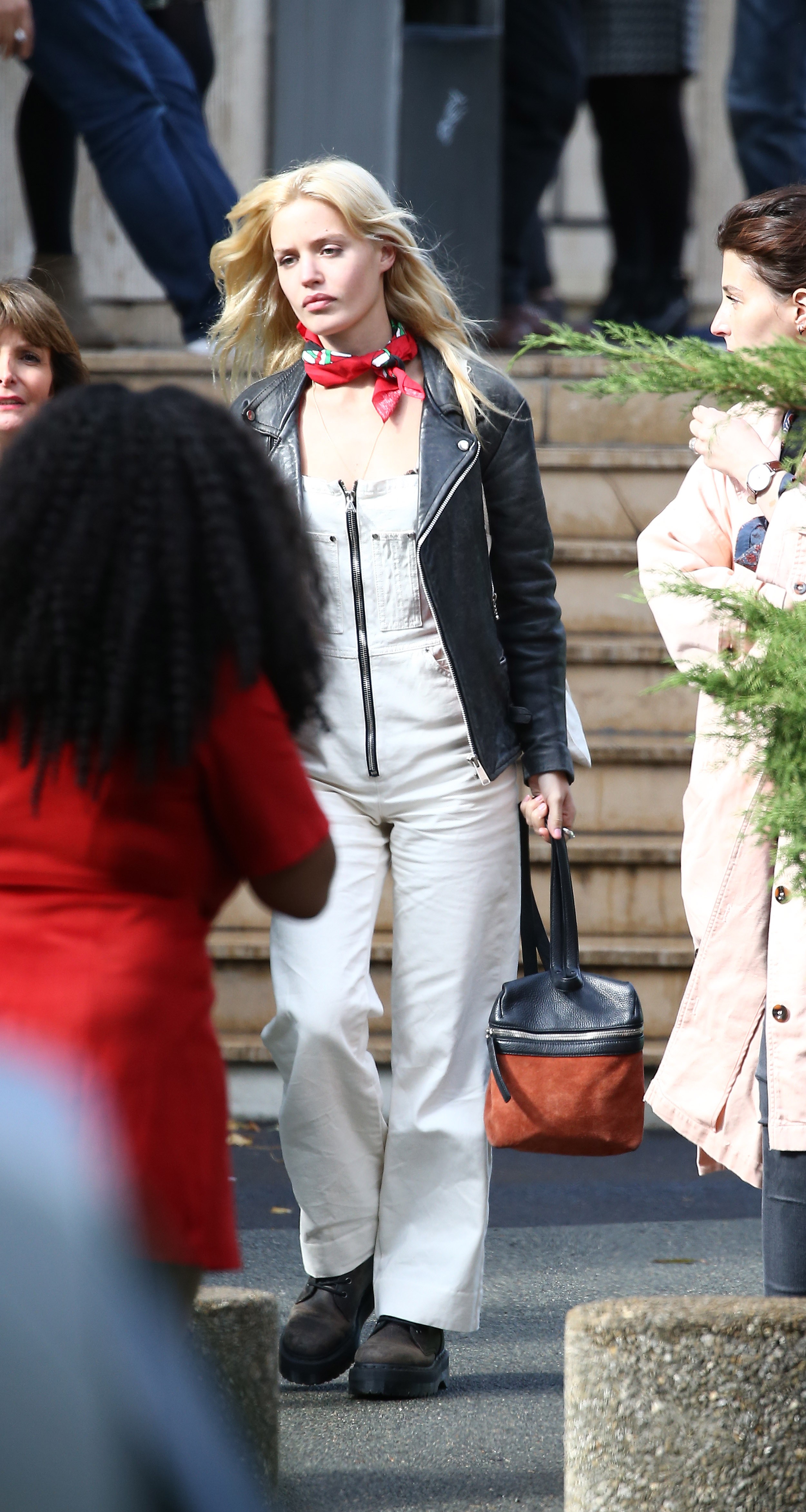
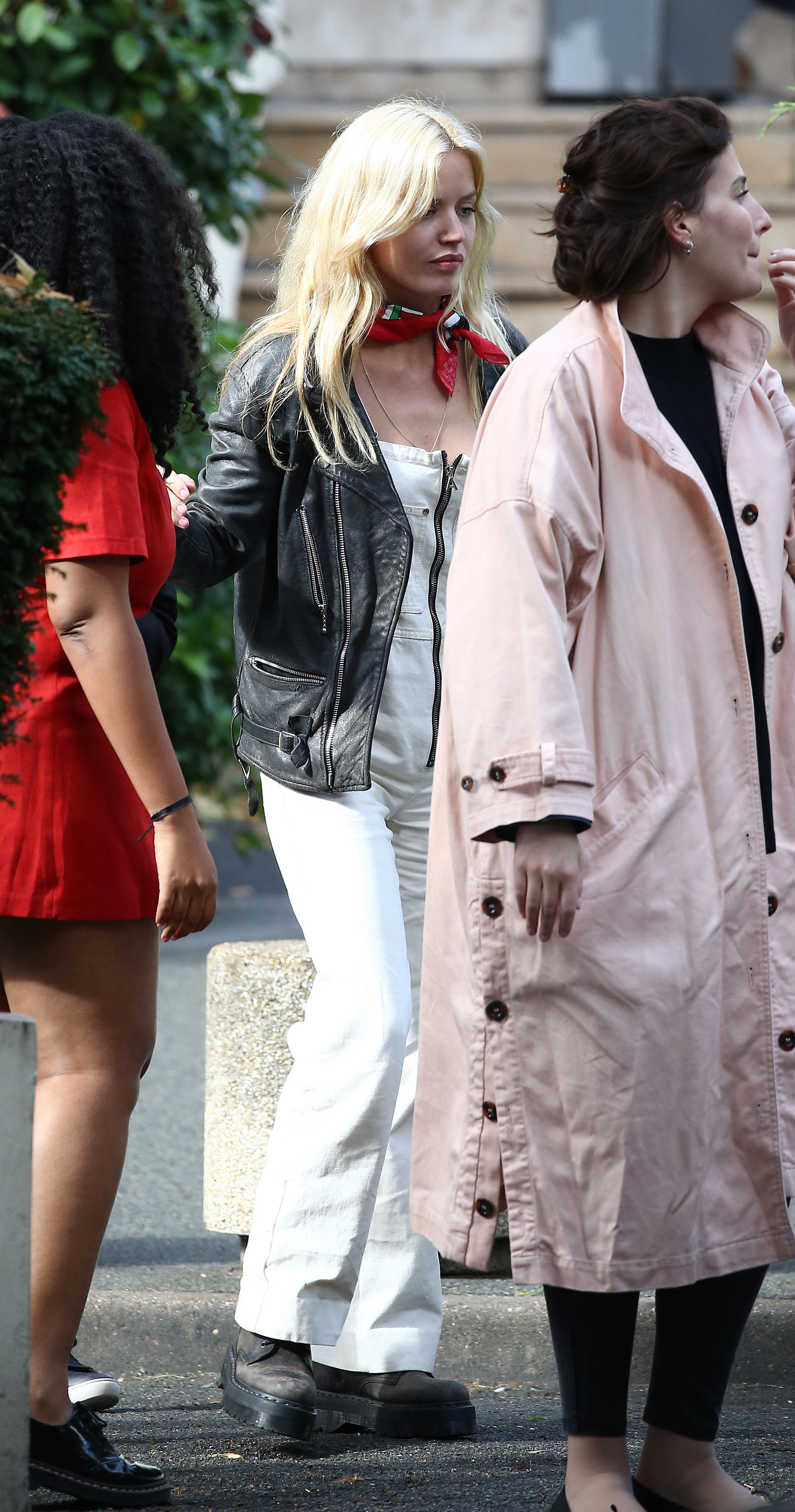
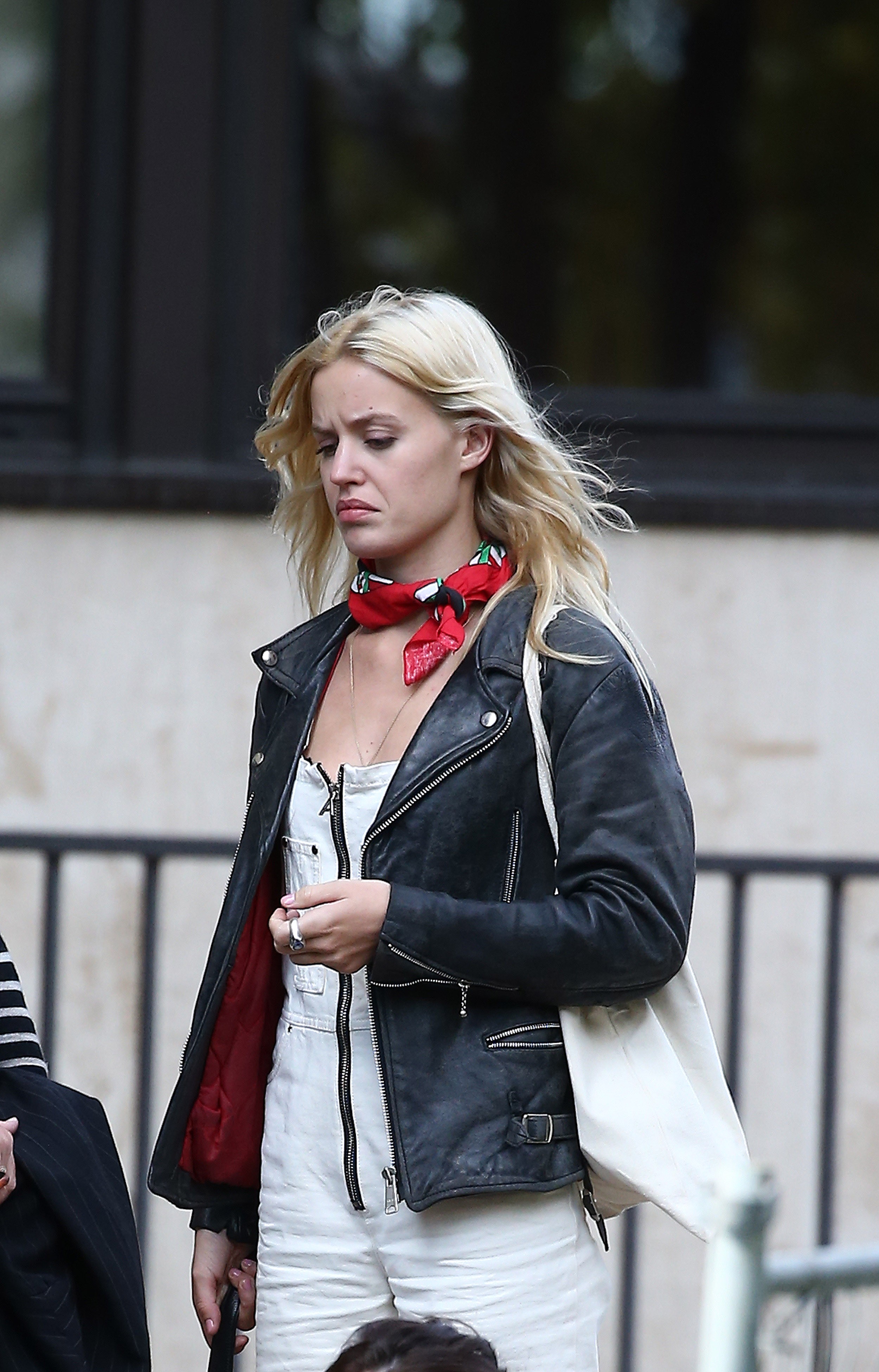
Account
Navigation
Search
Configure browser push notifications
Chrome (Android)
- Tap the lock icon next to the address bar.
- Tap Permissions → Notifications.
- Adjust your preference.
Chrome (Desktop)
- Click the padlock icon in the address bar.
- Select Site settings.
- Find Notifications and adjust your preference.
Safari (iOS 16.4+)
- Ensure the site is installed via Add to Home Screen.
- Open Settings App → Notifications.
- Find your app name and adjust your preference.
Safari (macOS)
- Go to Safari → Preferences.
- Click the Websites tab.
- Select Notifications in the sidebar.
- Find this website and adjust your preference.
Edge (Android)
- Tap the lock icon next to the address bar.
- Tap Permissions.
- Find Notifications and adjust your preference.
Edge (Desktop)
- Click the padlock icon in the address bar.
- Click Permissions for this site.
- Find Notifications and adjust your preference.
Firefox (Android)
- Go to Settings → Site permissions.
- Tap Notifications.
- Find this site in the list and adjust your preference.
Firefox (Desktop)
- Open Firefox Settings.
- Search for Notifications.
- Find this site in the list and adjust your preference.