
valeadicto
Members
-
Joined
-
Last visited
Everything posted by valeadicto
-

-
-
-
-
-
-
-
-
-
-
-
-
-
-
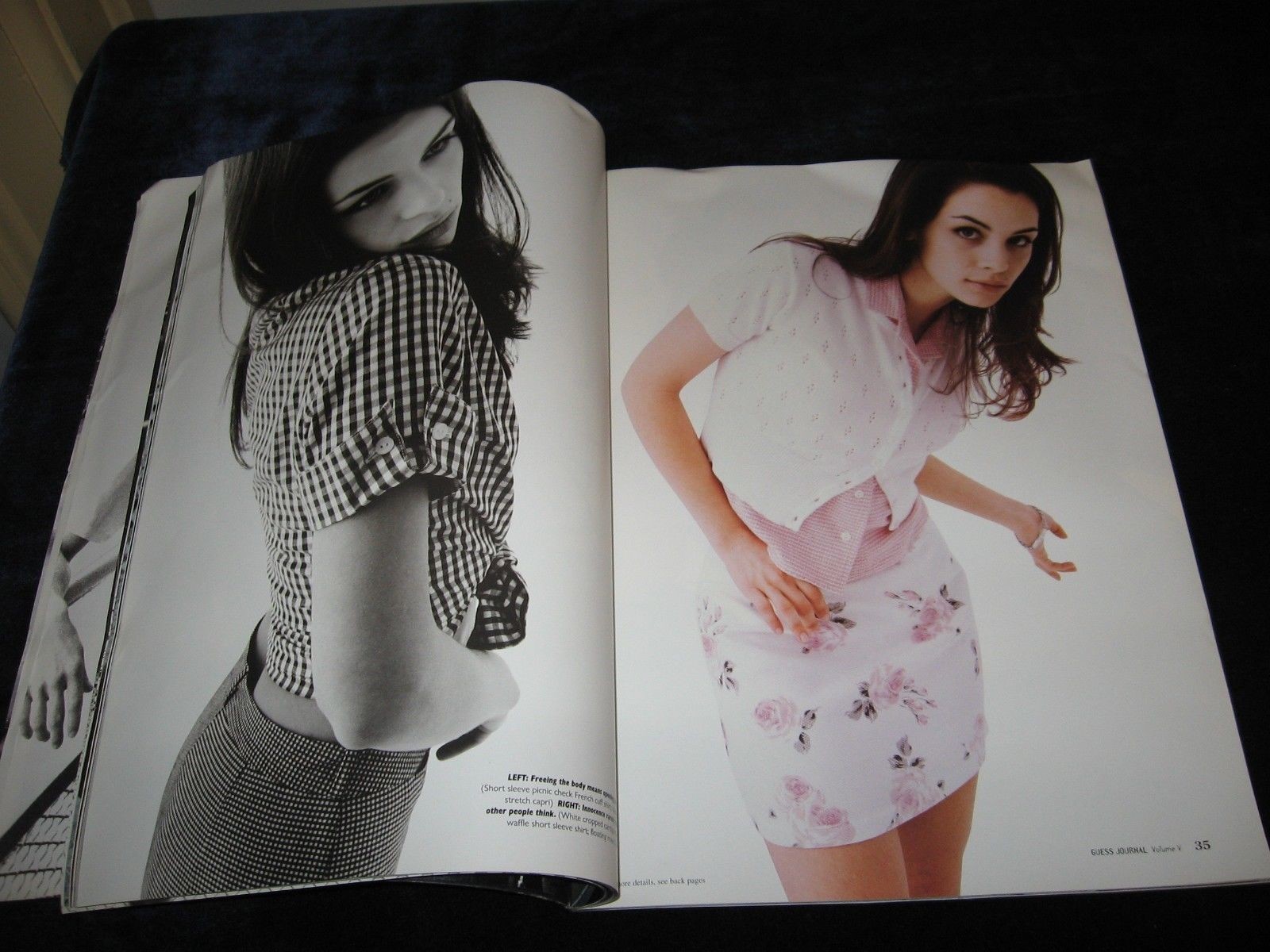
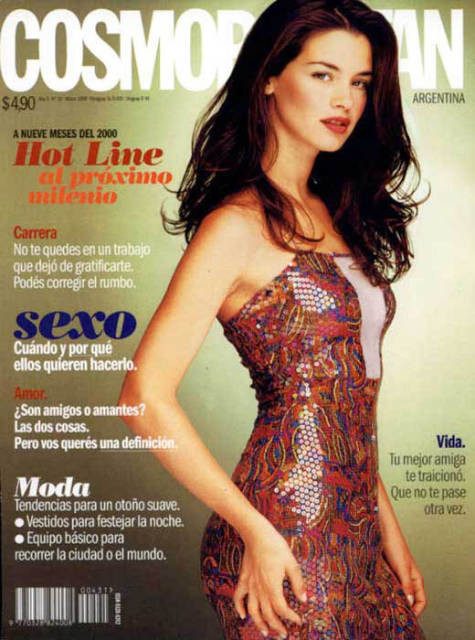
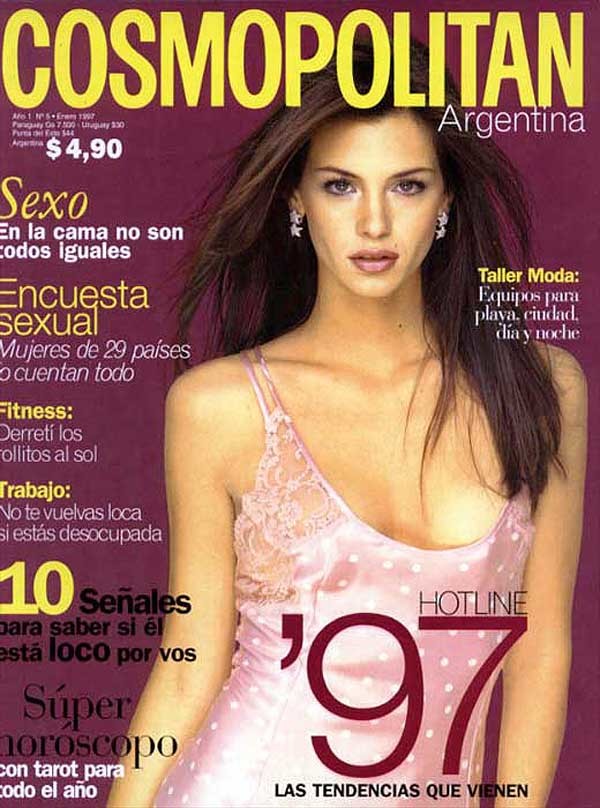
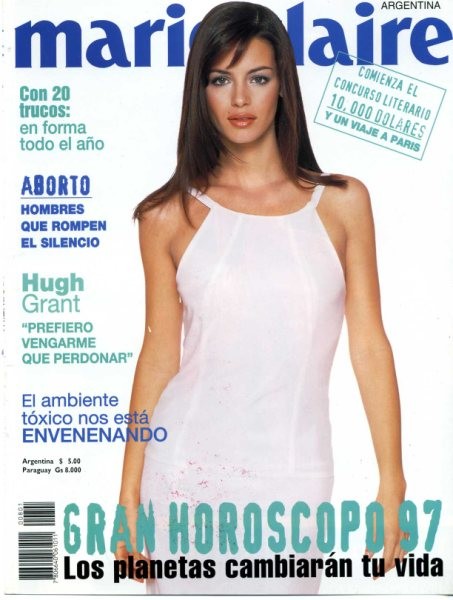
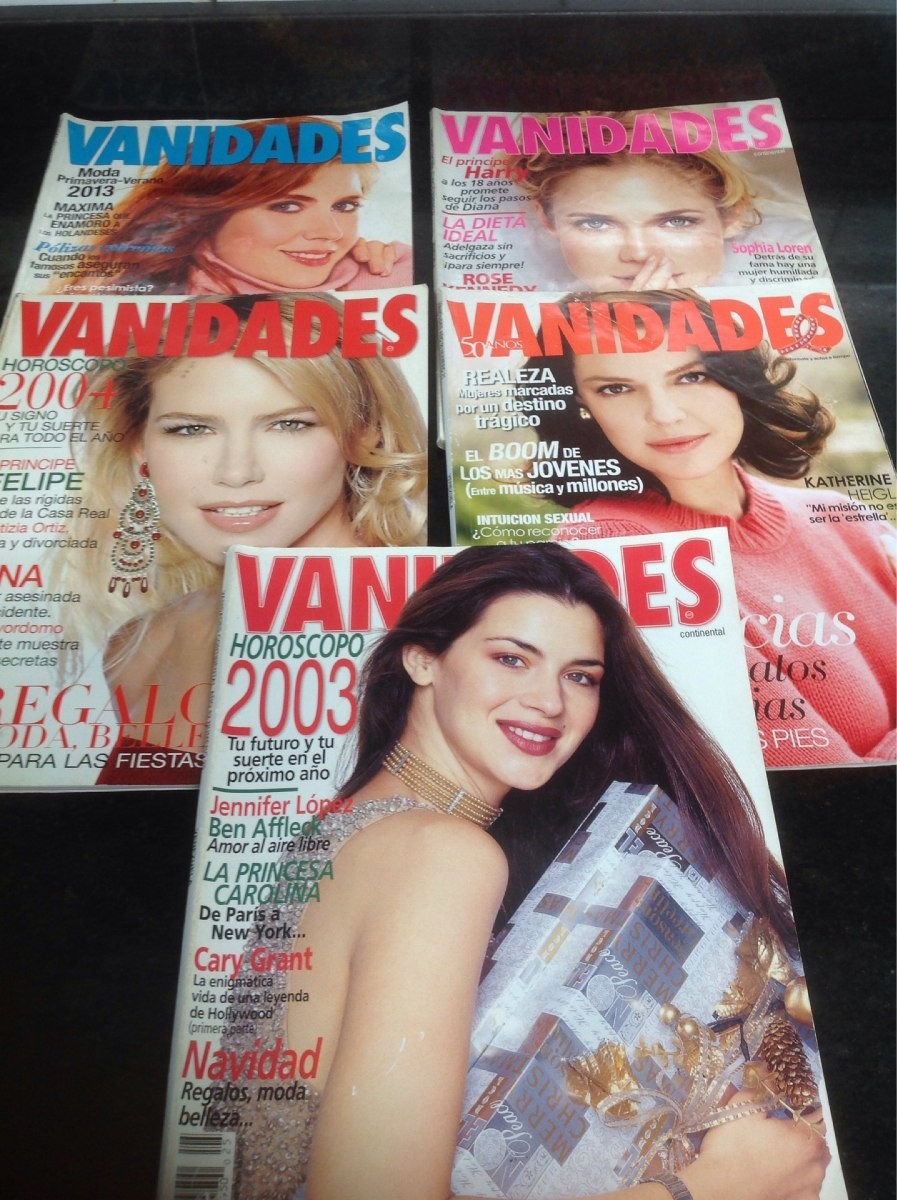
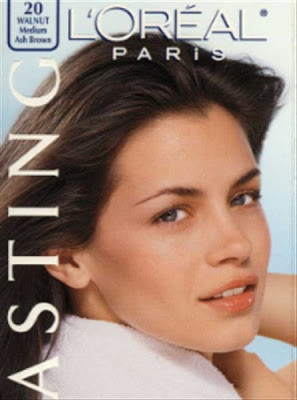
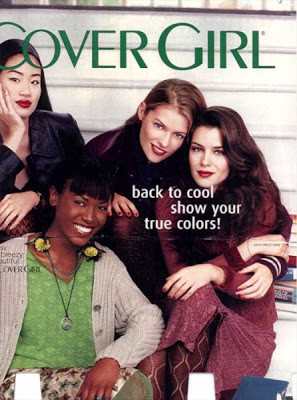
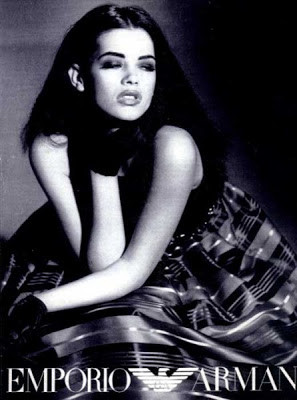
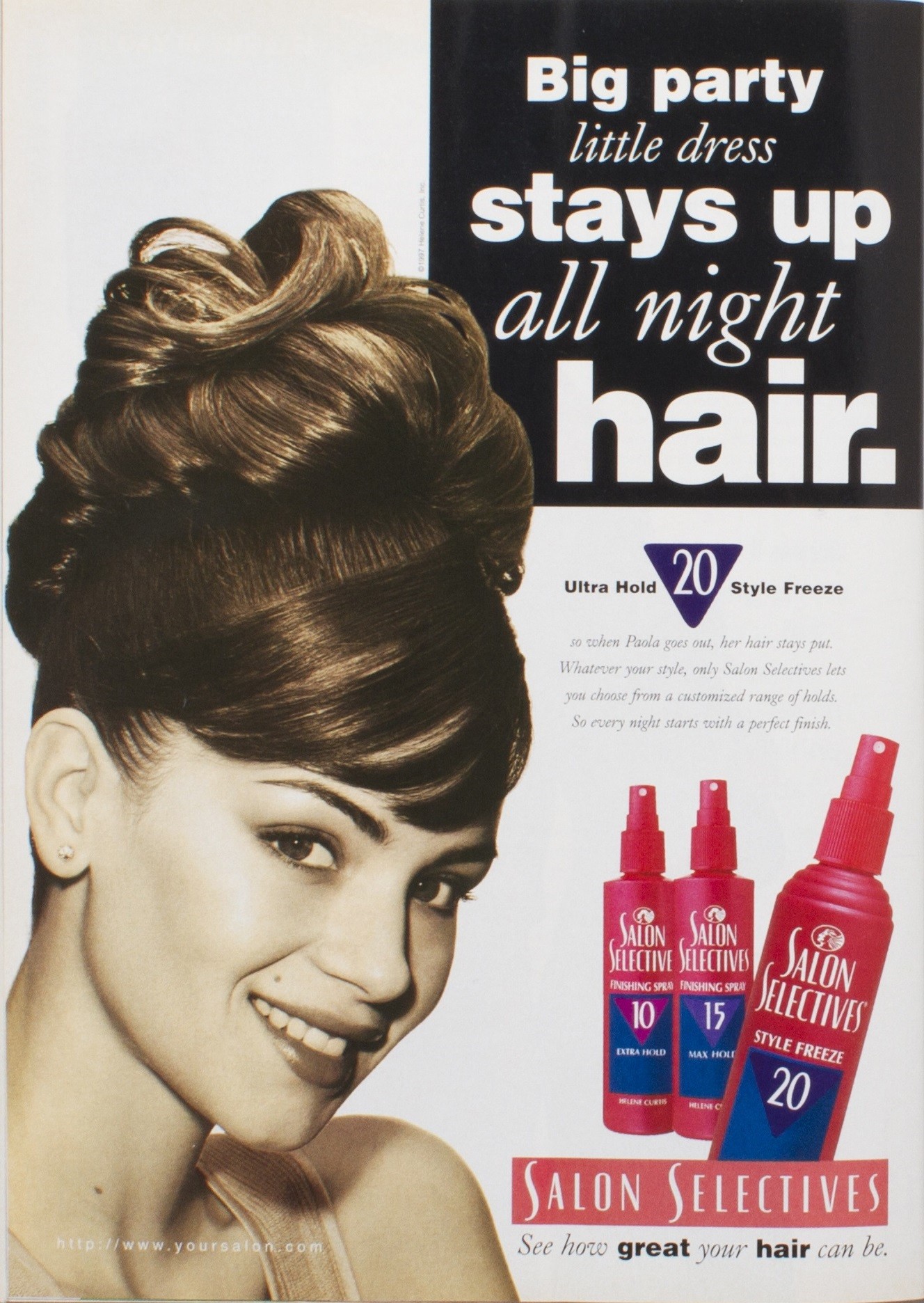
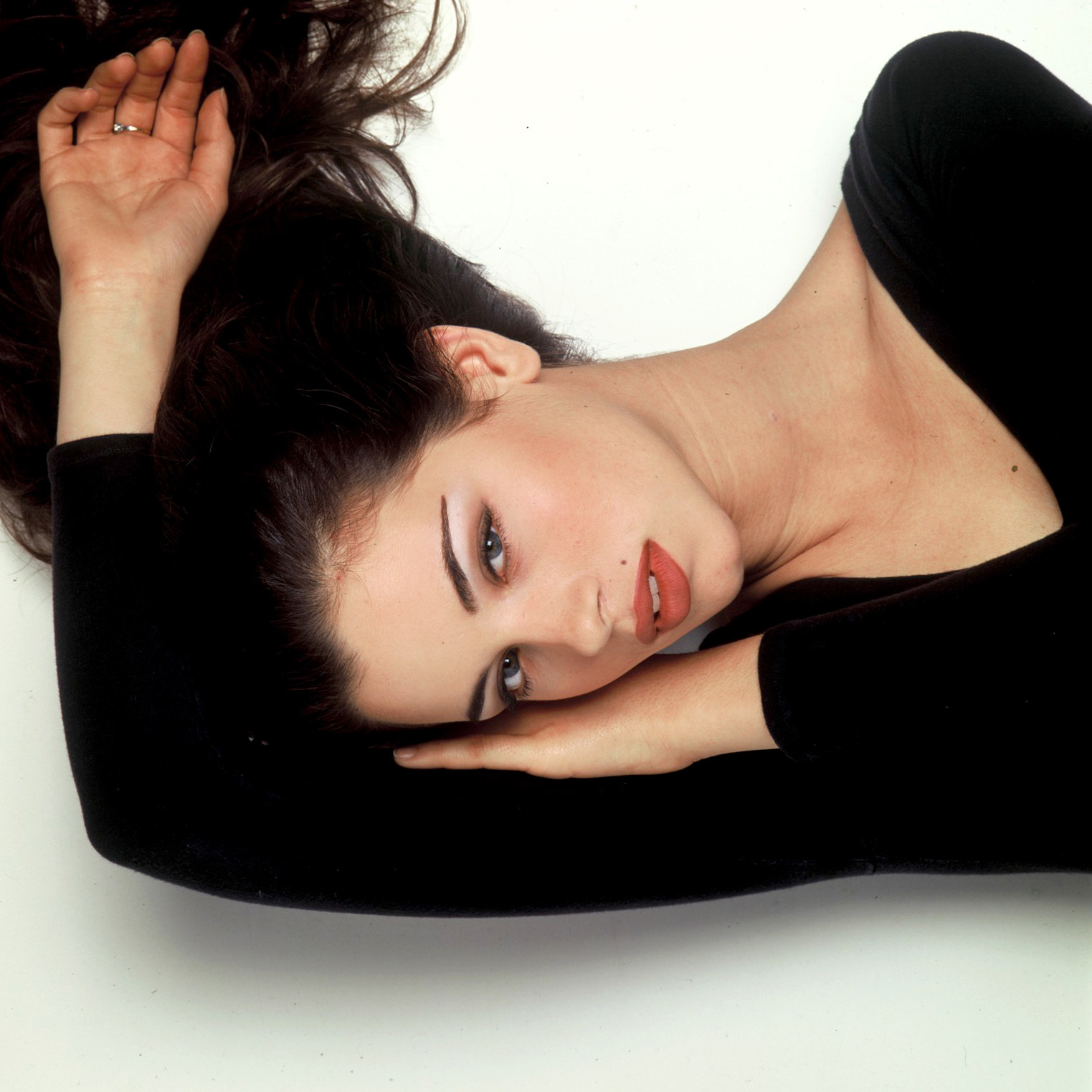
Paula Colombini is an Argentinian model and actress. She was born February 7, 1976 in Buenos Aires City, Argentina. She worked for these brands: Angel Face (makeup), Impulse (deodorant), Salon Selective (shampoo), Thermasilk, Cover Girl (makeup), Lux (soap), Pantene (shampoo), Emporio Armani, Gap, Guess, and Polo Ralph Lauren. She has been one of the Argentine models, with more success abroad.
-
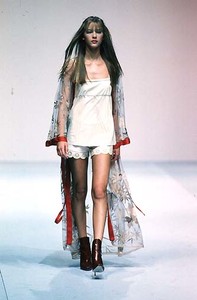
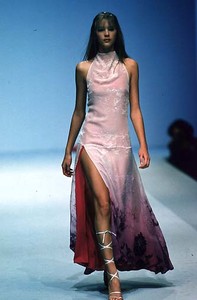
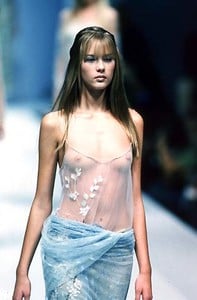
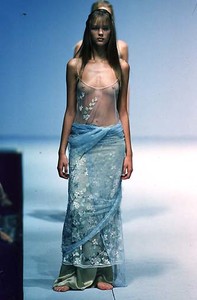
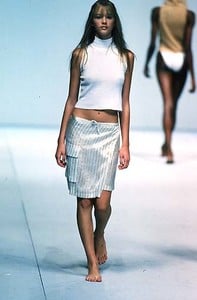
Roberto Cavalli - Spring Summer 1998 - Milan
-
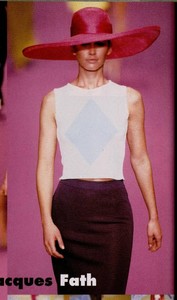
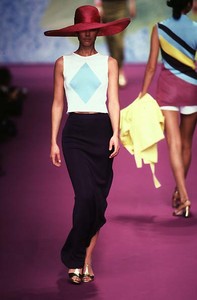
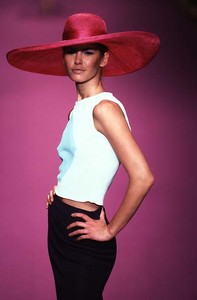
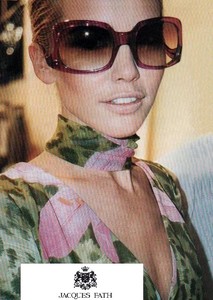
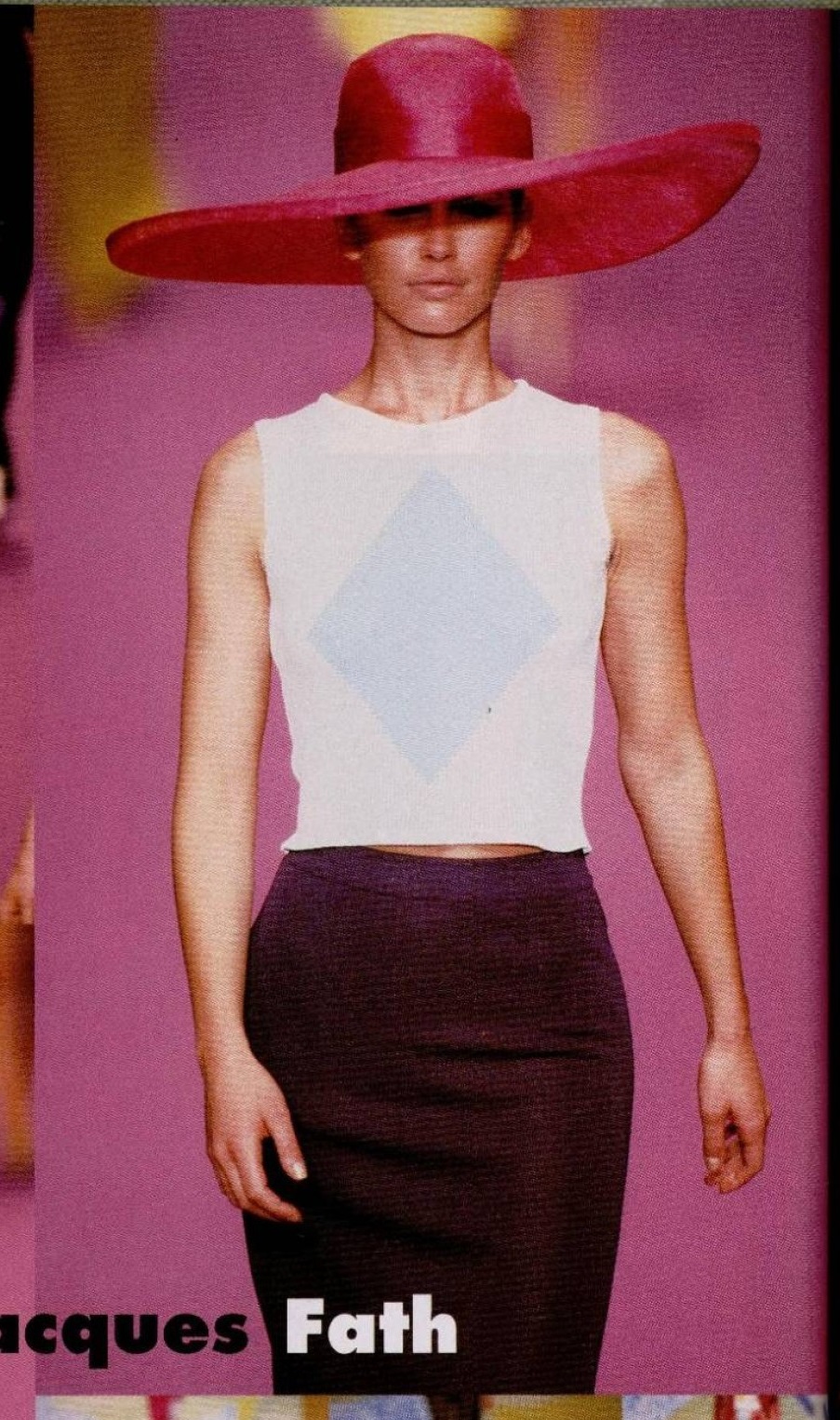
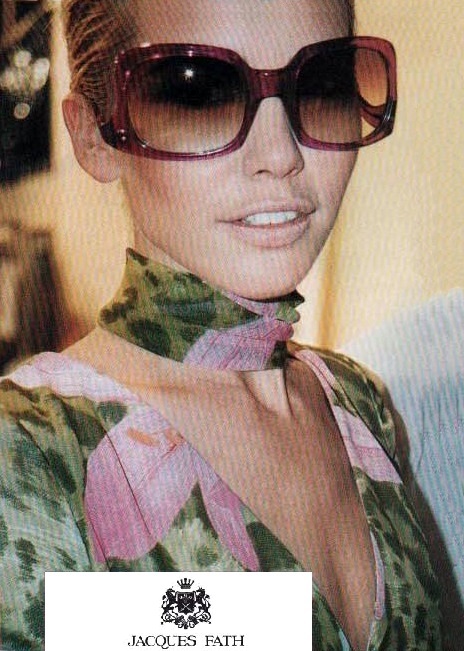
more Jacques Fath Spring 1997
.thumb.jpg.6be52dd3bb3389fa2adab22a91bb13ca.jpg)
-
Cristina Santandrea - Fashion Show Carre Otis, Helena Christensen, Tricia Helfer, Yasmeen Ghauri, Carla Bruni, Eva Herzigova, others
SANTANDREA Collections - Fall 1996 - Milan Tricia Helfer, Eva Herzigova, Sibyl Buck, Nadege Du Bospertus, others.
SANTANDREA - Spring Summer 1996 - Milan Eva Herzigova, Lorena Giaquinto, Yasmeen Ghauri, Valeria Mazza, Ingrid Seynhaeve, Helena Christensen and others!
SANTANDREA Collections (since 1994) Tiziano Santandrea has been in the fashion industry since 1980 when he started a business with his sister Cristina Santandrea with whom he shared the same fashion philosophy. Tiziano Santandrea, together with Cristina, was able to break out onto the Italian and foreign markets with their Santandrea Jeans, Santandrea Pret-a-porter and Santandrea Couture collections. In 1994 Tiziano and Cristina's women's collections hit the runway in Milan alongside big names such as Roberto Cavalli, Dolce&Gabbana, Gucci, Versace, Prada, Blumarine, etc ... gaining success with both critics and the public, even in future fashion shows. When he ended his partnership with his sister in the late '90s, Tiziano Santandrea became an external consultant.
This gorgeous model looks like an hybrid between Helena and Linda. She looks amazing. ID?
in 1991, love her hair! waves really suits her
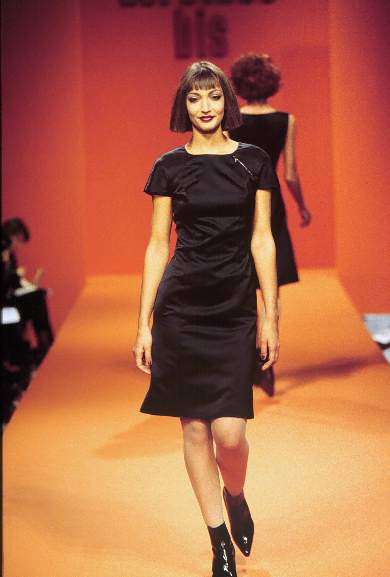
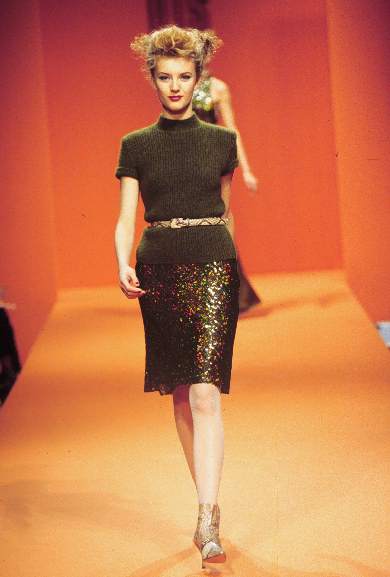
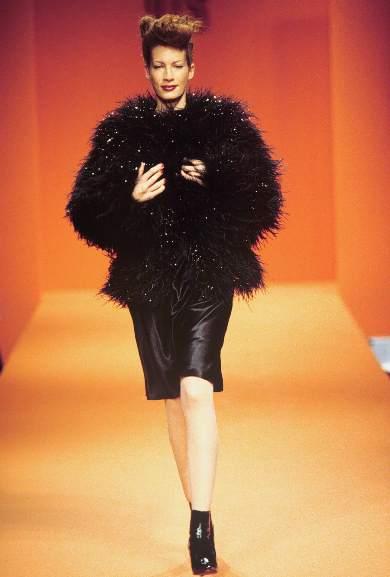
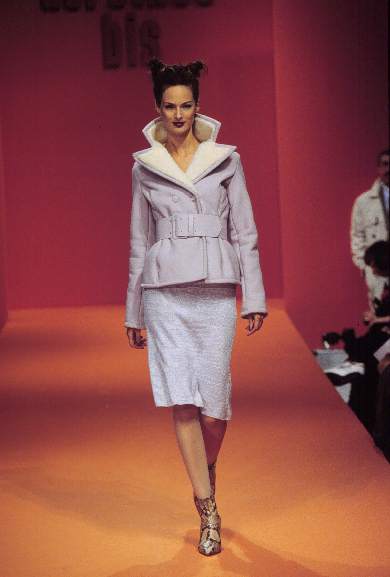
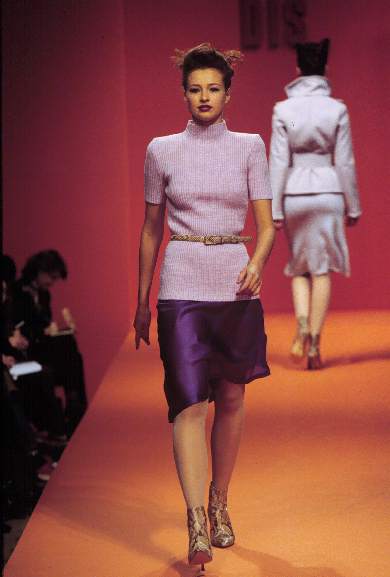
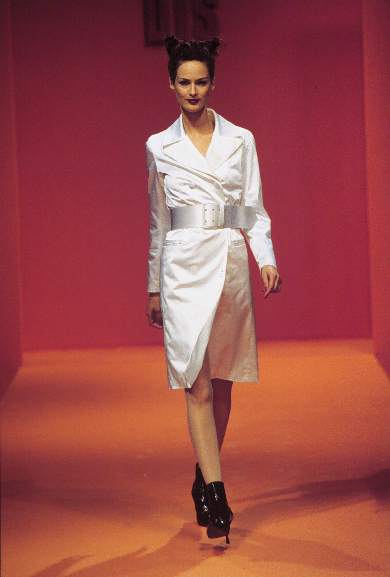
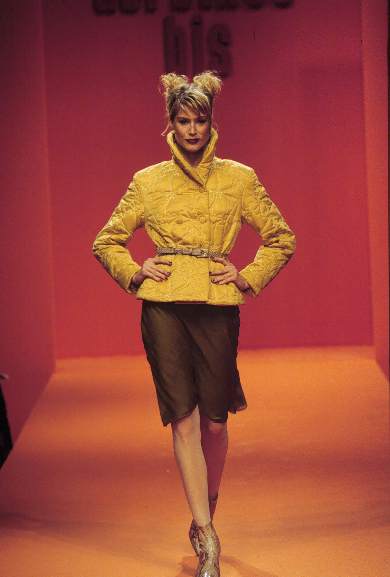
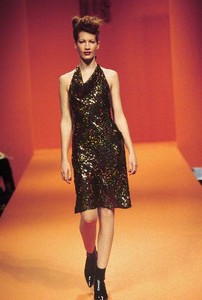
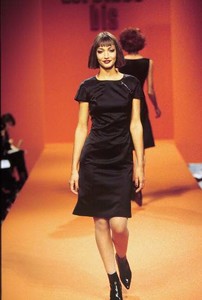
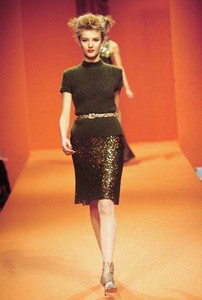
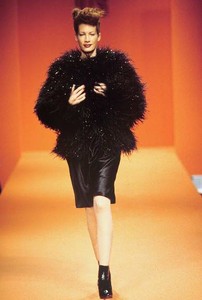
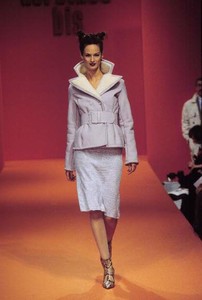
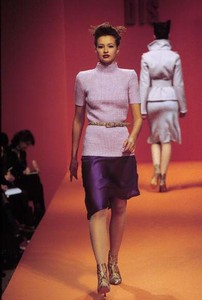
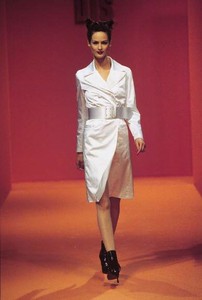
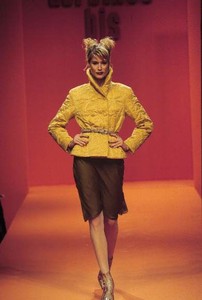
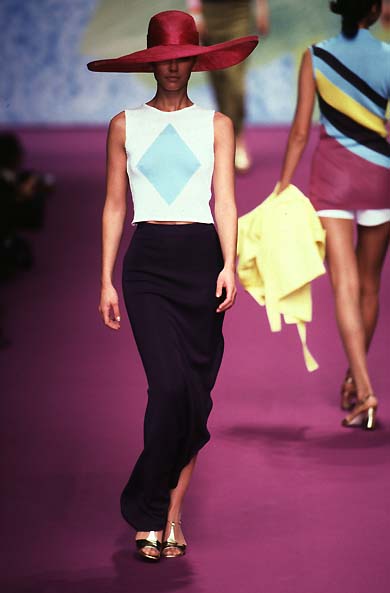
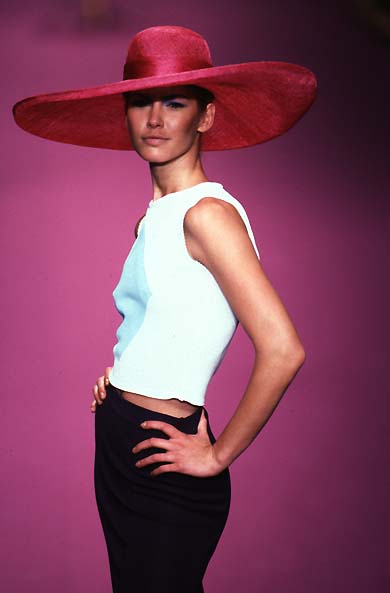
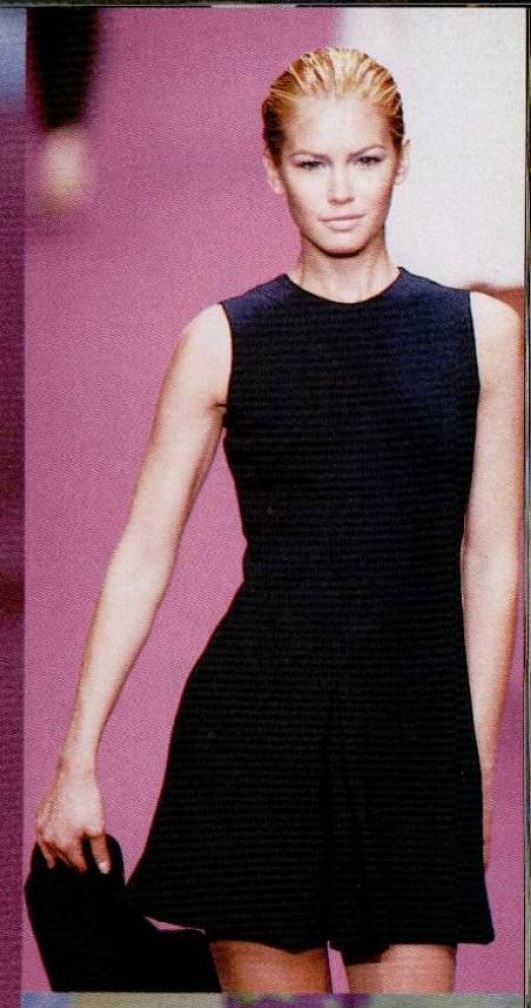
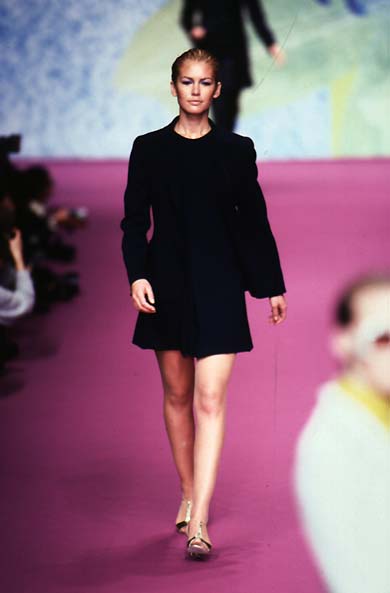
Dorothee Bis - Fall 1995 - Paris






.jpg.9fceeefd227f49da491e6687a57c3989.jpg)