
valeadicto
Members
-
Joined
-
Last visited
Everything posted by valeadicto
-
 Dimension 2 en 1 - Shampoo & Conditioner (Argentina) 1994 Model: Valeria Mazza

-
Wella - WellaPerm Model: Valeria Mazza


-
-
-
-
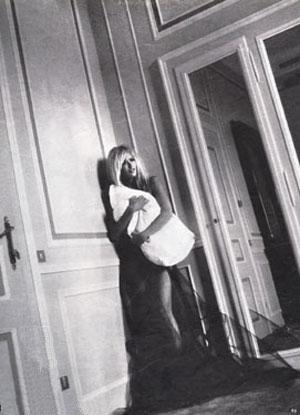
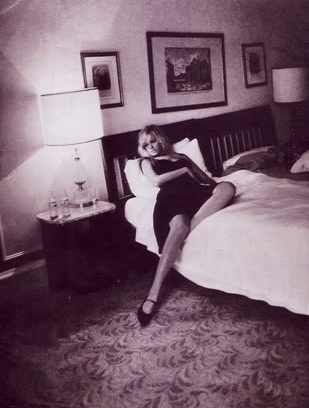
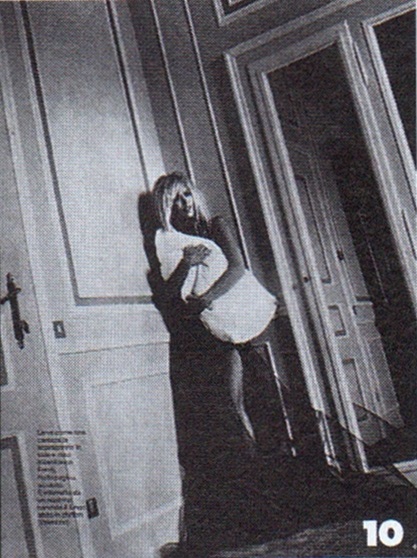
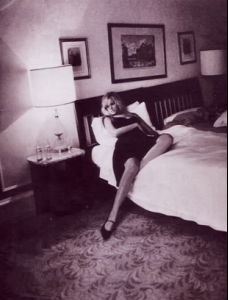
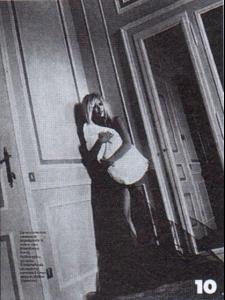
io Donna - 1996 or 1997 Model: Valeria Mazza Ph: Dominique Issermann






-
io Donna (first issue) March 23, 1996 Model: Isabella Rossellini Ph: Richard Avedon

-
op = Original Photographer I guess...
-
Sports Illustrated Swimsuit Edition - January 1996 Ph: Walter Iooss Models: Valeria Mazza & Tyra Banks
-
- 90s
- back issues
- covers
- eitorials
-
Tagged with:
-
I invite all of you to take a look at my valeria's fan tumblr http://valeria-supermodel.tumblr.com/ and my valeria's fan Facebook Page https://www.facebook.com/valeria.supermodel
Hi Brazilian.. Where did you find it?
Have you got those two broken links?
Could you Re-post ? Some links are broken
Valeria Mazza (runway and backstage) Other model: Tricia Helfer
Amazing!!!
Account
Navigation
Search
Configure browser push notifications
Chrome (Android)
- Tap the lock icon next to the address bar.
- Tap Permissions → Notifications.
- Adjust your preference.
Chrome (Desktop)
- Click the padlock icon in the address bar.
- Select Site settings.
- Find Notifications and adjust your preference.
Safari (iOS 16.4+)
- Ensure the site is installed via Add to Home Screen.
- Open Settings App → Notifications.
- Find your app name and adjust your preference.
Safari (macOS)
- Go to Safari → Preferences.
- Click the Websites tab.
- Select Notifications in the sidebar.
- Find this website and adjust your preference.
Edge (Android)
- Tap the lock icon next to the address bar.
- Tap Permissions.
- Find Notifications and adjust your preference.
Edge (Desktop)
- Click the padlock icon in the address bar.
- Click Permissions for this site.
- Find Notifications and adjust your preference.
Firefox (Android)
- Go to Settings → Site permissions.
- Tap Notifications.
- Find this site in the list and adjust your preference.
Firefox (Desktop)
- Open Firefox Settings.
- Search for Notifications.
- Find this site in the list and adjust your preference.