Rina Fontezhe
Members
-
Joined
-
Last visited
Everything posted by Rina Fontezhe
-
Maria Menounos at LAX on March 14, 2016


-
Maria Menounos and Keven Undergaro are seen at 'Jimmy Kimmel Live' on March 14, 2016.


-
Maria Menounos and Kevin Undergaro are seen at LAX on March 12, 2016


-
Maria Menounos and Keven Undergaro at HuffPoLive in New York, New York on March 9, 2016. The couple just got engaged today!


 Kevin Undergaro and Maria Menounos attend the AOL Build Speakers Series - Maria Menounos, "The EveryGirl's Guide to Cooking" at AOL Studios In New York on March 9, 2016 in New York City.


 Maria Menounos is seen out and about in New York City with her boyfriend Keven Undergaro on March 8, 2016.


 Actress Maria Menounos attends the Premiere Of Universal Pictures' "Jurassic World" at Dolby Theatre on June 9, 2015 in Hollywood, California.Celebrities attend Taylor Morris - collection launch party at The Chelsea Gardener.


 Los Angeles International Airport May 15th 2015


 by David Sparks Photoshoot in LA. March 31, 2015


 Maria Menounos attends Universal Pictures' "Furious 7" premiere at TCL Chinese Theatre on April 1, 2015 in Hollywood, California.I'm sorry if repost source: listal.com


 I'm sorry if repost source: listal.com


 WWE Hall of Fame 2015 Red Carpet


 LAX Airport in Los Angeles 3/23/2015


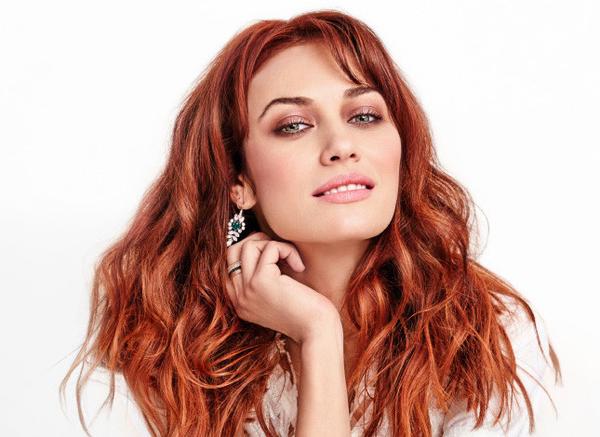
 @GLAMOUR_Russia / twitter «Мне нравится быть независимой»: интервью с Ольгой Куриленко "I like to be independent": An Interview with Olga Kurylenko
 Bottero Shoes Spring Summer Collection 2015 For Women
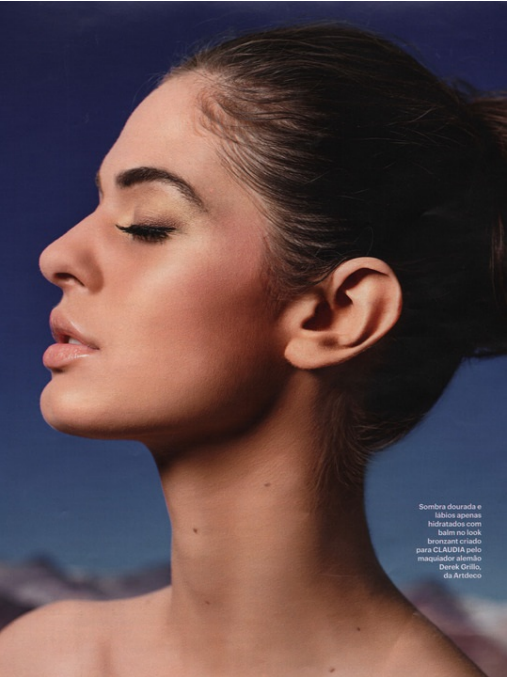
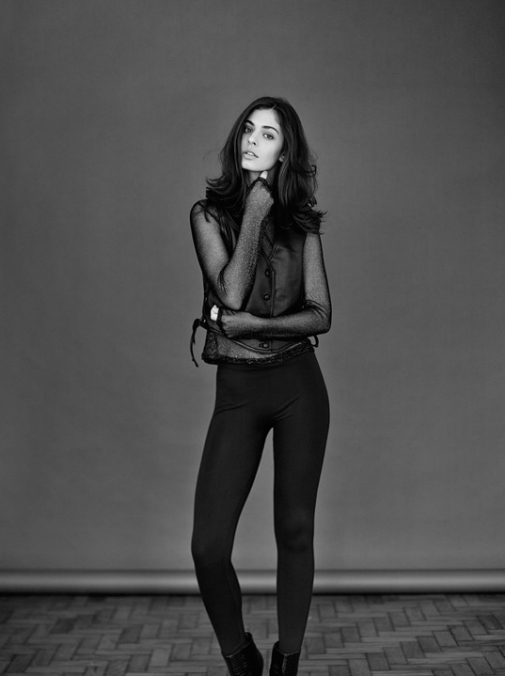
 Marina Fragnani @ Joy Model Management by me for Studio W Magazine #32 Styling: Neel Ciconello Make-up: Andrea Jordão @ Studio W Iguatemi. Hair: Fátima Gomes @ Studio W Iguatemi. Manicurist: Maria de Jesus @ Studio W Iguatemi.








Account
Navigation
Search
Configure browser push notifications
Chrome (Android)
- Tap the lock icon next to the address bar.
- Tap Permissions → Notifications.
- Adjust your preference.
Chrome (Desktop)
- Click the padlock icon in the address bar.
- Select Site settings.
- Find Notifications and adjust your preference.
Safari (iOS 16.4+)
- Ensure the site is installed via Add to Home Screen.
- Open Settings App → Notifications.
- Find your app name and adjust your preference.
Safari (macOS)
- Go to Safari → Preferences.
- Click the Websites tab.
- Select Notifications in the sidebar.
- Find this website and adjust your preference.
Edge (Android)
- Tap the lock icon next to the address bar.
- Tap Permissions.
- Find Notifications and adjust your preference.
Edge (Desktop)
- Click the padlock icon in the address bar.
- Click Permissions for this site.
- Find Notifications and adjust your preference.
Firefox (Android)
- Go to Settings → Site permissions.
- Tap Notifications.
- Find this site in the list and adjust your preference.
Firefox (Desktop)
- Open Firefox Settings.
- Search for Notifications.
- Find this site in the list and adjust your preference.