

RocketQueen
Members
-
Joined
-
Last visited
Everything posted by RocketQueen
-
 Madeleine Ahnell
Danielle
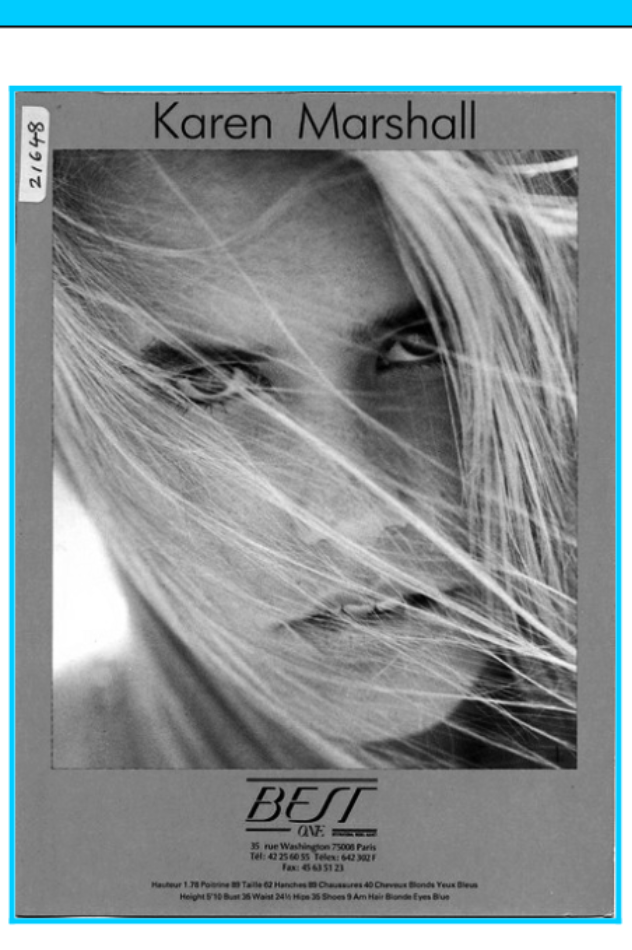
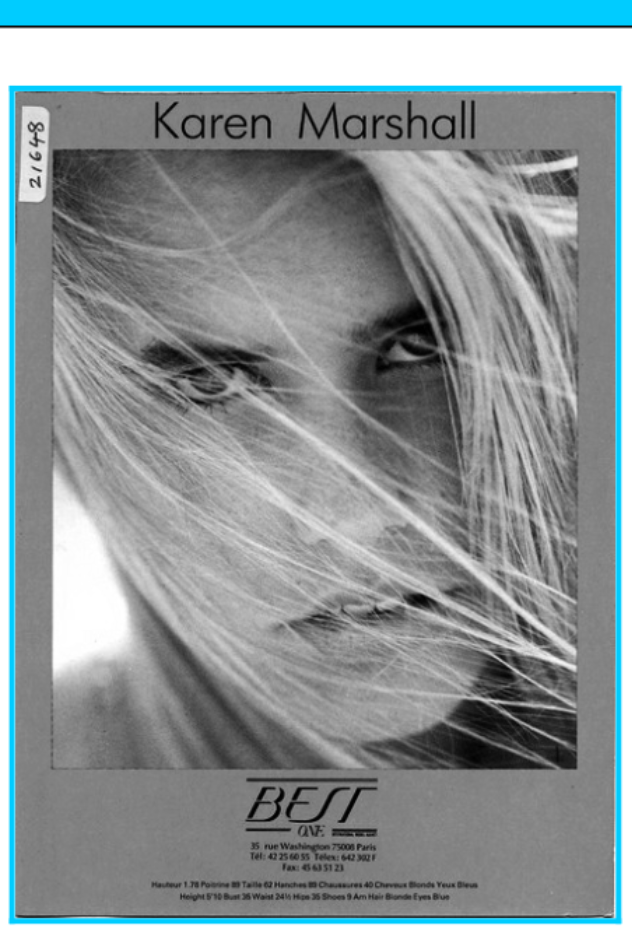
Karen again
Silke K
Deborah Springman
Angelique Bennett
Brunette - Carla Paneka Blonde - Malin Jefferies
Emma Eriksson
Lydia Loison Vicente
Anja Matthes van Akeren
Madeleine Ahnell
Danielle
Karen again
Silke K
Deborah Springman
Angelique Bennett
Brunette - Carla Paneka Blonde - Malin Jefferies
Emma Eriksson
Lydia Loison Vicente
Anja Matthes van Akeren Redhead - Annabelle Susanne Brewka
Luo JinTing
Svetlana Griaznova
Gurus Segovia
Gray Flagg
Caroline Andersson
Awesome scans, I'll get to it!
I agree, thank you!
Yes, Kathryn Bishop, thanks so much!
Redhead - Annabelle Susanne Brewka
Luo JinTing
Svetlana Griaznova
Gurus Segovia
Gray Flagg
Caroline Andersson
Awesome scans, I'll get to it!
I agree, thank you!
Yes, Kathryn Bishop, thanks so much!

(1).jpg.fa8039e804d0759674b2d725436c13c7.jpg.39b4097df6378401b6a7501f860b87e6.jpg)





Account
Search
Configure browser push notifications
Chrome (Android)
- Tap the lock icon next to the address bar.
- Tap Permissions → Notifications.
- Adjust your preference.
Chrome (Desktop)
- Click the padlock icon in the address bar.
- Select Site settings.
- Find Notifications and adjust your preference.
Safari (iOS 16.4+)
- Ensure the site is installed via Add to Home Screen.
- Open Settings App → Notifications.
- Find your app name and adjust your preference.
Safari (macOS)
- Go to Safari → Preferences.
- Click the Websites tab.
- Select Notifications in the sidebar.
- Find this website and adjust your preference.
Edge (Android)
- Tap the lock icon next to the address bar.
- Tap Permissions.
- Find Notifications and adjust your preference.
Edge (Desktop)
- Click the padlock icon in the address bar.
- Click Permissions for this site.
- Find Notifications and adjust your preference.
Firefox (Android)
- Go to Settings → Site permissions.
- Tap Notifications.
- Find this site in the list and adjust your preference.
Firefox (Desktop)
- Open Firefox Settings.
- Search for Notifications.
- Find this site in the list and adjust your preference.