
dazz
Members
-
Joined
-
Last visited
-
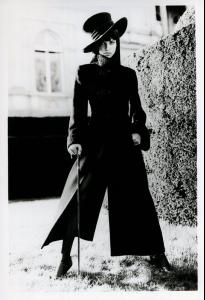
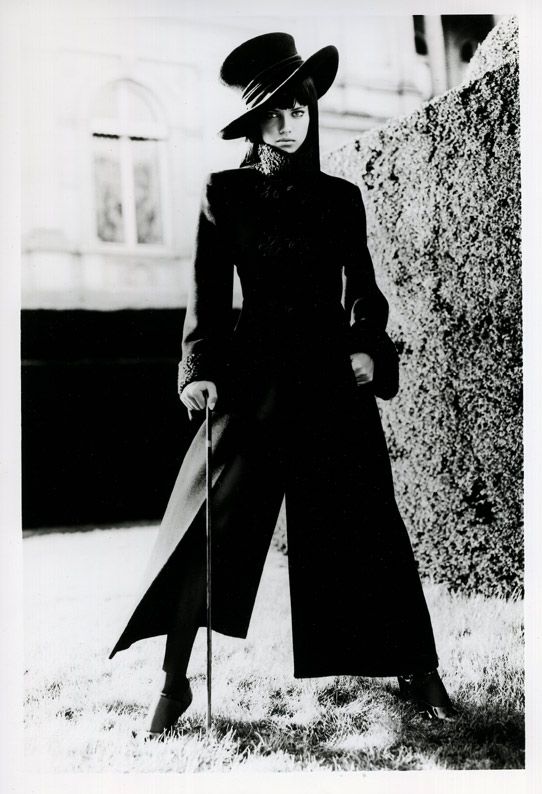
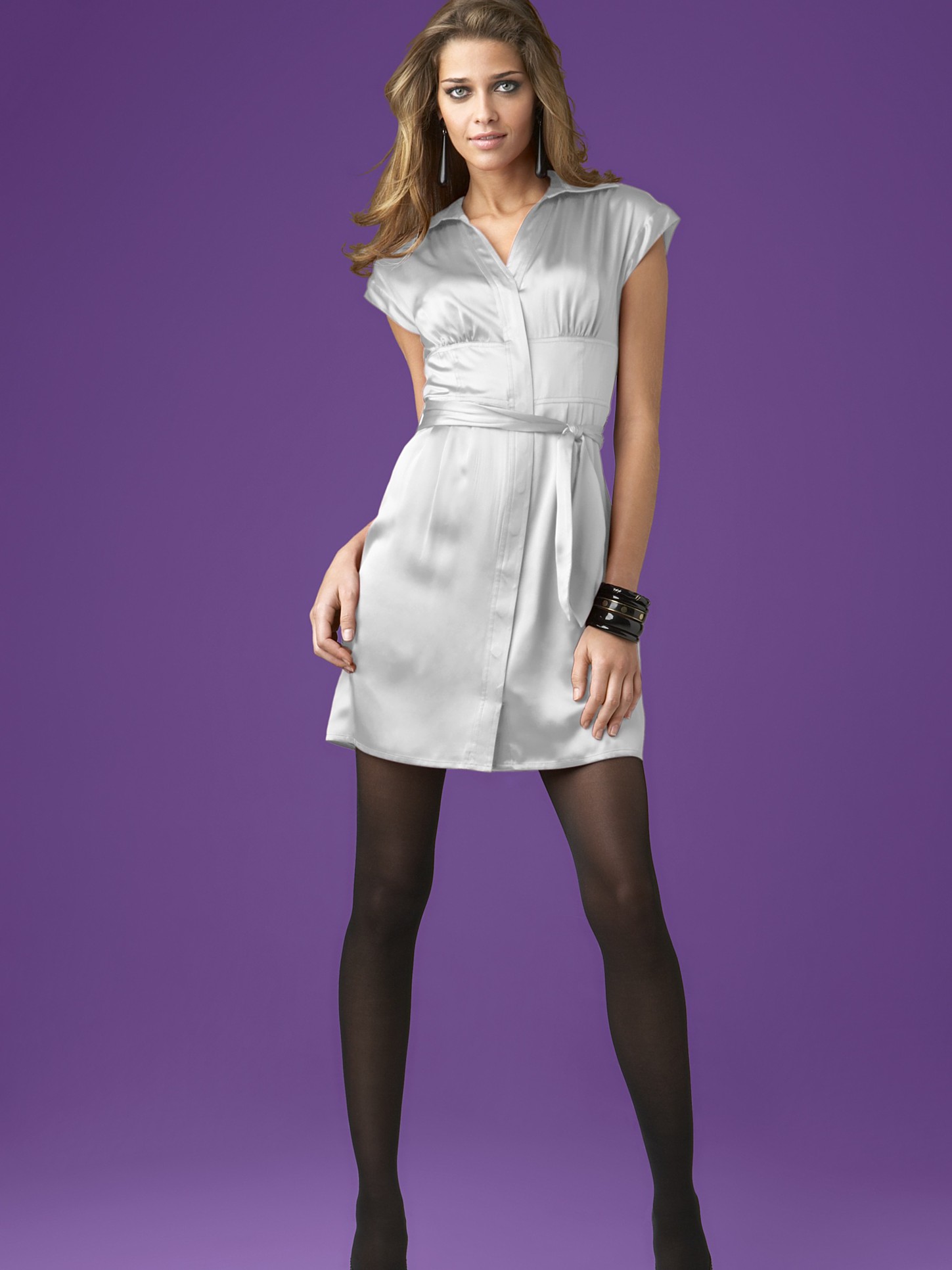
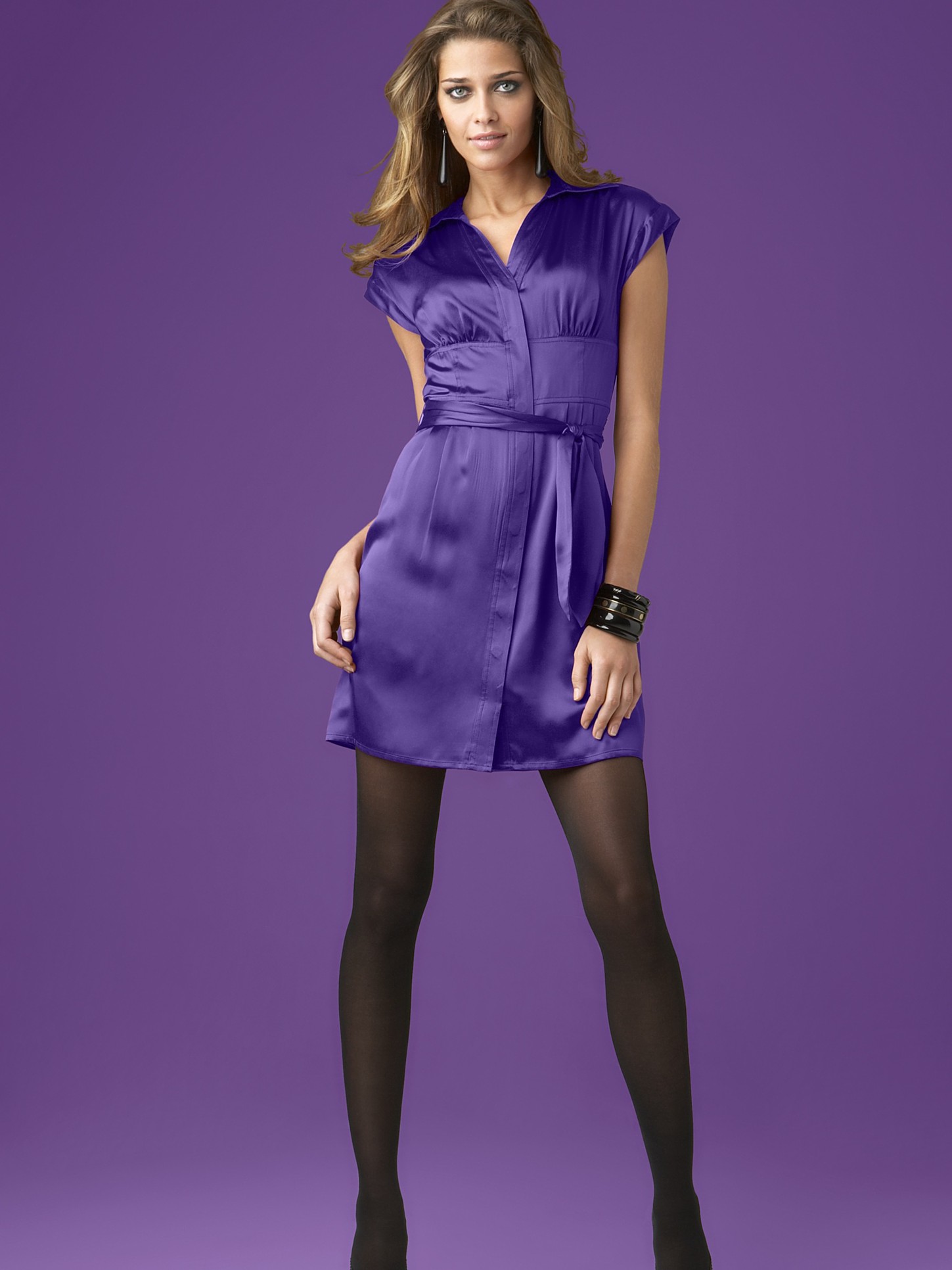
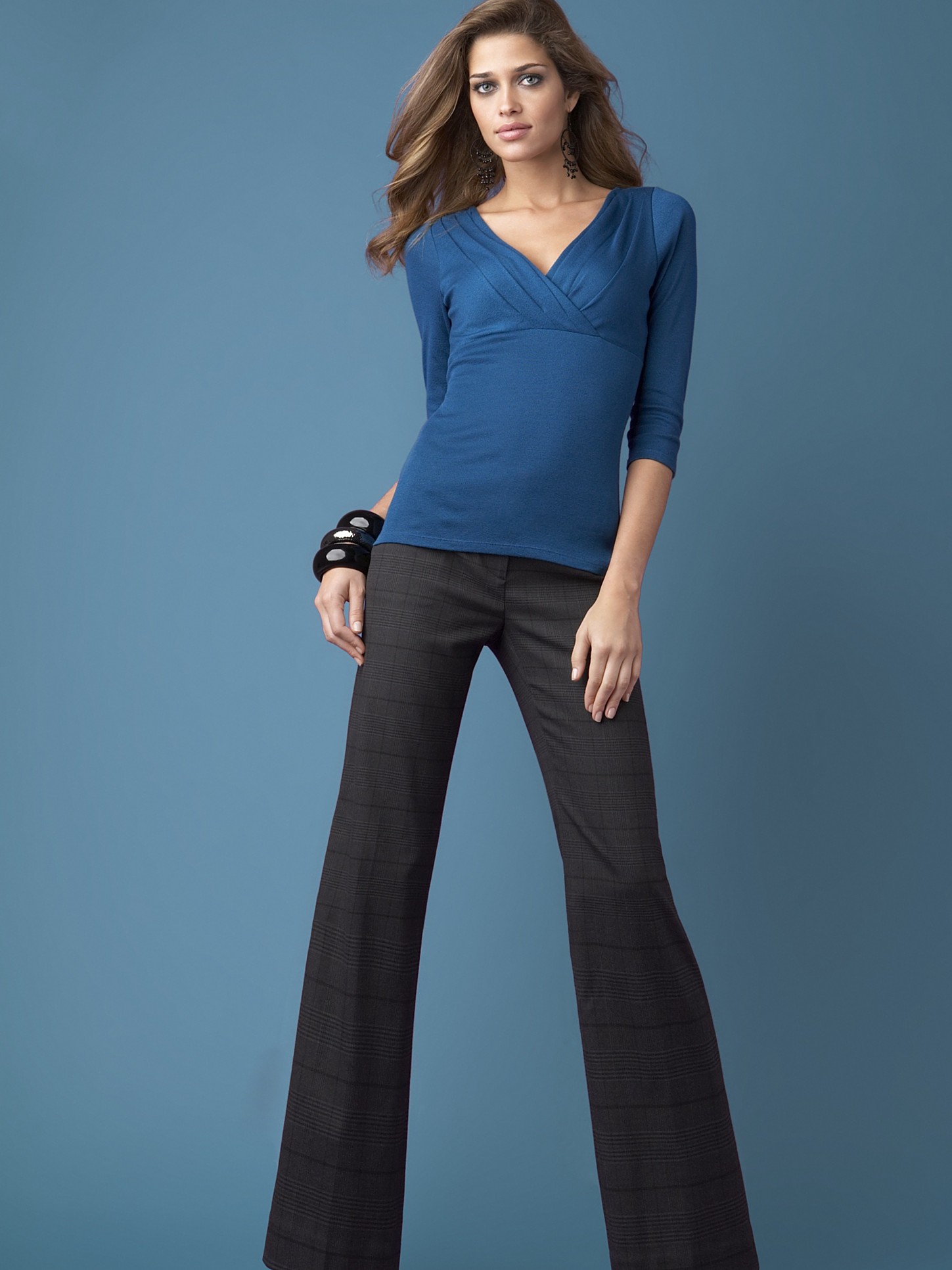
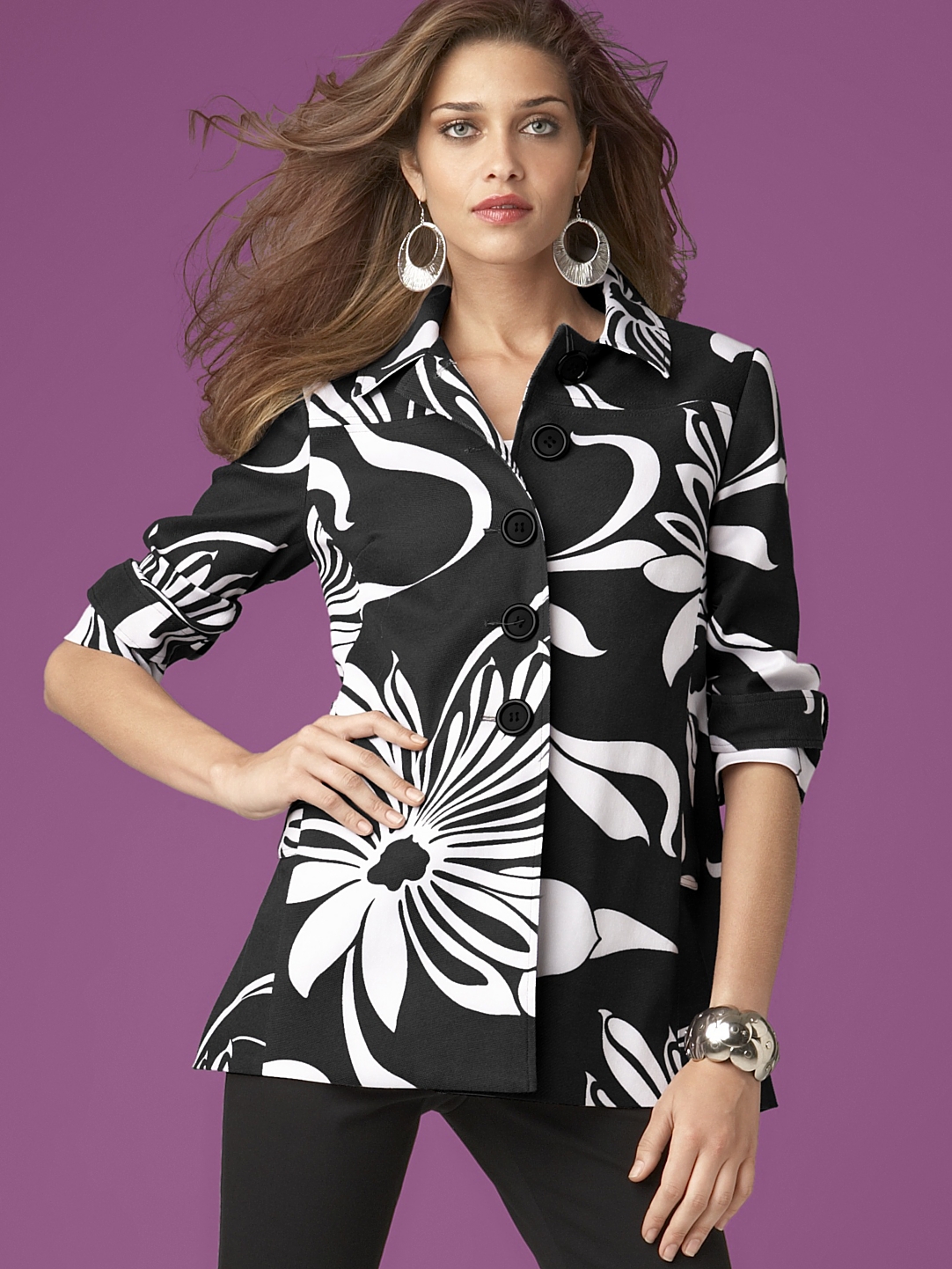
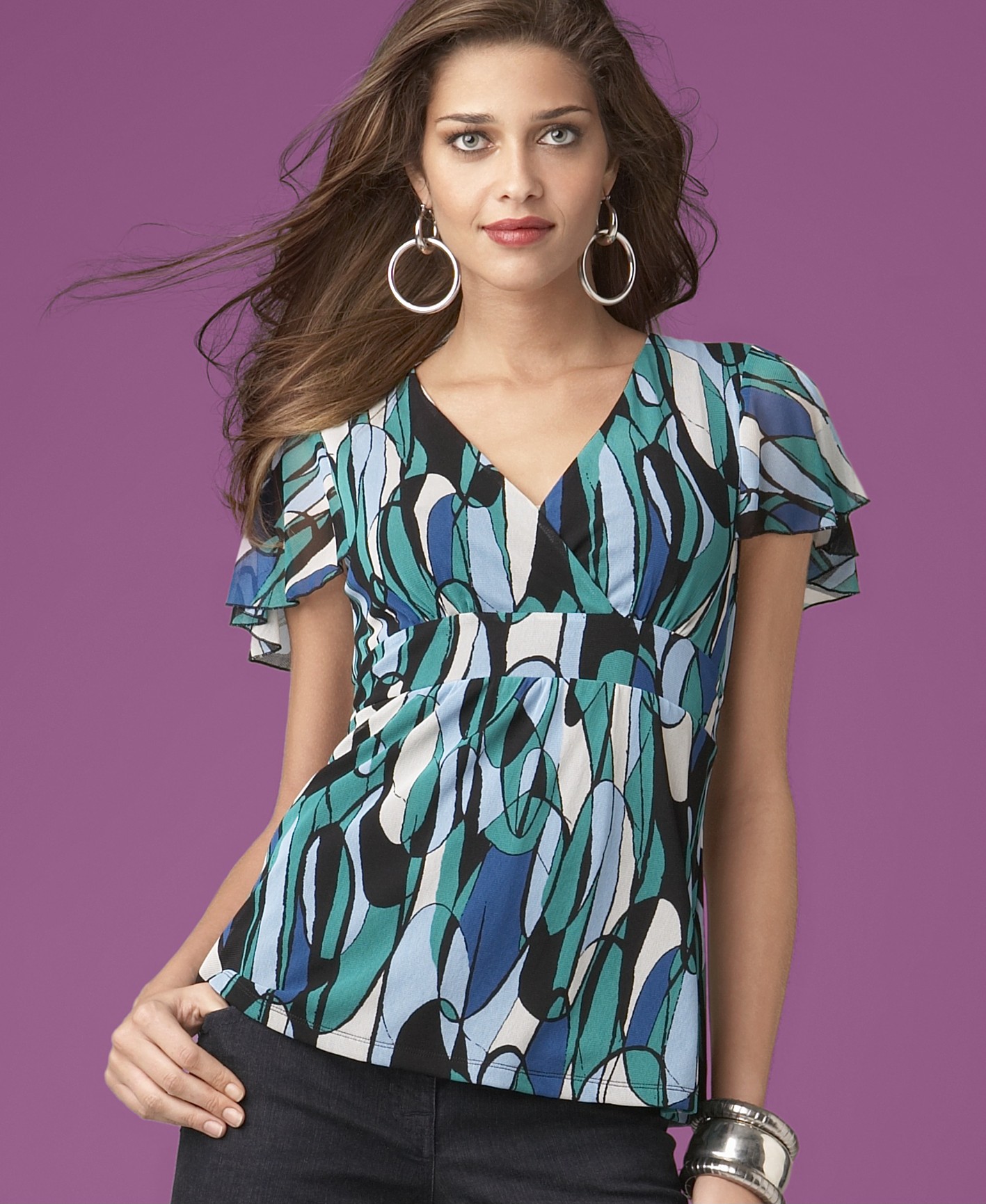
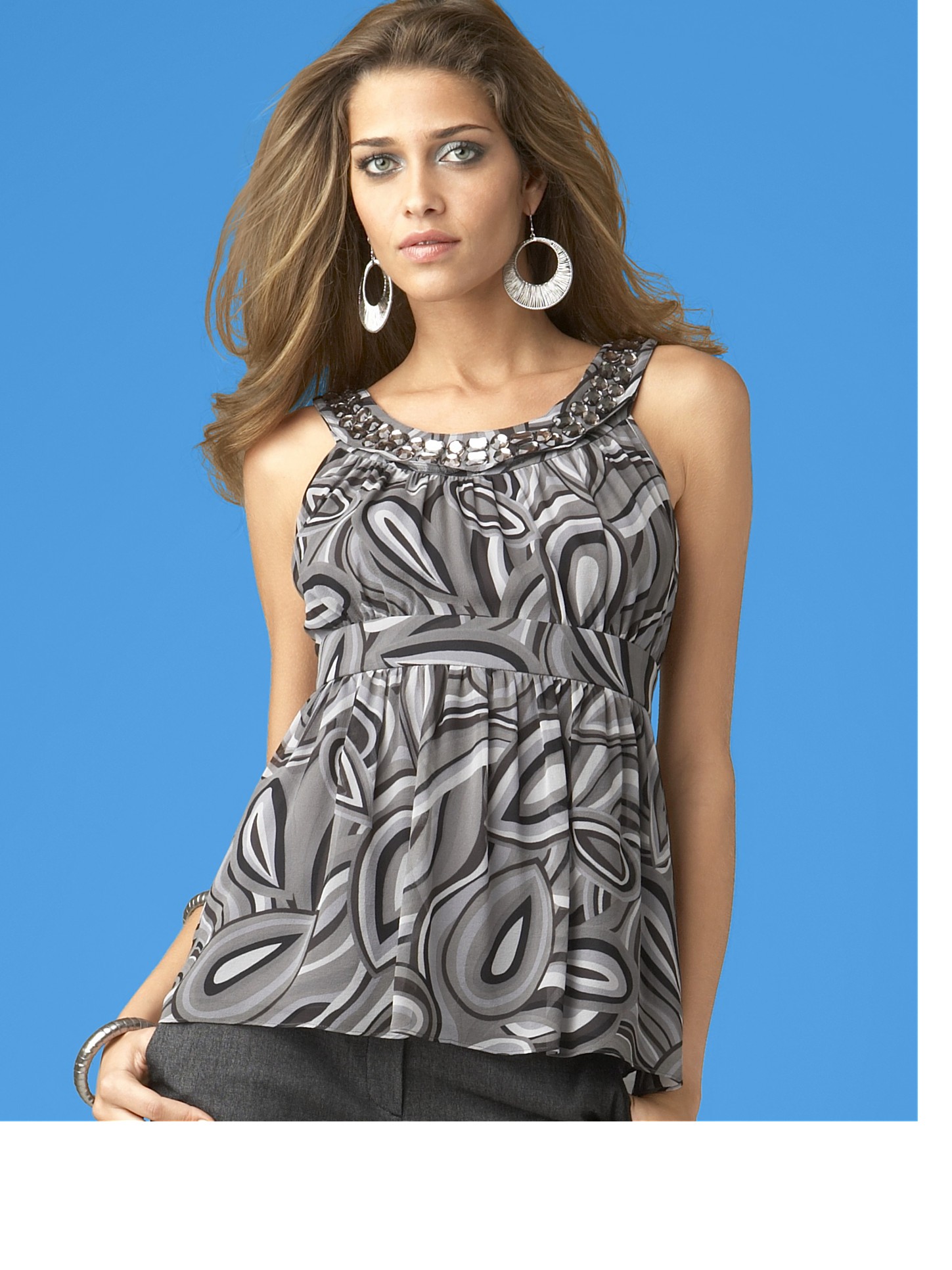
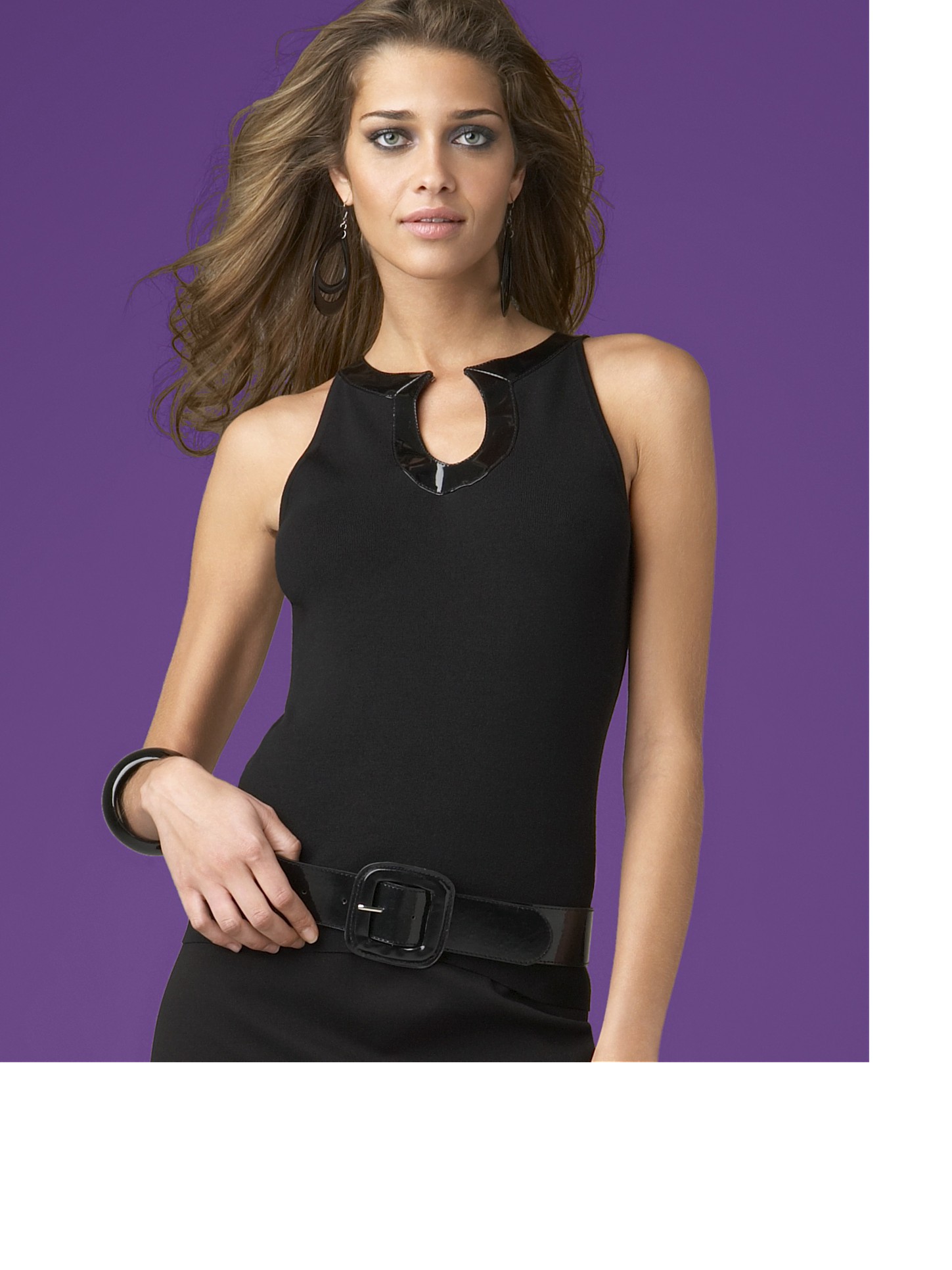
Ugly outfits but oohhhhhhhhhhhh my goooooooood Adri looks so good
-
-
Adriana Lima by Roland Pleterski ??
-
:wub: :wub: :wub: :wub: :wub: :hell yea!: :chicken: :chicken: :chicken: :hell yea!: :wub2: :wub2: :kiss: :heart:


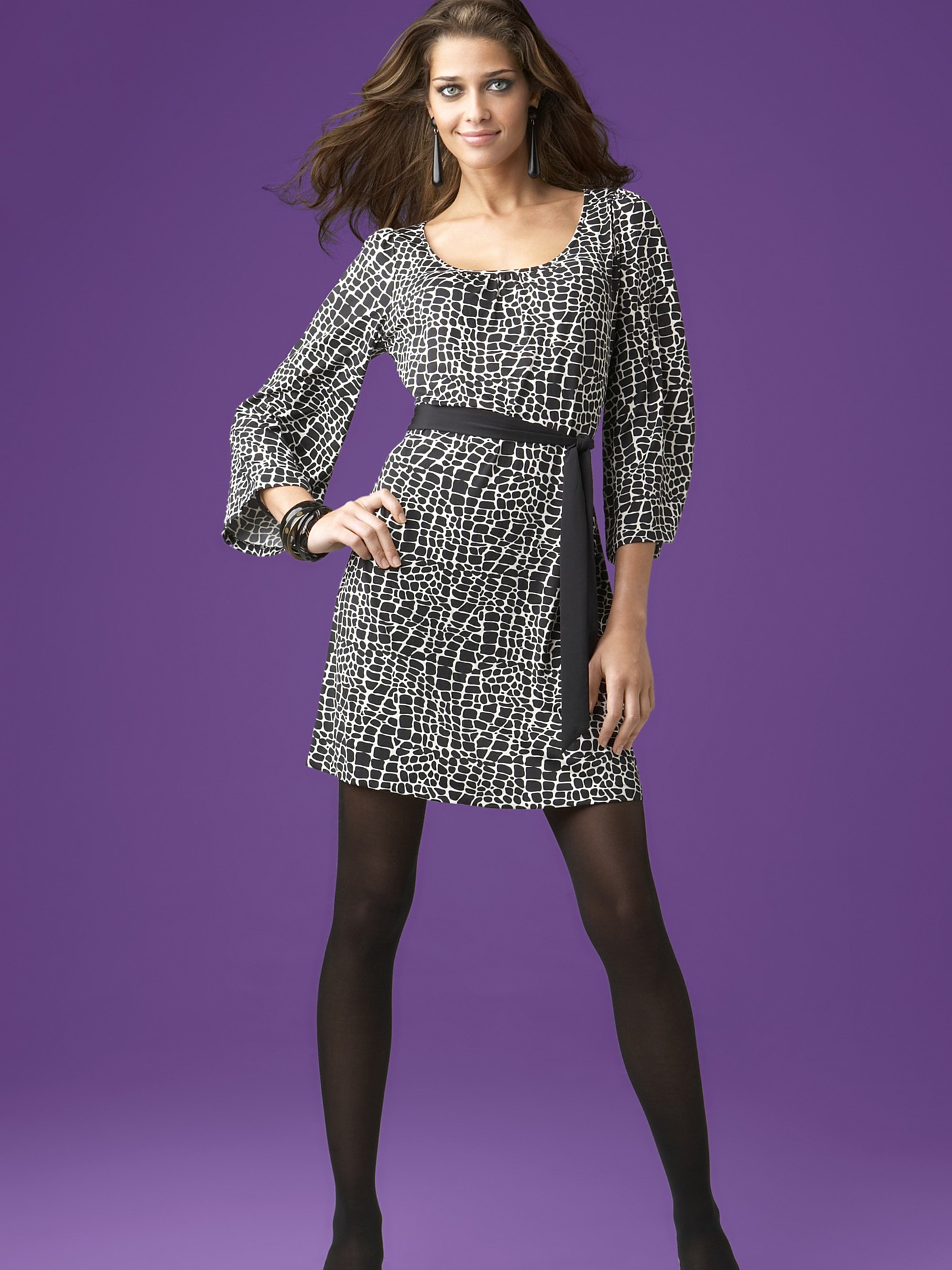
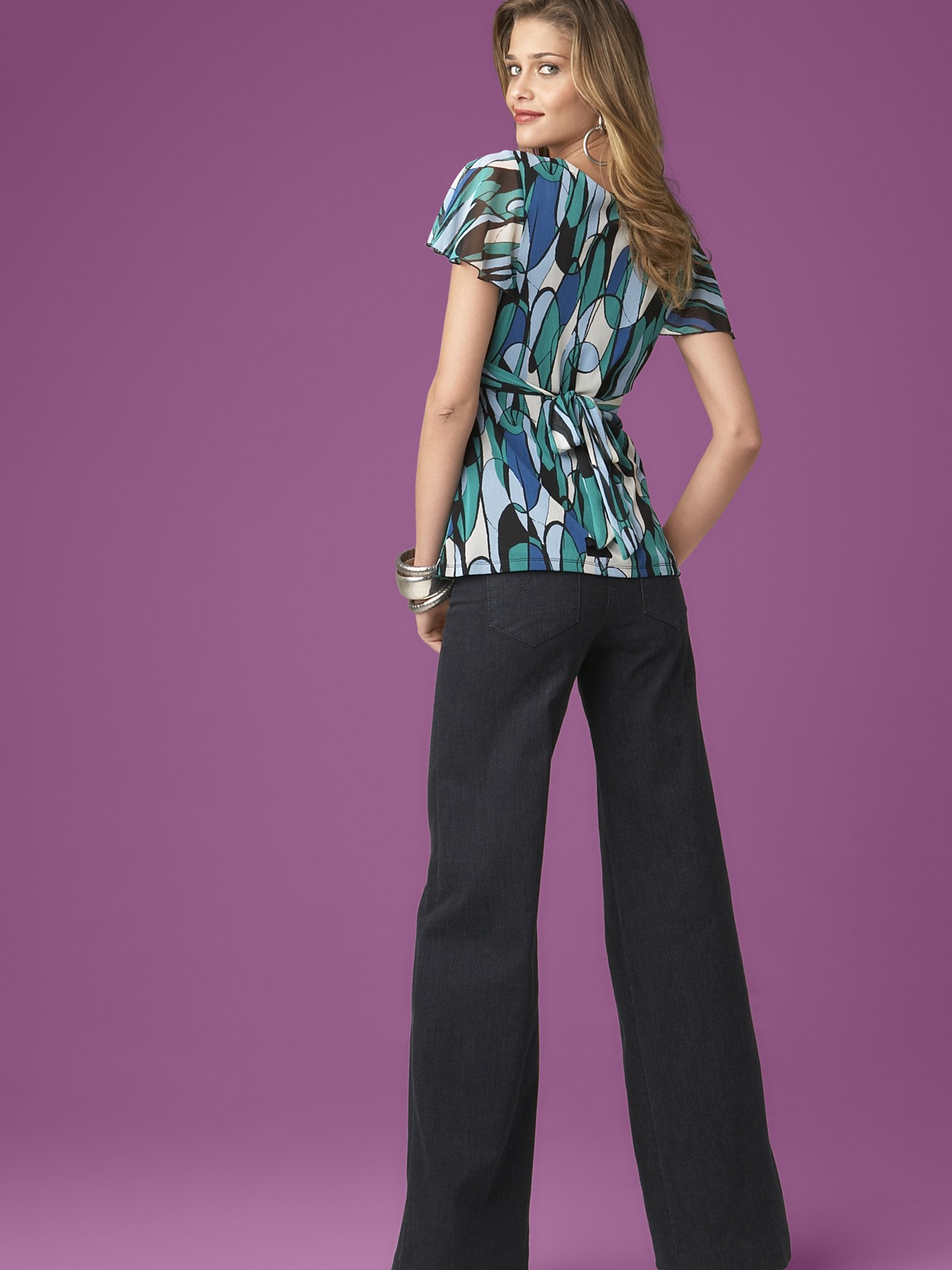
 how old was she at this time??got some new pics for the abb fans Macy's Catalog Photoshoot x57:












































 Earth, Wind and Fire perform at 2006 Cipriani Concert Series, Oct 06http://adrianalimafan.net/gallery/view/C231/ ?you are all welcome thank u so much for the great scans lady fataleImage hidden for guestsSign in to viewImage hidden for guestsSign in to viewImage hidden for guestsSign in to viewImage hidden for guestsSign in to viewImage hidden for guestsSign in to viewImage hidden for guestsSign in to viewImage hidden for guestsSign in to viewImage hidden for guestsSign in to viewImage hidden for guestsSign in to viewImage hidden for guestsSign in to viewImage hidden for guestsSign in to viewImage hidden for guestsSign in to viewHQ Victoria's Secret Invites You To Escape To A Sexy Secret Garden August 10, 2007 - The Estate Sag Harbor, New York United States












































































Account
Navigation
Search
Configure browser push notifications
Chrome (Android)
- Tap the lock icon next to the address bar.
- Tap Permissions → Notifications.
- Adjust your preference.
Chrome (Desktop)
- Click the padlock icon in the address bar.
- Select Site settings.
- Find Notifications and adjust your preference.
Safari (iOS 16.4+)
- Ensure the site is installed via Add to Home Screen.
- Open Settings App → Notifications.
- Find your app name and adjust your preference.
Safari (macOS)
- Go to Safari → Preferences.
- Click the Websites tab.
- Select Notifications in the sidebar.
- Find this website and adjust your preference.
Edge (Android)
- Tap the lock icon next to the address bar.
- Tap Permissions.
- Find Notifications and adjust your preference.
Edge (Desktop)
- Click the padlock icon in the address bar.
- Click Permissions for this site.
- Find Notifications and adjust your preference.
Firefox (Android)
- Go to Settings → Site permissions.
- Tap Notifications.
- Find this site in the list and adjust your preference.
Firefox (Desktop)
- Open Firefox Settings.
- Search for Notifications.
- Find this site in the list and adjust your preference.