tinkerbelle
Members
-
Joined
-
Last visited
Everything posted by tinkerbelle
-

-
:yuckky: I'm sorry but I fdon't like at all. her features are so.... gosh, her noze, ears... I can't find anything attractive, not even her body. she looks like a man to me
milla & her baby! so sweet !!! milla___baby.bmp milla___baby.bmp milla___baby.bmp milla___baby.bmp
thanx for new pix !
some pix are good. beautiful hair
cool ! there are some unknown pix !
the netherlands 1 sharon van der knapp 2 anna arendshorst 3 marloes horst 4 sylvia geersen



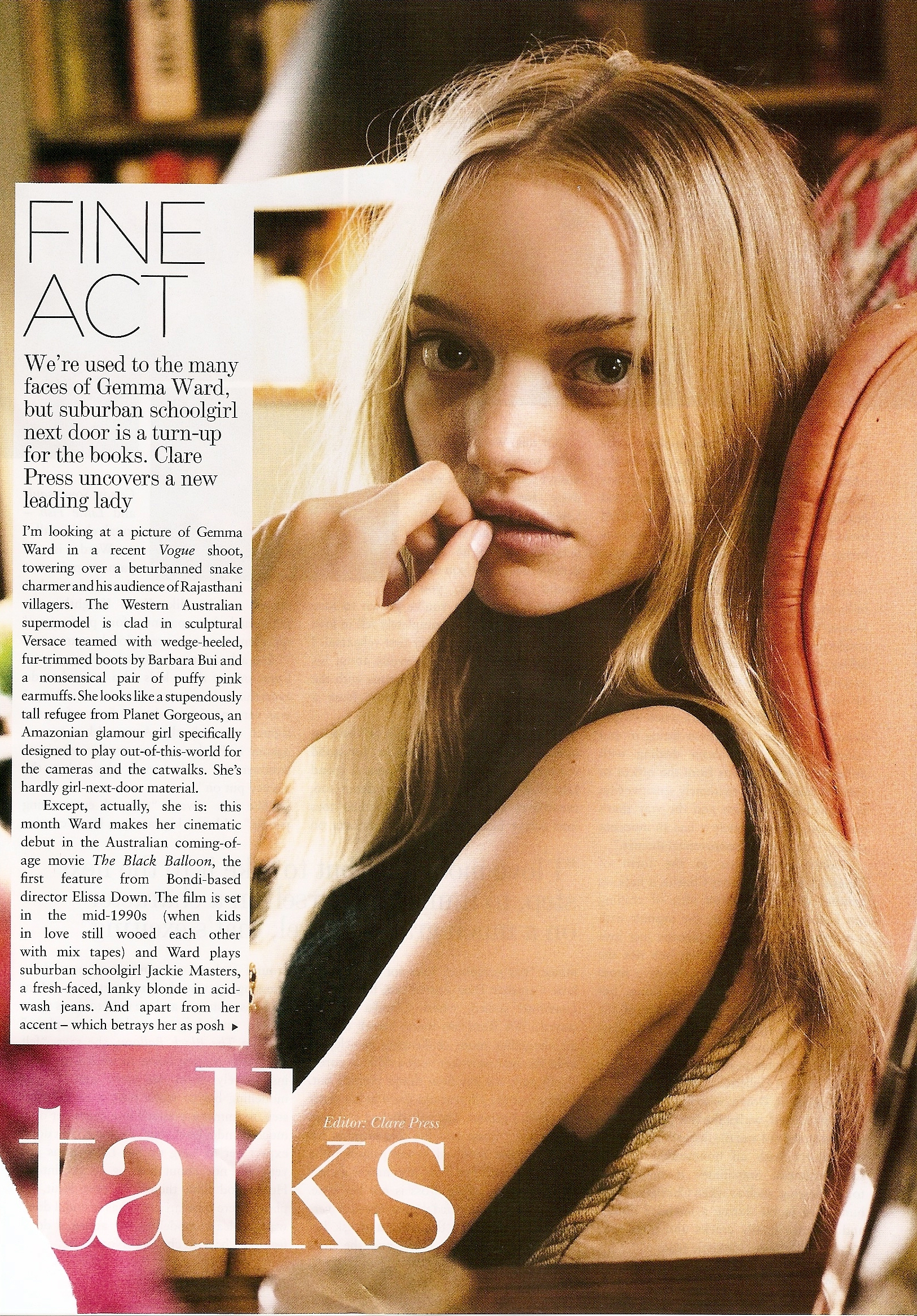
 australia : 1 gemma ward 2 miranda kerr 3 shanay hall 4 ellie ross 5 pania rose



 I don't like her features, too big, undelicate
not a big fave but I like some pix
I don't like her features, too big, undelicate
not a big fave but I like some pix
Account
Navigation
Search
Configure browser push notifications
Chrome (Android)
- Tap the lock icon next to the address bar.
- Tap Permissions → Notifications.
- Adjust your preference.
Chrome (Desktop)
- Click the padlock icon in the address bar.
- Select Site settings.
- Find Notifications and adjust your preference.
Safari (iOS 16.4+)
- Ensure the site is installed via Add to Home Screen.
- Open Settings App → Notifications.
- Find your app name and adjust your preference.
Safari (macOS)
- Go to Safari → Preferences.
- Click the Websites tab.
- Select Notifications in the sidebar.
- Find this website and adjust your preference.
Edge (Android)
- Tap the lock icon next to the address bar.
- Tap Permissions.
- Find Notifications and adjust your preference.
Edge (Desktop)
- Click the padlock icon in the address bar.
- Click Permissions for this site.
- Find Notifications and adjust your preference.
Firefox (Android)
- Go to Settings → Site permissions.
- Tap Notifications.
- Find this site in the list and adjust your preference.
Firefox (Desktop)
- Open Firefox Settings.
- Search for Notifications.
- Find this site in the list and adjust your preference.