TheBestModels
Members
-
Joined
Everything posted by TheBestModels
-
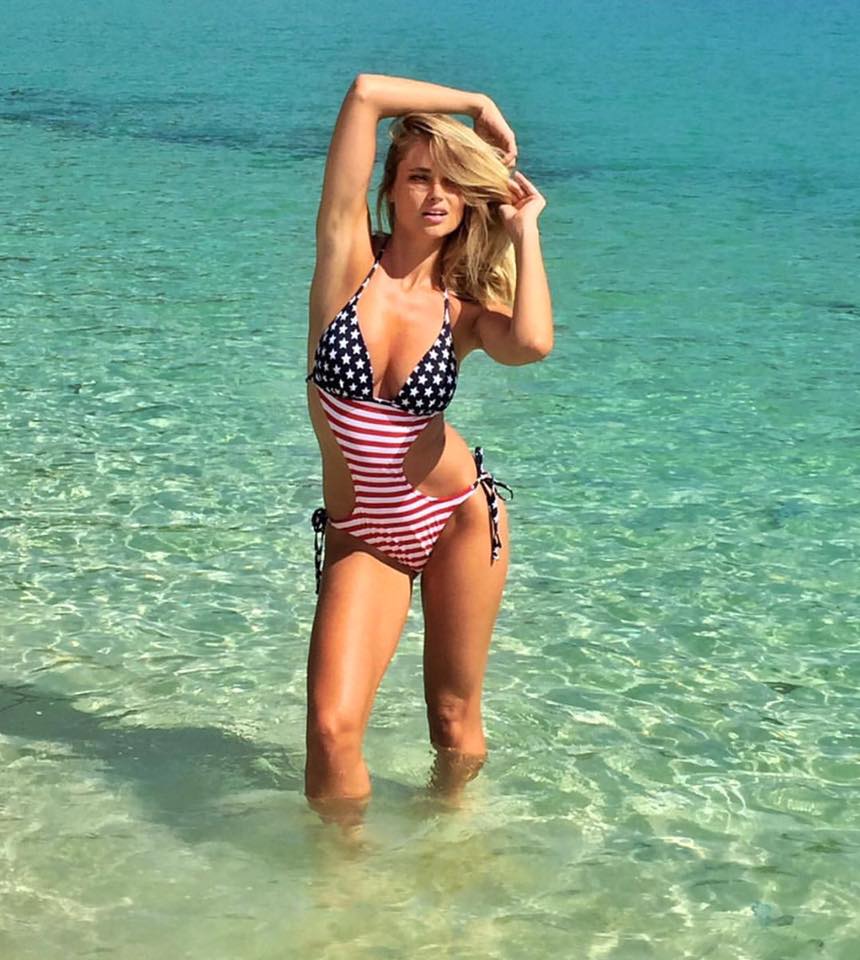
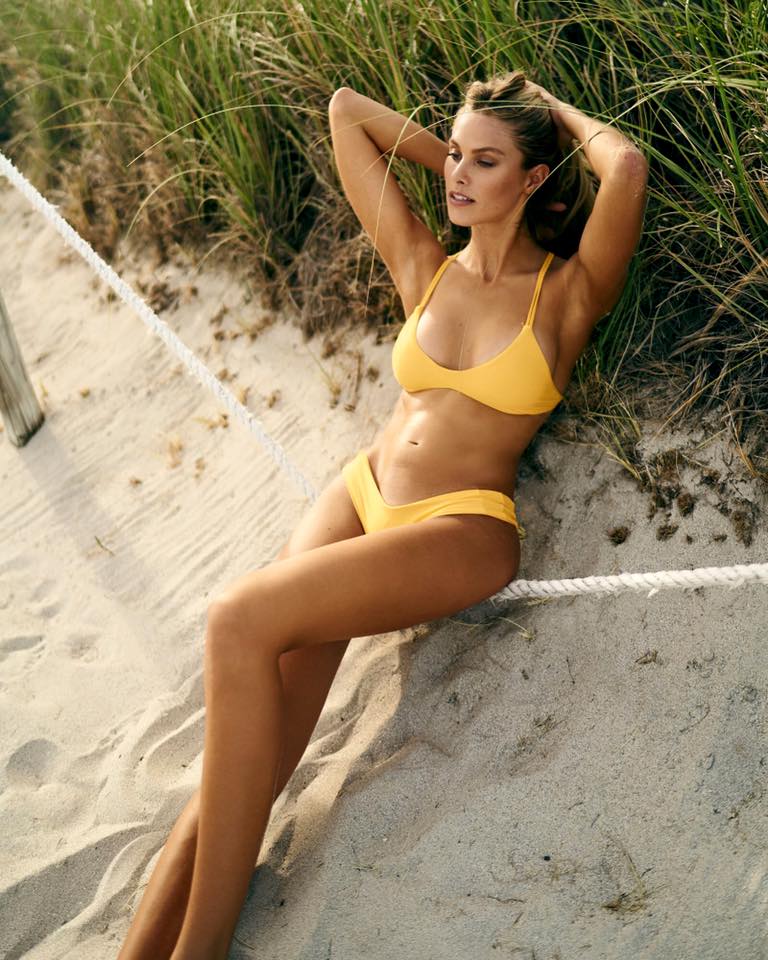
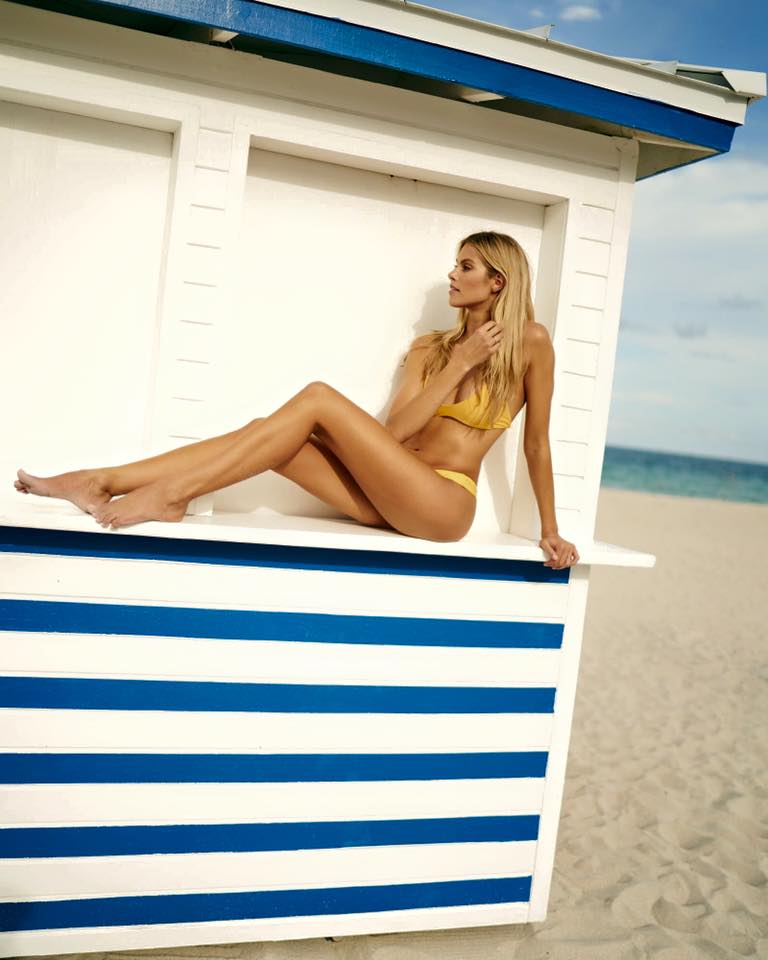
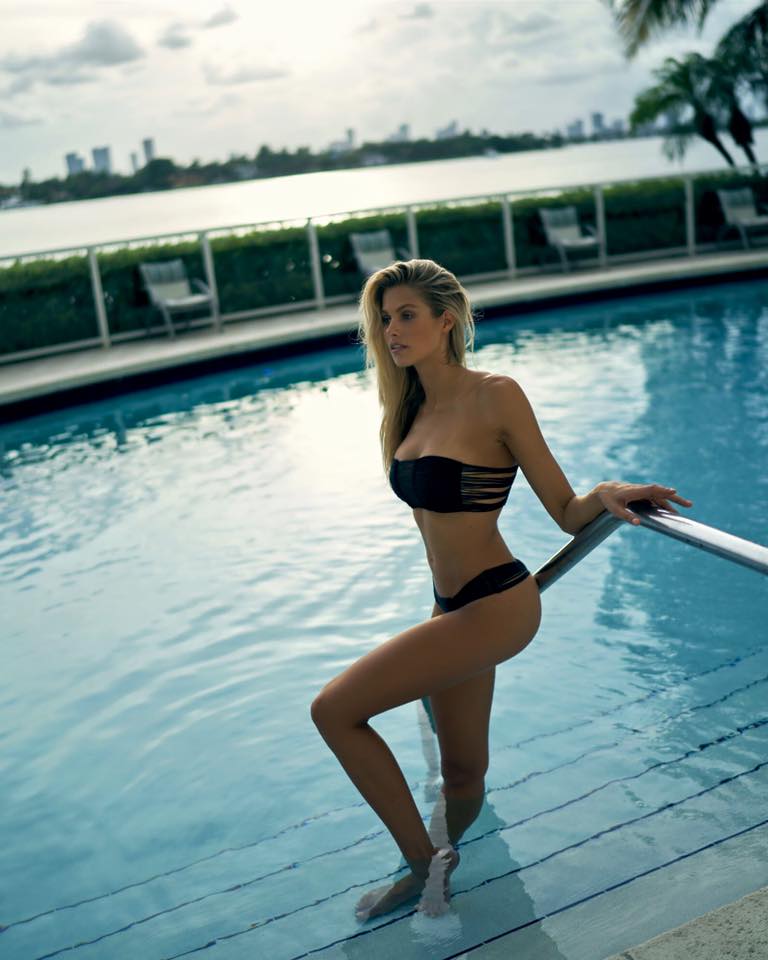
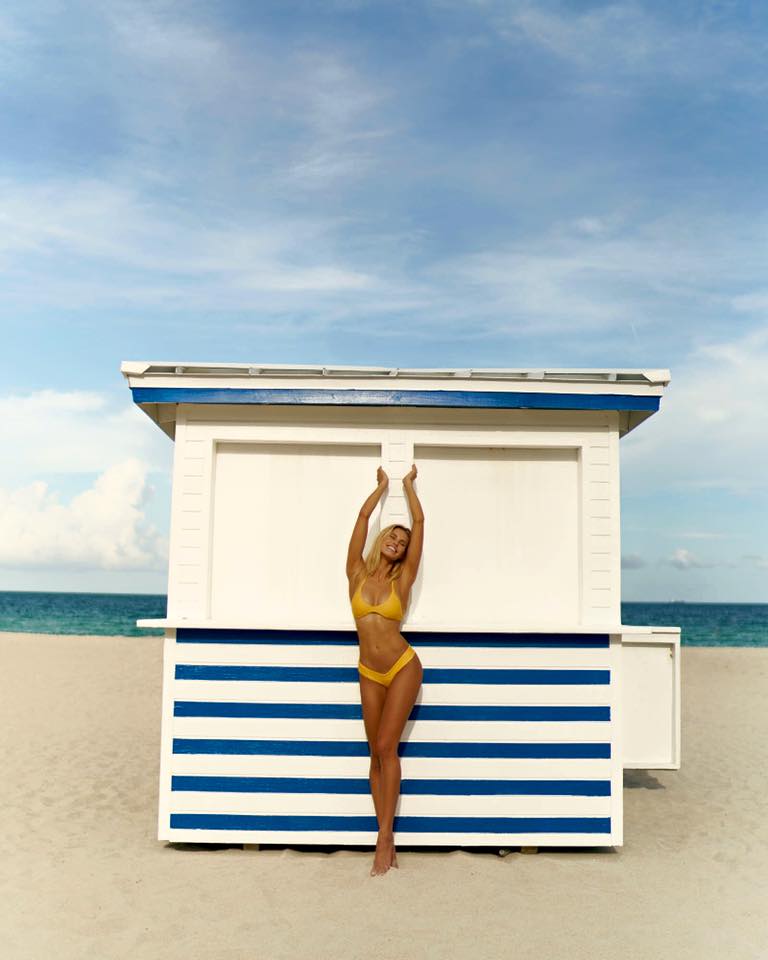
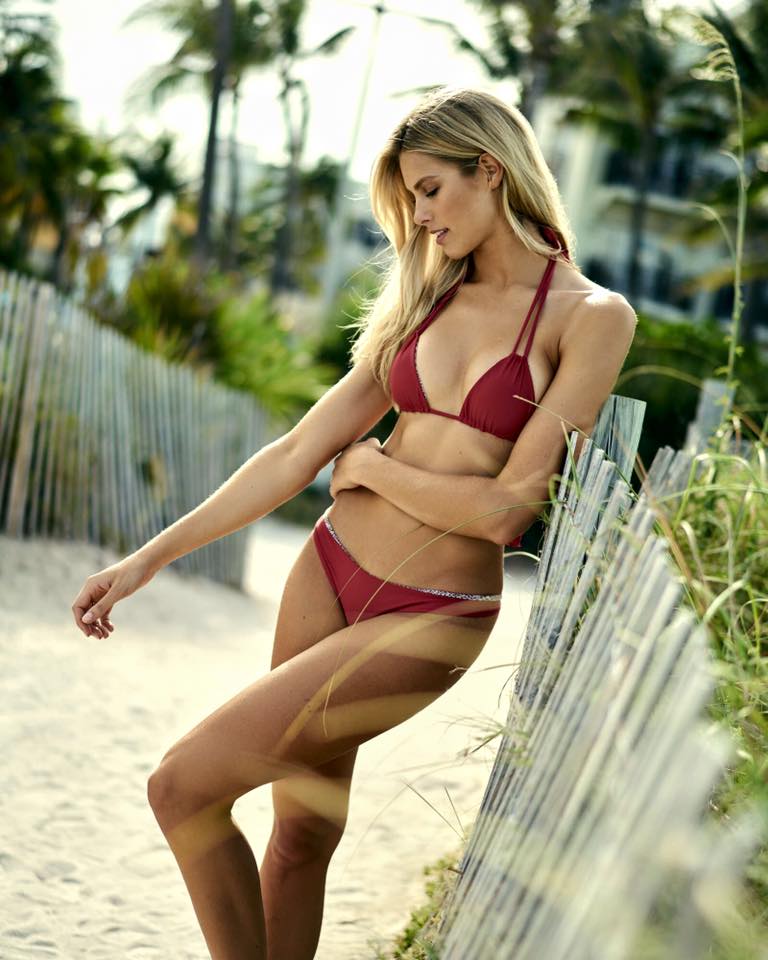
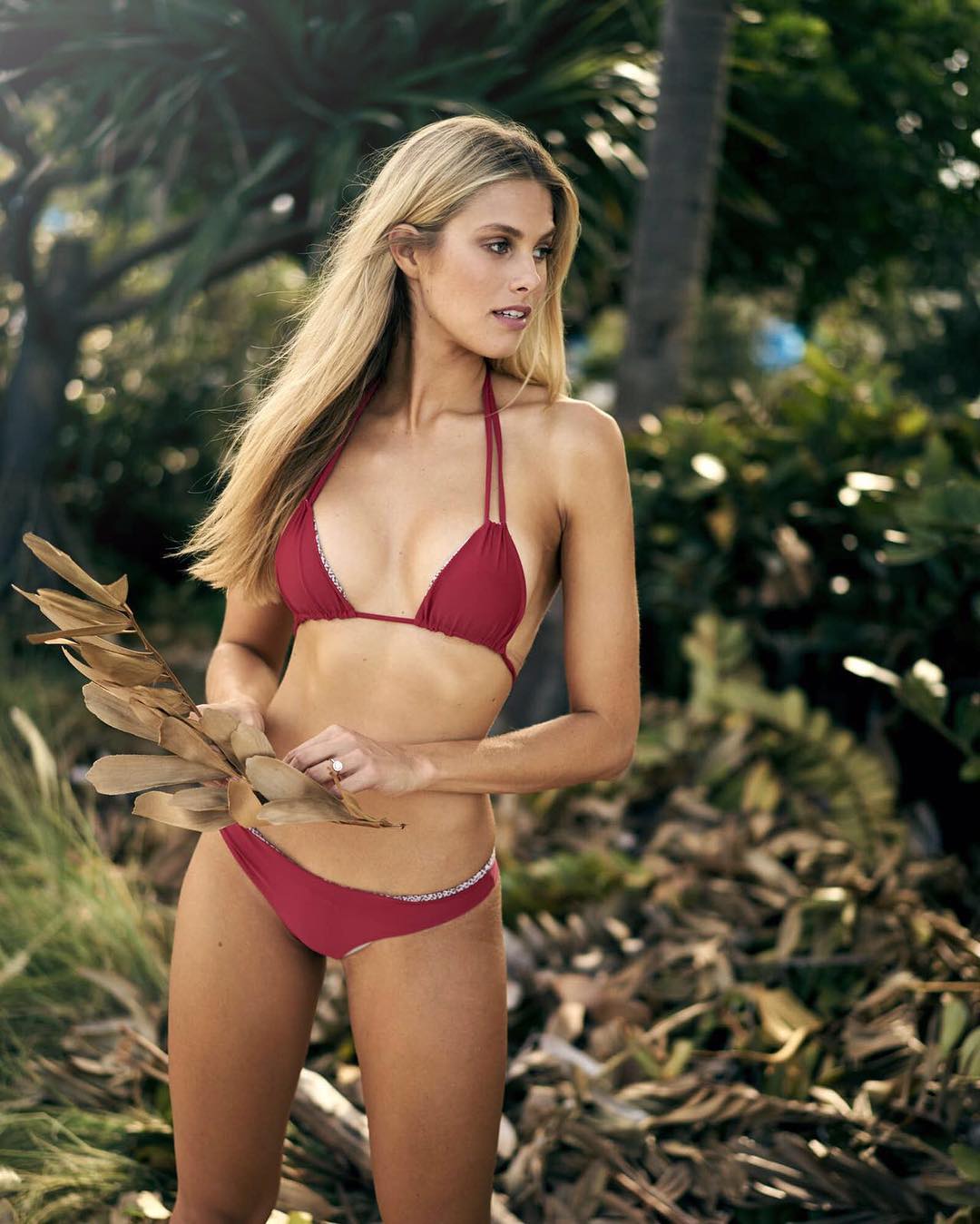
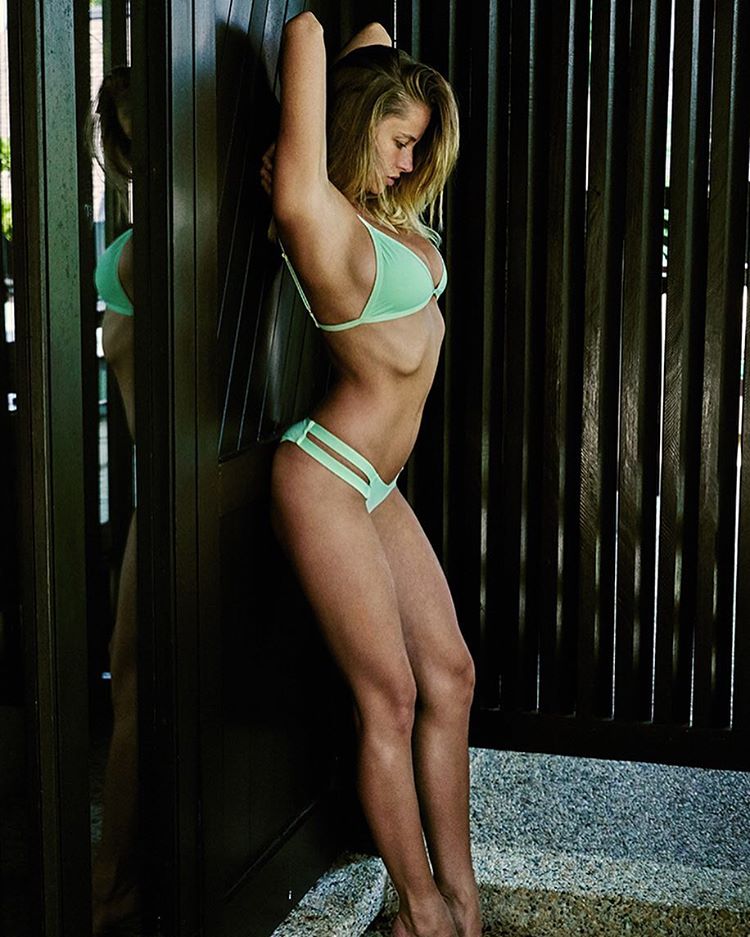
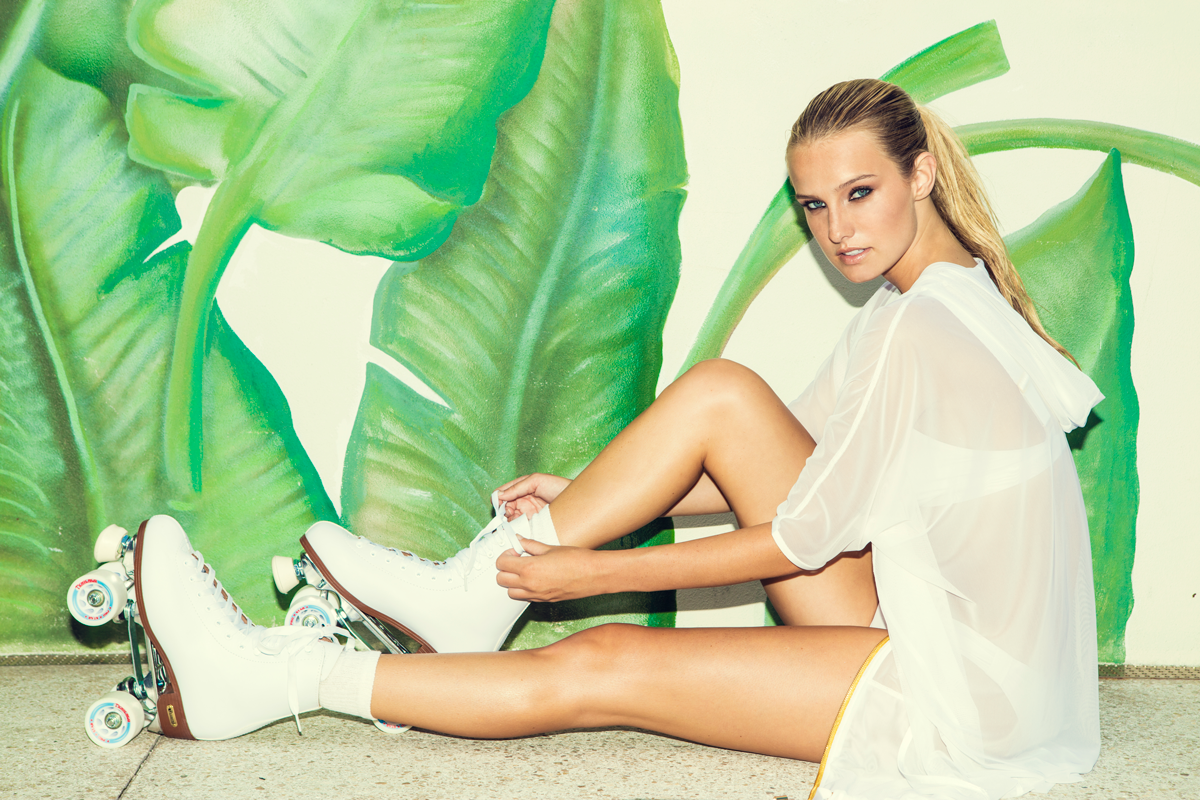
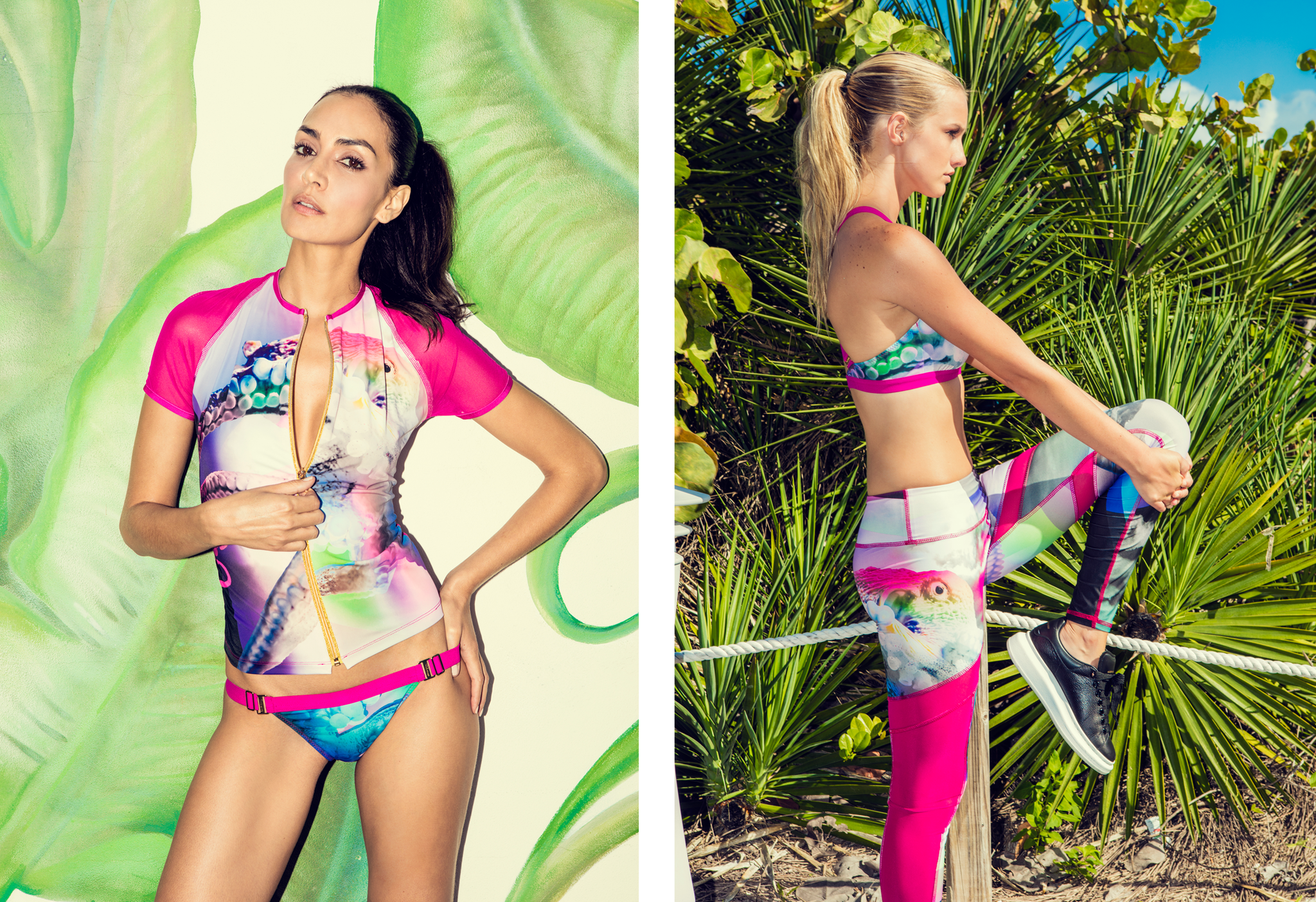
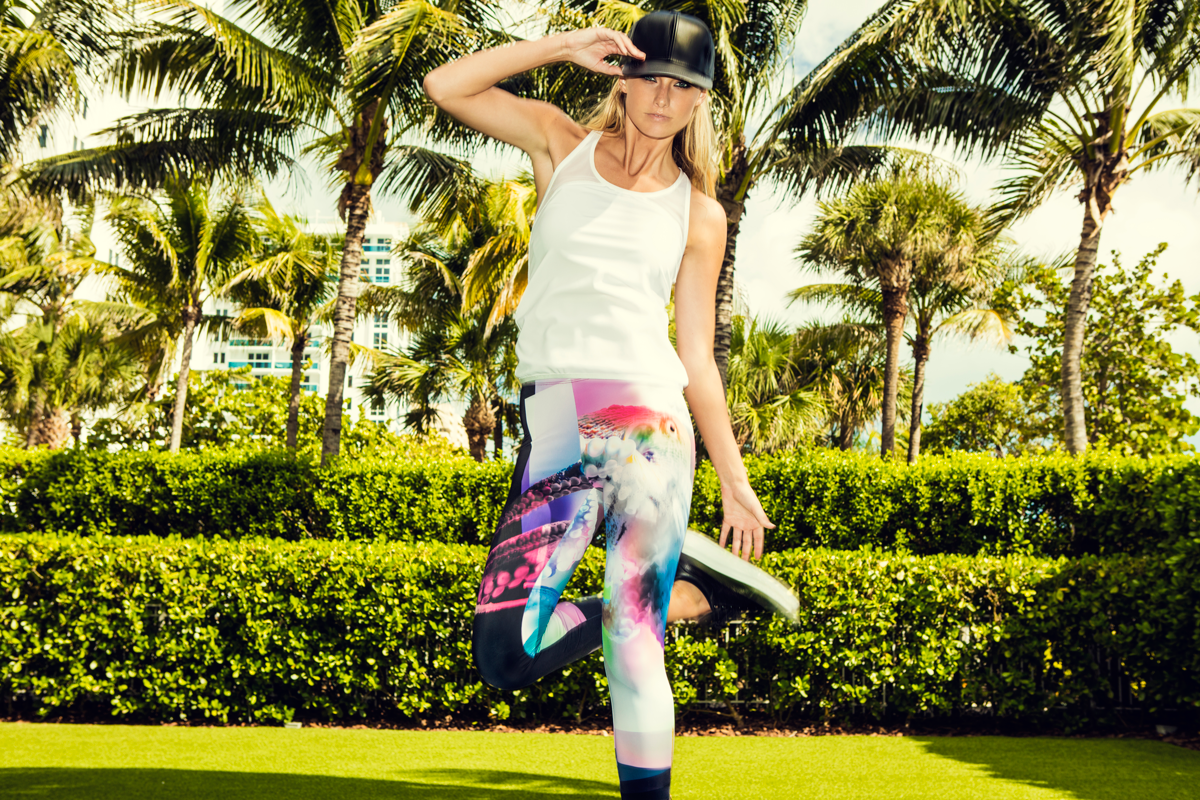
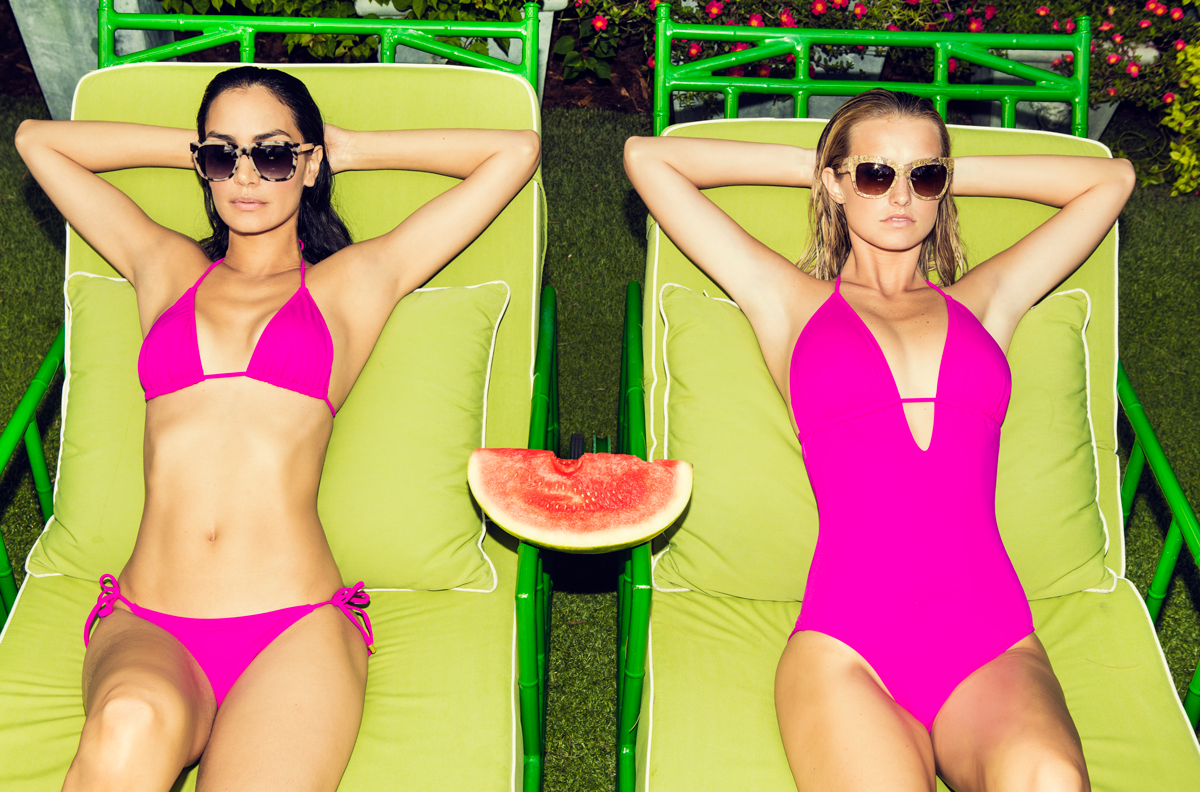
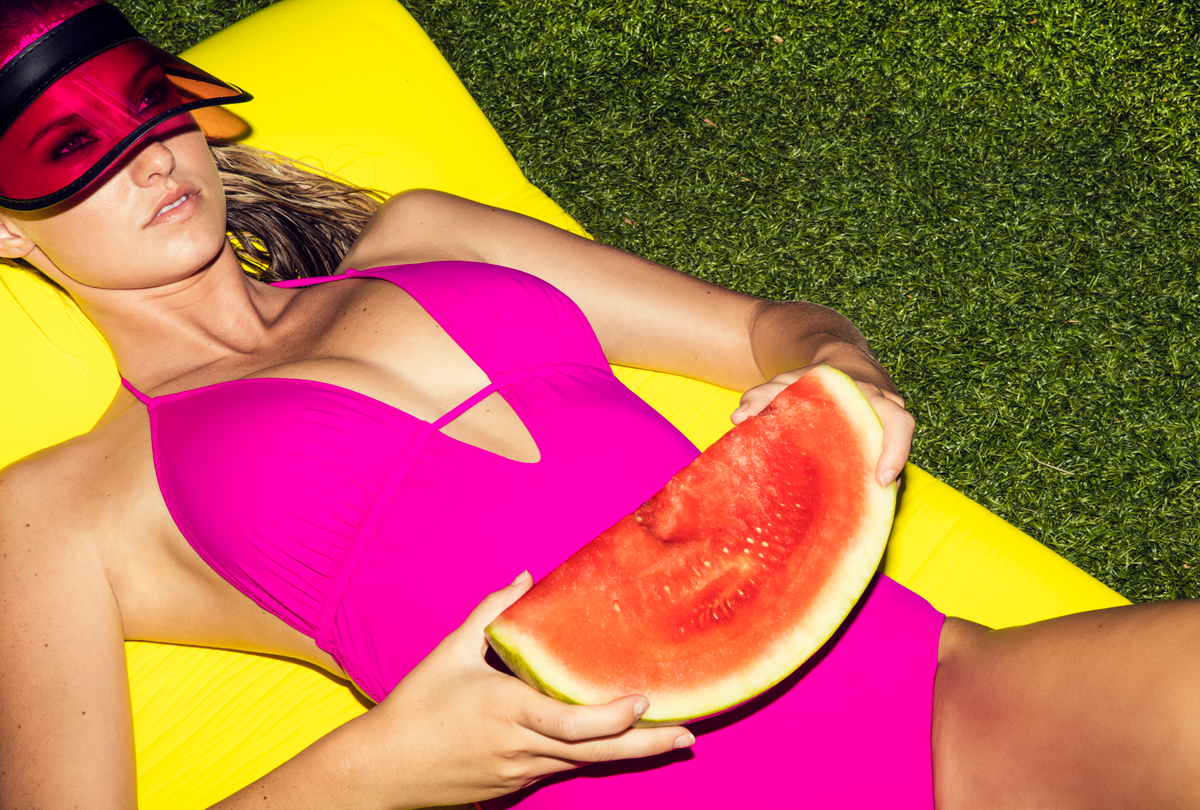
http://instidy.com/elizabethcturner/p/1293890073326807990_8244749What a bad day i got today ...^ Hopefully you're right !!@raykayphoto of the stunning@natalie_roser during #SwimWeek2016. Swim looks provided by our friends at@ishine365 ??? #KraveFashion
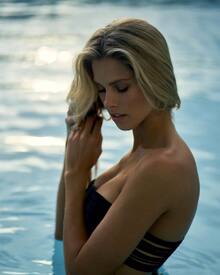
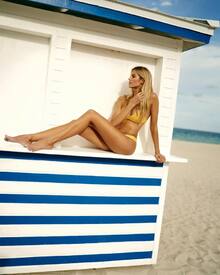
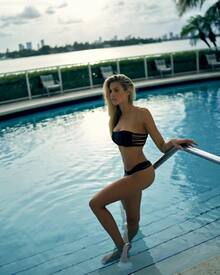
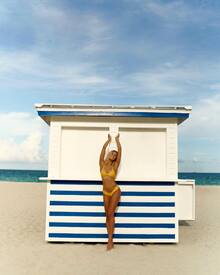
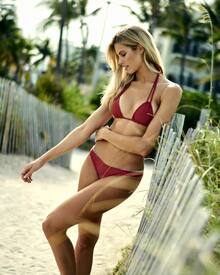
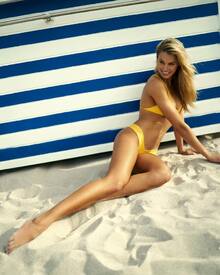

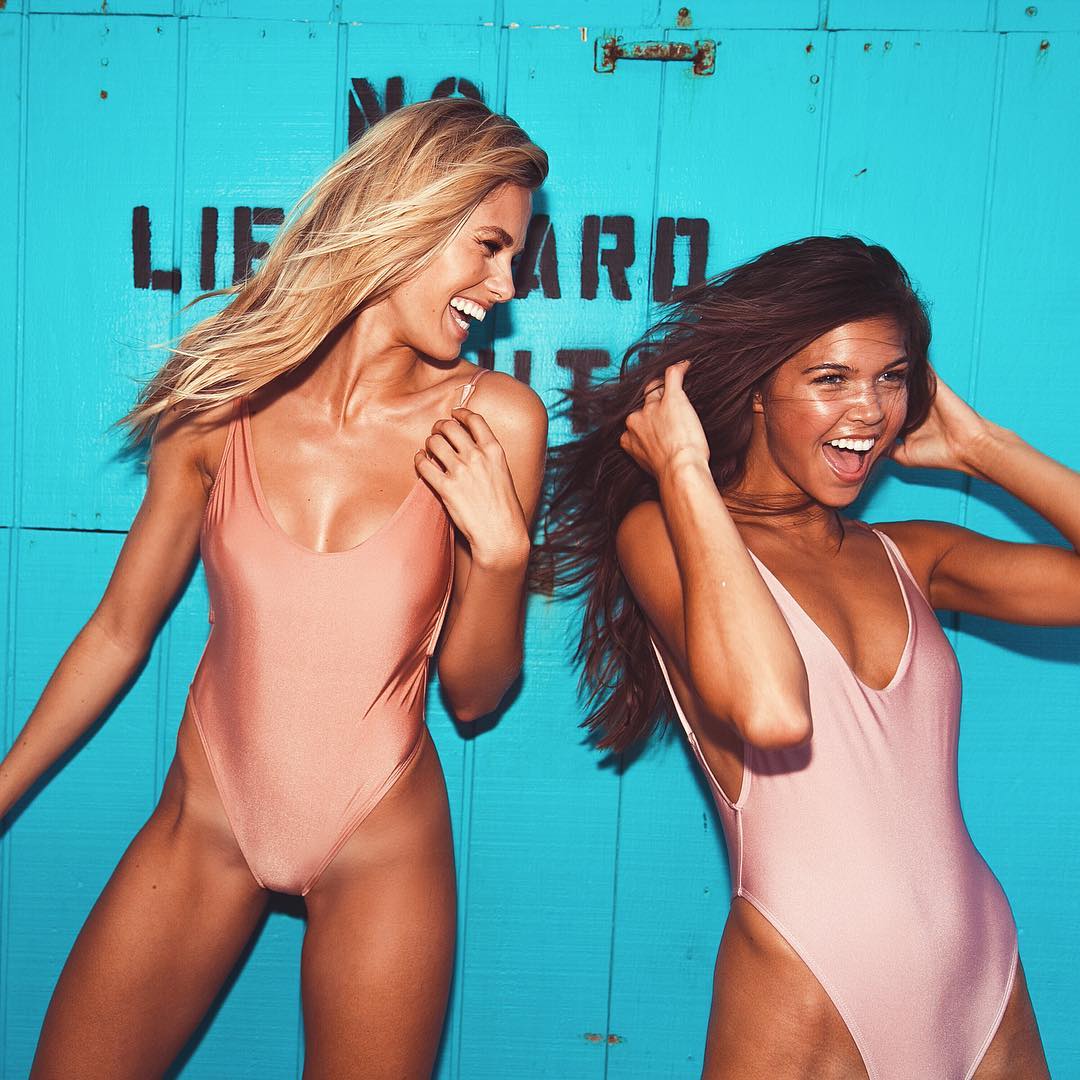
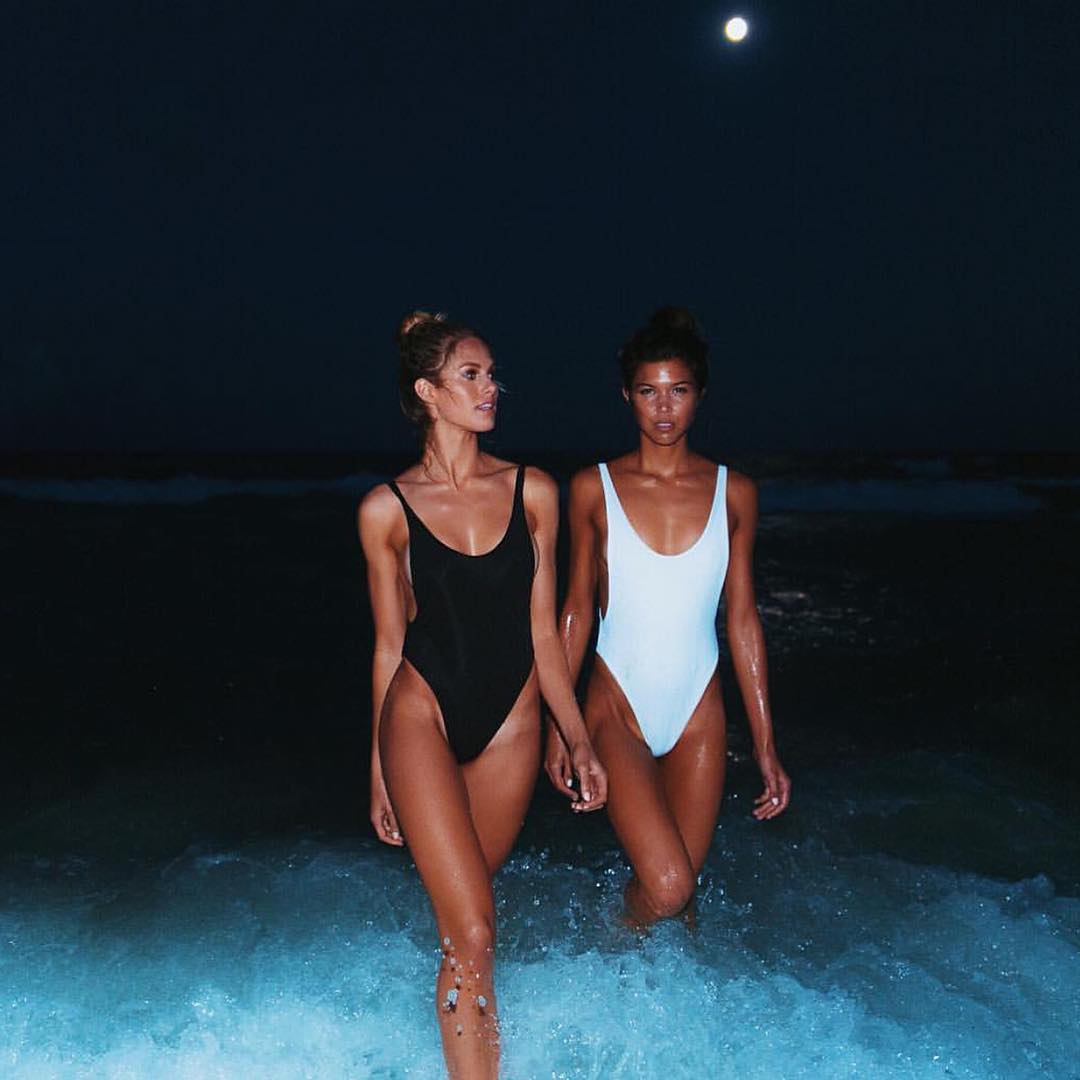
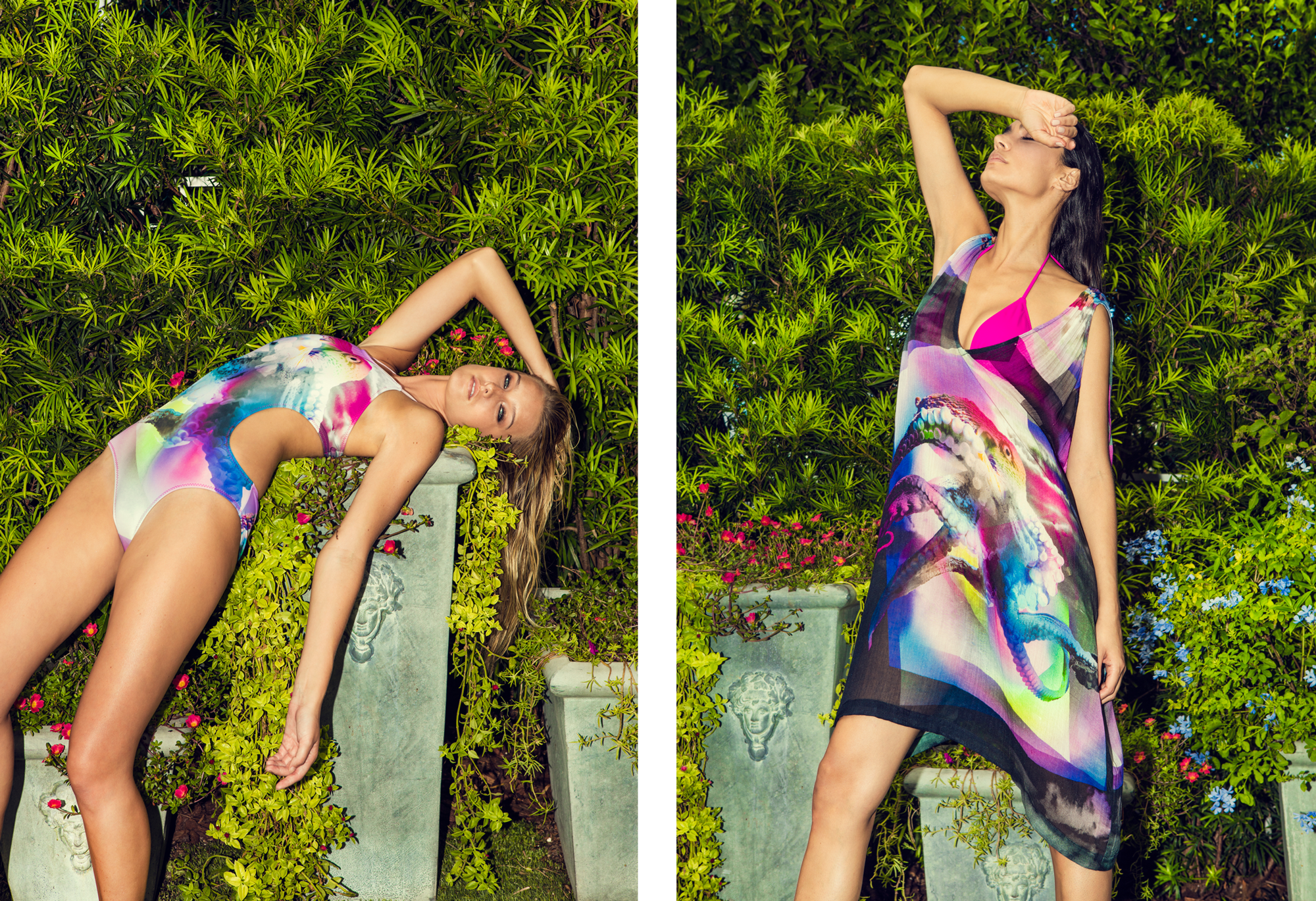
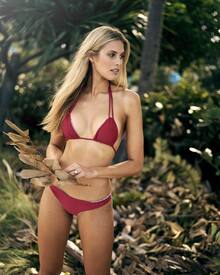 @natalie_roser & @laceynelsonwearing the South Beach one piece | Shot by @bonniecee @somerfieldswim
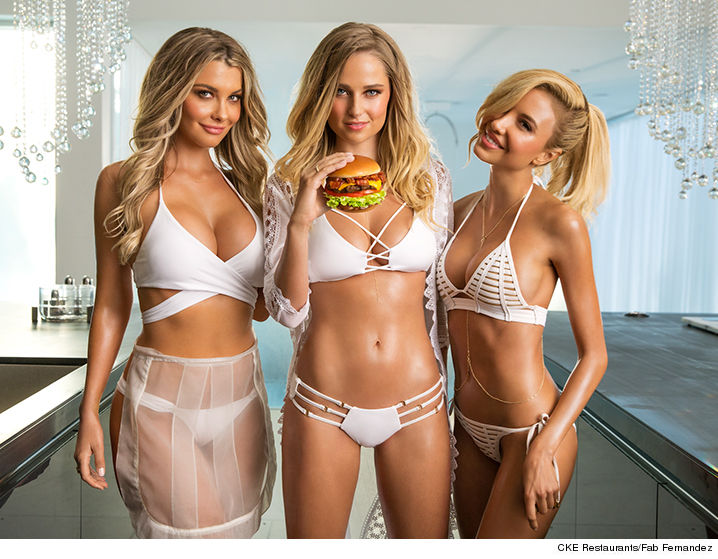
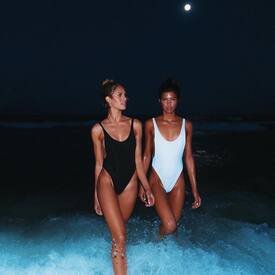 New CARL'S JR Campaign, august 2016 >> http://www.tmz.com/2016/07/22/carls-jr-burger-genevieve-morton-models/
 Genevieve Morton is spotted out for lunch at Alfred Coffee & Kitchen in West Hollywood - July 21, 2016^ What a gorgeous IG ! I can't wait to know more about this project !!
Account
Navigation
Search
Configure browser push notifications
Chrome (Android)
- Tap the lock icon next to the address bar.
- Tap Permissions → Notifications.
- Adjust your preference.
Chrome (Desktop)
- Click the padlock icon in the address bar.
- Select Site settings.
- Find Notifications and adjust your preference.
Safari (iOS 16.4+)
- Ensure the site is installed via Add to Home Screen.
- Open Settings App → Notifications.
- Find your app name and adjust your preference.
Safari (macOS)
- Go to Safari → Preferences.
- Click the Websites tab.
- Select Notifications in the sidebar.
- Find this website and adjust your preference.
Edge (Android)
- Tap the lock icon next to the address bar.
- Tap Permissions.
- Find Notifications and adjust your preference.
Edge (Desktop)
- Click the padlock icon in the address bar.
- Click Permissions for this site.
- Find Notifications and adjust your preference.
Firefox (Android)
- Go to Settings → Site permissions.
- Tap Notifications.
- Find this site in the list and adjust your preference.
Firefox (Desktop)
- Open Firefox Settings.
- Search for Notifications.
- Find this site in the list and adjust your preference.