TheBestModels
Members
-
Joined
Everything posted by TheBestModels
-
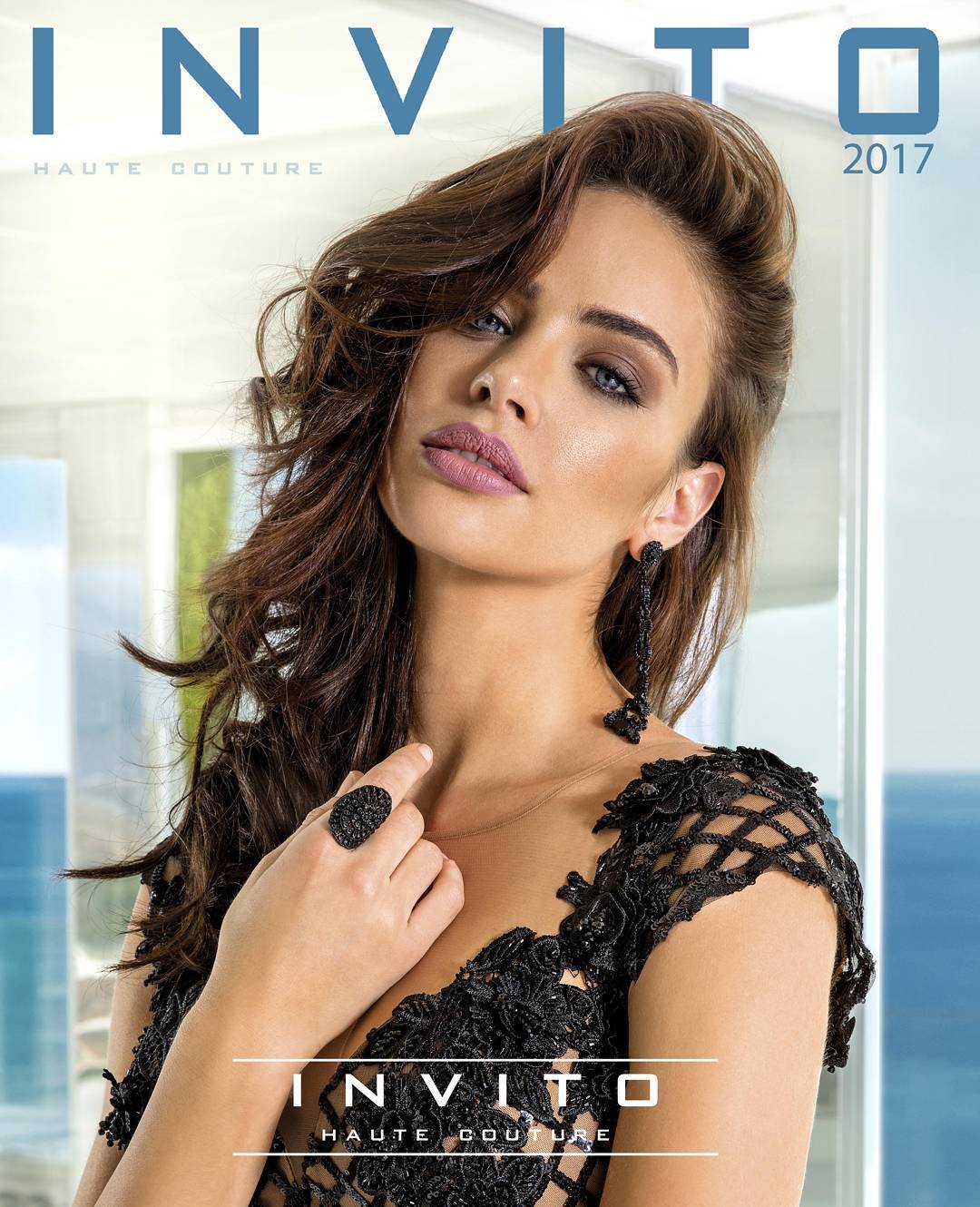
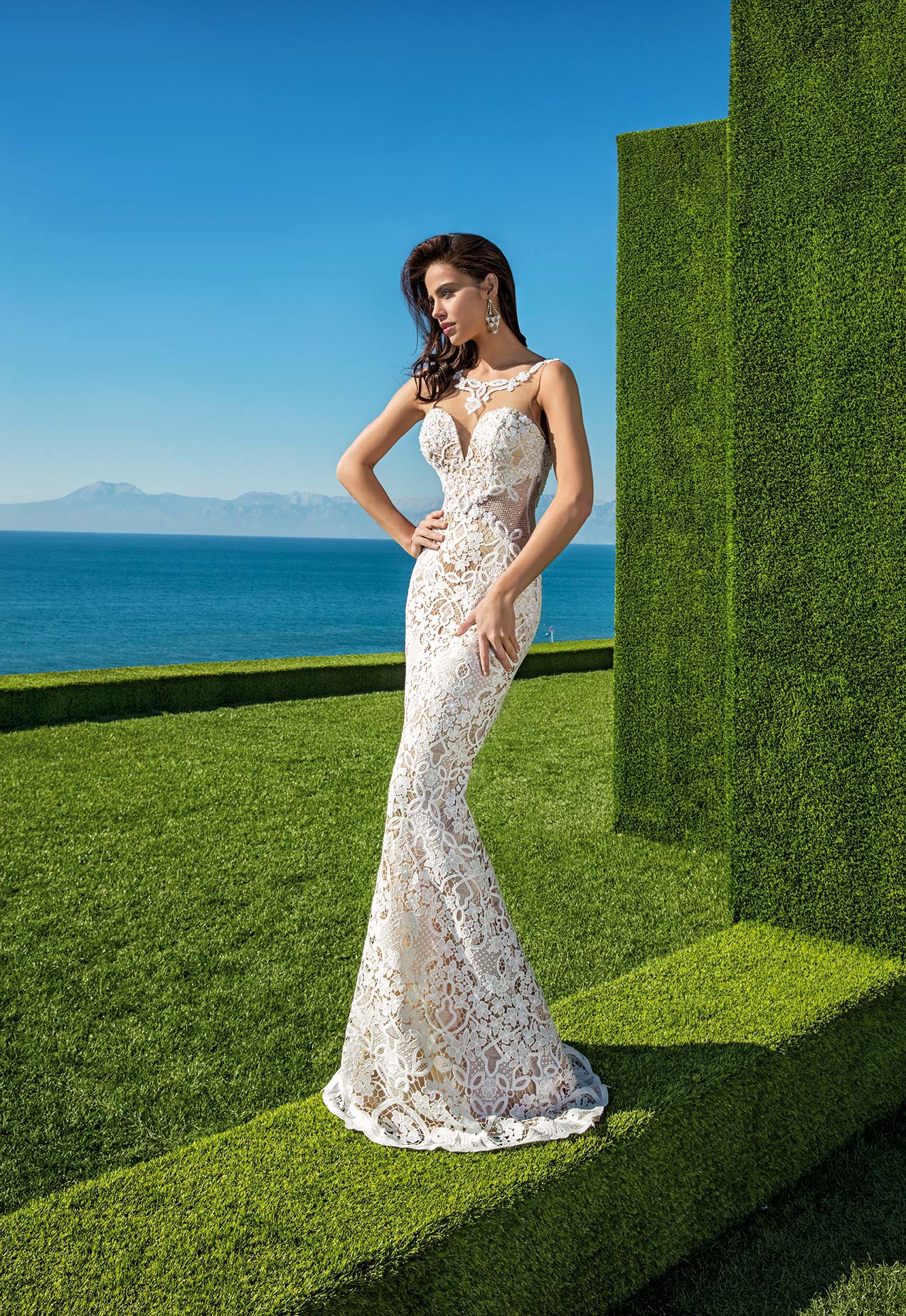
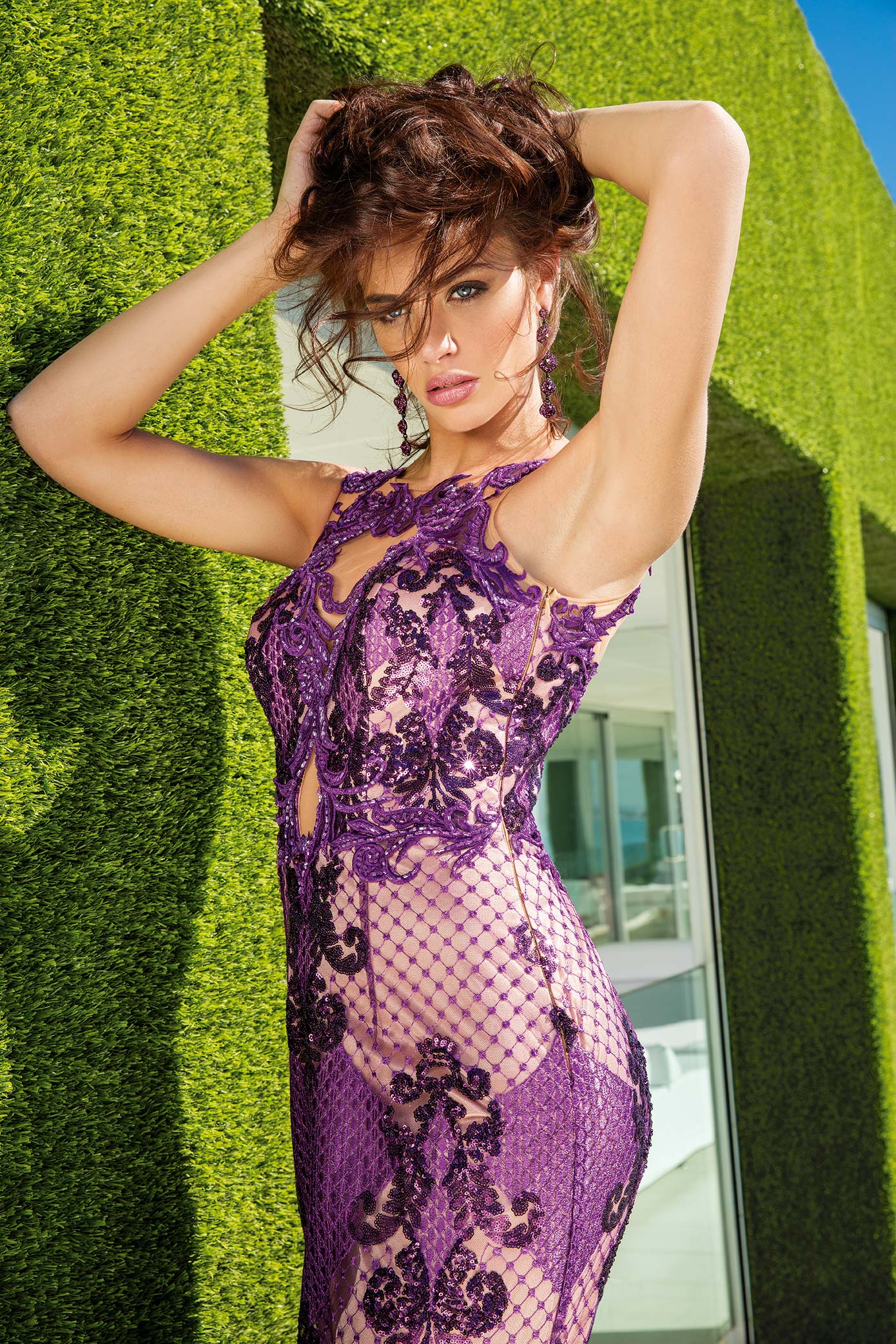
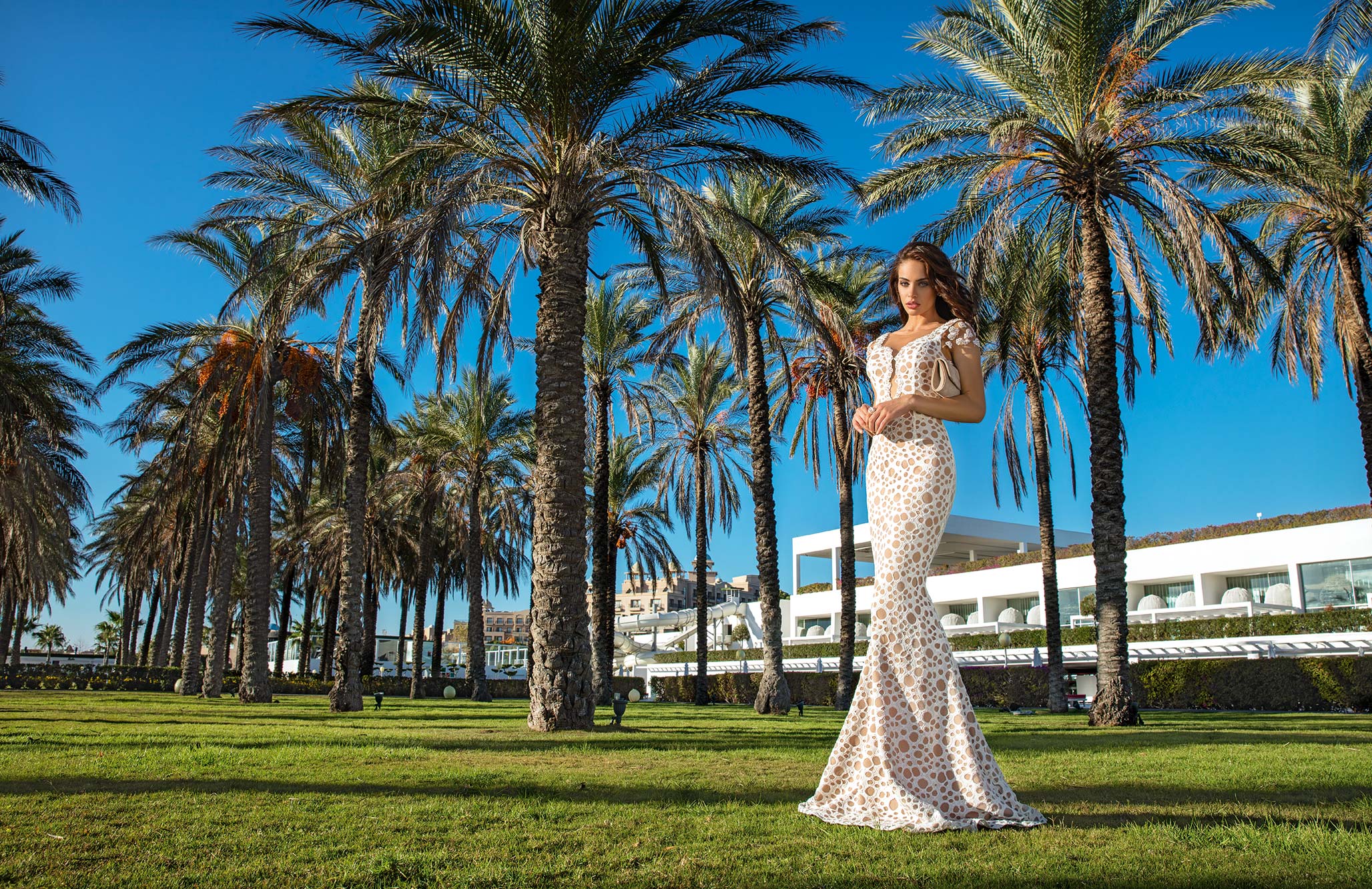
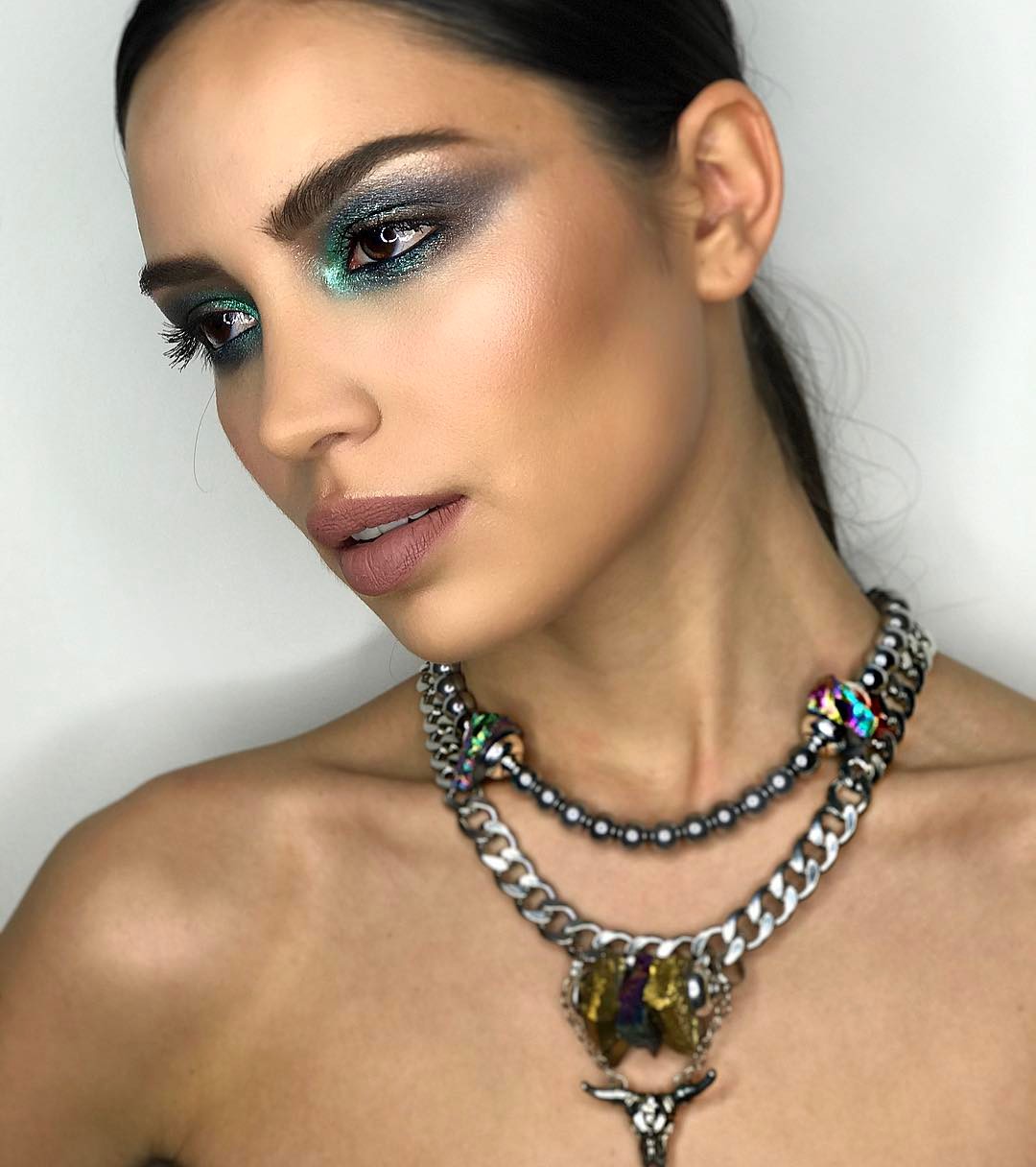
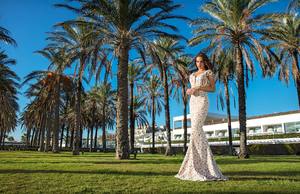
 Invito haute couture 2017 by @gencerbavbek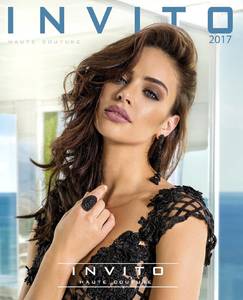


-
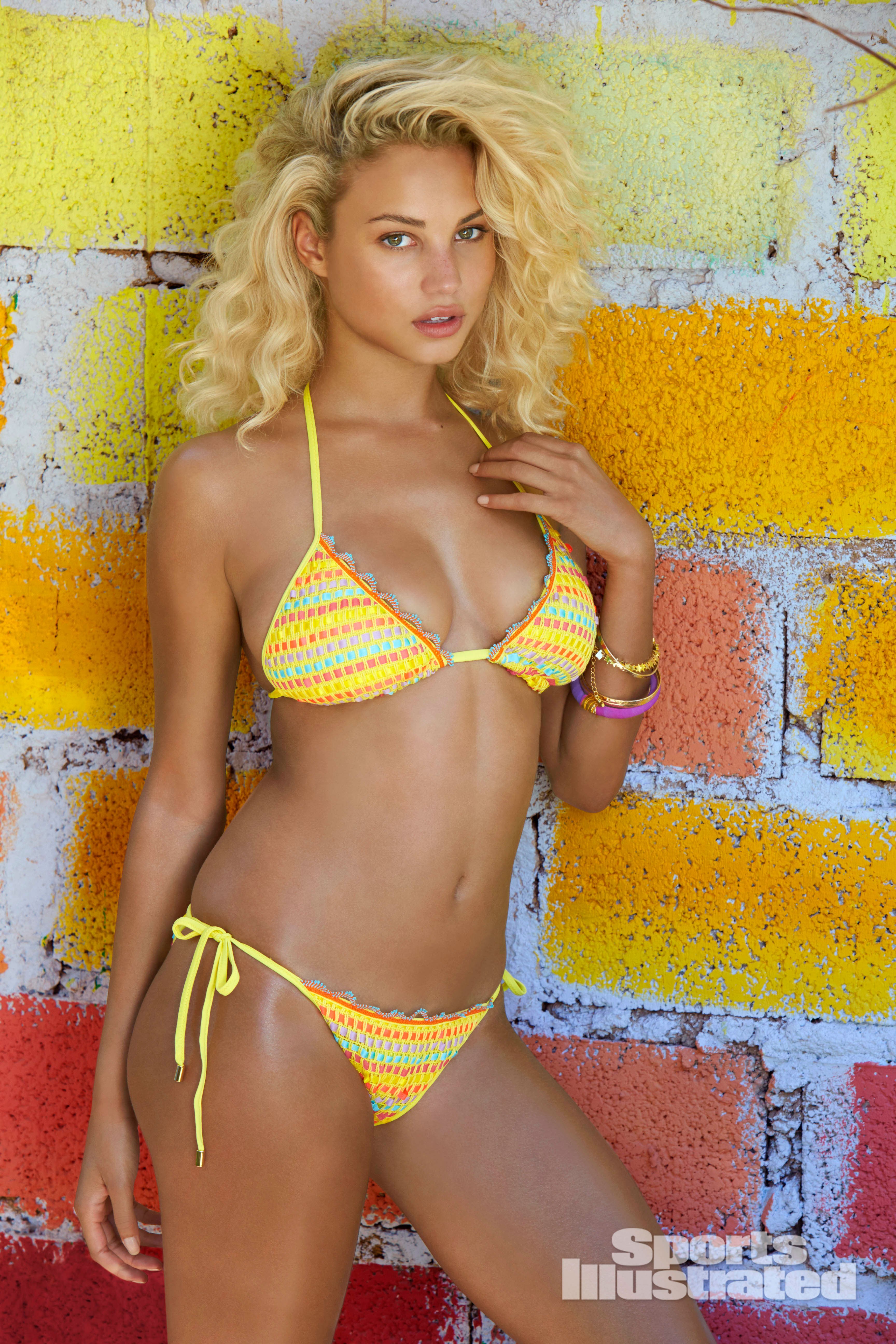
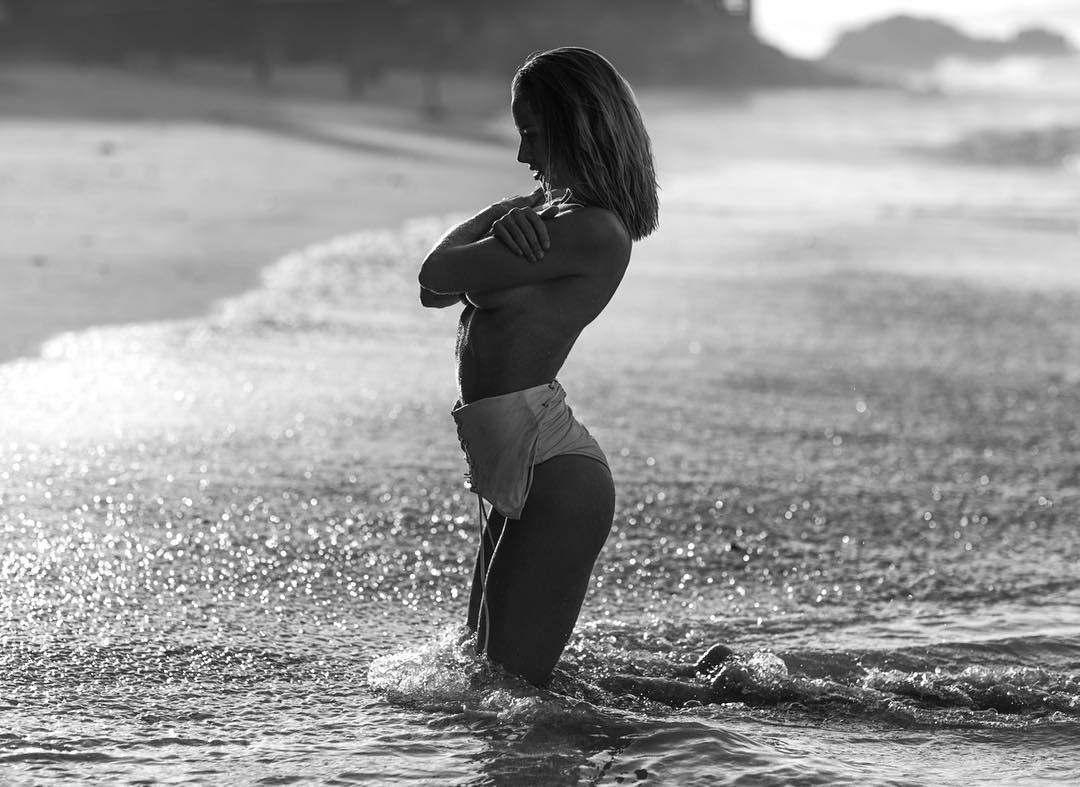
SI 2017 by Ben Watts
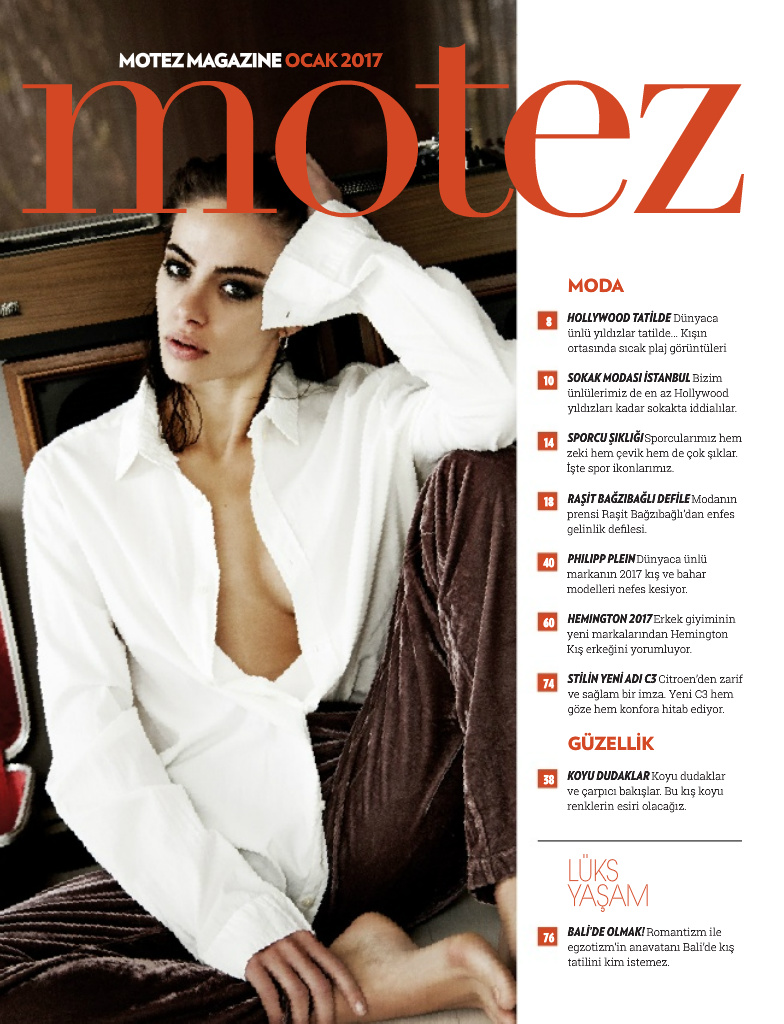
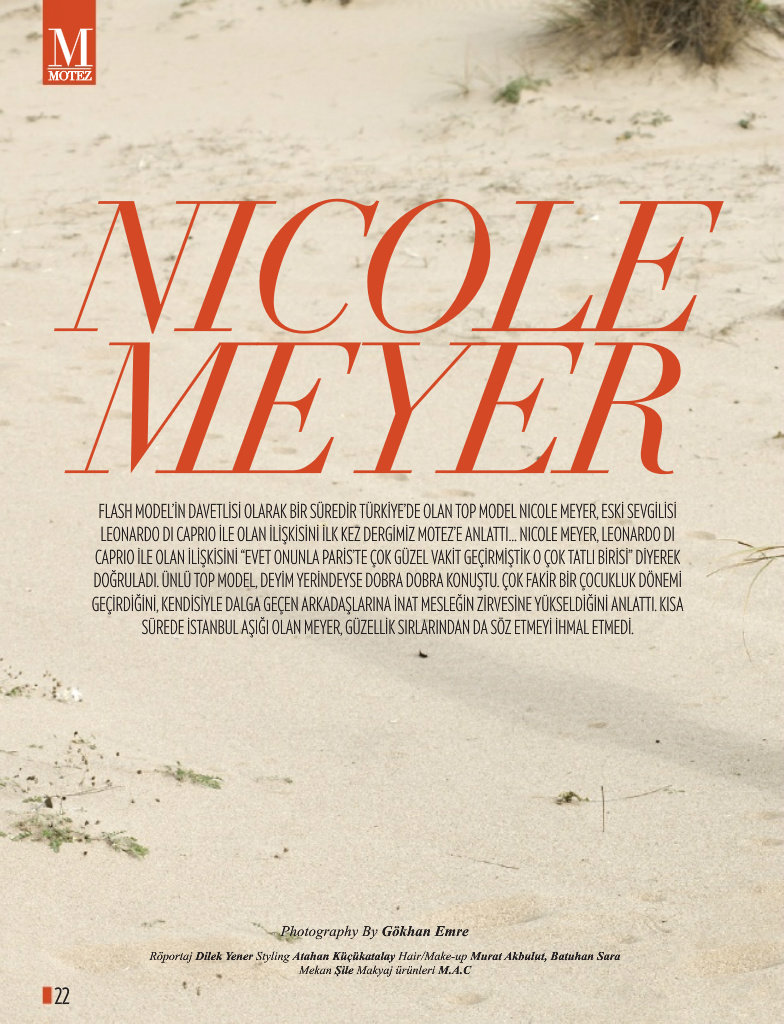
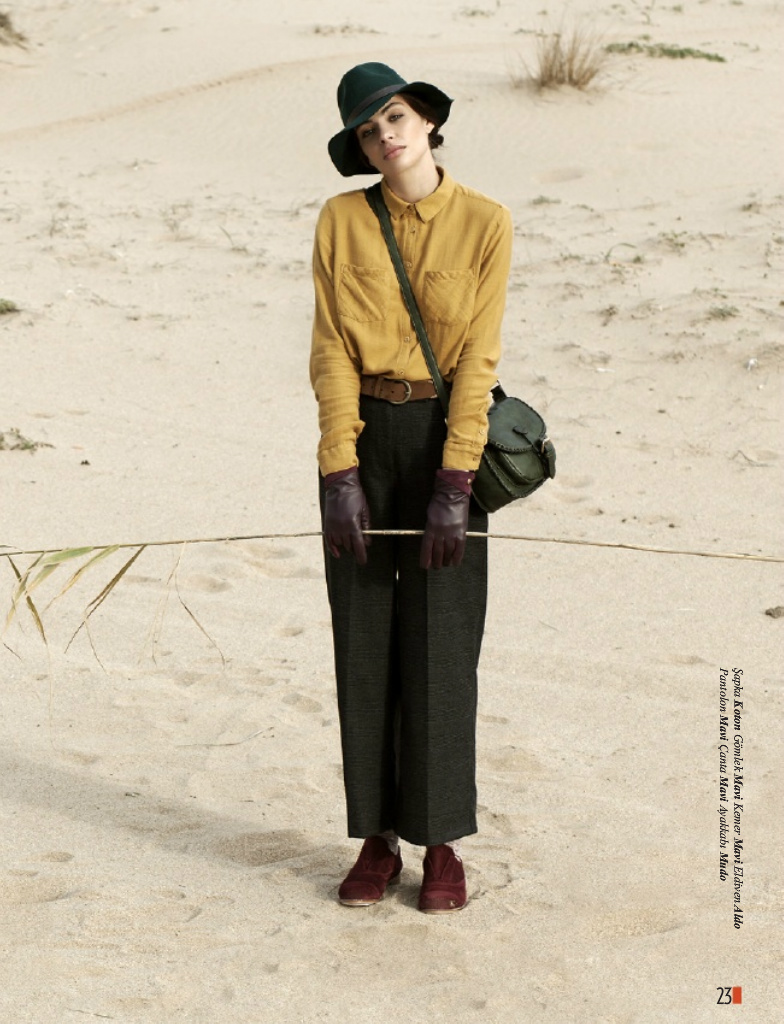
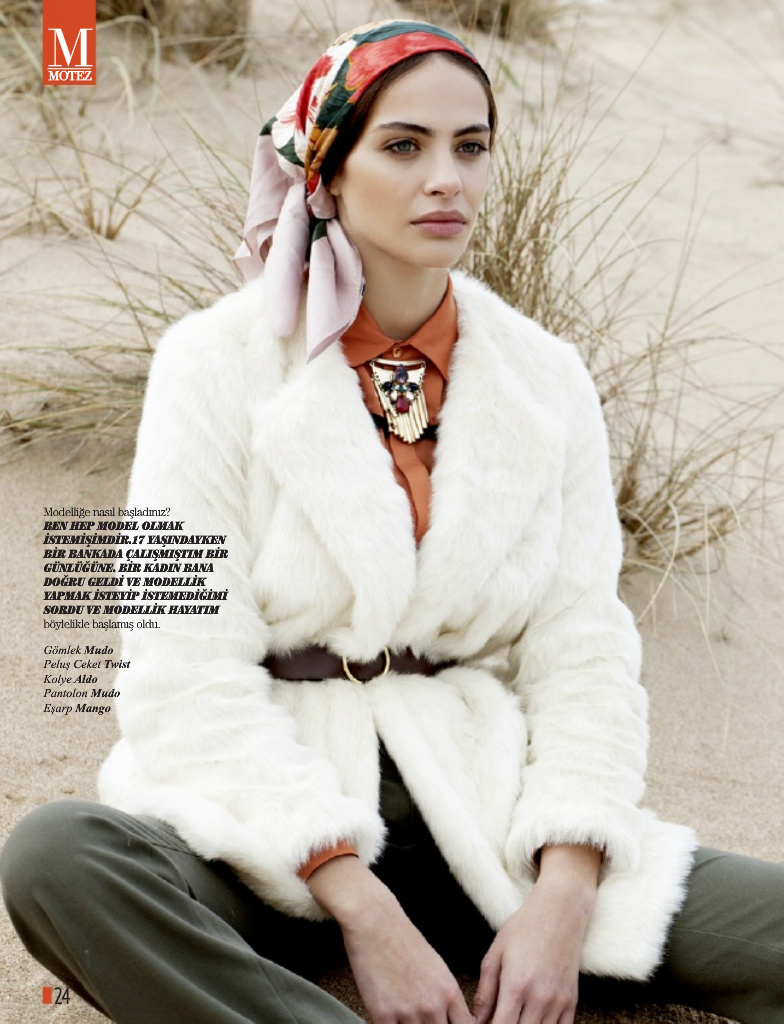
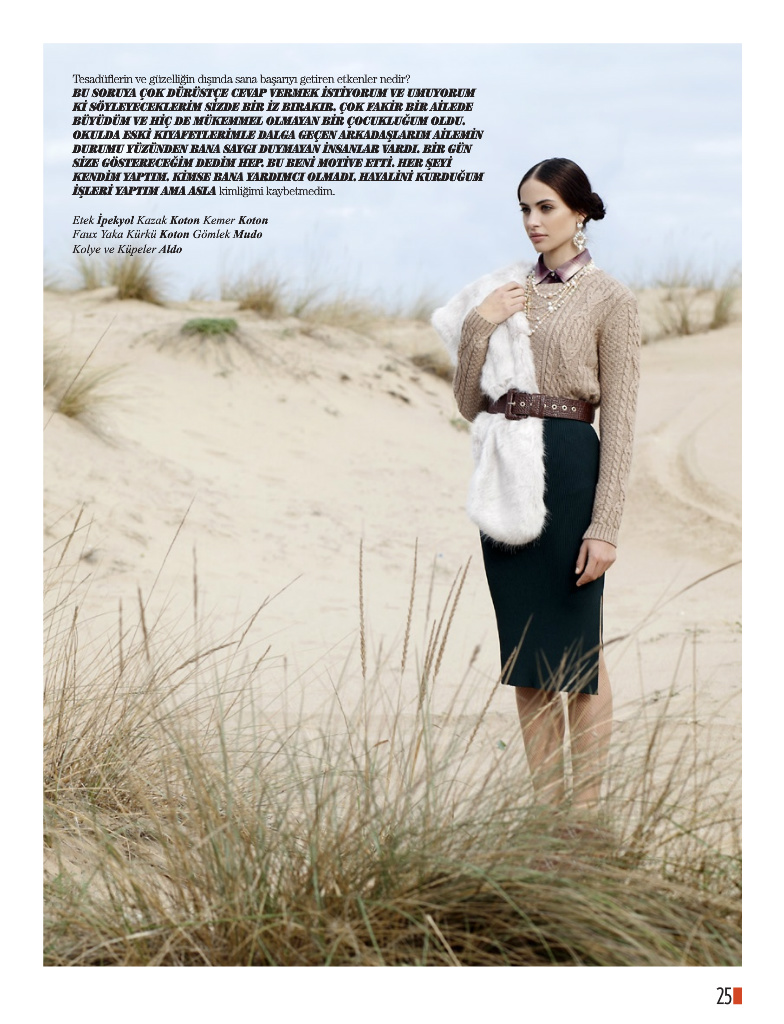
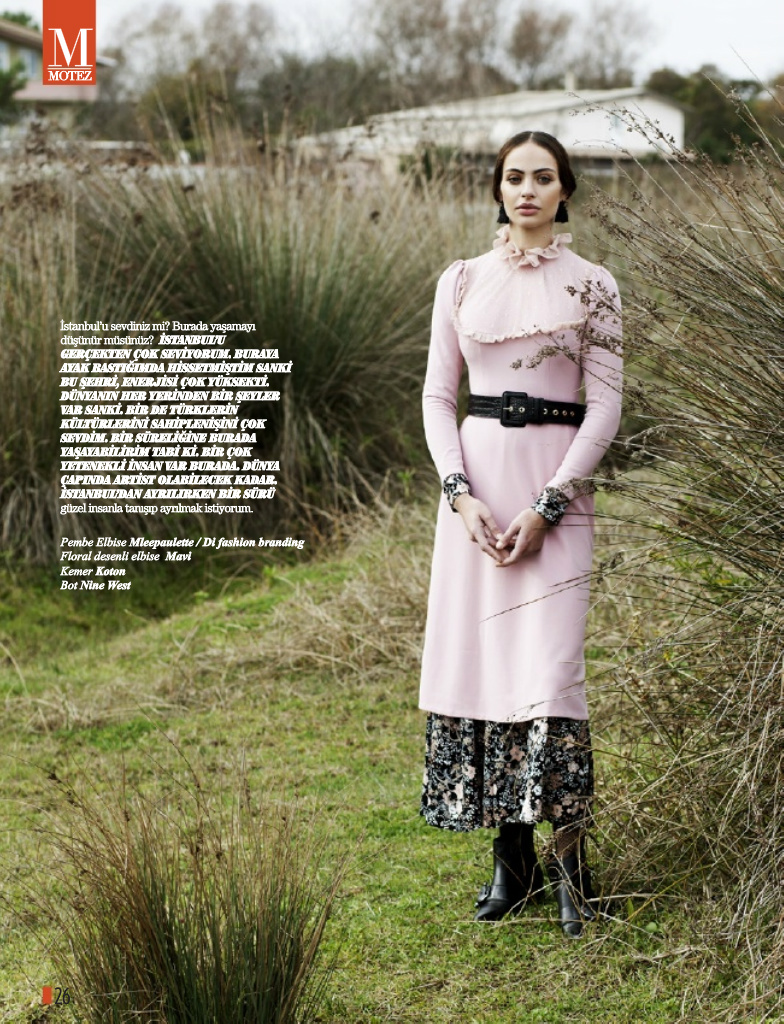
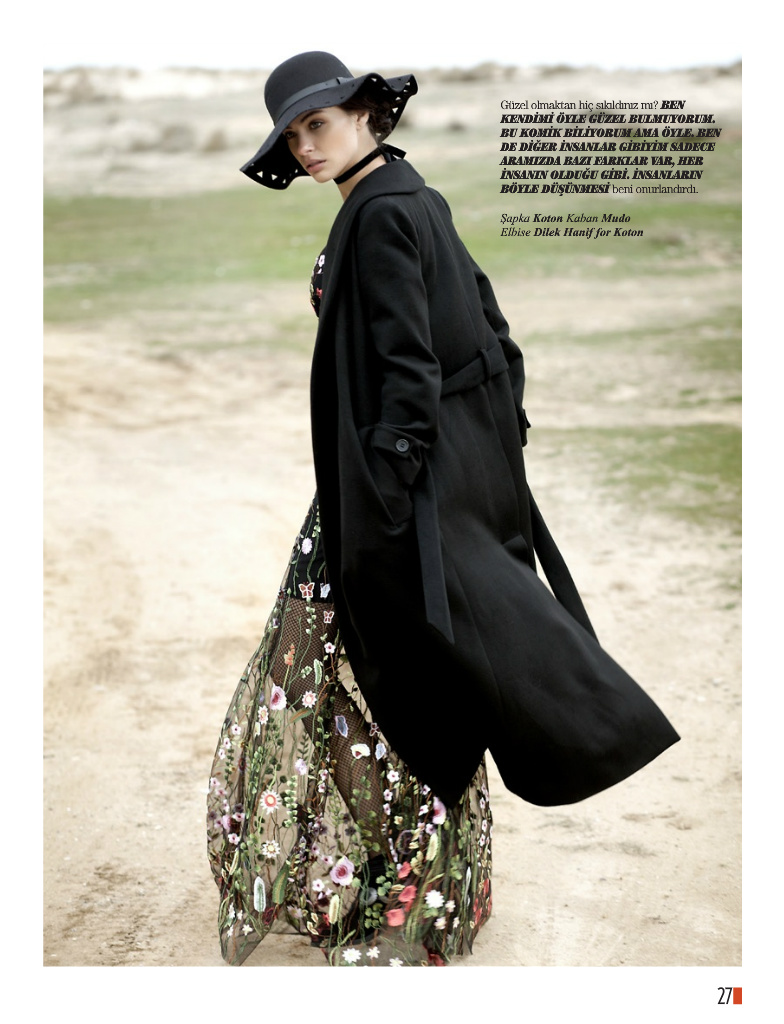
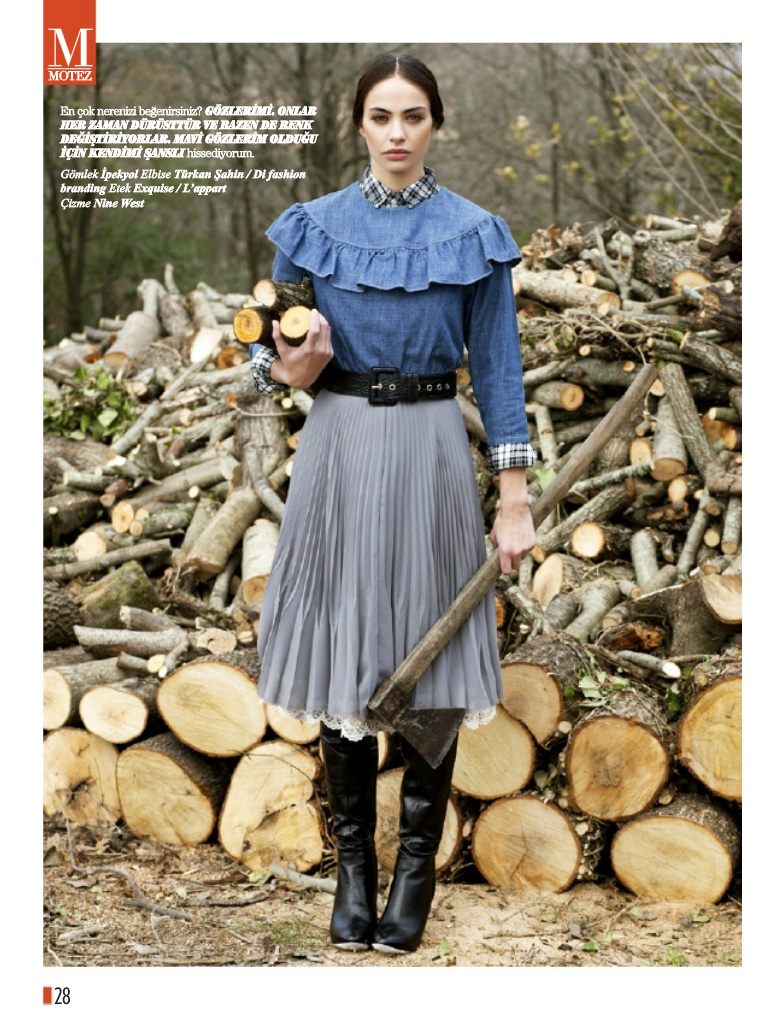
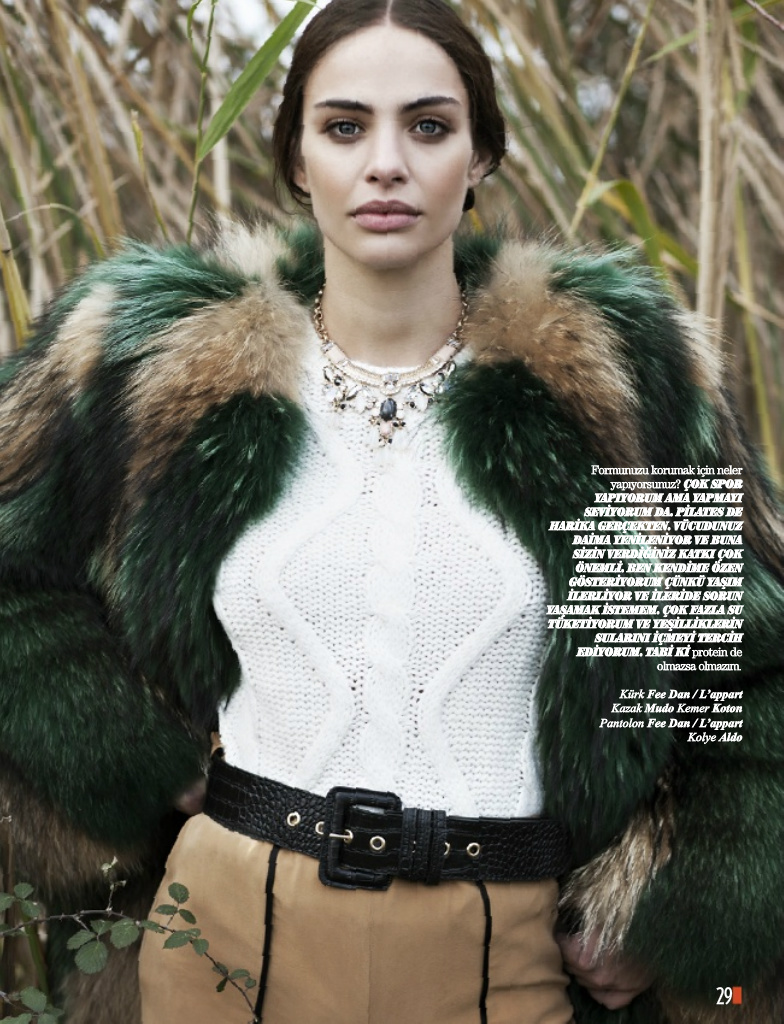
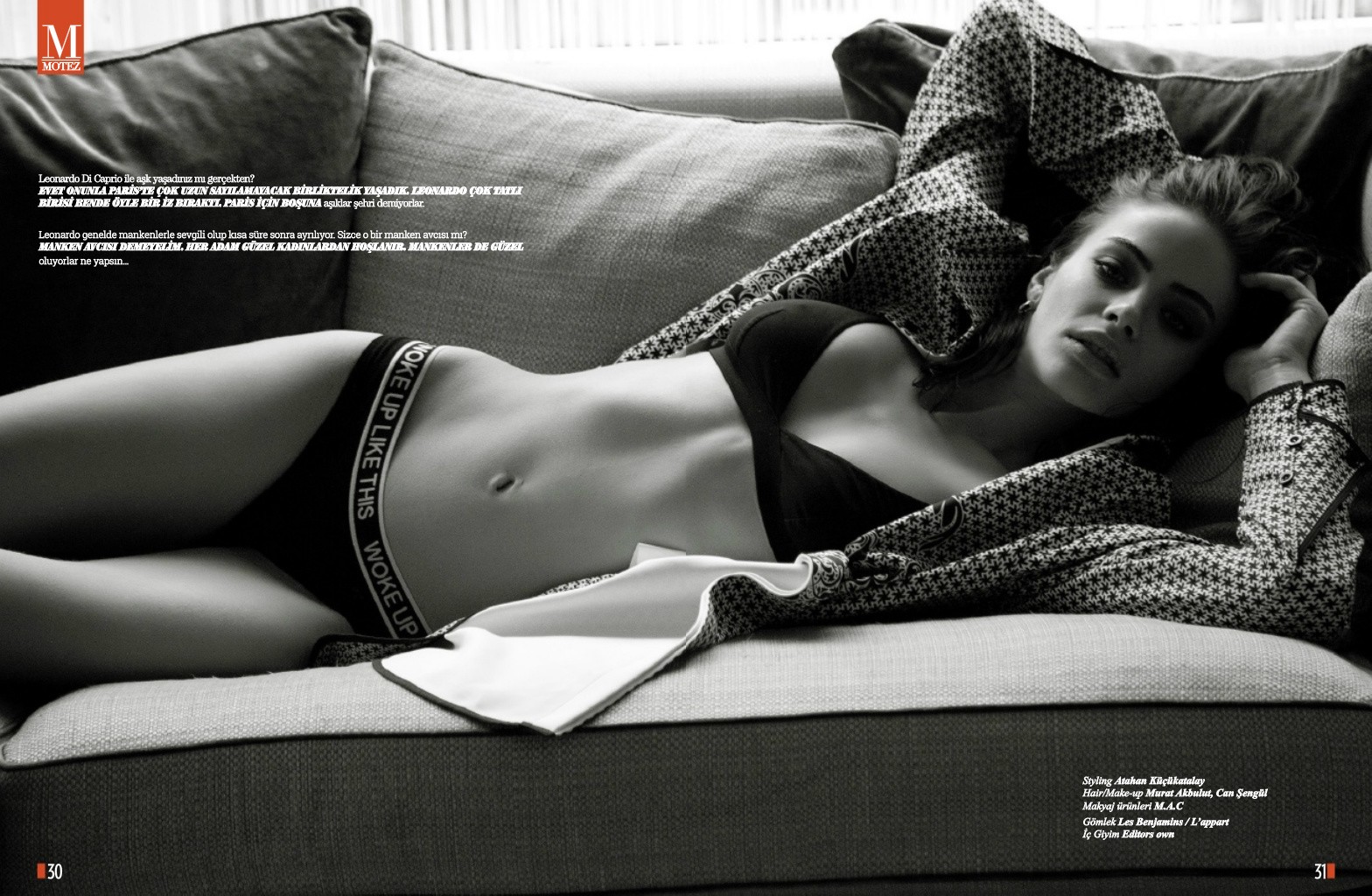
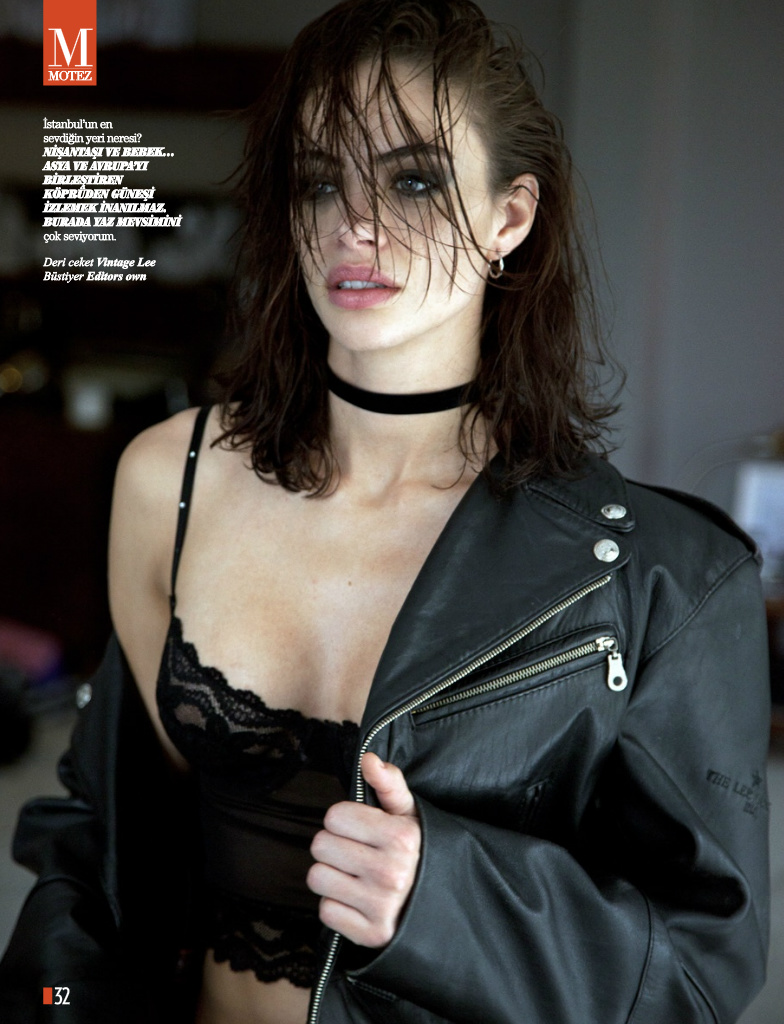
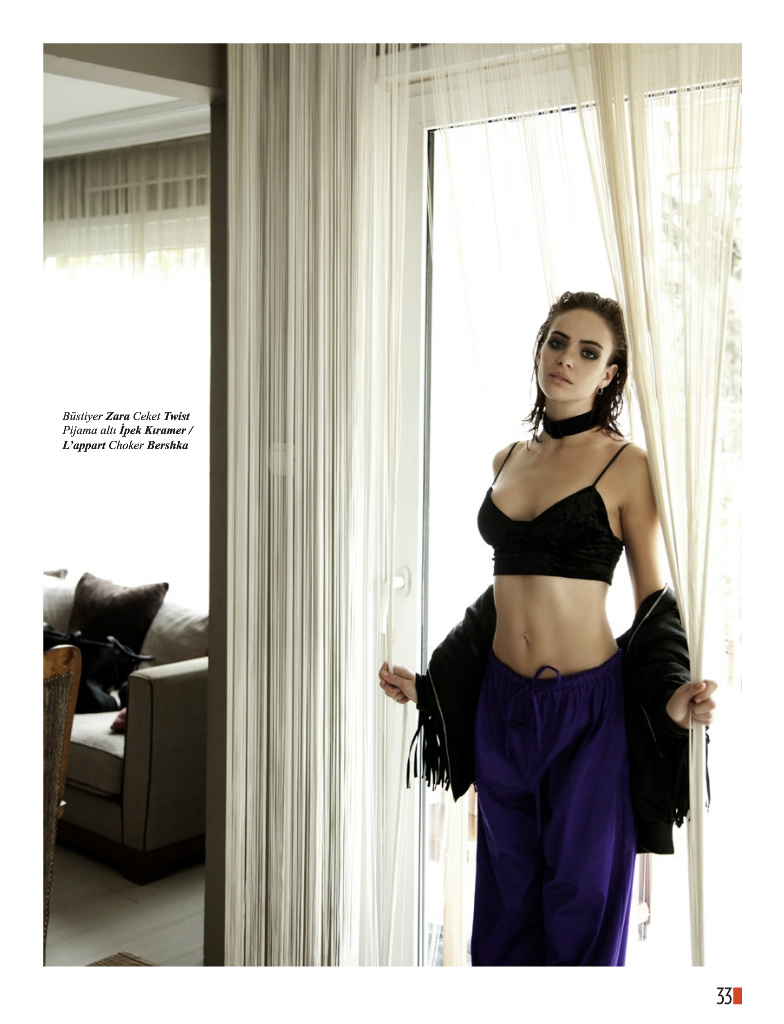
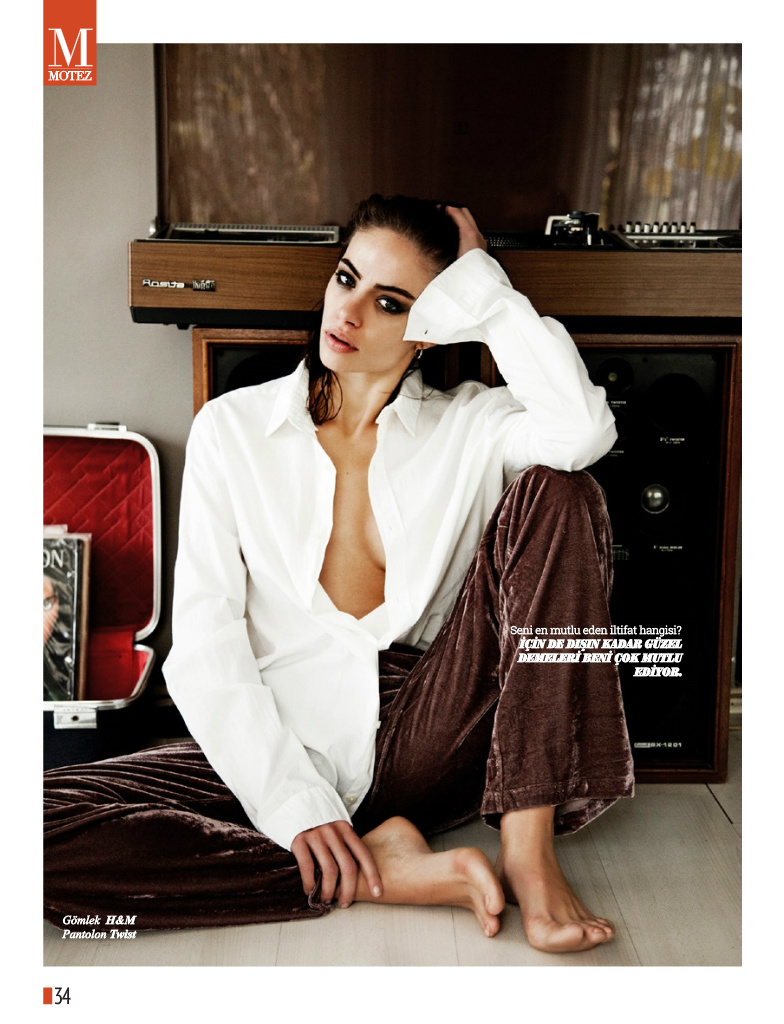
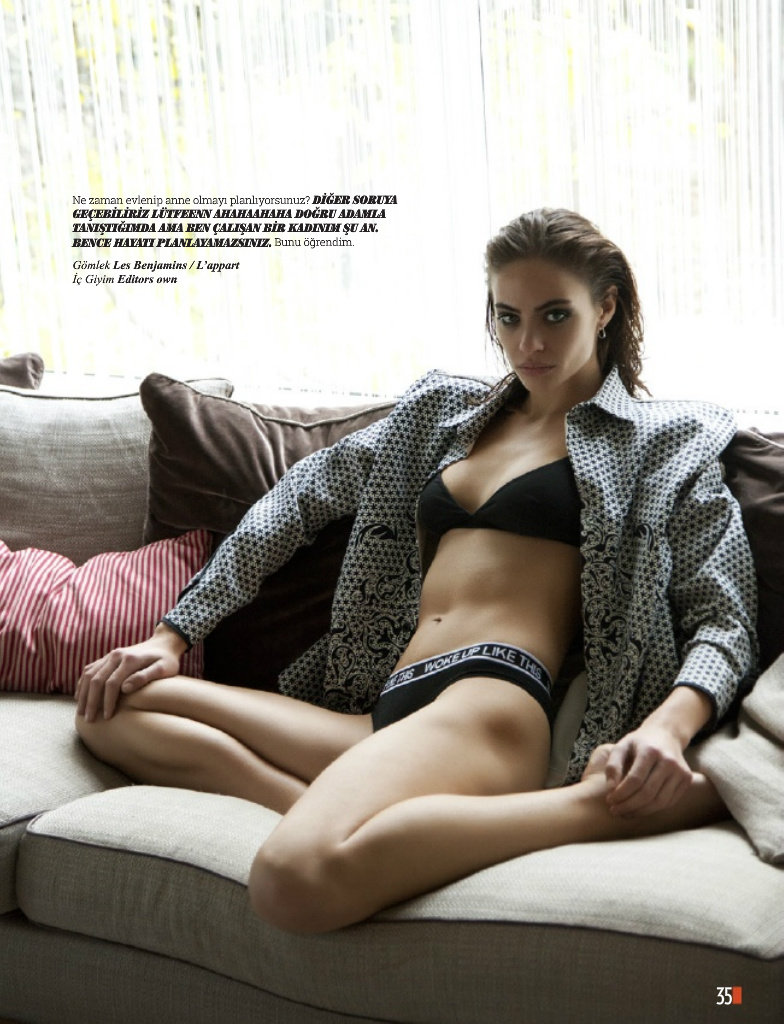
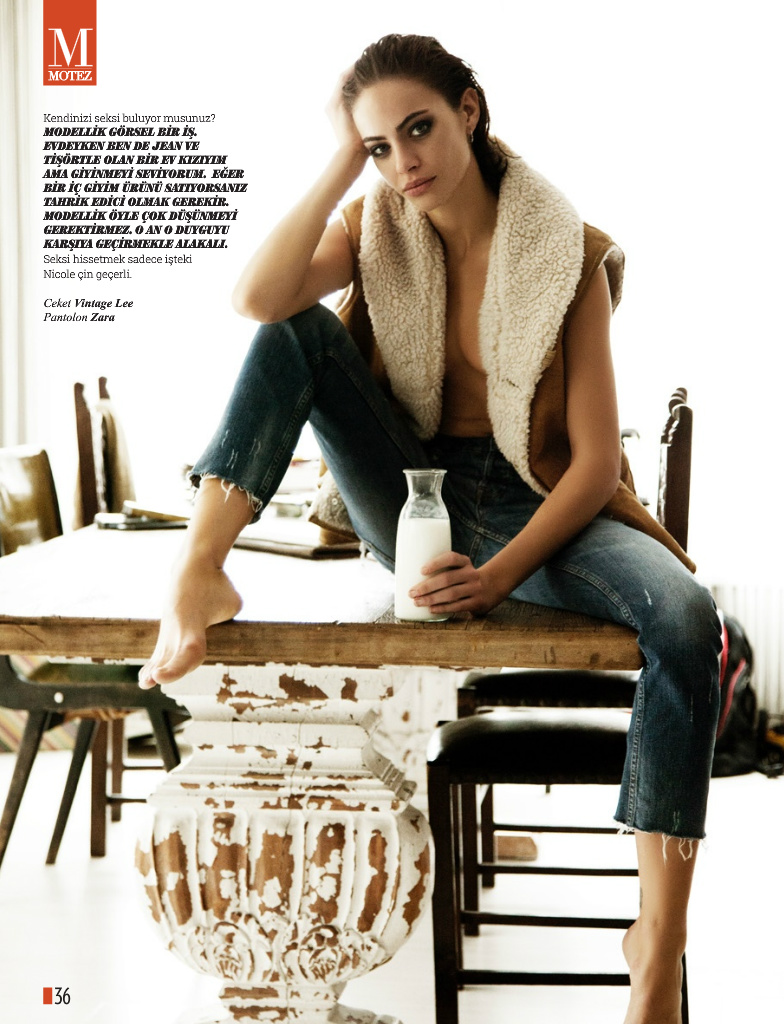
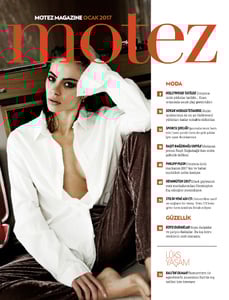
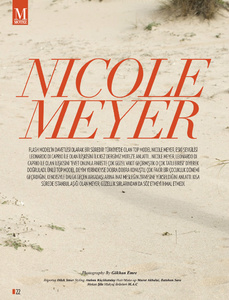
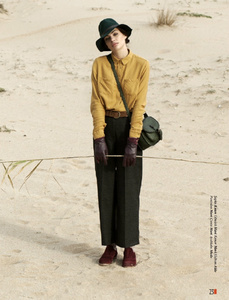
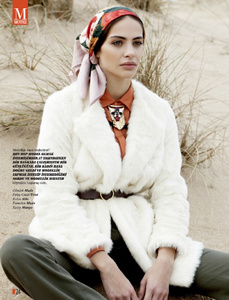
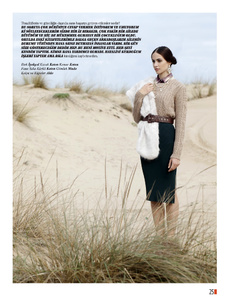
 Motez Magazine January 2016 by Emre Gokhan
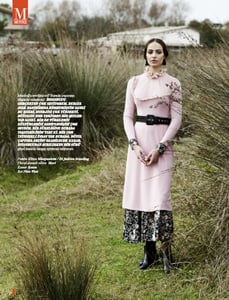
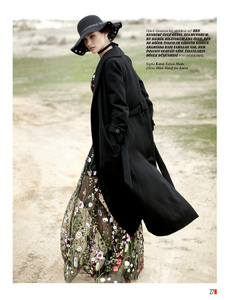
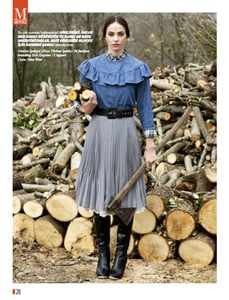
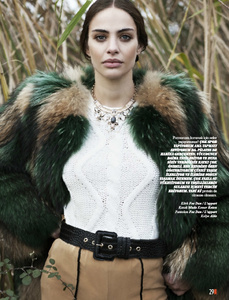

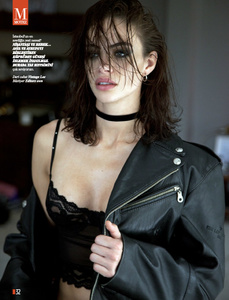
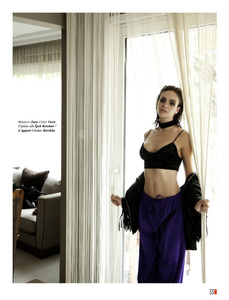


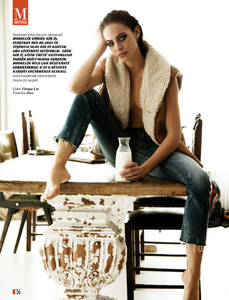
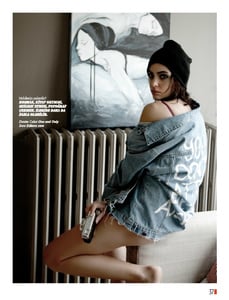 Rachel is now followed by Fordrba >> http://fordrba.com/?ref=M_1_de0ffd_14606
More
Rachel is now followed by Fordrba >> http://fordrba.com/?ref=M_1_de0ffd_14606
More
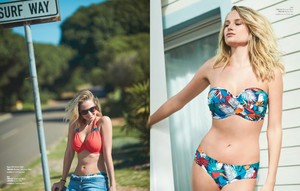
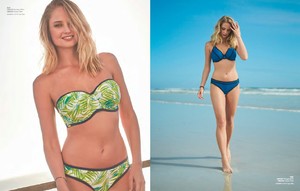

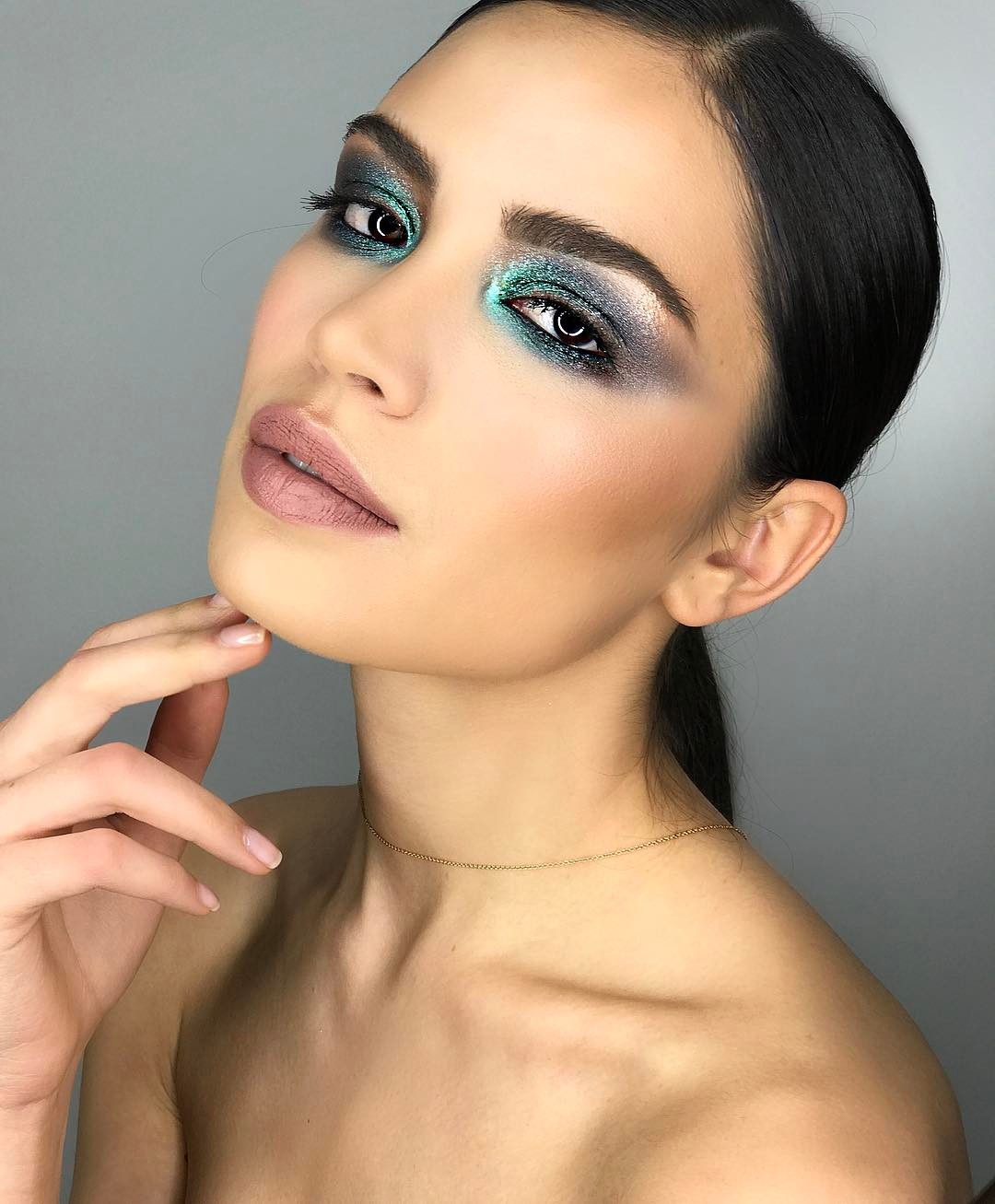
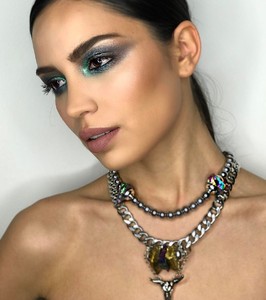
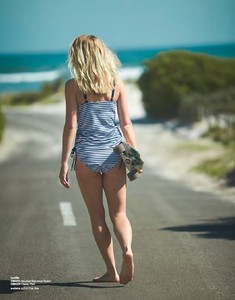 @thekandelstudio
 @alisatulynina @alicesmakeupschool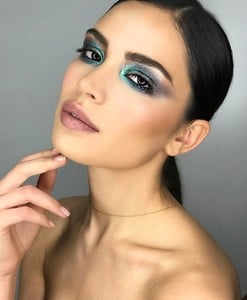
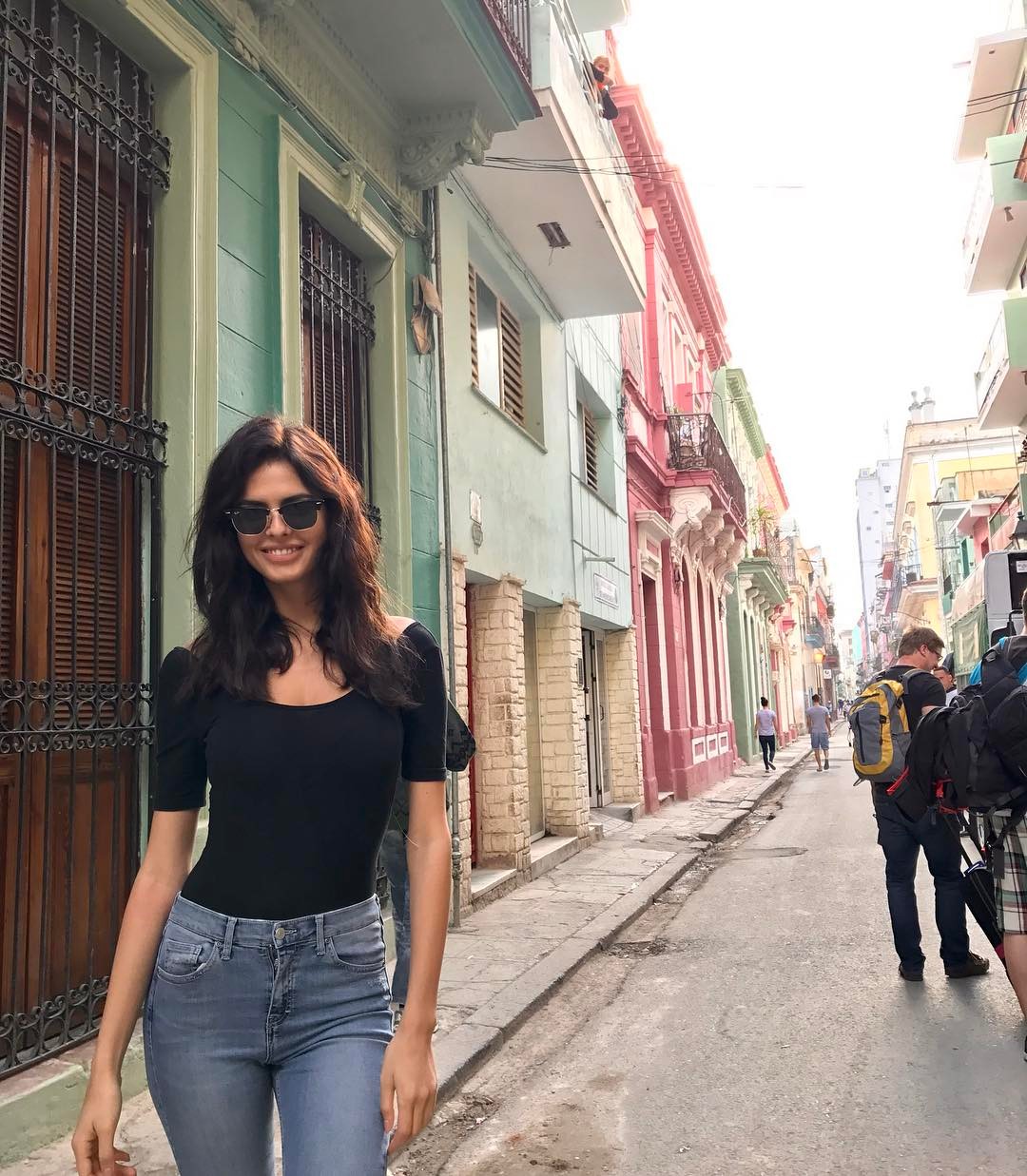
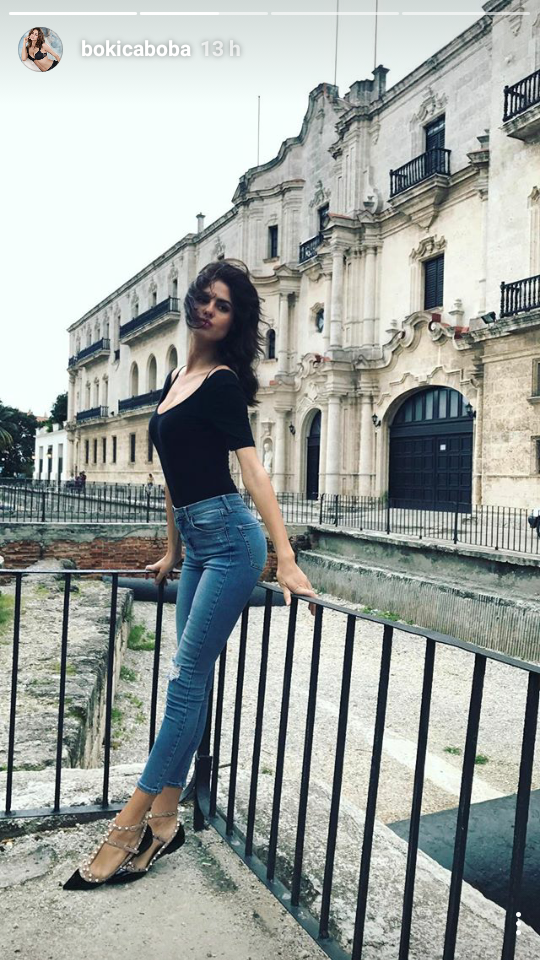
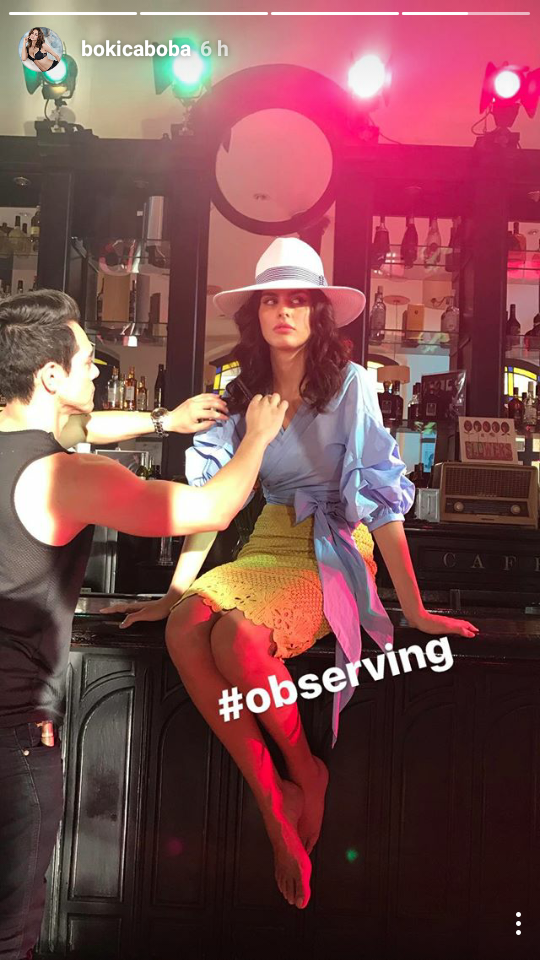
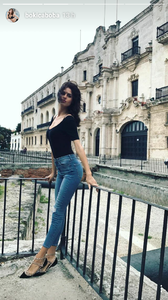
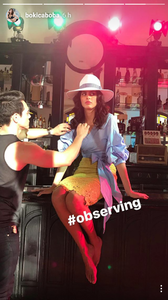
 Bo is in Cuba ! IG Story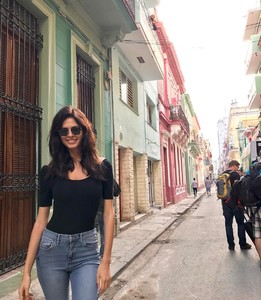

 @ILUVAdrianaLima Sorry, i lost track as well, i thought it was a new round.
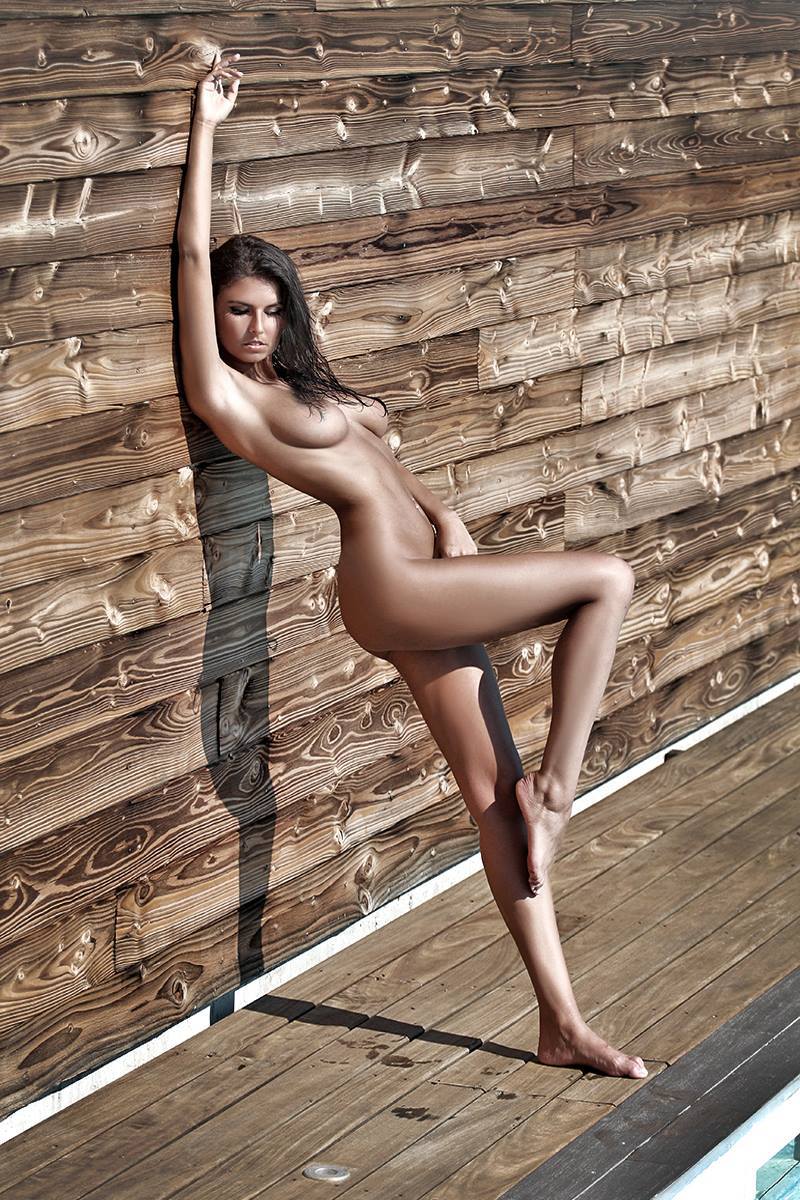
By Sylvio Testa
@ILUVAdrianaLima Sorry, i lost track as well, i thought it was a new round.
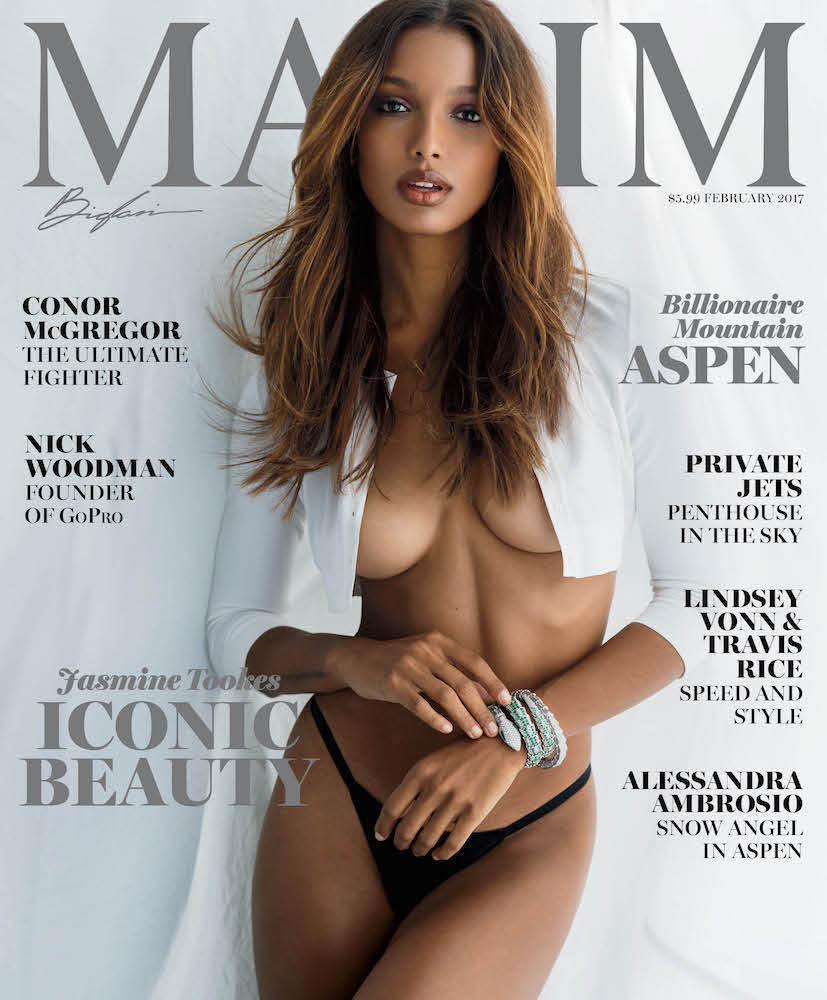
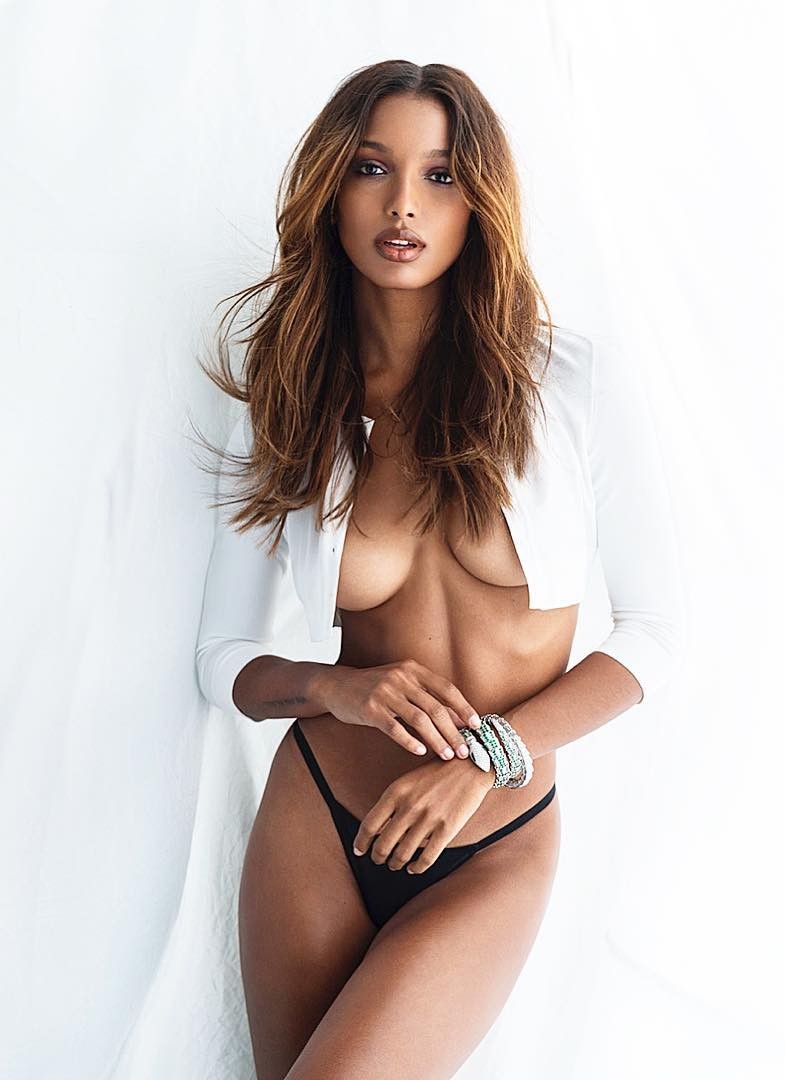
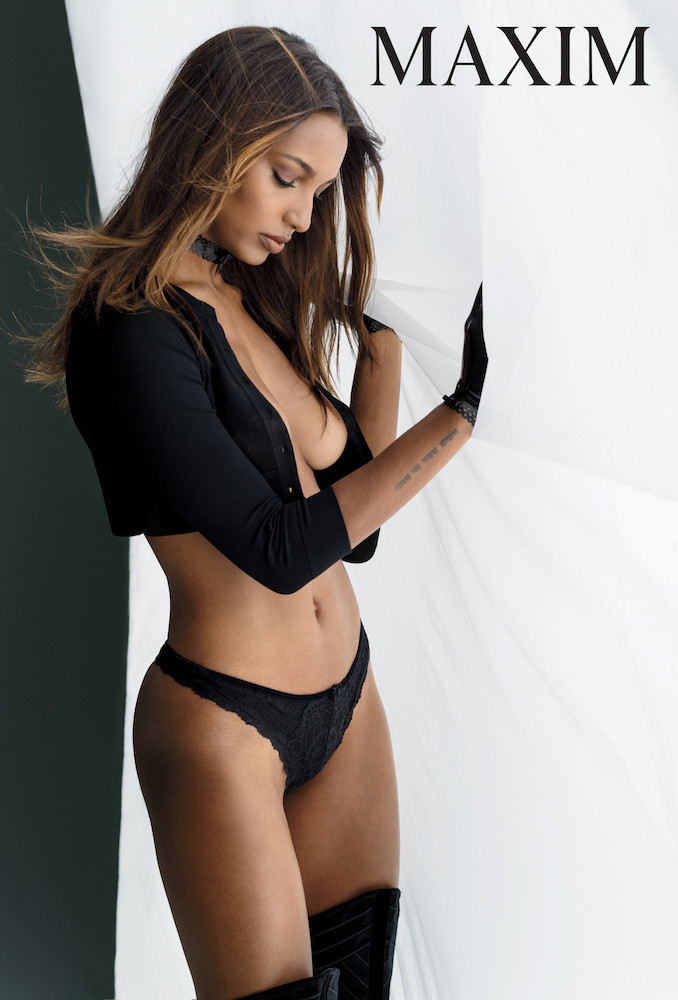
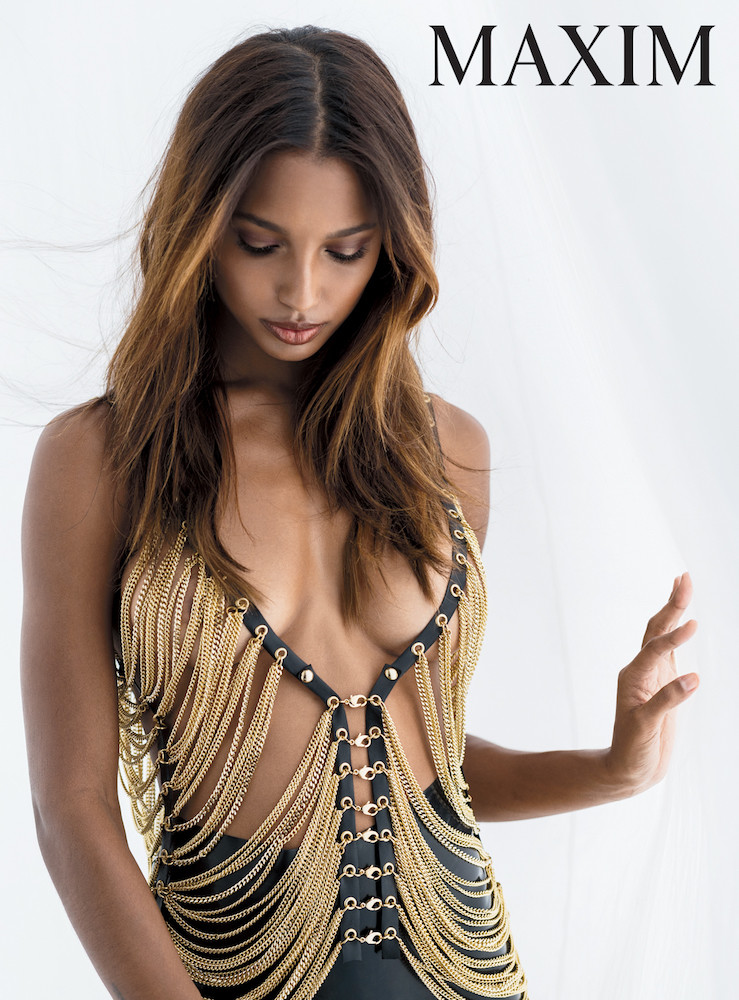
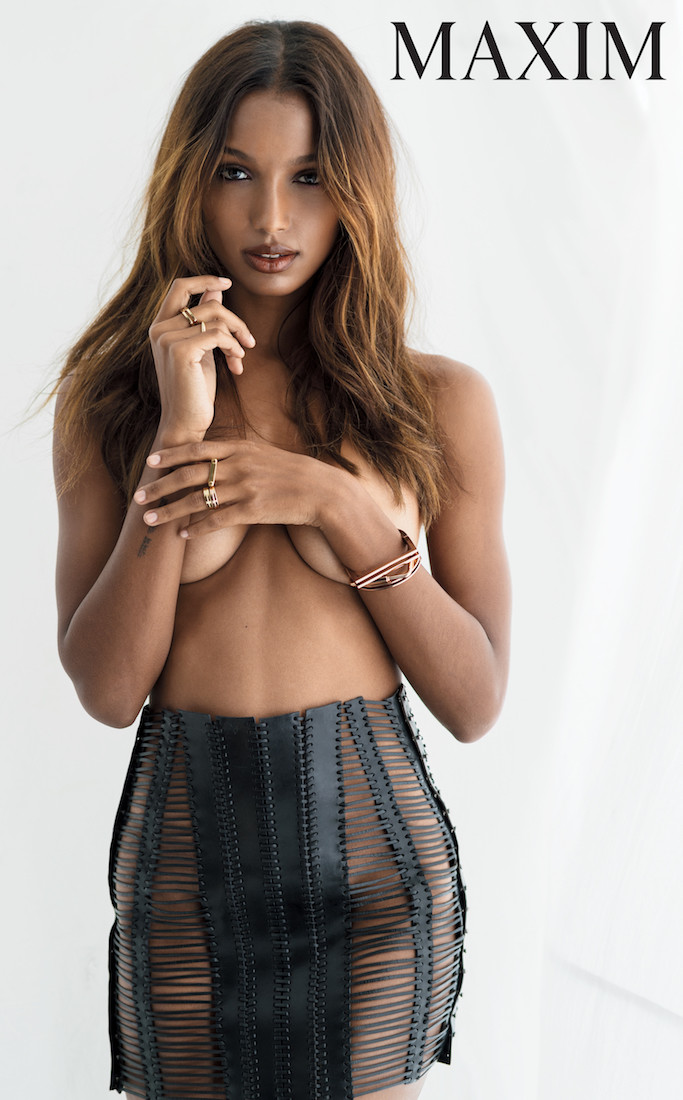
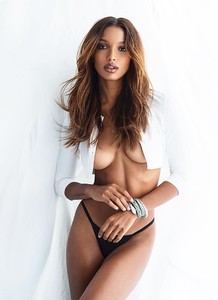
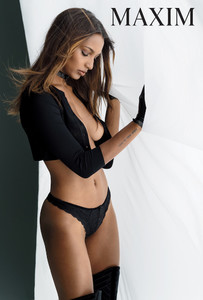
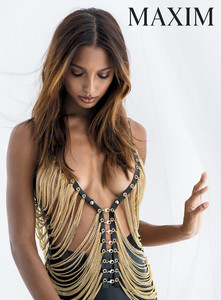
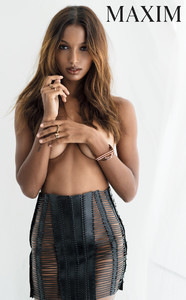
By Sylvio Testa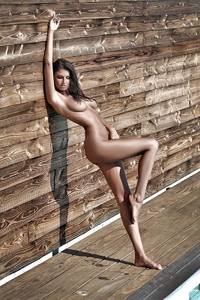 Maxim February 2017, by Gilles Bensimon >> http://www.maxim.com/women/jasmine-tookes-behind-february-cover-shoot-2017-1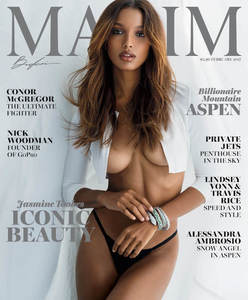
Account
Navigation
Search
Configure browser push notifications
Chrome (Android)
- Tap the lock icon next to the address bar.
- Tap Permissions → Notifications.
- Adjust your preference.
Chrome (Desktop)
- Click the padlock icon in the address bar.
- Select Site settings.
- Find Notifications and adjust your preference.
Safari (iOS 16.4+)
- Ensure the site is installed via Add to Home Screen.
- Open Settings App → Notifications.
- Find your app name and adjust your preference.
Safari (macOS)
- Go to Safari → Preferences.
- Click the Websites tab.
- Select Notifications in the sidebar.
- Find this website and adjust your preference.
Edge (Android)
- Tap the lock icon next to the address bar.
- Tap Permissions.
- Find Notifications and adjust your preference.
Edge (Desktop)
- Click the padlock icon in the address bar.
- Click Permissions for this site.
- Find Notifications and adjust your preference.
Firefox (Android)
- Go to Settings → Site permissions.
- Tap Notifications.
- Find this site in the list and adjust your preference.
Firefox (Desktop)
- Open Firefox Settings.
- Search for Notifications.
- Find this site in the list and adjust your preference.