jj3
Members
-
Joined
Everything posted by jj3
-
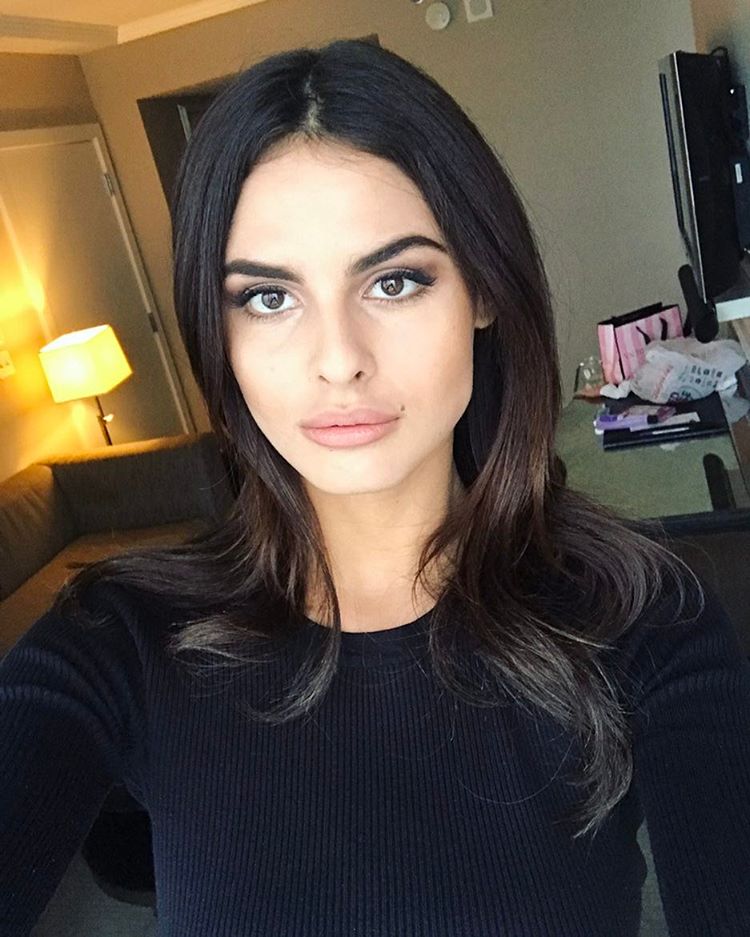
 Polaroids / Digitals @IMGmodels


 Yeah the blonde was pretty cool indeed. But her character was not so attractive lol But what re-boot ? My fave was the Last Crusade as well, and with time i really enjoy Indiana Jones and the Temple of Doom ... The last one is not so bad as well. But It reminds me a lot of Tintin, like a mix of 'Prisoners of the Sun' and 'Flight 714 to Sydney'.
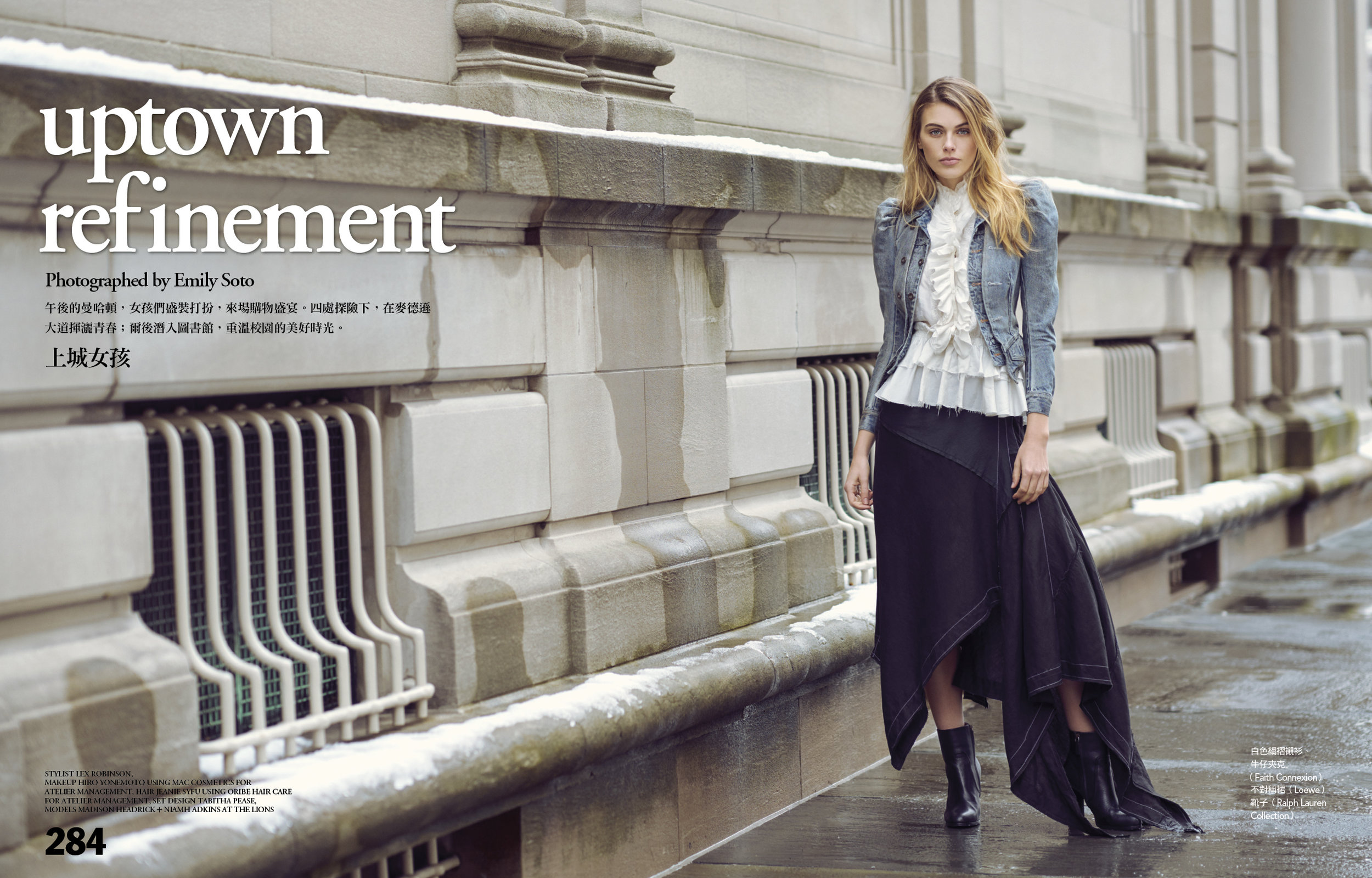
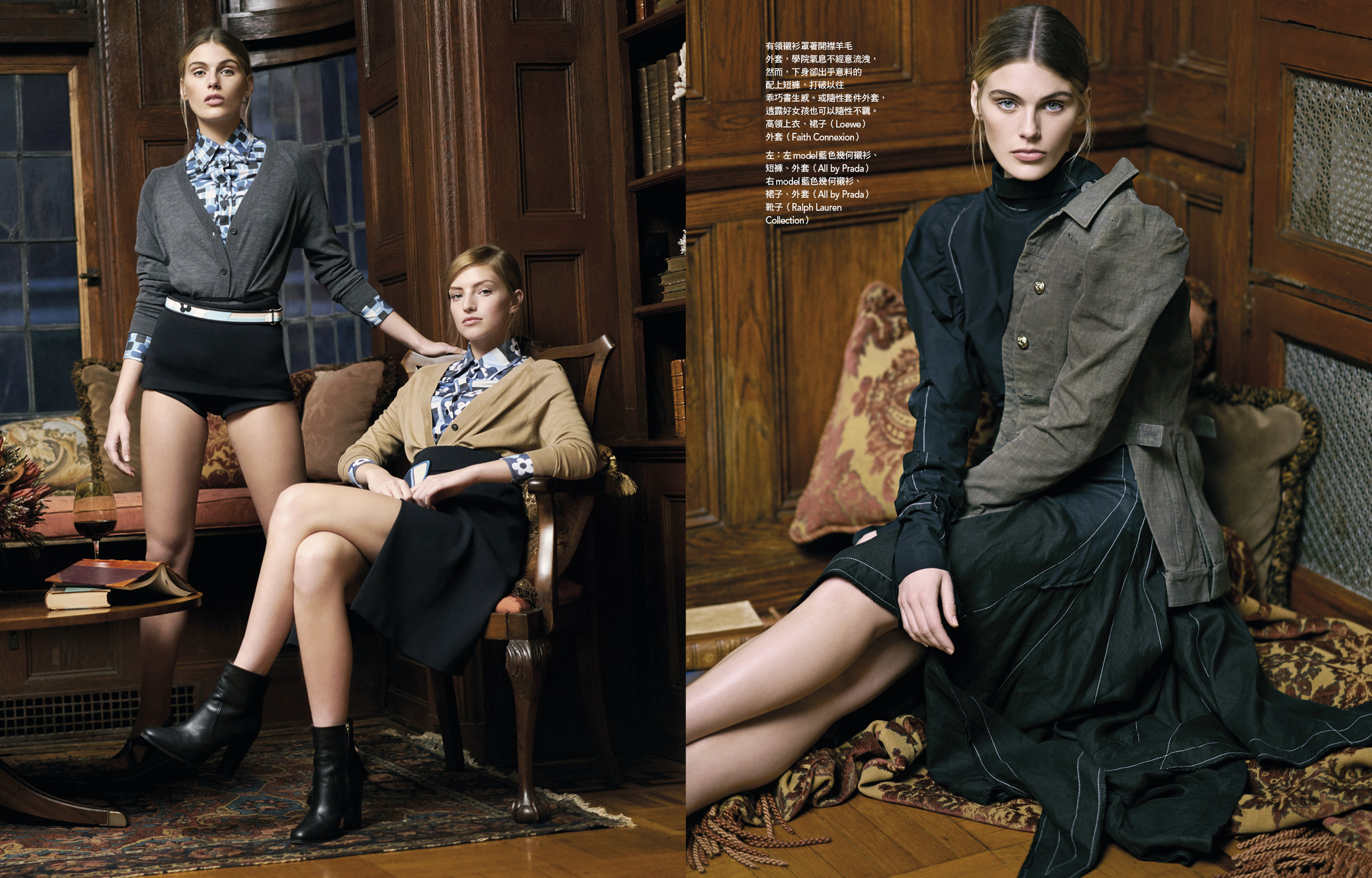
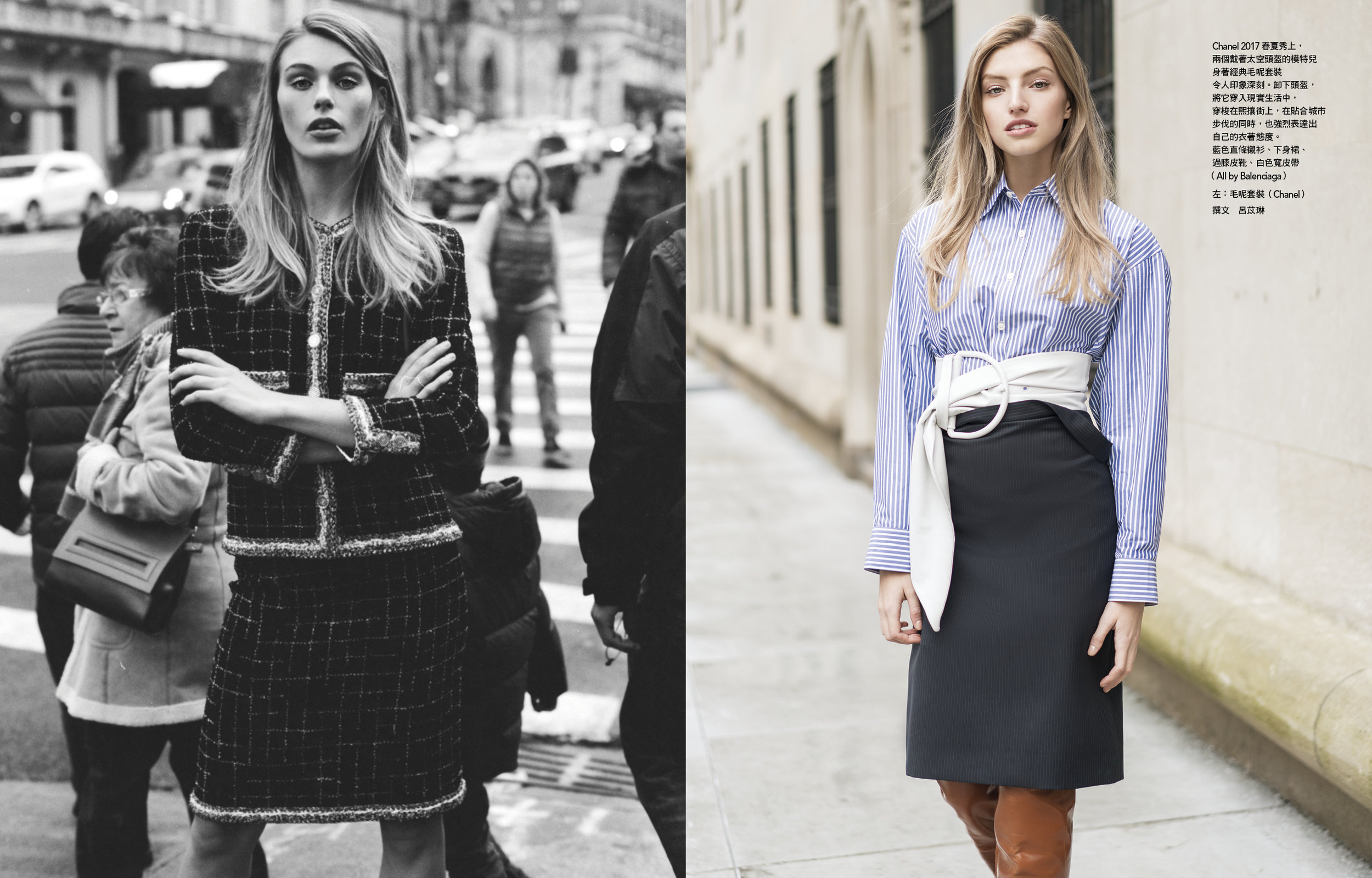
Vogue Taiwan @taiwanvogue April 2017 by @emilysoto with @madison.headrick and @niamhadkins at @brigadoonlodge | Styling by @lexrobins in @prada and shoes by @Ralph lauren | makeup by @hiroyonemoto @ateliermgmt | Hair by @jeaniesyfu @ateliermgmt | Set design @tabithapease | Retouch @solsticeretouch
Yeah the blonde was pretty cool indeed. But her character was not so attractive lol But what re-boot ? My fave was the Last Crusade as well, and with time i really enjoy Indiana Jones and the Temple of Doom ... The last one is not so bad as well. But It reminds me a lot of Tintin, like a mix of 'Prisoners of the Sun' and 'Flight 714 to Sydney'.
Vogue Taiwan @taiwanvogue April 2017 by @emilysoto with @madison.headrick and @niamhadkins at @brigadoonlodge | Styling by @lexrobins in @prada and shoes by @Ralph lauren | makeup by @hiroyonemoto @ateliermgmt | Hair by @jeaniesyfu @ateliermgmt | Set design @tabithapease | Retouch @solsticeretouch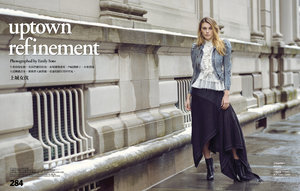



Account
Search
Configure browser push notifications
Chrome (Android)
- Tap the lock icon next to the address bar.
- Tap Permissions → Notifications.
- Adjust your preference.
Chrome (Desktop)
- Click the padlock icon in the address bar.
- Select Site settings.
- Find Notifications and adjust your preference.
Safari (iOS 16.4+)
- Ensure the site is installed via Add to Home Screen.
- Open Settings App → Notifications.
- Find your app name and adjust your preference.
Safari (macOS)
- Go to Safari → Preferences.
- Click the Websites tab.
- Select Notifications in the sidebar.
- Find this website and adjust your preference.
Edge (Android)
- Tap the lock icon next to the address bar.
- Tap Permissions.
- Find Notifications and adjust your preference.
Edge (Desktop)
- Click the padlock icon in the address bar.
- Click Permissions for this site.
- Find Notifications and adjust your preference.
Firefox (Android)
- Go to Settings → Site permissions.
- Tap Notifications.
- Find this site in the list and adjust your preference.
Firefox (Desktop)
- Open Firefox Settings.
- Search for Notifications.
- Find this site in the list and adjust your preference.





.jpg.144e185000ea0359c395378808072e36.jpg)

.jpg.27369c8e3b1d23e3f692b8d267167a3f.jpg)