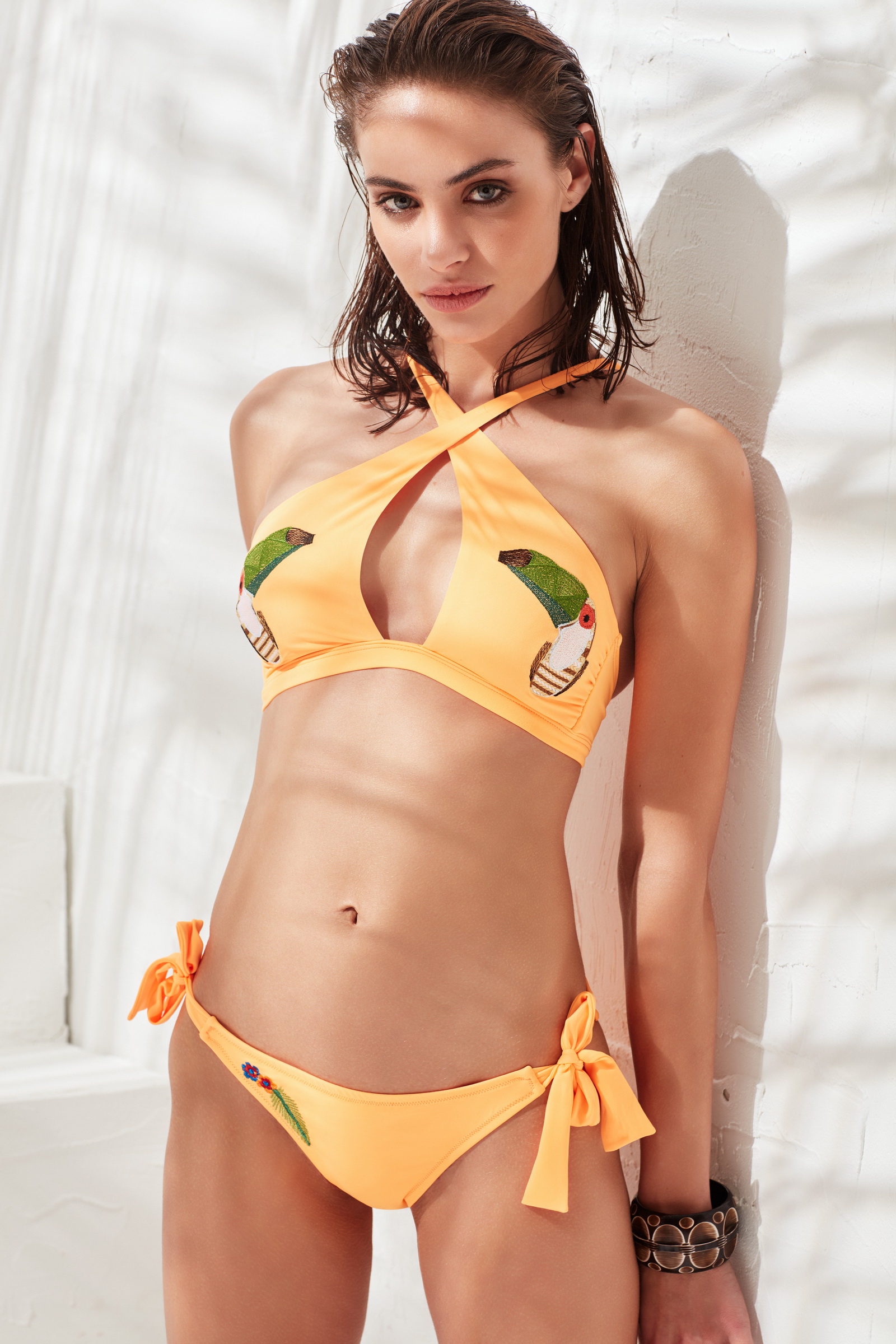
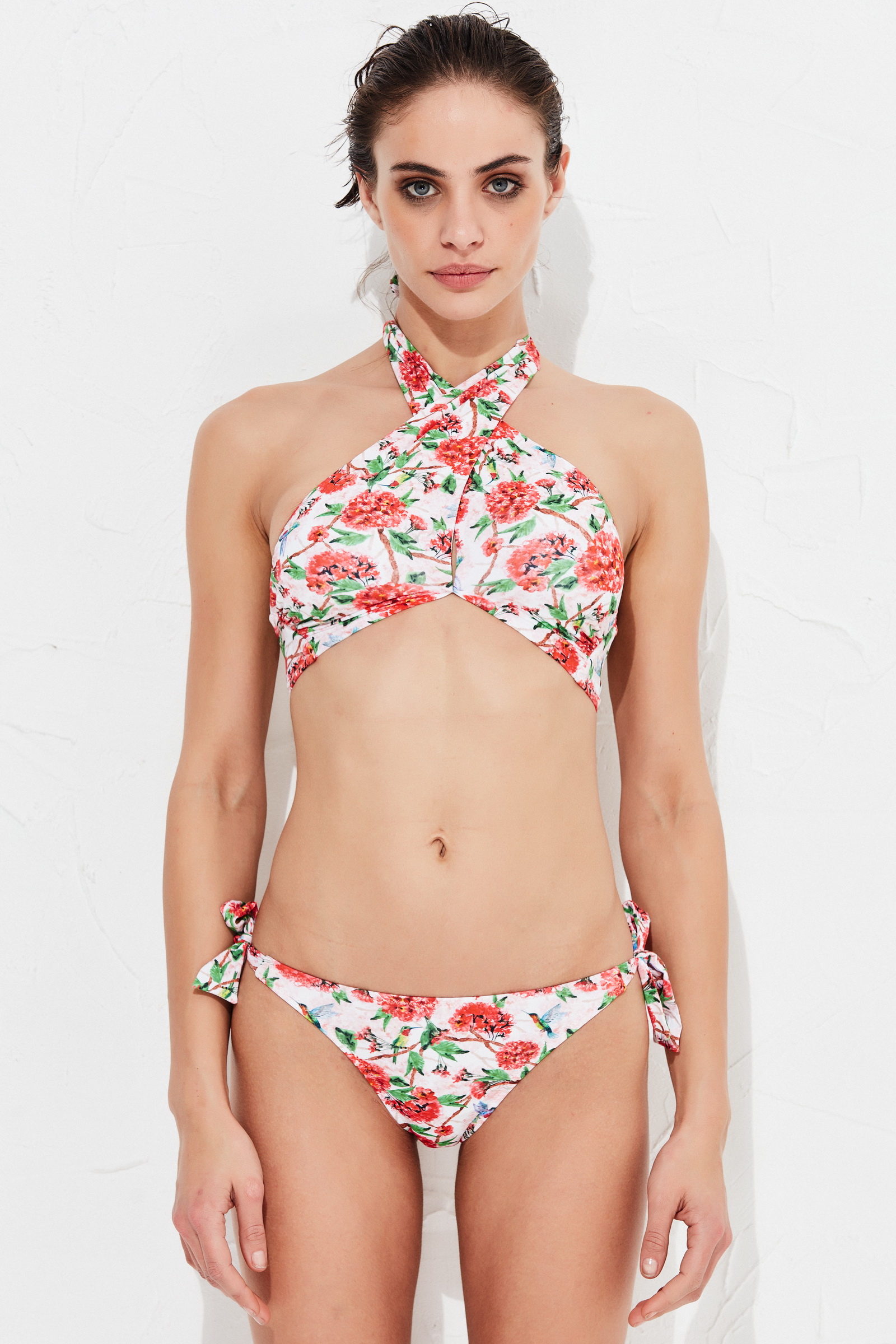
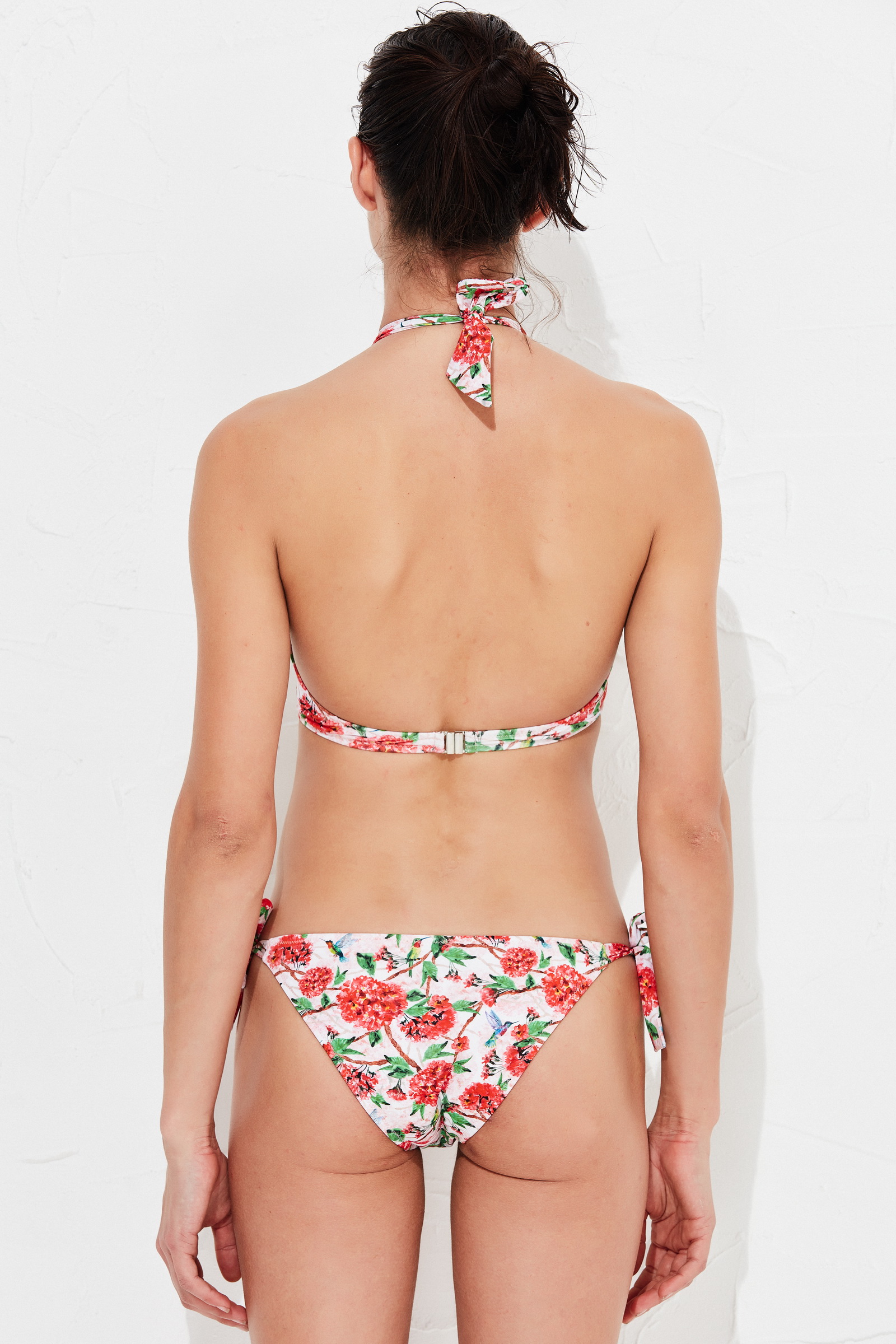
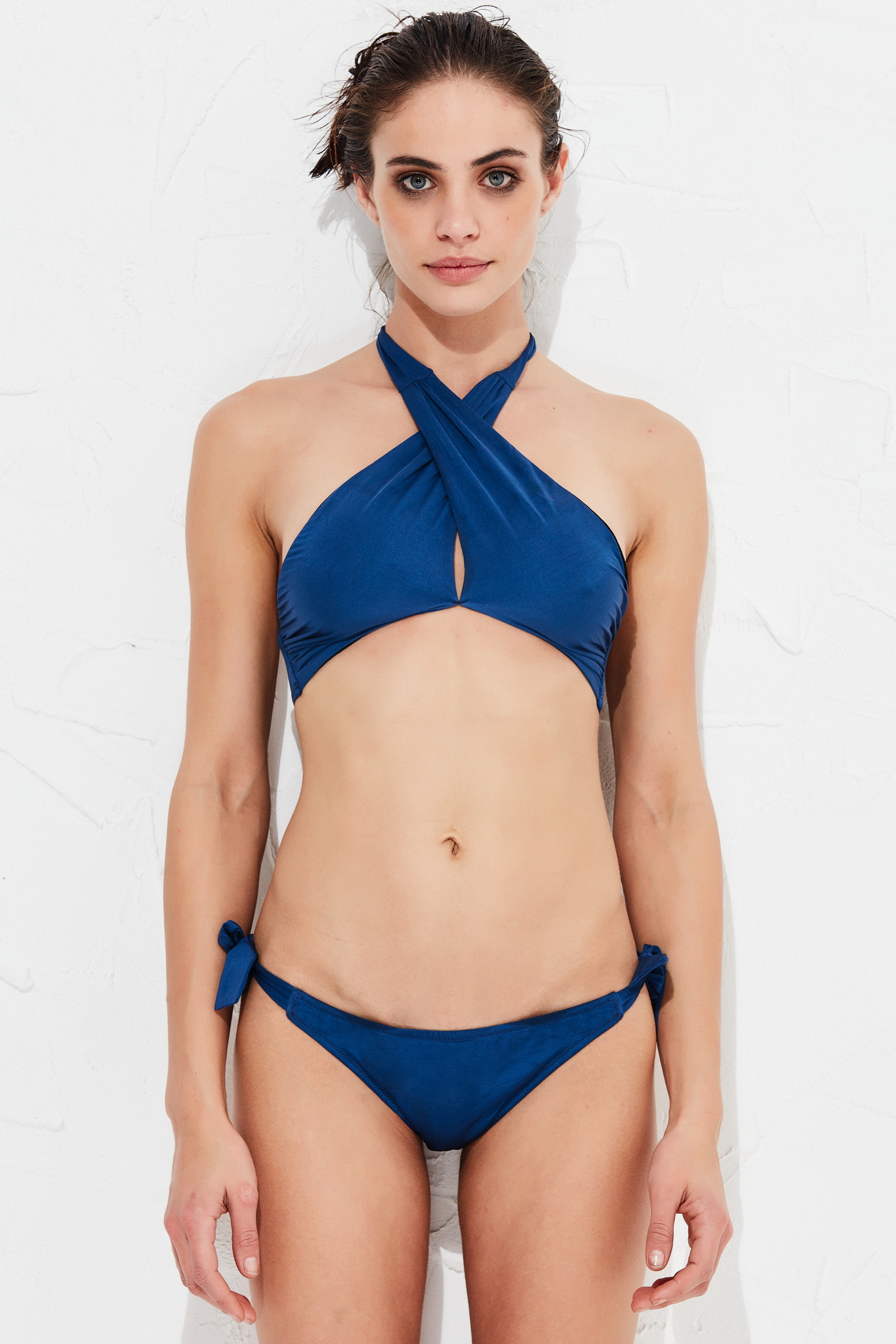
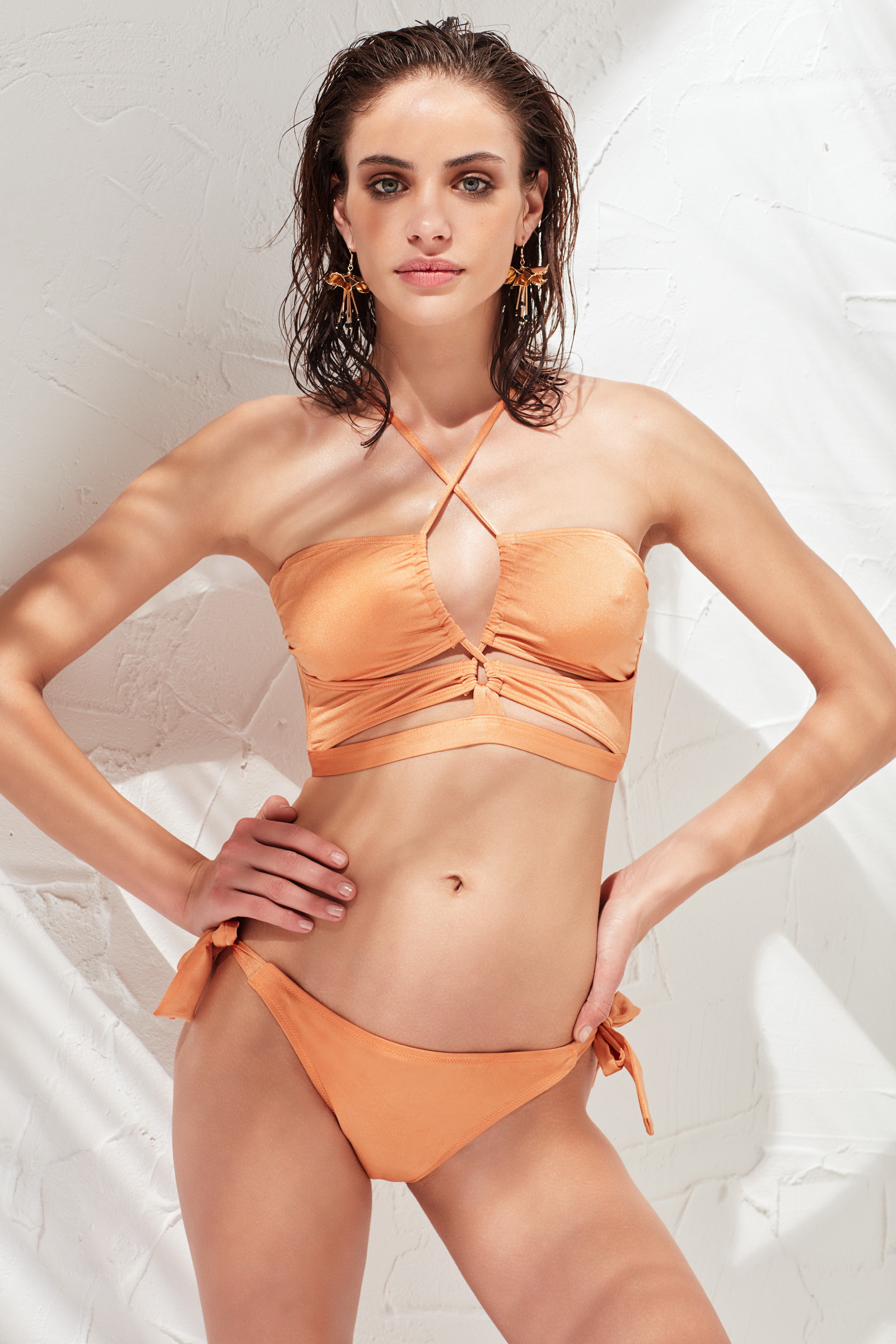
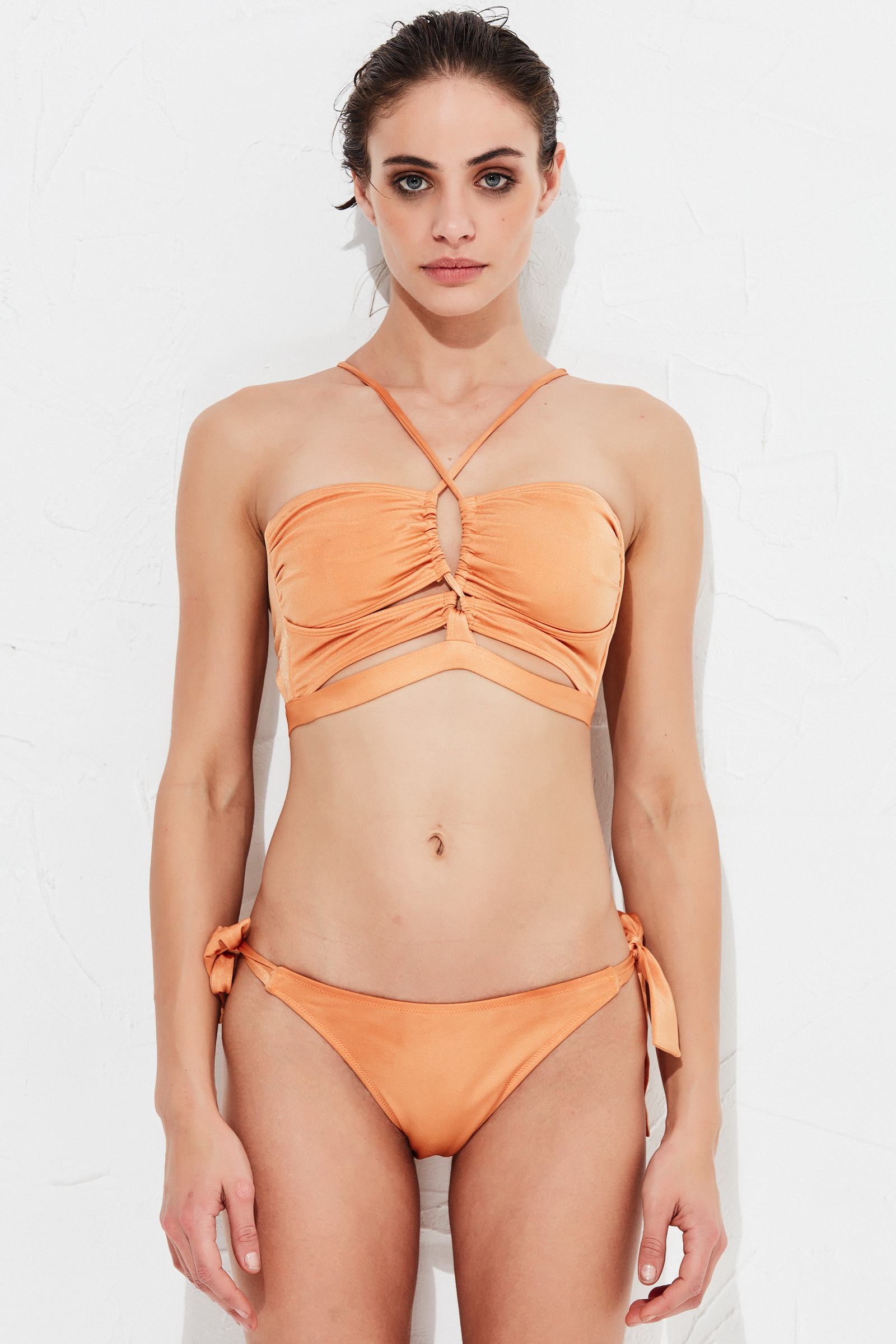
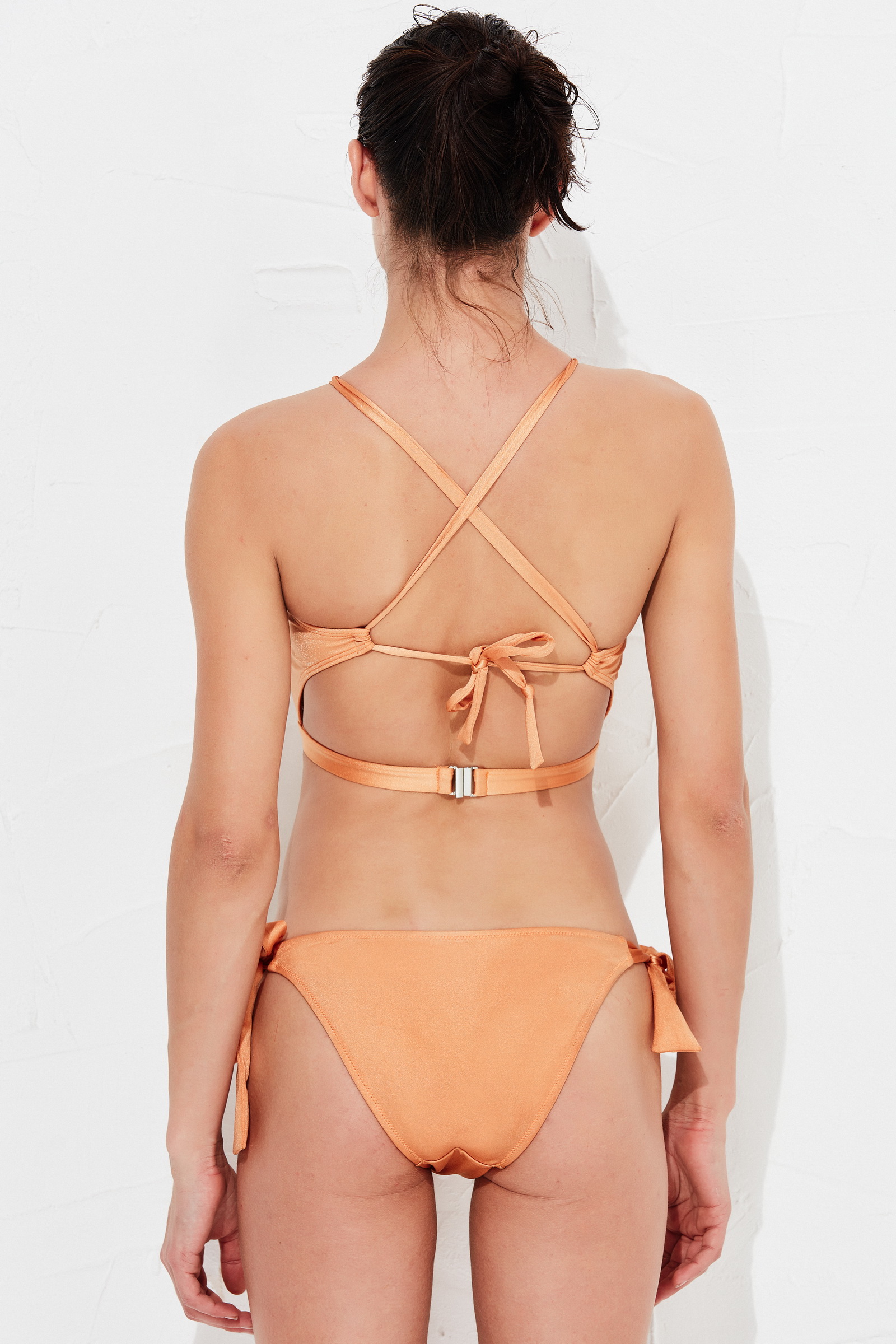
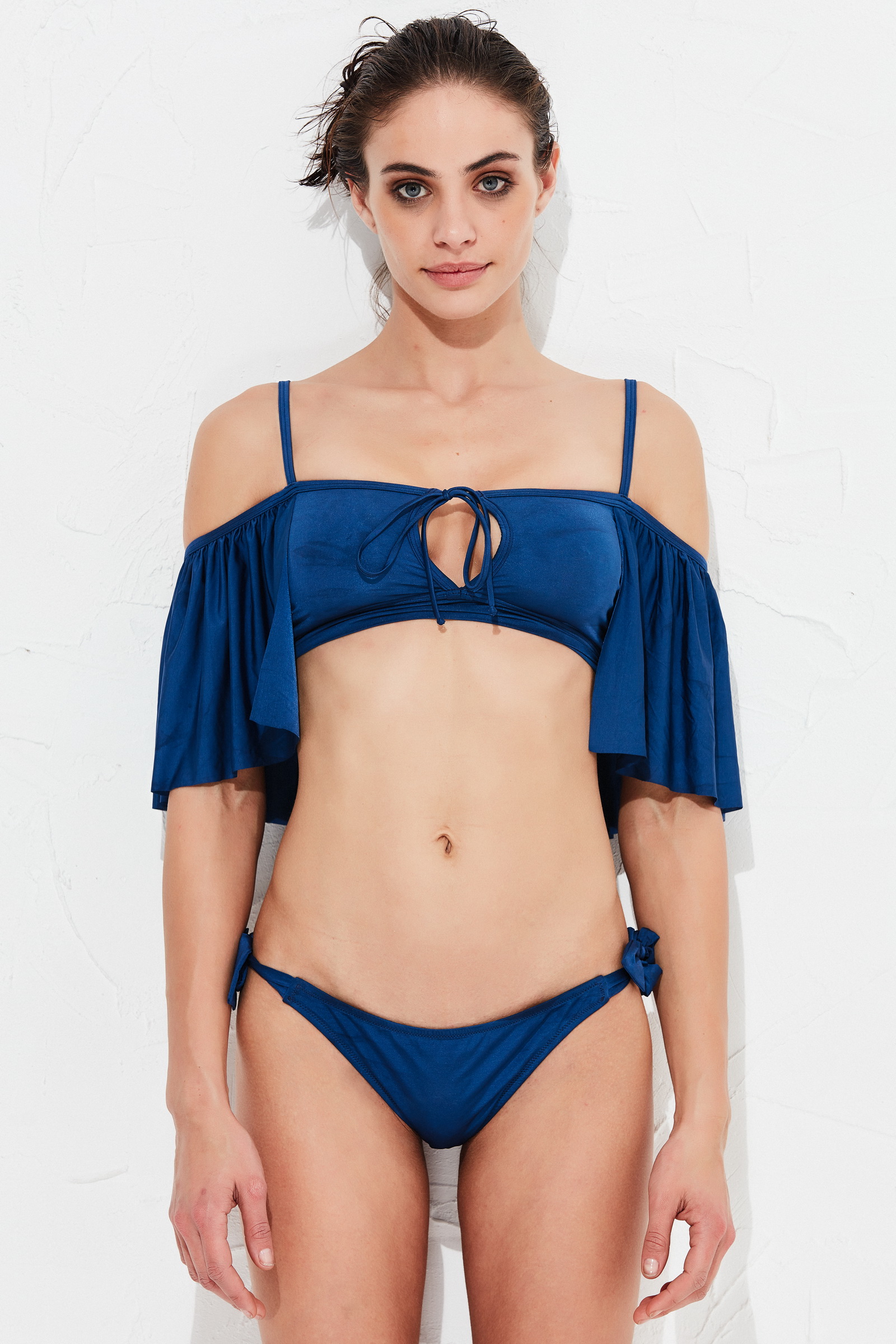
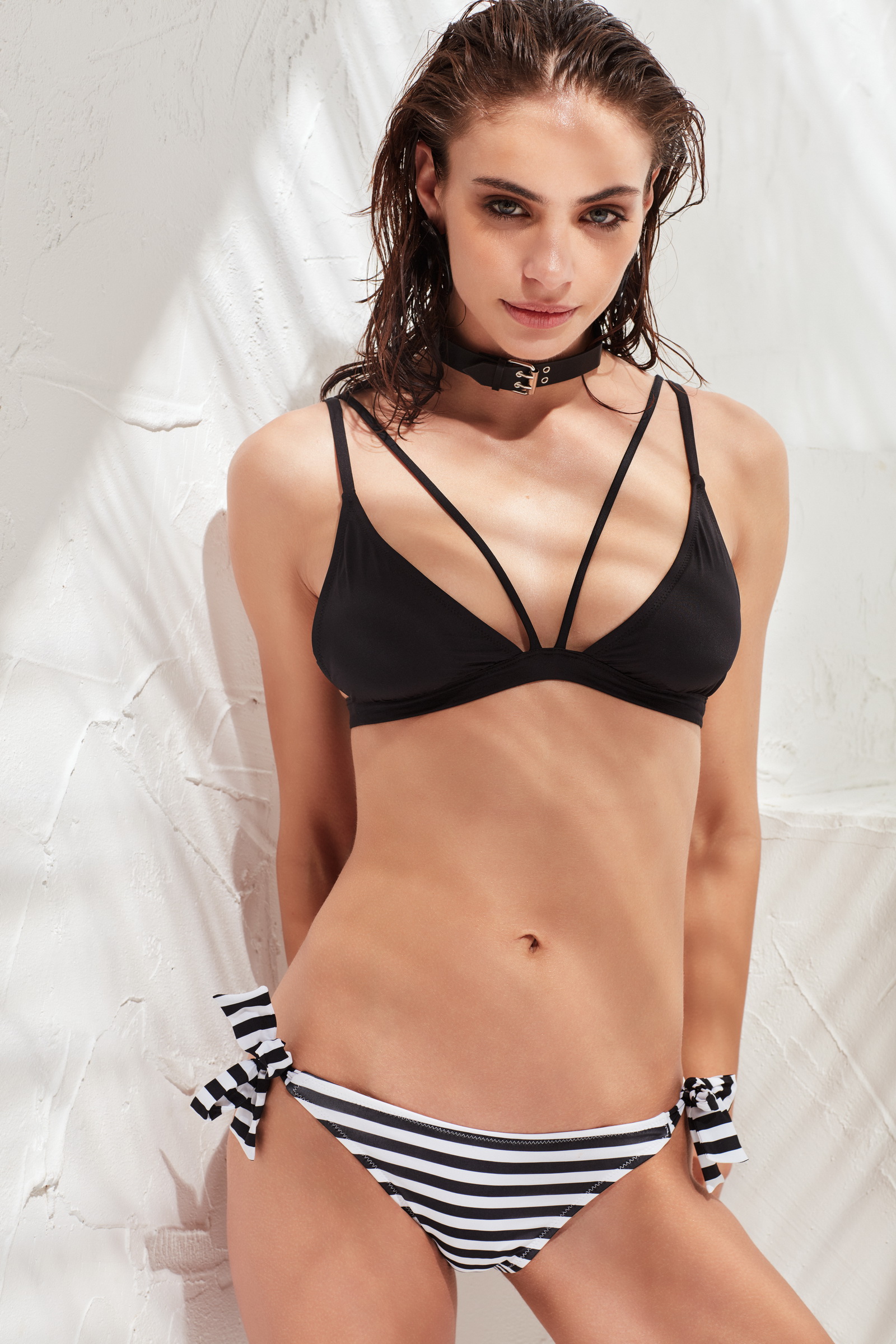
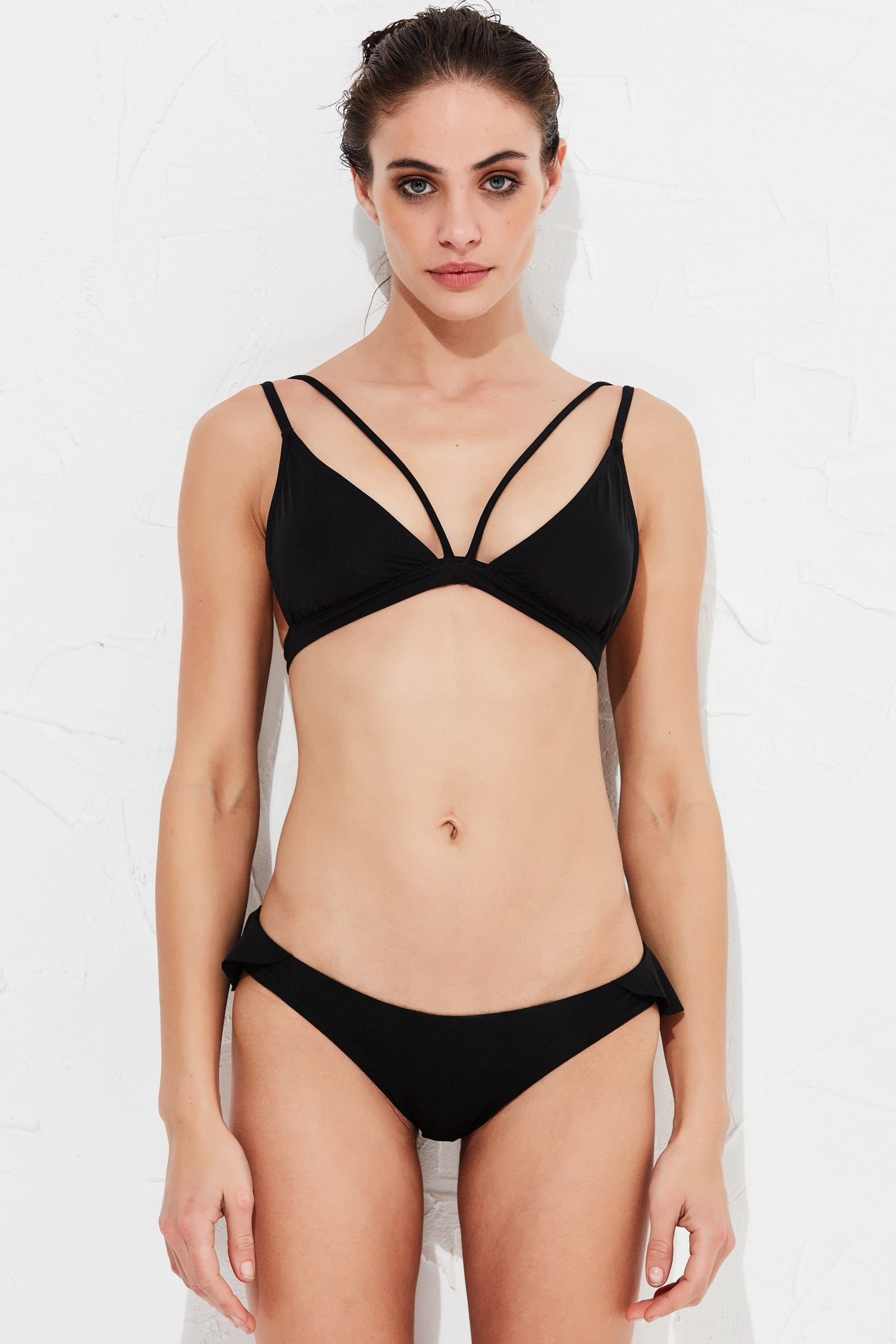
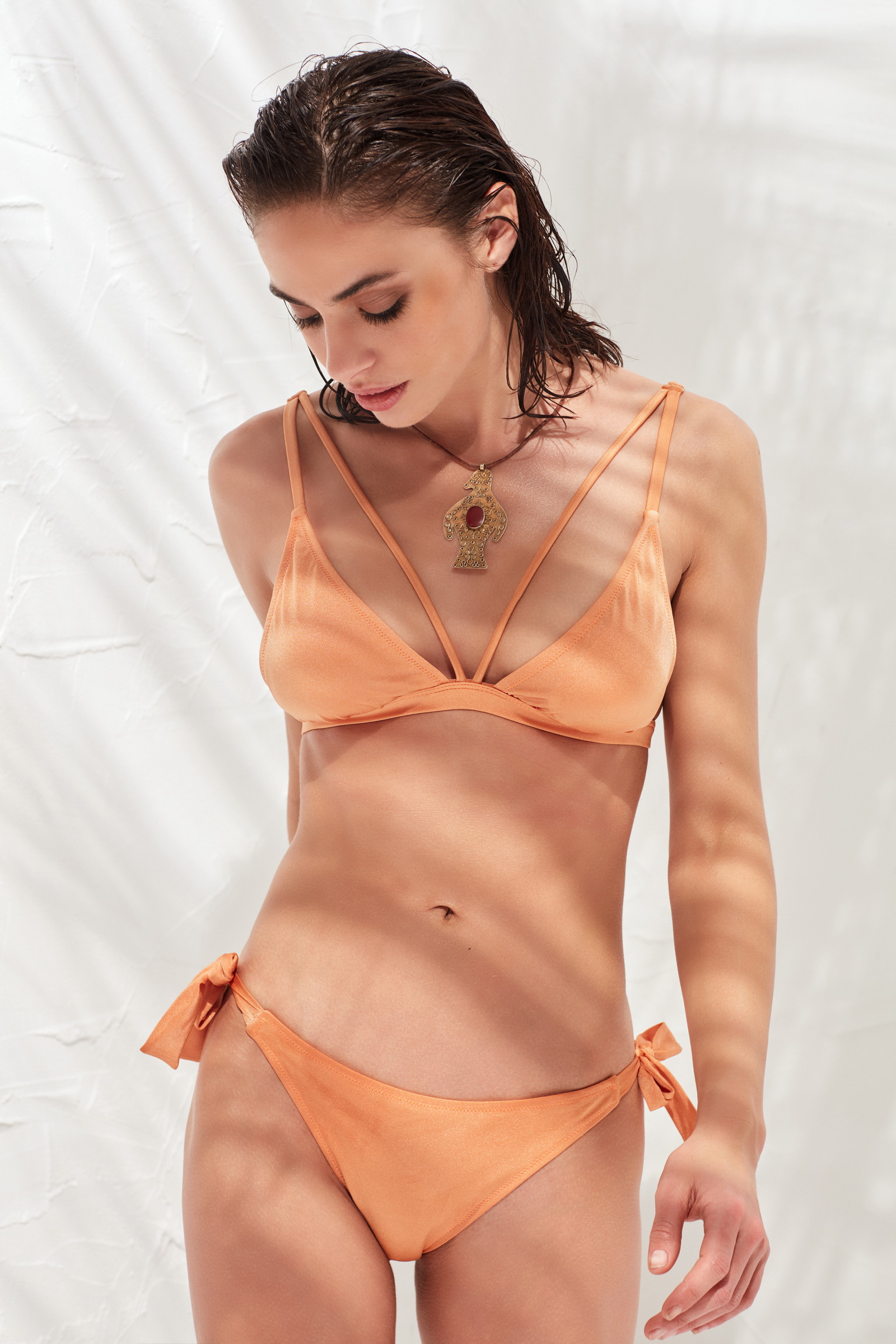
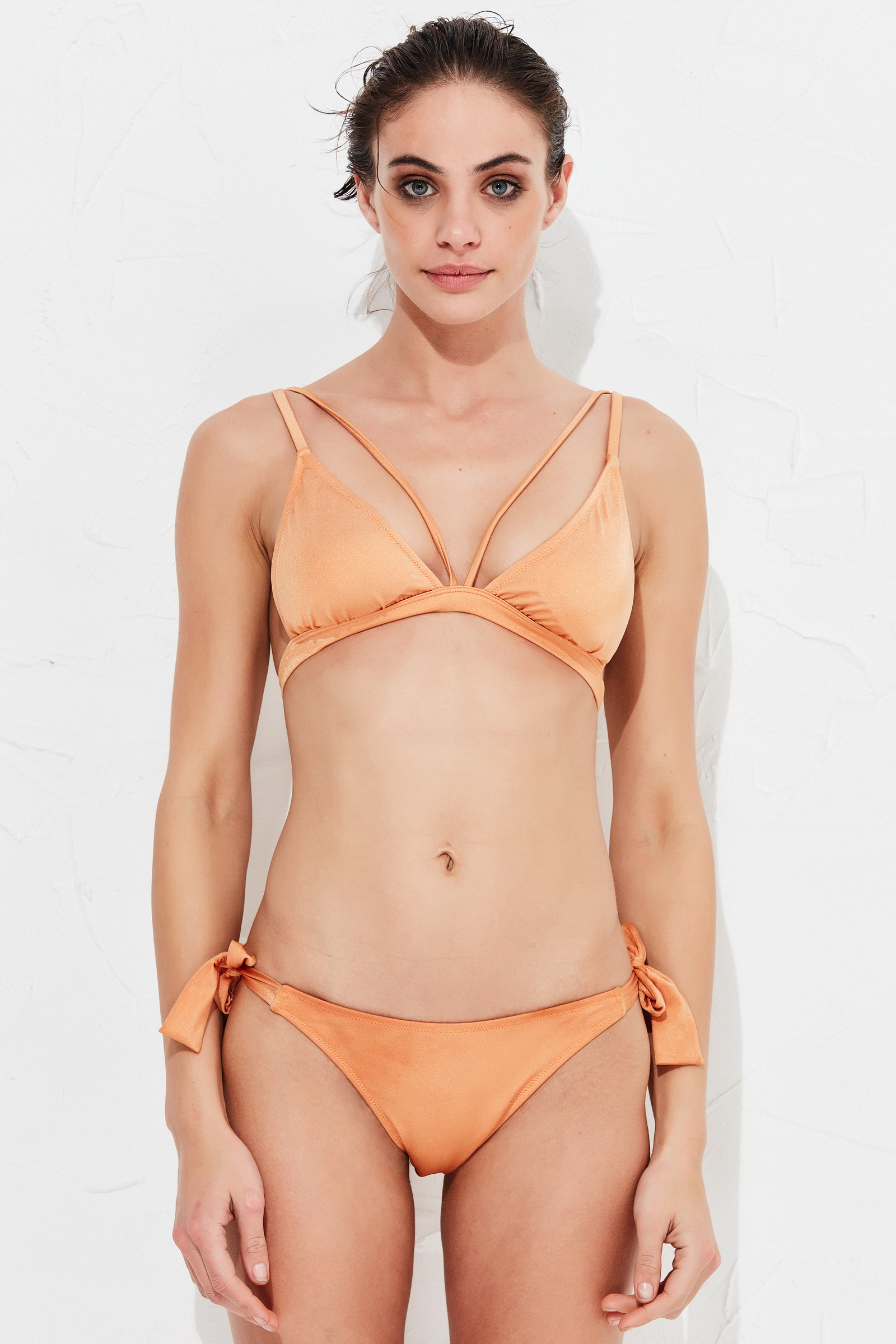
jj3
Members
-
Joined
Everything posted by jj3
-
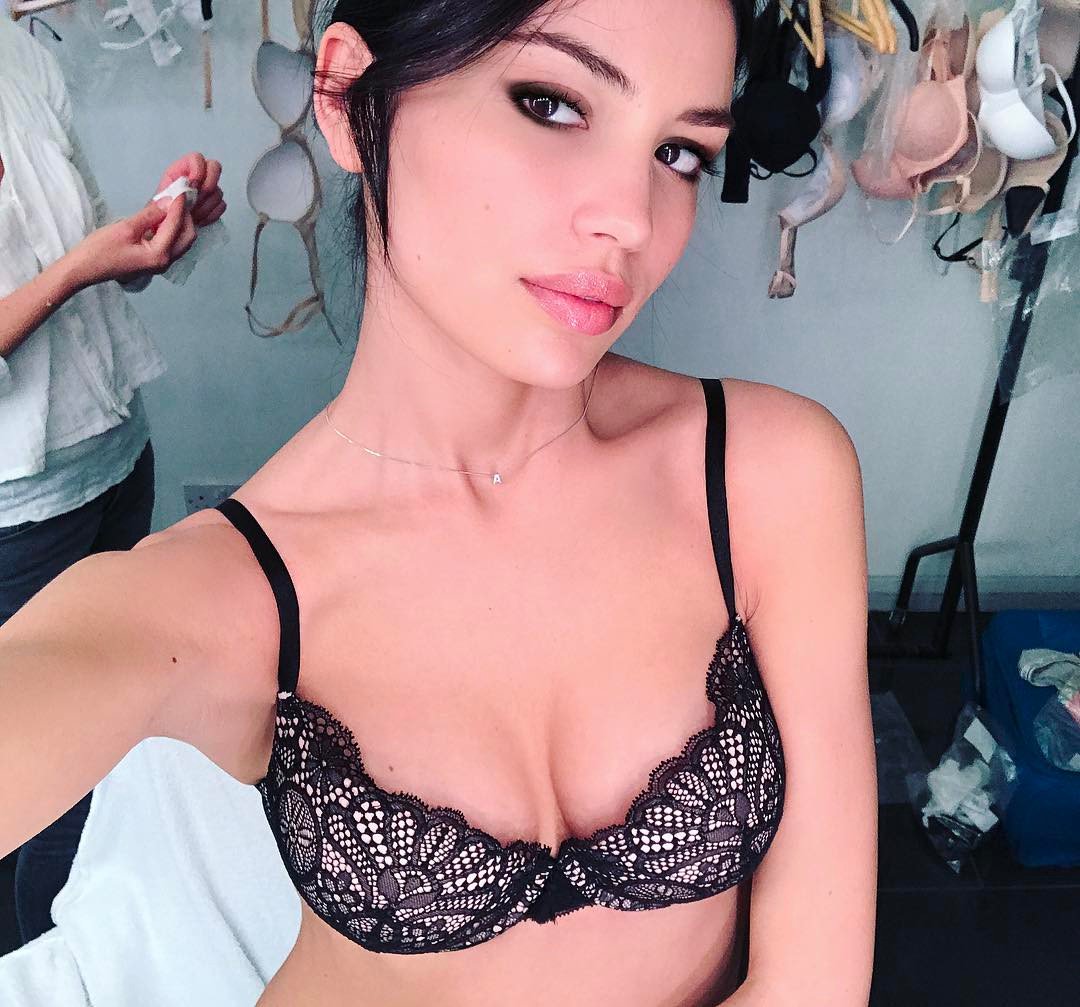
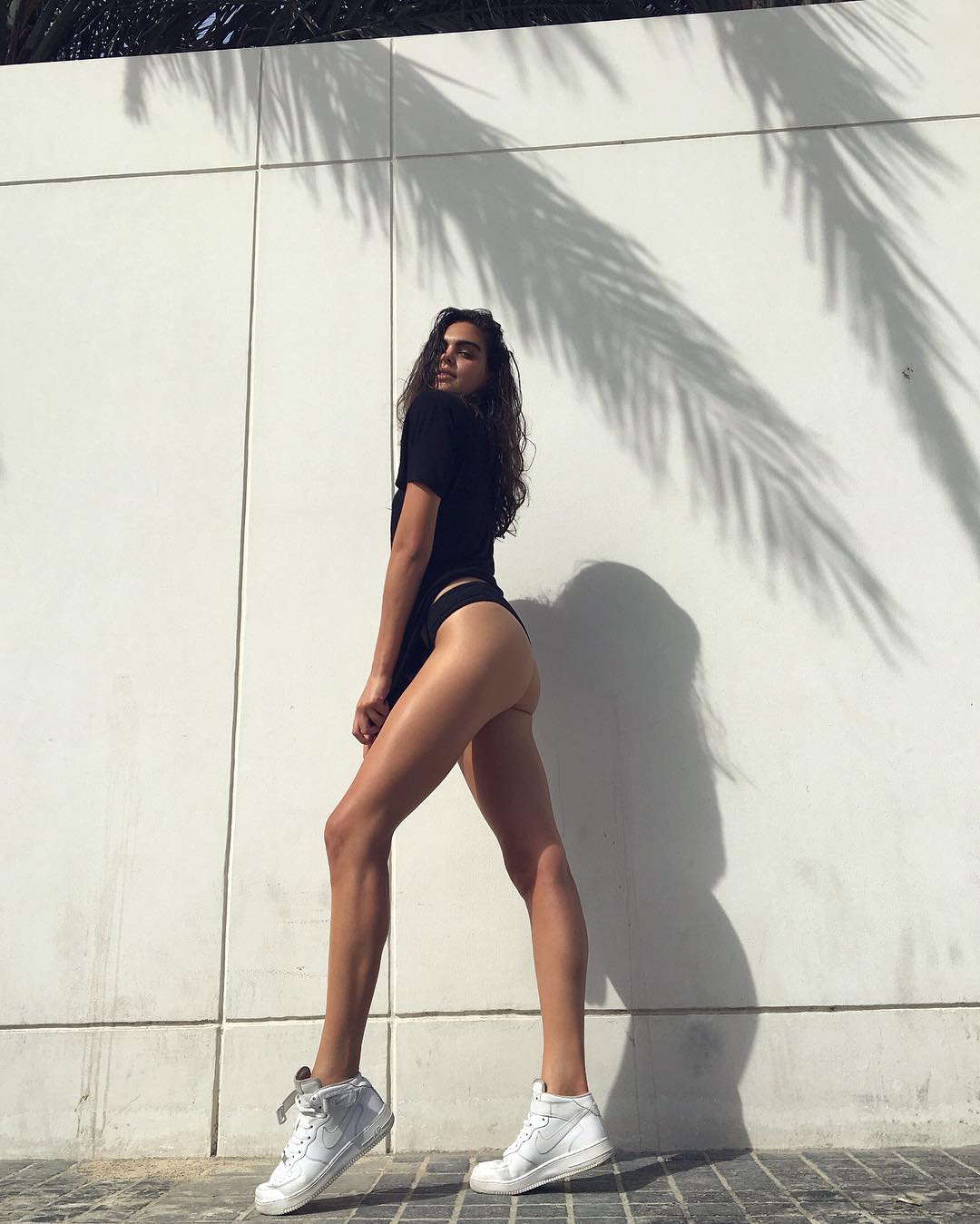
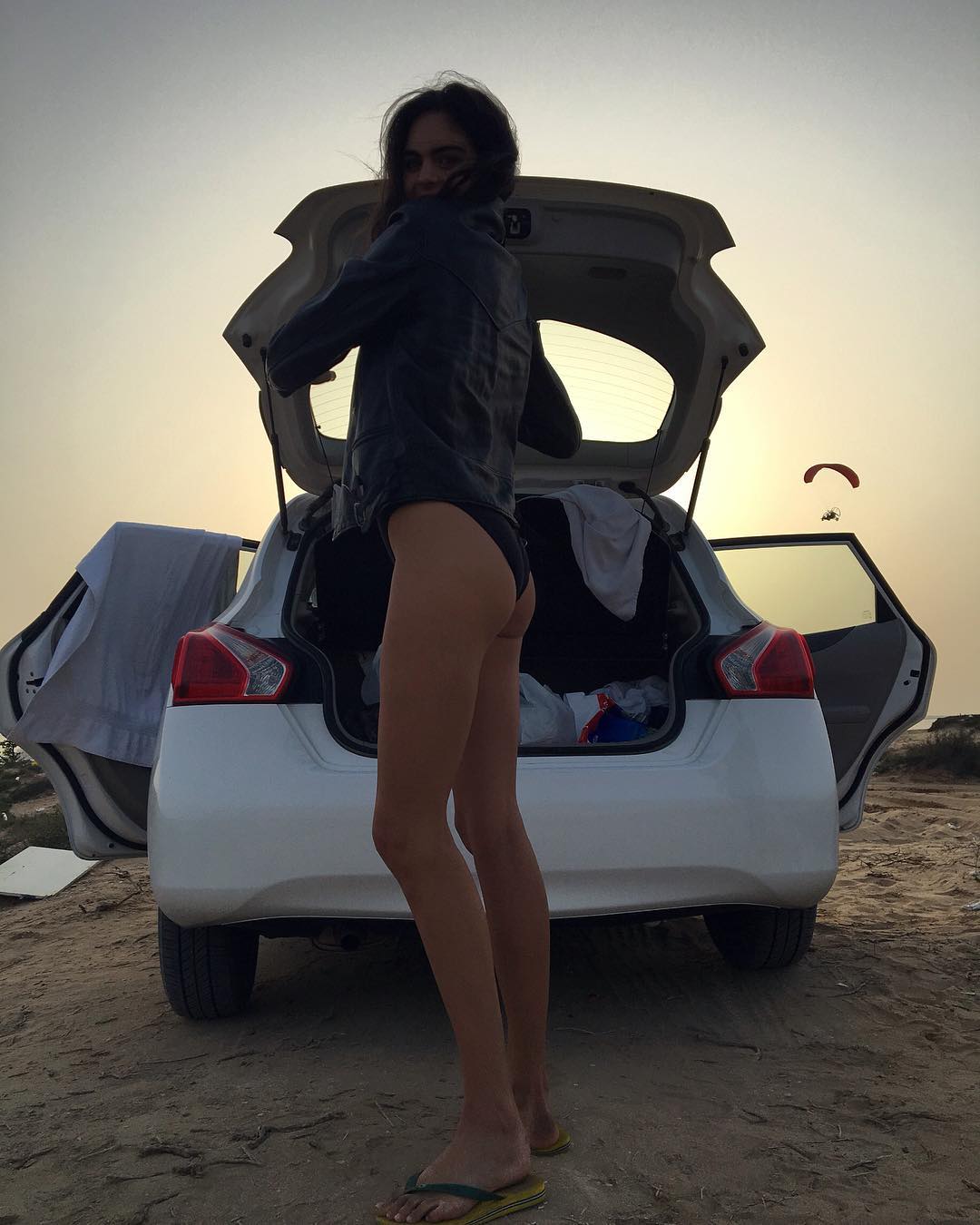
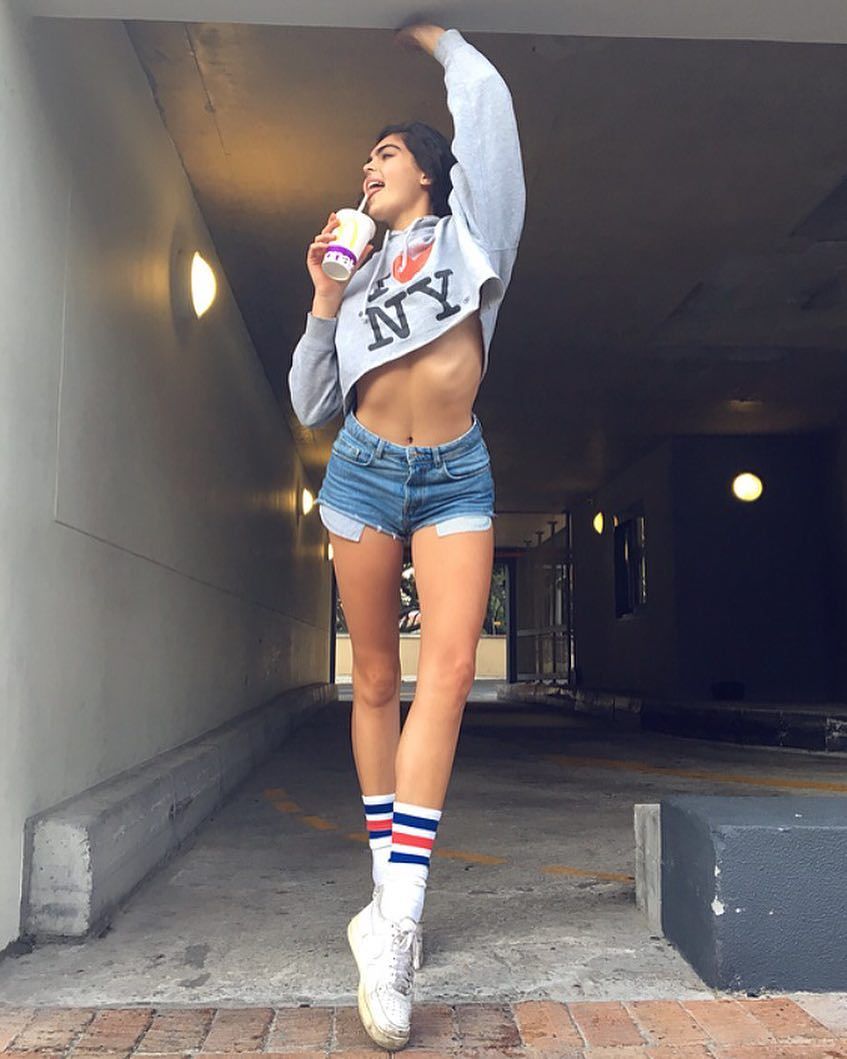
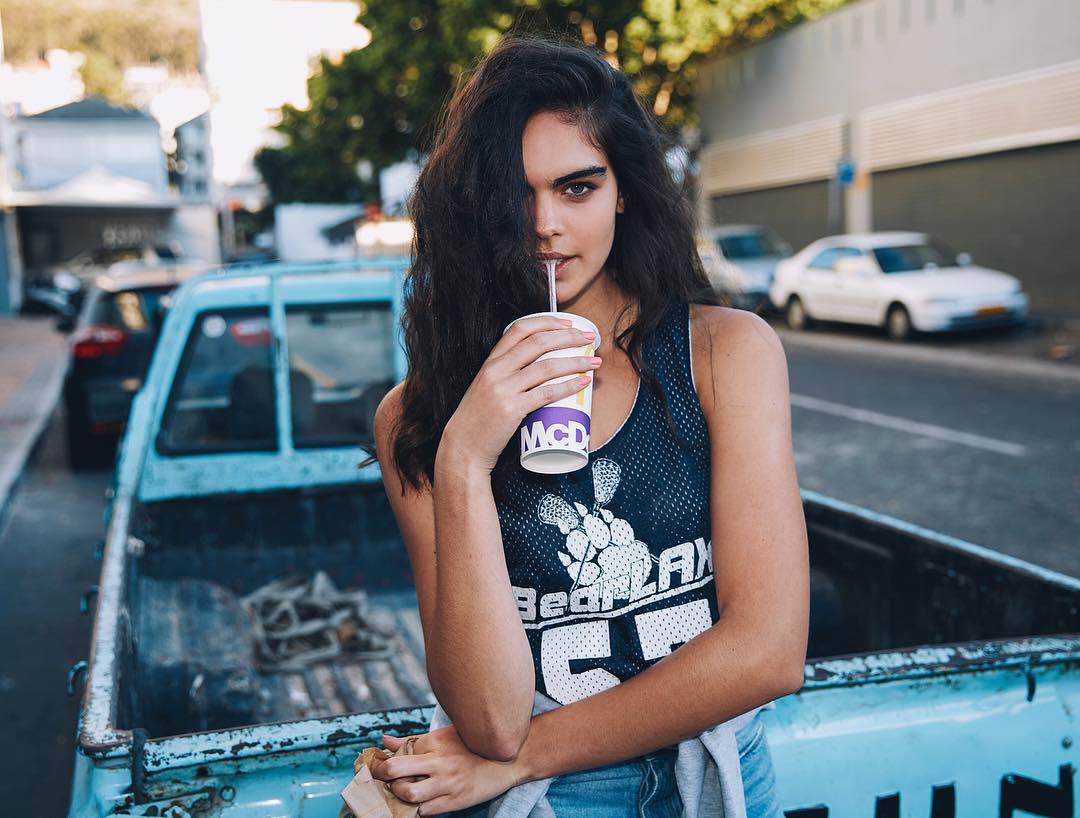
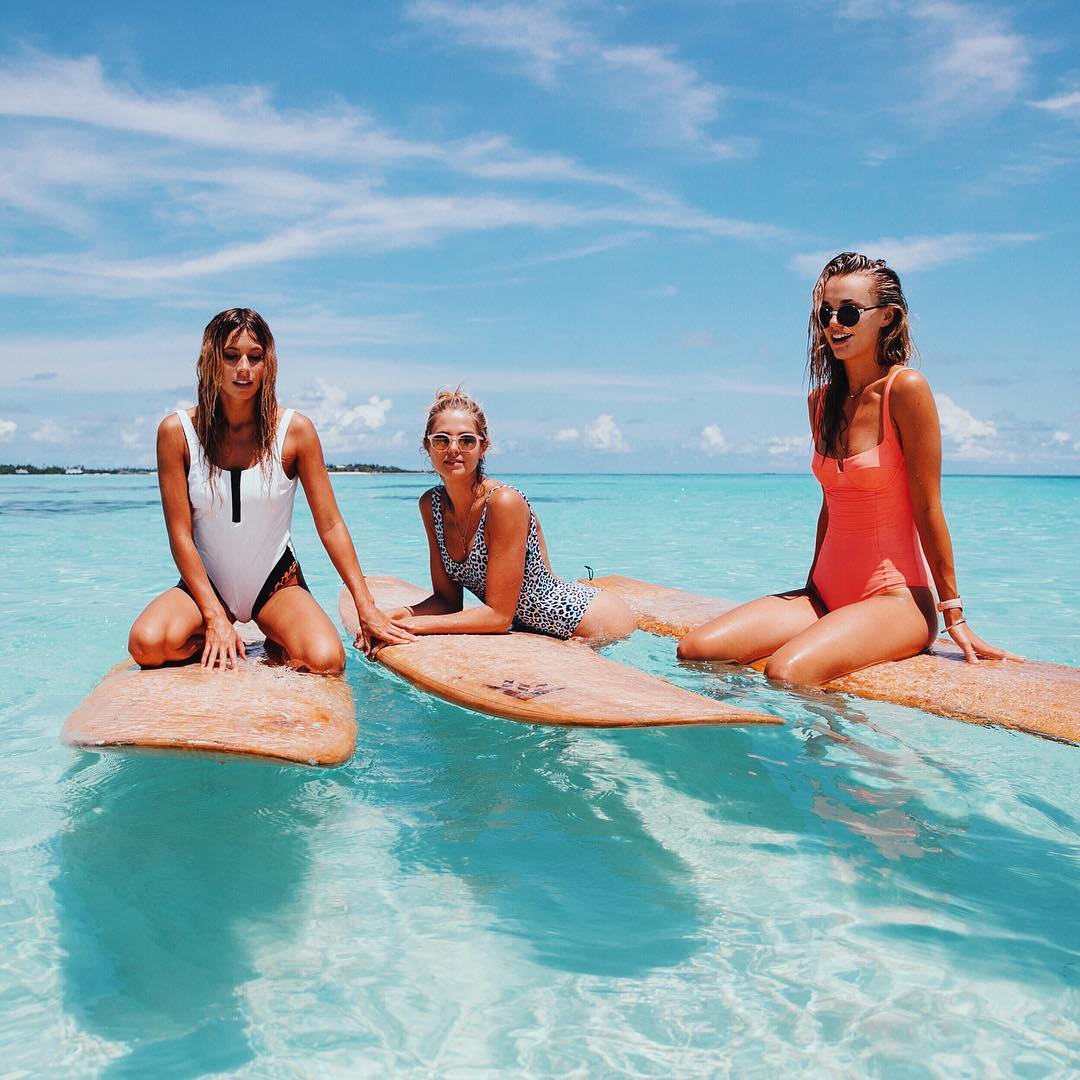
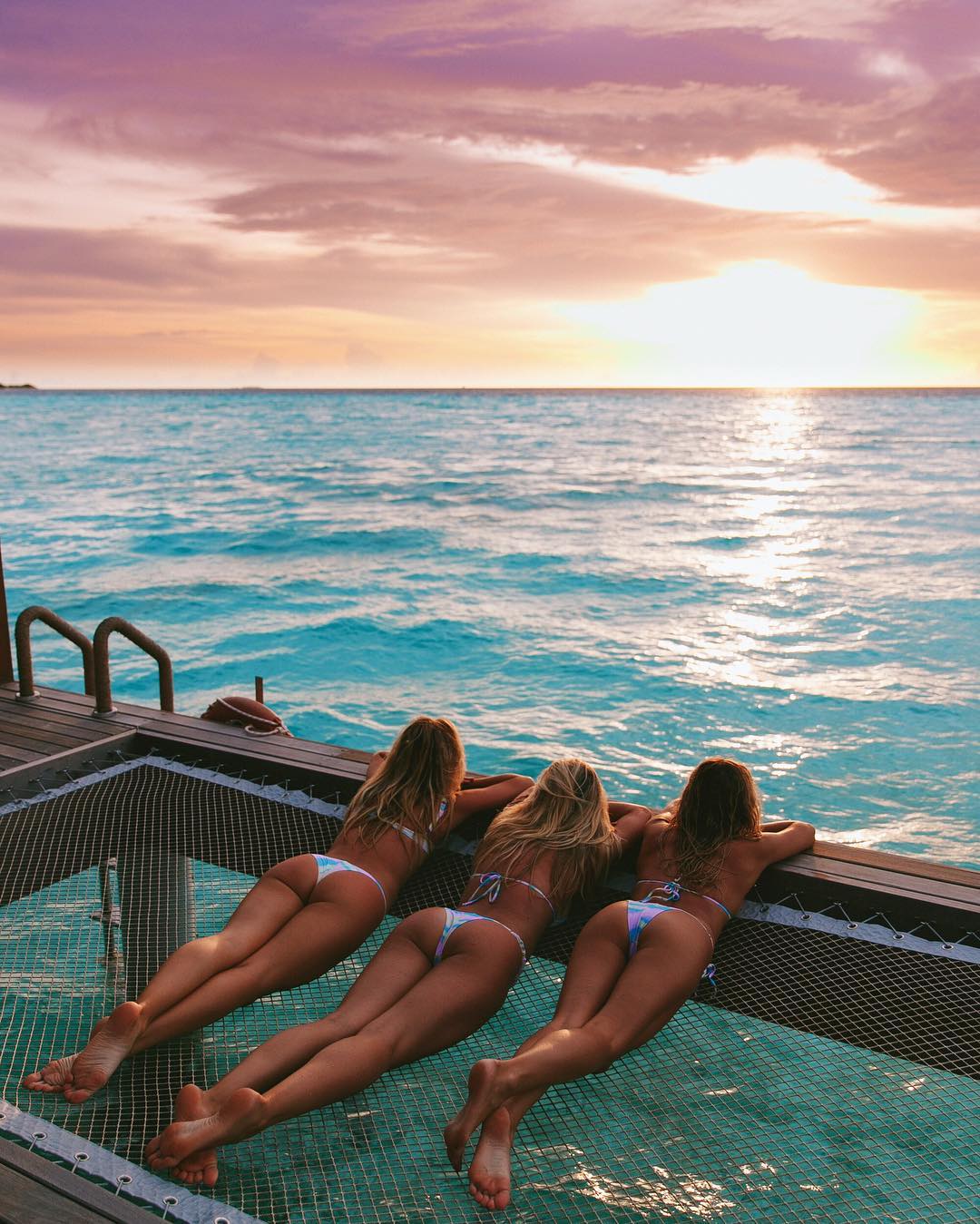
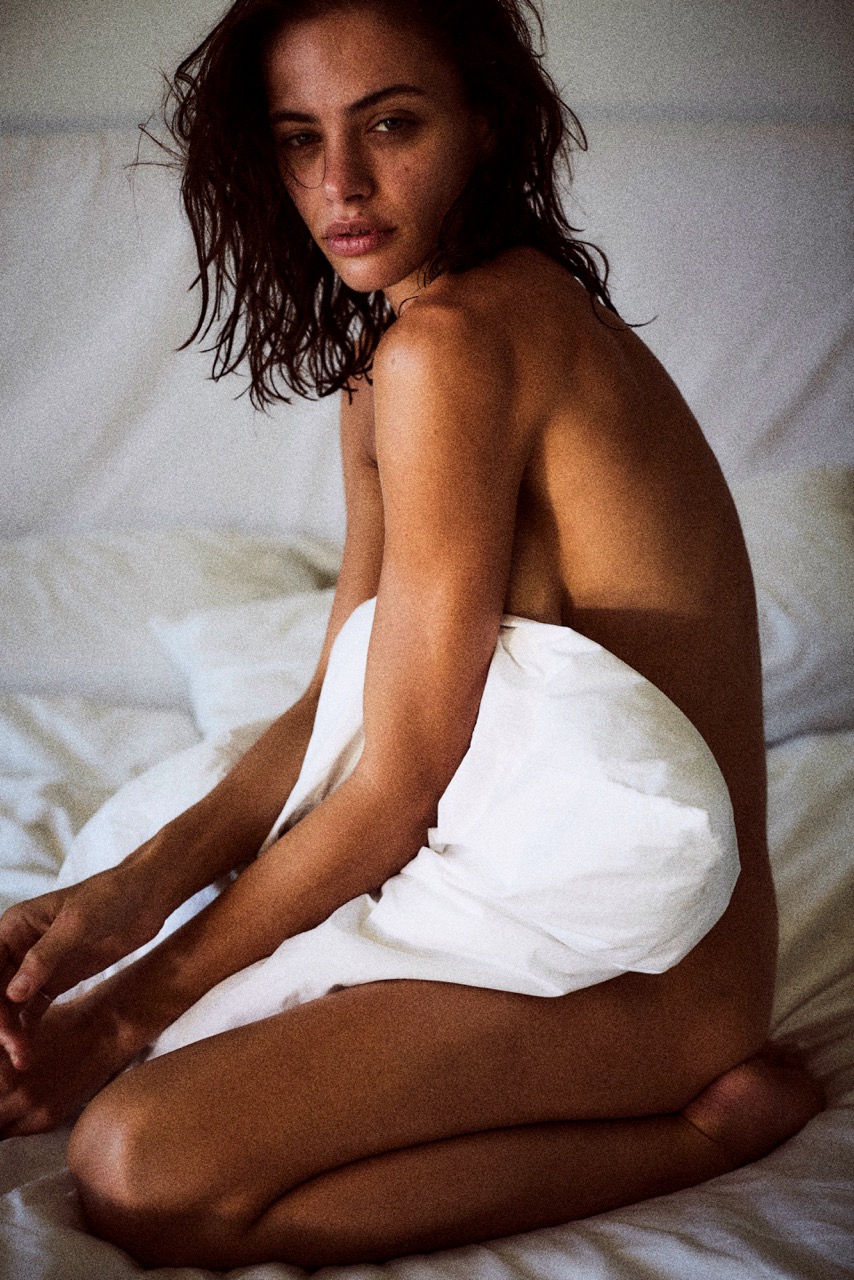
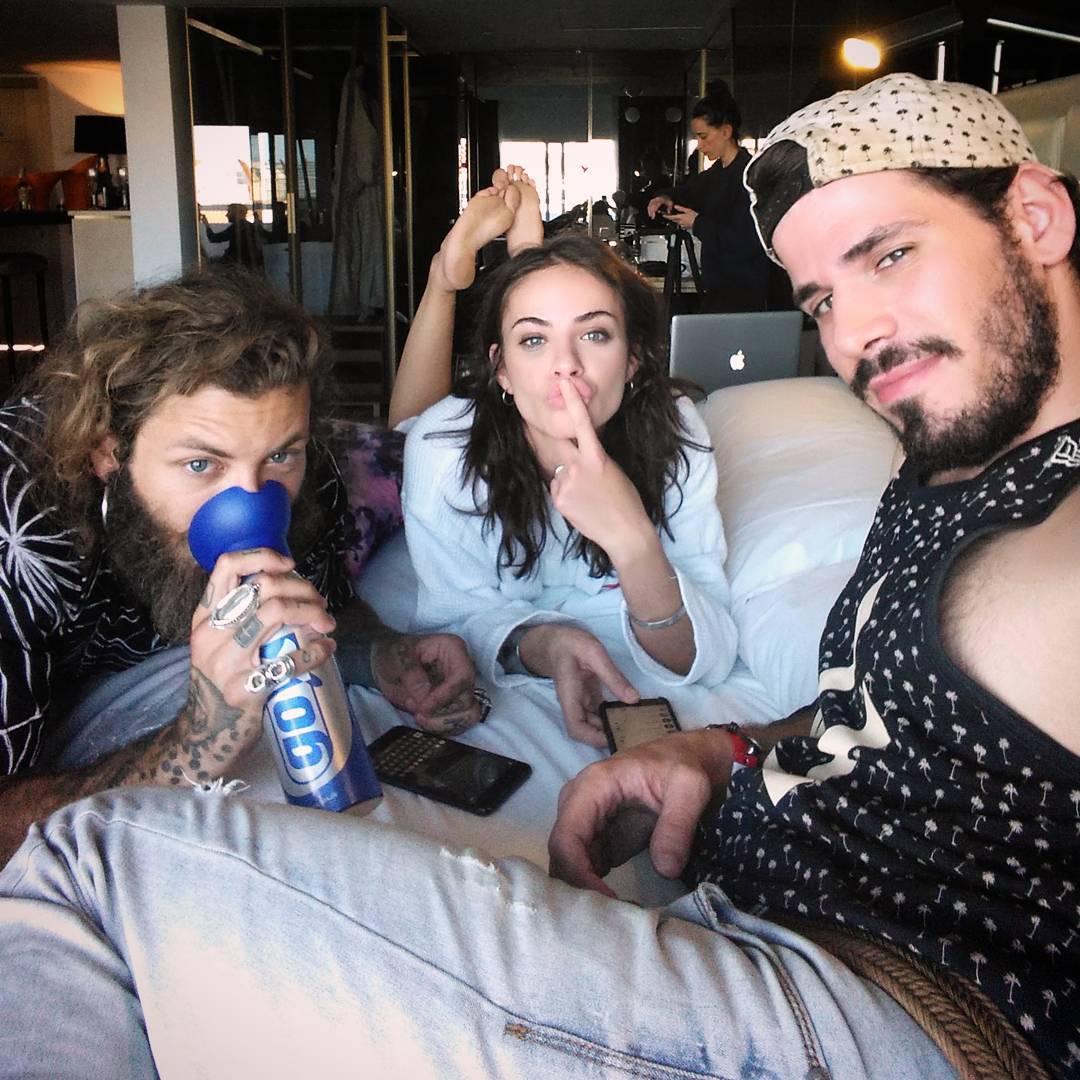
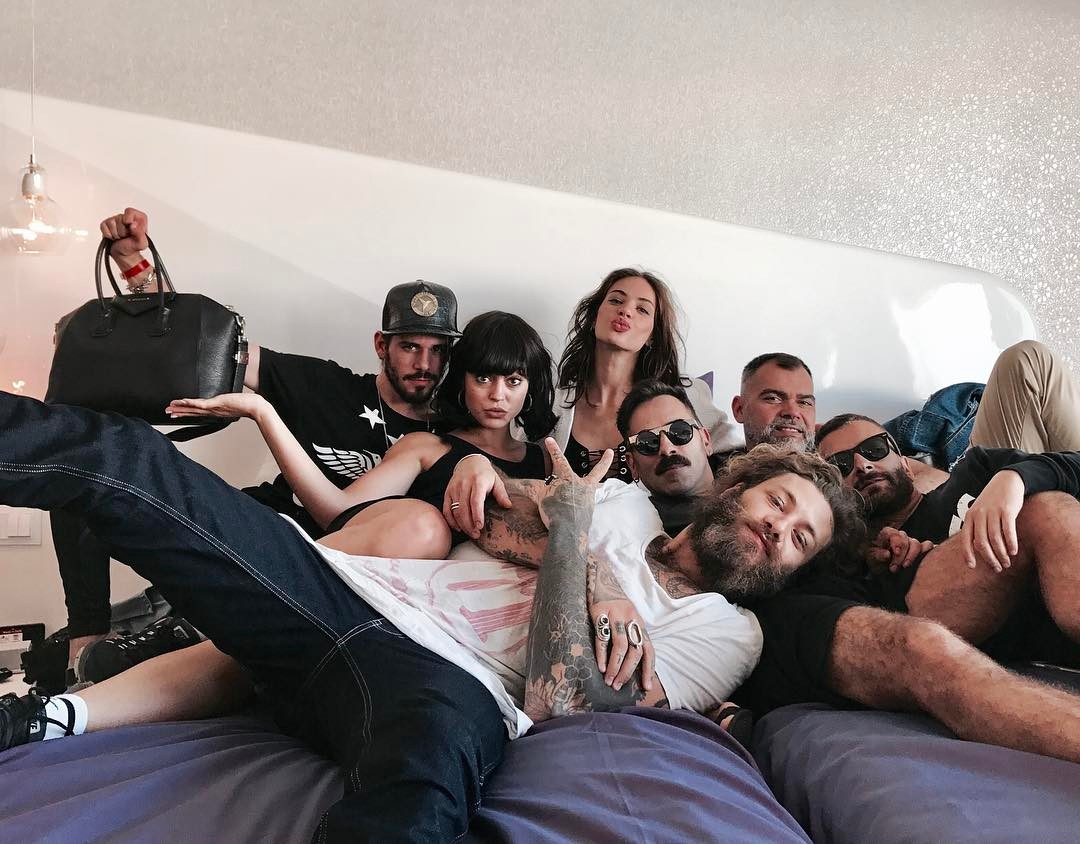
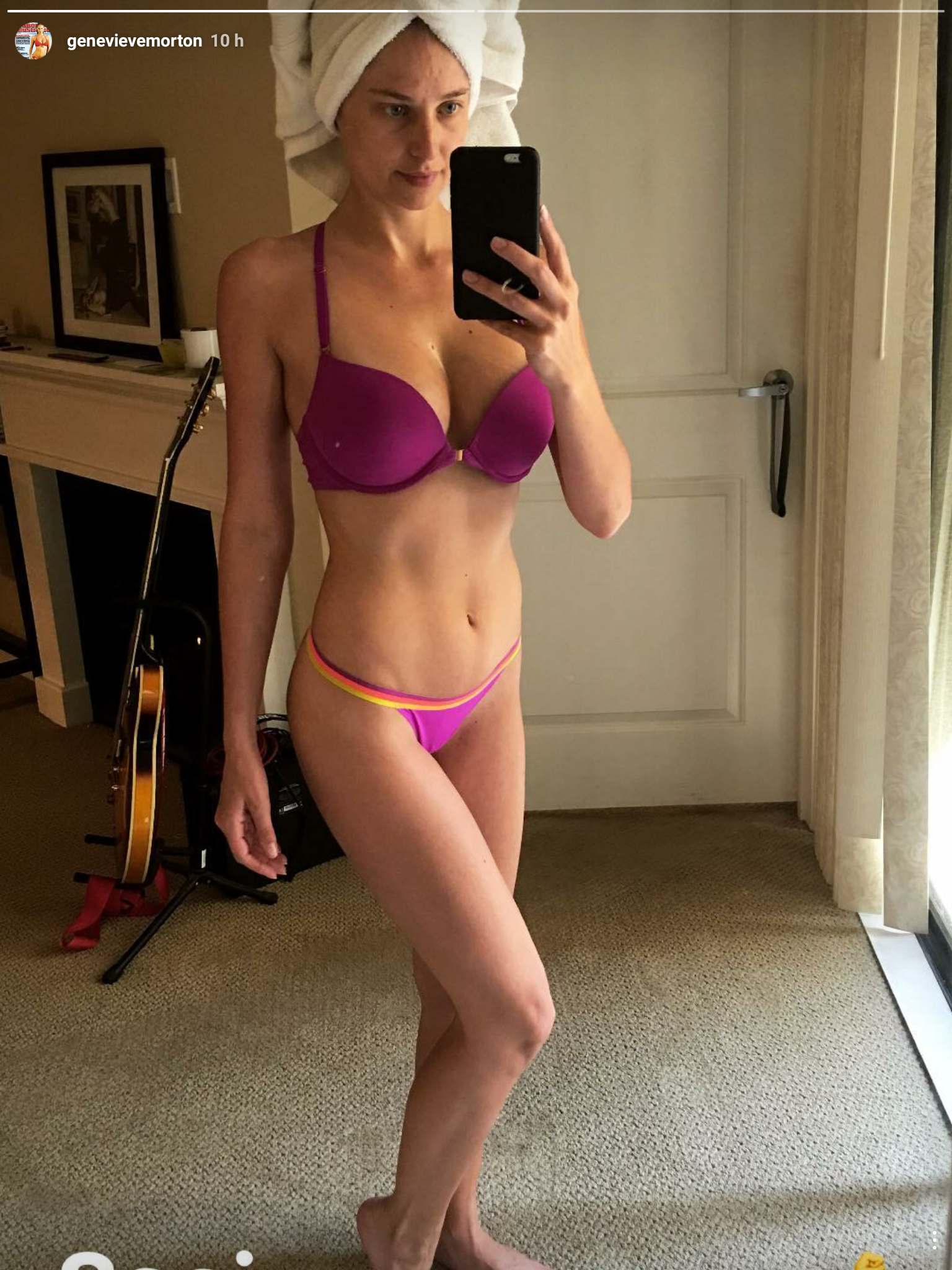
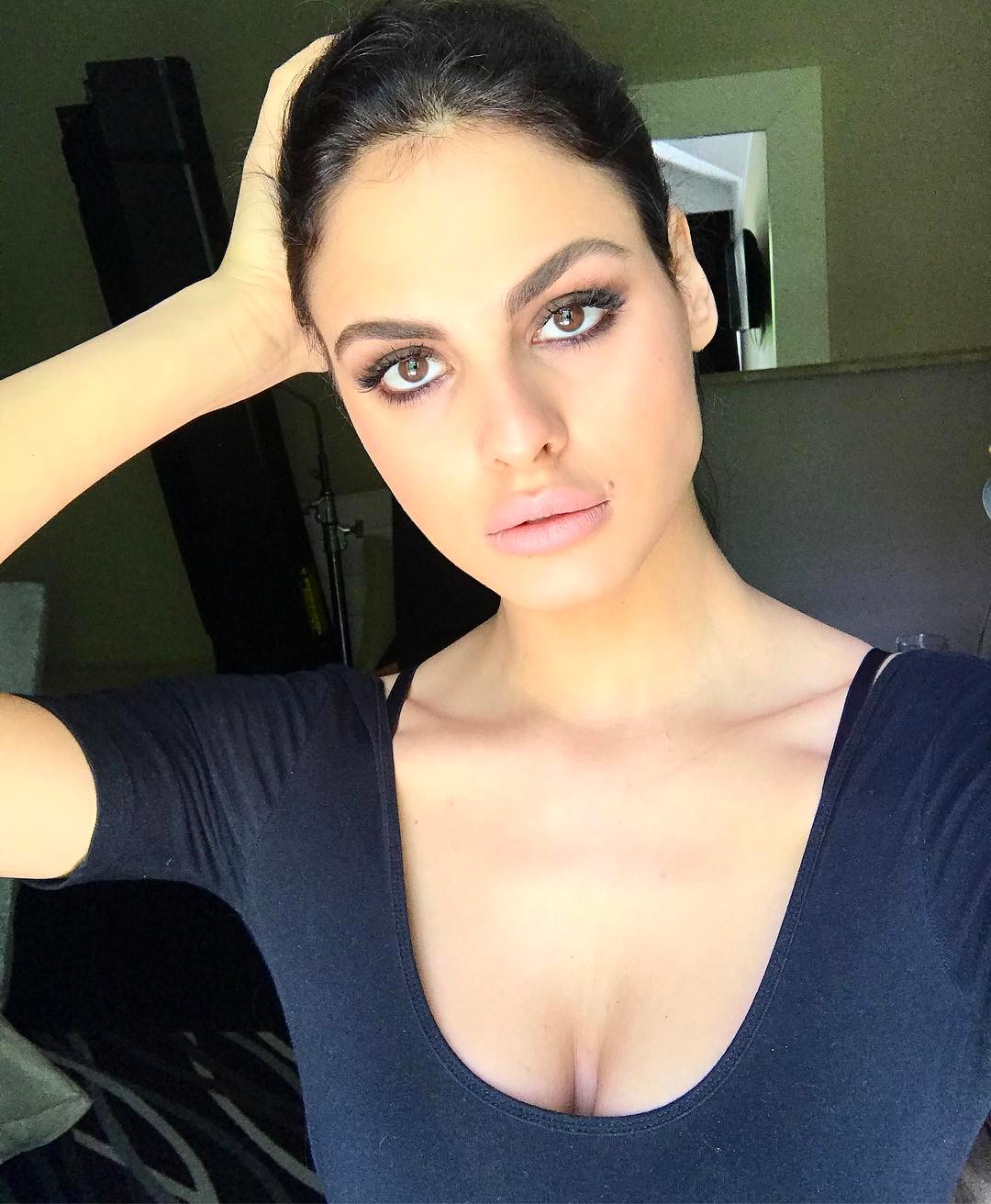
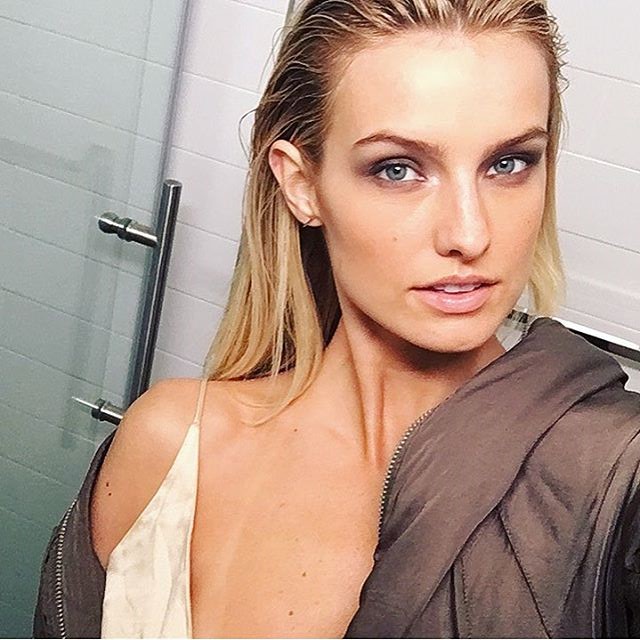
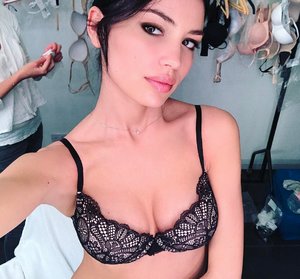
 It seems that Irina removed the selfie from her IG, but JJ got it
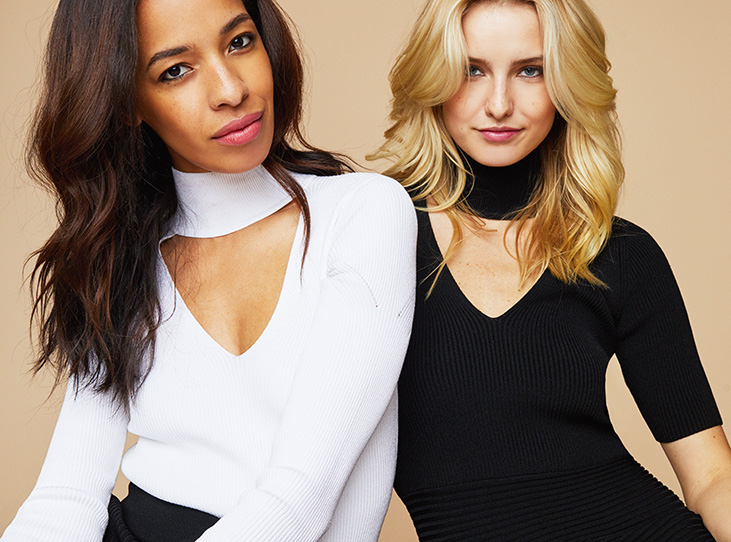
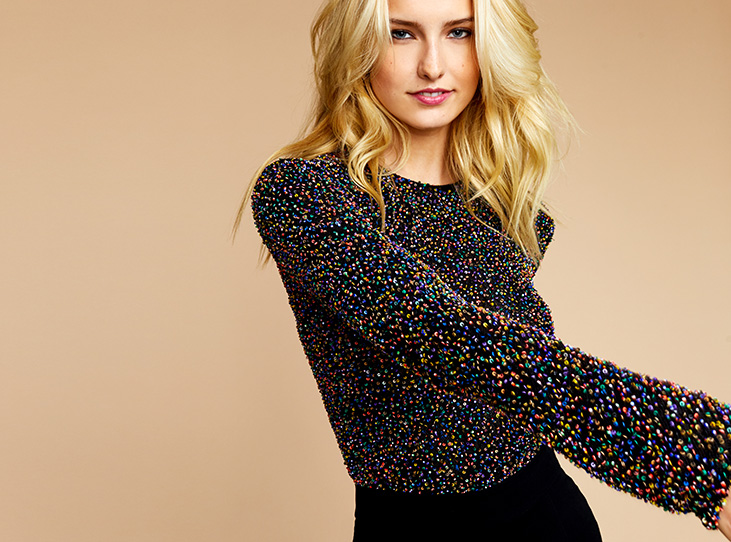
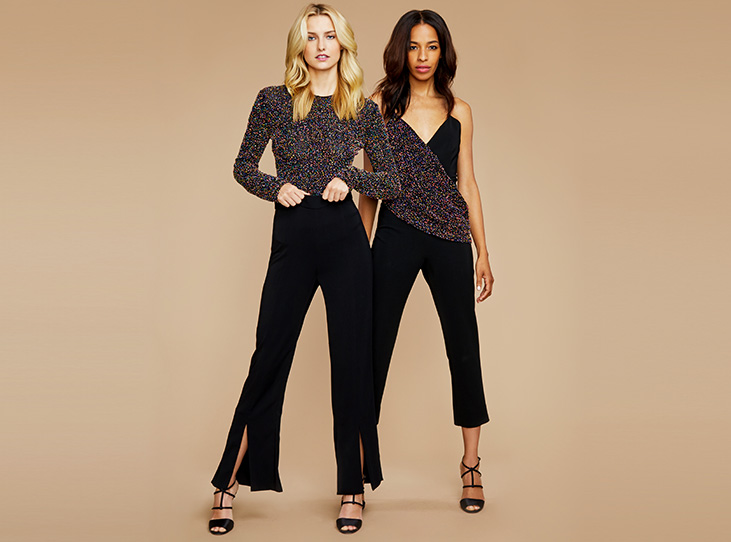
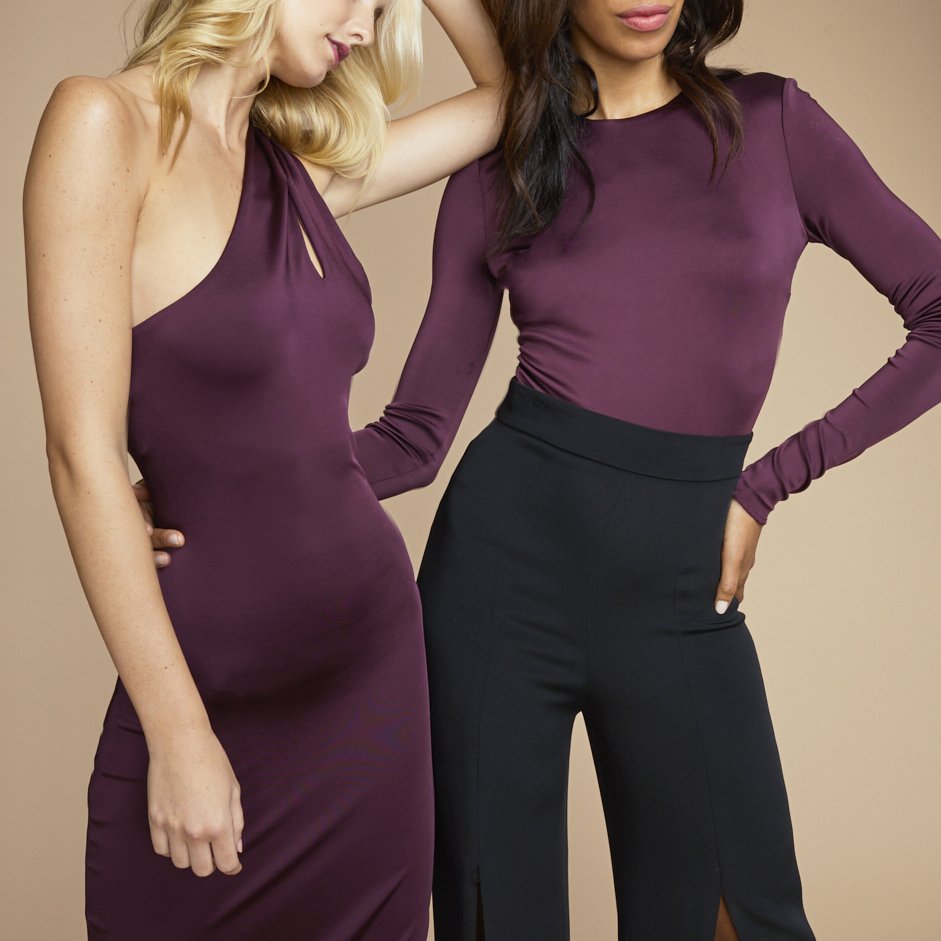
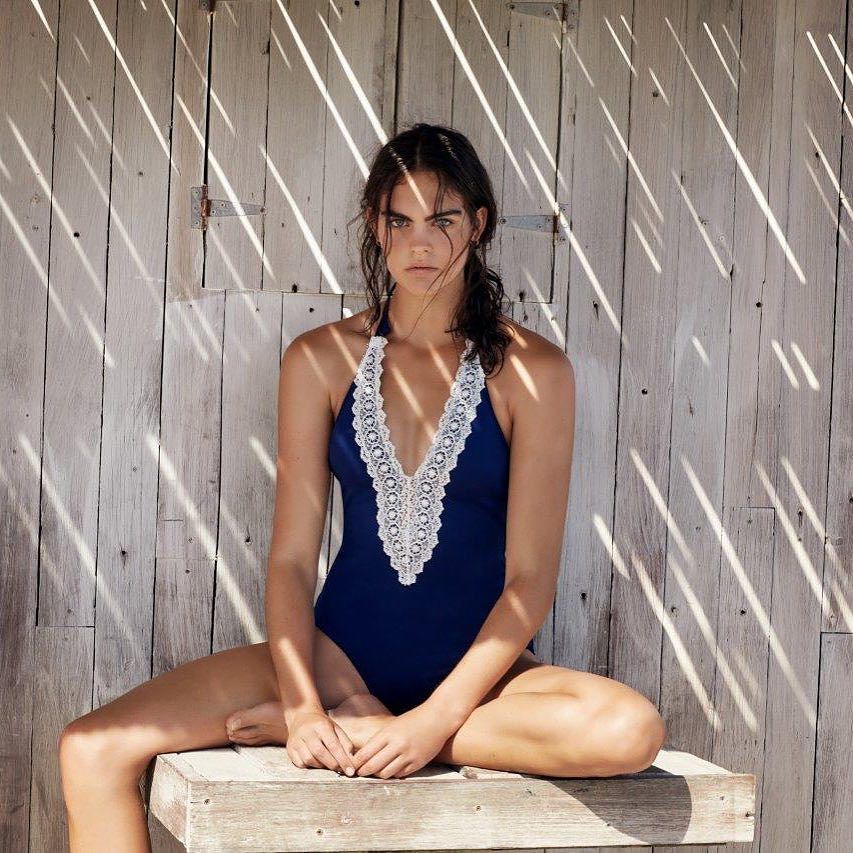
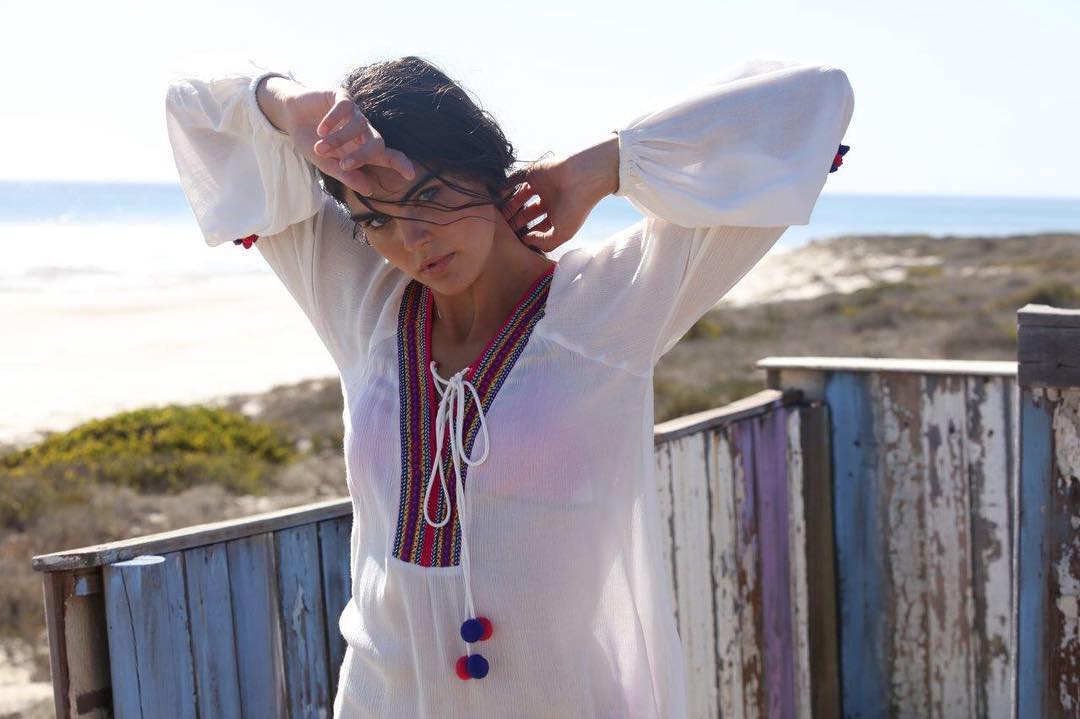
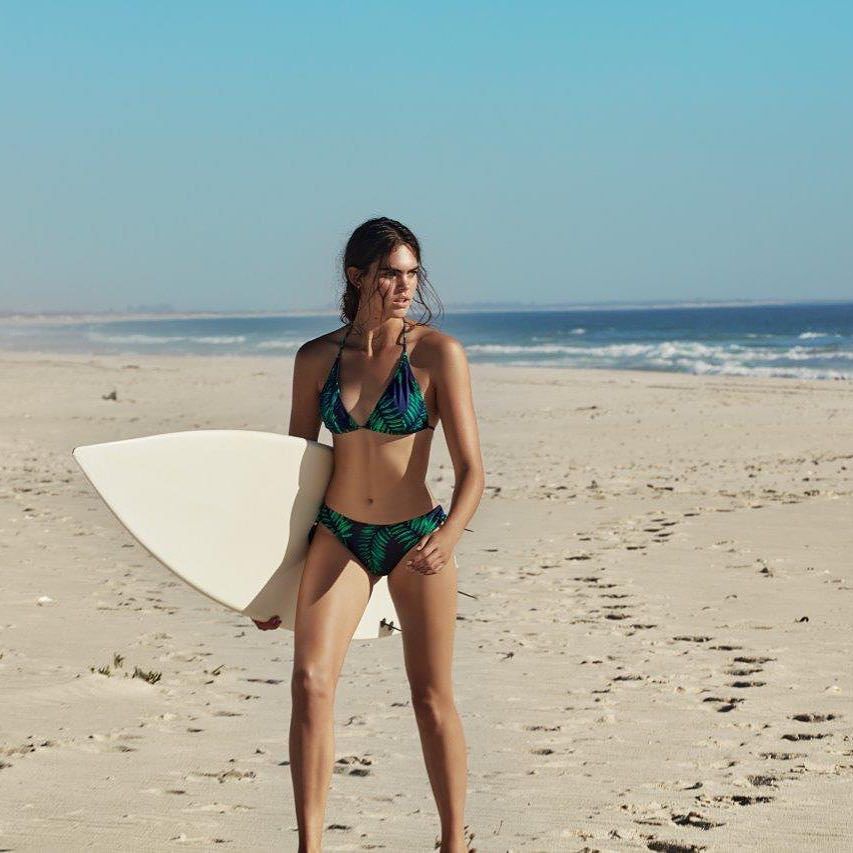
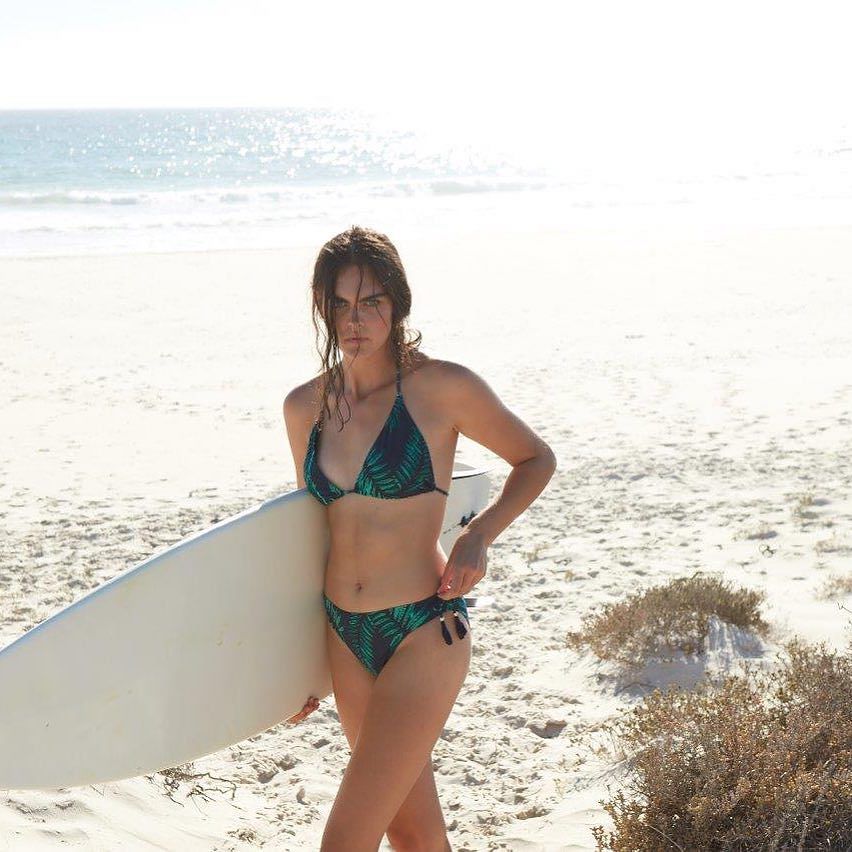
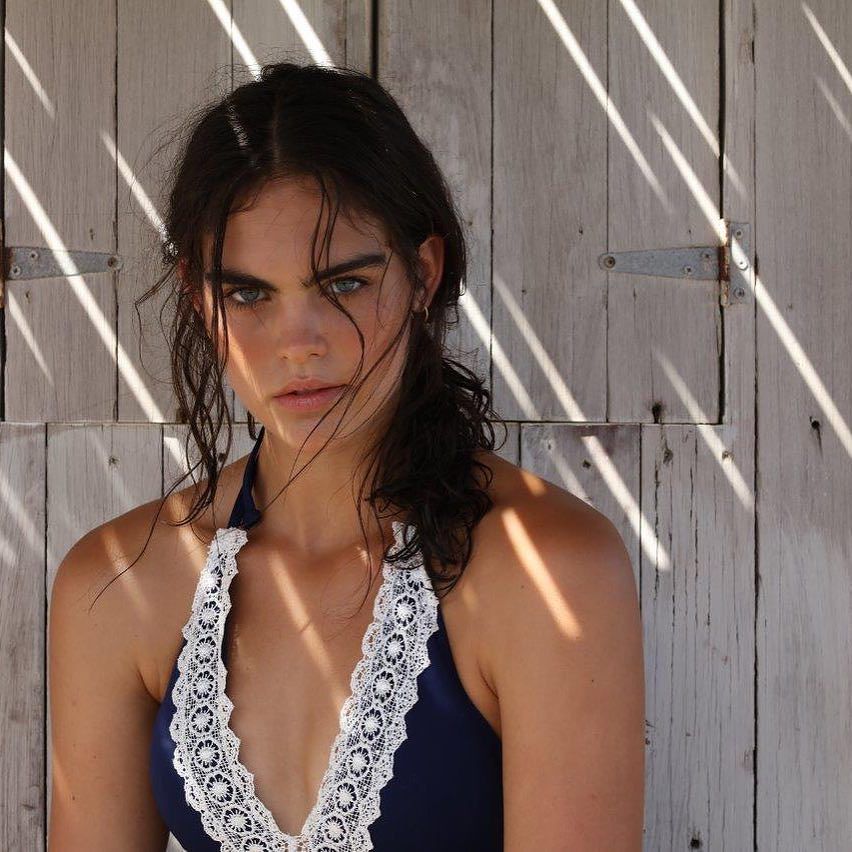
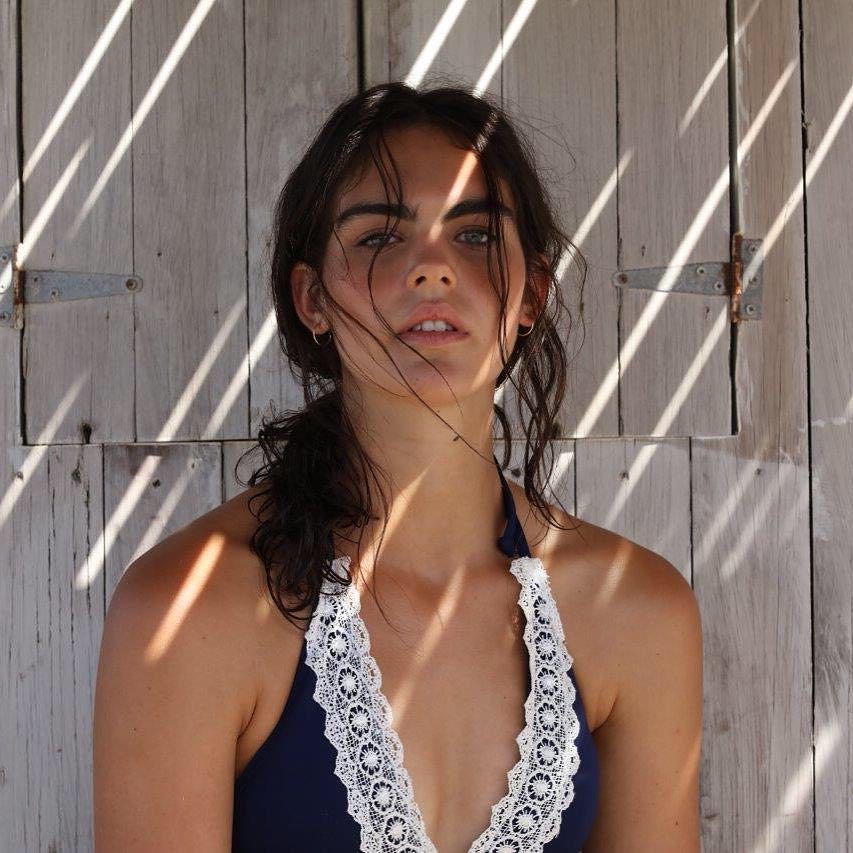
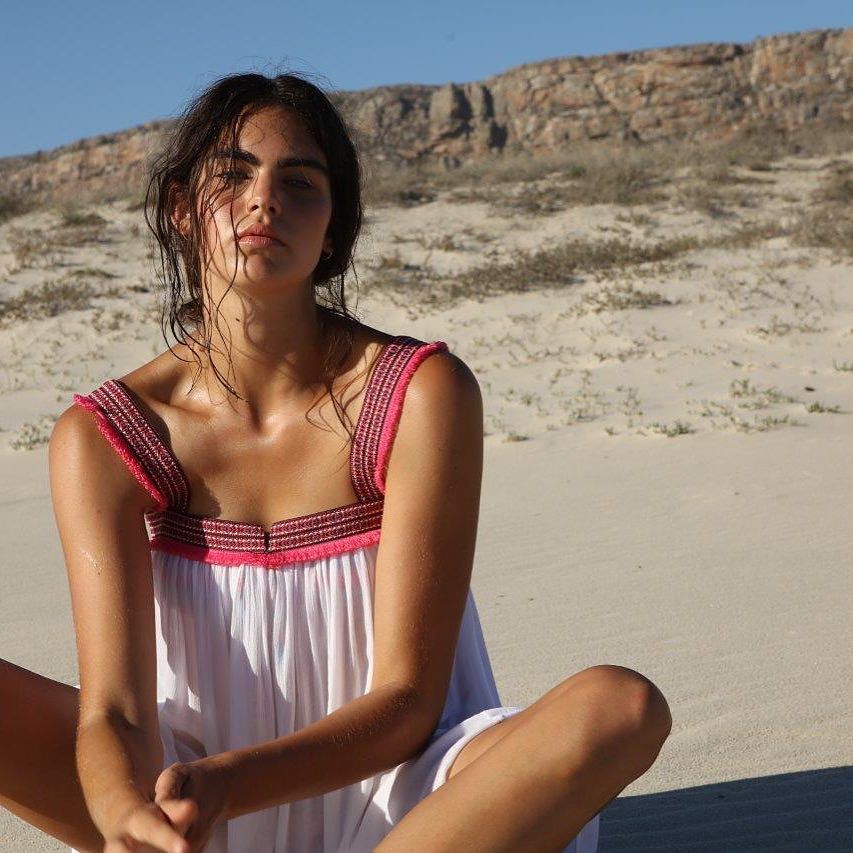
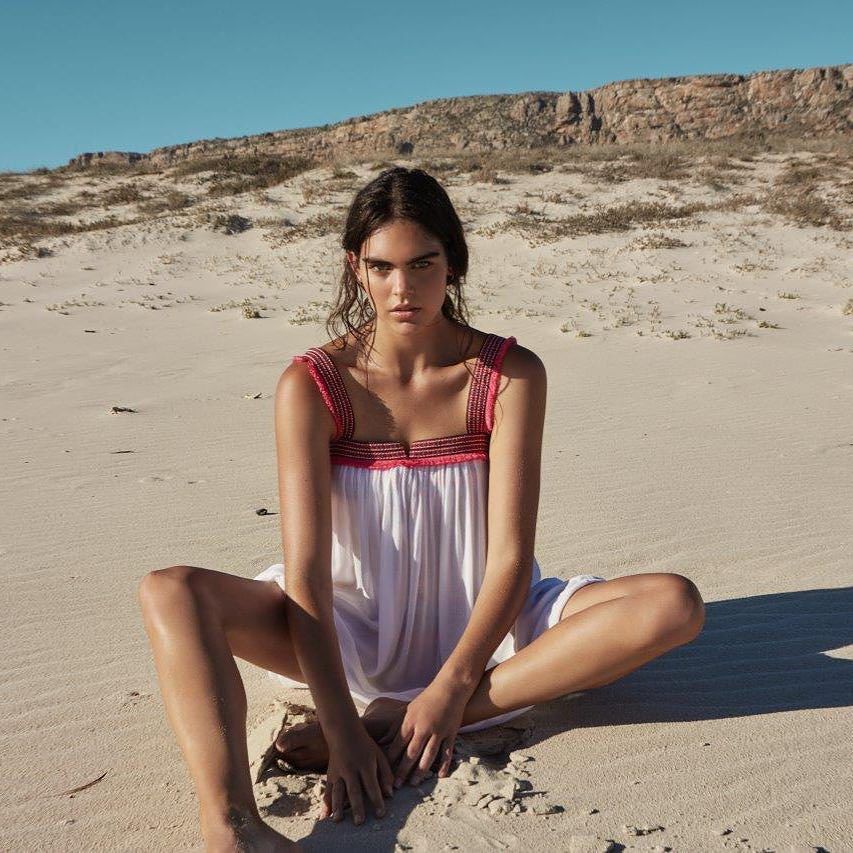
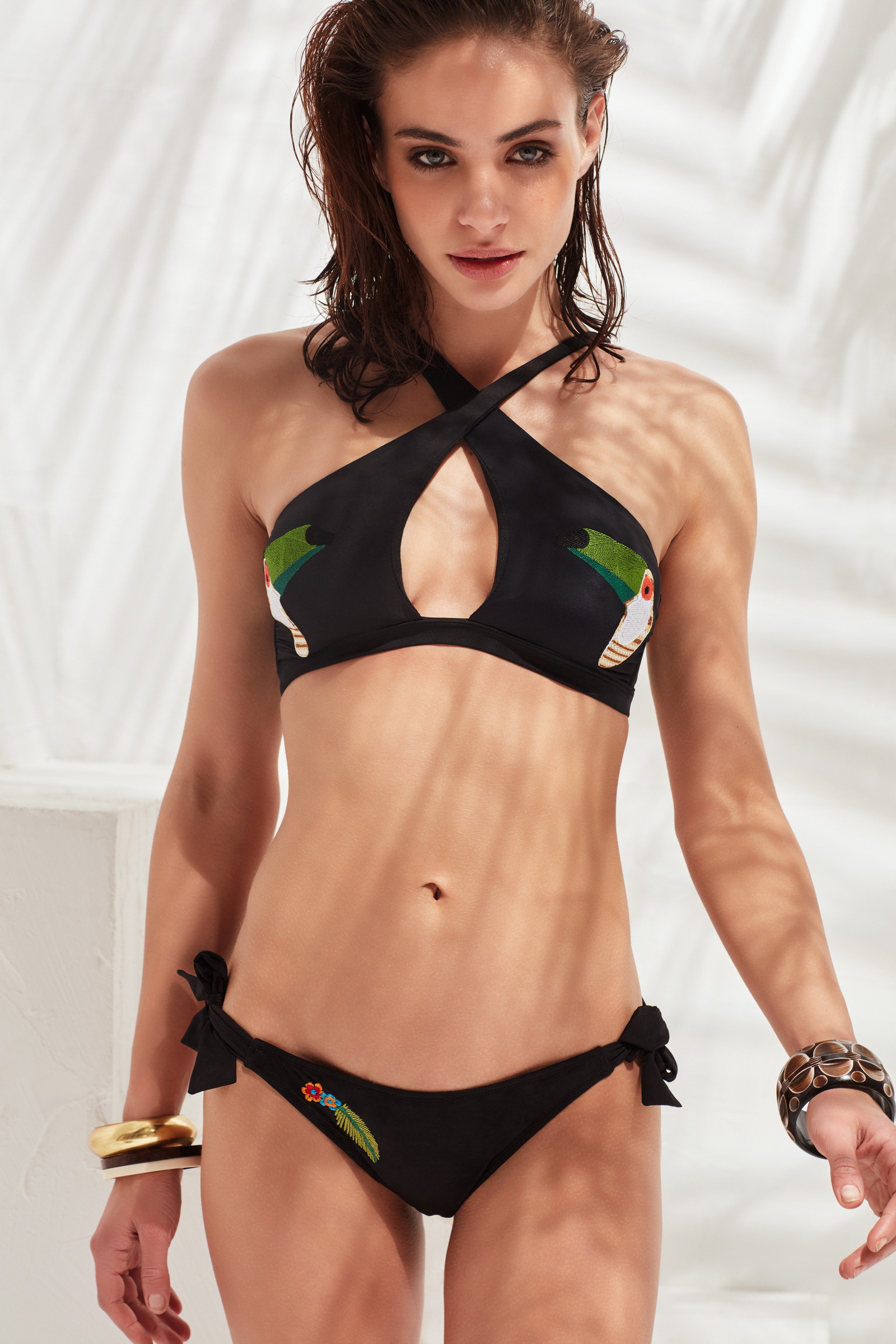
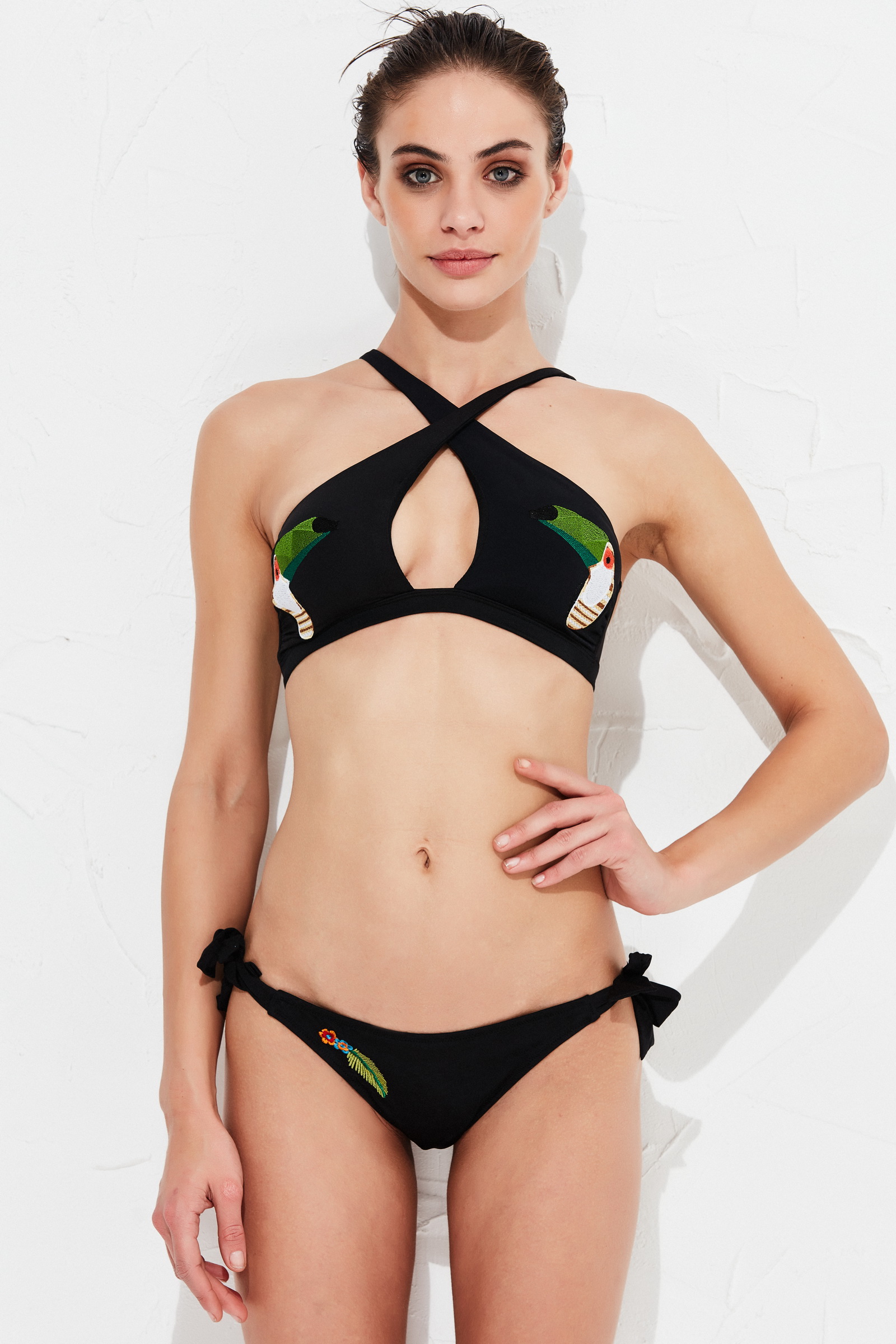
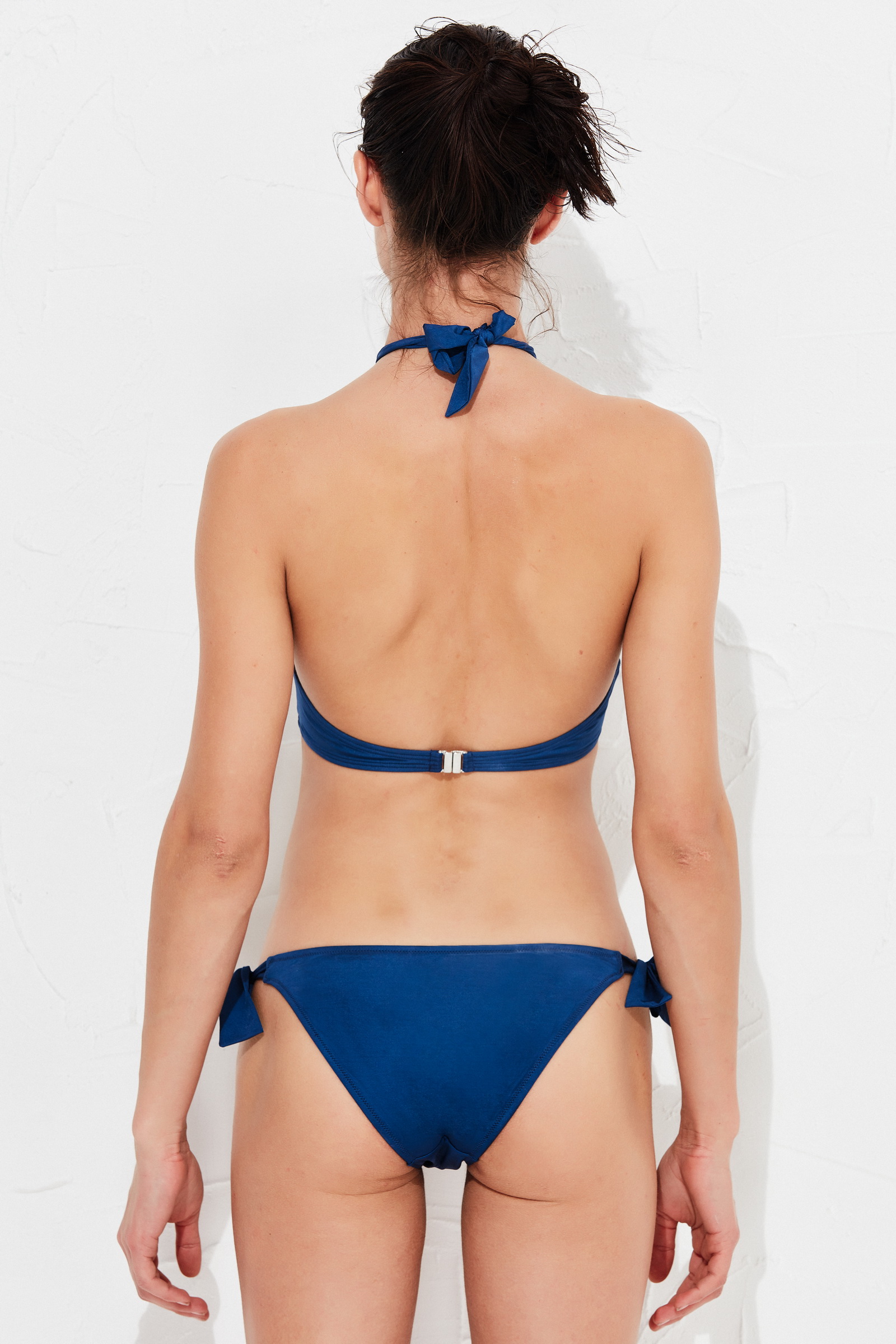
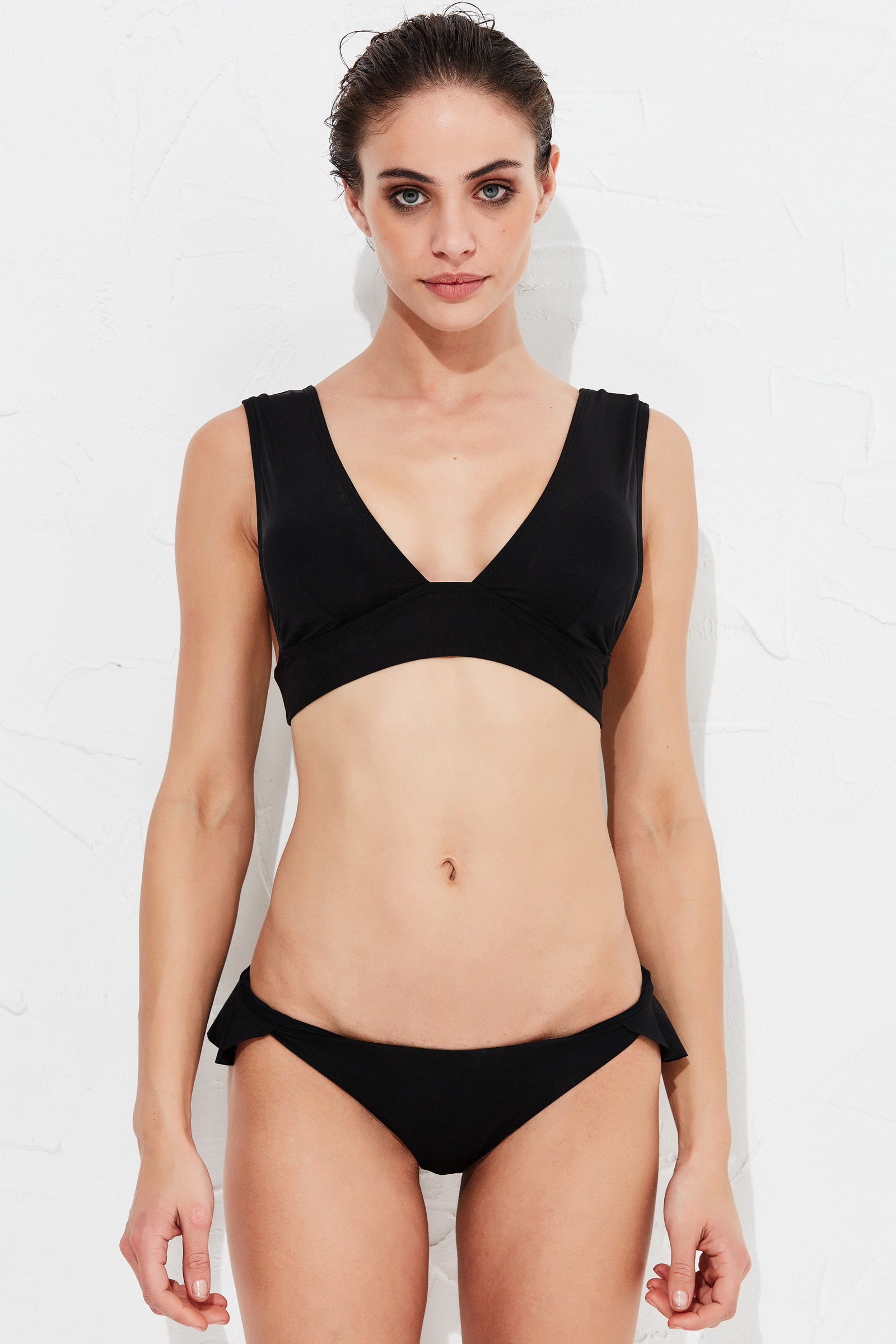
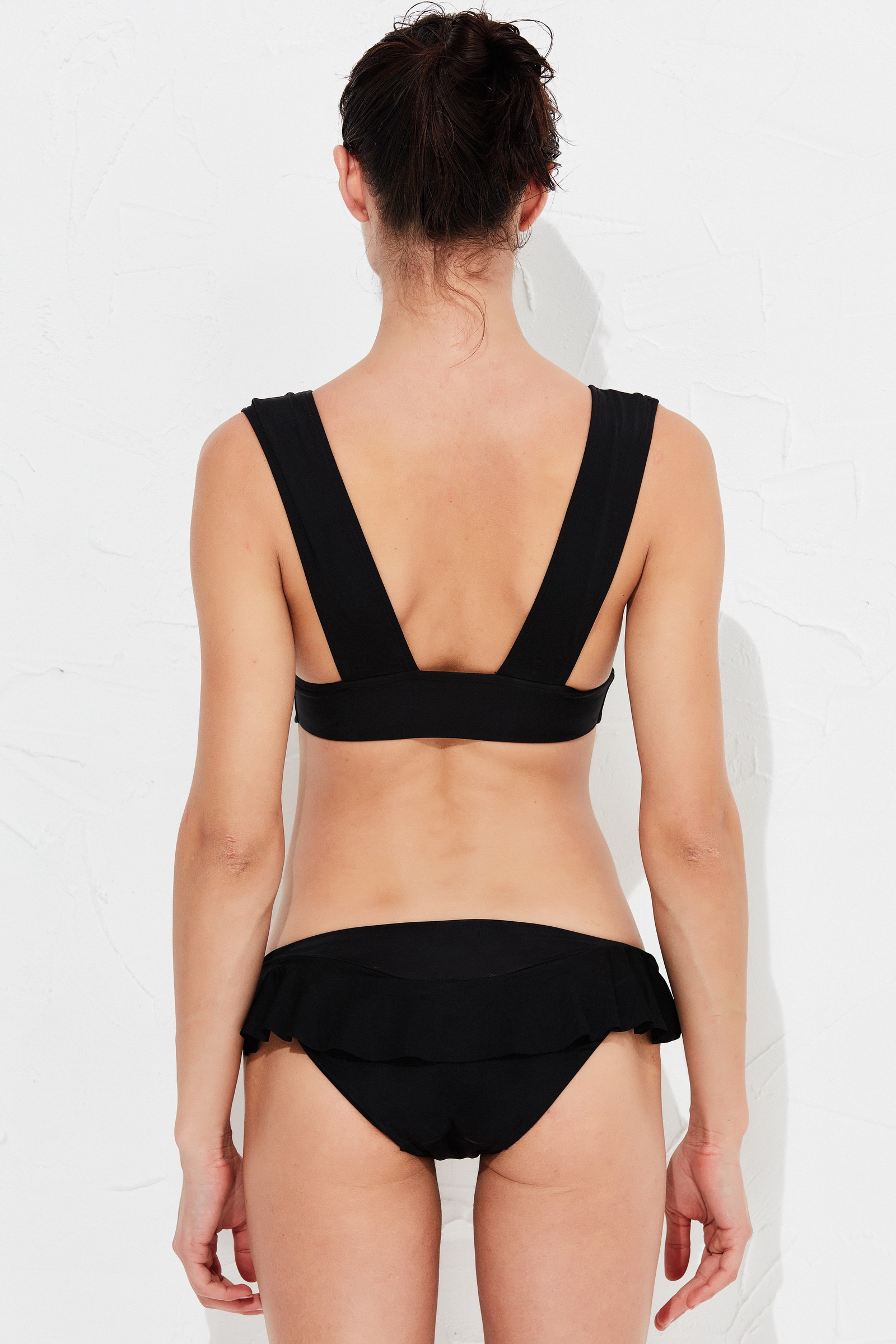
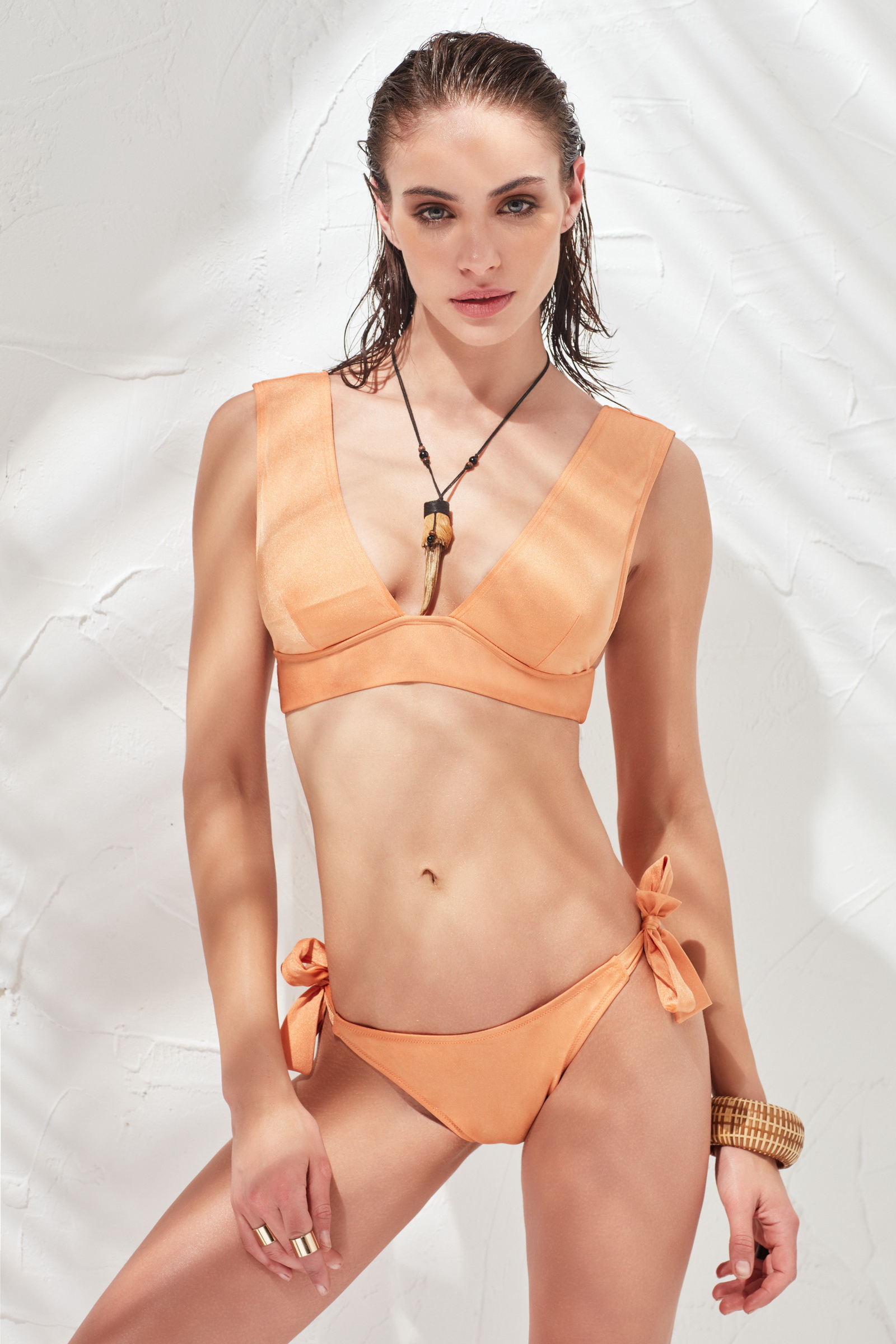
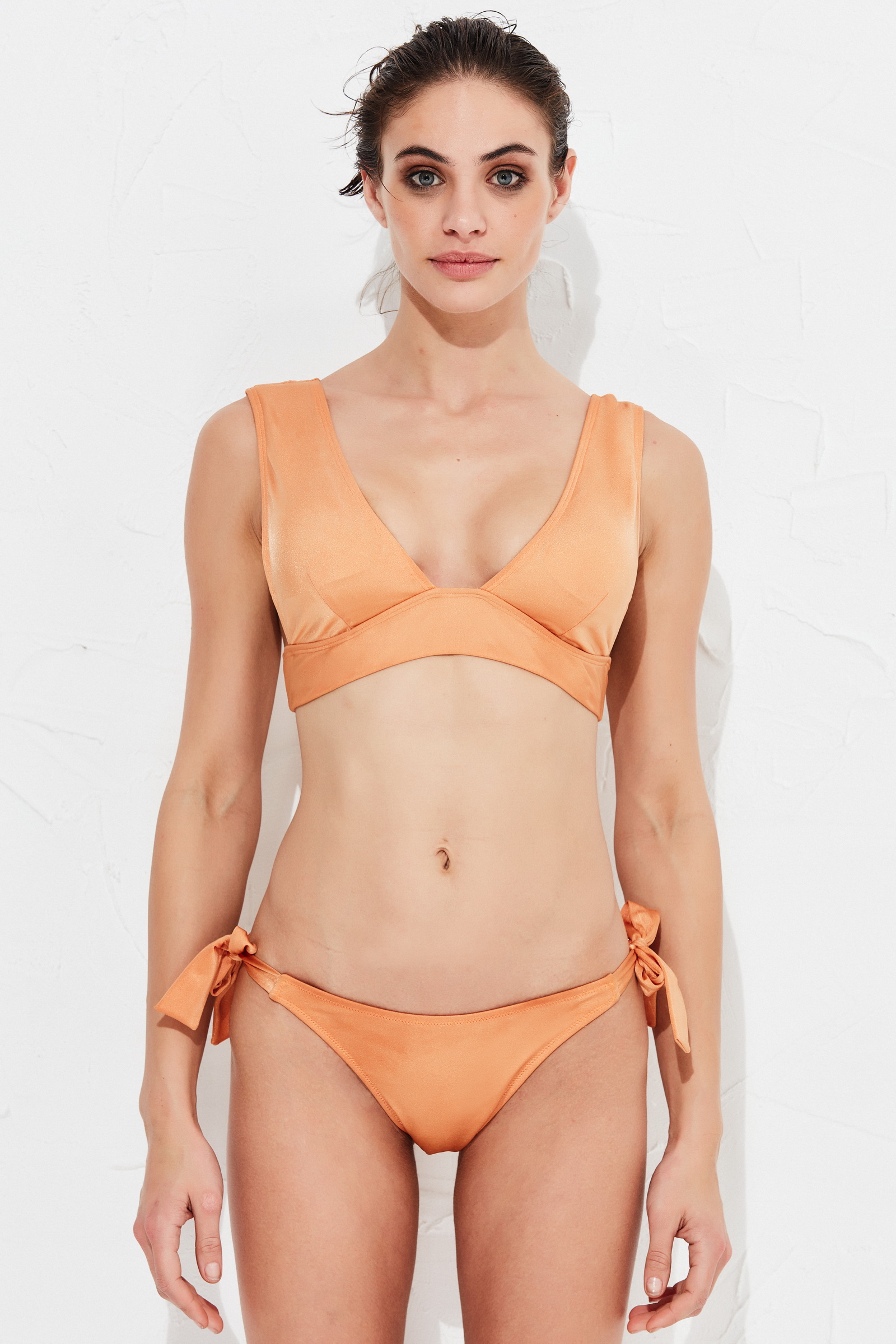
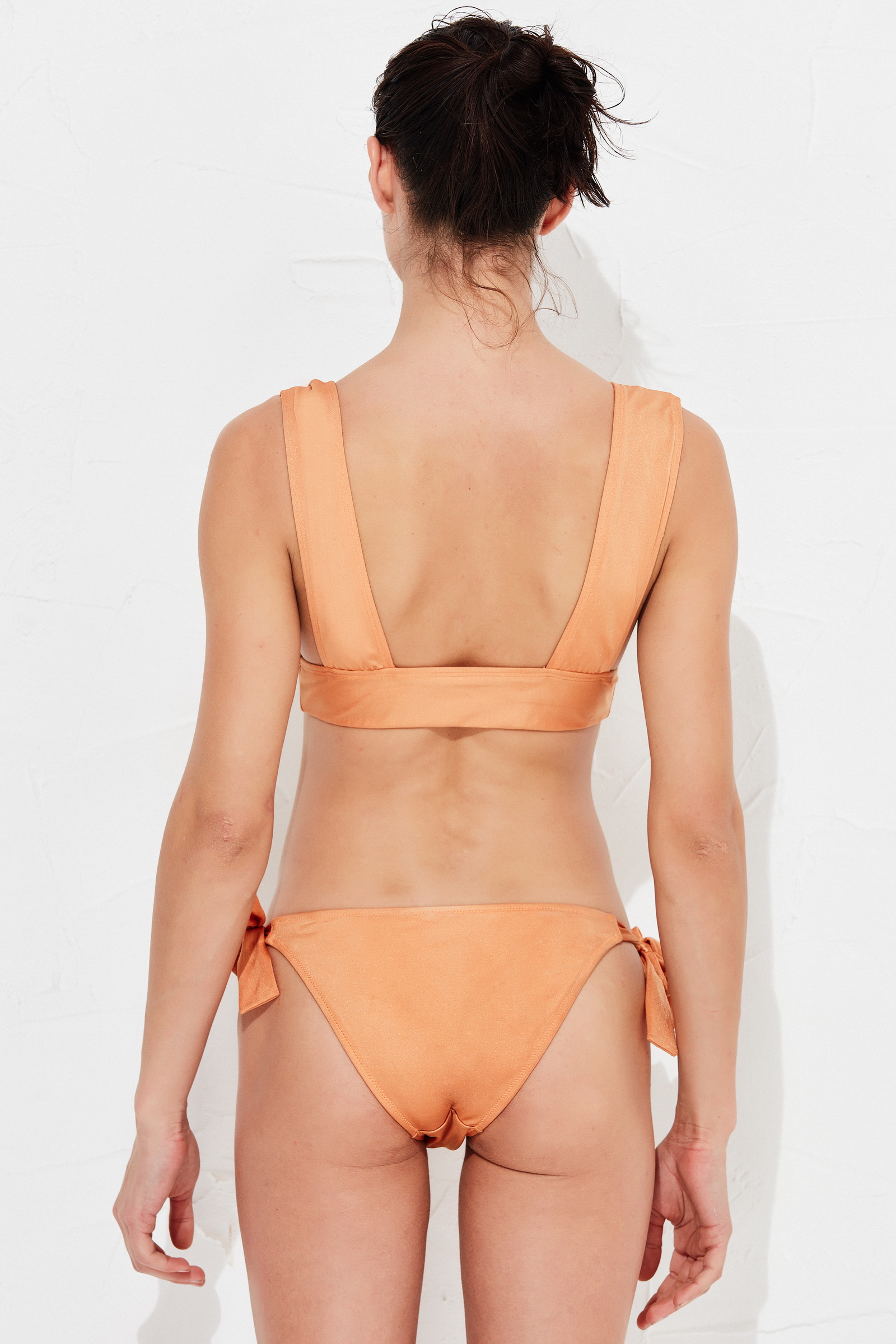
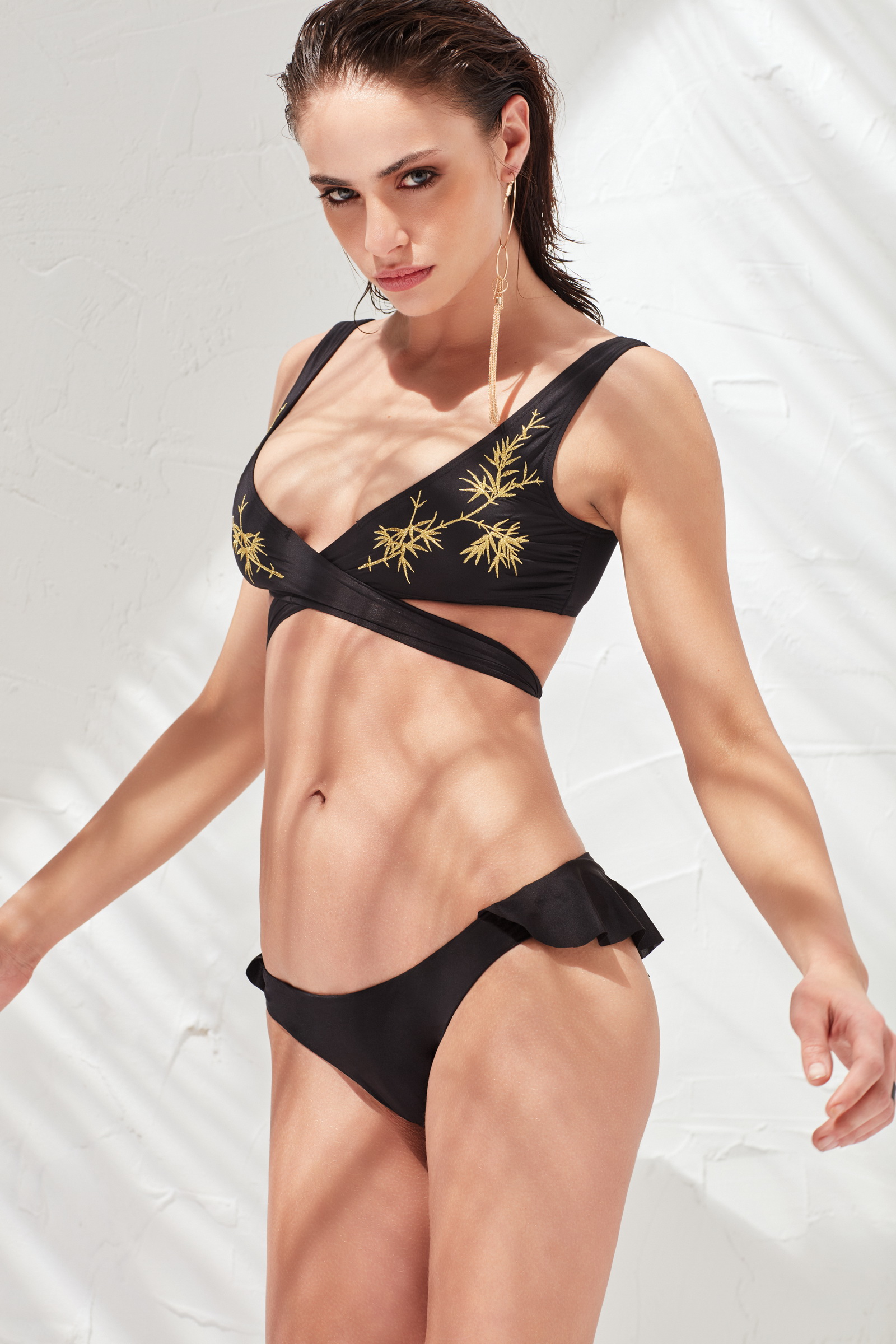
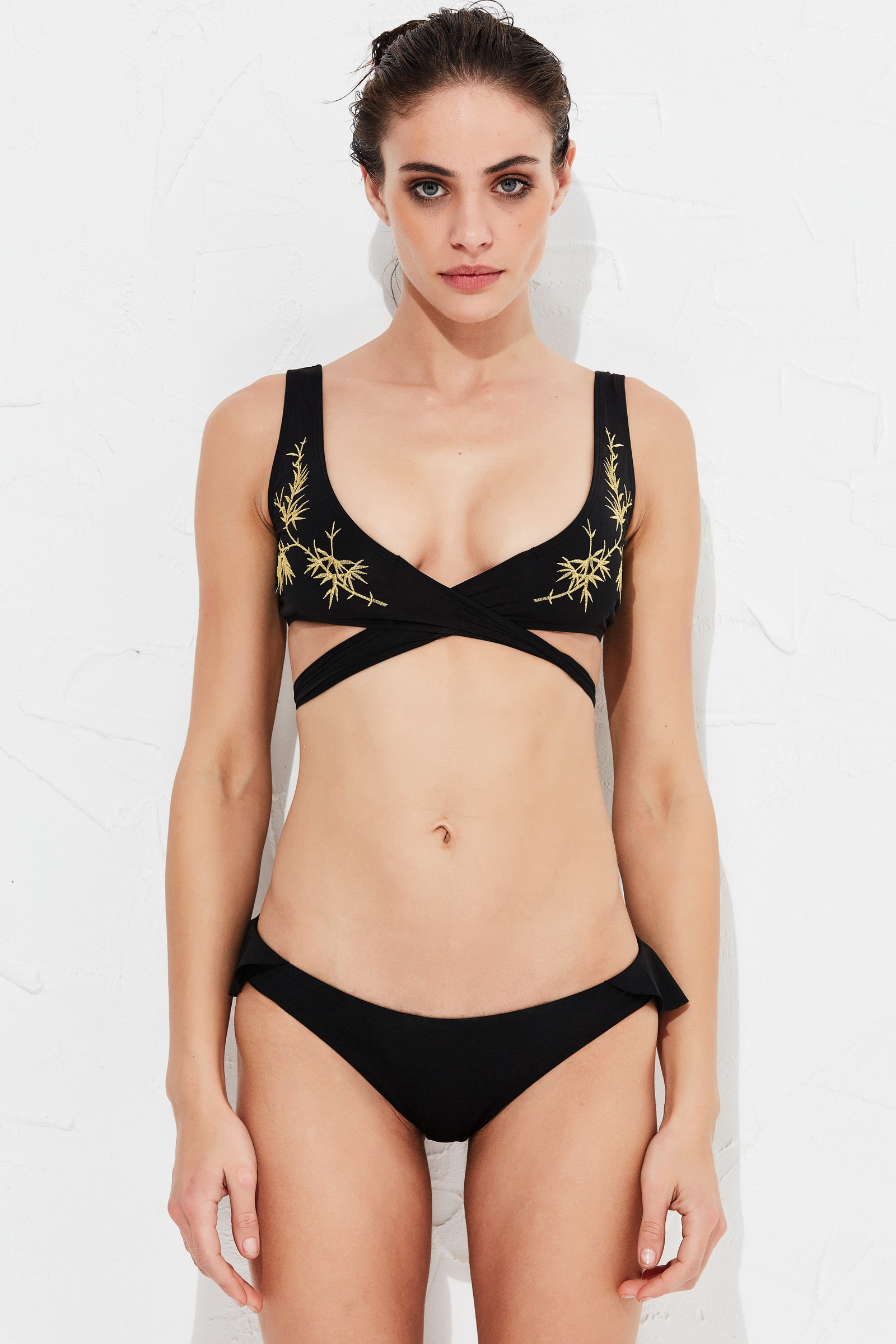
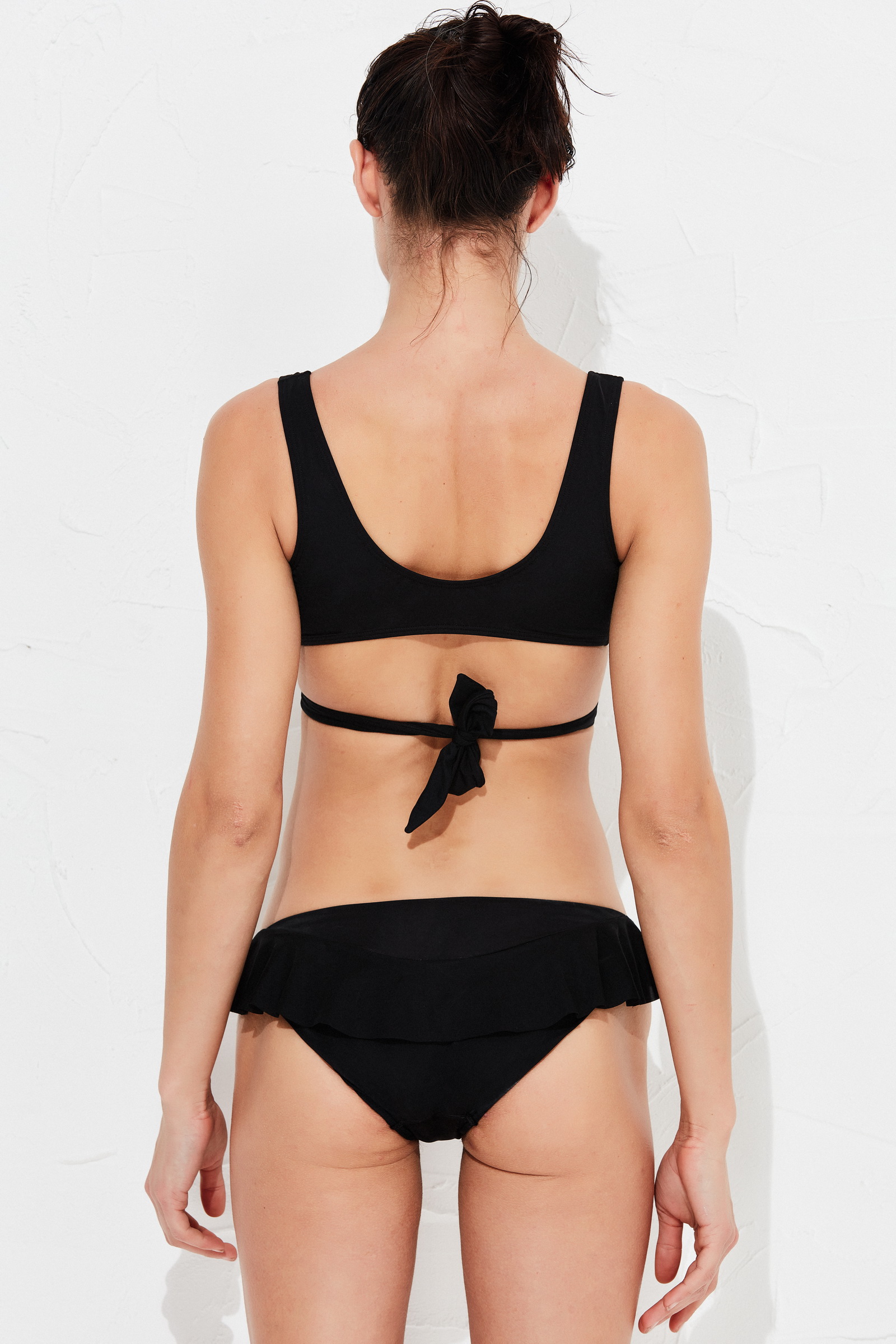
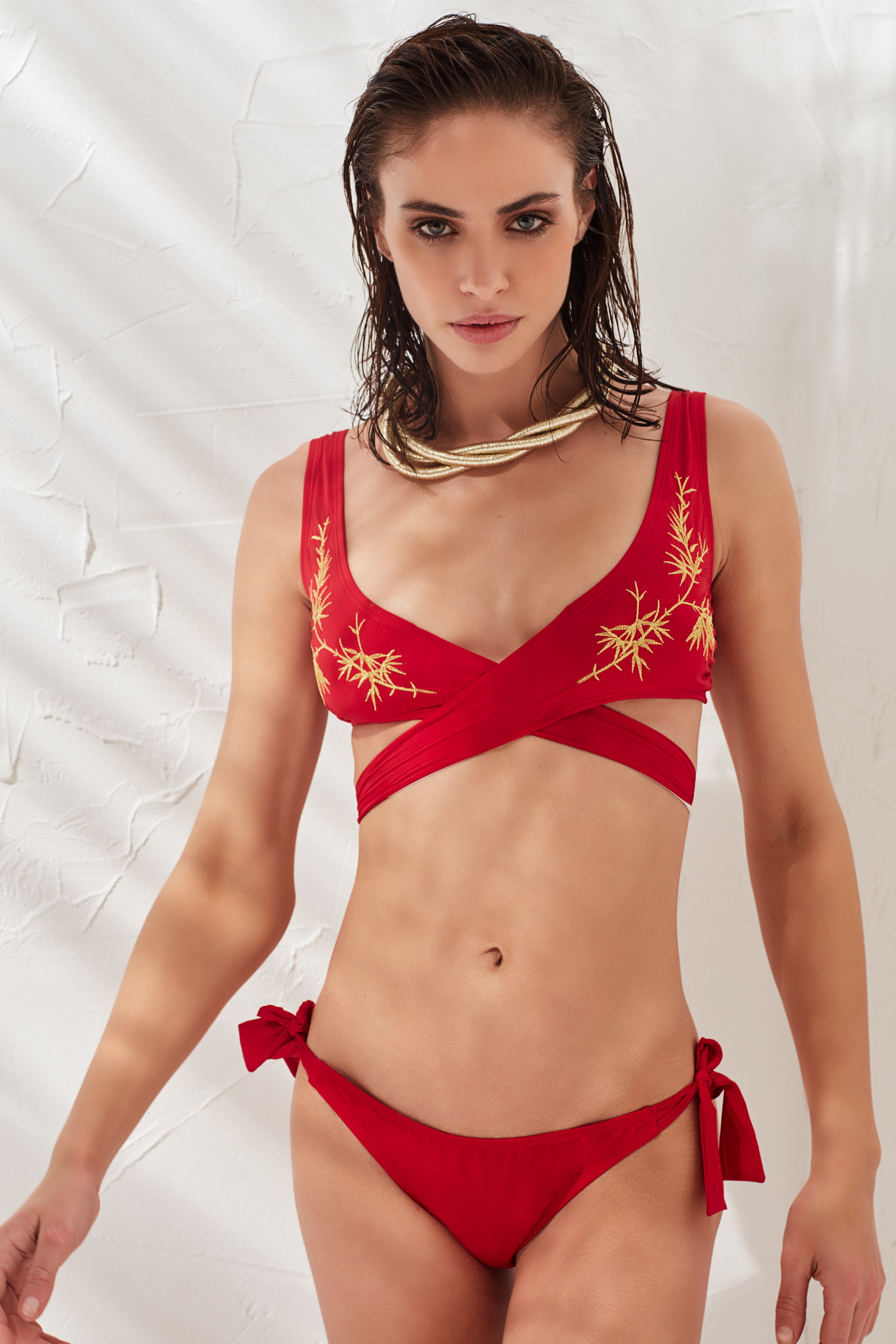
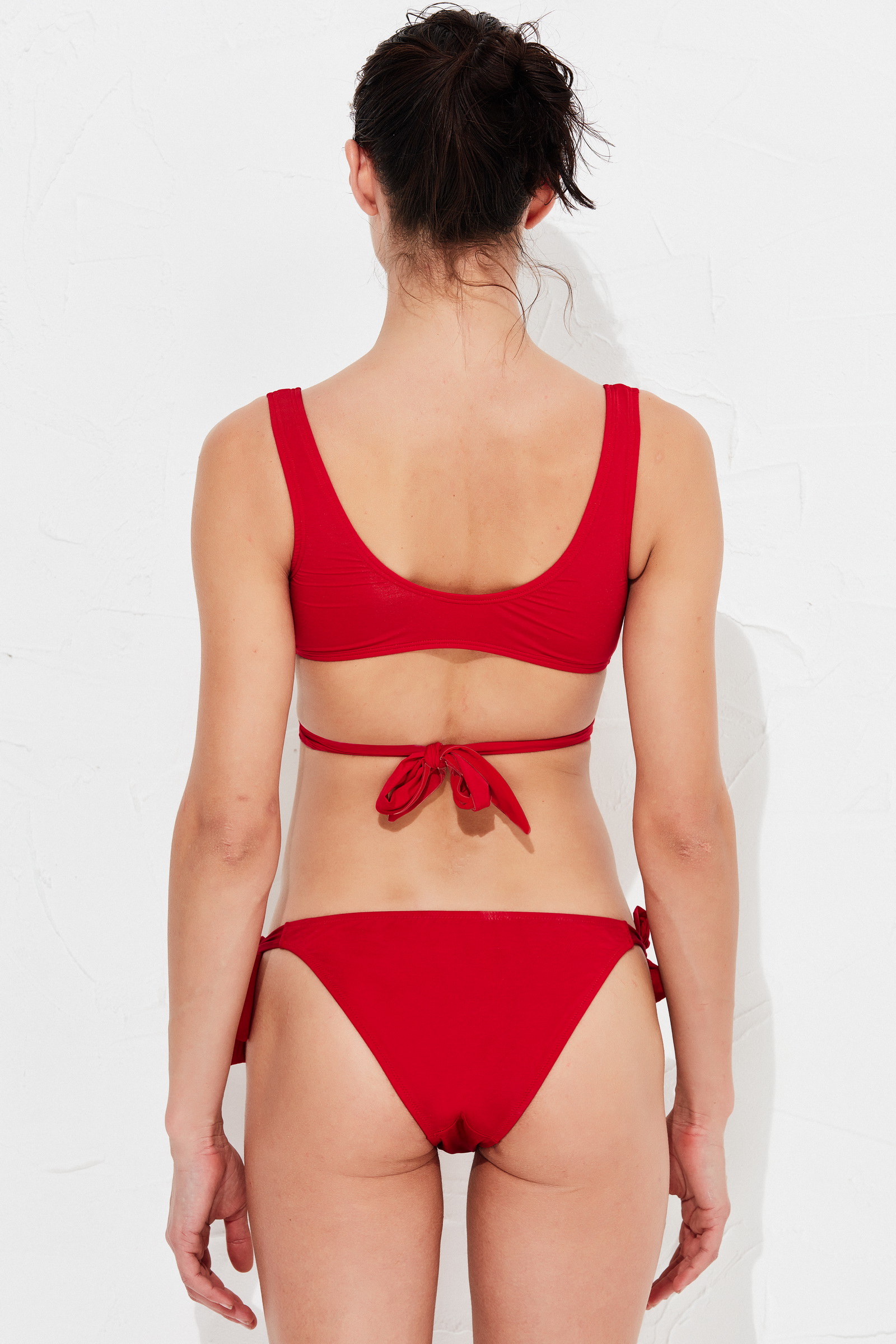
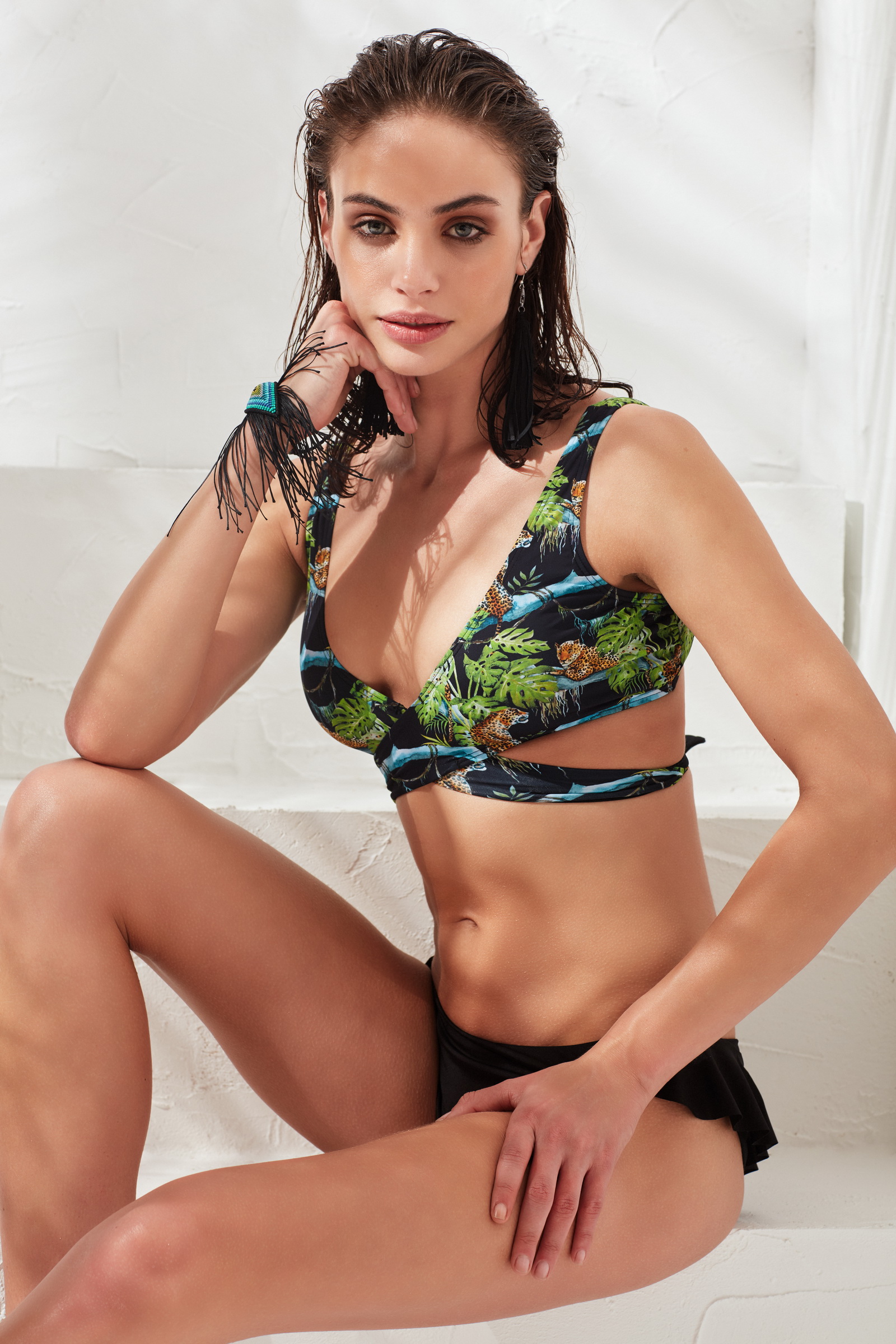
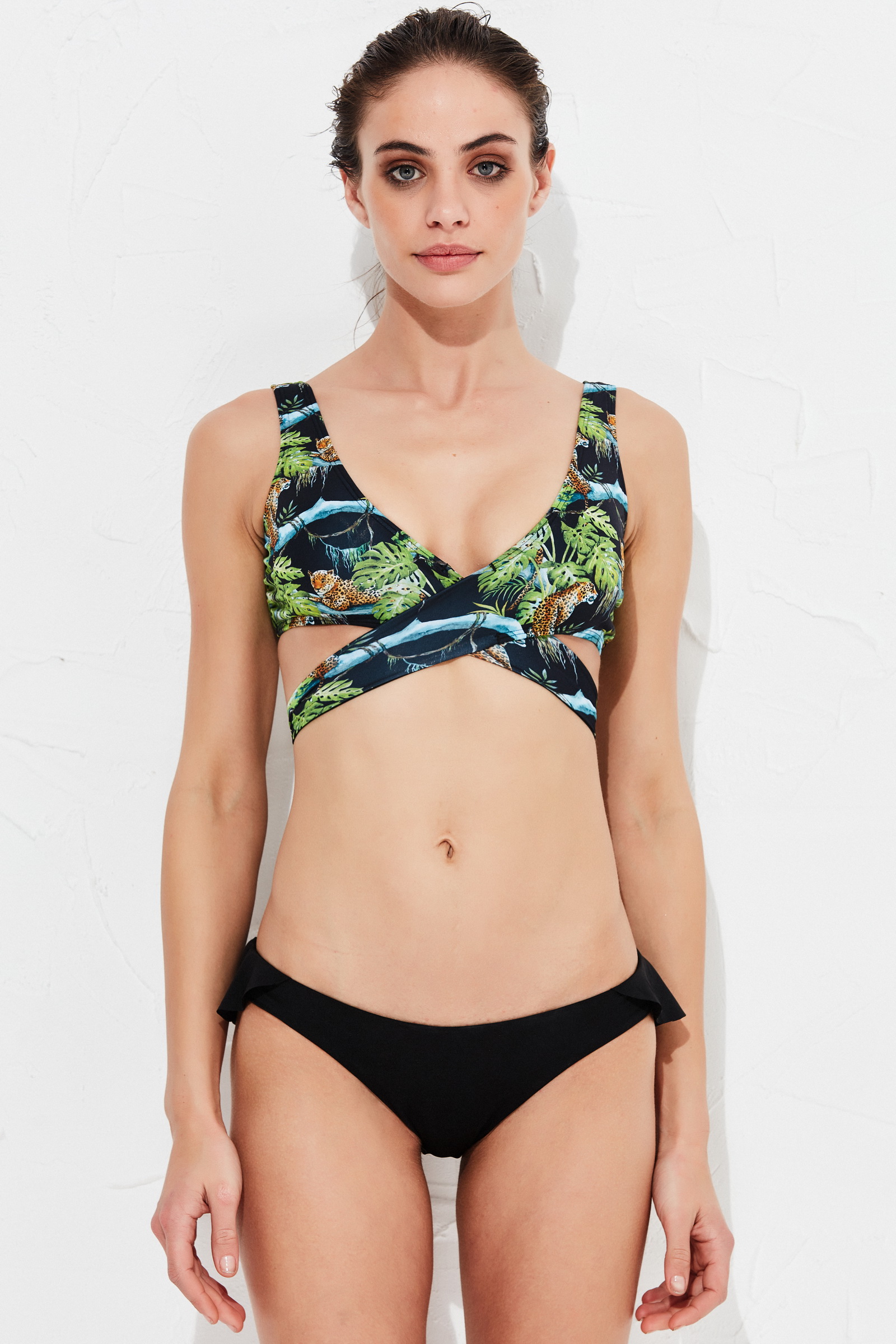
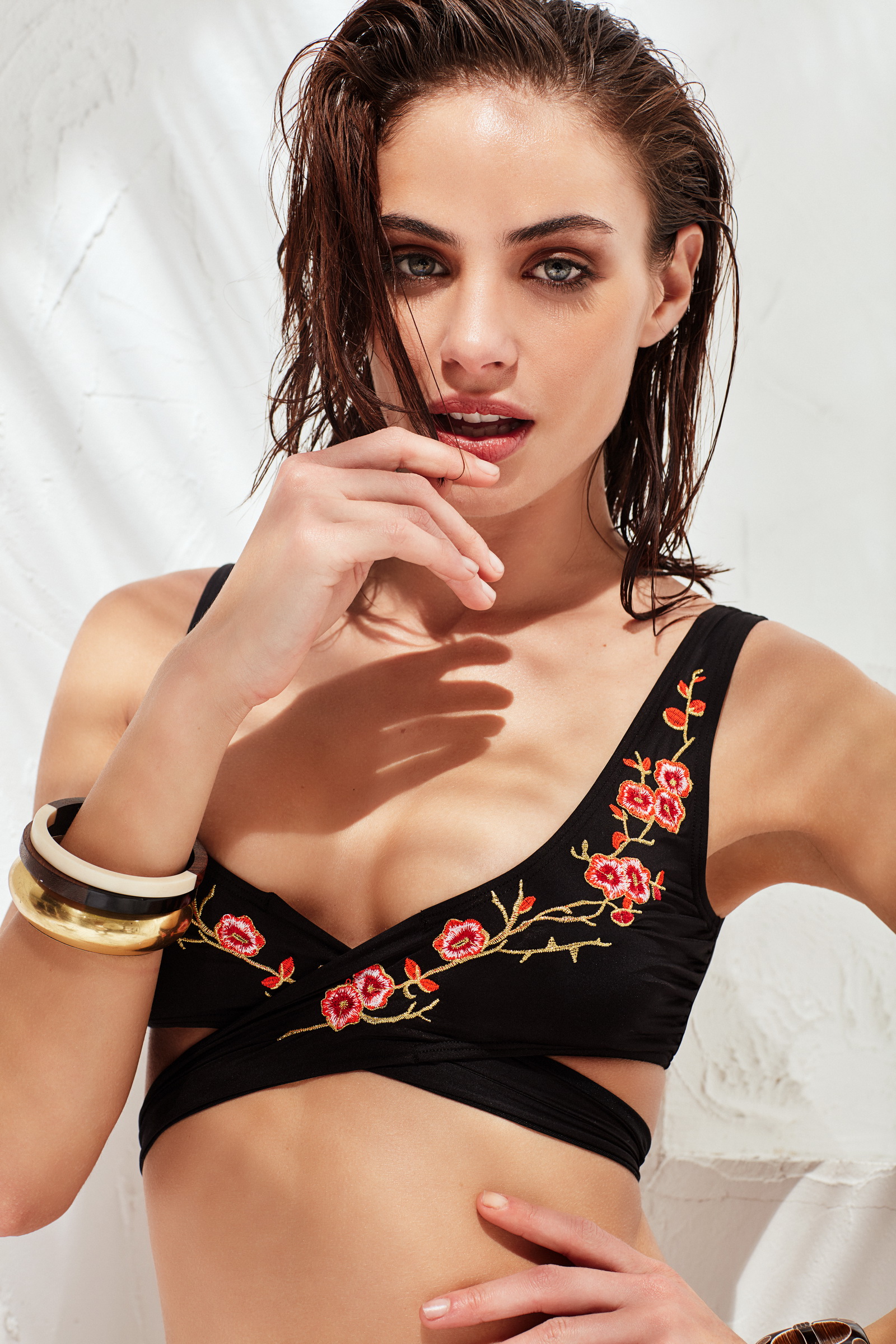
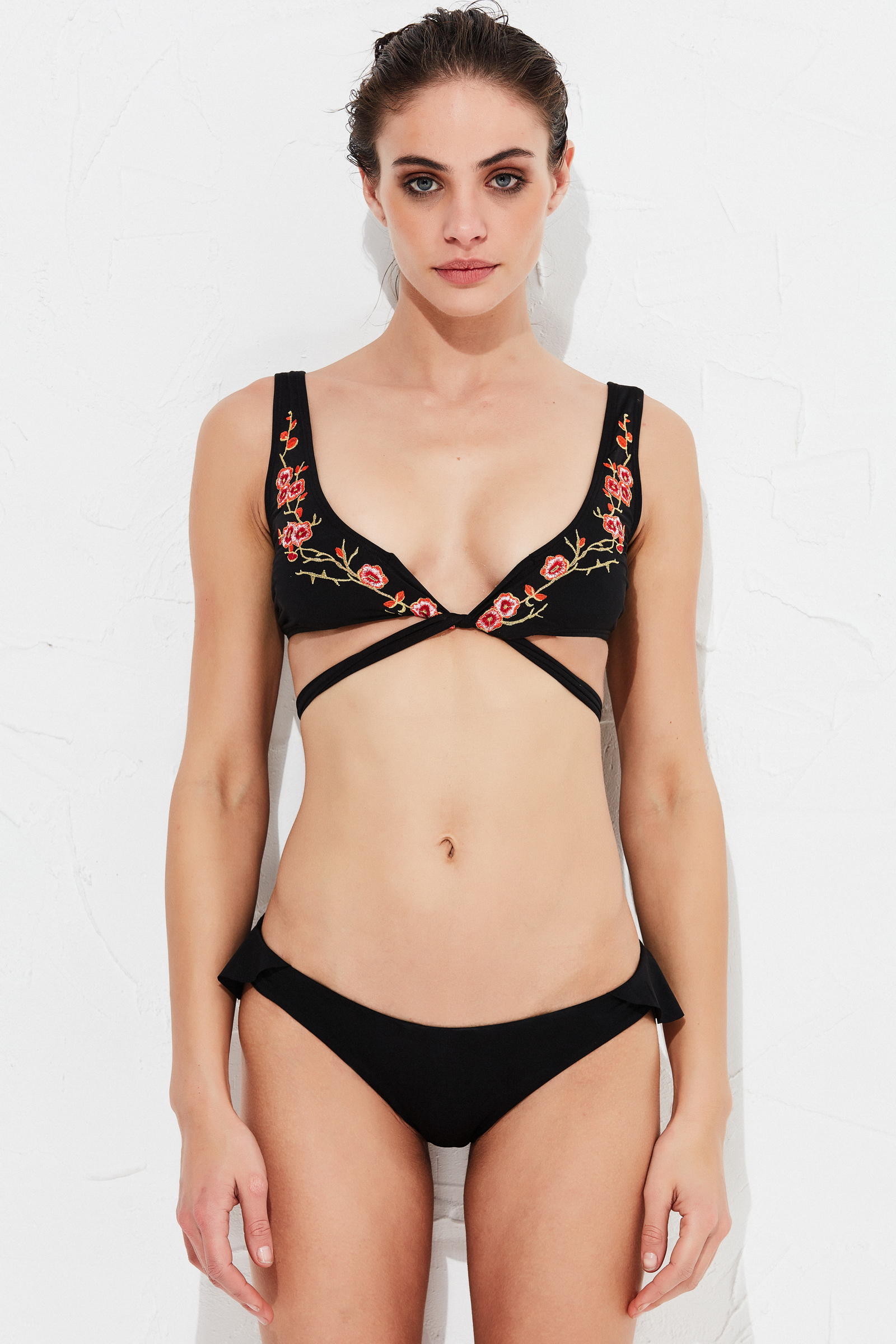
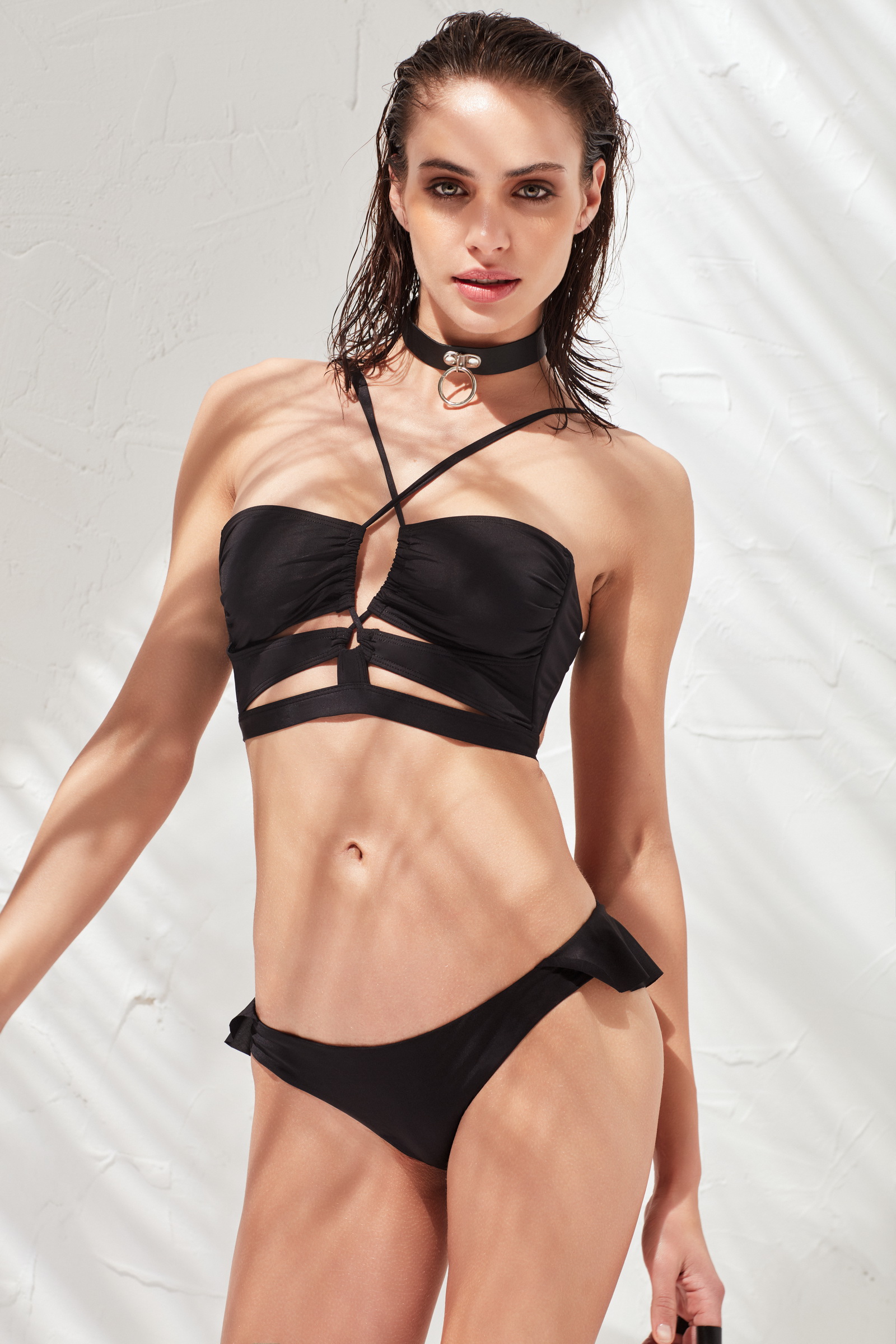
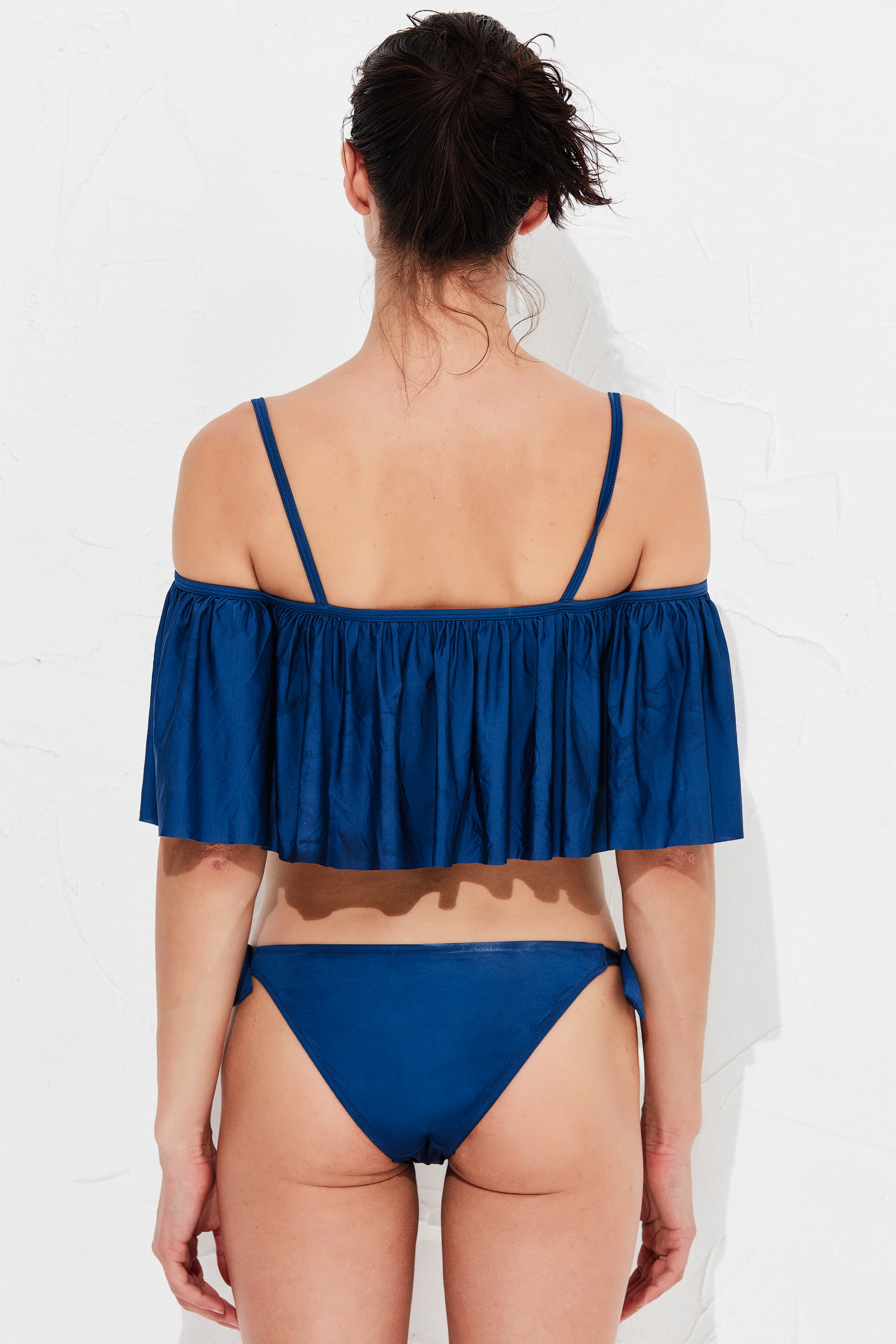
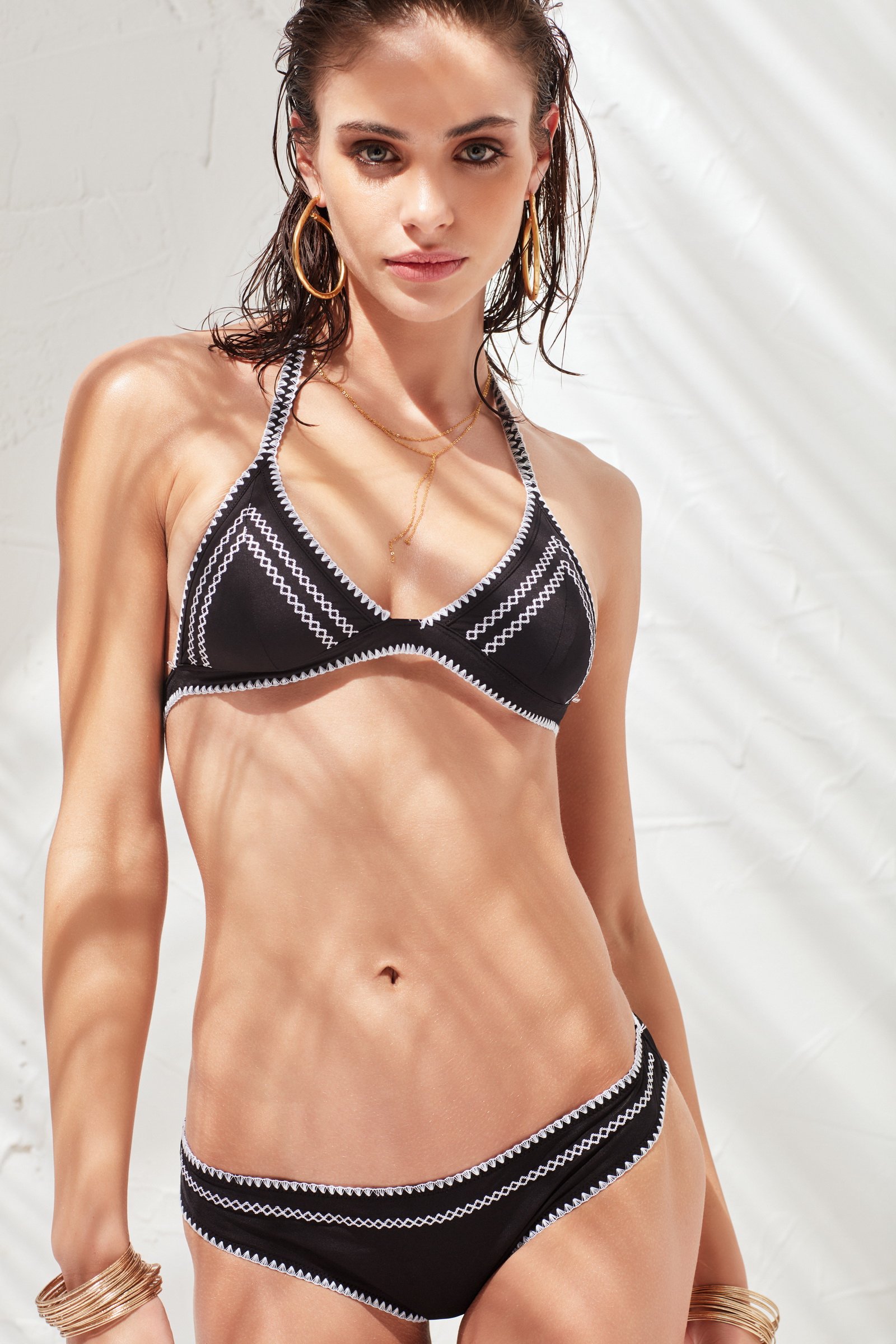
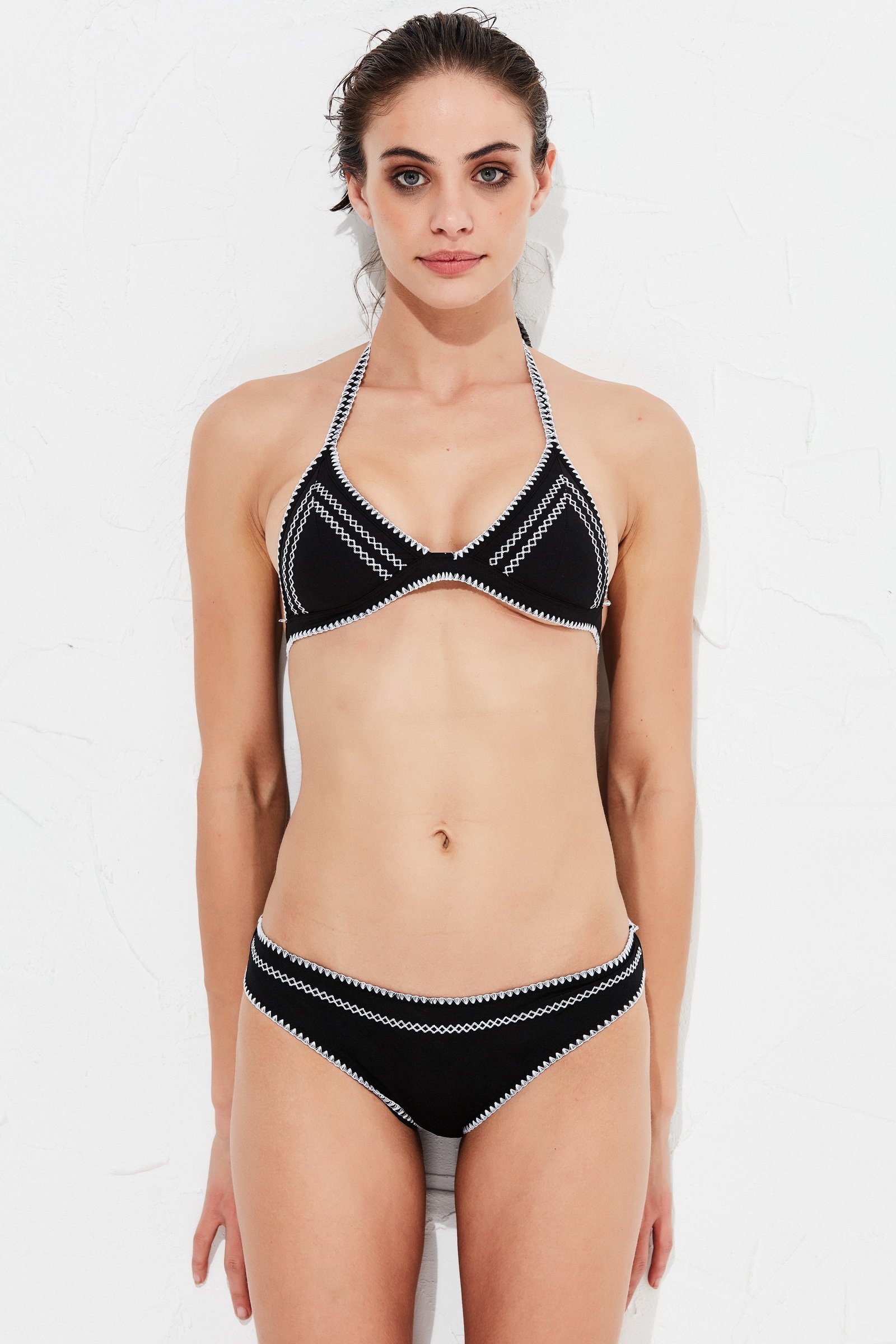
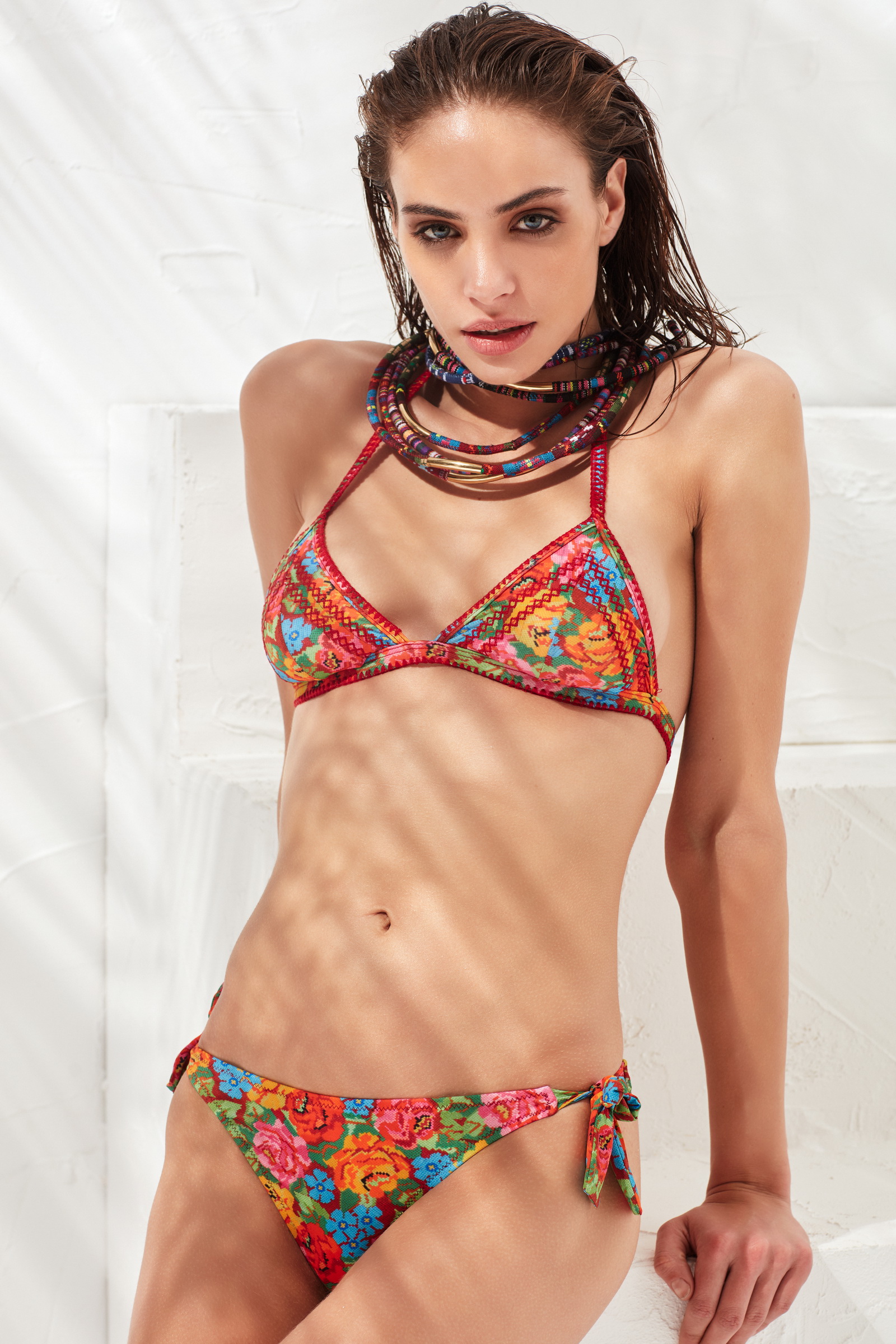
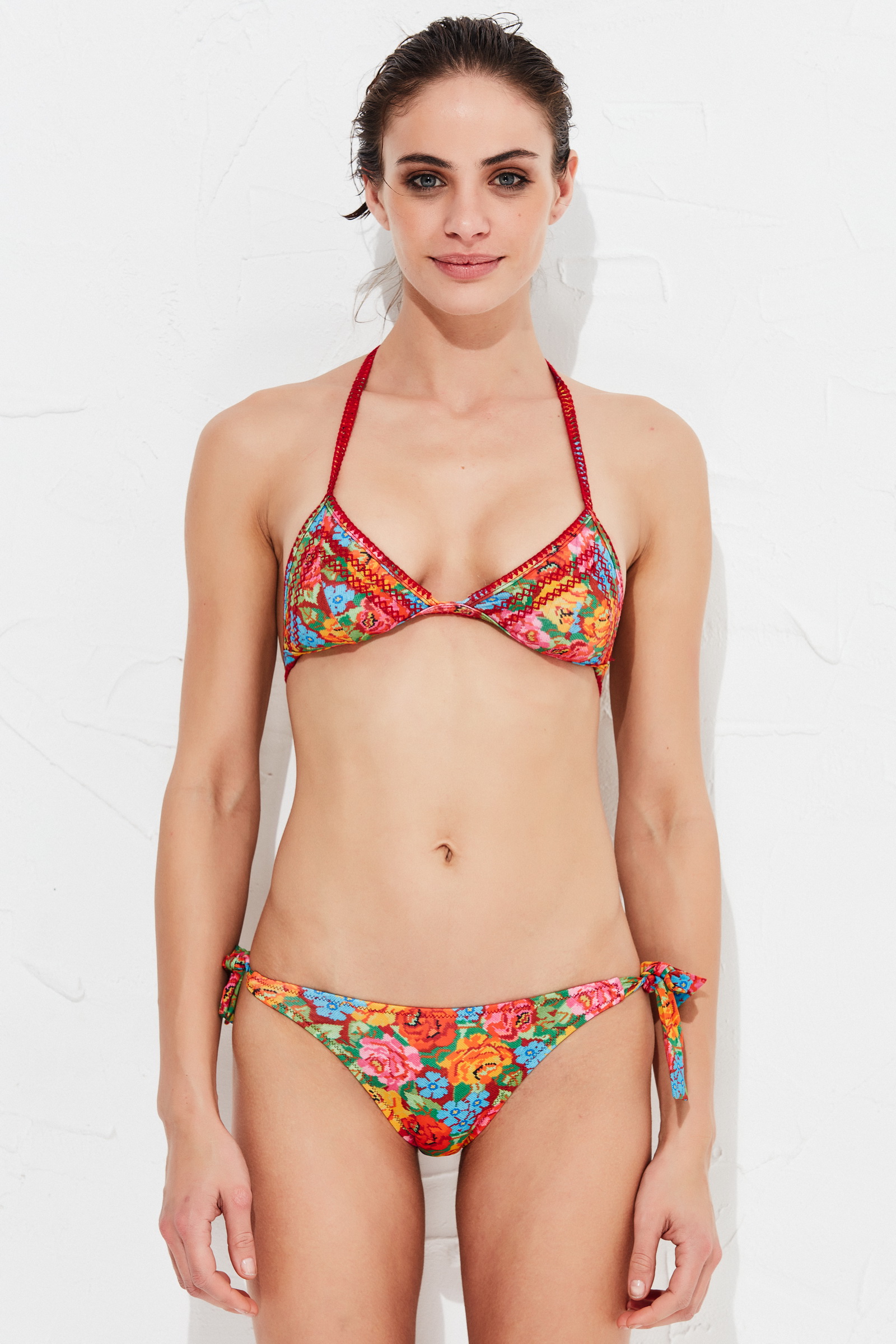
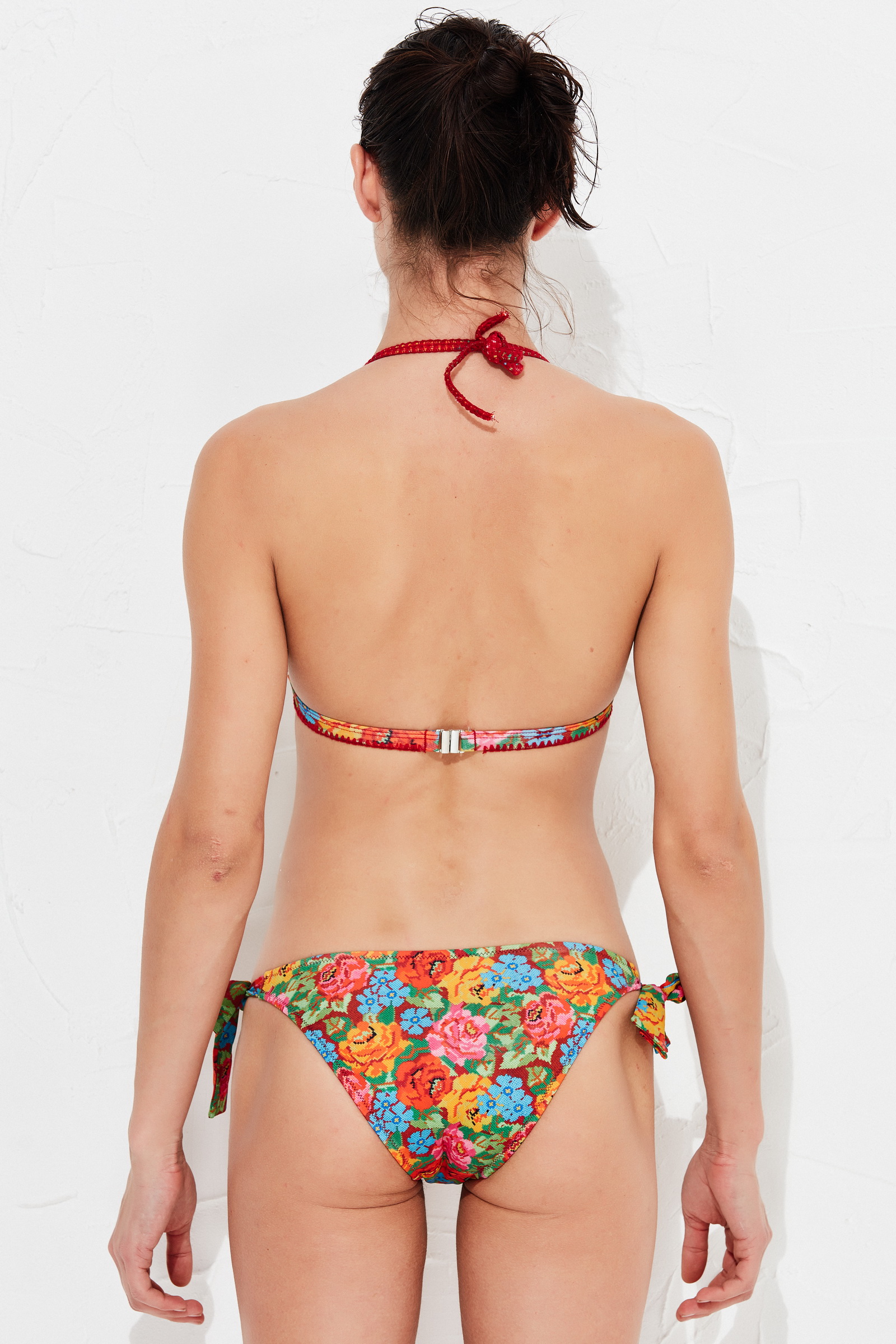
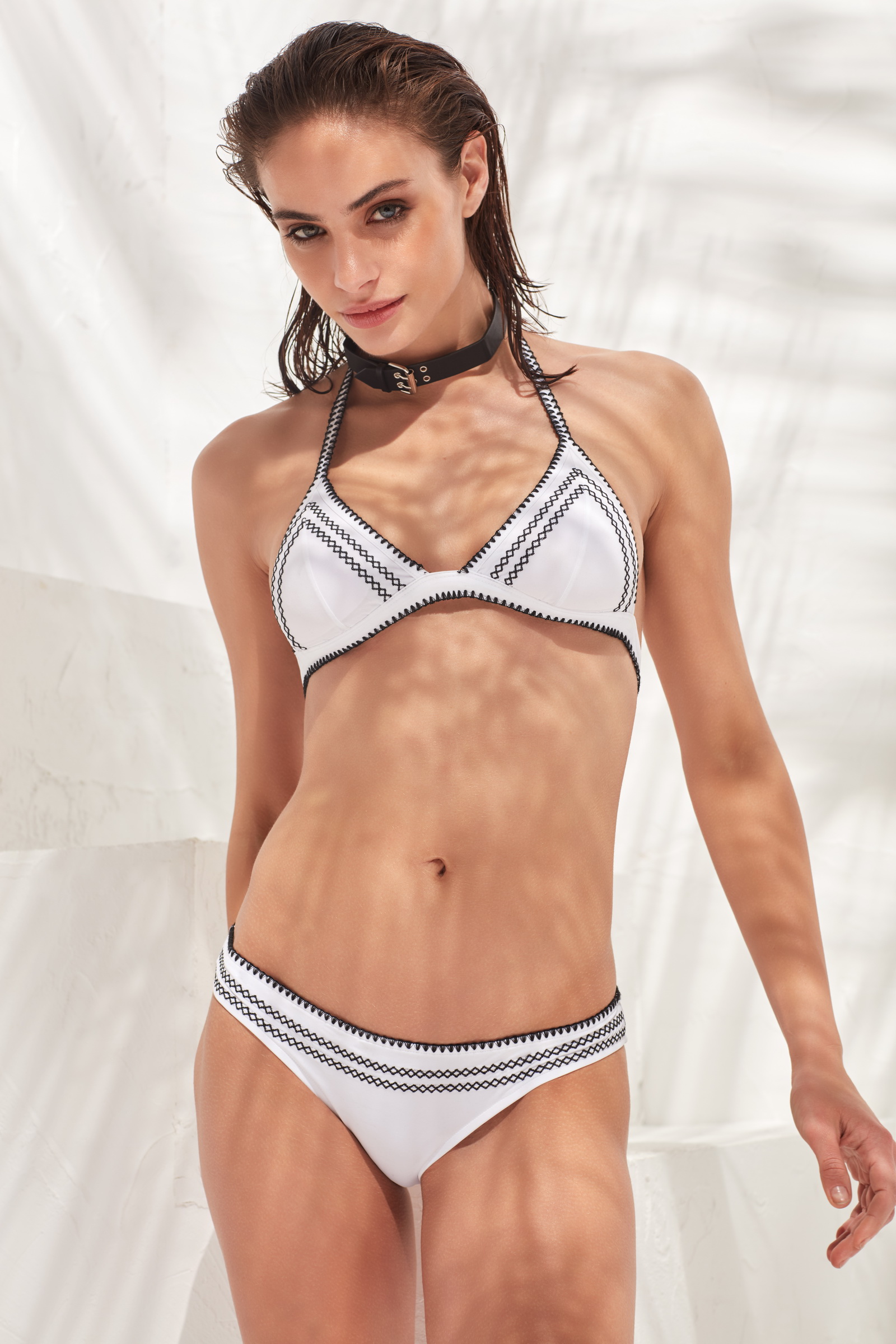
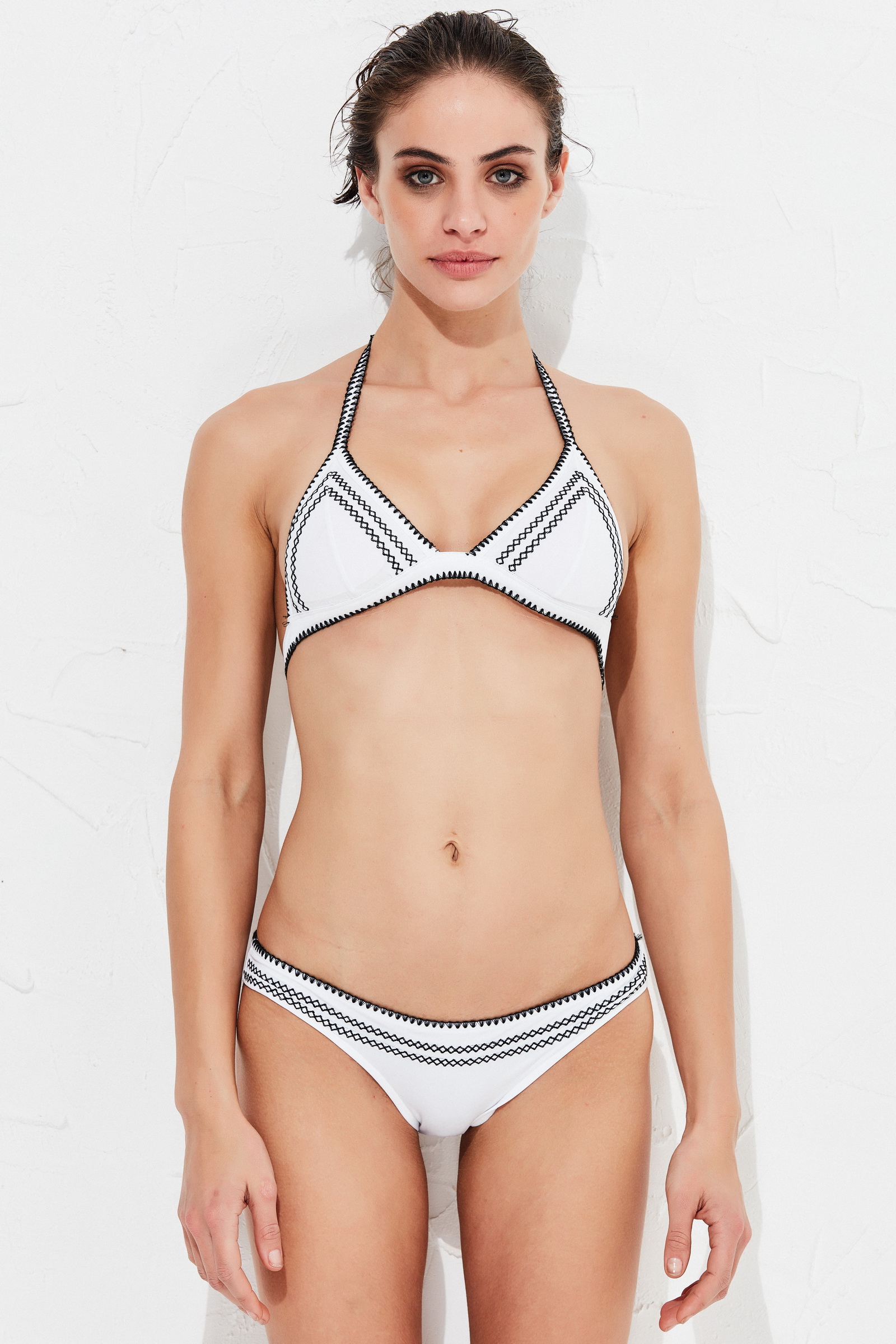
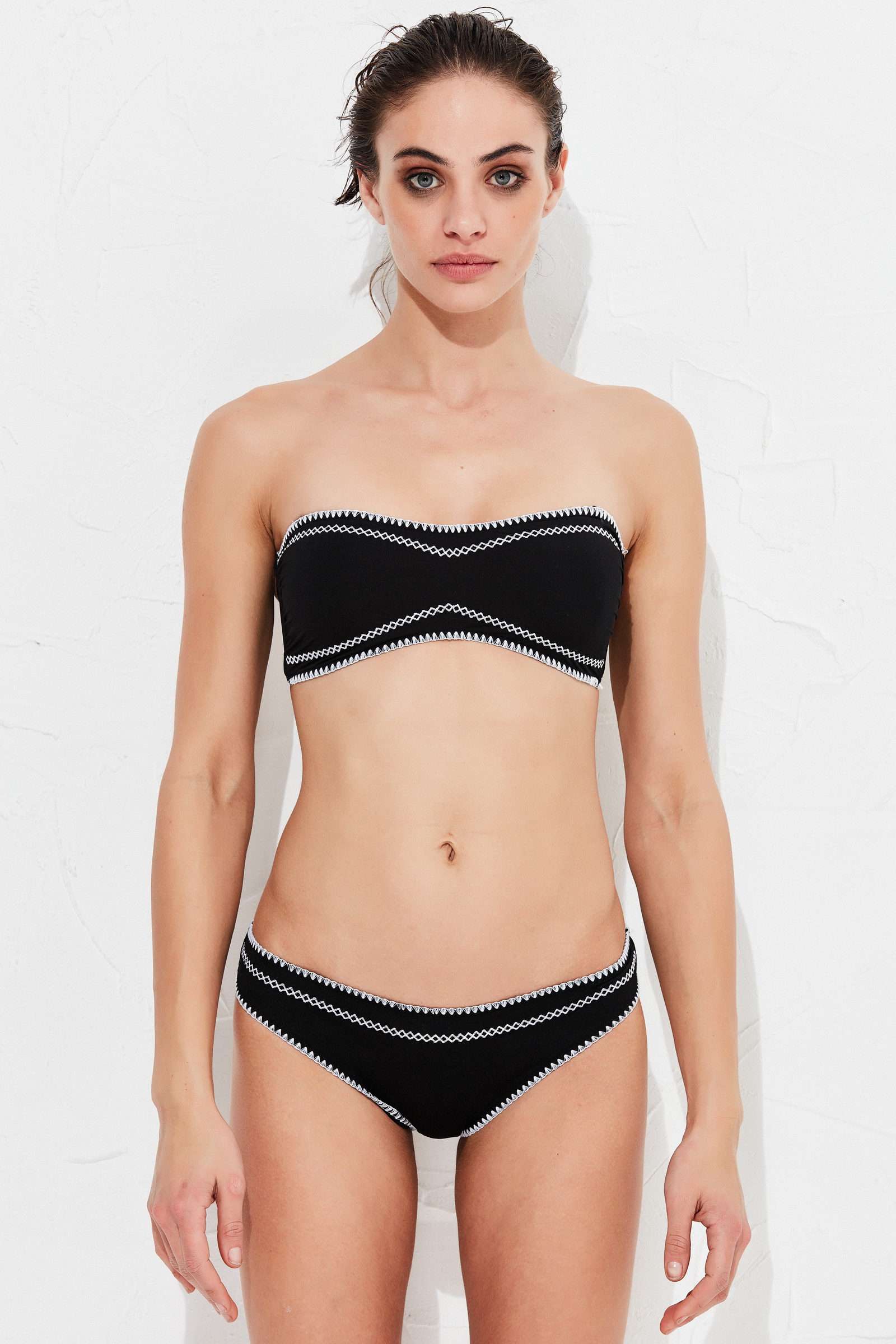
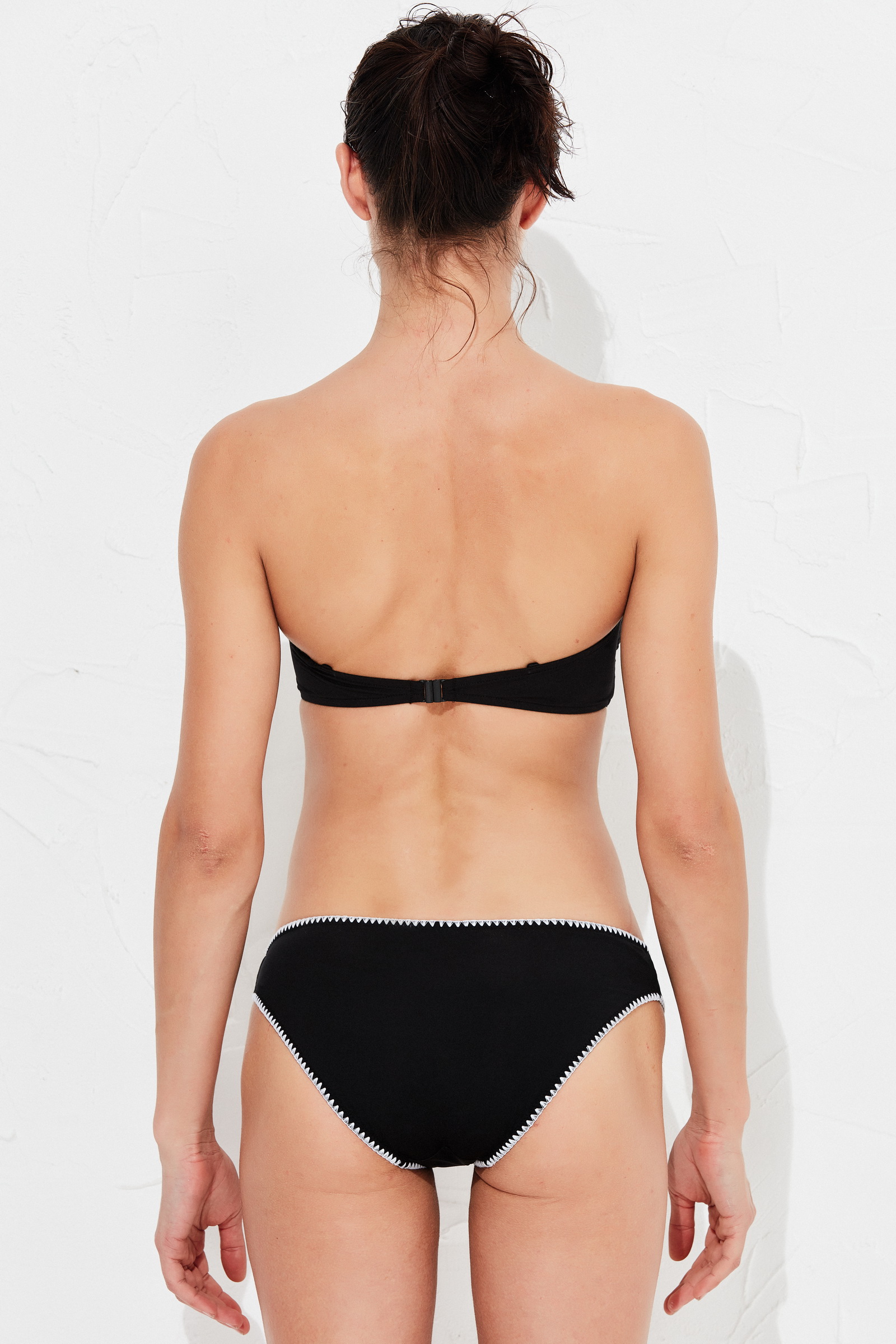
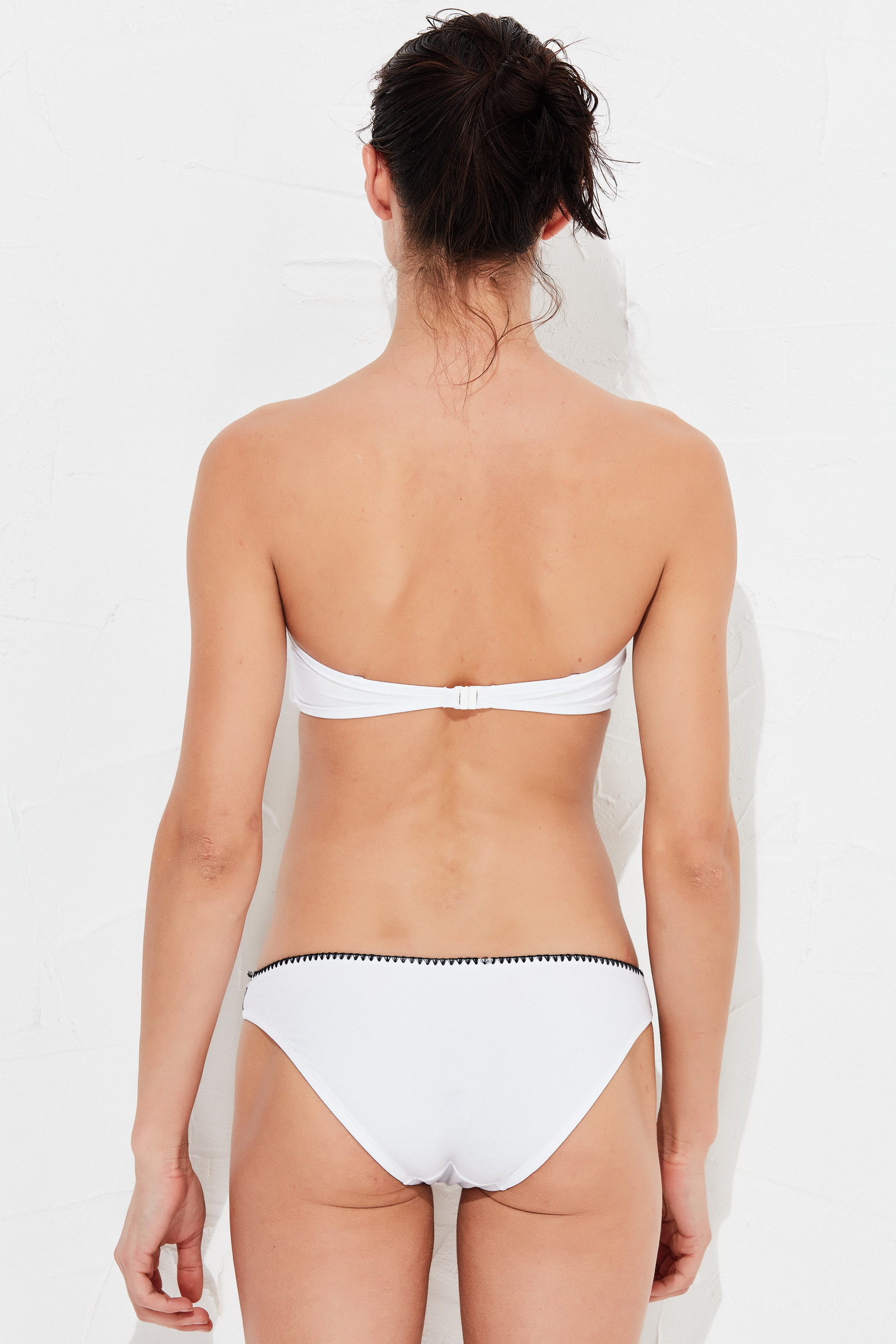
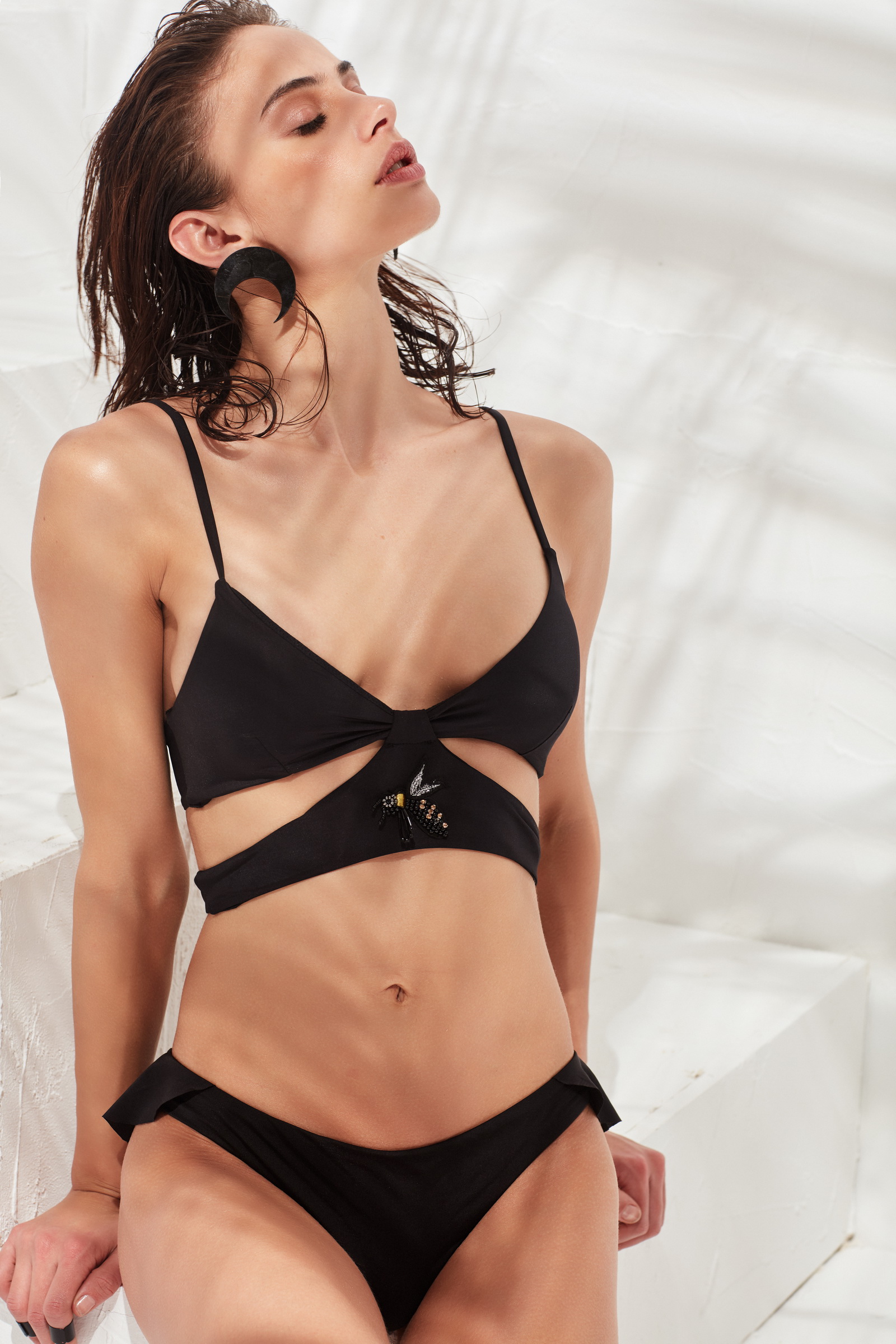
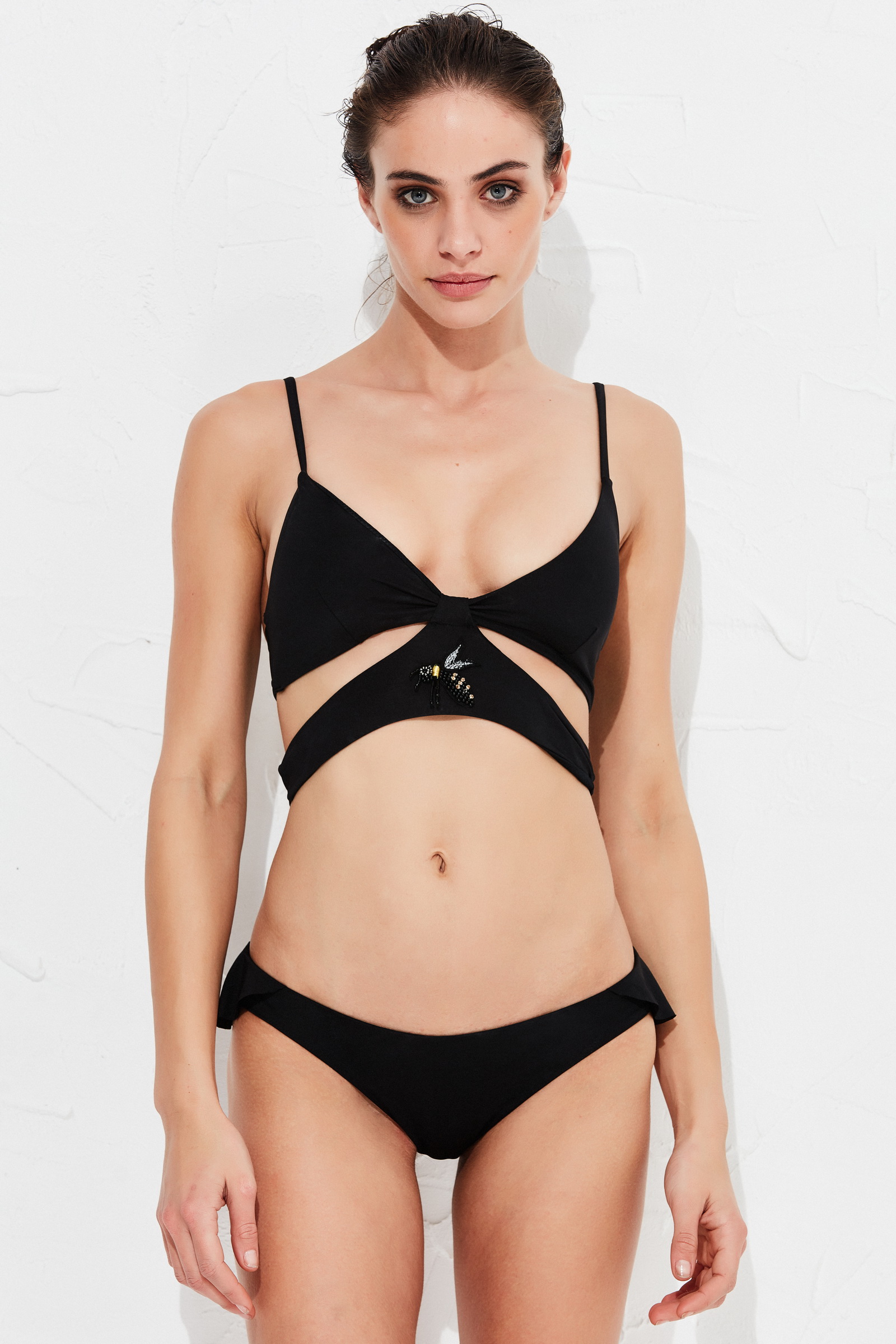
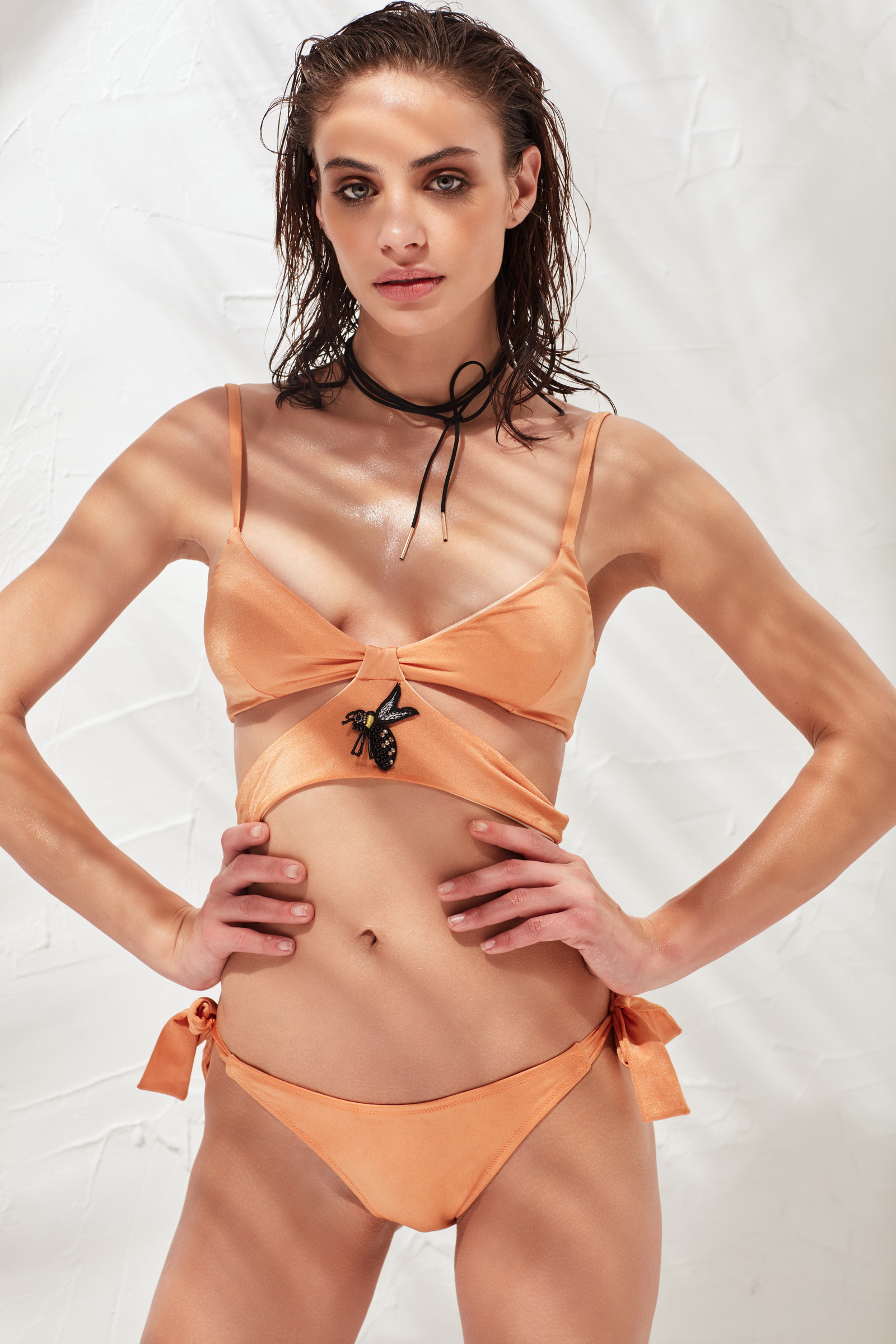
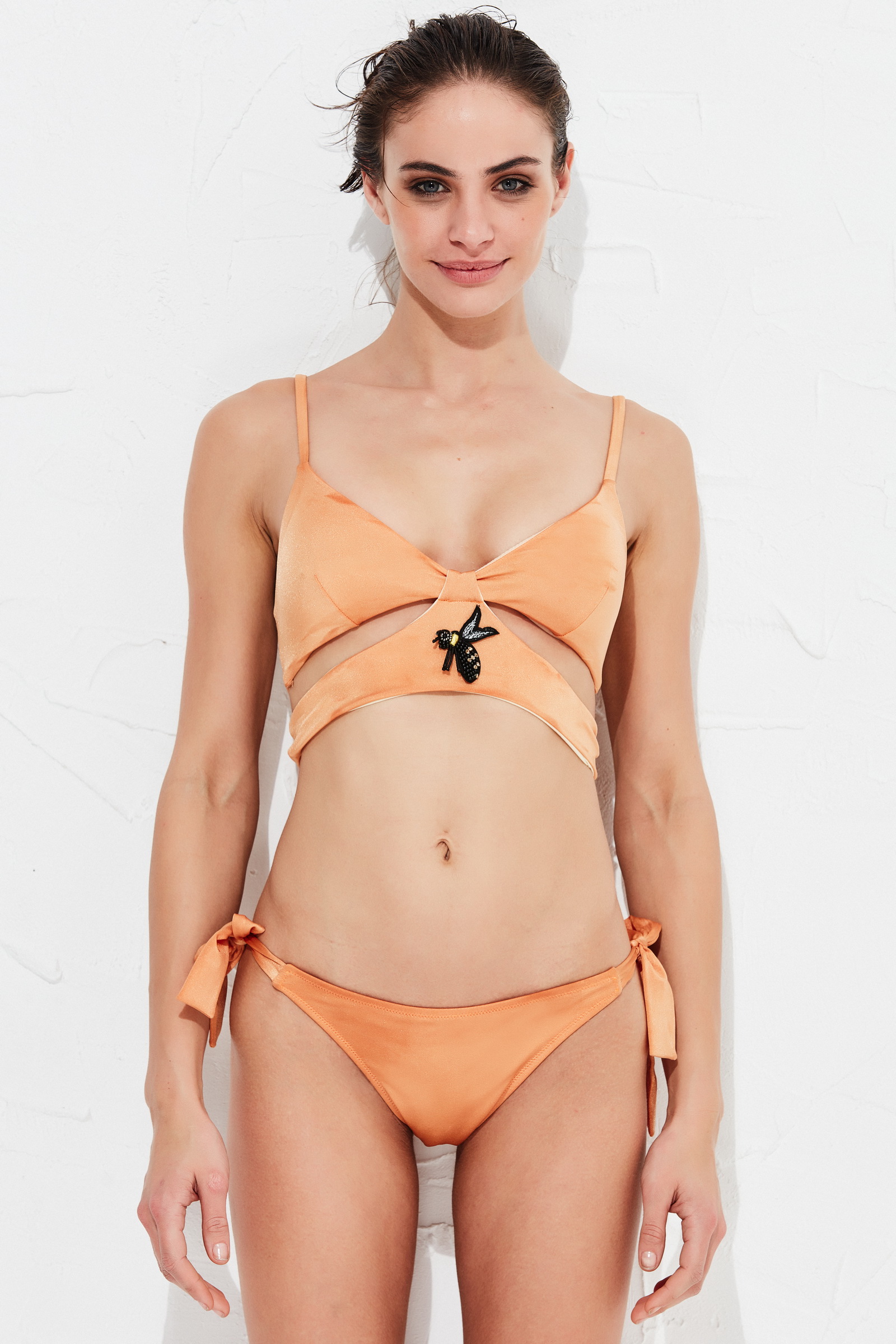
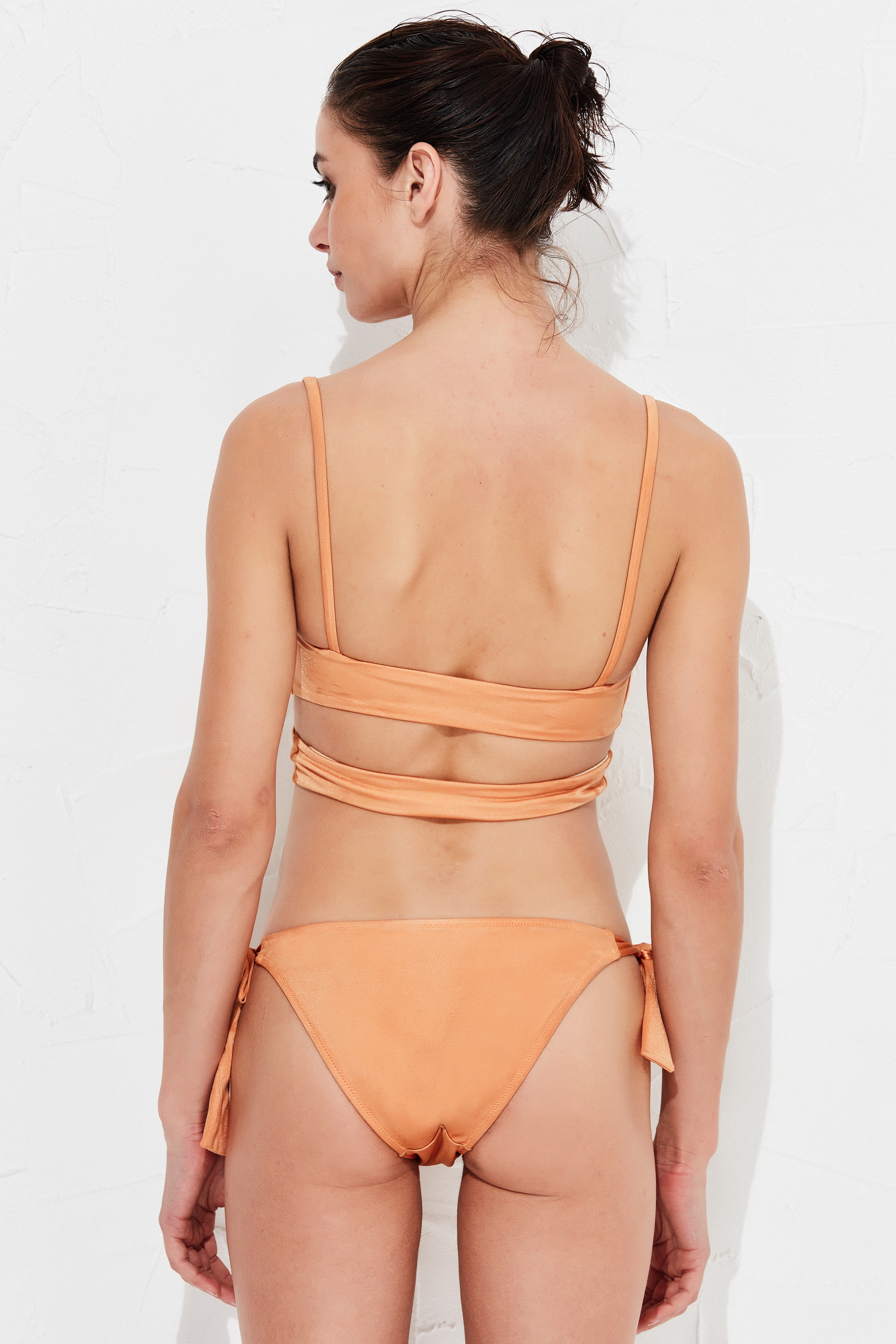
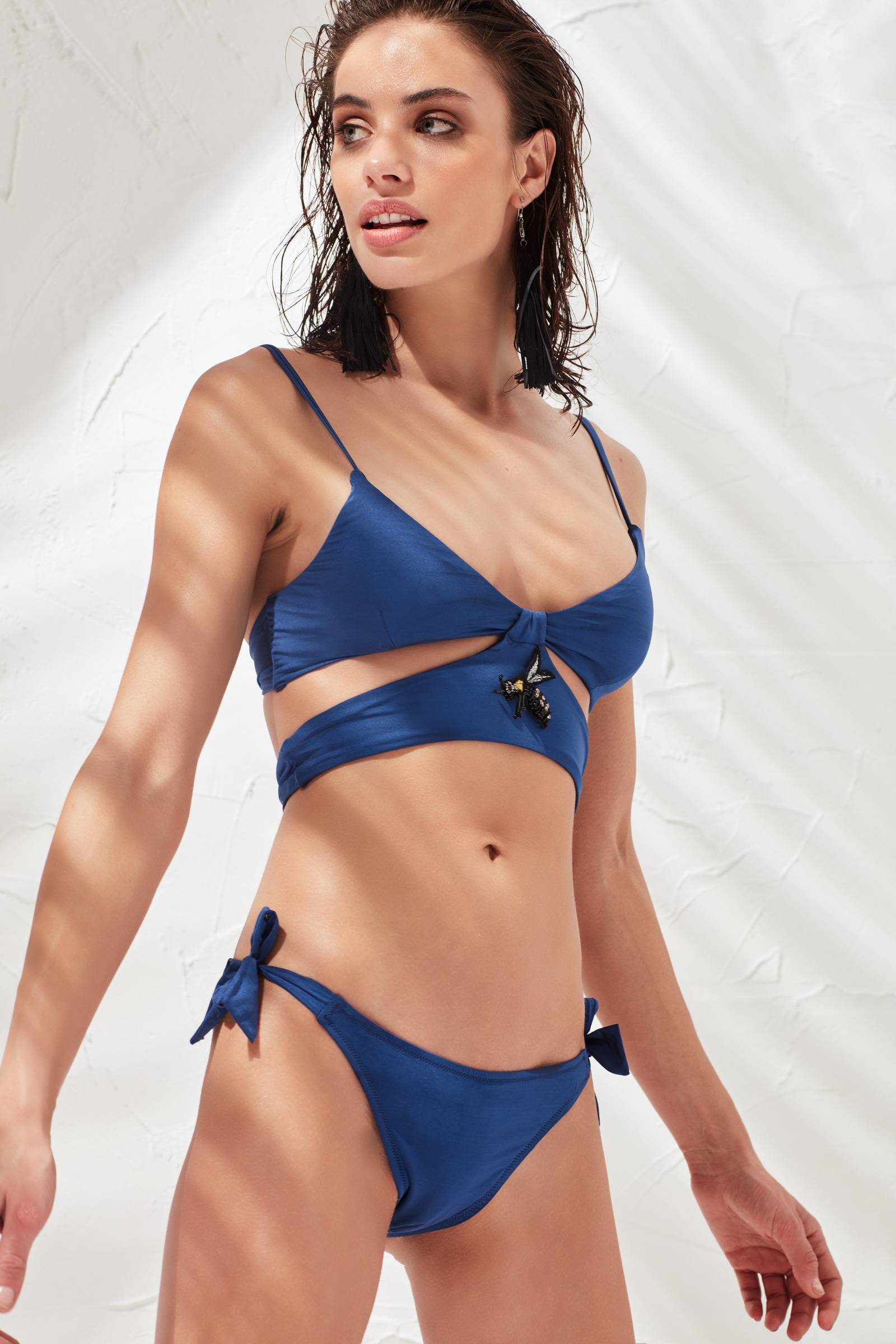
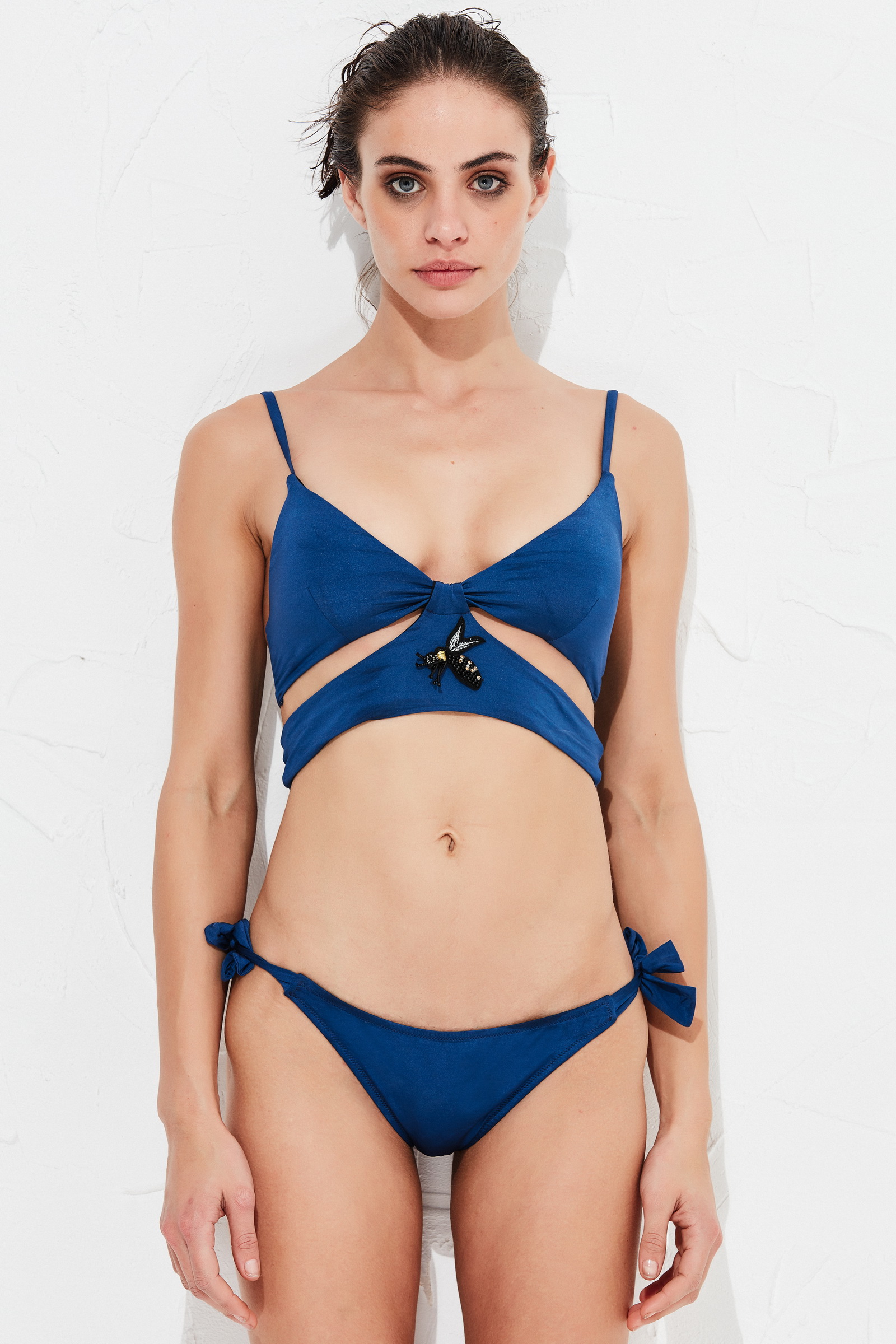
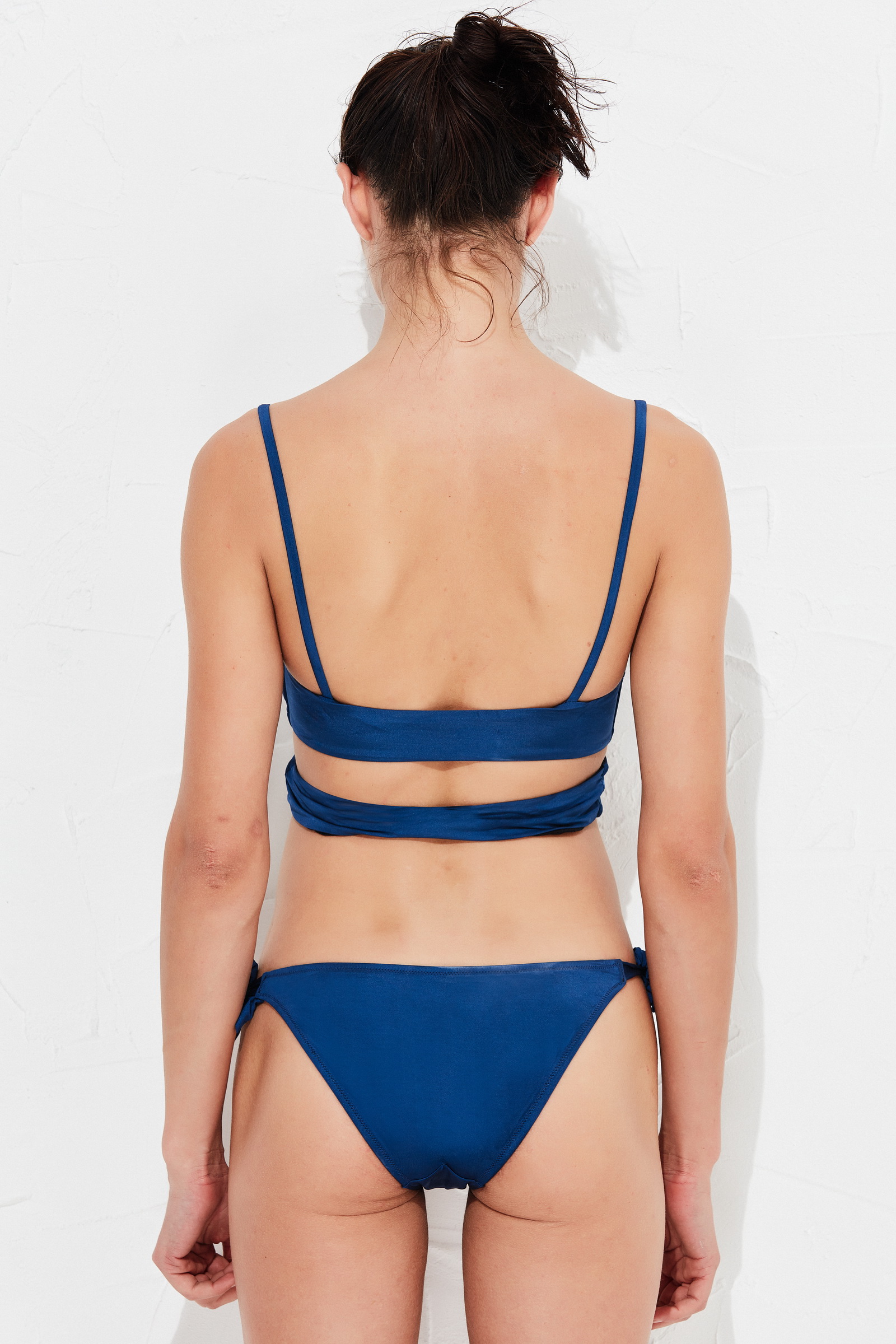
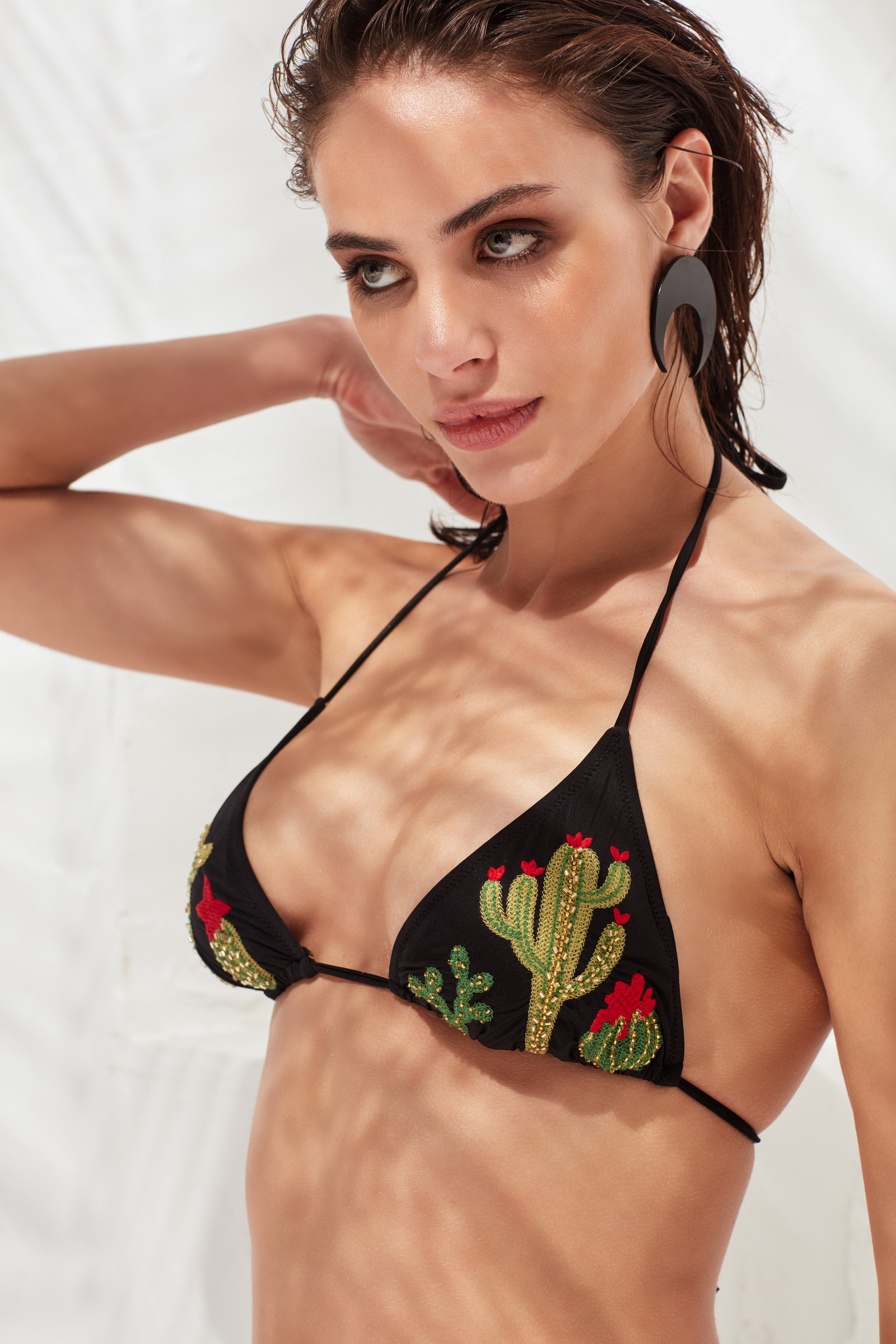
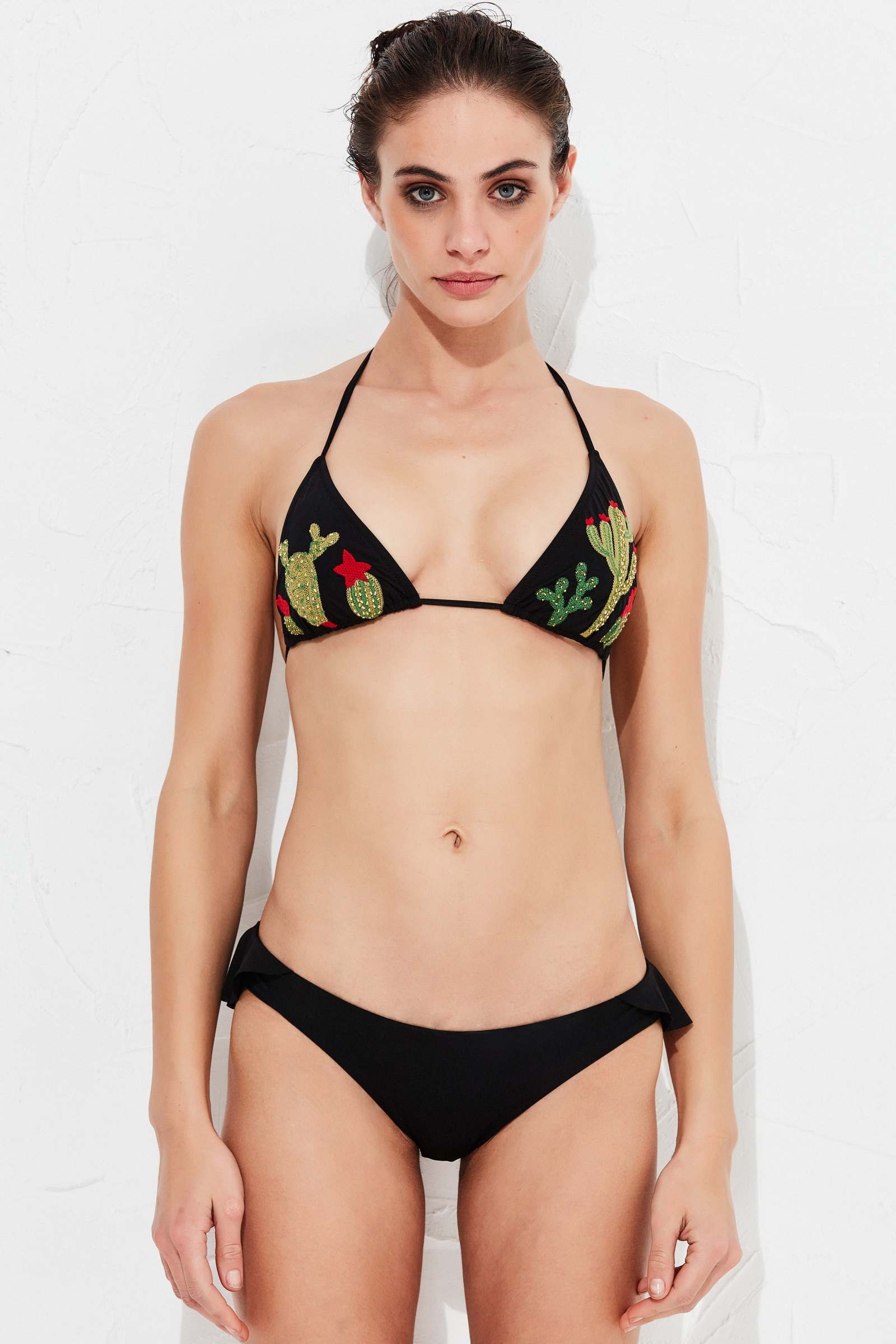
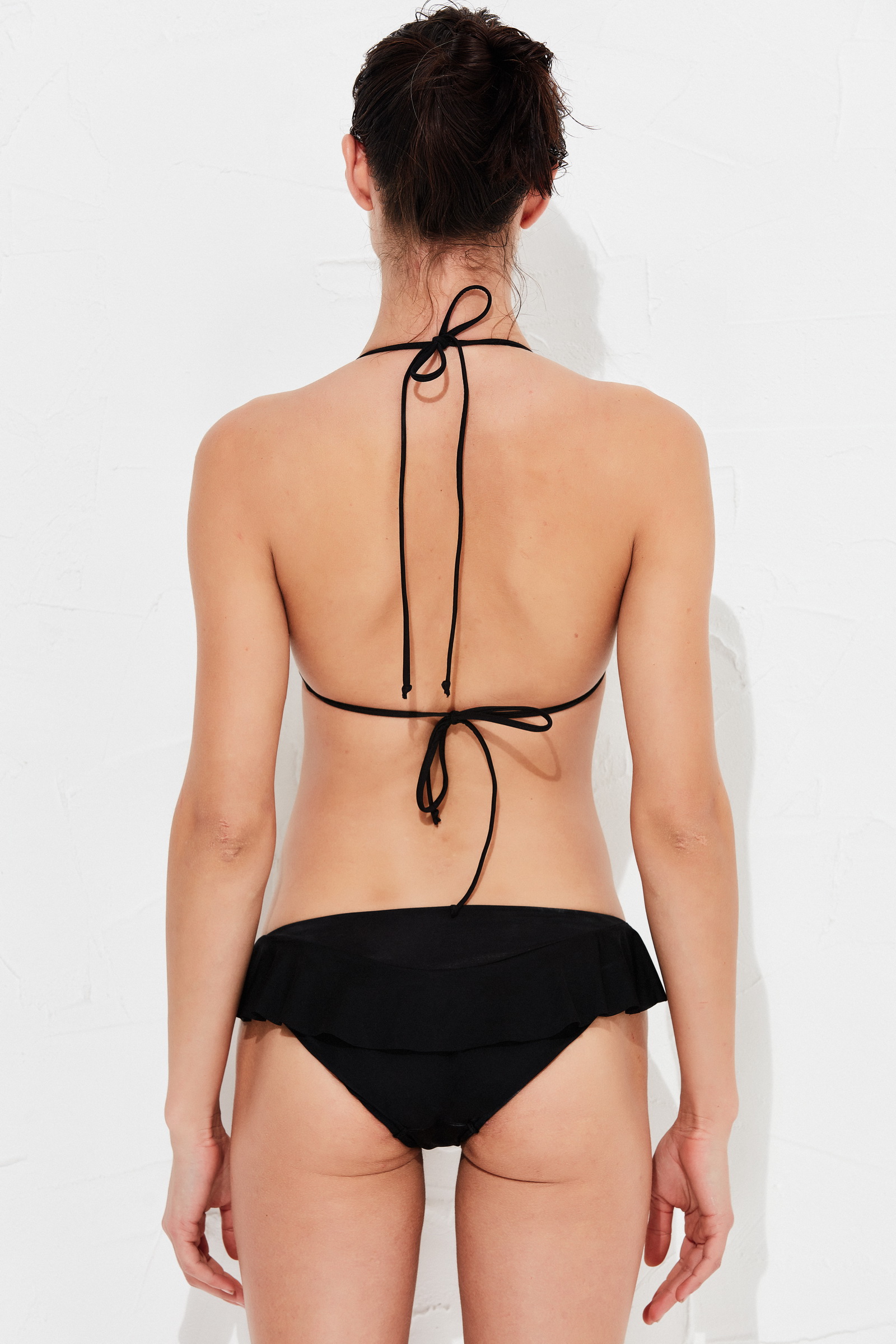
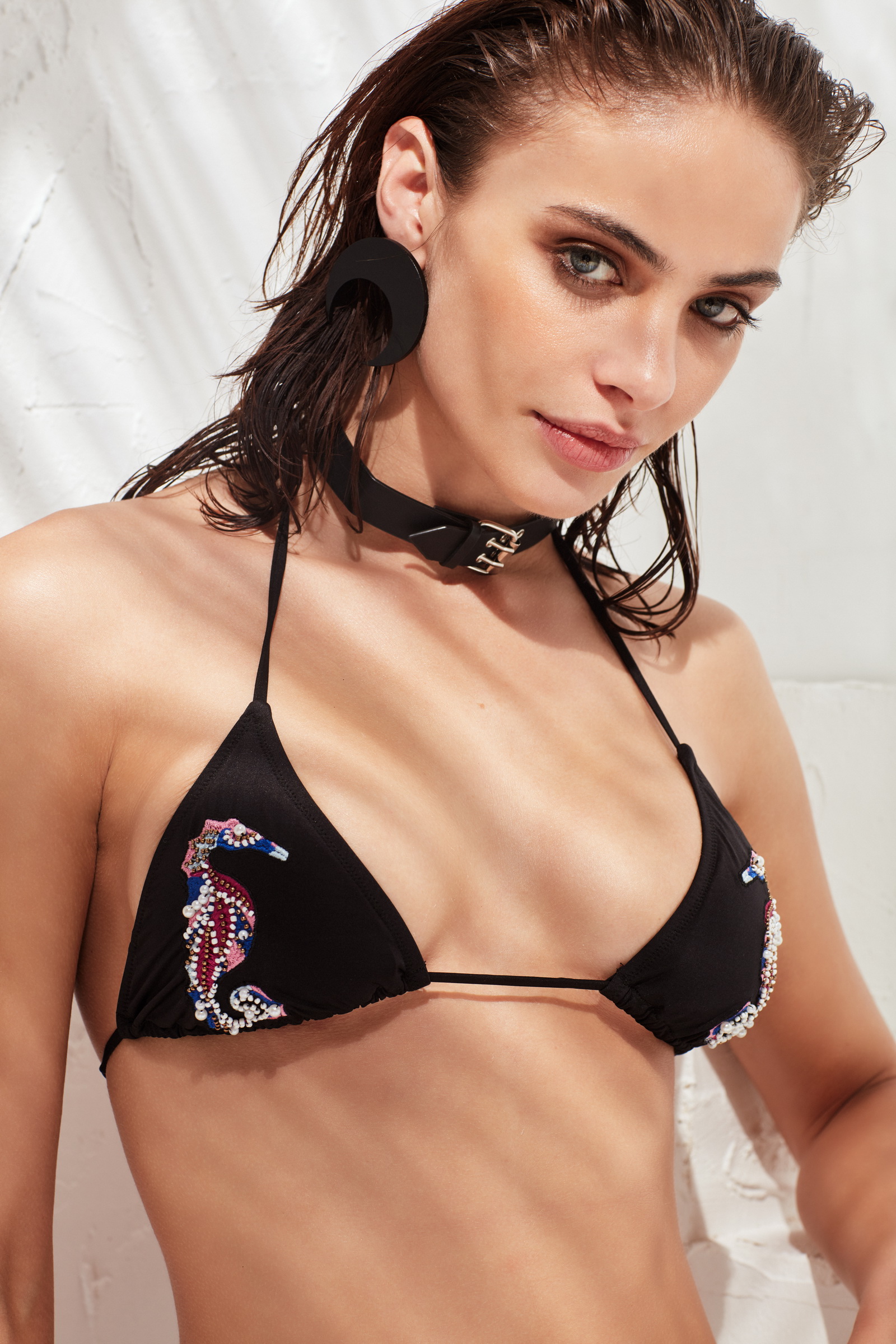
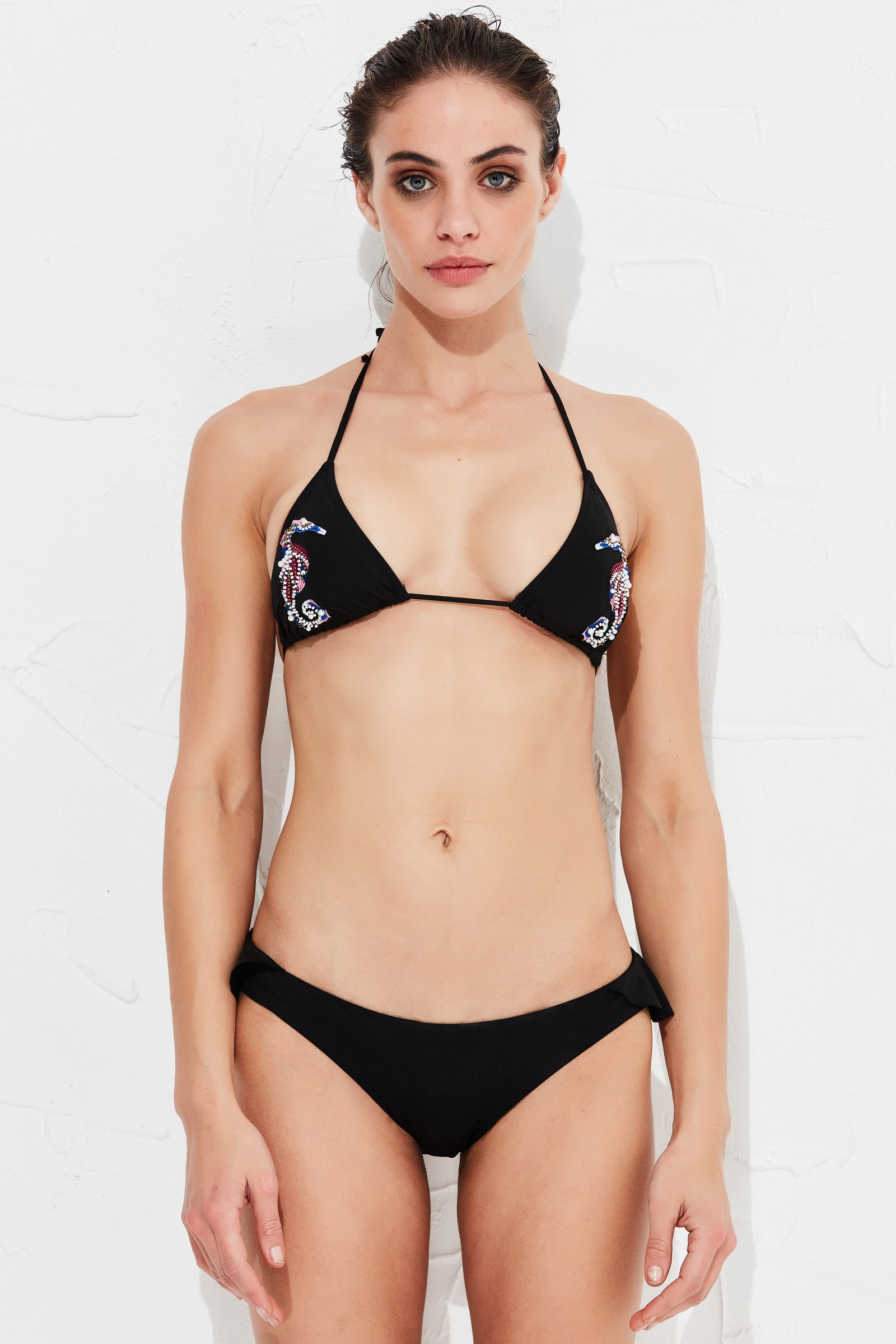
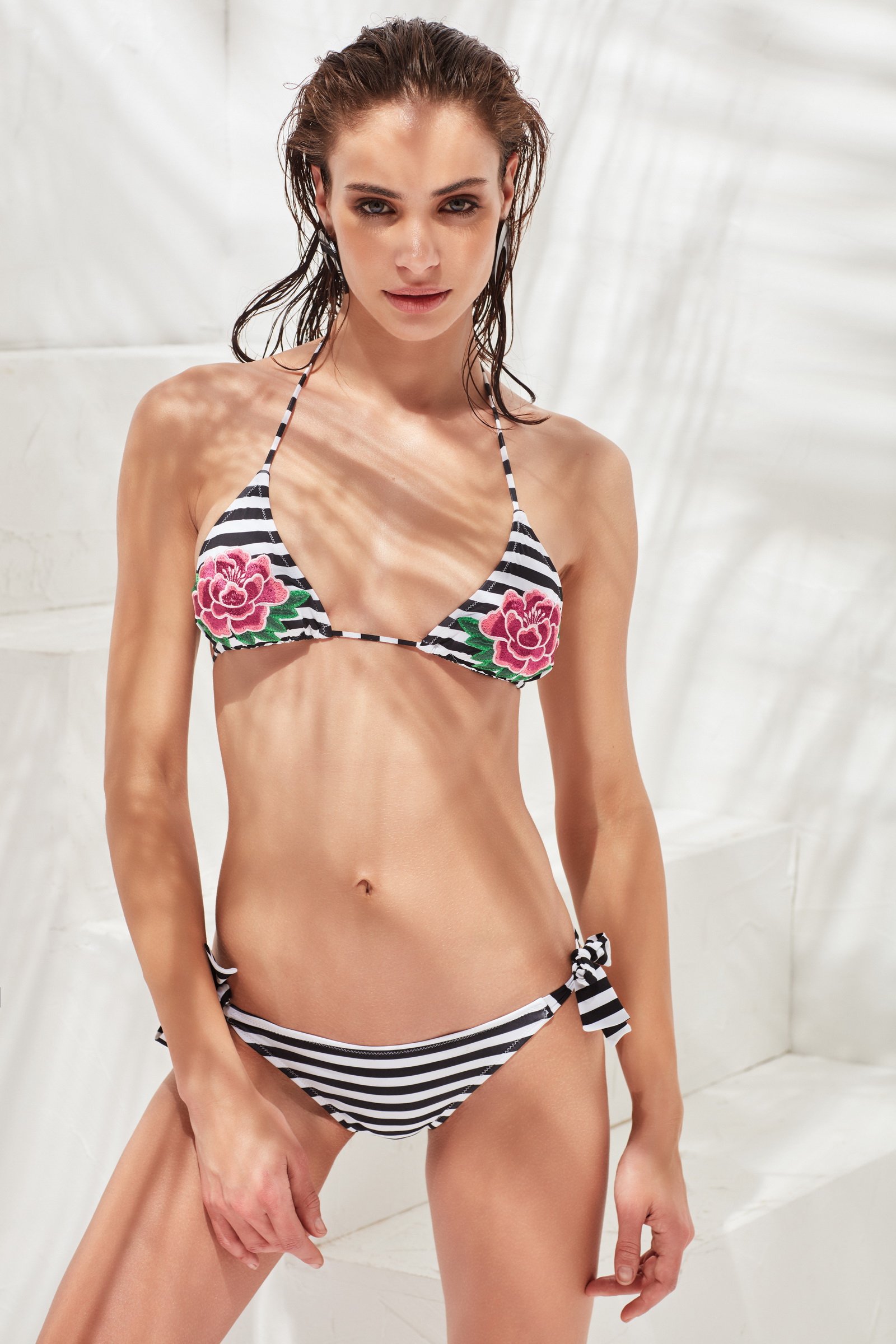
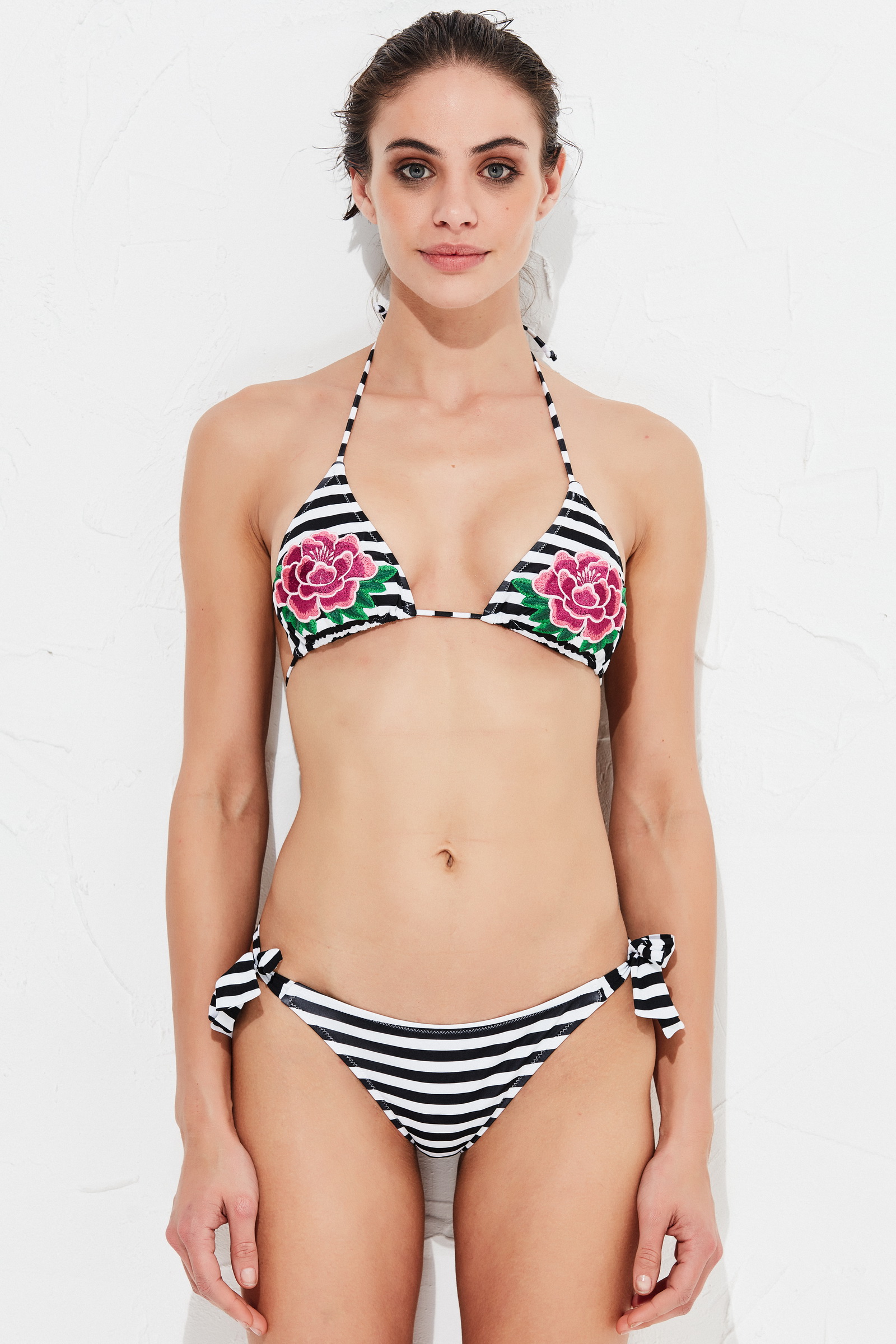
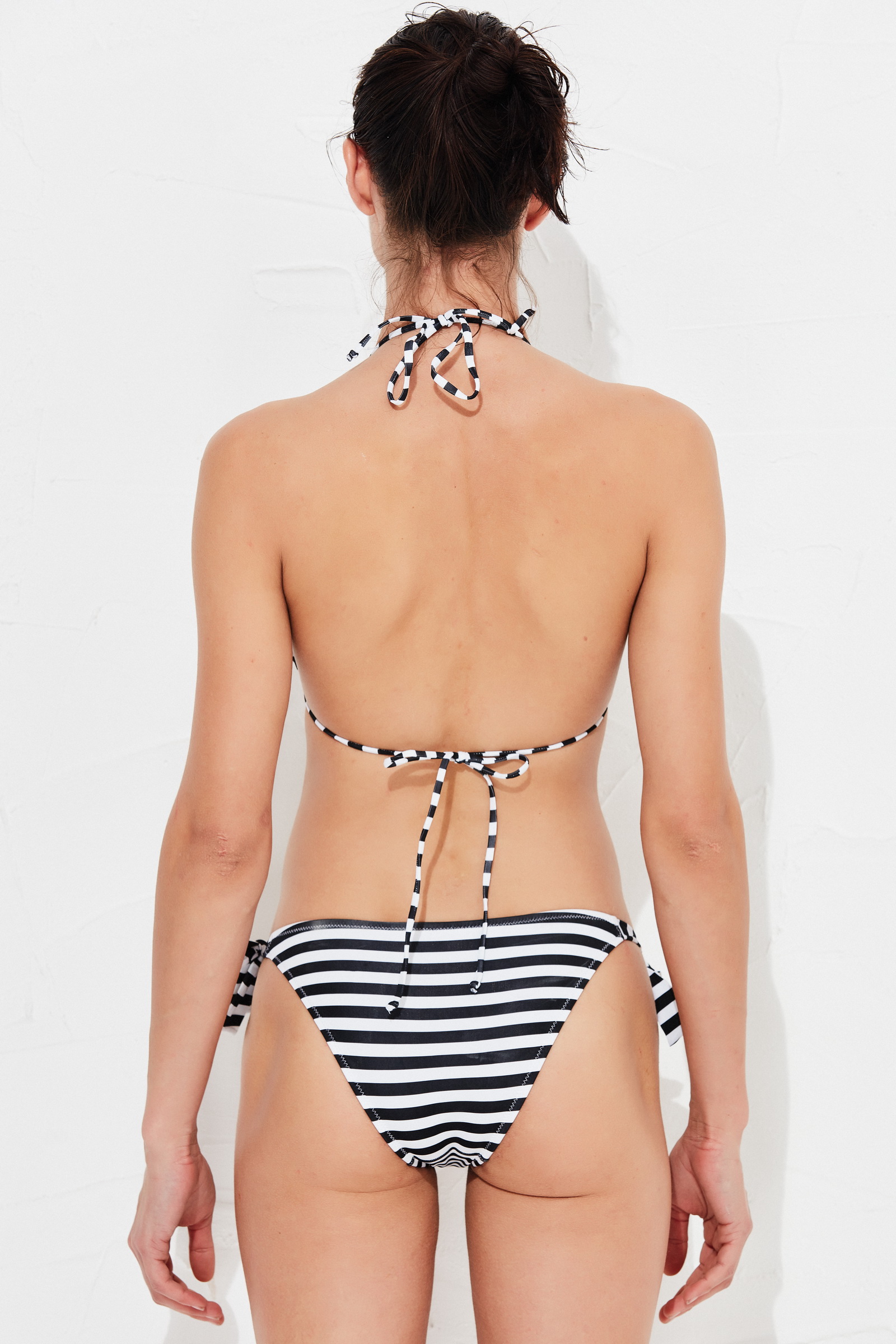
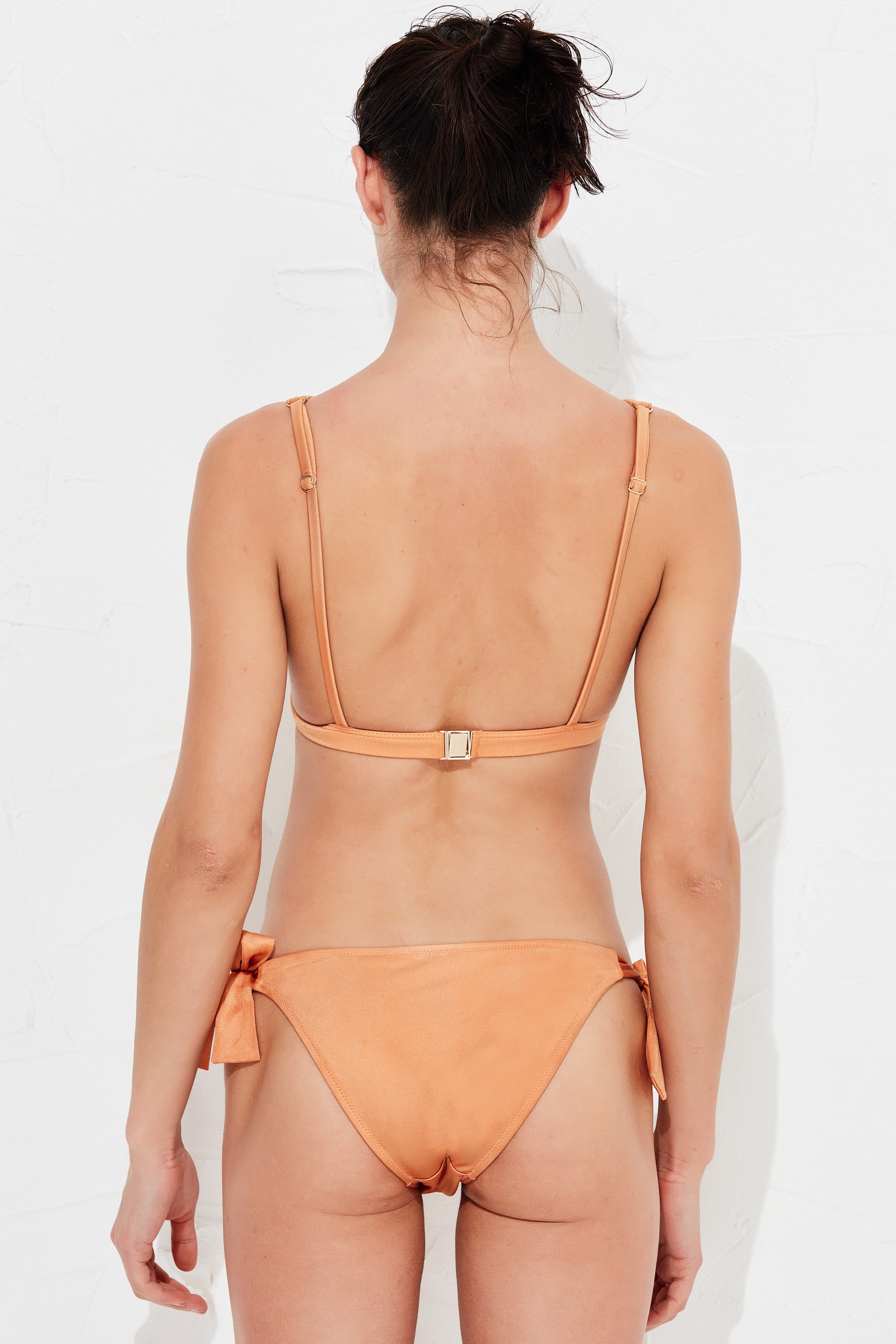
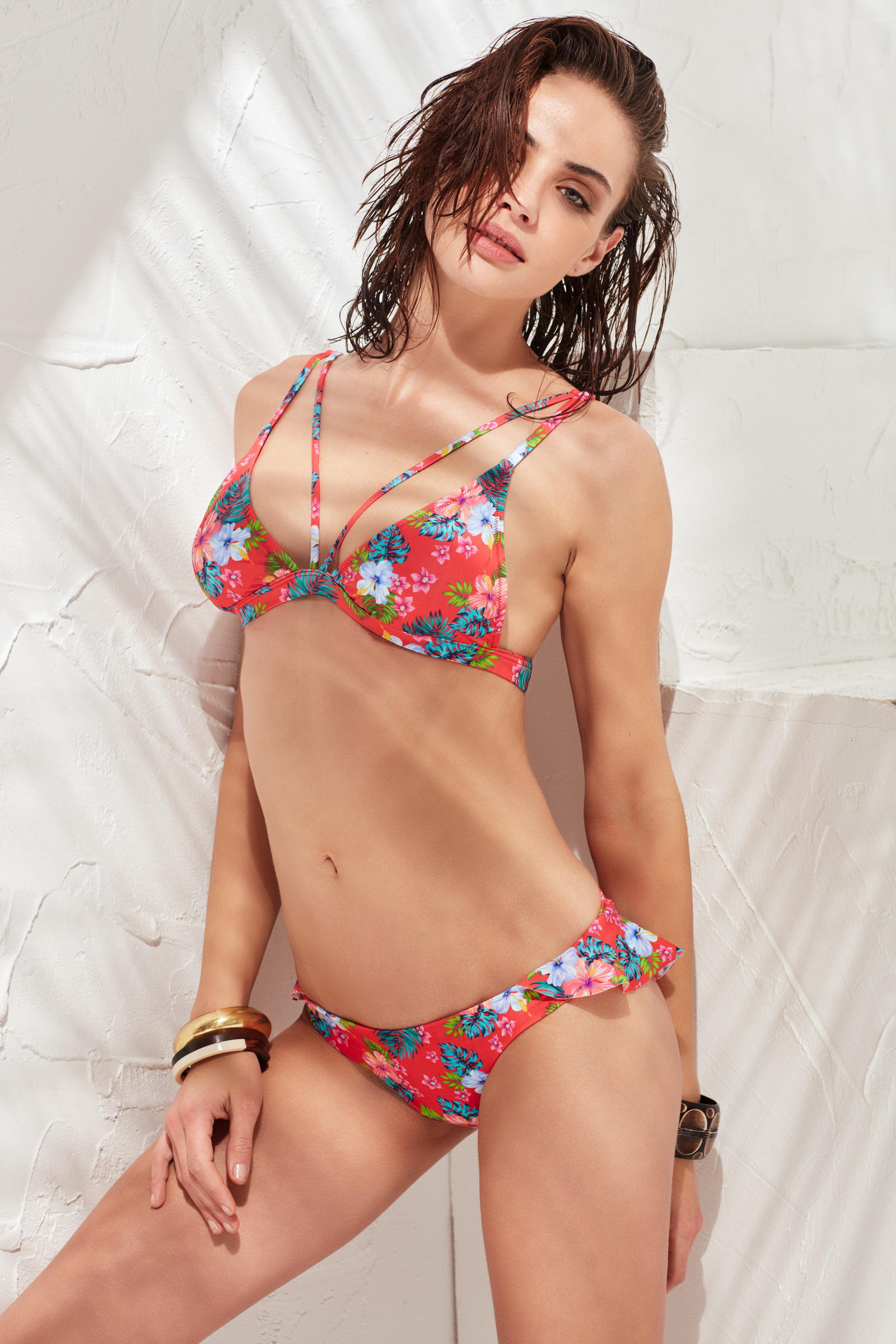
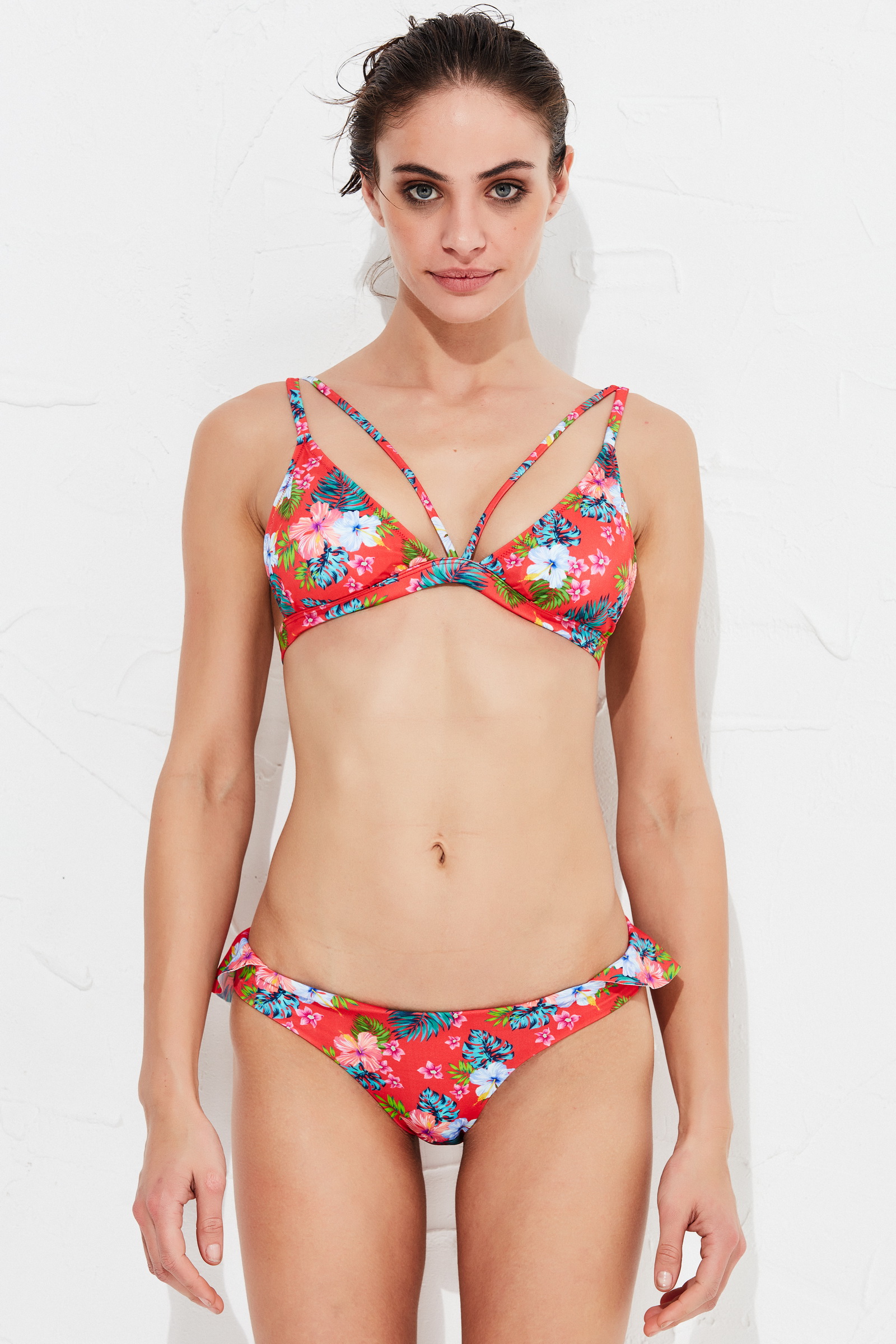
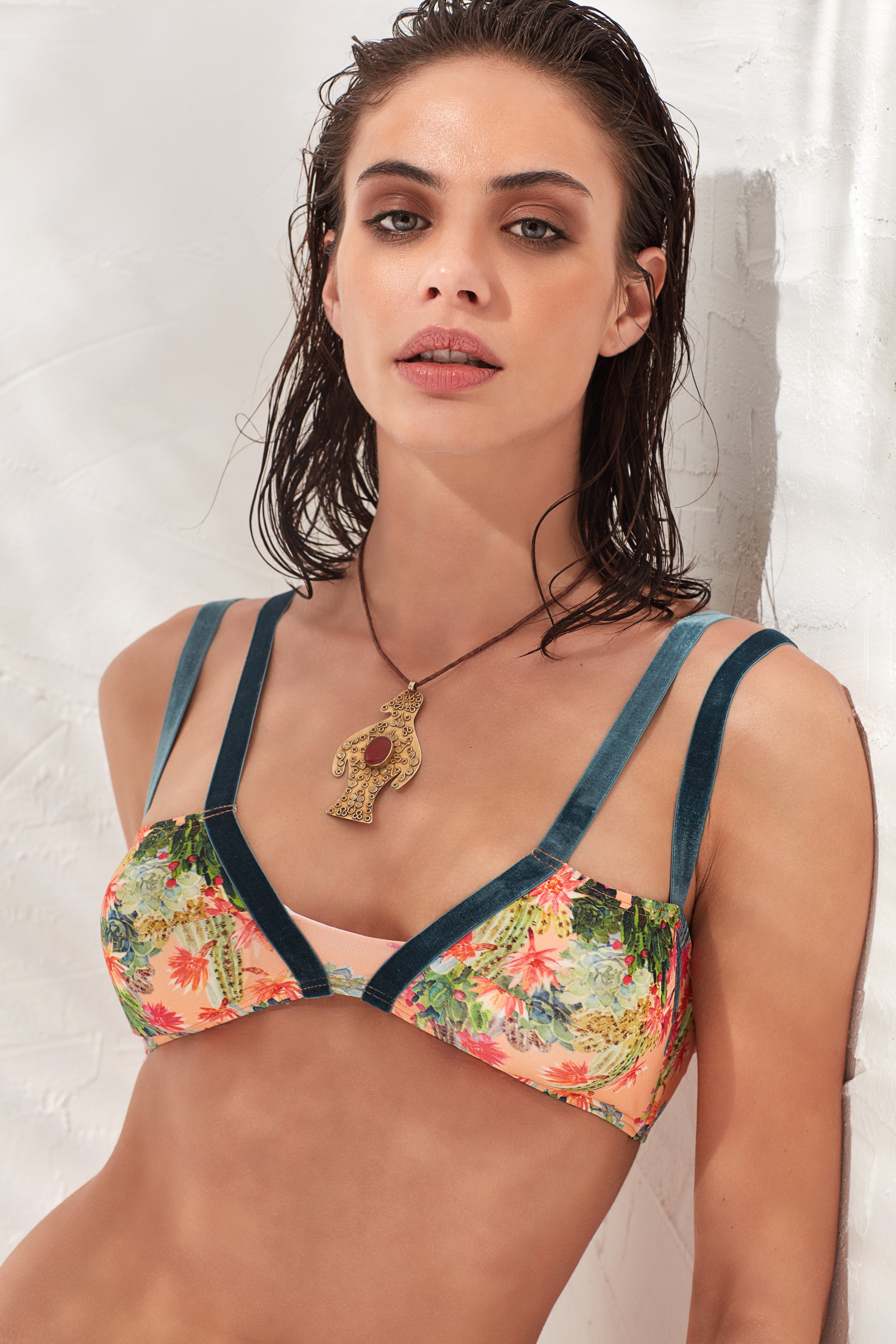
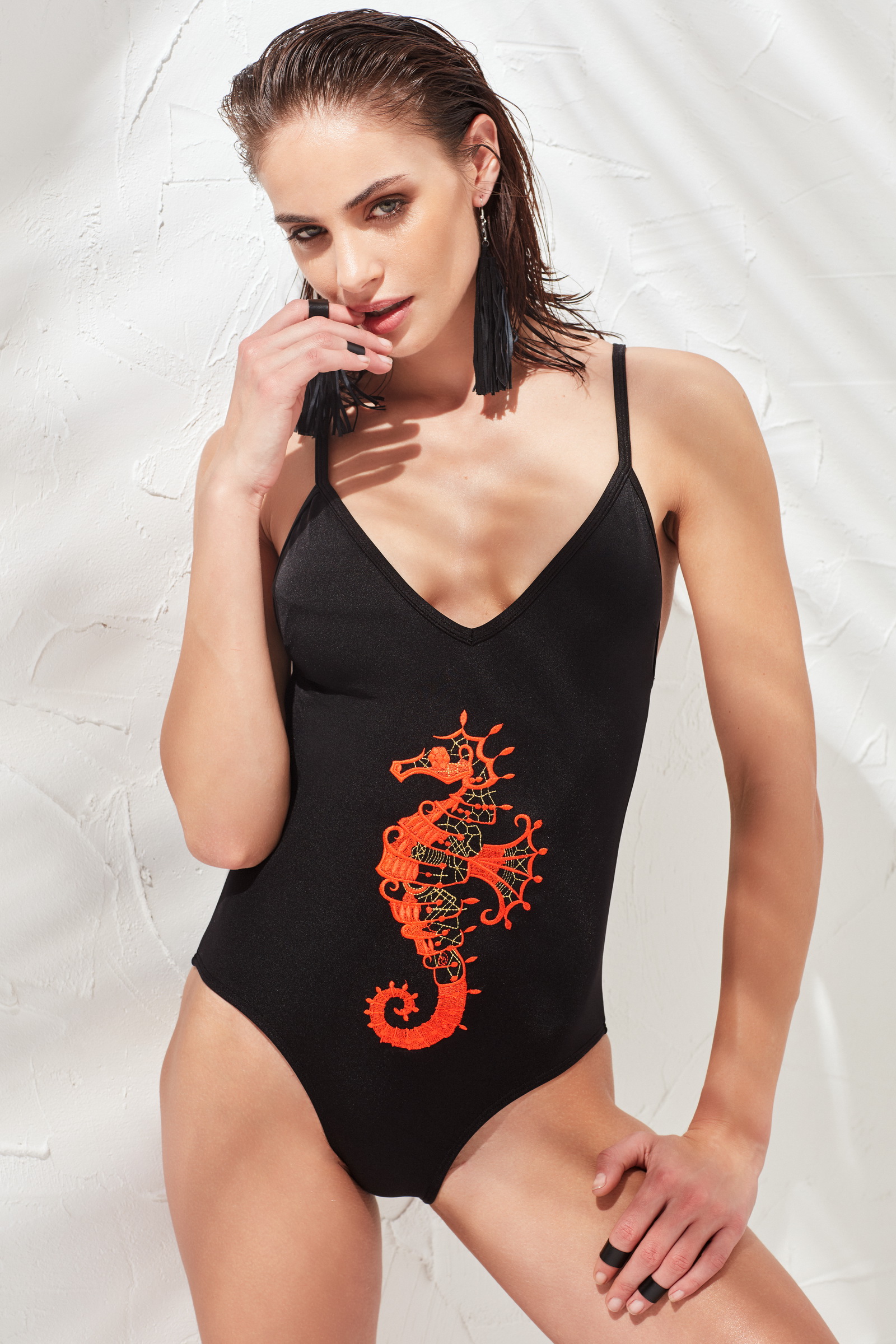
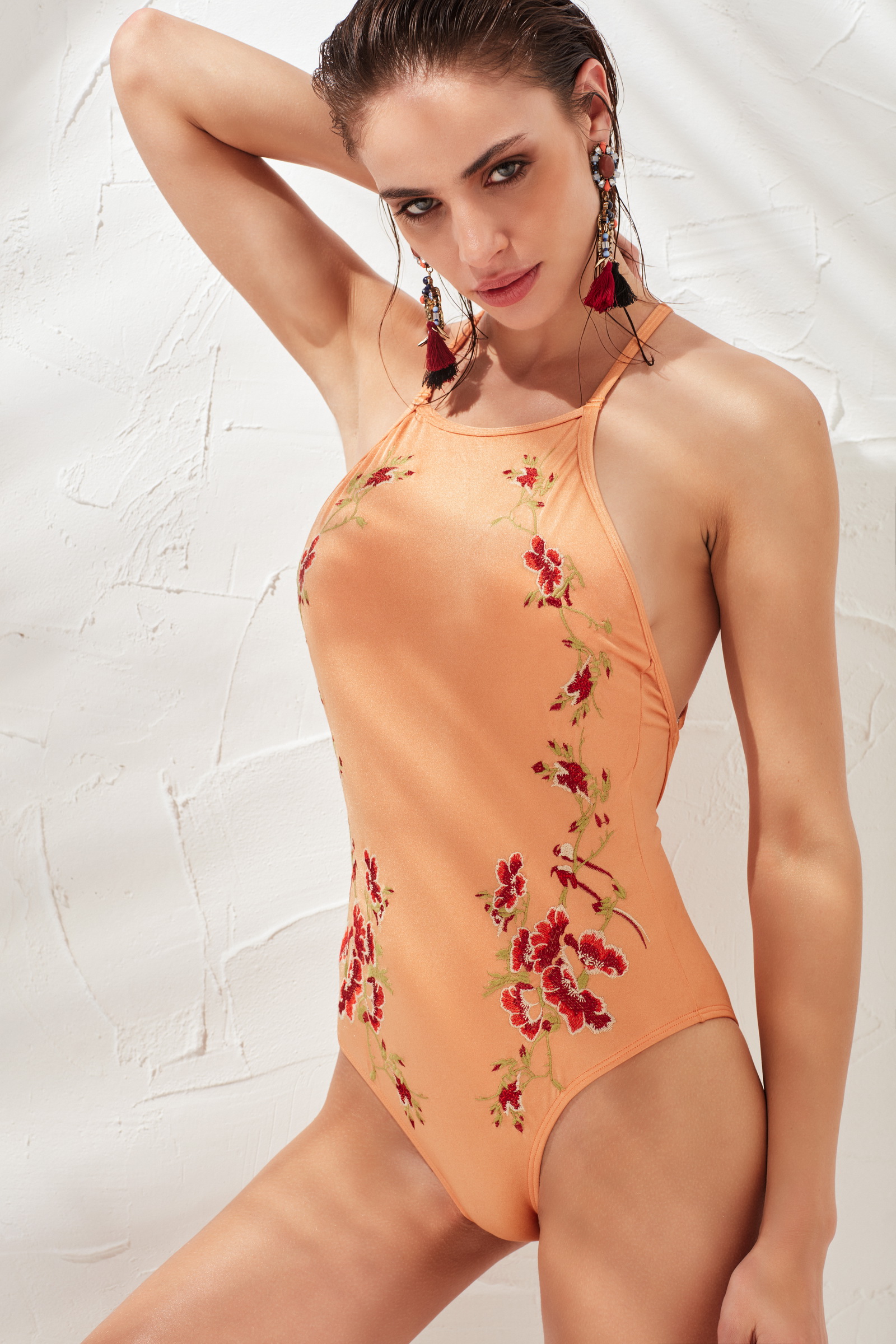
 @heatonsstores New Campaign 2017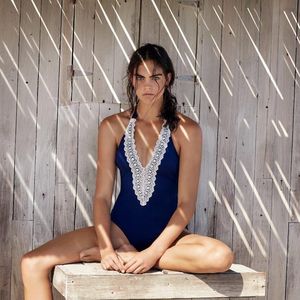
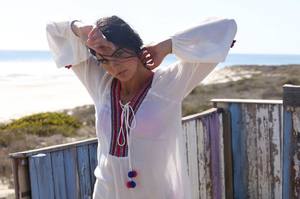

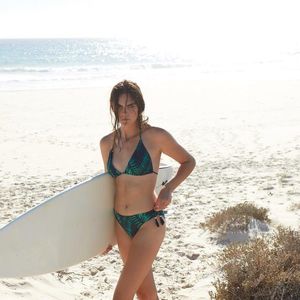



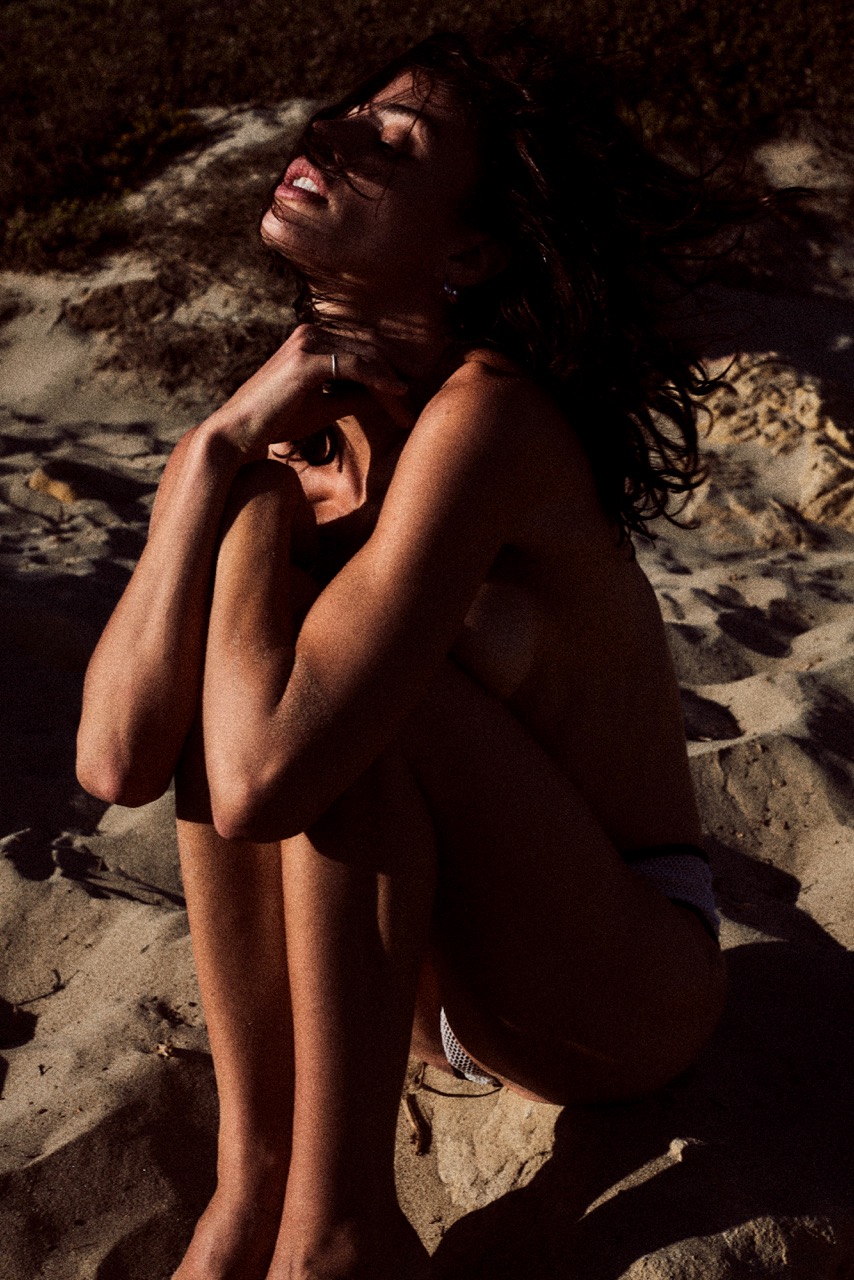
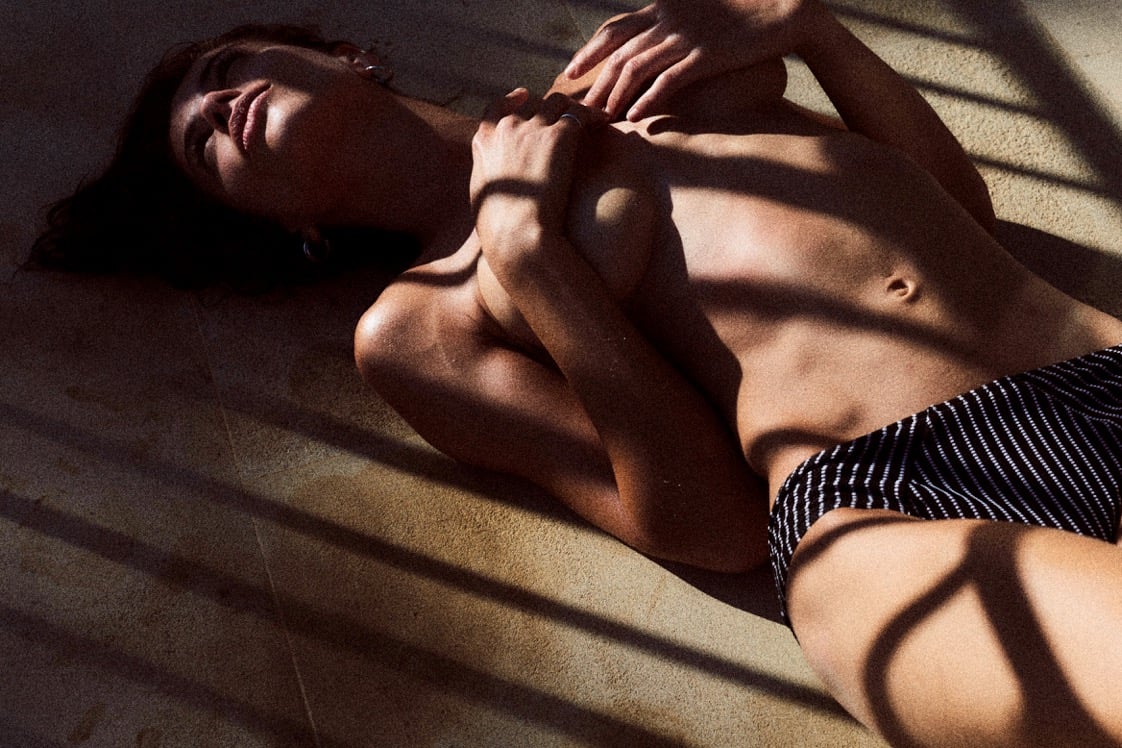
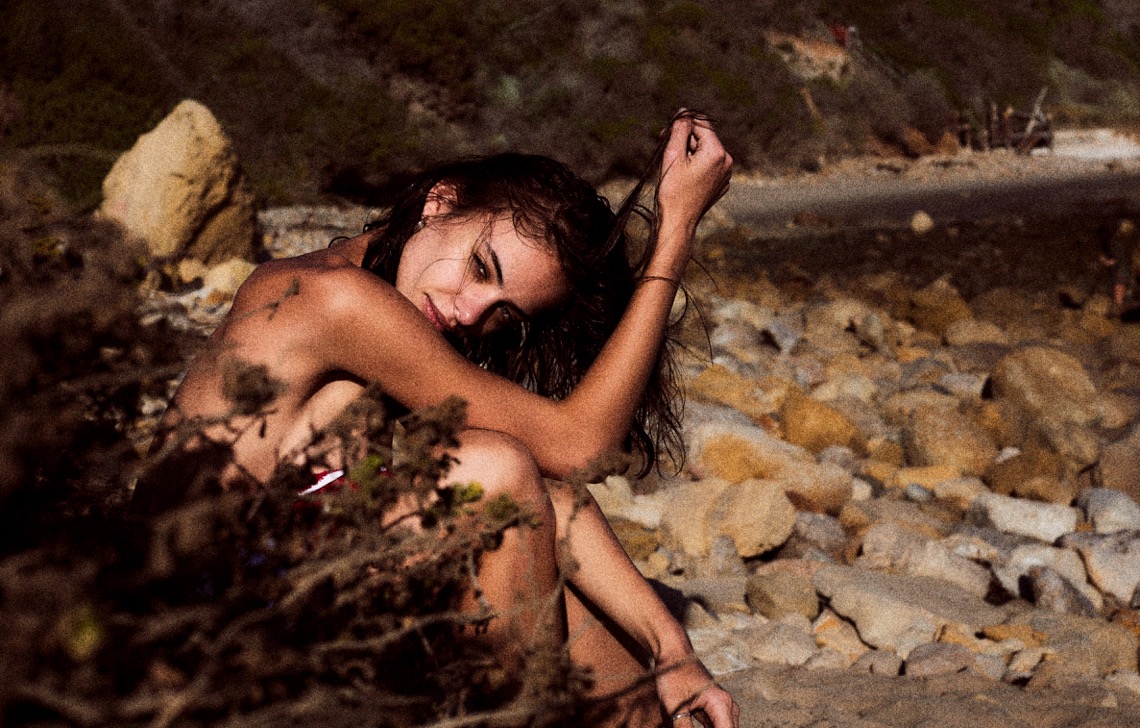
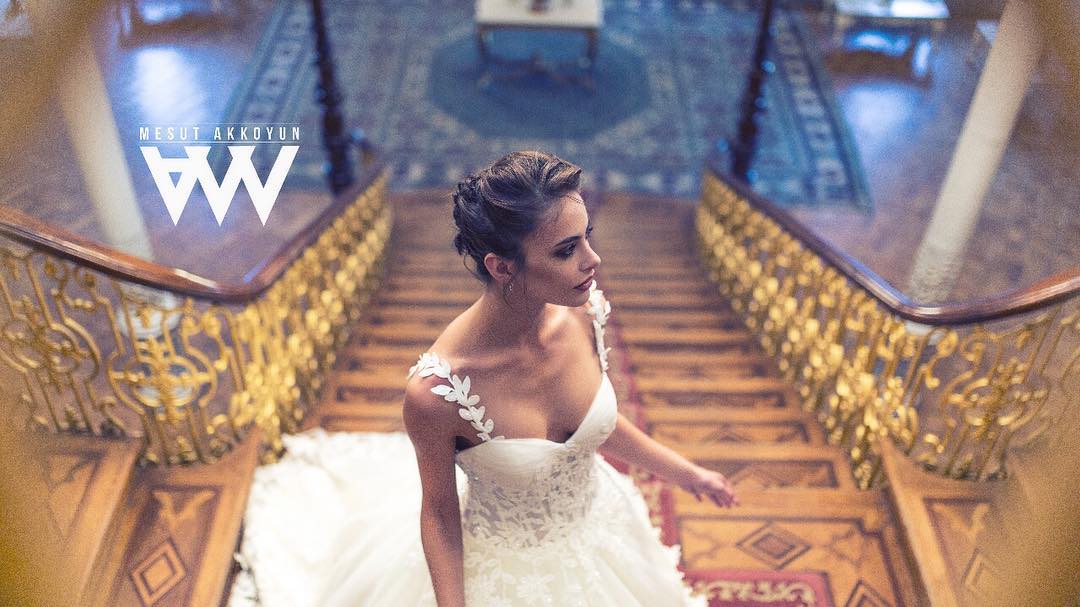
 @passmorepics



 Did you knew guys she signed with IMG models ? I'm impressed !
Thanks all for the updates
I posted the pics one after the other, so i fixed the issue this way, i'll need to try it another time. But i tried to edit the quote, and no, still impossible to remove or change what is wrote into the box ...
Did you knew guys she signed with IMG models ? I'm impressed !
Thanks all for the updates
I posted the pics one after the other, so i fixed the issue this way, i'll need to try it another time. But i tried to edit the quote, and no, still impossible to remove or change what is wrote into the box ...
Account
Search
Configure browser push notifications
Chrome (Android)
- Tap the lock icon next to the address bar.
- Tap Permissions → Notifications.
- Adjust your preference.
Chrome (Desktop)
- Click the padlock icon in the address bar.
- Select Site settings.
- Find Notifications and adjust your preference.
Safari (iOS 16.4+)
- Ensure the site is installed via Add to Home Screen.
- Open Settings App → Notifications.
- Find your app name and adjust your preference.
Safari (macOS)
- Go to Safari → Preferences.
- Click the Websites tab.
- Select Notifications in the sidebar.
- Find this website and adjust your preference.
Edge (Android)
- Tap the lock icon next to the address bar.
- Tap Permissions.
- Find Notifications and adjust your preference.
Edge (Desktop)
- Click the padlock icon in the address bar.
- Click Permissions for this site.
- Find Notifications and adjust your preference.
Firefox (Android)
- Go to Settings → Site permissions.
- Tap Notifications.
- Find this site in the list and adjust your preference.
Firefox (Desktop)
- Open Firefox Settings.
- Search for Notifications.
- Find this site in the list and adjust your preference.