
foofur16
Members
-
Joined
-
Last visited
Everything posted by foofur16
-
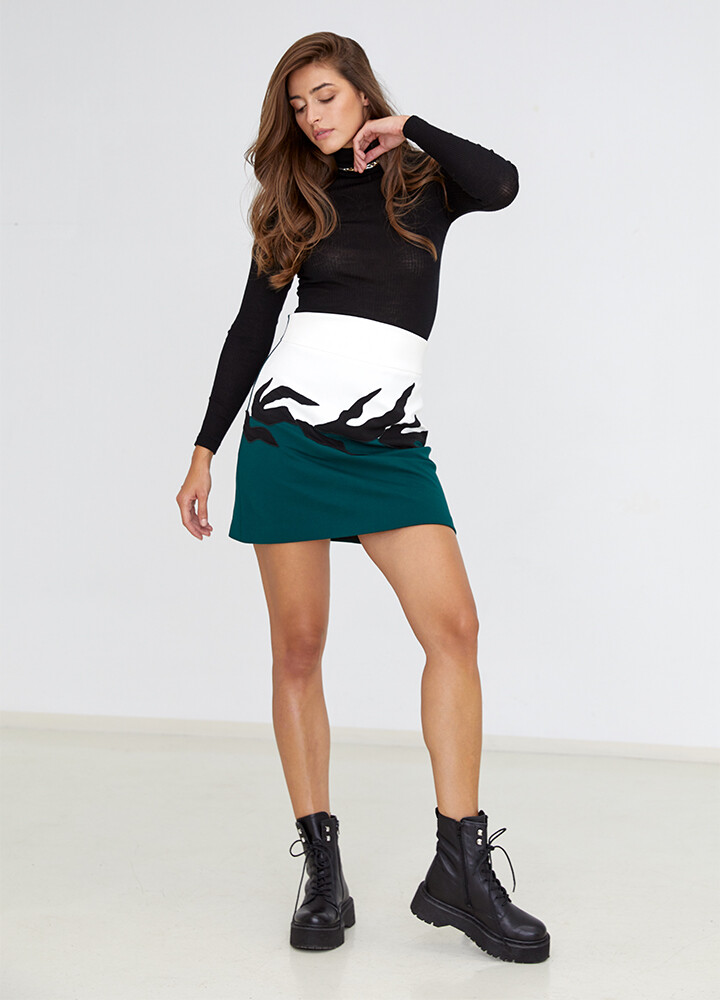
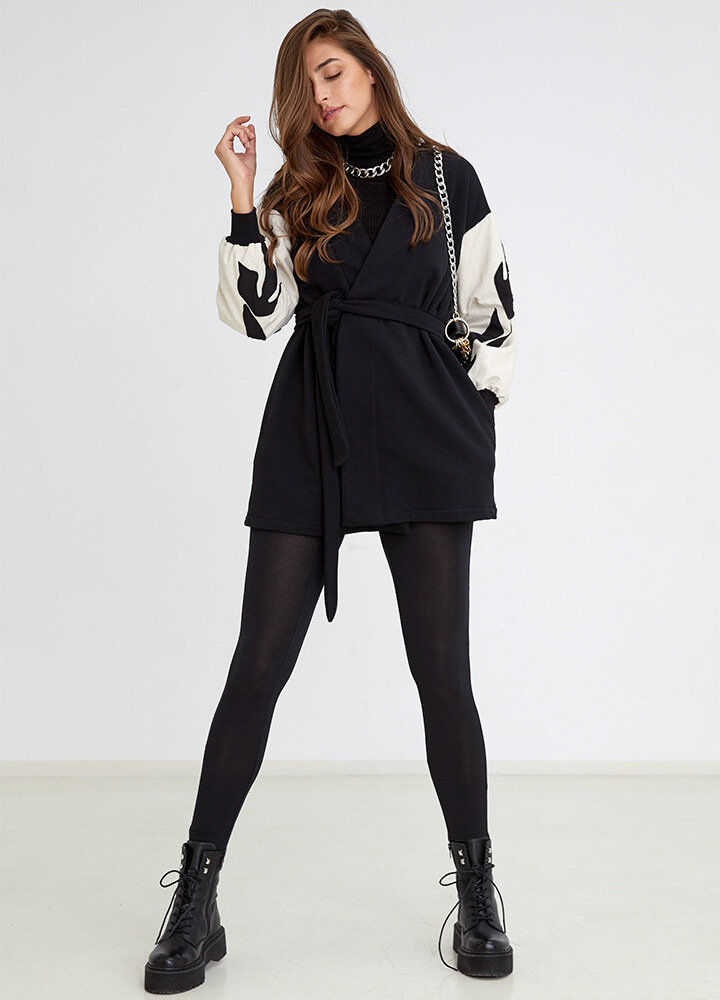
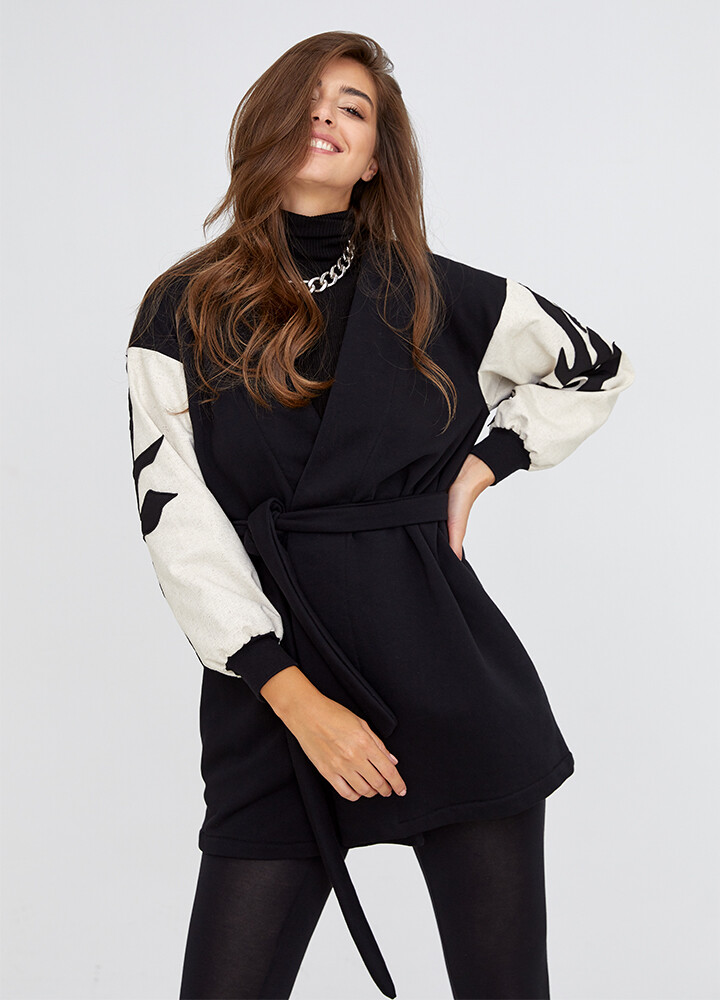
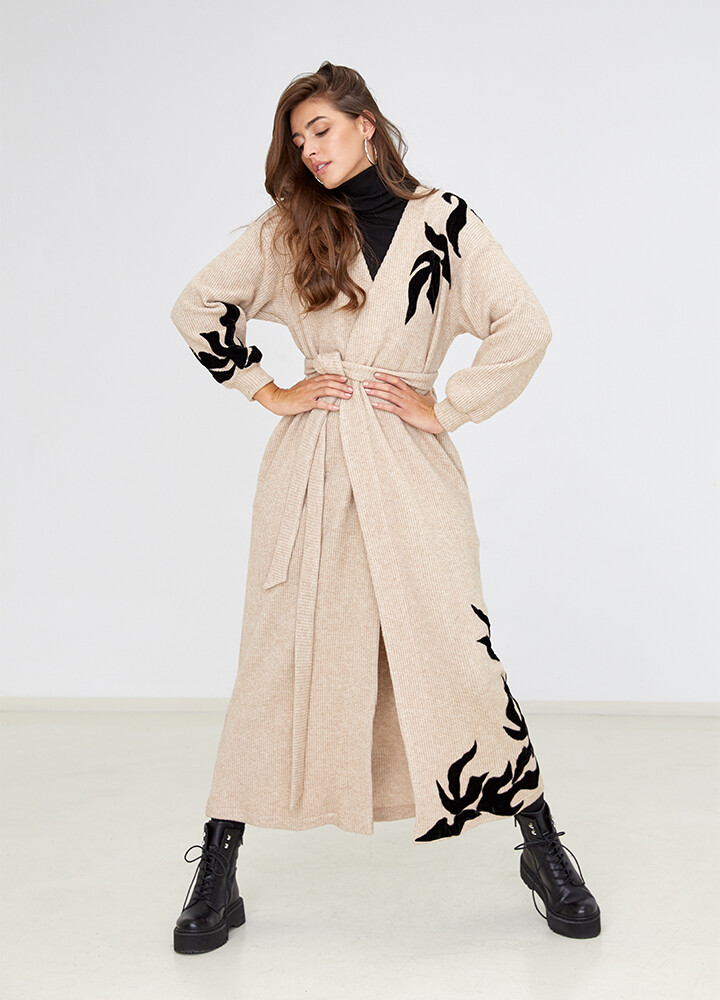
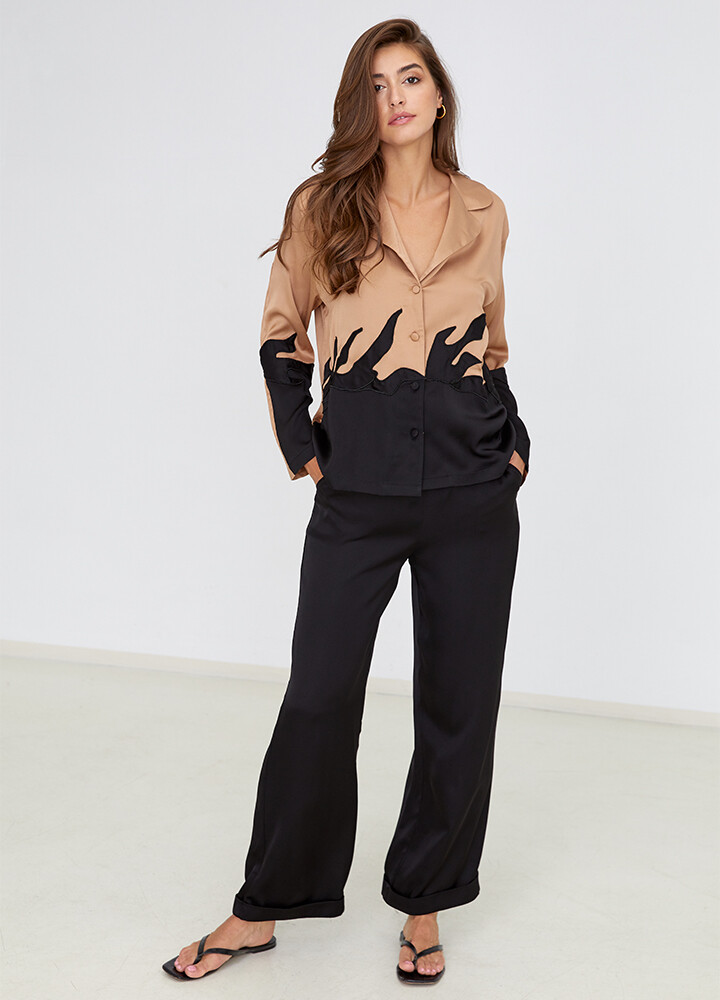
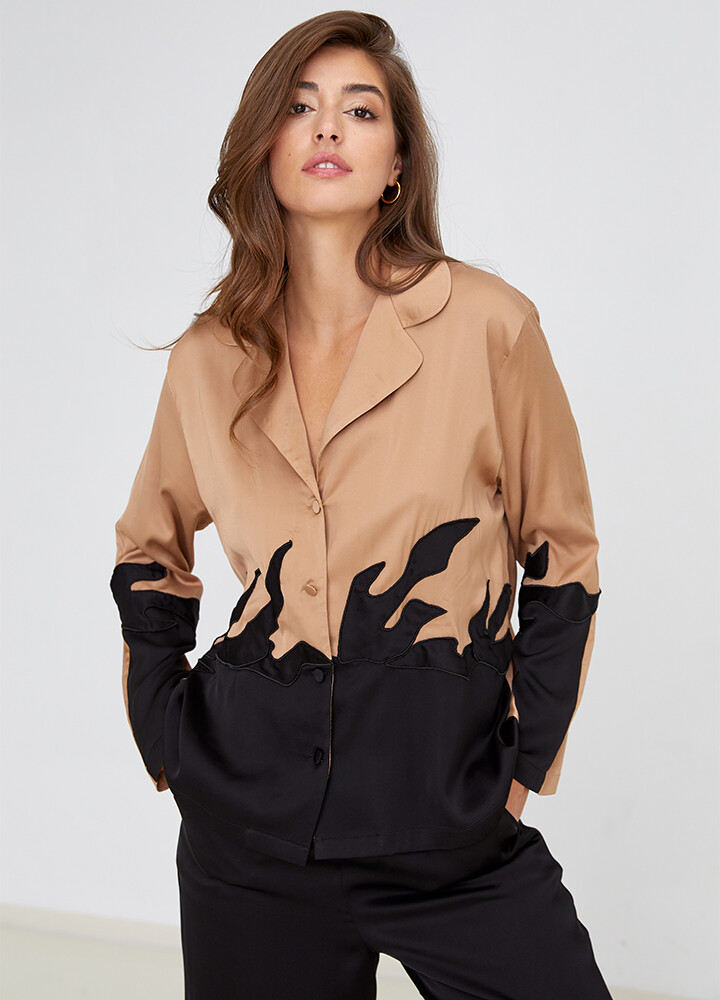
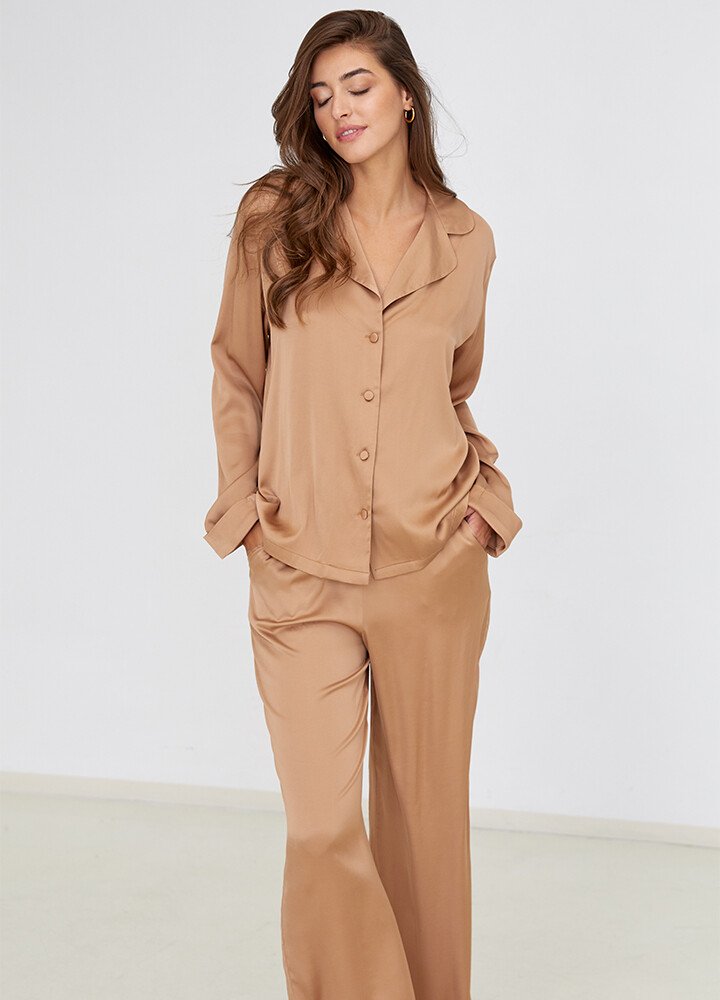
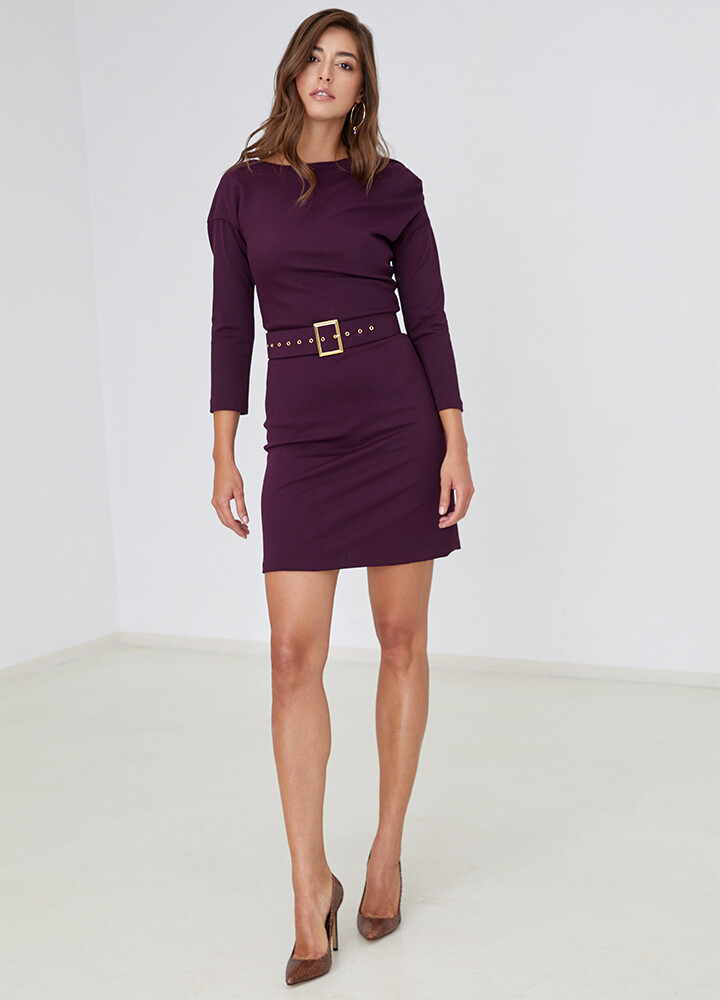
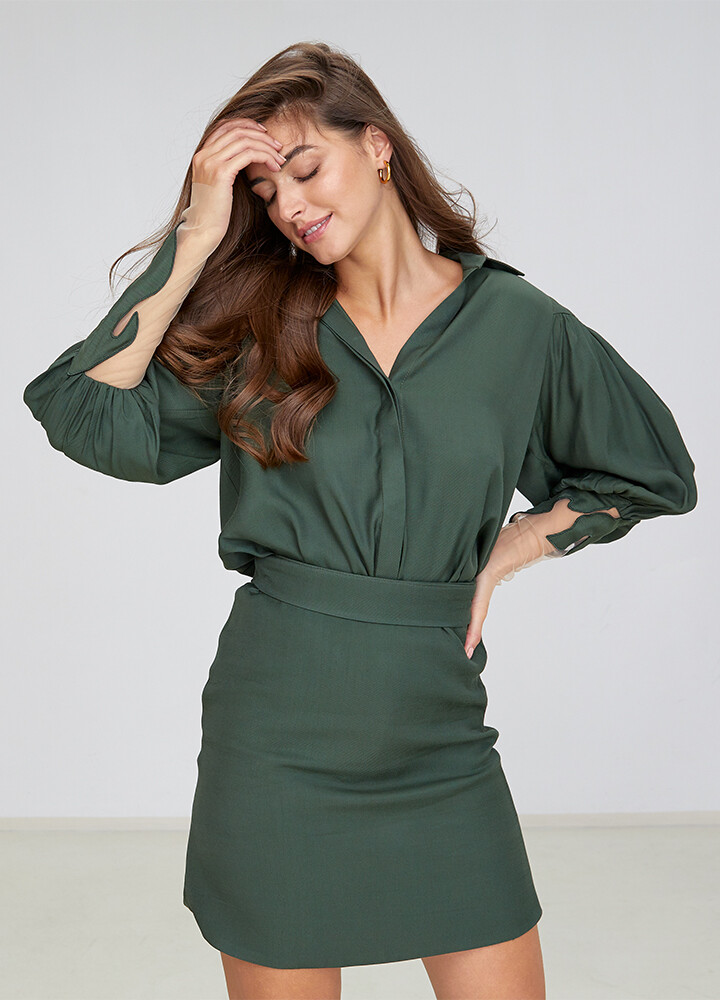
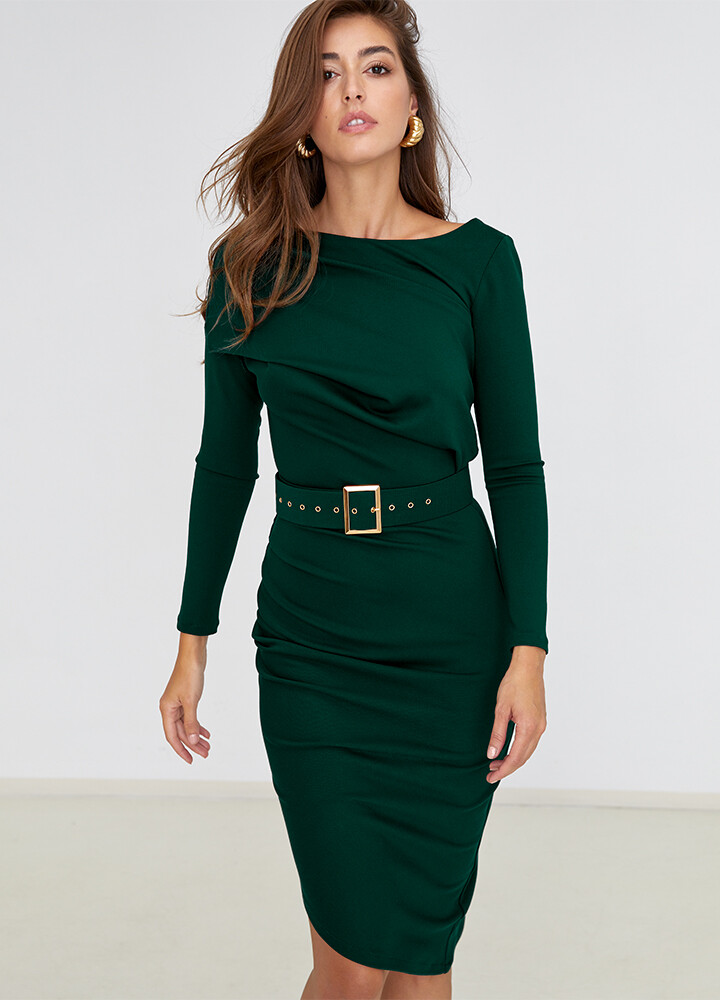
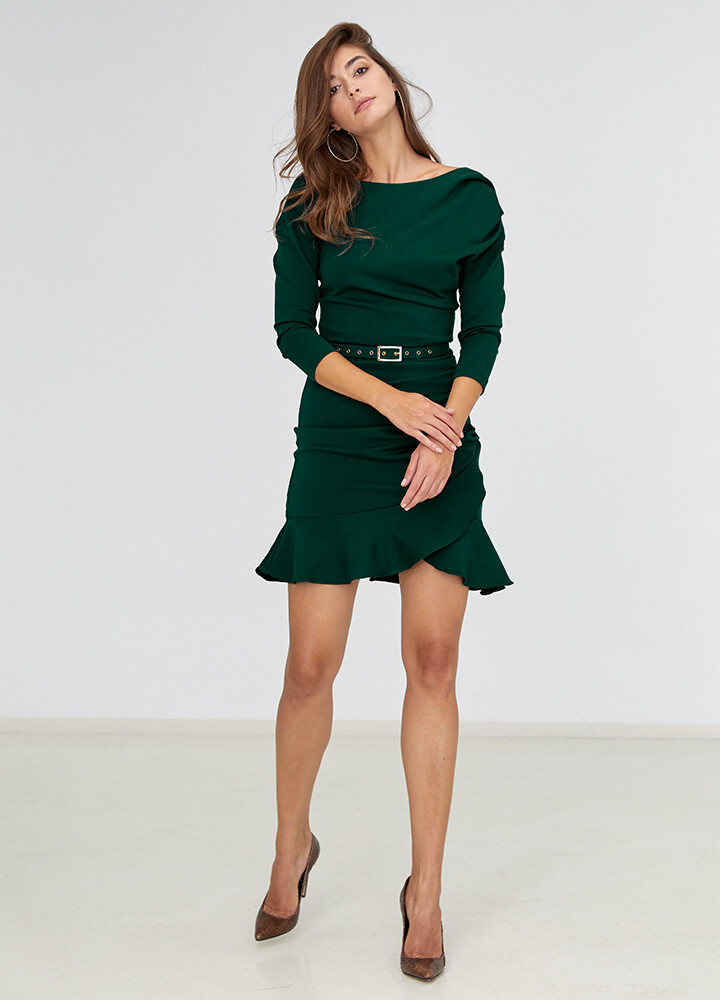
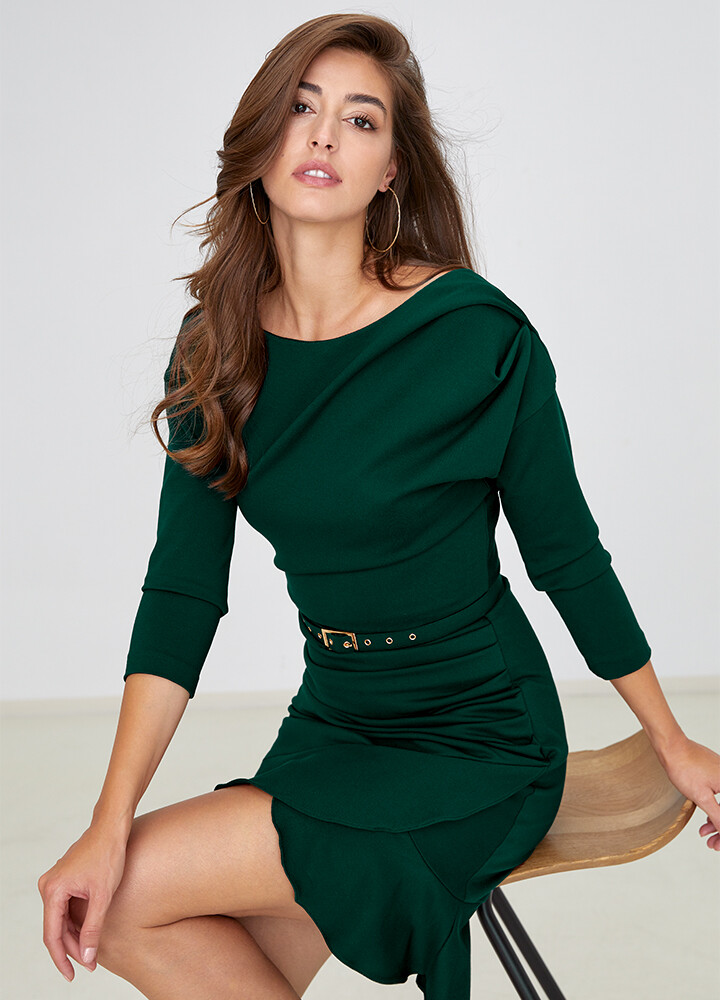
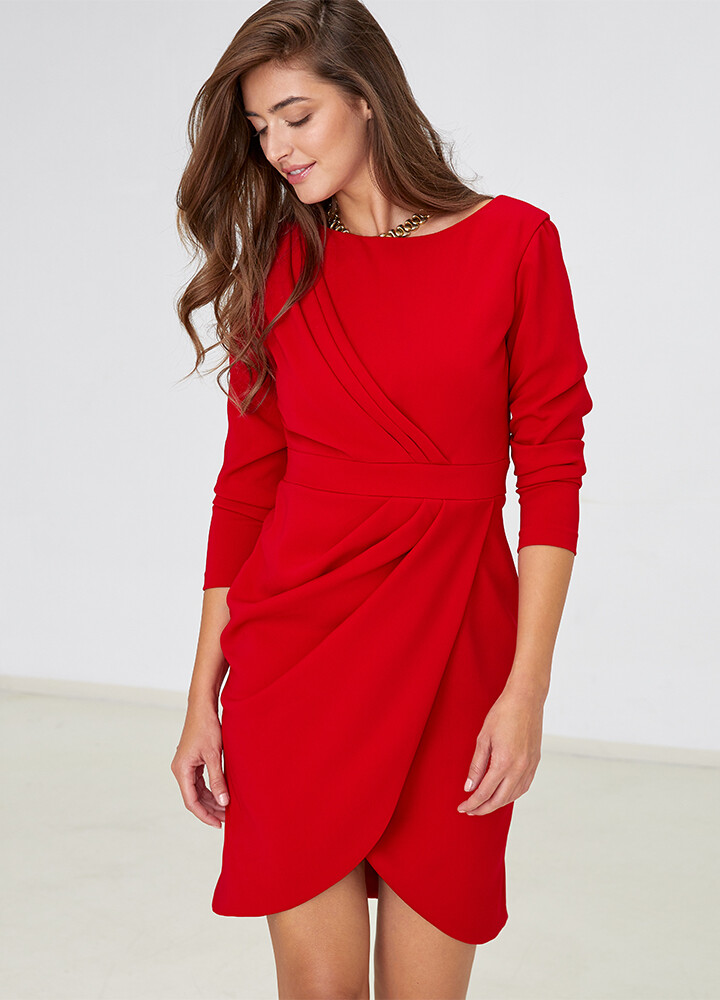
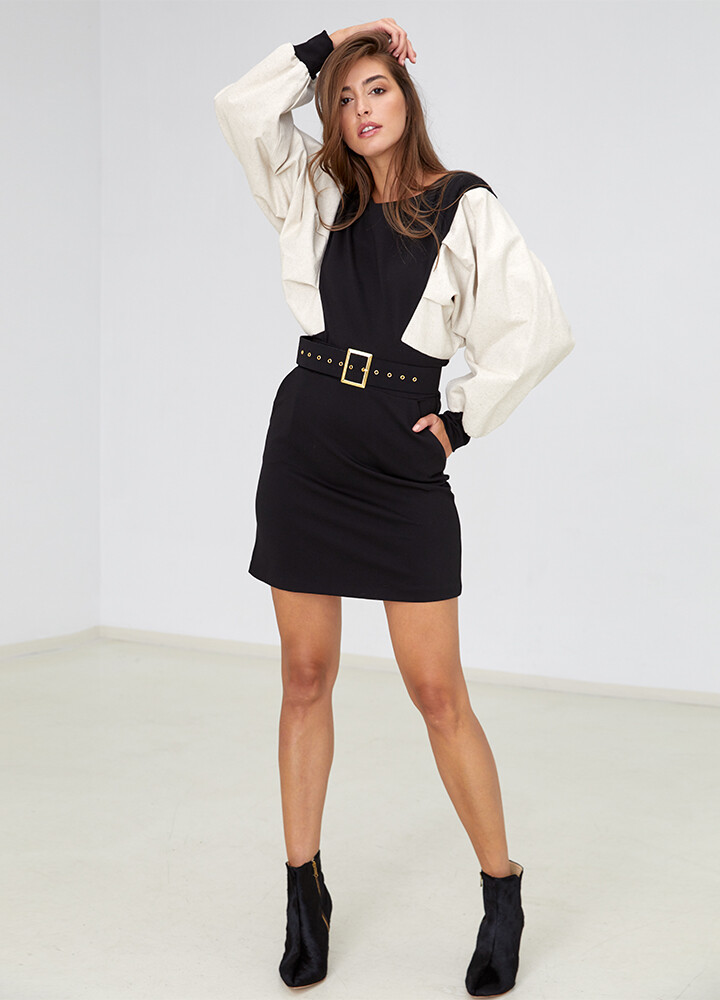
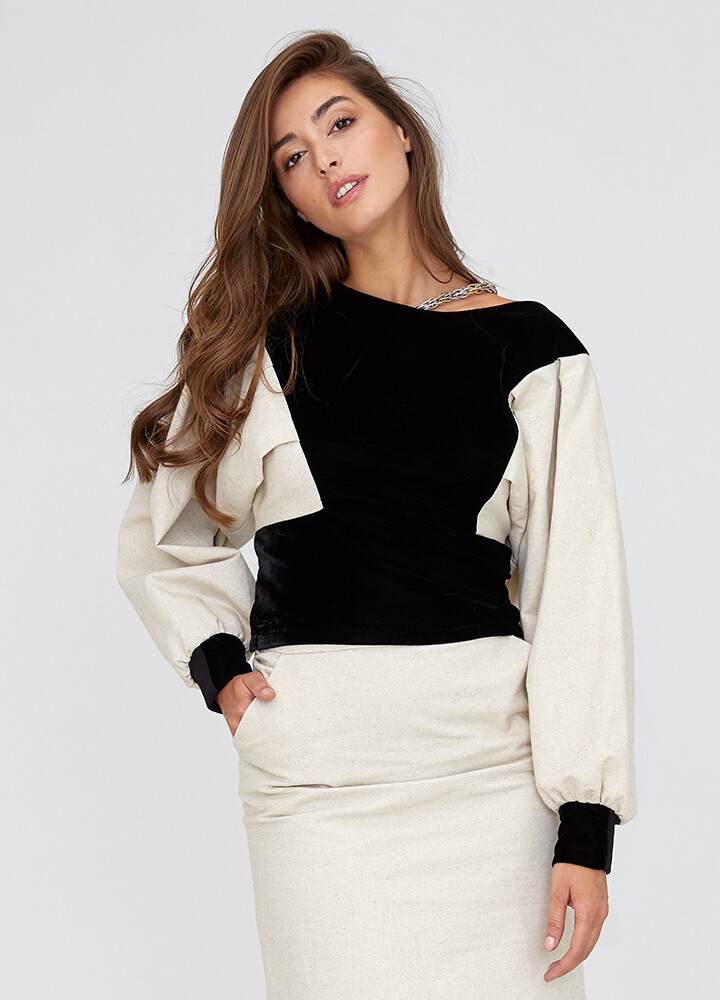
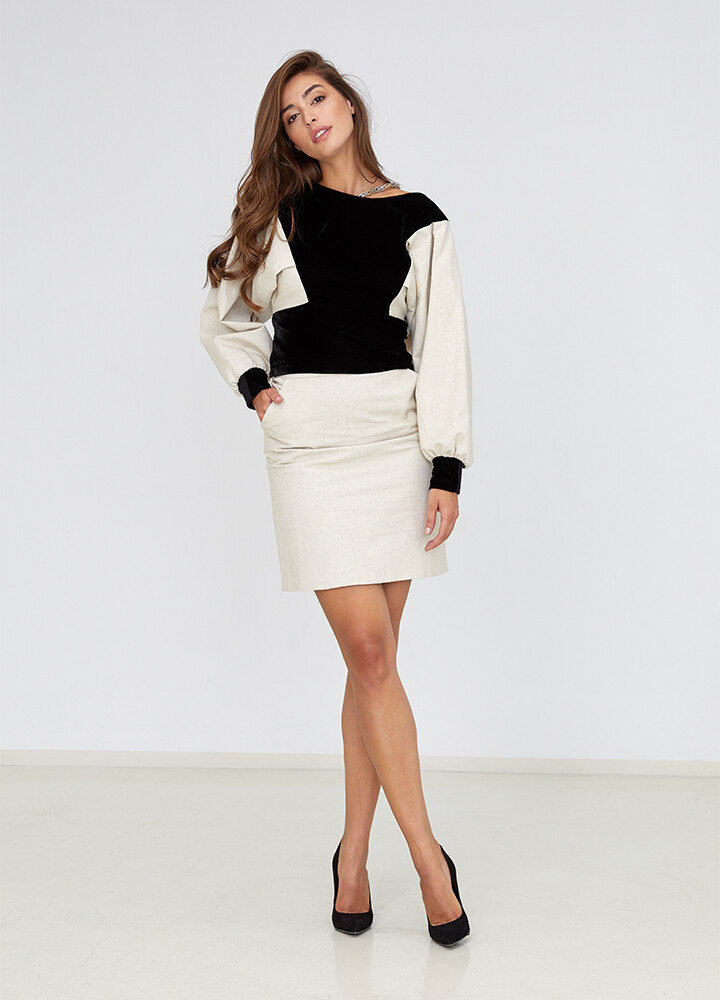
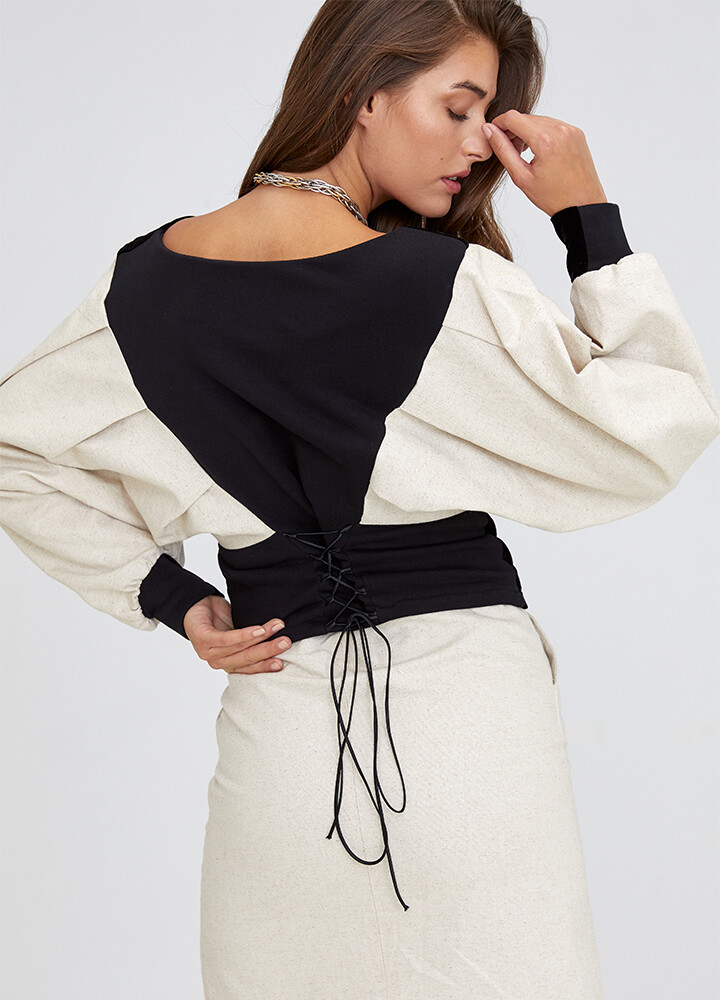
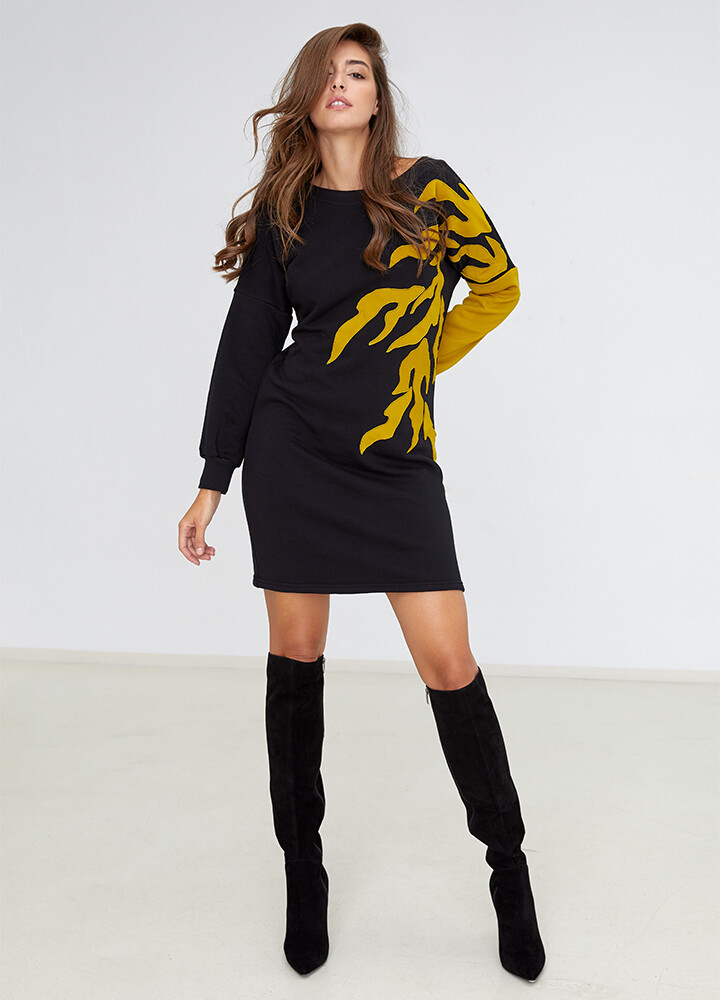
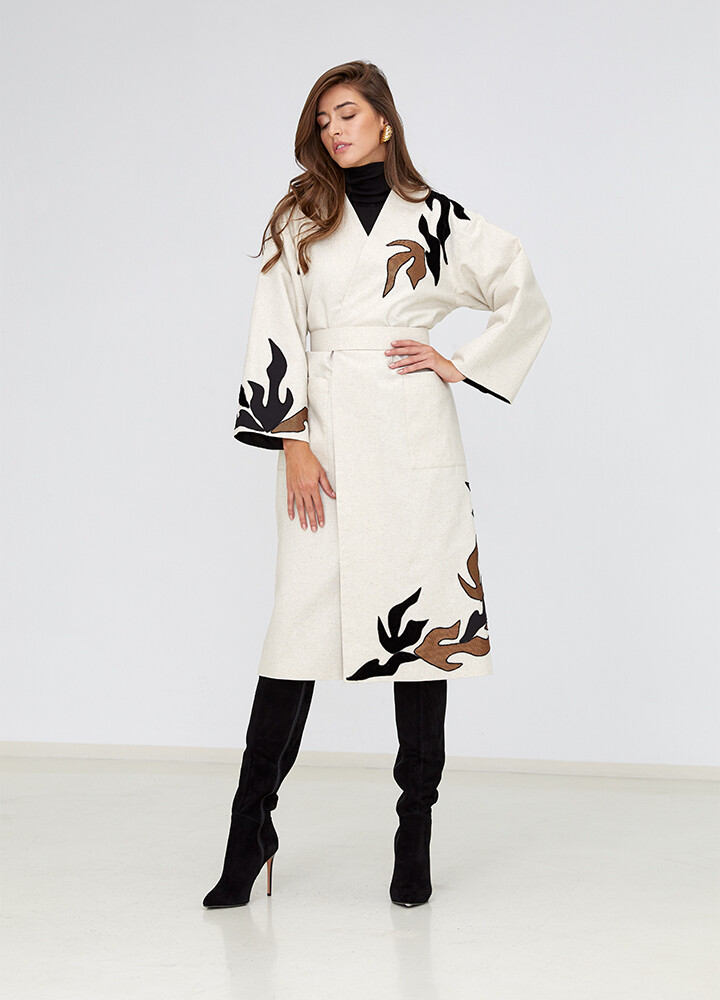
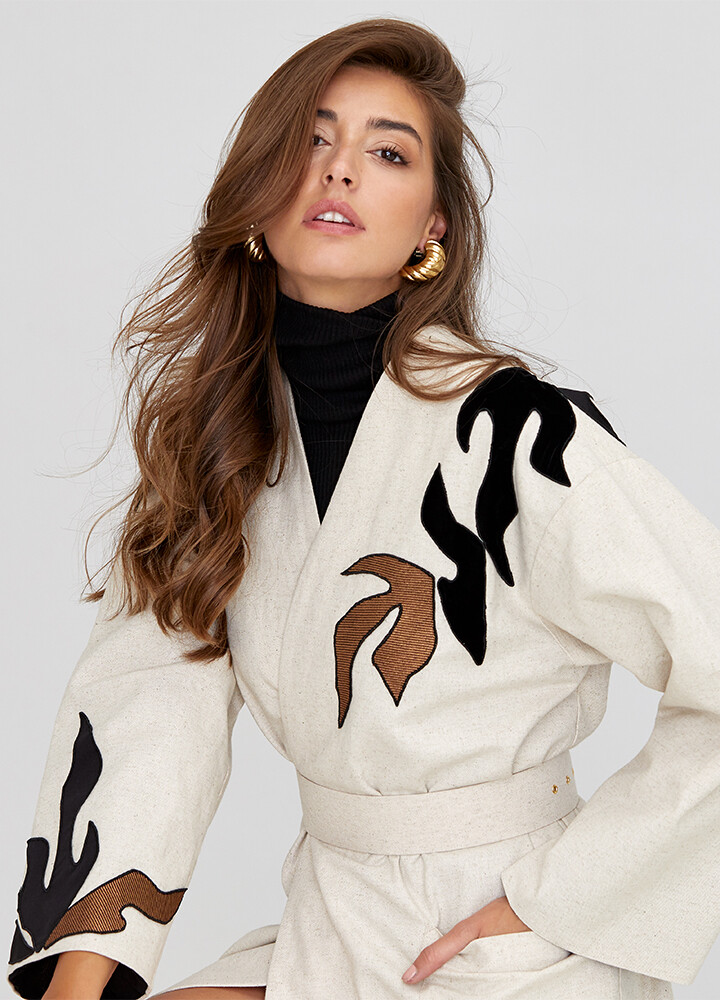
 ICICLE A/W 2020 Natural Way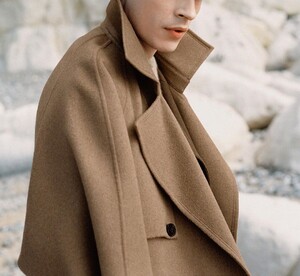
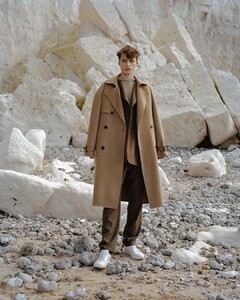
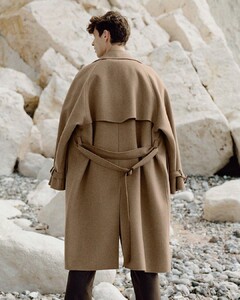
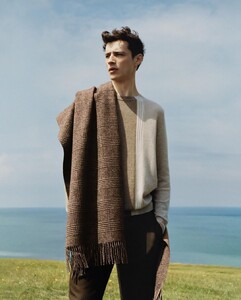

-
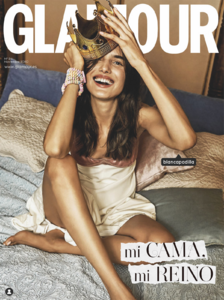
FOTÓGRAFA : BÈLA ADLER. REALIZACIÓN: MAPI VIDAL TEXTO : ISABEL SERRA Y MAR LOR ENZO SALES MAQUILLAJE Y PELUQUERÍA: S ONIA PEÑA (KASTEEL)
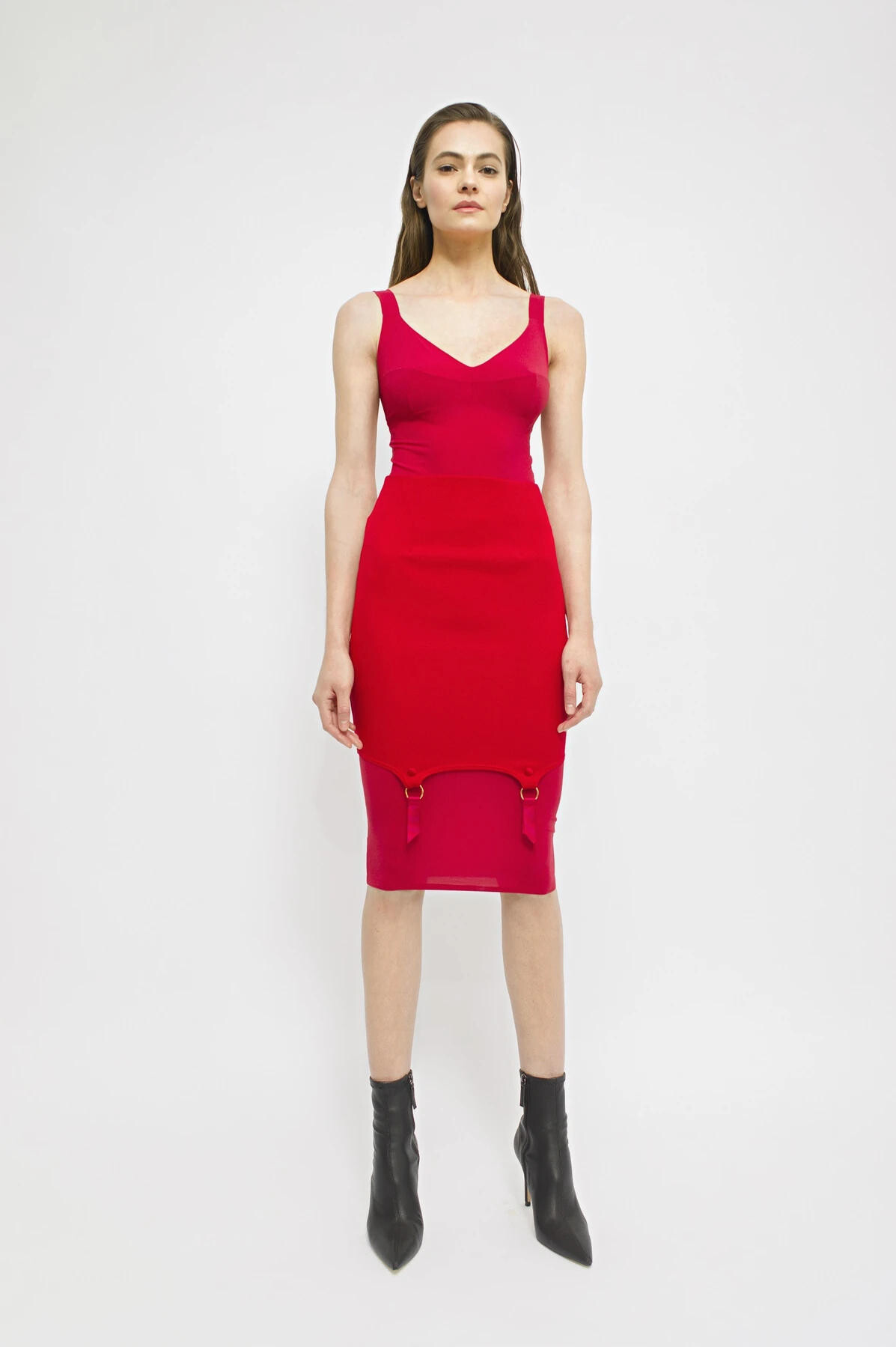
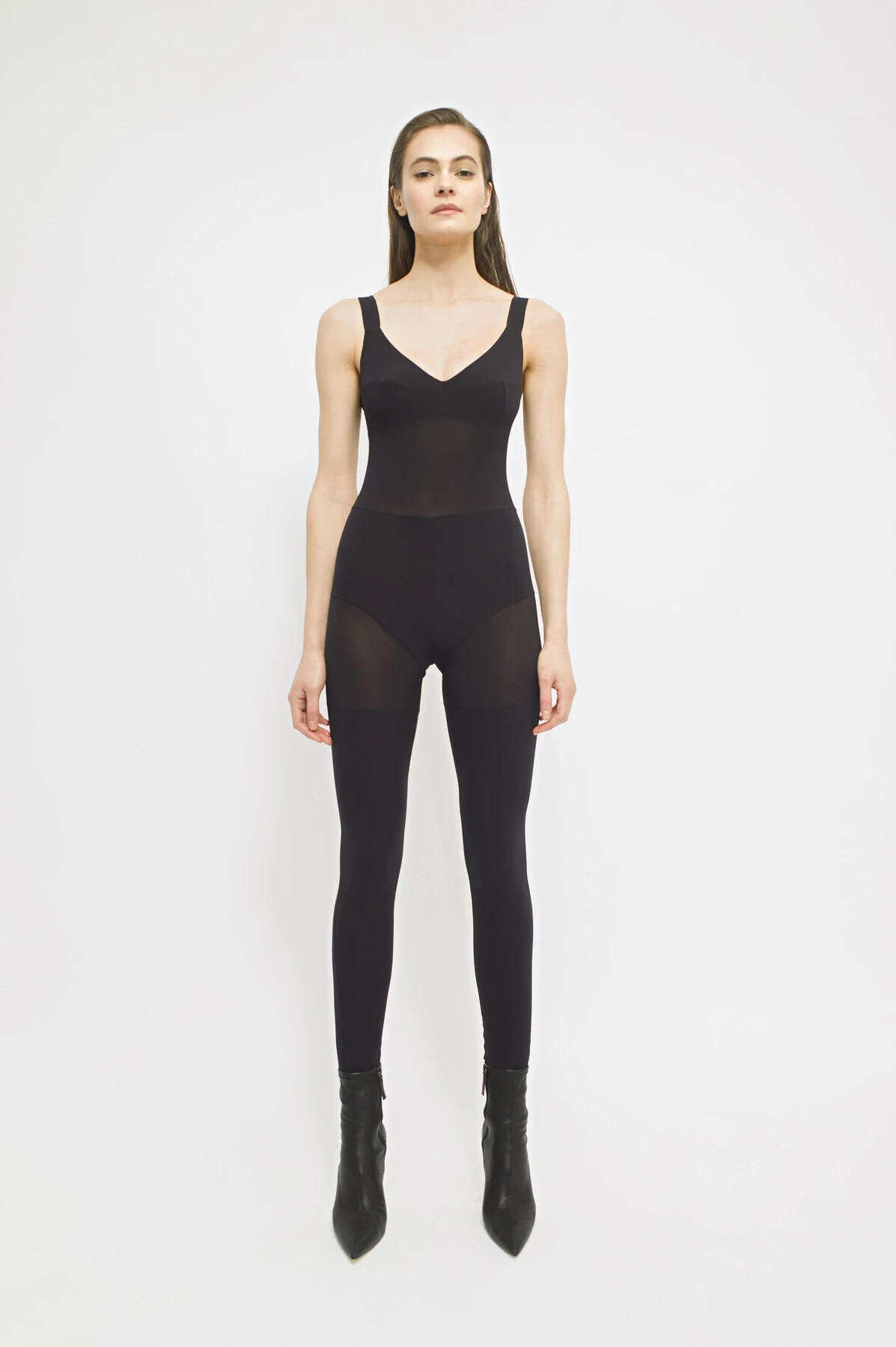
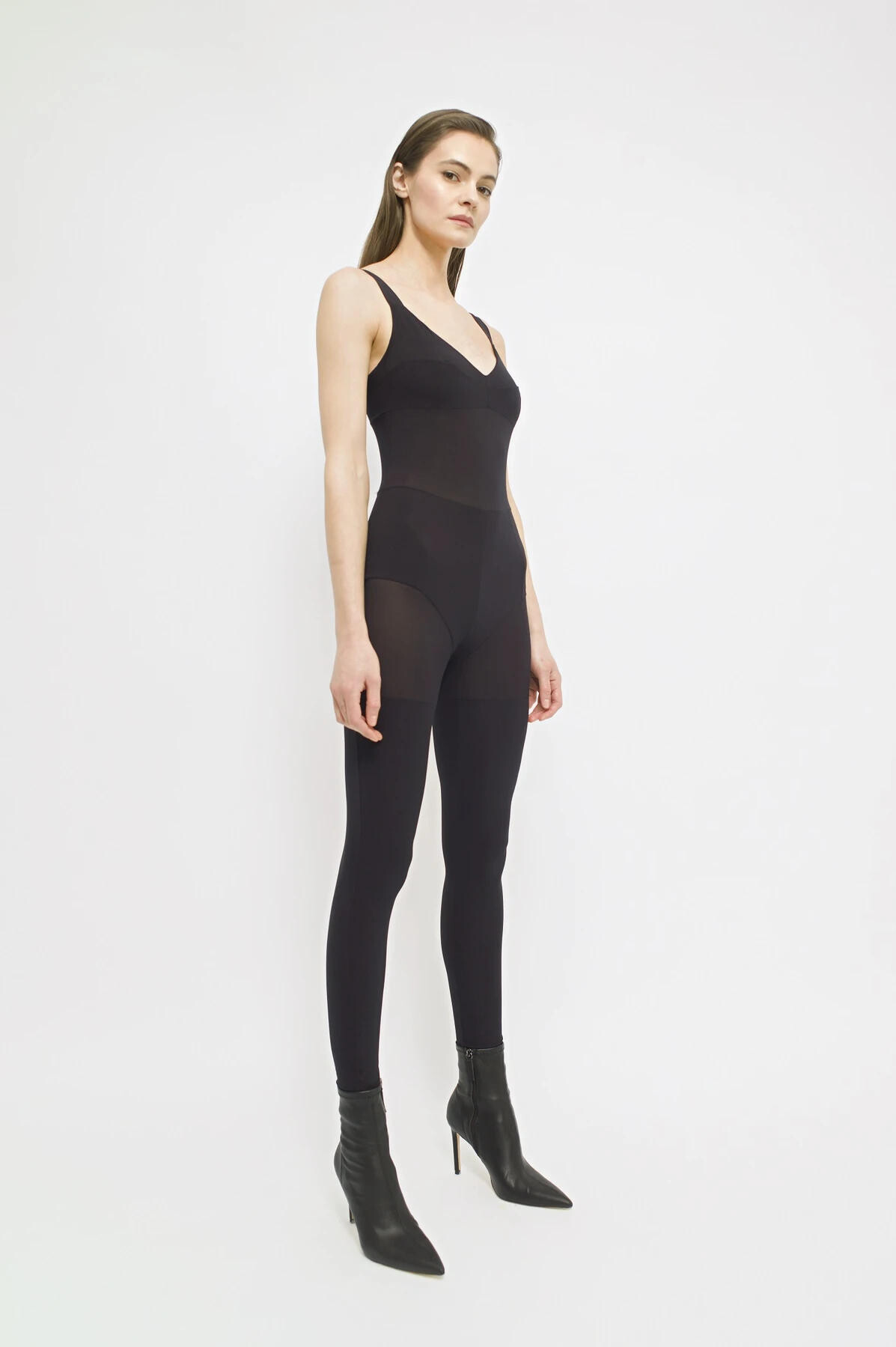
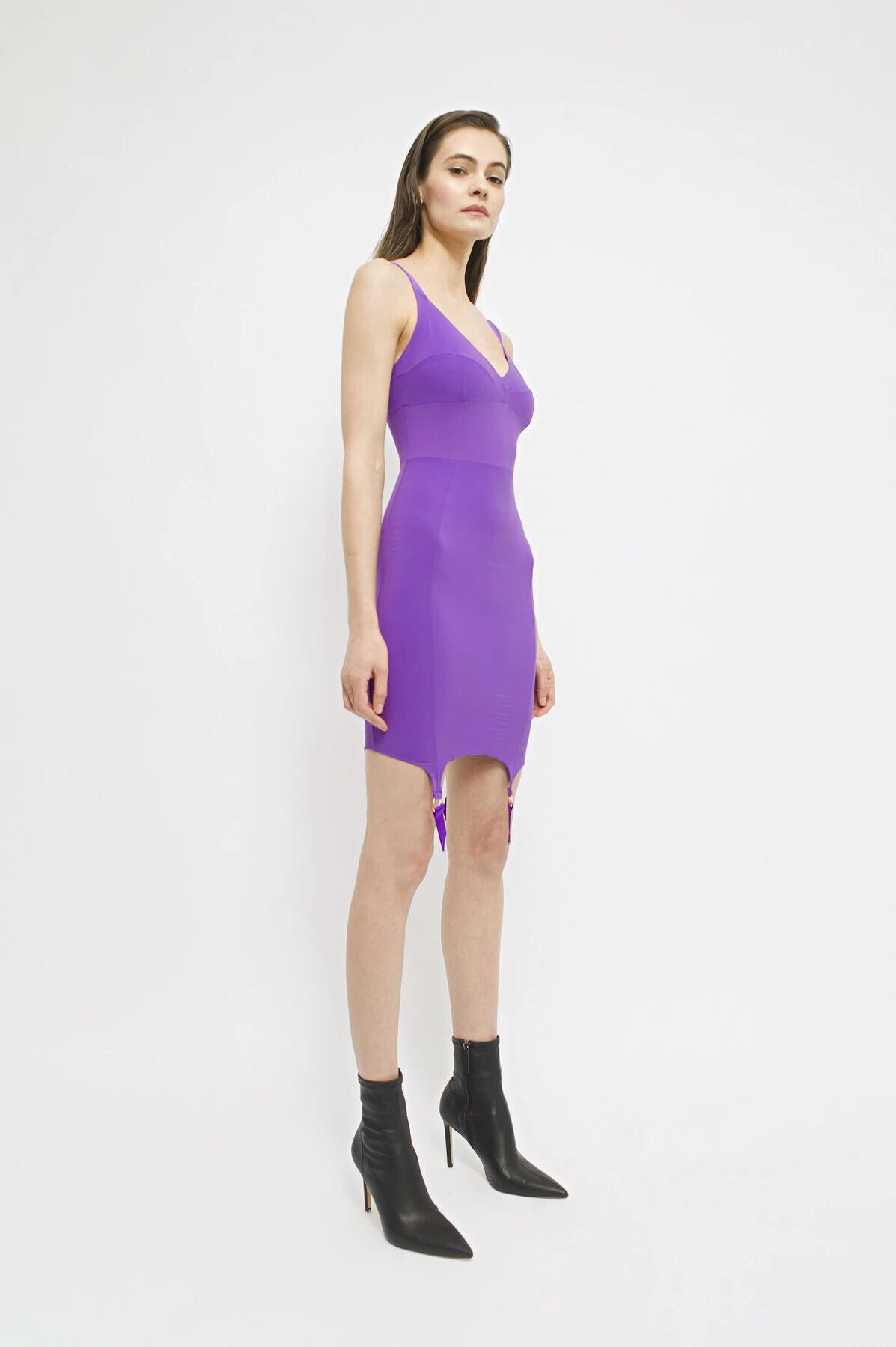
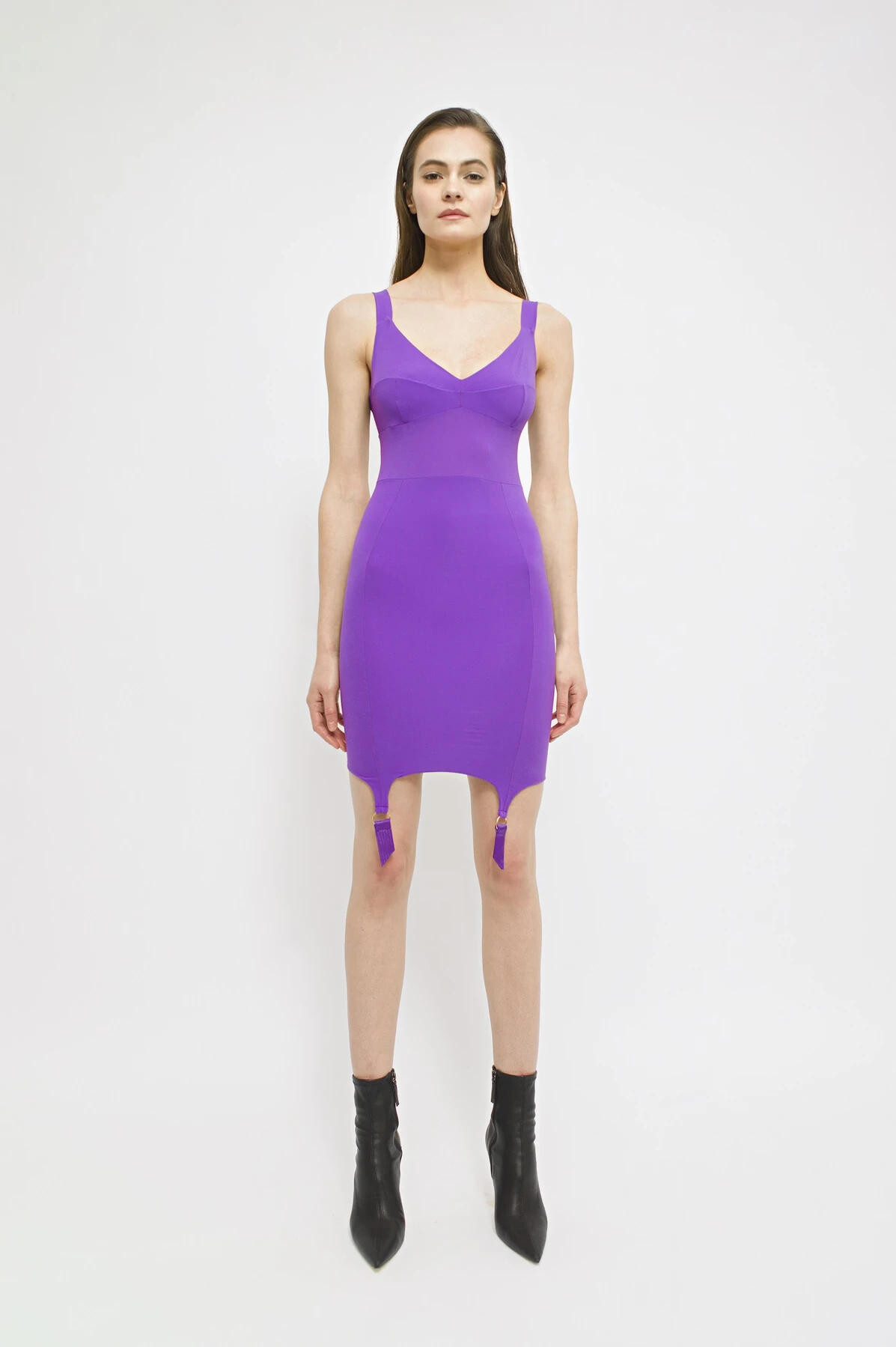
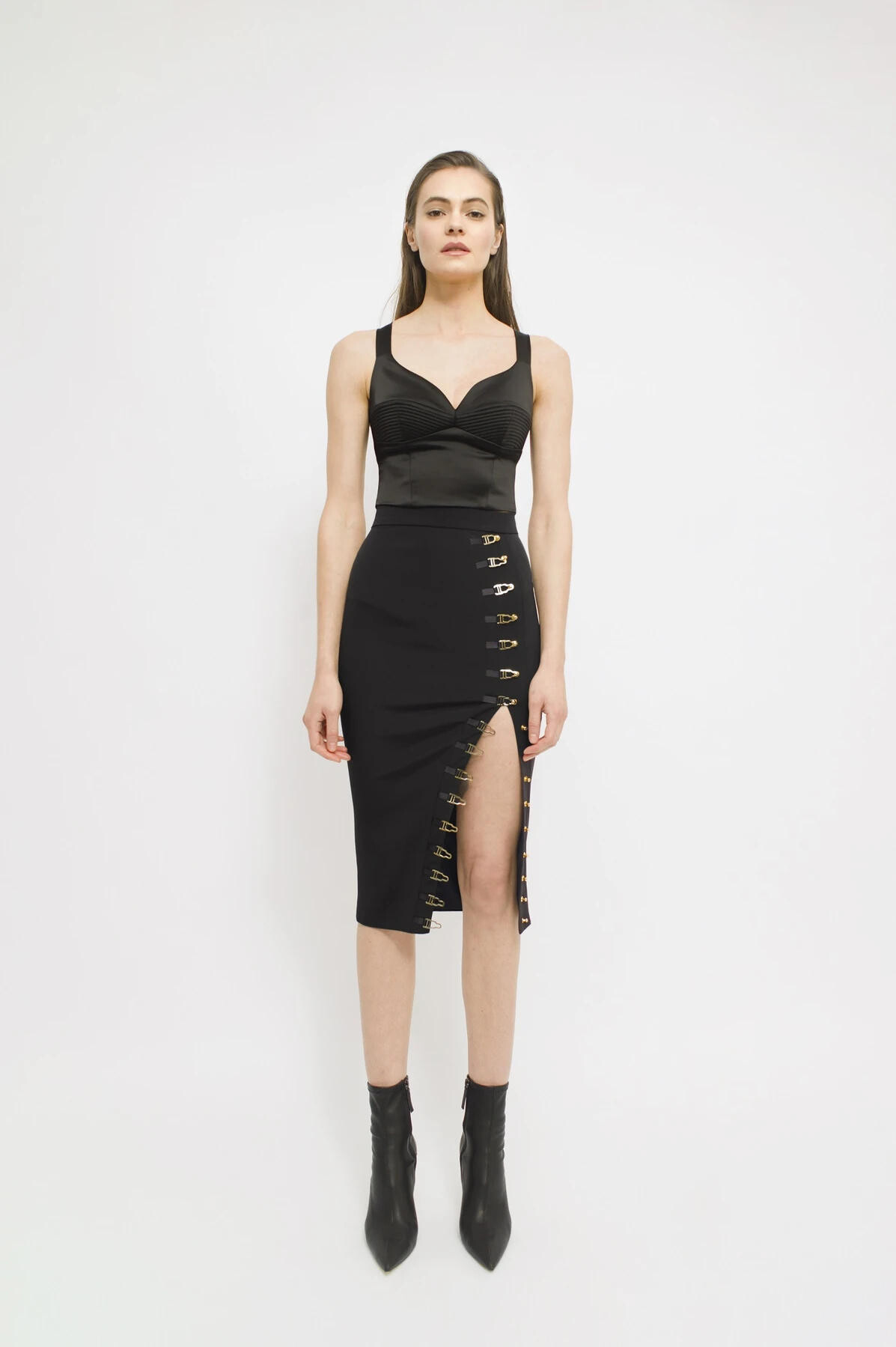
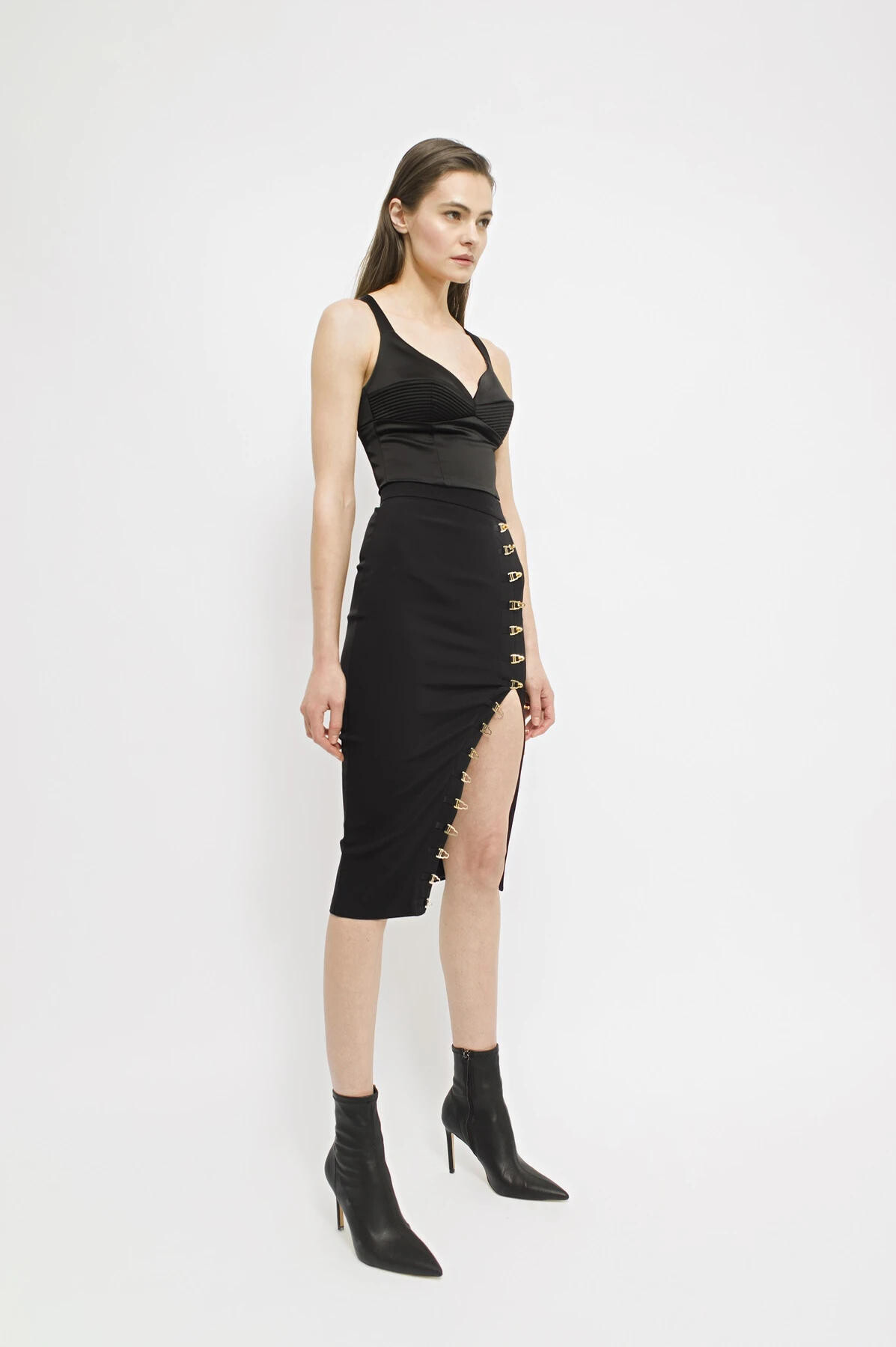
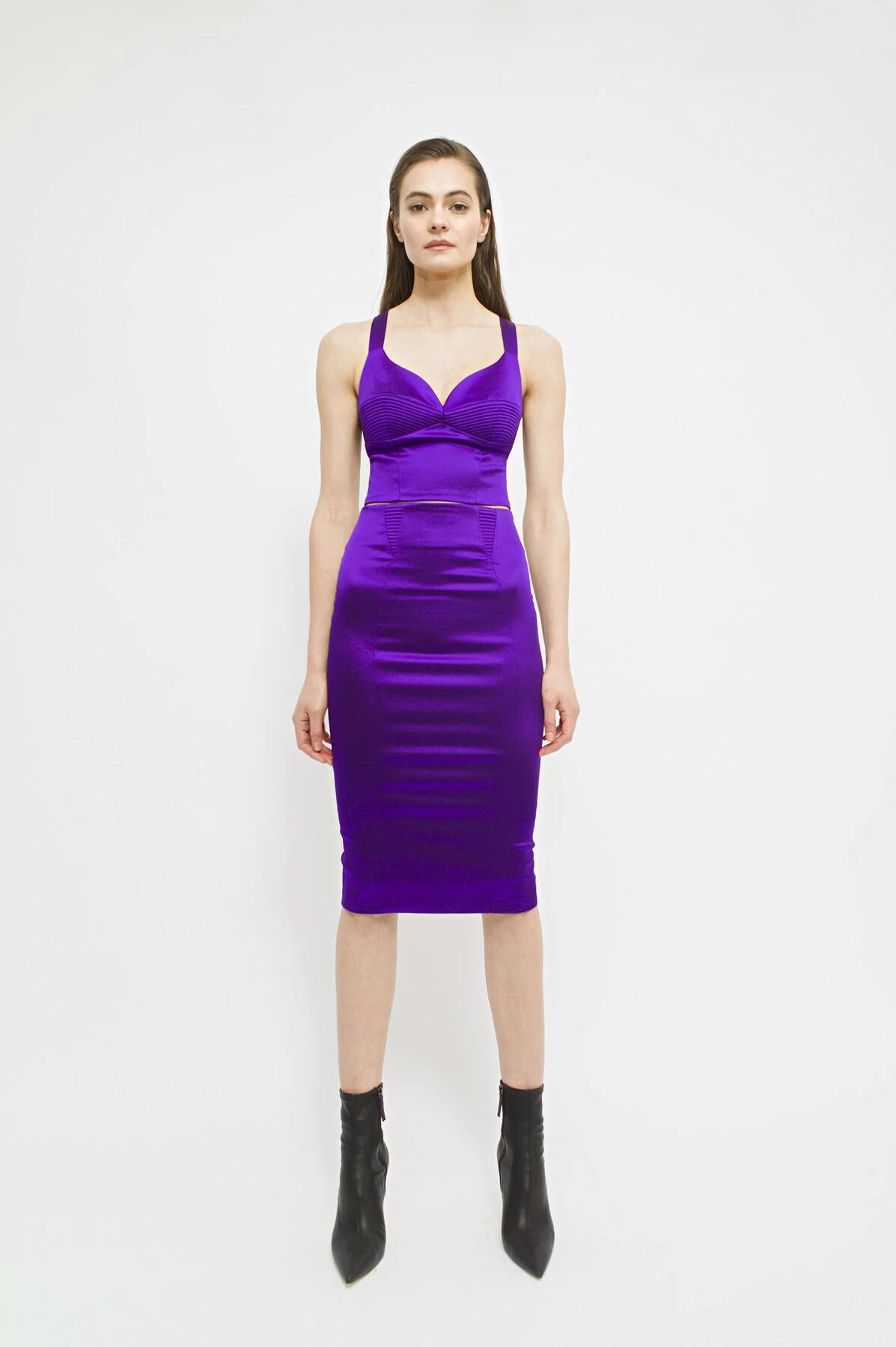
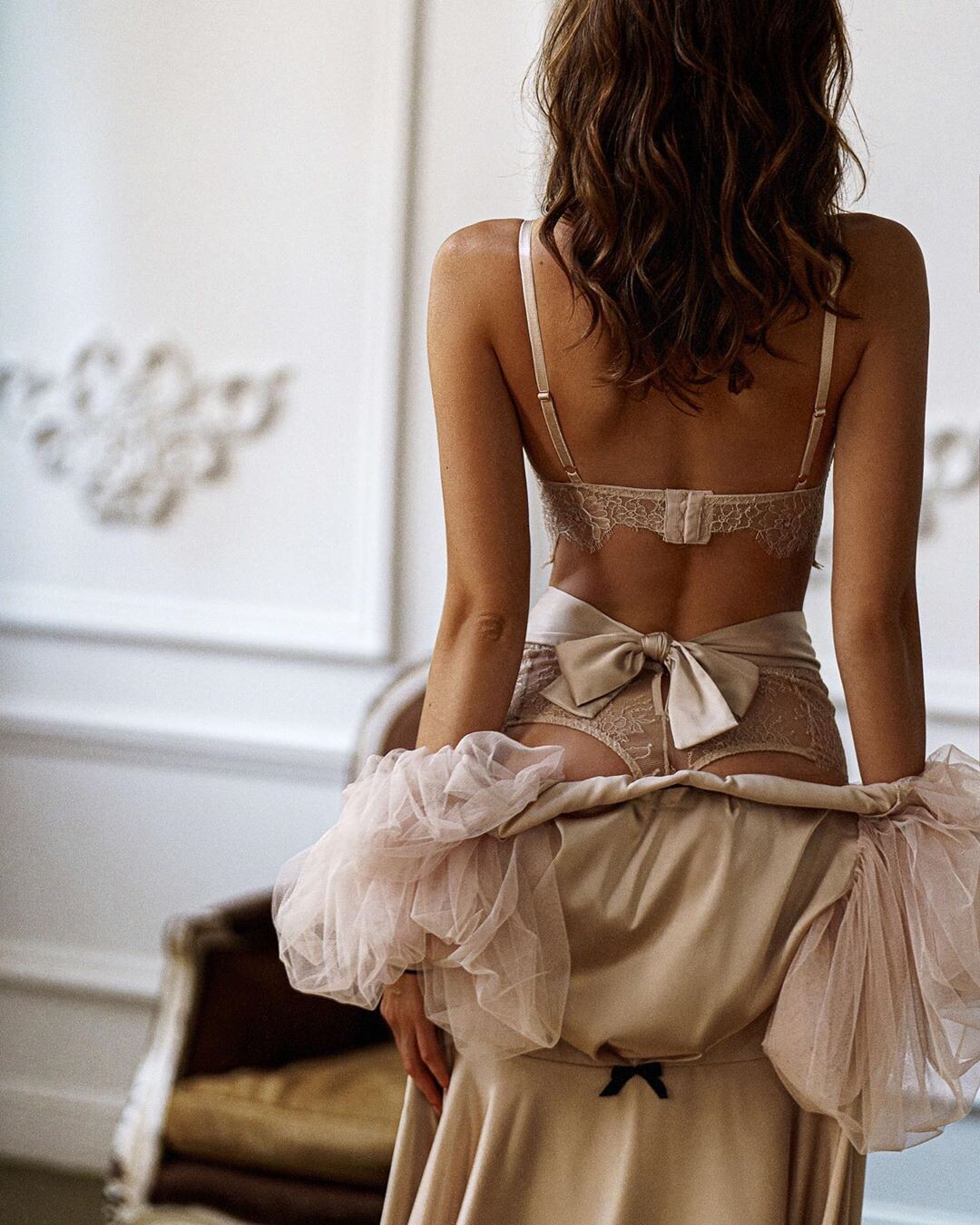
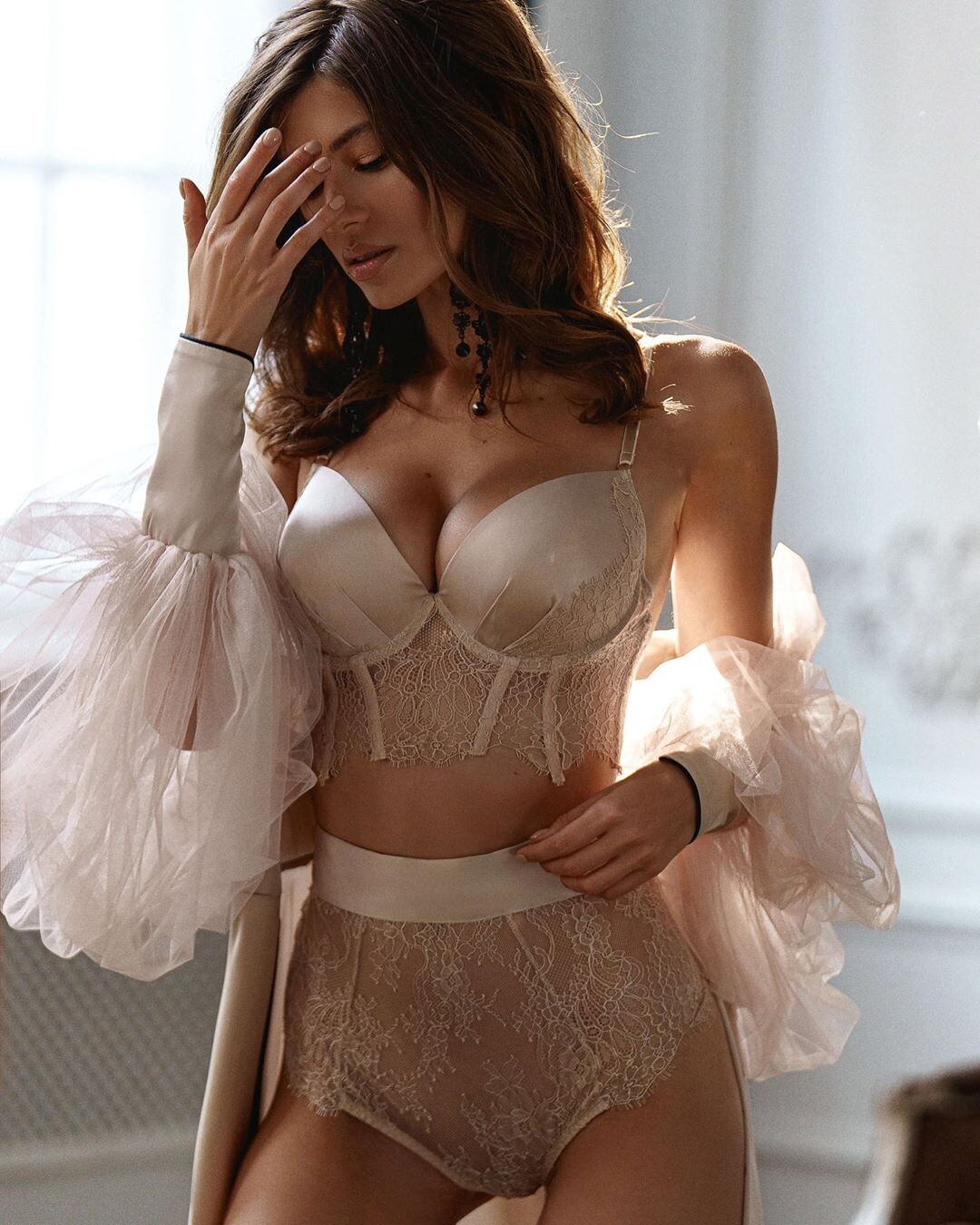
 RARA AVIS GROUP Lingerie 2020
Backstage at RARA AVIS GROUP https://sendvid.com/nbrqa7wu https://sendvid.com/vwt80ajh https://sendvid.com/dfxa2otu https://sendvid.com/iz04si0u https://sendvid.com/ej29dpju https://sendvid.com/mxkvrmwn https://sendvid.com/jvz3n118 https://sendvid.com/5y5h4ses https://sendvid.com/28h1hm9x
Rublev Lombard Jewellery 2020
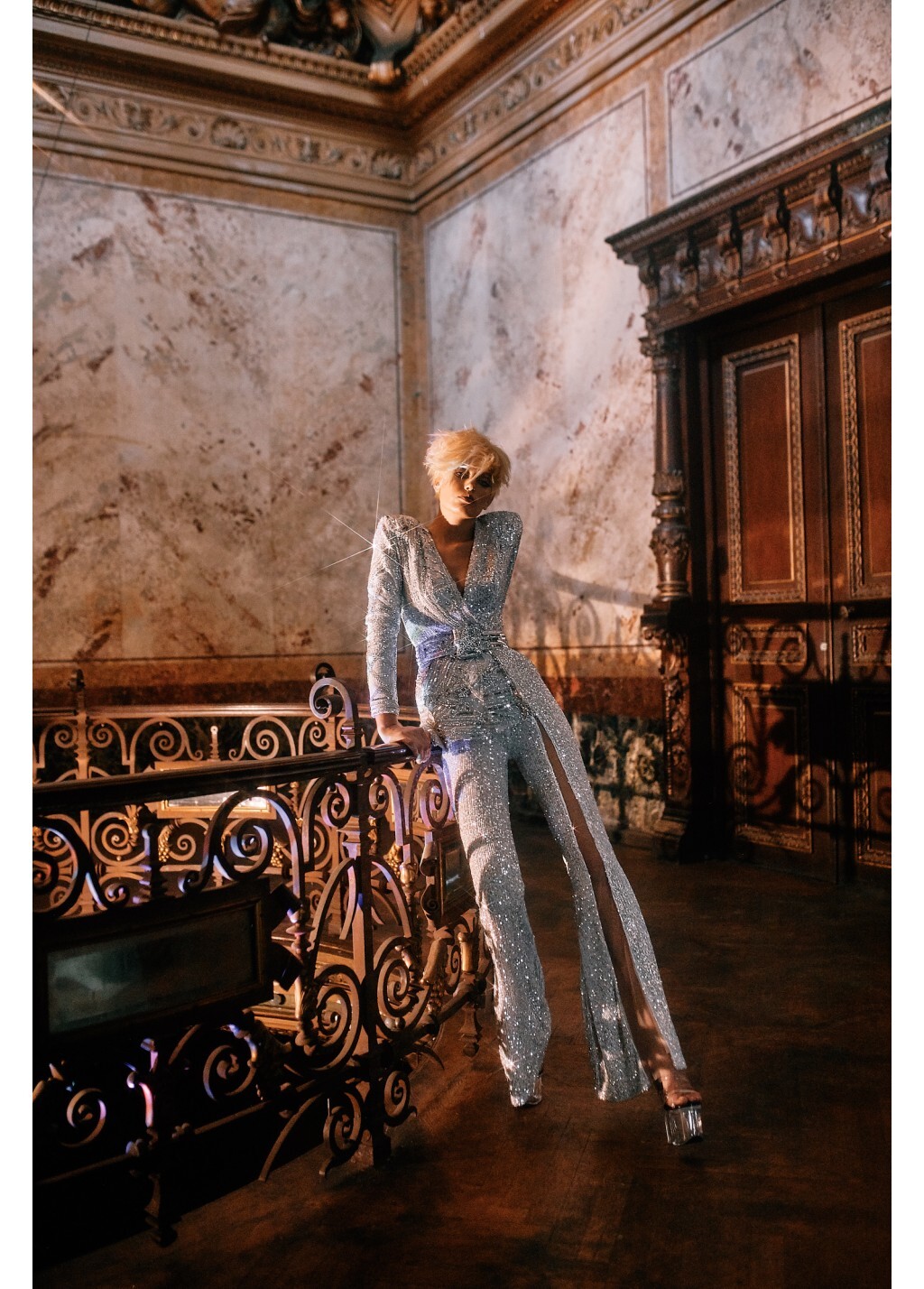
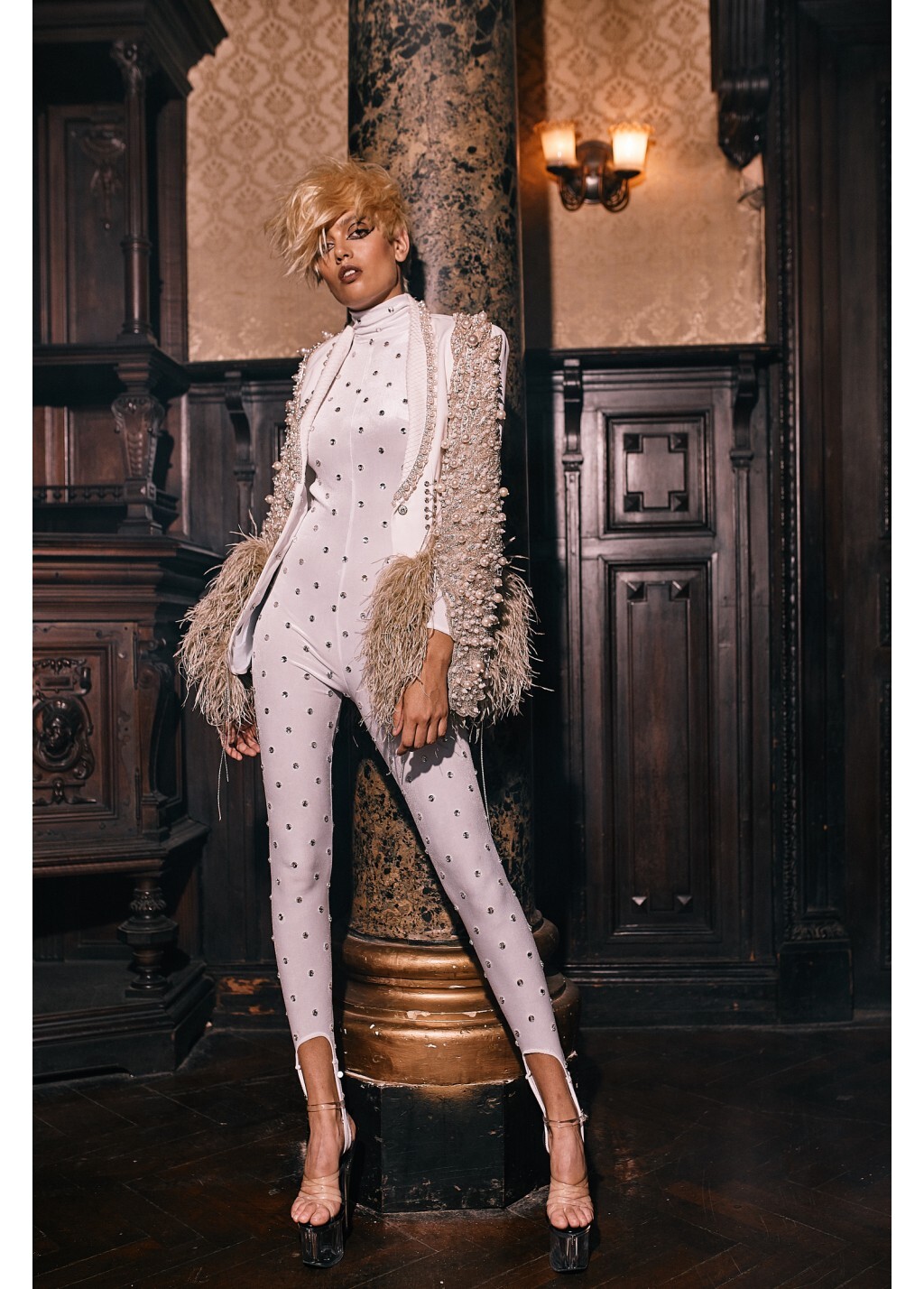
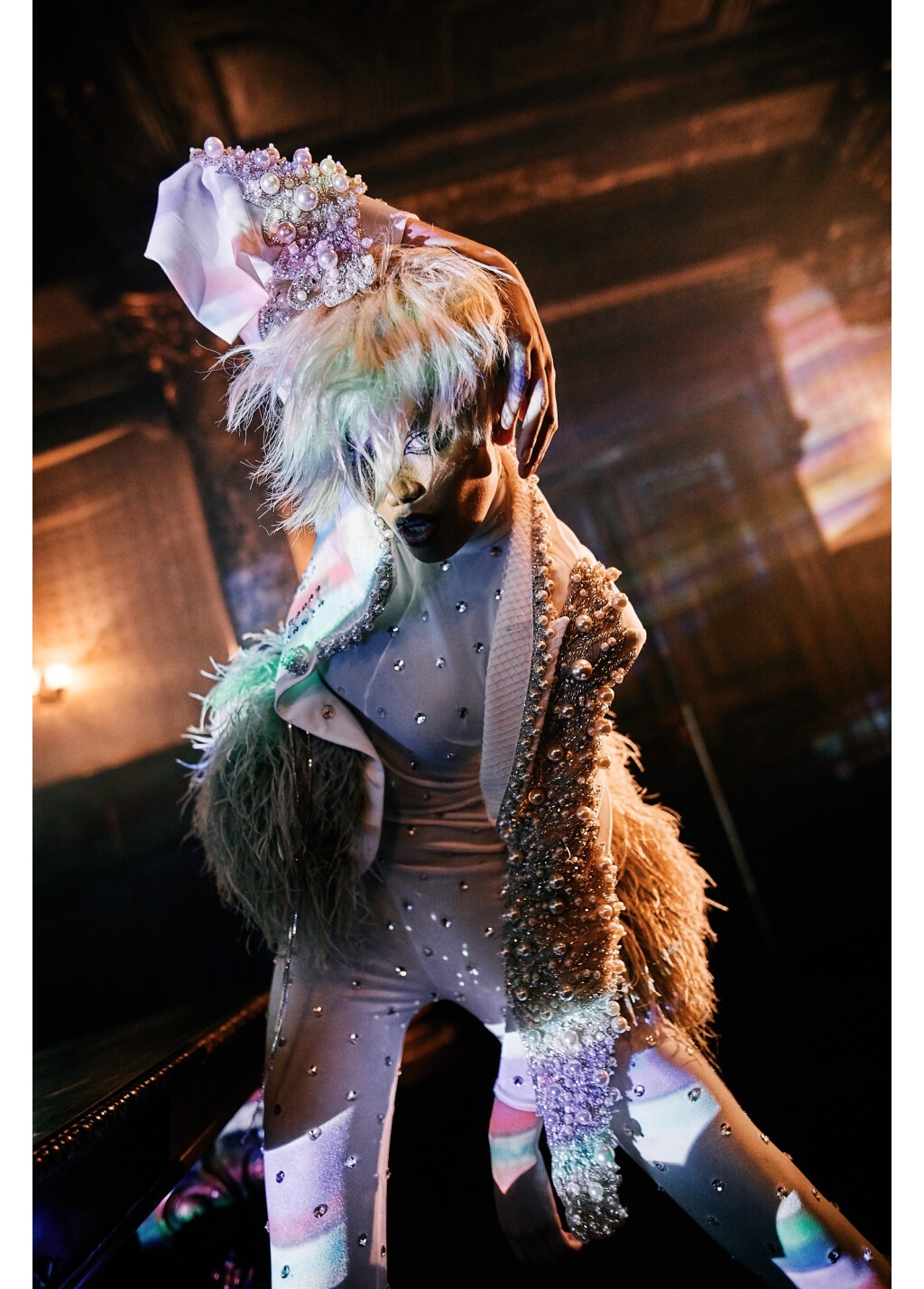
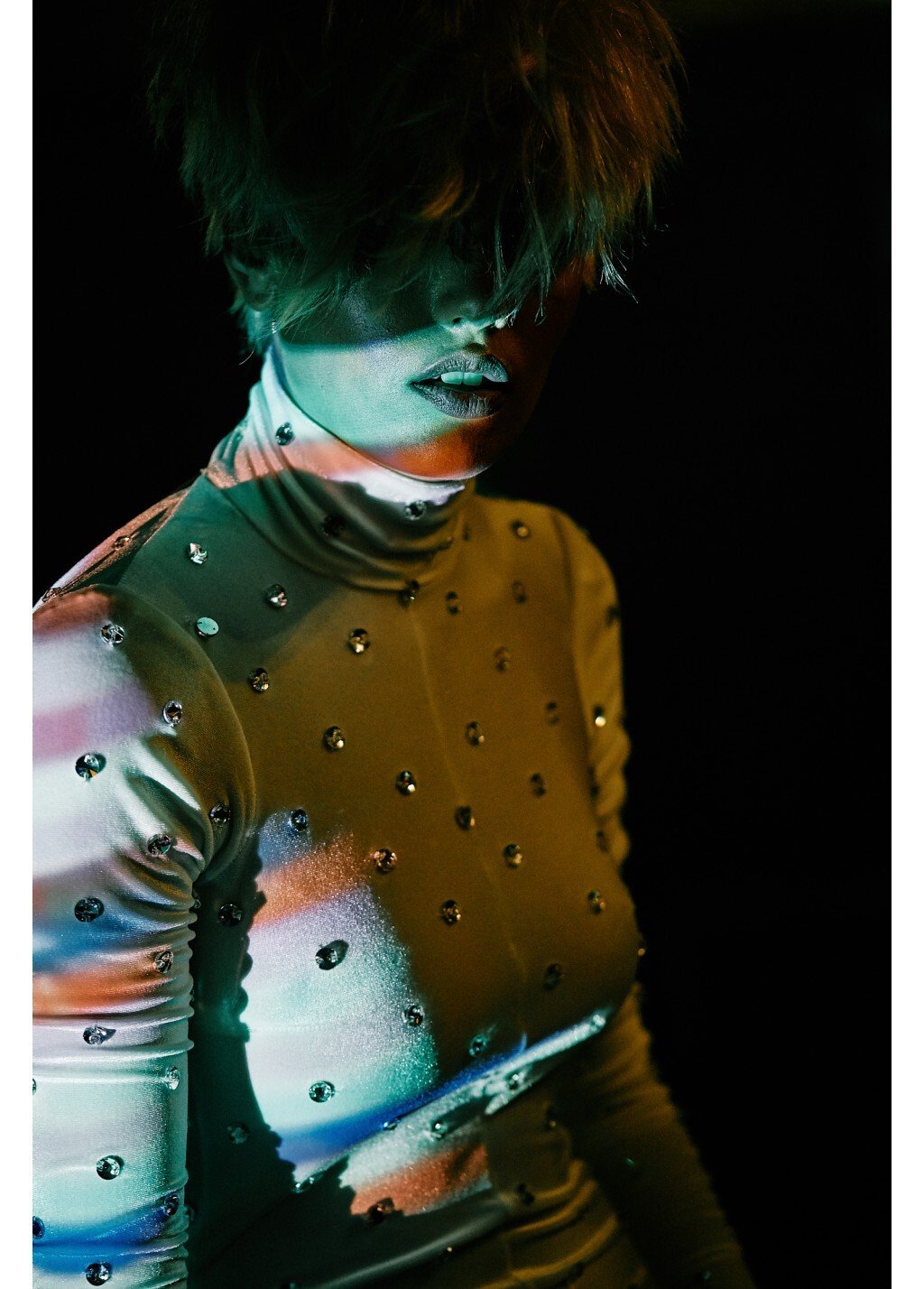
Alina Cernatescu F/W 2020
RARA AVIS GROUP Lingerie 2020
Backstage at RARA AVIS GROUP https://sendvid.com/nbrqa7wu https://sendvid.com/vwt80ajh https://sendvid.com/dfxa2otu https://sendvid.com/iz04si0u https://sendvid.com/ej29dpju https://sendvid.com/mxkvrmwn https://sendvid.com/jvz3n118 https://sendvid.com/5y5h4ses https://sendvid.com/28h1hm9x
Rublev Lombard Jewellery 2020
Alina Cernatescu F/W 2020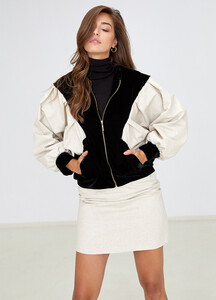
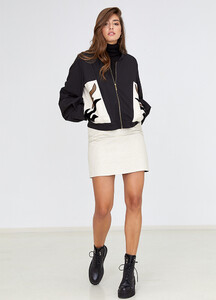
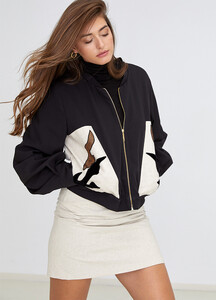
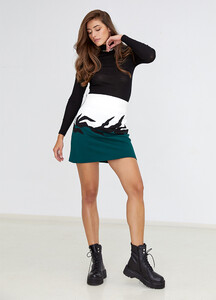
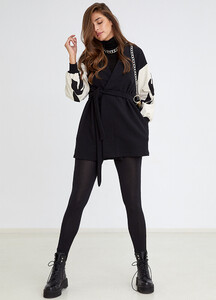
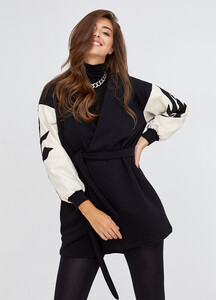
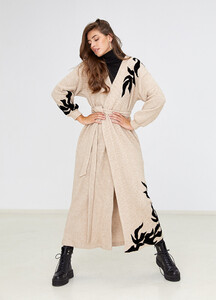
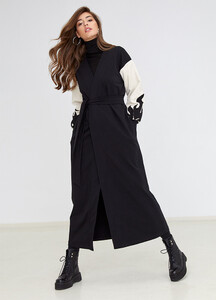
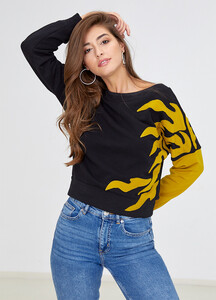
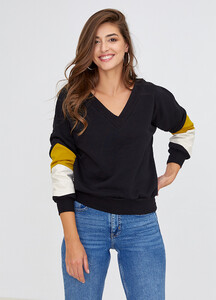
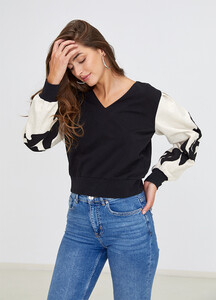
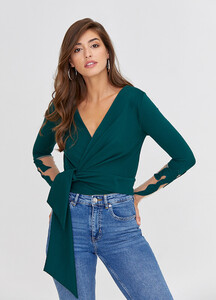
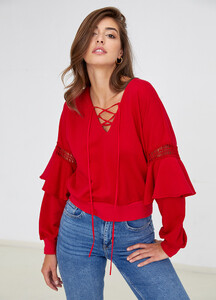
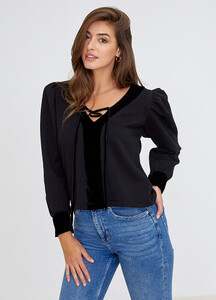
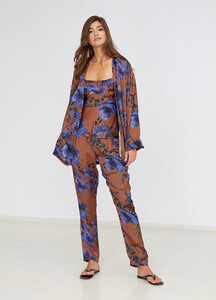
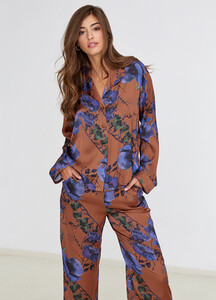
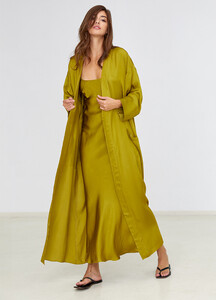
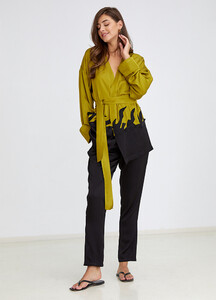
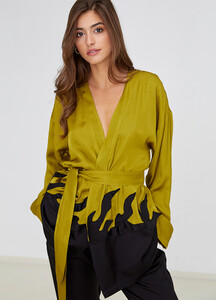
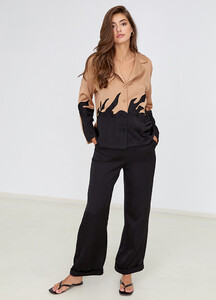
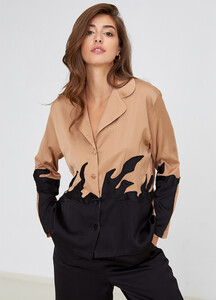
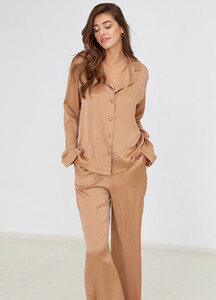
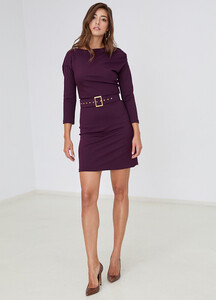
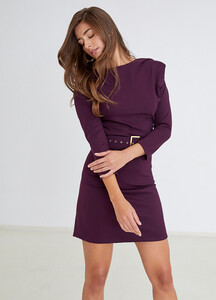
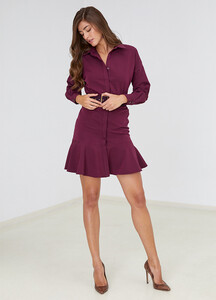
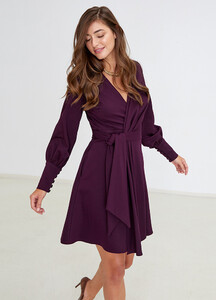
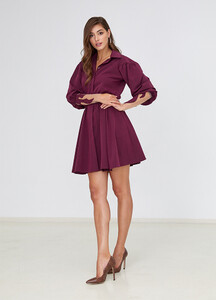
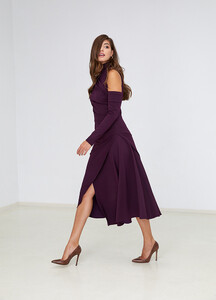
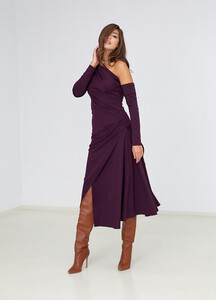
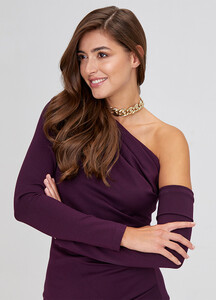
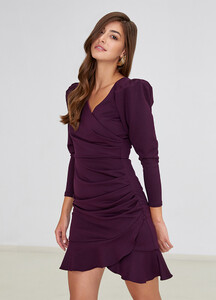
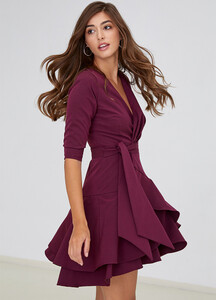
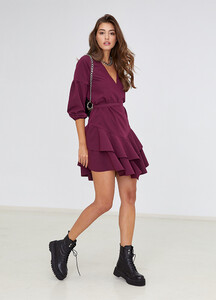
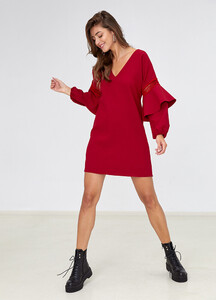
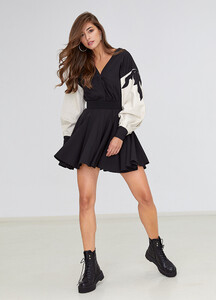
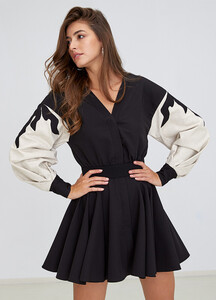
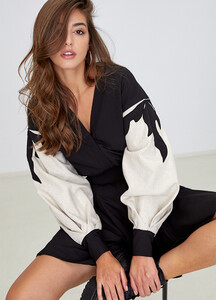
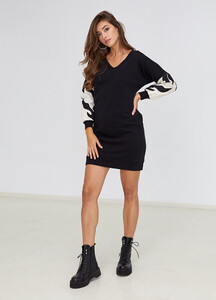
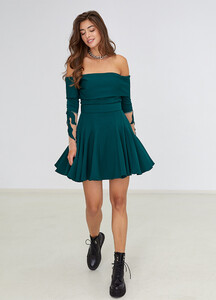
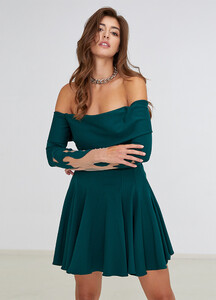
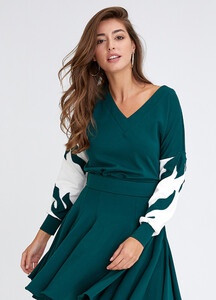
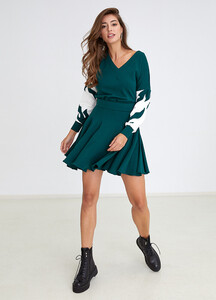
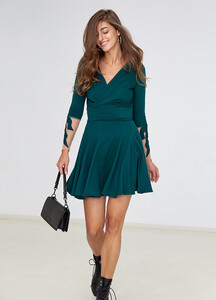
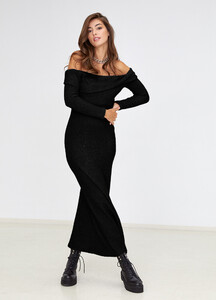
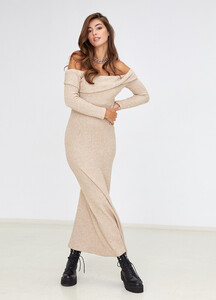
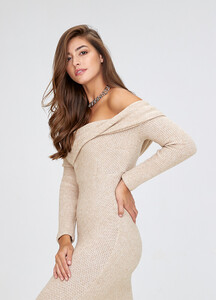
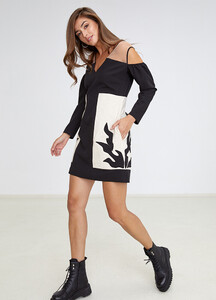
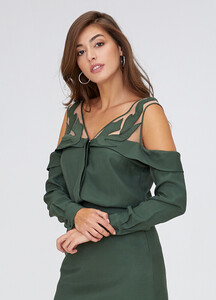
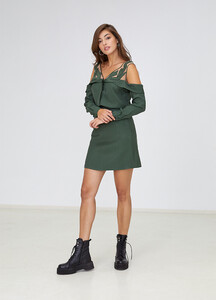
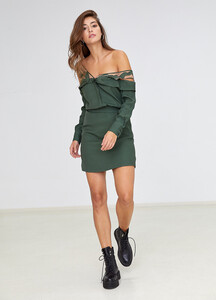
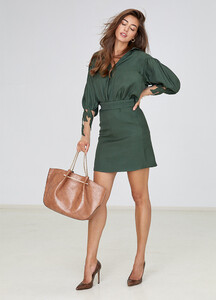
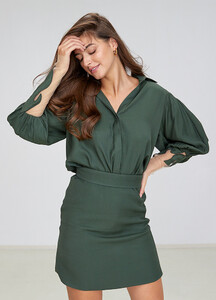
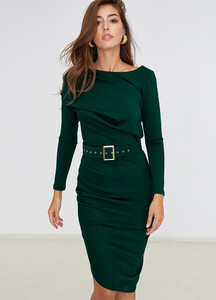
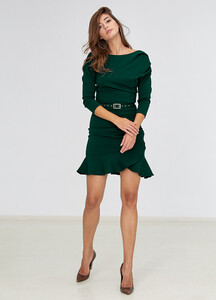
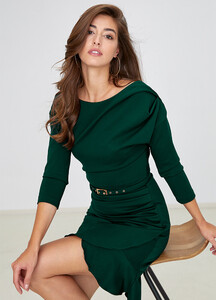
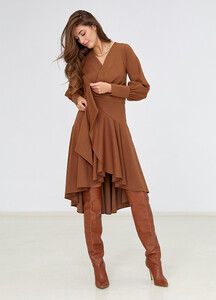
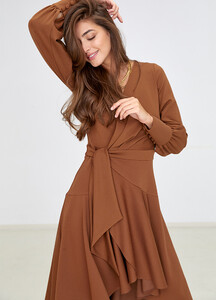
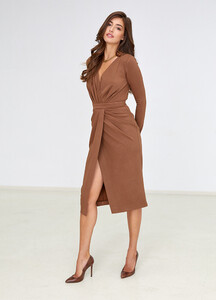
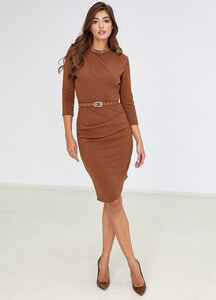
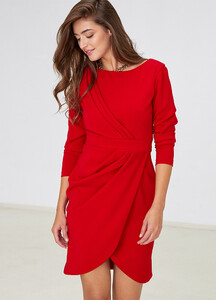
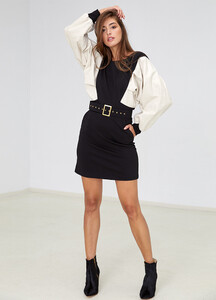
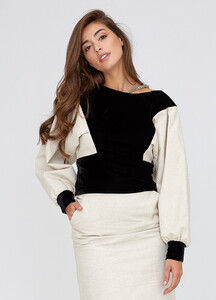
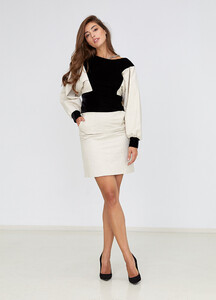
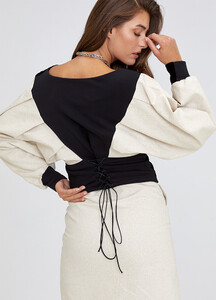
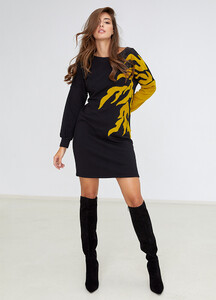
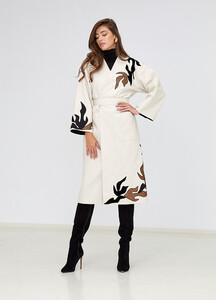
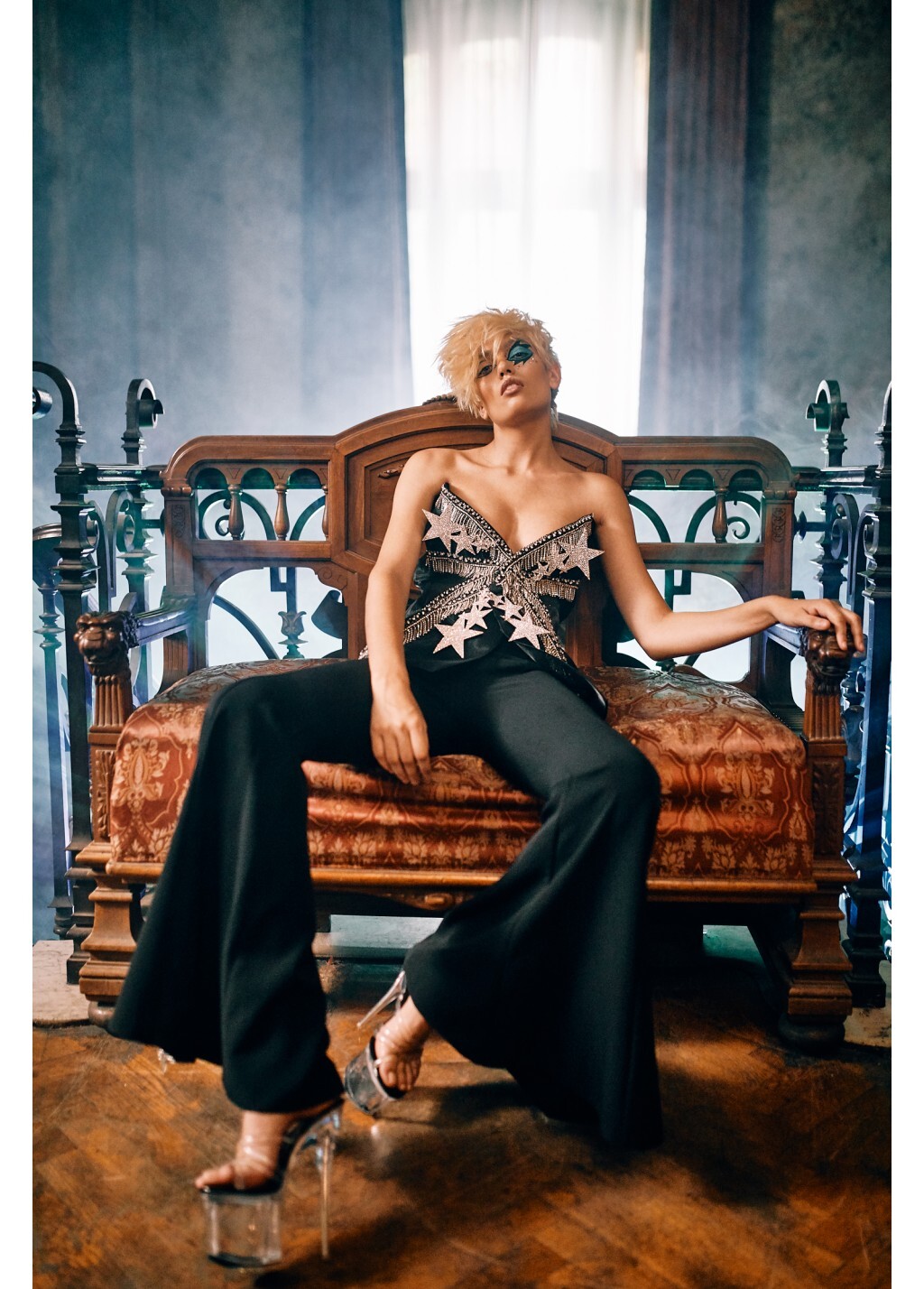
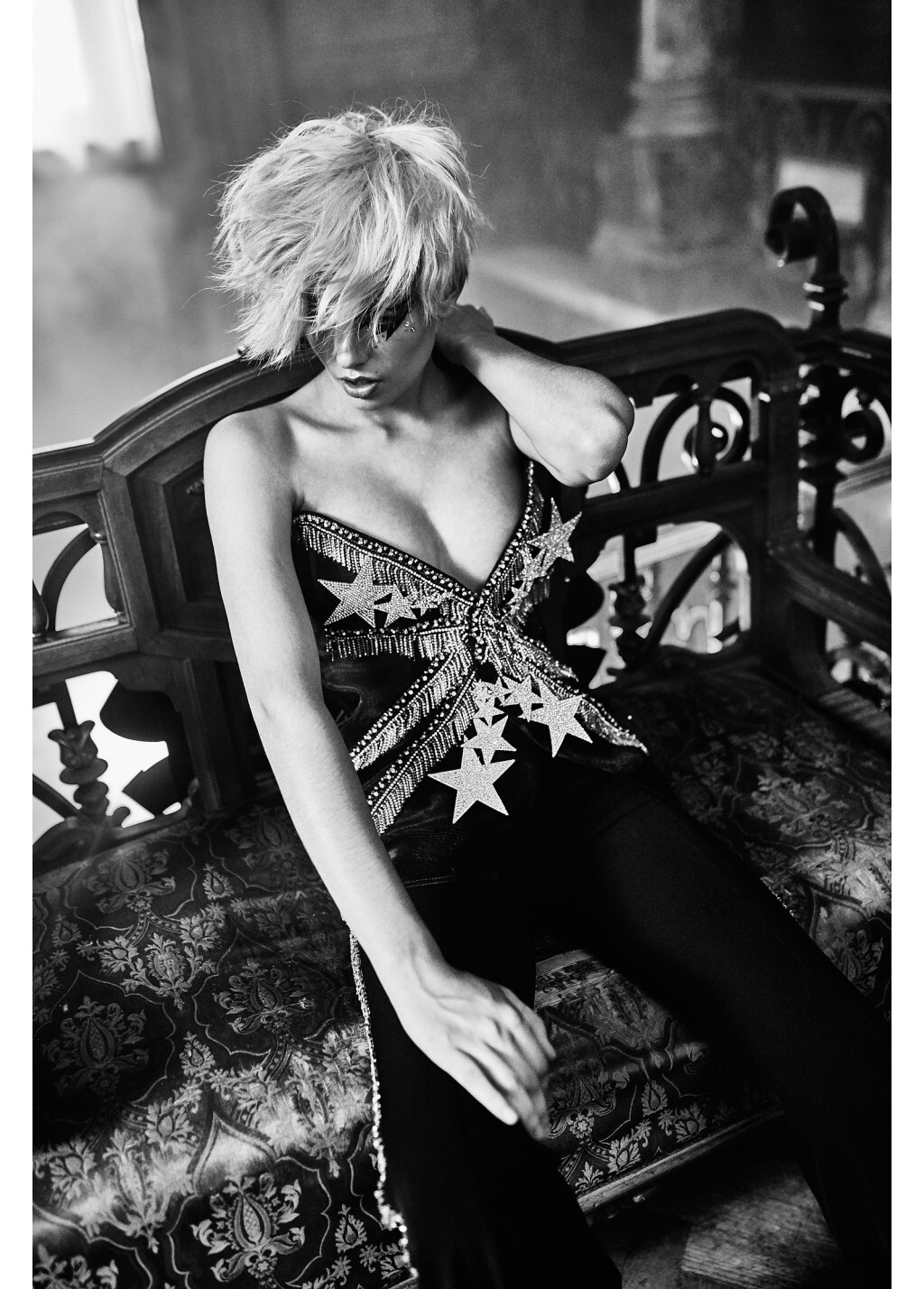
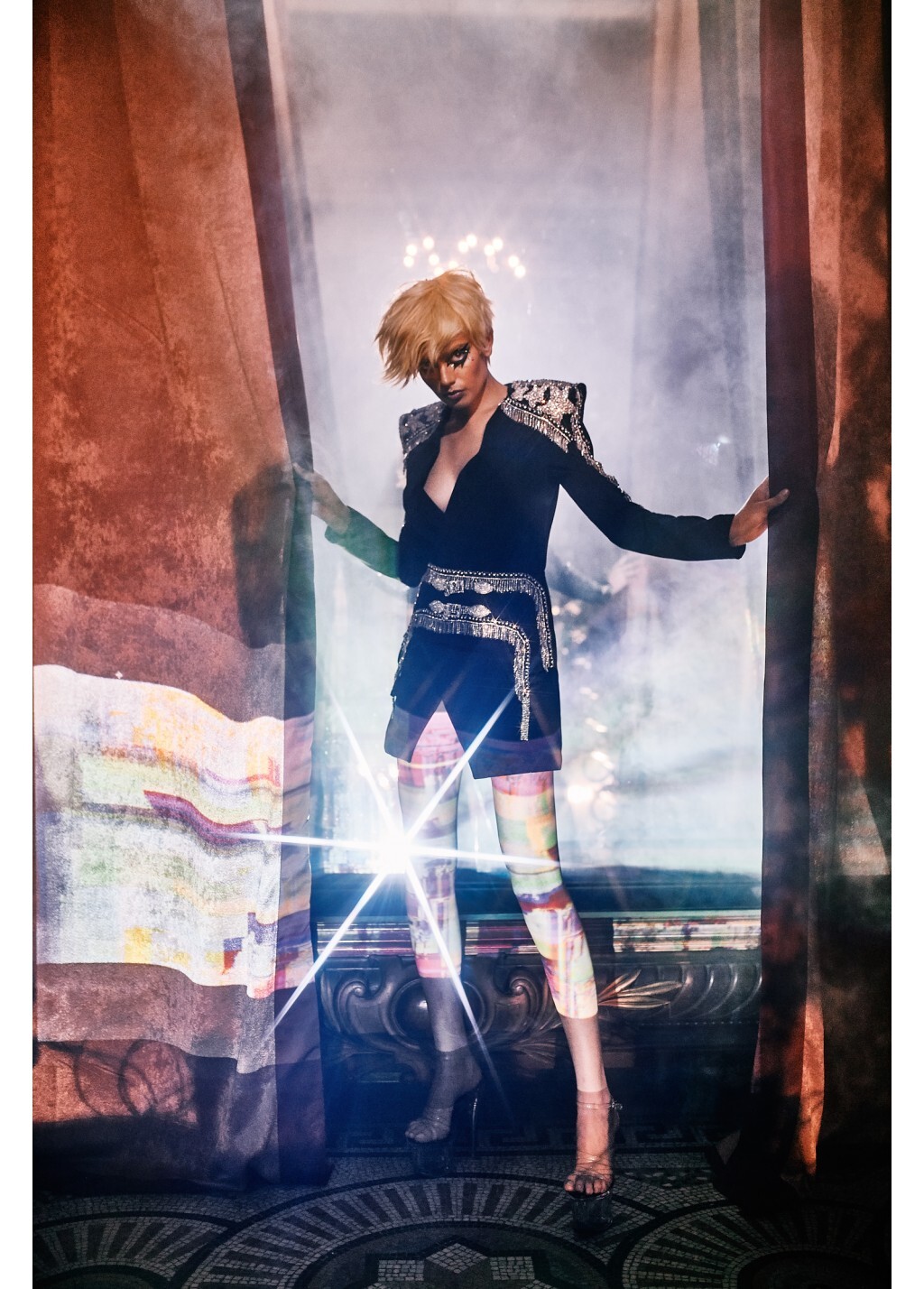
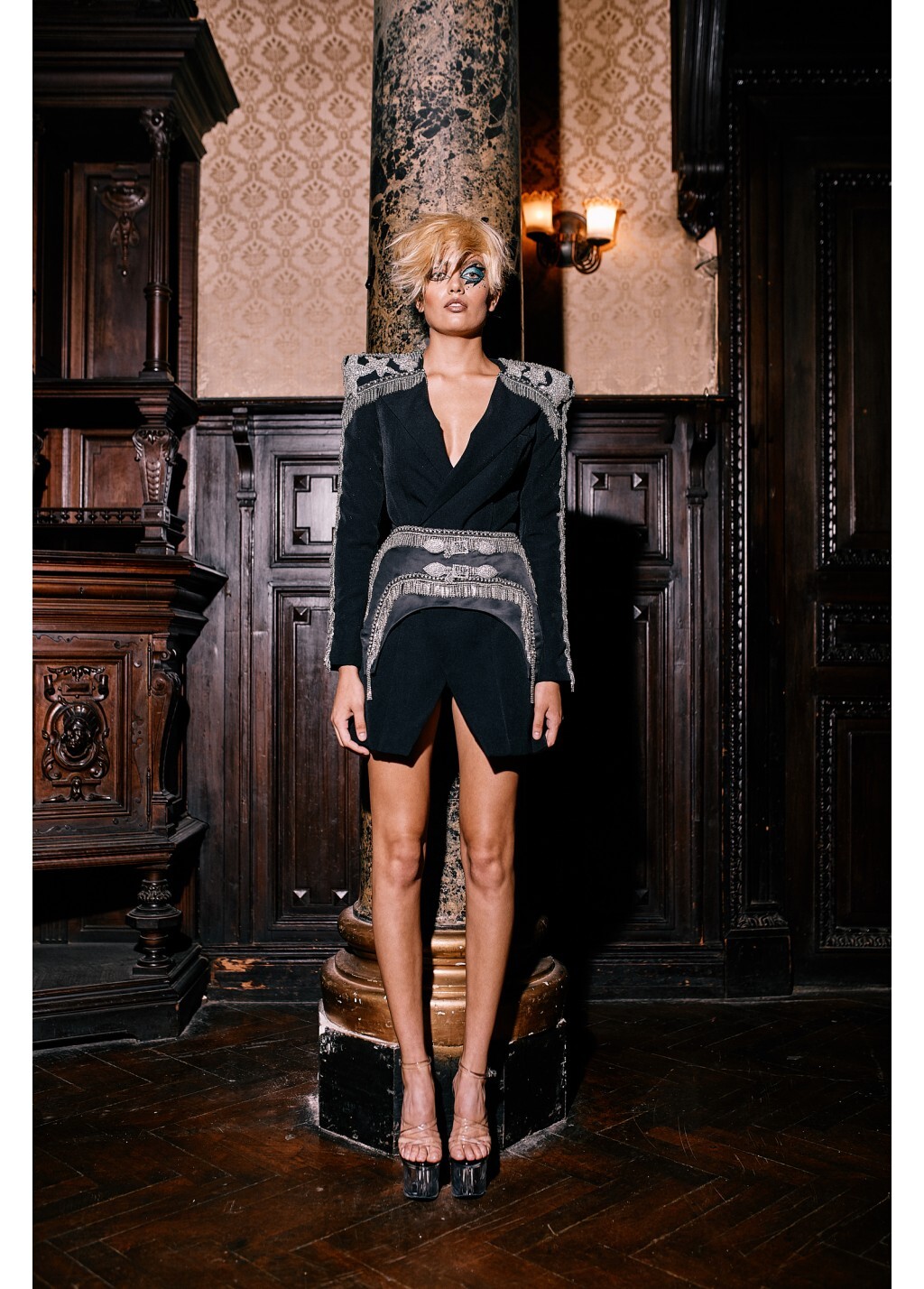
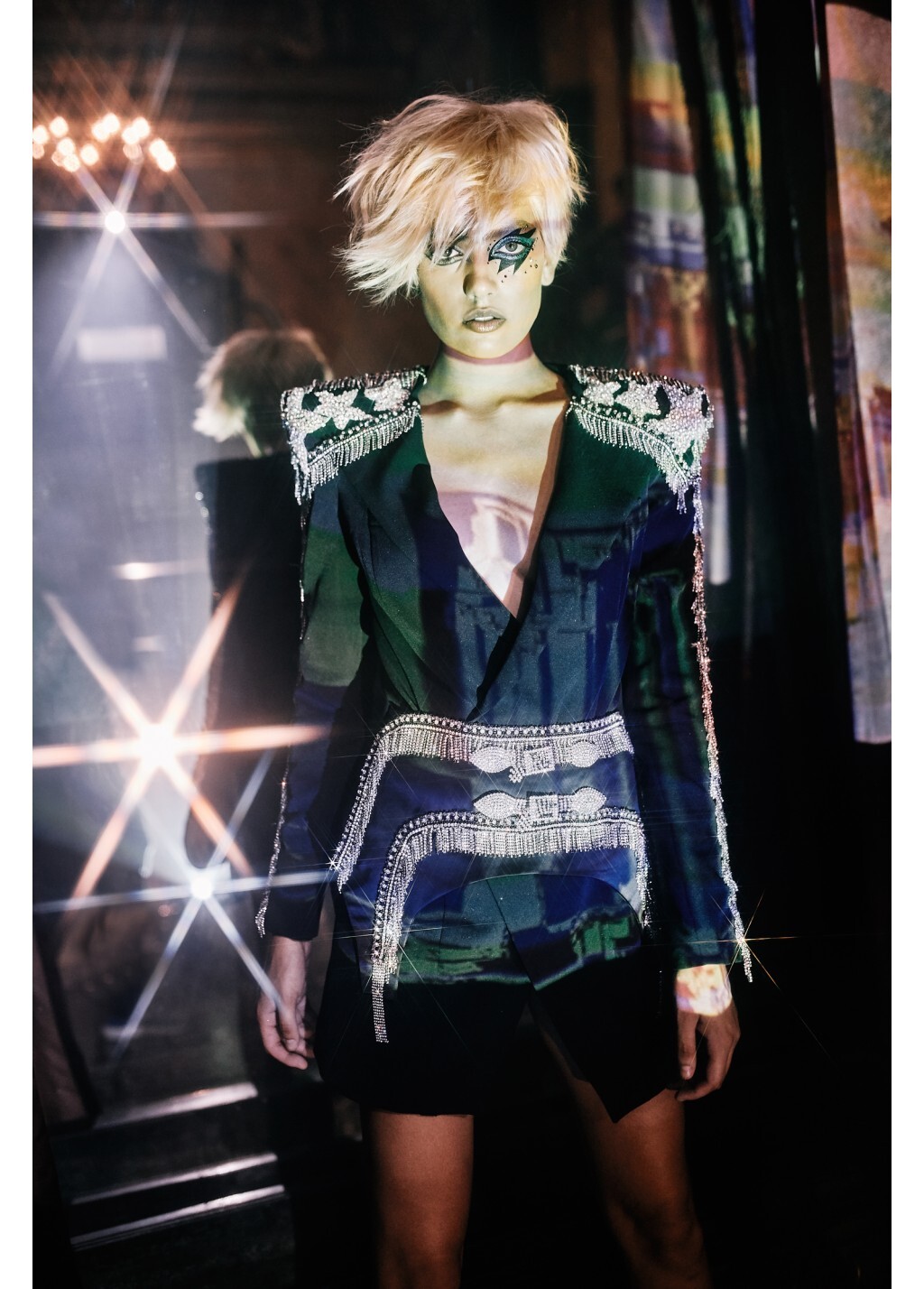
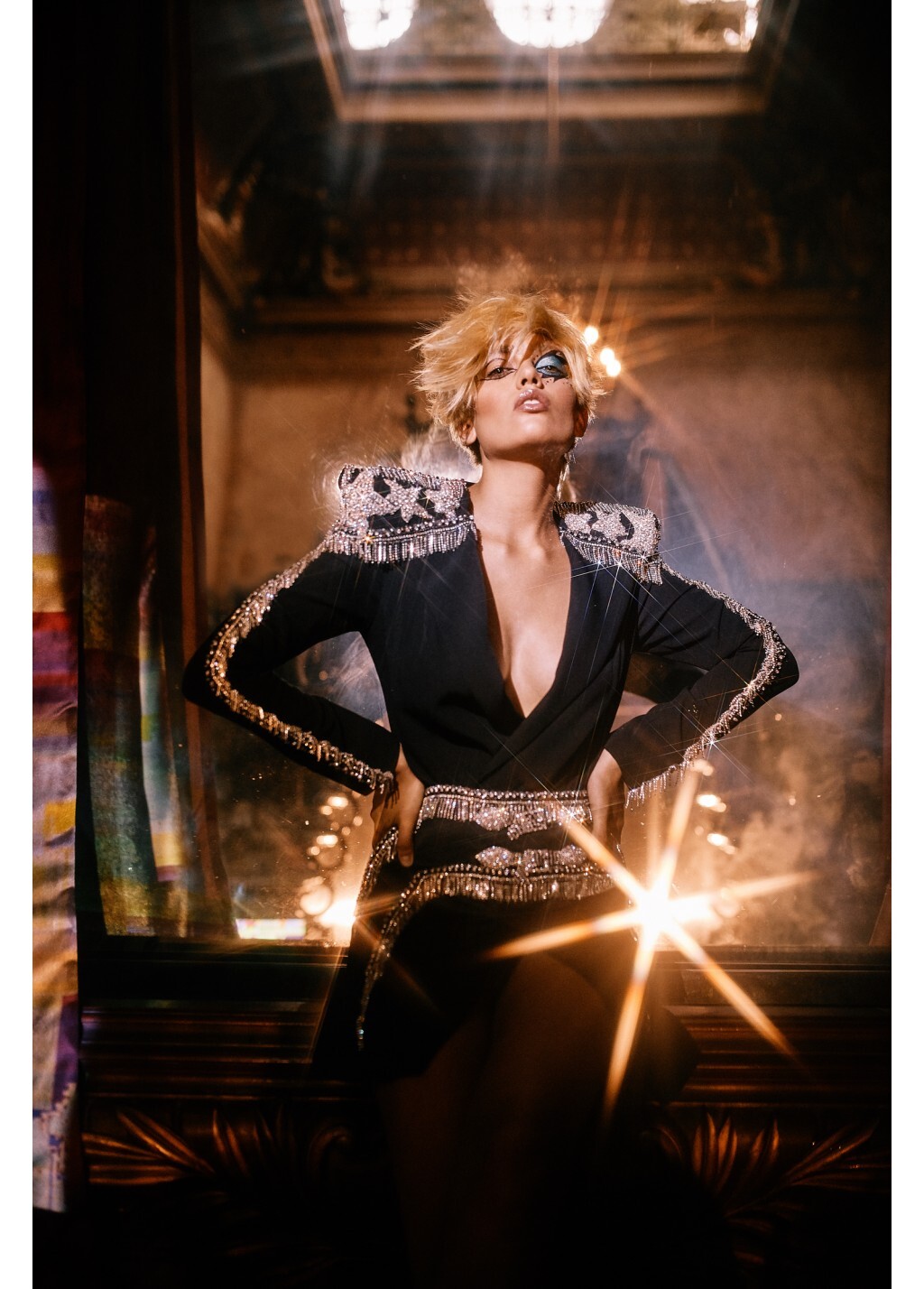
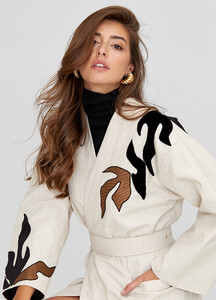 Murmur Romania Iconics FW 2020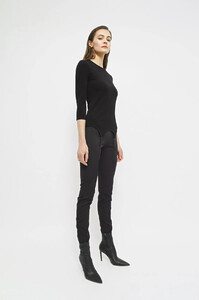
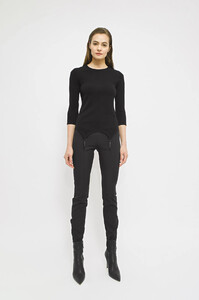
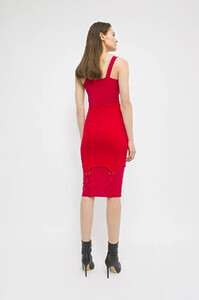
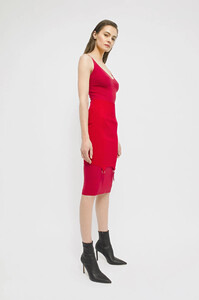
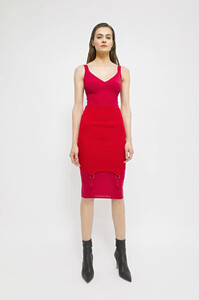
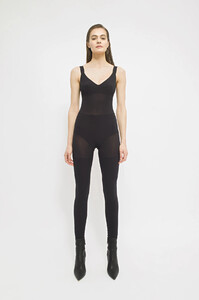
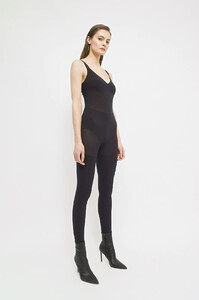
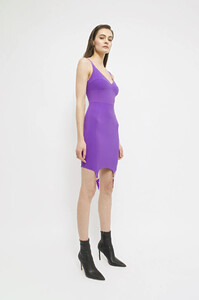
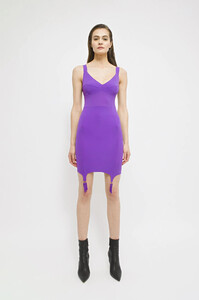
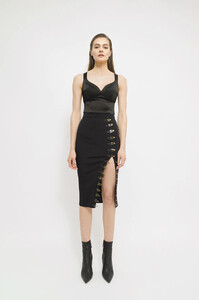
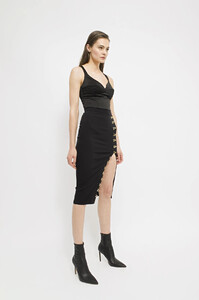
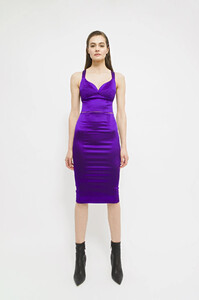
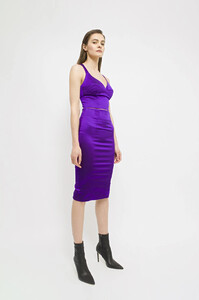
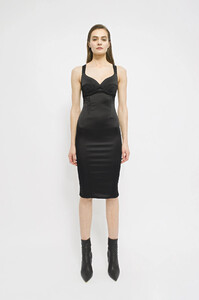
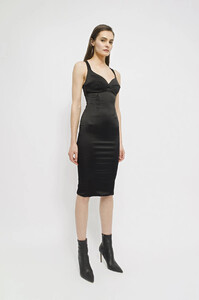
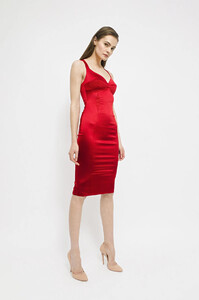
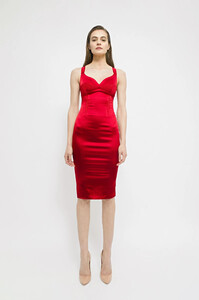
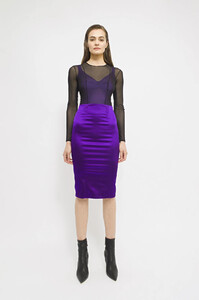
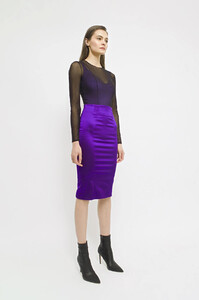
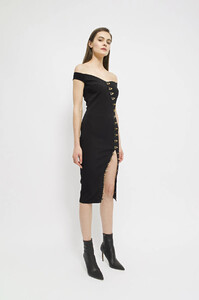
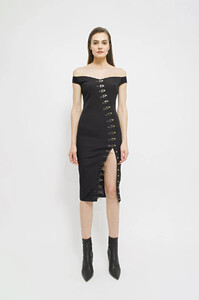
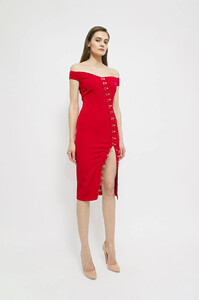
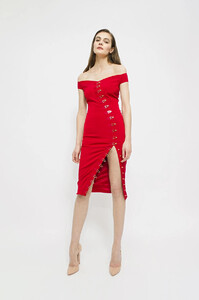
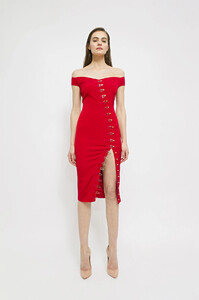
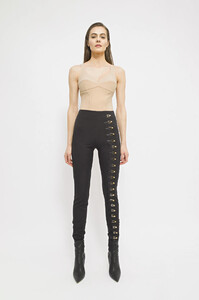
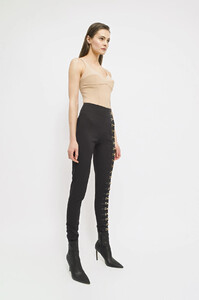
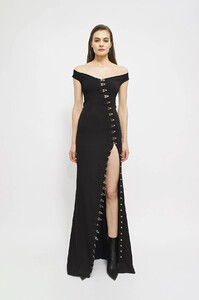
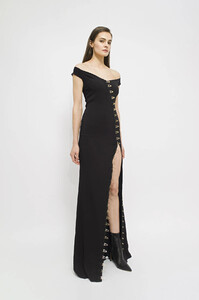
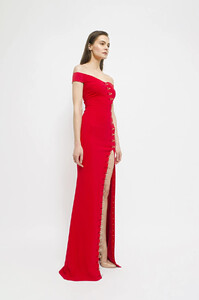
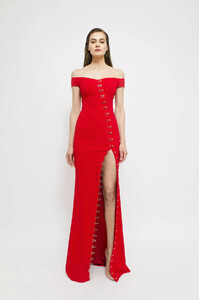
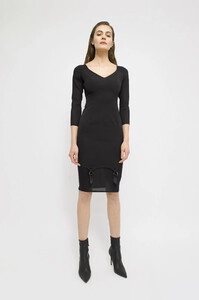
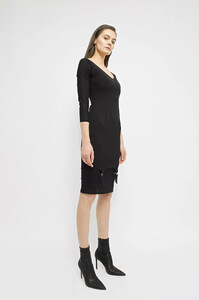
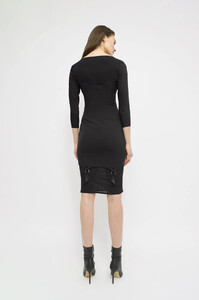
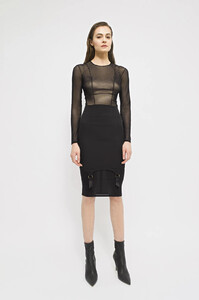
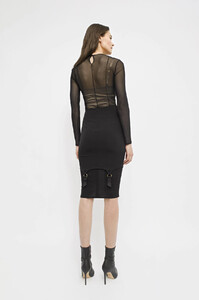
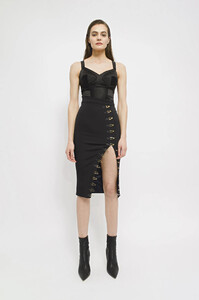
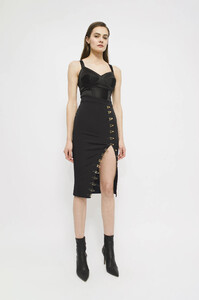
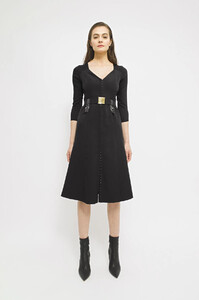
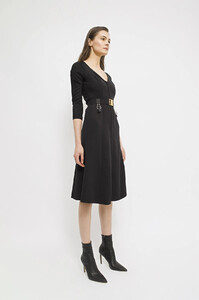
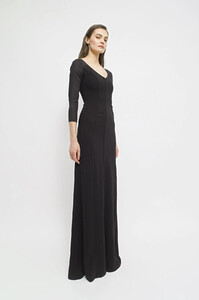
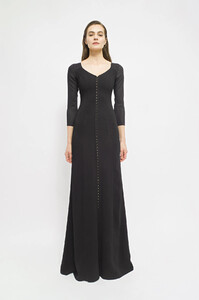
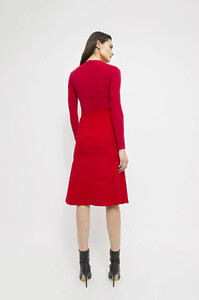
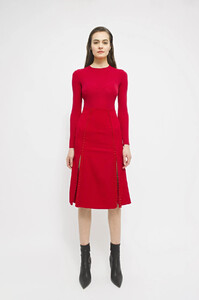
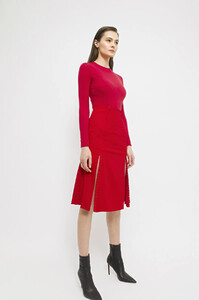
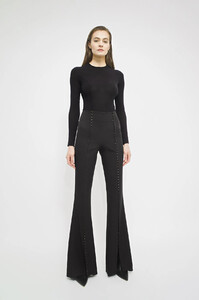
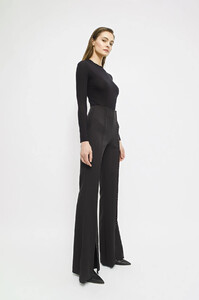
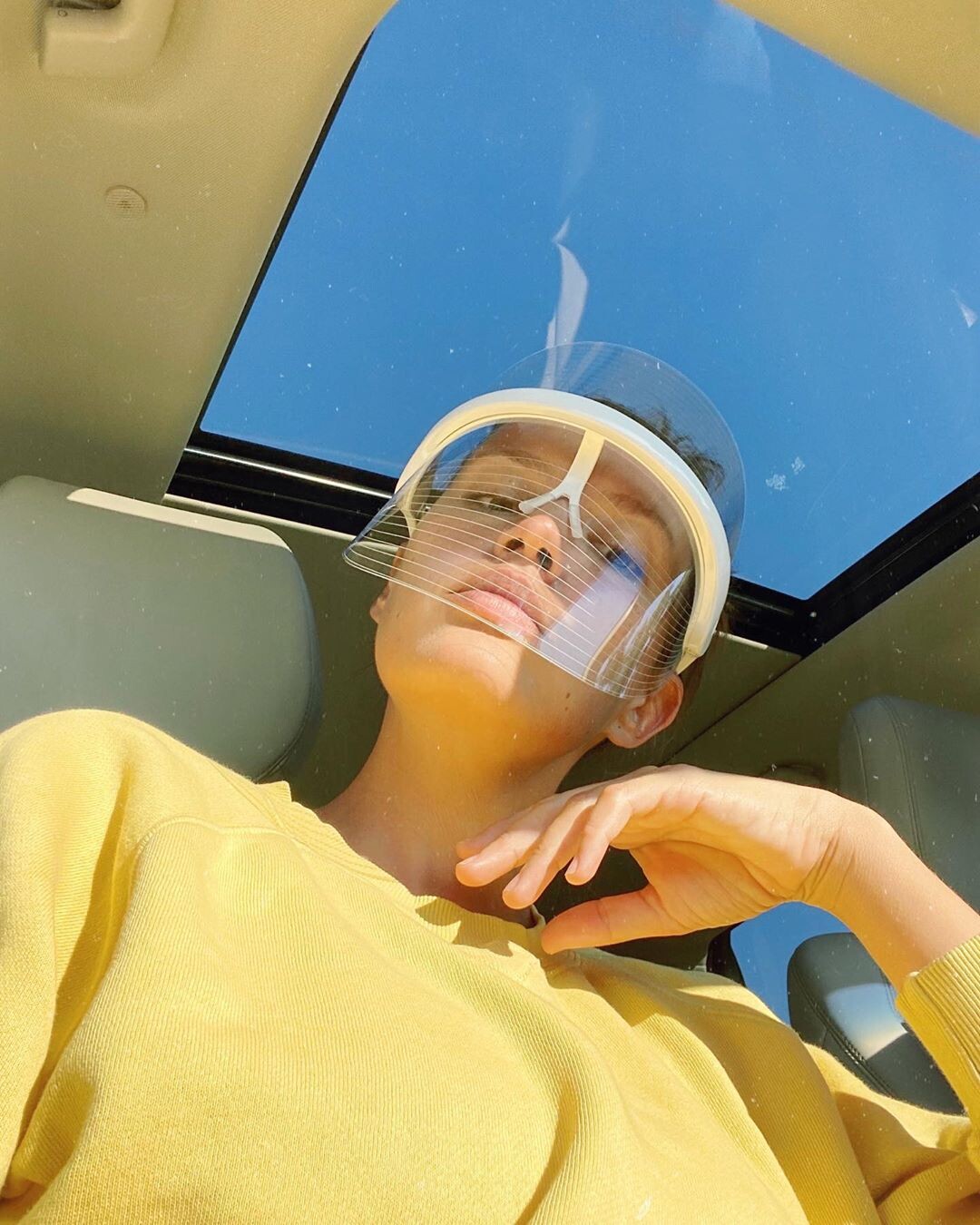
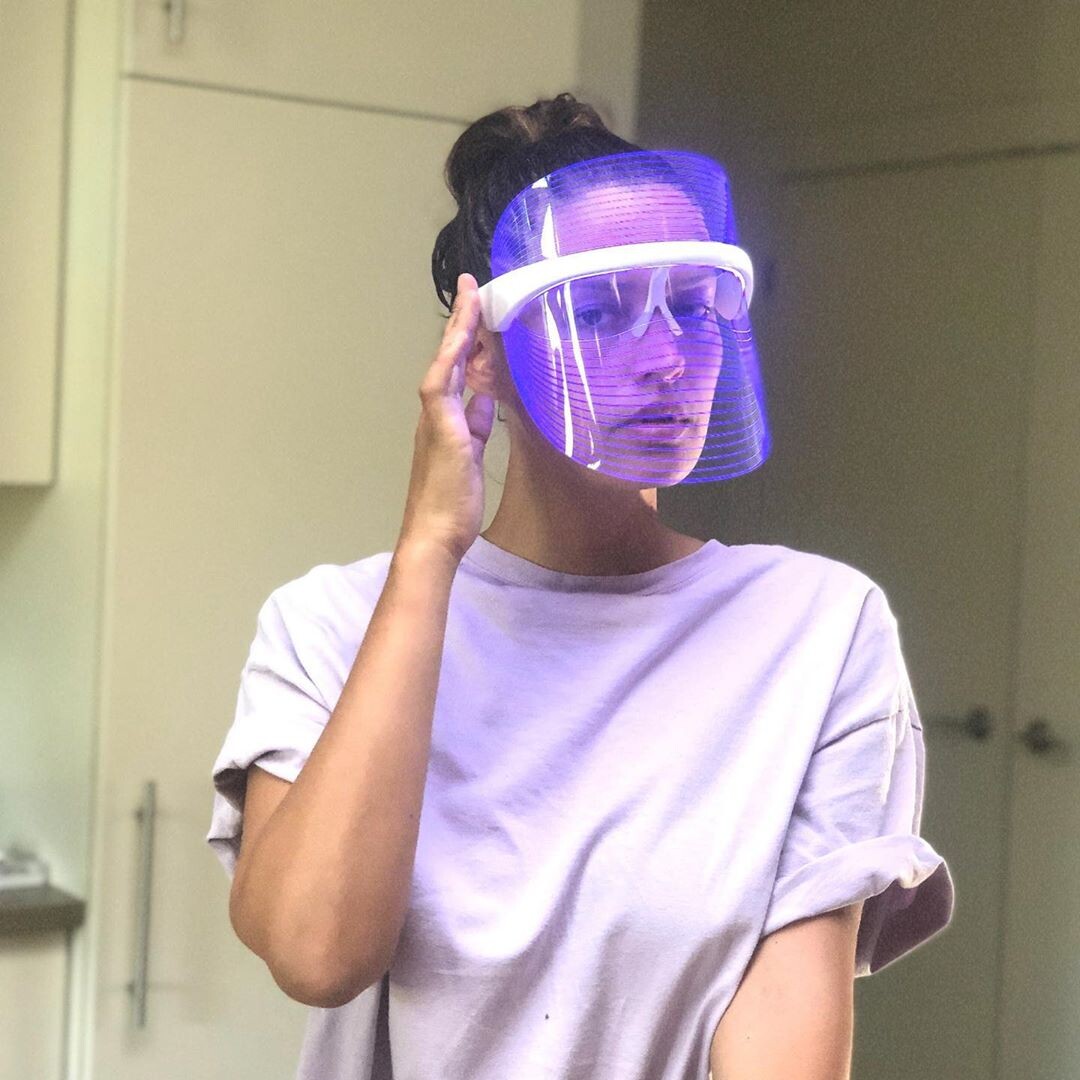
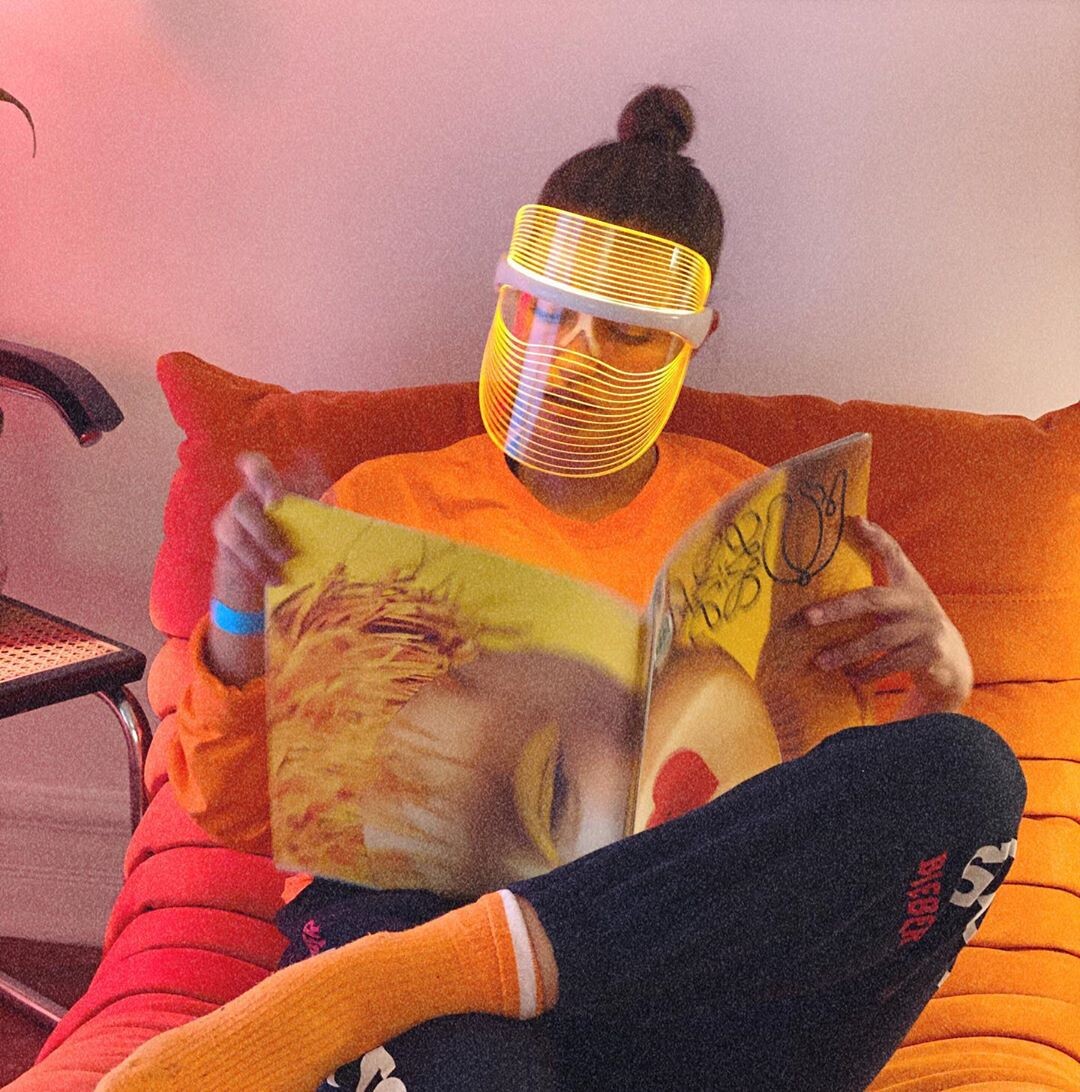
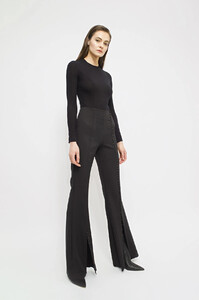 Luma Aesthetics Shield -- https://www.instagram.com/luma.aesthetics/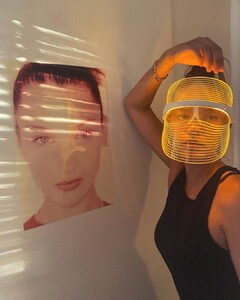
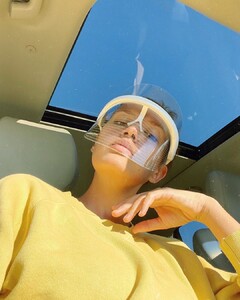
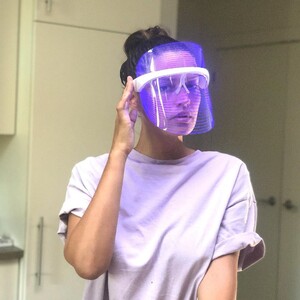
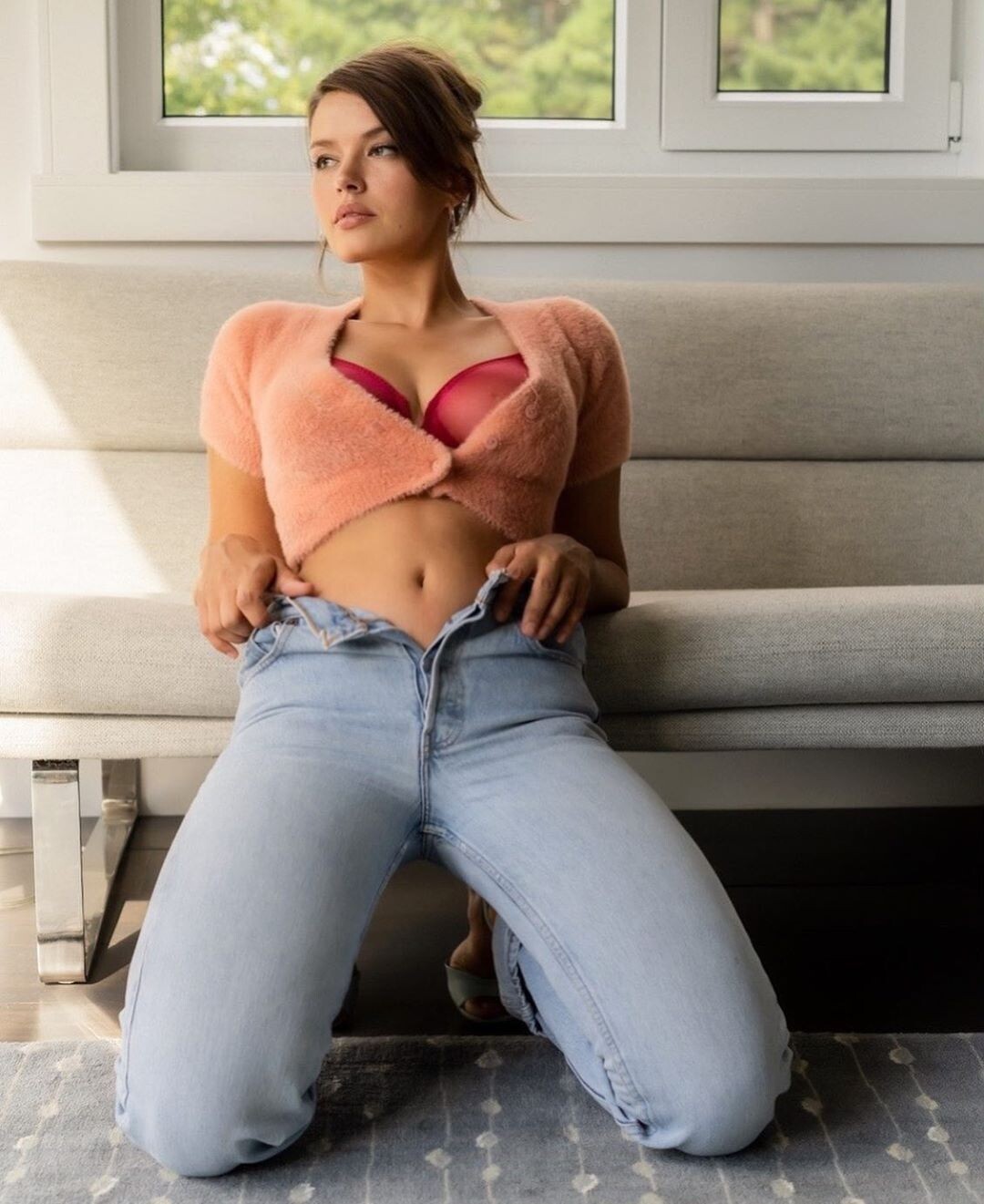
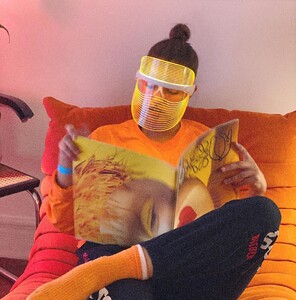 emmadorashop -- https://www.instagram.com/emmadorashop/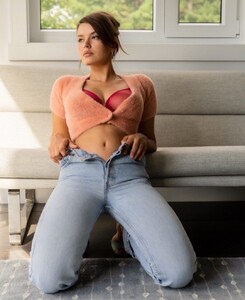
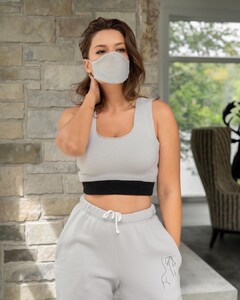

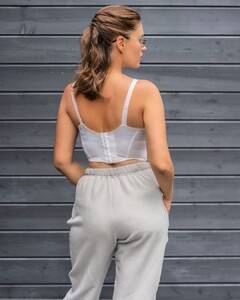
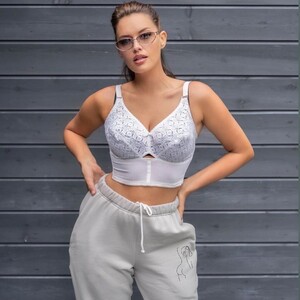
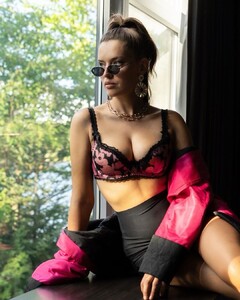
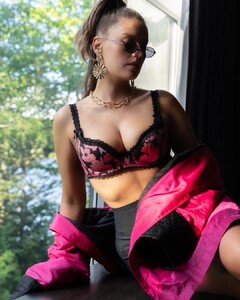
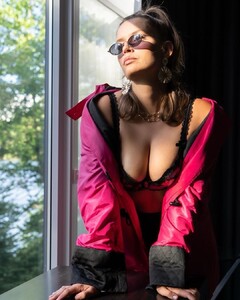
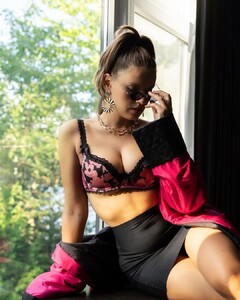 Rara Avis Lingerie rara_avis_lingerie_1204461623418422672446191100999324098882826n.mp4
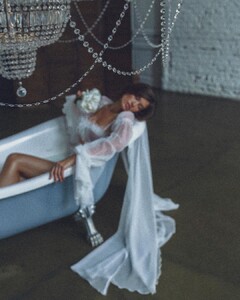


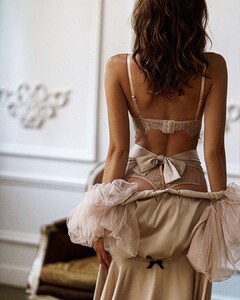
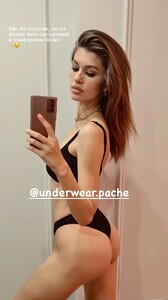
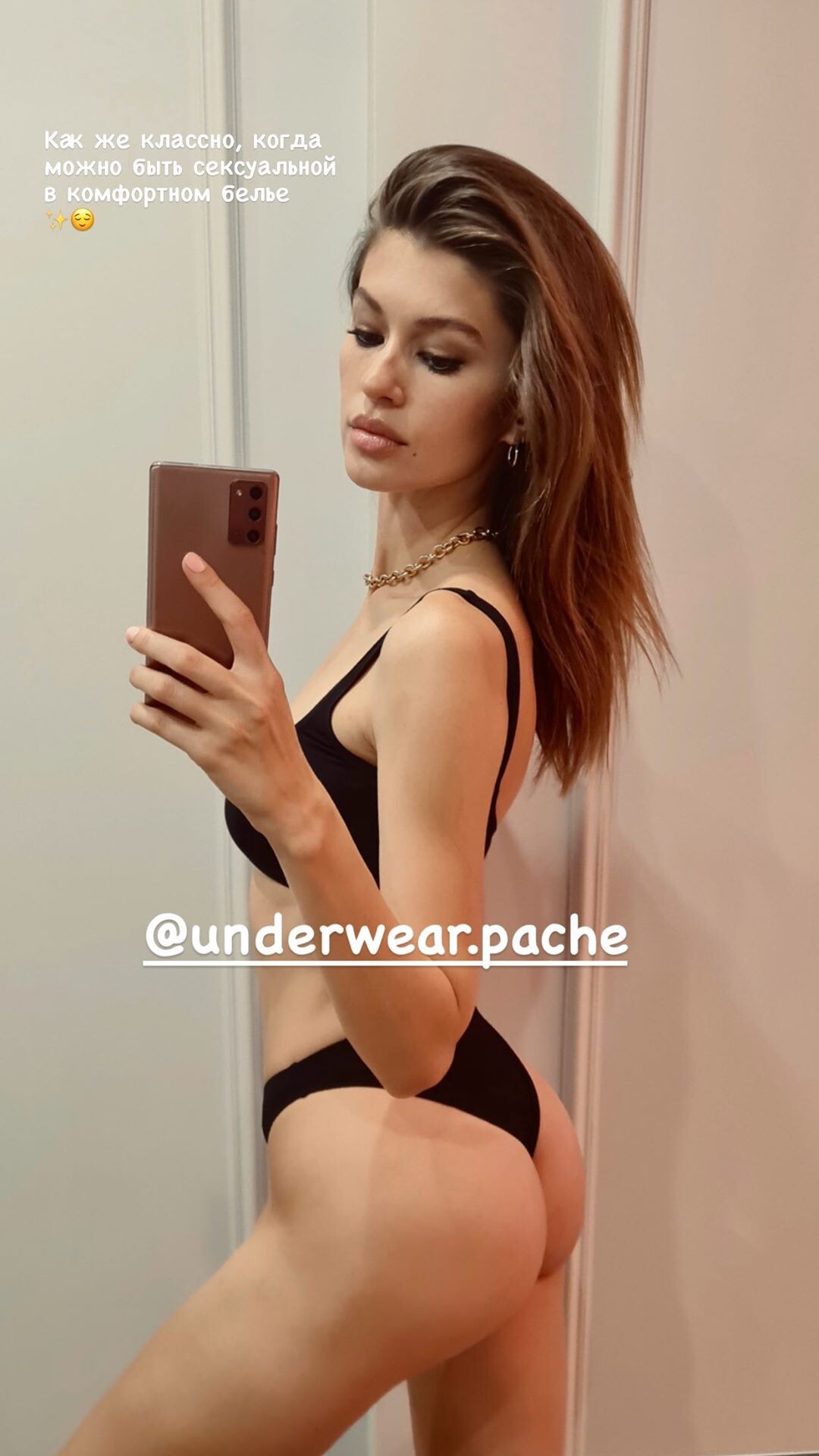
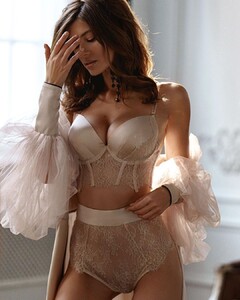 IG Stories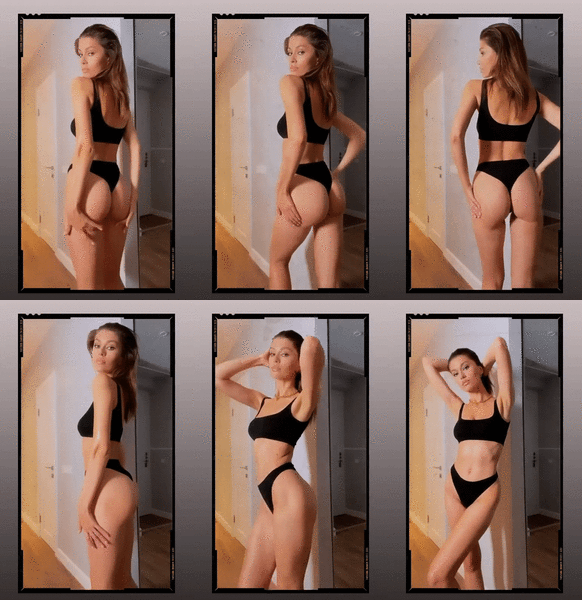
 Harper's Bazaar Romania October 2020
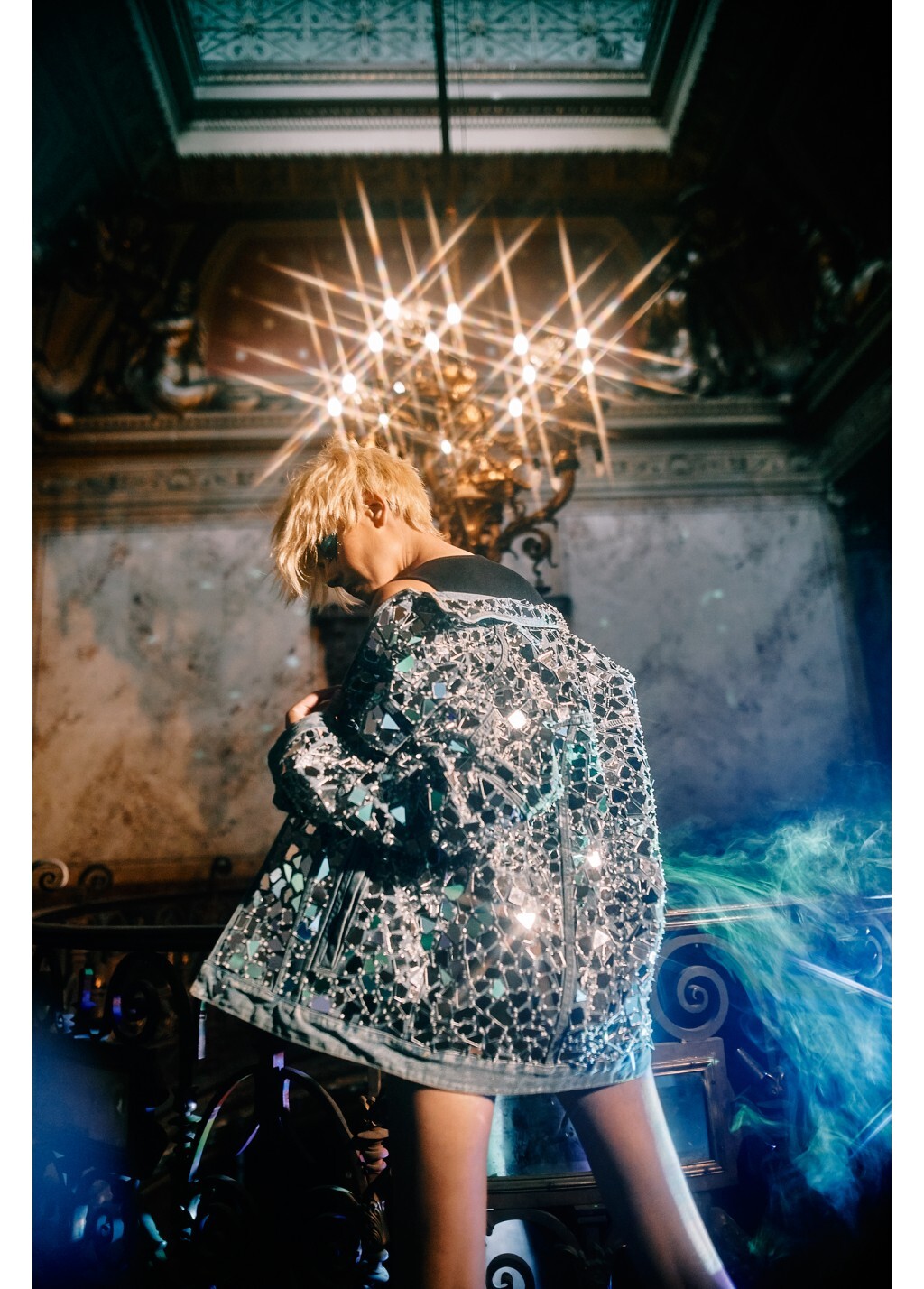
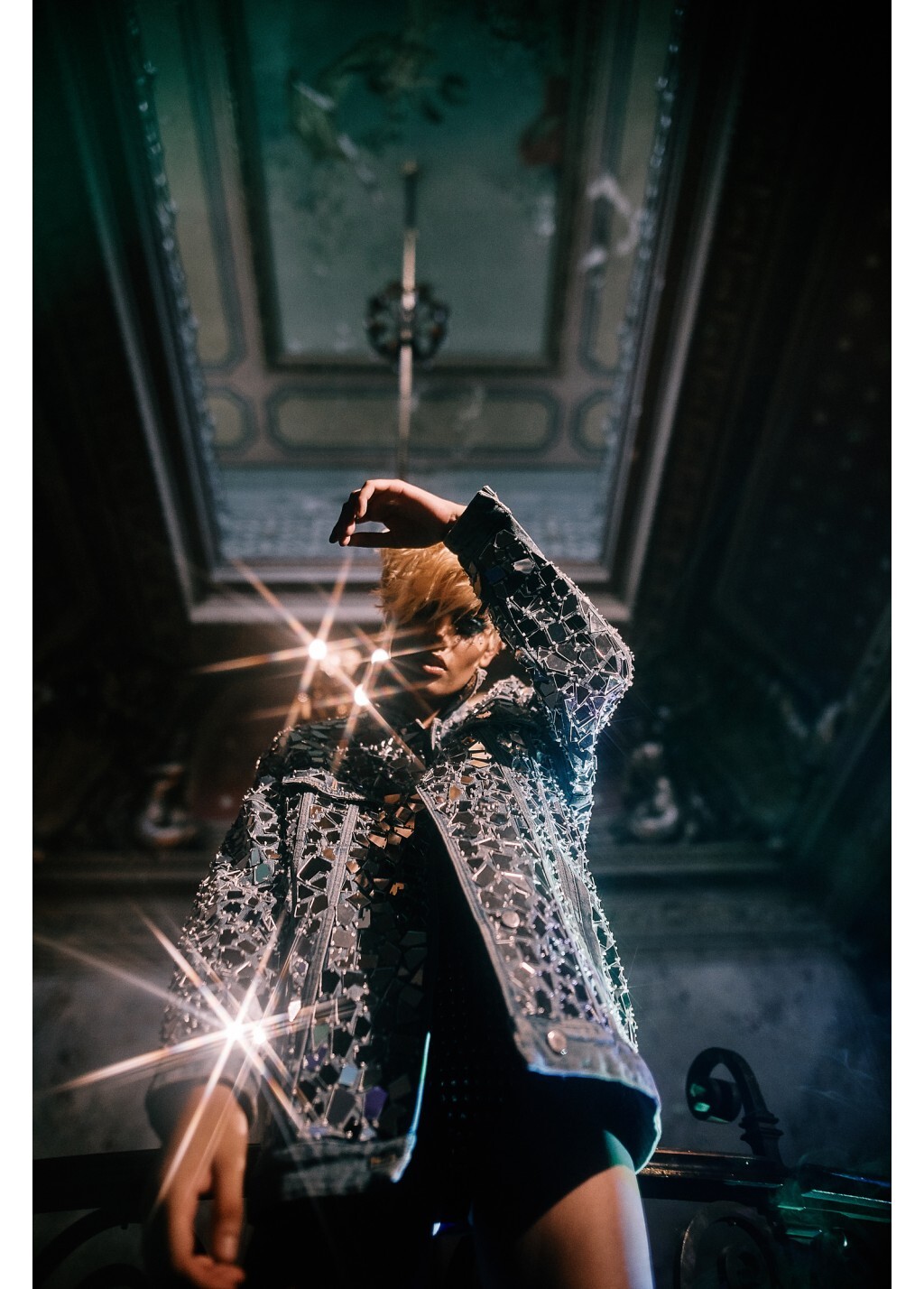
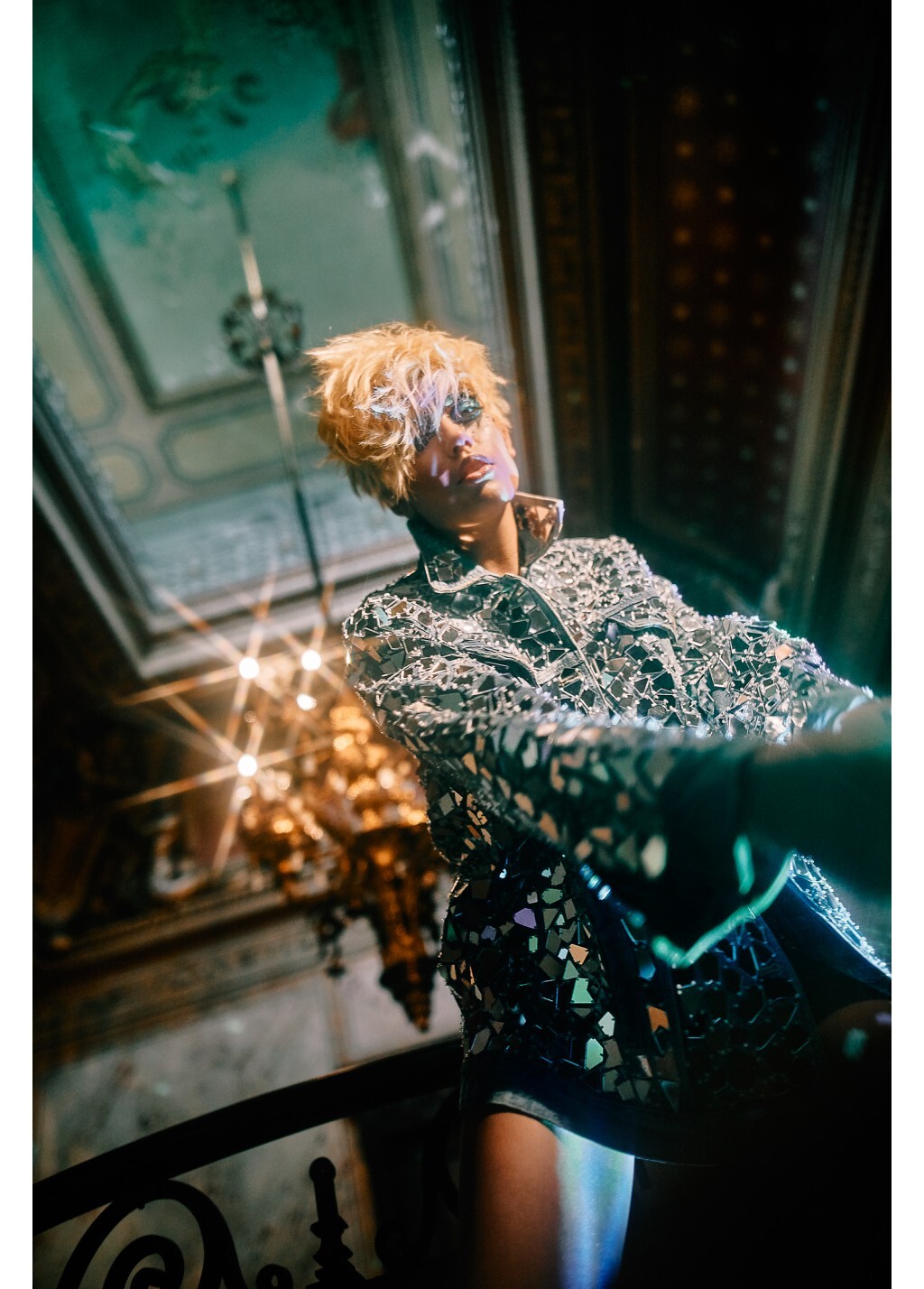
Touch Magazine September 2020
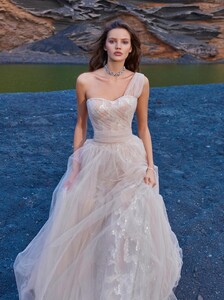
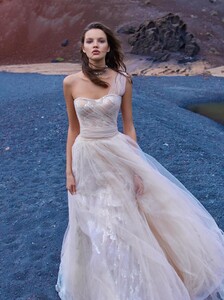
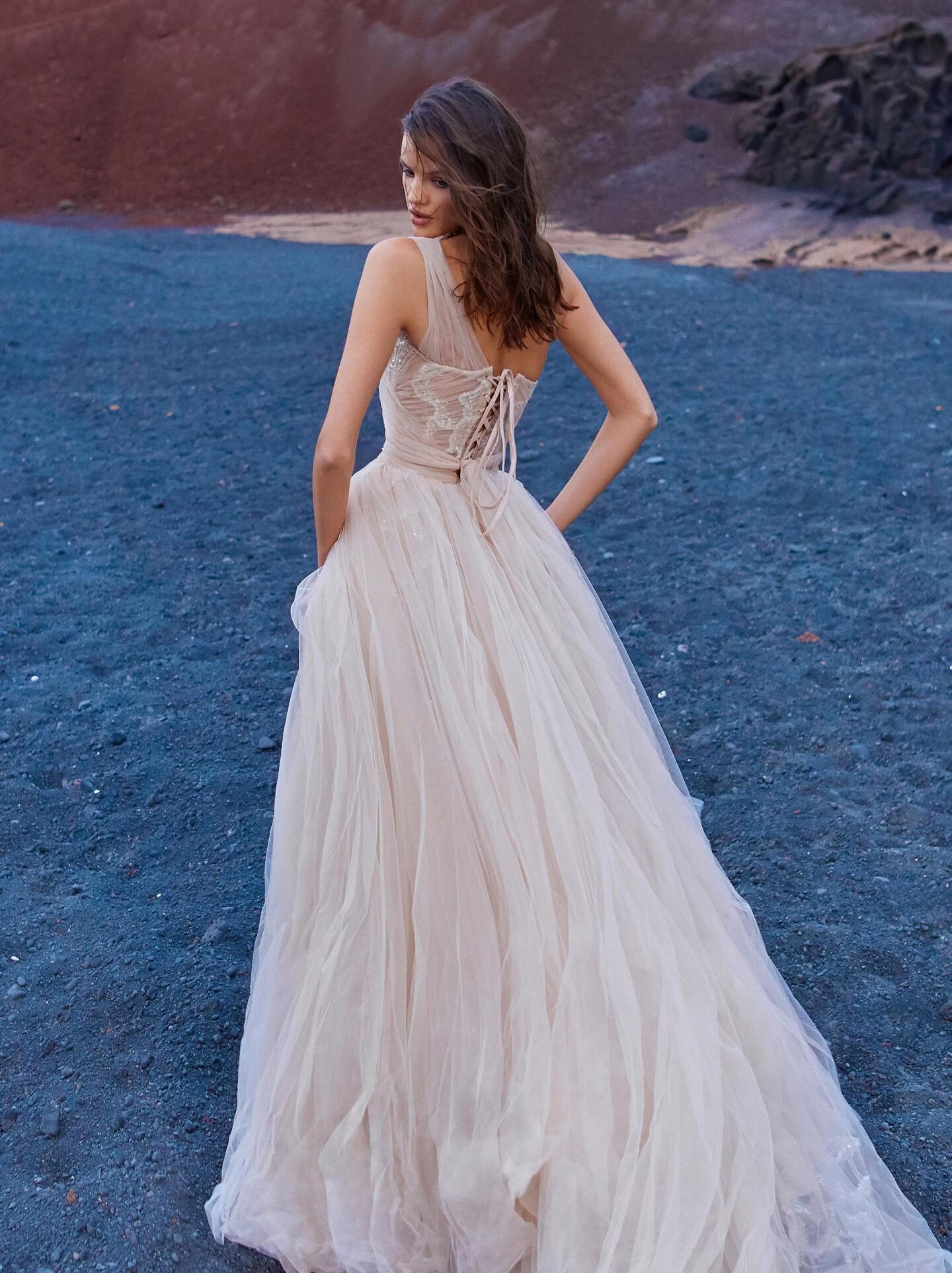
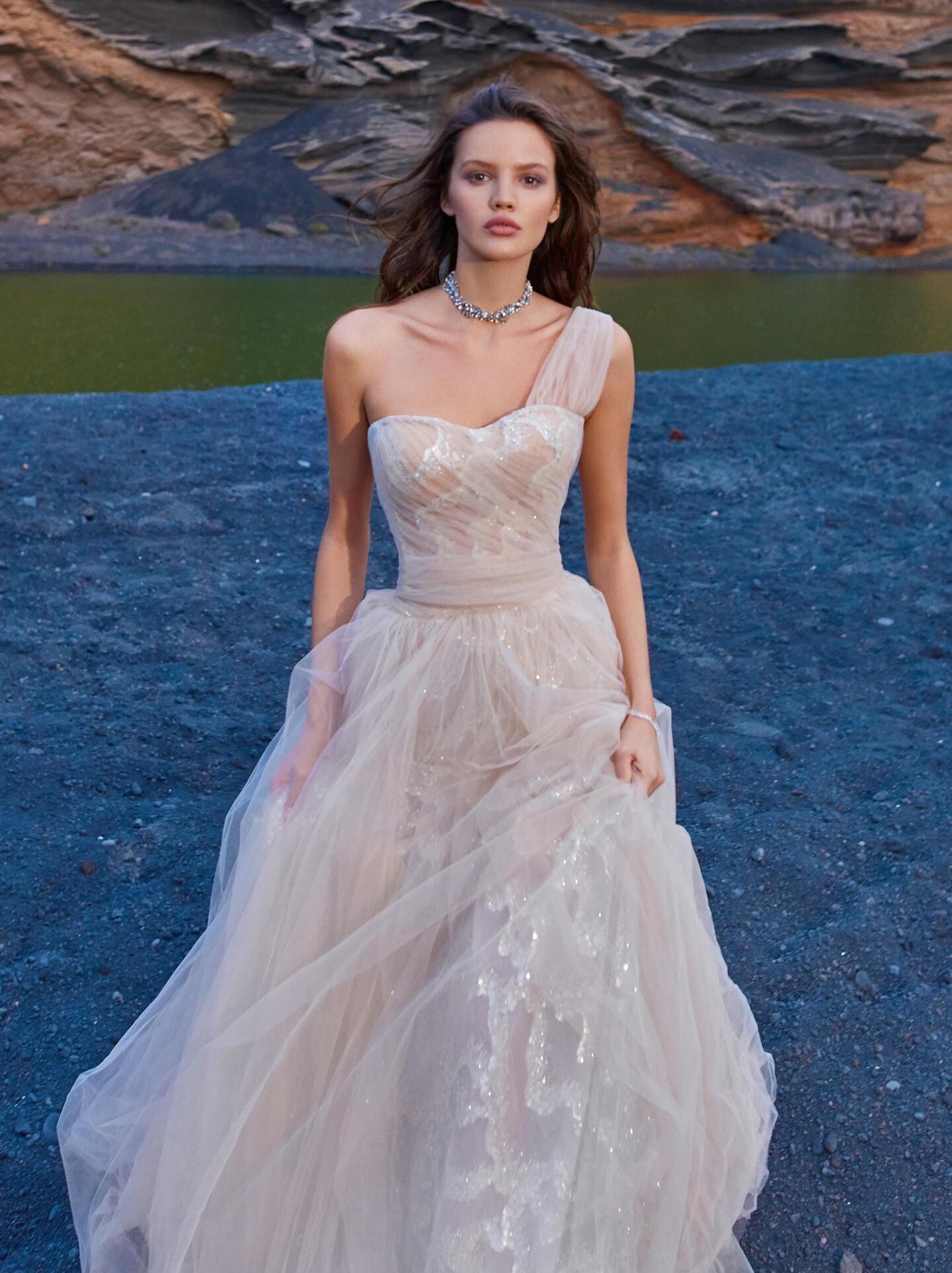
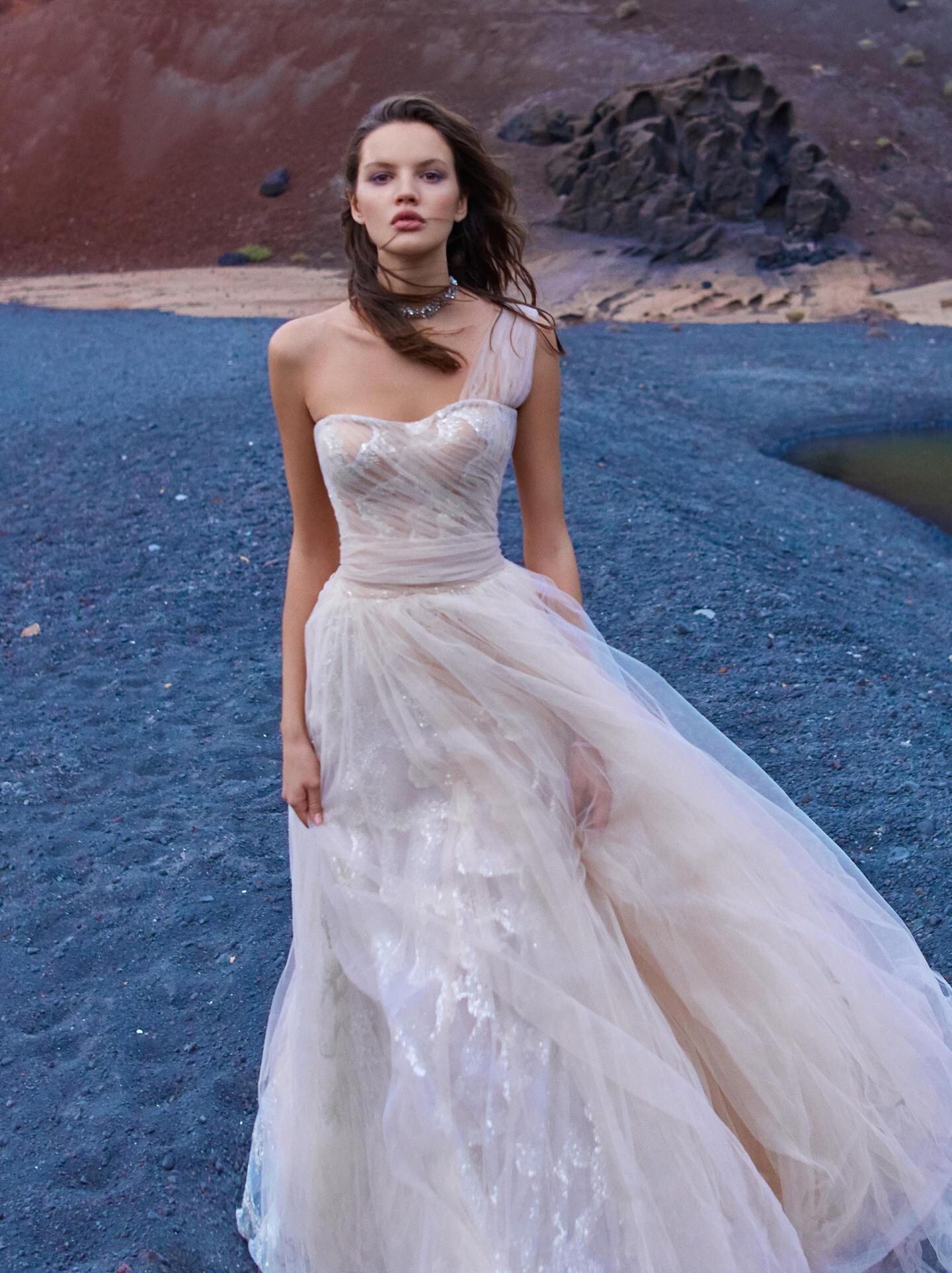
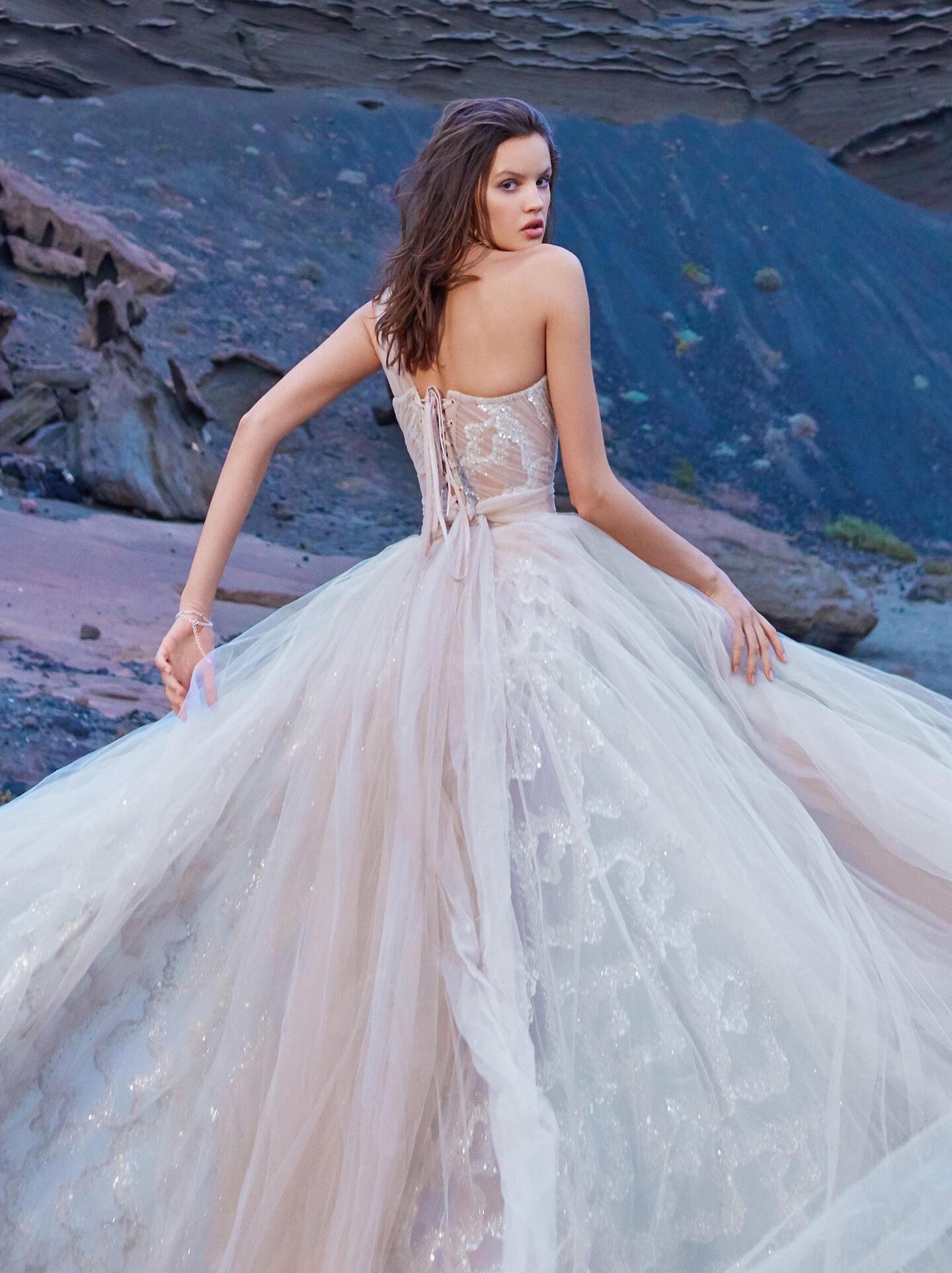
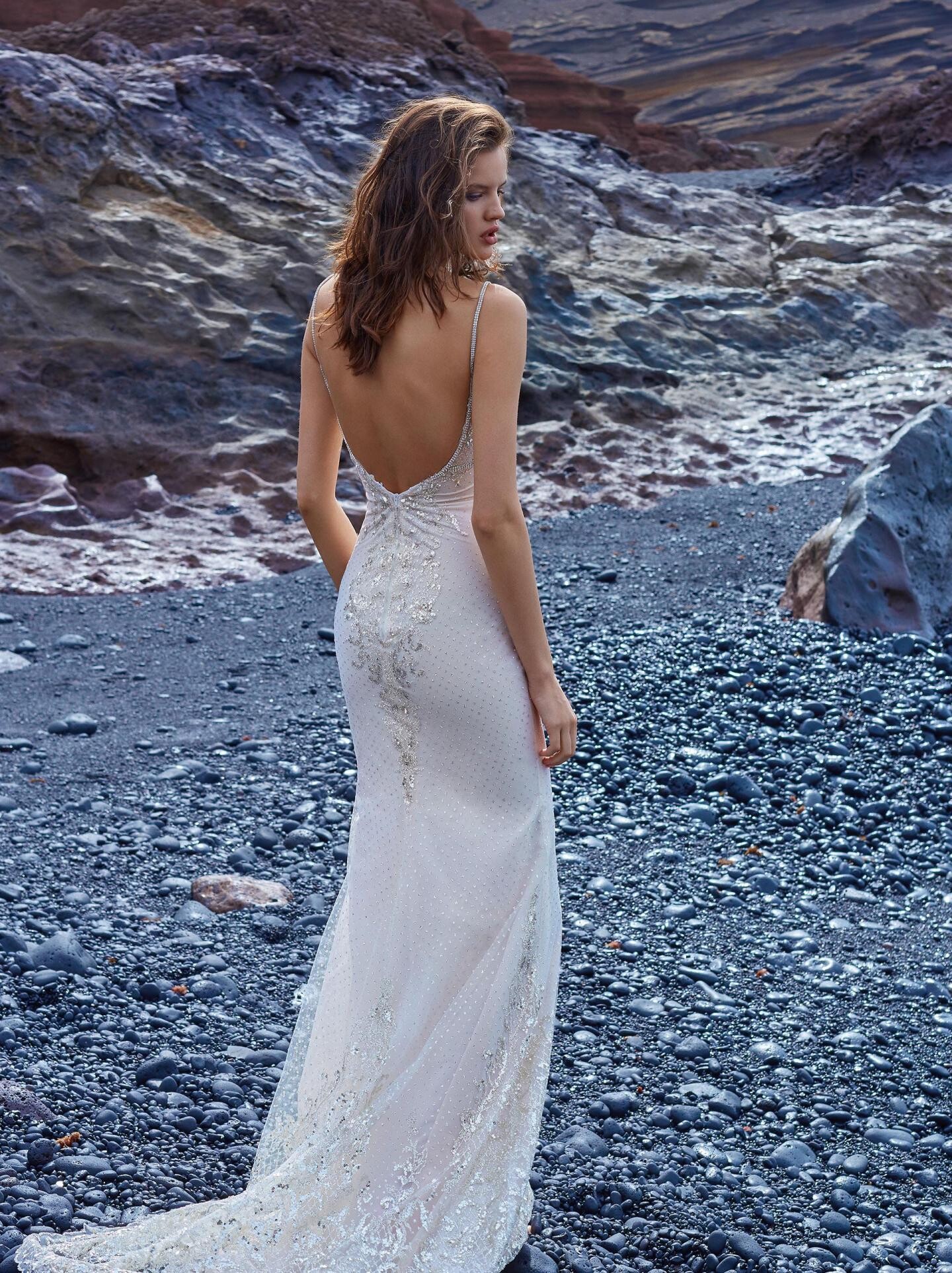
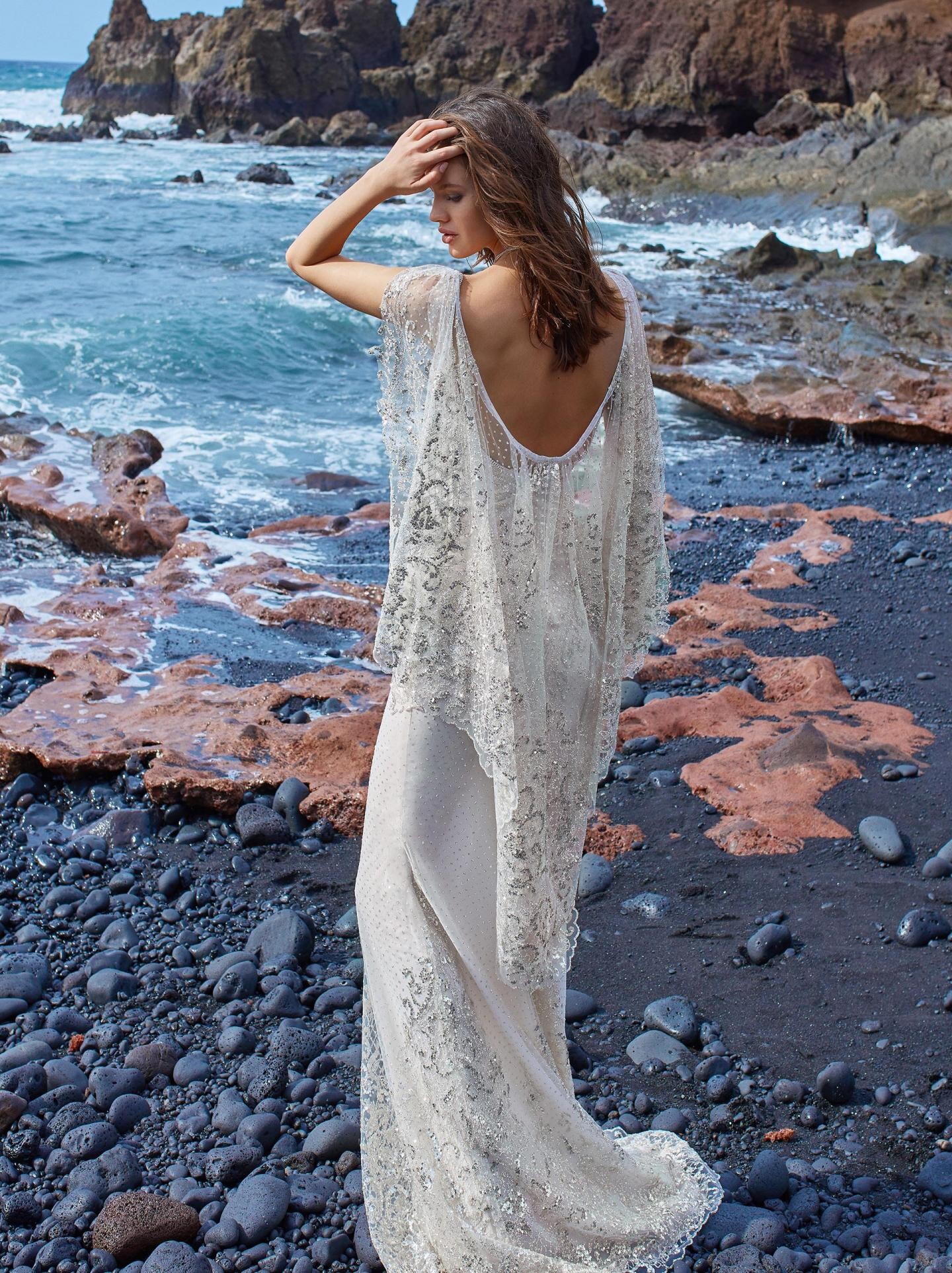
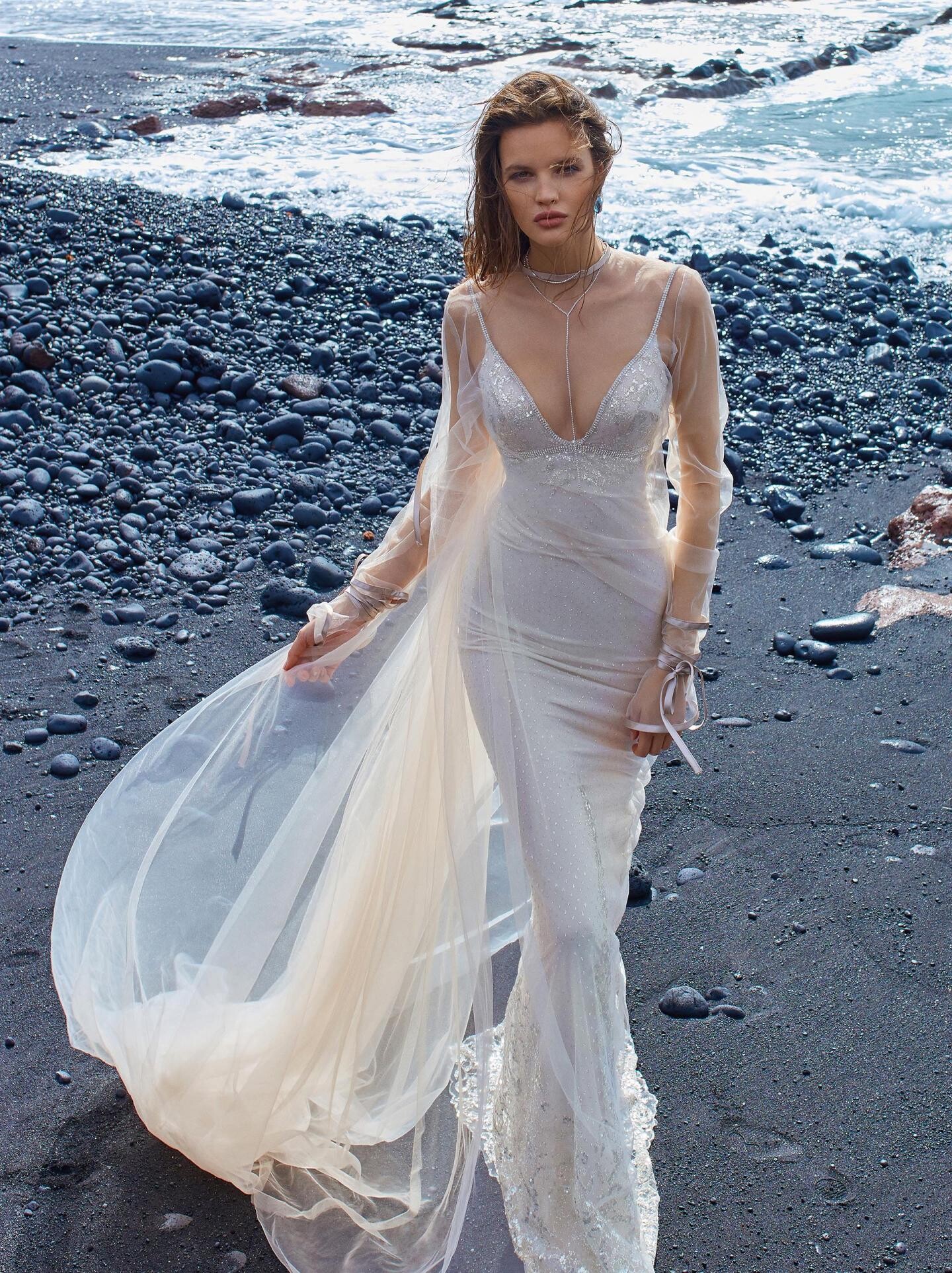
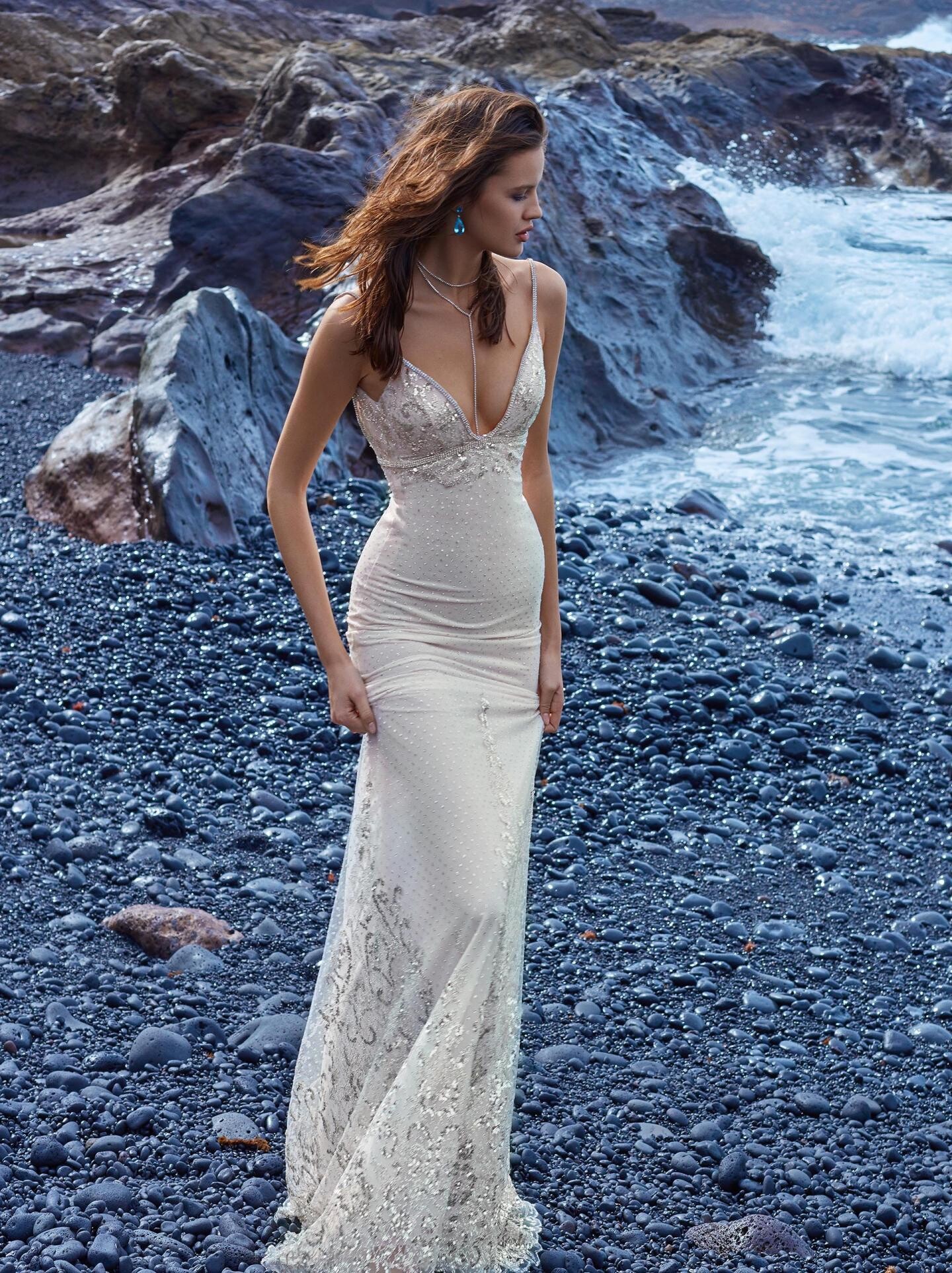
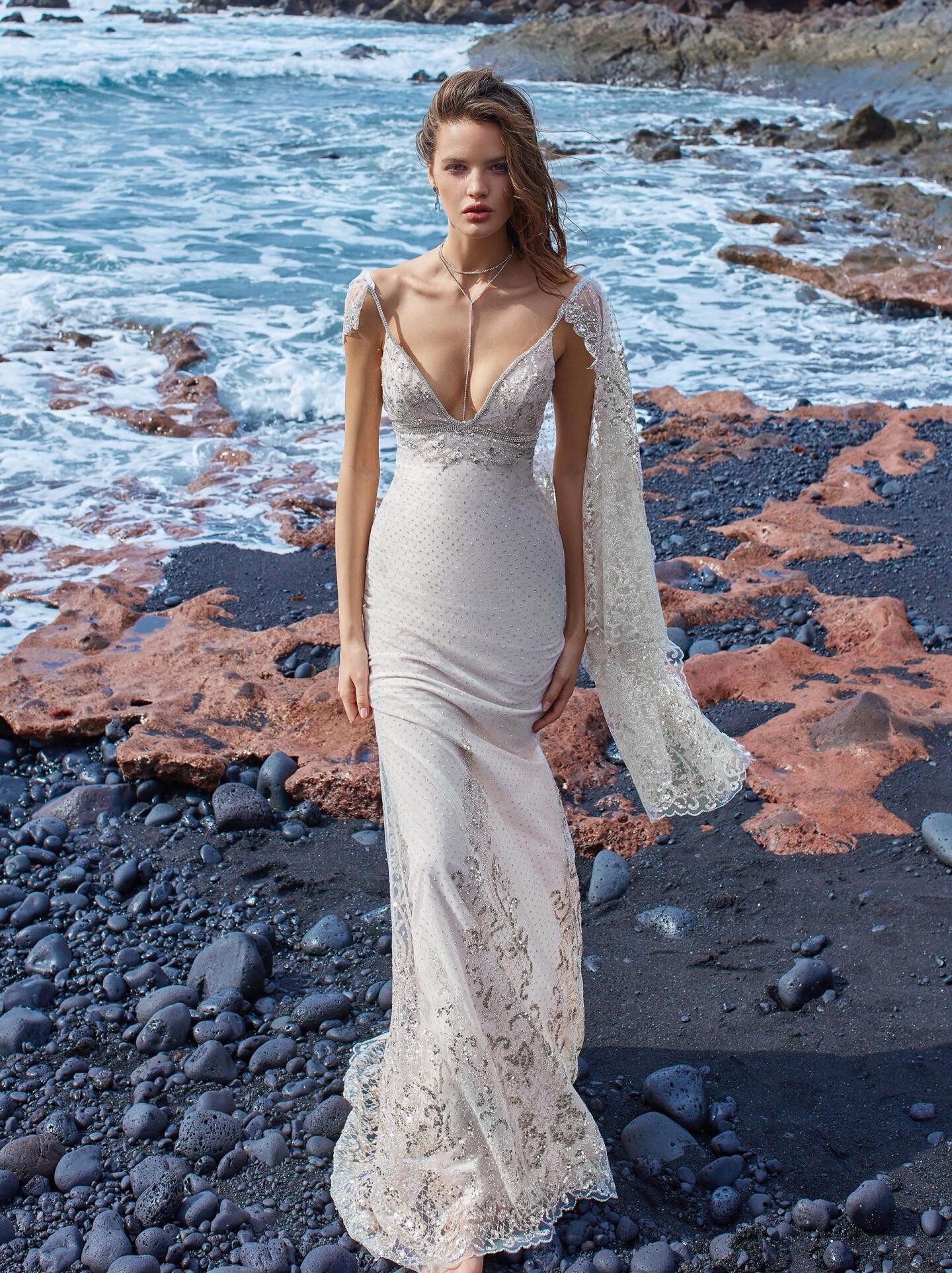
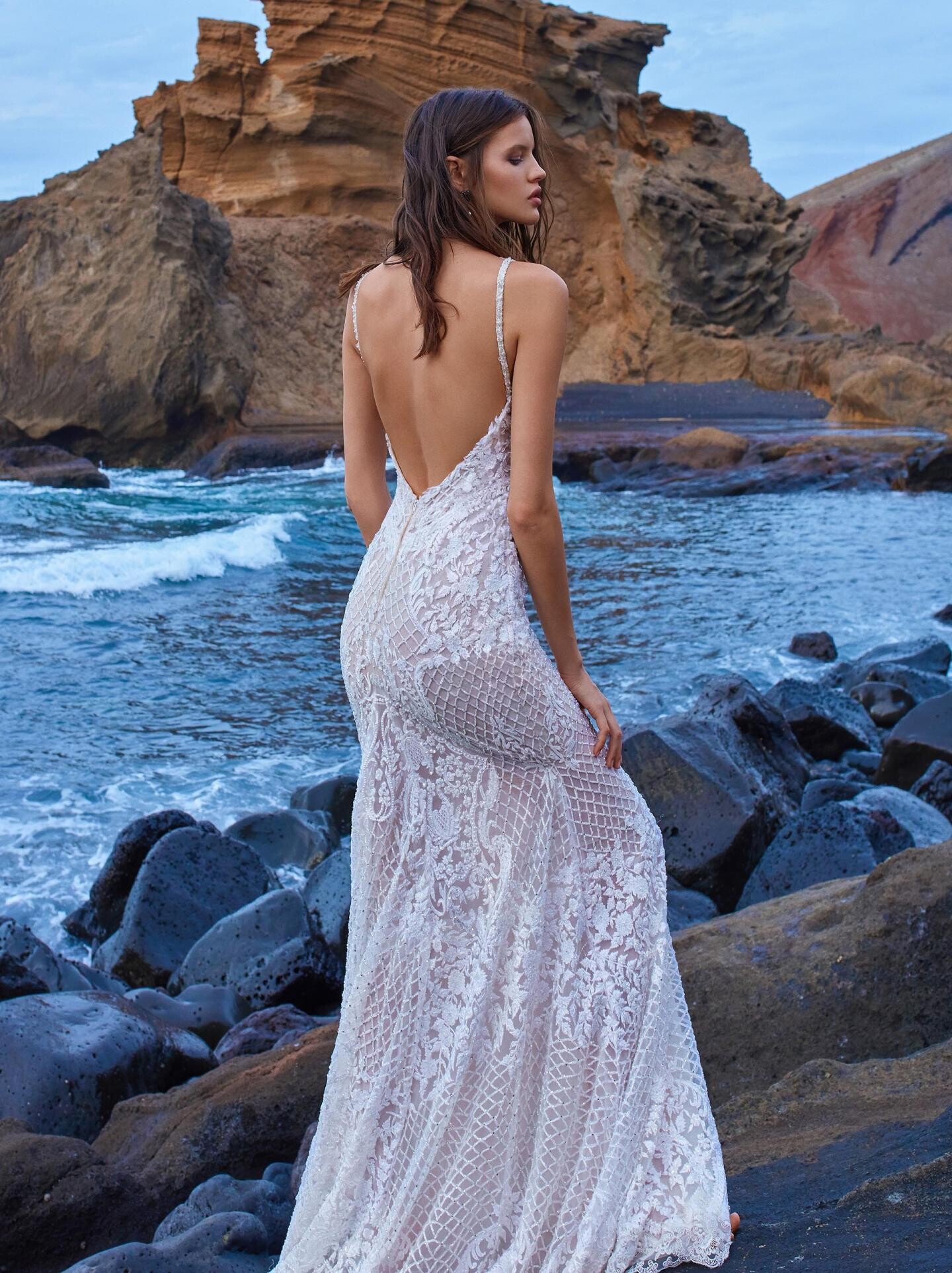
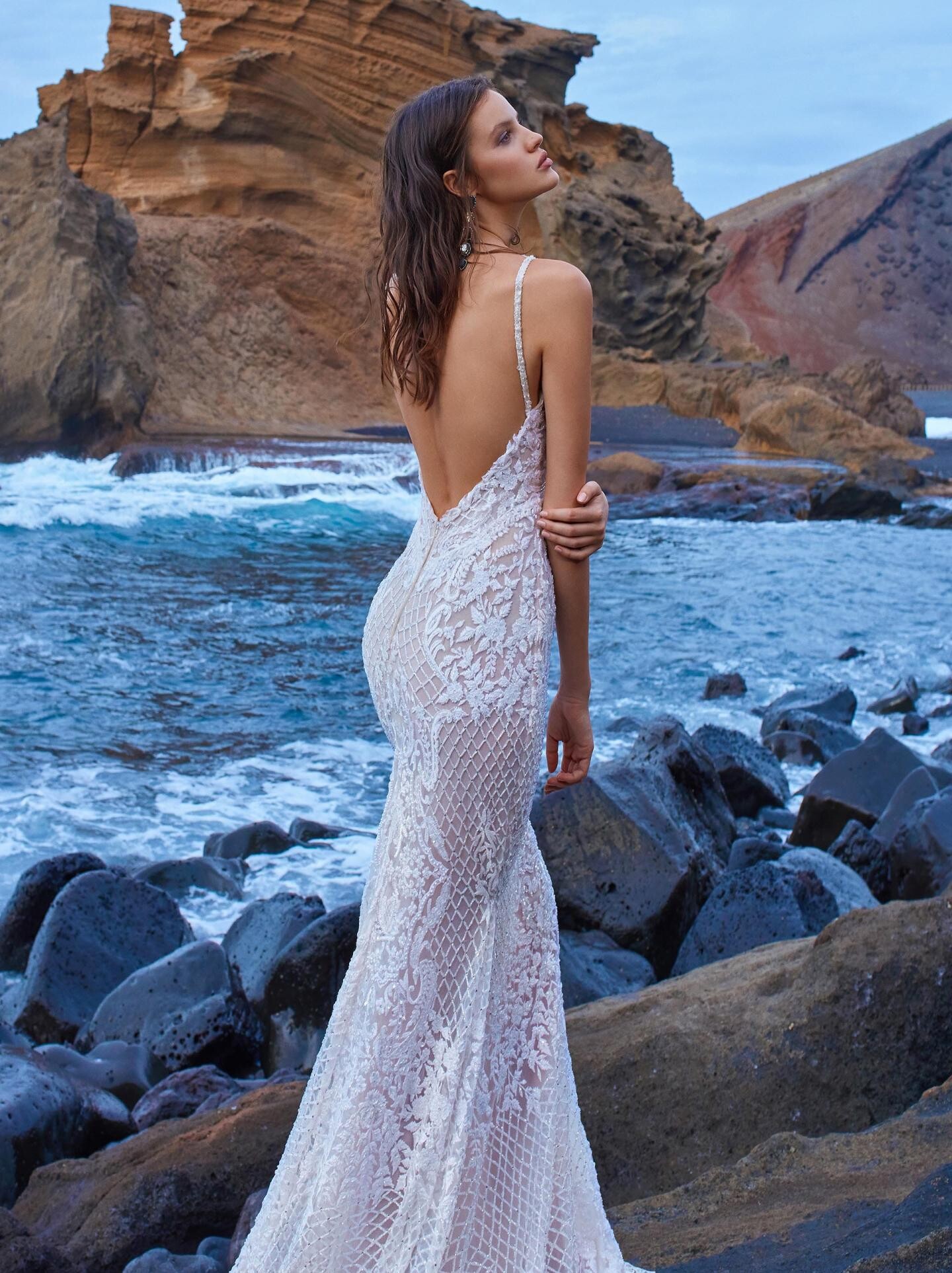
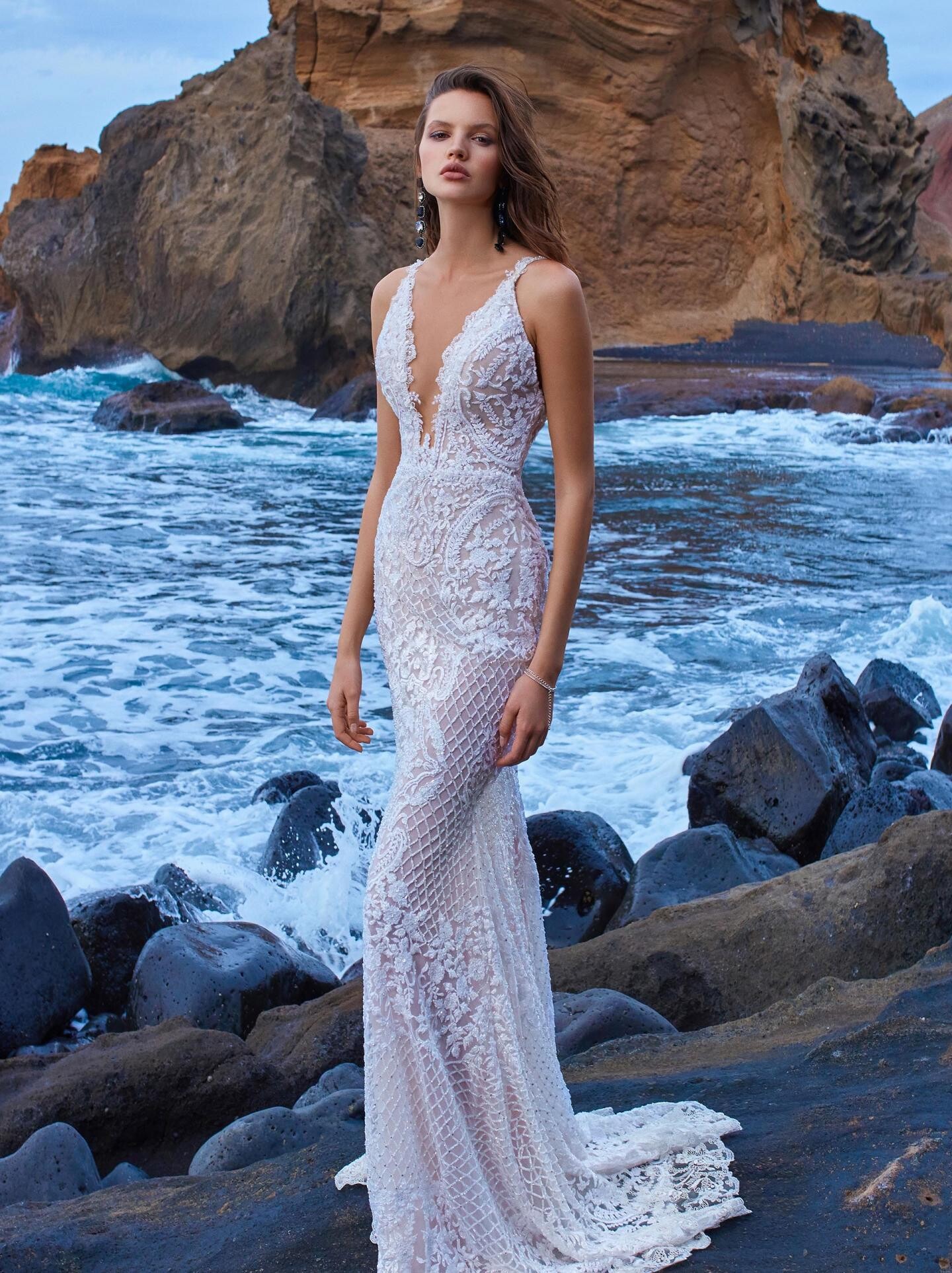
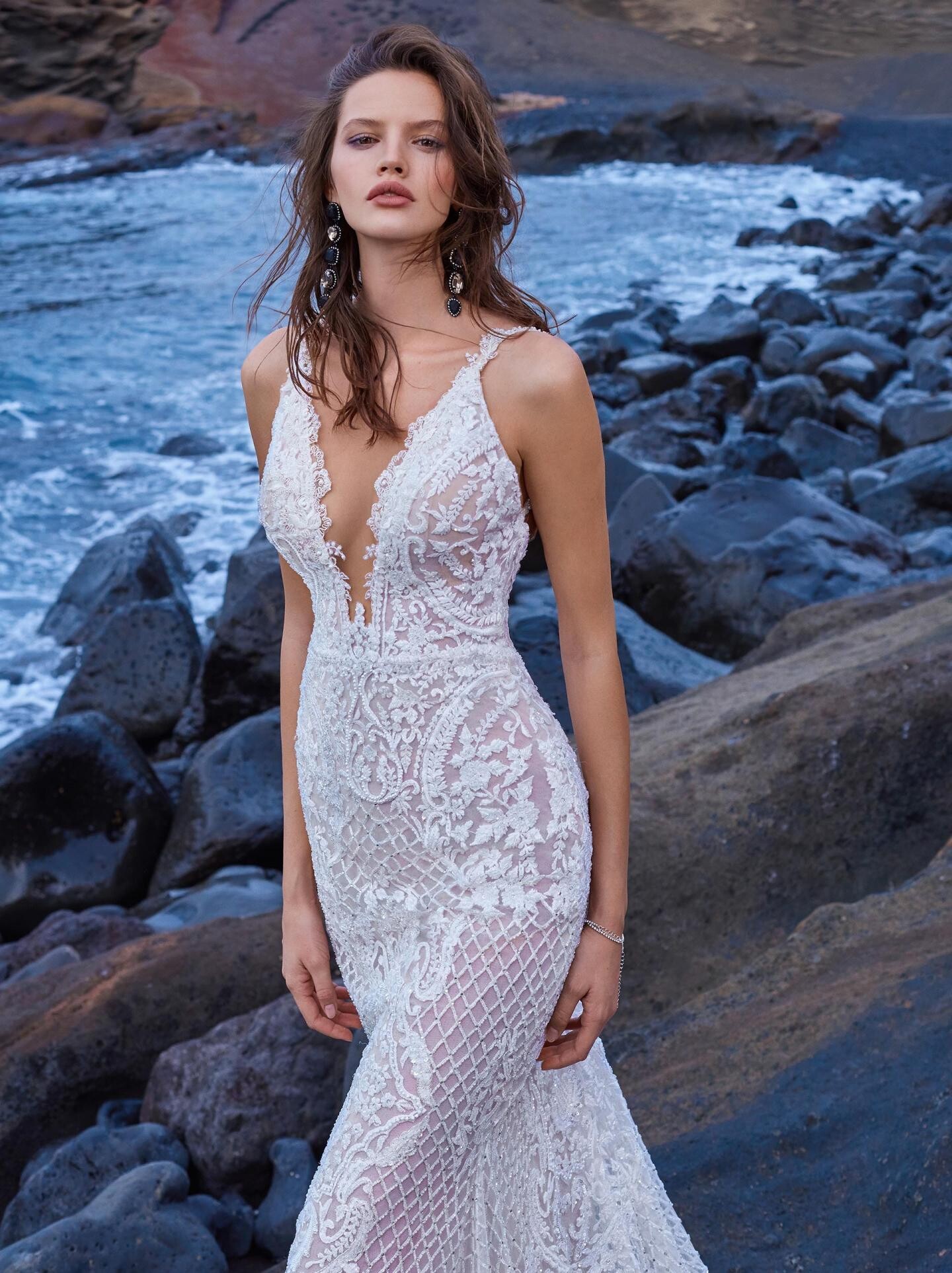
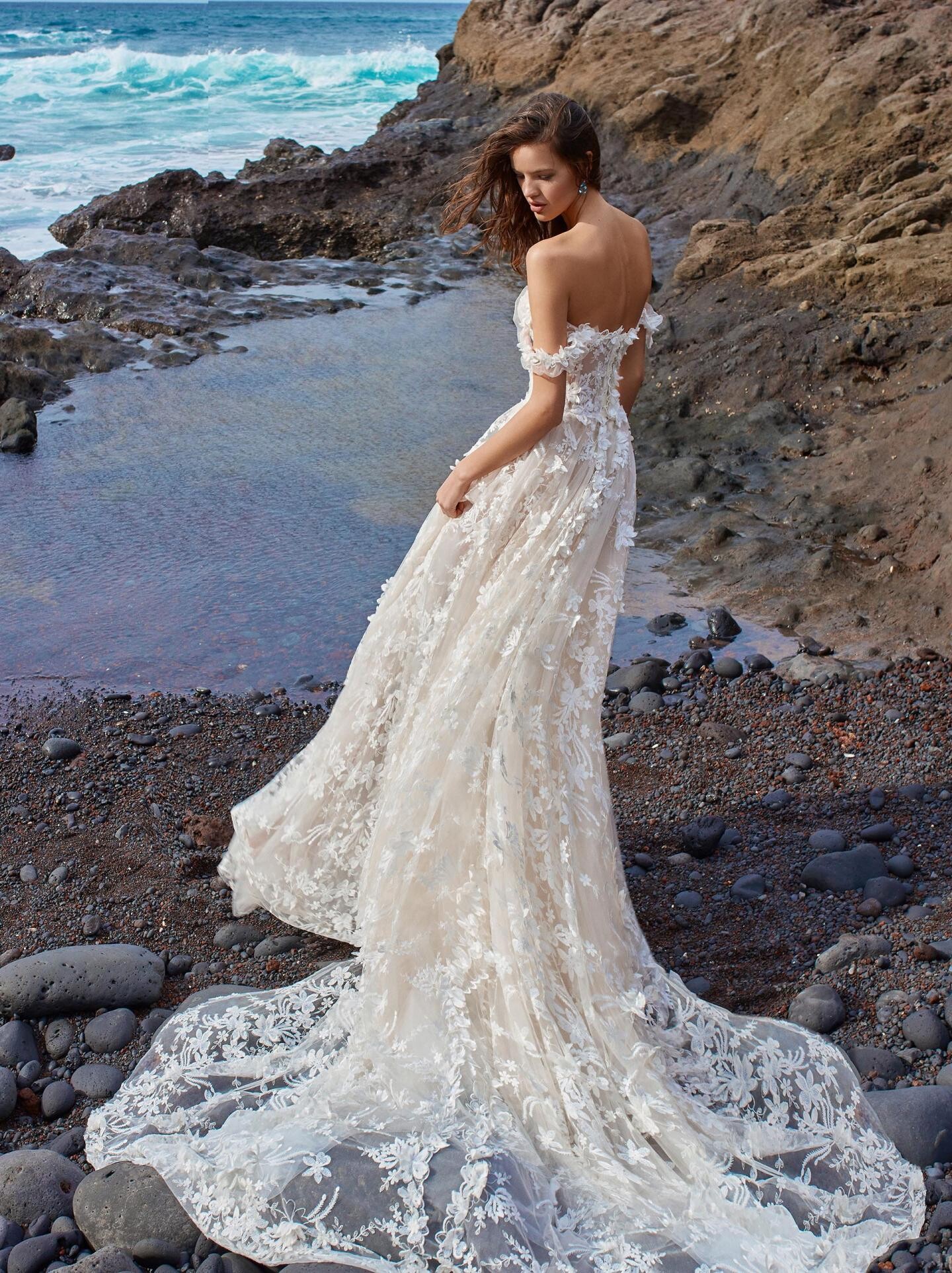
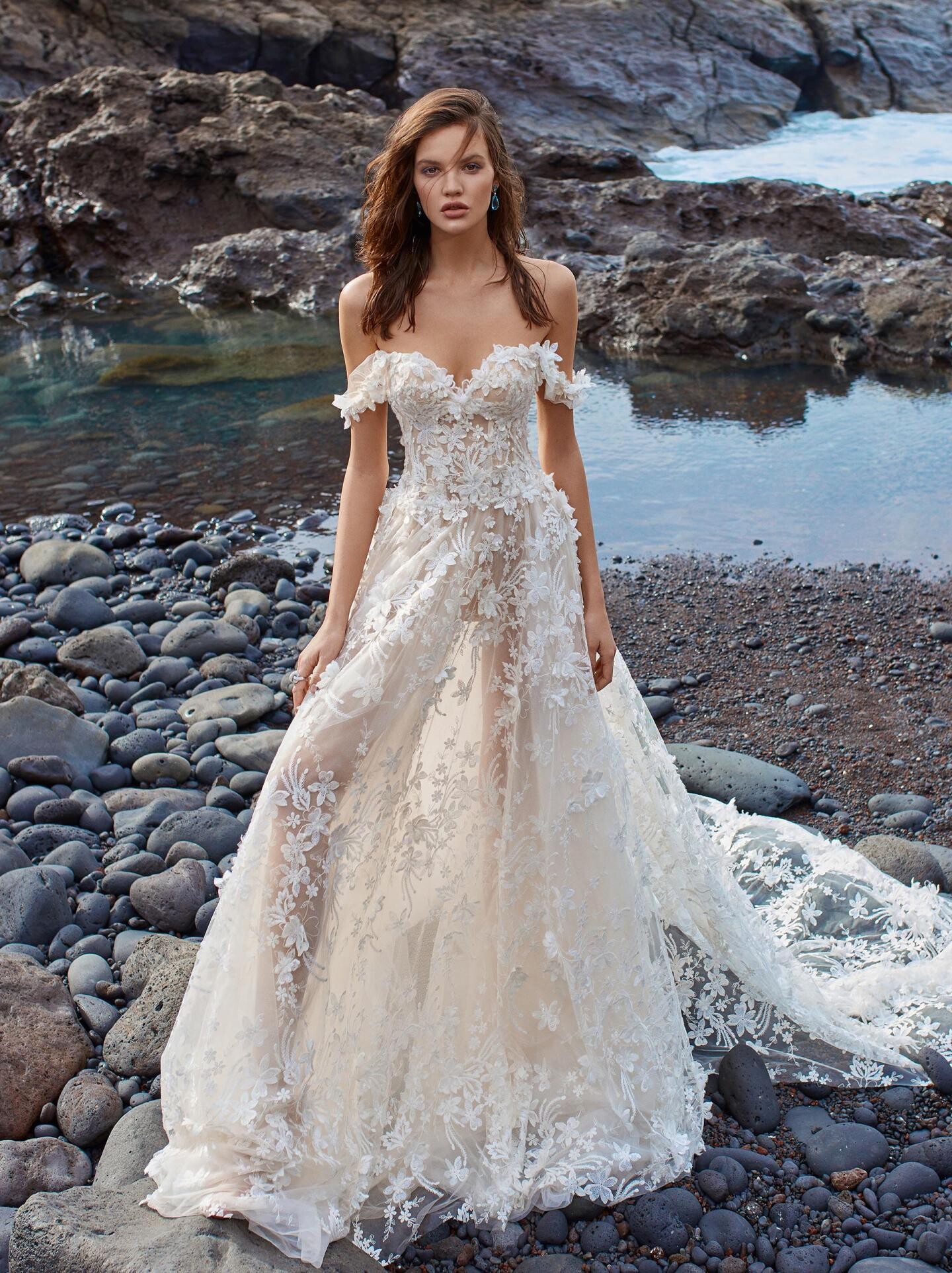
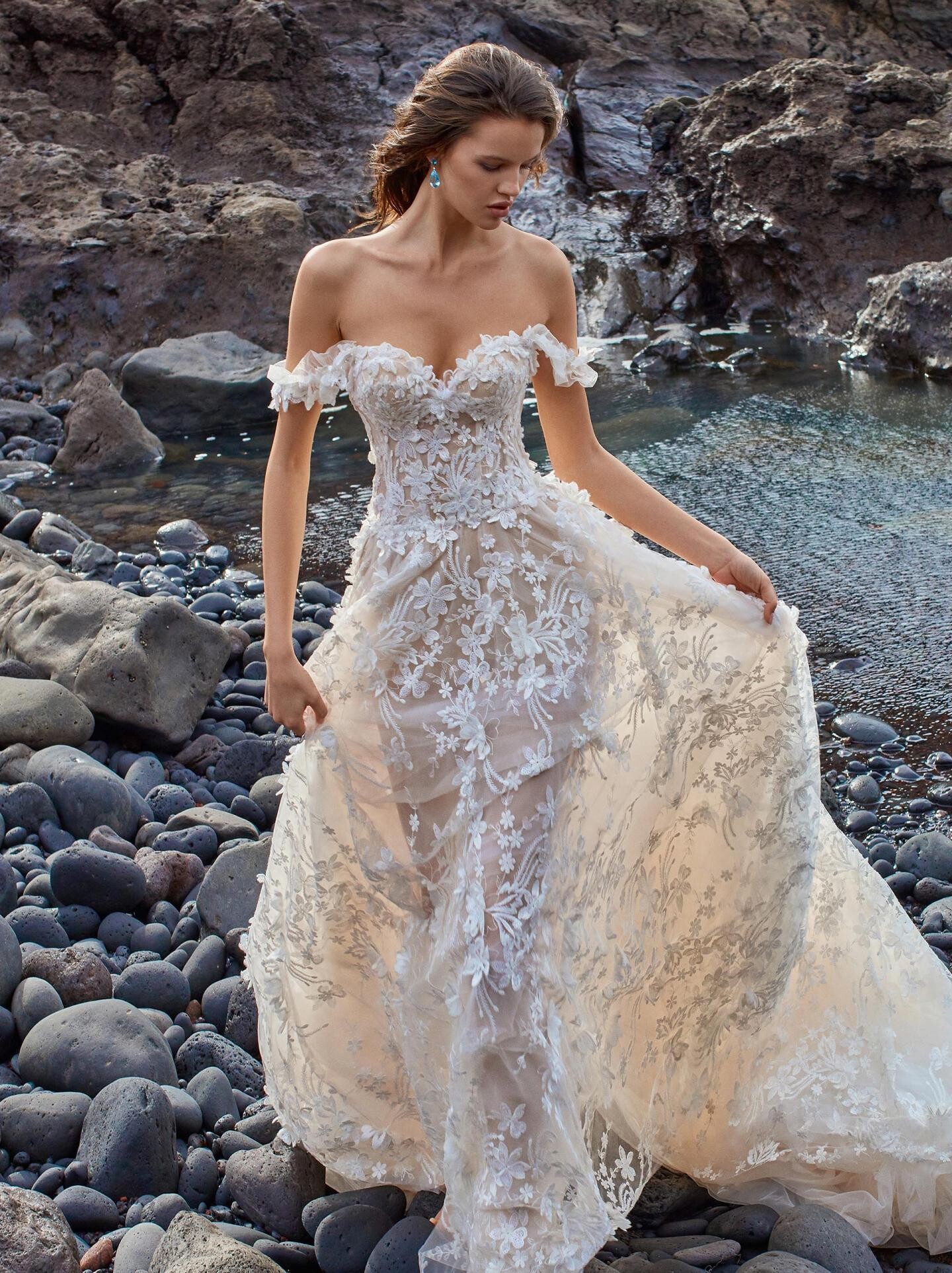
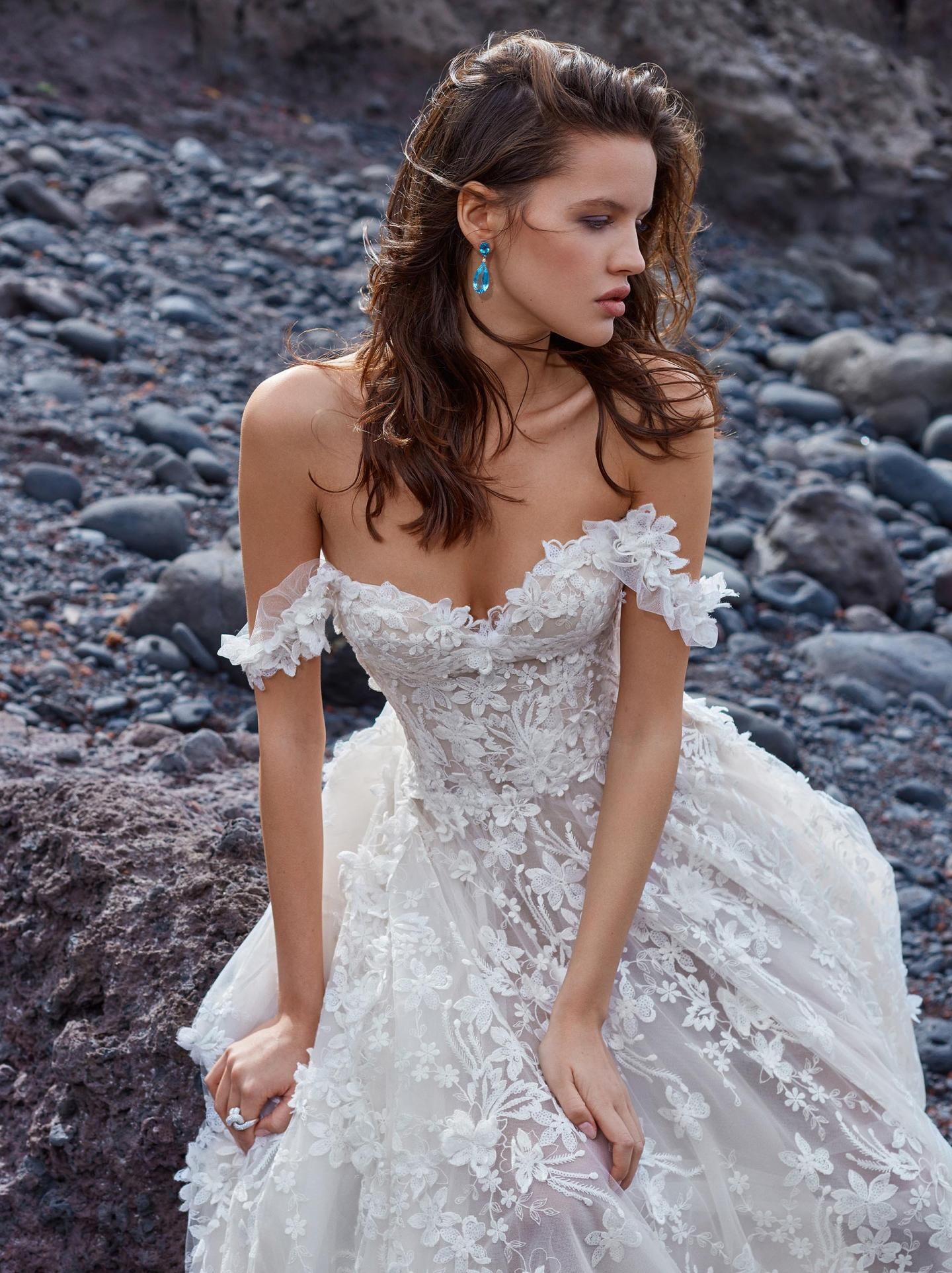
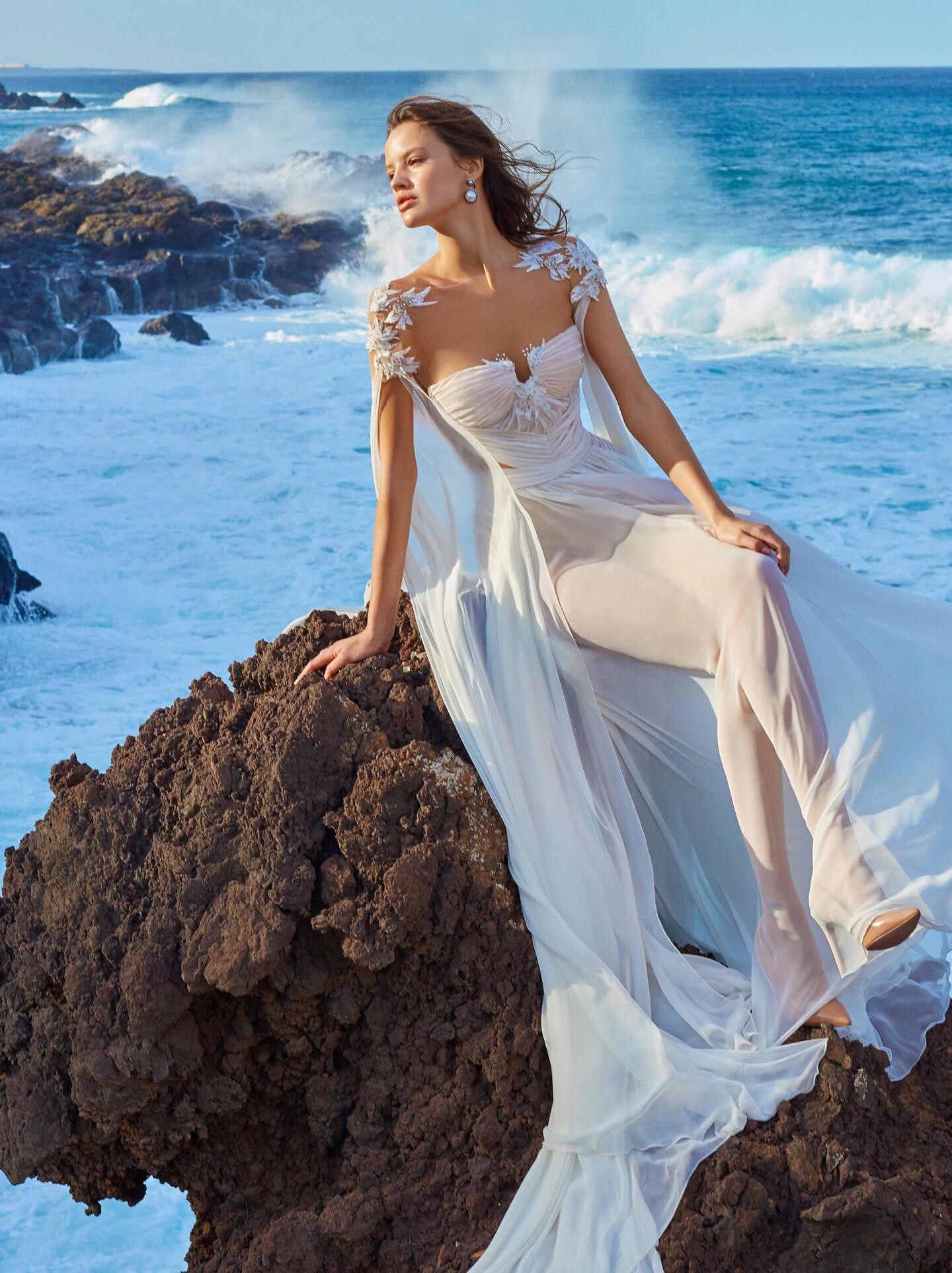
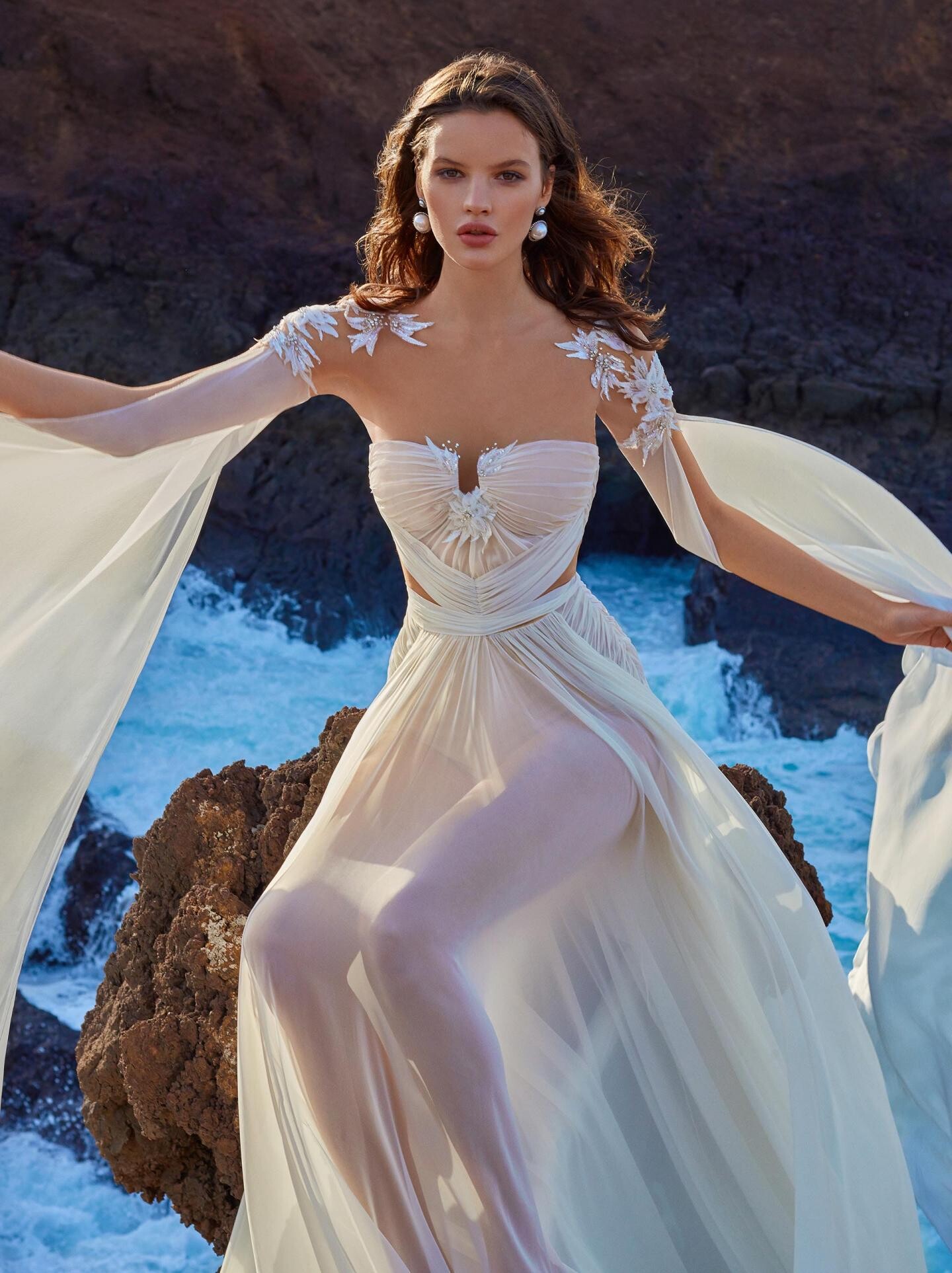
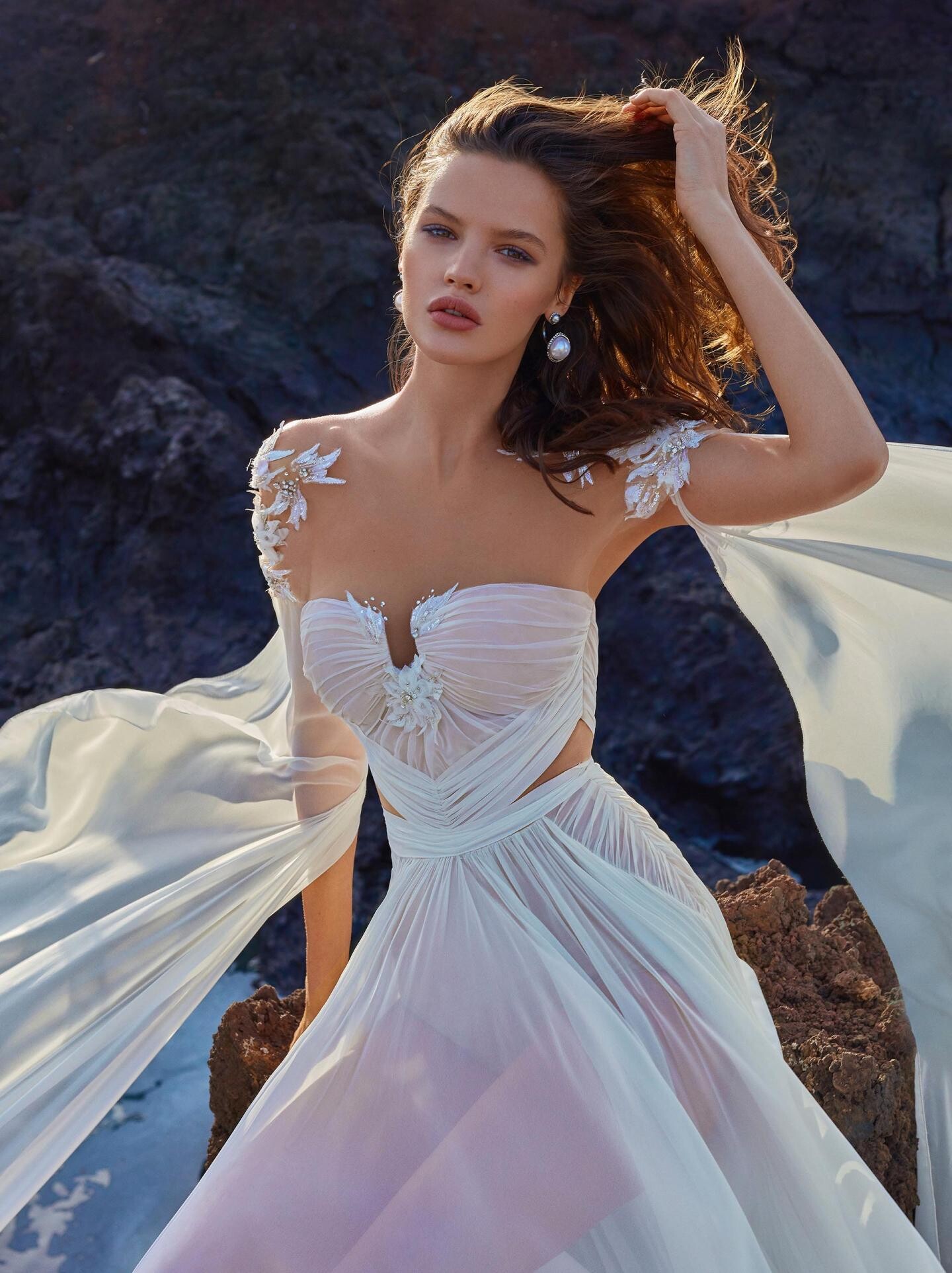
Galia Lahav Bridal Fall 2018
Harper's Bazaar Romania October 2020
Touch Magazine September 2020
Galia Lahav Bridal Fall 2018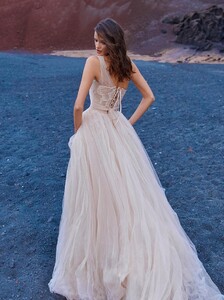


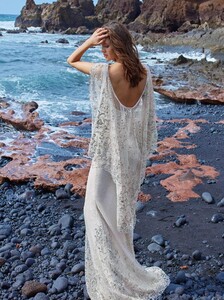
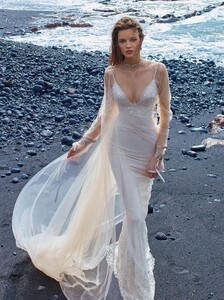
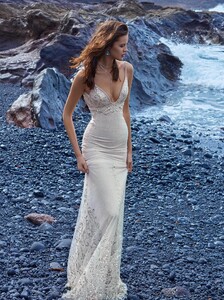
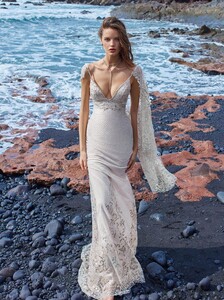

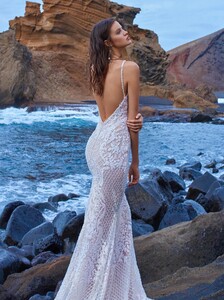
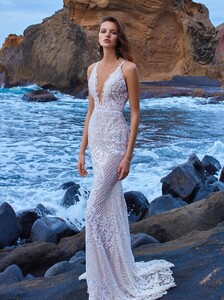
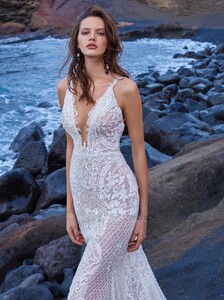
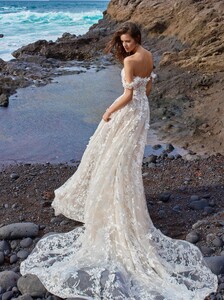
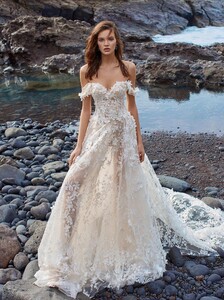
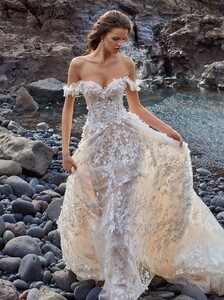


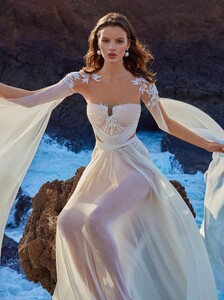
 Lisa & Co Jewellery
Anna Cori
Anna Cori
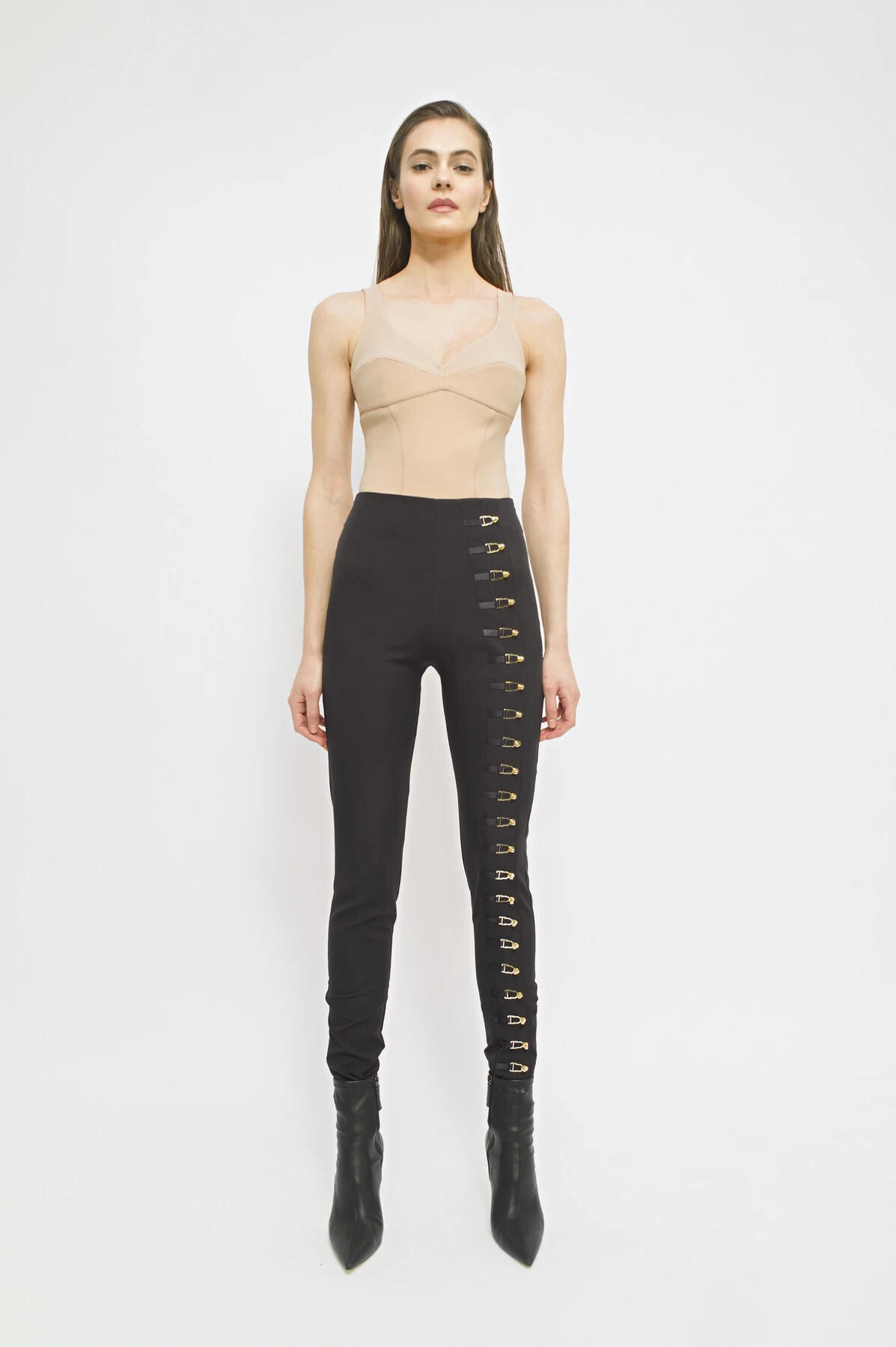
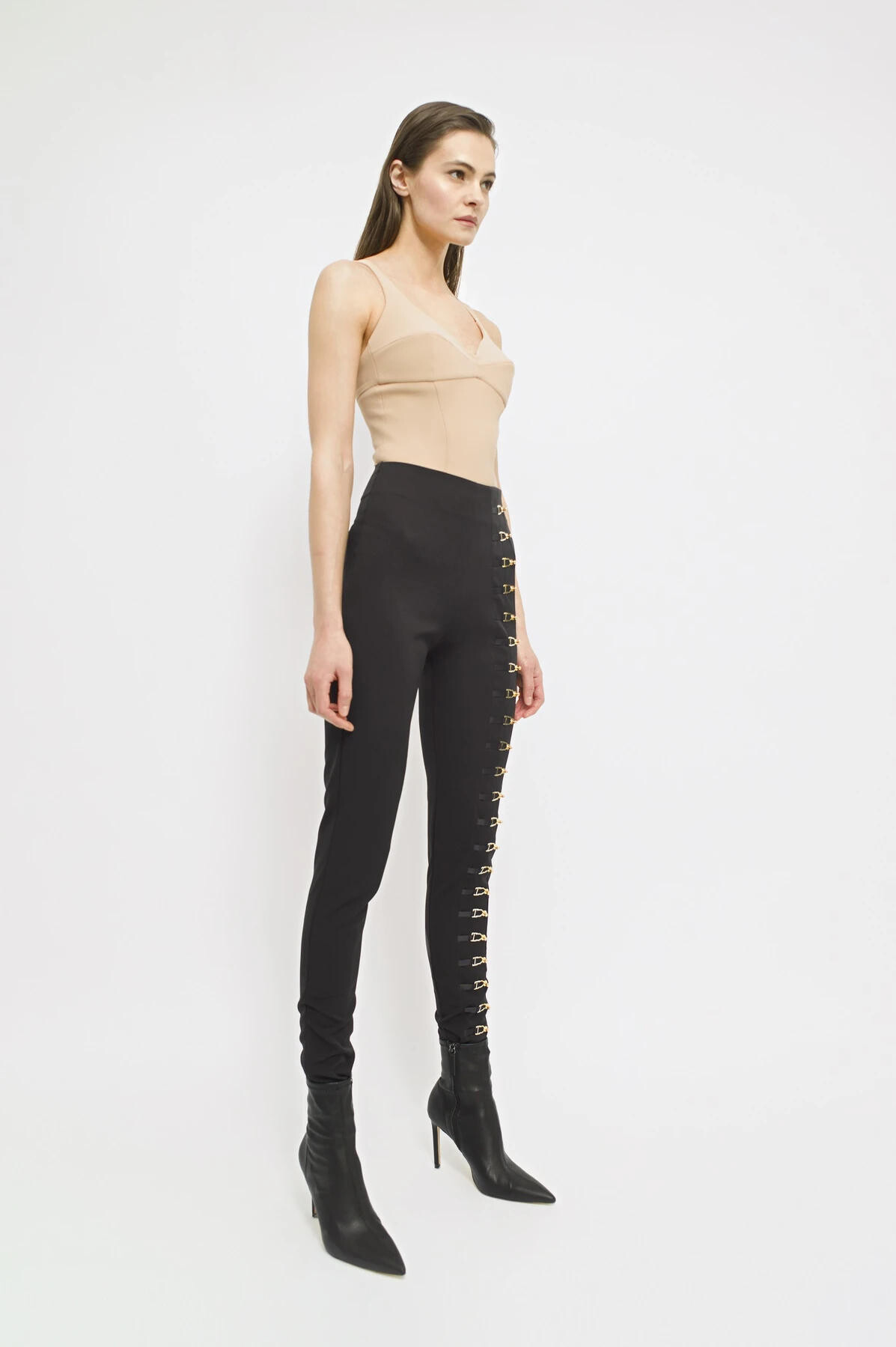
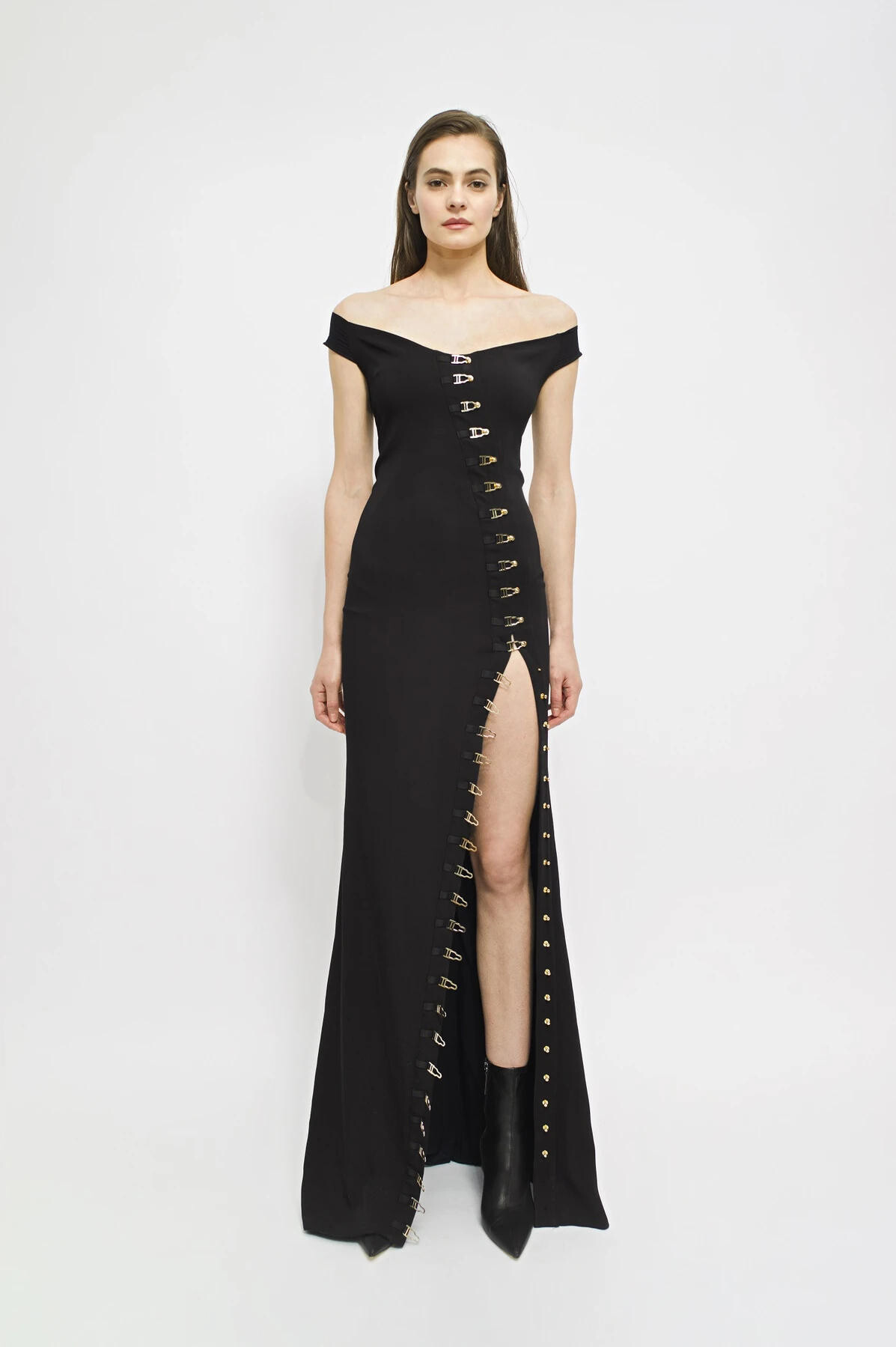
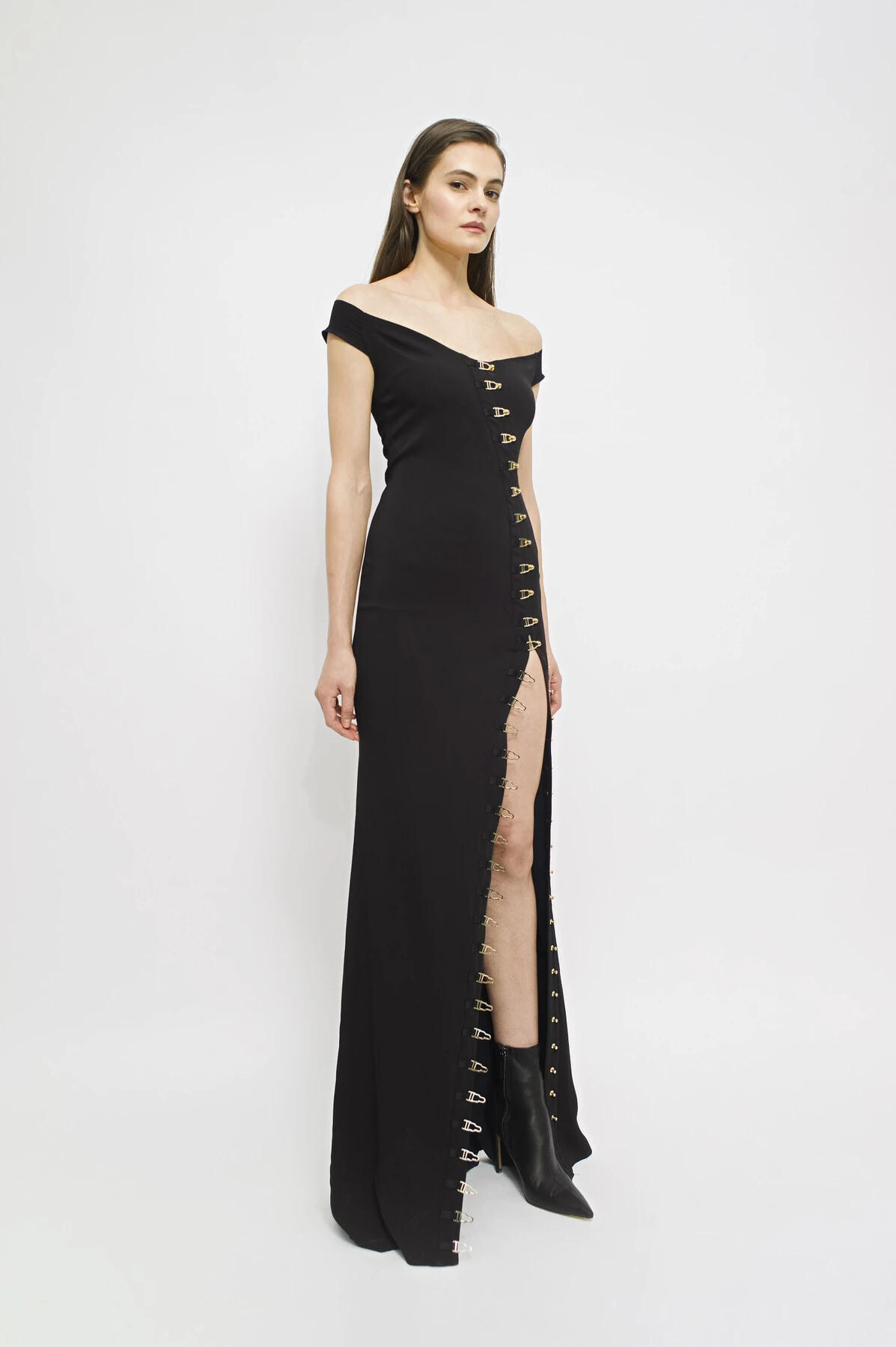
LOULOU Romania 2019
Lisa & Co Jewellery
Anna Cori
Anna Cori
LOULOU Romania 2019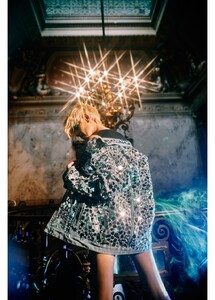
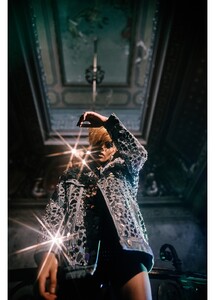
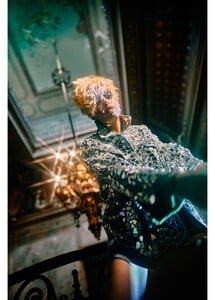
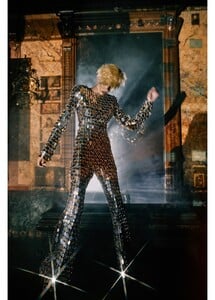
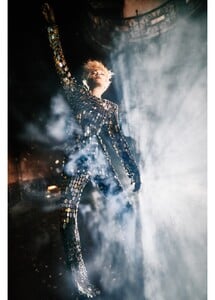
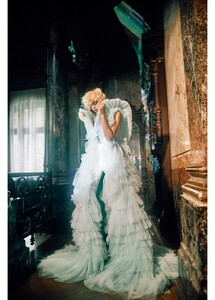
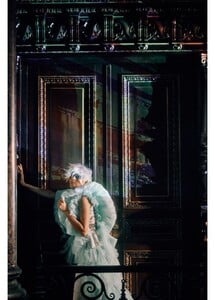
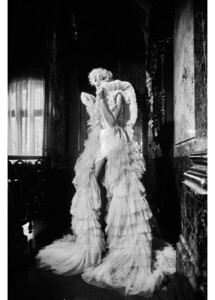
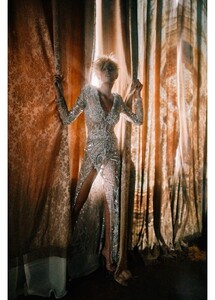
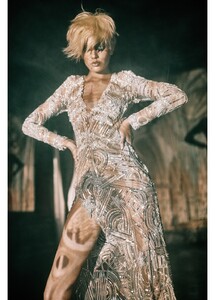
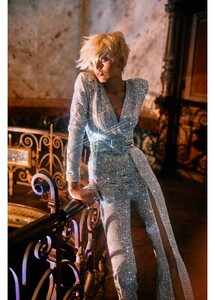
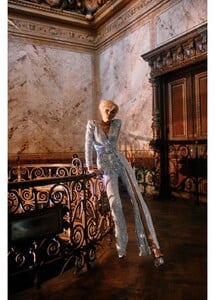
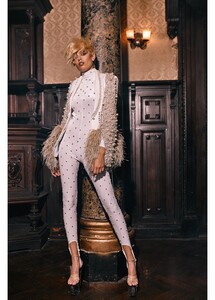
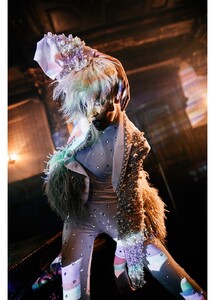
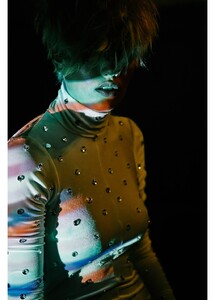

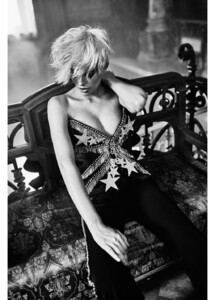
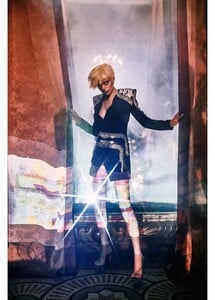
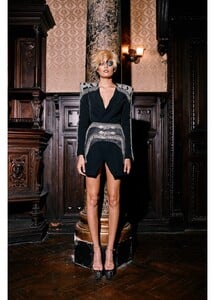
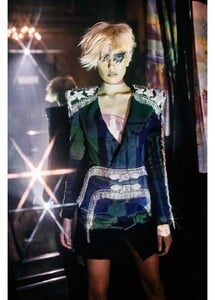
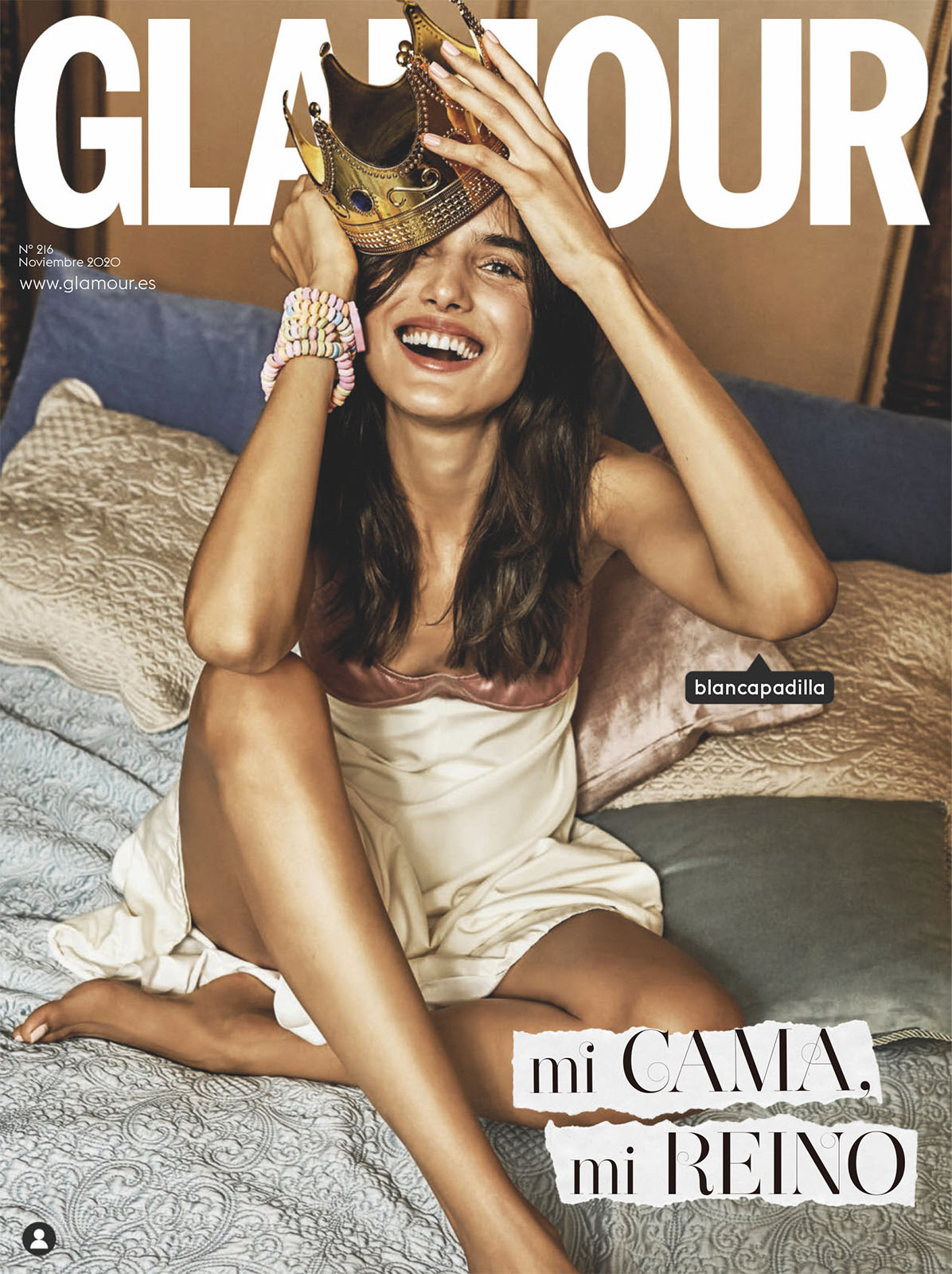
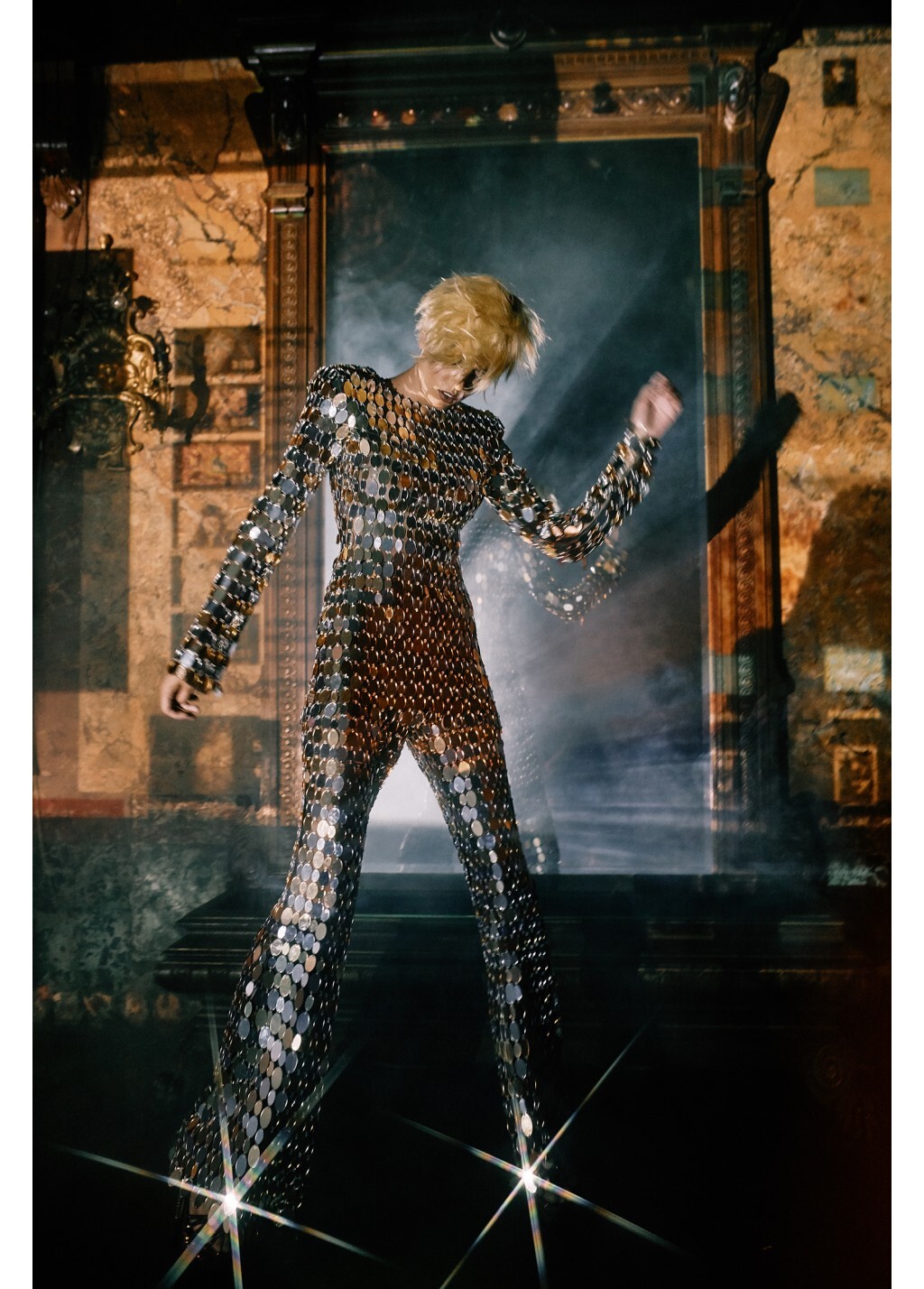
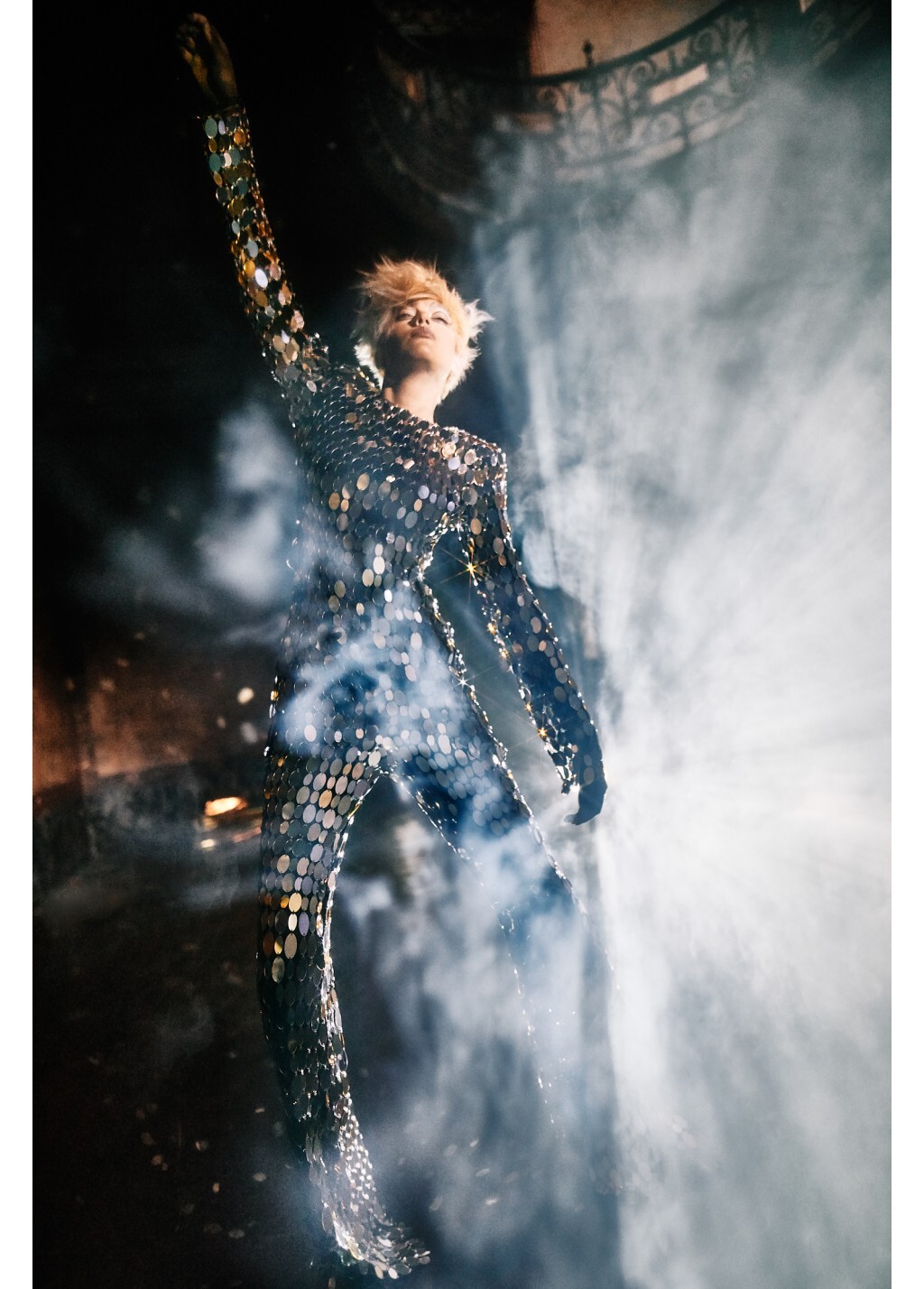
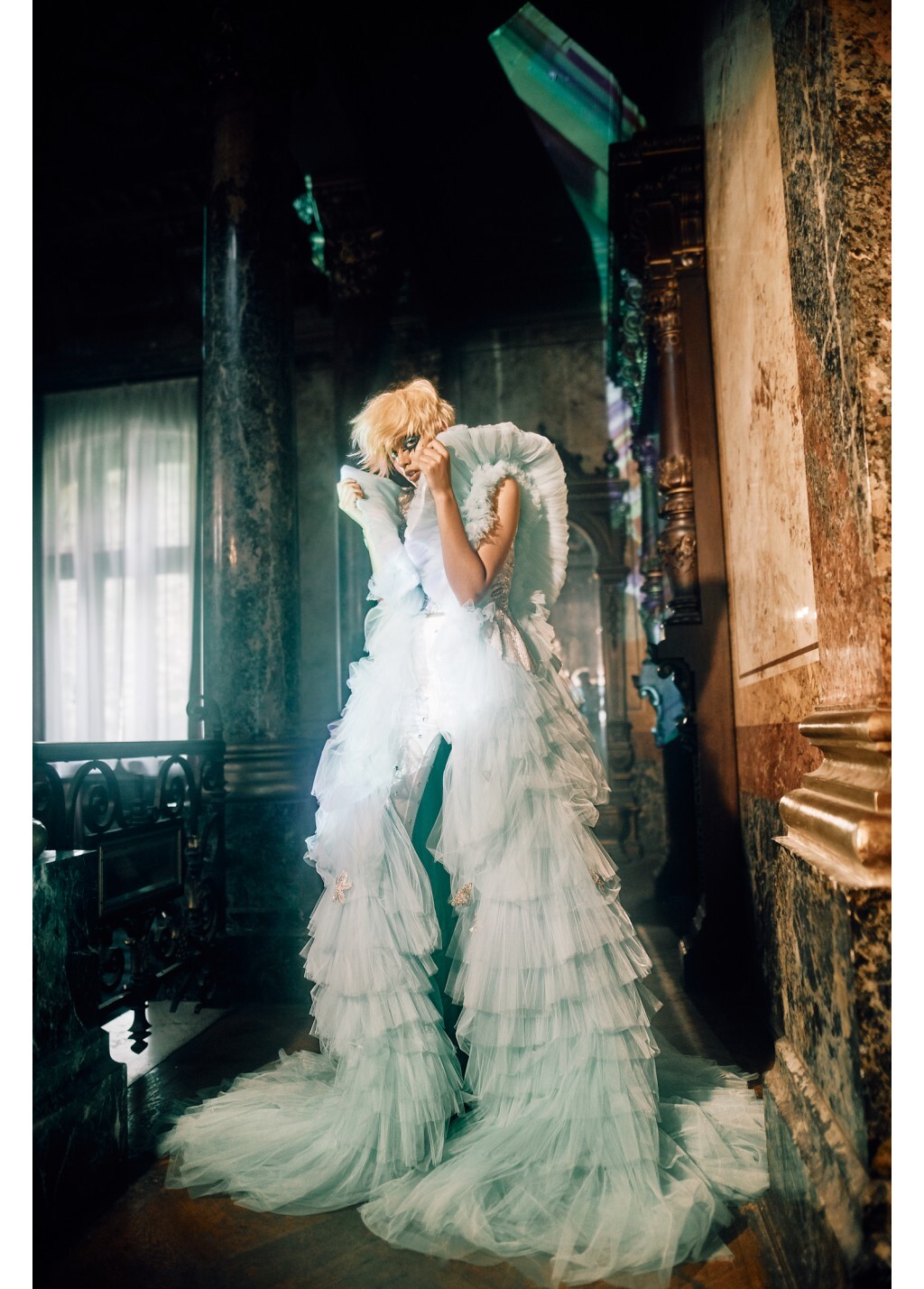
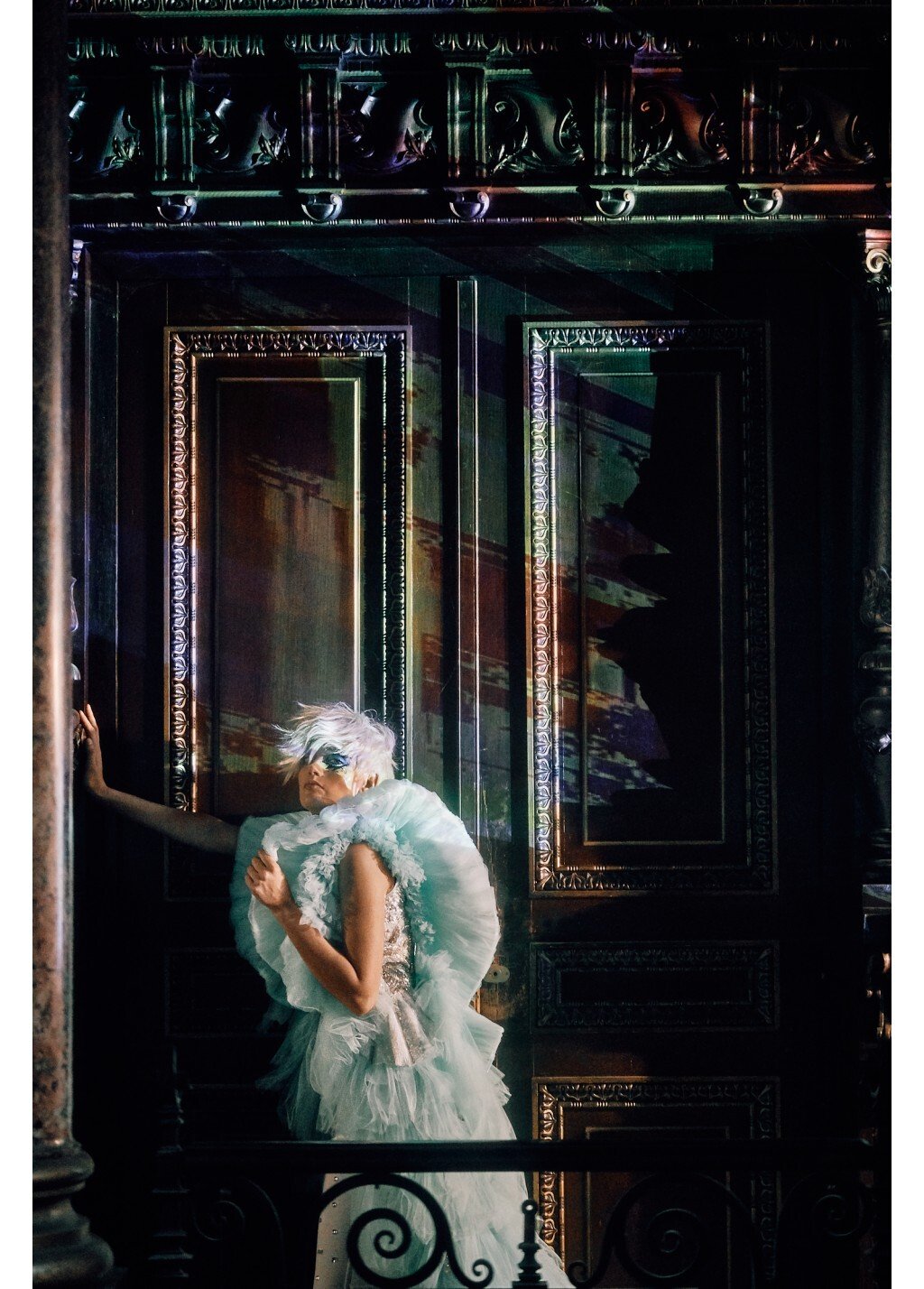
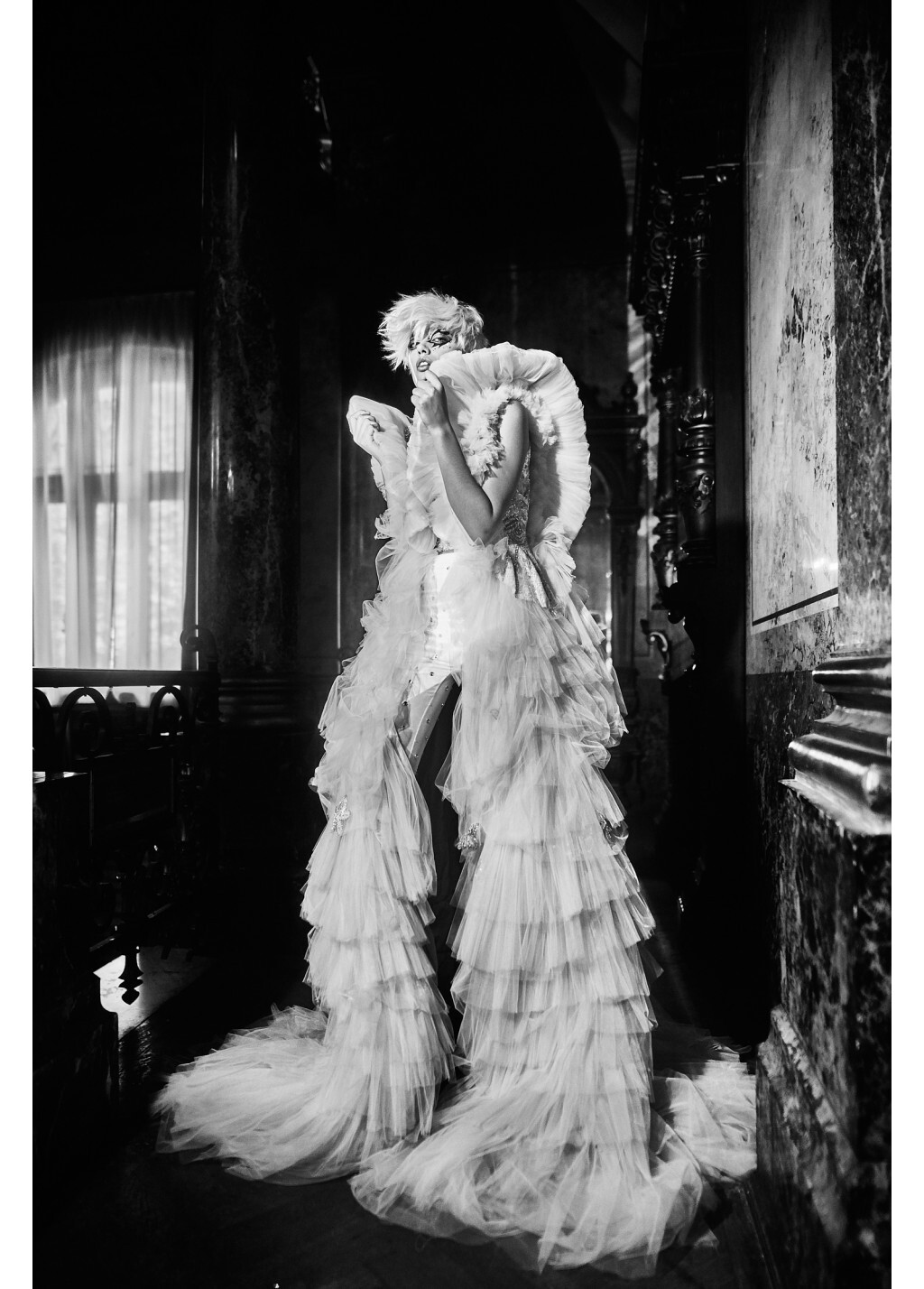
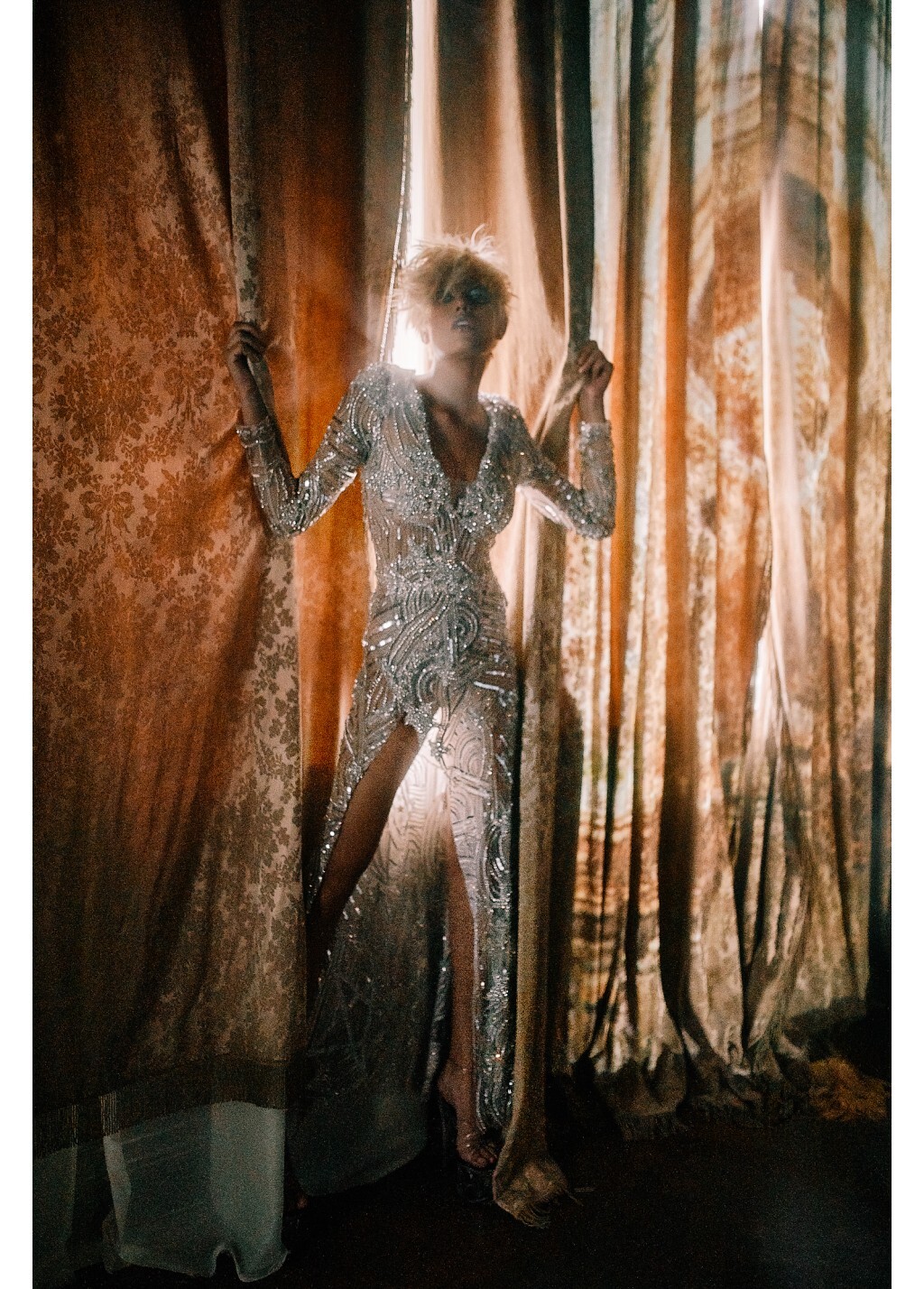
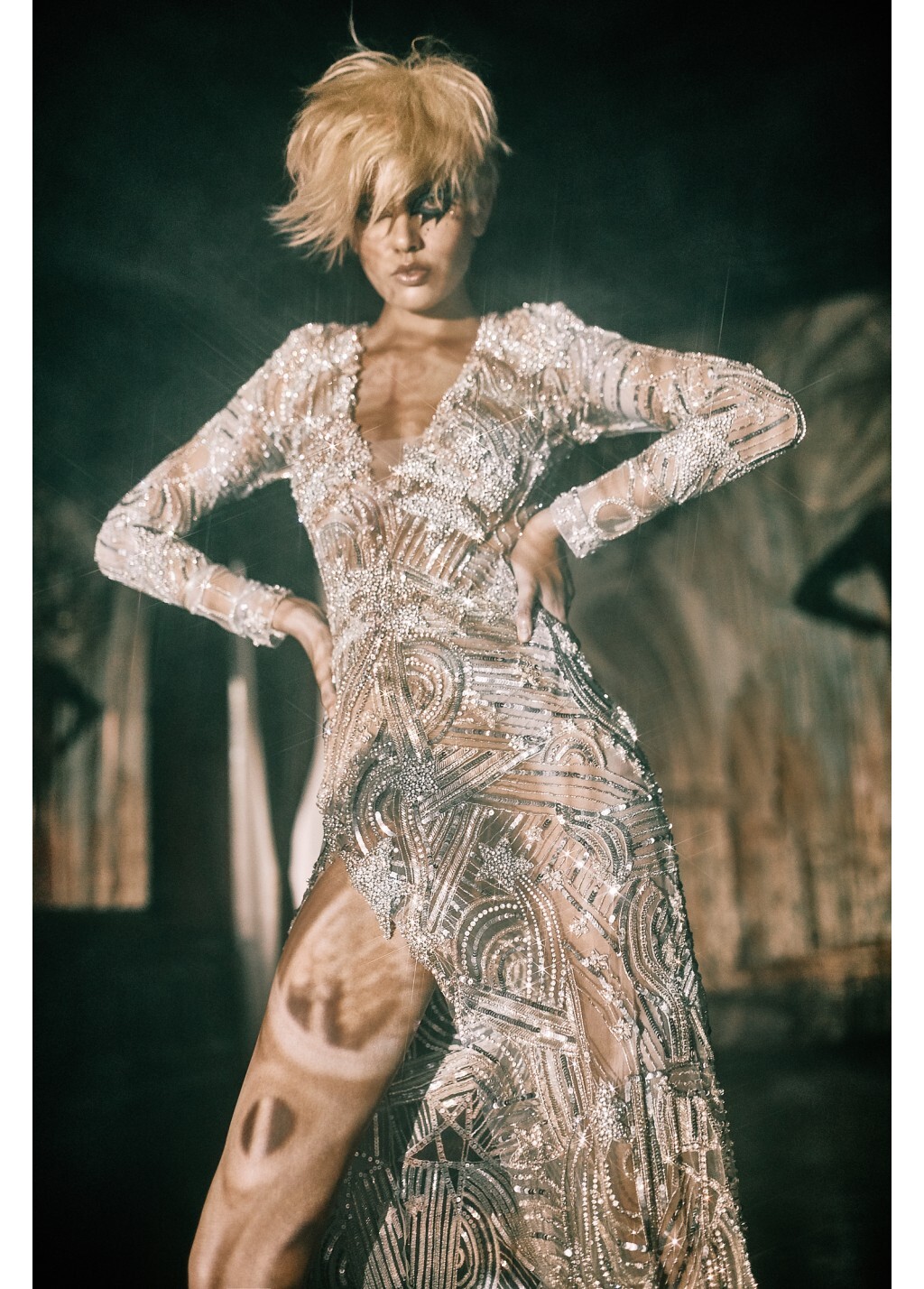
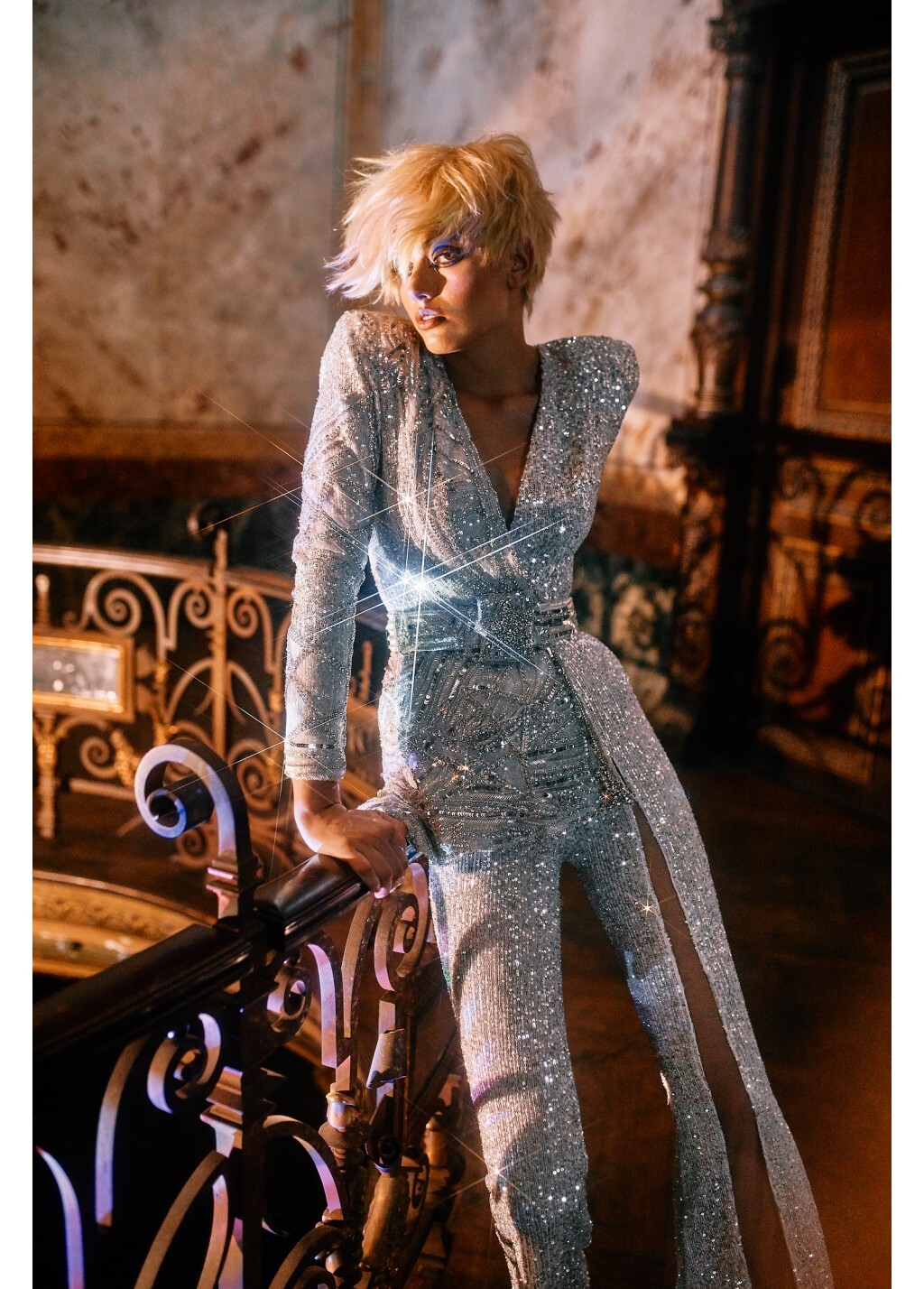
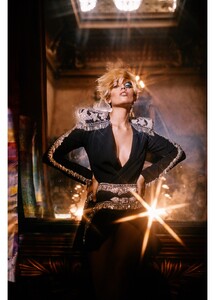 Elle España October 2020 Looks Maestros Photographer: Mario Sierra Stylist: Barbara Garralda, Sylvia Montoliu Hair & Makeup: Vicky Marcos Cast: Blanca Padilla Elle España Digital Editio
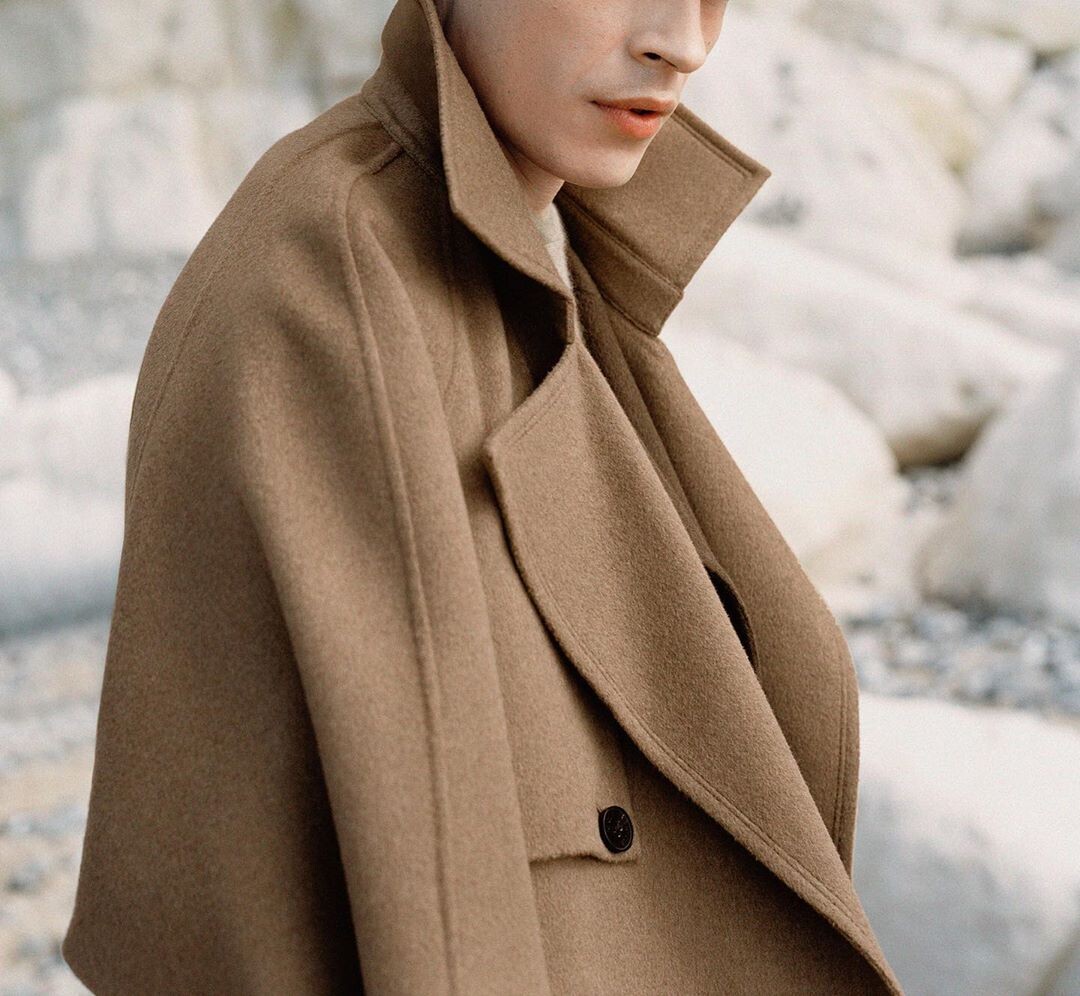
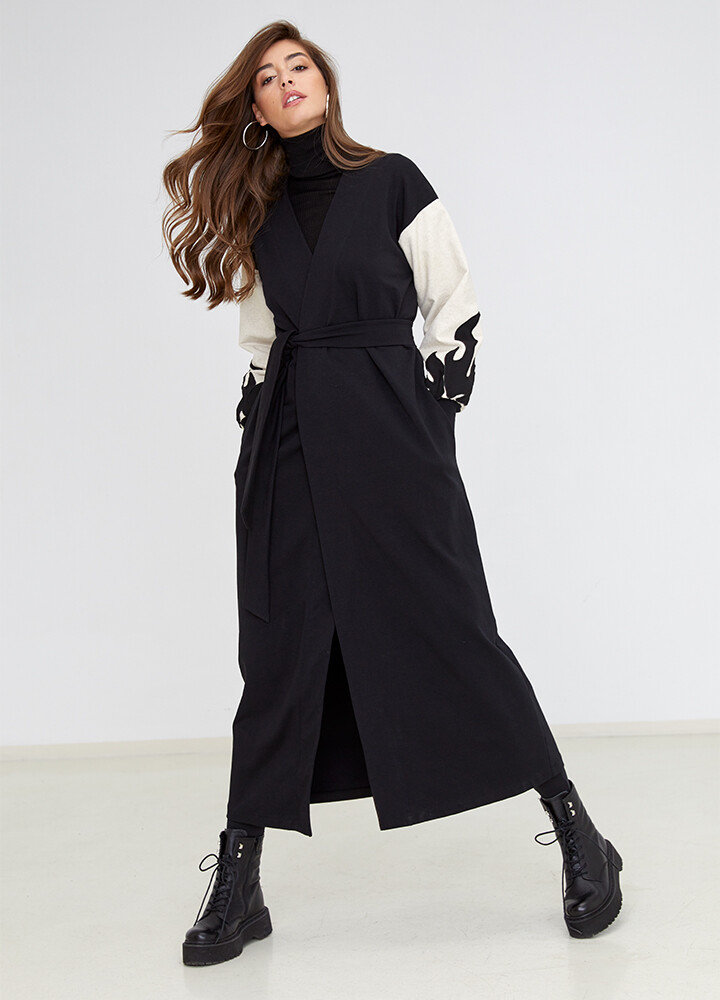
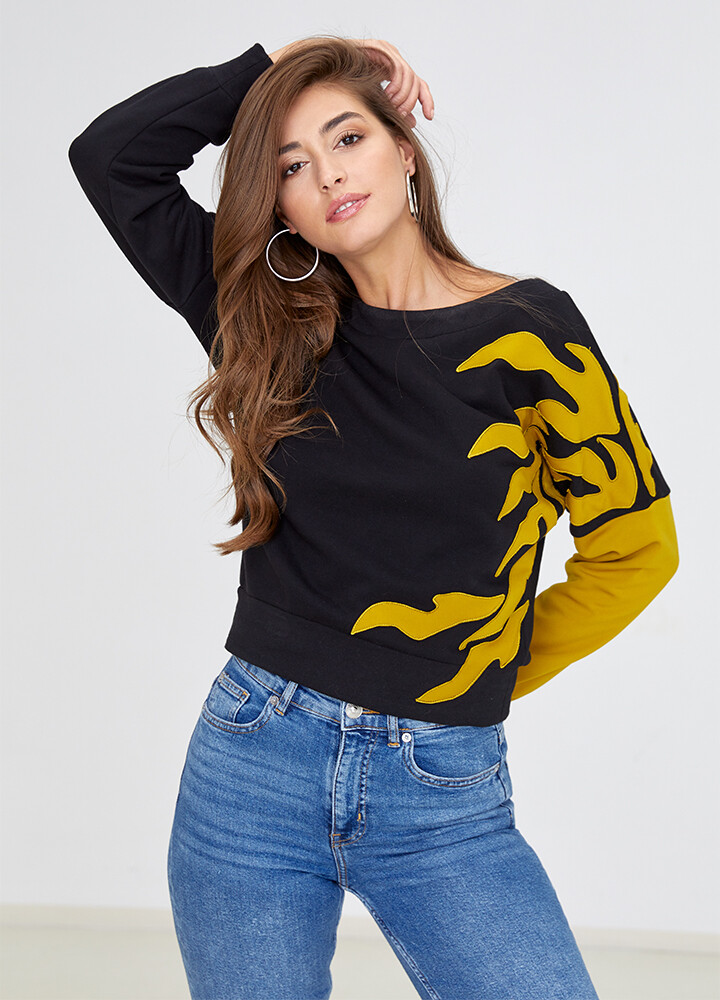
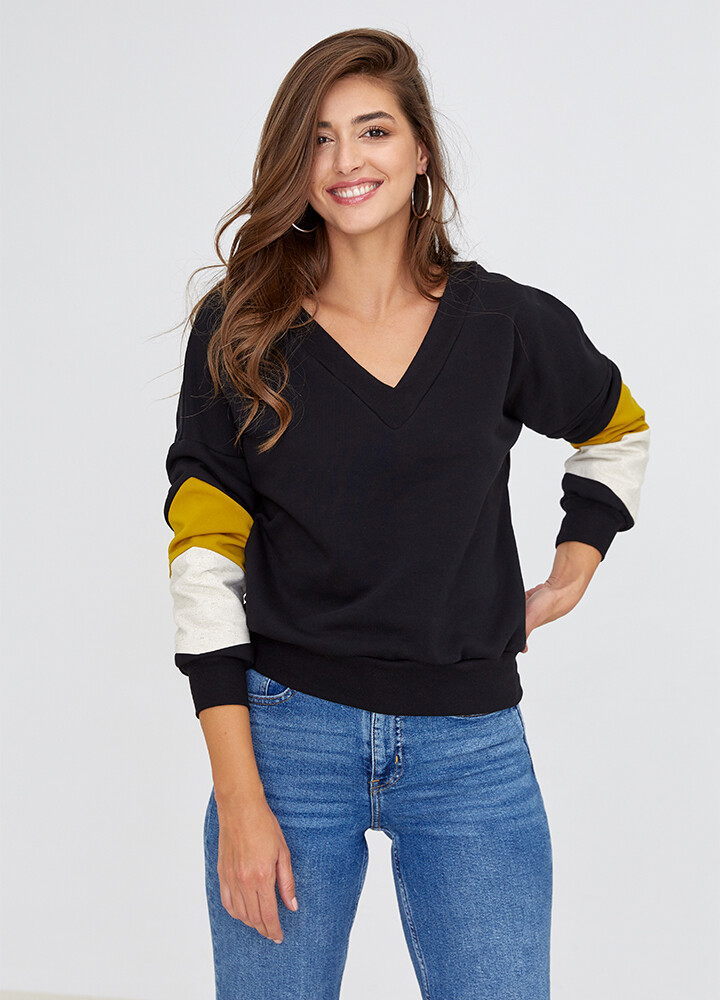
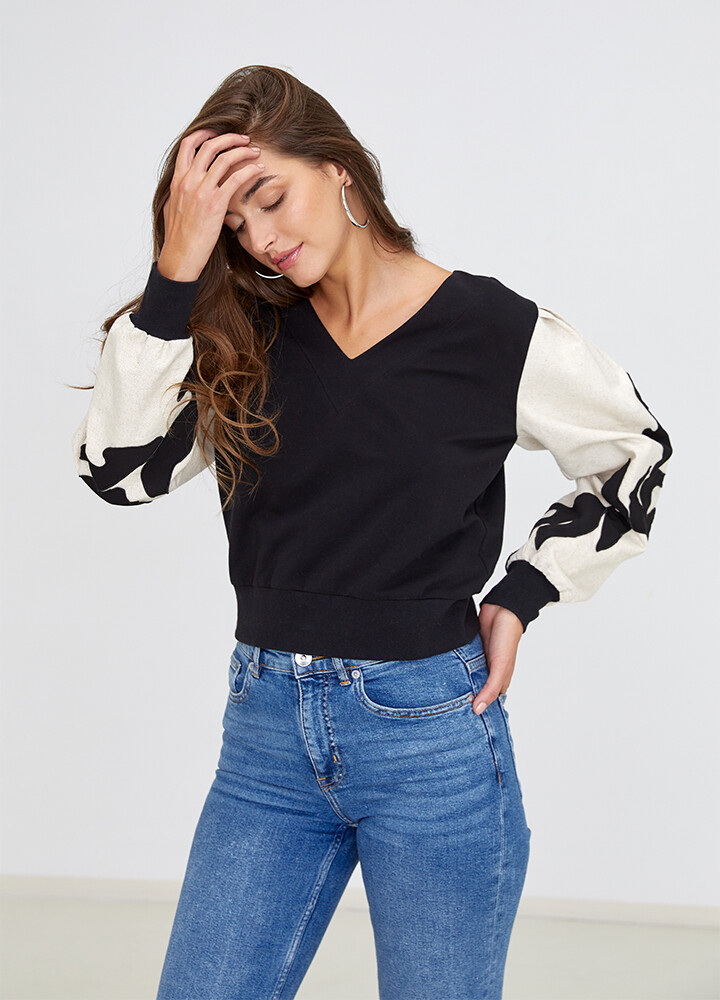
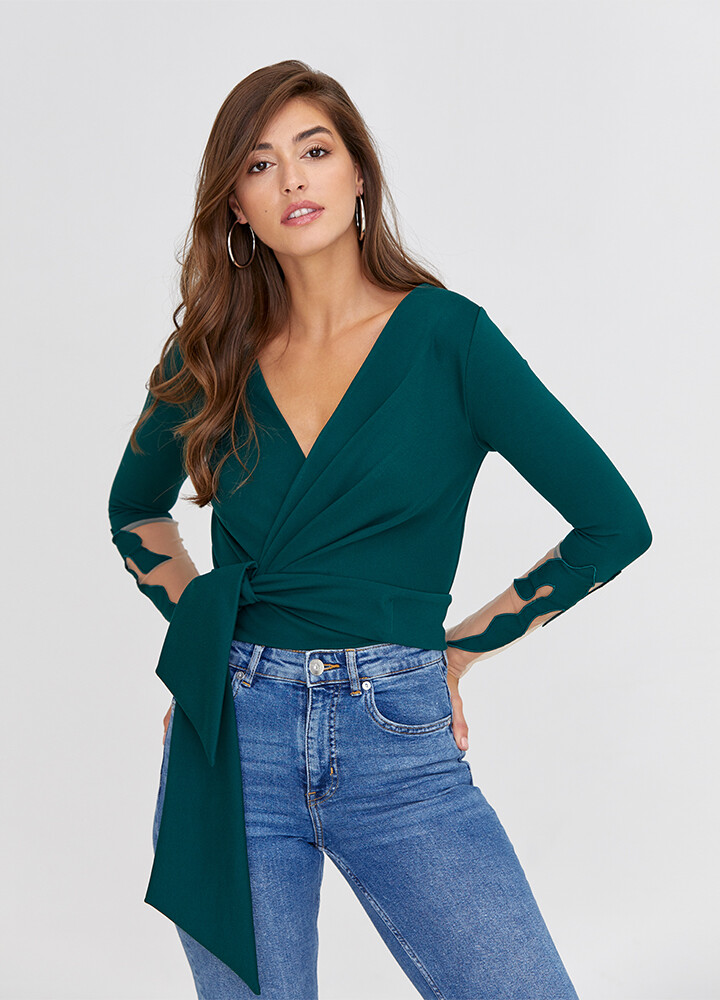
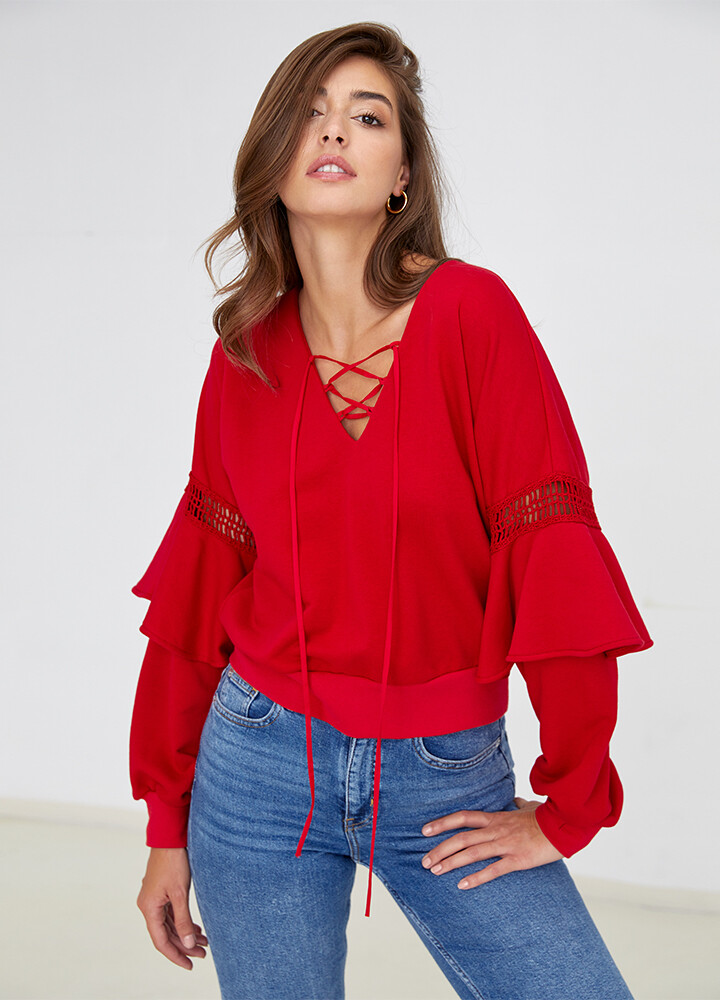
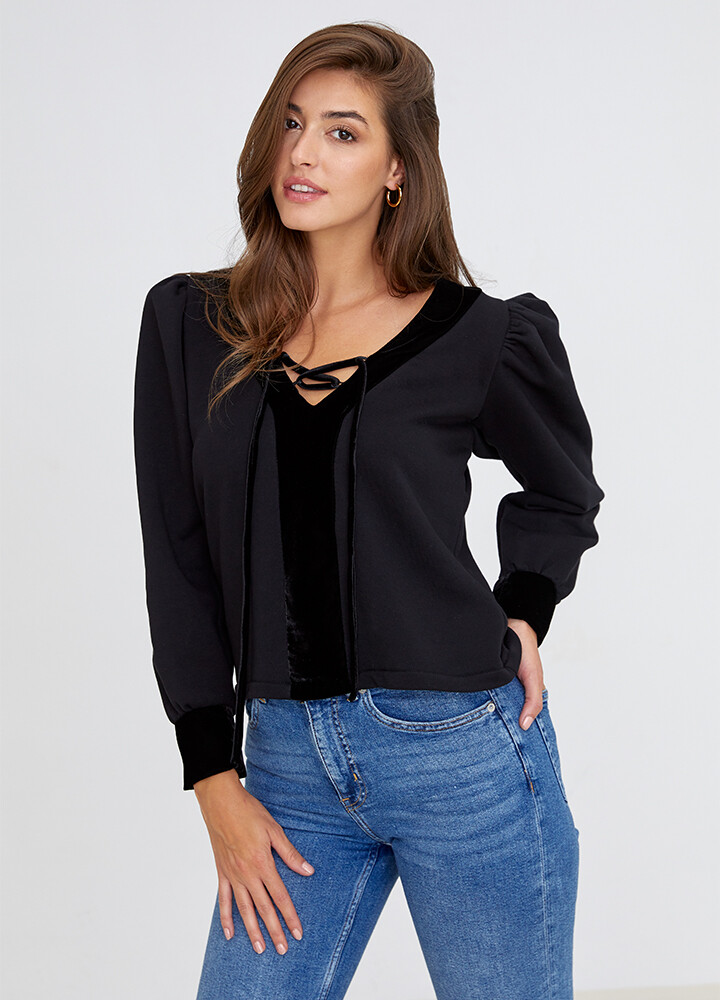
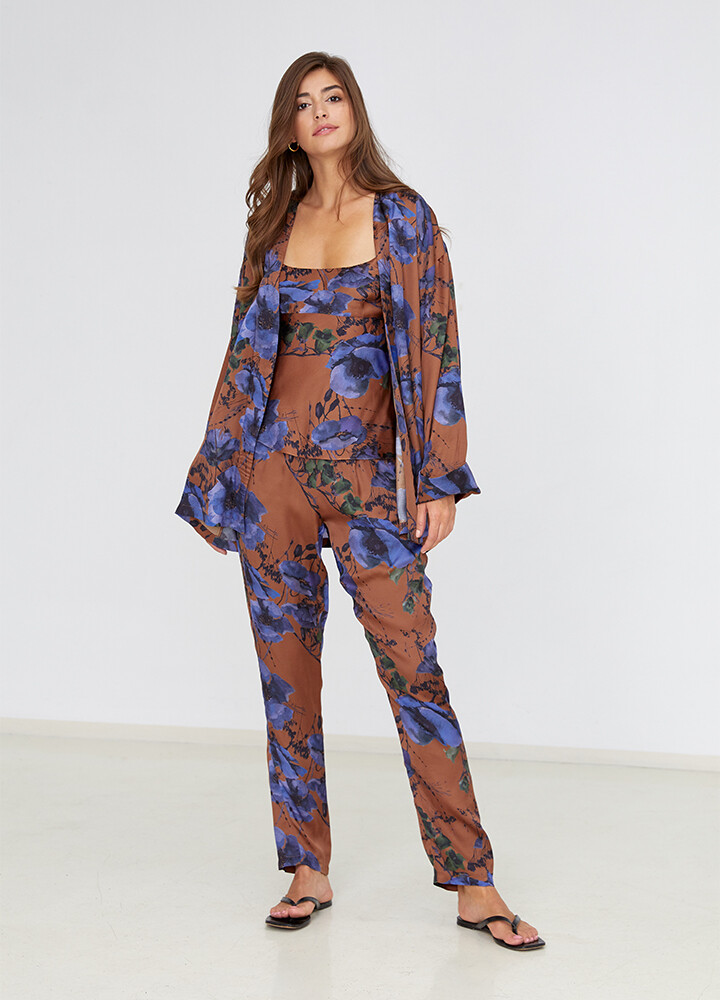
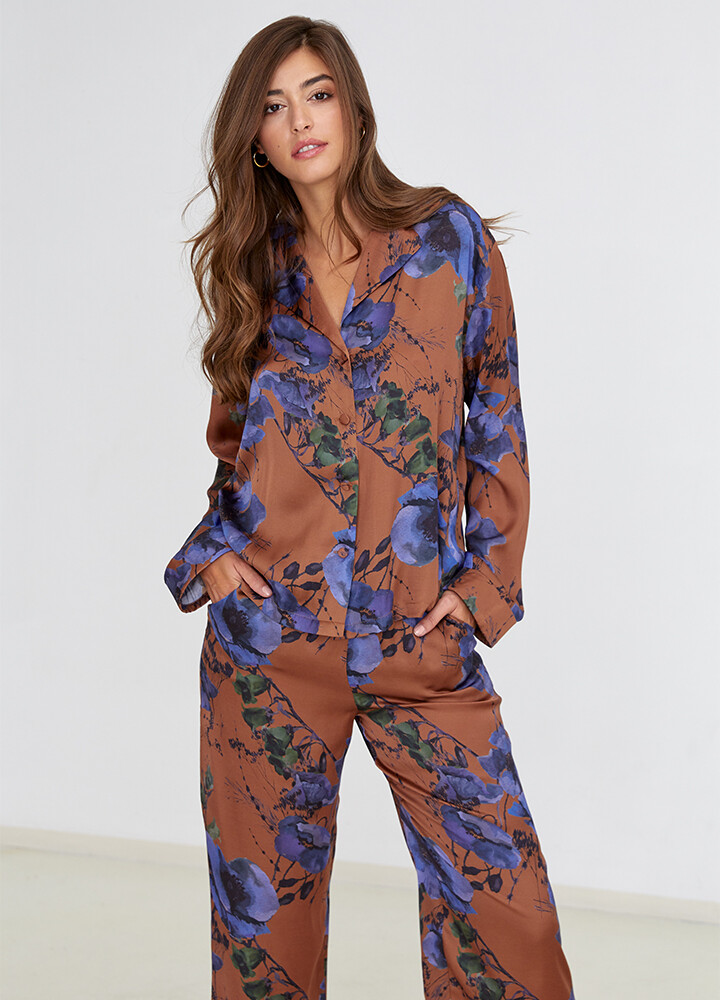
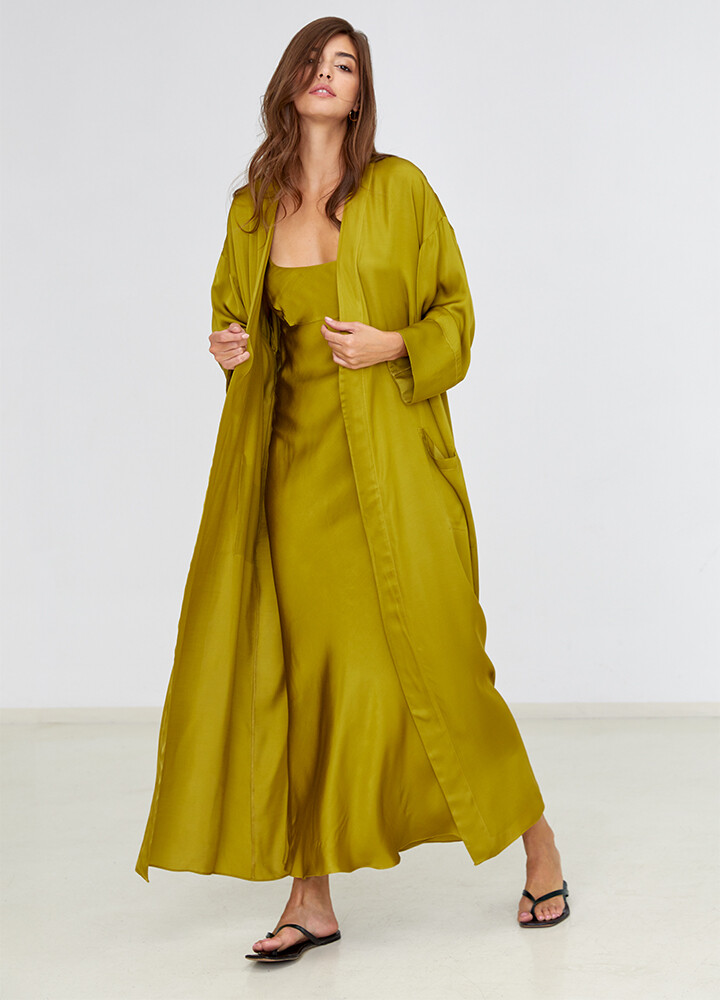
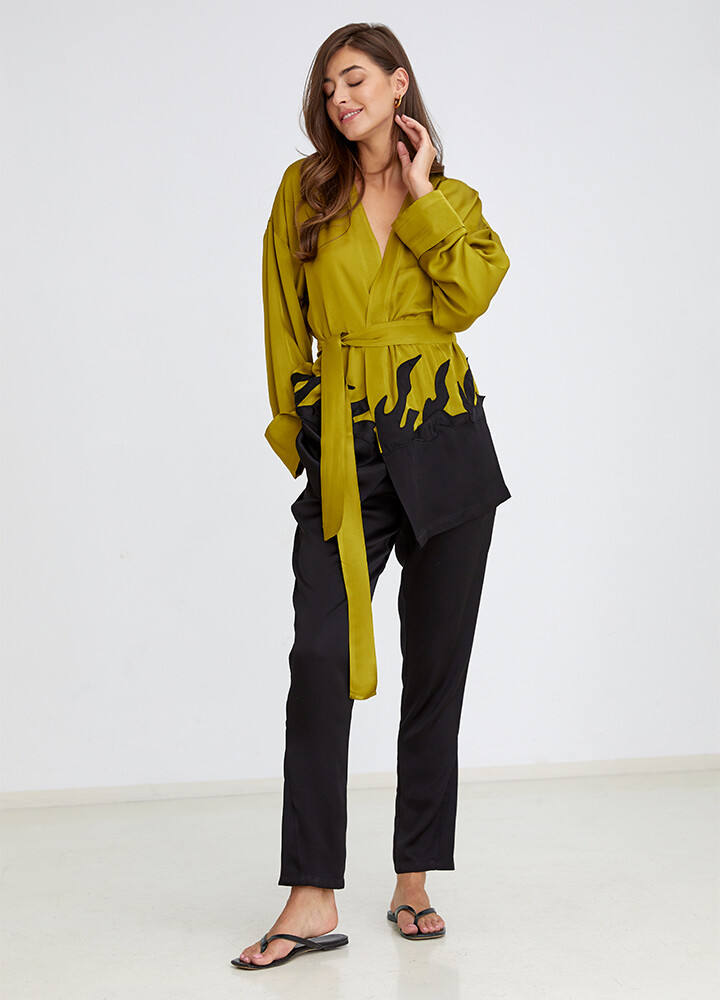
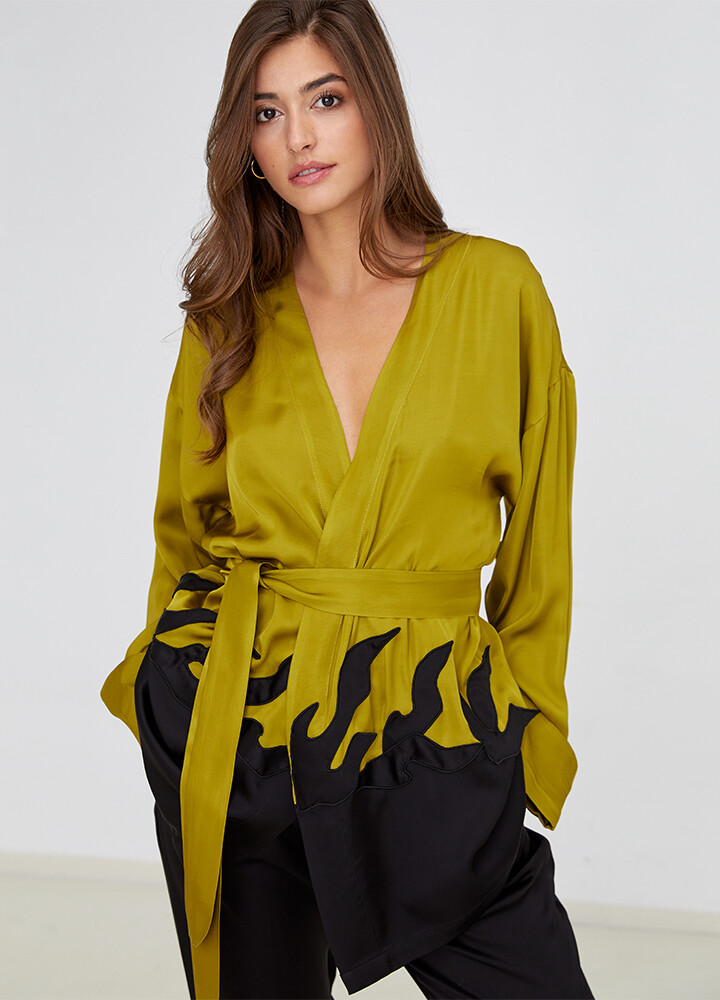
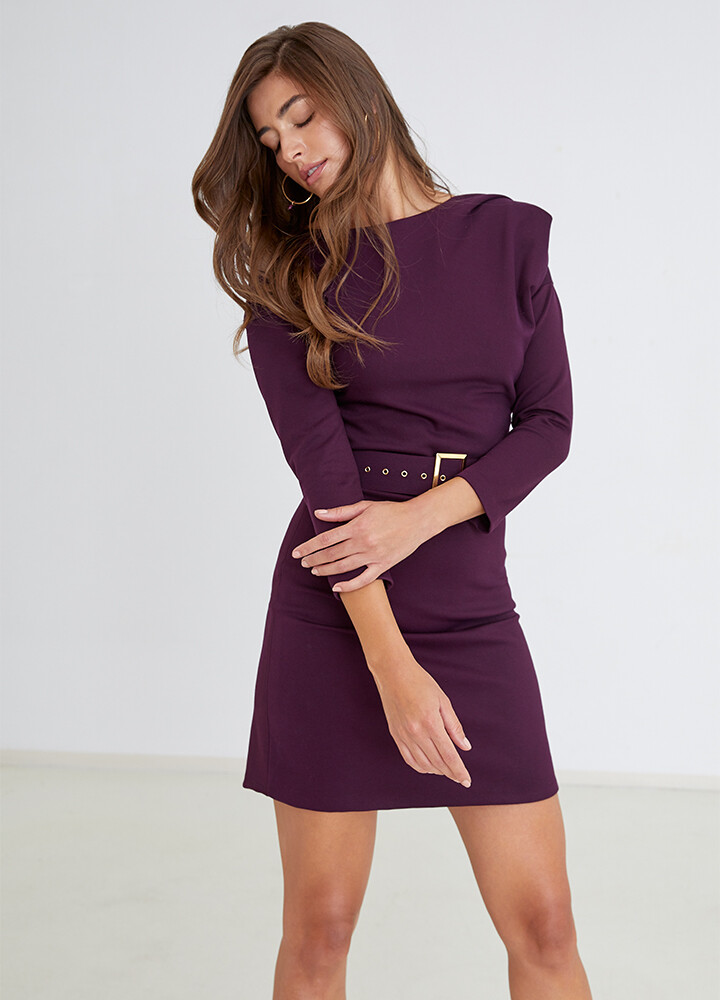
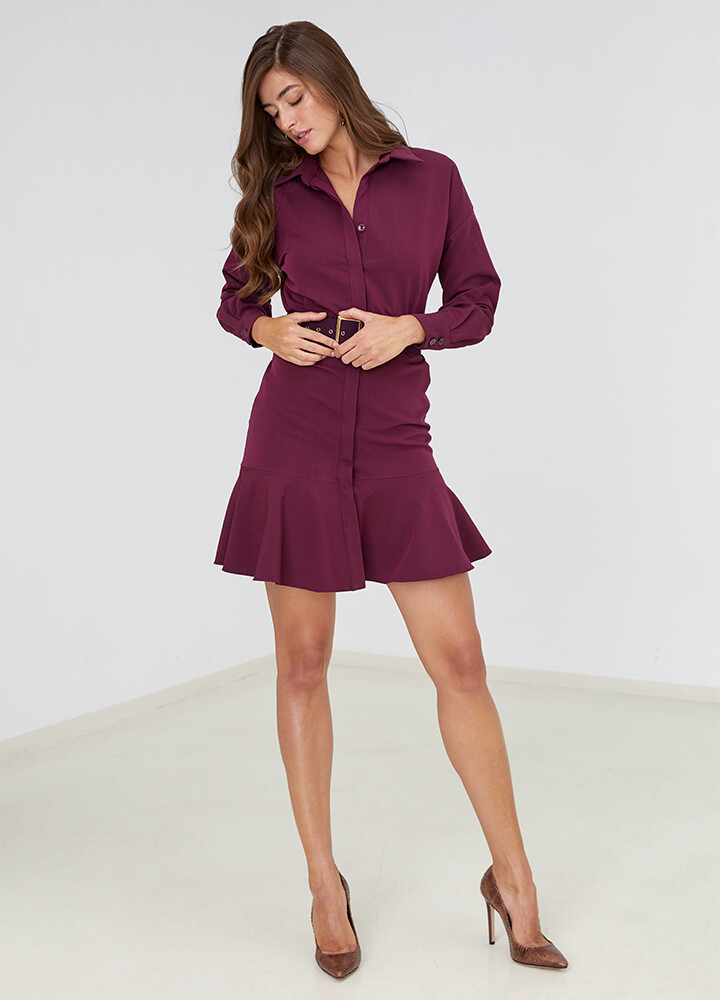
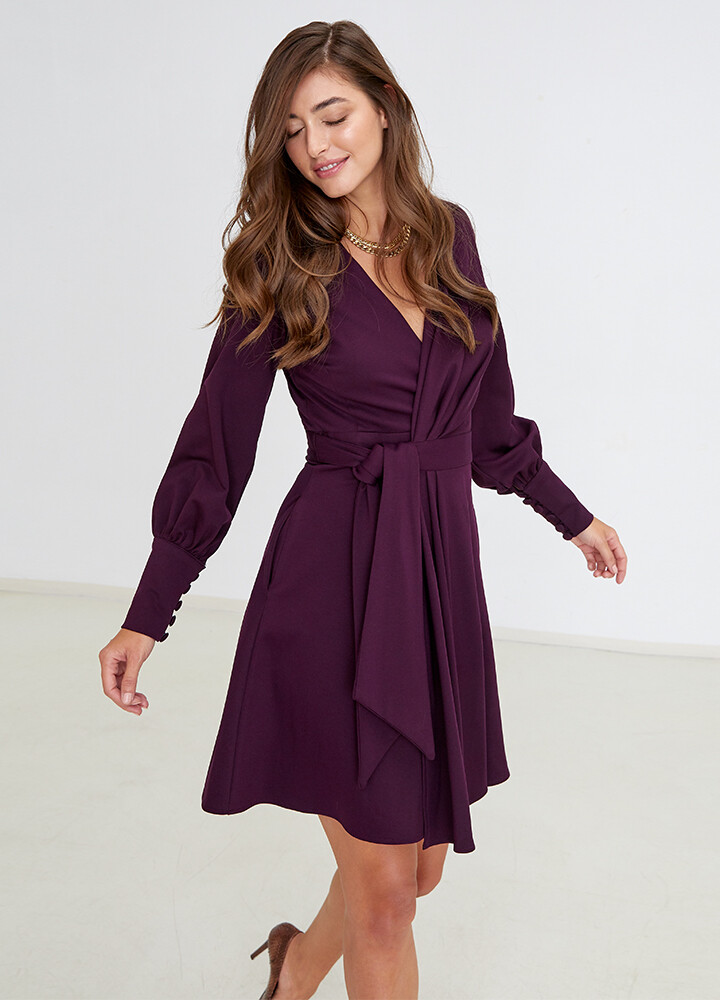
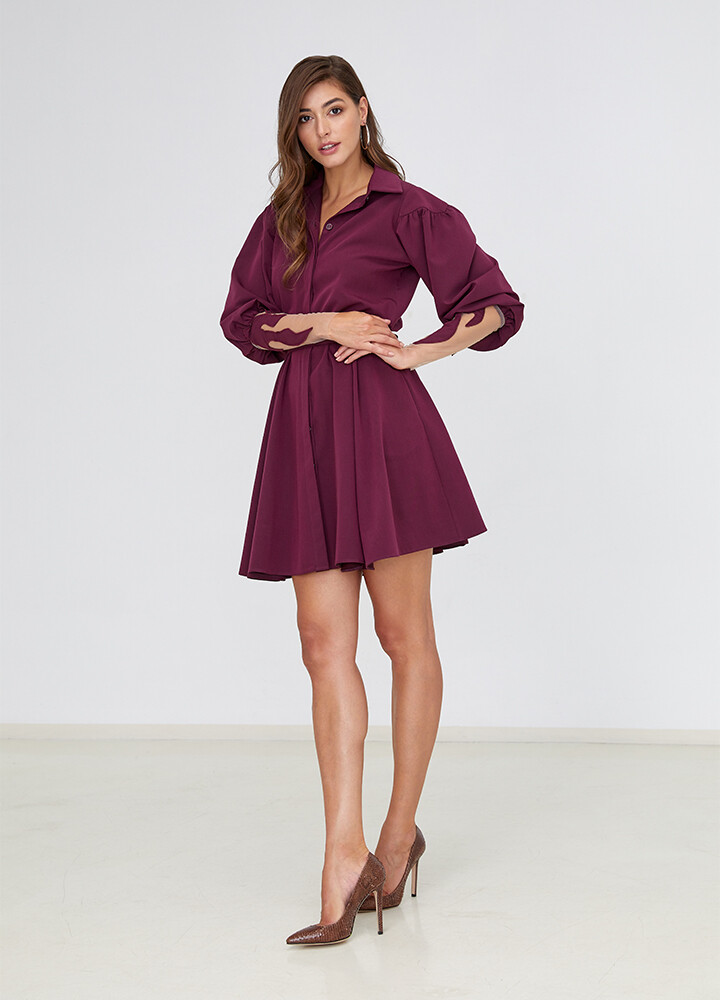
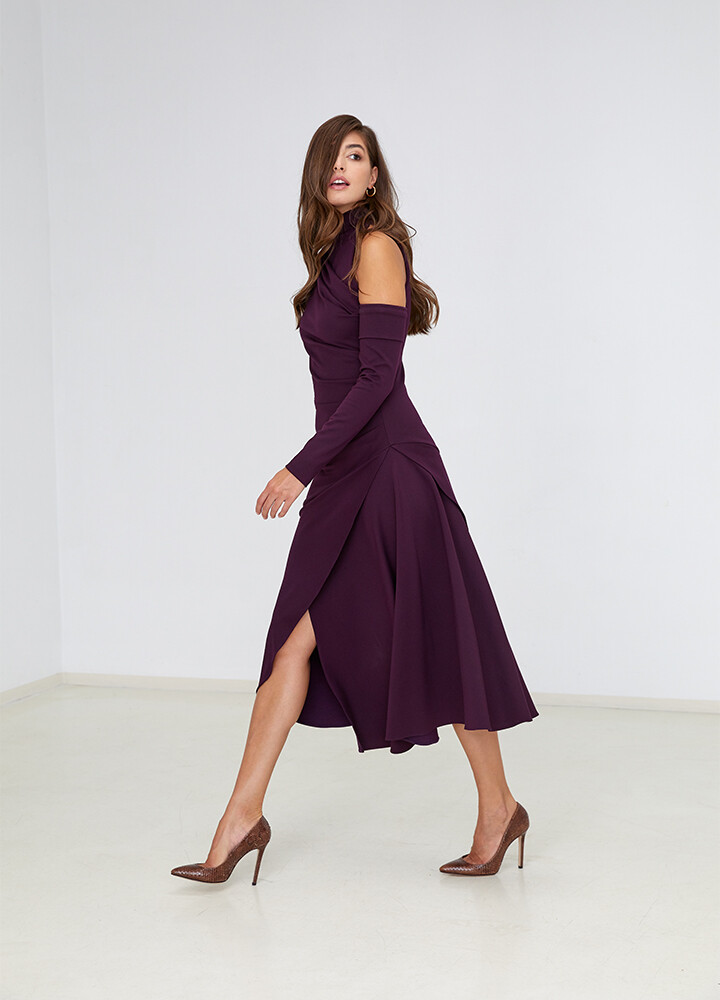
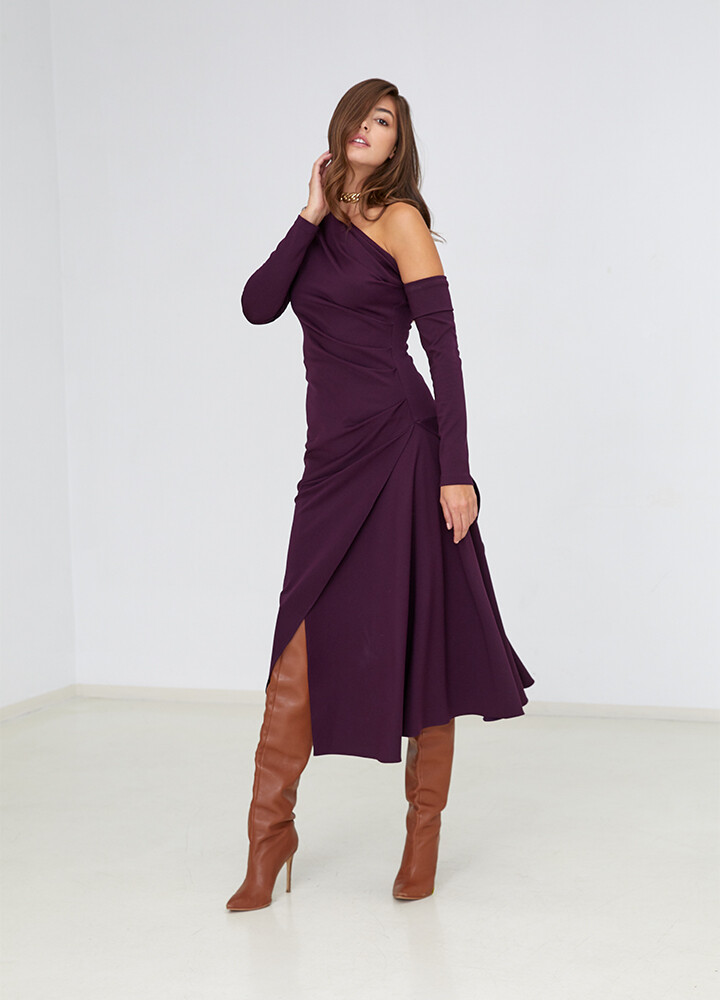
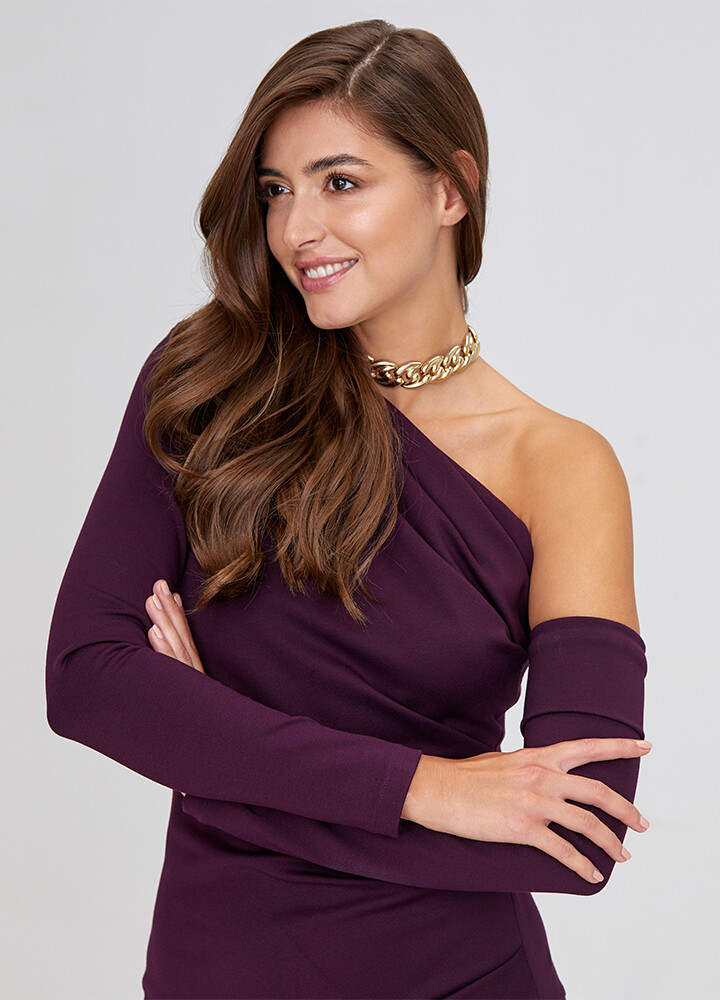
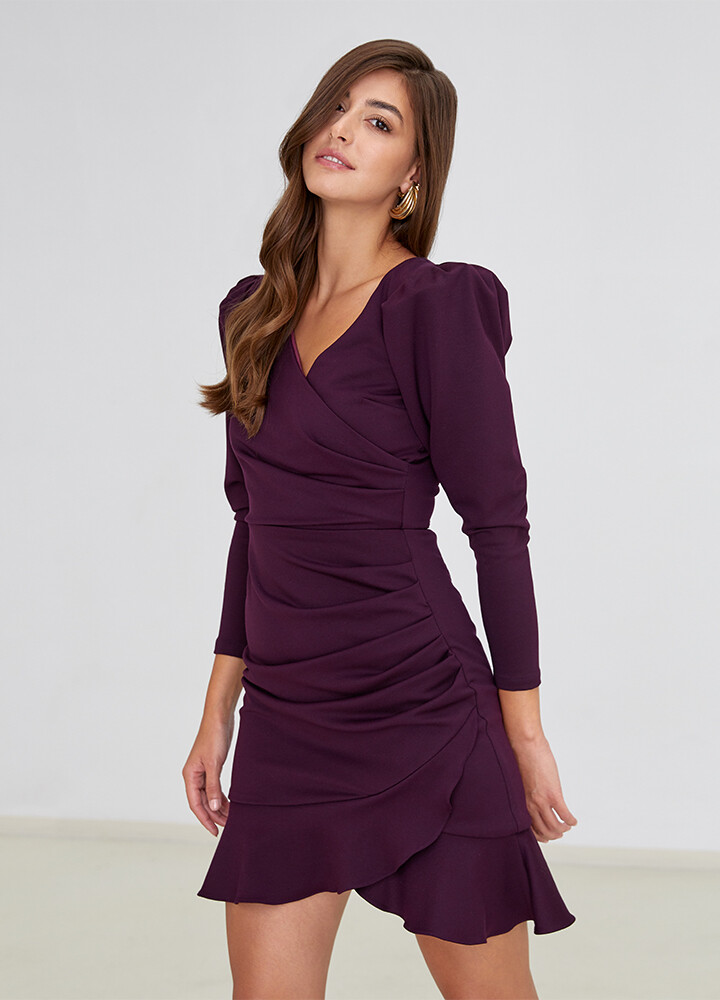
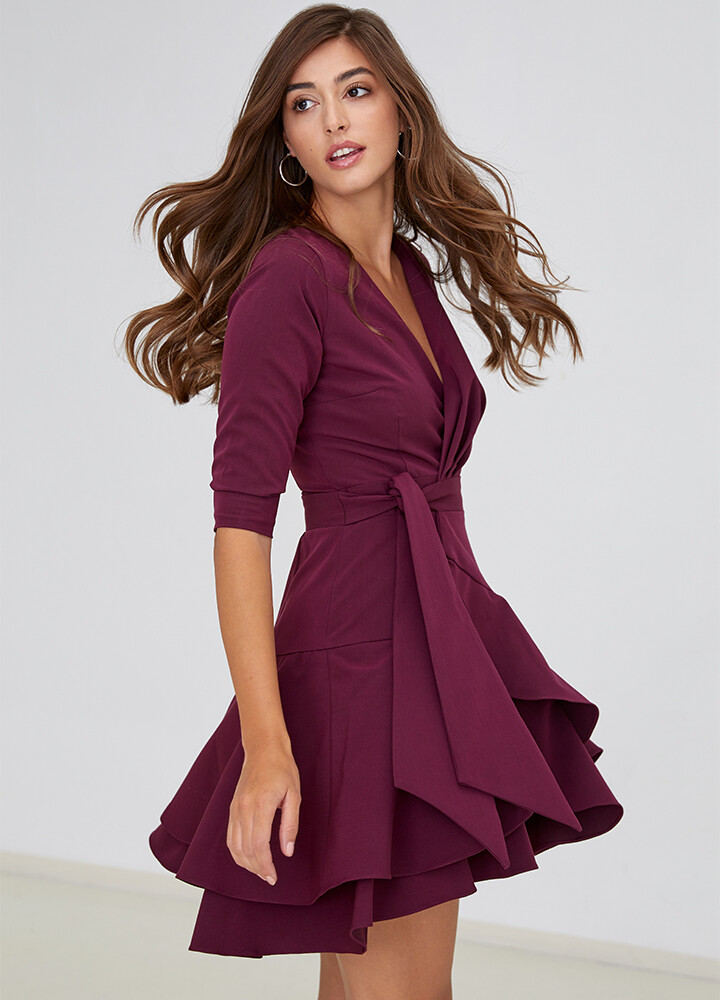
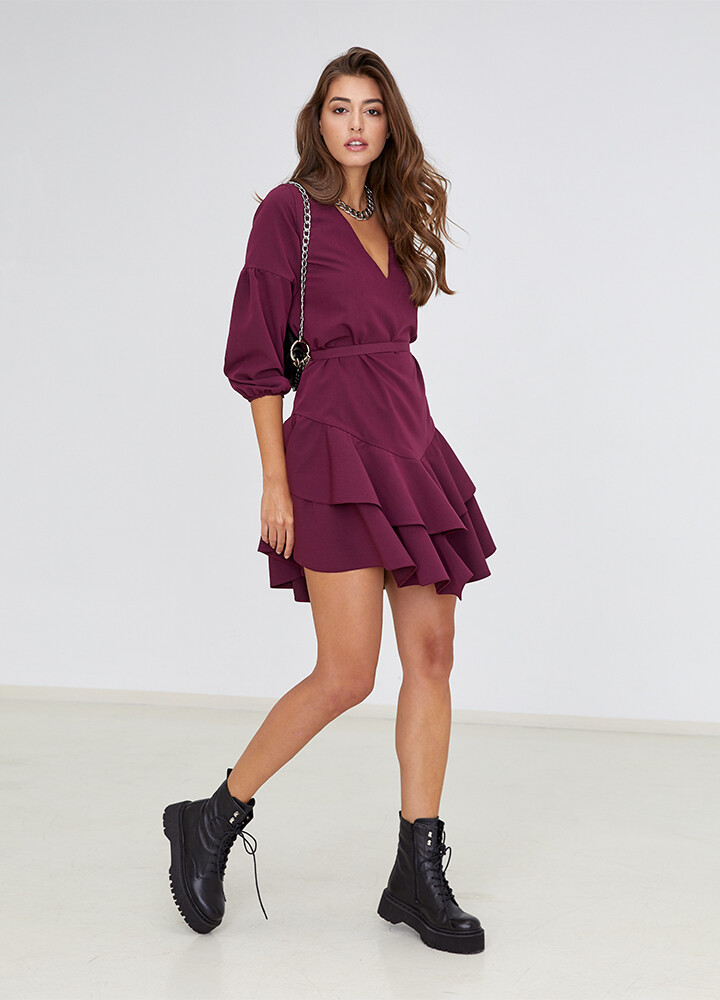
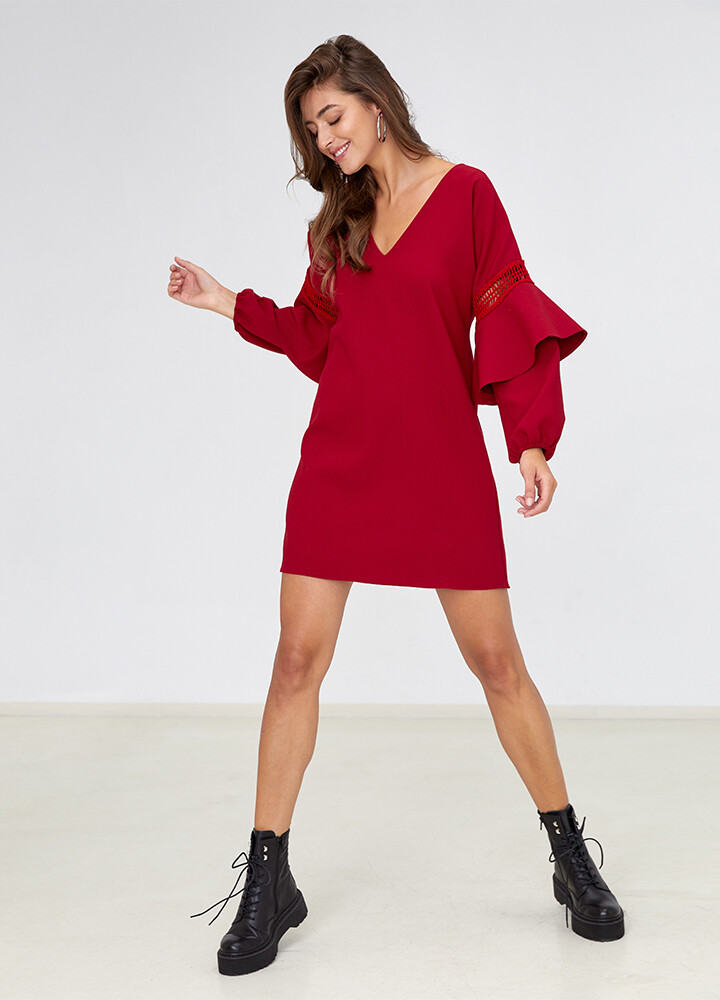
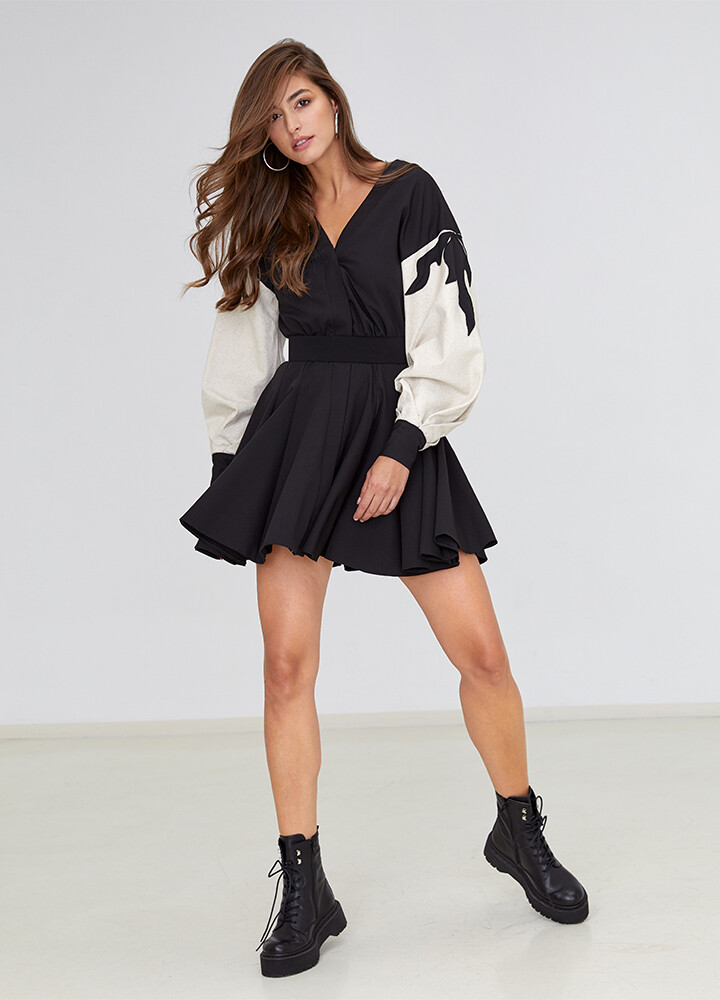
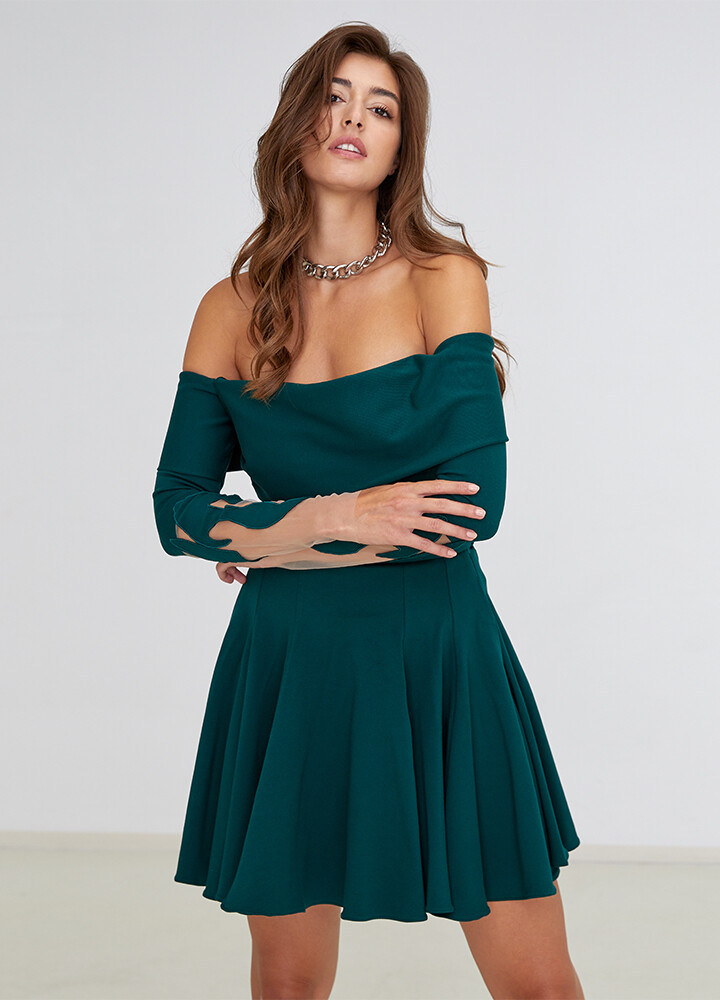
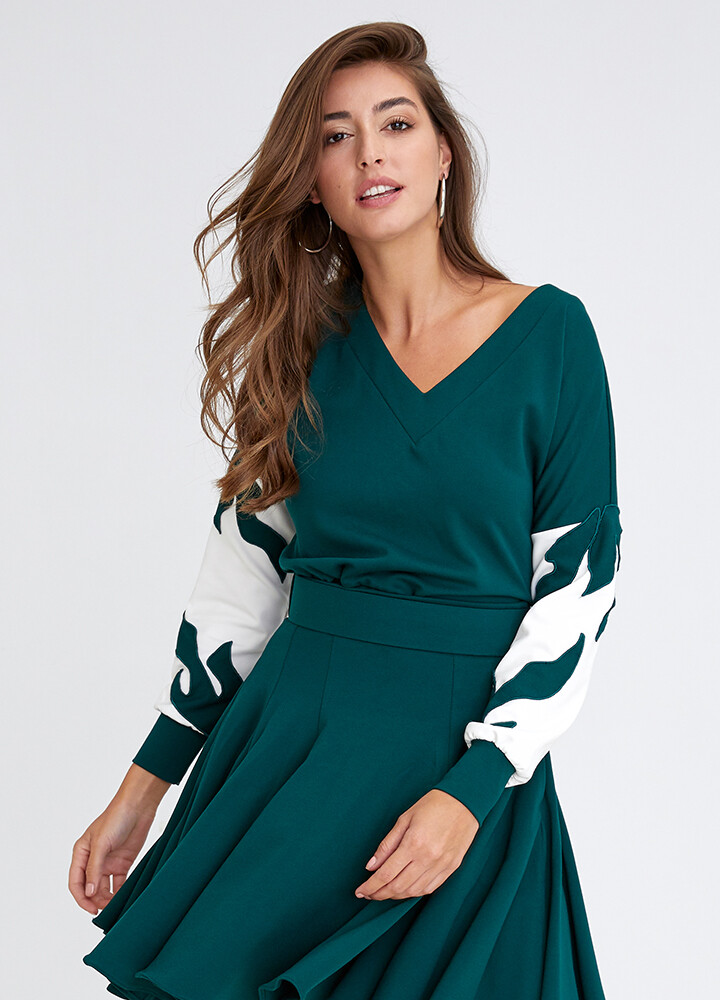
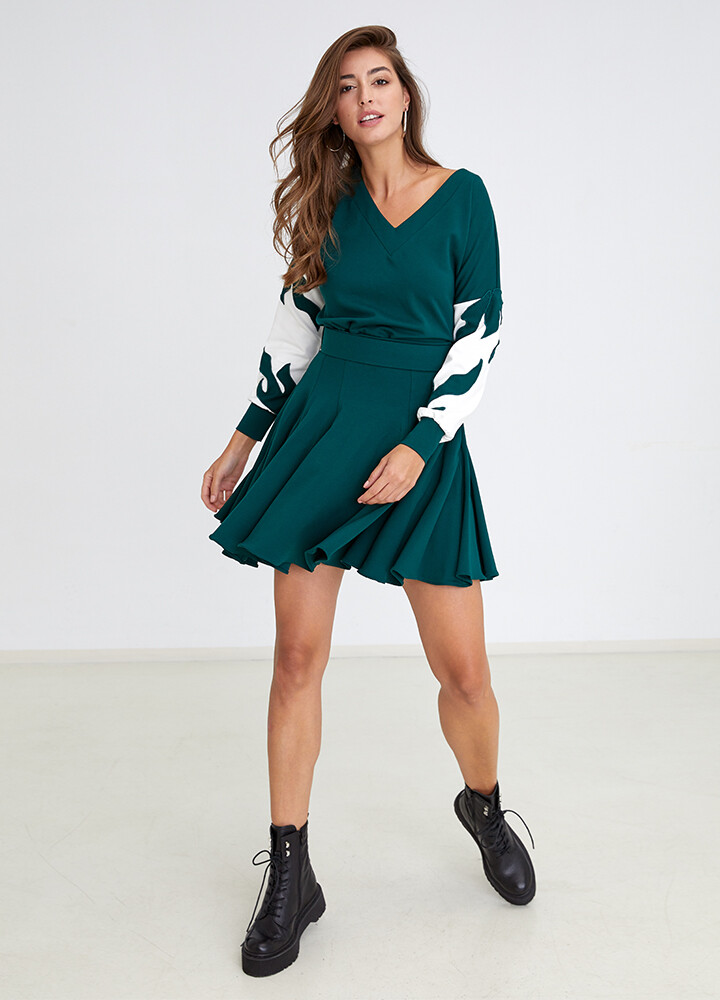
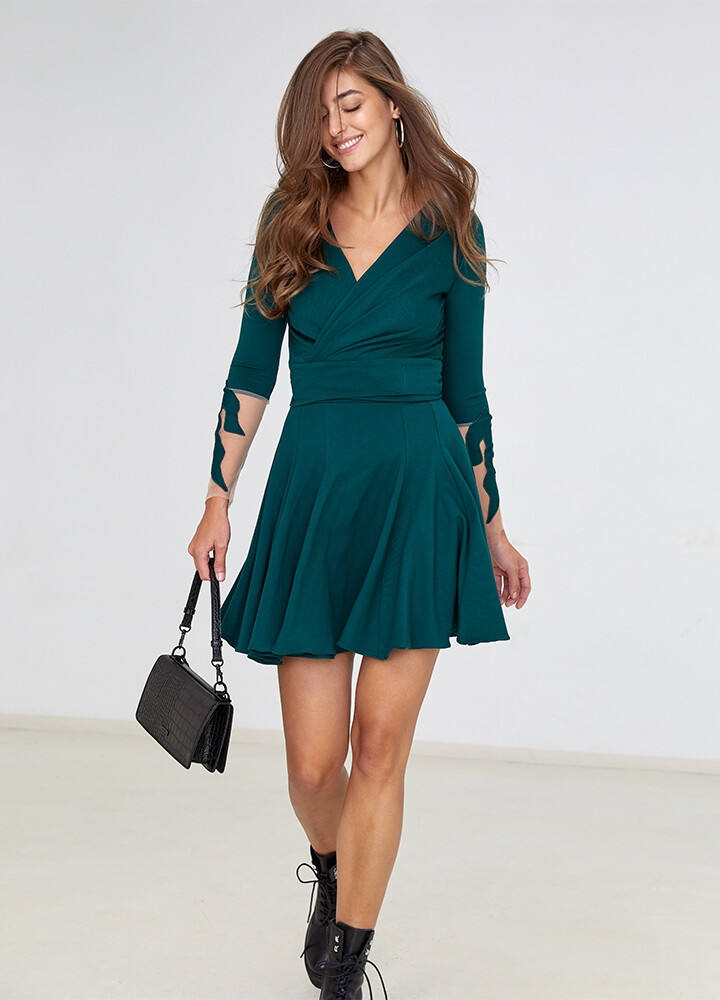
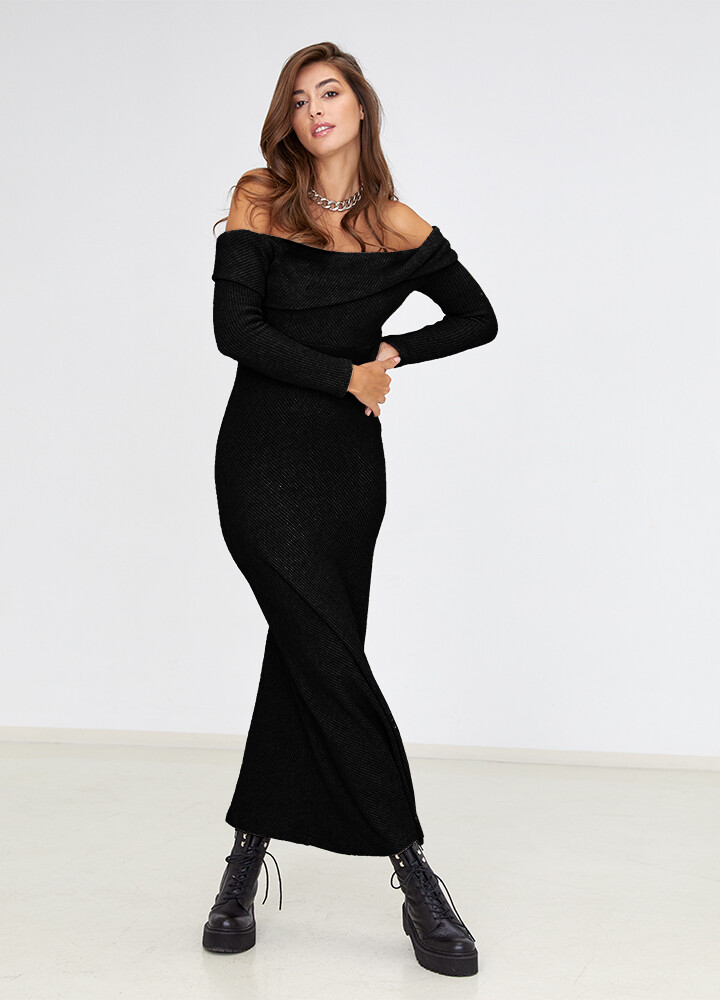
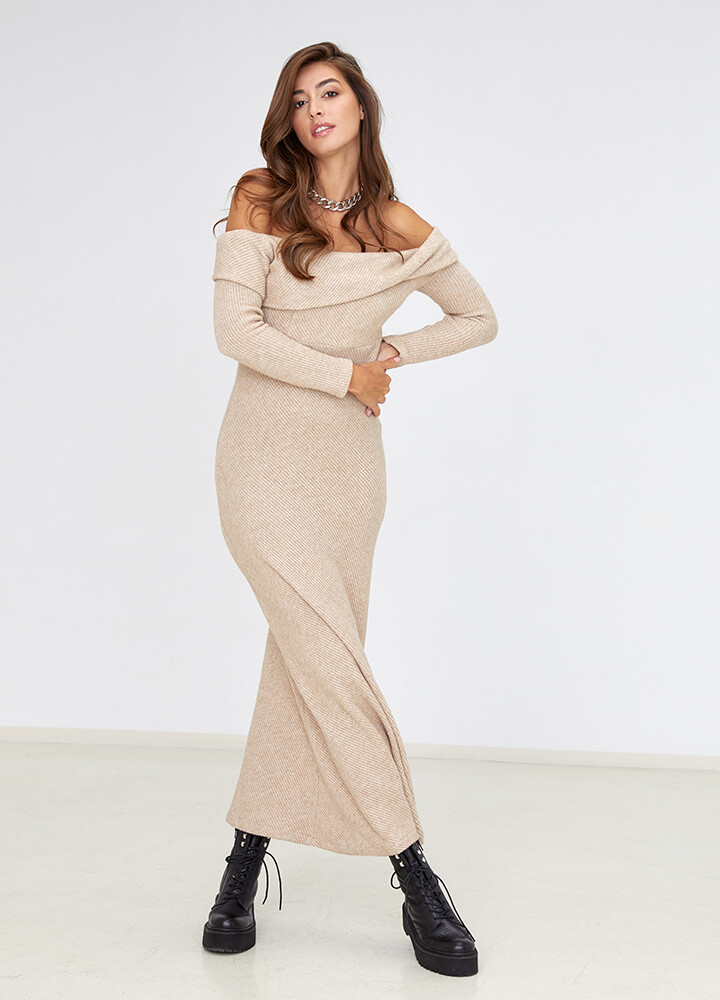
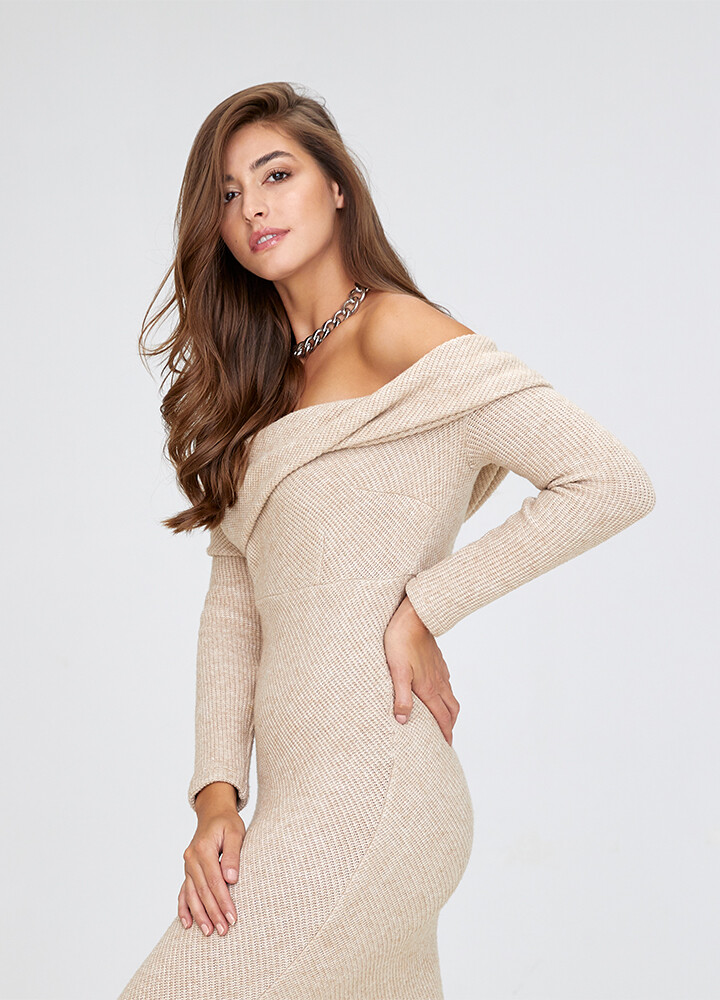
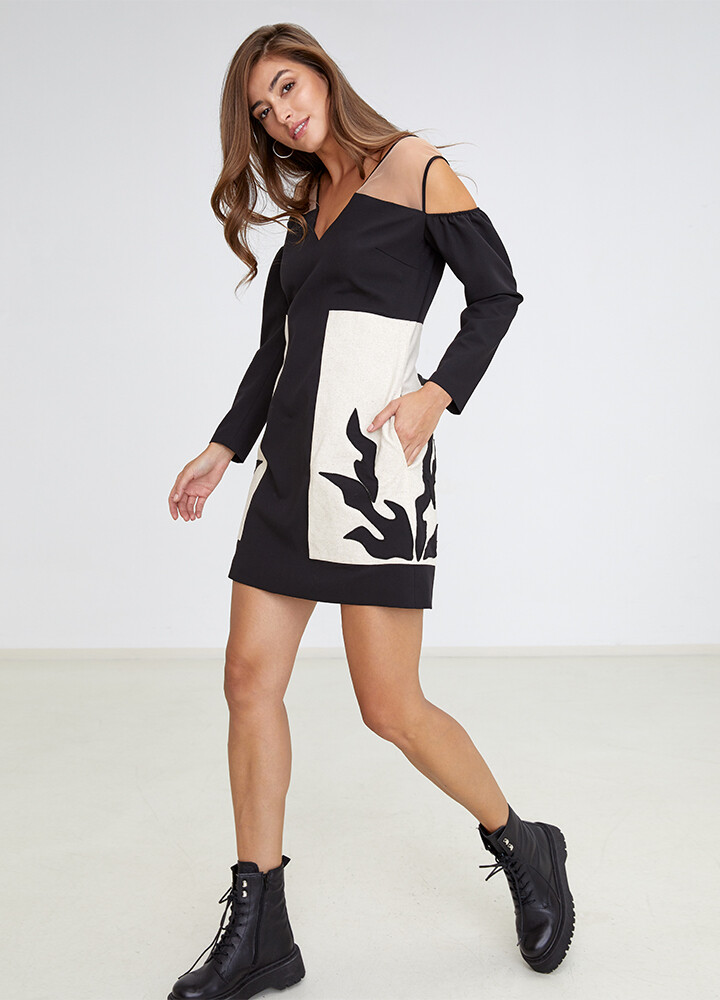
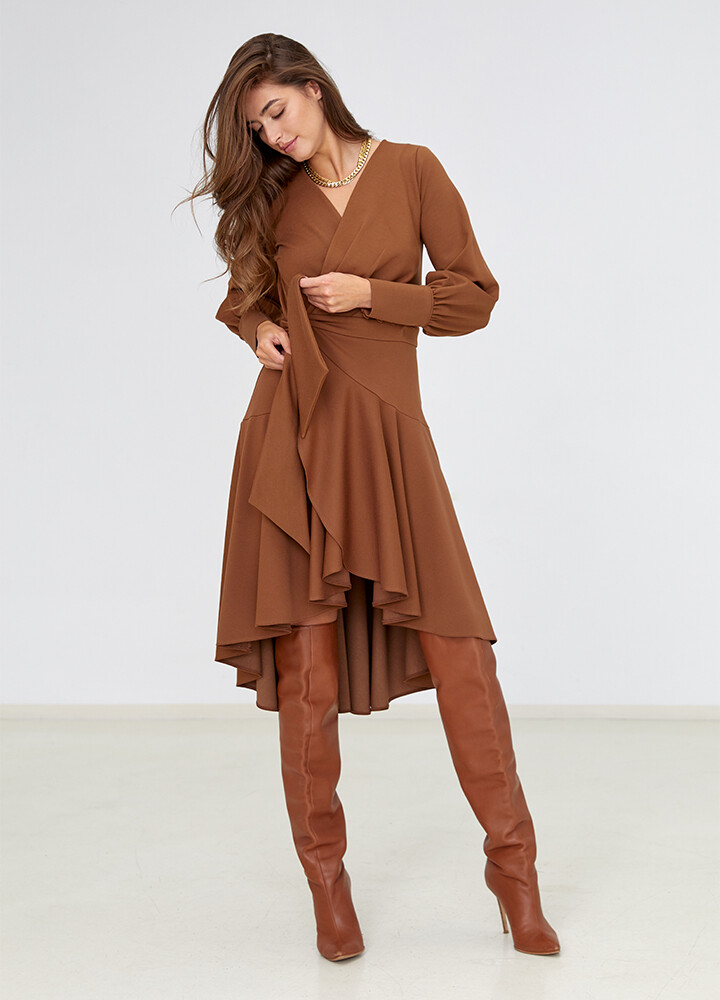
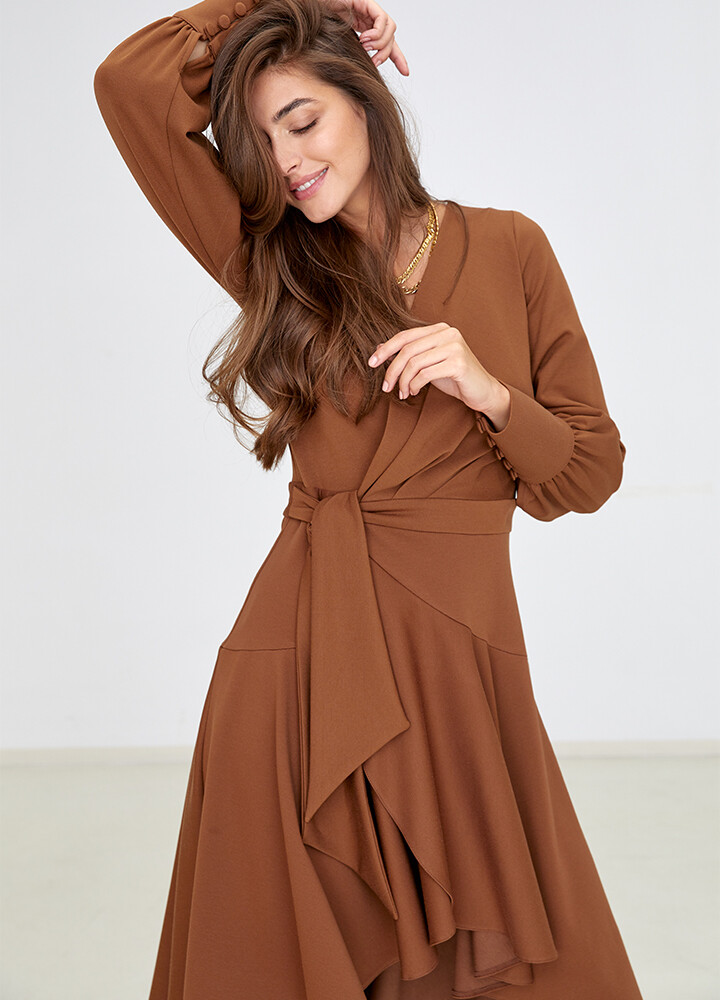
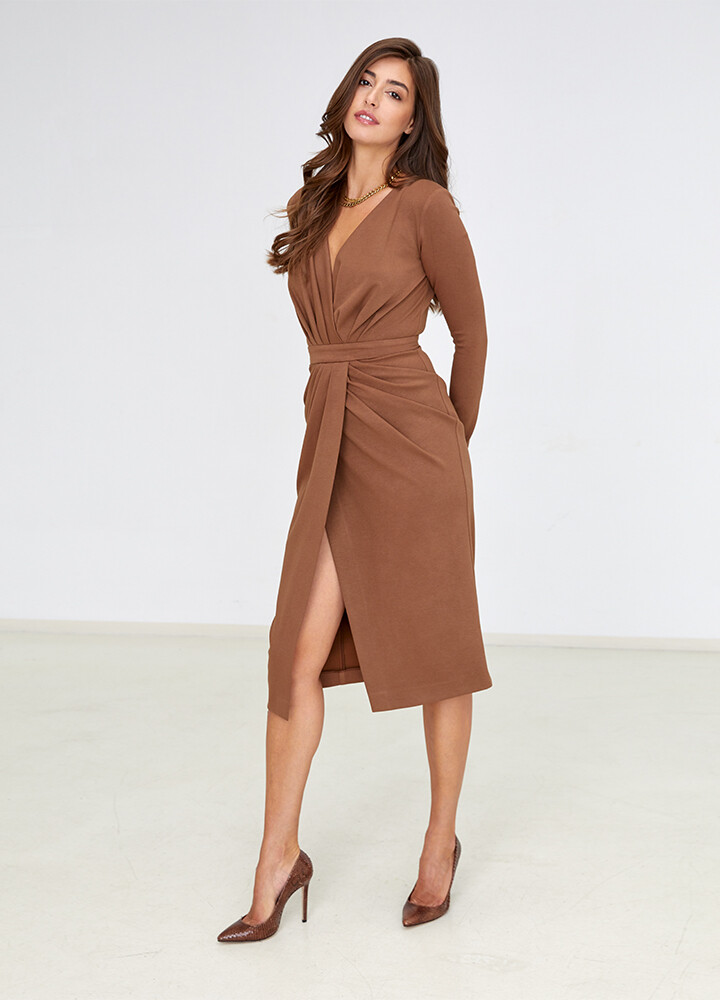
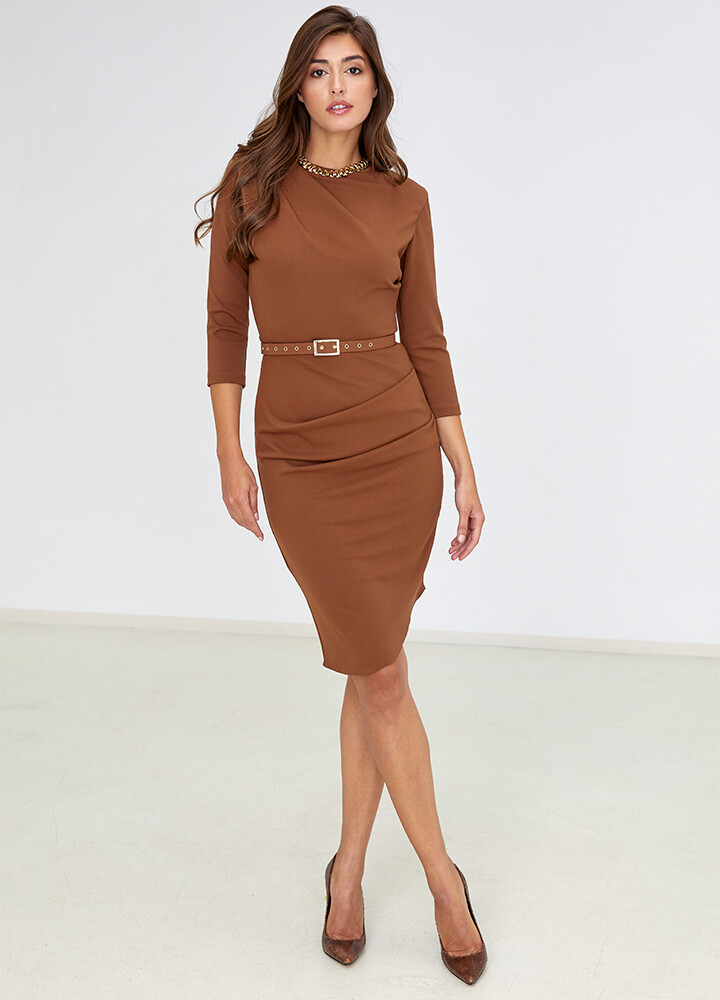
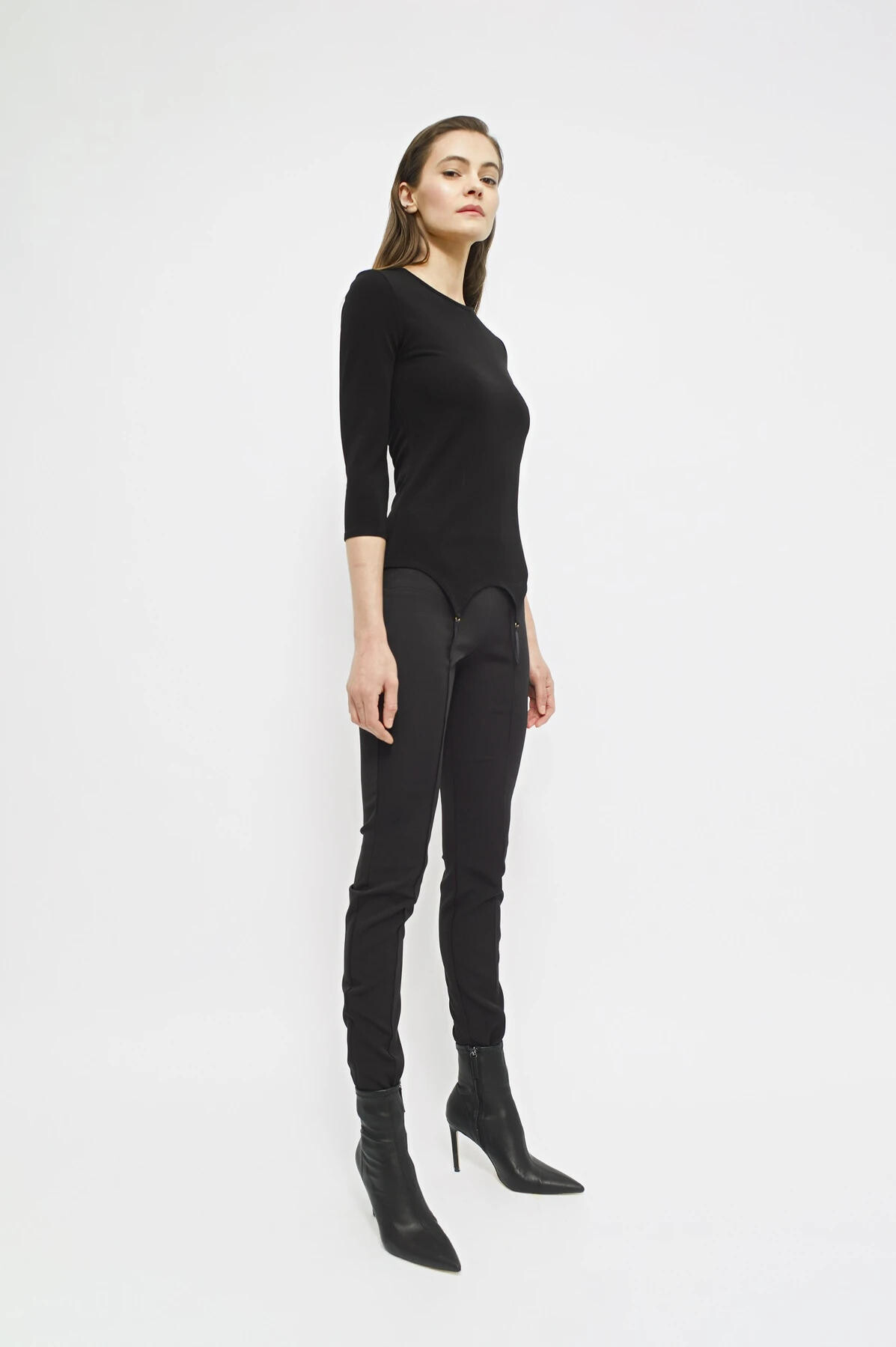
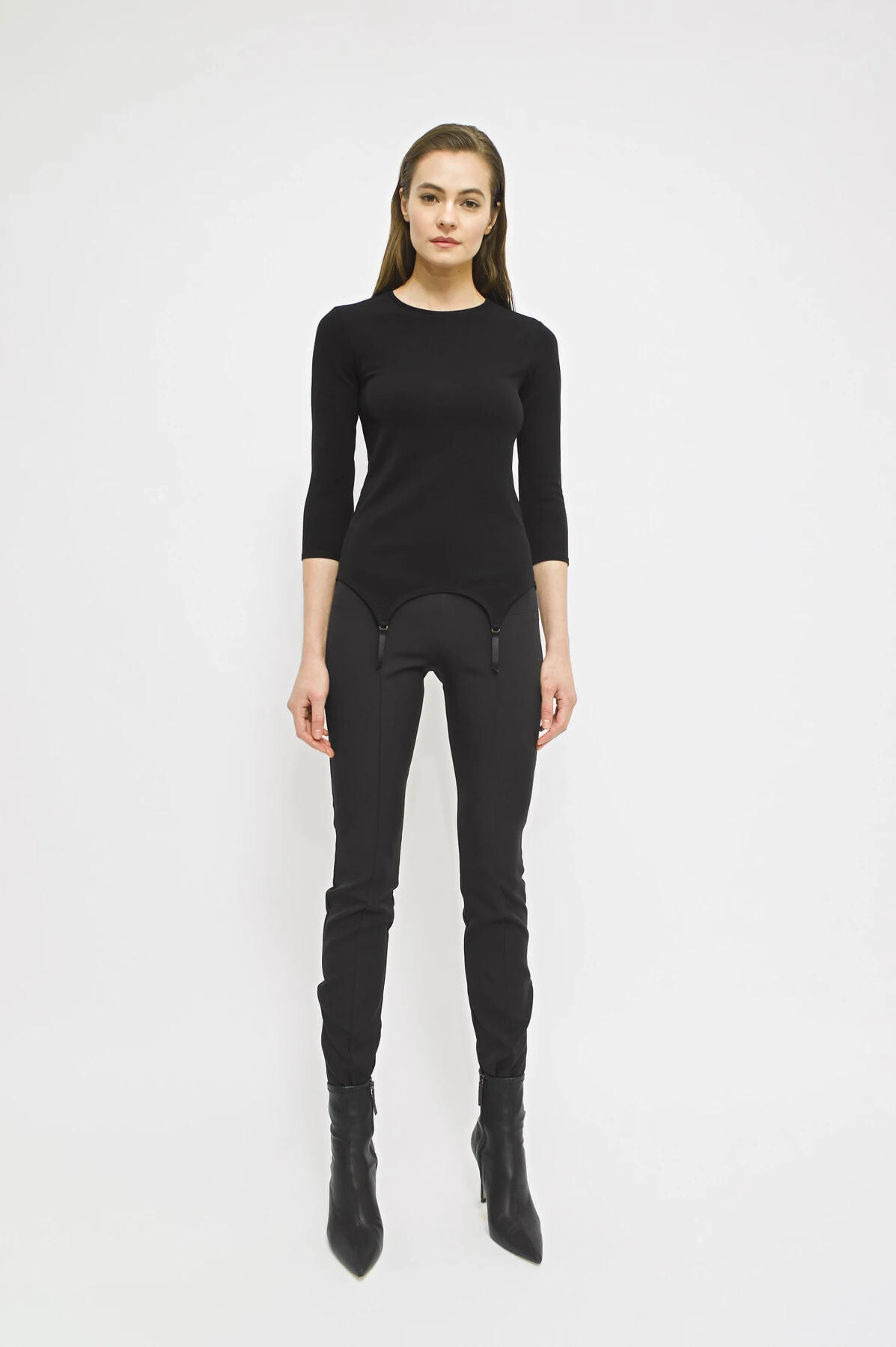
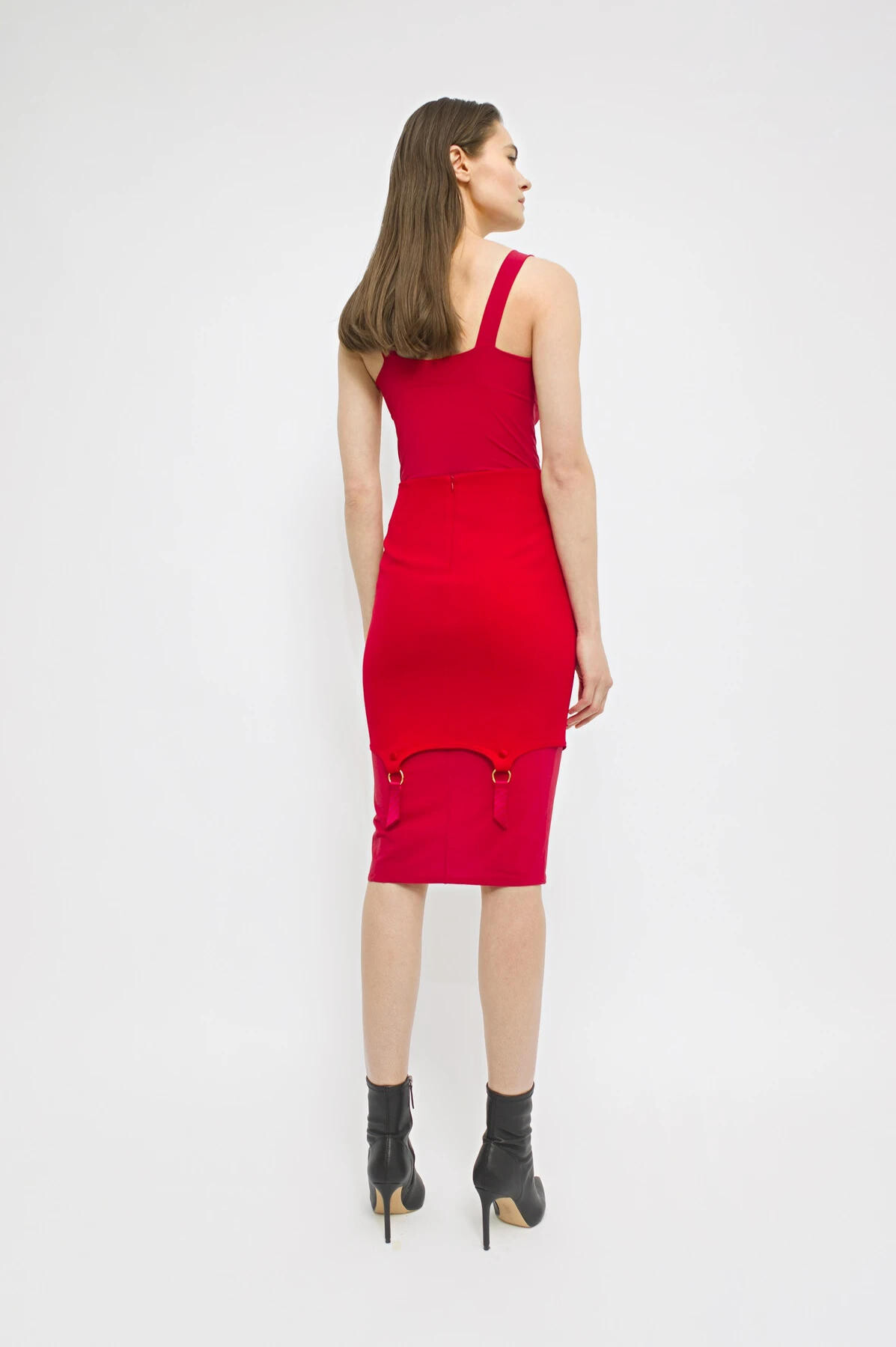
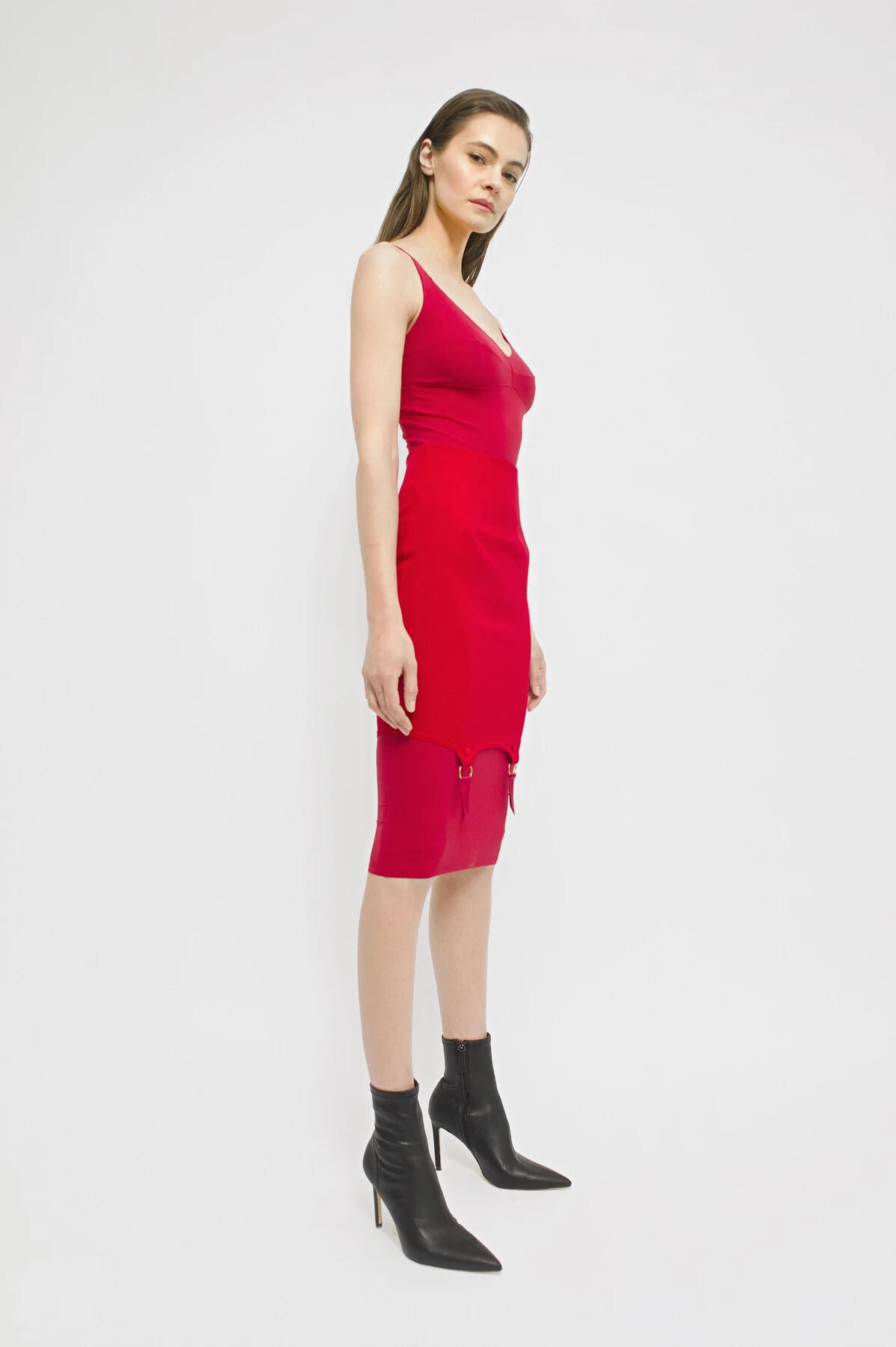
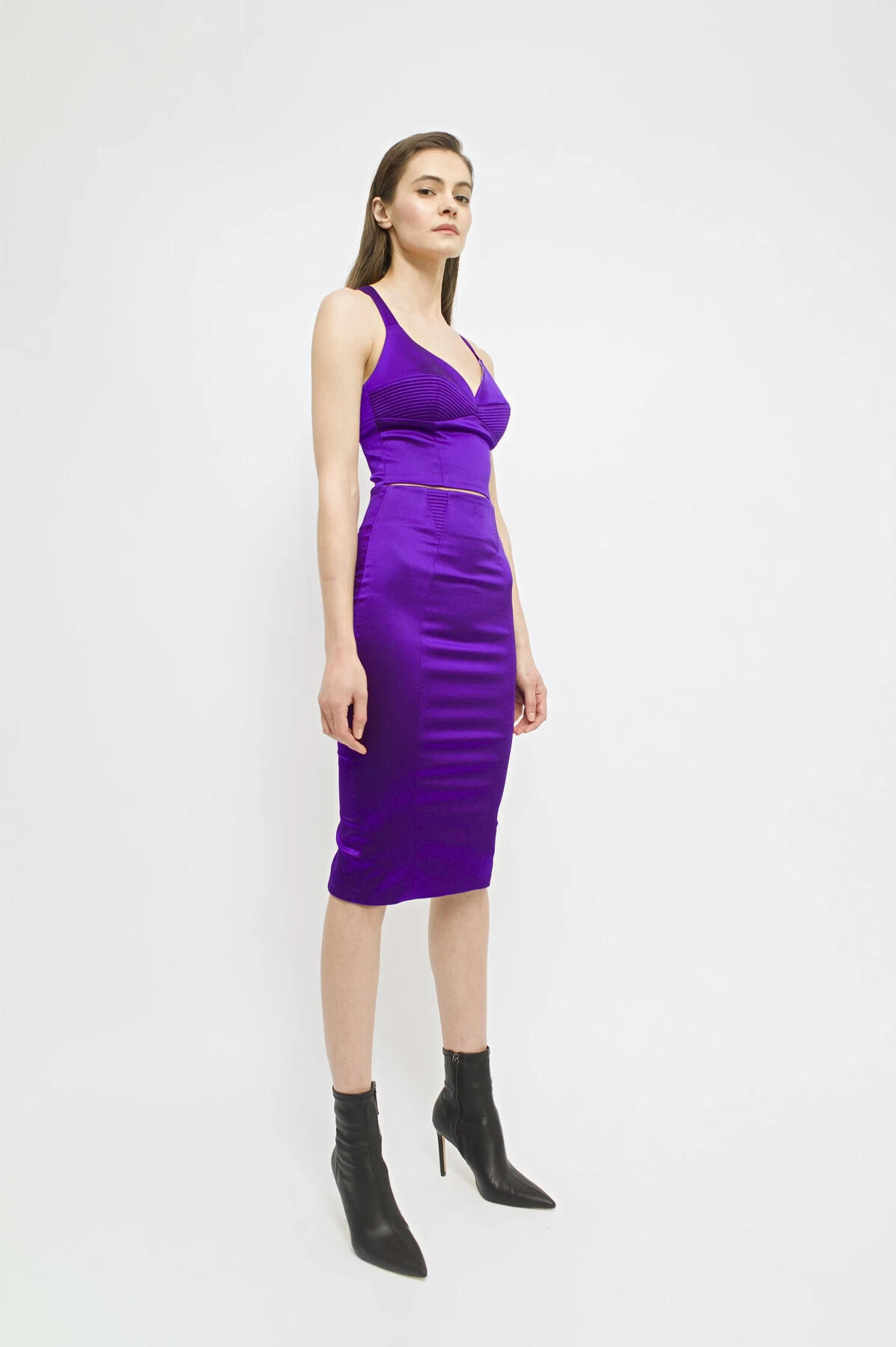
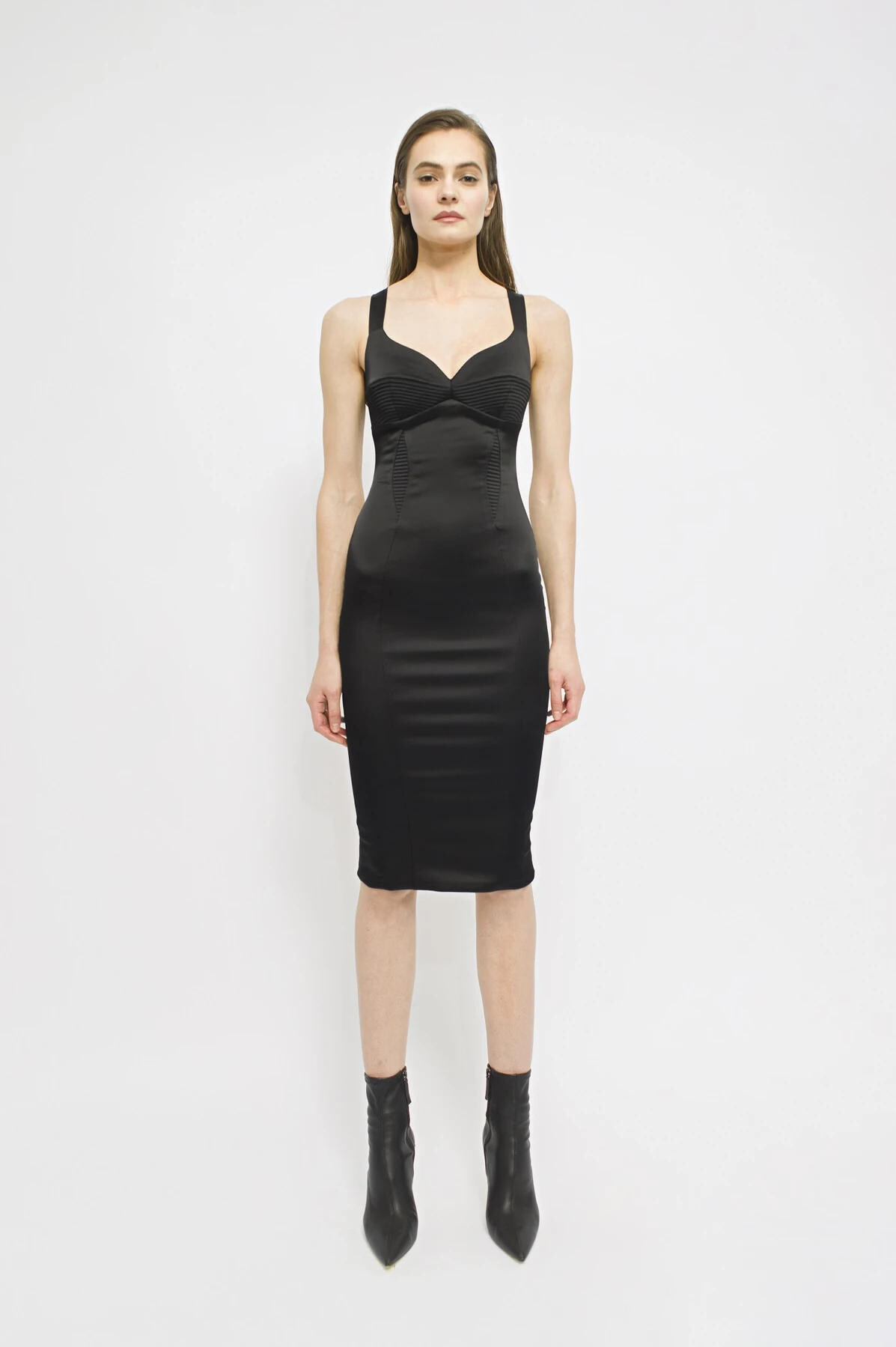
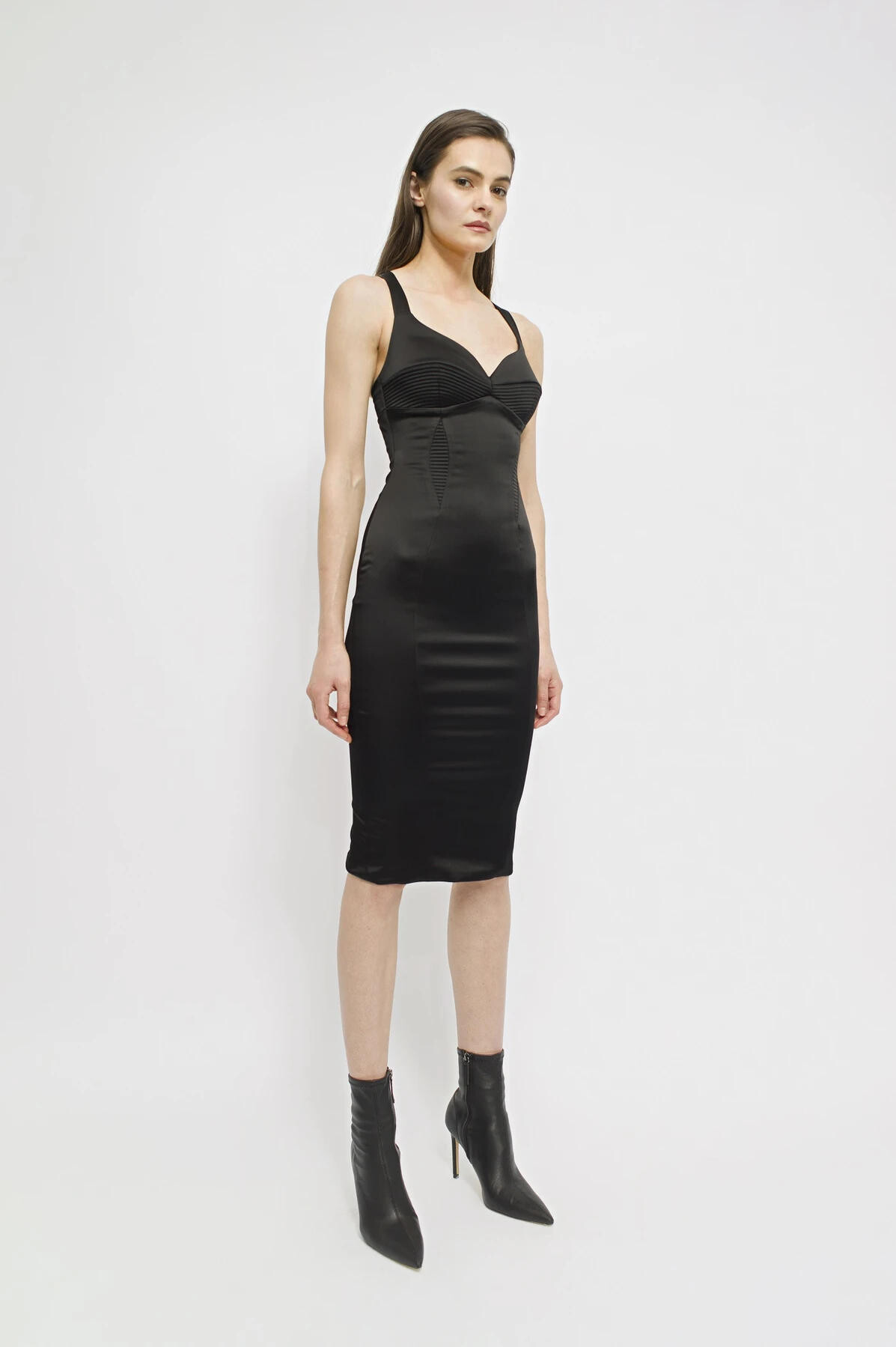
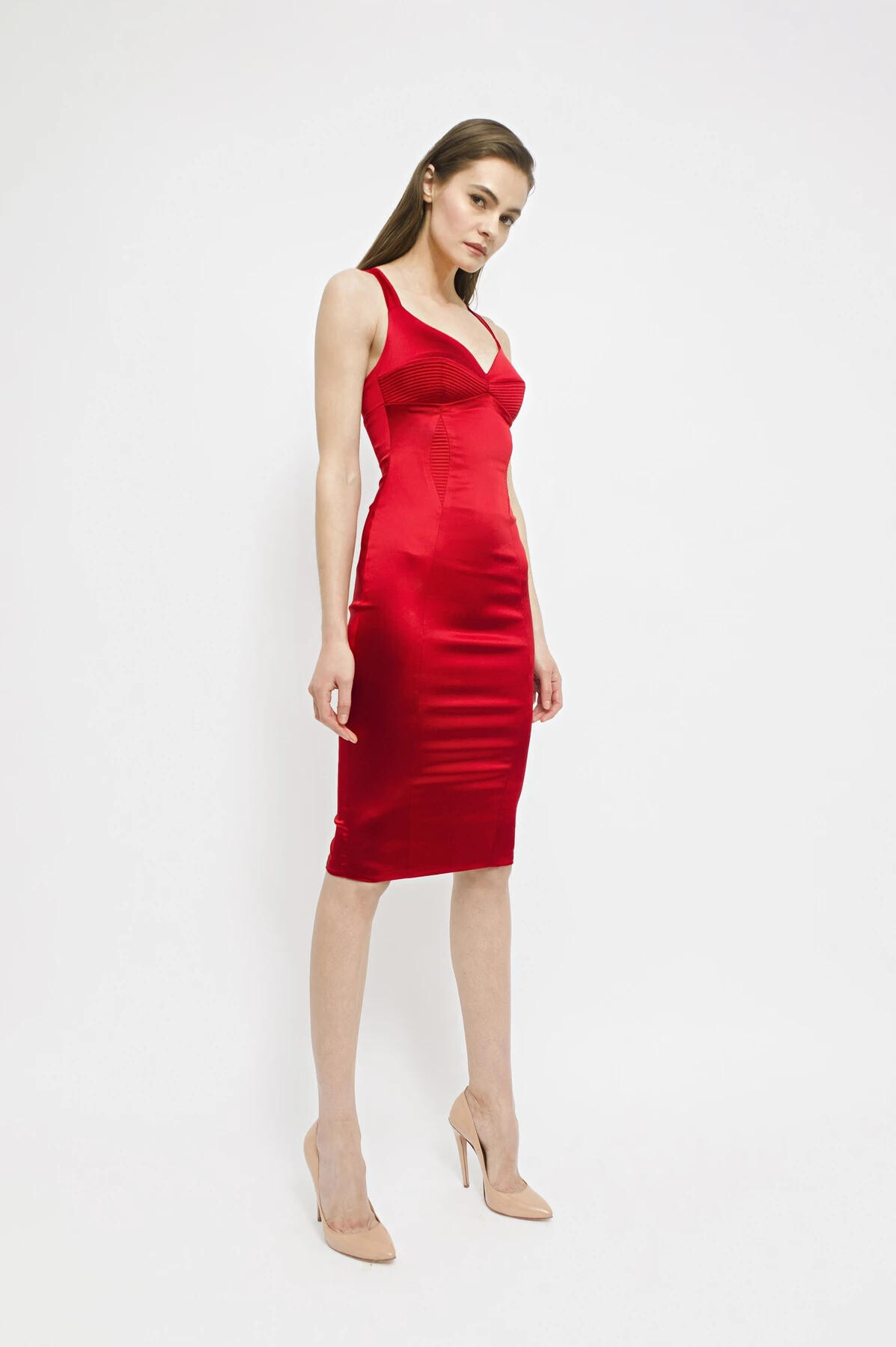
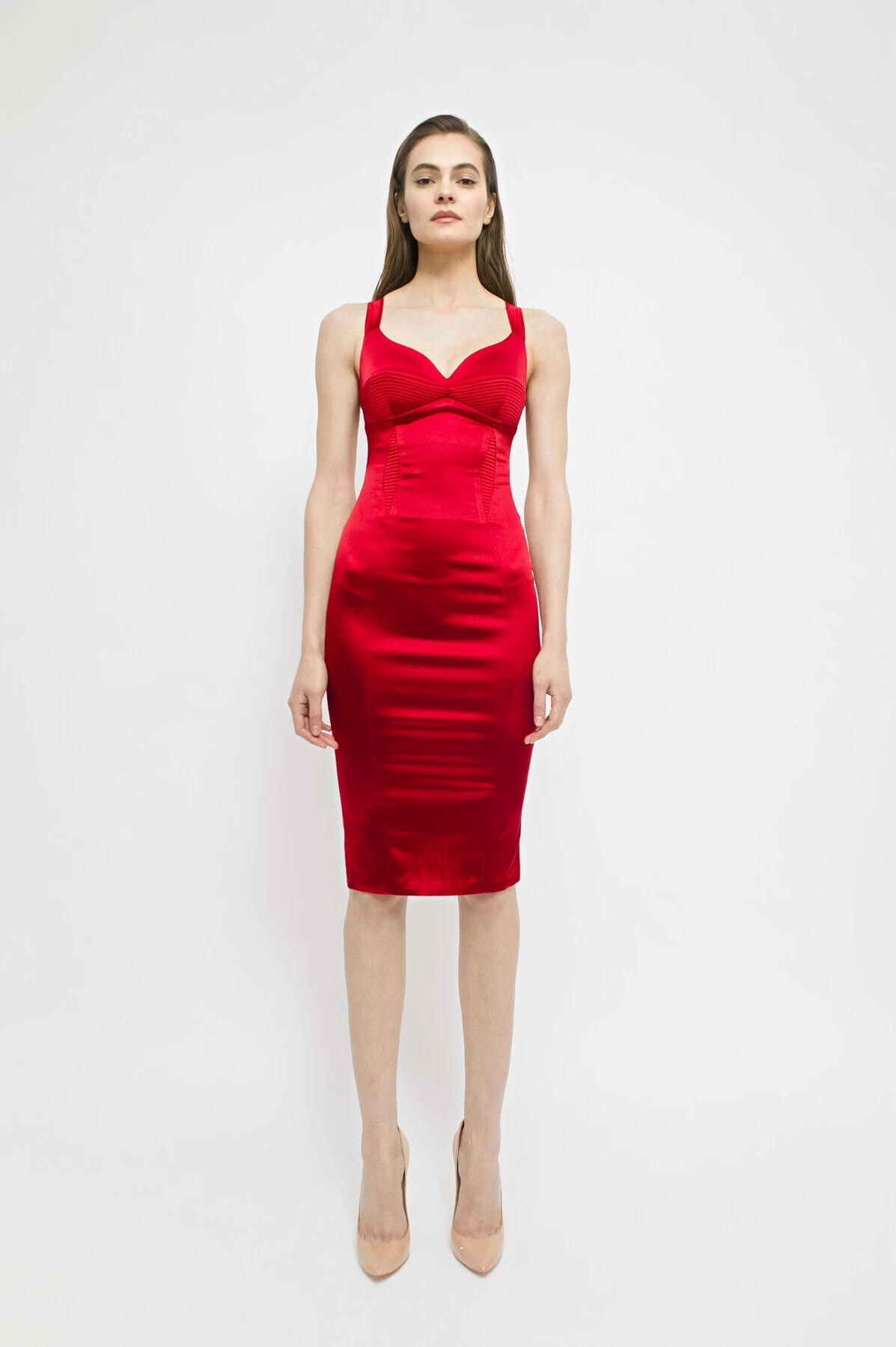
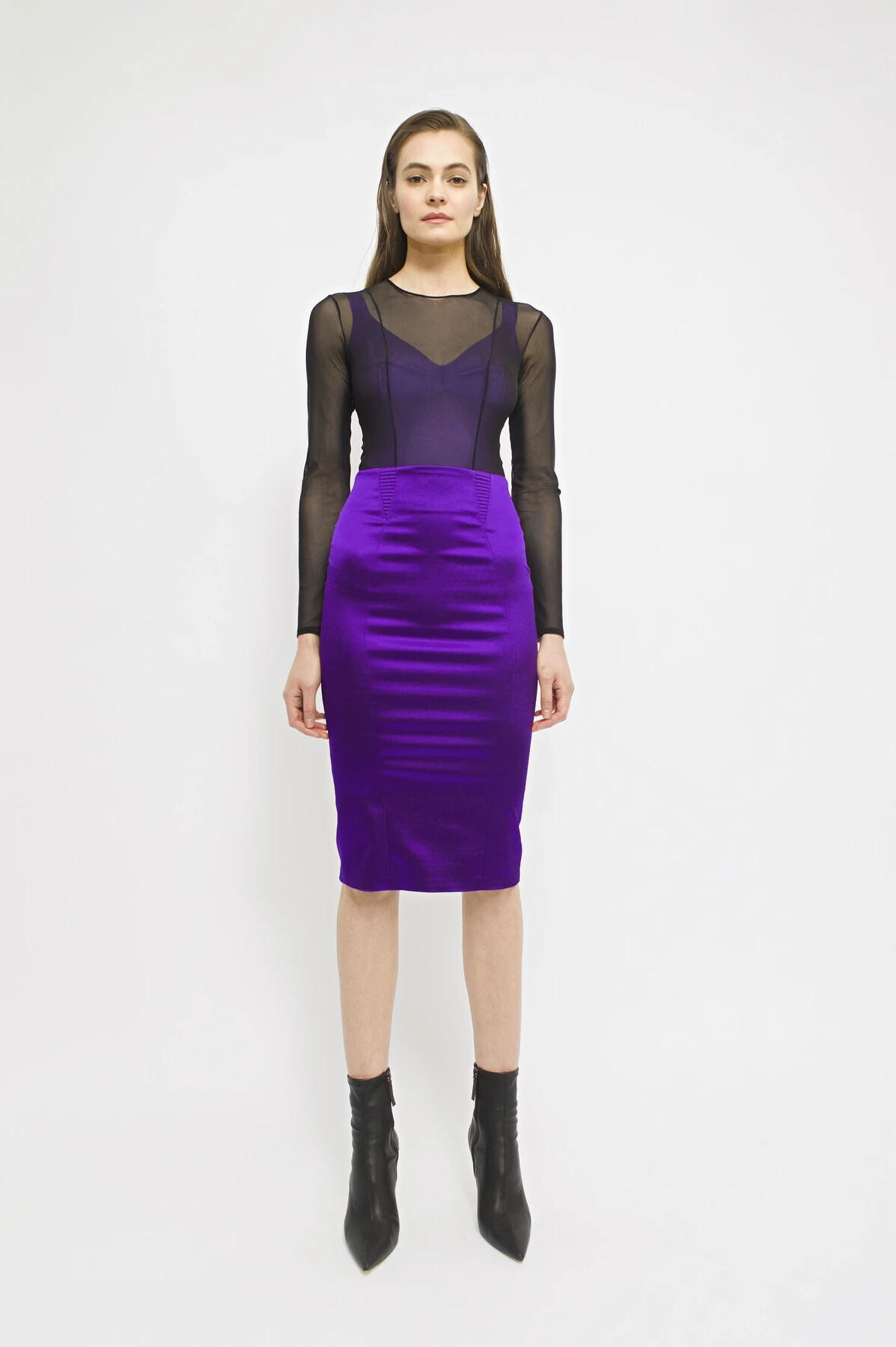
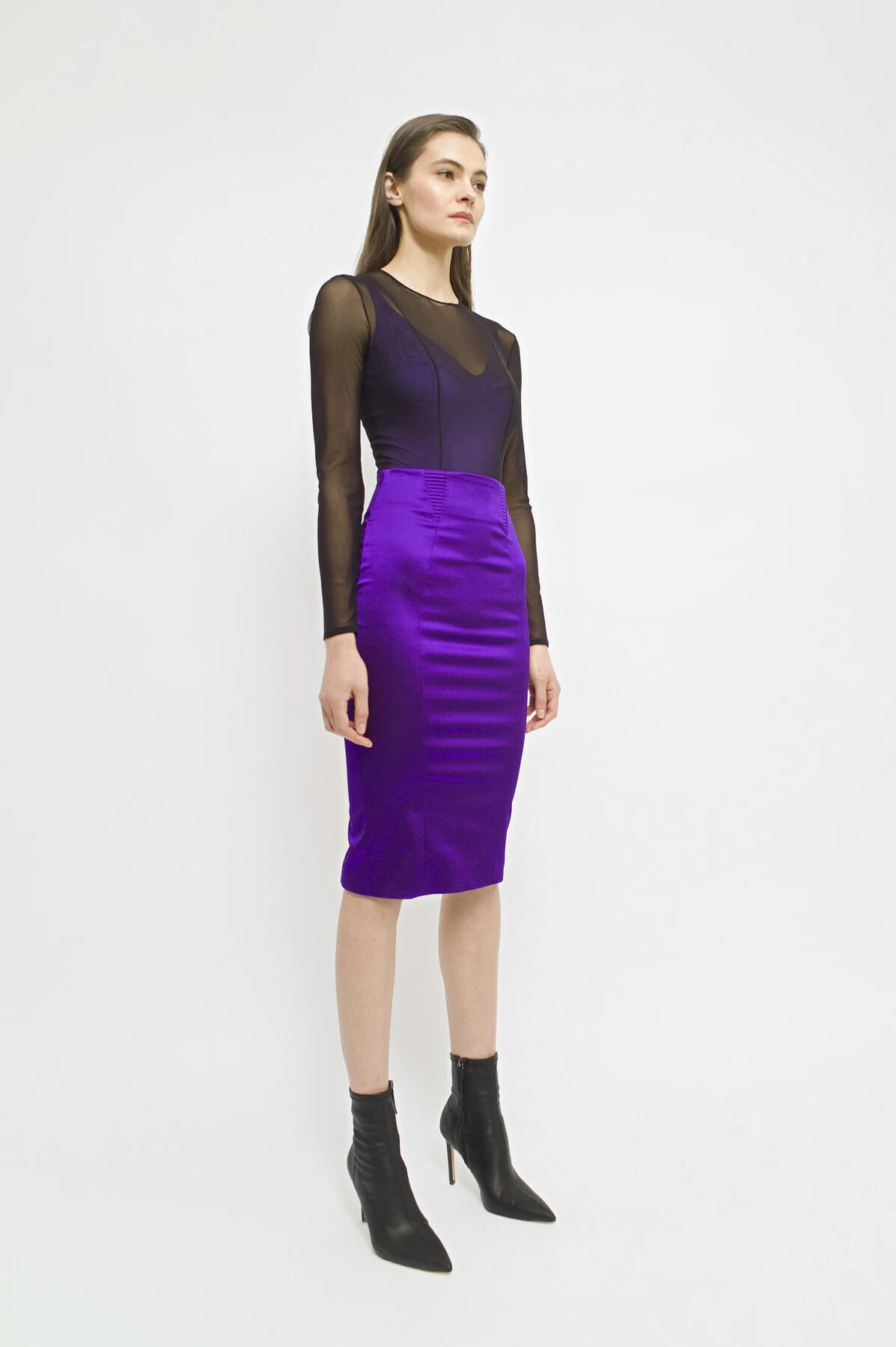
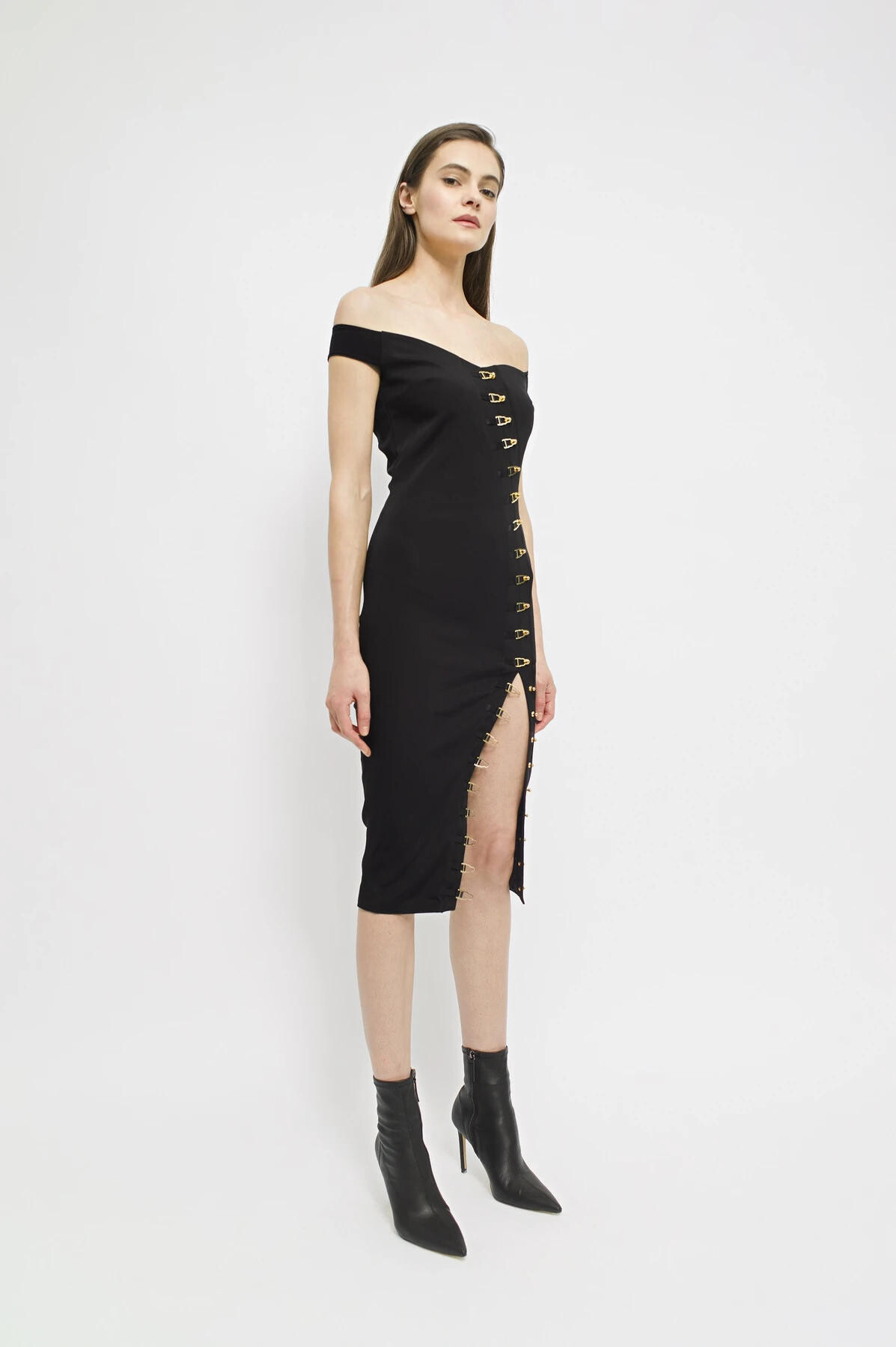
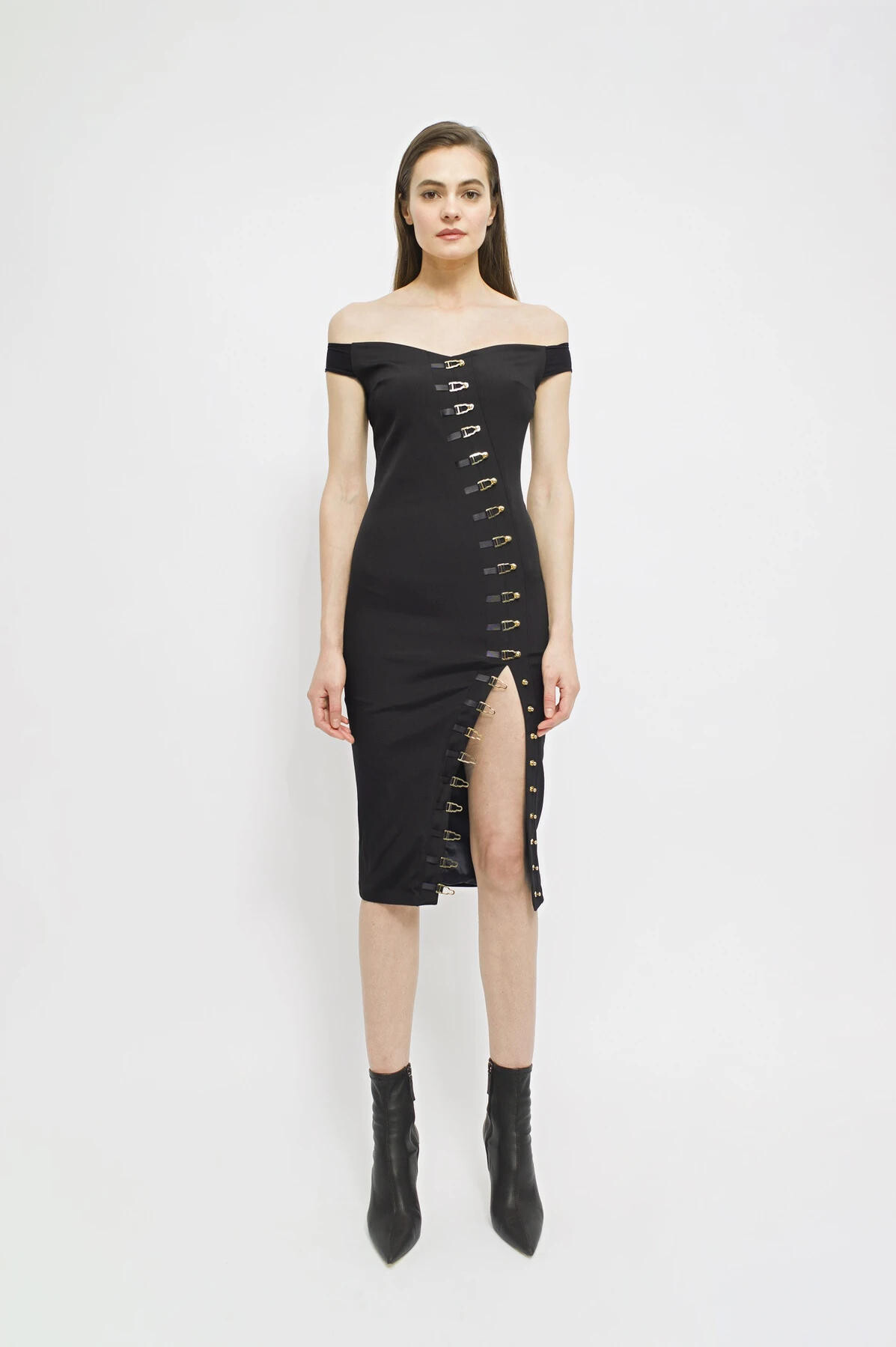
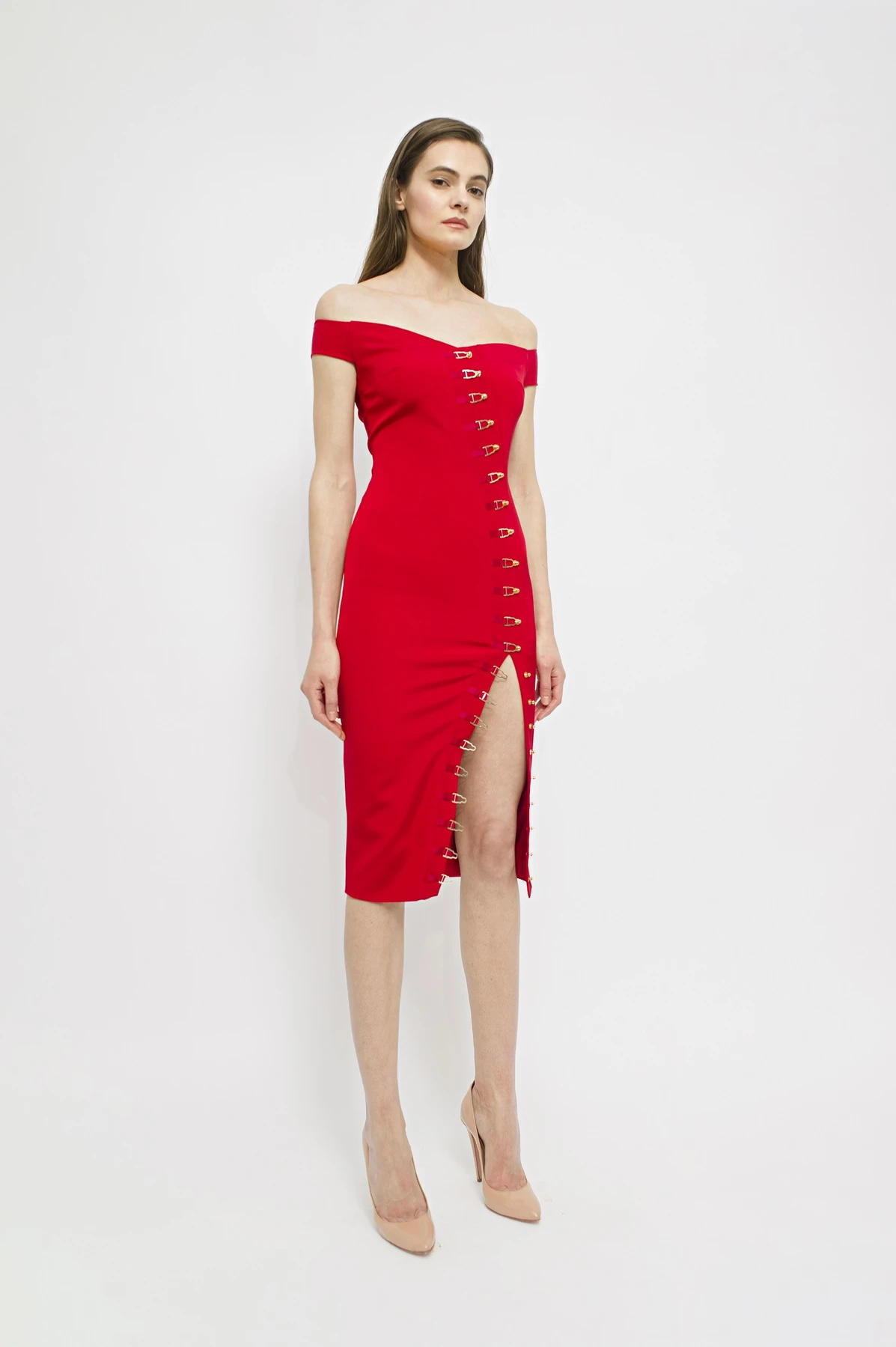
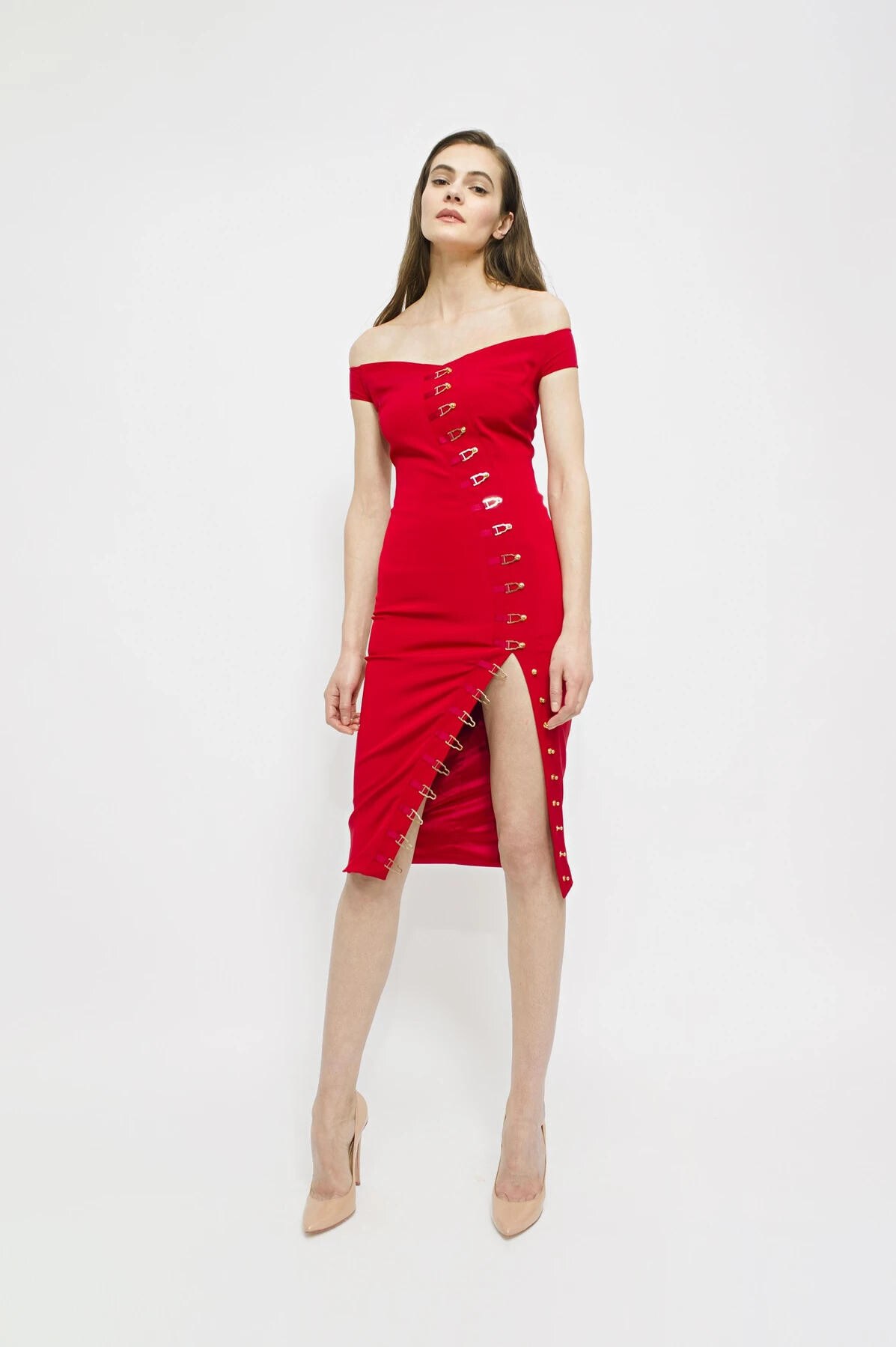
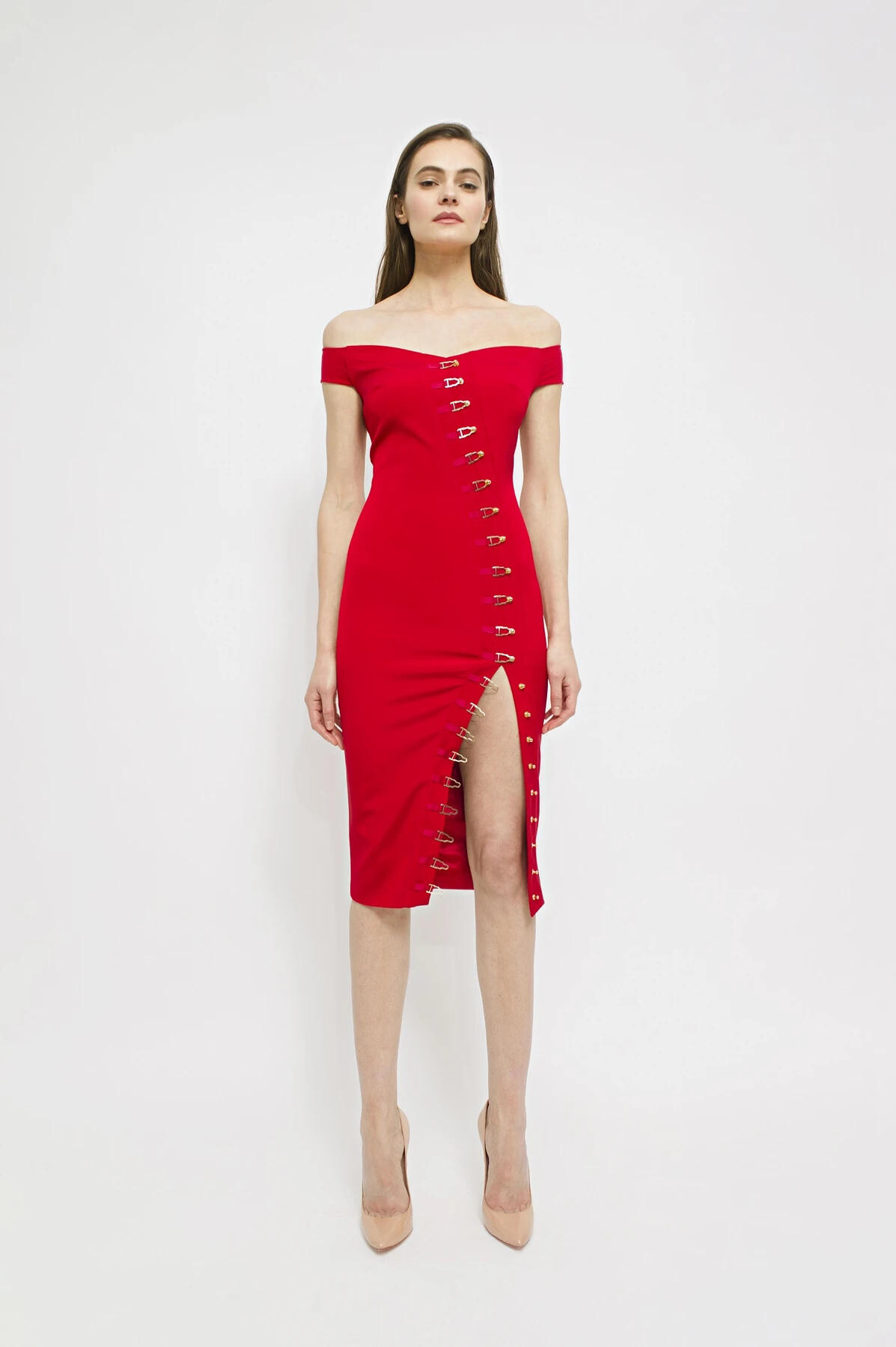
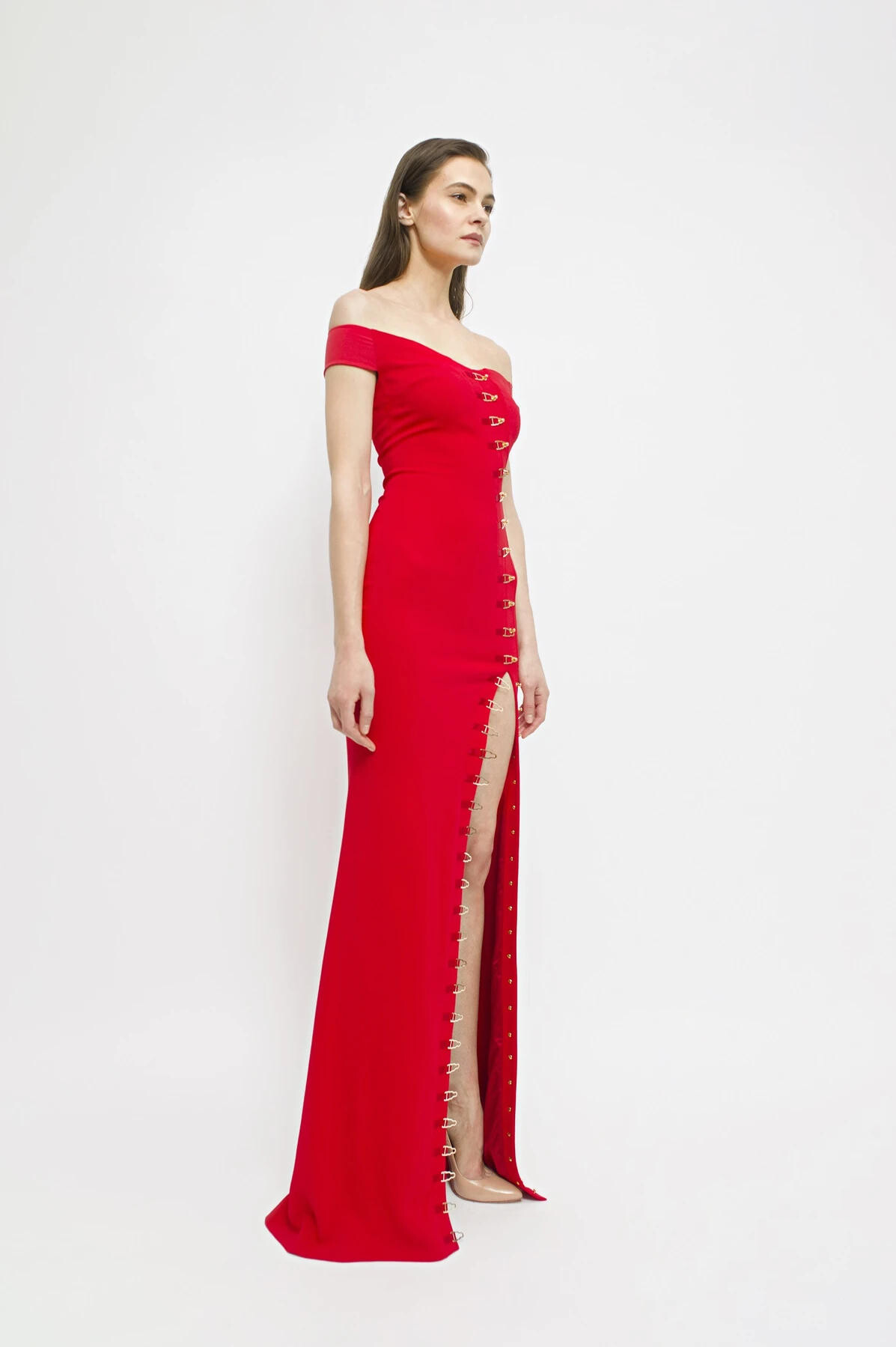
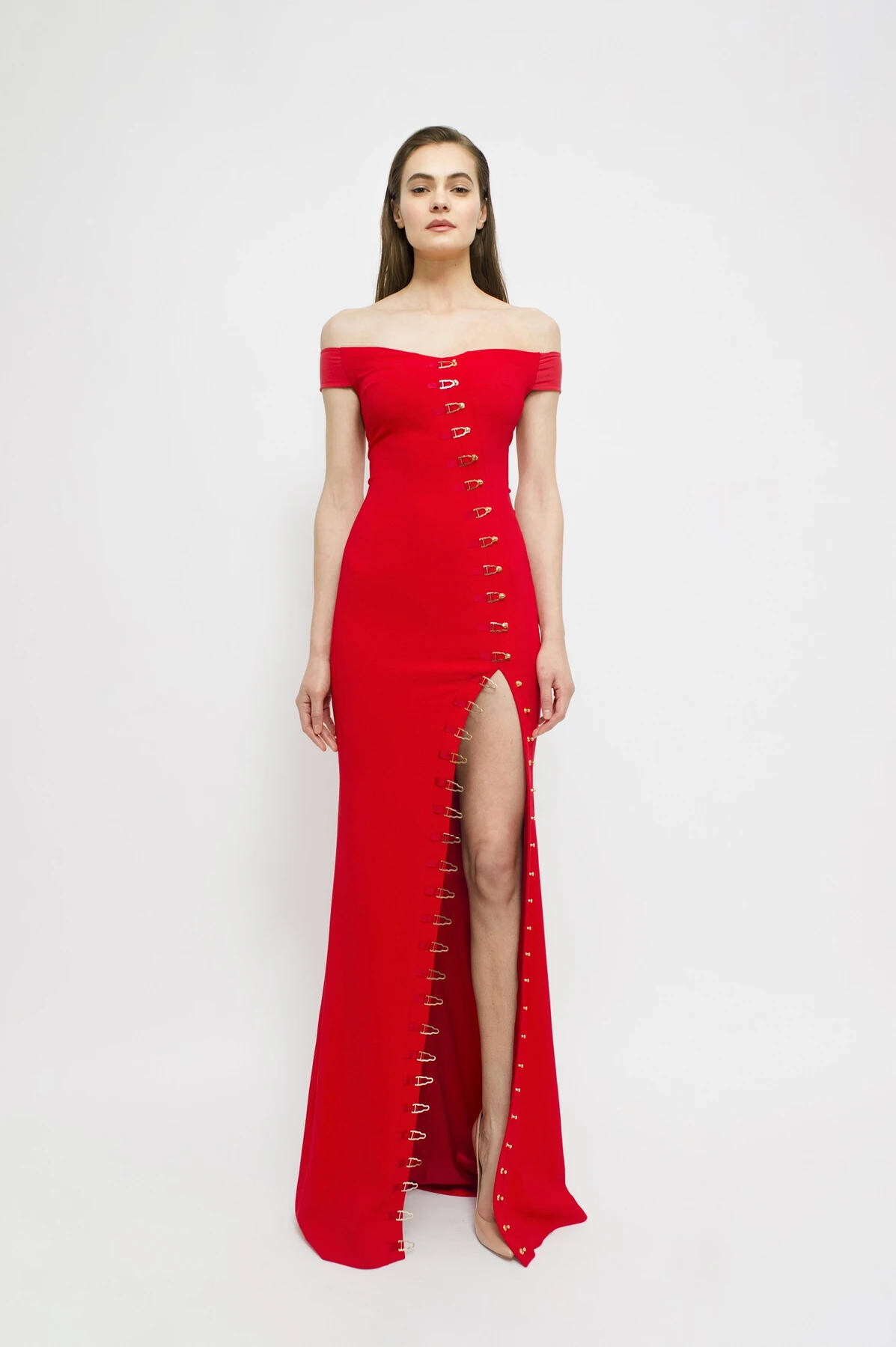
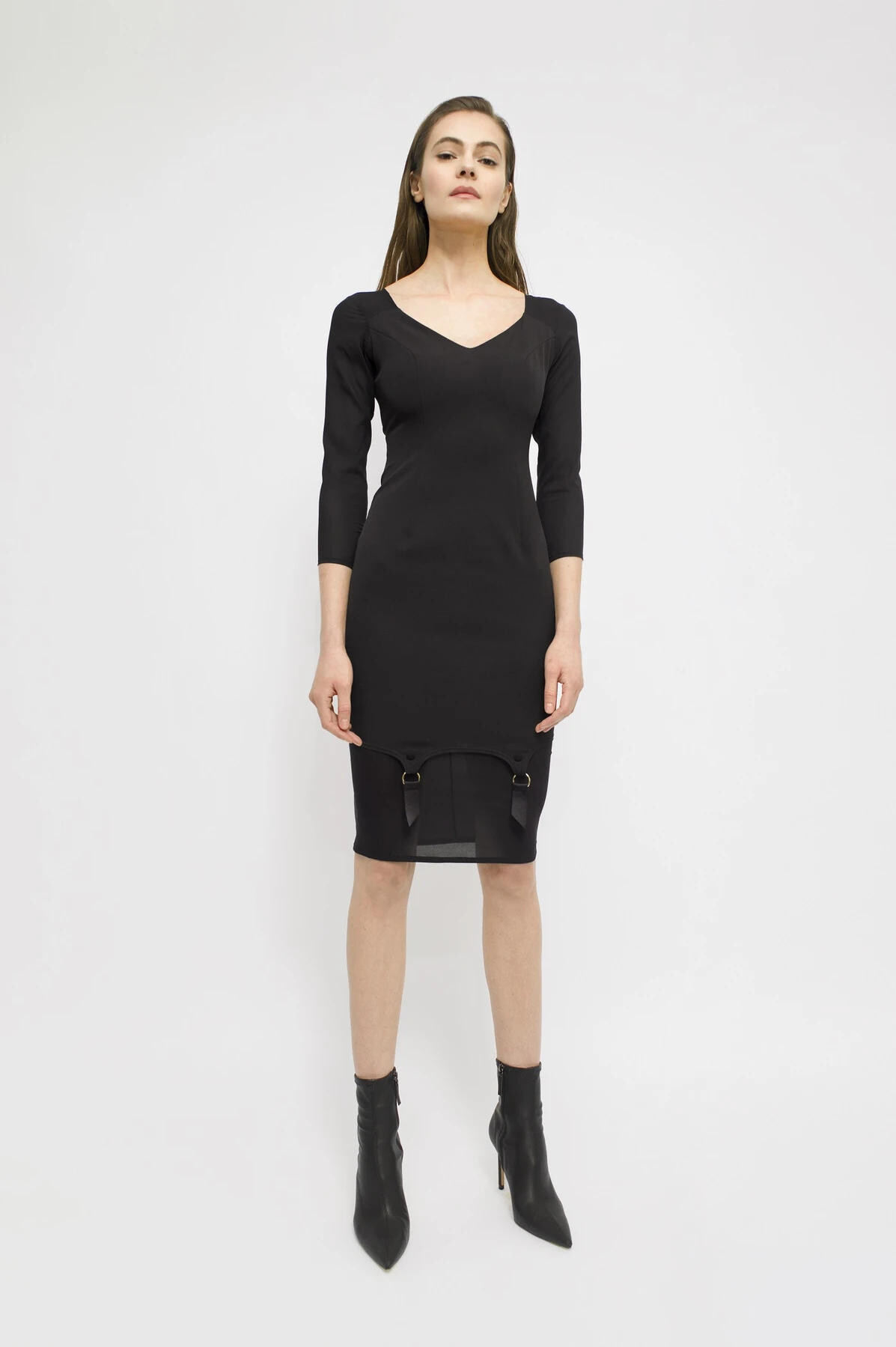
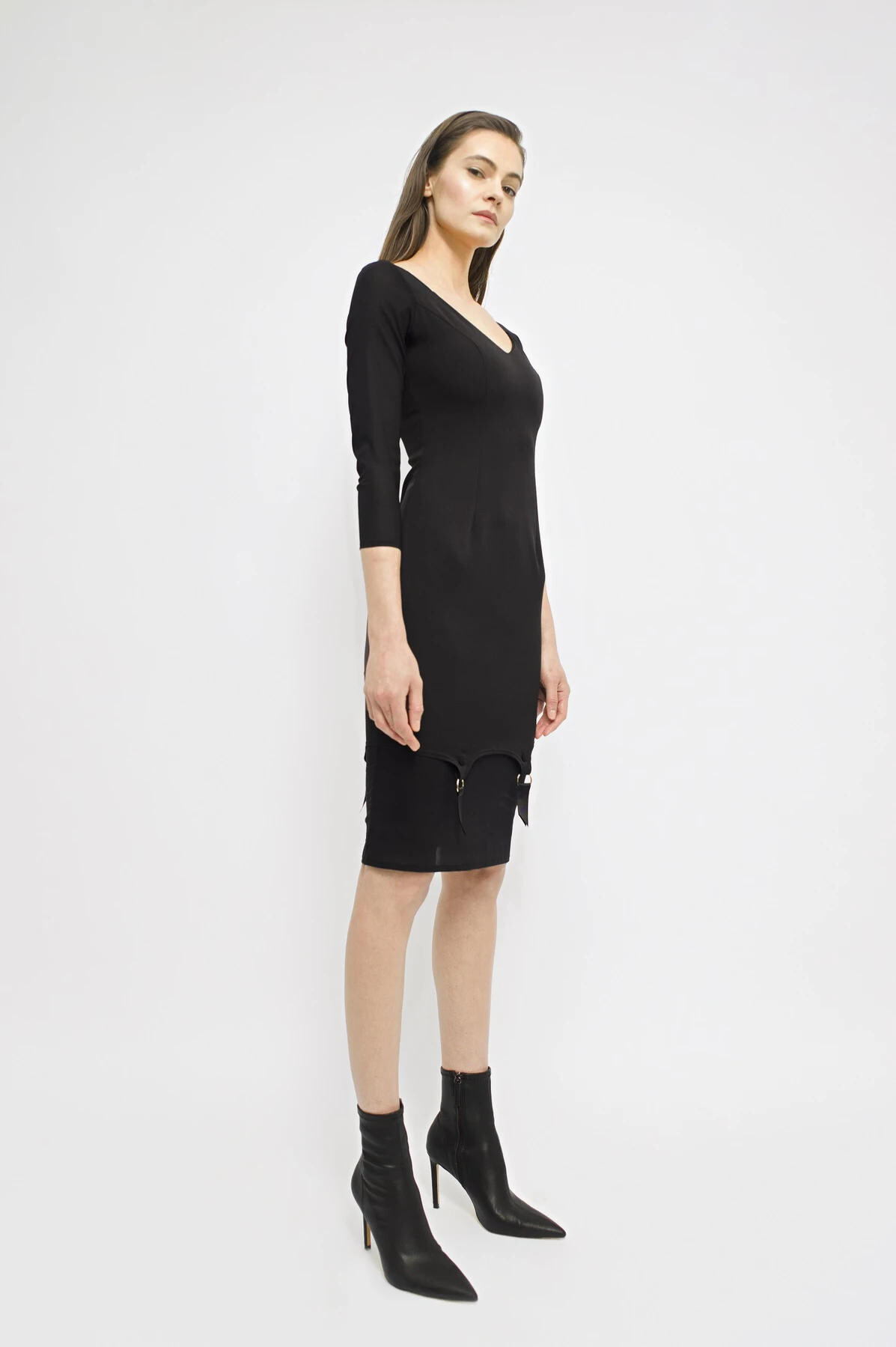
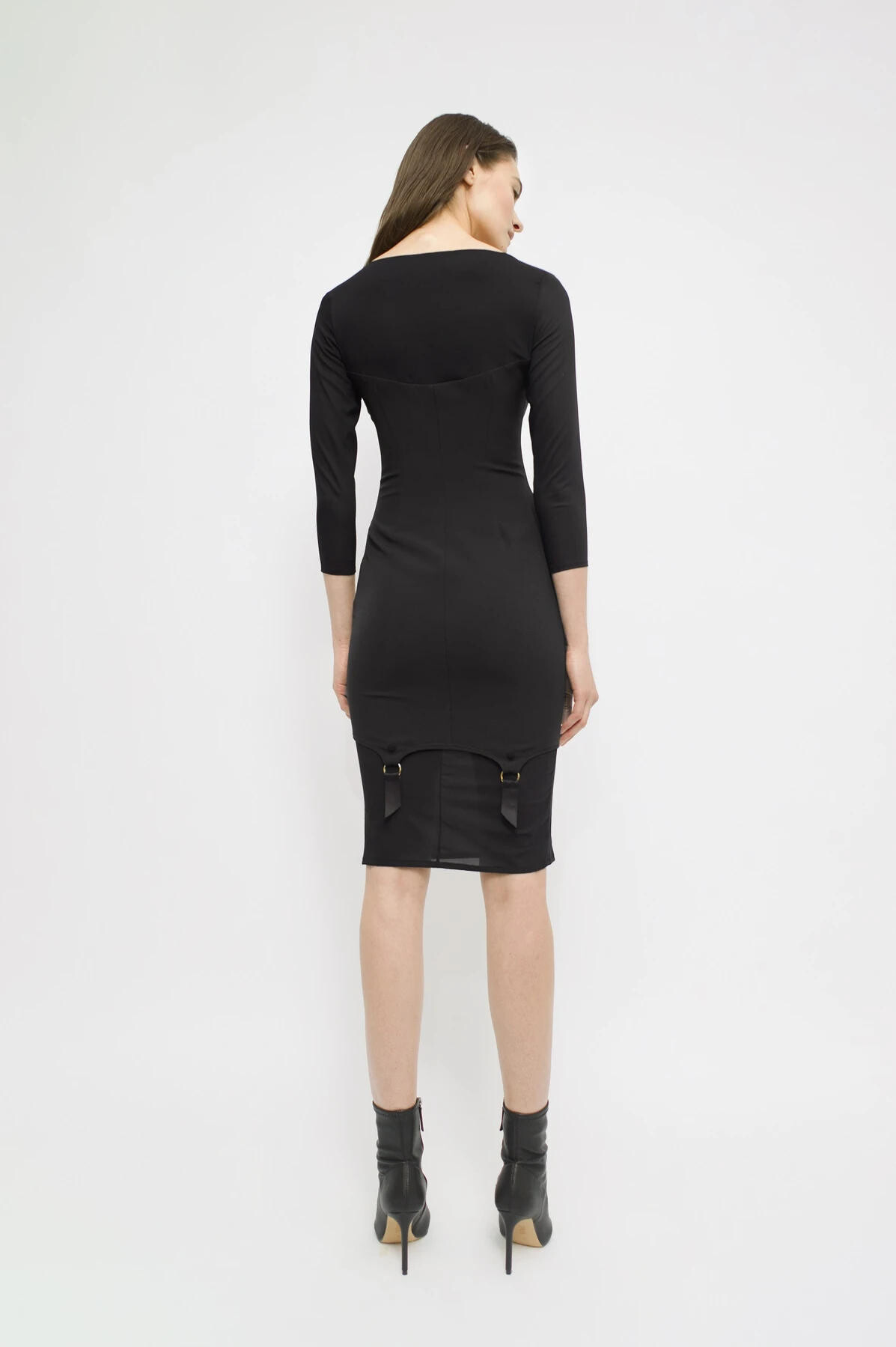
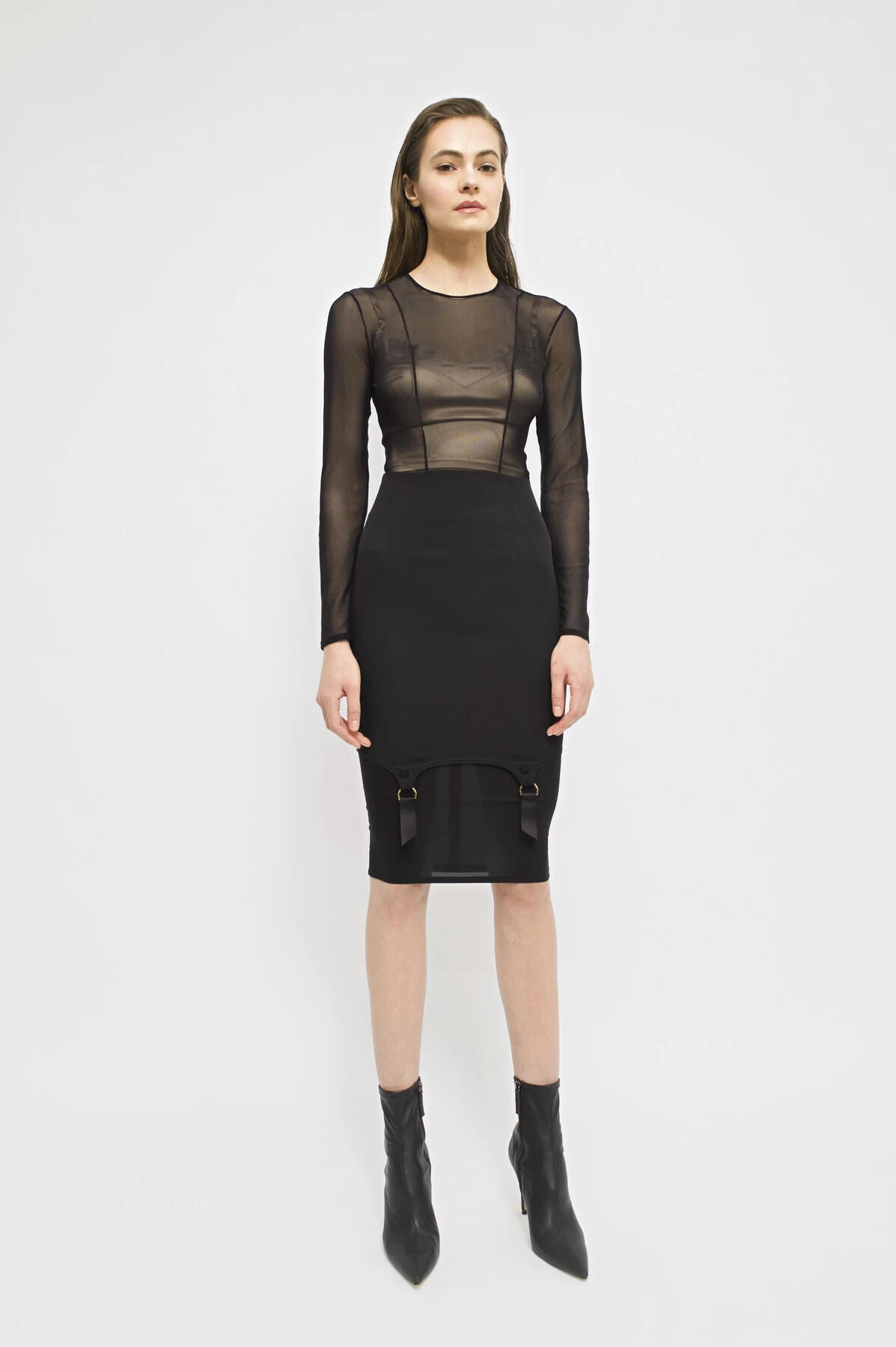
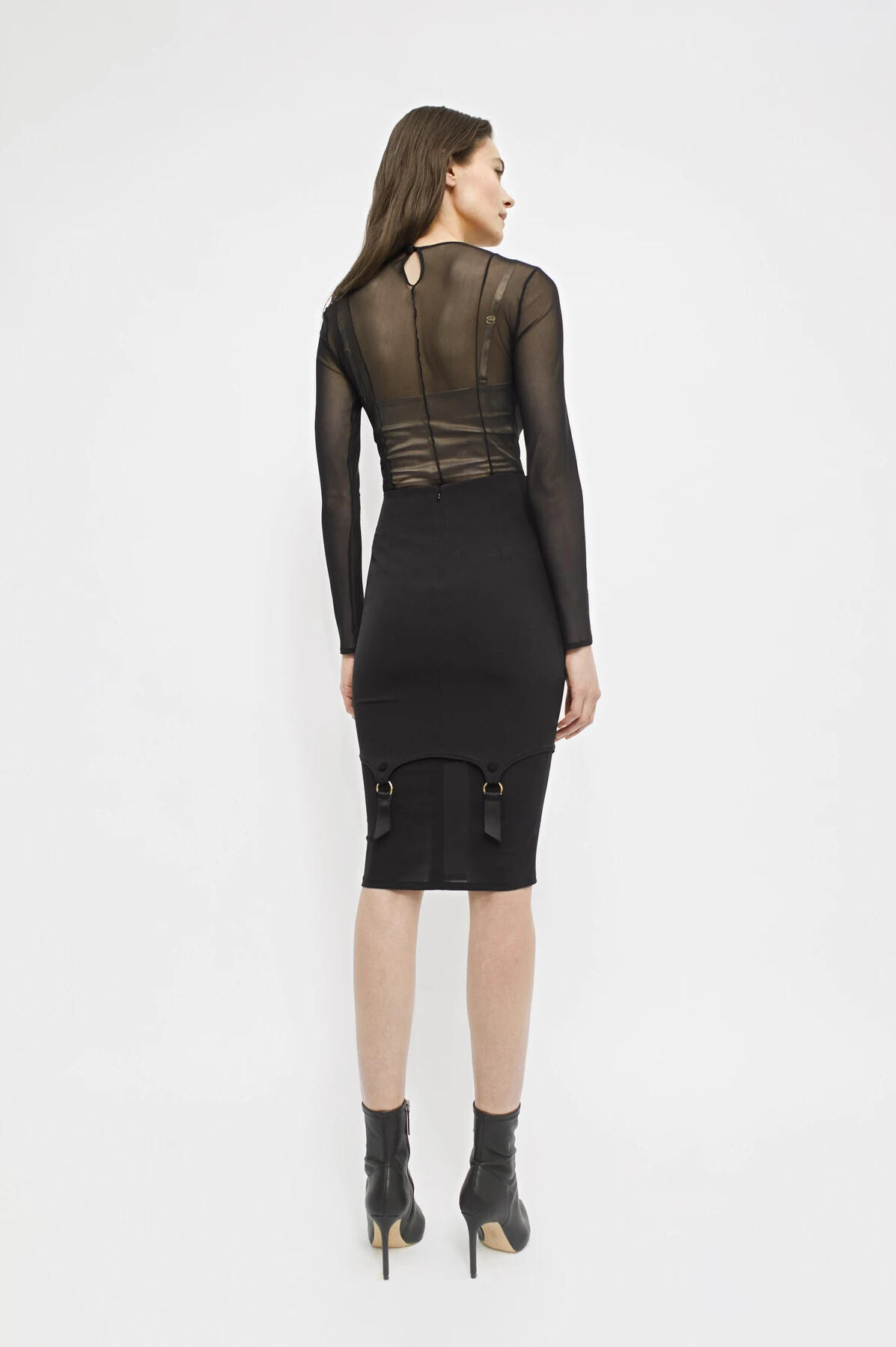
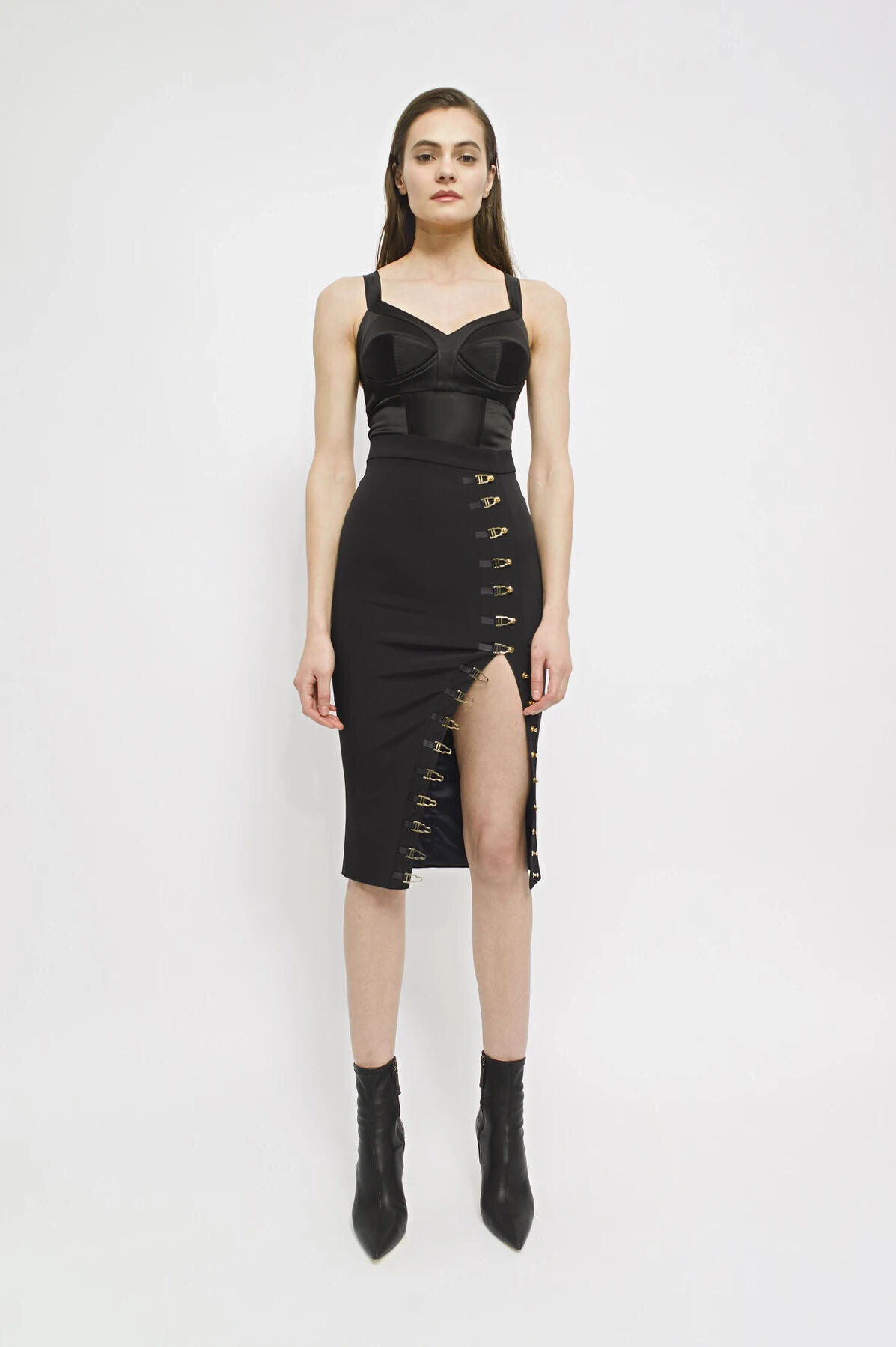
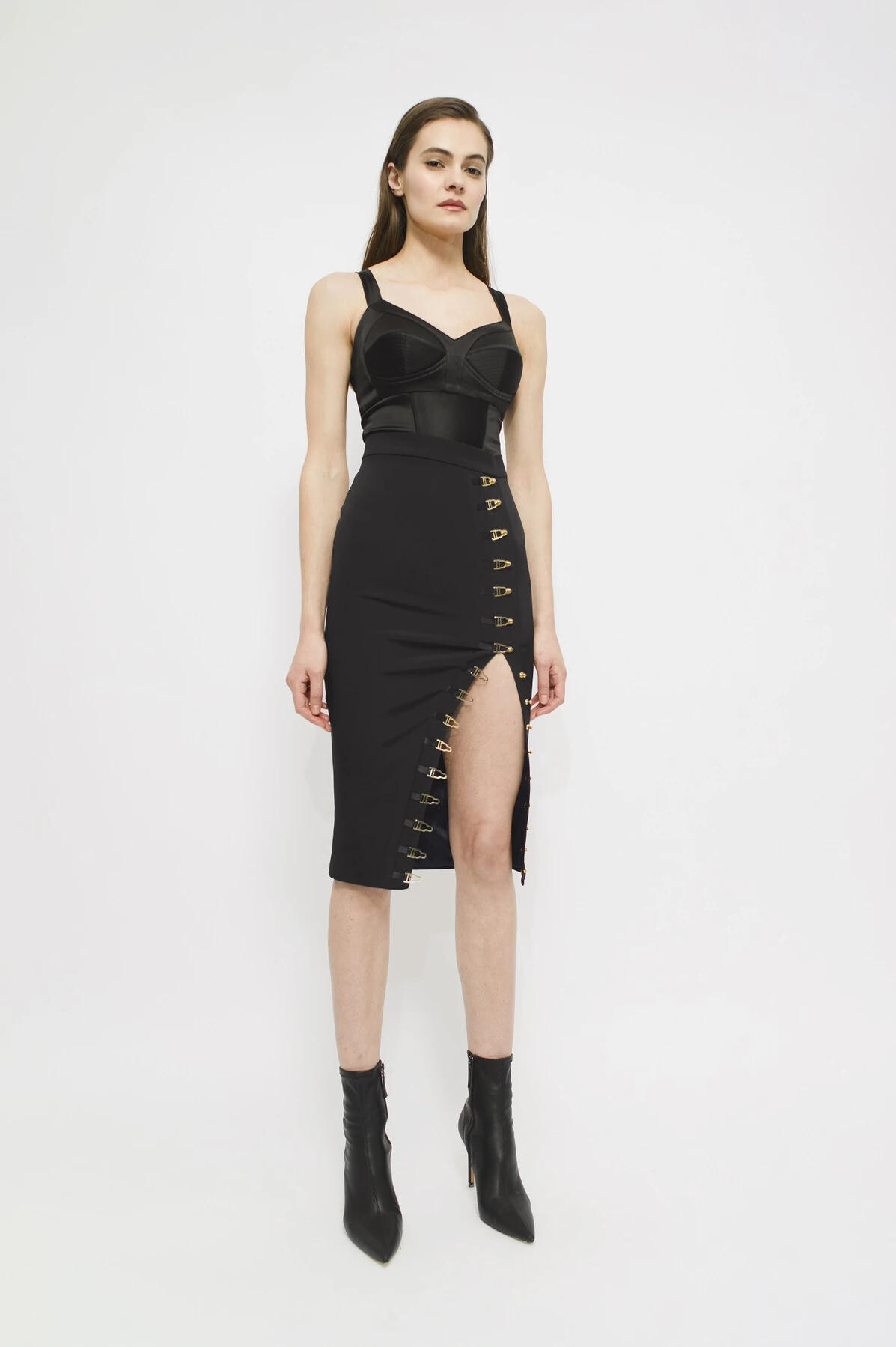
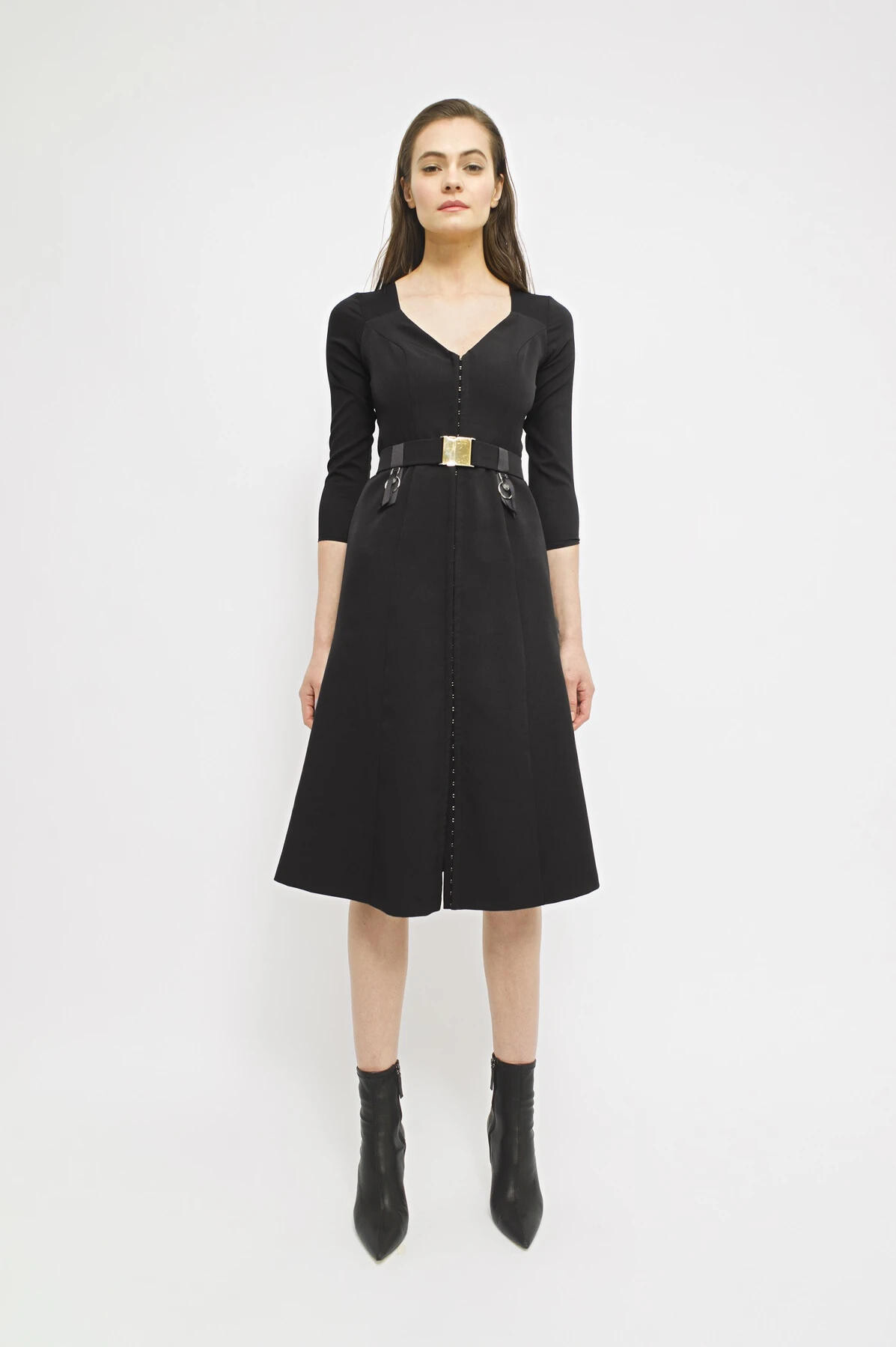
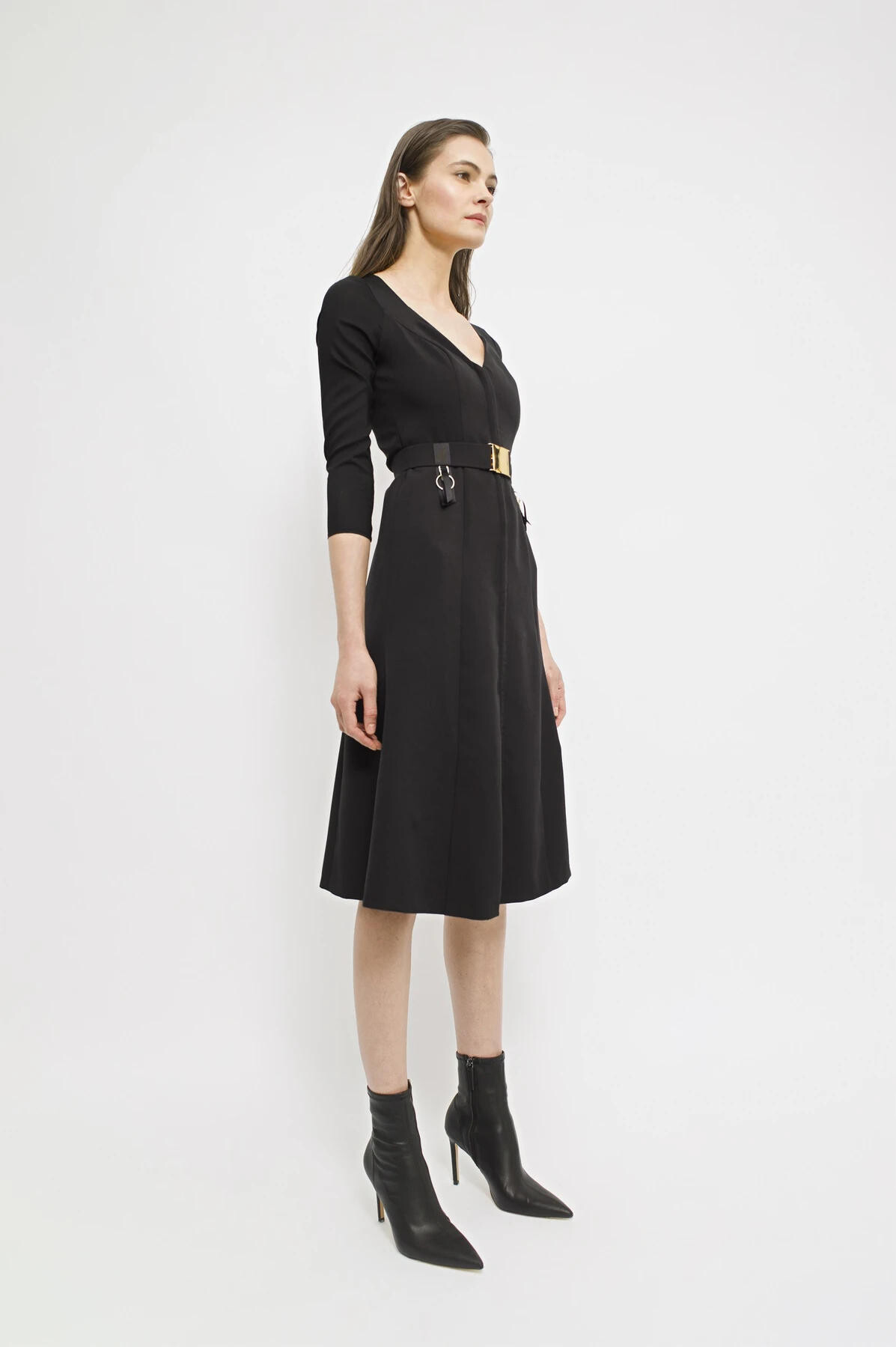
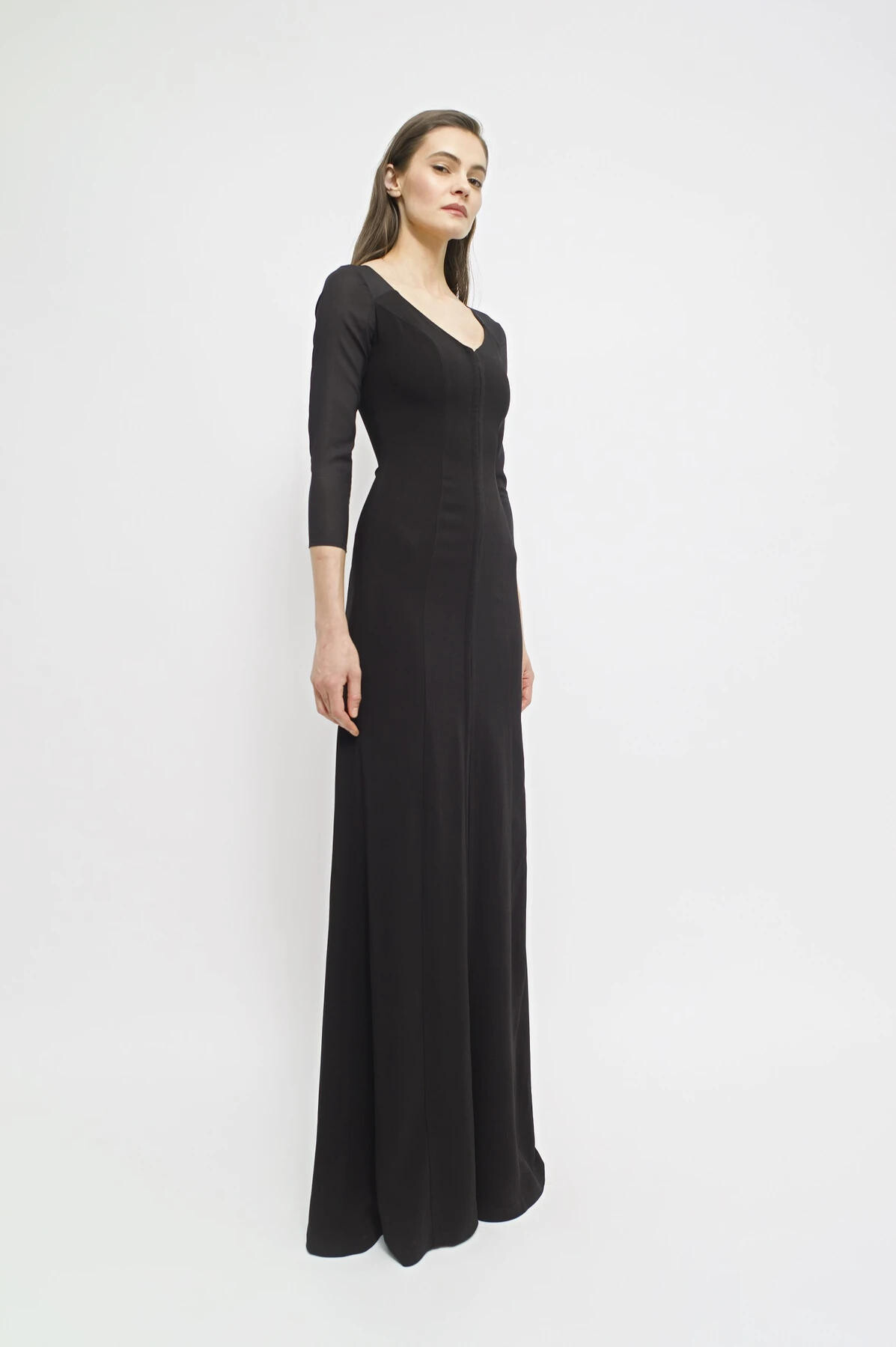
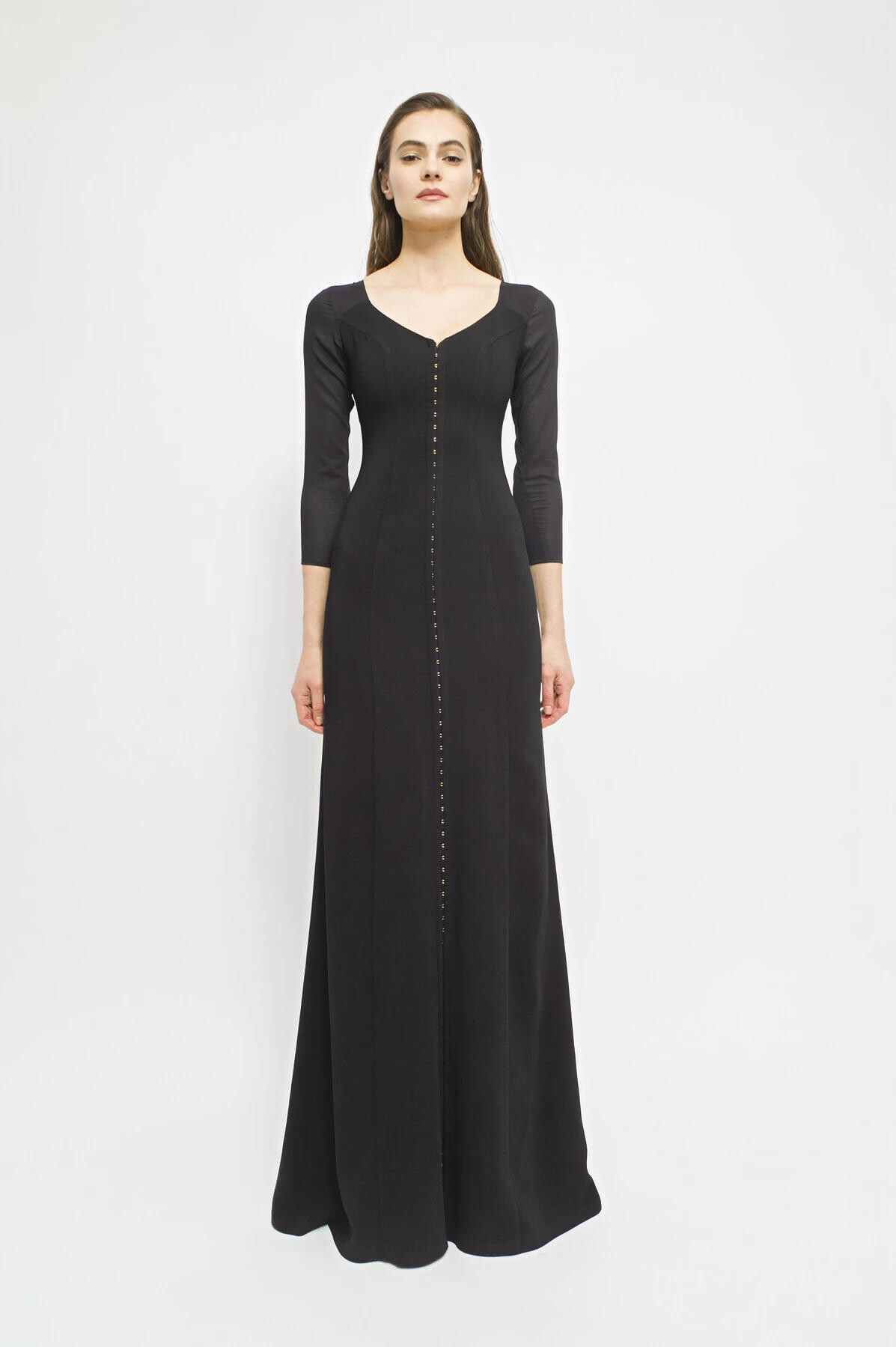
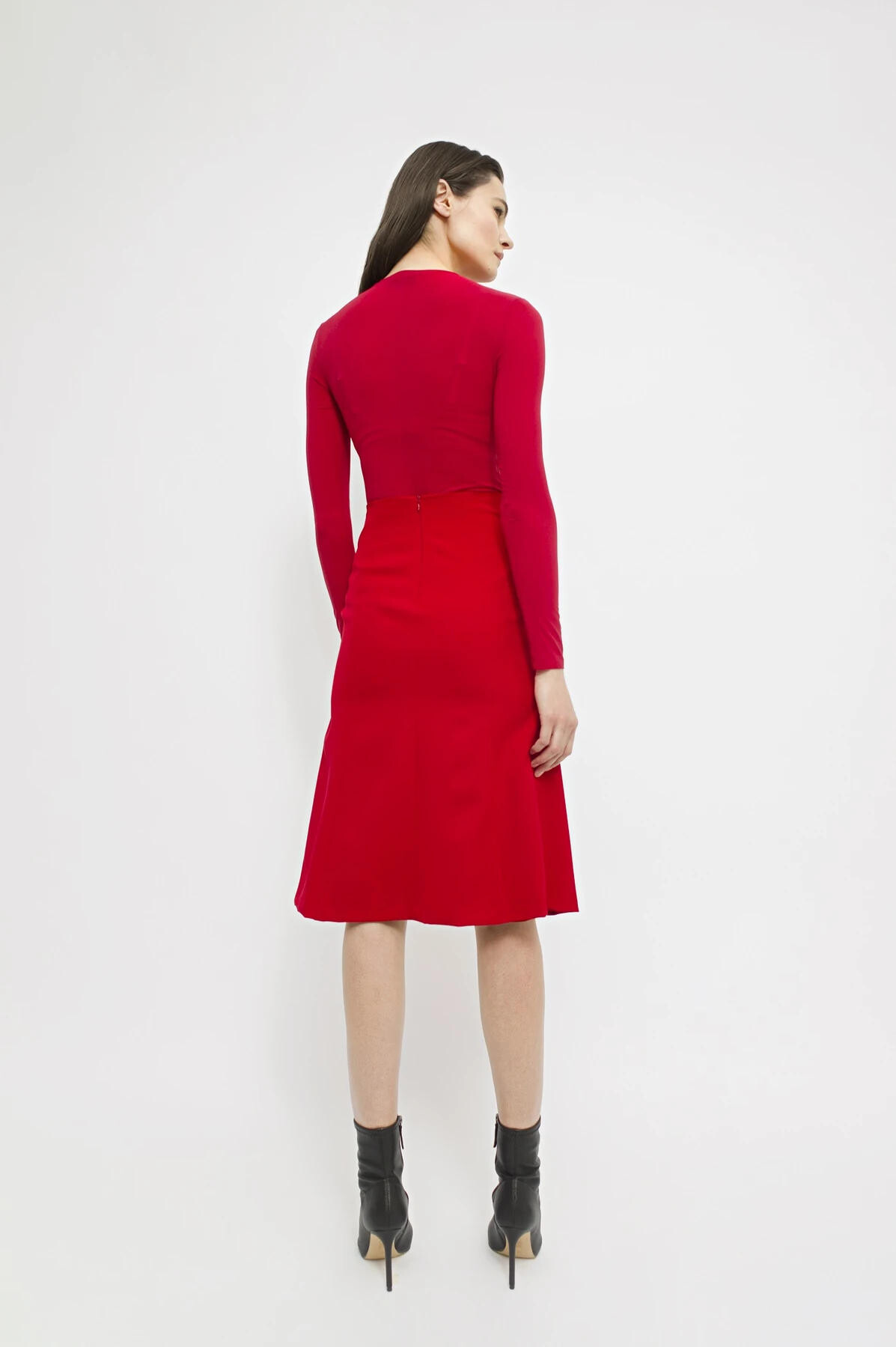
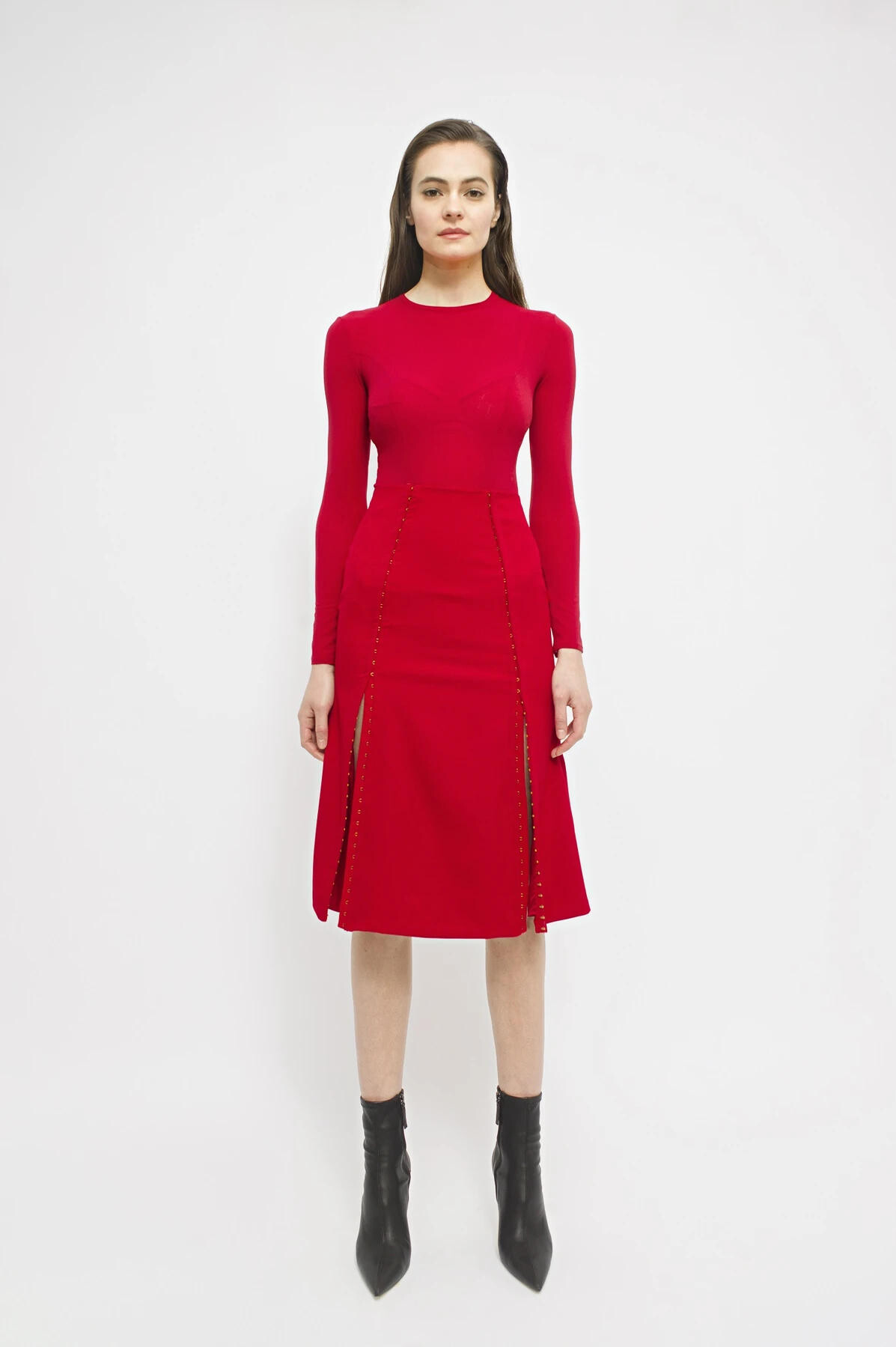
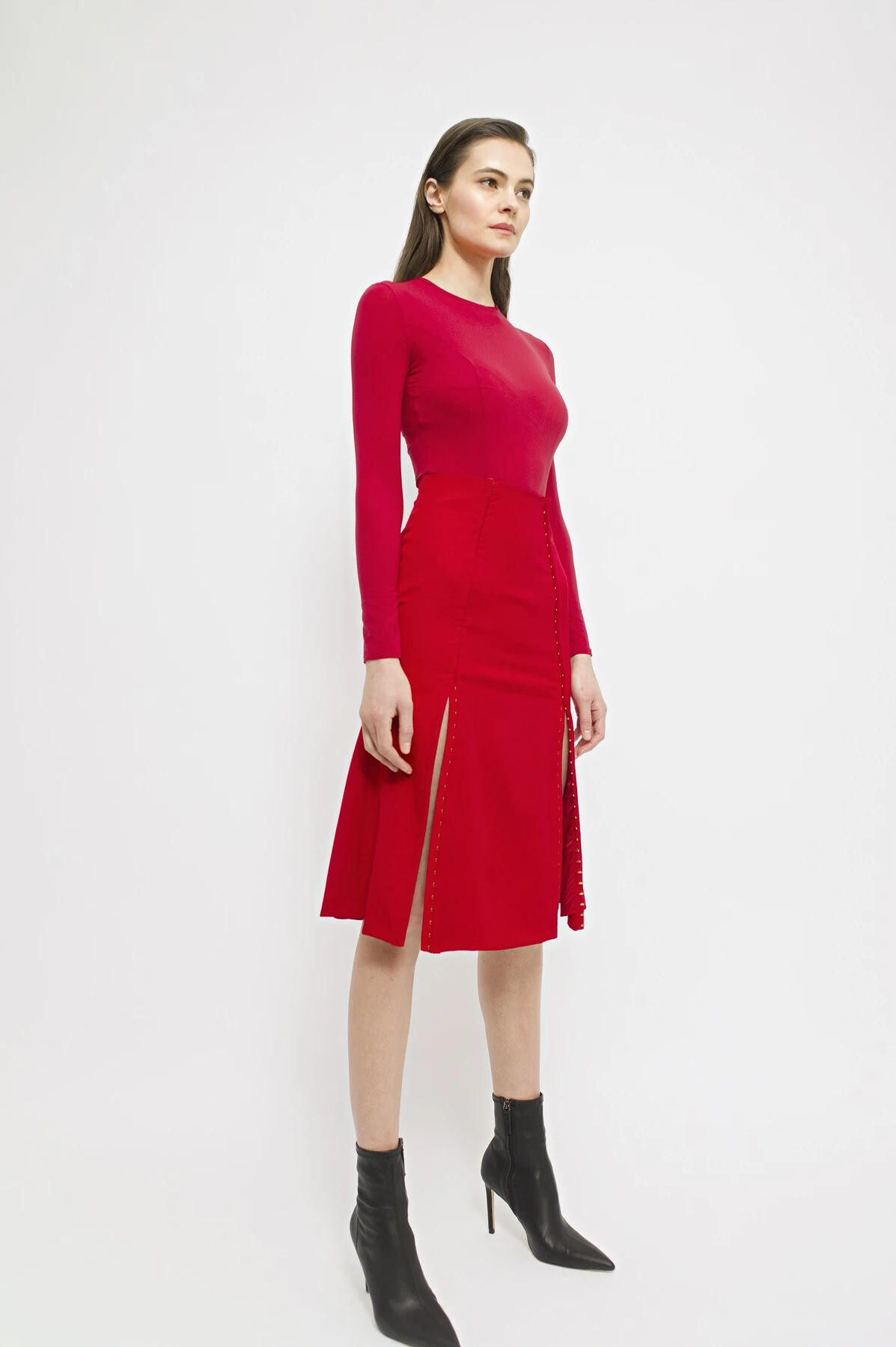
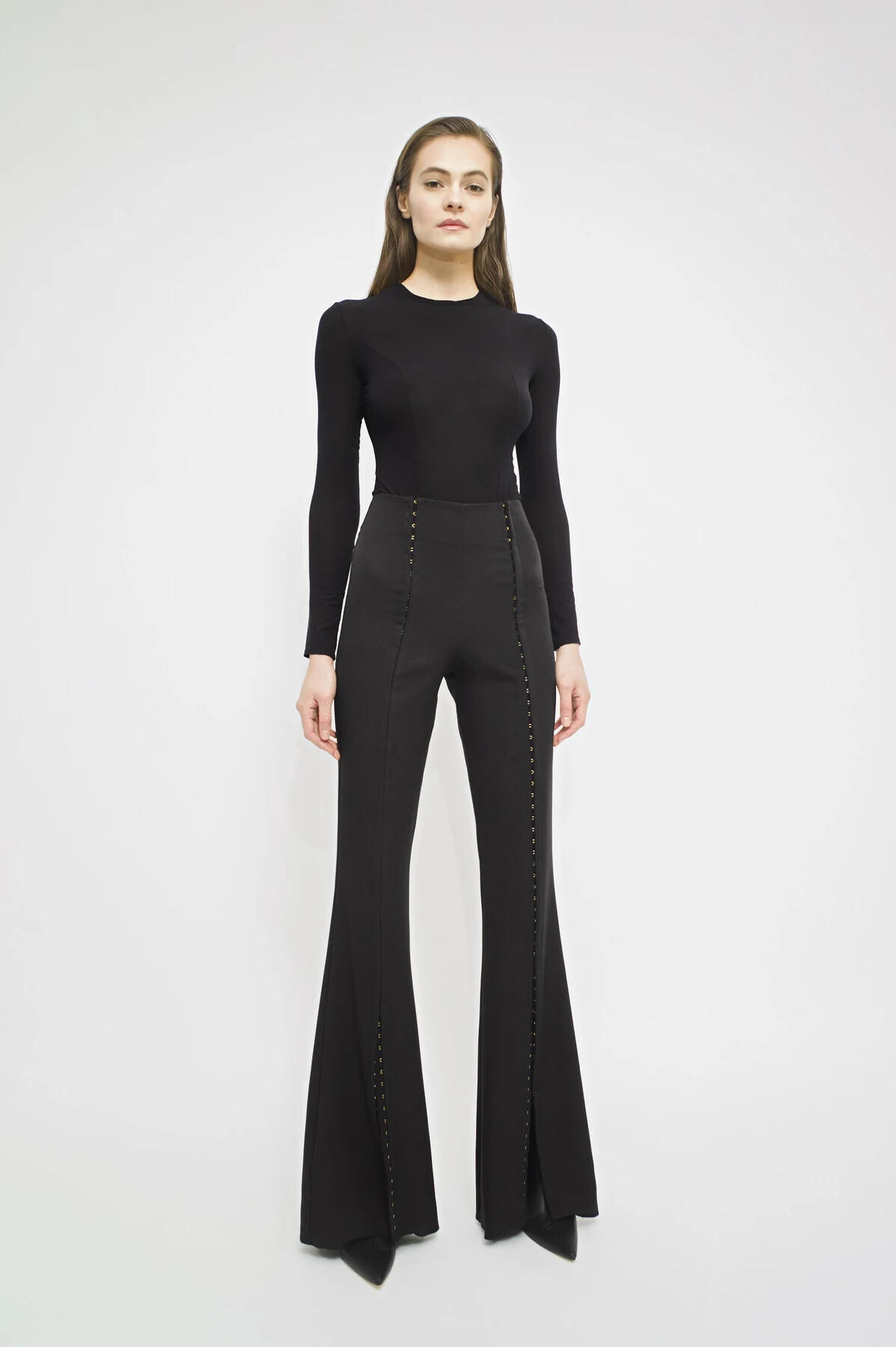
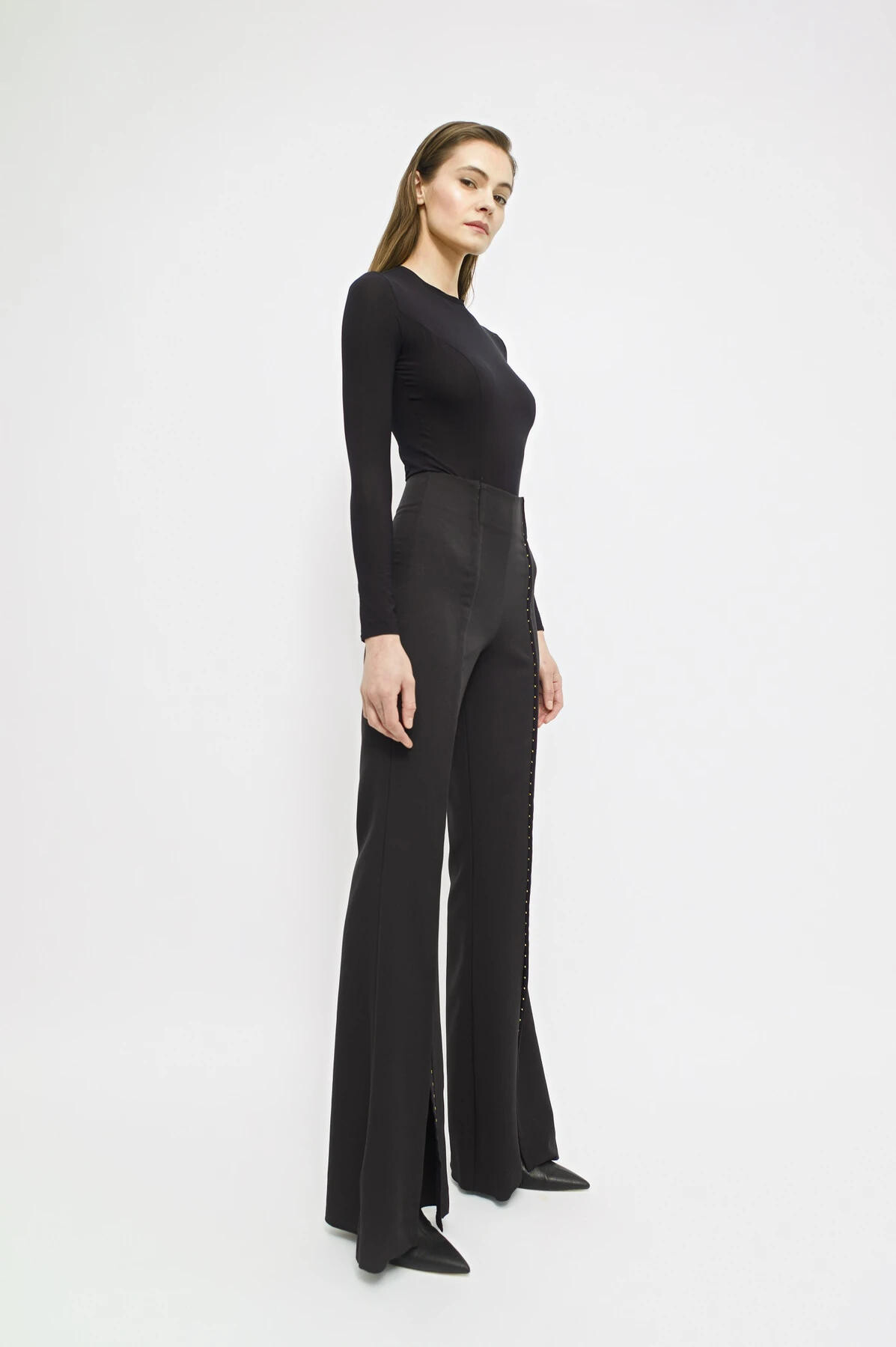
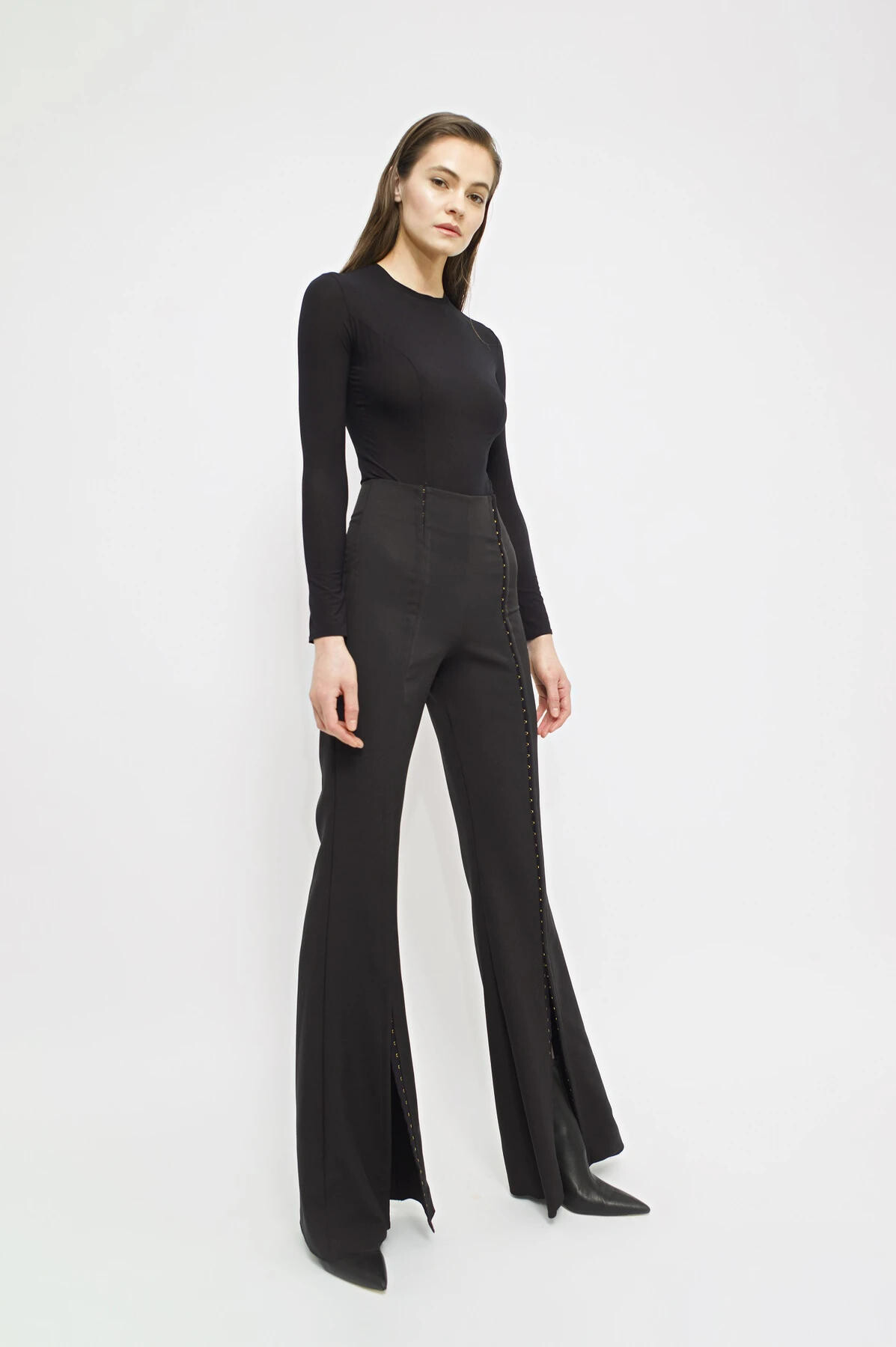
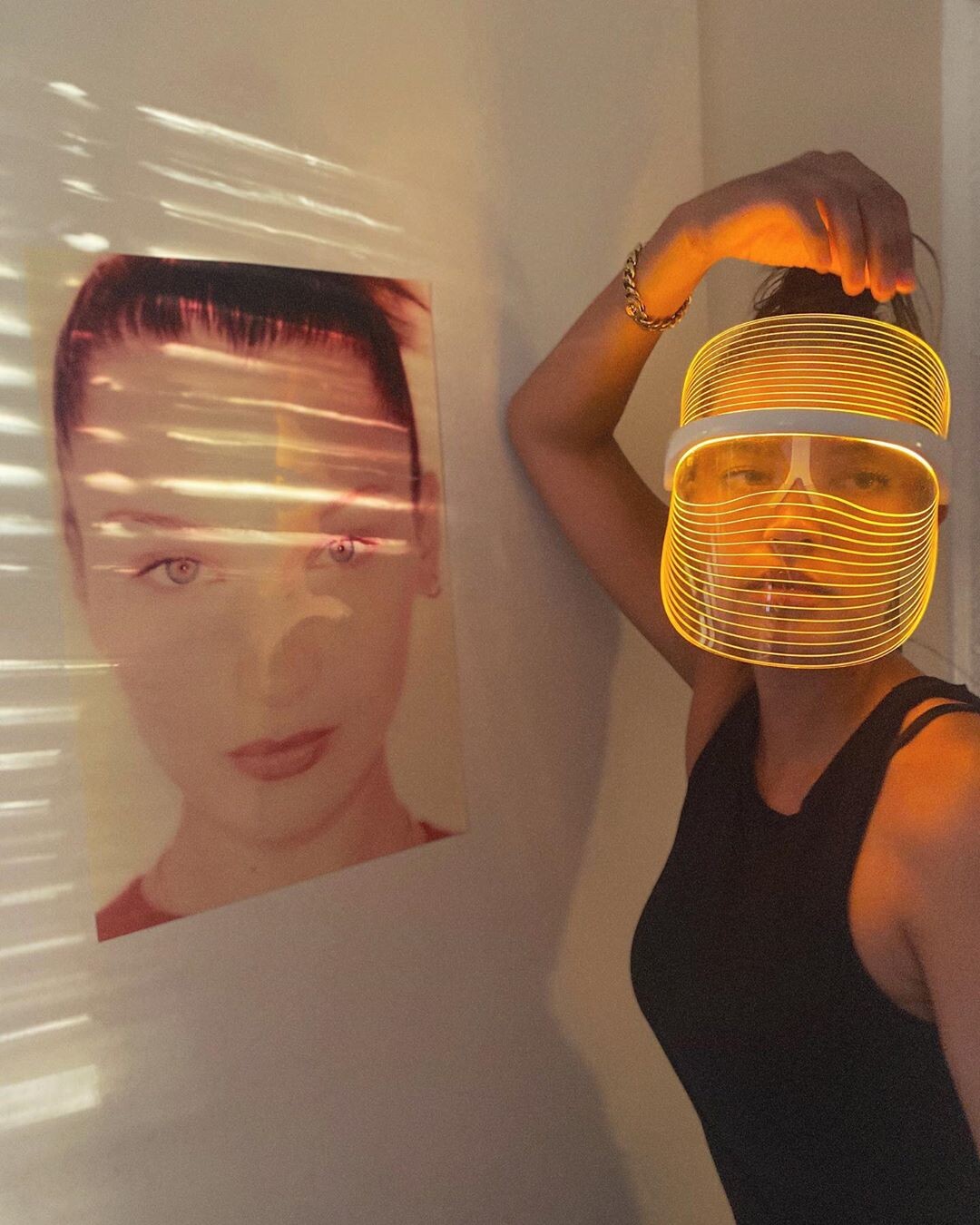
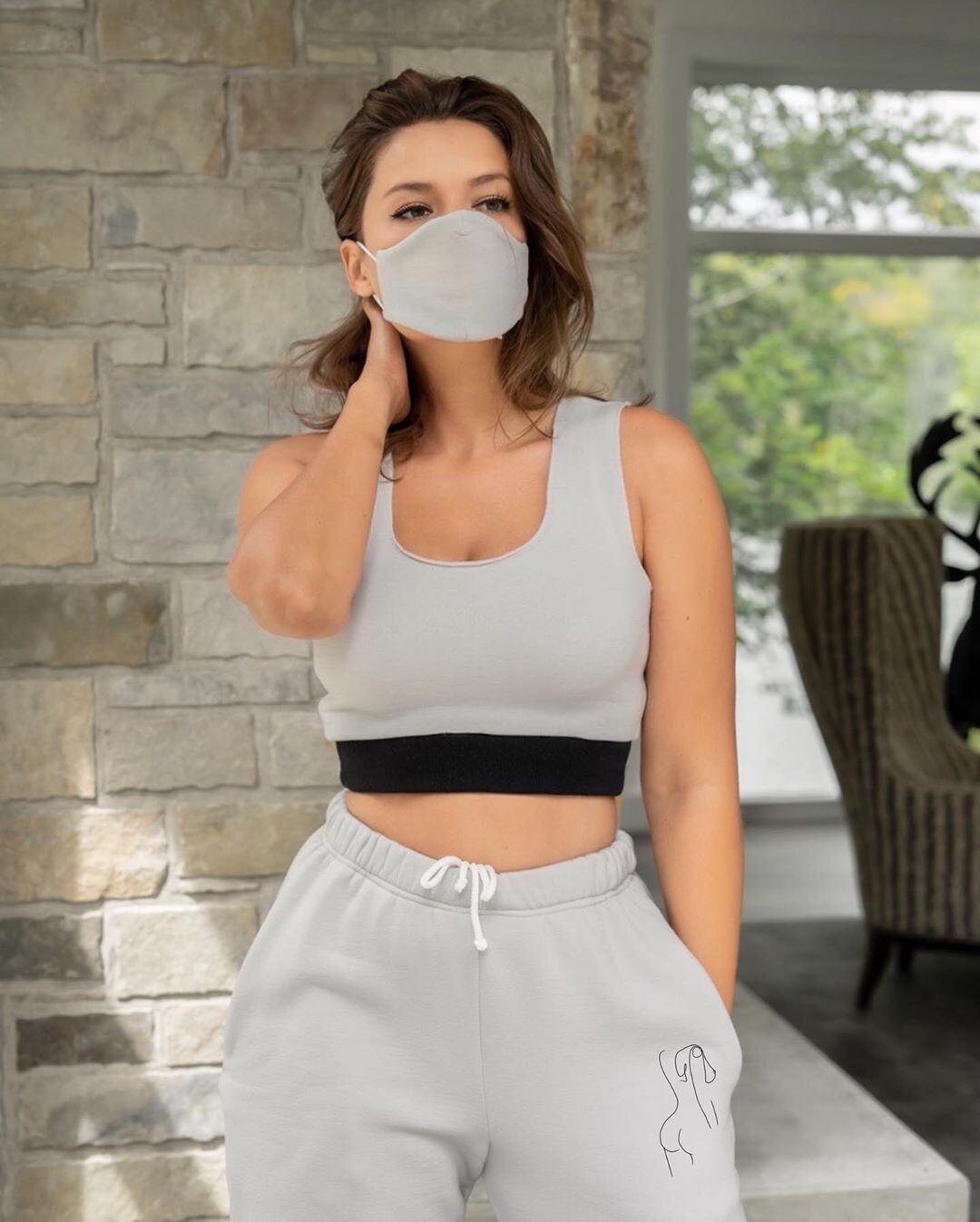
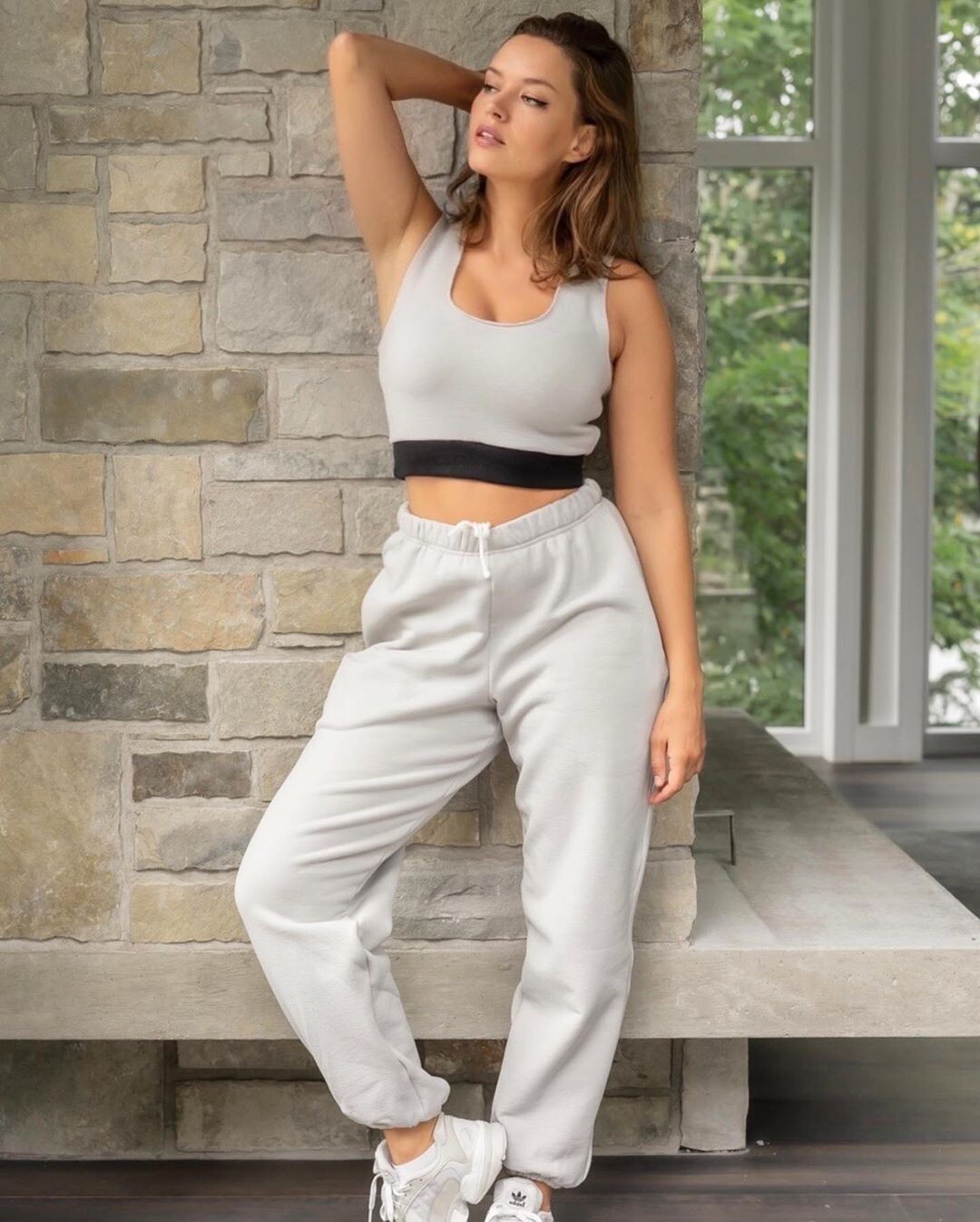
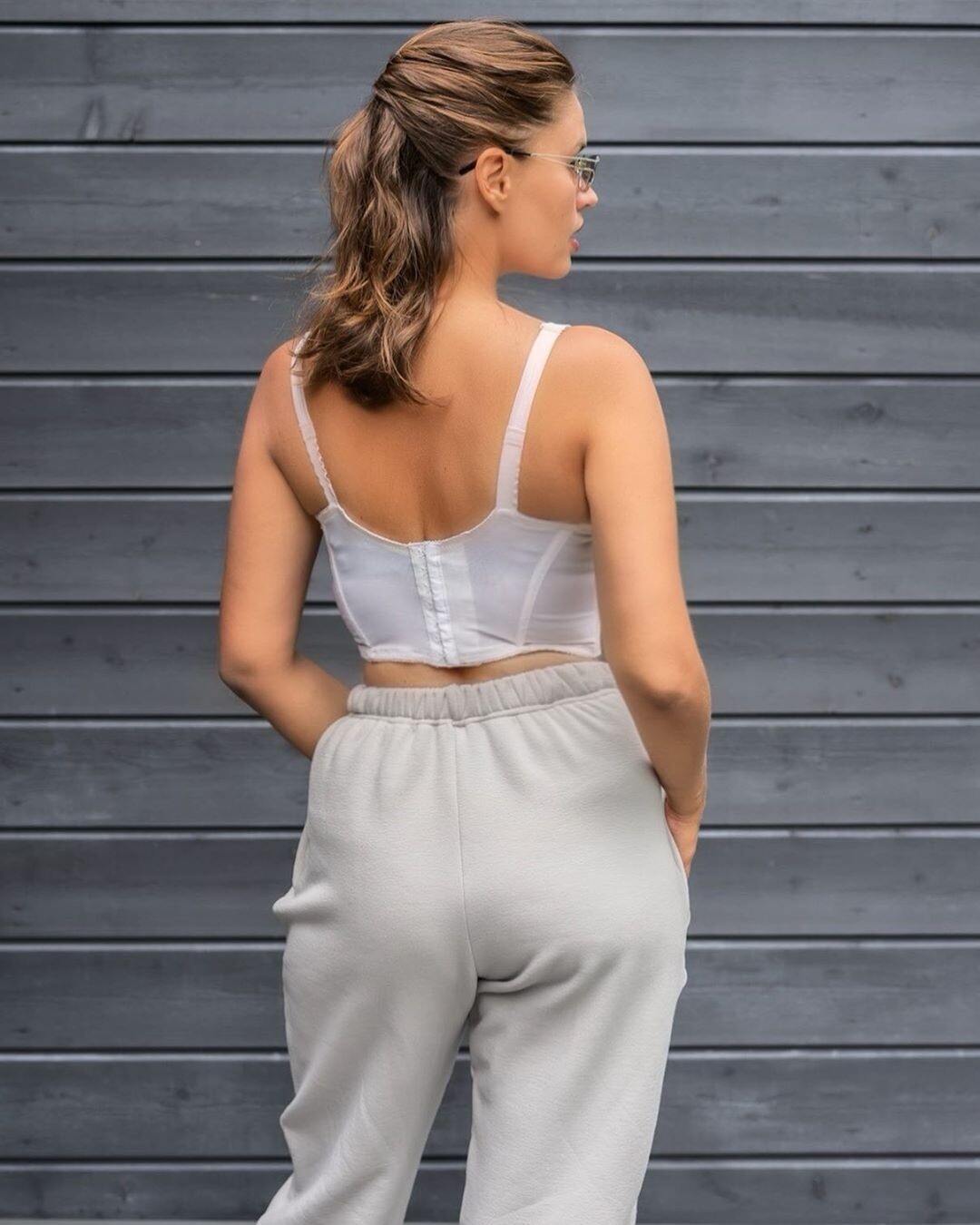
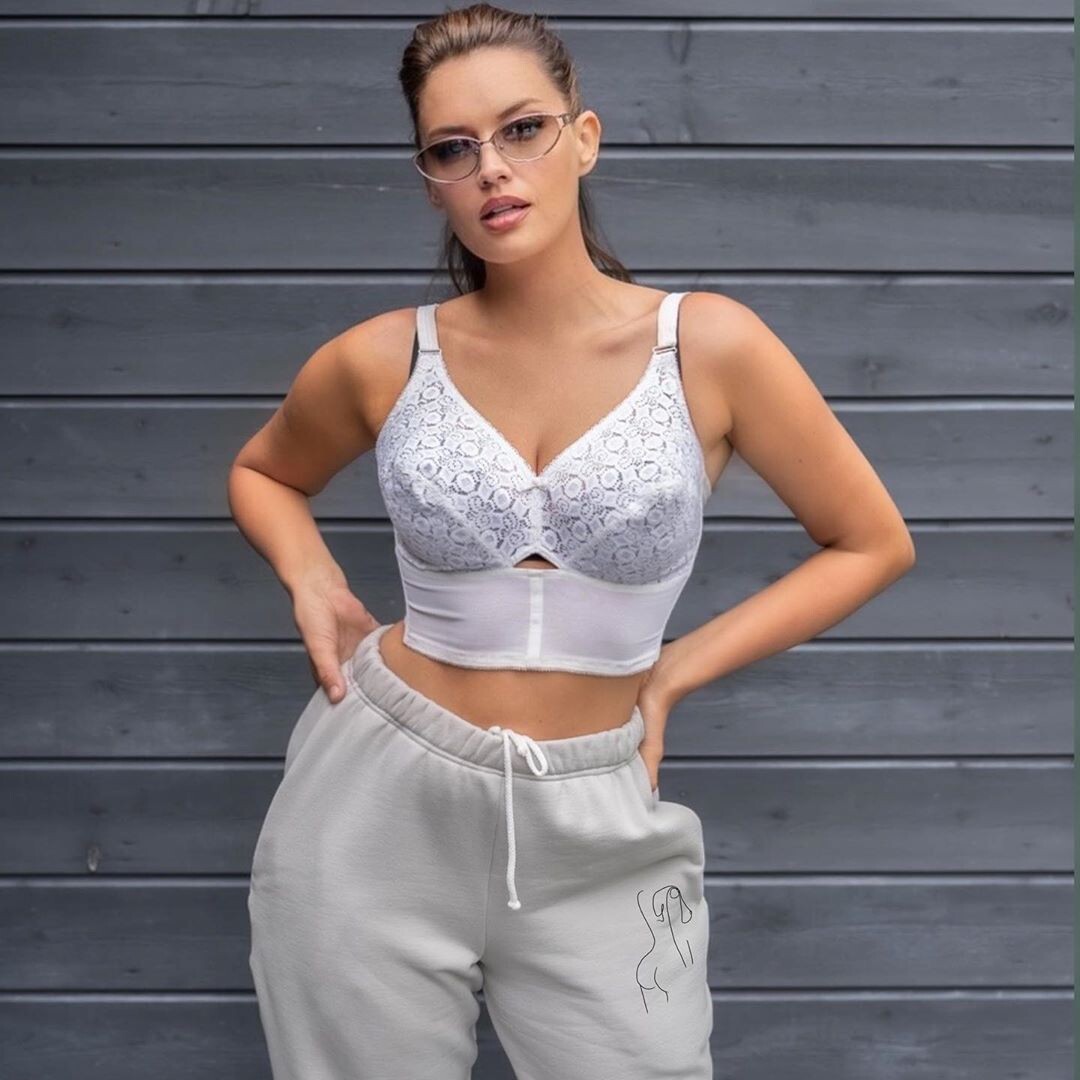
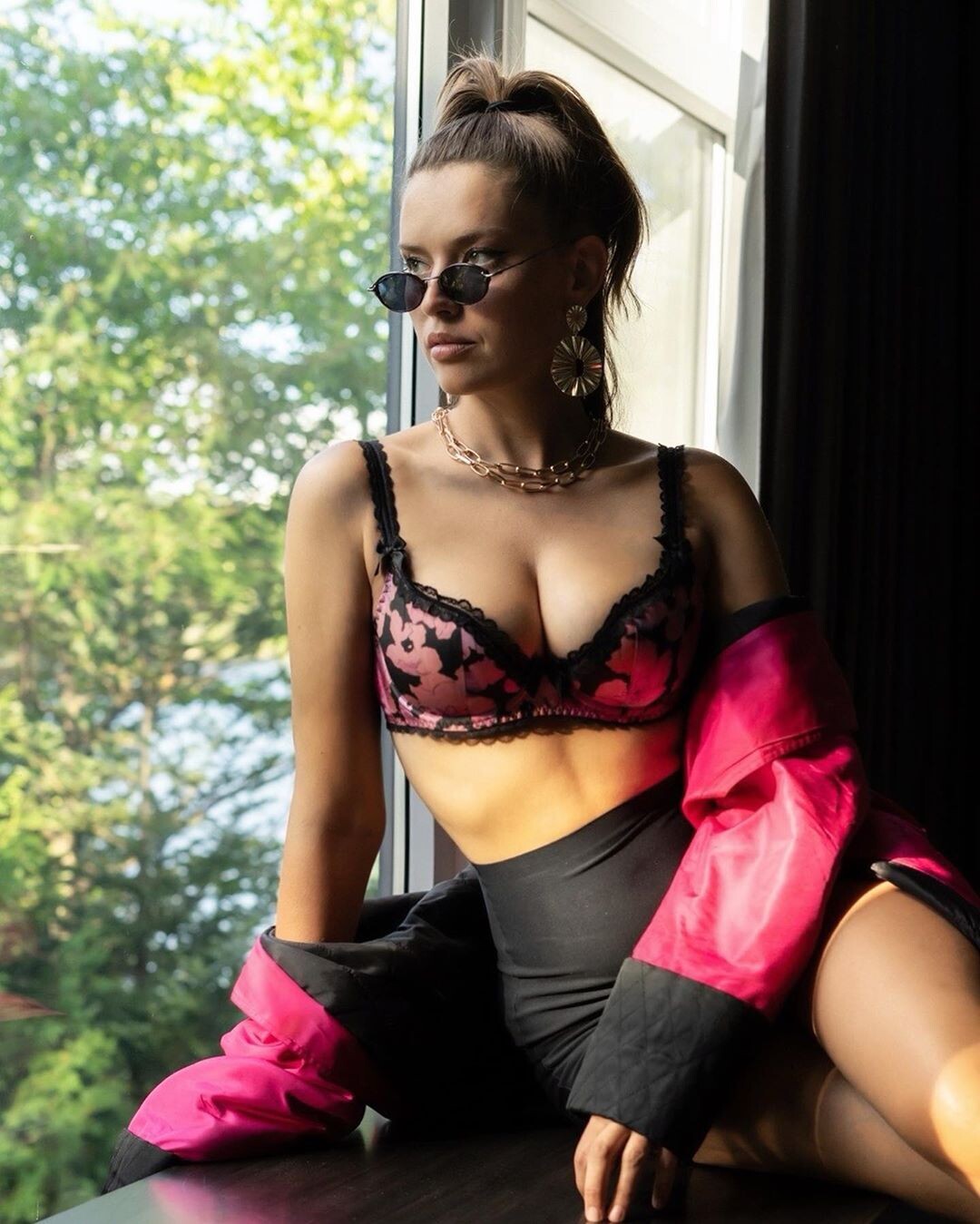
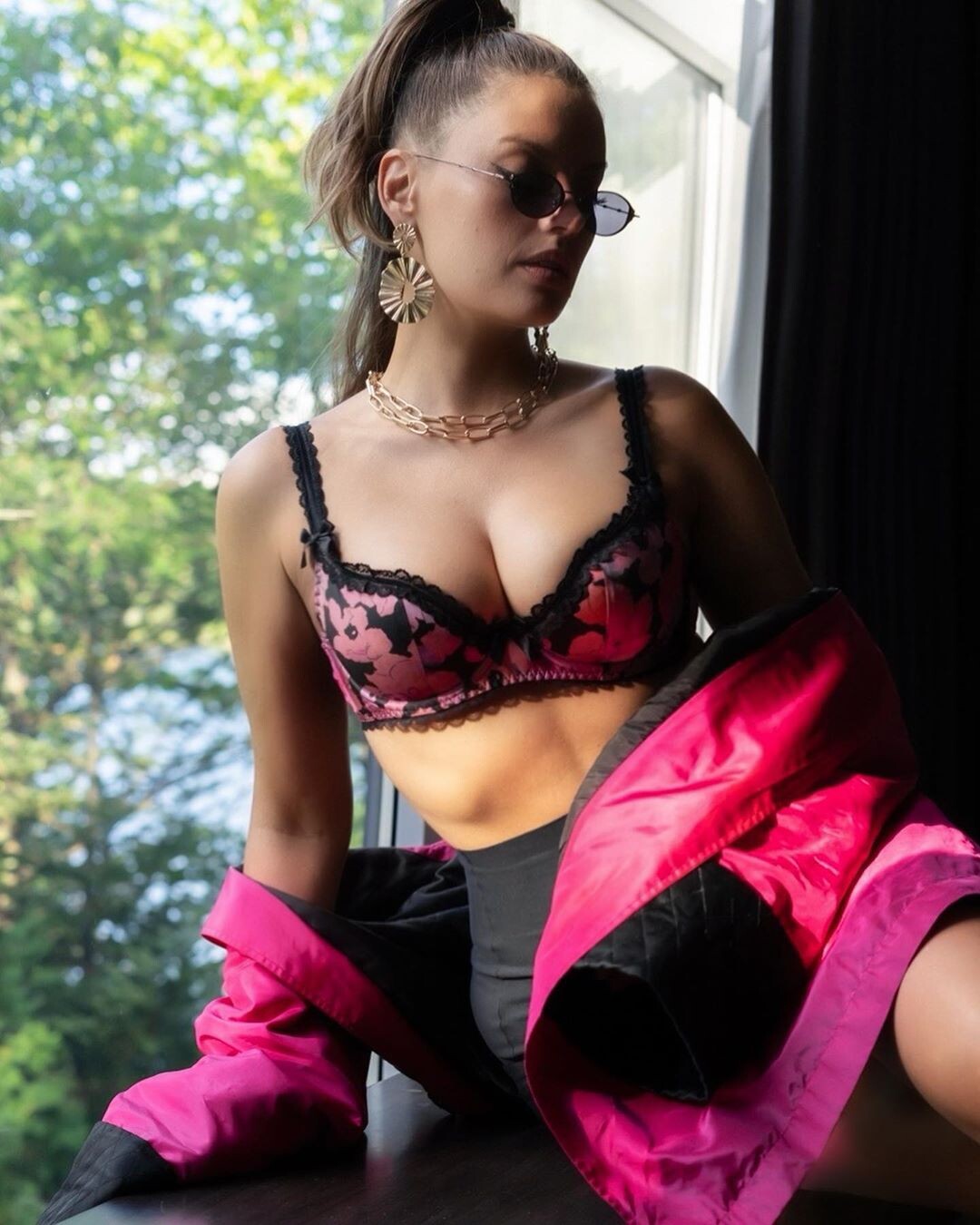
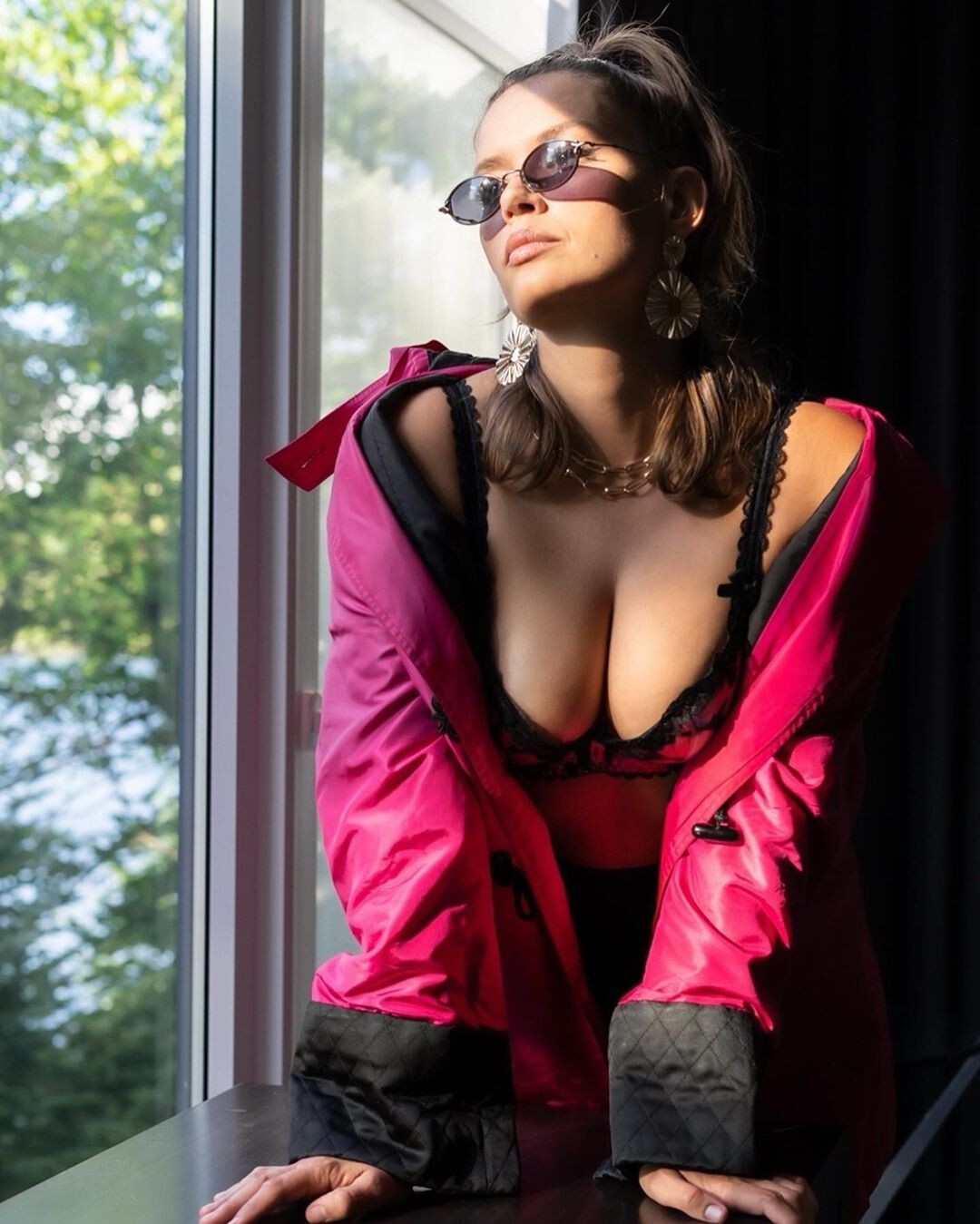
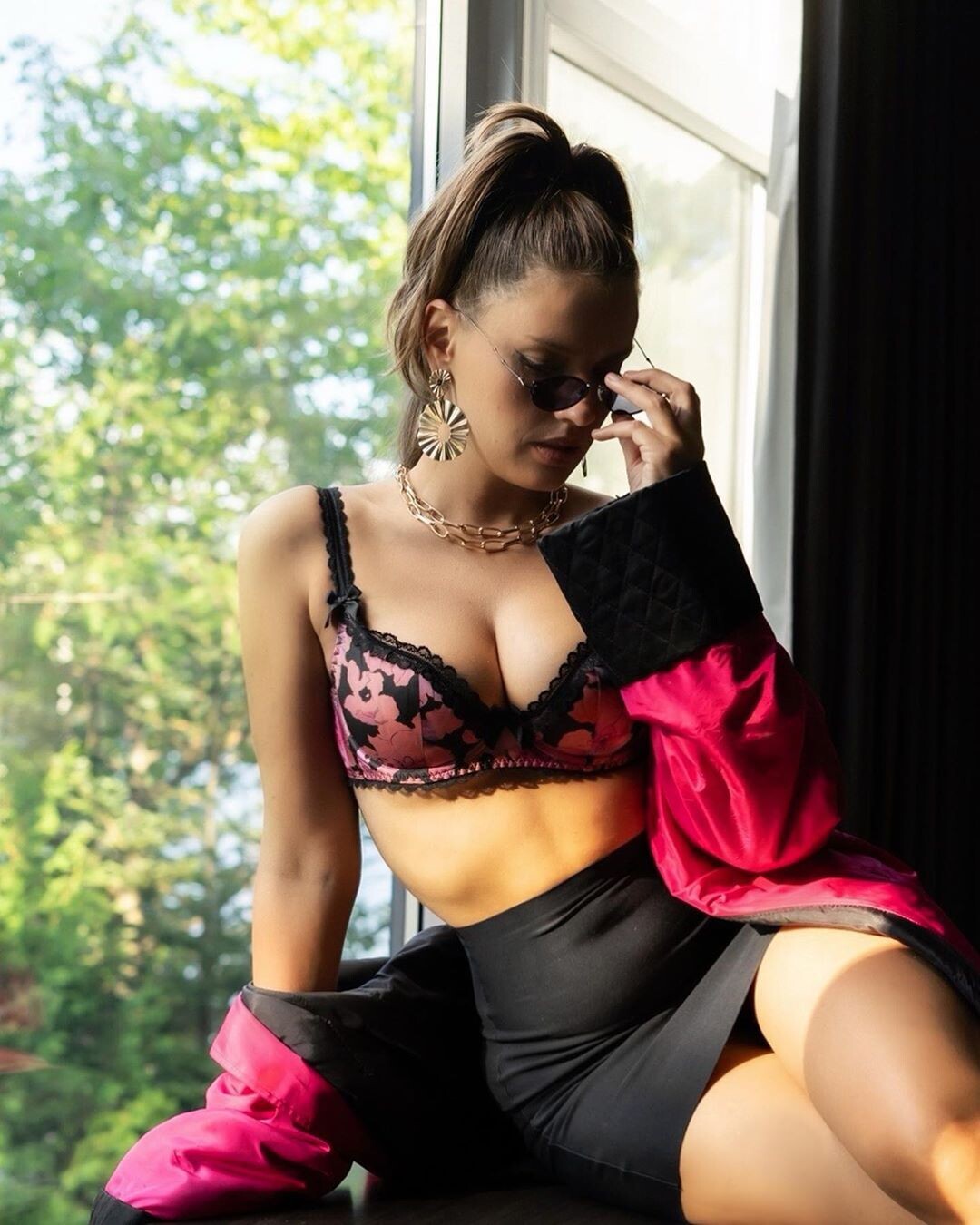
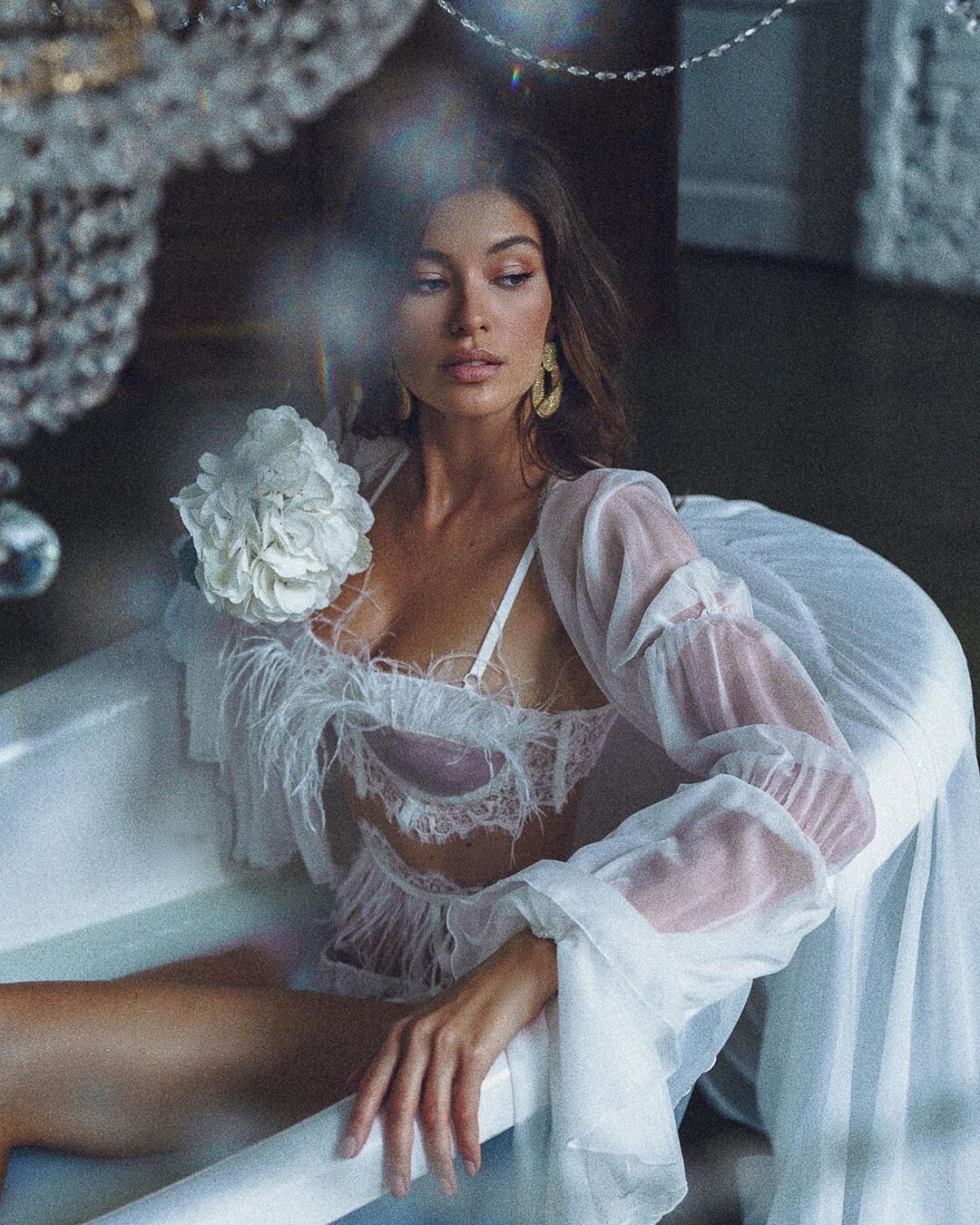
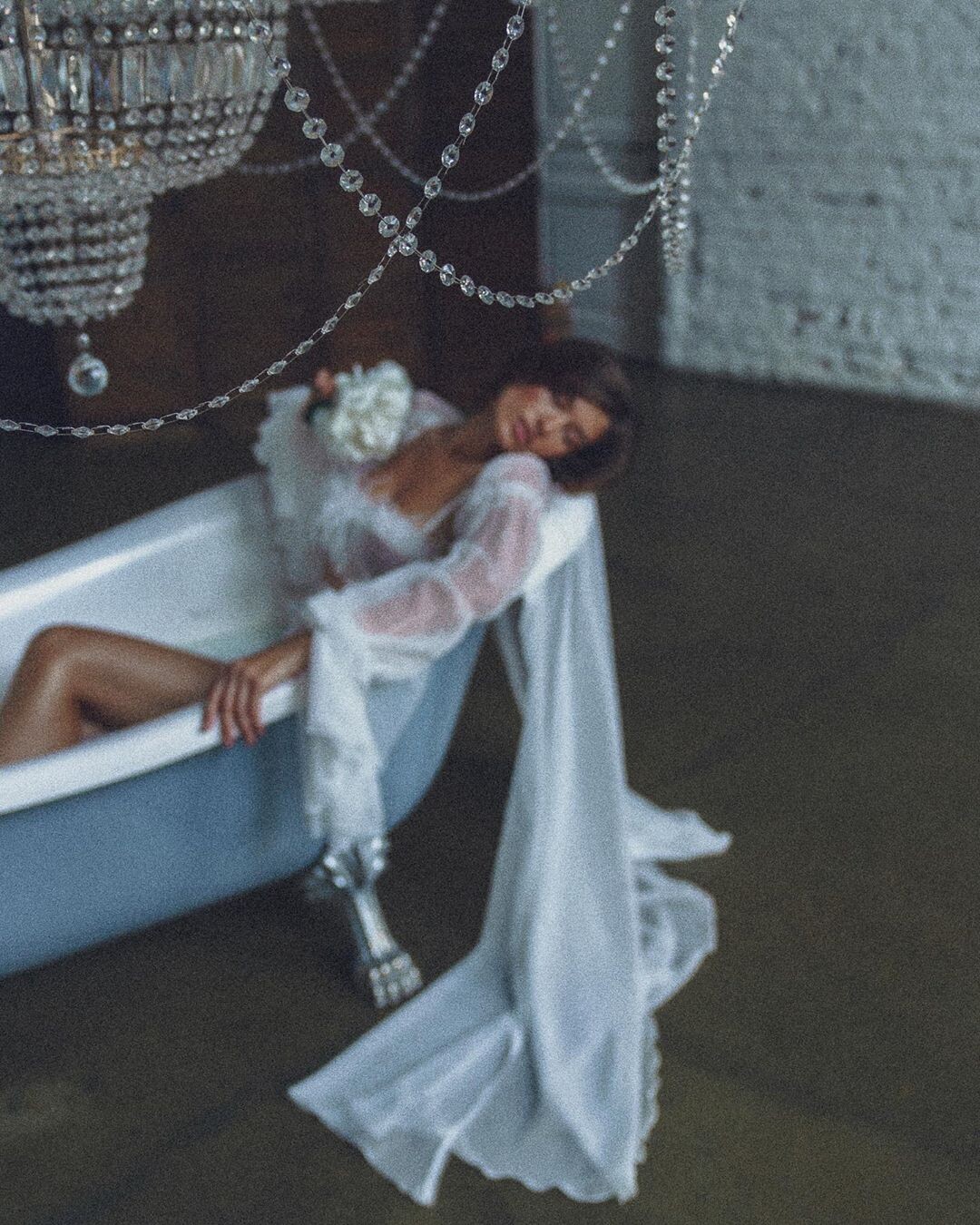
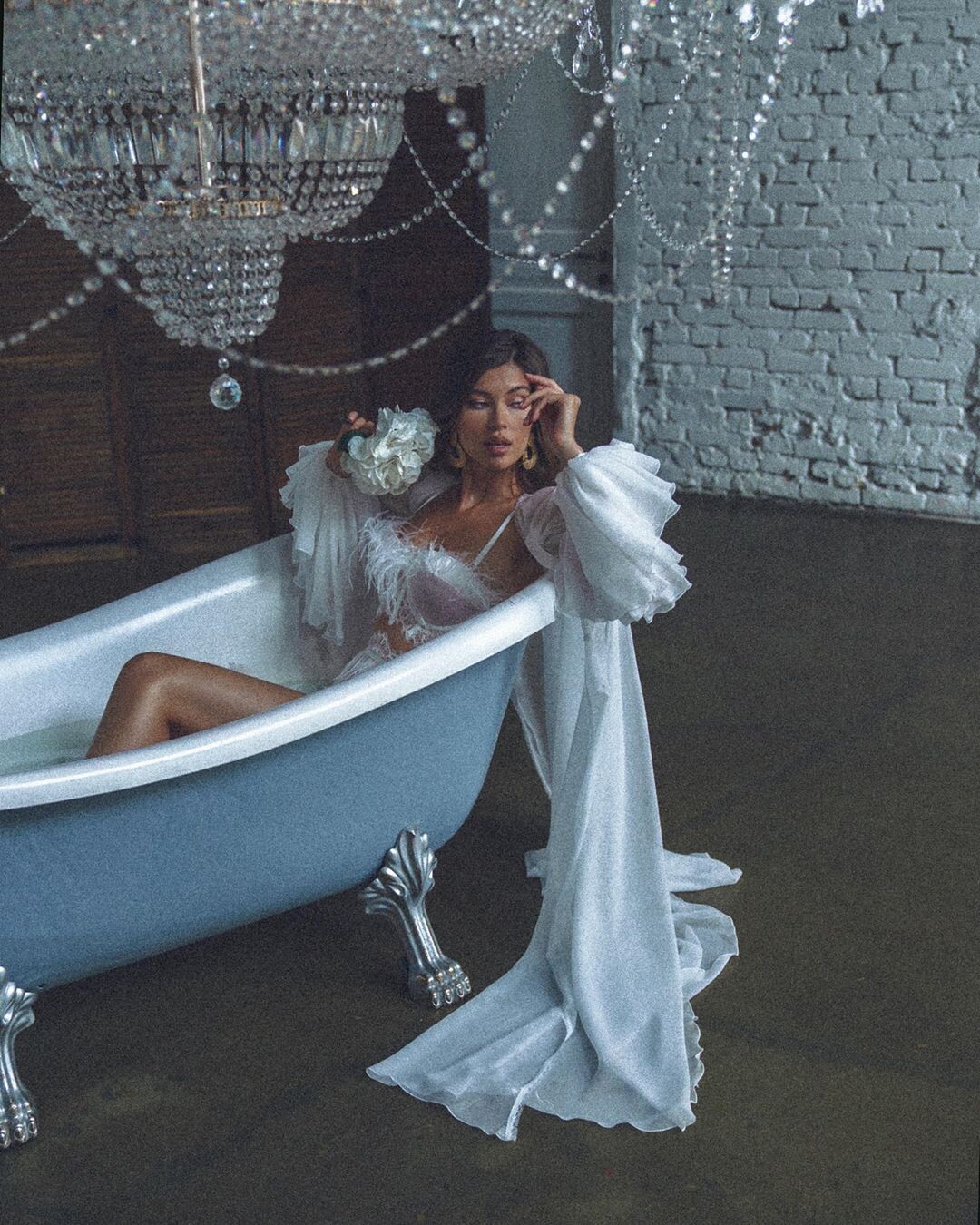
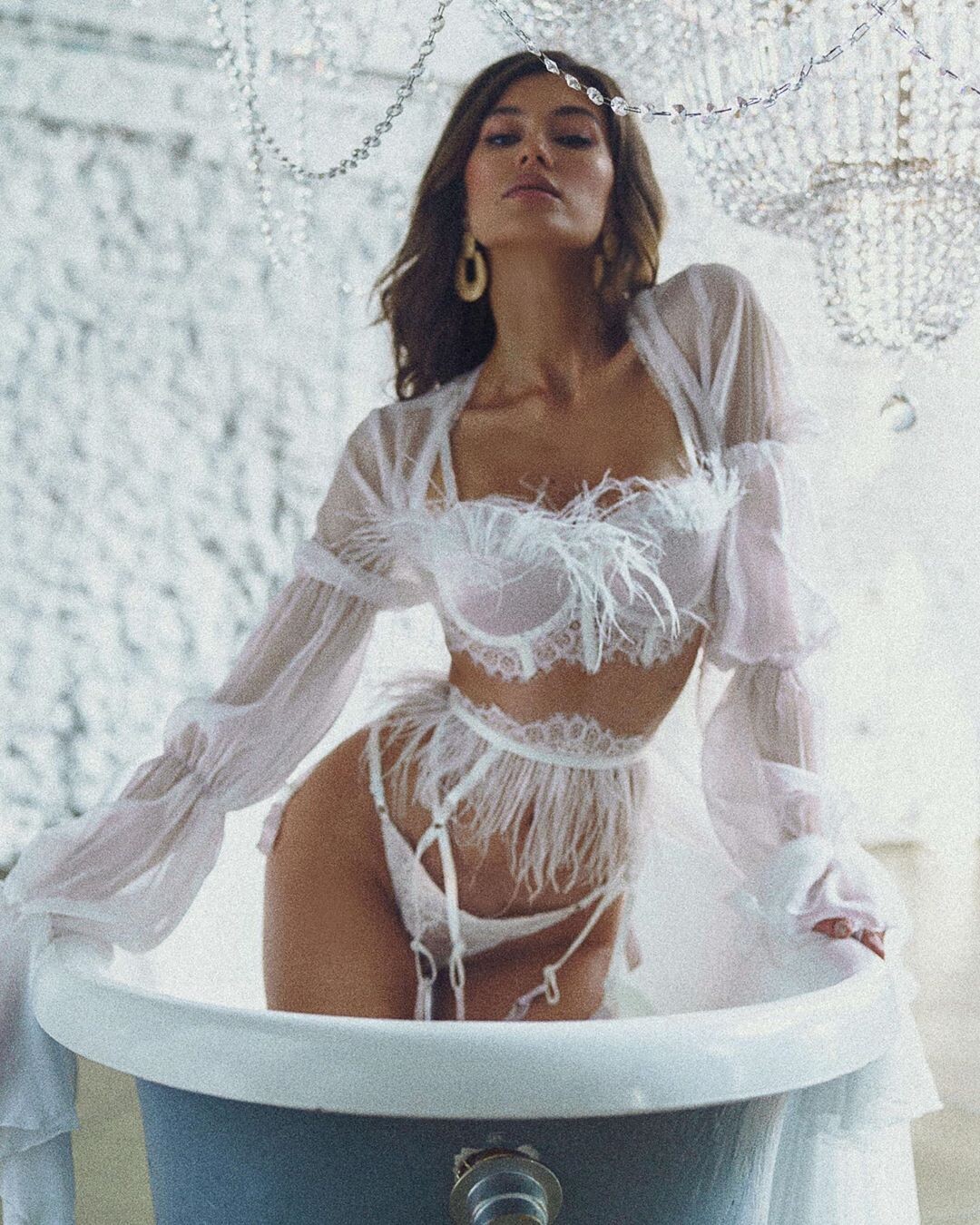
.gif.88903c24e9bd42215cedf6db0e63de1d.gif)
.gif.bbbbd1802a881605d63f44b89c18fda3.gif)
Account
Navigation
Search
Configure browser push notifications
Chrome (Android)
- Tap the lock icon next to the address bar.
- Tap Permissions → Notifications.
- Adjust your preference.
Chrome (Desktop)
- Click the padlock icon in the address bar.
- Select Site settings.
- Find Notifications and adjust your preference.
Safari (iOS 16.4+)
- Ensure the site is installed via Add to Home Screen.
- Open Settings App → Notifications.
- Find your app name and adjust your preference.
Safari (macOS)
- Go to Safari → Preferences.
- Click the Websites tab.
- Select Notifications in the sidebar.
- Find this website and adjust your preference.
Edge (Android)
- Tap the lock icon next to the address bar.
- Tap Permissions.
- Find Notifications and adjust your preference.
Edge (Desktop)
- Click the padlock icon in the address bar.
- Click Permissions for this site.
- Find Notifications and adjust your preference.
Firefox (Android)
- Go to Settings → Site permissions.
- Tap Notifications.
- Find this site in the list and adjust your preference.
Firefox (Desktop)
- Open Firefox Settings.
- Search for Notifications.
- Find this site in the list and adjust your preference.