
nightowl
Members
-
Joined
-
Last visited
Everything posted by nightowl
-
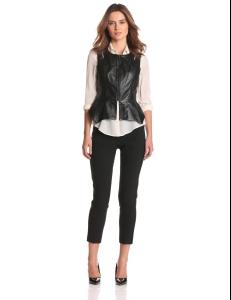
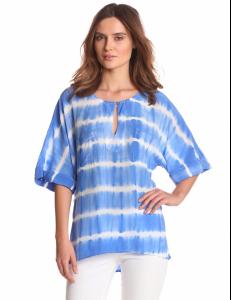
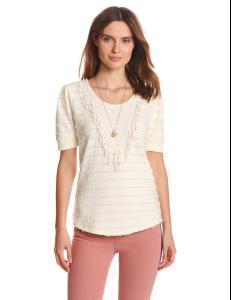
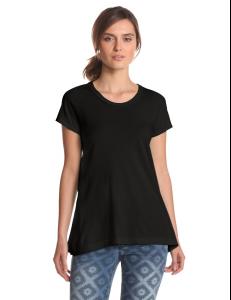
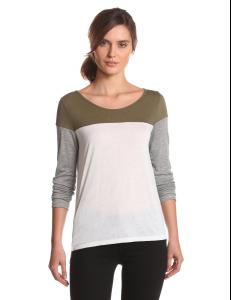
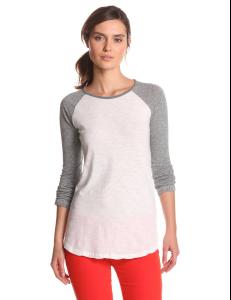
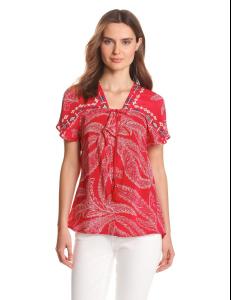
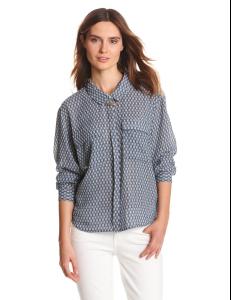
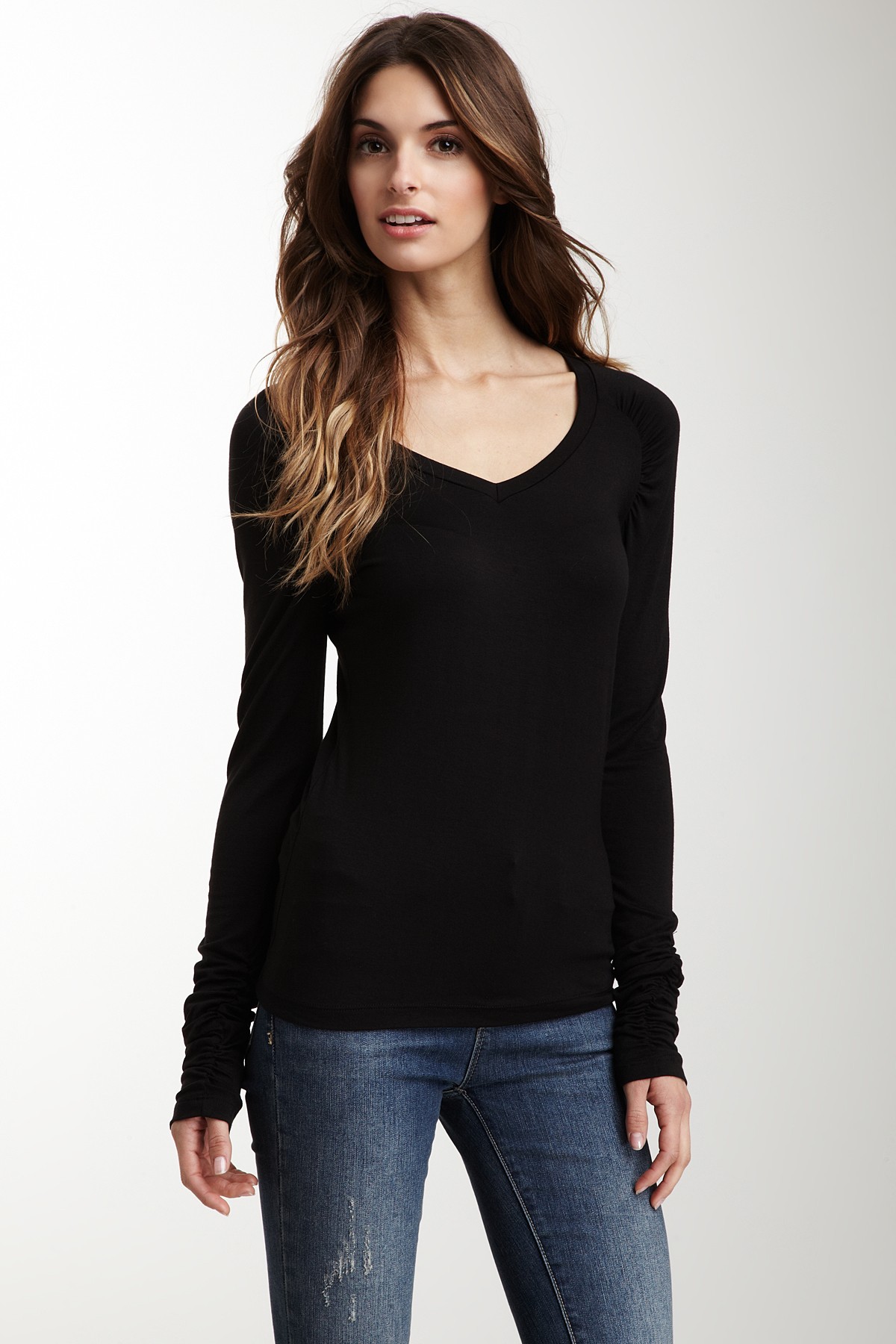
From Amazon
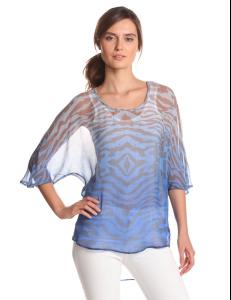
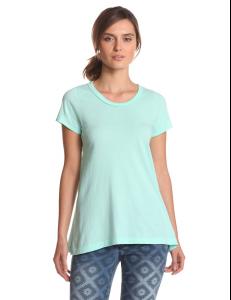
-
Sara Stout
-
very nice--thanks.
-
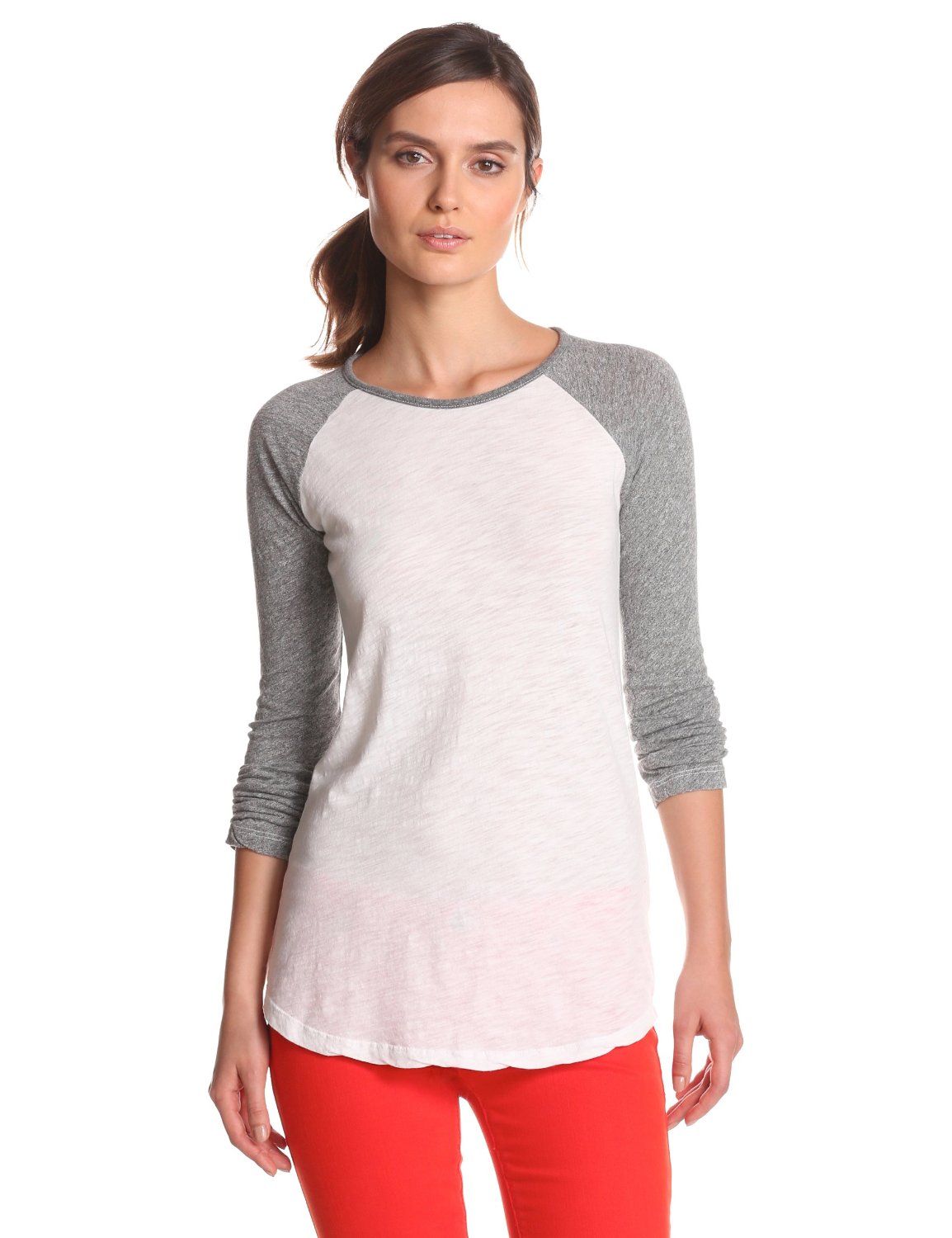
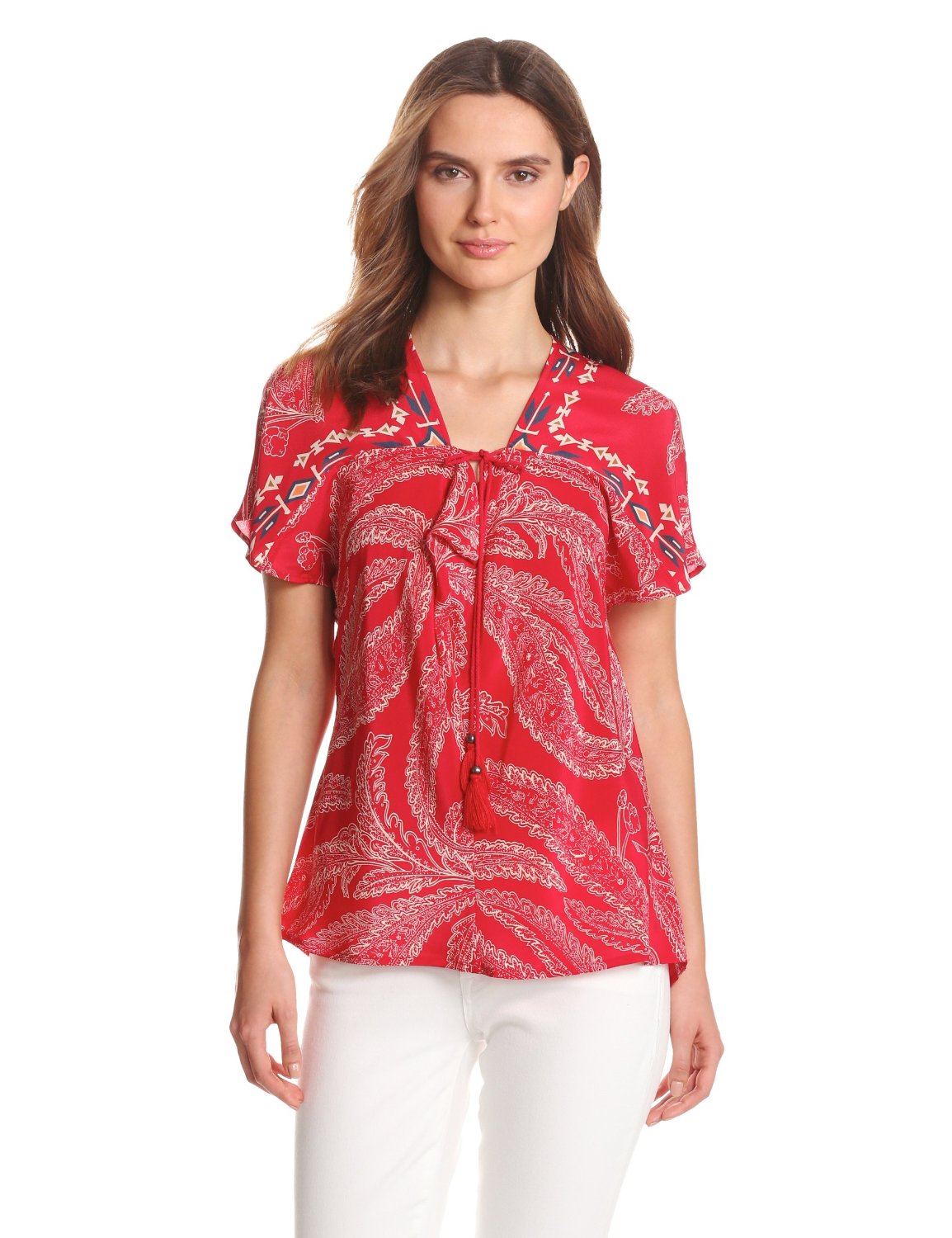
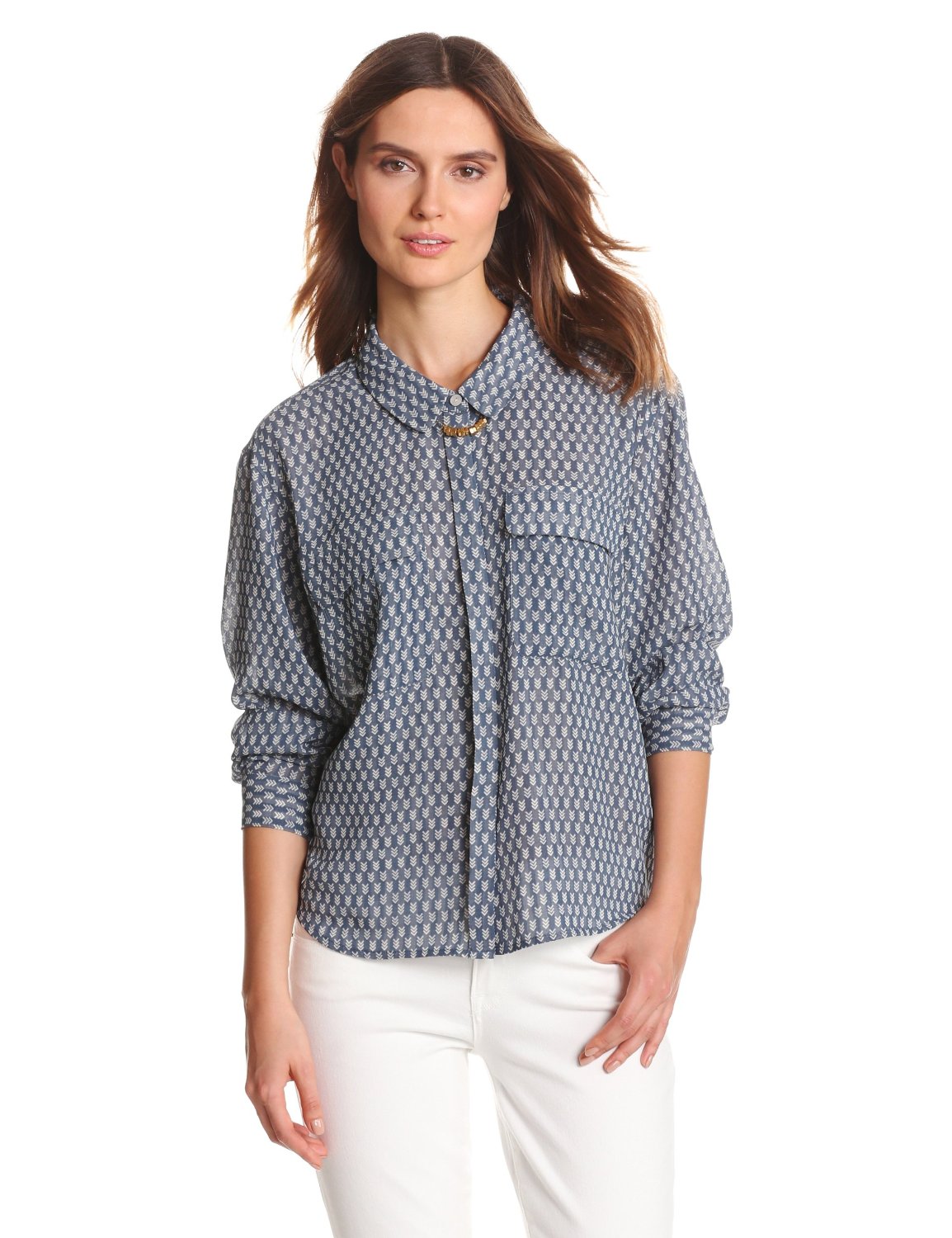
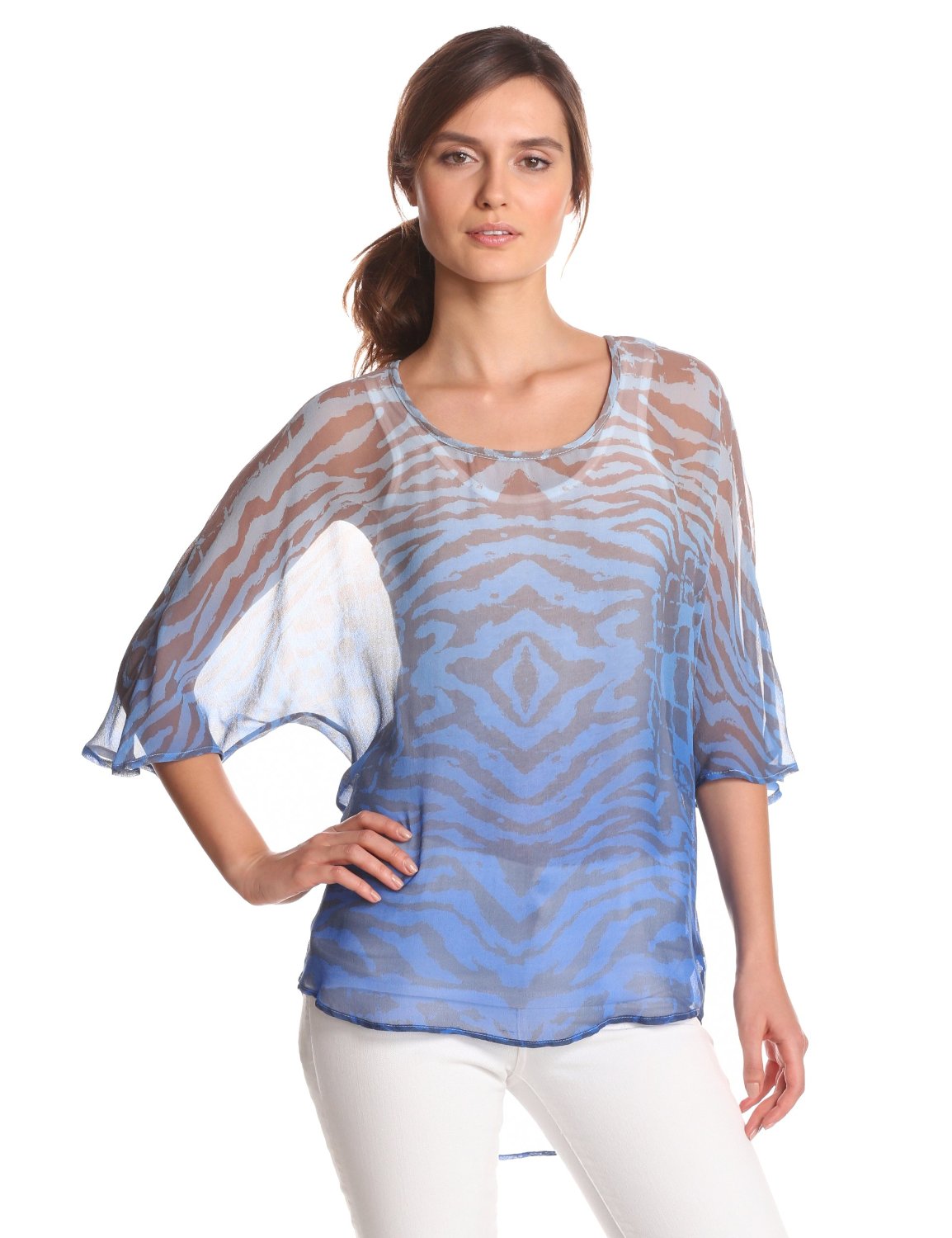
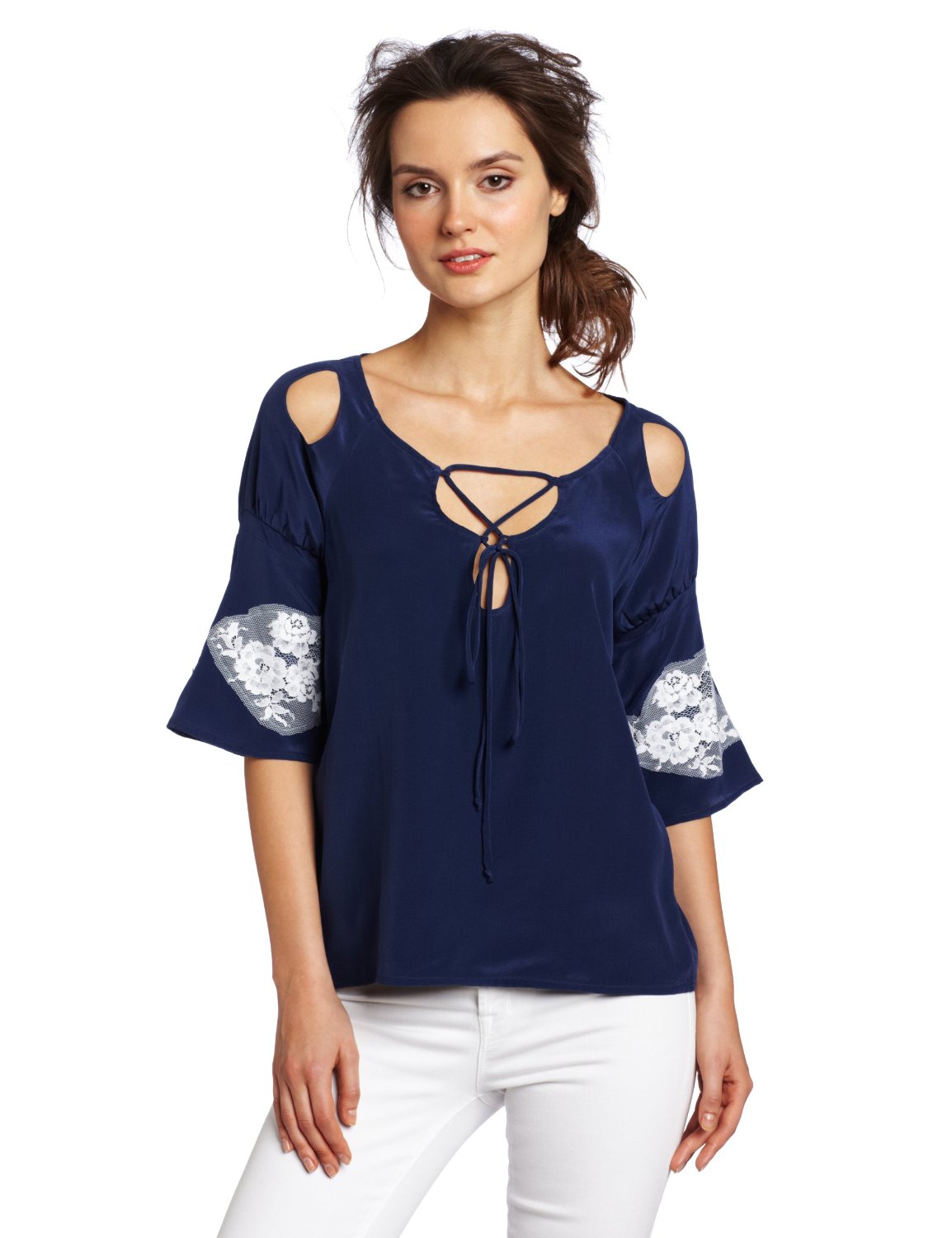
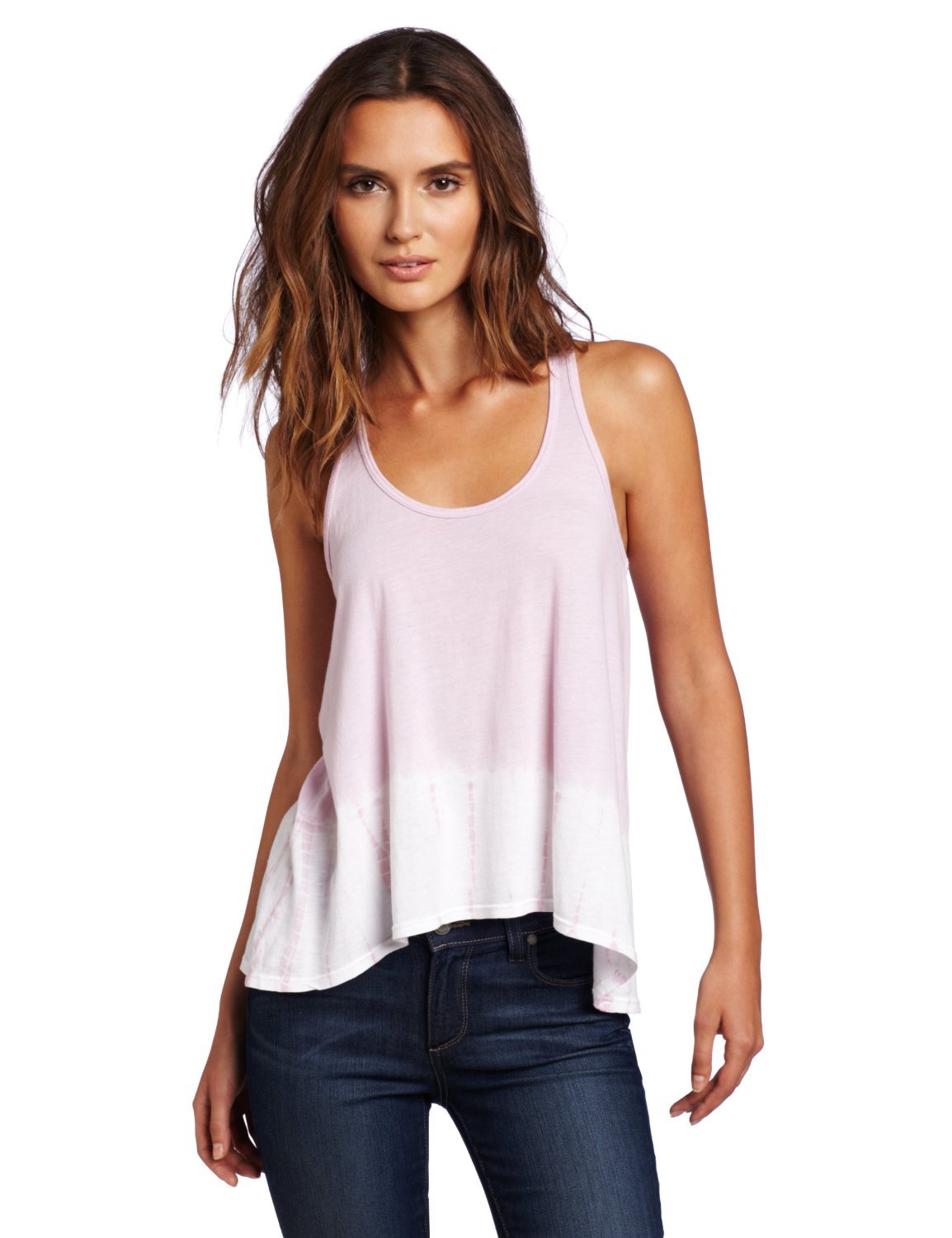
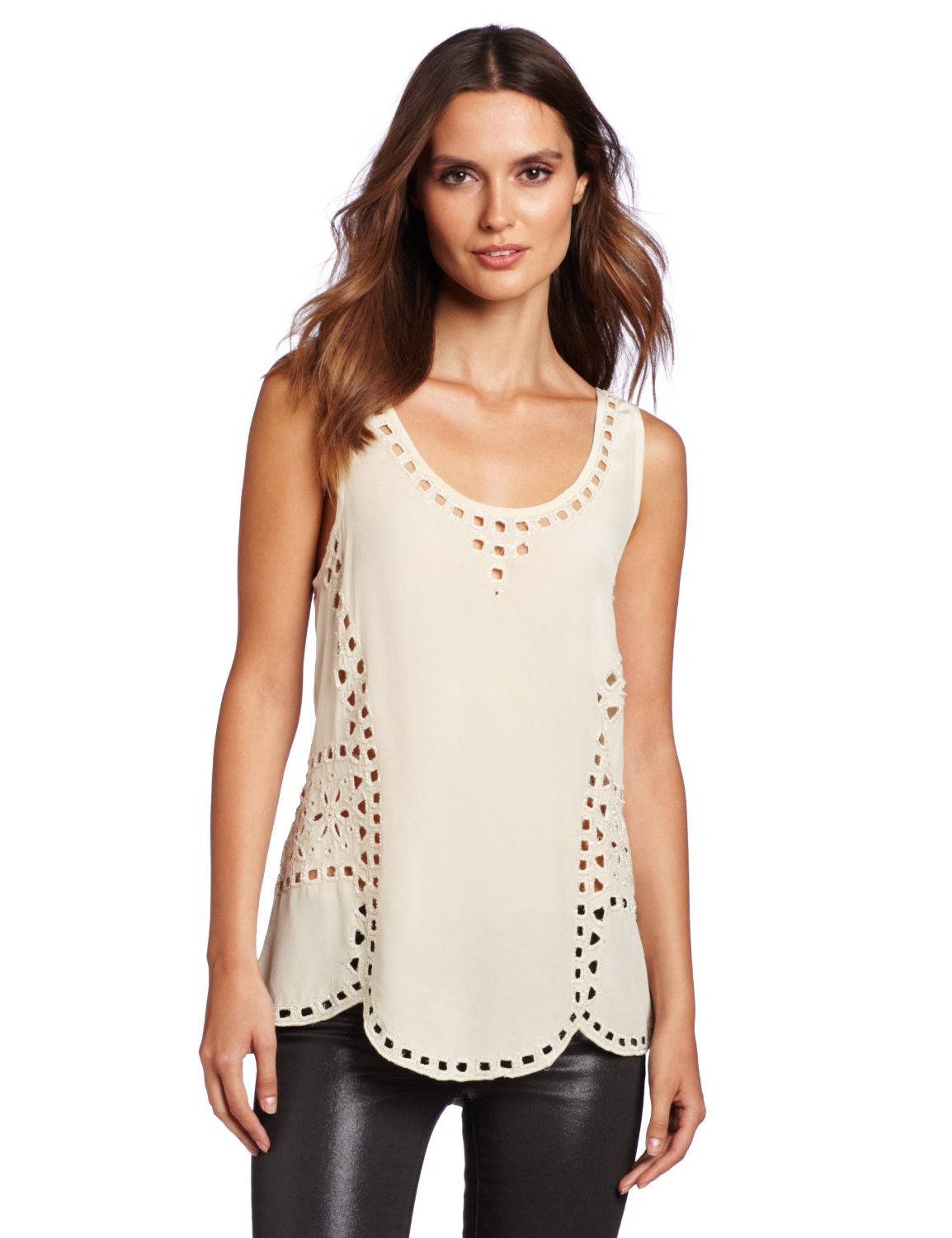
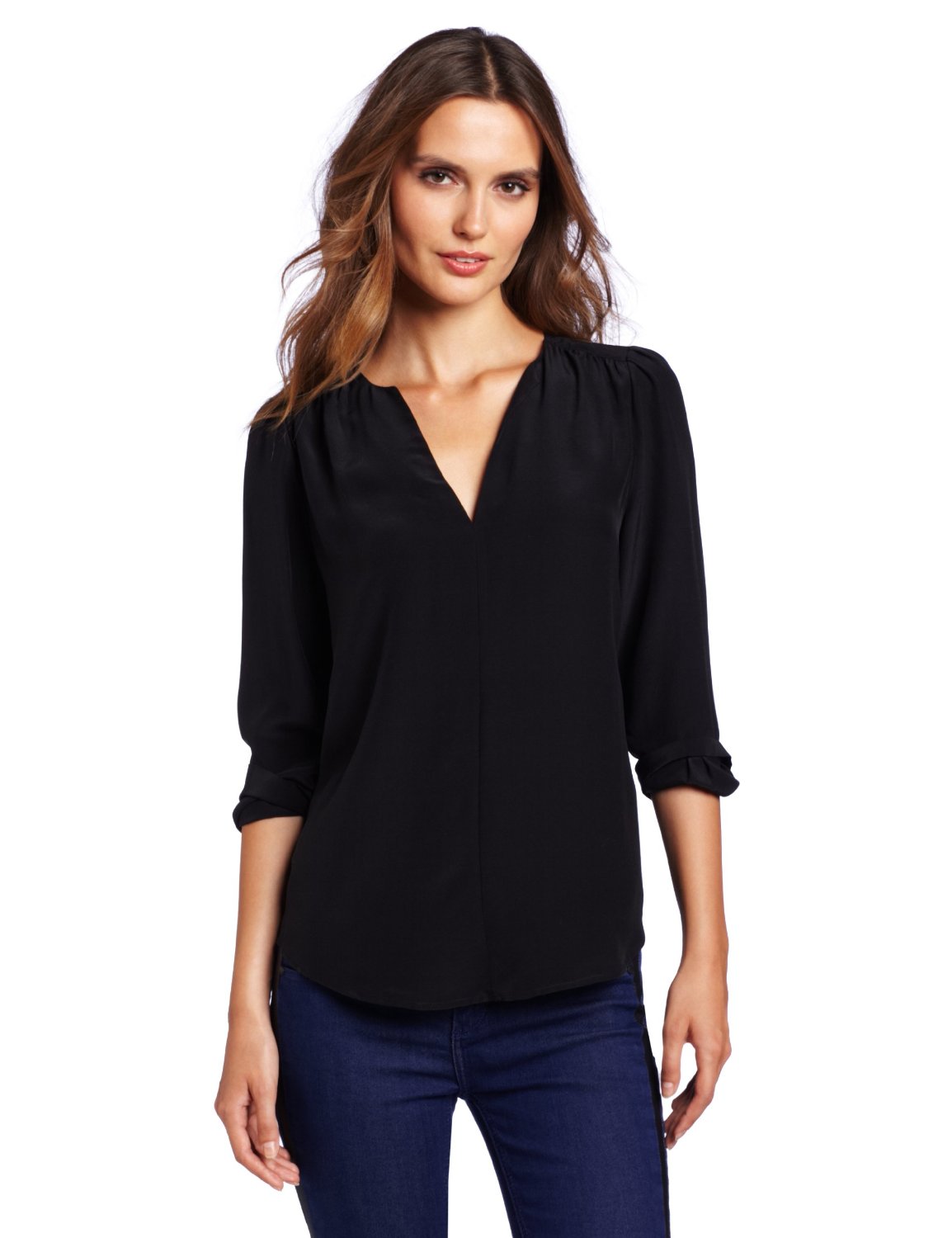
From Amazon, Madeleine, and Wenz
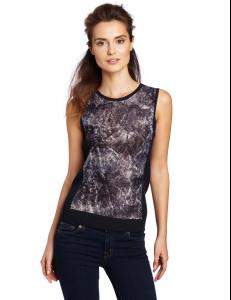
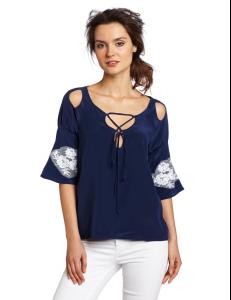
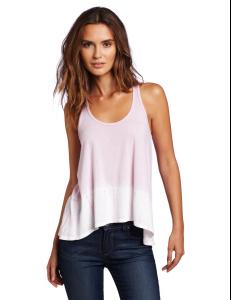
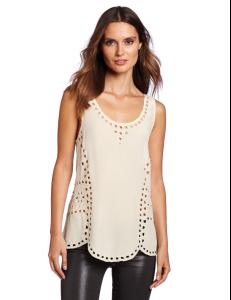
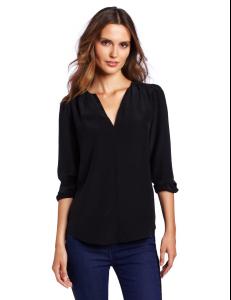
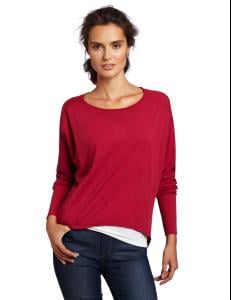




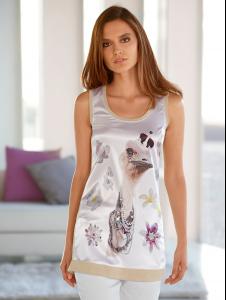
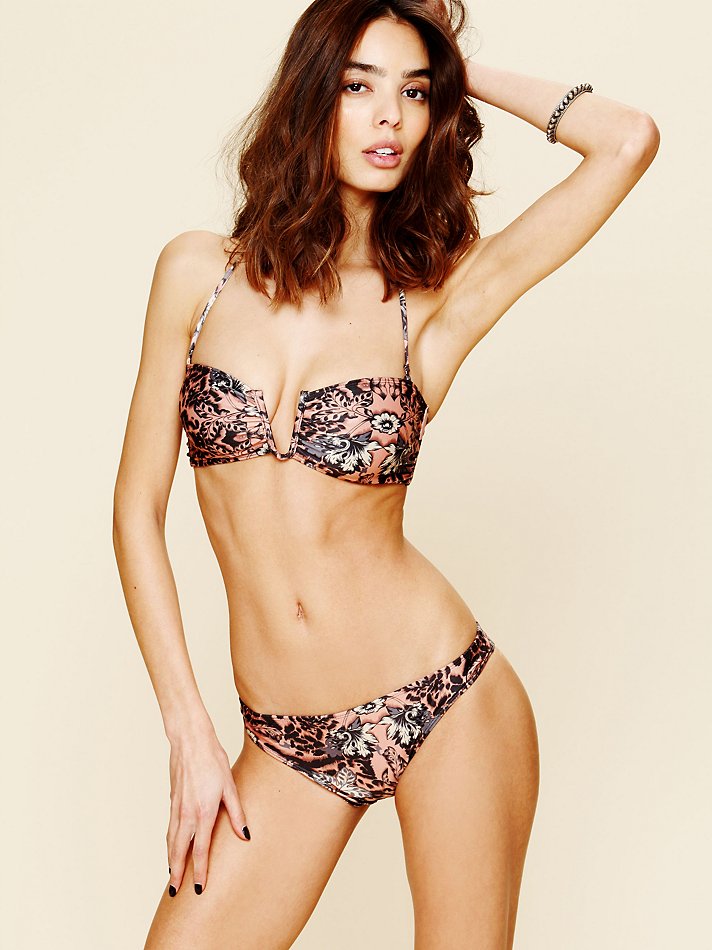
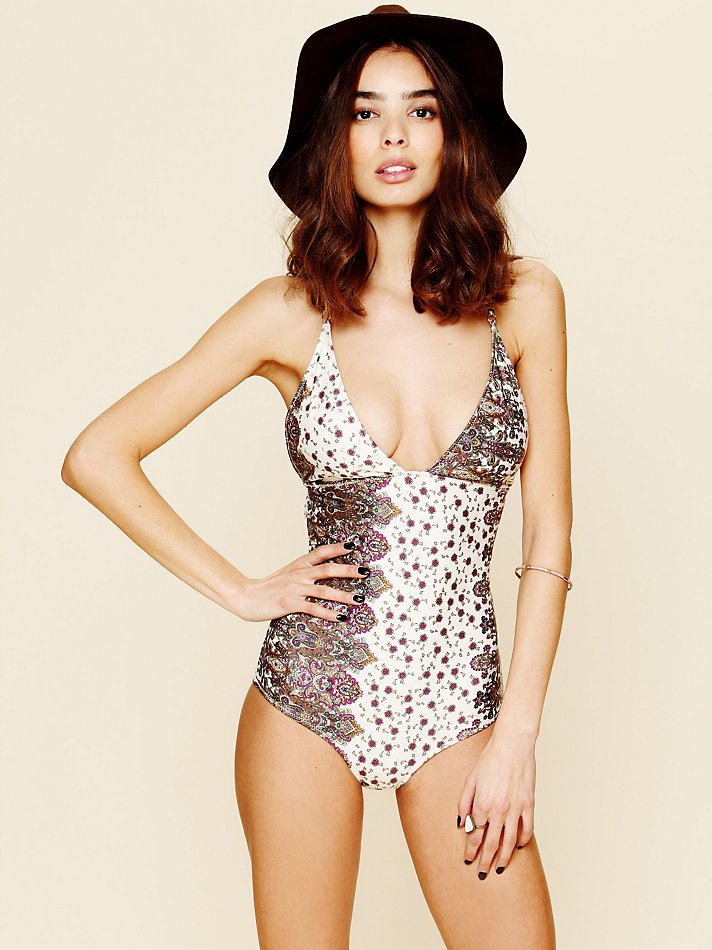
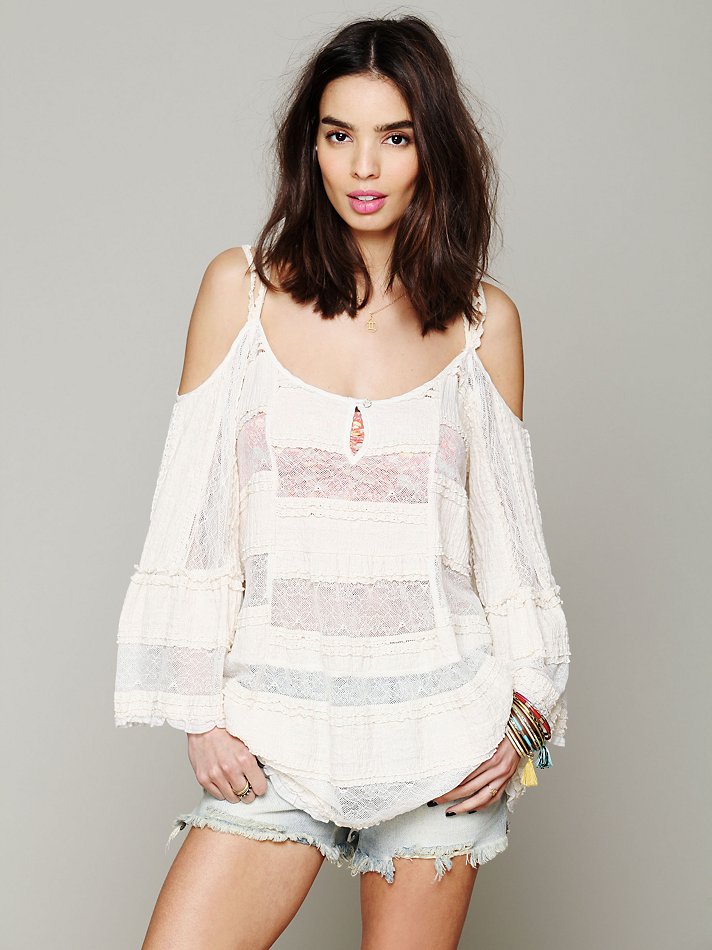
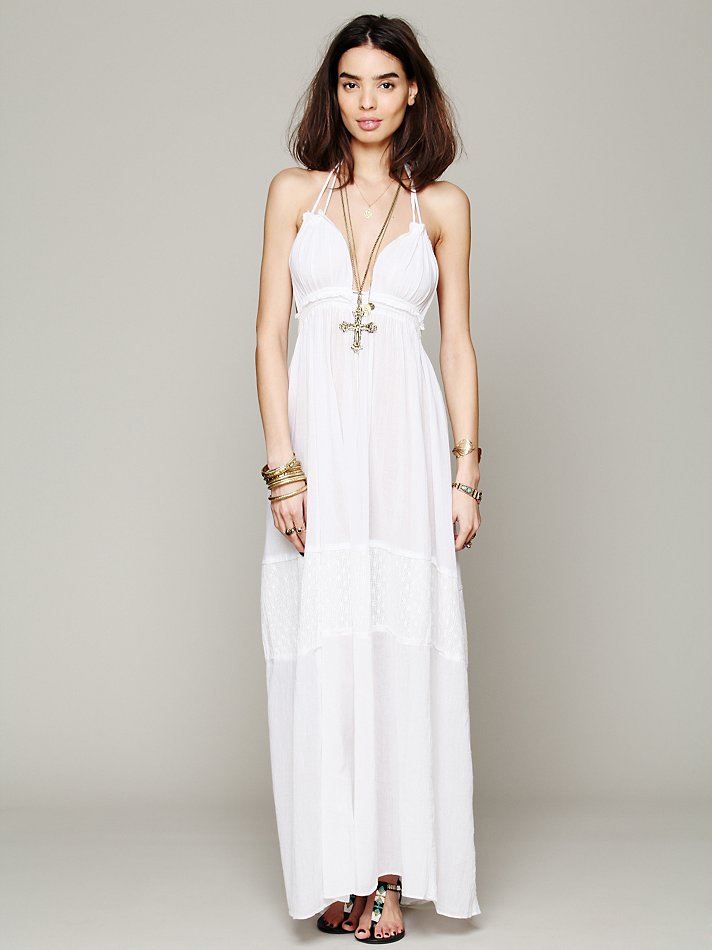
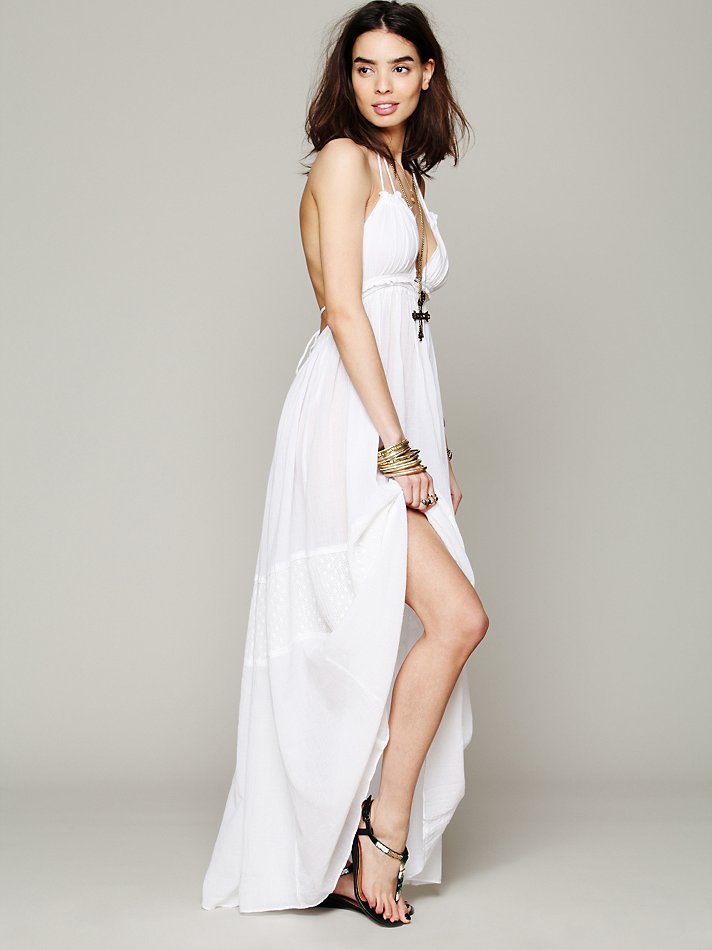
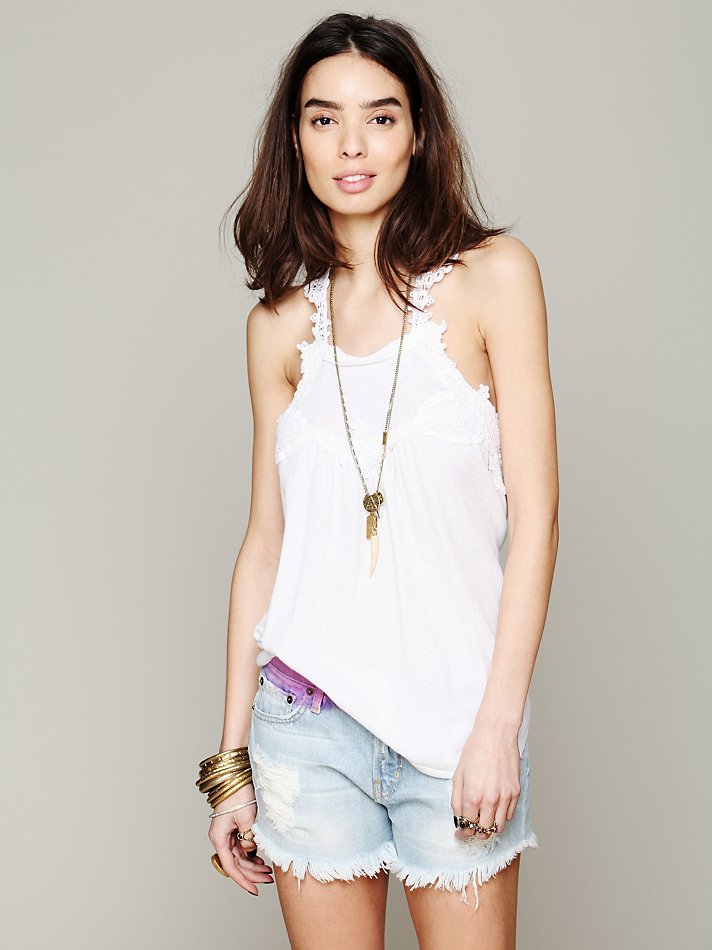
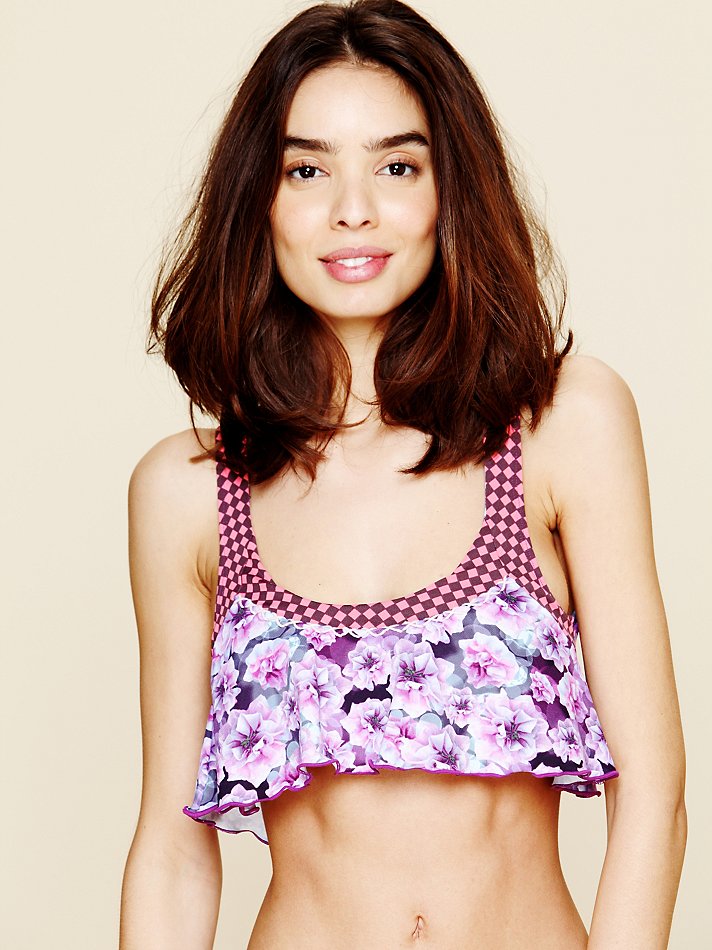
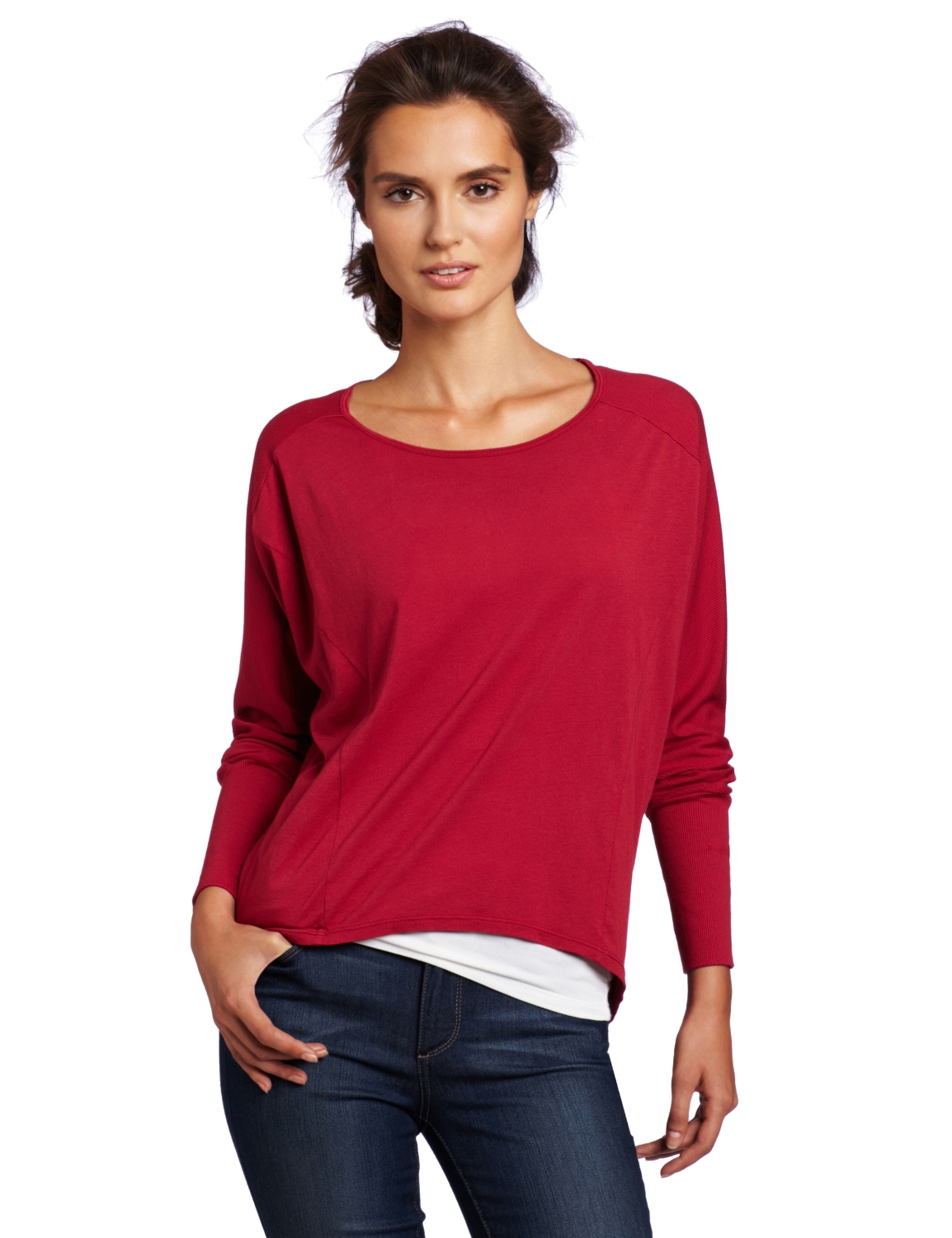
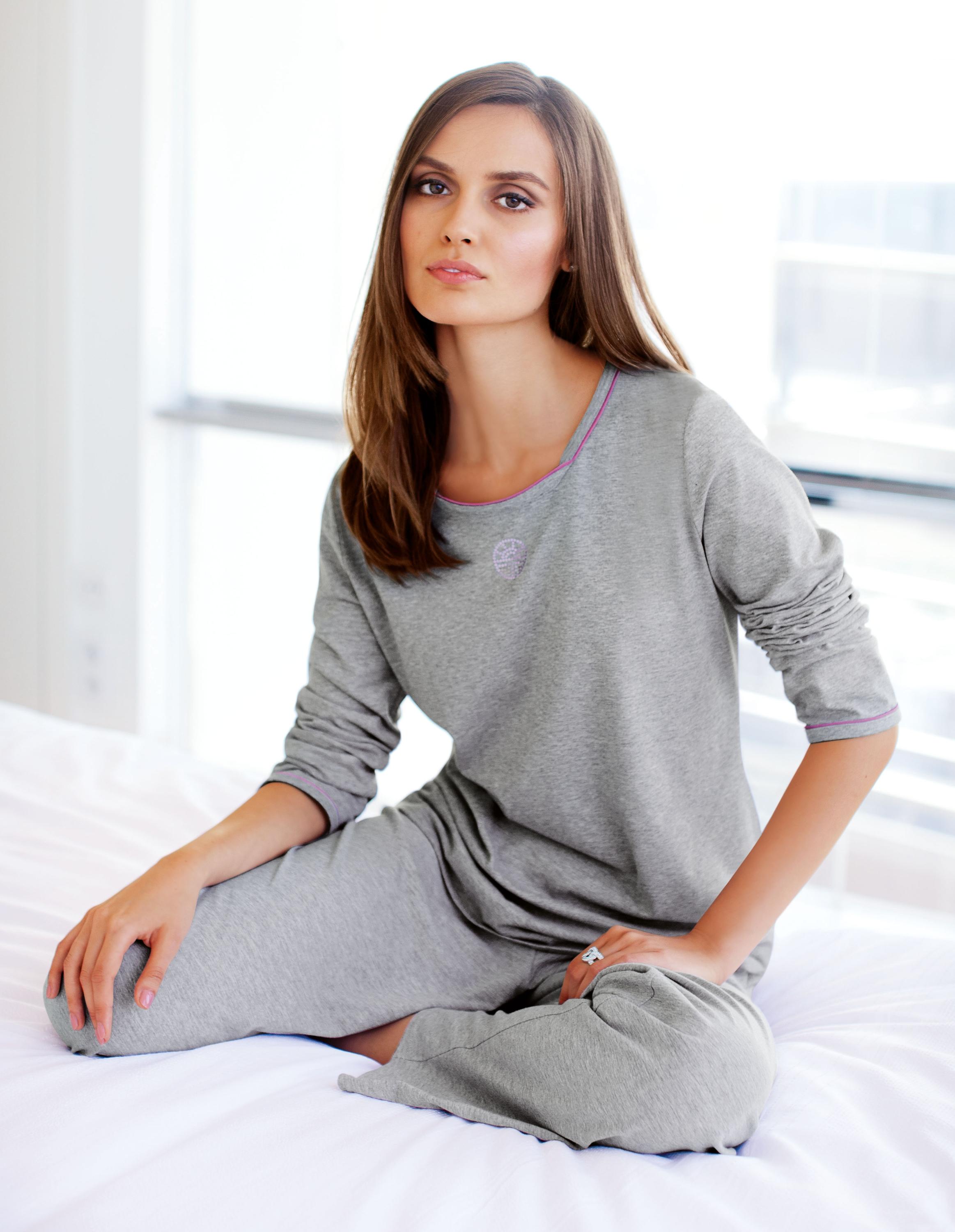
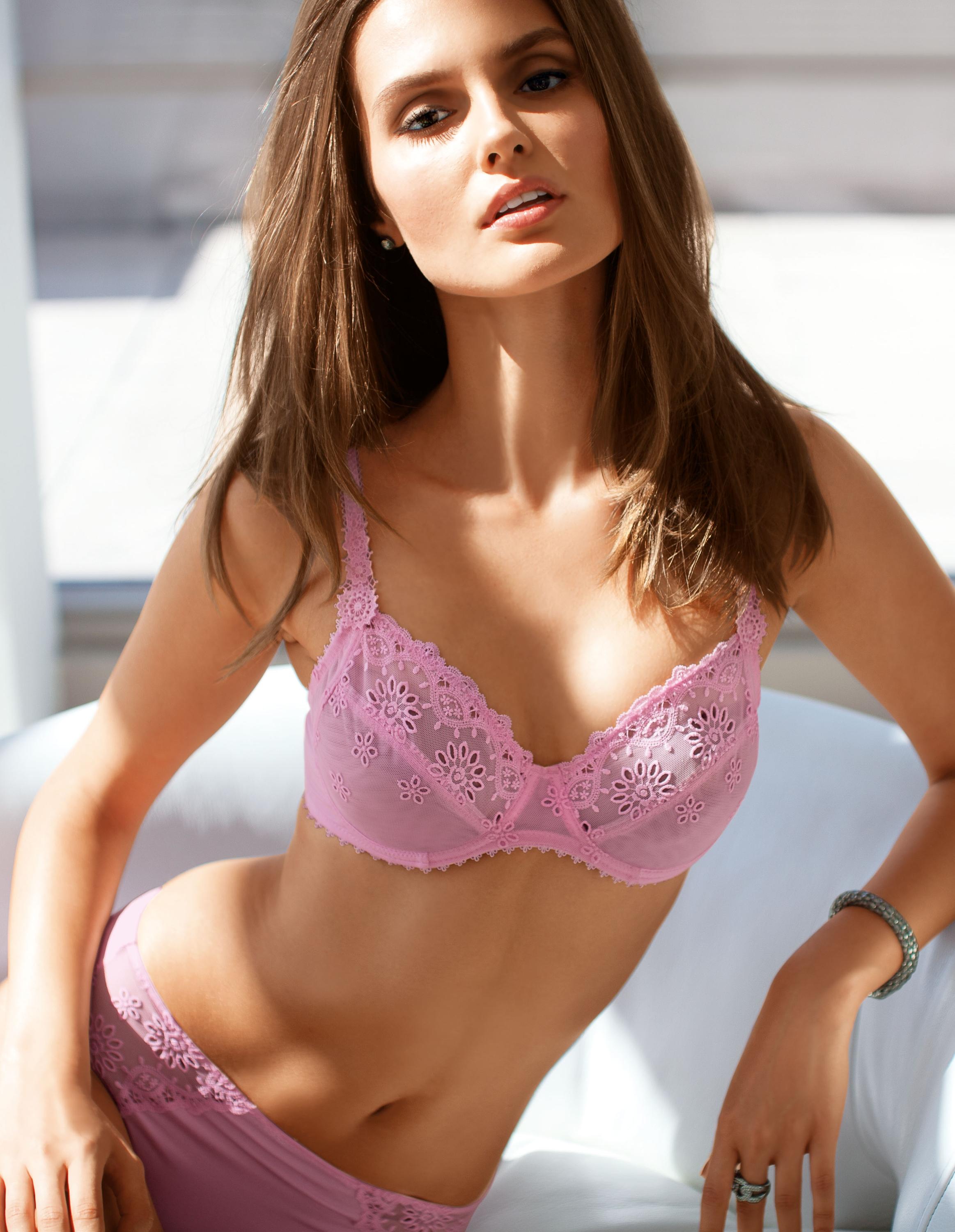
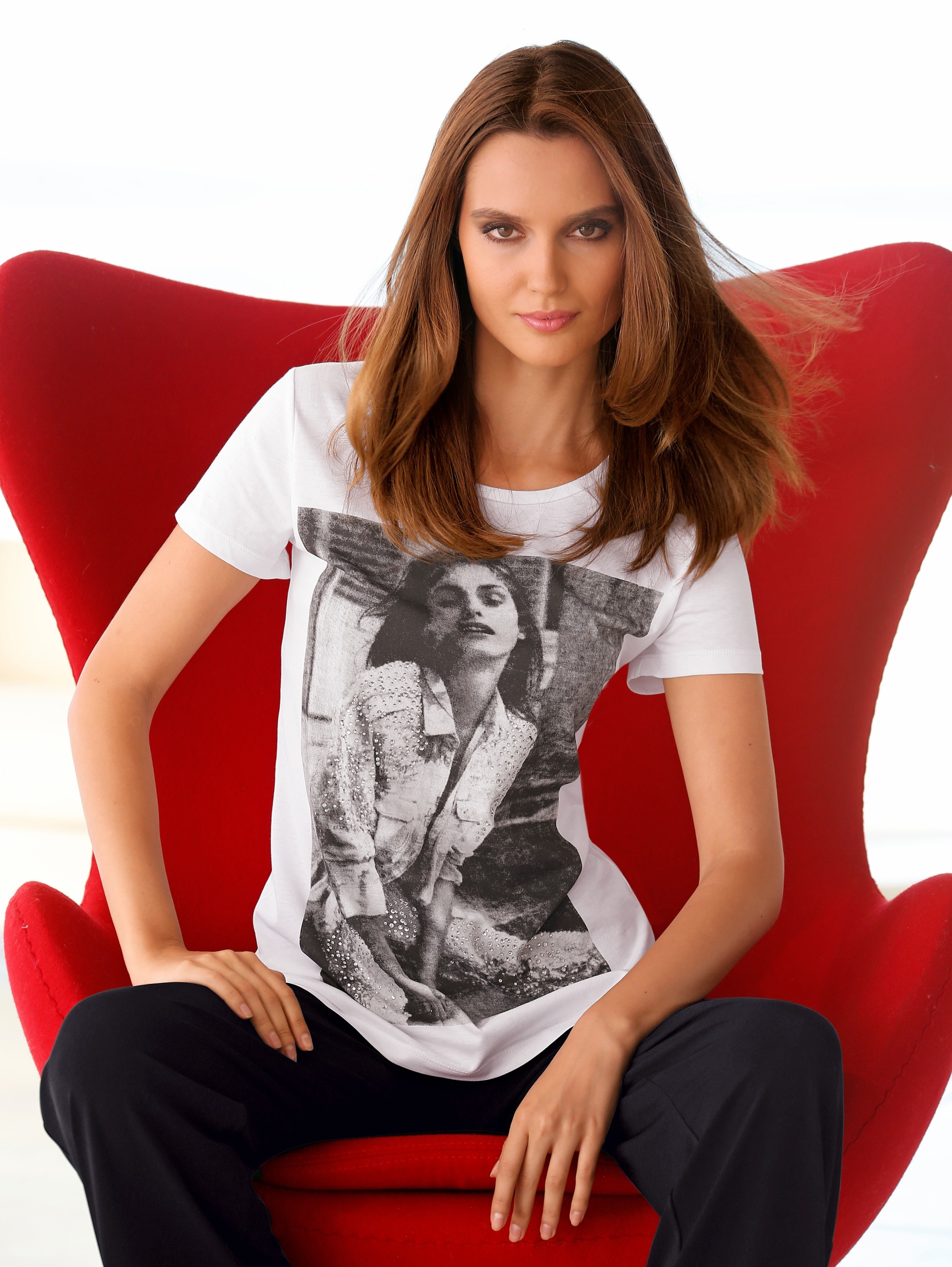
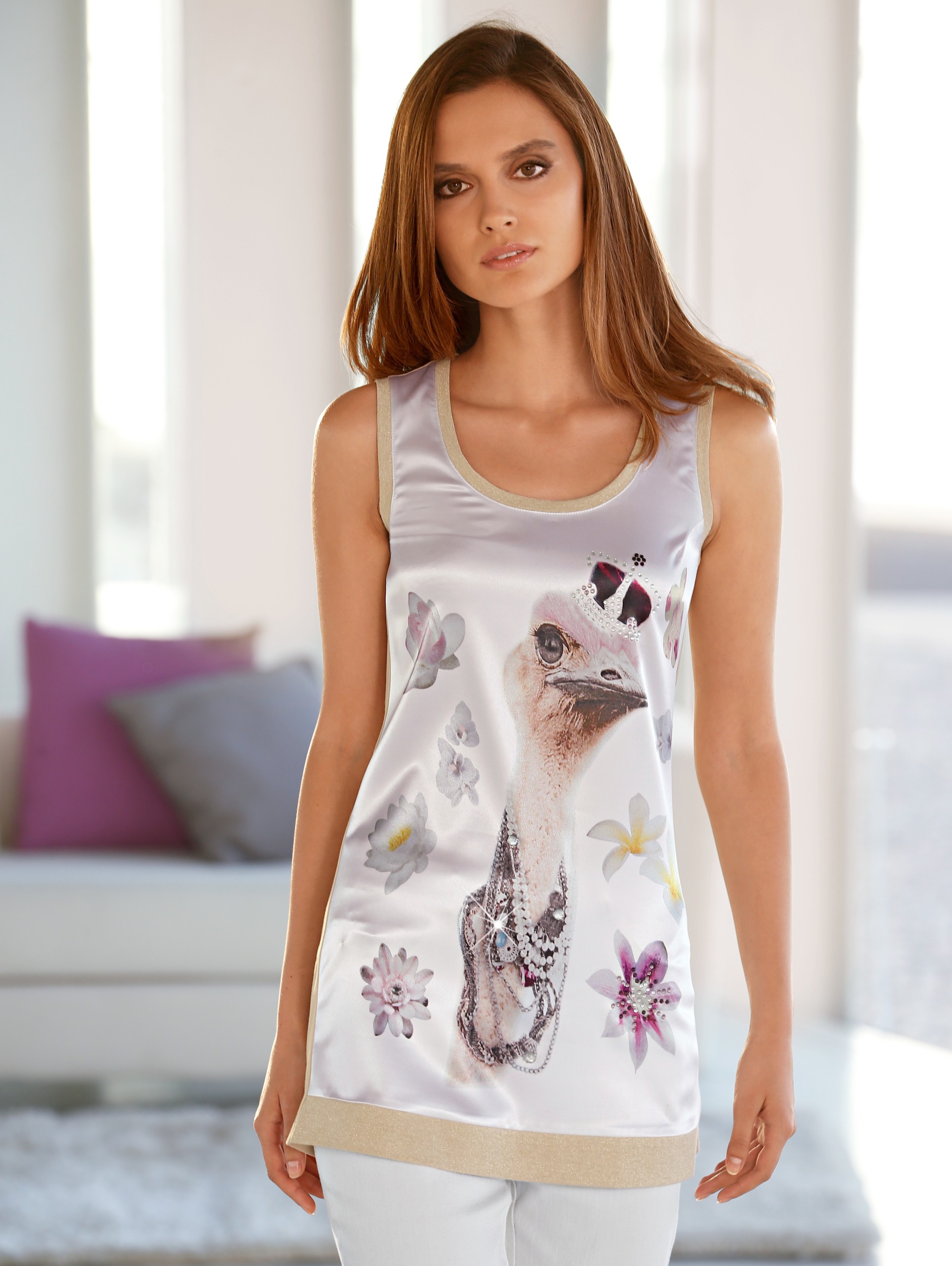
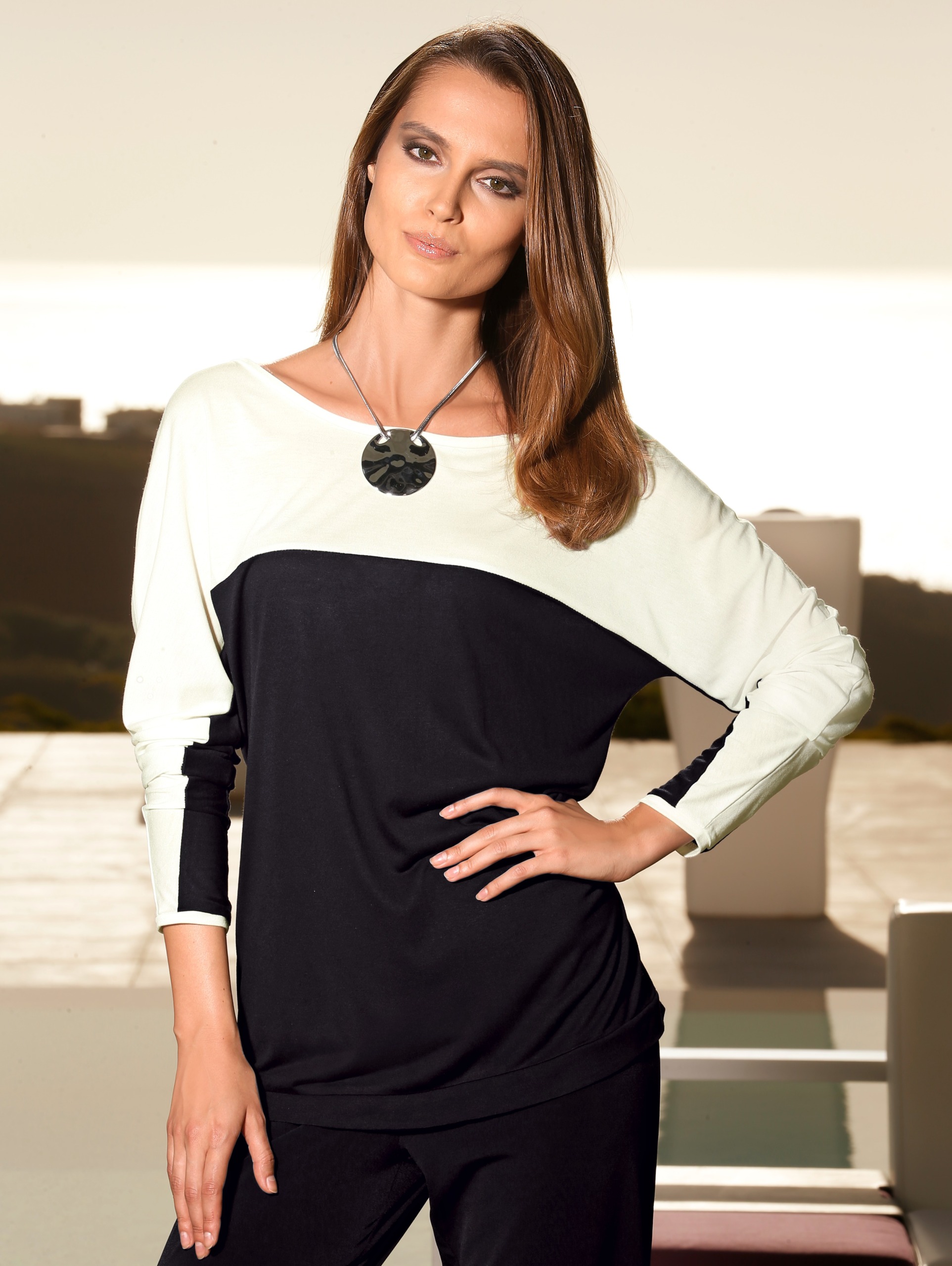
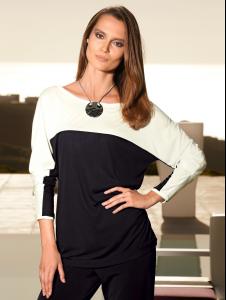 Tania Onishchenko, IDed by husky.
Outstanding!!! Thanks!!!
Nope, I was wrong.
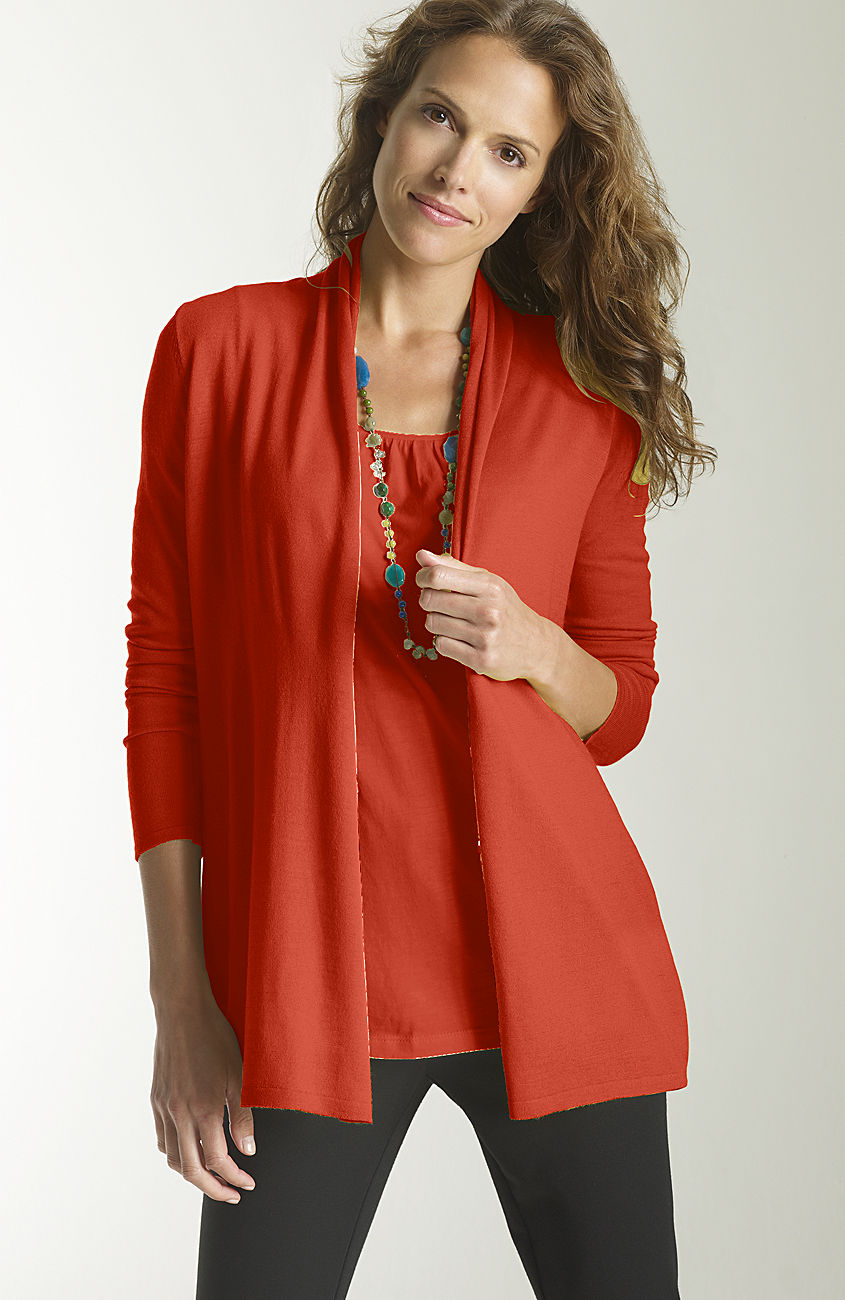
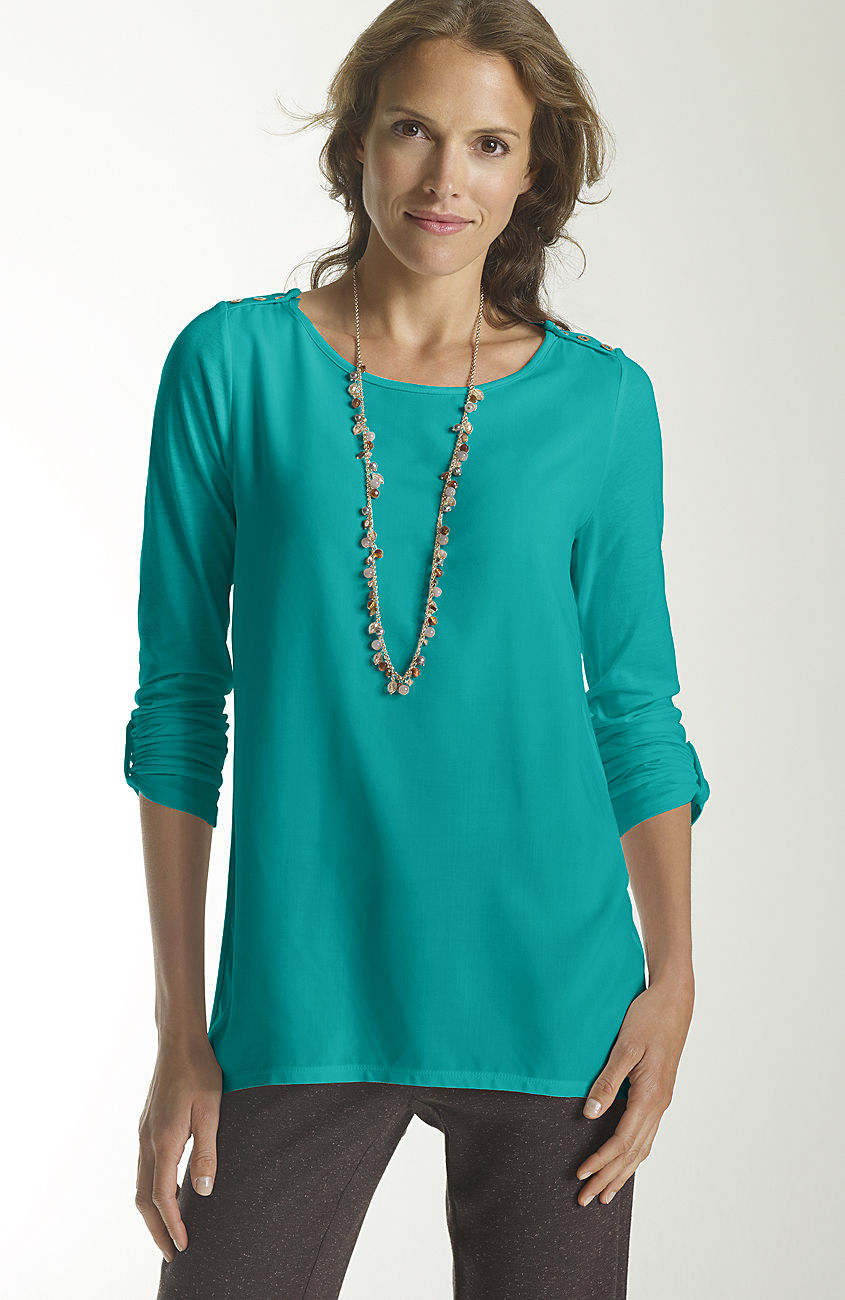
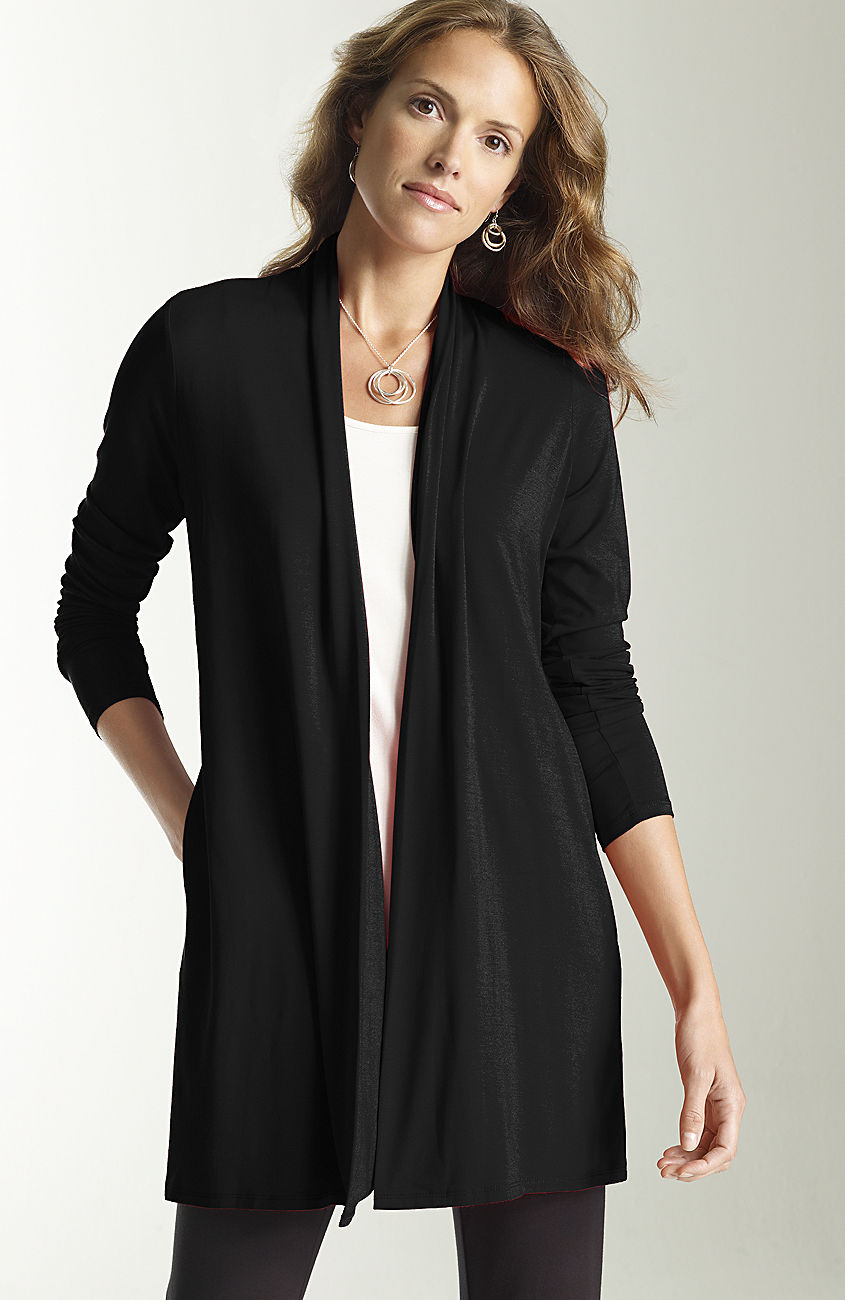
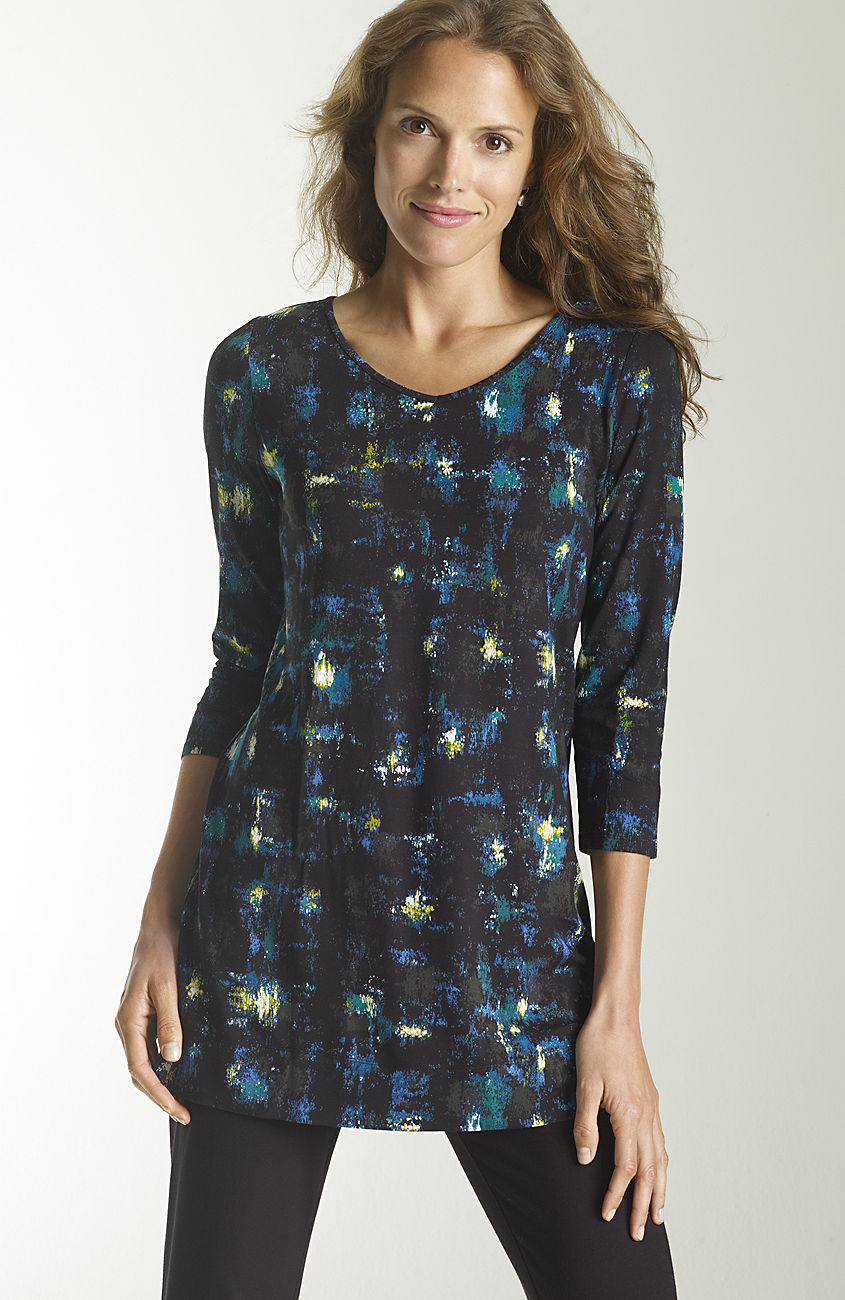
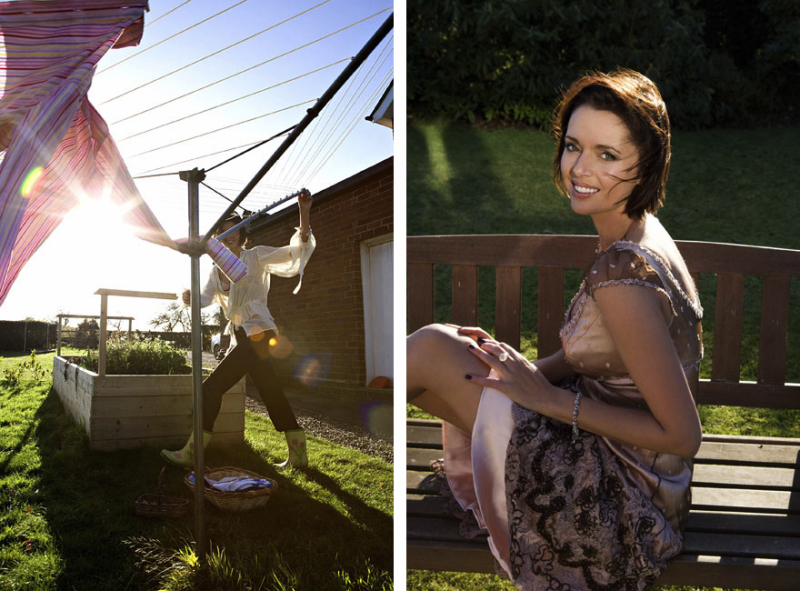
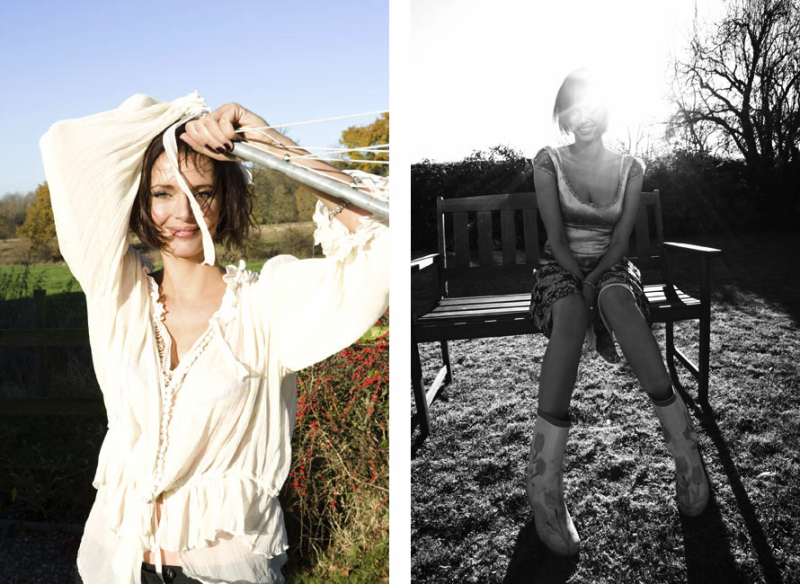
I think you are right, and I am wrong. There is a very strong resemblance, but the earlobes at least are different. The first is definitely Kristina Lezhe. The second is the mystery woman on Amazon.
Tania Onishchenko, IDed by husky.
Outstanding!!! Thanks!!!
Nope, I was wrong.
I think you are right, and I am wrong. There is a very strong resemblance, but the earlobes at least are different. The first is definitely Kristina Lezhe. The second is the mystery woman on Amazon. Got it! Kristina Lezhe
sorry- Kristina is correct. http://www.musenyc.com/portfolio.aspx?nav=2&subid=8846&mainsubid=8846&modelid=613709&a=55
This is Kristina L, represented by Muse NYC. I was asking abou ther as well recently Don't know the last name.
Her name is Katrina L, with Muse NYC. Still looking for a last name.
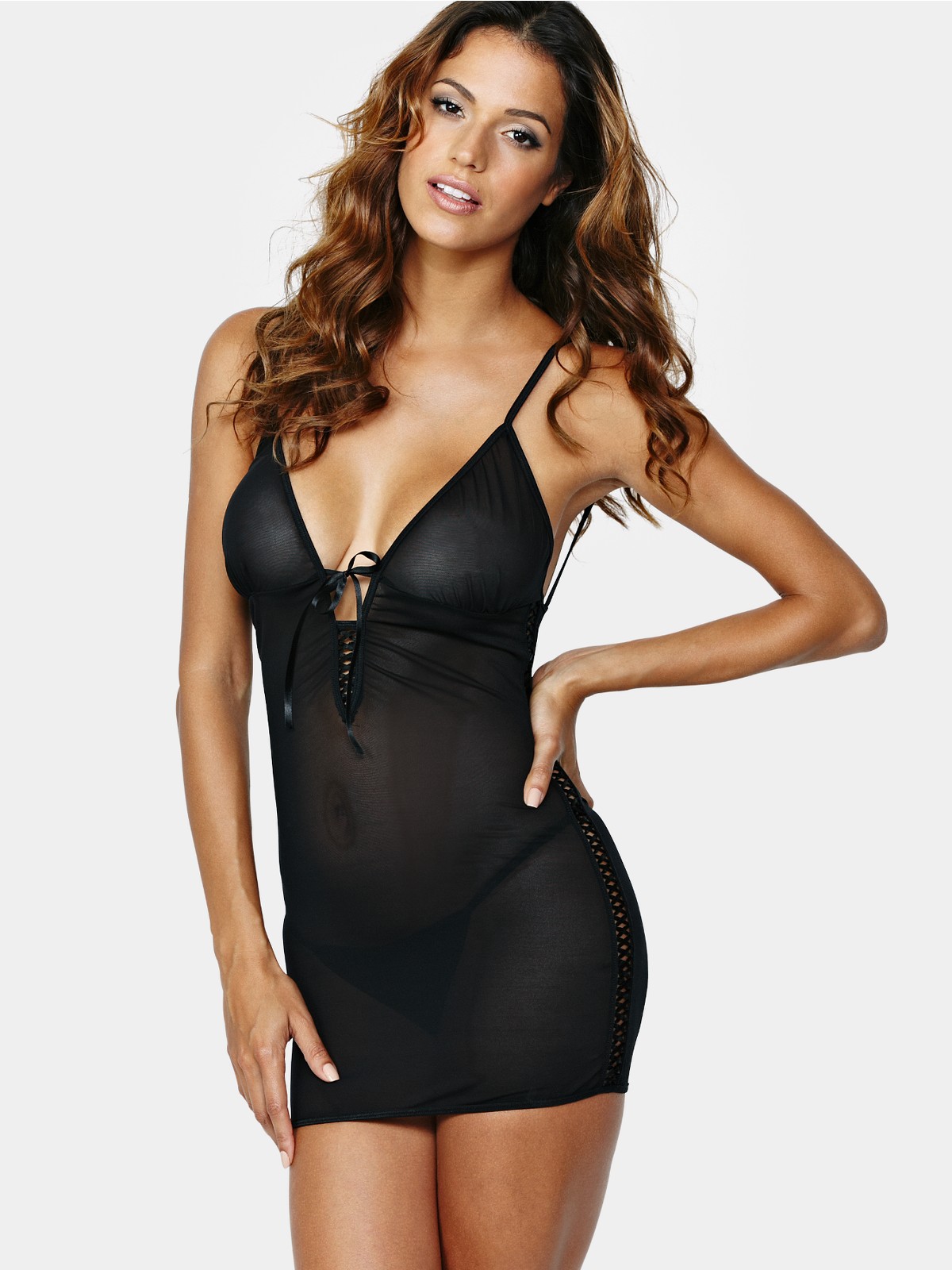
That is Daniela Urzi
very nice--thanks!
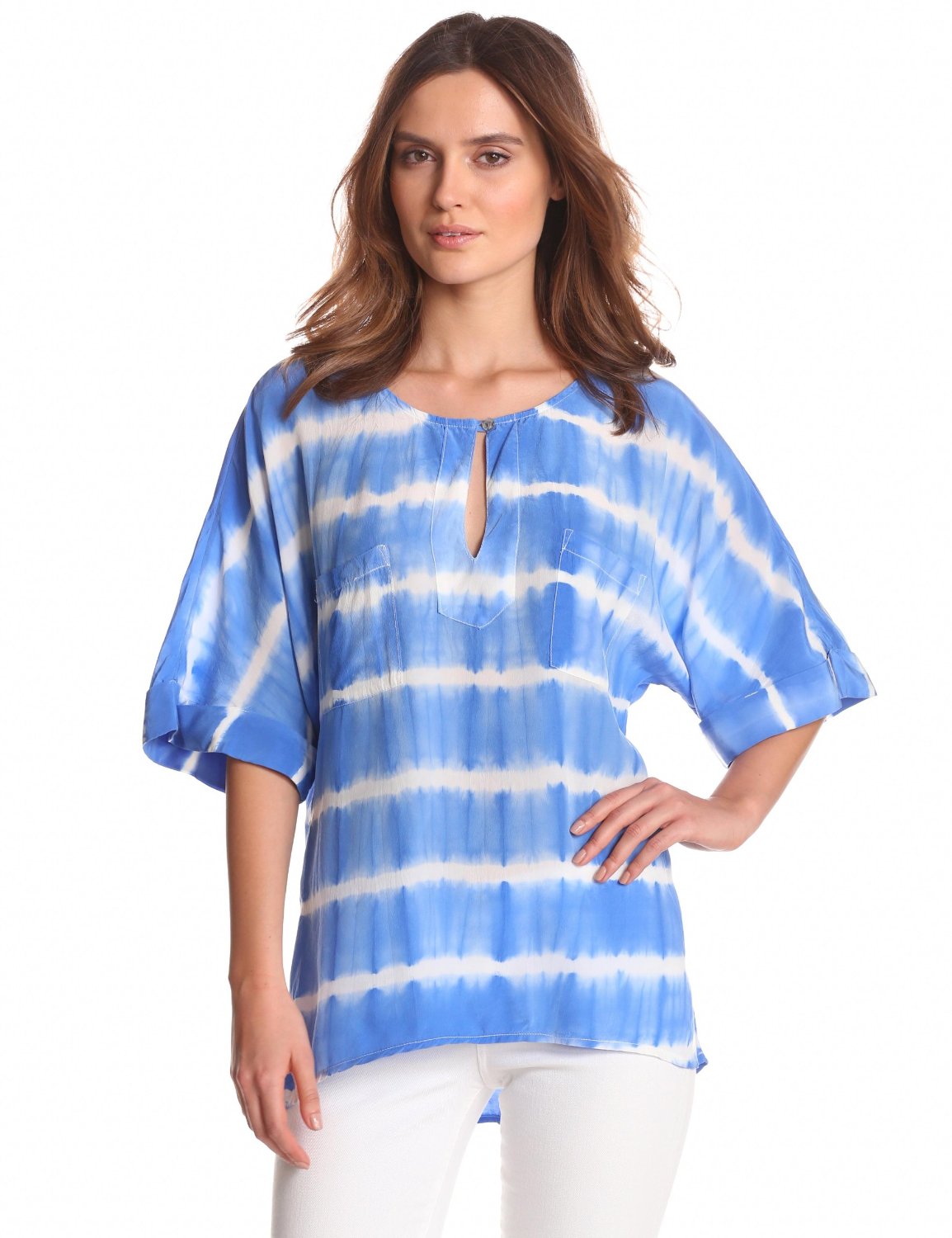
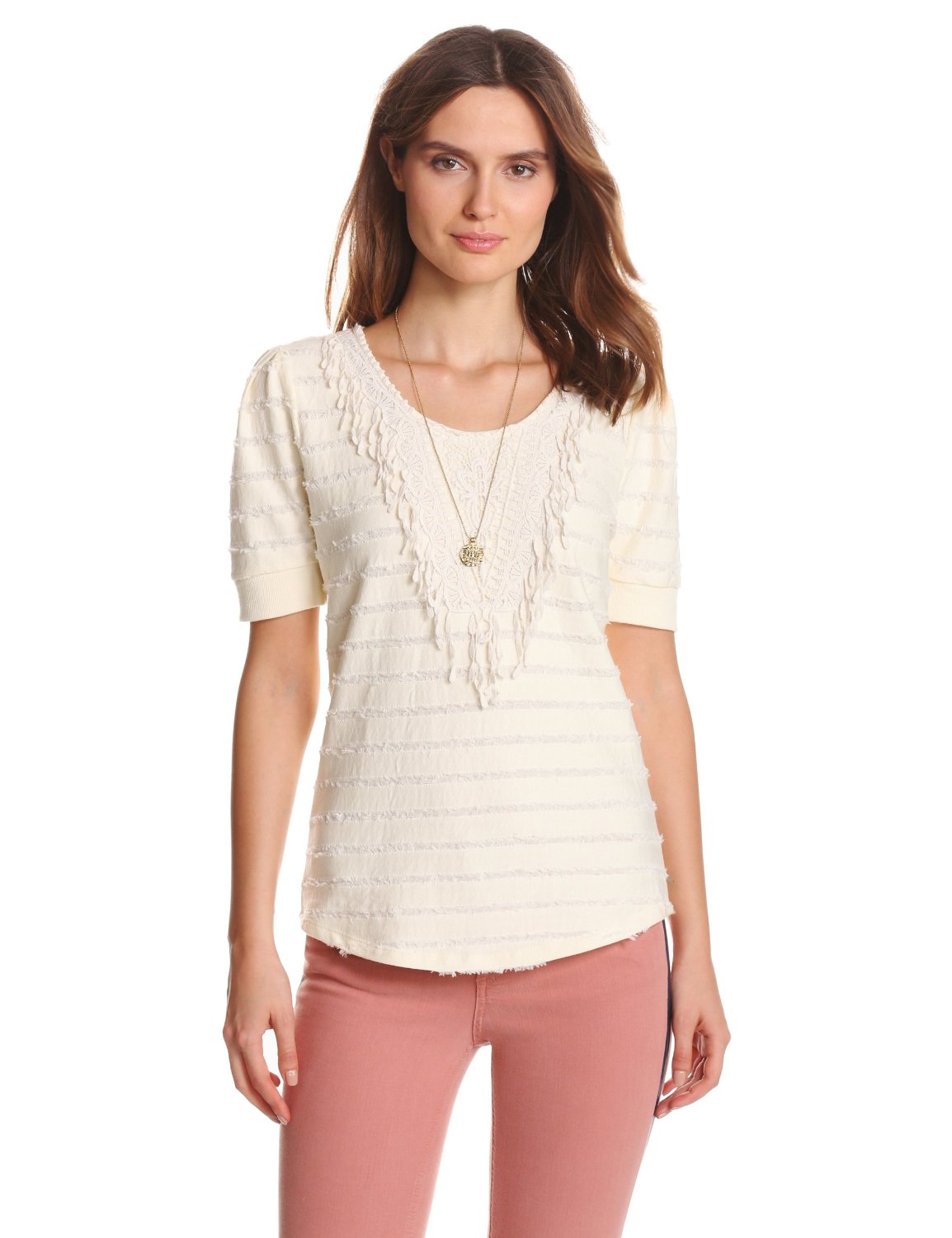
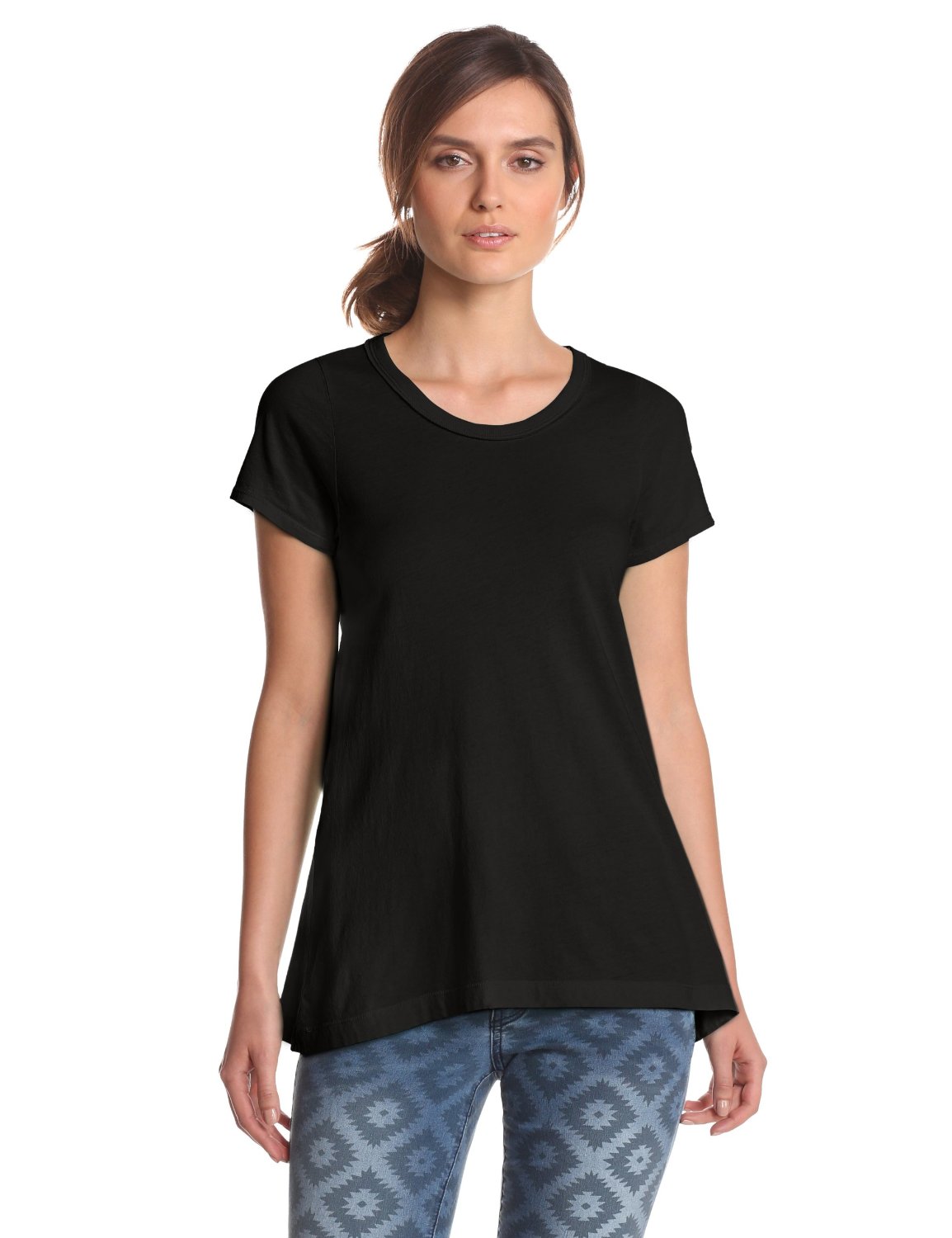
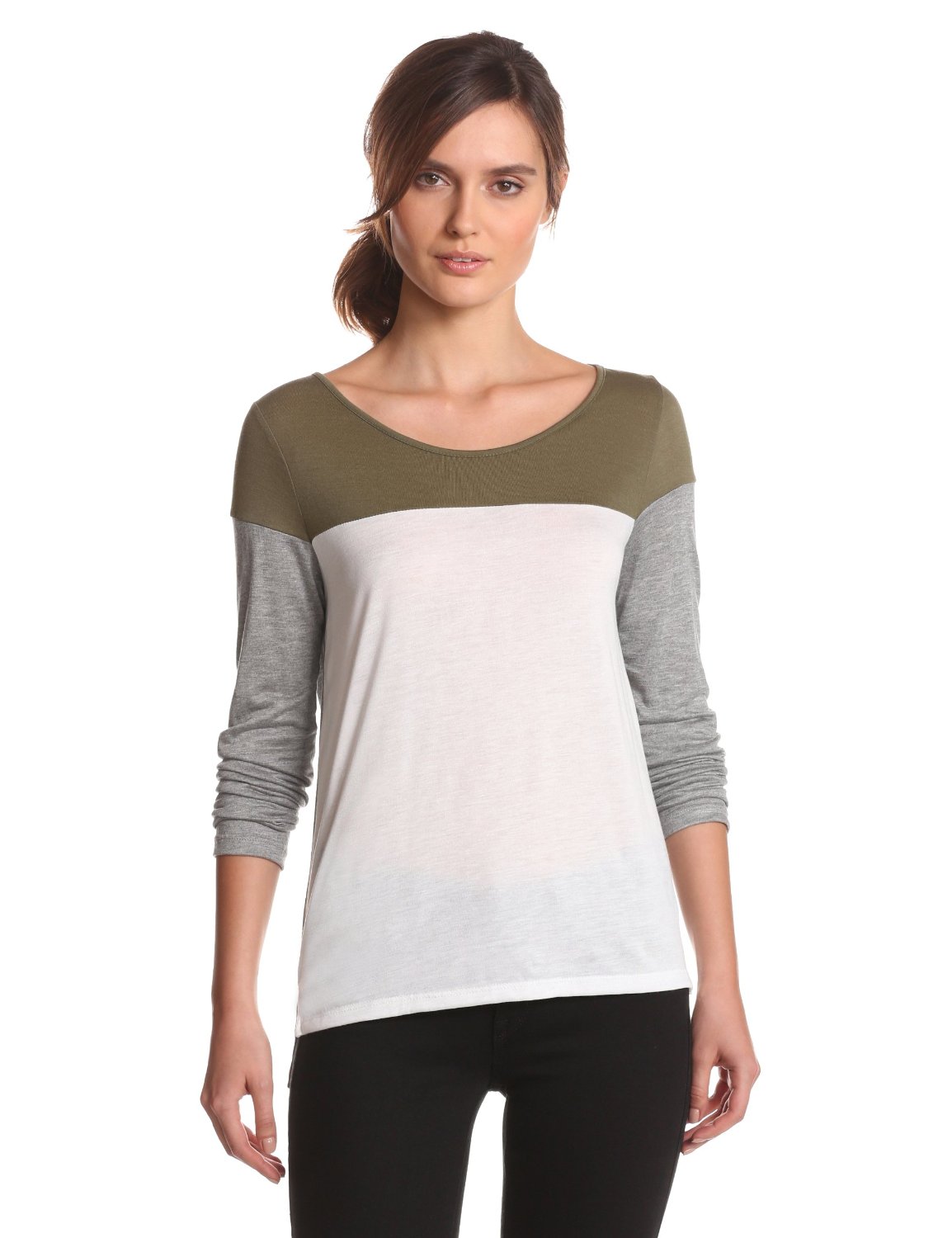
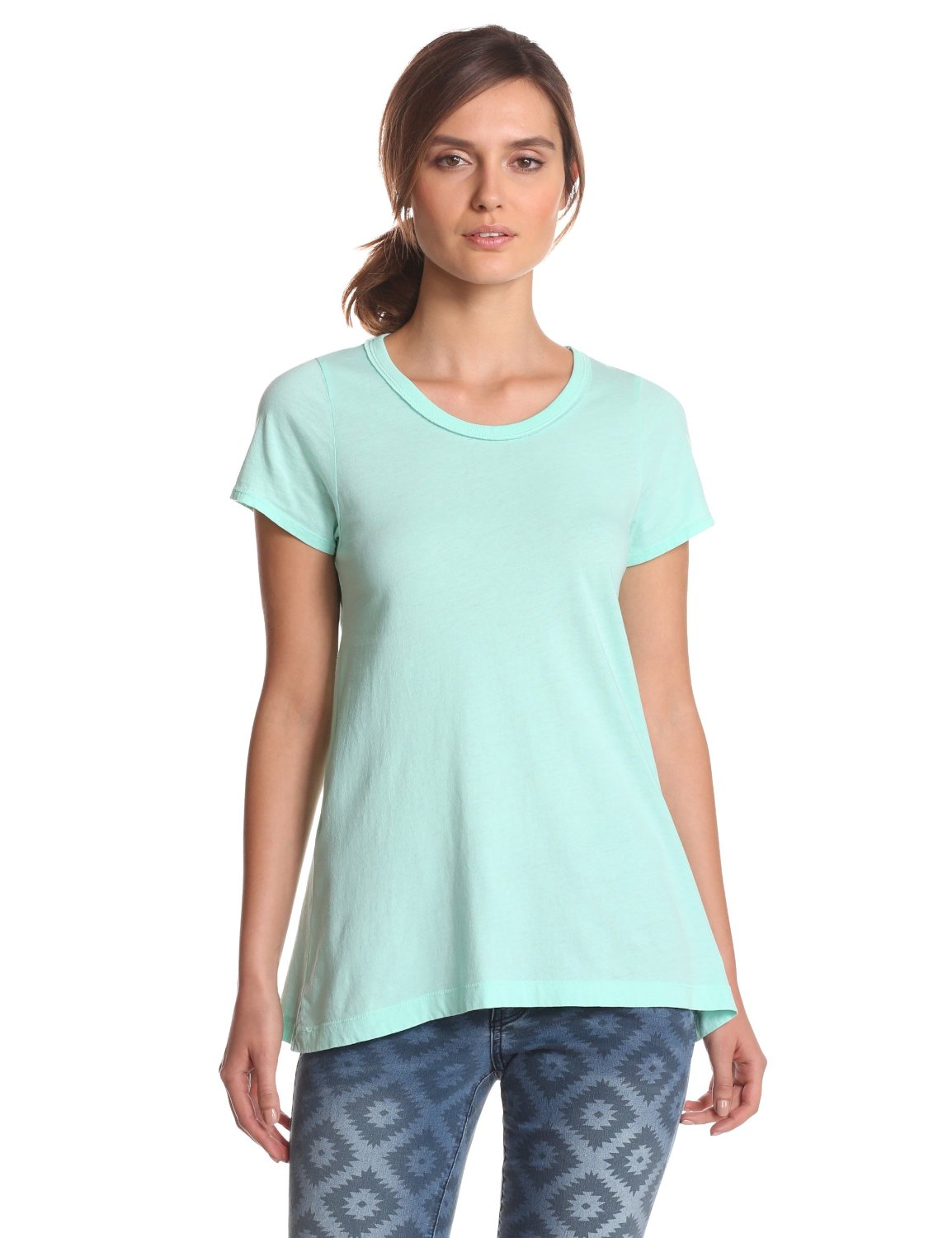
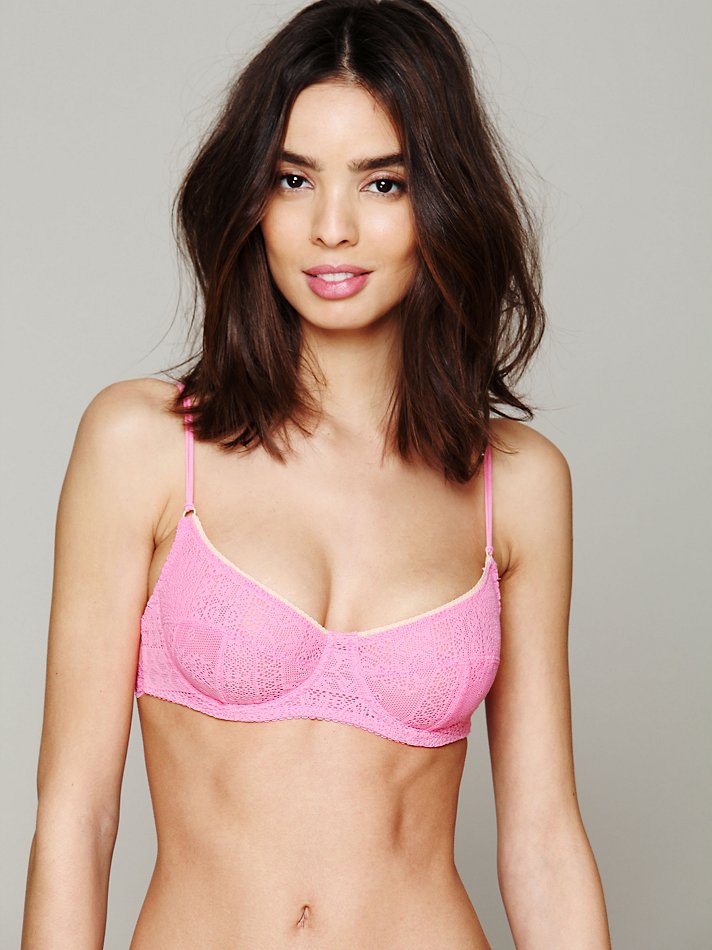
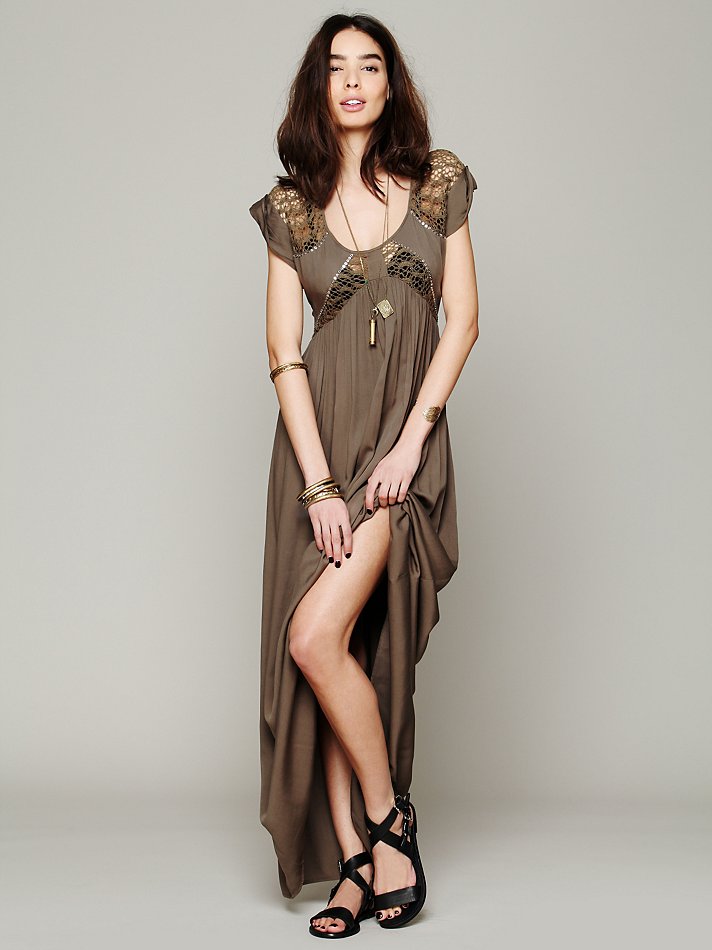
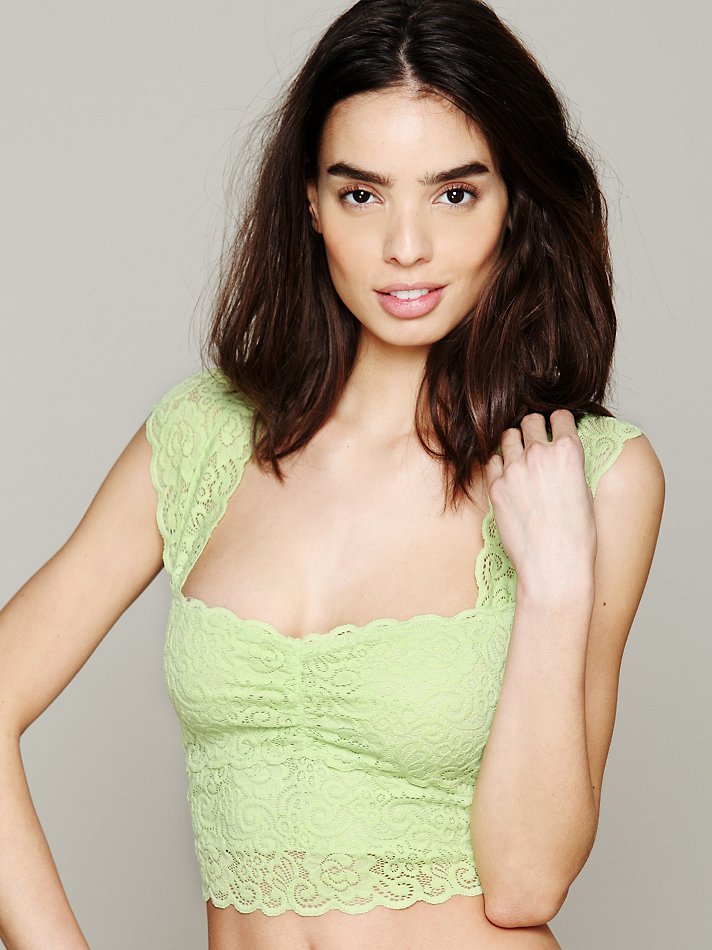
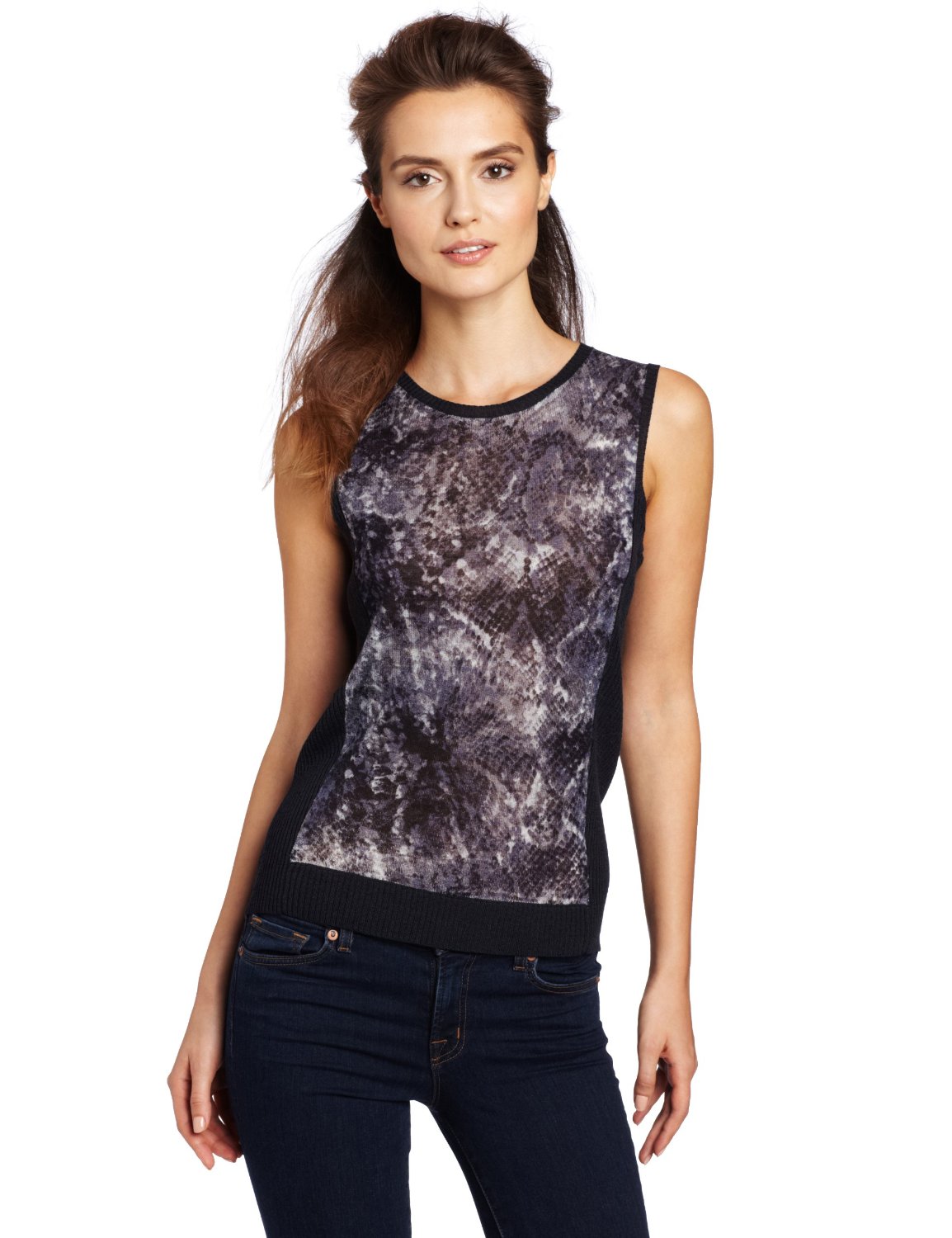
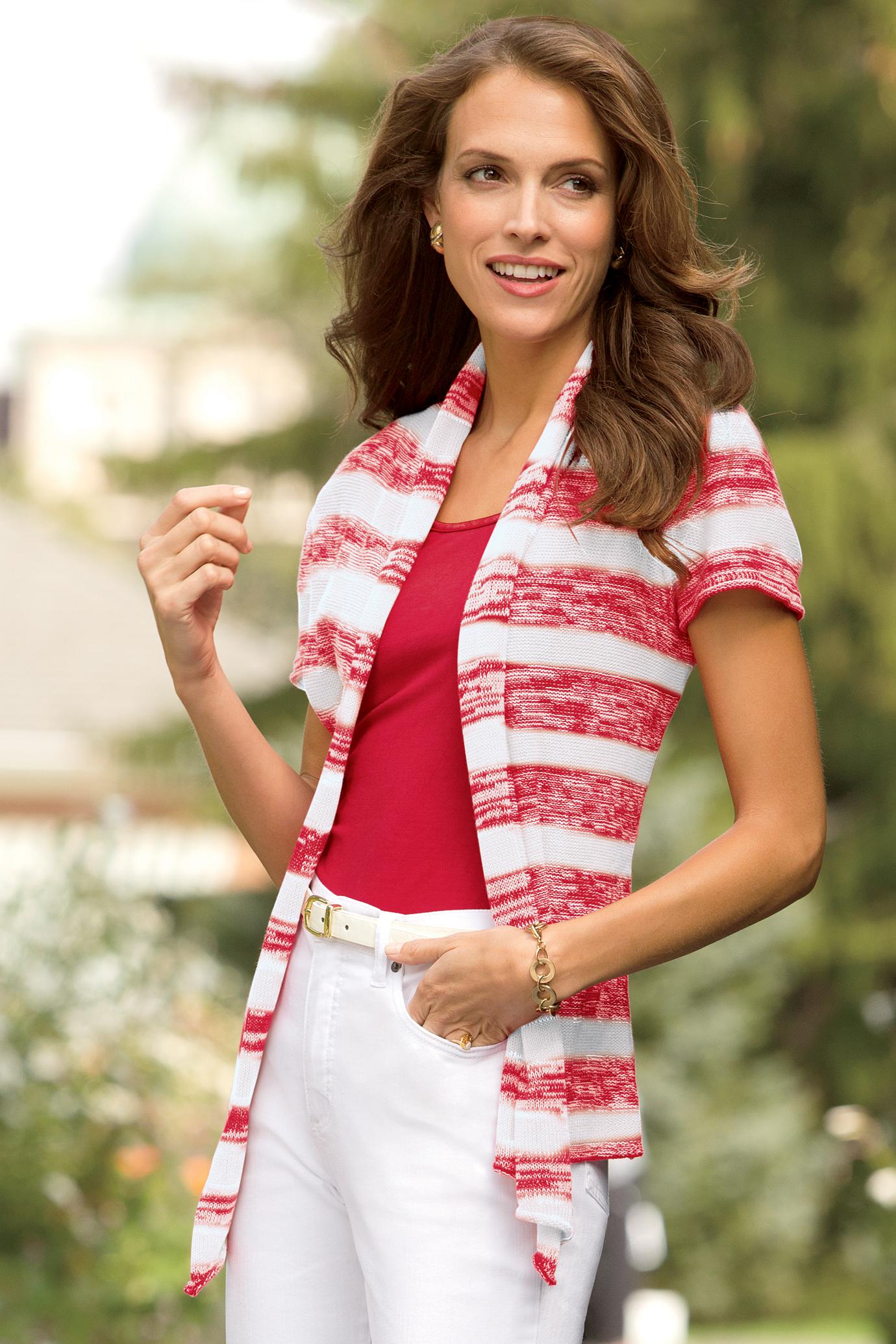
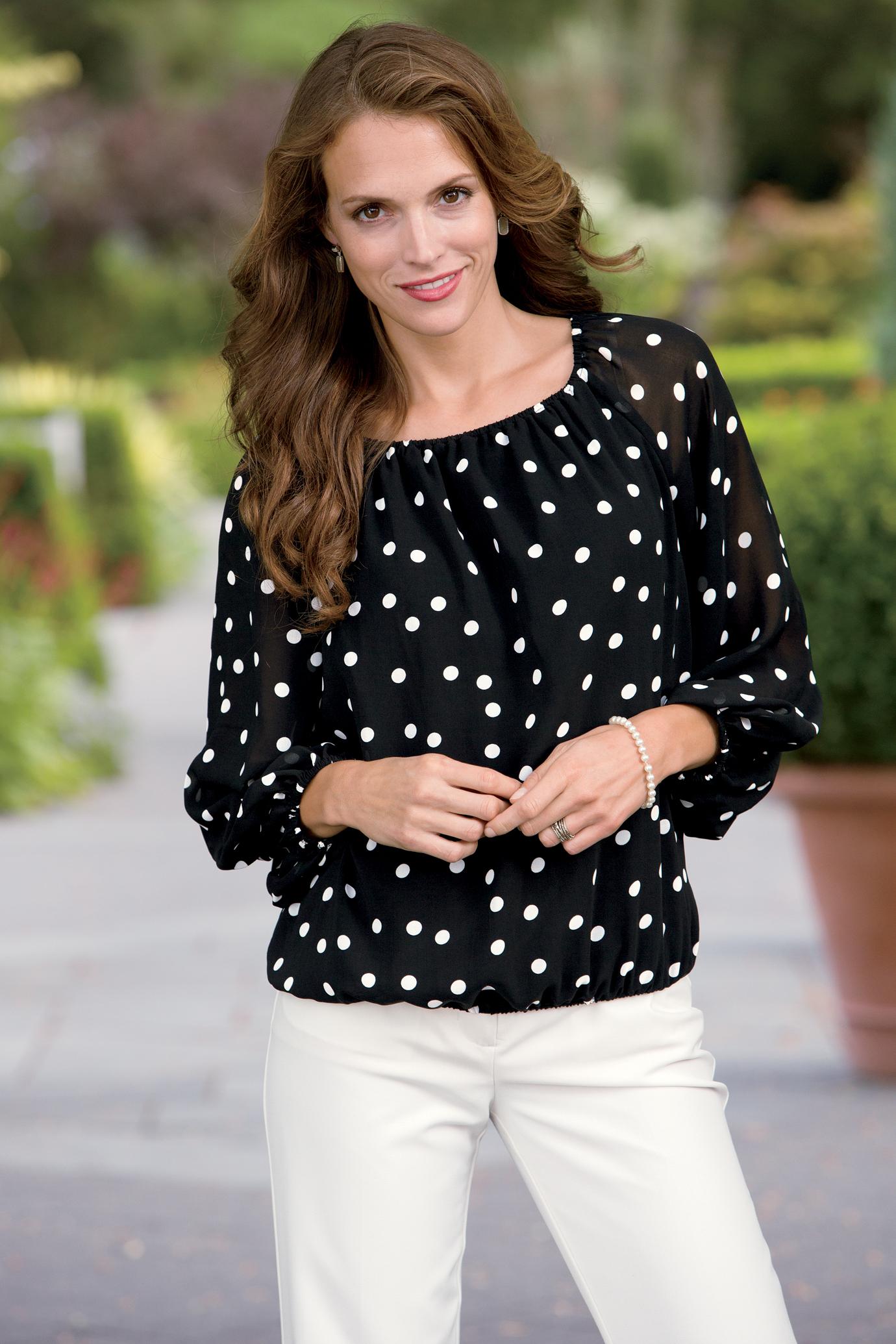
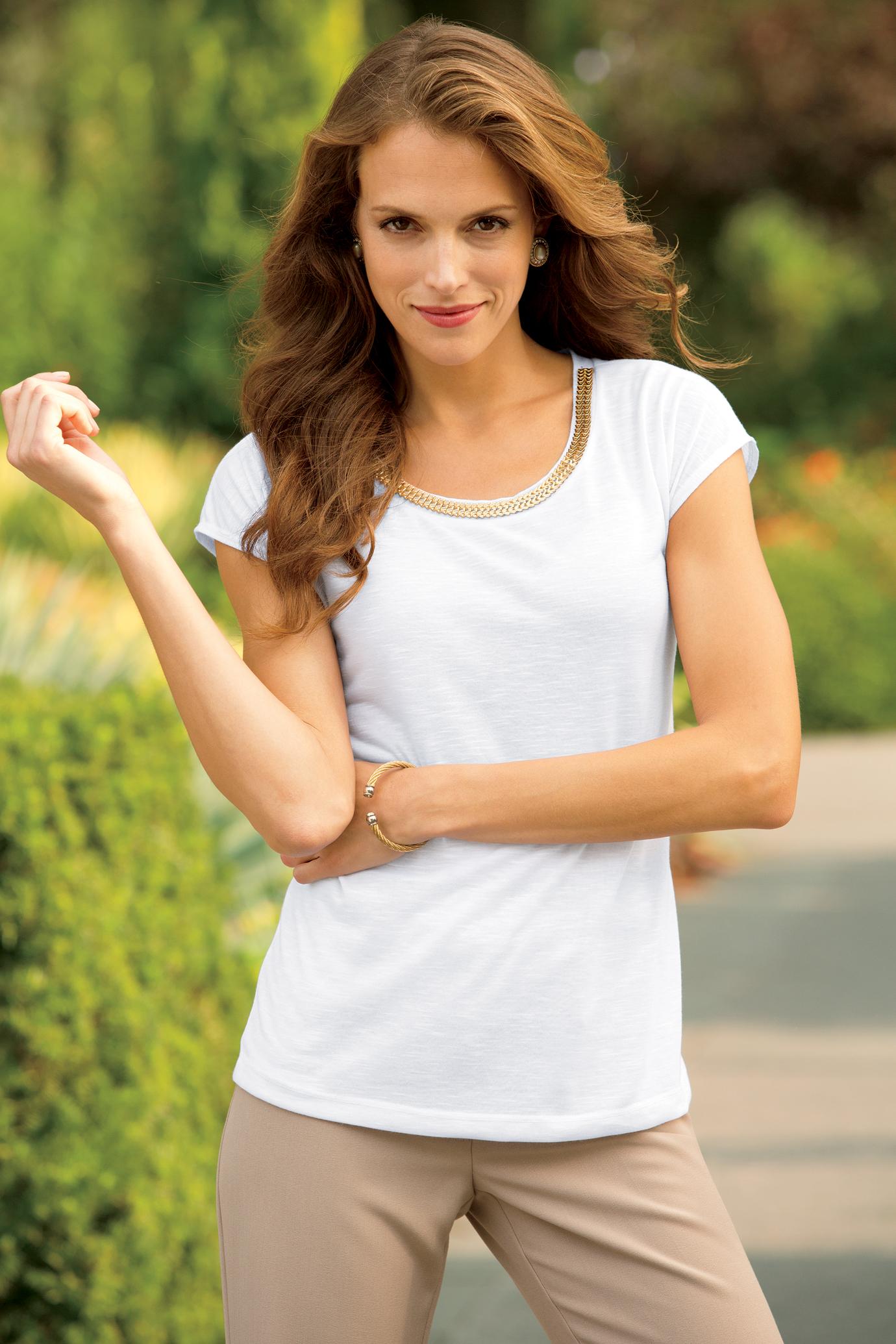
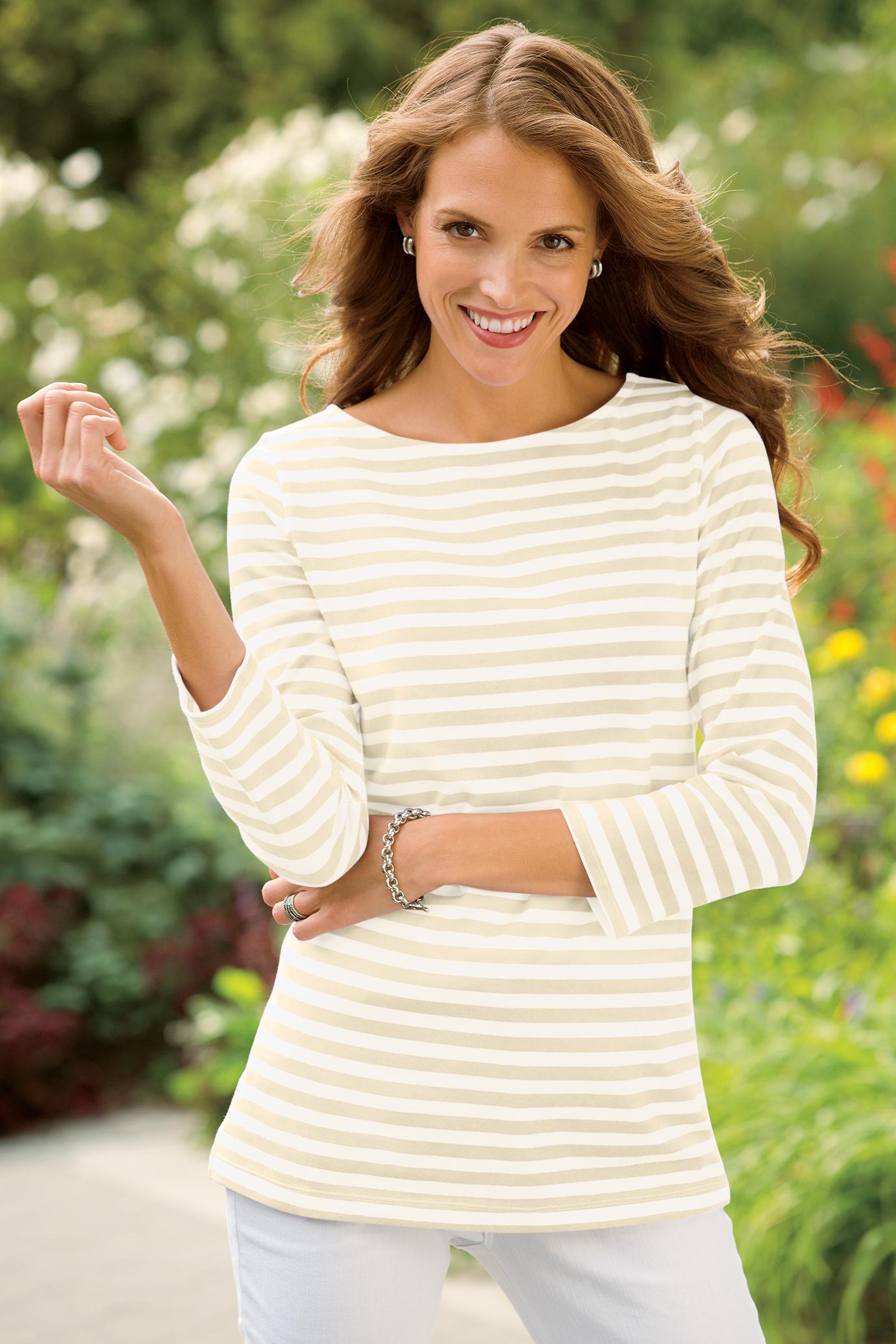
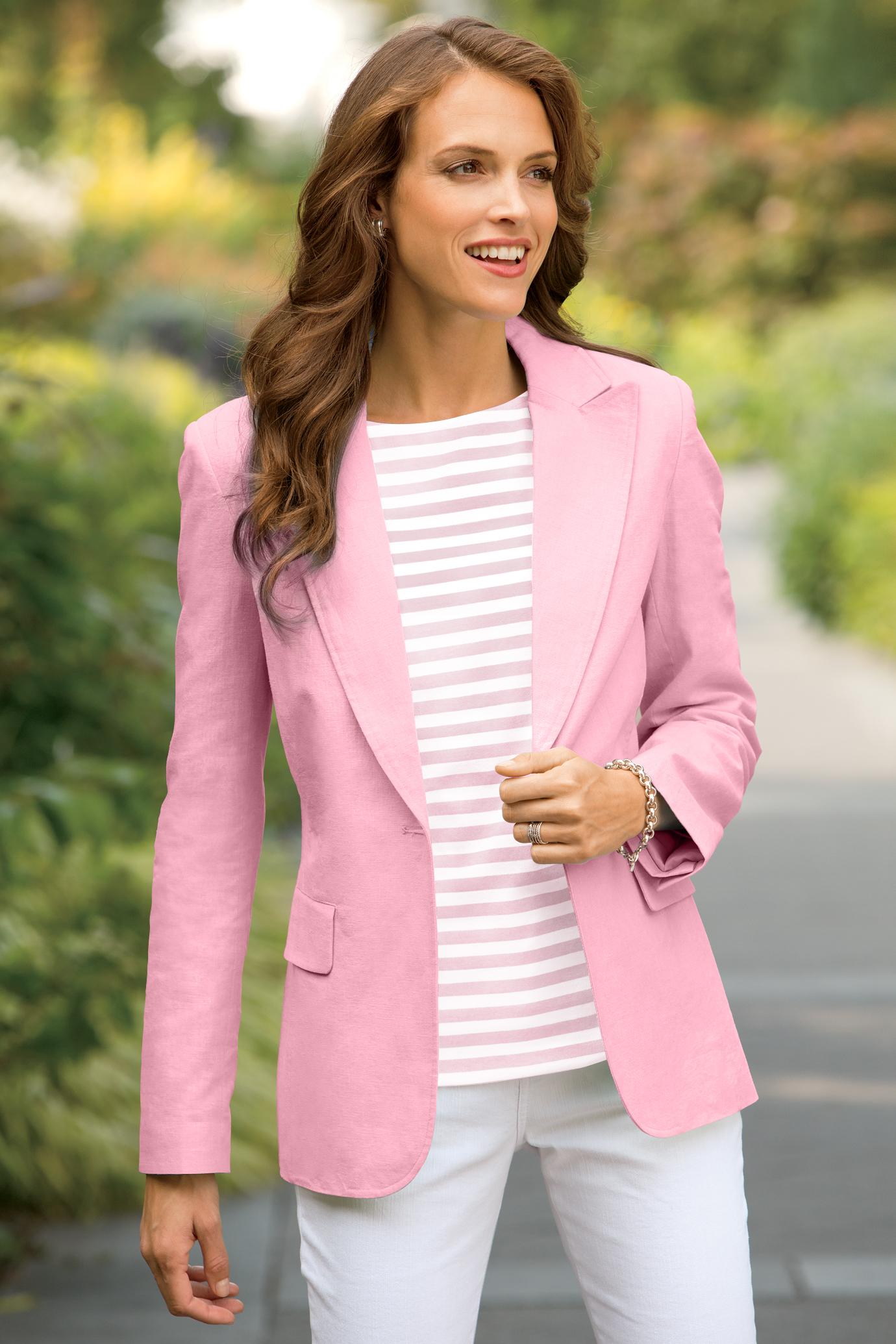
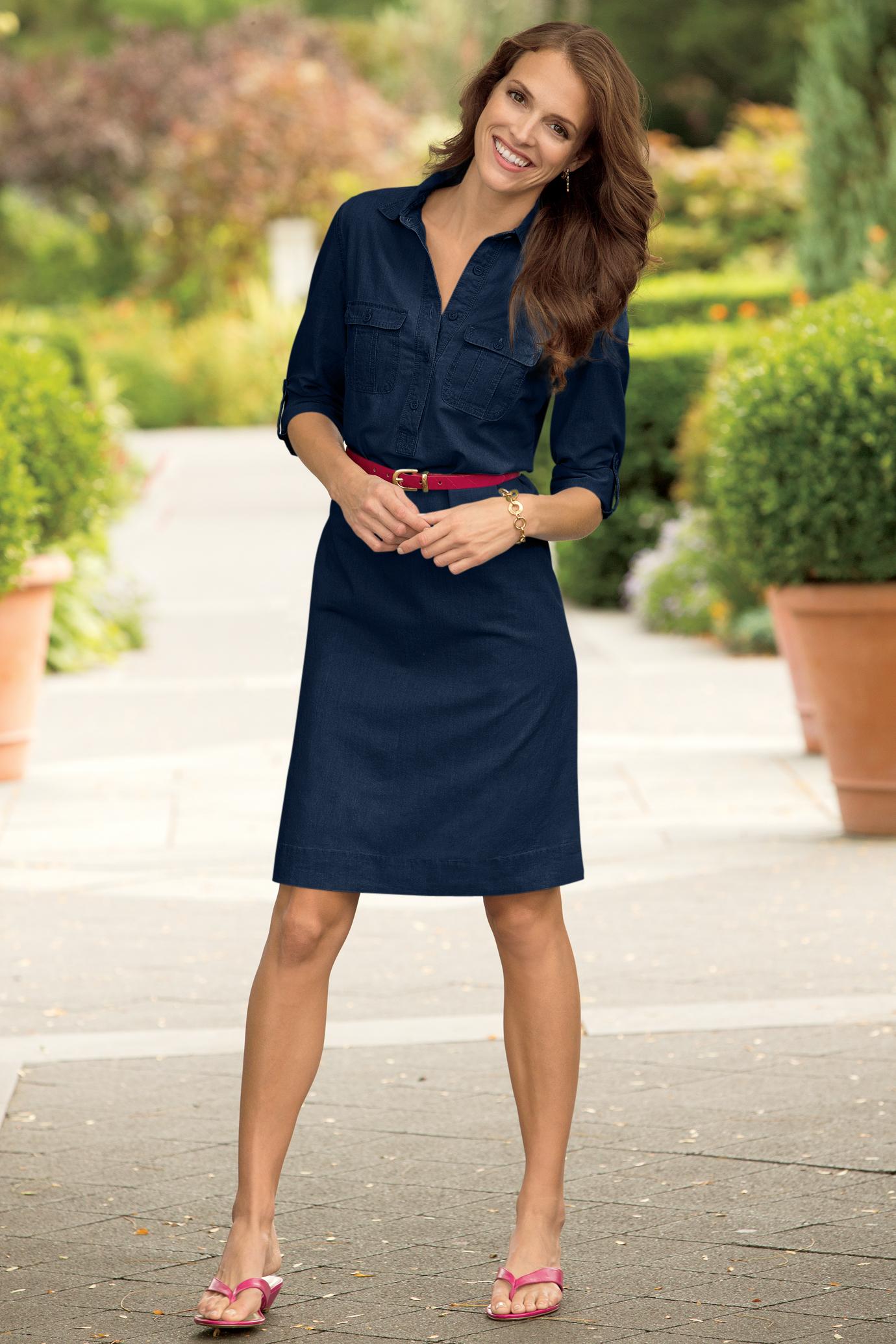
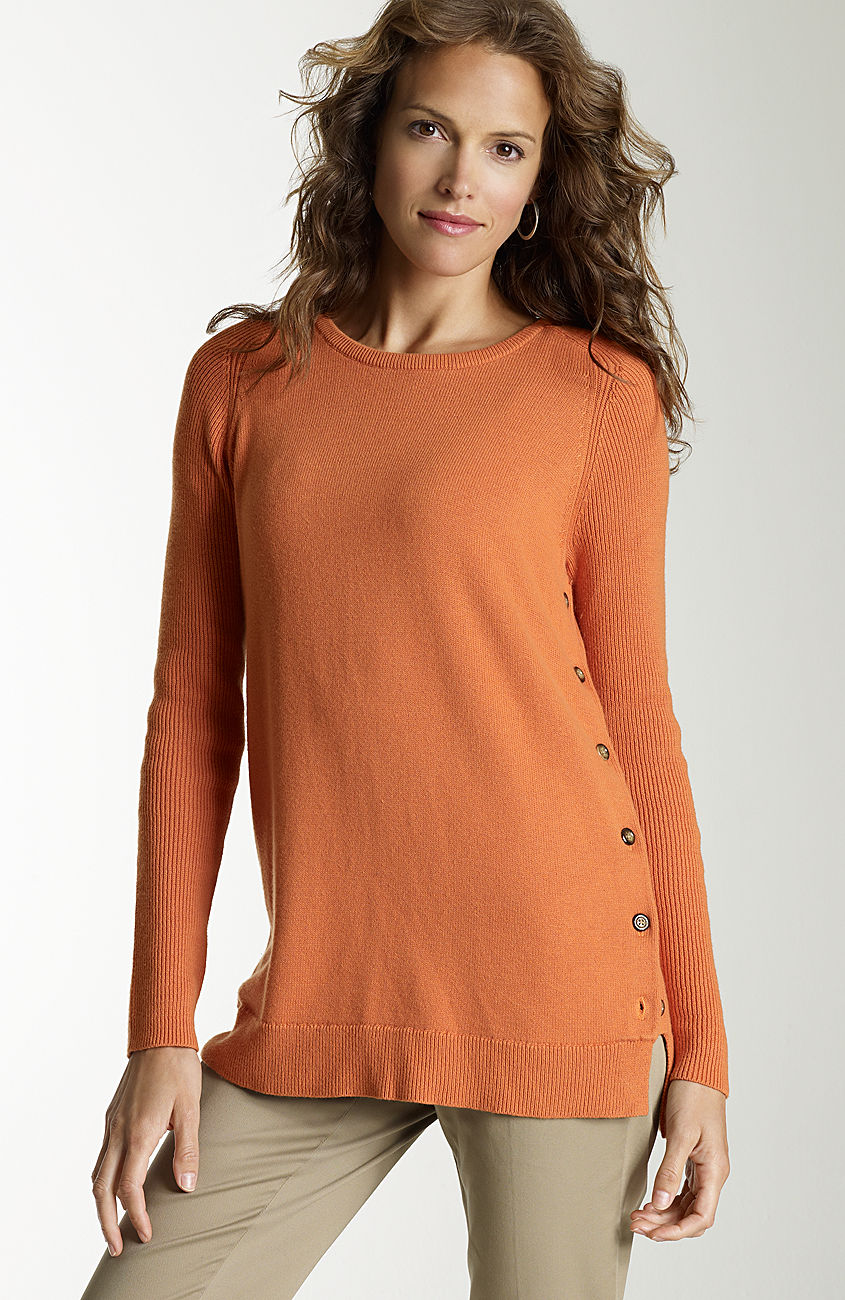
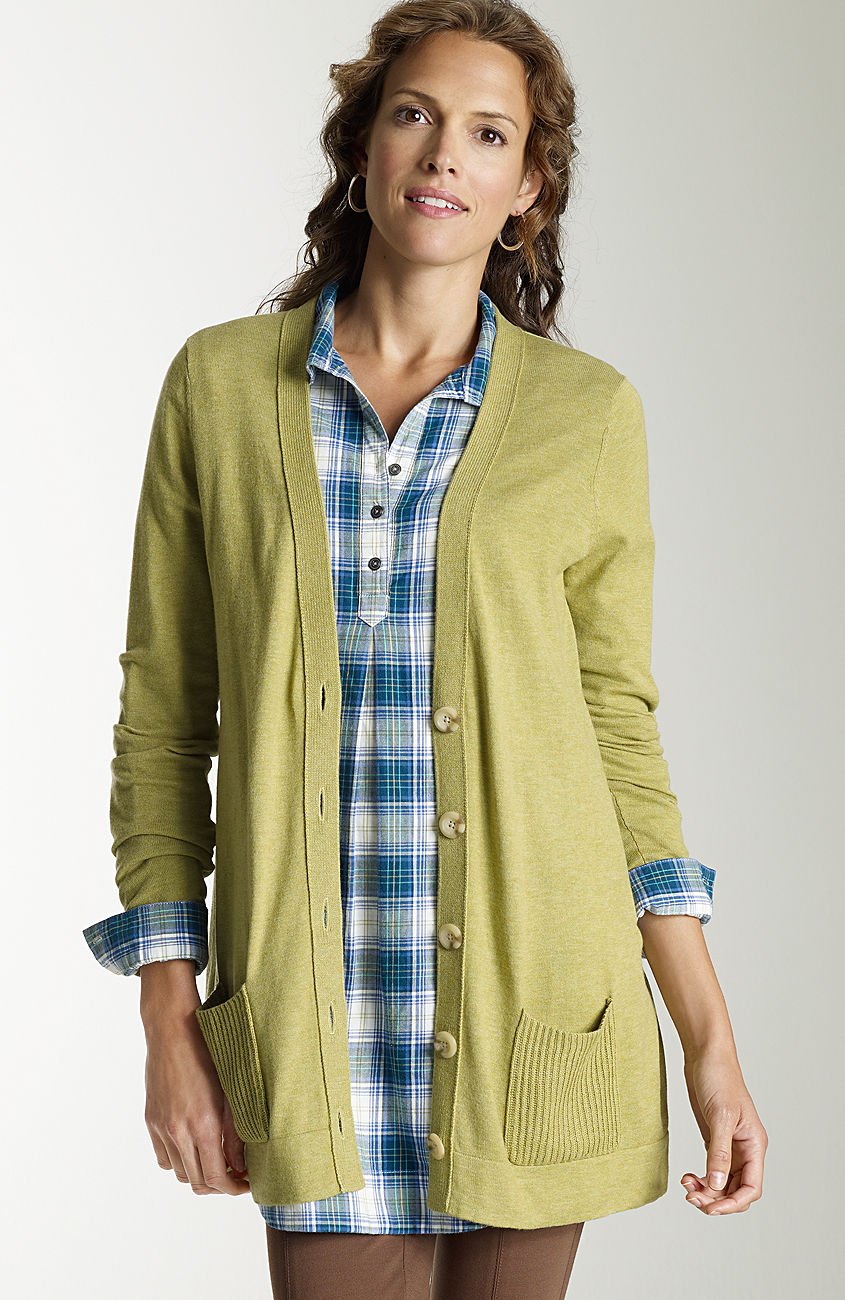
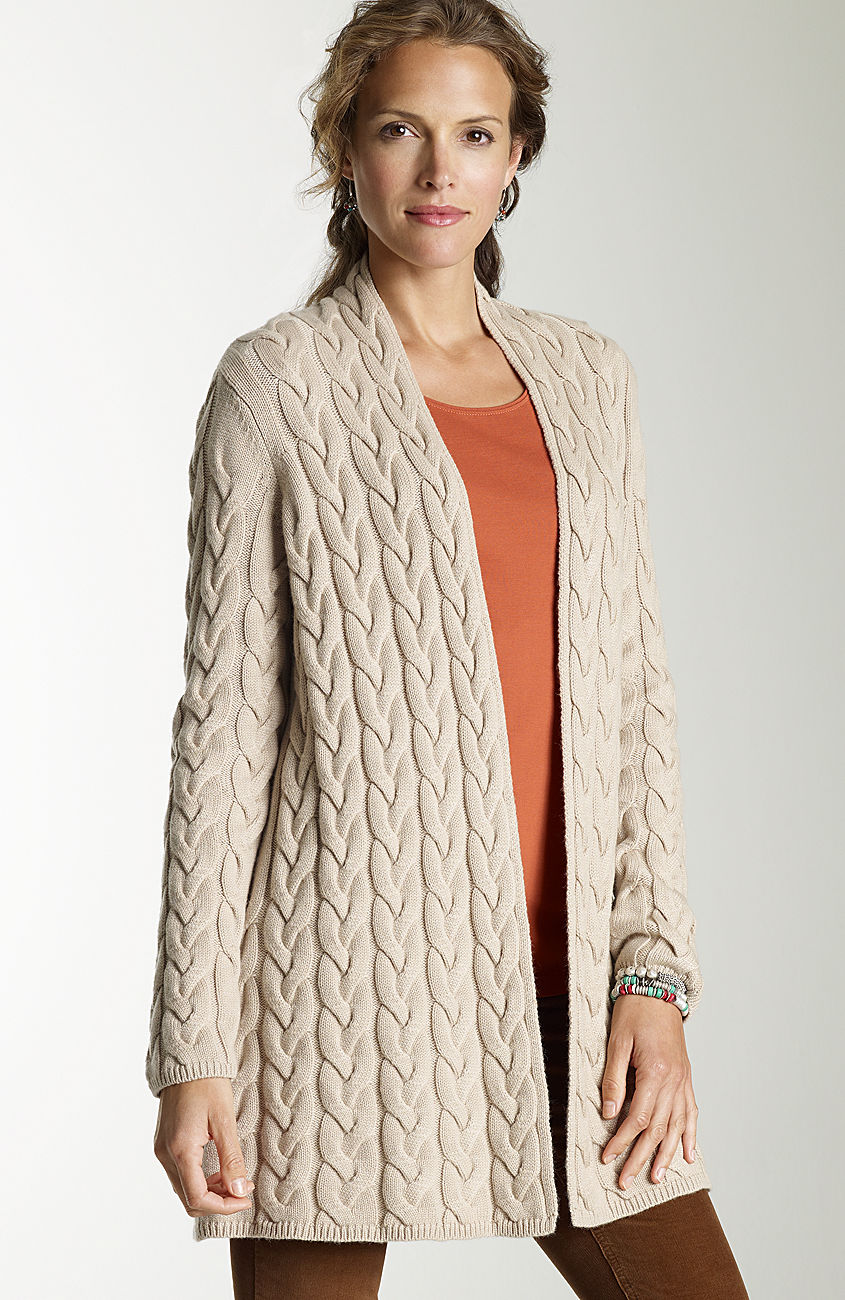
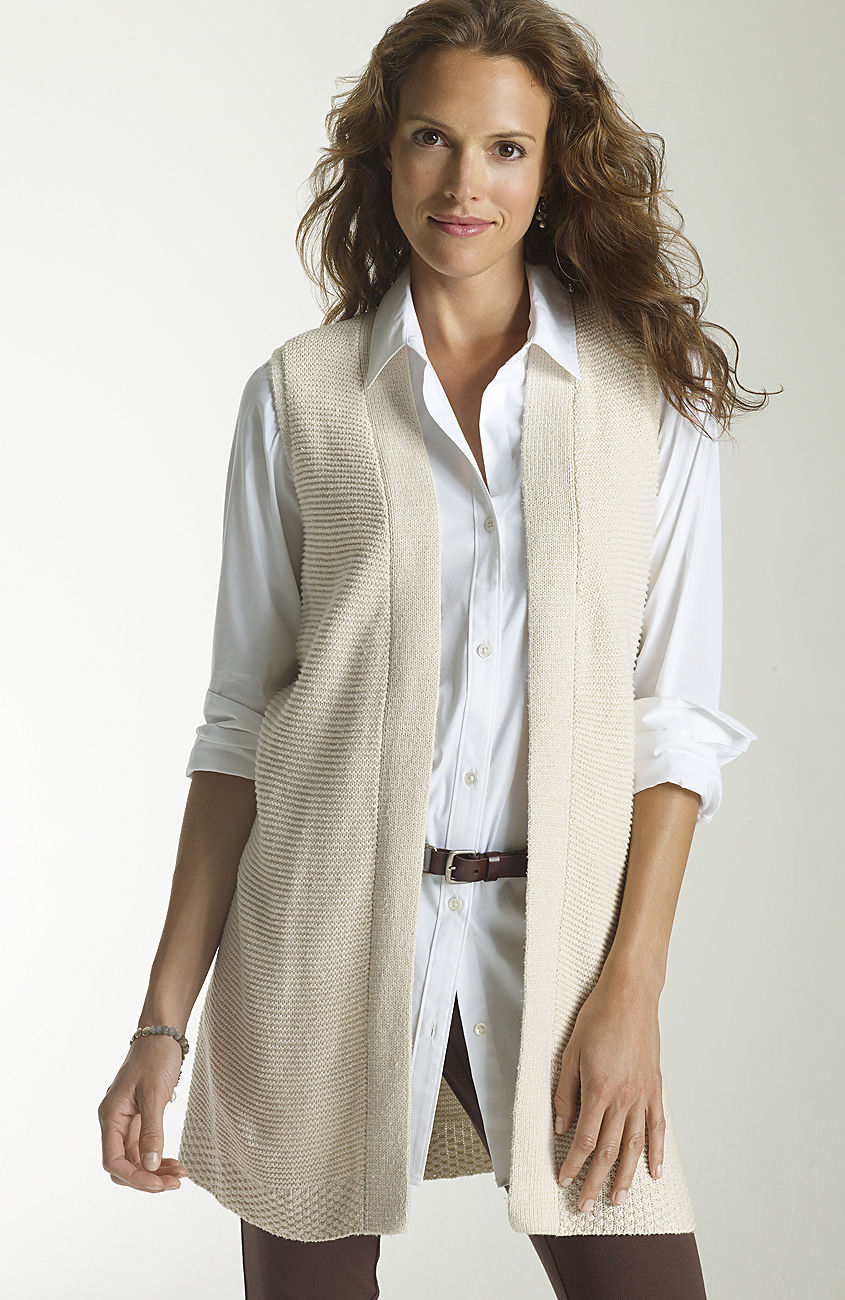
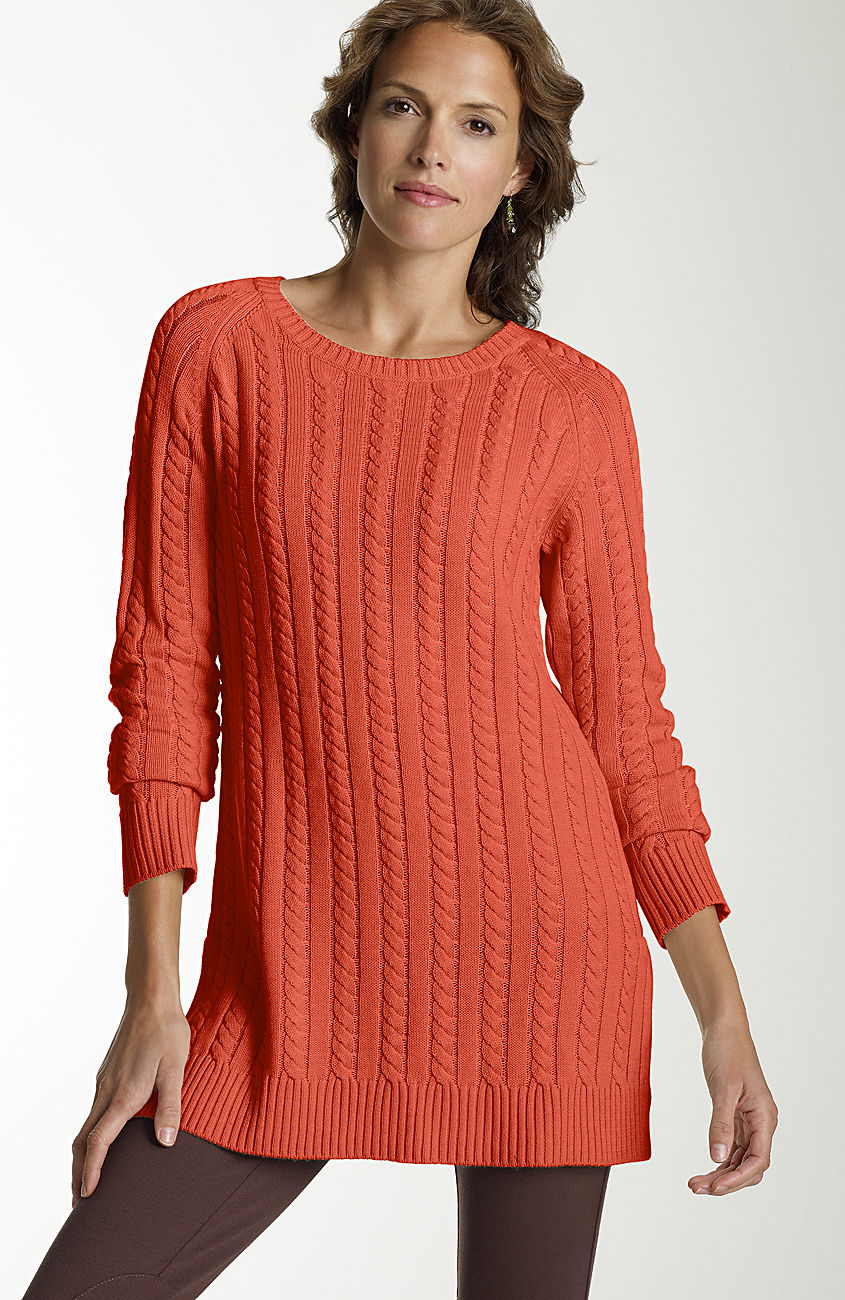
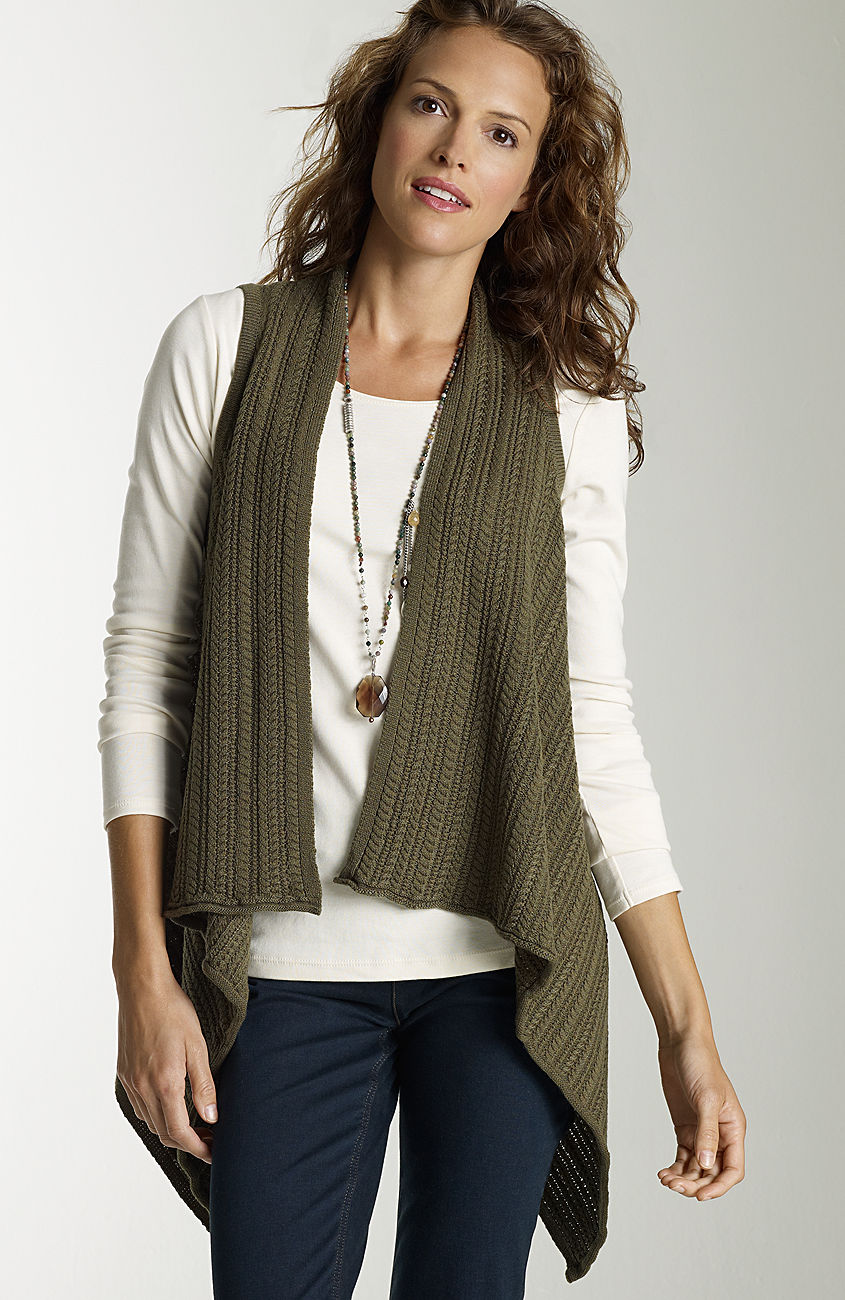
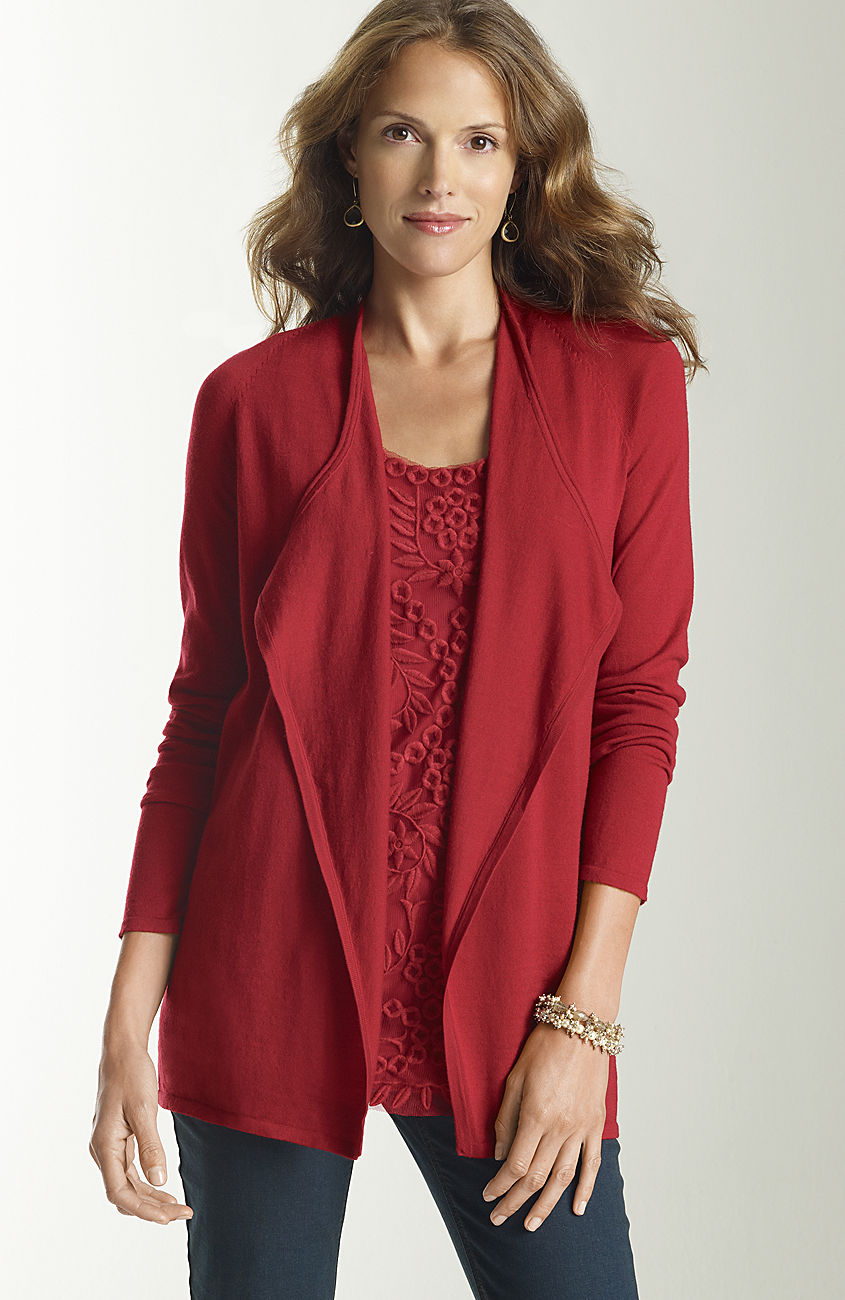
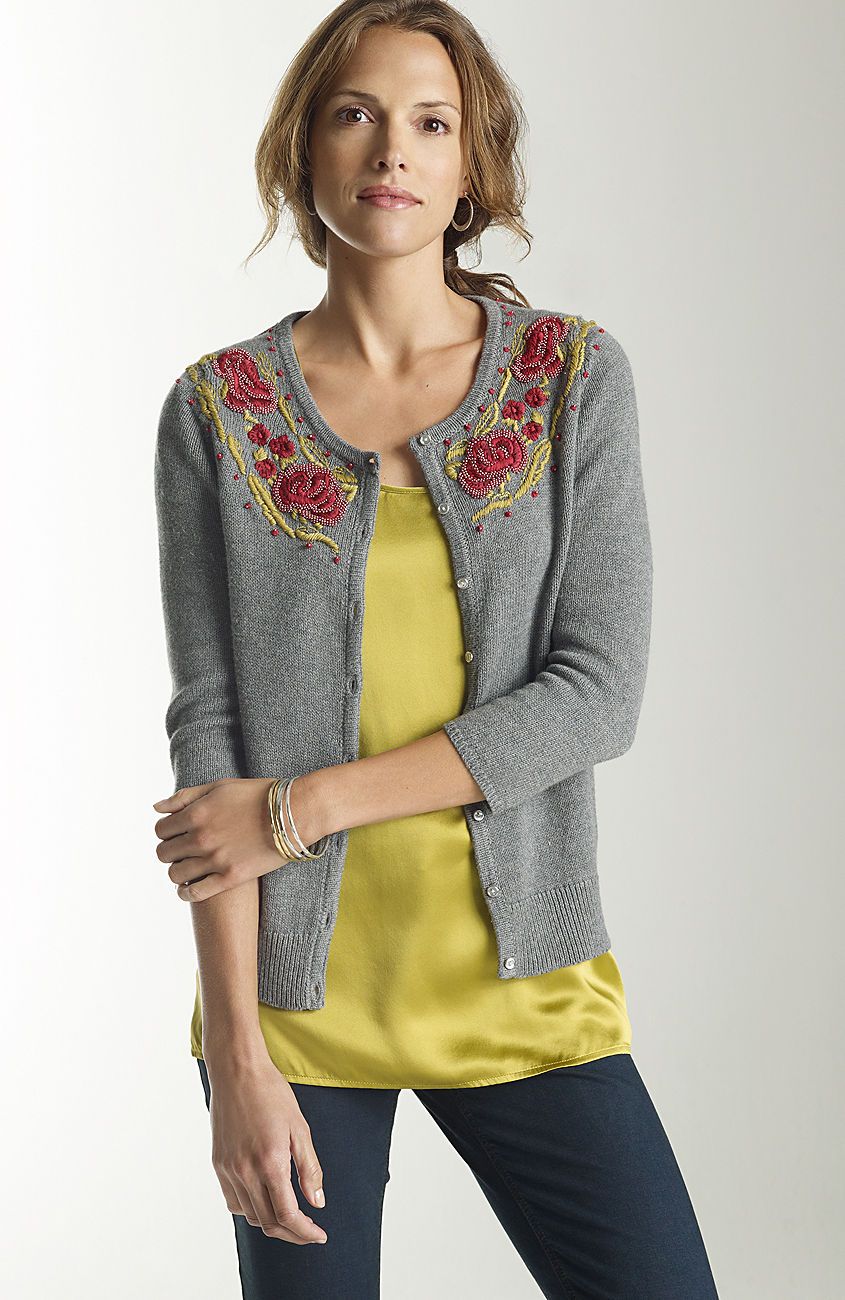
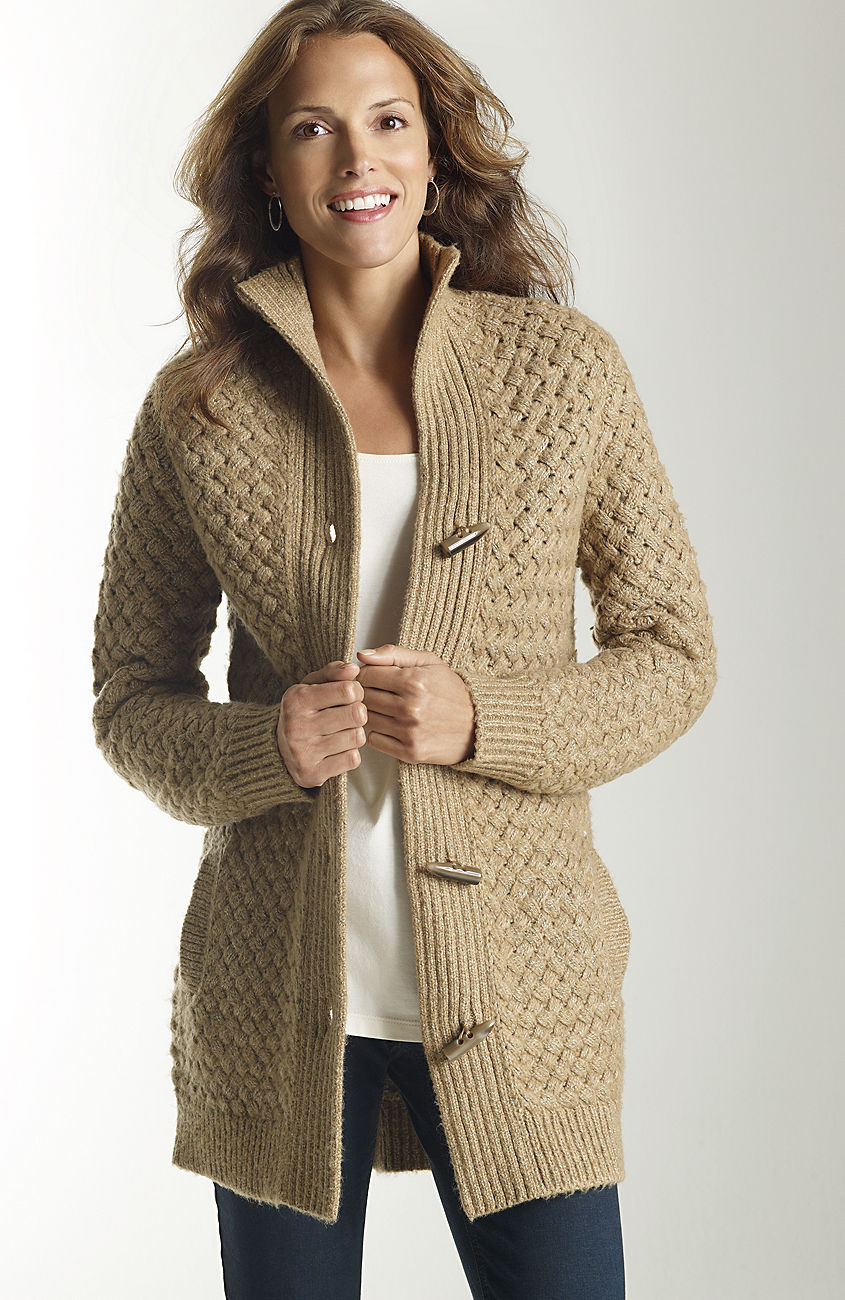
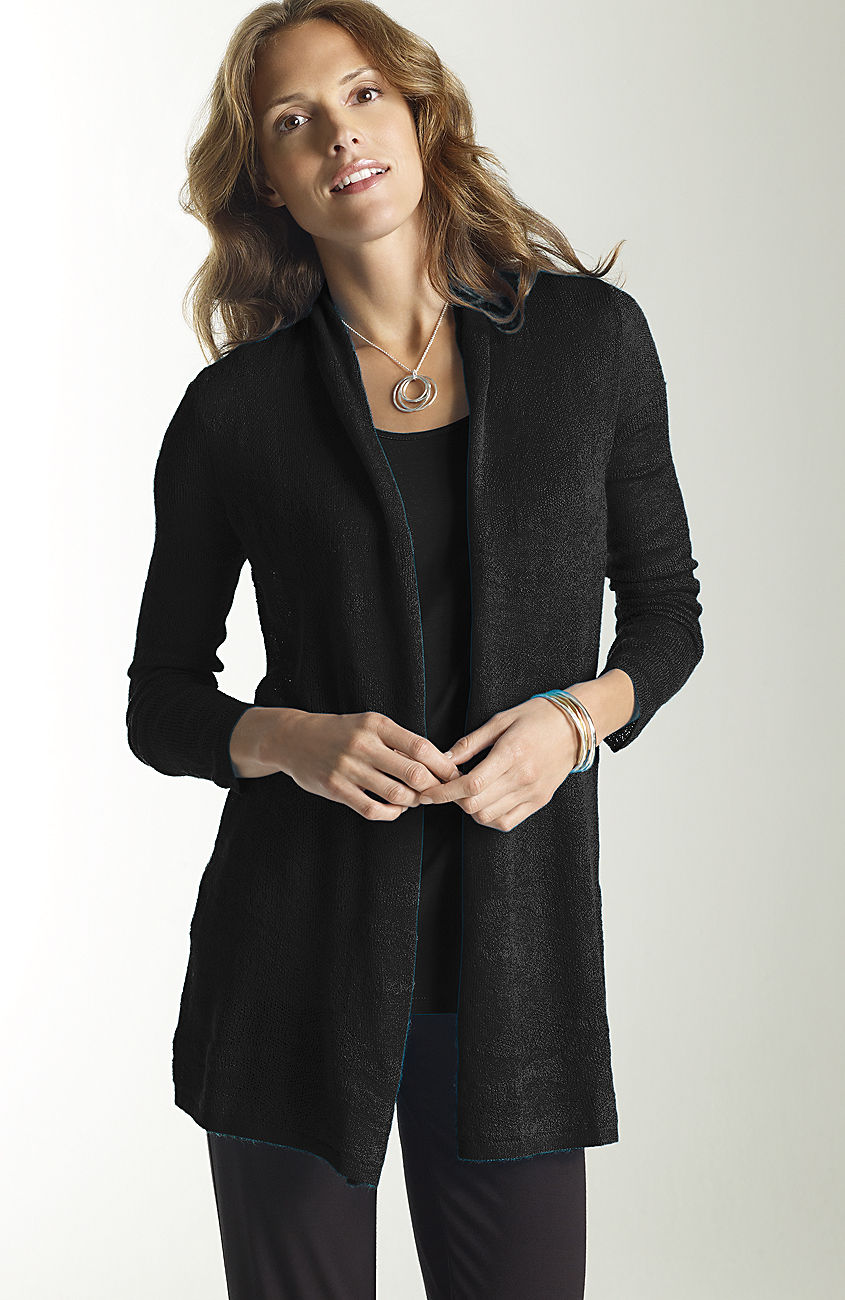
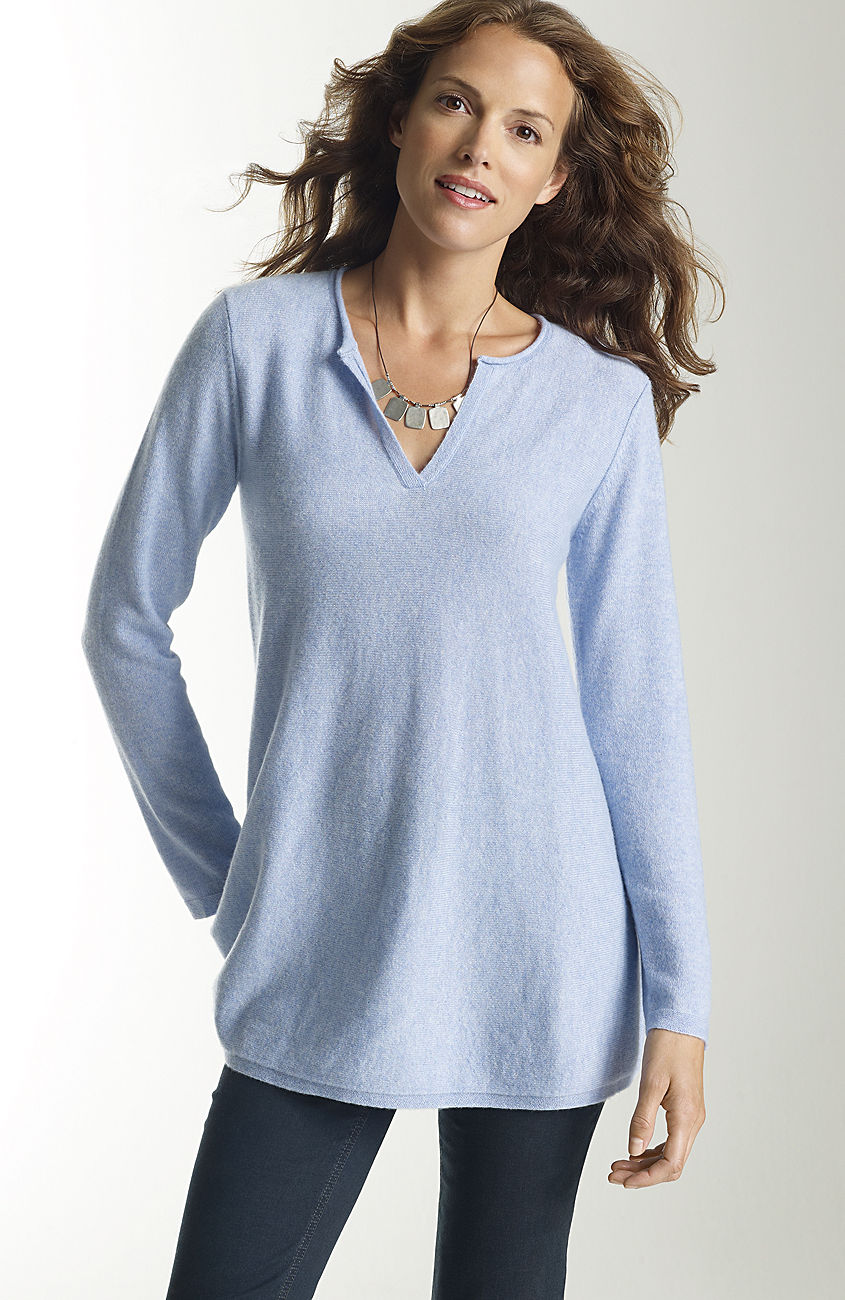
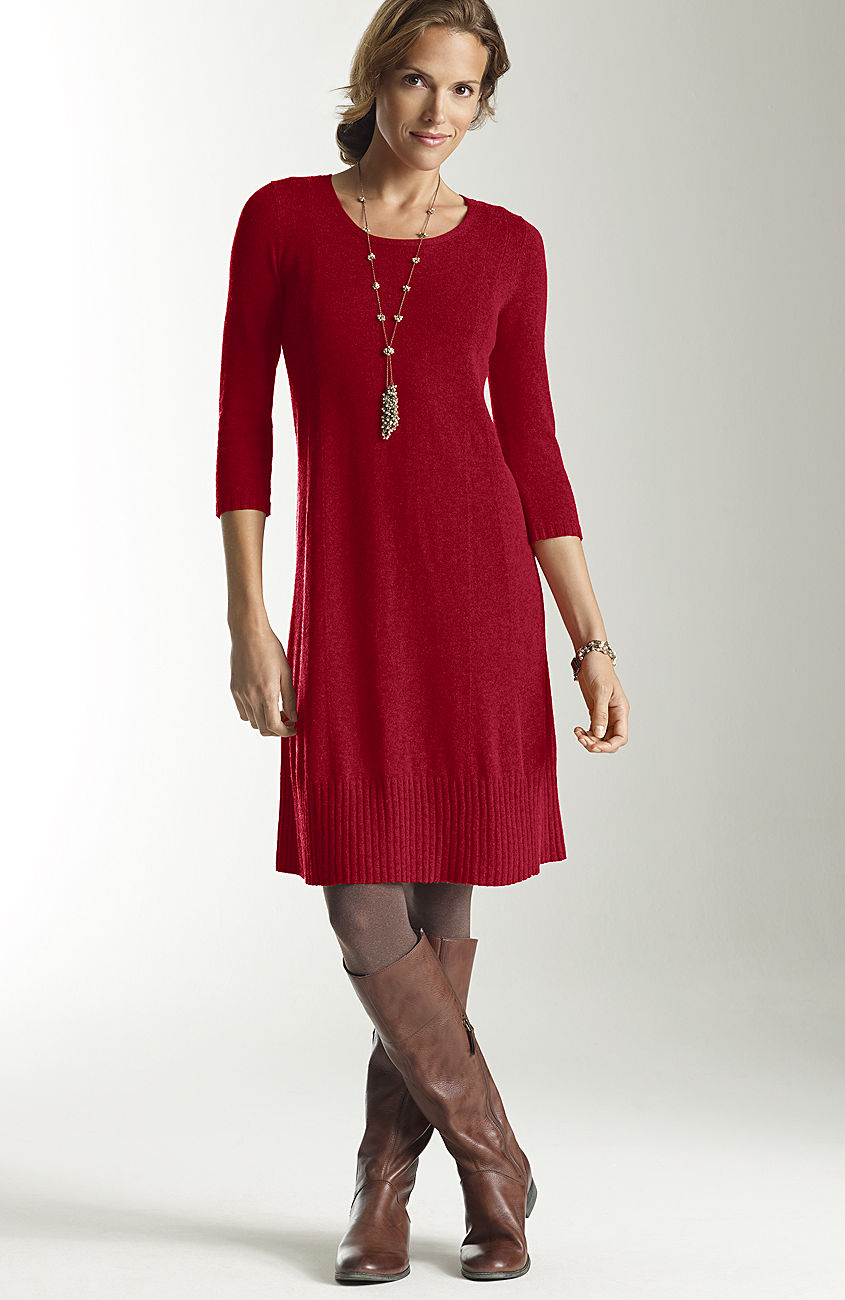
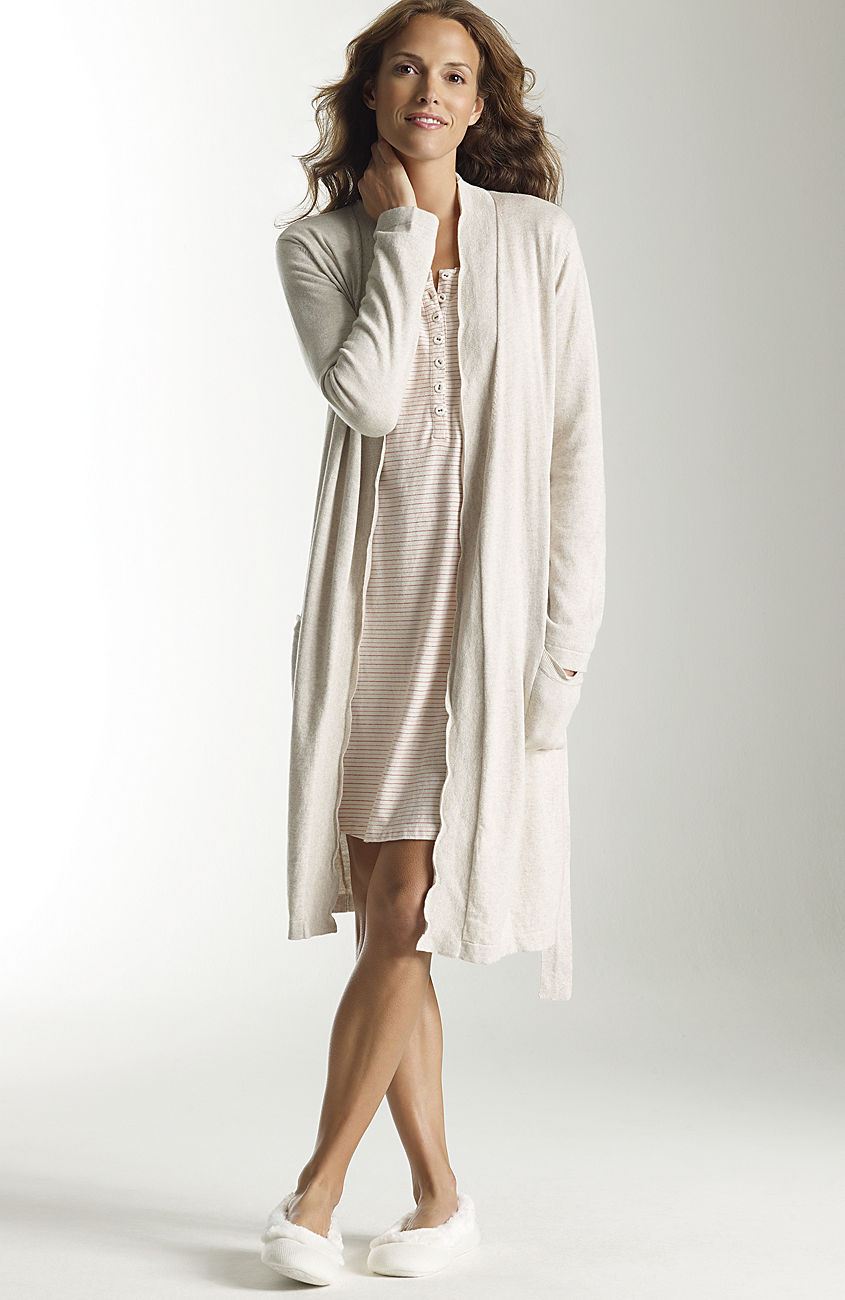
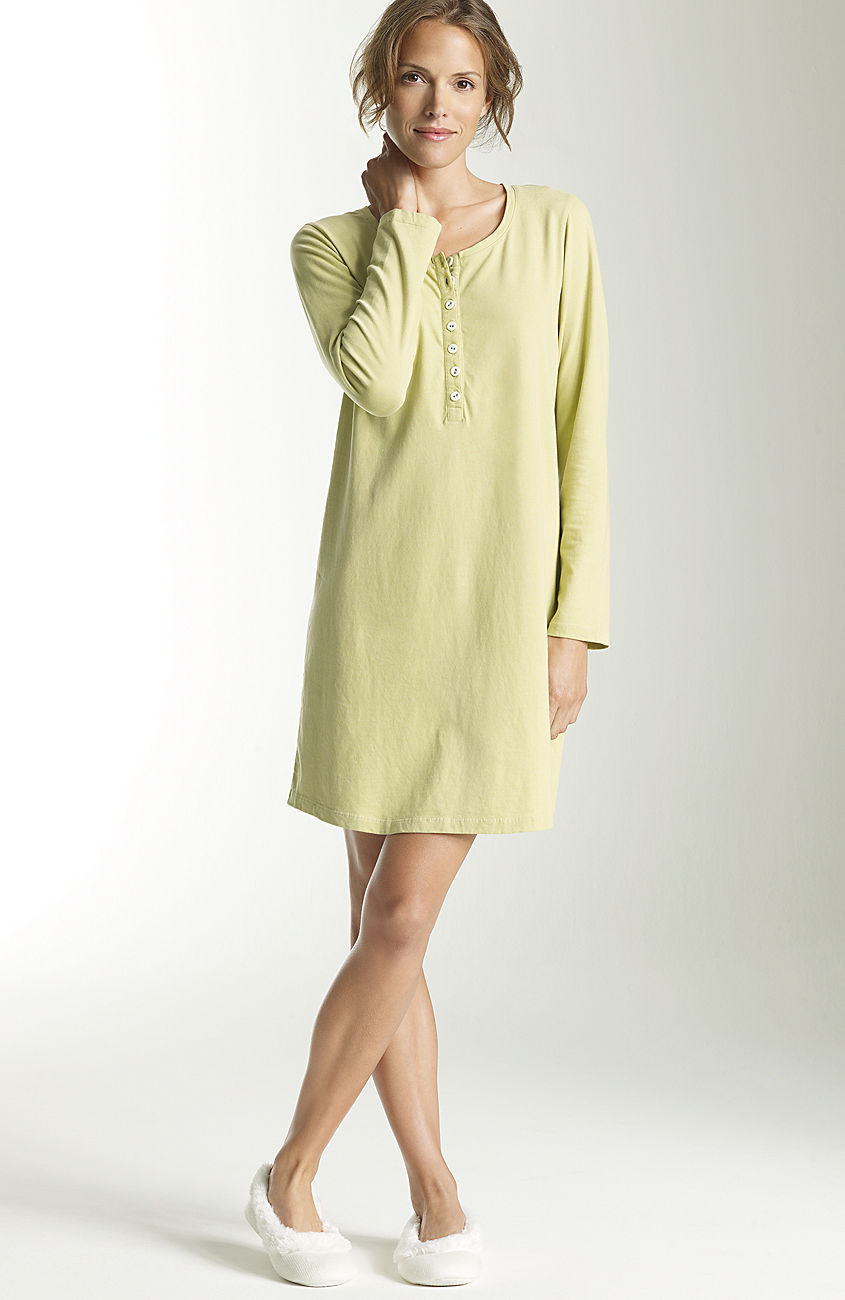
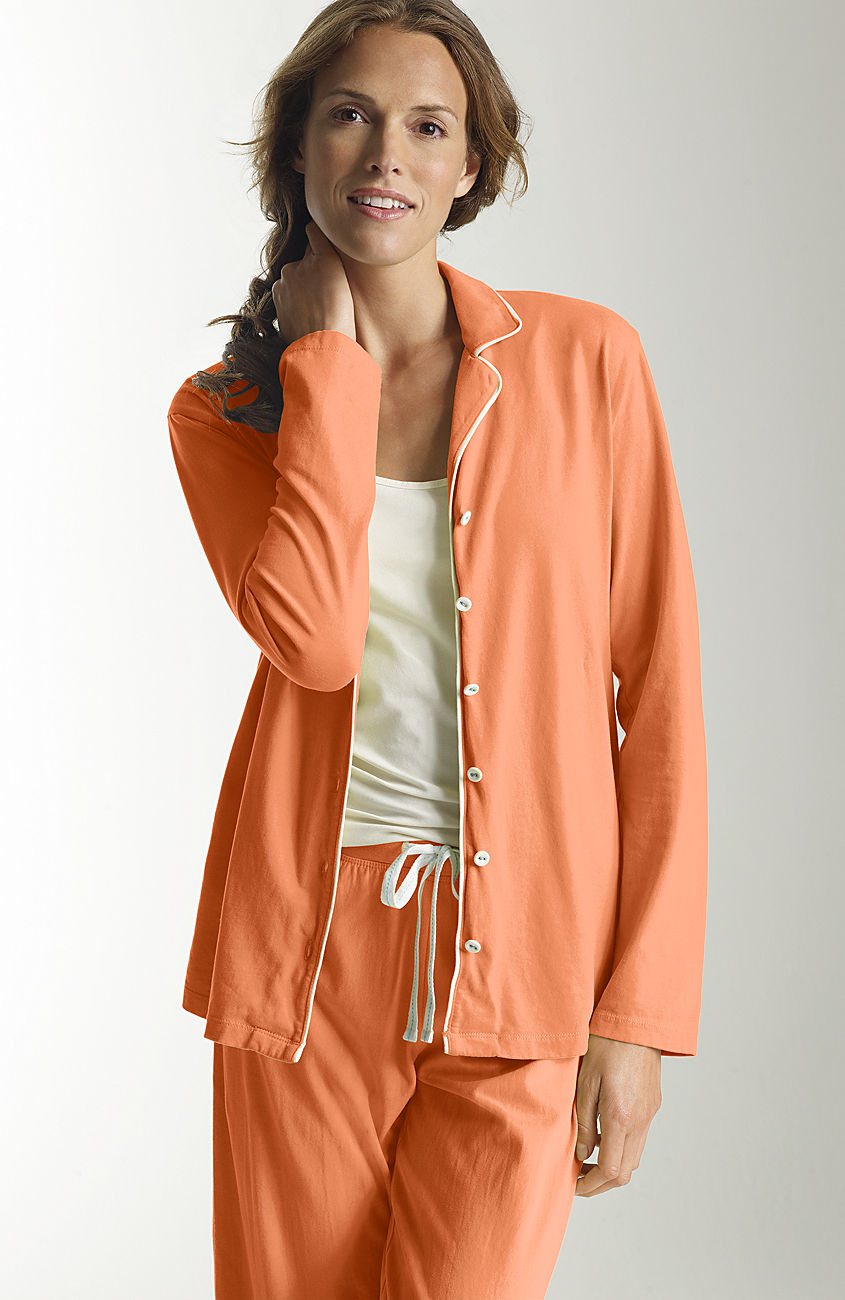
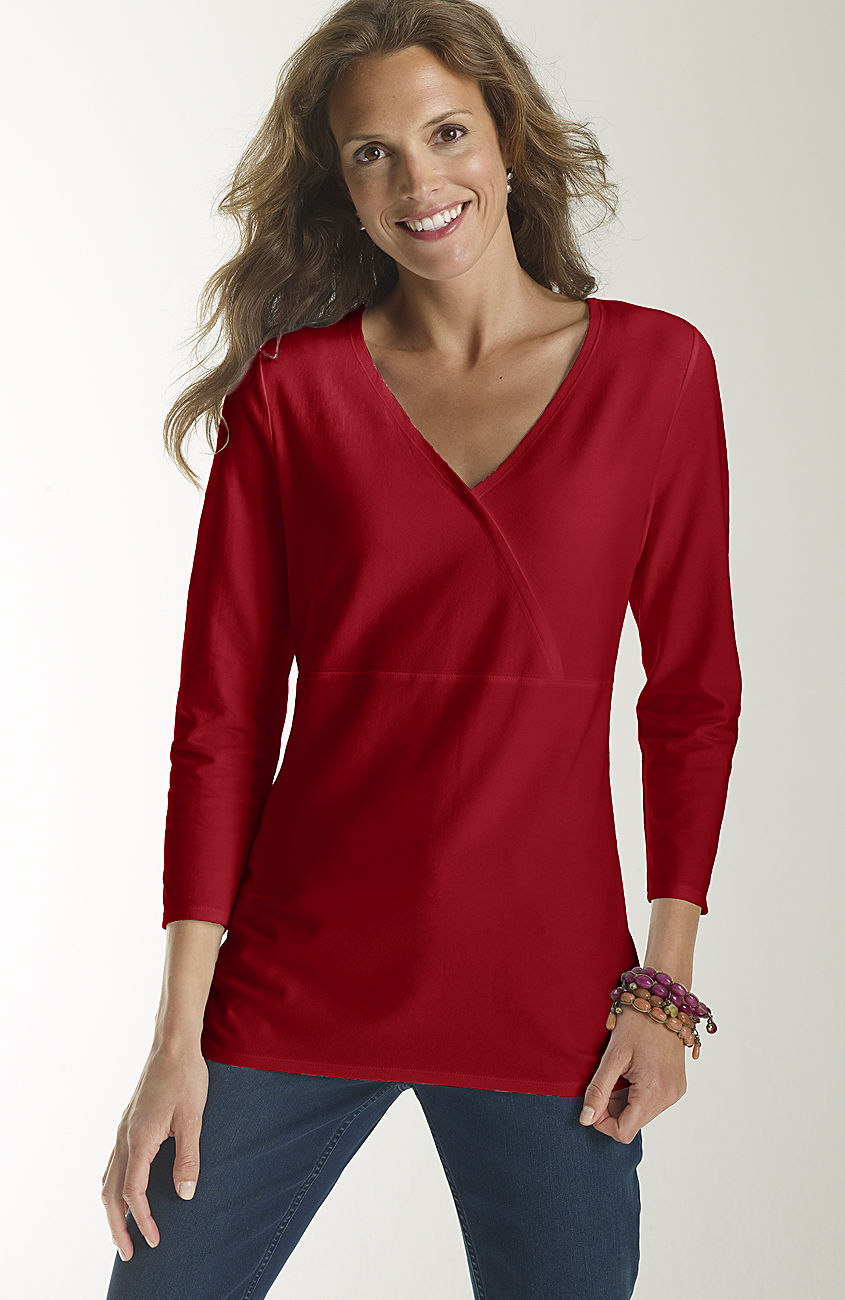
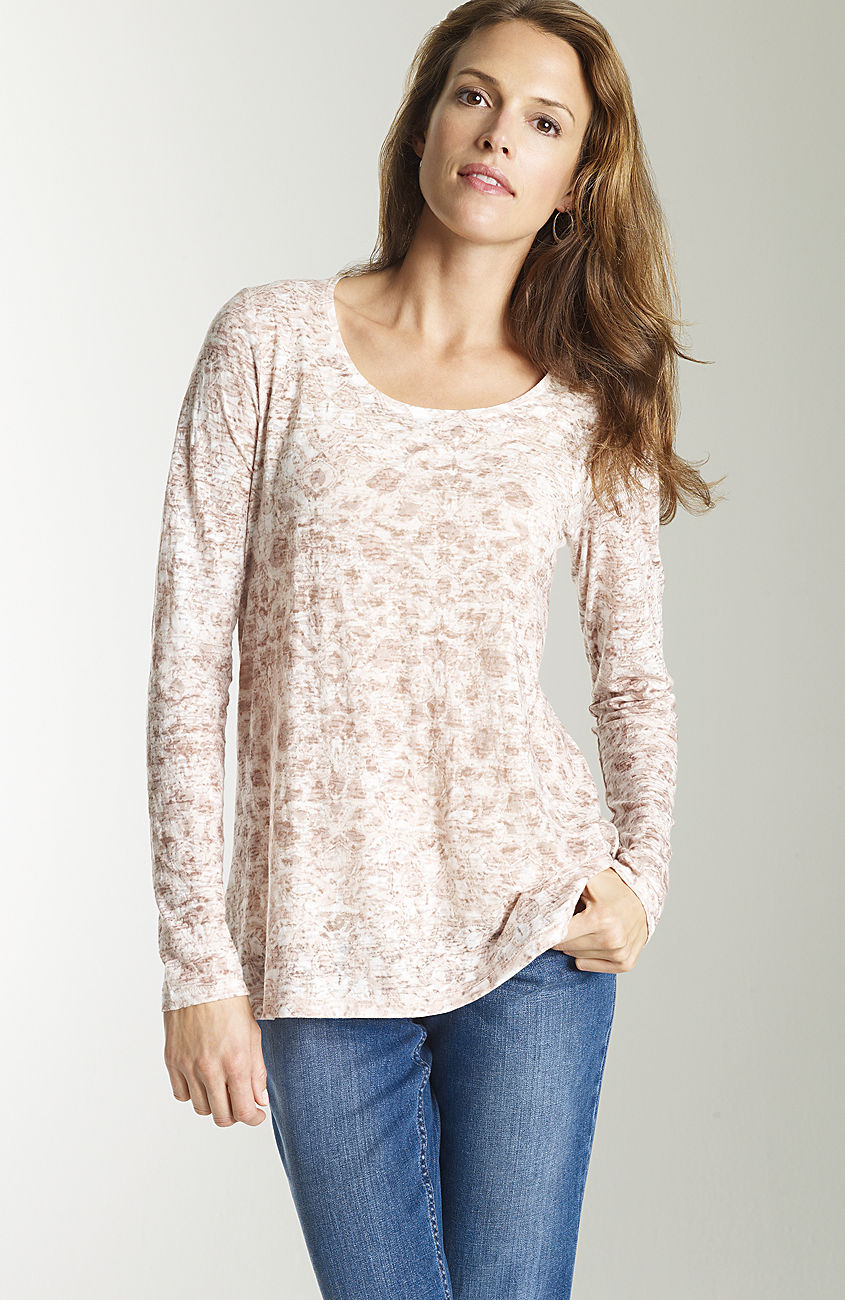
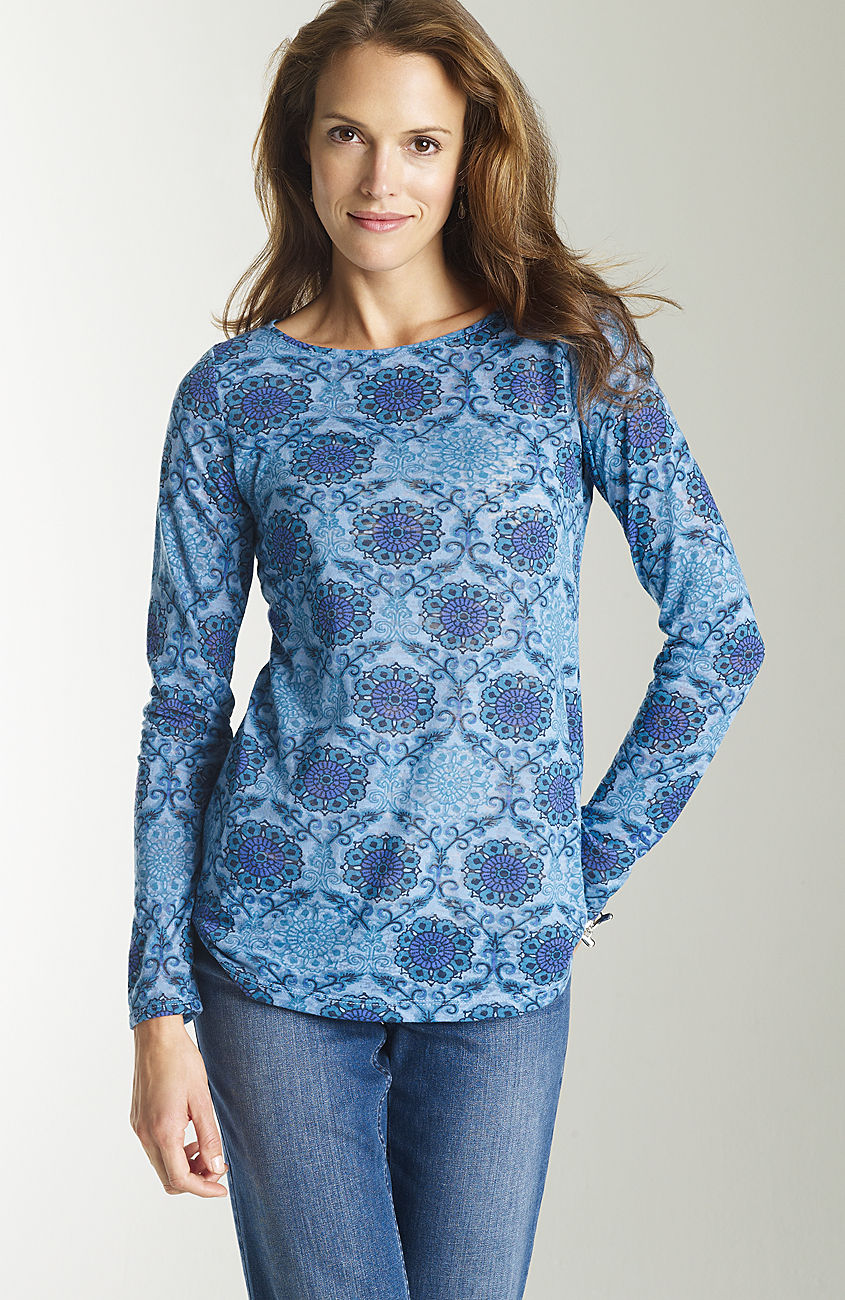
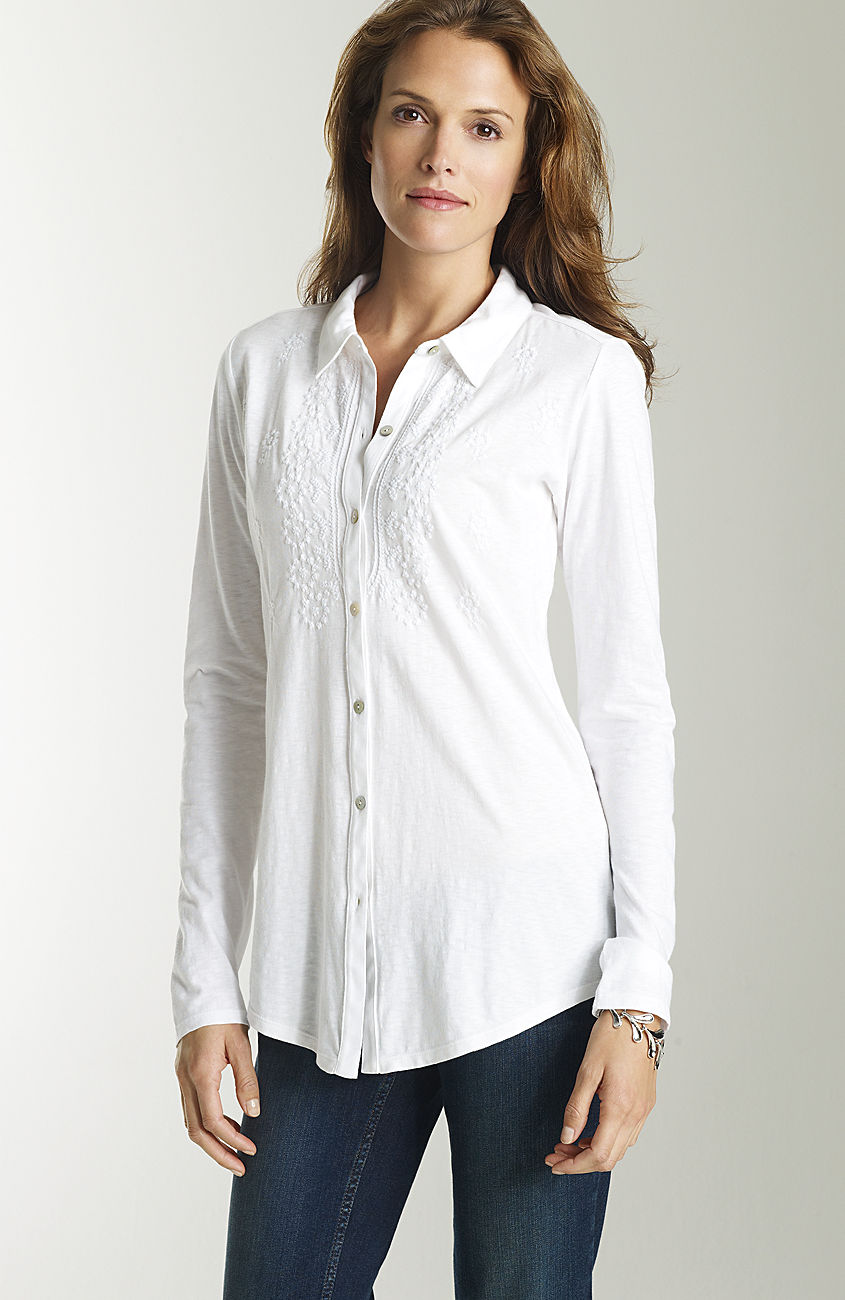
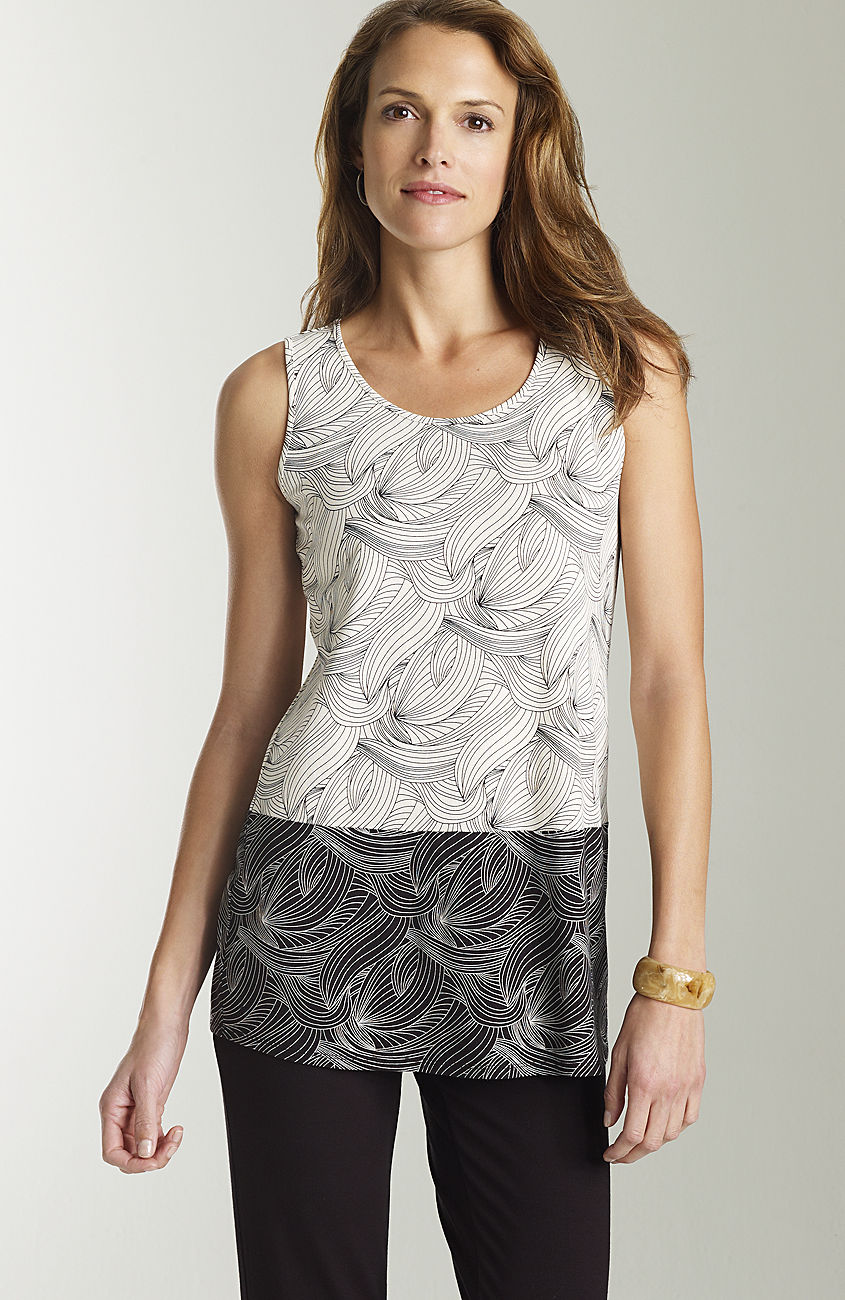
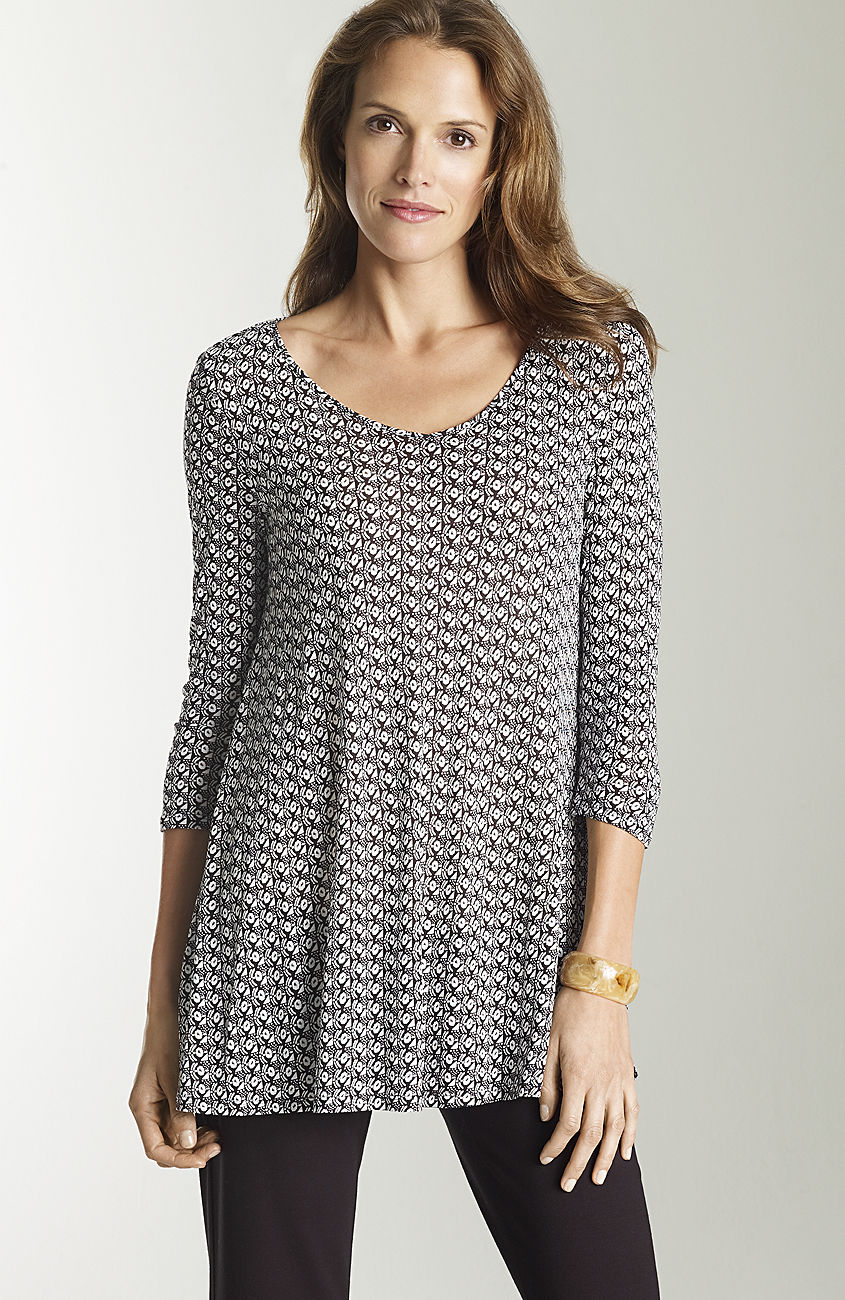
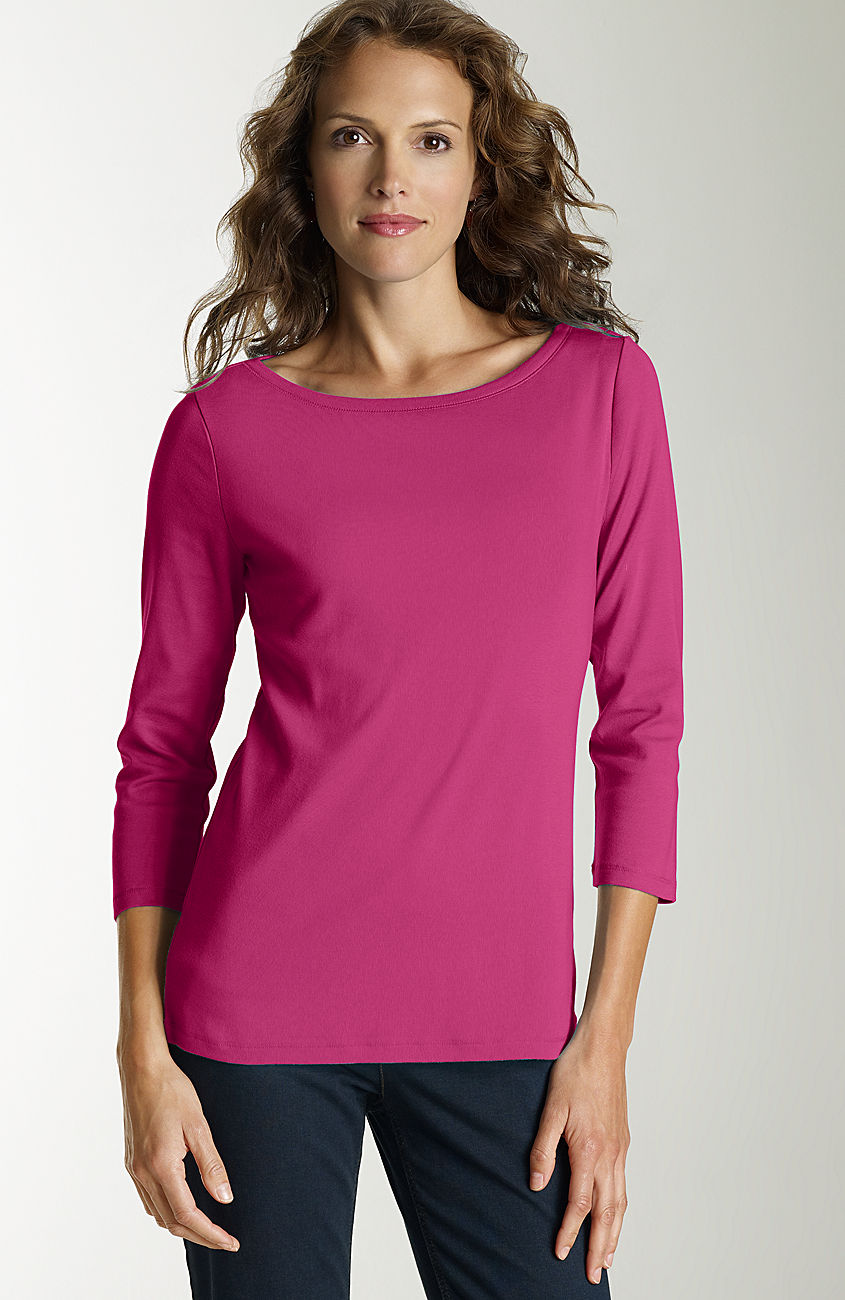
Any ideas? And does anyone know if I can control the size of attached thumbs? These are too small, IMO.
Got it! Kristina Lezhe
sorry- Kristina is correct. http://www.musenyc.com/portfolio.aspx?nav=2&subid=8846&mainsubid=8846&modelid=613709&a=55
This is Kristina L, represented by Muse NYC. I was asking abou ther as well recently Don't know the last name.
Her name is Katrina L, with Muse NYC. Still looking for a last name.
That is Daniela Urzi
very nice--thanks!
Any ideas? And does anyone know if I can control the size of attached thumbs? These are too small, IMO. thanks for Joan!!
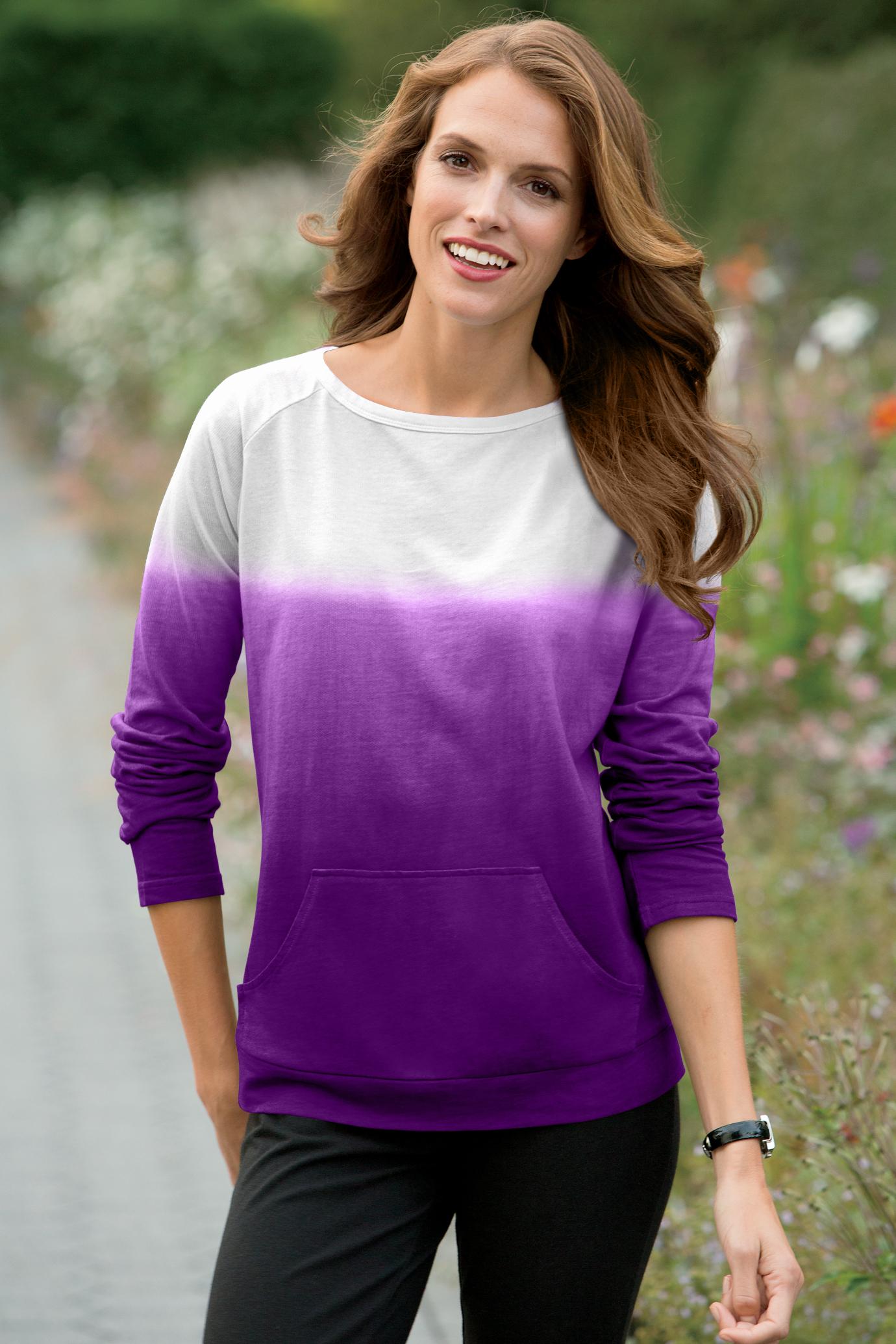
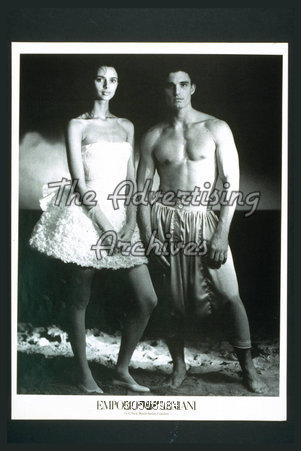
last pic--Niki Taylor or Joanna Rhodes?
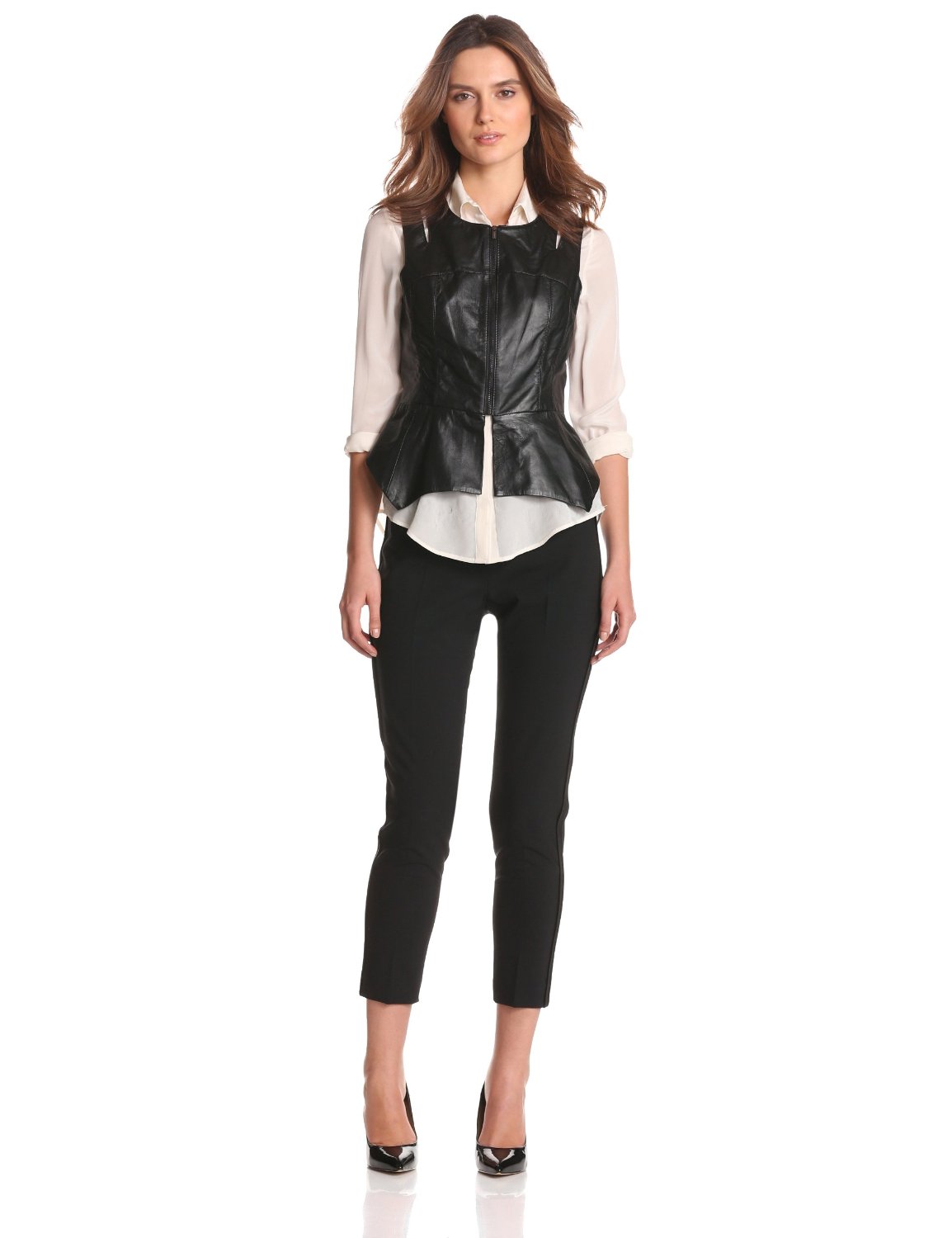
I found this just the other day--Andrea Bagi.
thanks for Joan!!
last pic--Niki Taylor or Joanna Rhodes?
I found this just the other day--Andrea Bagi.


Account
Navigation
Search
Configure browser push notifications
Chrome (Android)
- Tap the lock icon next to the address bar.
- Tap Permissions → Notifications.
- Adjust your preference.
Chrome (Desktop)
- Click the padlock icon in the address bar.
- Select Site settings.
- Find Notifications and adjust your preference.
Safari (iOS 16.4+)
- Ensure the site is installed via Add to Home Screen.
- Open Settings App → Notifications.
- Find your app name and adjust your preference.
Safari (macOS)
- Go to Safari → Preferences.
- Click the Websites tab.
- Select Notifications in the sidebar.
- Find this website and adjust your preference.
Edge (Android)
- Tap the lock icon next to the address bar.
- Tap Permissions.
- Find Notifications and adjust your preference.
Edge (Desktop)
- Click the padlock icon in the address bar.
- Click Permissions for this site.
- Find Notifications and adjust your preference.
Firefox (Android)
- Go to Settings → Site permissions.
- Tap Notifications.
- Find this site in the list and adjust your preference.
Firefox (Desktop)
- Open Firefox Settings.
- Search for Notifications.
- Find this site in the list and adjust your preference.