nightowl
Members
-
Joined
-
Last visited
Everything posted by nightowl
-
I think after you've posted a model and maybe bumped once or twice, you should collect the various unidentified pics and post them all together, rather than bumping them all yet again. At some point, it becomes drudgery to work through all the re-bumped stuff I can't identify to help those with new questions. For me, that point is pretty clearly now, with the number of bumped IDs far outweighing new requests.
I'm blown away--I've never seen 3 of these 5. And I was despairing of not seeing any new HSW! thanks again, and keep em coming!
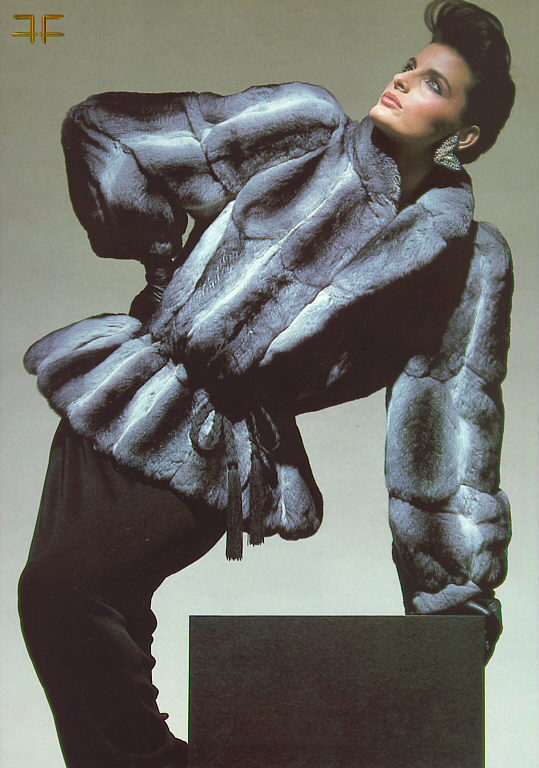
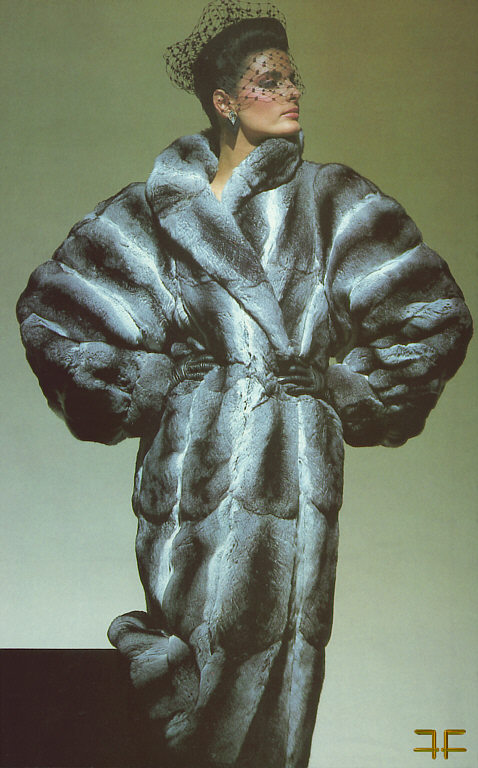
Outstanding! Where are these from?
[attachment 505288:ff1591.jpg]





 "Lilian Pieroni I'd say" Excellent! Absolutely right, from my read of the pages you linked. I've been wondering for a while onthis one too.
:| :| the truth? yeah, I wondered at first too. But after a few viewings, I'm convinced.
Elaine Irwin Mellencamp
Here is the only other one I have While I'm at it, here's my all-time favorite pic of HSW
"Lilian Pieroni I'd say" Excellent! Absolutely right, from my read of the pages you linked. I've been wondering for a while onthis one too.
:| :| the truth? yeah, I wondered at first too. But after a few viewings, I'm convinced.
Elaine Irwin Mellencamp
Here is the only other one I have While I'm at it, here's my all-time favorite pic of HSW
 that's ivana vacova. Scan away!
A lovely woman
that's ivana vacova. Scan away!
A lovely woman

 Ruslana Korshunova
Account
Navigation
Search
Configure browser push notifications
Chrome (Android)
- Tap the lock icon next to the address bar.
- Tap Permissions → Notifications.
- Adjust your preference.
Chrome (Desktop)
- Click the padlock icon in the address bar.
- Select Site settings.
- Find Notifications and adjust your preference.
Safari (iOS 16.4+)
- Ensure the site is installed via Add to Home Screen.
- Open Settings App → Notifications.
- Find your app name and adjust your preference.
Safari (macOS)
- Go to Safari → Preferences.
- Click the Websites tab.
- Select Notifications in the sidebar.
- Find this website and adjust your preference.
Edge (Android)
- Tap the lock icon next to the address bar.
- Tap Permissions.
- Find Notifications and adjust your preference.
Edge (Desktop)
- Click the padlock icon in the address bar.
- Click Permissions for this site.
- Find Notifications and adjust your preference.
Firefox (Android)
- Go to Settings → Site permissions.
- Tap Notifications.
- Find this site in the list and adjust your preference.
Firefox (Desktop)
- Open Firefox Settings.
- Search for Notifications.
- Find this site in the list and adjust your preference.