Skip to content

sarahhh

Members
  • Joined

  • Last visited

  1. Eltoredo started following sarahhh
  2. sarahhh replied to a post in a topic in Alessandra Ambrosio
  3. sarahhh replied to a post in a topic in Alessandra Ambrosio
    THANKS FOR THE PICS!!! where did u find them ??
  4. sarahhh replied to Neo52285's topic in Adriana Lima
    moiselles whos is that in ur picture ^ ??
  5. do you have pics of her when she was young??
  6. sarahhh replied to a post in a topic in Alessandra Ambrosio
    no i didnt flip a coin. one of ales friends told me.
  7. sarahhh replied to a post in a topic in Alessandra Ambrosio
    i have my sources ahha
  8. sarahhh replied to a post in a topic in Alessandra Ambrosio
    ales having a girl
  9. sarahhh replied to a post in a topic in Alessandra Ambrosio
    omg thank u for the pics!!!
  10. sarahhh replied to a post in a topic in Alessandra Ambrosio
    HAPPY BIRTHDAY ALE!!! ALL THE BEST FOR NOW AND THE FUTURE Sarah xoox
  11. sarahhh replied to natalie's topic in General Discussion
    this is my eye
  12. VIVA ESPANA
  13. wow she is beautiful
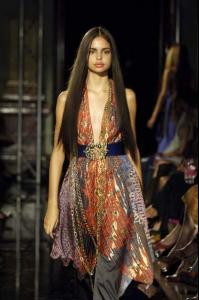
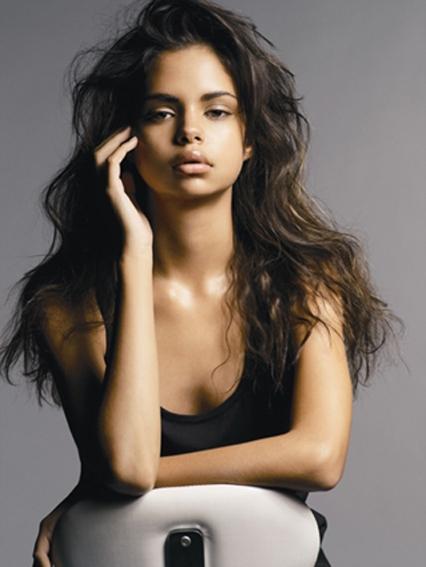
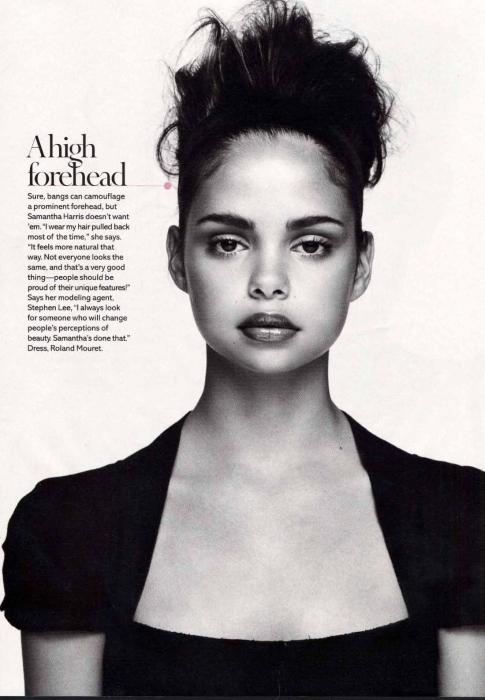
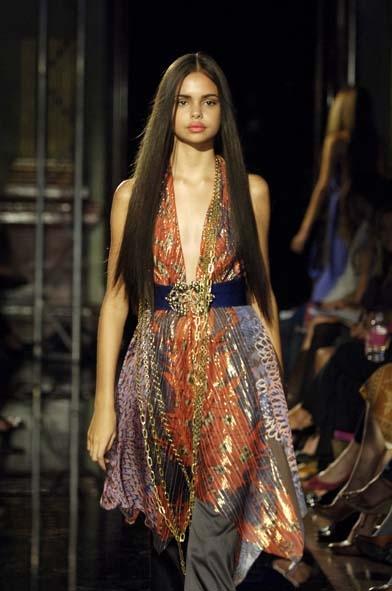
  14. First Name: Samantha Last Name: Harris Nationality: Australian Ethnicity: Aboriginal/German Hair Color: Dark brown Eye Color: Brown Date of Birth: July 20 1990 Place of Birth: Tweed Heads, NSW, Australia Height: 5'11" ; 180cm Measurements: (US) 31-24-33 ; (EU) 79-61-84 Dress Size: (US) 4 ; (EU) 34 Shoe Size: (US) 9 ; (EU) 41 http://www.fashionmodeldirectory.com
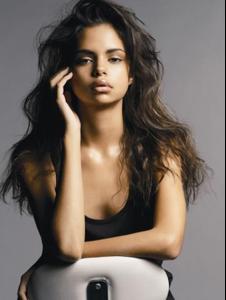
  15. pictures
    Image hidden for guestsSign in to view
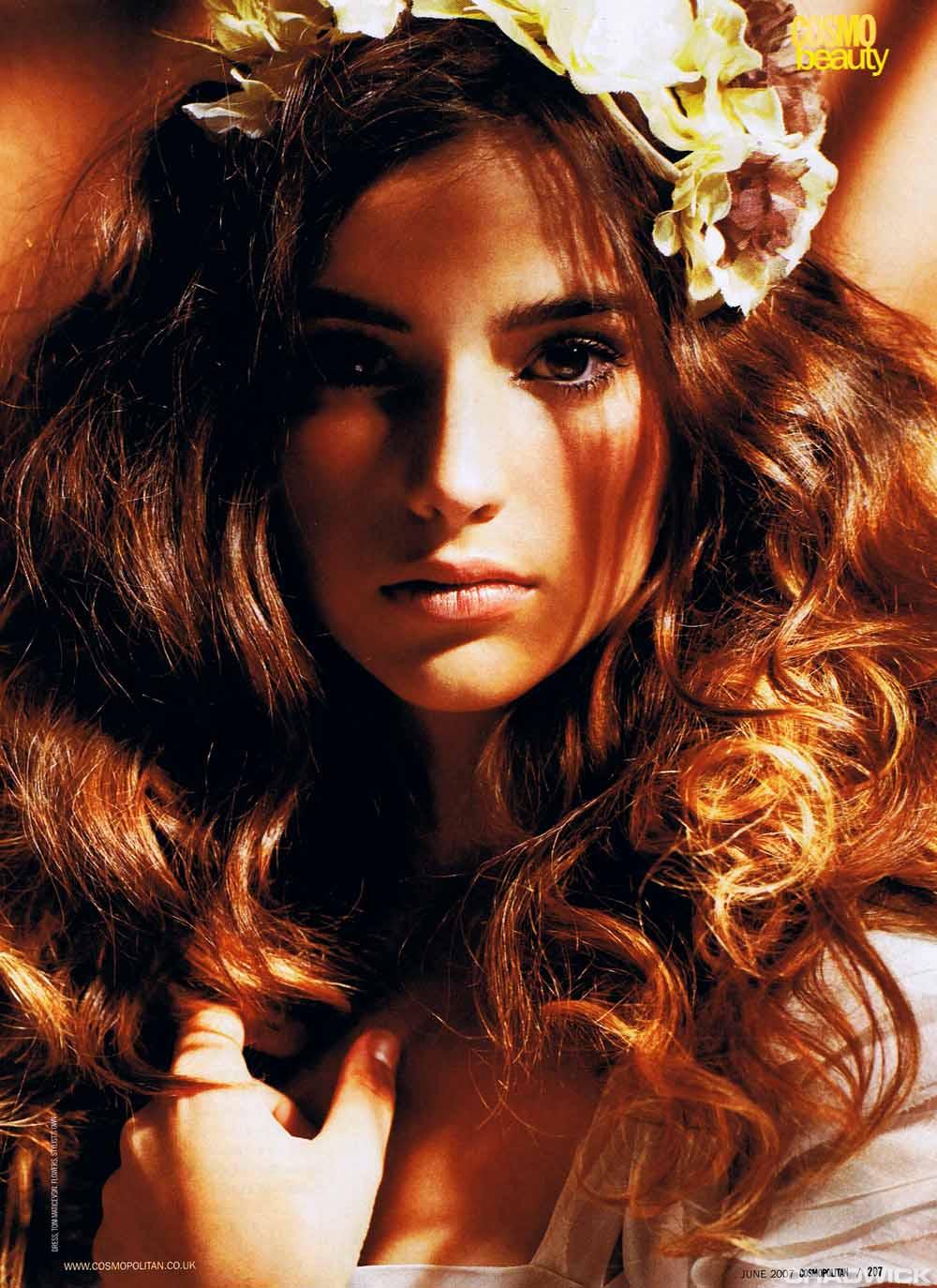
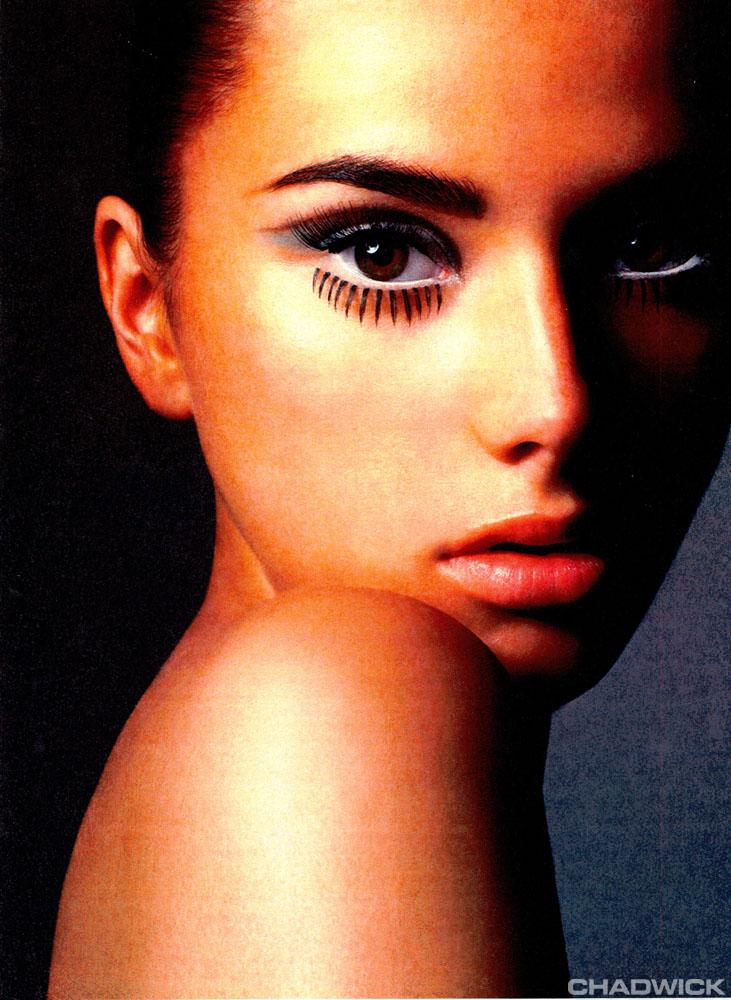
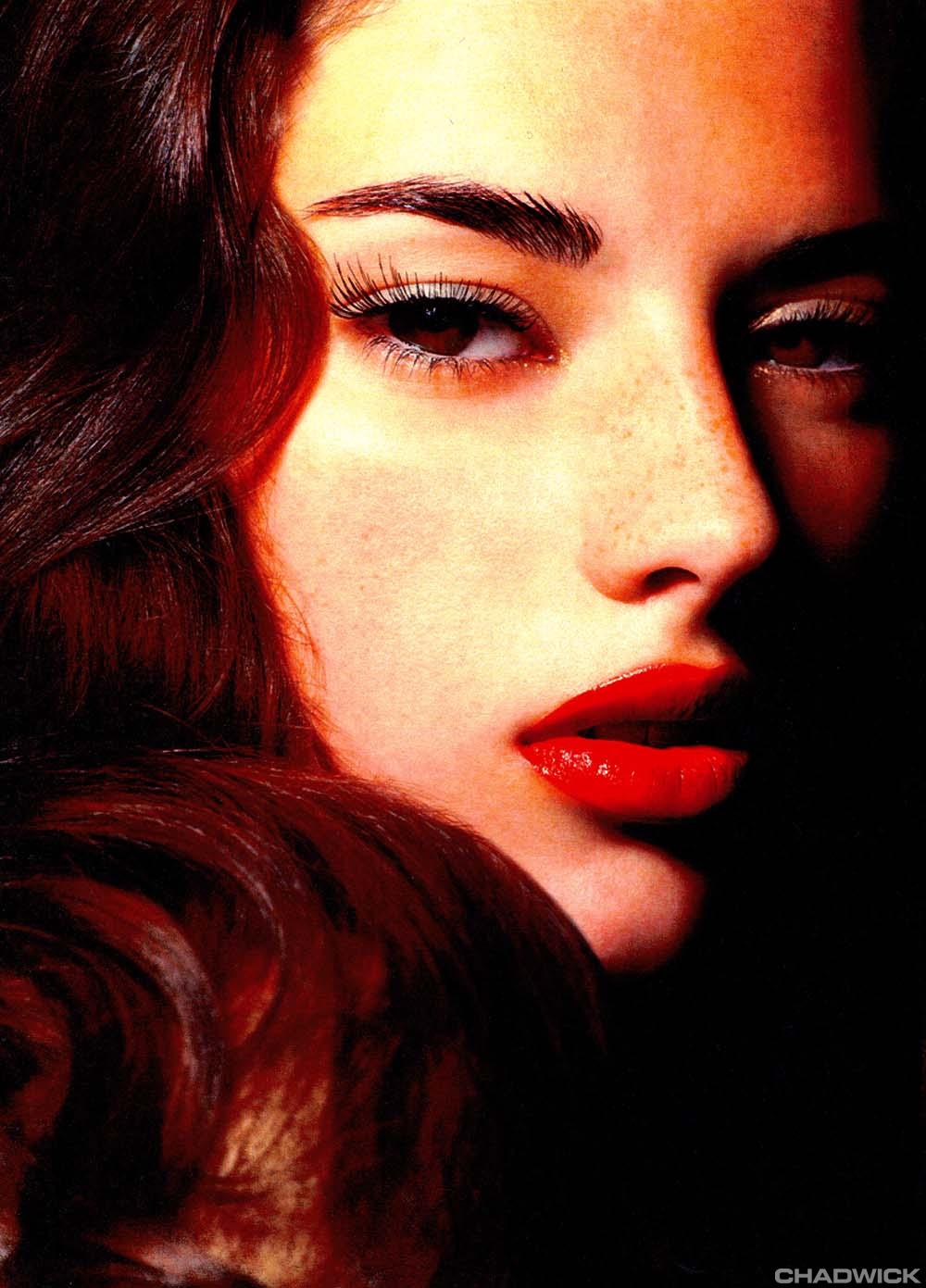
  16. wow! thats a surprise. oh well i rekon shes gorgeous and shes just starting out. shes been in high fashion mags to she has amazing eyes. also the first pics i posted r candids of her not professional pics. but if u go on the site i posted shes got beautiful pics!

Account

Navigation

Search

Search

Configure browser push notifications

Chrome (Android)
  1. Tap the lock icon next to the address bar.
  2. Tap Permissions → Notifications.
  3. Adjust your preference.
Chrome (Desktop)
  1. Click the padlock icon in the address bar.
  2. Select Site settings.
  3. Find Notifications and adjust your preference.