Jump to content
View in the app

A better way to browse. Learn more.

Bellazon

A full-screen app on your home screen with push notifications, badges and more.

To install this app on iOS and iPadOS
  1. Tap the Share icon in Safari
  2. Scroll the menu and tap Add to Home Screen.
  3. Tap Add in the top-right corner.
To install this app on Android
  1. Tap the 3-dot menu (⋮) in the top-right corner of the browser.
  2. Tap Add to Home screen or Install app.
  3. Confirm by tapping Install.

shade le

Members
  • Joined

  • Last visited

Everything posted by shade le

  1. La Foret de l'Enchantement - Show newer or bigger
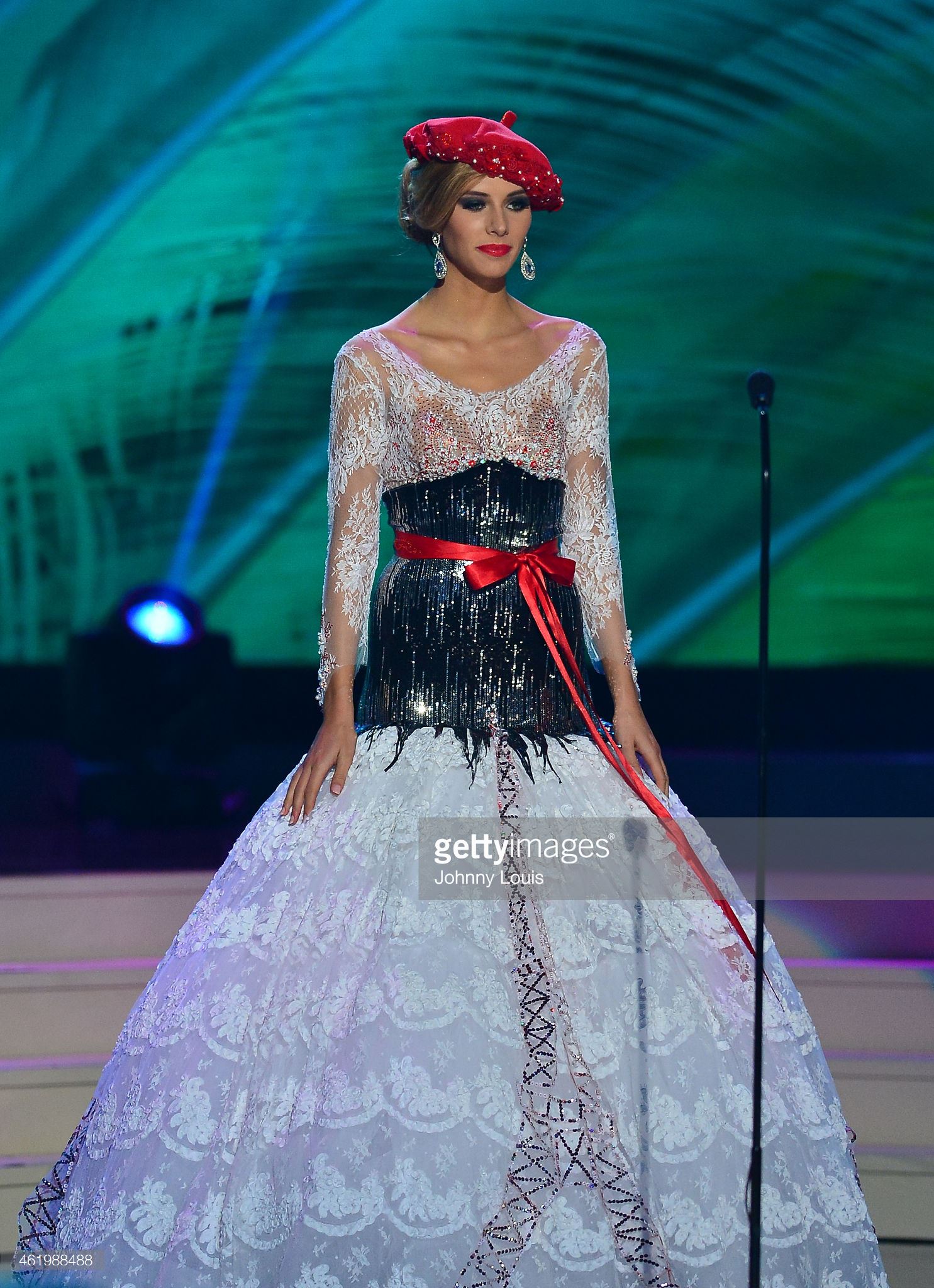
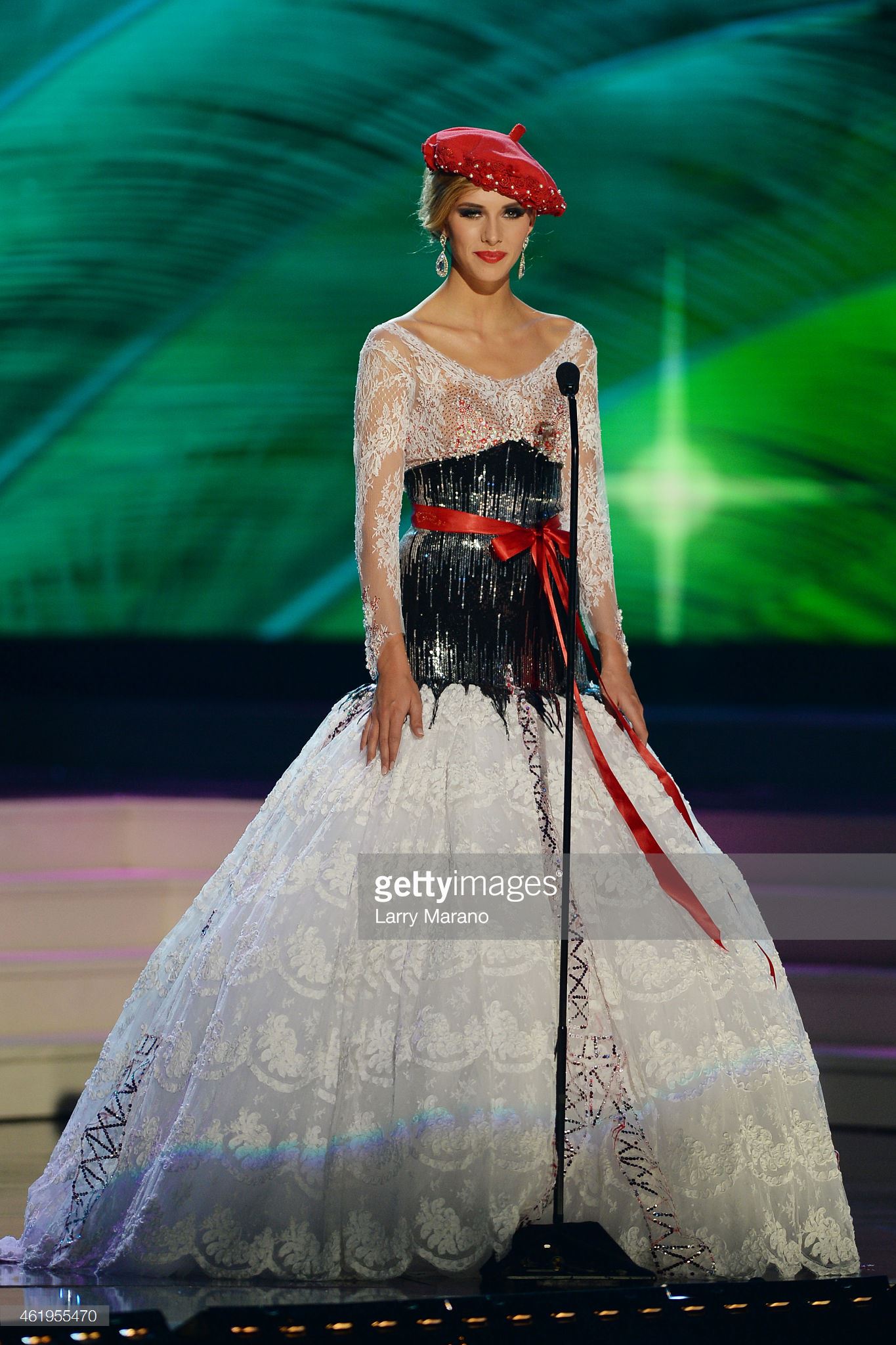
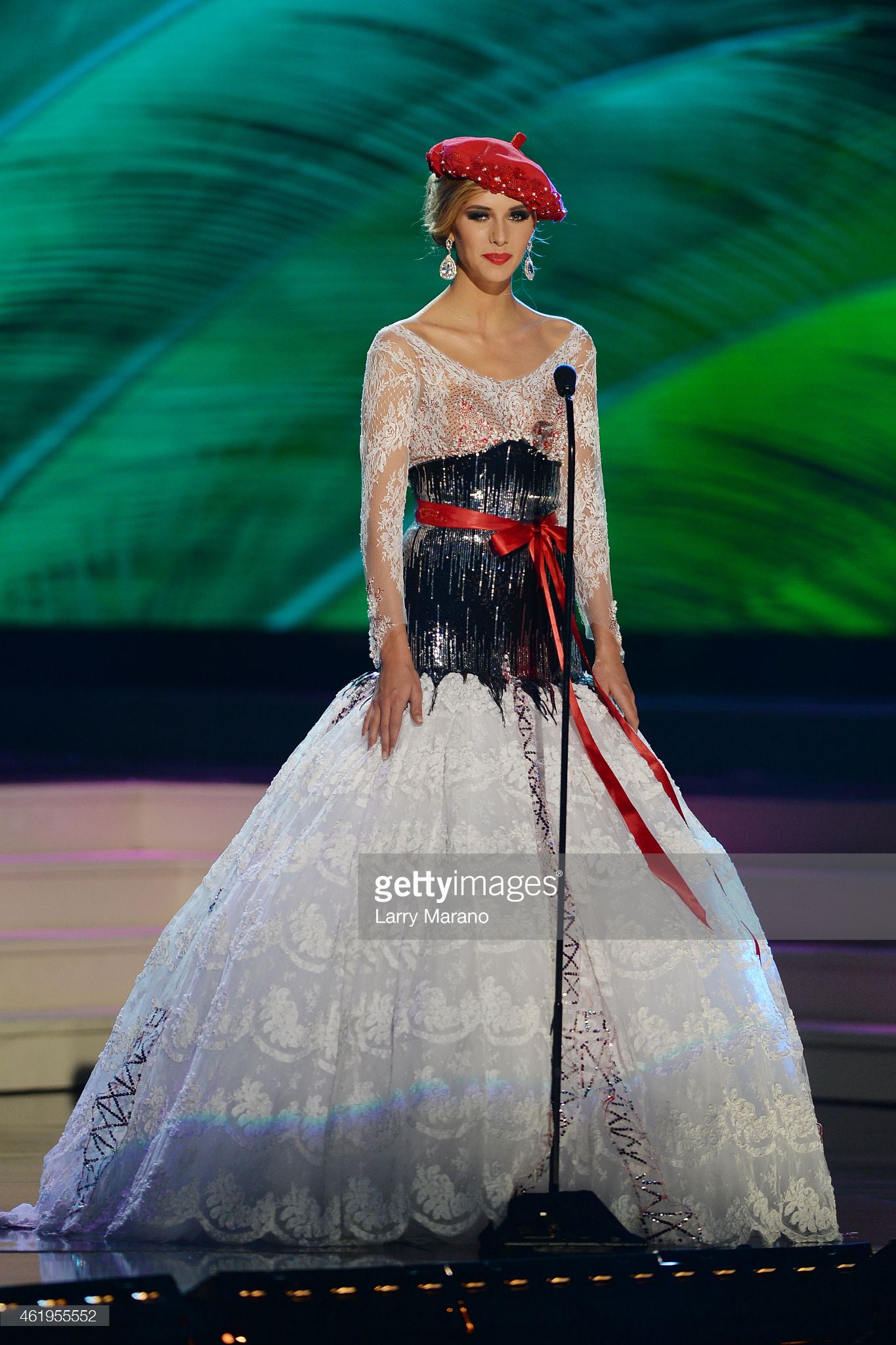
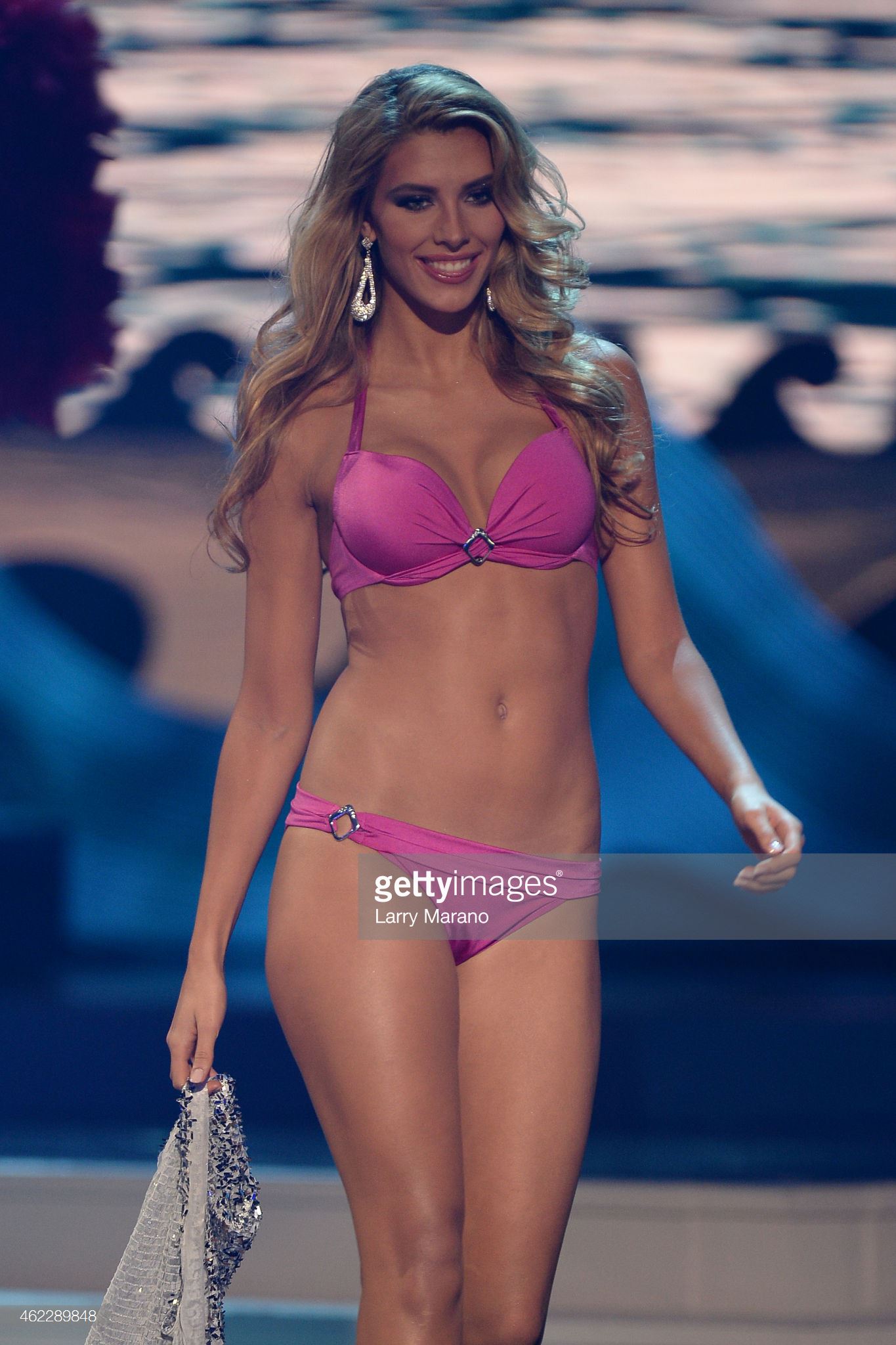
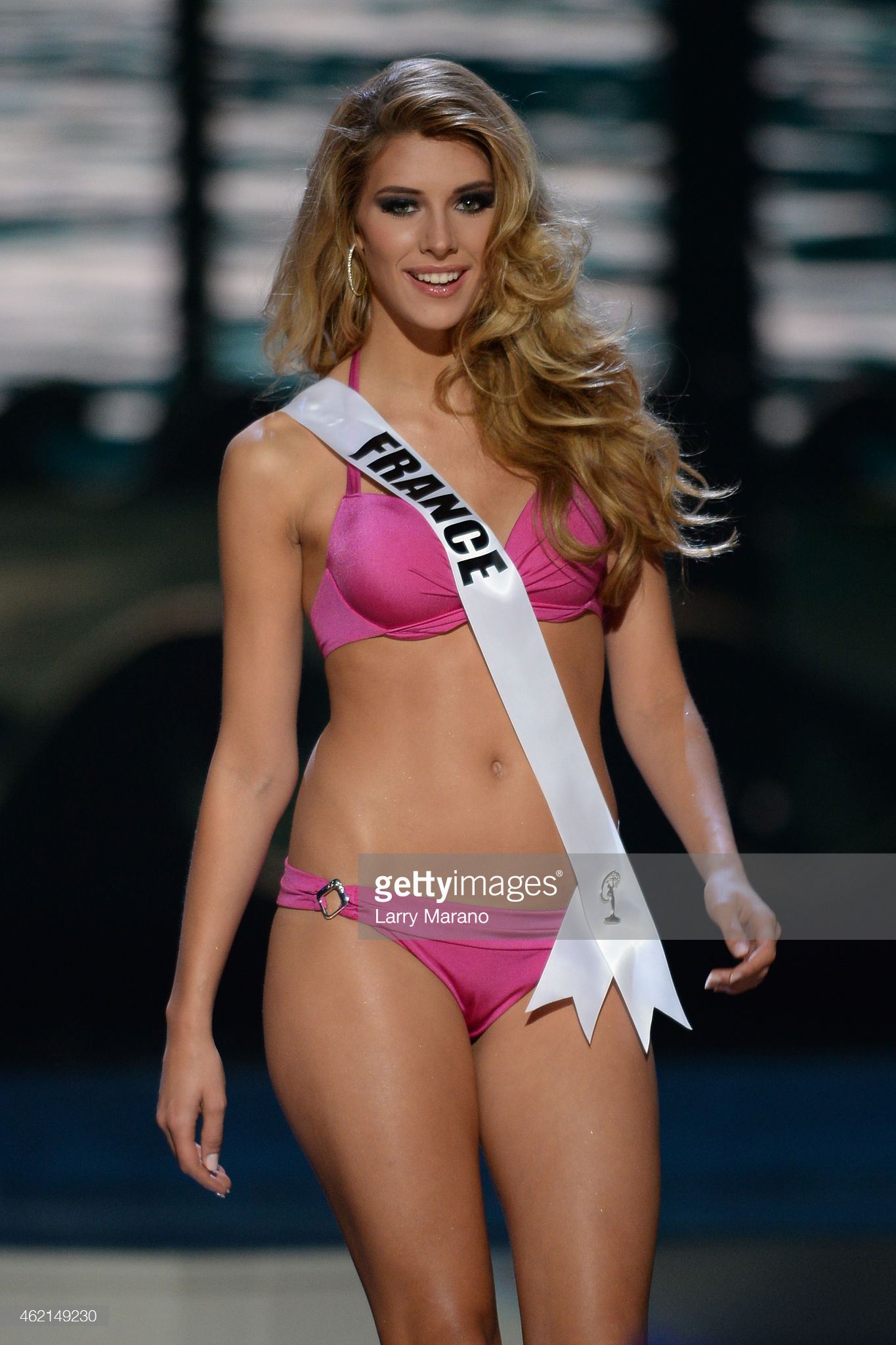
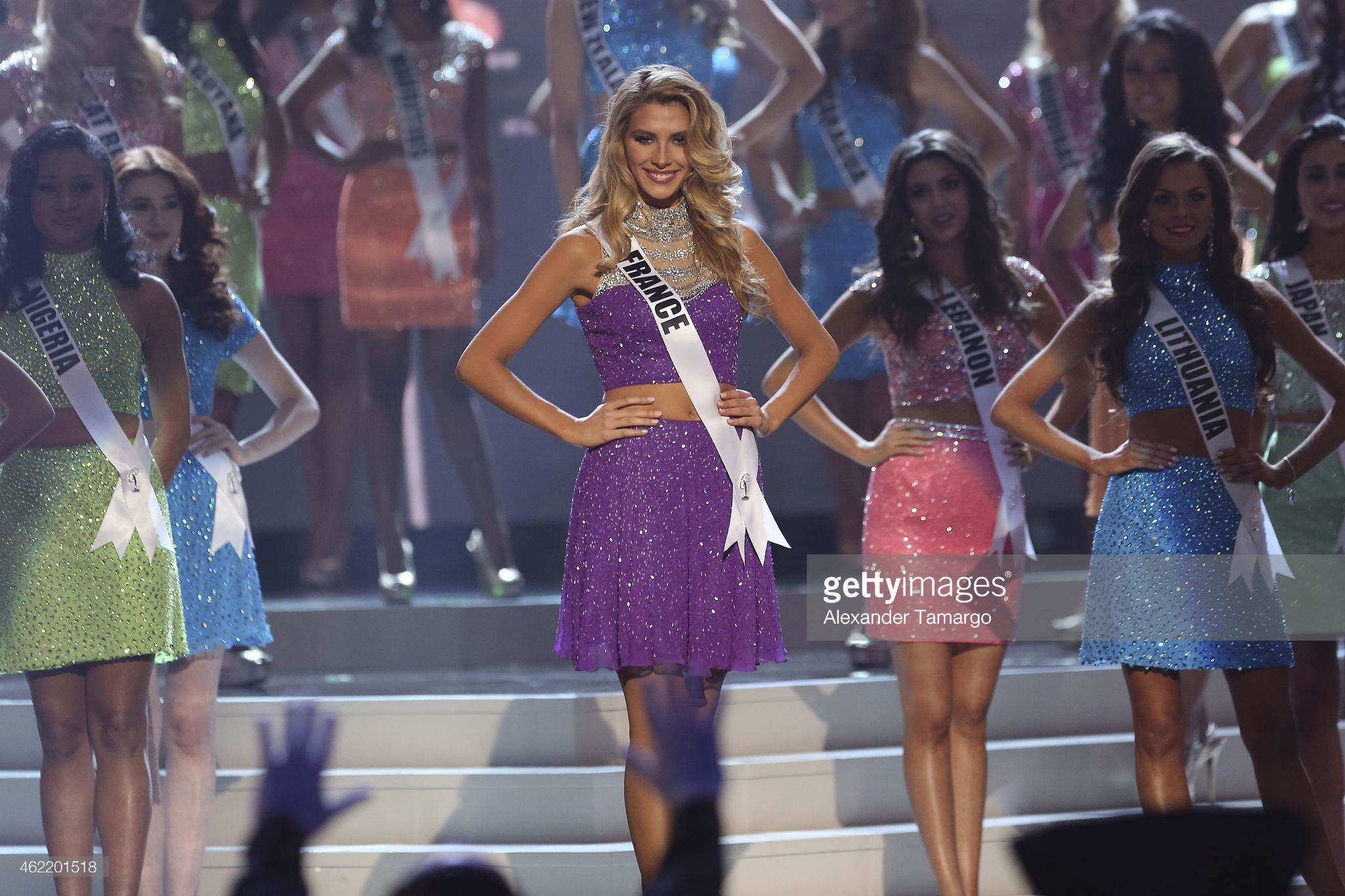
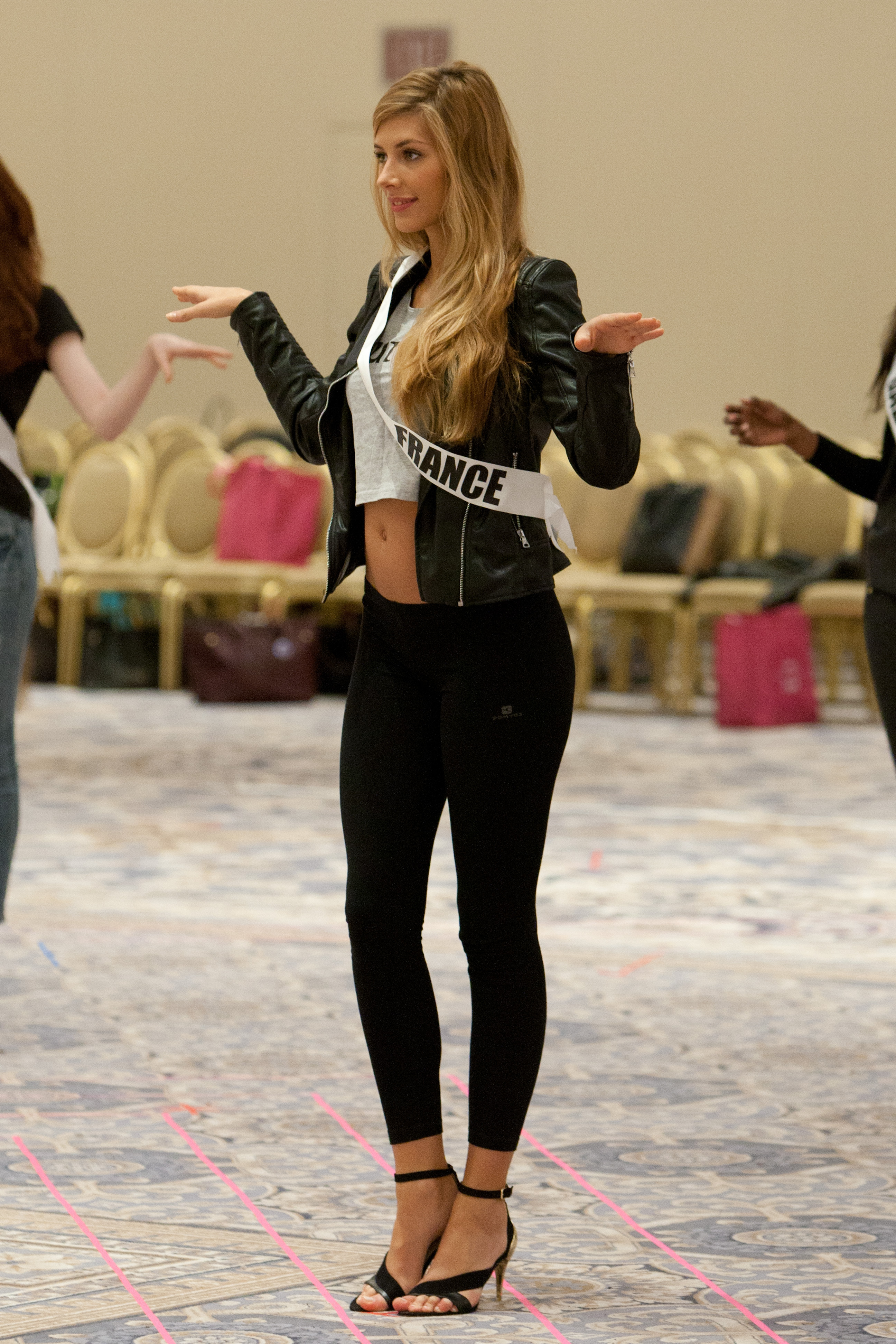
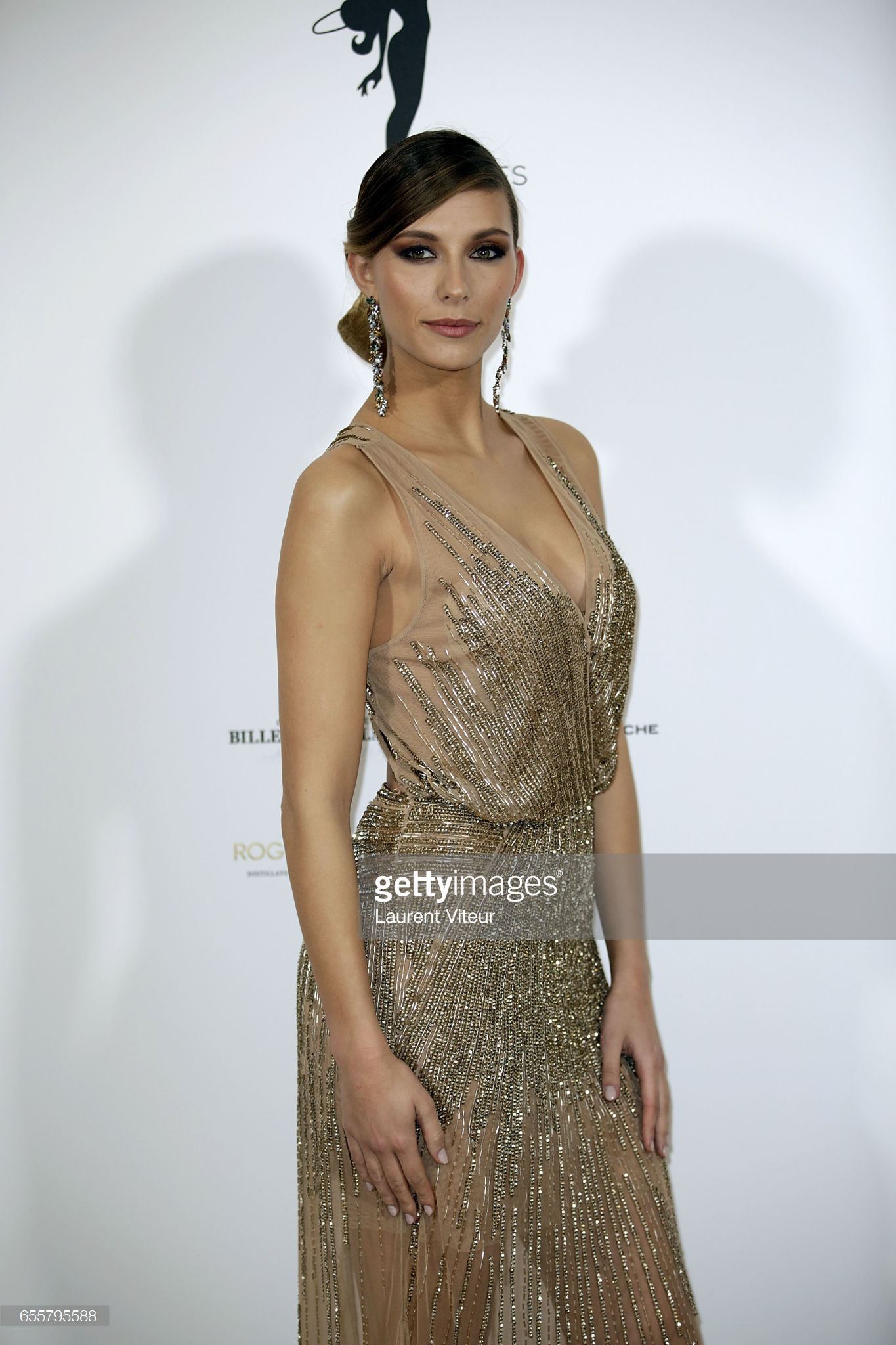
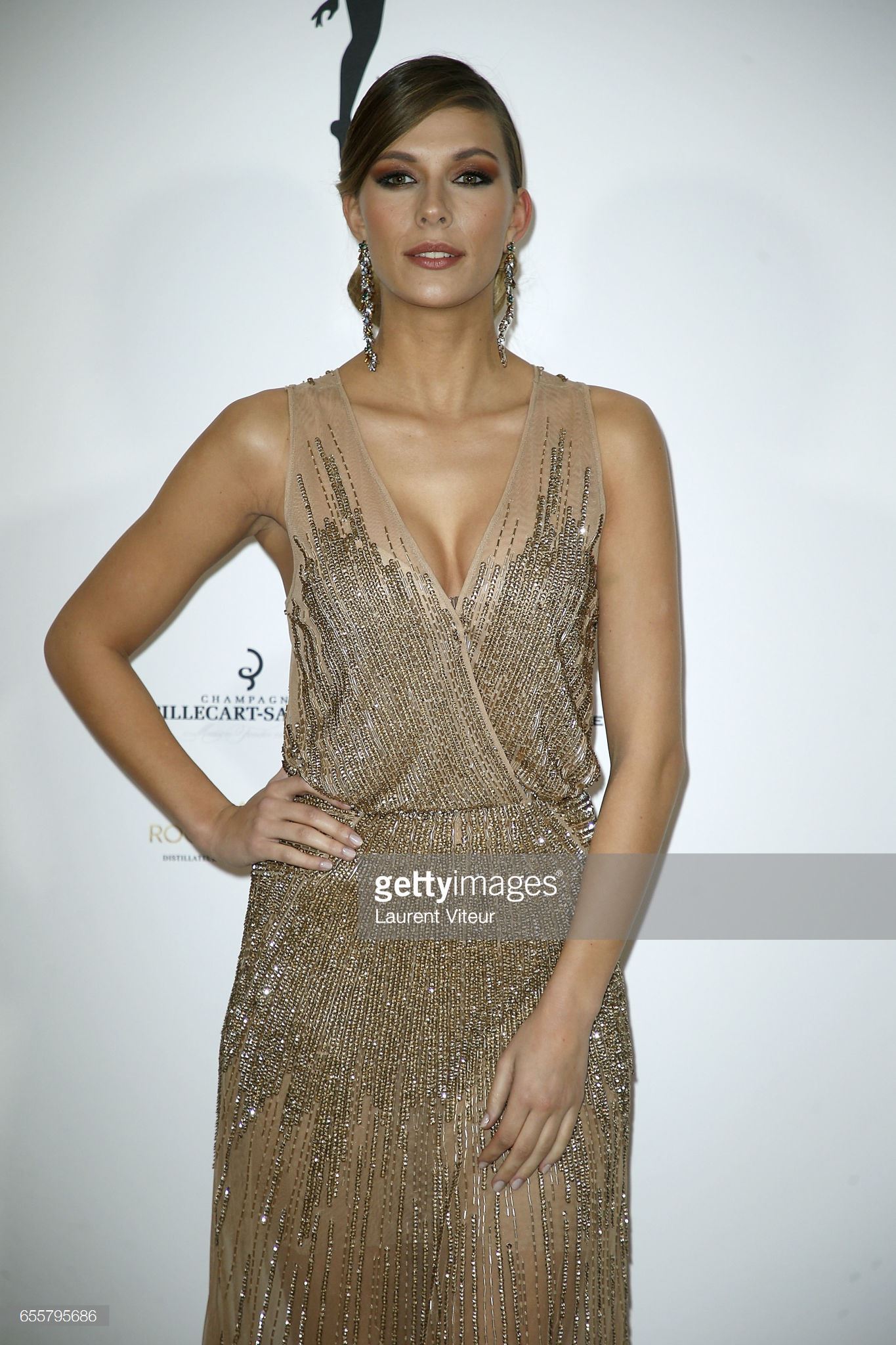
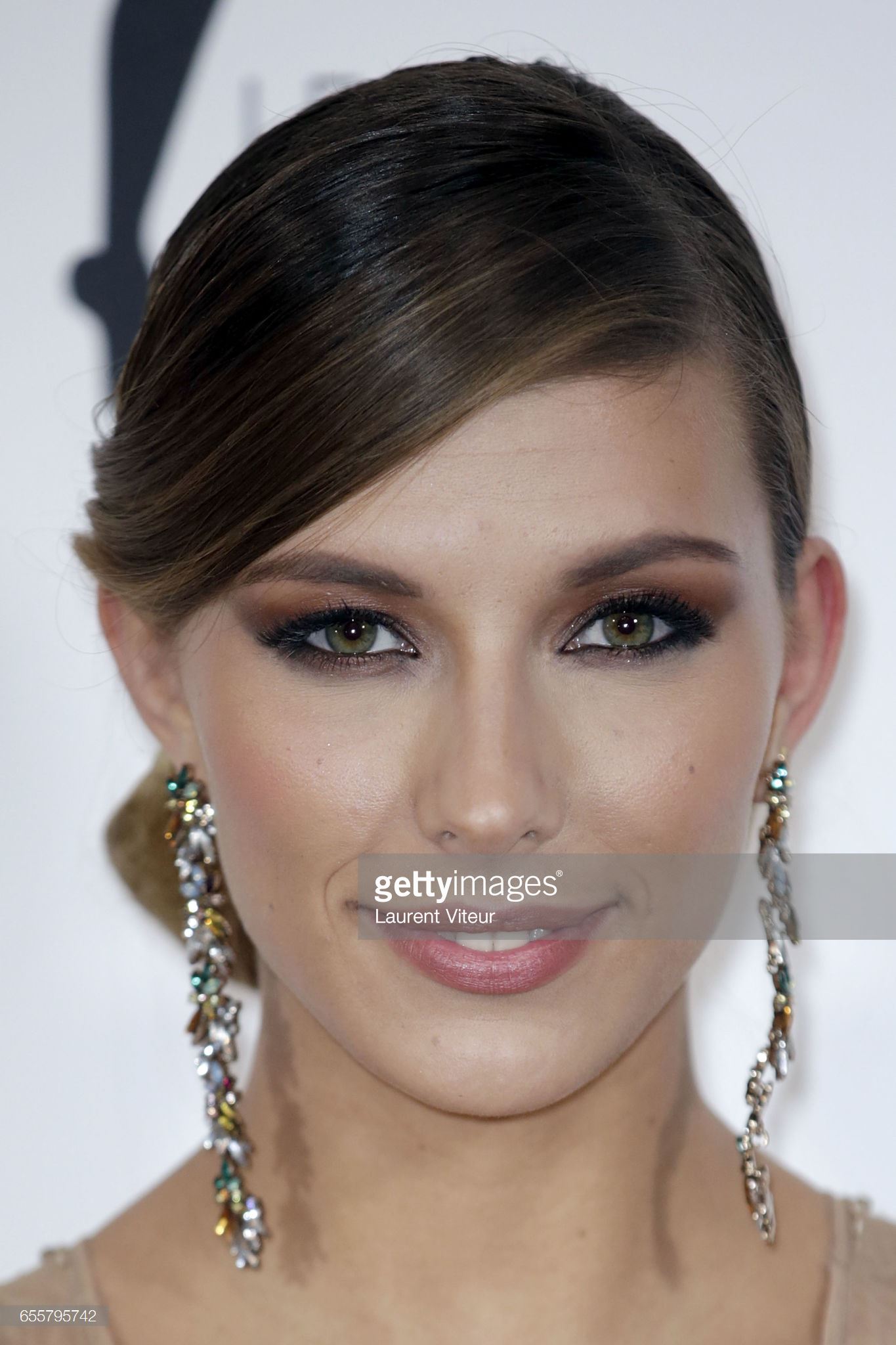
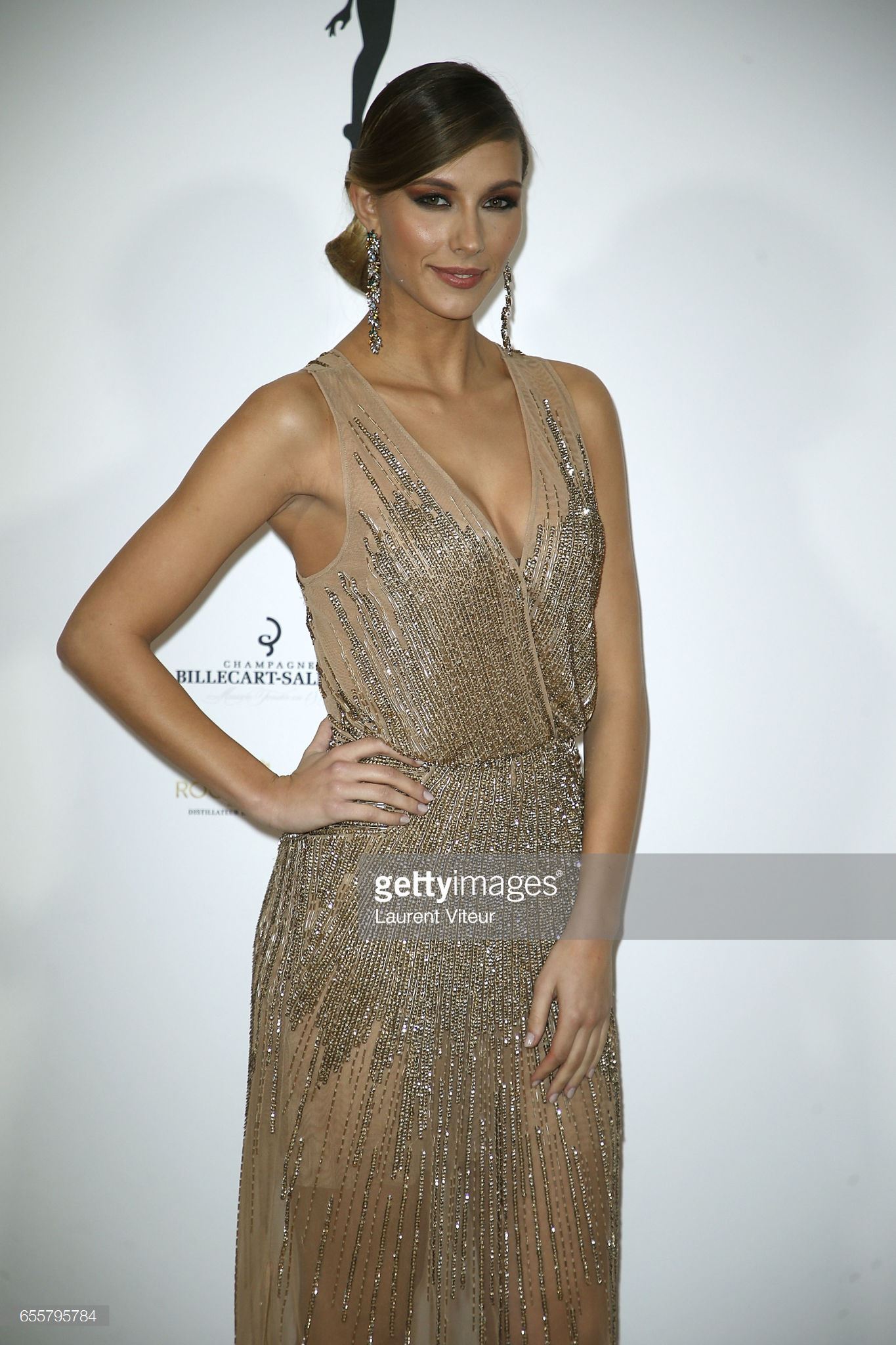
  2. The 63rd Annual Miss Universe Show newer or bigger
  3. The 63rd Annual Miss Universe Show
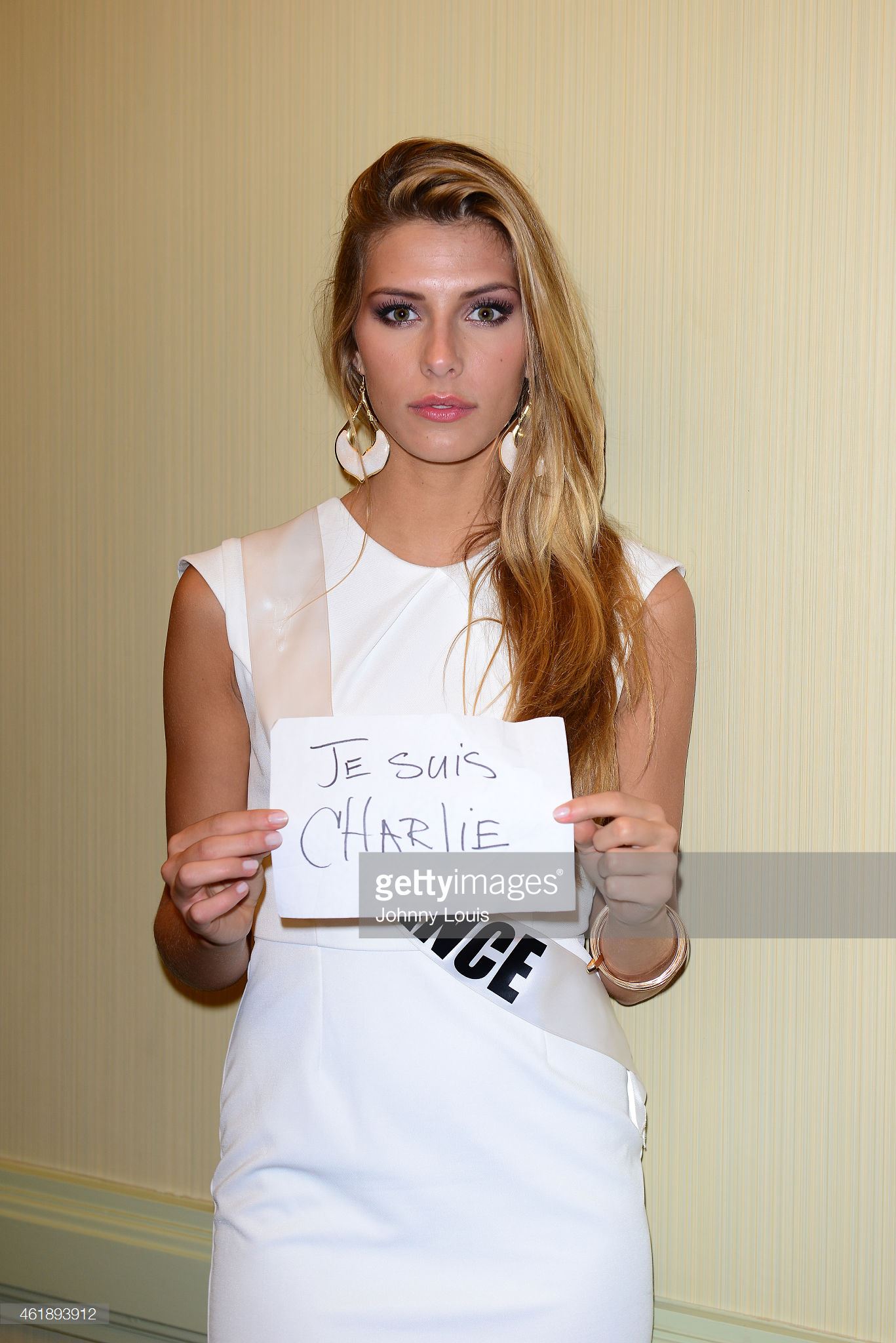
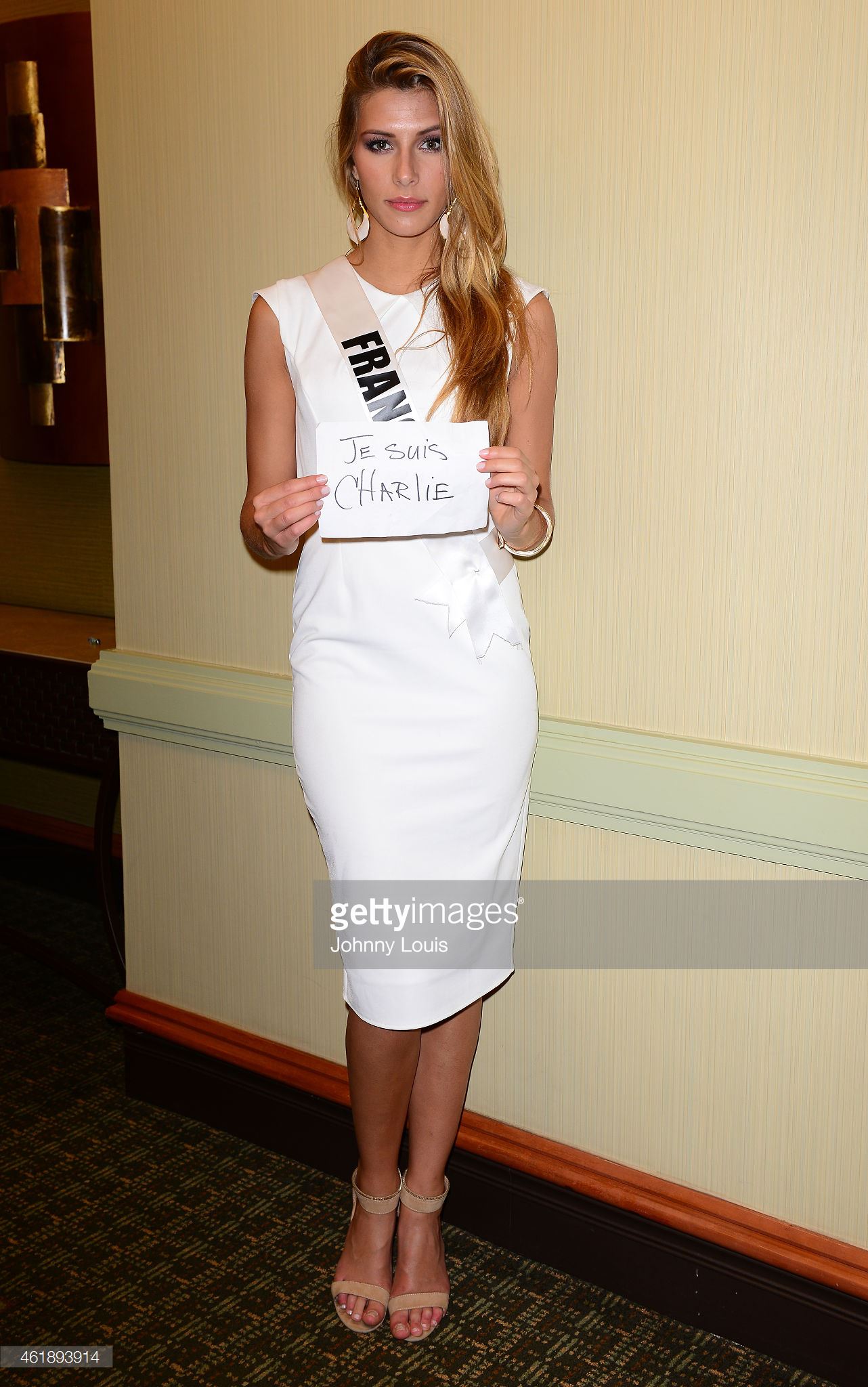
  4. The 63rd Annual Miss Universe Show Welcome Event
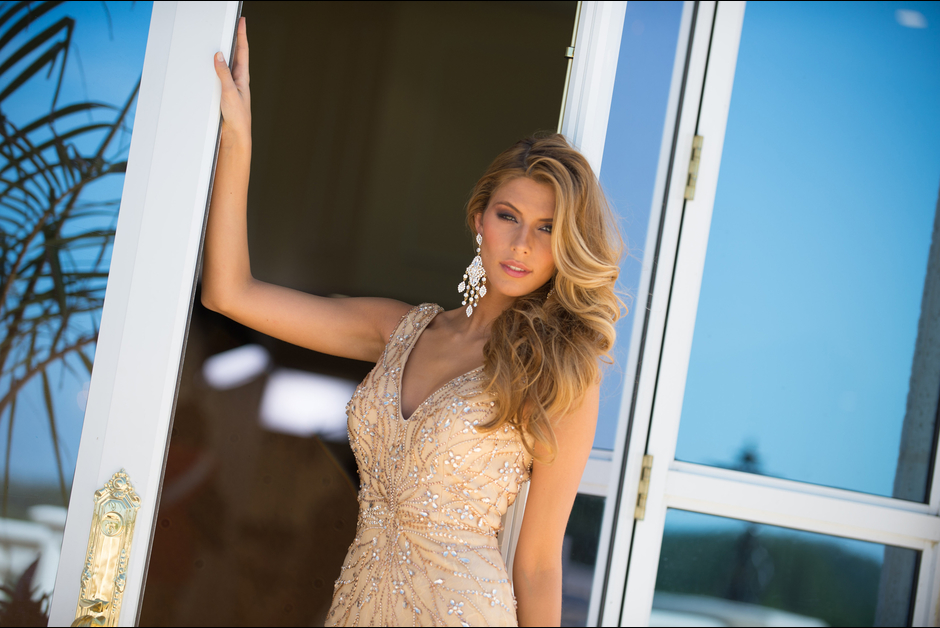
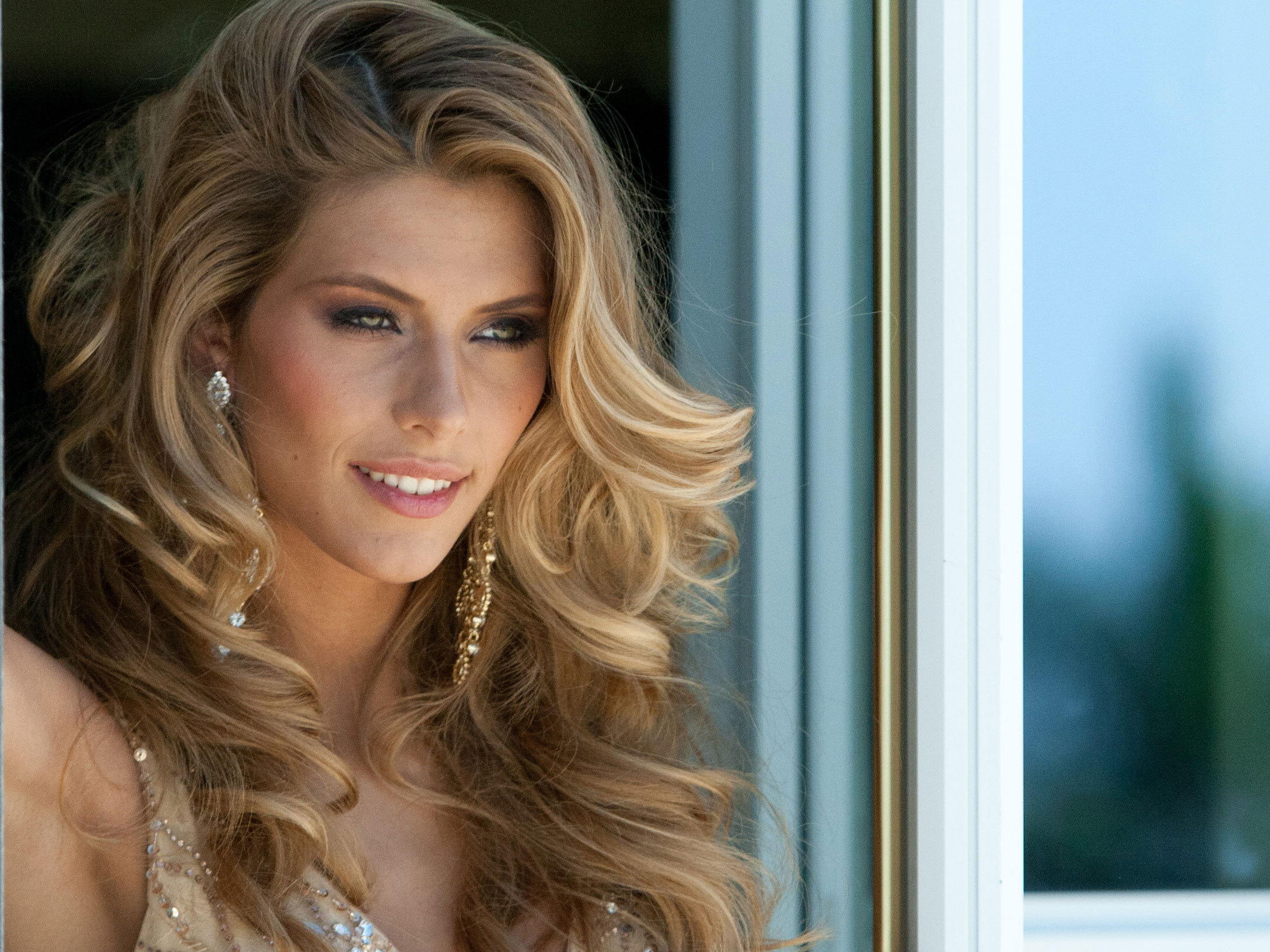
  5. The 63rd Annual Miss Universe Show Portrait newer or bigger Add
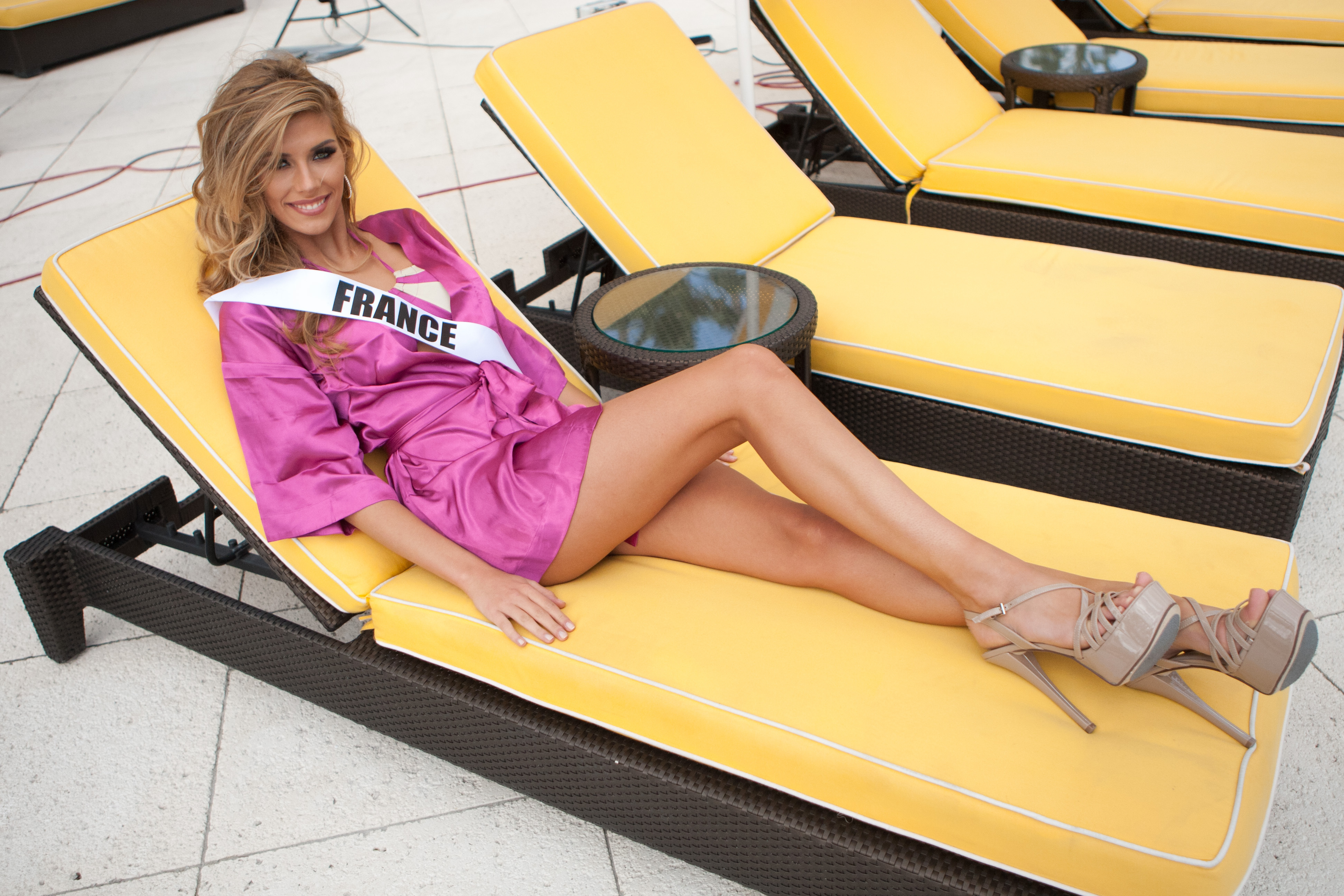
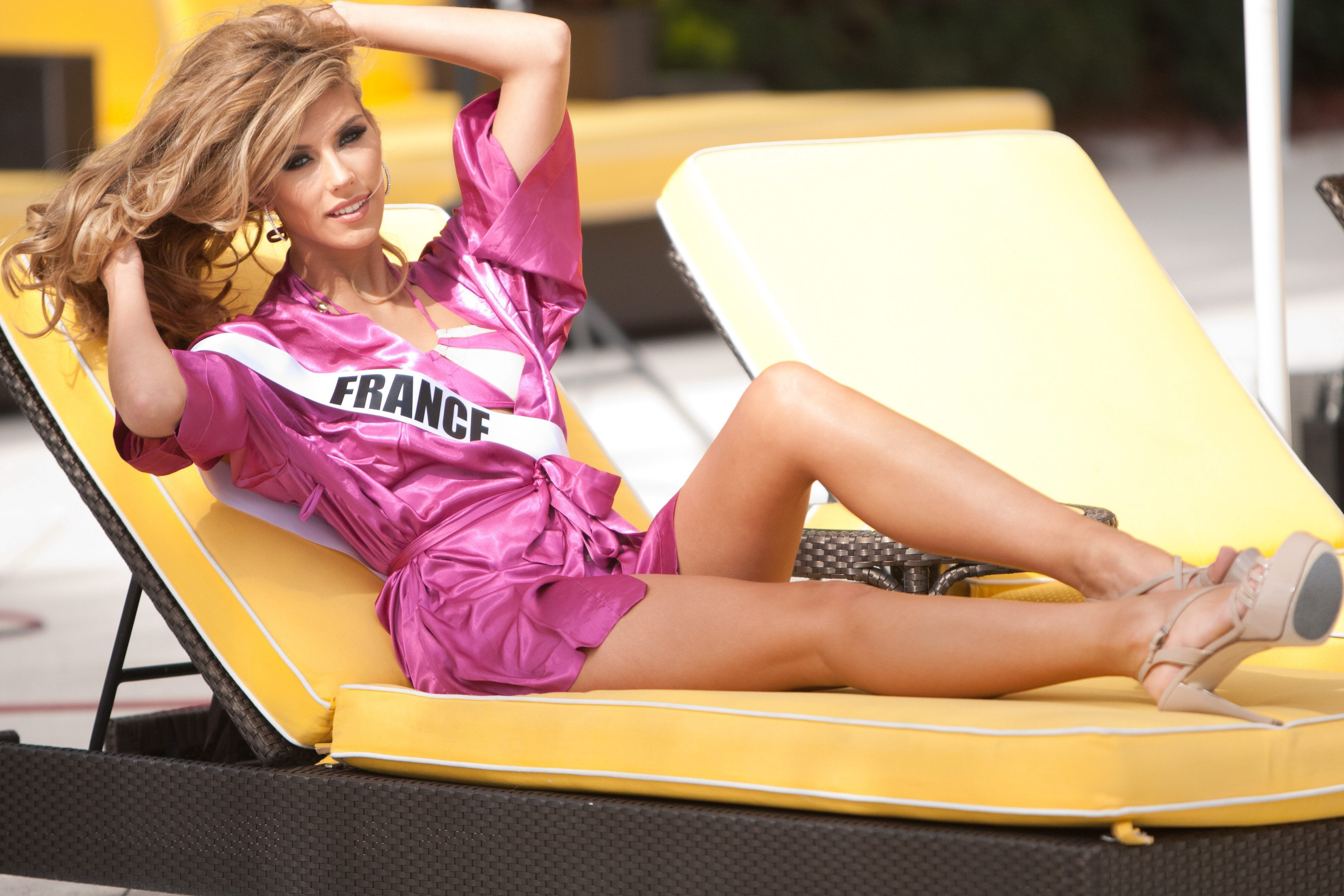
  6. The 63rd Annual Miss Universe Show Press Junket at Crowne
  7. The 63rd Annual Miss Universe Show newer or bigger
  8. The 63rd Annual Miss Universe Show
  9. The 63rd Annual Miss Universe Show Add
  10. The 63rd Annual Miss Universe Show
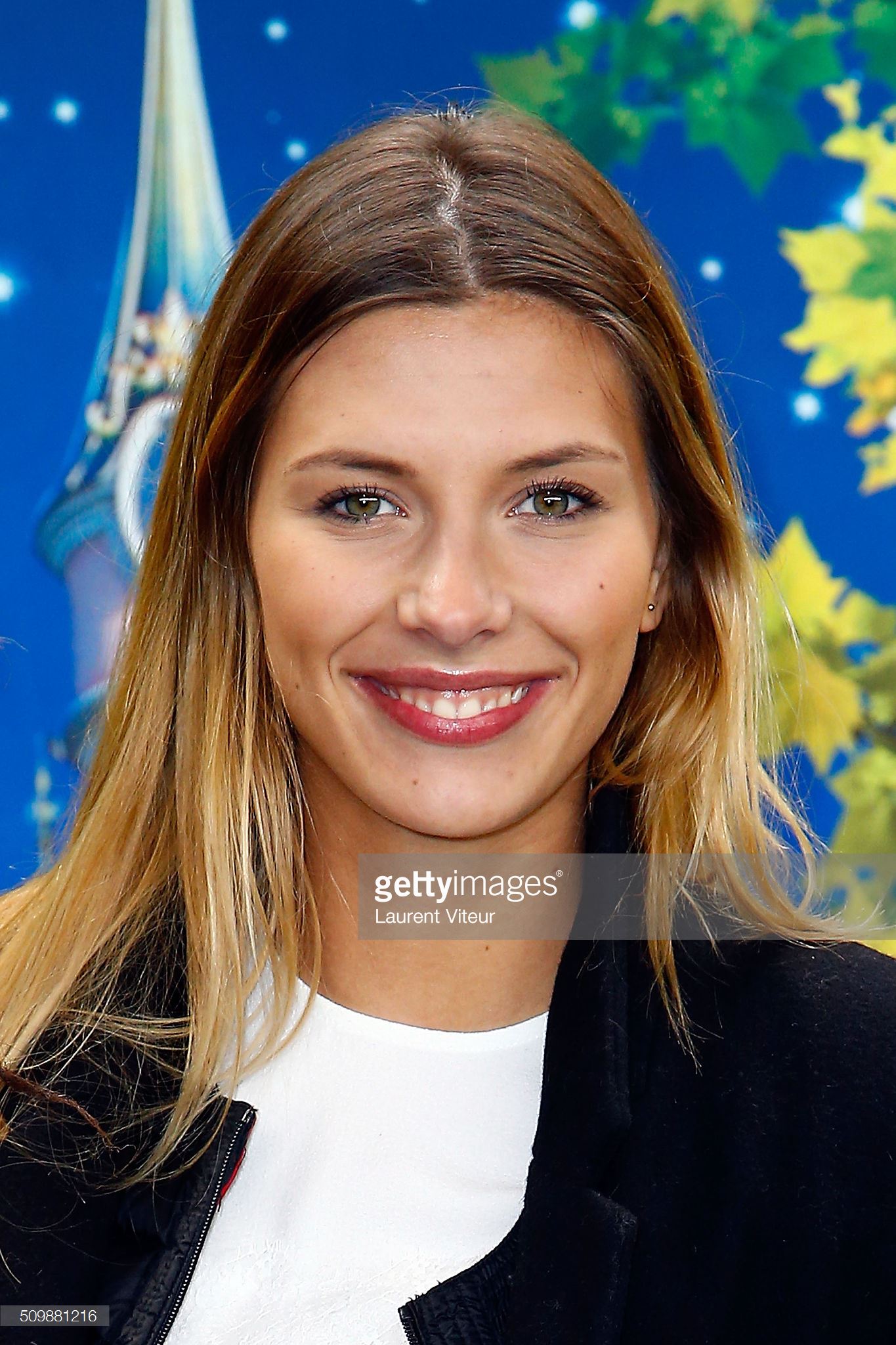
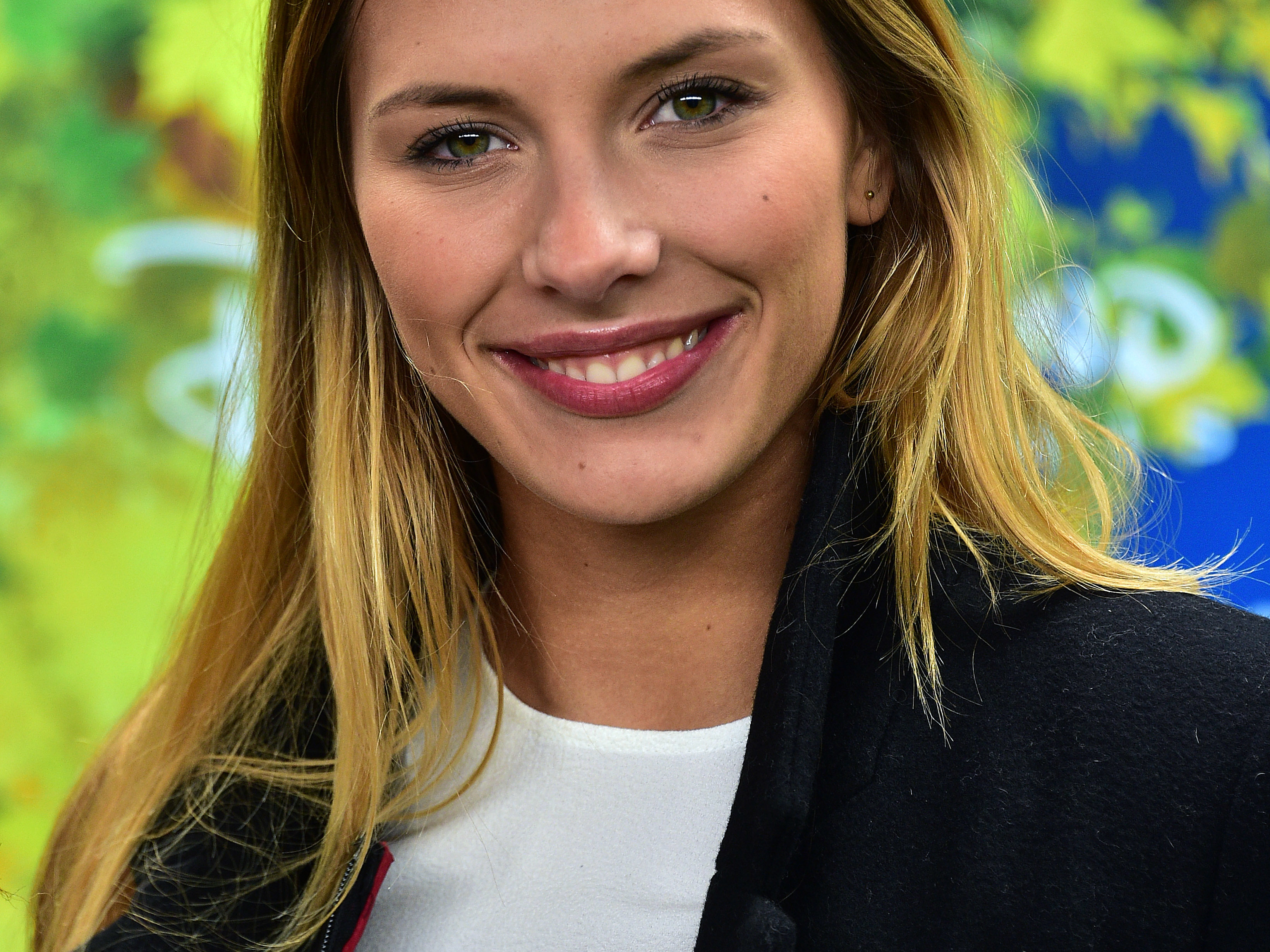
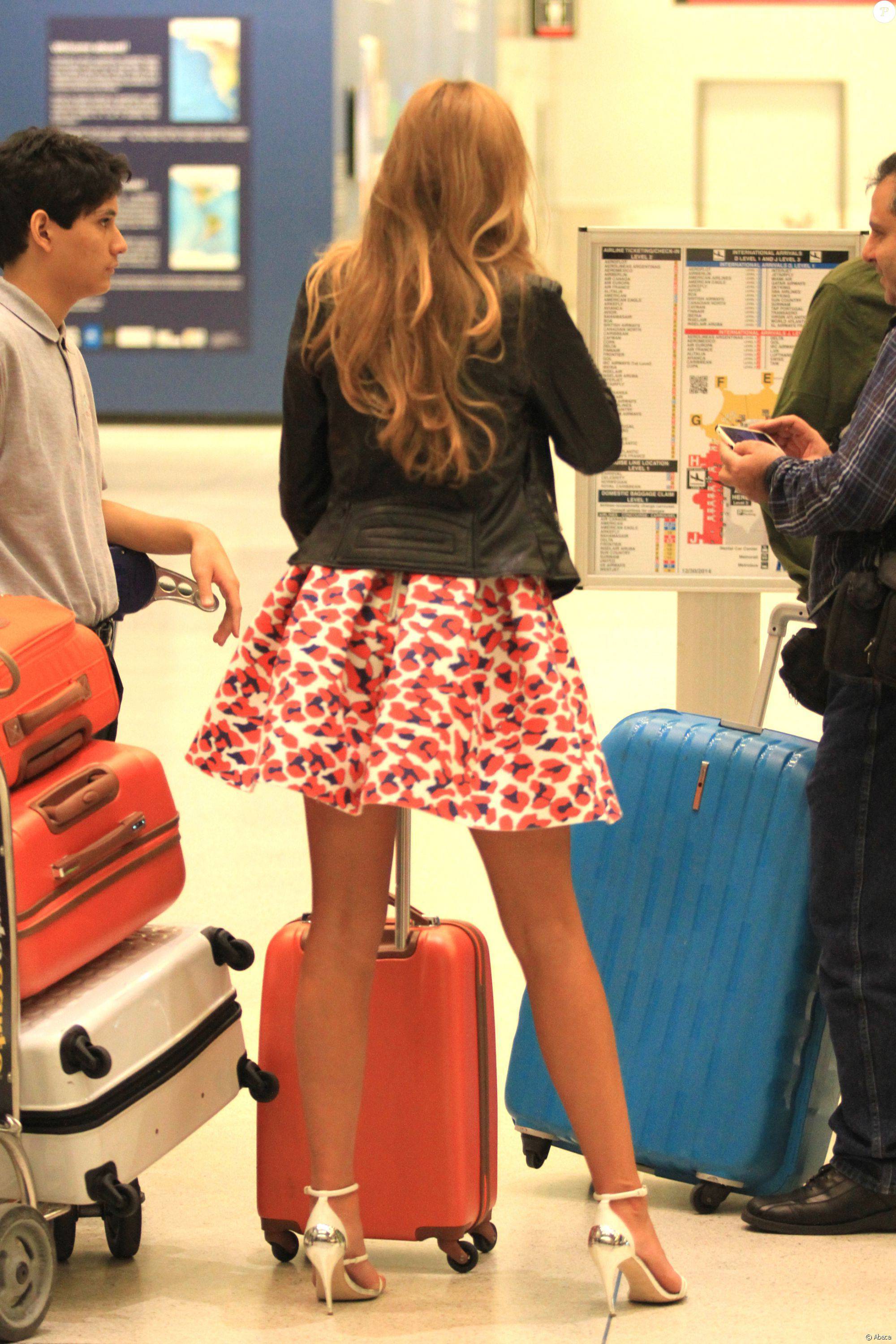
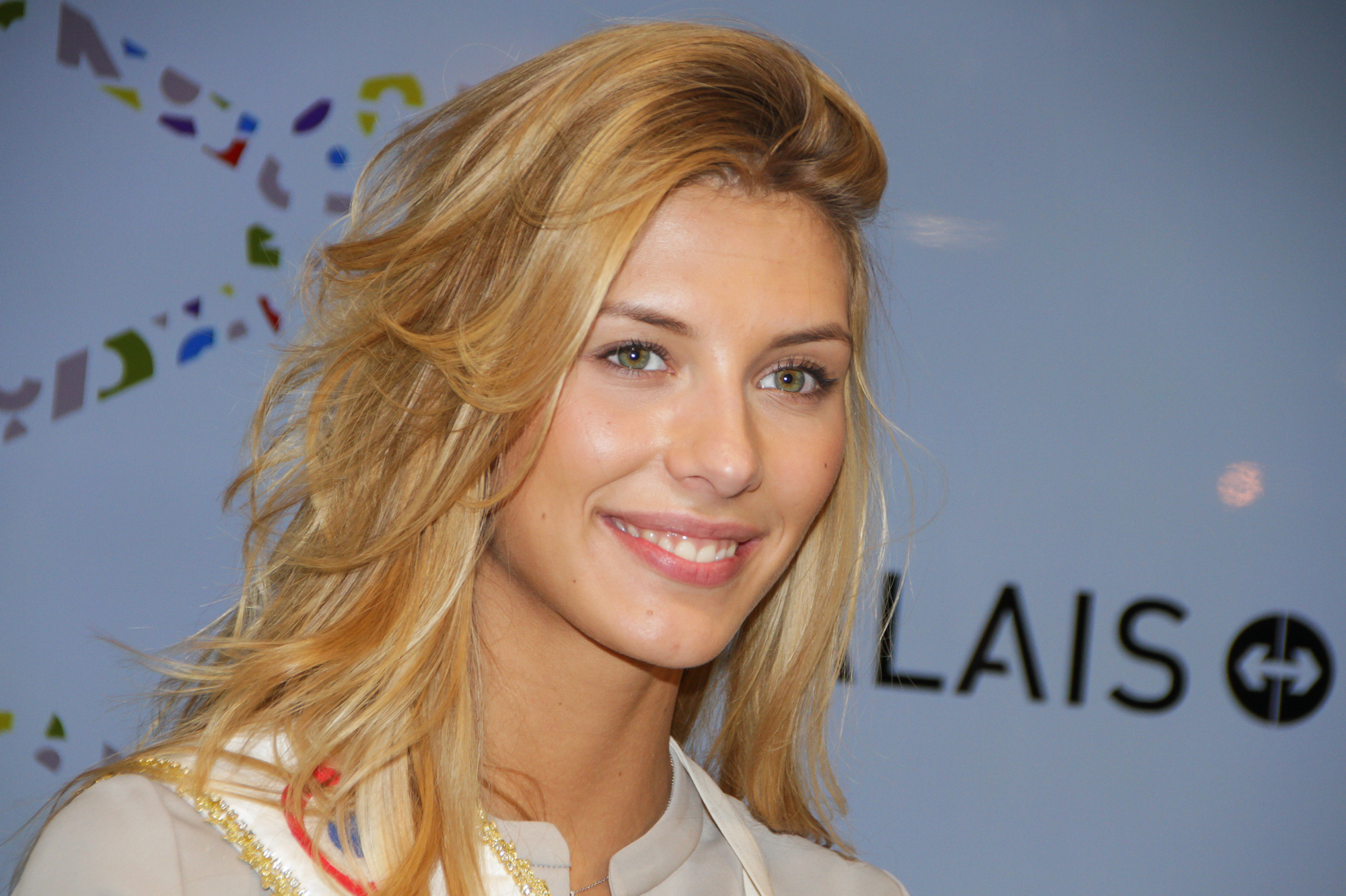
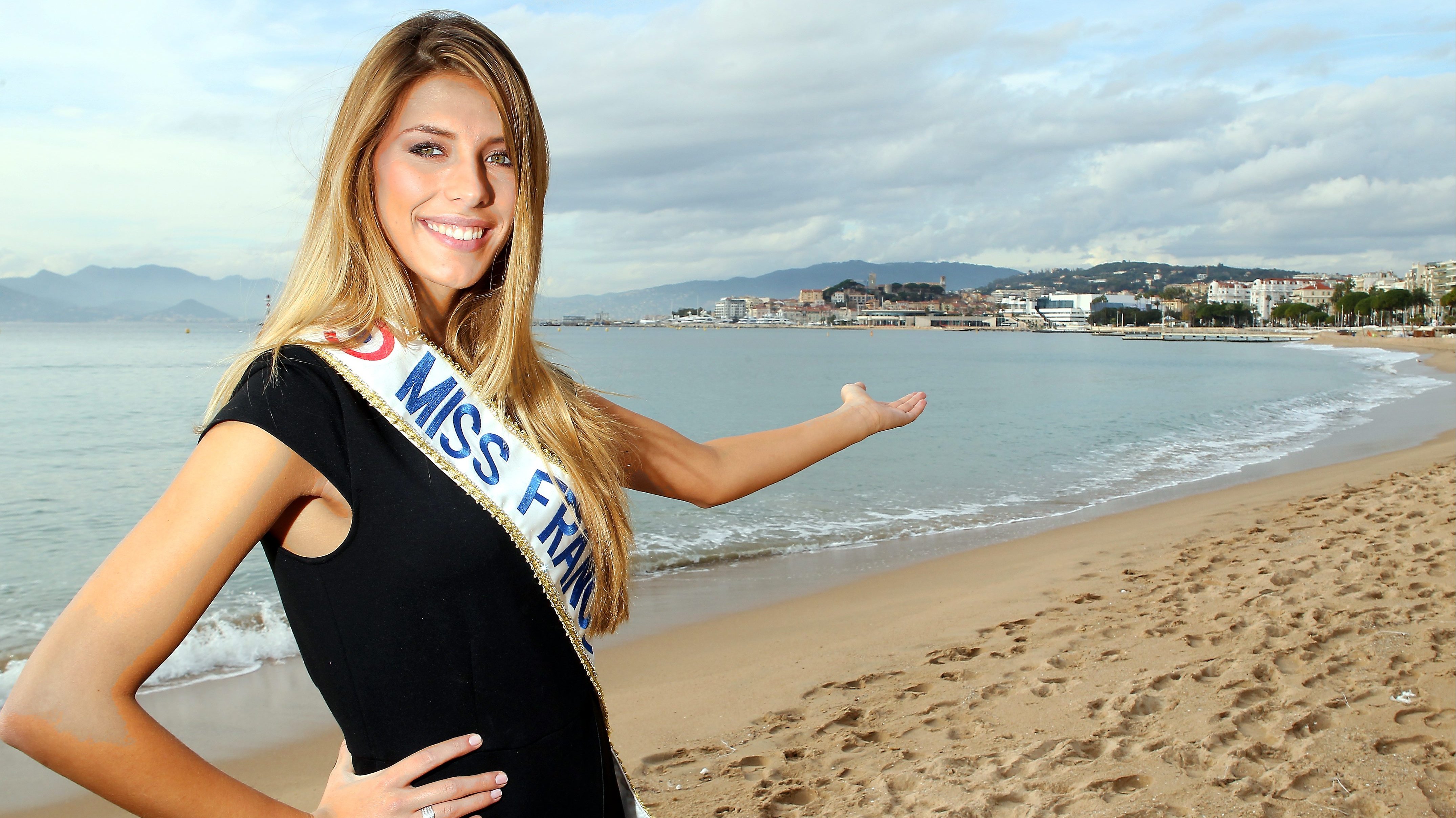
  11. Miss France 2015, days after ... Fort Boyard TV show
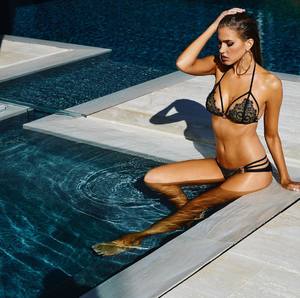
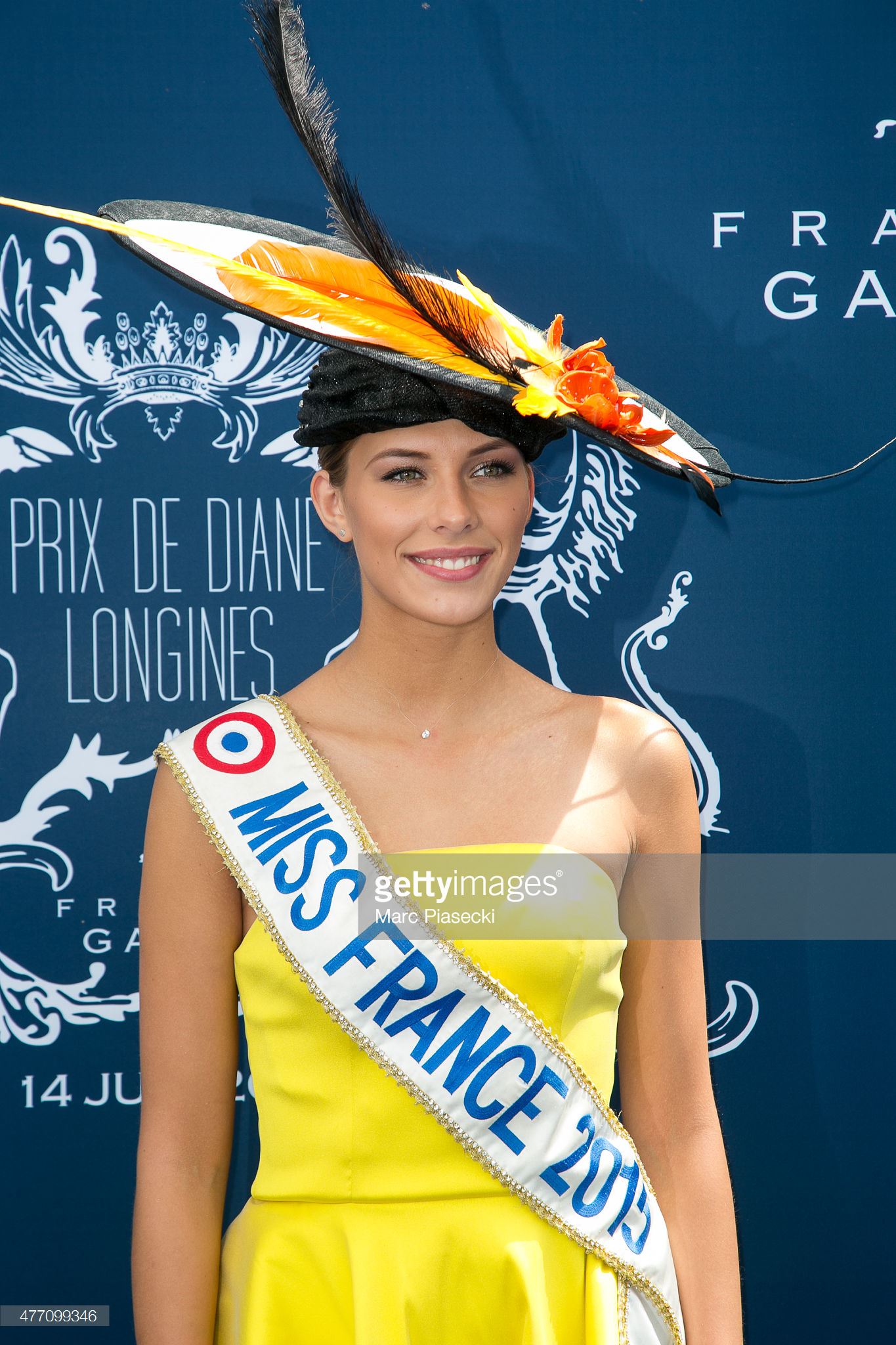
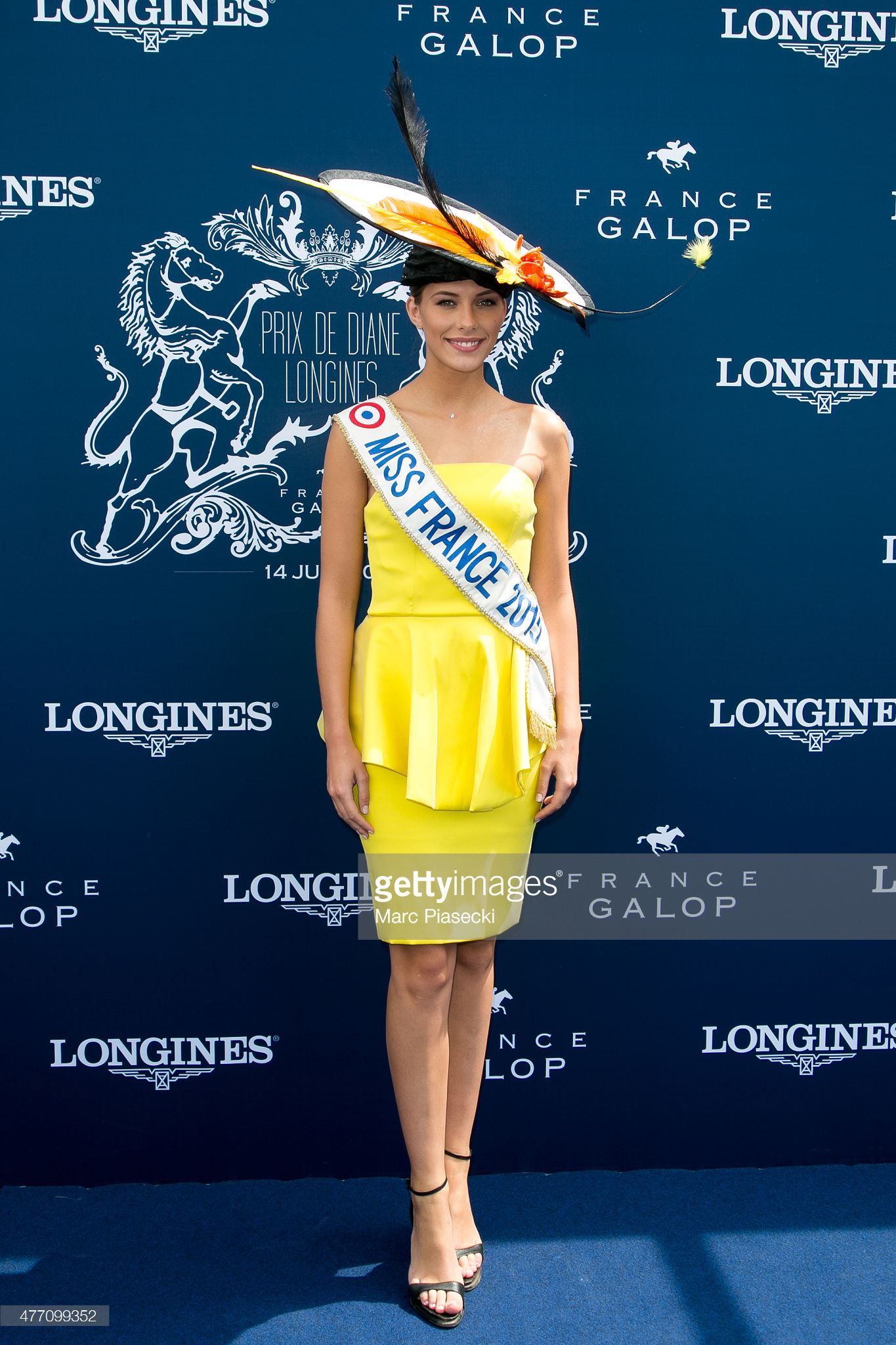
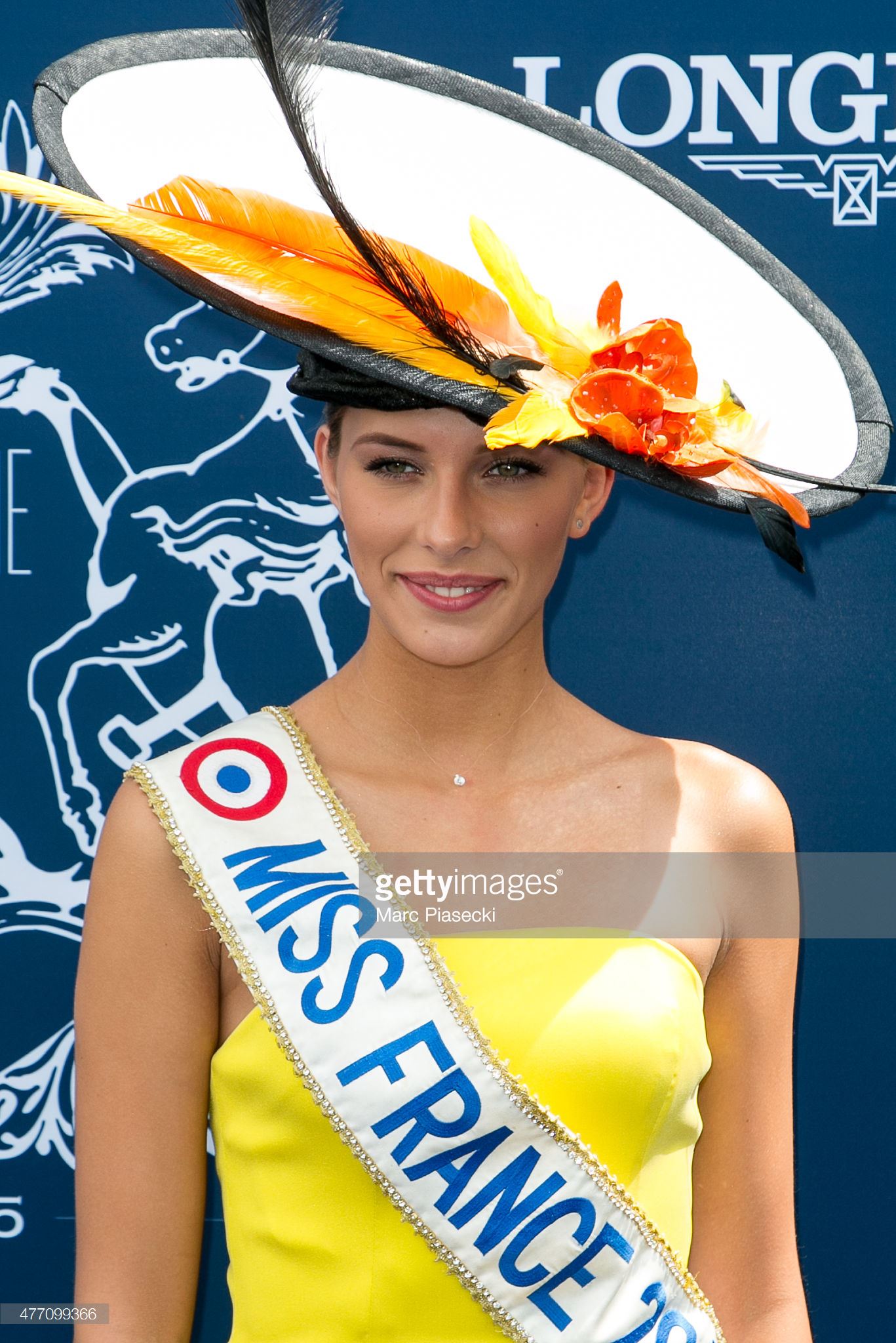
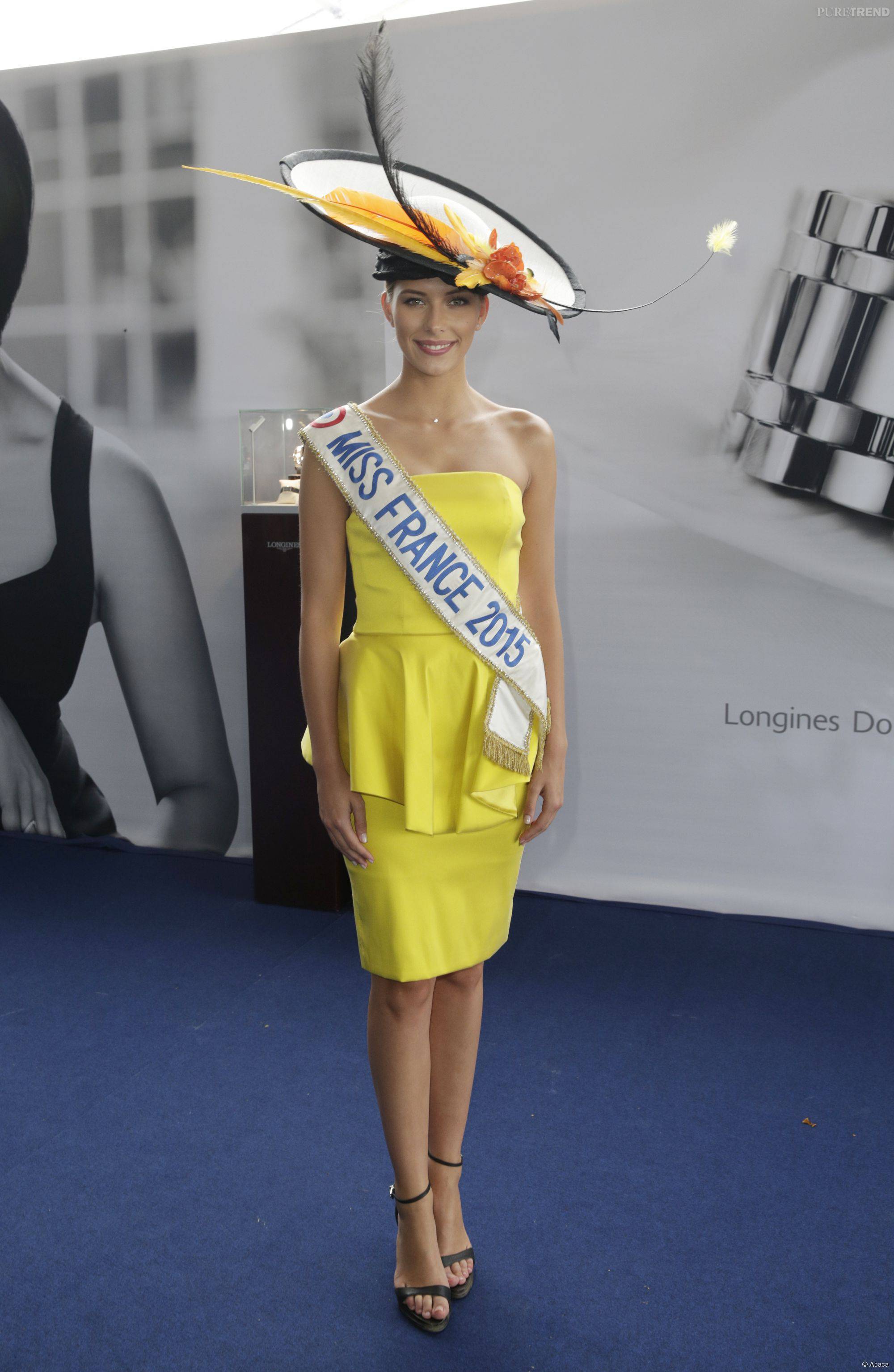
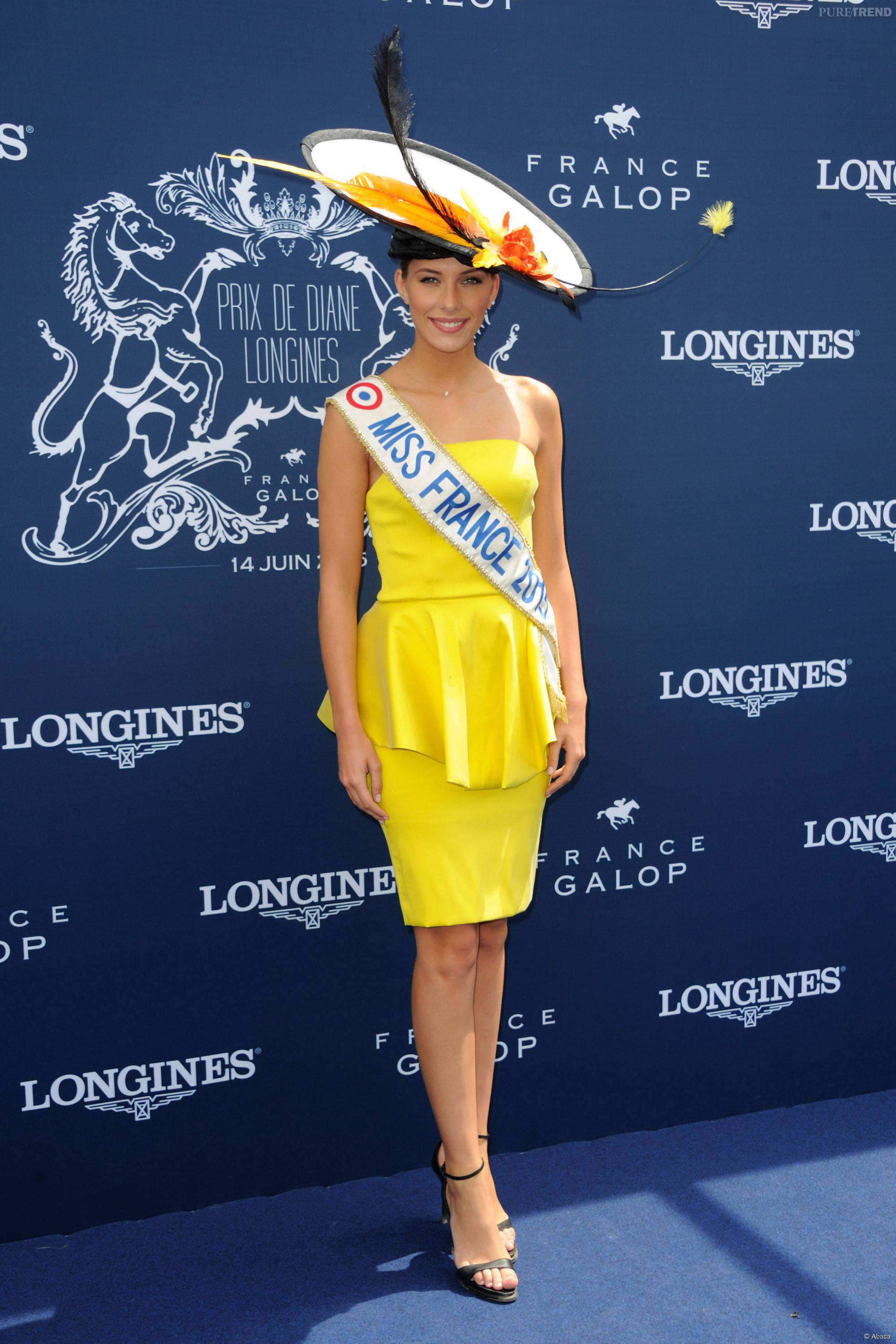
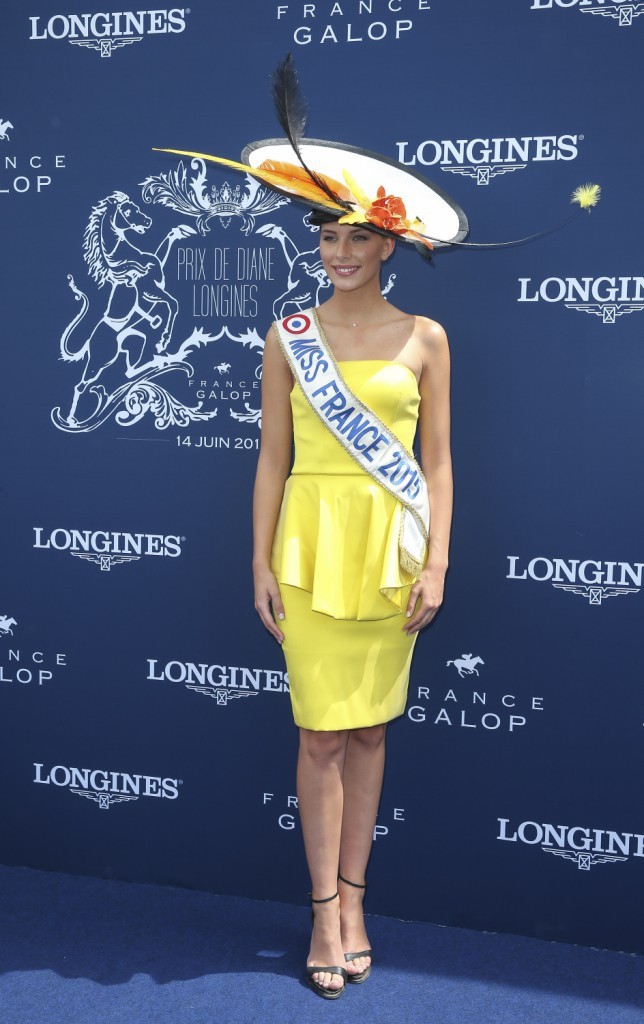
  12. Miss France 2015, days after ... Prix de Diane Longines
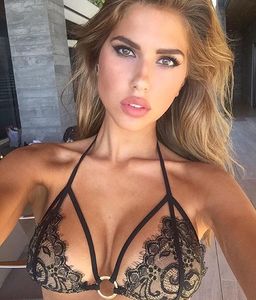
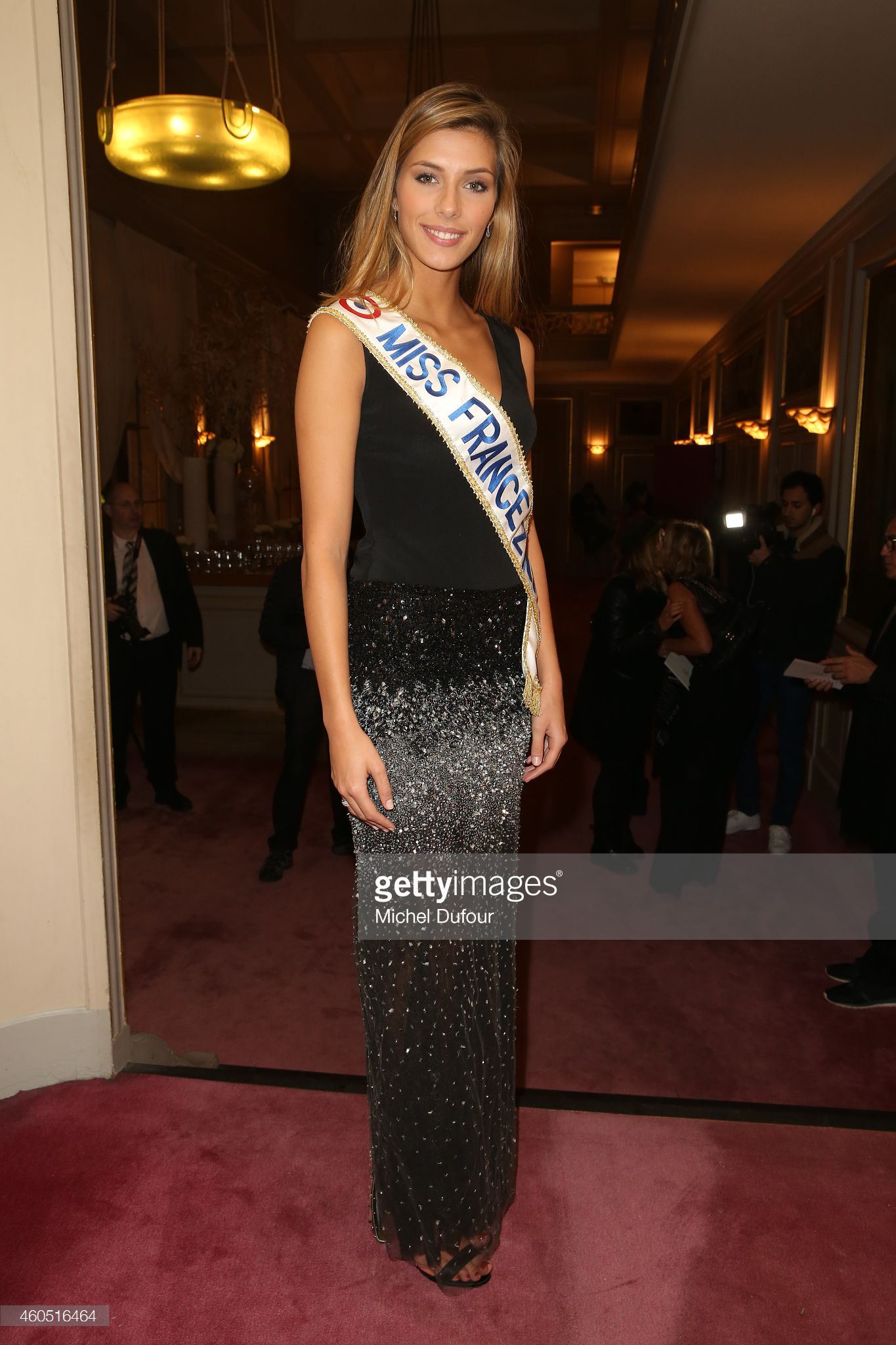
  13. Miss France 2015, days after ... Les Sapins de Noel des Créateurs Designers
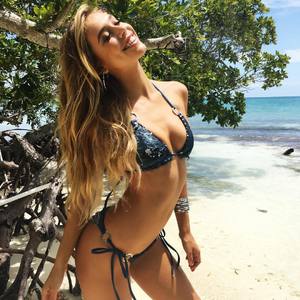
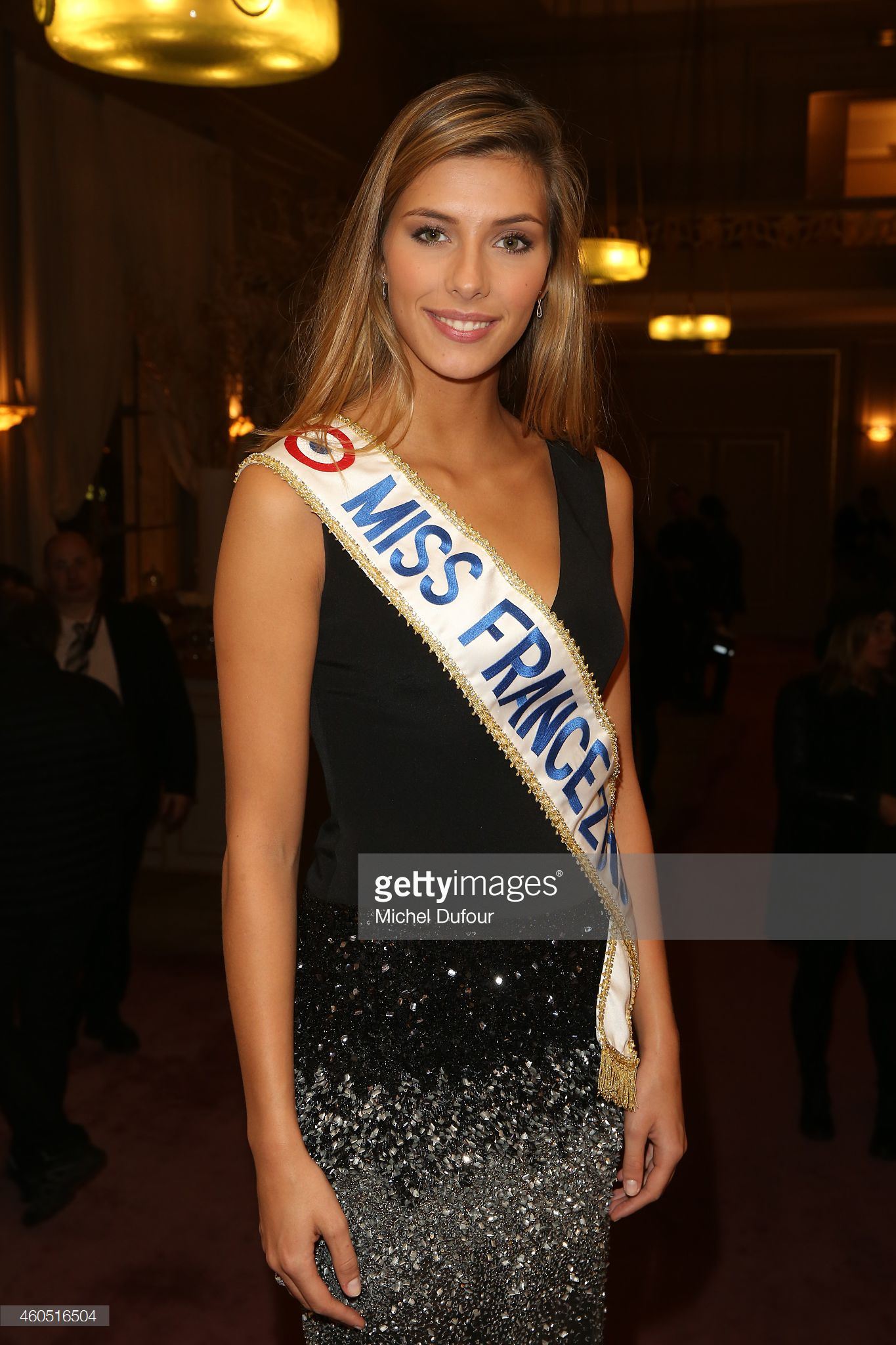
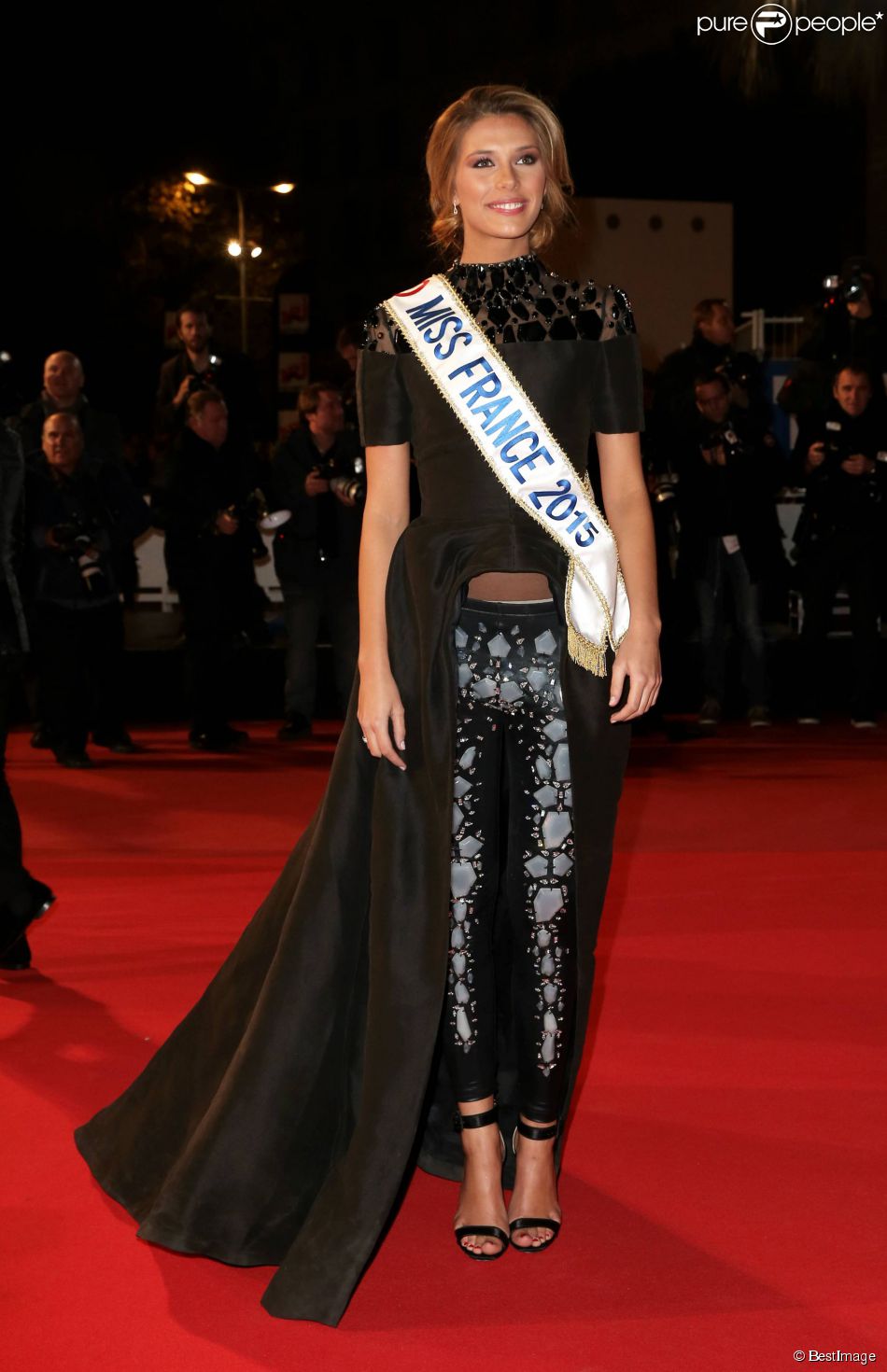
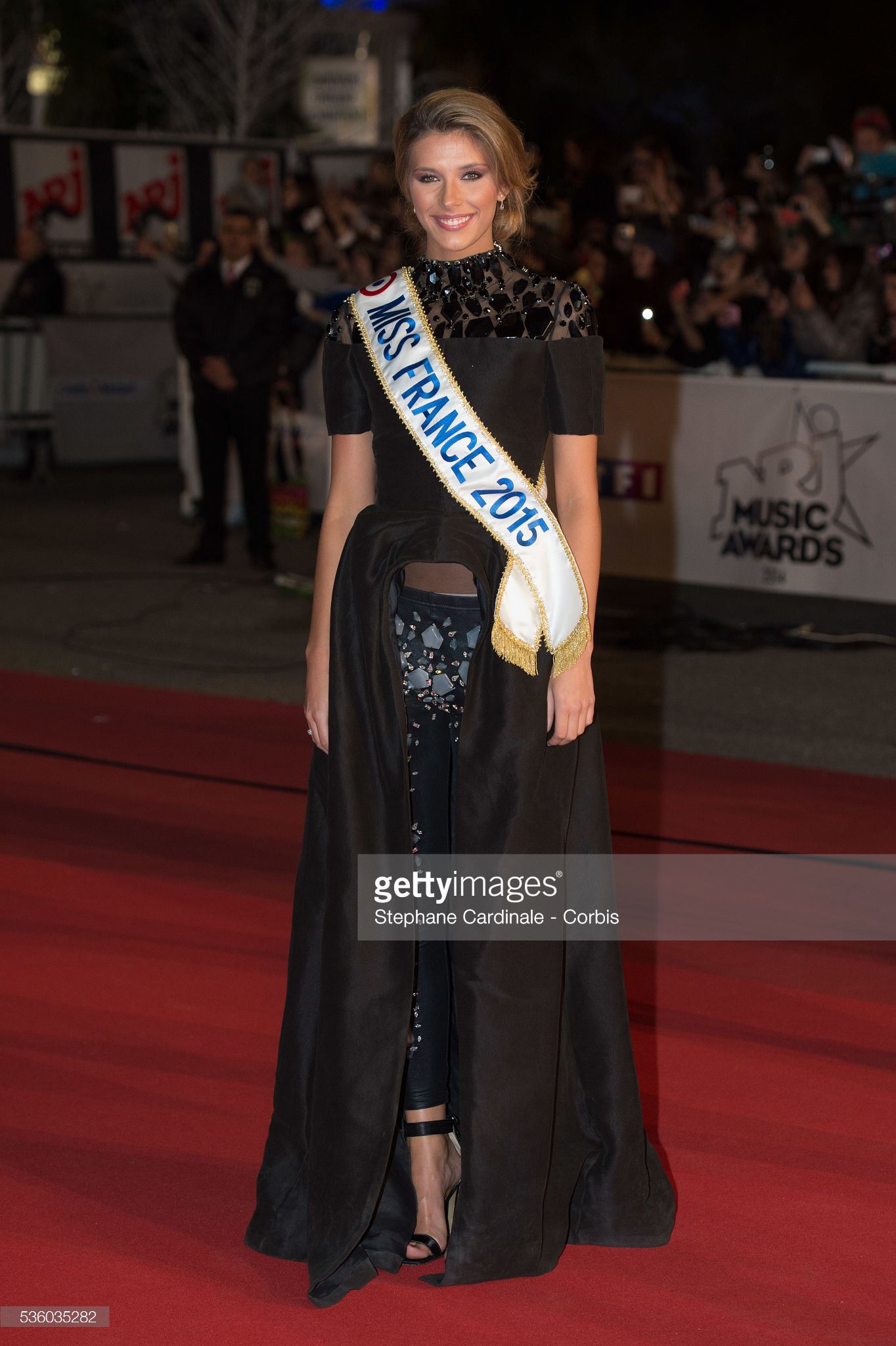
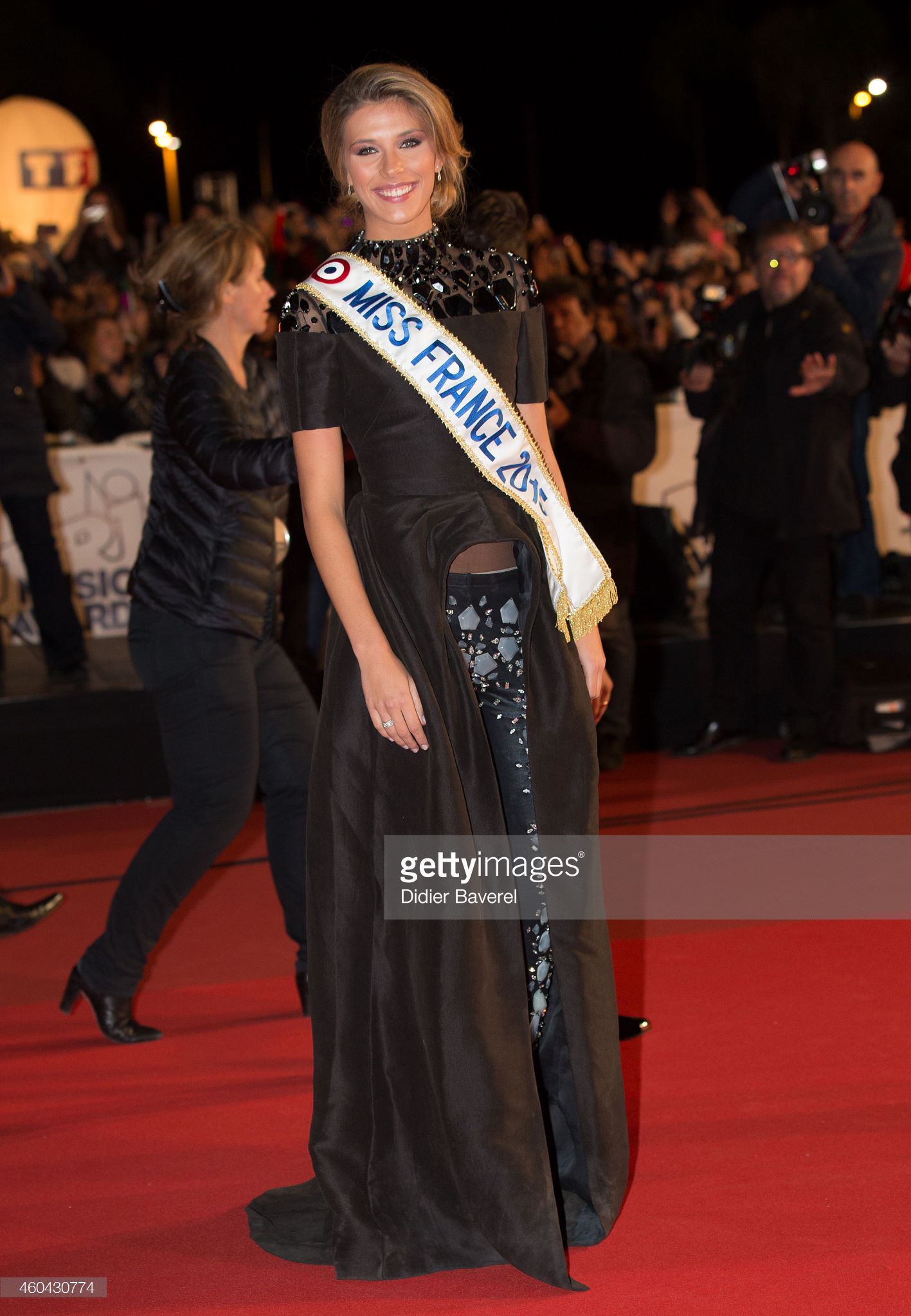
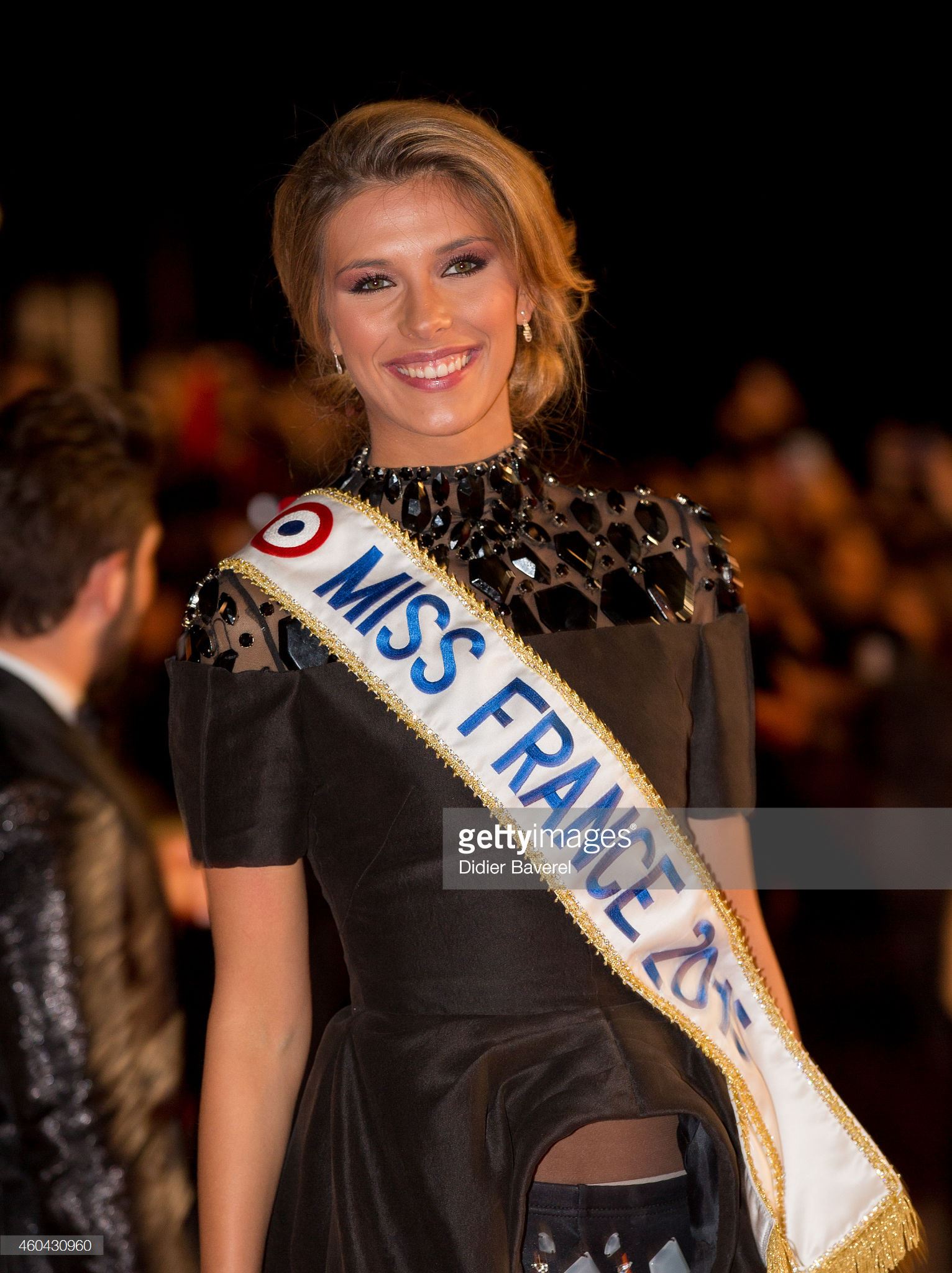
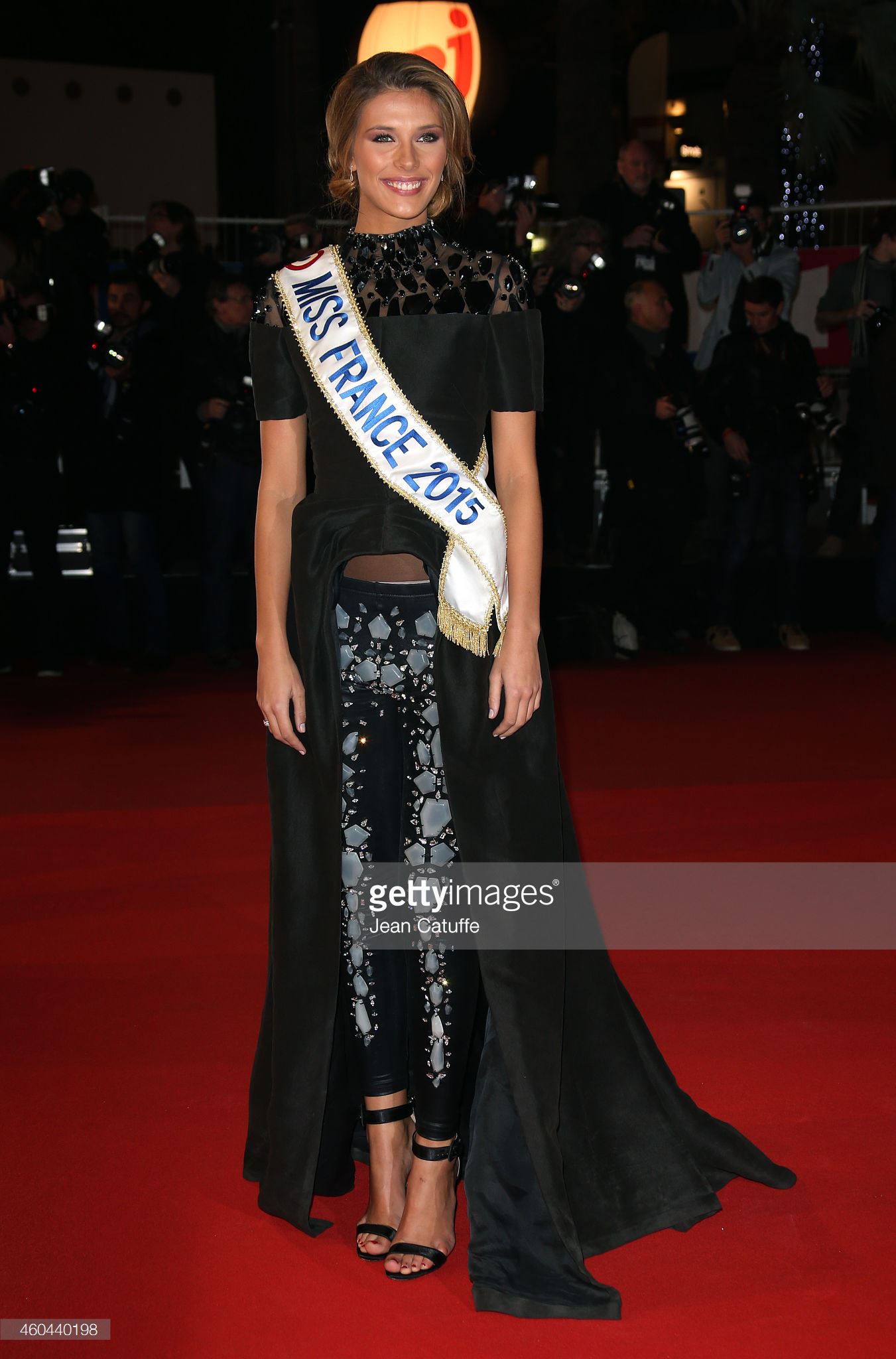
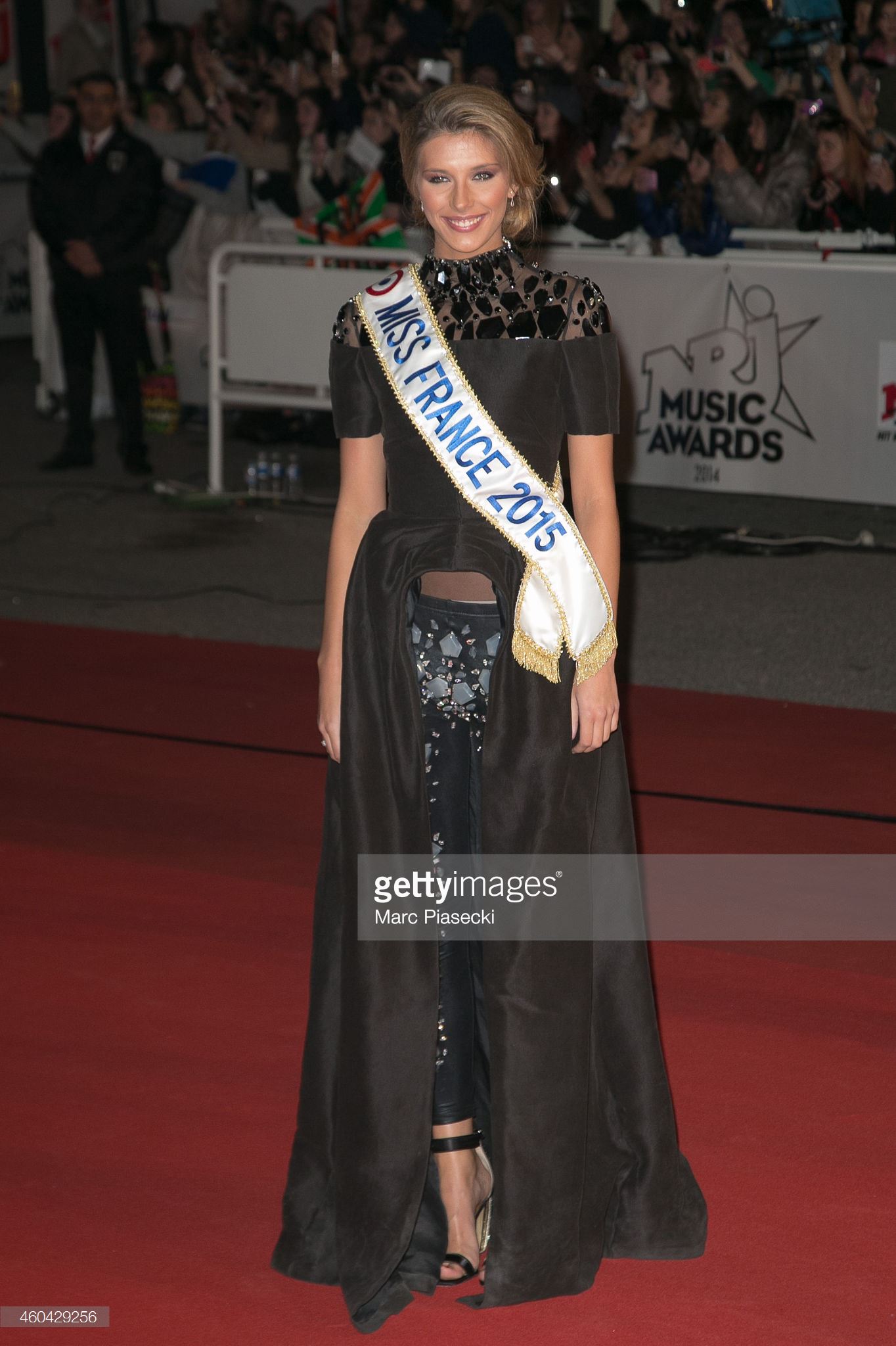
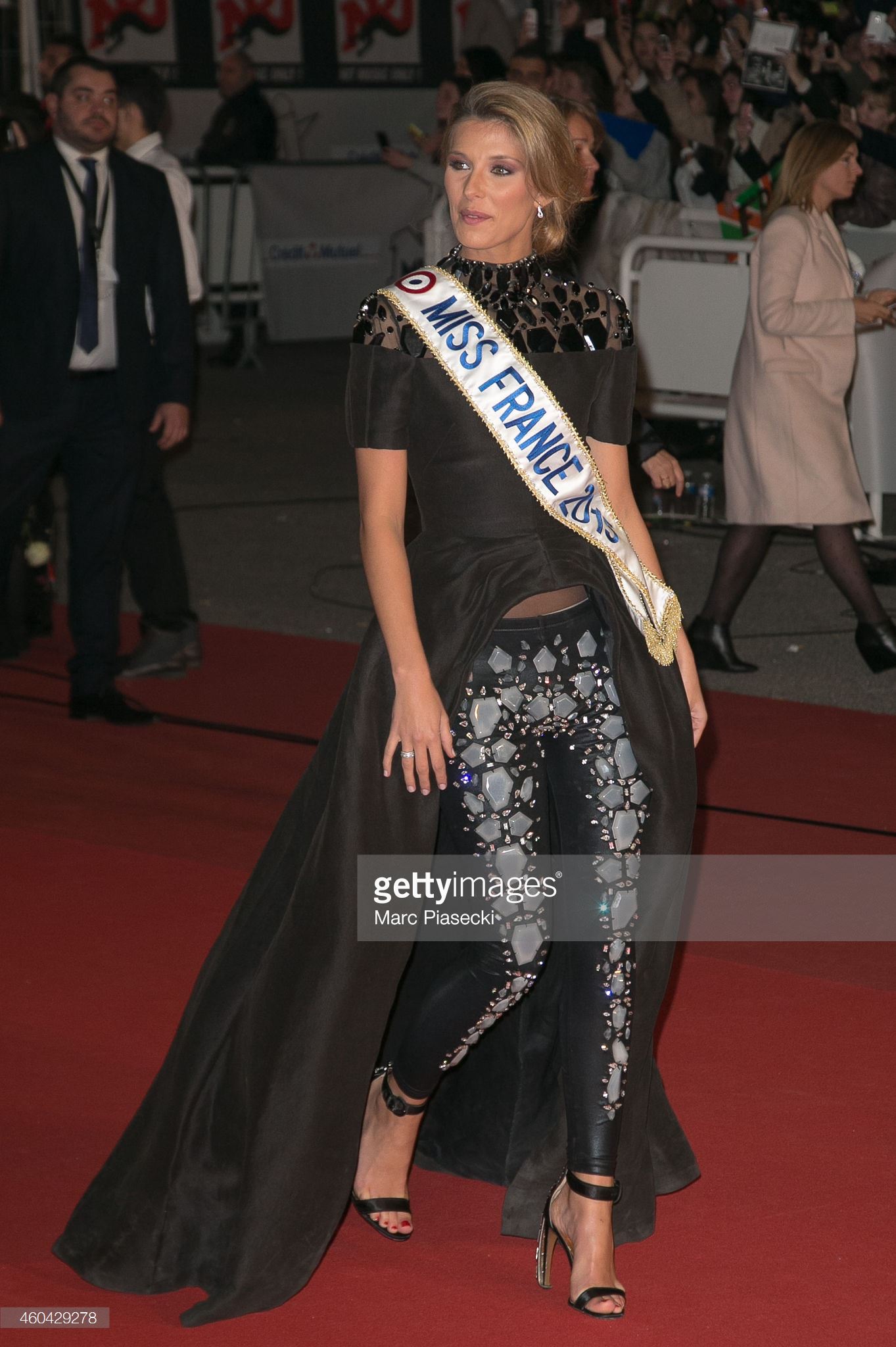
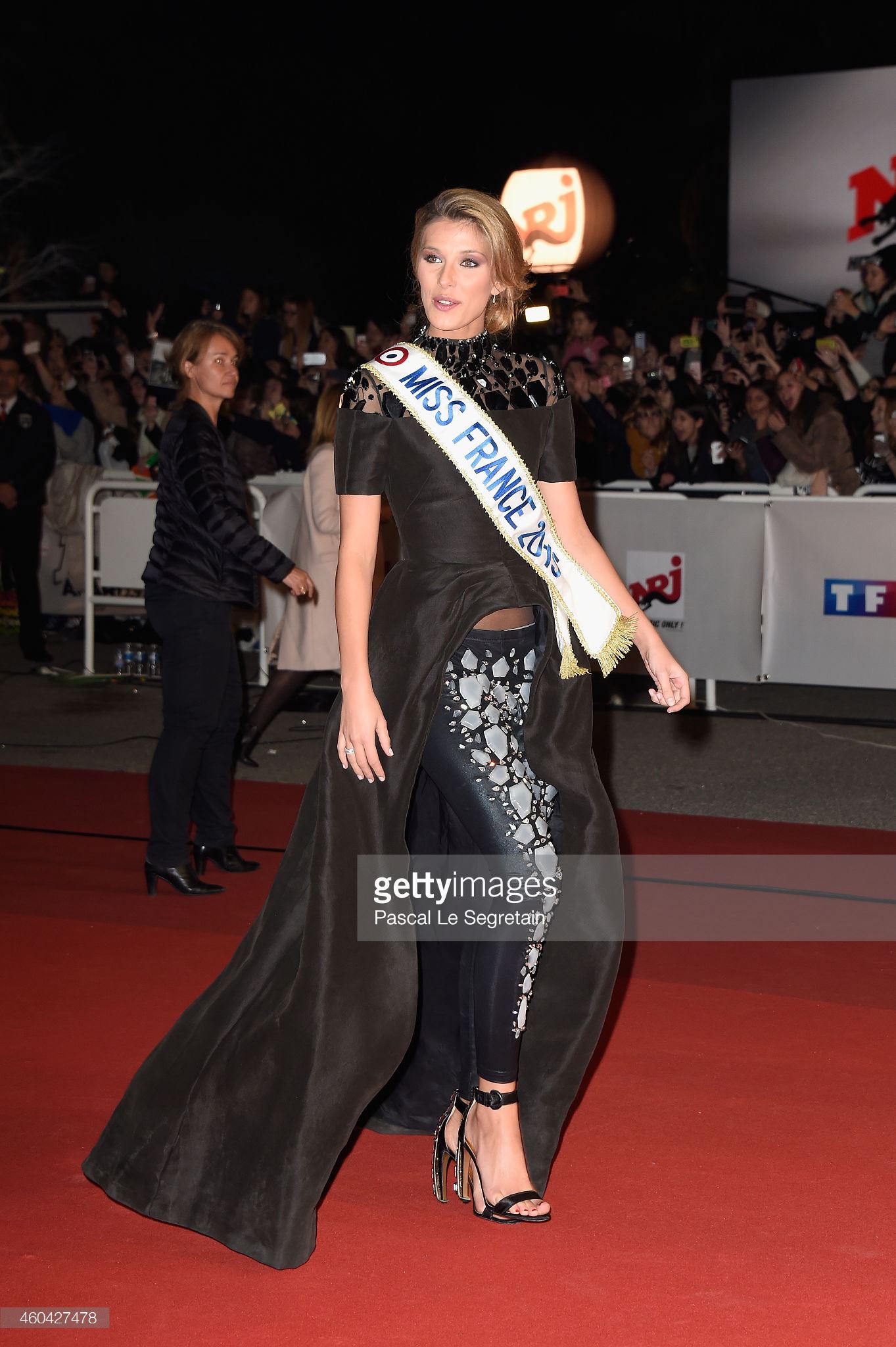
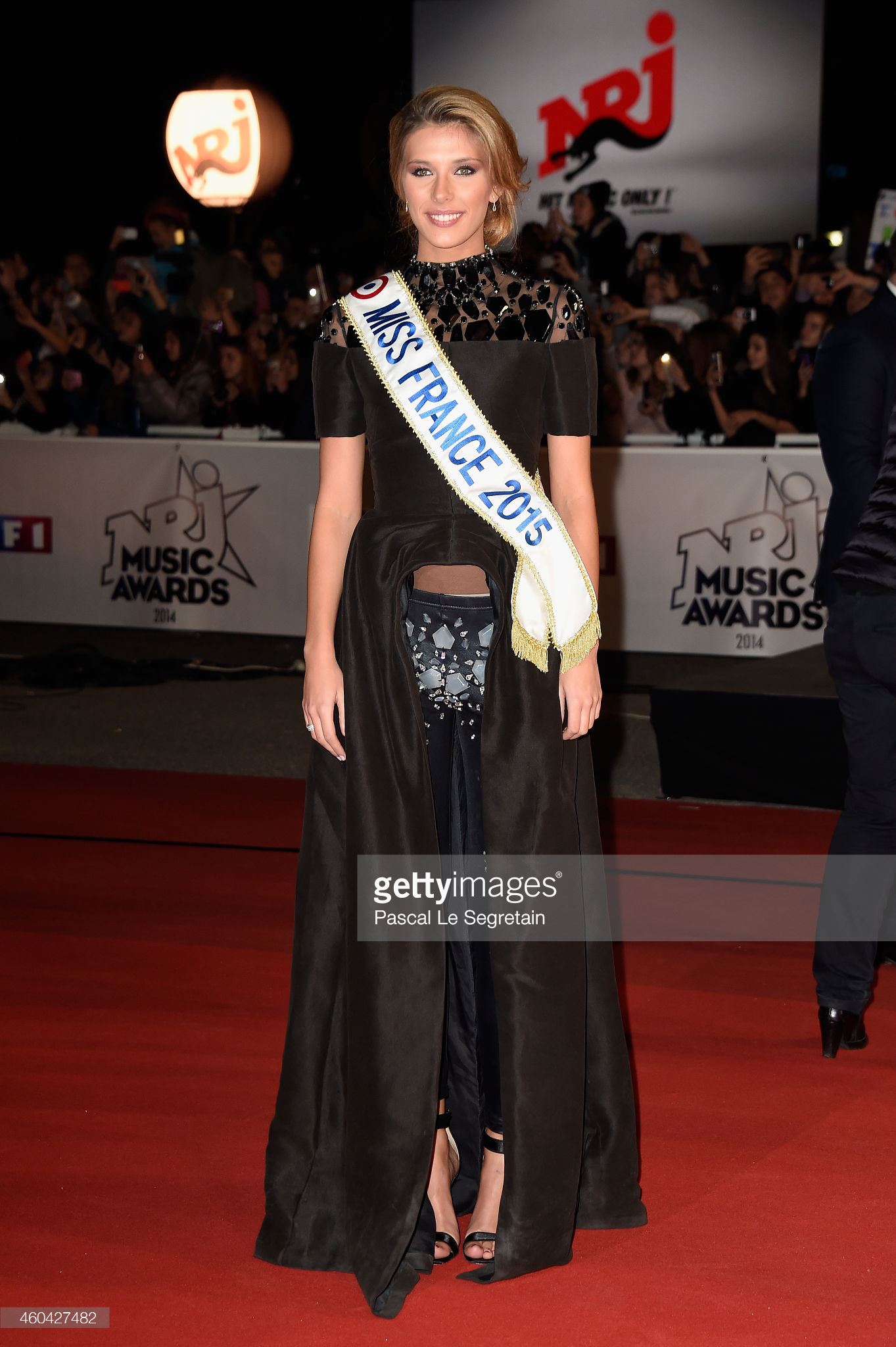
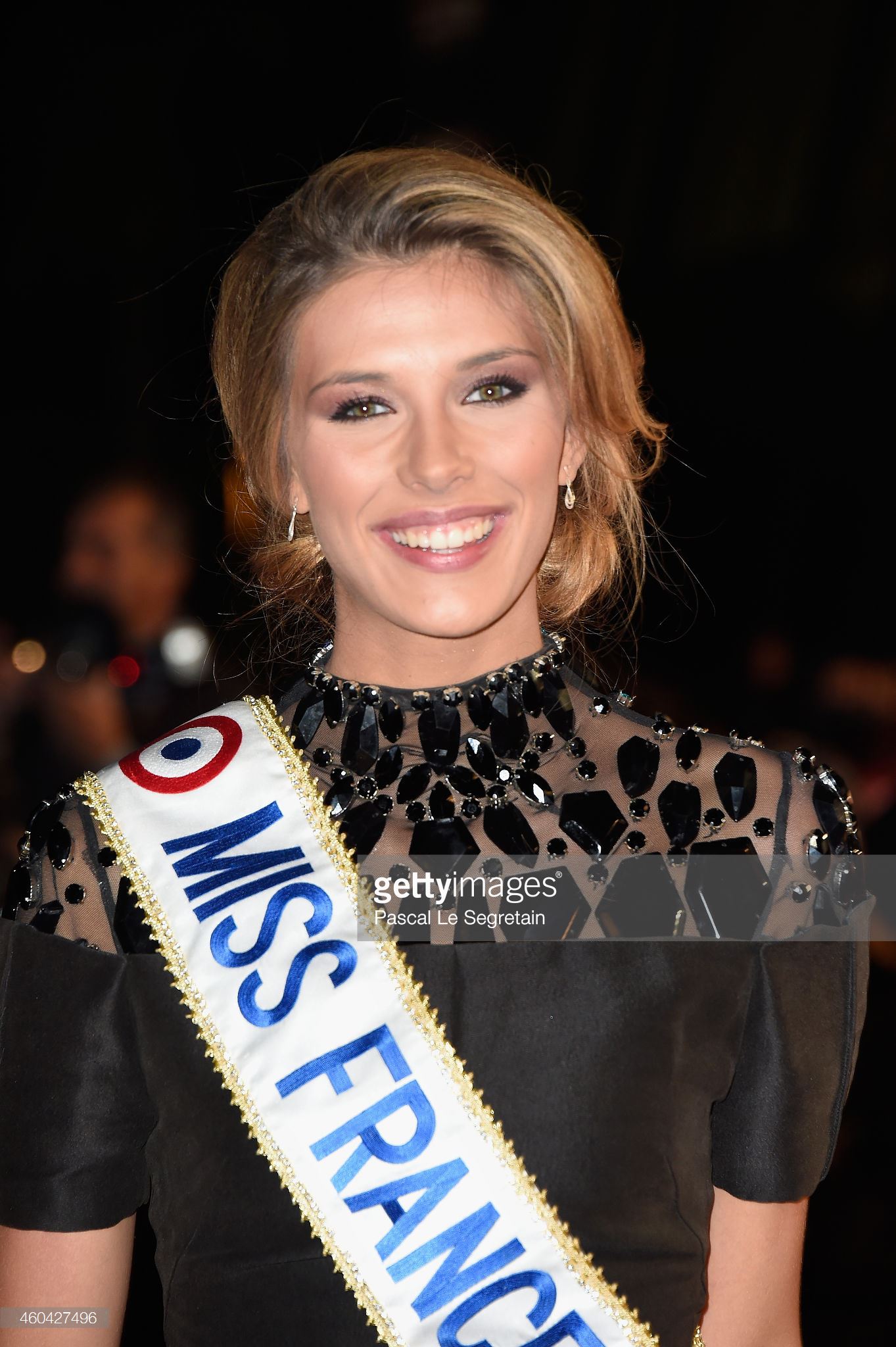
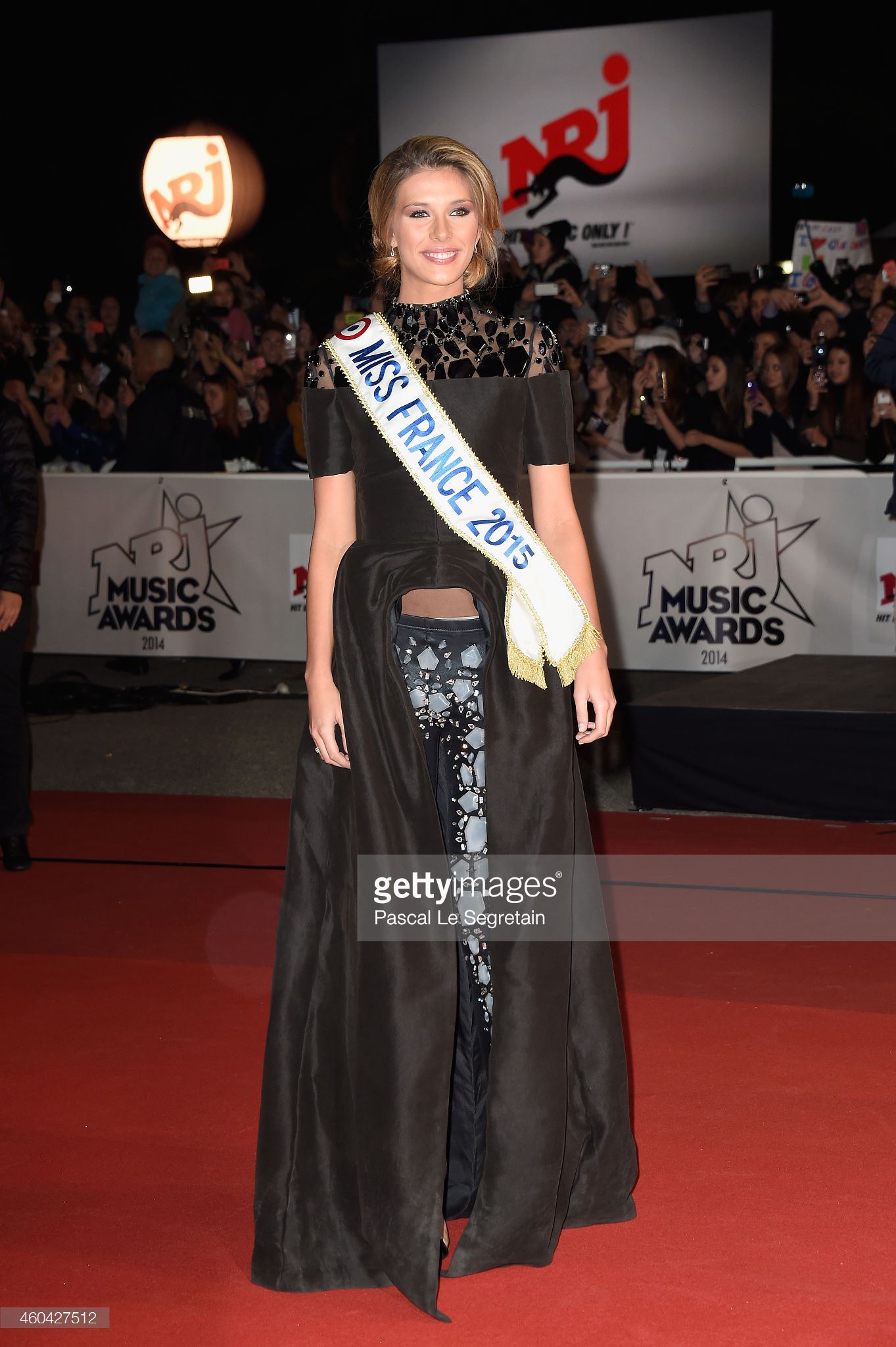
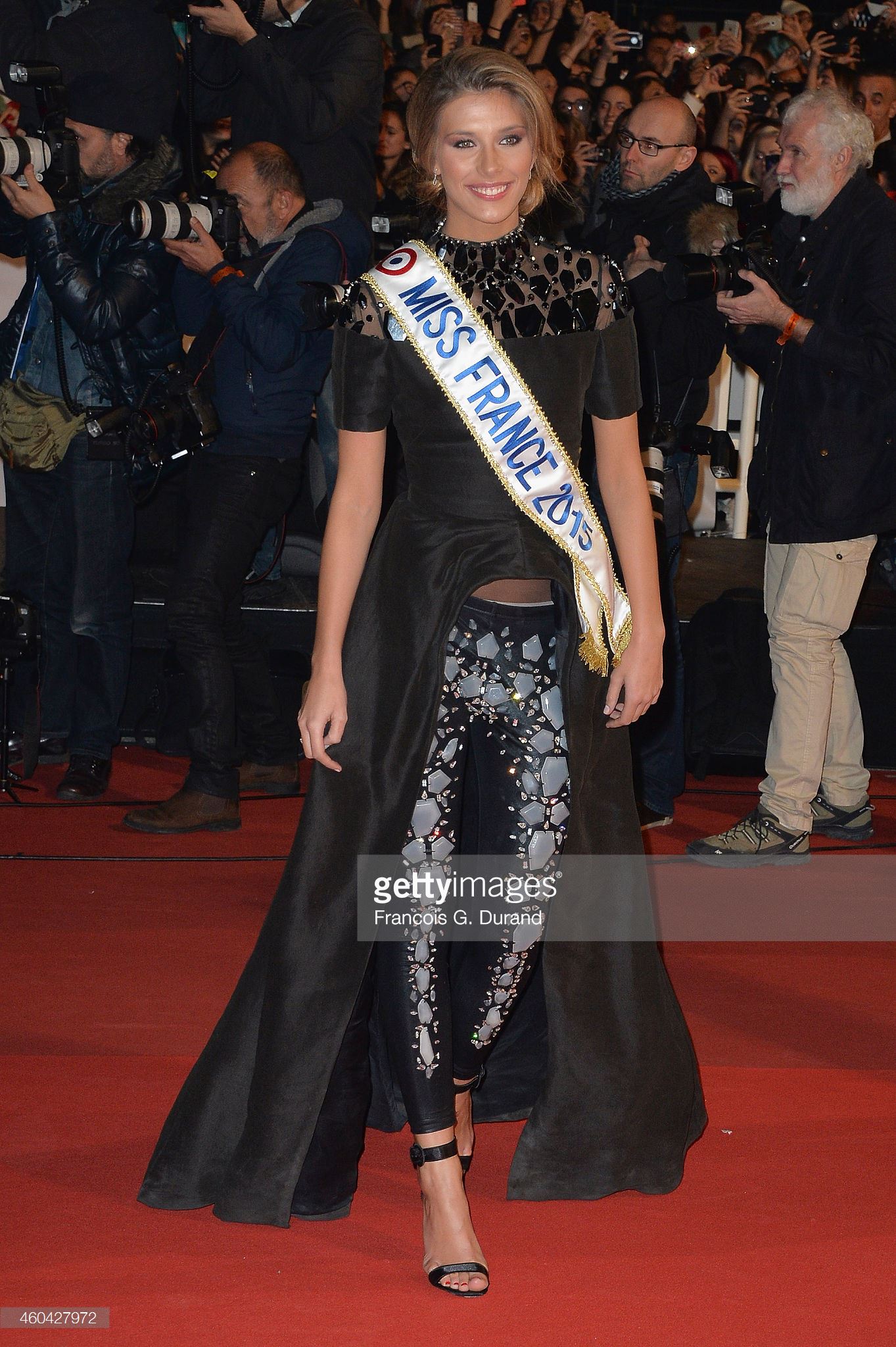
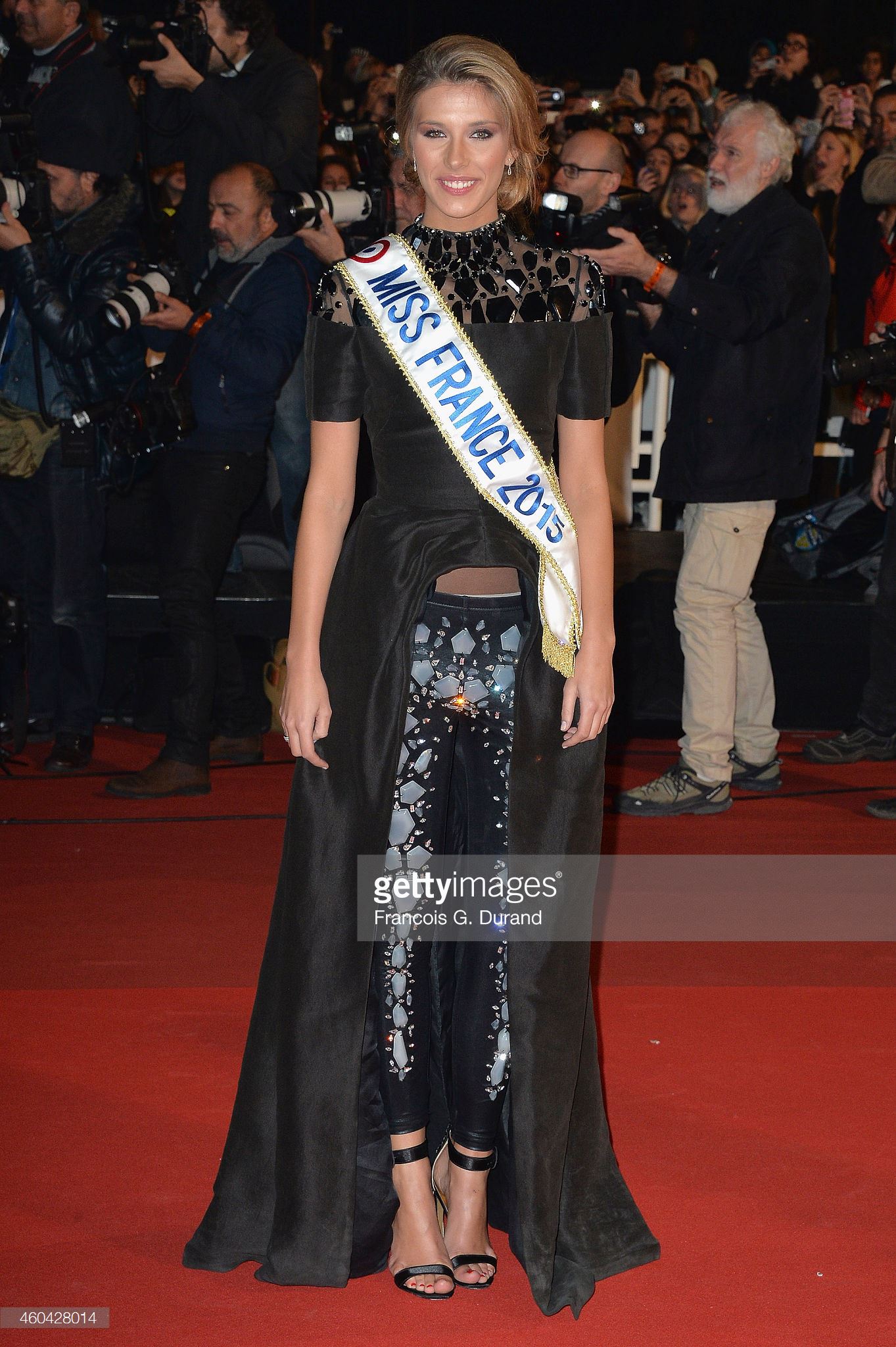
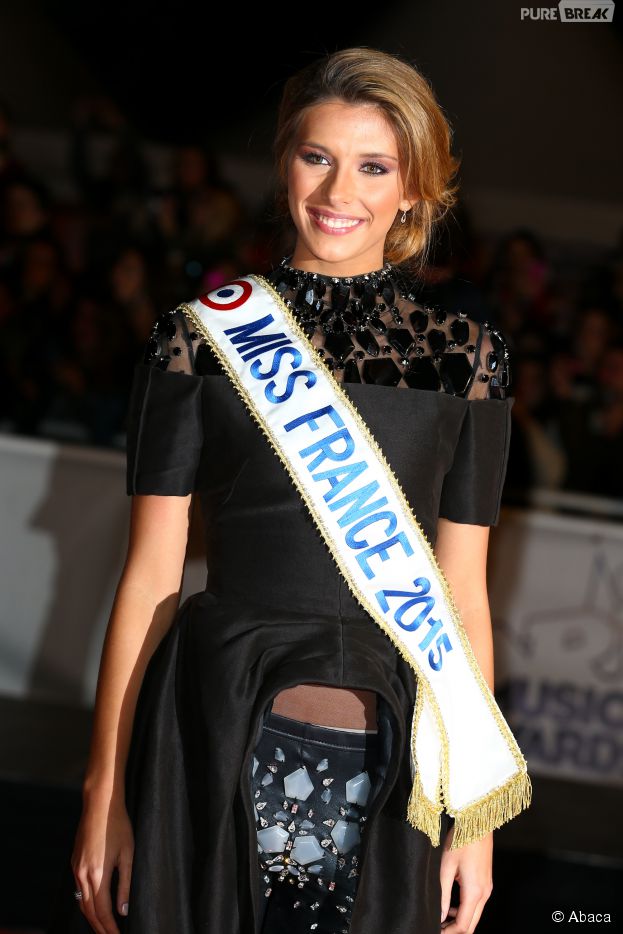
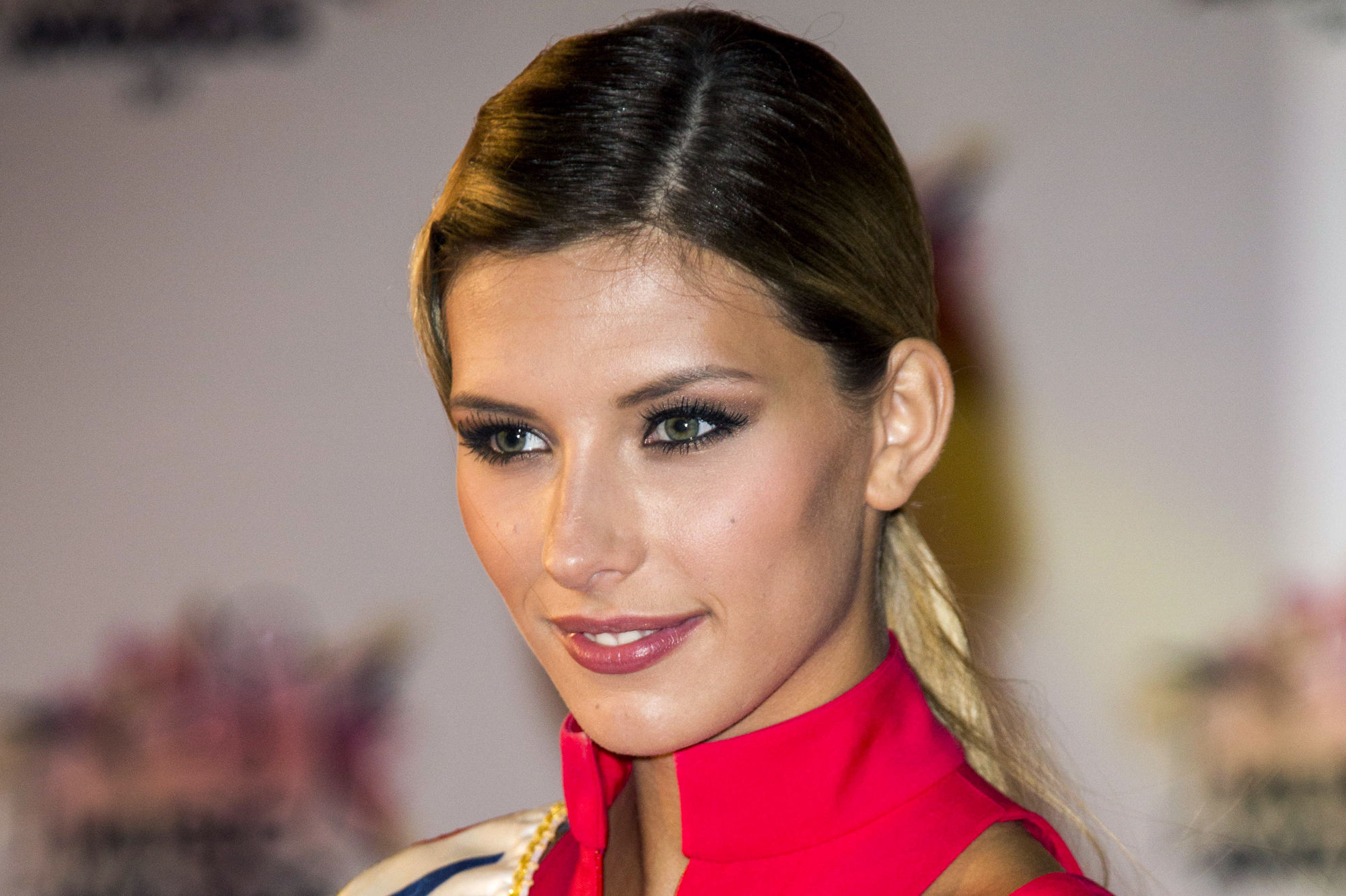
  14. Miss France 2015, days after ... The17th NRJ Music Awards at Palais des Festivals newer or bigger
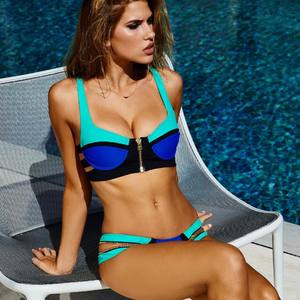
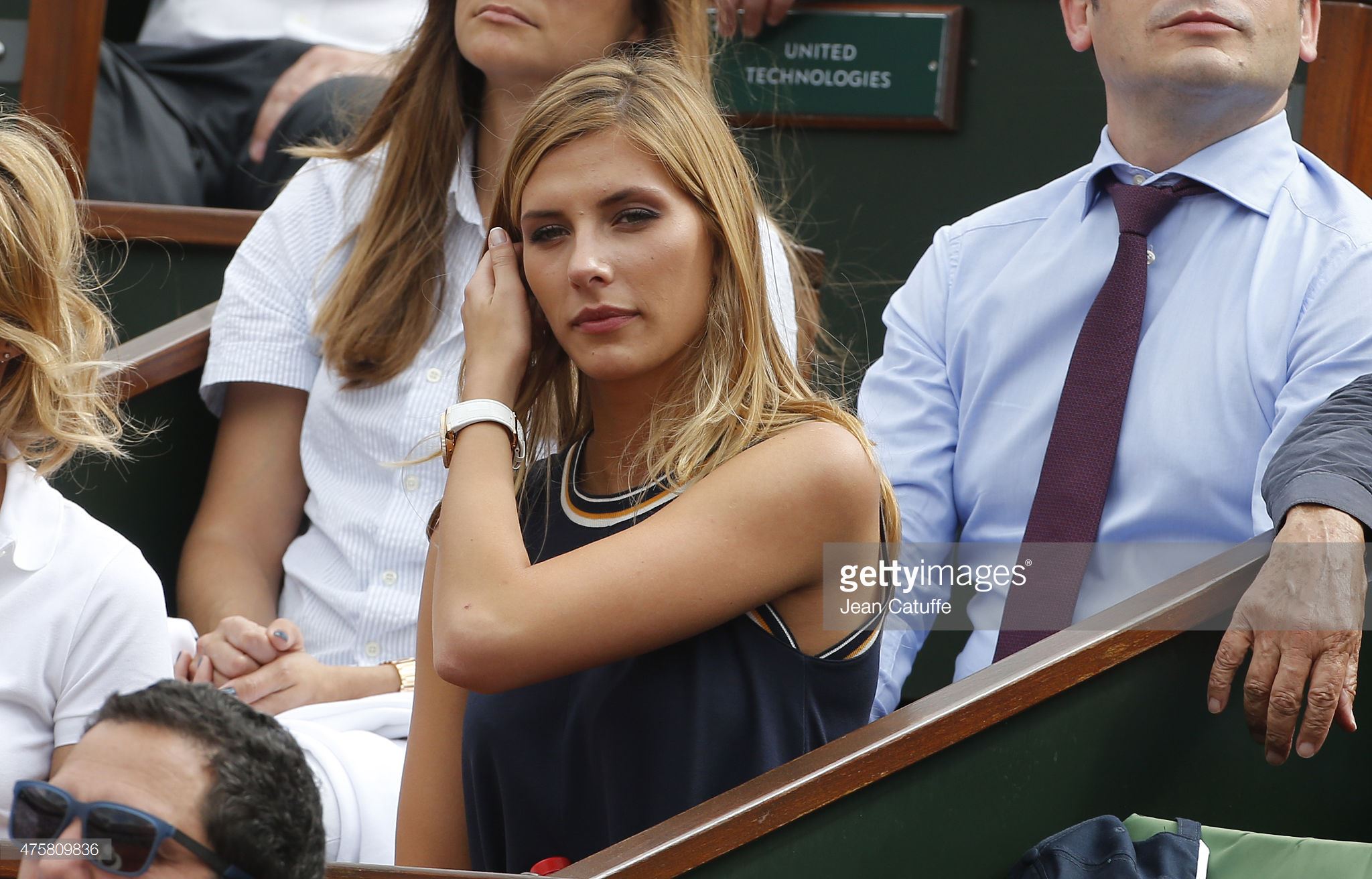
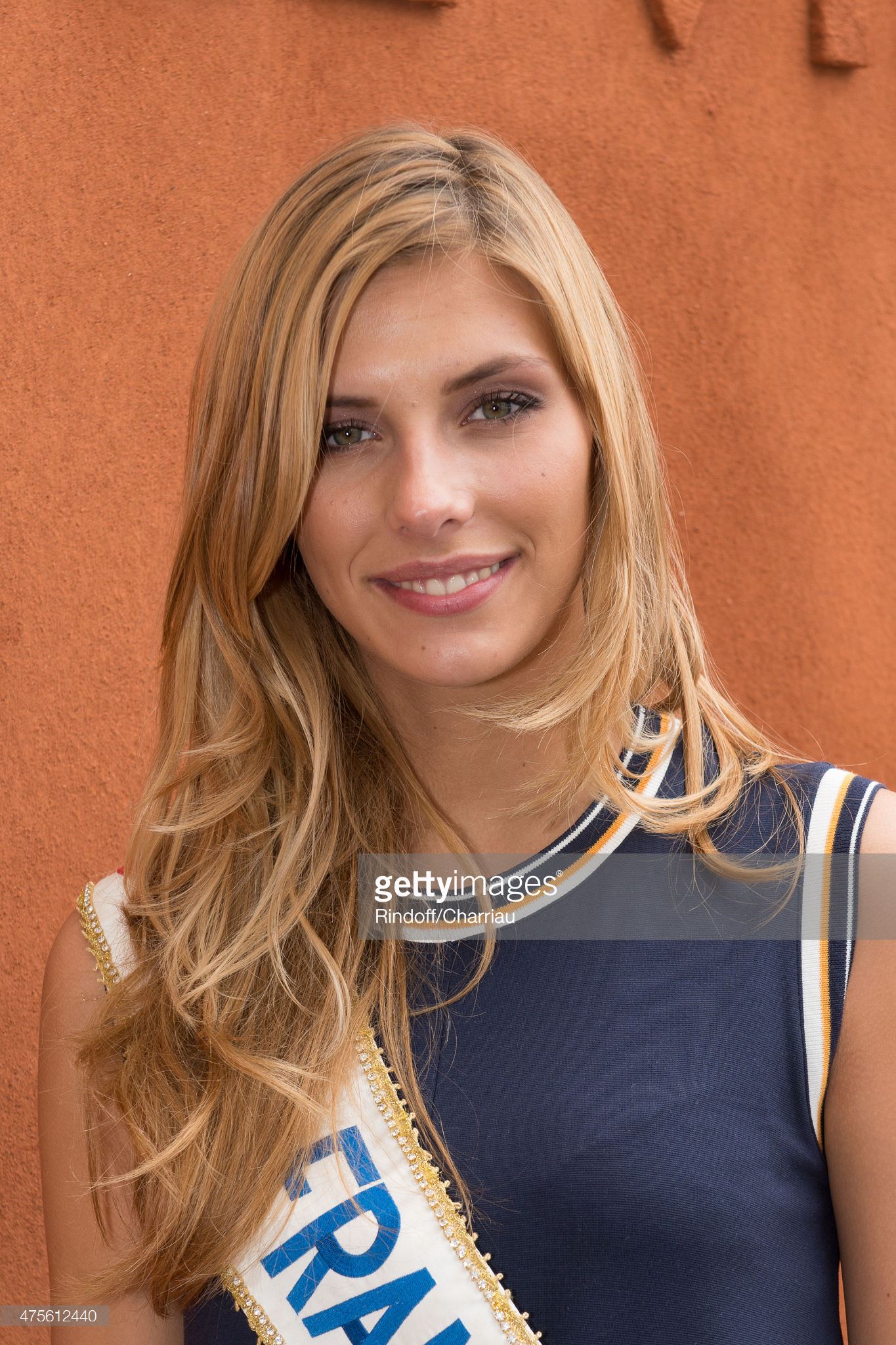
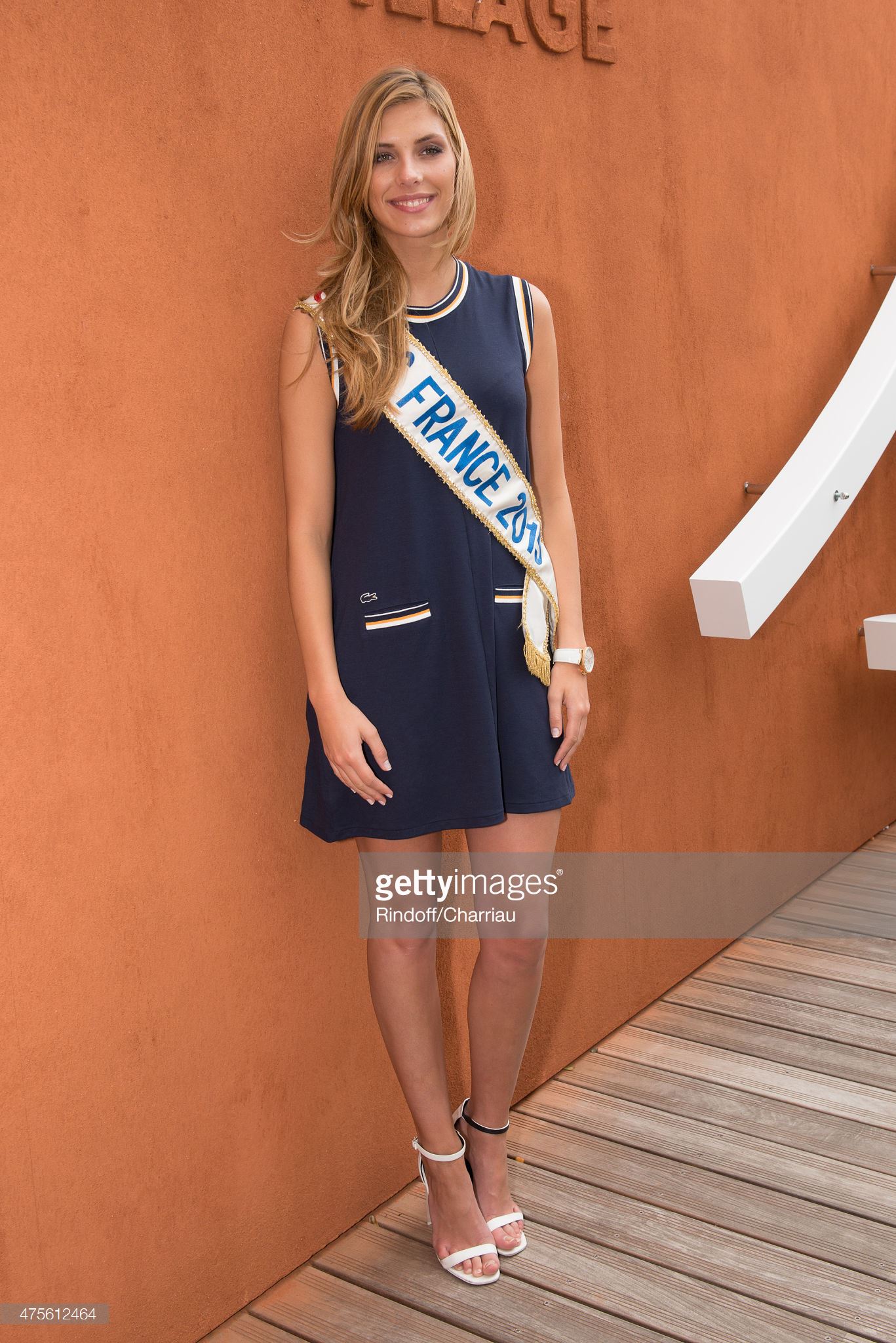
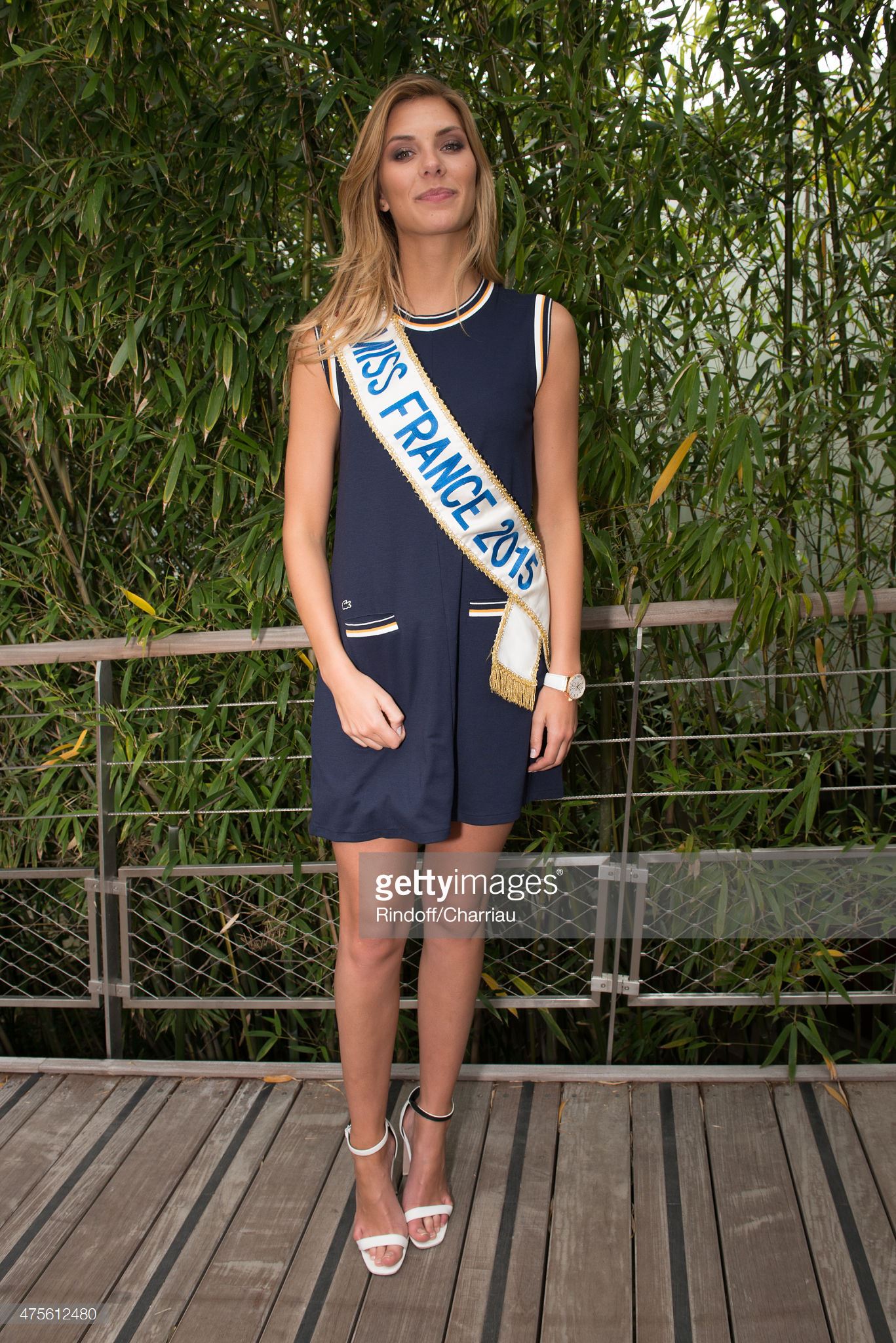
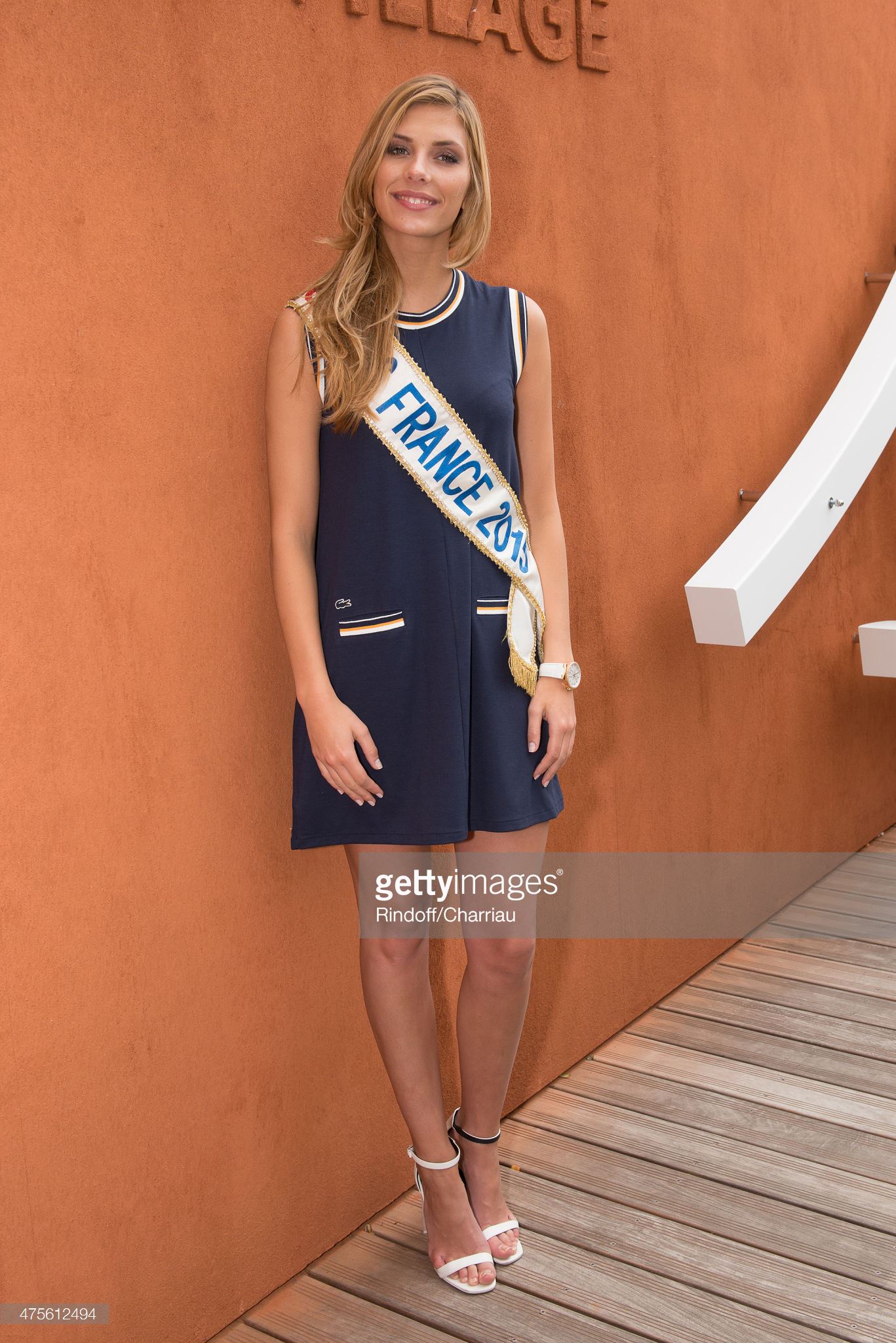
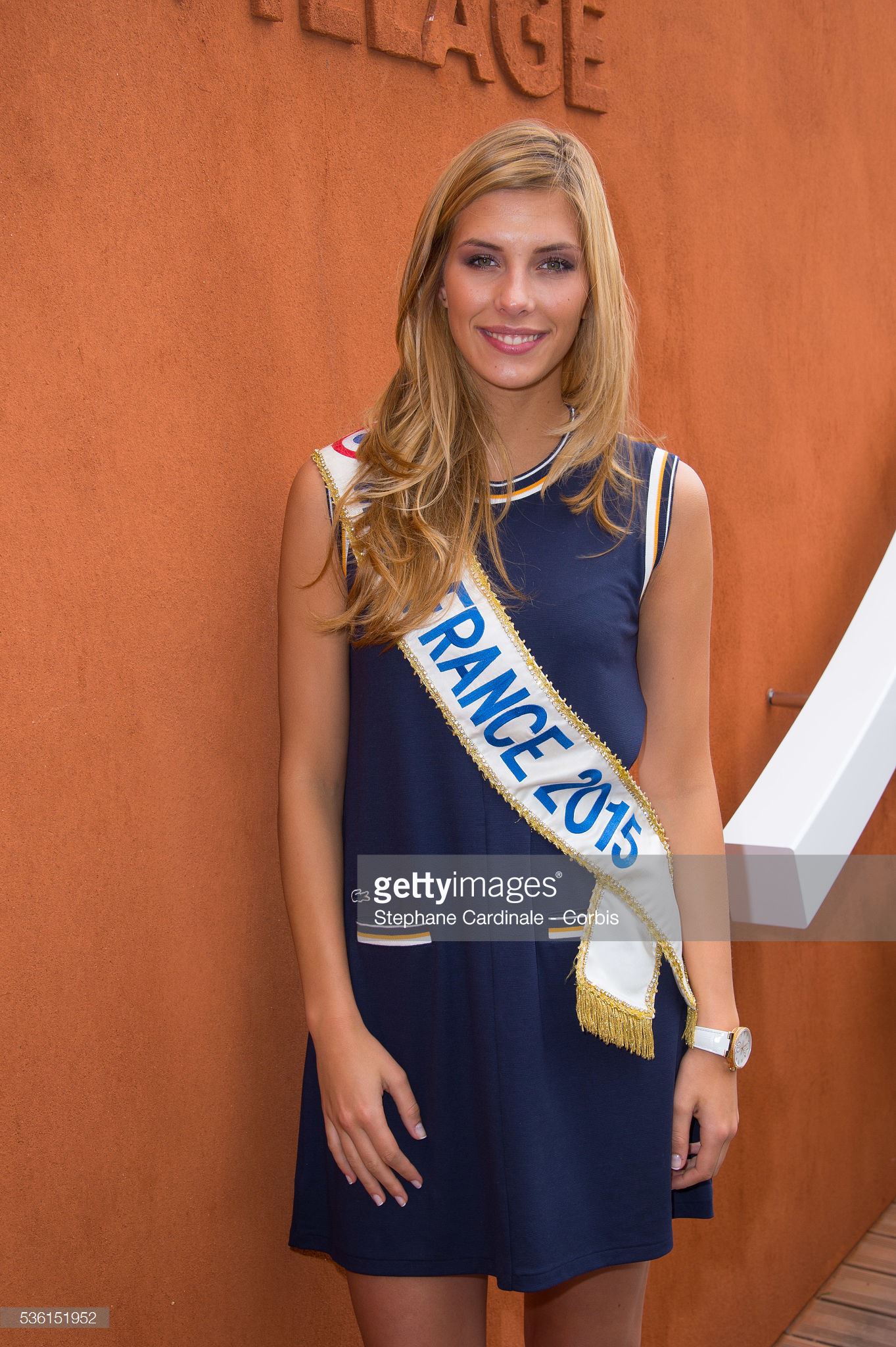
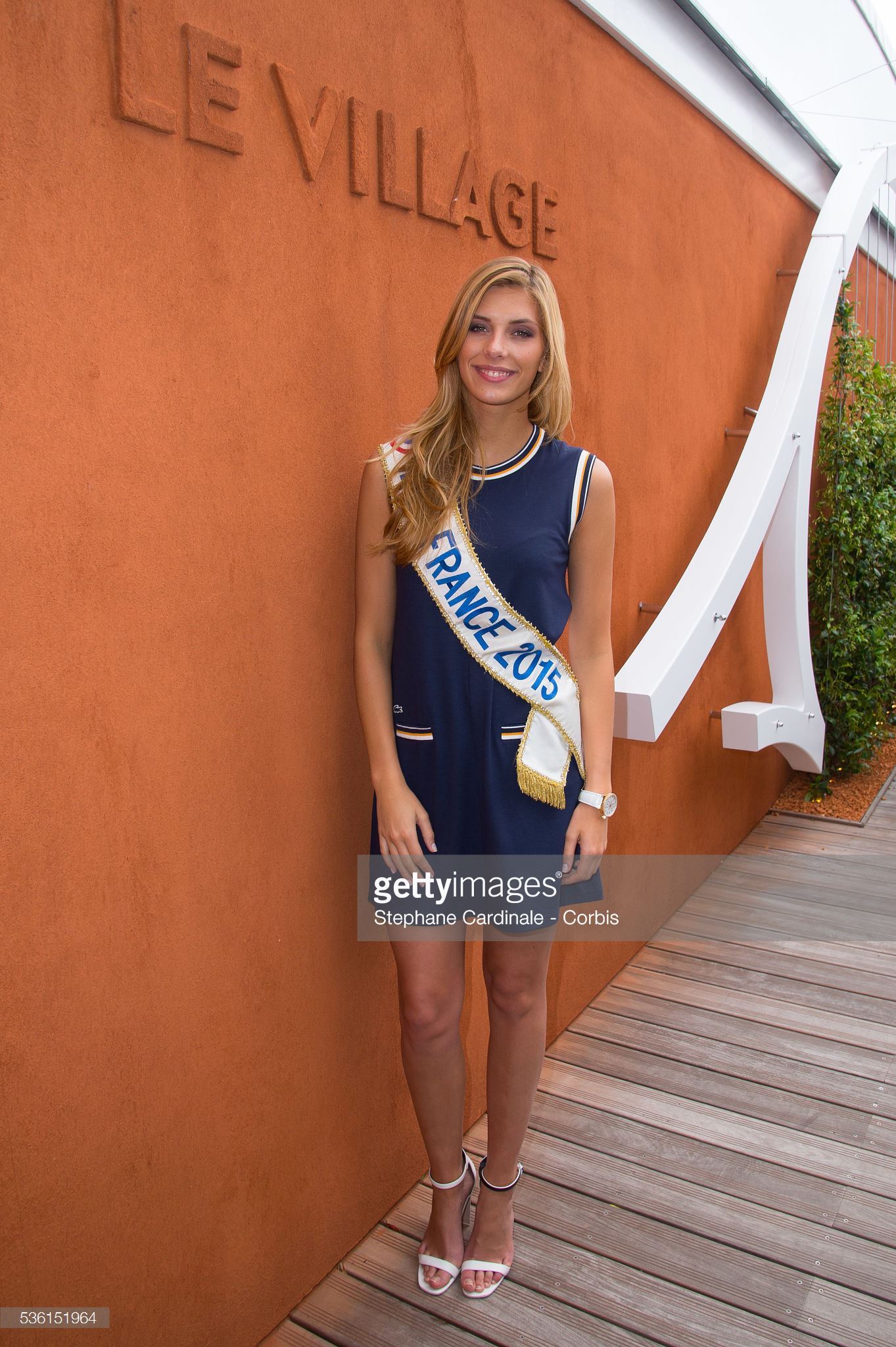
  15. Miss France 2015, days after ... The French Open At Roland Garros newer ou bigger
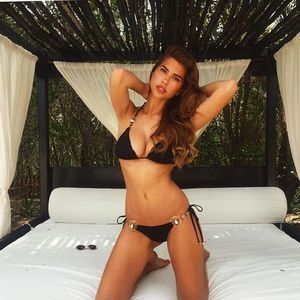
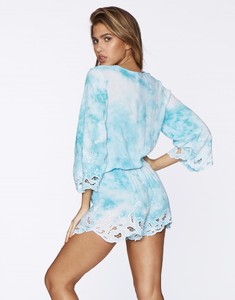
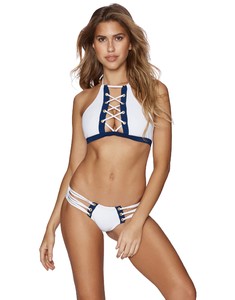
  16. Miss France 2015, days after ... RTL Radio show

Configure browser push notifications

Chrome (Android)

  1. Tap the lock icon next to the address bar.
  2. Tap Permissions → Notifications.
  3. Adjust your preference.
Chrome (Desktop)
  1. Click the padlock icon in the address bar.
  2. Select Site settings.
  3. Find Notifications and adjust your preference.