

shade le
Members
-
Joined
-
Last visited
Everything posted by shade le
-

-
Lauren Wood 'Traffik' film premiere, Los Angeles 19.04.2018
.thumb.jpg.03fca54857714b600f7c567c4600ddac.jpg)
.thumb.jpg.65feac17254c97c74552f6c8e236da2a.jpg)
.thumb.jpg.dd7cf487e7fdbfd7781d14b3808c2c85.jpg)
.thumb.jpg.ae9e5c64d7298ff1866dc28132038f0c.jpg)
.thumb.jpg.15af15379f2d658c9471073195b10118.jpg)
.thumb.jpg.5d8dee83f52407dbc4f3944b5af61531.jpg)



-
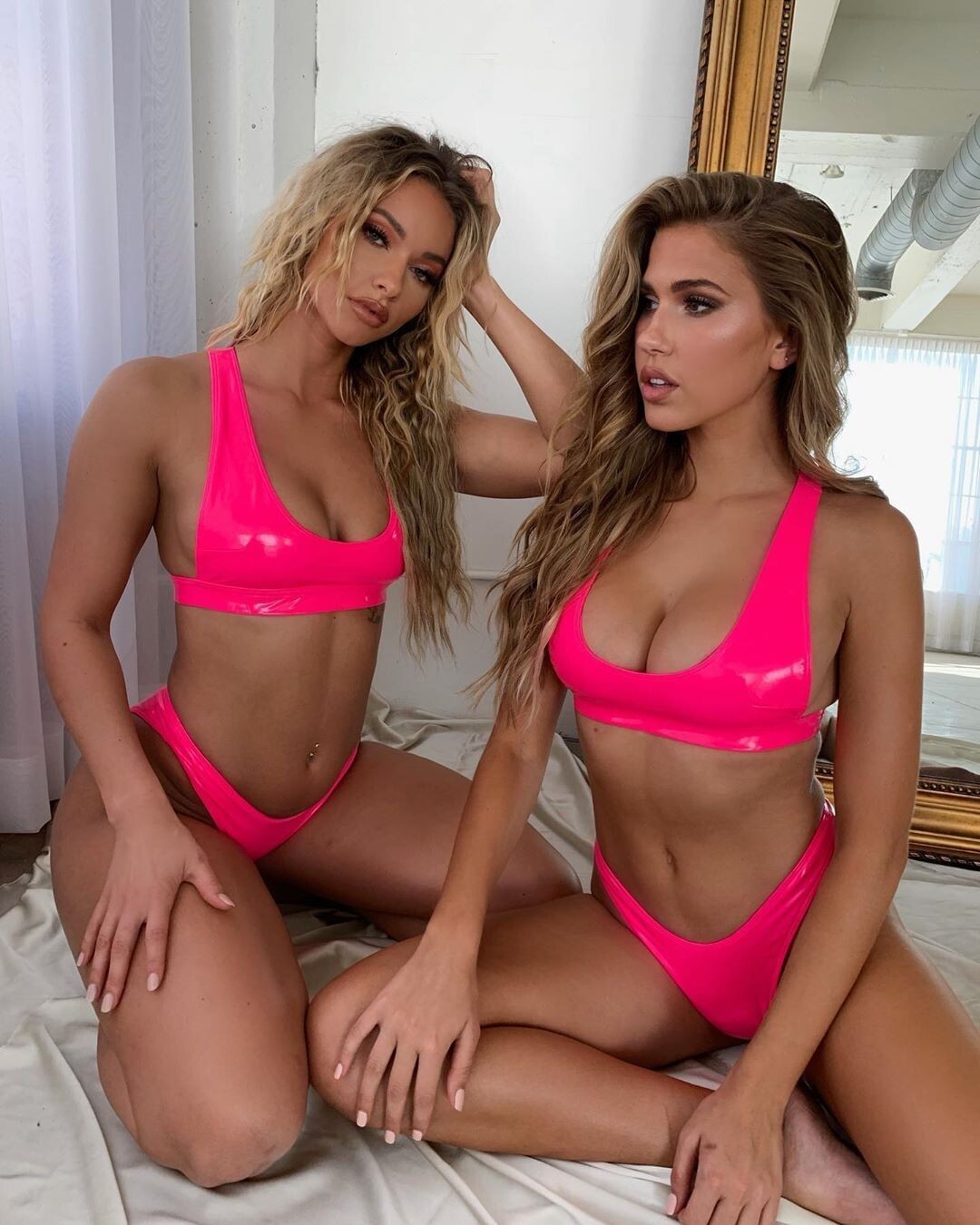
Lounge Swim | Join The Wave
-
lauren wood https://www.instagram.com/lolowood_/?hl=fr
-
-
kittenish ActiveTartBallpython-mobile.mp4
-
-
ohpolly 71024308_105233614110811_2129012938352606599_n.mp4

-
beachbunnyswimwear

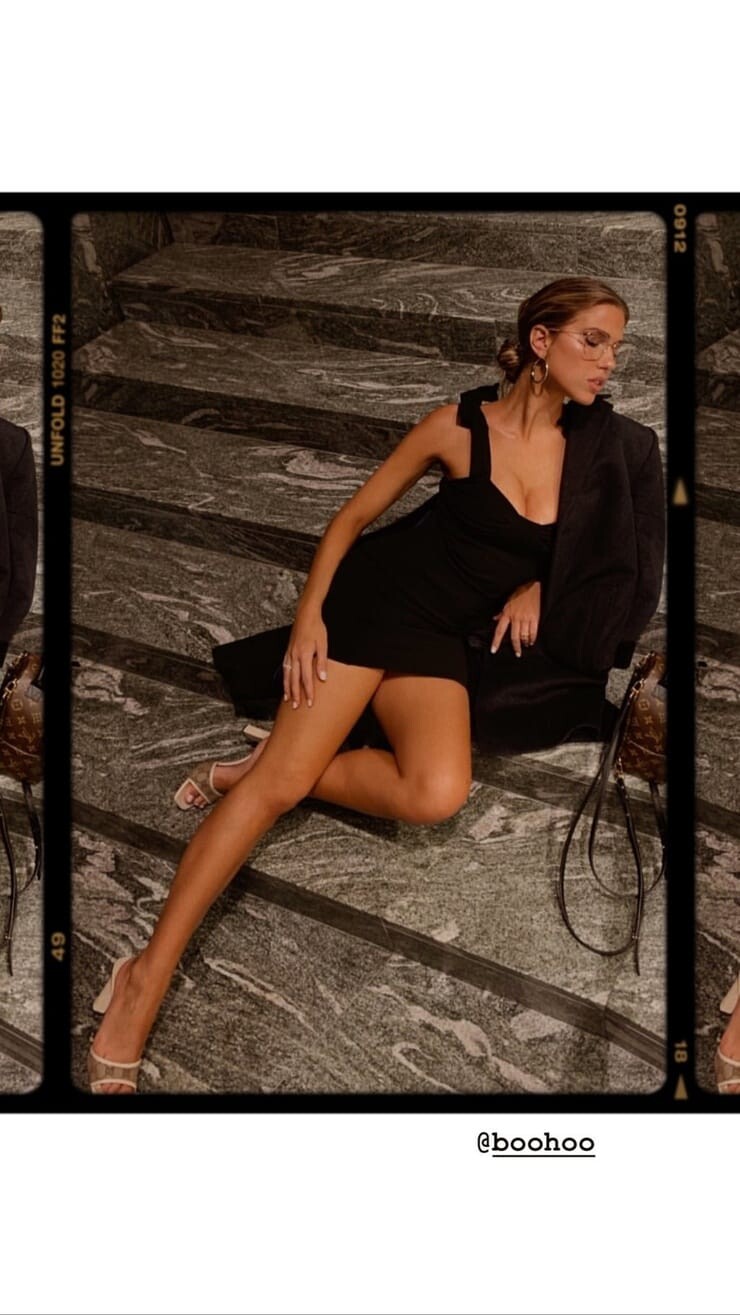
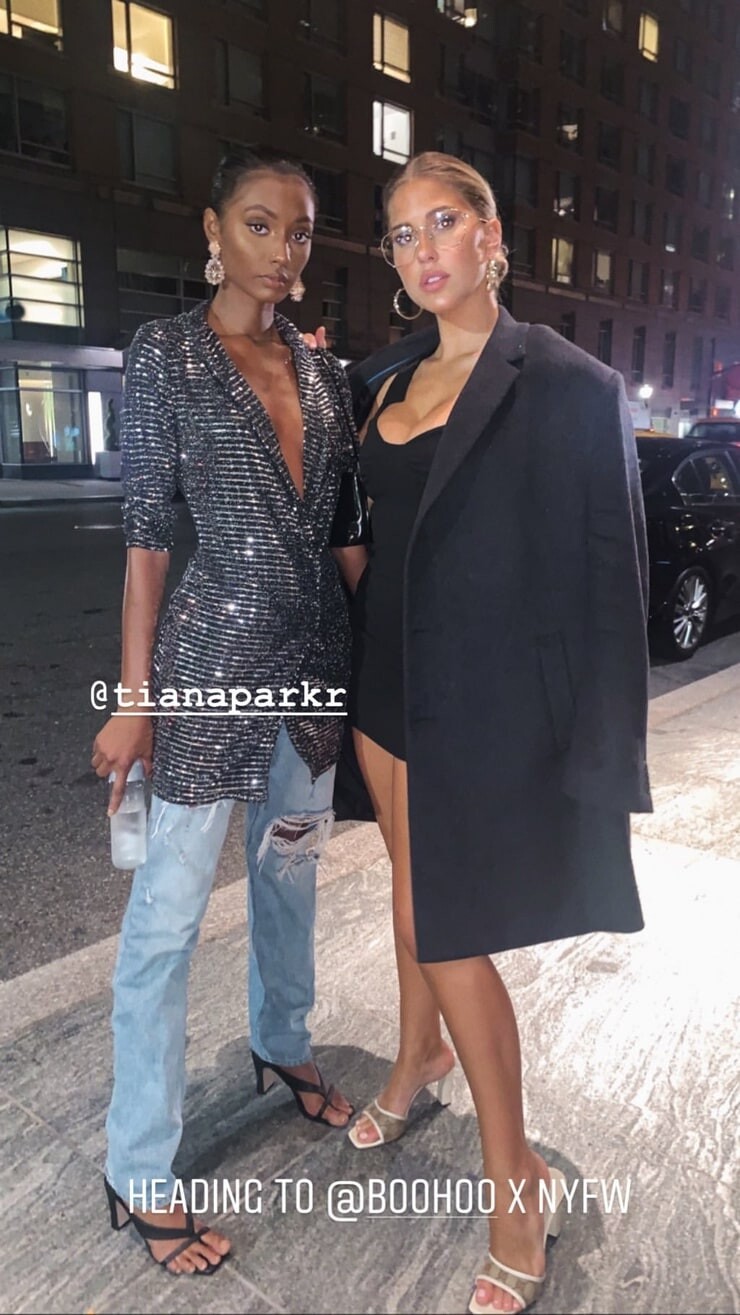
 attends the boohoo NYFW celebration at the boohoo Mansion on September 11, 2019 in New York City
 f21 70805254_698159963998619_776492339539721695_n.mp4
 bond-eye swim
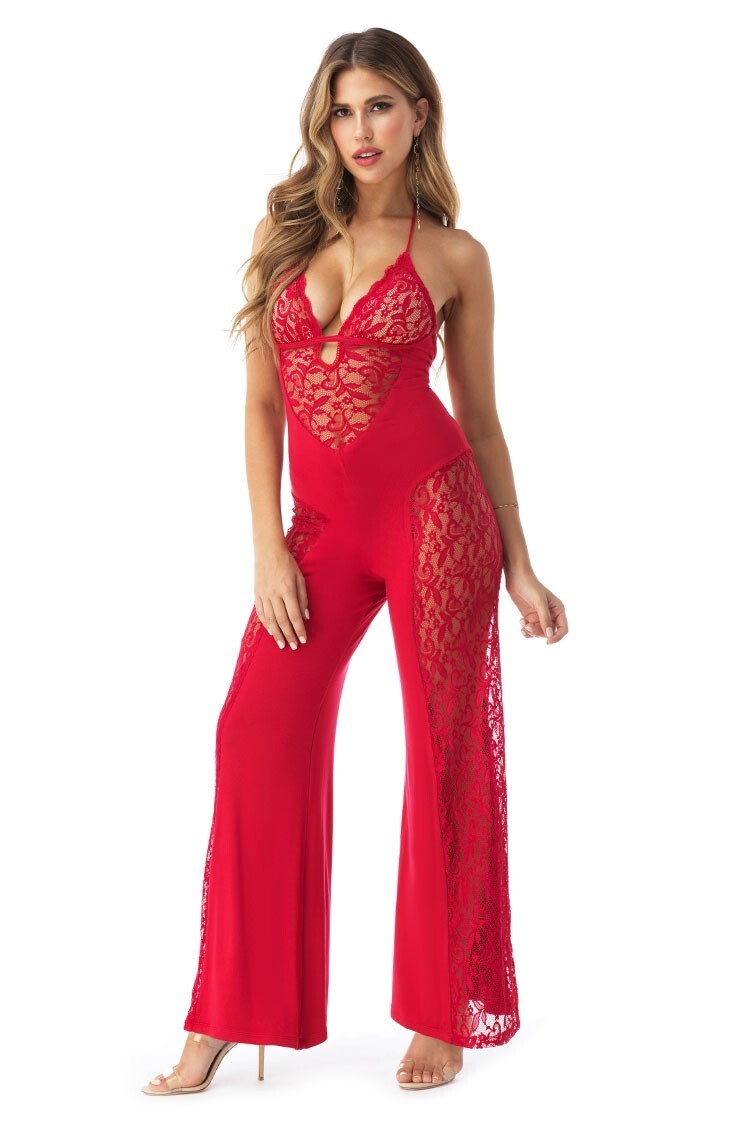
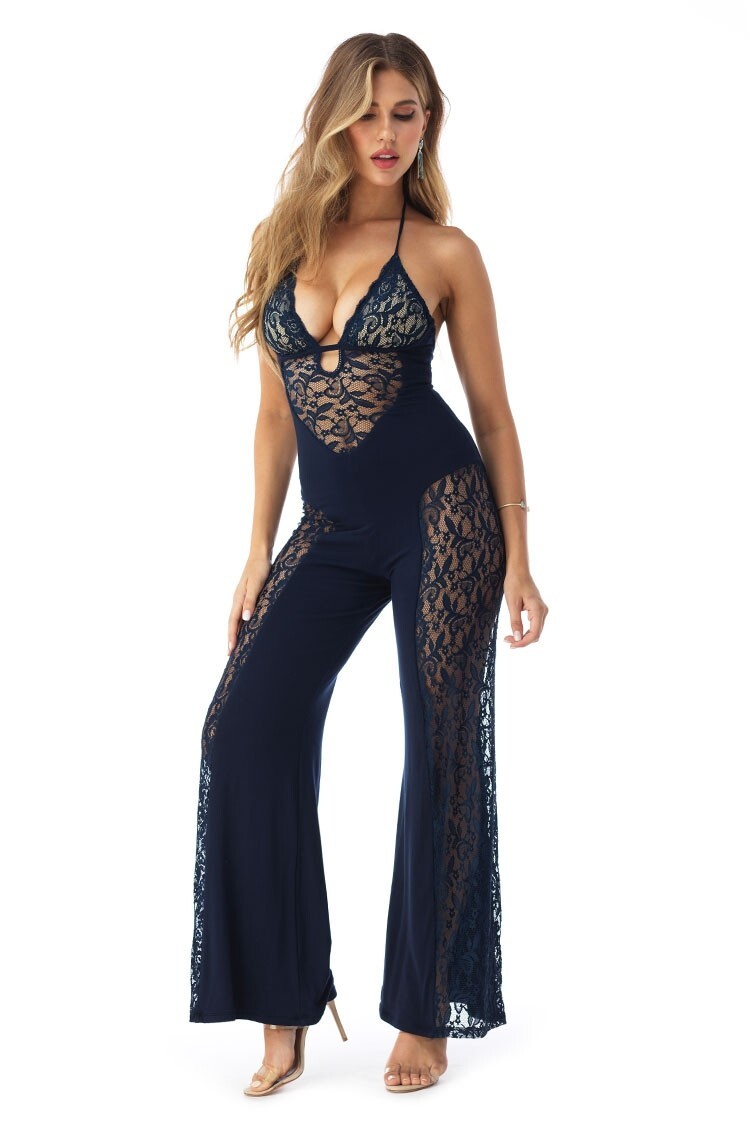
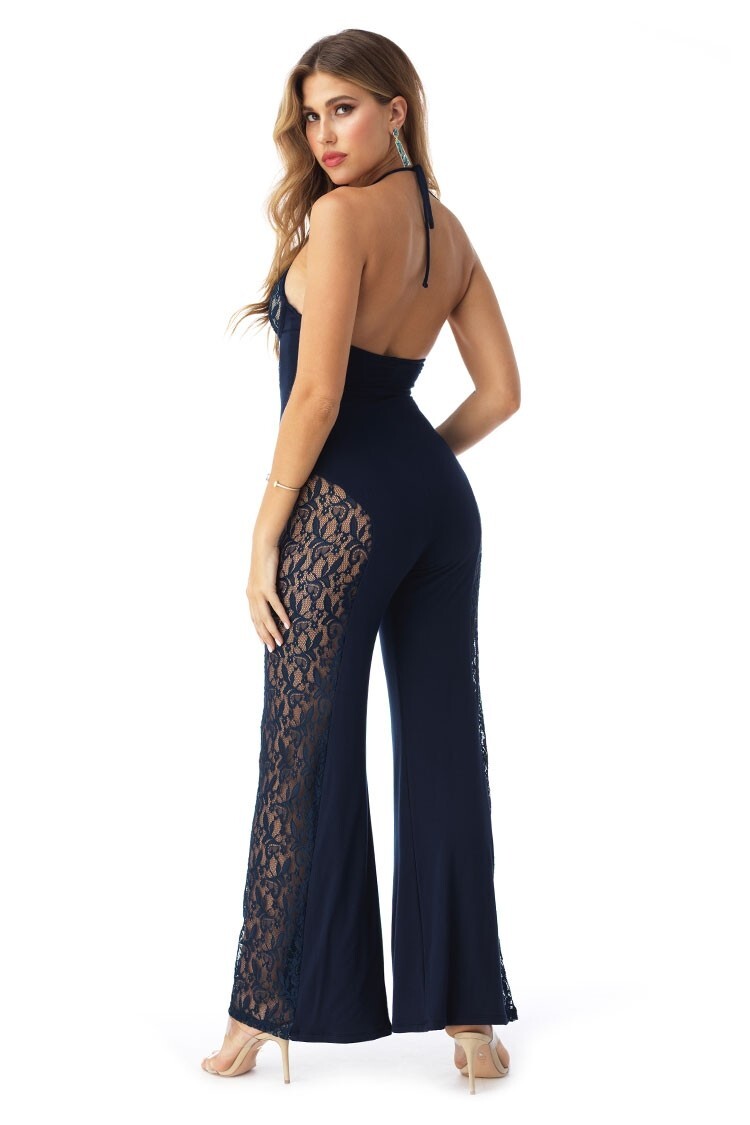
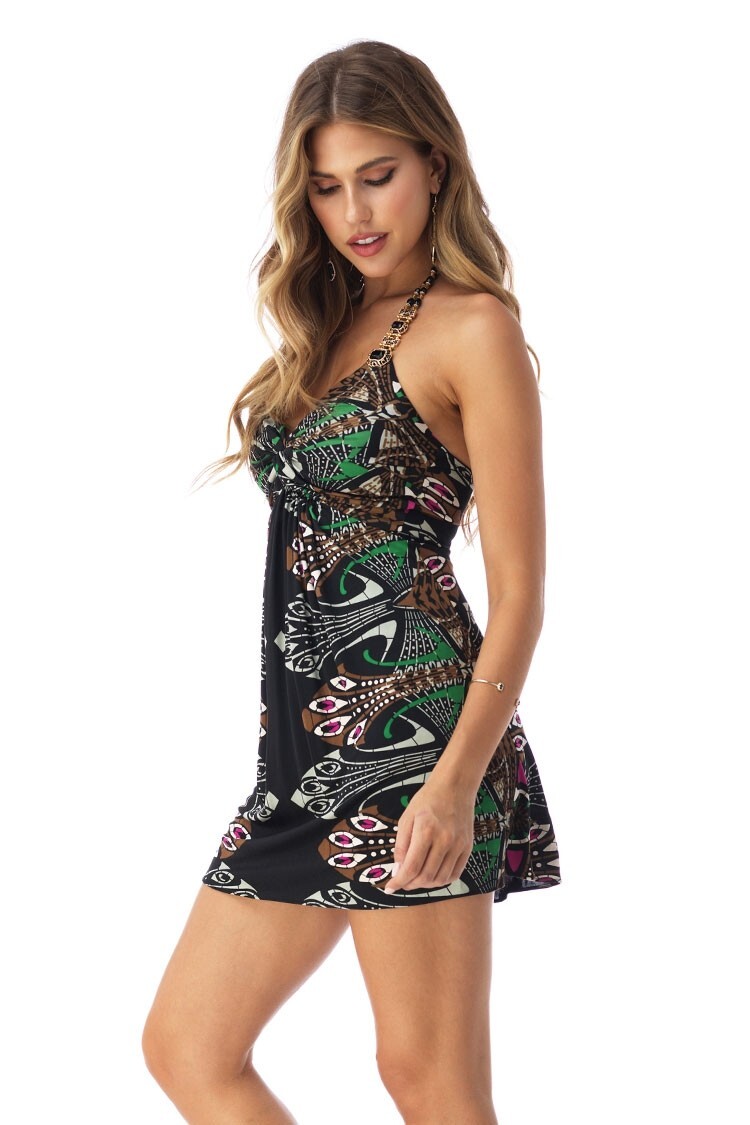
 skyshop ISHI_PUNCH.mp4 OLDPRINTMINI_BLACK.mp4 YECY_NAVY.mp4 YECYJUMPSUIT_RED.mp4 YECYJUMPSUIT_SUNSHINE.mp4 YECYJUMPSUIT_WHITE.mp4

.jpg.ed36cee1b8b3d5ab19f7a1c2fe51da10.jpg)
.jpg.01caa15474ff1b4726f4a7d7917d5a43.jpg)
.jpg.ace46a8193714ab30f6f3c3a4d23d5e6.jpg)
.jpg.6a049523a1c3c808a4a7e9c1057fa280.jpg)
.jpg.1b5d22bd4b8726aa61319319d0ab3062.jpg)
.jpg.d613cd0228ab897e768bae4041822b69.jpg)







































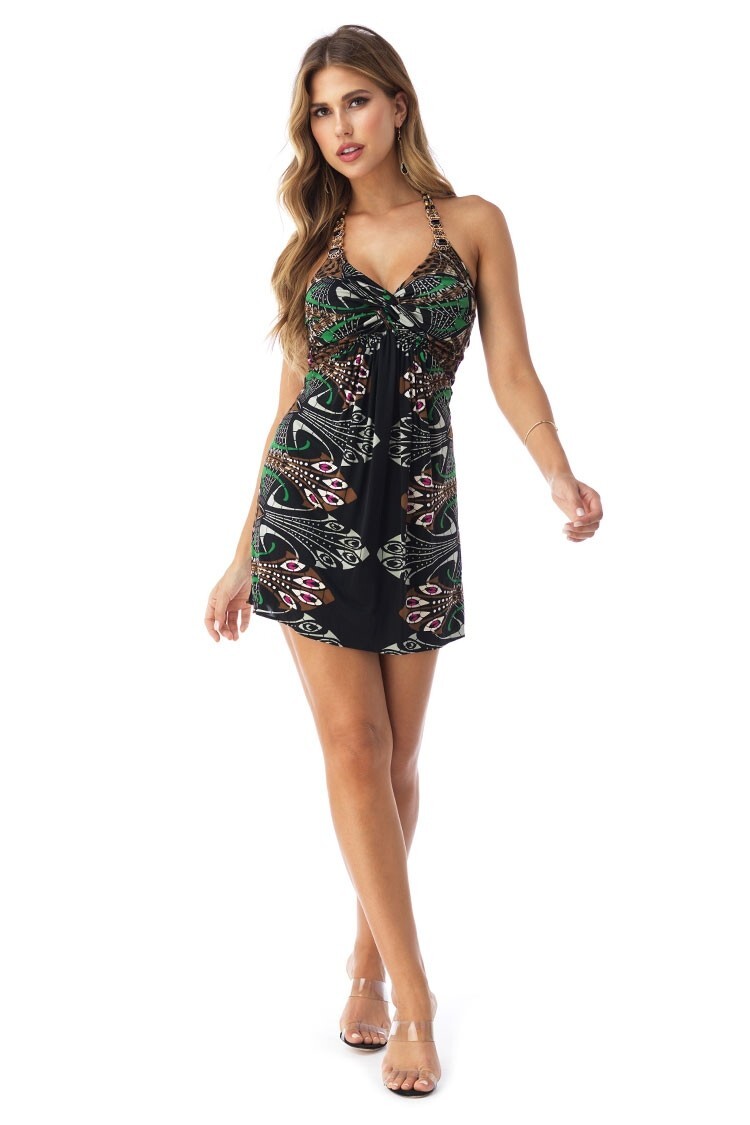
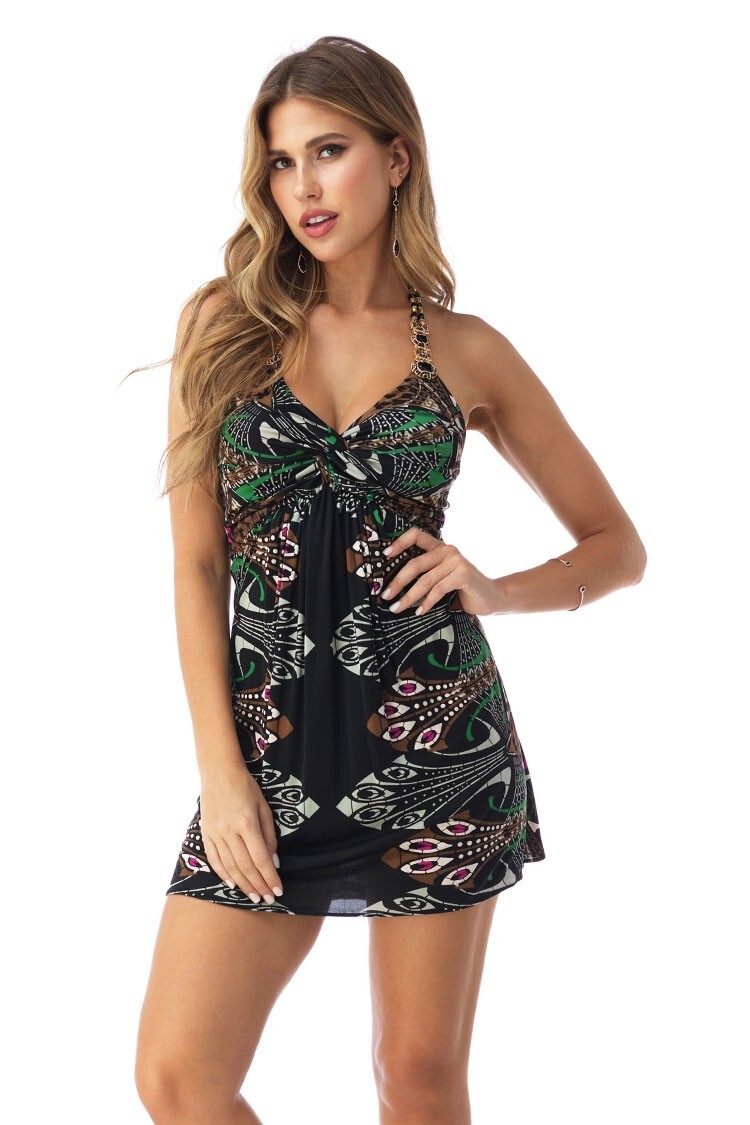
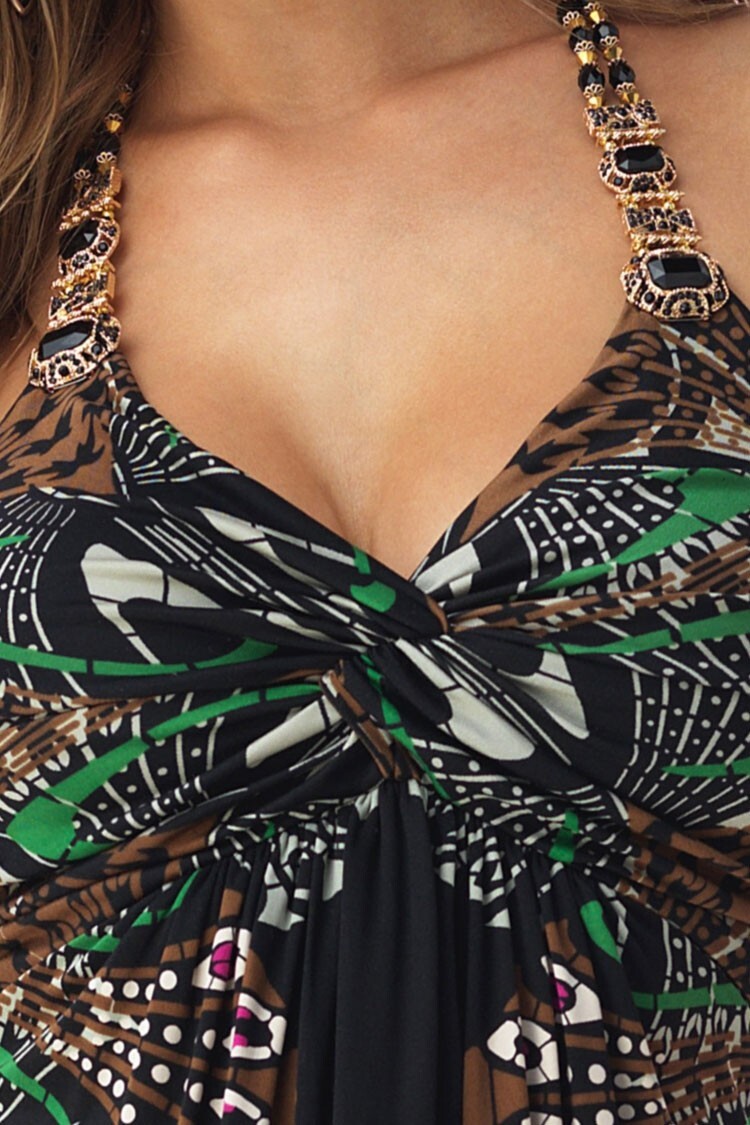
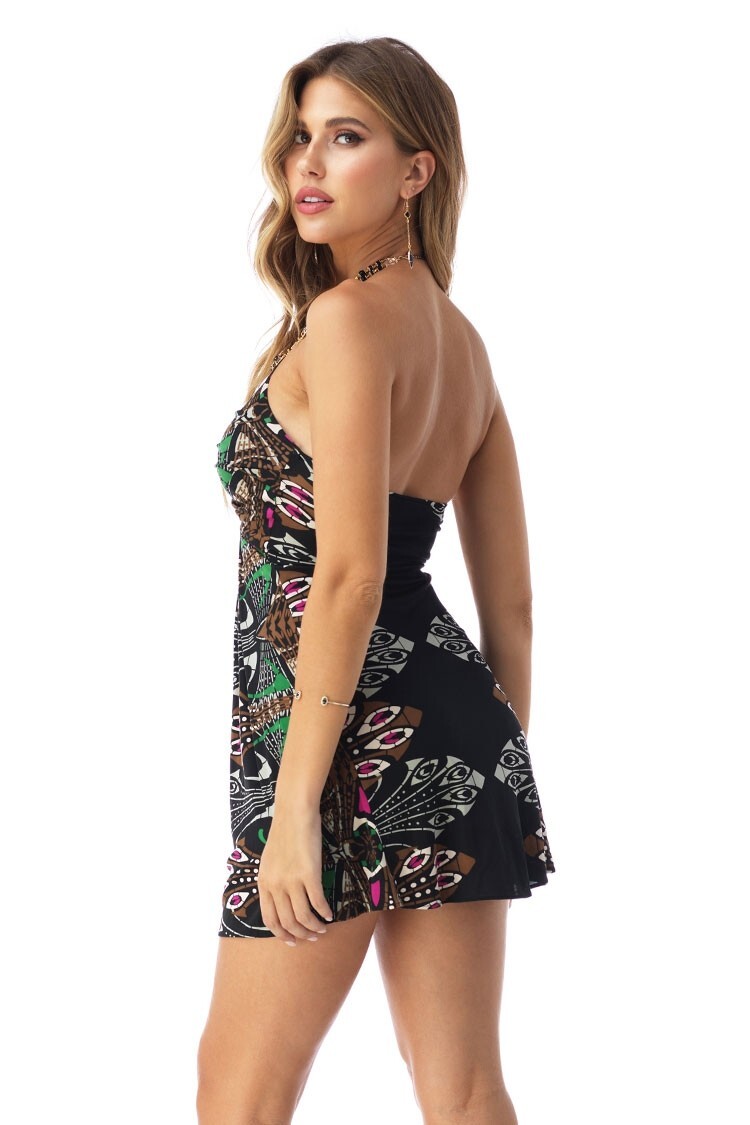







Account
Search
Configure browser push notifications
Chrome (Android)
- Tap the lock icon next to the address bar.
- Tap Permissions → Notifications.
- Adjust your preference.
Chrome (Desktop)
- Click the padlock icon in the address bar.
- Select Site settings.
- Find Notifications and adjust your preference.
Safari (iOS 16.4+)
- Ensure the site is installed via Add to Home Screen.
- Open Settings App → Notifications.
- Find your app name and adjust your preference.
Safari (macOS)
- Go to Safari → Preferences.
- Click the Websites tab.
- Select Notifications in the sidebar.
- Find this website and adjust your preference.
Edge (Android)
- Tap the lock icon next to the address bar.
- Tap Permissions.
- Find Notifications and adjust your preference.
Edge (Desktop)
- Click the padlock icon in the address bar.
- Click Permissions for this site.
- Find Notifications and adjust your preference.
Firefox (Android)
- Go to Settings → Site permissions.
- Tap Notifications.
- Find this site in the list and adjust your preference.
Firefox (Desktop)
- Open Firefox Settings.
- Search for Notifications.
- Find this site in the list and adjust your preference.