marcBarna
Members
-
Joined
-
Last visited
-
LOL, I did not, I was too excited.
-
Men's Health España December 2012 Shooting Backstage edugarcia.es
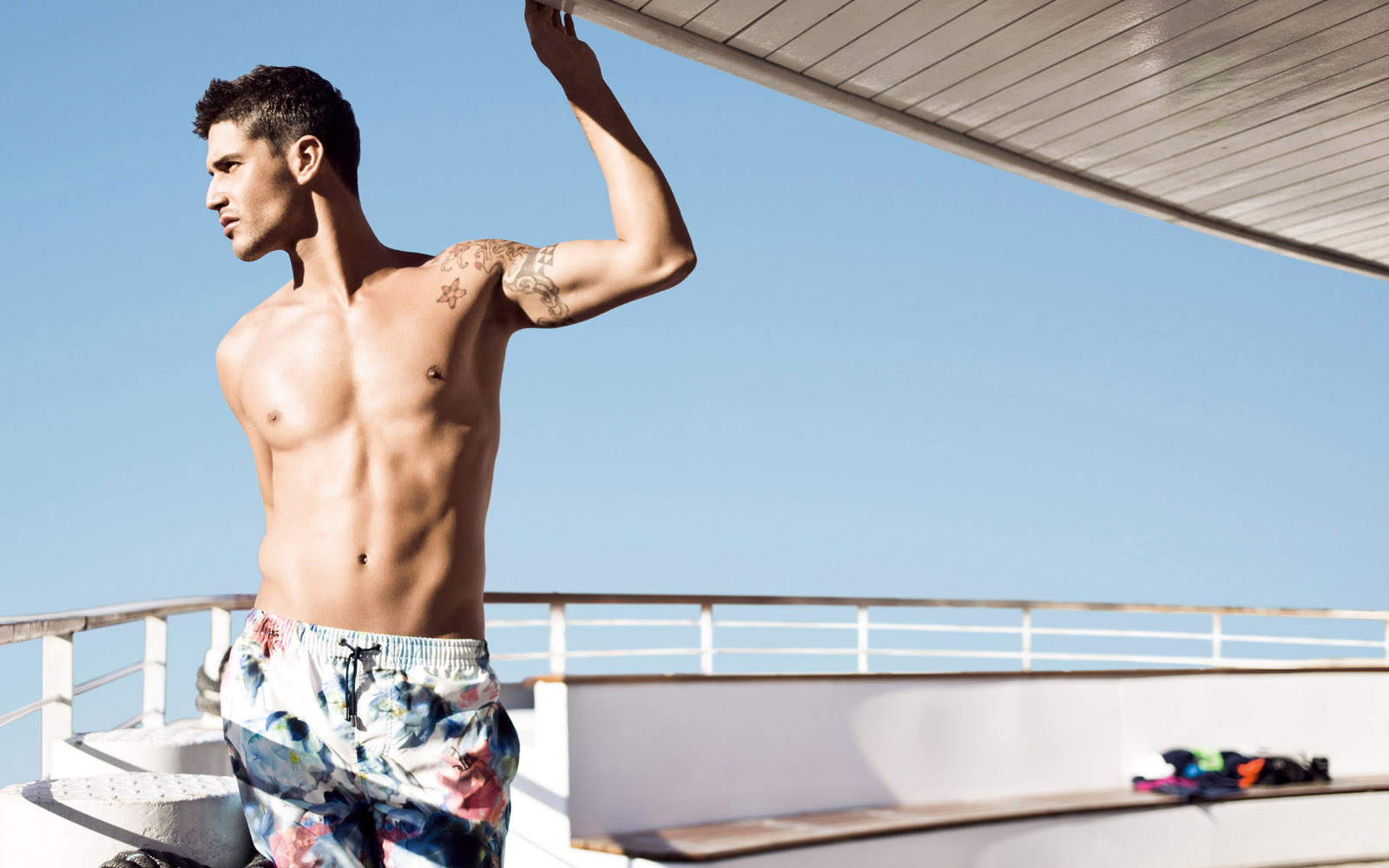
 By Edu Garcia for Men's Health España December 2012 edugarcia.es


 Men's Health España December 2012 HQ My scans


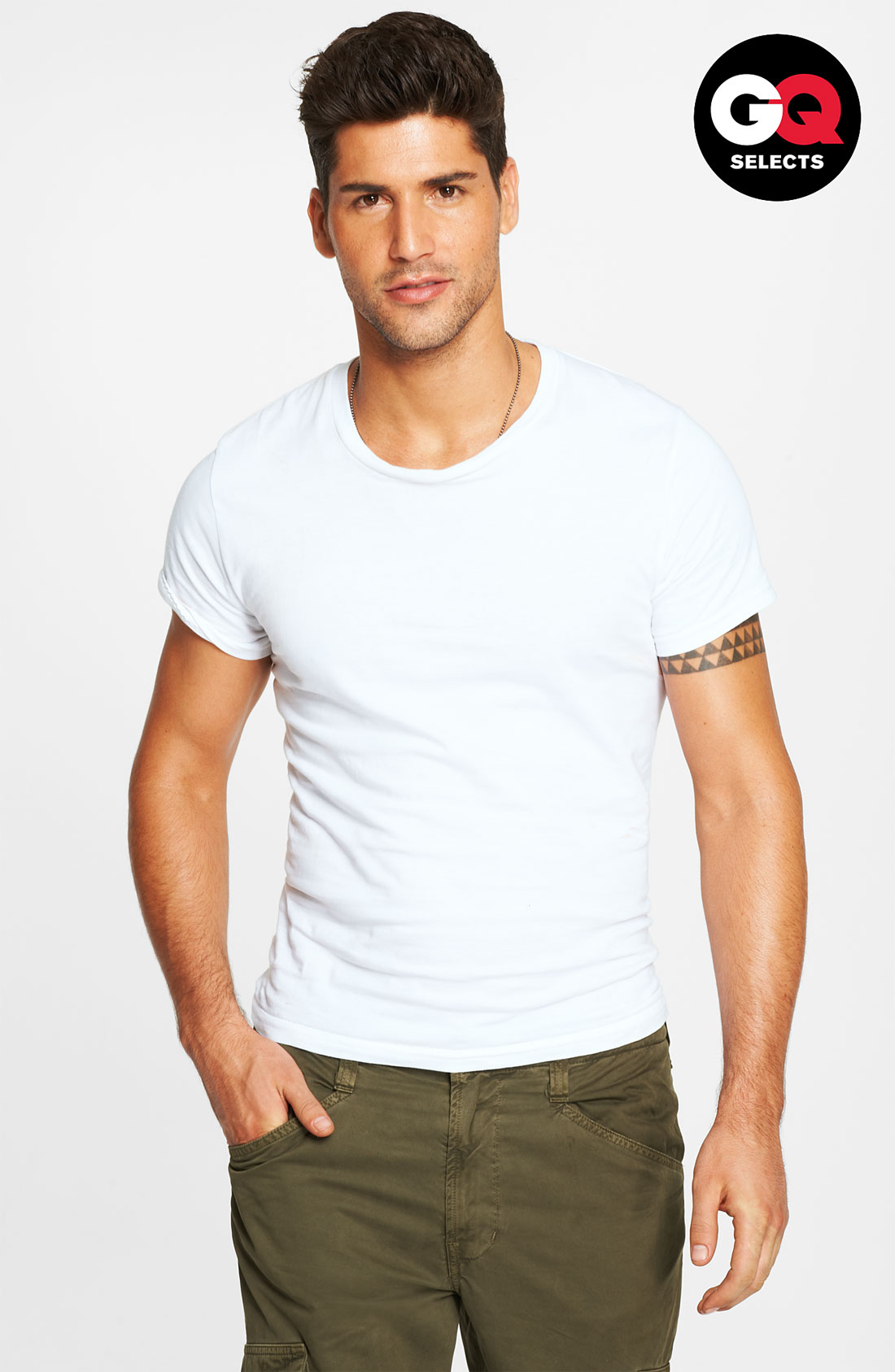
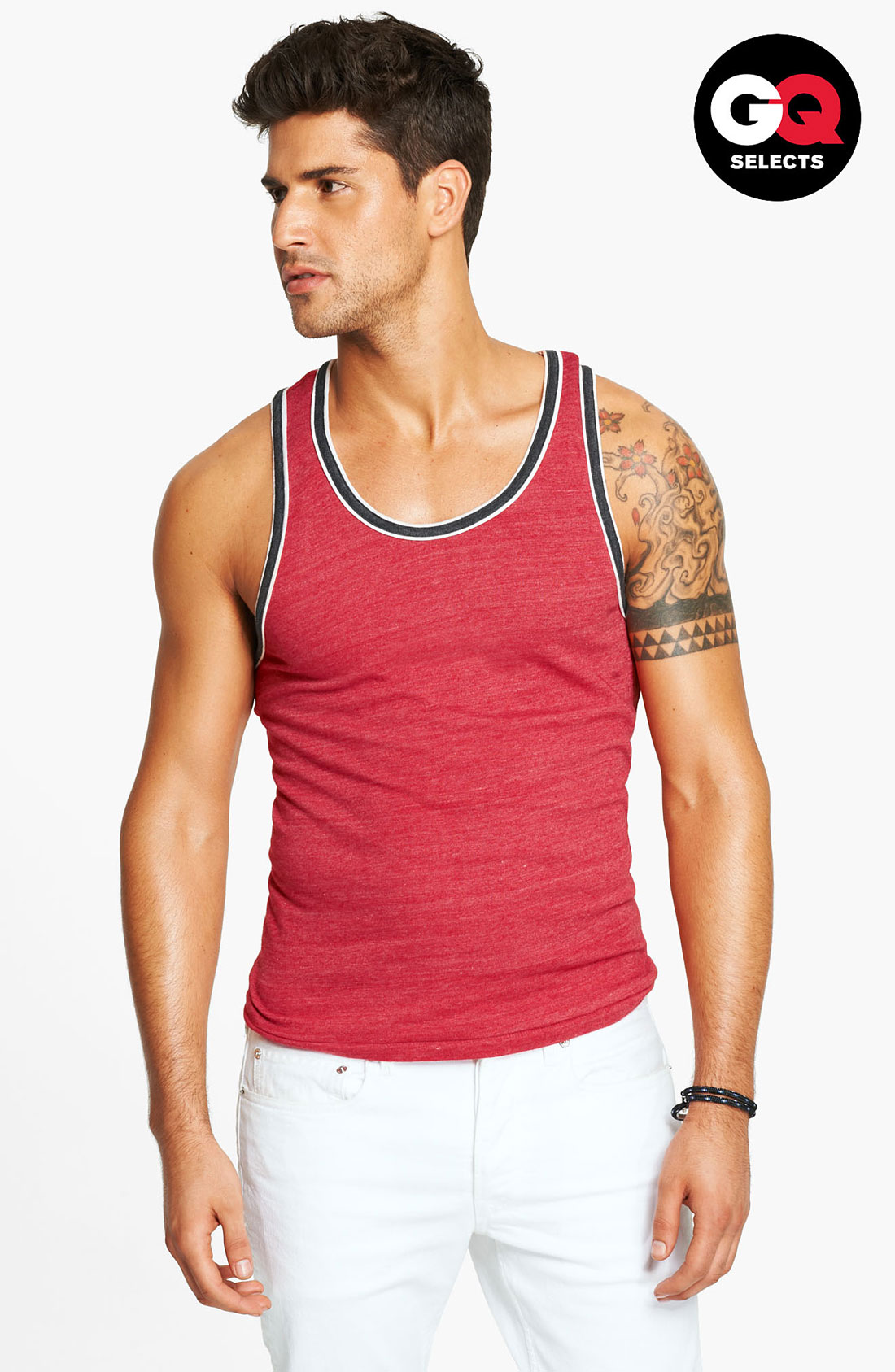
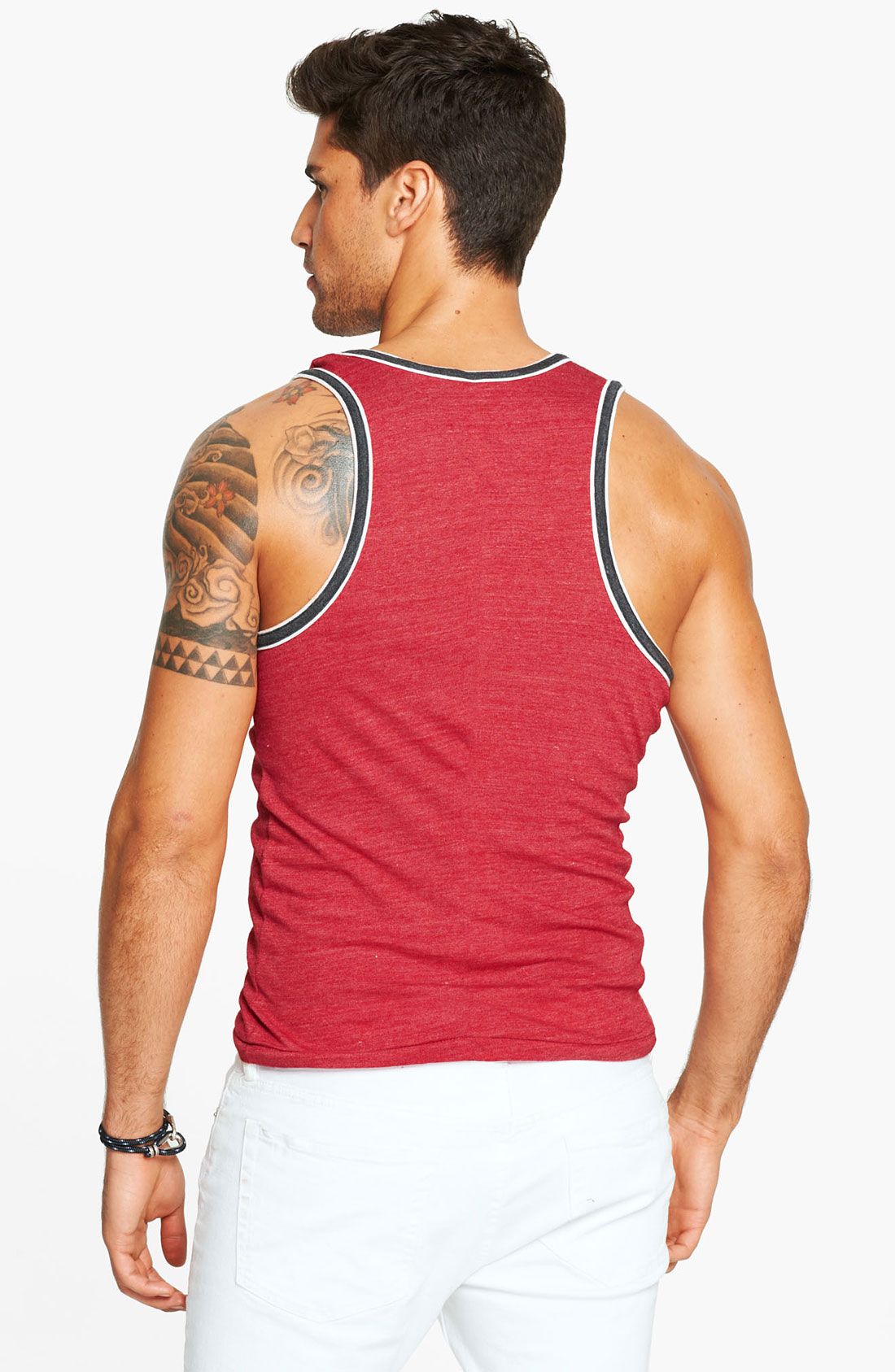
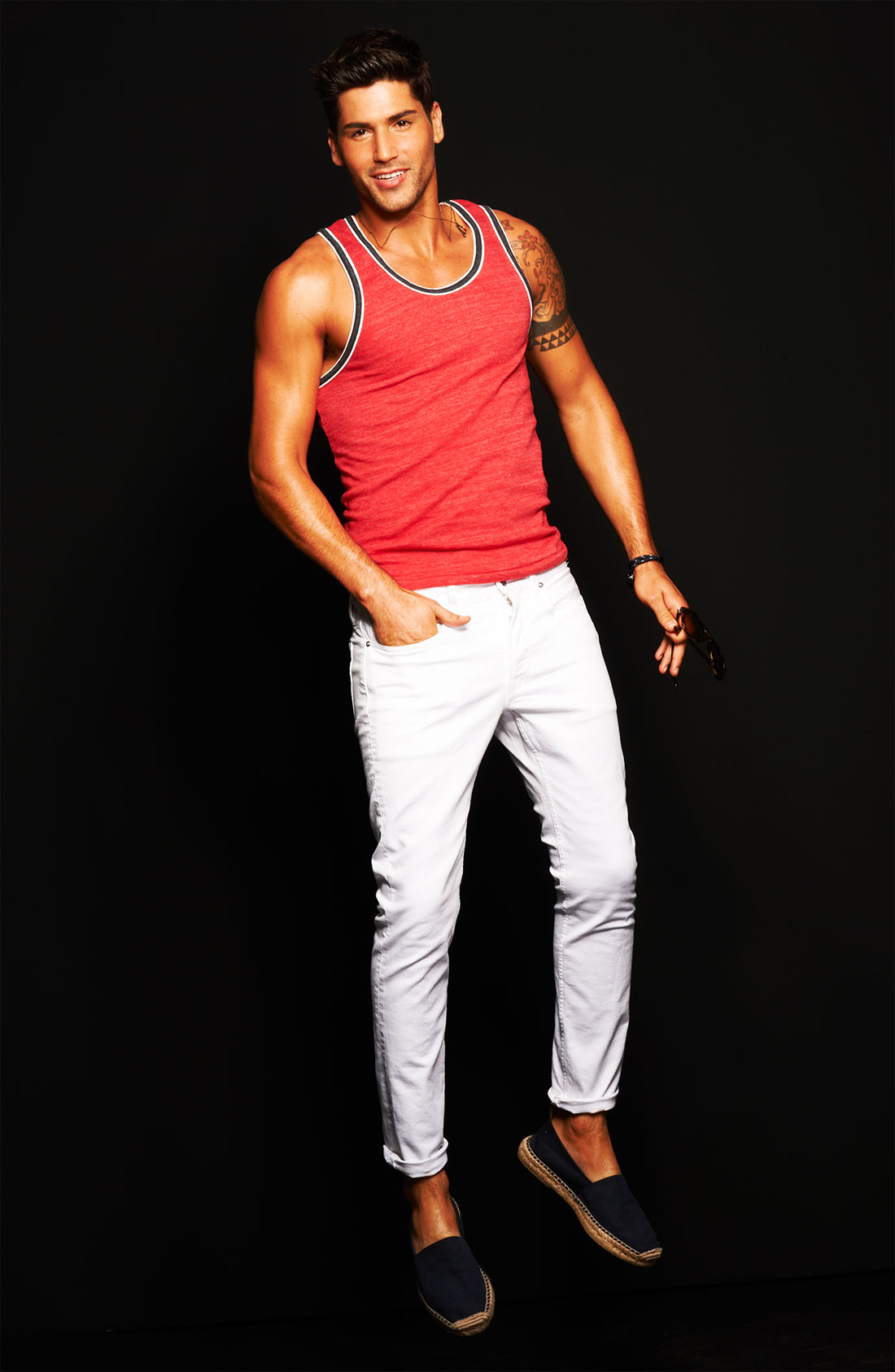
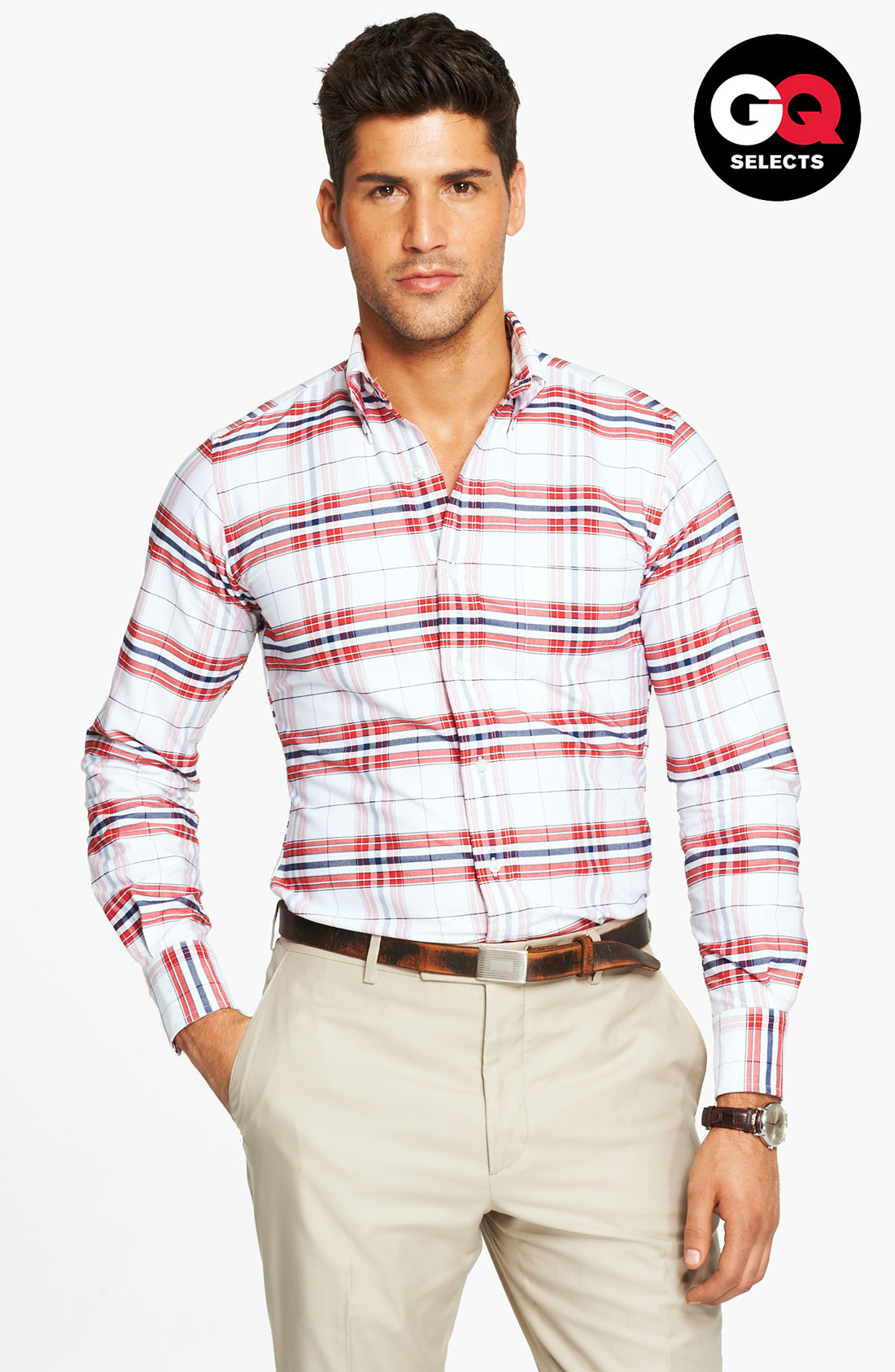
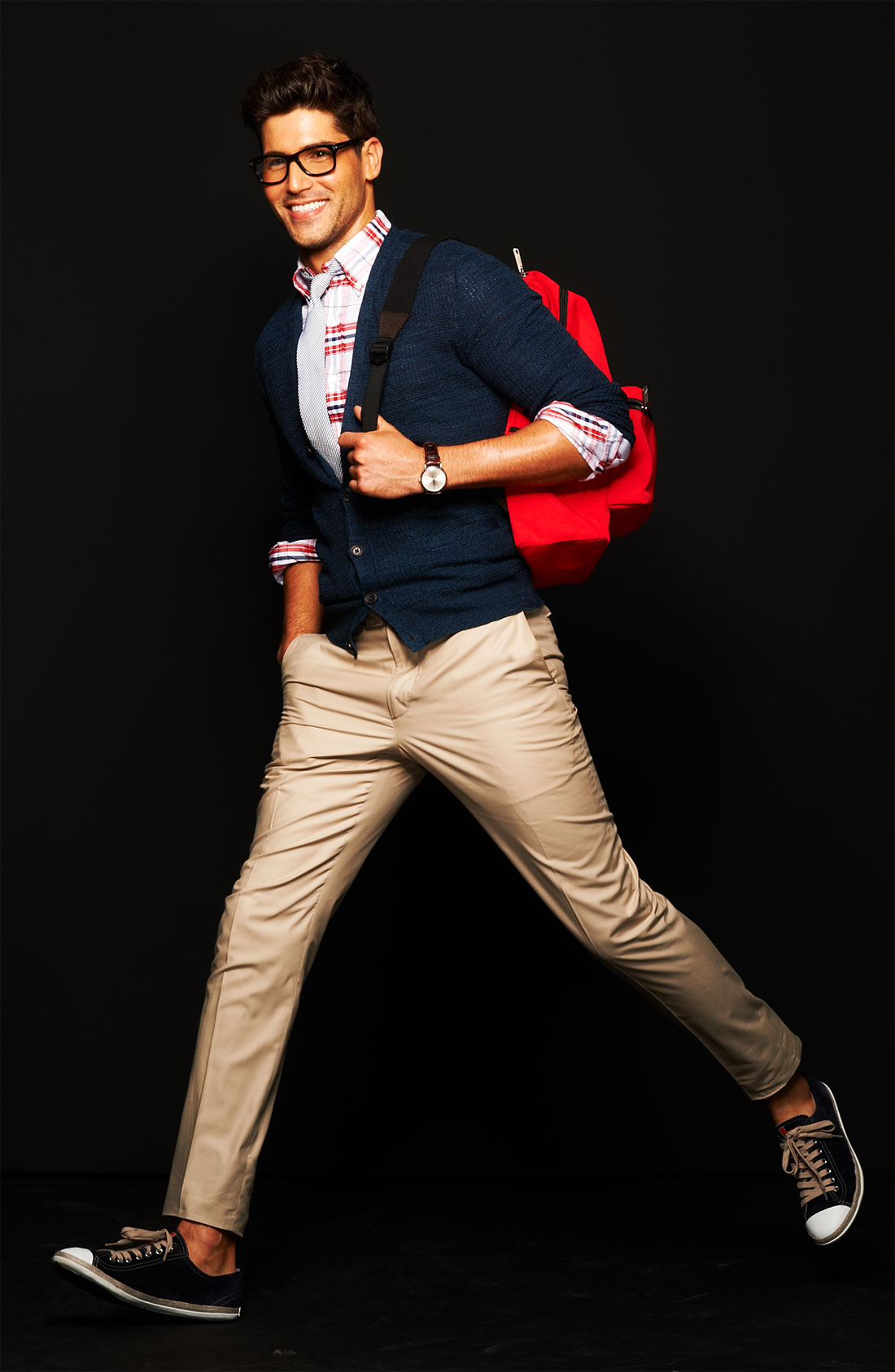
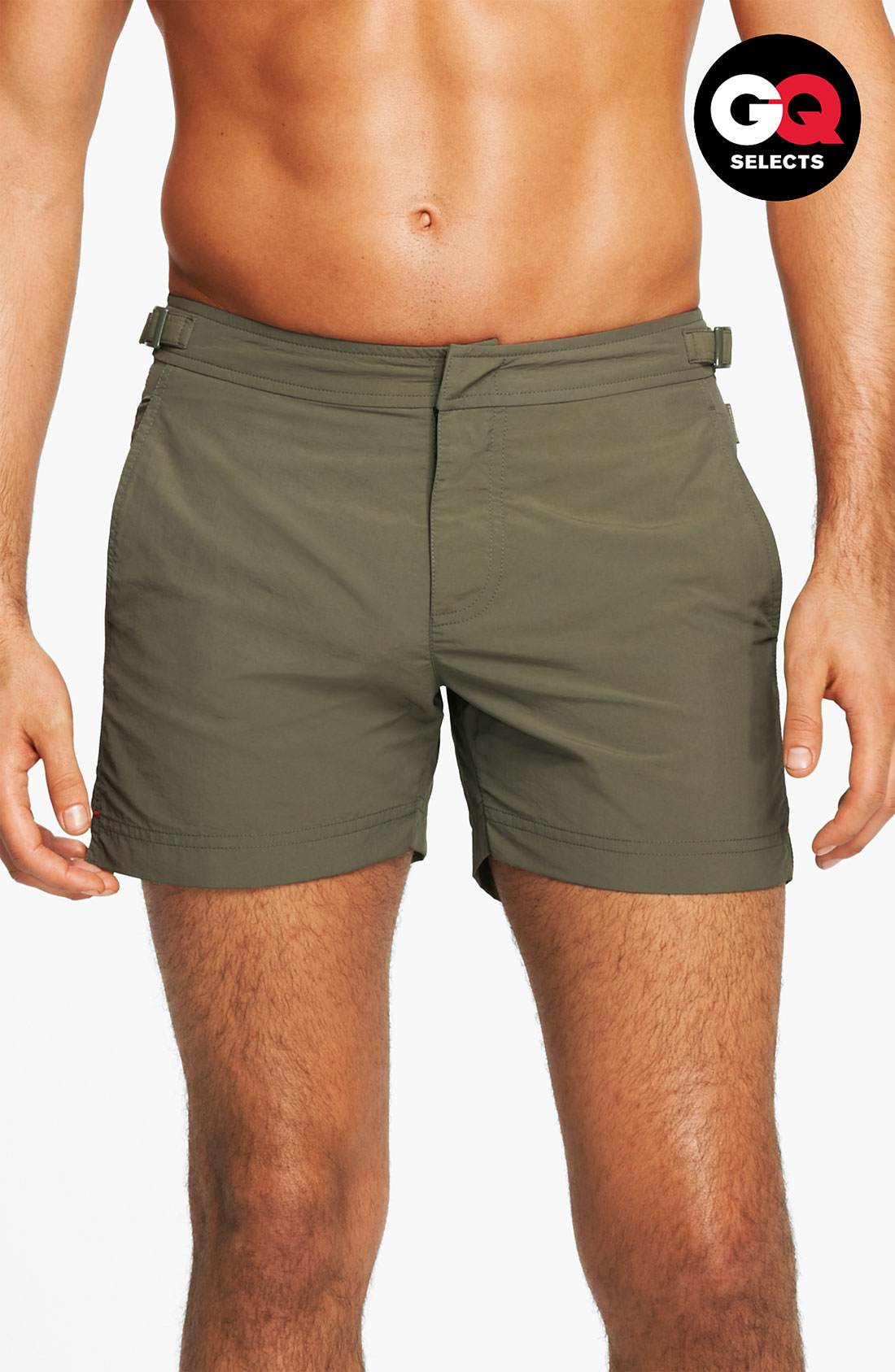
 Yeah, what happened?¿2(X)IST STRETCH 2-PACKS Facebook/2(X)istImage hidden for guestsSign in to viewGQ Selects Nordstrom Anniversary Sale Nordstrom.com
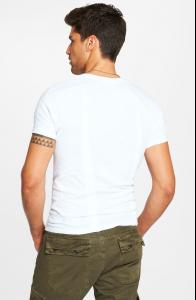
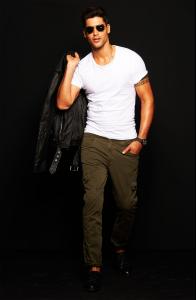
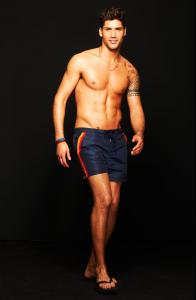
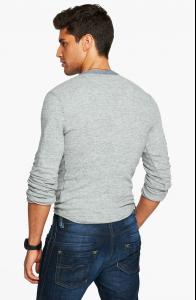
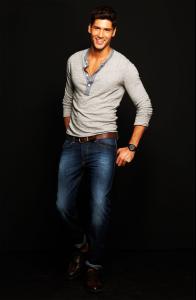
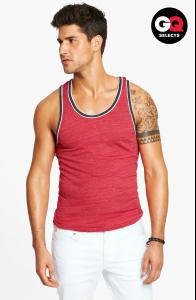
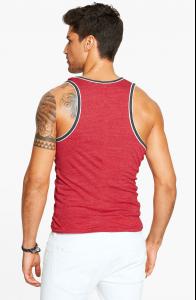
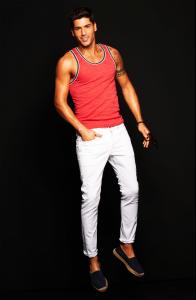
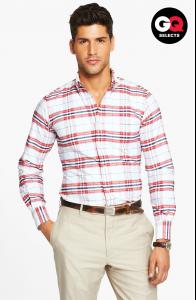
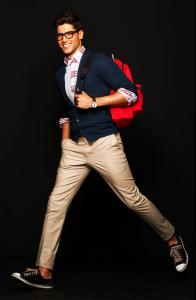
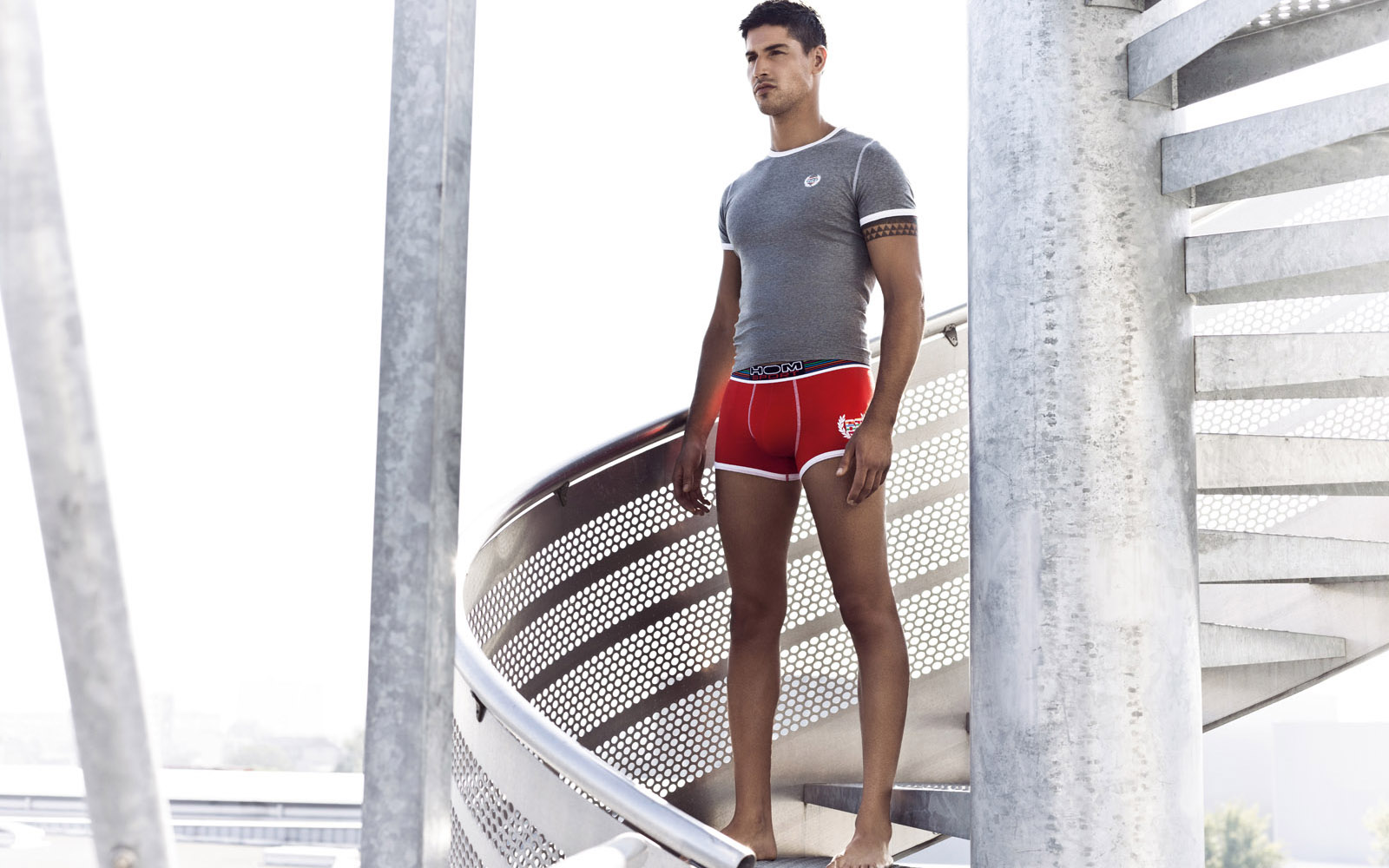
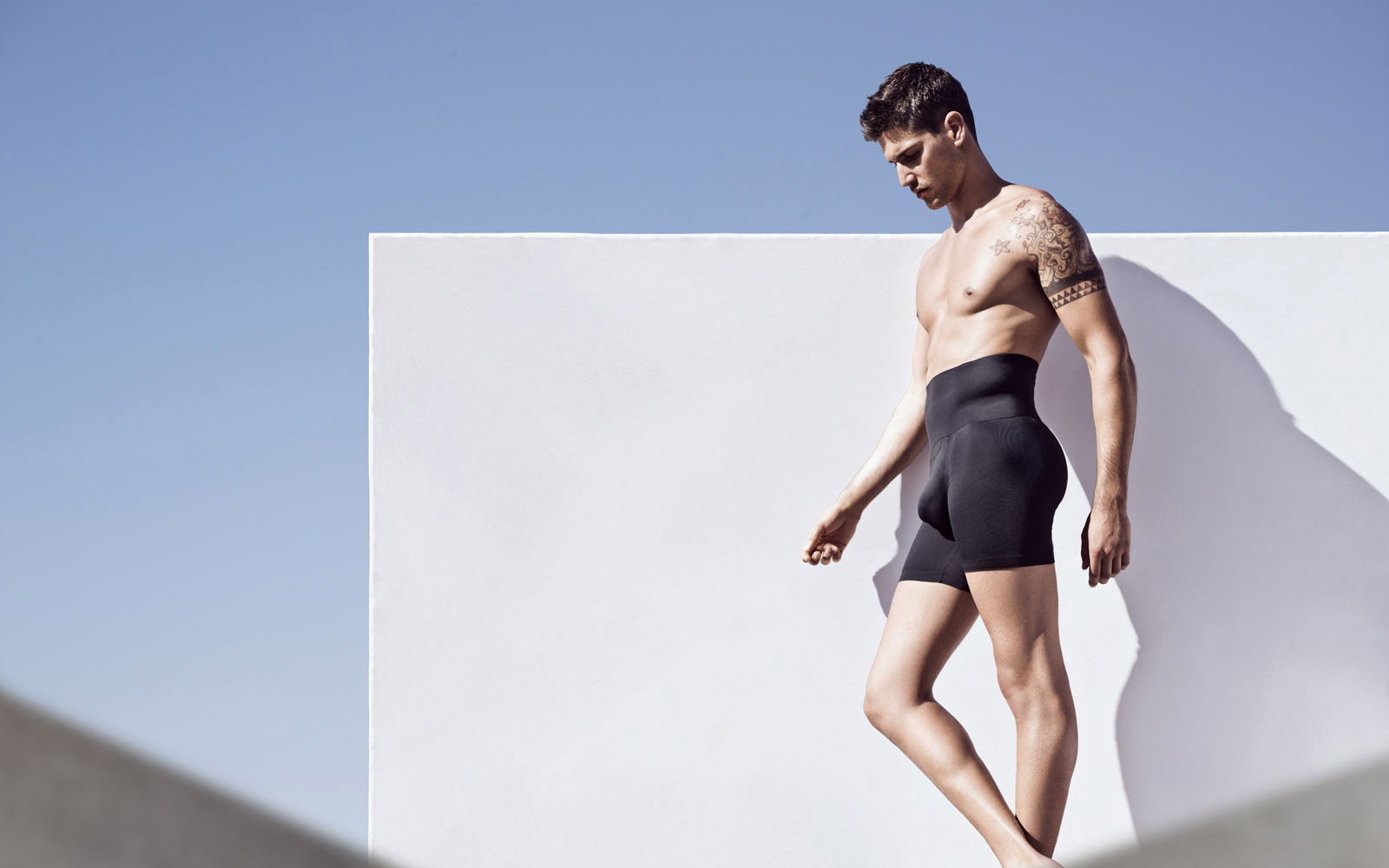
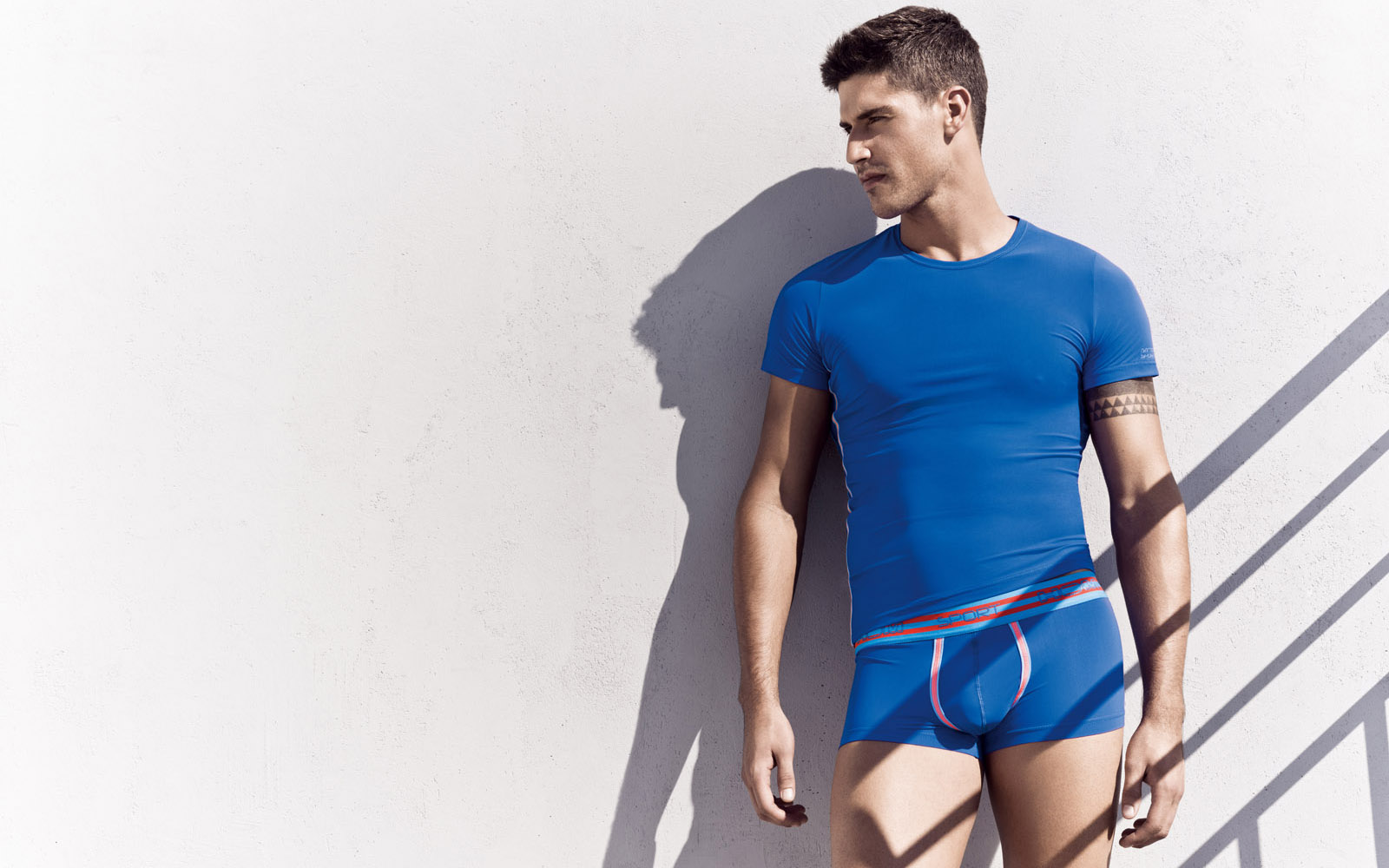
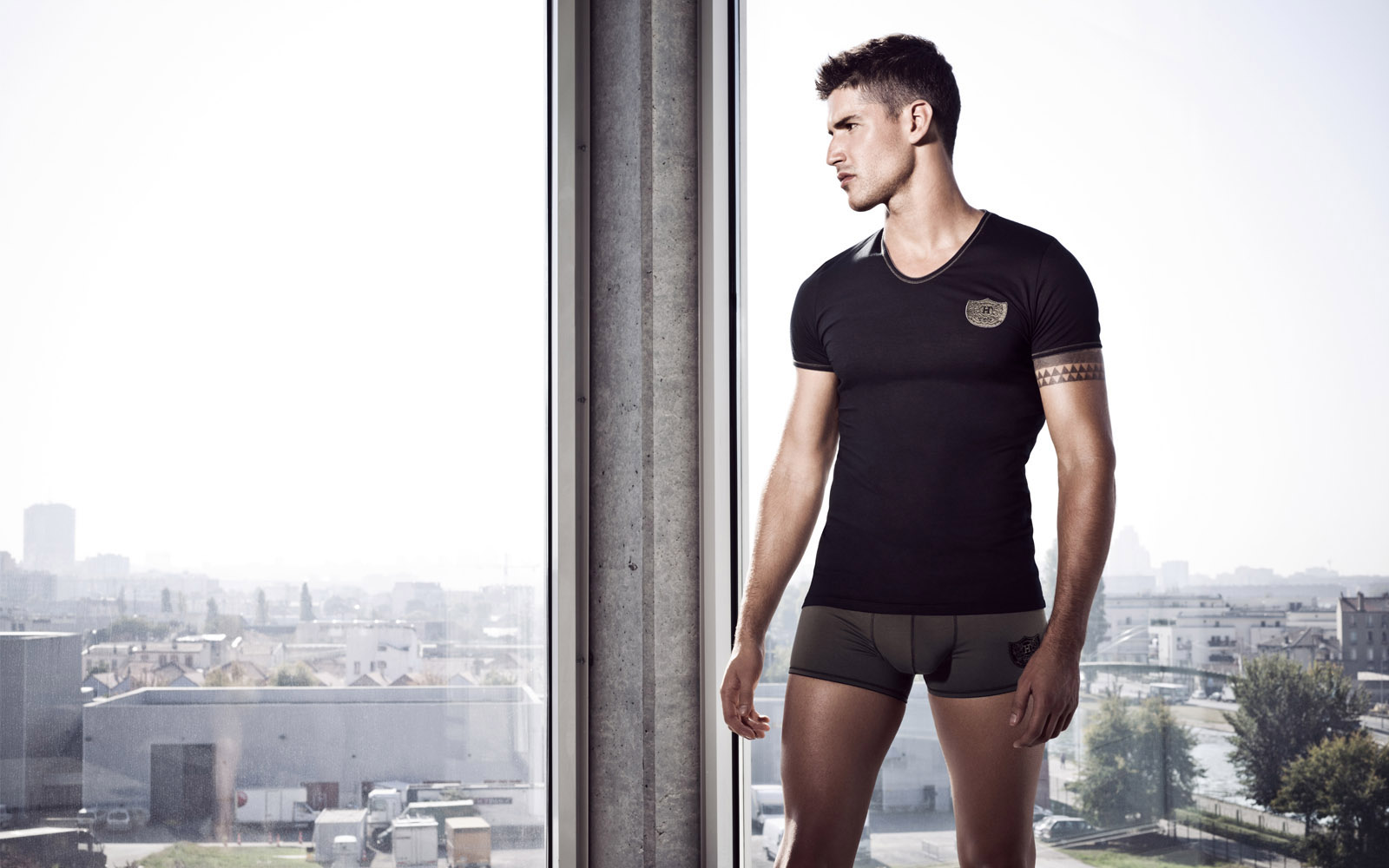
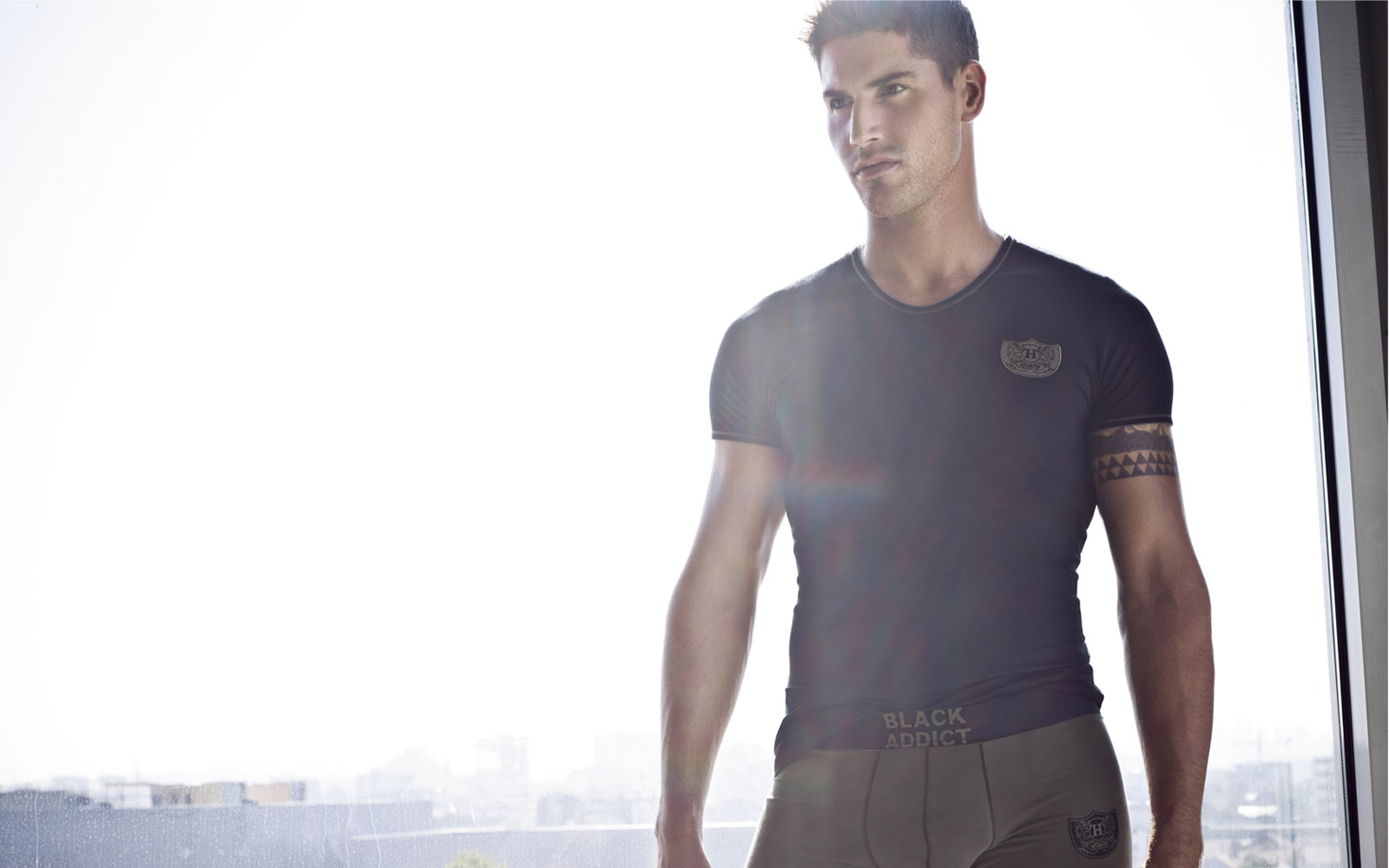
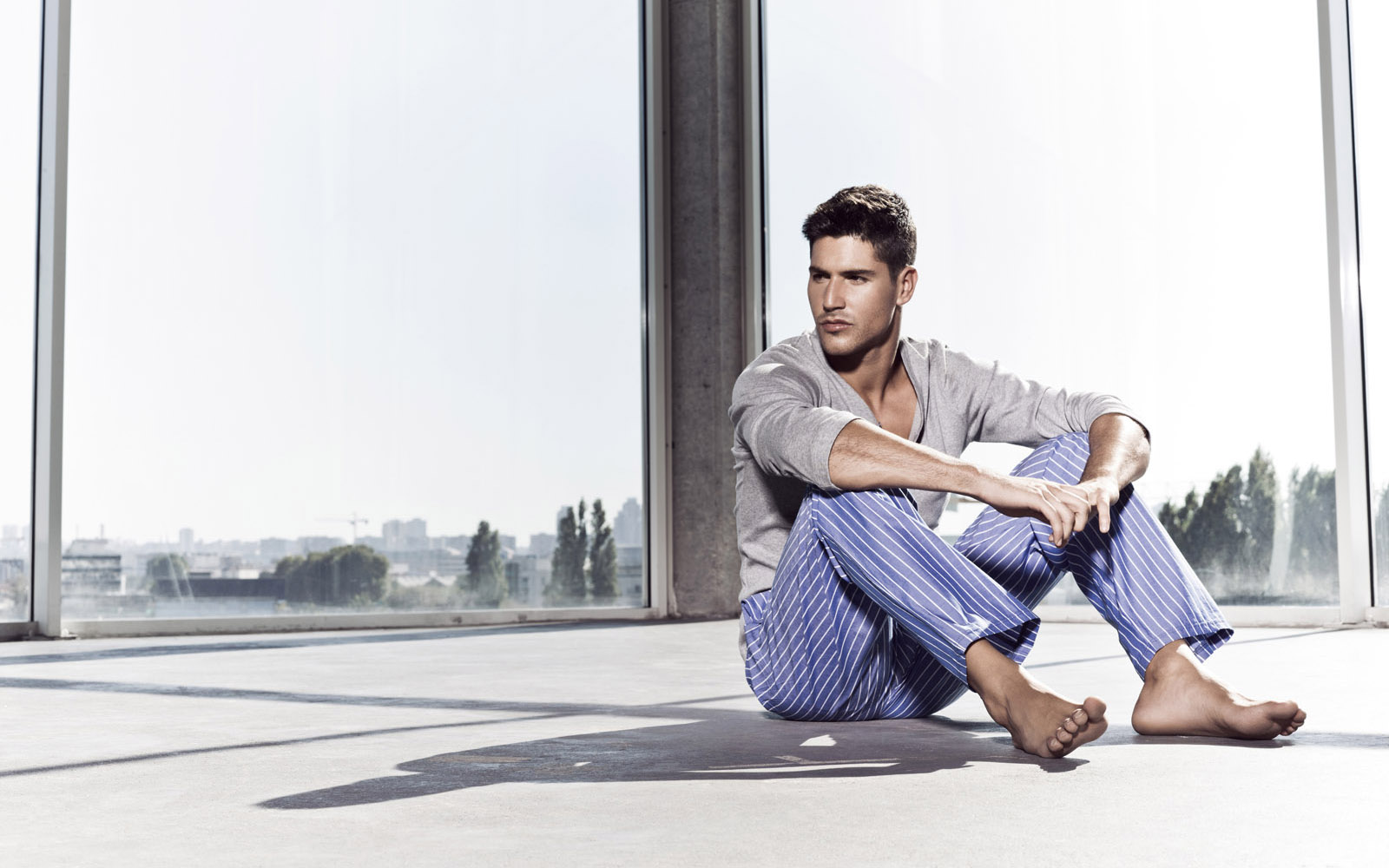
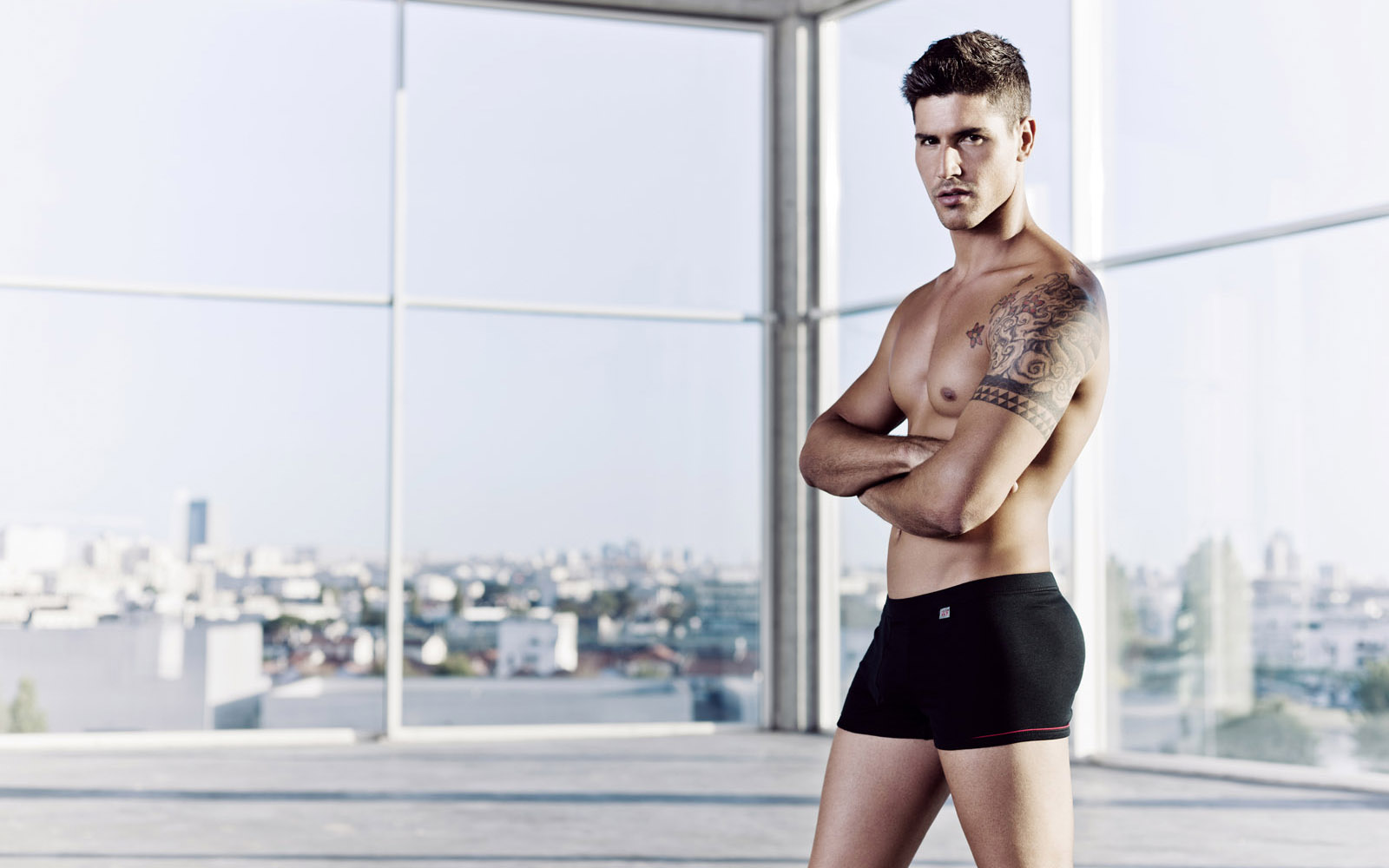
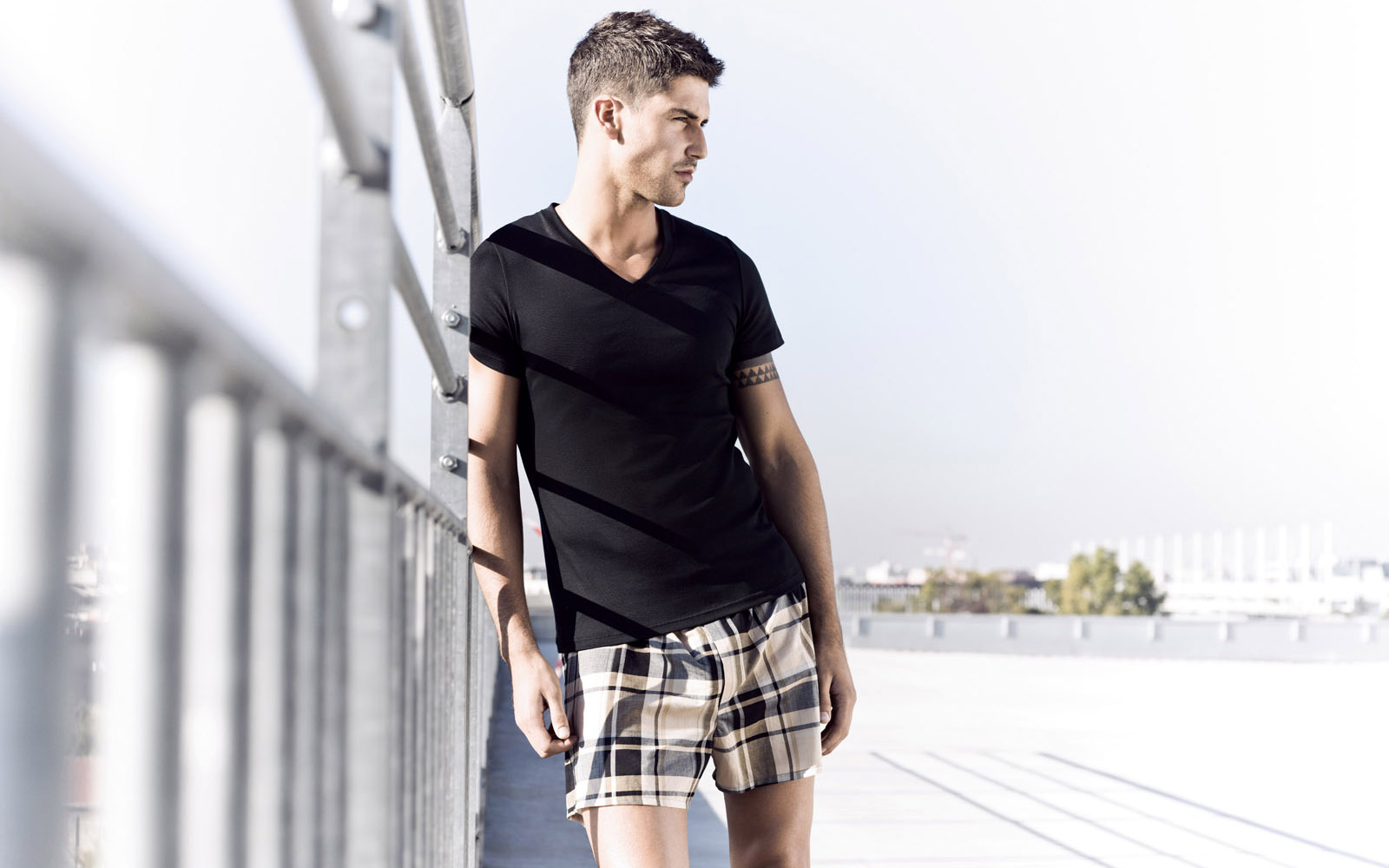
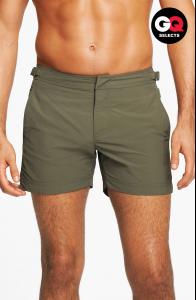 HOM FW2012/13 Sport, Black Addict, Temptation, HO1 & Business Hom.com
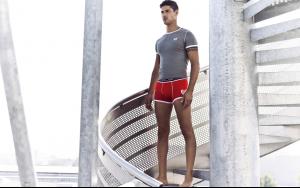
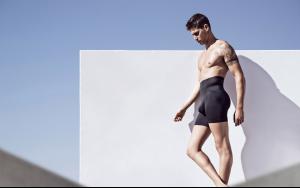
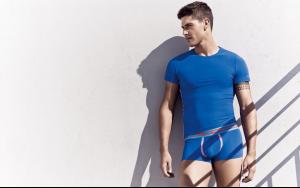 Image hidden for guestsSign in to view
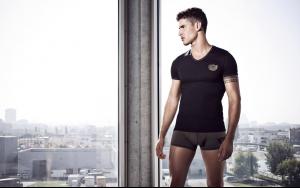
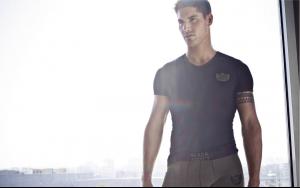 Image hidden for guestsSign in to viewImage hidden for guestsSign in to viewImage hidden for guestsSign in to viewImage hidden for guestsSign in to viewImage hidden for guestsSign in to view
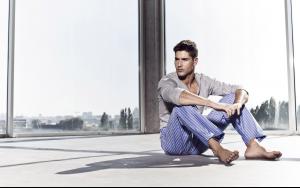
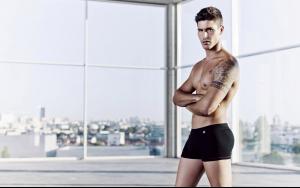
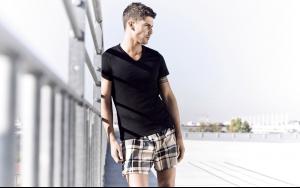 Image hidden for guestsSign in to view
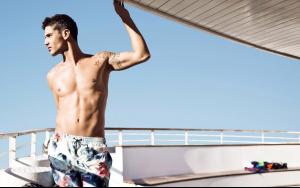 Image hidden for guestsSign in to viewImage hidden for guestsSign in to viewImage hidden for guestsSign in to viewOn the cover, not really a fan of that facial expression, but love the absApollo Novo August 2012 Fashionisto


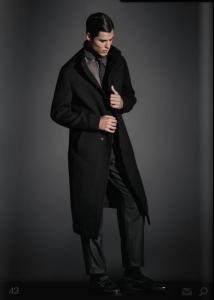
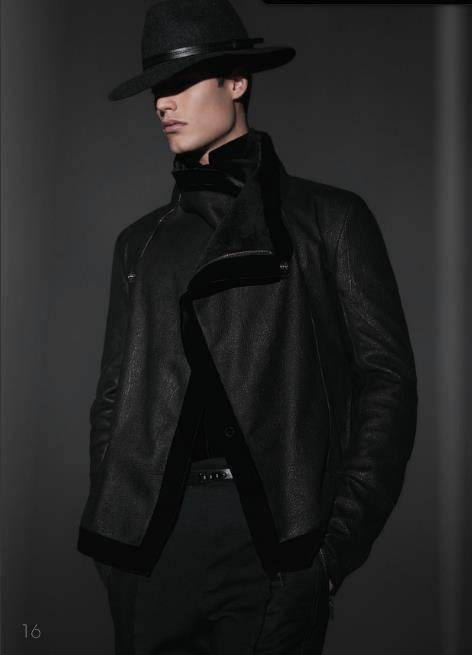
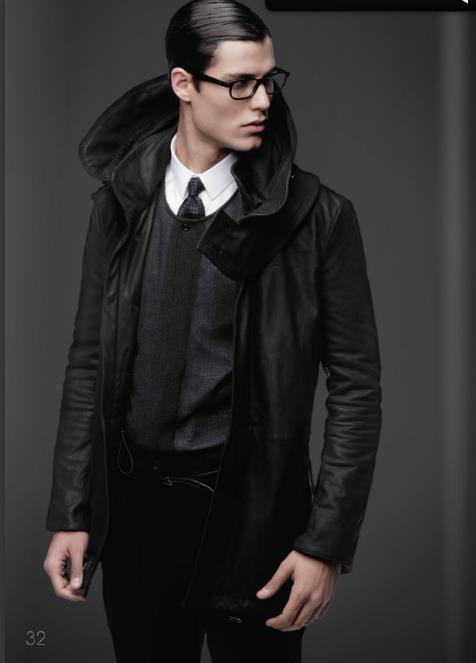
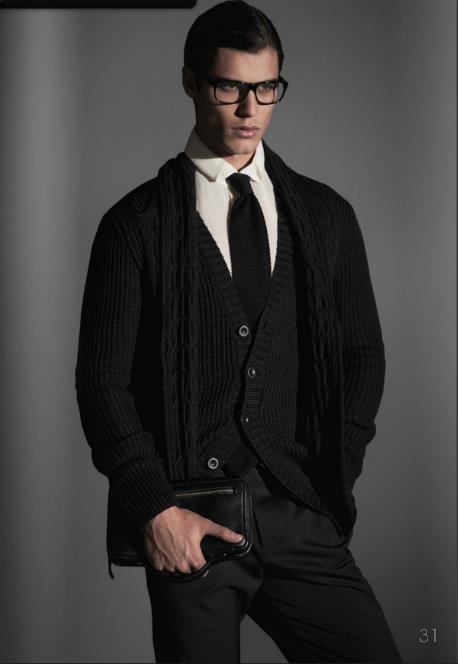
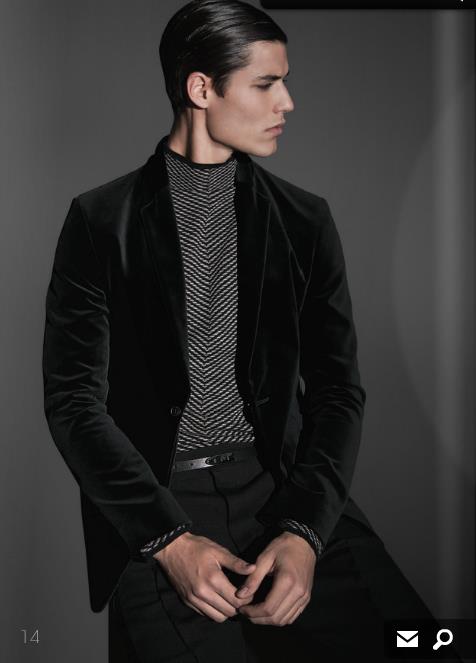
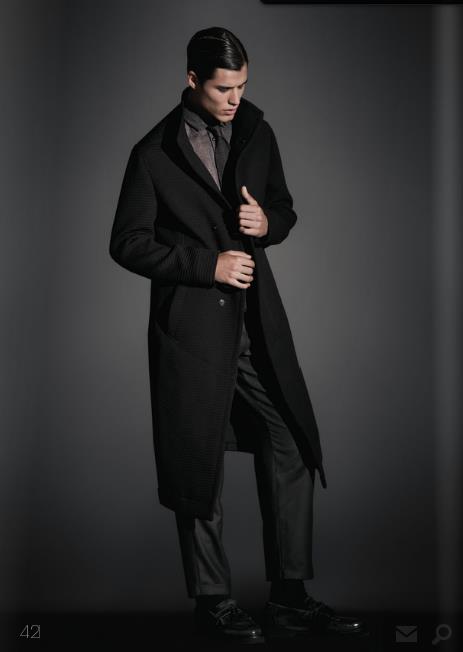
 2(X)IST ATHLETIC 2xist.comImage hidden for guestsSign in to view2(X)IST GOLD 2xist.comImage hidden for guestsSign in to viewEmporio Armani FW2012/13 Catalogue Facebook/Emilio Flores