

TheIndustrialist
Members
-
Joined
-
Last visited
Everything posted by TheIndustrialist
-
 Nothing yet, but she doesn't seem very active on Instagram. That makes a lot of sense.
 -
I have asked about this one in the past, there has never been a definitive confirmation. I asked her on Instagram, we'll see if she answers.
-
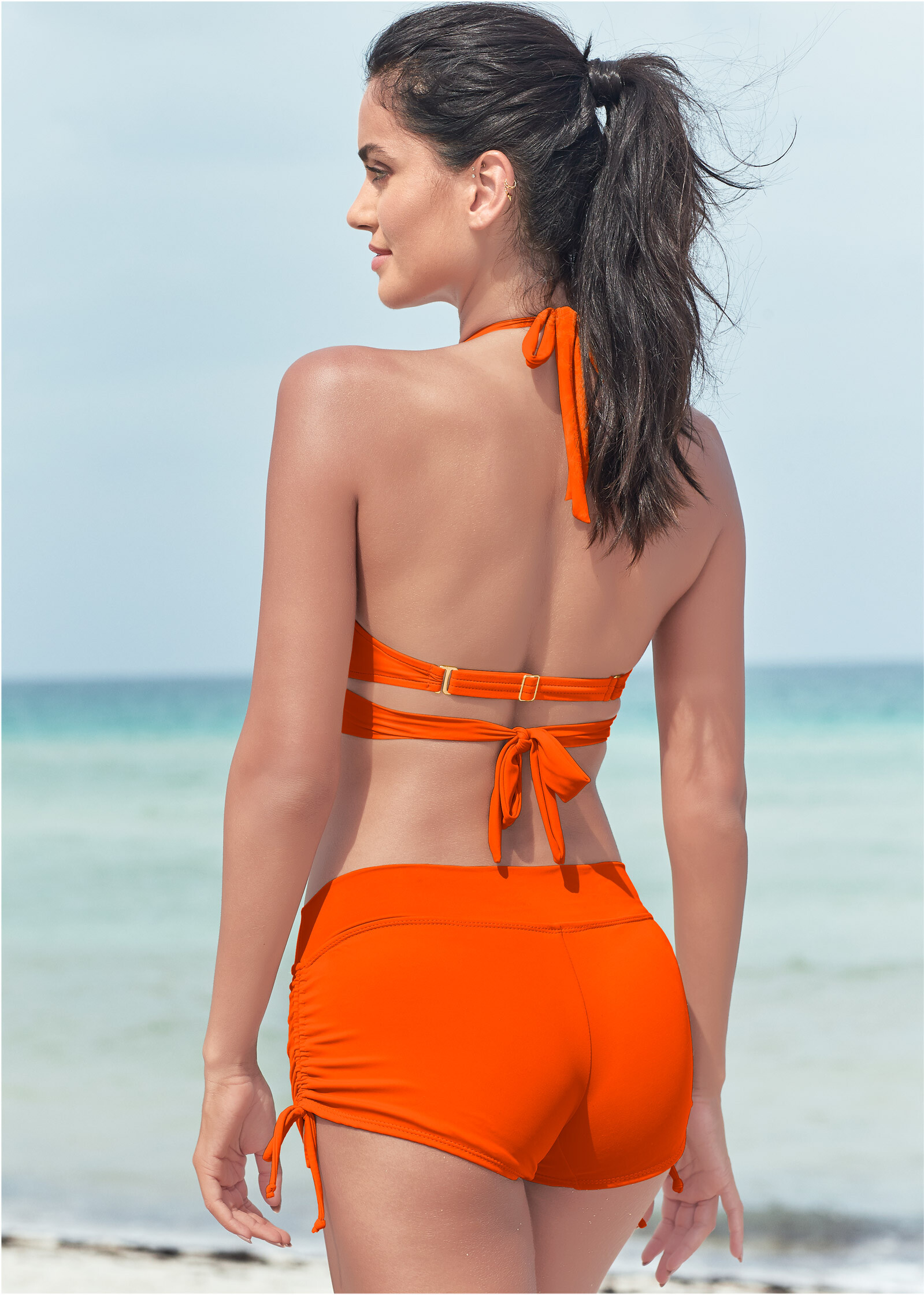
I didn't think of checking their account, I saw her on a passing ad and took a screenshot. Thank you.
Thanks @kimflorida, can always count on you.
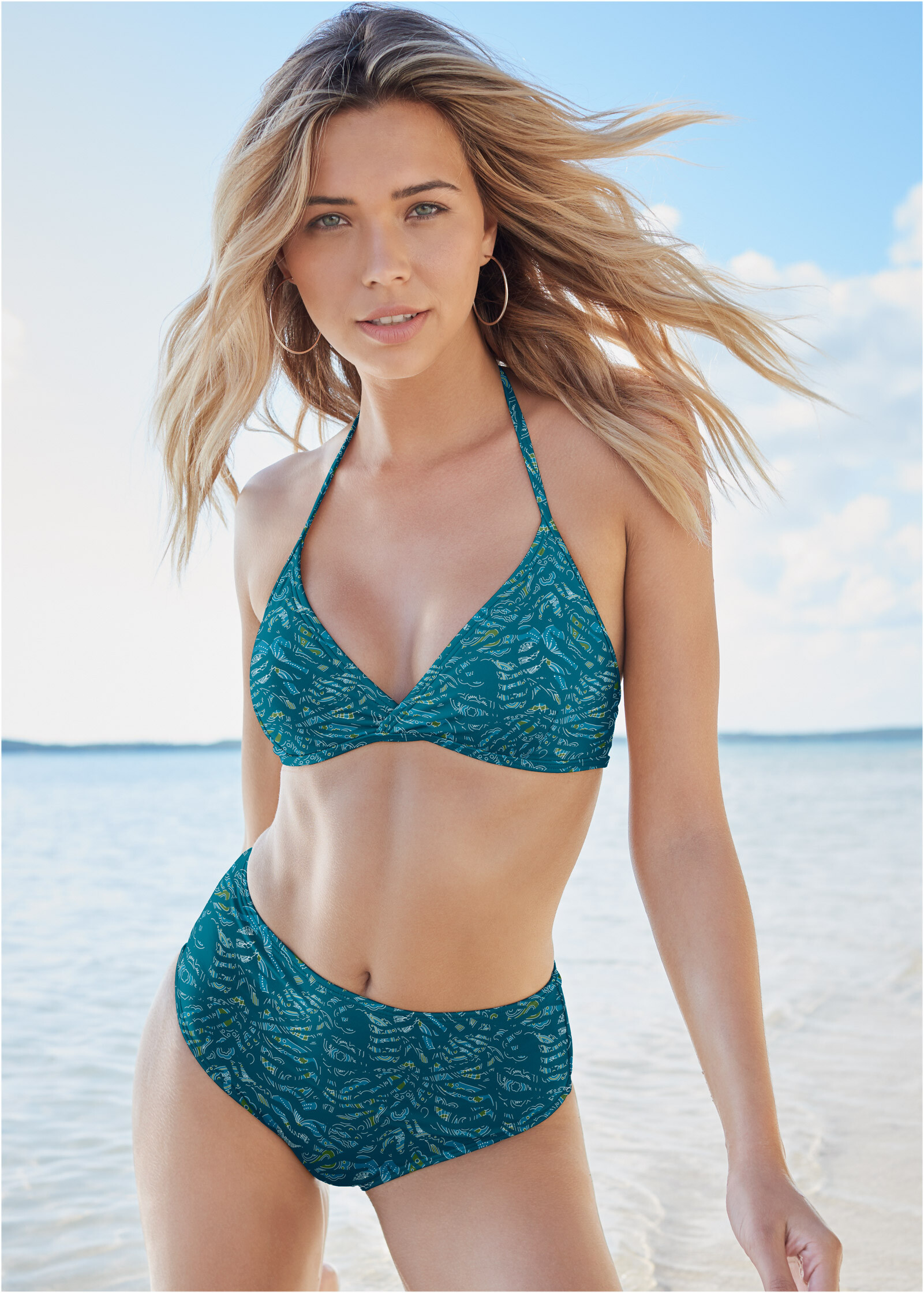
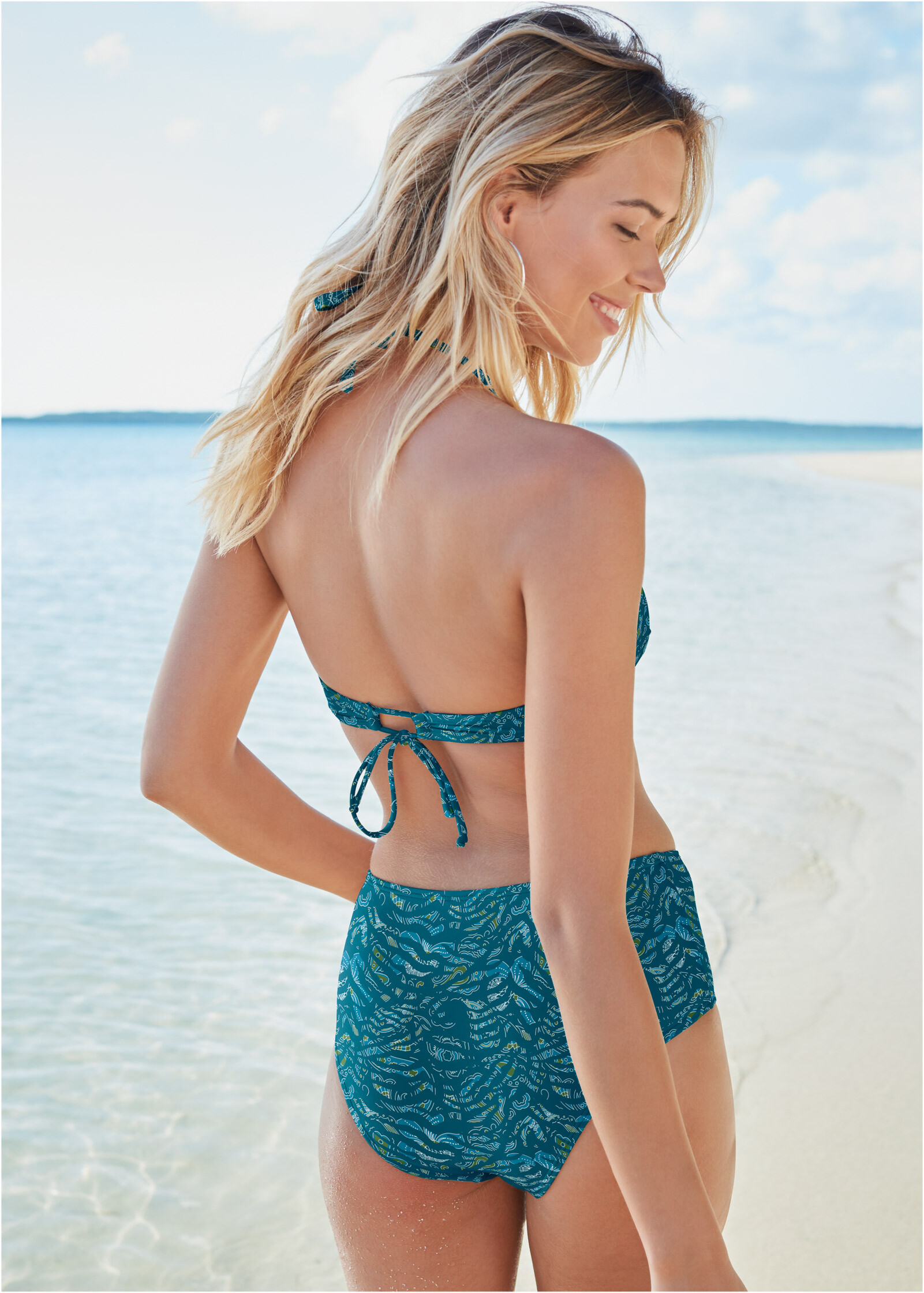
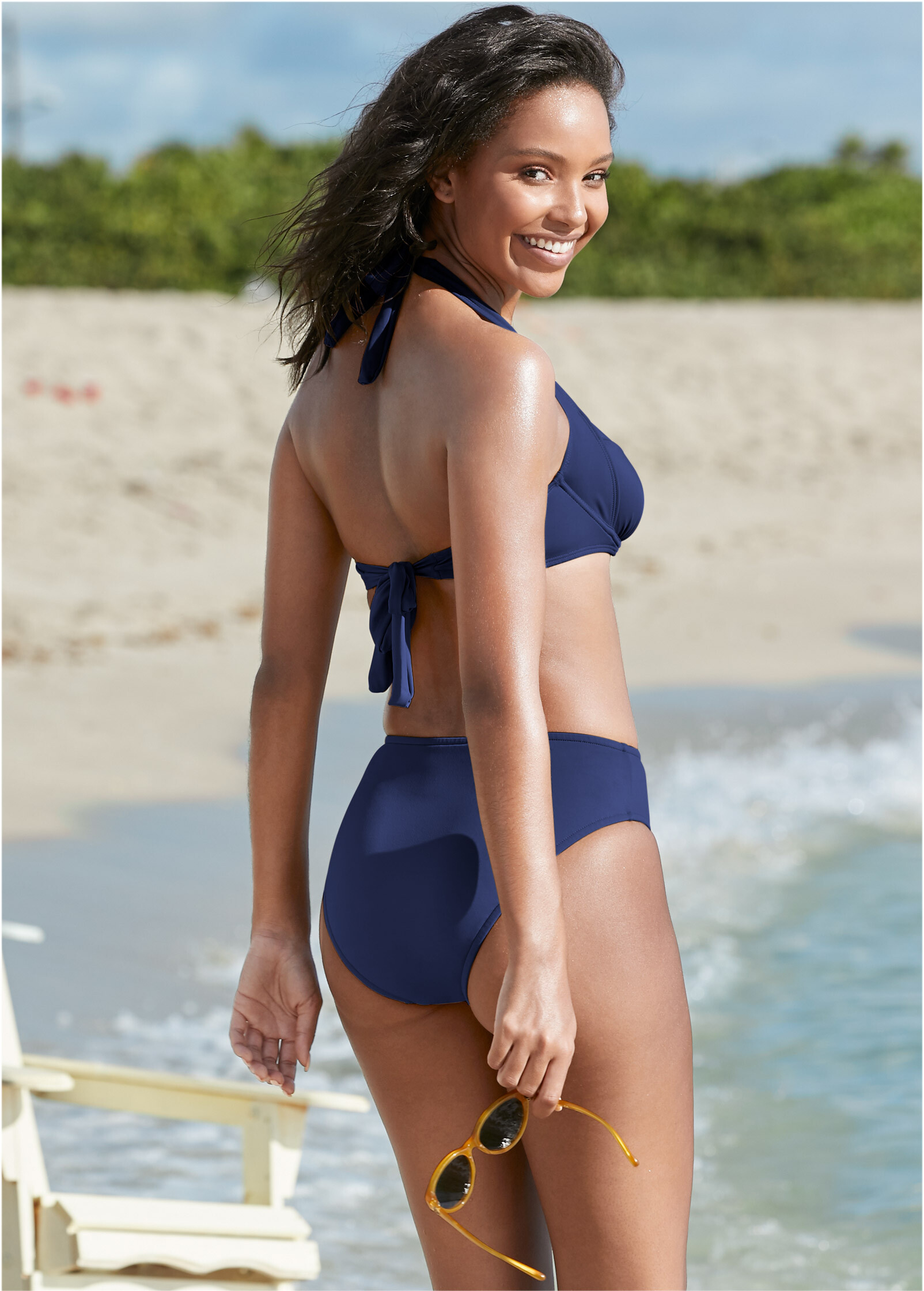
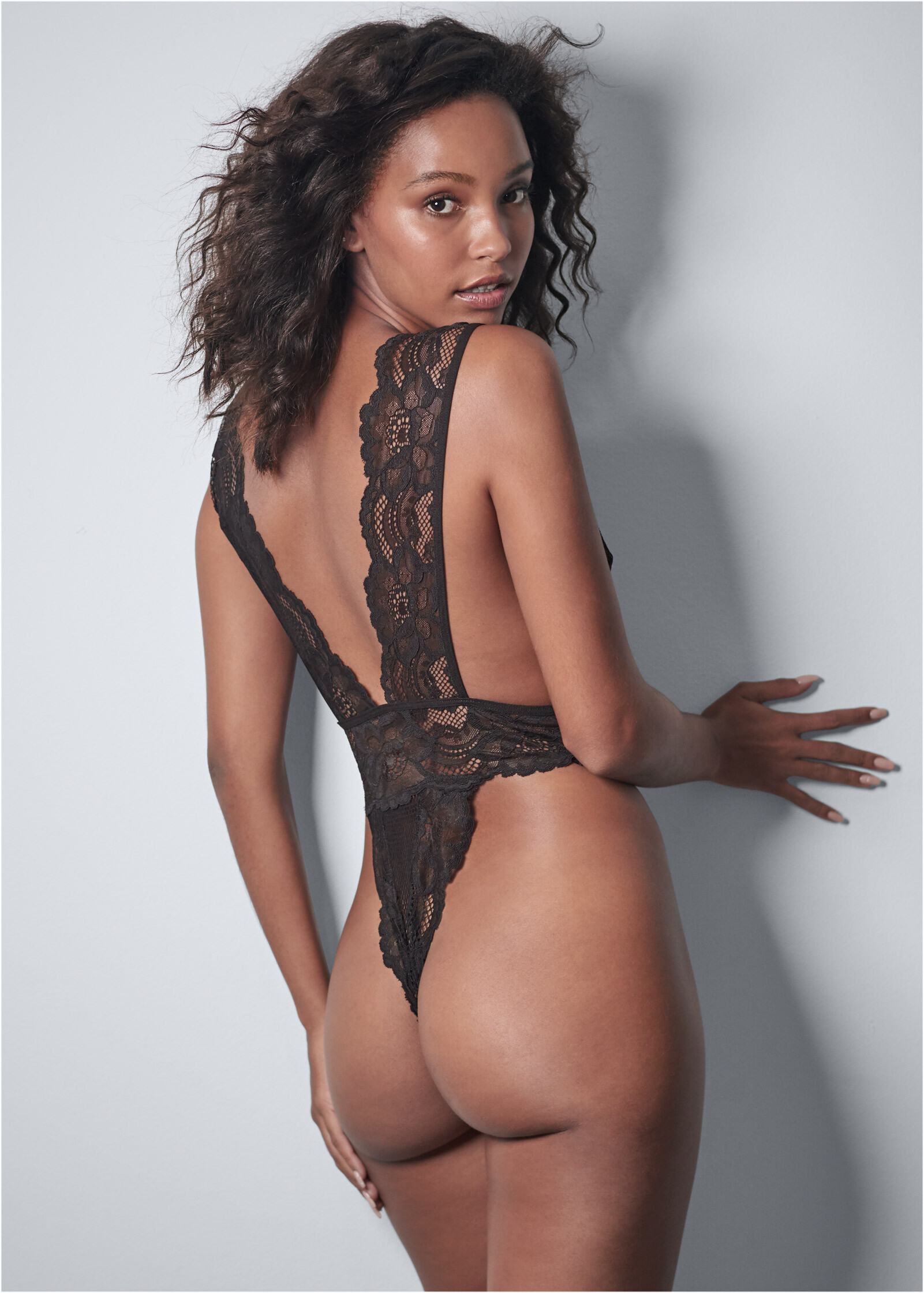
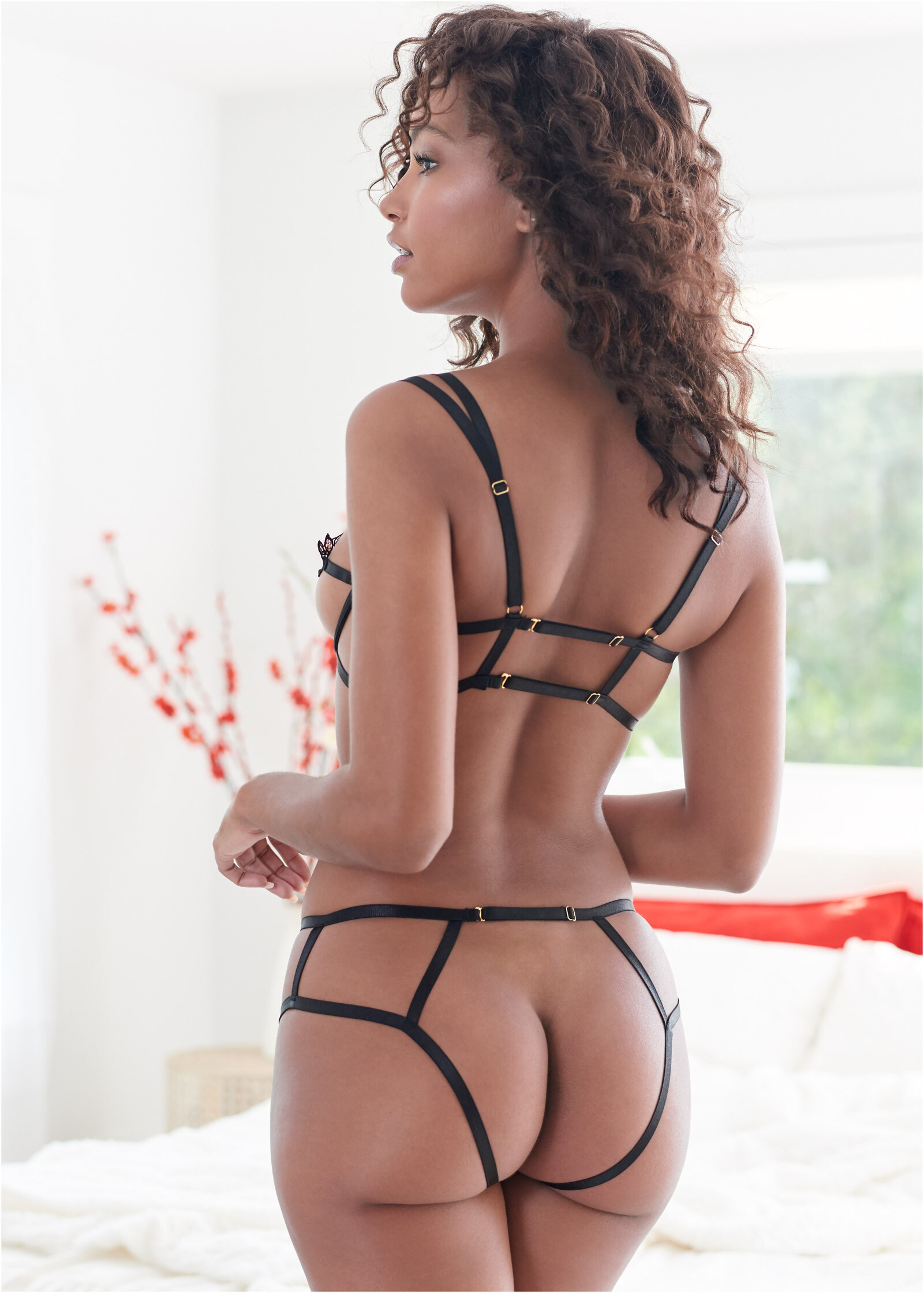
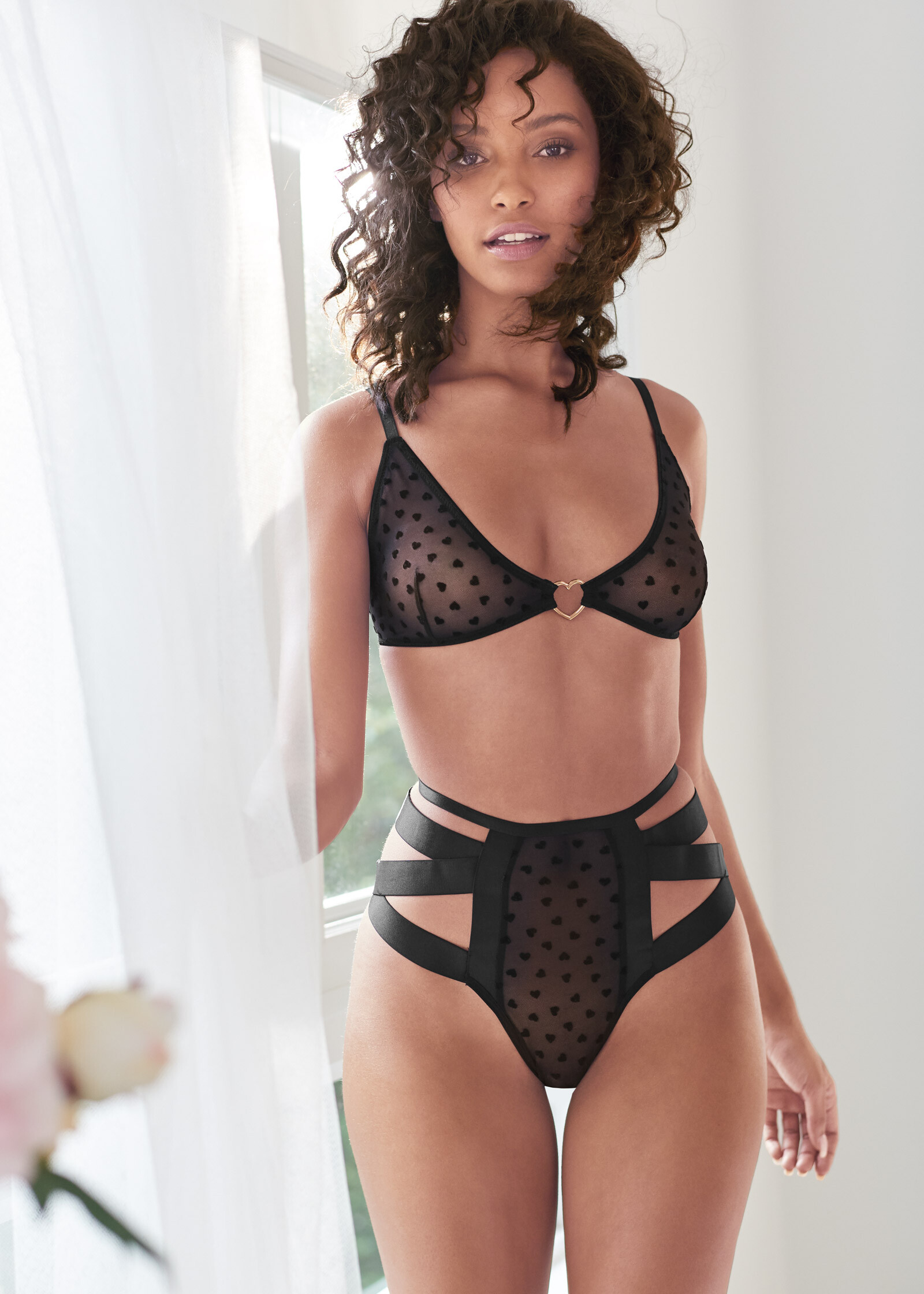
It takes ages, even with download softwares, to get all the pics on such a big thread, if anyone has folders/packs of her brand shoots to share, it would be highly appreciated.
Her body is out of this world.
Thanks a bunch.
Venus

 Thanks everyone.
Venus
Thanks everyone.
Venus
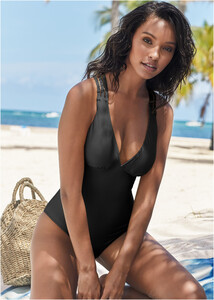
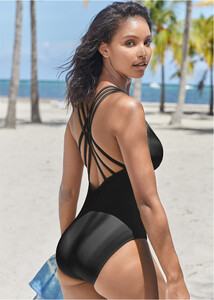
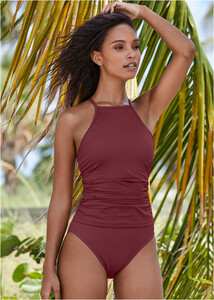





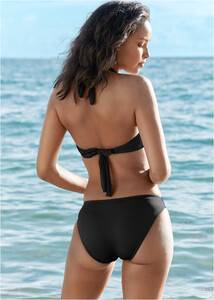
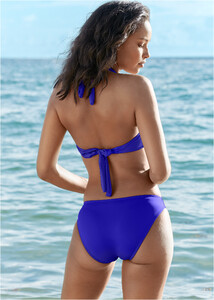
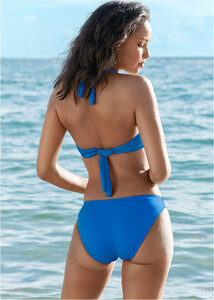
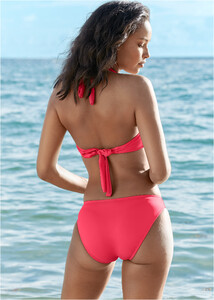


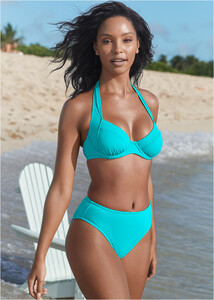






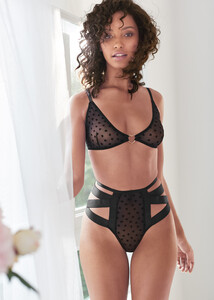






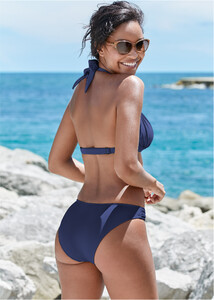

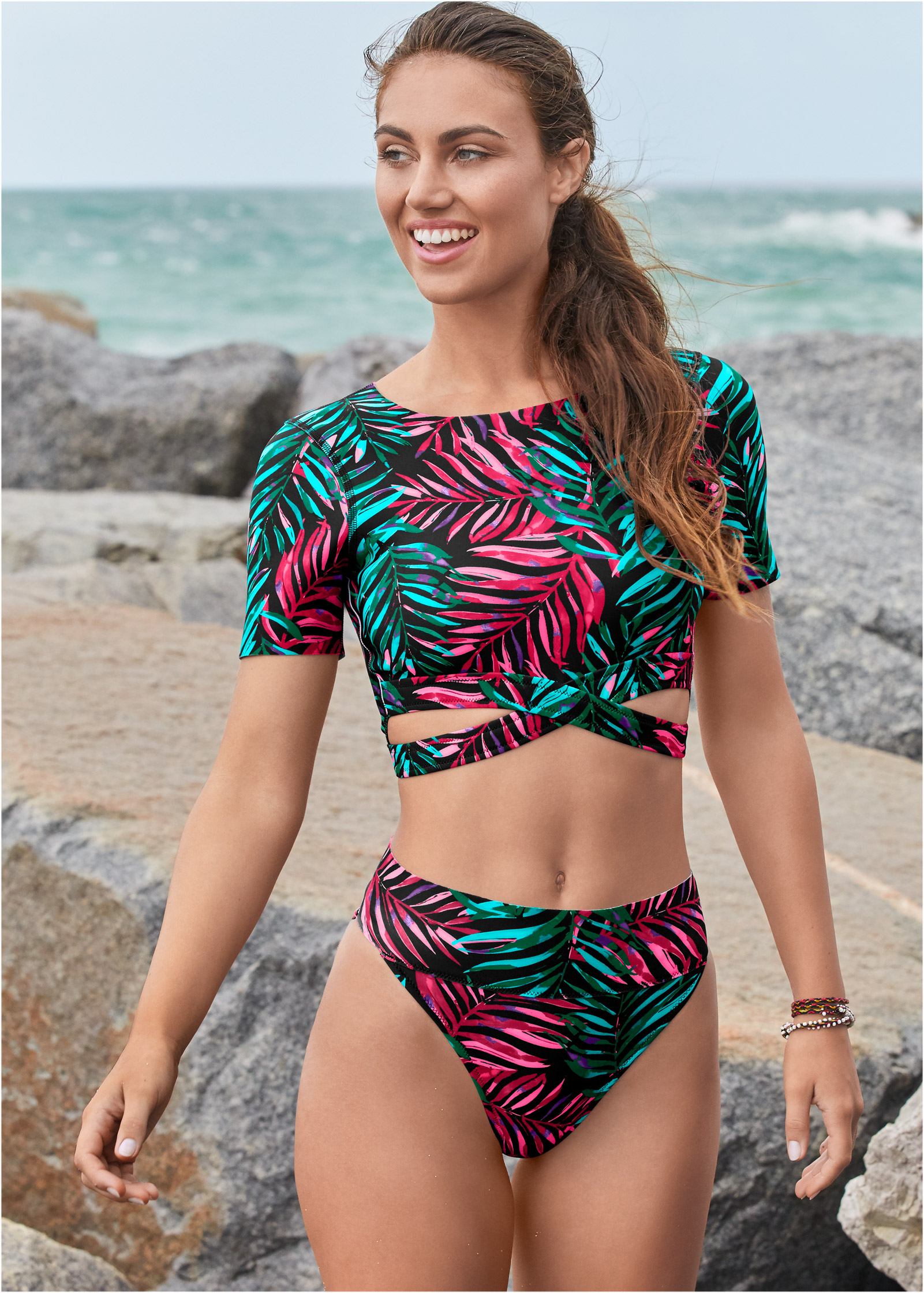
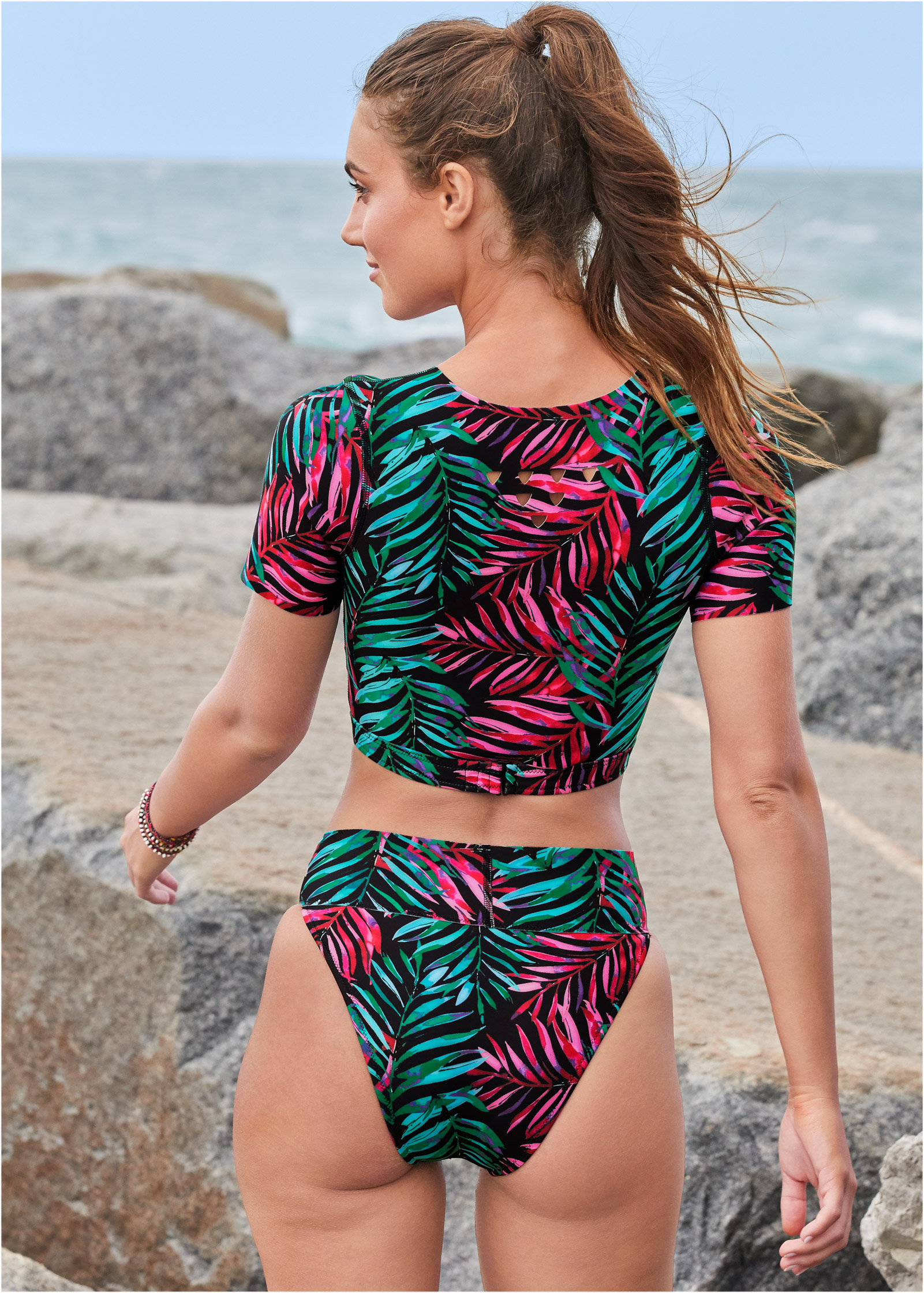
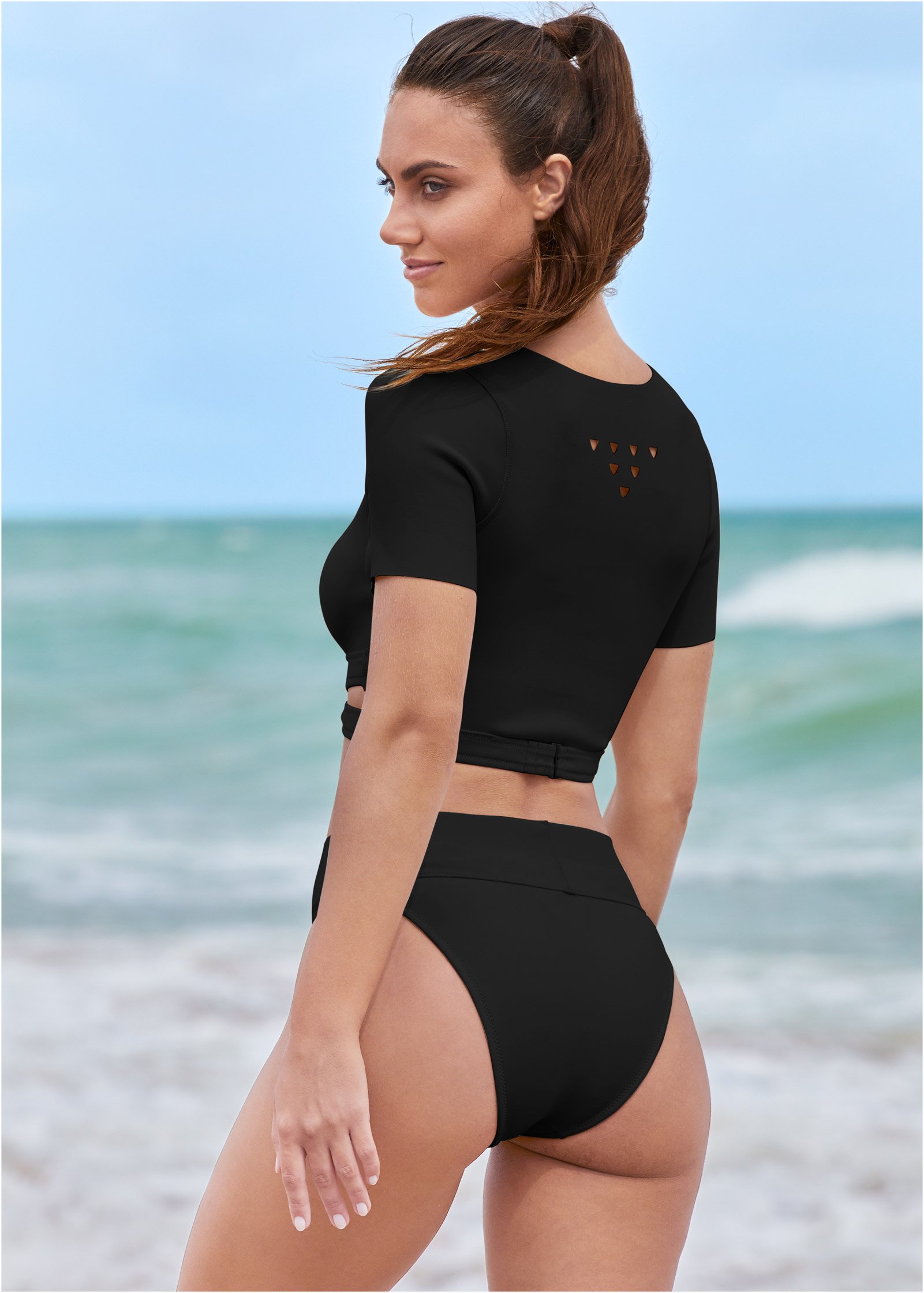
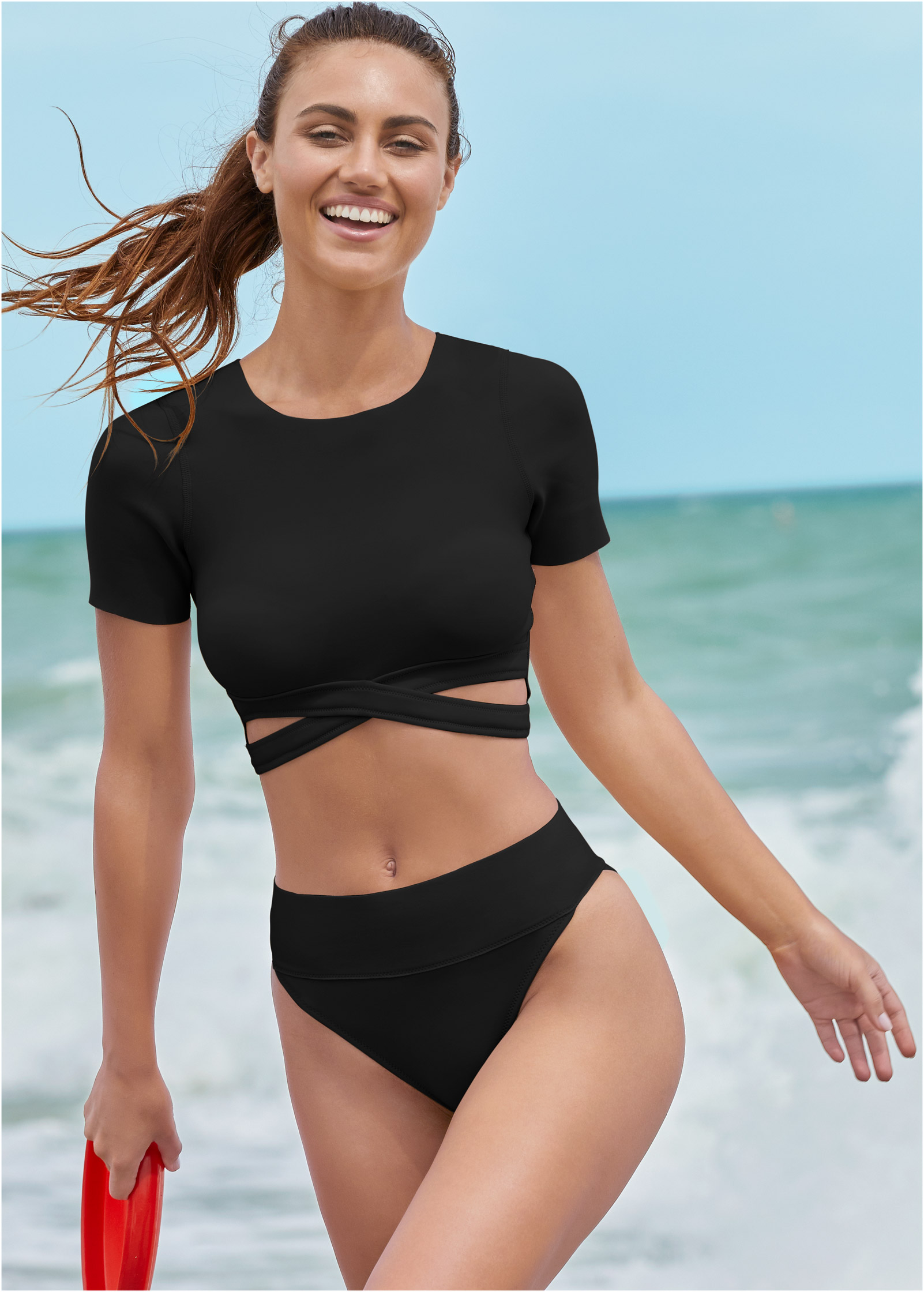
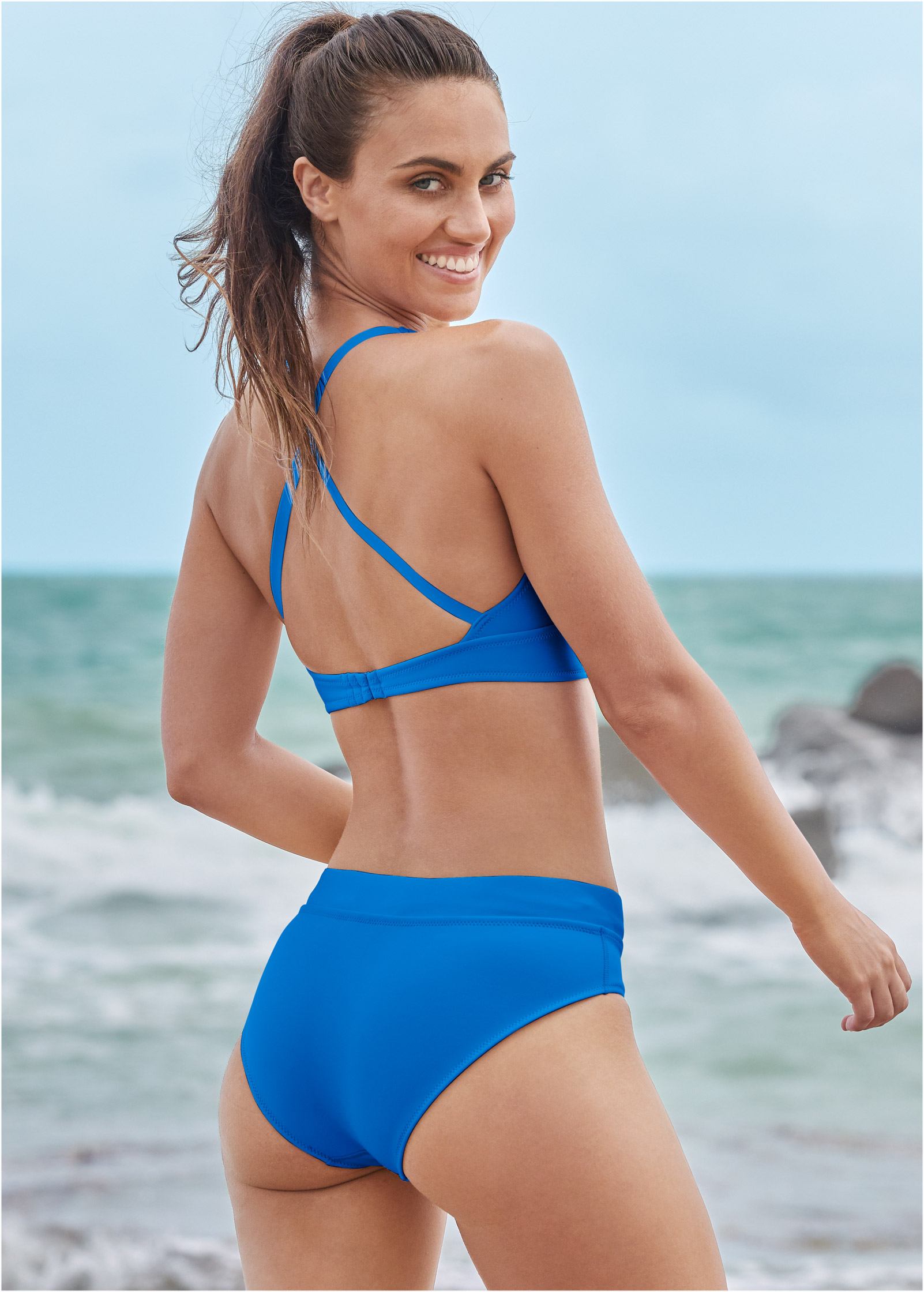
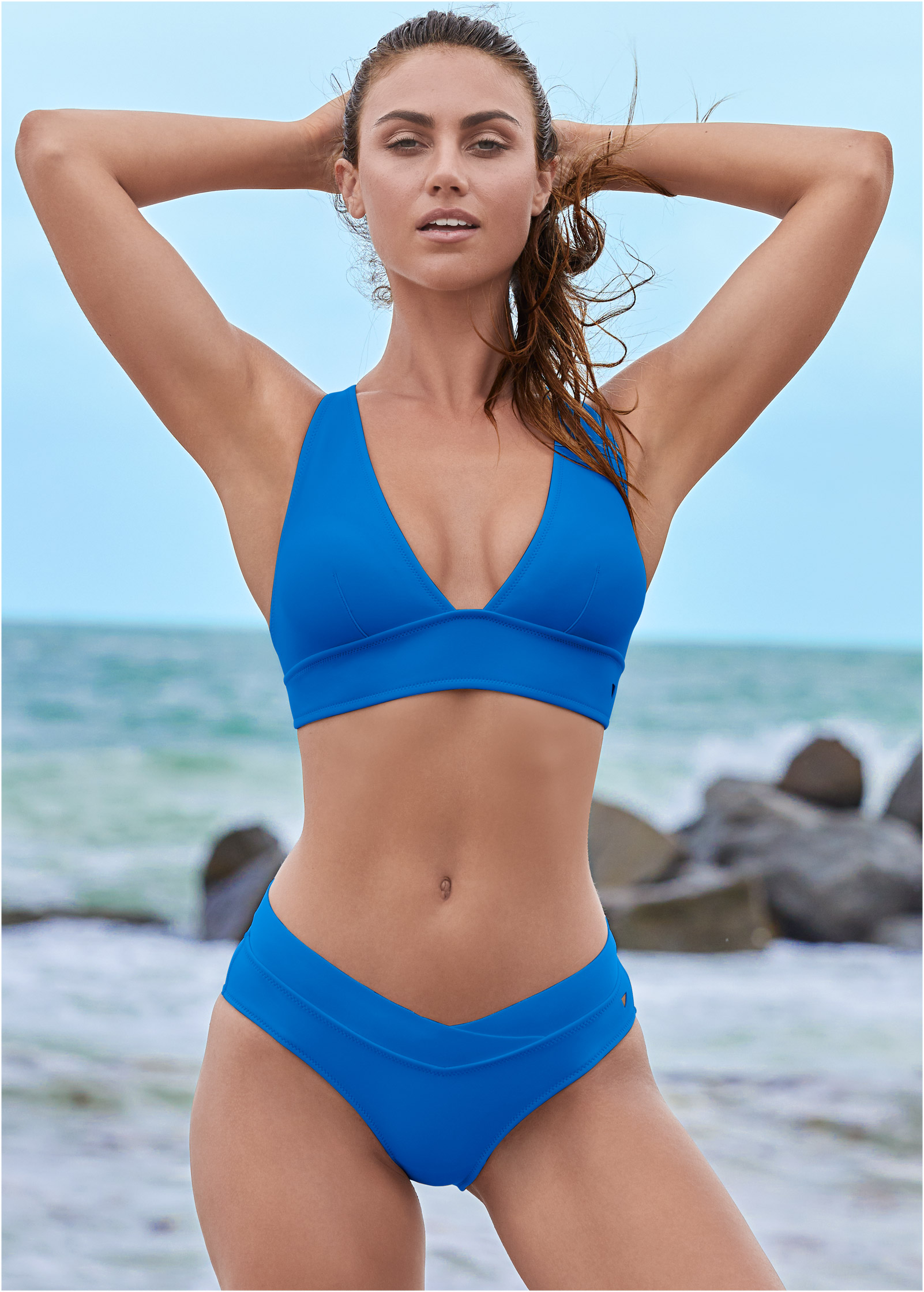
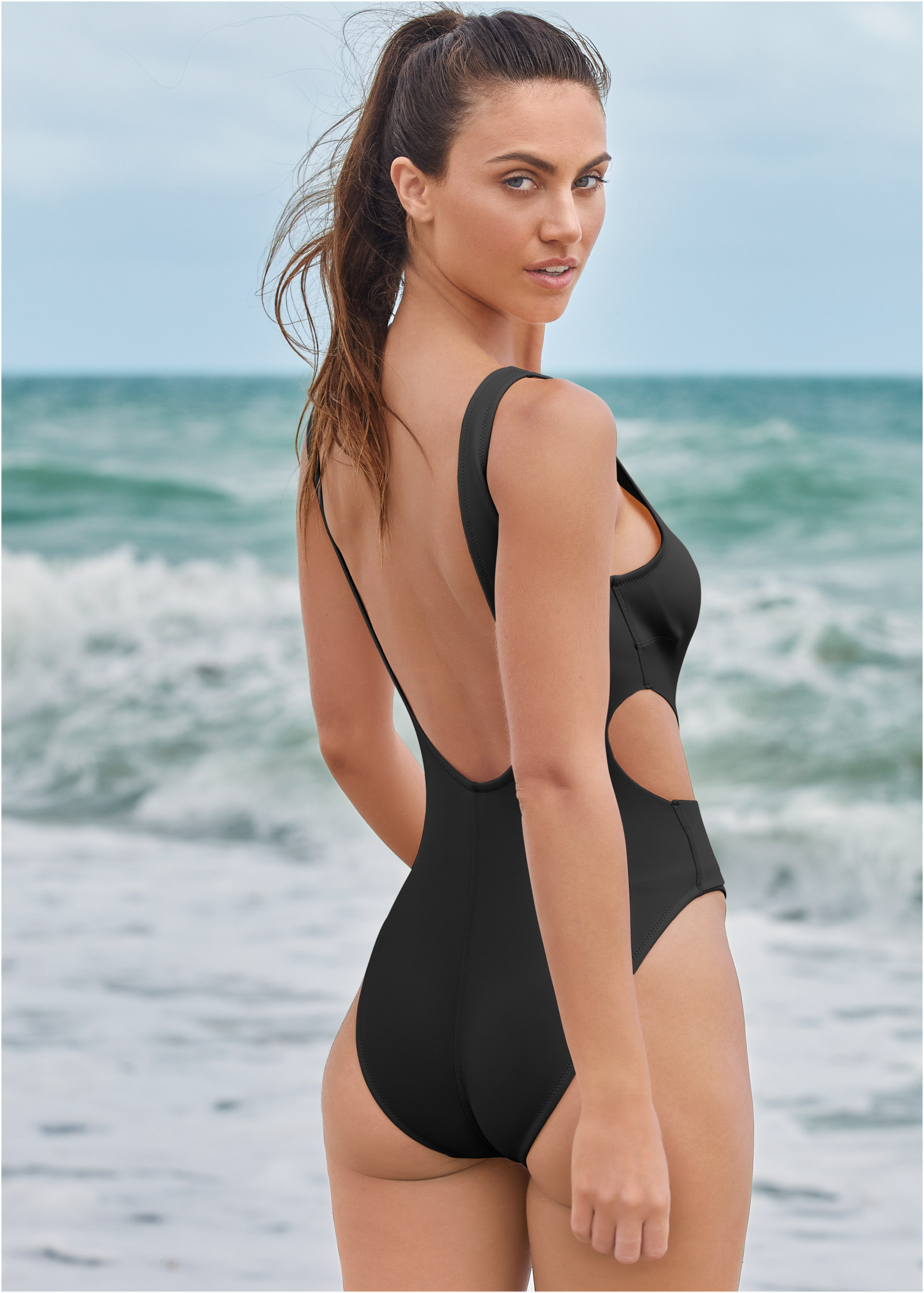
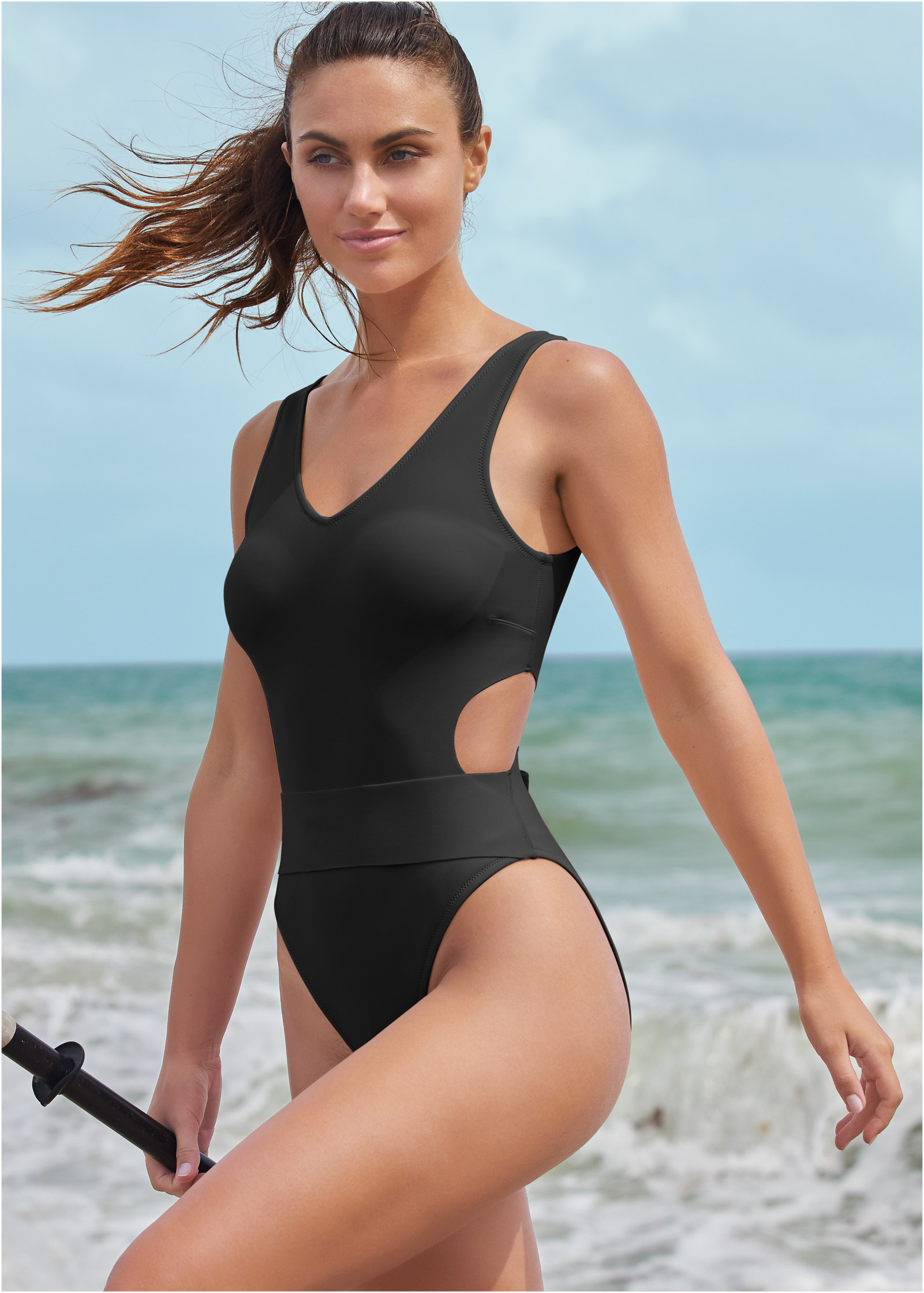
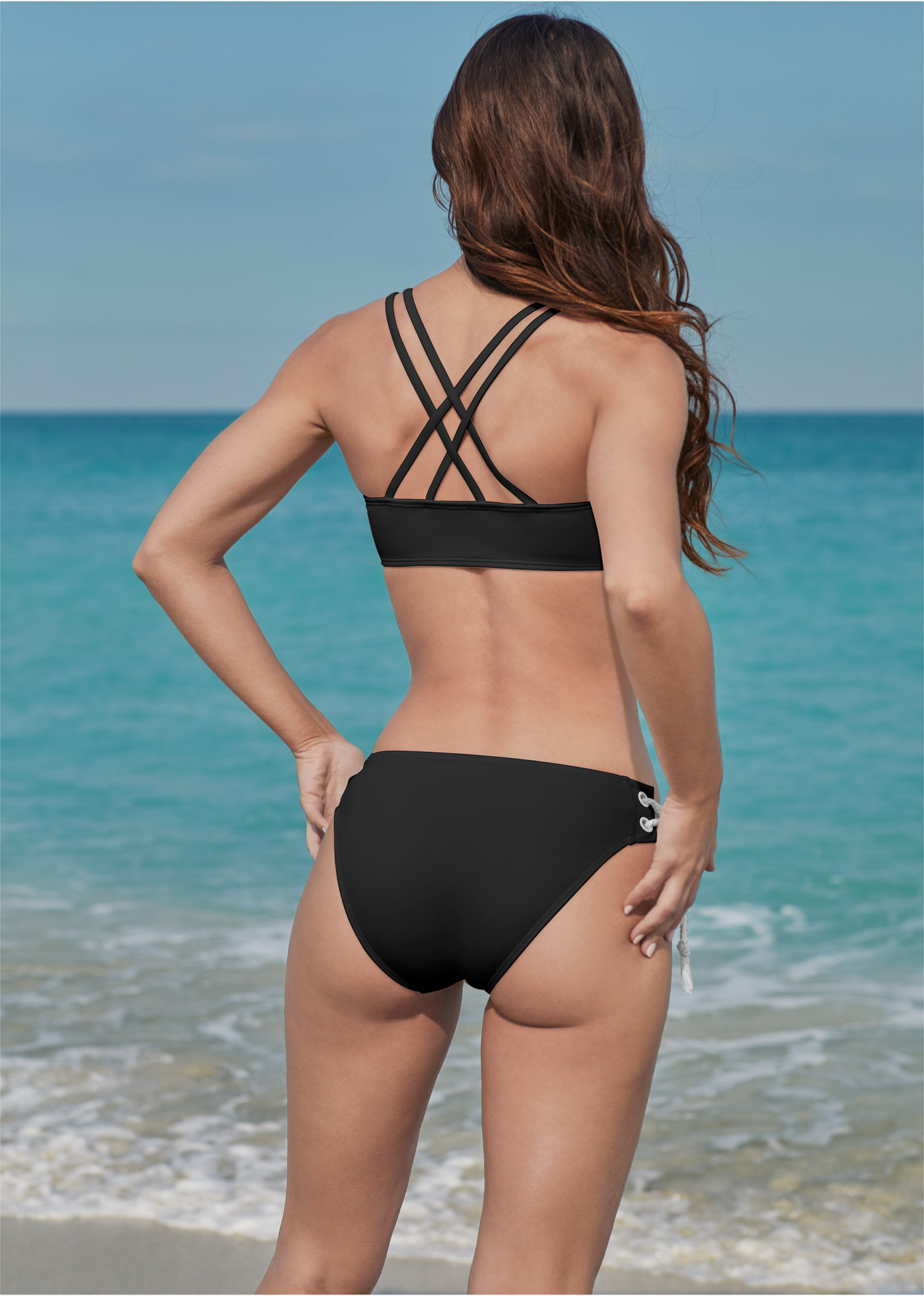
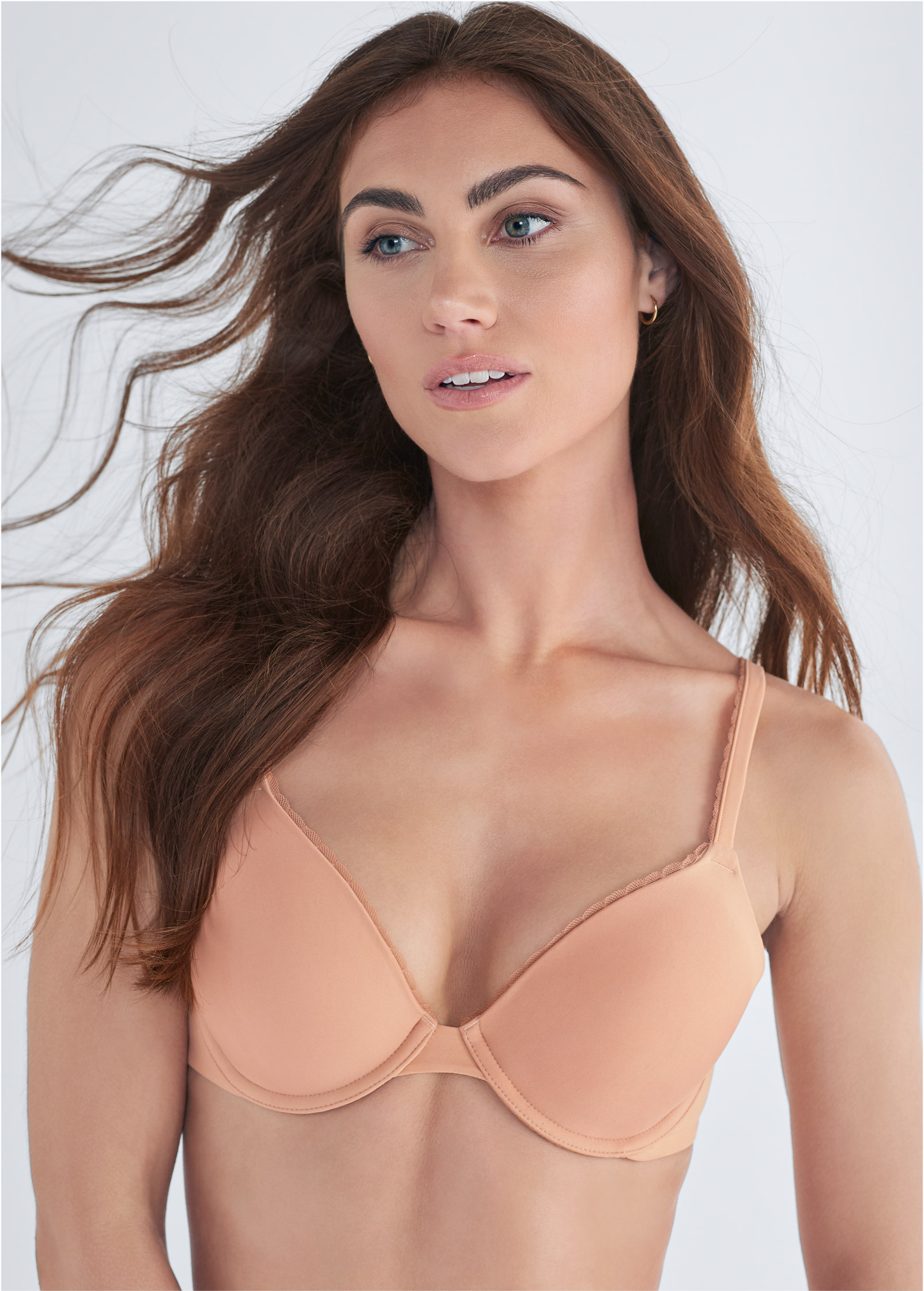
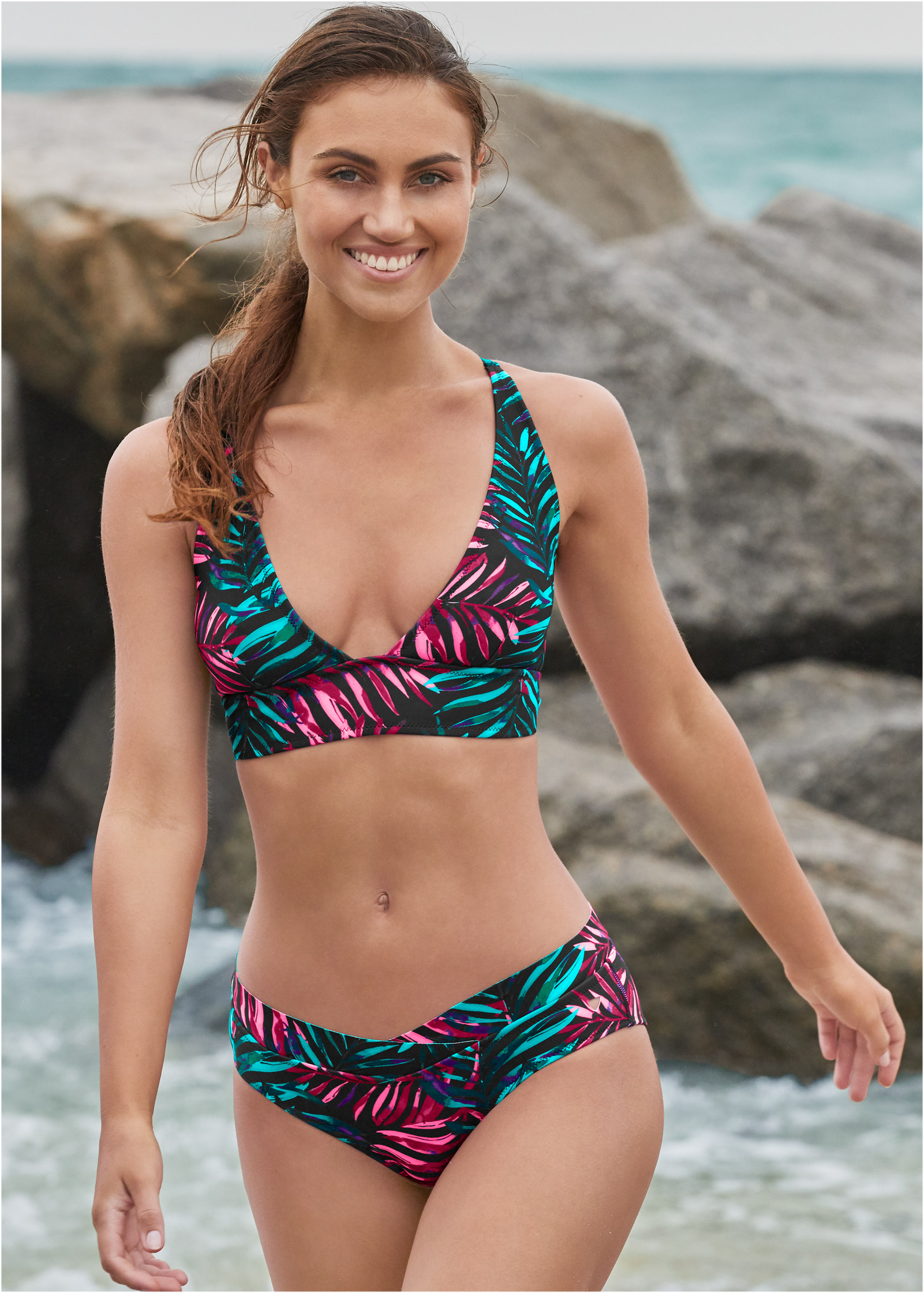
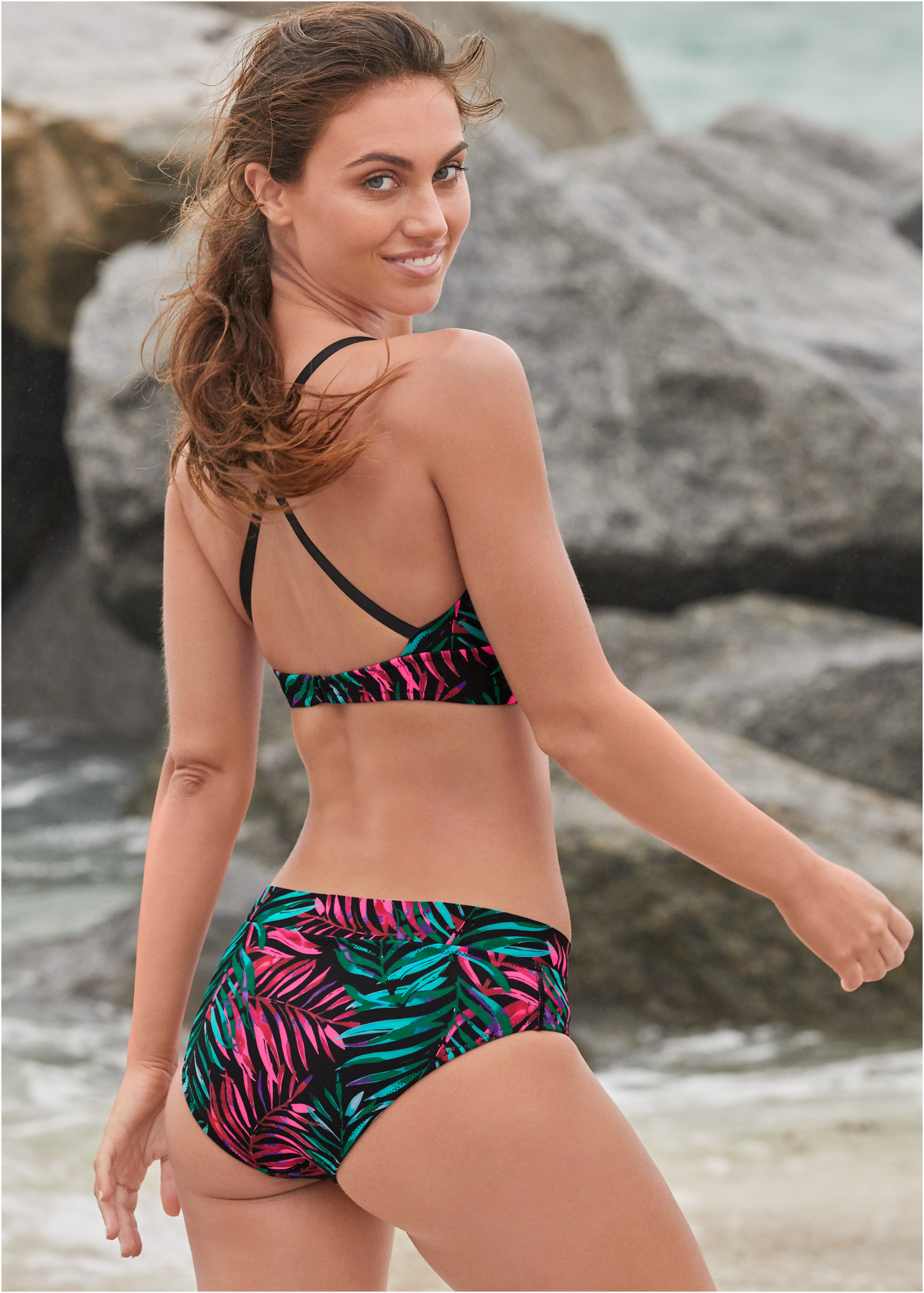
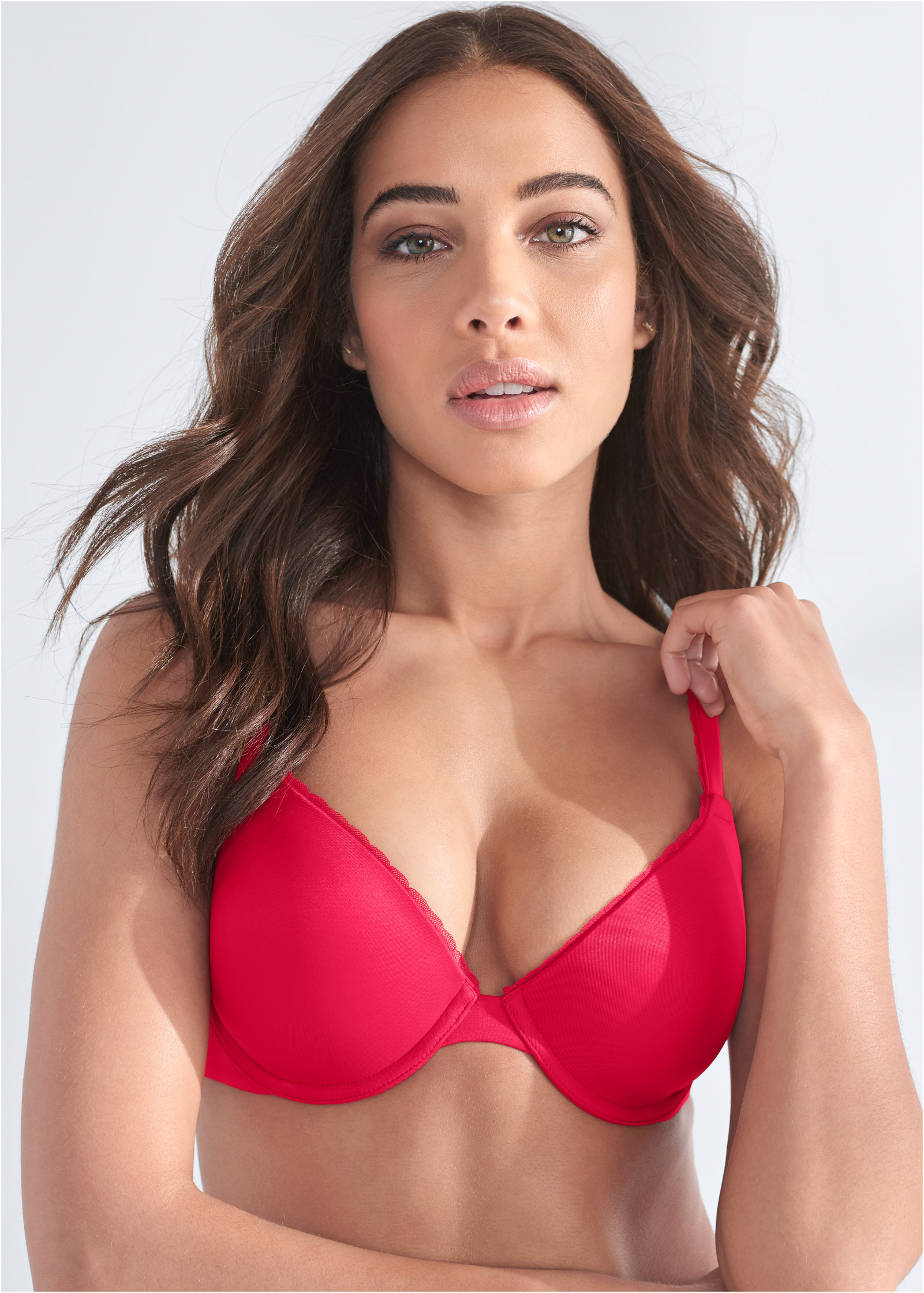
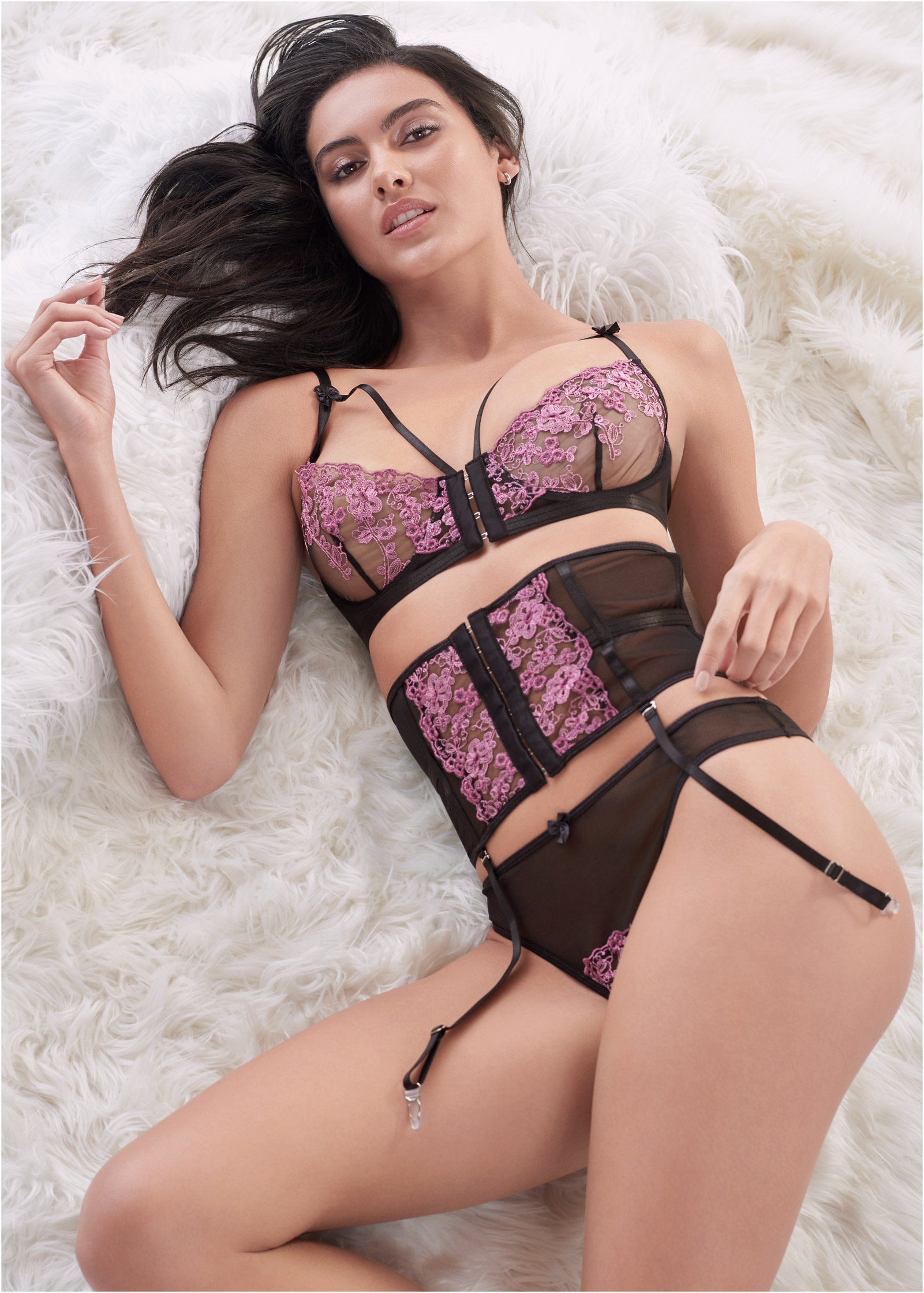
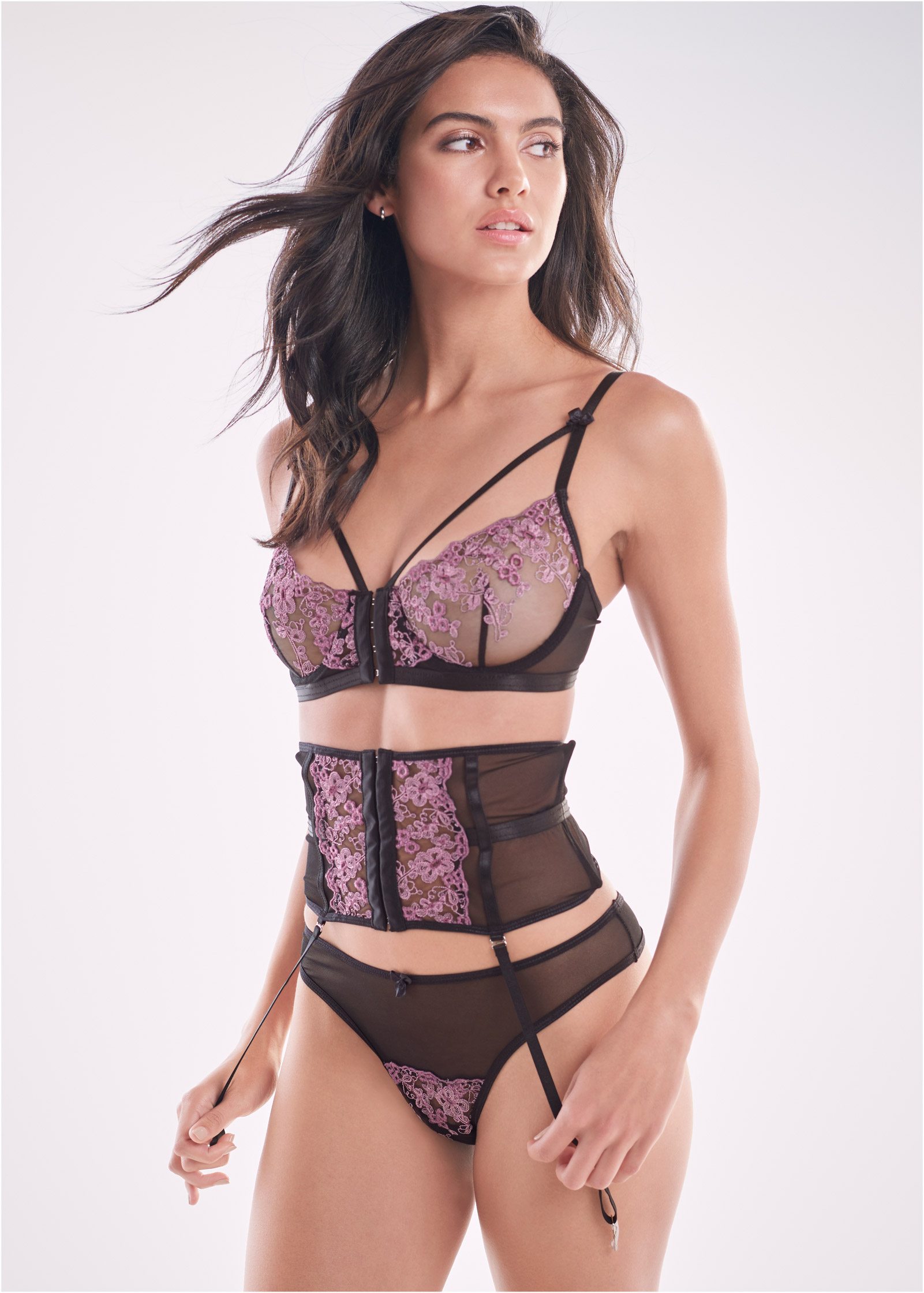
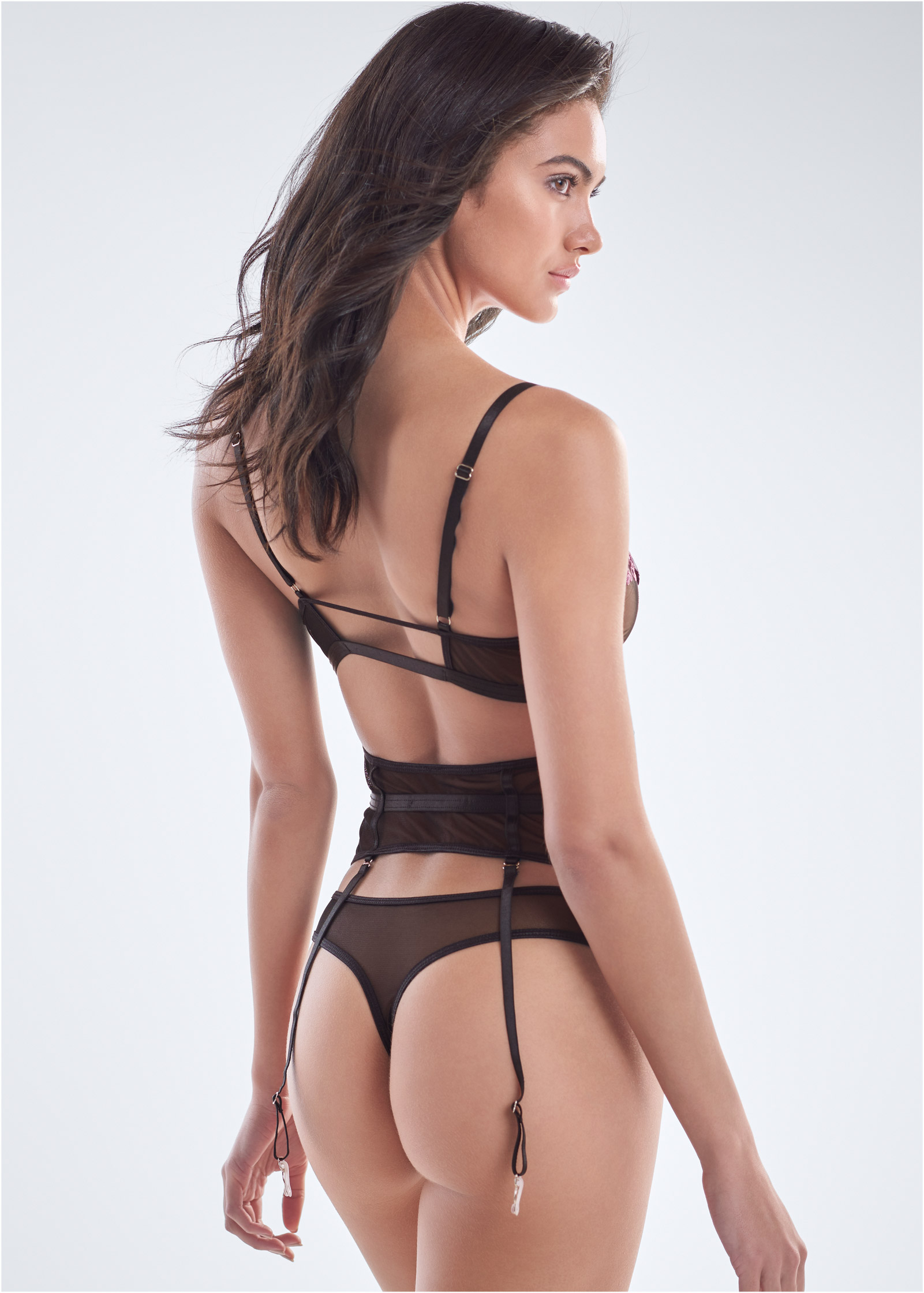
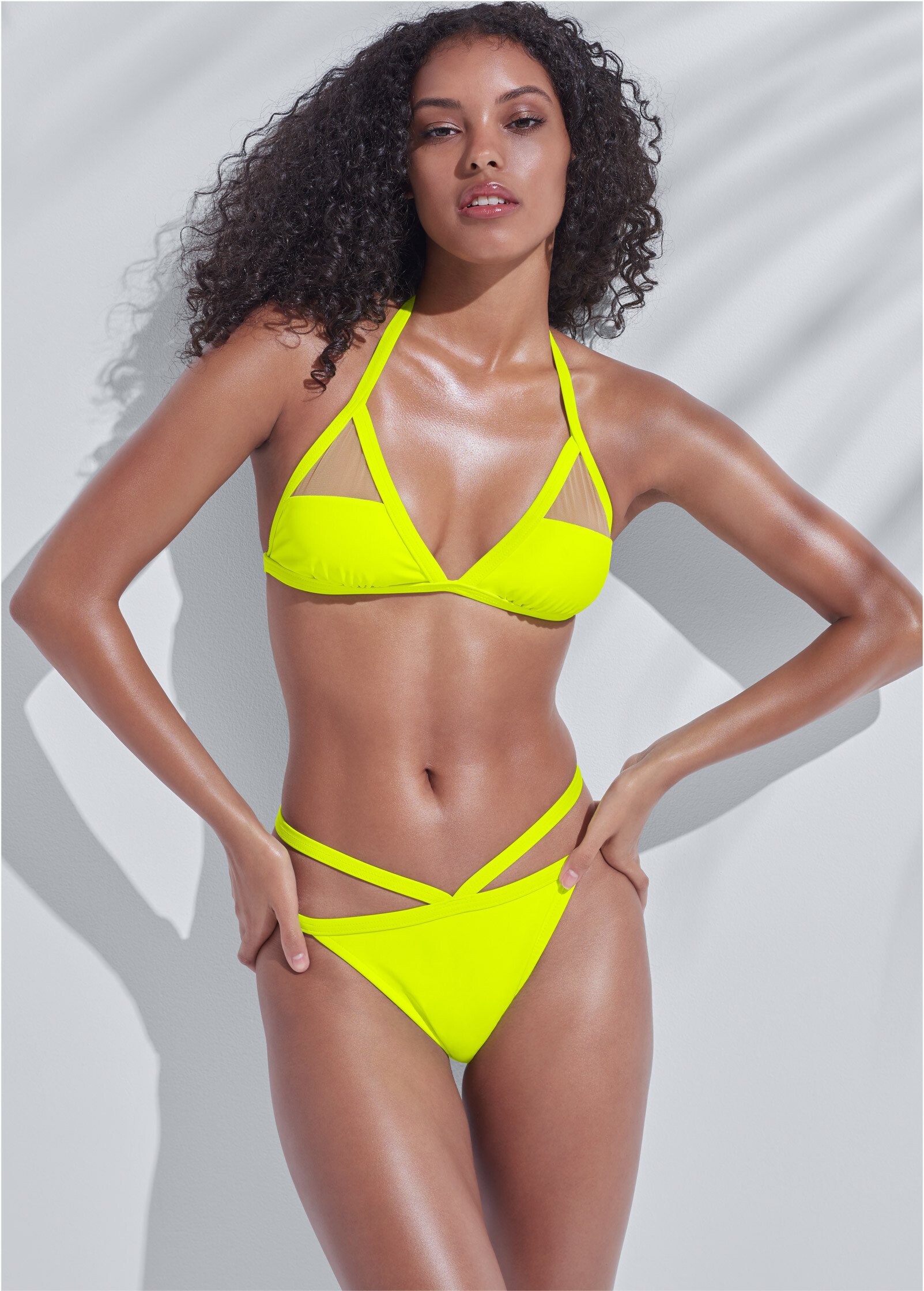
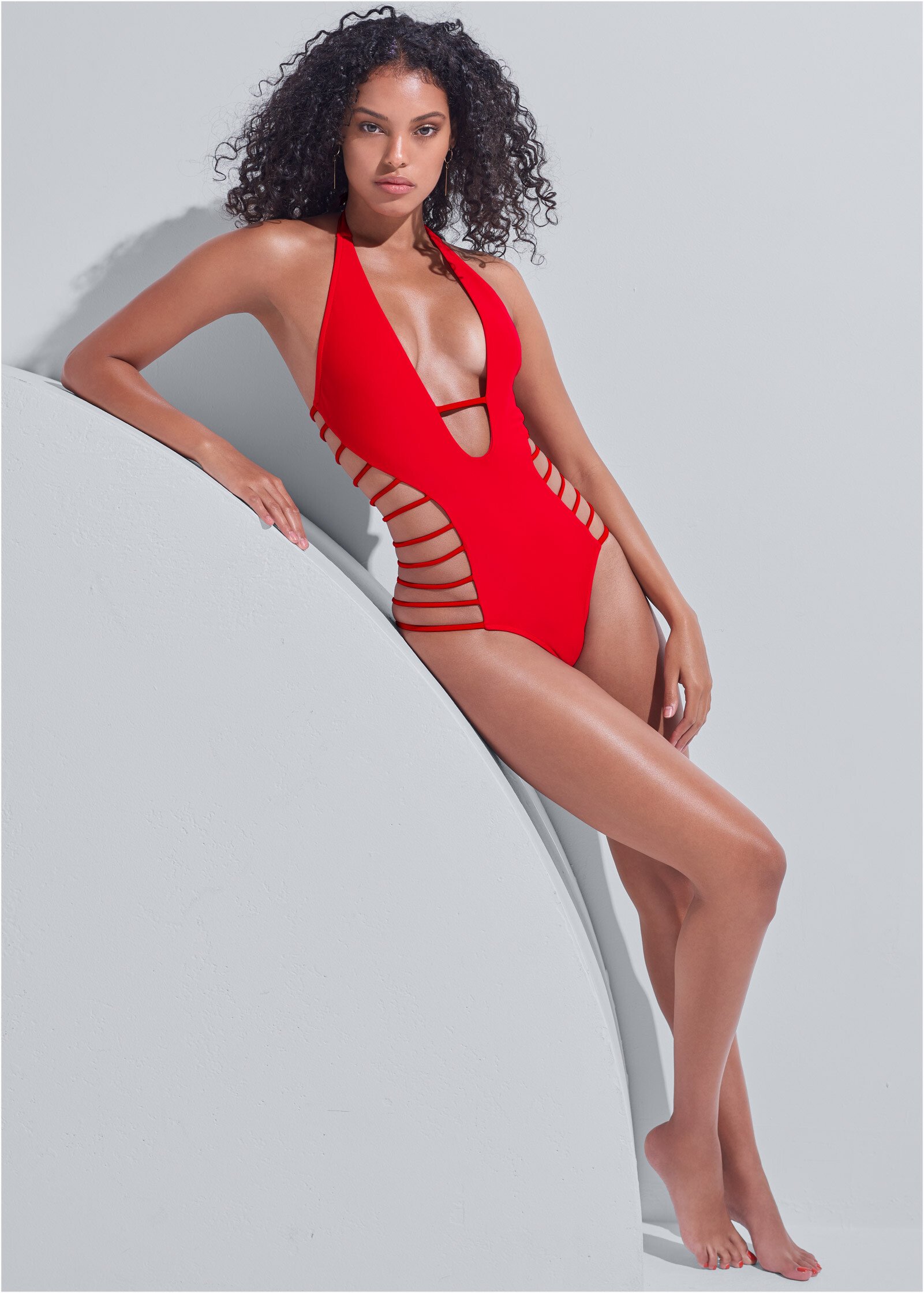
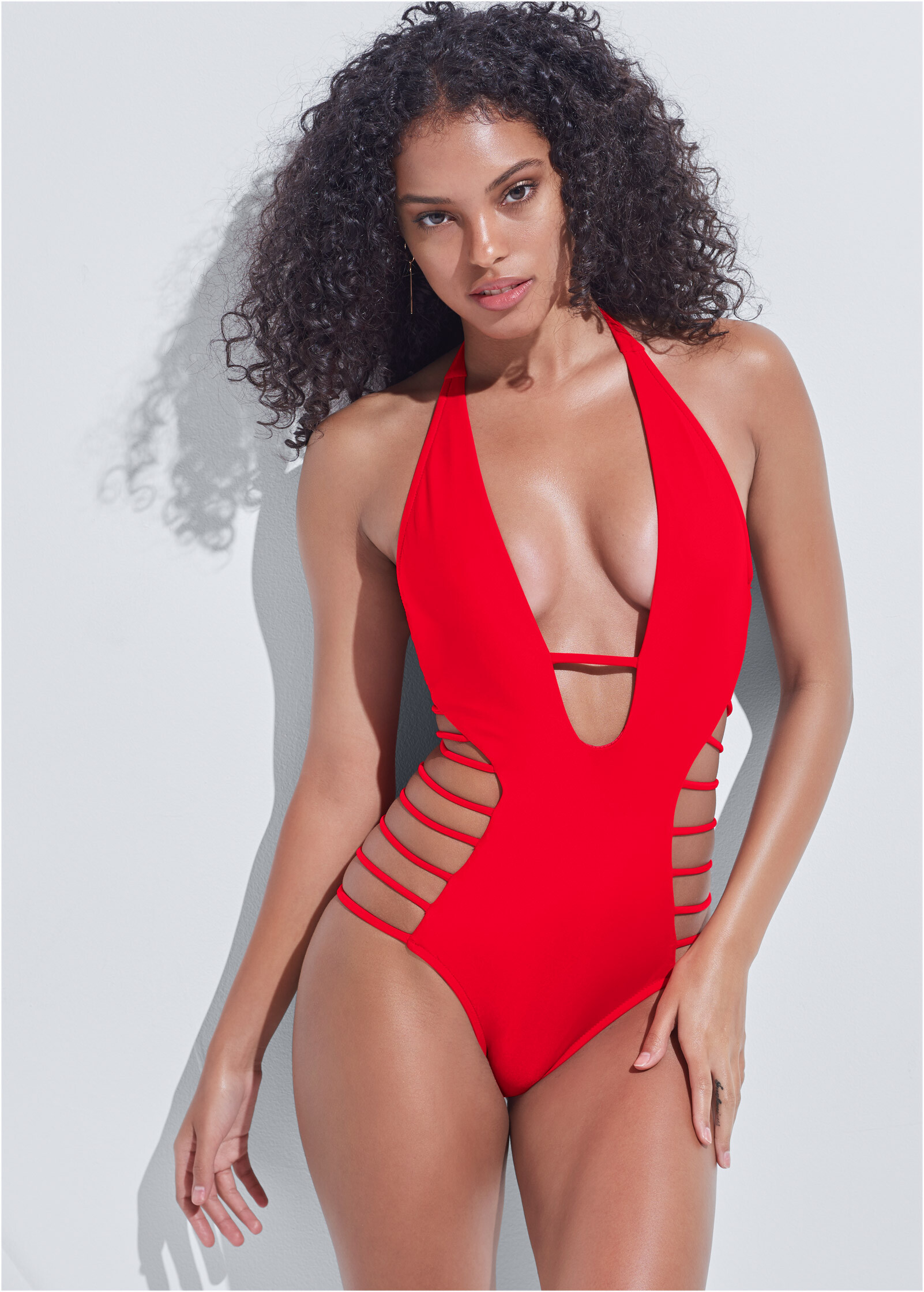
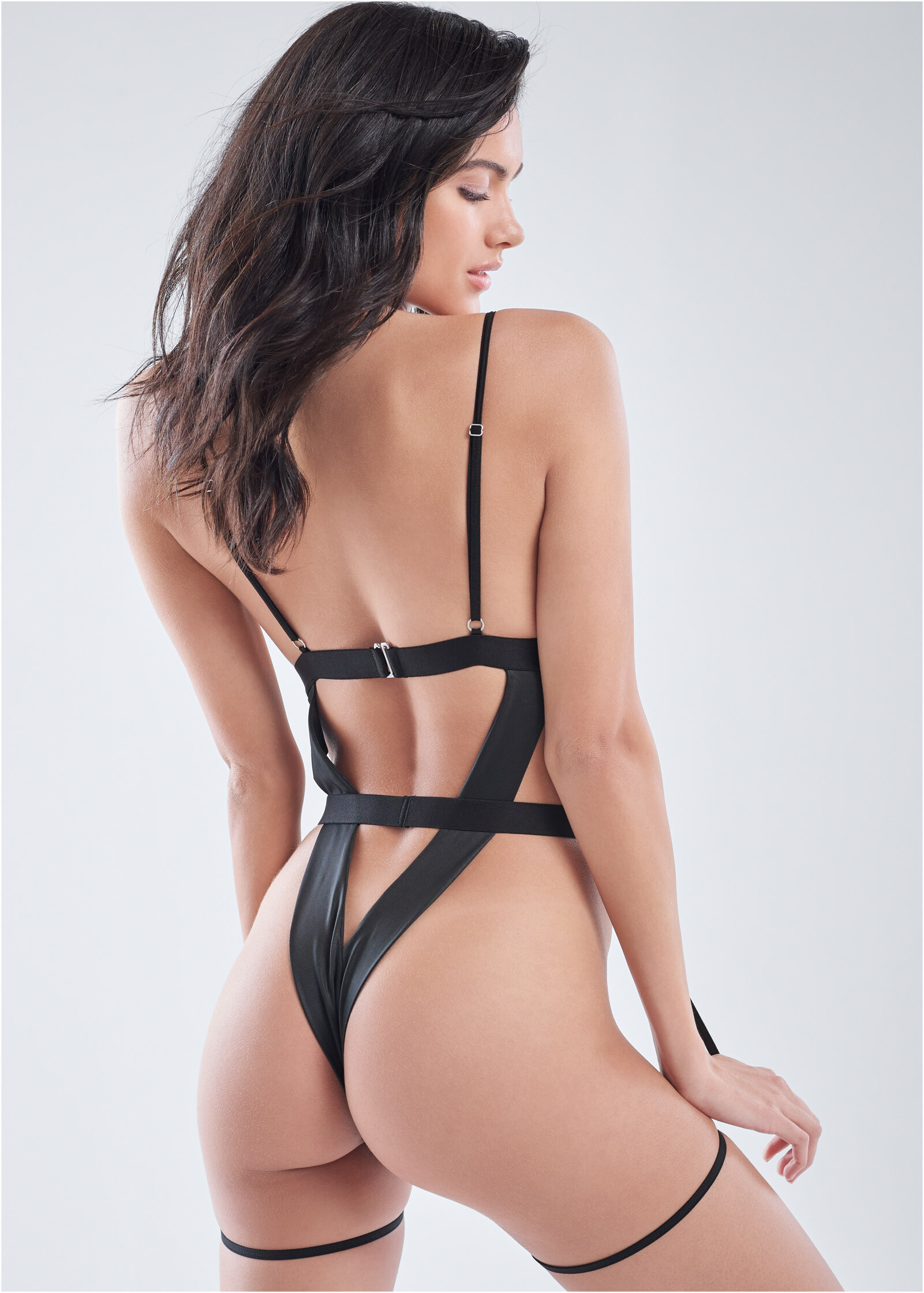
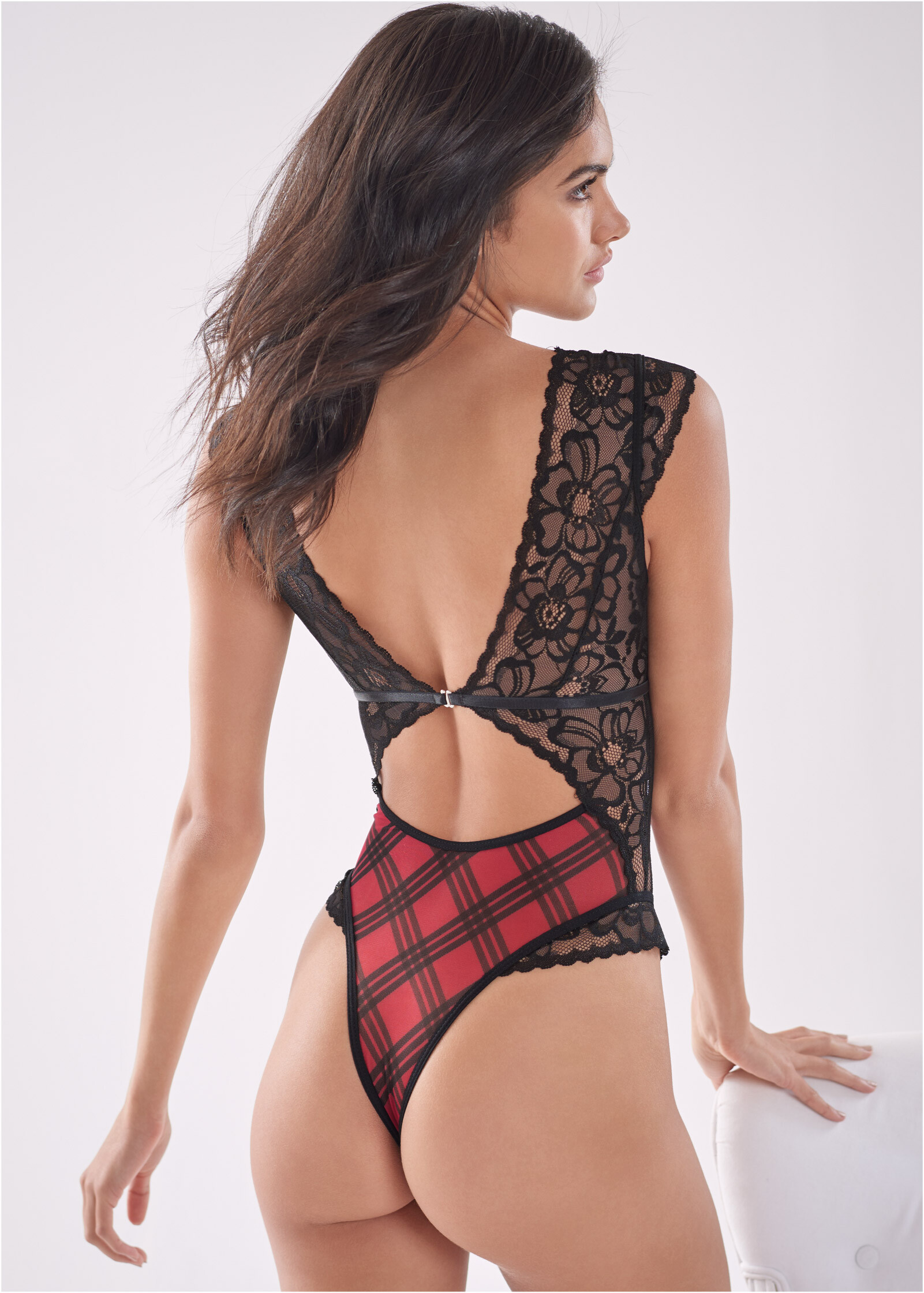
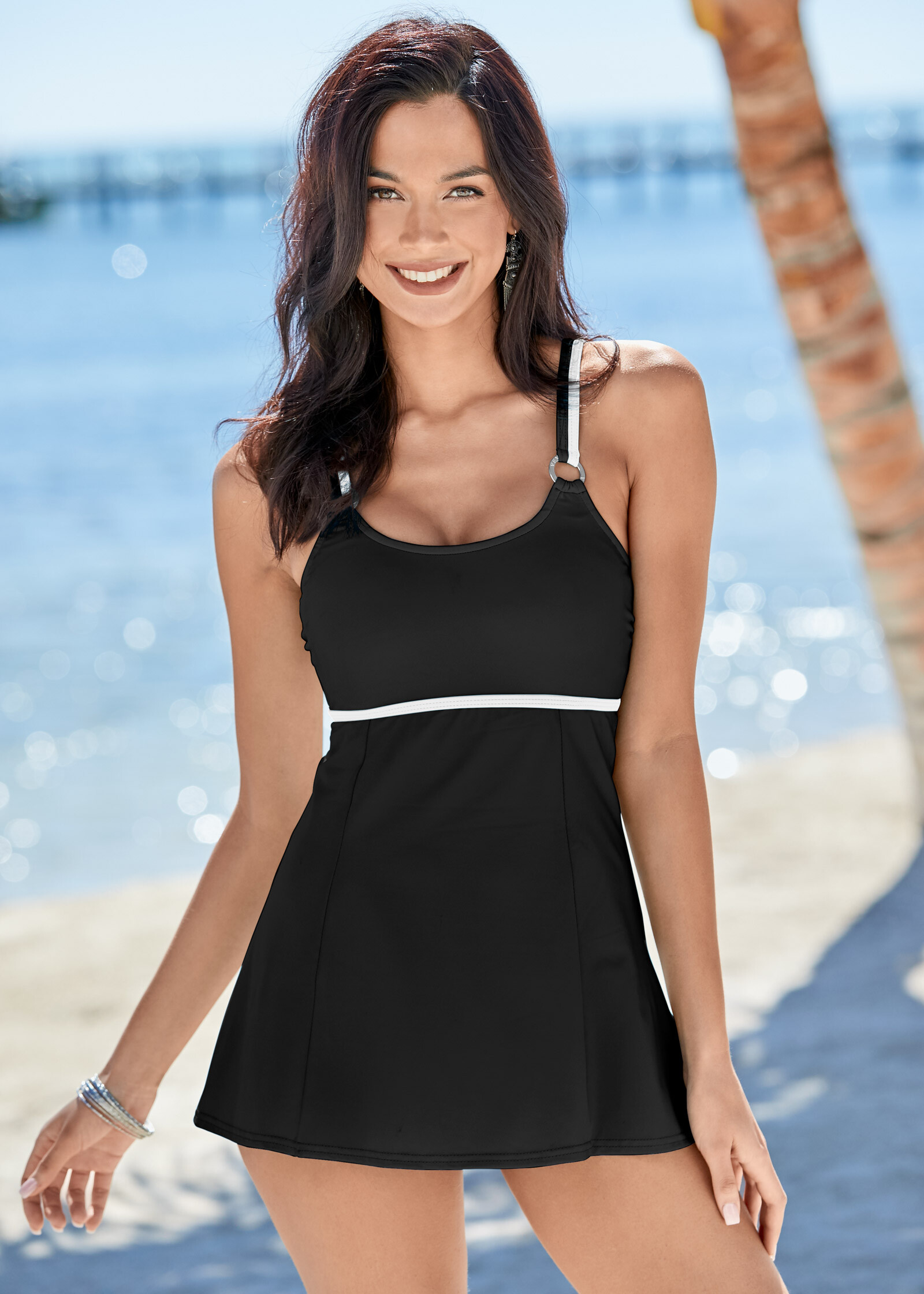
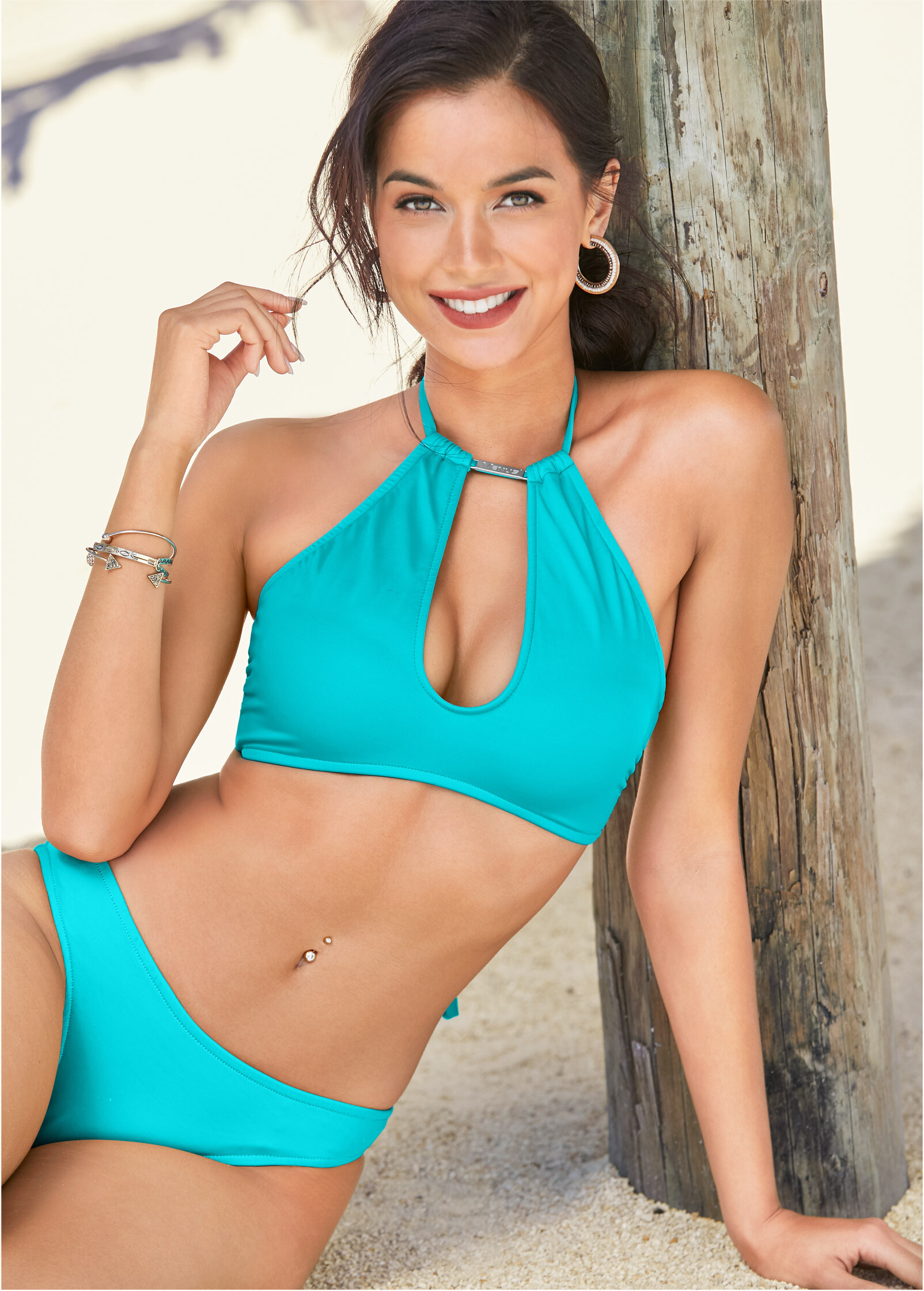
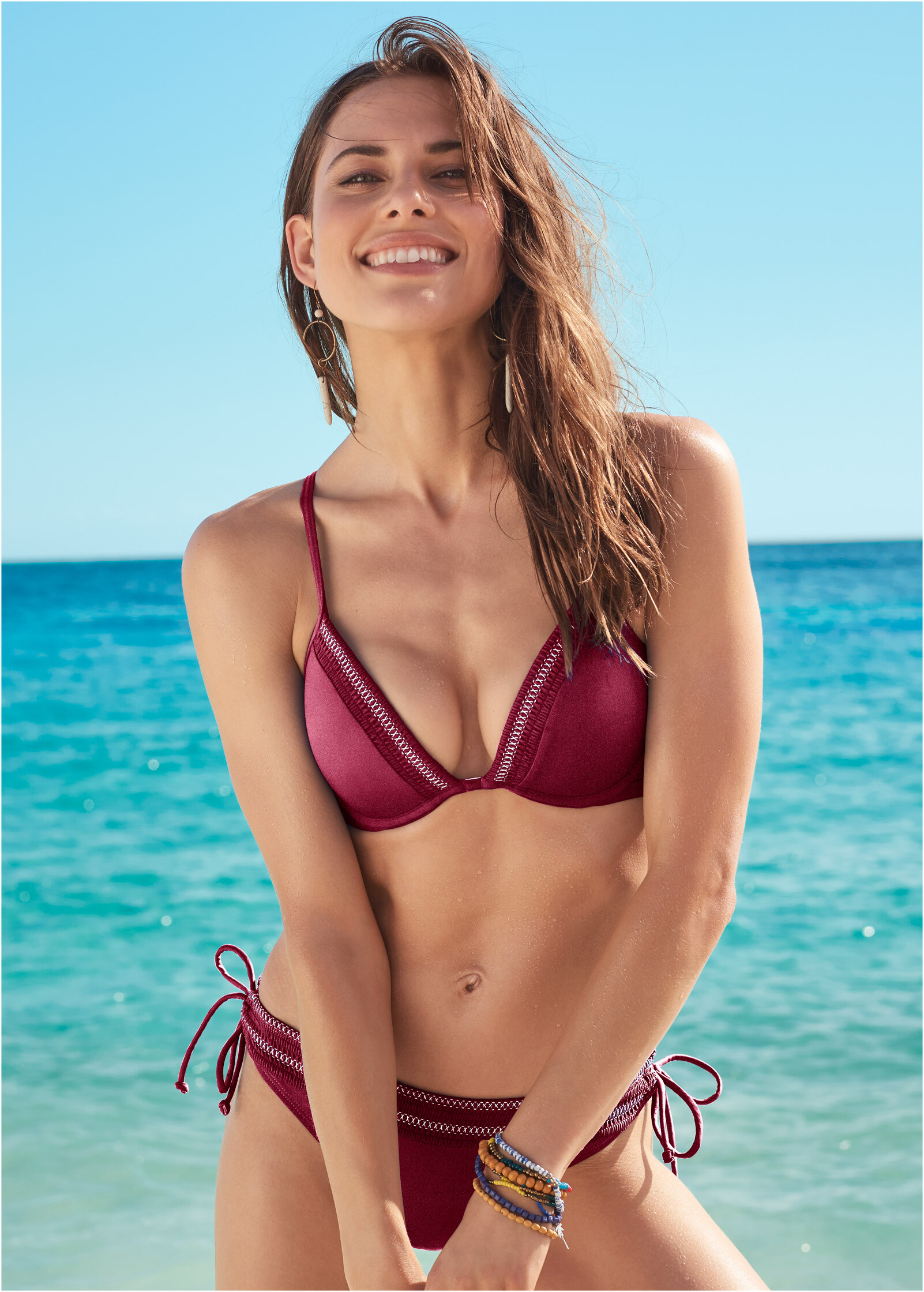
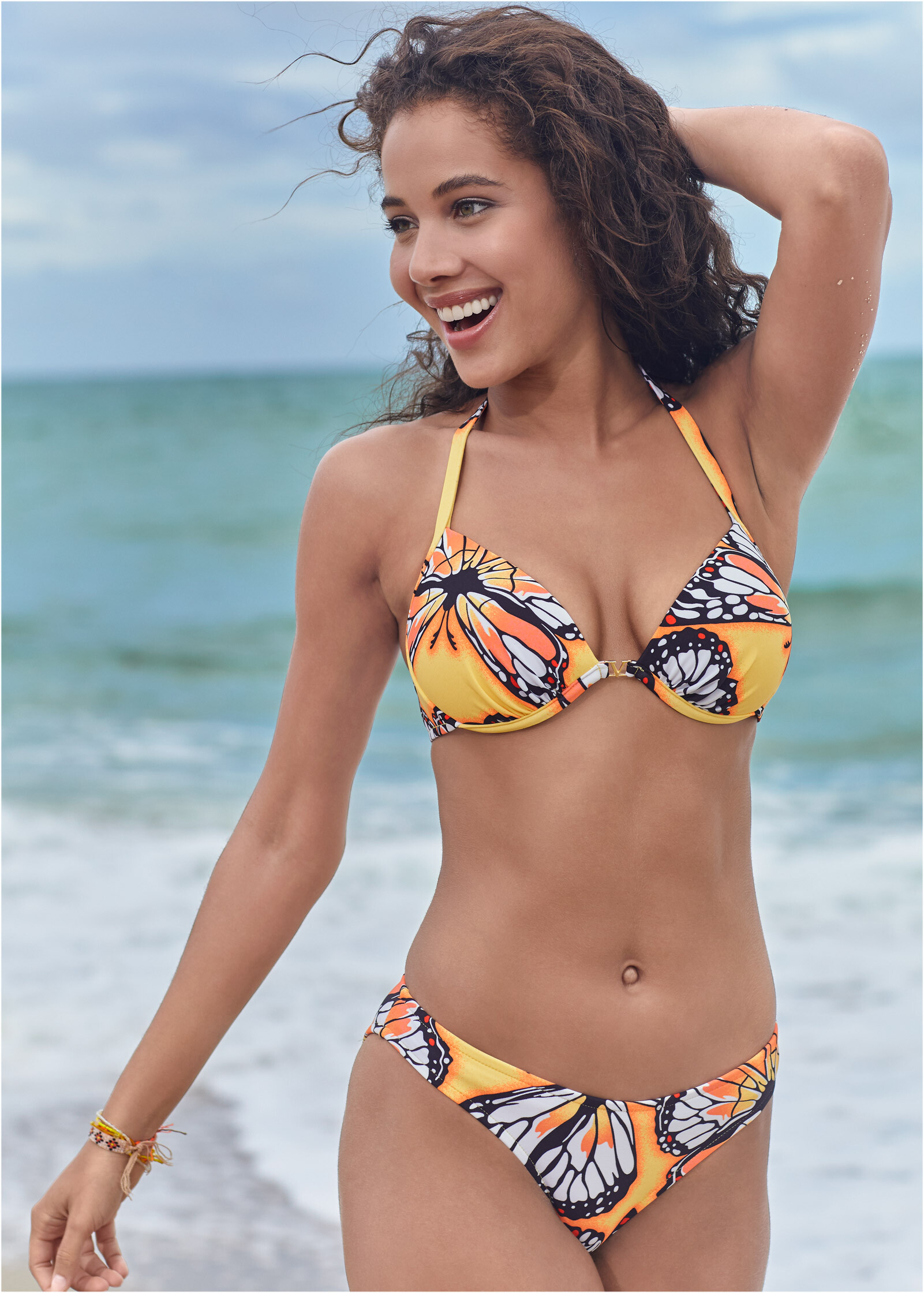
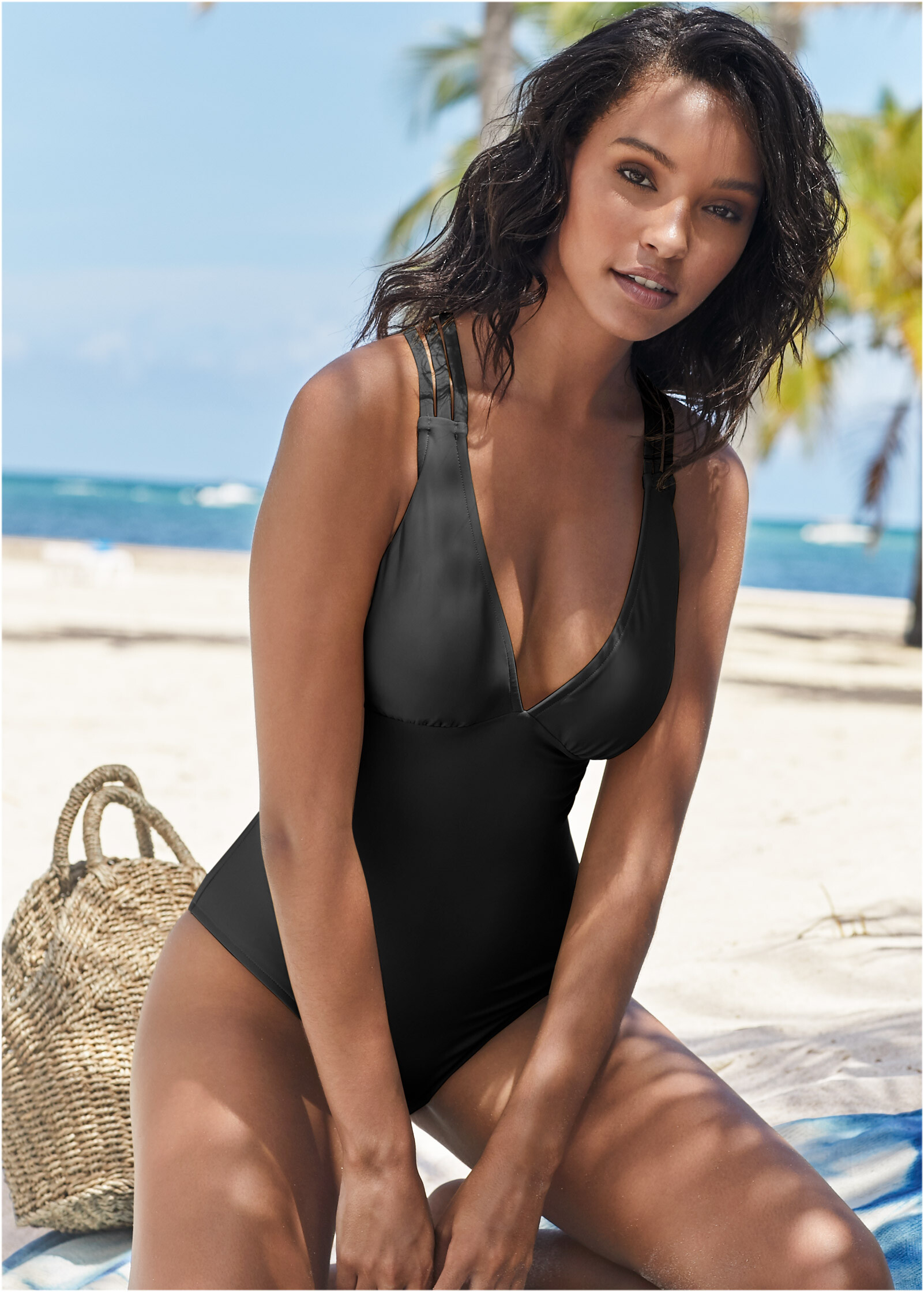
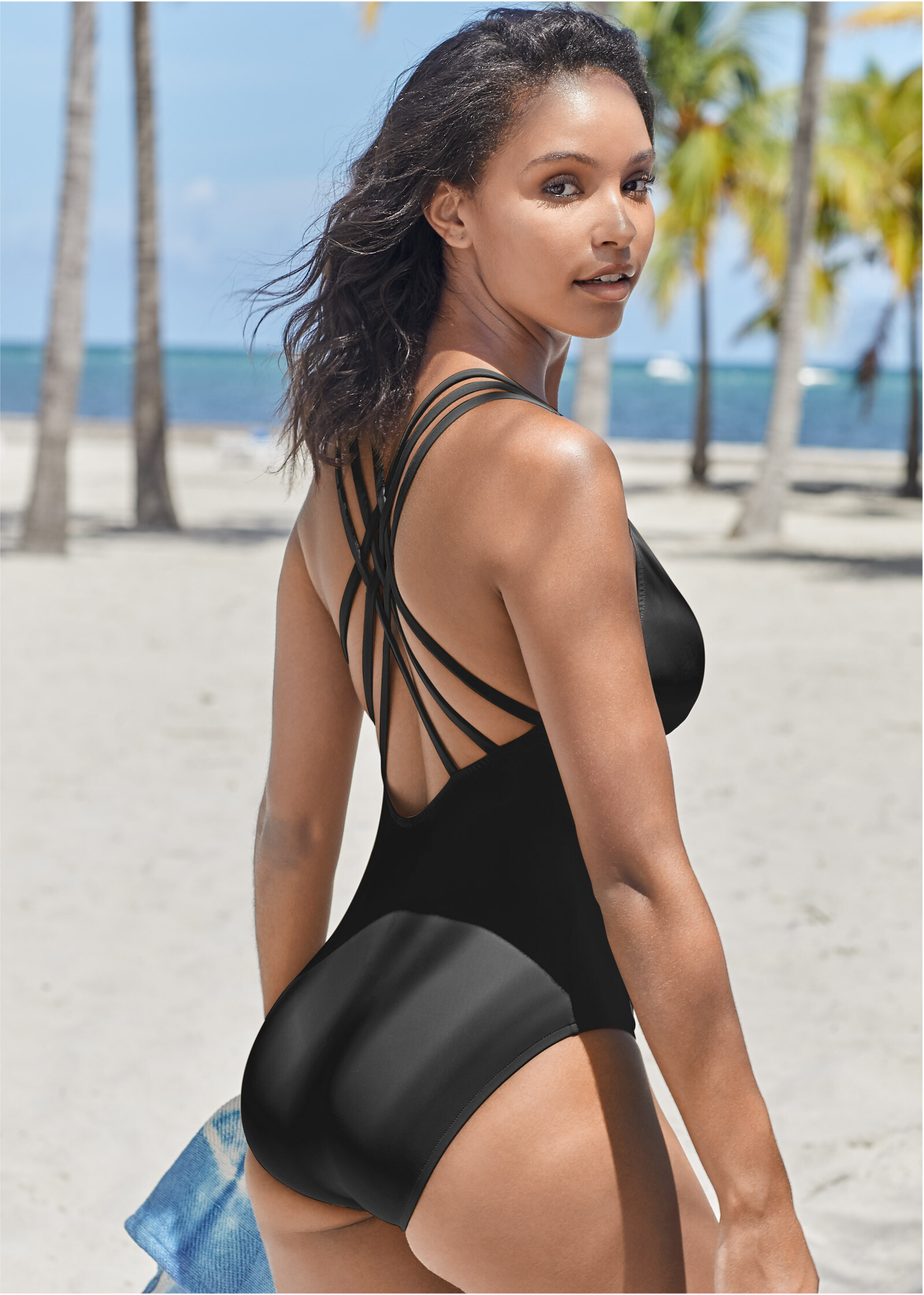
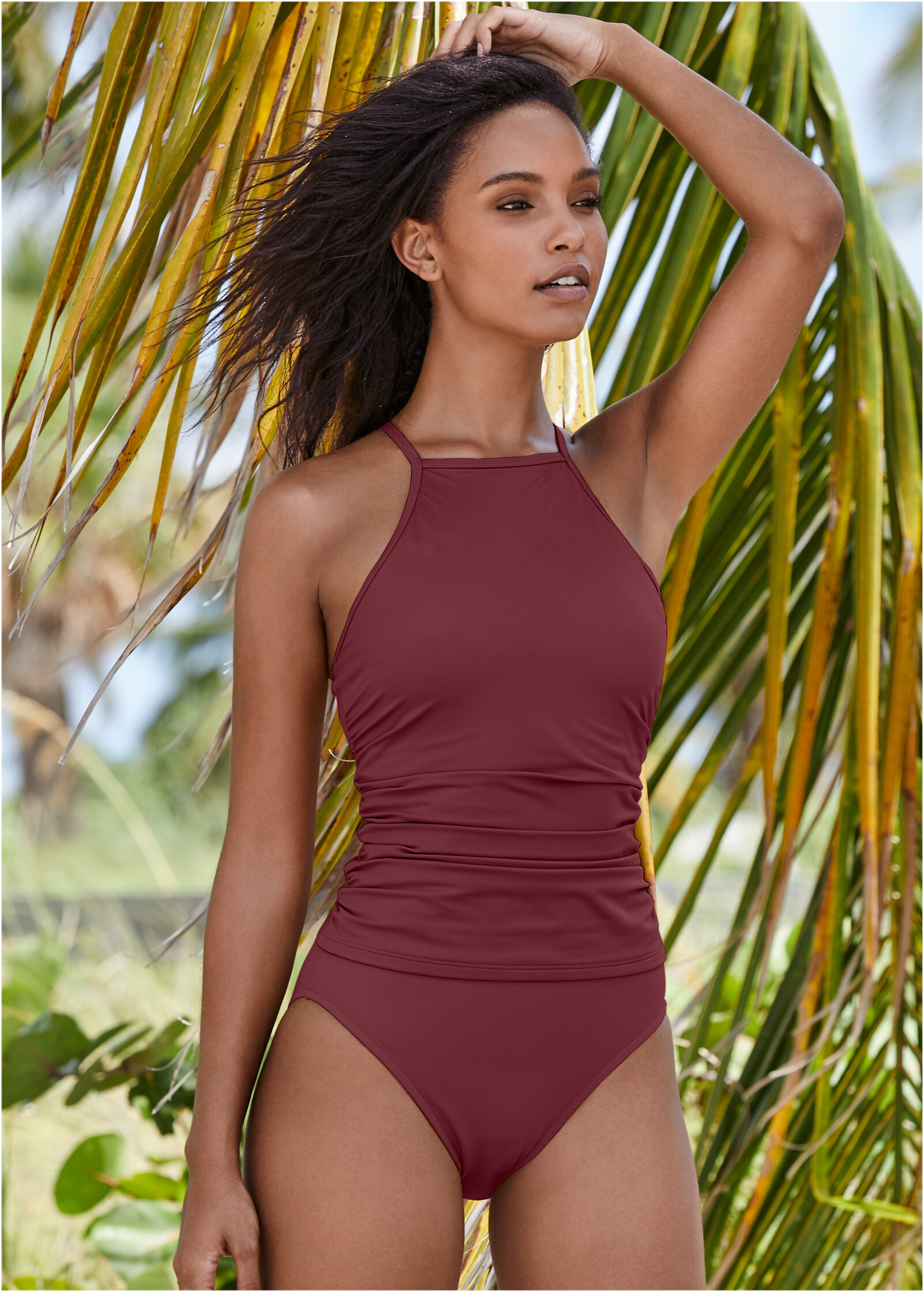
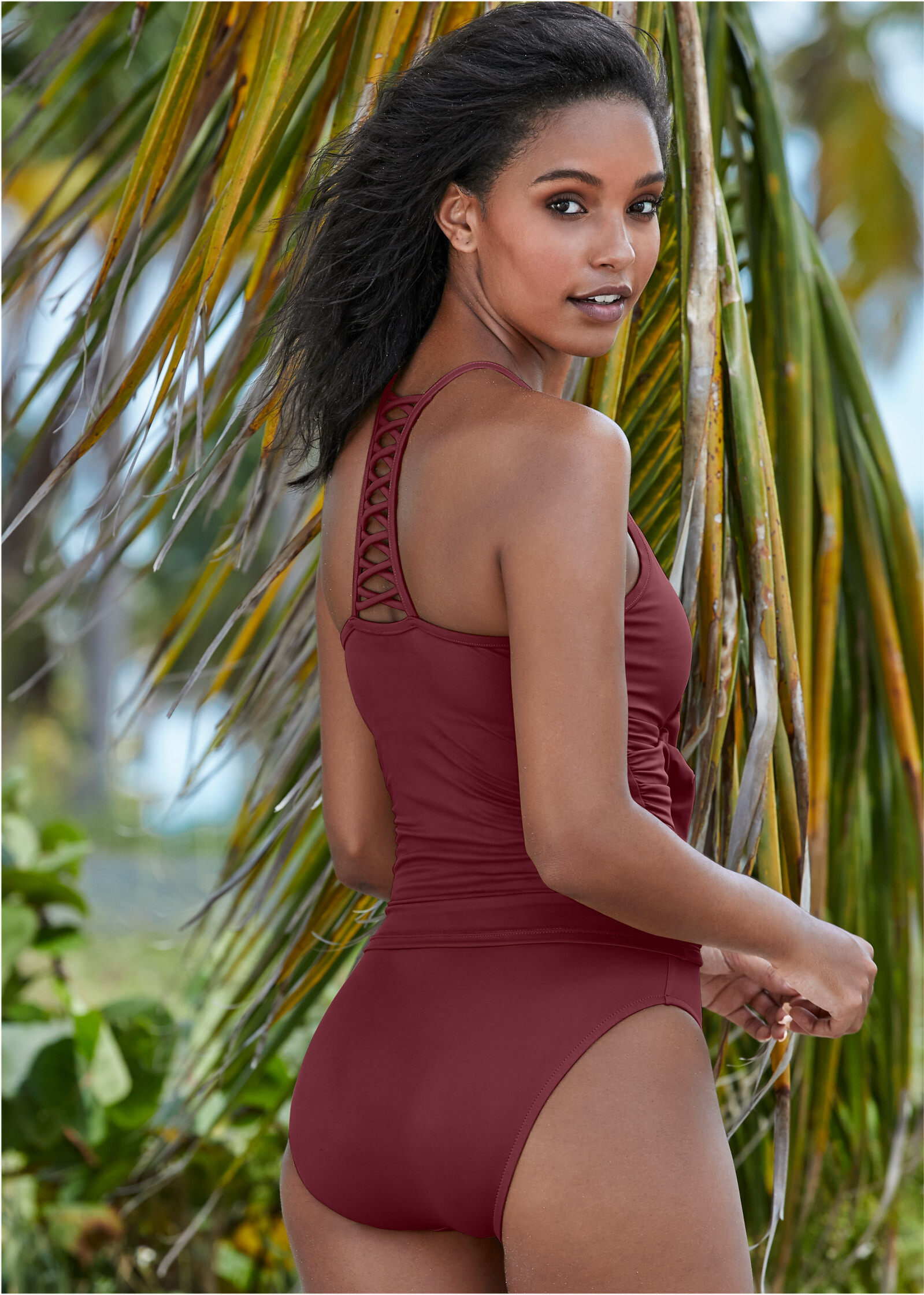
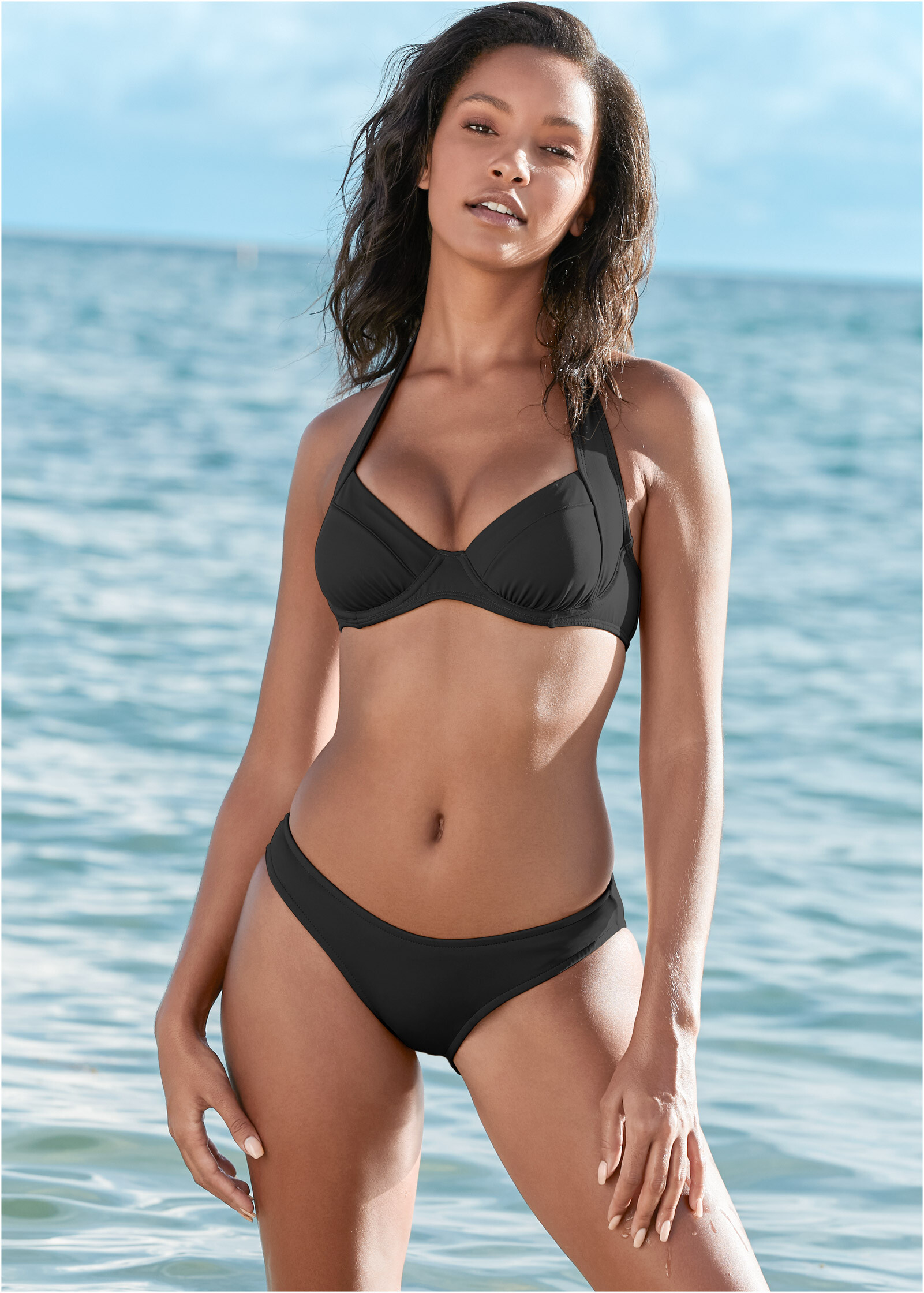
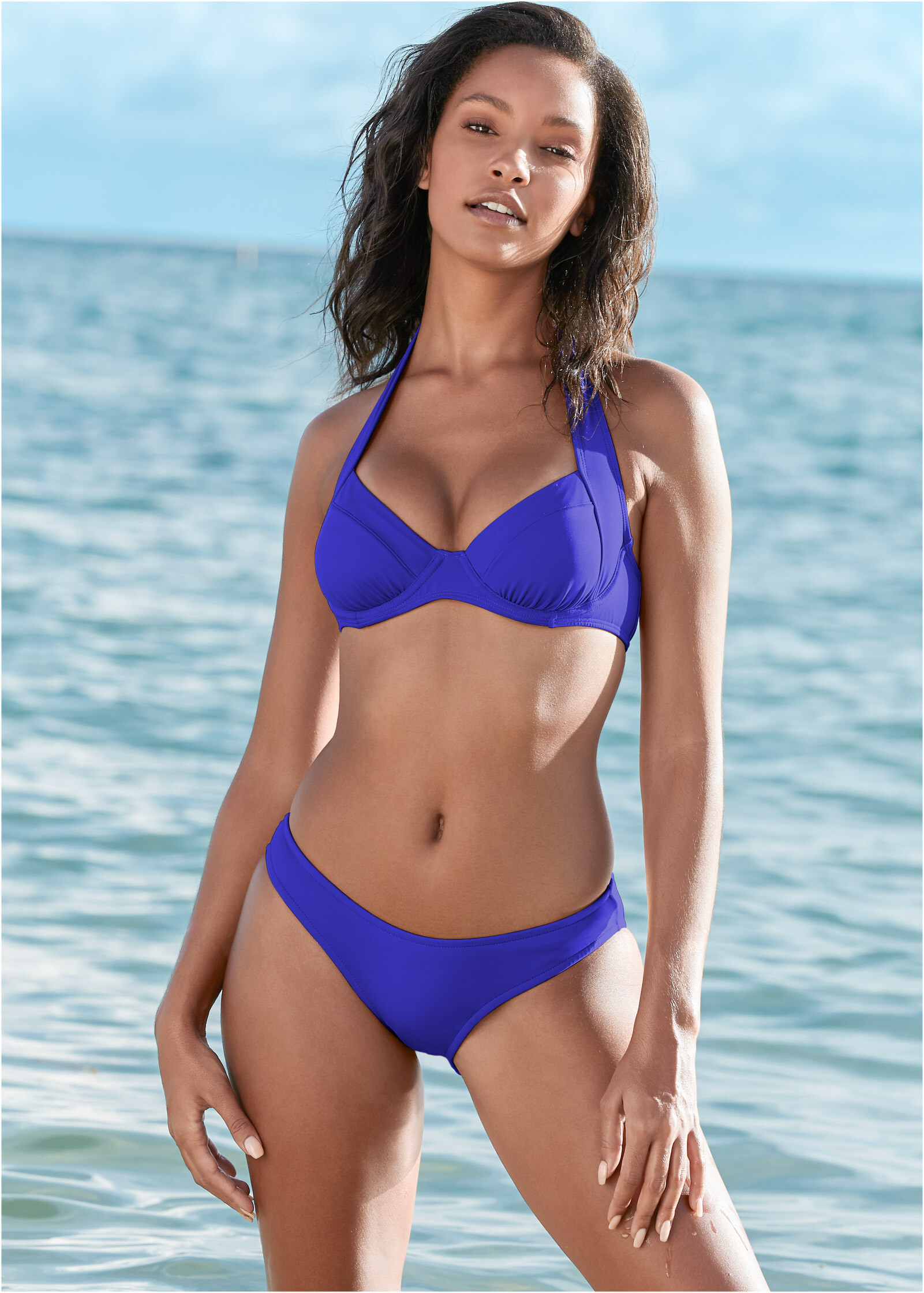
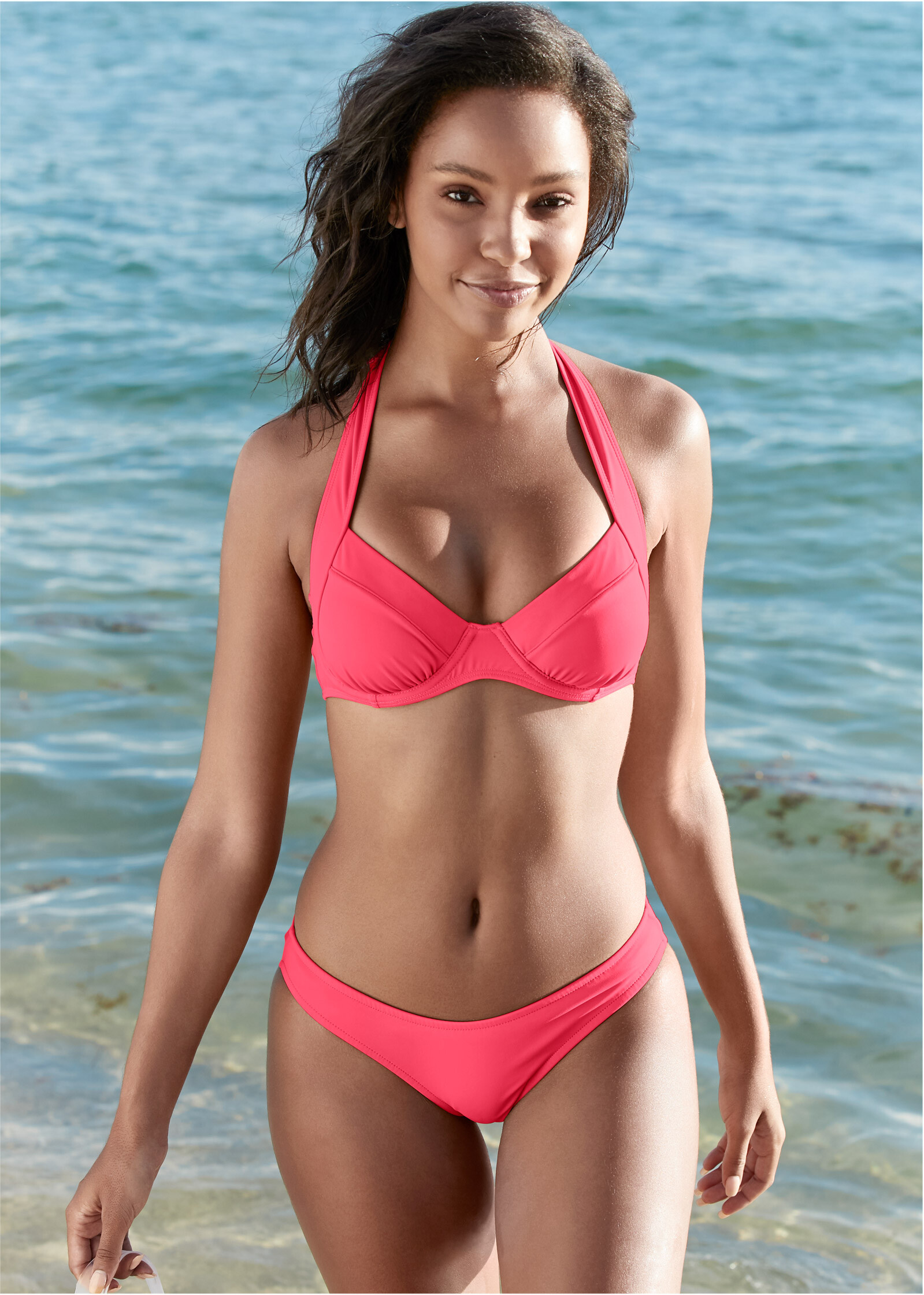
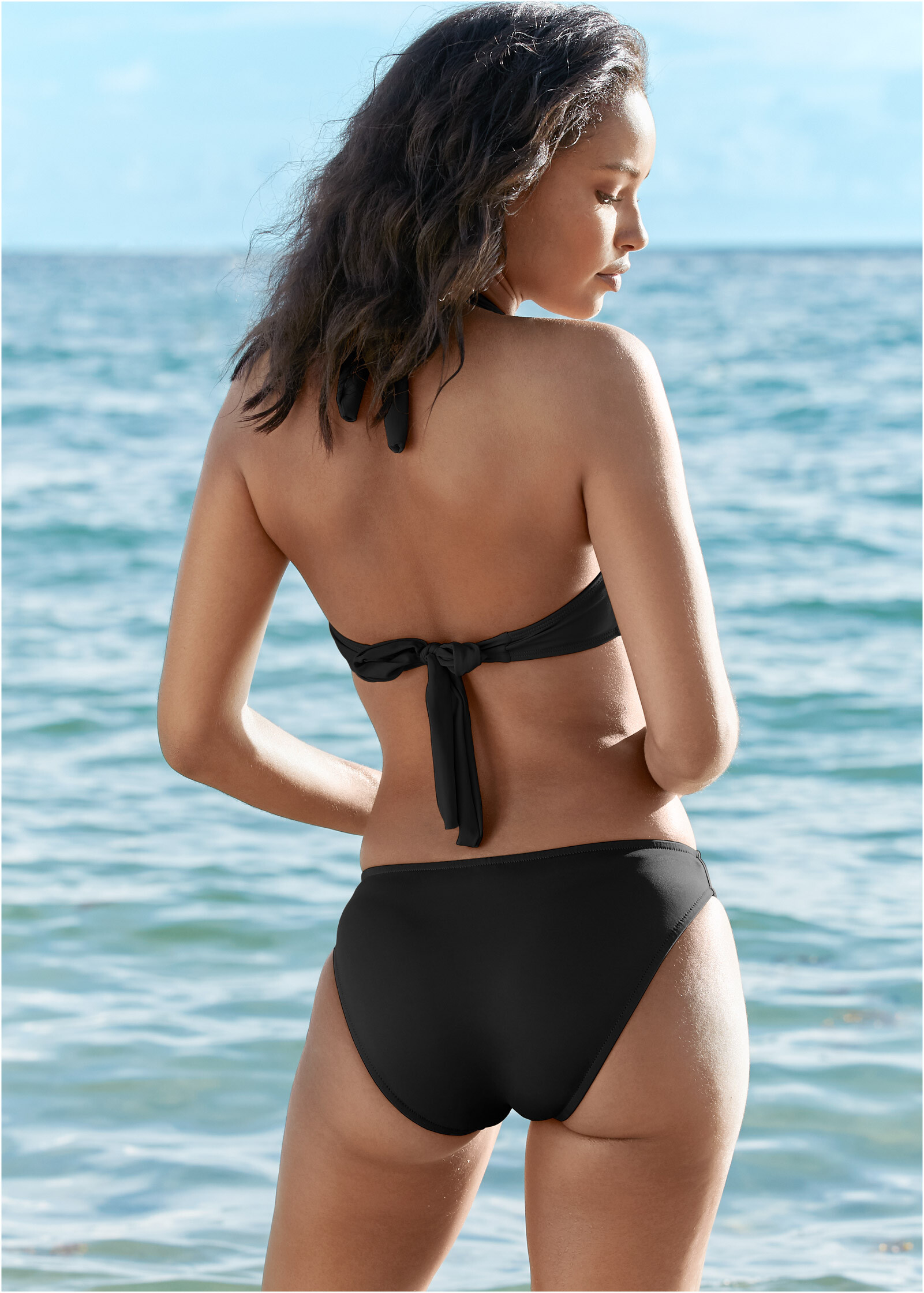
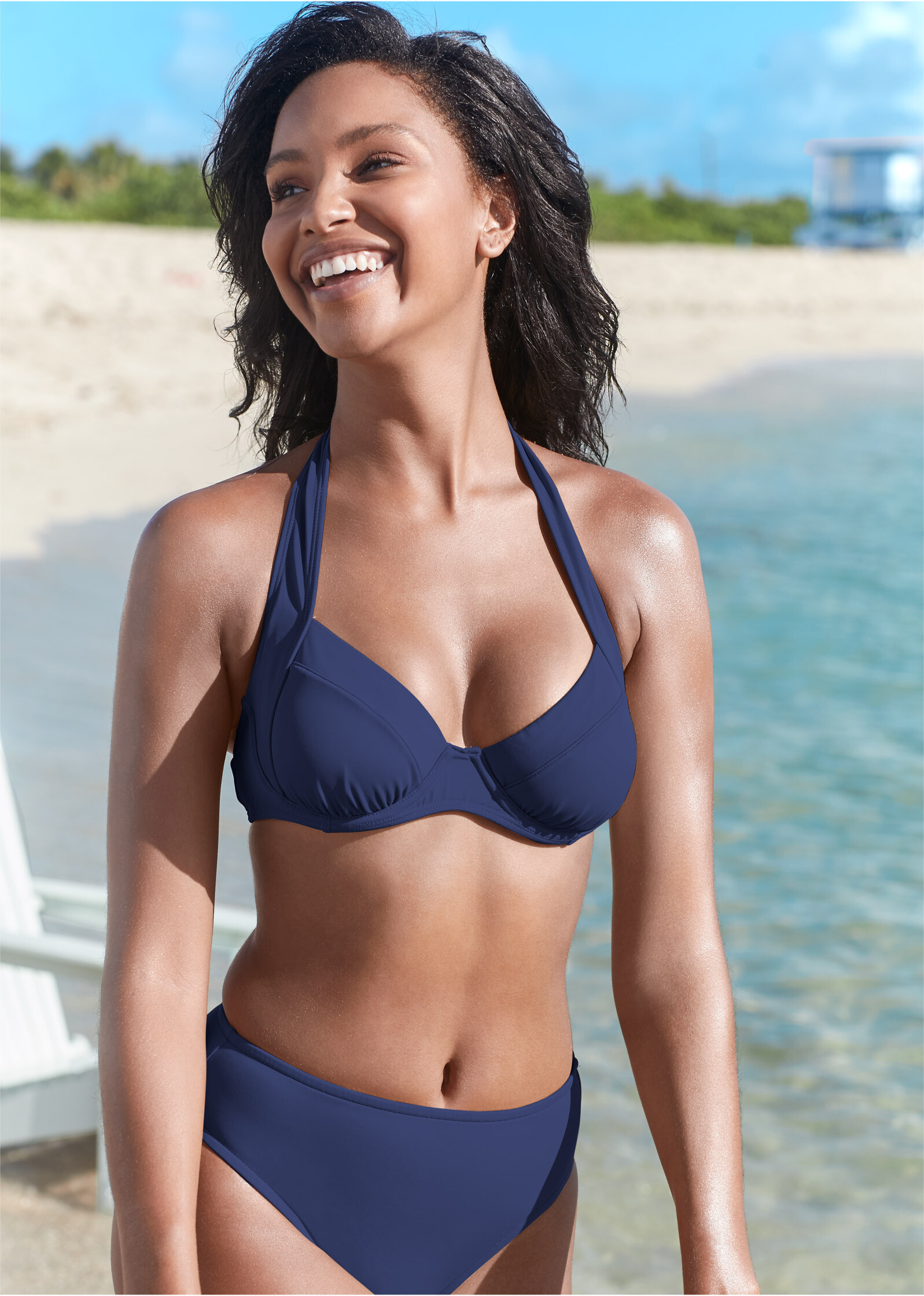
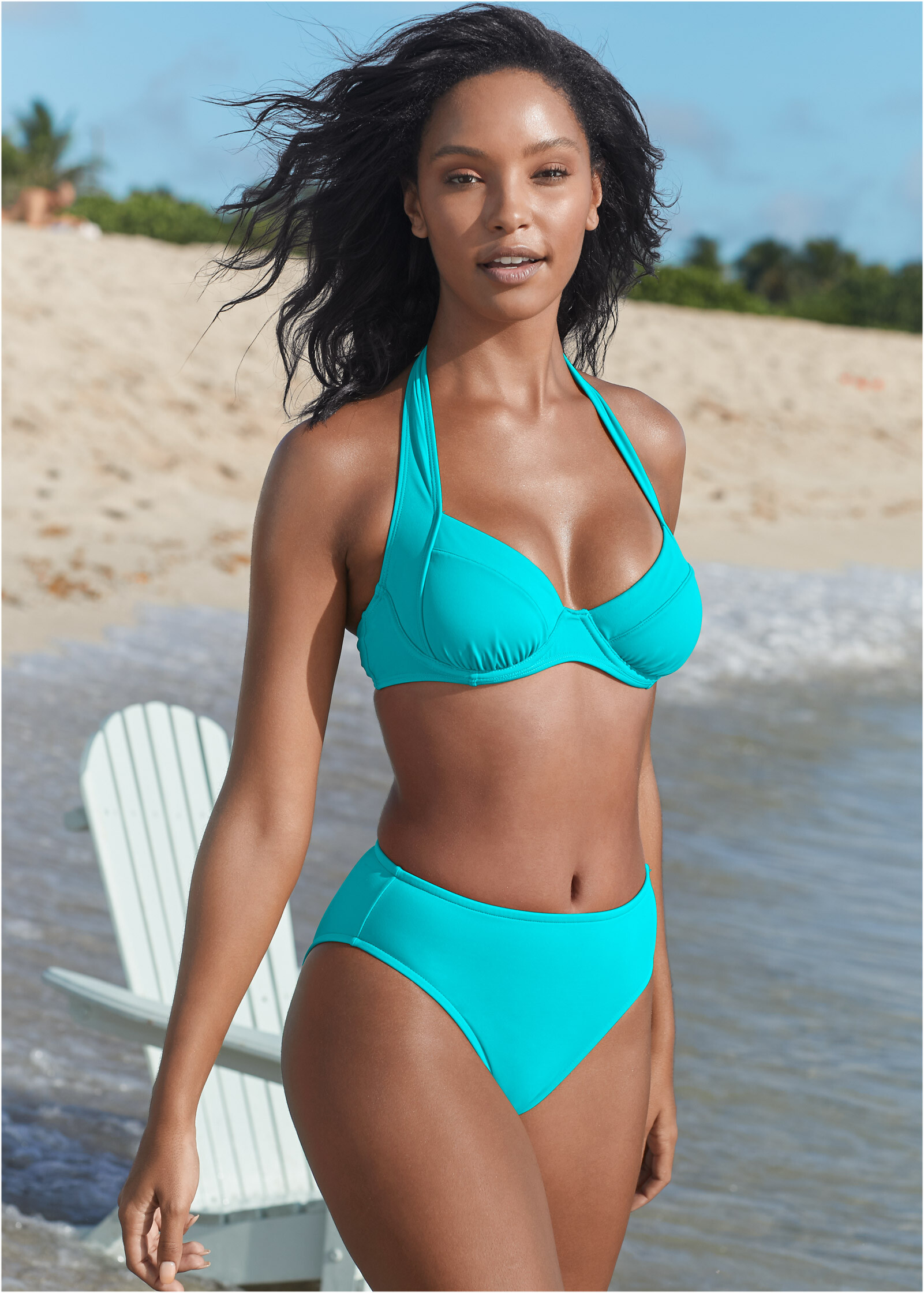
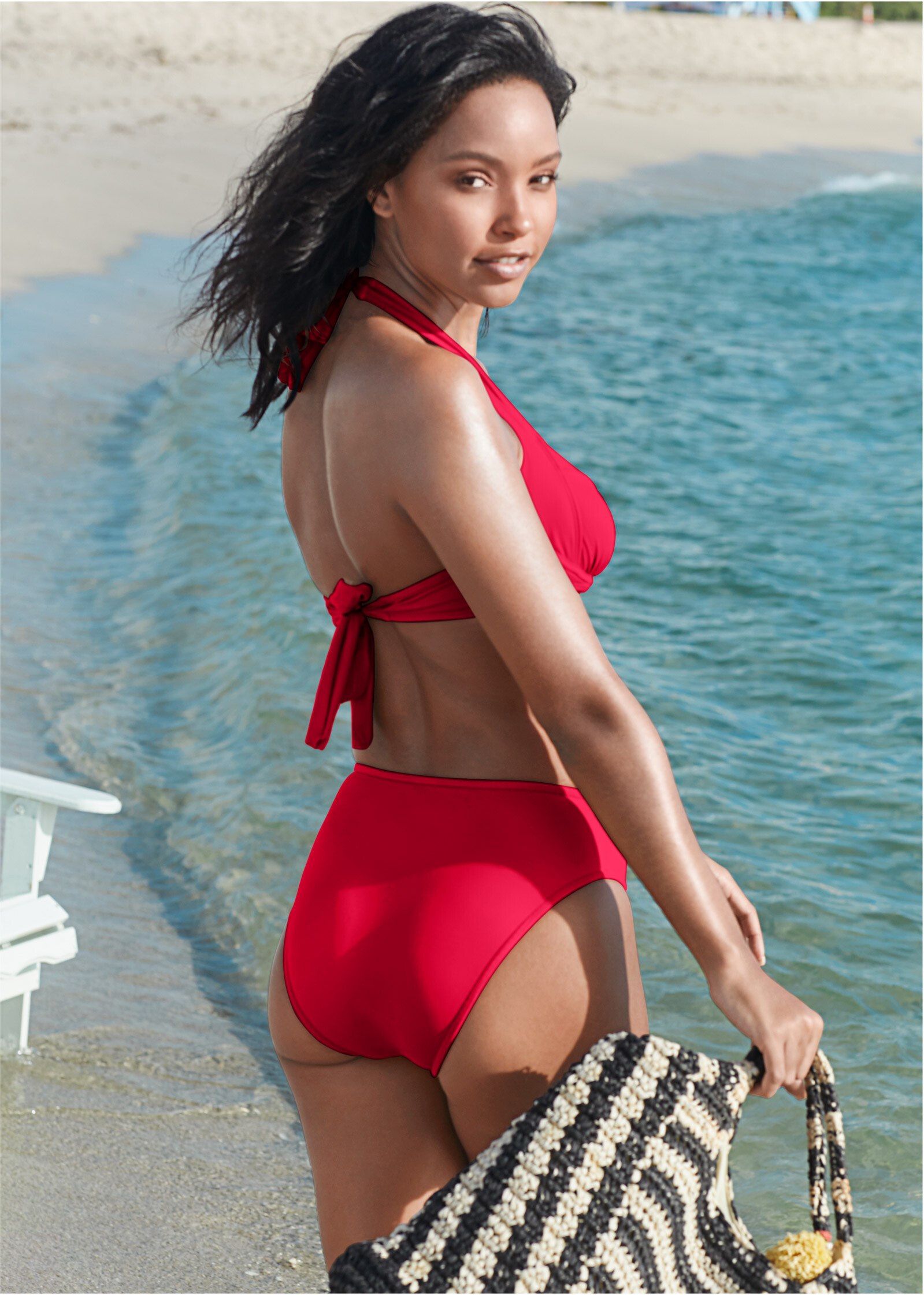
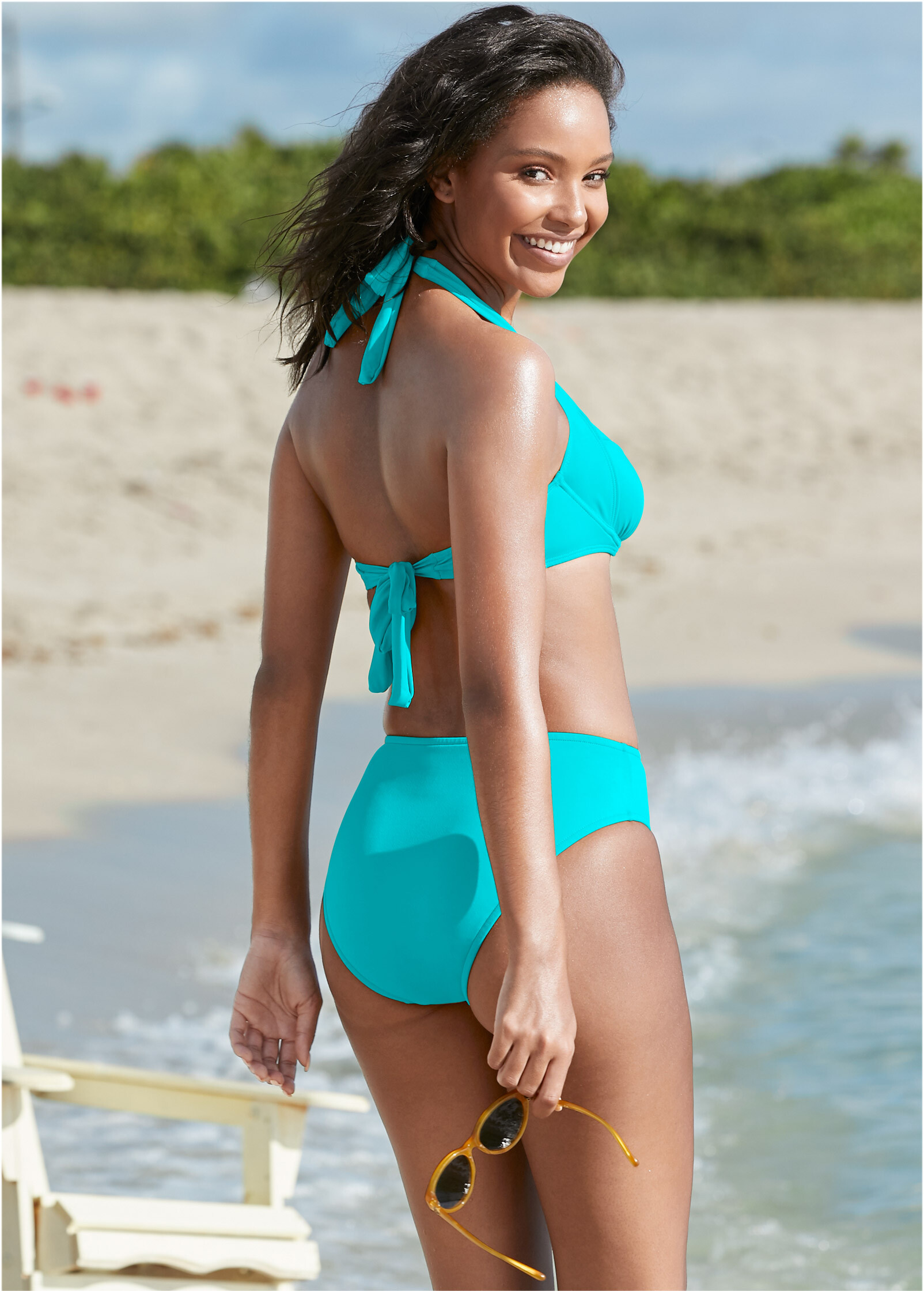
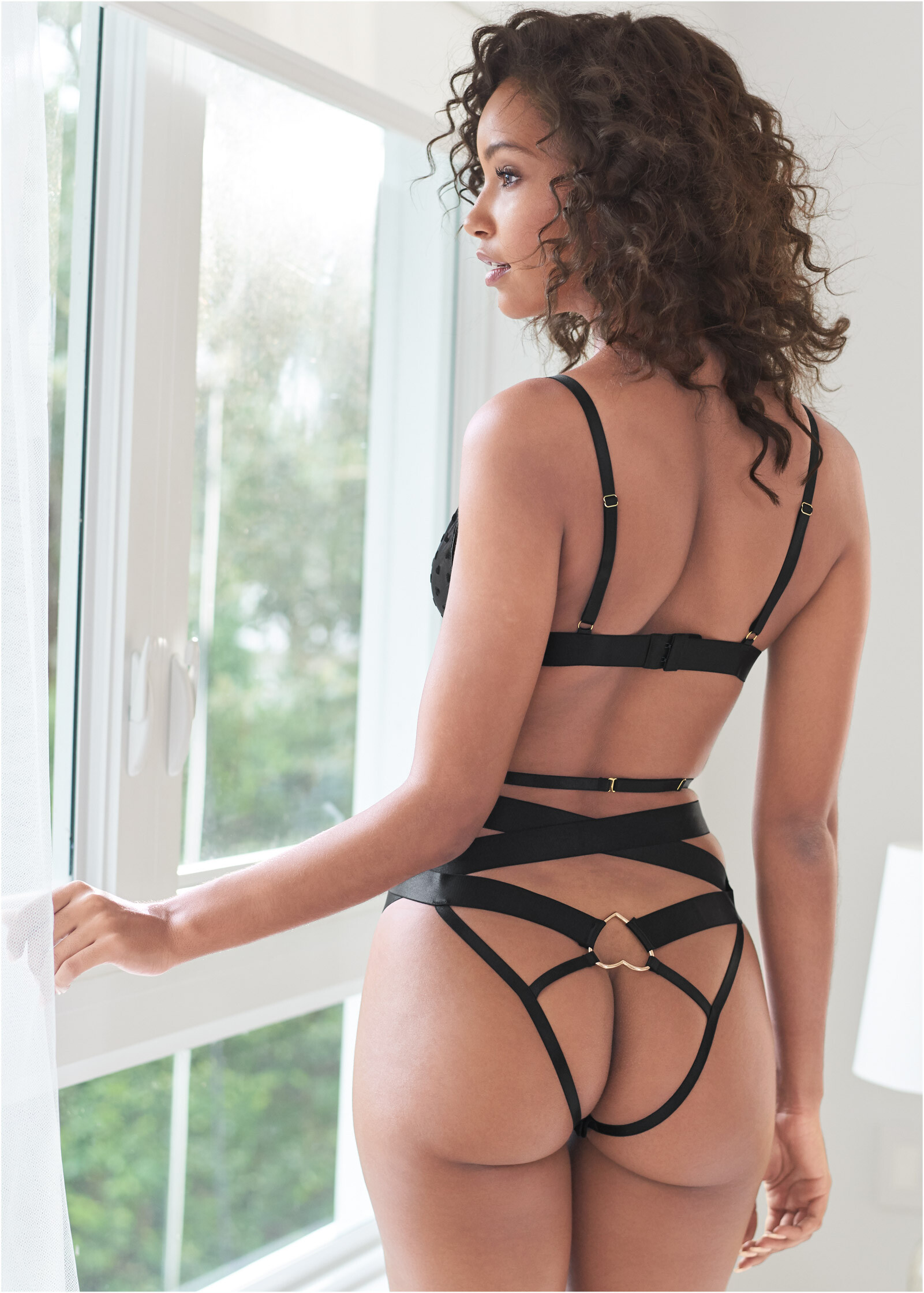
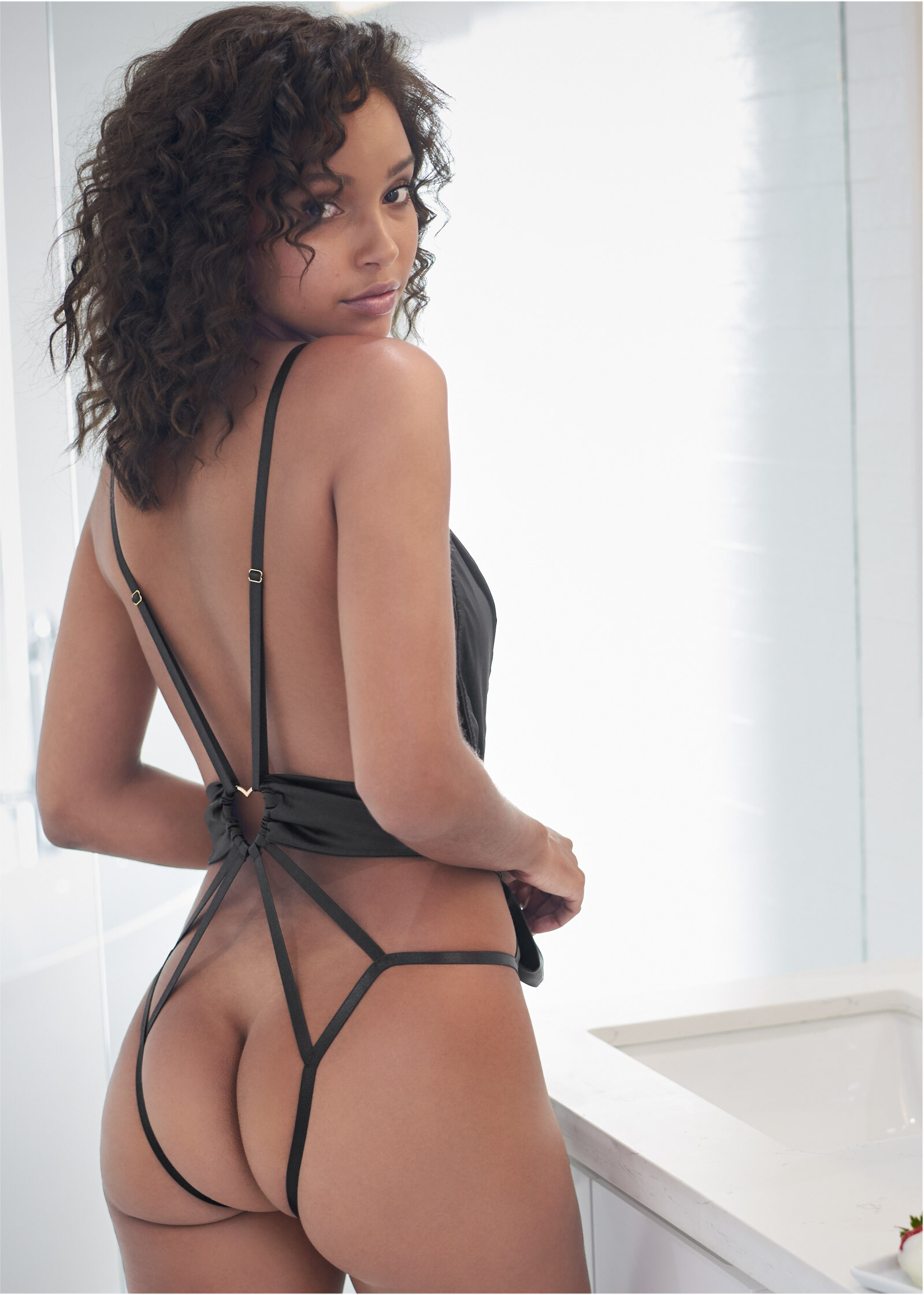
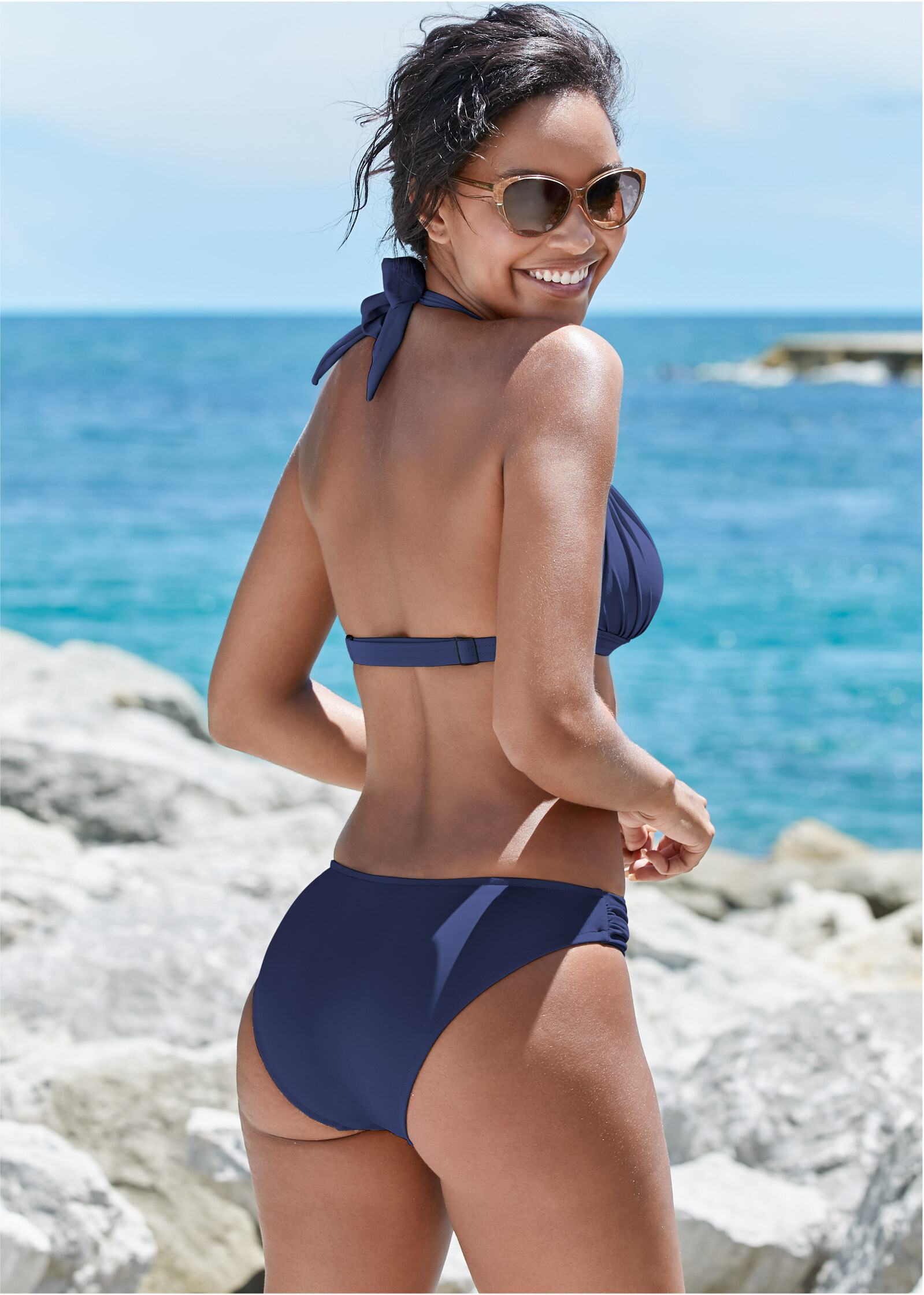
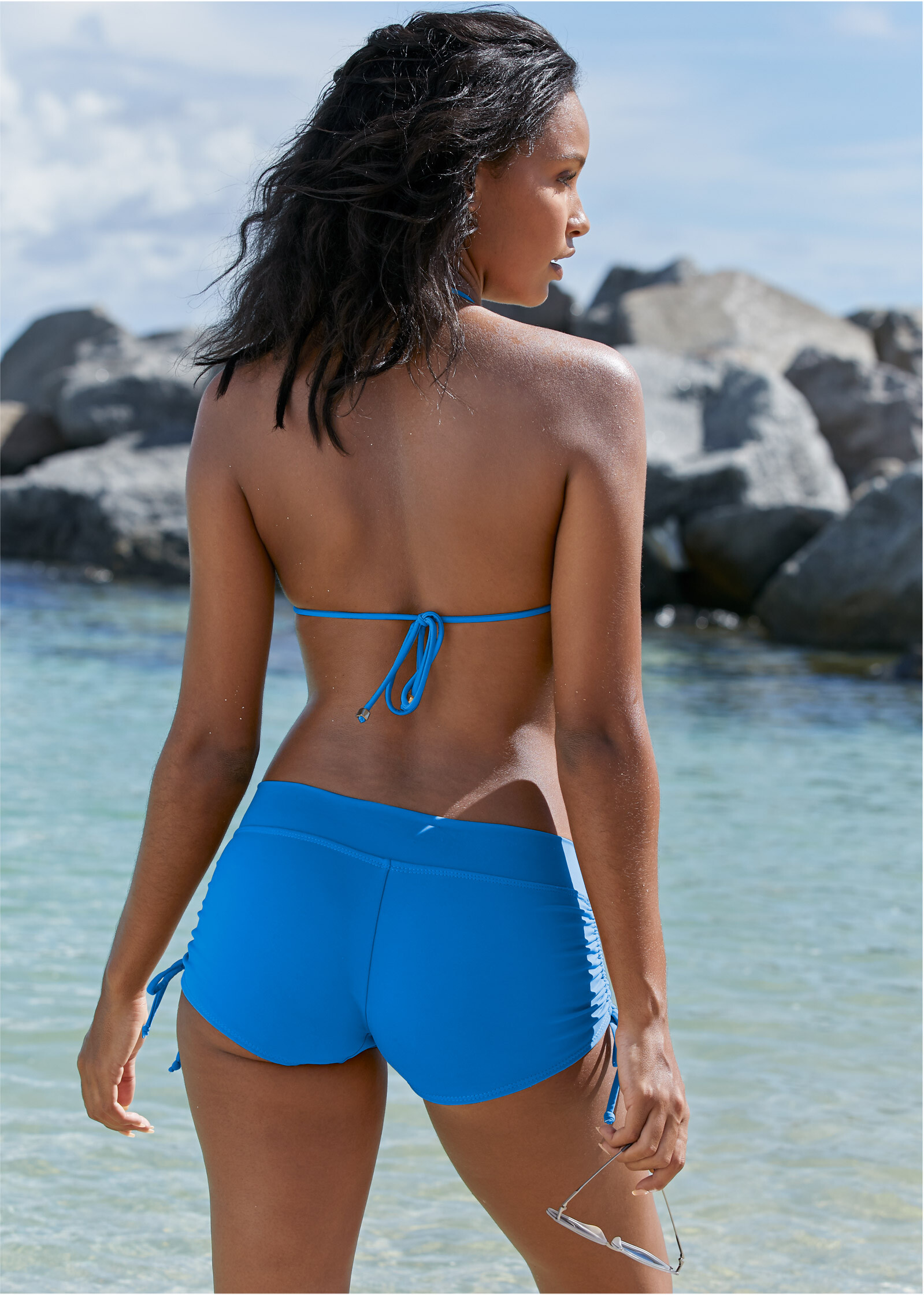
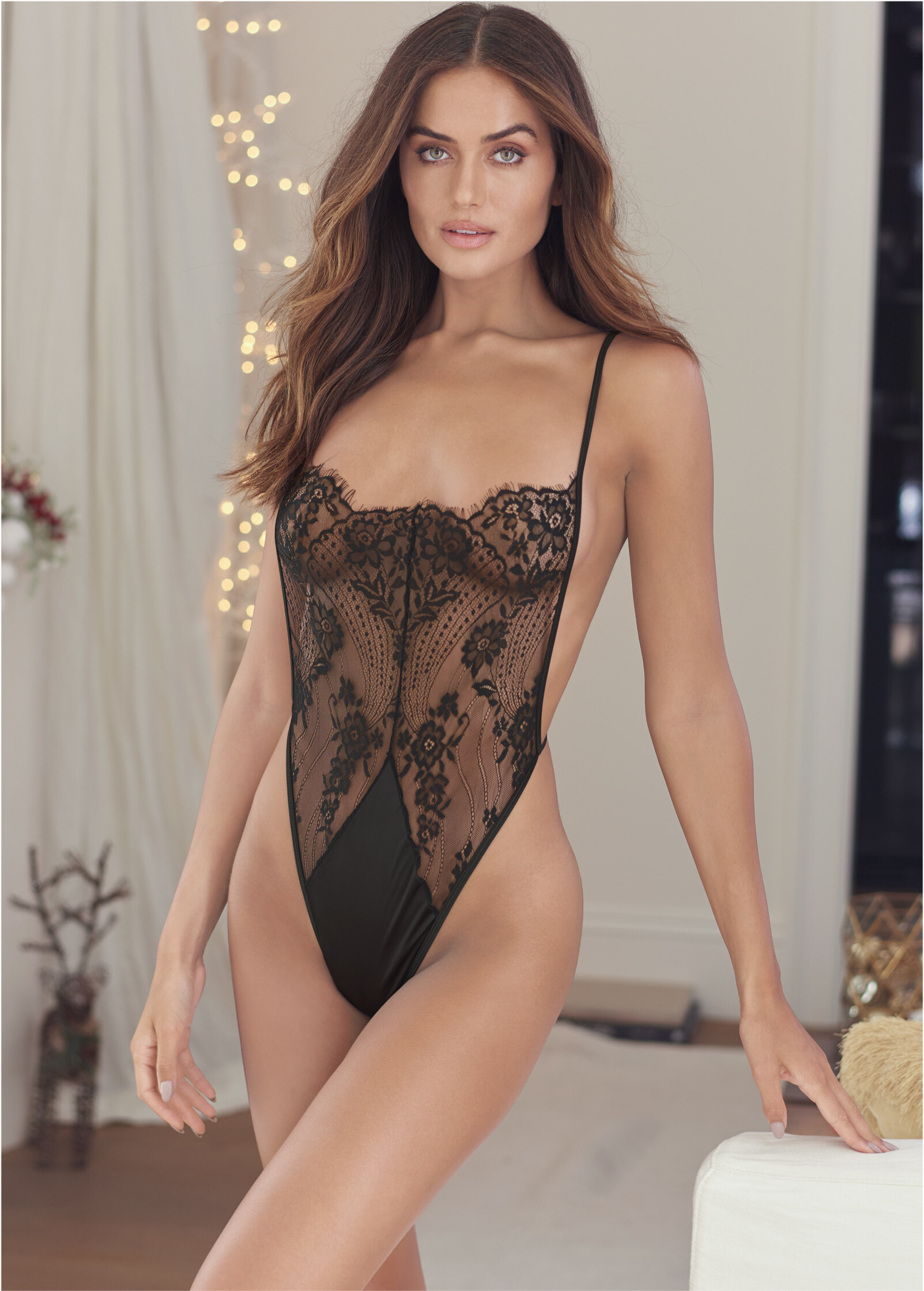
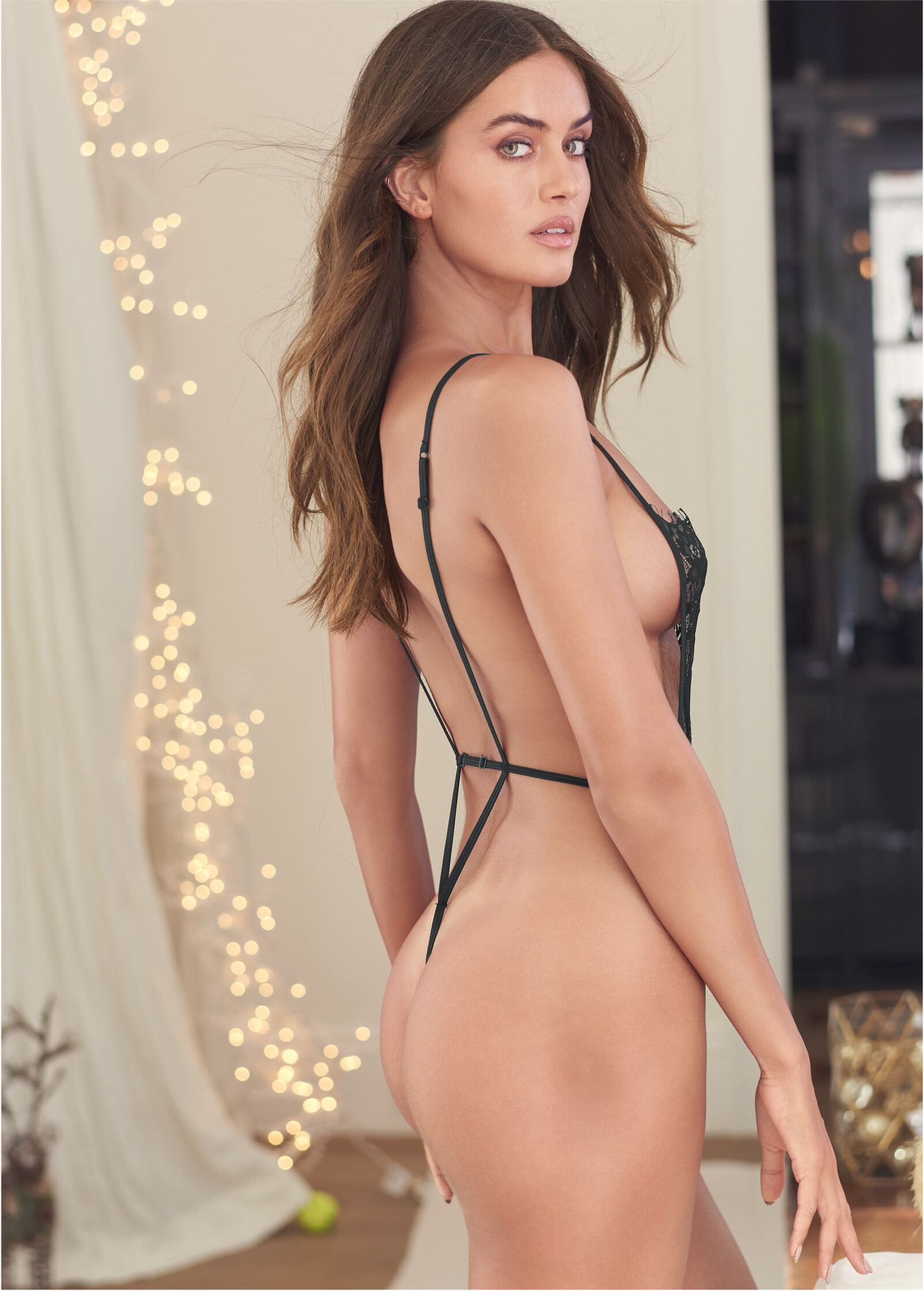
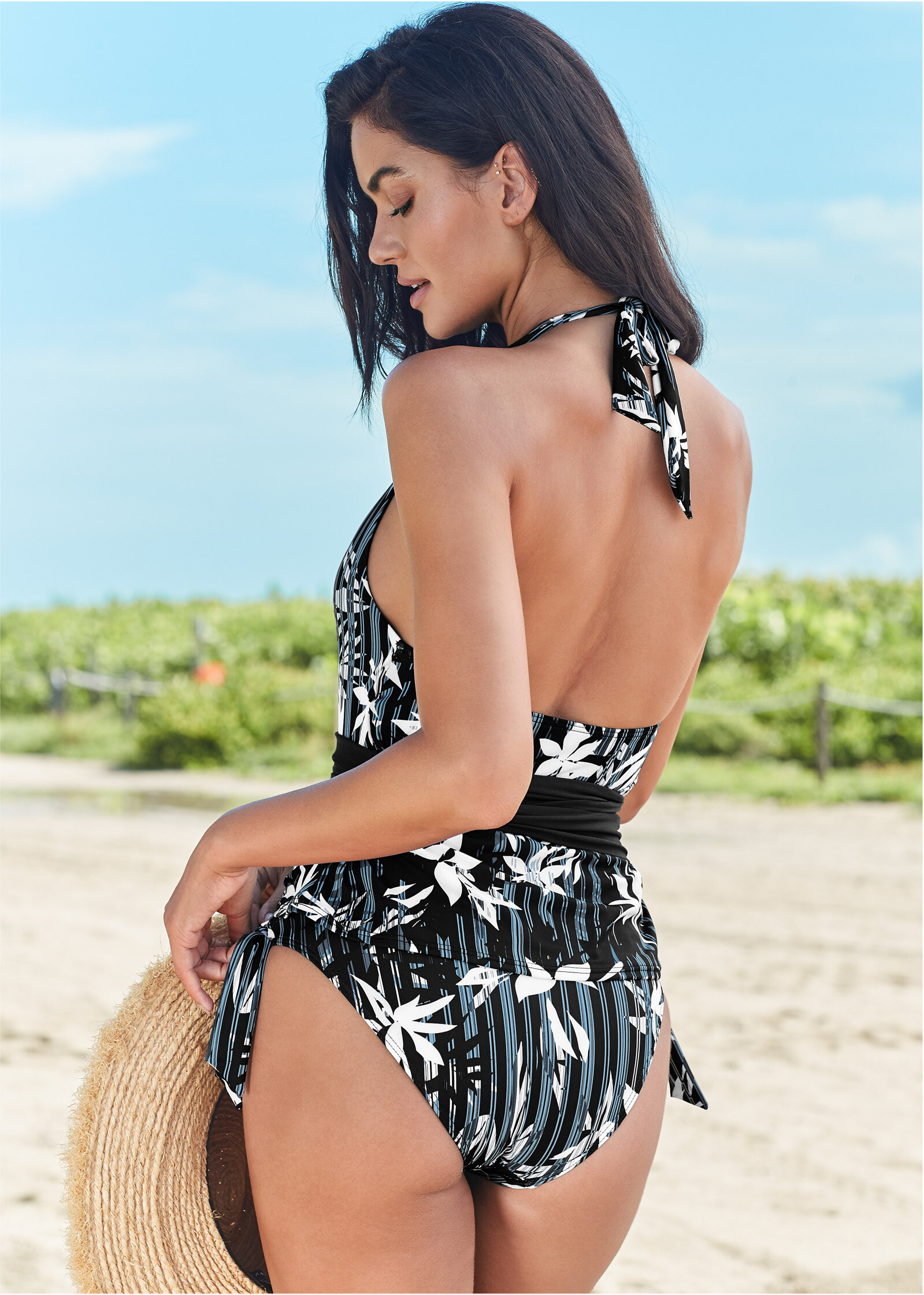
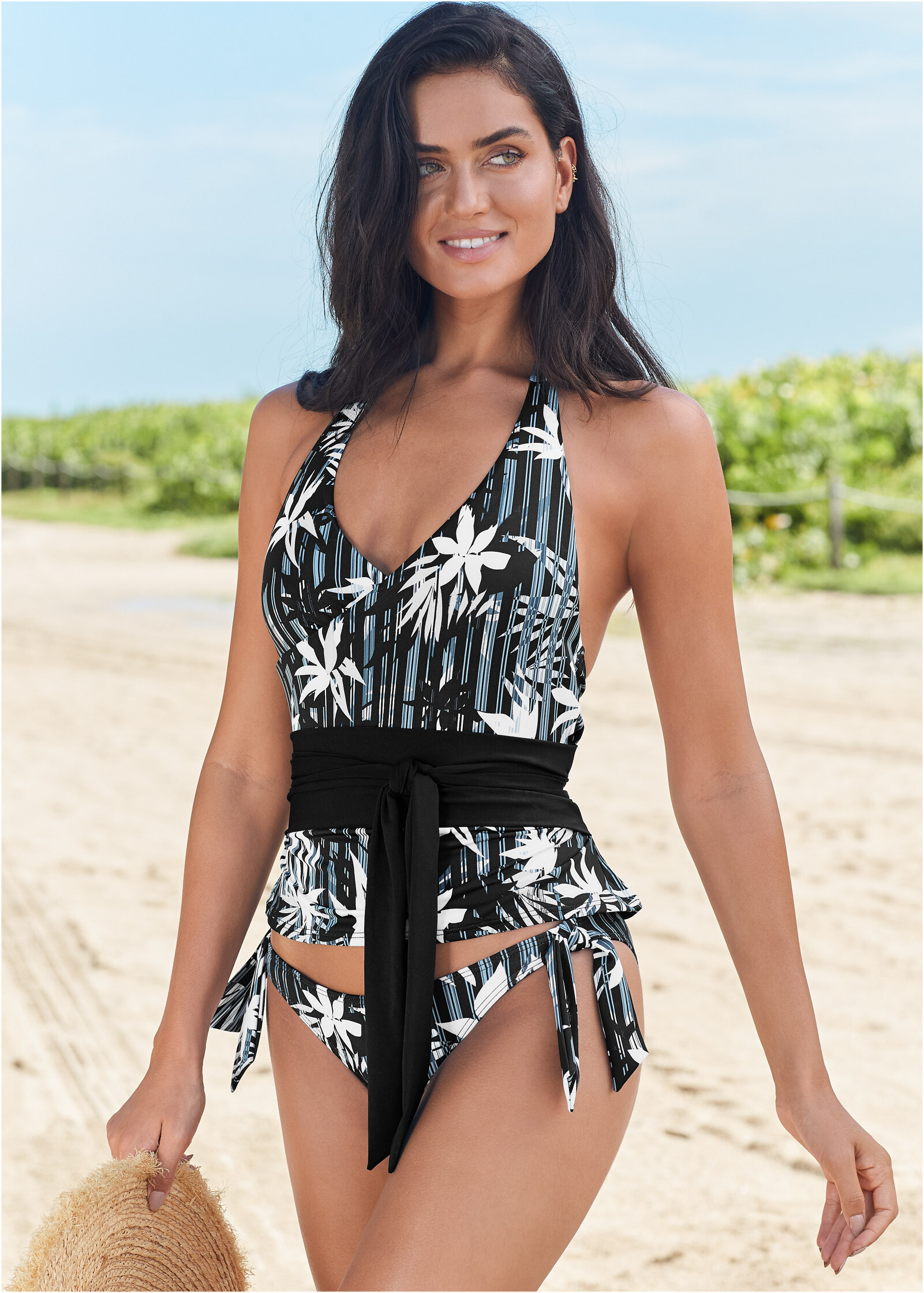
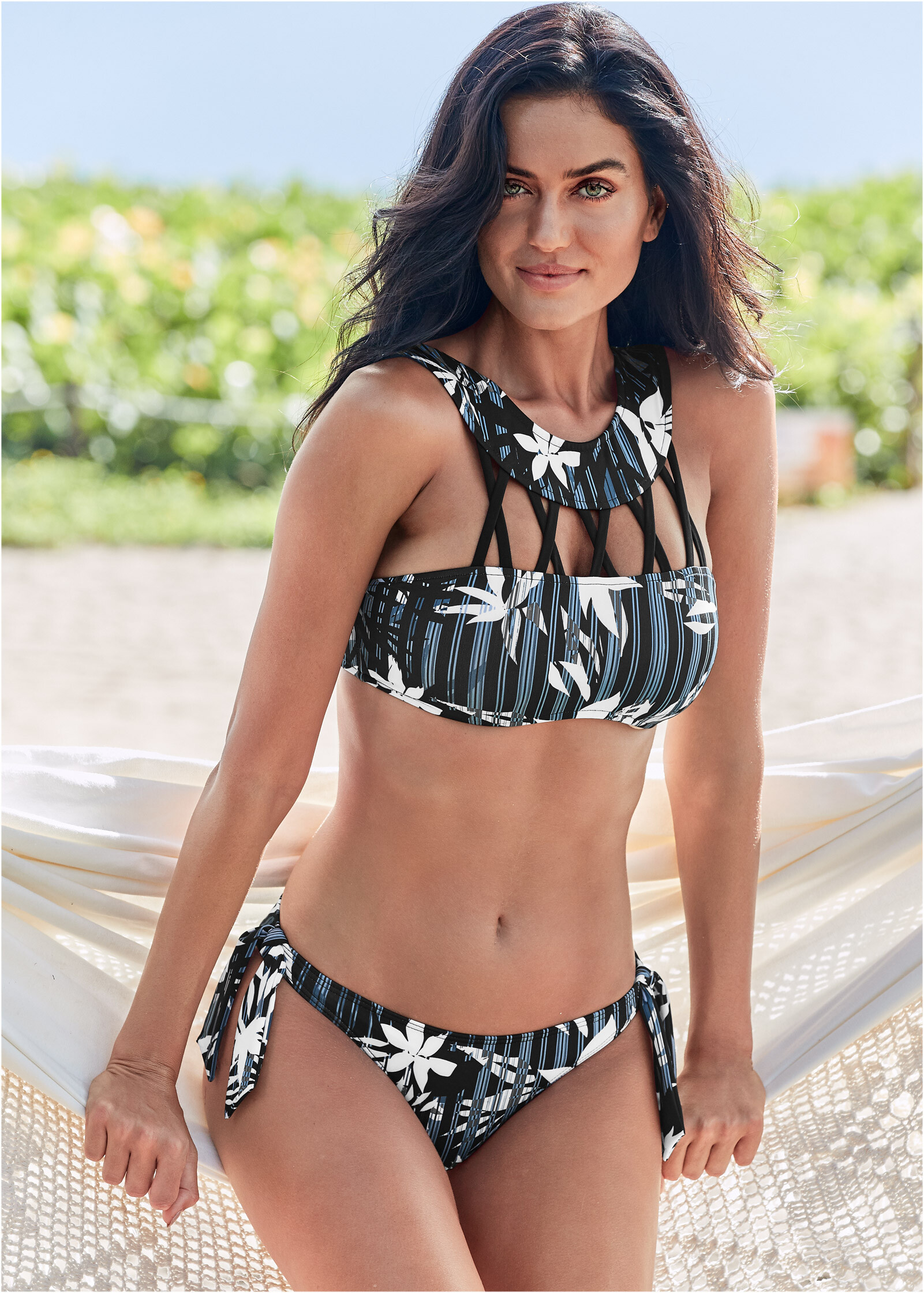
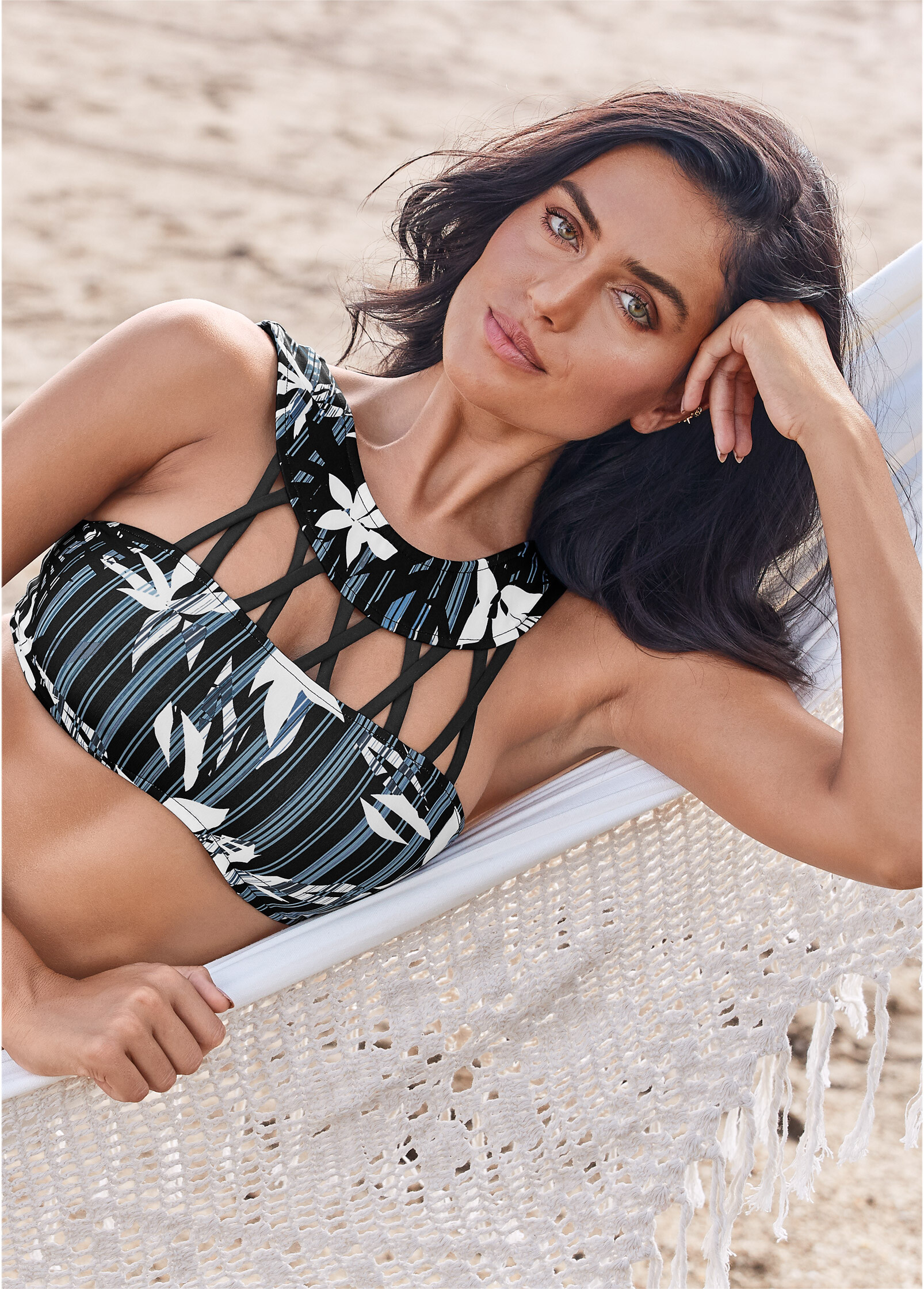
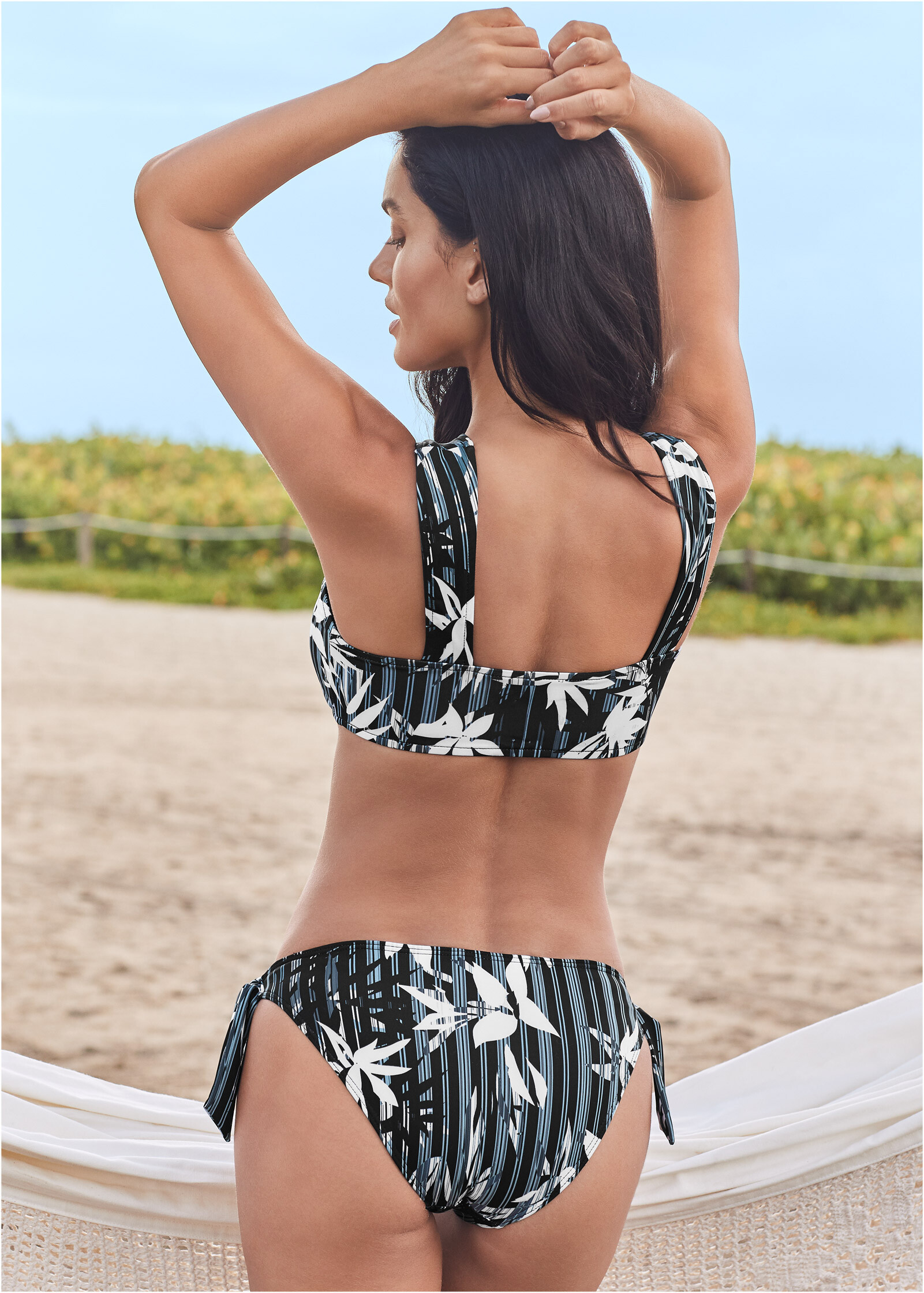
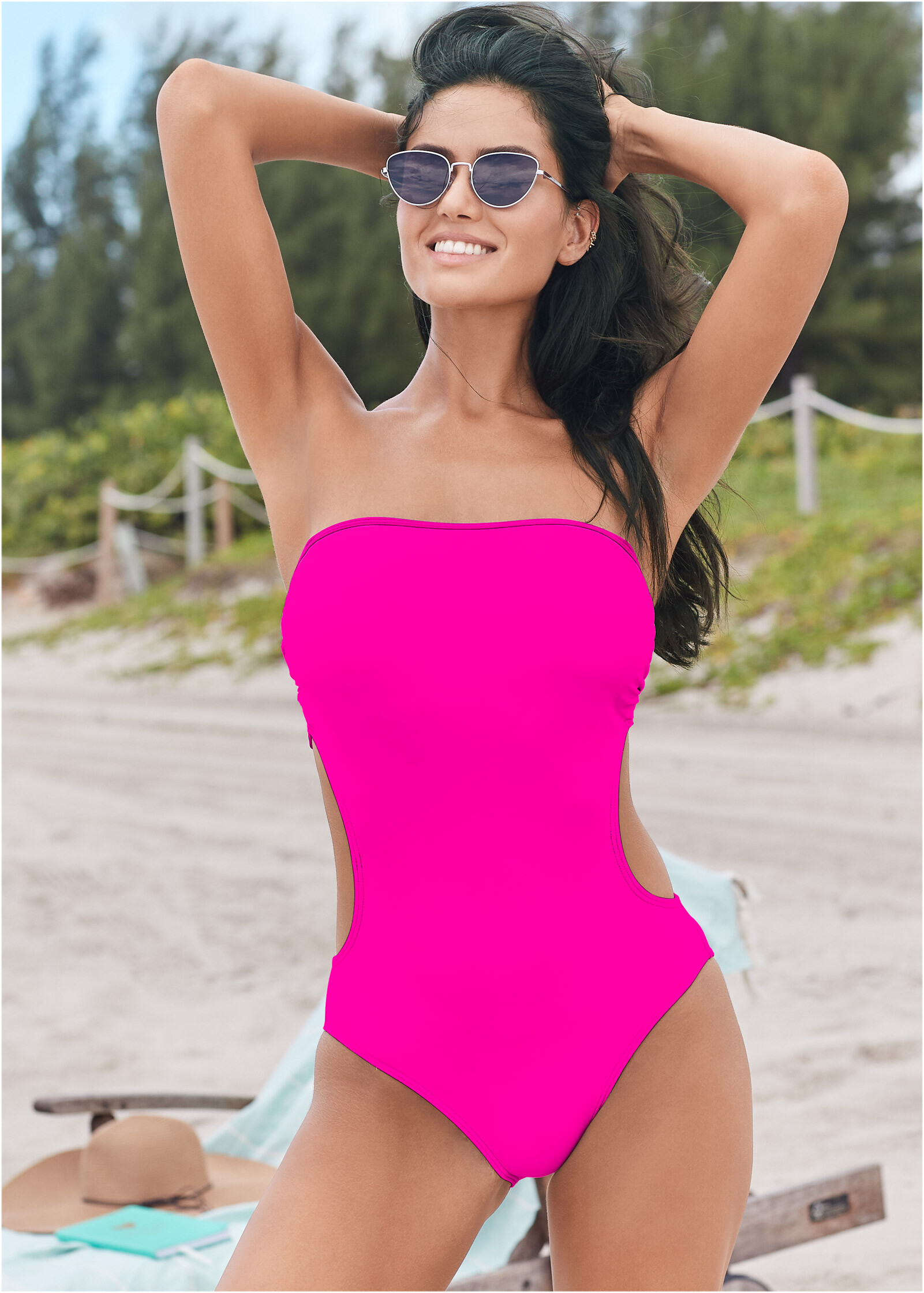
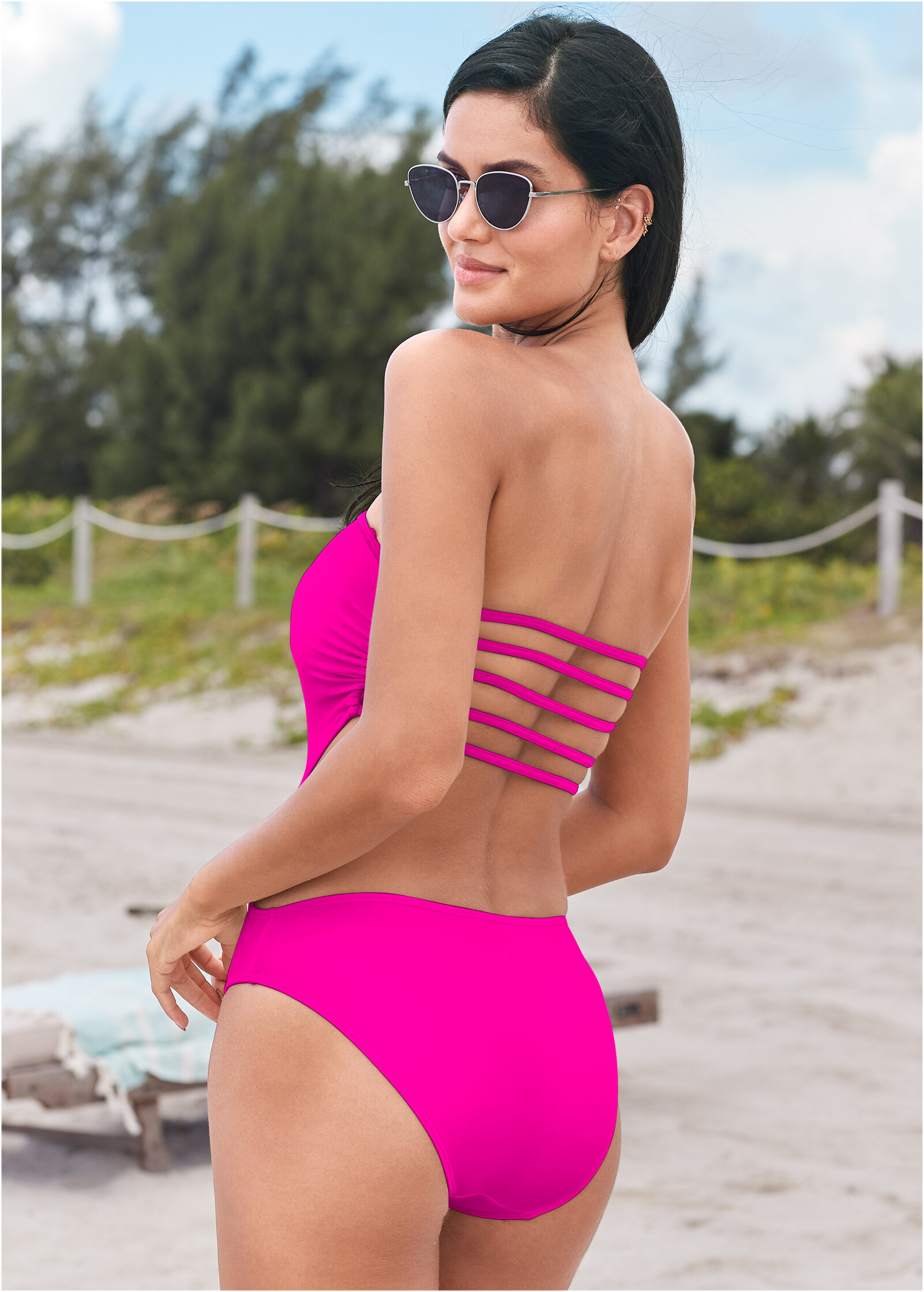
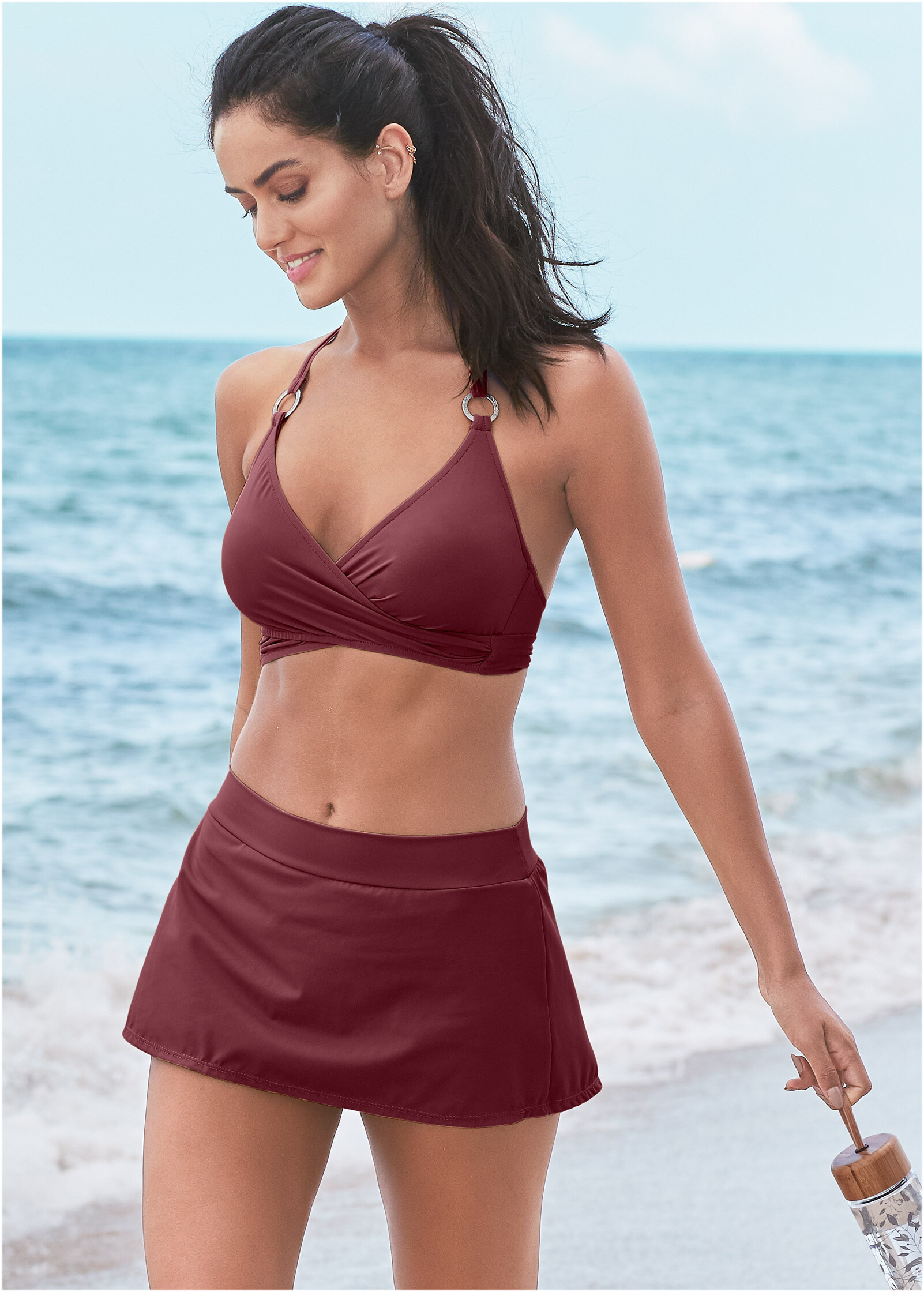
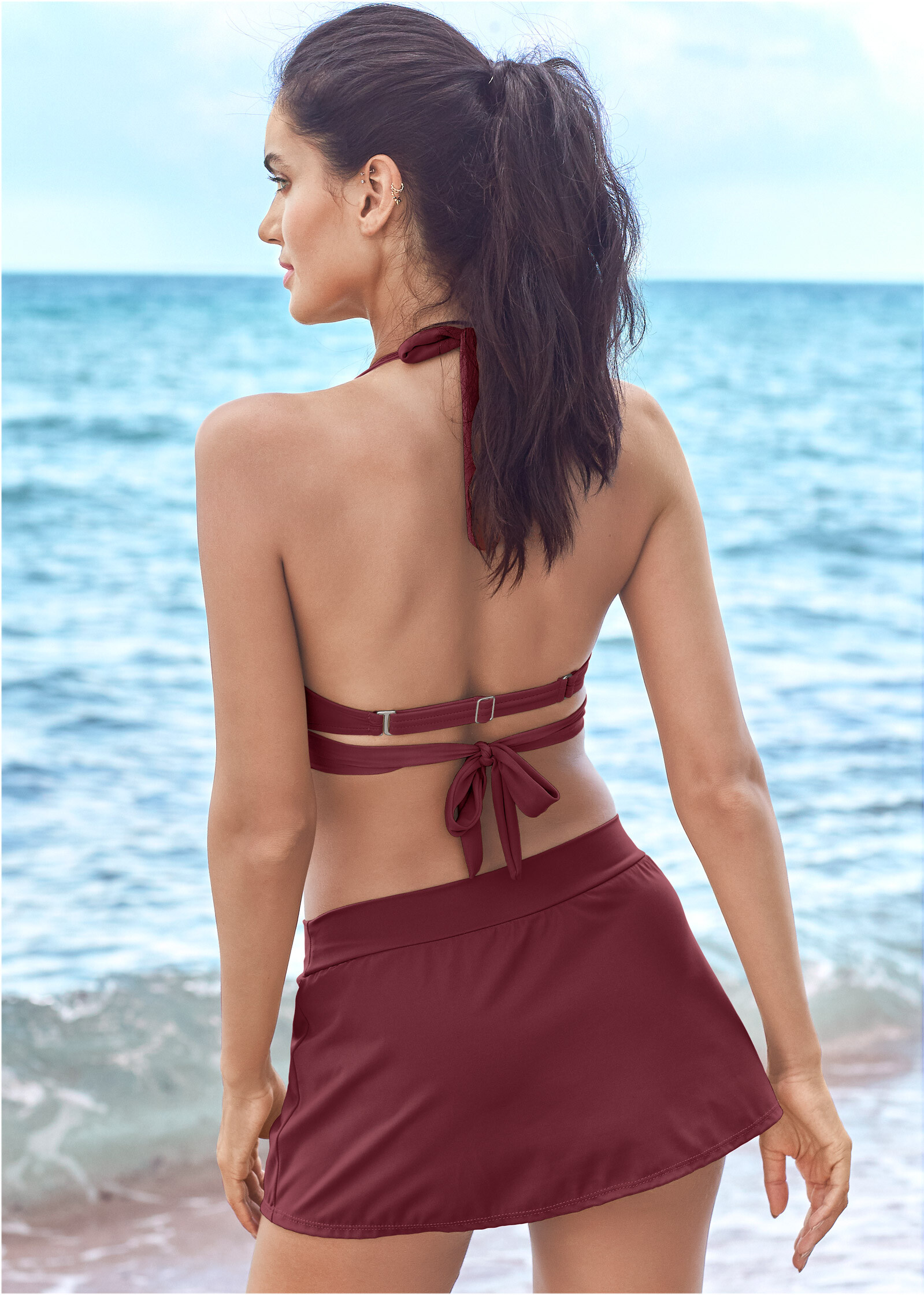
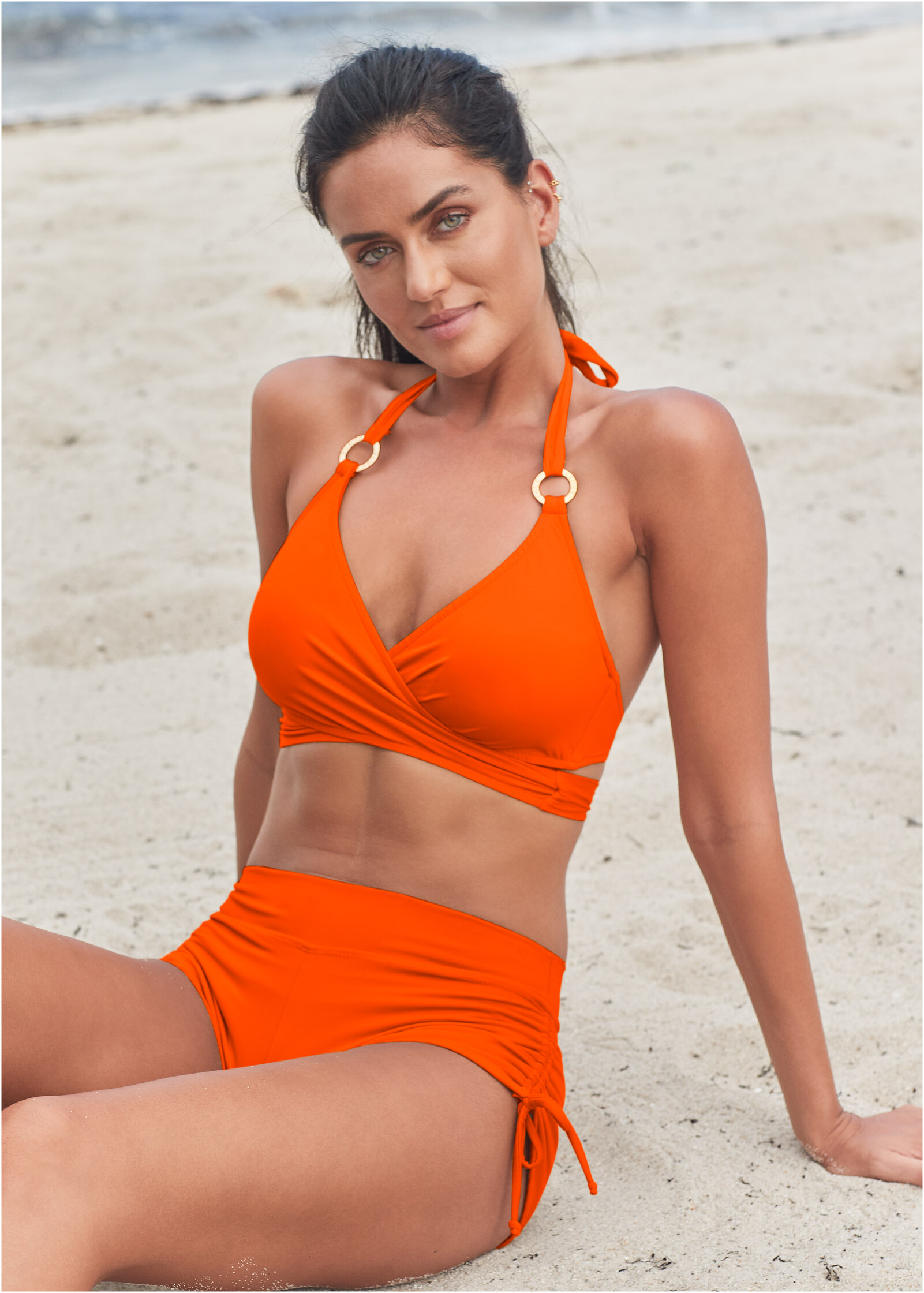
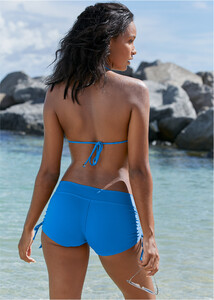 Height : 175cm Bust : 81 Waist : 60 Hips : 91 Cup B Shoes : US 8 Eyes : Brown Hair : Brown Size : 32
 Thanks a lot.
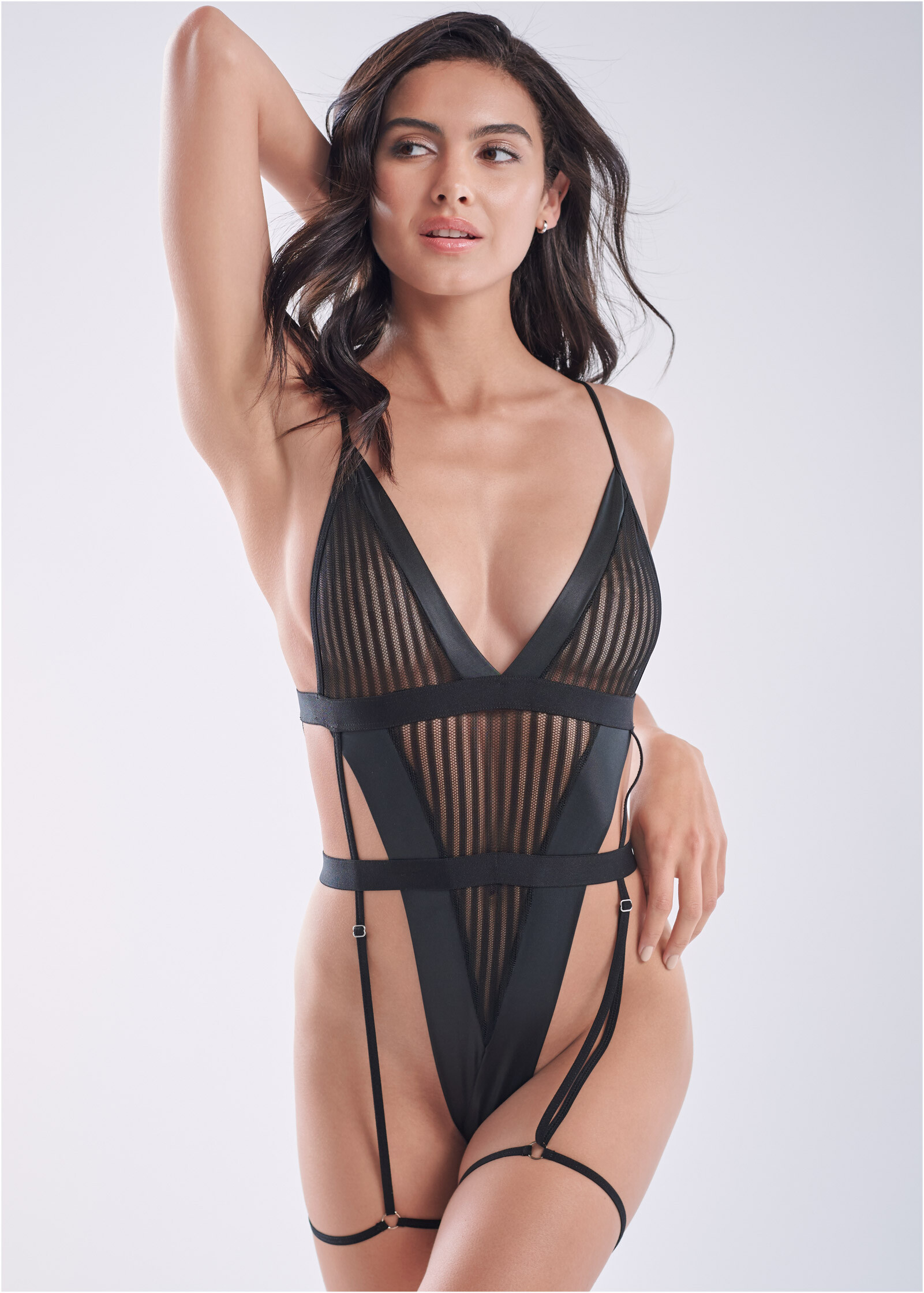
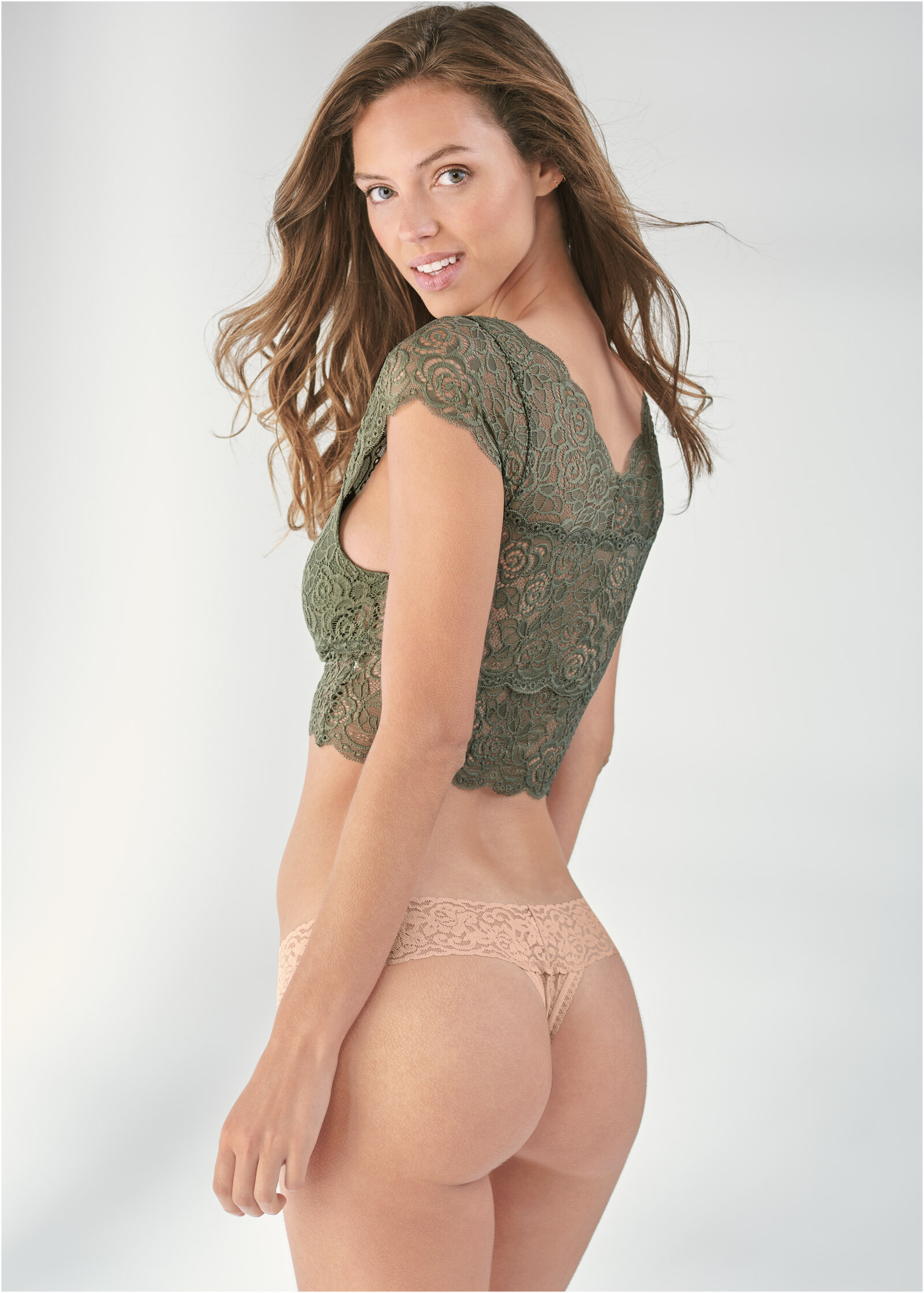
Thank you. What about her ?
Thanks a lot.
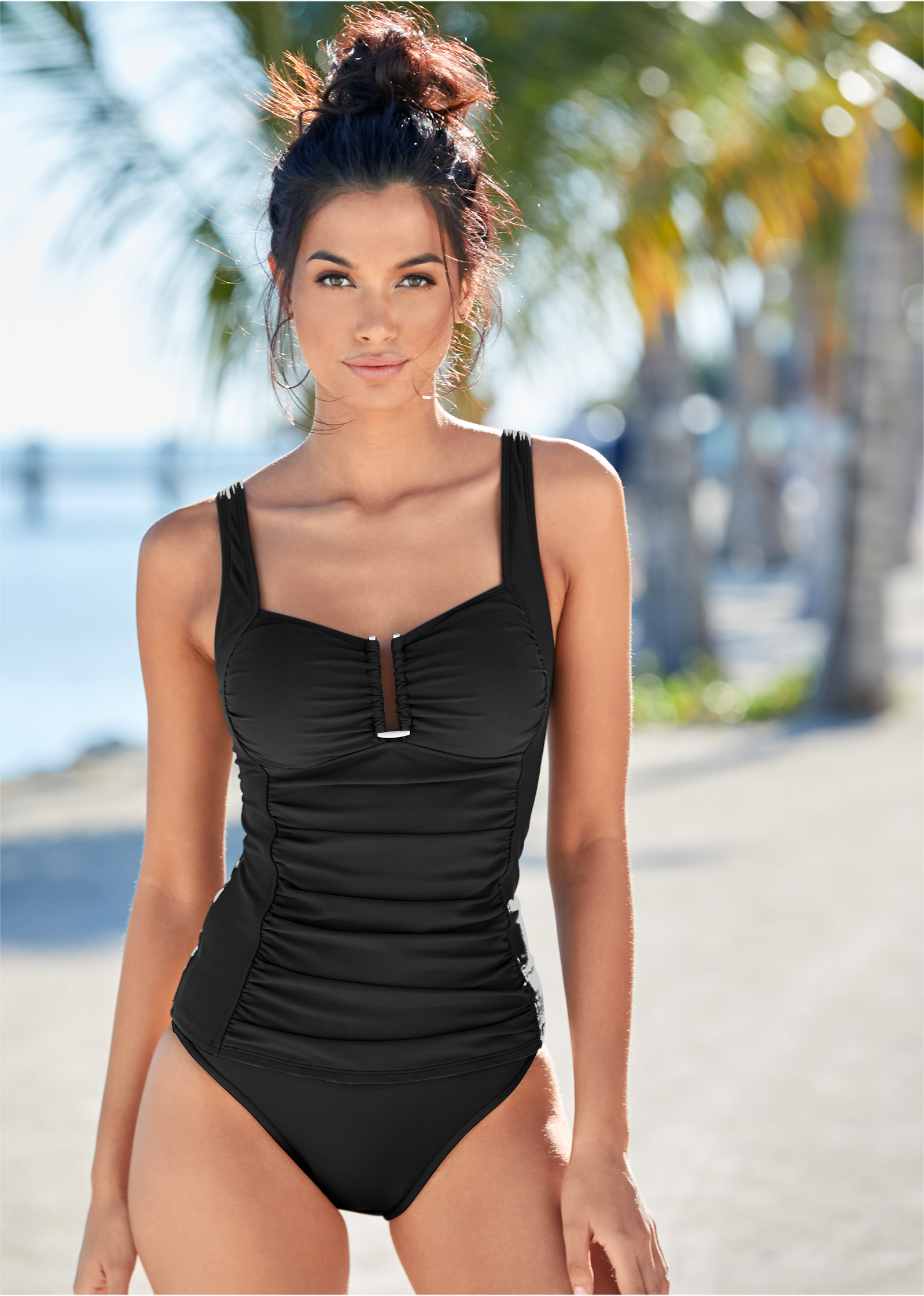
Thank you. What about her ?

















Account
Navigation
Search
Configure browser push notifications
Chrome (Android)
- Tap the lock icon next to the address bar.
- Tap Permissions → Notifications.
- Adjust your preference.
Chrome (Desktop)
- Click the padlock icon in the address bar.
- Select Site settings.
- Find Notifications and adjust your preference.
Safari (iOS 16.4+)
- Ensure the site is installed via Add to Home Screen.
- Open Settings App → Notifications.
- Find your app name and adjust your preference.
Safari (macOS)
- Go to Safari → Preferences.
- Click the Websites tab.
- Select Notifications in the sidebar.
- Find this website and adjust your preference.
Edge (Android)
- Tap the lock icon next to the address bar.
- Tap Permissions.
- Find Notifications and adjust your preference.
Edge (Desktop)
- Click the padlock icon in the address bar.
- Click Permissions for this site.
- Find Notifications and adjust your preference.
Firefox (Android)
- Go to Settings → Site permissions.
- Tap Notifications.
- Find this site in the list and adjust your preference.
Firefox (Desktop)
- Open Firefox Settings.
- Search for Notifications.
- Find this site in the list and adjust your preference.