
dobromir11
Members
-
Joined
-
Last visited
Everything posted by dobromir11
-
 By John Hildebrand Topless
 -
Proofs please !! :neo2:
-
Her body is perfect to advertise so sexy lingerie but why they photoshopped all the best Thank JJ
-
-
Pics from 2016 Calendar photo shoot
-
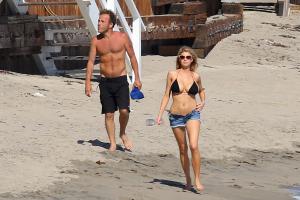
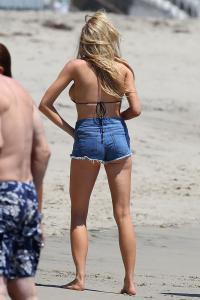
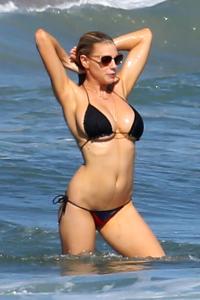
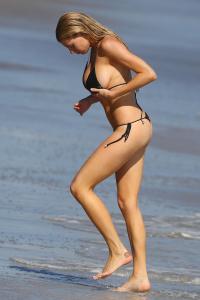
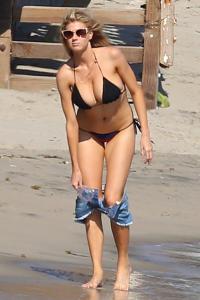
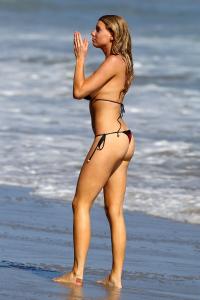
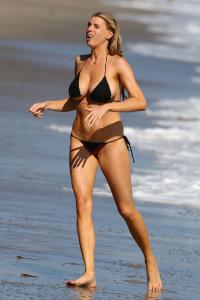
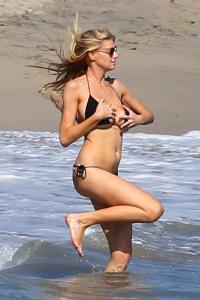
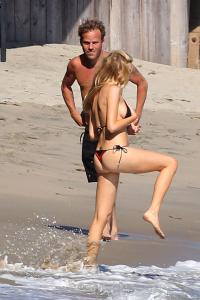
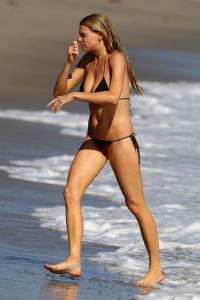
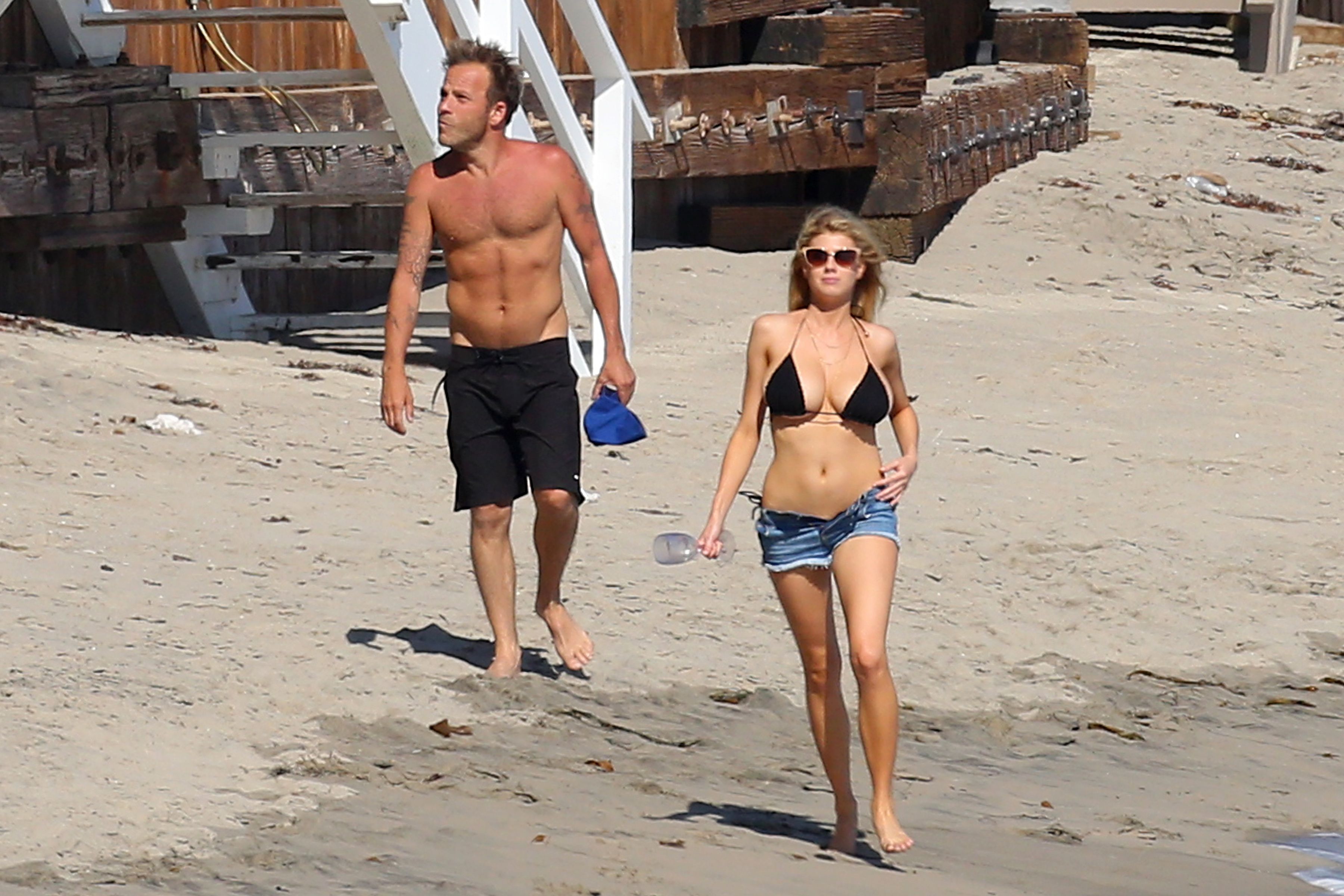
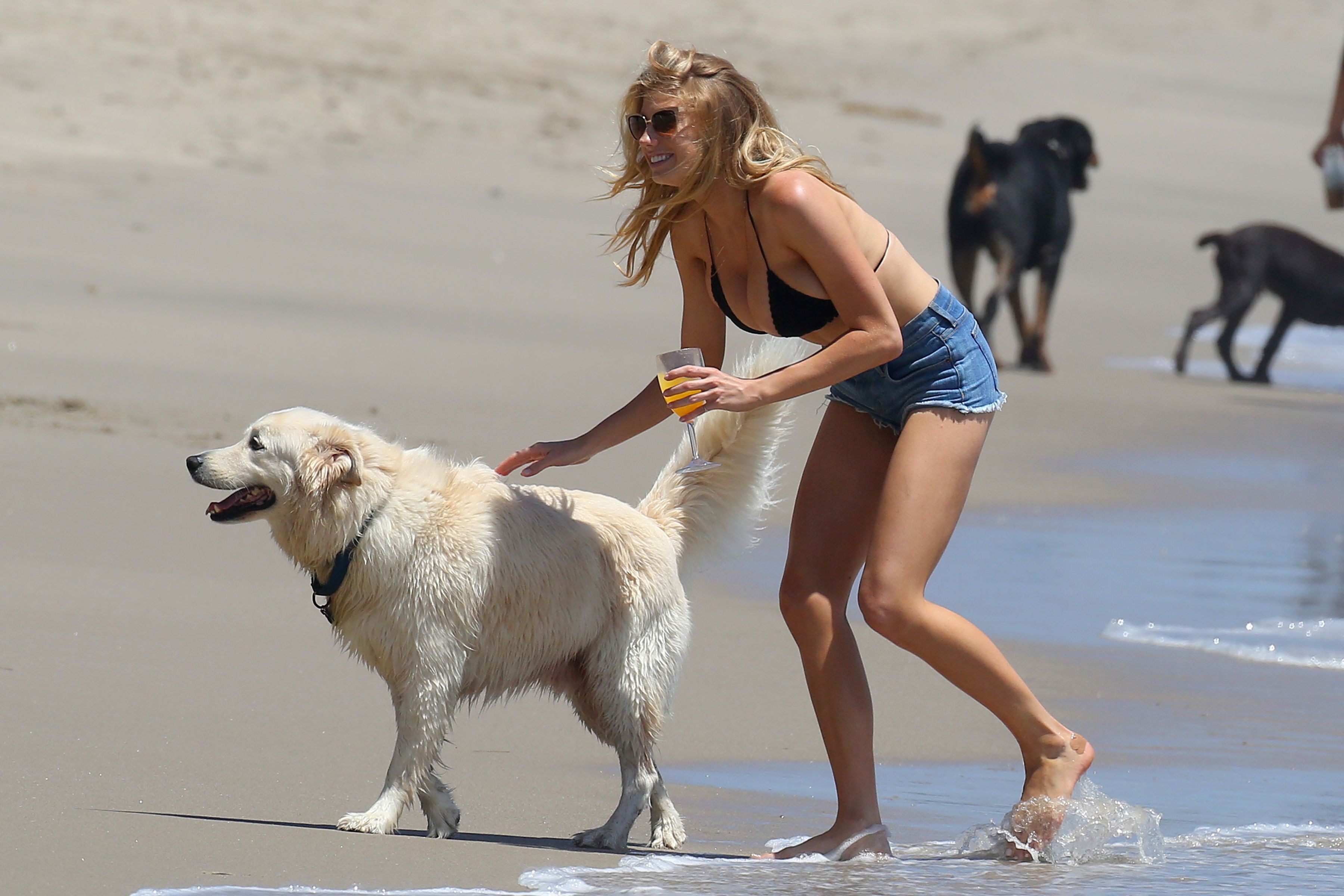
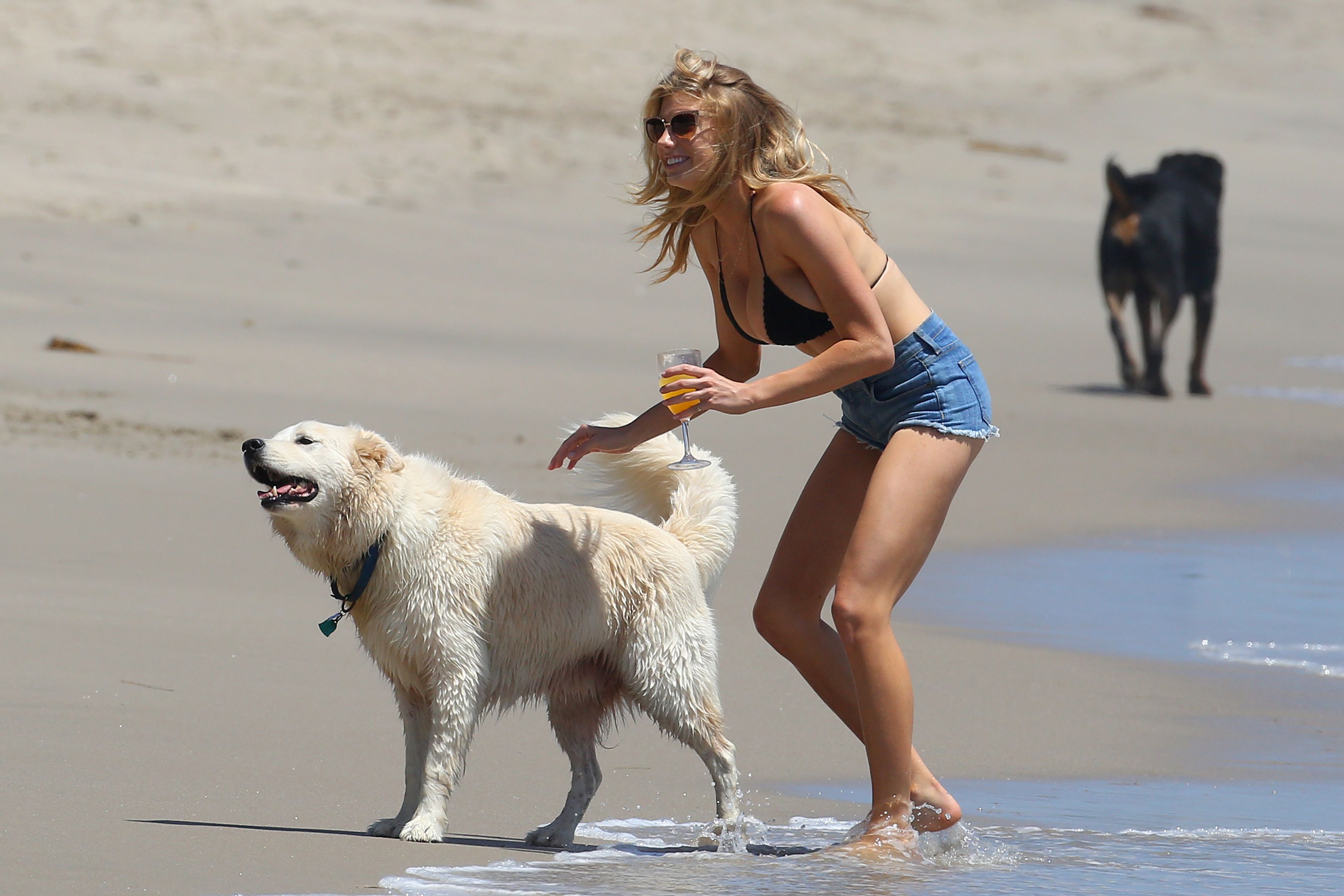
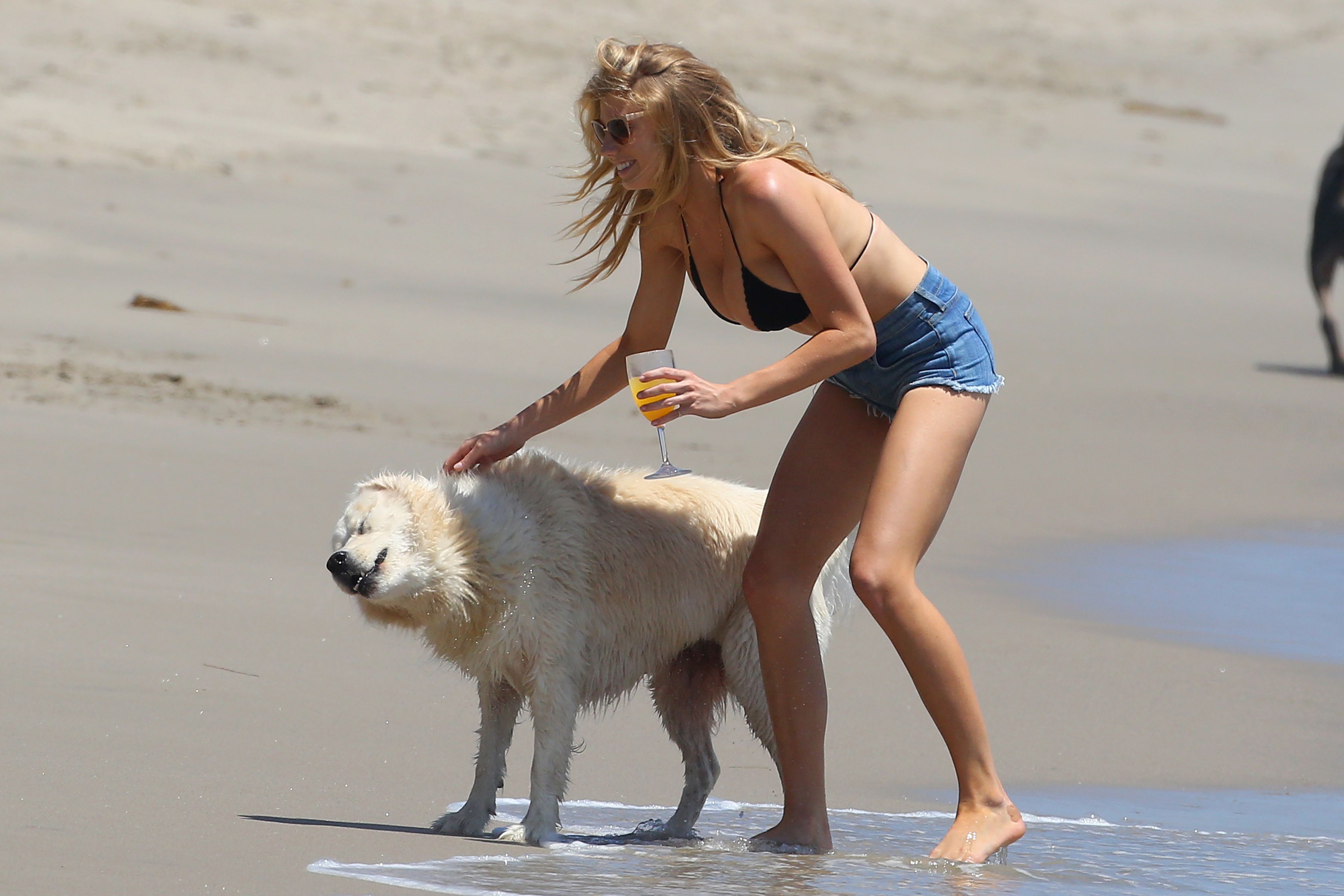
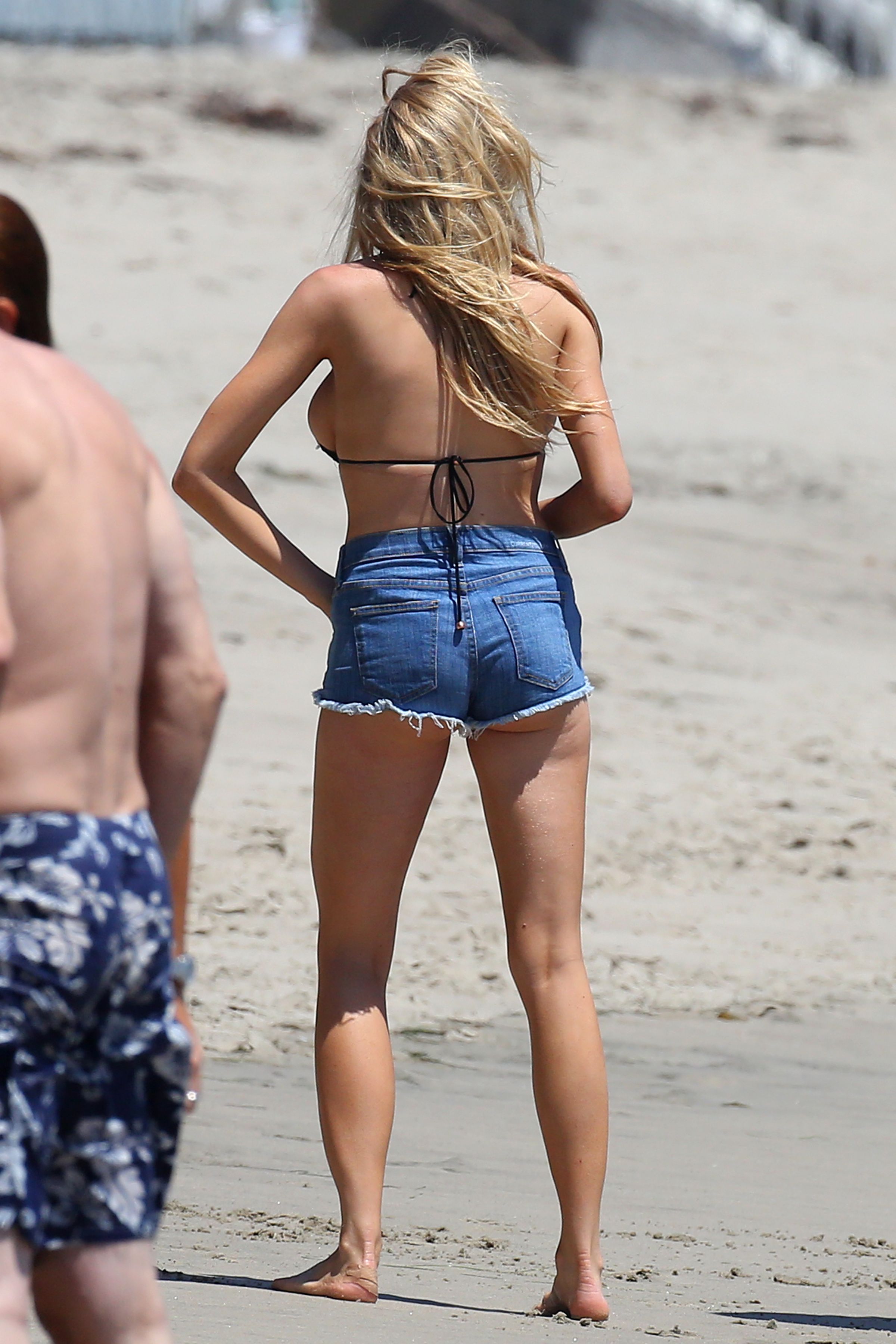
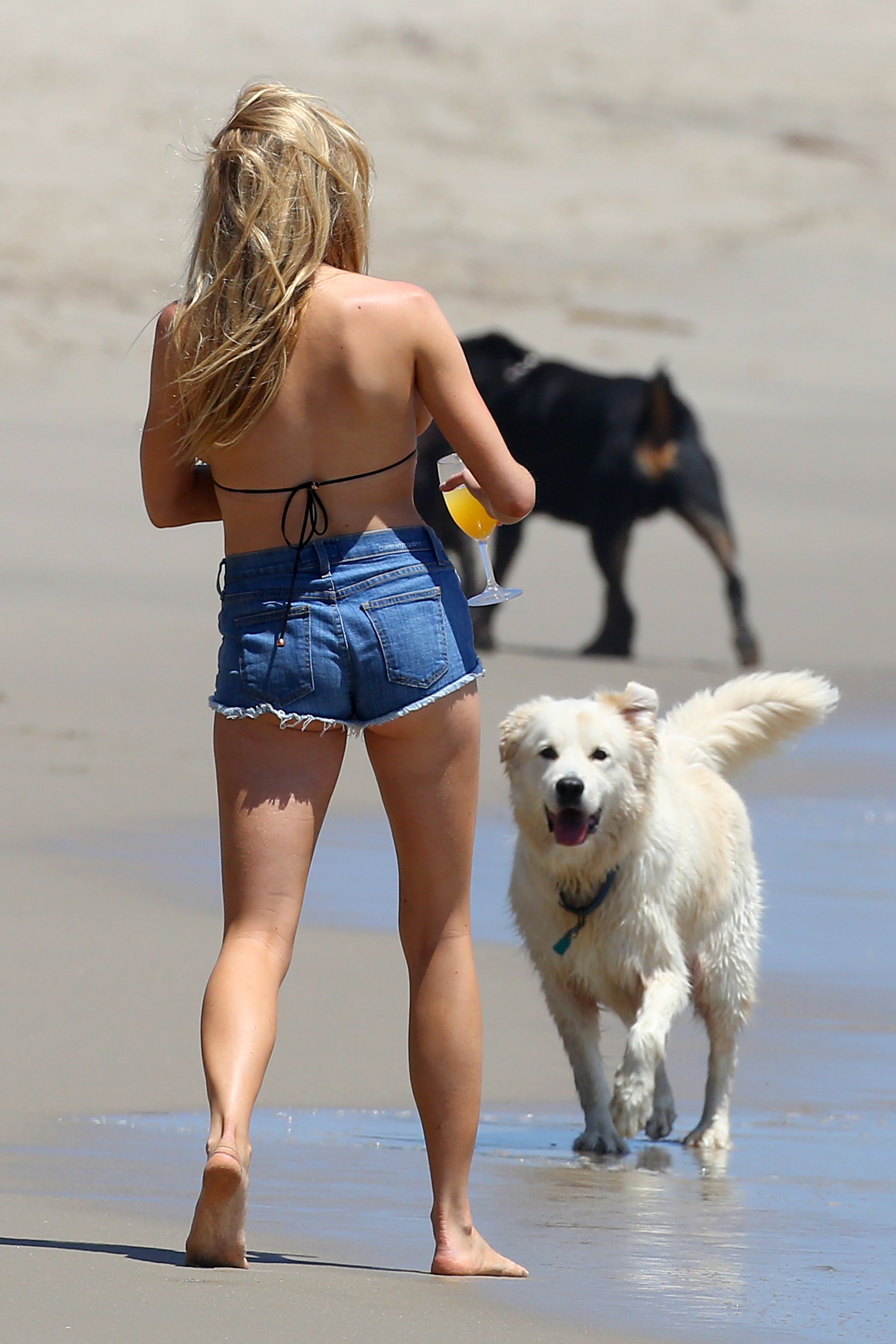
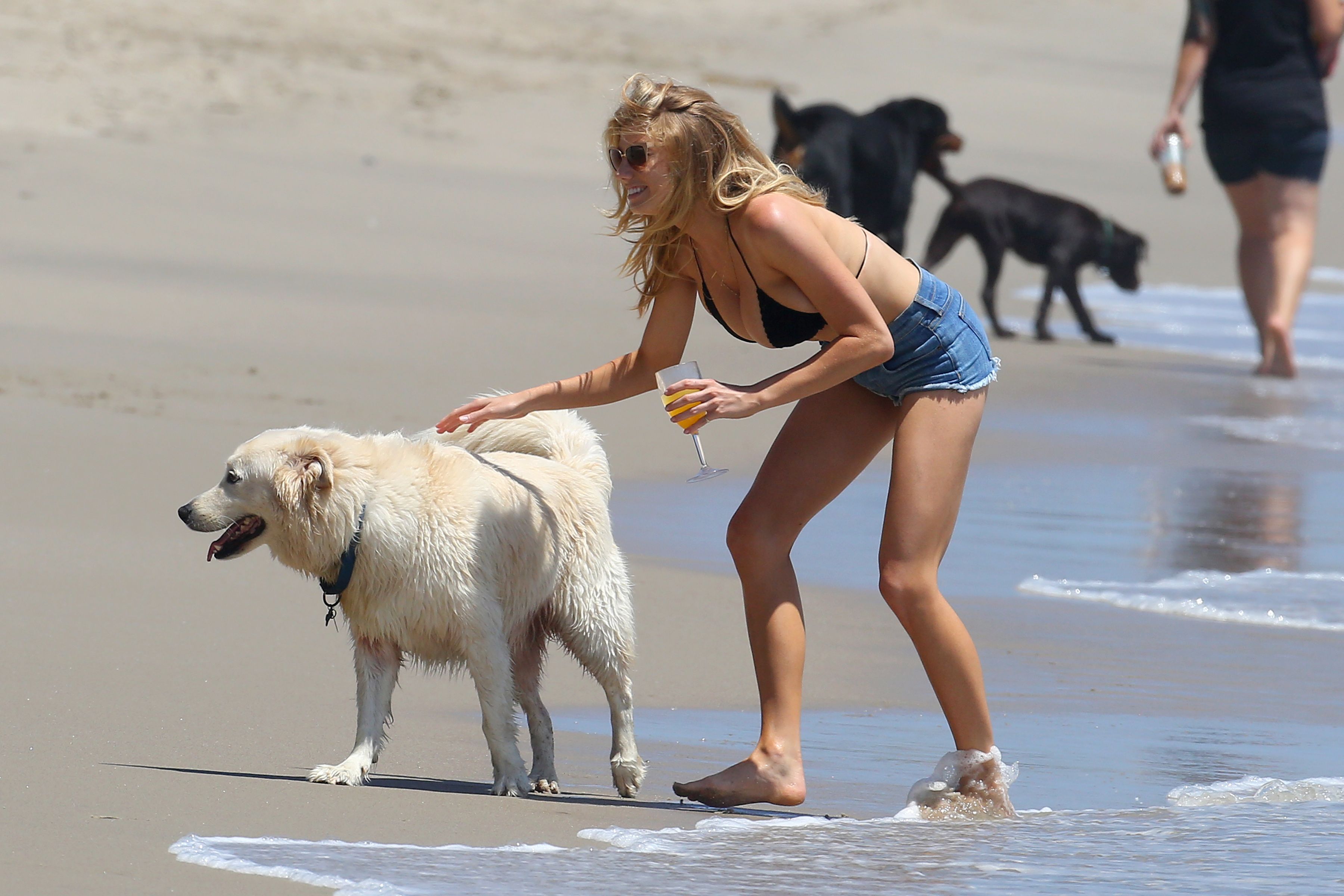
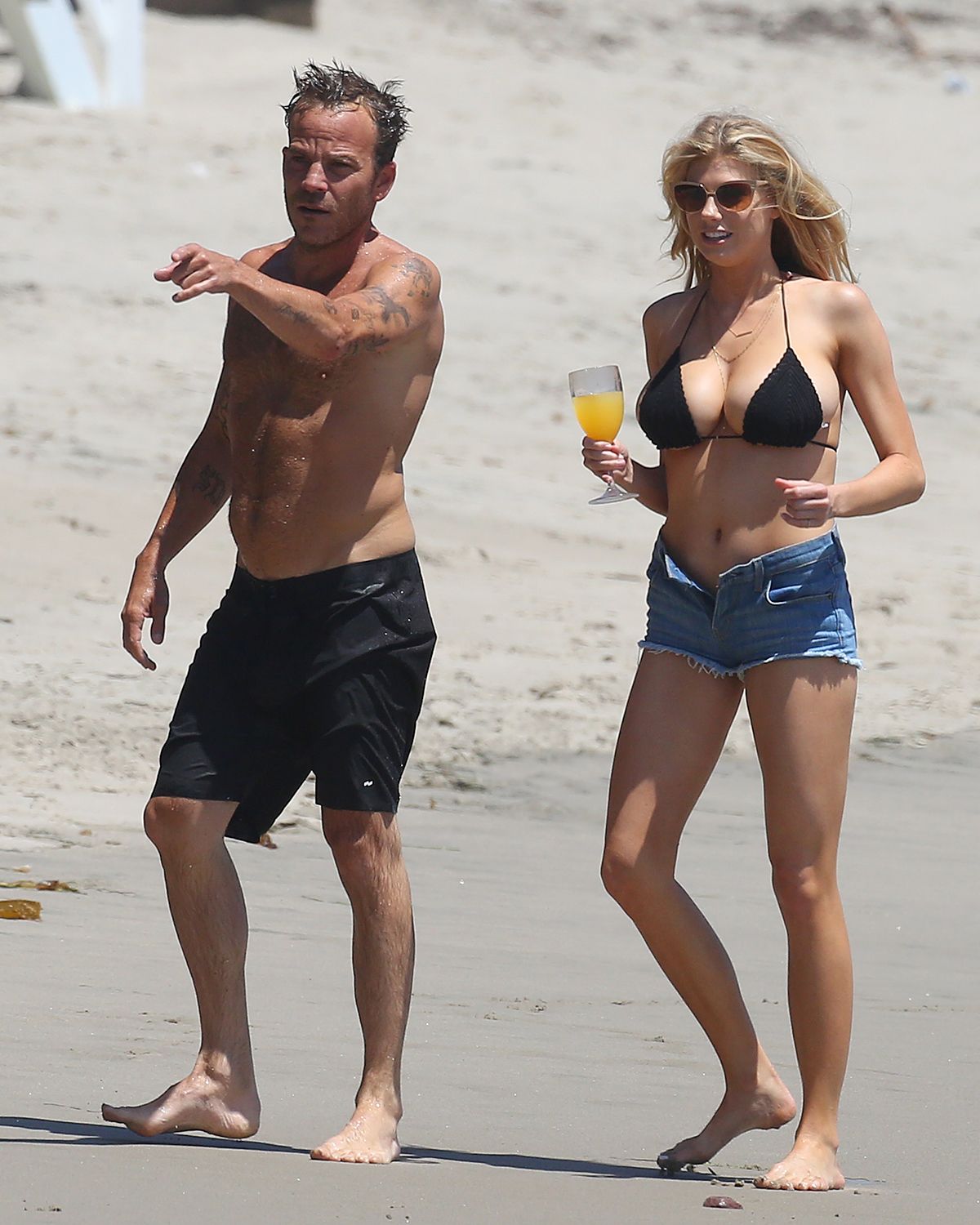
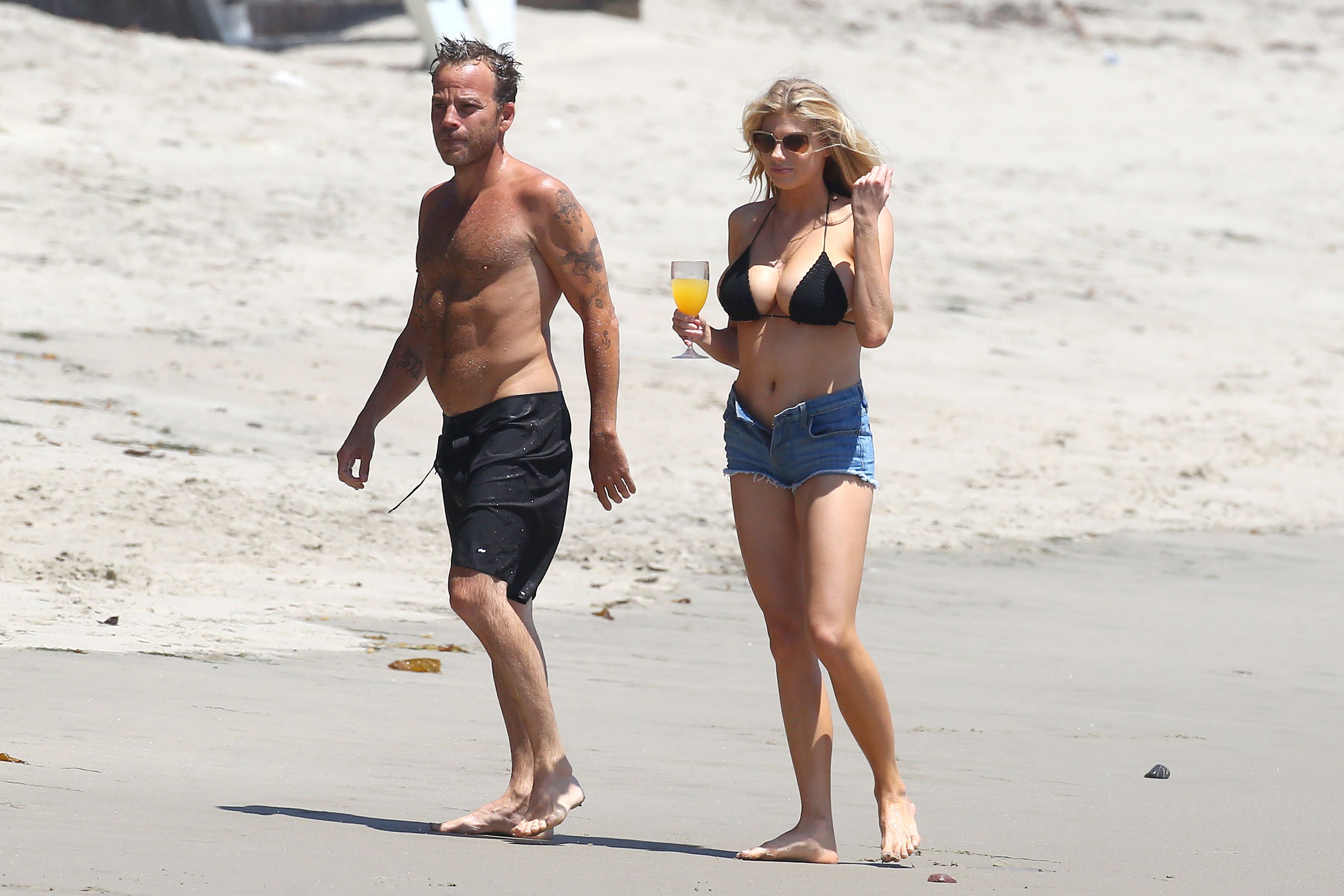
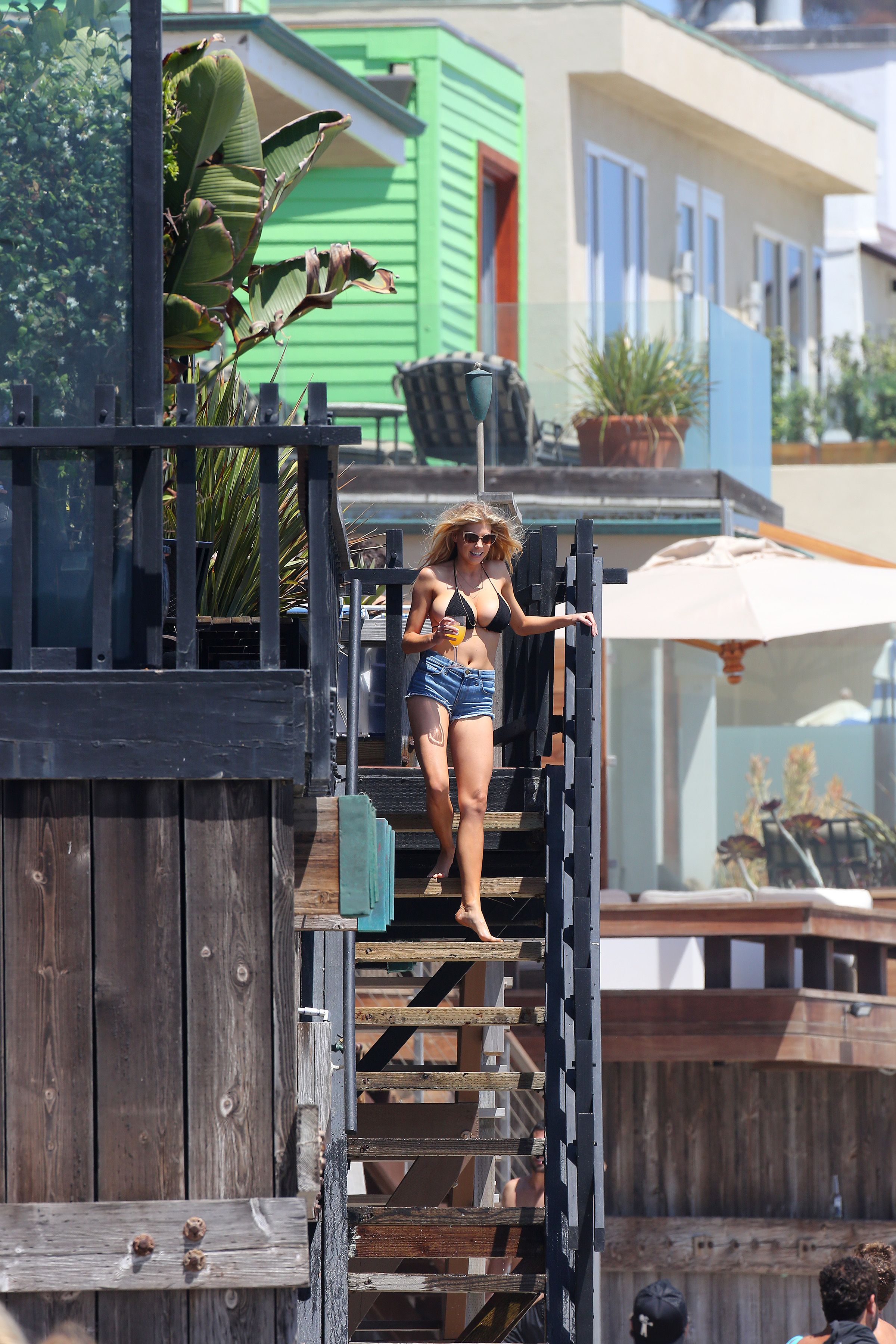
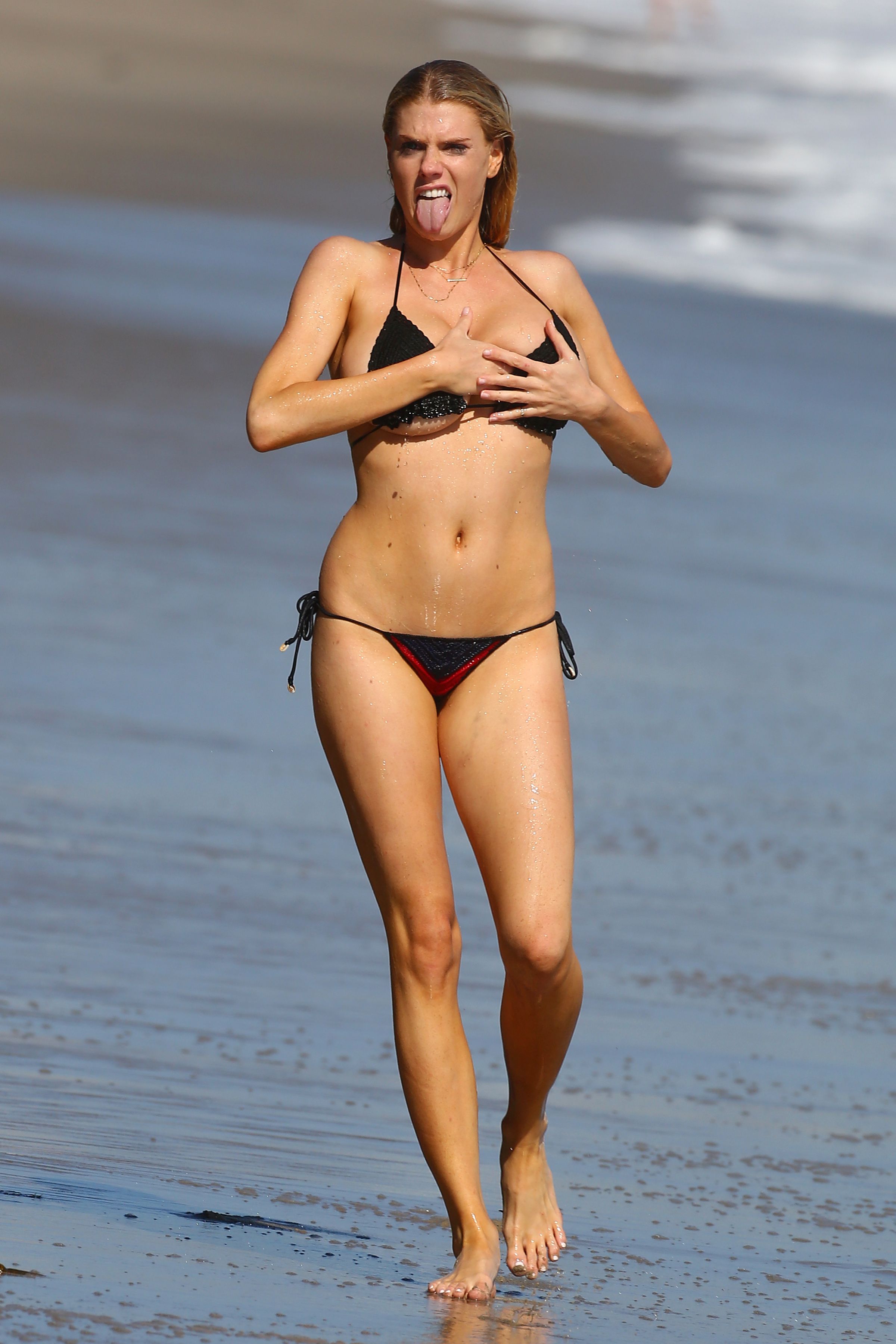
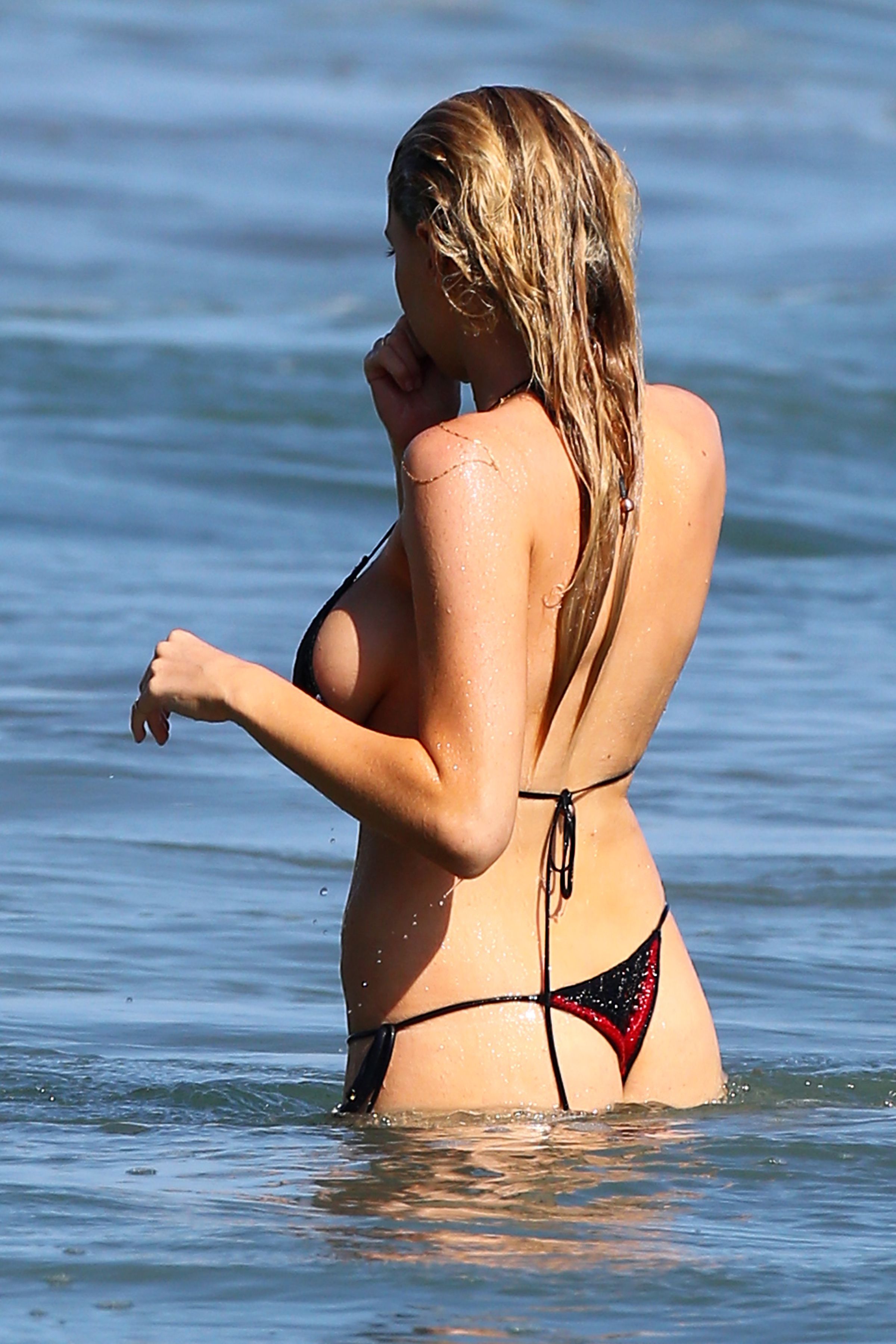
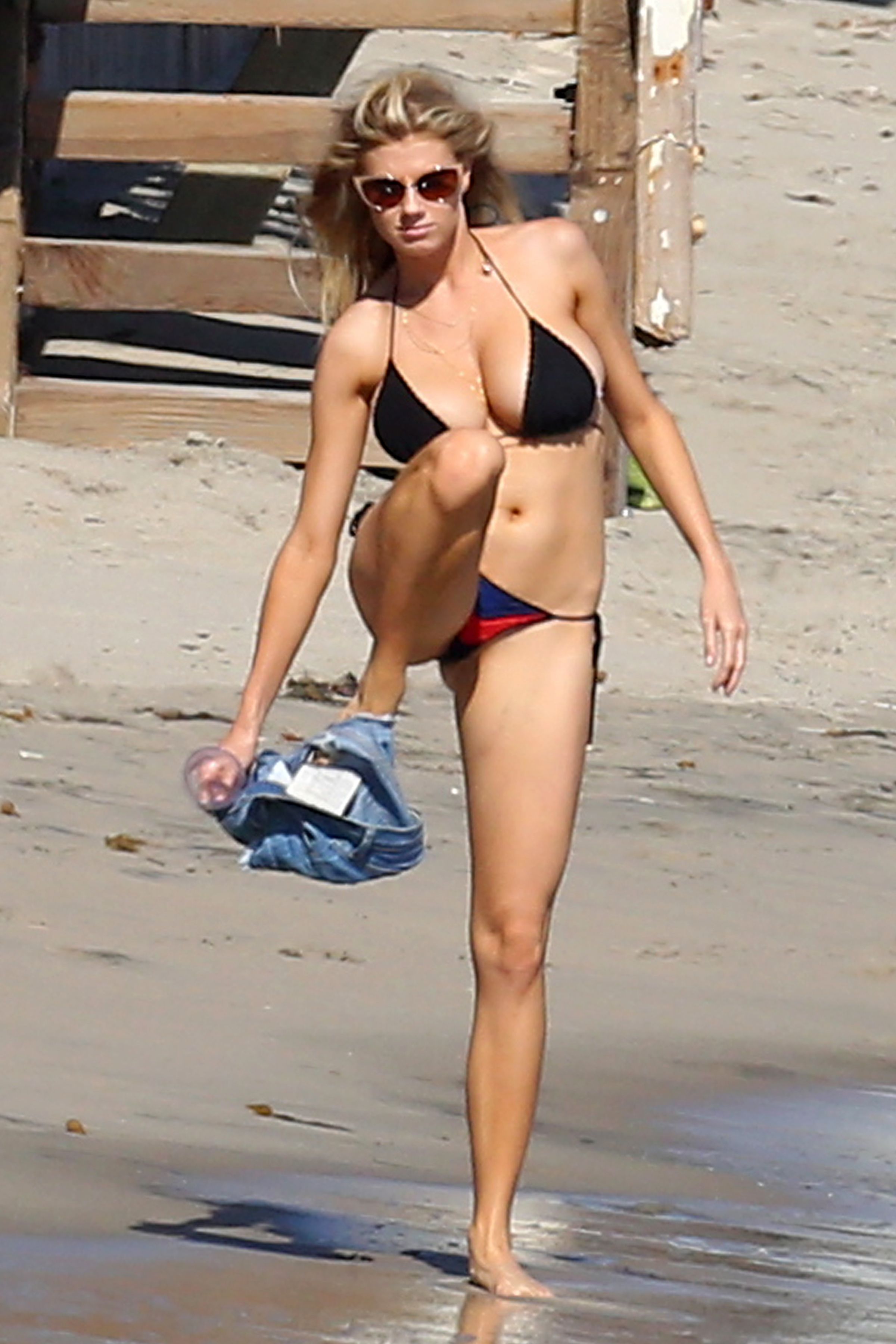
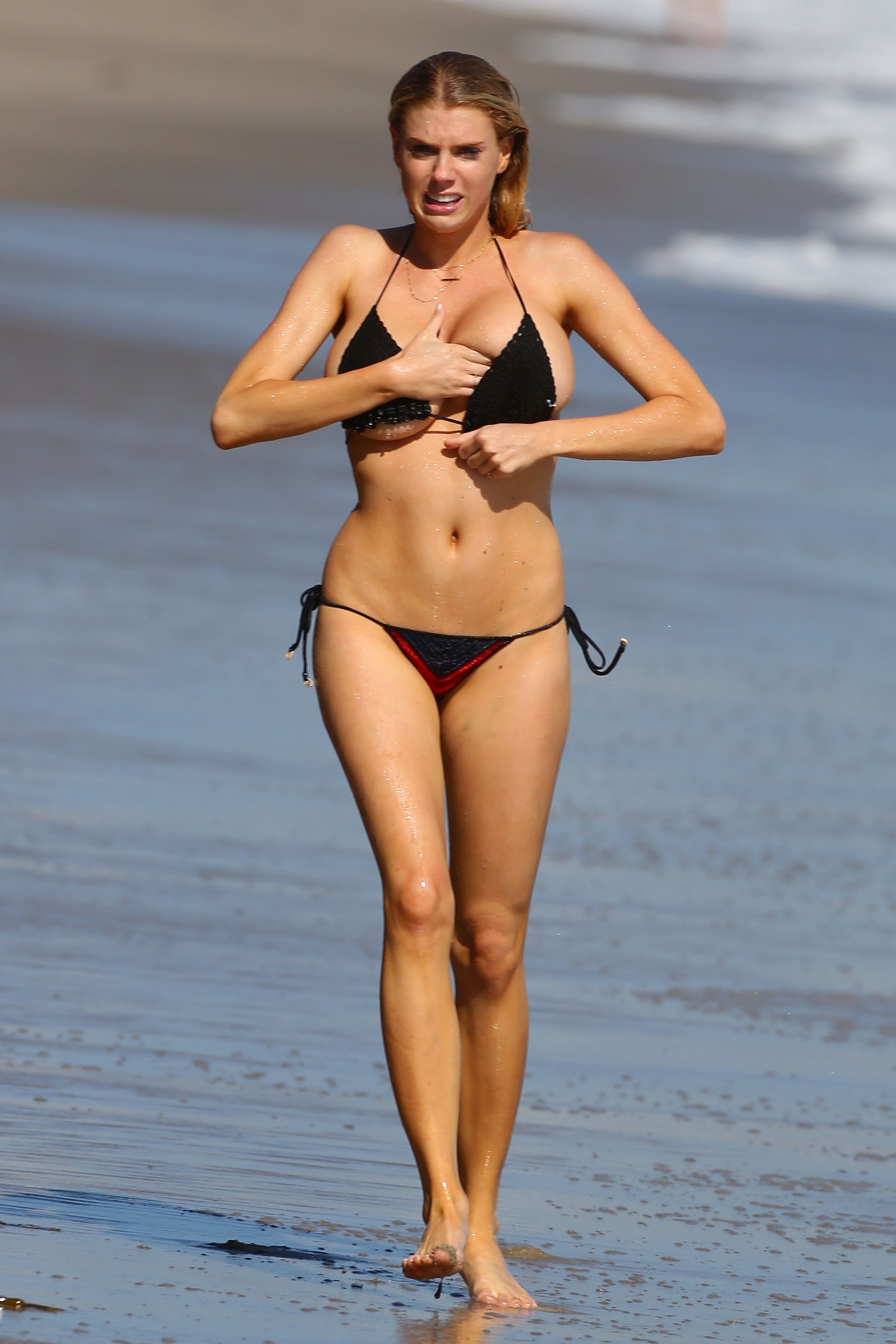
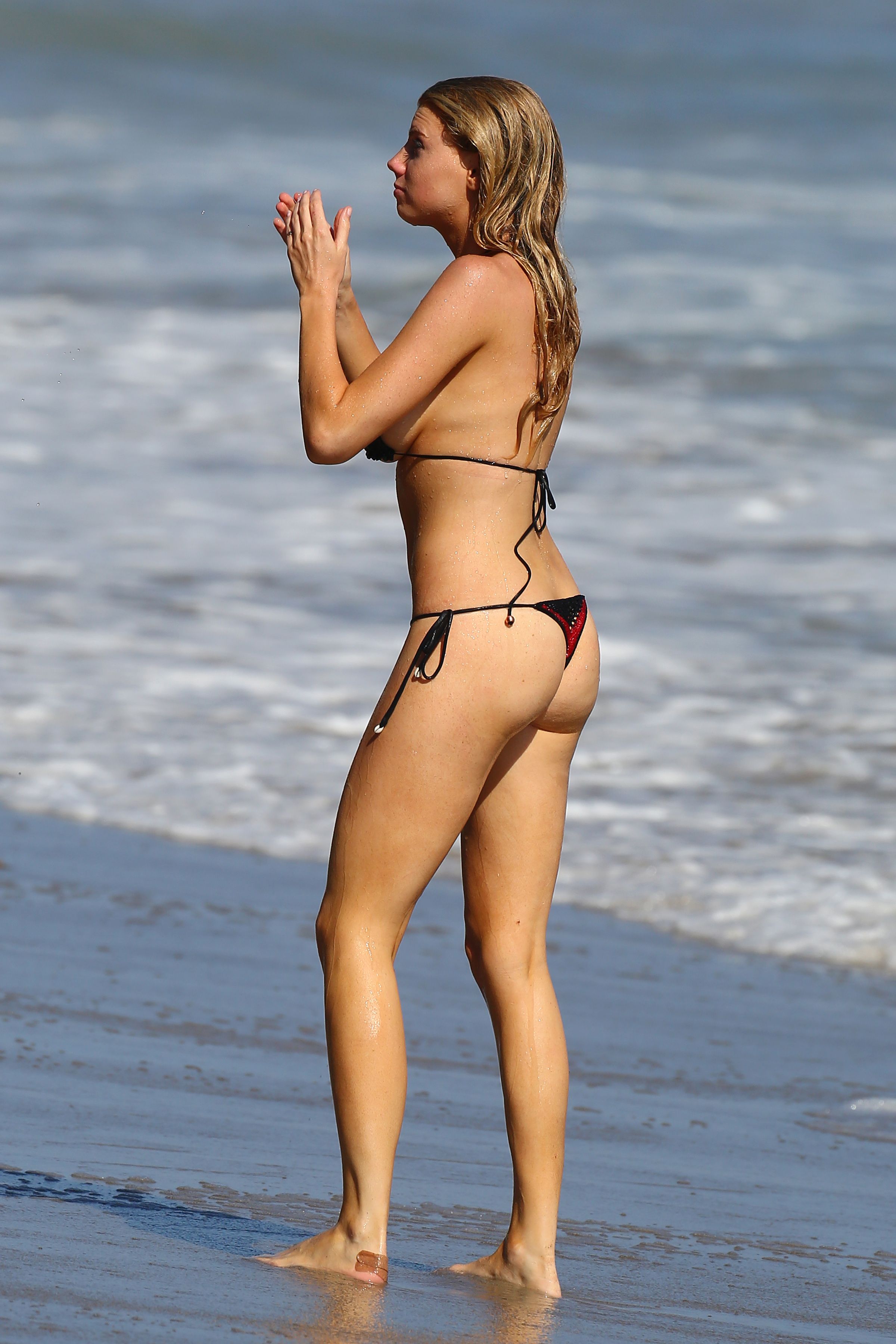
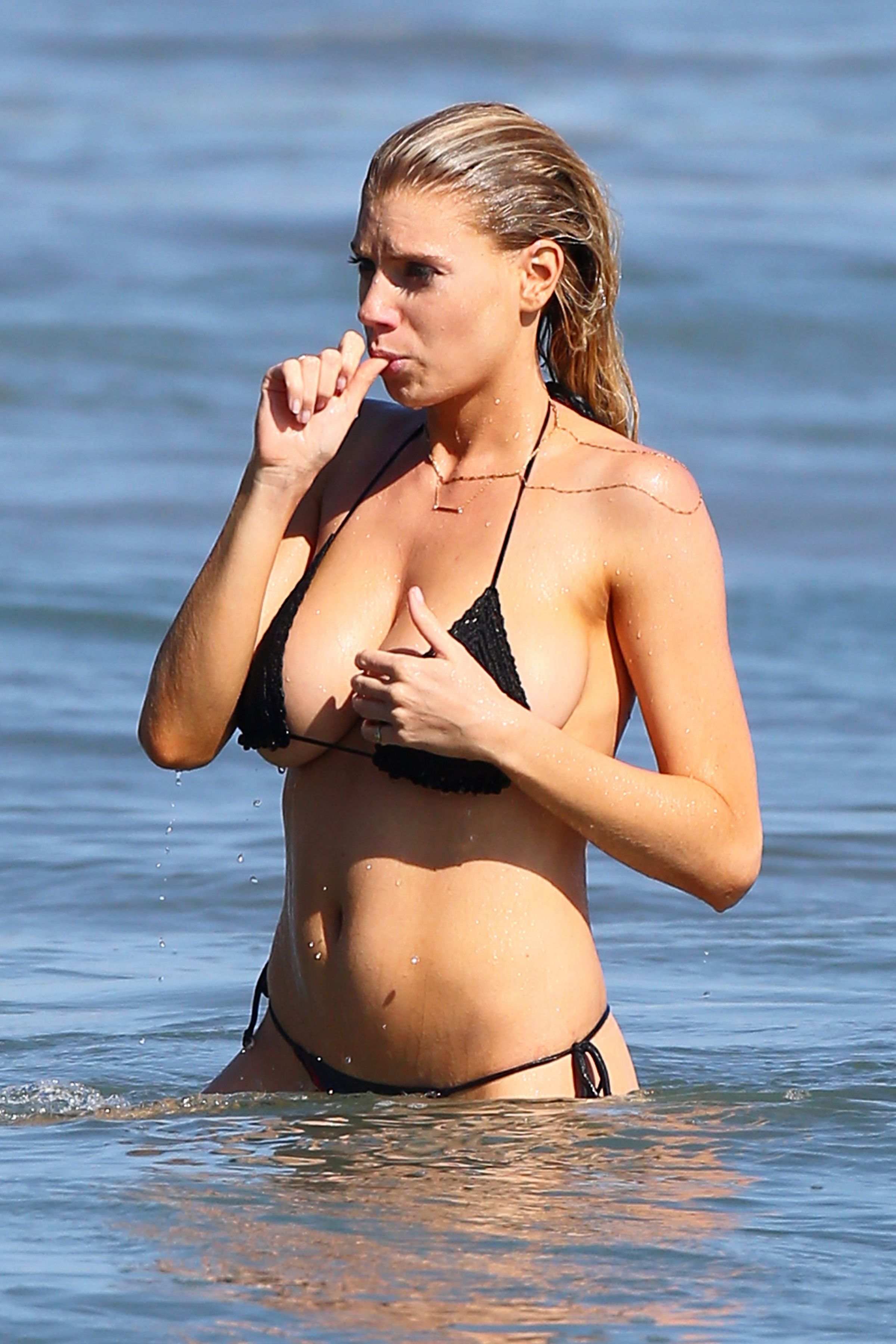
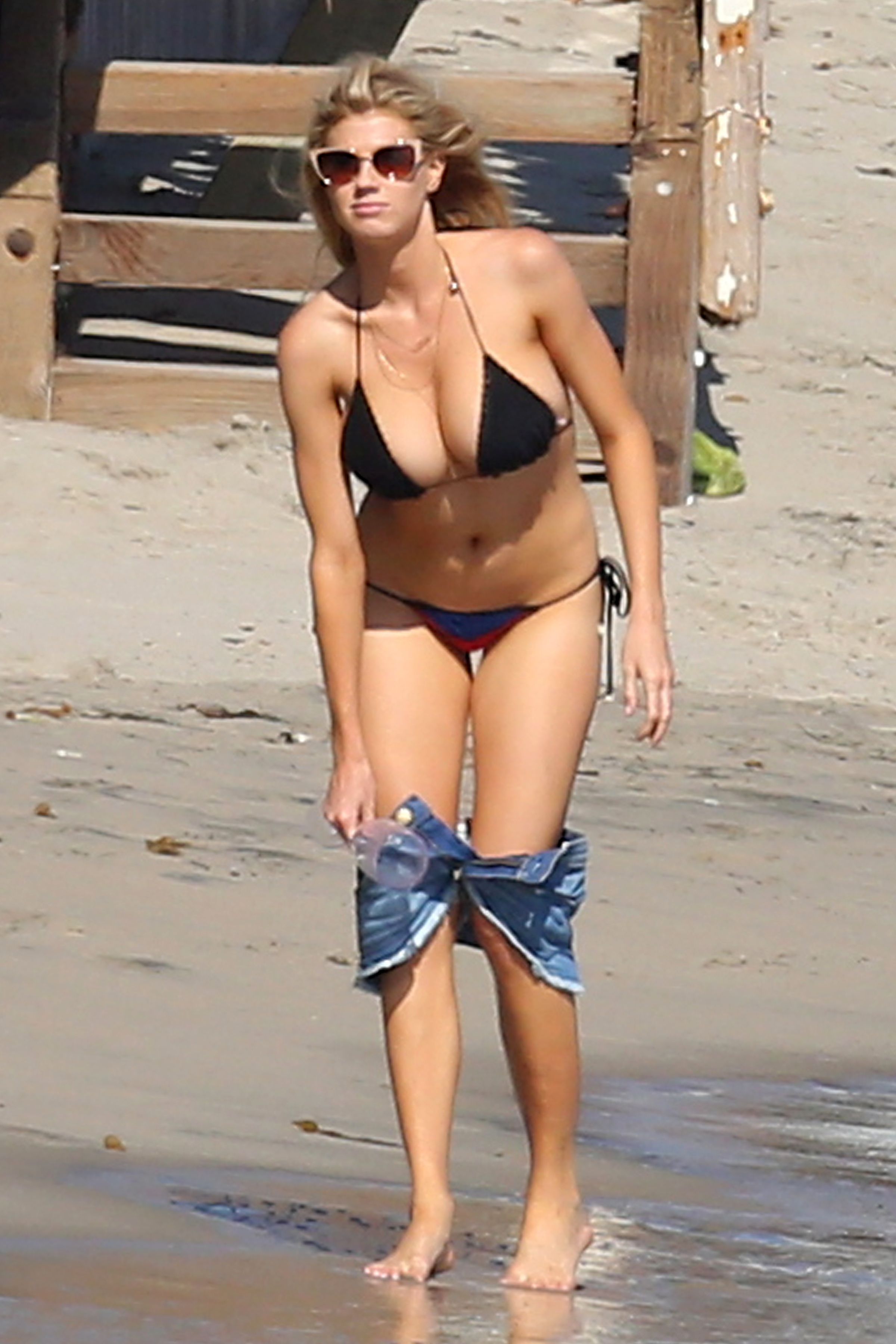
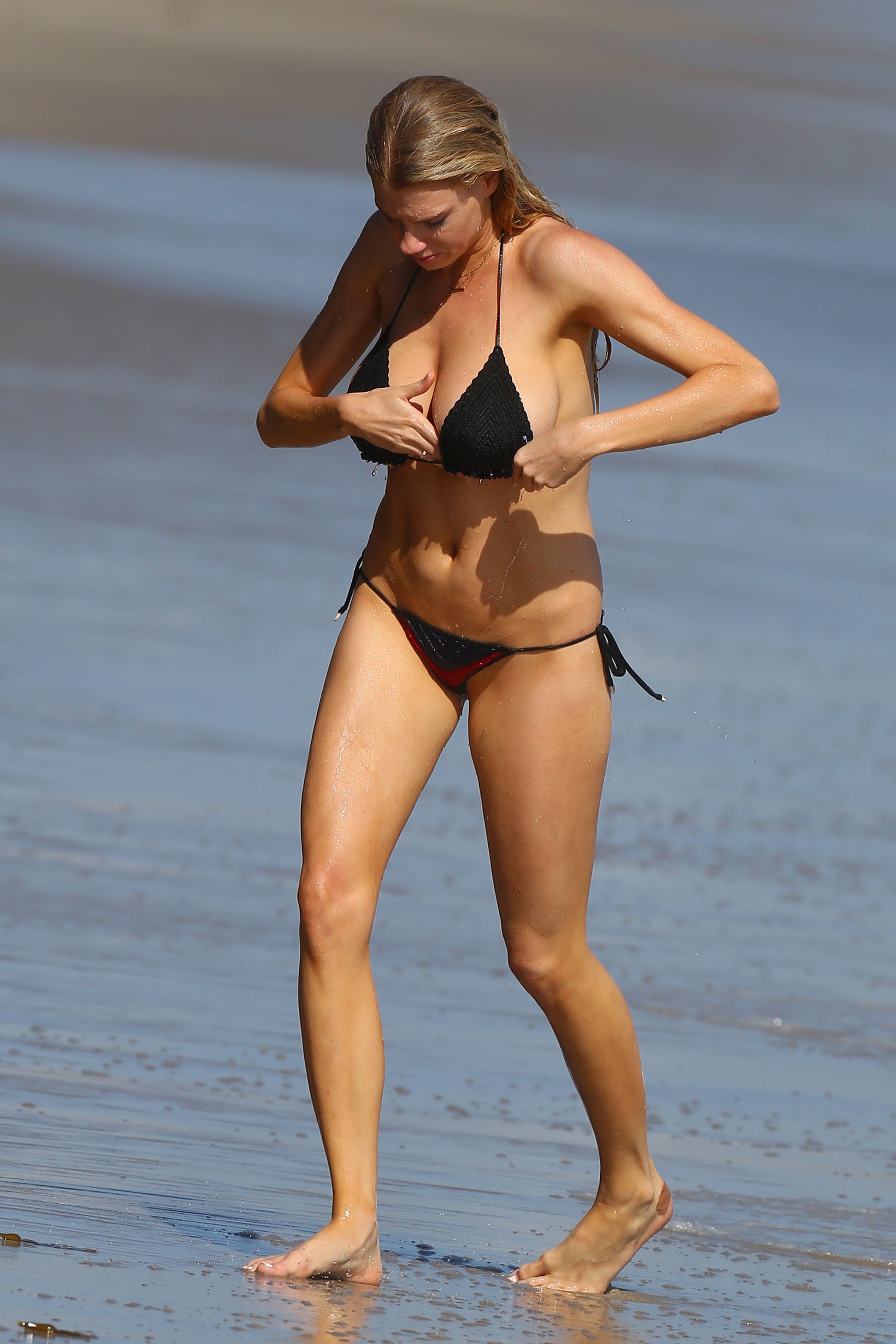
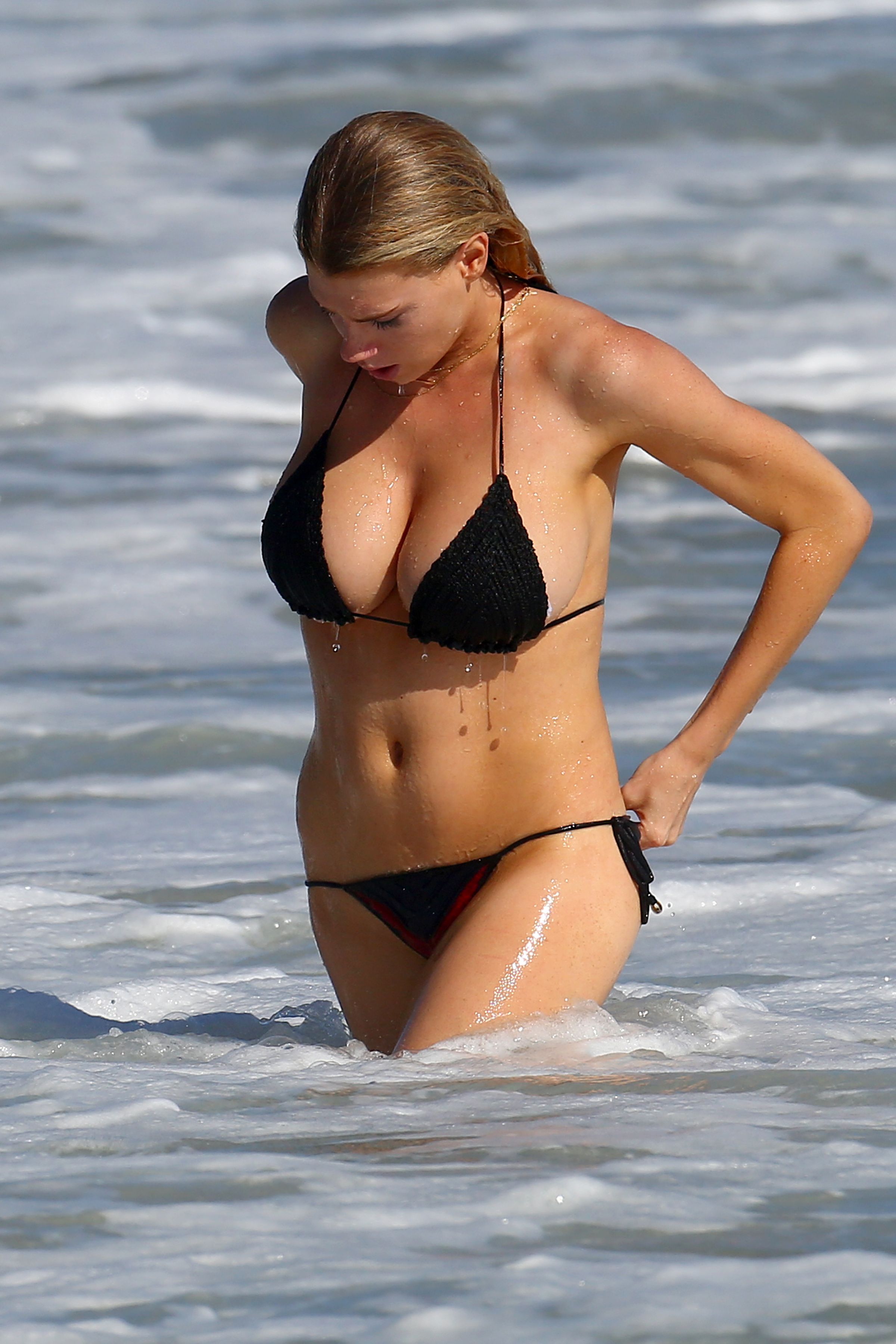
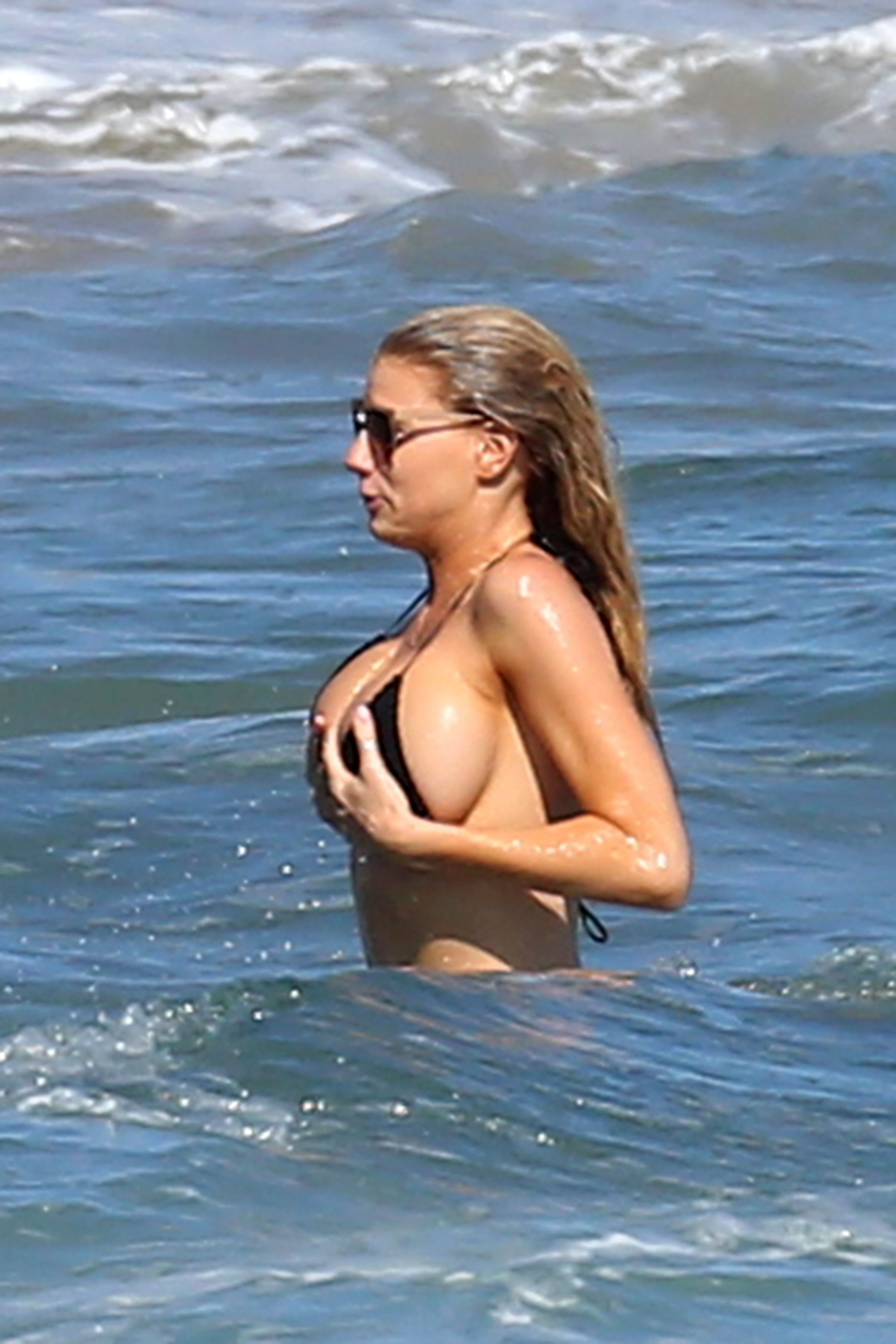
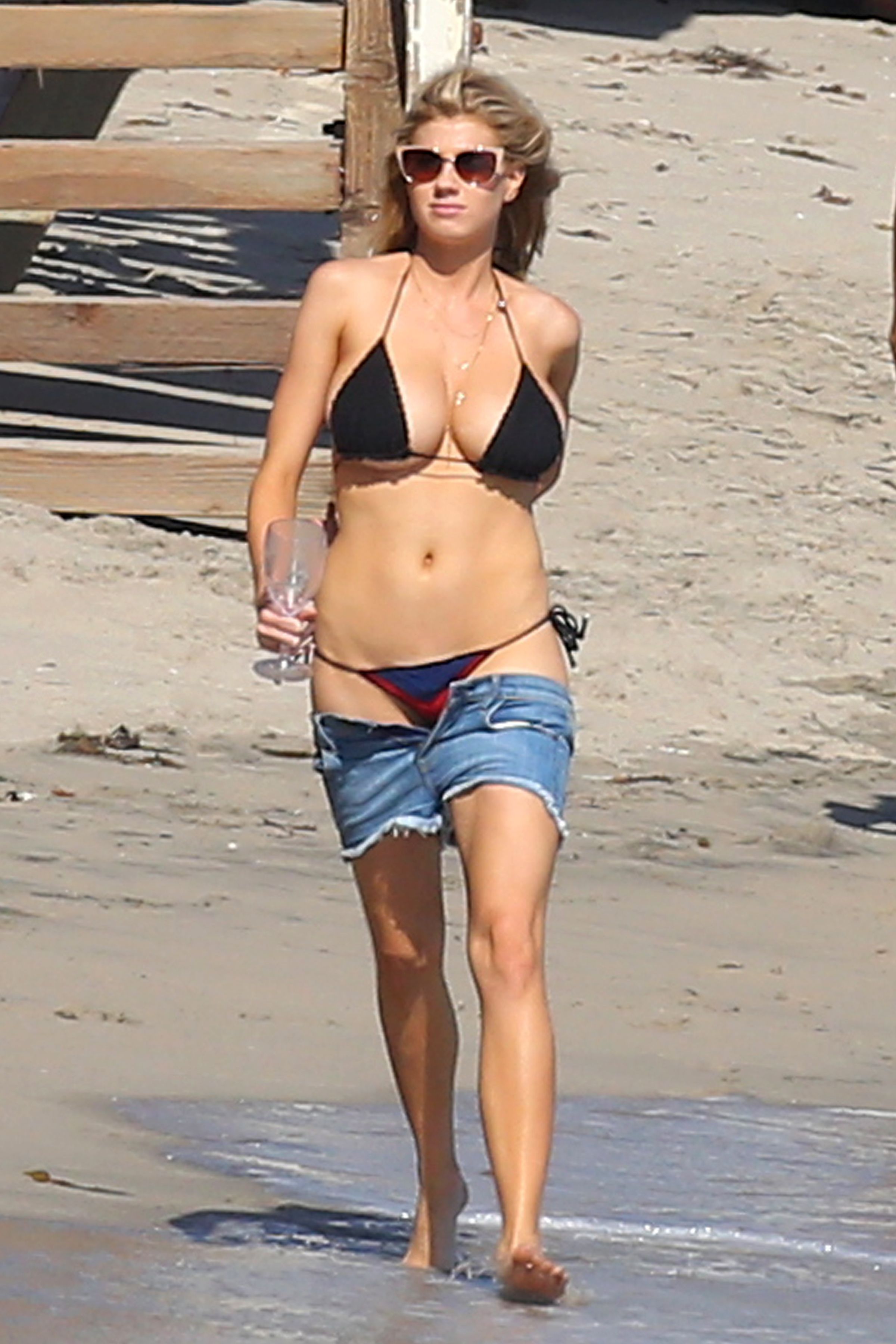
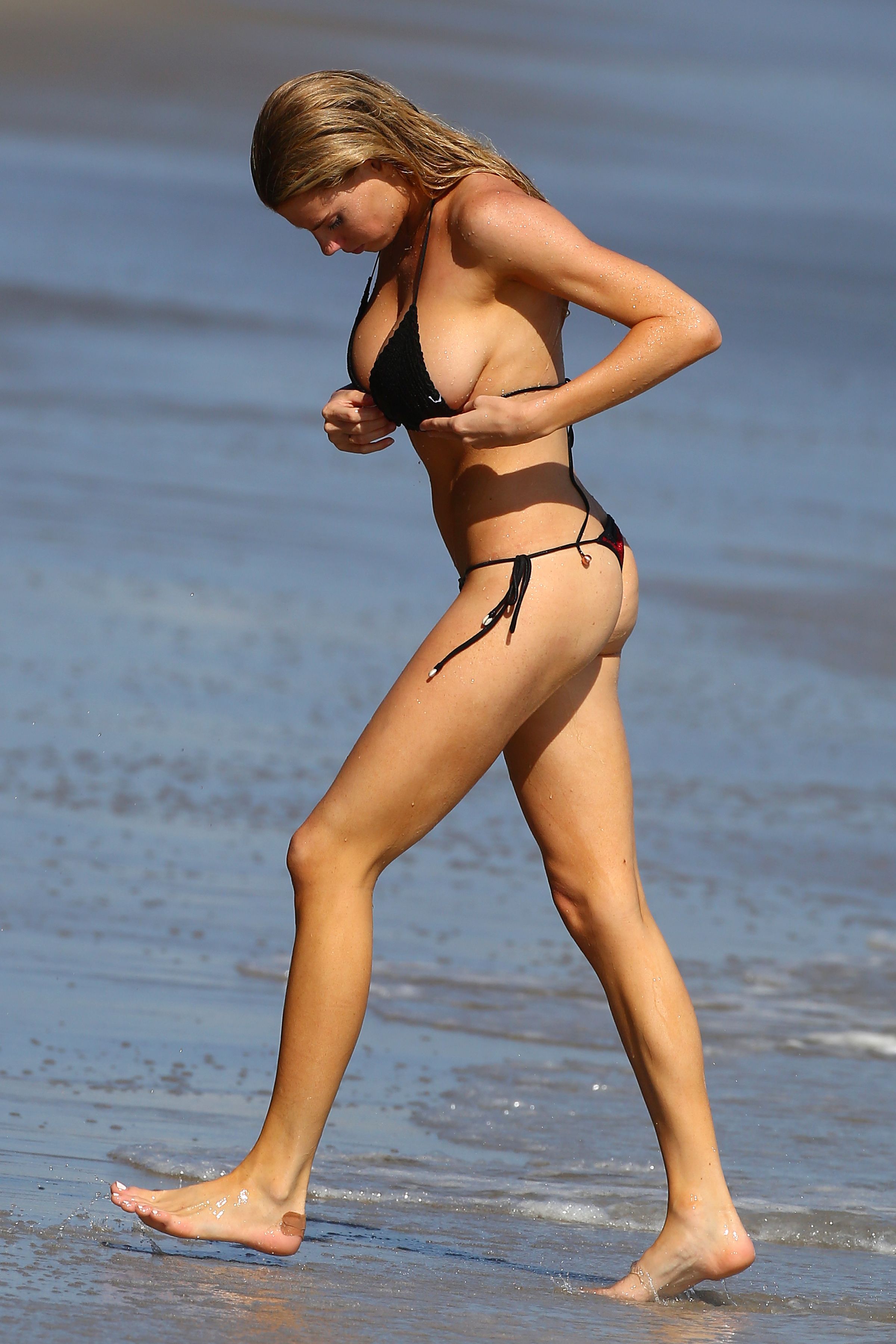
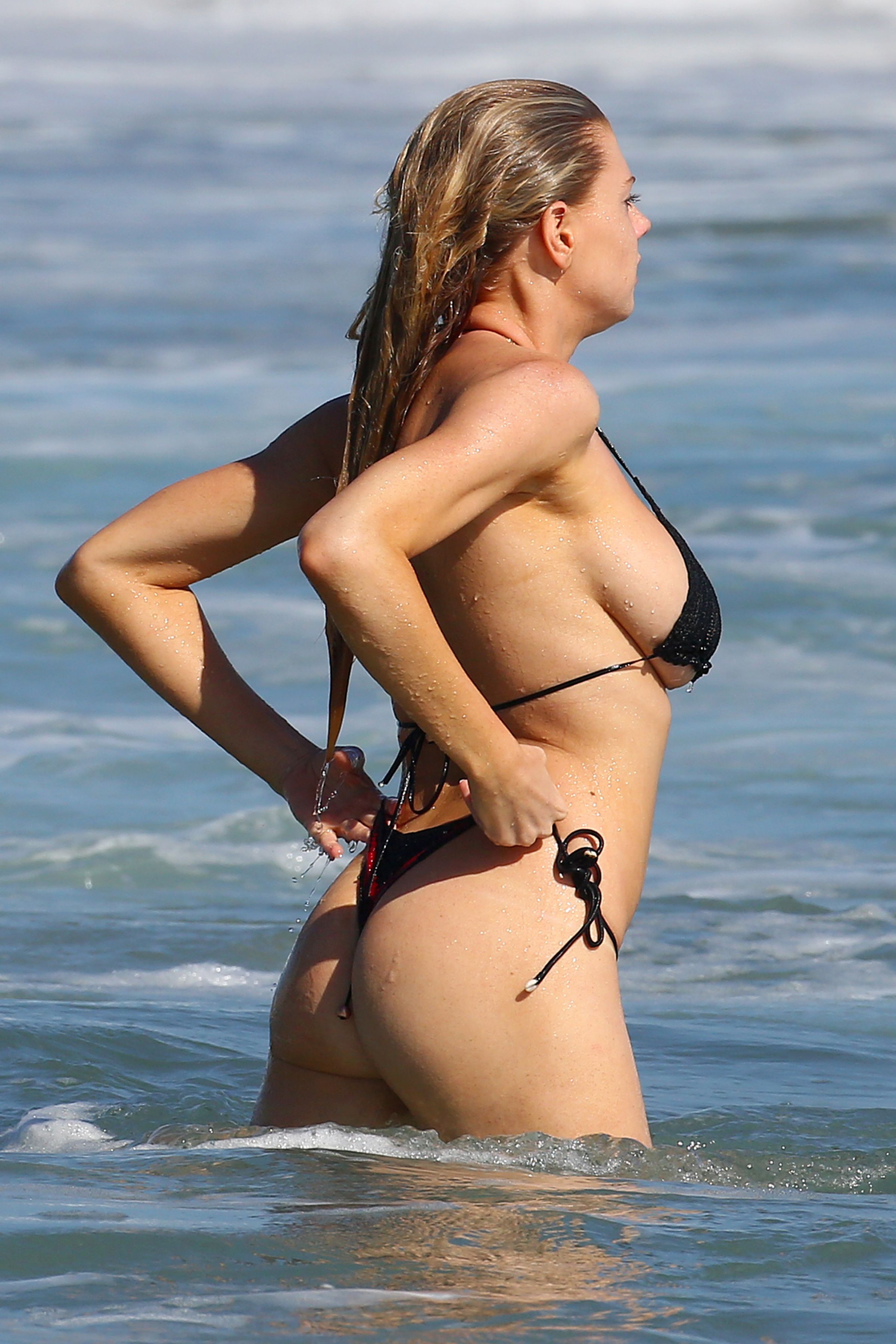
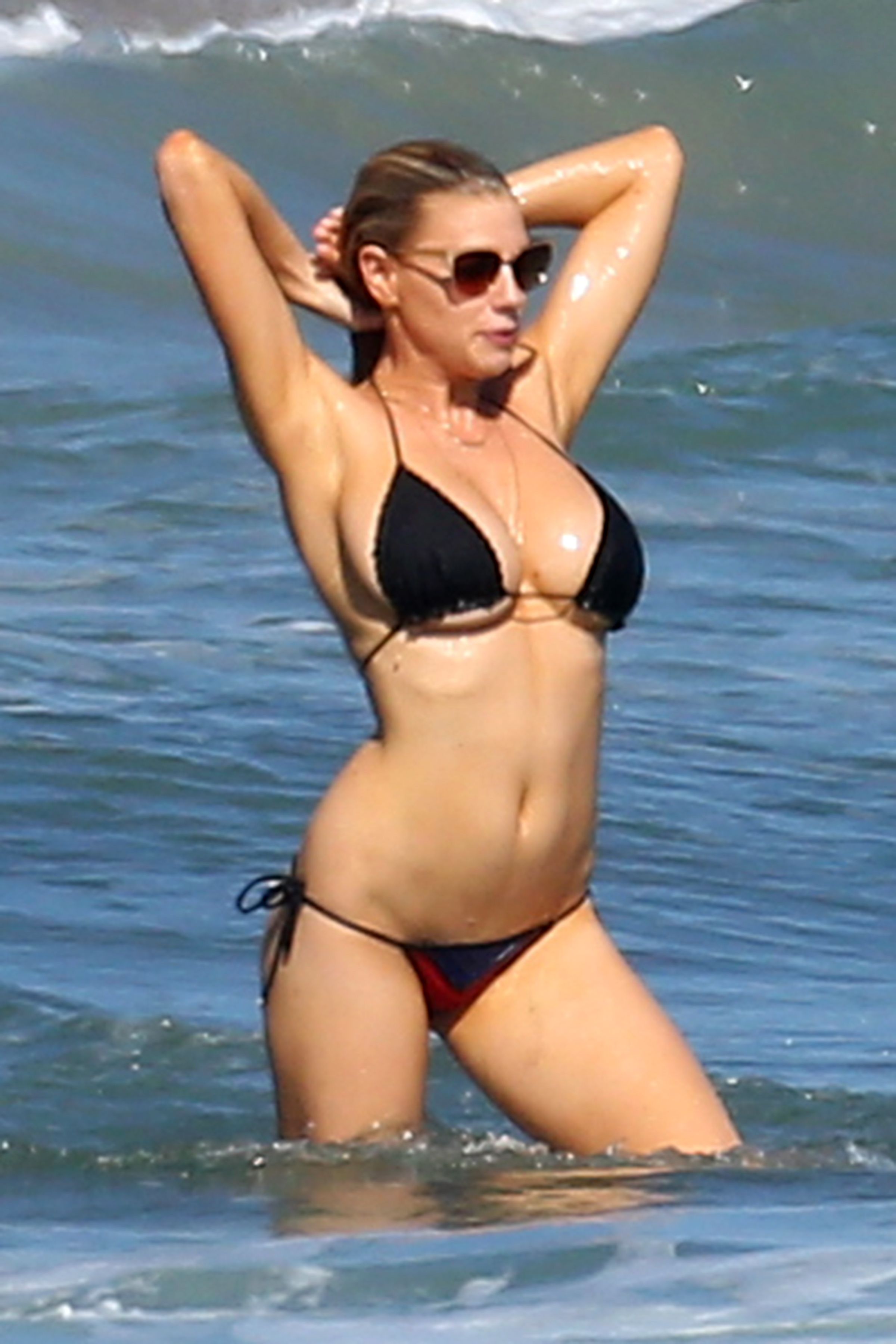
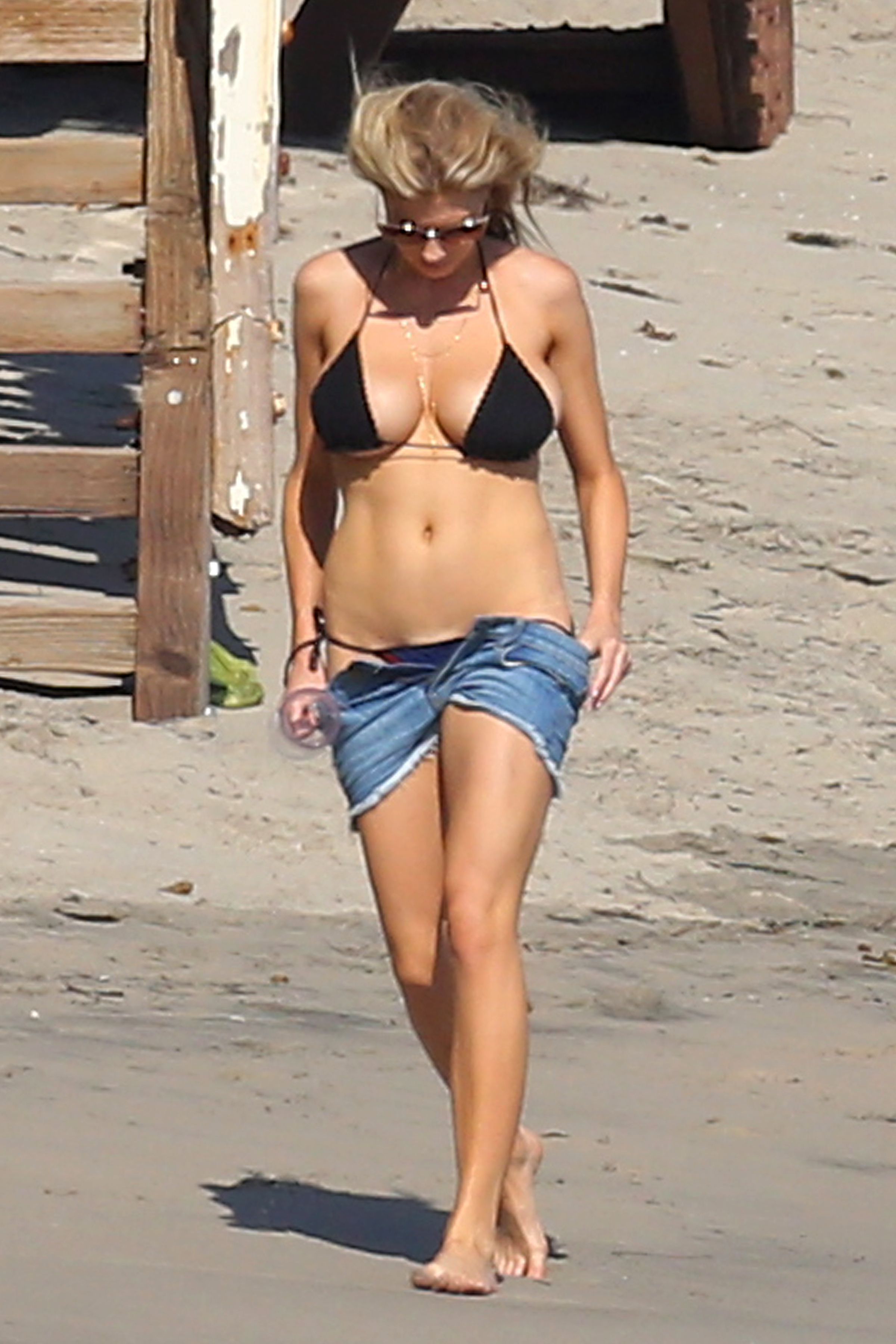
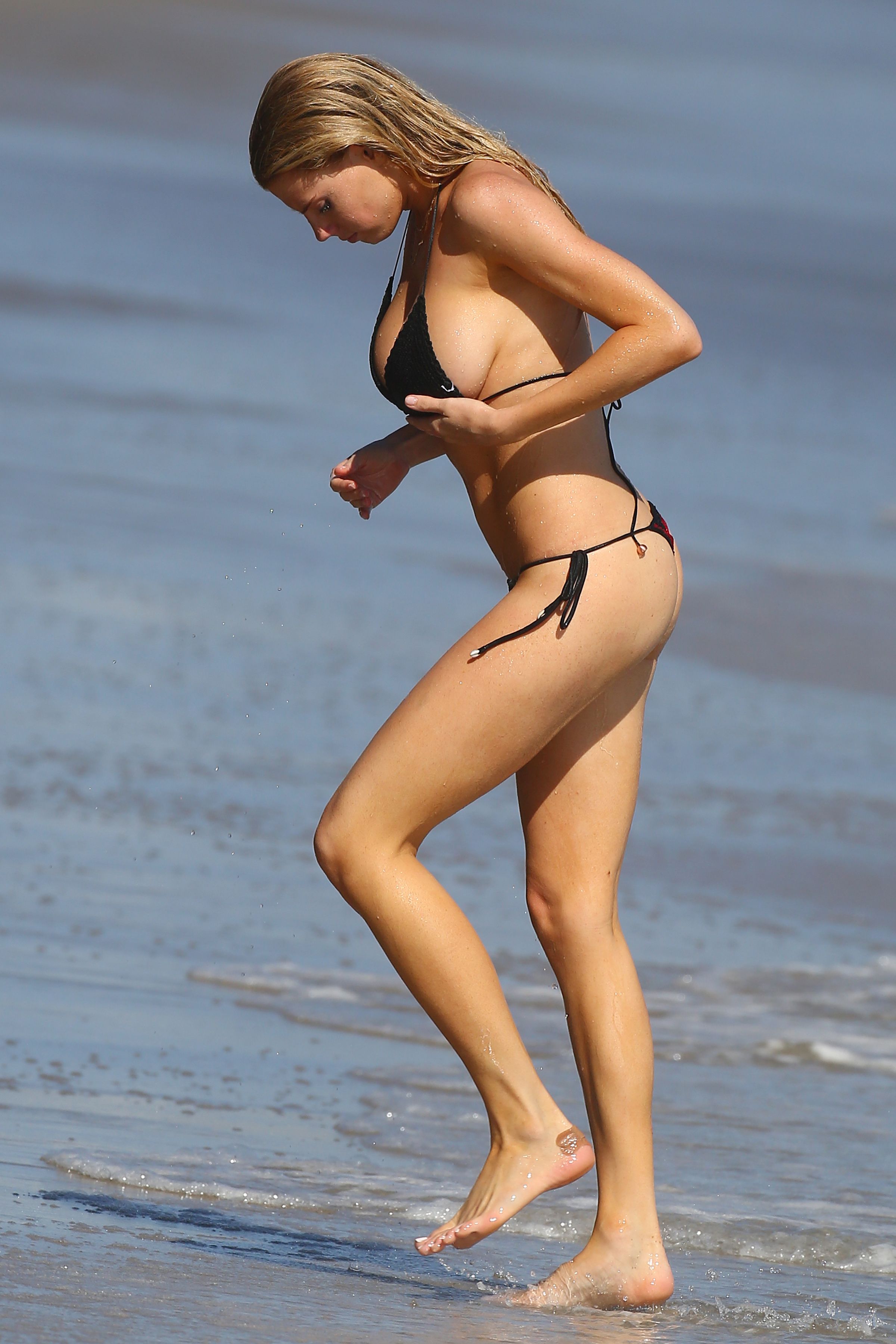
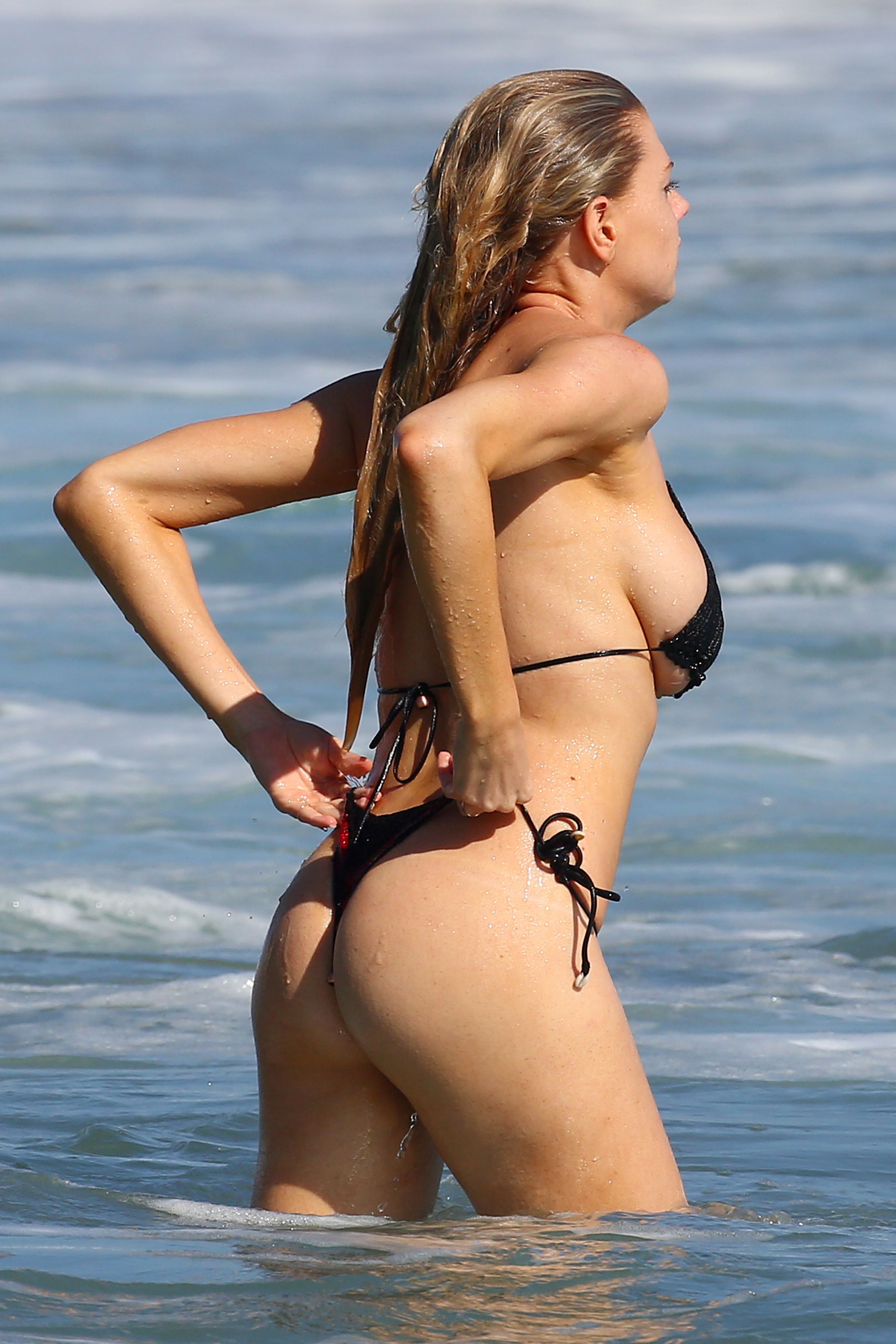
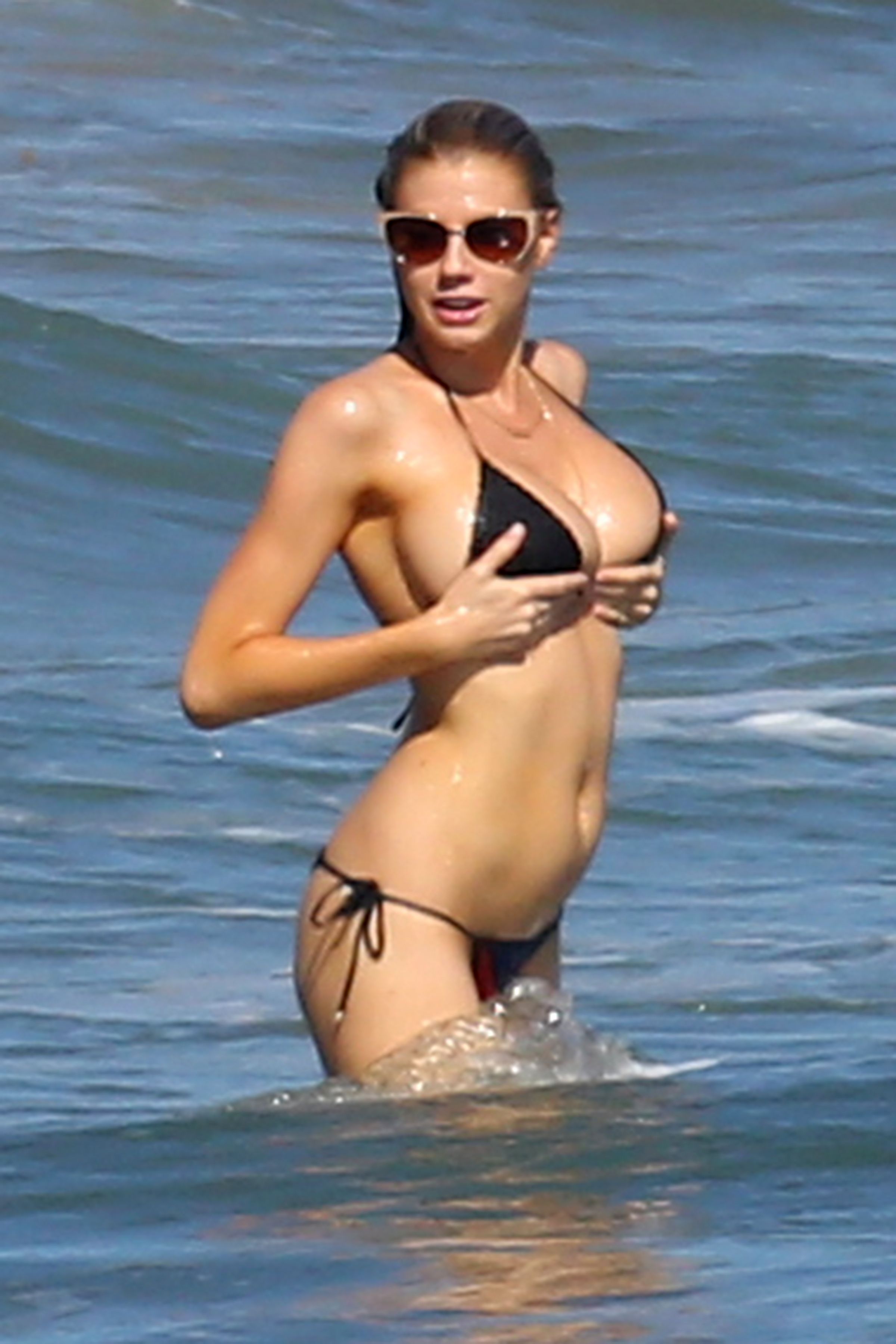
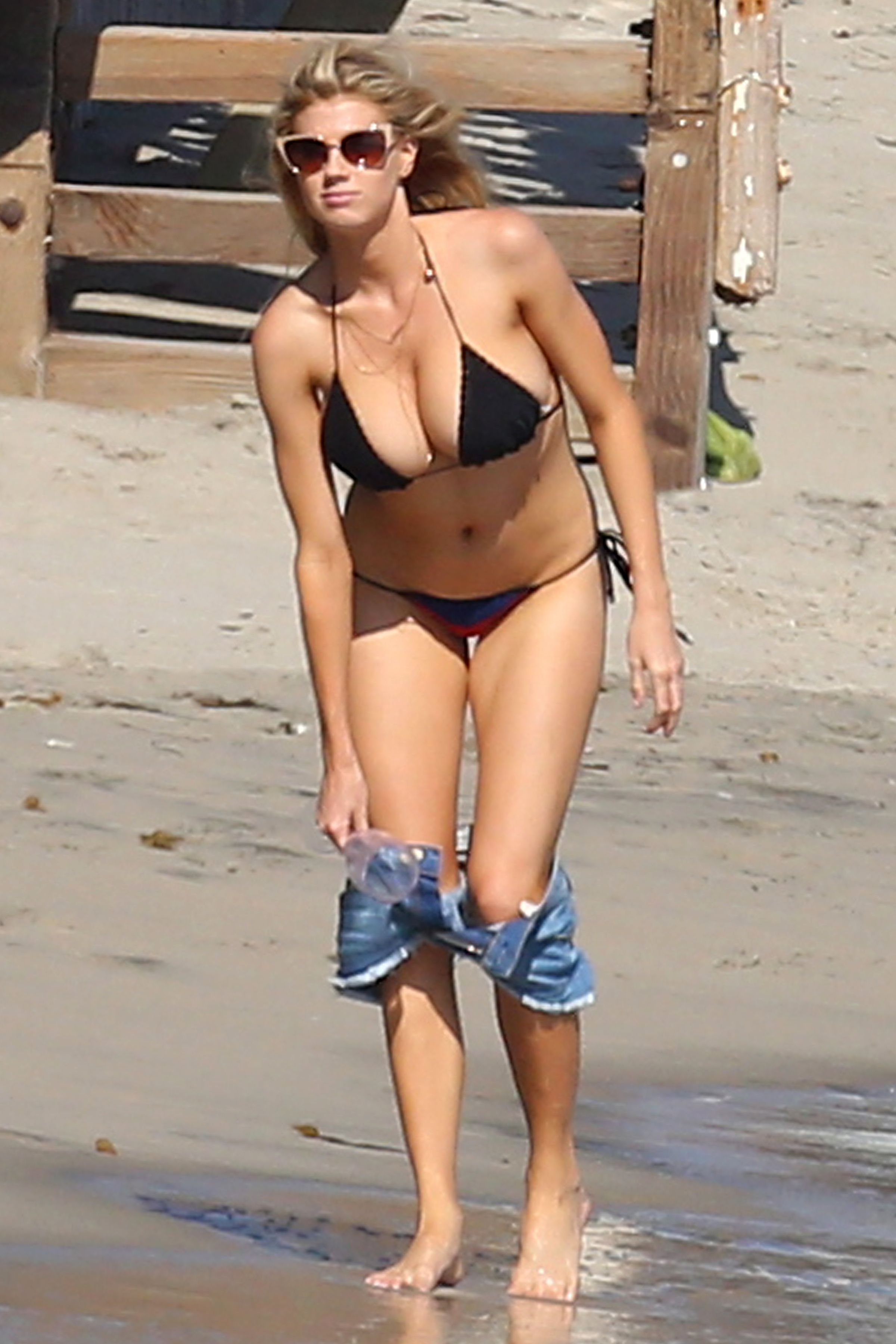
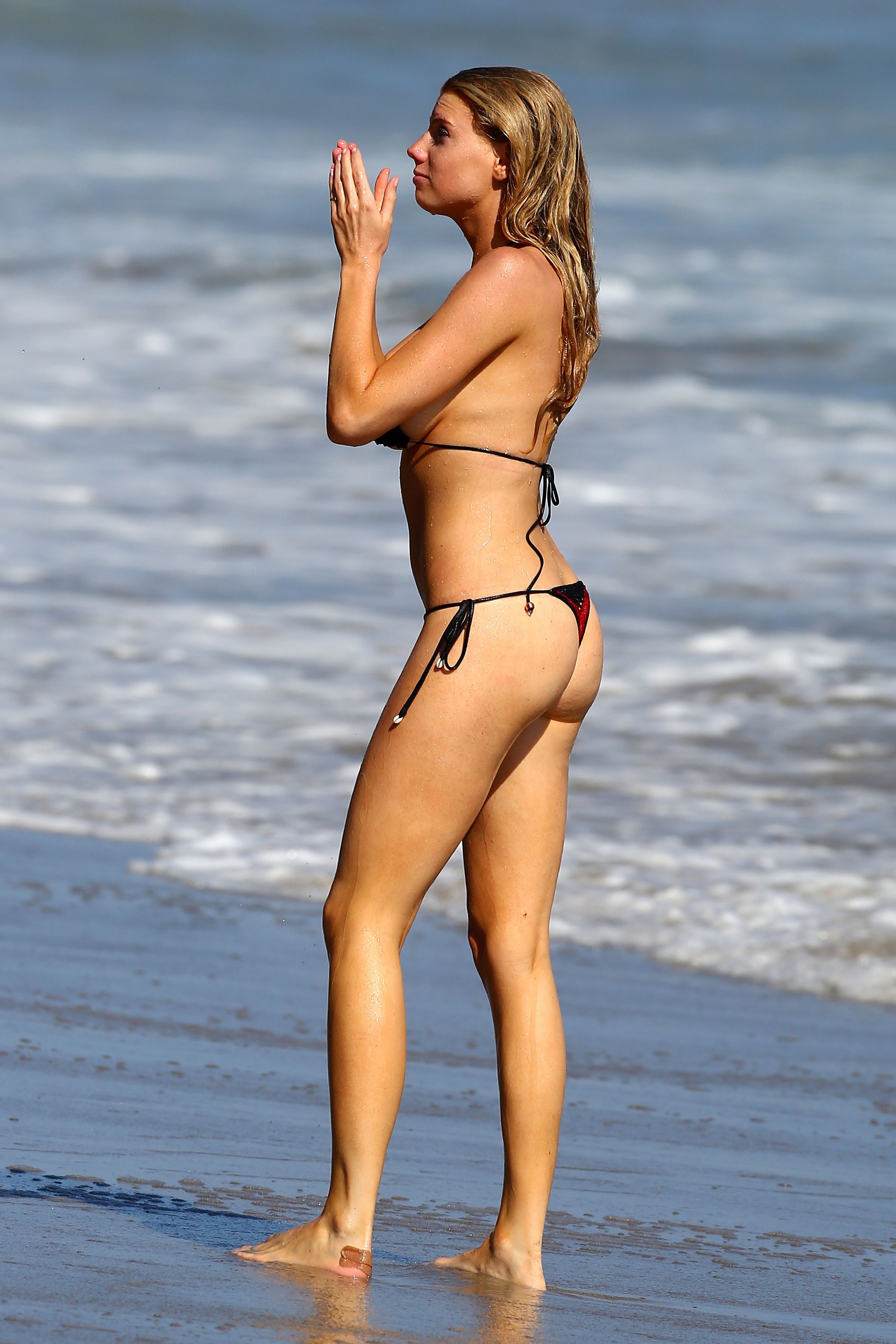
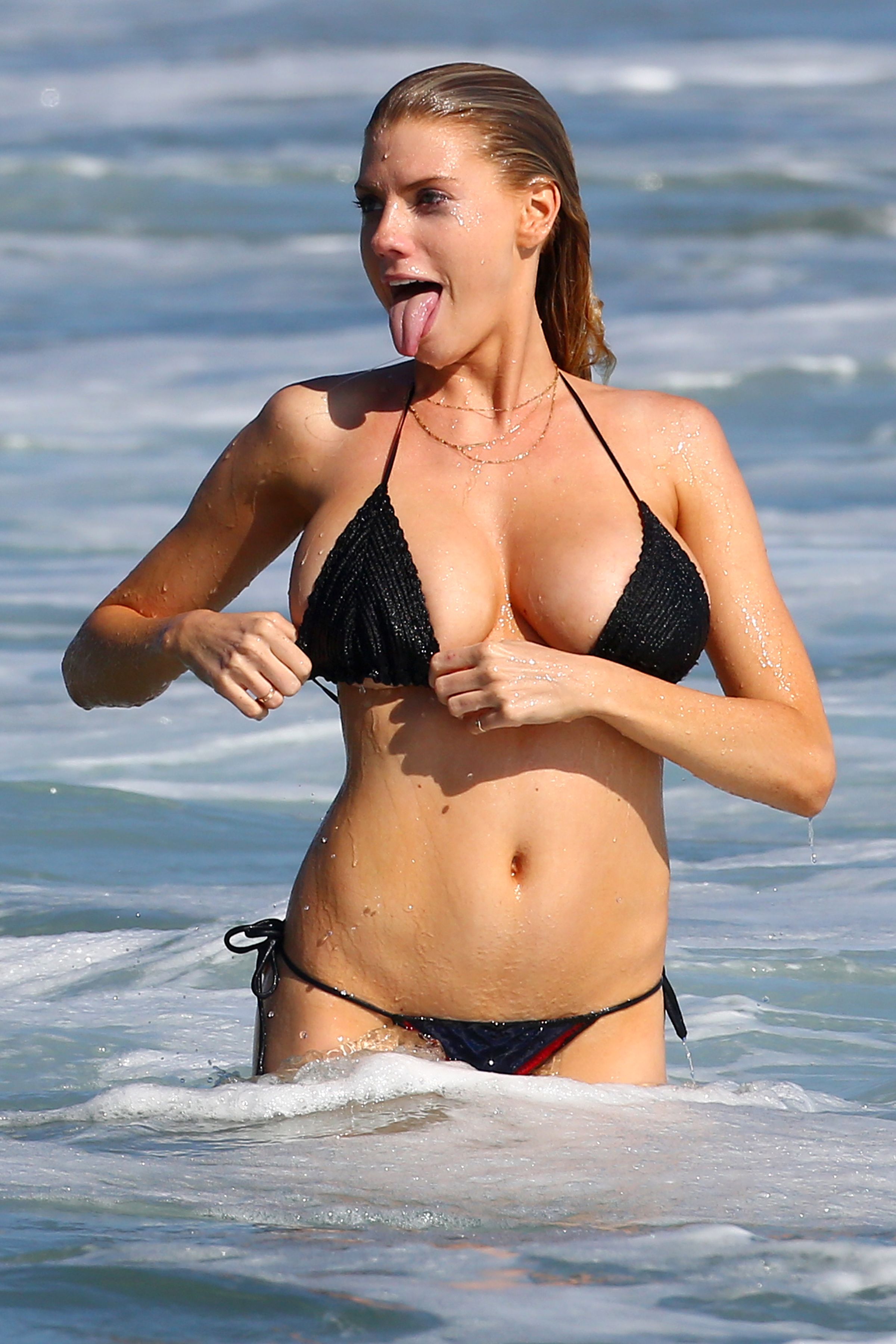
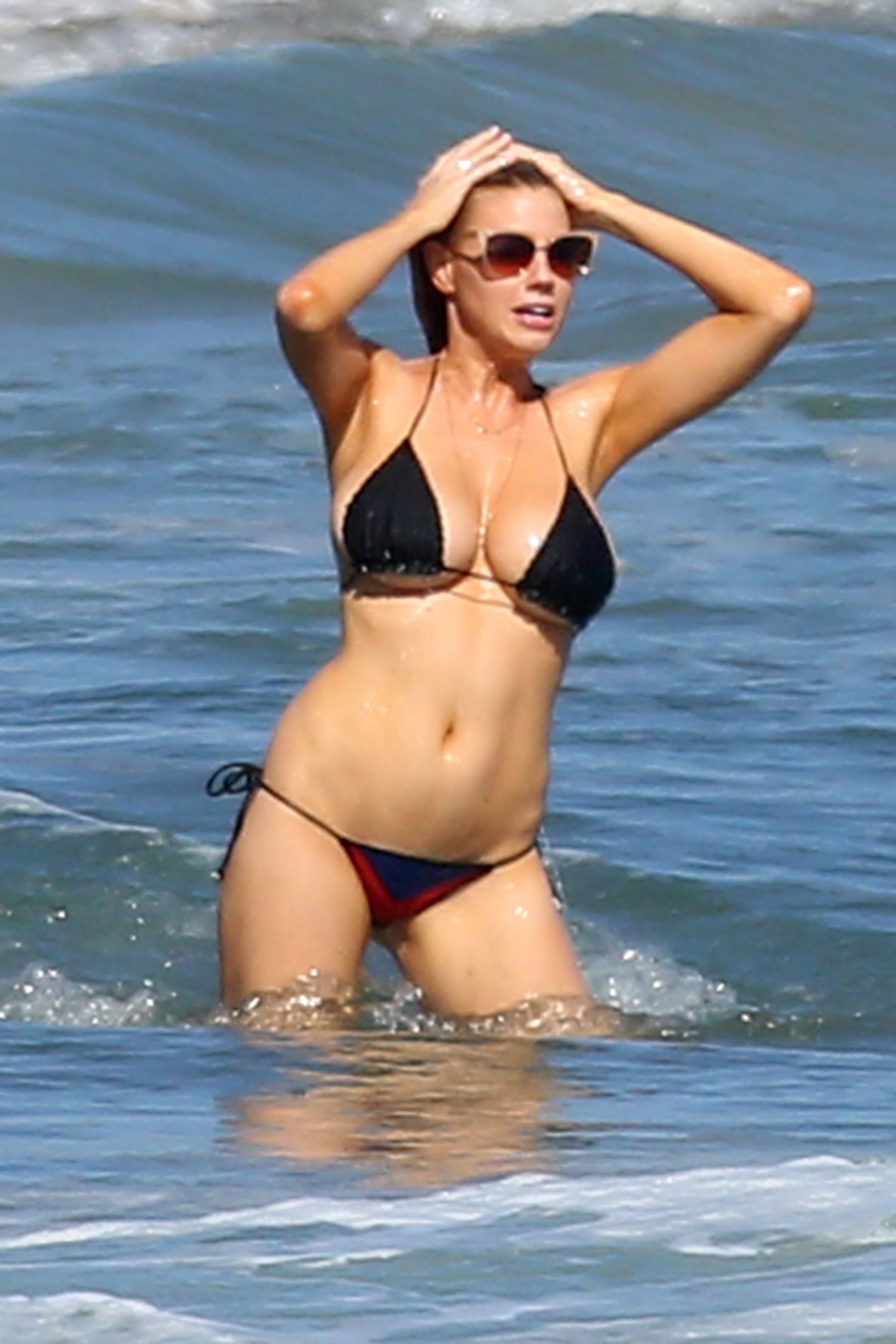
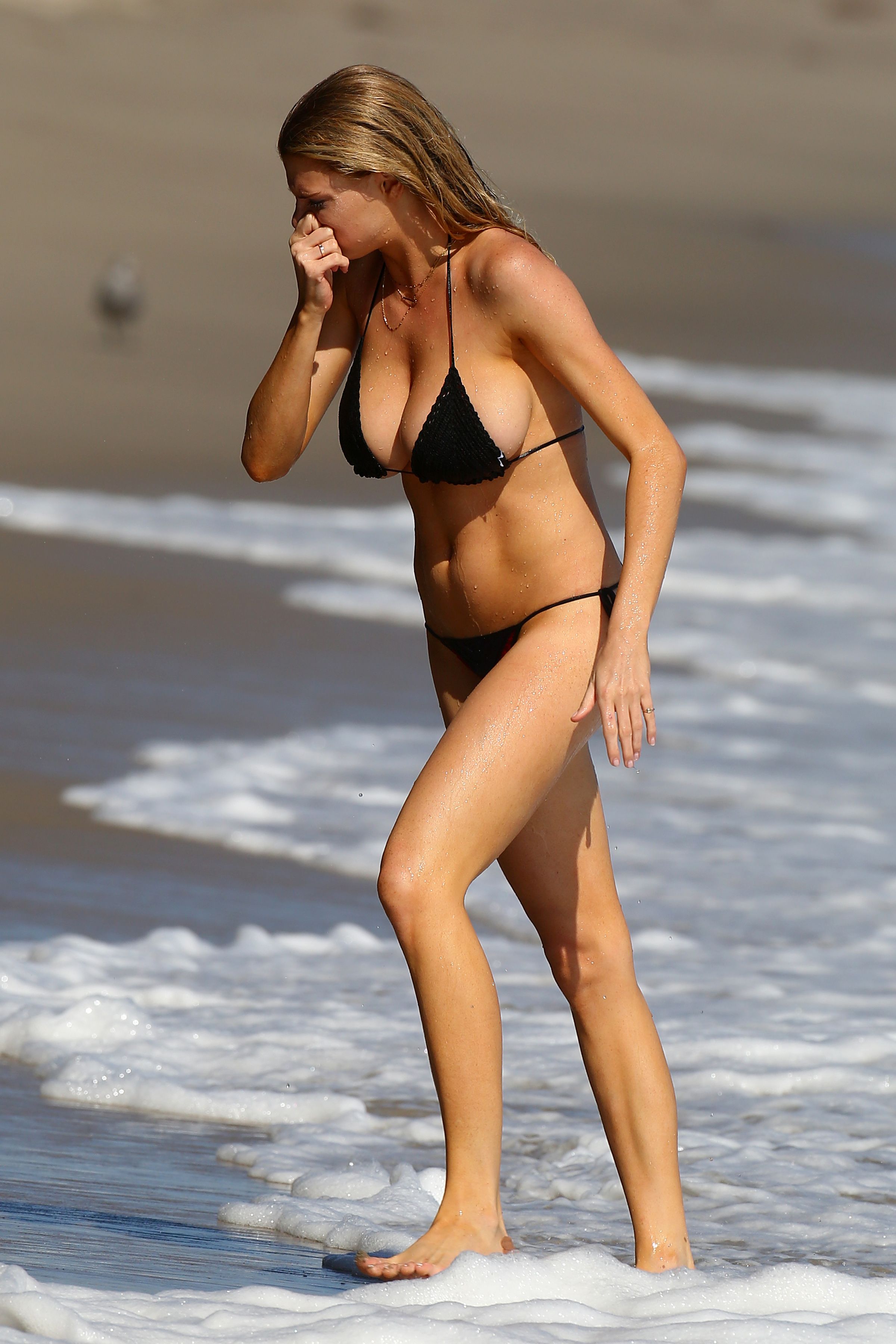
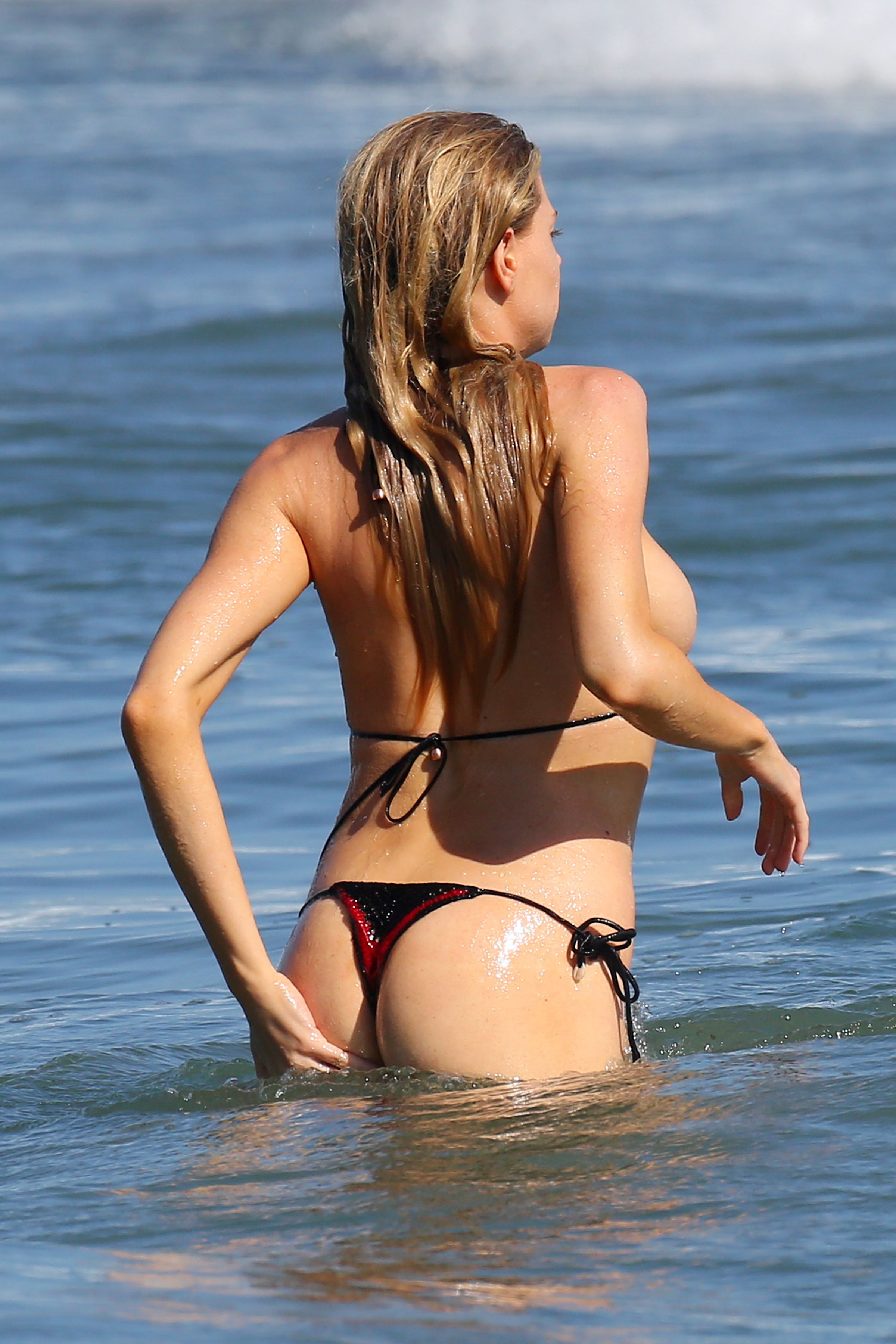
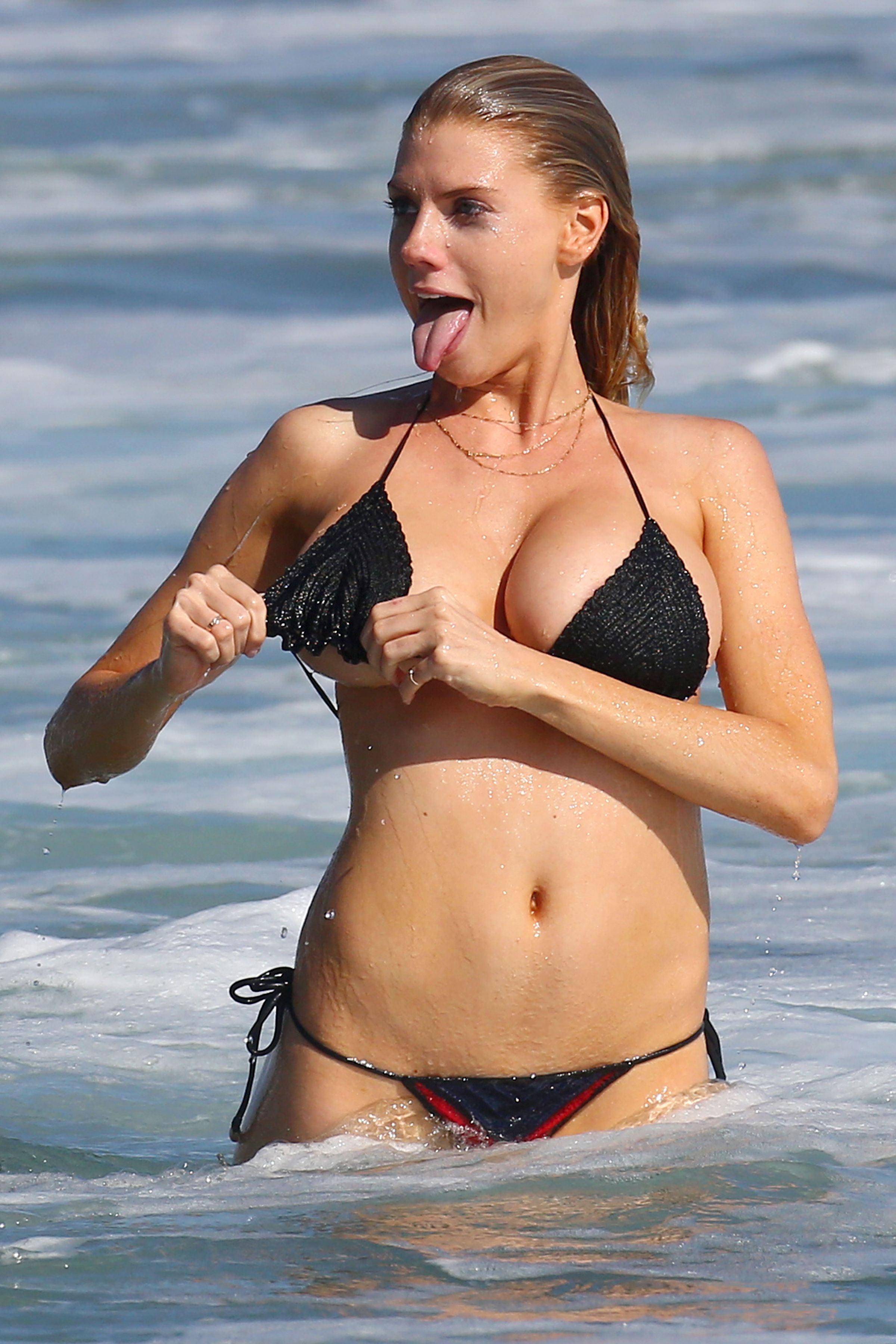
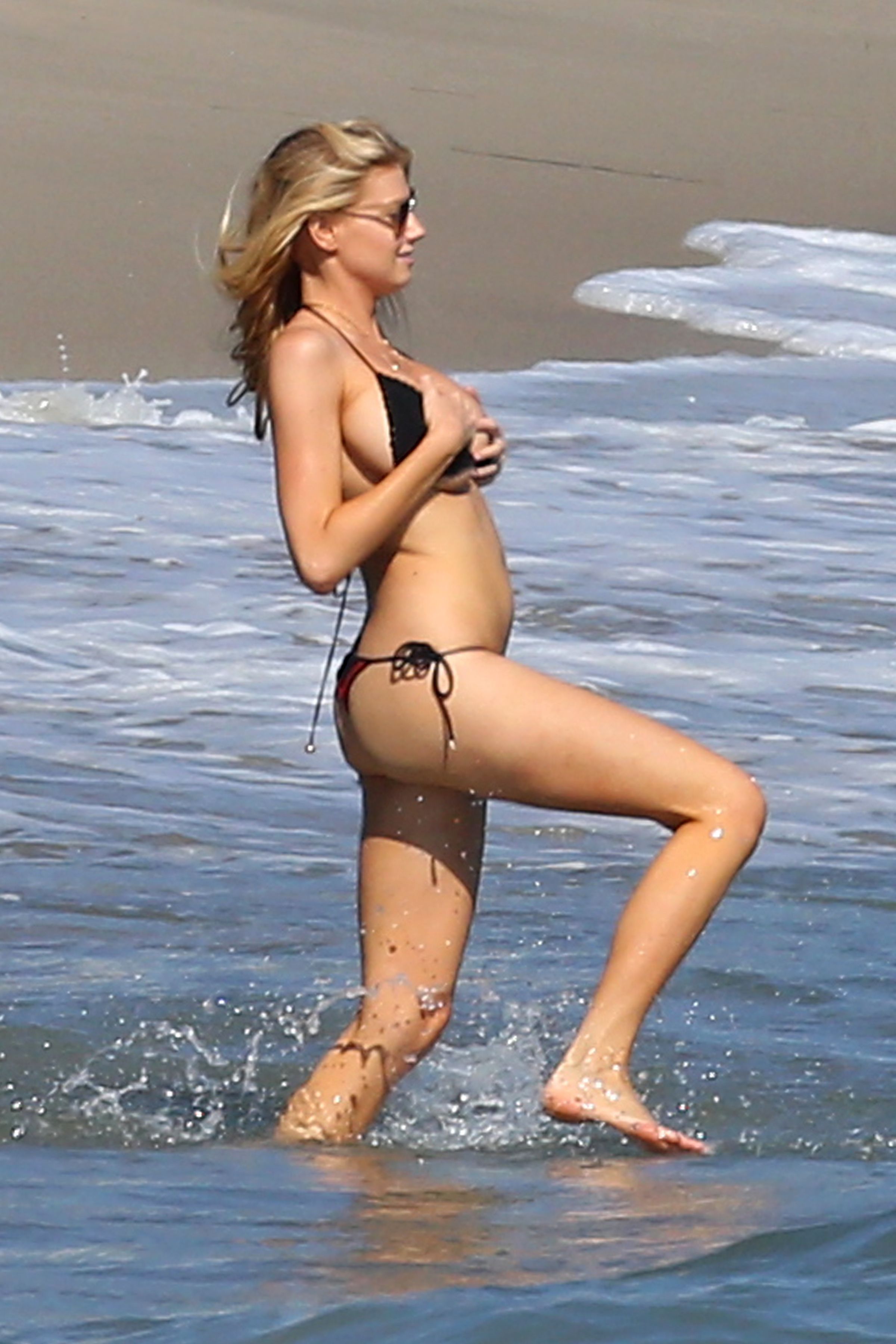
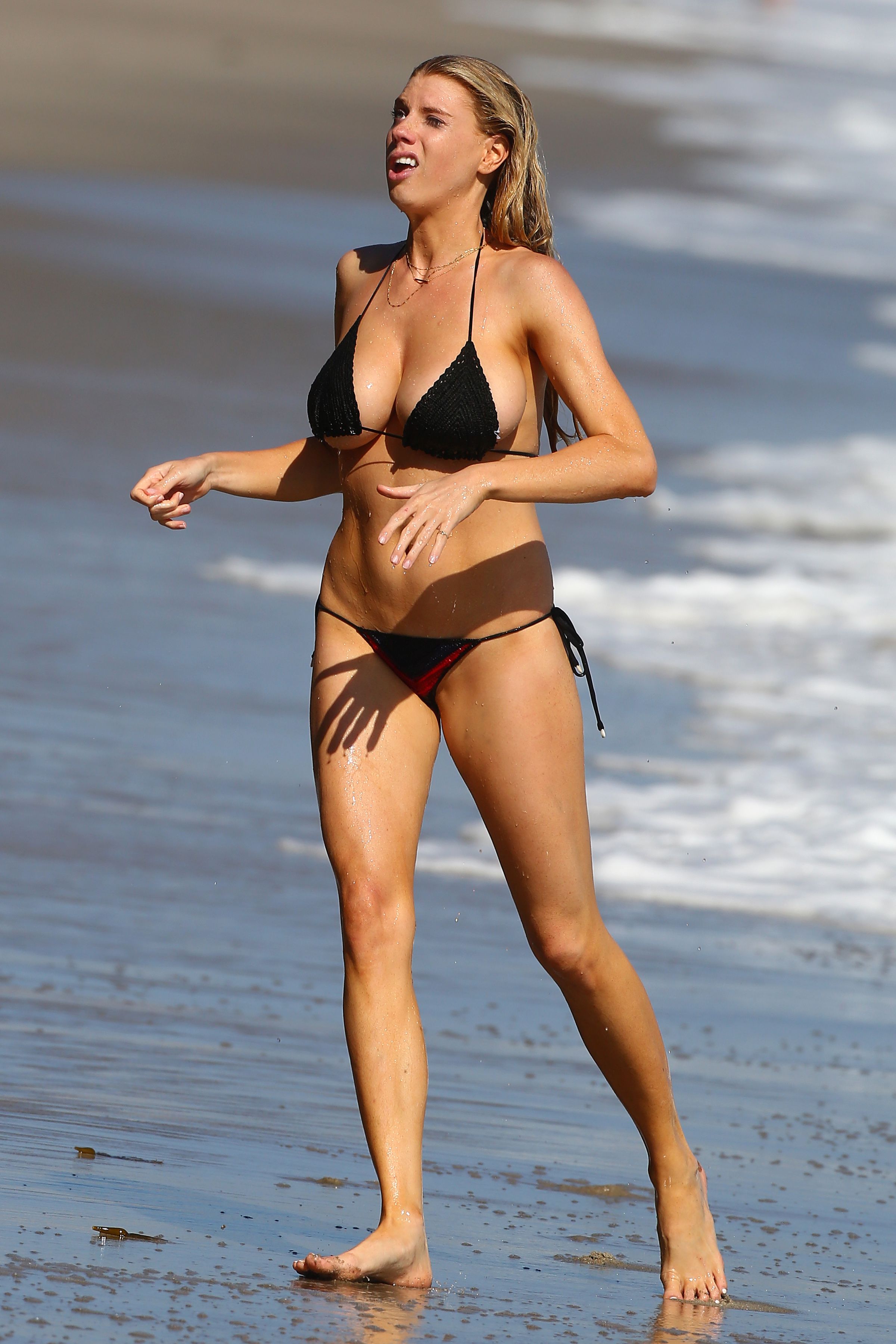
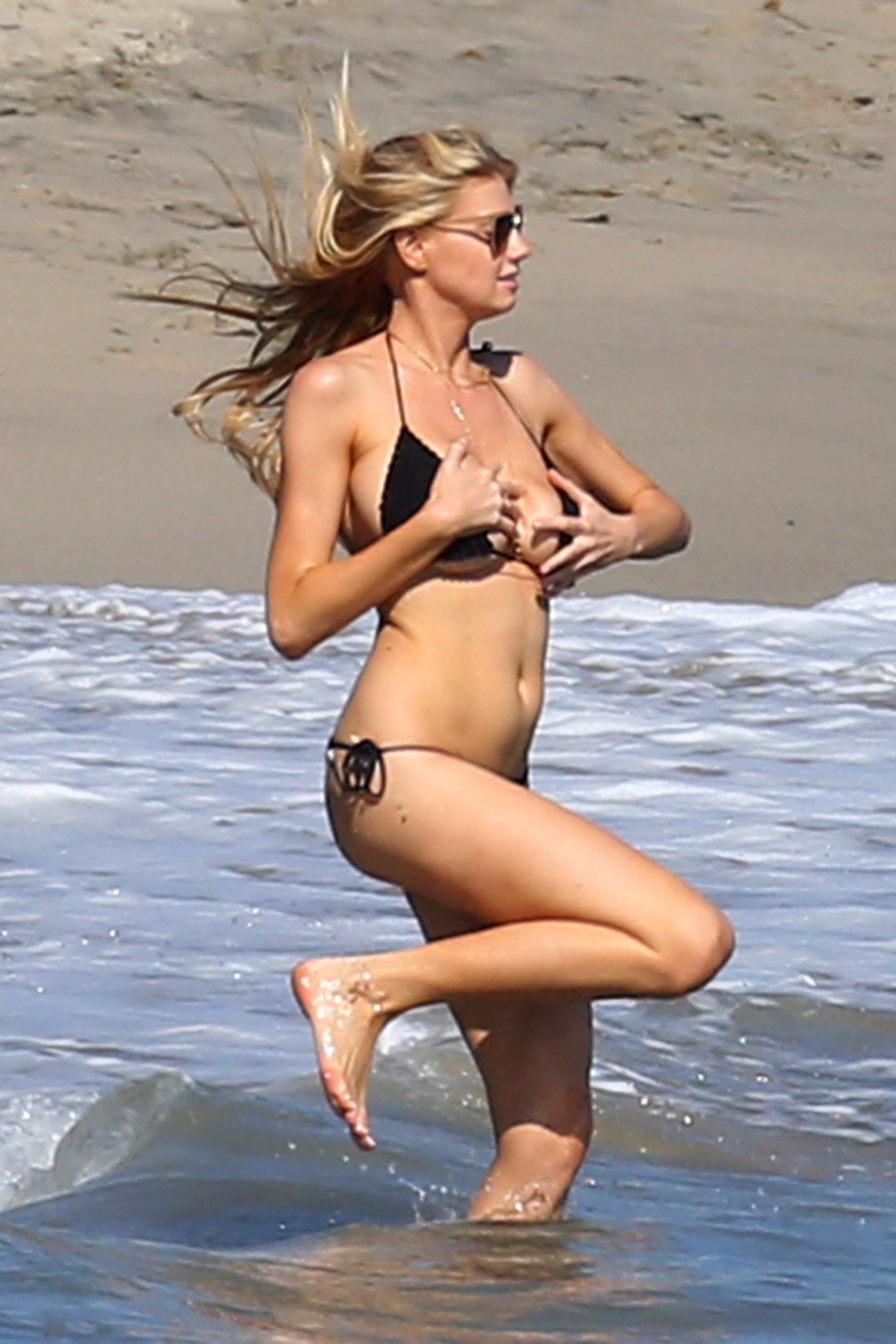
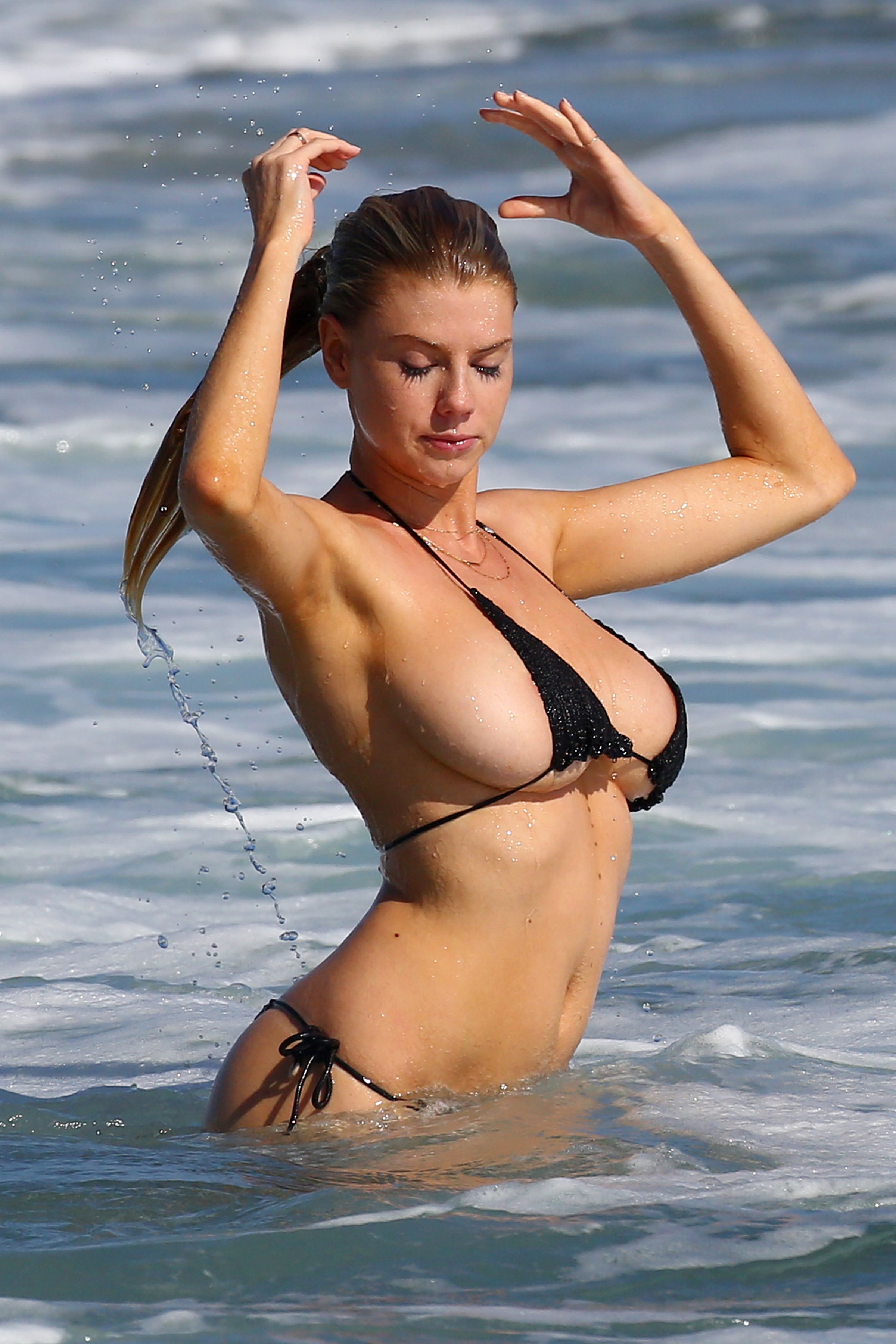
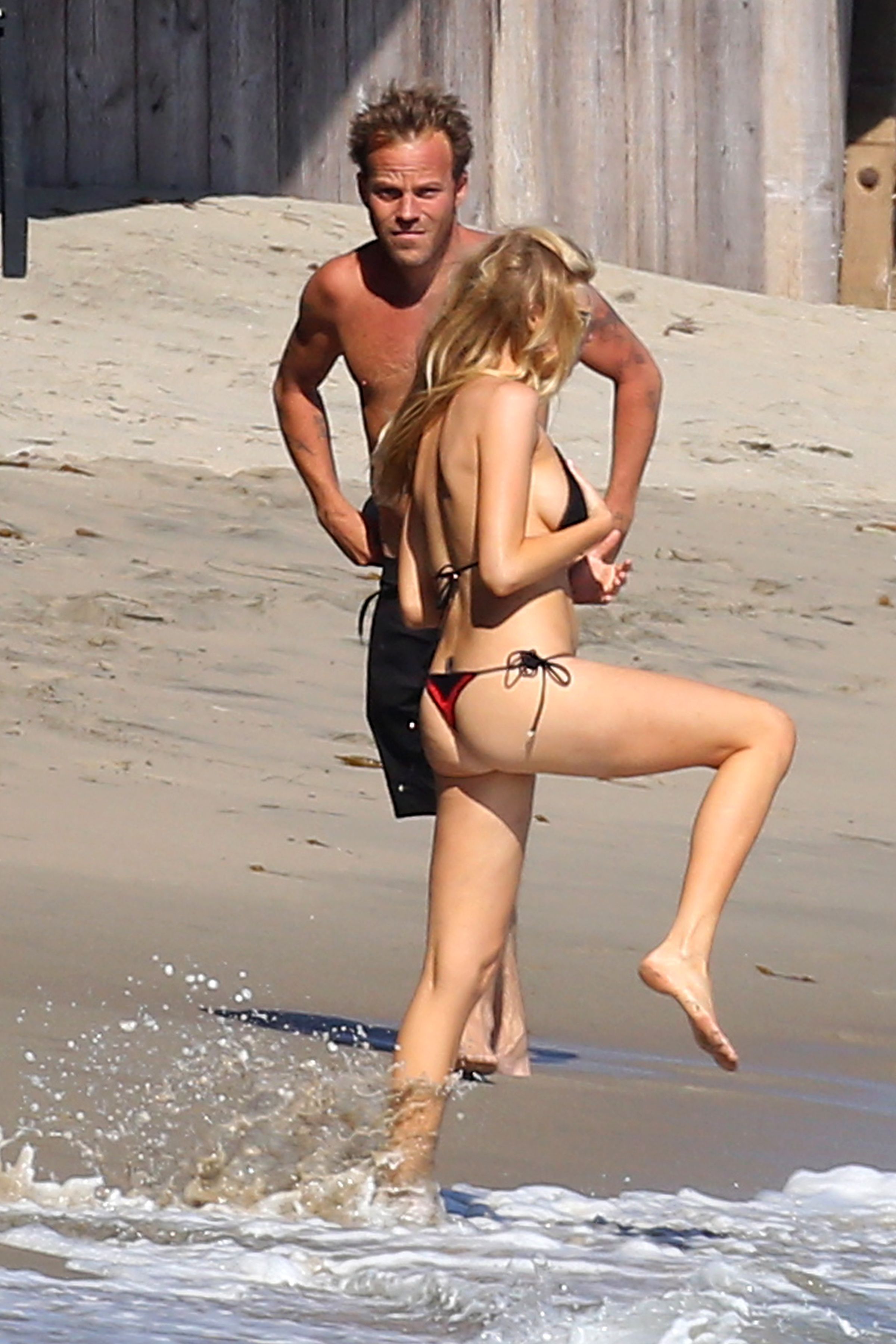
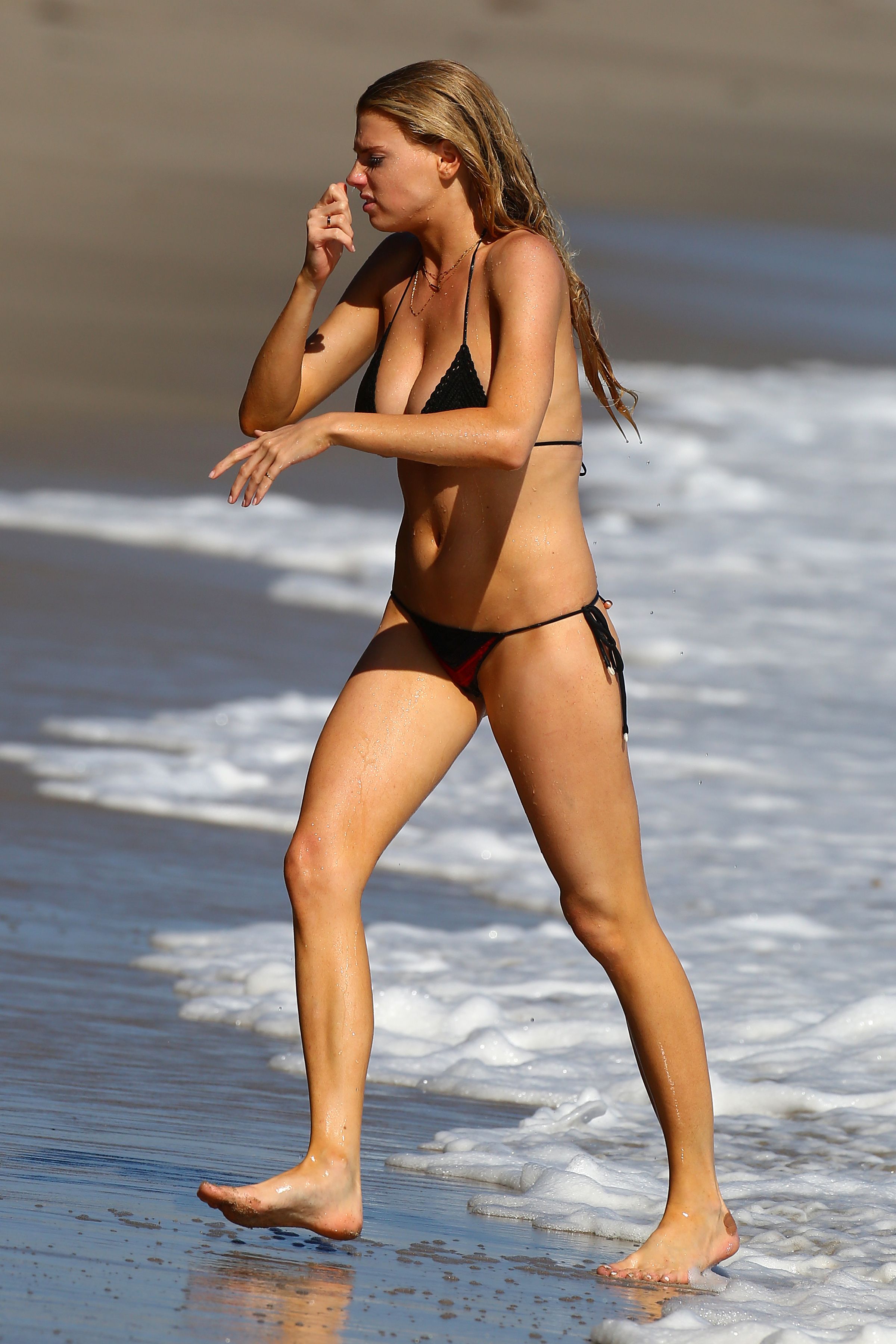
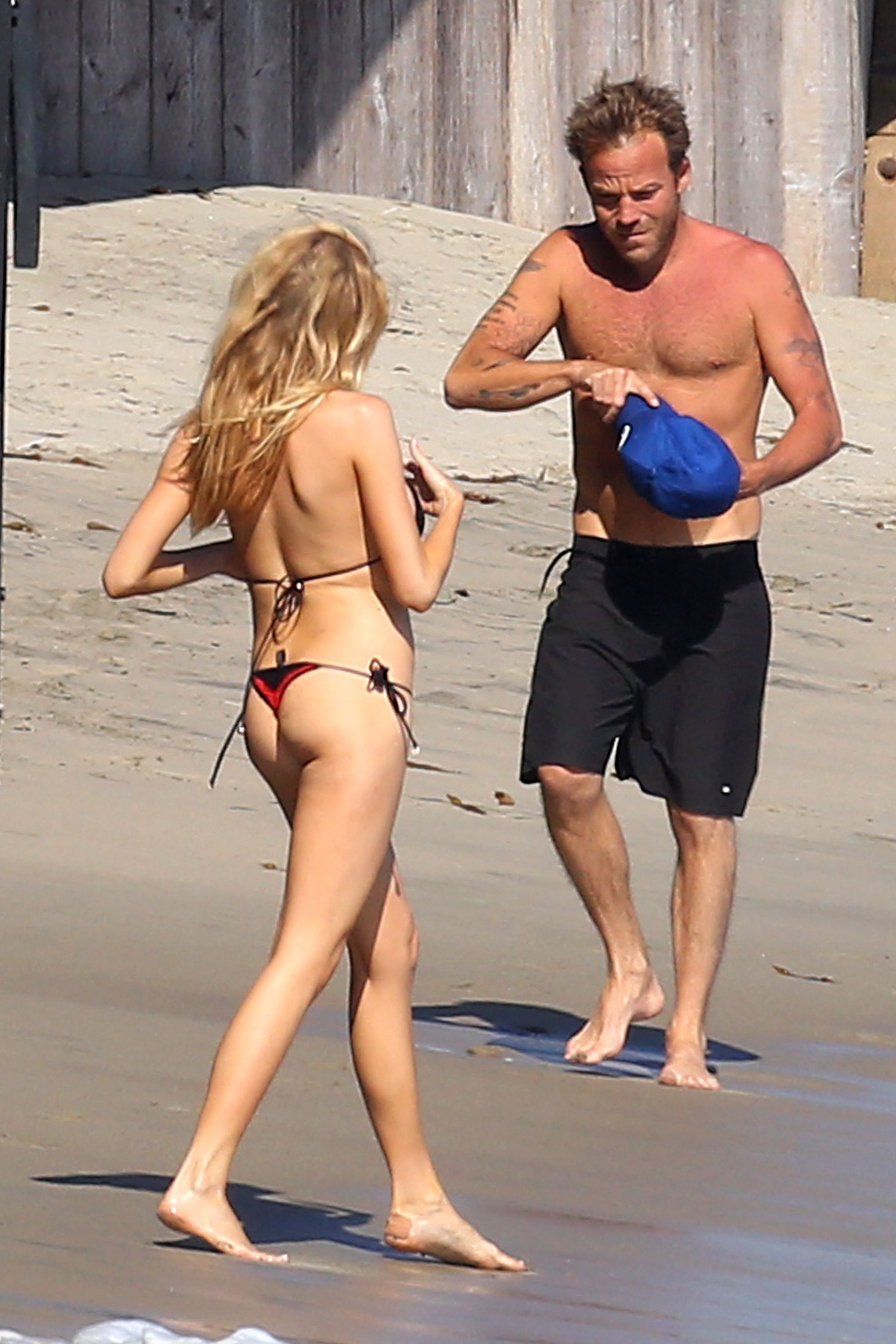
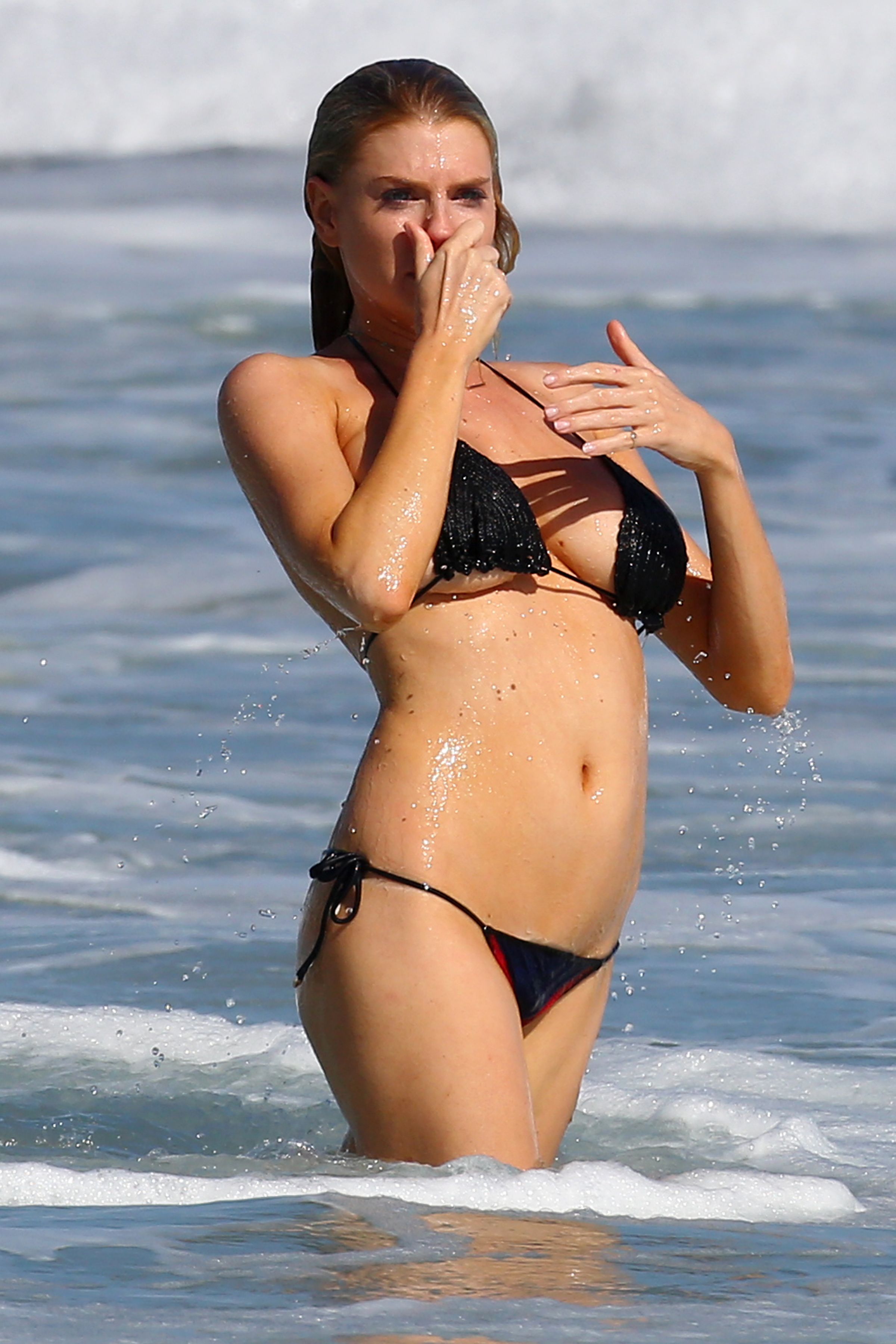
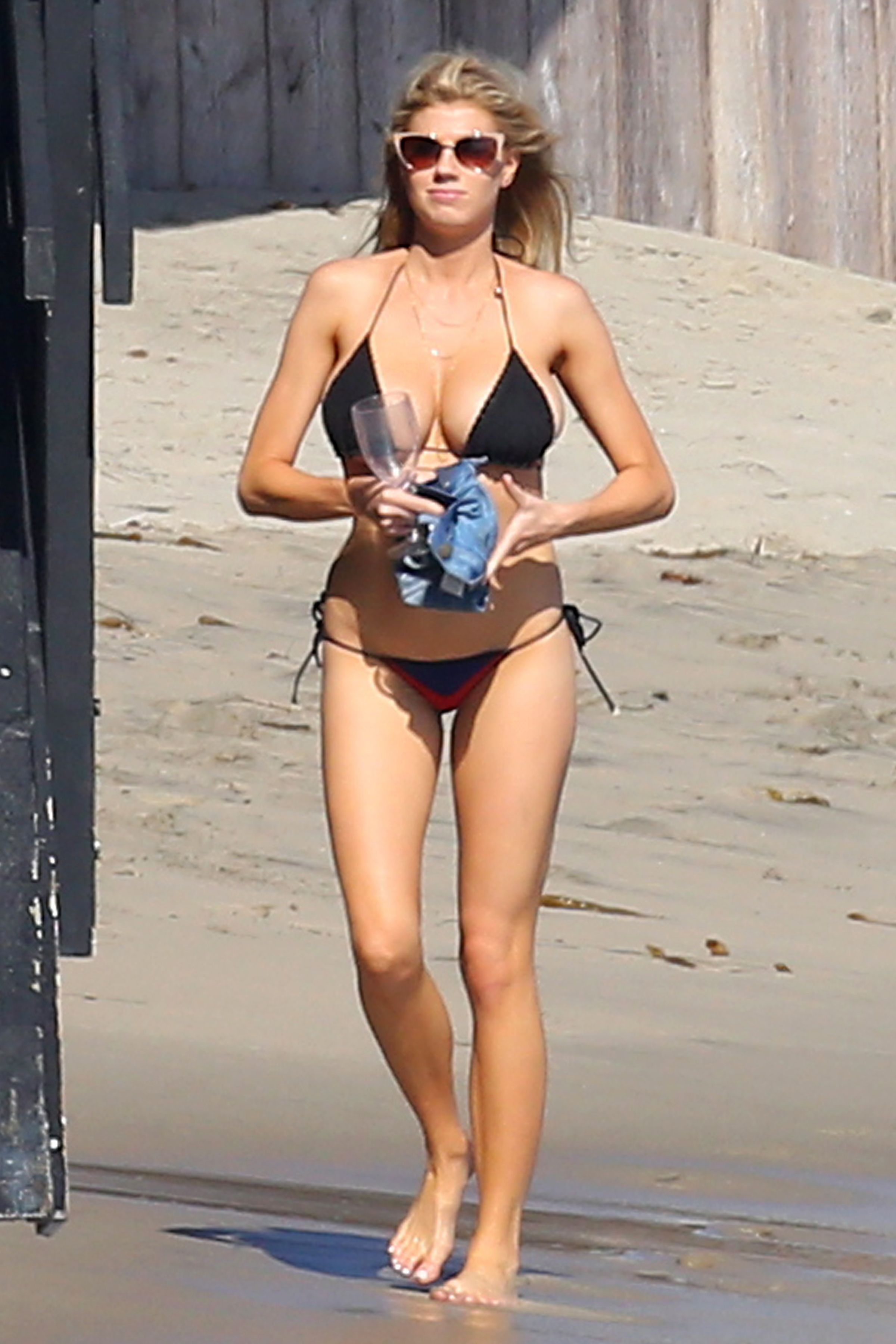
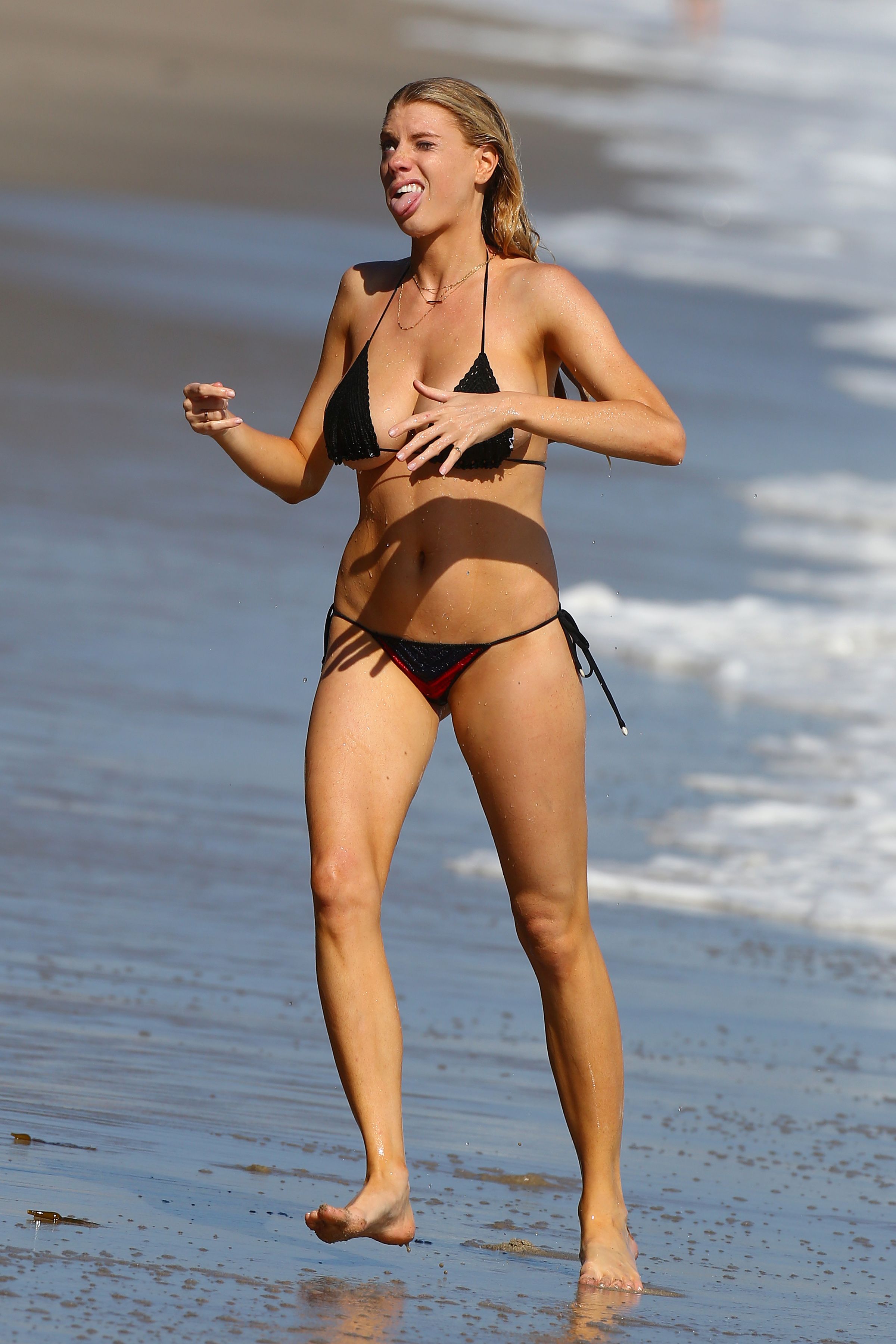
in bikini at a beach - Malibu 09.08.15 - adds
















-
Thanks guys for all updates
-
Thanks eddi I think we all look like those actors in this scene - so hungry dogs ...
-
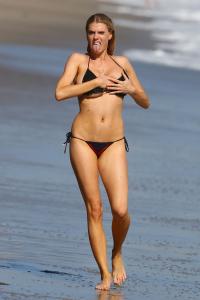
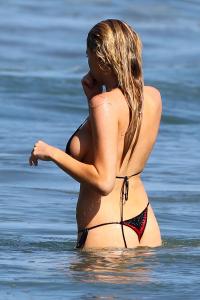
in bikini at a beach - Malibu 09.08.15 - HQ full set x83: http://www.imagebam.com/gallery/bwvjgtrq8wf72nxg0xxps2w1bwf6q971



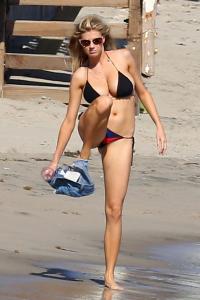
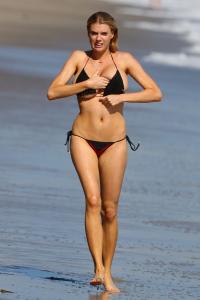
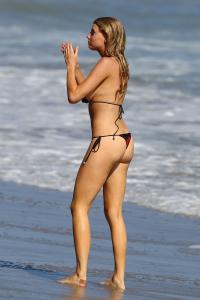

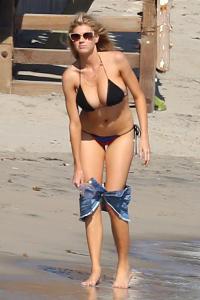
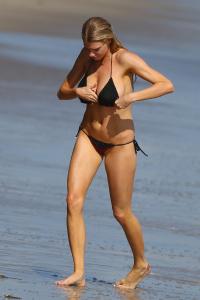


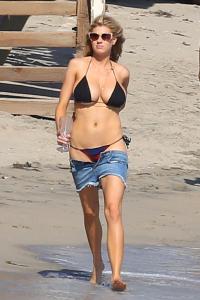
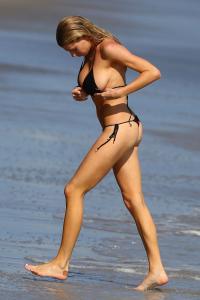
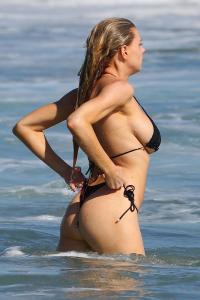




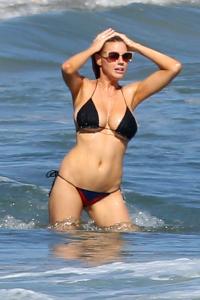
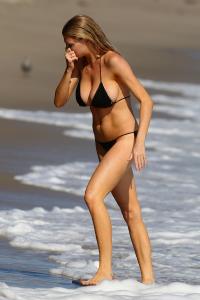
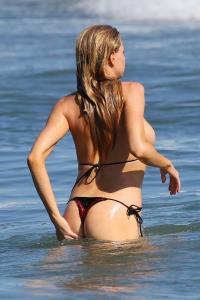

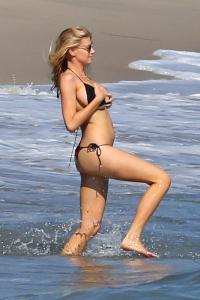

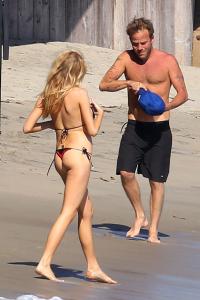

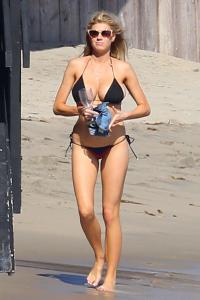
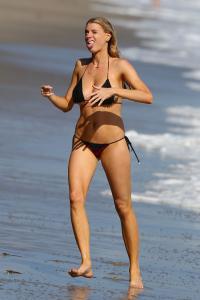
-
Thank You Sir Cabrini for all latest updates - what a great work
-
She has always been very modest ...
-
at a gas station in Malibu 03.08.15
















-
Thanks Shepard
-
Drinking and drugs arent conducive to beauty, dear Sammie


 Checked and answered
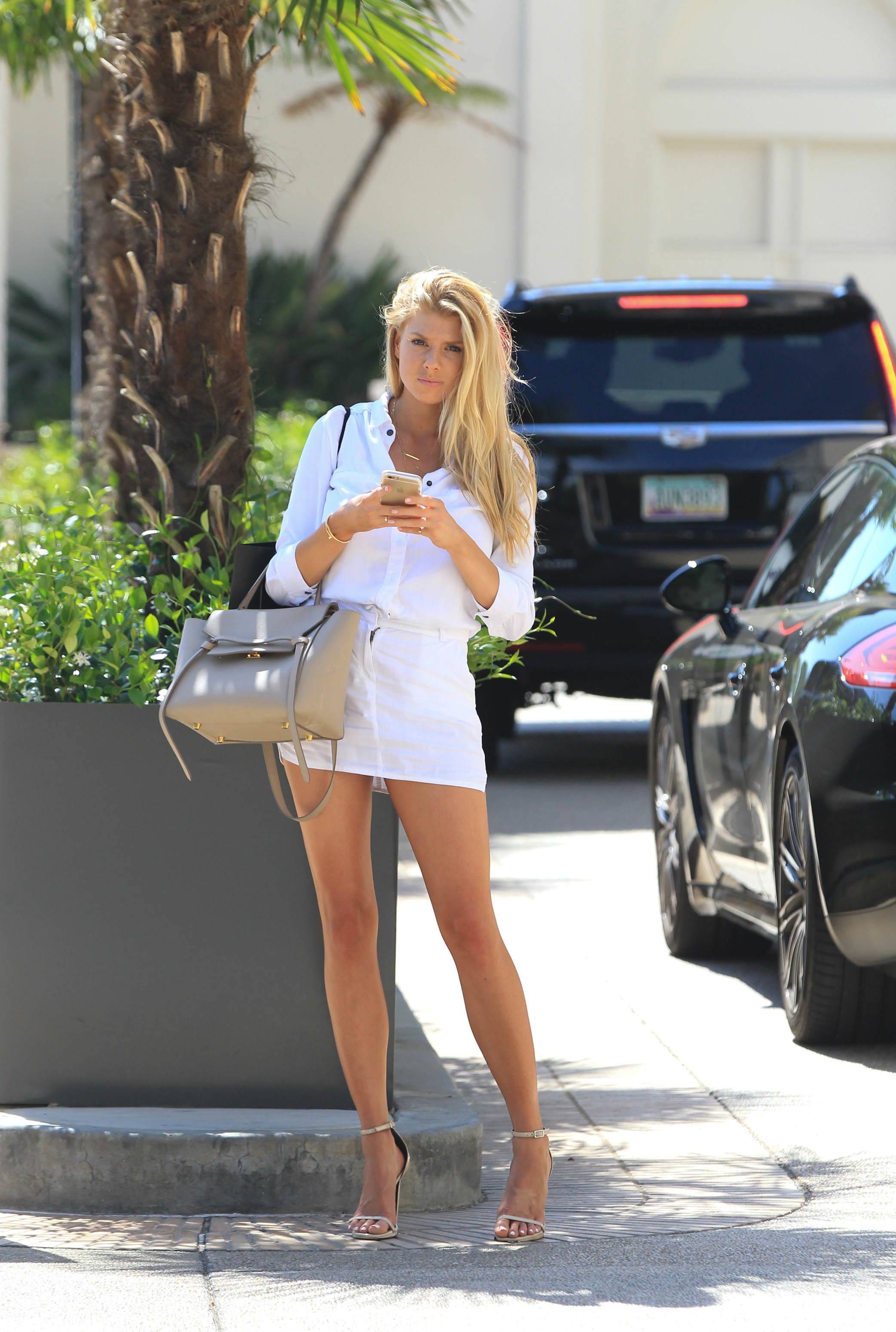
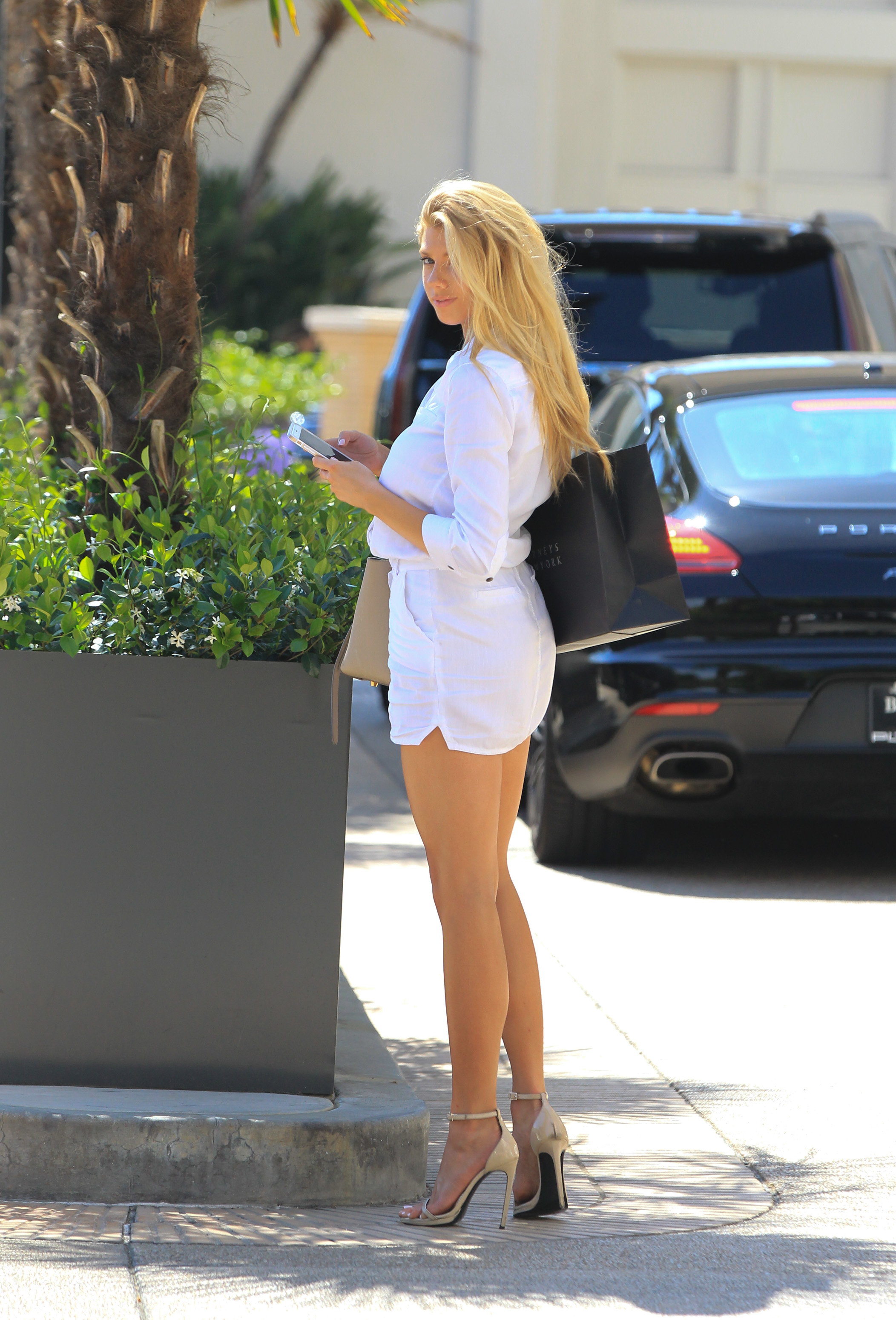
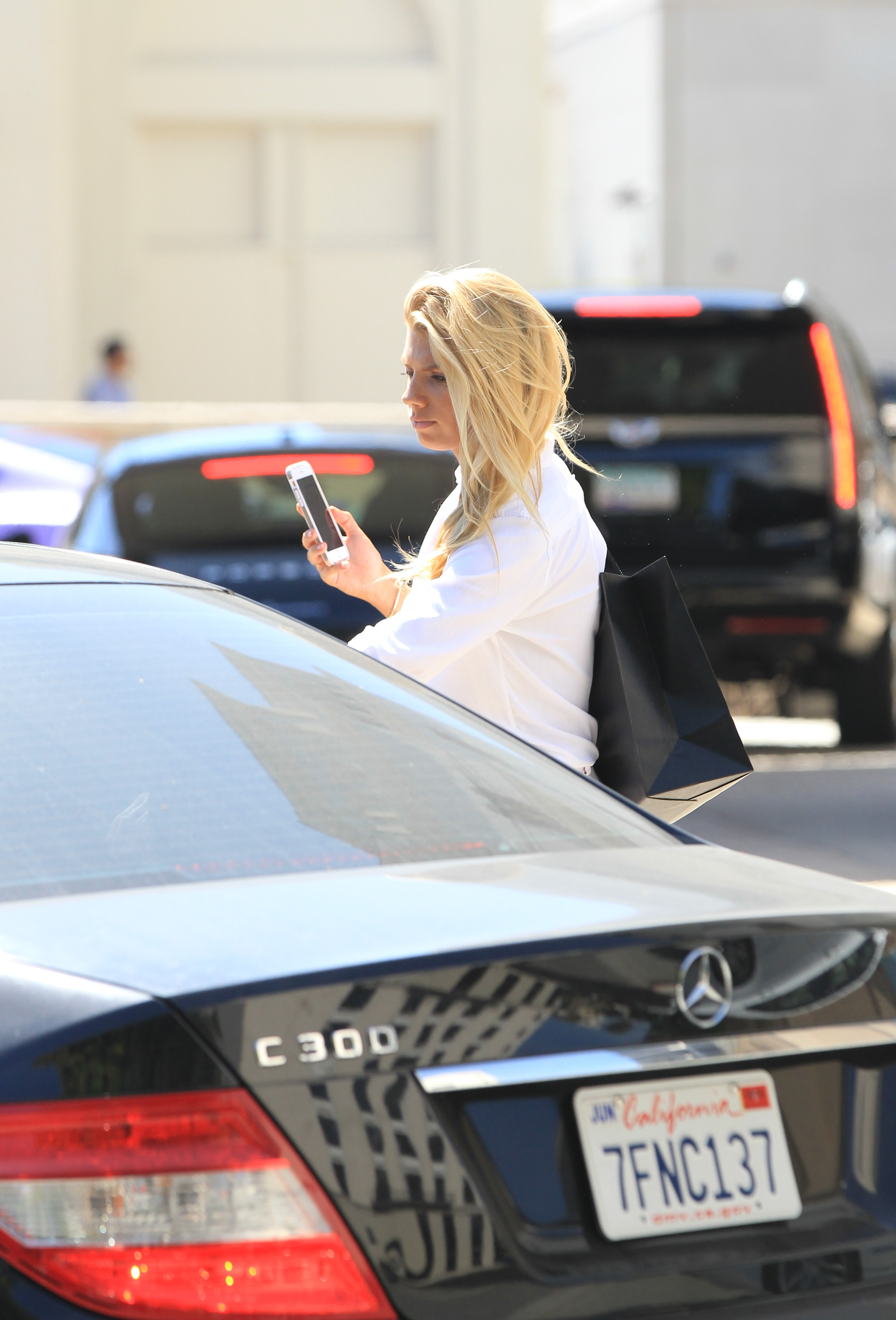
Seen in all white in Los Angeles 31.07.2015
Checked and answered
Seen in all white in Los Angeles 31.07.2015


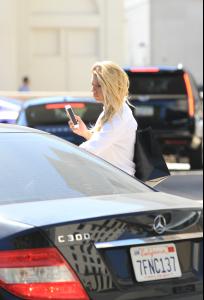
 adds to Shepard's post Out & about, Beverly Hills, Jul 28 '15




 Screen caps:






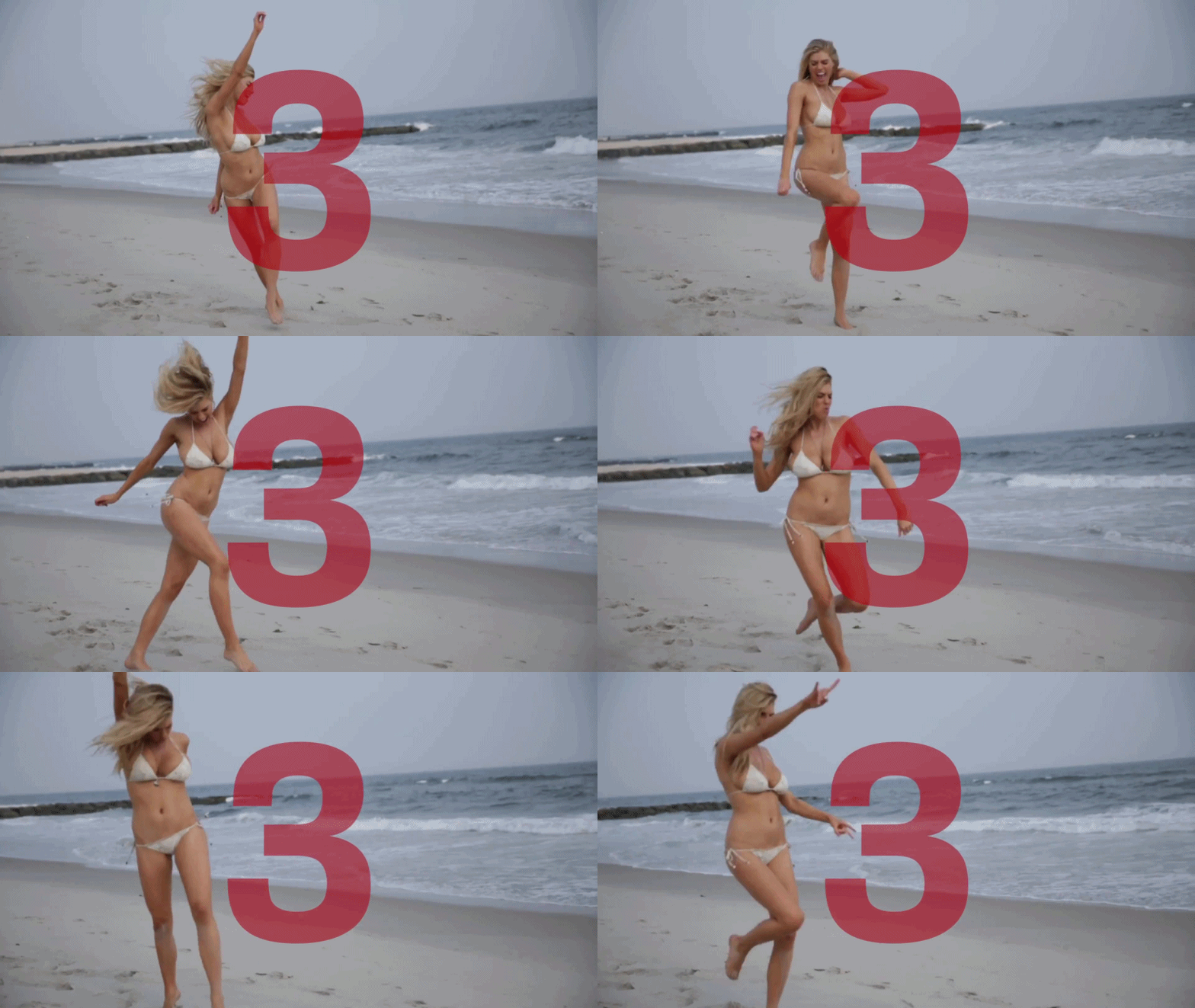
 GIFs
GIFs

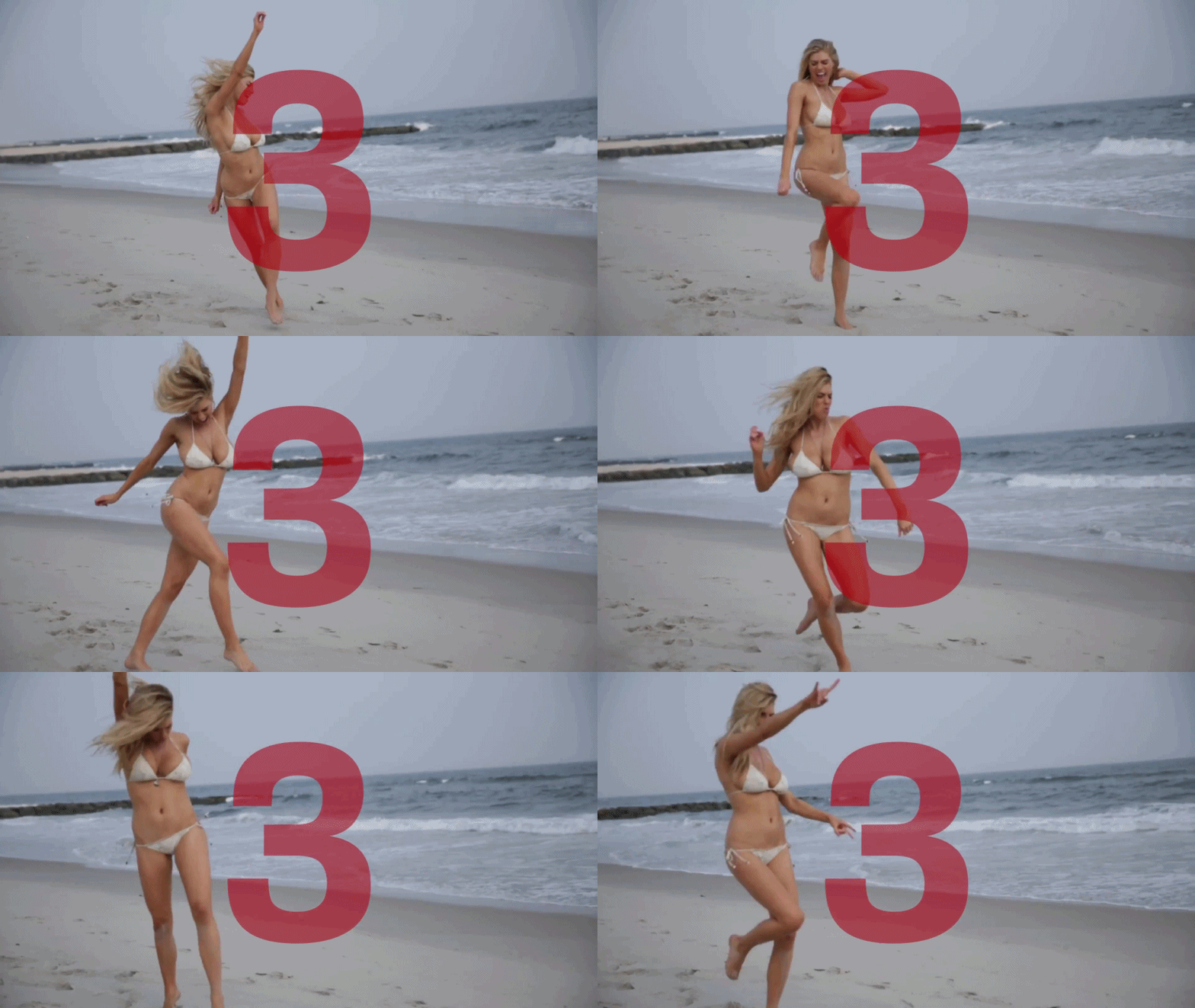





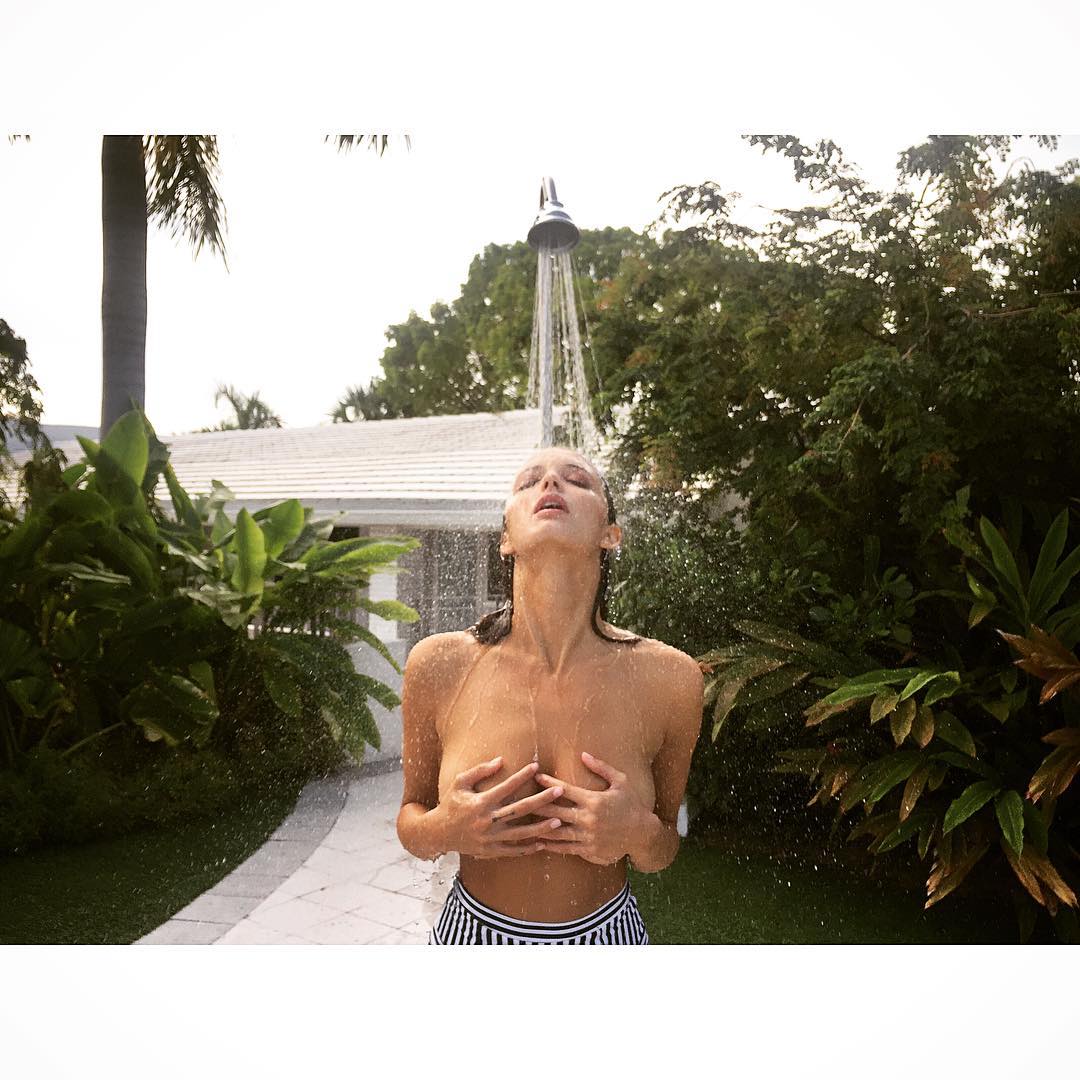
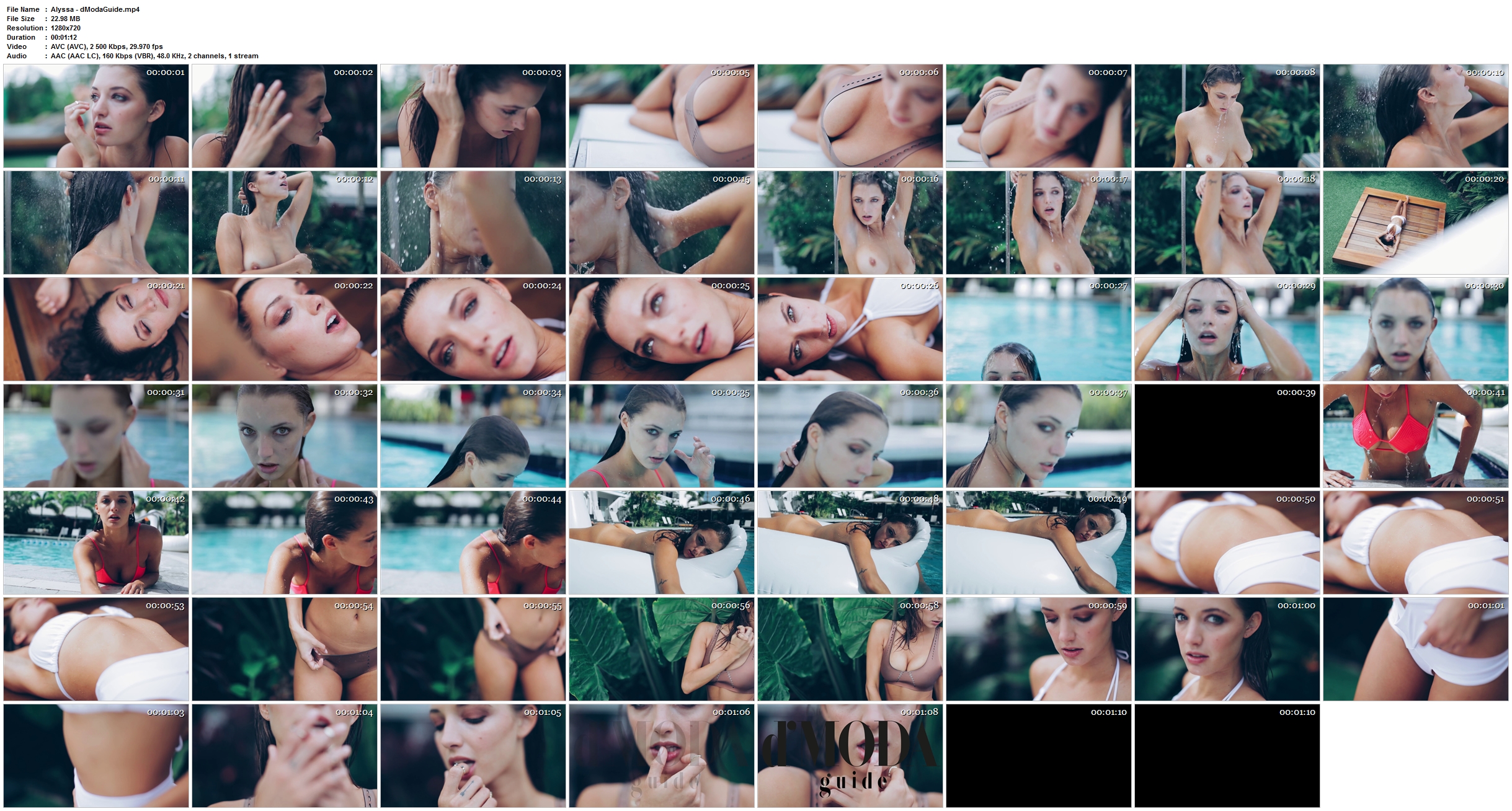
 for dModaGuide IG Topless 1280X720 - mp4 - 22mb - 1.12 http://www12.zippyshare.com/v/mNCbtkNK/file.html http://dfiles.eu/files/hd4h3bzuw http://ul.to/uyhx70md or









 I think its Kristin Angst - shes also on IG picture posted by Cult Icon few posts above. Im hope im not mistaken






































































Account
Search
Configure browser push notifications
Chrome (Android)
- Tap the lock icon next to the address bar.
- Tap Permissions → Notifications.
- Adjust your preference.
Chrome (Desktop)
- Click the padlock icon in the address bar.
- Select Site settings.
- Find Notifications and adjust your preference.
Safari (iOS 16.4+)
- Ensure the site is installed via Add to Home Screen.
- Open Settings App → Notifications.
- Find your app name and adjust your preference.
Safari (macOS)
- Go to Safari → Preferences.
- Click the Websites tab.
- Select Notifications in the sidebar.
- Find this website and adjust your preference.
Edge (Android)
- Tap the lock icon next to the address bar.
- Tap Permissions.
- Find Notifications and adjust your preference.
Edge (Desktop)
- Click the padlock icon in the address bar.
- Click Permissions for this site.
- Find Notifications and adjust your preference.
Firefox (Android)
- Go to Settings → Site permissions.
- Tap Notifications.
- Find this site in the list and adjust your preference.
Firefox (Desktop)
- Open Firefox Settings.
- Search for Notifications.
- Find this site in the list and adjust your preference.