
dobromir11
Members
-
Joined
-
Last visited
Everything posted by dobromir11
-
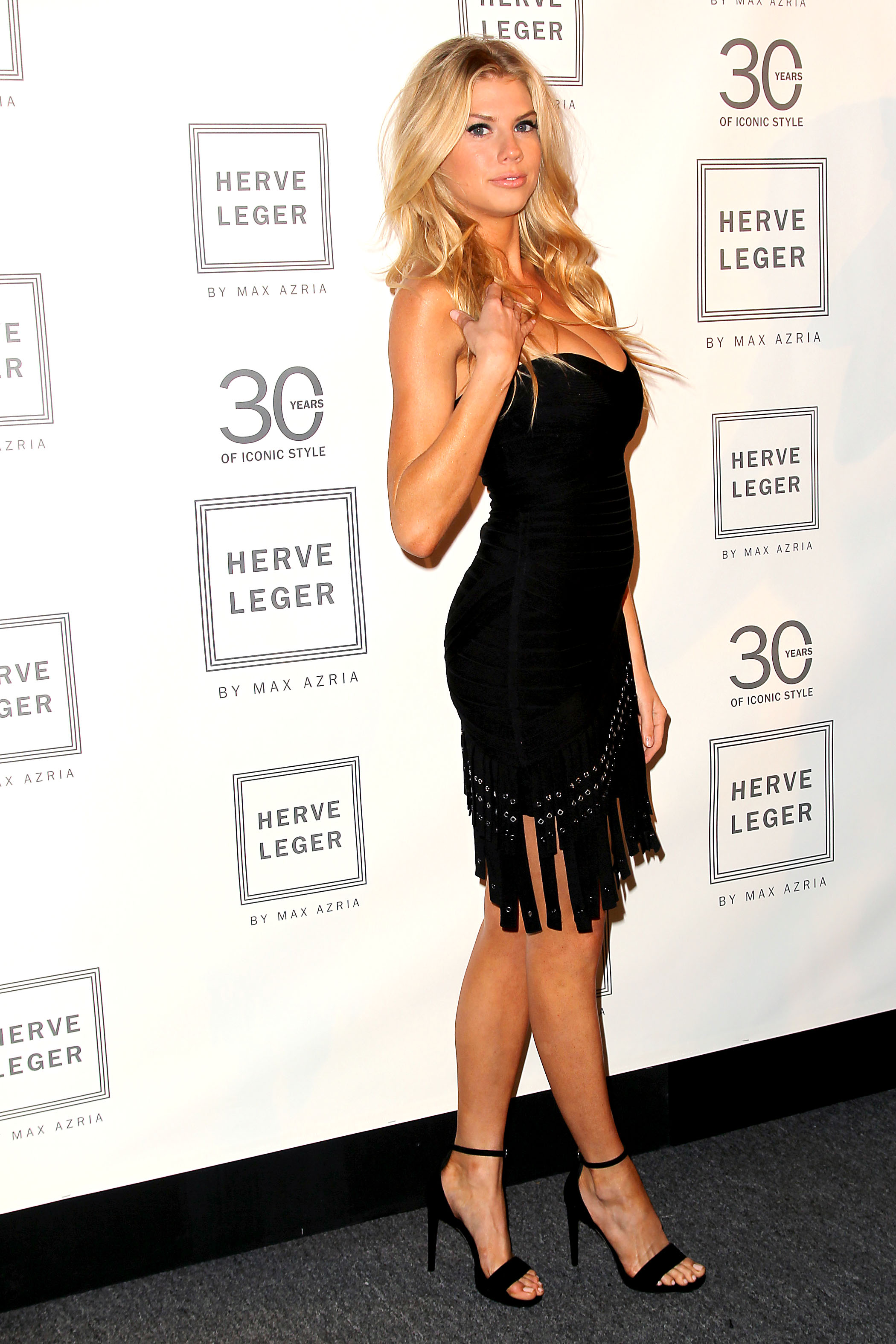
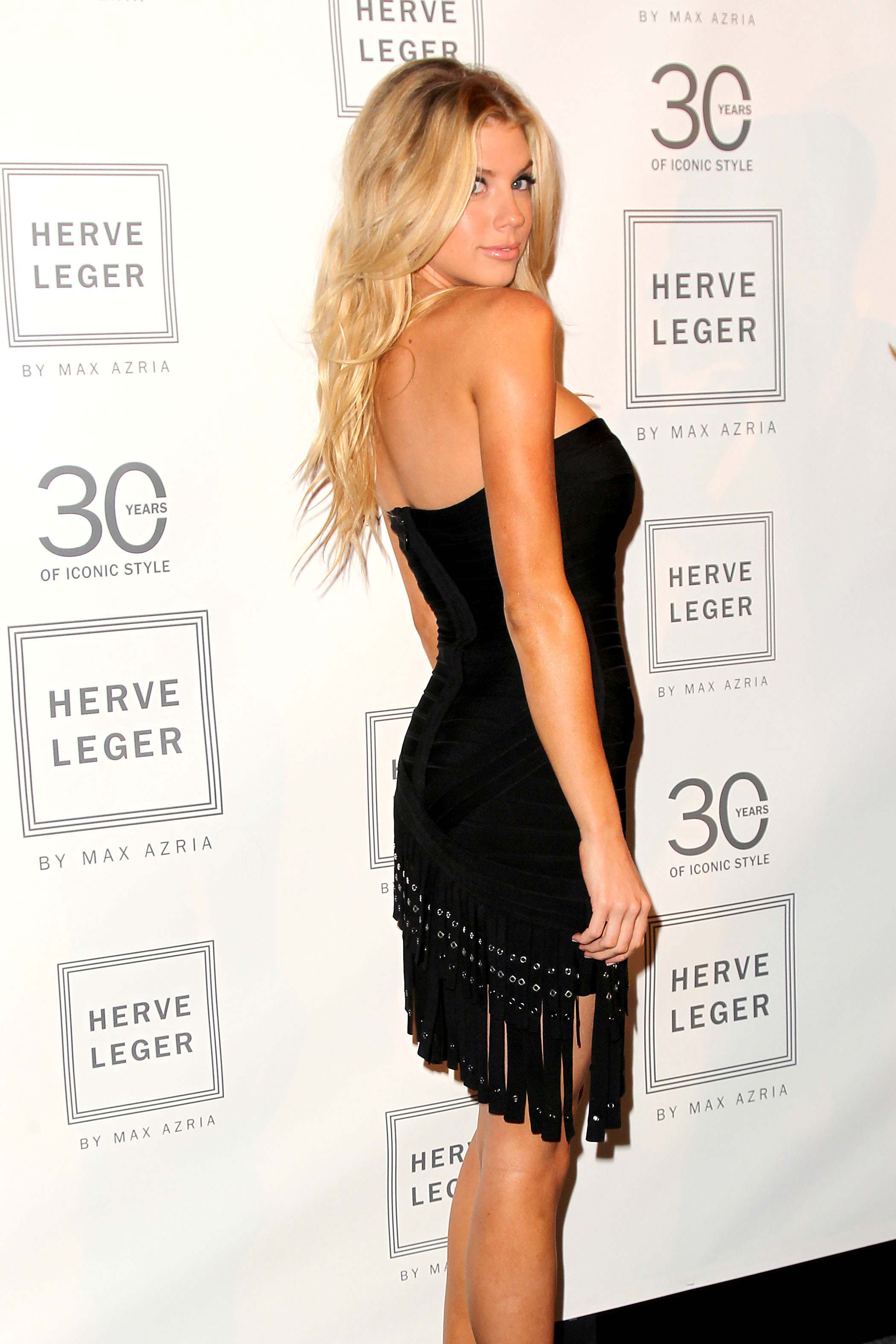
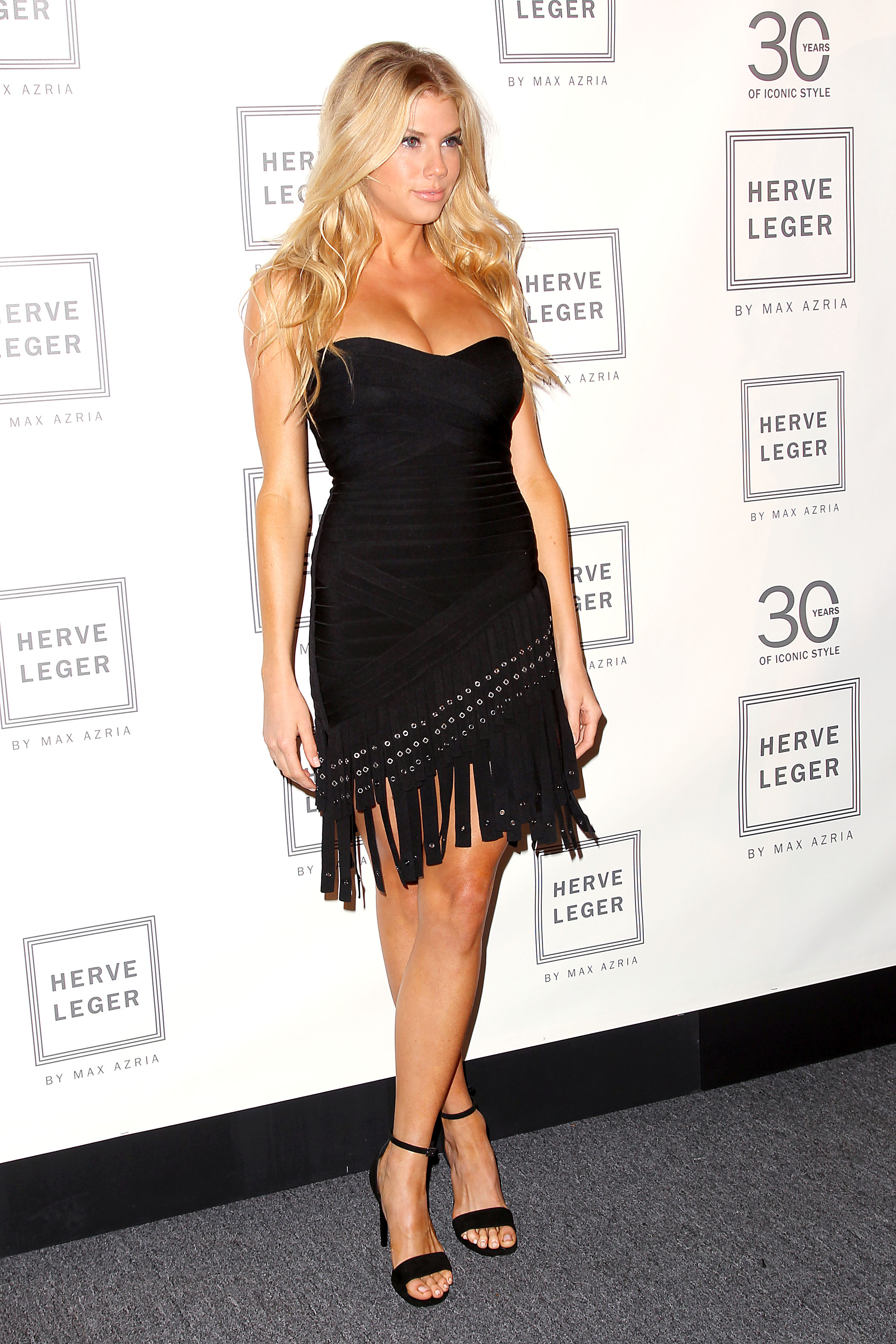
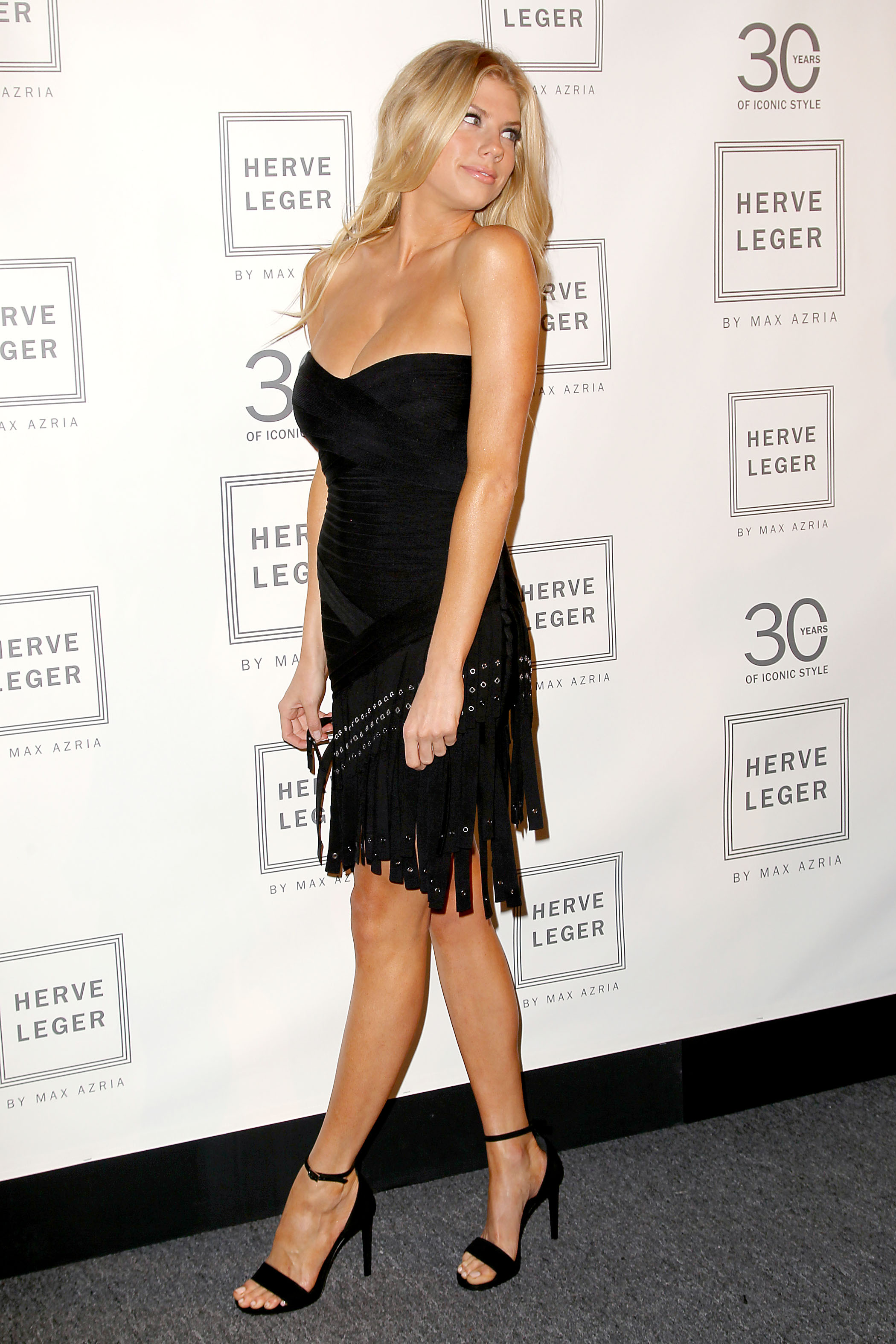
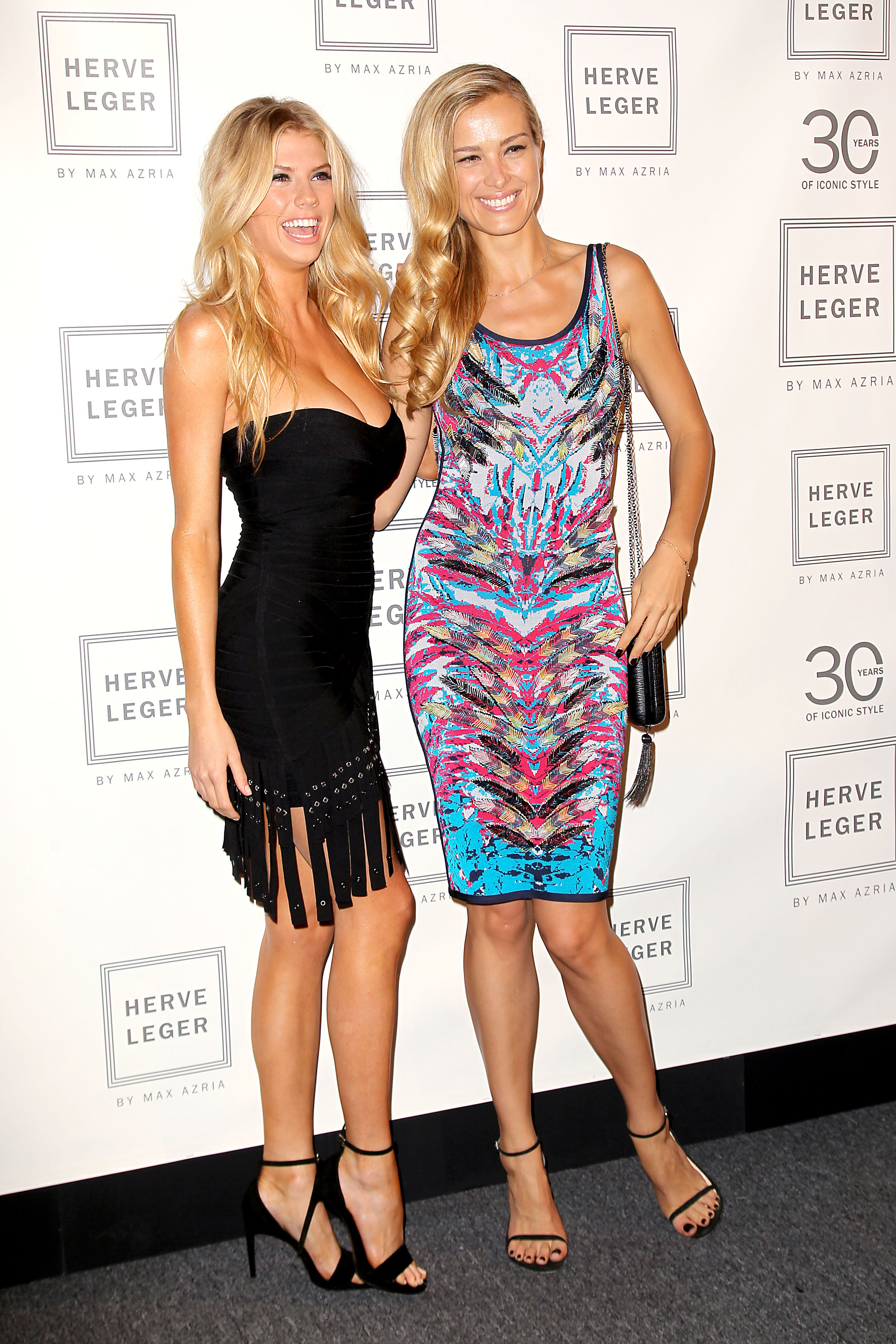
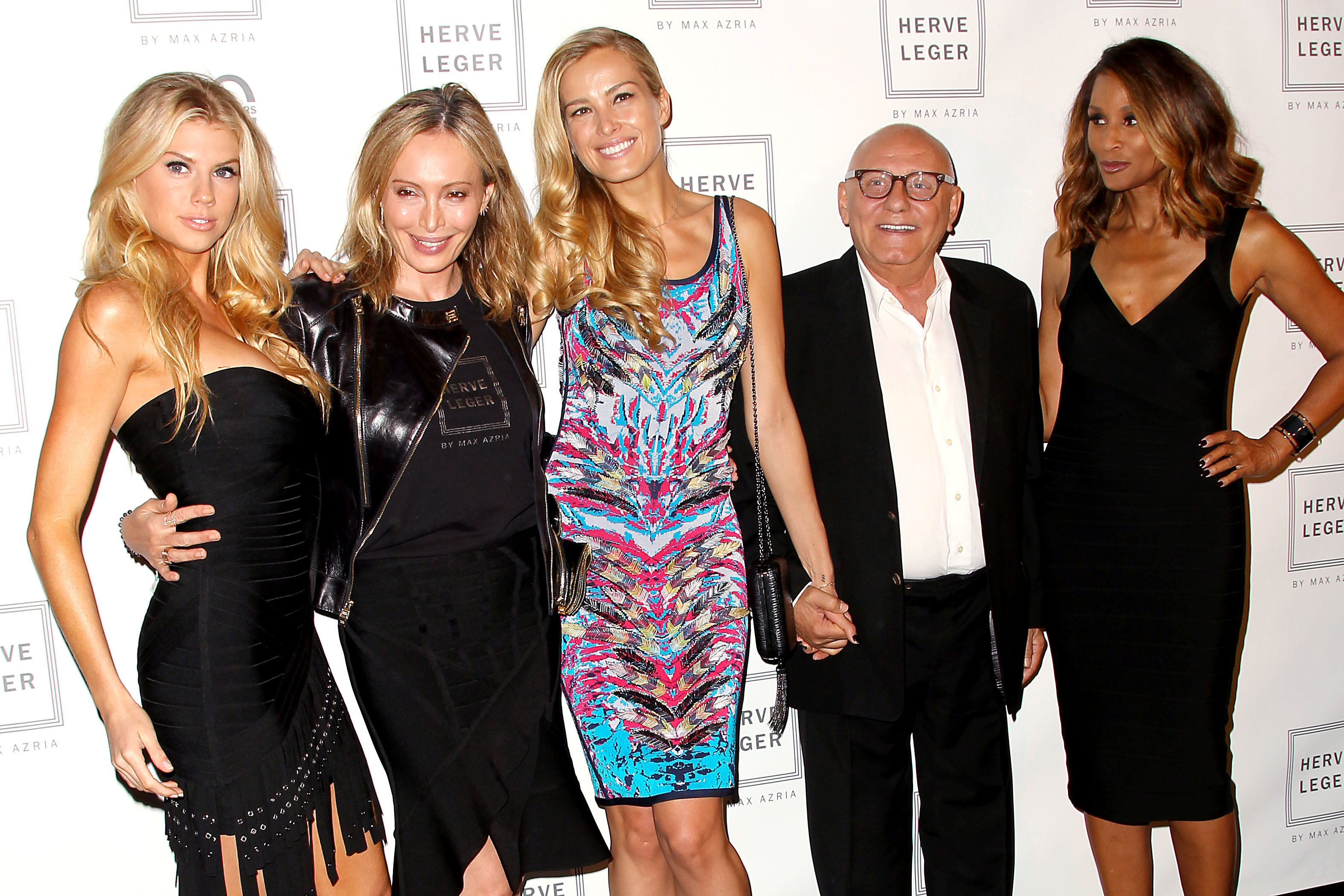
 Herve Leger By Max Azria fashion show - update
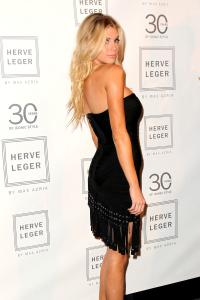


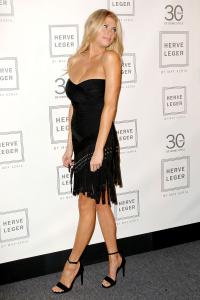









-
05.09.15








-
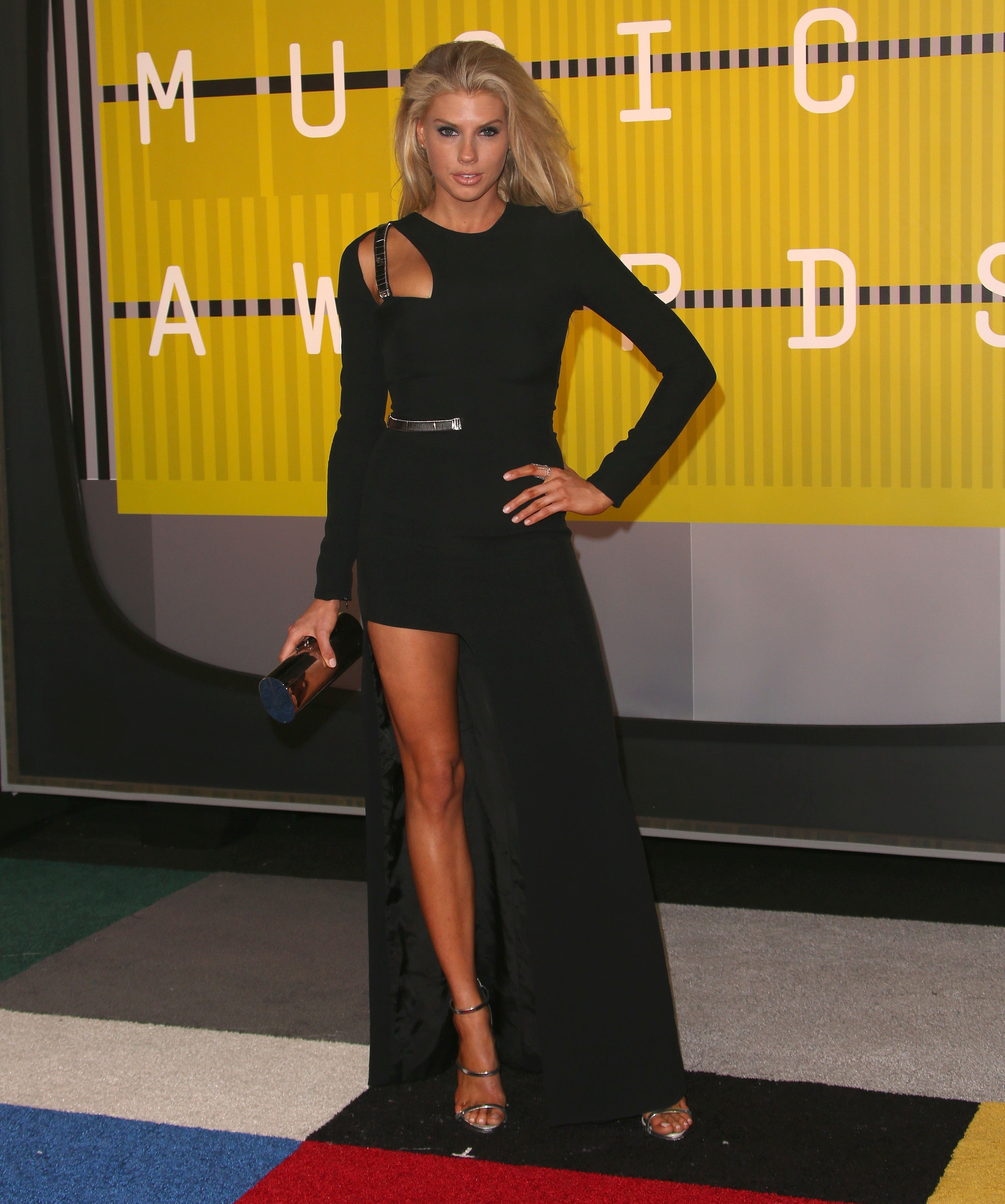
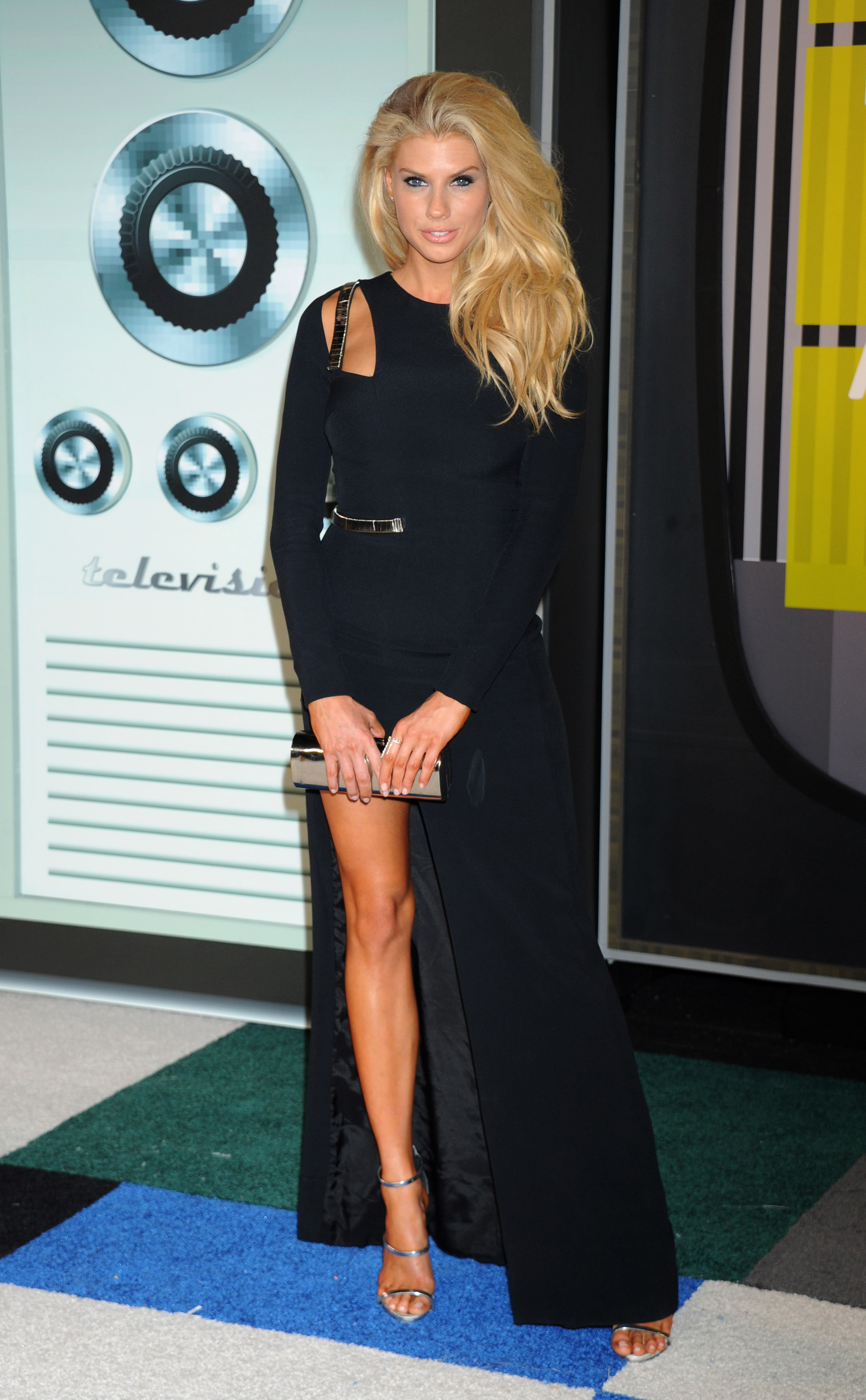
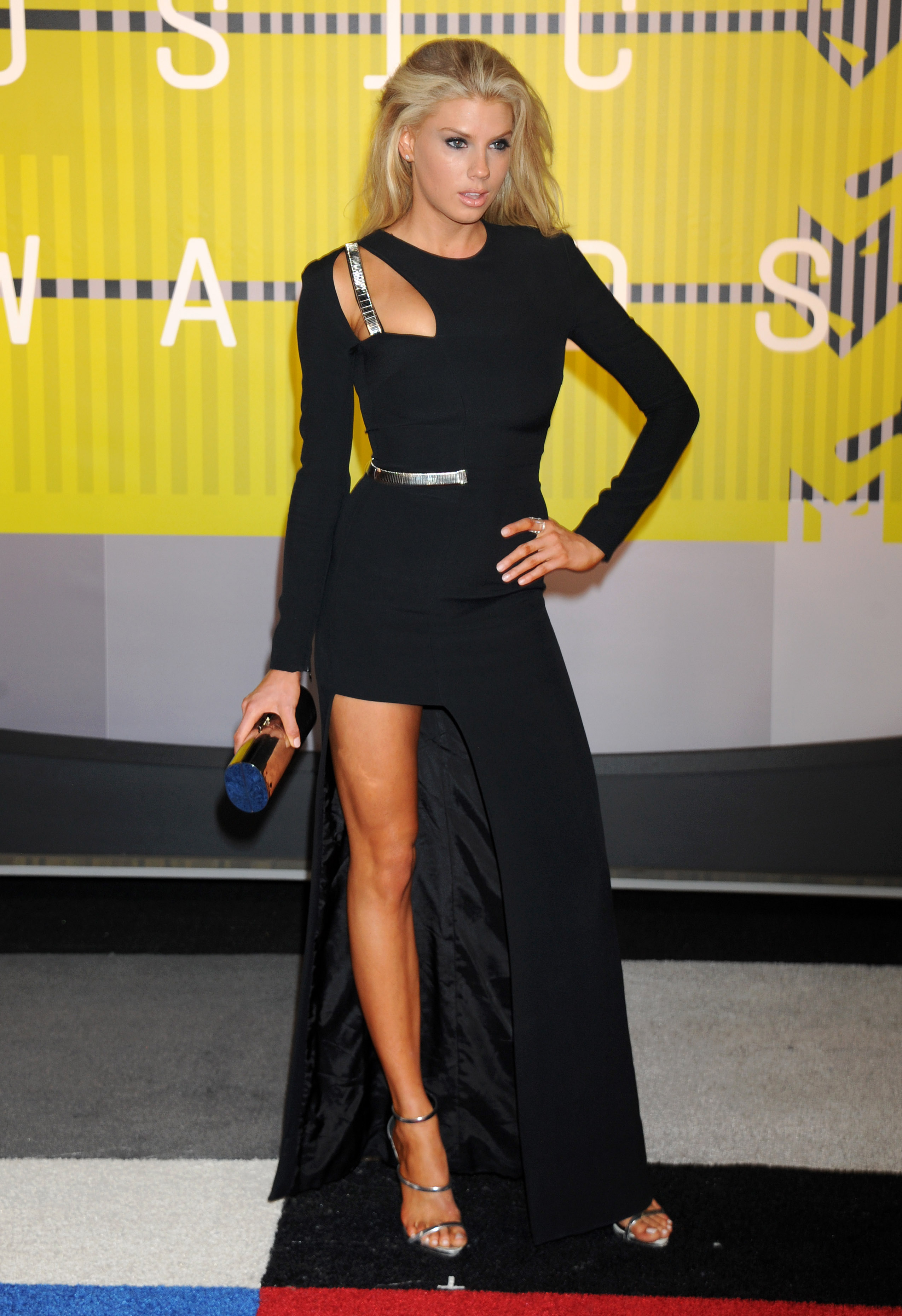
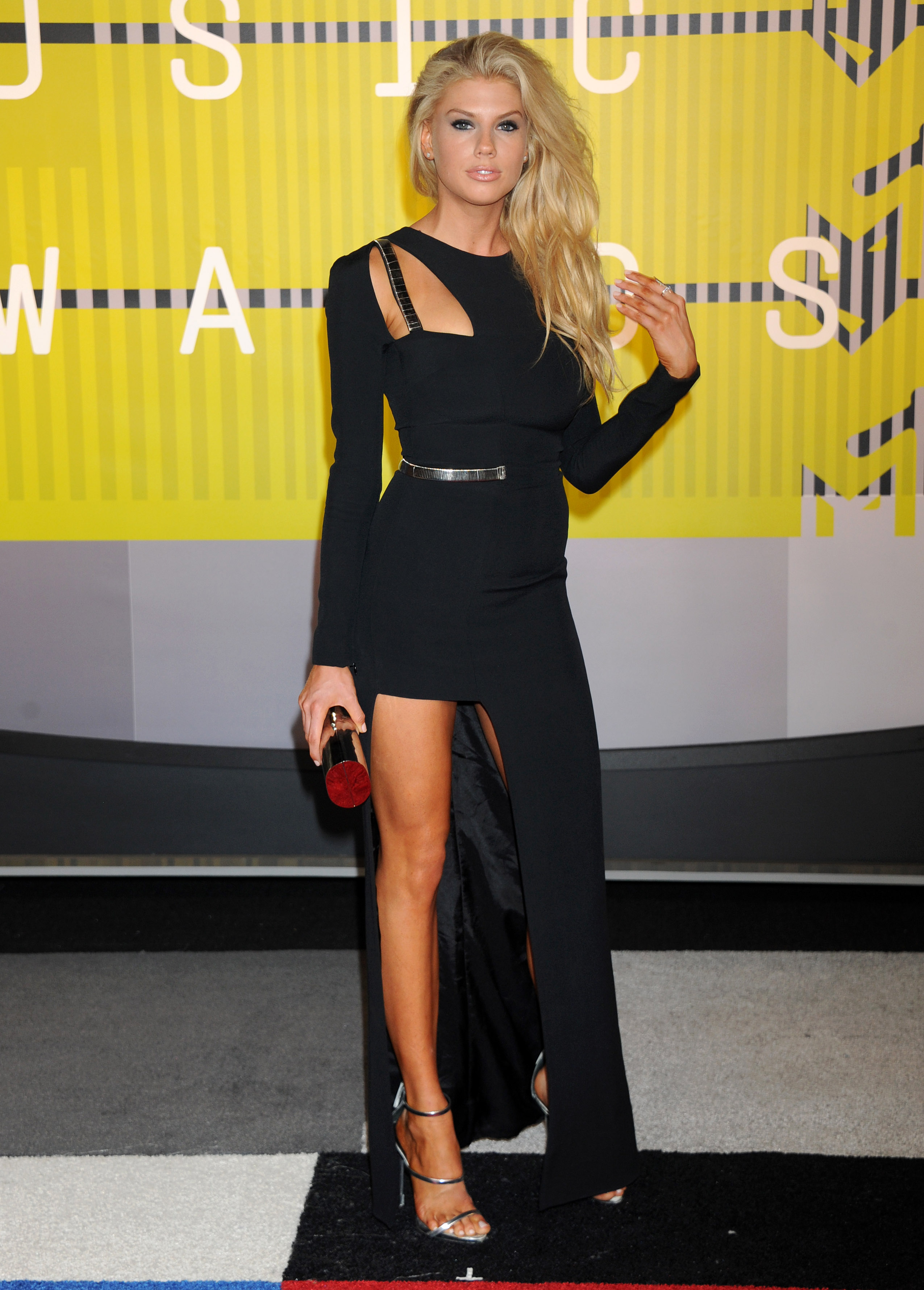
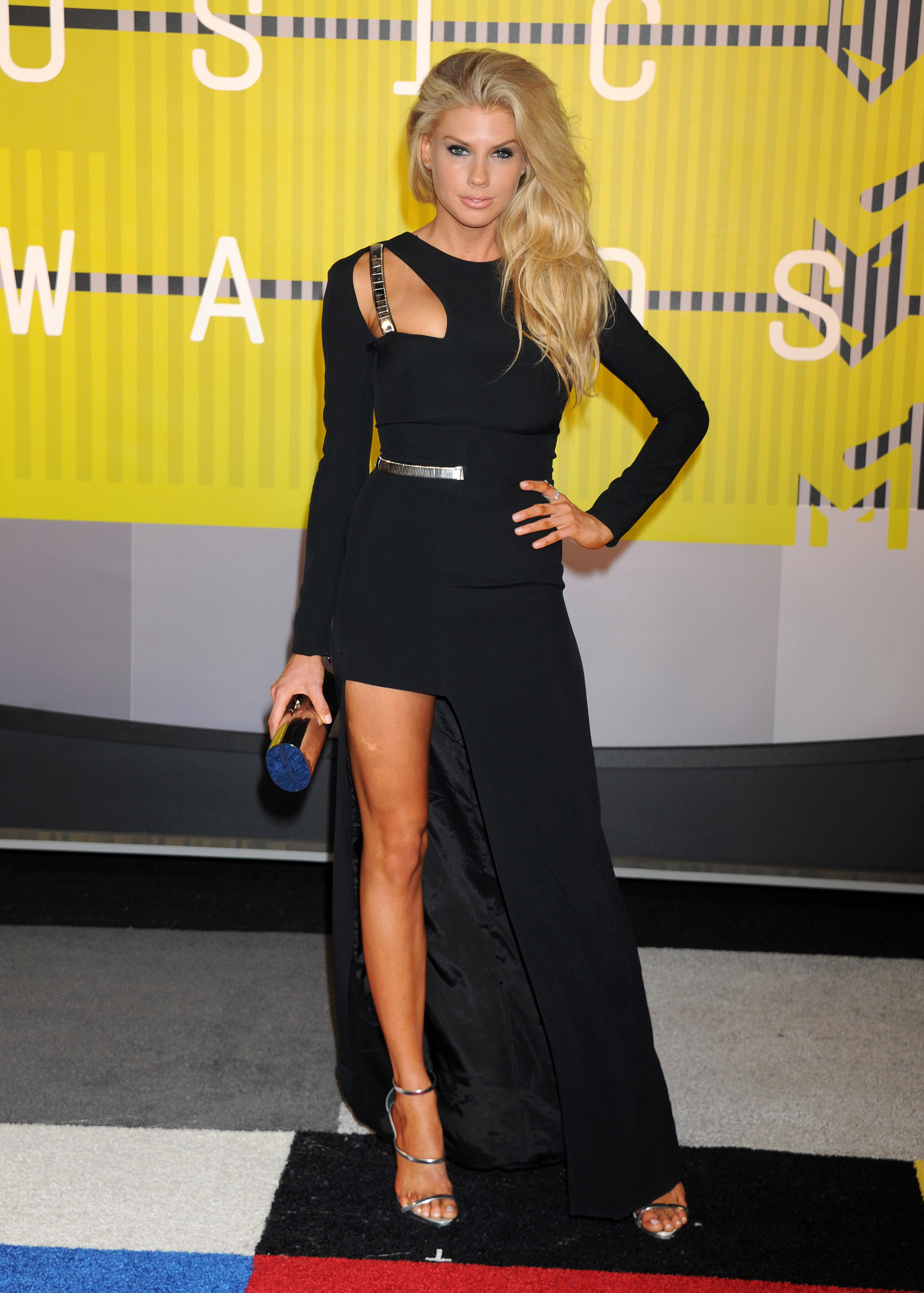
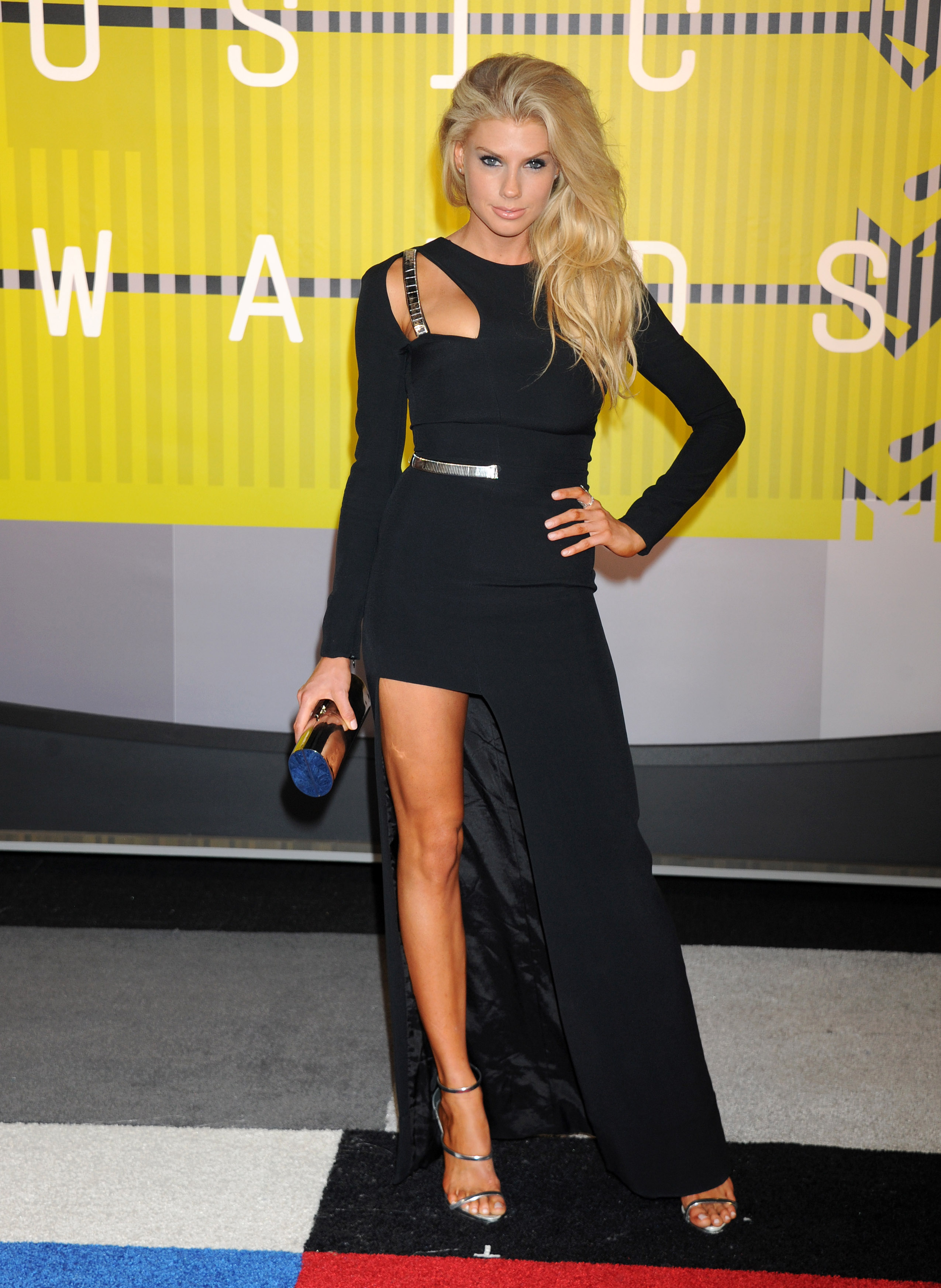
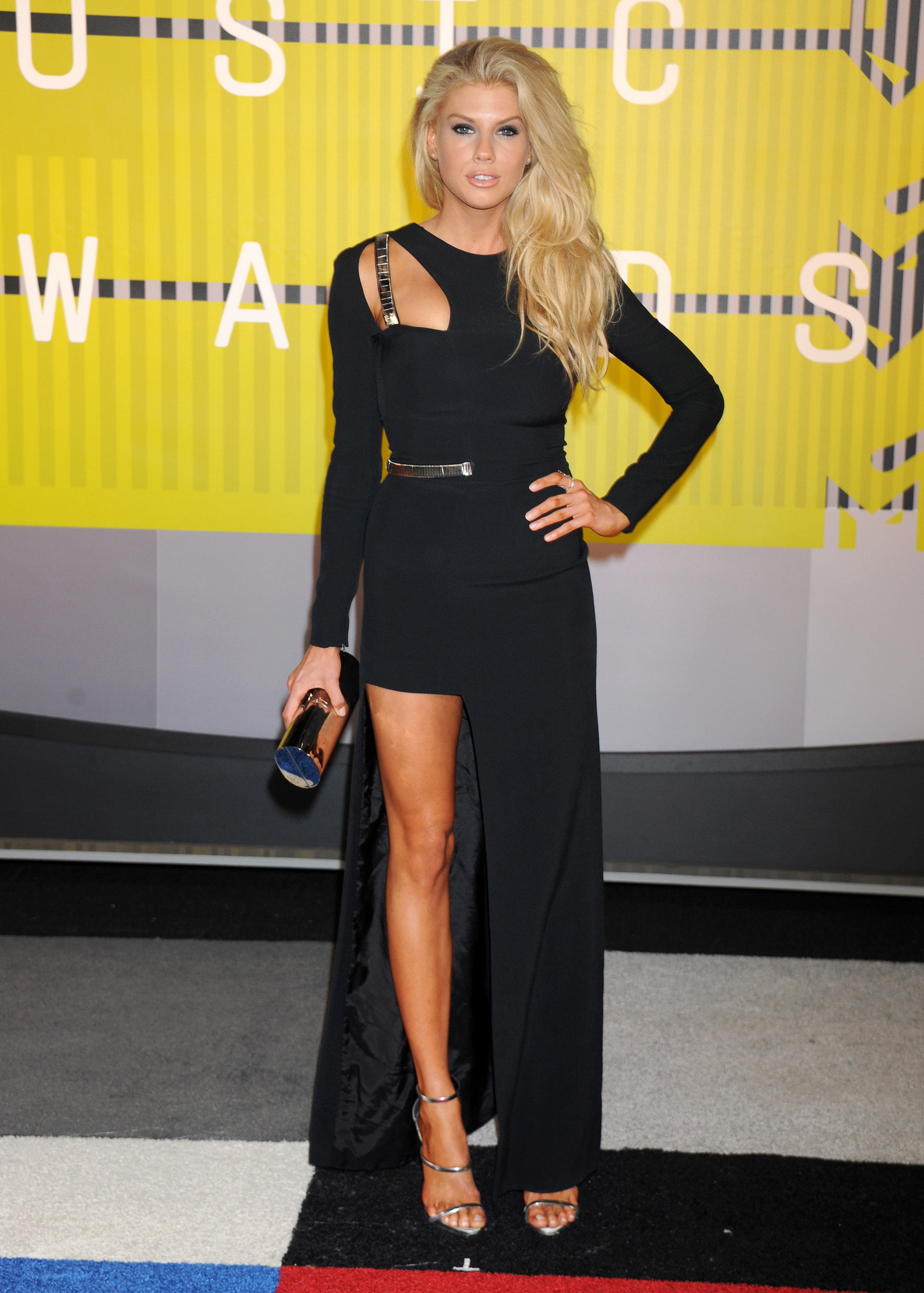
2015 MTV Video Music Awards - update
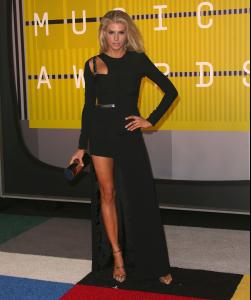




-
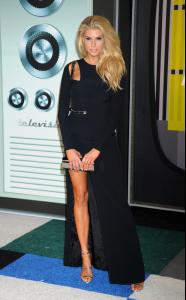
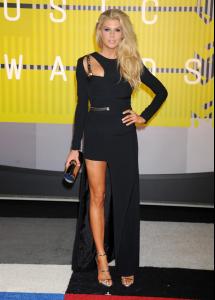
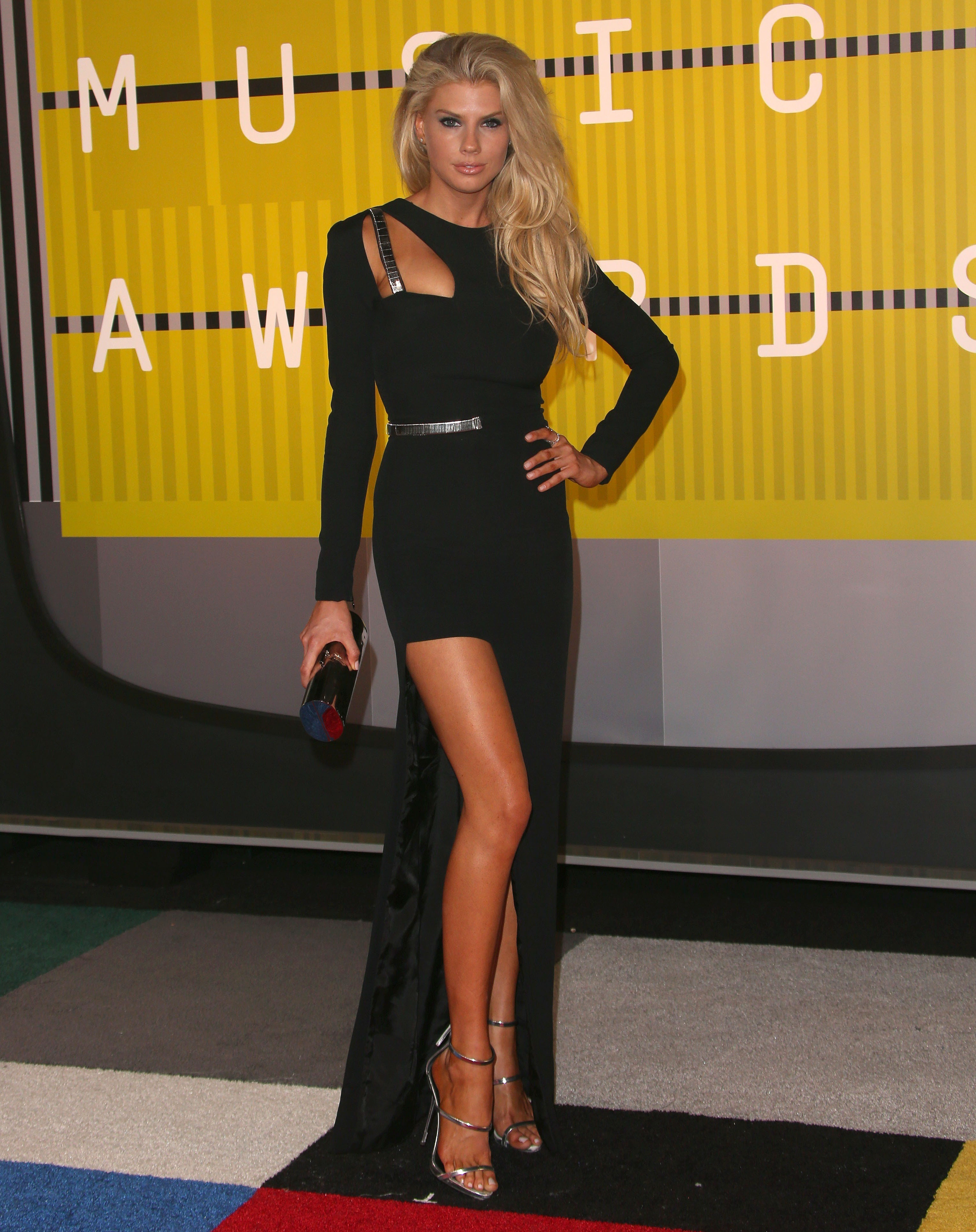
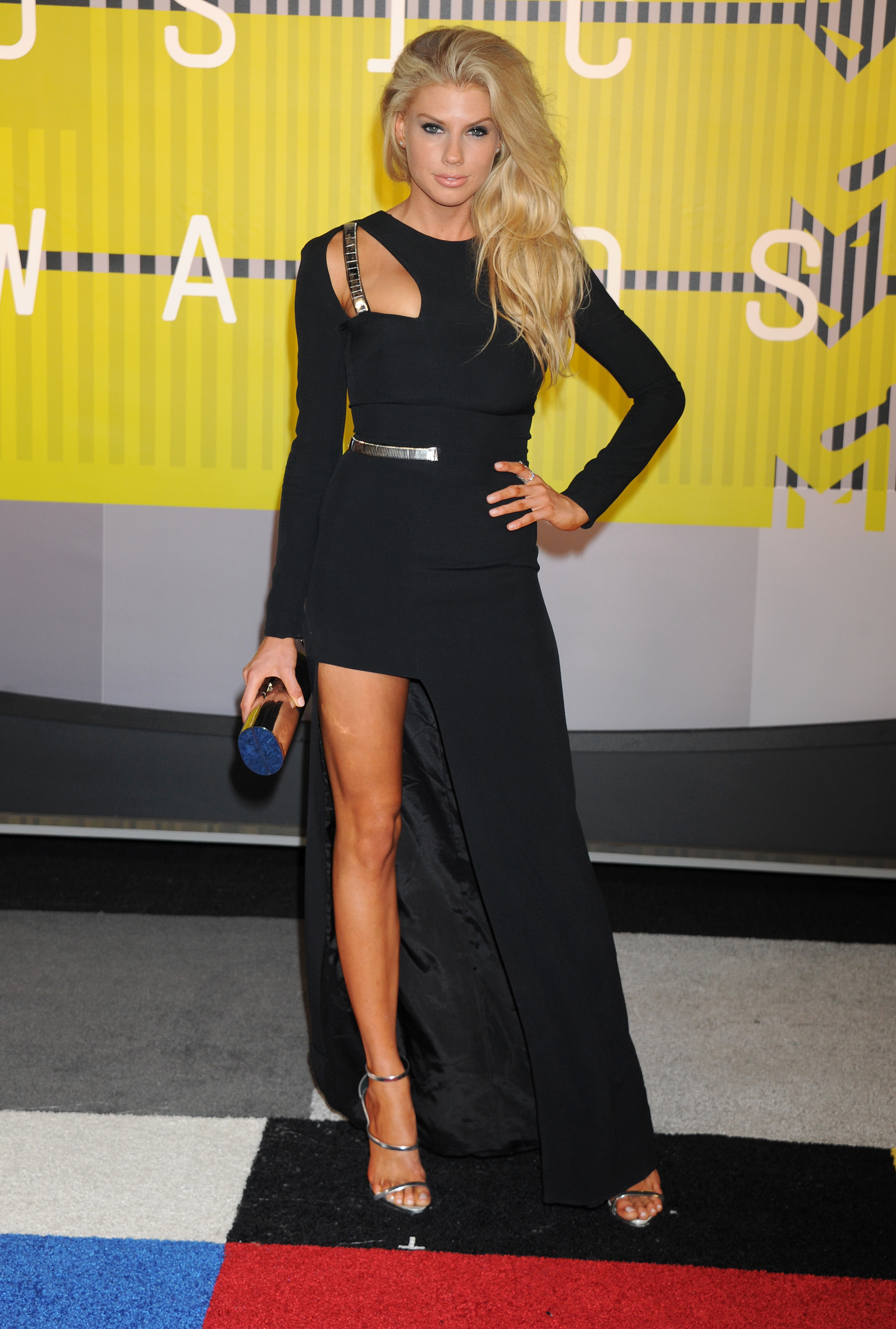
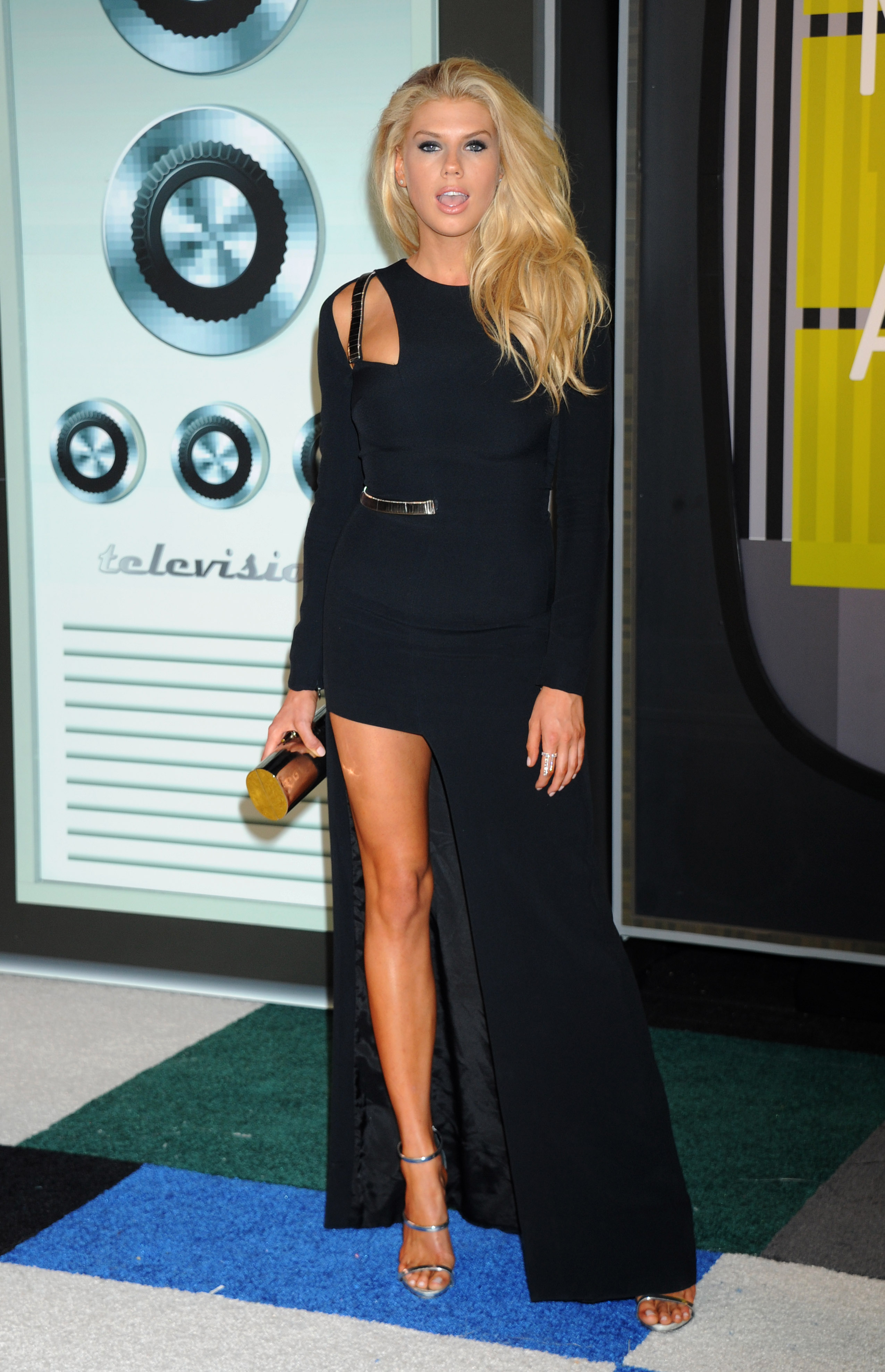
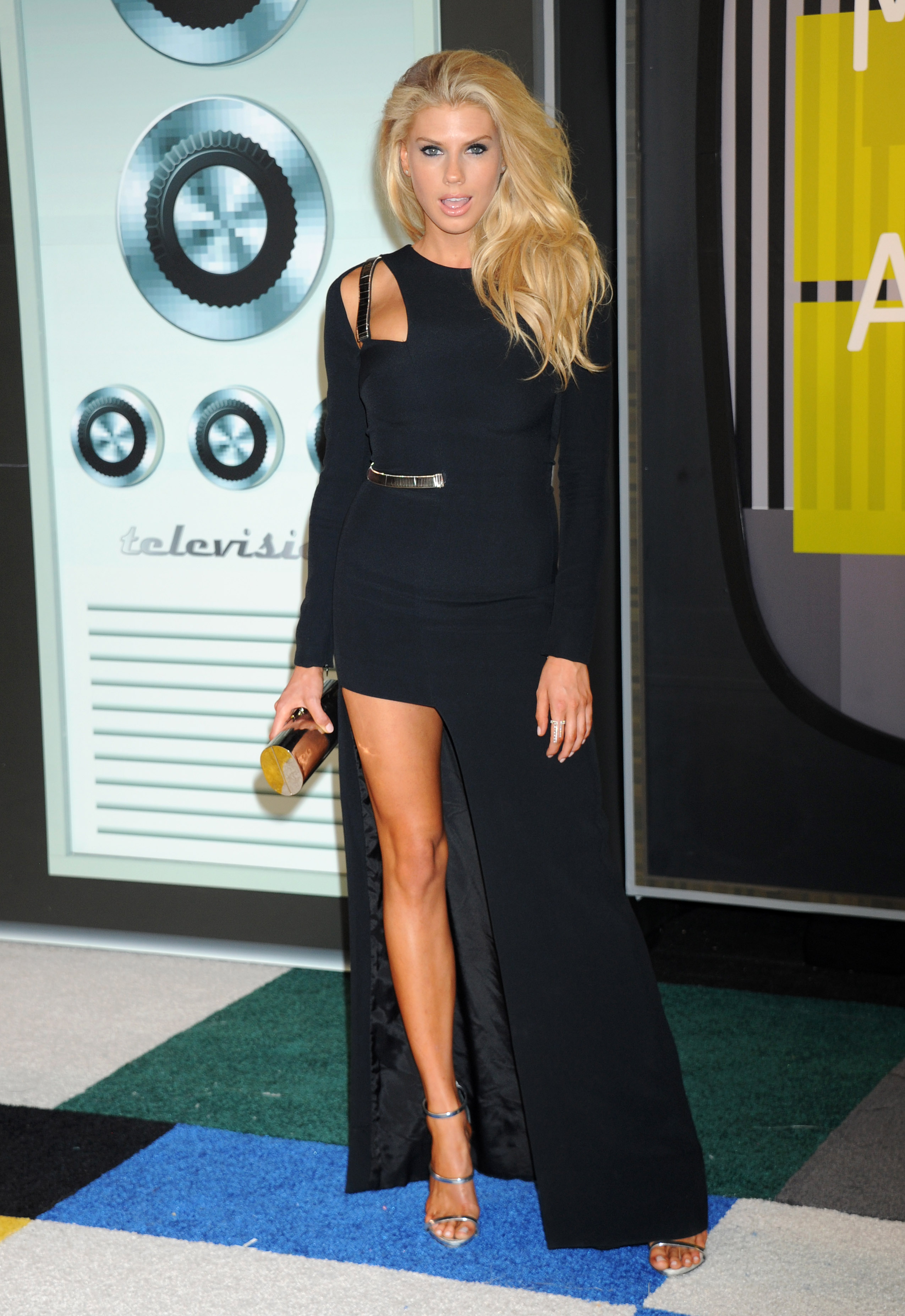
2015 MTV Video Music Awards 30.08.15
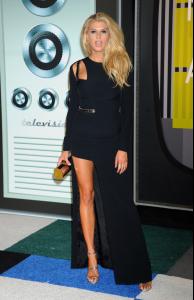









-
^^ nice found :brows:
-
-
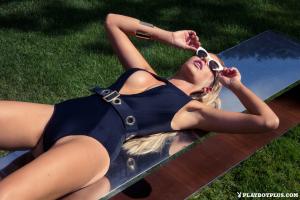
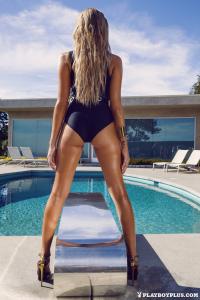
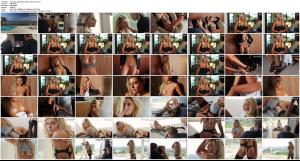
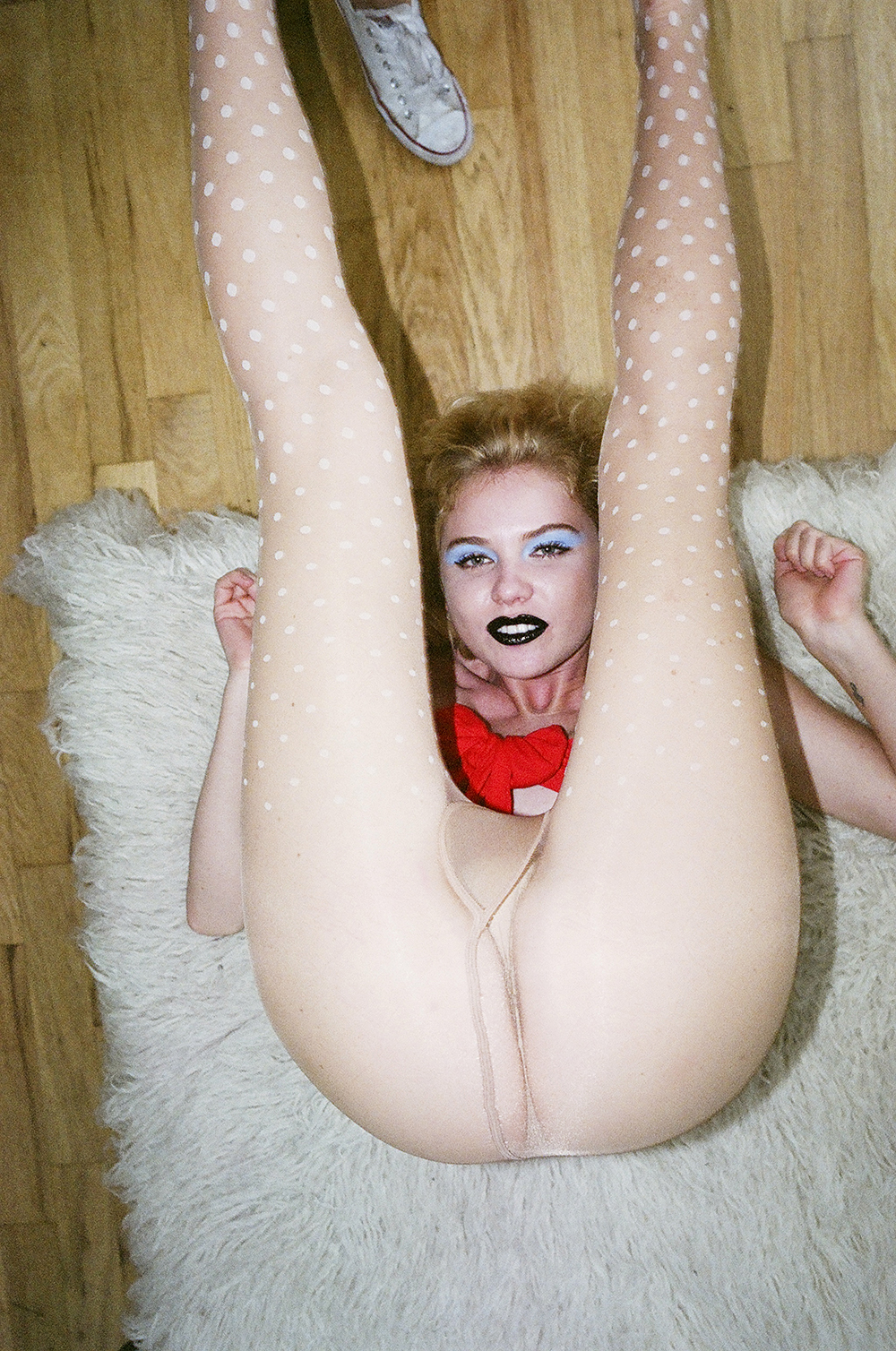
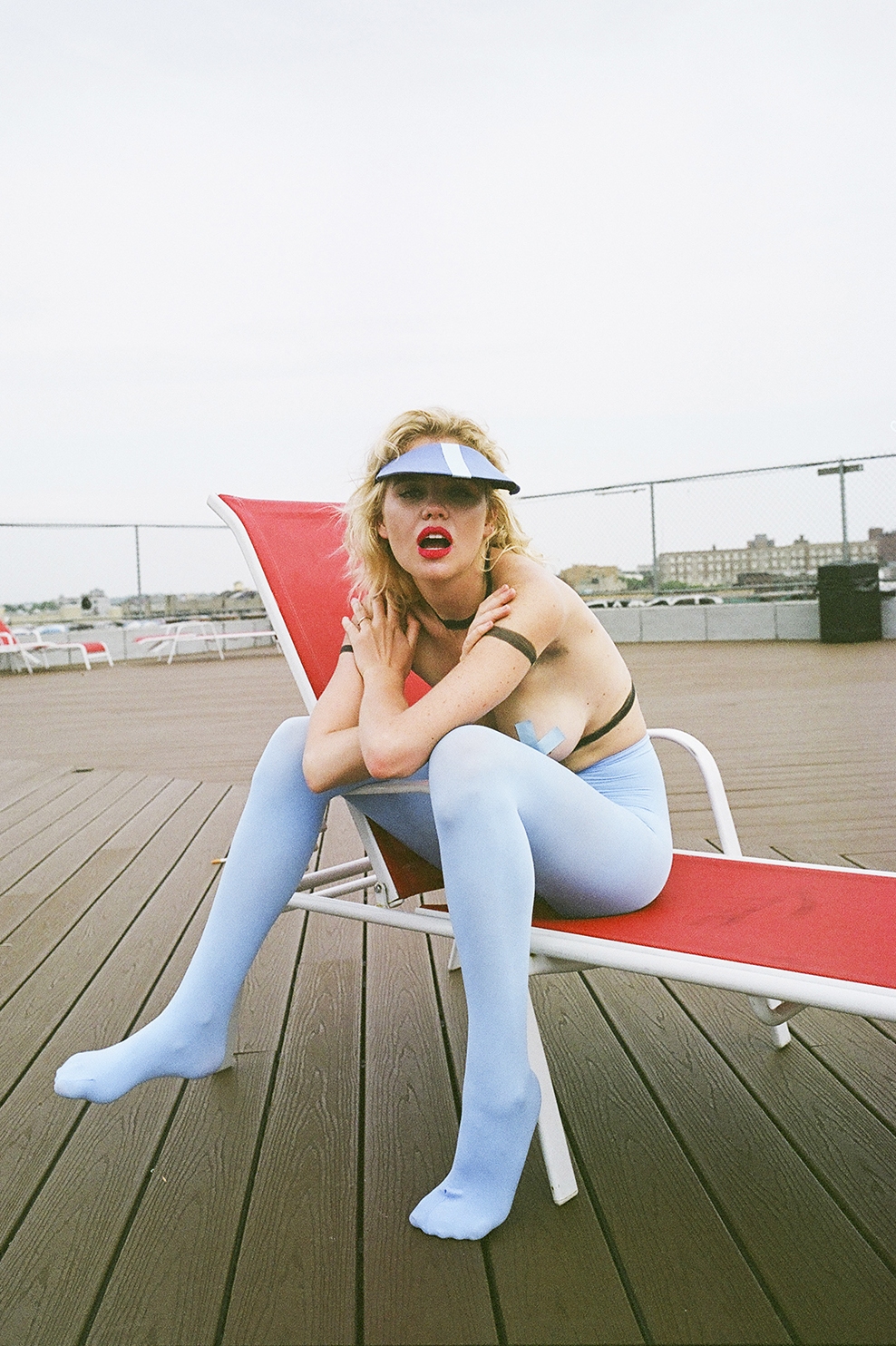
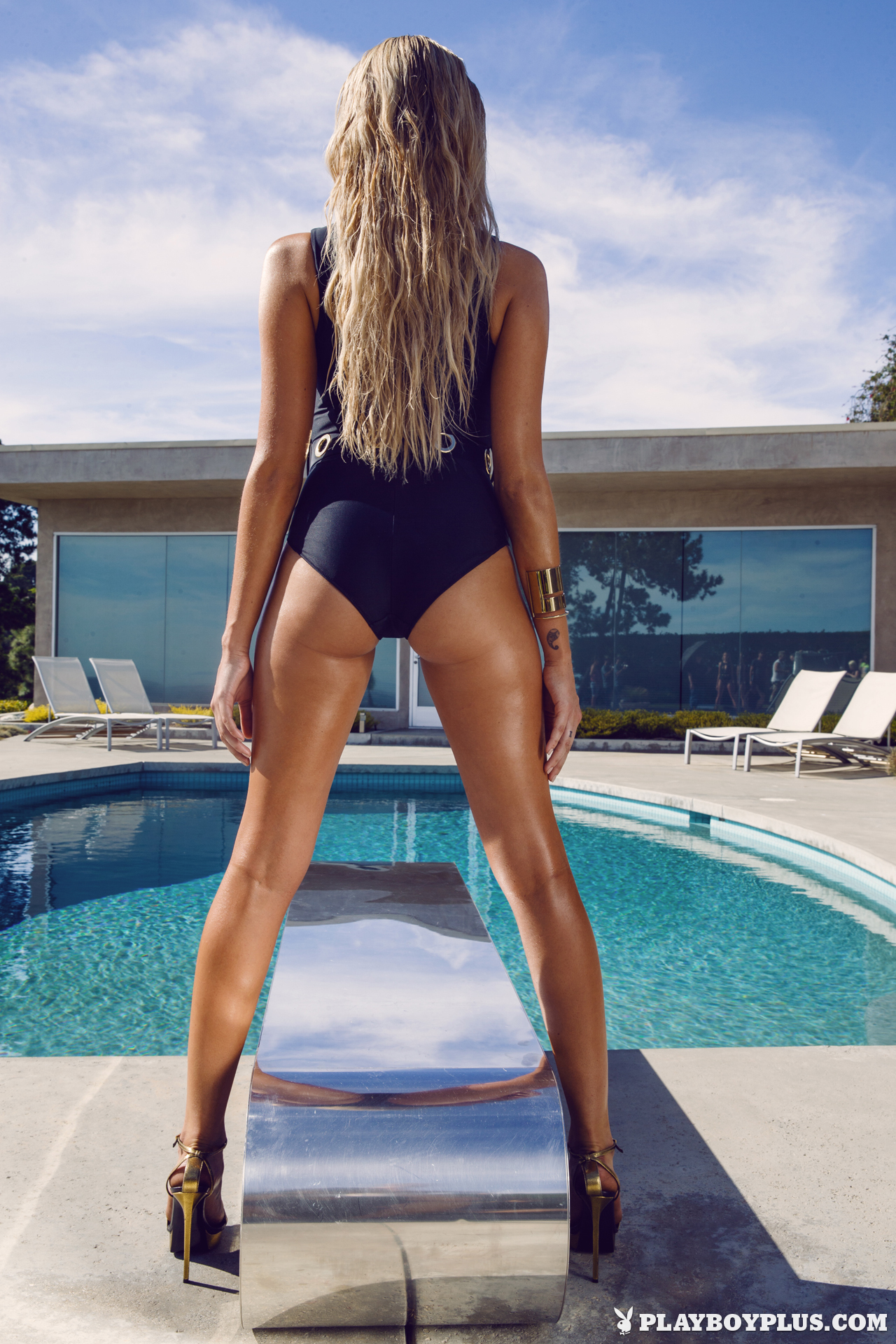
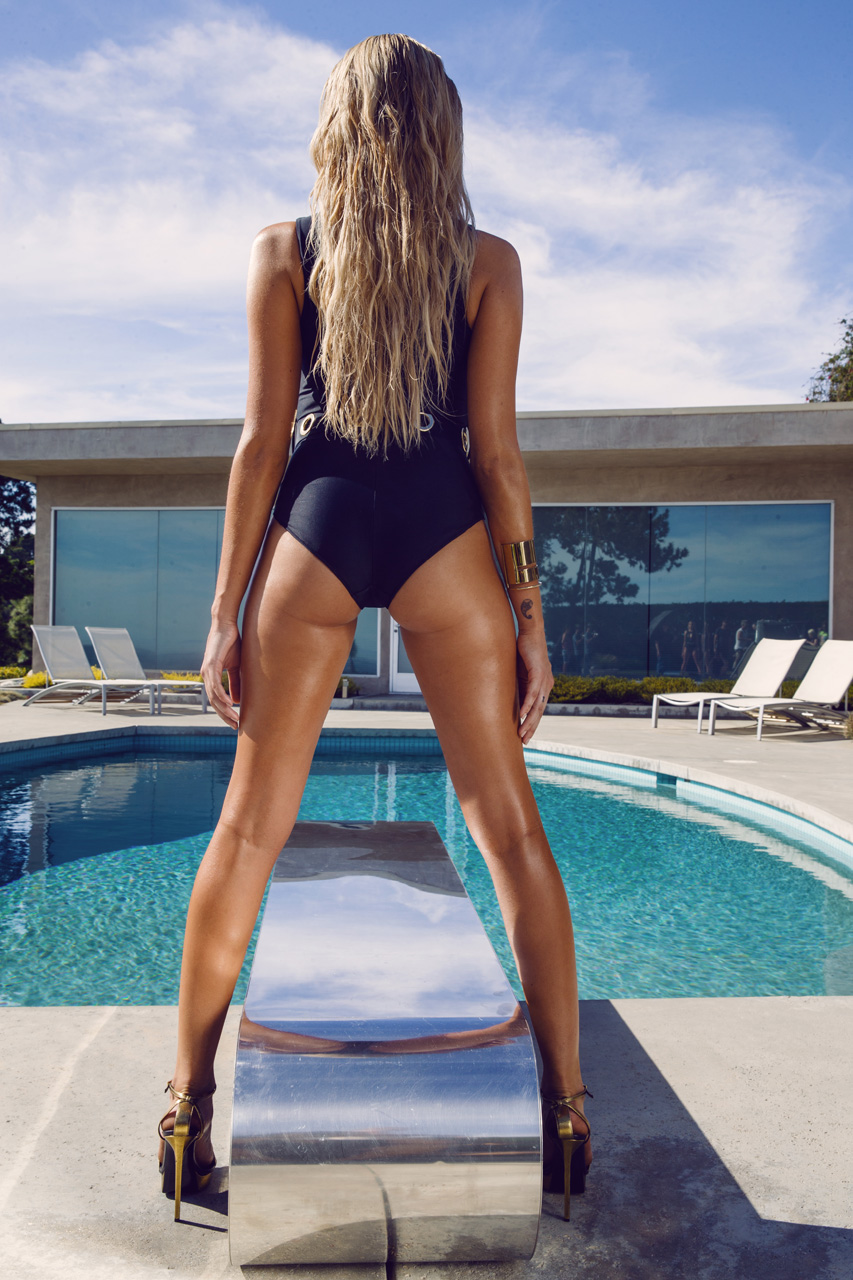
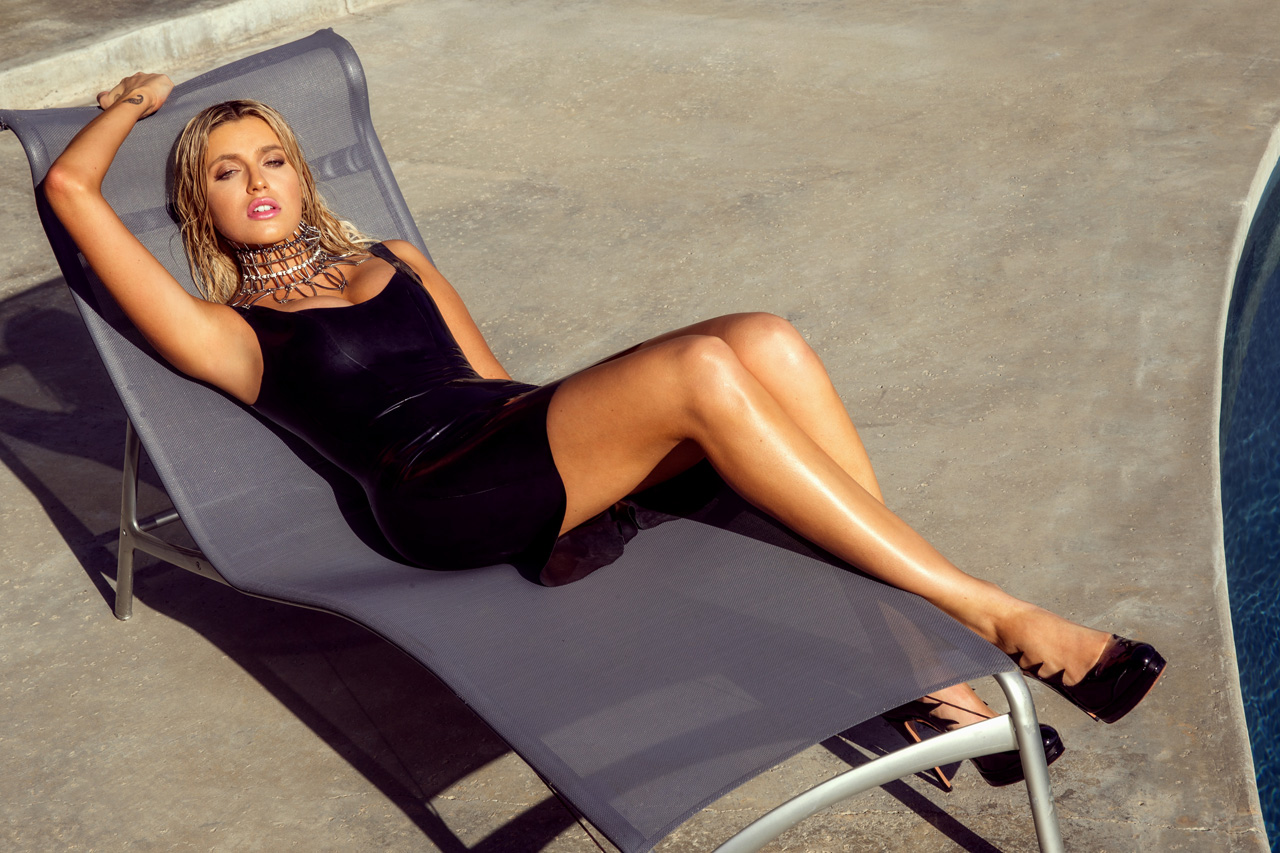
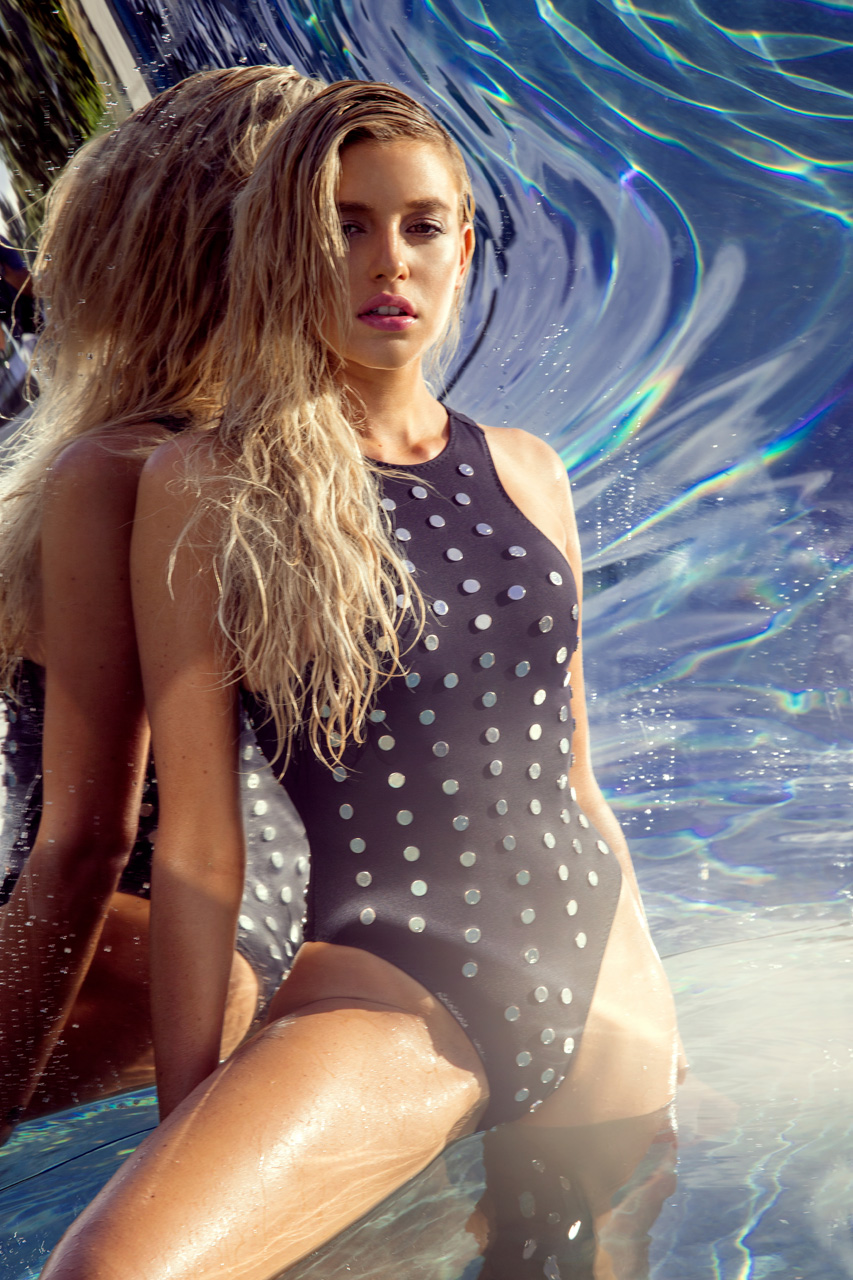
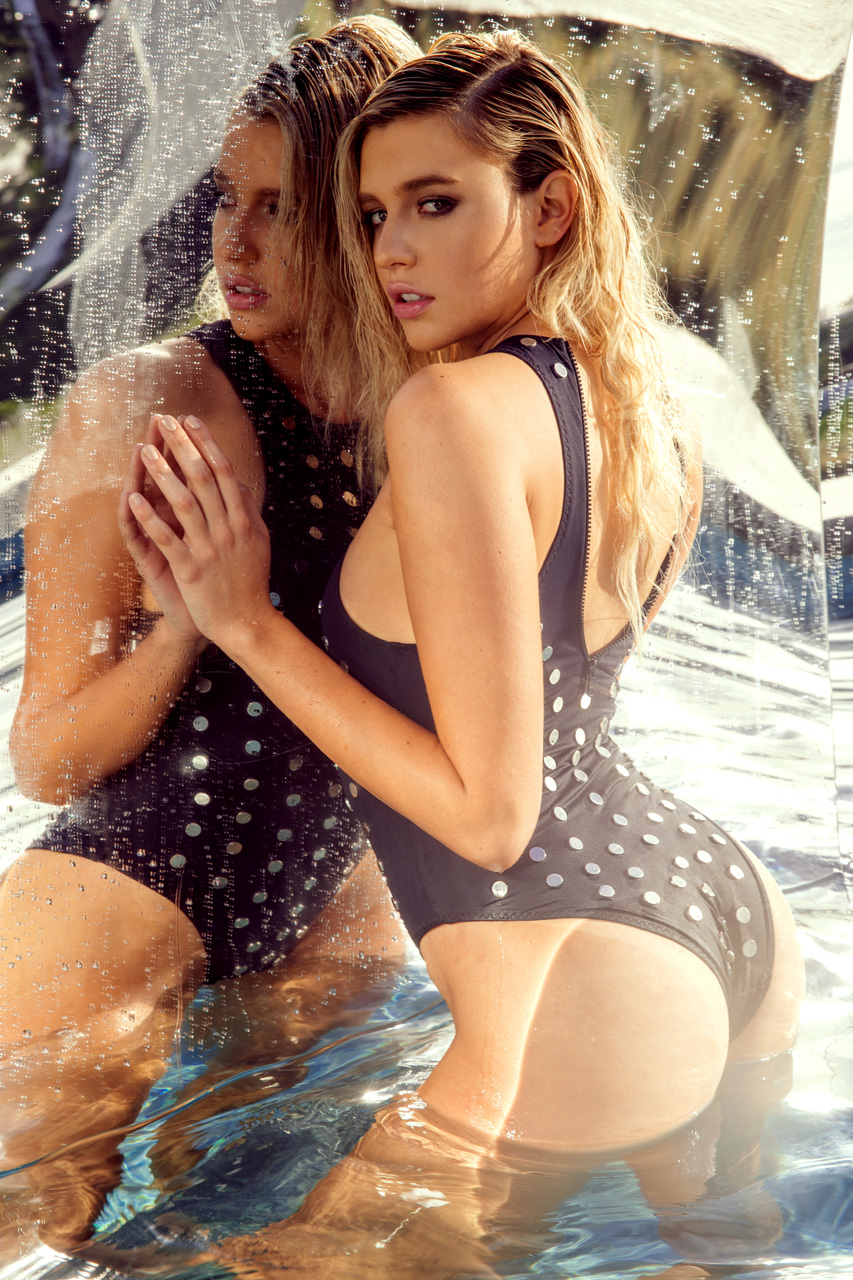
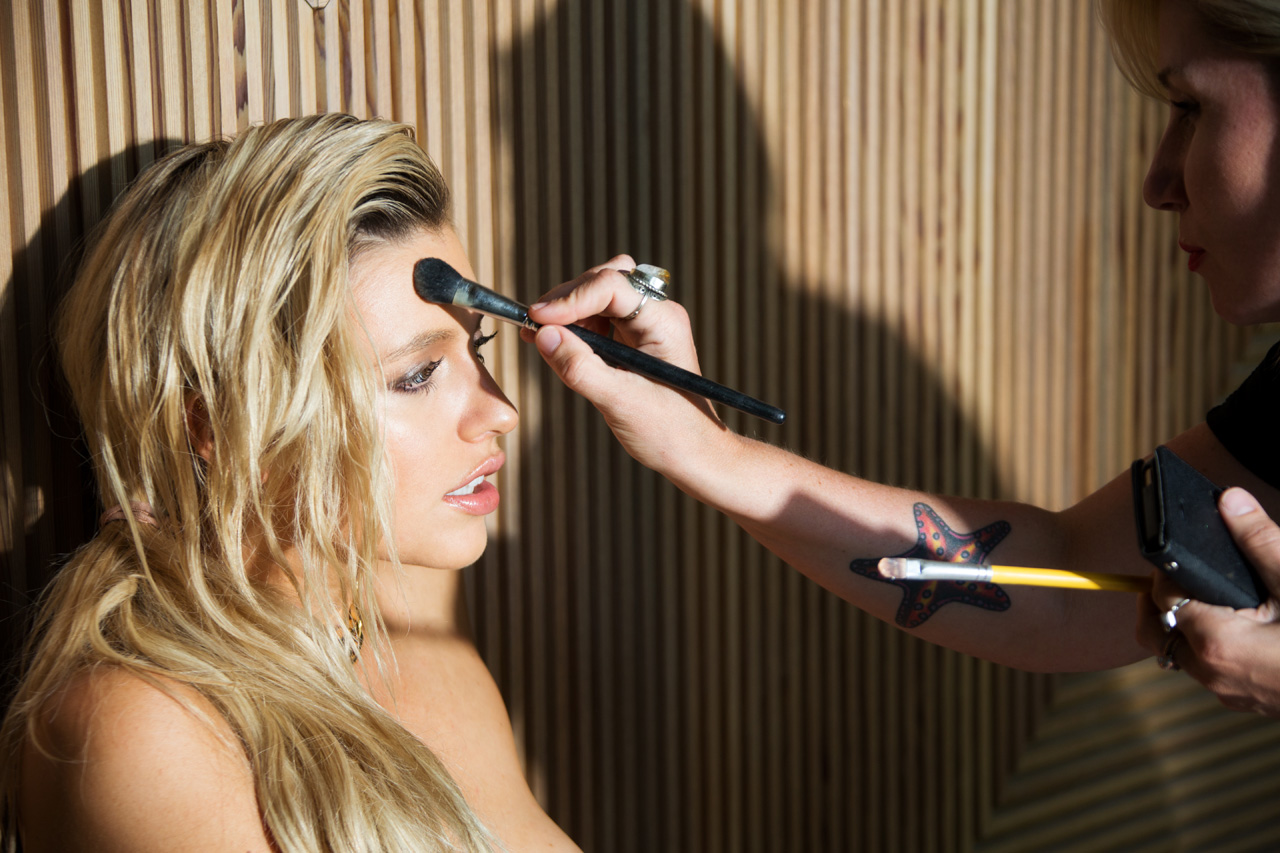
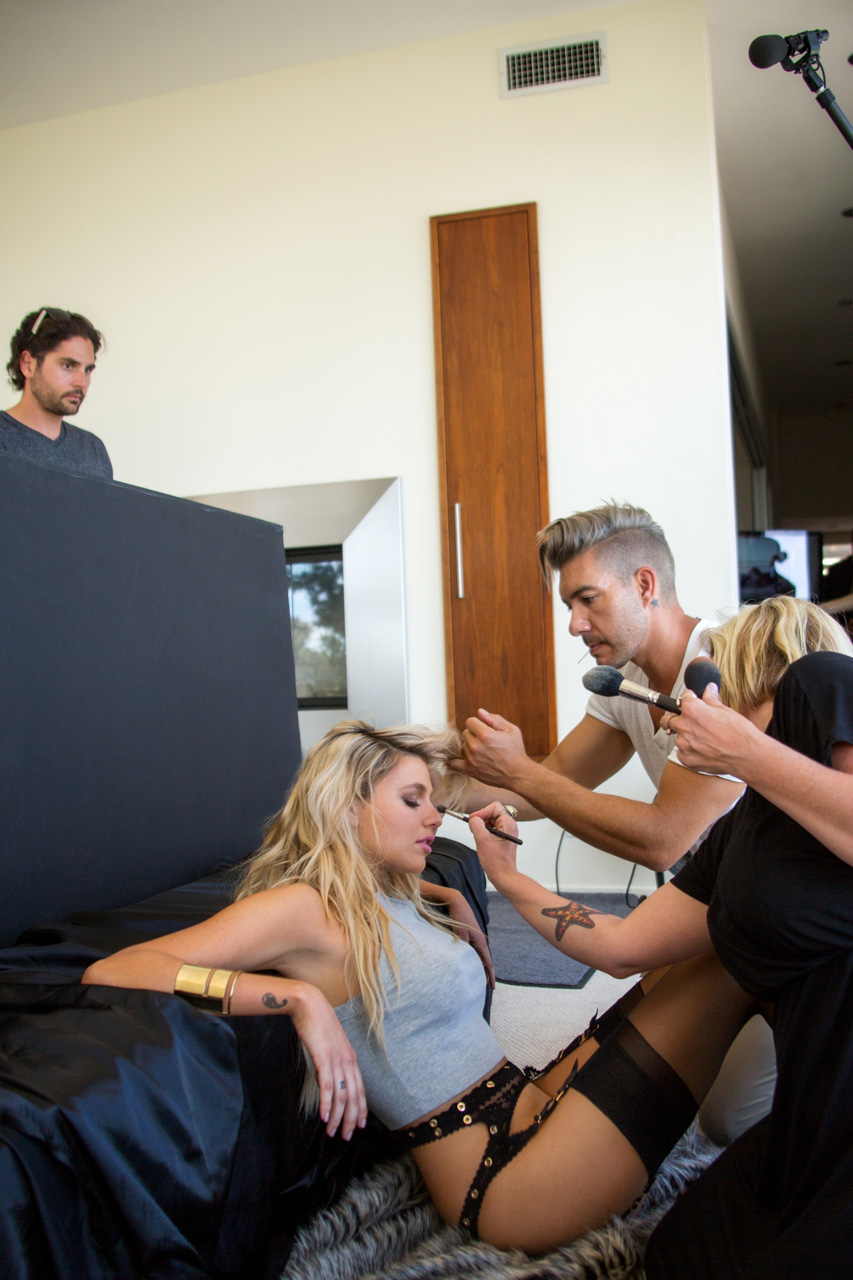
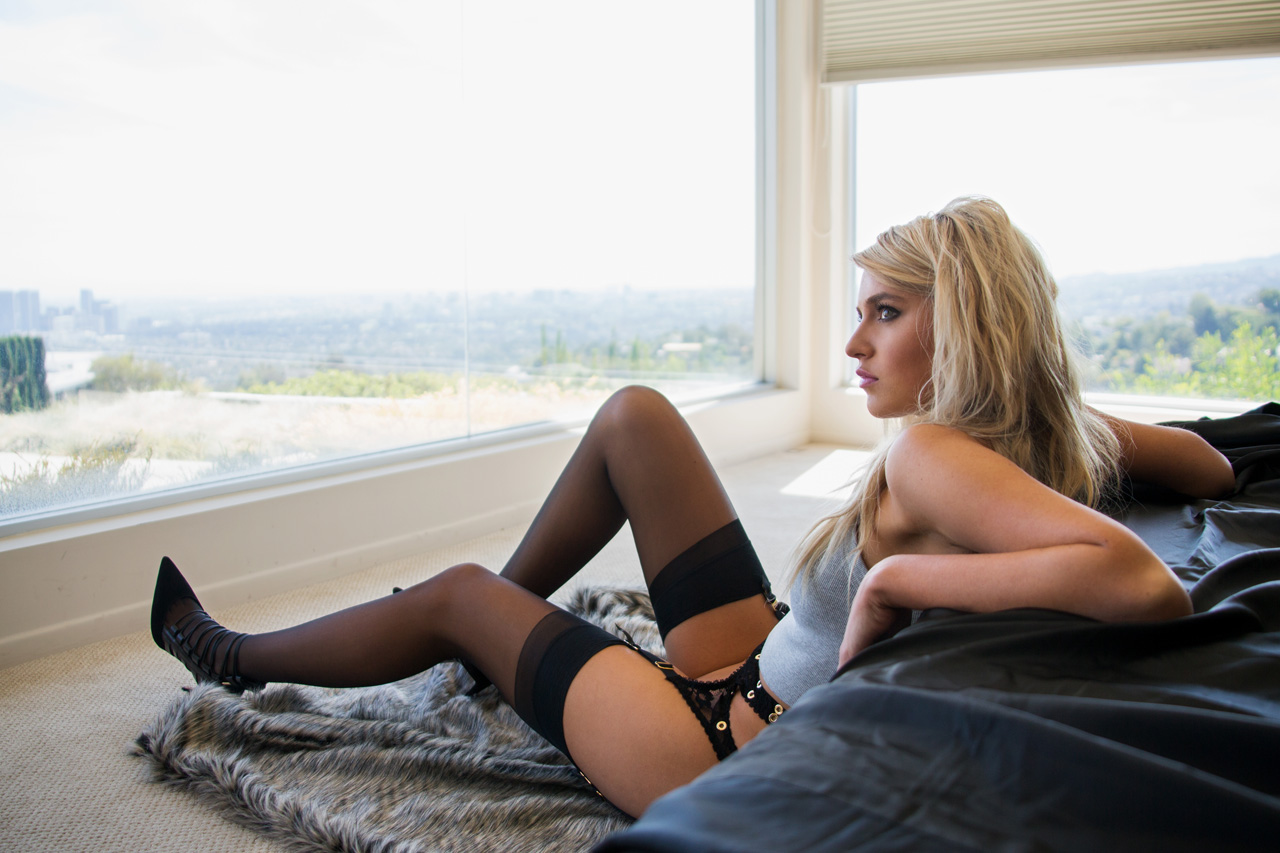
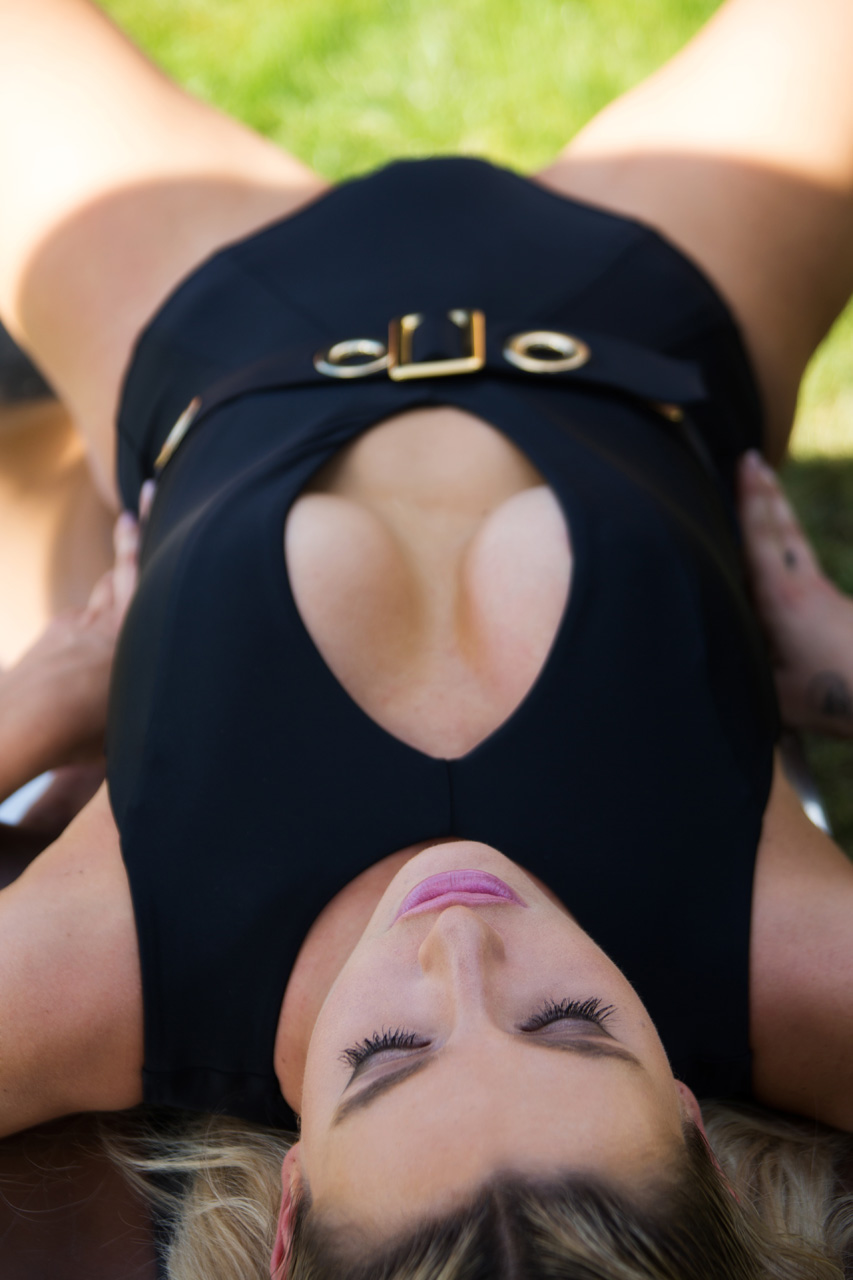
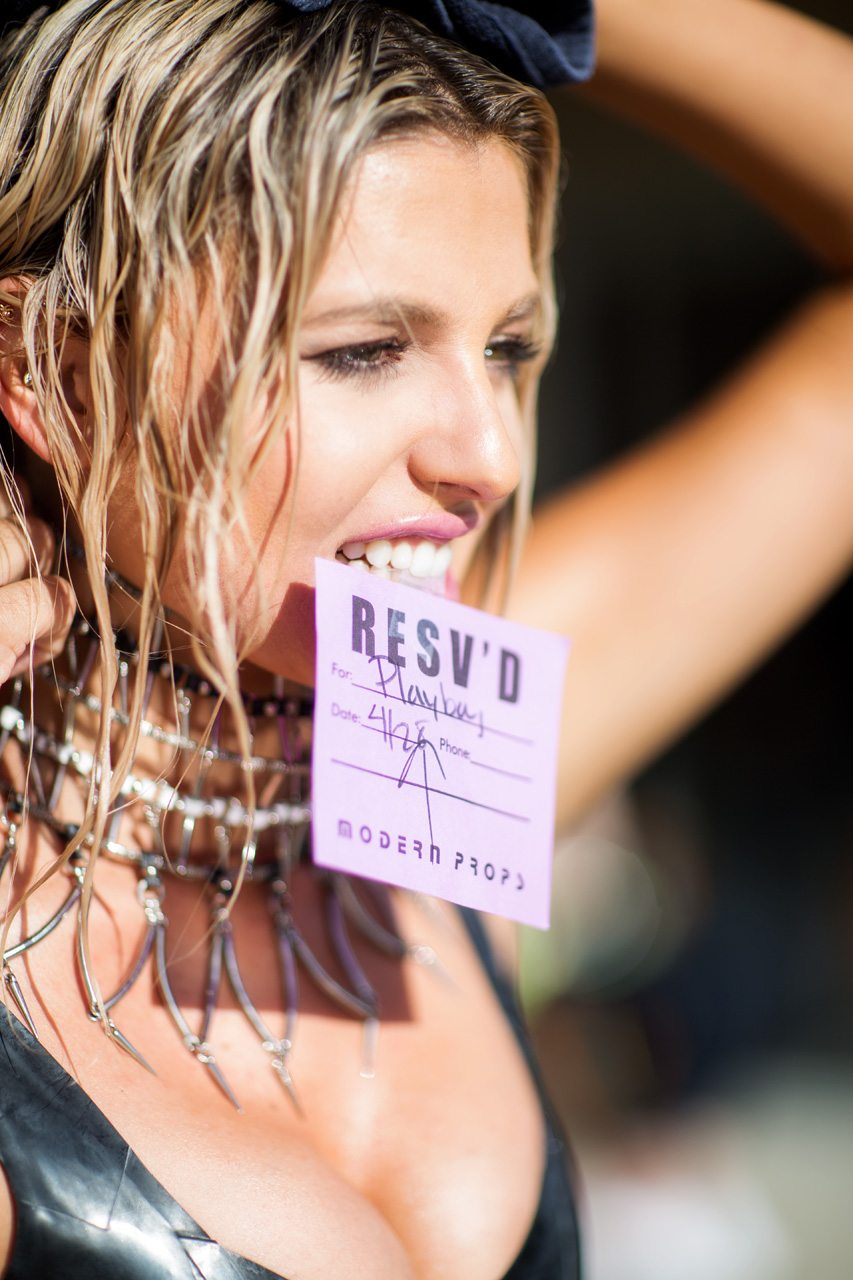
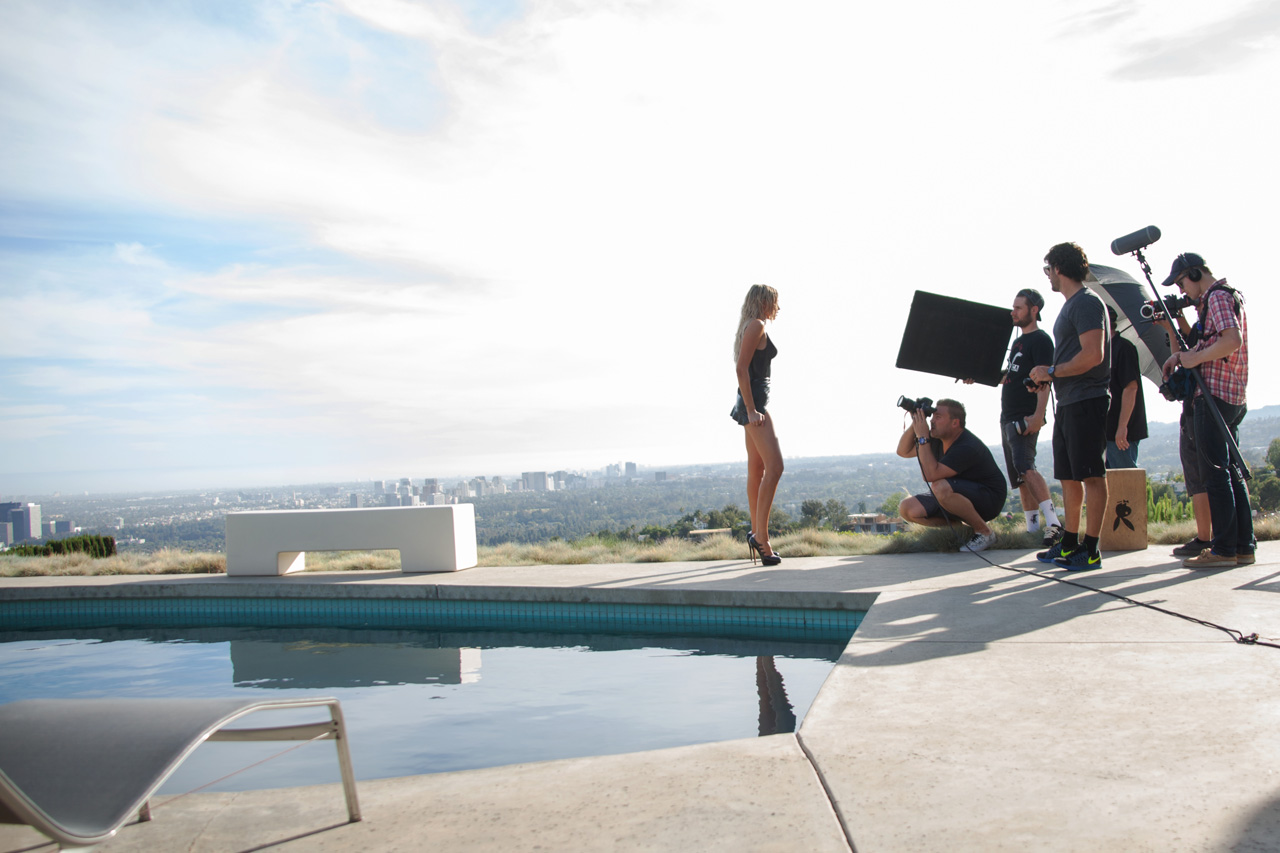
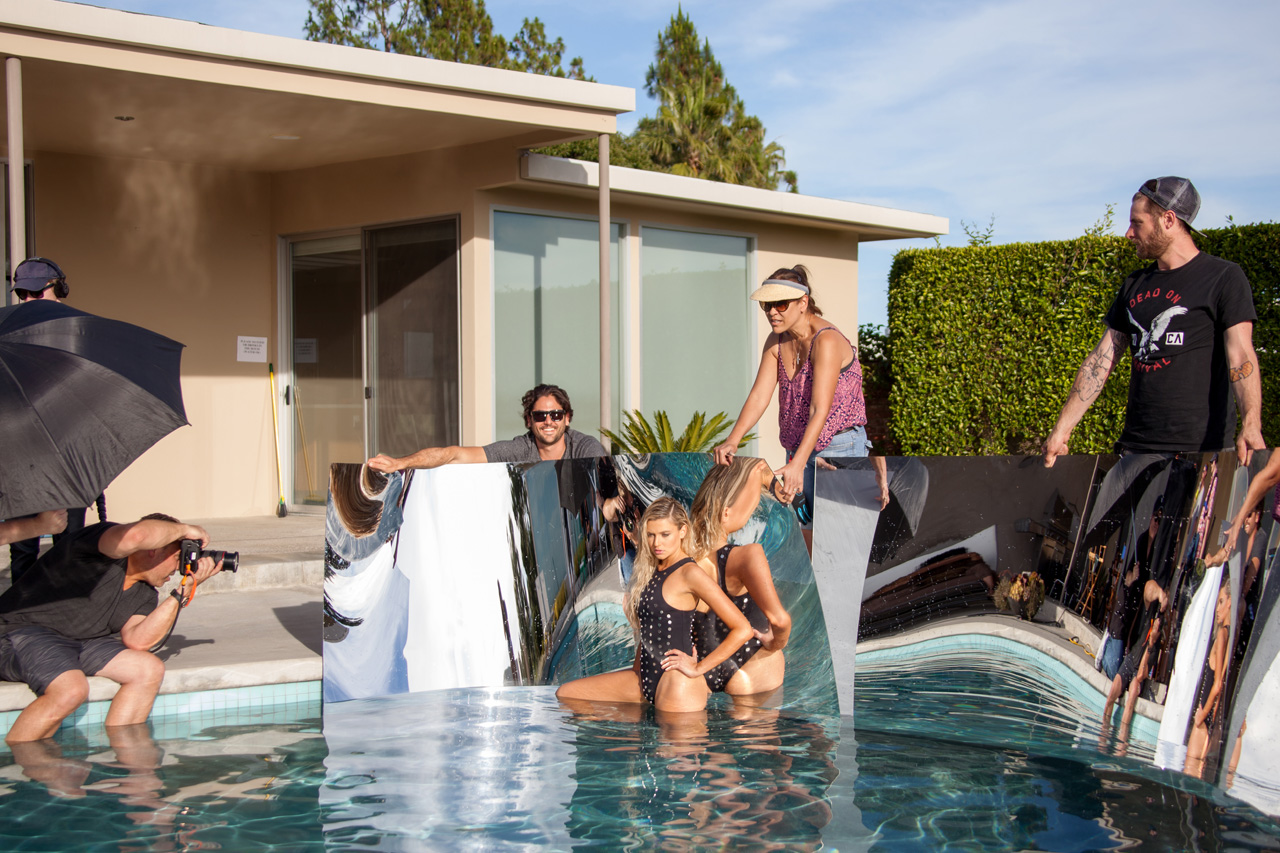
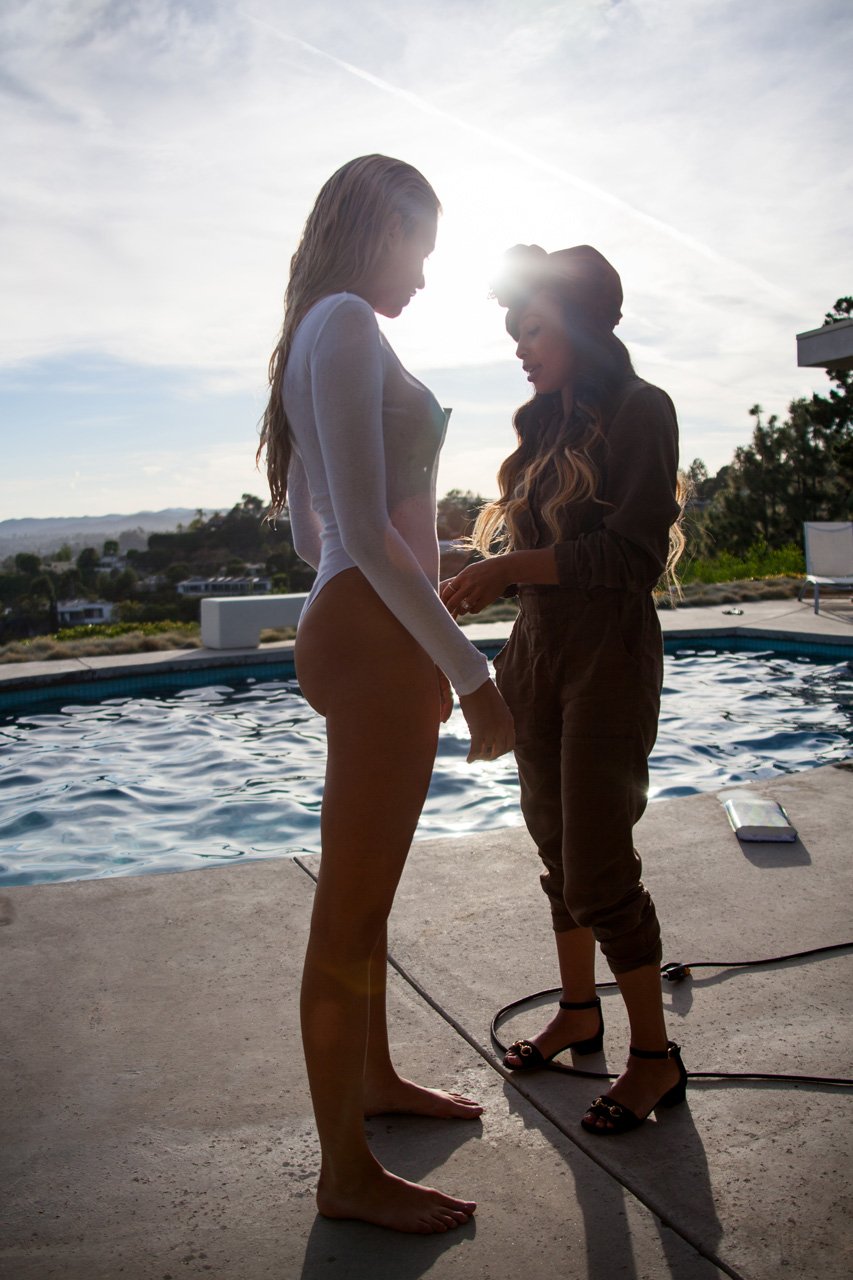
Into The Light - PB+ pics + video NUDE
















-
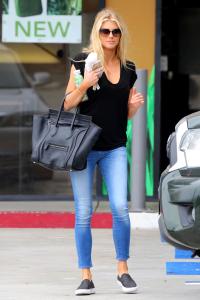
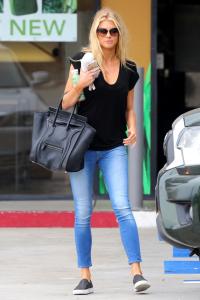
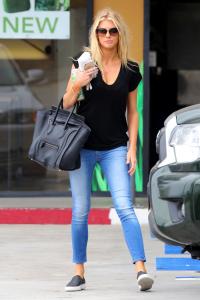
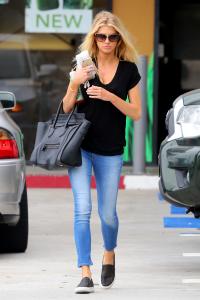
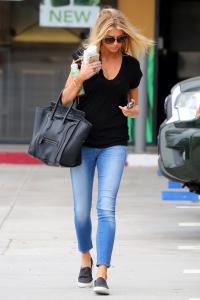
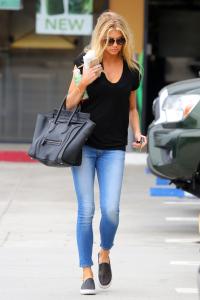
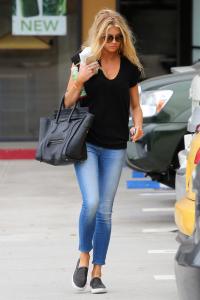
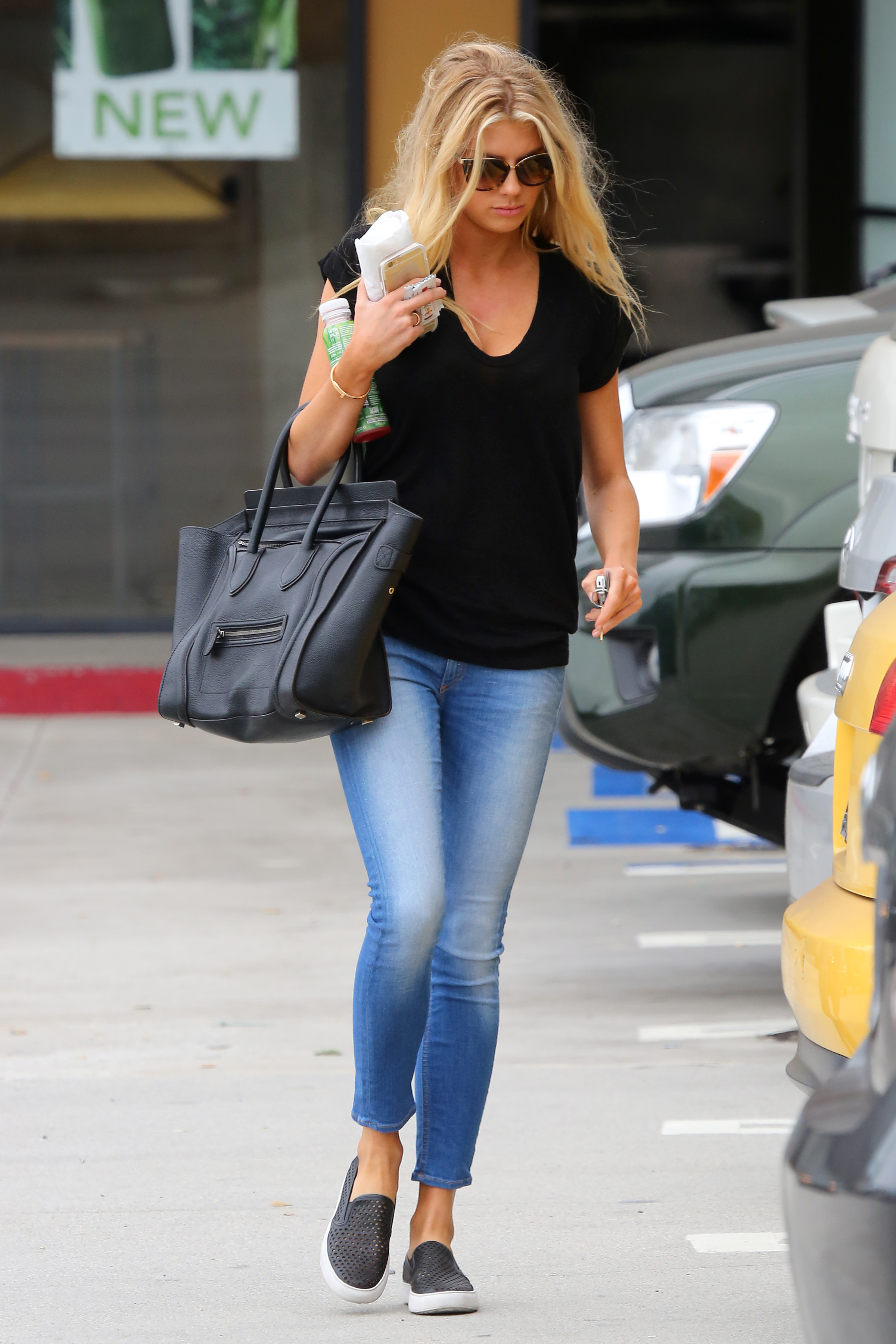
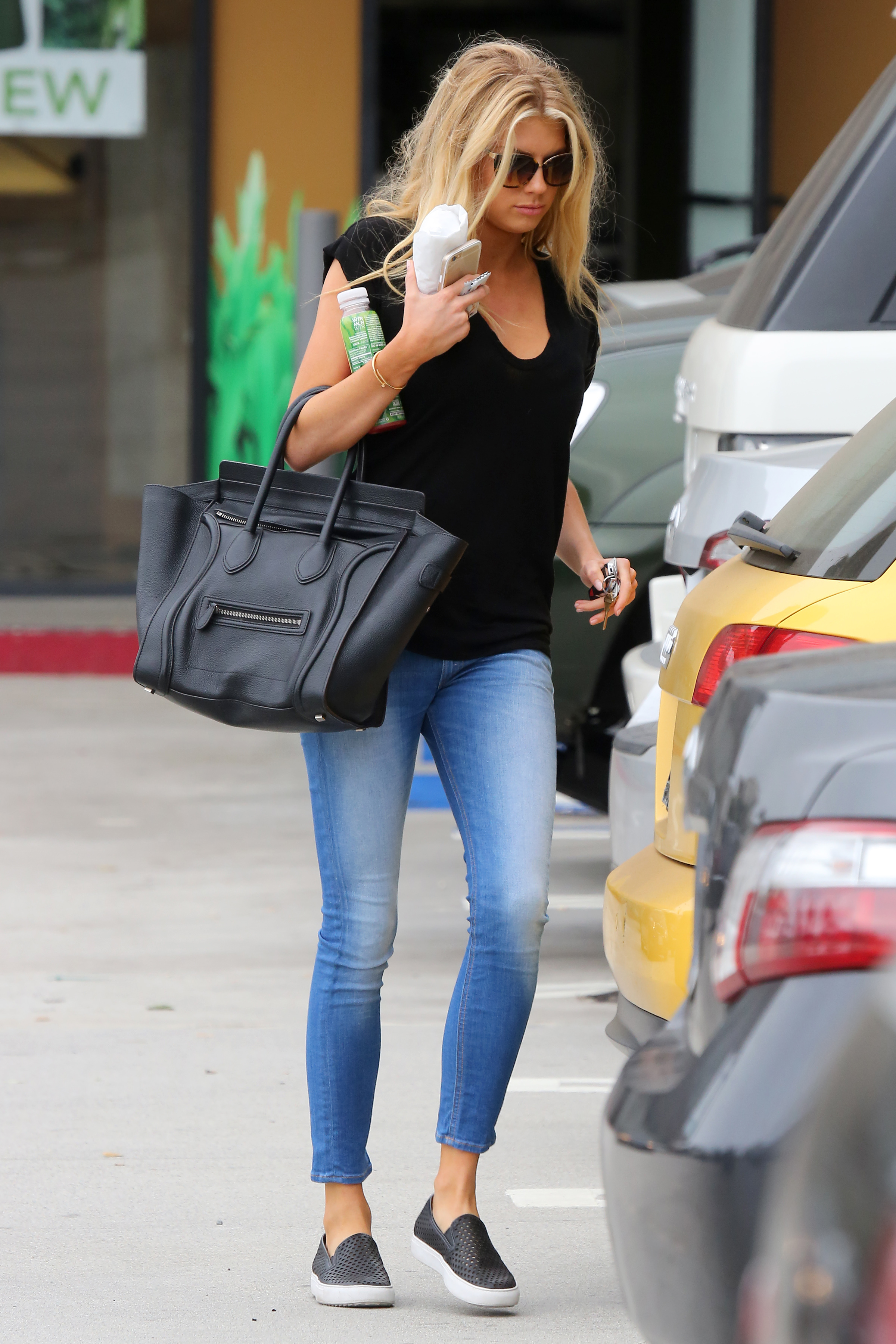
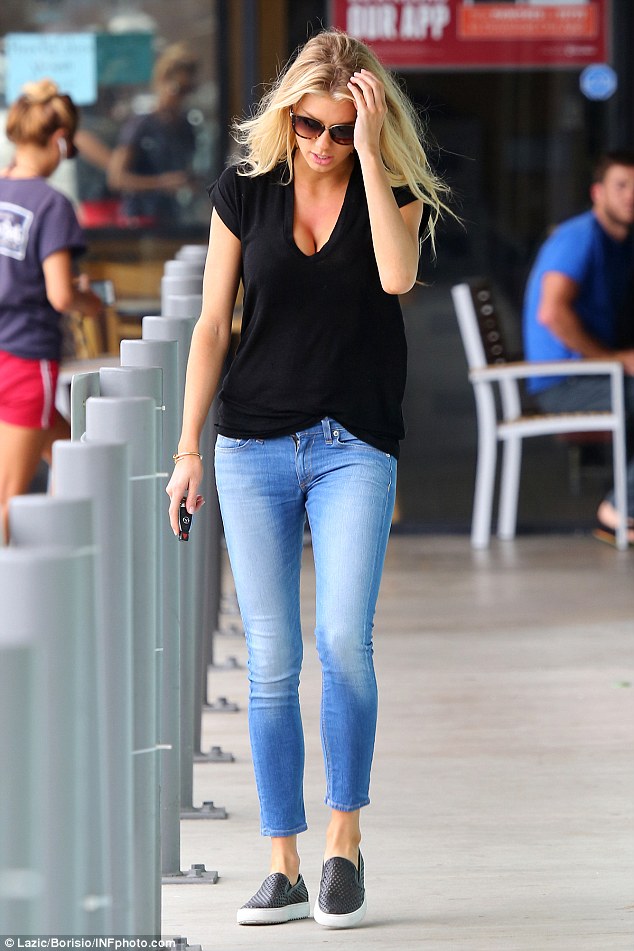
in Malibu, California 20.08.15











-
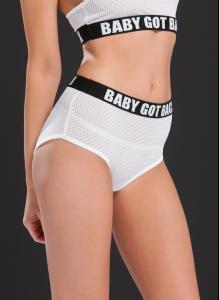
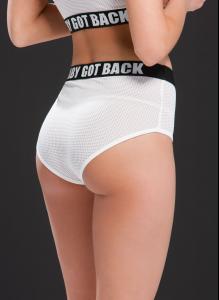
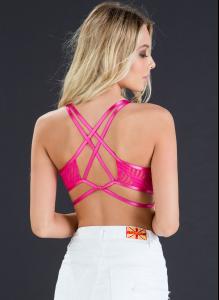
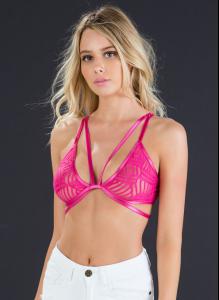
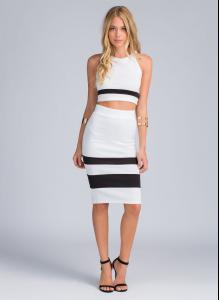
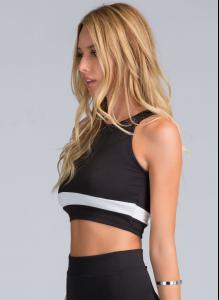
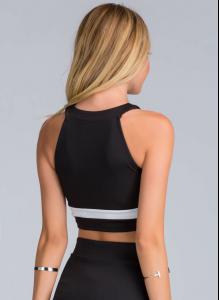
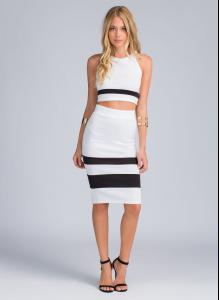
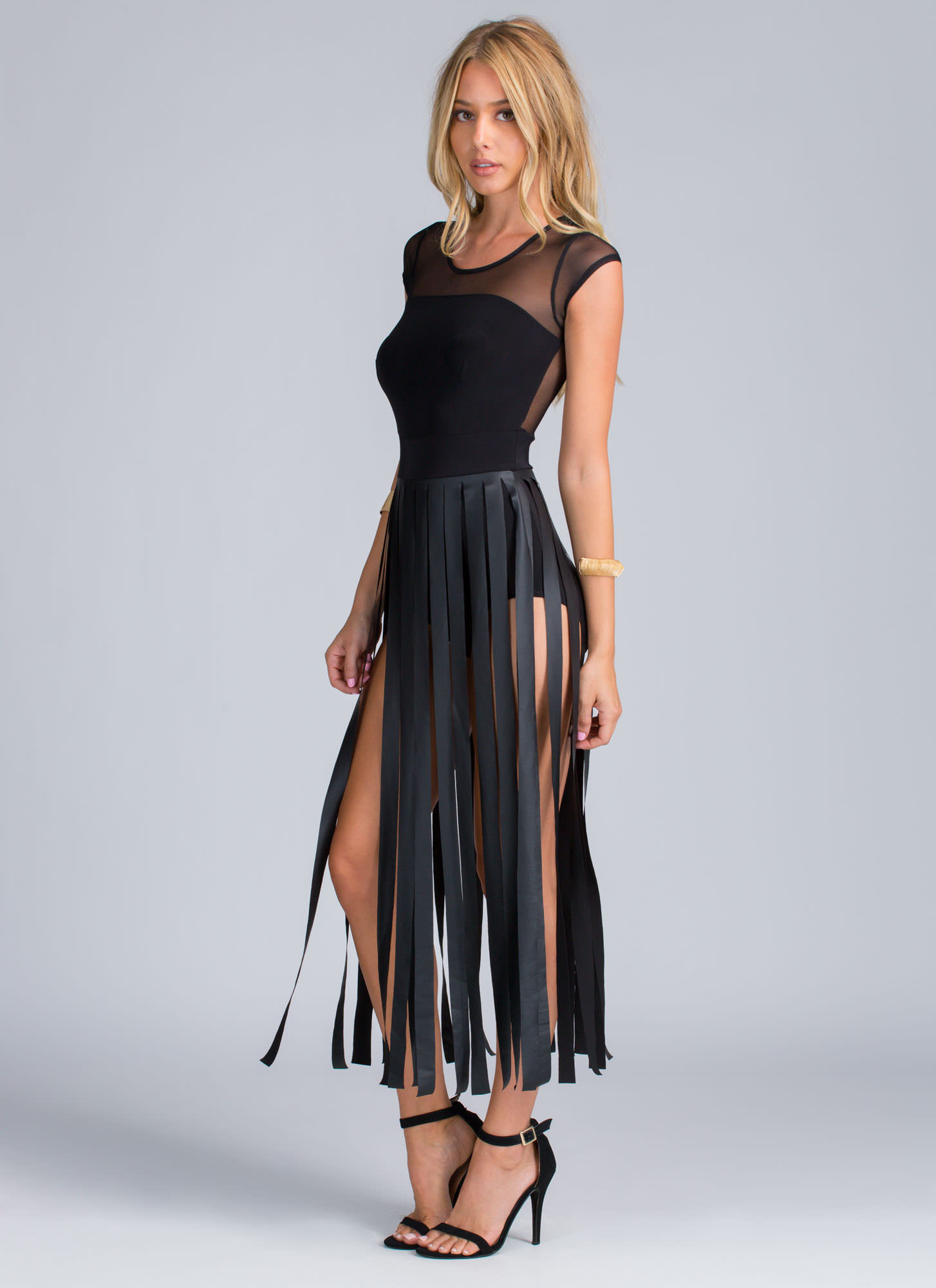
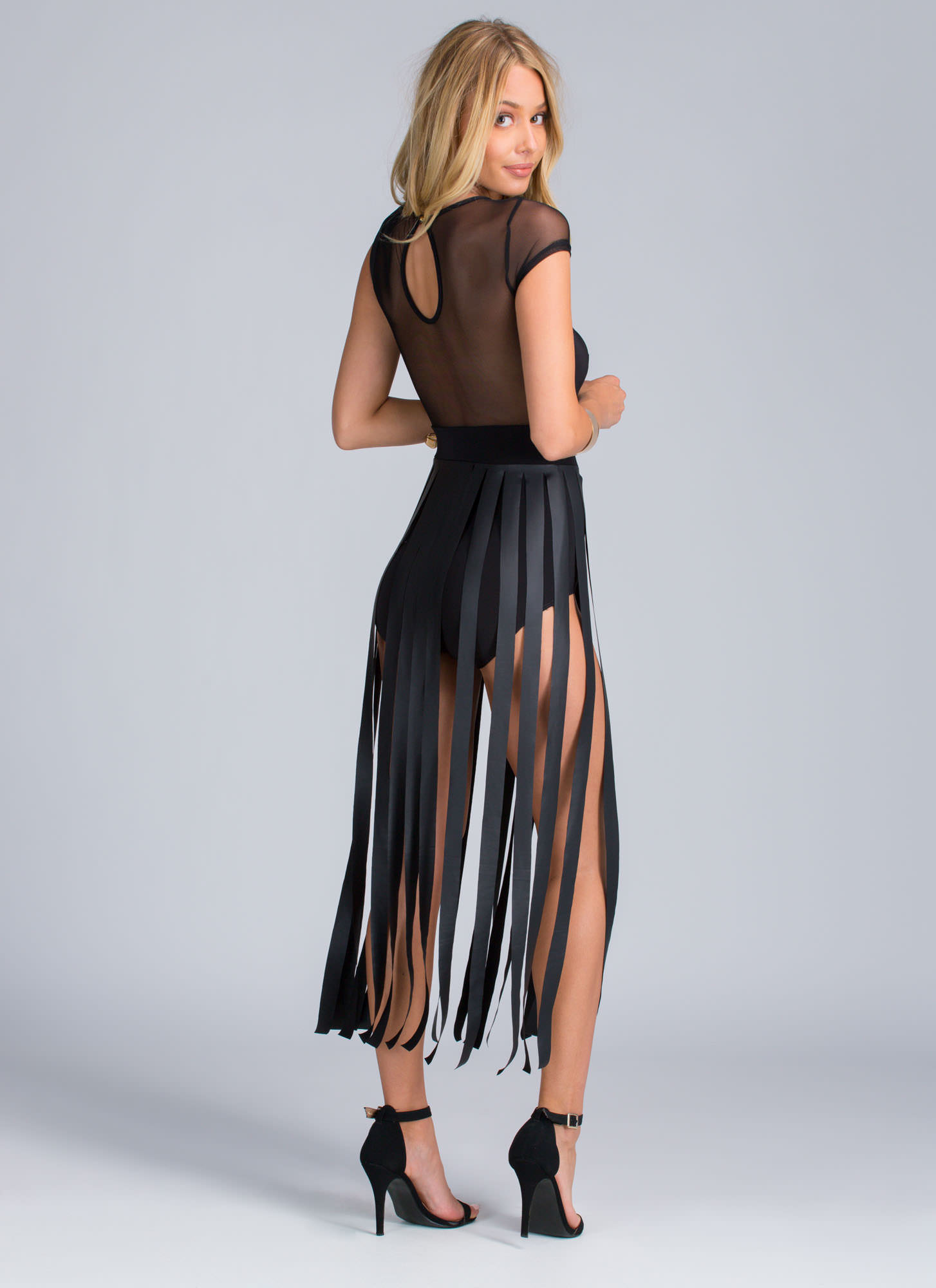
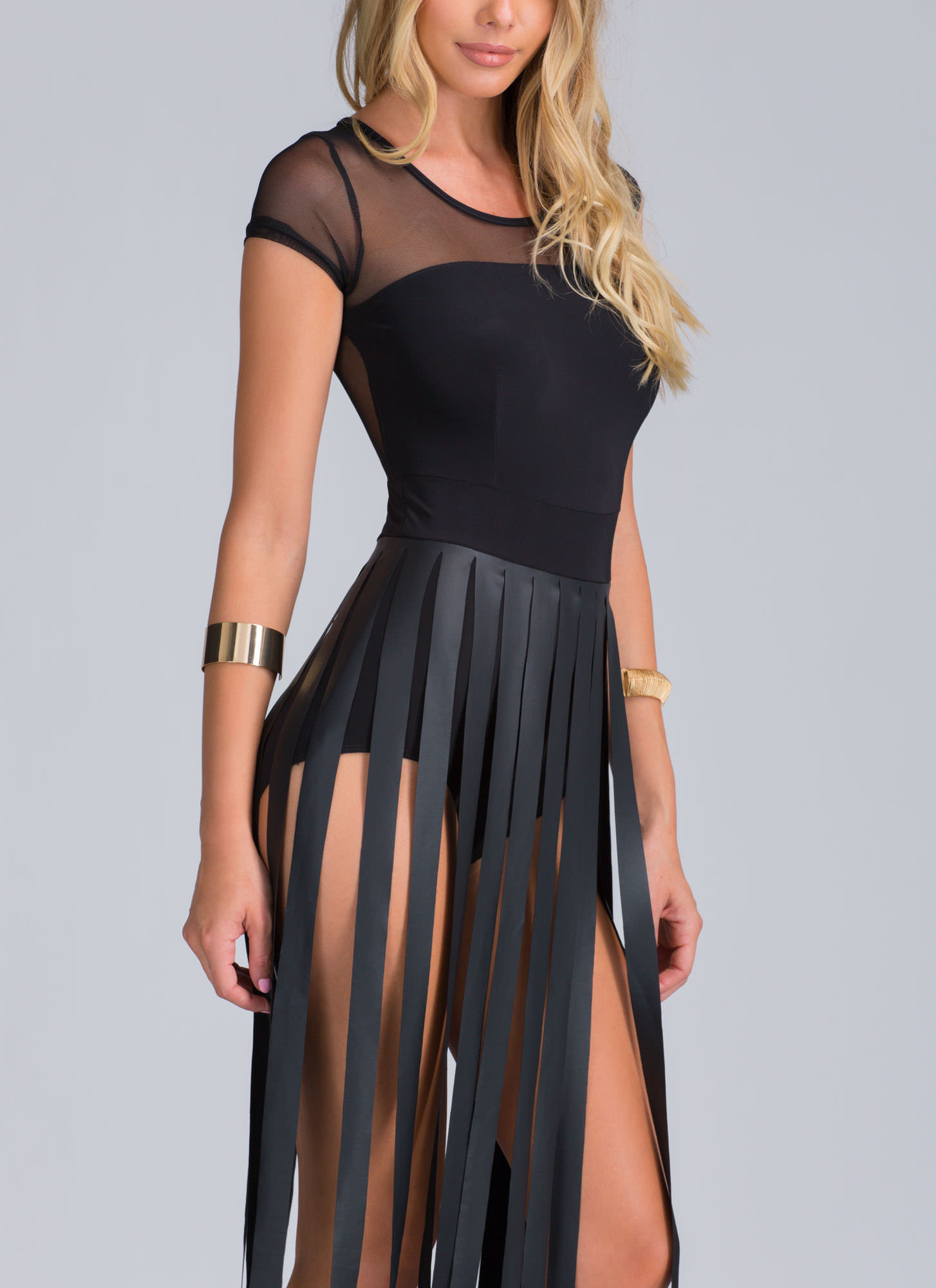
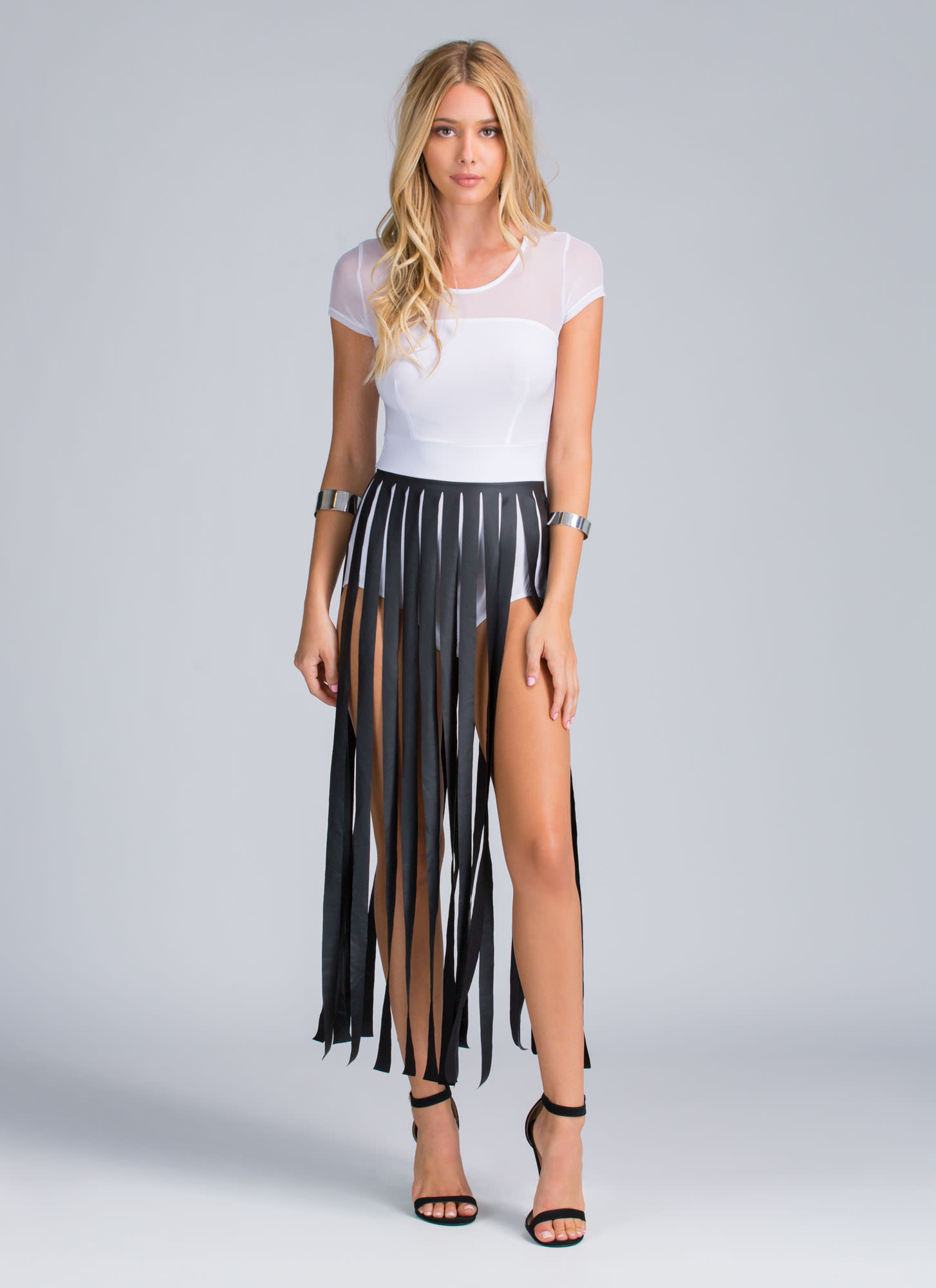
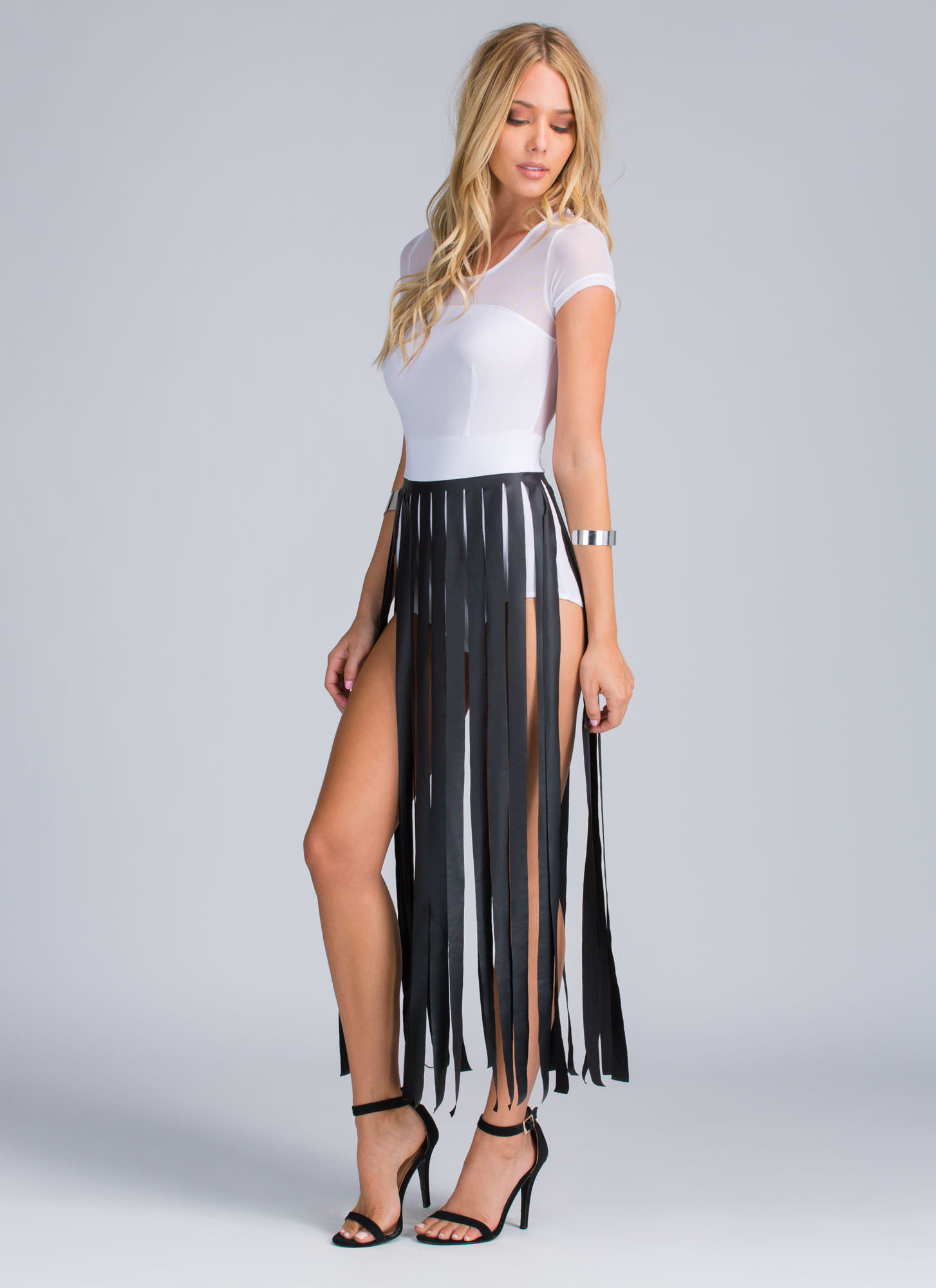
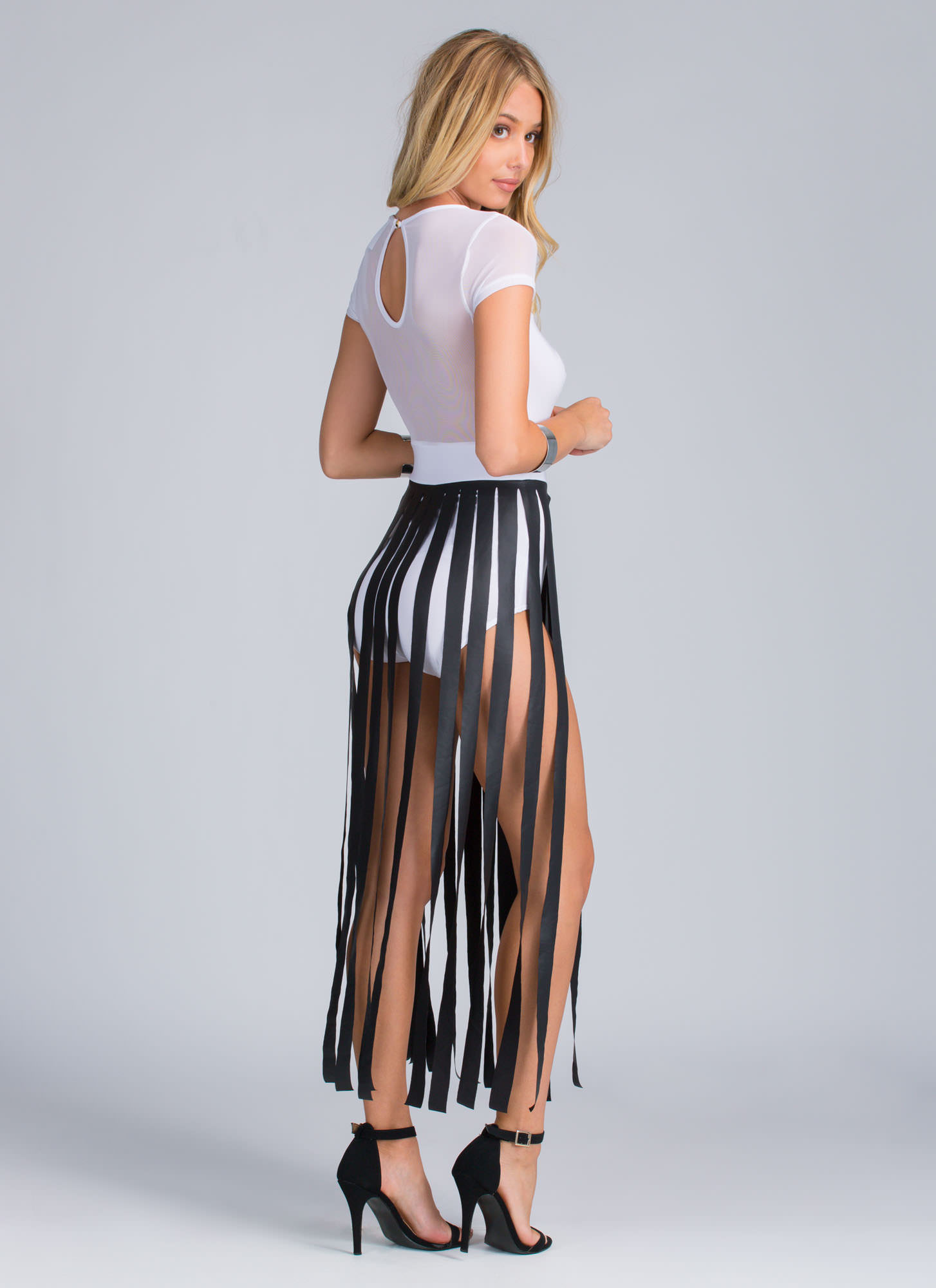
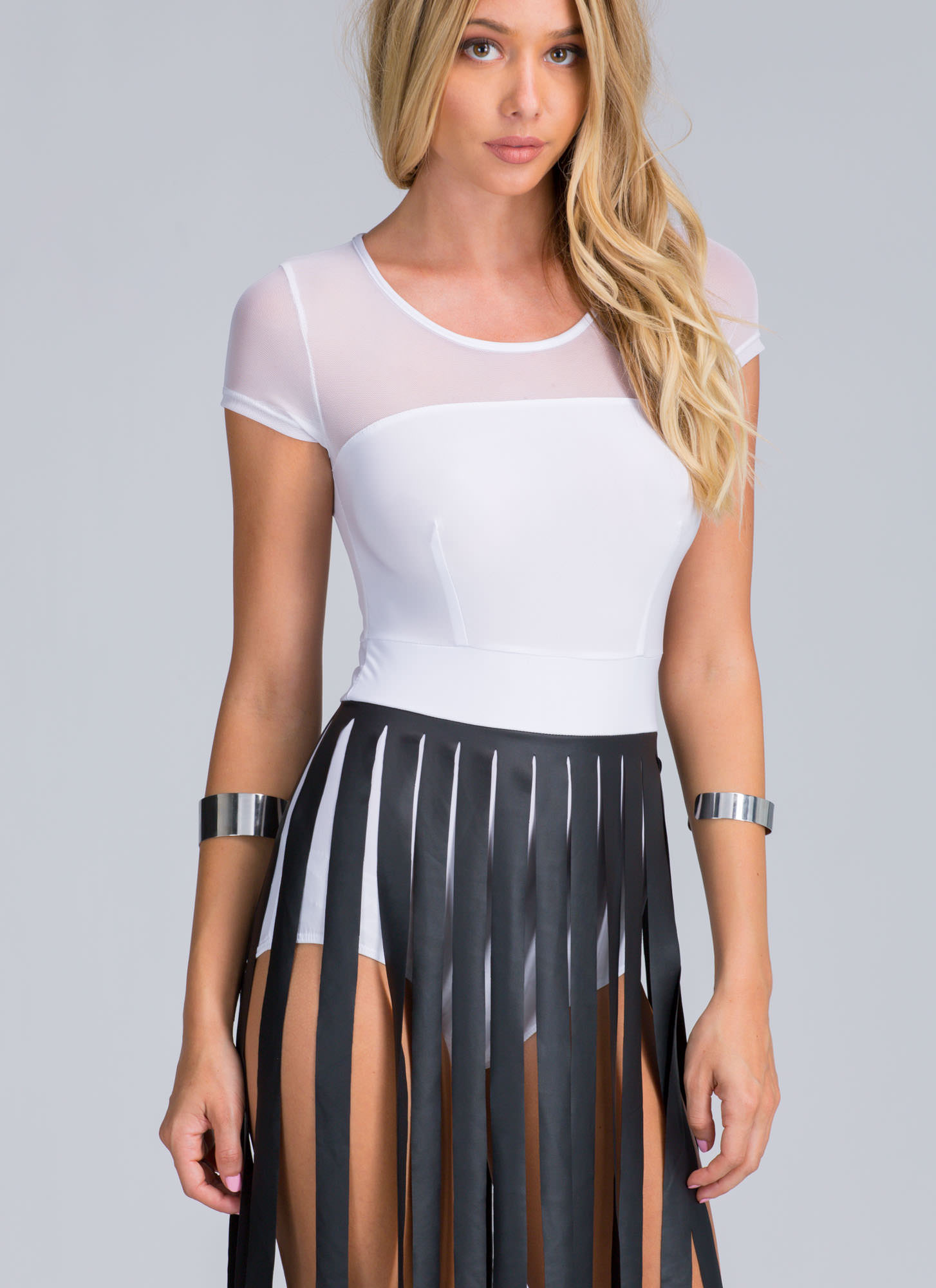
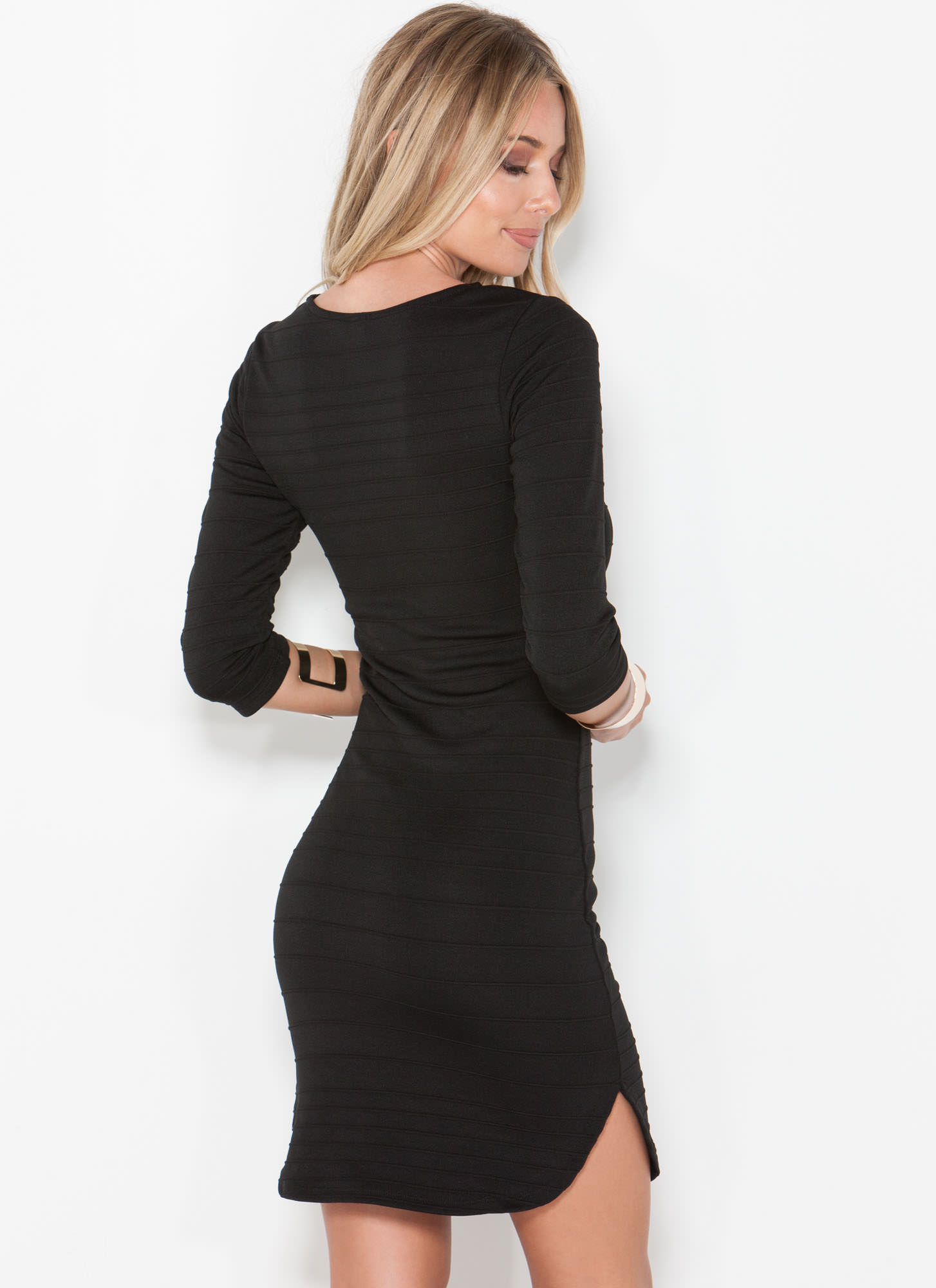
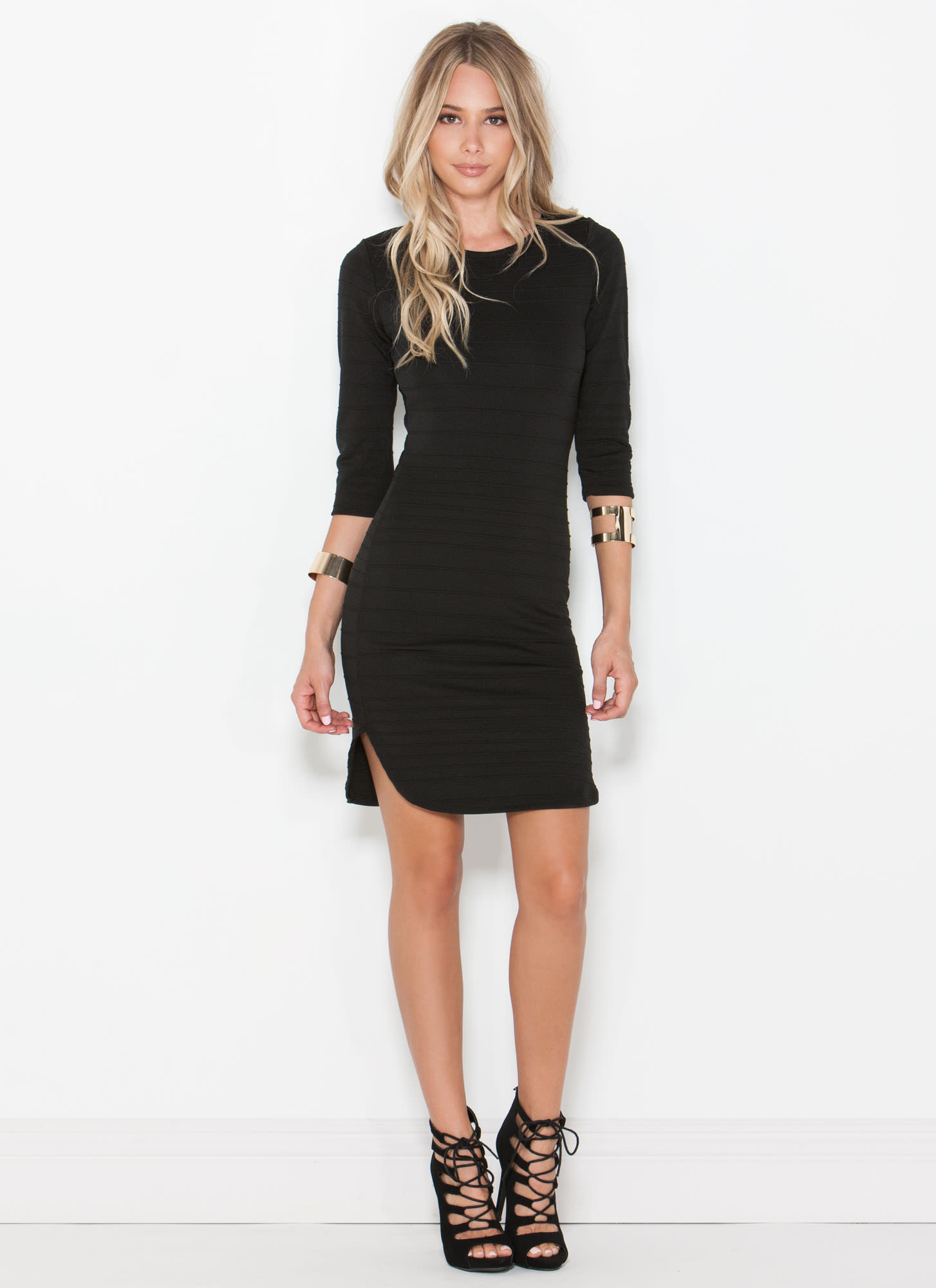
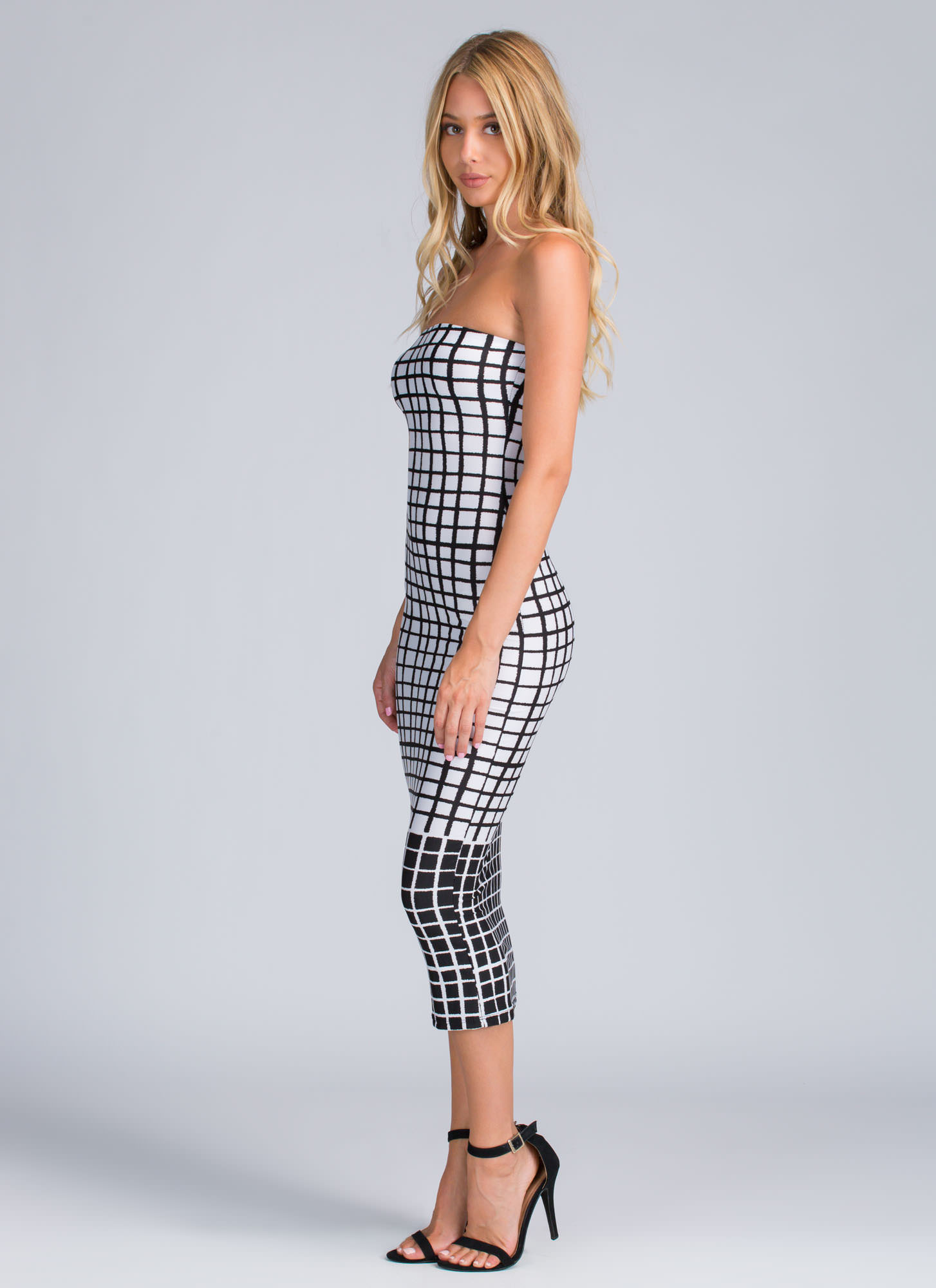
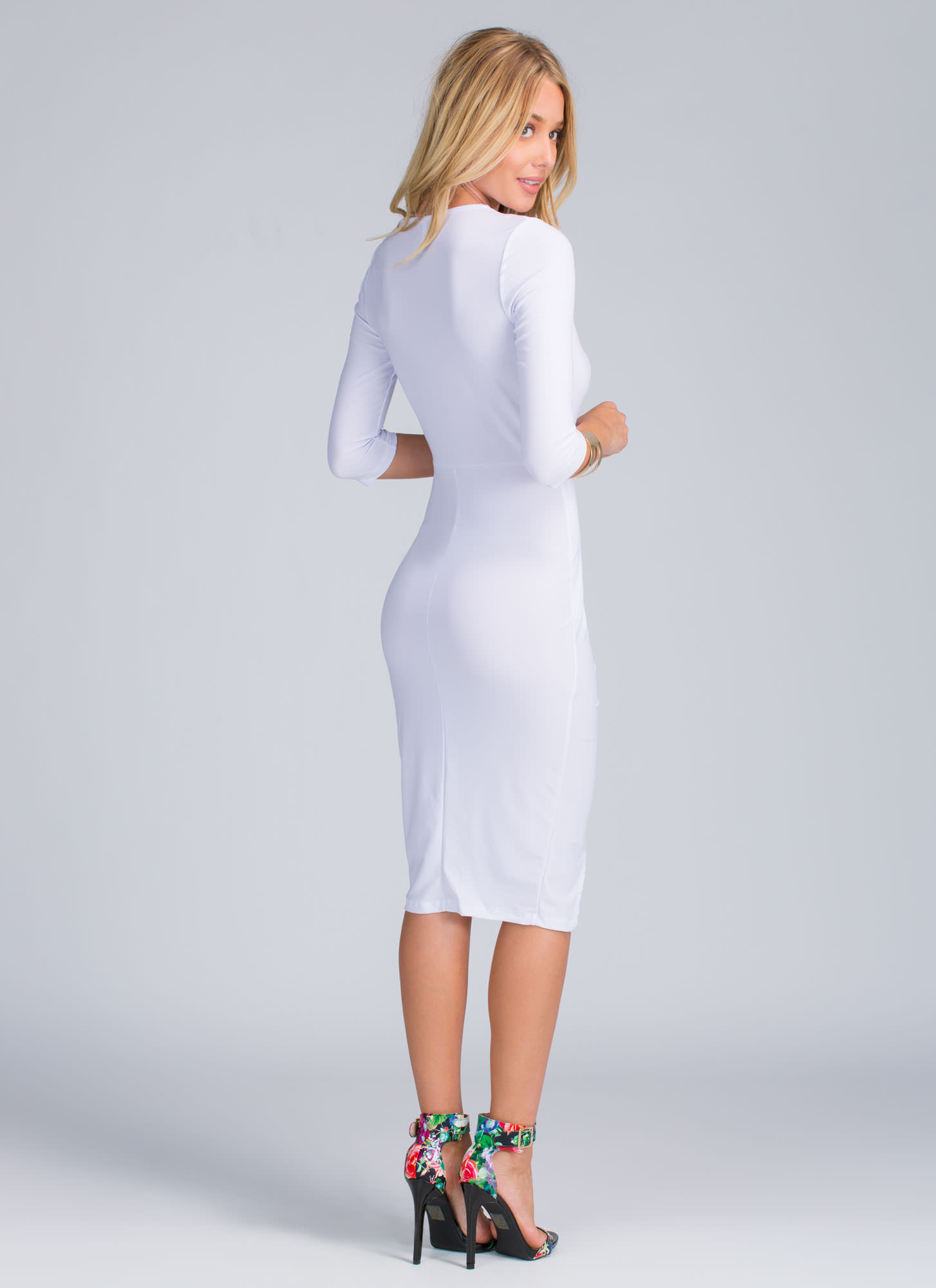
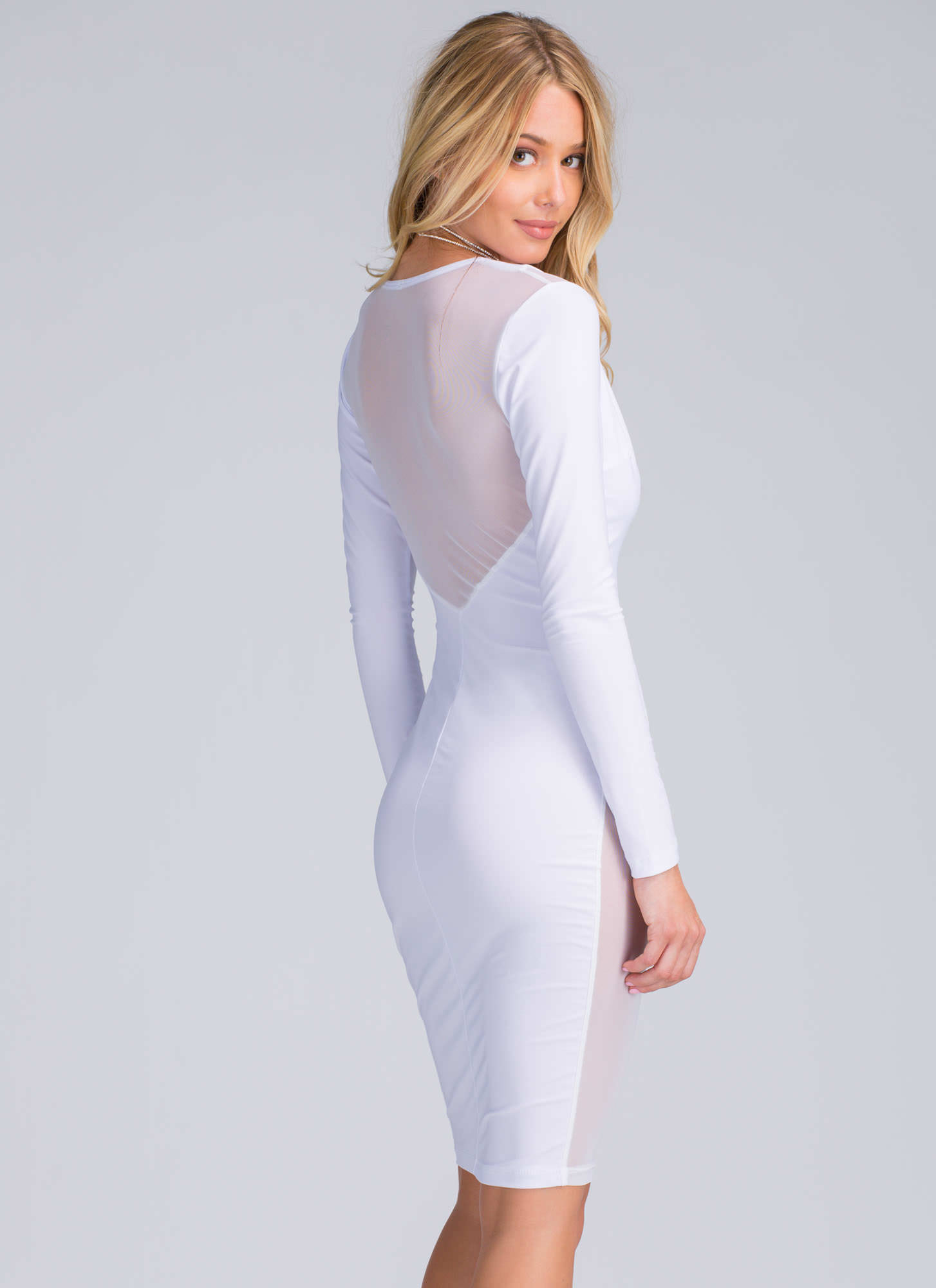
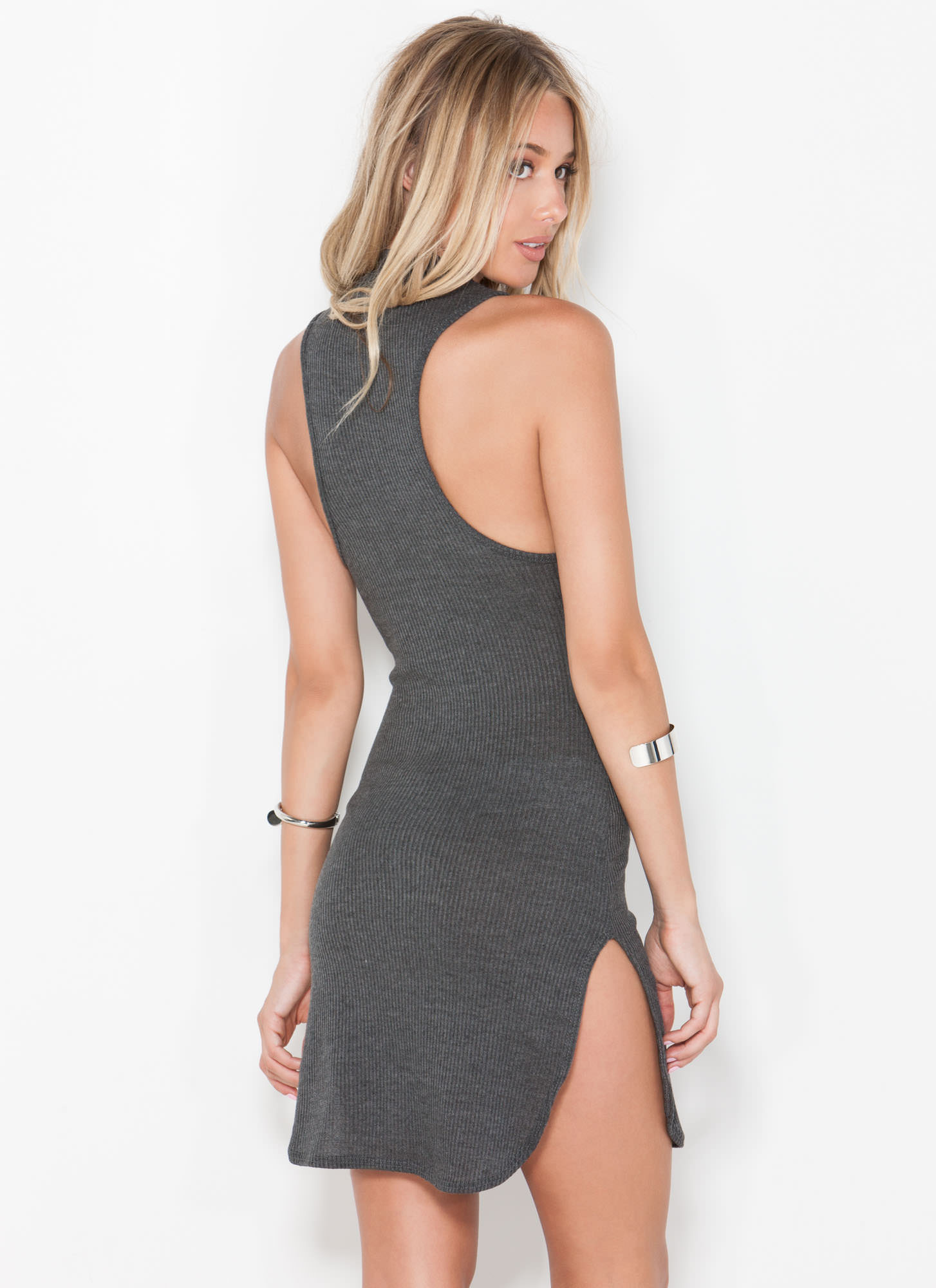
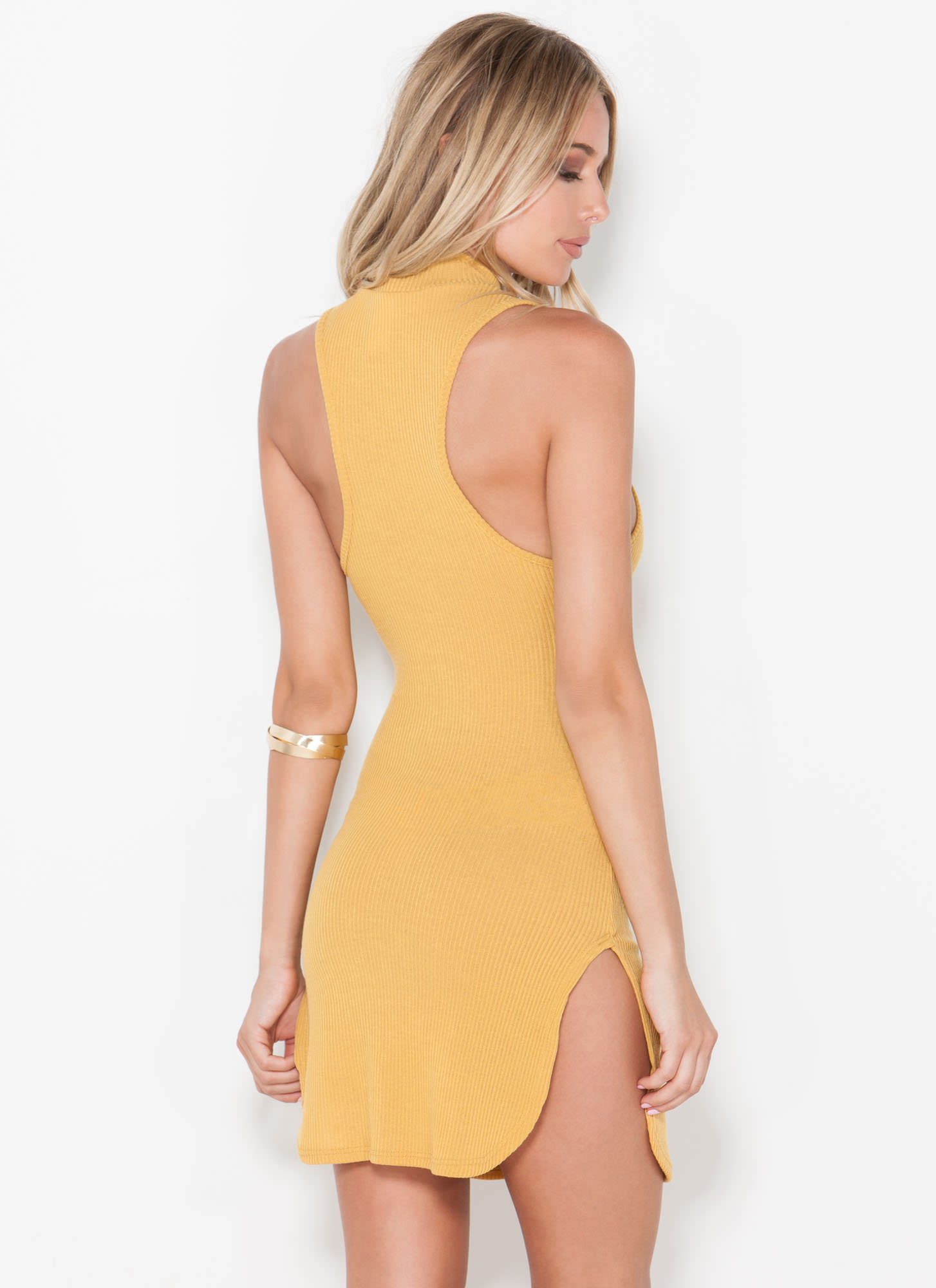
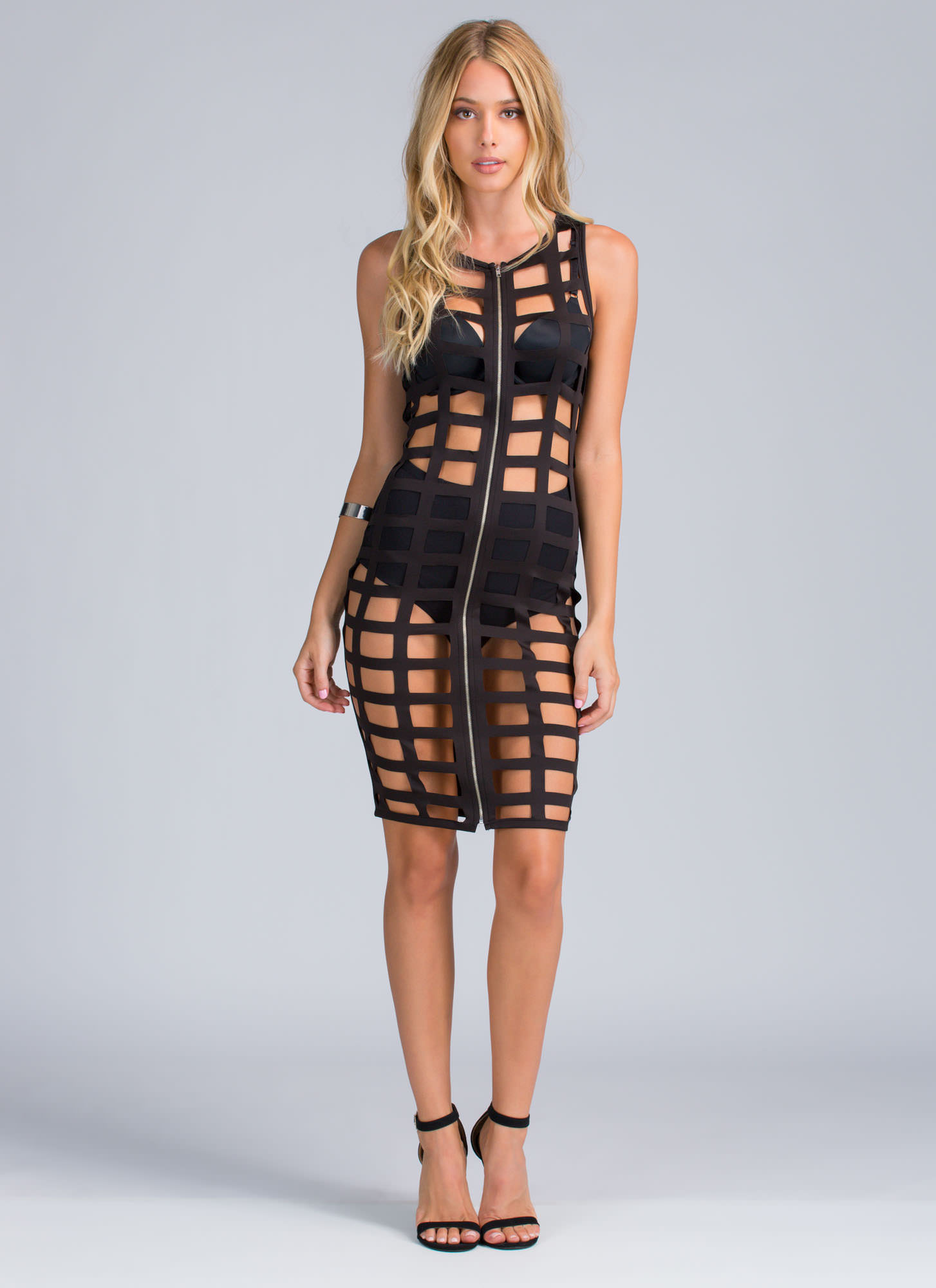
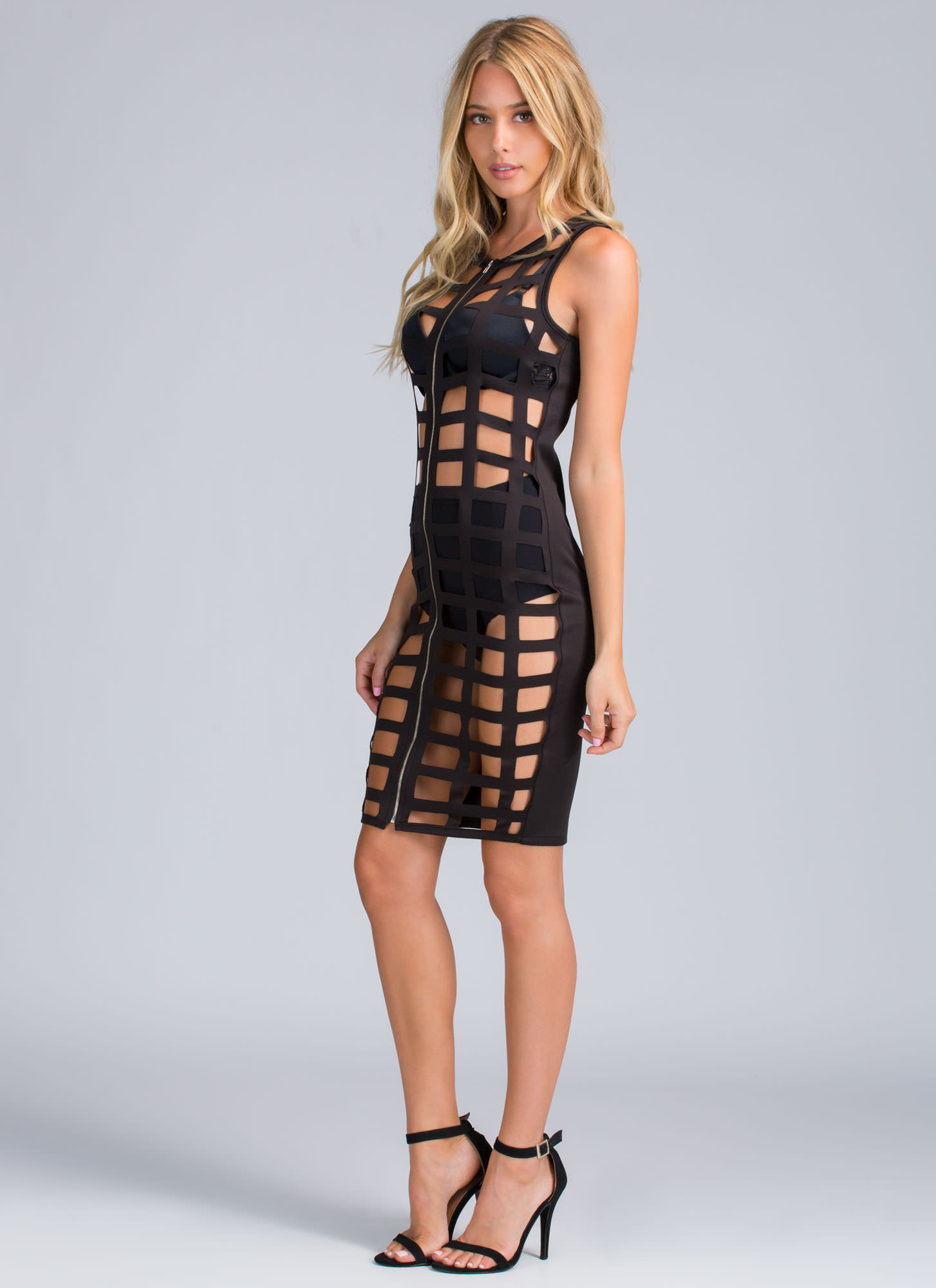
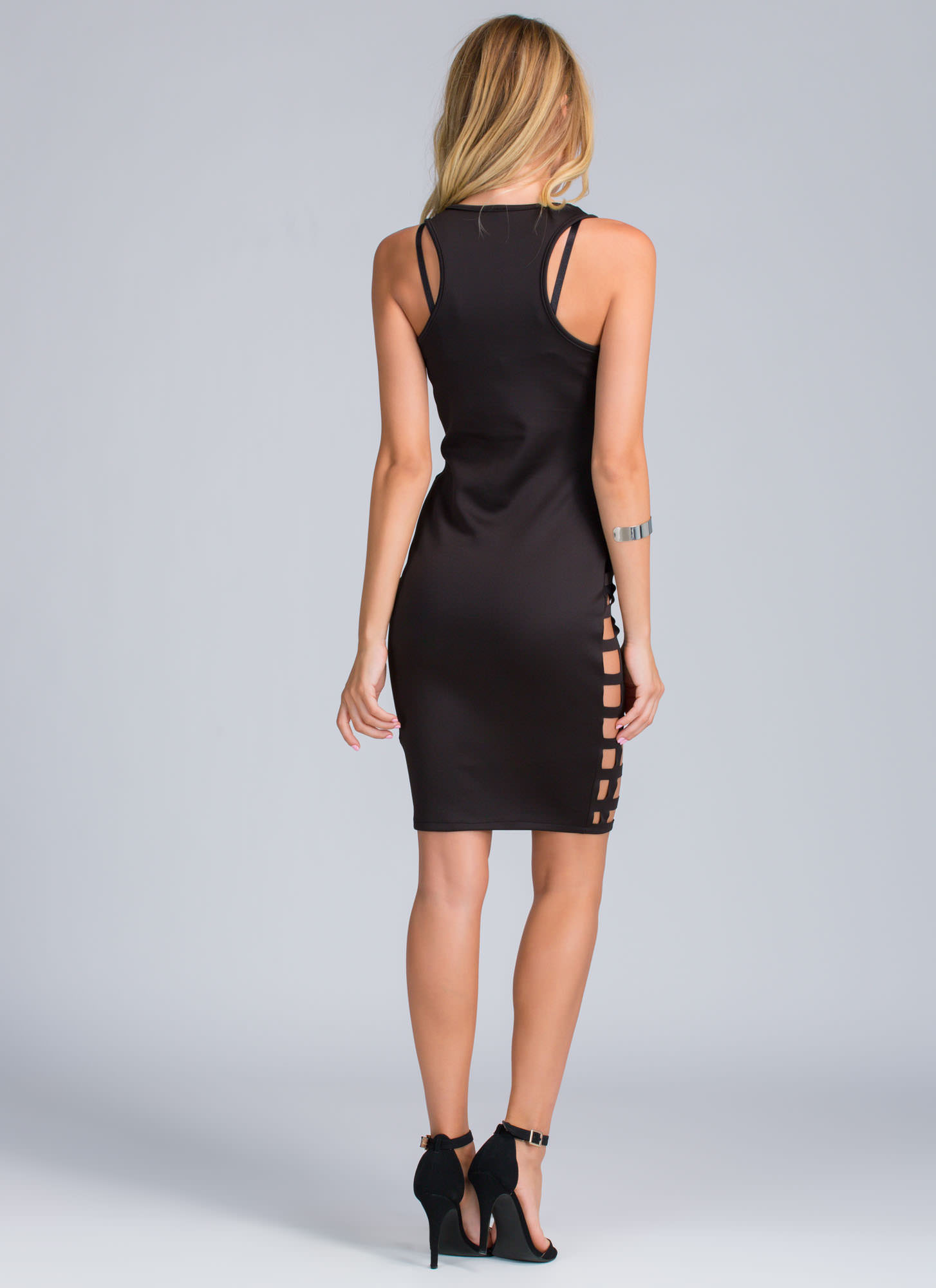
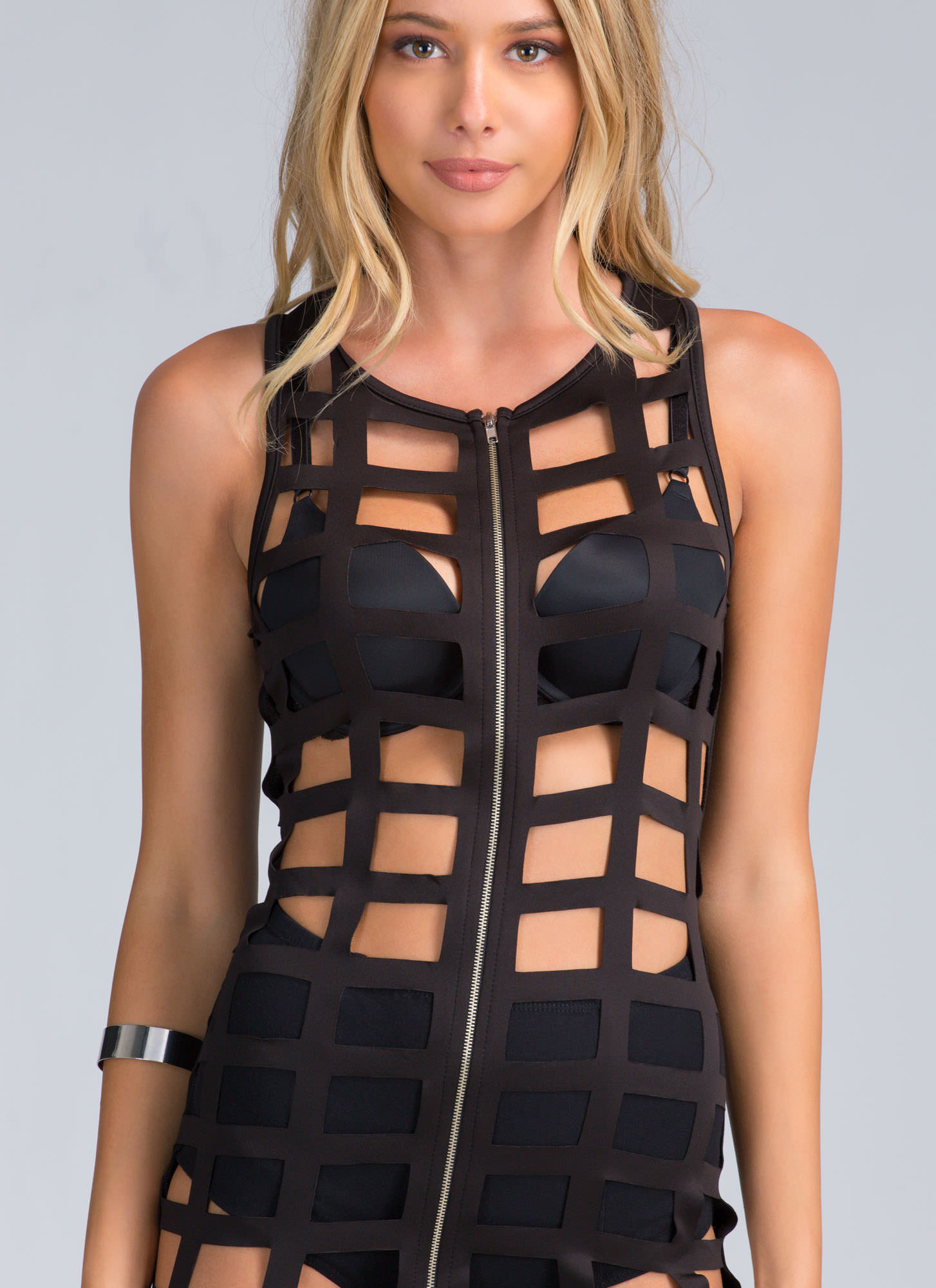
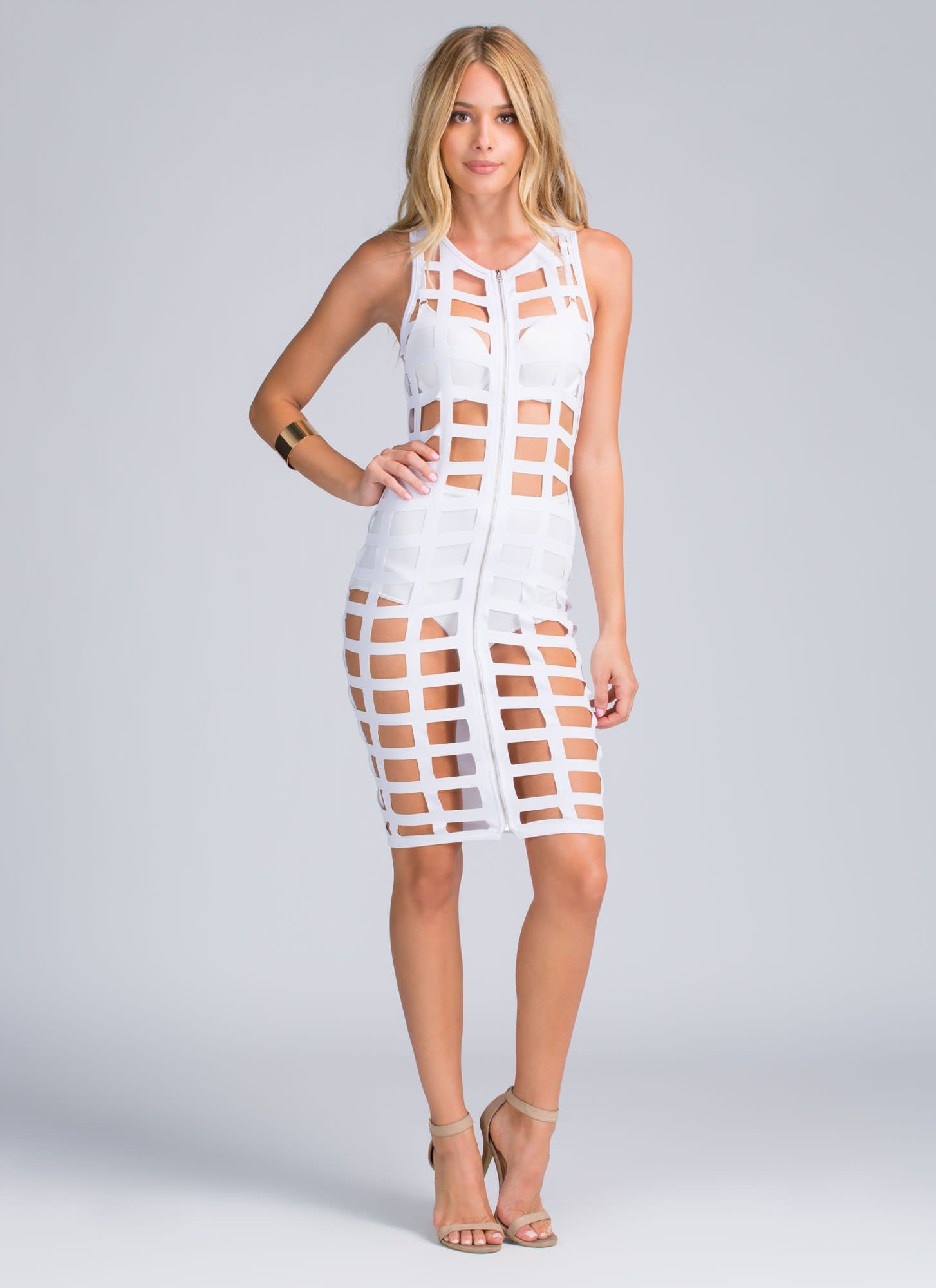
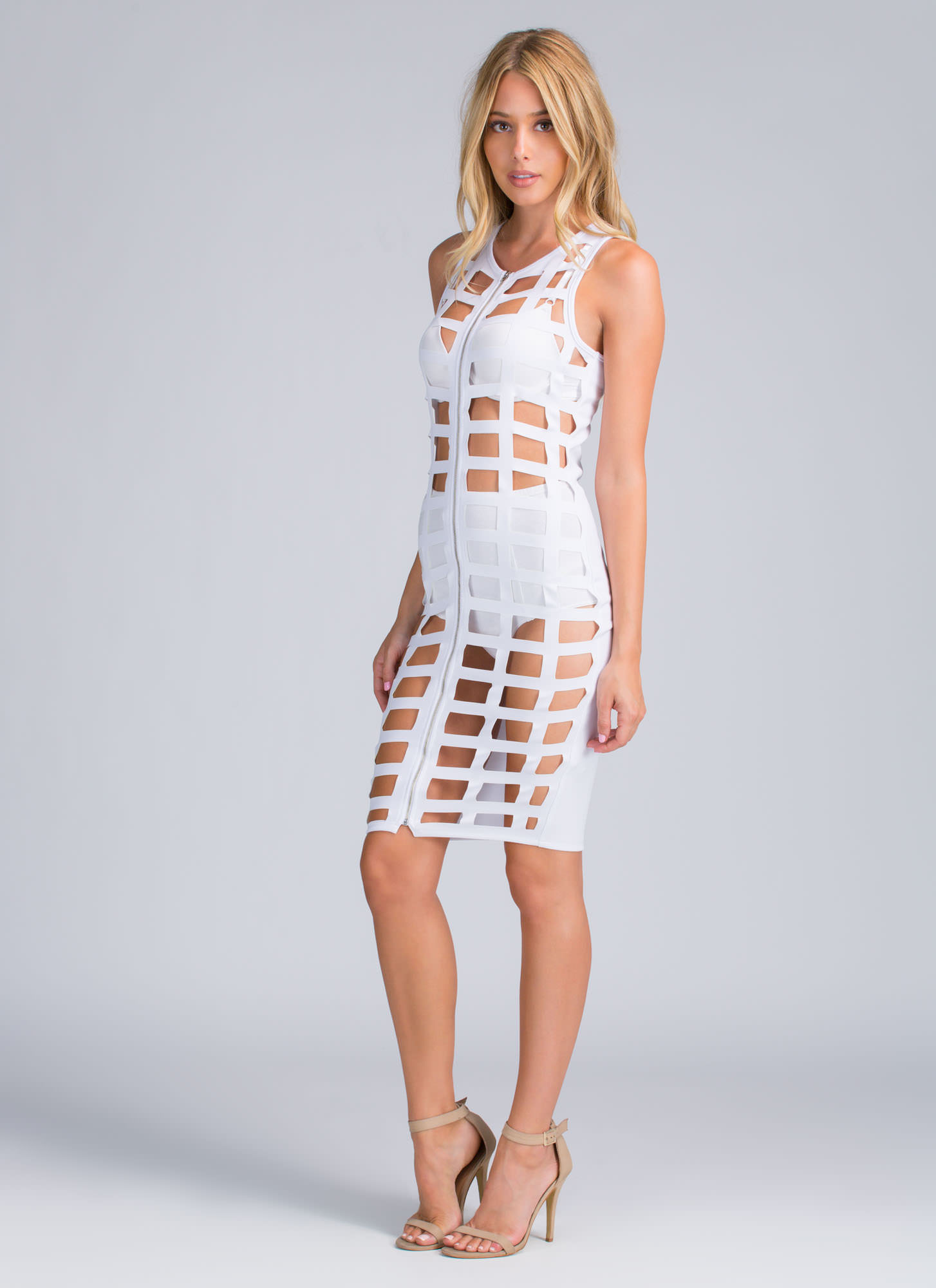
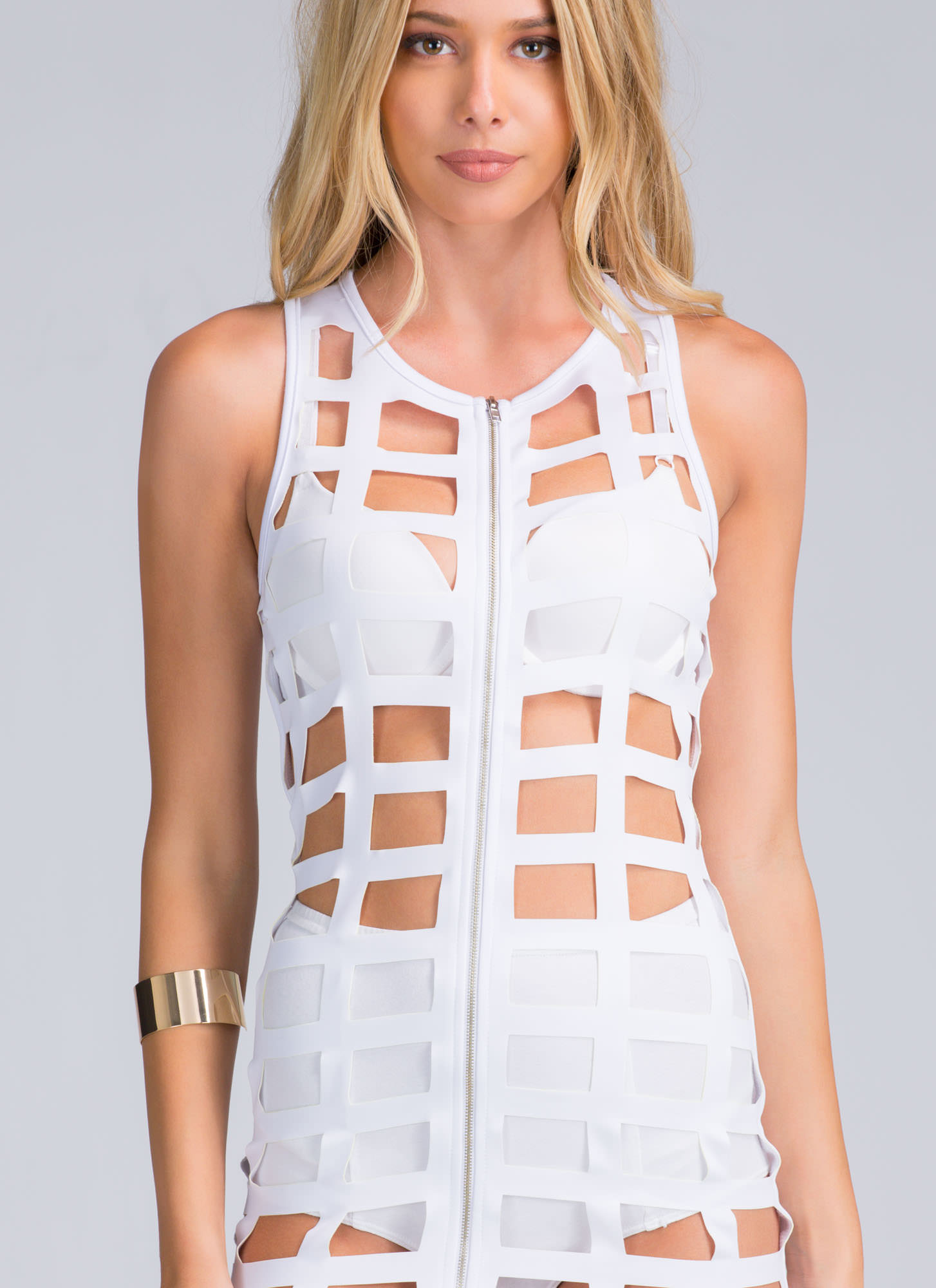
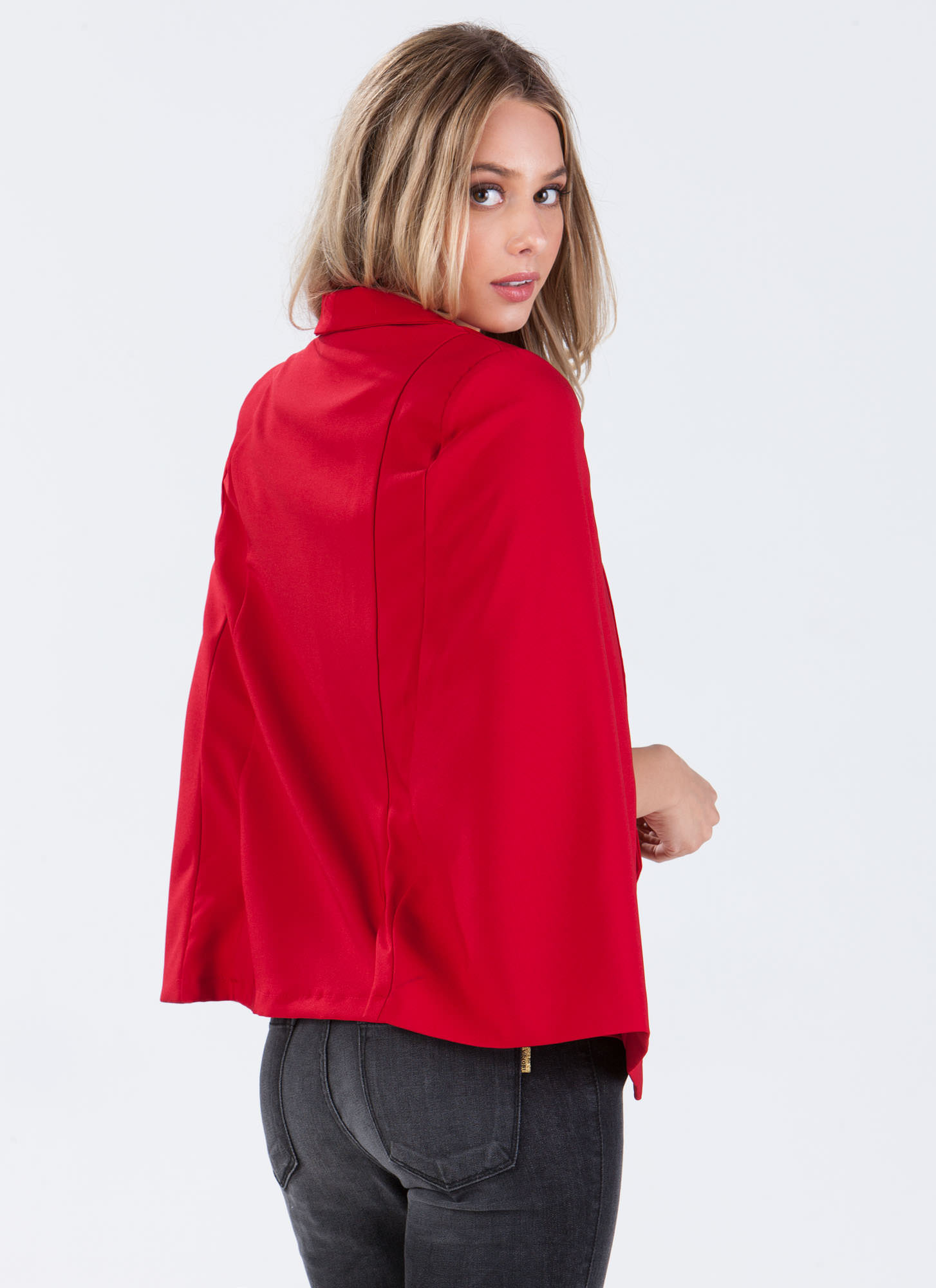
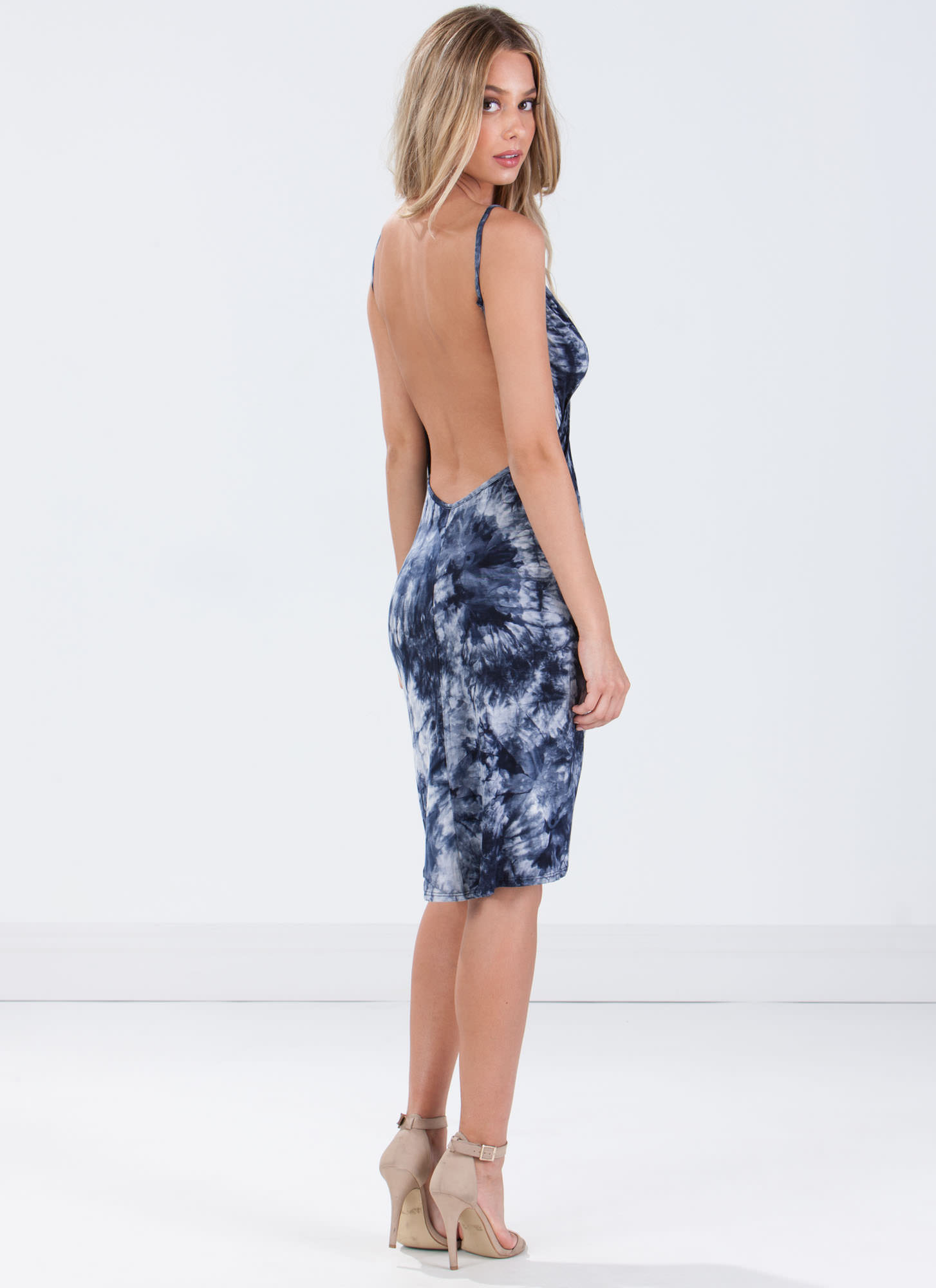
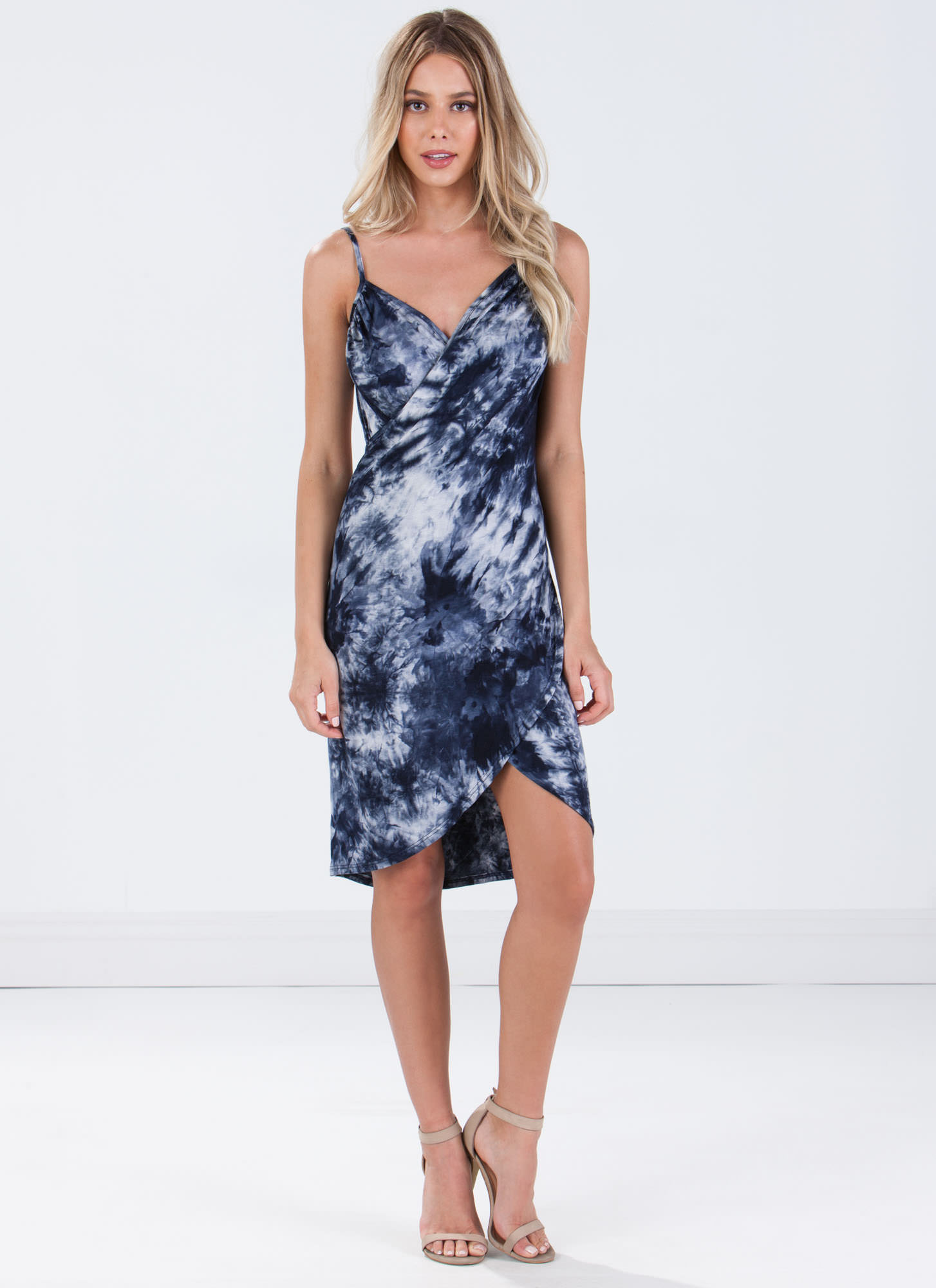
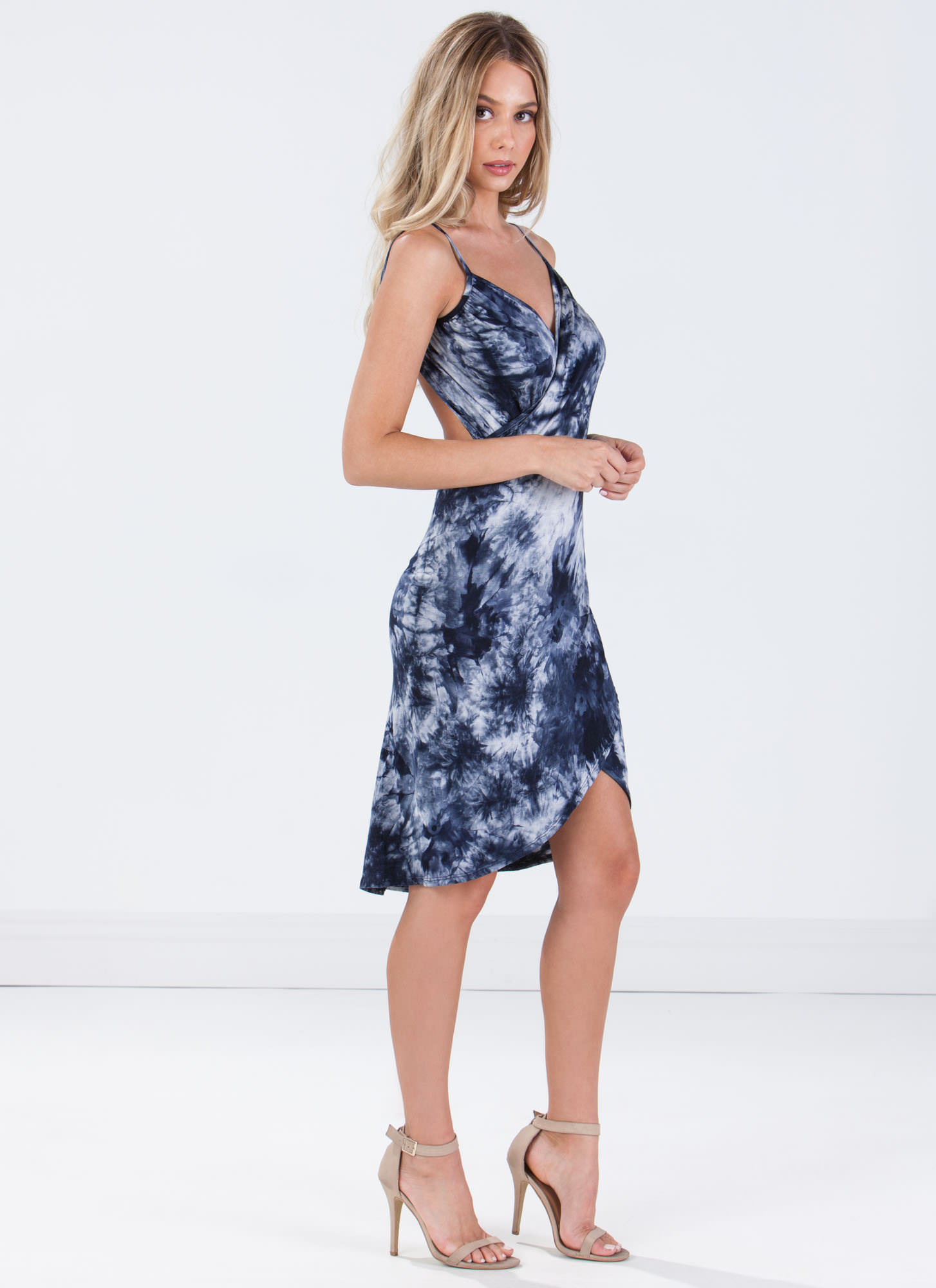
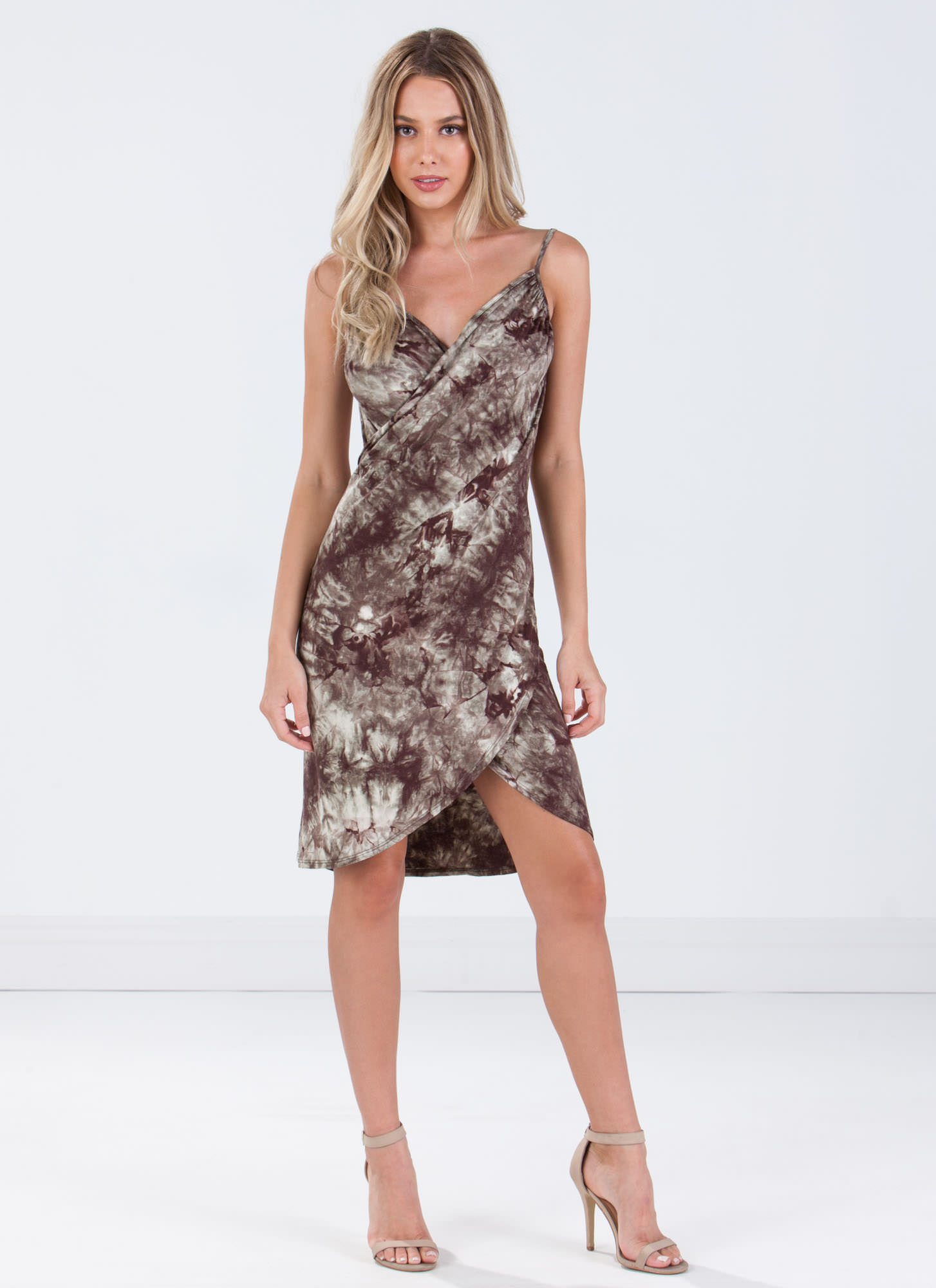
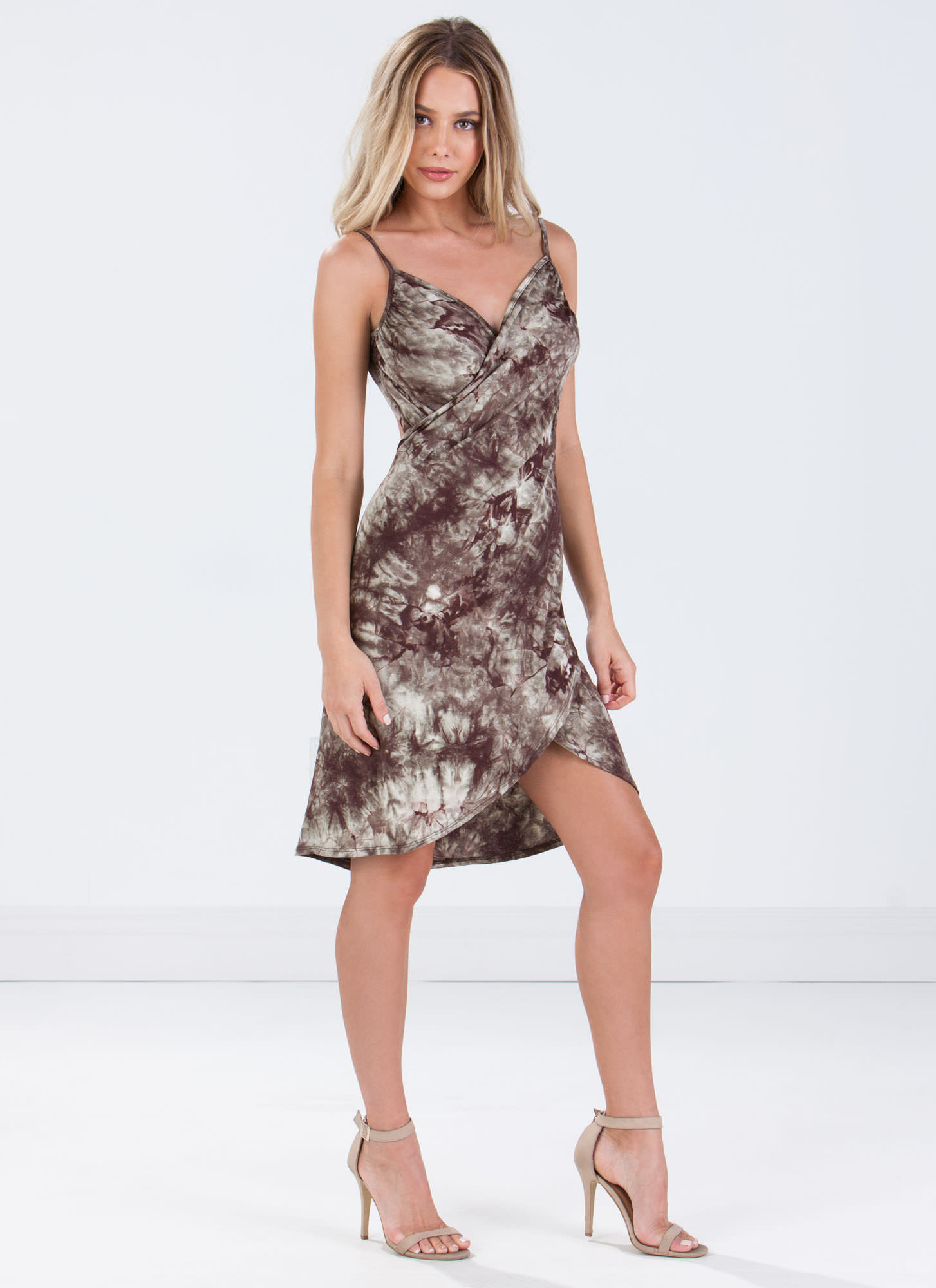
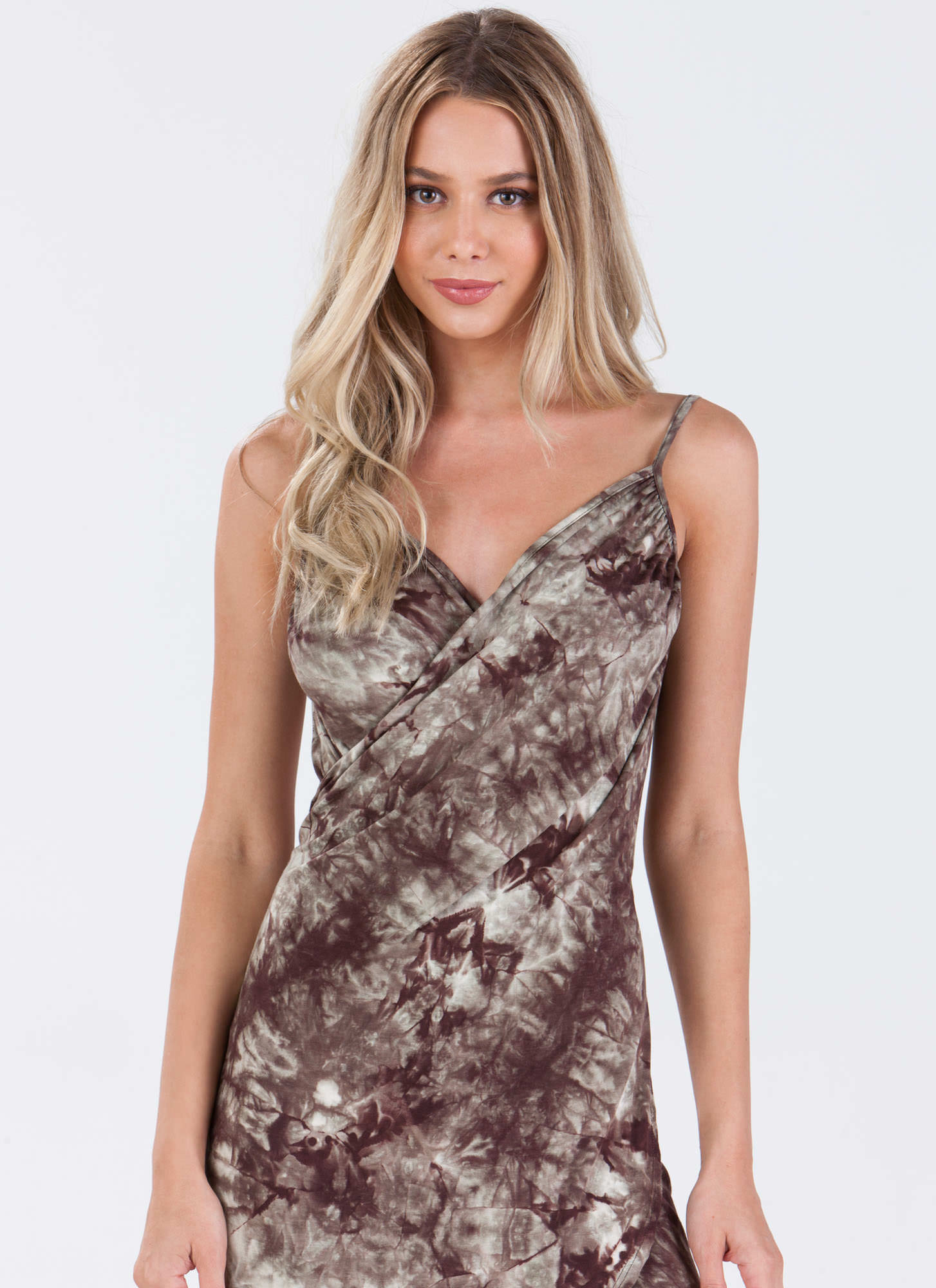
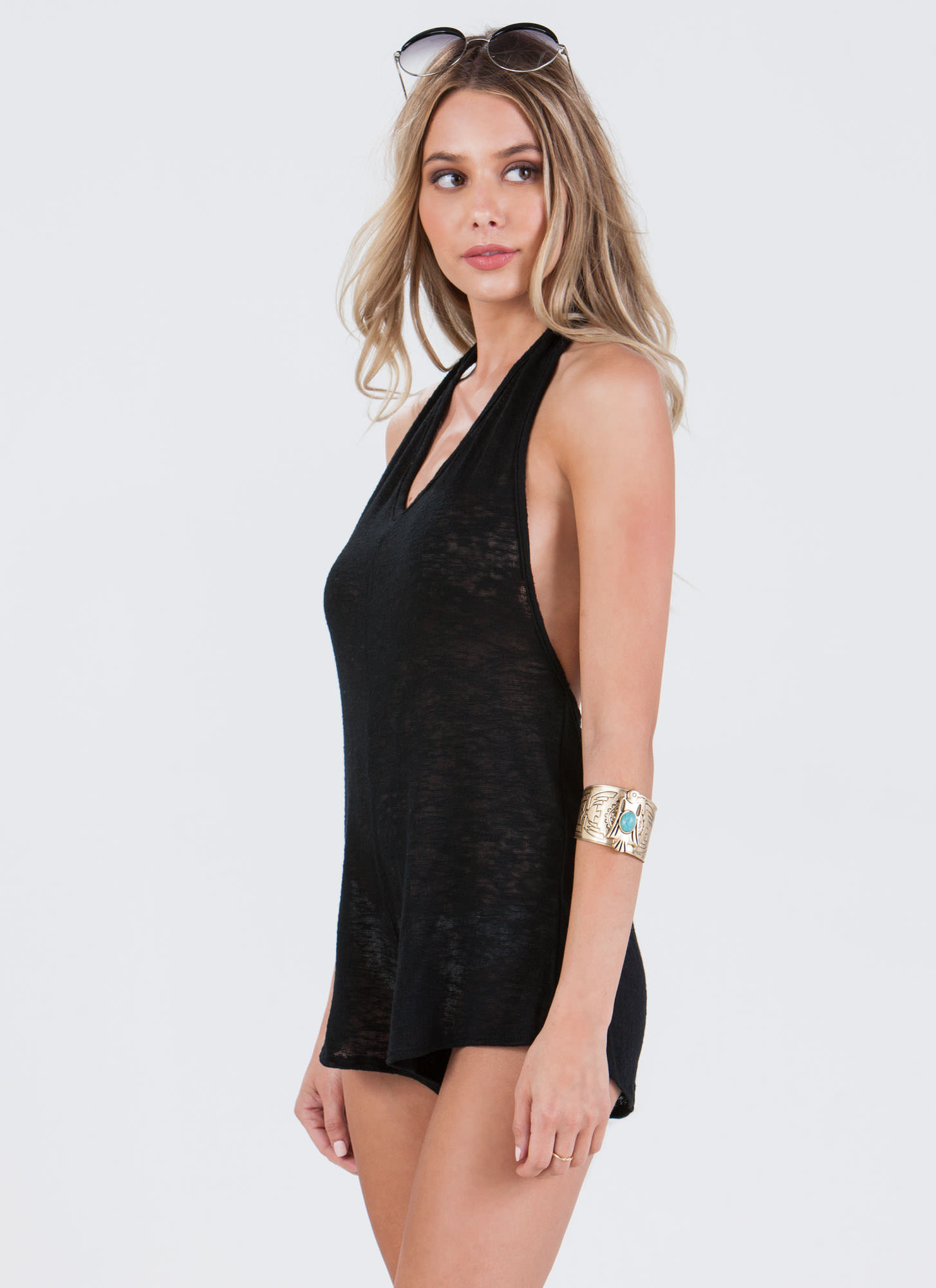
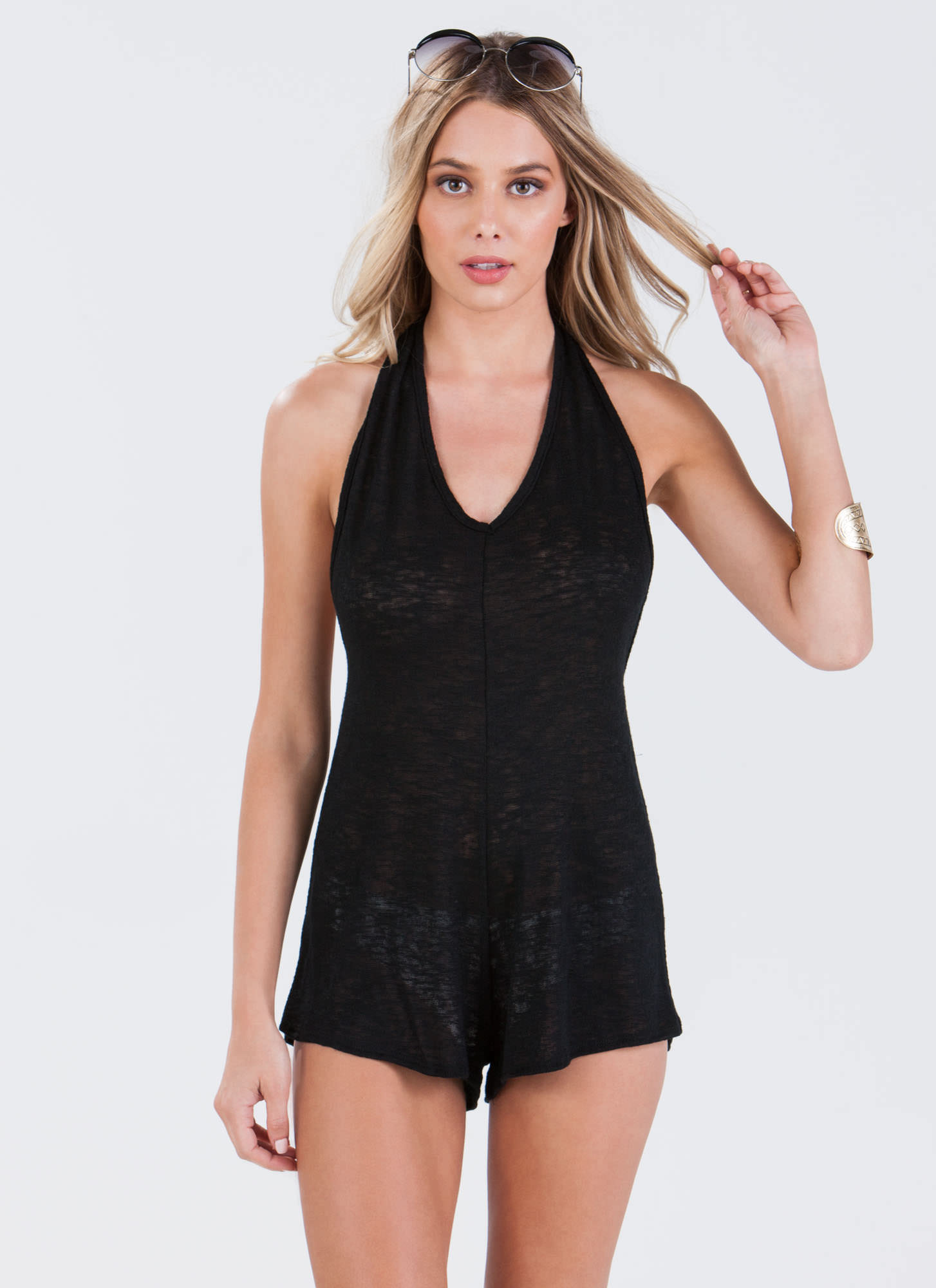
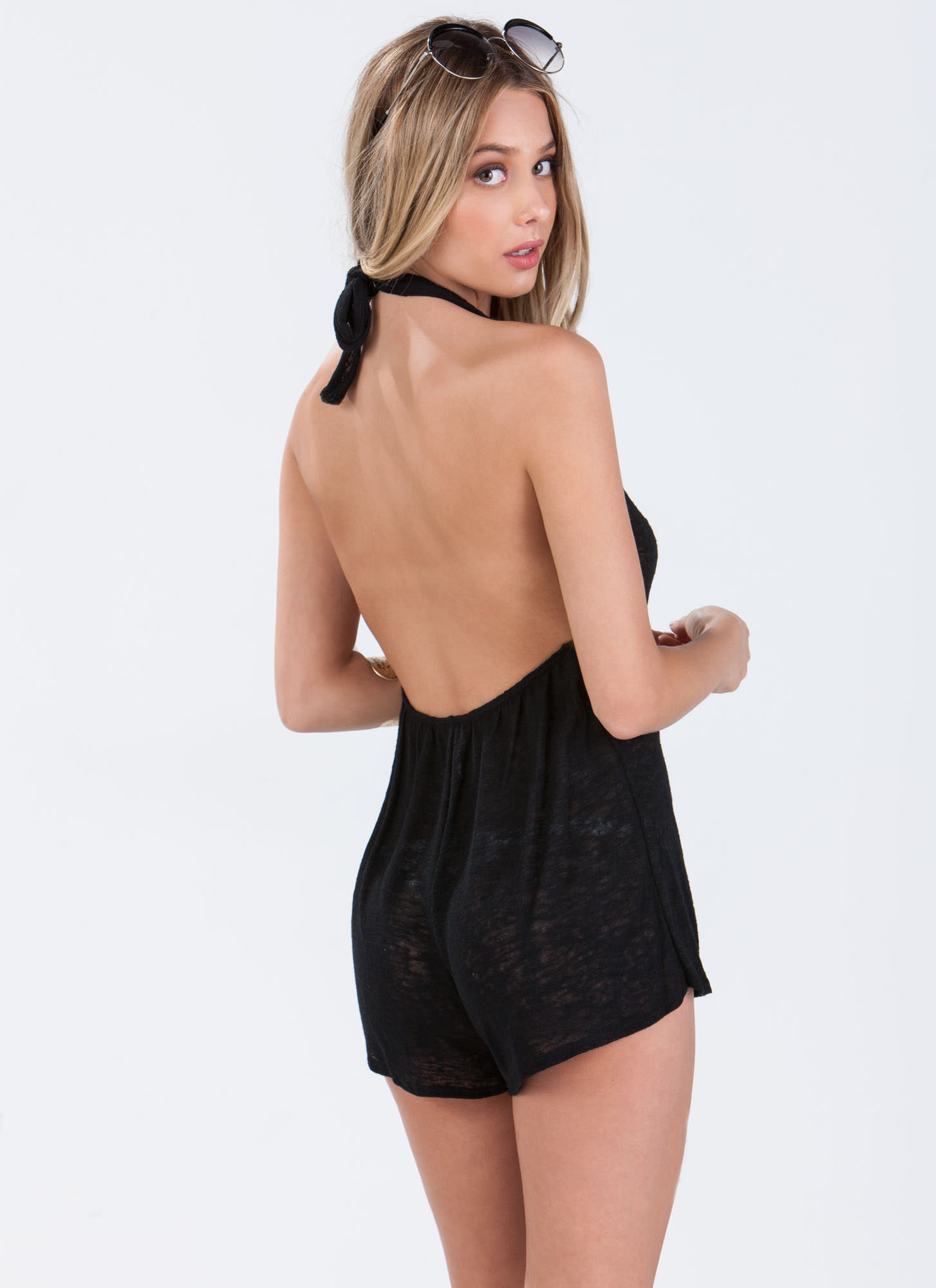
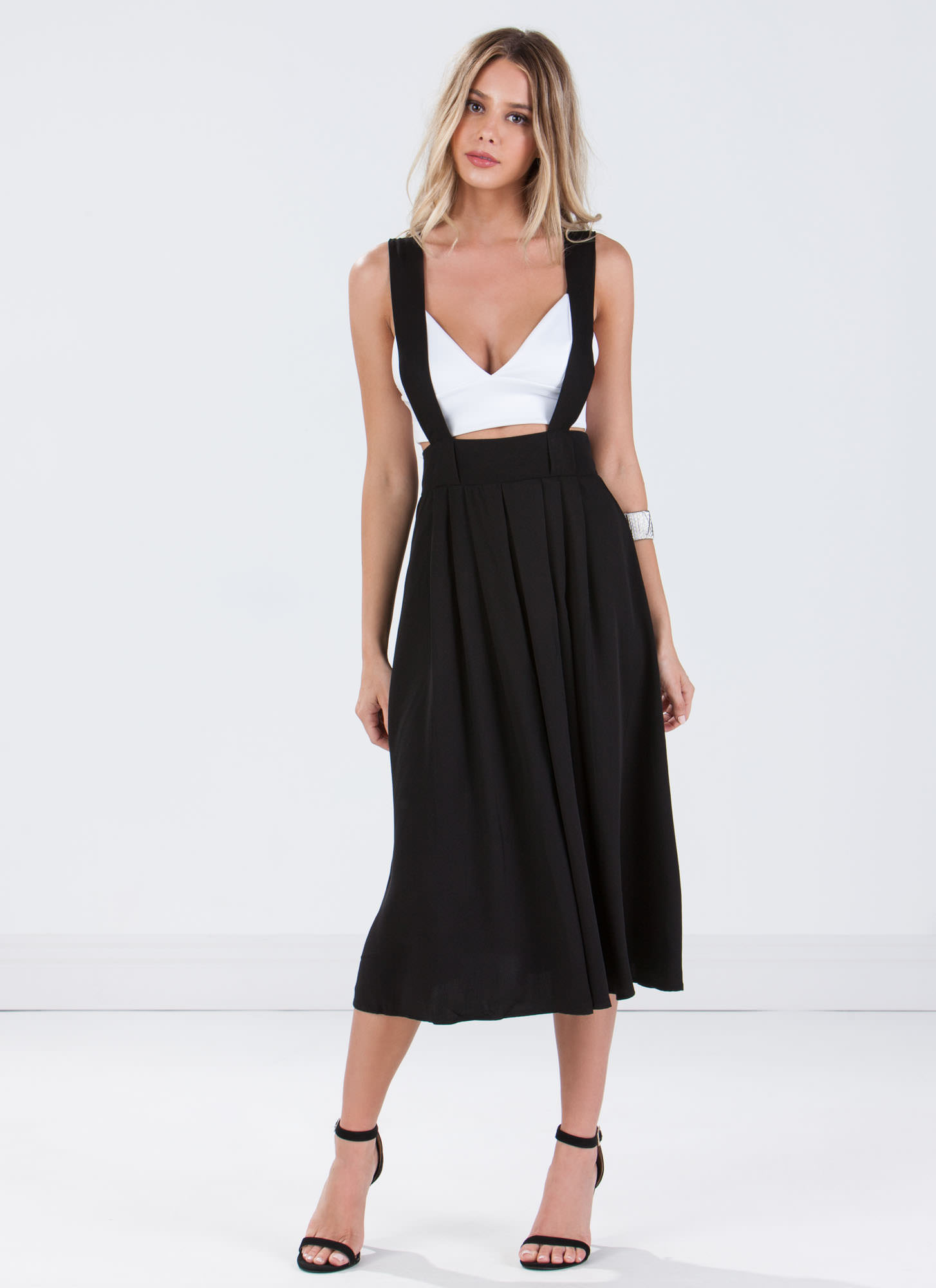
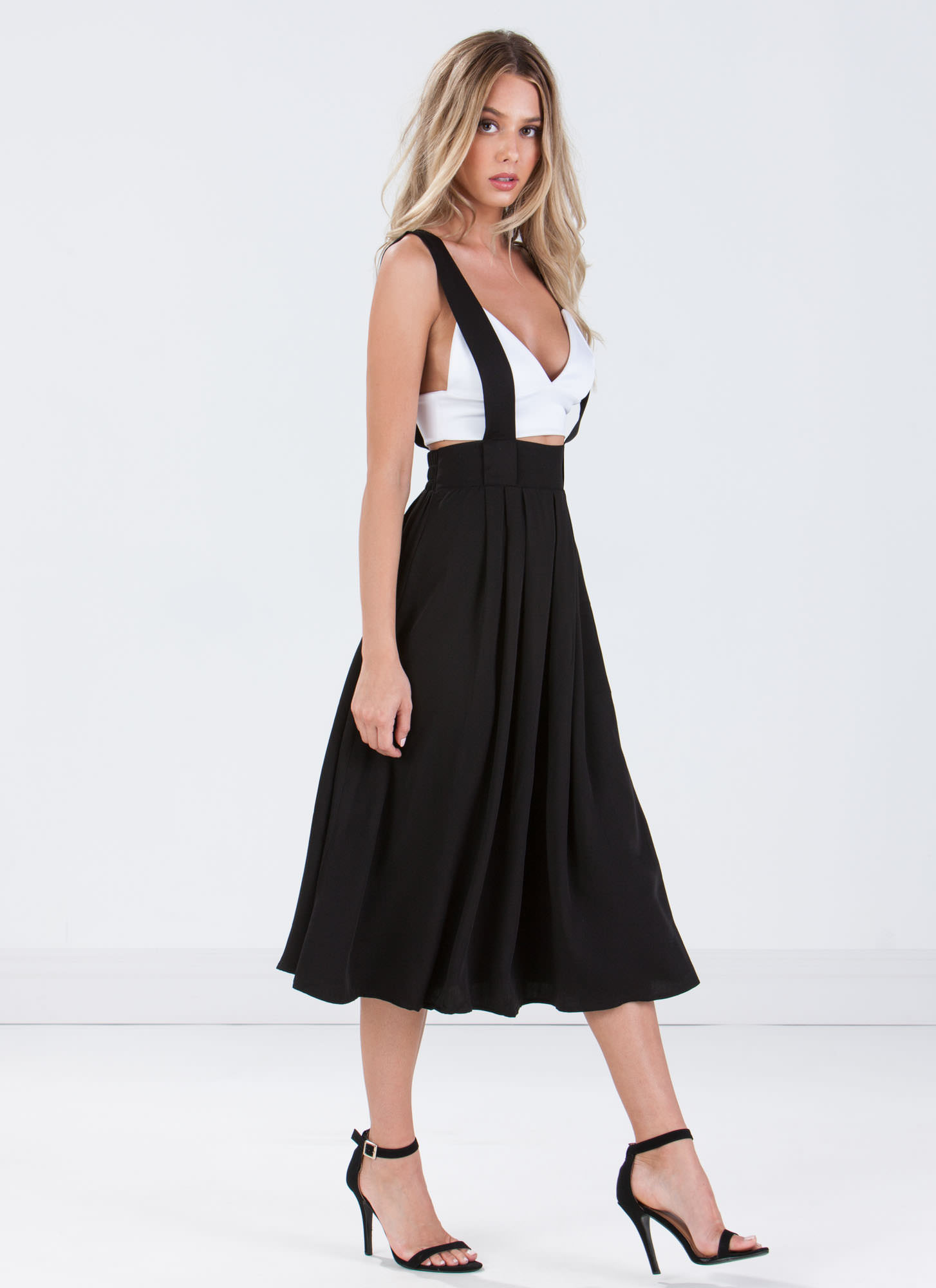
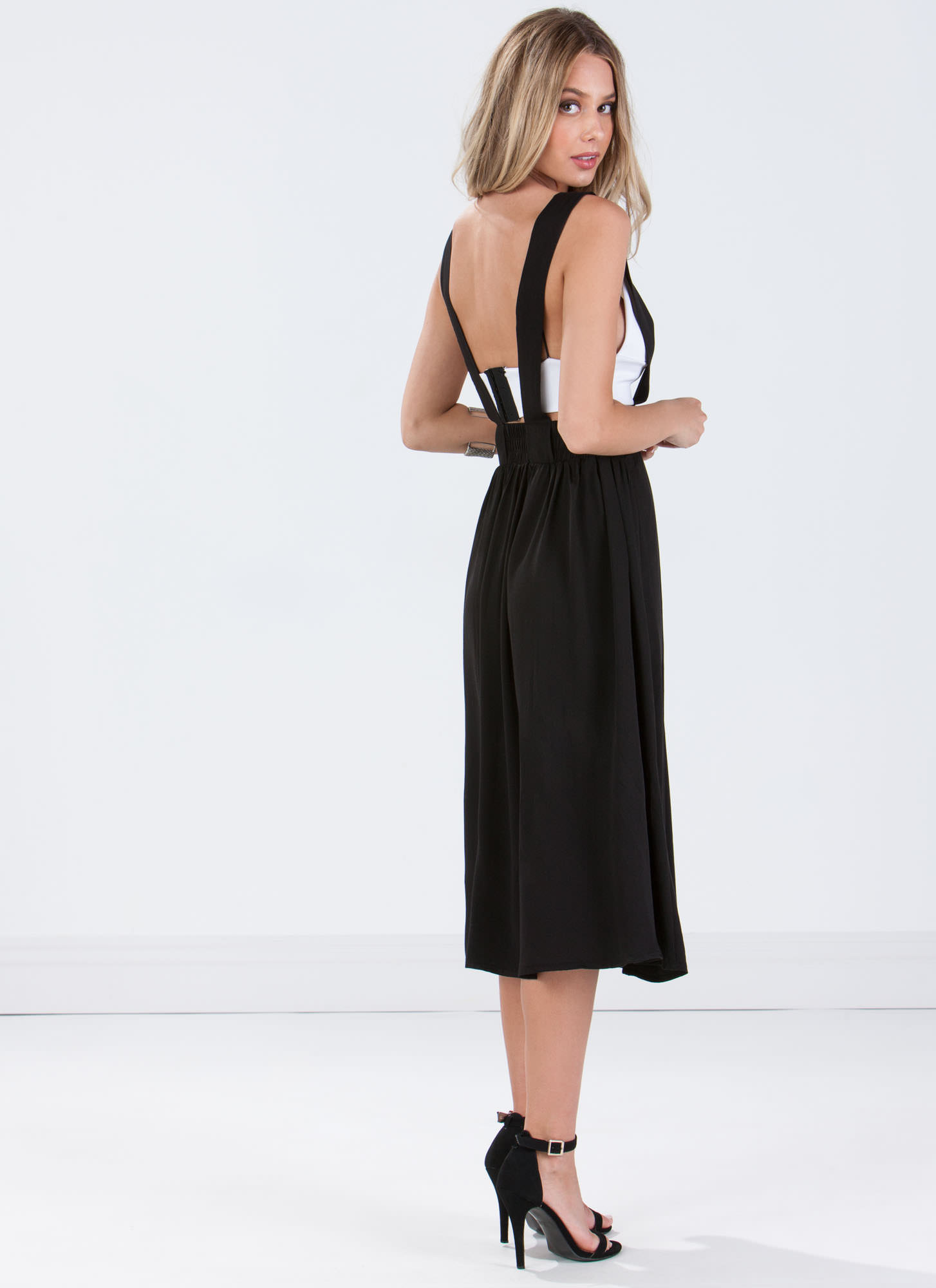
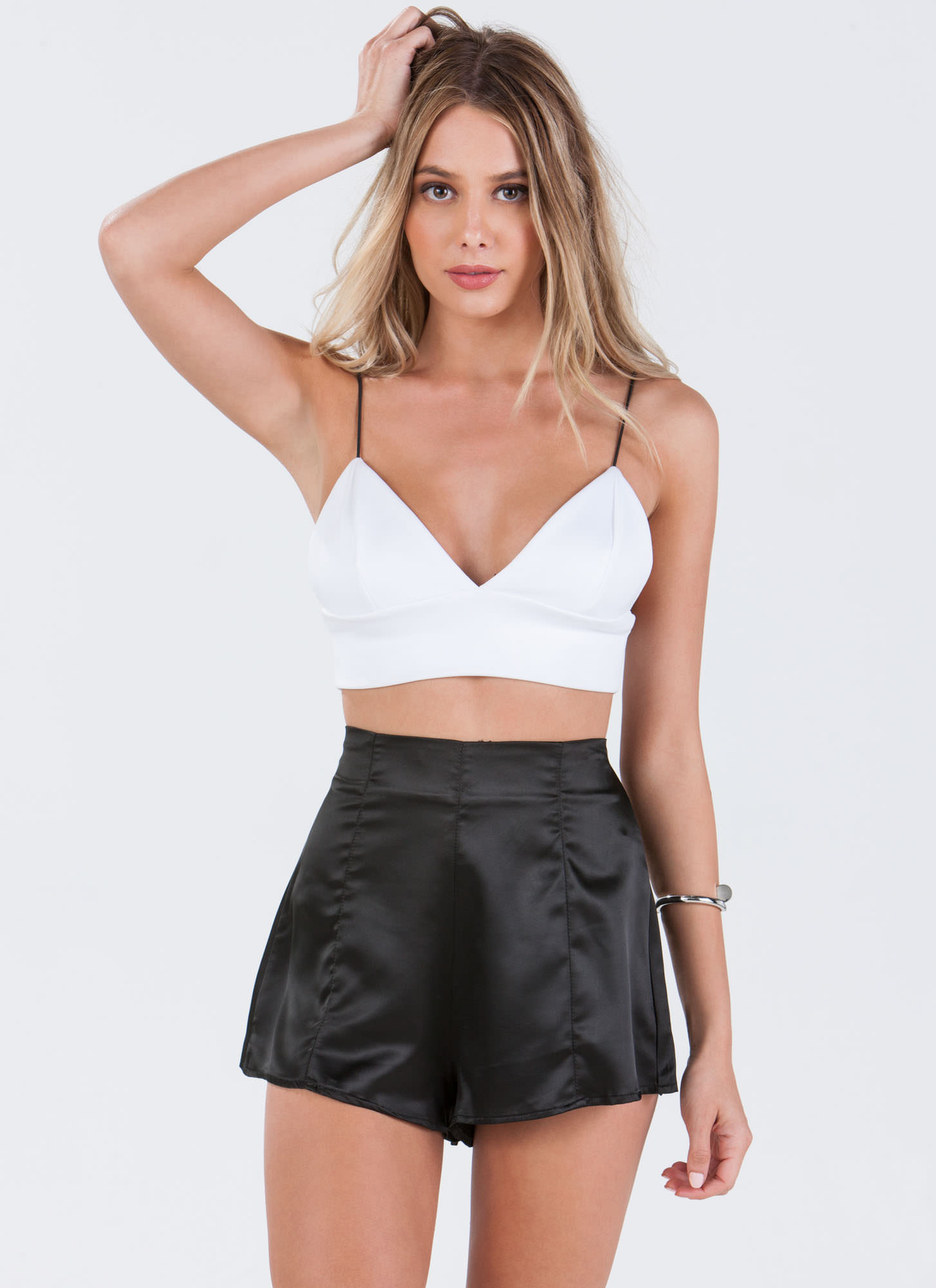
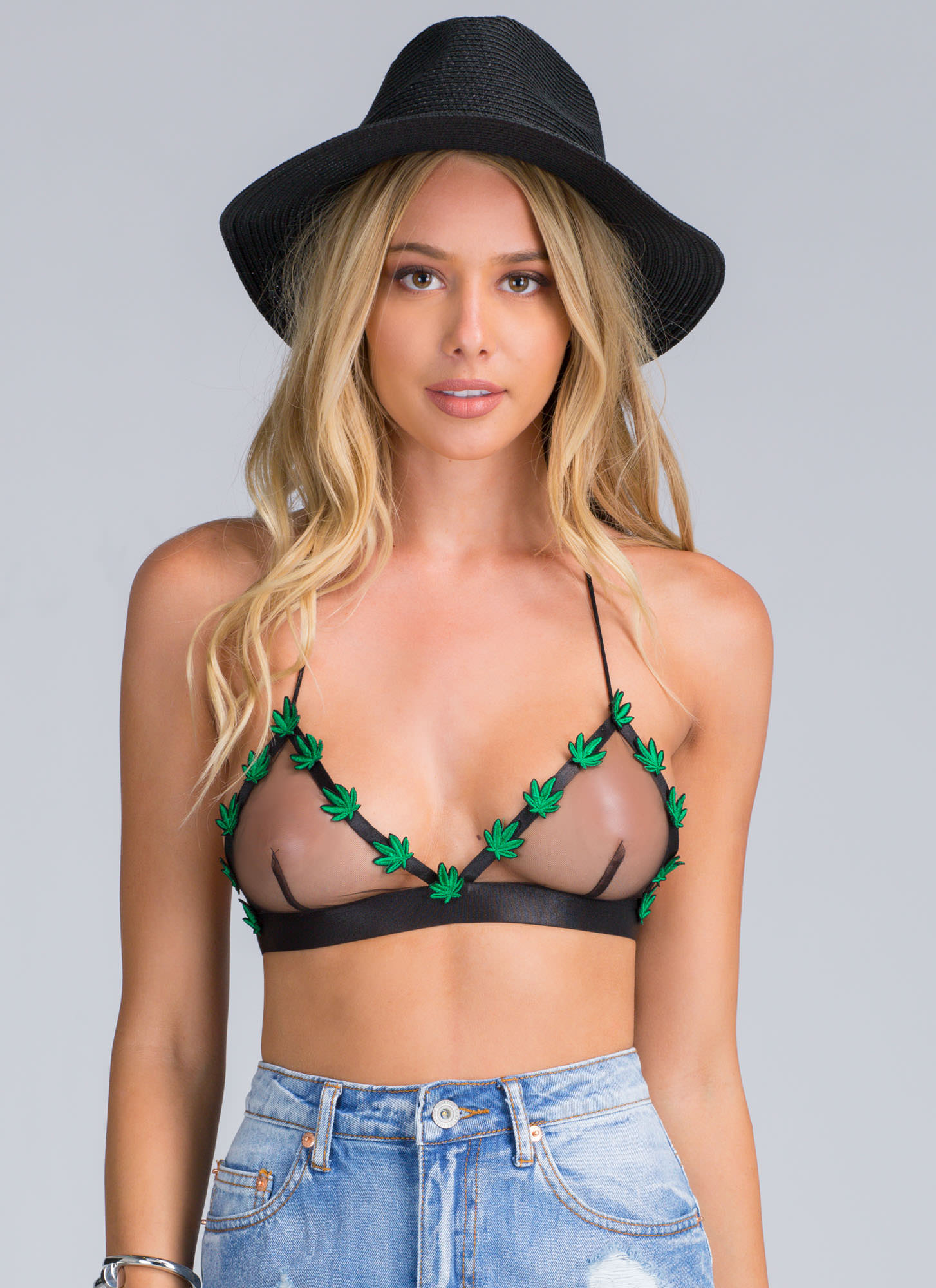
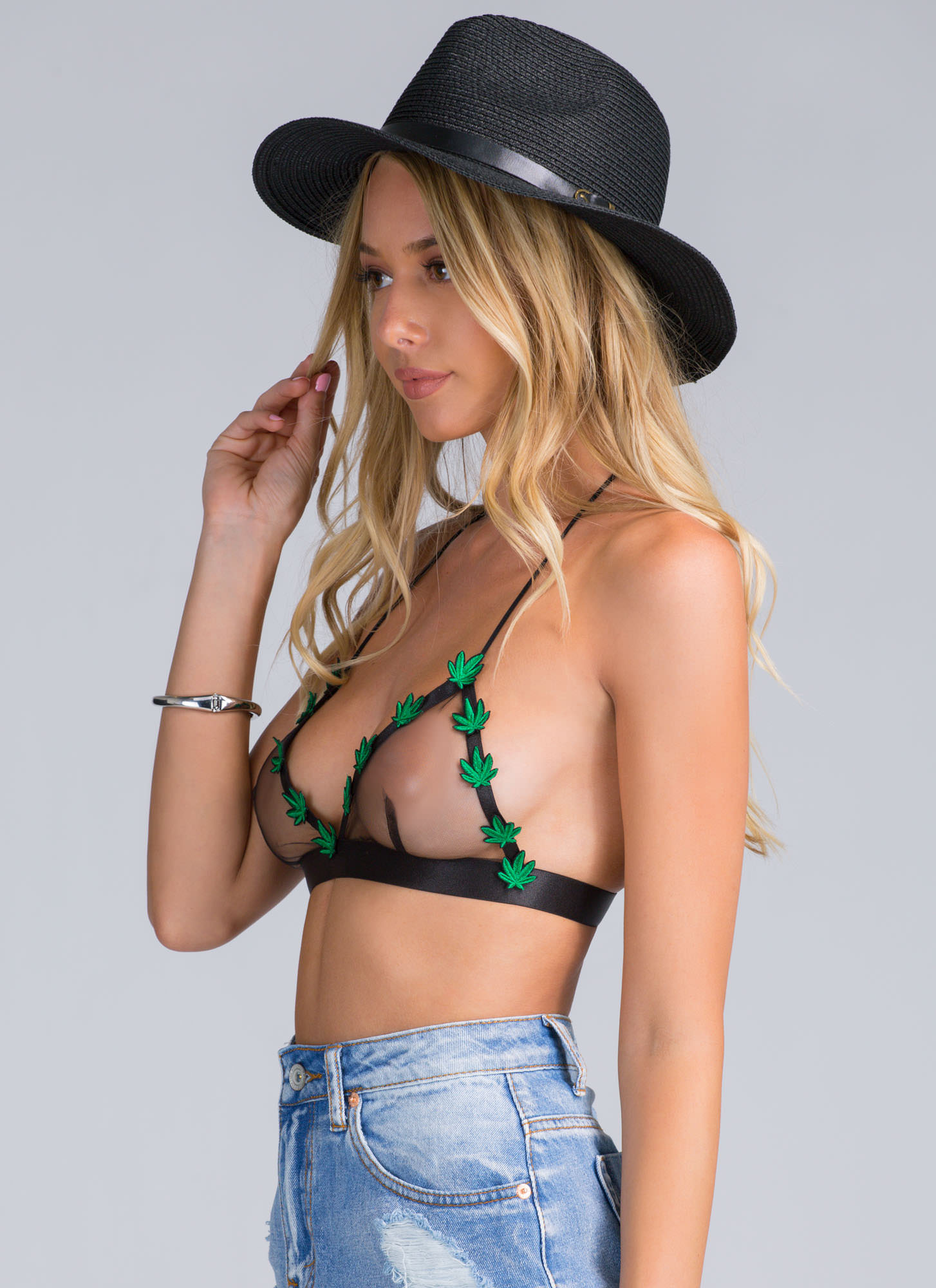
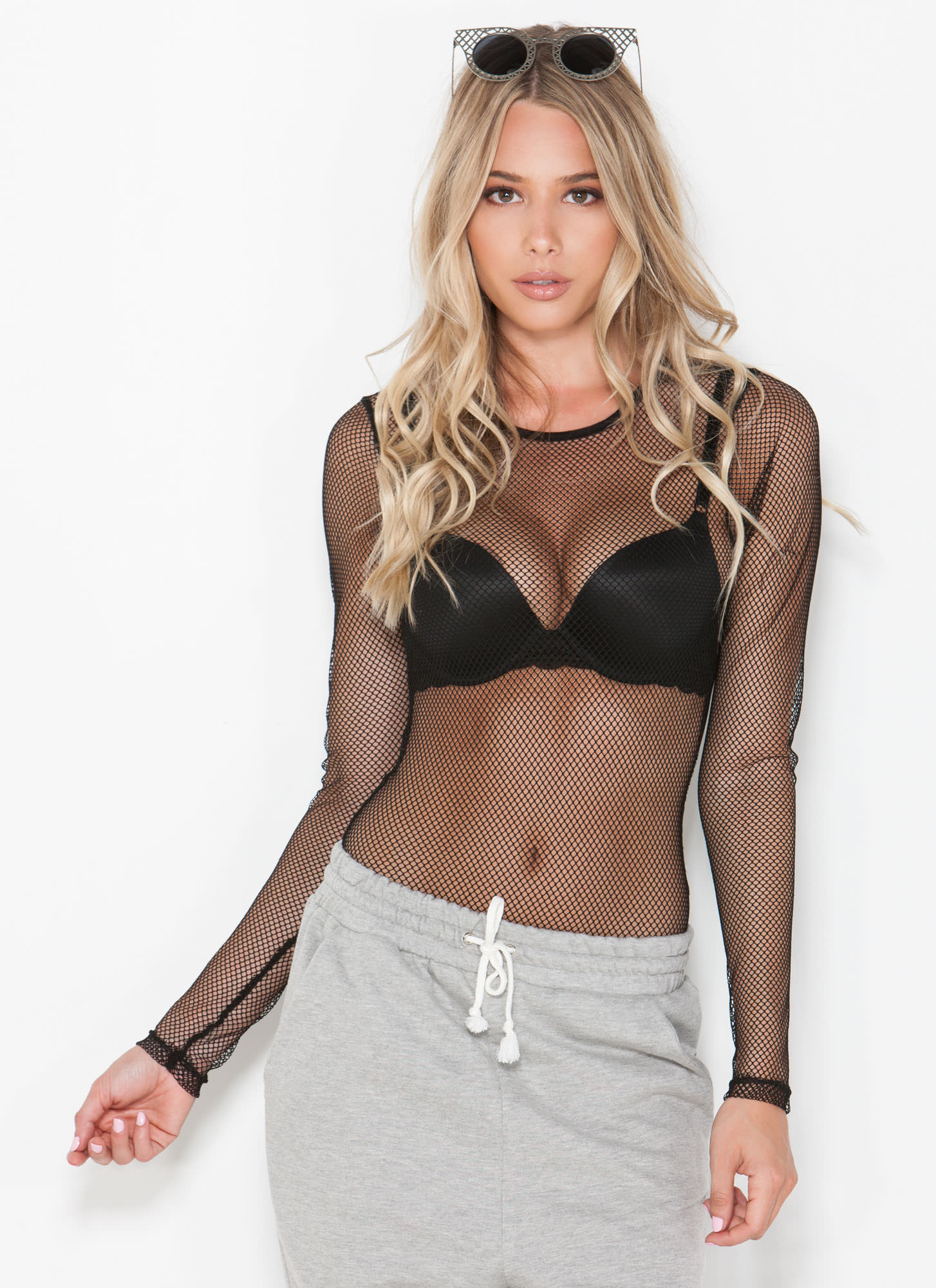
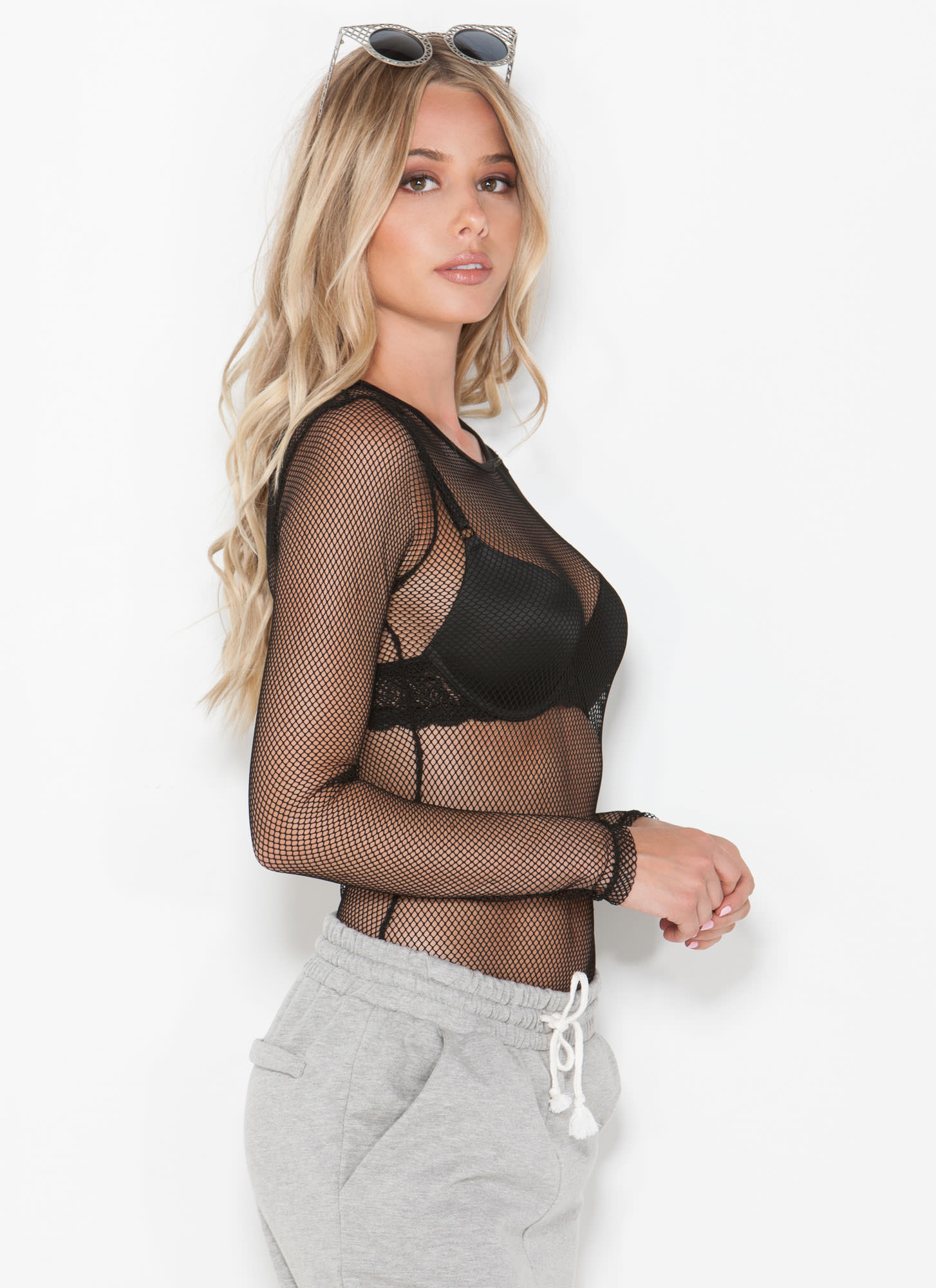
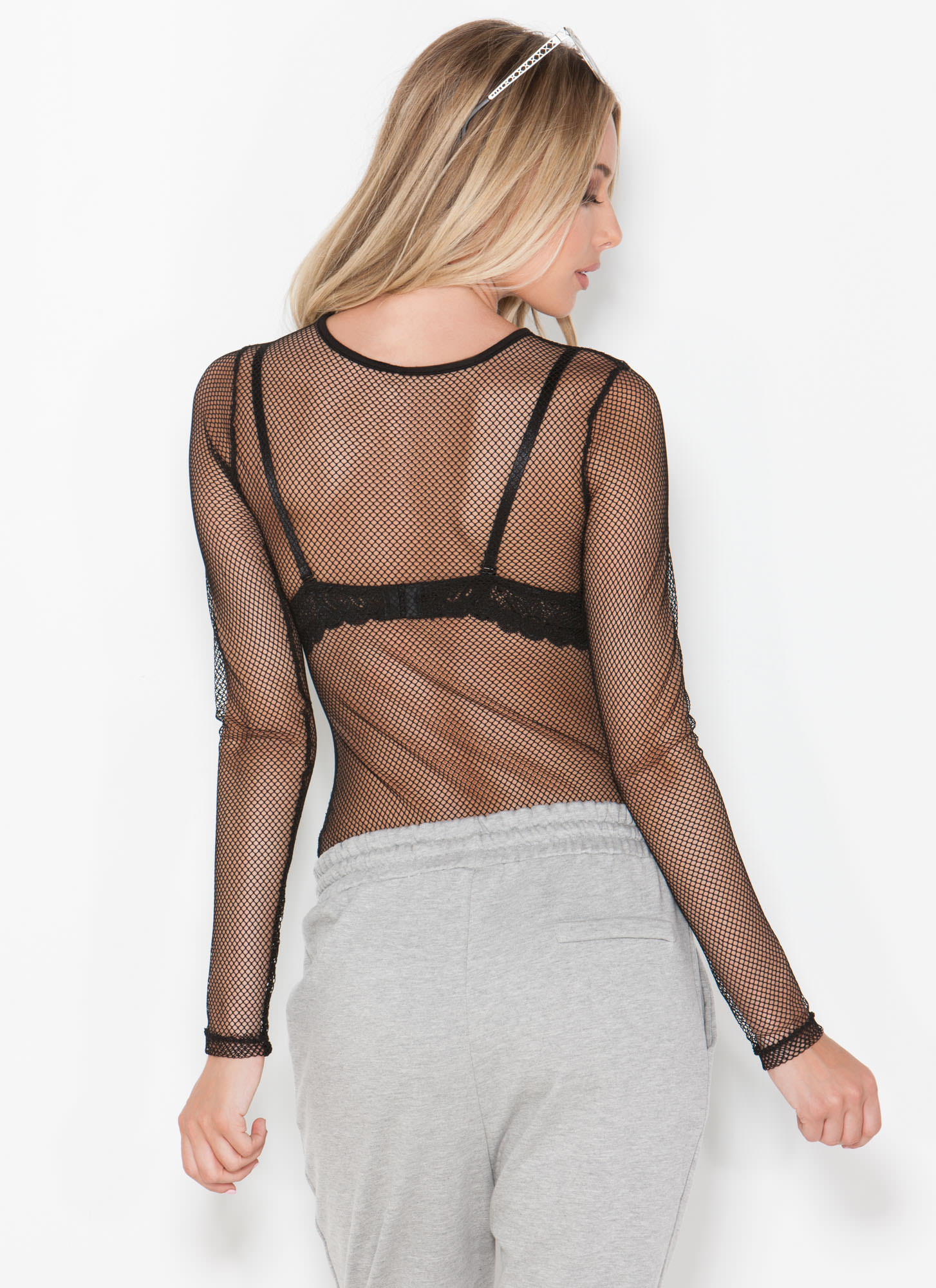
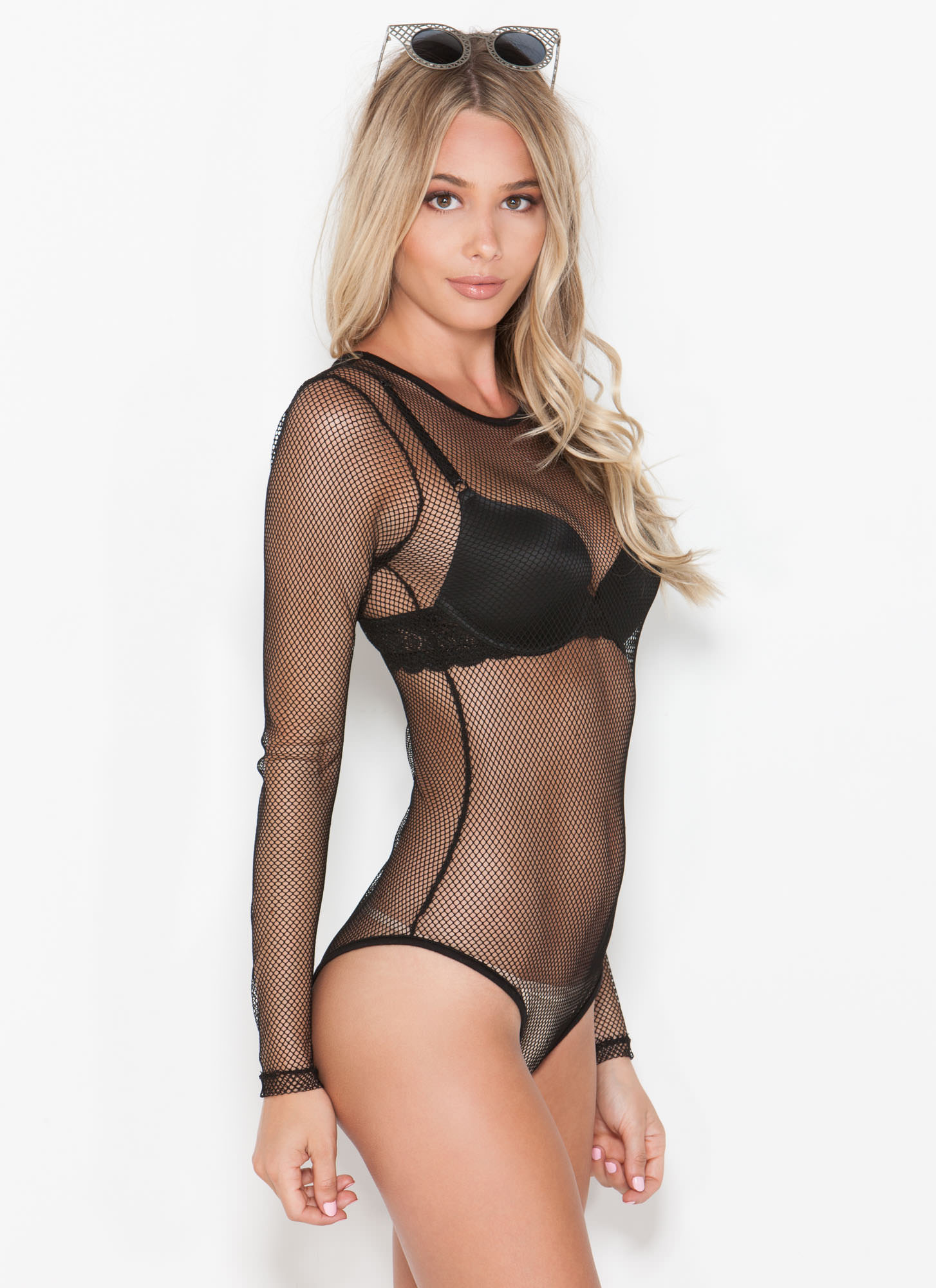
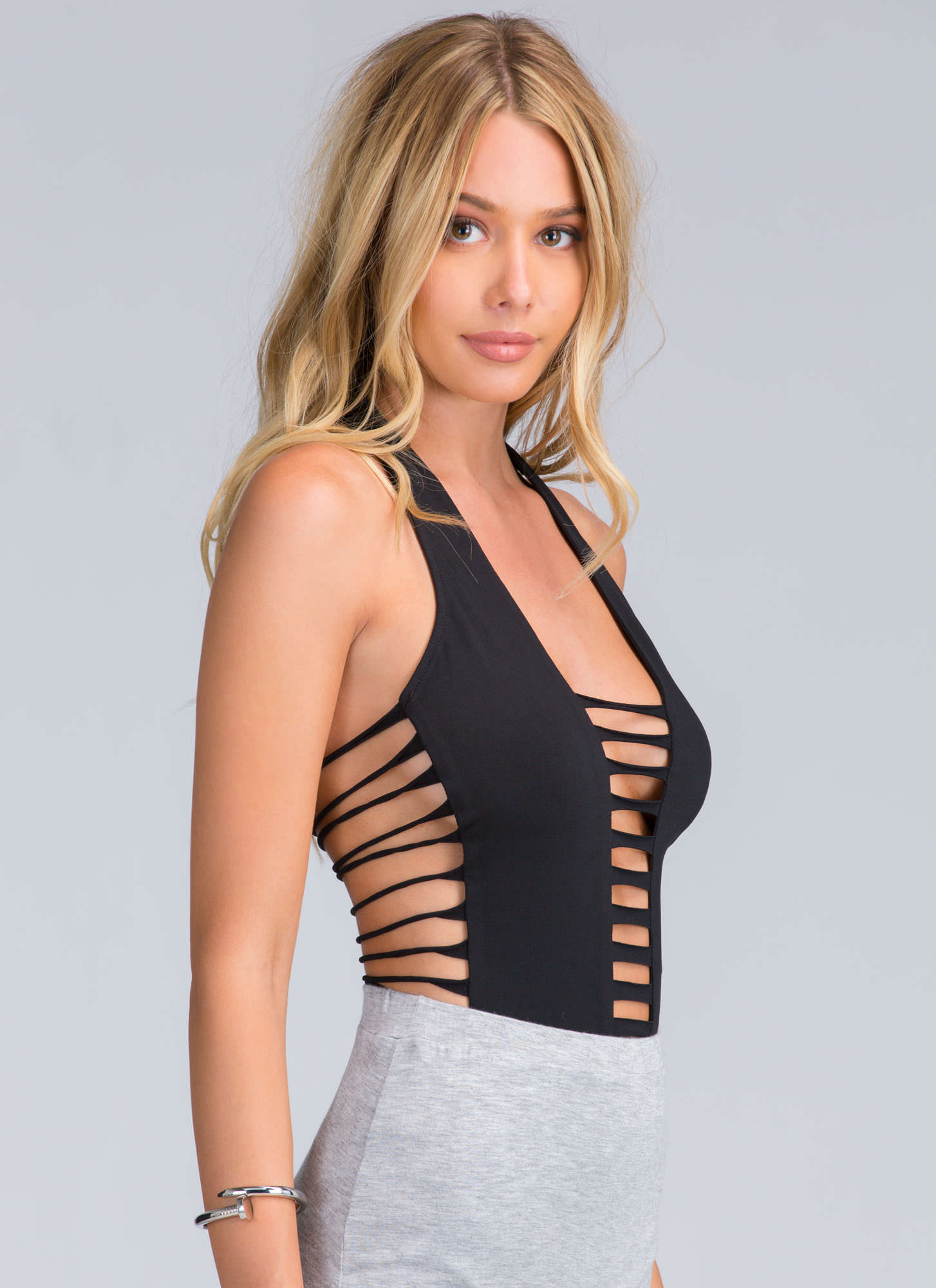
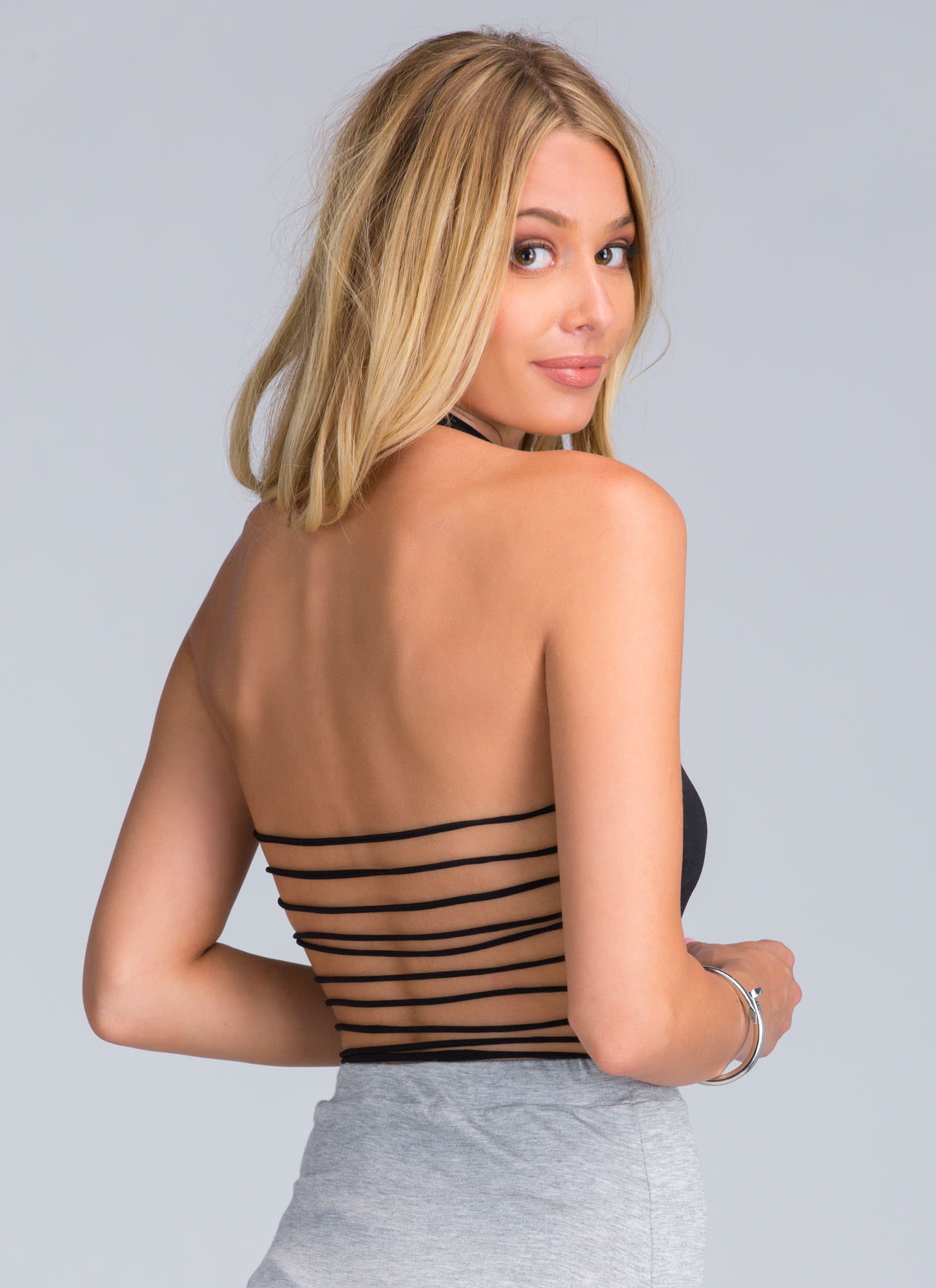
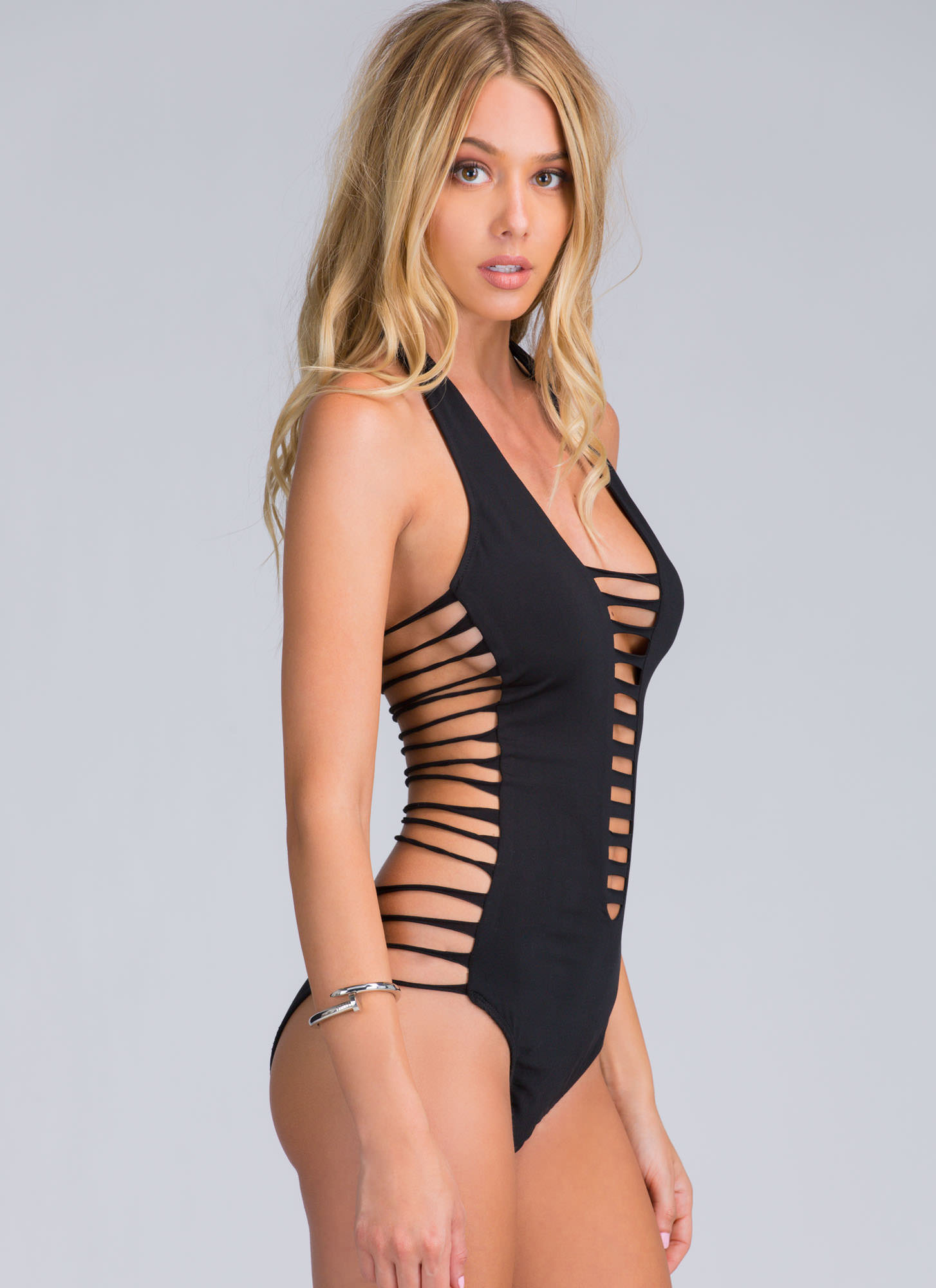
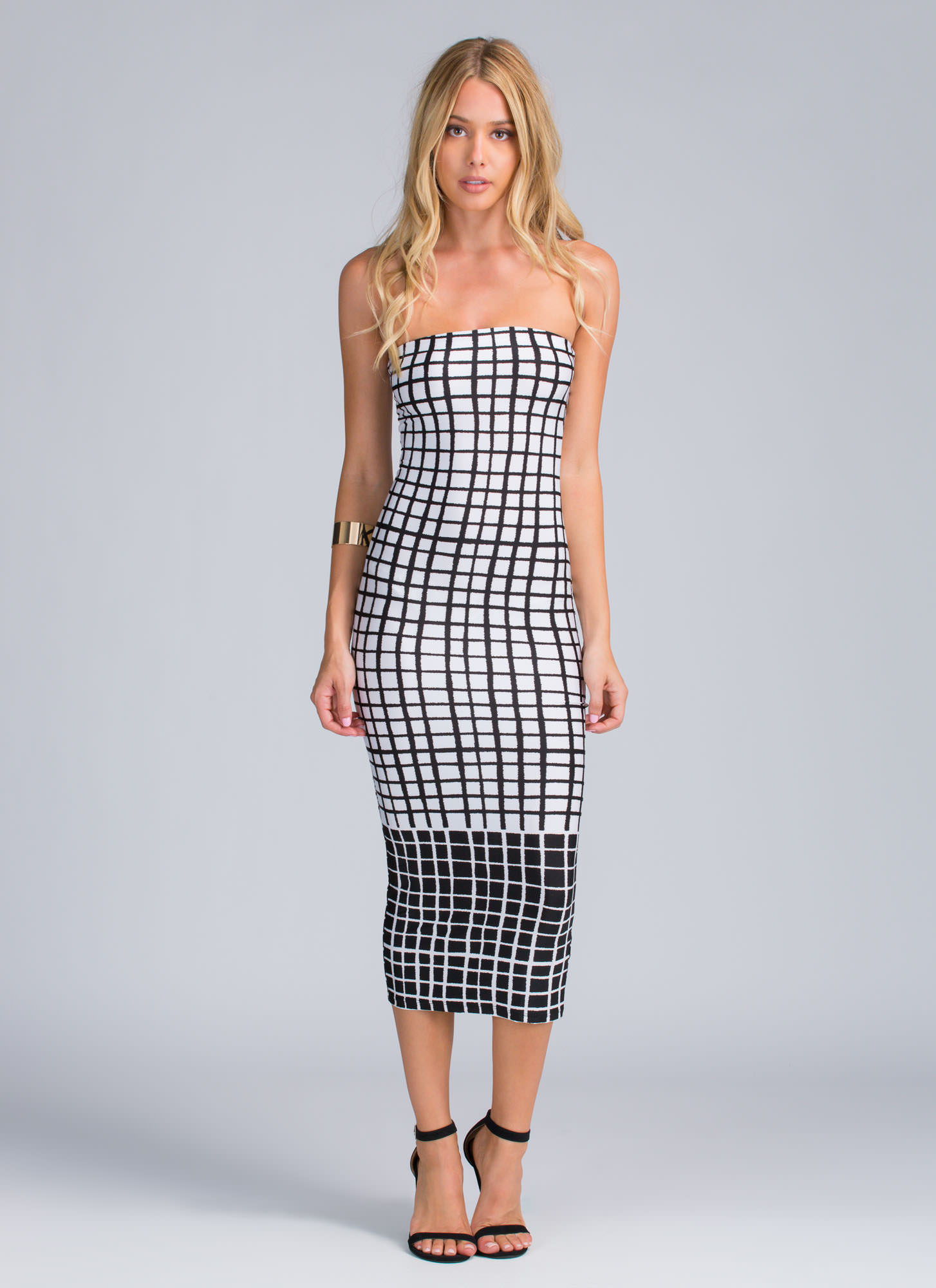
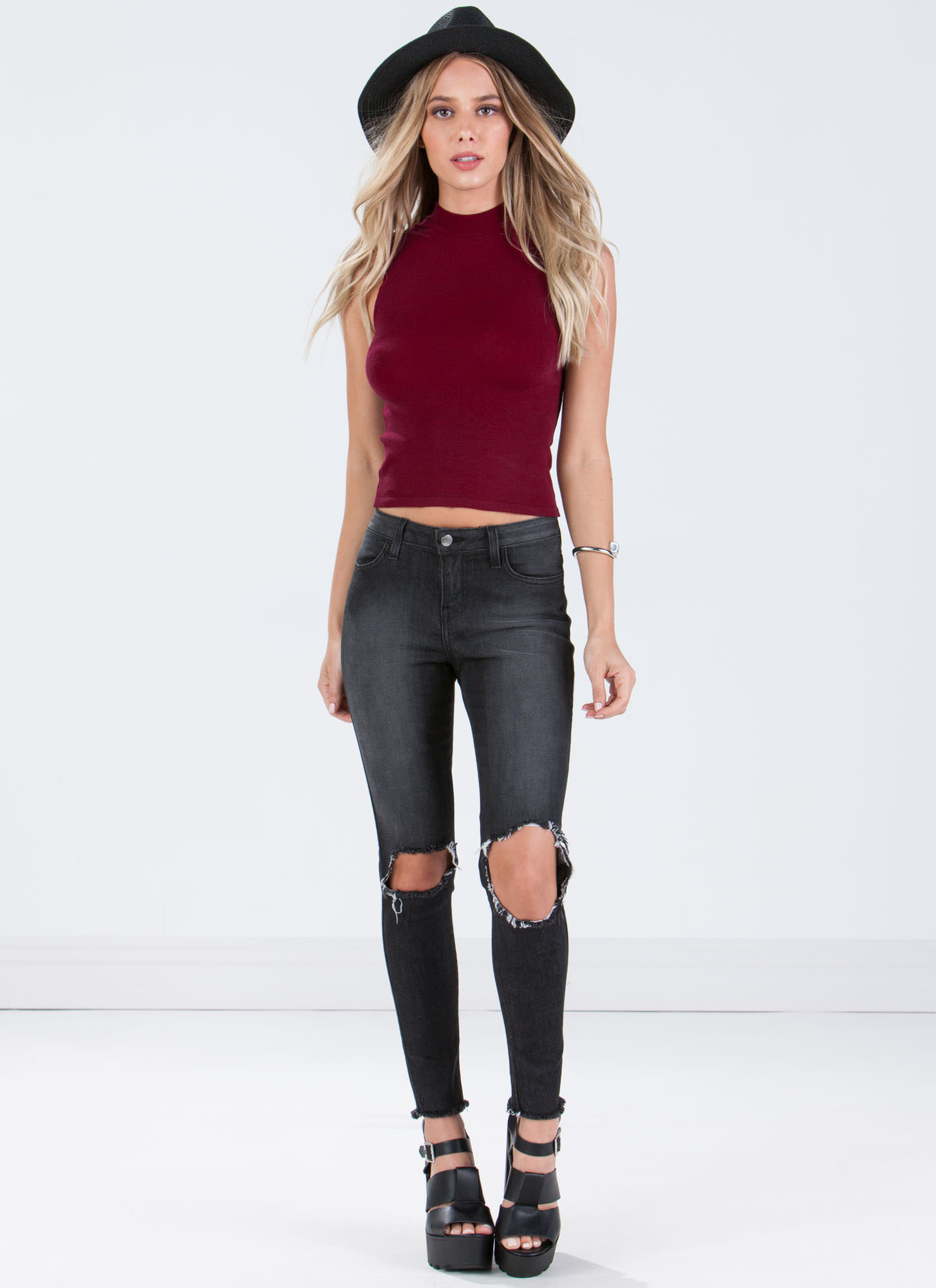
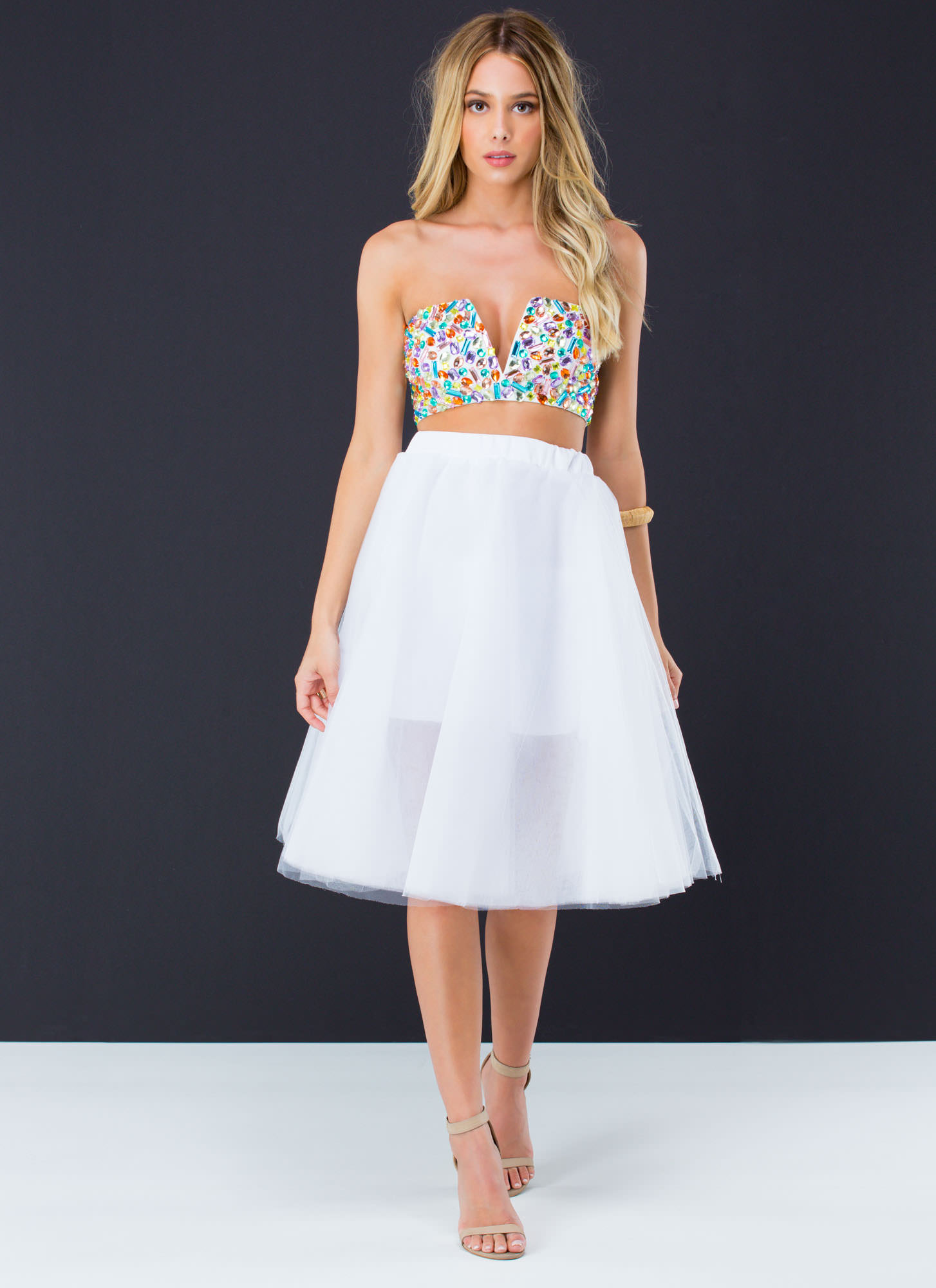
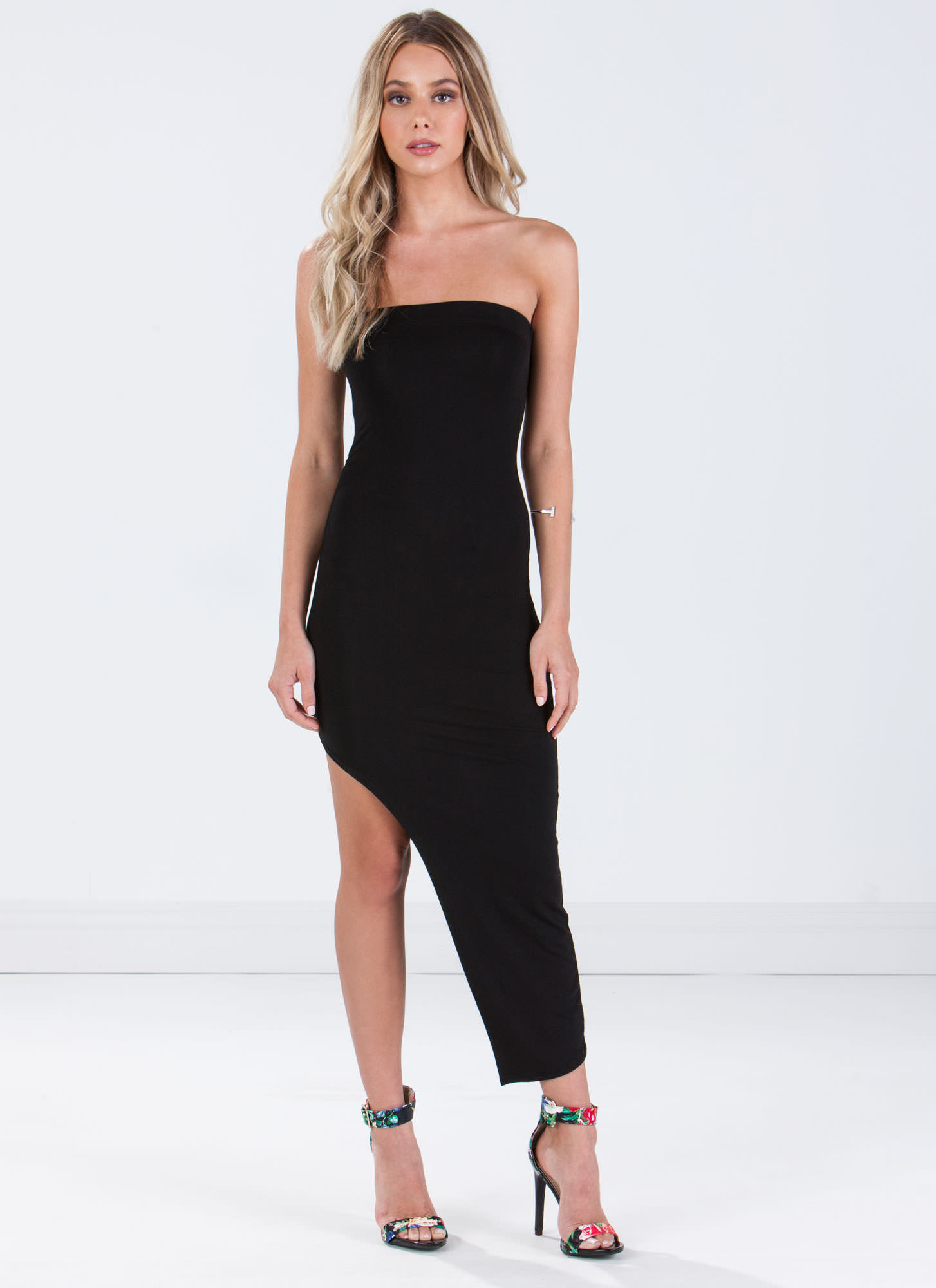
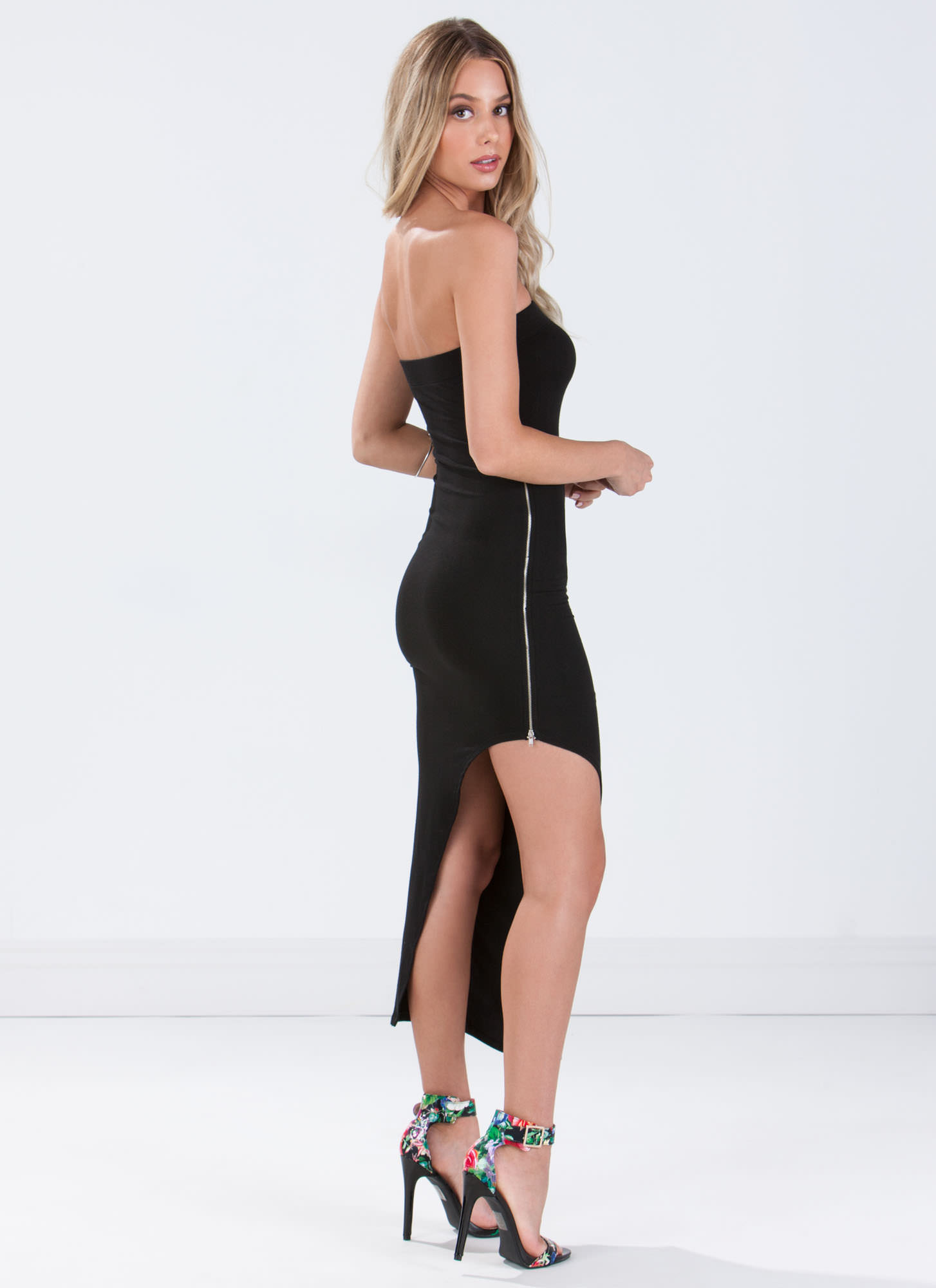
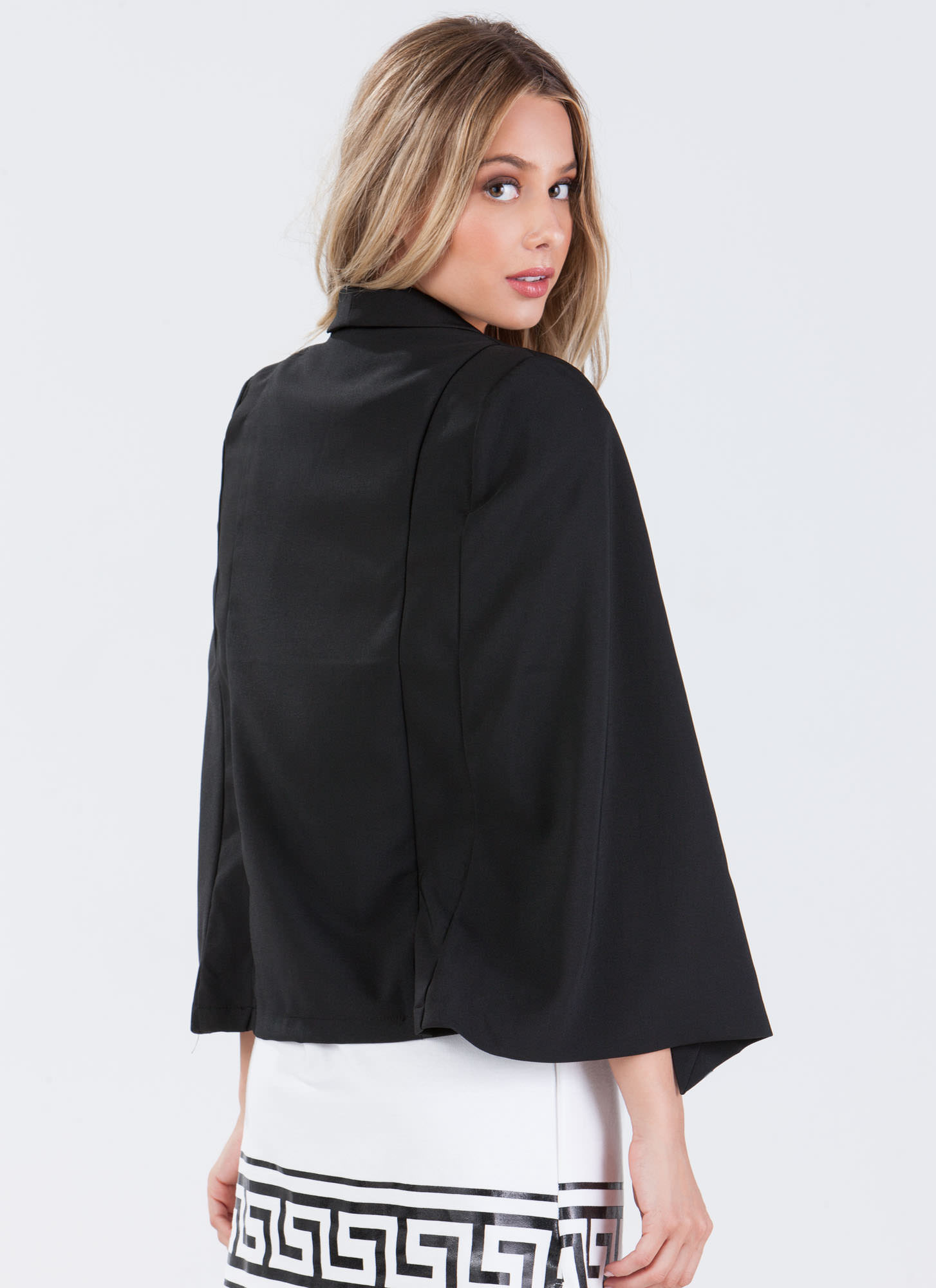
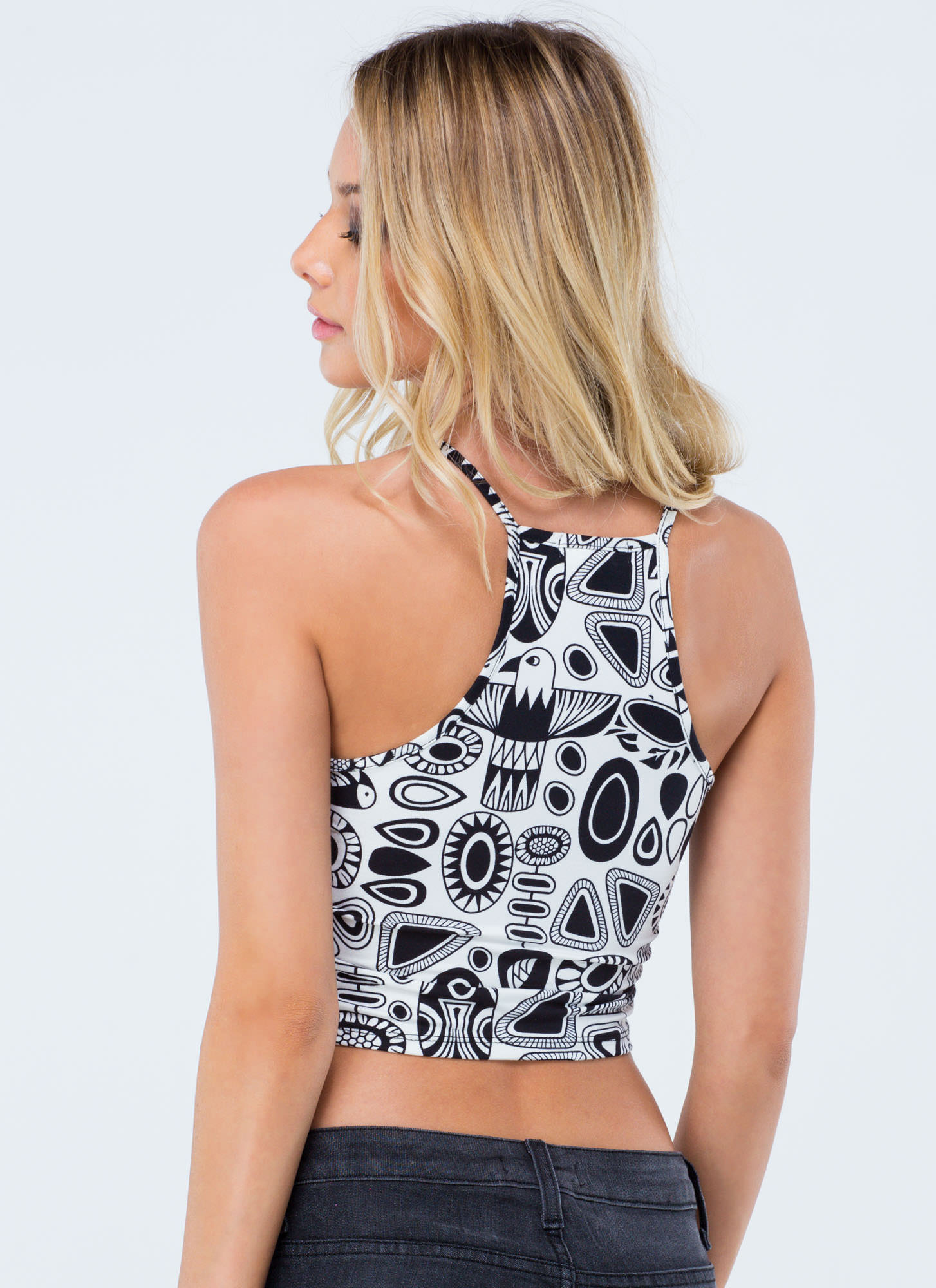
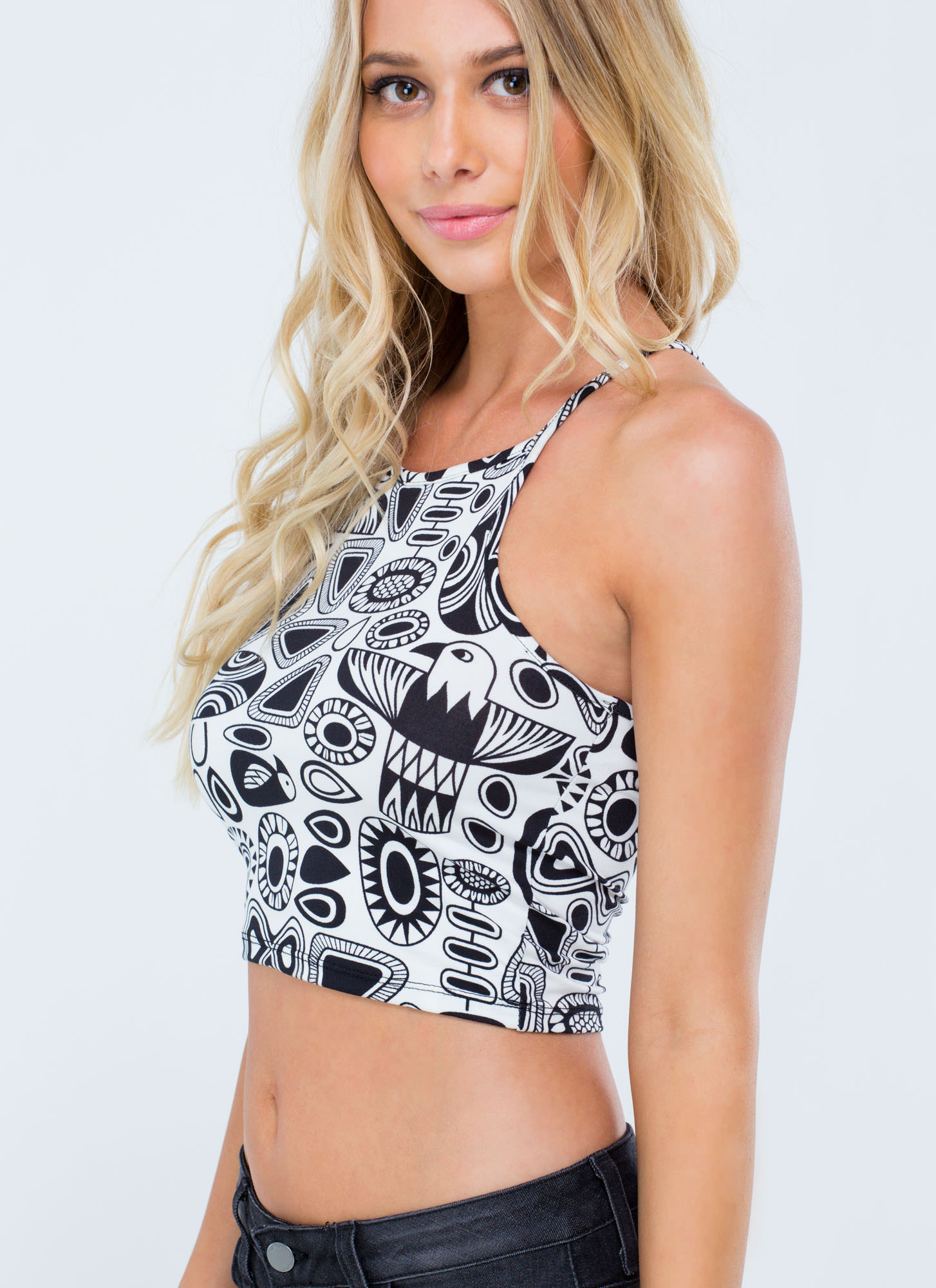
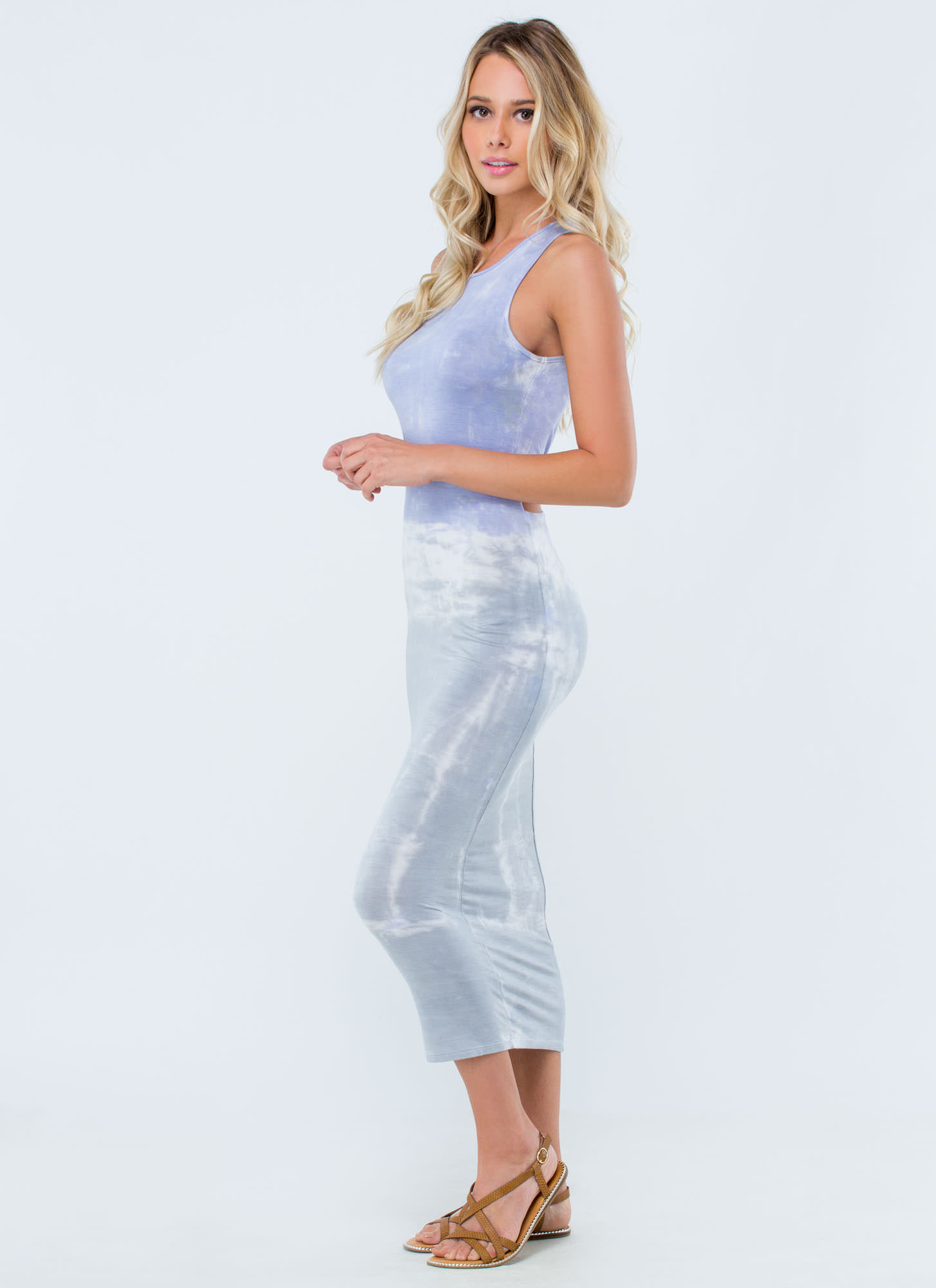
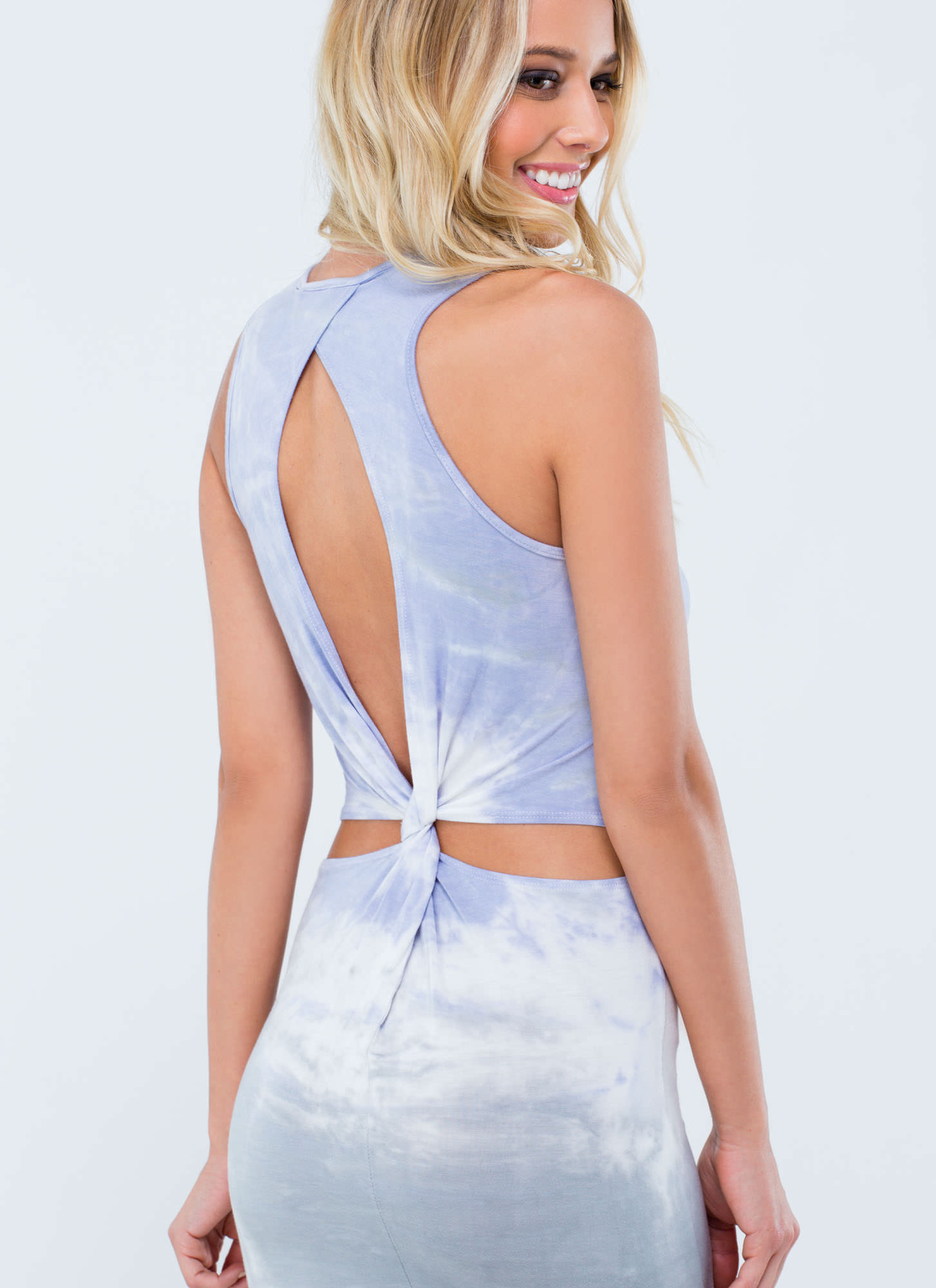
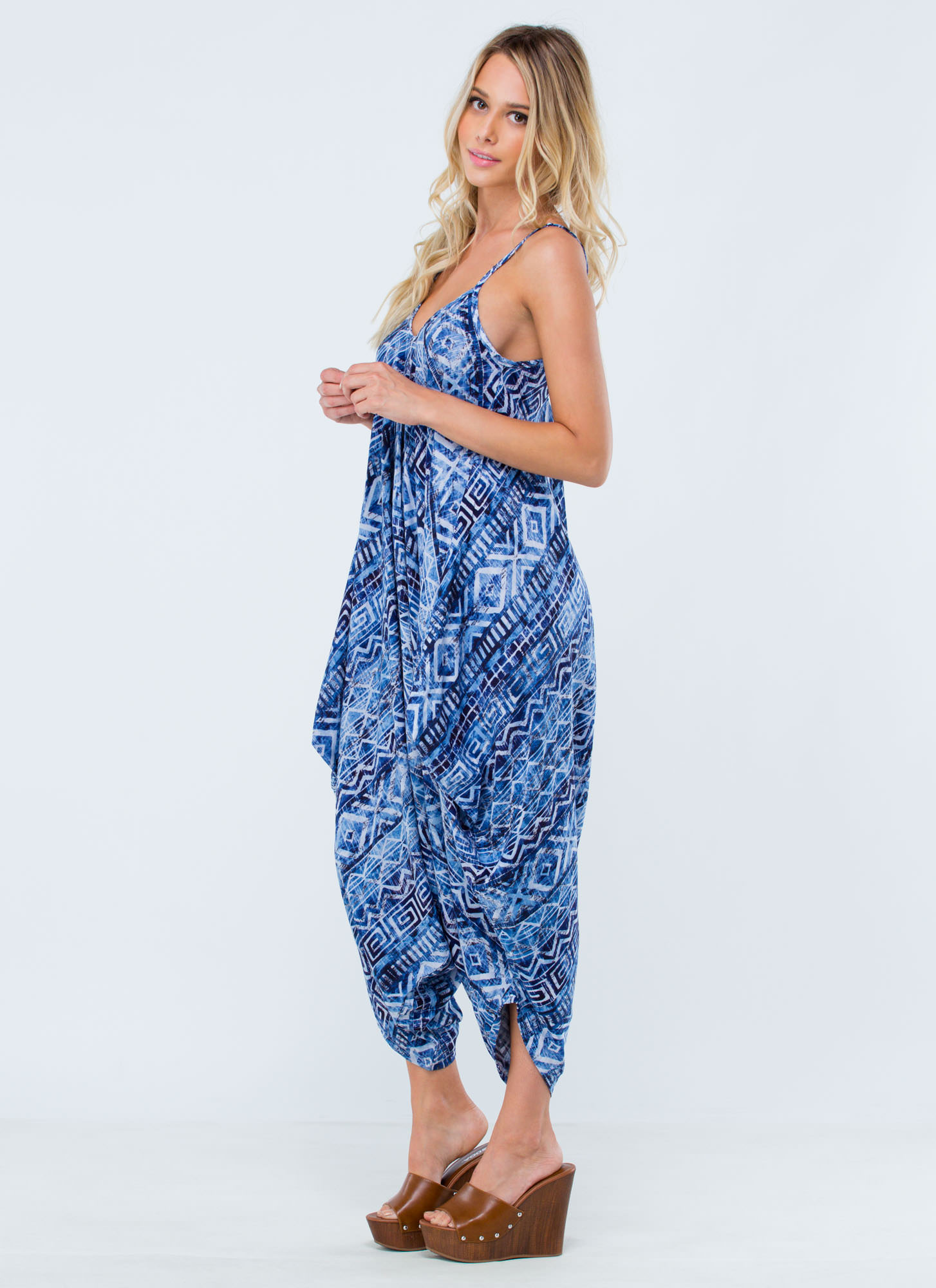
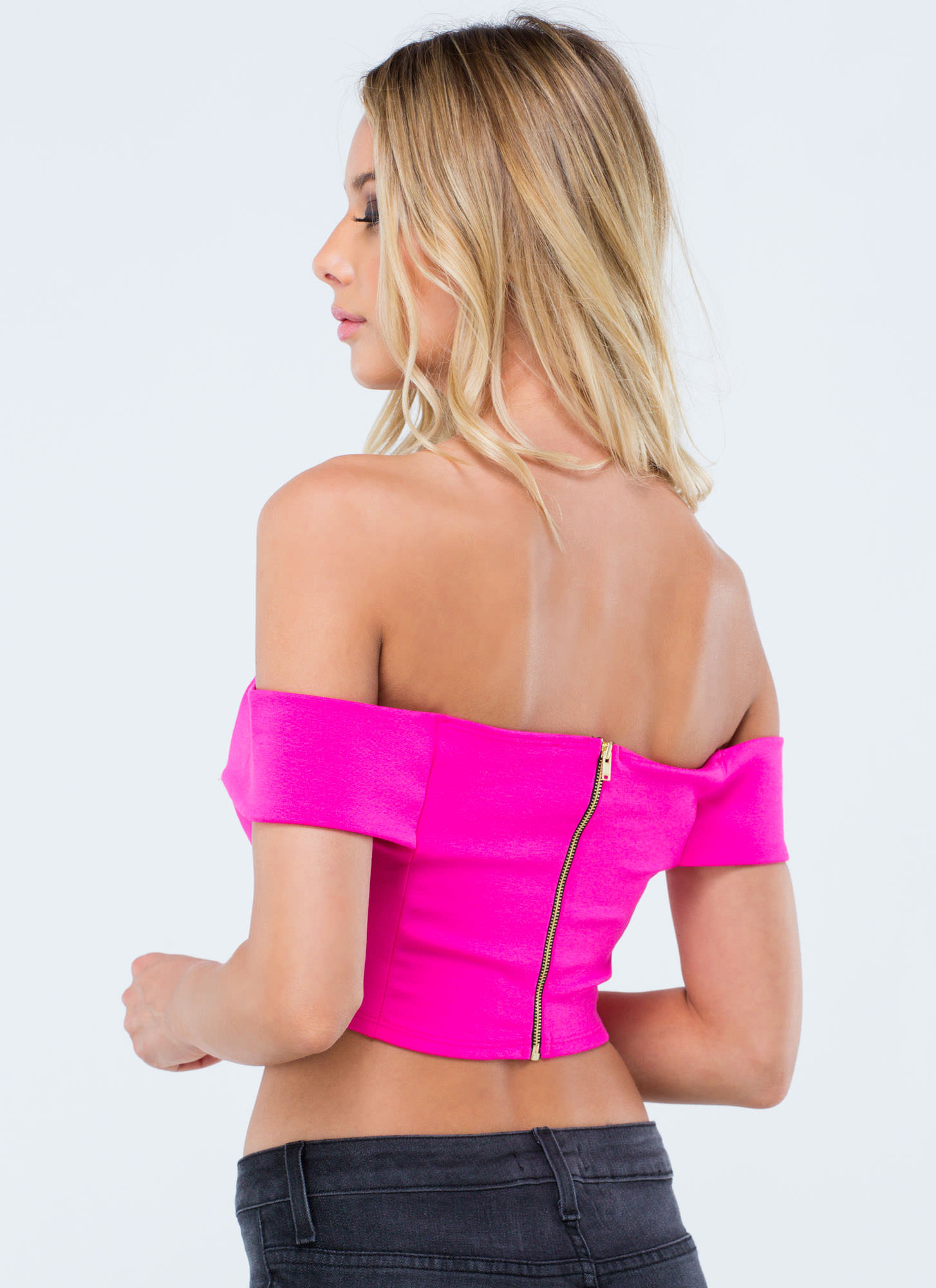
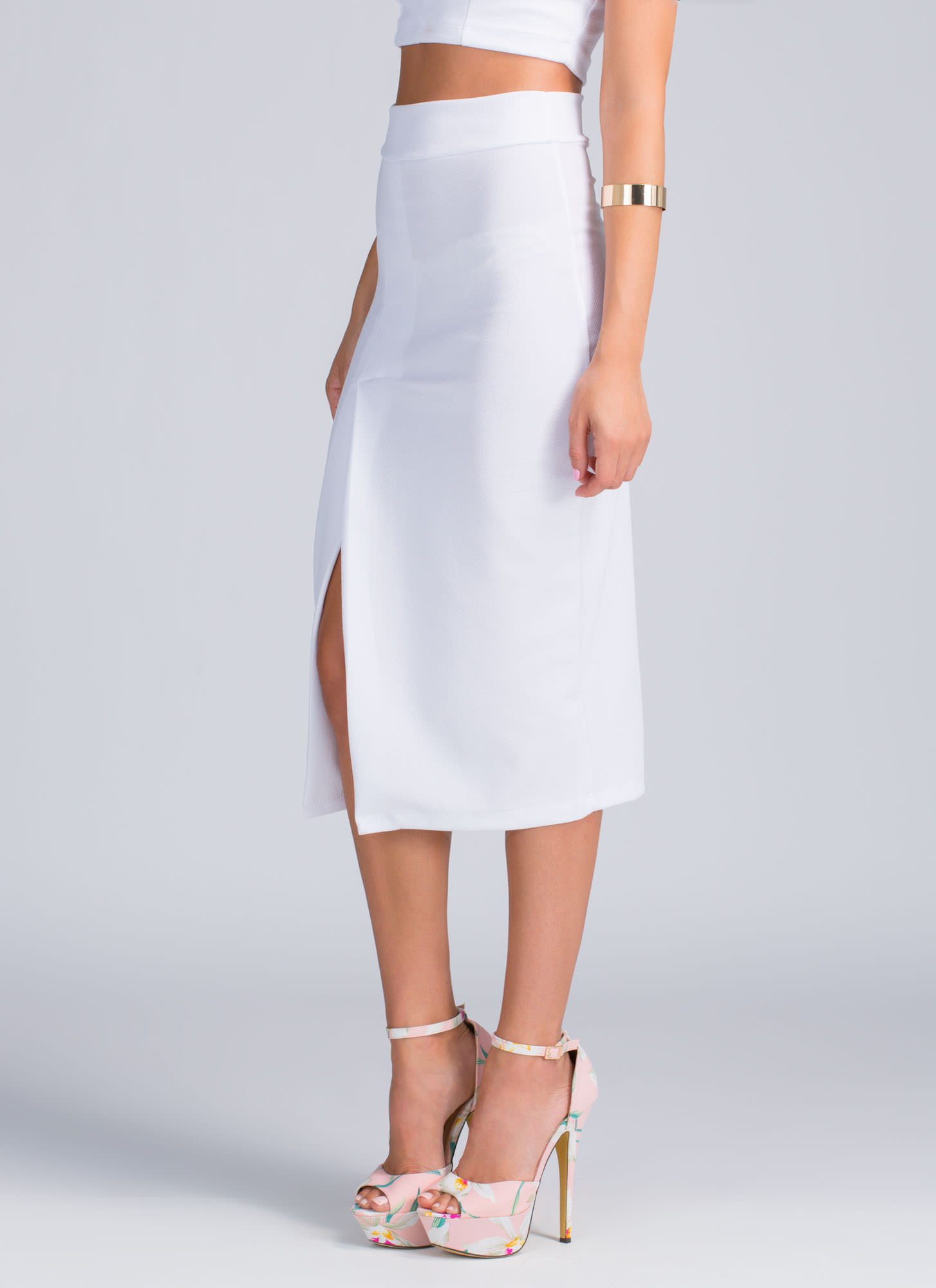
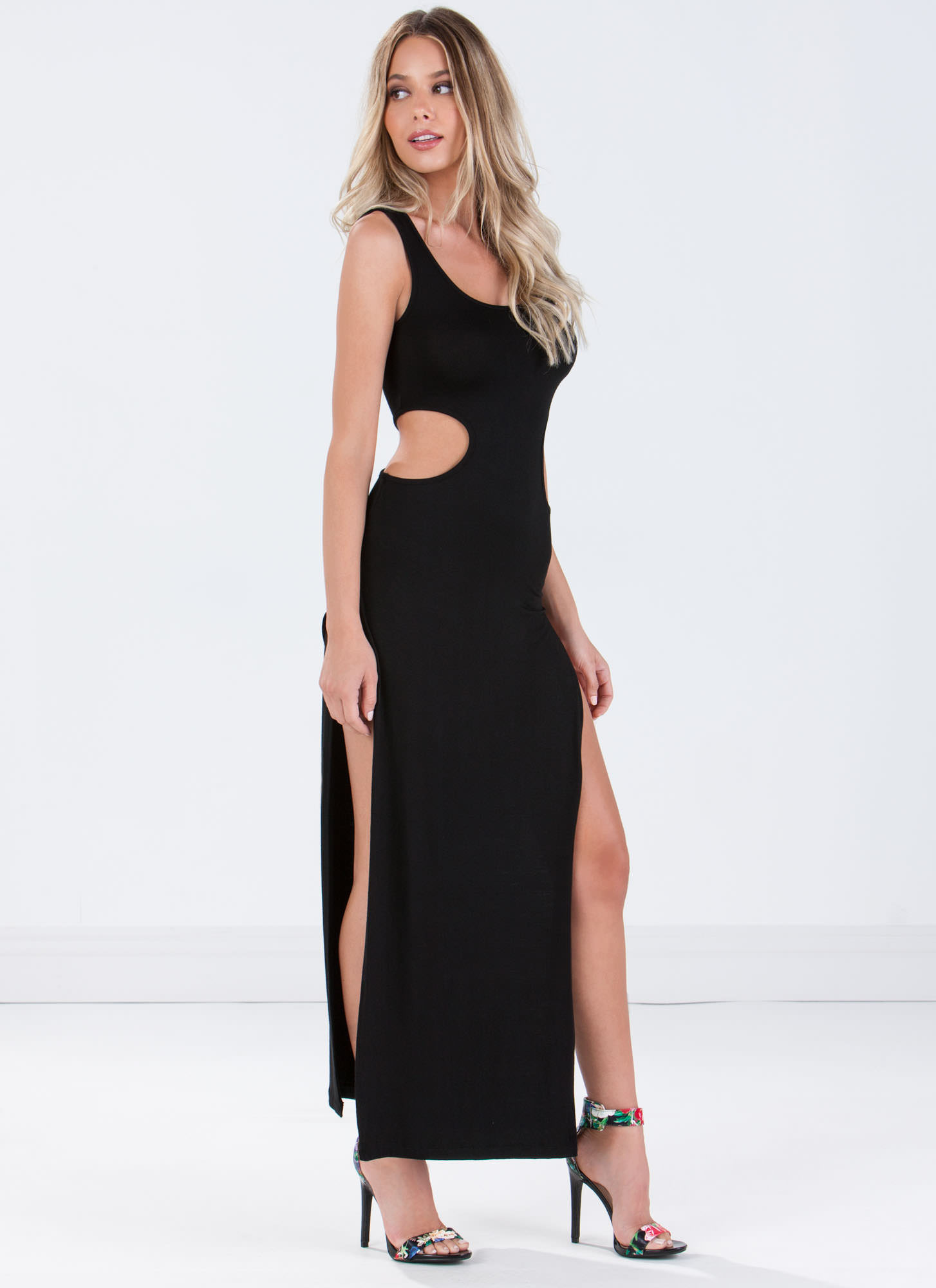
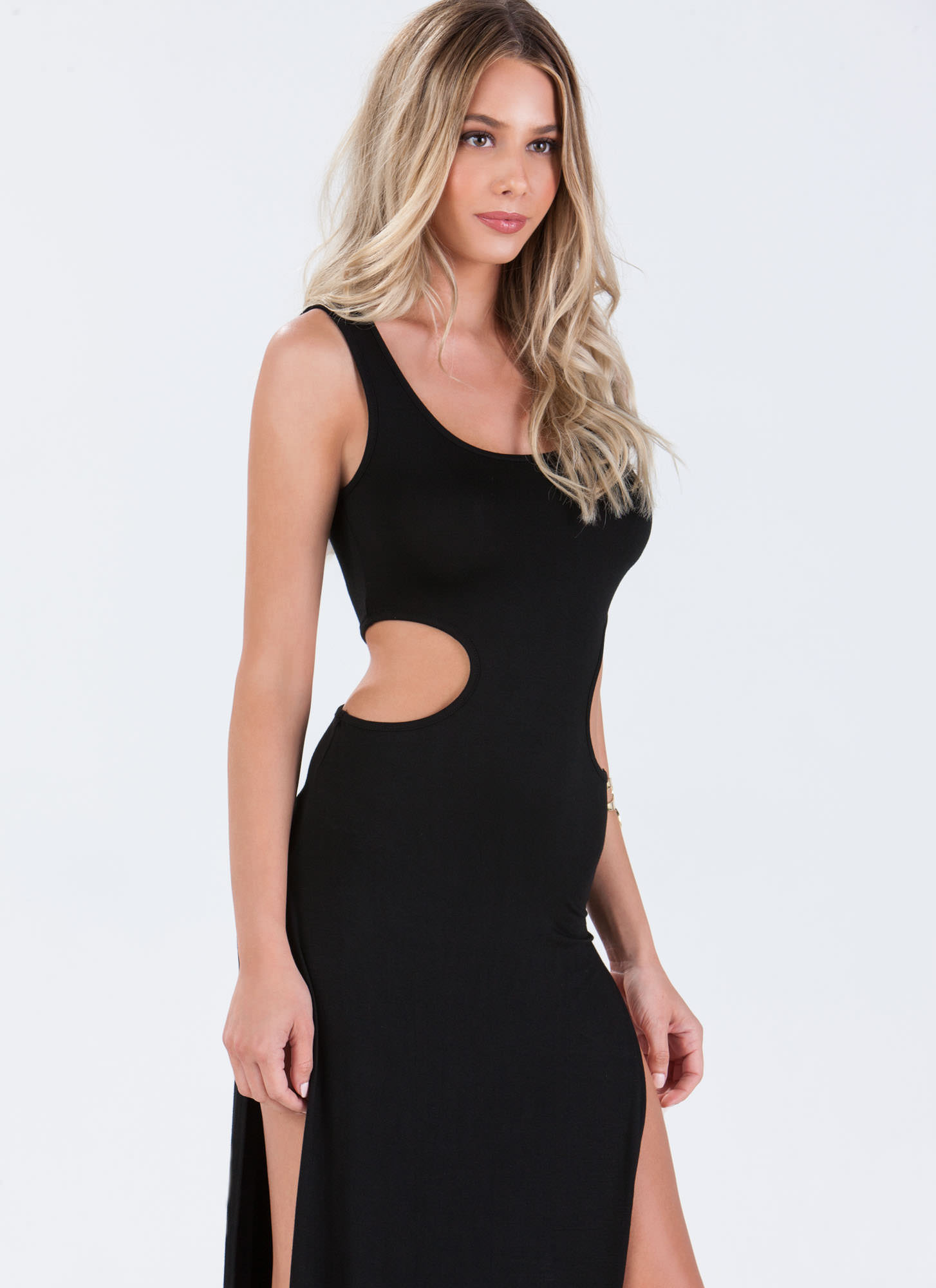
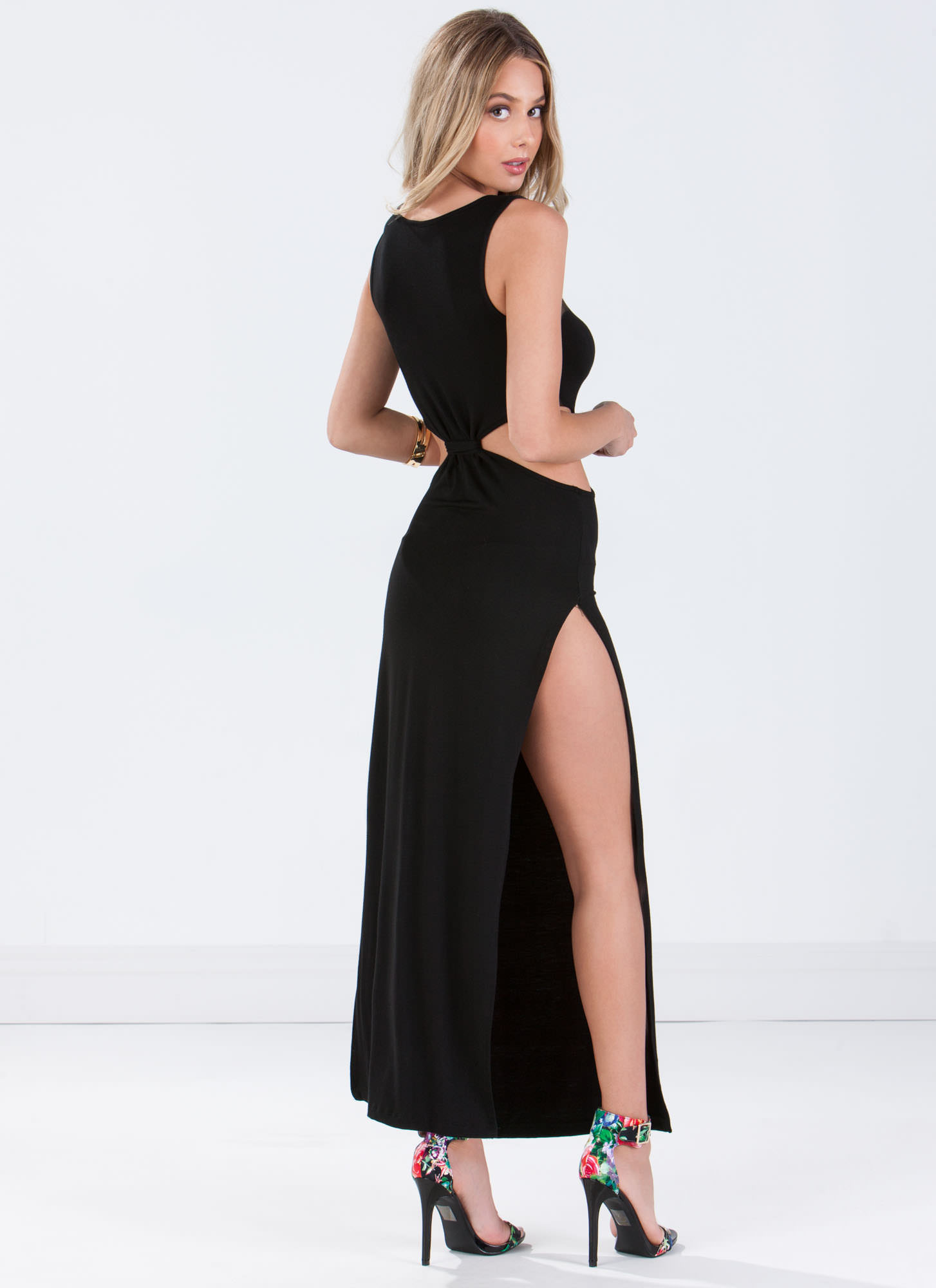
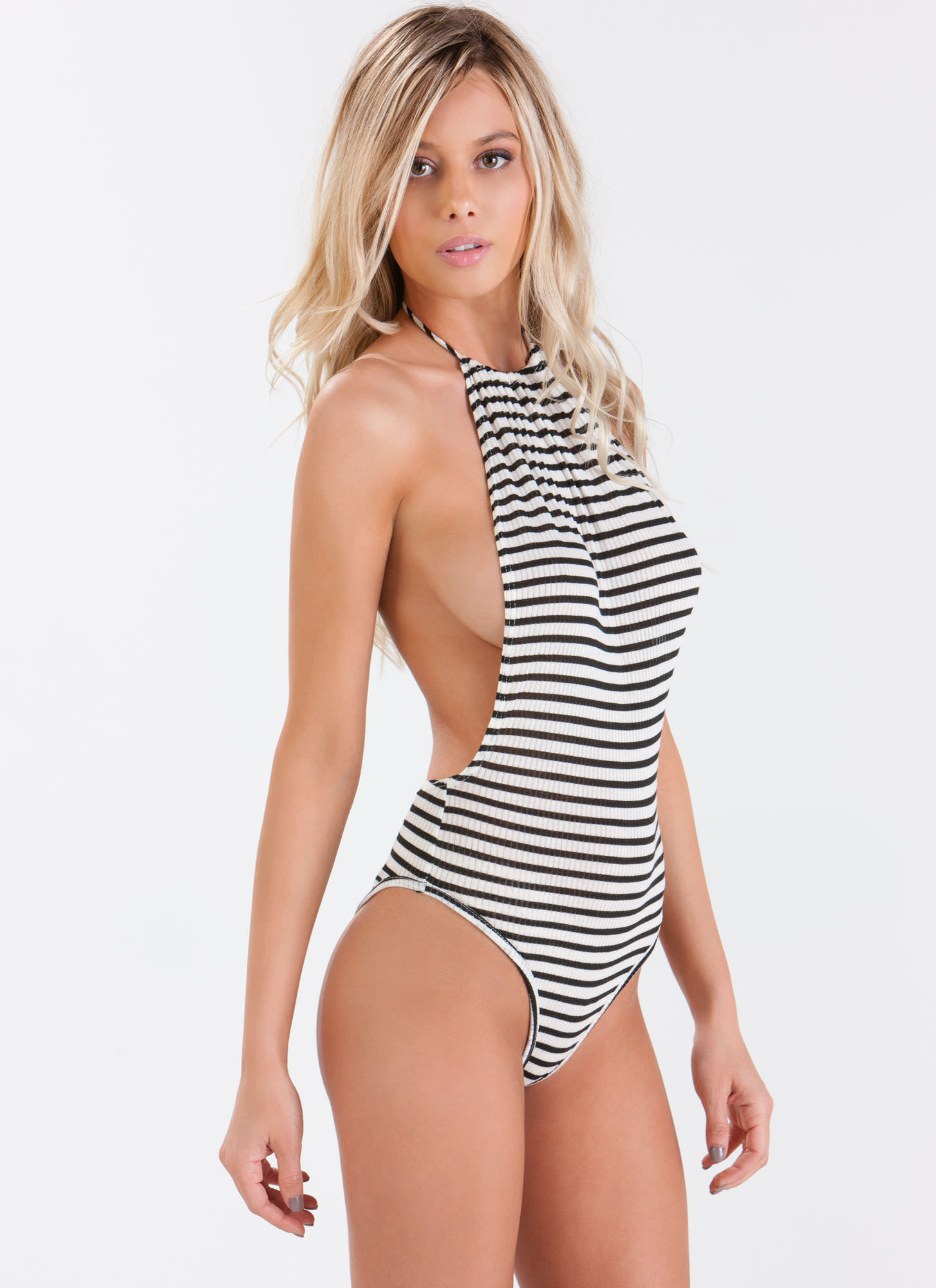
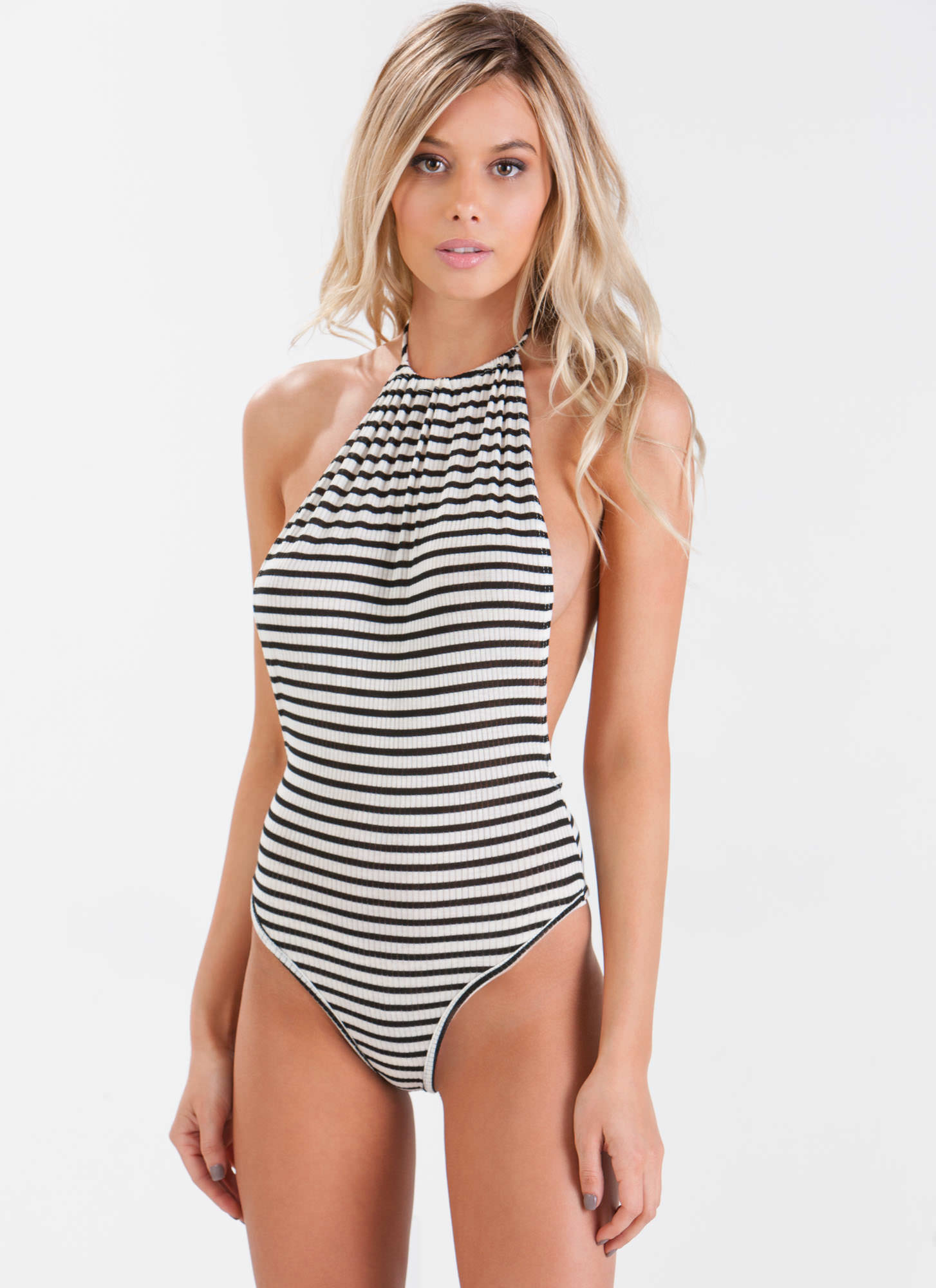
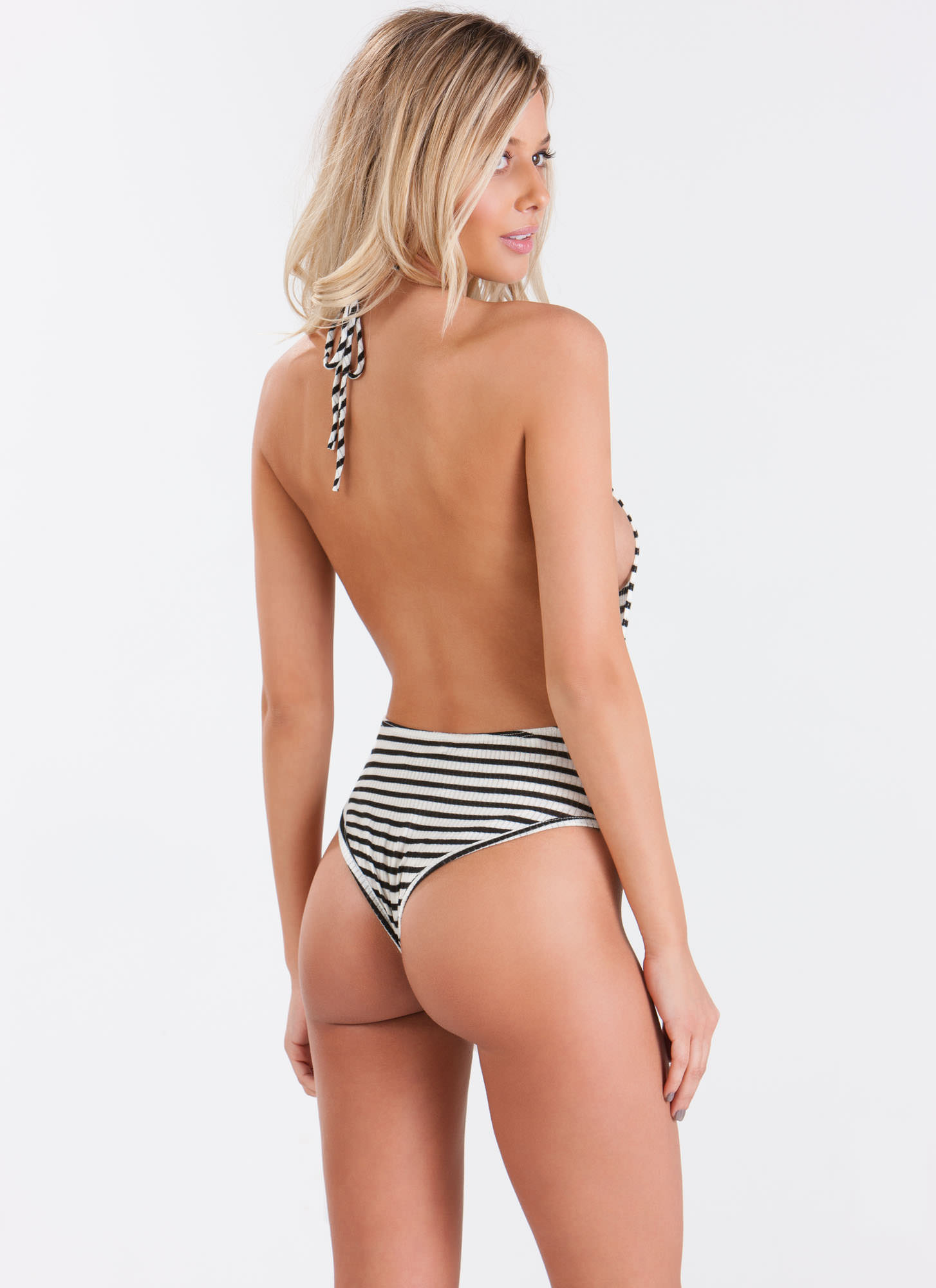
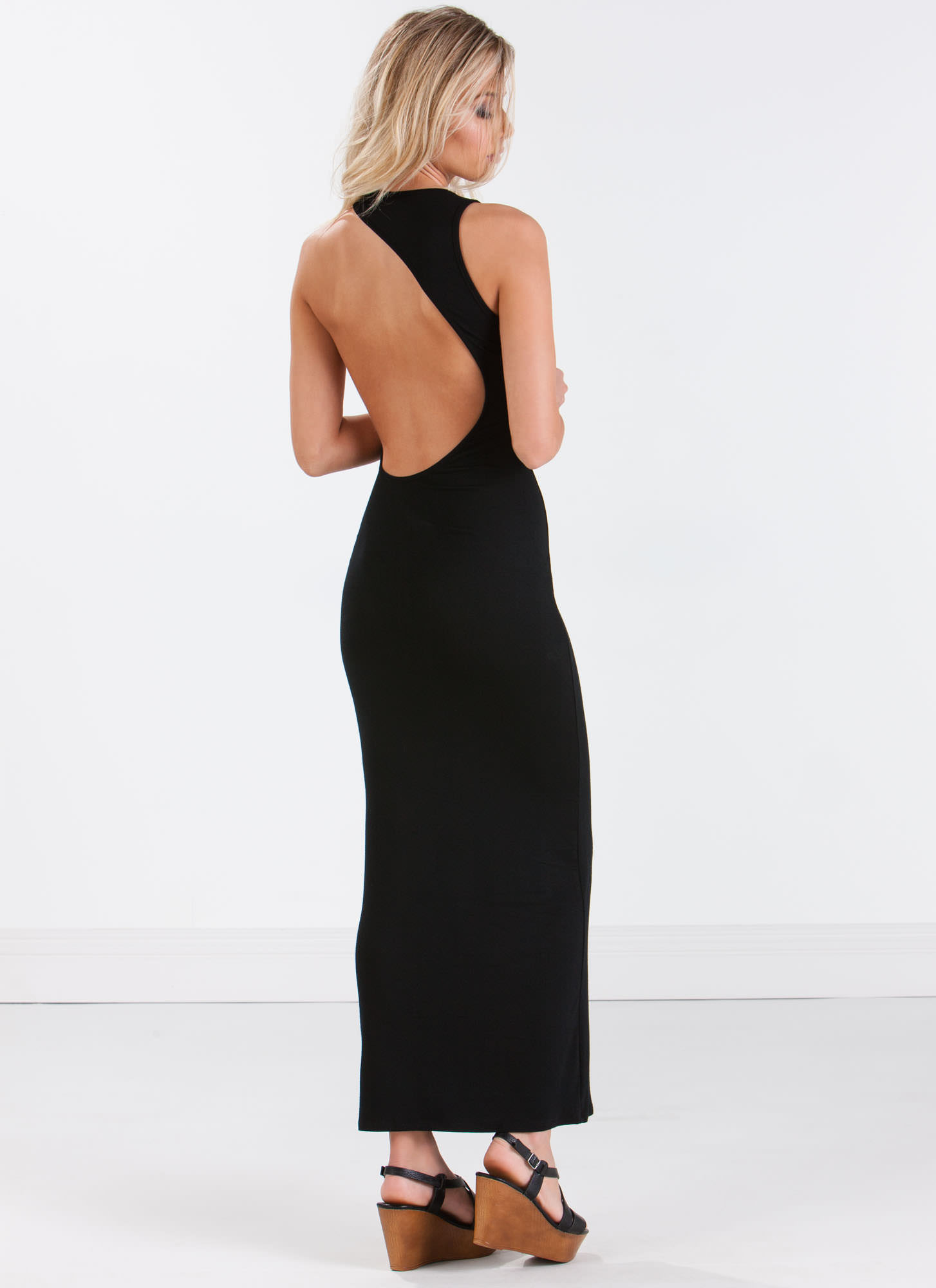
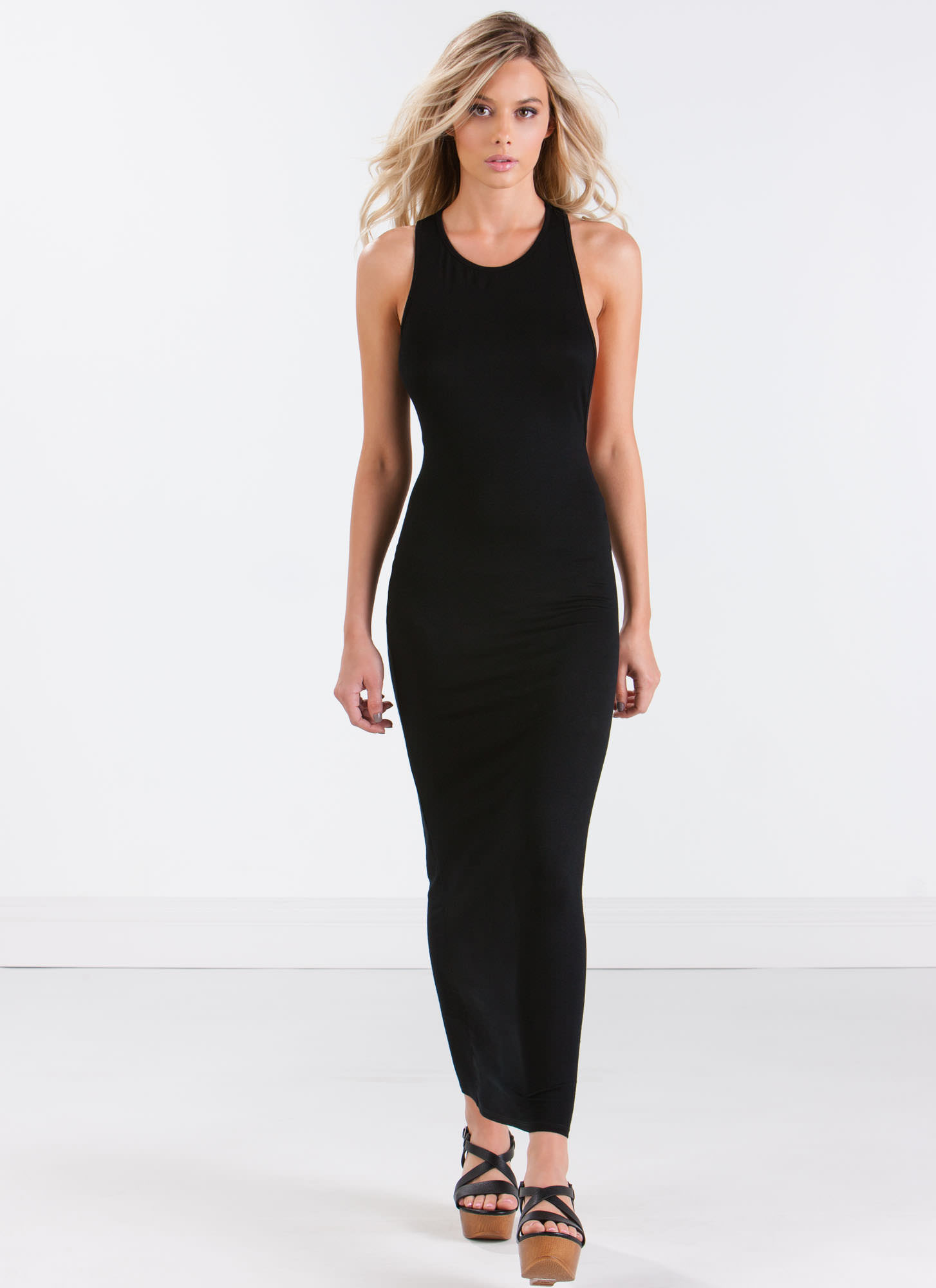
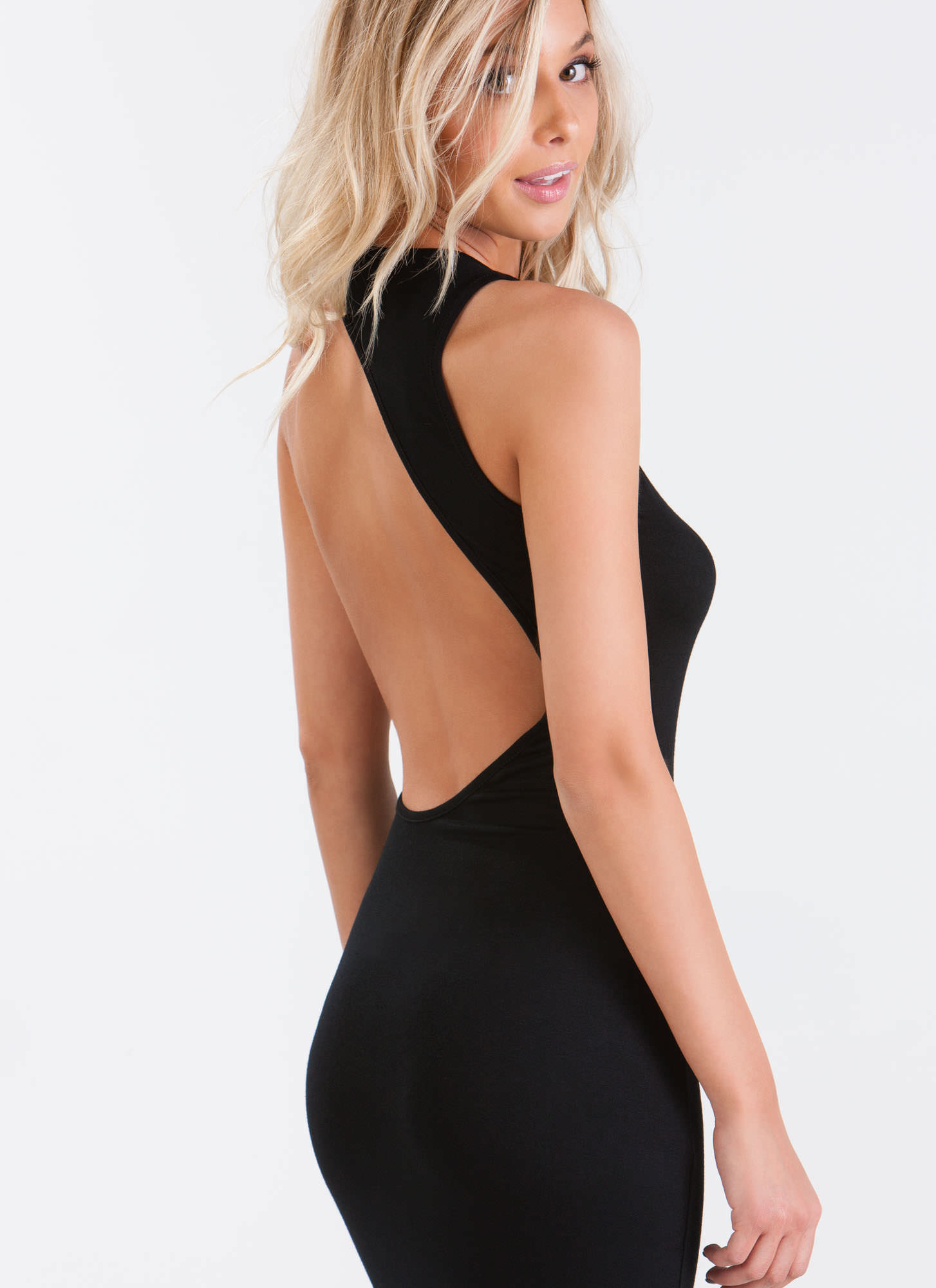
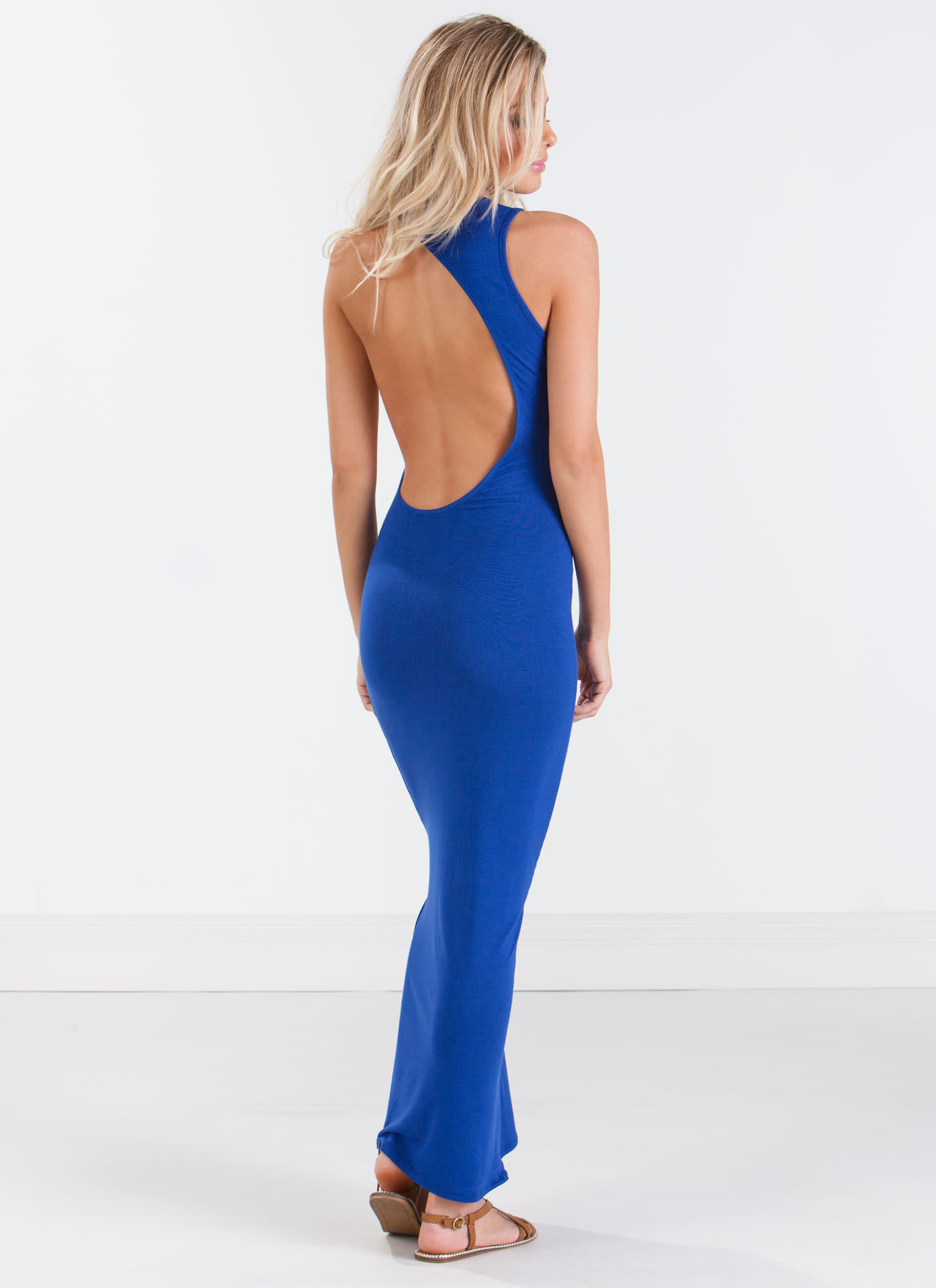
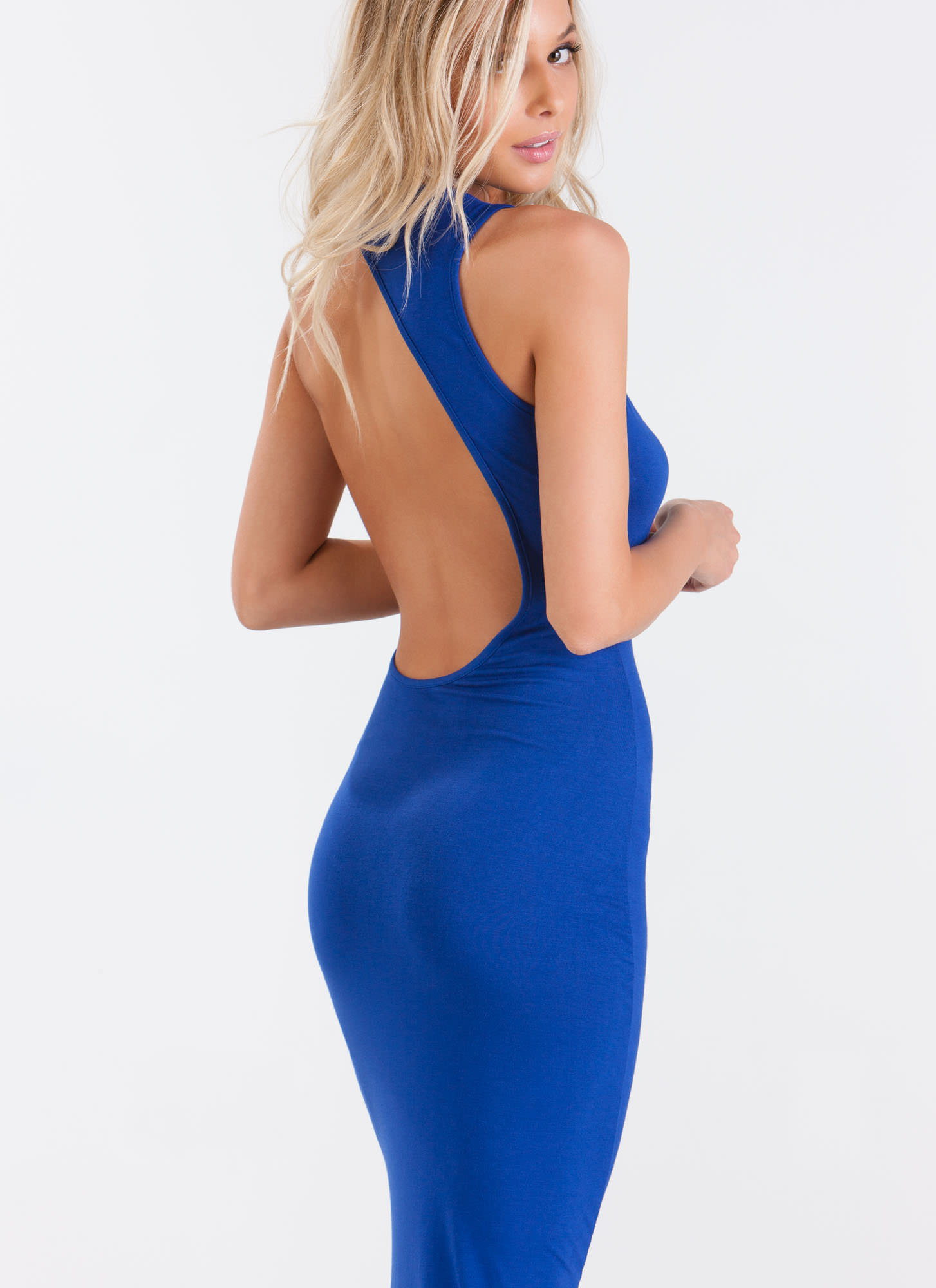
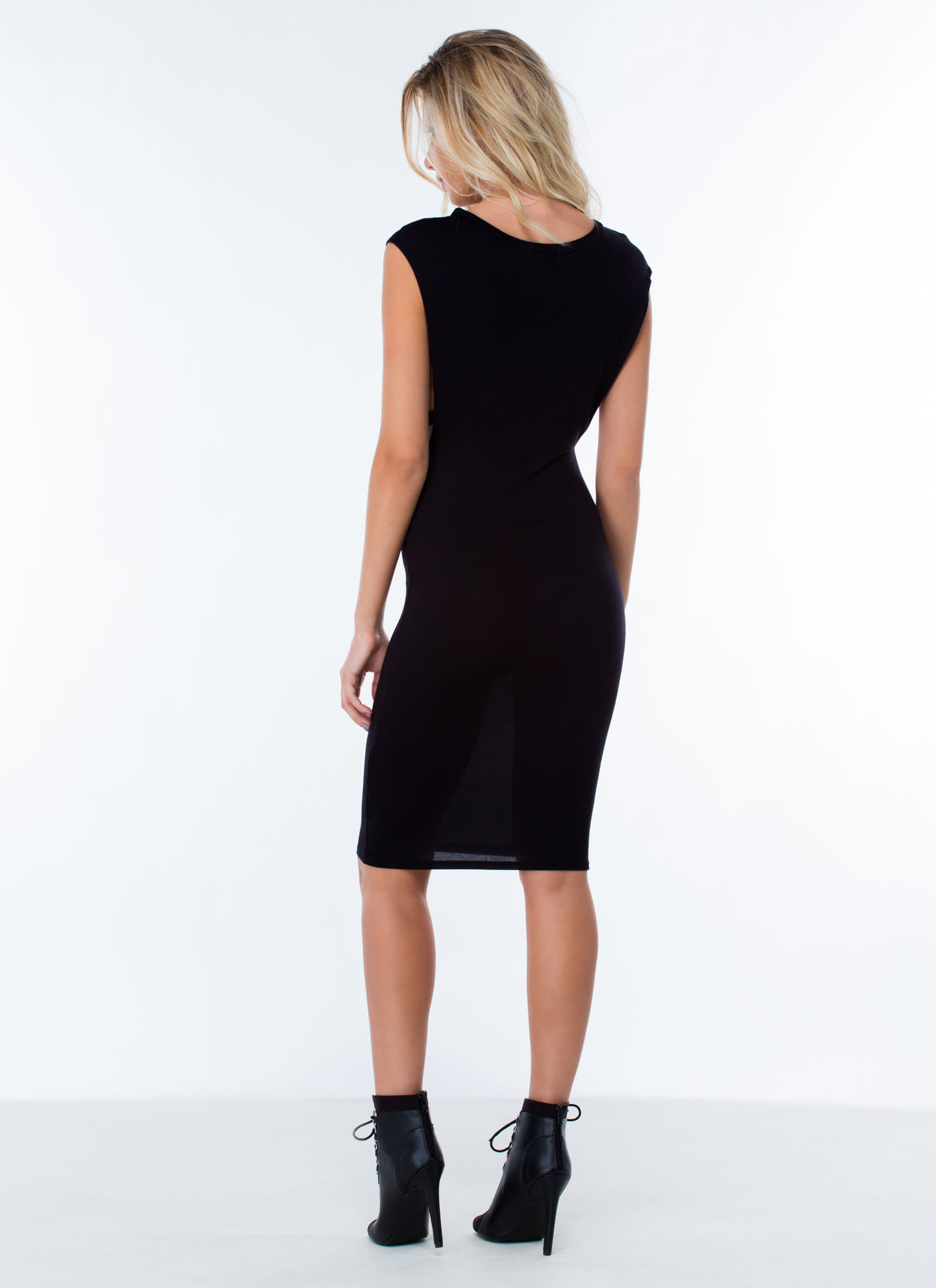
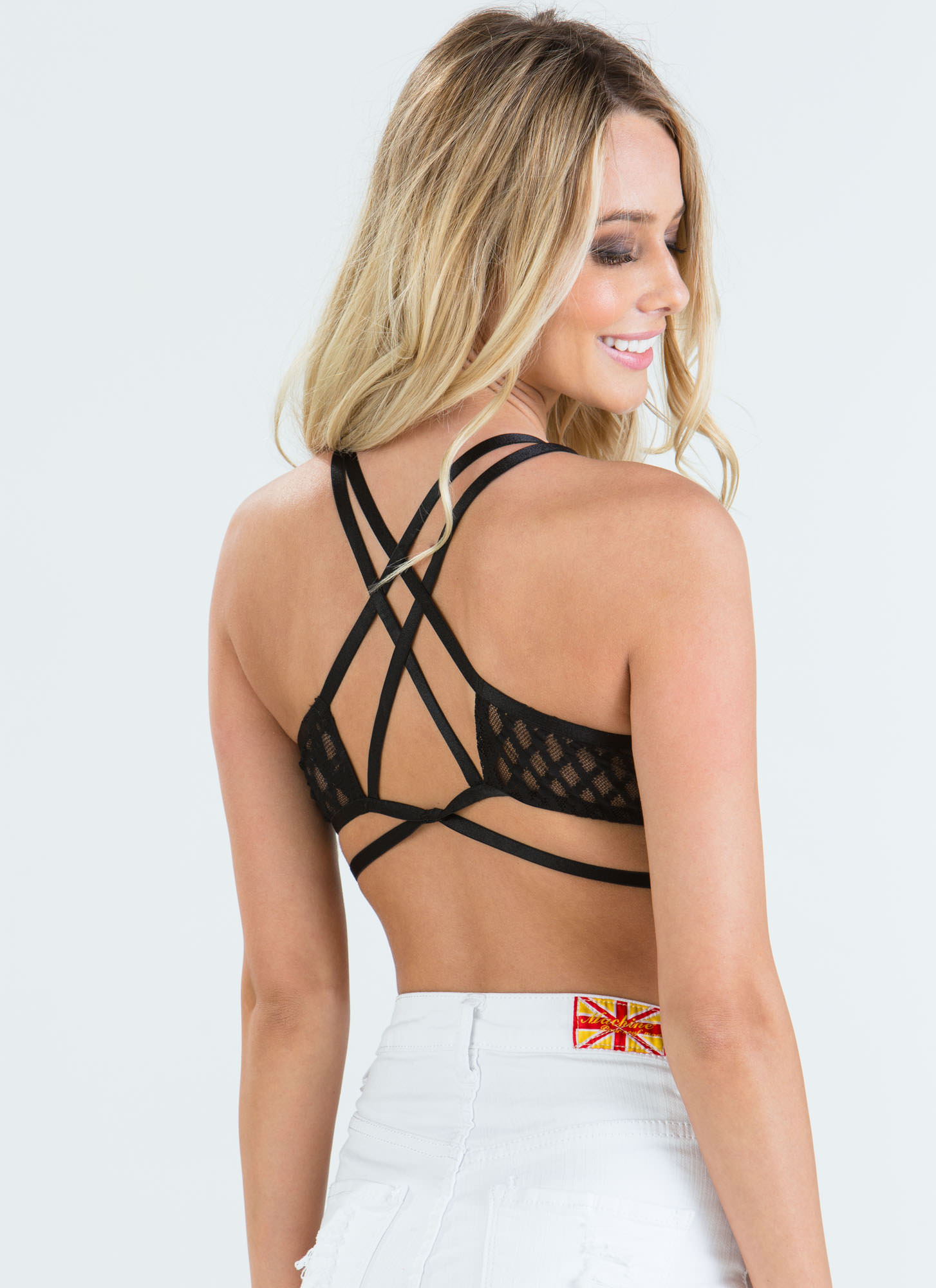
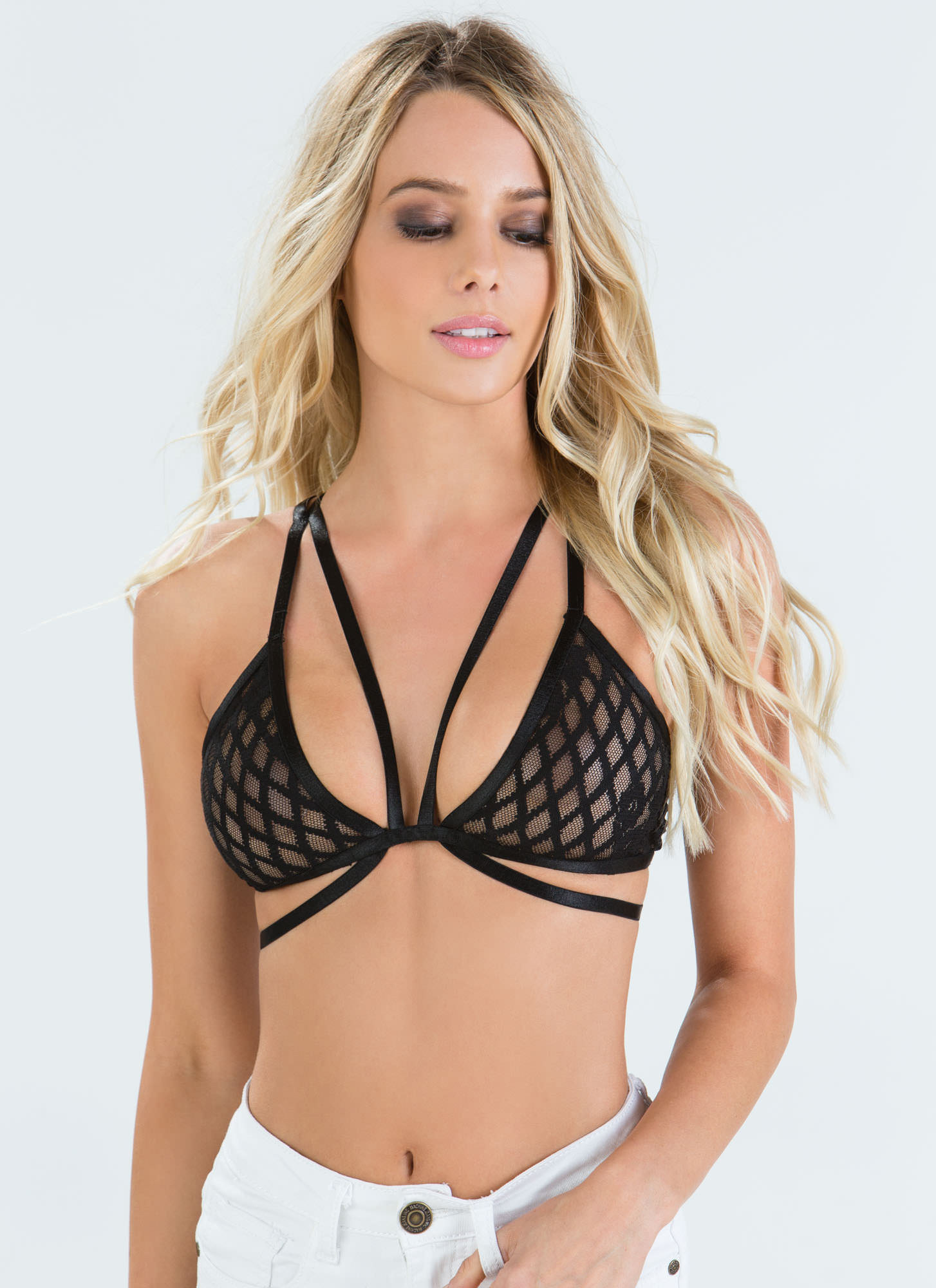
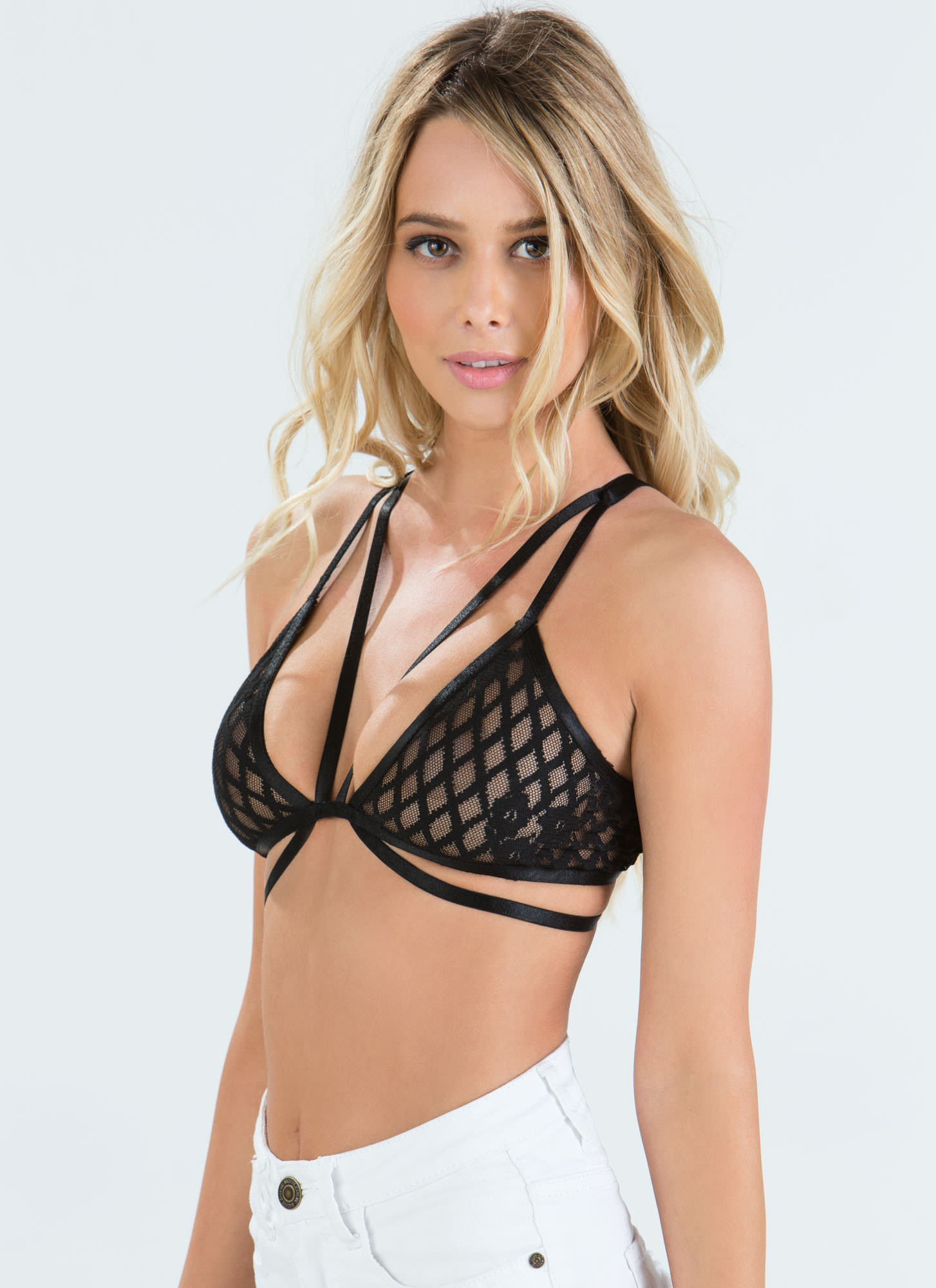
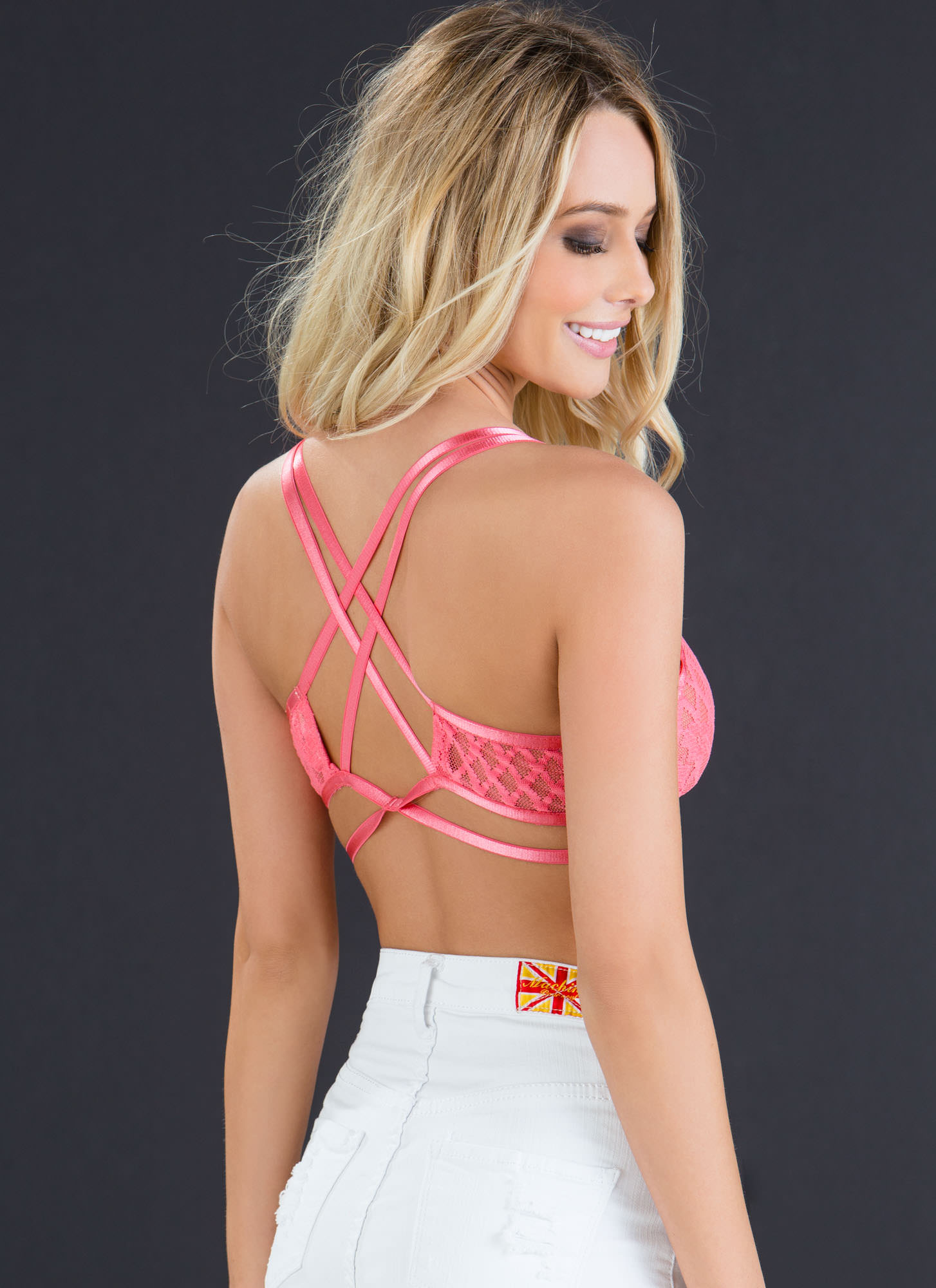
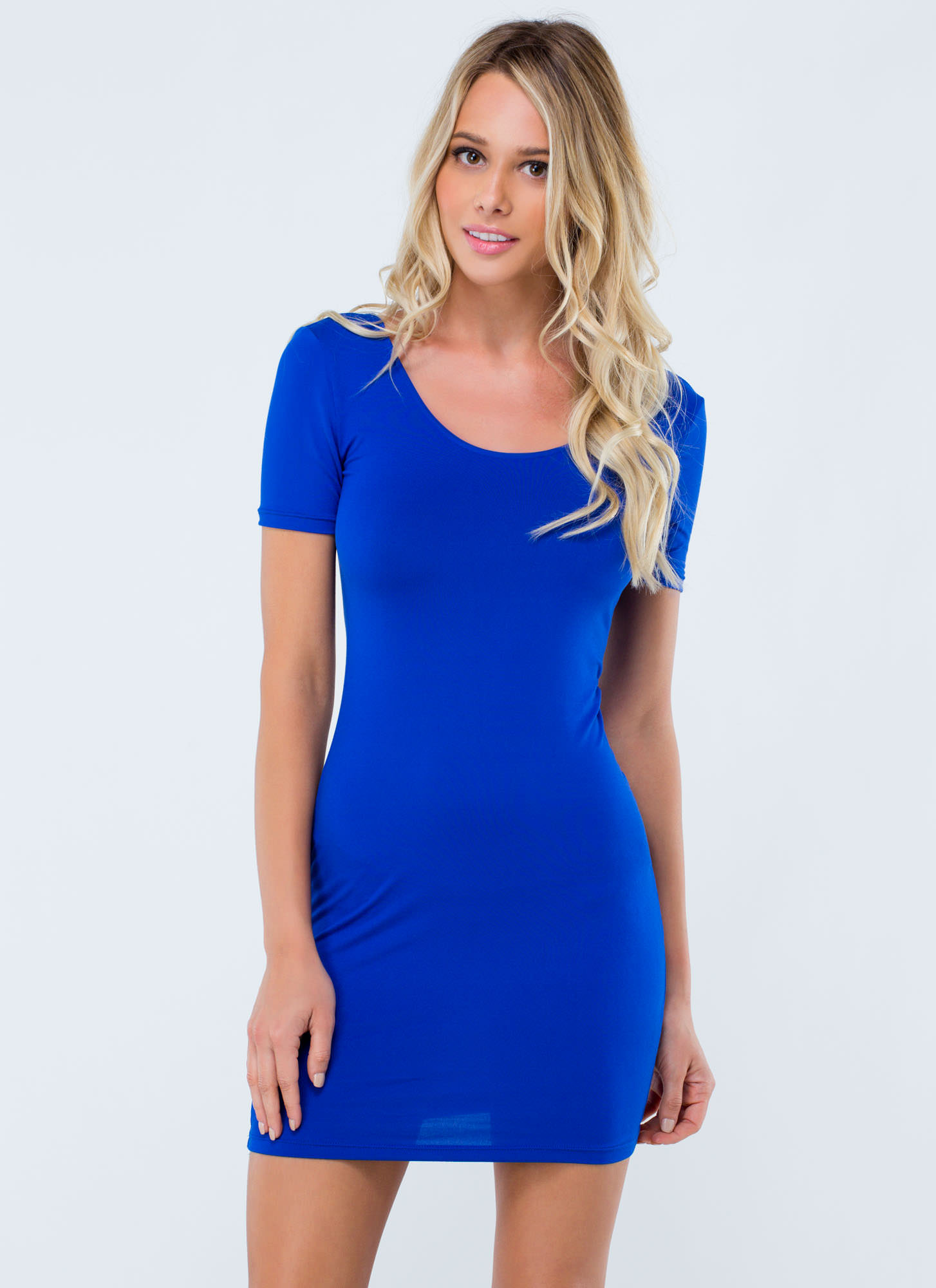
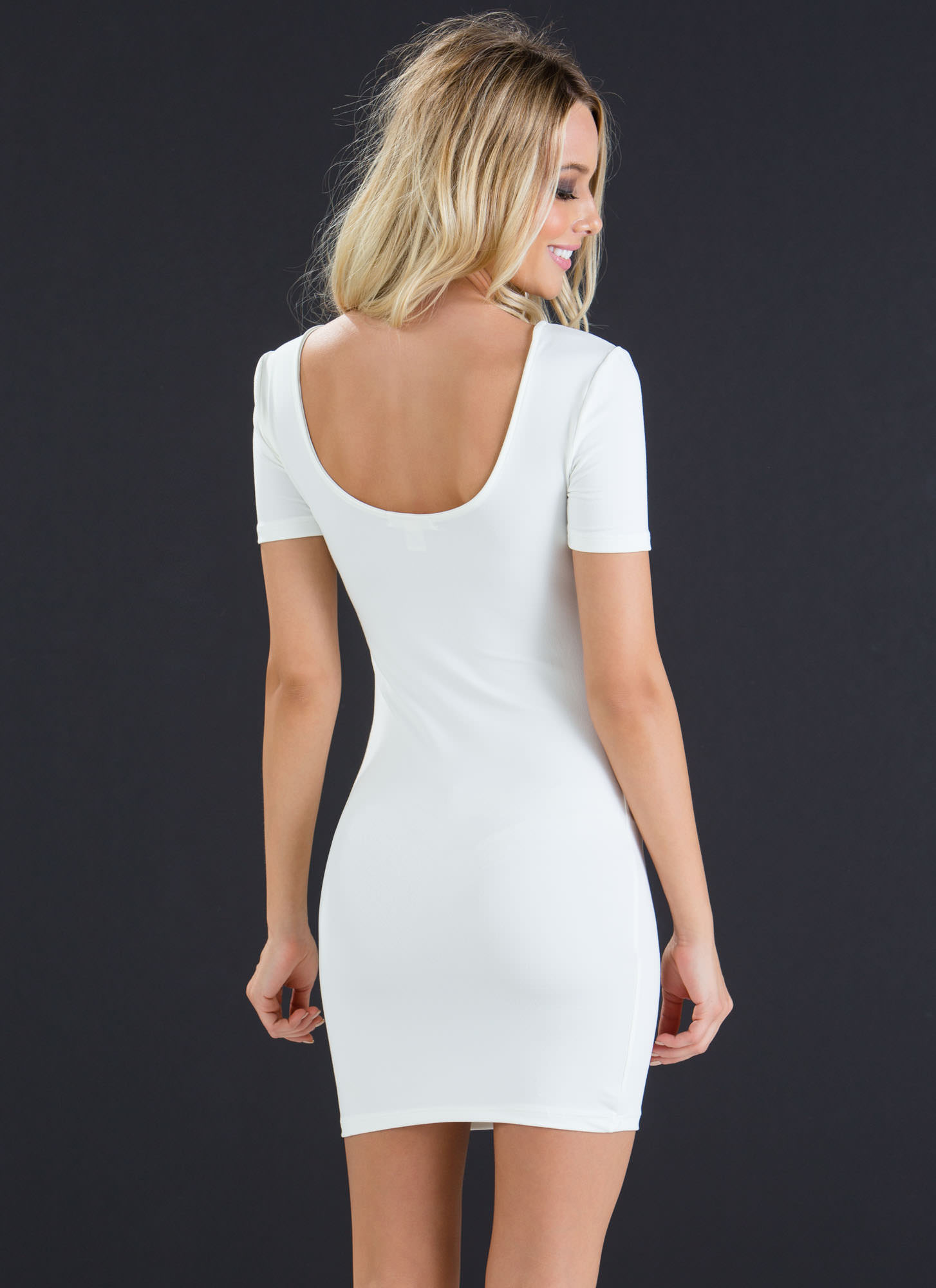
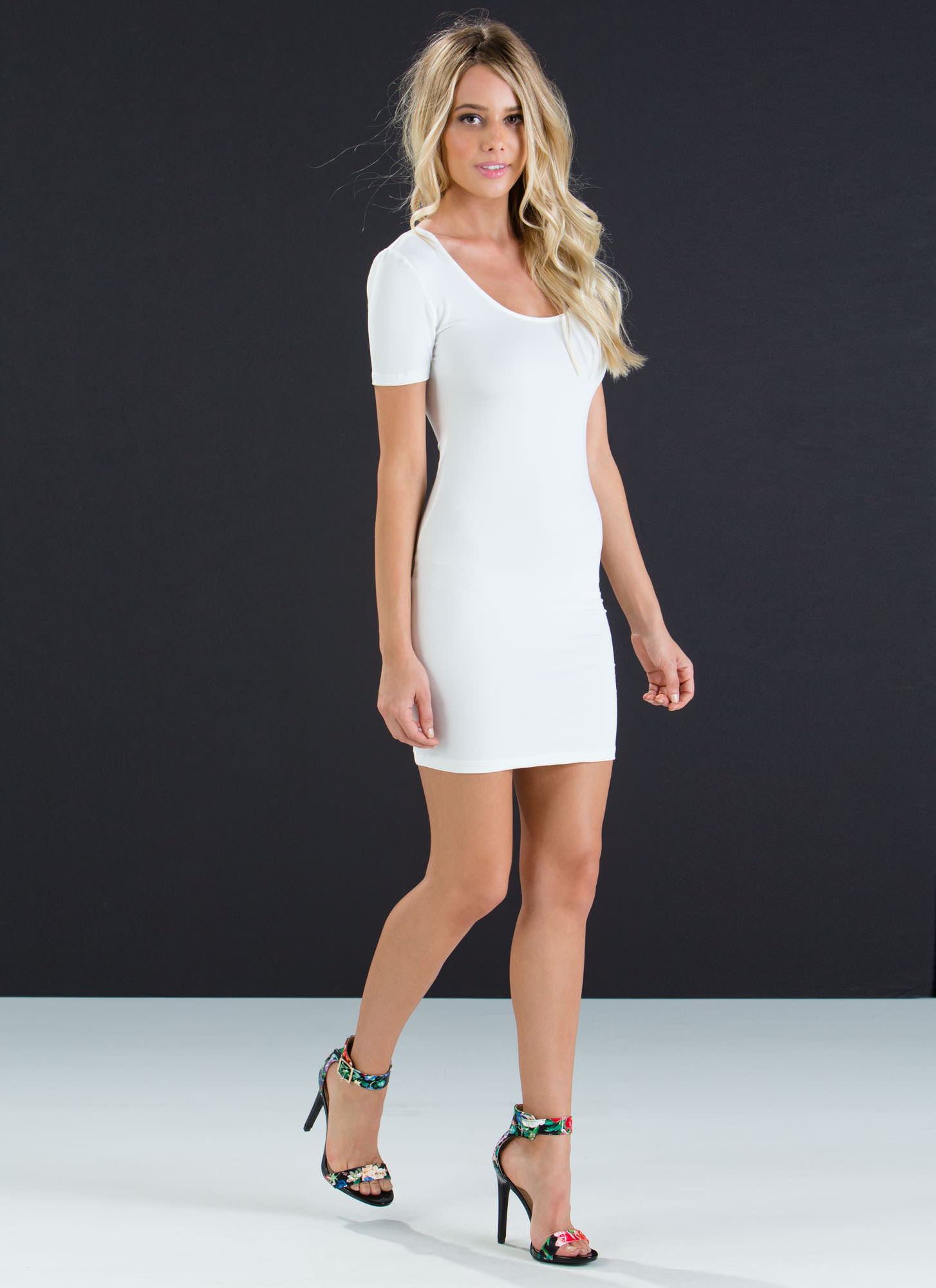
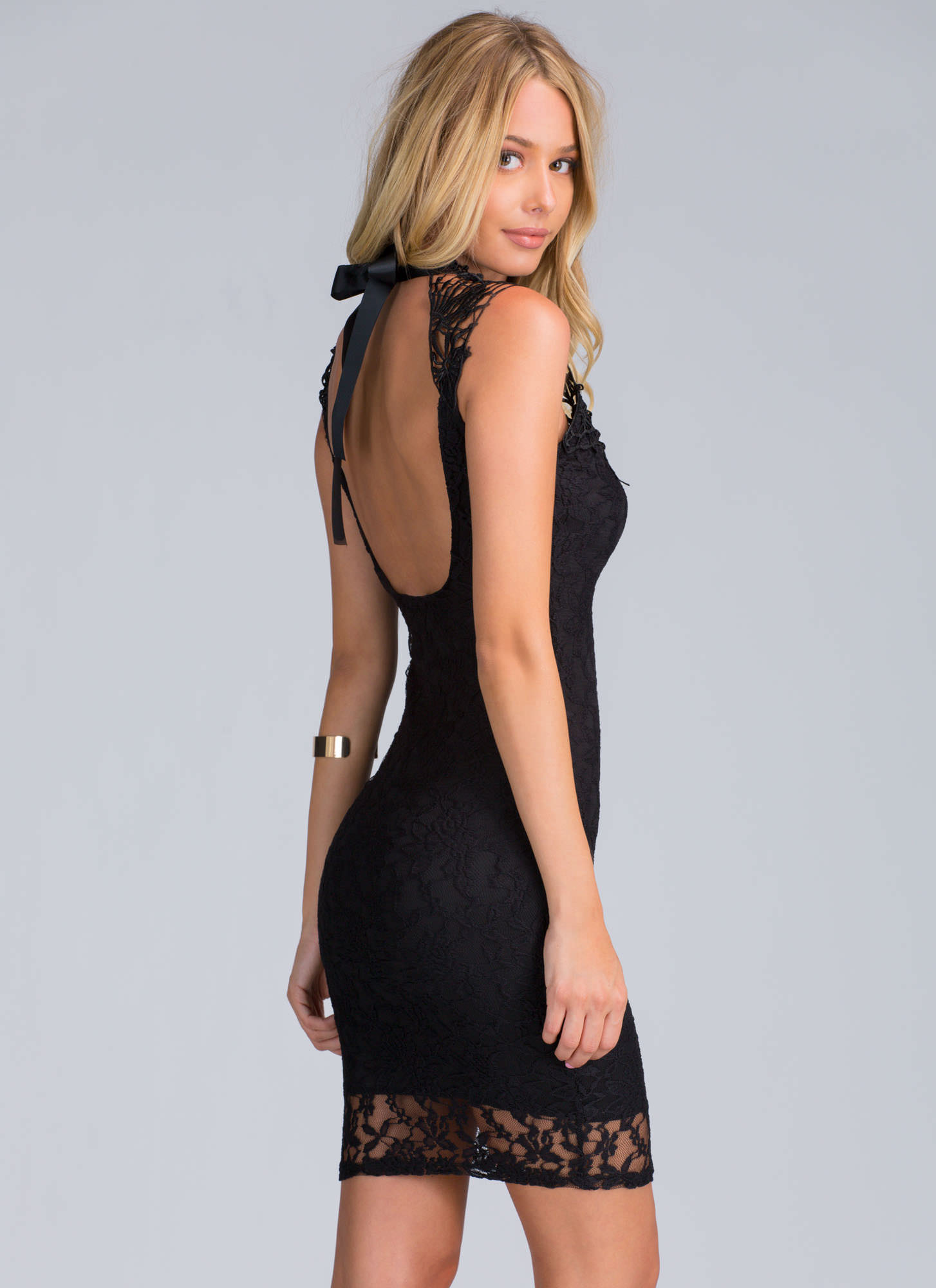
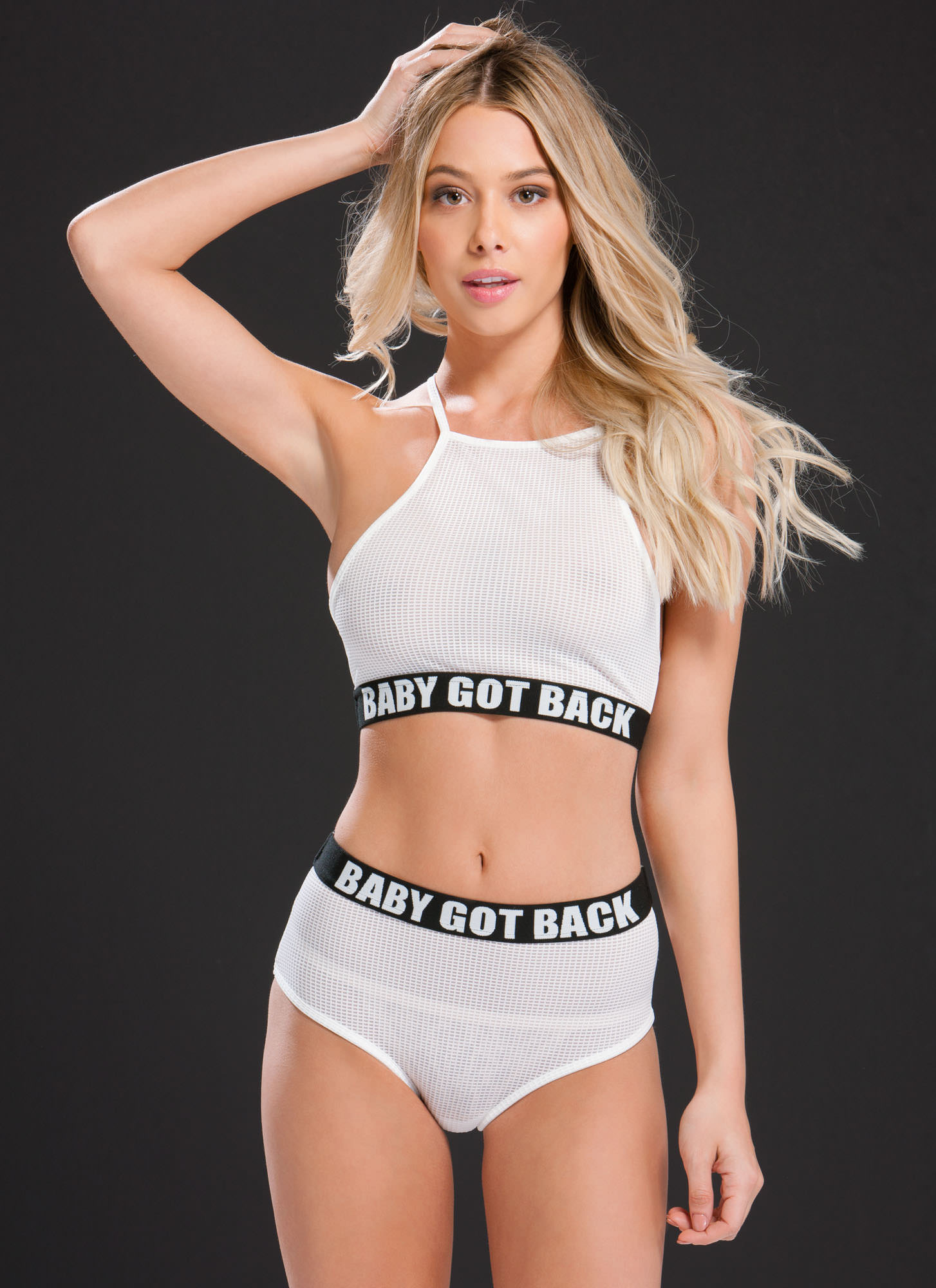
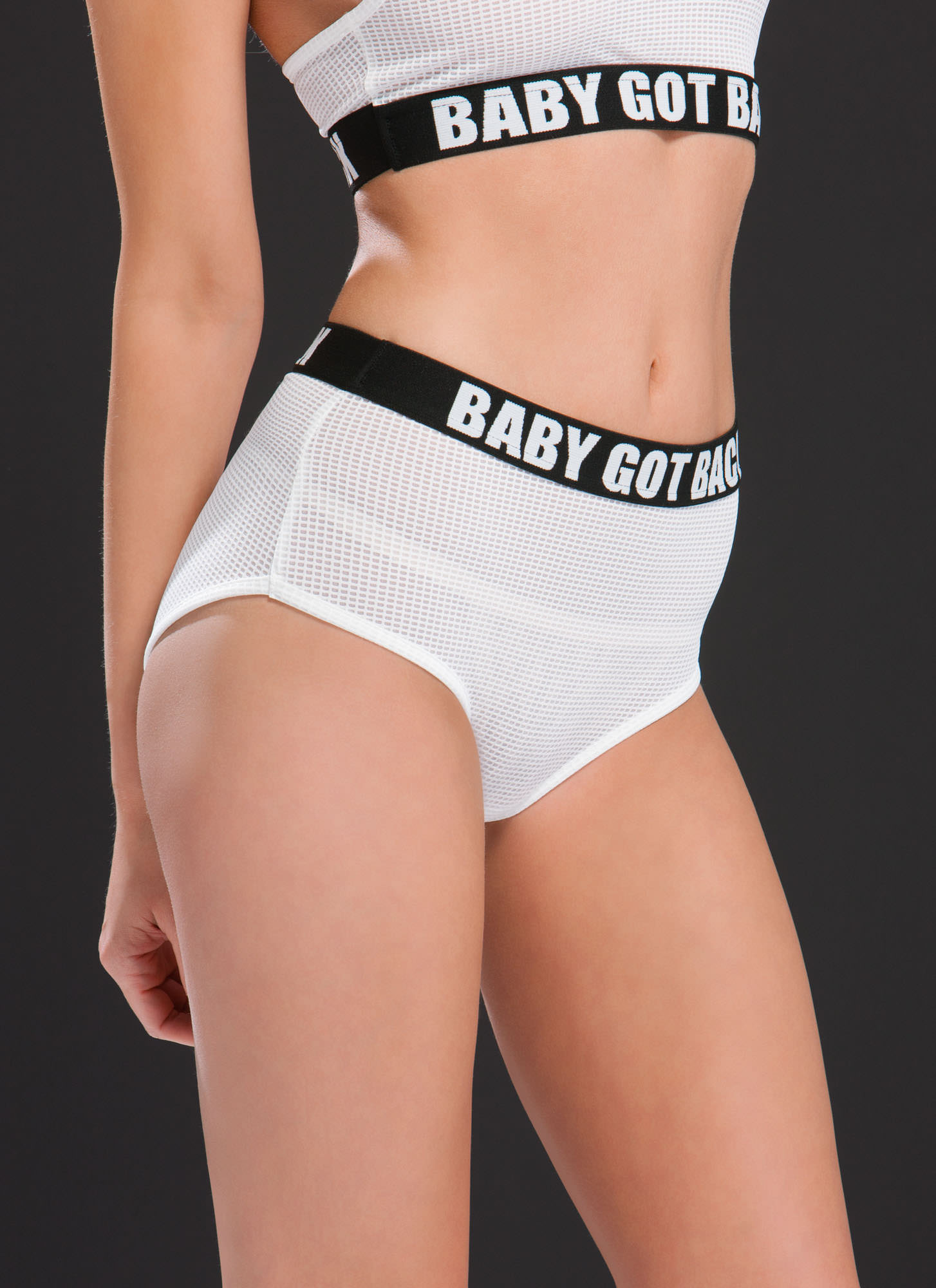
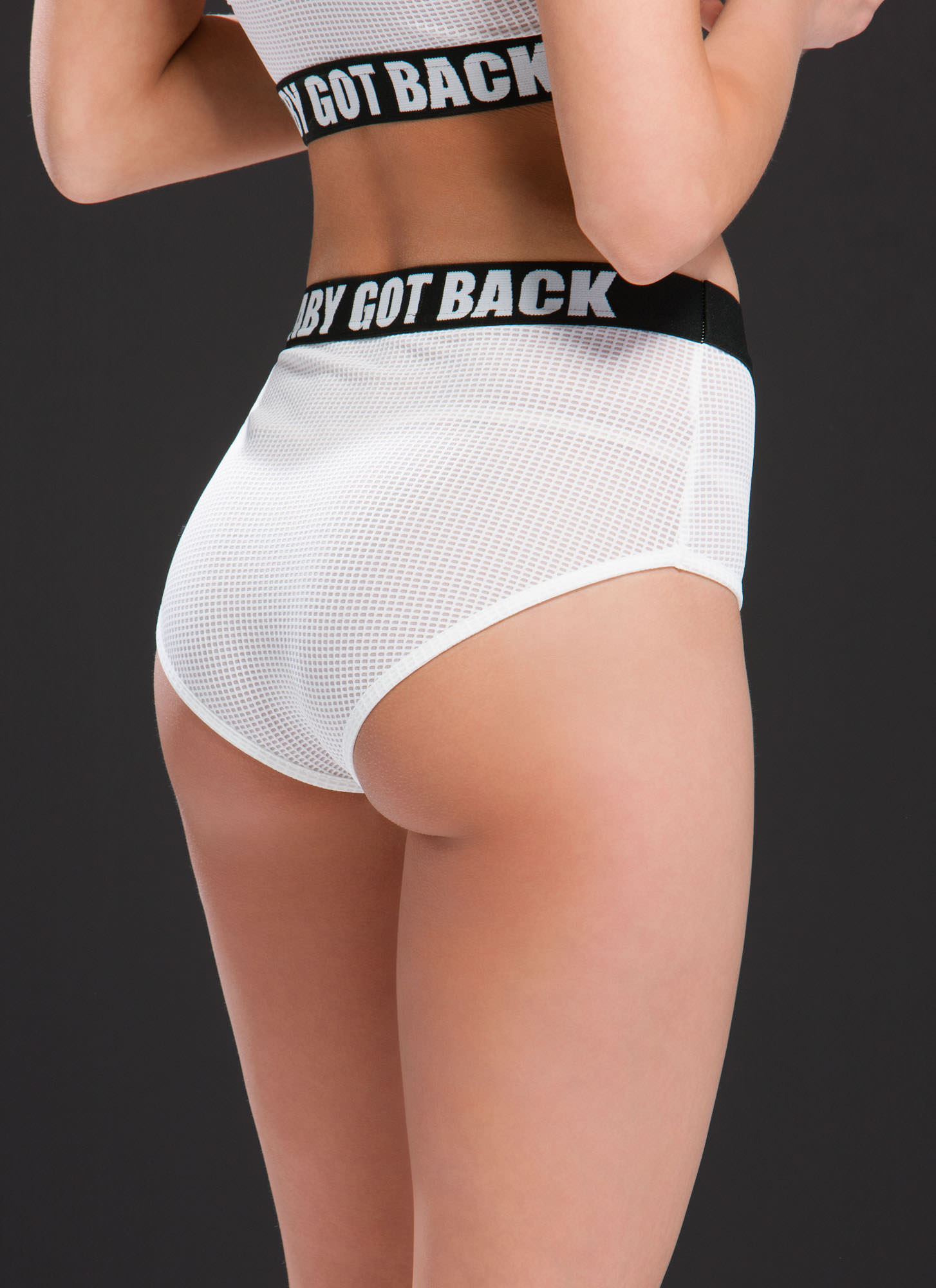
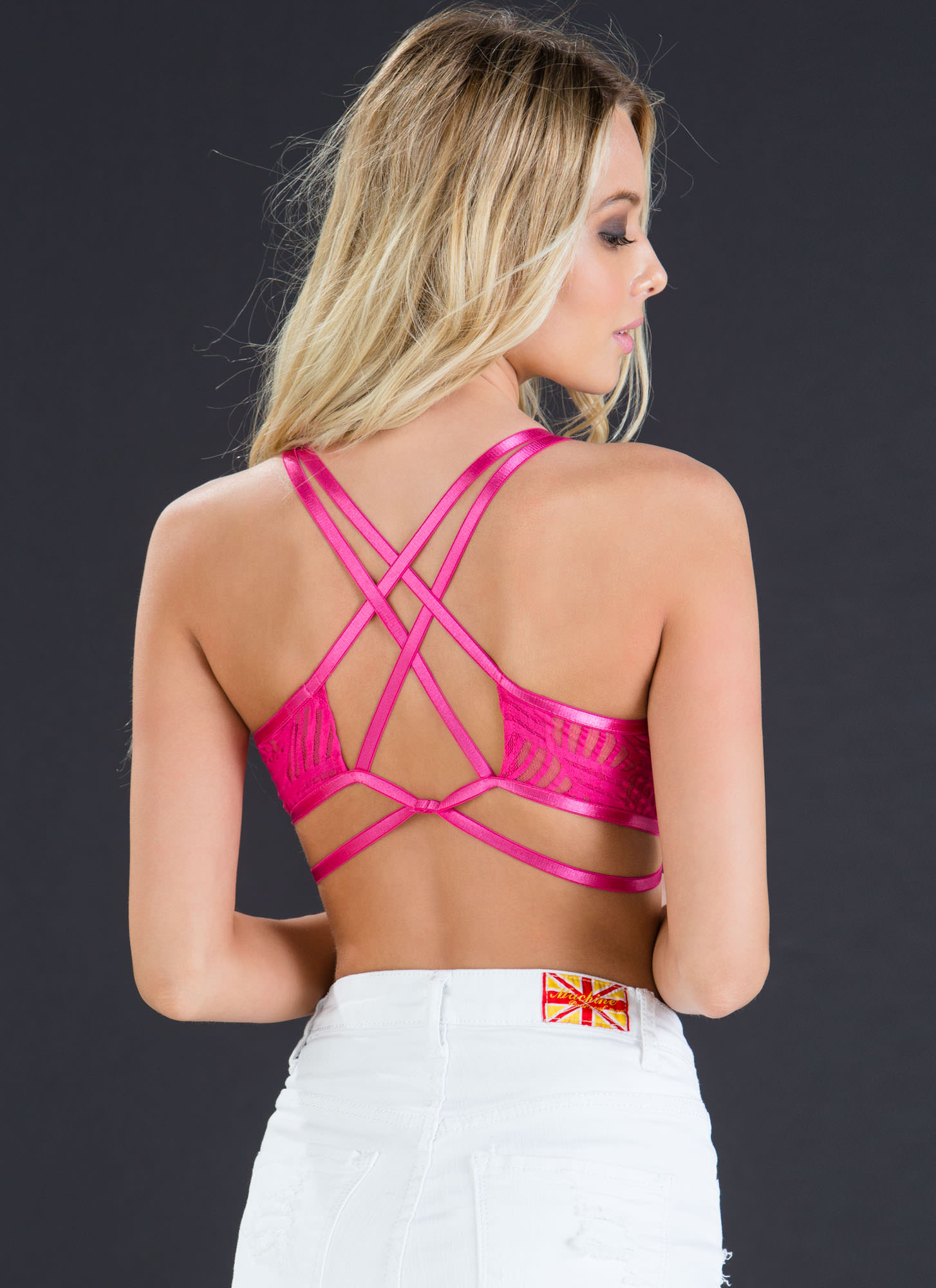
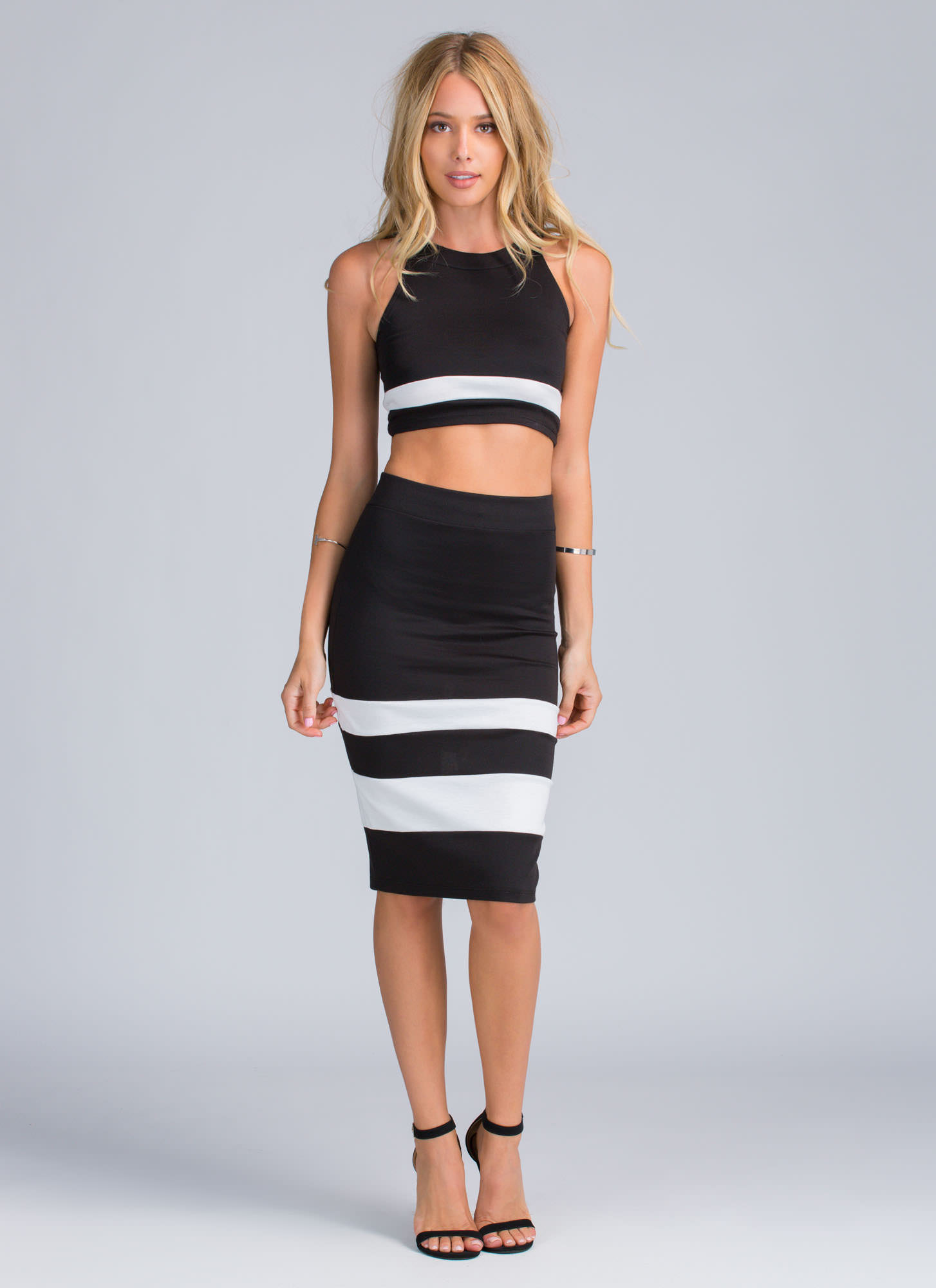
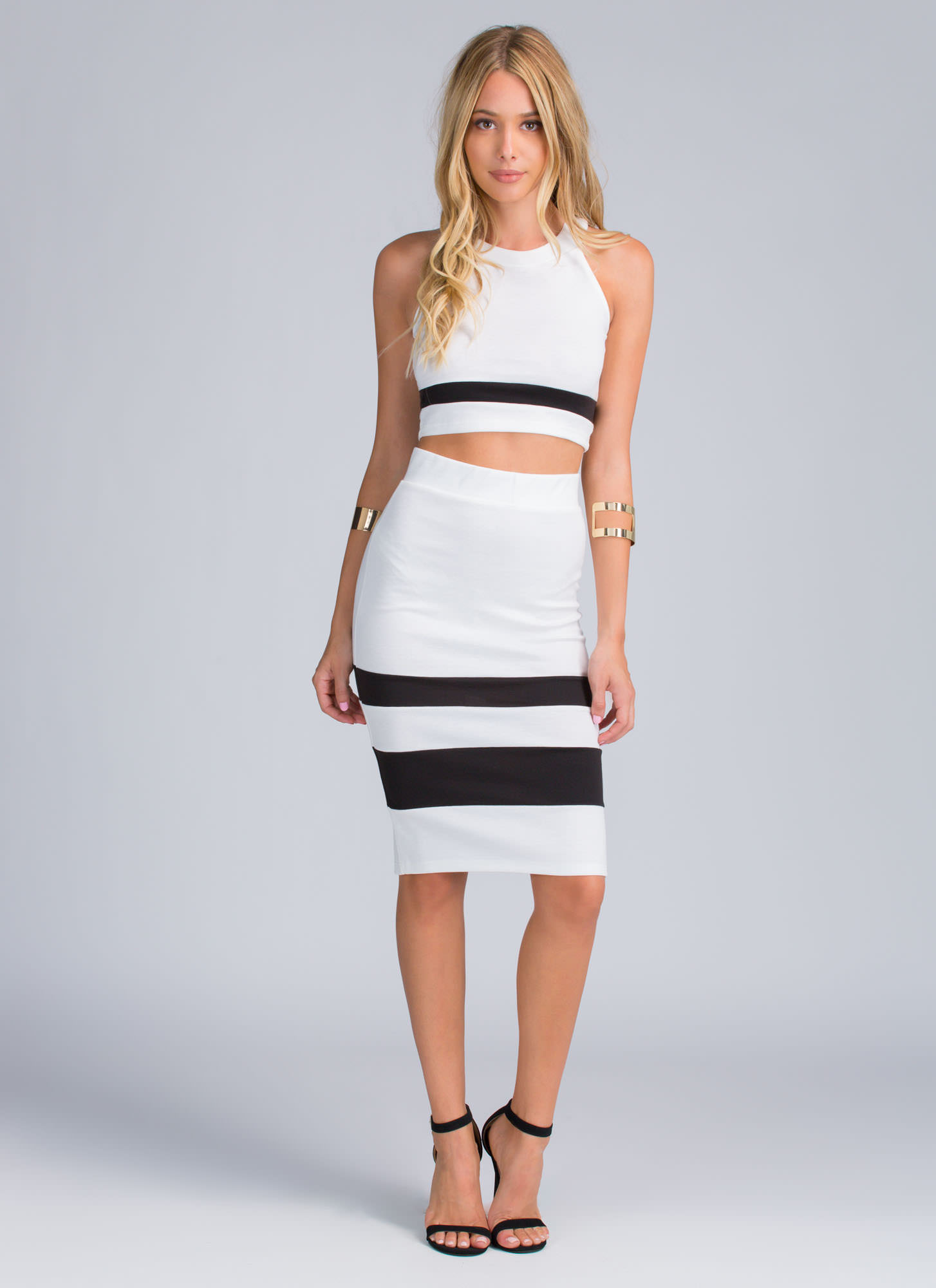
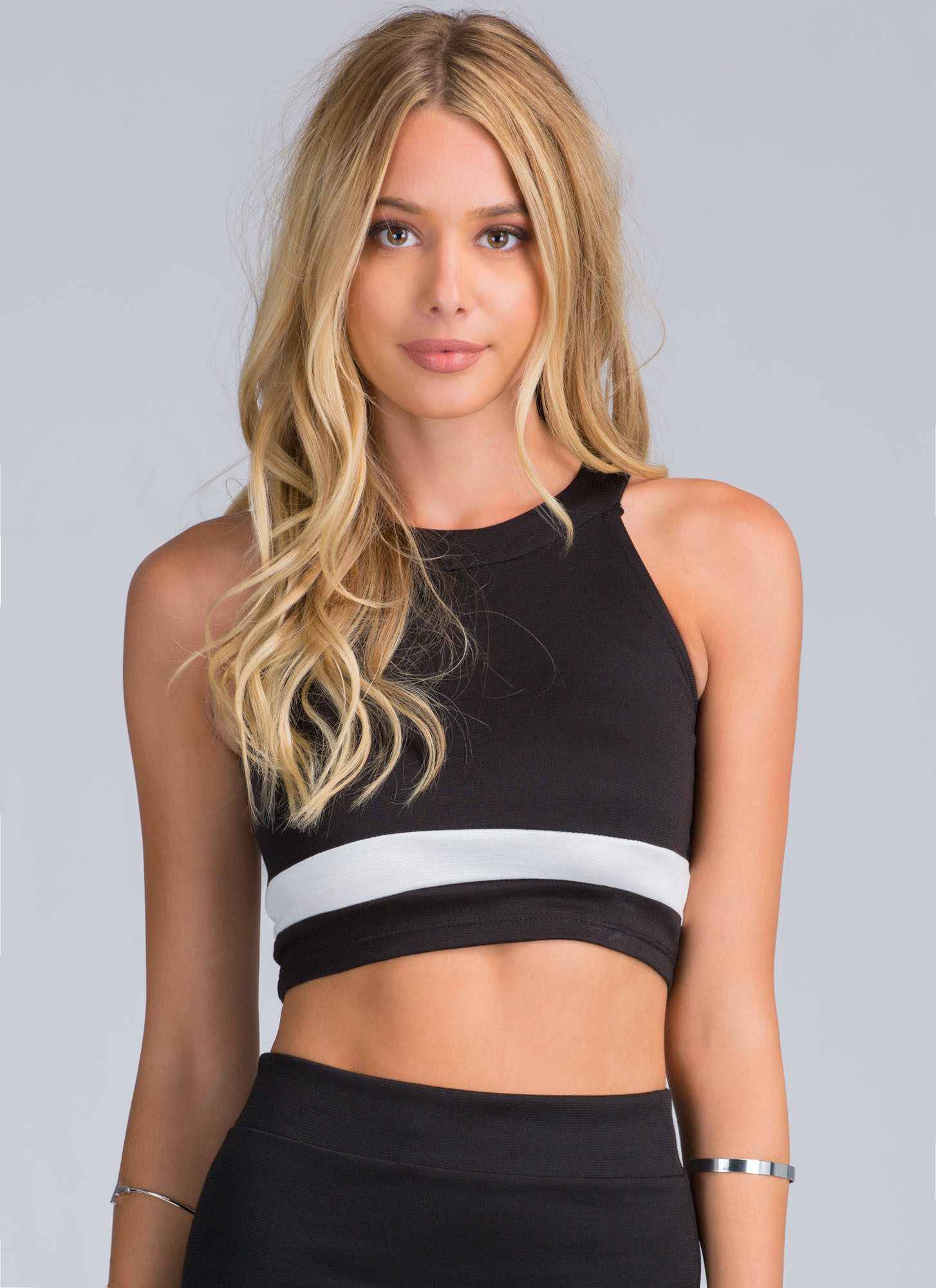
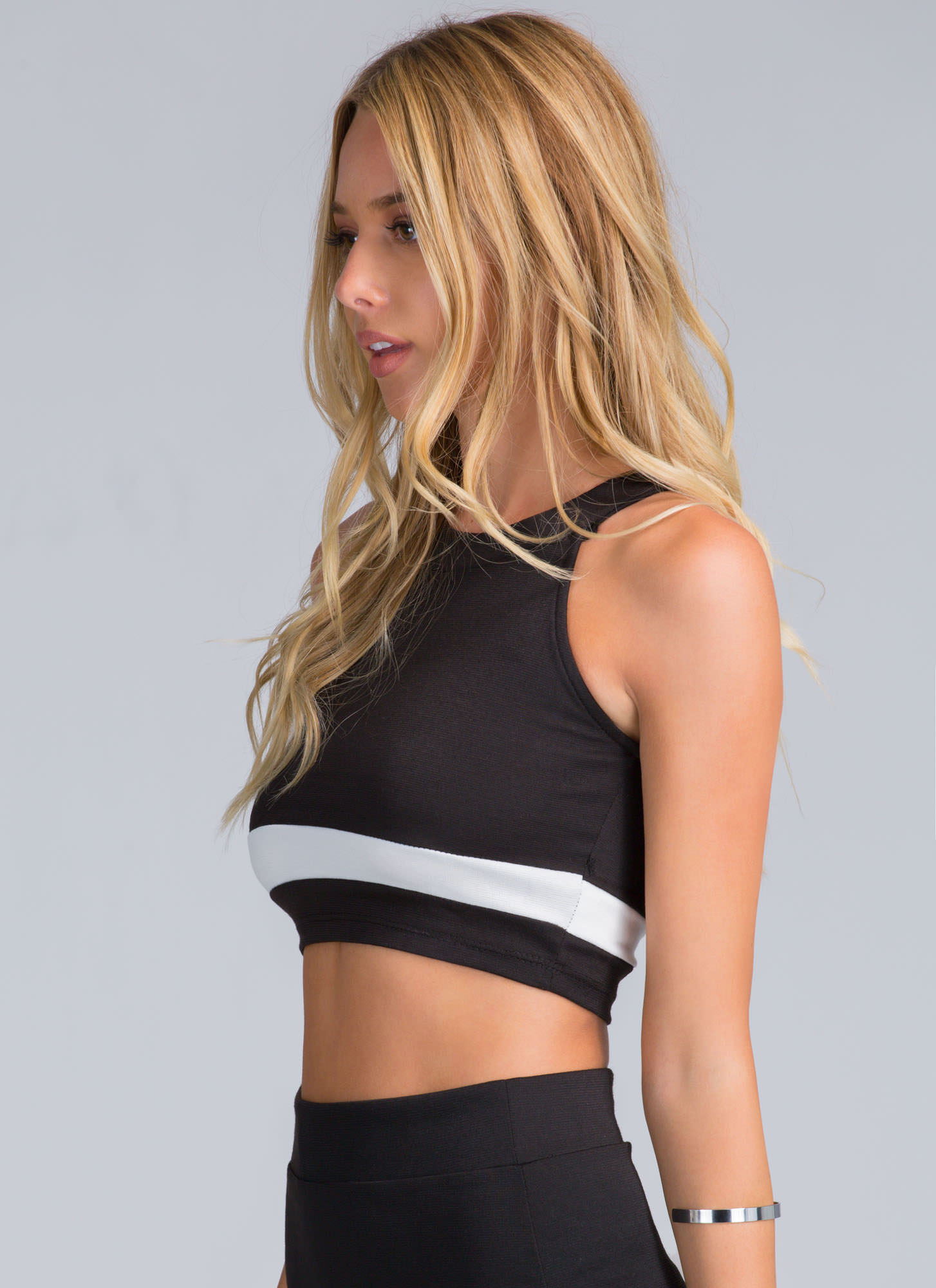
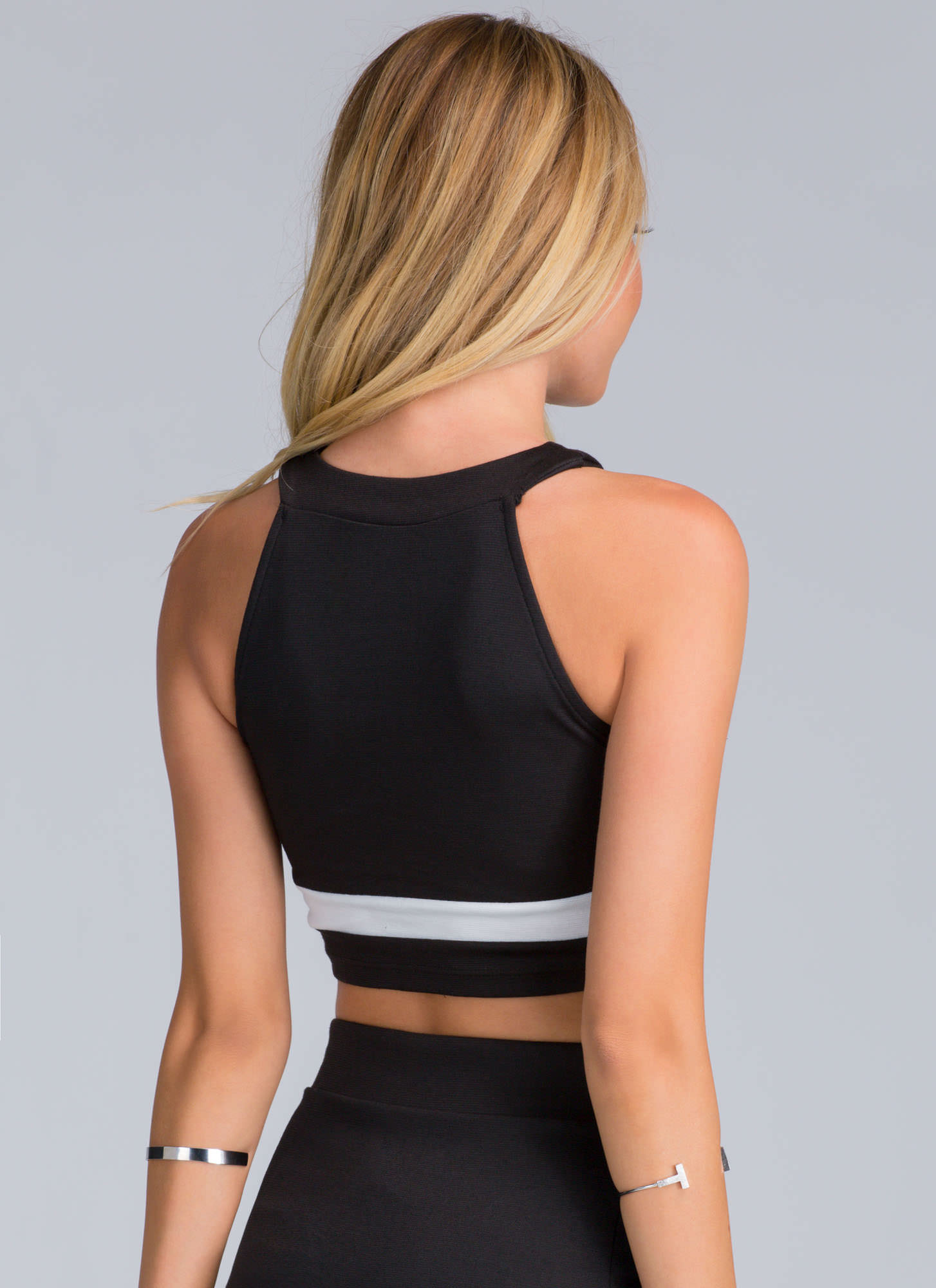
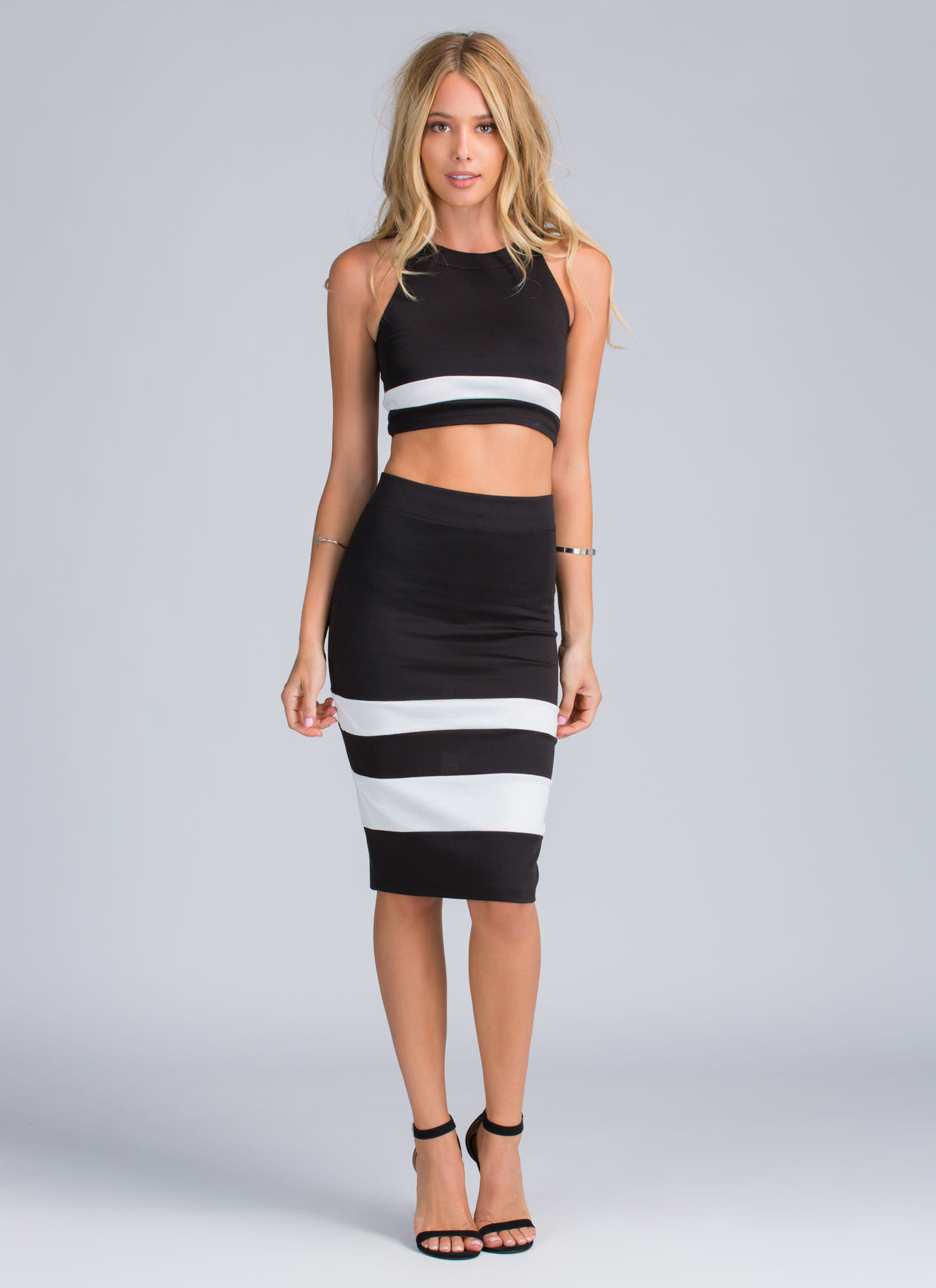
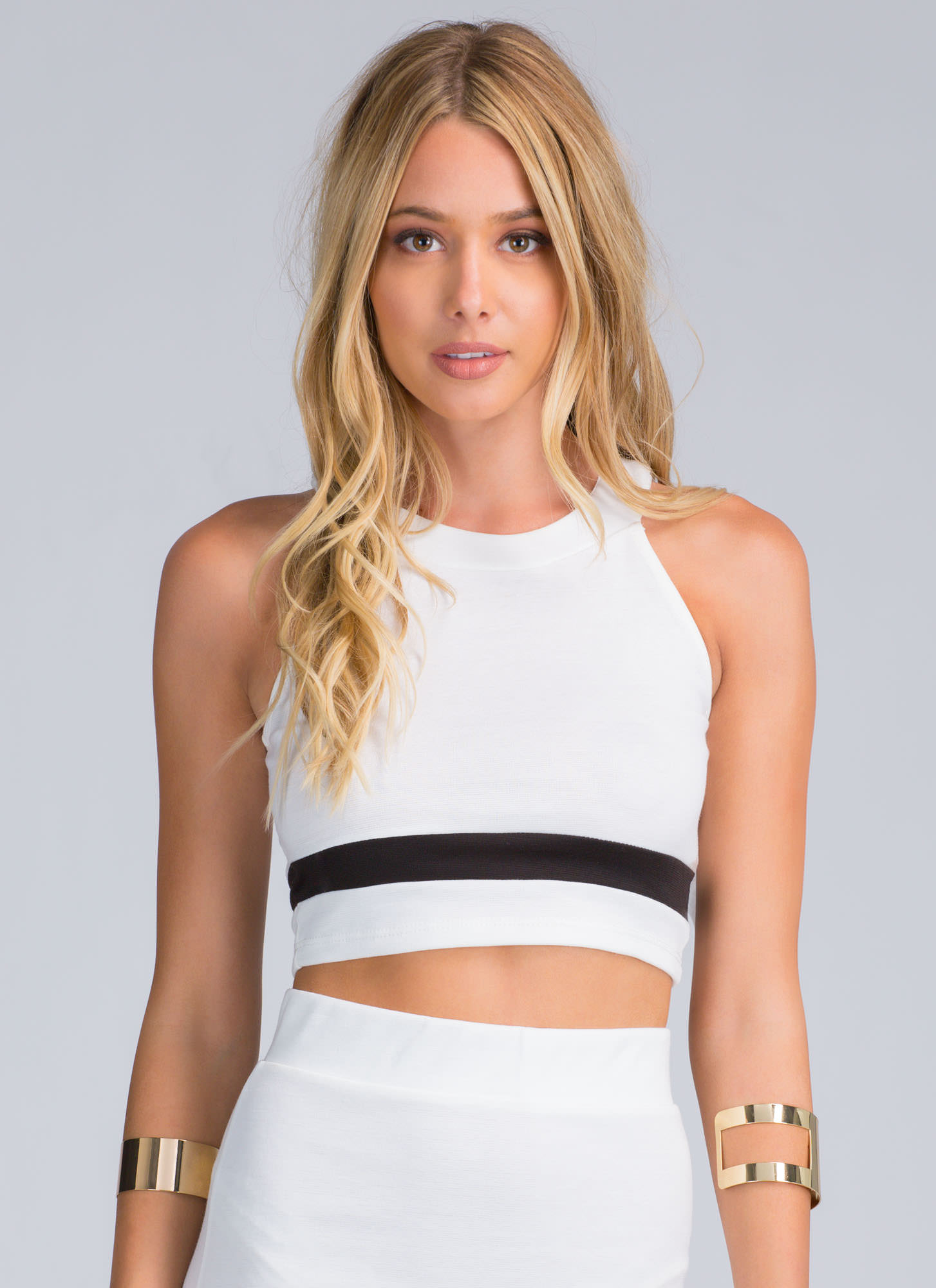
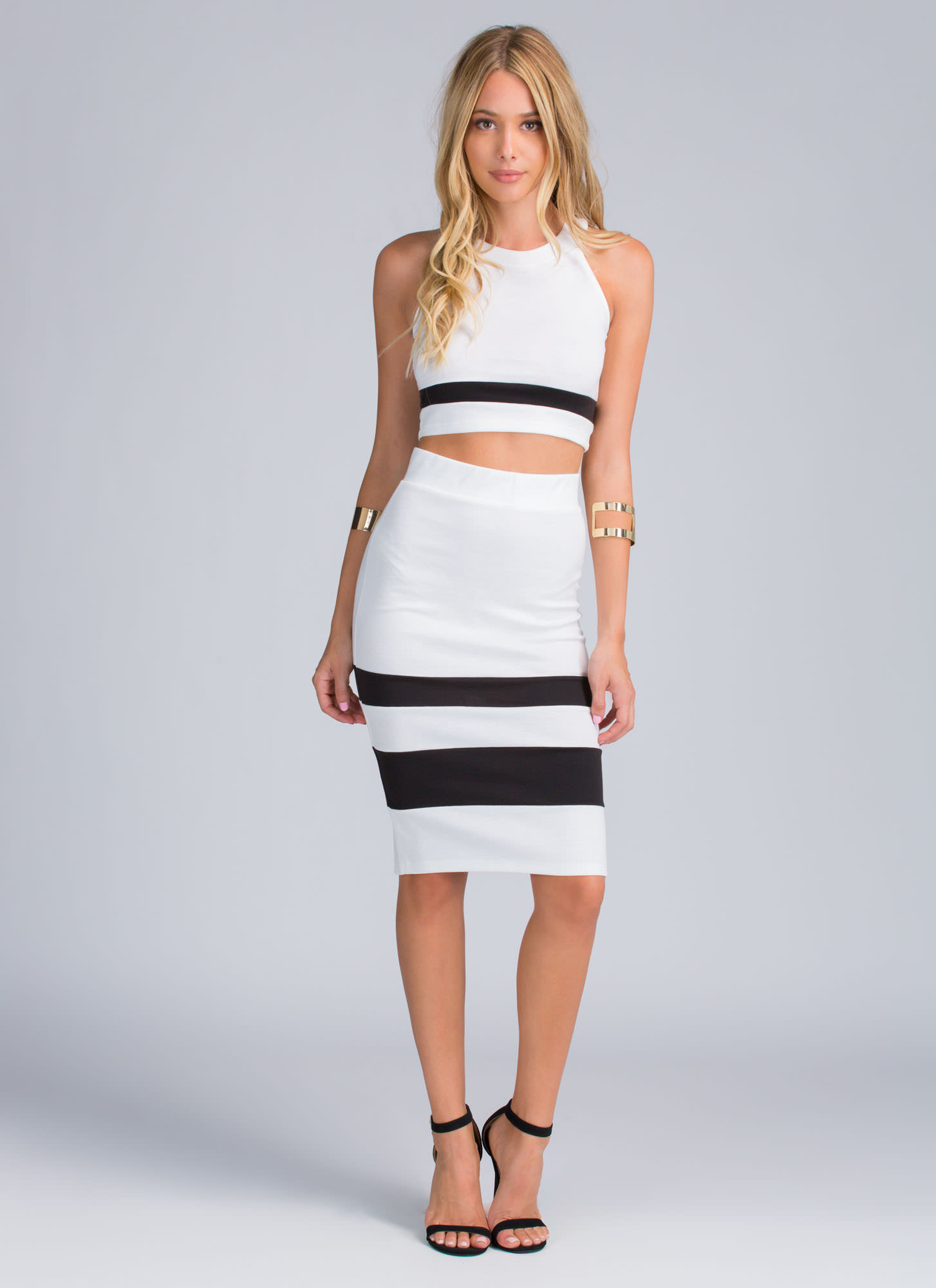
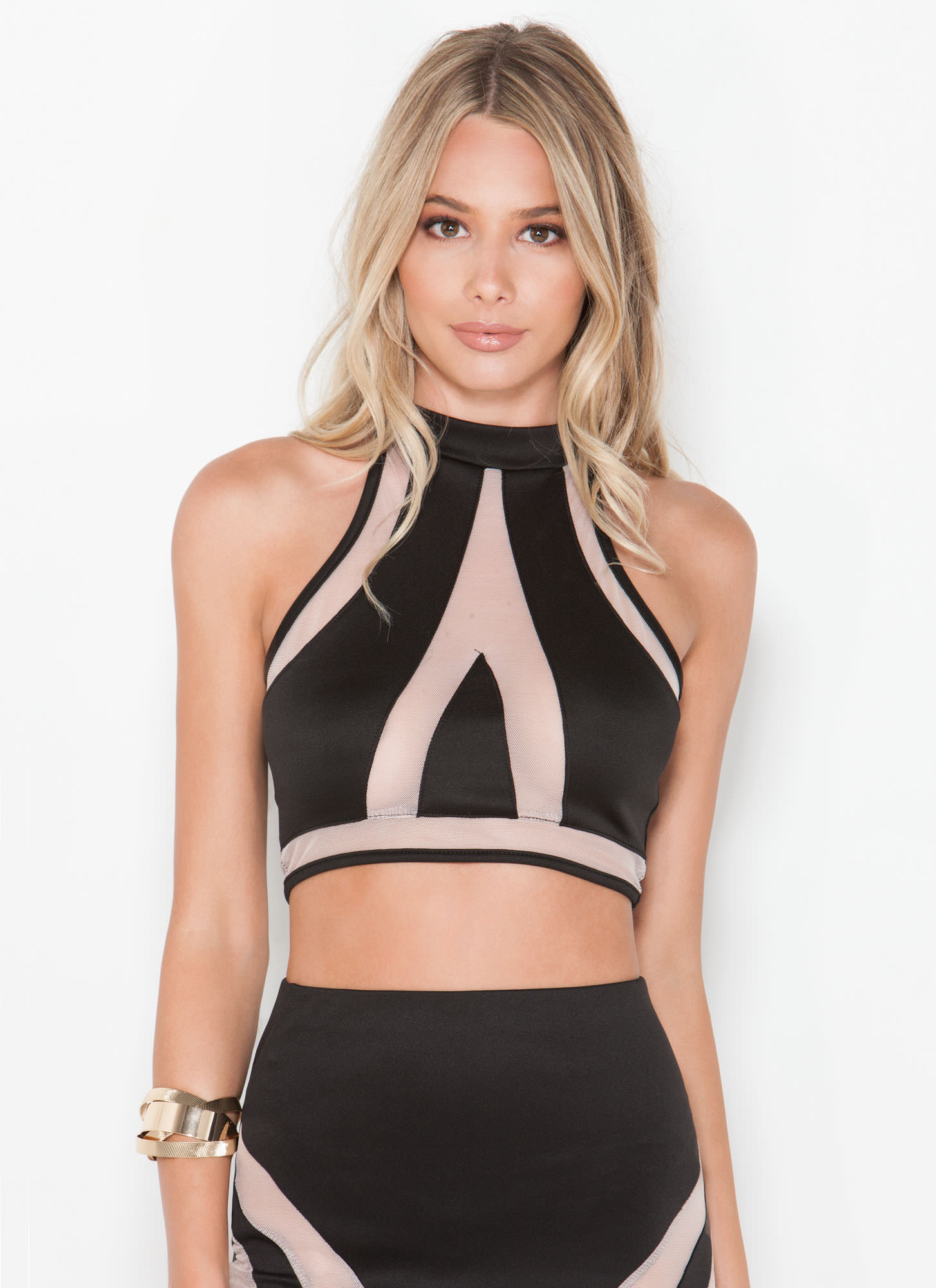
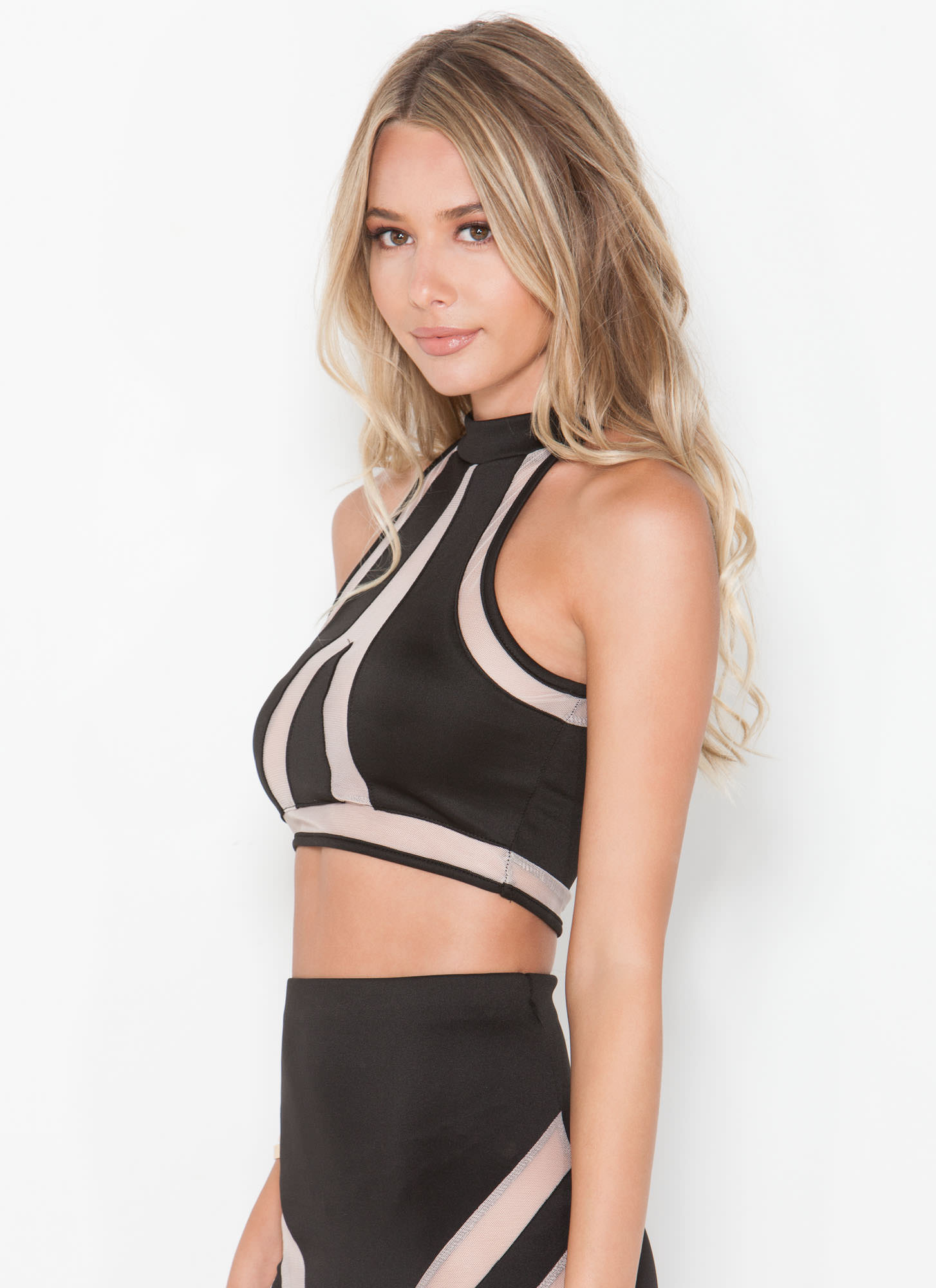
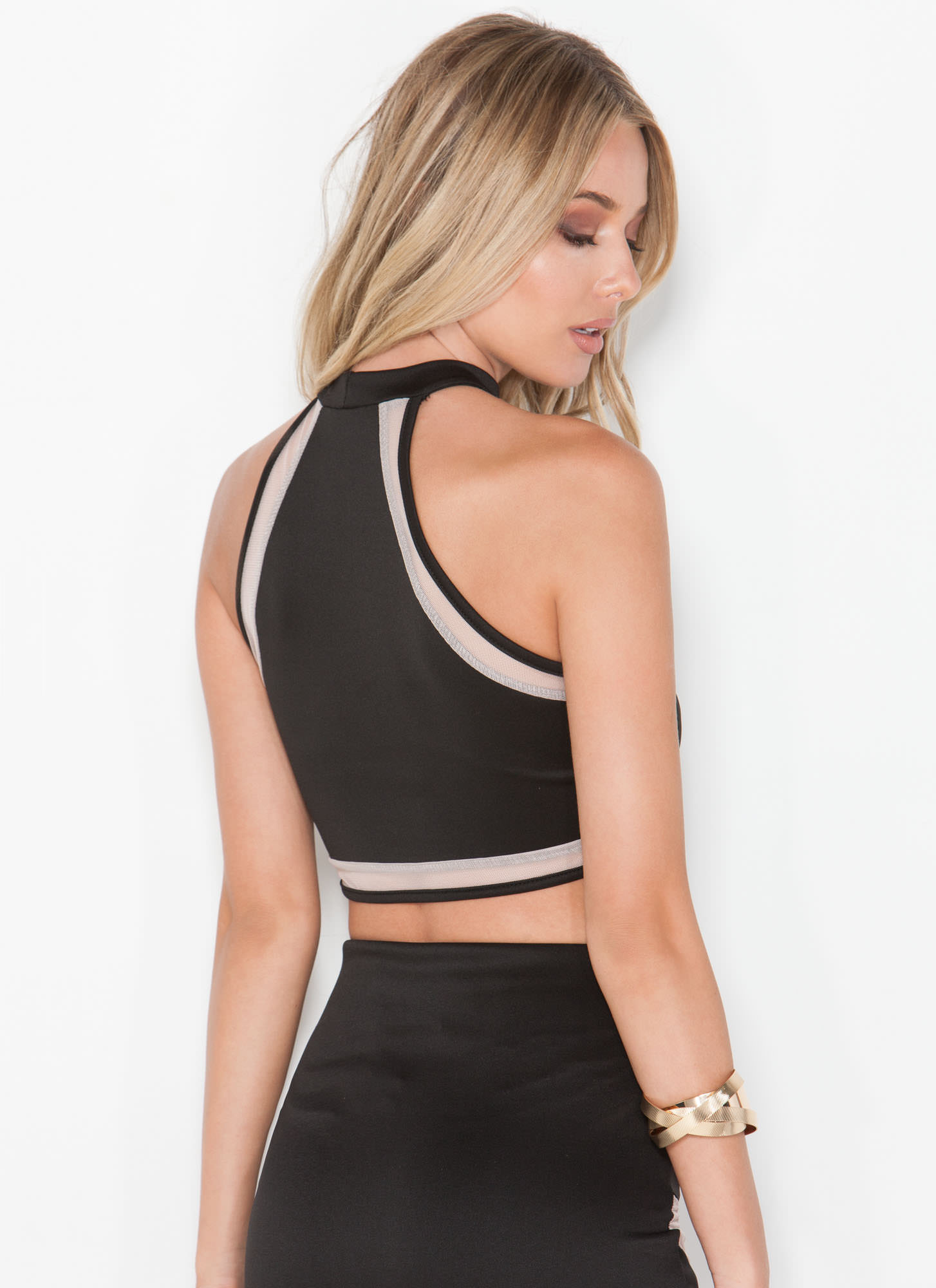
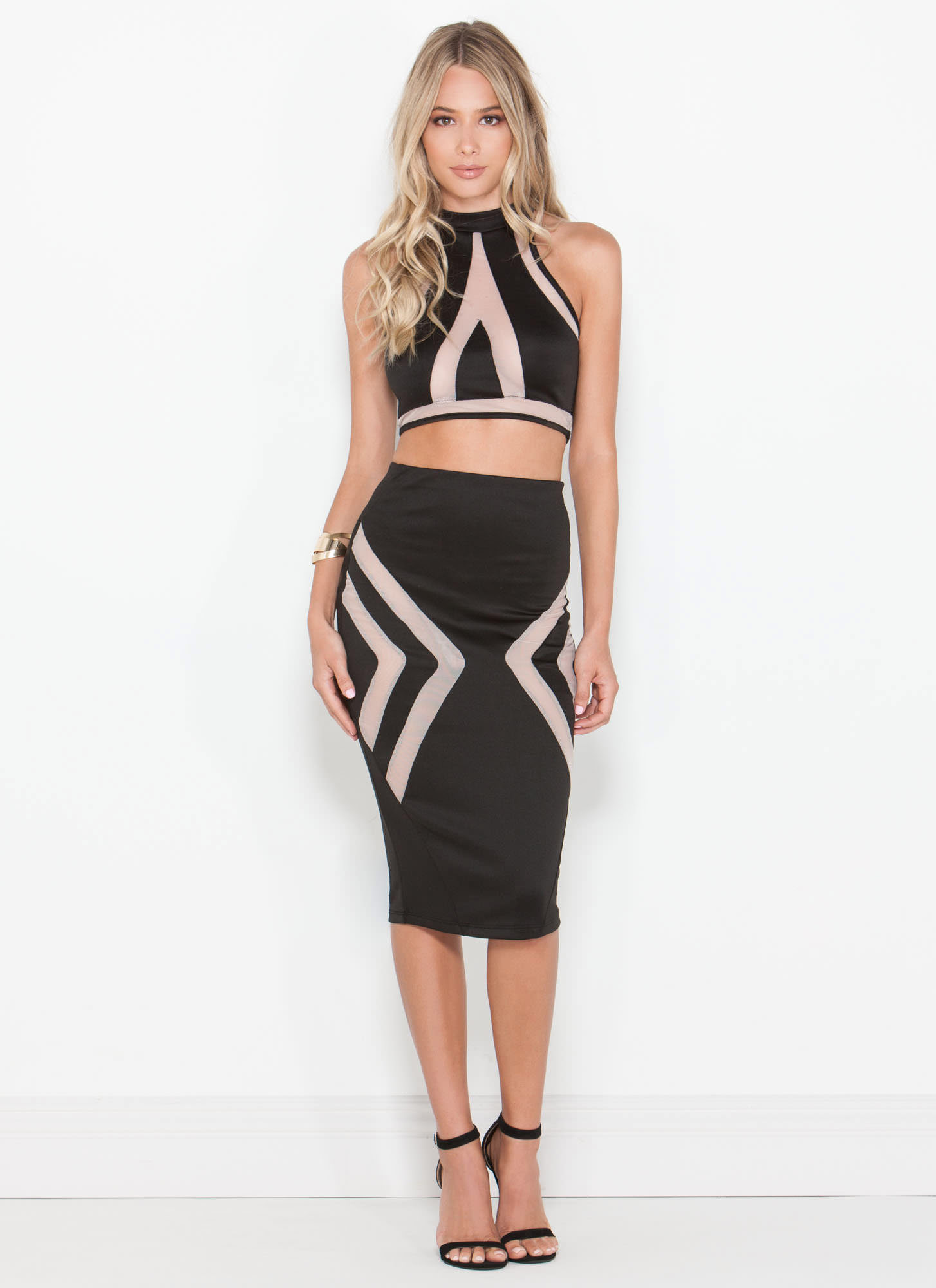
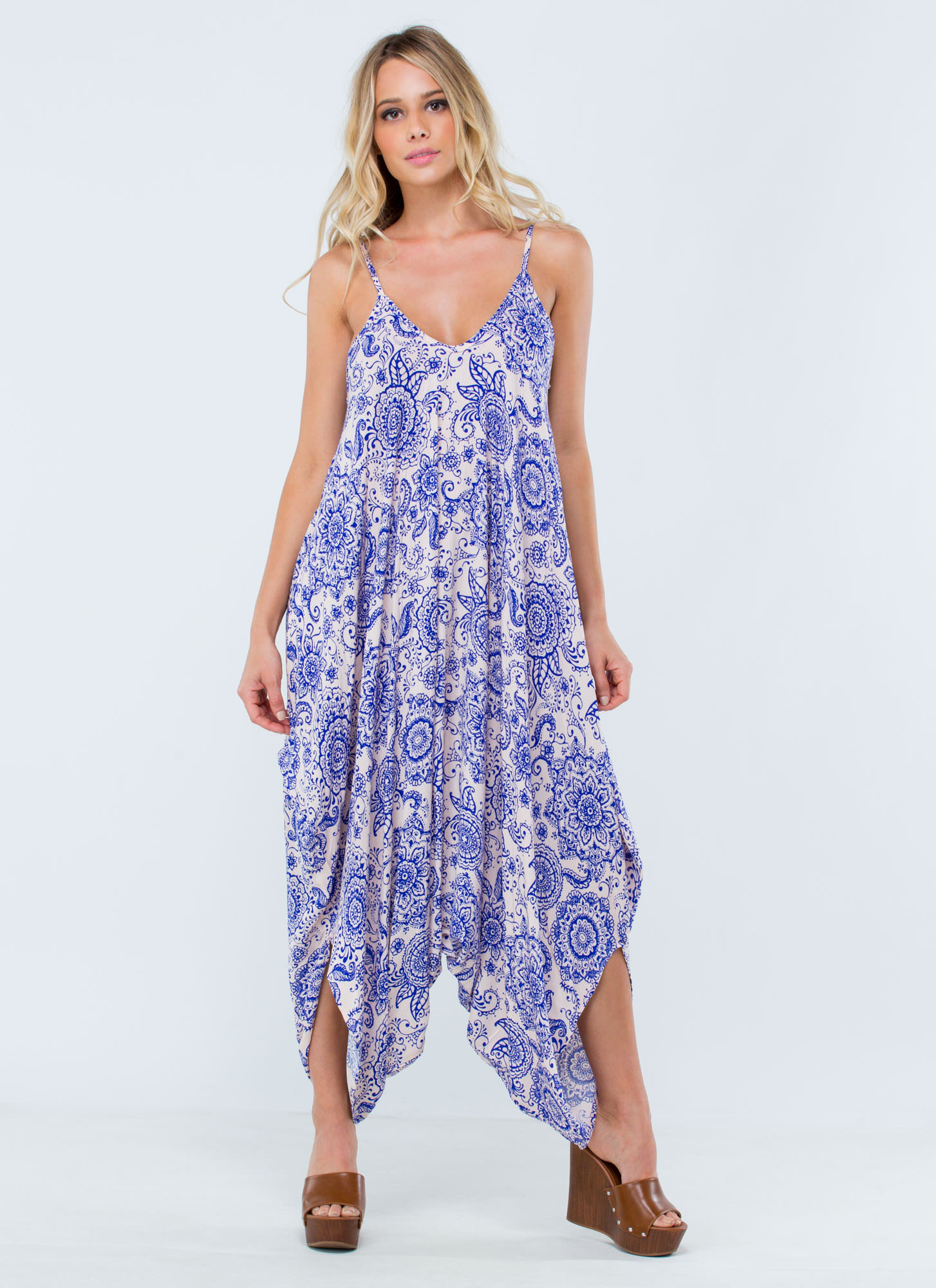
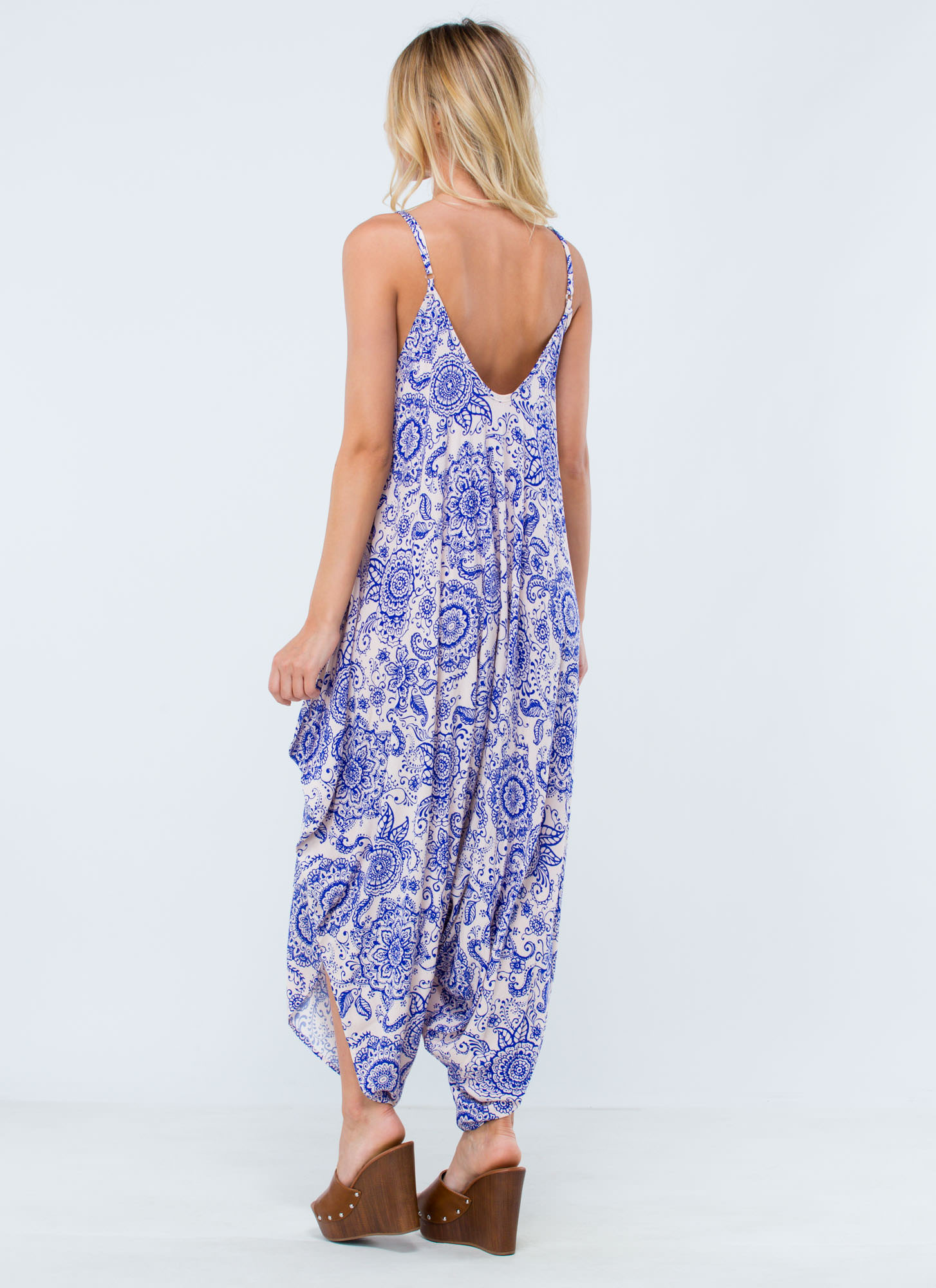
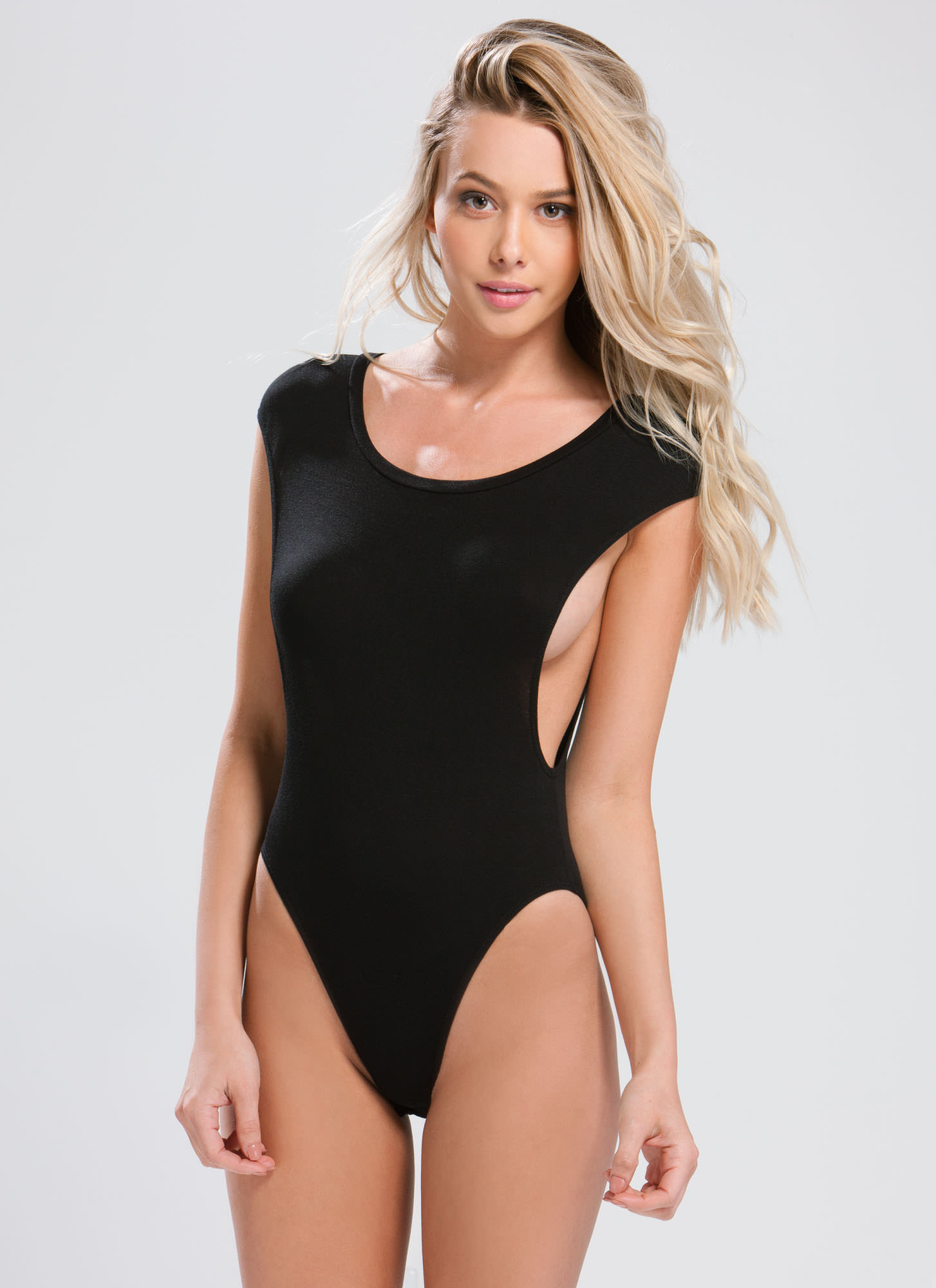
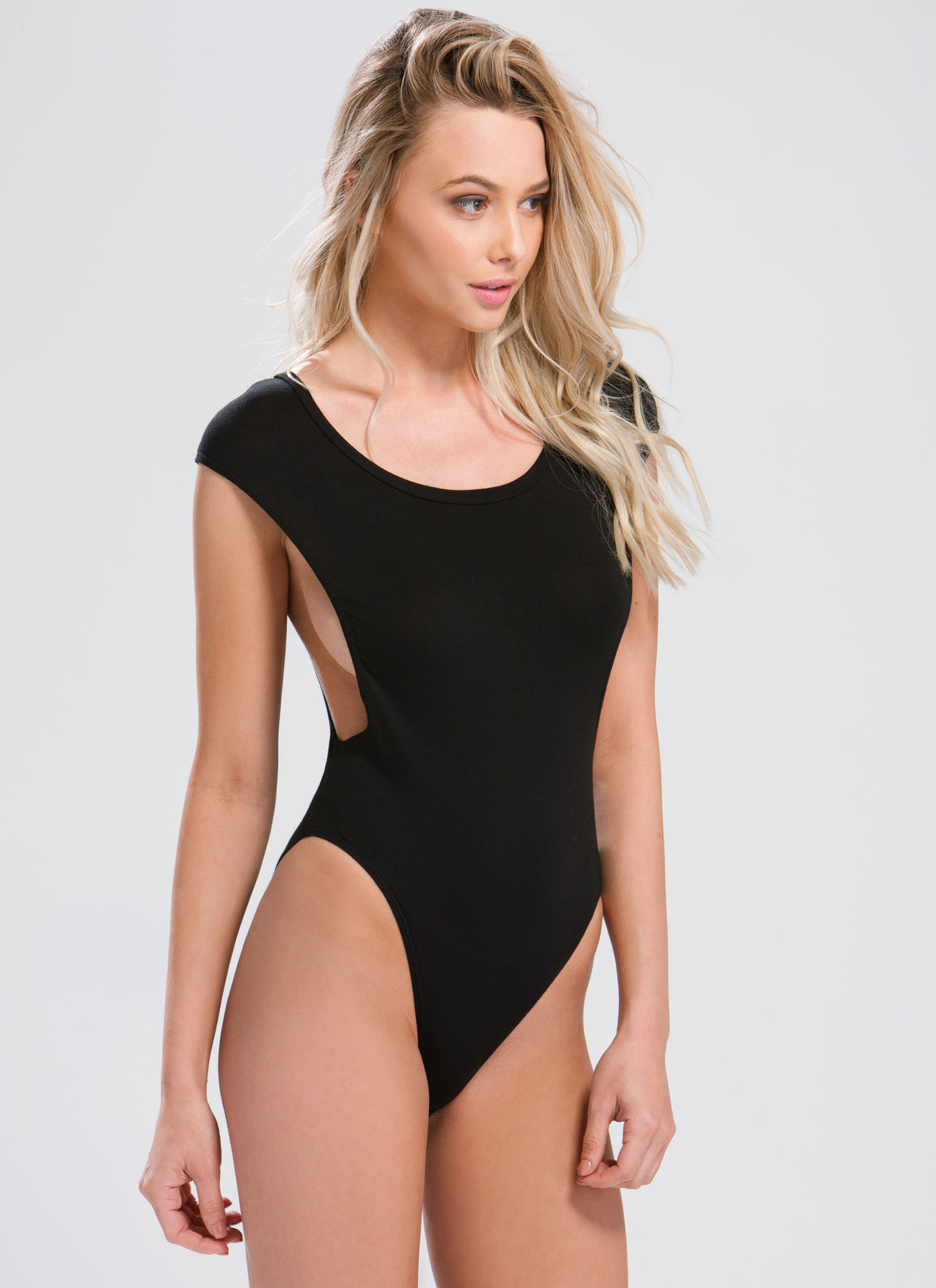
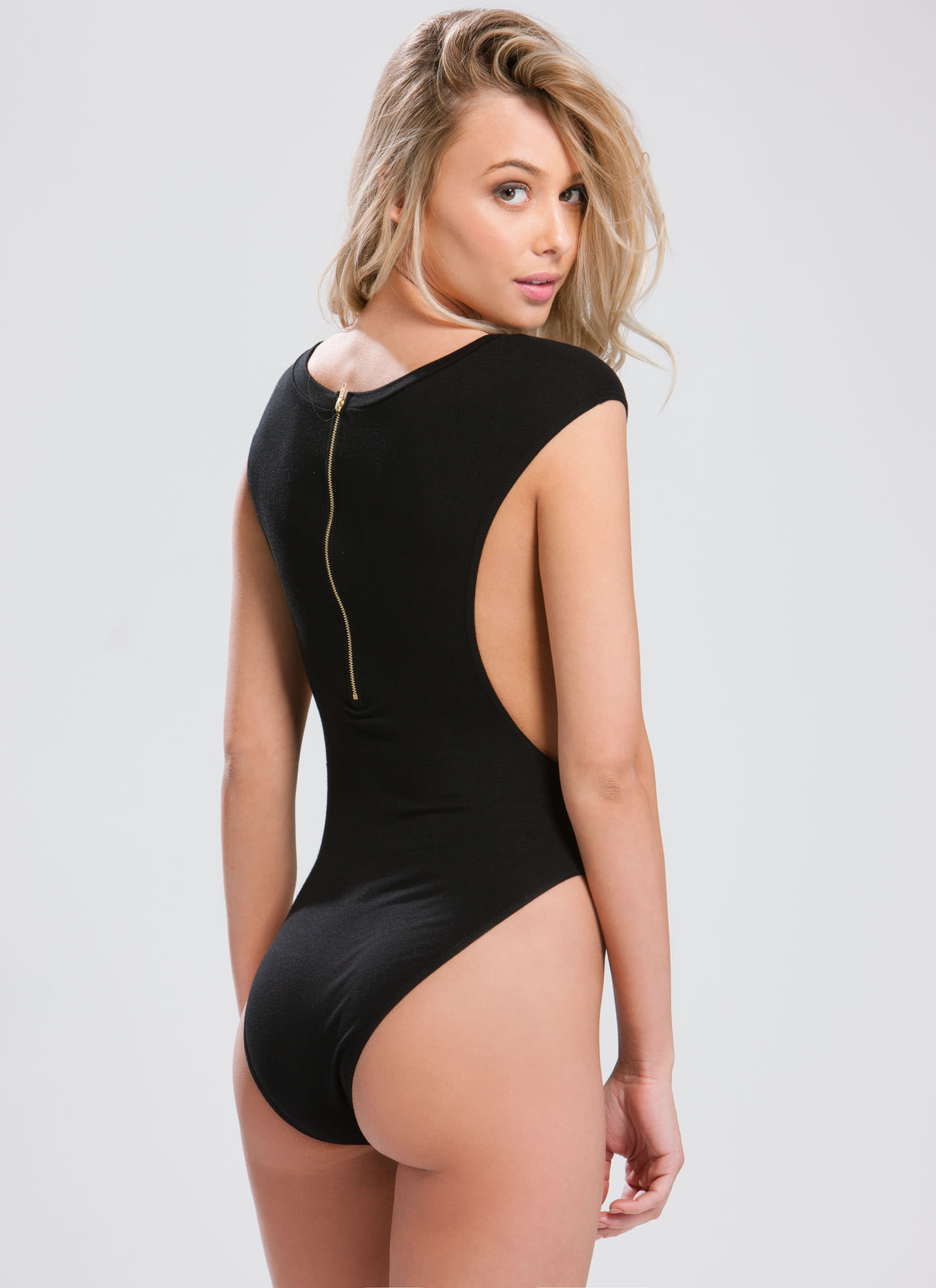
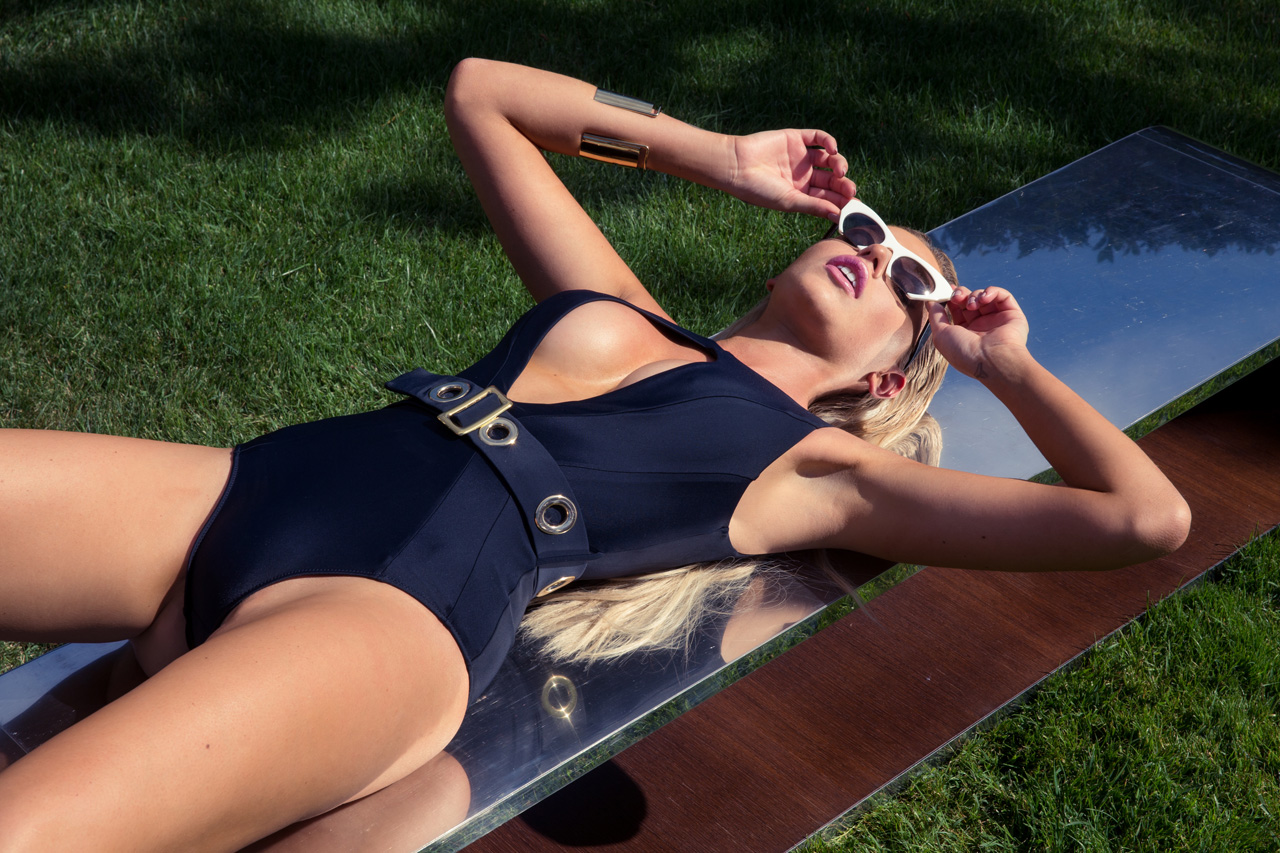
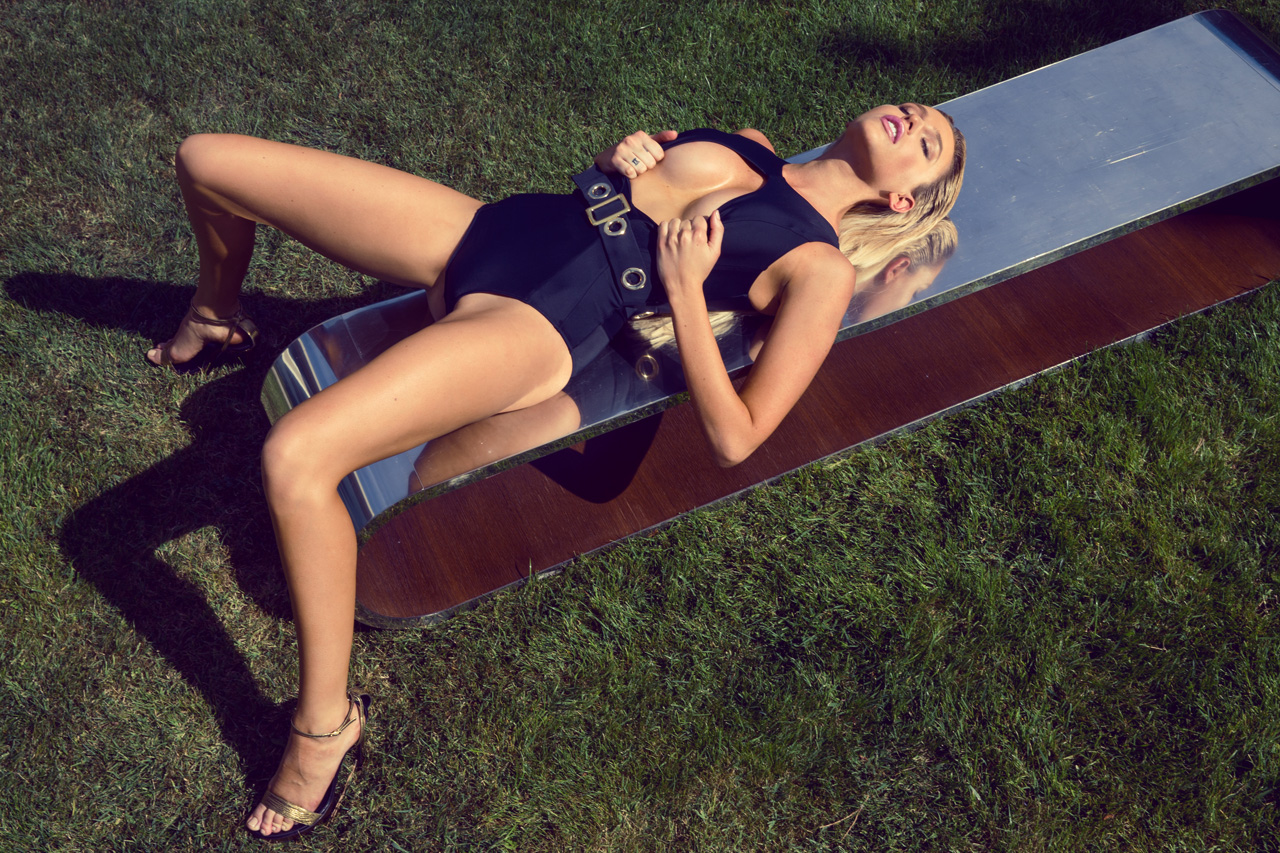
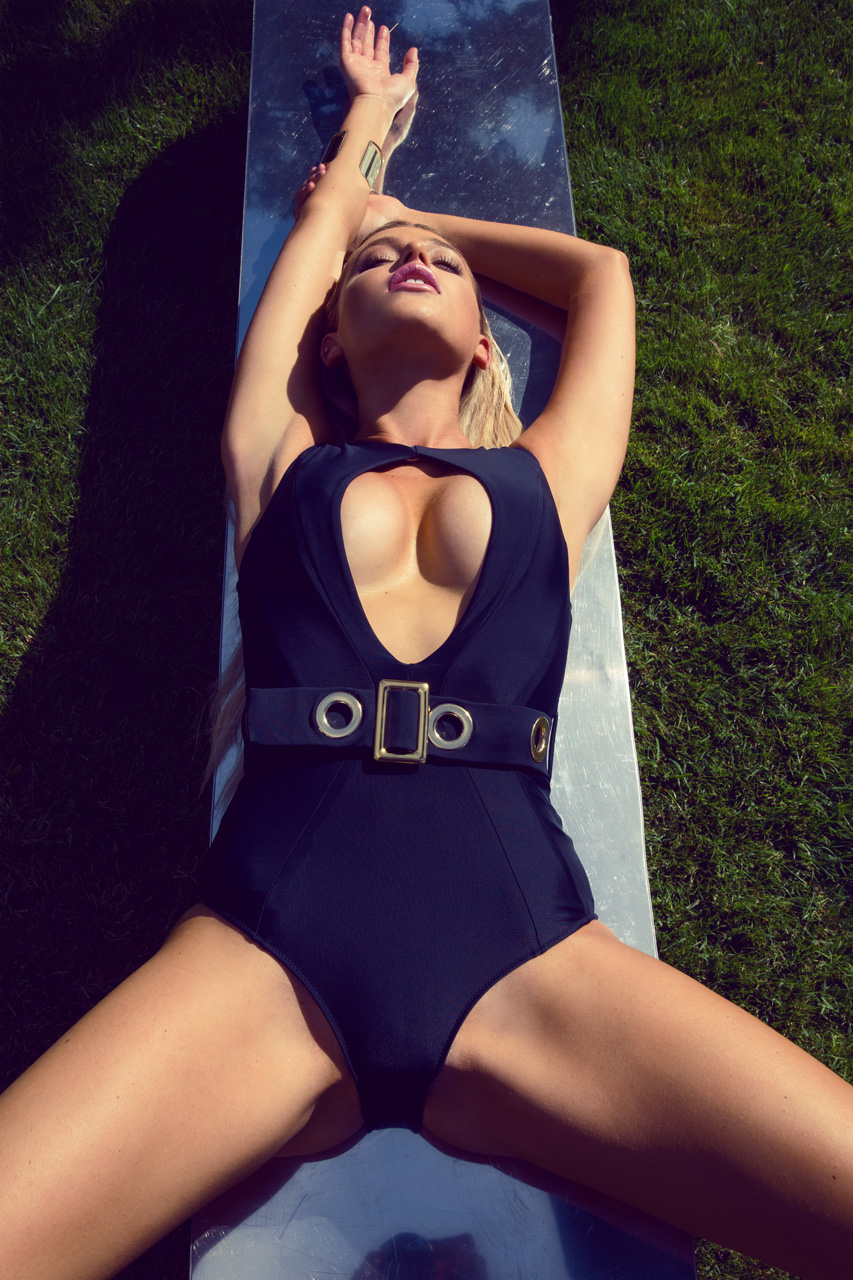
GoJane Catalogue














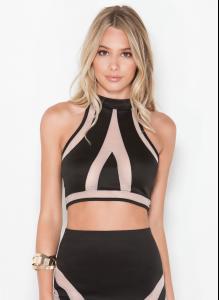
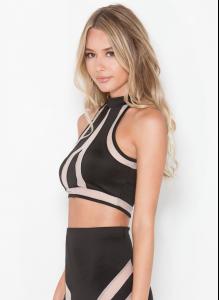
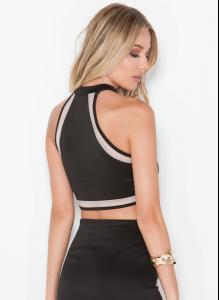
























 ... as hippo - that's true my buddy, that's so true
So please stop it because we can see already first symptoms how bad is it for you
Man, dont drink anymore. You should know its very bad for the brain
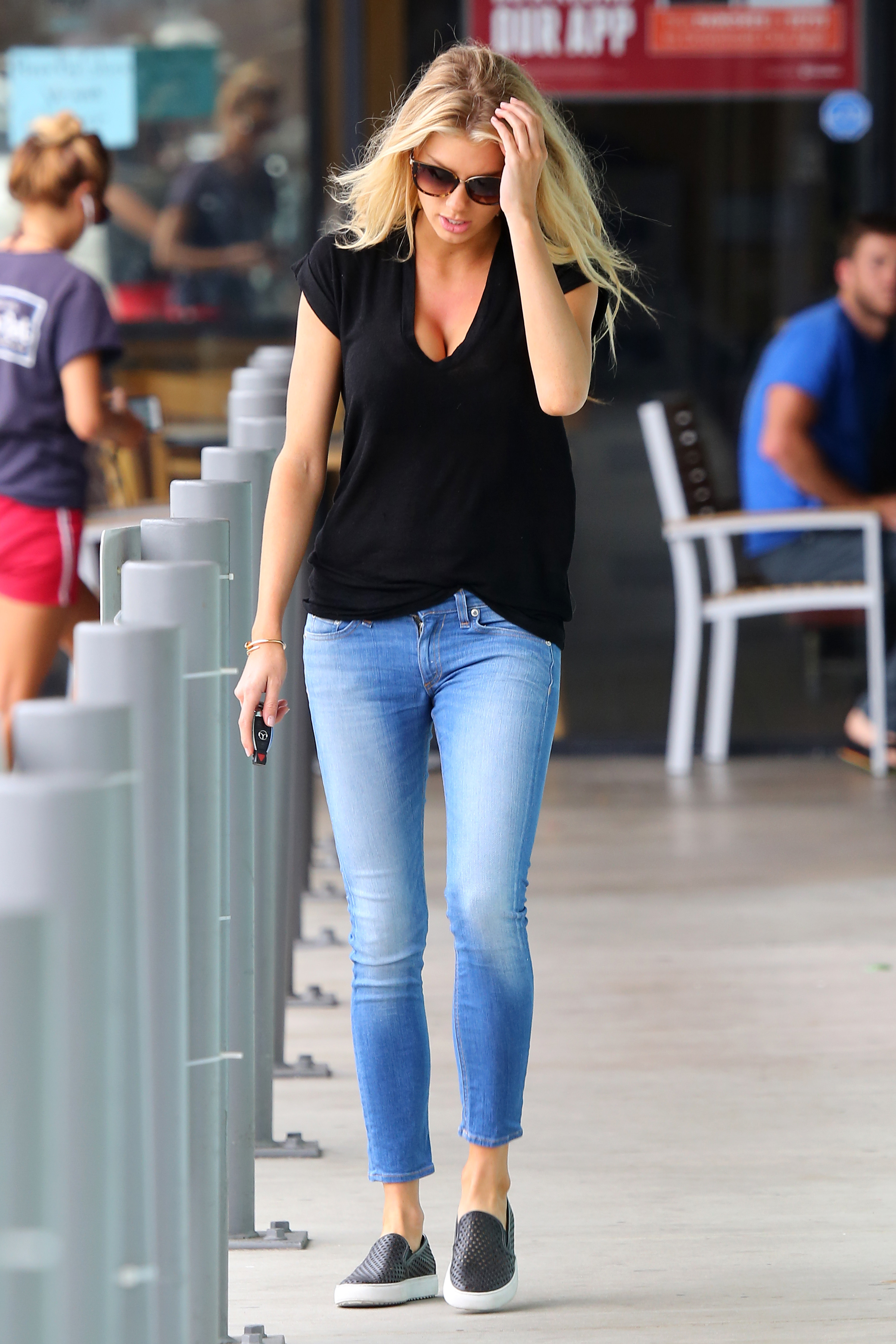
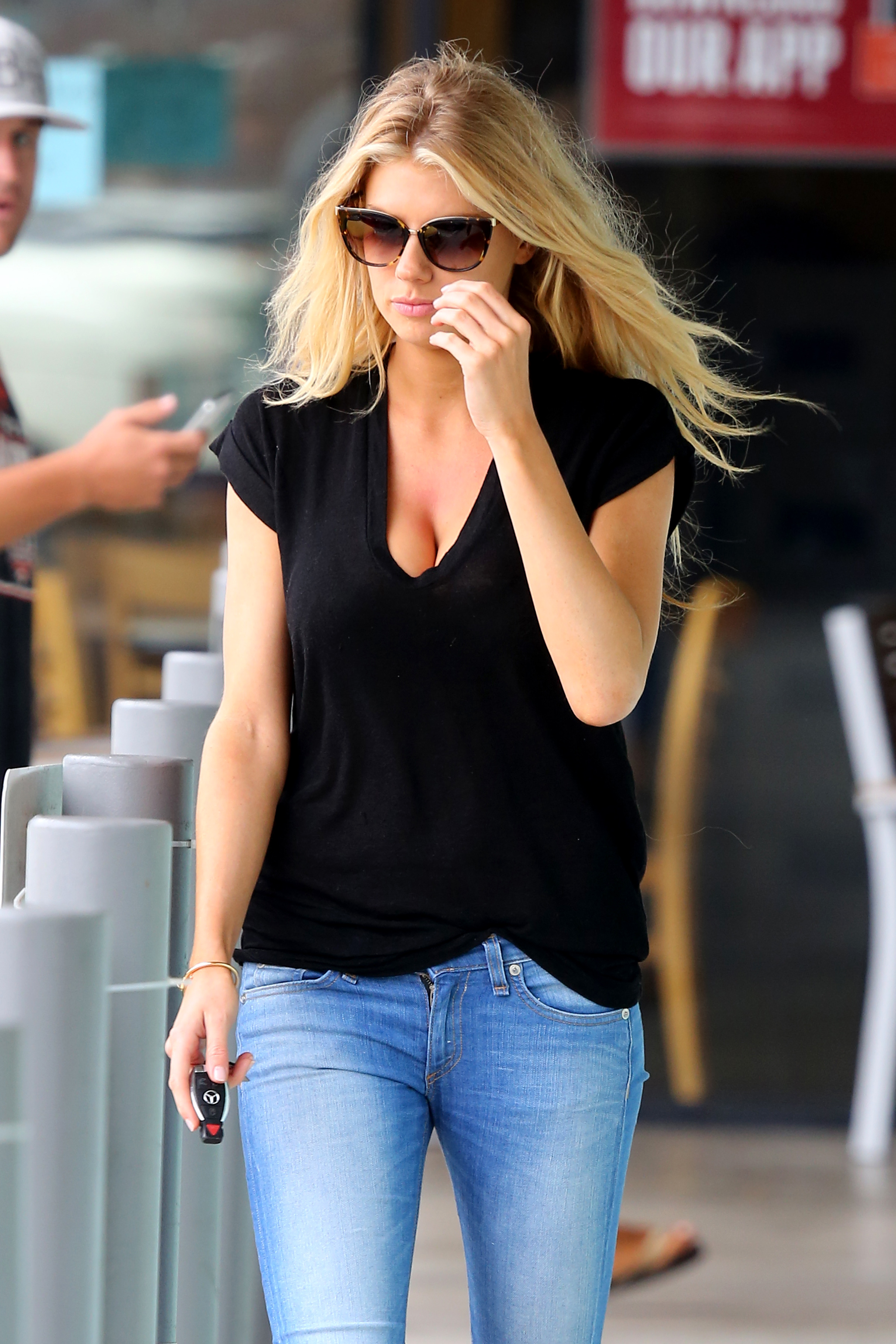
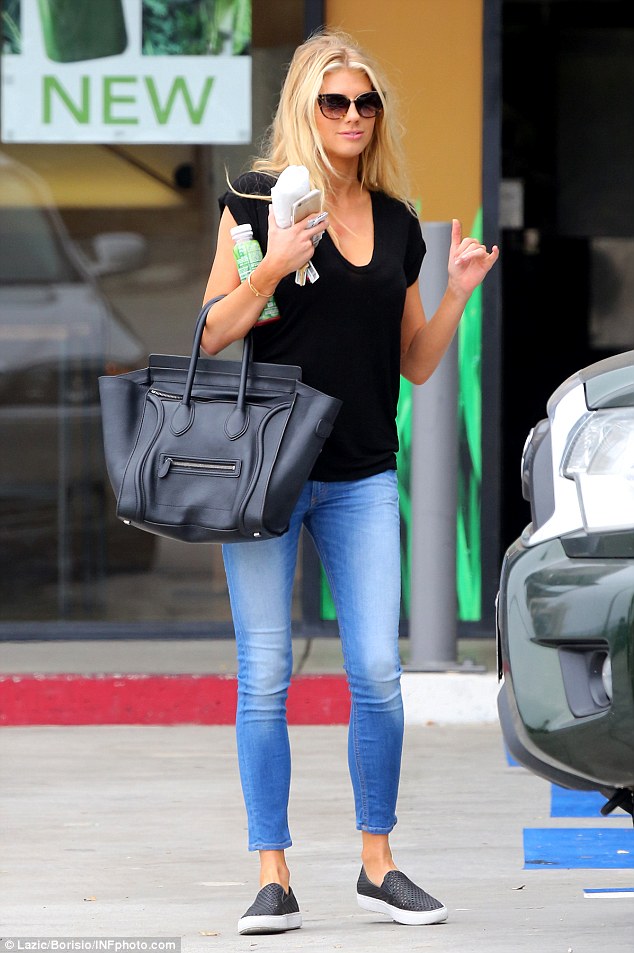
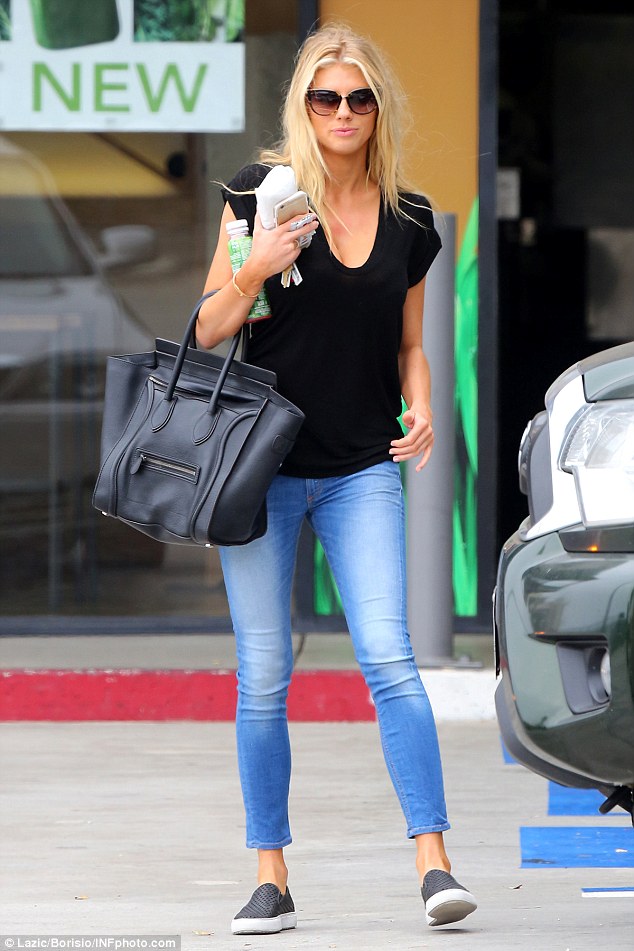
arriving to the Teen Choice Awards 2015 - 16.08.15
... as hippo - that's true my buddy, that's so true
So please stop it because we can see already first symptoms how bad is it for you
Man, dont drink anymore. You should know its very bad for the brain
arriving to the Teen Choice Awards 2015 - 16.08.15







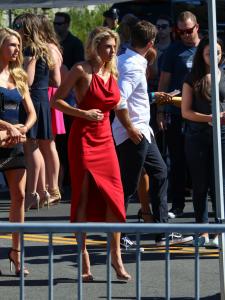













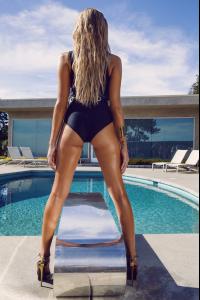
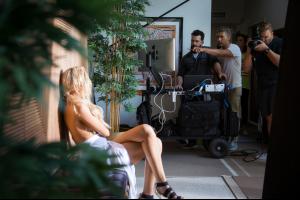
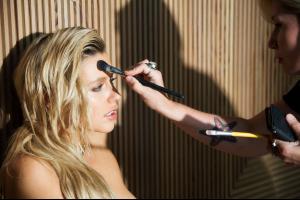
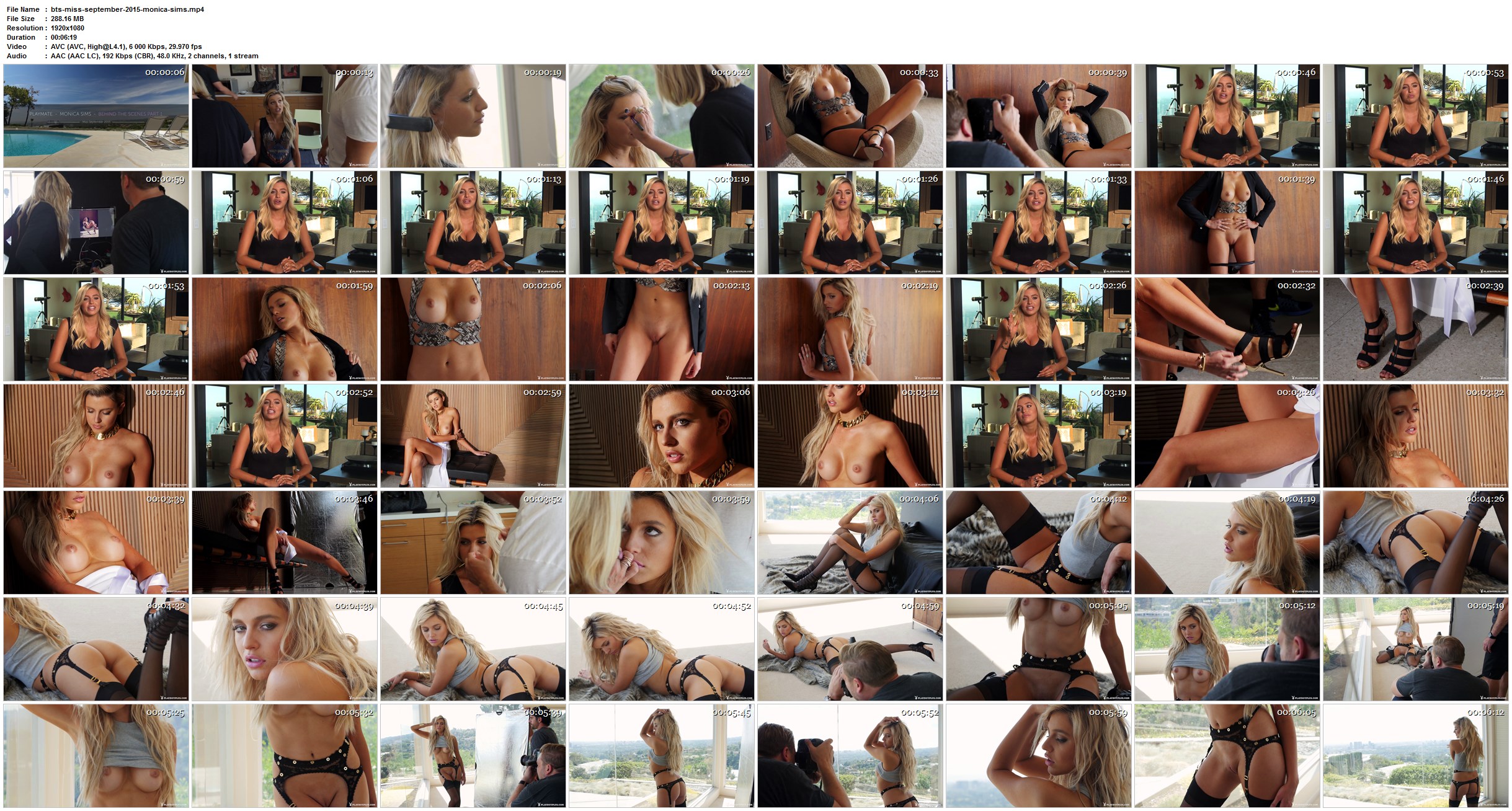
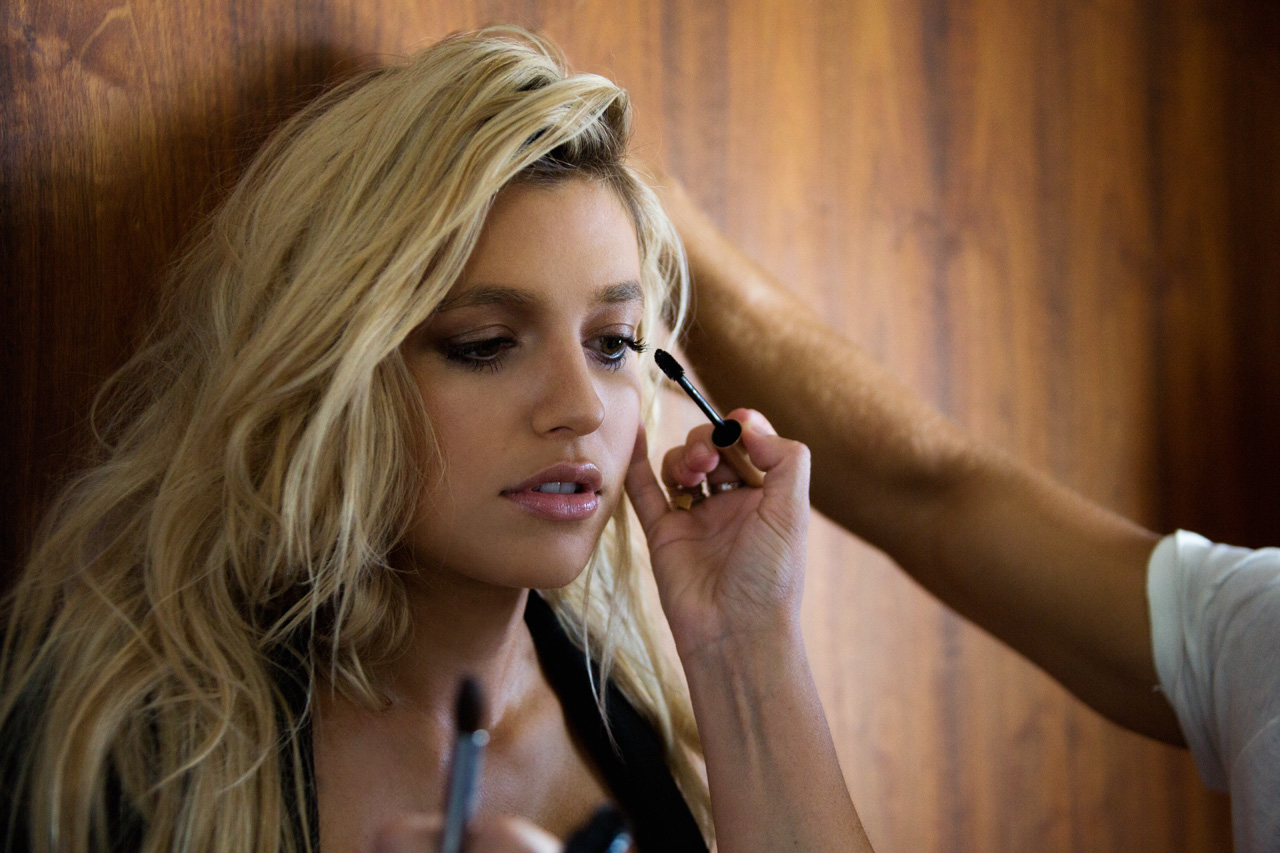
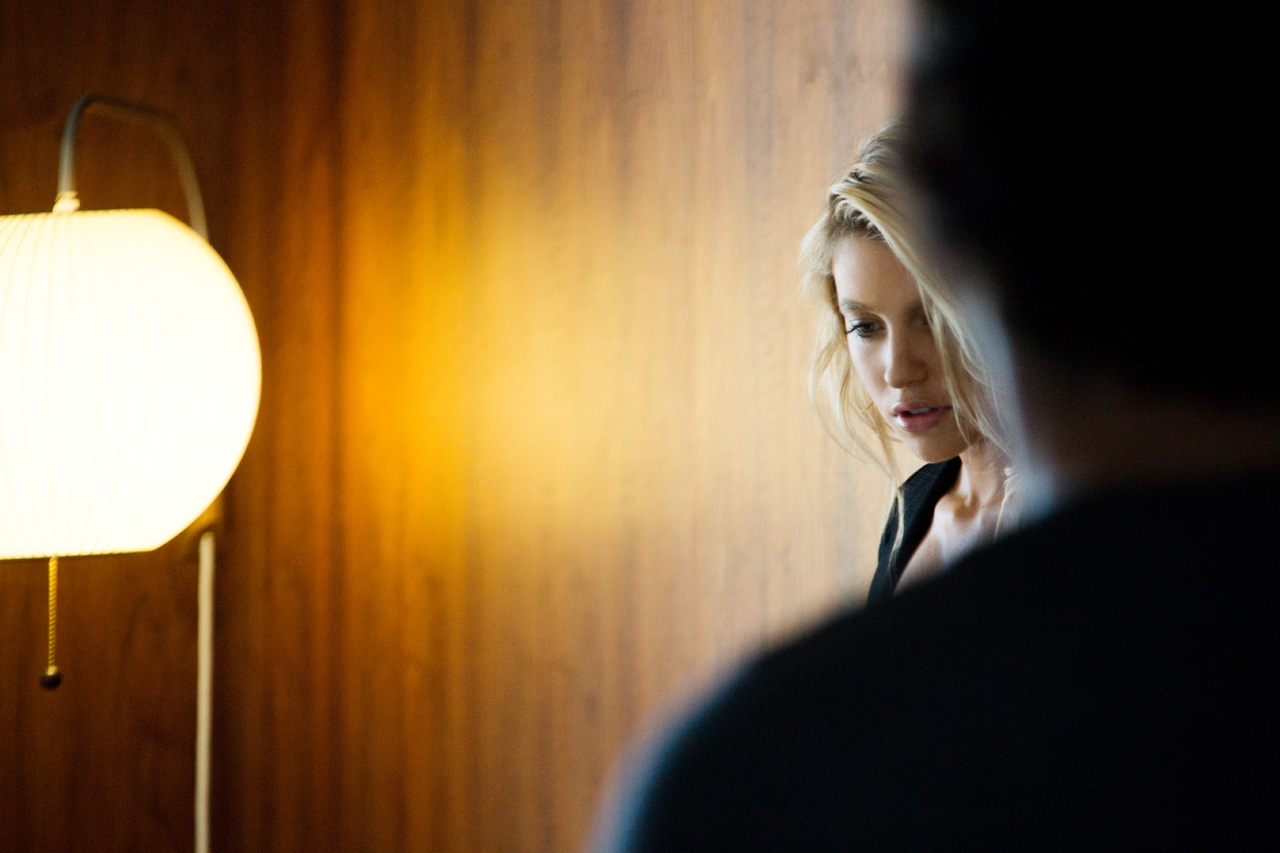
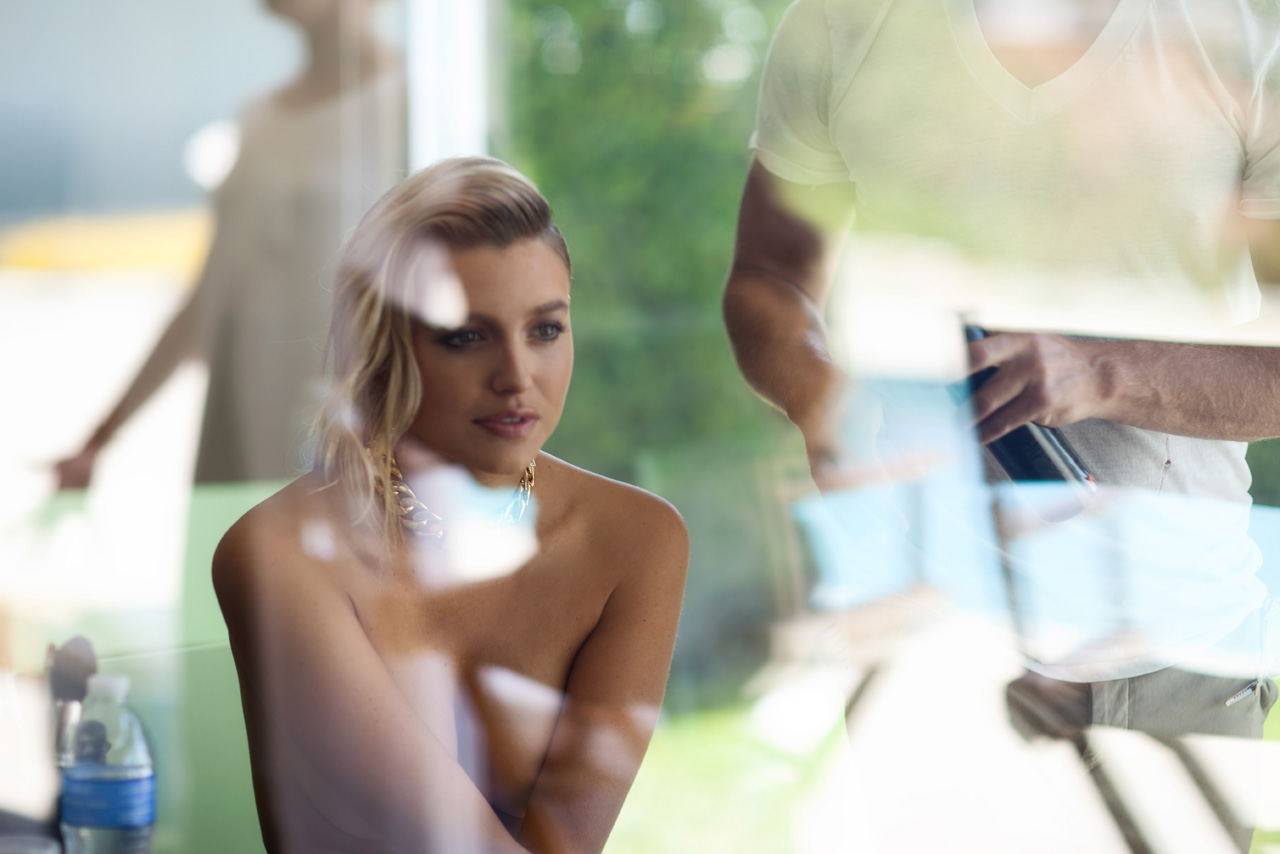
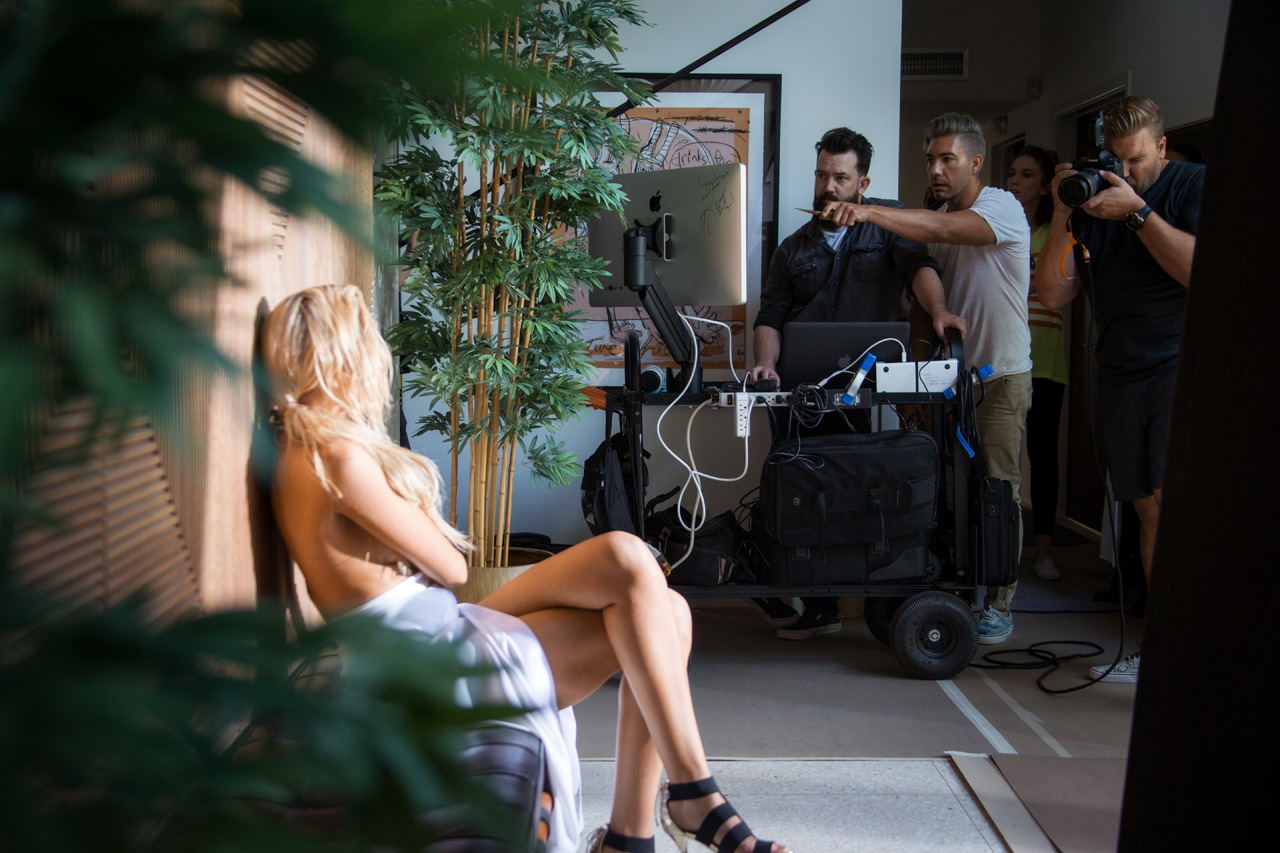
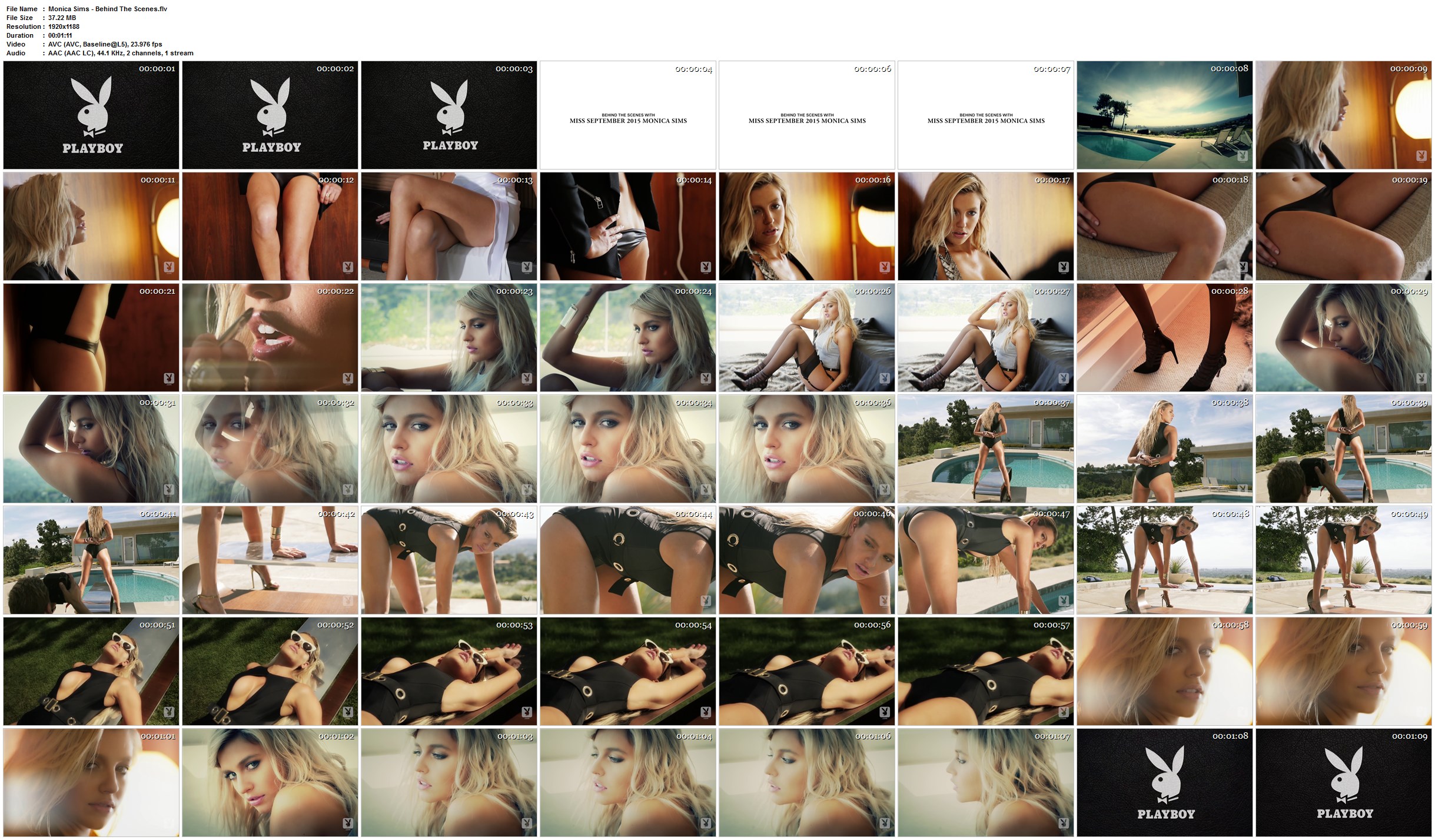
 Outtakes Behind The Scenes VIDEO 1920X1080 - mp4 - 37mb - 1.12 http://www66.zippyshare.com/v/IA4TOCNf/file.html http://dfiles.eu/files/qhe7f7xsx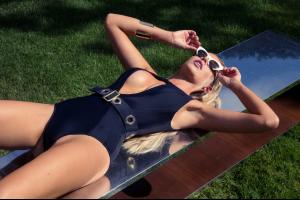











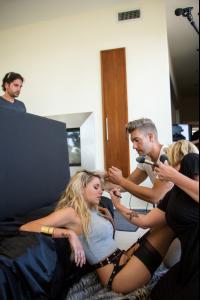
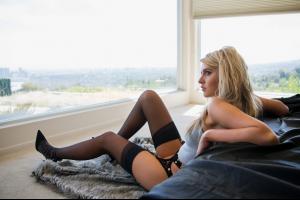



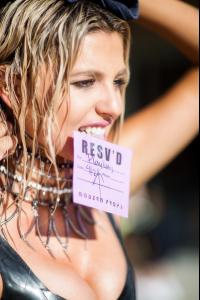




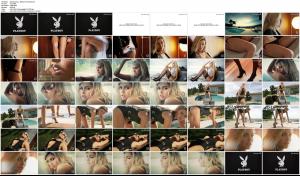 Thanks JJ for fantastic updates
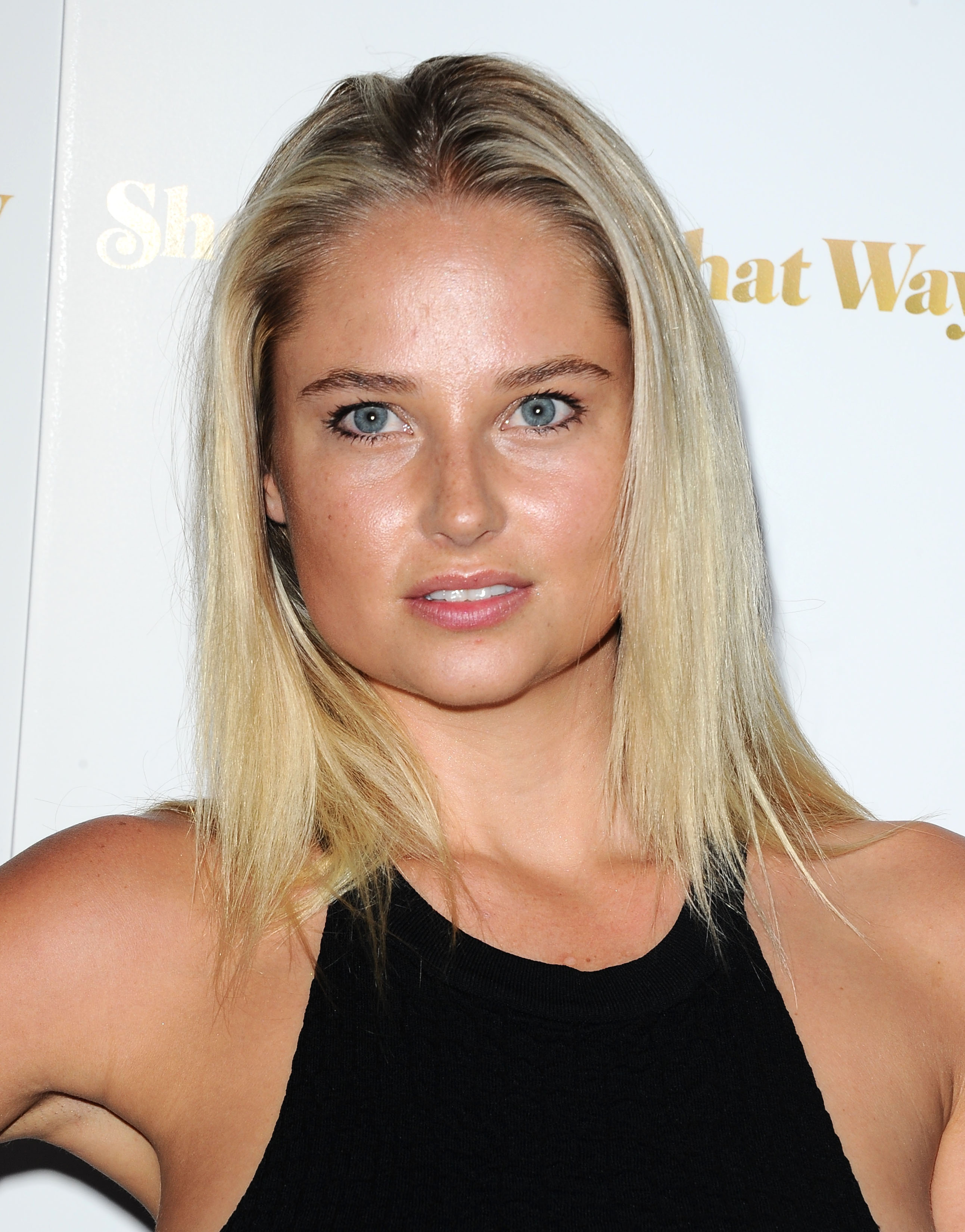
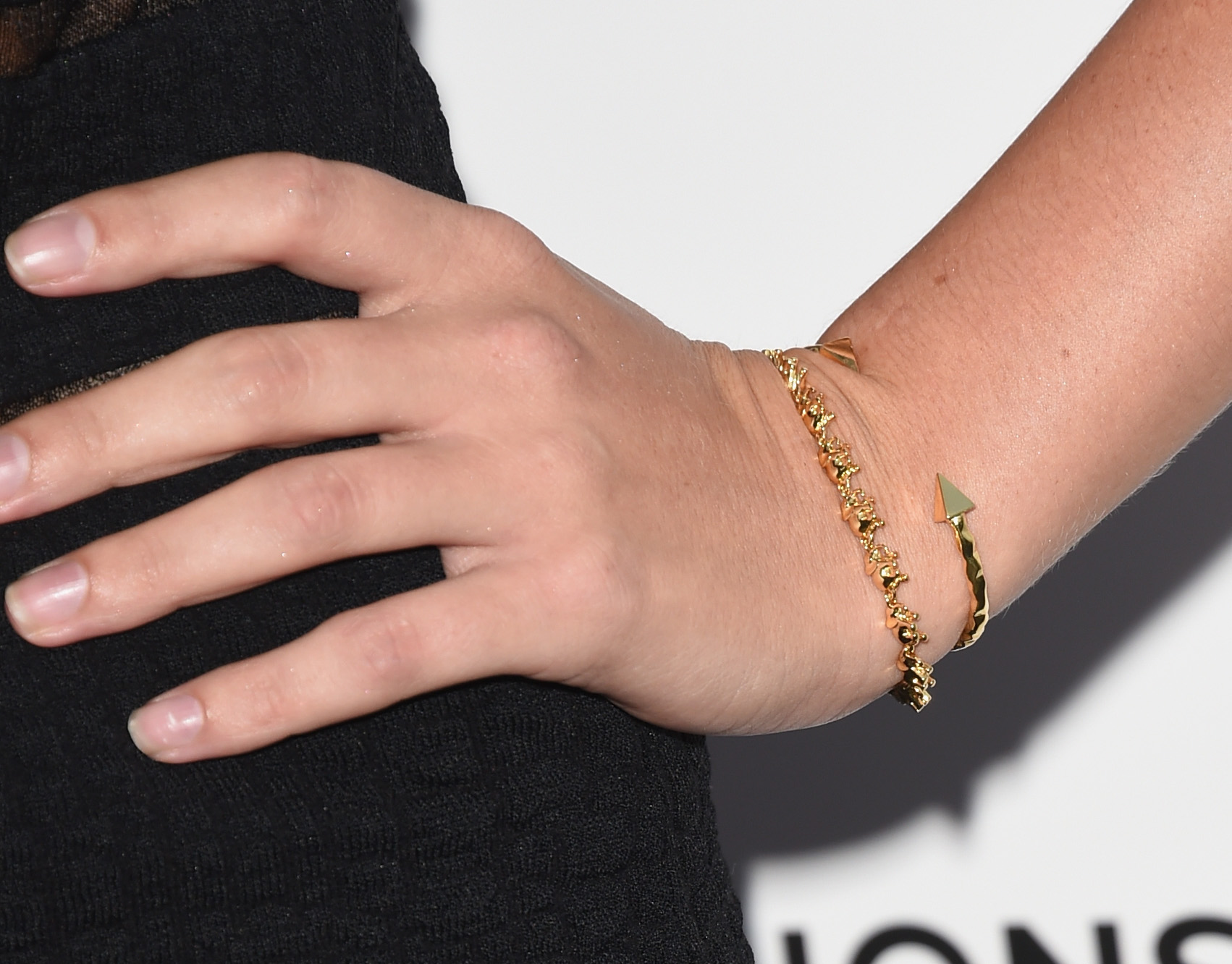
Premiere of "She's Funny That Way" in Los Angeles" - 19.08.15
Thanks JJ for fantastic updates
Premiere of "She's Funny That Way" in Los Angeles" - 19.08.15









 + 5 Thank JJ for these videos
















































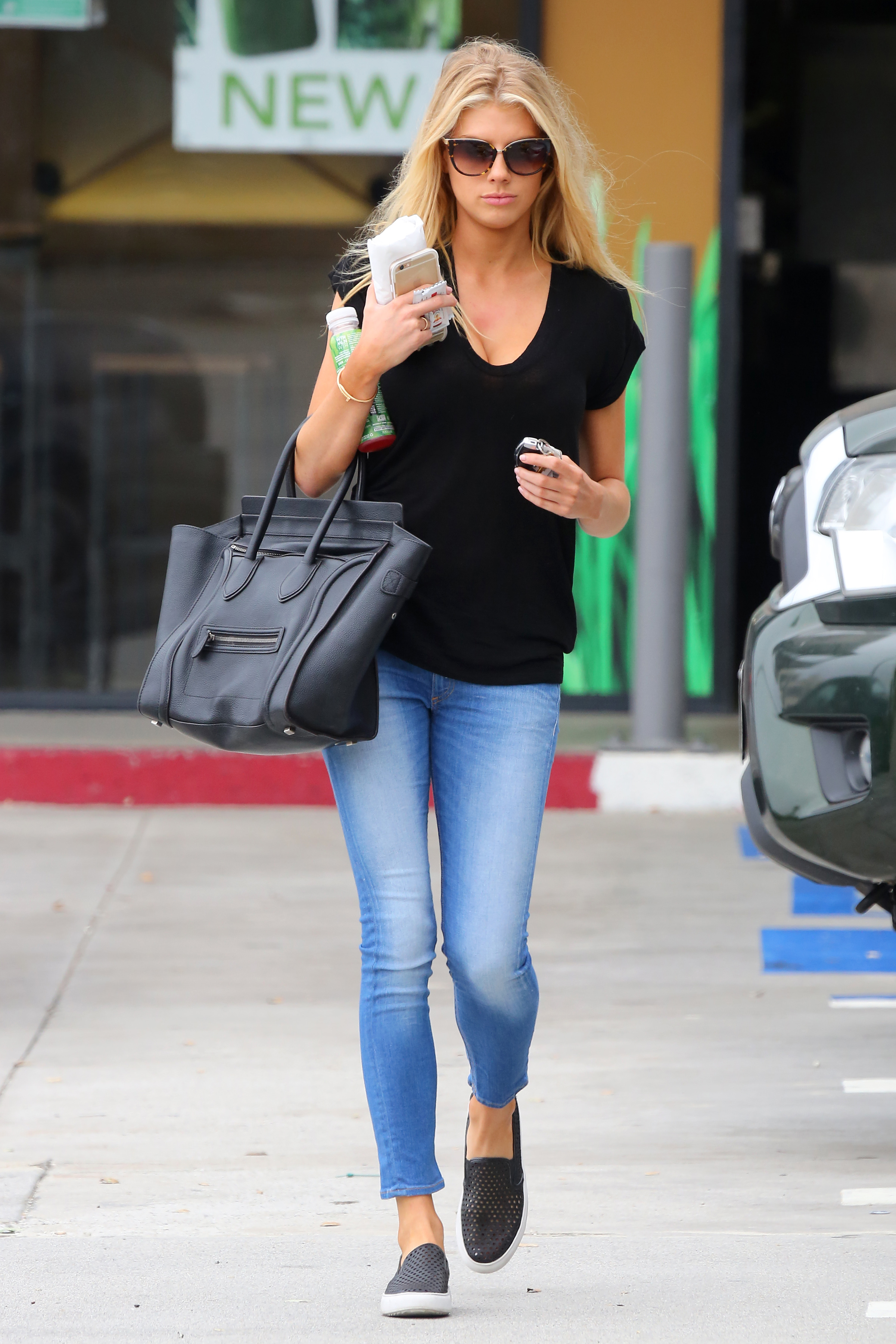
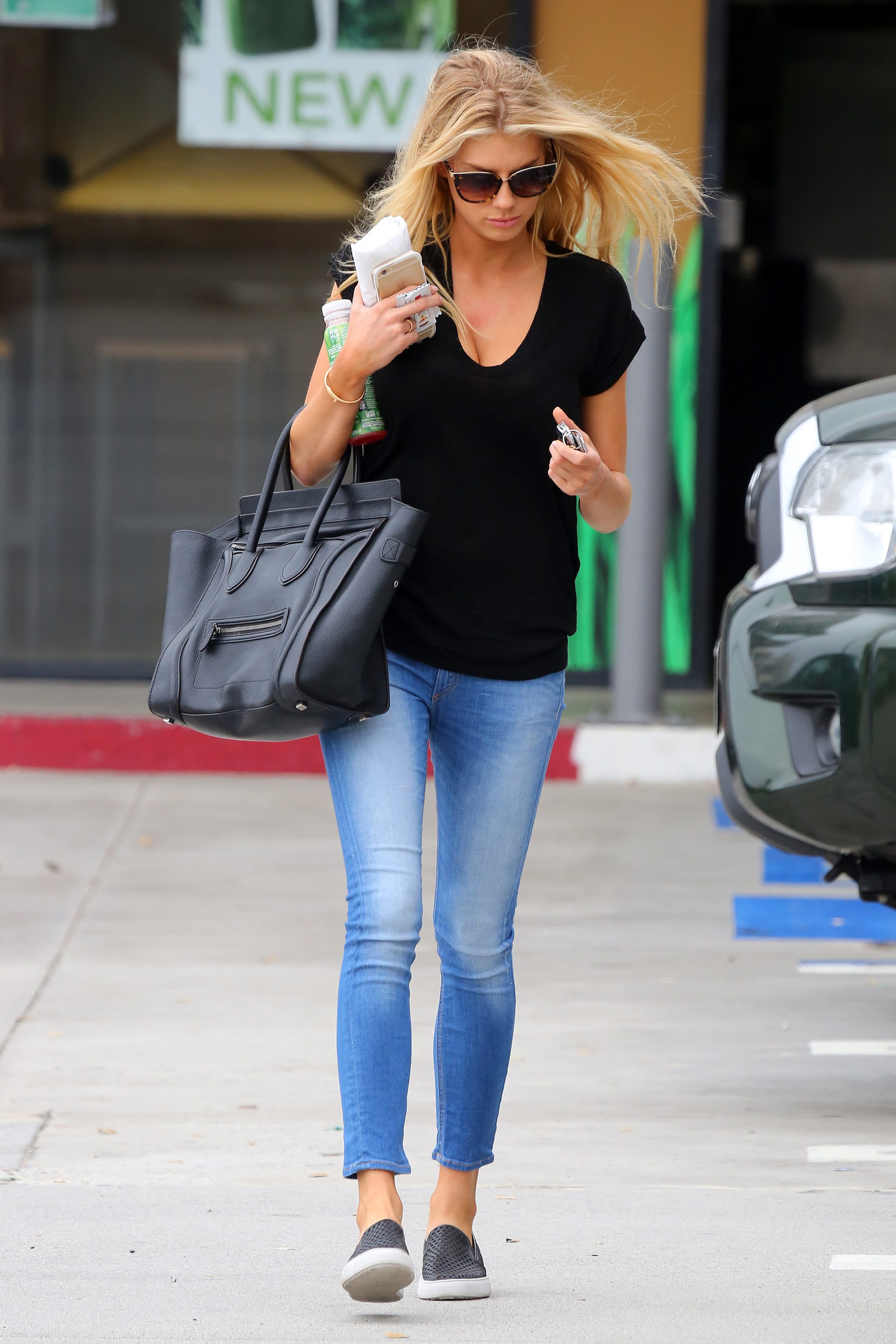
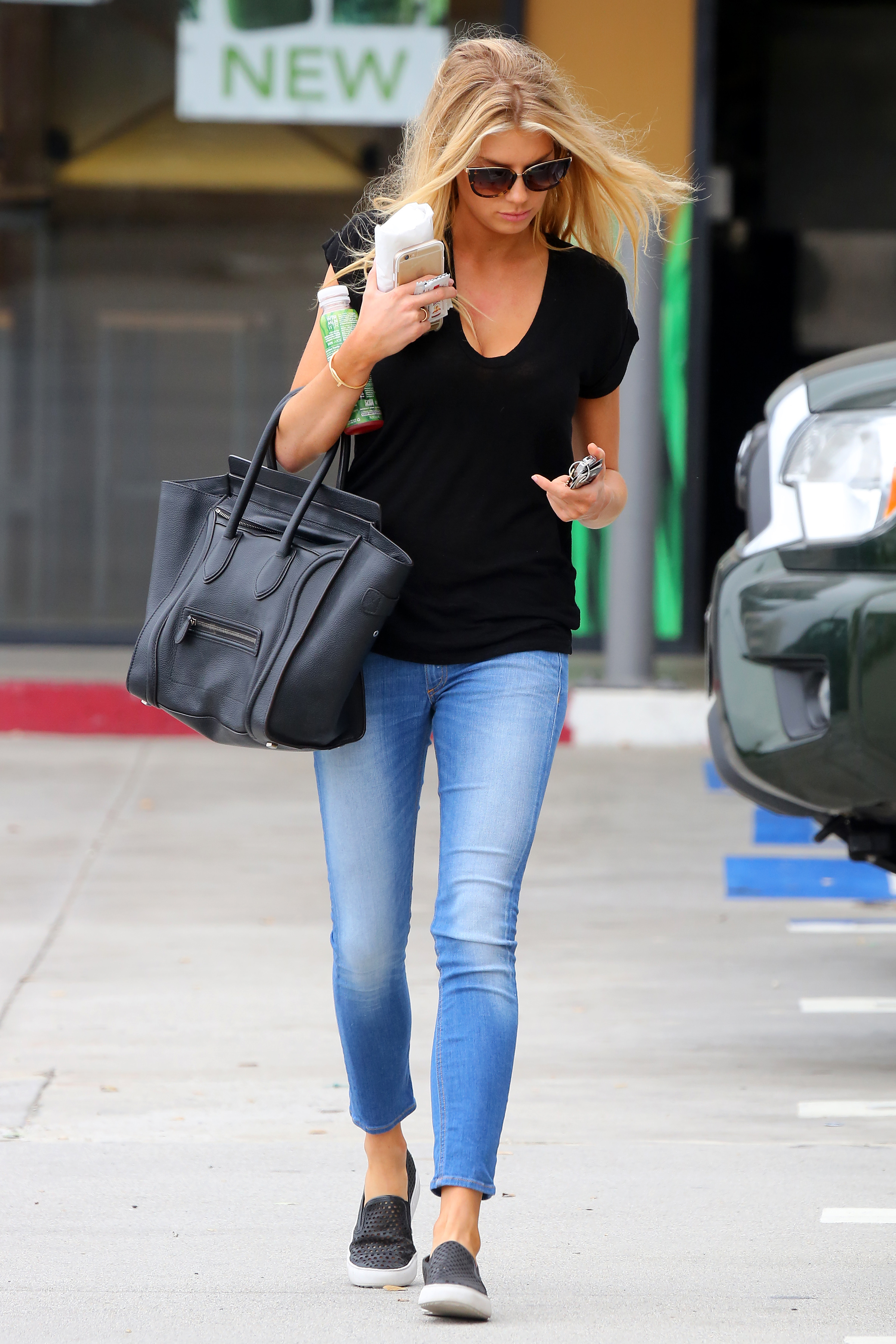
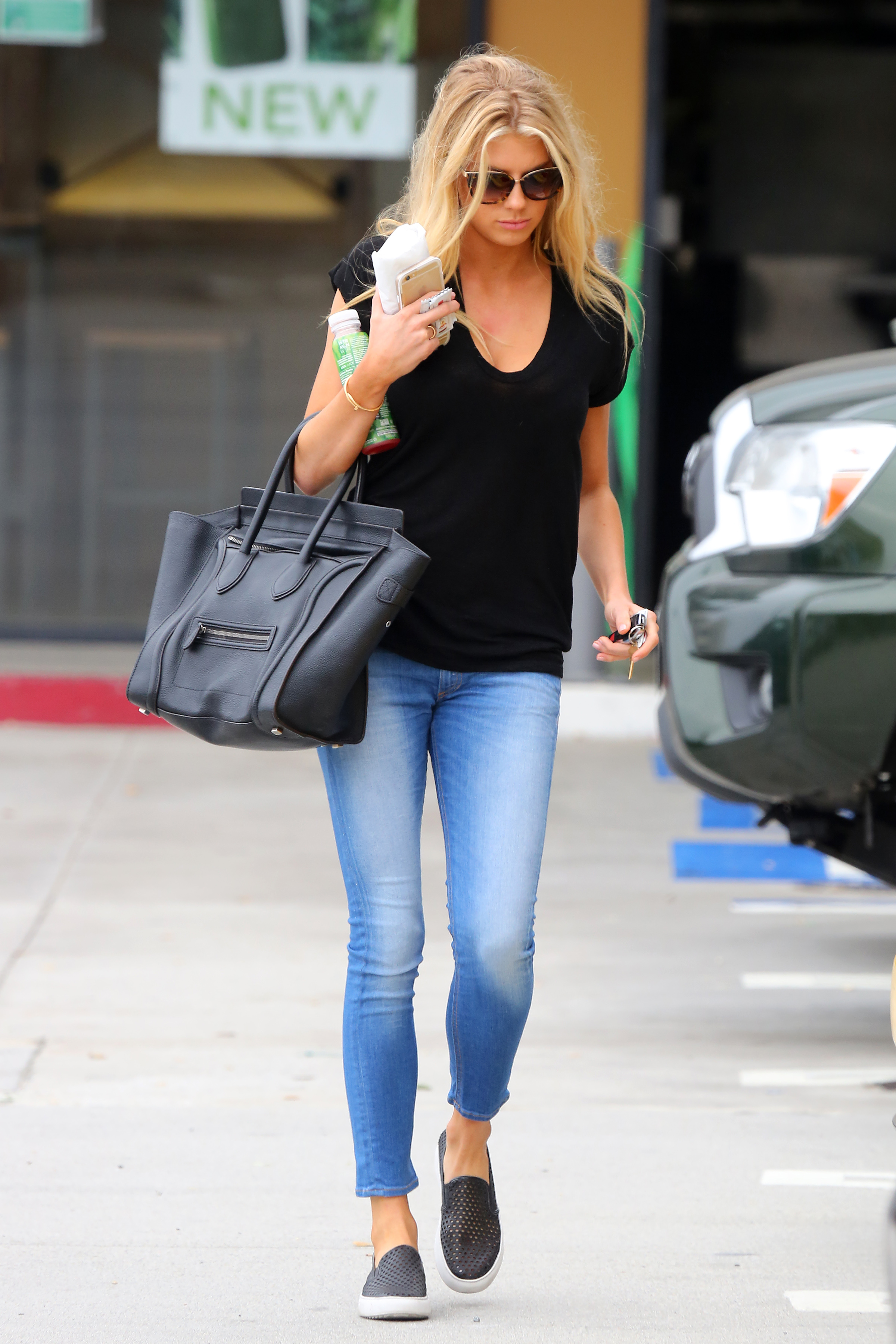




































































































































































































































































Account
Navigation
Search
Configure browser push notifications
Chrome (Android)
- Tap the lock icon next to the address bar.
- Tap Permissions → Notifications.
- Adjust your preference.
Chrome (Desktop)
- Click the padlock icon in the address bar.
- Select Site settings.
- Find Notifications and adjust your preference.
Safari (iOS 16.4+)
- Ensure the site is installed via Add to Home Screen.
- Open Settings App → Notifications.
- Find your app name and adjust your preference.
Safari (macOS)
- Go to Safari → Preferences.
- Click the Websites tab.
- Select Notifications in the sidebar.
- Find this website and adjust your preference.
Edge (Android)
- Tap the lock icon next to the address bar.
- Tap Permissions.
- Find Notifications and adjust your preference.
Edge (Desktop)
- Click the padlock icon in the address bar.
- Click Permissions for this site.
- Find Notifications and adjust your preference.
Firefox (Android)
- Go to Settings → Site permissions.
- Tap Notifications.
- Find this site in the list and adjust your preference.
Firefox (Desktop)
- Open Firefox Settings.
- Search for Notifications.
- Find this site in the list and adjust your preference.