Meropee
Members
-
Joined
-
Last visited
-
-
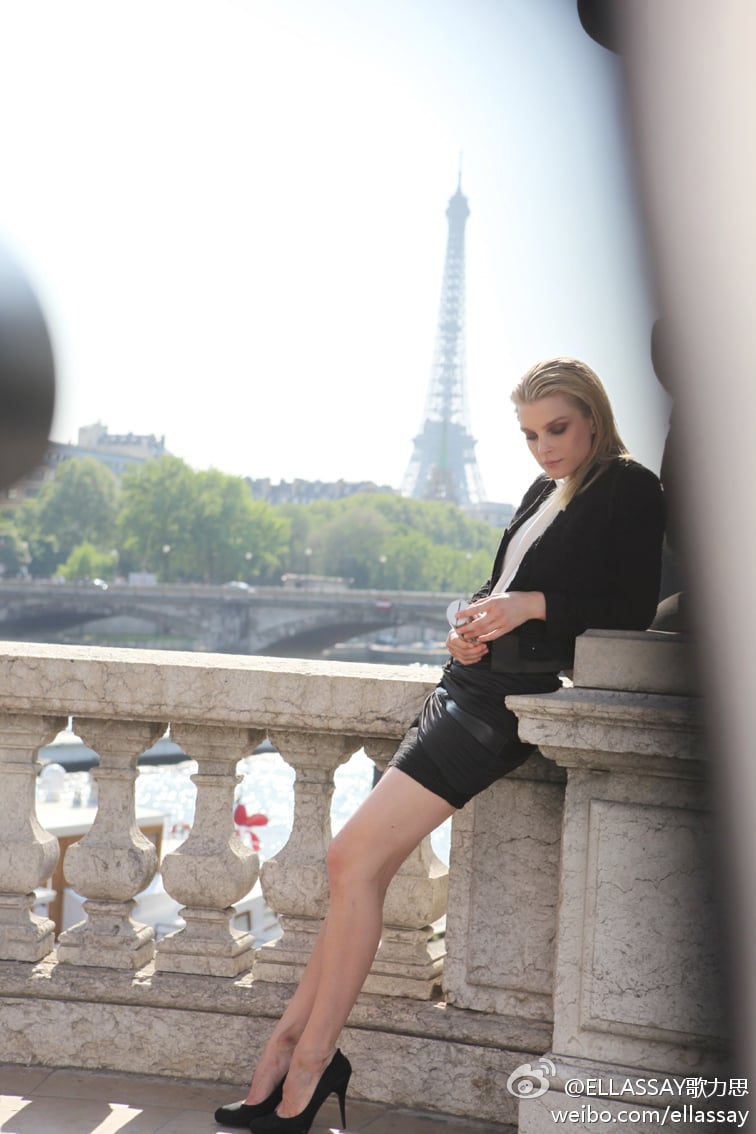
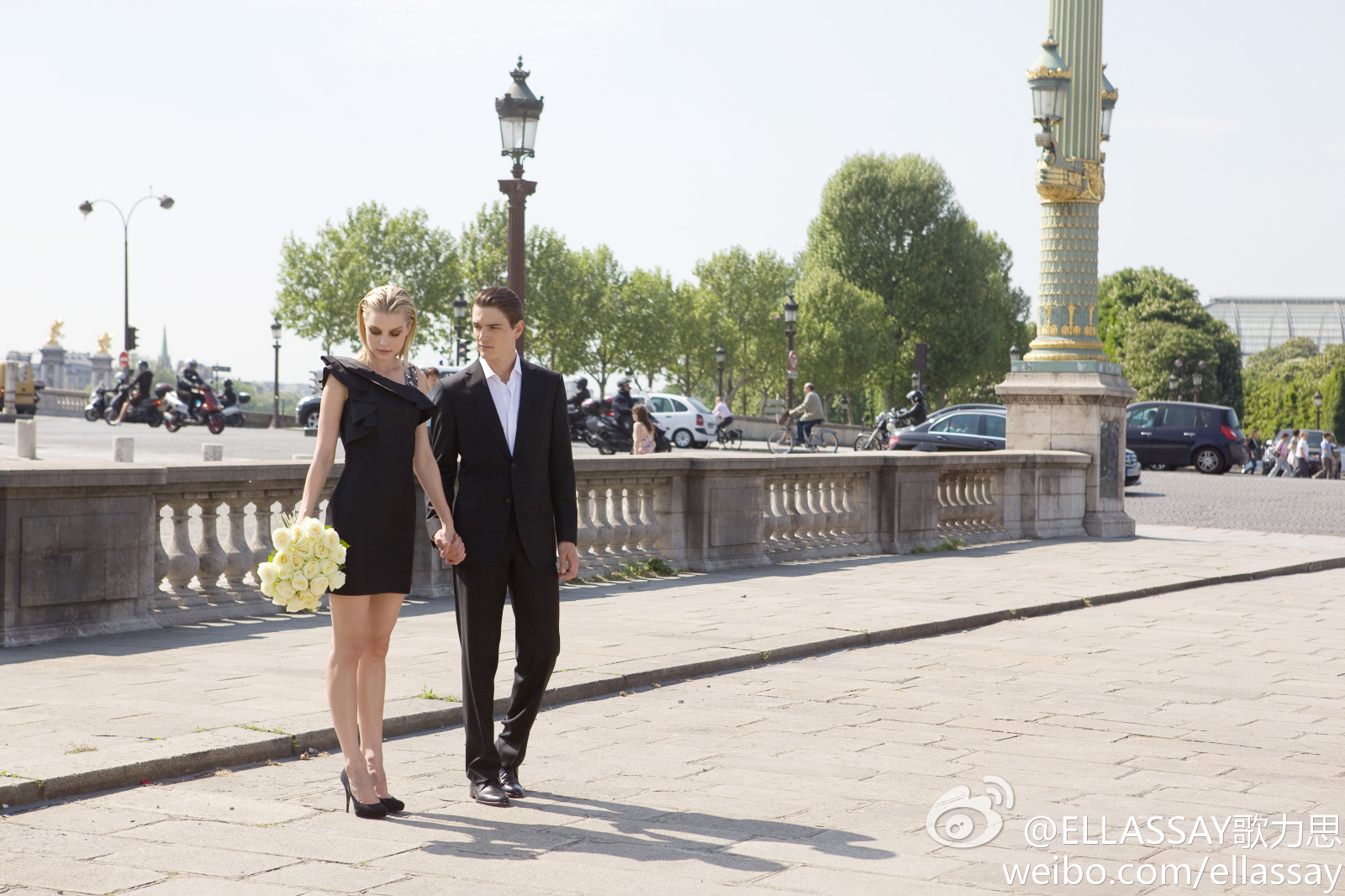
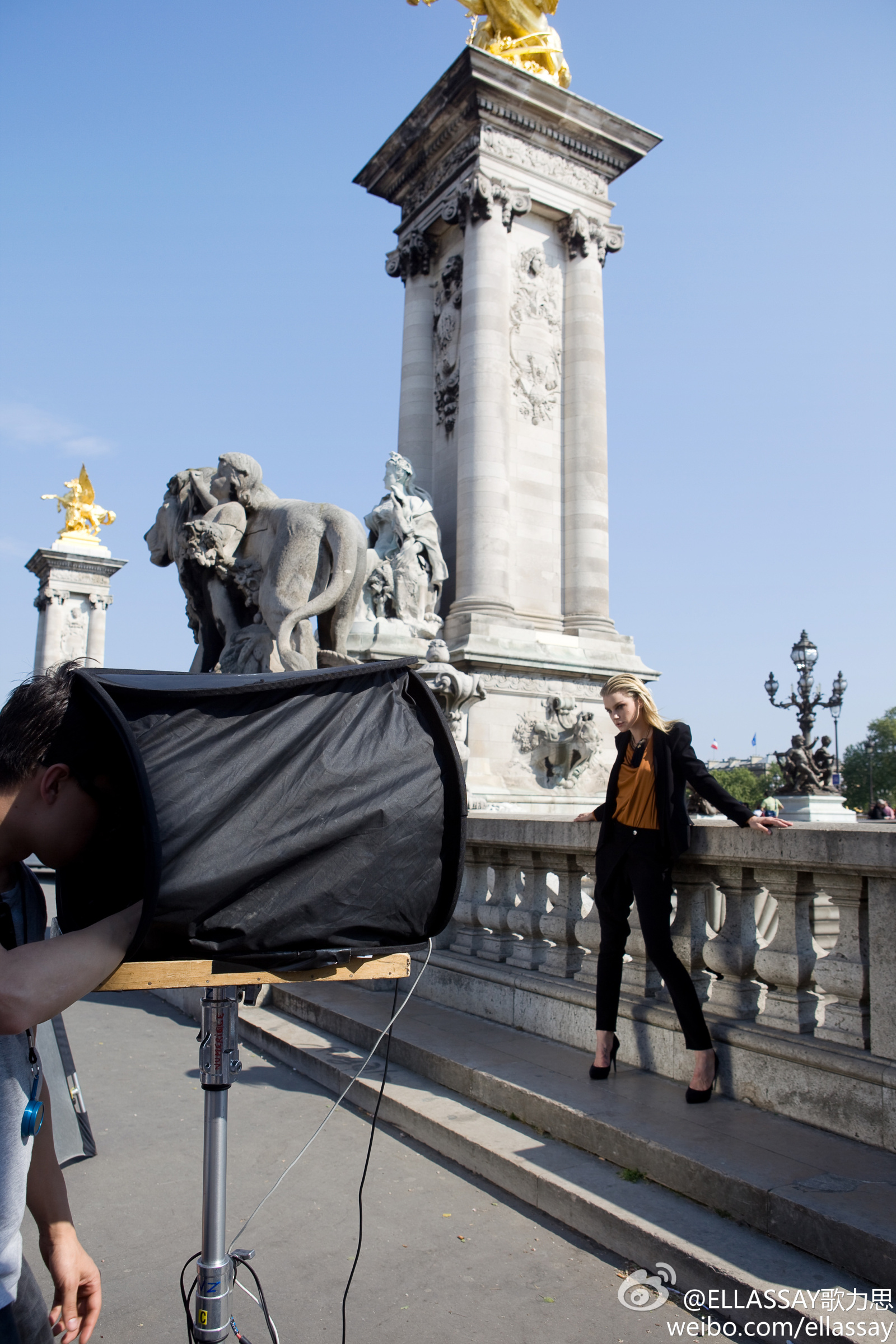
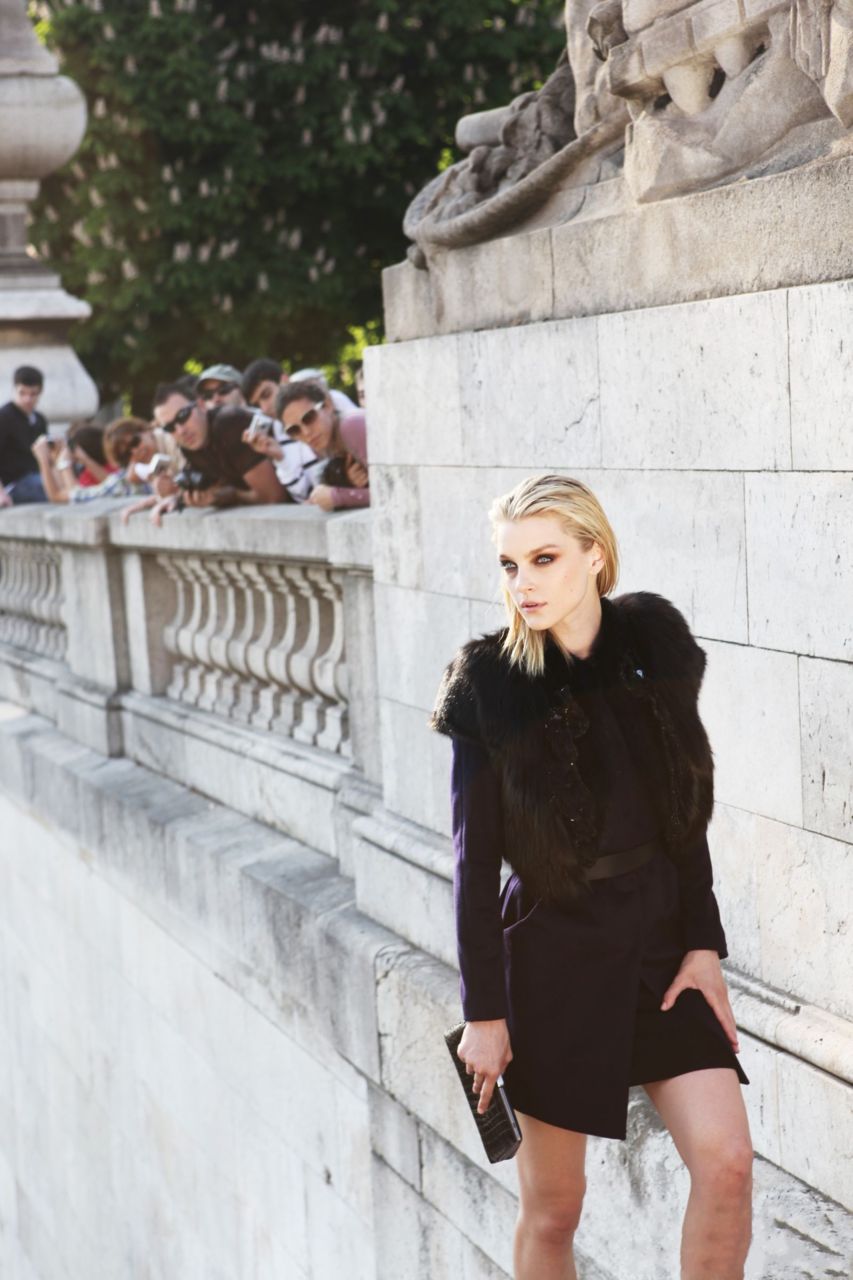
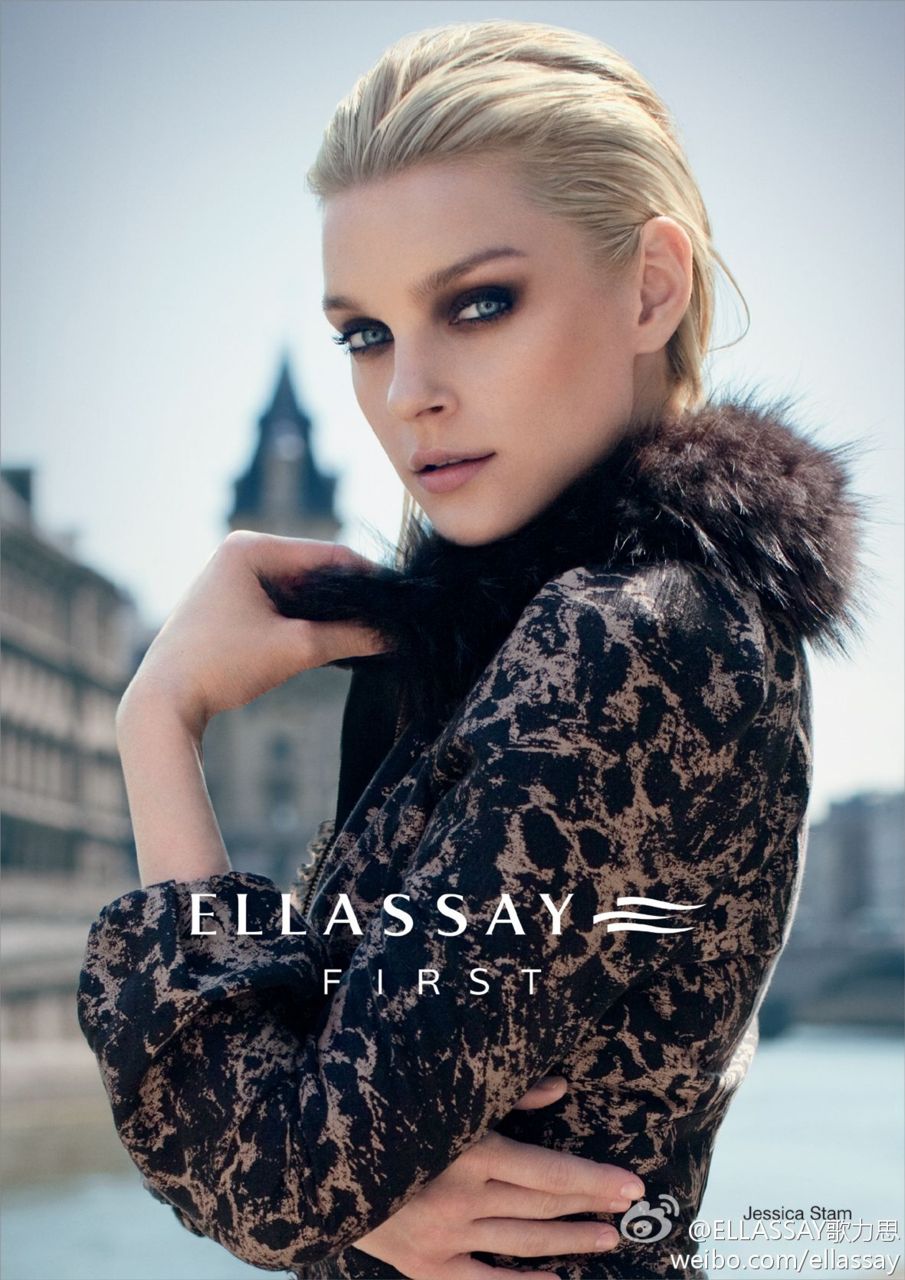
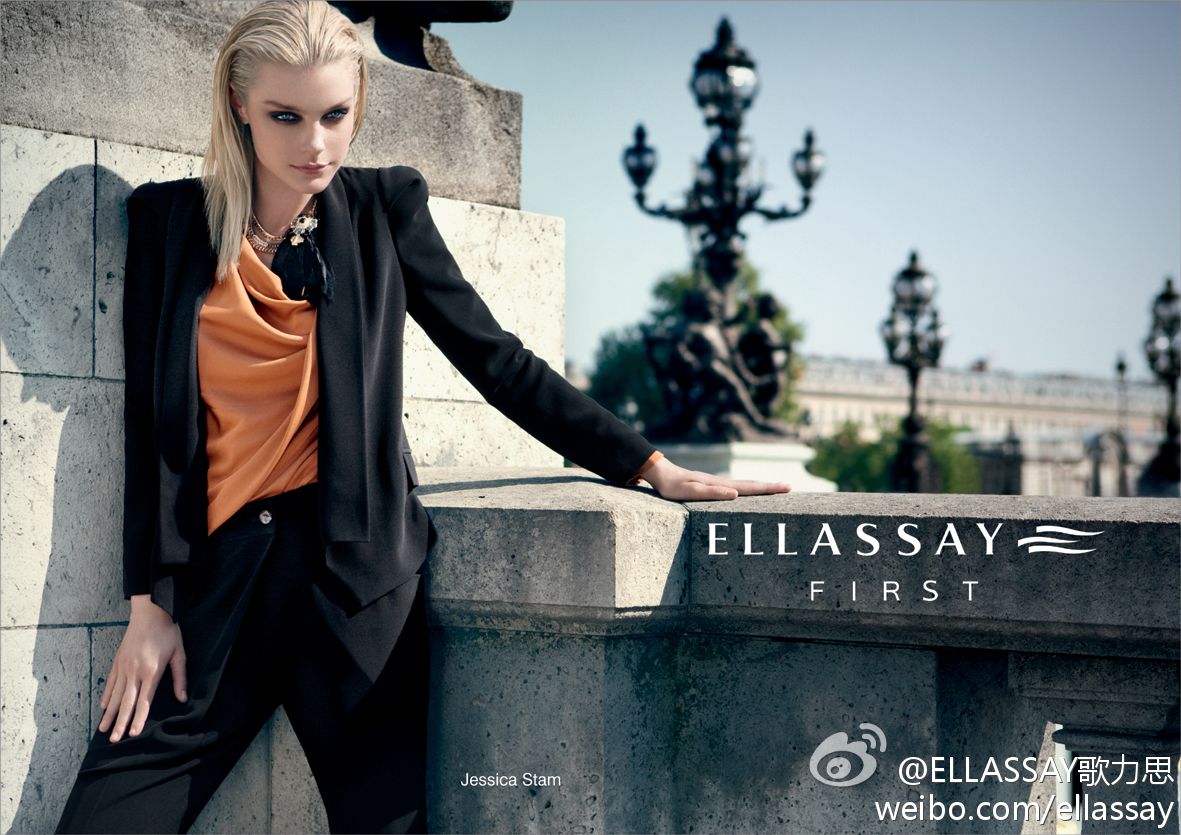
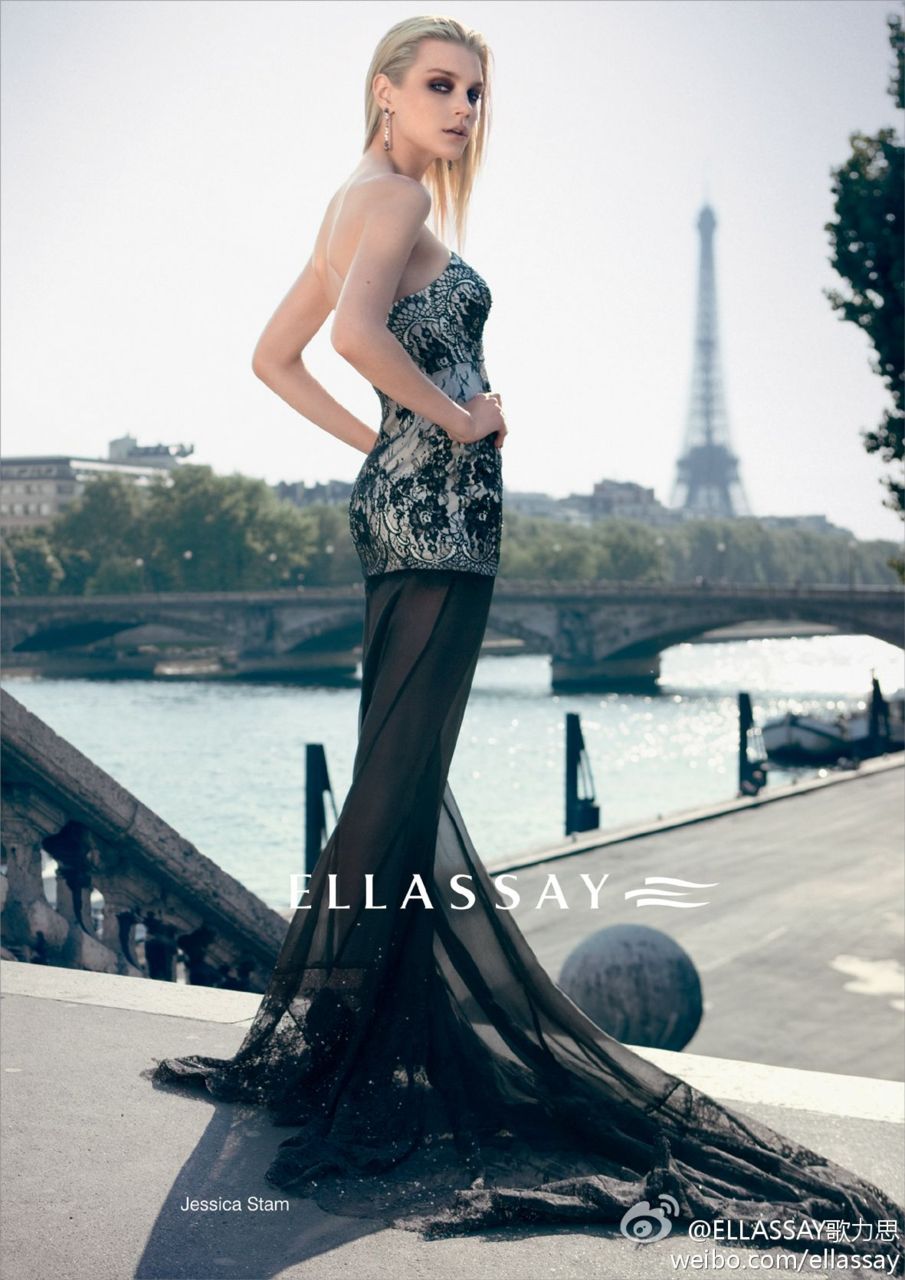
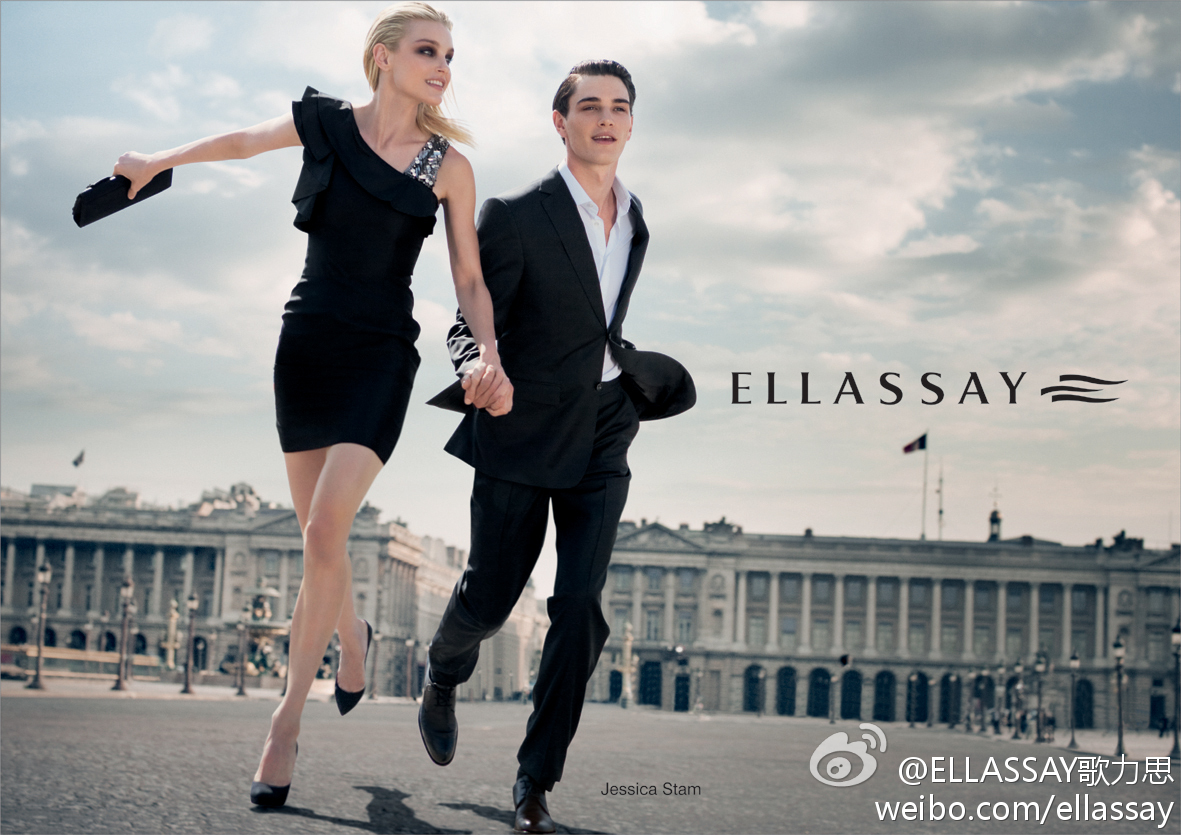
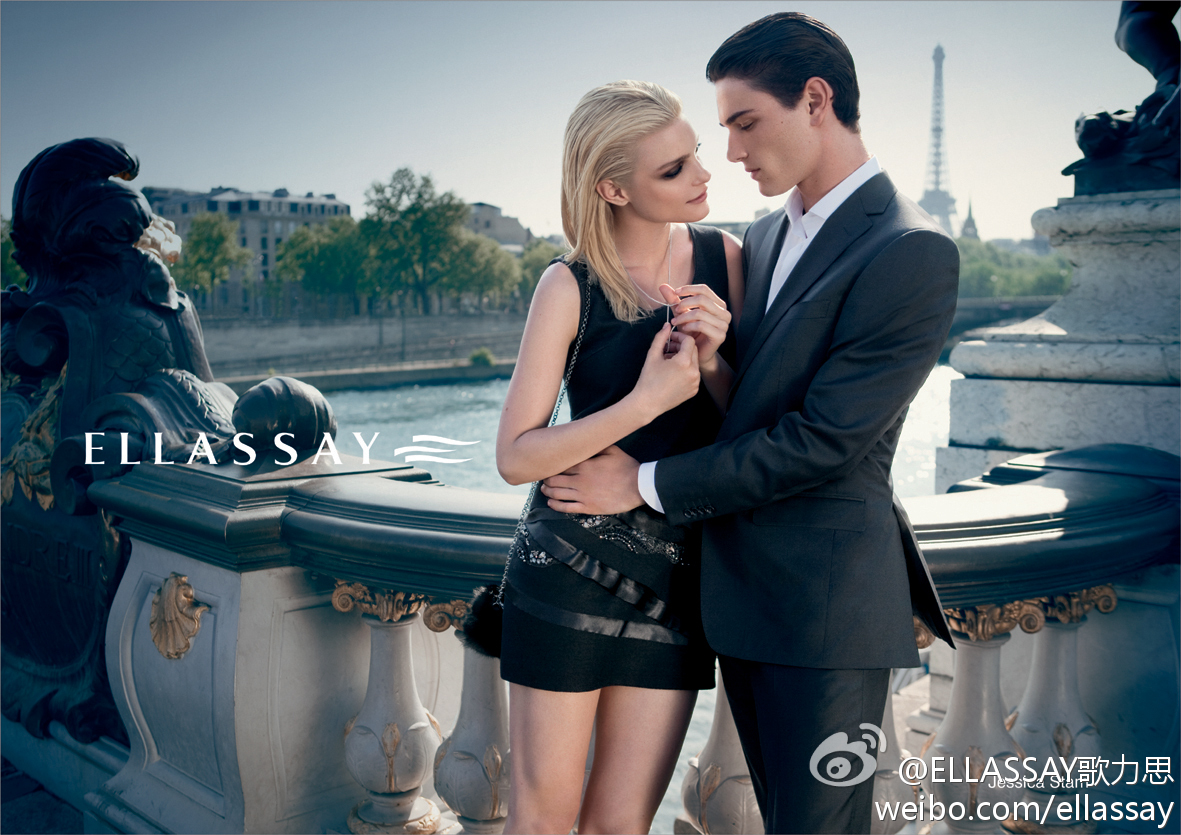
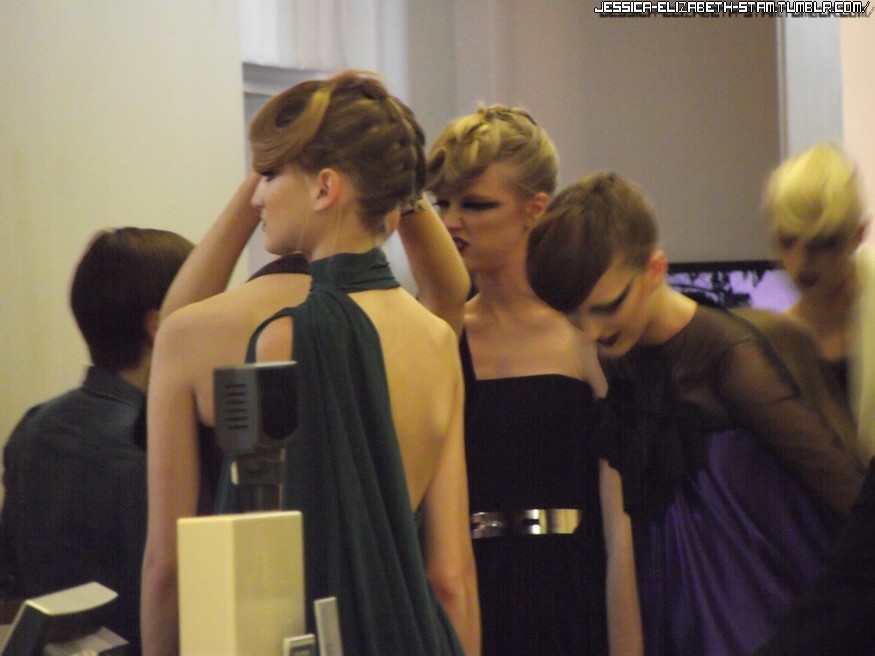
Ellassay FW 2011
-
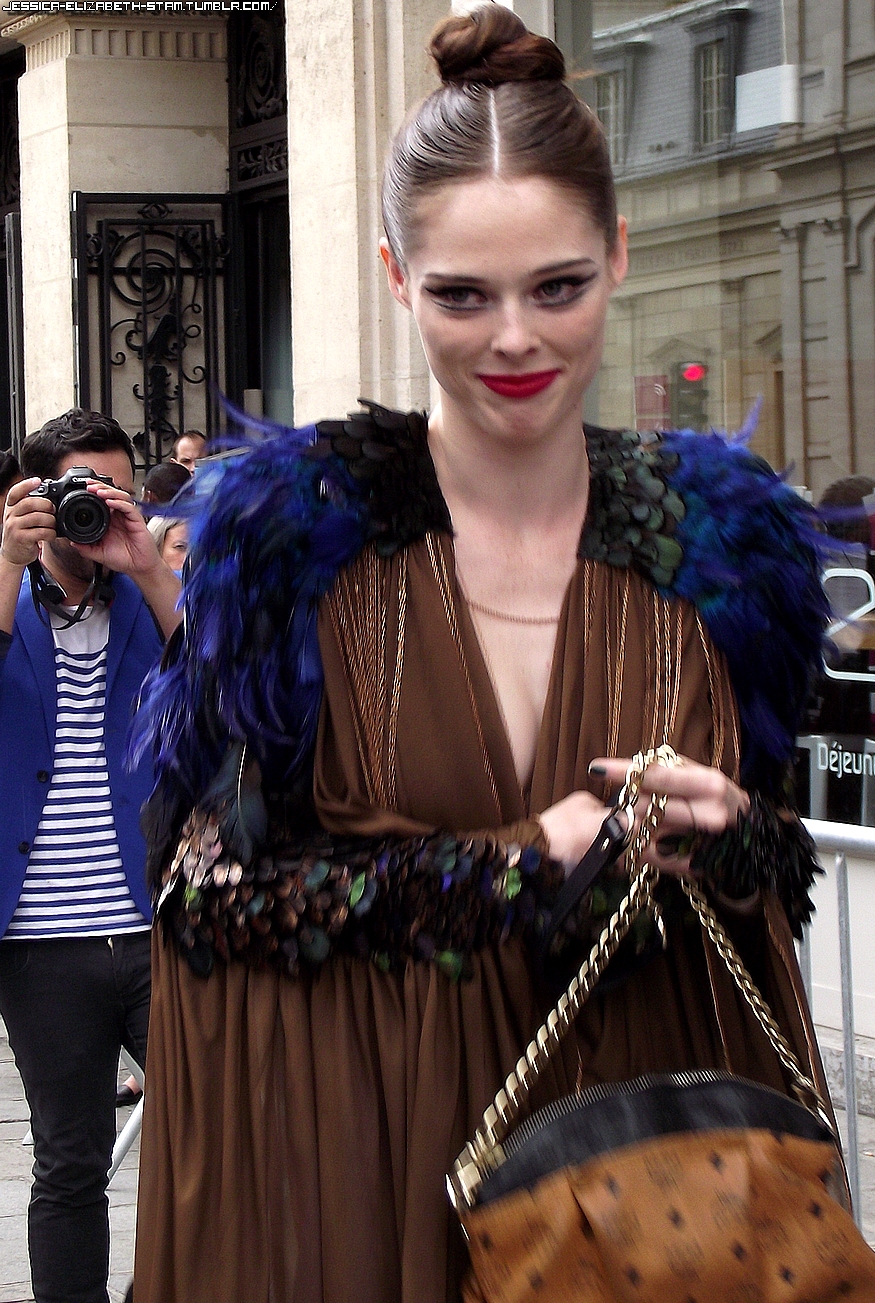
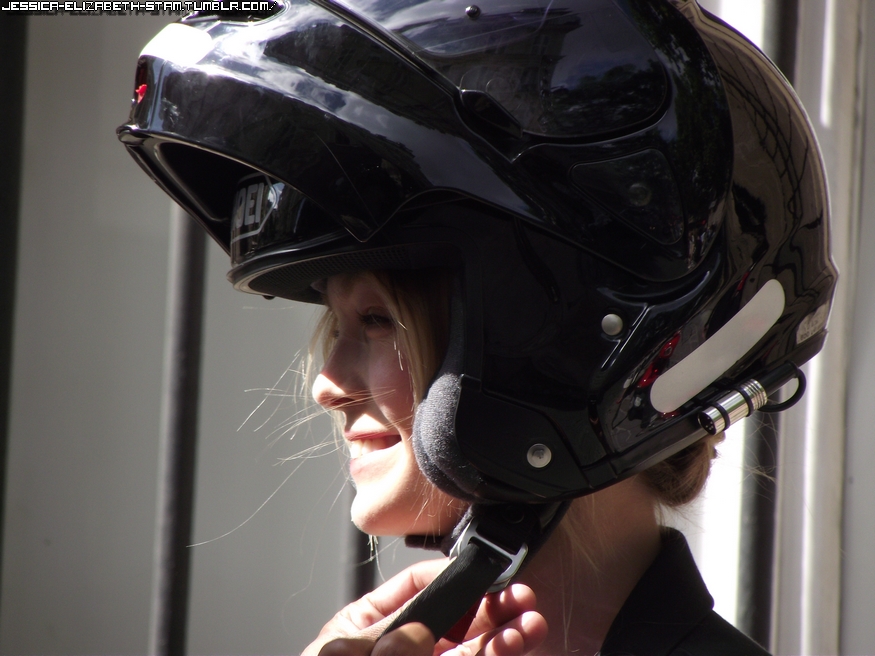
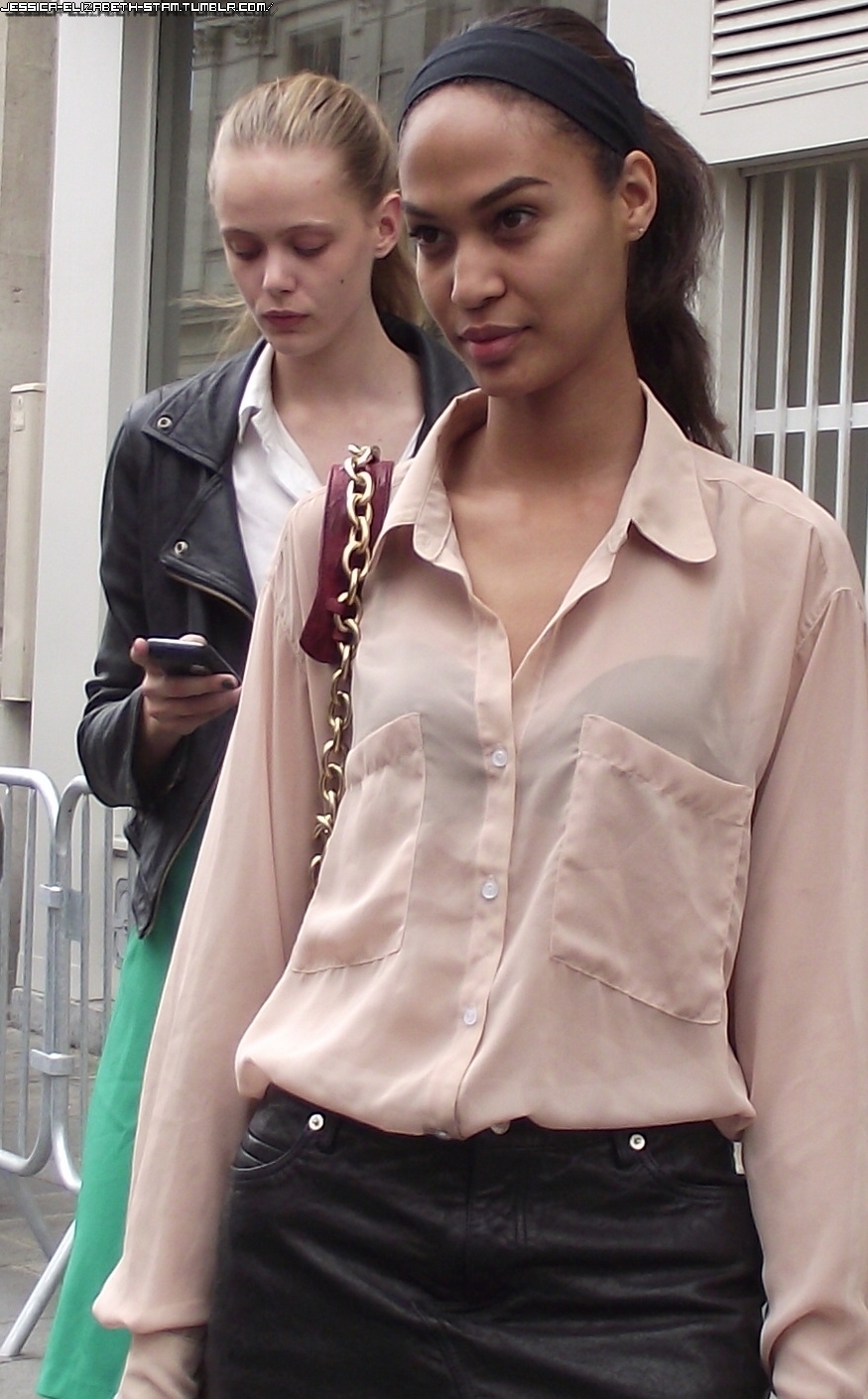
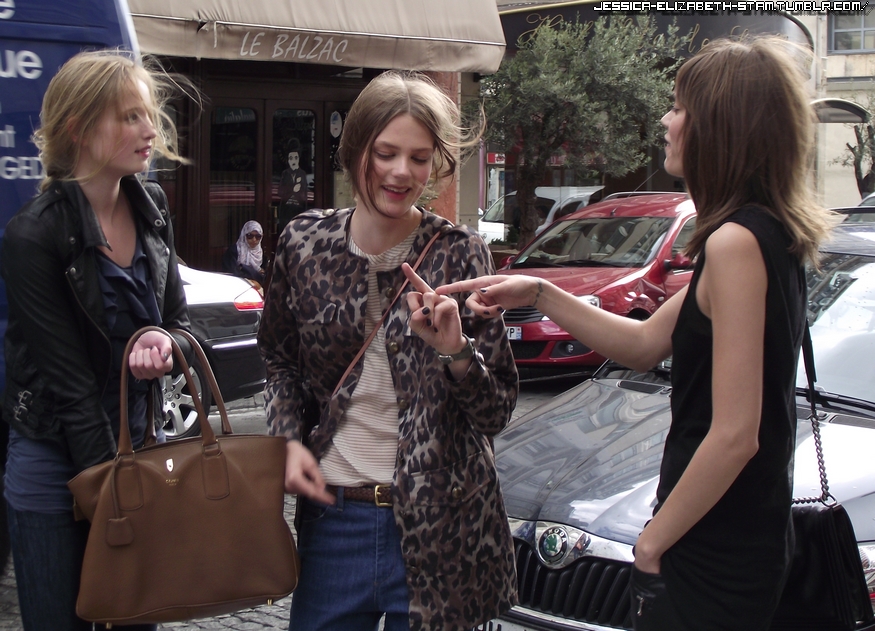
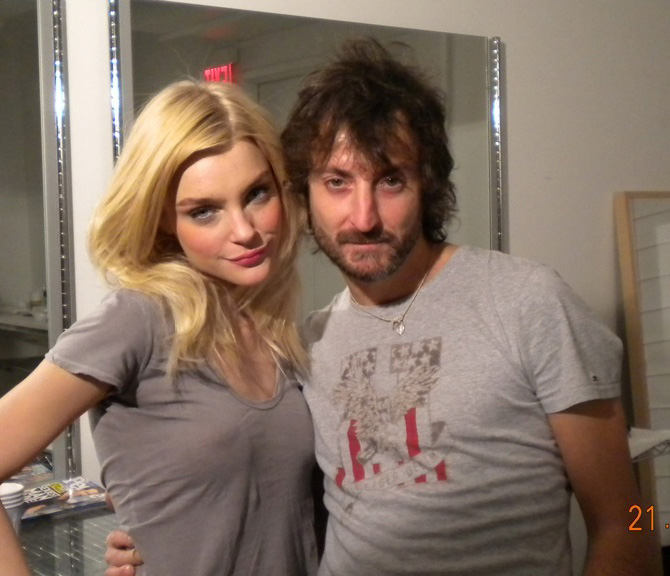
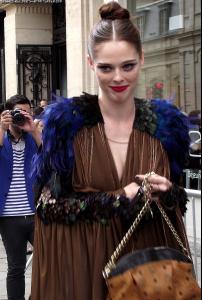
This girl is so nice. During the show I have said Hello Coco! and she has said me Hi!. Sorry for my bad english. http://www.facebook.com/pages/Jessica-E-Stam/181929155180360 Don't cut the tag please .
-
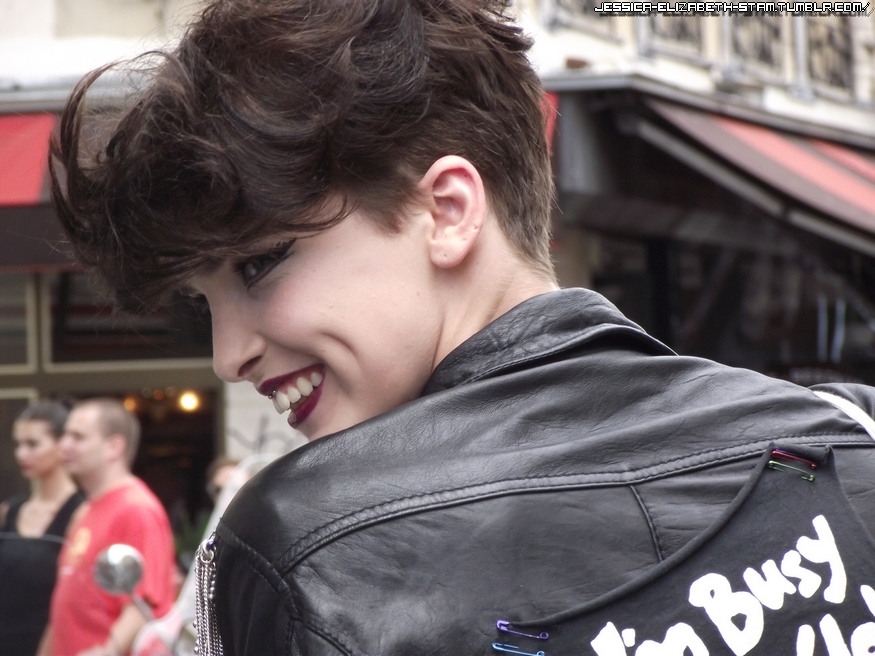
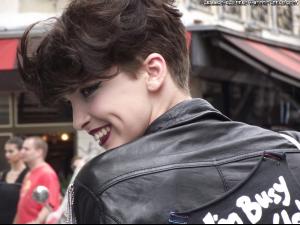
So Crazy and funny girl haha ! http://www.facebook.com/pages/Jessica-E-Stam/181929155180360 Don't cut the tag please .
-
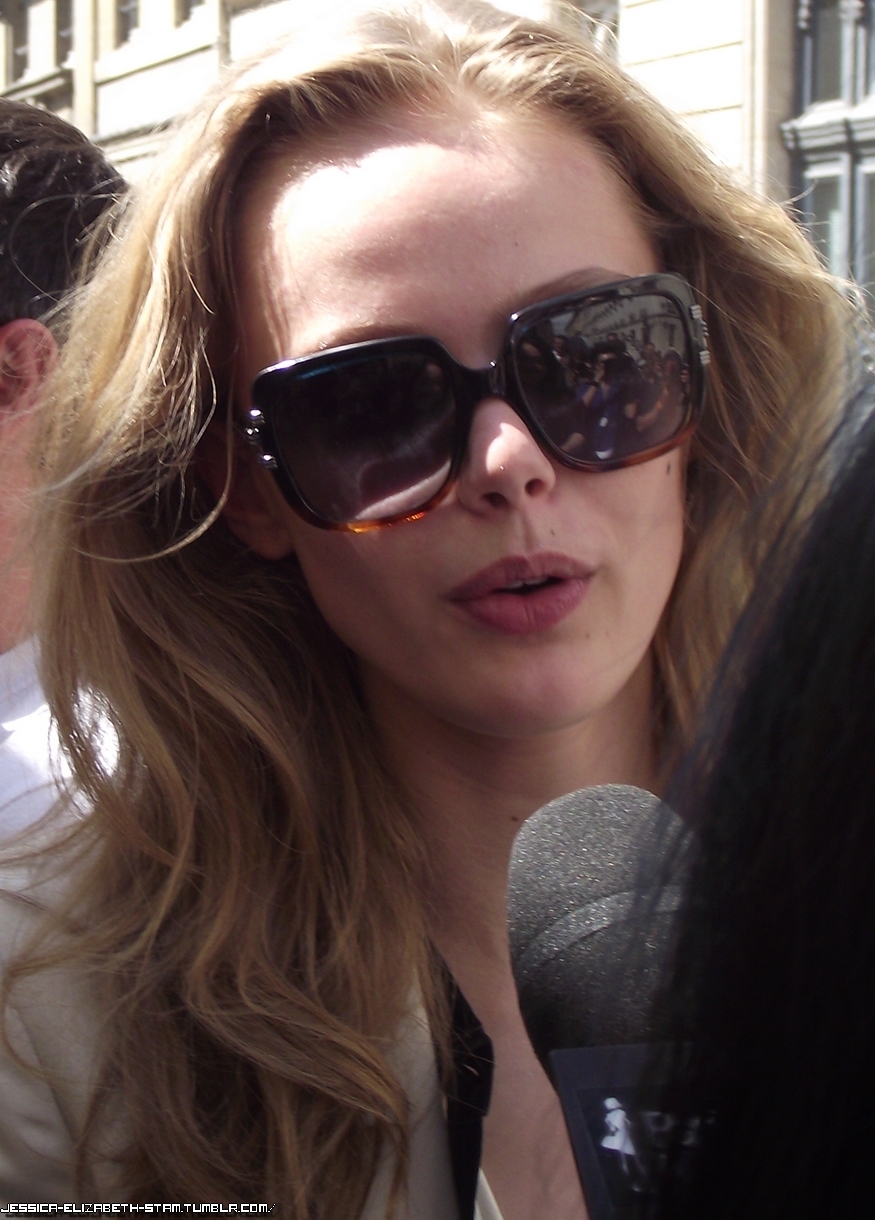
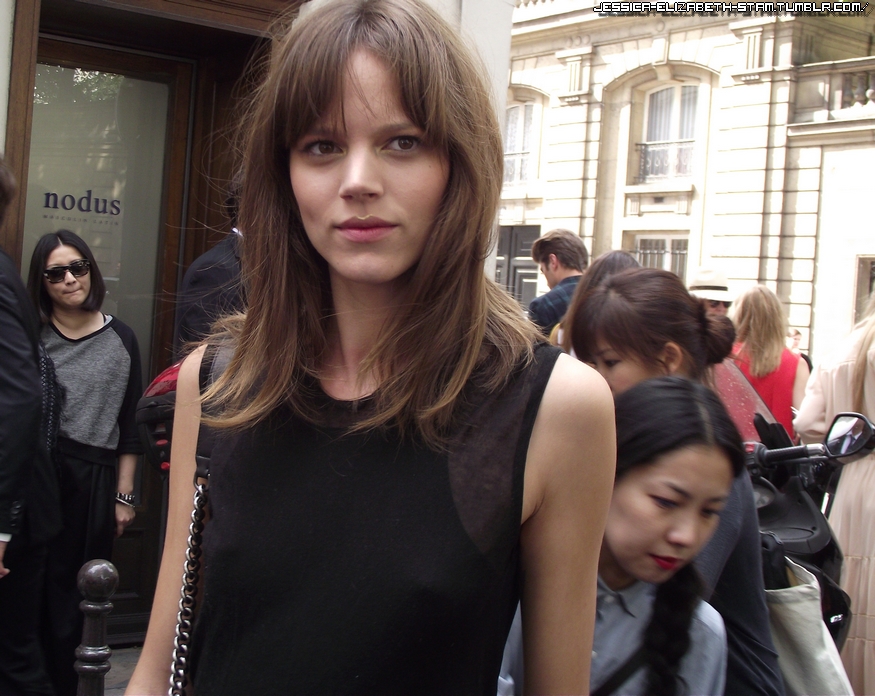
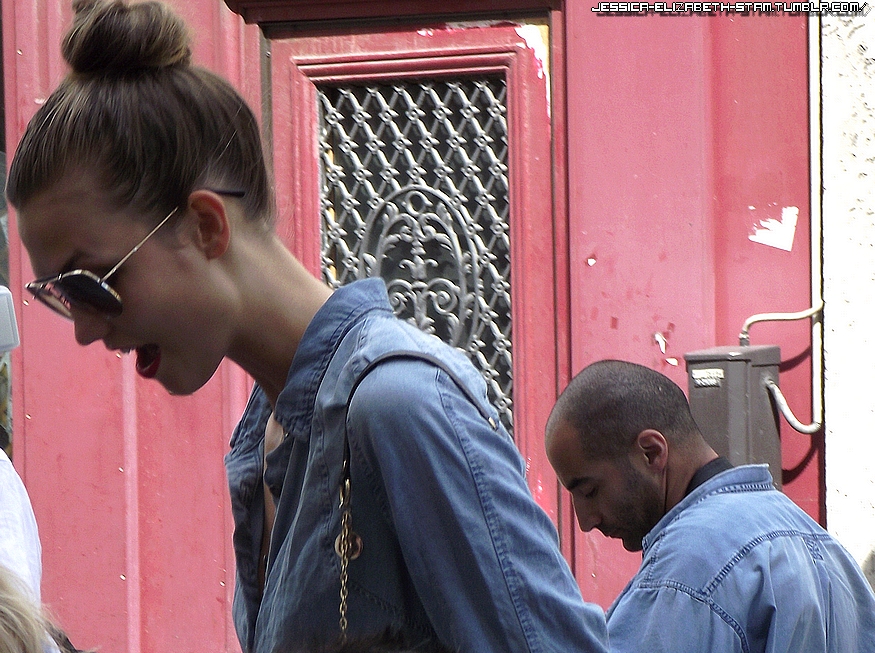
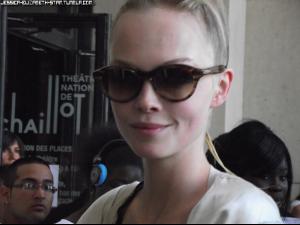
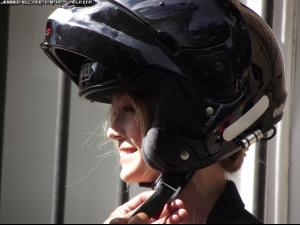
I love her, more and more. It's one of my favorite since always. She's so kind and so beautiful. I adore her.
-
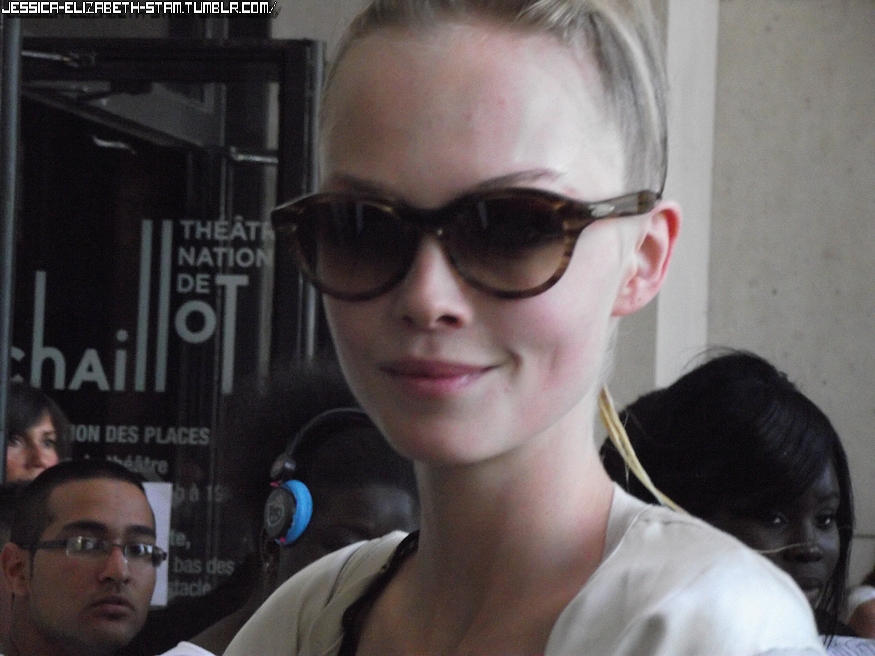
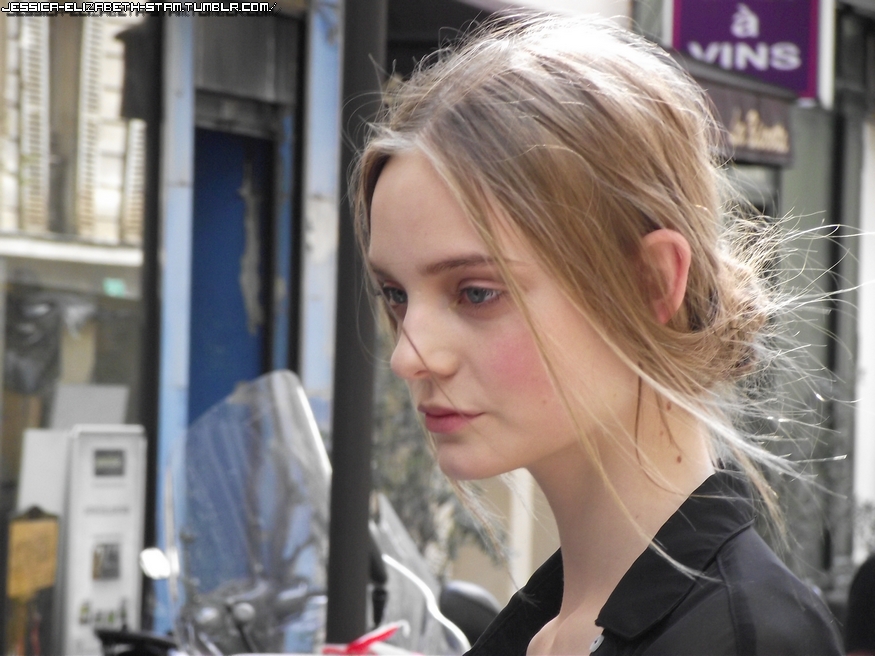
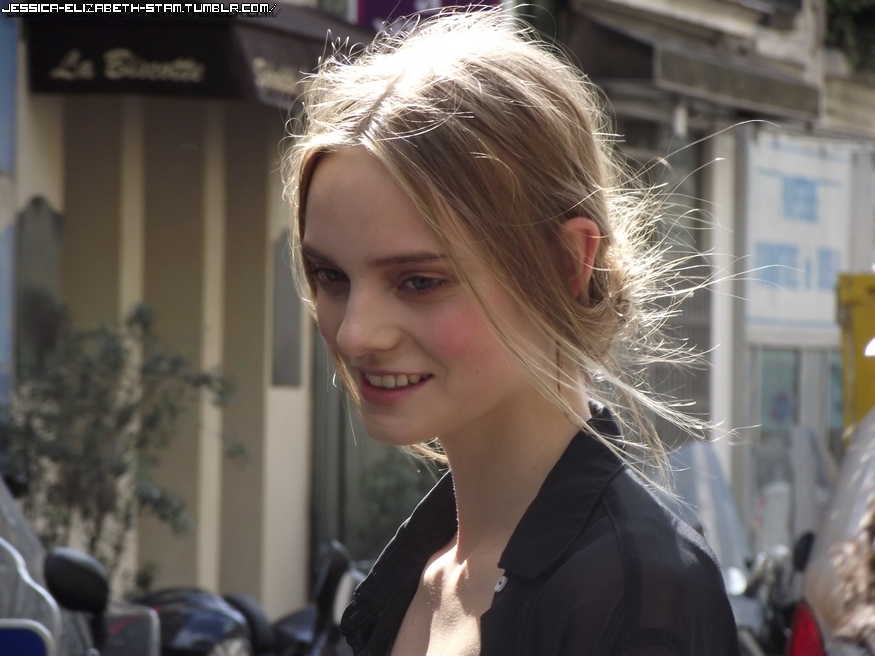
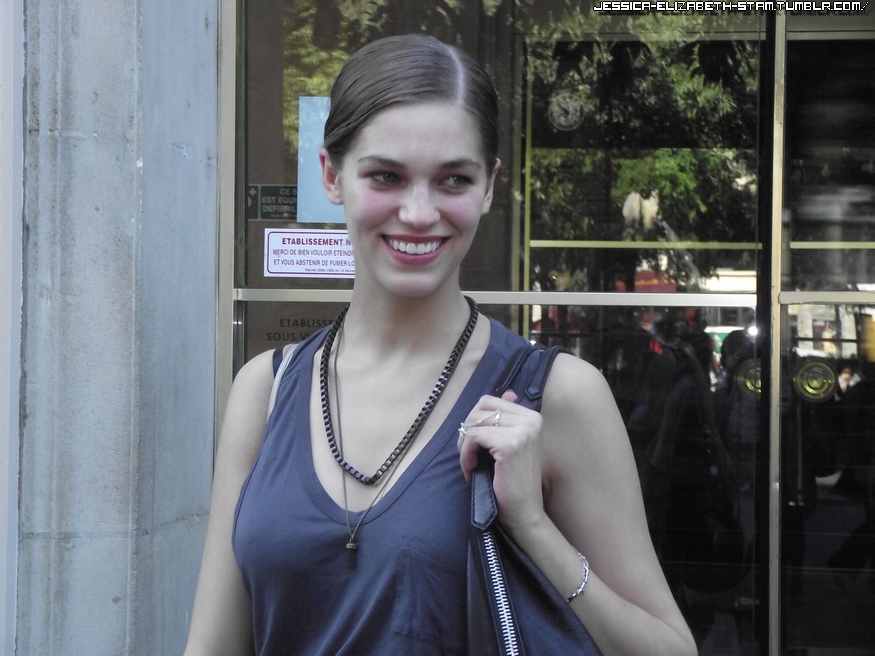
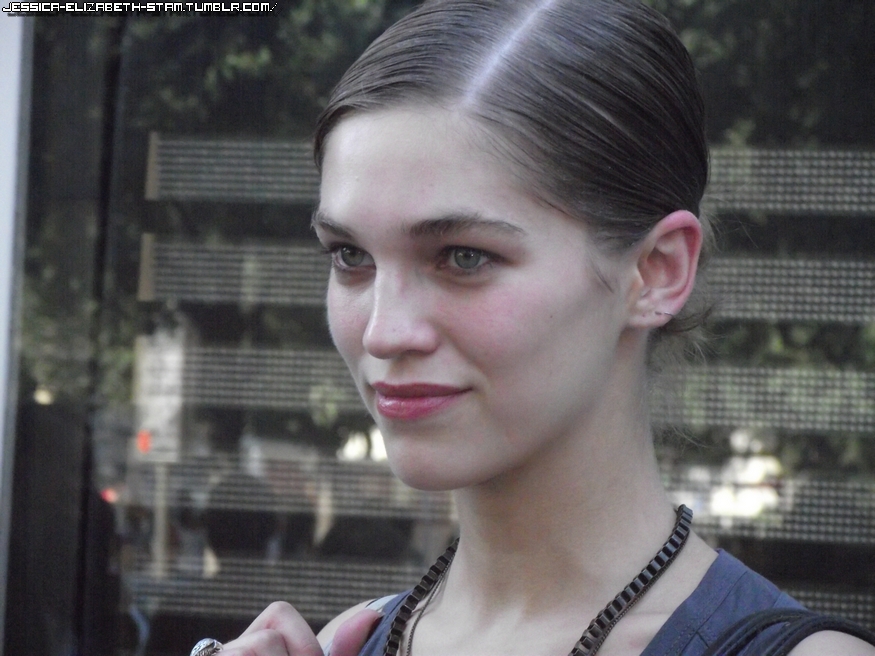
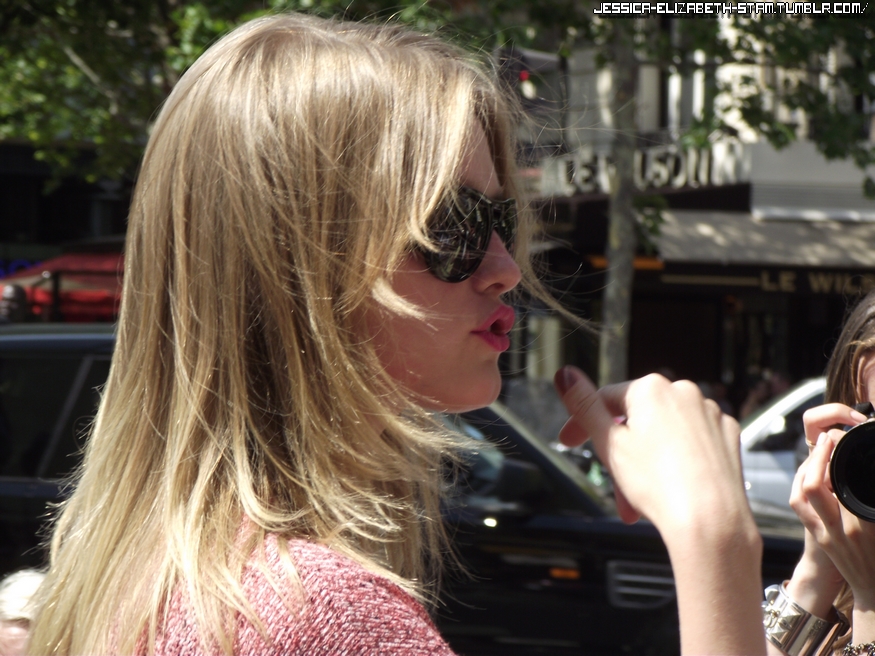
Nimue is my best suprise for me at the Haute Couture, before not really fan but now, omg... She's very beautiful, perfect skin, cute smile and so kind. http://www.facebook.com/pages/Jessica-E-Stam/181929155180360 Don't cut the tag please .
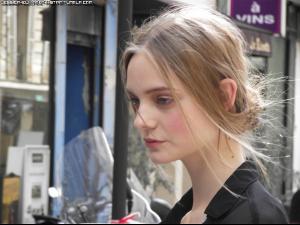
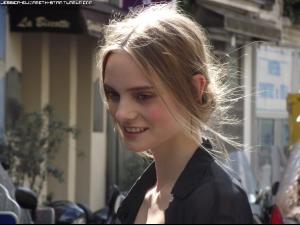
-
http://www.facebook.com/pages/Jessica-E-Stam/181929155180360 Don't cut the tag please .
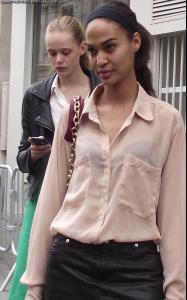
-
http://www.facebook.com/pages/Jessica-E-Stam/181929155180360 Don't cut the tag please .
-
Ok thanks you for the name
-
cute girl ^^
-
Don't cut the tag please. http://www.facebook.com/pages/Jessica-E-Stam/181929155180360
-
Don't cut the tag please. http://www.facebook.com/pages/Jessica-E-Stam/181929155180360
-
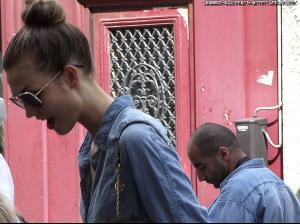
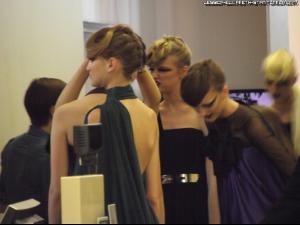
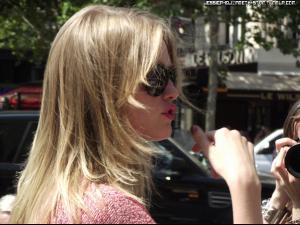
My photos don't cut the tag please http://www.facebook.com/pages/Jessica-E-Stam/181929155180360
-
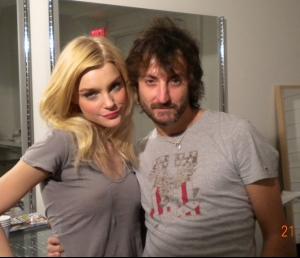
List and new picture

-
La Senza 2011, The Room FW 2011-2012, MBFW 2011... http://jessica-elizabeth-stam.tumblr.com/