
M4123
Members
-
Joined
-
Last visited
-
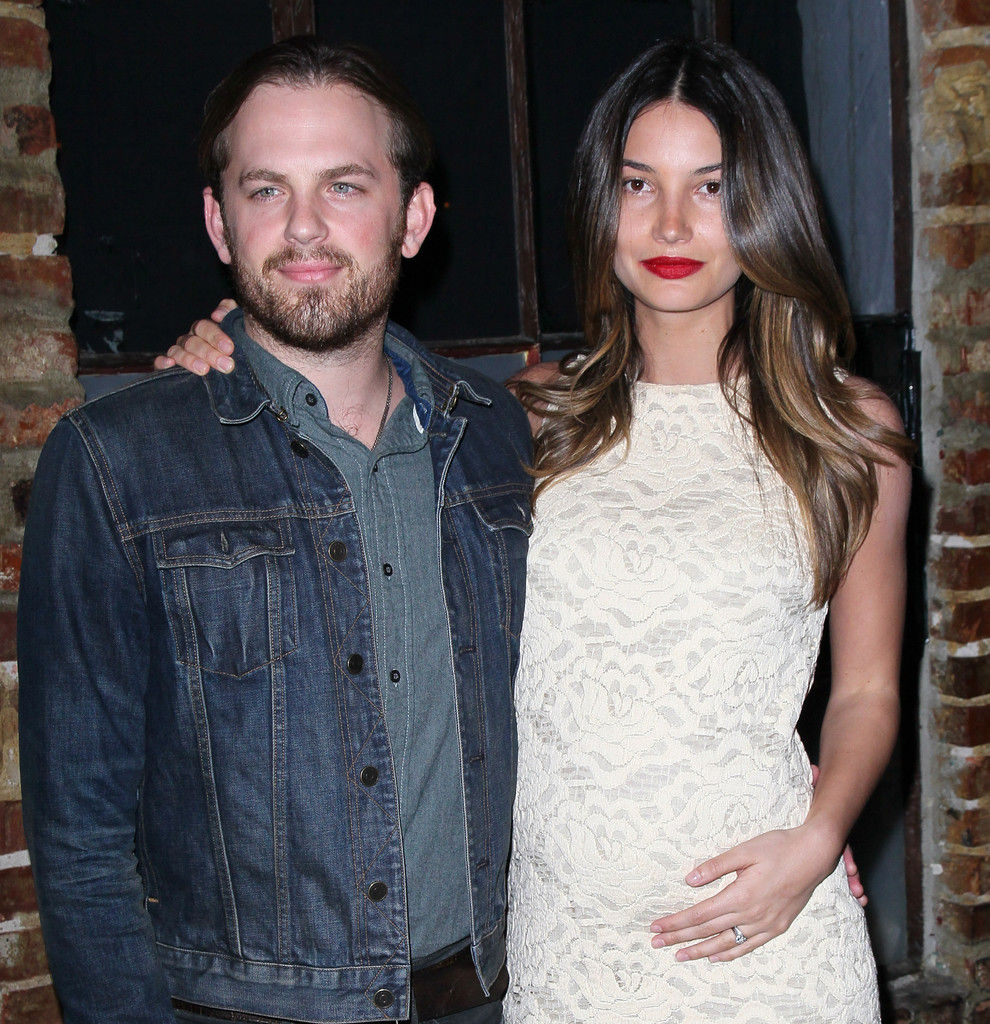
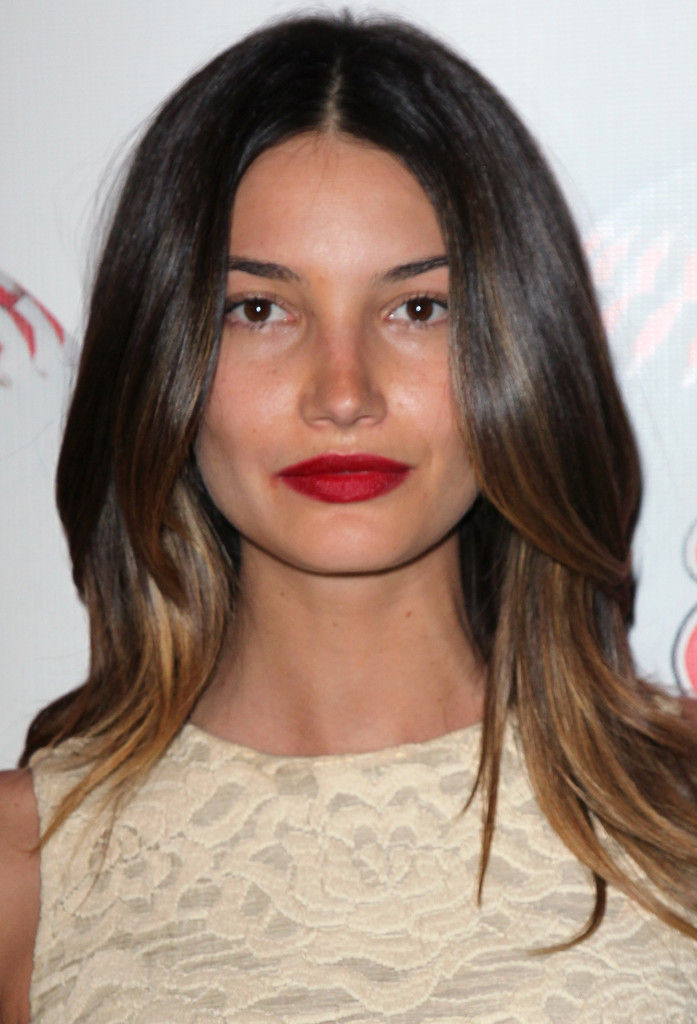
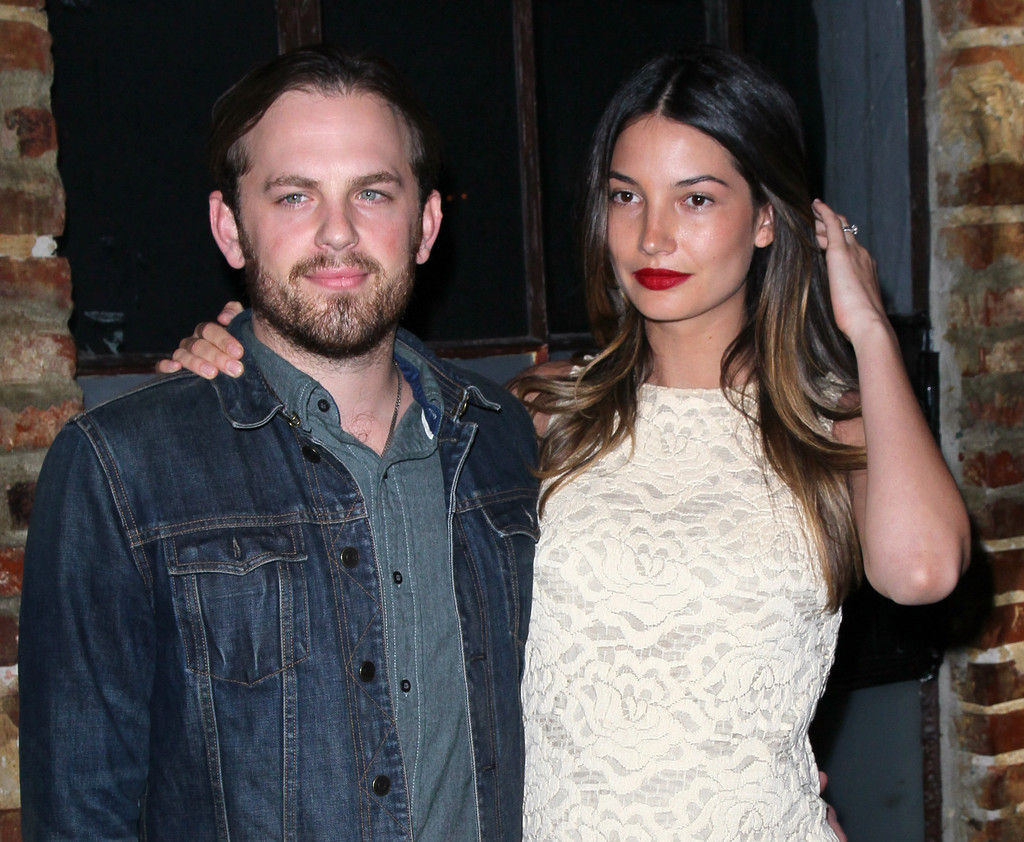
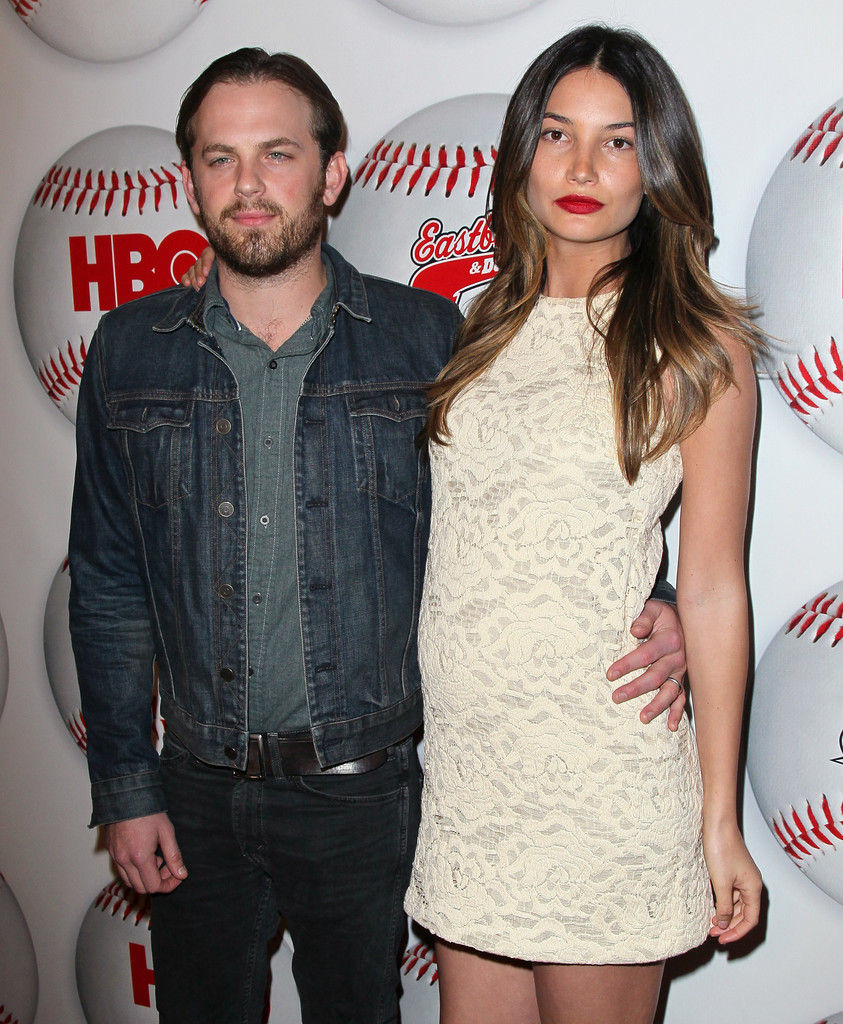
premiere of HBO's "Eastbound & Down" Season 3 at Cinespace on February 9, 2012 in Hollywood, California


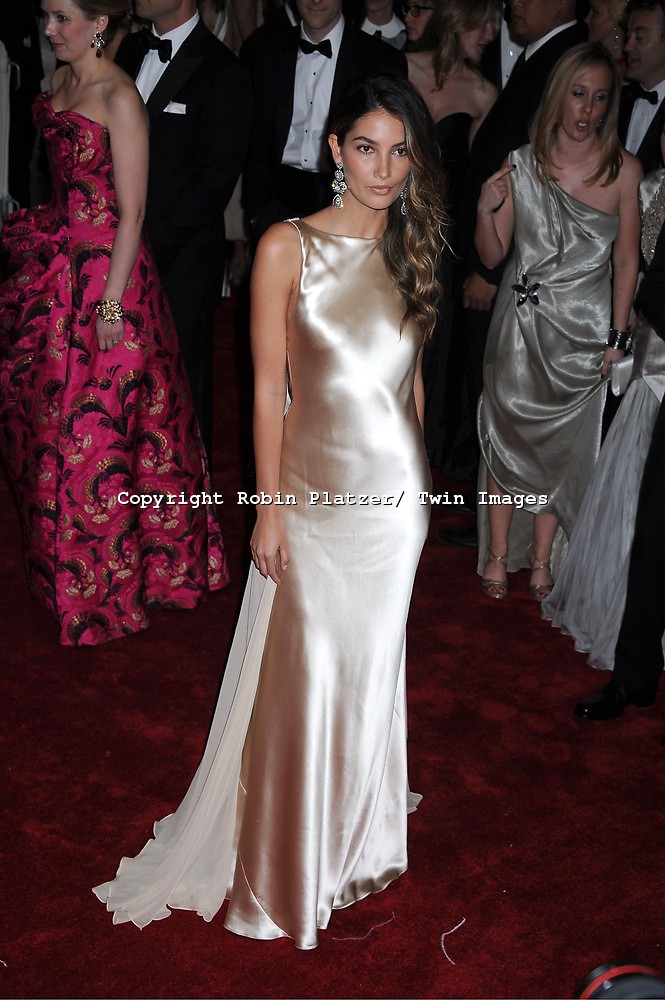
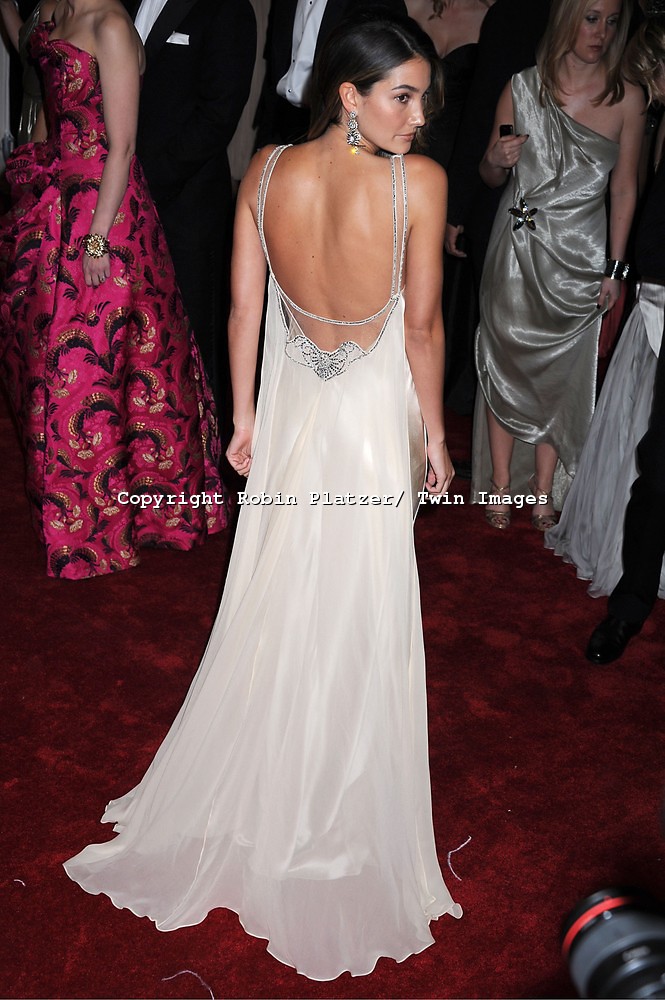
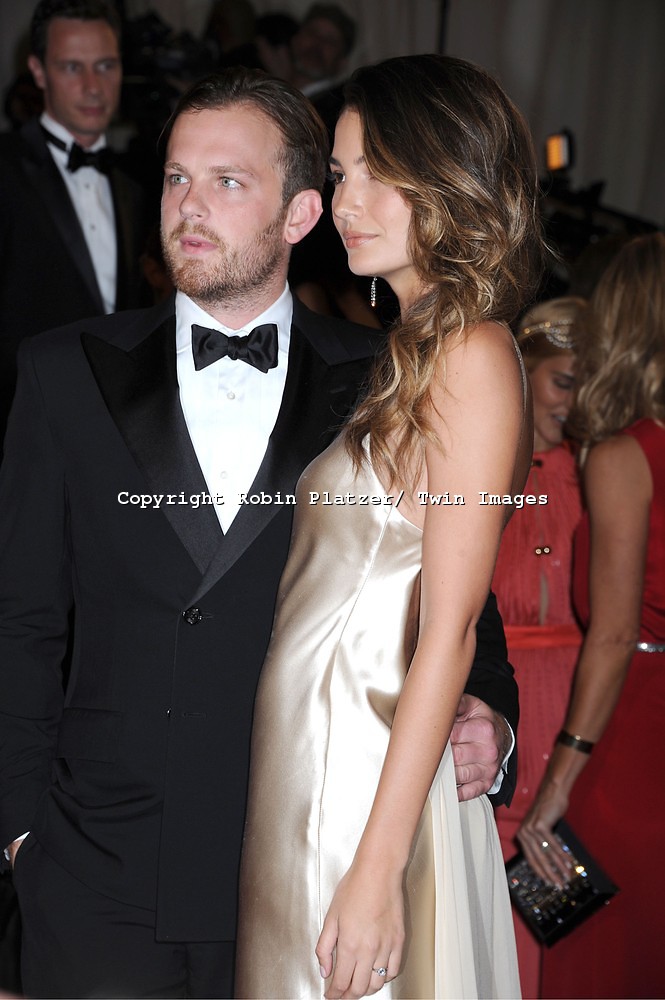
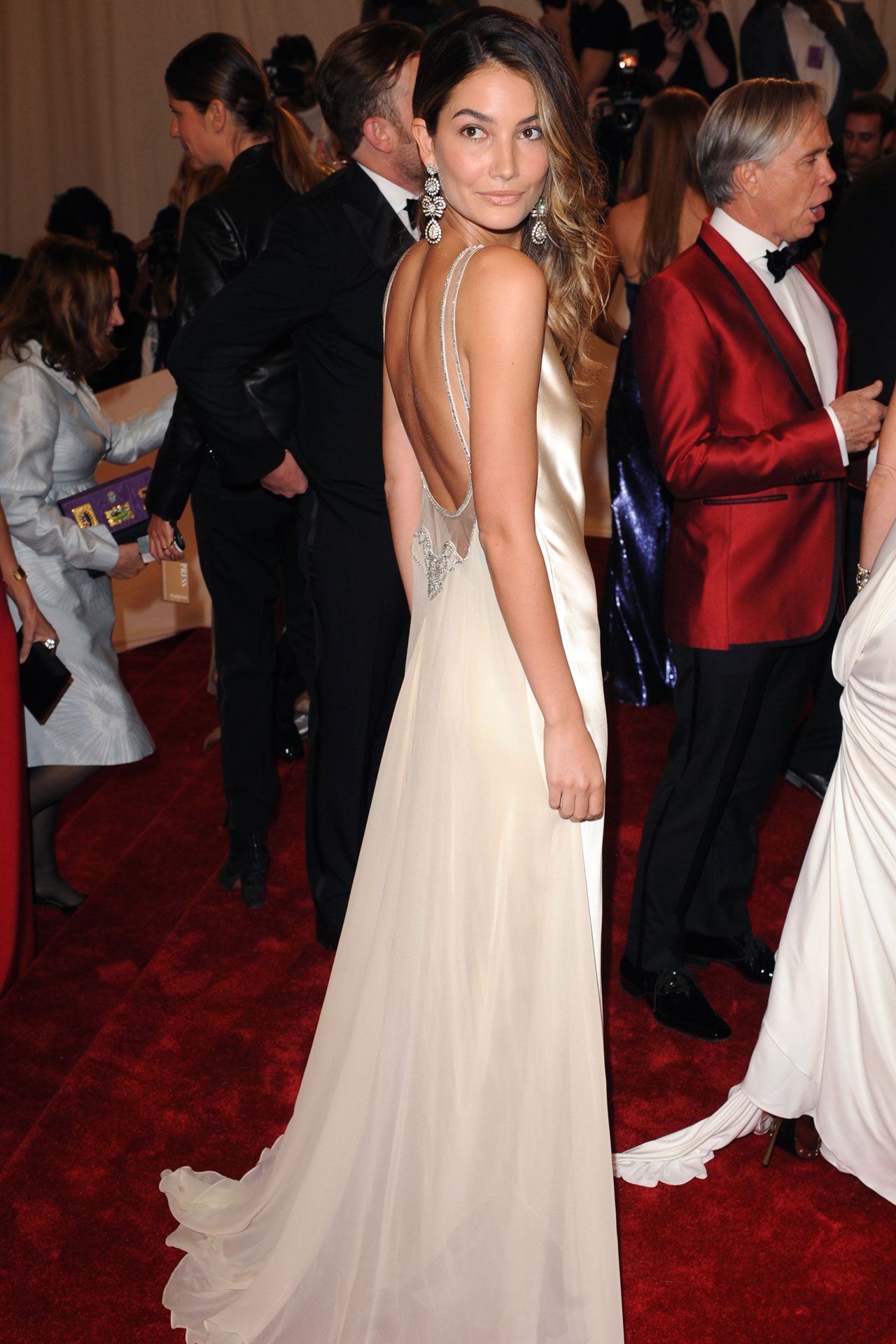
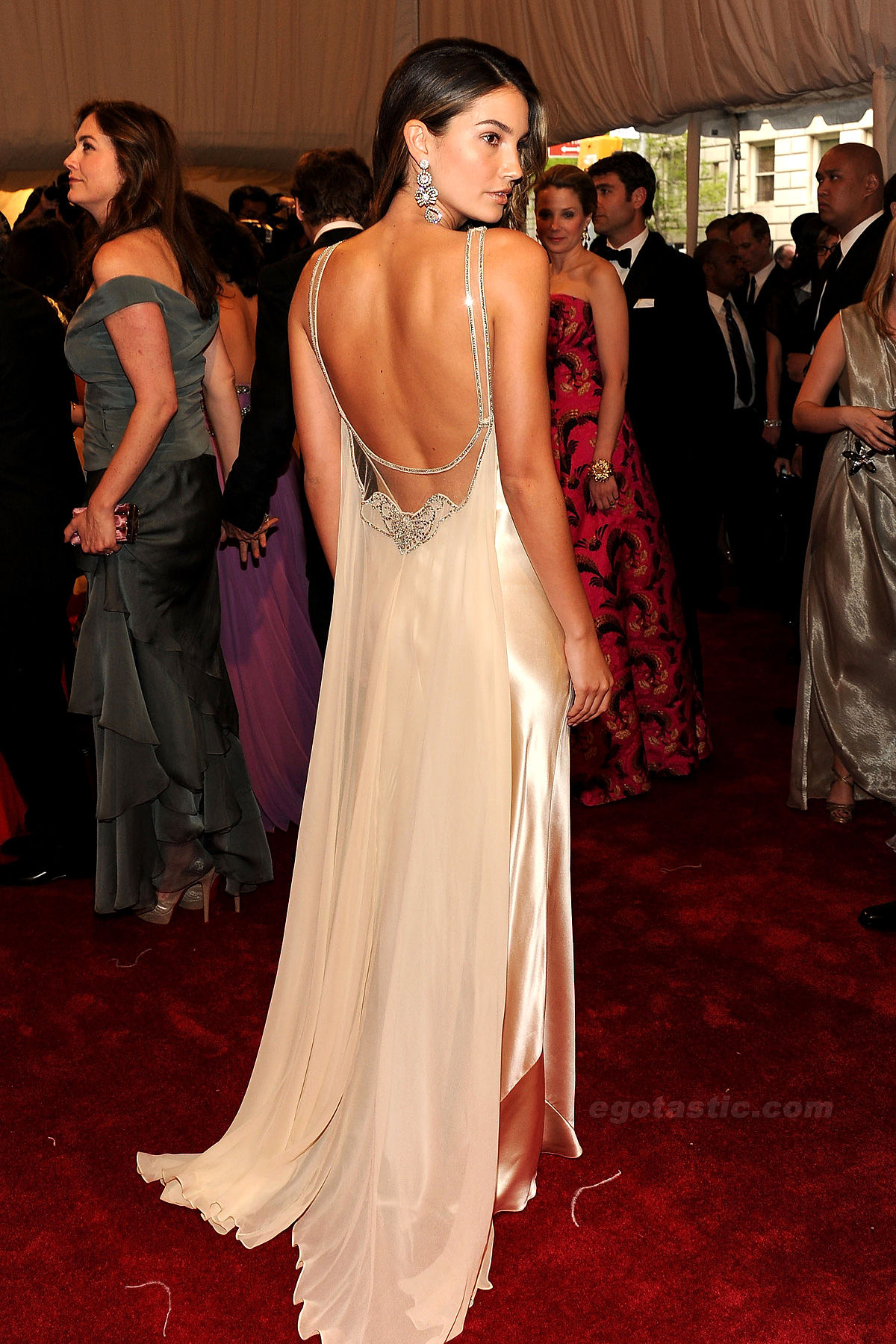
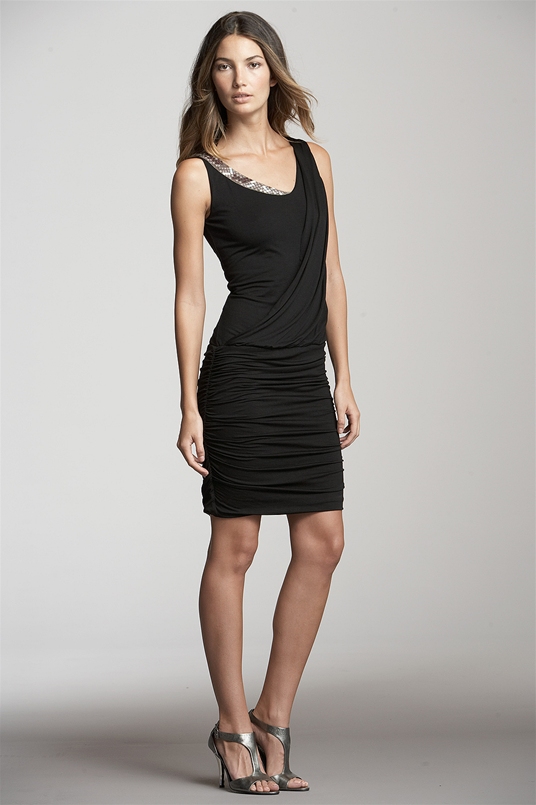
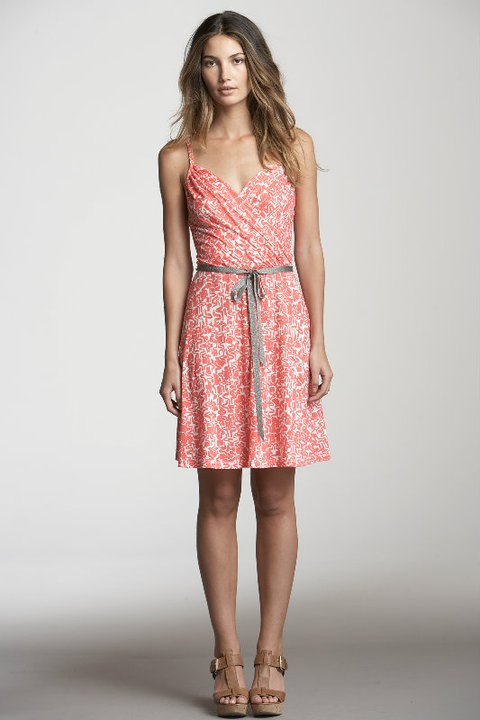
 Triumph Essence Spring/Summer 2012 Ad Campaign Photoshoot by Rankin HQVelvet Spring 2012Lily Aldridge at the premiere of 'Talihina Sky: The Story Of Kings Of Leon' during the 2011 Tribeca Film Festival at BMCC/TPAC in New York City. April 21, 2011.New VS SWim 2011Image hidden for guestsSign in to viewImage hidden for guestsSign in to viewImage hidden for guestsSign in to viewImage hidden for guestsSign in to viewImage hidden for guestsSign in to viewImage hidden for guestsSign in to viewImage hidden for guestsSign in to viewImage hidden for guestsSign in to viewVelvet Spring 2011Velvet Spring 2011









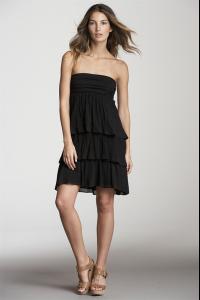
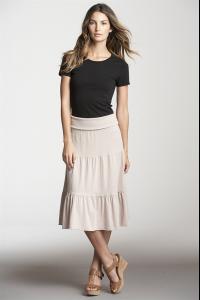
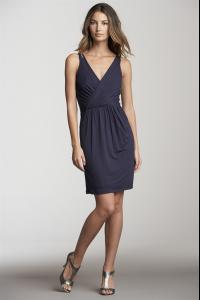
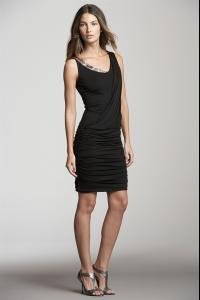














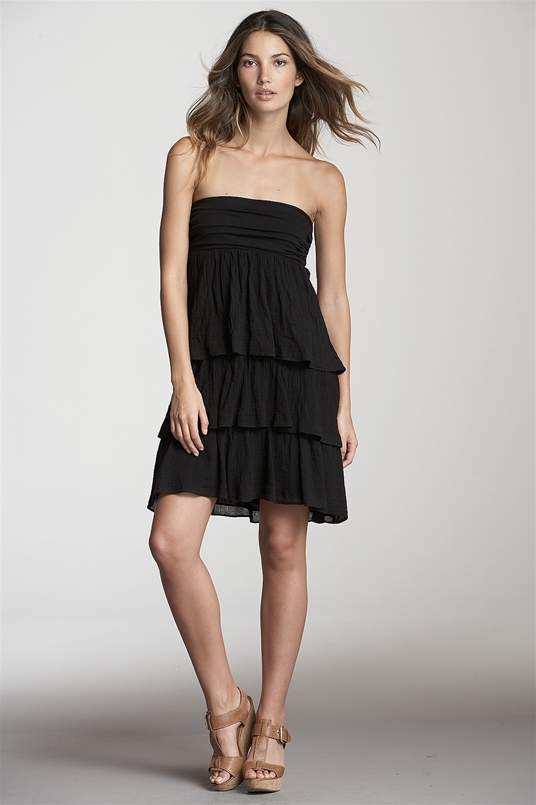
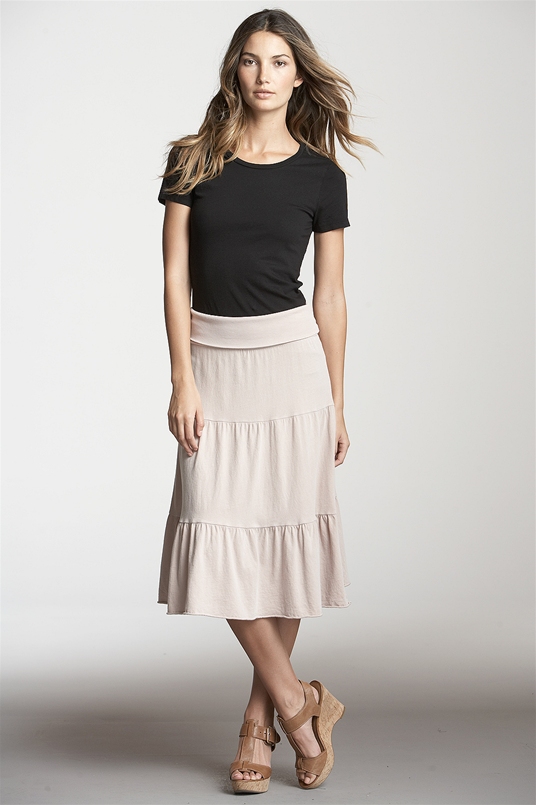
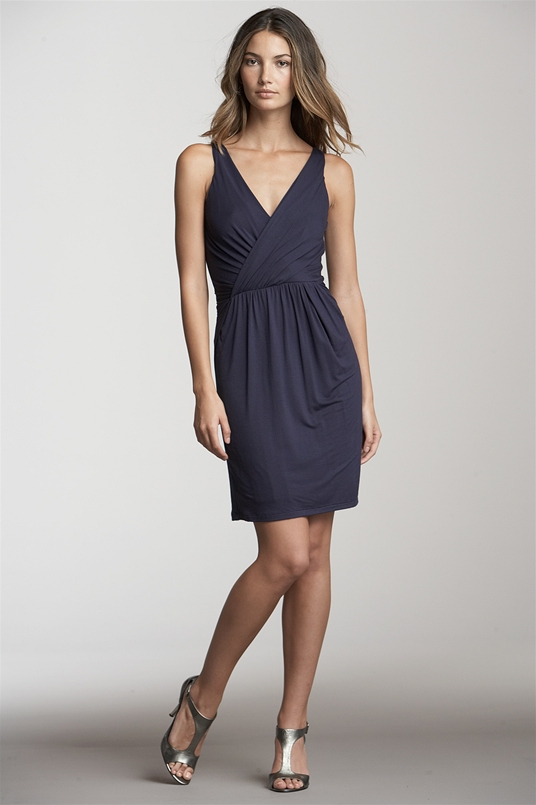
 Velvet Resort 2011Lily for J crew 2011










































Account
Navigation
Search
Configure browser push notifications
Chrome (Android)
- Tap the lock icon next to the address bar.
- Tap Permissions → Notifications.
- Adjust your preference.
Chrome (Desktop)
- Click the padlock icon in the address bar.
- Select Site settings.
- Find Notifications and adjust your preference.
Safari (iOS 16.4+)
- Ensure the site is installed via Add to Home Screen.
- Open Settings App → Notifications.
- Find your app name and adjust your preference.
Safari (macOS)
- Go to Safari → Preferences.
- Click the Websites tab.
- Select Notifications in the sidebar.
- Find this website and adjust your preference.
Edge (Android)
- Tap the lock icon next to the address bar.
- Tap Permissions.
- Find Notifications and adjust your preference.
Edge (Desktop)
- Click the padlock icon in the address bar.
- Click Permissions for this site.
- Find Notifications and adjust your preference.
Firefox (Android)
- Go to Settings → Site permissions.
- Tap Notifications.
- Find this site in the list and adjust your preference.
Firefox (Desktop)
- Open Firefox Settings.
- Search for Notifications.
- Find this site in the list and adjust your preference.