
egluze
Members
-
Joined
-
Last visited
Everything posted by egluze
-
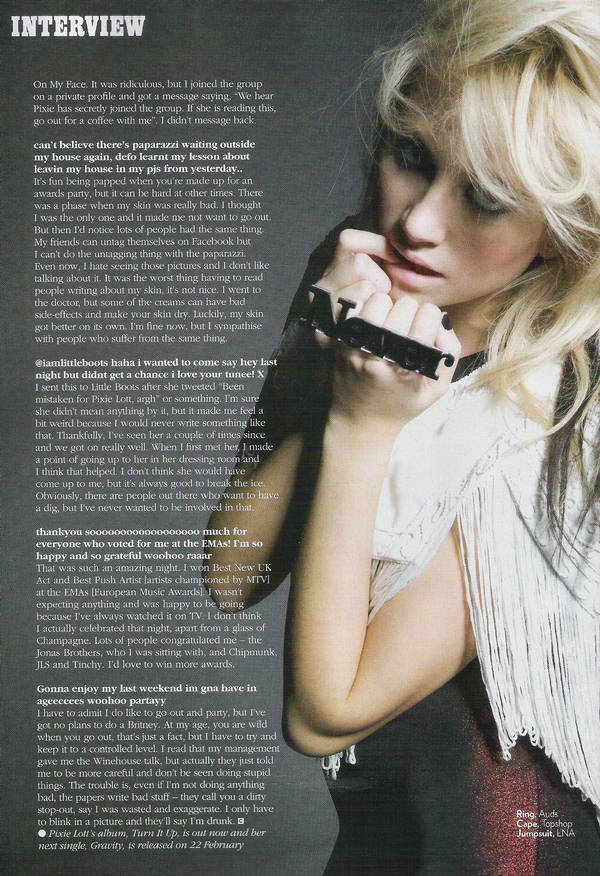
 Elle Denmark February 2010



-
-
Vogue Italy February 2010








-
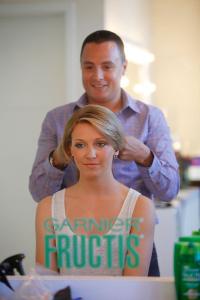
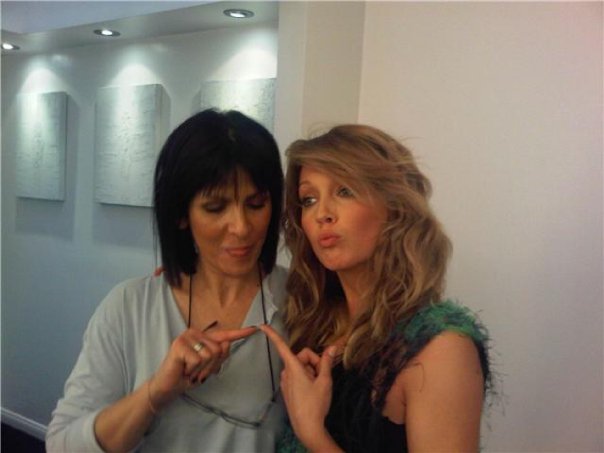
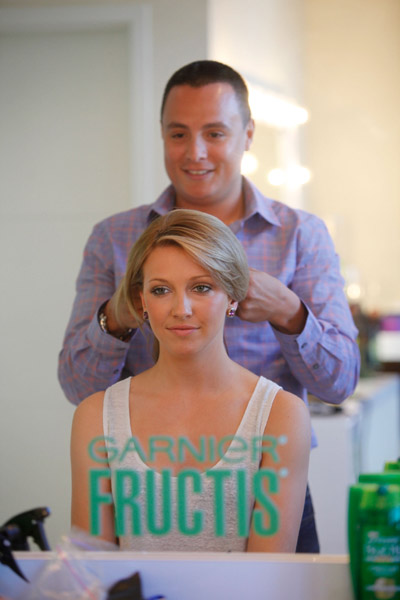
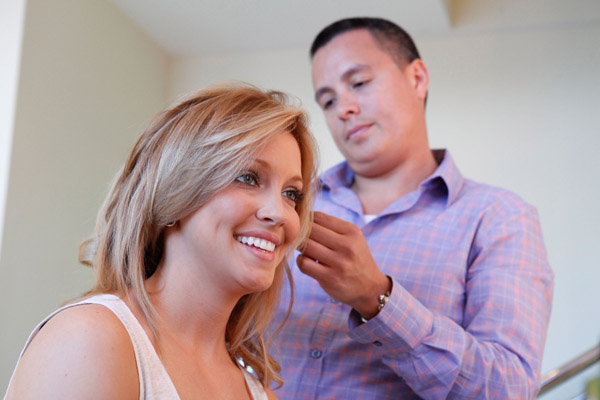
Garnier Fructis Super Salon at Hotel 944 - Eden Roc










 Tide and Venus Williams Launch New Tide Plus Febreze Freshness Sport

 February 13



 More Details magazine pics


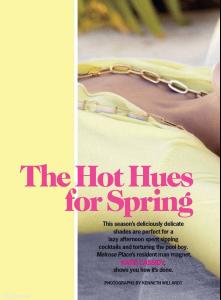
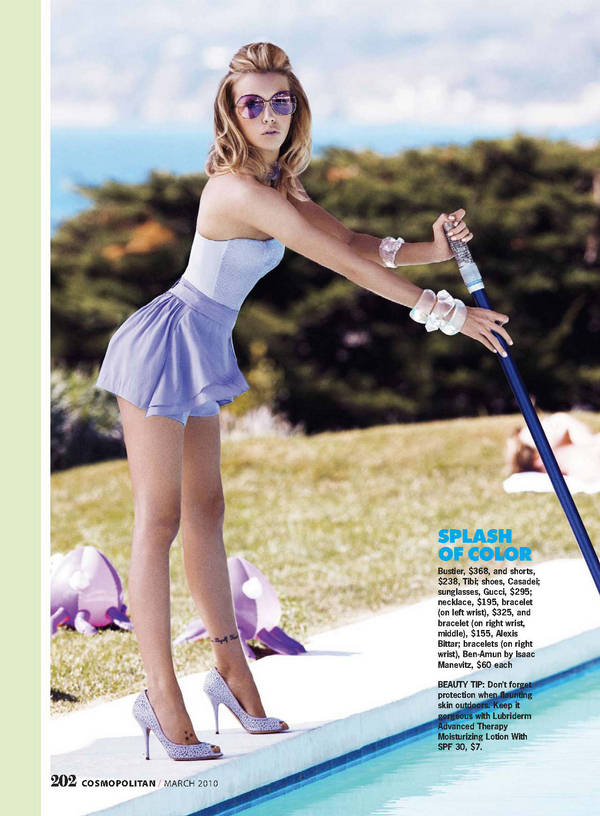
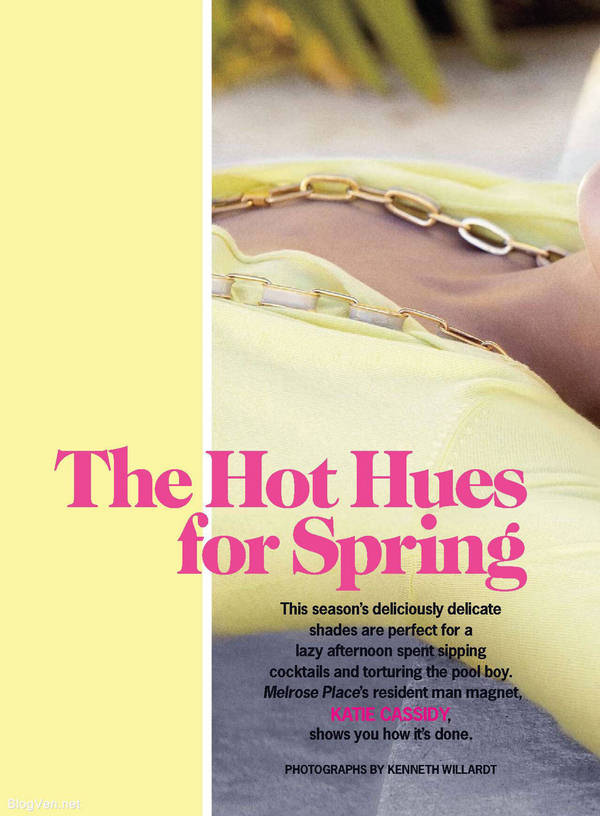
 Cosmopolitan Magazine March 2010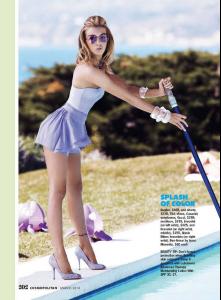



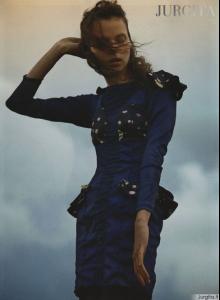
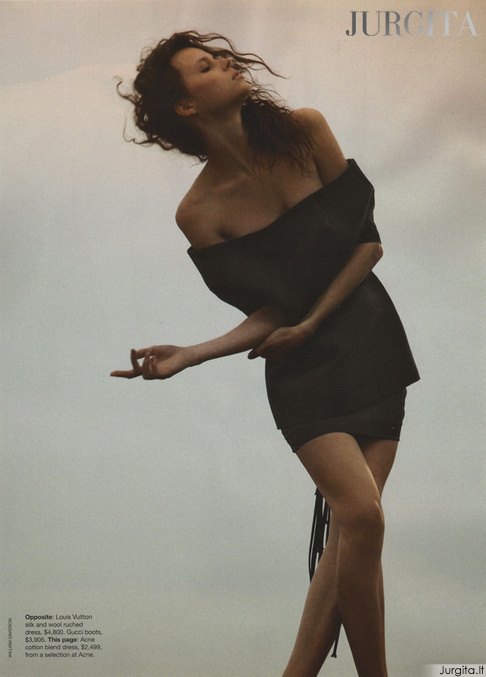
 Vogue November 2009




 :drool: :drool:
 Wow amazing photo
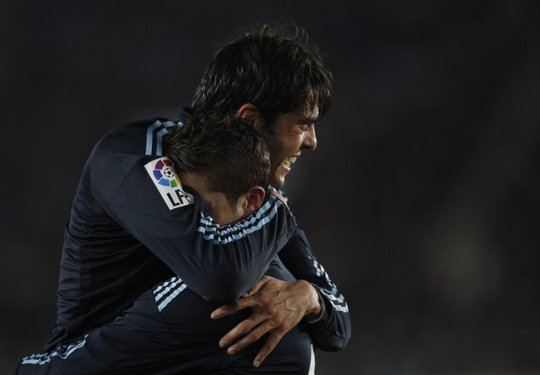
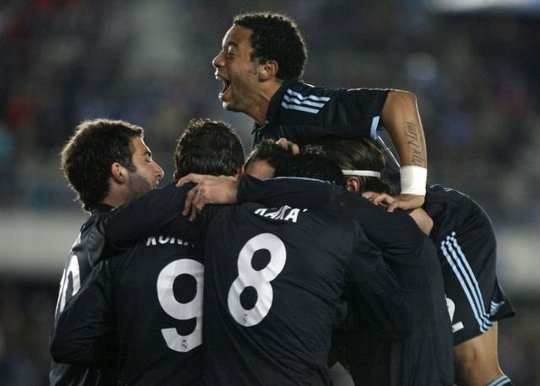
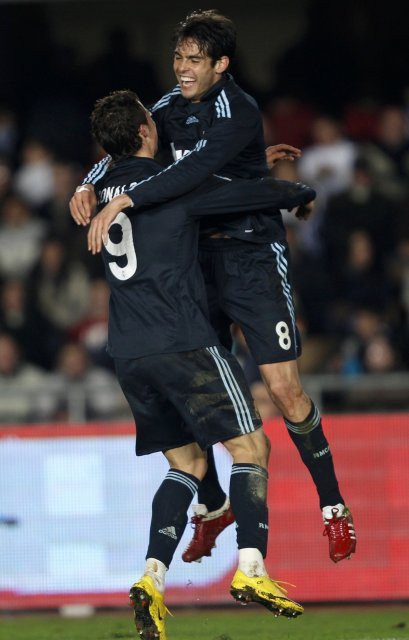
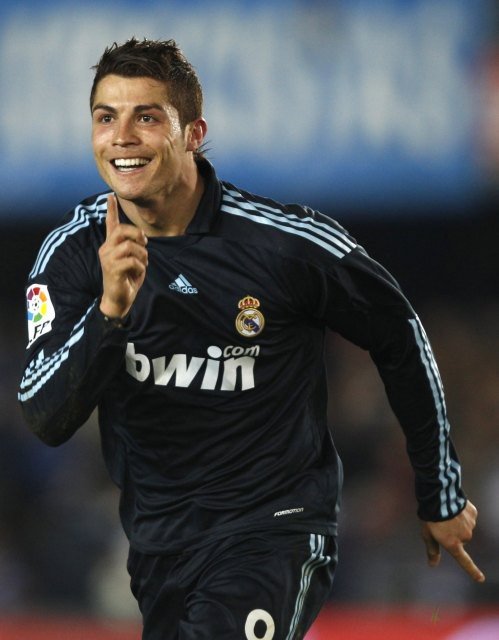
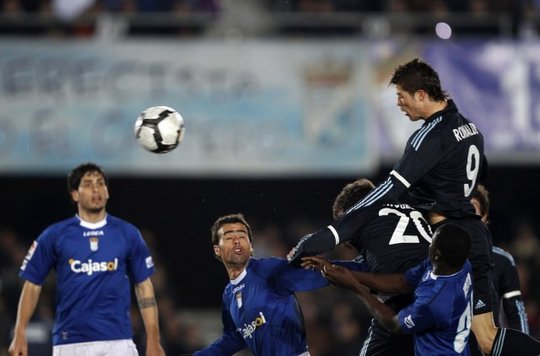
Real Madrid's Cristiano Ronaldo Ready To Make Return CR9 returns to the Real Madrid line-up... Feb 12, 2010 3:30:00 PM Cristiano Ronaldo will return to the pitch this weekend after serving a two-match suspension for a wayward elbow against Malaga as Real Madrid face Xerez on Saturday. In an interview held with Spanish sports daily Marca, the Portuguese said that he has left the red-card incident in the past and is only thinking of the match in Chapin. Beginning by reiterating that he had no intention of causing harm to Patrick Mtiliga in the Malaga match, Ronaldo expressed his desire to turn the page and think of nothing more than the three points at stake in the next Liga fixture. The ex-Manchester United man also expressed his hope that Atletico de Madrid would beat Barcelona in the match at the Vicente Calderon on Sunday and revealed that he has spoken with Portuguese compatriots Simao and Tiago and asked that they beat Barca. Finally, in reference to the polemic theme of referee favouritism that has dominated the headlines in recent weeks, Ronaldo defended the decisions made. "The referees in Spain are good and I do not believe they hold prejudice against anyone." Source
Wow amazing photo
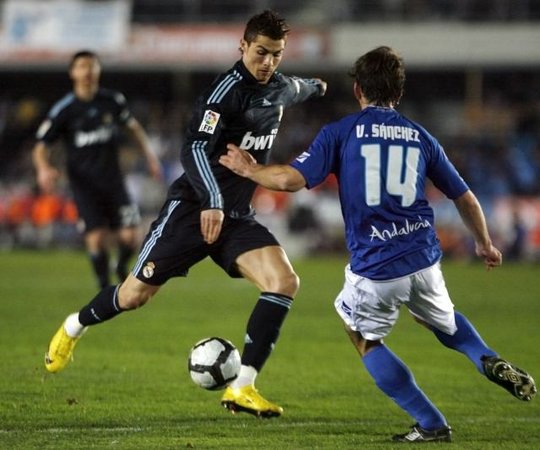
Real Madrid's Cristiano Ronaldo Ready To Make Return CR9 returns to the Real Madrid line-up... Feb 12, 2010 3:30:00 PM Cristiano Ronaldo will return to the pitch this weekend after serving a two-match suspension for a wayward elbow against Malaga as Real Madrid face Xerez on Saturday. In an interview held with Spanish sports daily Marca, the Portuguese said that he has left the red-card incident in the past and is only thinking of the match in Chapin. Beginning by reiterating that he had no intention of causing harm to Patrick Mtiliga in the Malaga match, Ronaldo expressed his desire to turn the page and think of nothing more than the three points at stake in the next Liga fixture. The ex-Manchester United man also expressed his hope that Atletico de Madrid would beat Barcelona in the match at the Vicente Calderon on Sunday and revealed that he has spoken with Portuguese compatriots Simao and Tiago and asked that they beat Barca. Finally, in reference to the polemic theme of referee favouritism that has dominated the headlines in recent weeks, Ronaldo defended the decisions made. "The referees in Spain are good and I do not believe they hold prejudice against anyone." Source





































































Account
Navigation
Search
Configure browser push notifications
Chrome (Android)
- Tap the lock icon next to the address bar.
- Tap Permissions → Notifications.
- Adjust your preference.
Chrome (Desktop)
- Click the padlock icon in the address bar.
- Select Site settings.
- Find Notifications and adjust your preference.
Safari (iOS 16.4+)
- Ensure the site is installed via Add to Home Screen.
- Open Settings App → Notifications.
- Find your app name and adjust your preference.
Safari (macOS)
- Go to Safari → Preferences.
- Click the Websites tab.
- Select Notifications in the sidebar.
- Find this website and adjust your preference.
Edge (Android)
- Tap the lock icon next to the address bar.
- Tap Permissions.
- Find Notifications and adjust your preference.
Edge (Desktop)
- Click the padlock icon in the address bar.
- Click Permissions for this site.
- Find Notifications and adjust your preference.
Firefox (Android)
- Go to Settings → Site permissions.
- Tap Notifications.
- Find this site in the list and adjust your preference.
Firefox (Desktop)
- Open Firefox Settings.
- Search for Notifications.
- Find this site in the list and adjust your preference.