
chibro
Members
-
Joined
-
Last visited
Everything posted by chibro
-
 Height 172 CM Bust 84 CM Waist 59 CM Hips 90 CM Shoe 38 EU Hair BROWN Eyes BROWN
 -
By Romain Stevens















-
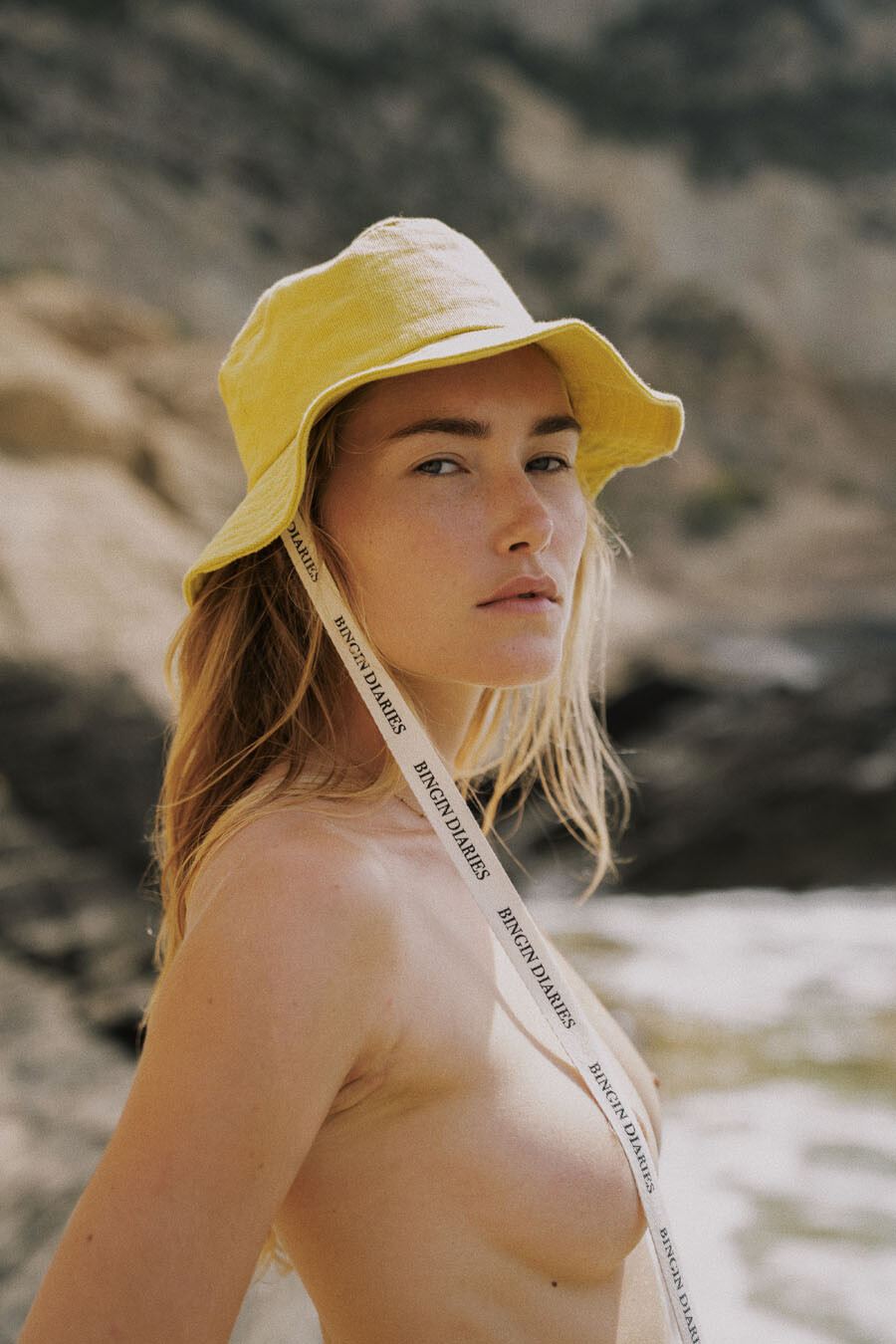
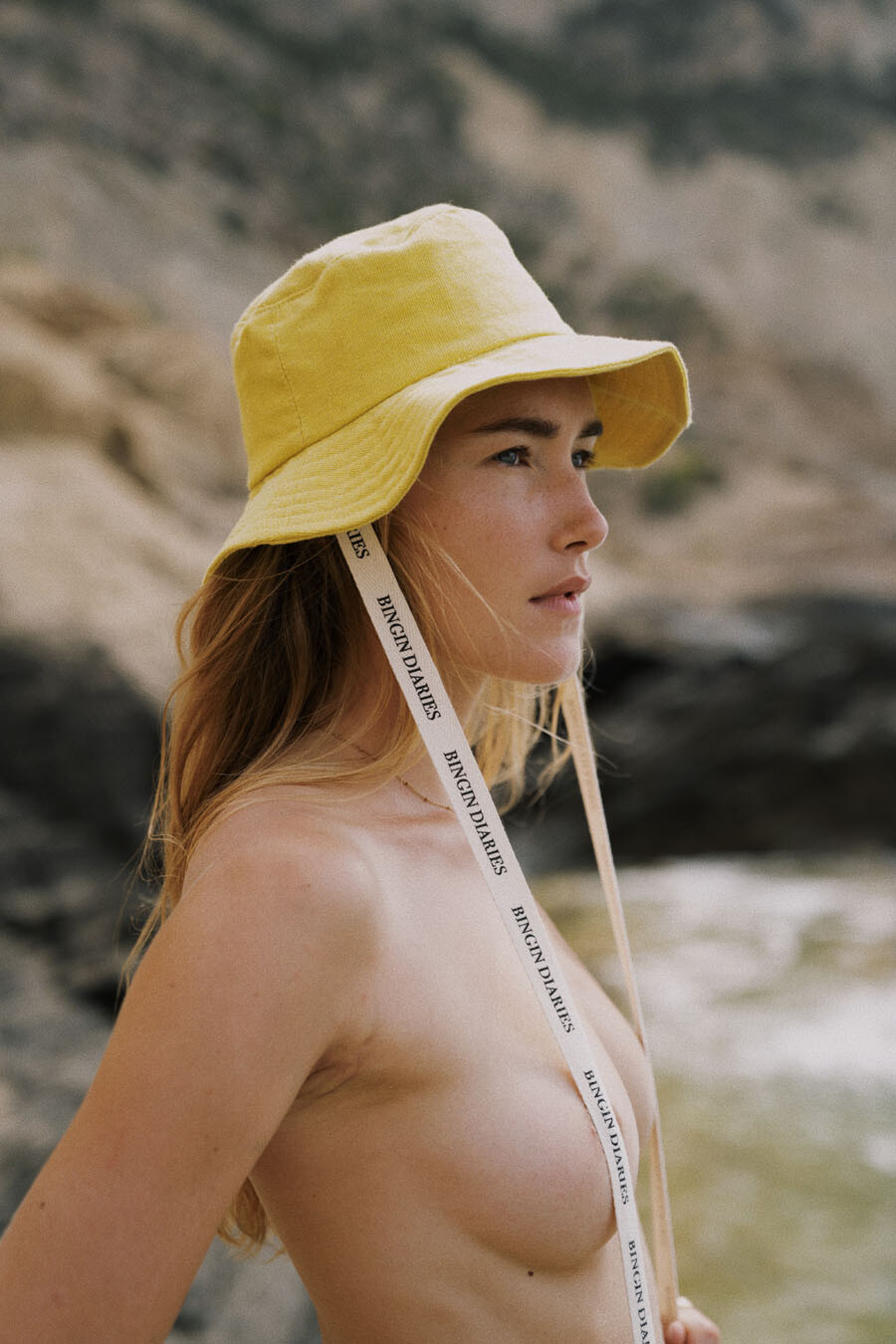
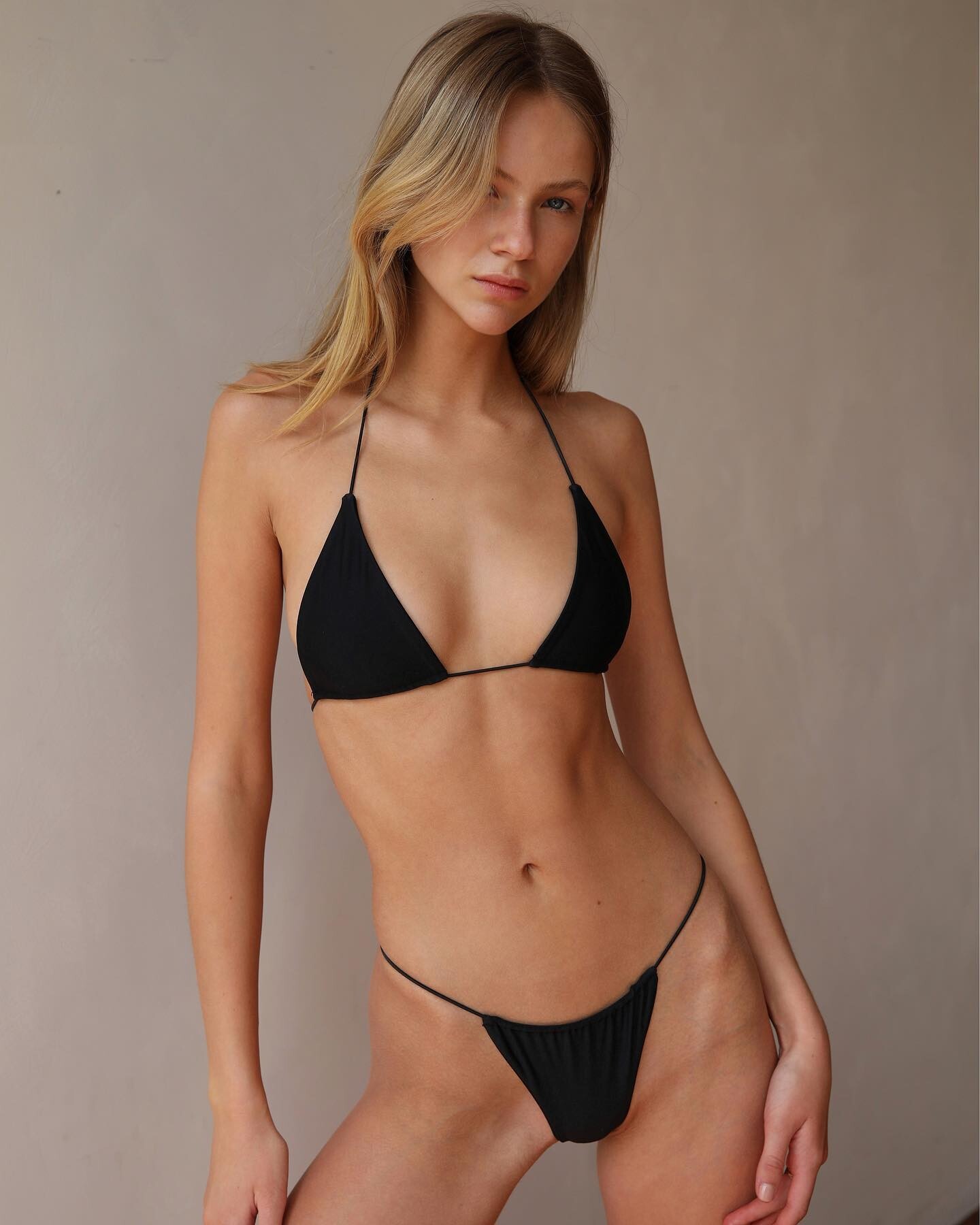
Found it: Serena Wardell
Seen on tuchuzystore (instagram) and tuchuzy.com As the store is based in Australia I suppose the model lives there or is australian.
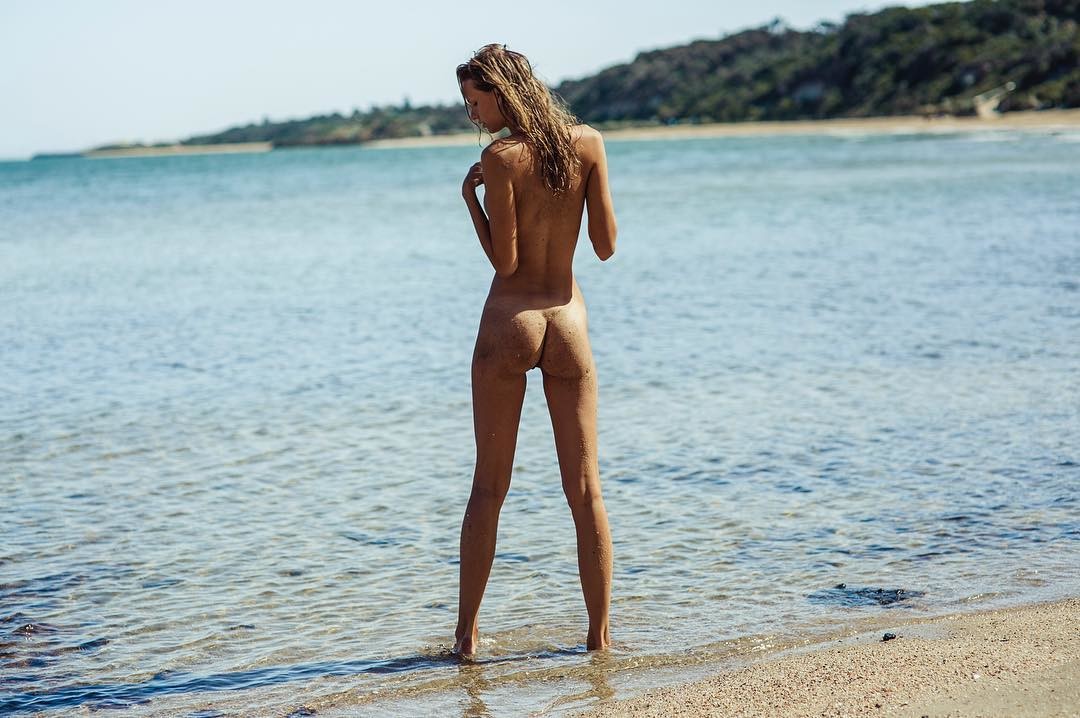
Warning nudity



 Warning nudity from her instagram story
 Thanks Pinguoin. Where are those videos from?
Tahlia Seirlis
Hi, Would you please ID this model. Insta is @t_thalia? Kind regards.
Thanks Pinguoin. Where are those videos from?
Tahlia Seirlis
Hi, Would you please ID this model. Insta is @t_thalia? Kind regards.

 Does anybody know the model's id seen in the opening scene of the movie "Devil wears Prada"? Link to the scene
The search function does not work since friday
She's in the new Triangl campaign by Cameron Hammond
Beautiful. Thanks Pith!
Does anybody know the model's id seen in the opening scene of the movie "Devil wears Prada"? Link to the scene
The search function does not work since friday
She's in the new Triangl campaign by Cameron Hammond
Beautiful. Thanks Pith!
 Thanks for your answer and your job!
Hi, I can't fin the search button anymore since the new website update. Can't search in a topic? Problem with my browser (firefox)? Many thanks.
Thanks for your answer and your job!
Hi, I can't fin the search button anymore since the new website update. Can't search in a topic? Problem with my browser (firefox)? Many thanks.





























Account
Navigation
Search
Configure browser push notifications
Chrome (Android)
- Tap the lock icon next to the address bar.
- Tap Permissions → Notifications.
- Adjust your preference.
Chrome (Desktop)
- Click the padlock icon in the address bar.
- Select Site settings.
- Find Notifications and adjust your preference.
Safari (iOS 16.4+)
- Ensure the site is installed via Add to Home Screen.
- Open Settings App → Notifications.
- Find your app name and adjust your preference.
Safari (macOS)
- Go to Safari → Preferences.
- Click the Websites tab.
- Select Notifications in the sidebar.
- Find this website and adjust your preference.
Edge (Android)
- Tap the lock icon next to the address bar.
- Tap Permissions.
- Find Notifications and adjust your preference.
Edge (Desktop)
- Click the padlock icon in the address bar.
- Click Permissions for this site.
- Find Notifications and adjust your preference.
Firefox (Android)
- Go to Settings → Site permissions.
- Tap Notifications.
- Find this site in the list and adjust your preference.
Firefox (Desktop)
- Open Firefox Settings.
- Search for Notifications.
- Find this site in the list and adjust your preference.