tempted.fandom
Members
-
Joined
-
Last visited
-
VSFS After Party via Alessandra's IGLiterally, my favorite moment in every VSFS is seeing those two together. I love them both so much 💓🥰😍❤️Image hidden for guestsSign in to viewProbably the best moment of the night for me. I love them both so much 💓
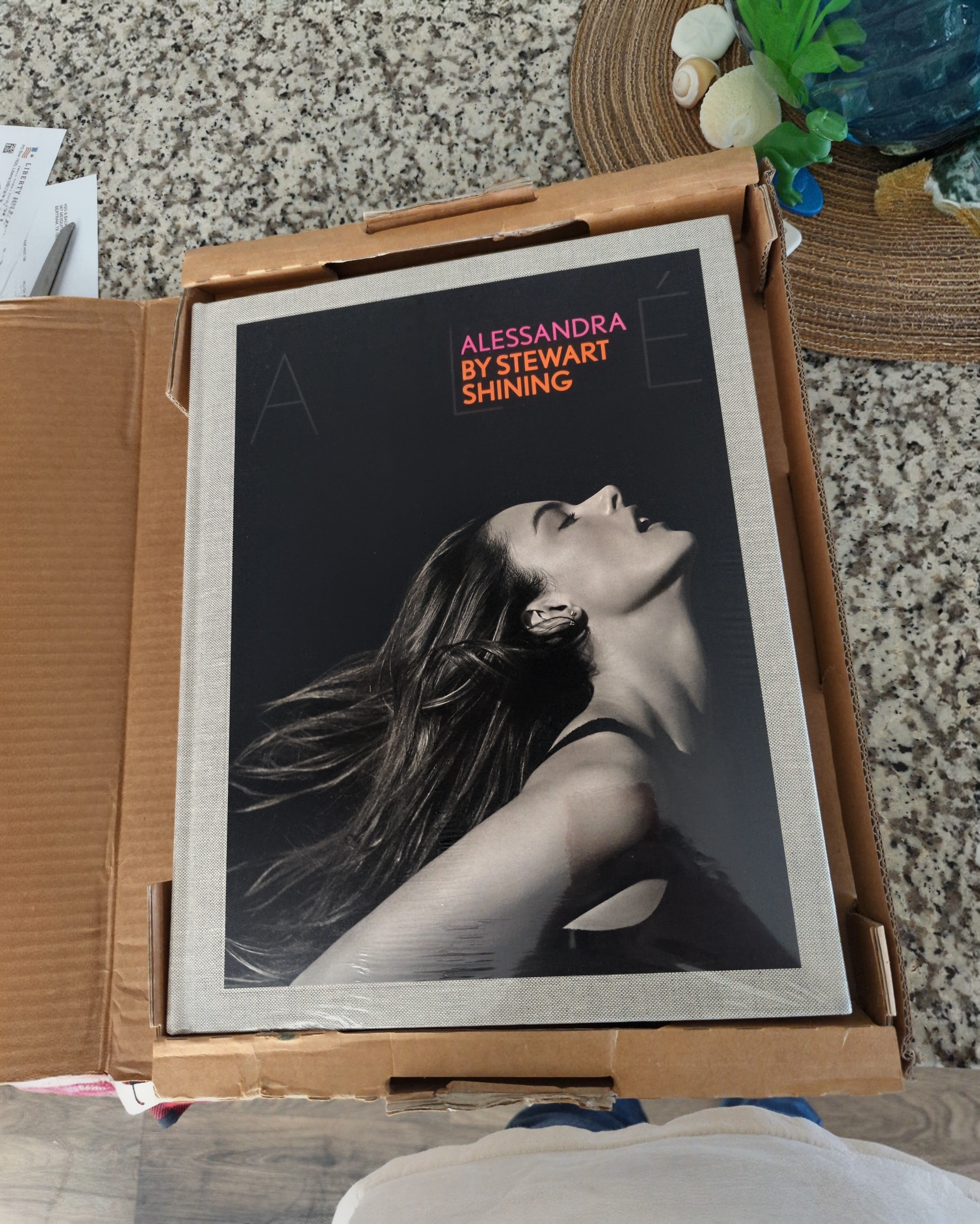
 But yeah, let's not fight in here, guys. This is a place of common admiration. Let's not muck it up with opinionated banter. Take that to private DMs or something.Even in a rice bag, she'd be the most beautiful woman on the planet 🤷♂️I read this in Chris Hemsworth's voice. It made me giggle 🤭.https://www.instagram.com/reel/DehefYojTBn/?cplk=NTc4MTIwNjQ2YQ== I guess we got our answer 🥳. All hail the queen 🎉Oof... do we know if Alessandra will be in the 2026 VSFS? It's getting close, and I haven't heard anything. I'll be devastated if she doesn't come D:Finally treated myself this year to Alessandra and Stewart's book 🥰
 via Alessandra Ambrosio IGVia _rachelgill_Alessandra Ambrosio IGImage hidden for guestsSign in to view
 Image hidden for guestsSign in to viewImage hidden for guestsSign in to view
 Image hidden for guestsSign in to viewImage hidden for guestsSign in to viewImage hidden for guestsSign in to viewImage hidden for guestsSign in to viewImage hidden for guestsSign in to viewImage hidden for guestsSign in to viewImage hidden for guestsSign in to view