Jump to content
View in the app

A better way to browse. Learn more.

Bellazon

A full-screen app on your home screen with push notifications, badges and more.

To install this app on iOS and iPadOS
  1. Tap the Share icon in Safari
  2. Scroll the menu and tap Add to Home Screen.
  3. Tap Add in the top-right corner.
To install this app on Android
  1. Tap the 3-dot menu (⋮) in the top-right corner of the browser.
  2. Tap Add to Home screen or Install app.
  3. Confirm by tapping Install.

Xerus

Members
  • Joined

Everything posted by Xerus

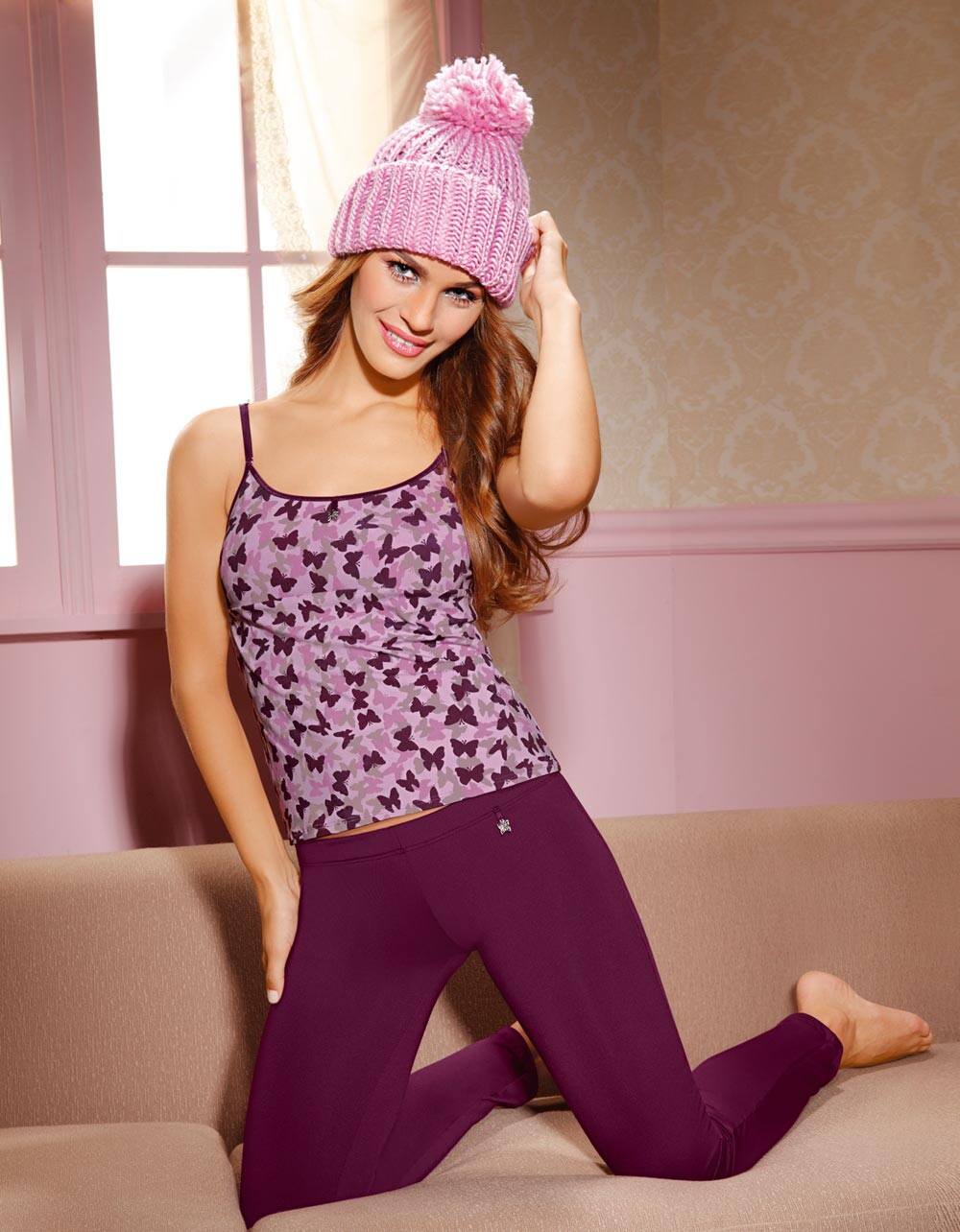
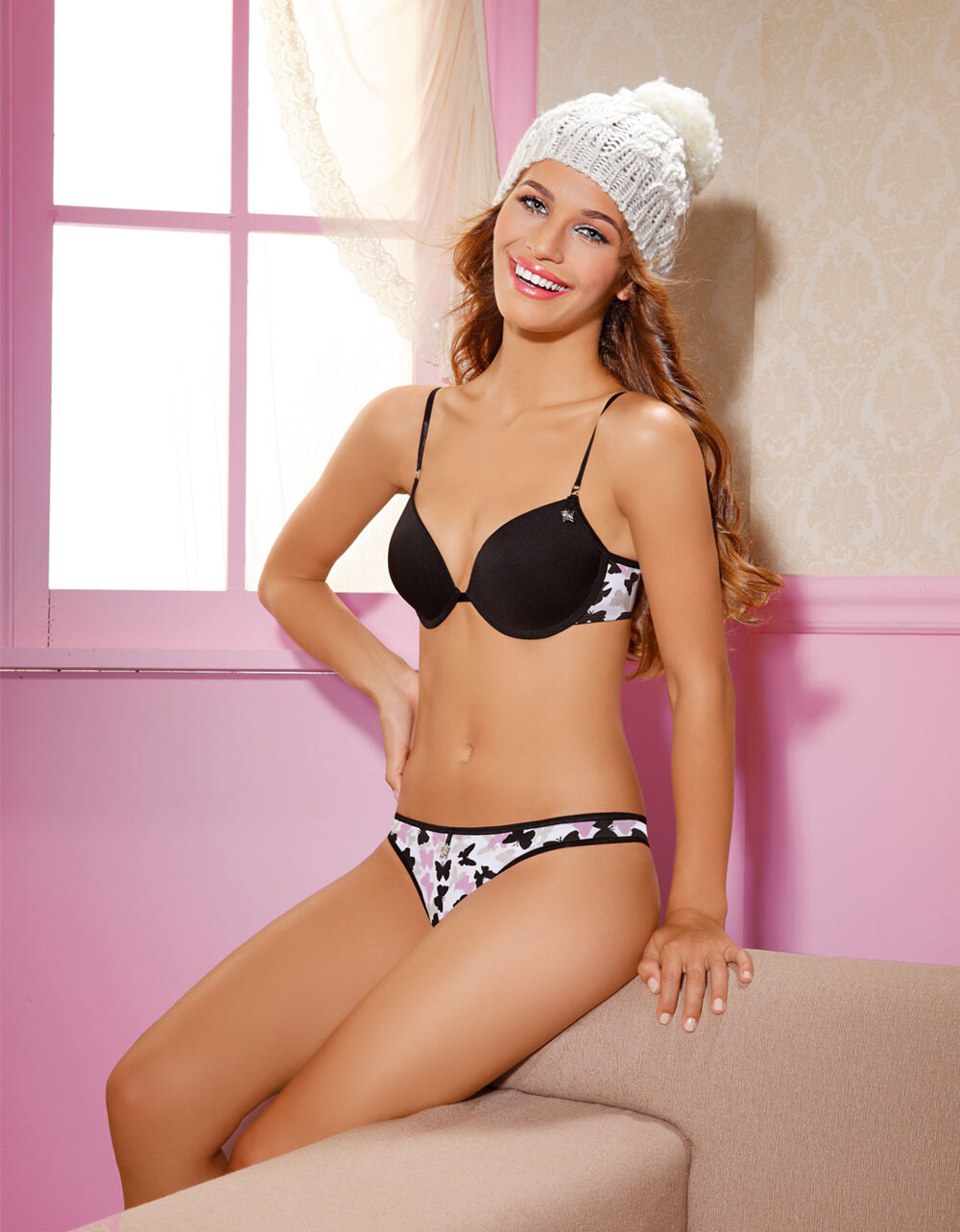
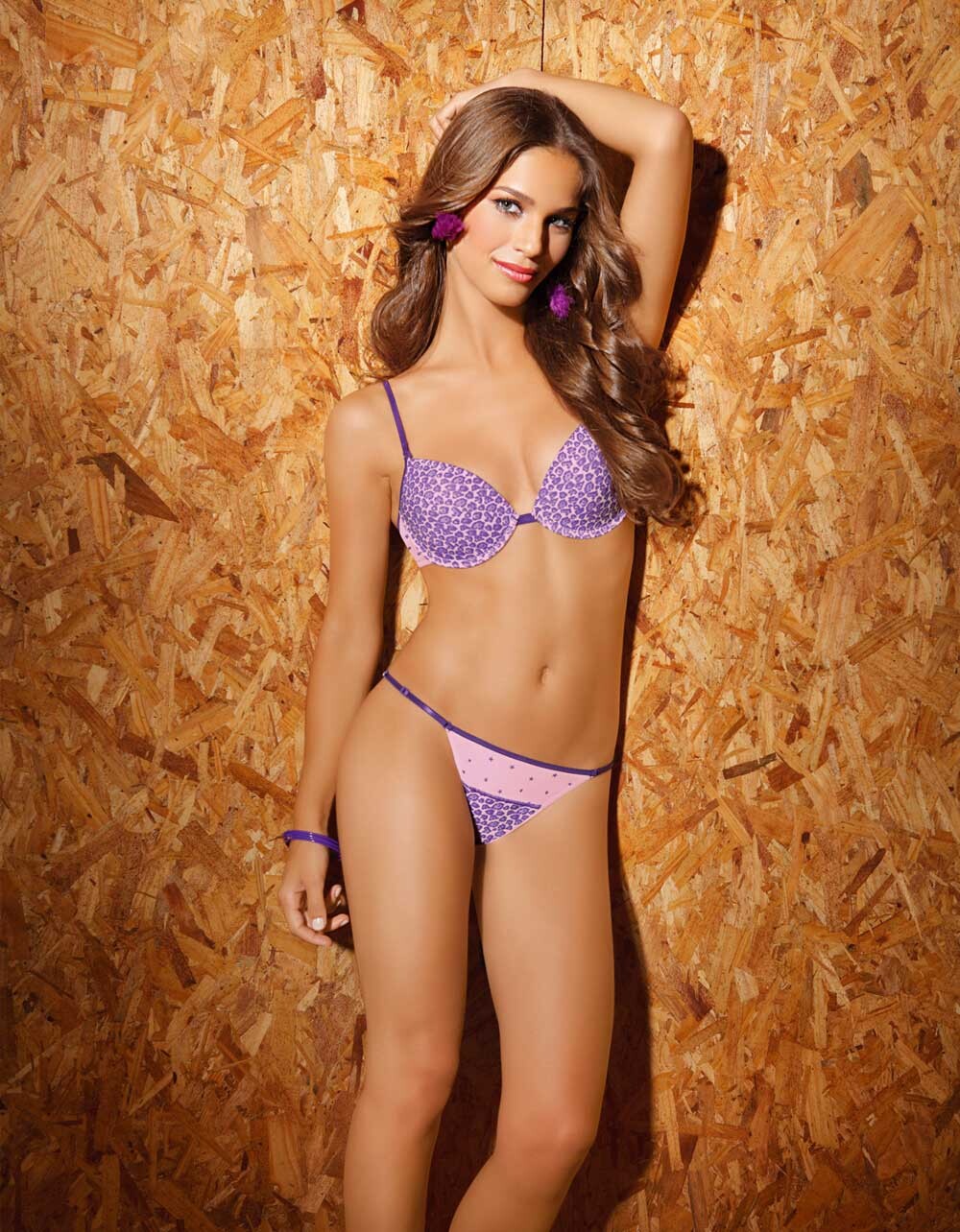
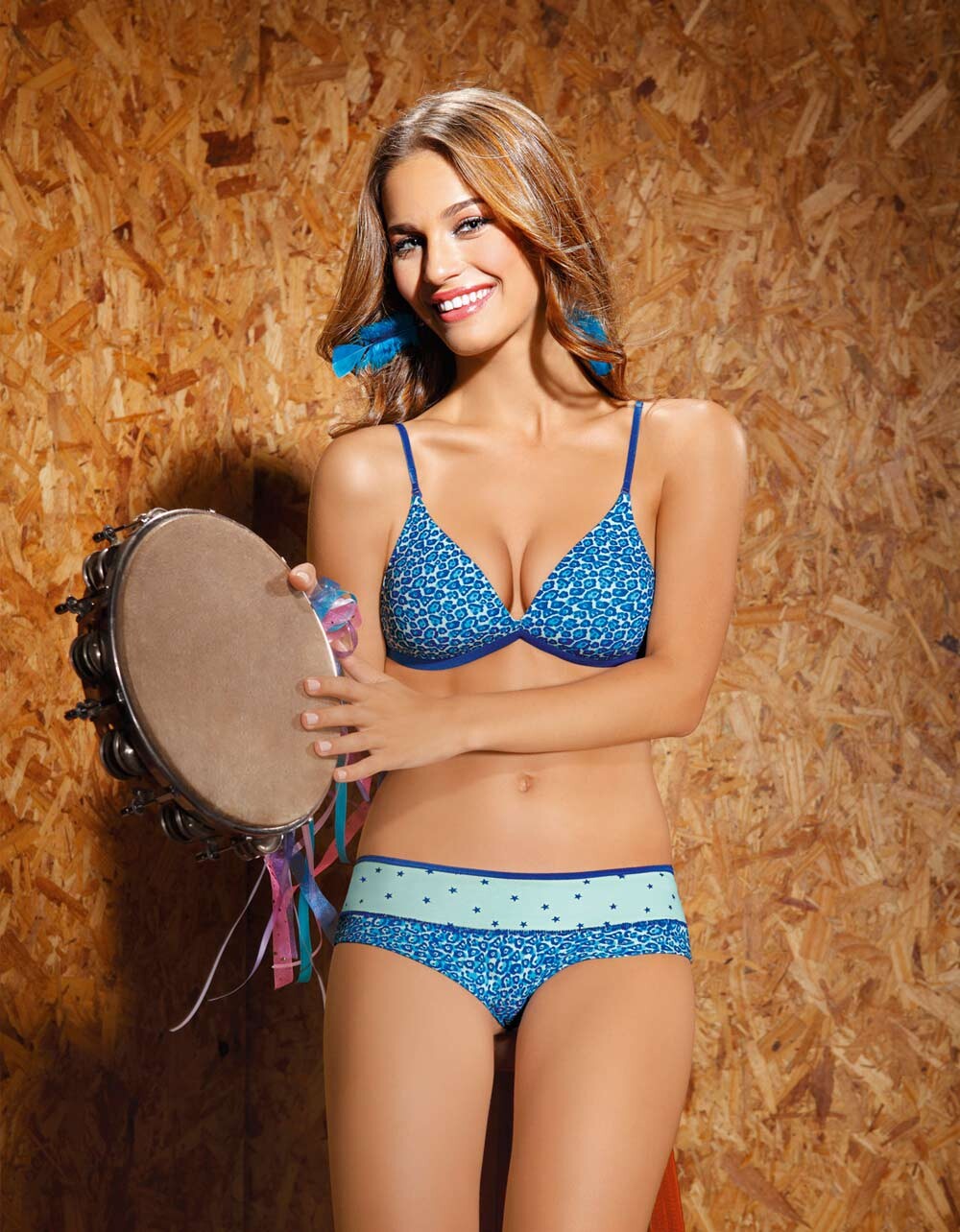
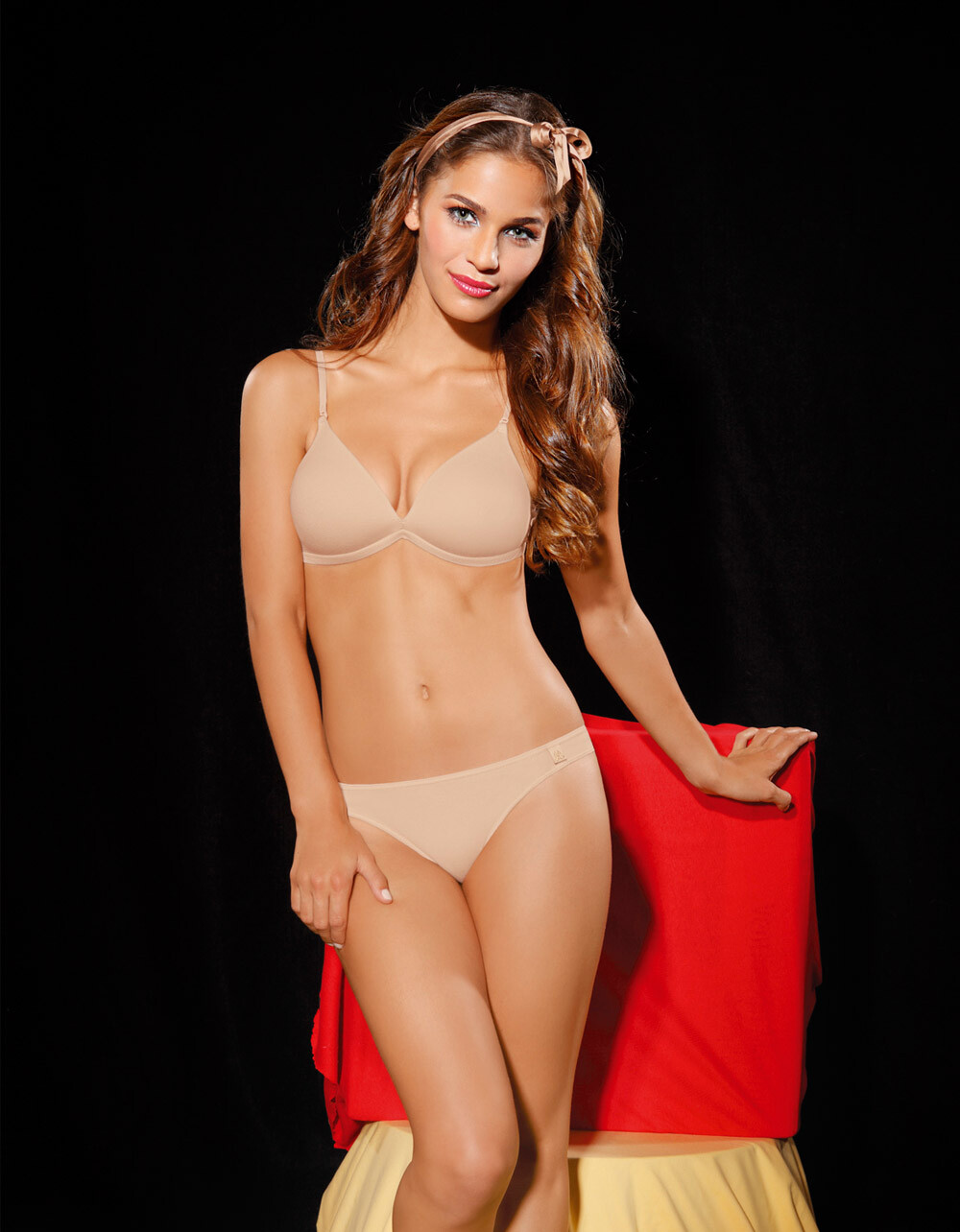
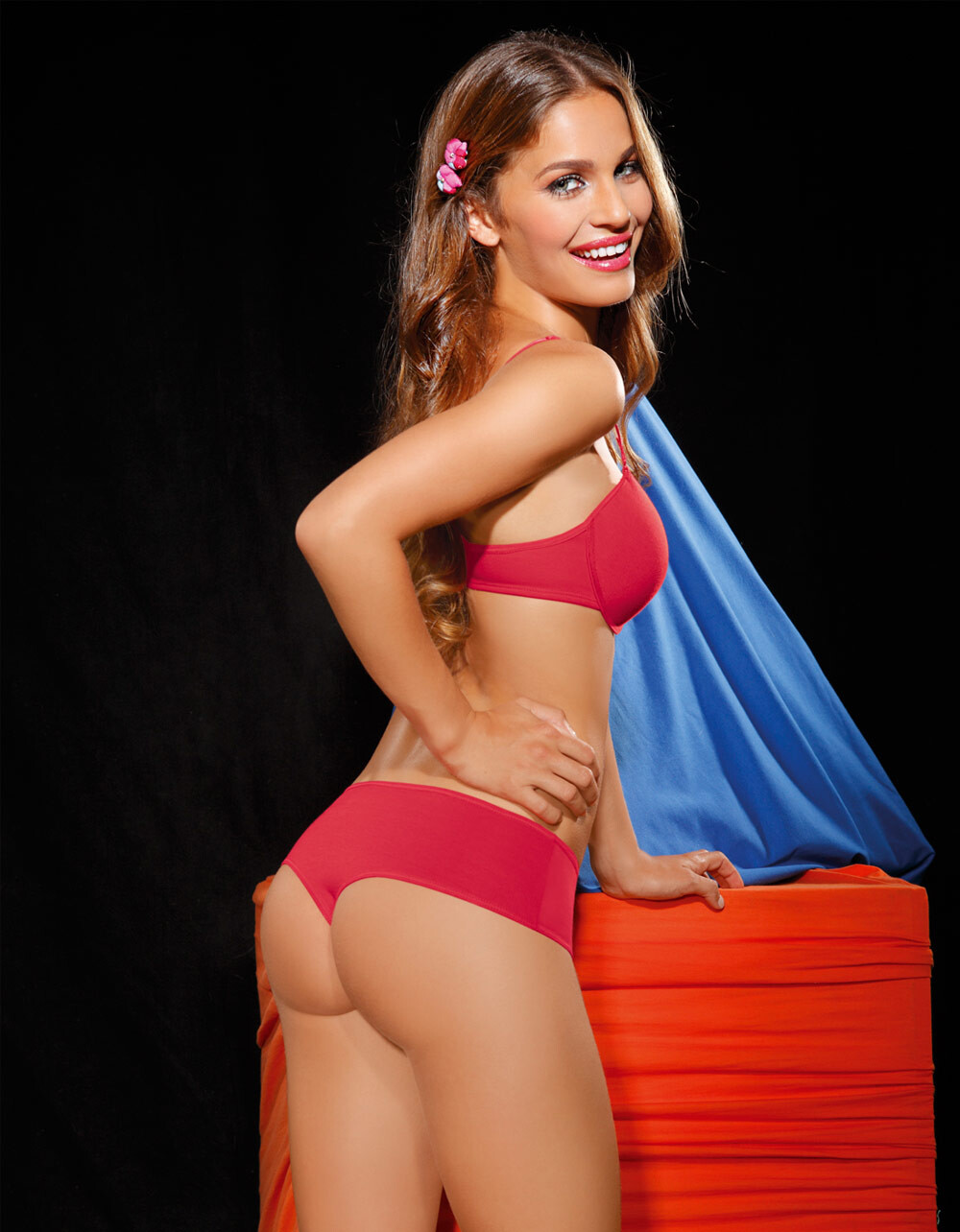
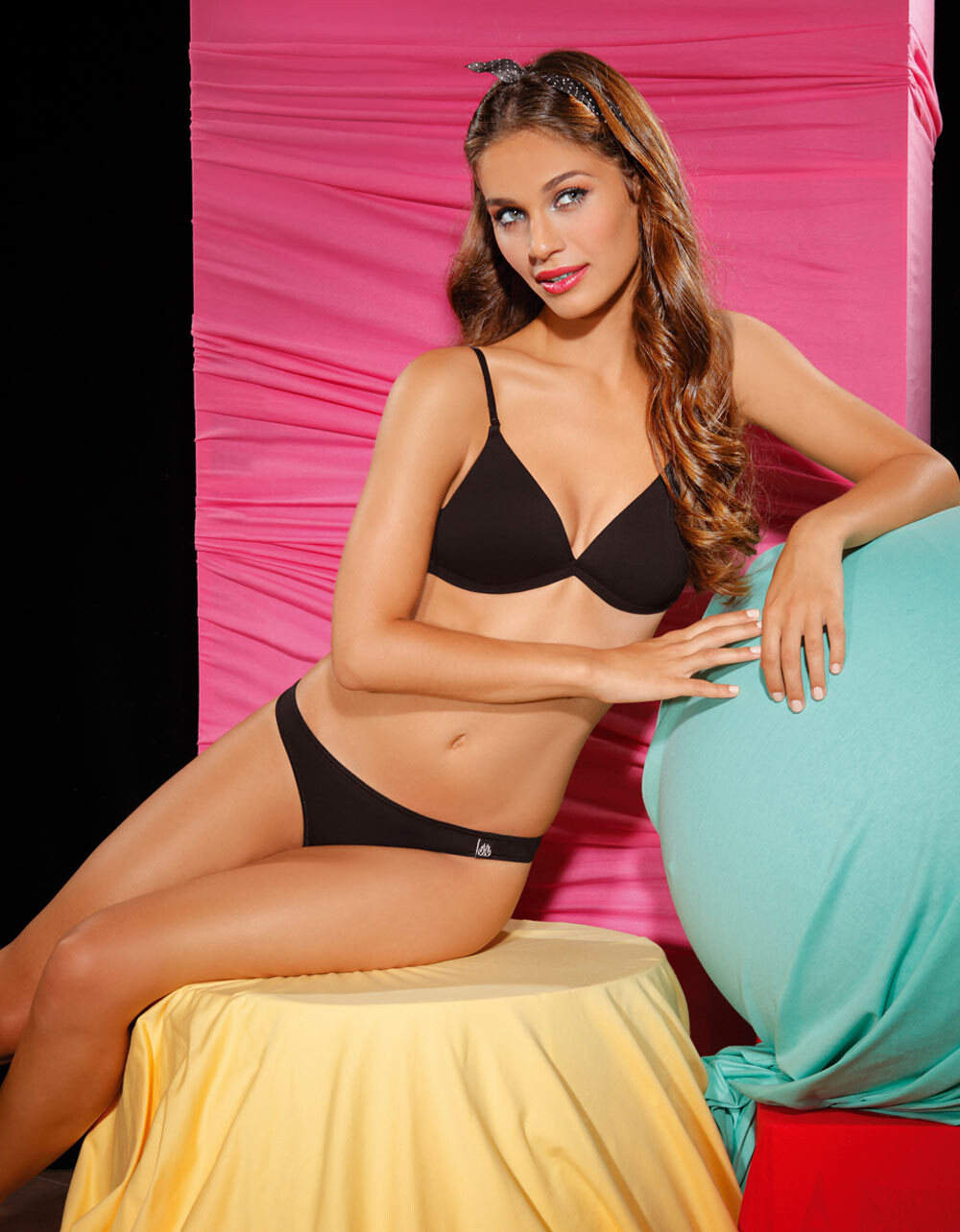
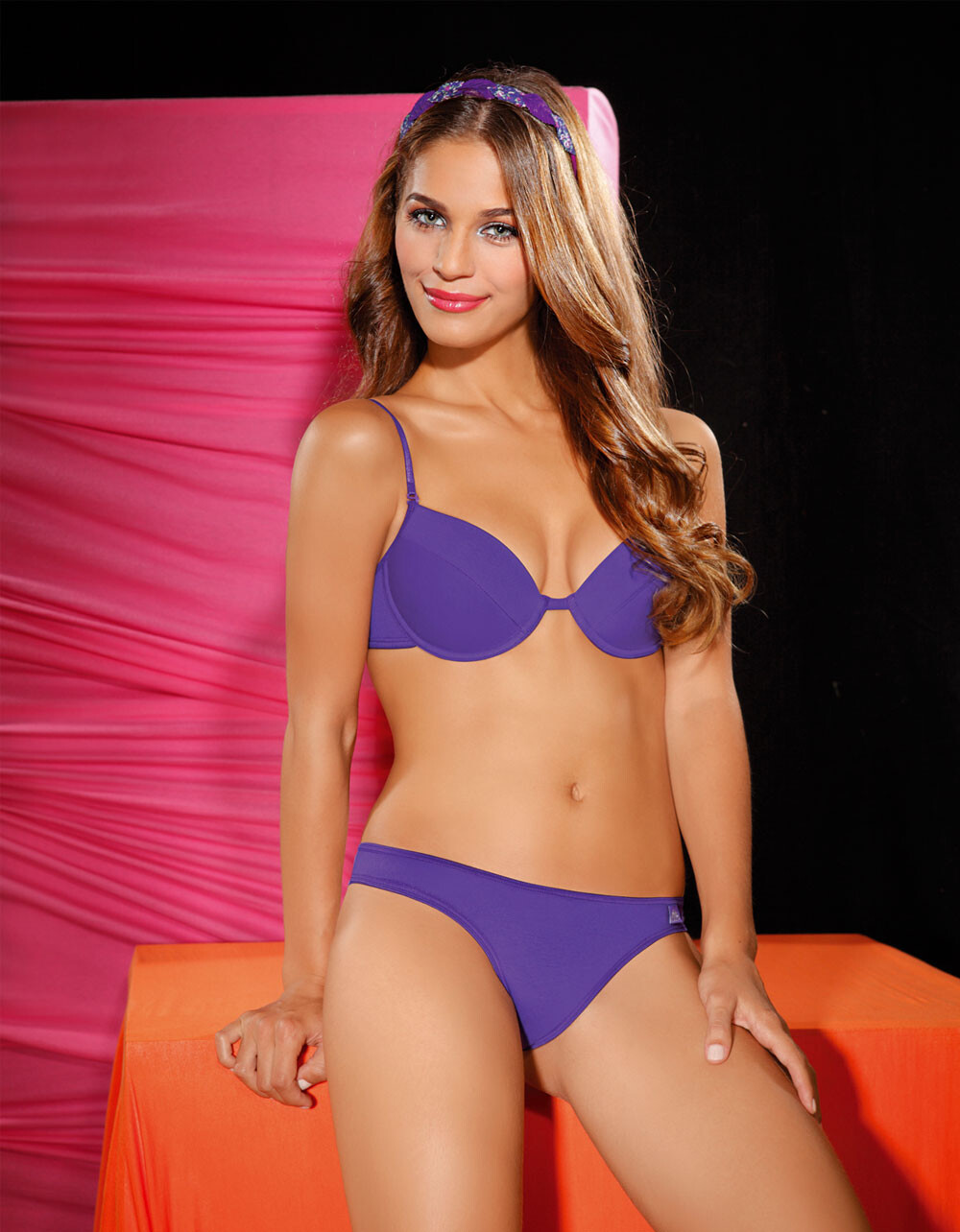
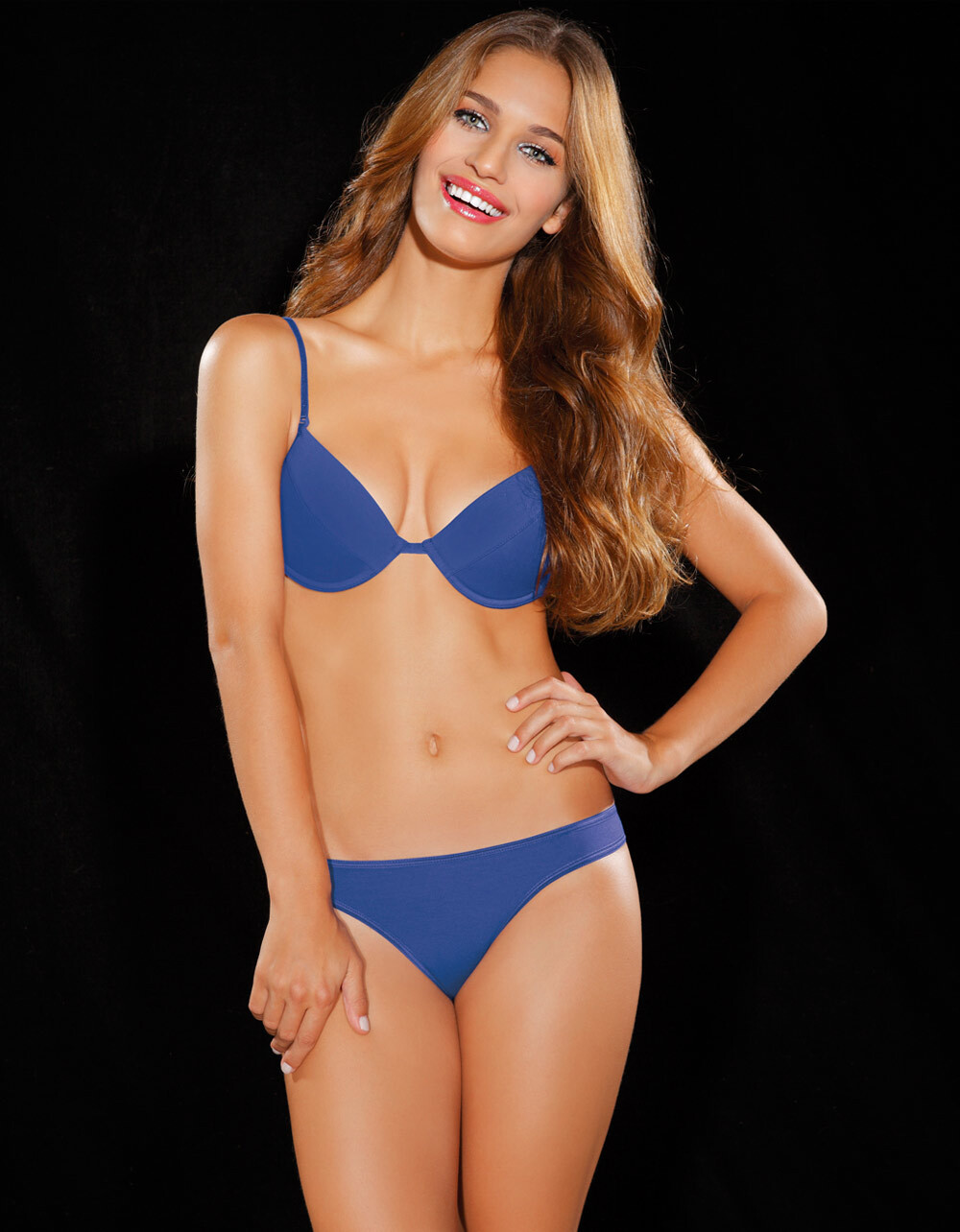
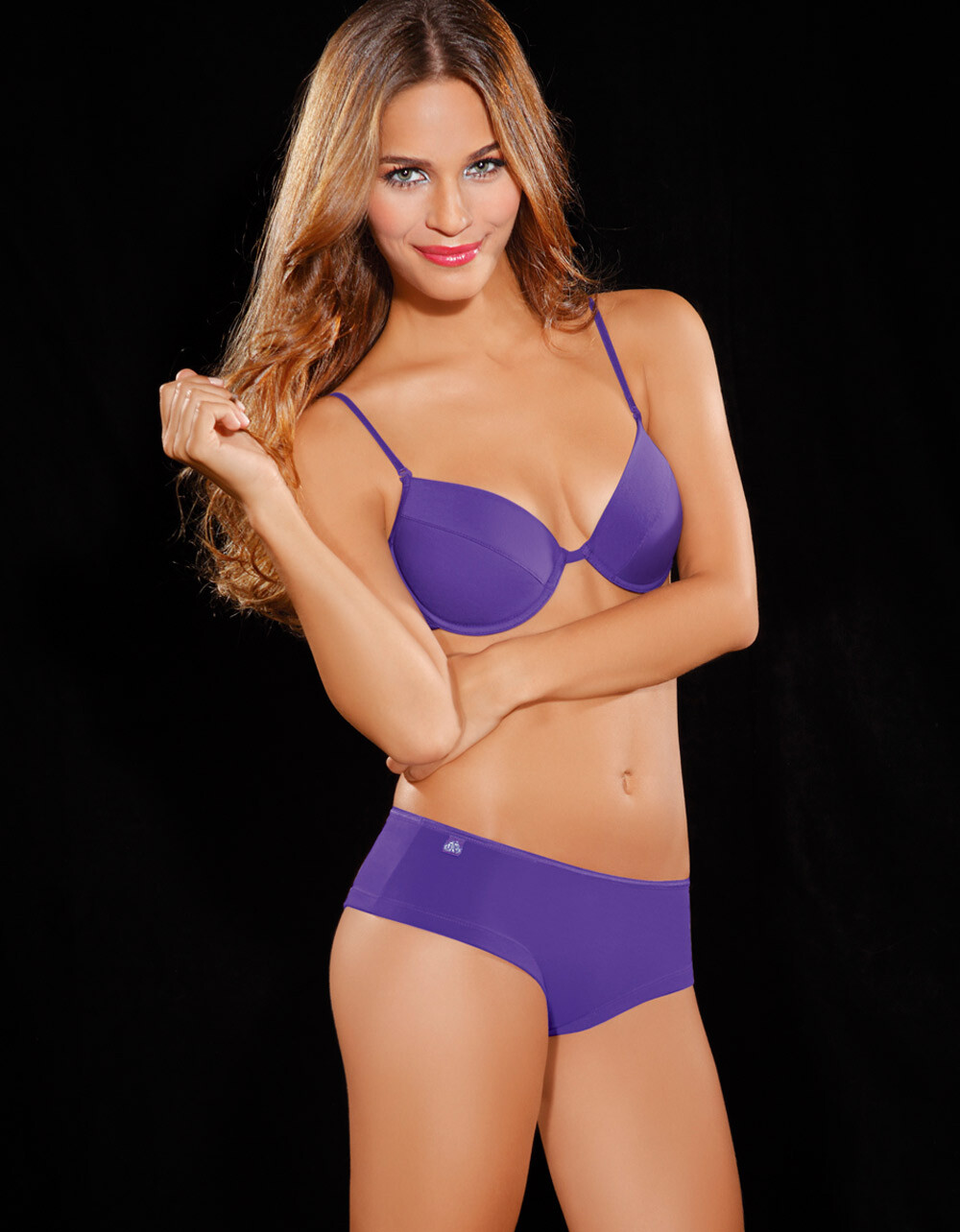
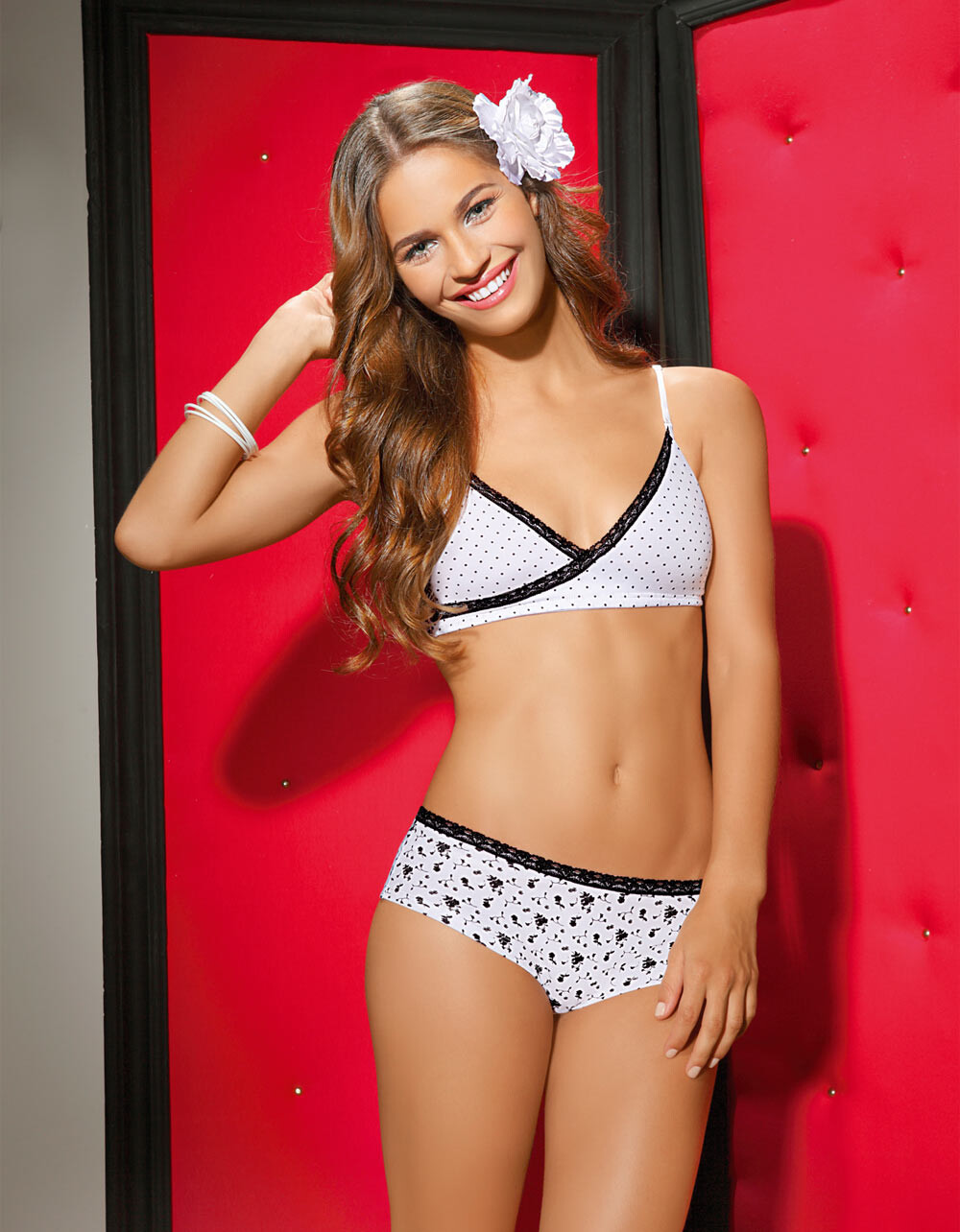
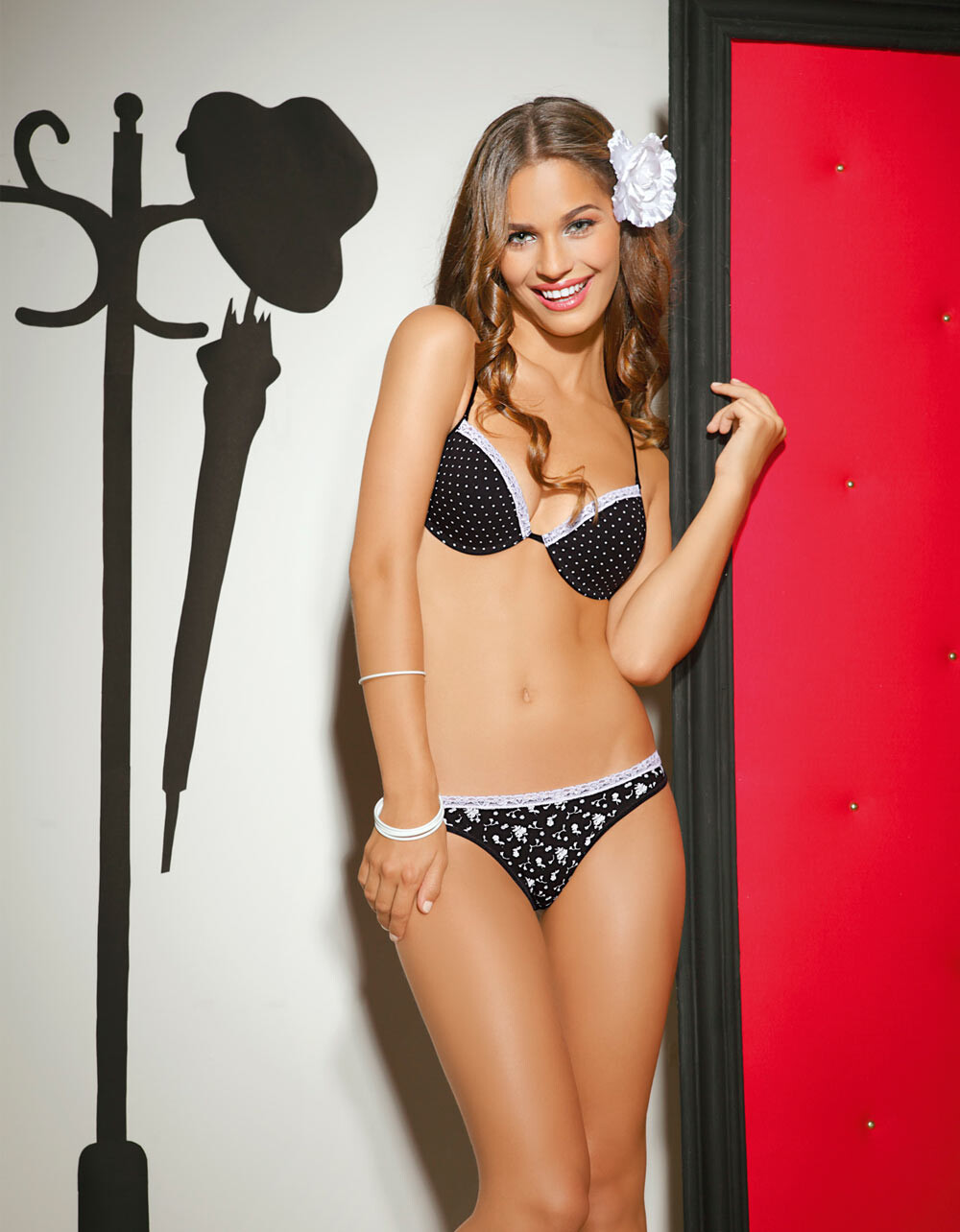
  1. Leonisa 2013 Colombia Moda
  2. took nearly 10 years to find her, too...
  3. Yes, apologies - a further look showed me I got her inadvertently mixed in with the real Tatiana Gallego...
  4. @ALPAT - Got first 2, tried for 3 - so do you recognize #3, and #4 ?
  5. #3 = Tatiana Gallego <-- I posted this, but it's incorrect - still looking.
  6. Camila Giovagnoli
  7. #2 = Laura Tobon #1 = Daniela Pinedo
  8. See if you think LUCIANA CURTIS is a fit. Bing thinks so. I think so, too. She's got a few pictures in her topic that are an extremely close facial match.
  9. Finally got an id: Joana Freitas
  10. Winner Winner Winner, Chicken dinner for Kim (once again!) Brilliant, @Kim Florida
  11. Bing said one of these images is Reka Ebergenyi - not believing that id, thought I'd see if anyone know who this is
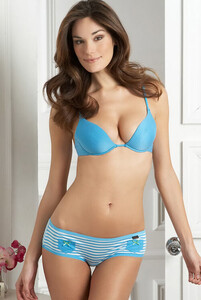
  12. Well after 13 years, you took that one out of the "unknown" folder, and gave it life again. So... it was worth the journey for us both!
  13. 2009 Oasis Odille Lingerie Id by @Kim Florida on 12/20/21

  14. Most appreciative, Kim
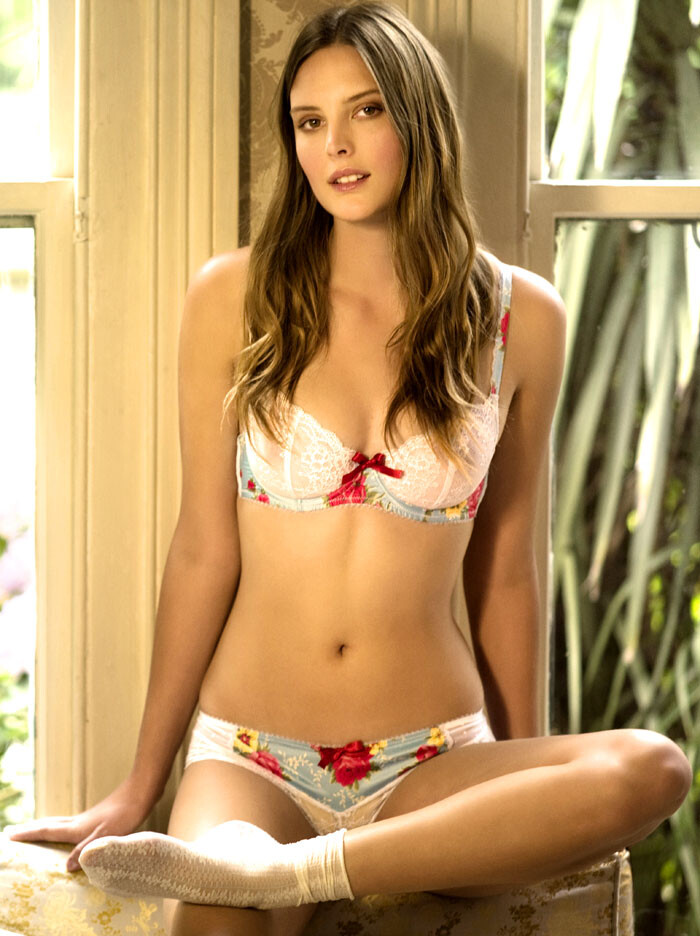
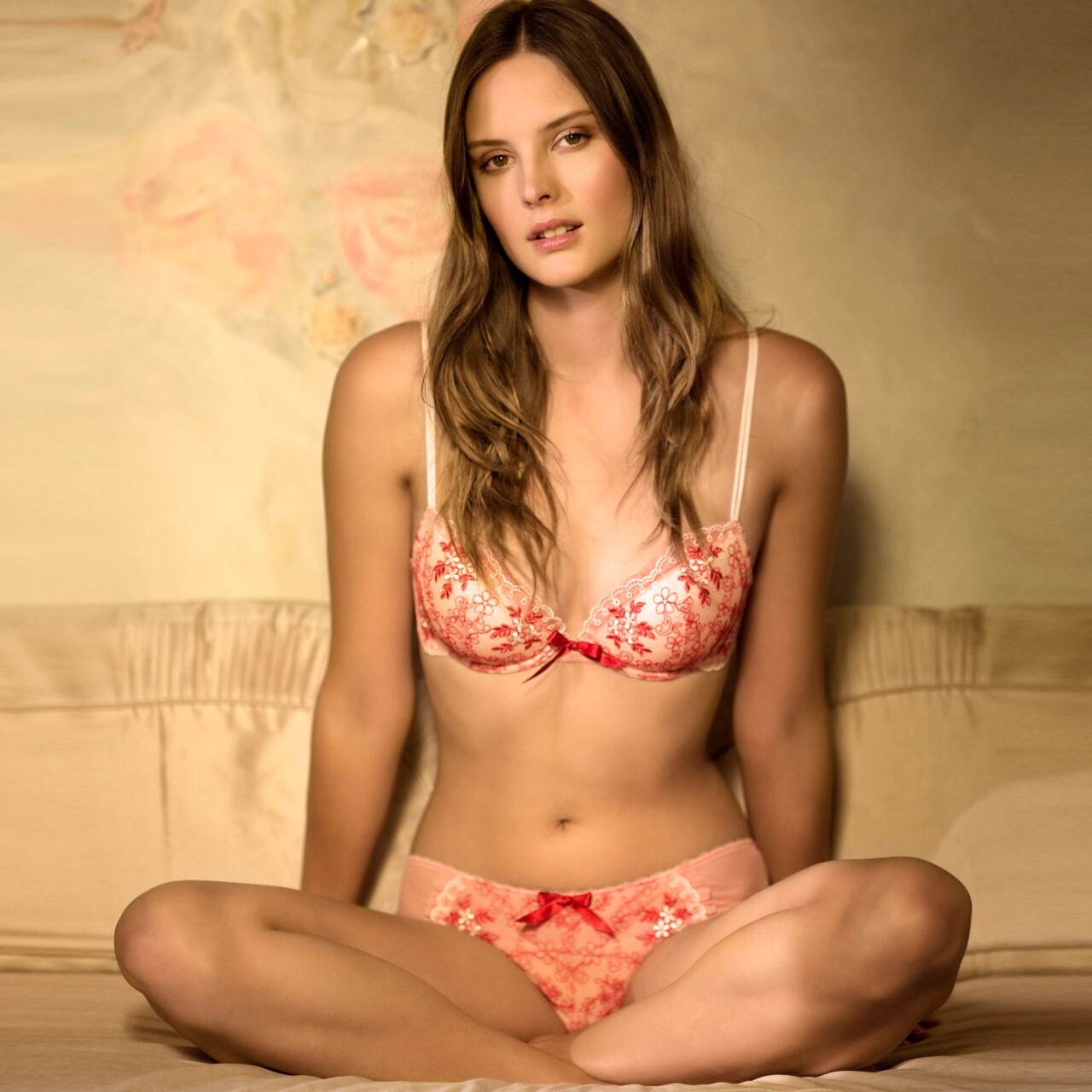
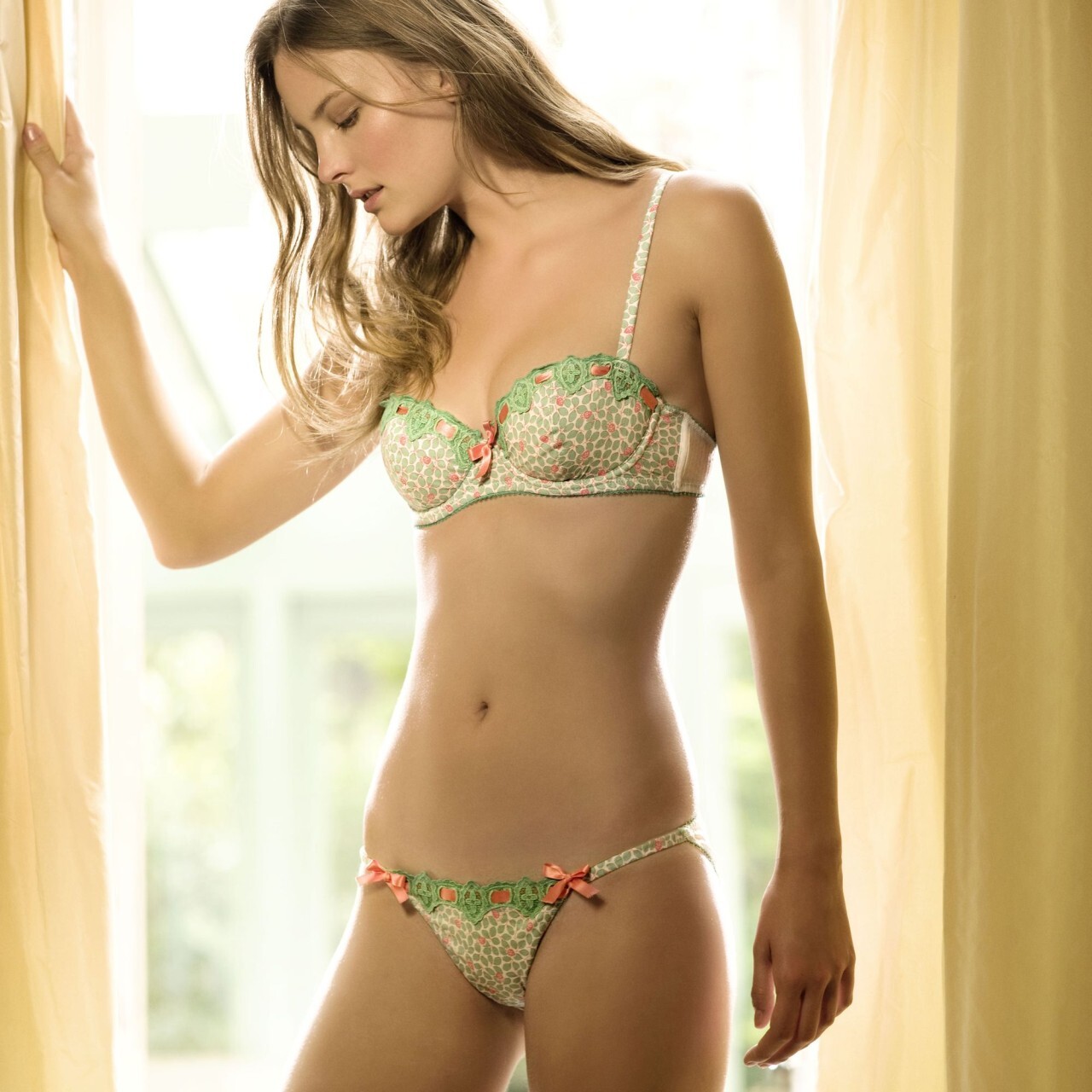
  15. Any ideas on this 2009 Oasis Odille Lingerie model?
  16. Disagree with Margarita Dobroskokina ... it's Leticia Rodrigues Nascimento
  17. Possibly: Caroline Boian Martinelli
  18. Xerus replied to FatMarc's topic in MODEL ID [help]
    Use Bing (Microsoft's search engine). Drag the image you're asking for an id on, into BING and it might help you identify the person. https://www.bing.com/


Configure browser push notifications

Chrome (Android)
  1. Tap the lock icon next to the address bar.
  2. Tap Permissions → Notifications.
  3. Adjust your preference.
Chrome (Desktop)
  1. Click the padlock icon in the address bar.
  2. Select Site settings.
  3. Find Notifications and adjust your preference.