
Marchessa
Members
-
Joined
-
Last visited
Everything posted by Marchessa
-
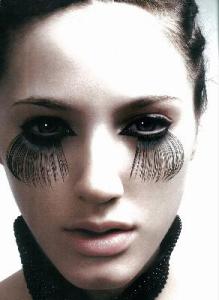
 from rankin






-
...and Tiu



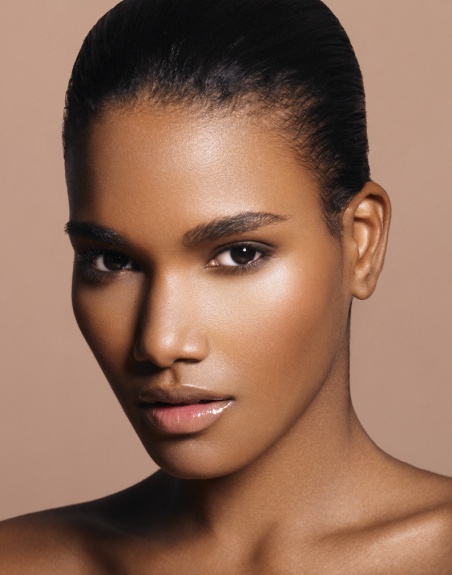
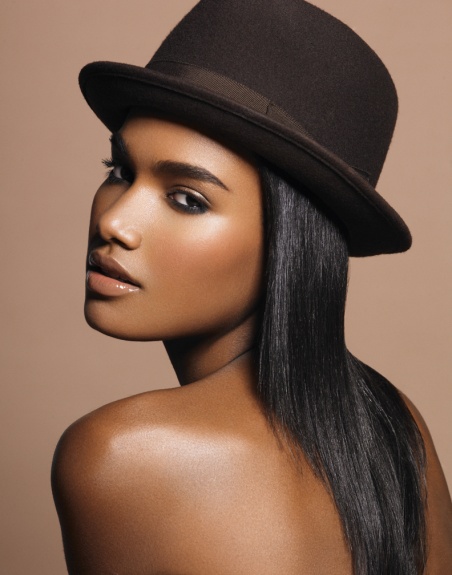
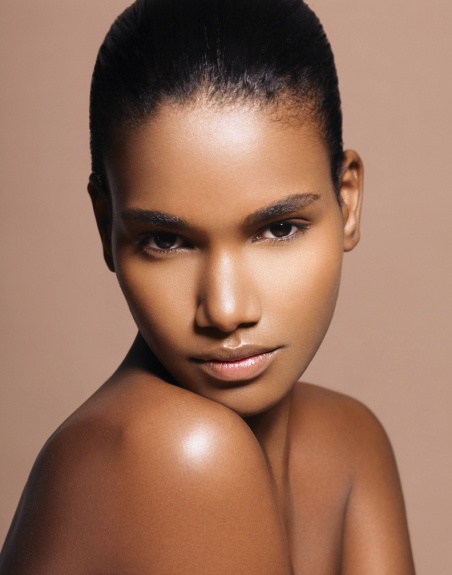
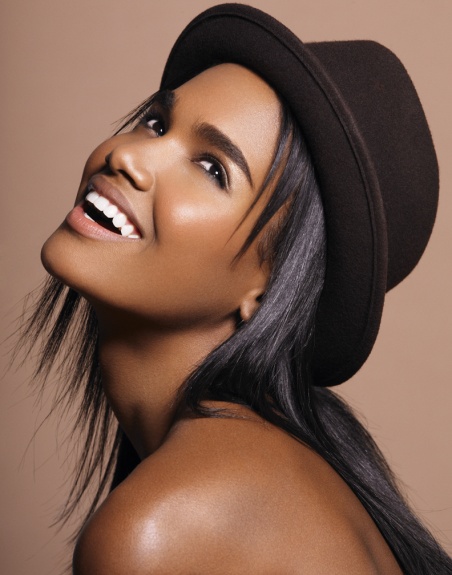
 Arlenis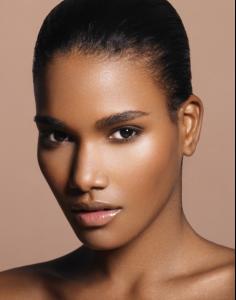
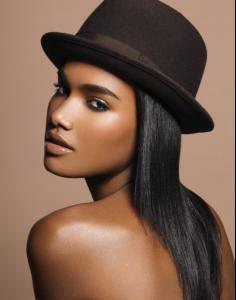

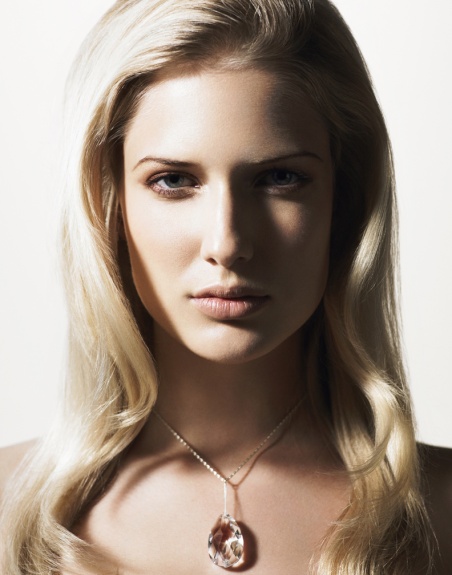
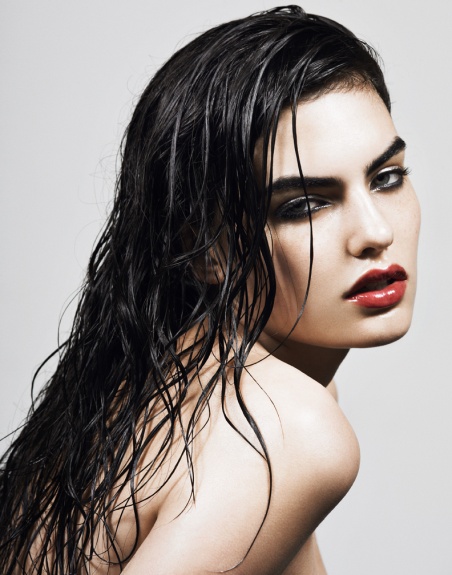
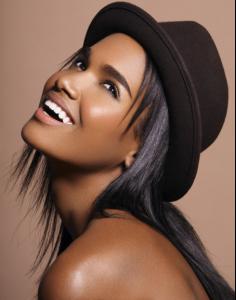 winner of Elite Model Look Slovakia 2007 Barbara Istvanova
 Adriana Cernanová
 Linda Vojtová
 Ivana Vancova
 thanks to everyone
she looks really elfish in those, thanks
thanks, she's amazing
disgusting, really :yuckky:
thank, the first one is so beautiful
thanks to everyone
she looks really elfish in those, thanks
thanks, she's amazing
disgusting, really :yuckky:
thank, the first one is so beautiful here we go

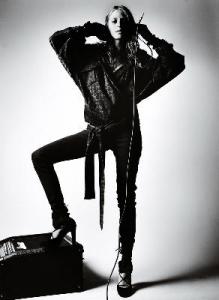


 modelwerk.de






 042.bmp 043.bmp 044.bmp 045.bmp 046.bmp 042.bmp 043.bmp 044.bmp 045.bmp 046.bmp
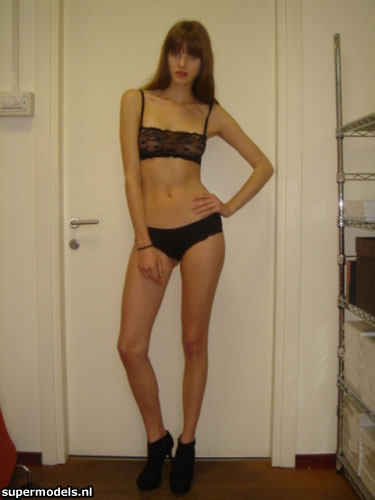
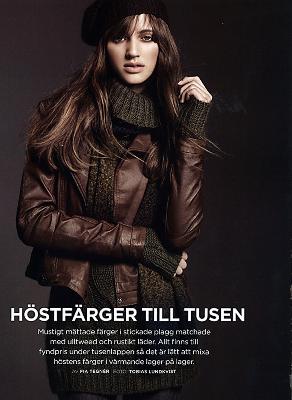
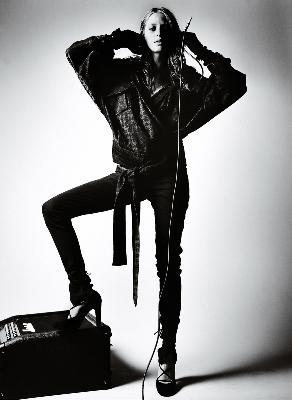
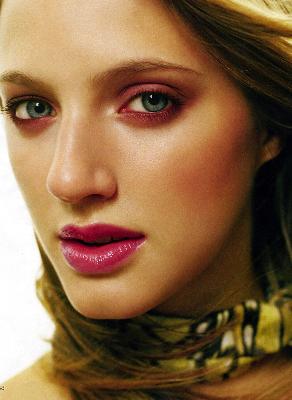
 Lina Söderström Nationality: Swedish Hair Color: Brown Eye Color: Blue Date of Birth: Place of Birth: Height: 5'9" ; 175cm Measurements: (US) 32-24-36 ; (EU) 81-61-91.5 Dress Size: (US) 4 ; (EU) 34 Shoe Size: (US) 8 ; (EU) 39 Mother agency: Mikas - Sweden Agencies: Wiener Models Modelwerk - Hamburg Women Management - Milan Vision Model Management House of Orange - The Netherlands
 my new wallpaper source






































































Account
Navigation
Search
Configure browser push notifications
Chrome (Android)
- Tap the lock icon next to the address bar.
- Tap Permissions → Notifications.
- Adjust your preference.
Chrome (Desktop)
- Click the padlock icon in the address bar.
- Select Site settings.
- Find Notifications and adjust your preference.
Safari (iOS 16.4+)
- Ensure the site is installed via Add to Home Screen.
- Open Settings App → Notifications.
- Find your app name and adjust your preference.
Safari (macOS)
- Go to Safari → Preferences.
- Click the Websites tab.
- Select Notifications in the sidebar.
- Find this website and adjust your preference.
Edge (Android)
- Tap the lock icon next to the address bar.
- Tap Permissions.
- Find Notifications and adjust your preference.
Edge (Desktop)
- Click the padlock icon in the address bar.
- Click Permissions for this site.
- Find Notifications and adjust your preference.
Firefox (Android)
- Go to Settings → Site permissions.
- Tap Notifications.
- Find this site in the list and adjust your preference.
Firefox (Desktop)
- Open Firefox Settings.
- Search for Notifications.
- Find this site in the list and adjust your preference.