
MarVS2
Members
-
Joined
-
Last visited
Everything posted by MarVS2
-
 thanks chris for the new vid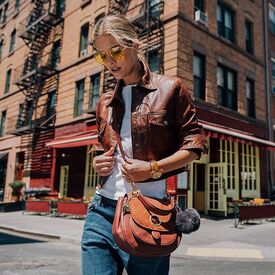
-
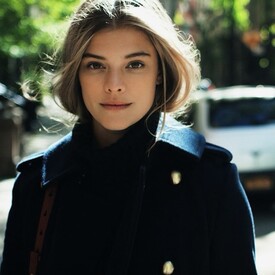
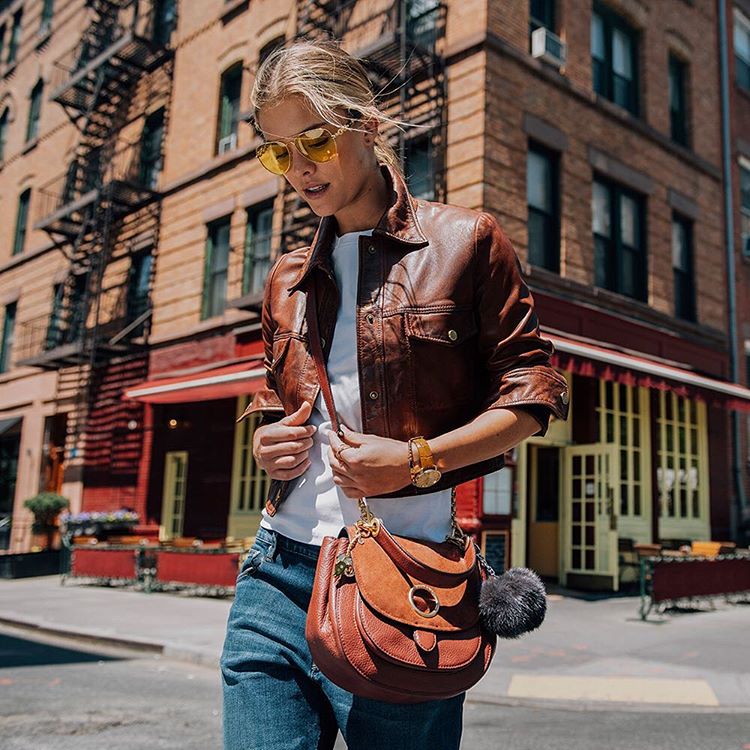
im dead with the new Michael Kors video she looks amazing and congrats to her with another campaign for them so cool
-
maybe its for Michael Kors but im not sure

-
gorgeous! and i think she is definitely dating Lewis
to get more reconittion VS and the Girls wins alot because brands will think they are now so so big and important. besides IMG , Taylor and Jas are the American VS Angels that VS is promoting more. thats also why Jas and Tay were the only ones going to the VMAs send them by Vs team ... i wouldnt be surprised if they pay to Forbes to put some girls on that list tbh.
Thanks hauteheart
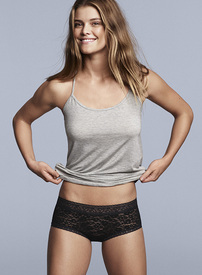
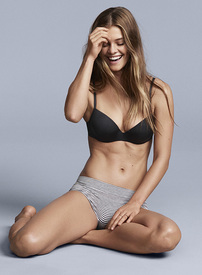
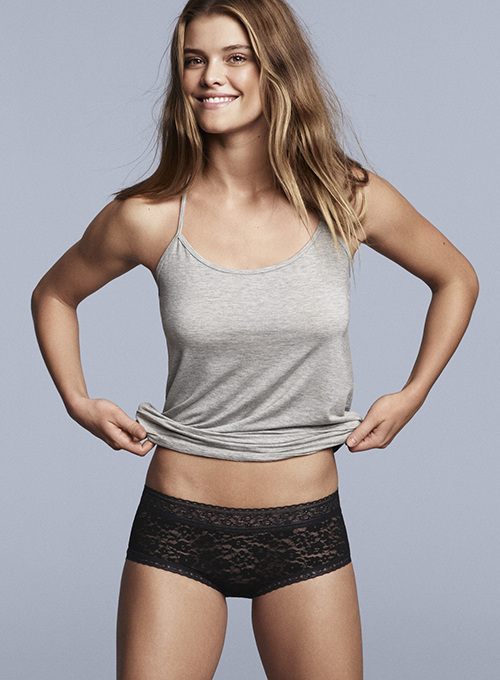
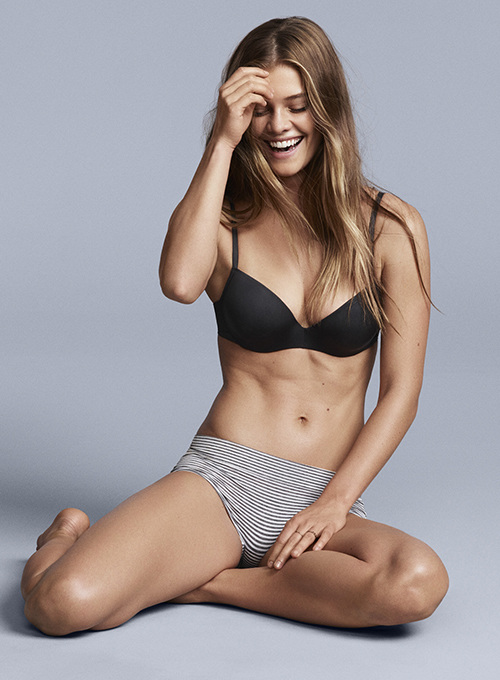
GAP - GAPBODY - Spring/Summer 2016 Art Direction: Jillian Haney Photographer: Dan Jackson
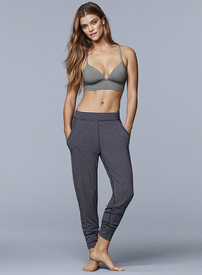
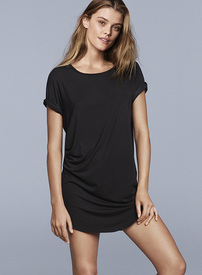 whoo tell me tell me tell me c claudsss
lmaoo
who are thoseeee
lmao hope he dont get in trouble for posting this BTS si siwm 2017
check her caption: no bike ride emoojis lmaoo she is funny
Love the look kinda risky lol but she looked stunning
whoo tell me tell me tell me c claudsss
lmaoo
who are thoseeee
lmao hope he dont get in trouble for posting this BTS si siwm 2017
check her caption: no bike ride emoojis lmaoo she is funny
Love the look kinda risky lol but she looked stunning
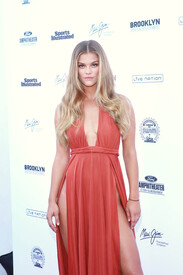
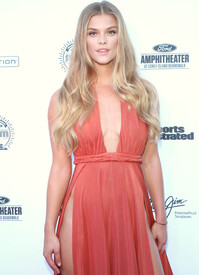
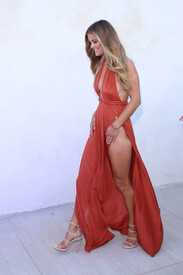
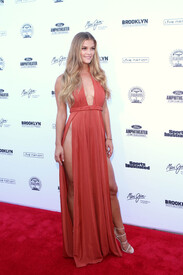 Barbara Palvin poses on the beach during the 73rd Venice Film Festival on August 30, 2016 in Venice, Italy.
Nina IG 14160399 1679733152344790 1158006082 n - vidme.MP4
Barbara Palvin poses on the beach during the 73rd Venice Film Festival on August 30, 2016 in Venice, Italy.
Nina IG 14160399 1679733152344790 1158006082 n - vidme.MP4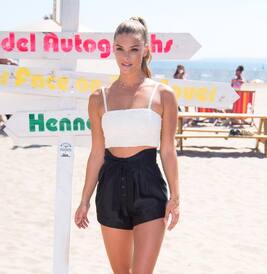 Nina at 1.09
Barbara in this new video answering some questionns https://www.facebook.com/FWx/?fref=ts
justjared.com
bobojam instagram HQ
Nina at 1.09
Barbara in this new video answering some questionns https://www.facebook.com/FWx/?fref=ts
justjared.com
bobojam instagram HQ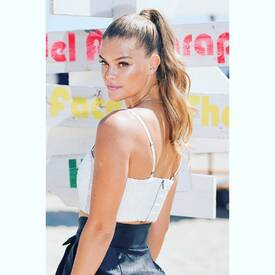


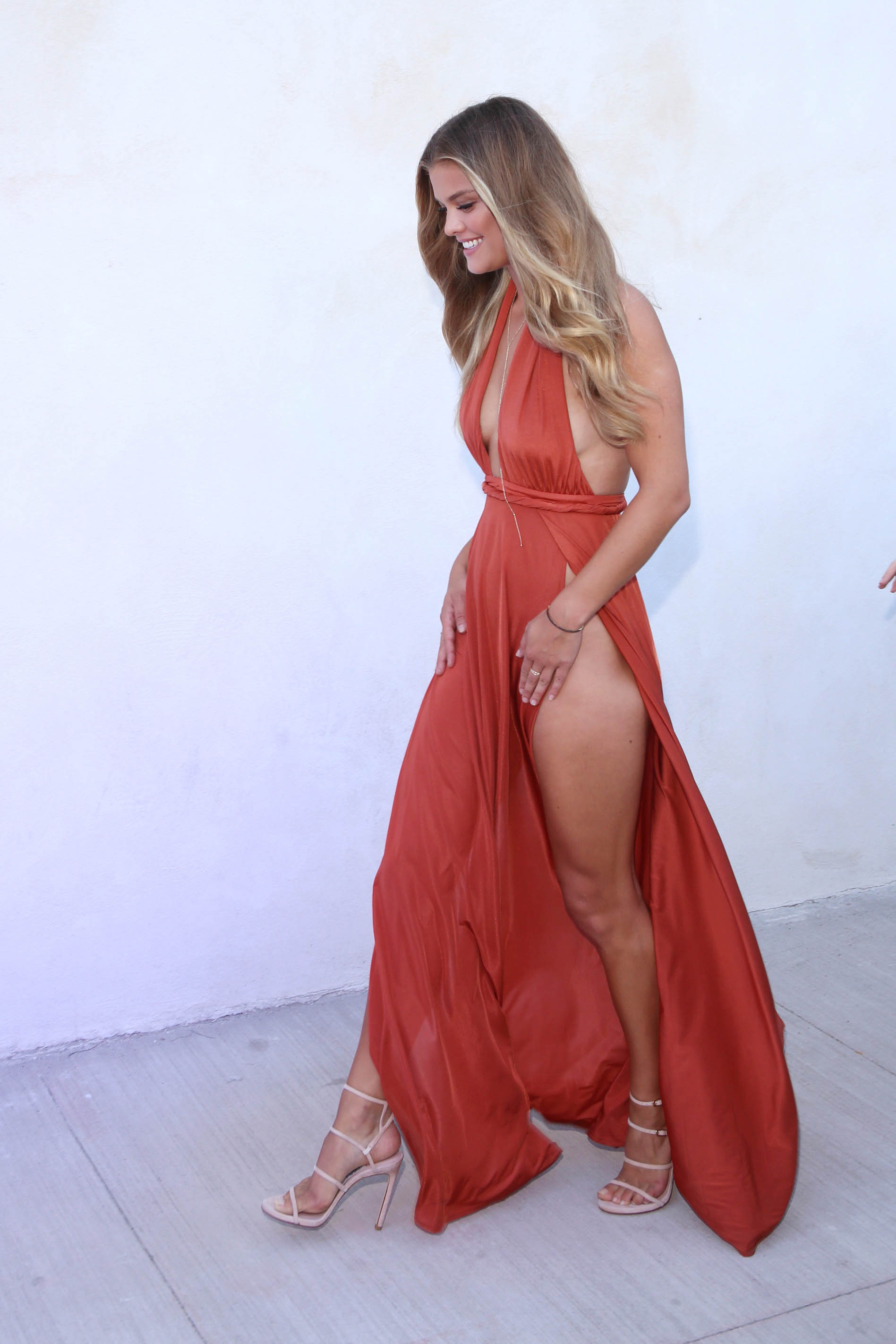
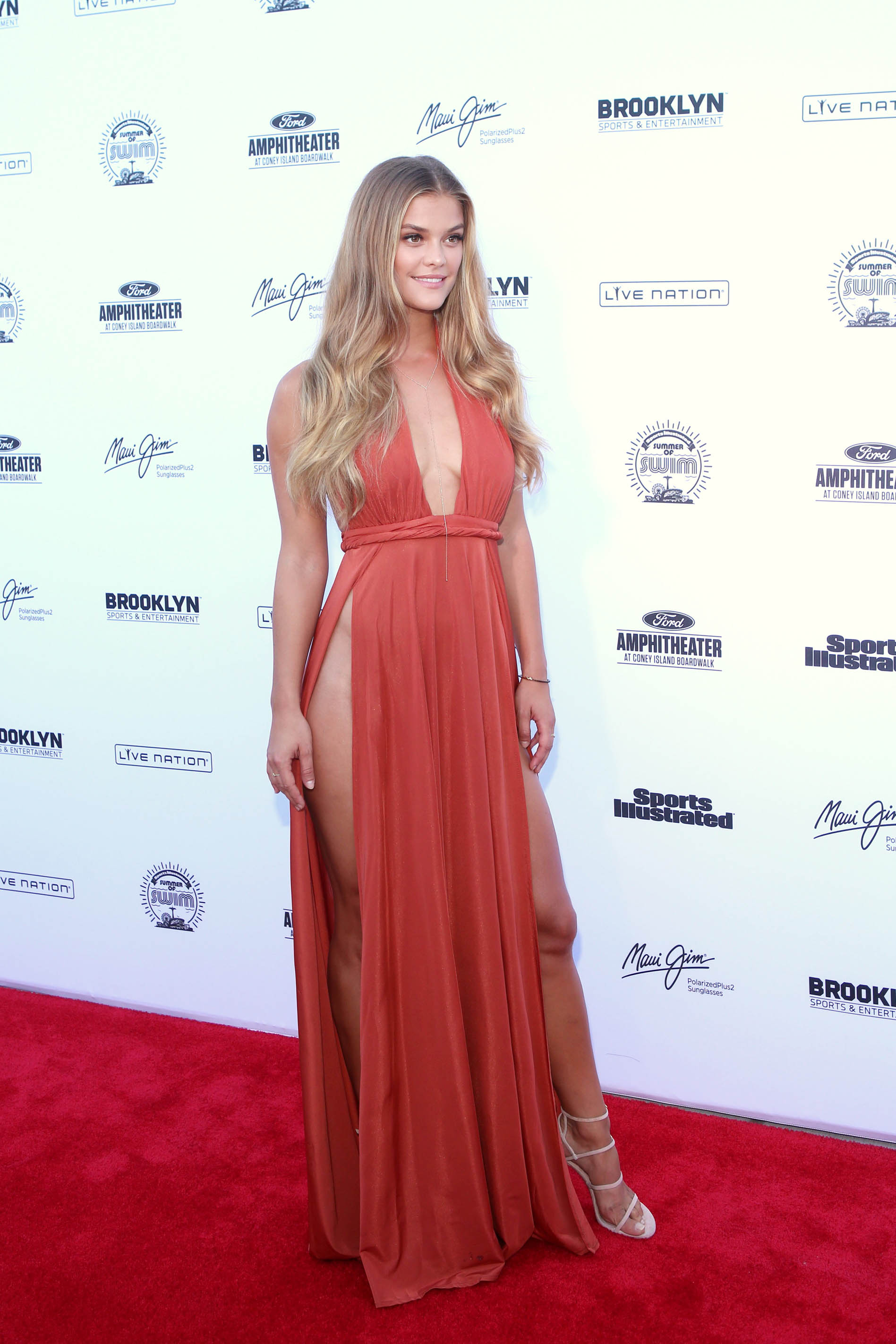
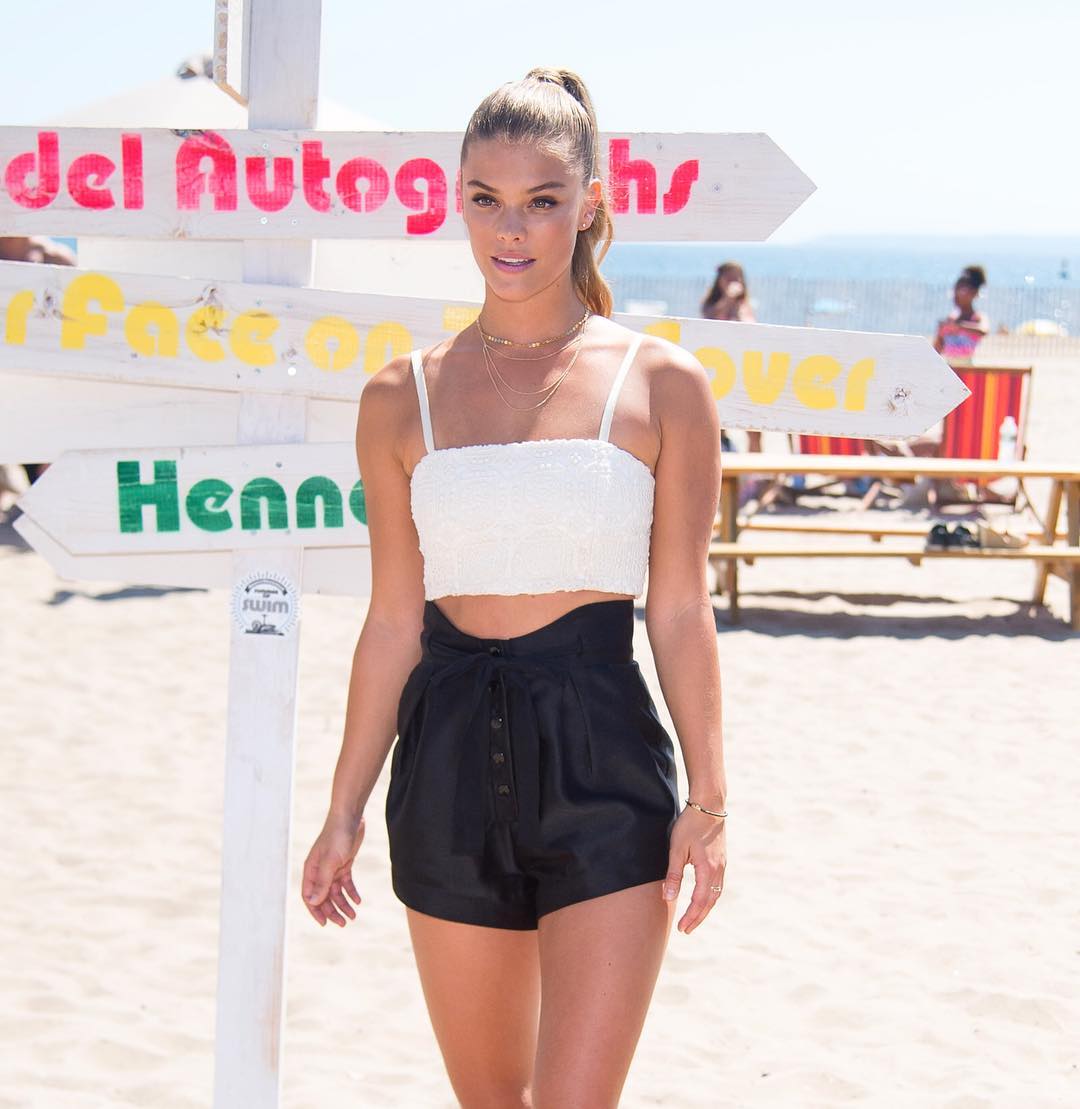
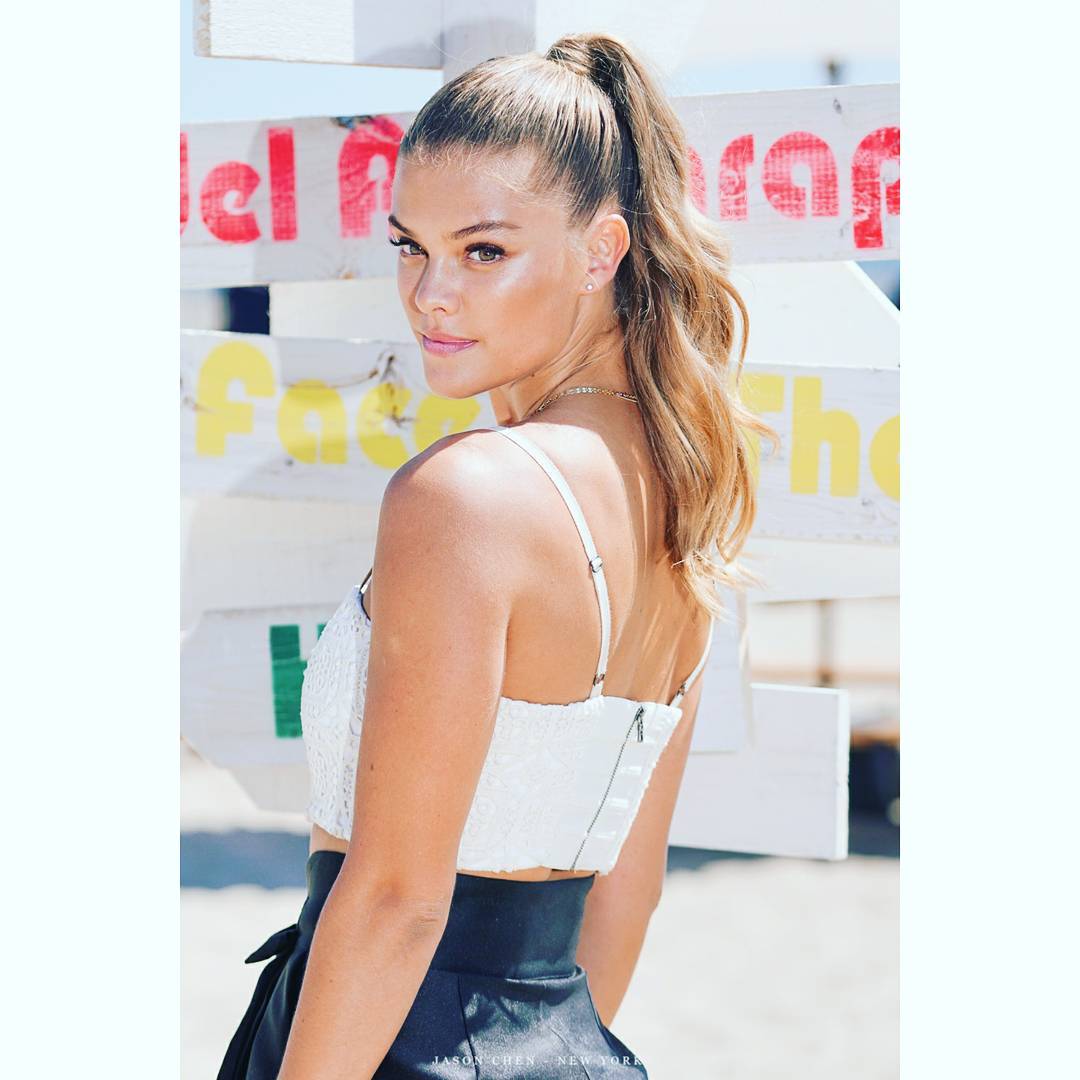
Account
Navigation
Search
Configure browser push notifications
Chrome (Android)
- Tap the lock icon next to the address bar.
- Tap Permissions → Notifications.
- Adjust your preference.
Chrome (Desktop)
- Click the padlock icon in the address bar.
- Select Site settings.
- Find Notifications and adjust your preference.
Safari (iOS 16.4+)
- Ensure the site is installed via Add to Home Screen.
- Open Settings App → Notifications.
- Find your app name and adjust your preference.
Safari (macOS)
- Go to Safari → Preferences.
- Click the Websites tab.
- Select Notifications in the sidebar.
- Find this website and adjust your preference.
Edge (Android)
- Tap the lock icon next to the address bar.
- Tap Permissions.
- Find Notifications and adjust your preference.
Edge (Desktop)
- Click the padlock icon in the address bar.
- Click Permissions for this site.
- Find Notifications and adjust your preference.
Firefox (Android)
- Go to Settings → Site permissions.
- Tap Notifications.
- Find this site in the list and adjust your preference.
Firefox (Desktop)
- Open Firefox Settings.
- Search for Notifications.
- Find this site in the list and adjust your preference.