MarVS2
Members
-
Joined
-
Last visited
Everything posted by MarVS2
-
 ohh i see.... still waiting for my gurls Lini Kennedy and Hanna Edwinson make it this year at least for print
 -
wondering about thisv girl she is so gorg especially her eyes i thnik she should do VS Prettyphile and Clauds have seen her? give me some Adriana lima vibes with her cute imperfect teeth
-
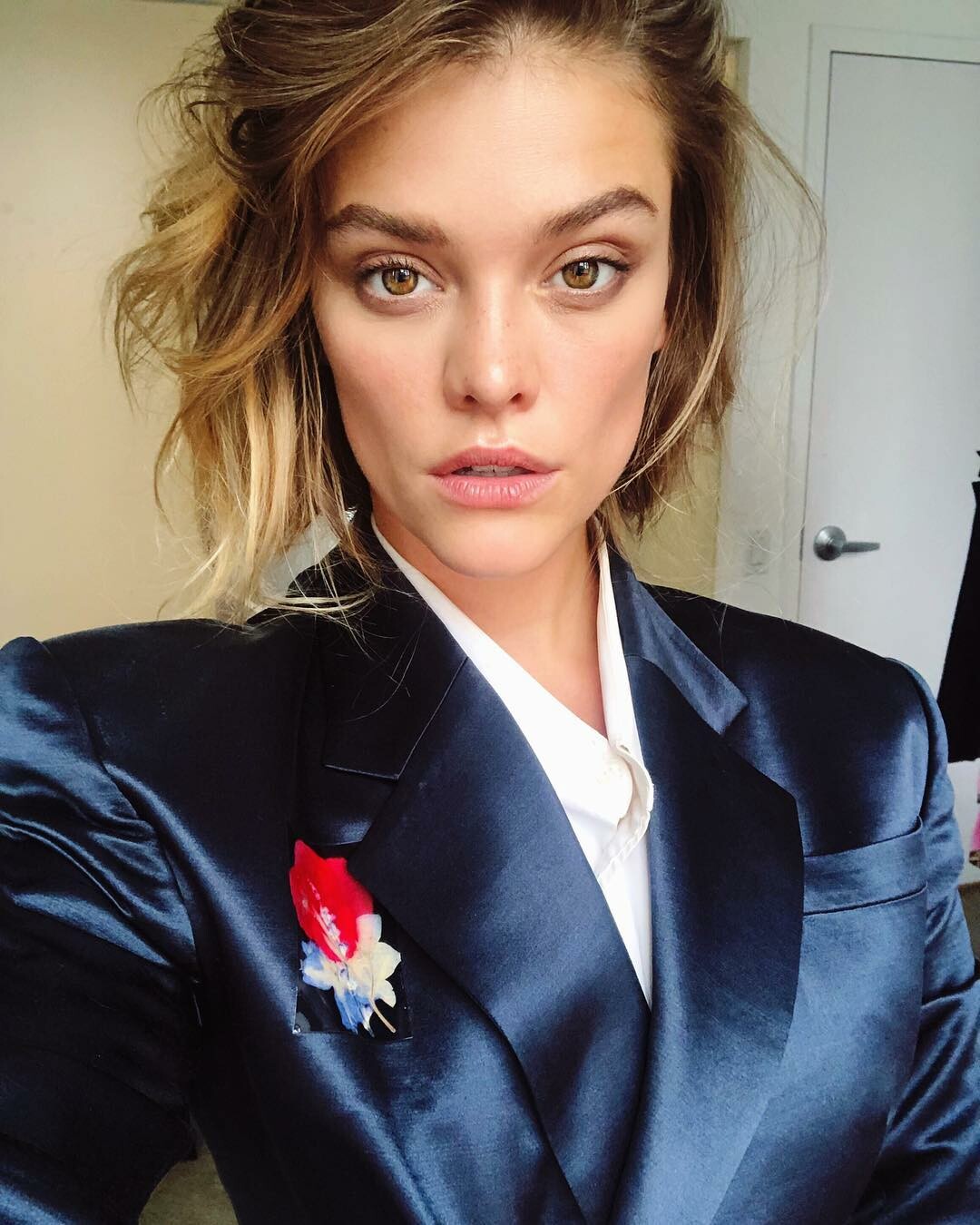
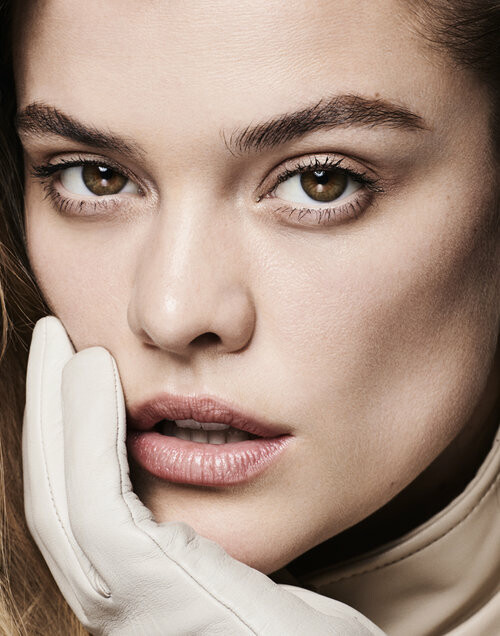
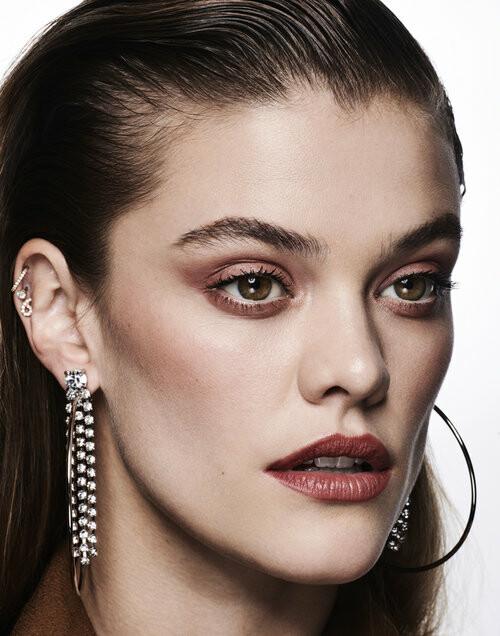
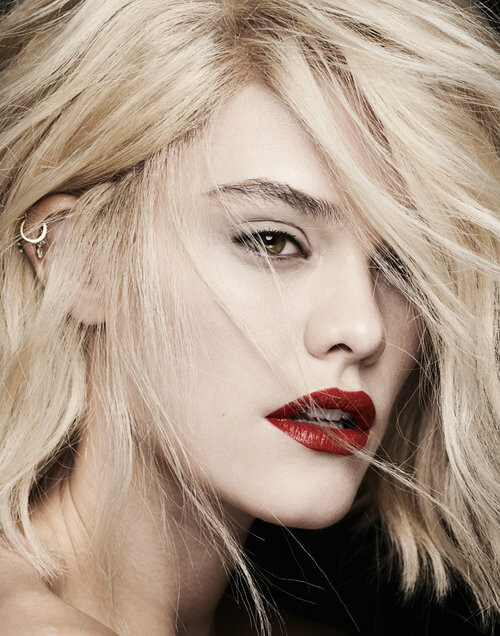
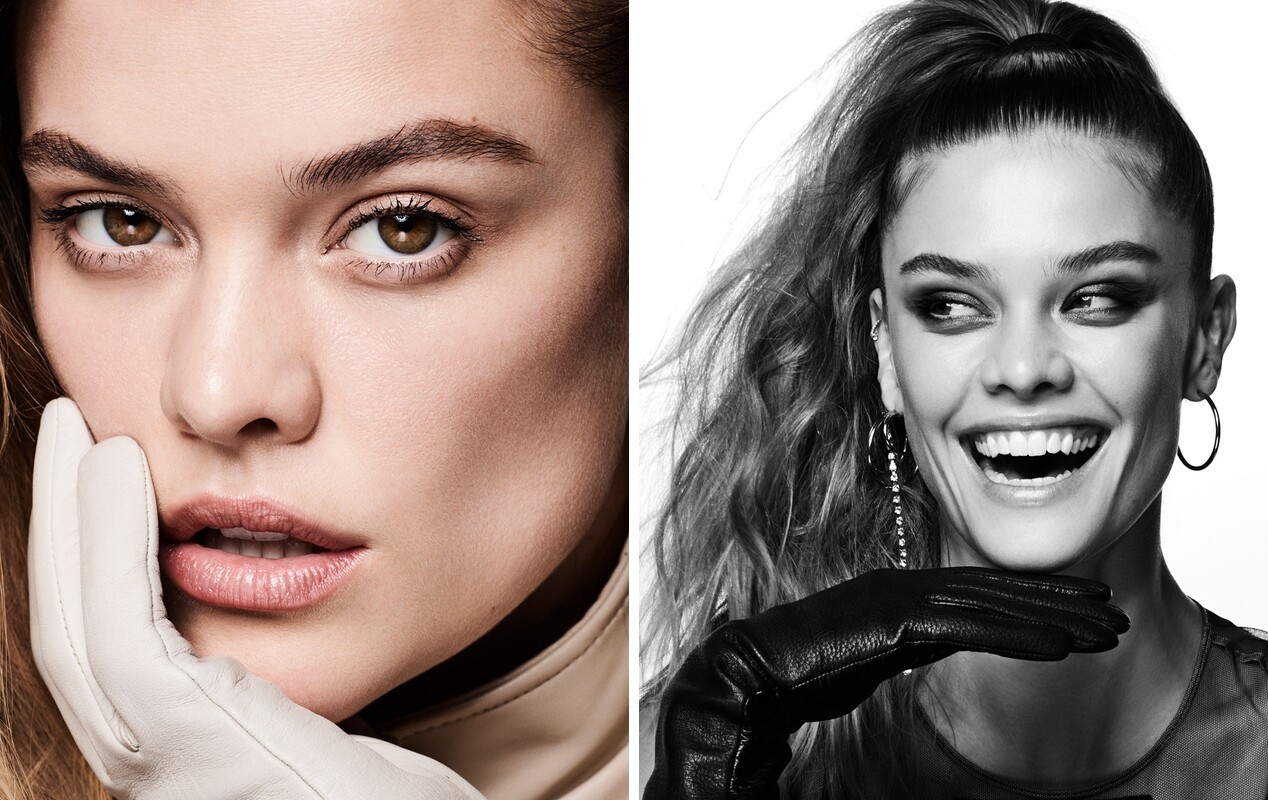
nina today shoot how stunning
Ryan Michael Kelly Photography - new




 new by Ryan Michael Kelly via elite nyc
 we lucky Alexina is in london
Barbara and Grace are shooting VS today . VS fuckin knows they need Babs now that Adri is gone .
i wish and she totally want to be back according to her recent throwbacks with hearts and tagging MJ but i think its not going to happen
i just keep seeing Miley cyrus when i remenber maggie . her smile or something its so miley not good tho lol. Grace for mainline middle of the year hopefully
Babs posted a selfie tagging VS and the make up team it maybe a tb from Miami or was shooting again?
by hadar pitchon
we lucky Alexina is in london
Barbara and Grace are shooting VS today . VS fuckin knows they need Babs now that Adri is gone .
i wish and she totally want to be back according to her recent throwbacks with hearts and tagging MJ but i think its not going to happen
i just keep seeing Miley cyrus when i remenber maggie . her smile or something its so miley not good tho lol. Grace for mainline middle of the year hopefully
Babs posted a selfie tagging VS and the make up team it maybe a tb from Miami or was shooting again?
by hadar pitchon

 she was in Copehangen for 2 days or 3 ...really hoping she booked danish Elle i mean she already booked Vero Moda wich is quite a big brand in Denmark and Europe tho.
Account
Navigation
Search
Configure browser push notifications
Chrome (Android)
- Tap the lock icon next to the address bar.
- Tap Permissions → Notifications.
- Adjust your preference.
Chrome (Desktop)
- Click the padlock icon in the address bar.
- Select Site settings.
- Find Notifications and adjust your preference.
Safari (iOS 16.4+)
- Ensure the site is installed via Add to Home Screen.
- Open Settings App → Notifications.
- Find your app name and adjust your preference.
Safari (macOS)
- Go to Safari → Preferences.
- Click the Websites tab.
- Select Notifications in the sidebar.
- Find this website and adjust your preference.
Edge (Android)
- Tap the lock icon next to the address bar.
- Tap Permissions.
- Find Notifications and adjust your preference.
Edge (Desktop)
- Click the padlock icon in the address bar.
- Click Permissions for this site.
- Find Notifications and adjust your preference.
Firefox (Android)
- Go to Settings → Site permissions.
- Tap Notifications.
- Find this site in the list and adjust your preference.
Firefox (Desktop)
- Open Firefox Settings.
- Search for Notifications.
- Find this site in the list and adjust your preference.