
MarVS2
Members
-
Joined
-
Last visited
Everything posted by MarVS2
-
 Vía NinaAgdal ig story
i think they are shooting the lipsync vids promos for the show
Self Magazine - December 2016
HQ shooting Loreal
yes im prayin. btw Irina i remenber commented on one of Yu pics saying wishing was there but at the same time she had inside the 2016 issue a page with her 10 years in the mag so maybe she is not back idk. kelly rorbach i tihnk is not back too she is more interested on being an actress tbh.
oh i forgot about that i think Elsa too!.
yes yesterday hopefully something cool
same
at Soulcycle Gym
haha what happenned pretty did i say something wrong? lol .
i would like Grace on PINK just if they give her the wings with lots of bows , i think it looks so cool and cute . also the the huge big pink bow or the the outfit with the baseball cap with a big bow too. those 3 outfits are the only ones i love from PINK.
Kohls k-lab Launch some days ago. source:fashionweekdaily.com
Vía NinaAgdal ig story
i think they are shooting the lipsync vids promos for the show
Self Magazine - December 2016
HQ shooting Loreal
yes im prayin. btw Irina i remenber commented on one of Yu pics saying wishing was there but at the same time she had inside the 2016 issue a page with her 10 years in the mag so maybe she is not back idk. kelly rorbach i tihnk is not back too she is more interested on being an actress tbh.
oh i forgot about that i think Elsa too!.
yes yesterday hopefully something cool
same
at Soulcycle Gym
haha what happenned pretty did i say something wrong? lol .
i would like Grace on PINK just if they give her the wings with lots of bows , i think it looks so cool and cute . also the the huge big pink bow or the the outfit with the baseball cap with a big bow too. those 3 outfits are the only ones i love from PINK.
Kohls k-lab Launch some days ago. source:fashionweekdaily.com

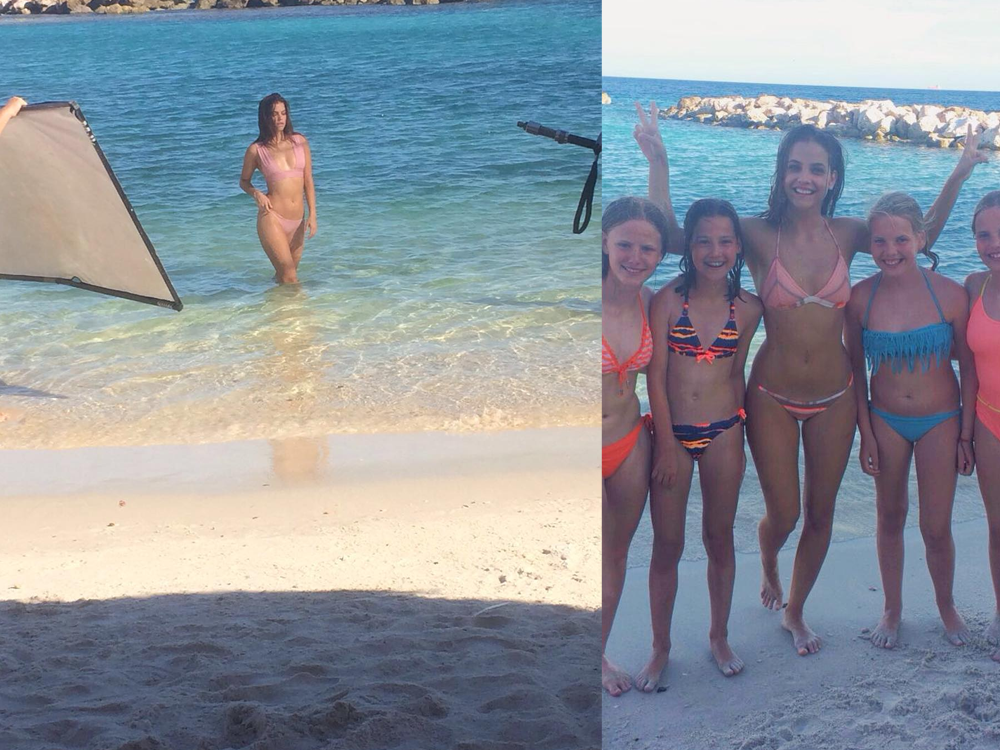
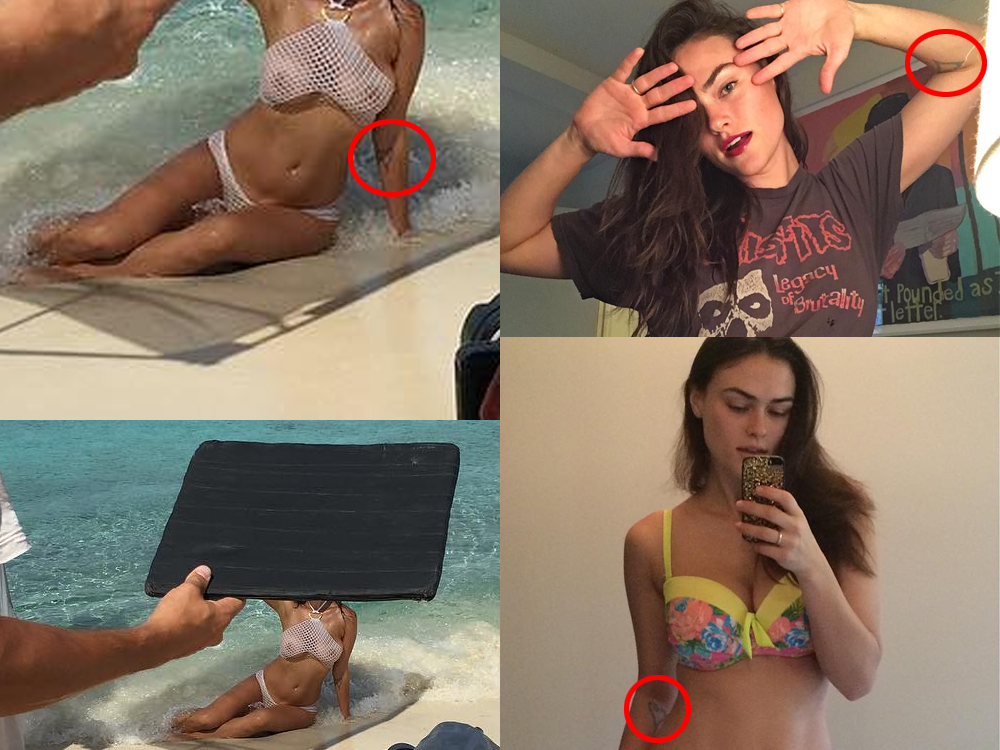
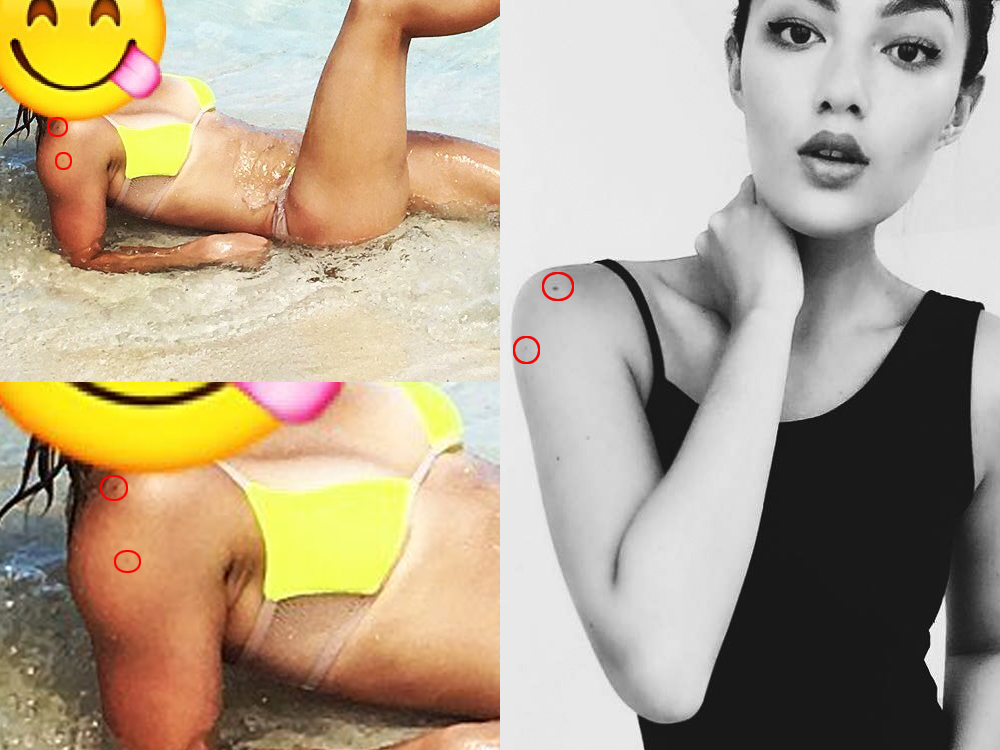
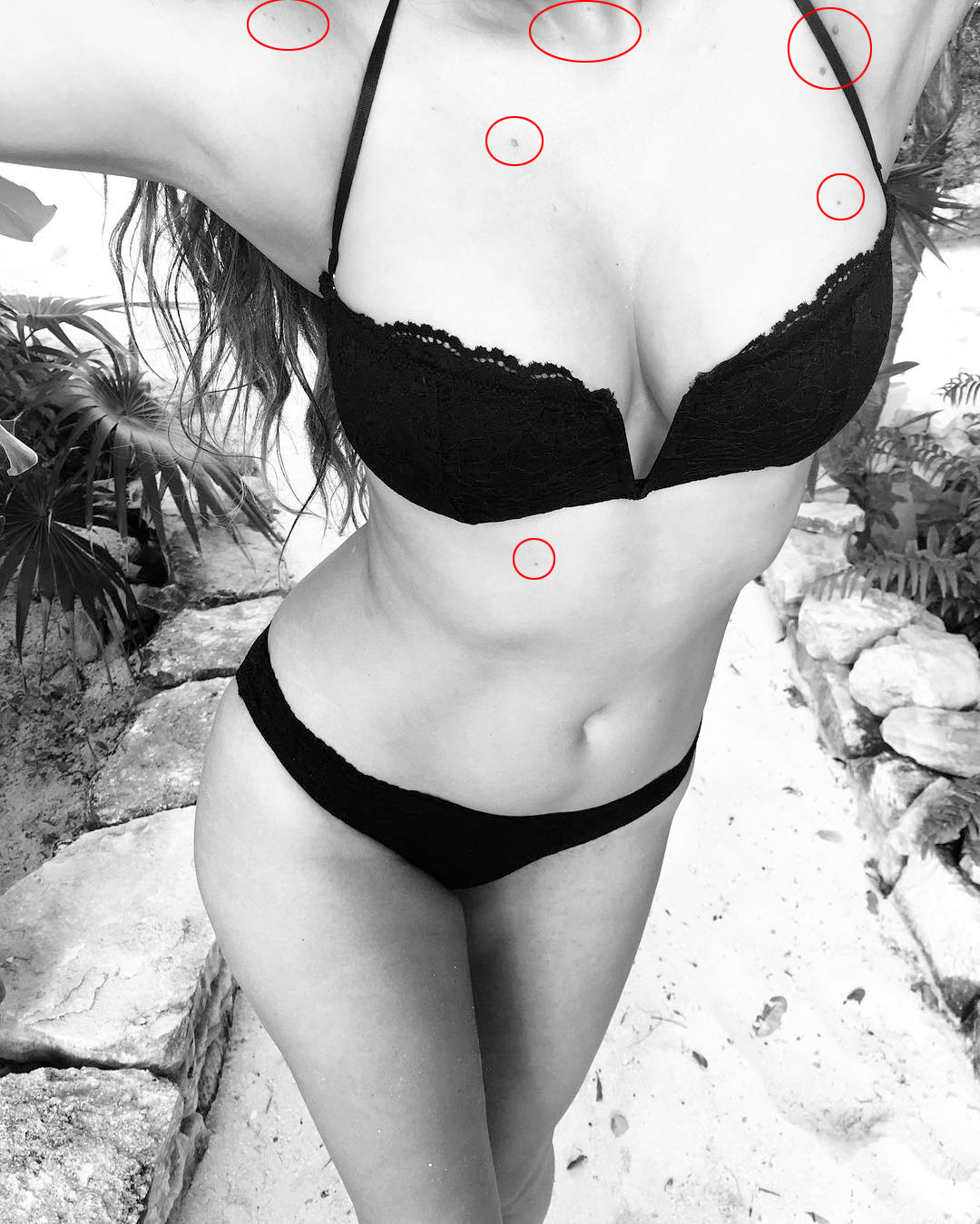
Account
Navigation
Search
Configure browser push notifications
Chrome (Android)
- Tap the lock icon next to the address bar.
- Tap Permissions → Notifications.
- Adjust your preference.
Chrome (Desktop)
- Click the padlock icon in the address bar.
- Select Site settings.
- Find Notifications and adjust your preference.
Safari (iOS 16.4+)
- Ensure the site is installed via Add to Home Screen.
- Open Settings App → Notifications.
- Find your app name and adjust your preference.
Safari (macOS)
- Go to Safari → Preferences.
- Click the Websites tab.
- Select Notifications in the sidebar.
- Find this website and adjust your preference.
Edge (Android)
- Tap the lock icon next to the address bar.
- Tap Permissions.
- Find Notifications and adjust your preference.
Edge (Desktop)
- Click the padlock icon in the address bar.
- Click Permissions for this site.
- Find Notifications and adjust your preference.
Firefox (Android)
- Go to Settings → Site permissions.
- Tap Notifications.
- Find this site in the list and adjust your preference.
Firefox (Desktop)
- Open Firefox Settings.
- Search for Notifications.
- Find this site in the list and adjust your preference.