Jump to content
View in the app

A better way to browse. Learn more.

Bellazon

A full-screen app on your home screen with push notifications, badges and more.

To install this app on iOS and iPadOS
  1. Tap the Share icon in Safari
  2. Scroll the menu and tap Add to Home Screen.
  3. Tap Add in the top-right corner.
To install this app on Android
  1. Tap the 3-dot menu (⋮) in the top-right corner of the browser.
  2. Tap Add to Home screen or Install app.
  3. Confirm by tapping Install.

MarVS2

Members
  • Joined

  • Last visited

Everything posted by MarVS2

  1. that pink girl is just no
  2. thanks for the beautiful updates guys
  3. stella pics are great this time... either way dont like her lol..... and who's that pink girl? (the blonde one dont like her too) should be there sara or elsa or vita .
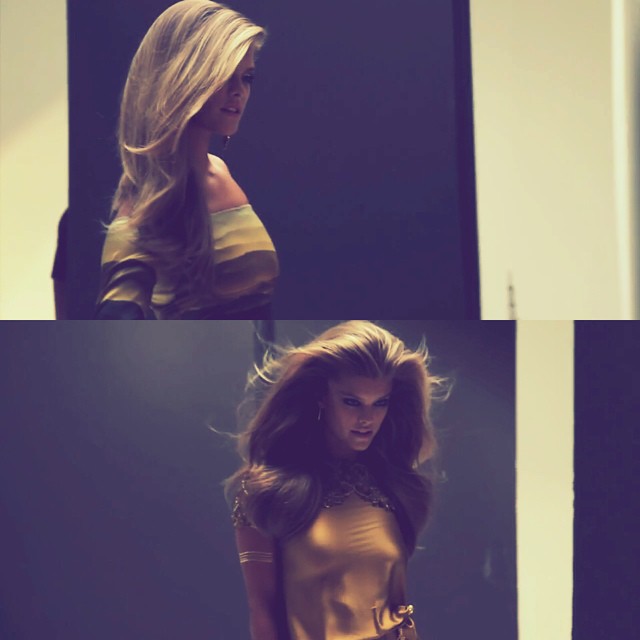
  4. Stills from the MarieClaire vid via @ninaagdalarmy

  5. marieclaire.com.mx (banner)
  6. Vita is gorg ! But damn she is so awkward talking needs to practice more english
  7. happy birthday babs
  8. wow gorgoeus pics thanks michelle
  9. never saw those paps pics outside the cr party
  10. Nina @0.42 secs
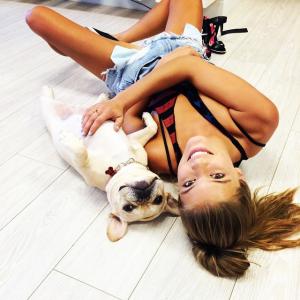
  11. instagram
  12. @ninaagdal
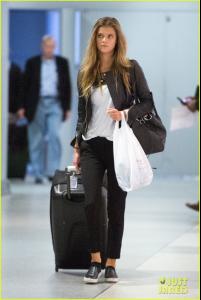
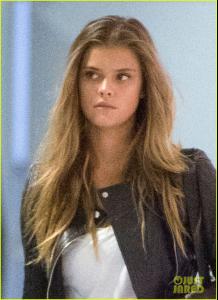
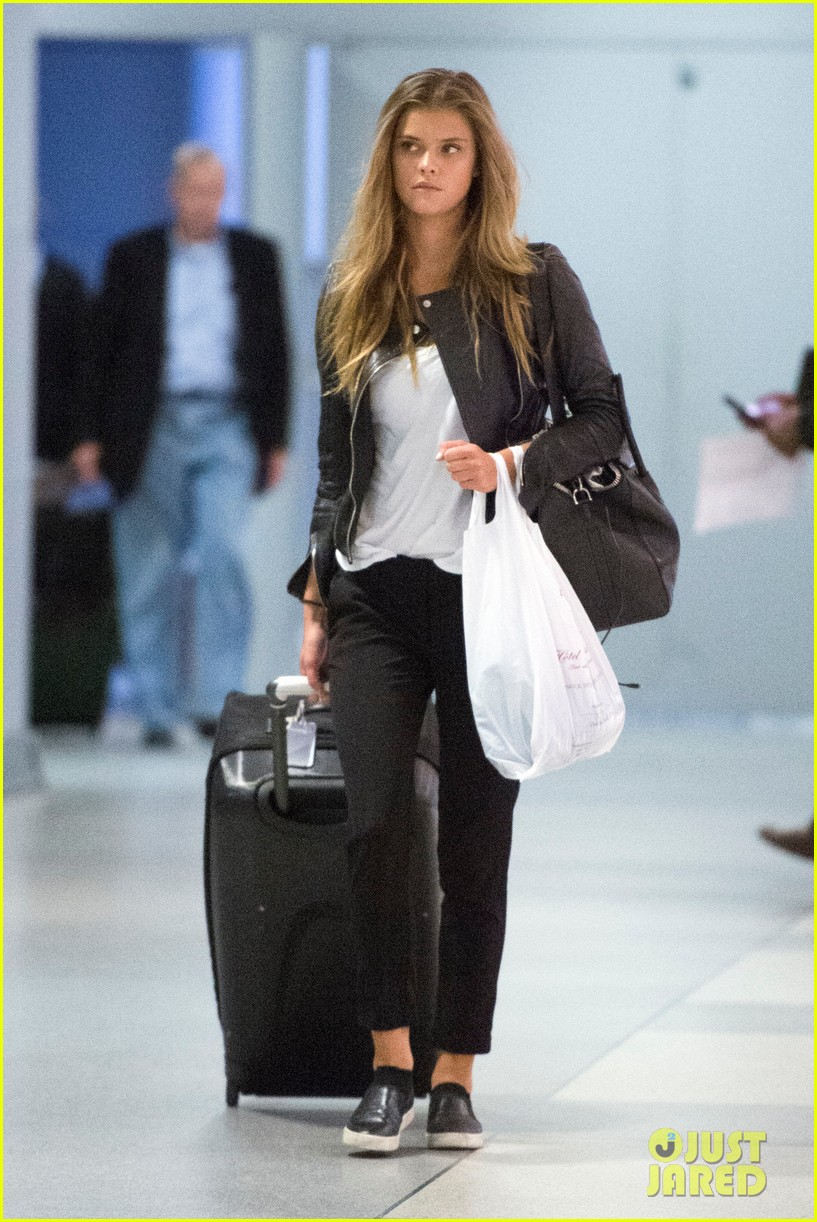
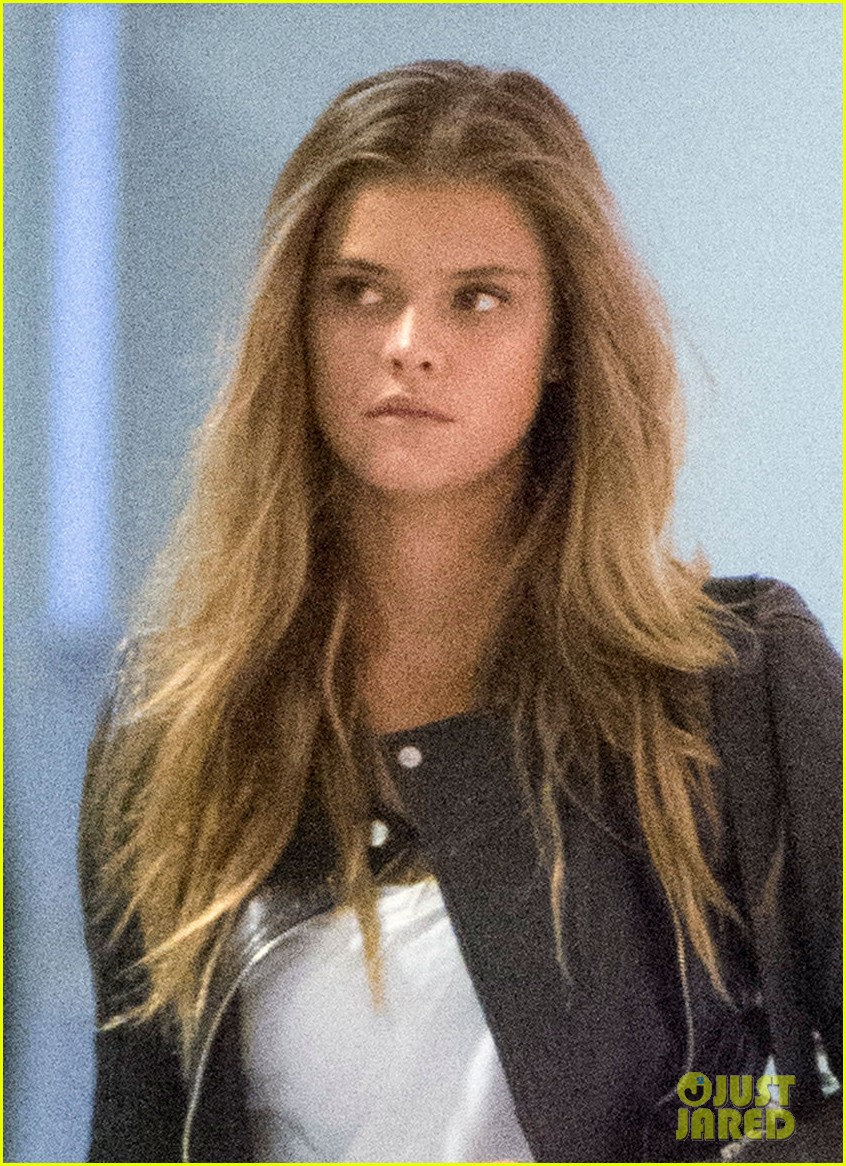
  13. justjared.com @JFK airport
  14. i think she looks like a model tho.....In my case i like Kendall (not love)....i think she does have a great body and she is pretty i bet she will go to the vs casting.. and the paps are gonna be there with shots of her with her portafolio lol...i think she is gonna make it
  15. loveeee the bw shot thanks laura
  16. aw Nina was so nice! but some of those guys are NOT fans they sell those posters later but anyways https://www.youtube.com/watch?v=VBT5z9SKU_Y
  17. thanks michelle
  18. i wonder what was shooting in hawaii ? she looks amazing as always
  19. lol is just because appleauto
  20. amazing updates
  21. it is possible cause Adri its on the other corner... omg if Elsa do that that would make my day tho haha

Account

Navigation

Search

Configure browser push notifications

Chrome (Android)
  1. Tap the lock icon next to the address bar.
  2. Tap Permissions → Notifications.
  3. Adjust your preference.
Chrome (Desktop)
  1. Click the padlock icon in the address bar.
  2. Select Site settings.
  3. Find Notifications and adjust your preference.