
MarVS2
Members
-
Joined
-
Last visited
Everything posted by MarVS2
-
 cant wait to see Babs new vs pics today is 24 of july suppossedly will be out today or tomorrow and more later i guess
 -
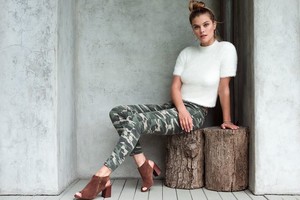
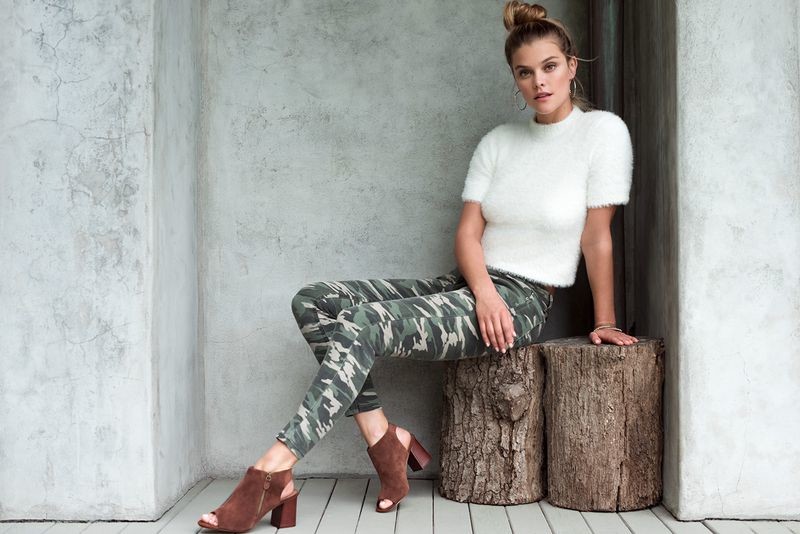
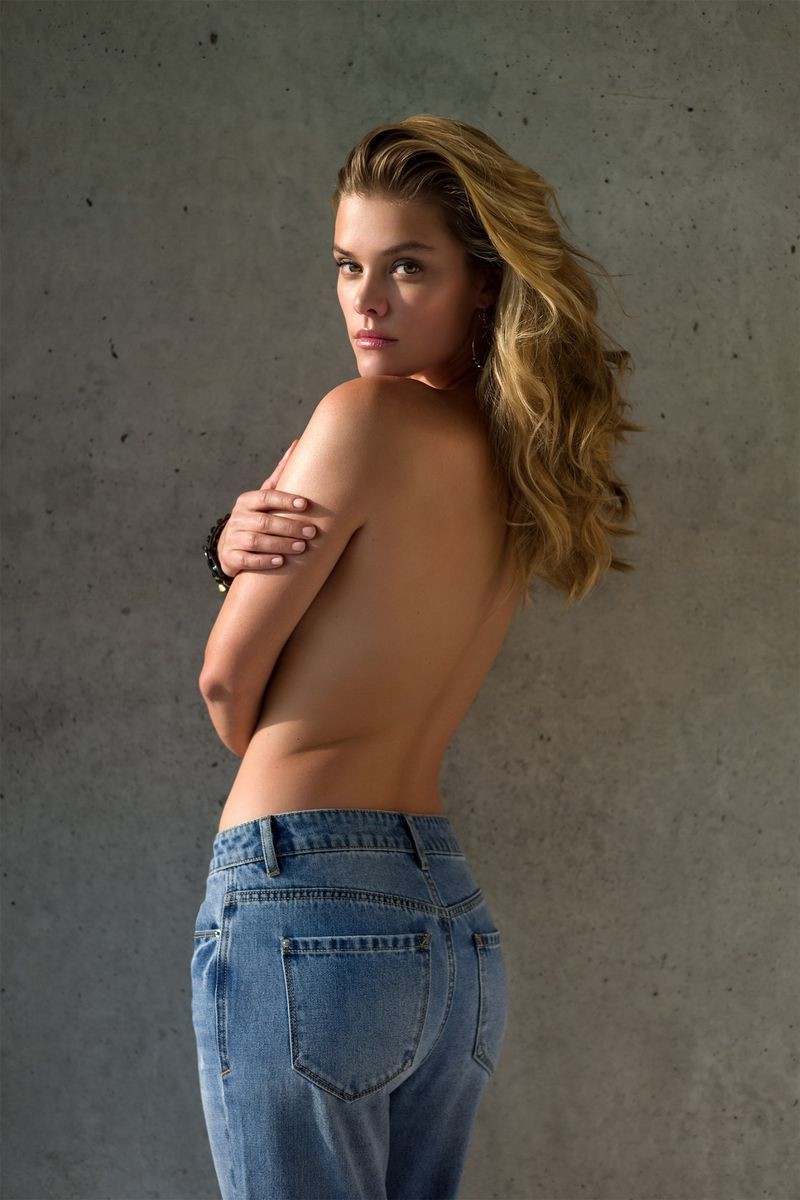
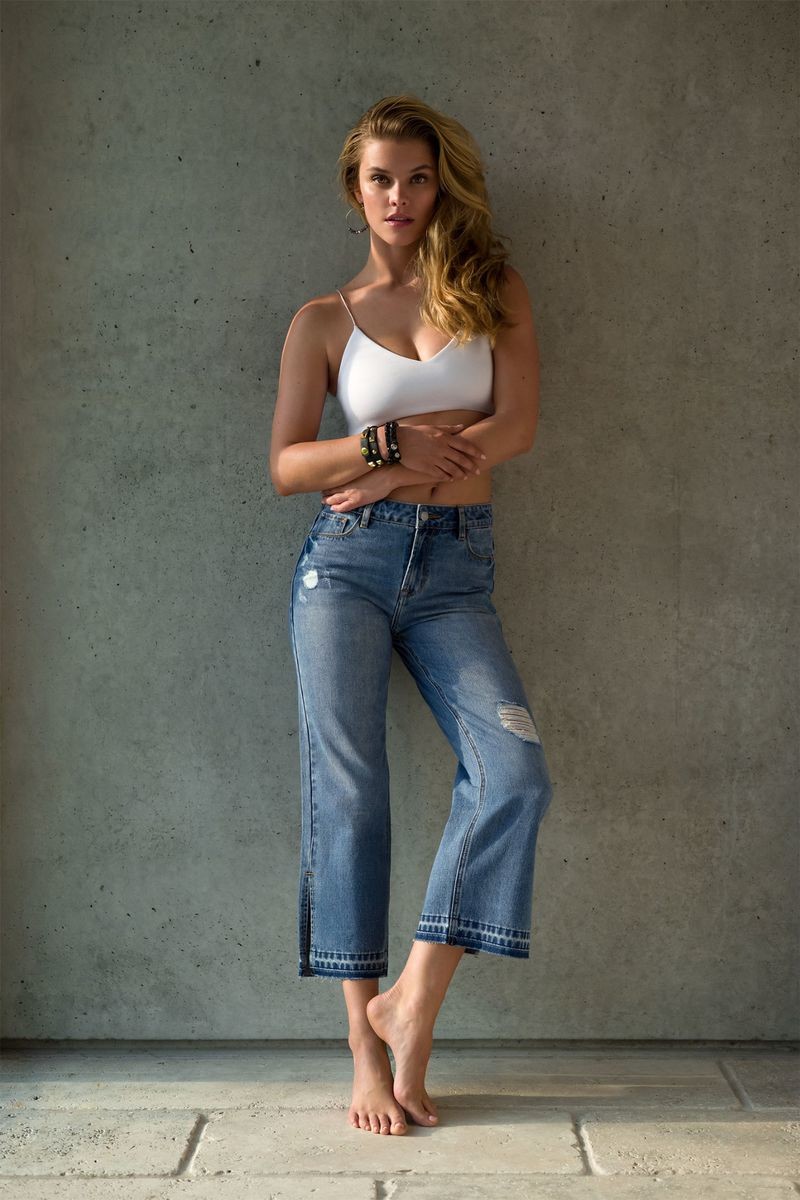
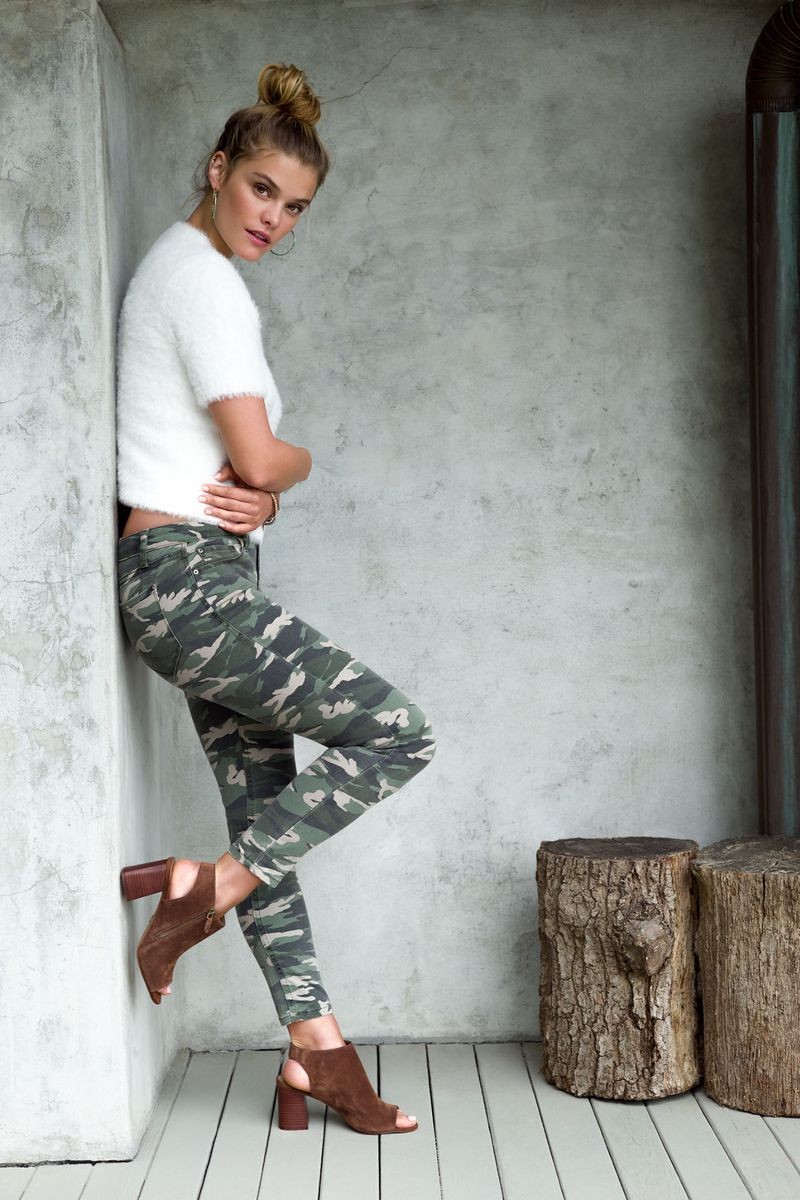
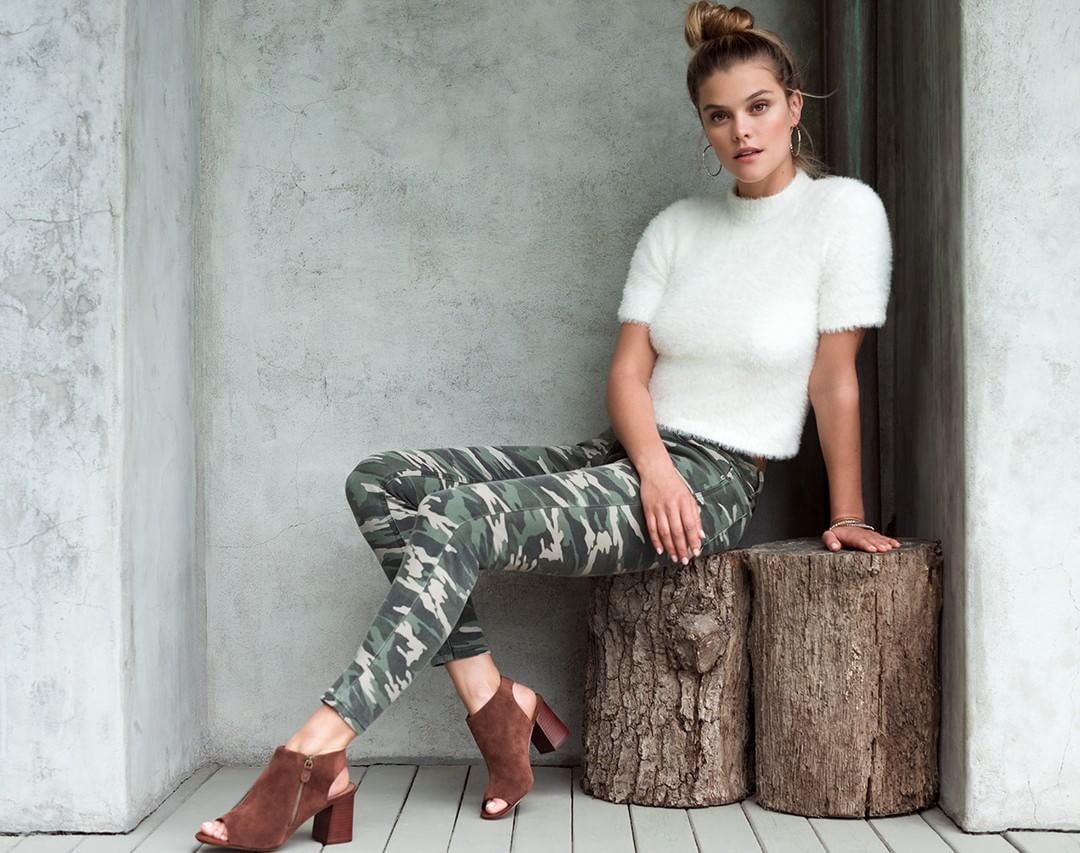
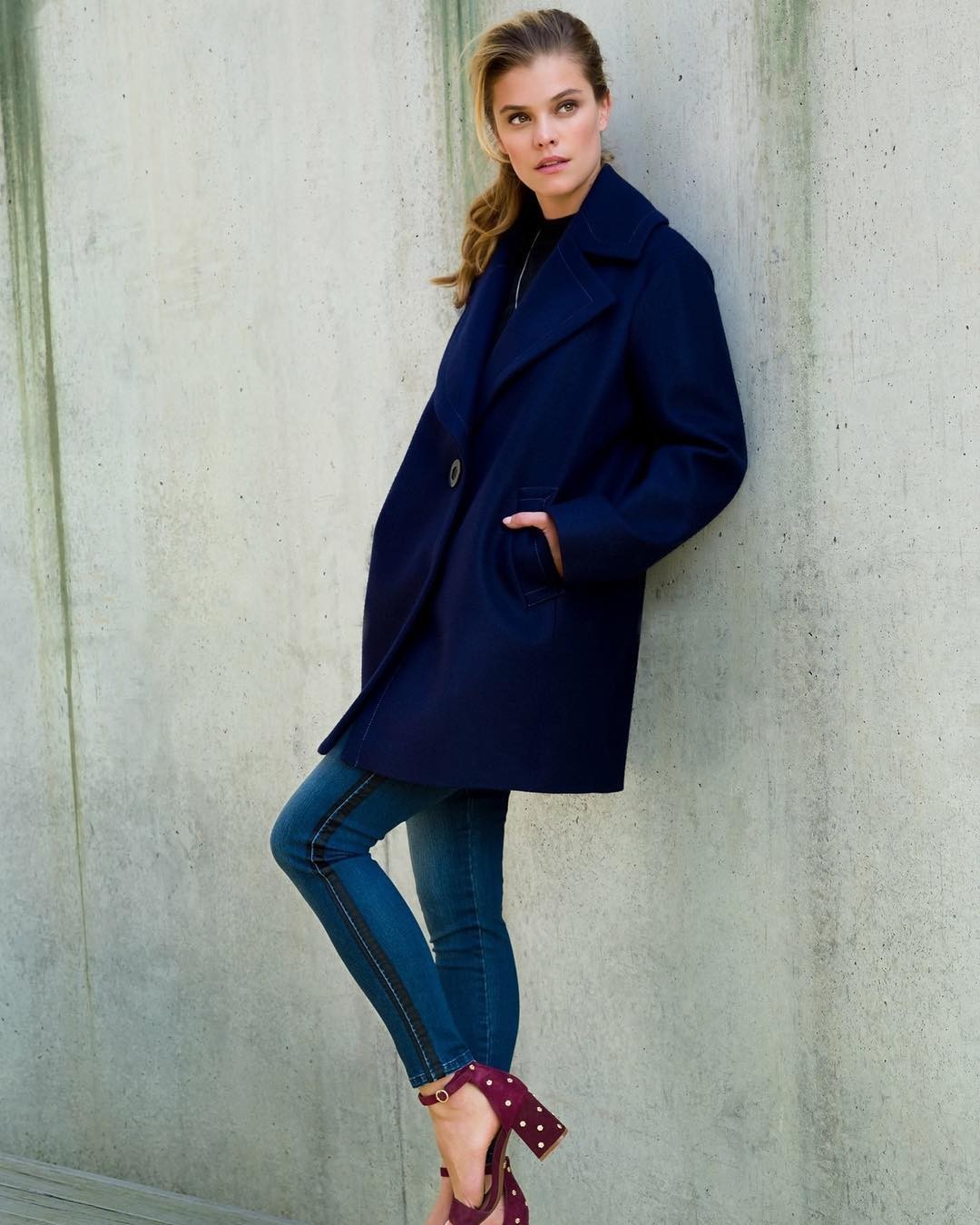
Kensie 2018 campaign via models.com



-
wow she looks great . wanna see more of her .
-
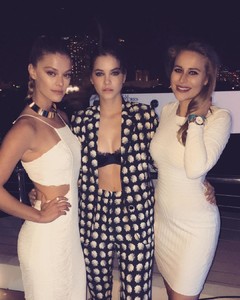
https://www.instagram.com/p/Bla3H1FgNuT/?hl=es-la%26taken-by=thatkarlydoe
-
But i noticed that Ed likes Alexina A LOT .
So Grace and Alexina and Lameka will be the new angels looks like?.... interesting.... i love Grace by other hand i have mix feelings about Alexina she is kinda extra sometimes. and Lameka too skinny but whatevs.
Kensie Fall 2018 campaign
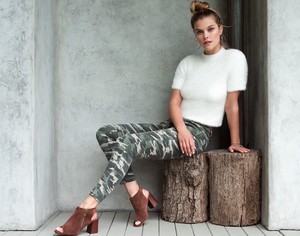
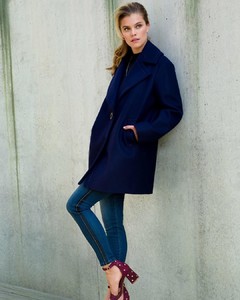
 bbbbbbbbbbbbbbbbbbbbbbbbbbbbbbbbbbbbbbbbbbbbbbbbbbbbbbbbbbbbbbbbbbbbbbbbbbbbbbbbbbbbbbbbbbbbbbbiiiiitttttchhhhhhhhhhhhhhhhhhhhhhh IM SO excited for Grace!! yas! finally and so so excited for Babs VS pics with guy aroch this 24 of july
Acoording to Babs thread her VS pics will come out the 24 of july and probably the ones of Yasmin too.
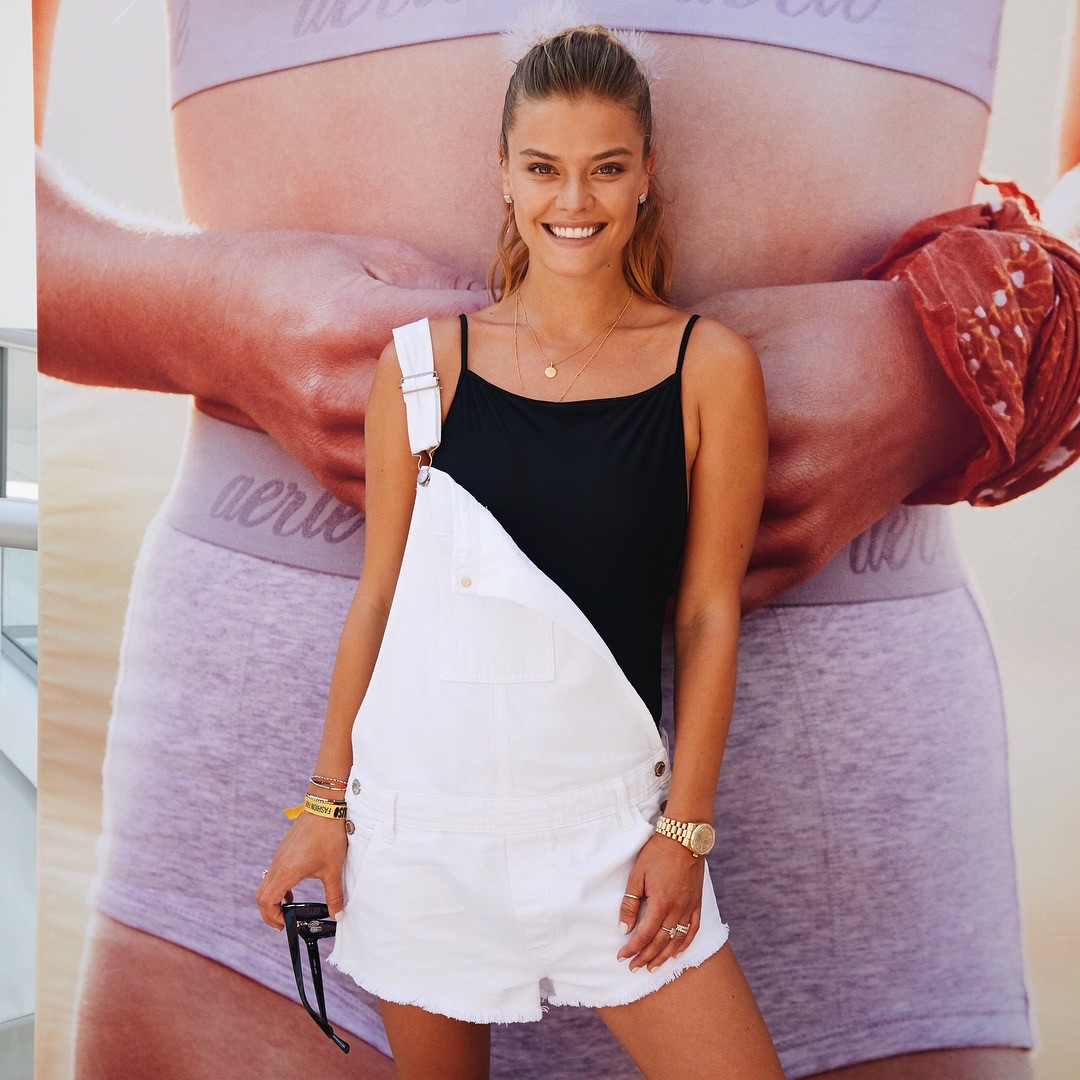
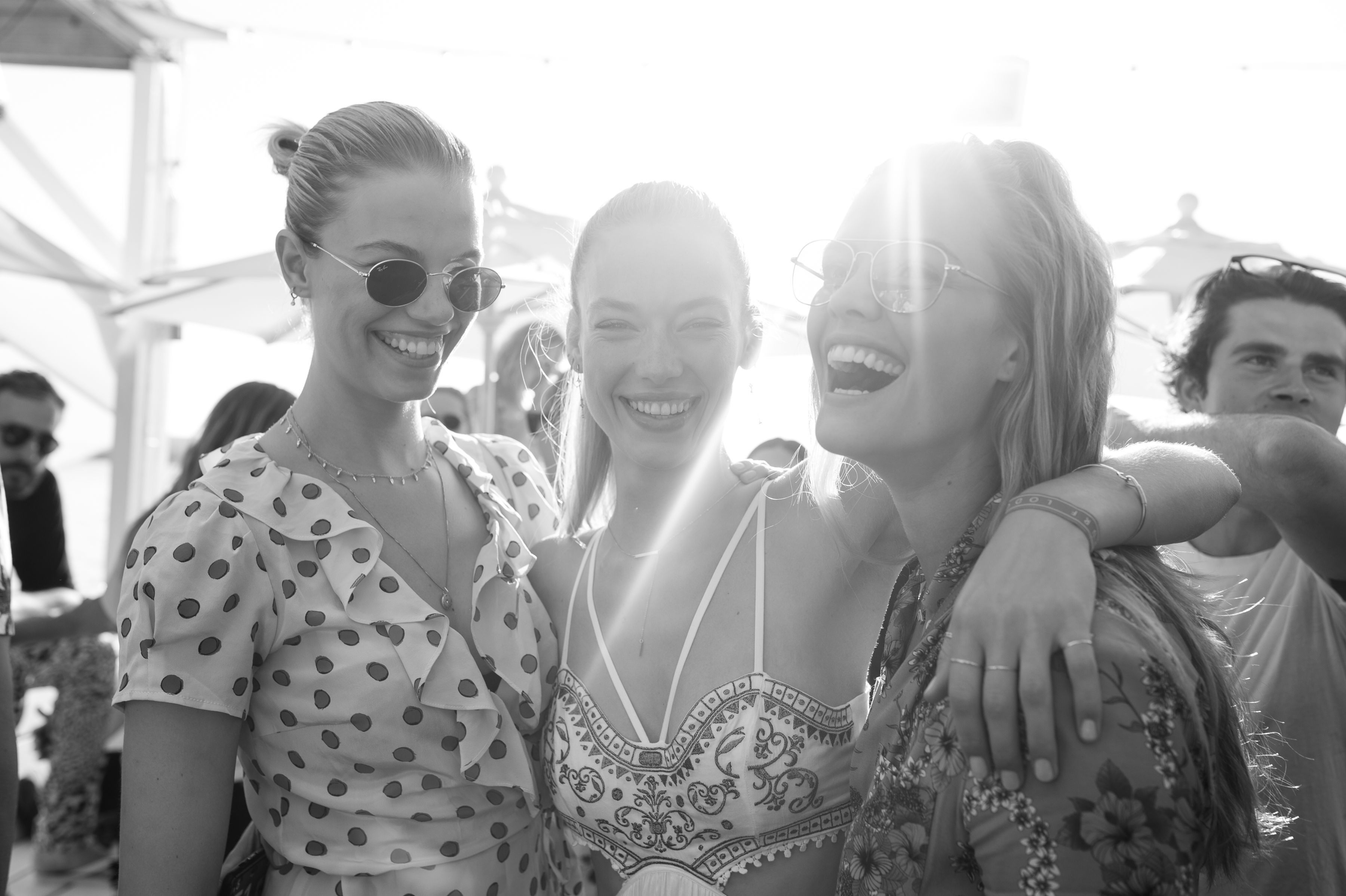
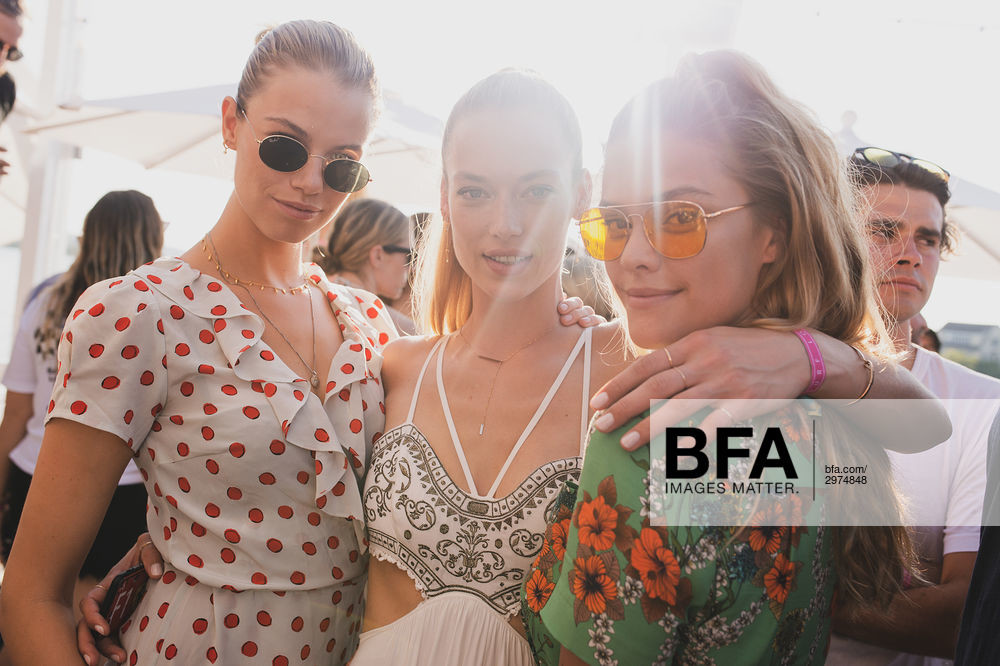
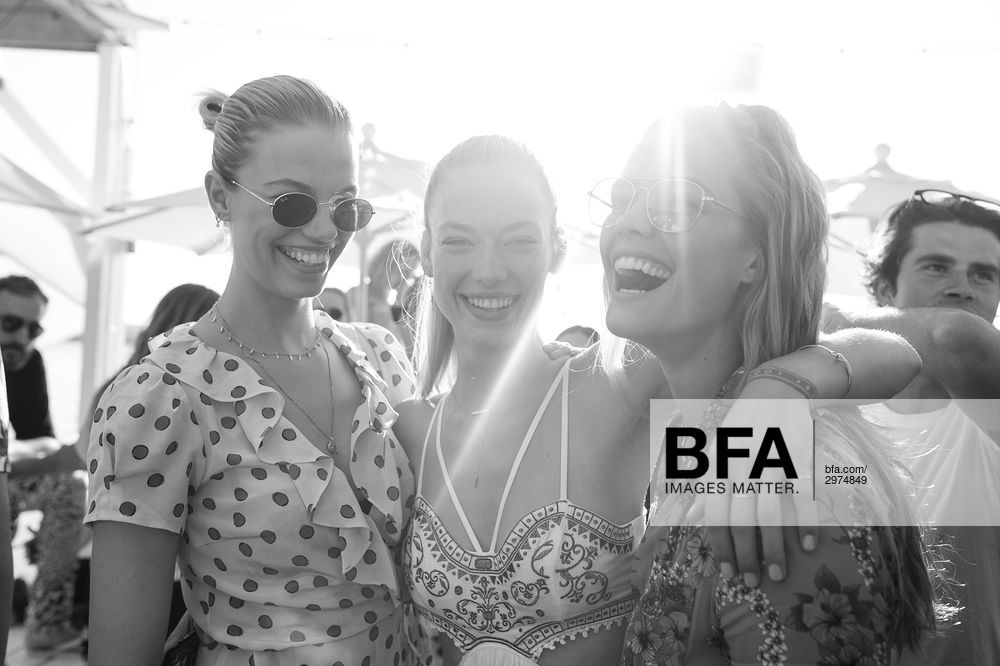
she have an Aerie event today in Miami with Iskra Lawrence
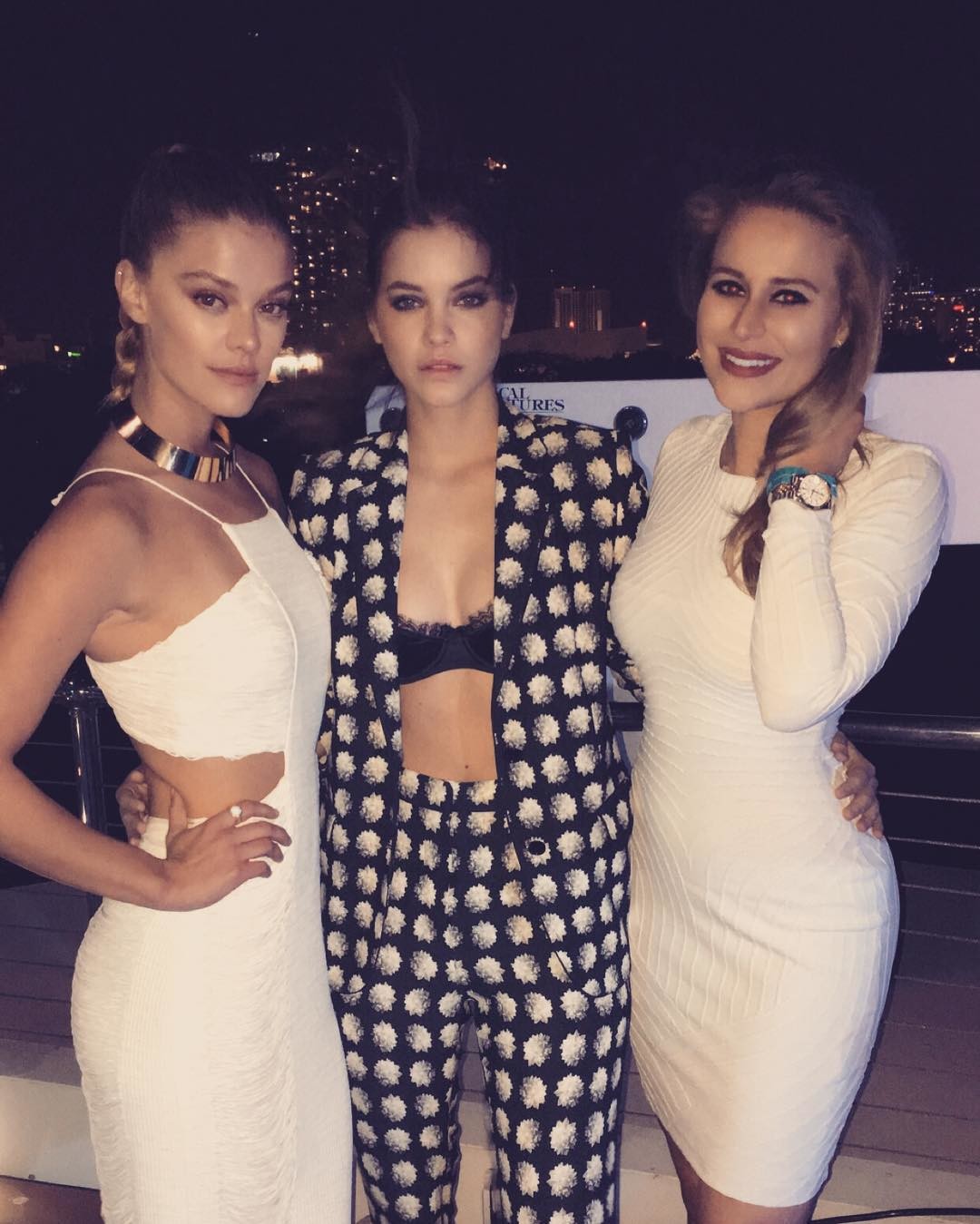
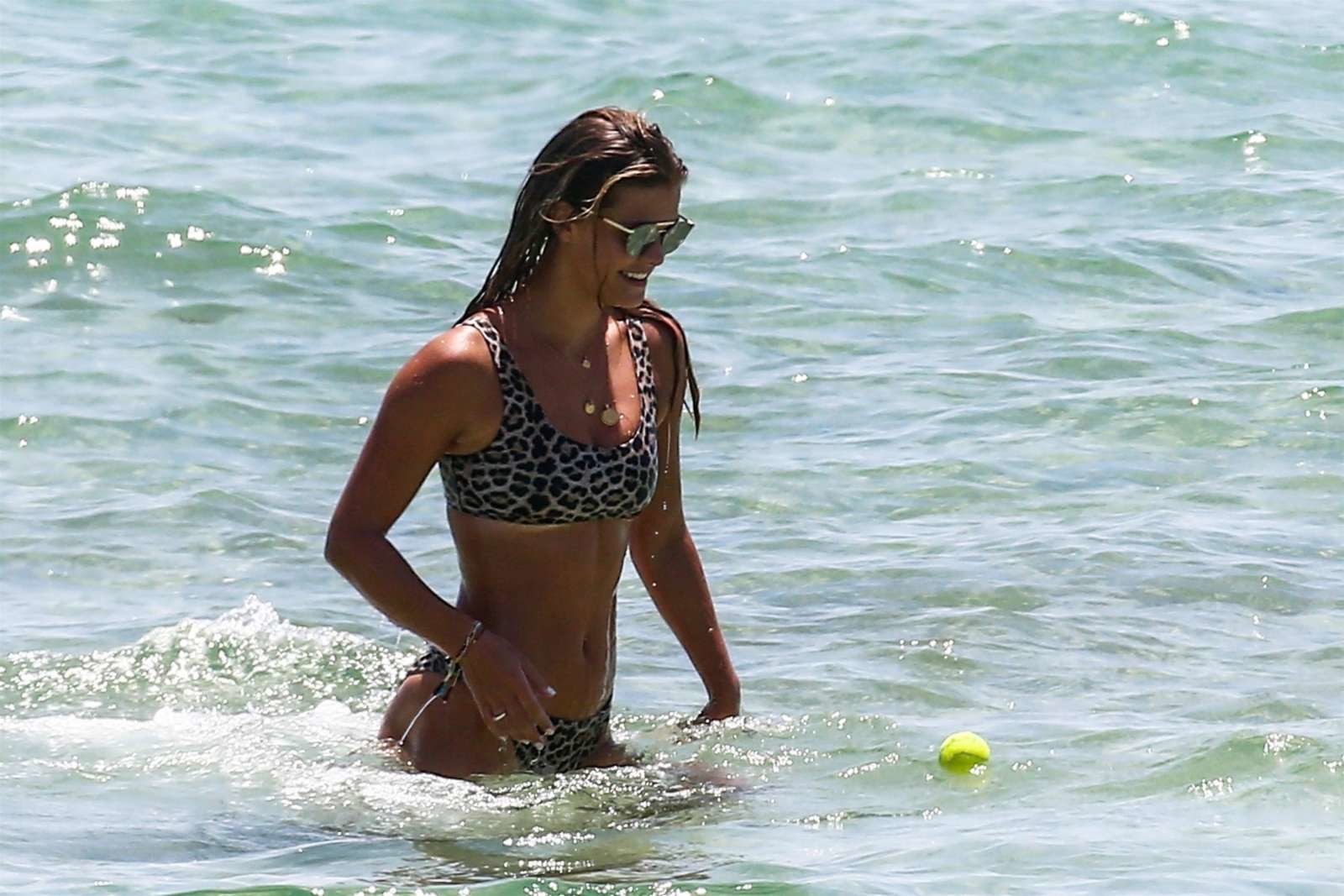
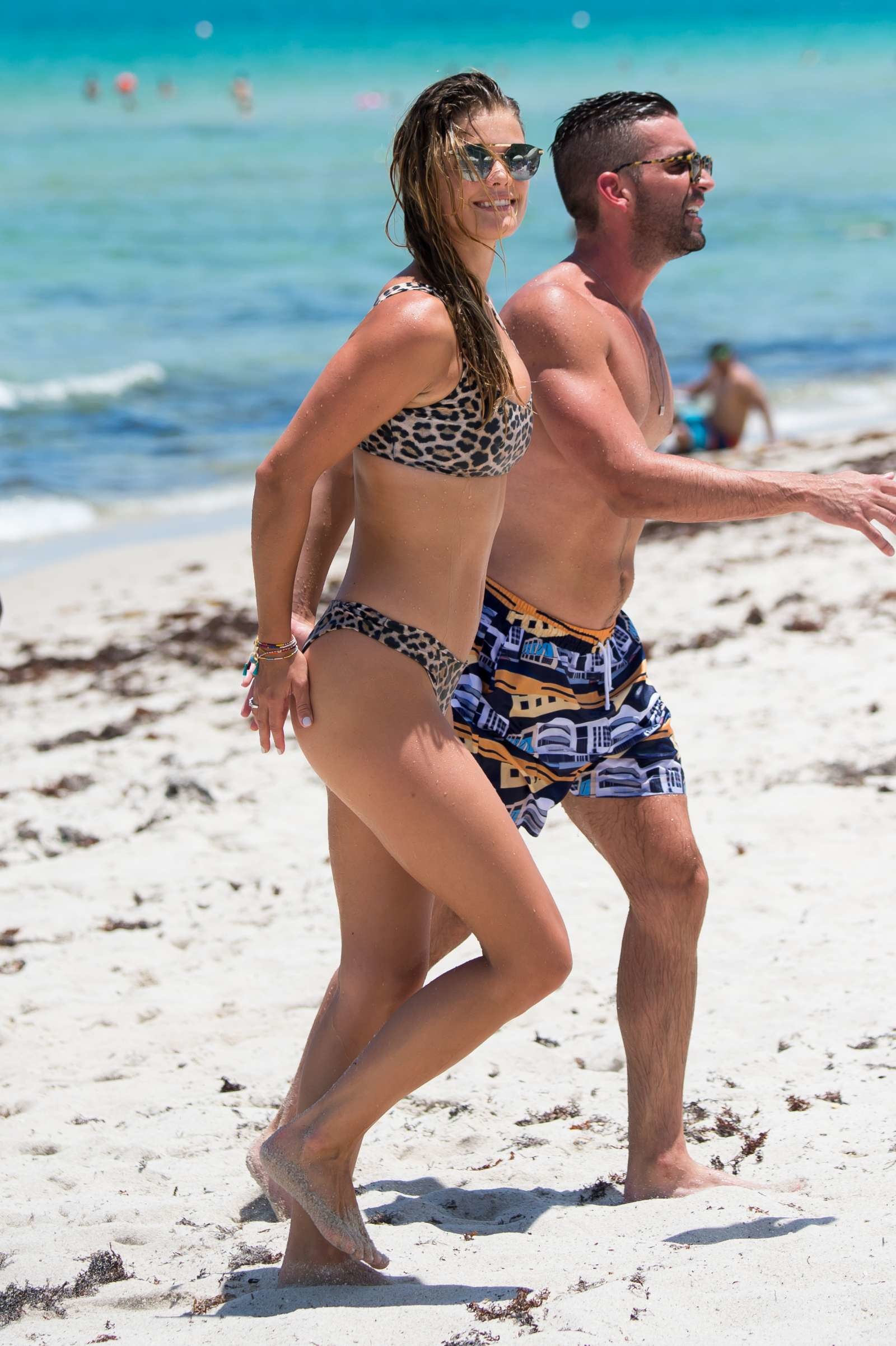
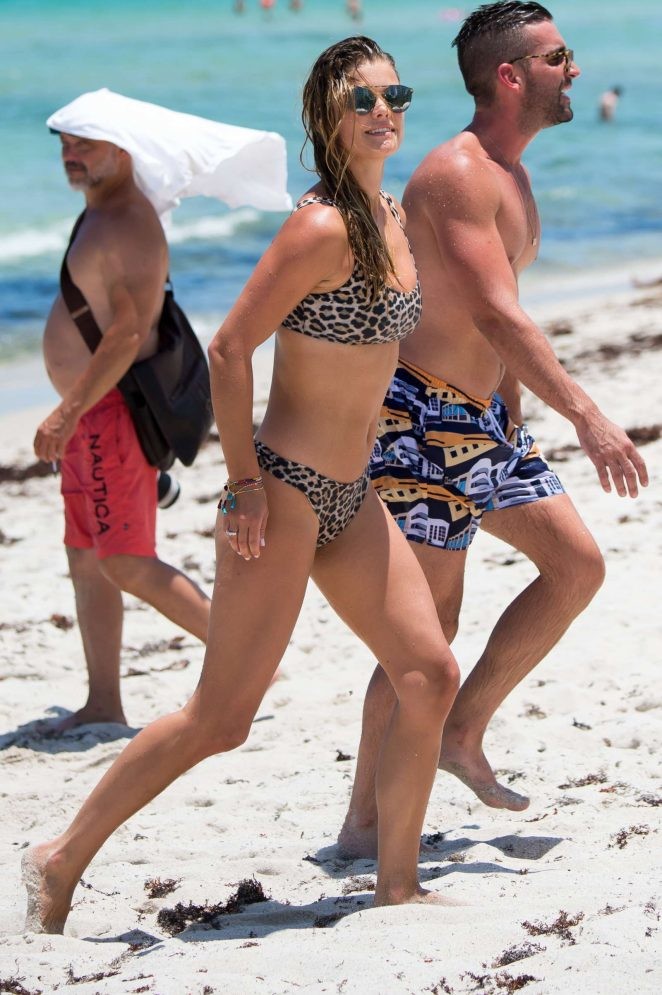
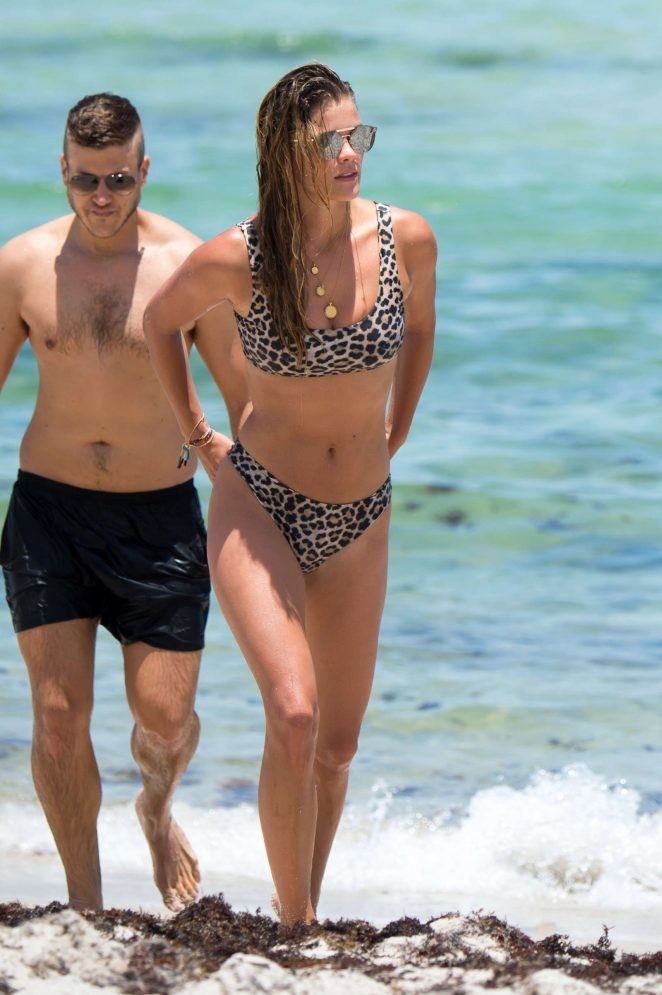
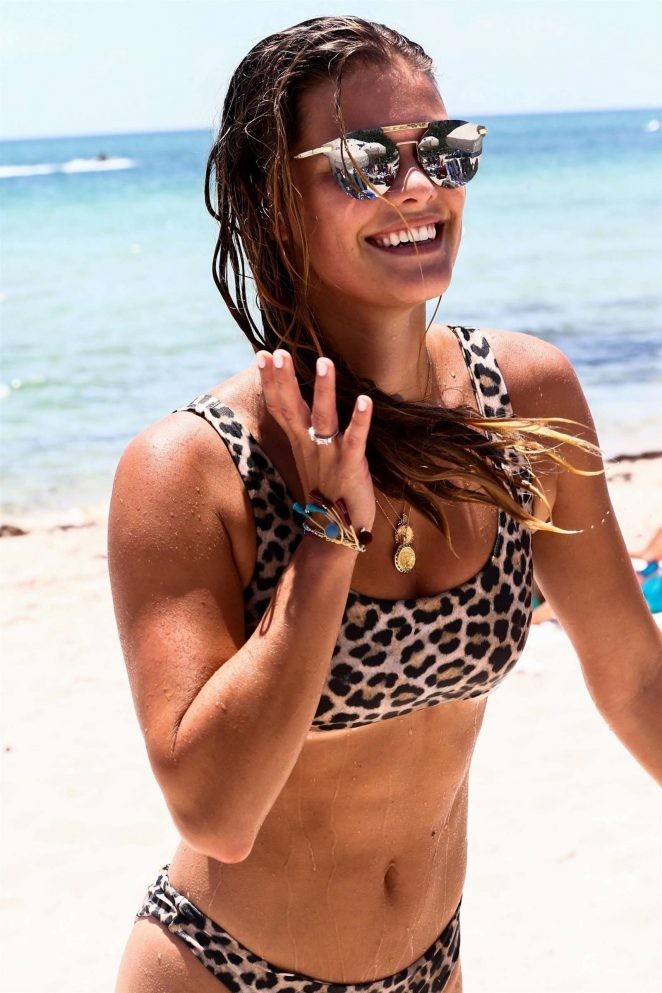
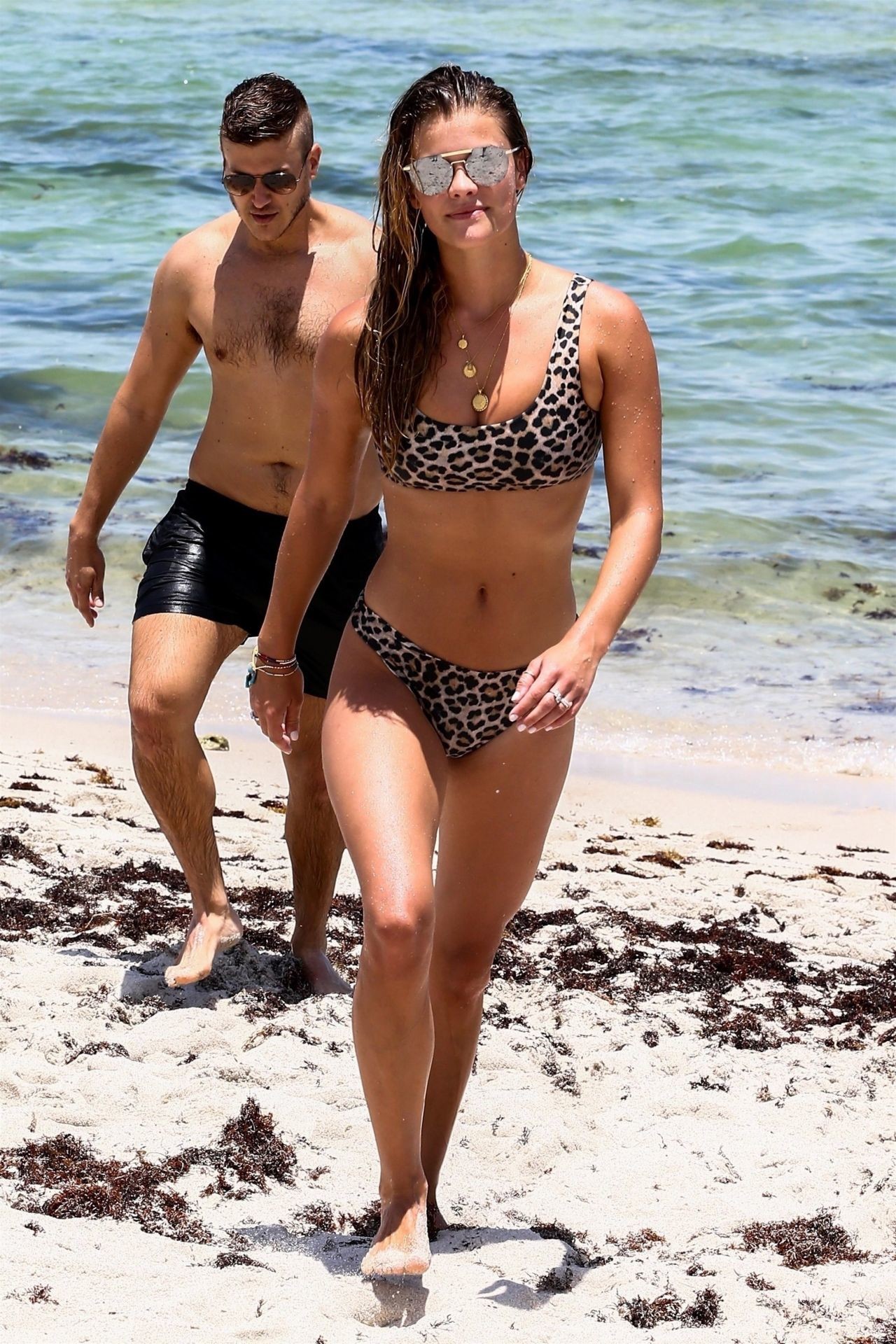
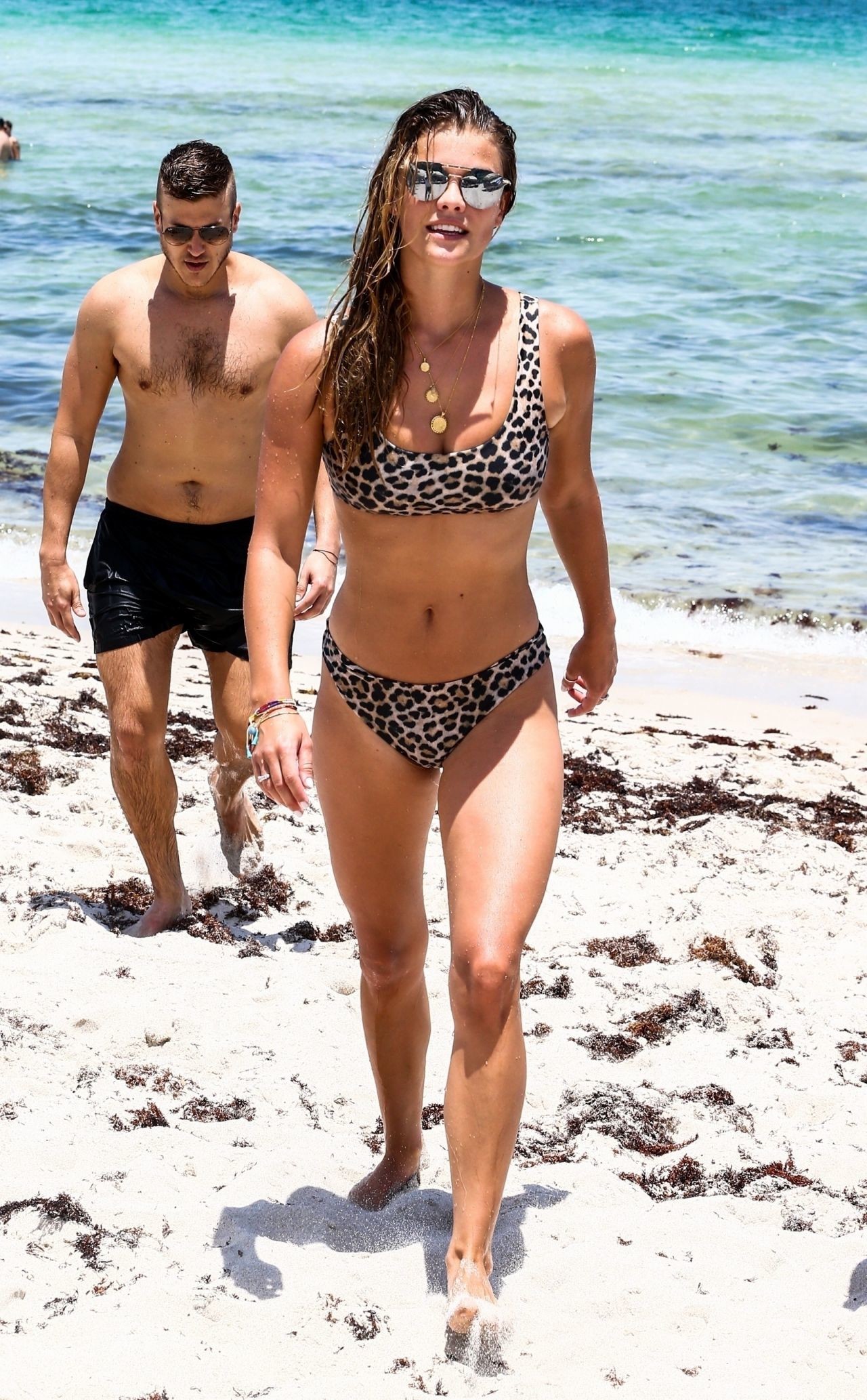
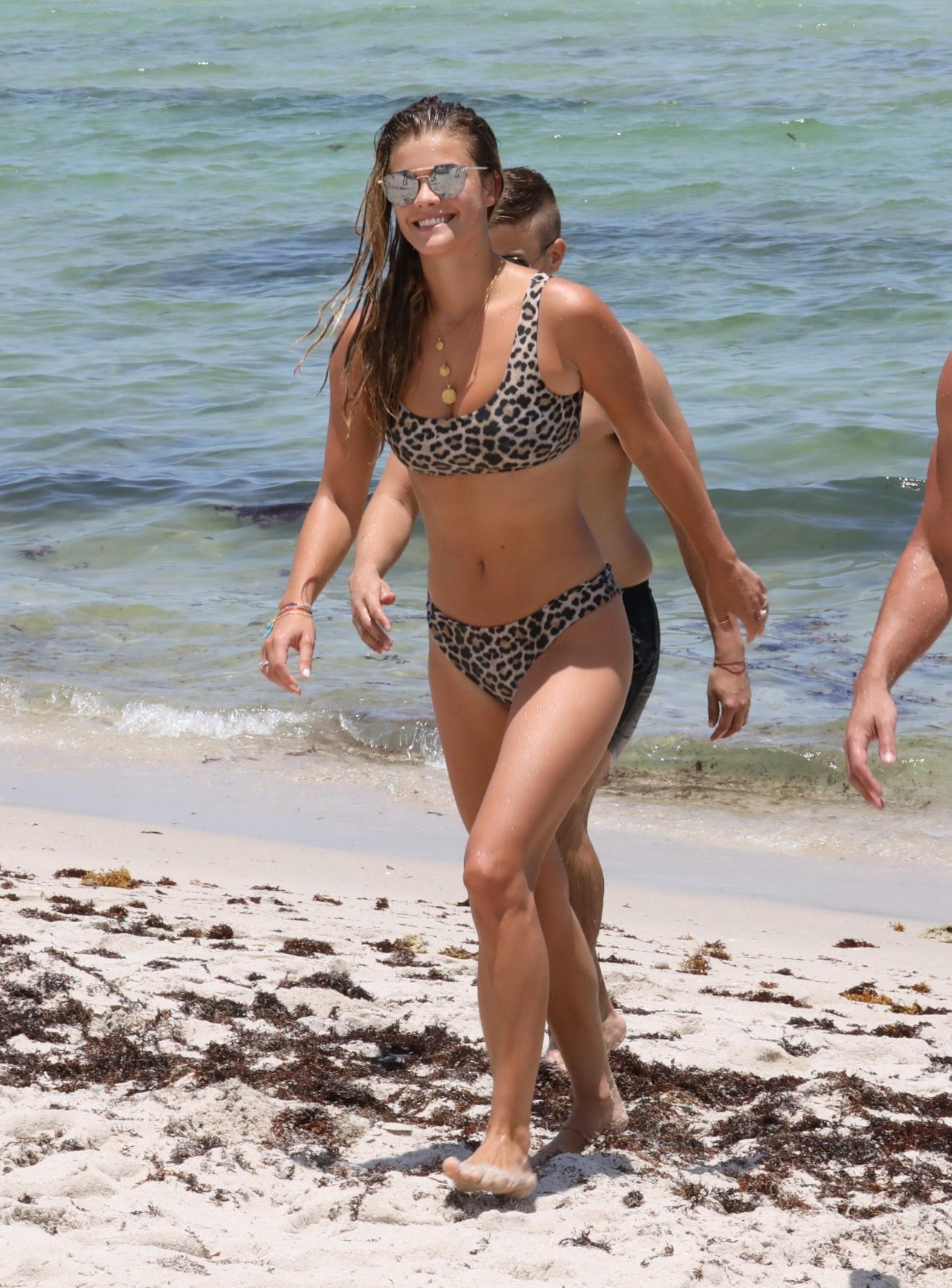
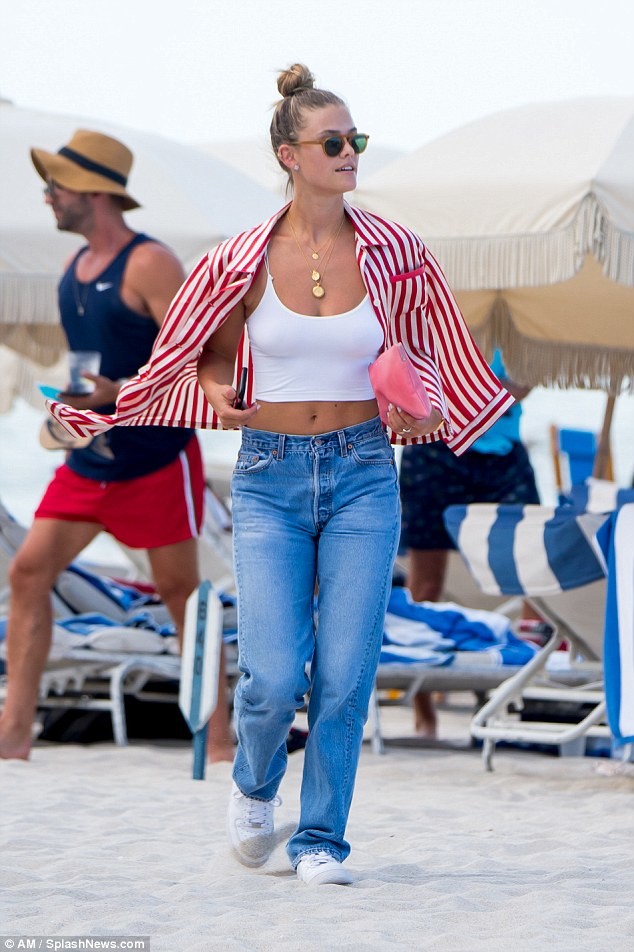
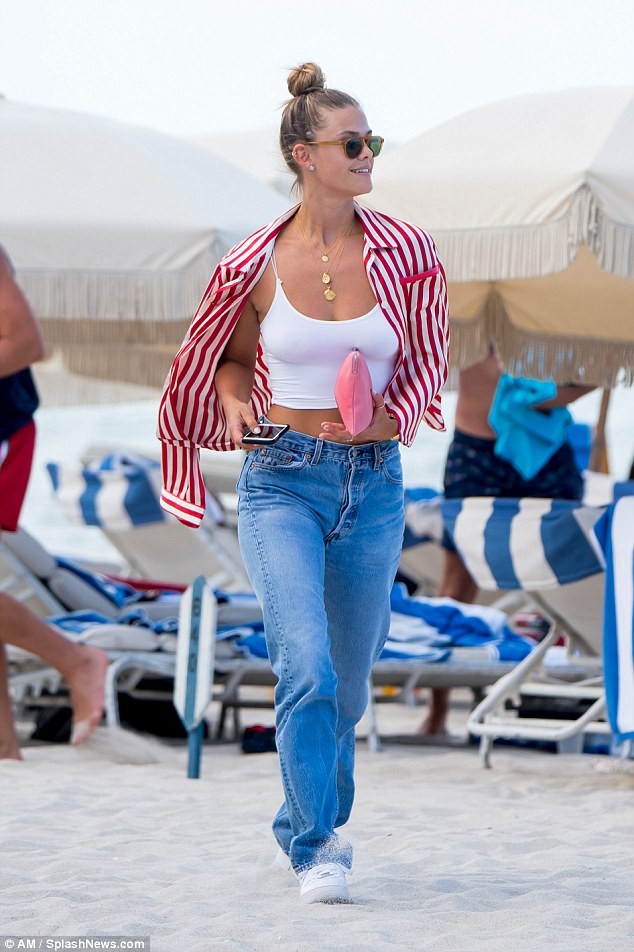
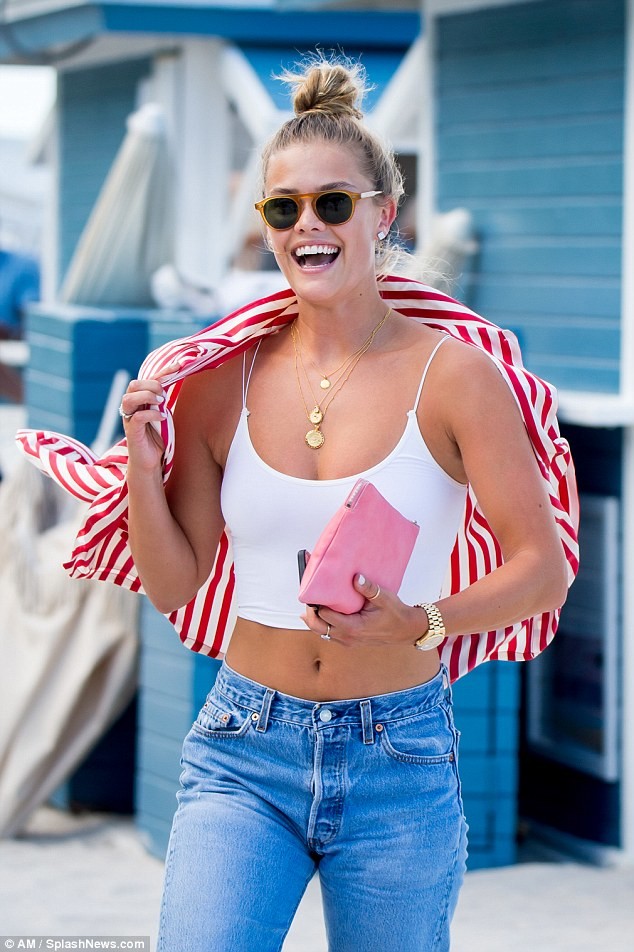
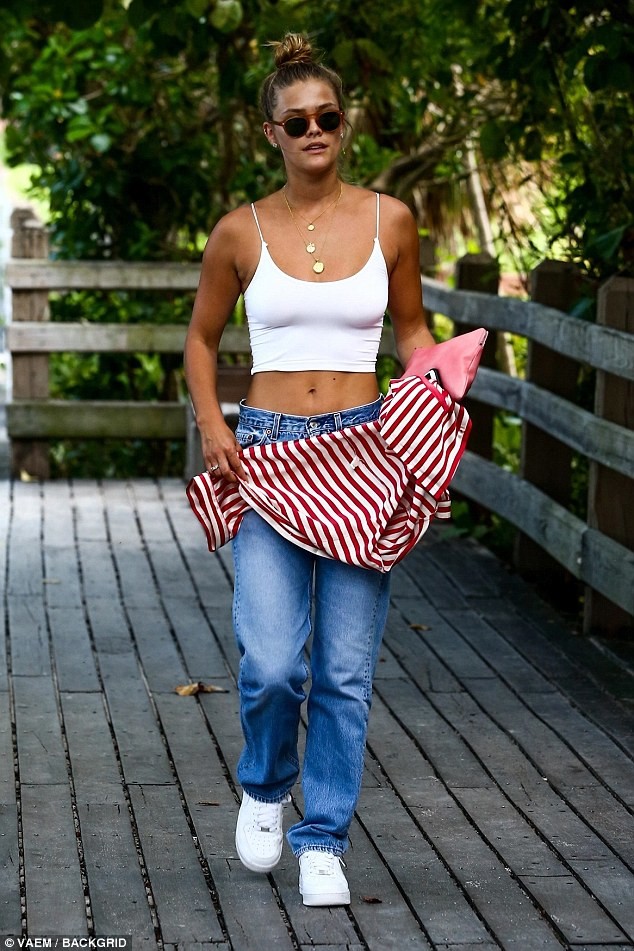
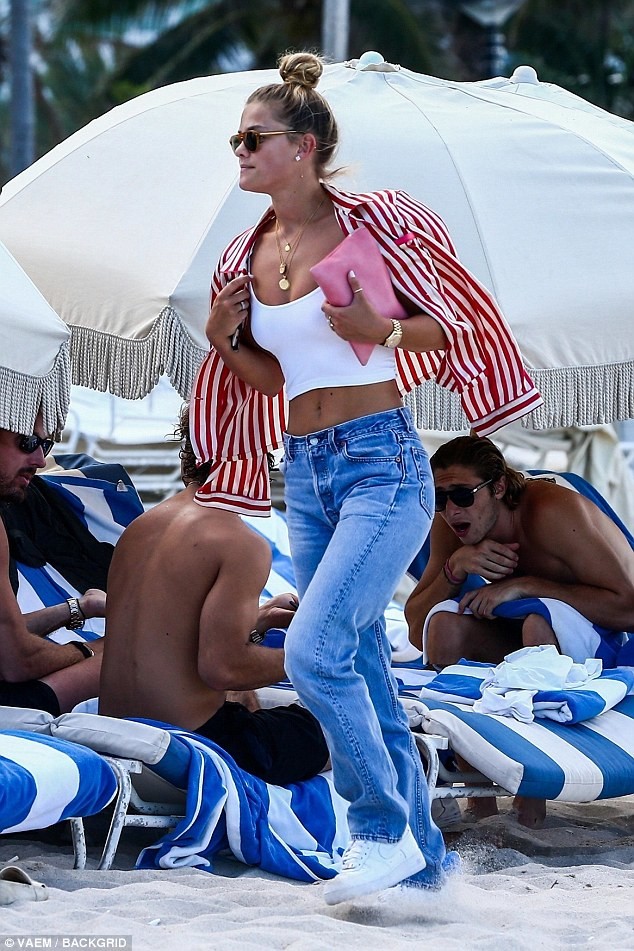
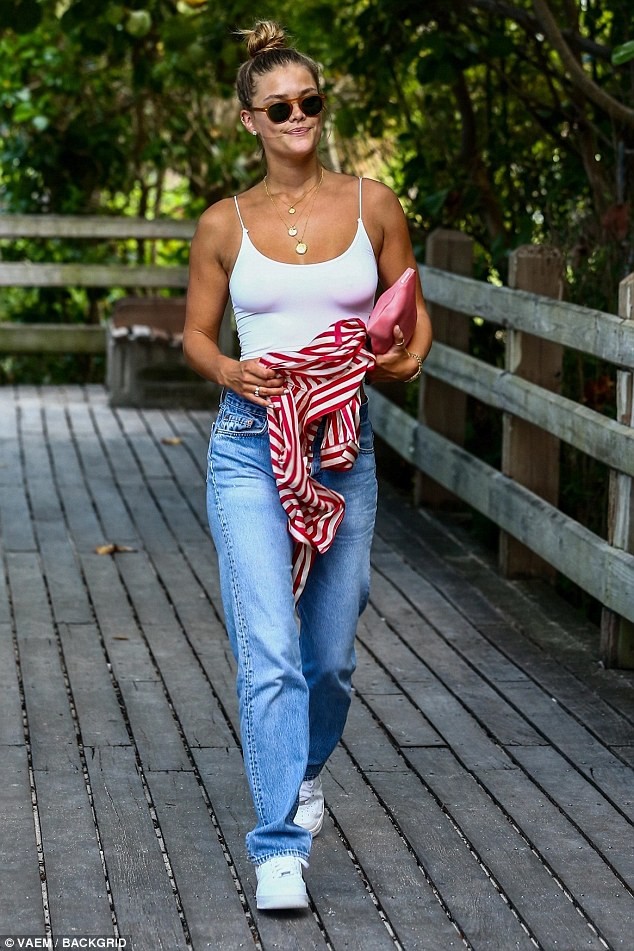
more Nina today in Miami
bbbbbbbbbbbbbbbbbbbbbbbbbbbbbbbbbbbbbbbbbbbbbbbbbbbbbbbbbbbbbbbbbbbbbbbbbbbbbbbbbbbbbbbbbbbbbbbiiiiitttttchhhhhhhhhhhhhhhhhhhhhhh IM SO excited for Grace!! yas! finally and so so excited for Babs VS pics with guy aroch this 24 of july
Acoording to Babs thread her VS pics will come out the 24 of july and probably the ones of Yasmin too.
she have an Aerie event today in Miami with Iskra Lawrence
more Nina today in Miami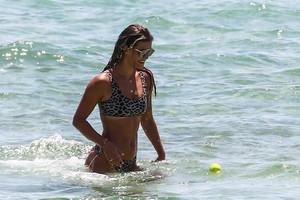
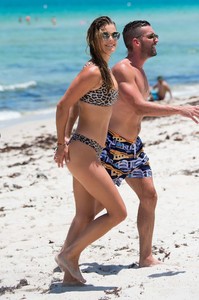
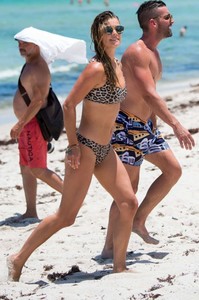
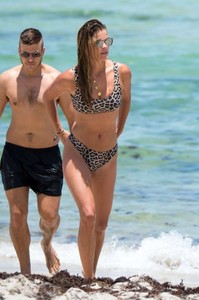
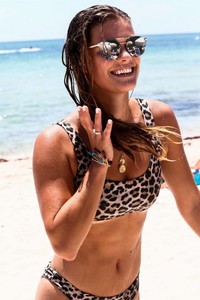
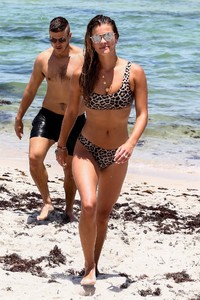
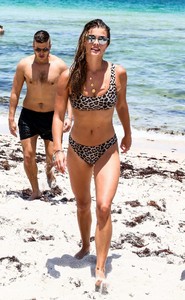
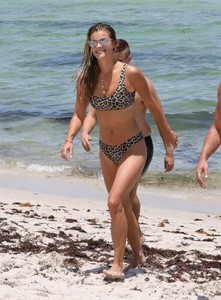 via dailymail uk.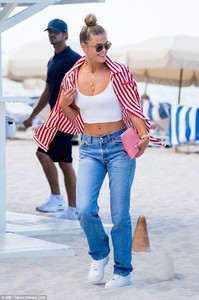
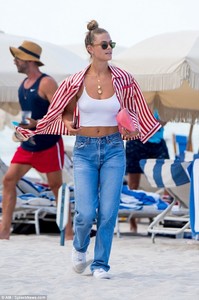
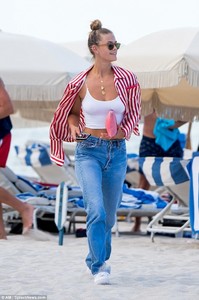
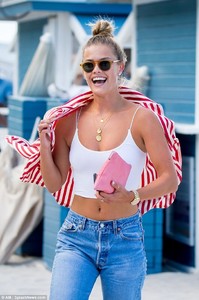

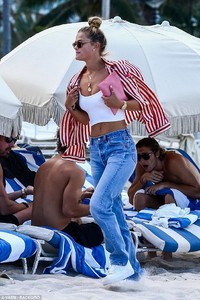
 Nina today in Miami - South Beach
Candice is back work but i think its probably for Vogue Brazil
shepherd thanks again via hiley clauson bz
Nina today in Miami - South Beach
Candice is back work but i think its probably for Vogue Brazil
shepherd thanks again via hiley clauson bz
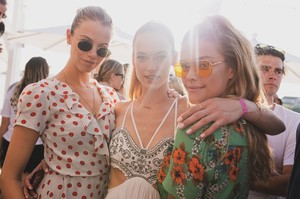
 thank u shepherd
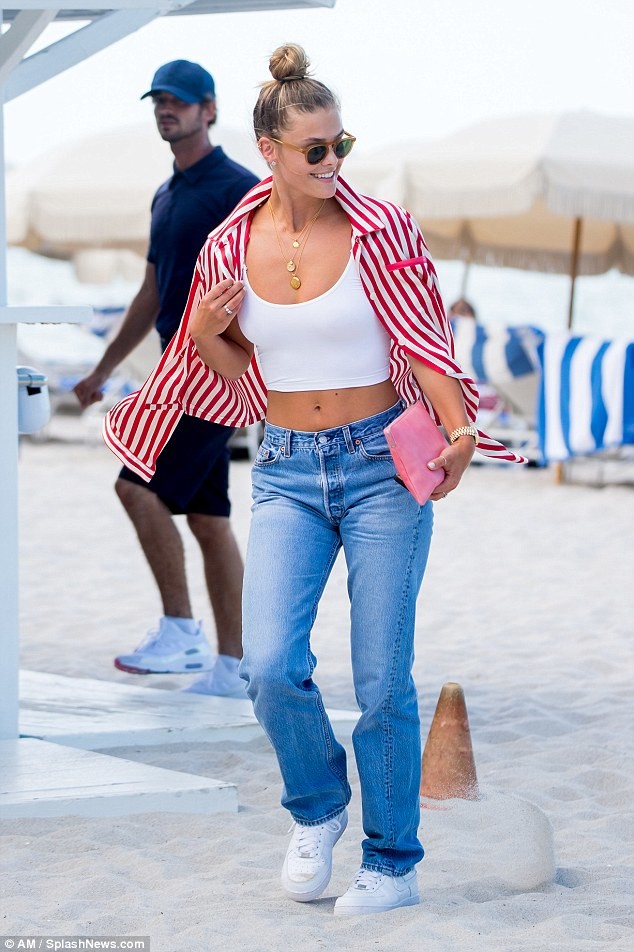
with Nina Agdal and Hannah Ferguson yesterday Prettyphile can u get them in Hq without watermarks?
thank u shepherd
with Nina Agdal and Hannah Ferguson yesterday Prettyphile can u get them in Hq without watermarks?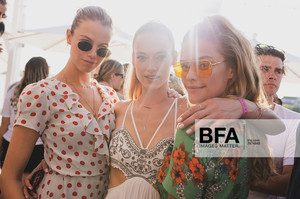



 love the look of Nina yesterday hopefully somebody can get them in hq or without watermarks please






Account
Navigation
Search
Configure browser push notifications
Chrome (Android)
- Tap the lock icon next to the address bar.
- Tap Permissions → Notifications.
- Adjust your preference.
Chrome (Desktop)
- Click the padlock icon in the address bar.
- Select Site settings.
- Find Notifications and adjust your preference.
Safari (iOS 16.4+)
- Ensure the site is installed via Add to Home Screen.
- Open Settings App → Notifications.
- Find your app name and adjust your preference.
Safari (macOS)
- Go to Safari → Preferences.
- Click the Websites tab.
- Select Notifications in the sidebar.
- Find this website and adjust your preference.
Edge (Android)
- Tap the lock icon next to the address bar.
- Tap Permissions.
- Find Notifications and adjust your preference.
Edge (Desktop)
- Click the padlock icon in the address bar.
- Click Permissions for this site.
- Find Notifications and adjust your preference.
Firefox (Android)
- Go to Settings → Site permissions.
- Tap Notifications.
- Find this site in the list and adjust your preference.
Firefox (Desktop)
- Open Firefox Settings.
- Search for Notifications.
- Find this site in the list and adjust your preference.