

PinkCouture
Admin
-
Joined
Everything posted by PinkCouture
-
Milo and Jarah are expecting a baby together👶🏻🍼❤️


-
Milo and Jarah are expecting a baby together👶🏻🍼❤️
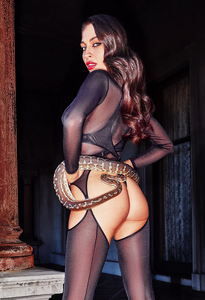
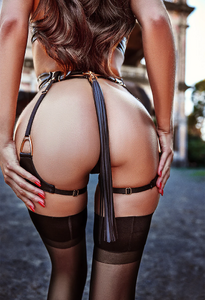
Honey Birdette (Halloween 2024)



 Holly Thomas Hometown: Sydney, Australia Birth Year: 1998/1999 Height: 5'10" Bust: 33DD Waist: 26" Hips: 36" Dress: 8 (AU)/4 (US)/ 34 (EU) Shoe: 39 (EU)/ 8 (US)/ 6 (UK) Hair: Brown Eyes: Hazel Agency: Primary Management (AU)
 Honey Birdette (Halloween 2024) Video












 Frankie Bon and Alice HaywardHoney Birdette: Alter Ego (Fall 2024) - video Alter Ego.mp4Hello, I just did a quick Google search and found some additional info. on her including she's from Sydney, AustraliaIn Memoriam: Vampirehorde (1981-2023) It has been a few months since I found out about this upsetting news and I am still processing it all 😢 @VampireHorde was someone I kept in touch with IRL and I considered him a friend. I did sense something was up when he stopped responding to my messages and thought he was upset with me. Come to find out he has passedHe might have came off as an arrogant douchebag on forums, but he really had a heart of gold and a very kind soul💖 I miss Martin dearly. He will forever hold a special place in my heart❤️🫶 Rest in Paradise, Buddy🌈🕊️ Message from his sister (4/29/24):
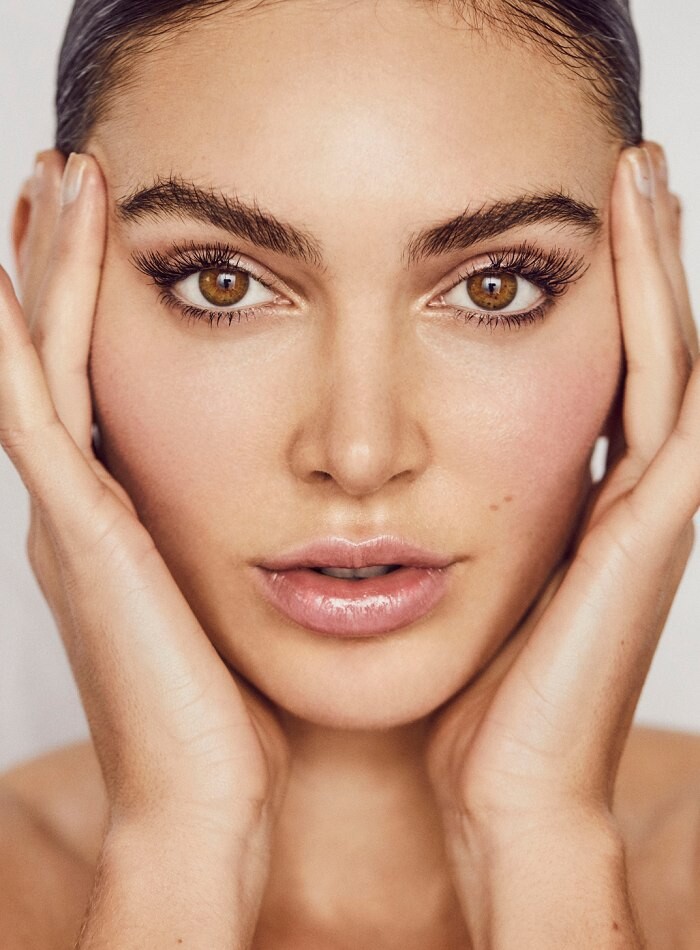
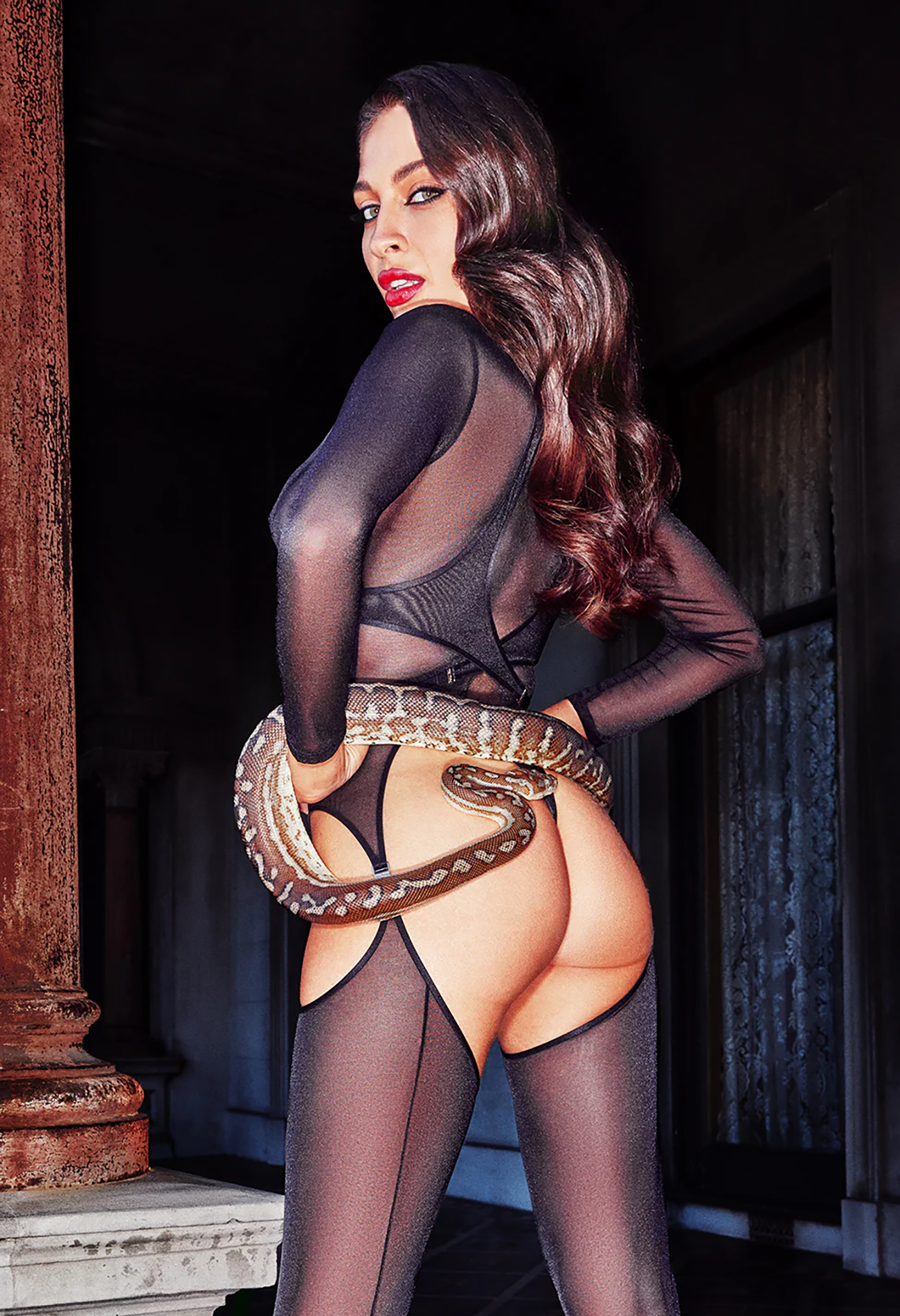
 Long Winded with Gabby Windey: Taylor Hill@pinguoin Thanks for creating a thread for Jaida Could you please post a brief bio for her? Linking to her social media isn't enough. Thank you ❤️Honey Birdette (videos)Honey Birdette: After Hours (full video) After Hours FINAL.mp4





















































Account
Navigation
Search
Configure browser push notifications
Chrome (Android)
- Tap the lock icon next to the address bar.
- Tap Permissions → Notifications.
- Adjust your preference.
Chrome (Desktop)
- Click the padlock icon in the address bar.
- Select Site settings.
- Find Notifications and adjust your preference.
Safari (iOS 16.4+)
- Ensure the site is installed via Add to Home Screen.
- Open Settings App → Notifications.
- Find your app name and adjust your preference.
Safari (macOS)
- Go to Safari → Preferences.
- Click the Websites tab.
- Select Notifications in the sidebar.
- Find this website and adjust your preference.
Edge (Android)
- Tap the lock icon next to the address bar.
- Tap Permissions.
- Find Notifications and adjust your preference.
Edge (Desktop)
- Click the padlock icon in the address bar.
- Click Permissions for this site.
- Find Notifications and adjust your preference.
Firefox (Android)
- Go to Settings → Site permissions.
- Tap Notifications.
- Find this site in the list and adjust your preference.
Firefox (Desktop)
- Open Firefox Settings.
- Search for Notifications.
- Find this site in the list and adjust your preference.