

PinkCouture
Admin
-
Joined
Everything posted by PinkCouture
-
 So far, we had Candice, Taylor and Behati doing the make up thing for Vogue but Bee did it for Vogue Australia and Taylor and Candice for Vogue US. Pretty sure this is some type of VS promo.
Seriously!? I want to know who!!!!
I lobe Jo but she has shitty taste when it comes to teams. Then again most Raiders fan are cray and delusional...
I say this with love, just don't. Please let it go
You forgot the best hot mess guilty pleasure on TV!!! 100% Colton Underwood will be at the show!
Someone could also "accidentally" grabbed the FB as "cover"
StorySaver_twelverolls_44700796_203367810560629_5737663983762395955_n.mp4
Any guesses which rejected model(s) started it???
They will definitely make a thing out of her fall last year and probably have an in-between segments filler about her. She also seems to be the main focus for VS China. There are quite a few videos clips of her VS photo shoots.
I agree, Taylor's walk is ok and I am sure she will do fine I am pretty sure the performers will overshadow the models but it is what it is.
Any info on the runway setup?
What if I like spiders?
Help me understand how did my post about dumpster fires had anything to do with you specifically?
Yes, lit like a dumpster fire filled with shit...
So far, we had Candice, Taylor and Behati doing the make up thing for Vogue but Bee did it for Vogue Australia and Taylor and Candice for Vogue US. Pretty sure this is some type of VS promo.
Seriously!? I want to know who!!!!
I lobe Jo but she has shitty taste when it comes to teams. Then again most Raiders fan are cray and delusional...
I say this with love, just don't. Please let it go
You forgot the best hot mess guilty pleasure on TV!!! 100% Colton Underwood will be at the show!
Someone could also "accidentally" grabbed the FB as "cover"
StorySaver_twelverolls_44700796_203367810560629_5737663983762395955_n.mp4
Any guesses which rejected model(s) started it???
They will definitely make a thing out of her fall last year and probably have an in-between segments filler about her. She also seems to be the main focus for VS China. There are quite a few videos clips of her VS photo shoots.
I agree, Taylor's walk is ok and I am sure she will do fine I am pretty sure the performers will overshadow the models but it is what it is.
Any info on the runway setup?
What if I like spiders?
Help me understand how did my post about dumpster fires had anything to do with you specifically?
Yes, lit like a dumpster fire filled with shit... Although this post wasn't directed at you it applies to everyone. In other words, this includes you:
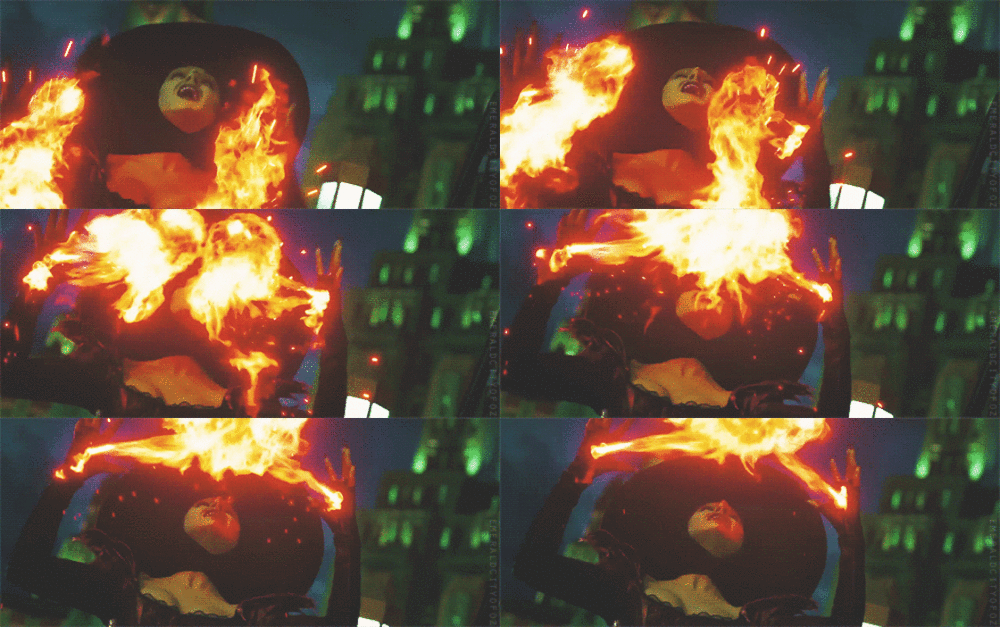
Those 2 gifs pretty much sums her up
She is Rachel Dolezal 2.0
Although this post wasn't directed at you it applies to everyone. In other words, this includes you:
Those 2 gifs pretty much sums her up
She is Rachel Dolezal 2.0
Account
Search
Configure browser push notifications
Chrome (Android)
- Tap the lock icon next to the address bar.
- Tap Permissions → Notifications.
- Adjust your preference.
Chrome (Desktop)
- Click the padlock icon in the address bar.
- Select Site settings.
- Find Notifications and adjust your preference.
Safari (iOS 16.4+)
- Ensure the site is installed via Add to Home Screen.
- Open Settings App → Notifications.
- Find your app name and adjust your preference.
Safari (macOS)
- Go to Safari → Preferences.
- Click the Websites tab.
- Select Notifications in the sidebar.
- Find this website and adjust your preference.
Edge (Android)
- Tap the lock icon next to the address bar.
- Tap Permissions.
- Find Notifications and adjust your preference.
Edge (Desktop)
- Click the padlock icon in the address bar.
- Click Permissions for this site.
- Find Notifications and adjust your preference.
Firefox (Android)
- Go to Settings → Site permissions.
- Tap Notifications.
- Find this site in the list and adjust your preference.
Firefox (Desktop)
- Open Firefox Settings.
- Search for Notifications.
- Find this site in the list and adjust your preference.