PinkCouture
Admin
-
Joined
Everything posted by PinkCouture
-
 Unless she choose to not be there.
 -
That's what I am thinking. I think a few of them are performing together they already have a song collaborations
-
-
-
Considering Behati isn't a fan of wearing bras, has it ever occured to anyone maybe she doesn't want the FB?
-
Maybe they will put the FB over the more affordable version?
-
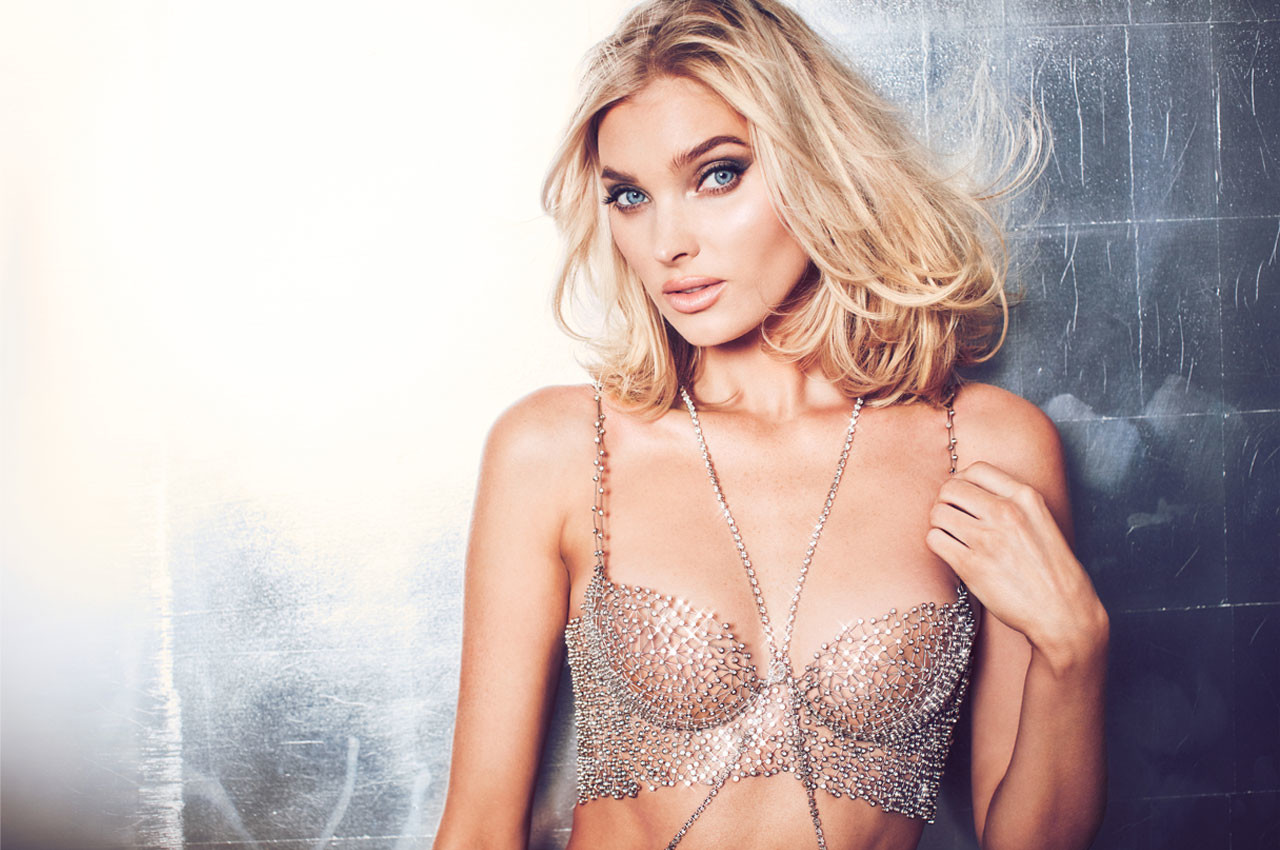
Not a fan of the bra design but it could have been worse and there were worse bras. I think the idea is there but the execution was lacking. Either way, congrats to the Elsa!!!
-
victoriassecret_45270125_2197529537155506_7805004901970889285_n.mp4
45153936_338434280039782_6309290898941280256_n.mp4
StorySaver_behatiprinsloo_45411654_276336489687715_2806005804277825364_n.mp4
Ming
Sadie
Account
Search
Configure browser push notifications
Chrome (Android)
- Tap the lock icon next to the address bar.
- Tap Permissions → Notifications.
- Adjust your preference.
Chrome (Desktop)
- Click the padlock icon in the address bar.
- Select Site settings.
- Find Notifications and adjust your preference.
Safari (iOS 16.4+)
- Ensure the site is installed via Add to Home Screen.
- Open Settings App → Notifications.
- Find your app name and adjust your preference.
Safari (macOS)
- Go to Safari → Preferences.
- Click the Websites tab.
- Select Notifications in the sidebar.
- Find this website and adjust your preference.
Edge (Android)
- Tap the lock icon next to the address bar.
- Tap Permissions.
- Find Notifications and adjust your preference.
Edge (Desktop)
- Click the padlock icon in the address bar.
- Click Permissions for this site.
- Find Notifications and adjust your preference.
Firefox (Android)
- Go to Settings → Site permissions.
- Tap Notifications.
- Find this site in the list and adjust your preference.
Firefox (Desktop)
- Open Firefox Settings.
- Search for Notifications.
- Find this site in the list and adjust your preference.