jamsoft
Members
-
Joined
-
Last visited
-
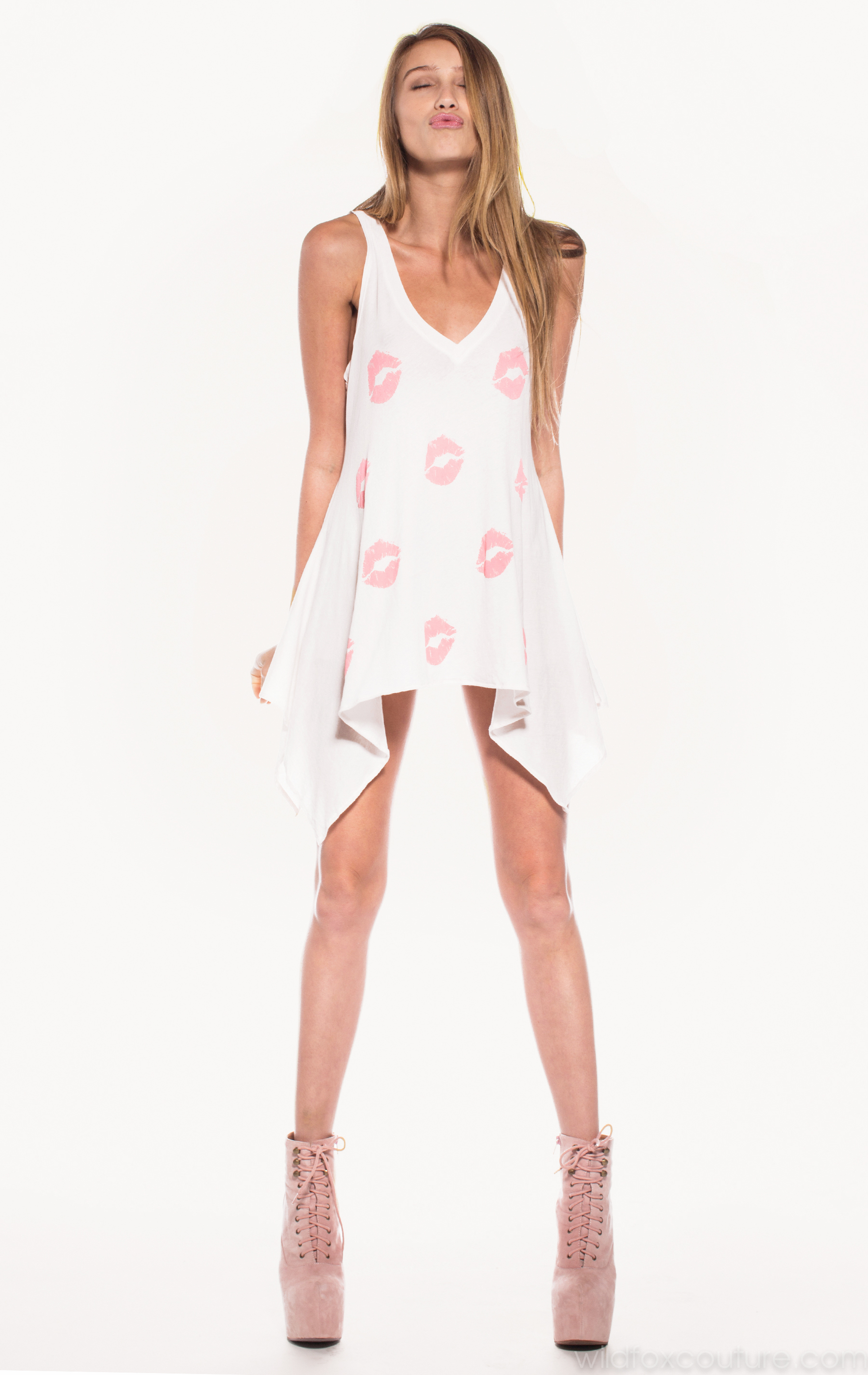
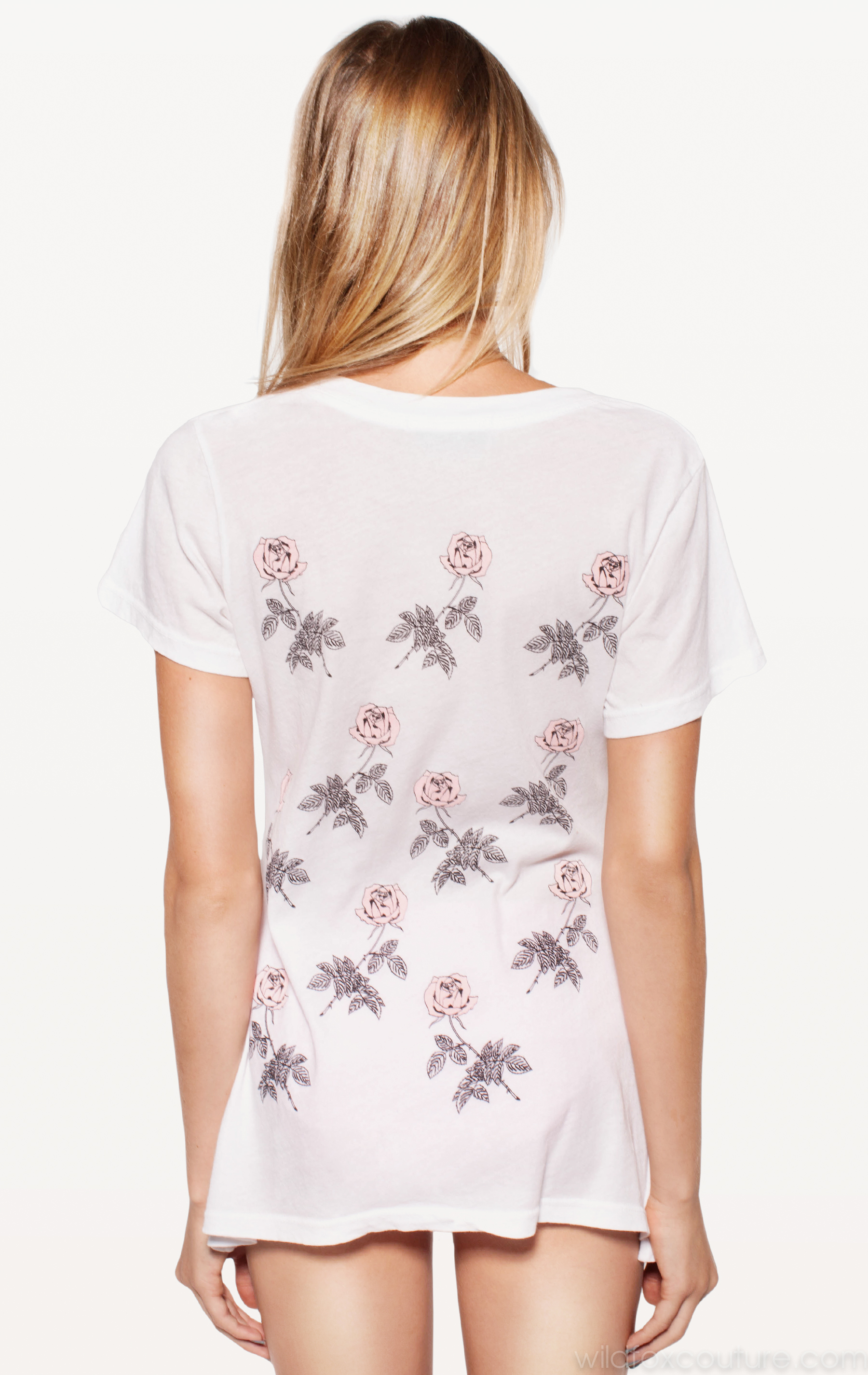
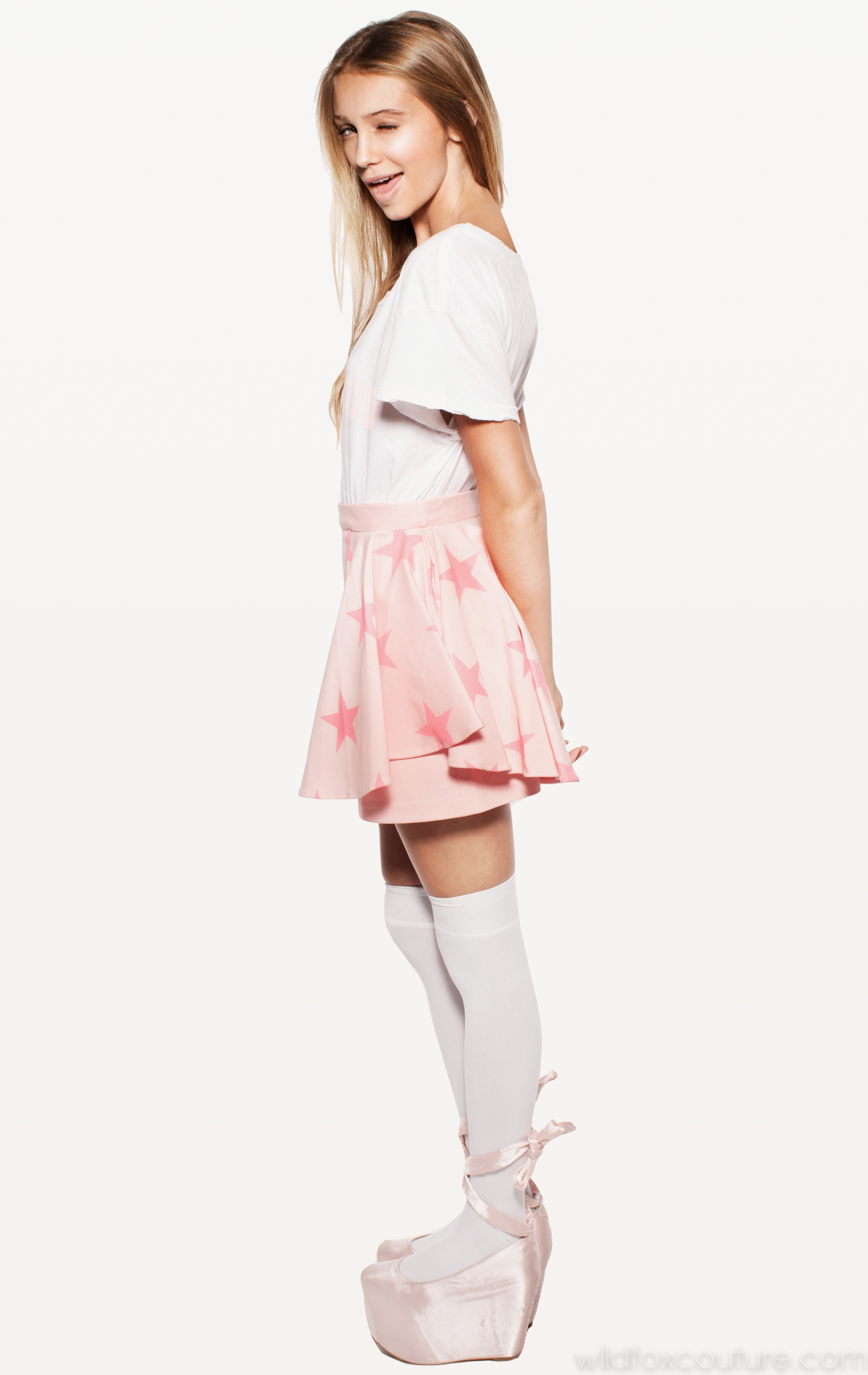
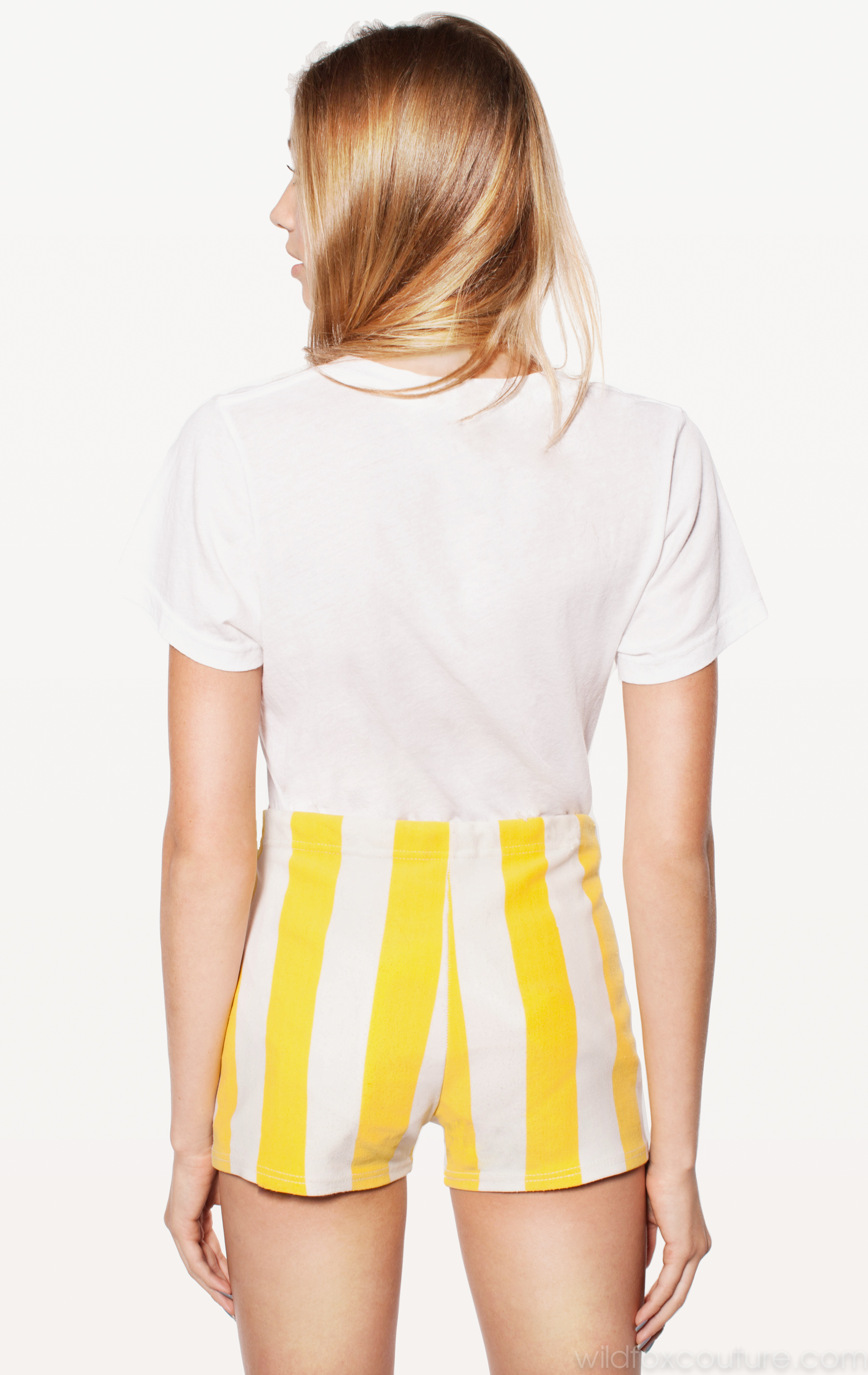
Source: Wildfox Couture < wildfoxcouture.com > Part 11 of 11 _______________________________________________ Source: L U C I M A < lucima.com >
-
Source: Wildfox Couture < wildfoxcouture.com > Part 10 of 11




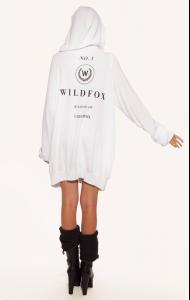




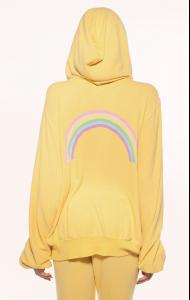

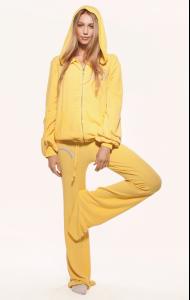
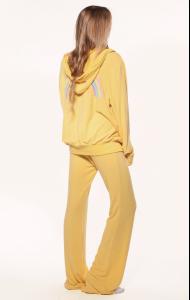

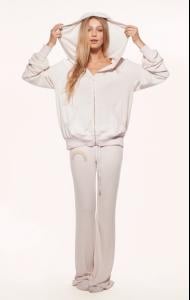
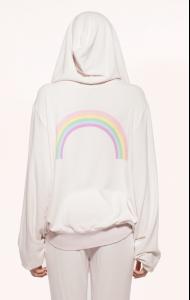




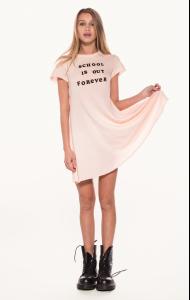
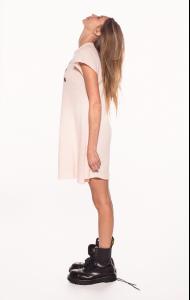
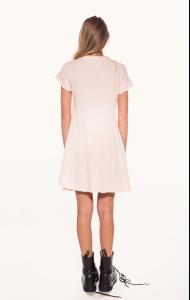
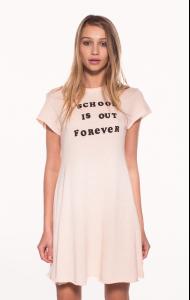
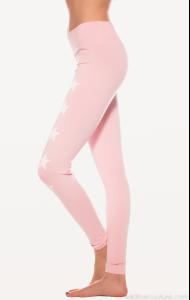


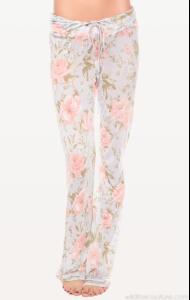
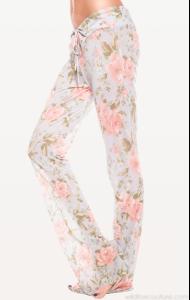
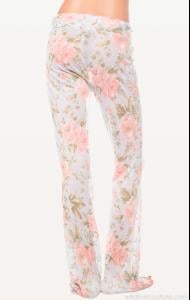
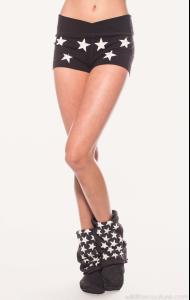
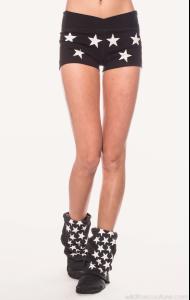
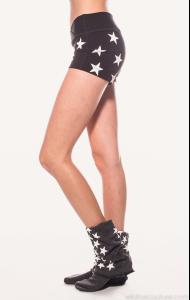
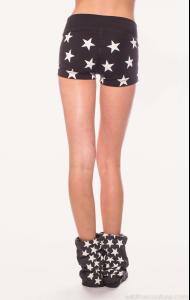
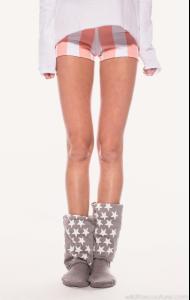





-
Source: Wildfox Couture < wildfoxcouture.com > Part 9 of 11
-
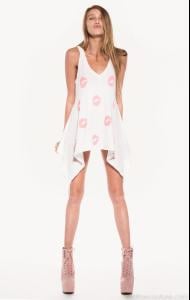
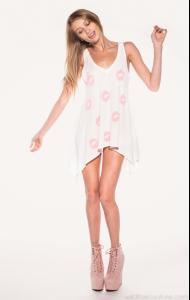
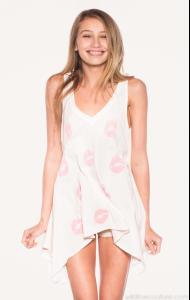
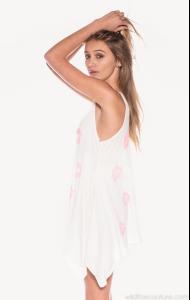
Source: Wildfox Couture < wildfoxcouture.com > Part 8 of 11

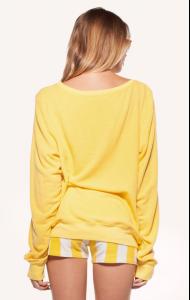
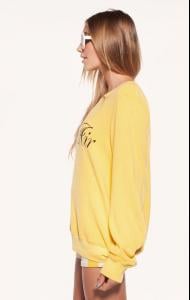
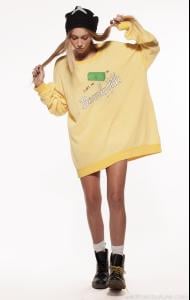
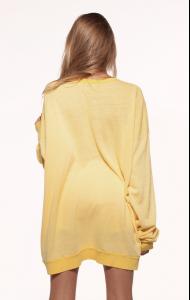
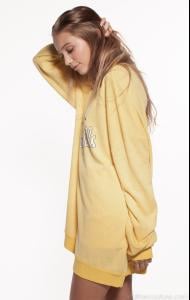

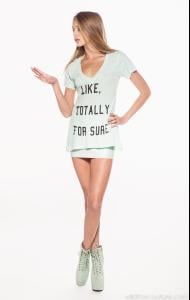

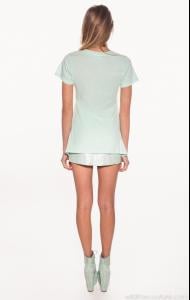
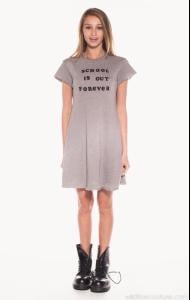
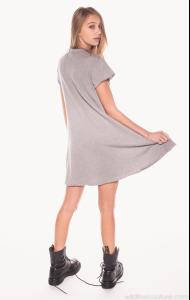
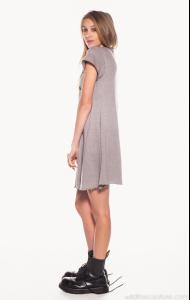
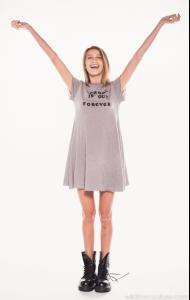
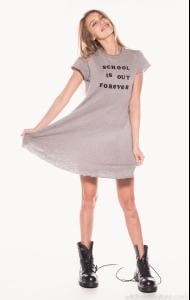
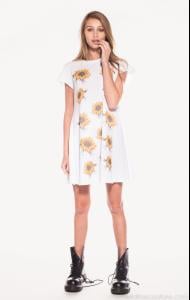
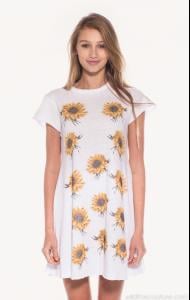
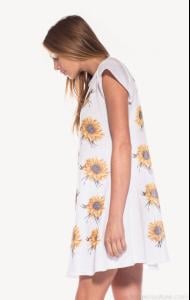
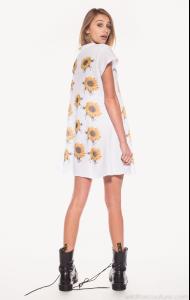
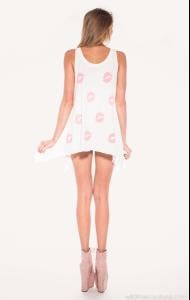
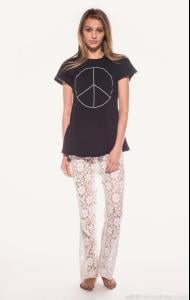


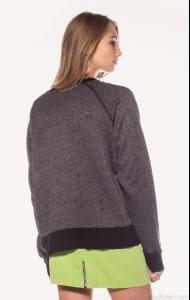
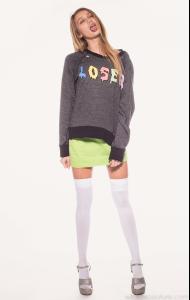


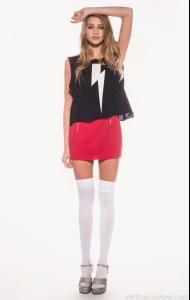

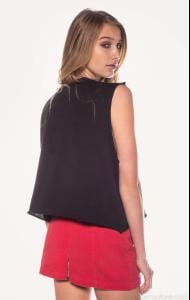
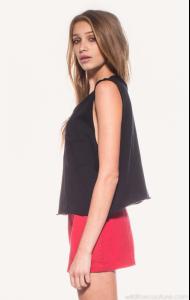
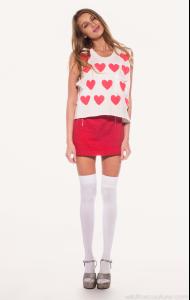
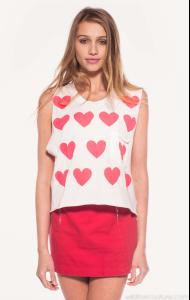
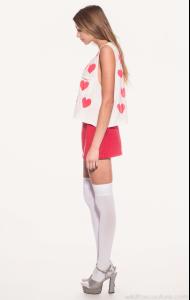
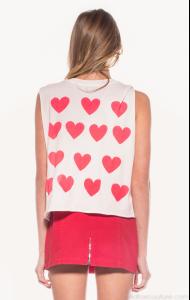



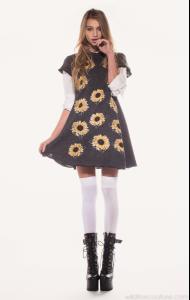
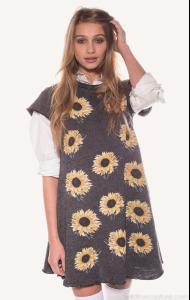
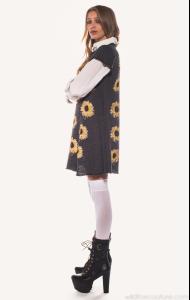
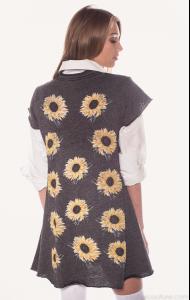
-
Source: Wildfox Couture < wildfoxcouture.com > Part 7 of 11






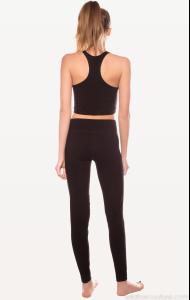

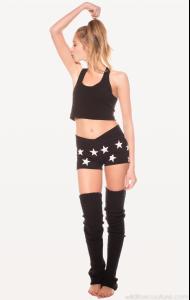



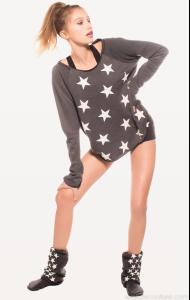






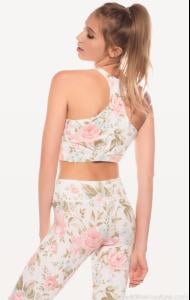
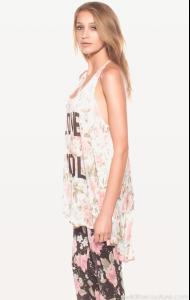
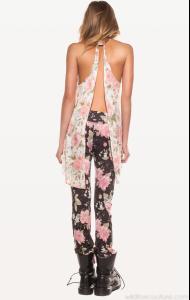

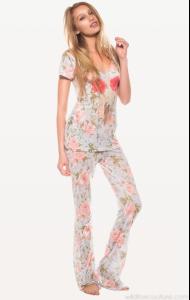
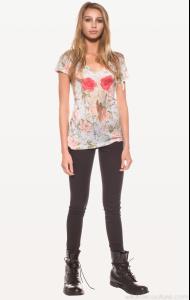


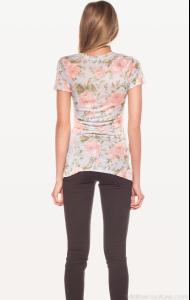
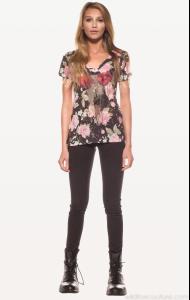
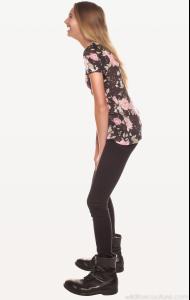
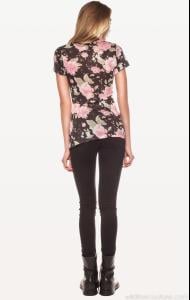
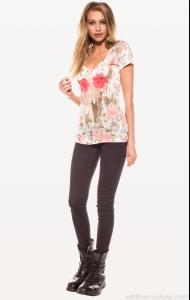

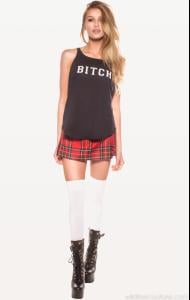






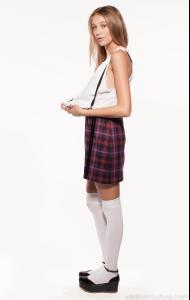

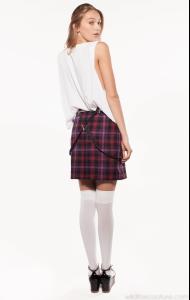
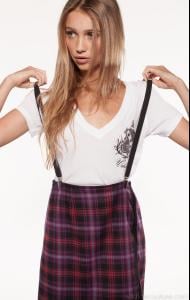

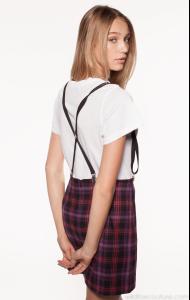


-
Source: Wildfox Couture < wildfoxcouture.com > Part 6 of 11
-
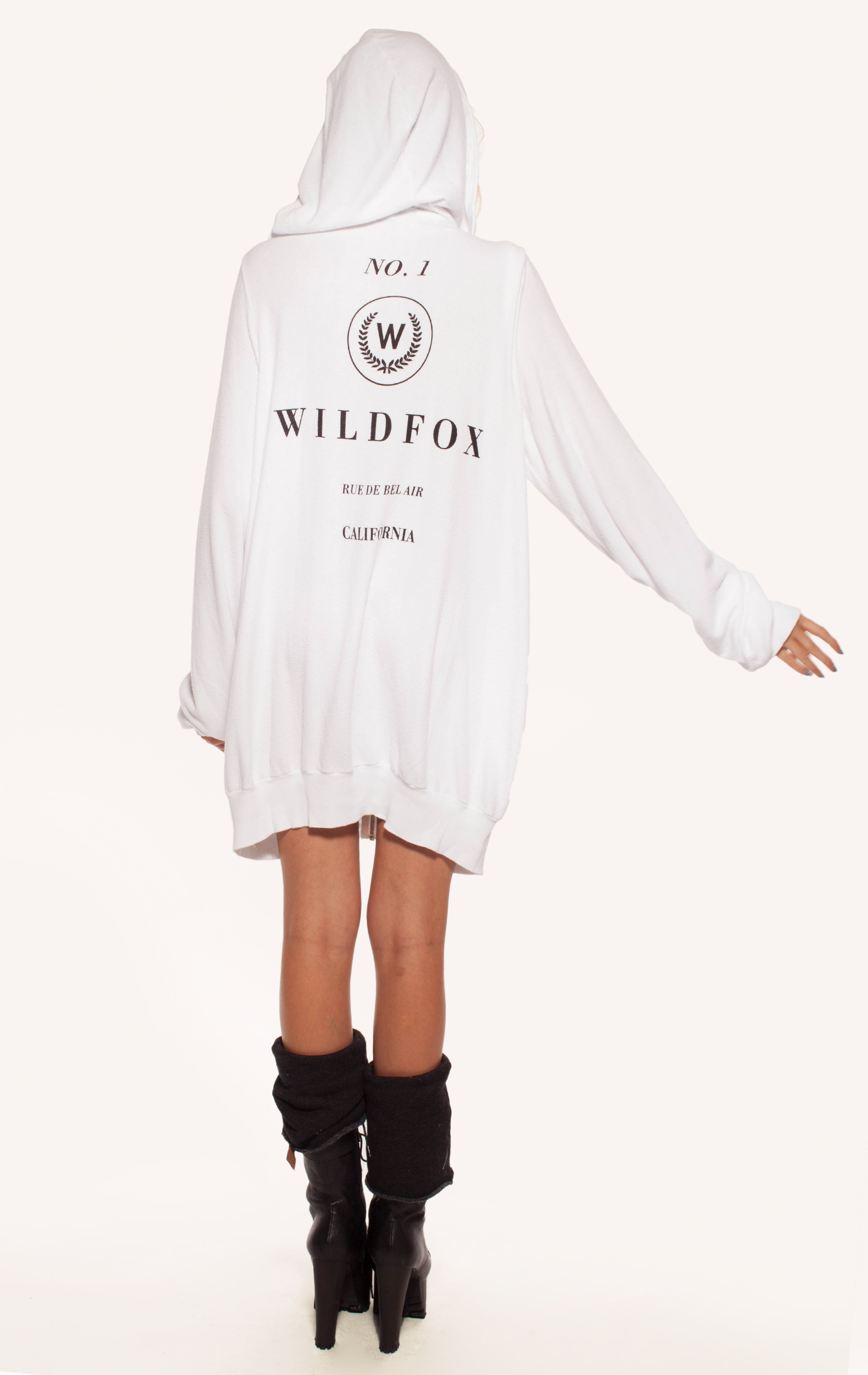
Source: Wildfox Couture < wildfoxcouture.com > Part 5 of 11

















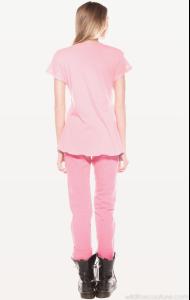


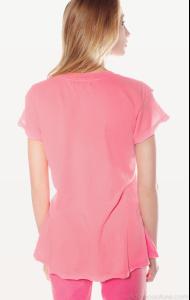

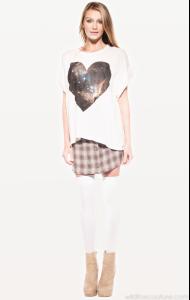
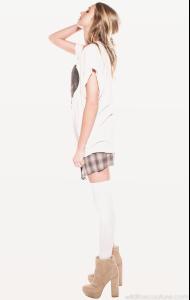

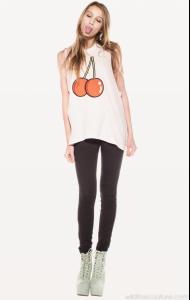

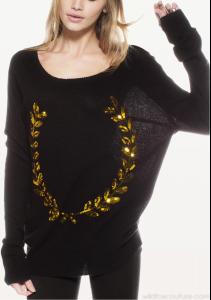
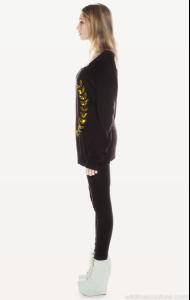




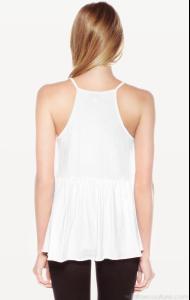
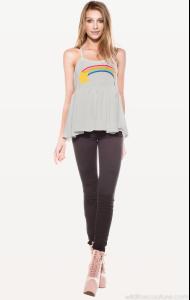
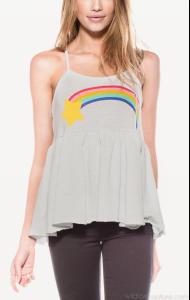
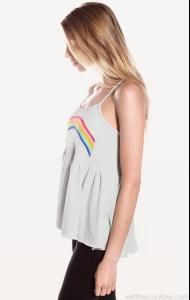
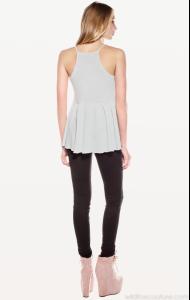


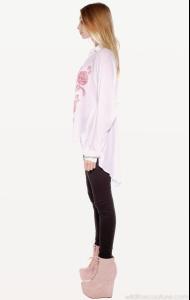
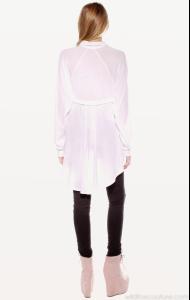
-
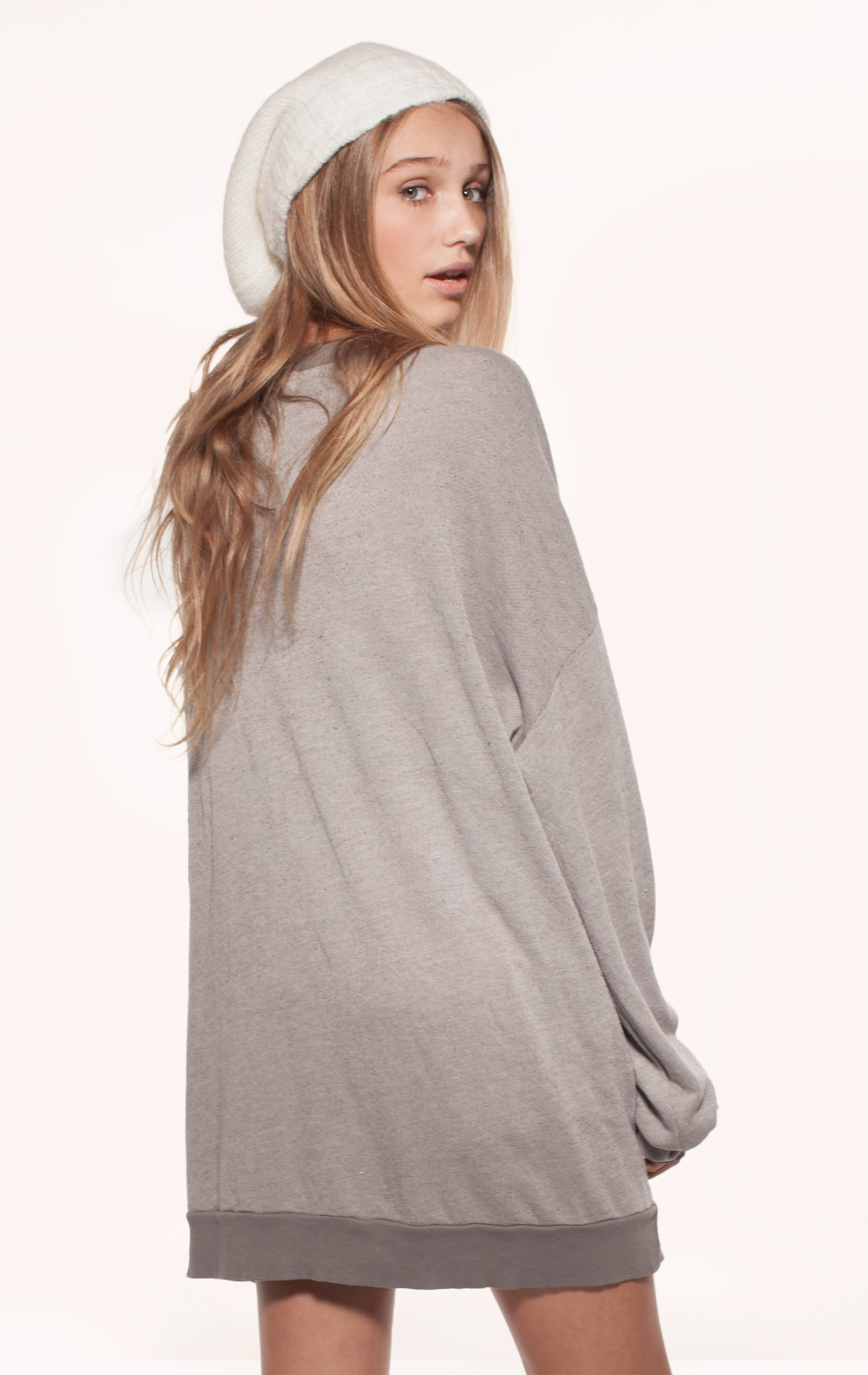
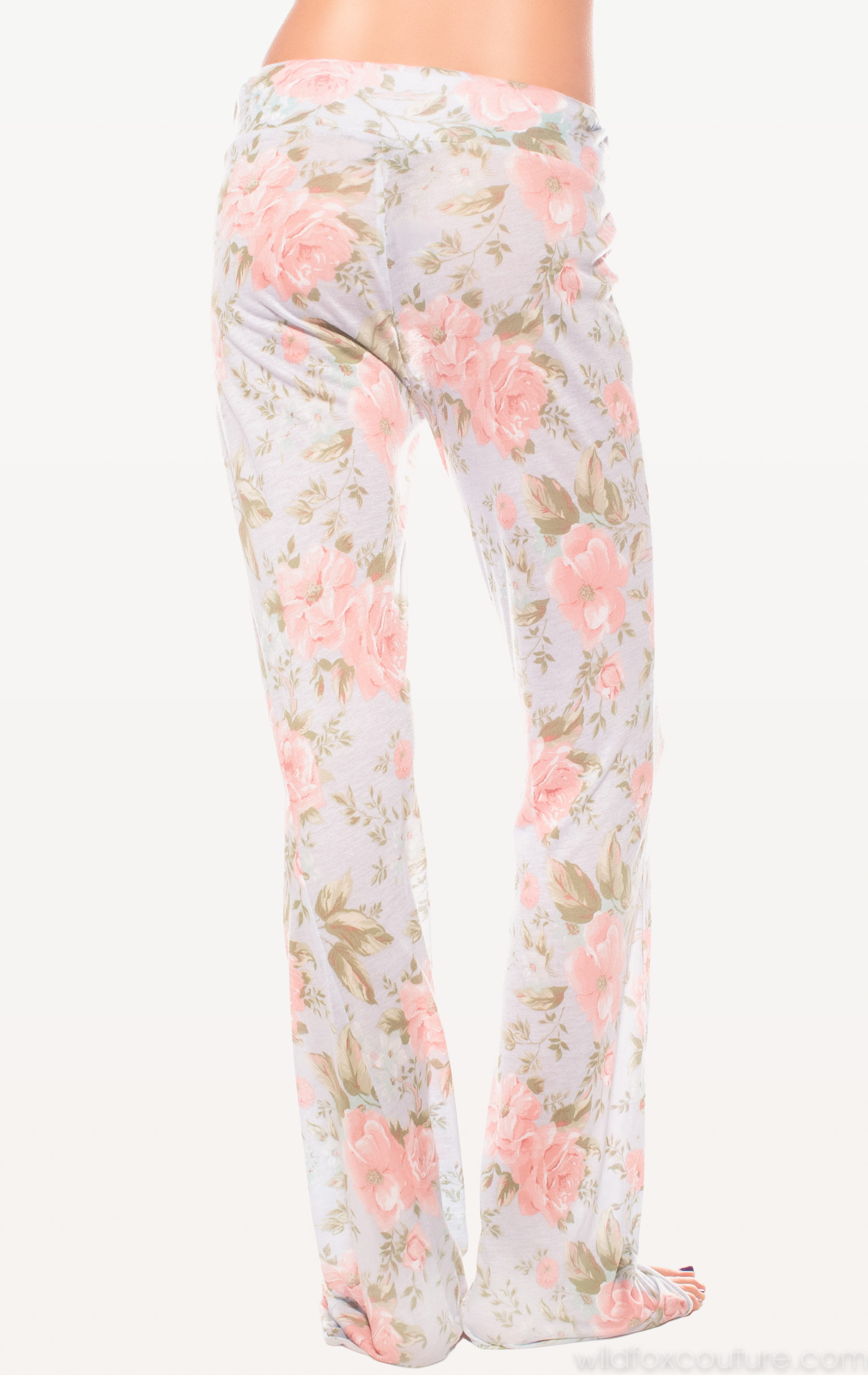
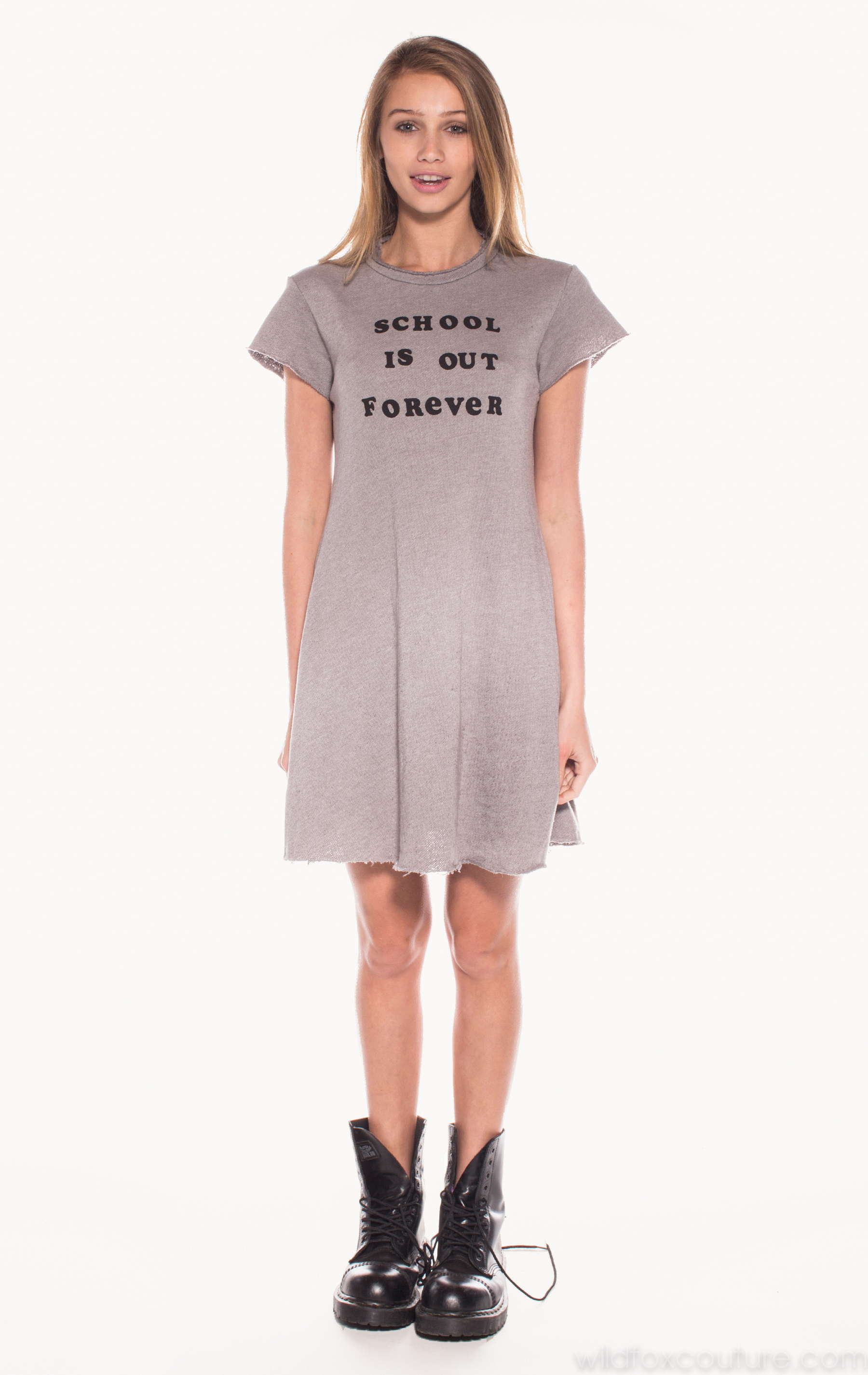
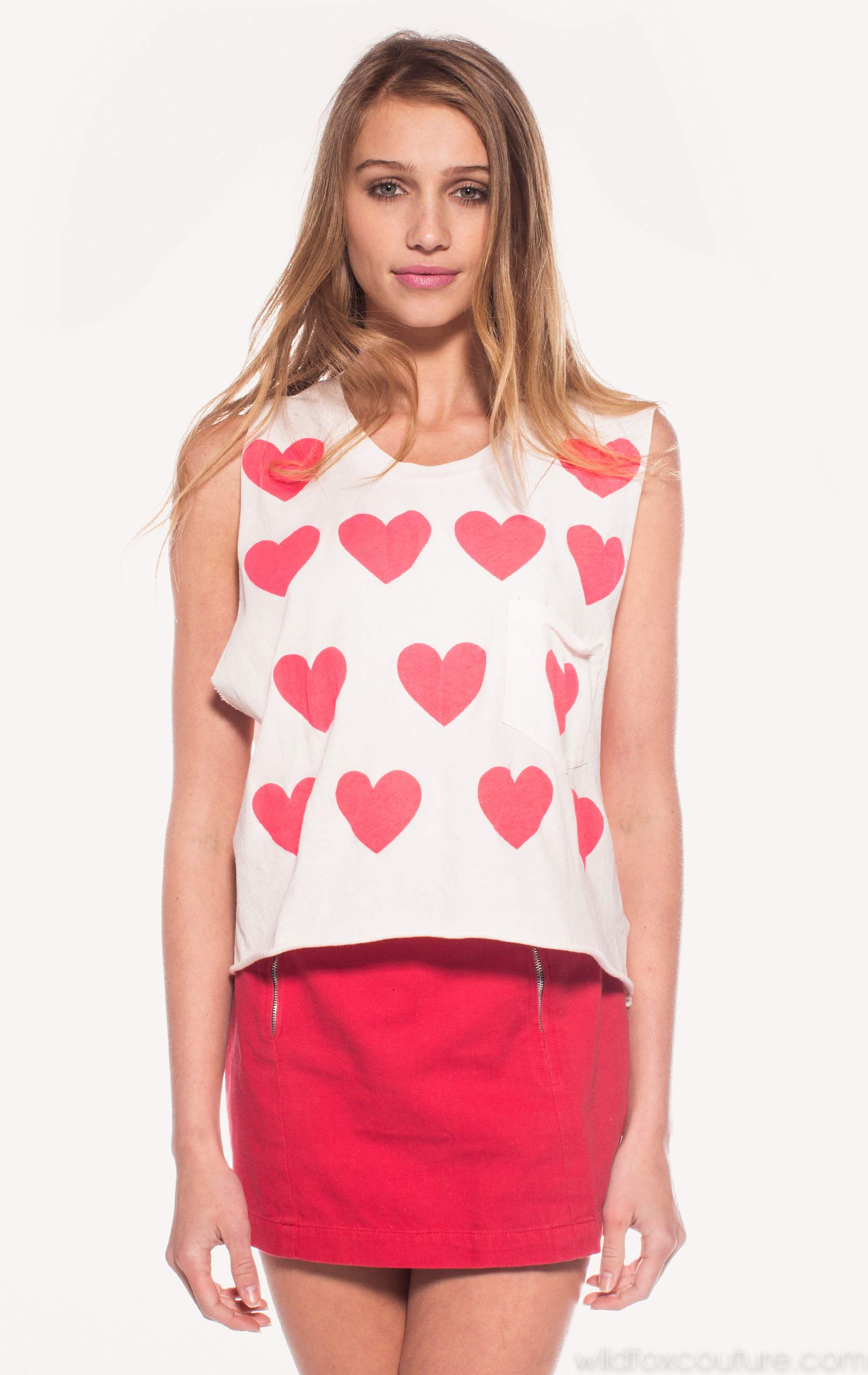
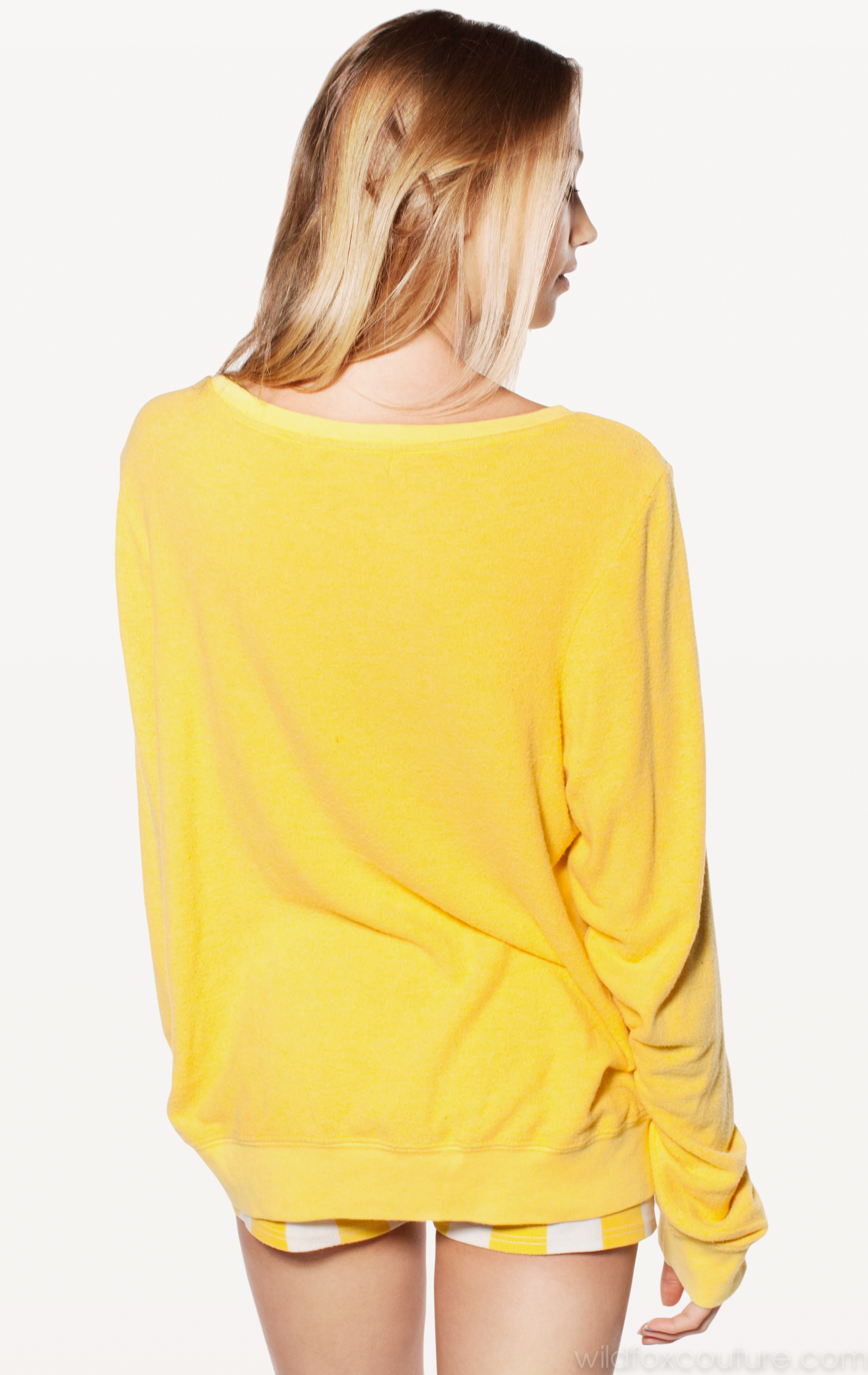
Source: Wildfox Couture < wildfoxcouture.com > Part 4 of 11
-
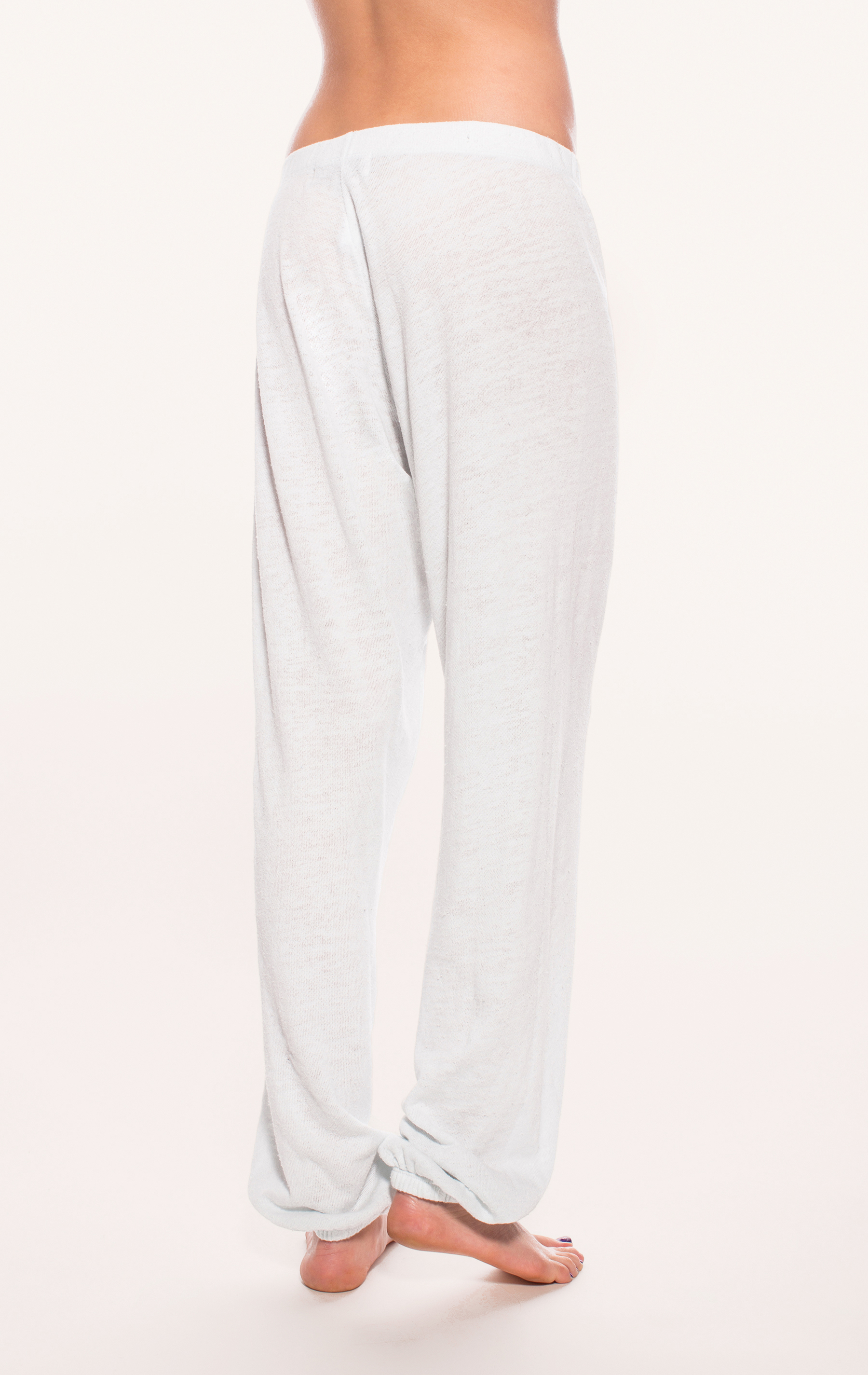
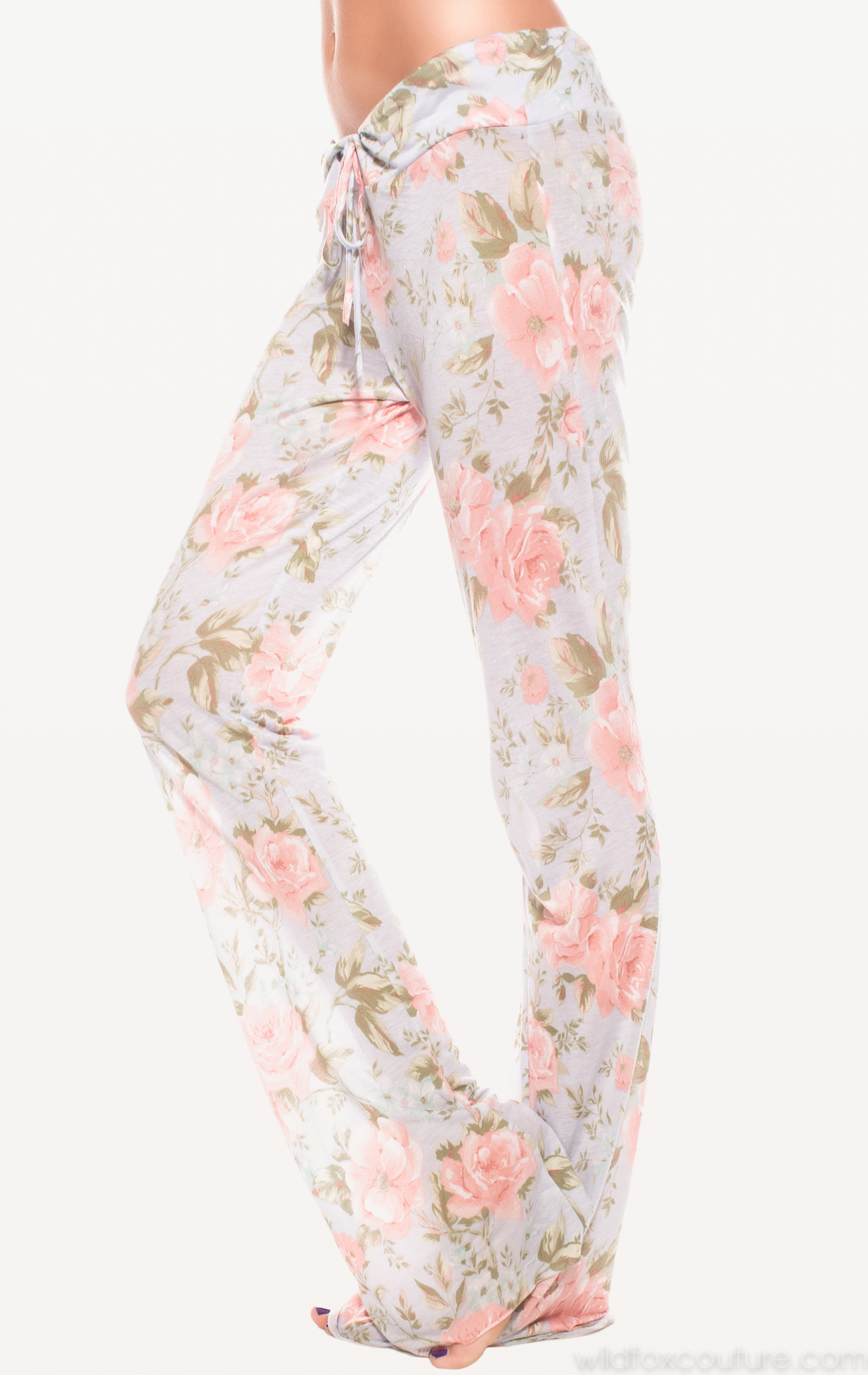
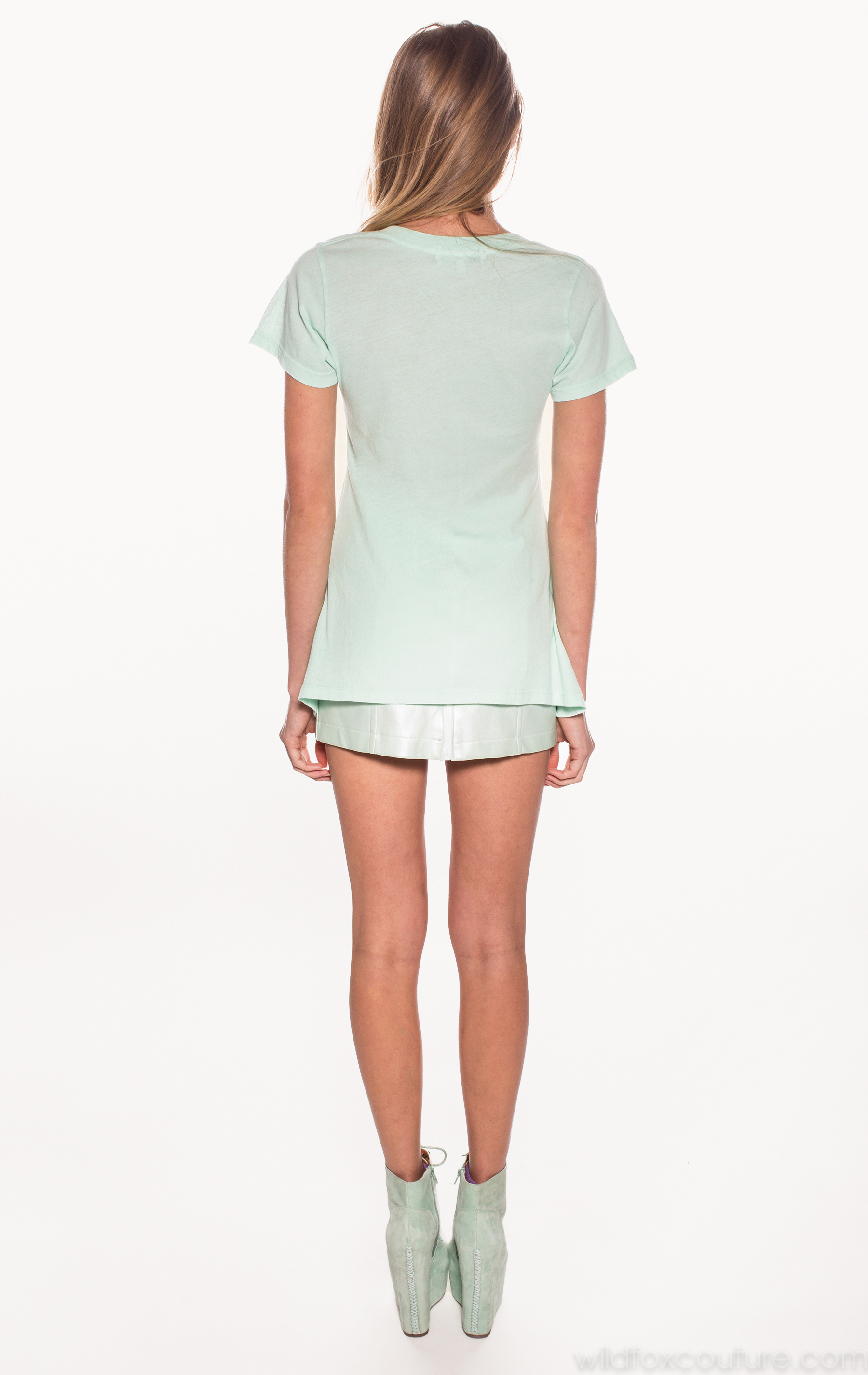
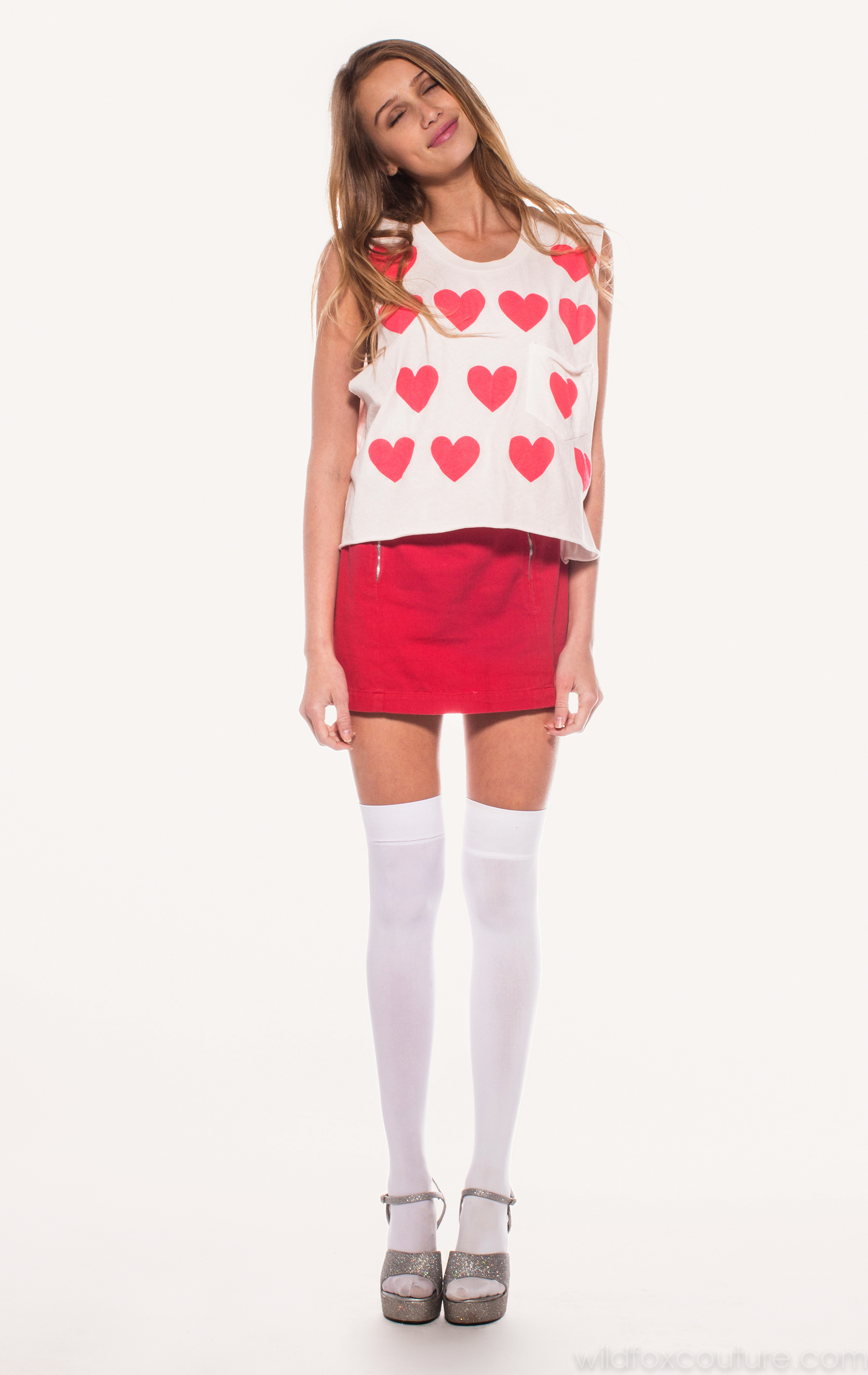
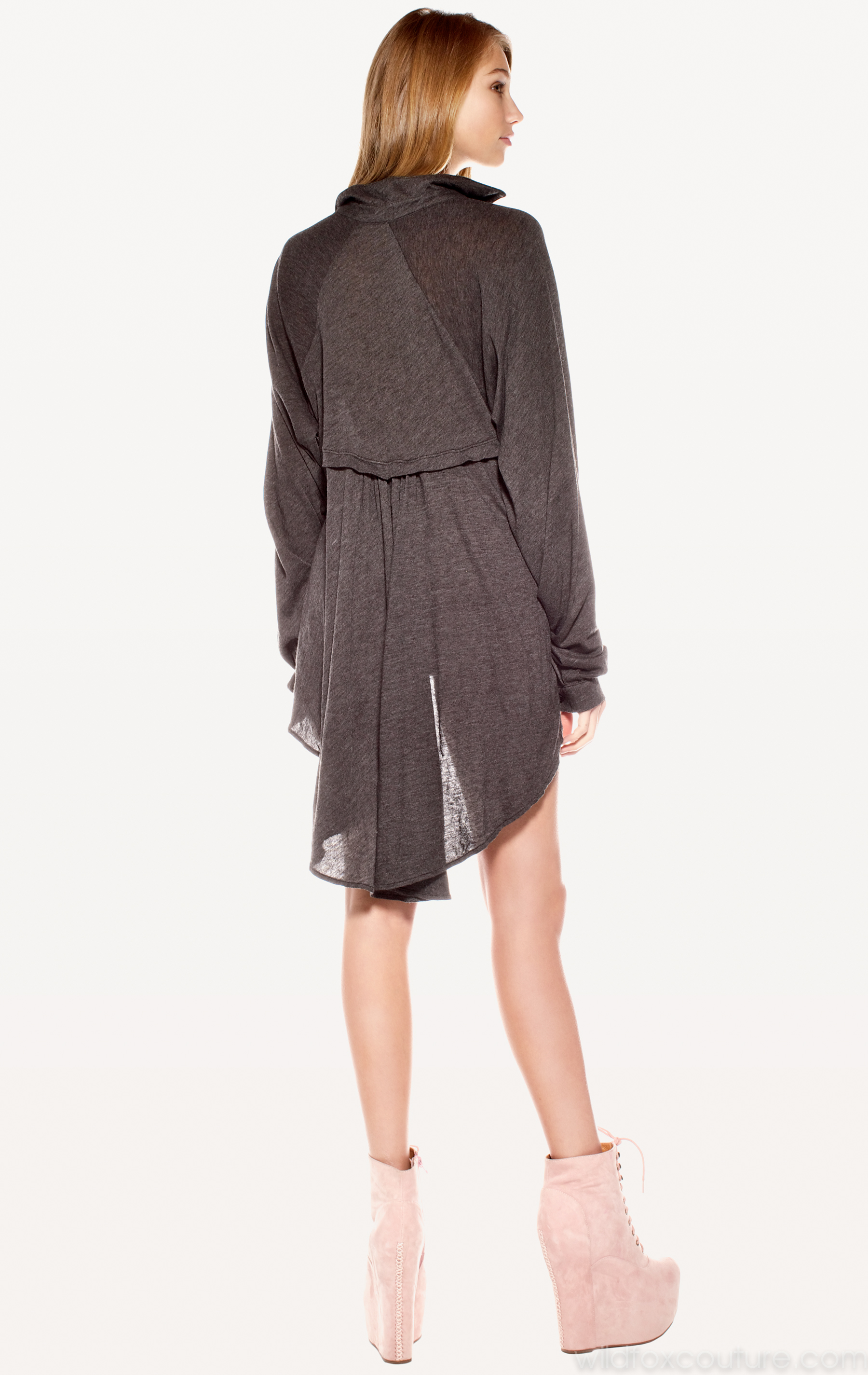
Source: Wildfox Couture < wildfoxcouture.com > Part 3 of 11

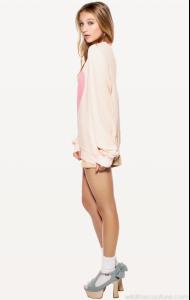


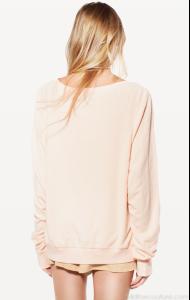
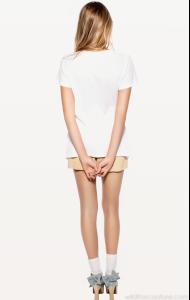

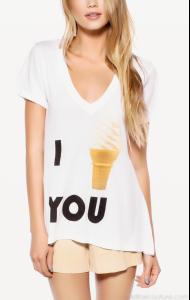
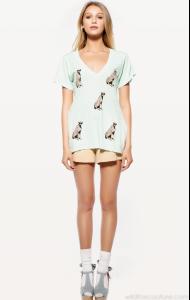
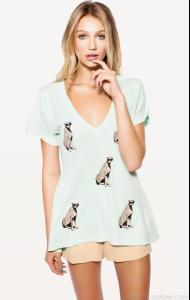
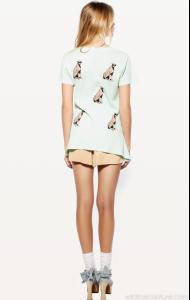
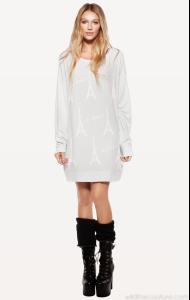
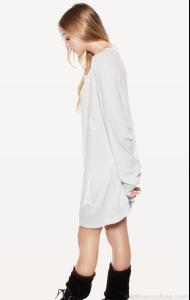
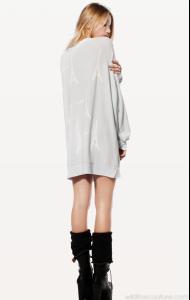

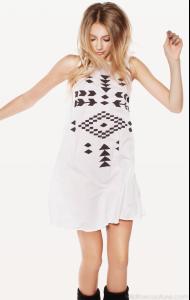
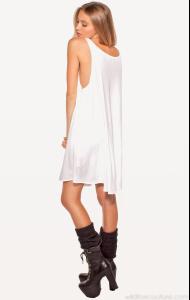

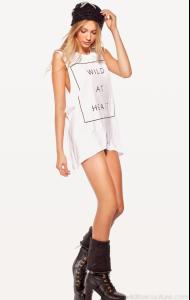





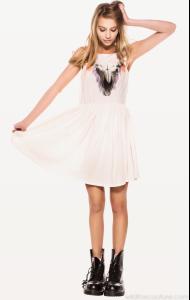
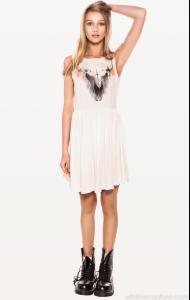
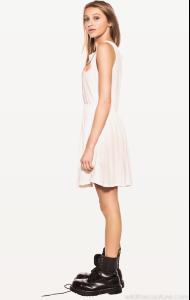
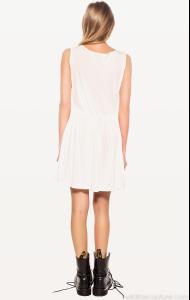
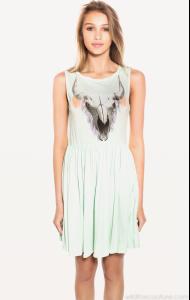
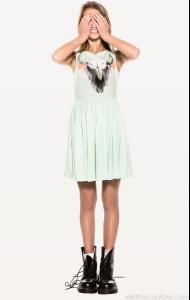
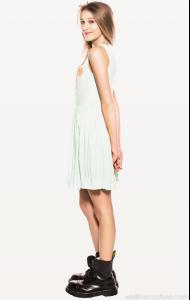
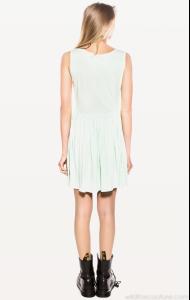
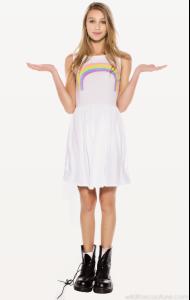
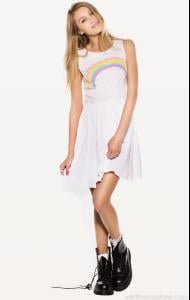
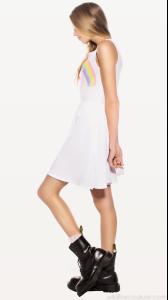
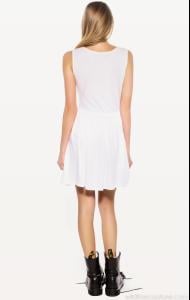
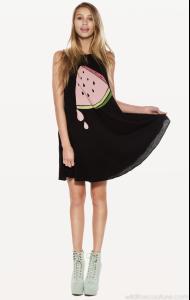

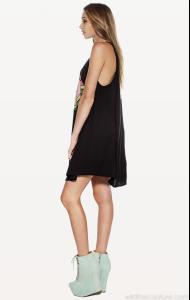
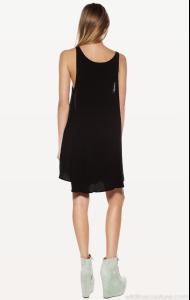
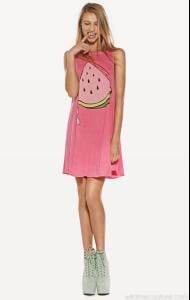
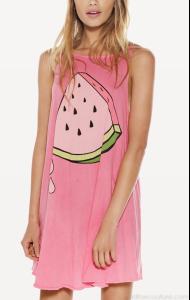
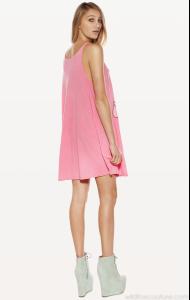
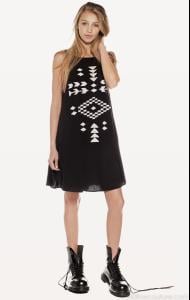
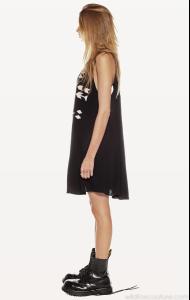
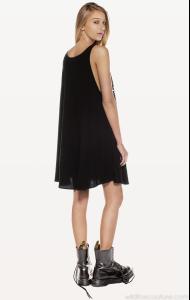


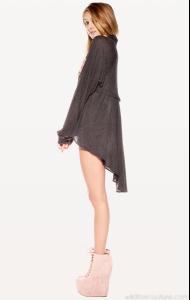
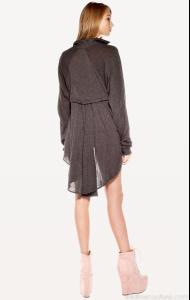
-
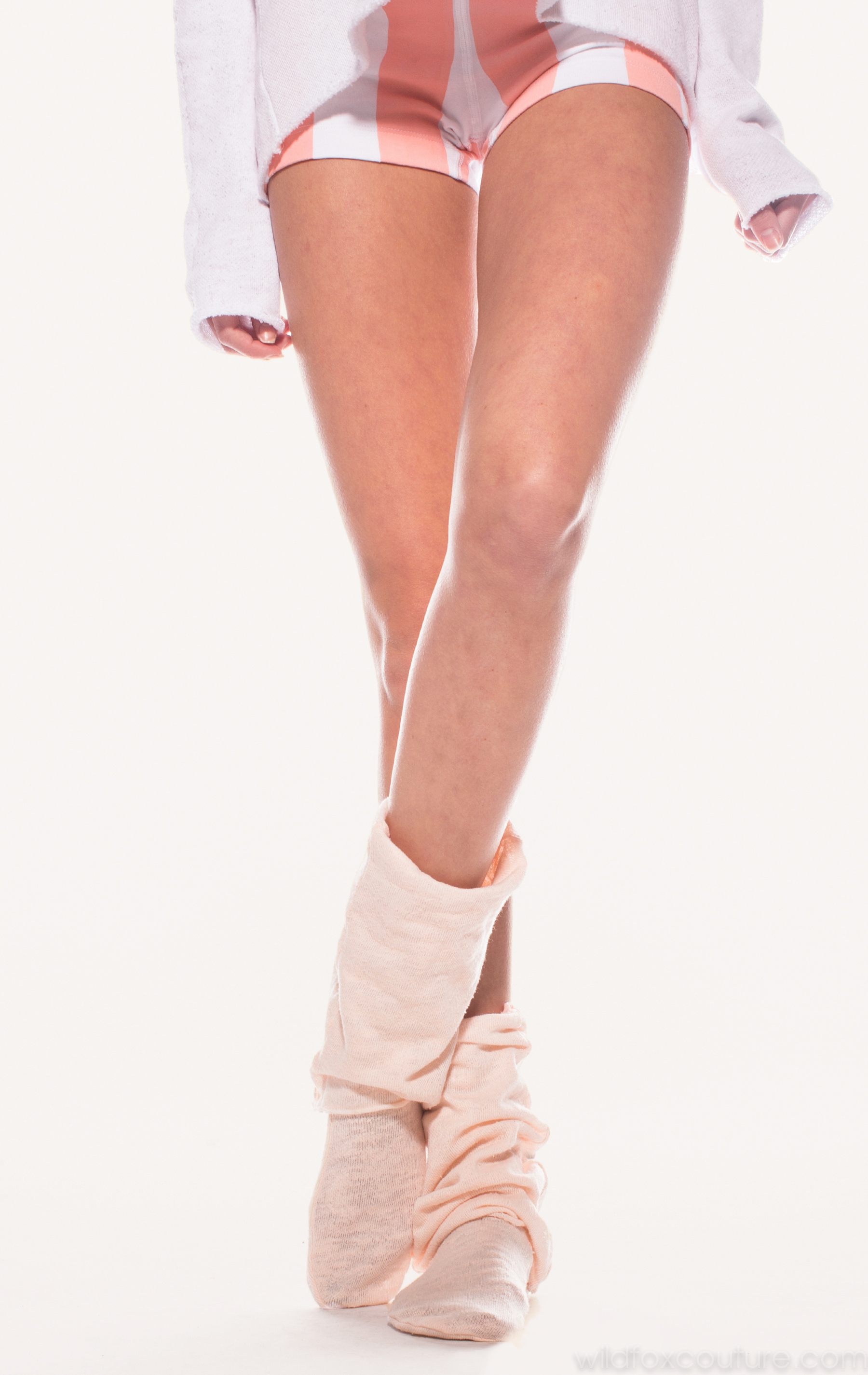
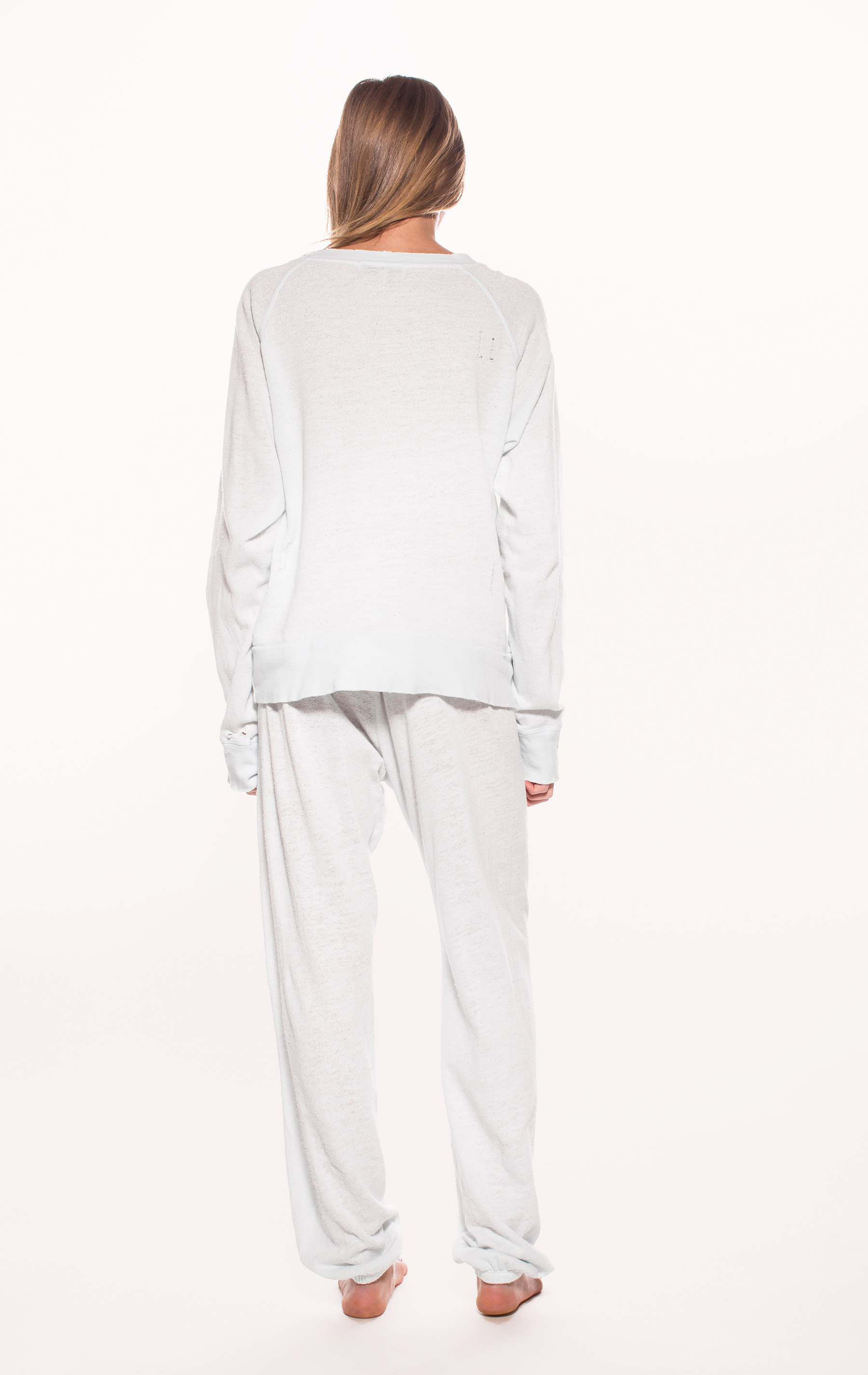
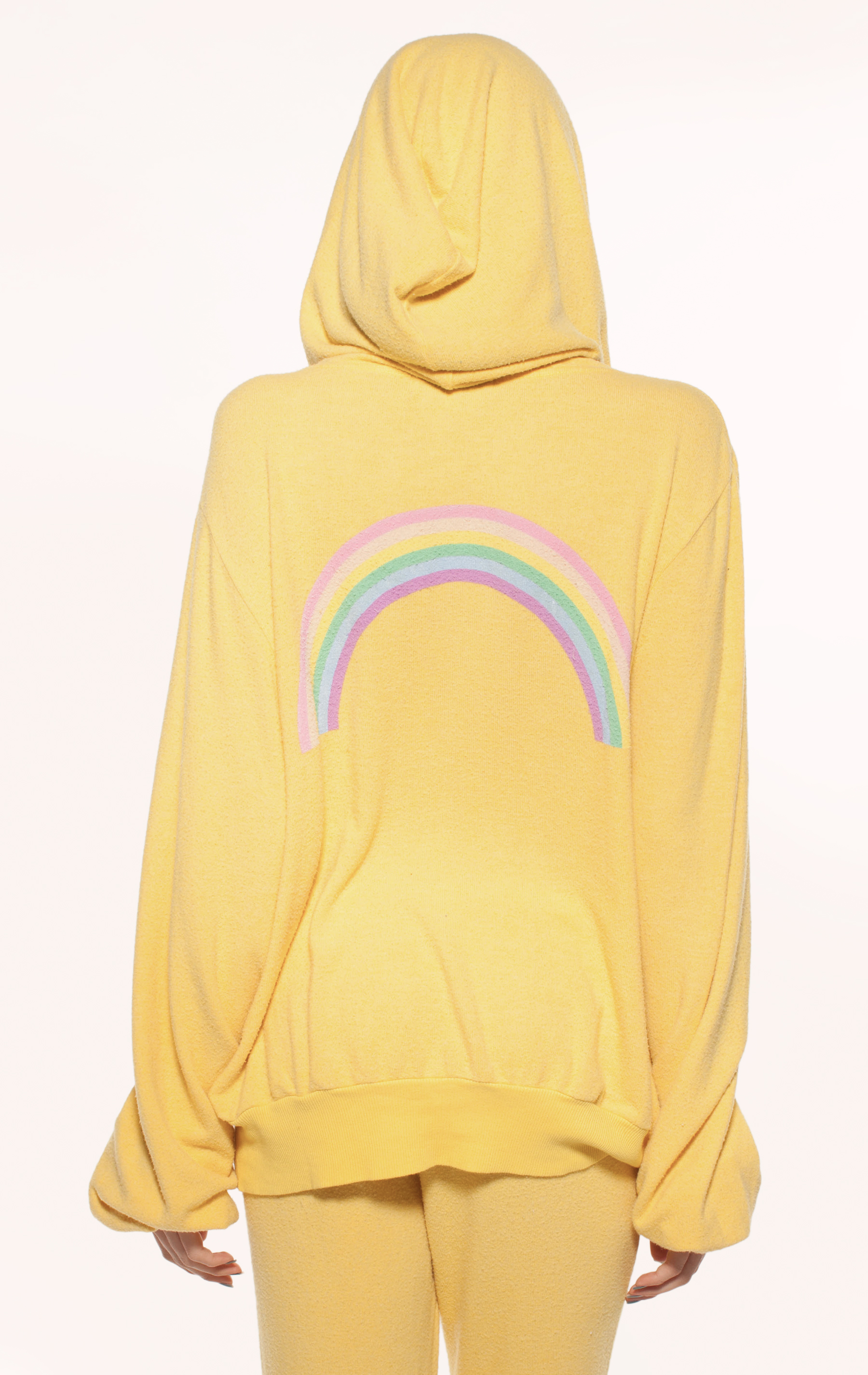
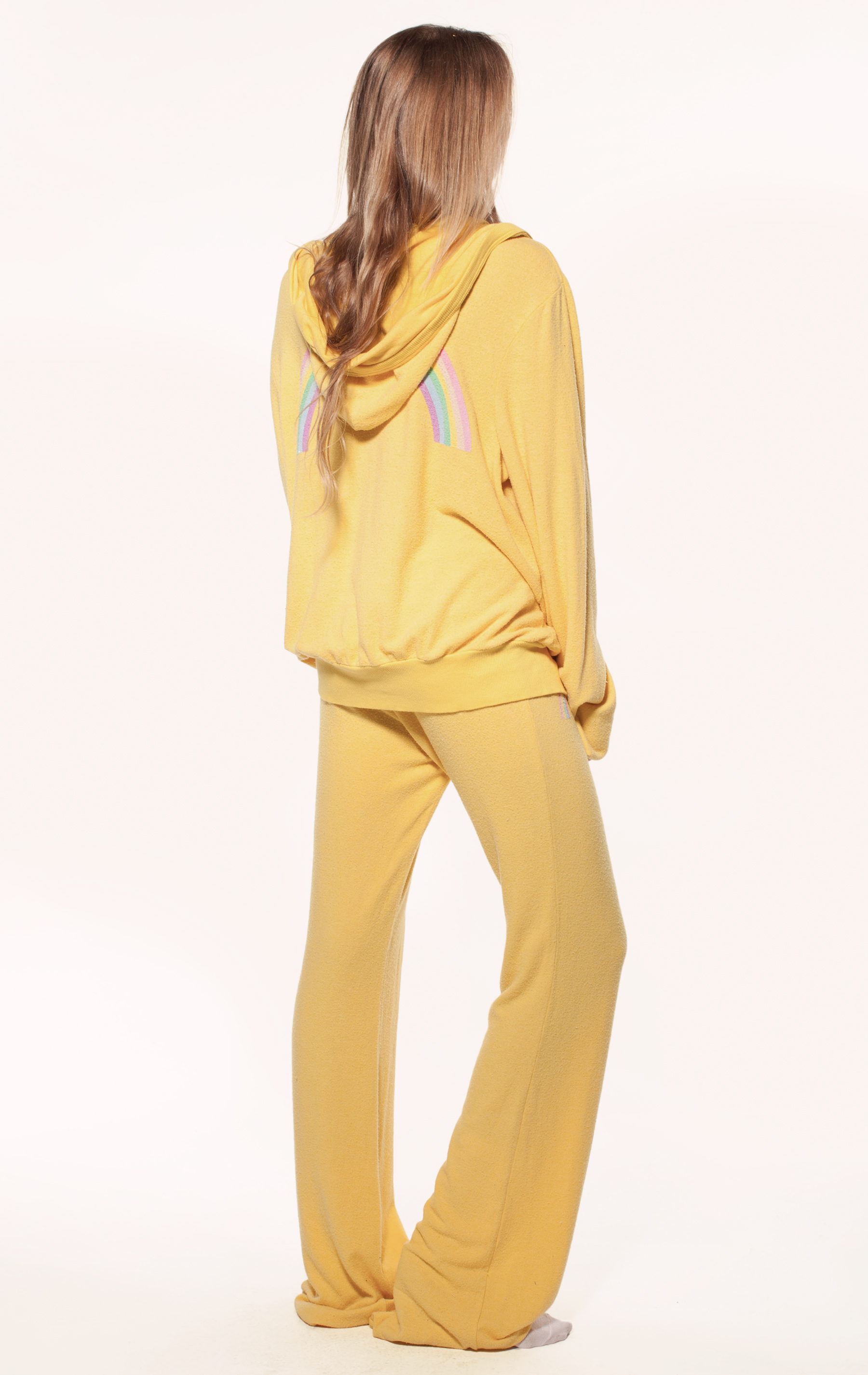
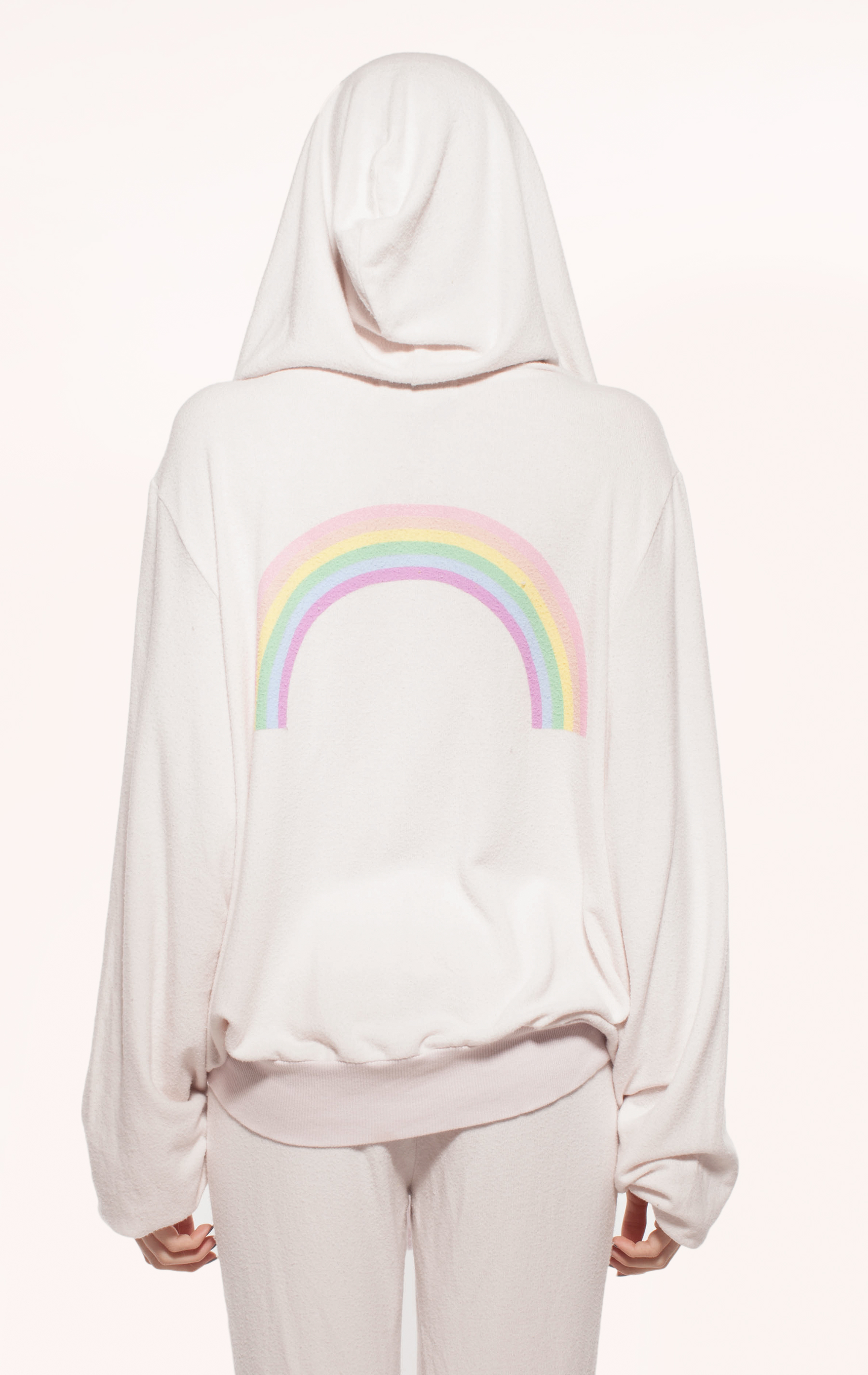
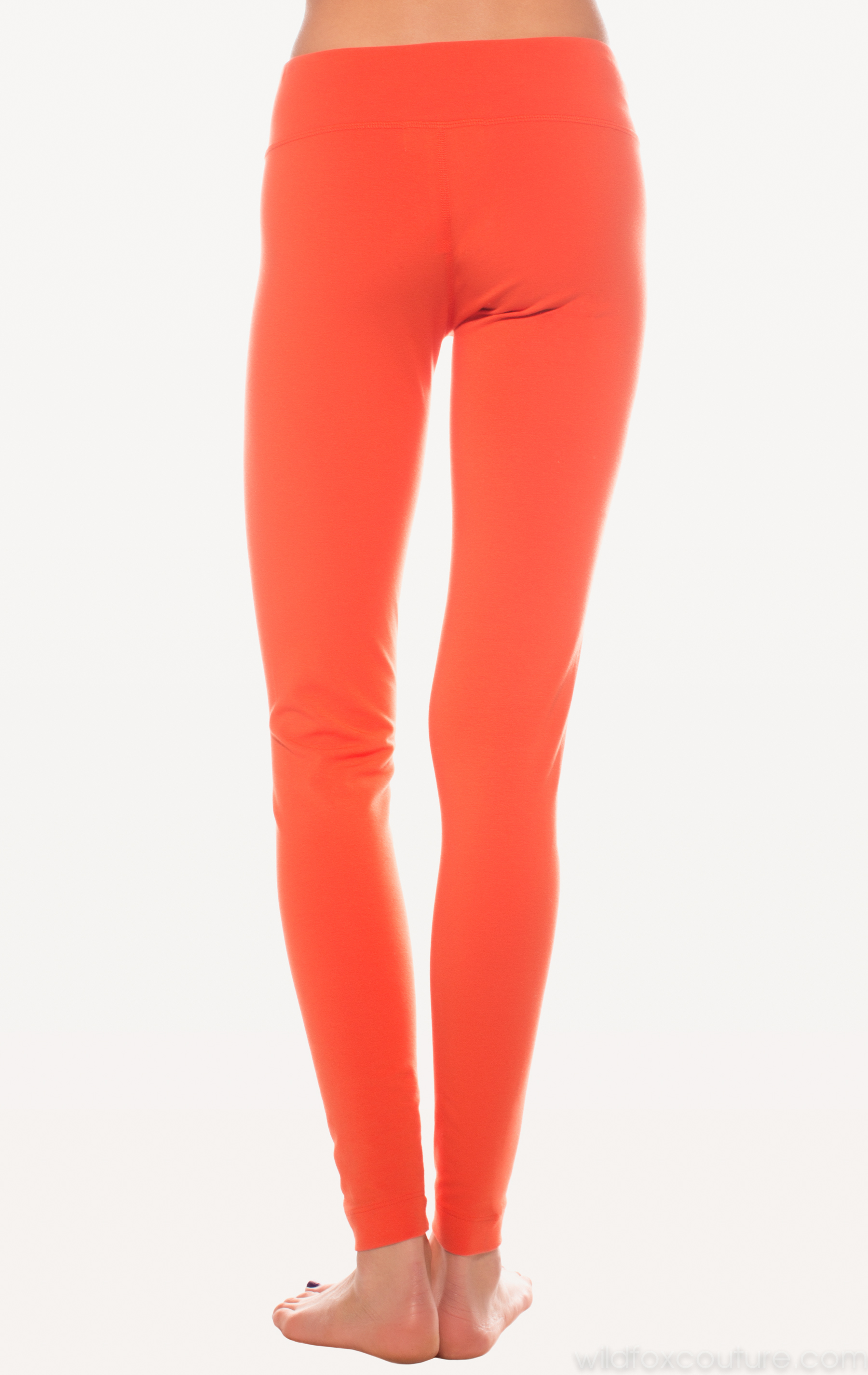
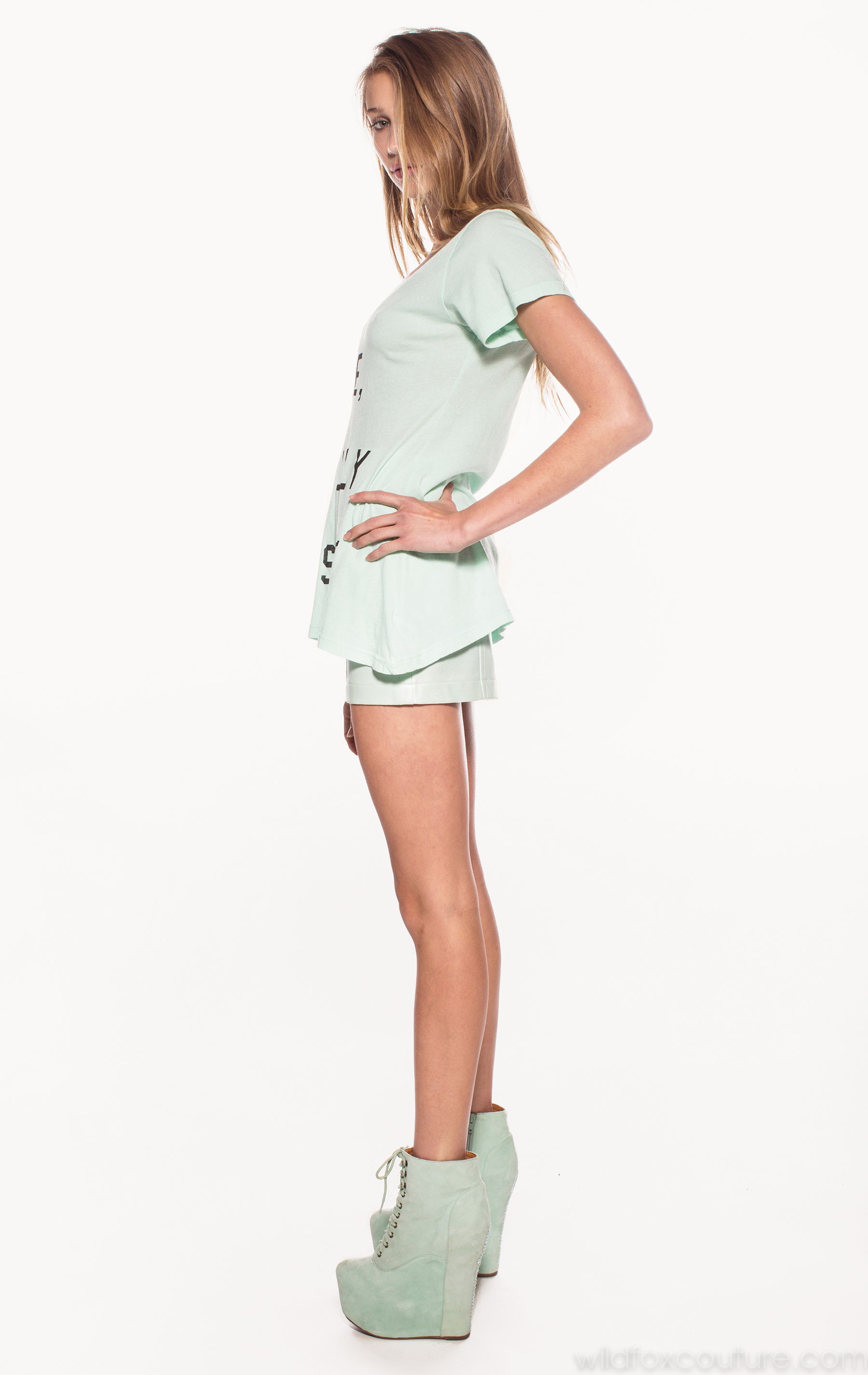
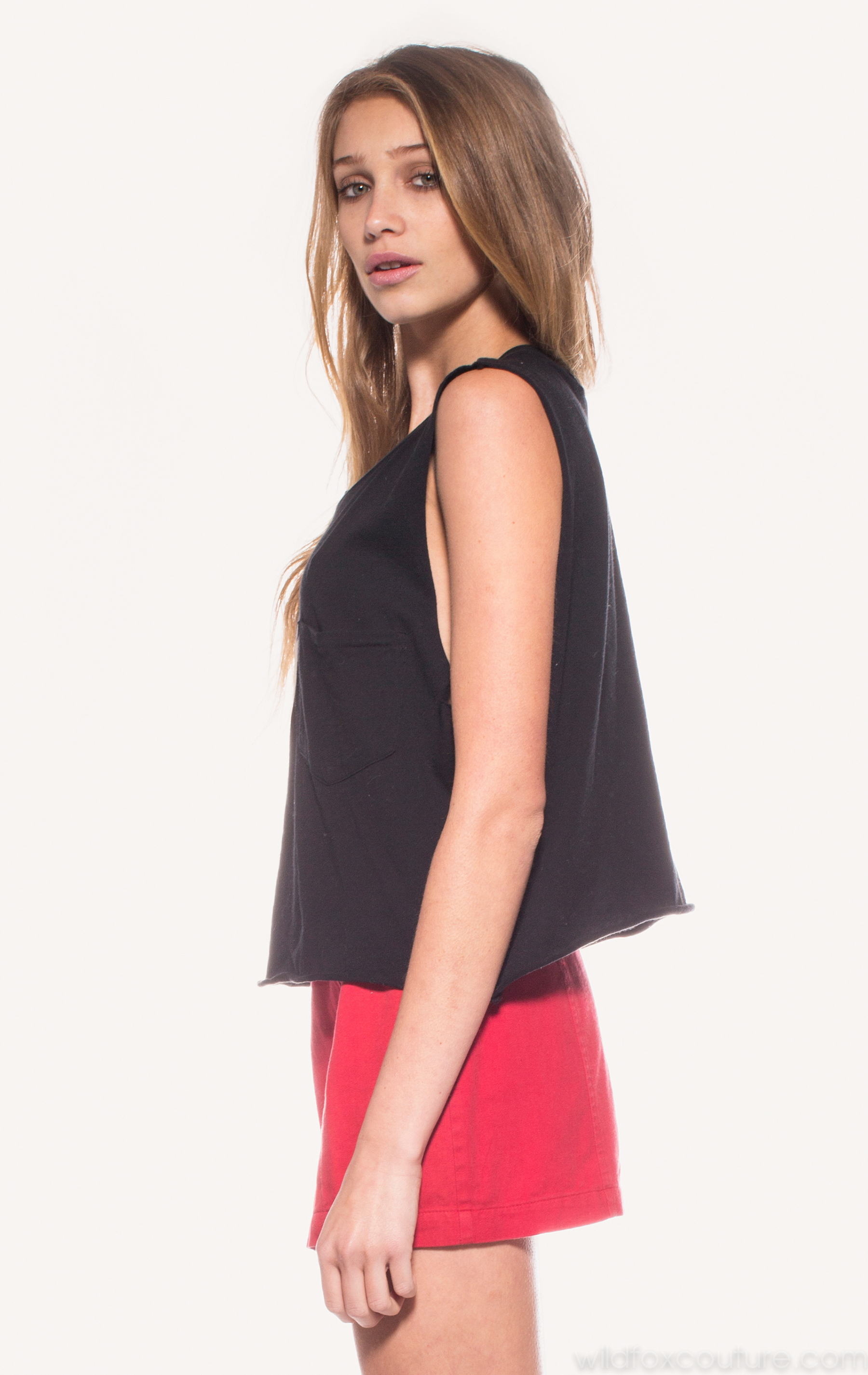
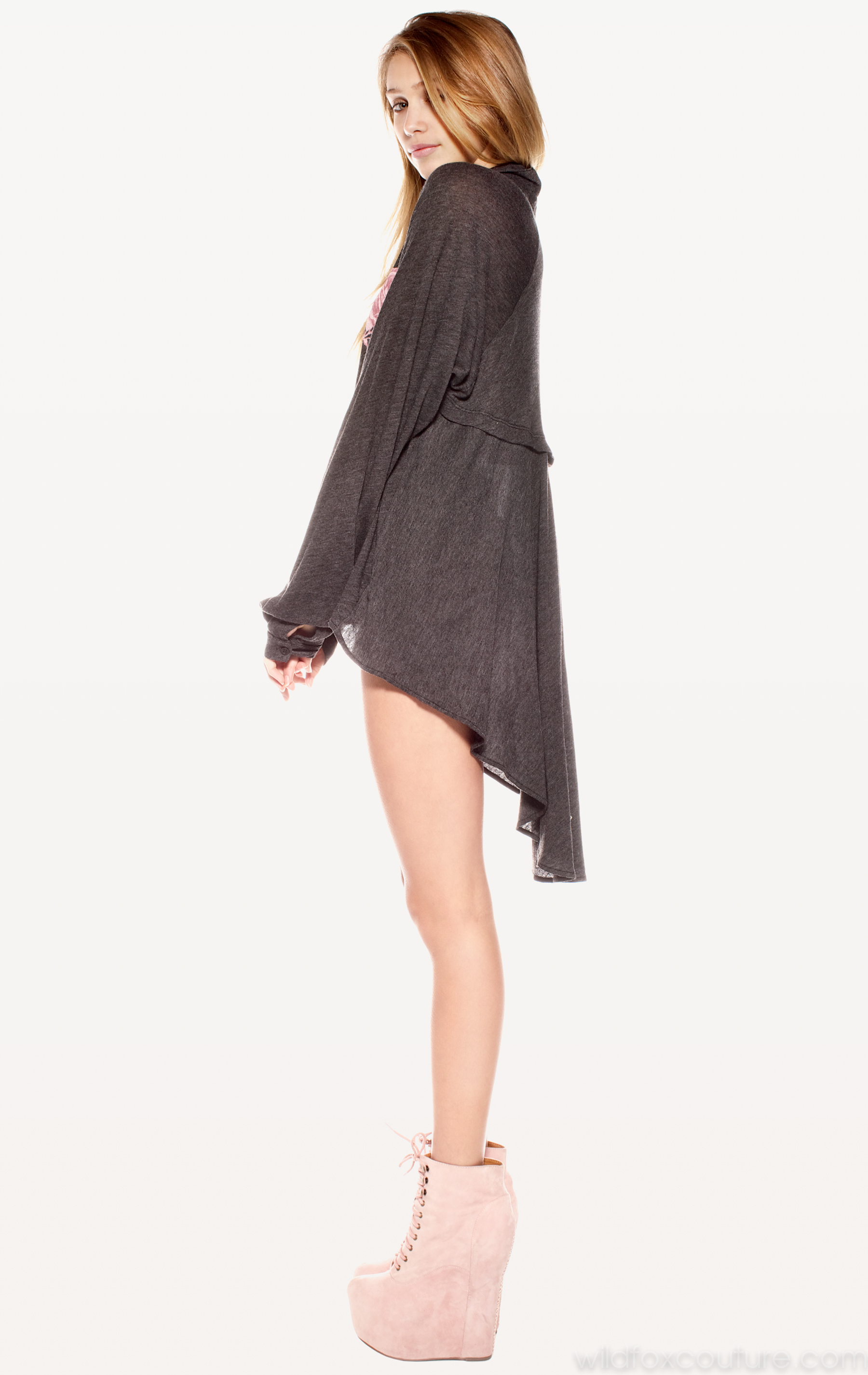
Source: Wildfox Couture < wildfoxcouture.com > Part 2 of 11



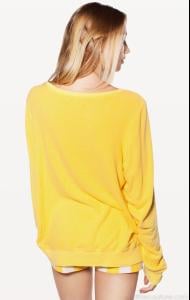
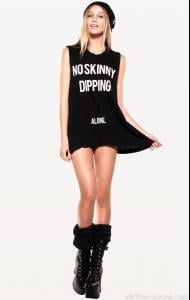
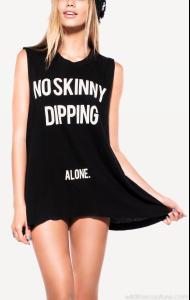
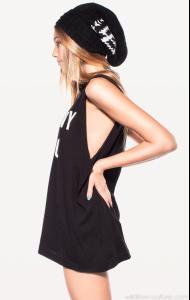
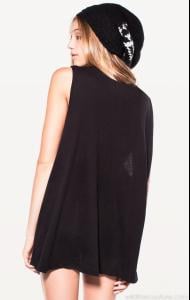
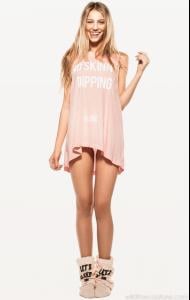

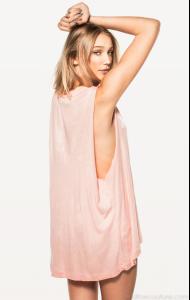


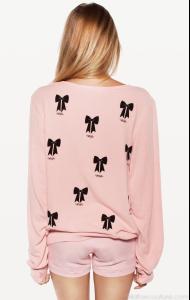
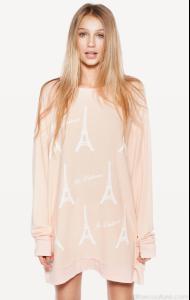
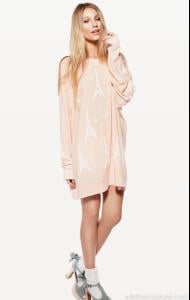
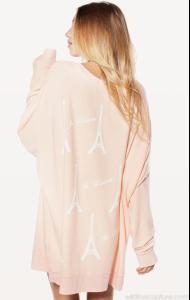


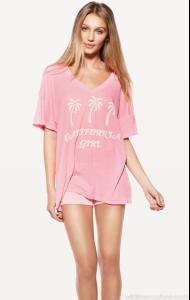
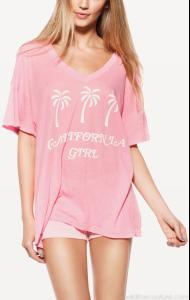

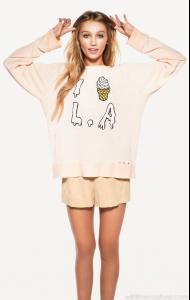
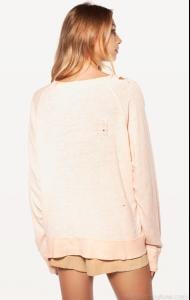
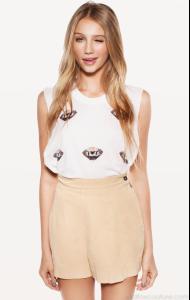
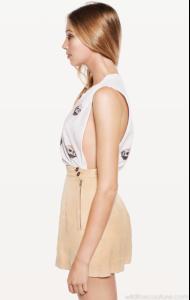
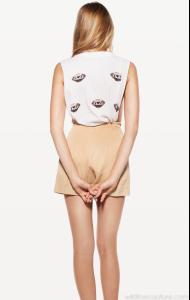



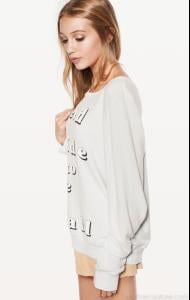
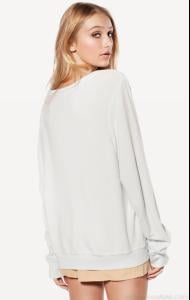
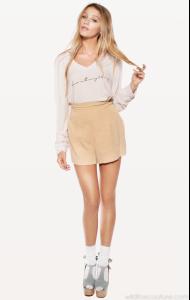

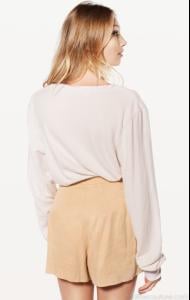

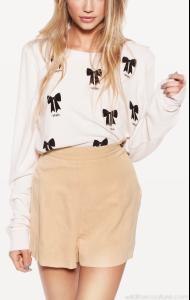

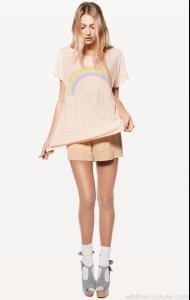
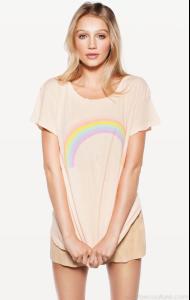
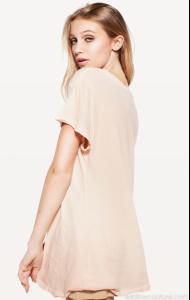
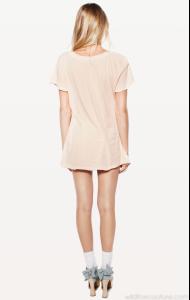

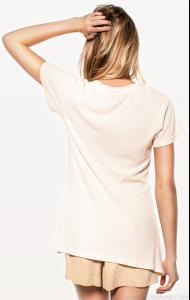

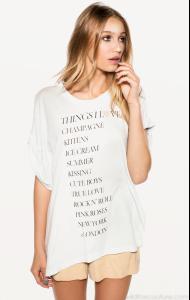
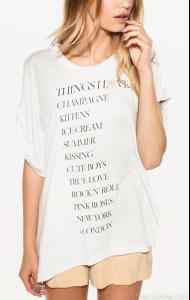

-
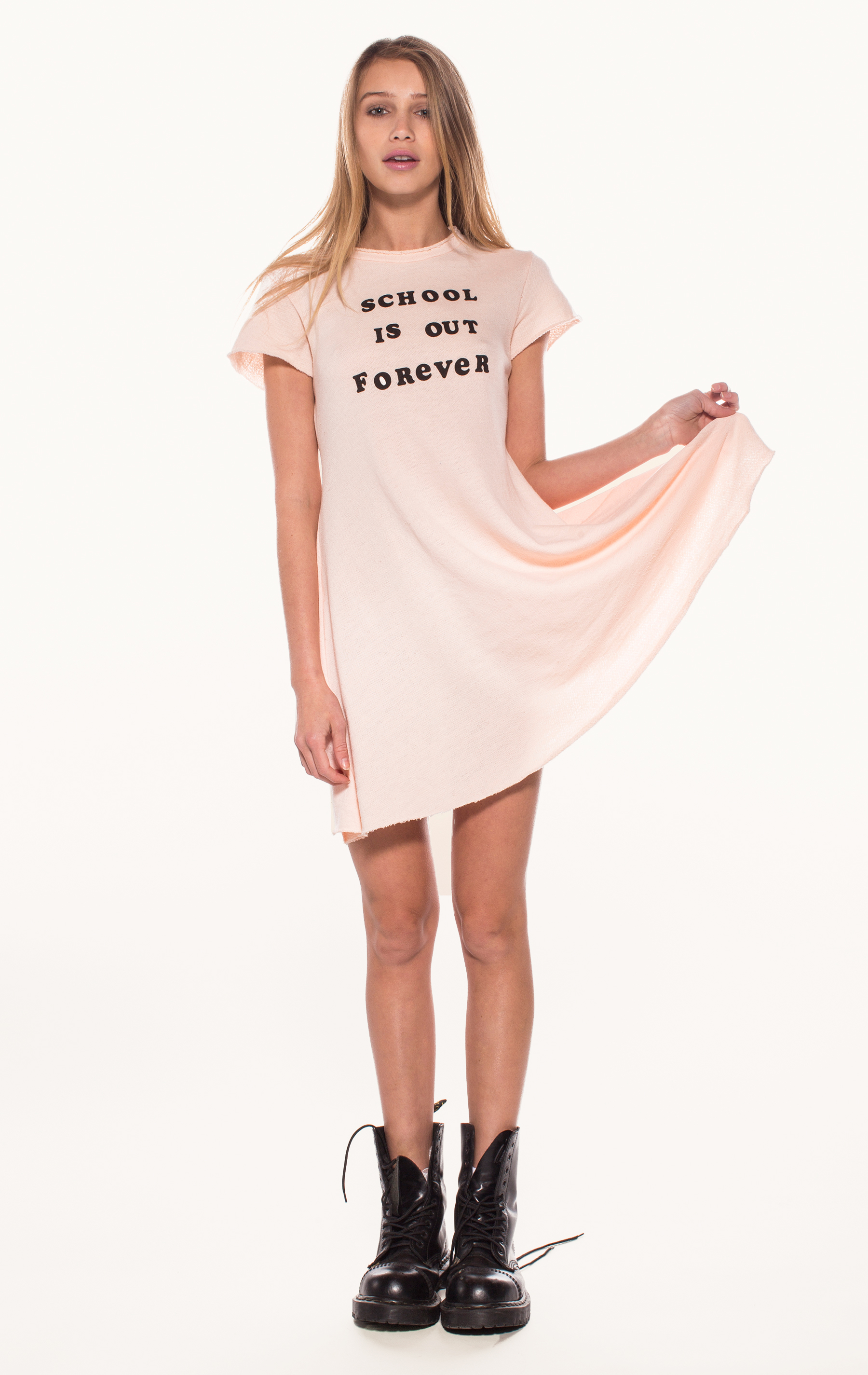
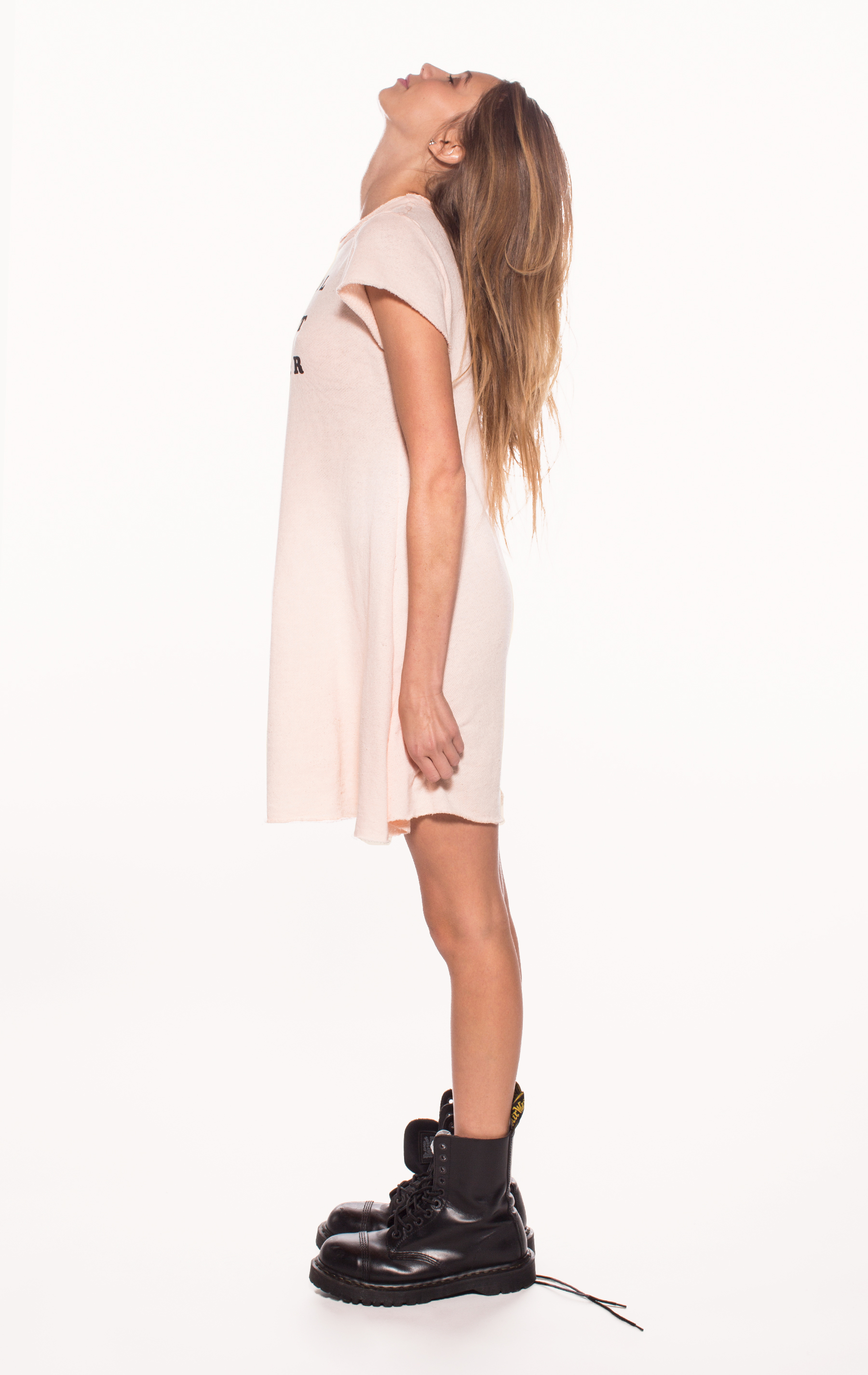
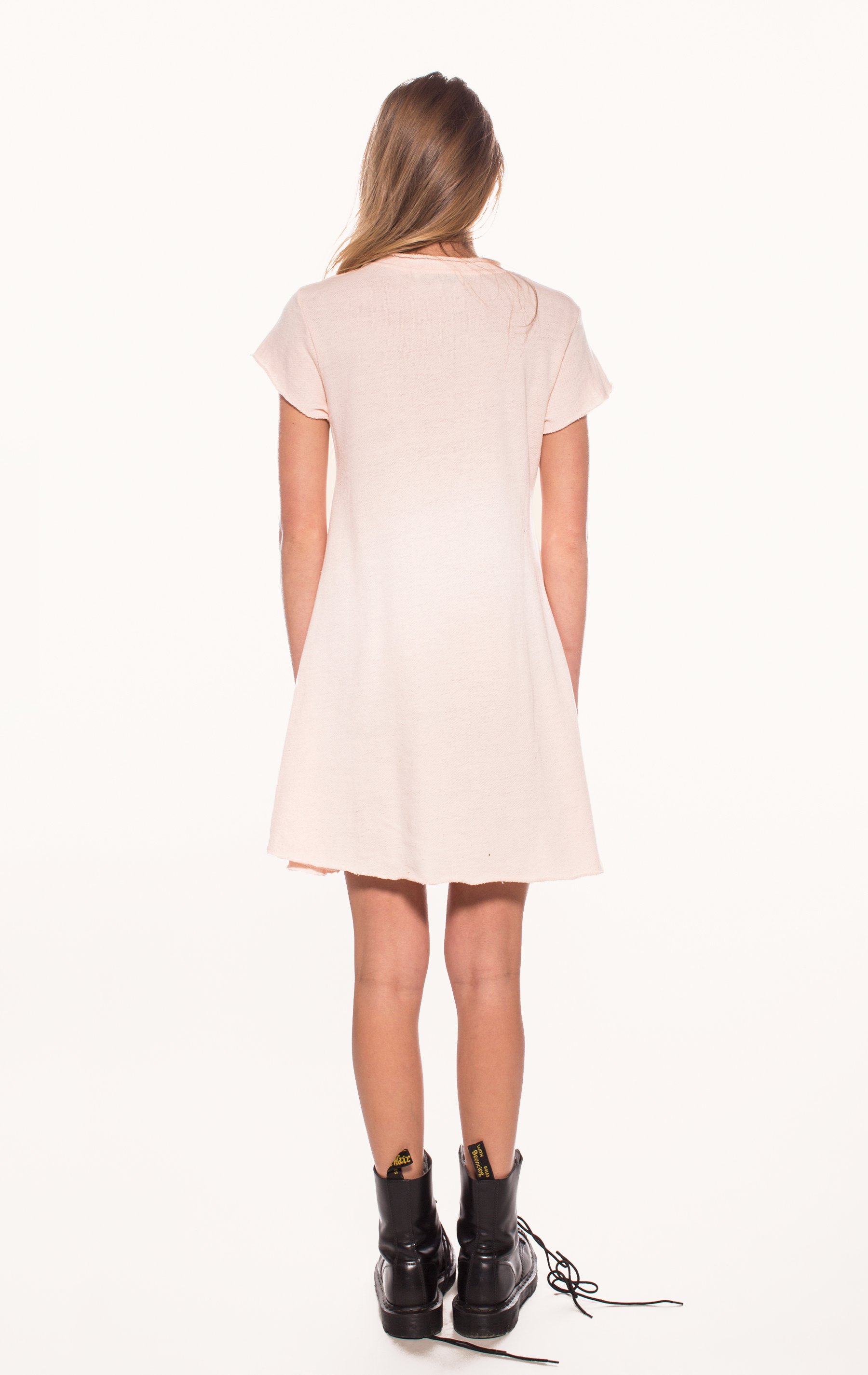
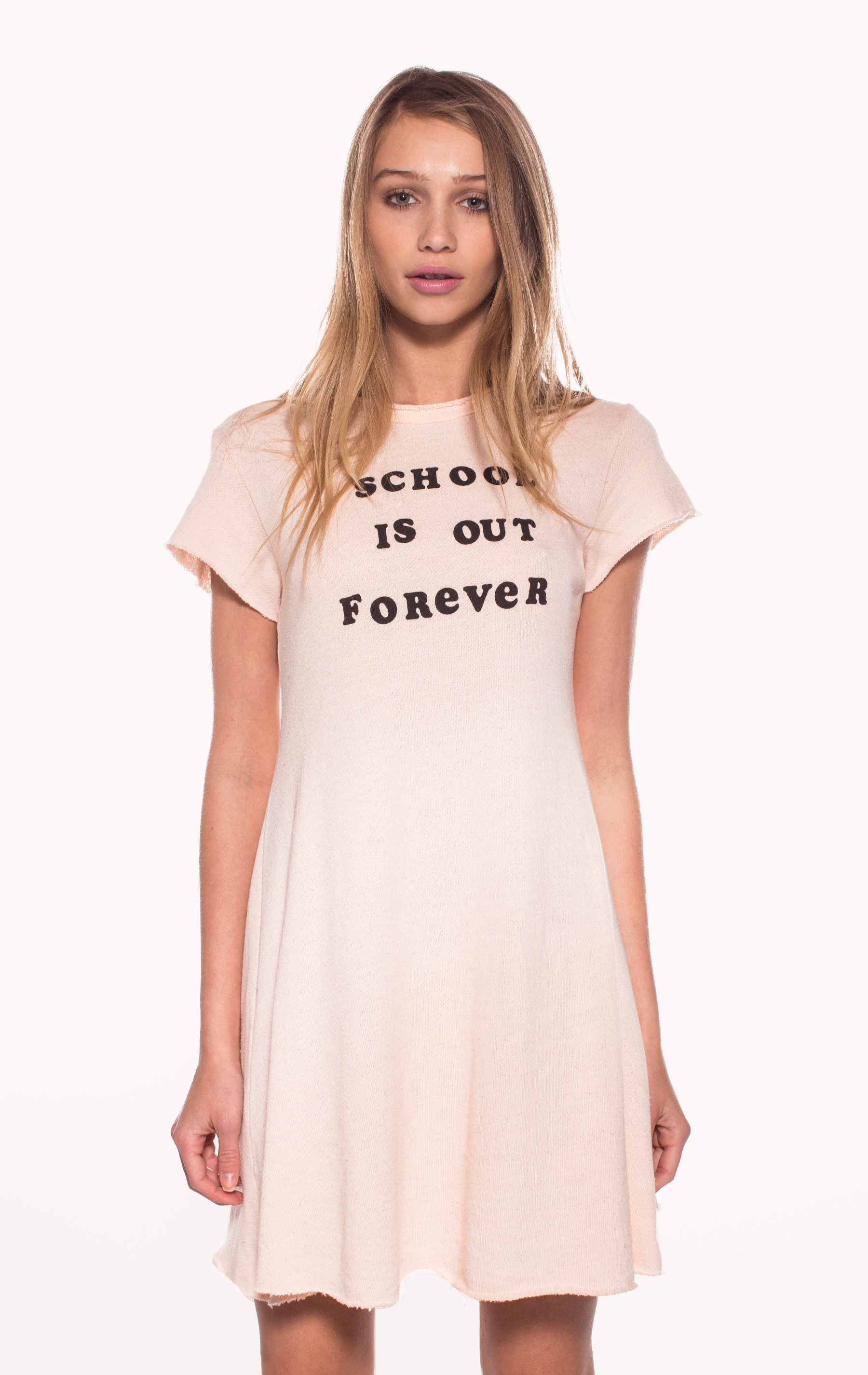
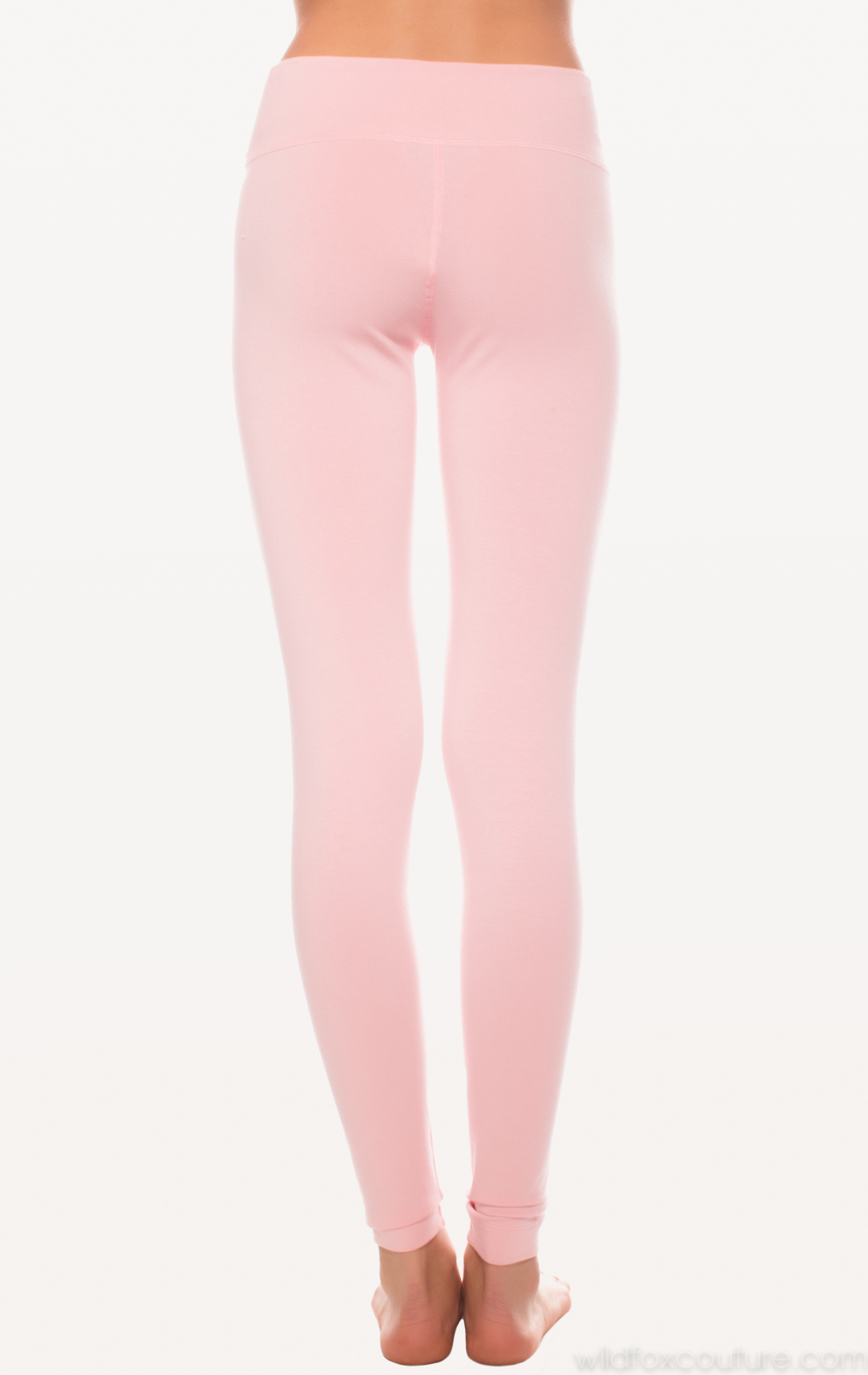
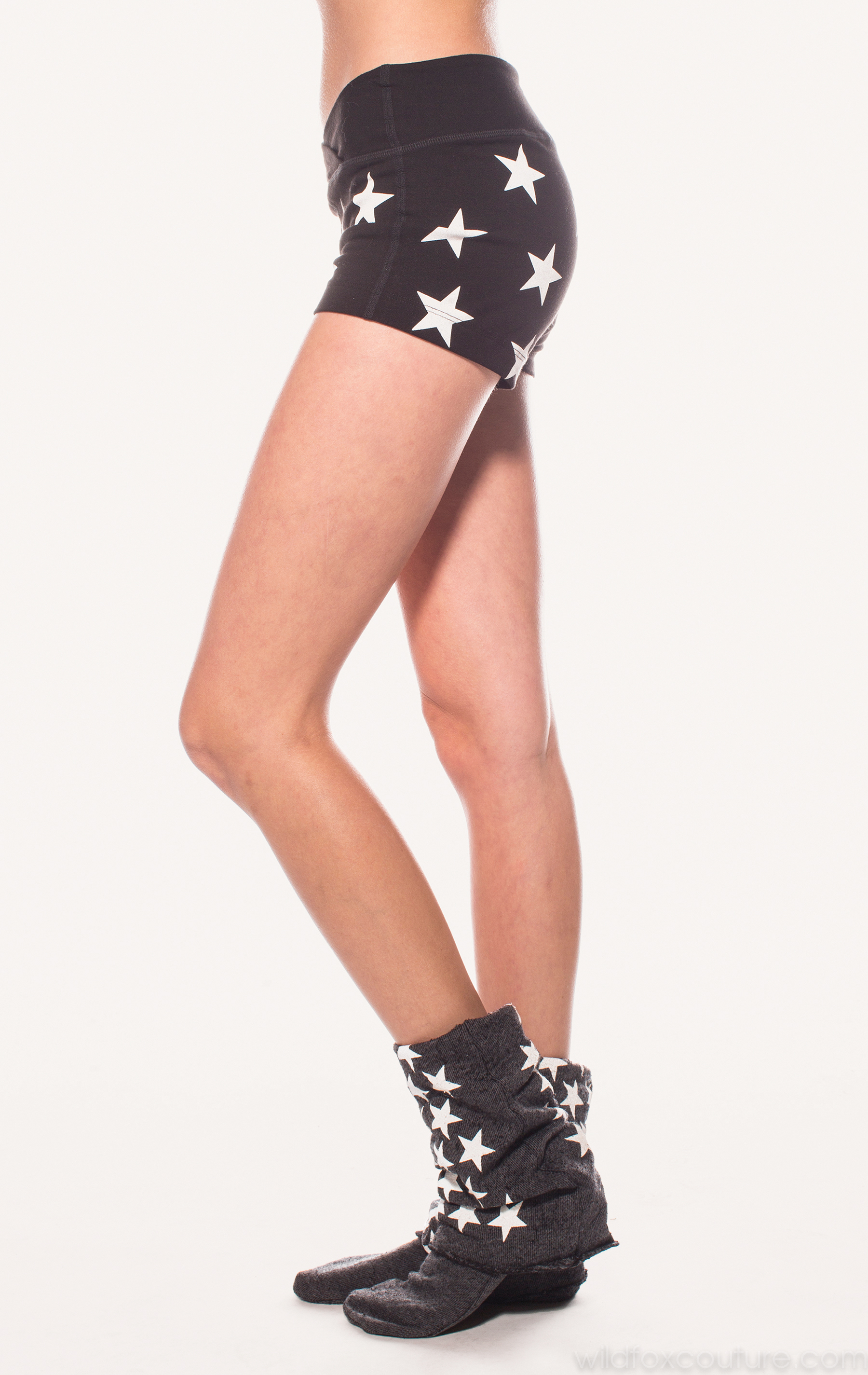
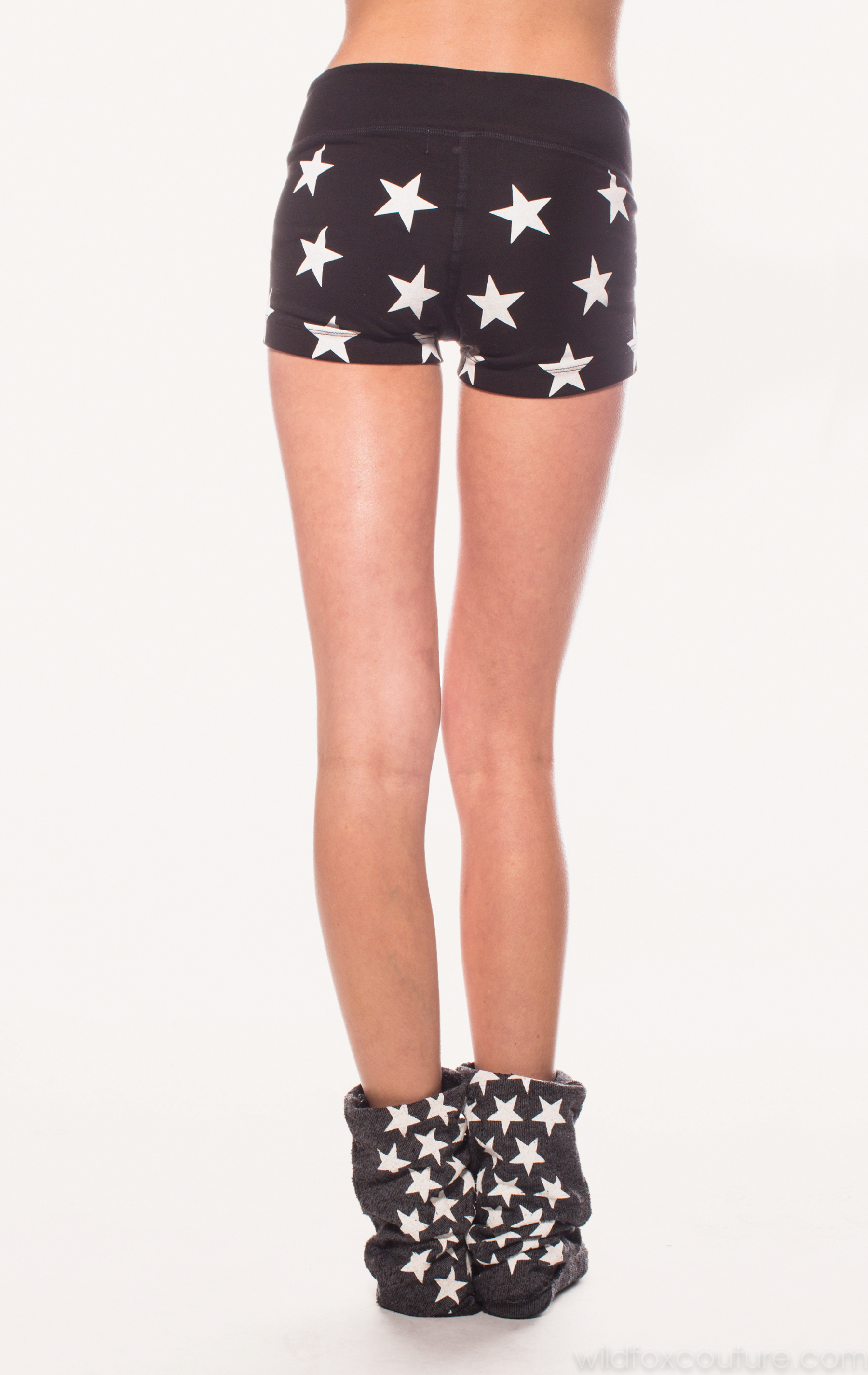
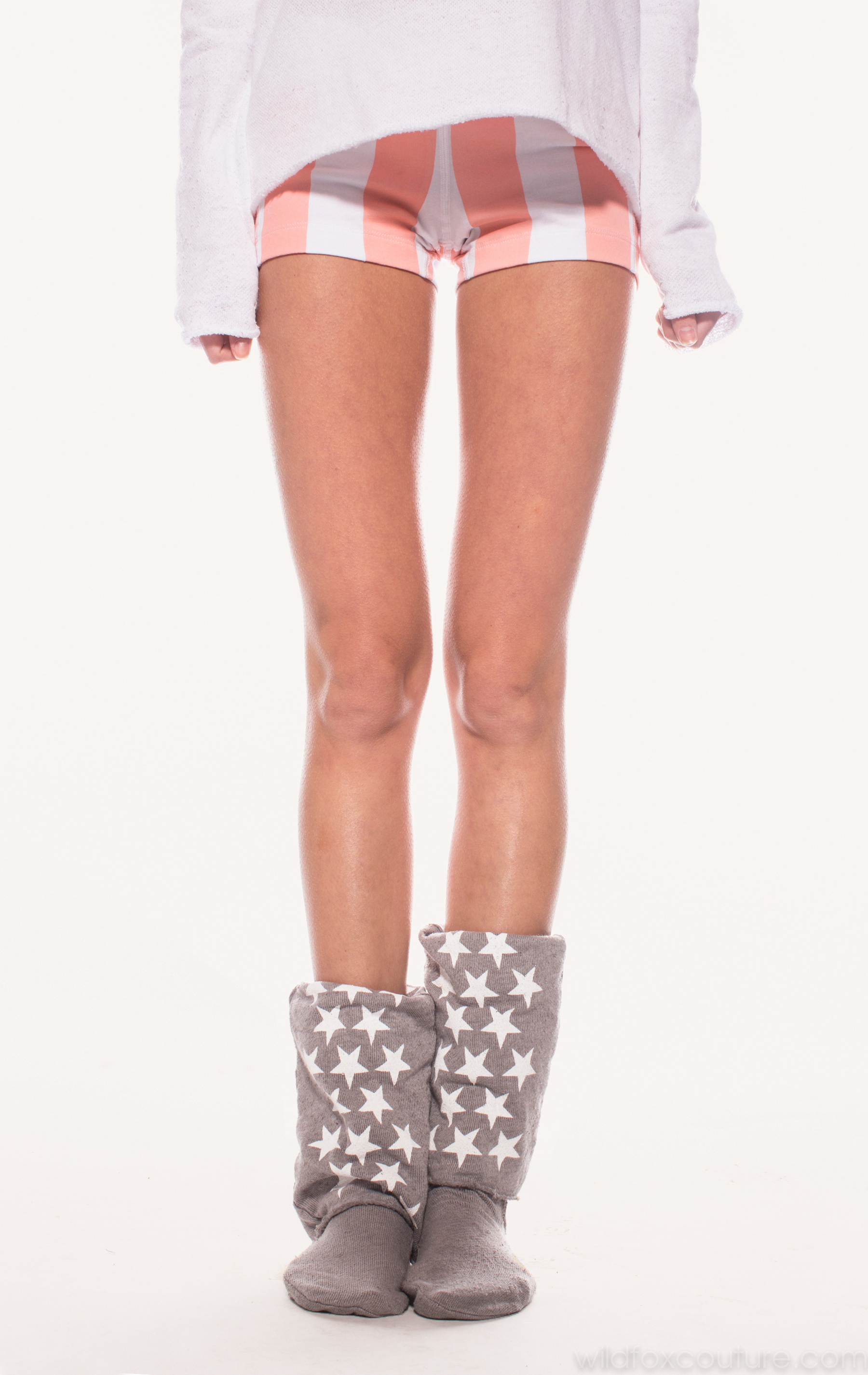
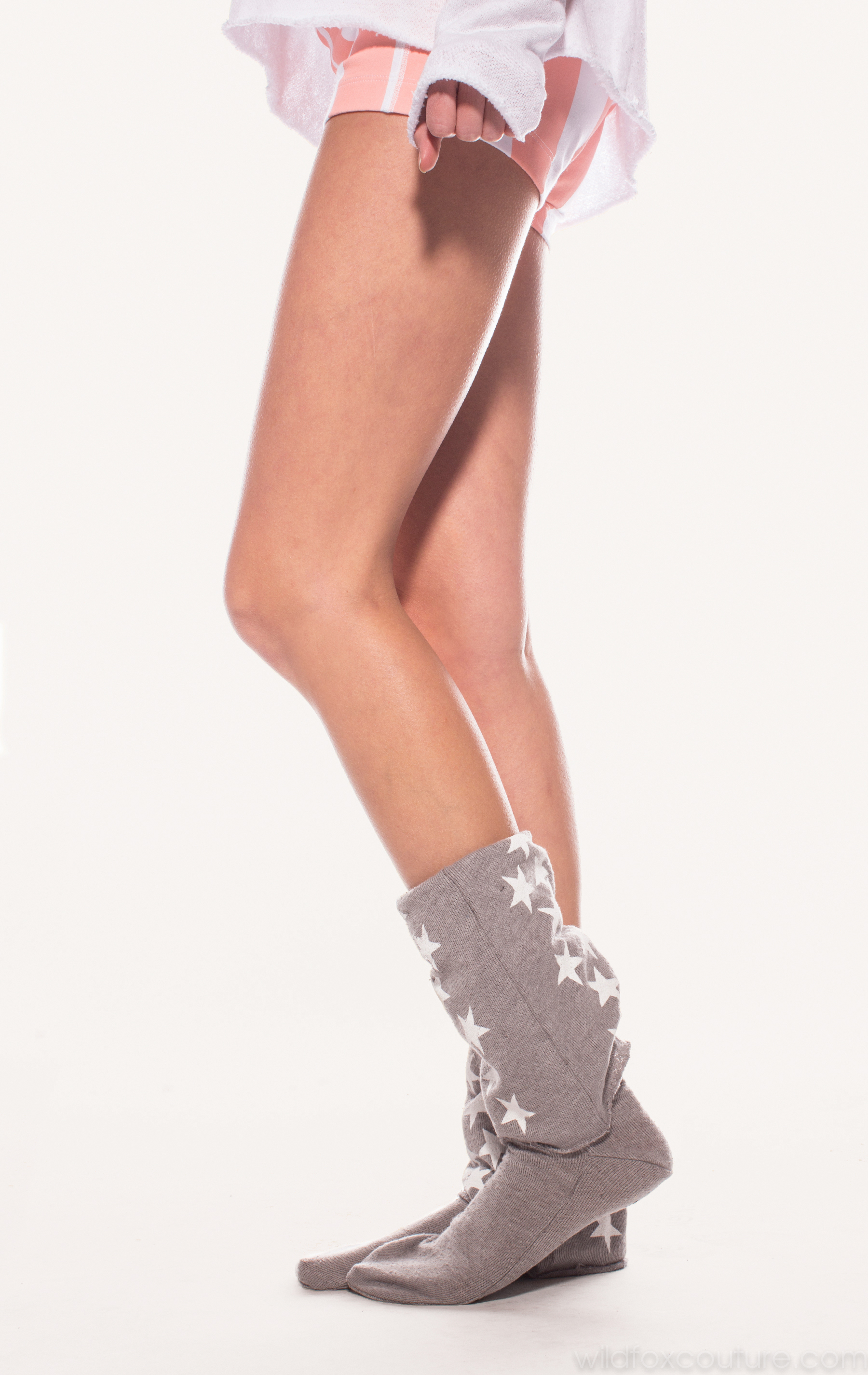
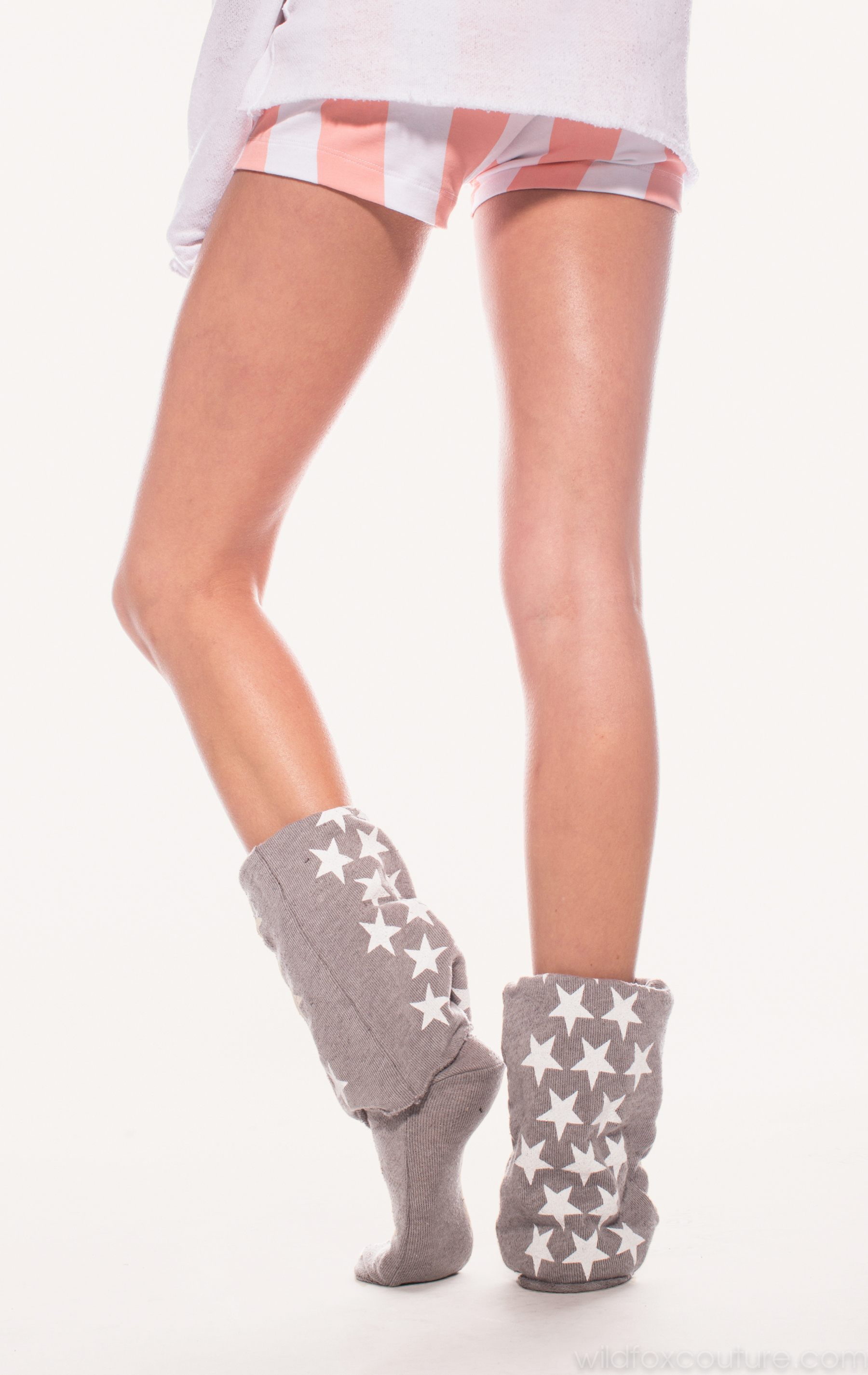
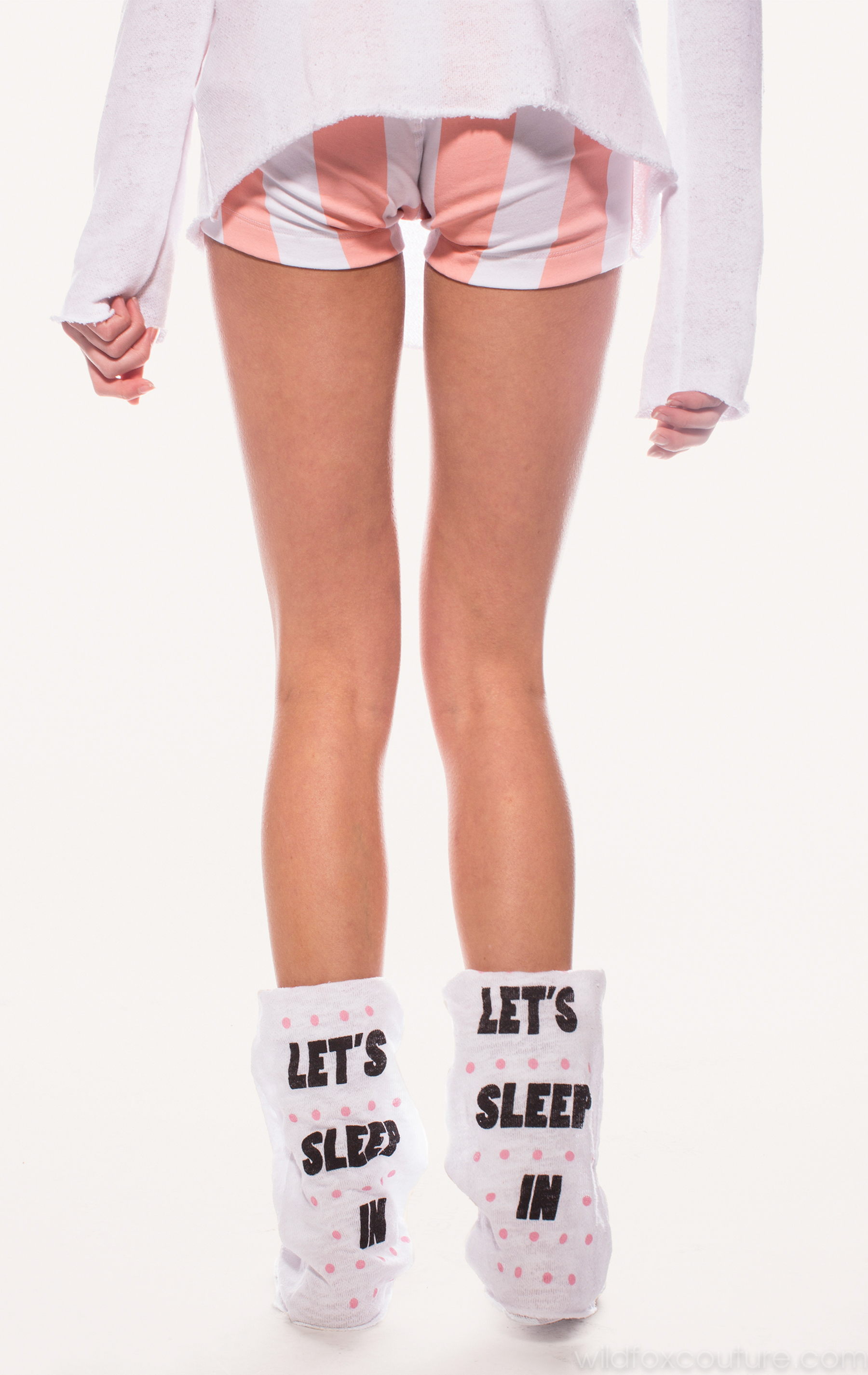
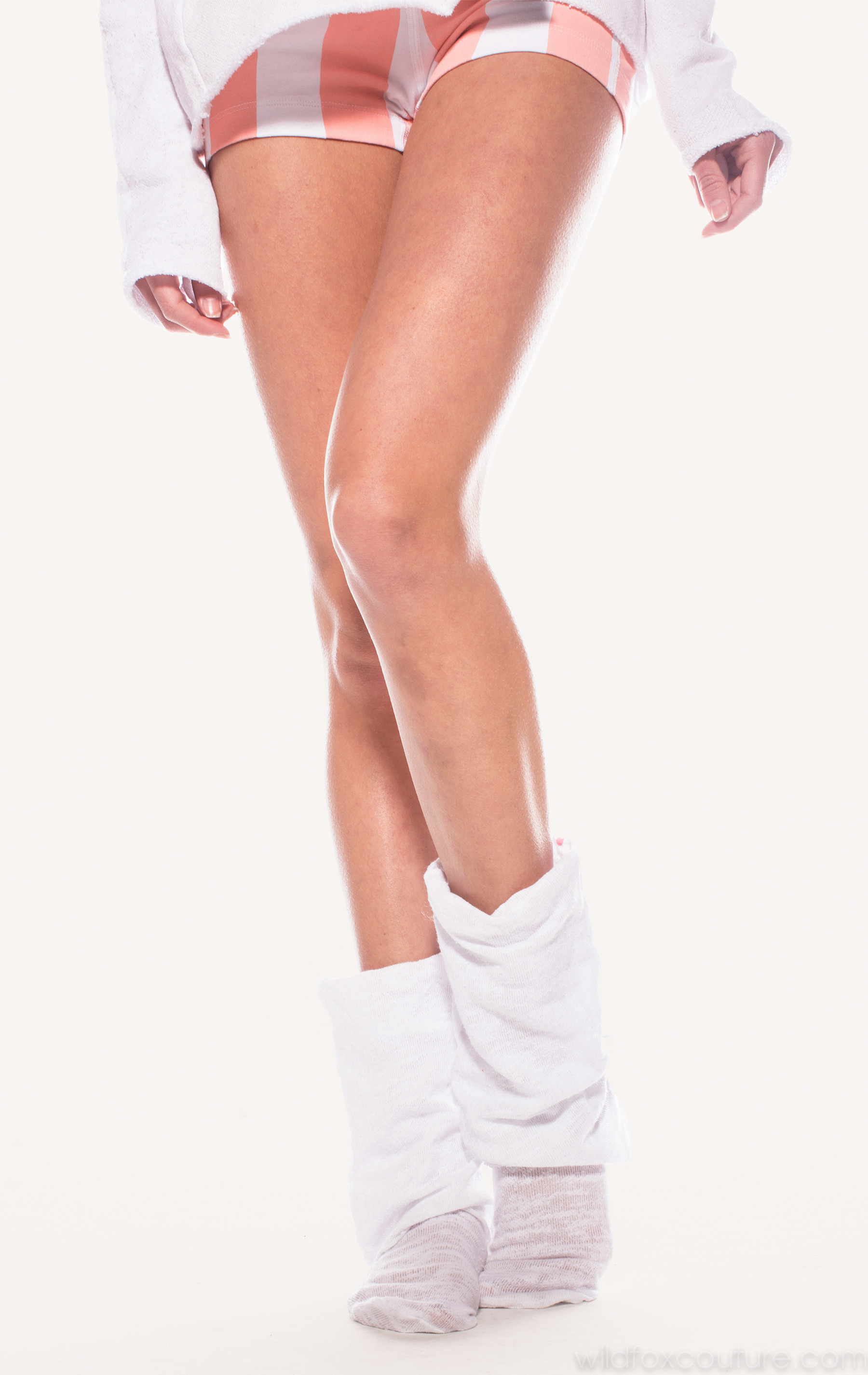
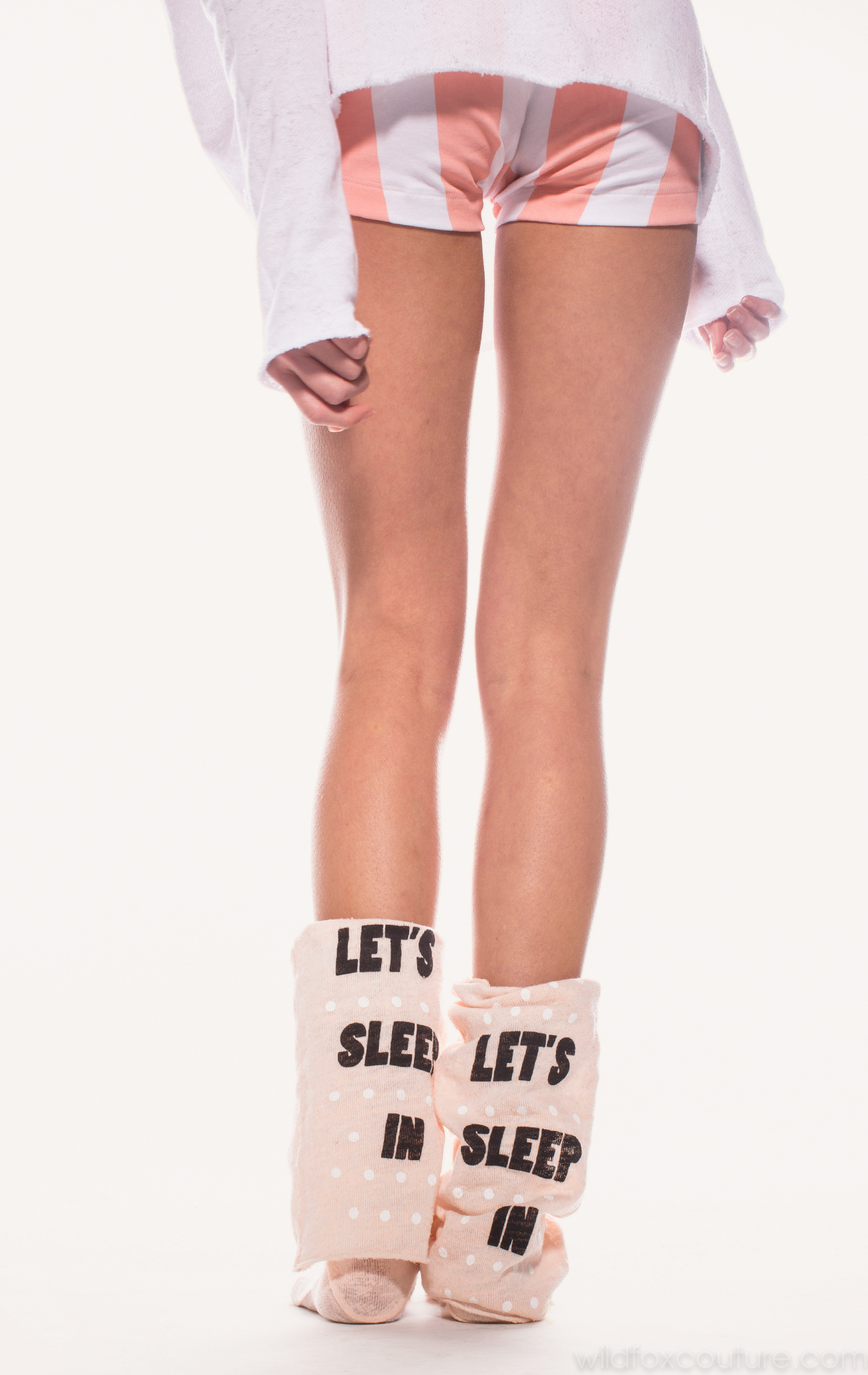
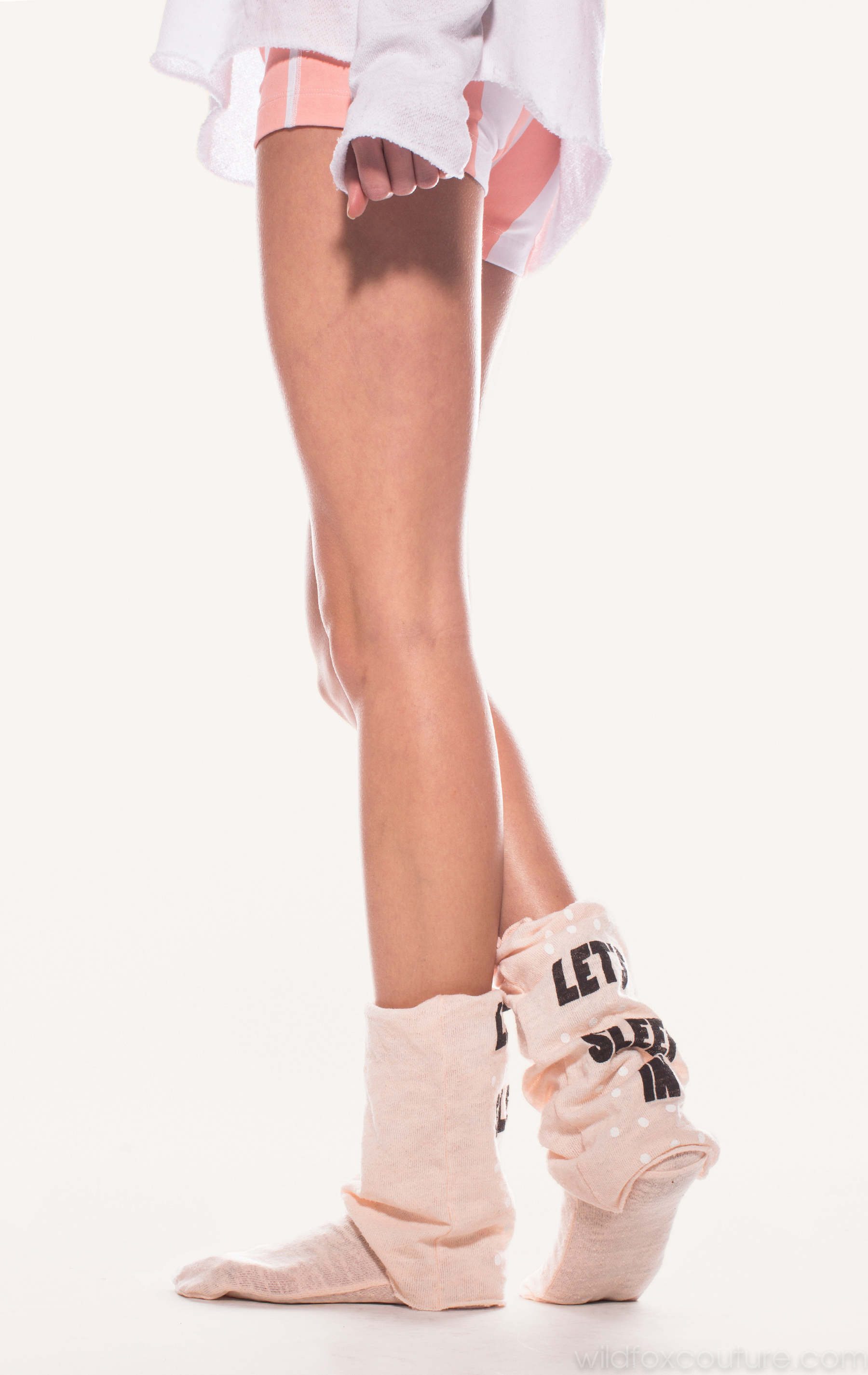
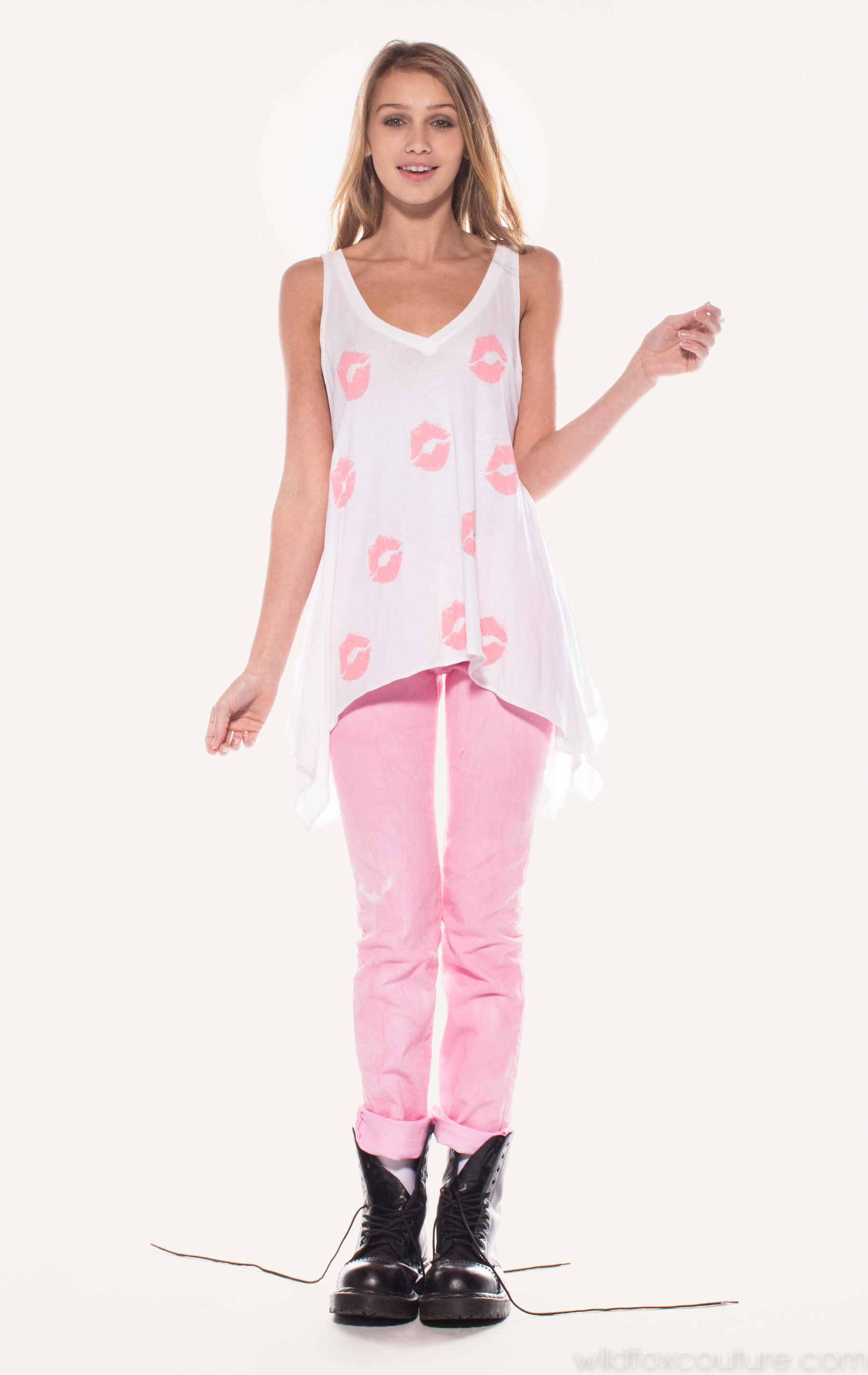
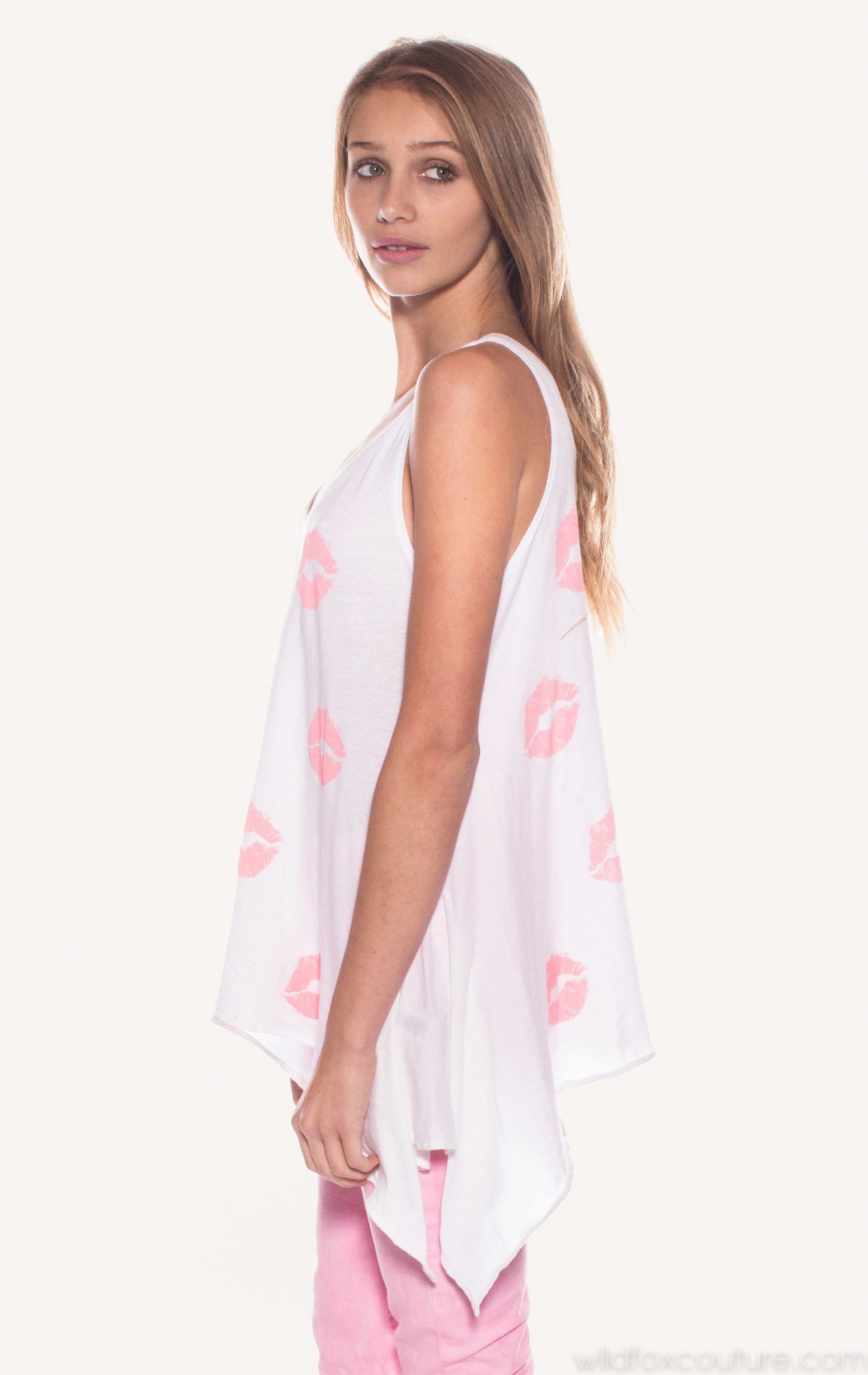
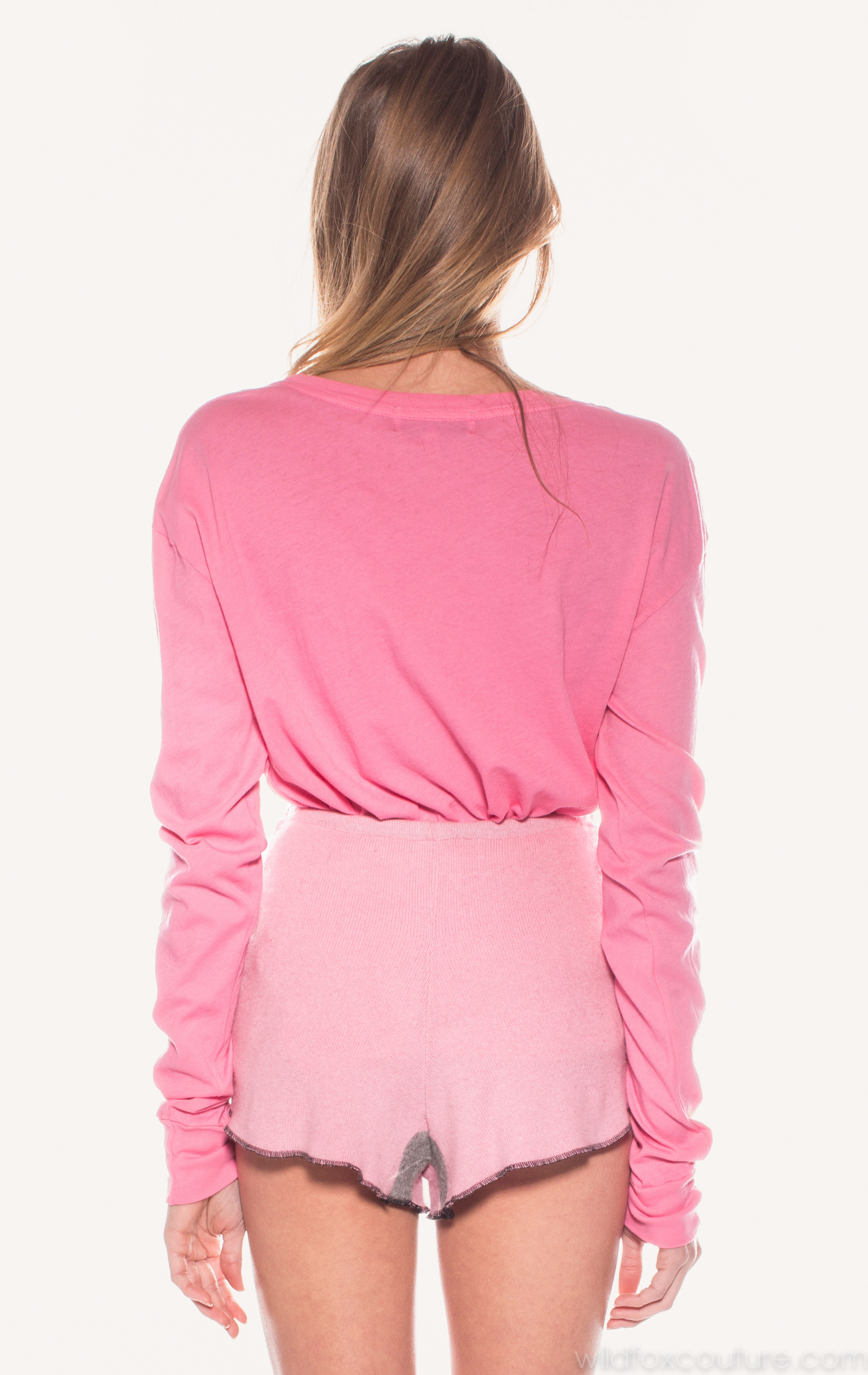
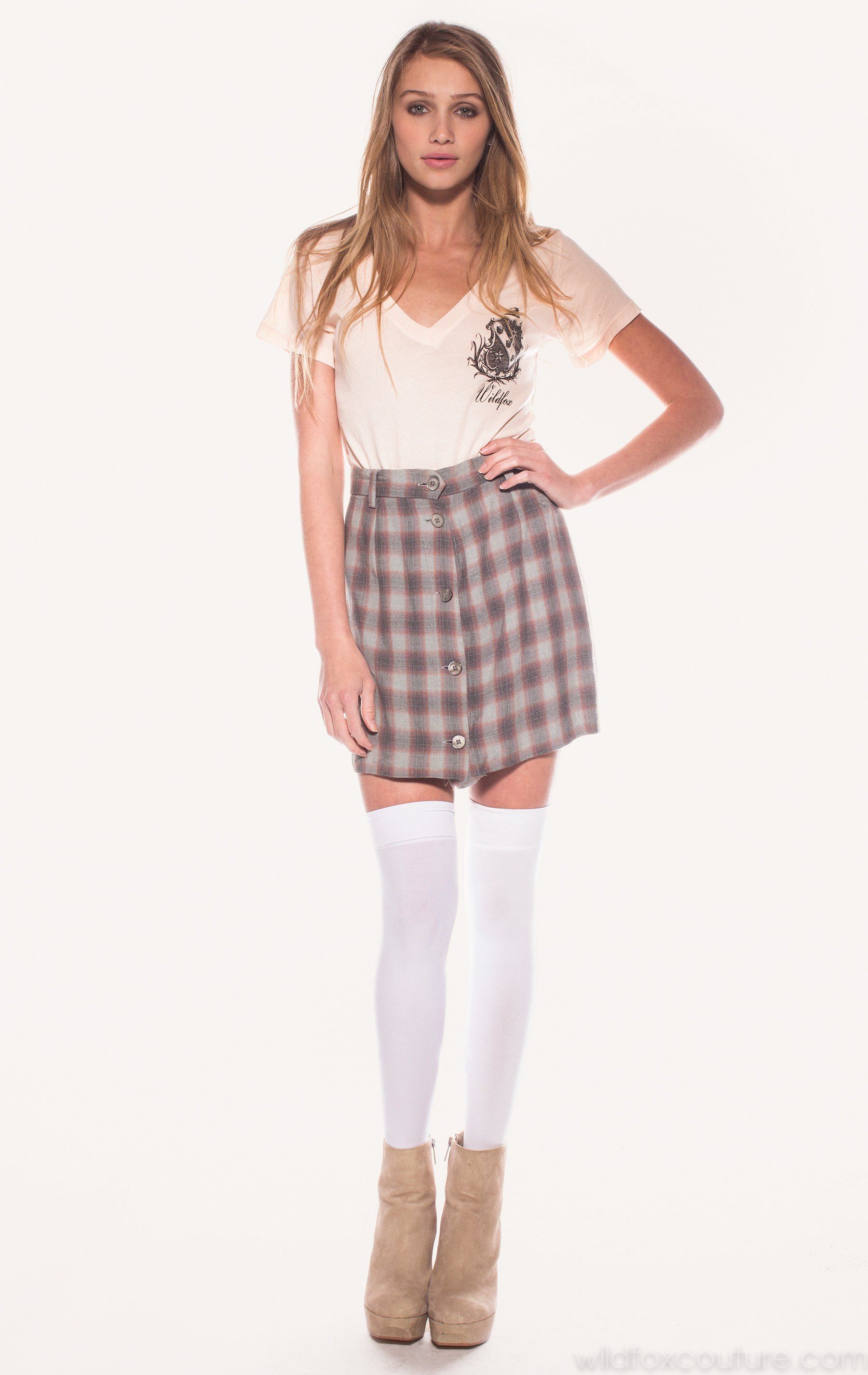
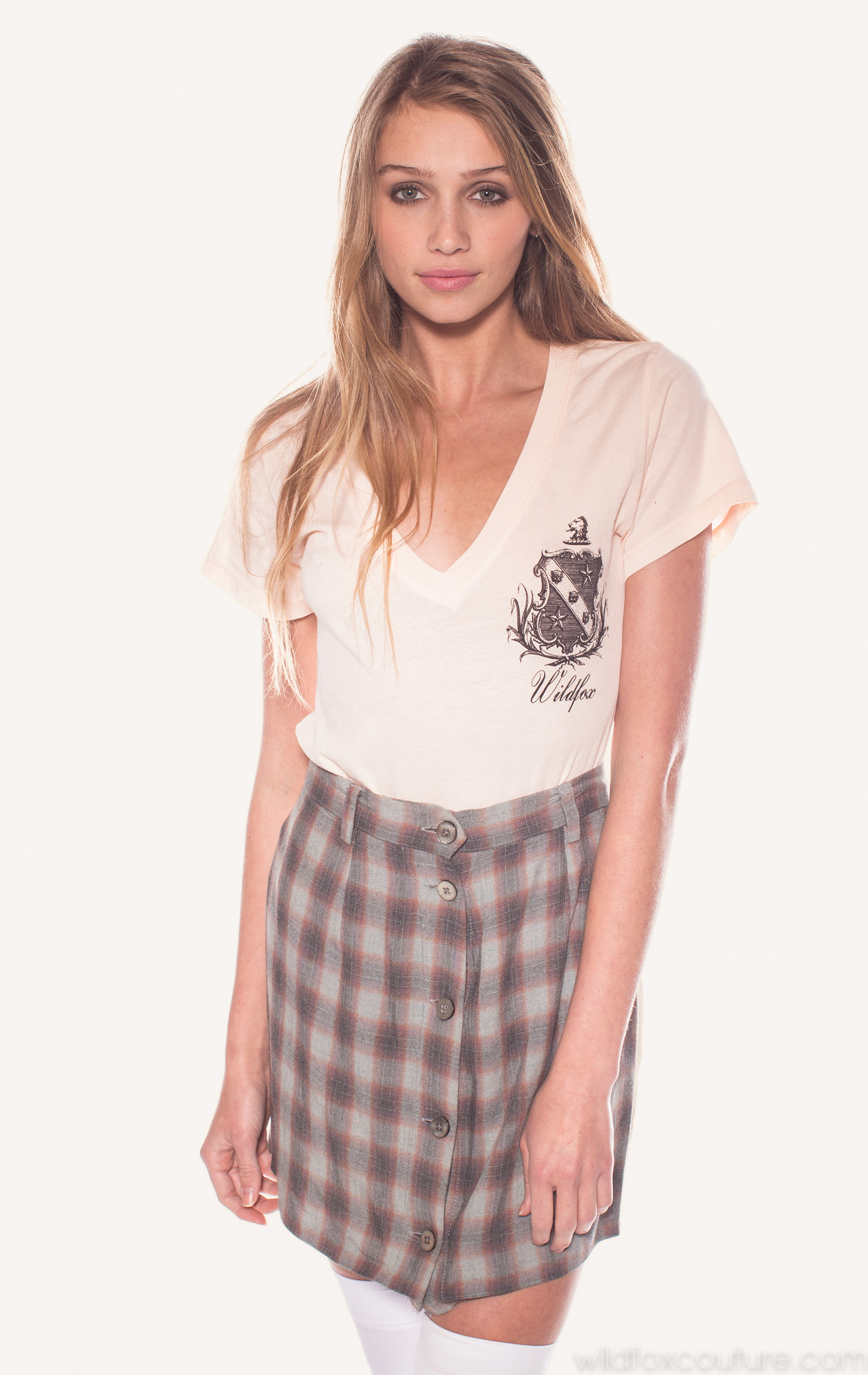
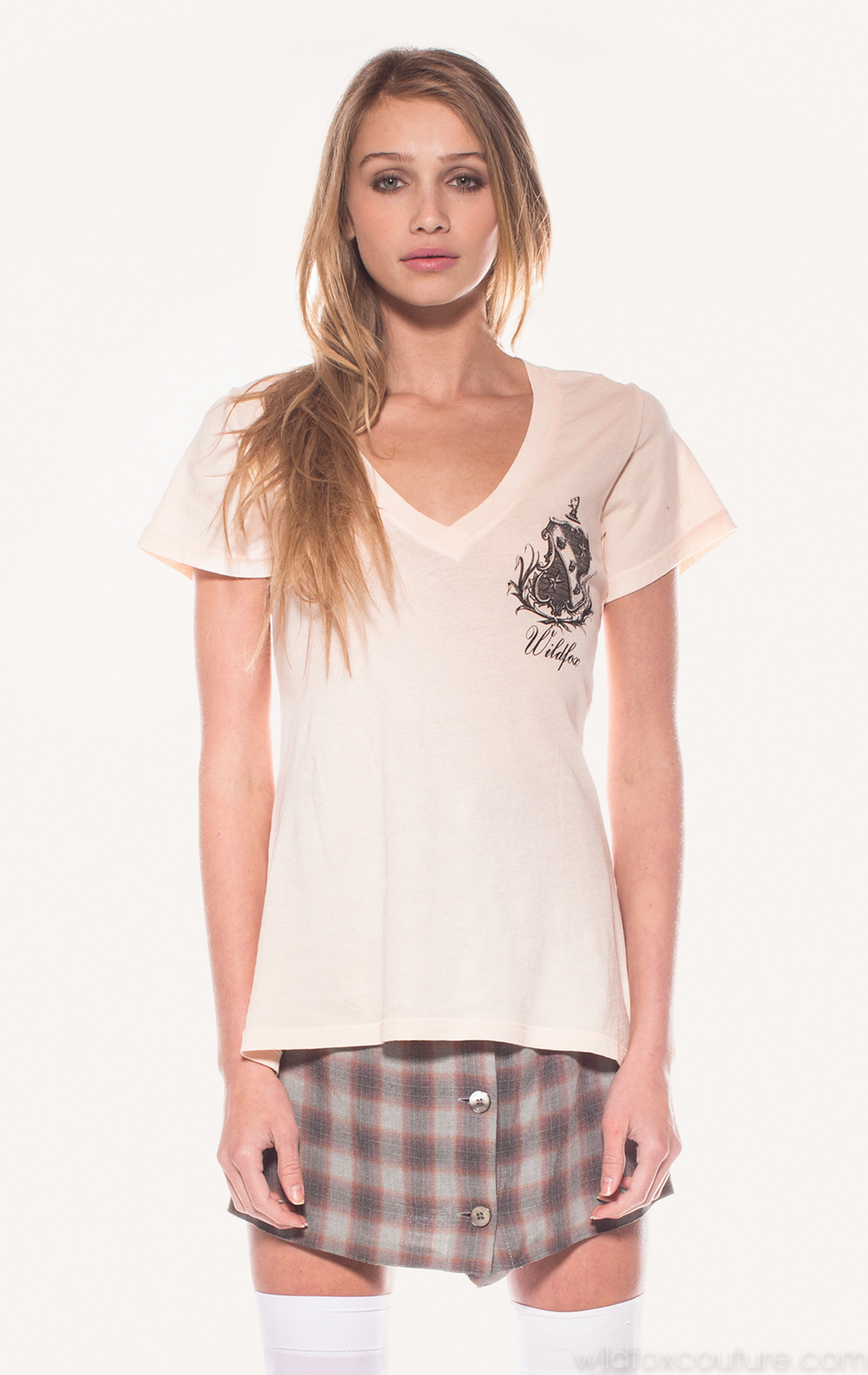
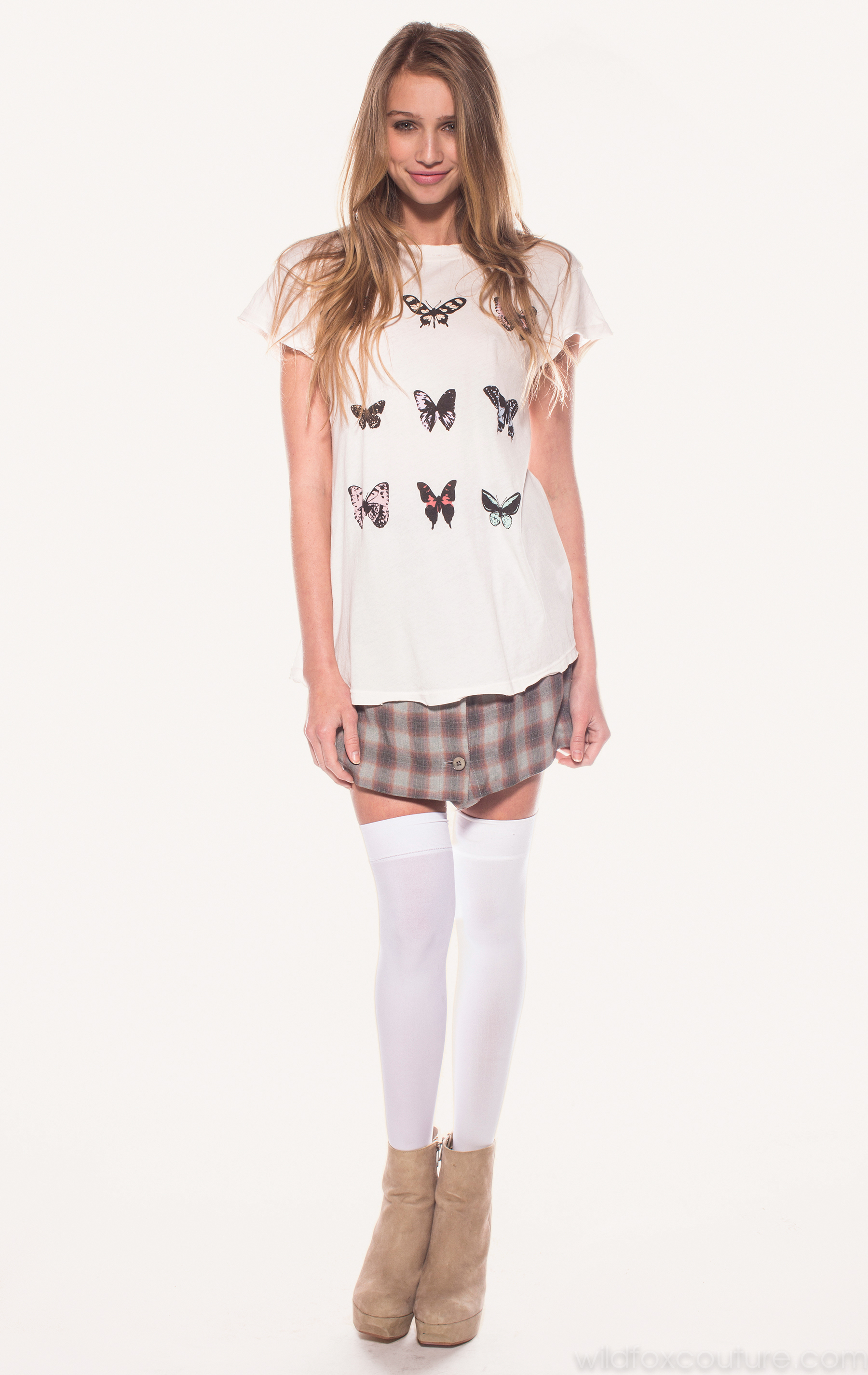
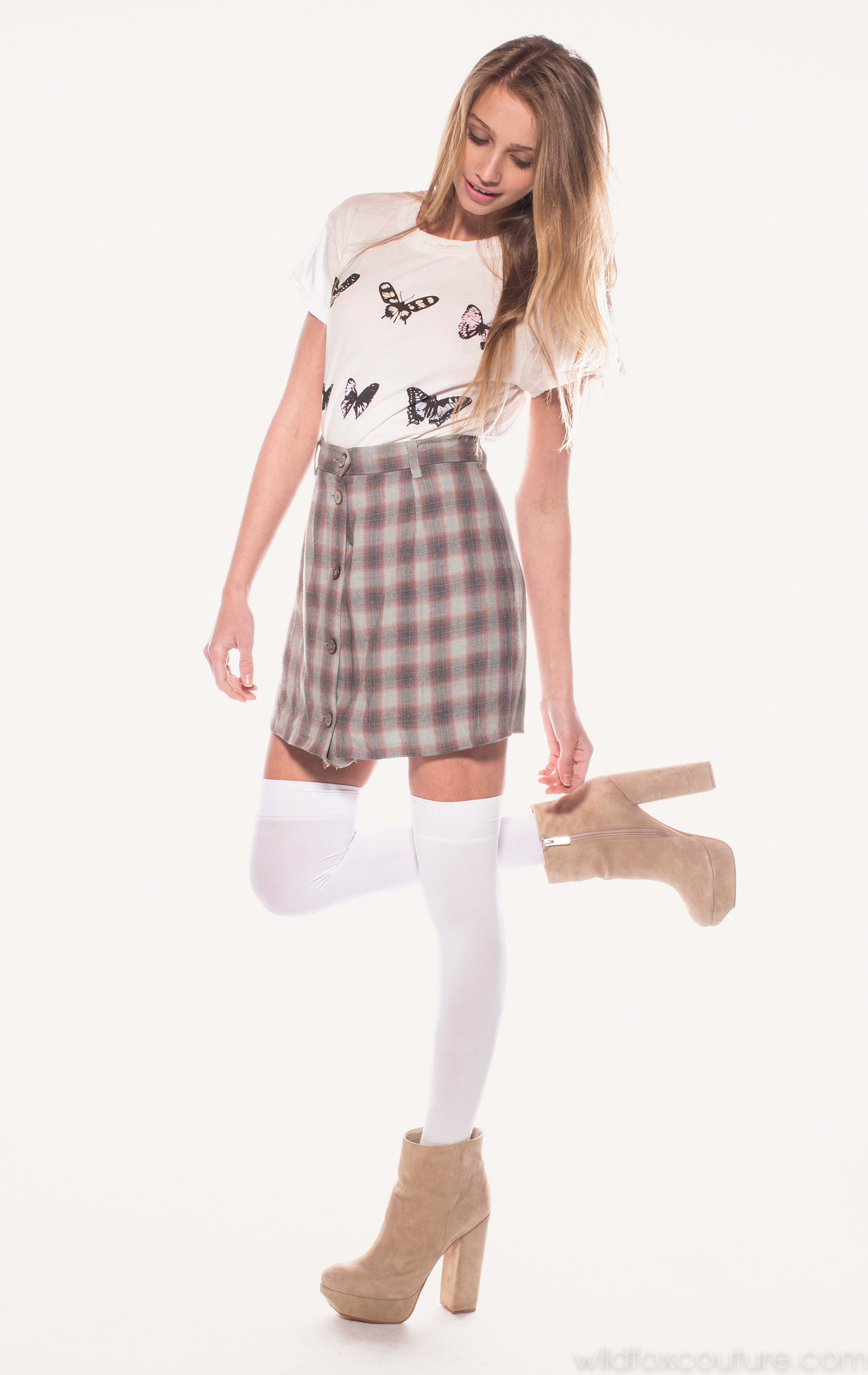
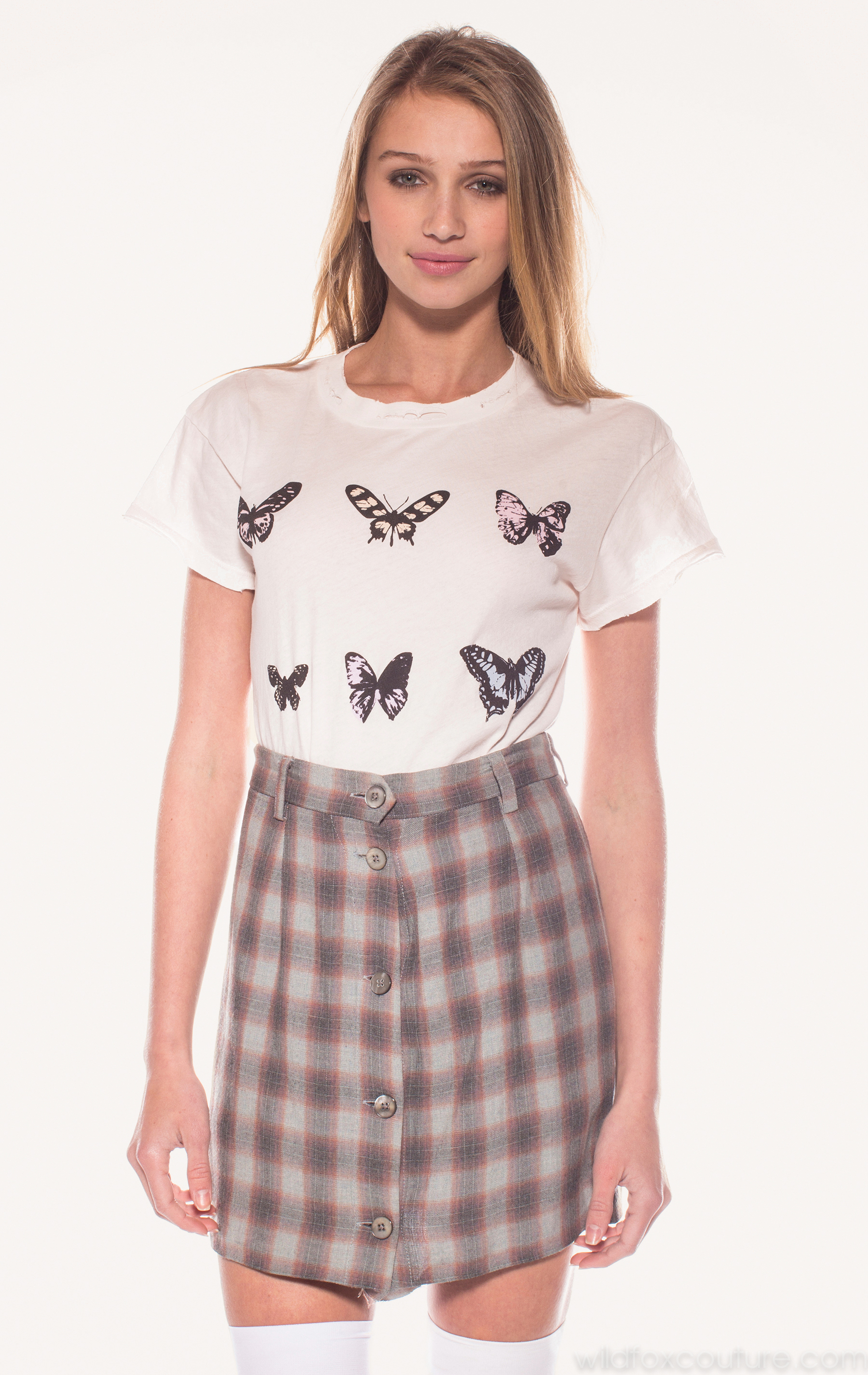
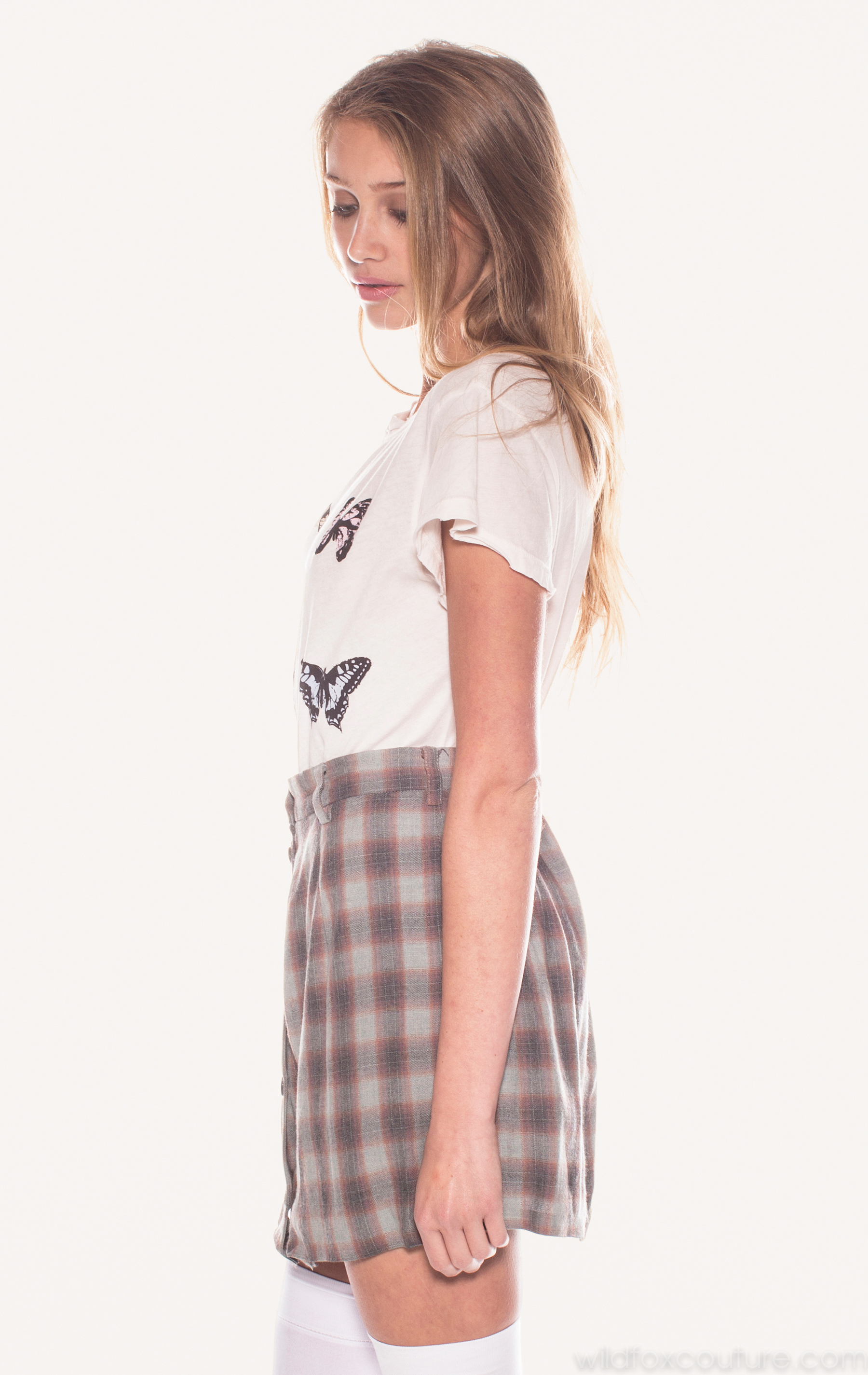
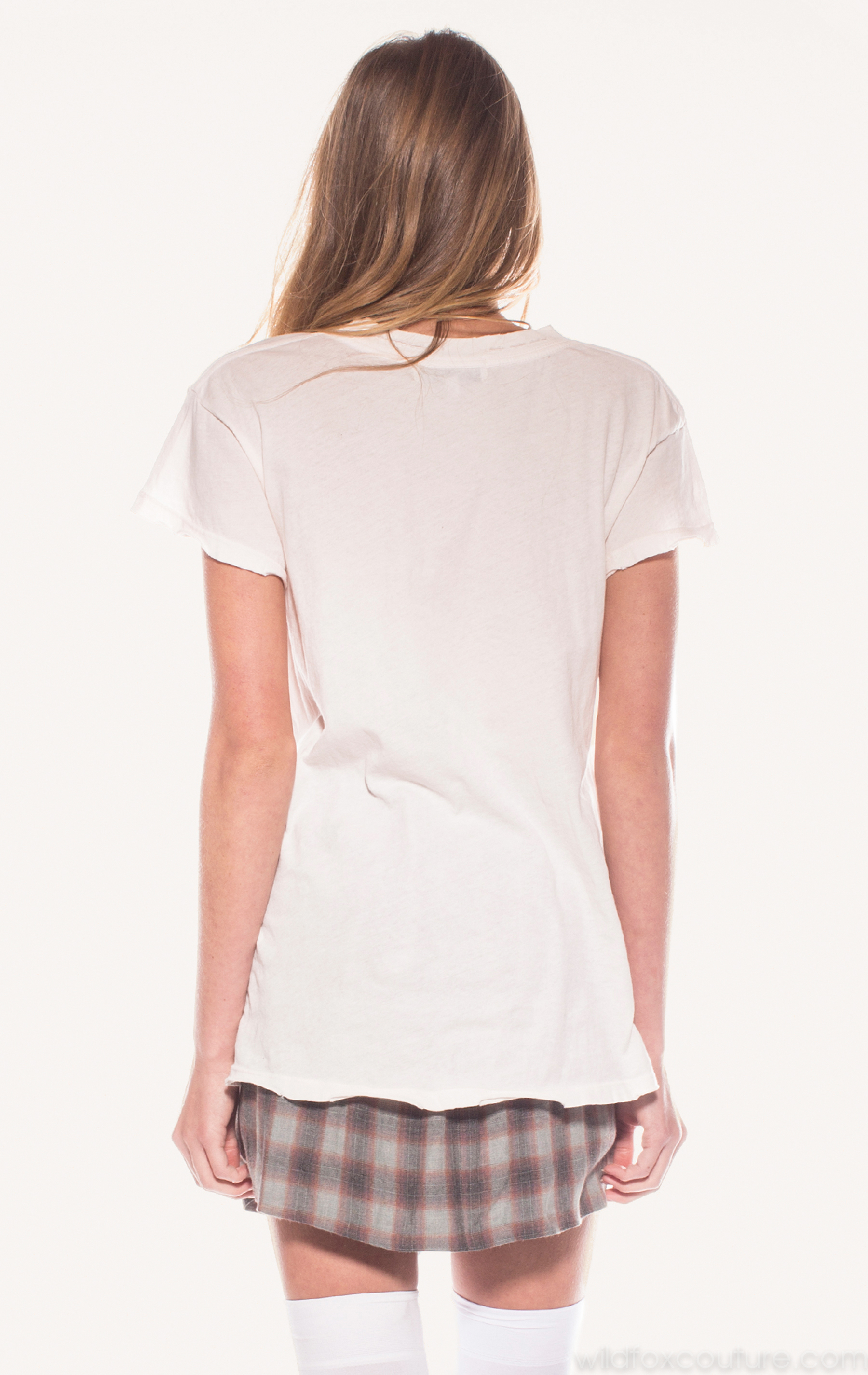
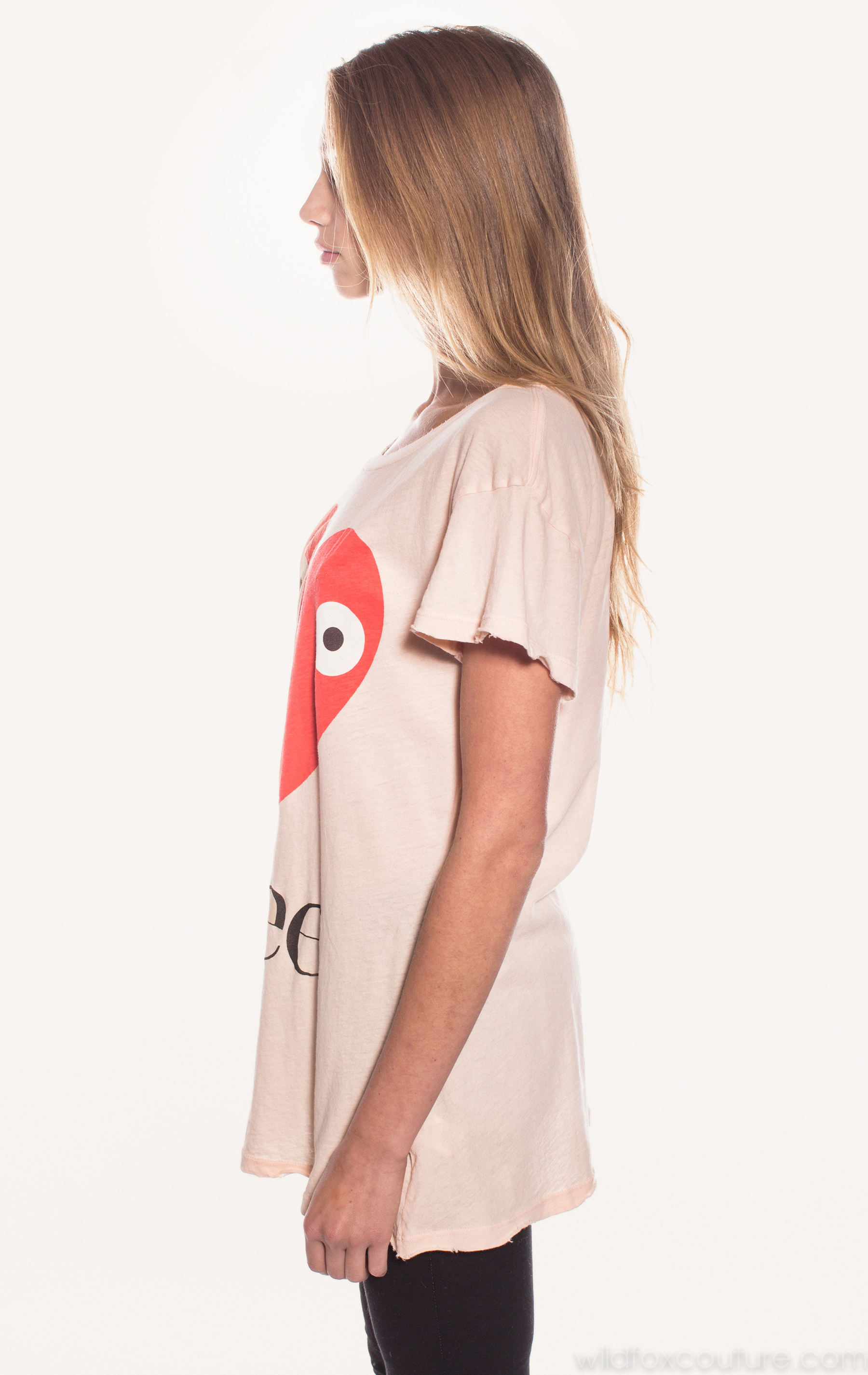
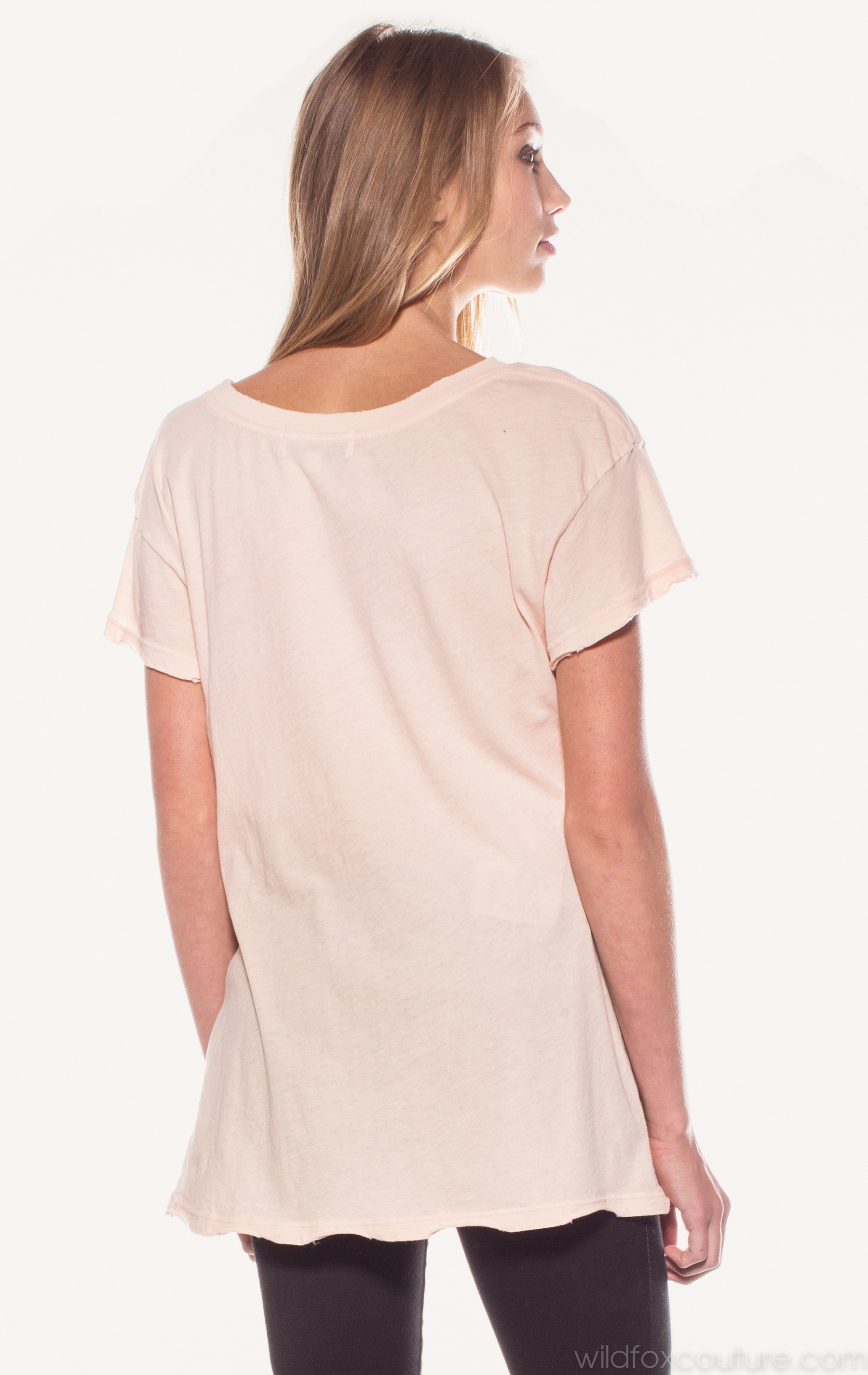
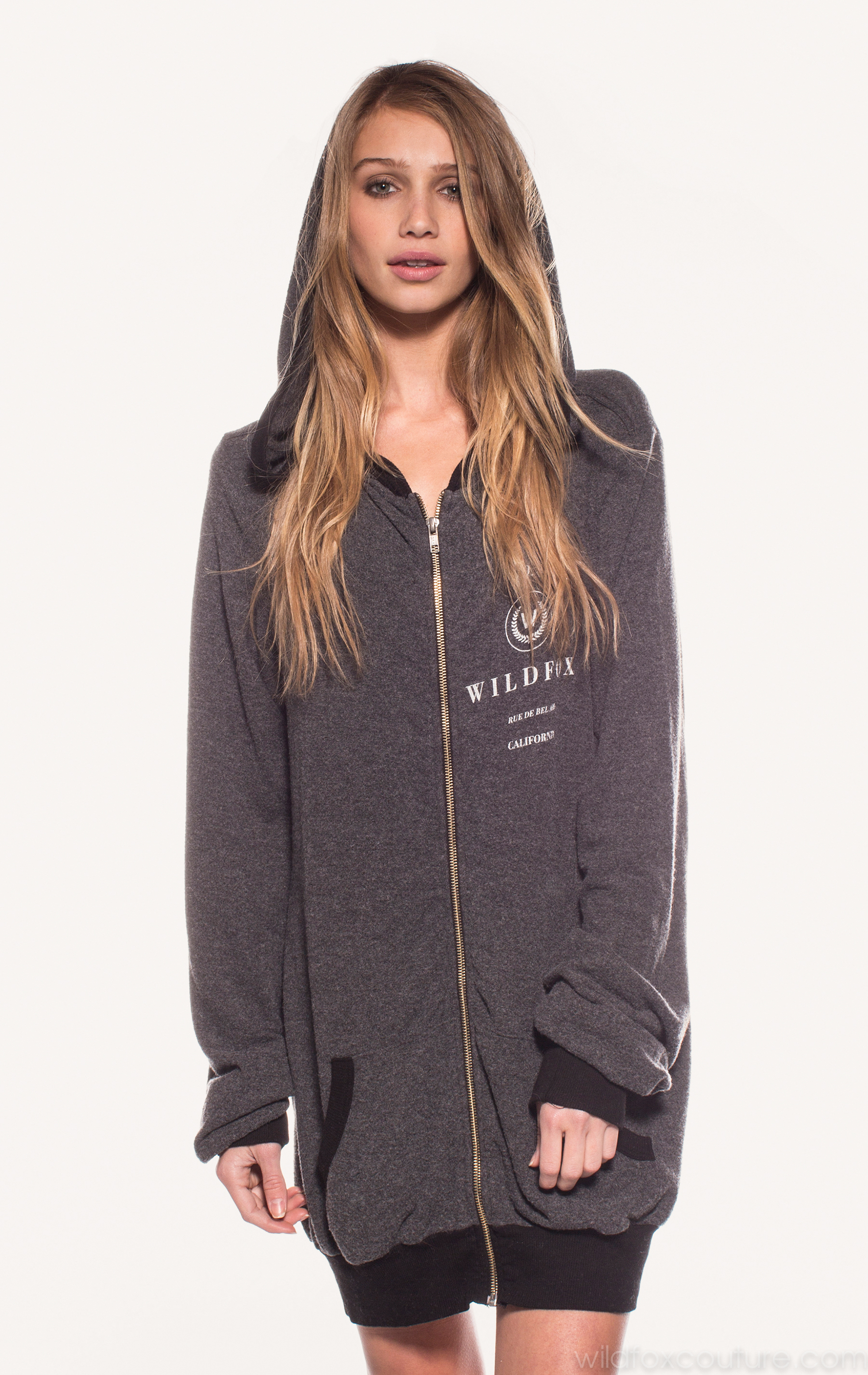
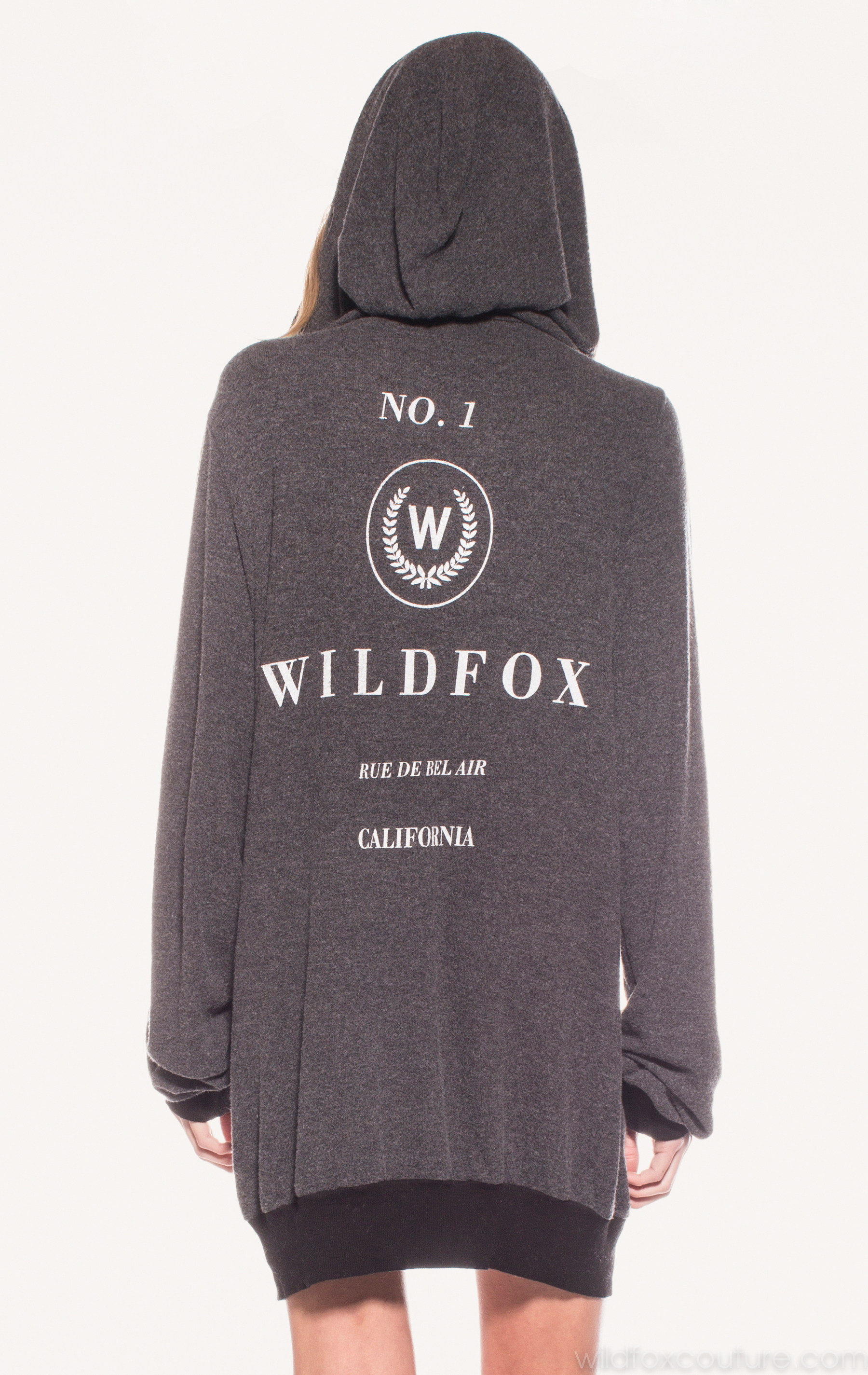
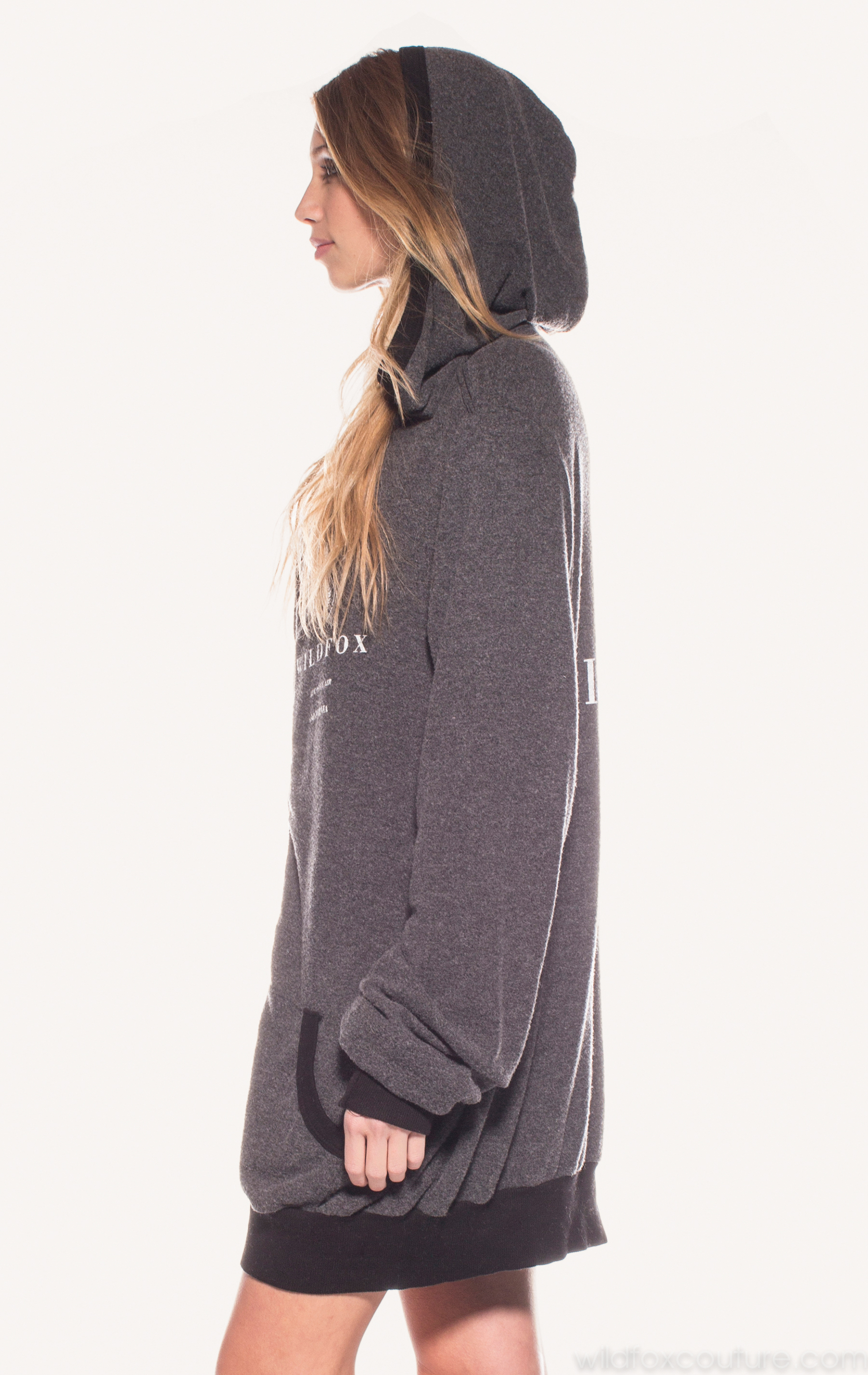
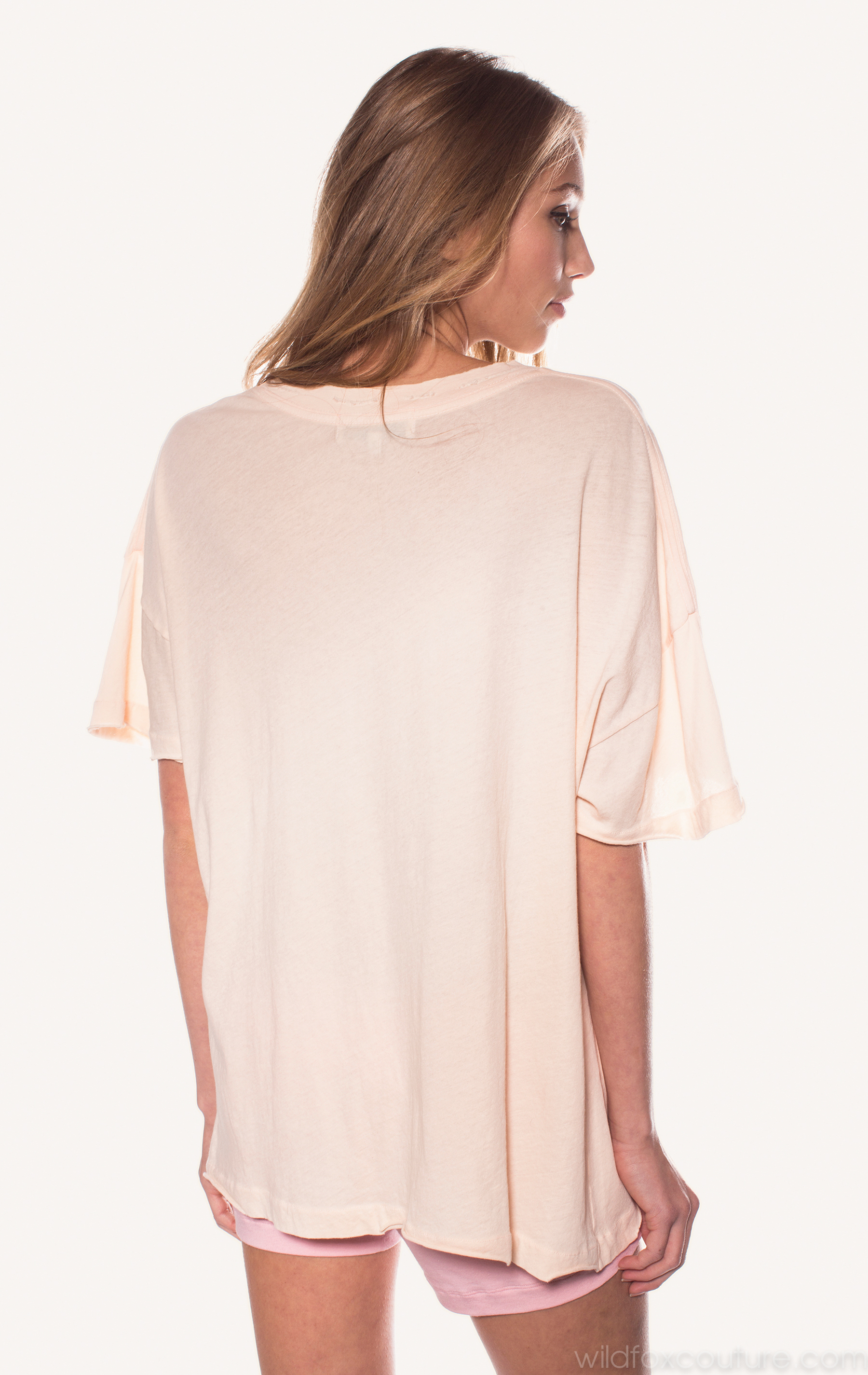
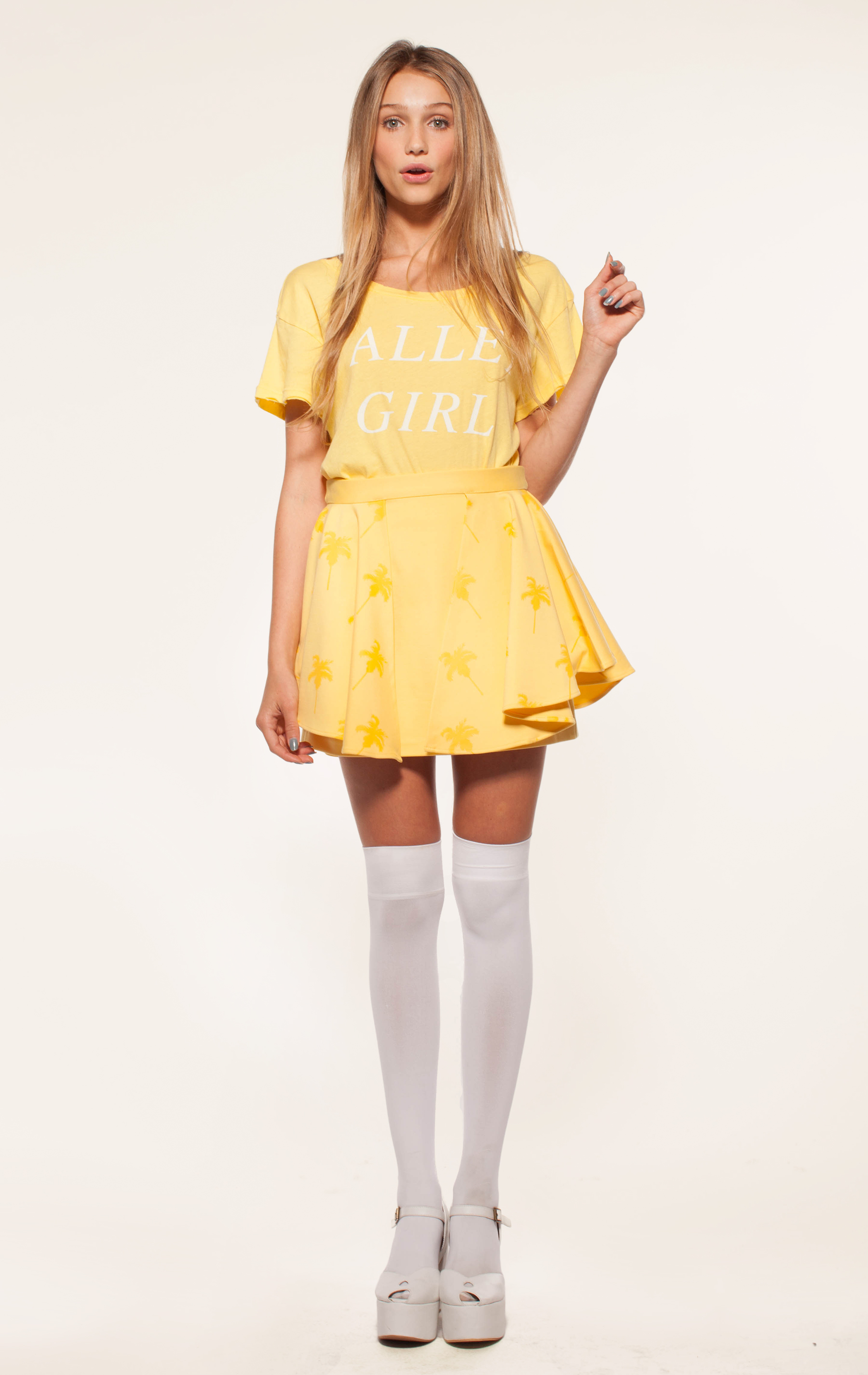
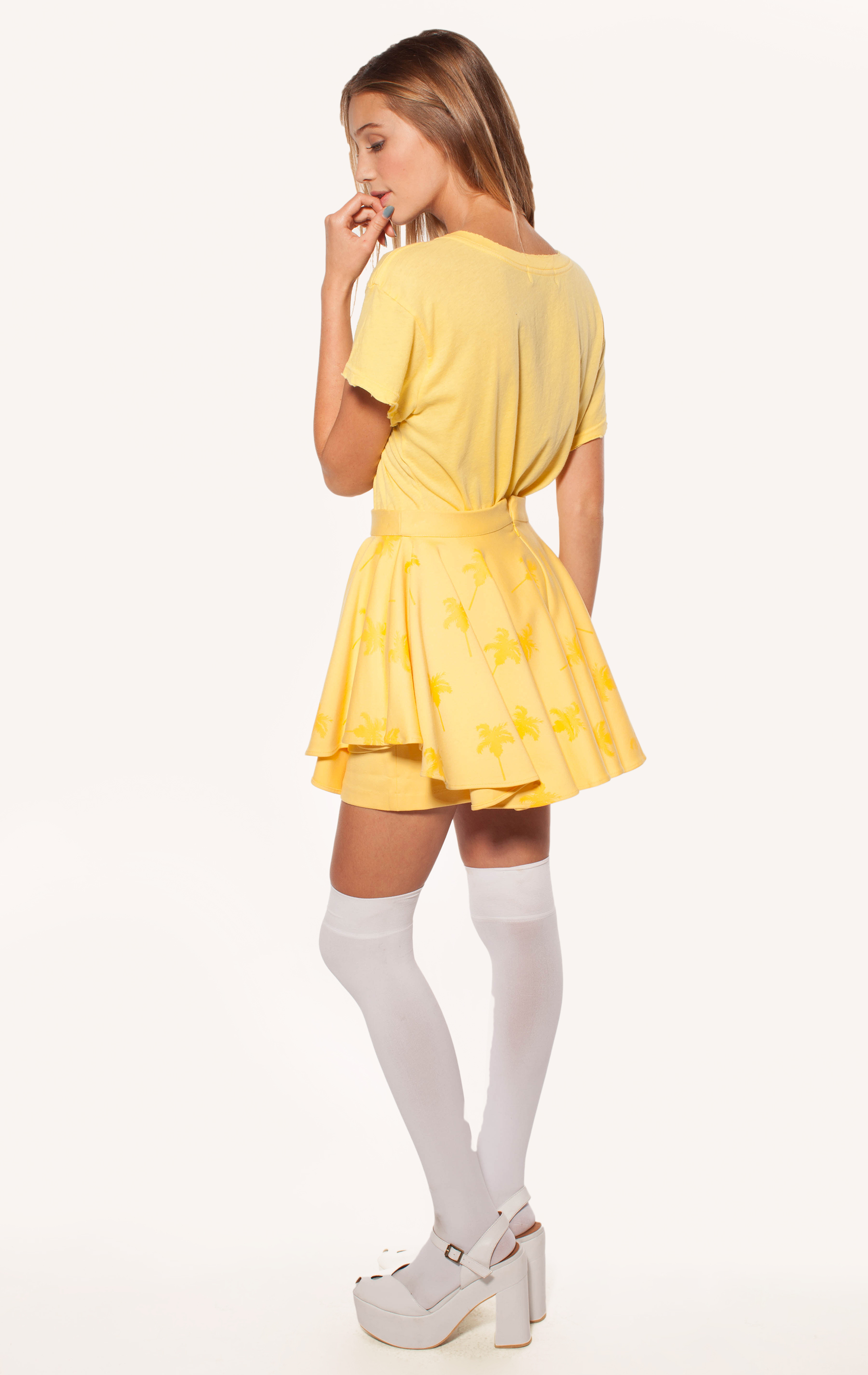
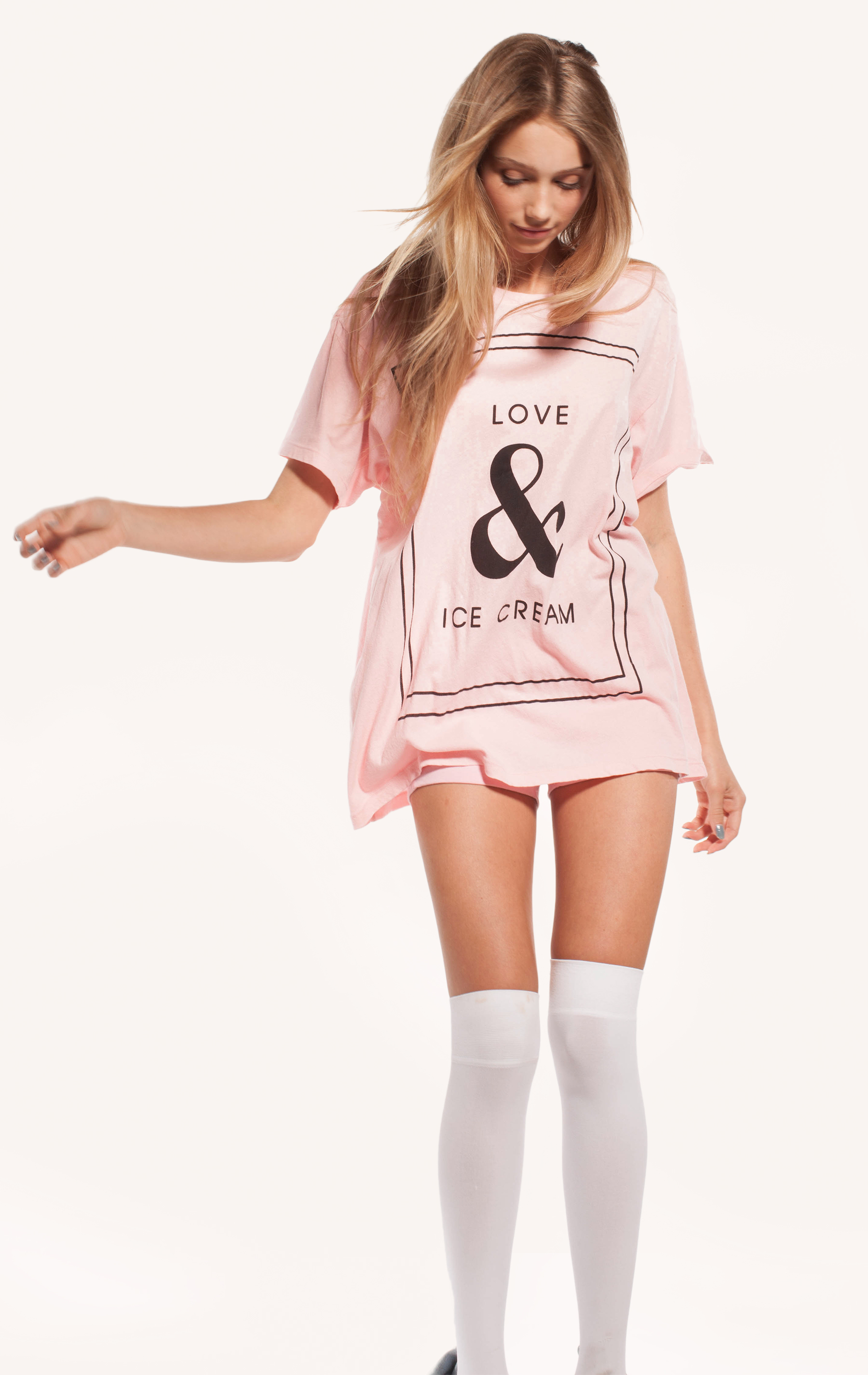
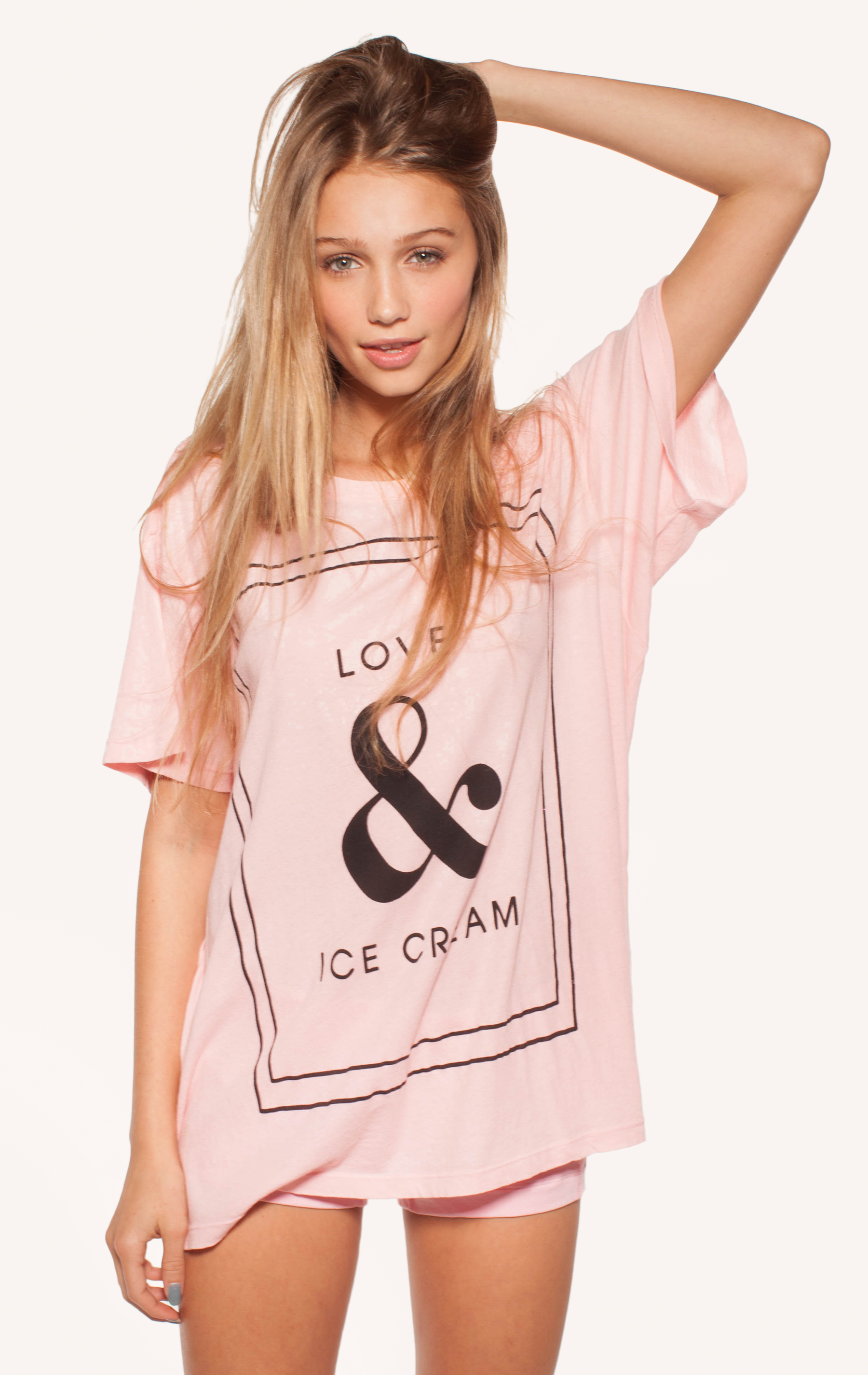
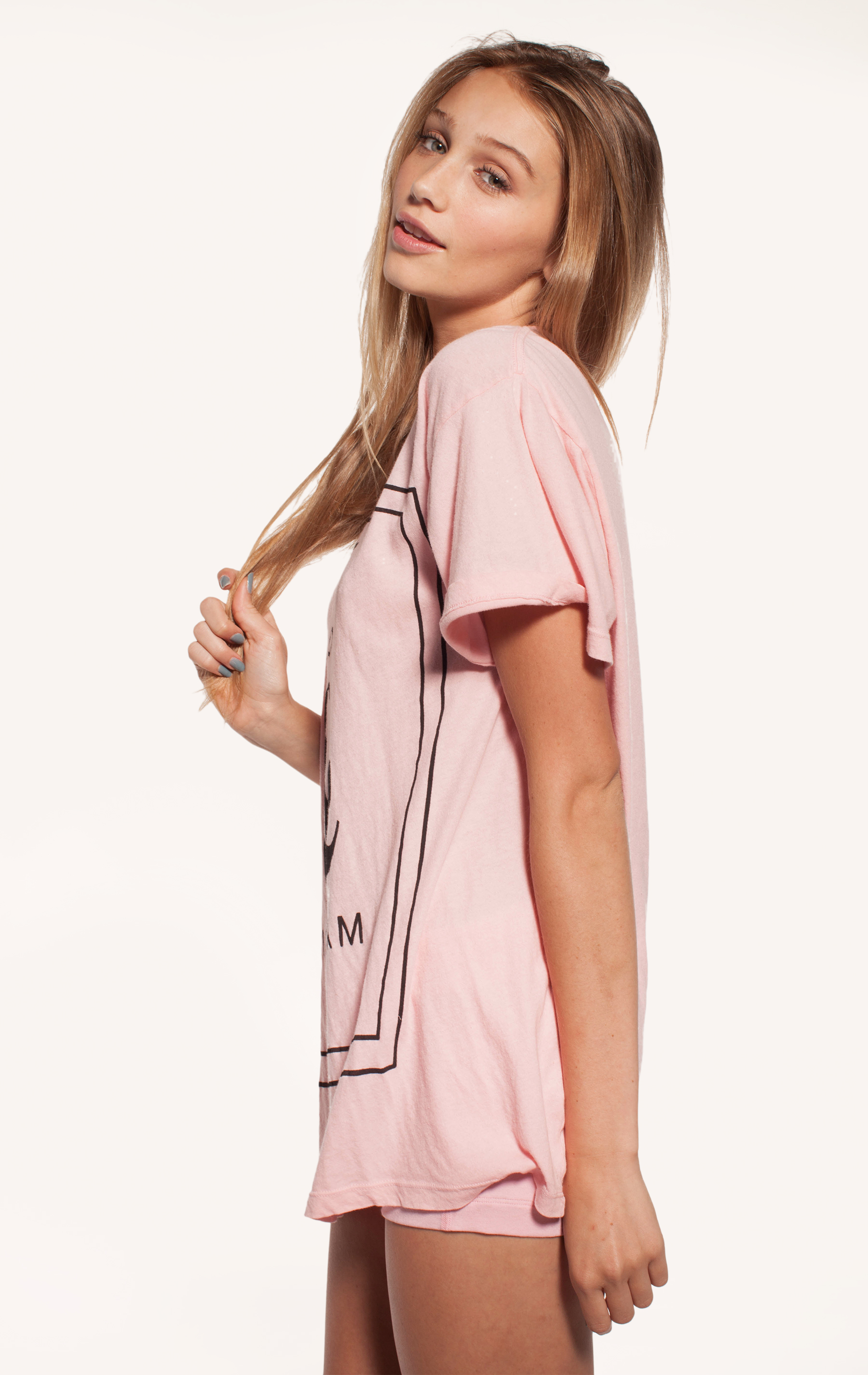
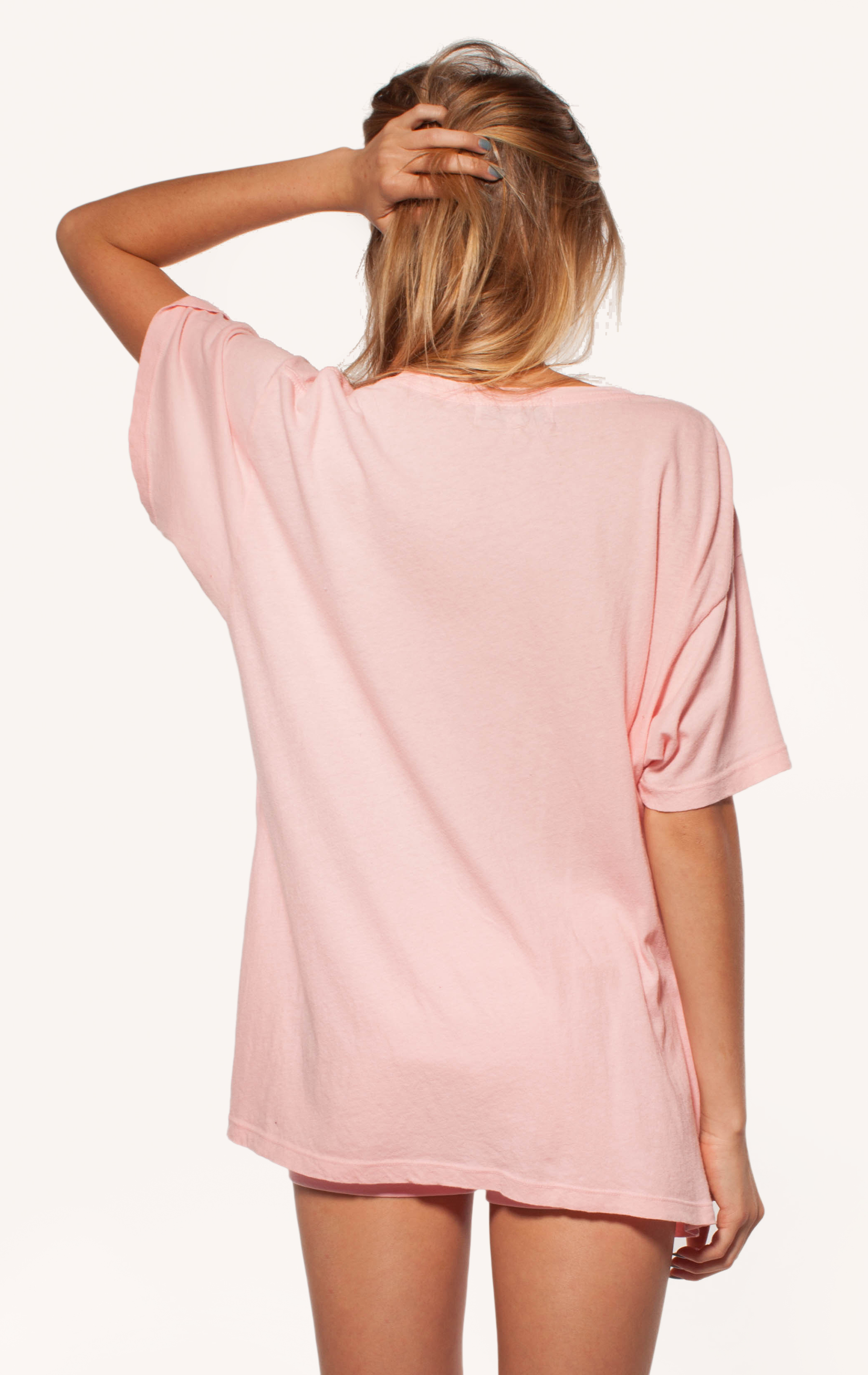
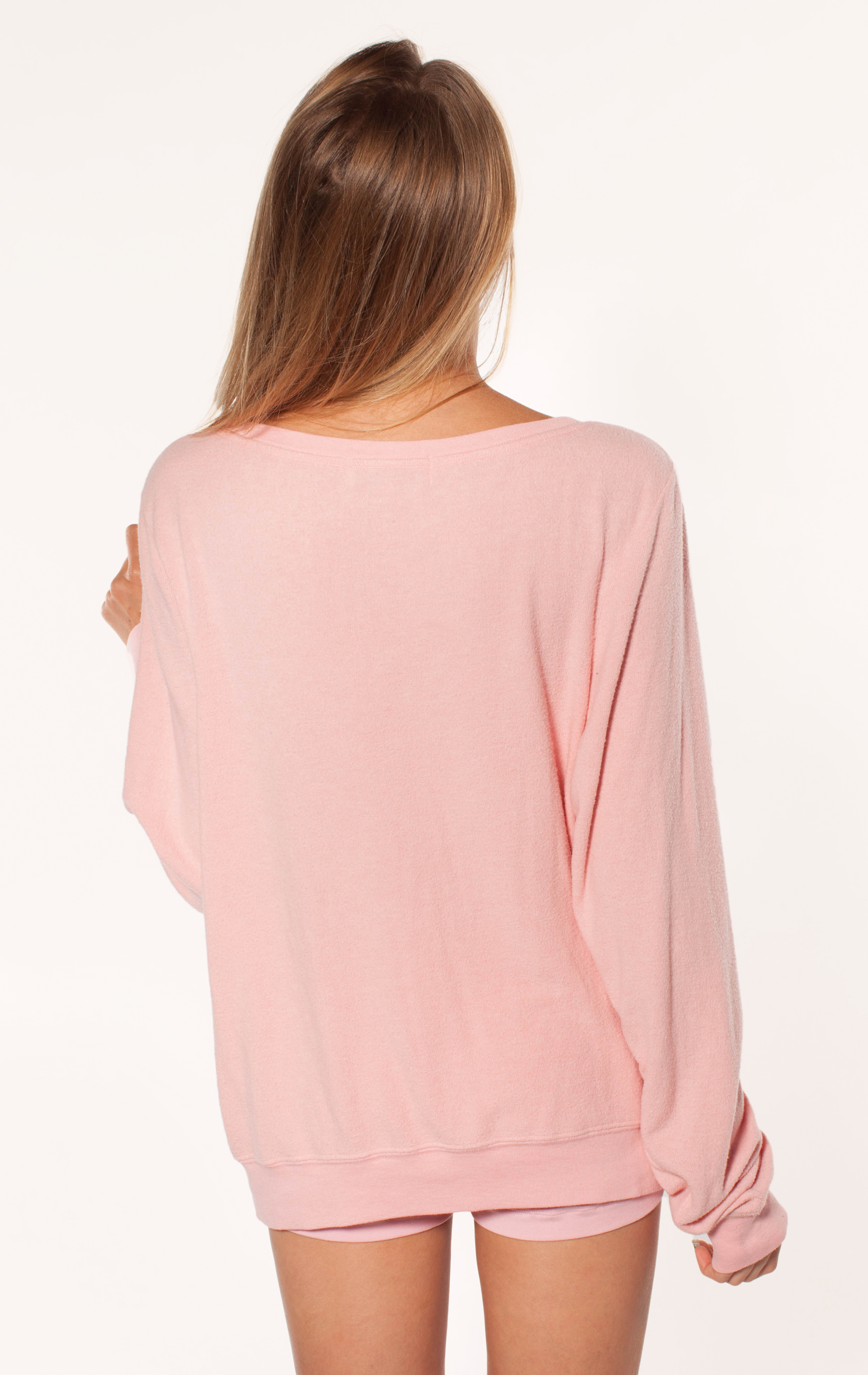
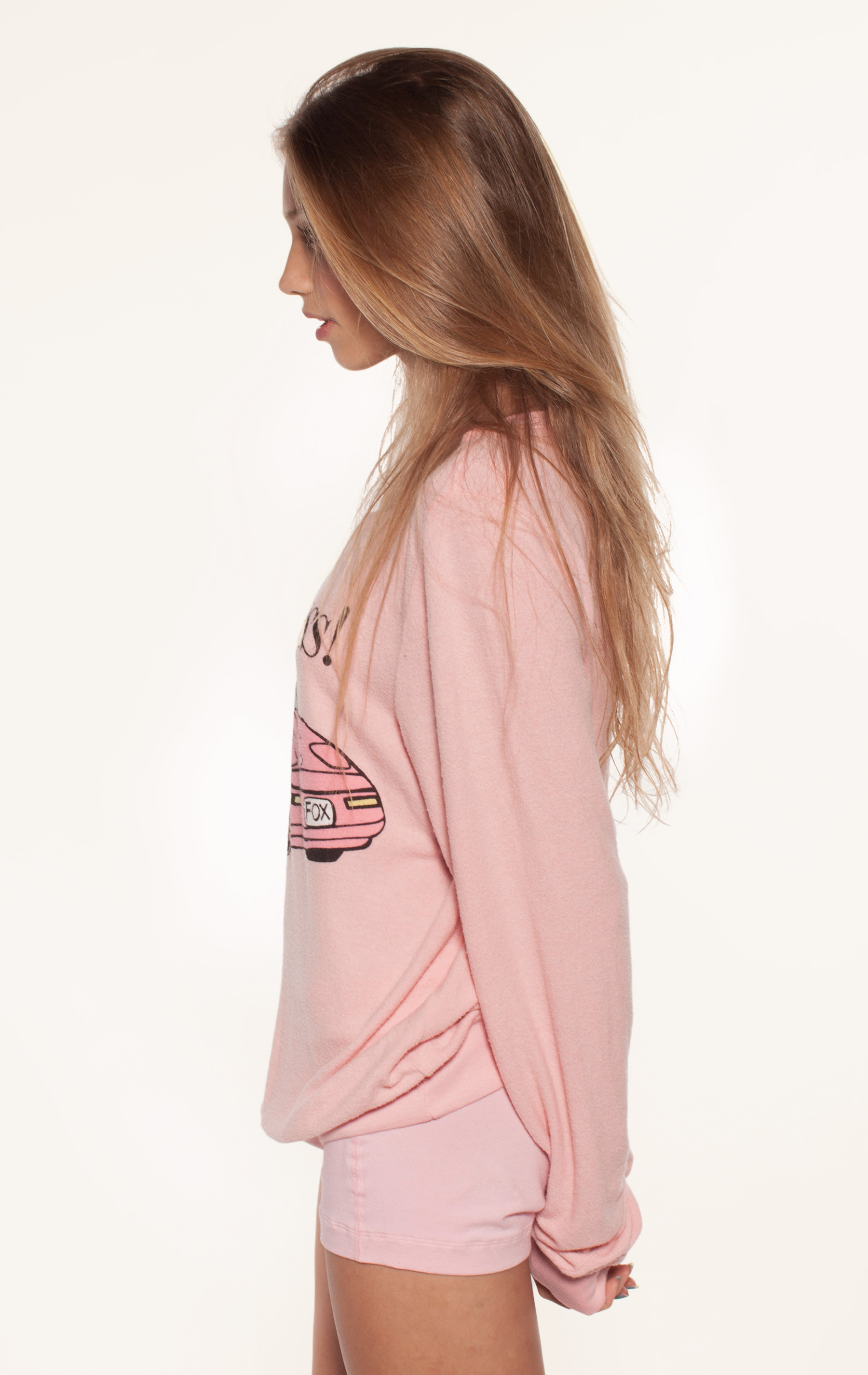
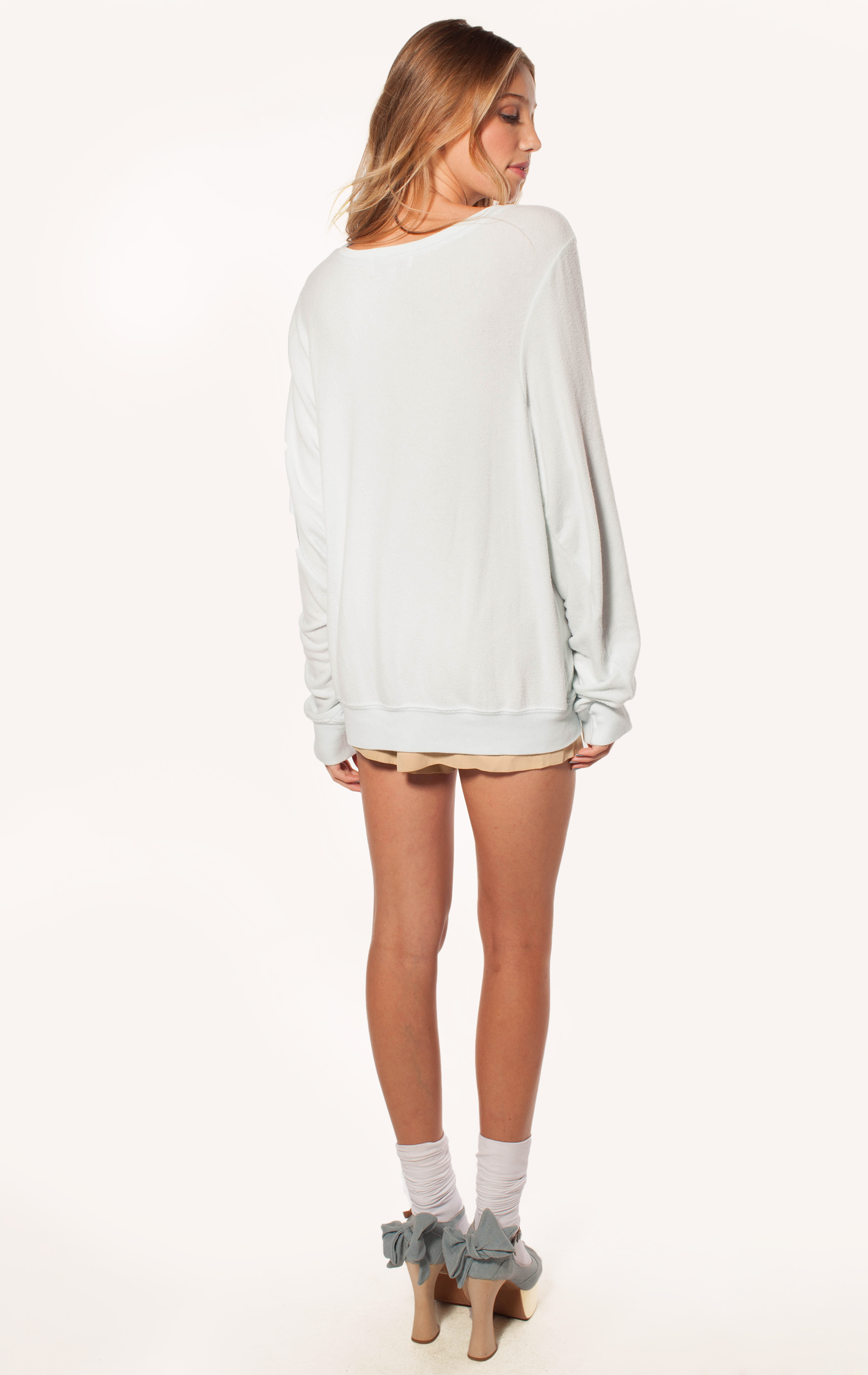
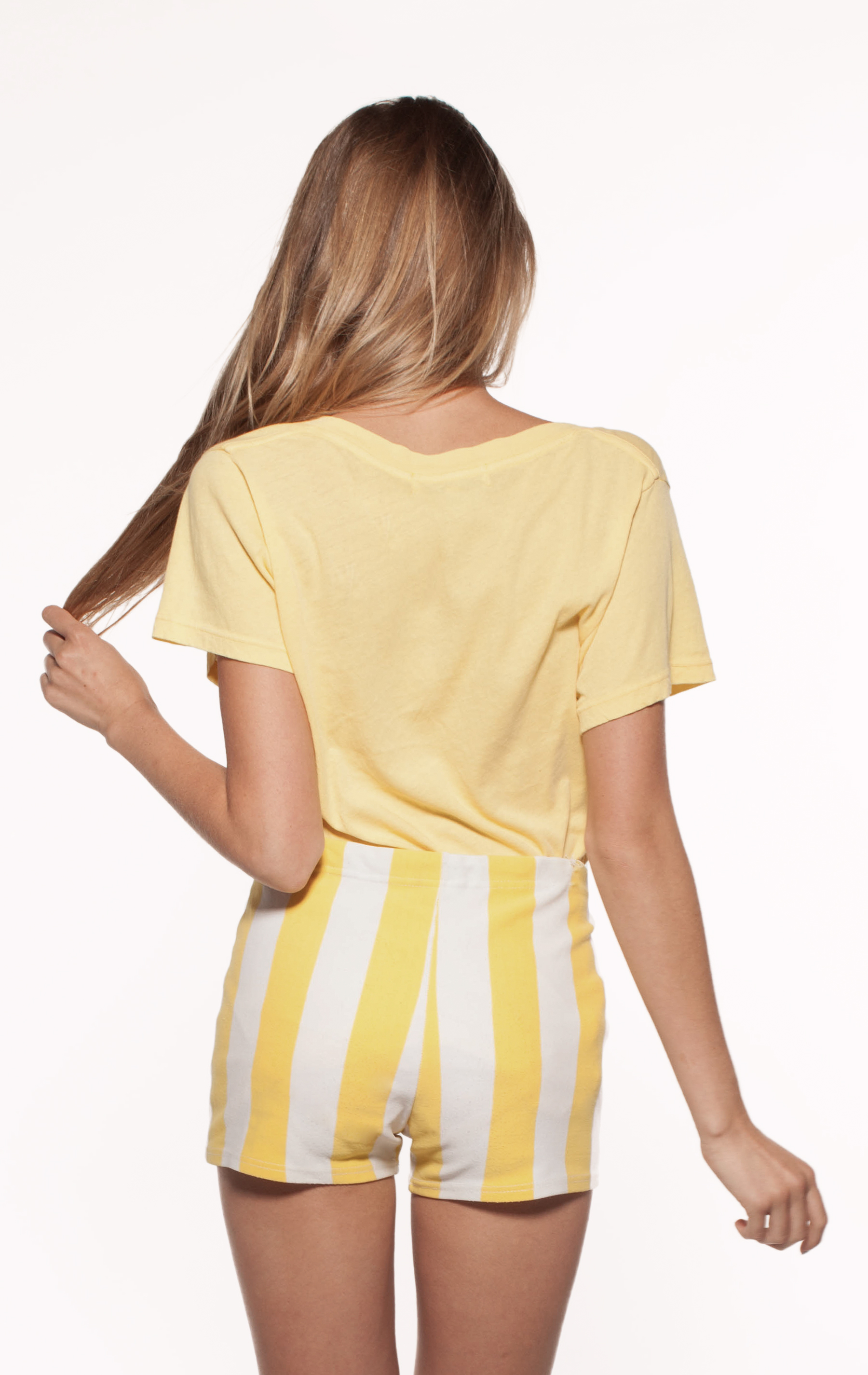
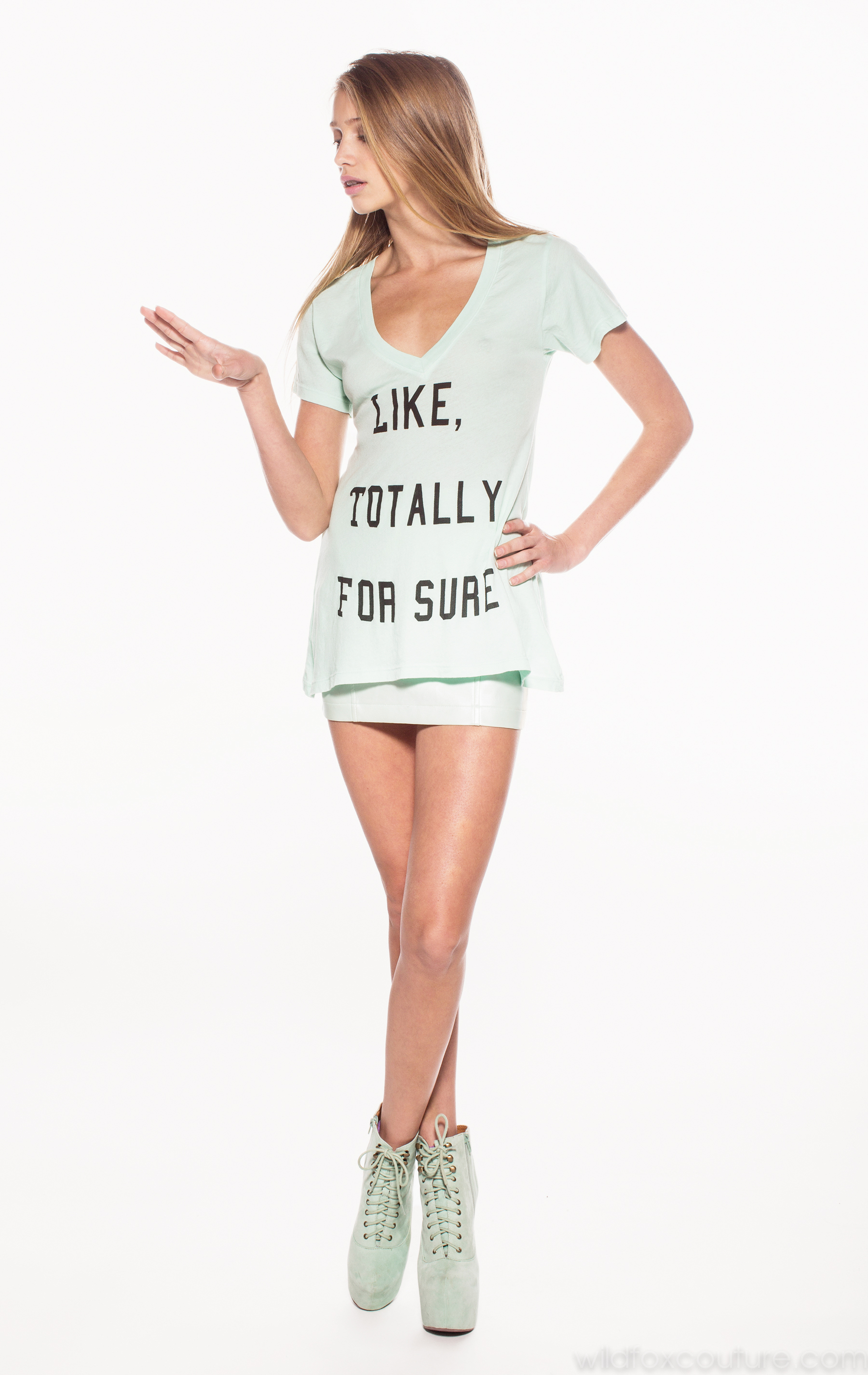
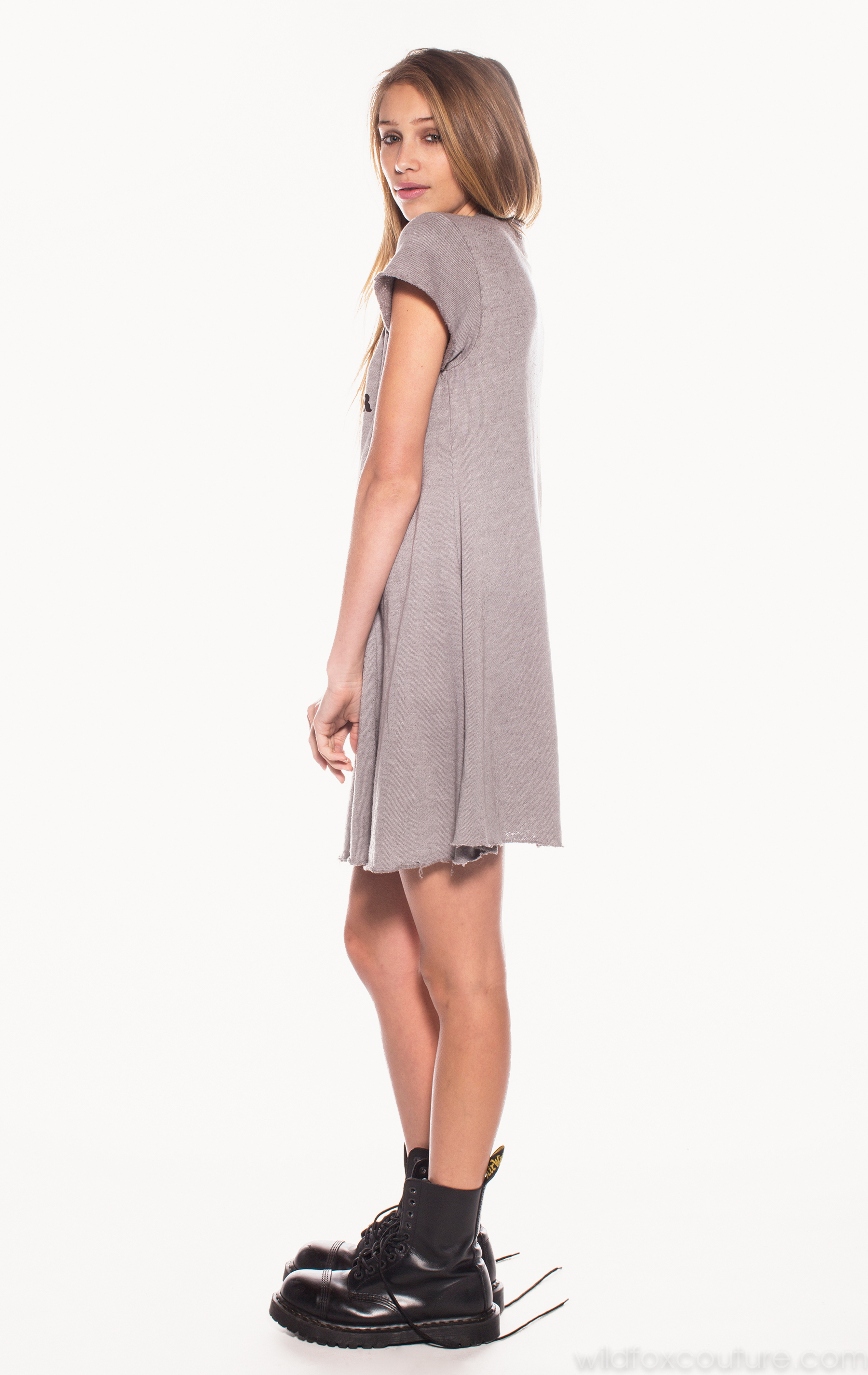
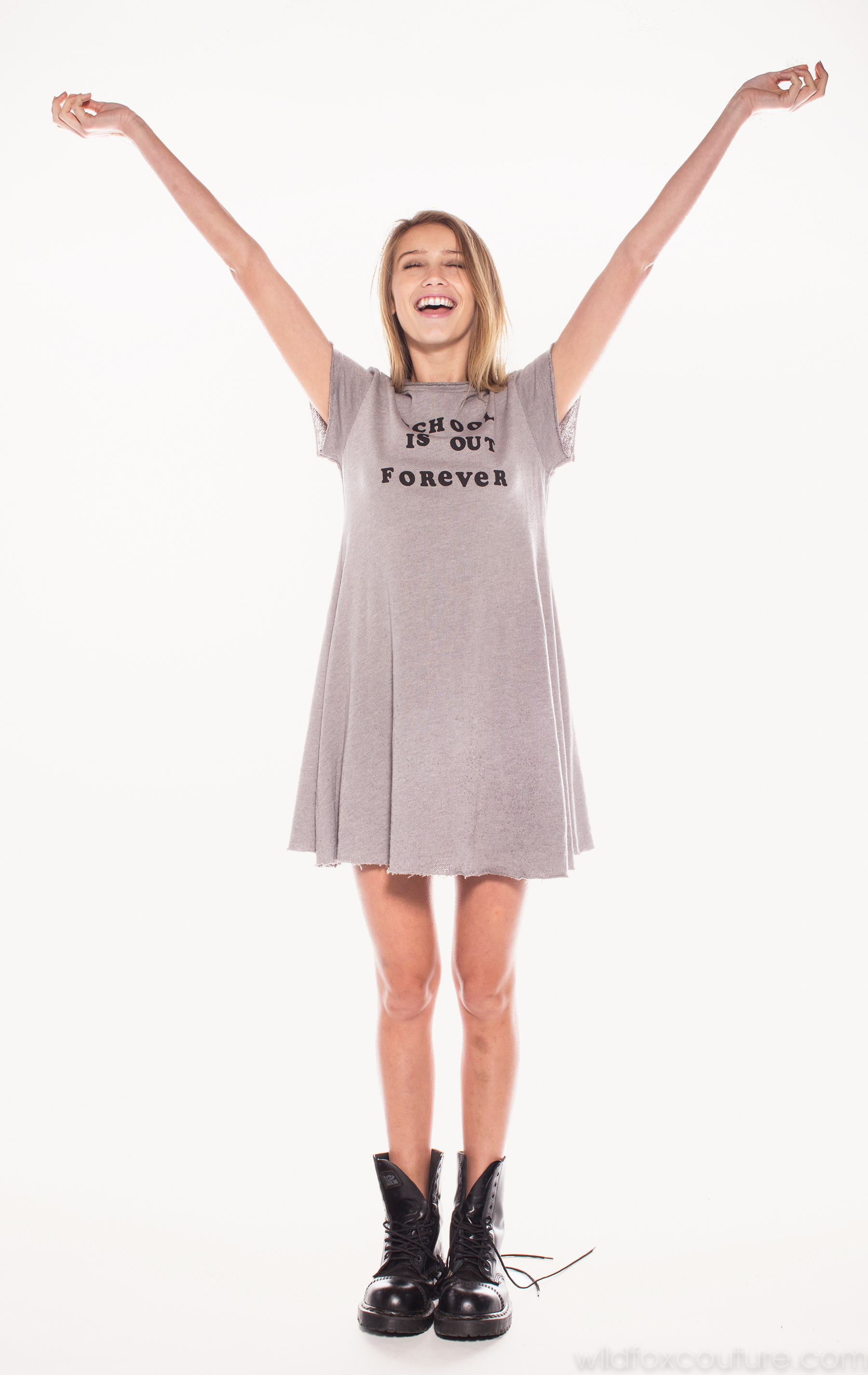
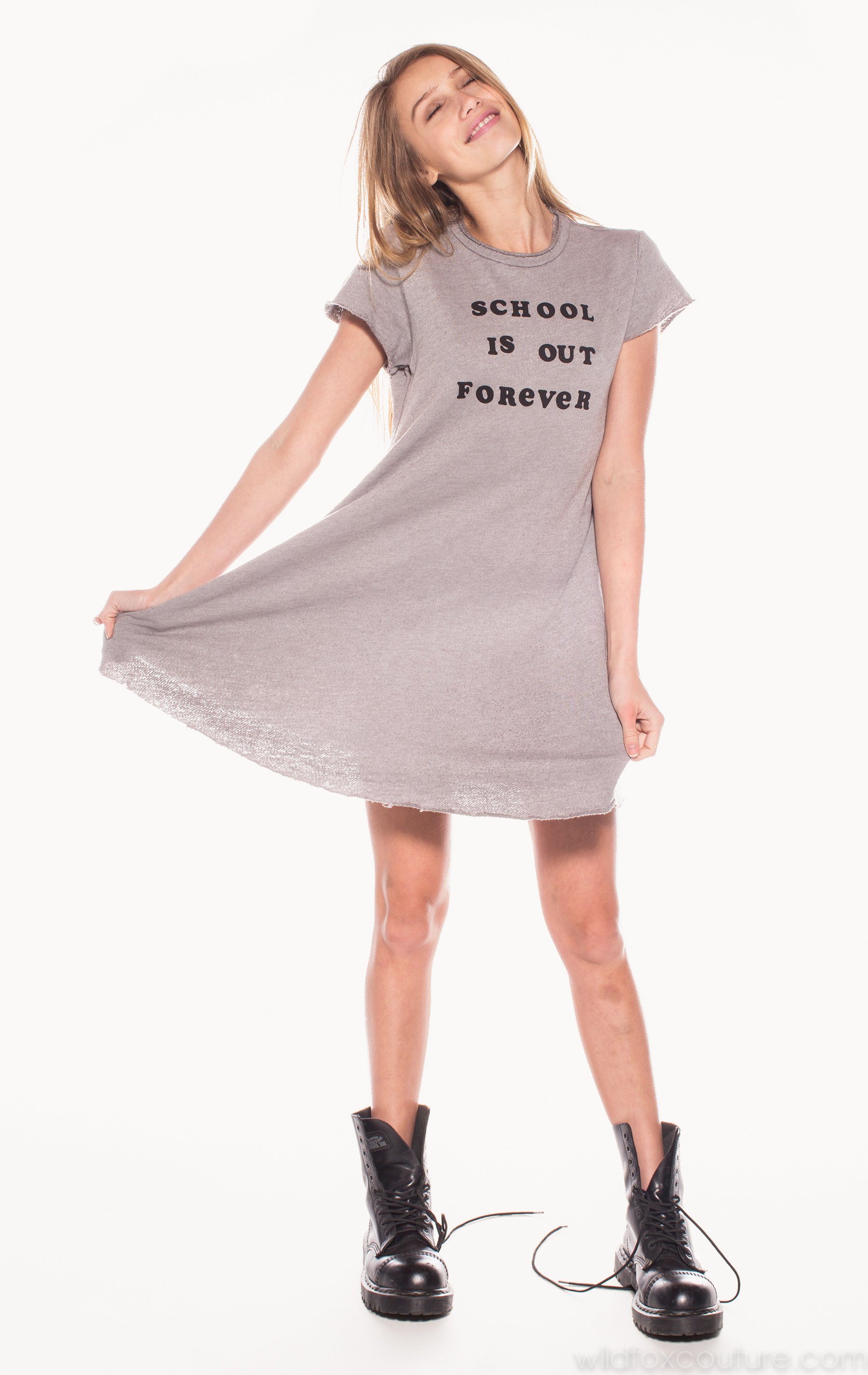
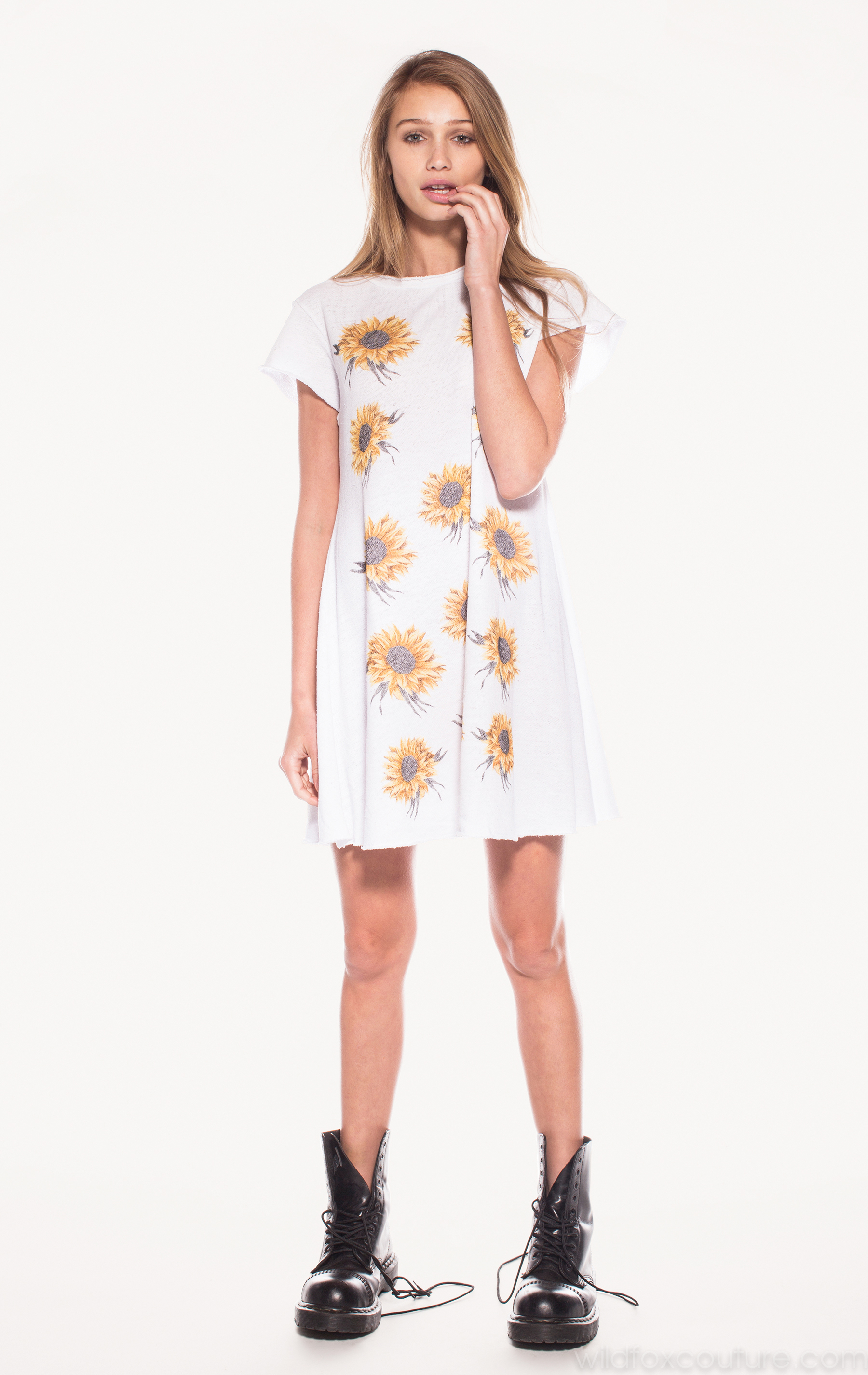
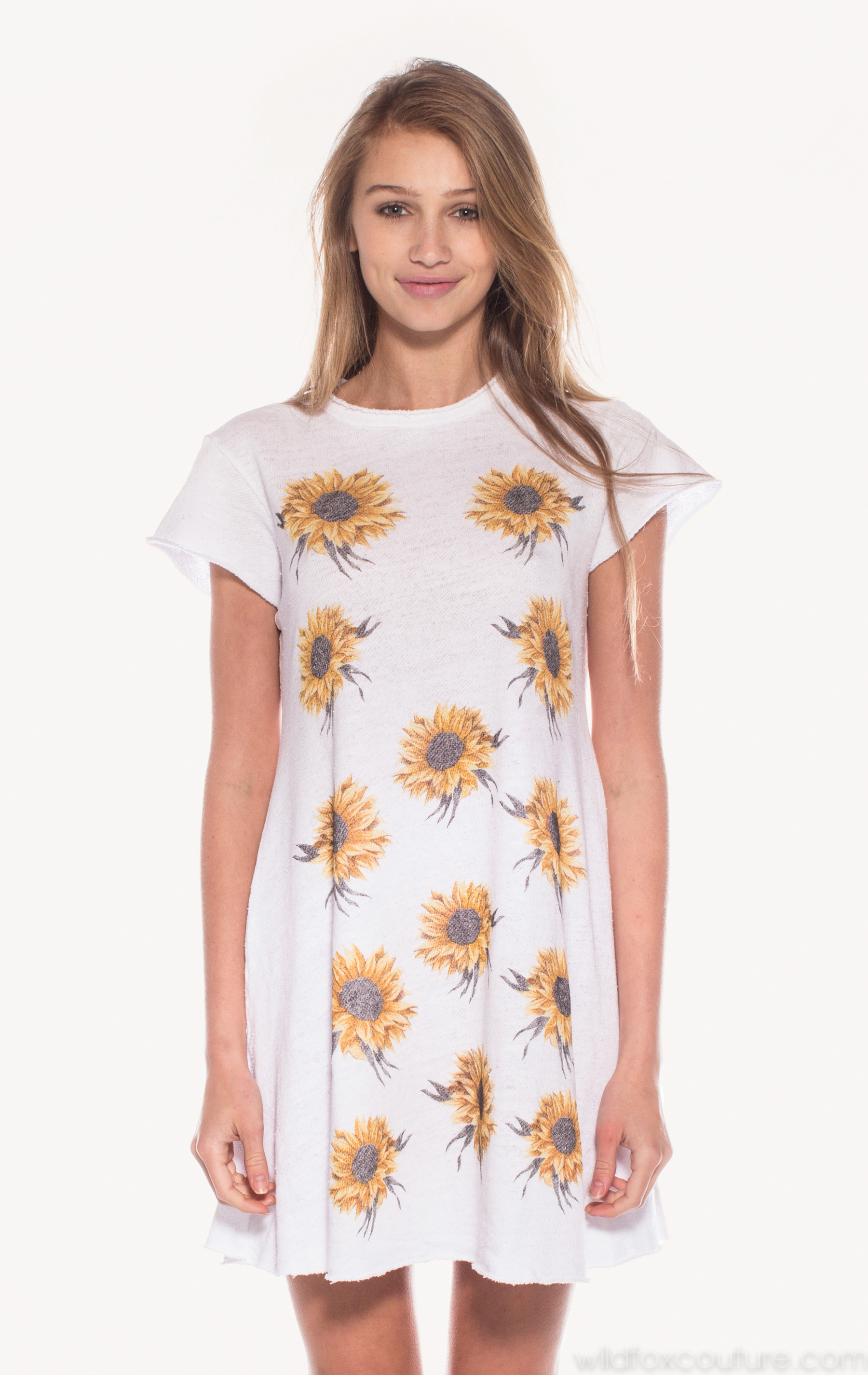
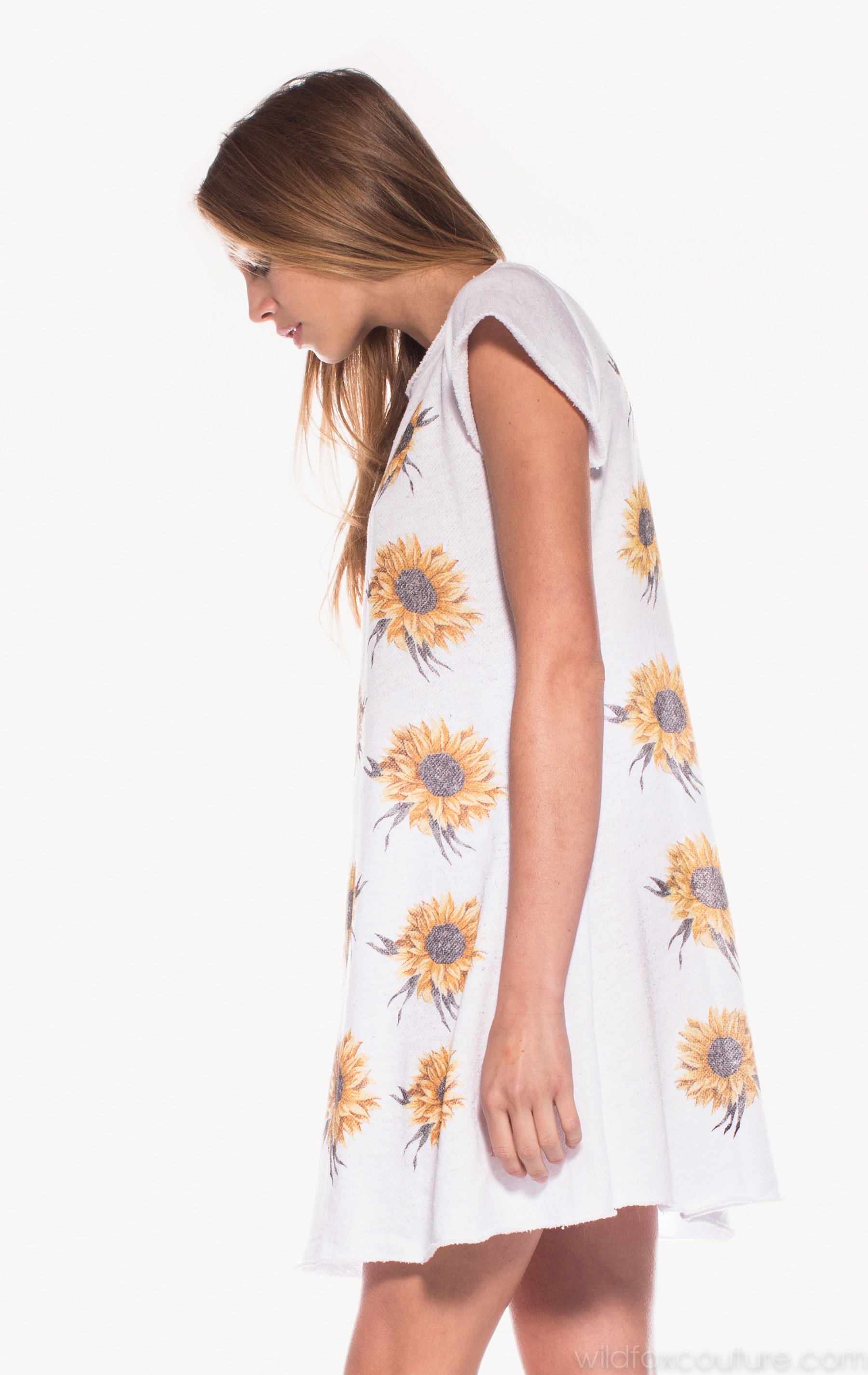
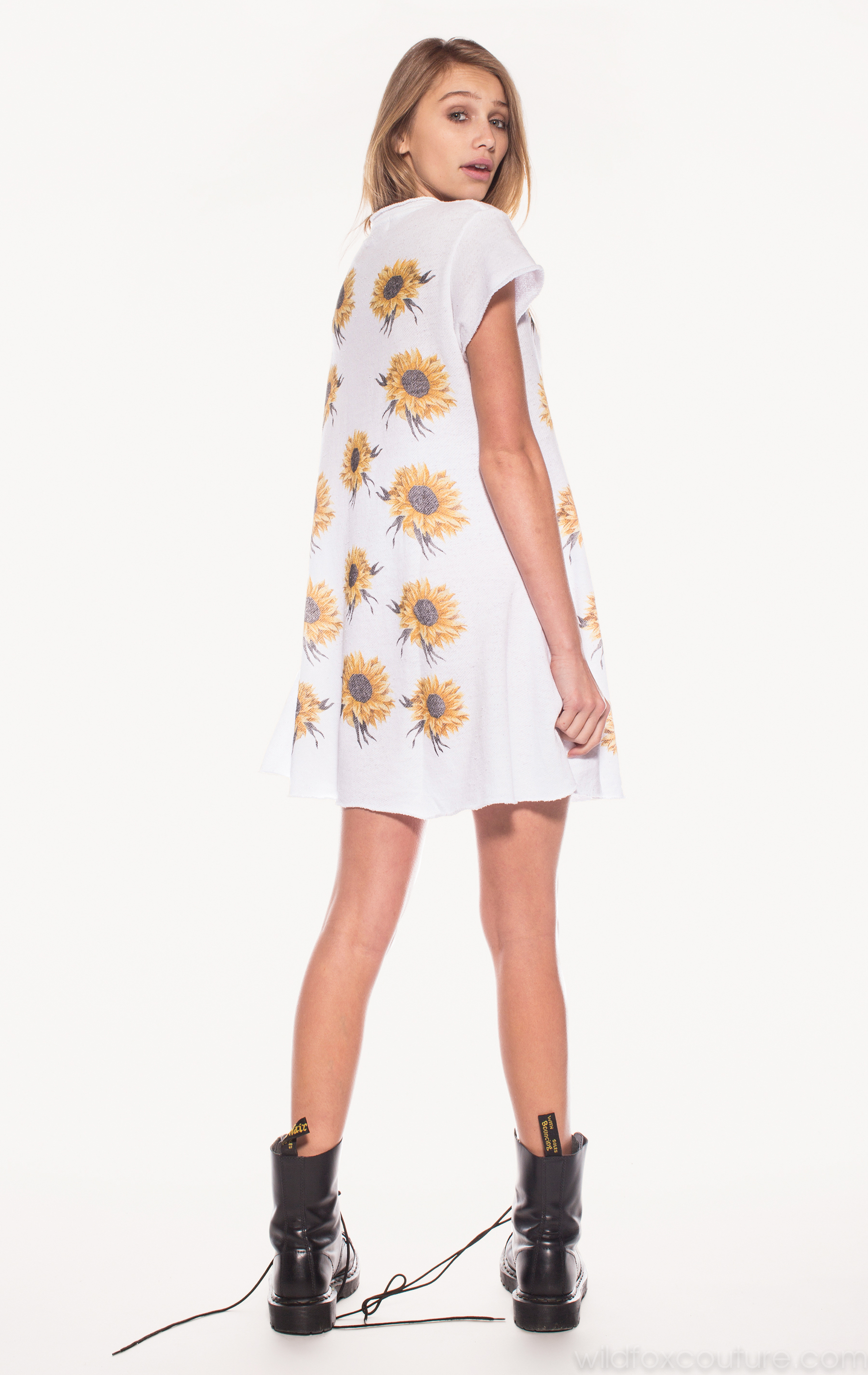
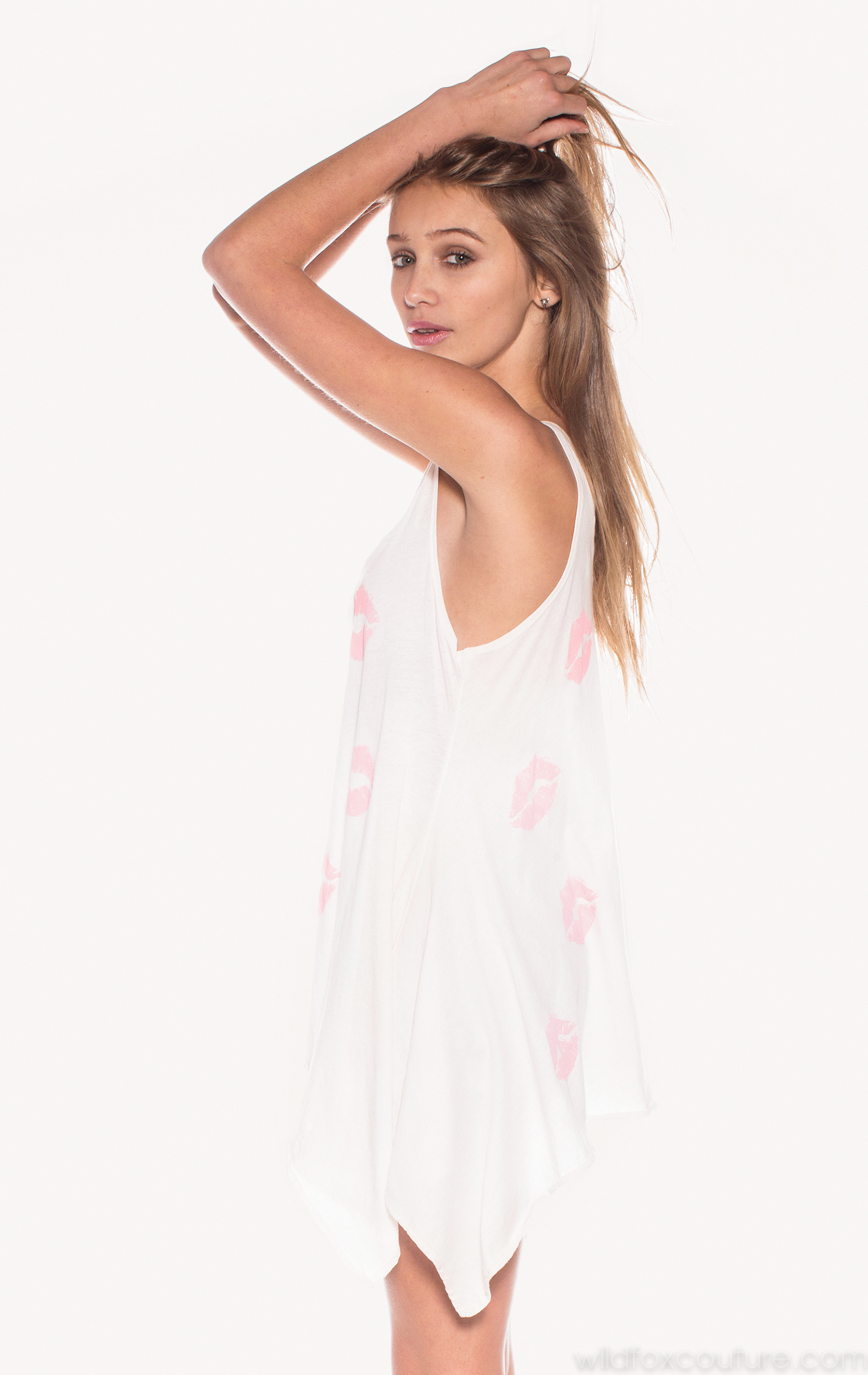
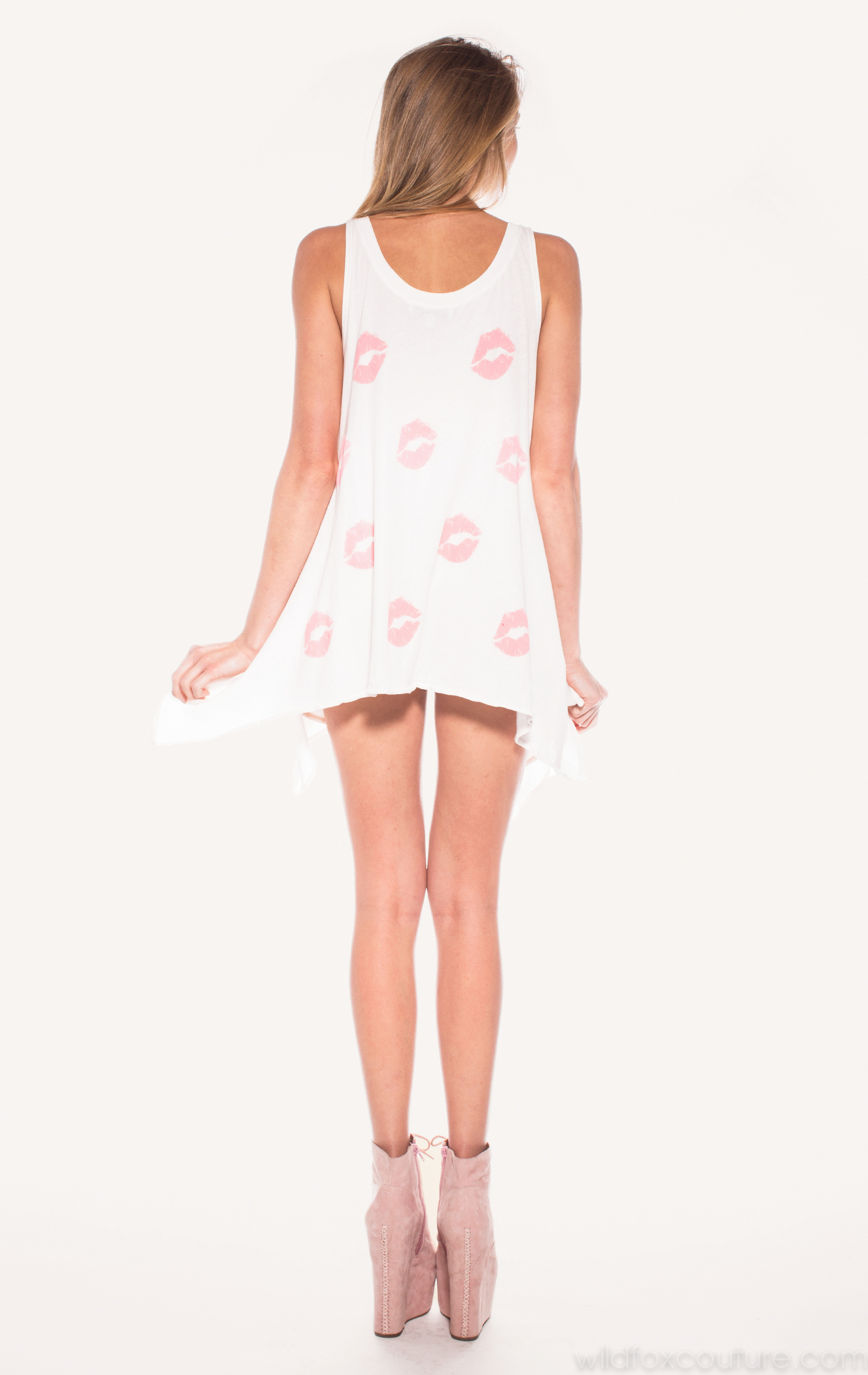
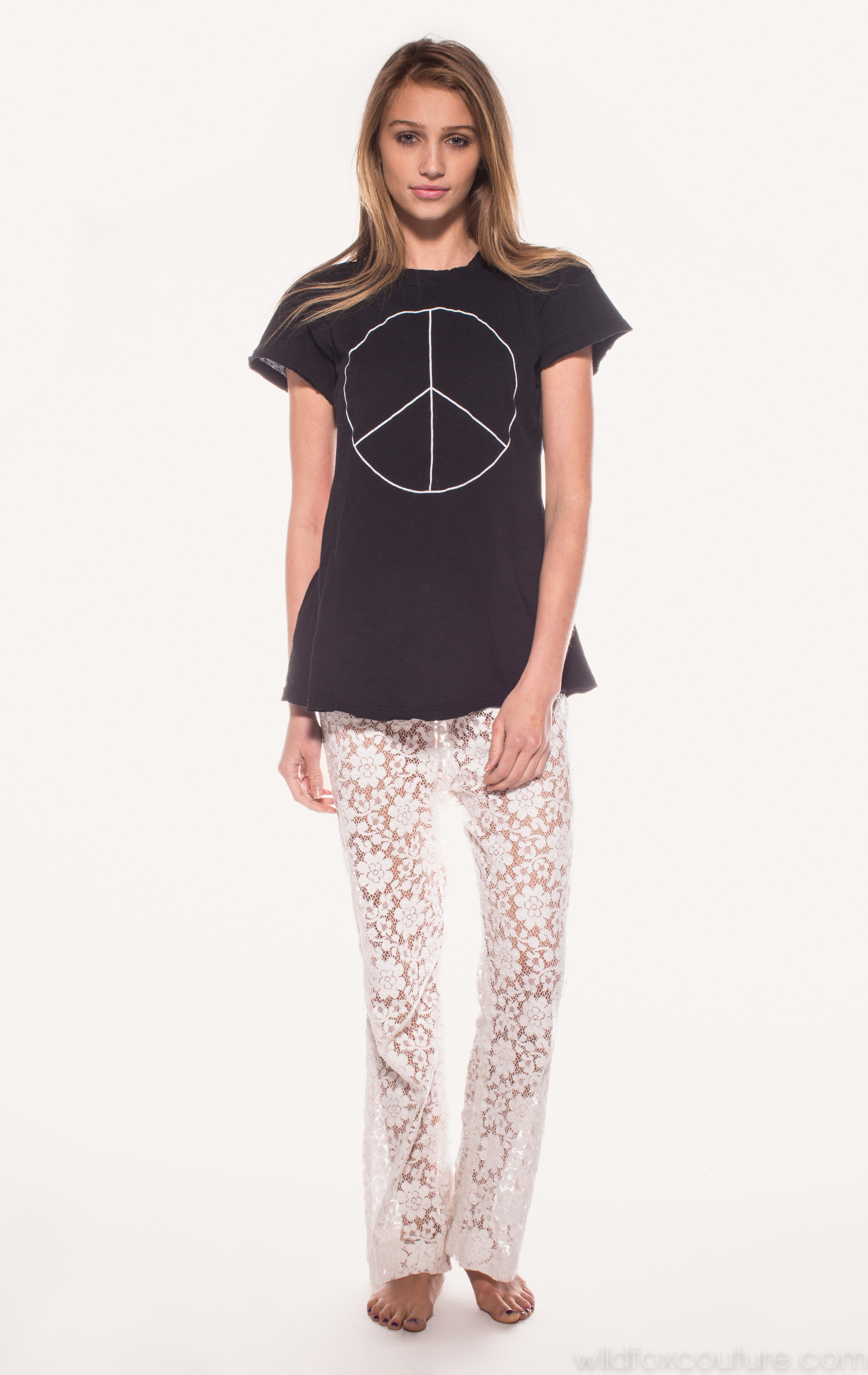
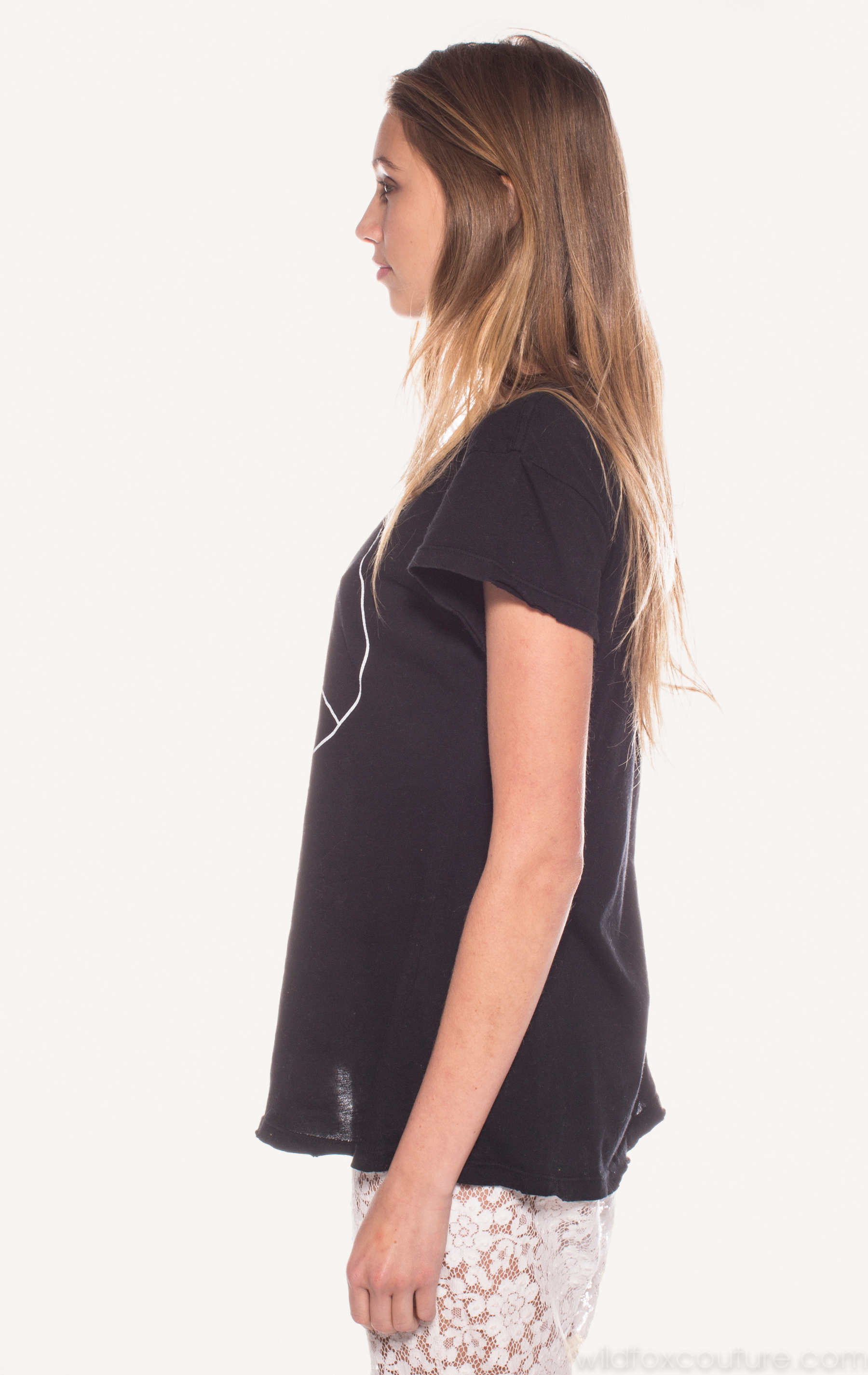
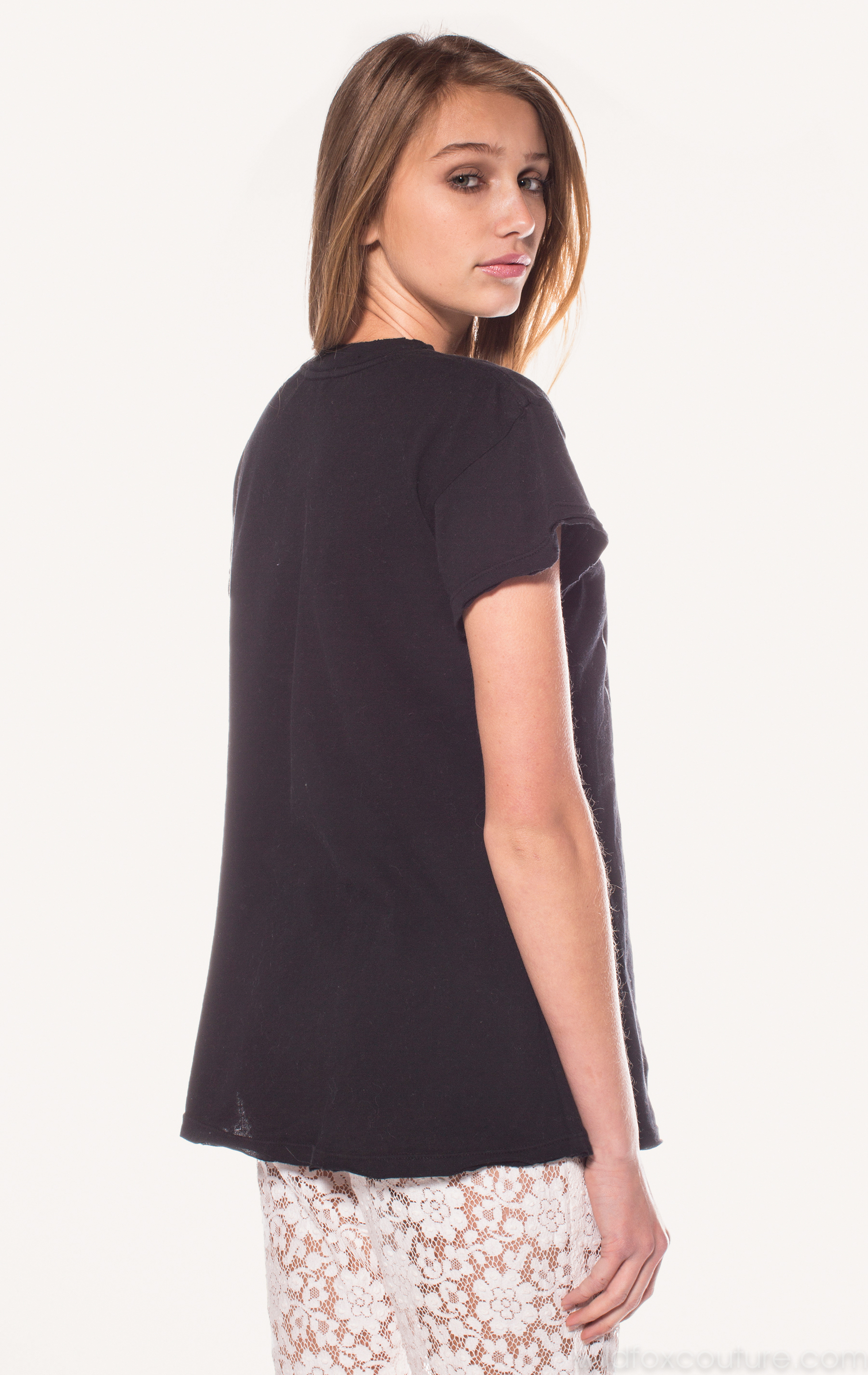
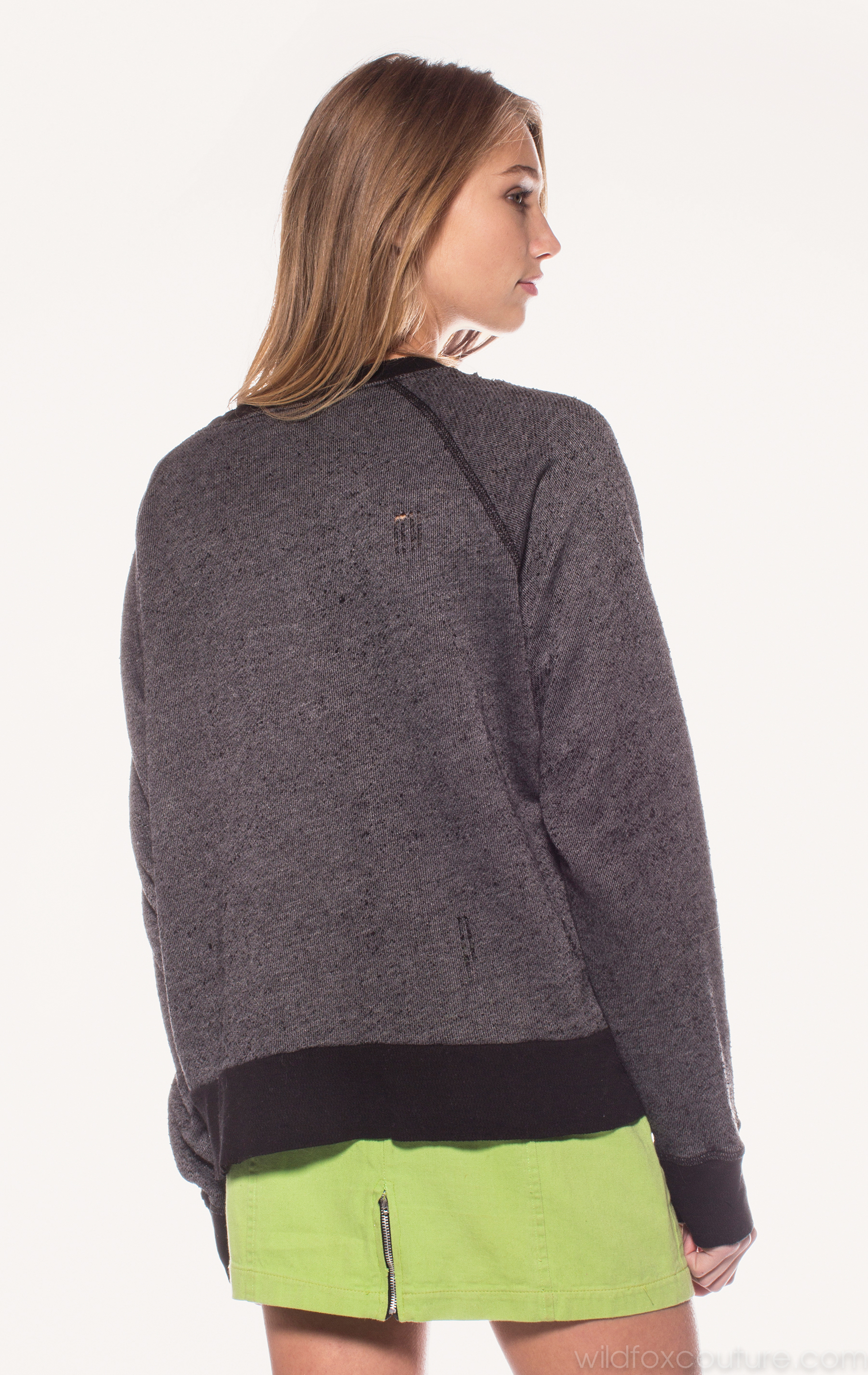
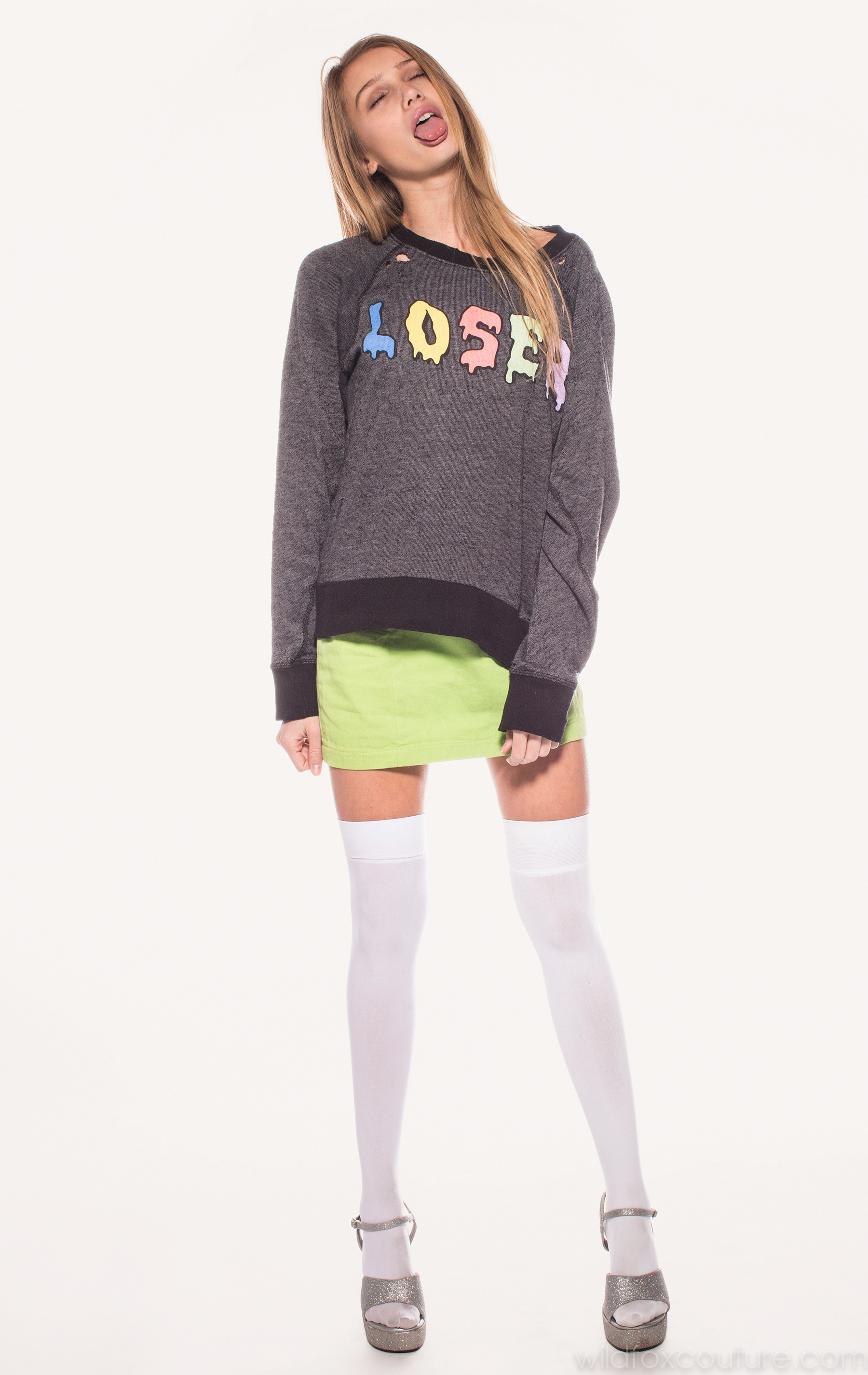
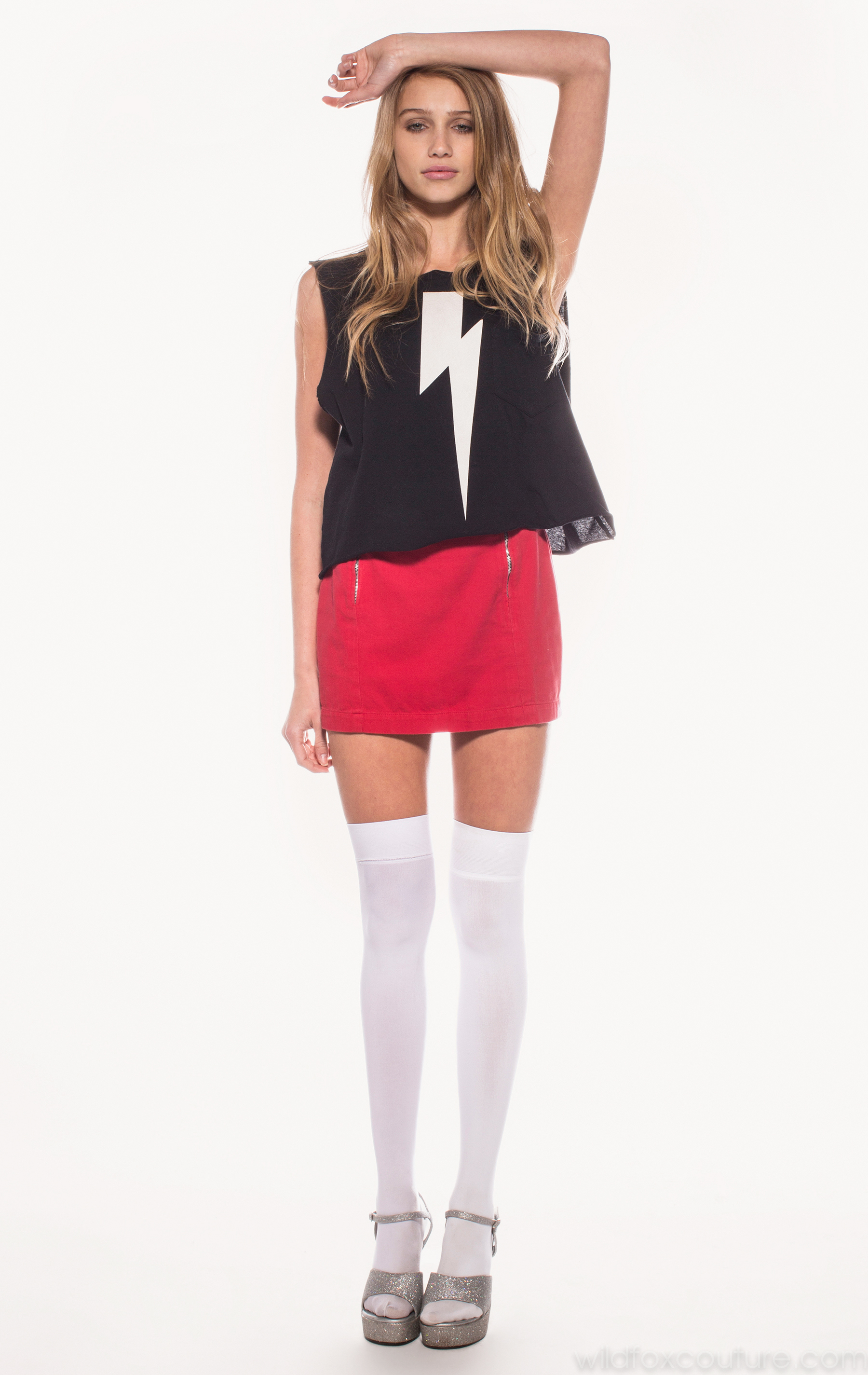
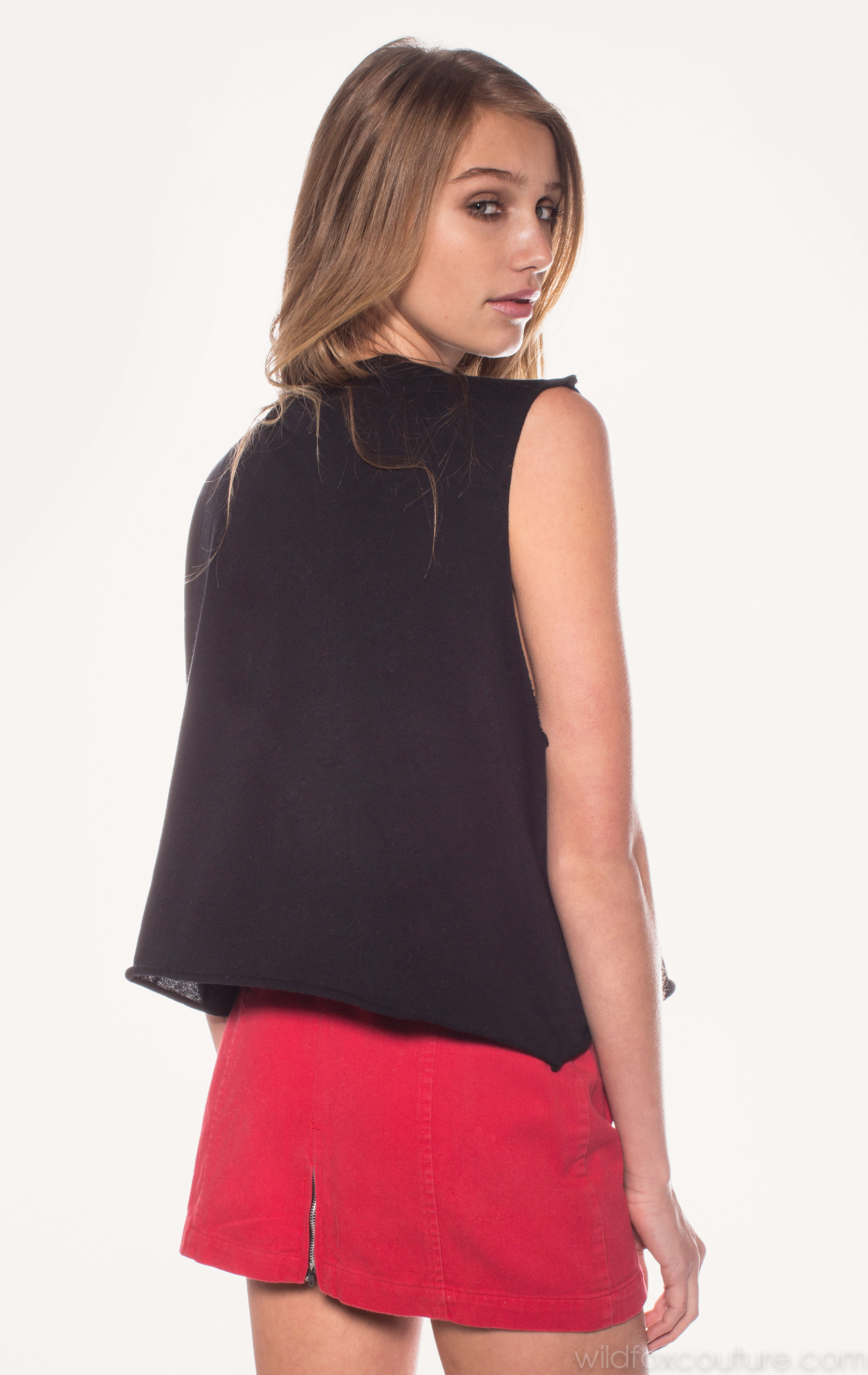
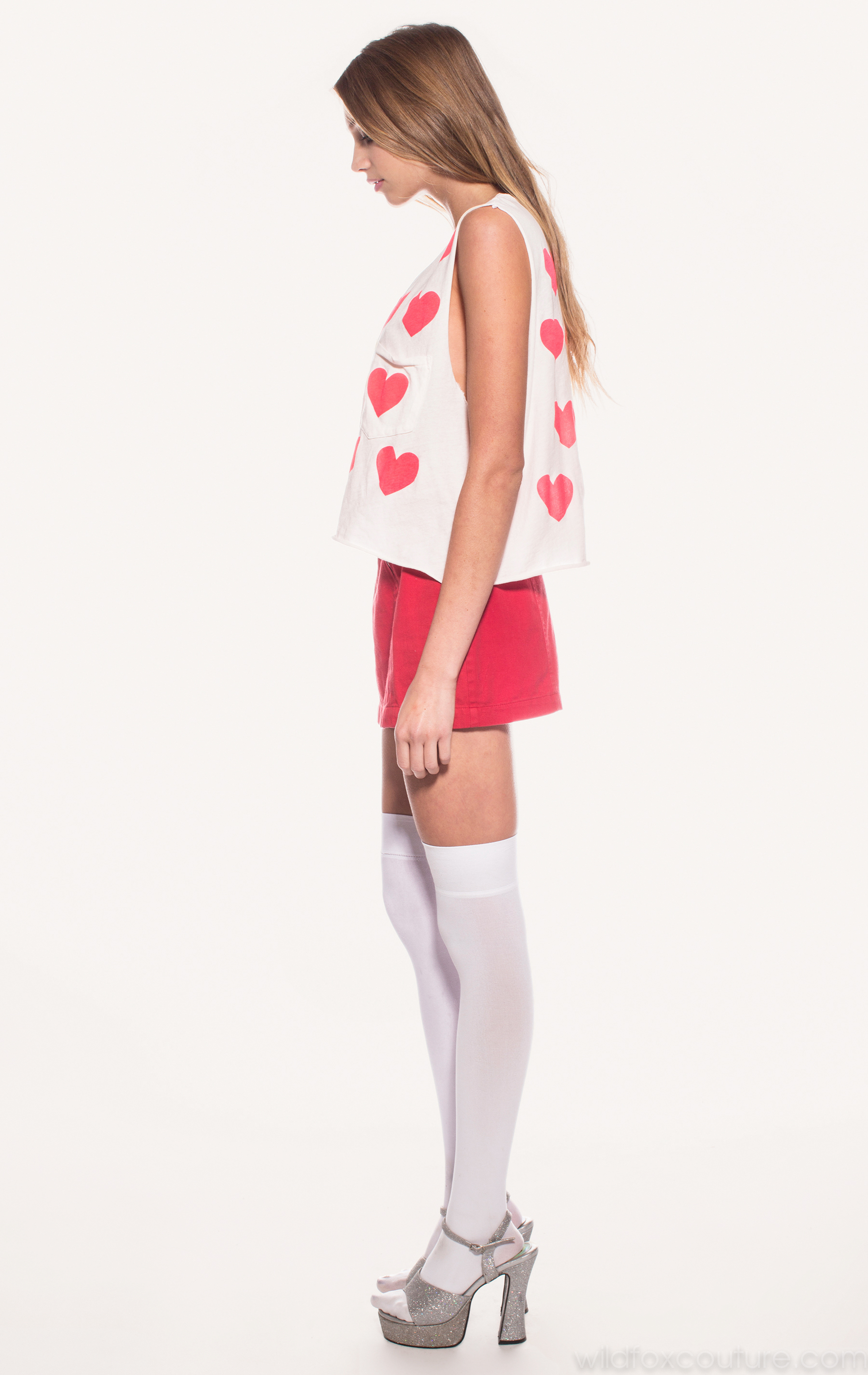
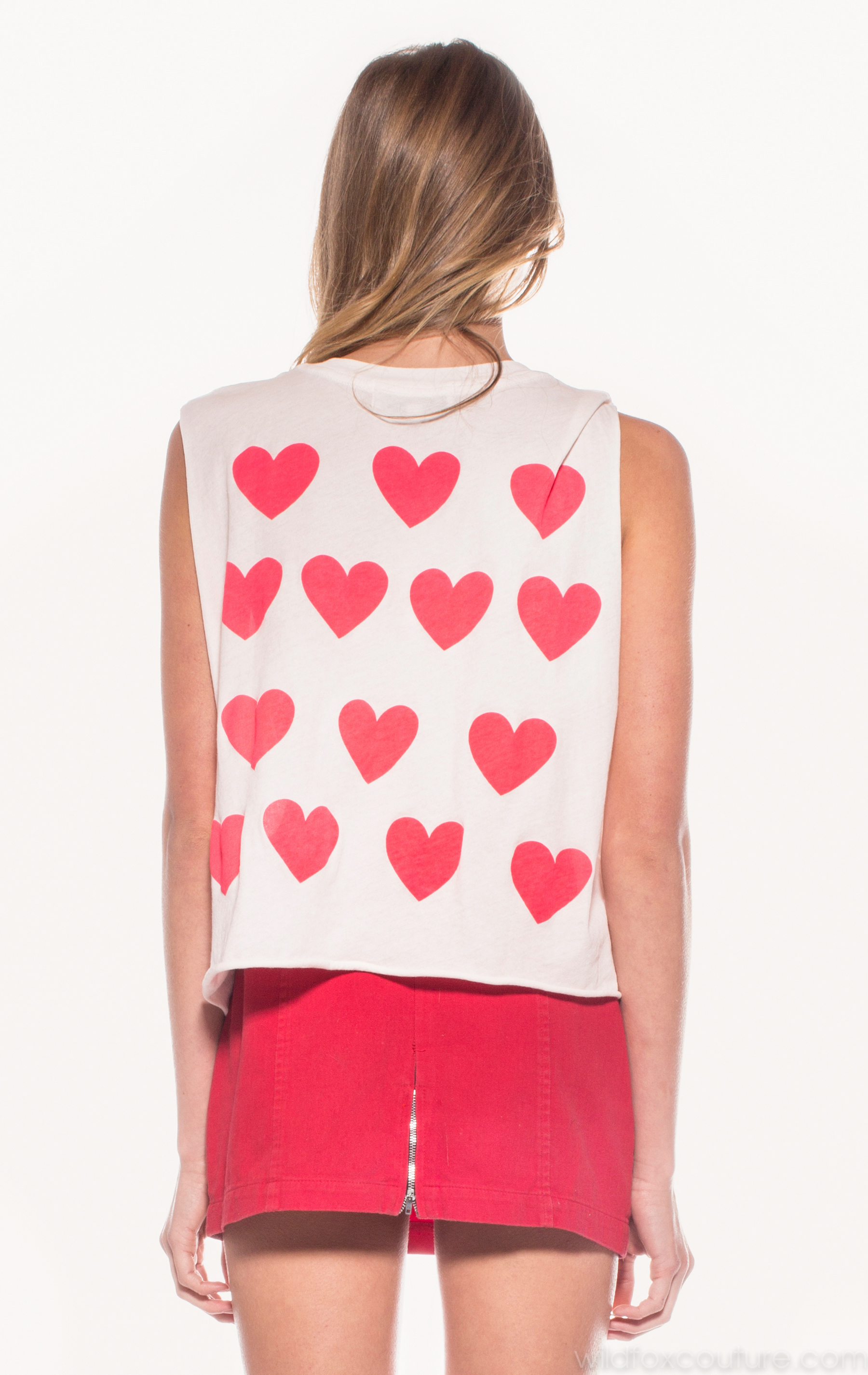
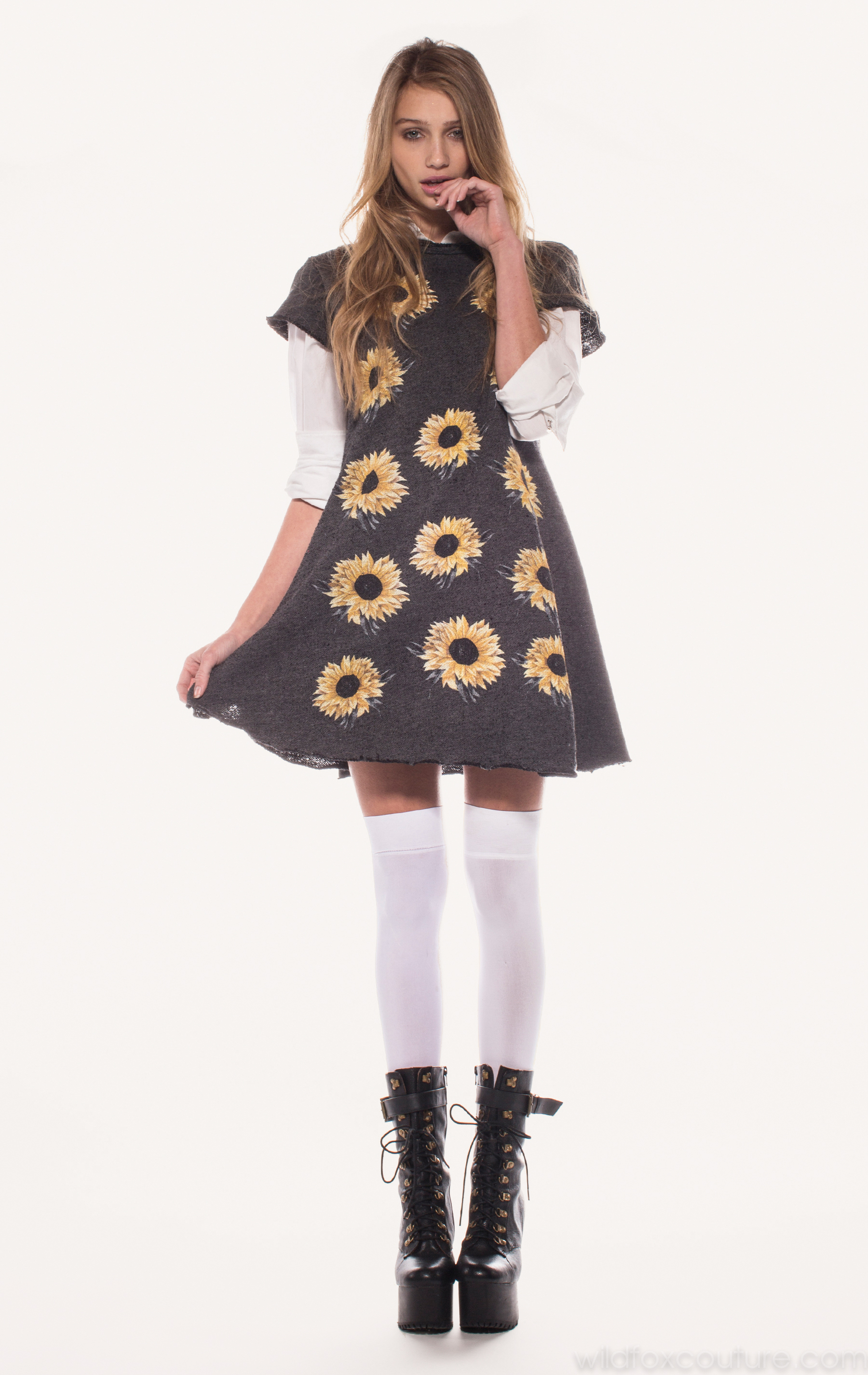
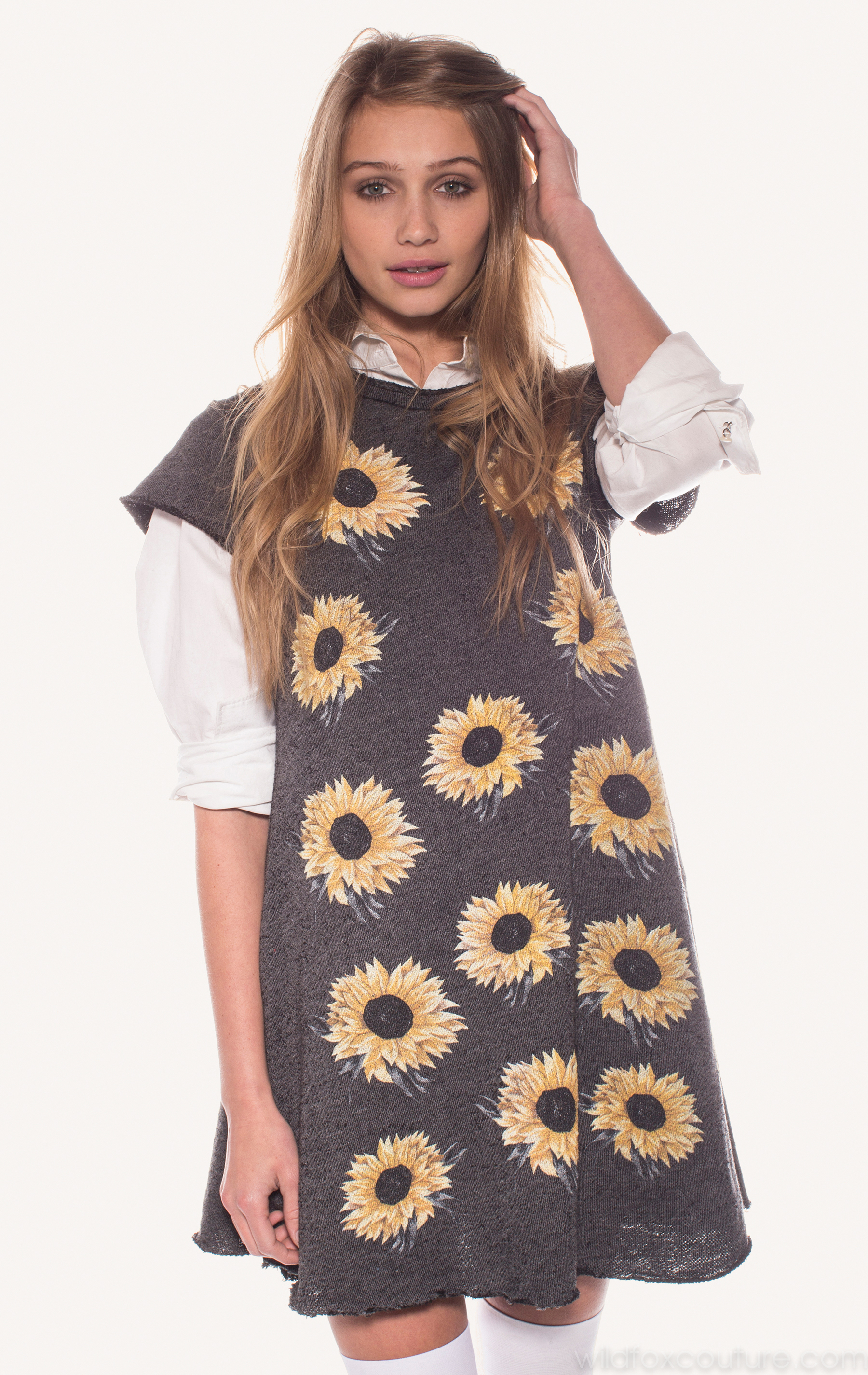
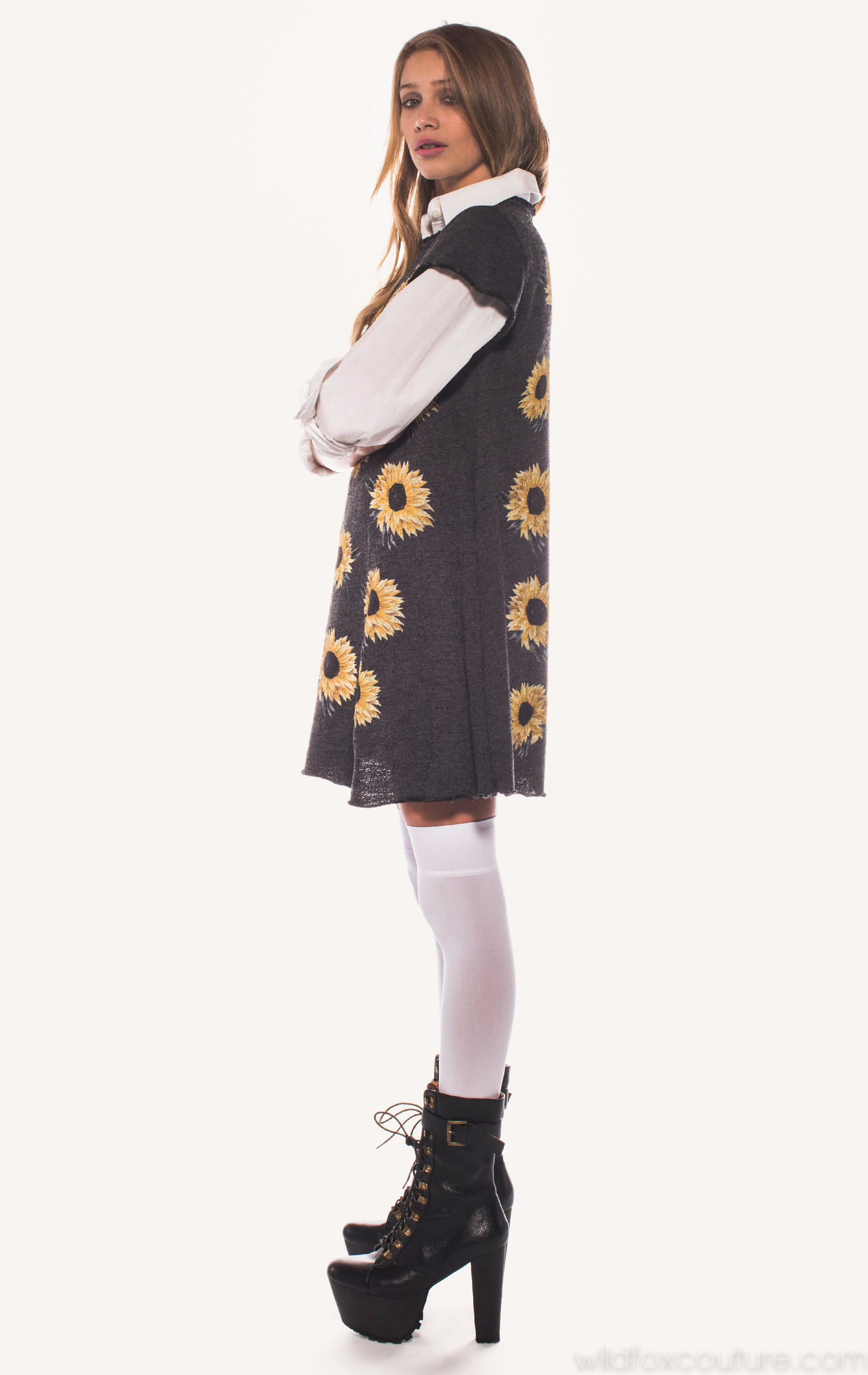
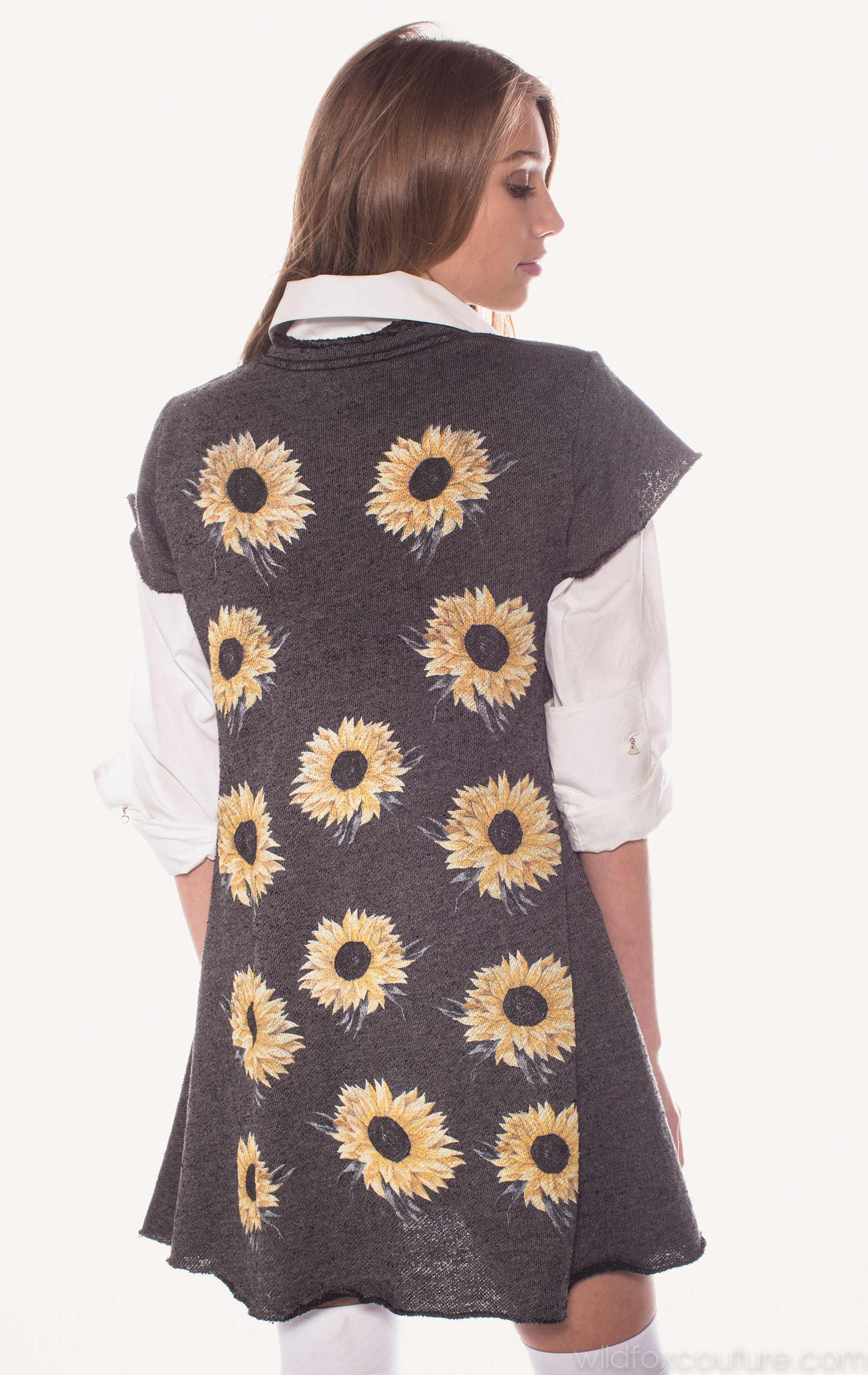
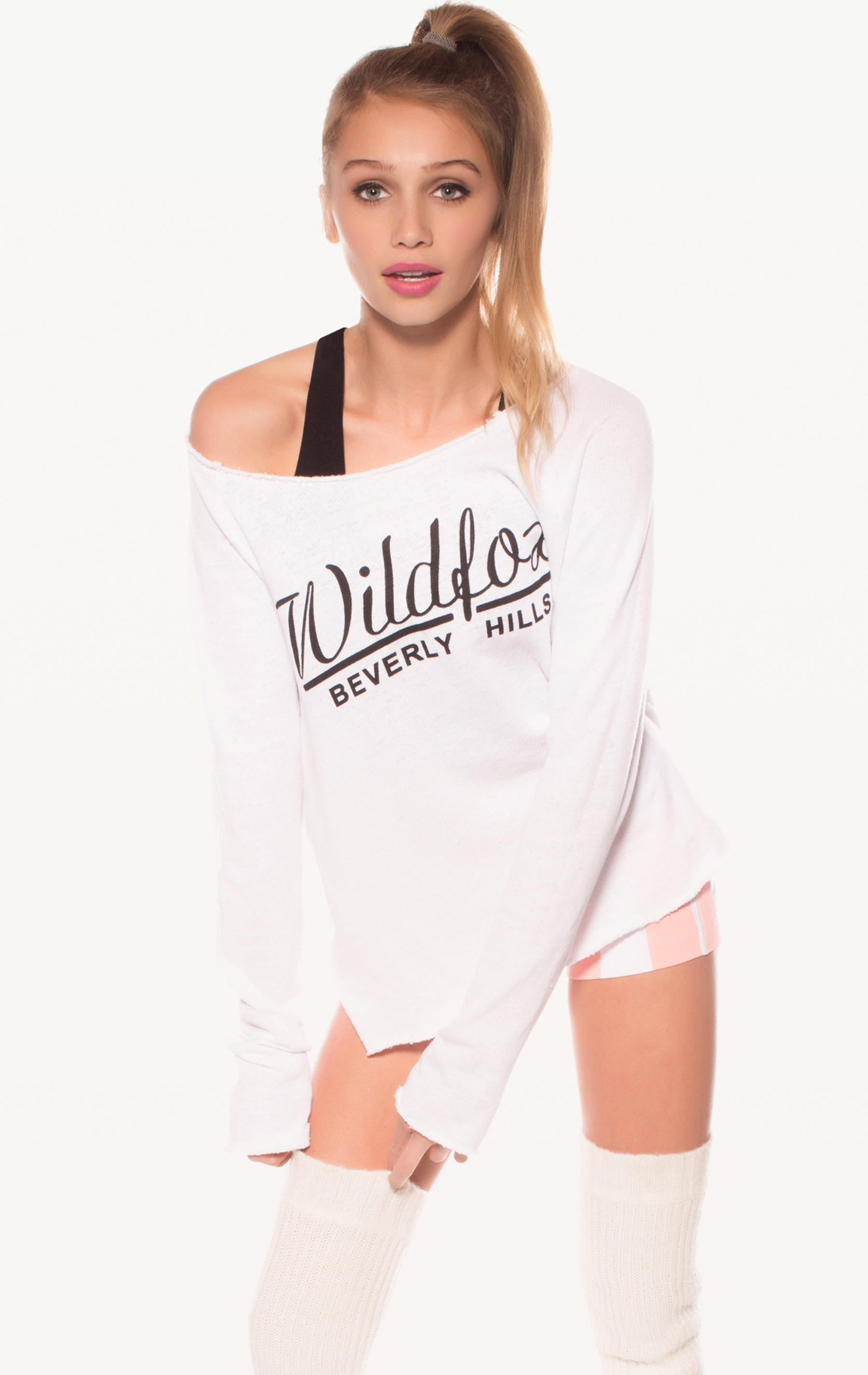
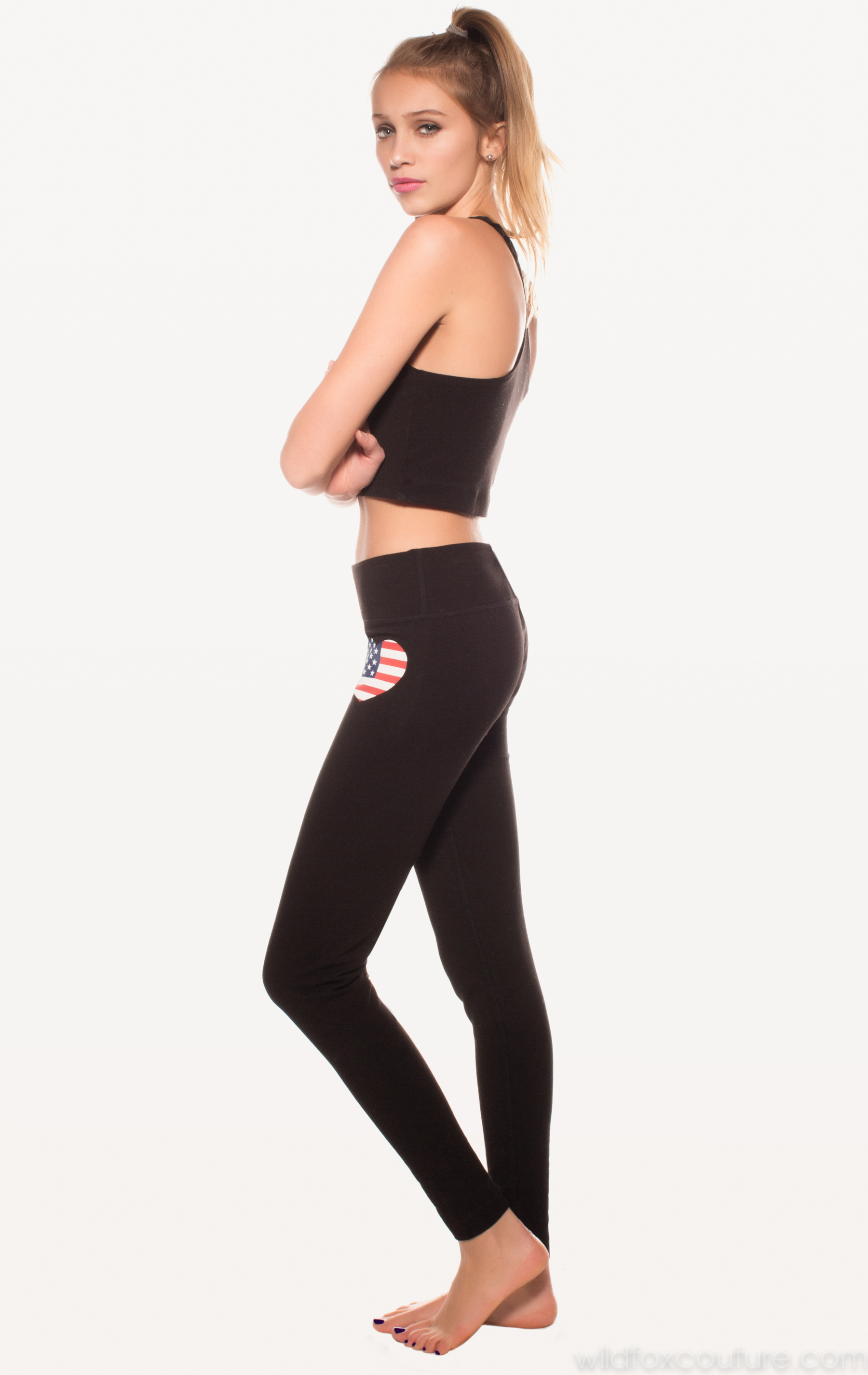
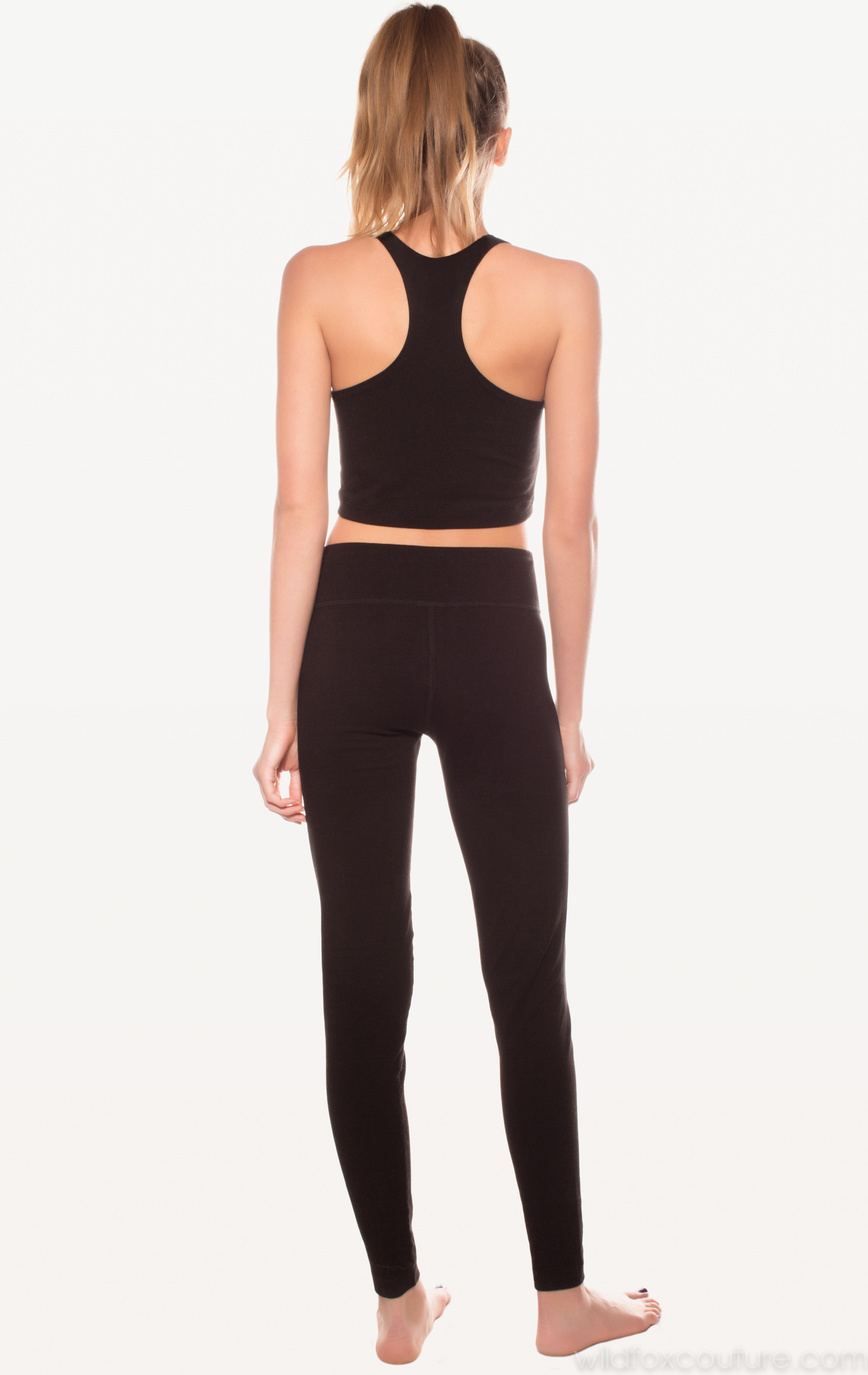
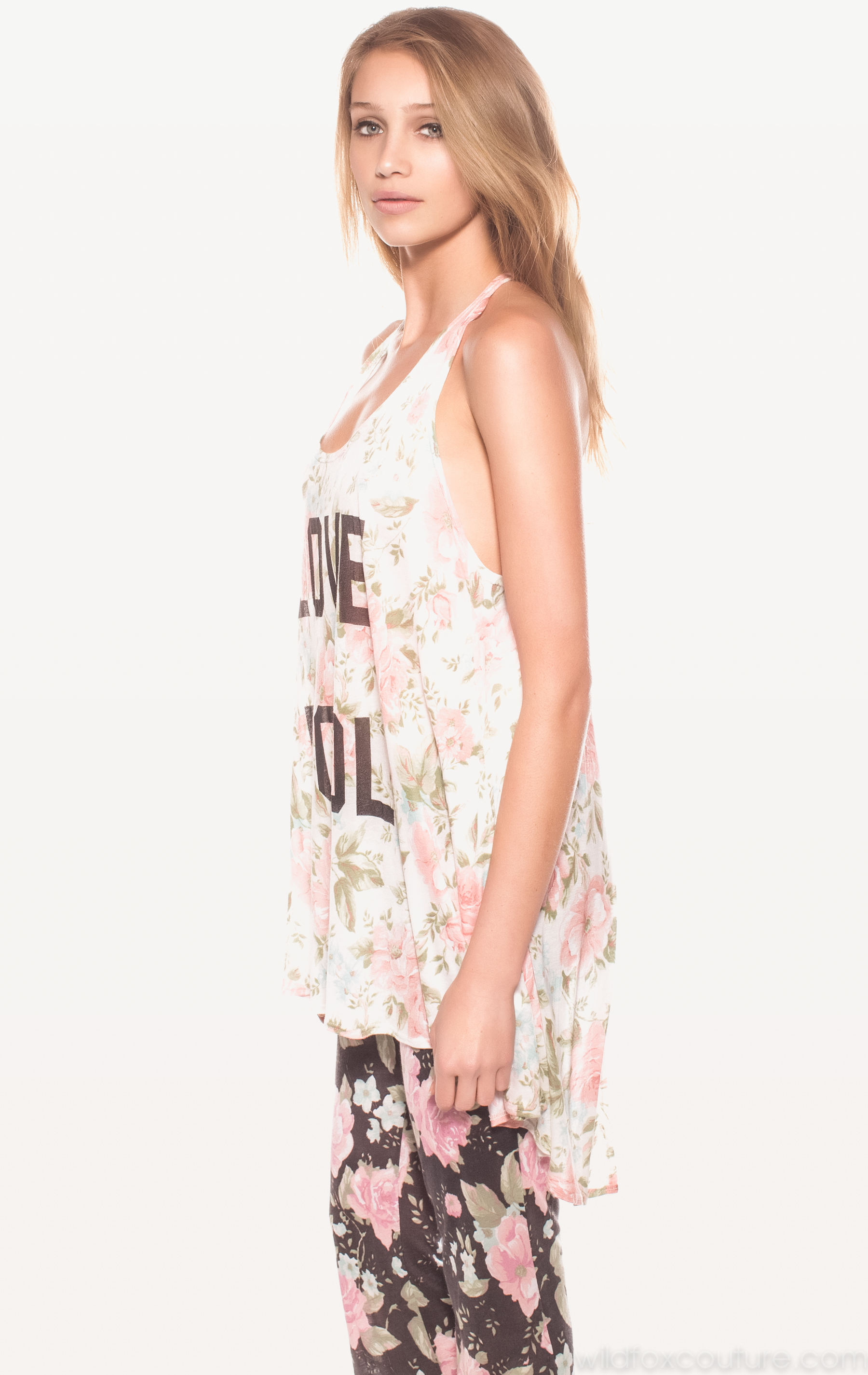
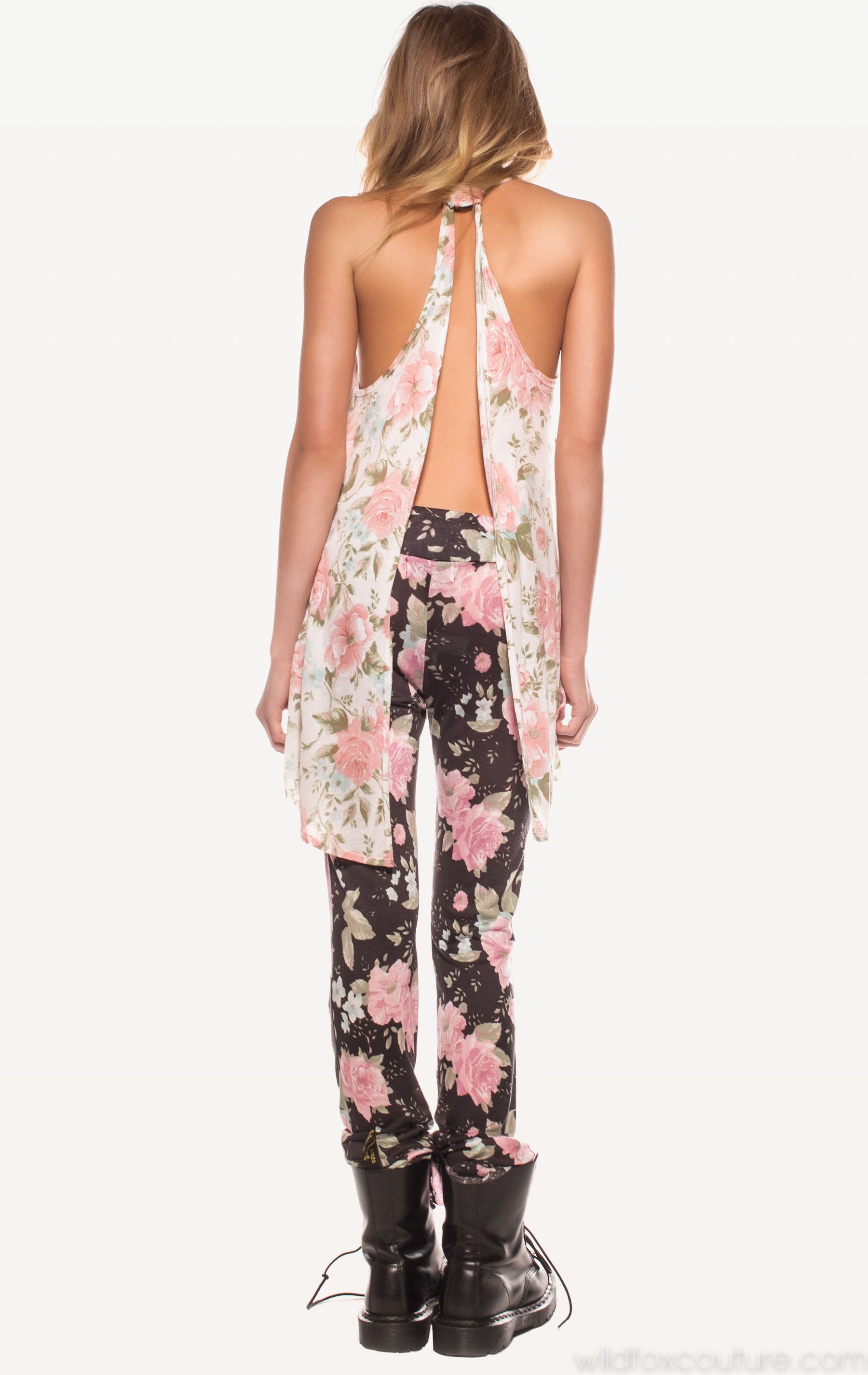
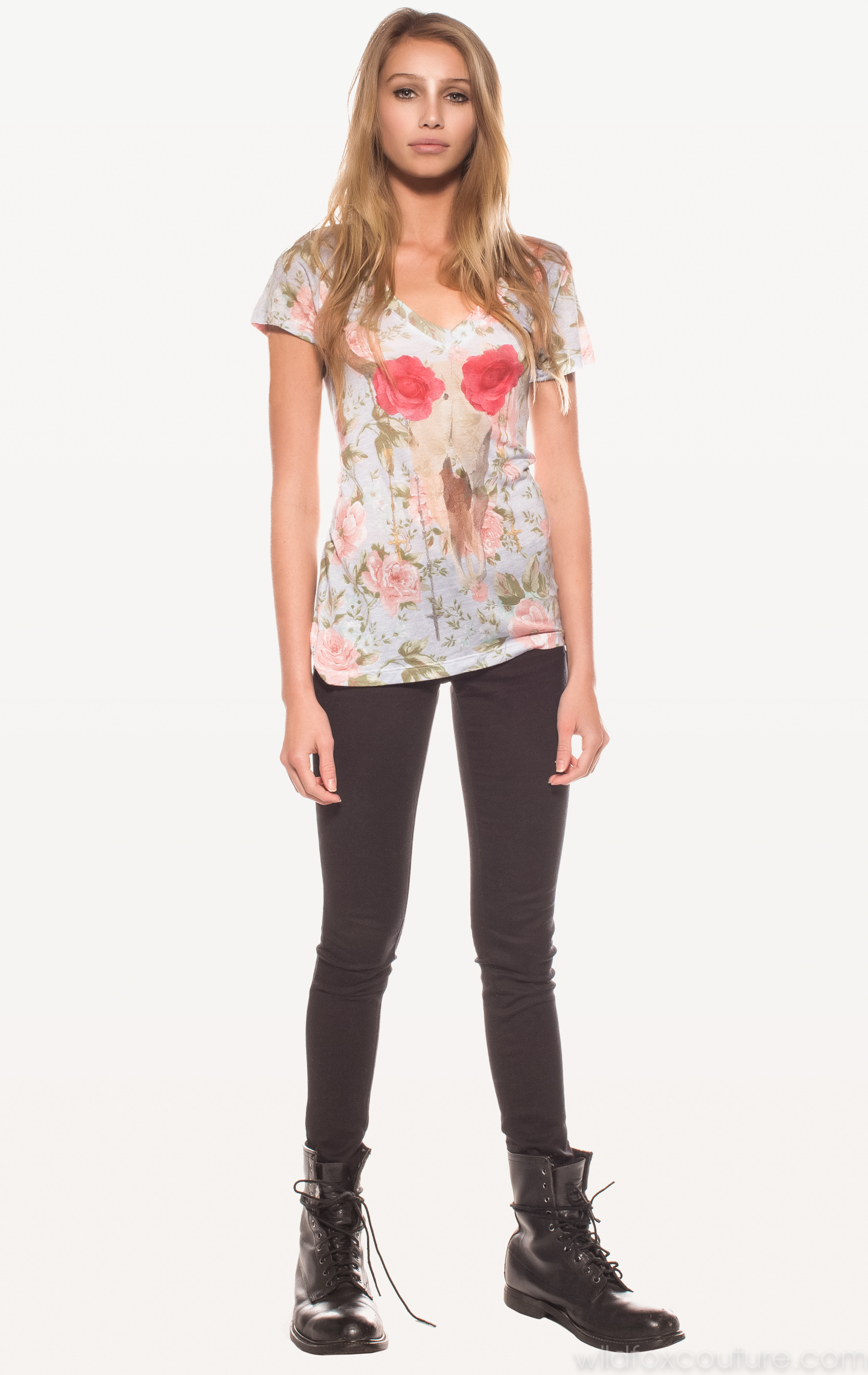
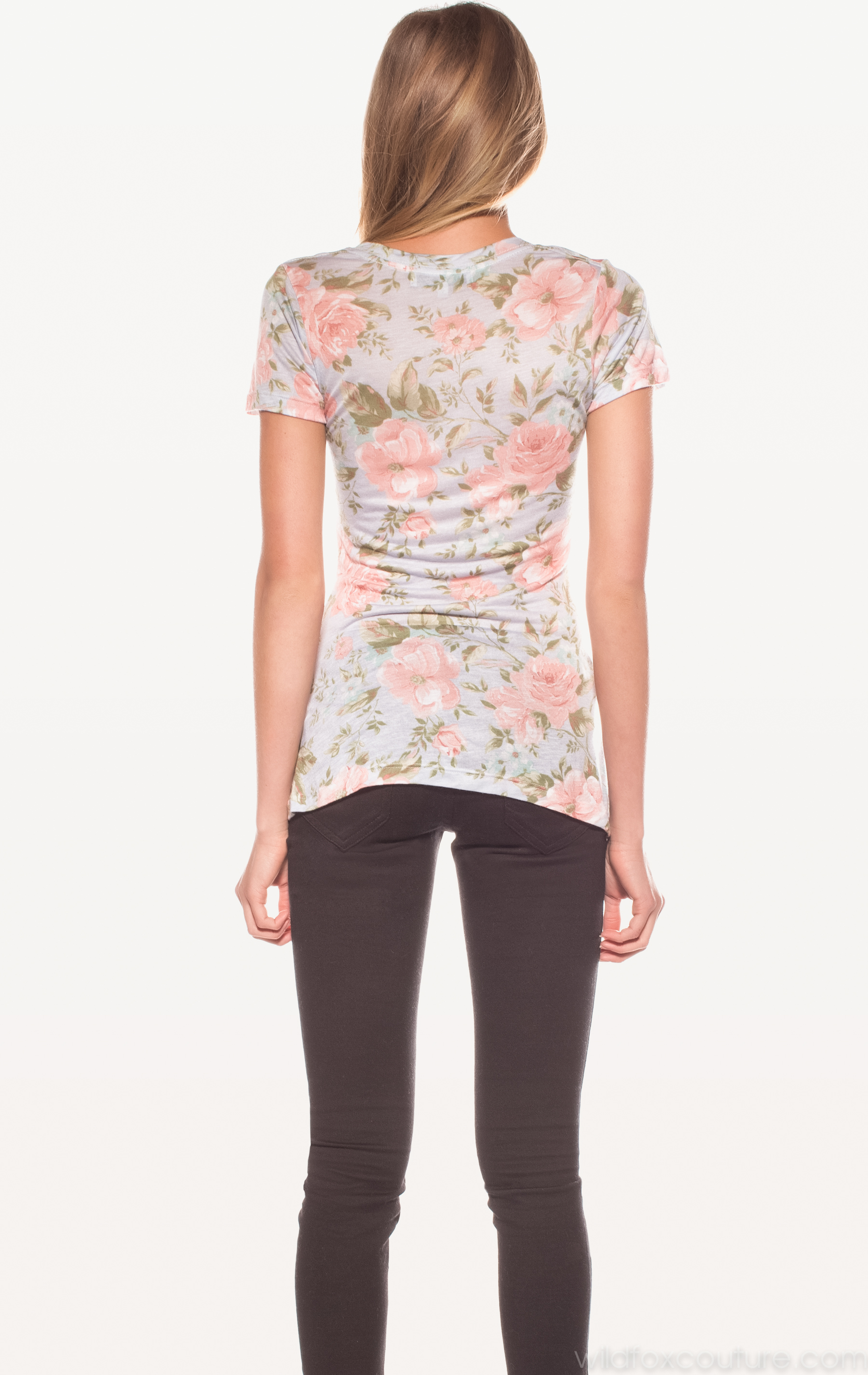
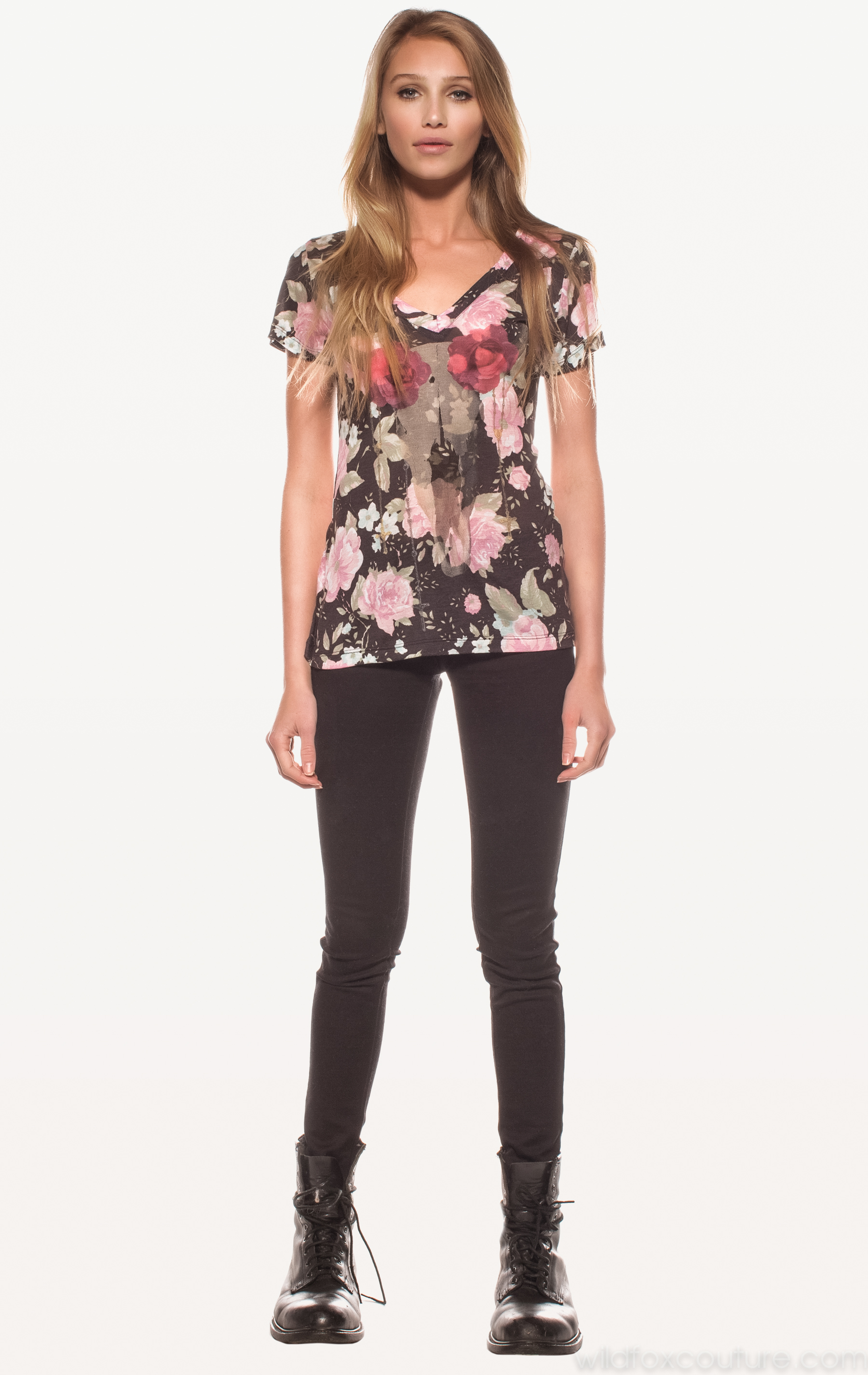
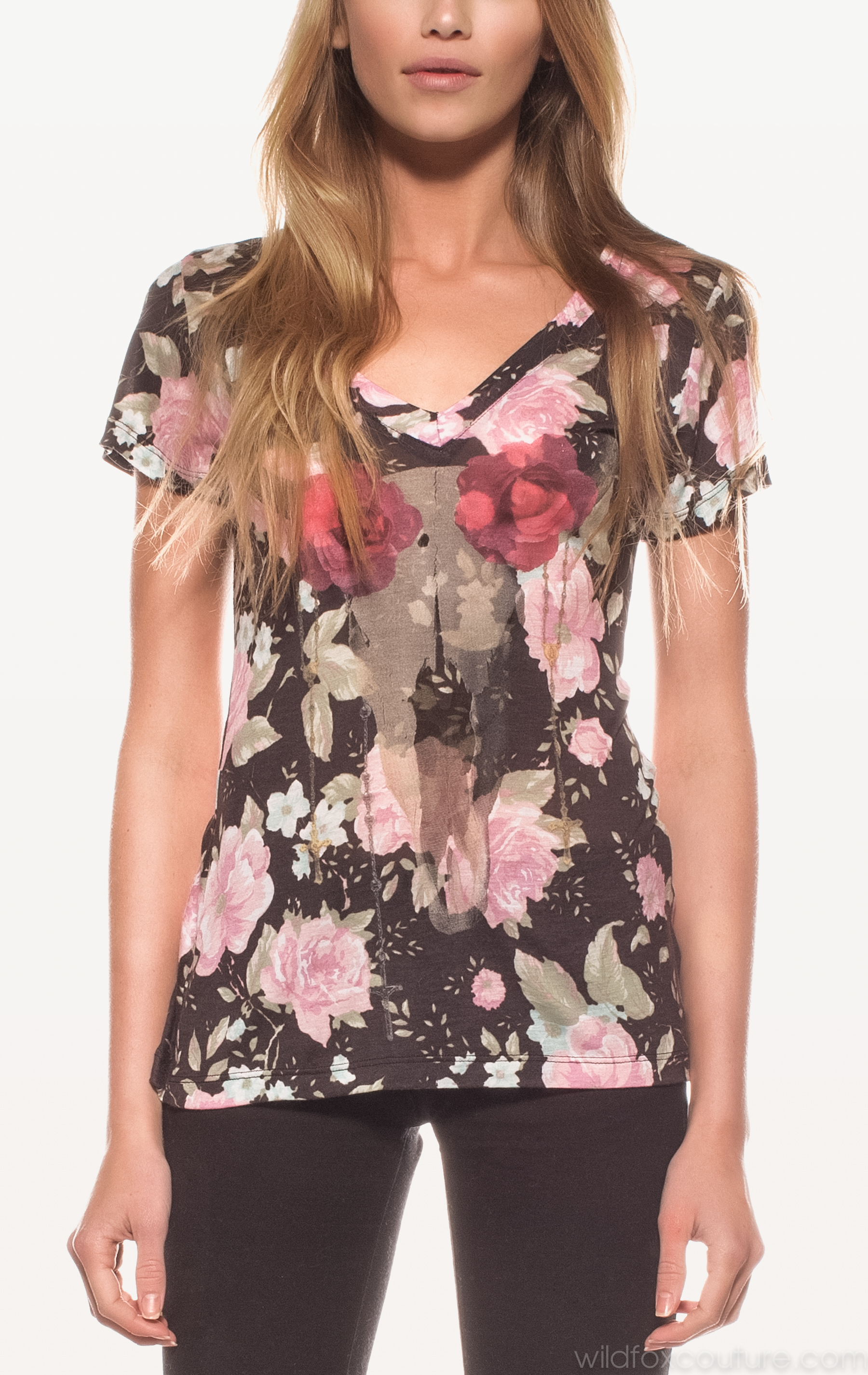
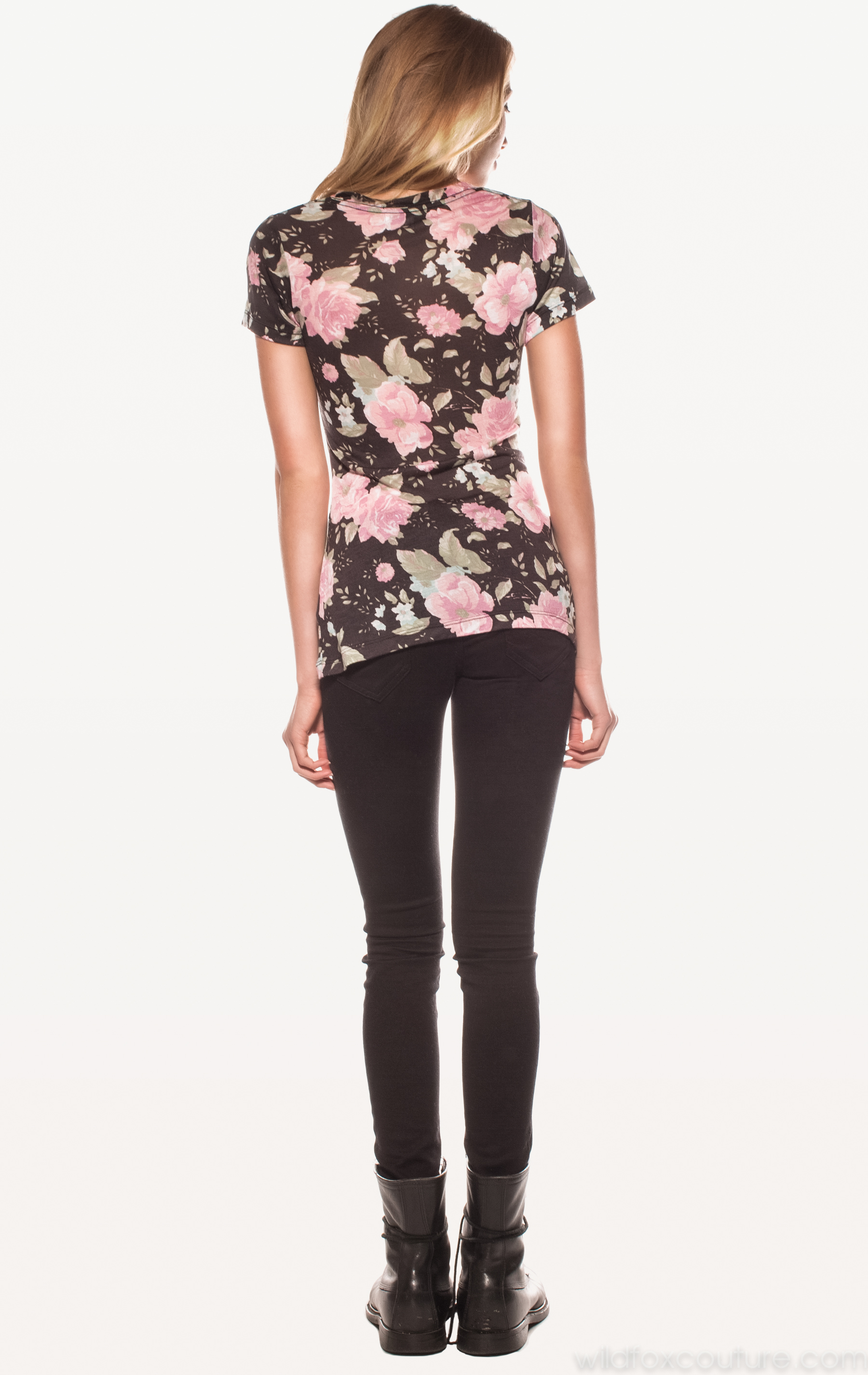
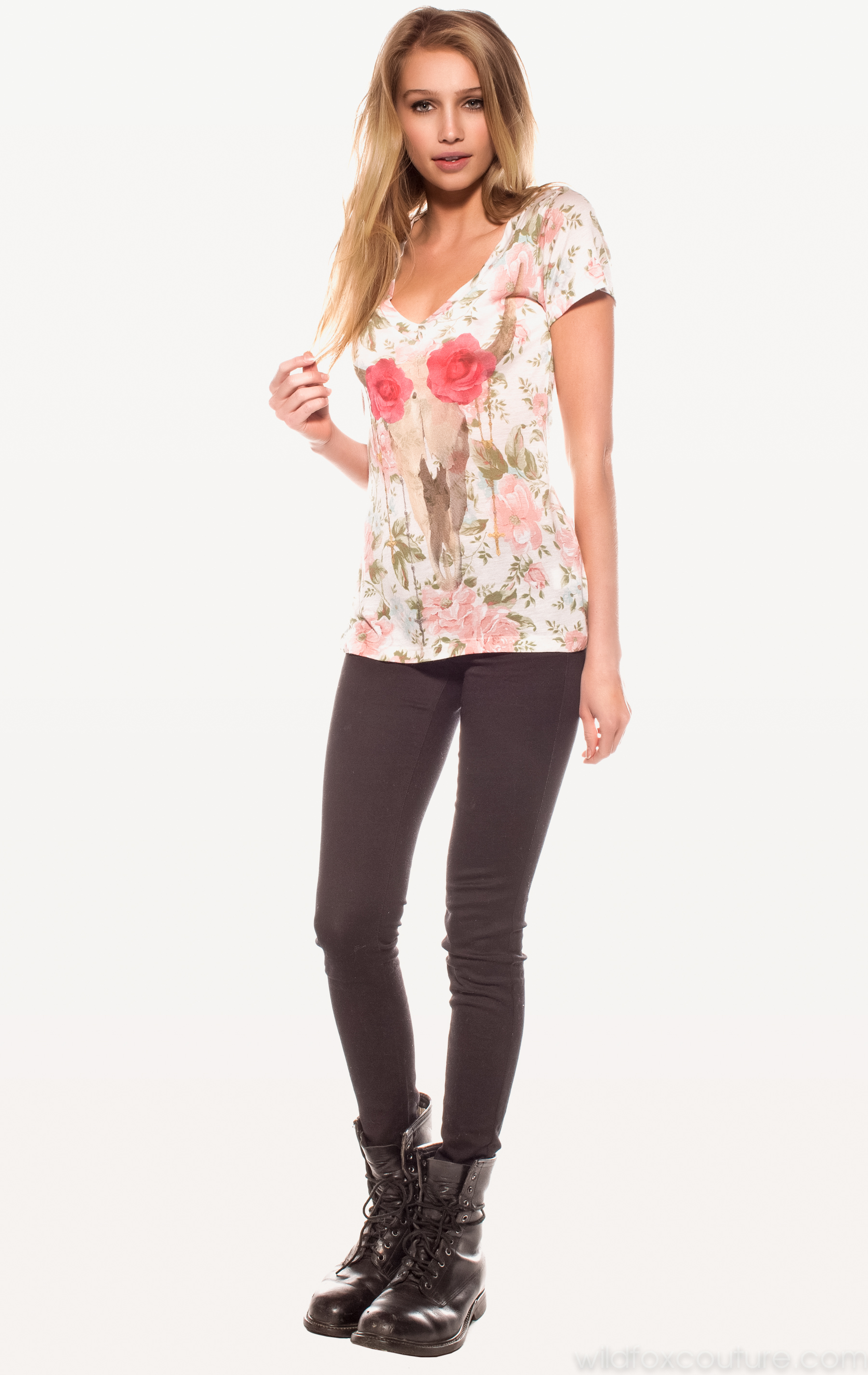
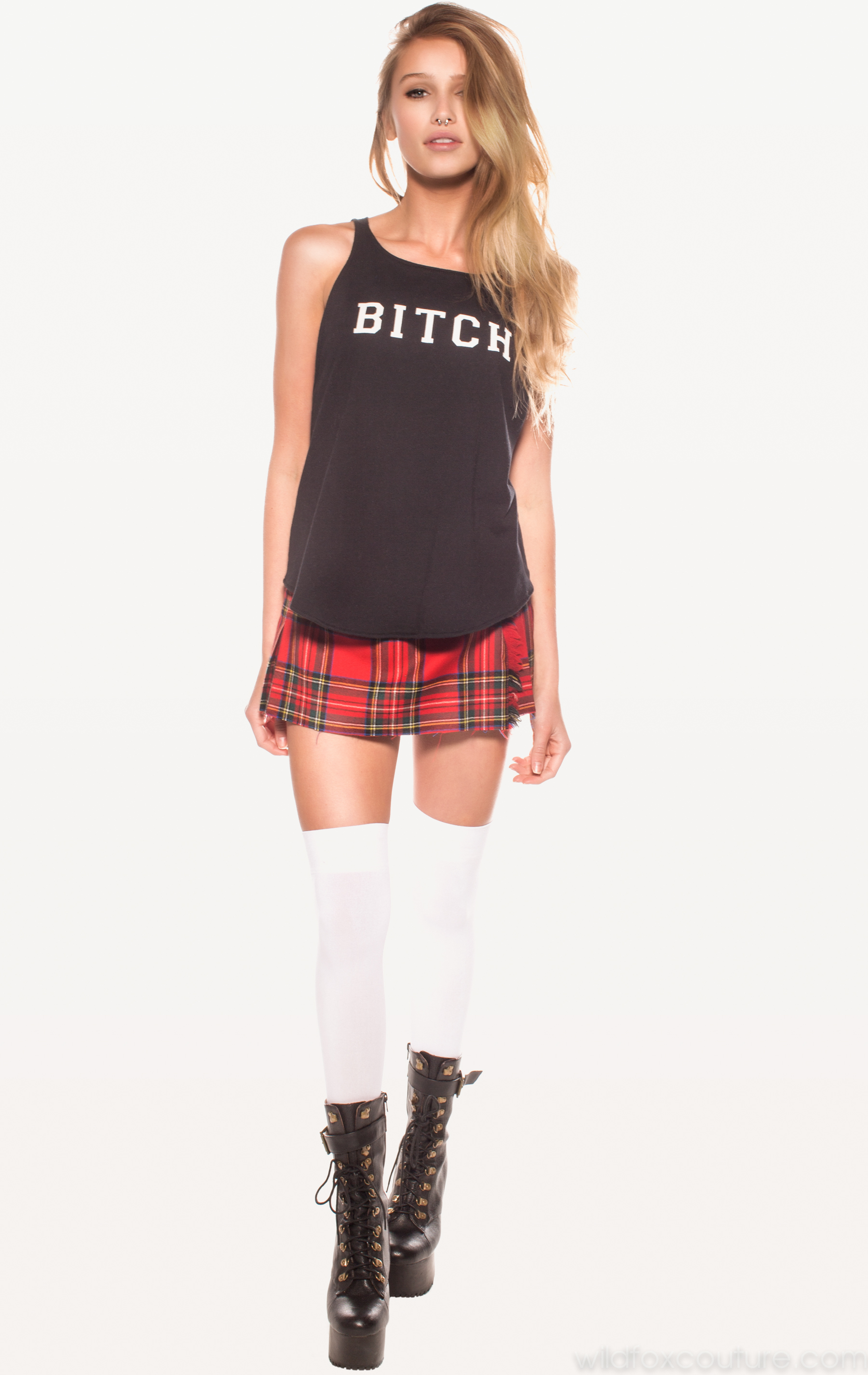
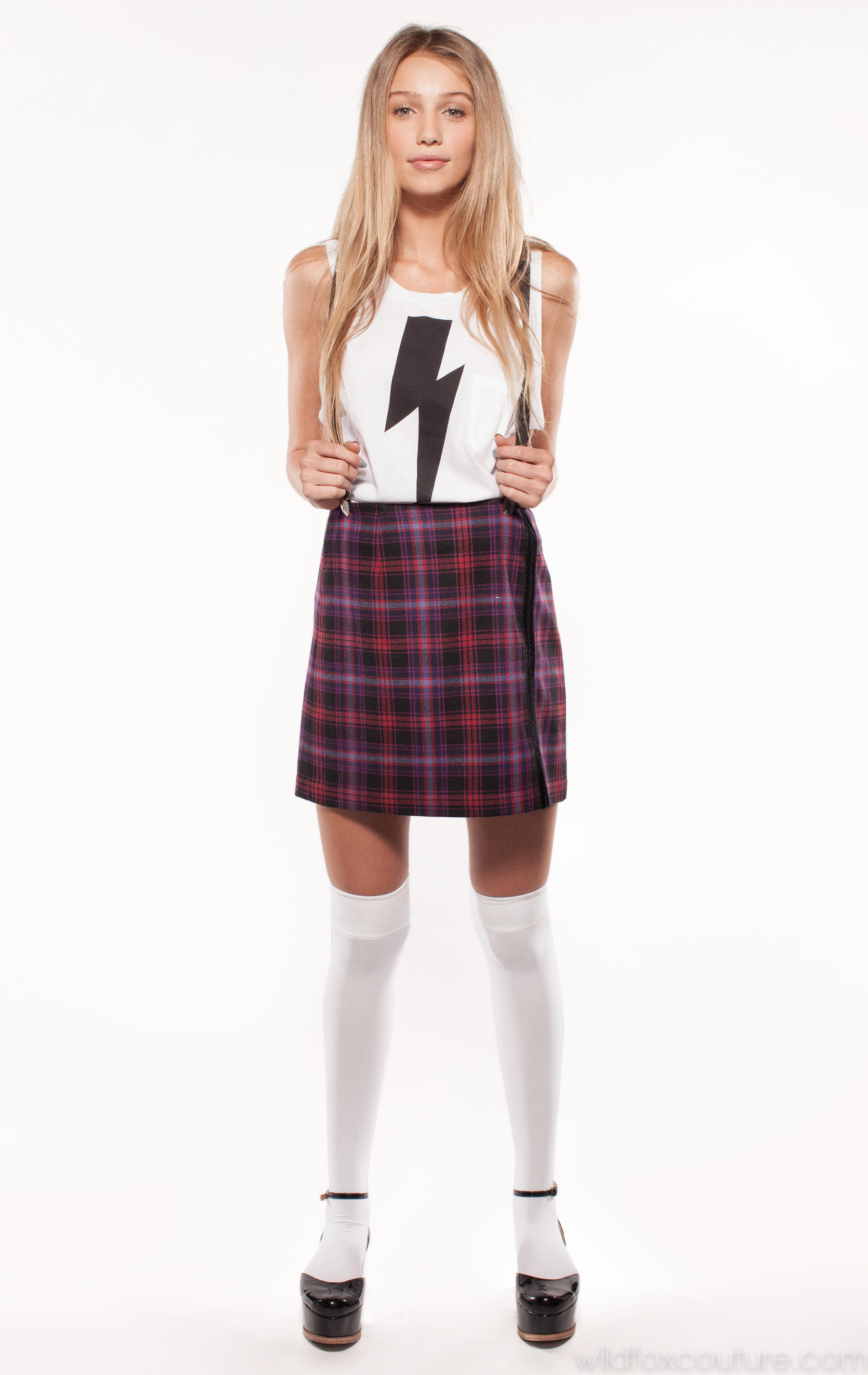
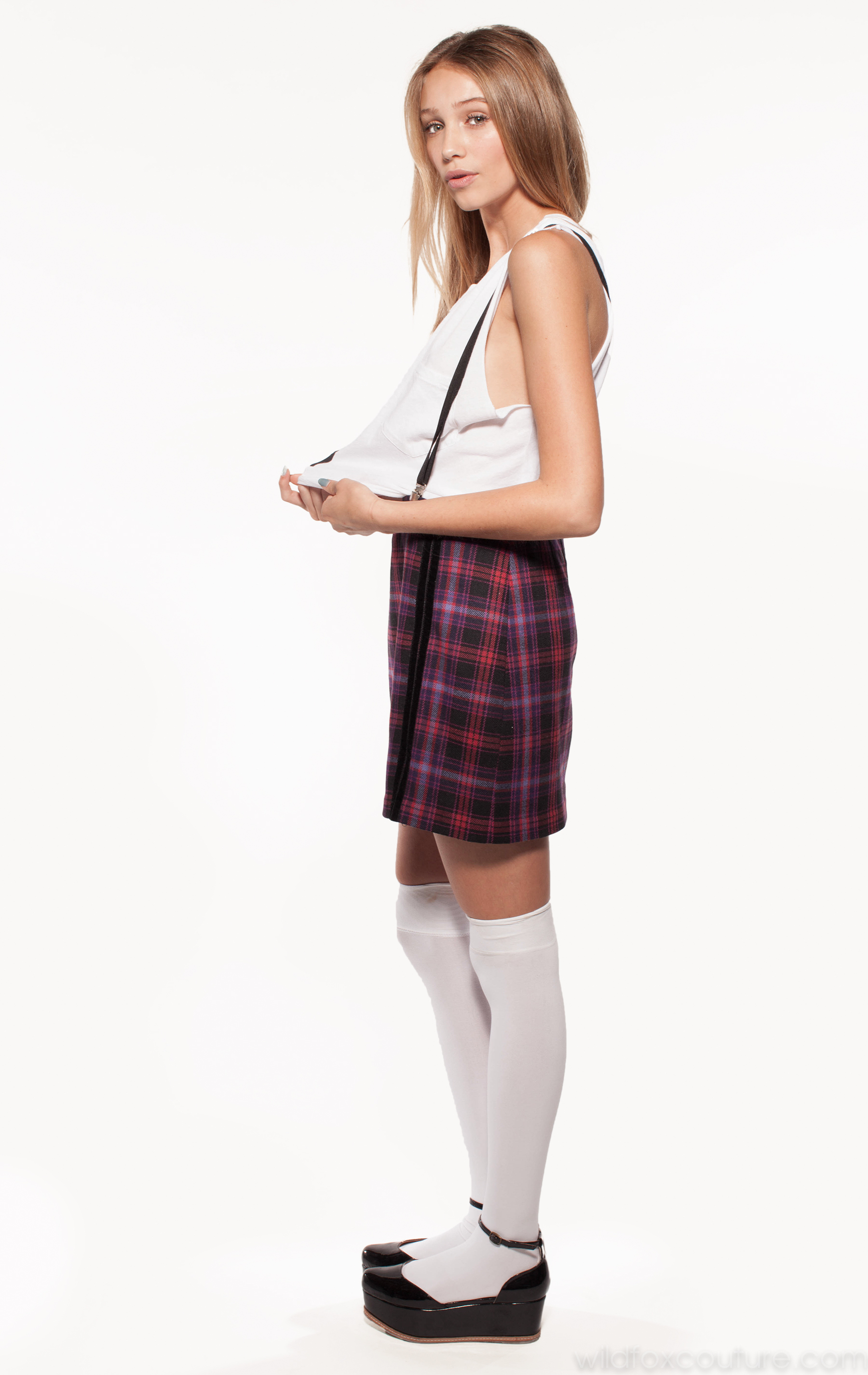
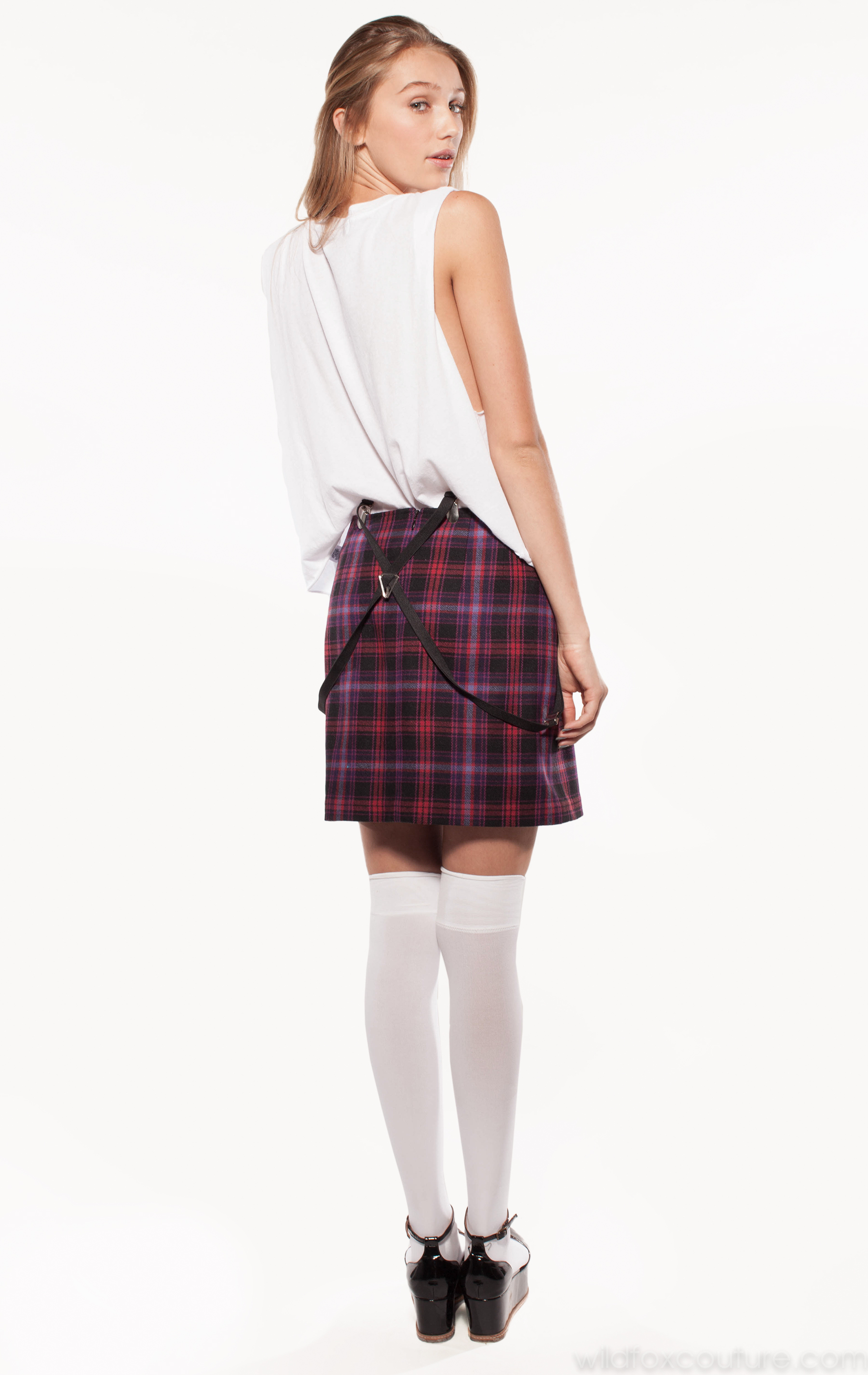
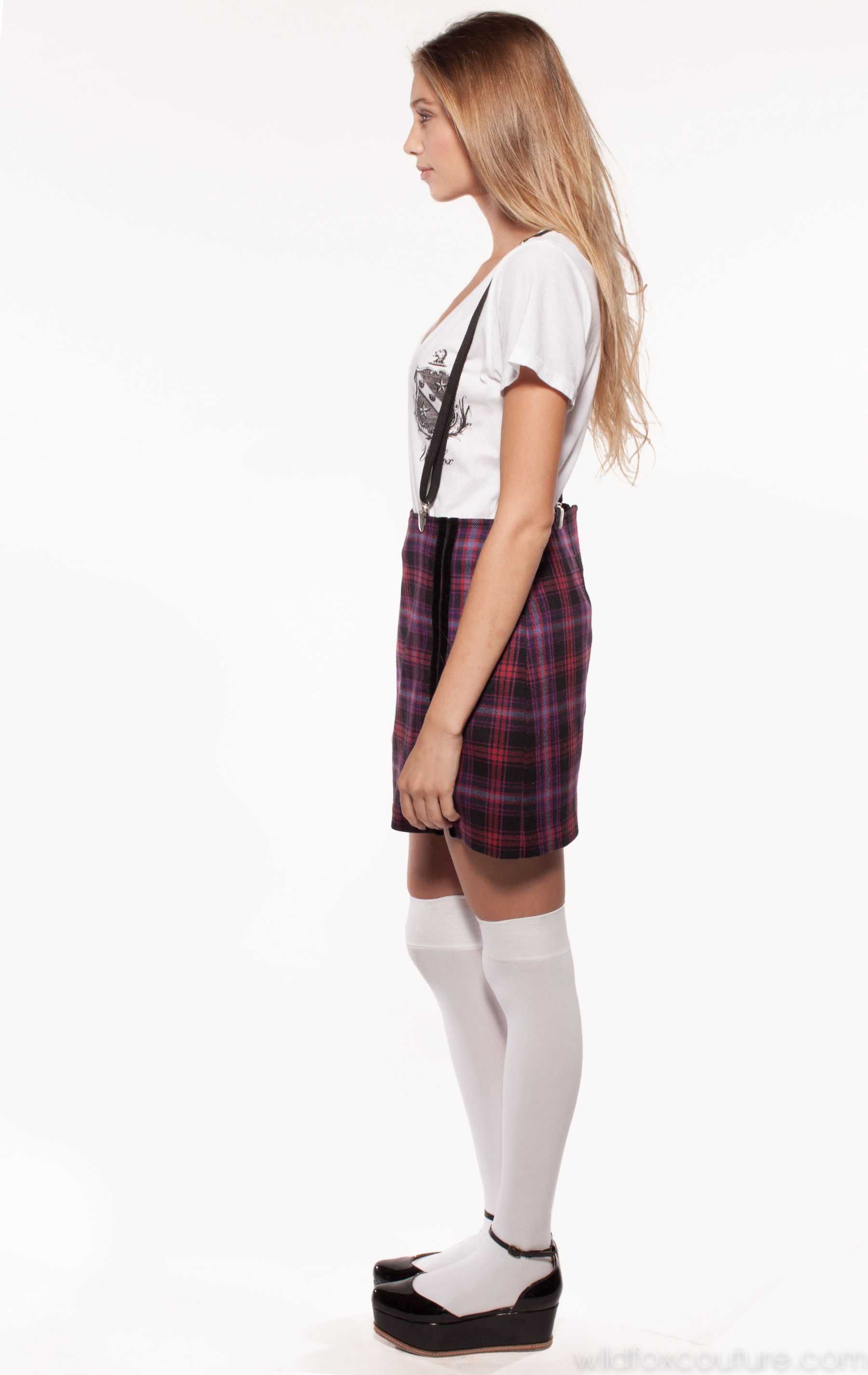
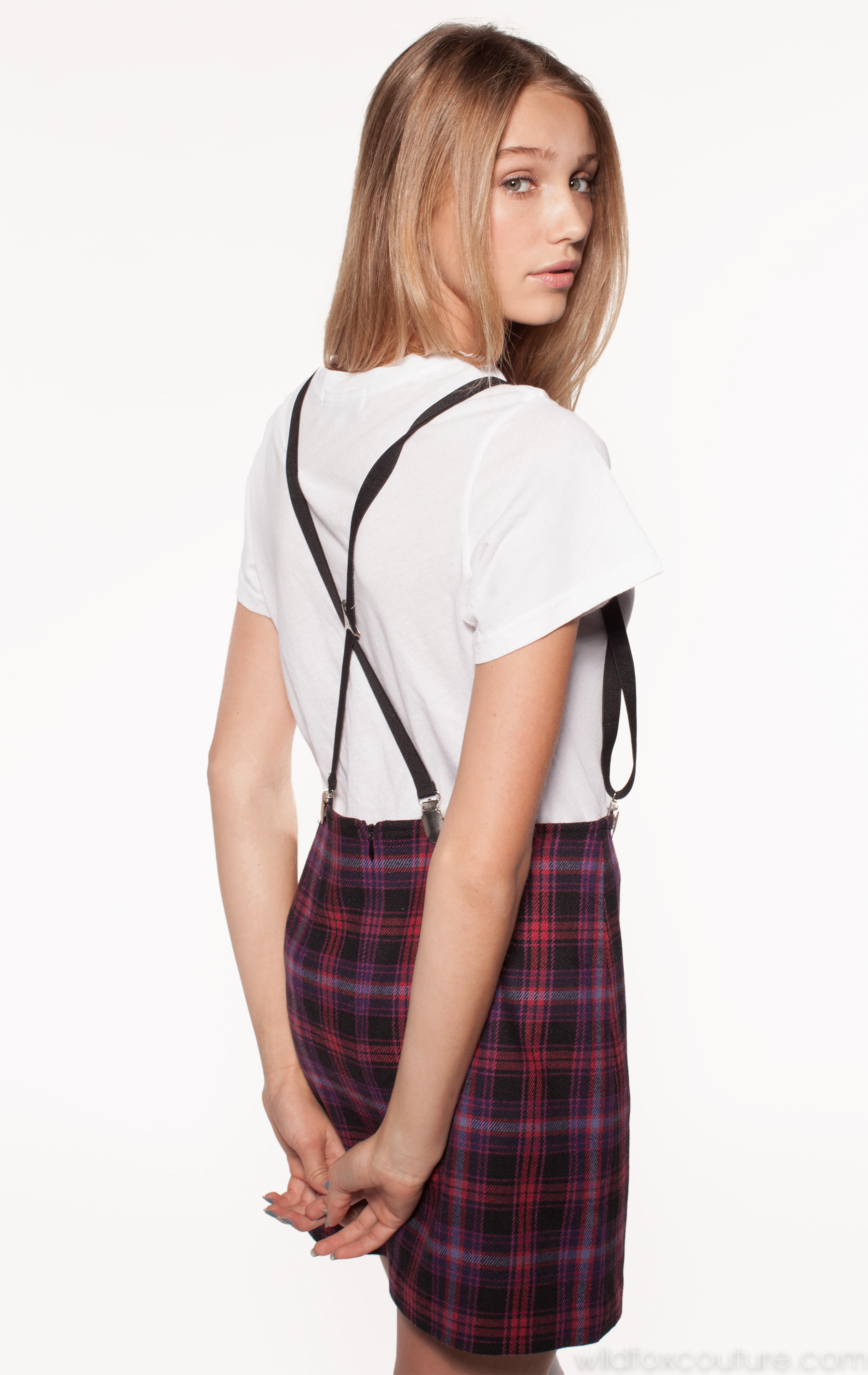
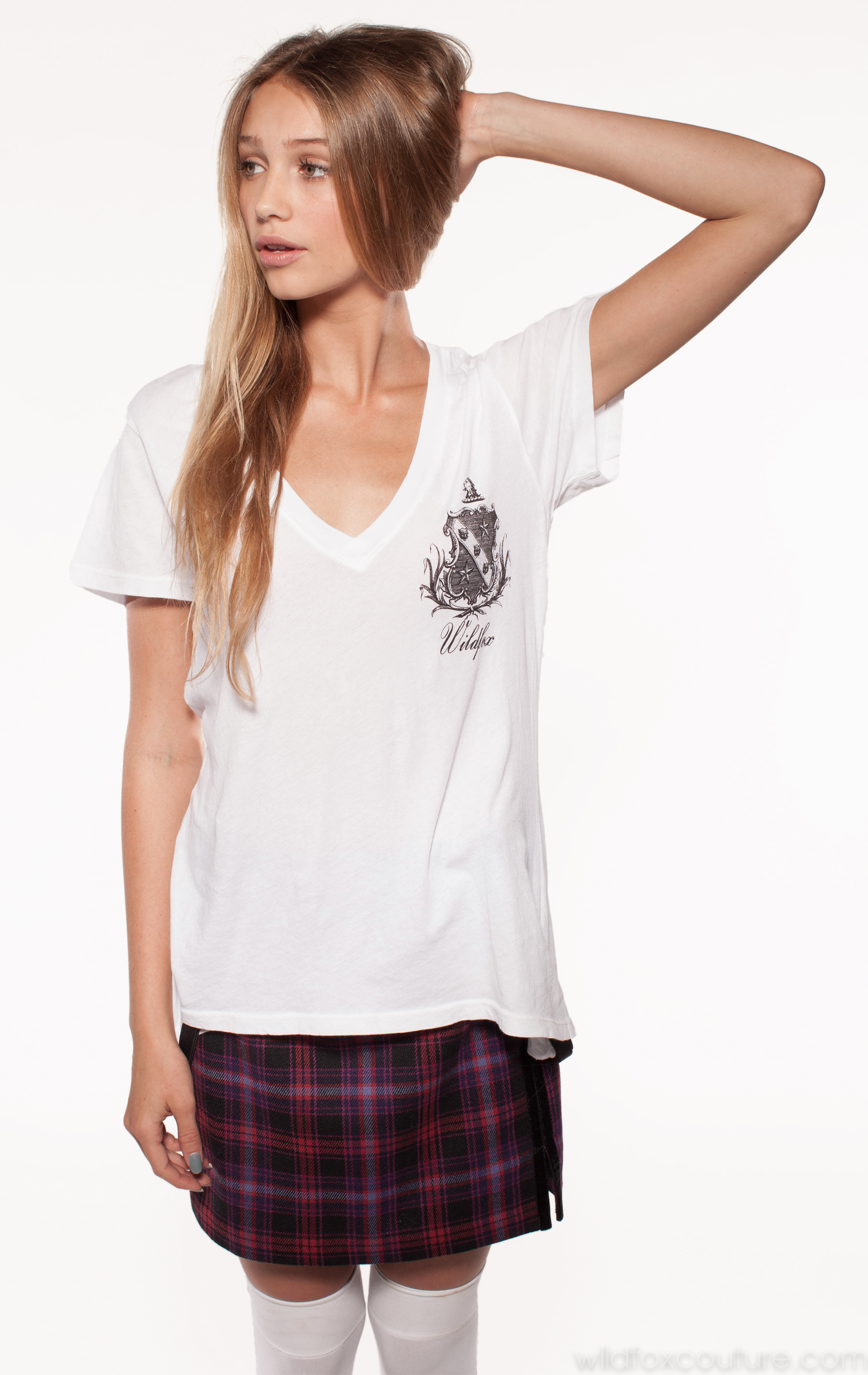
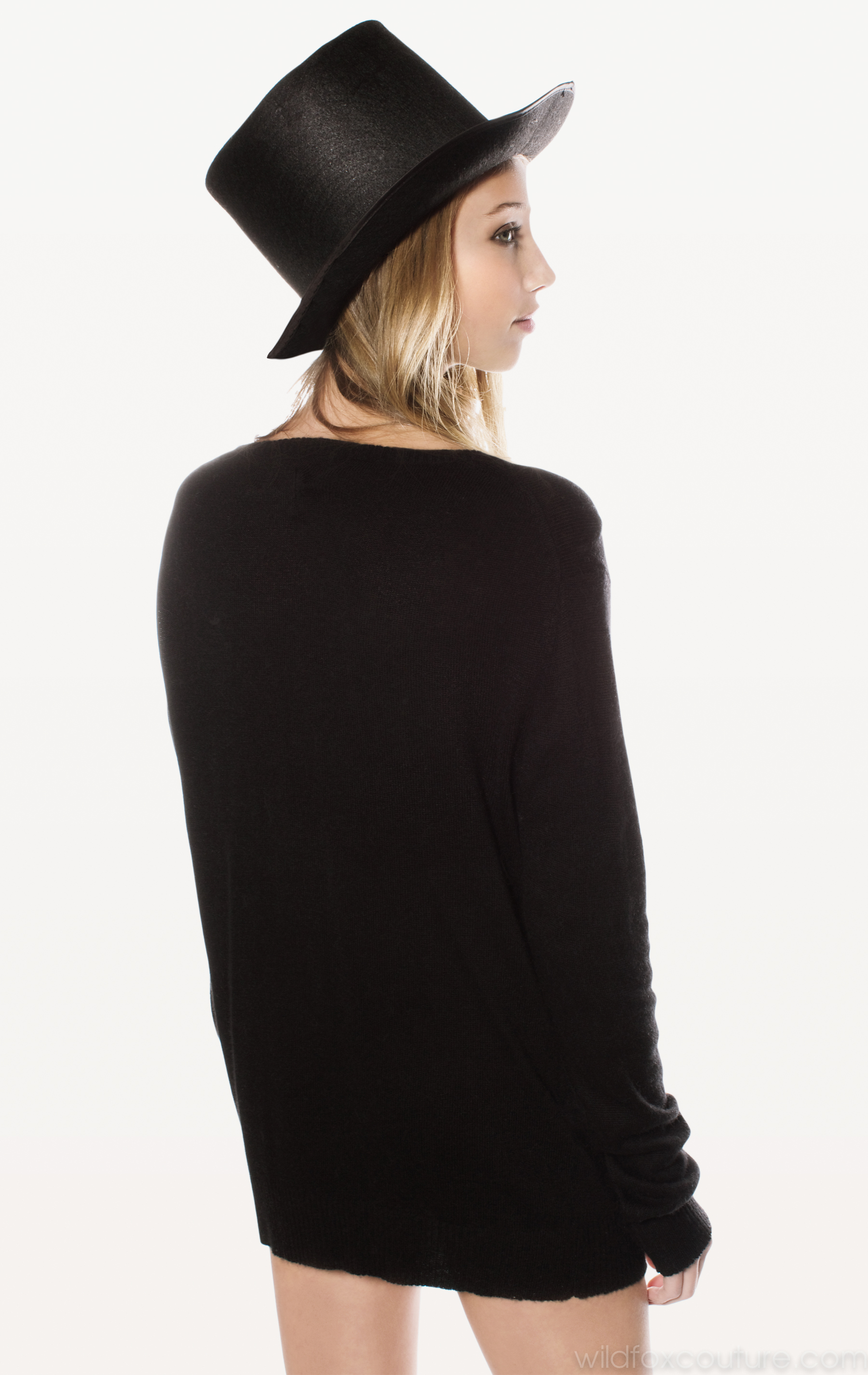
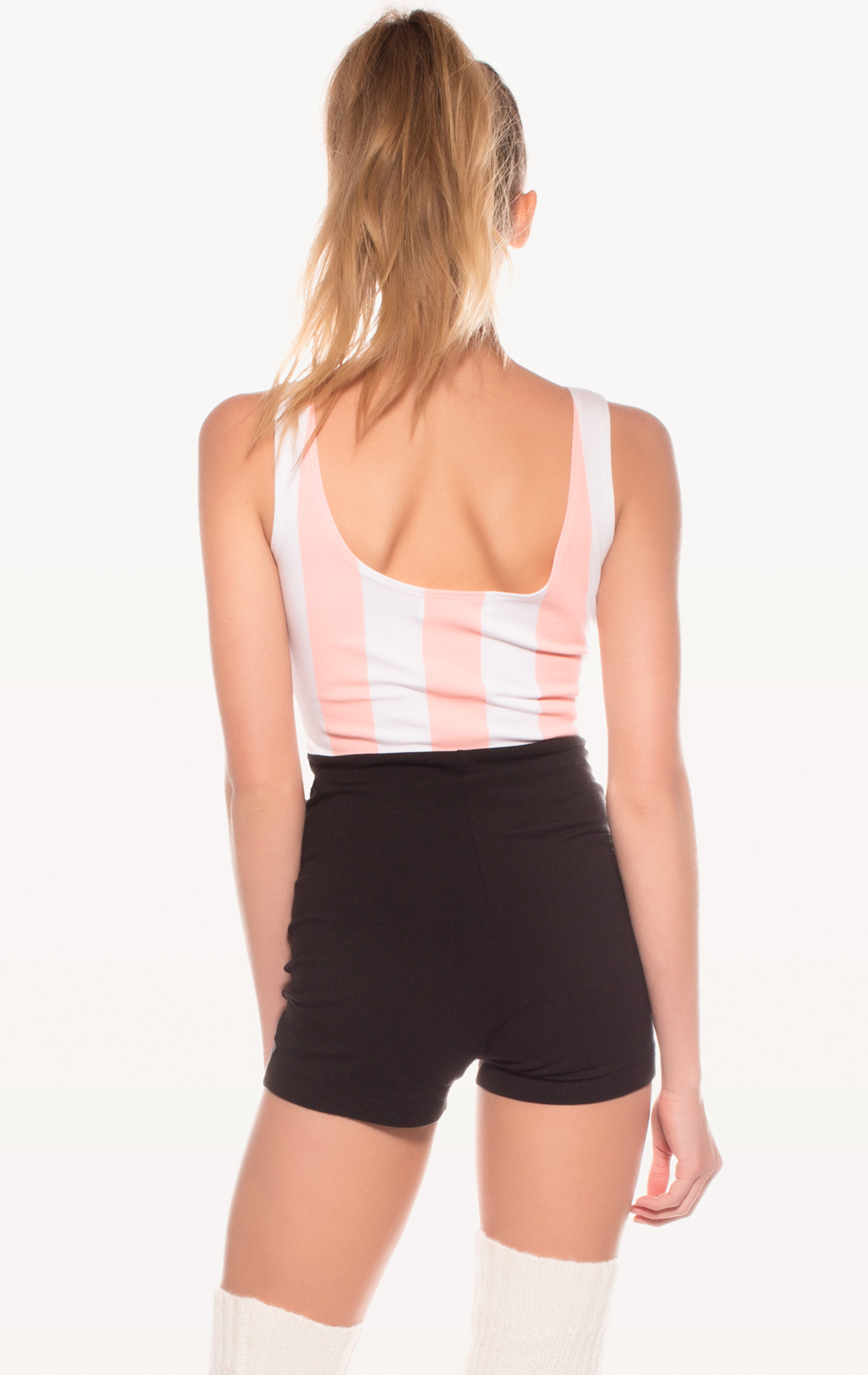
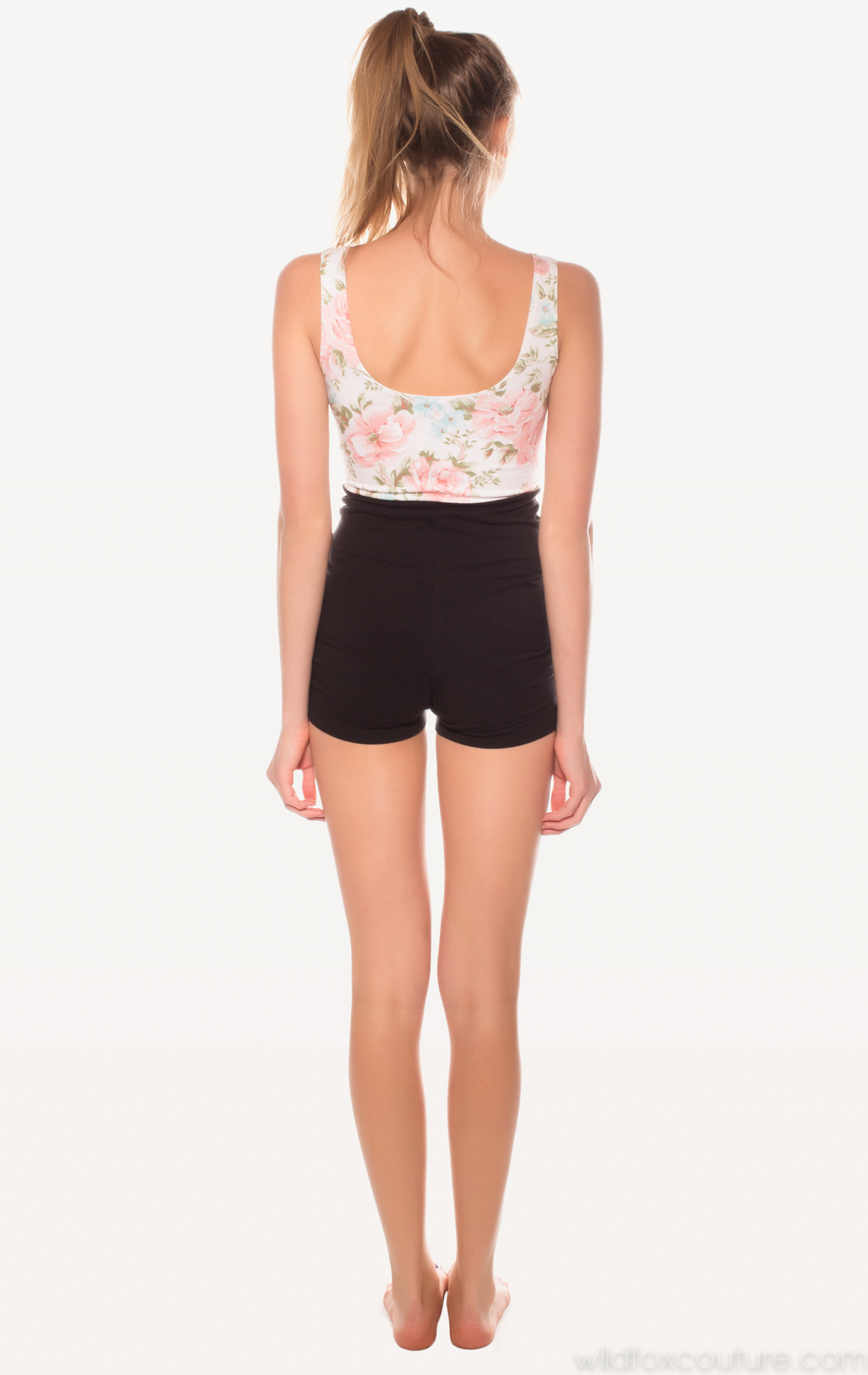
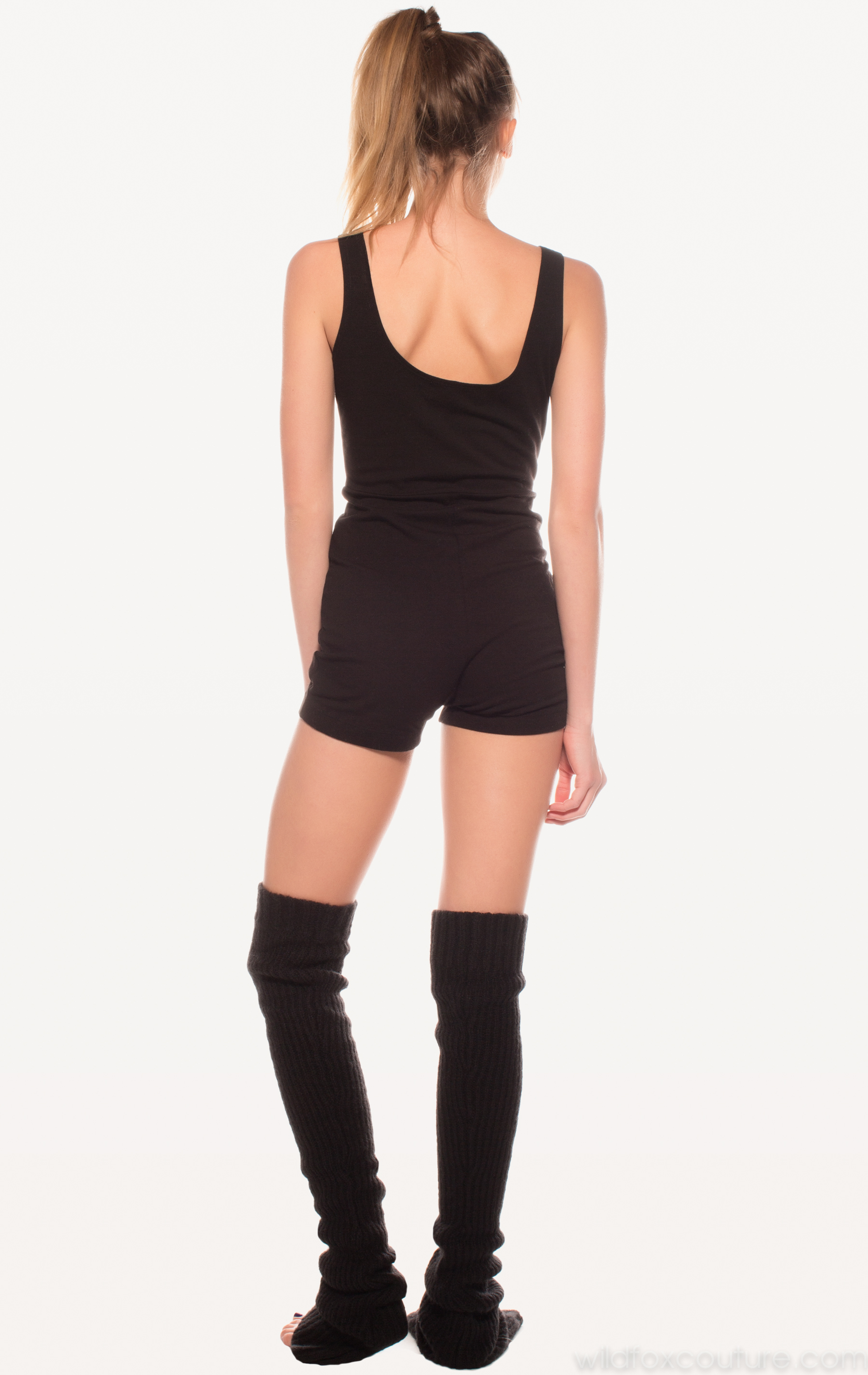
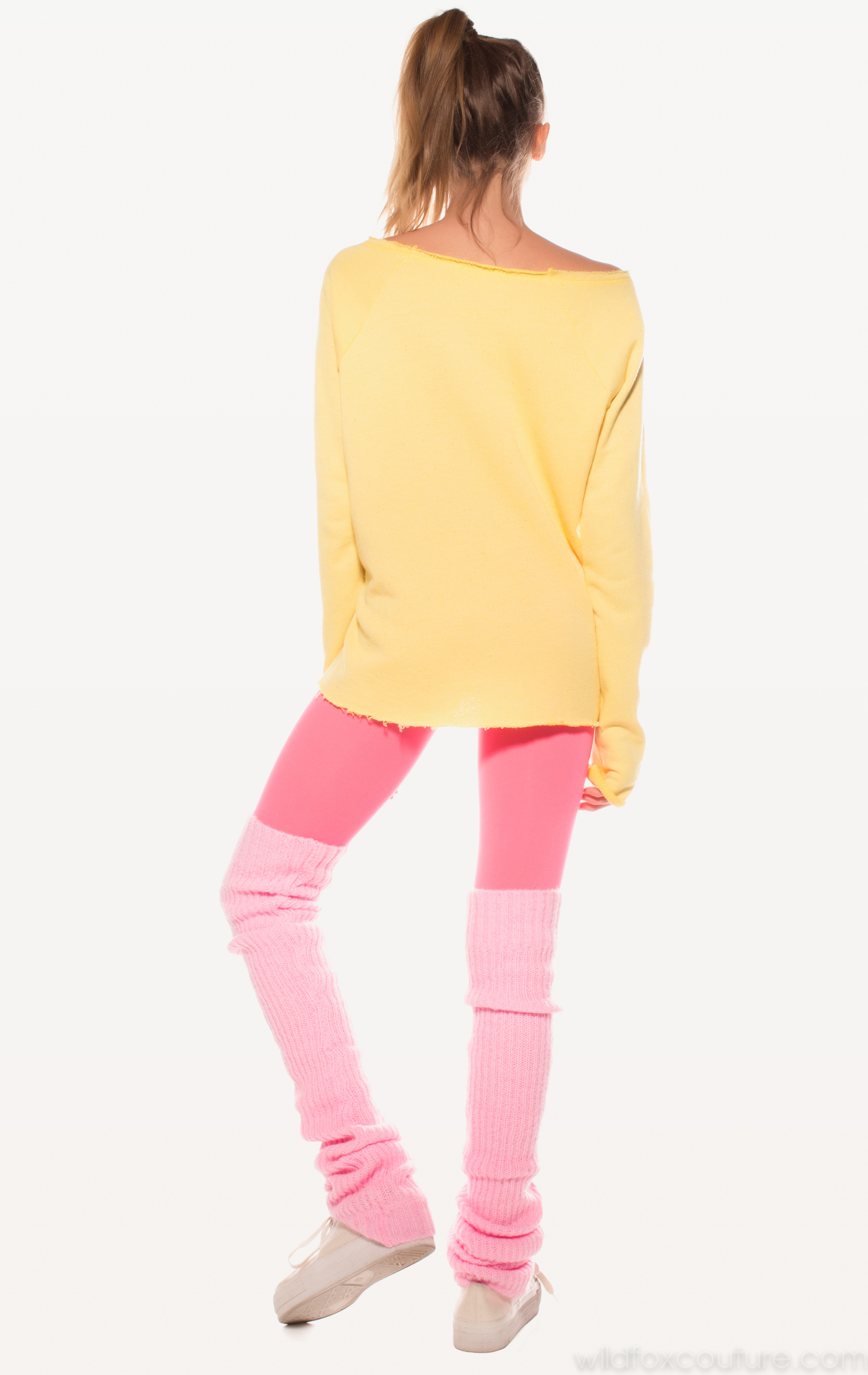
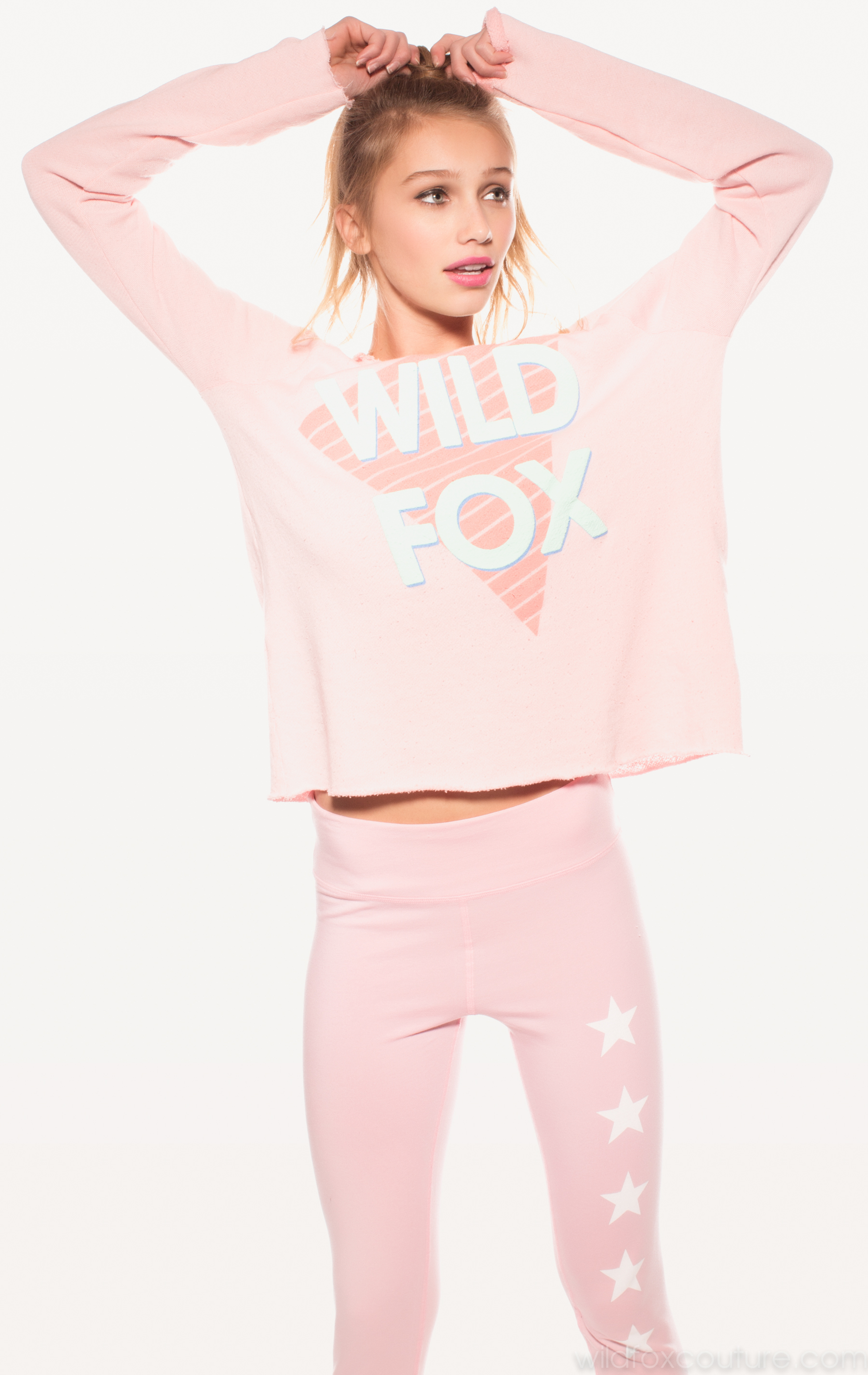
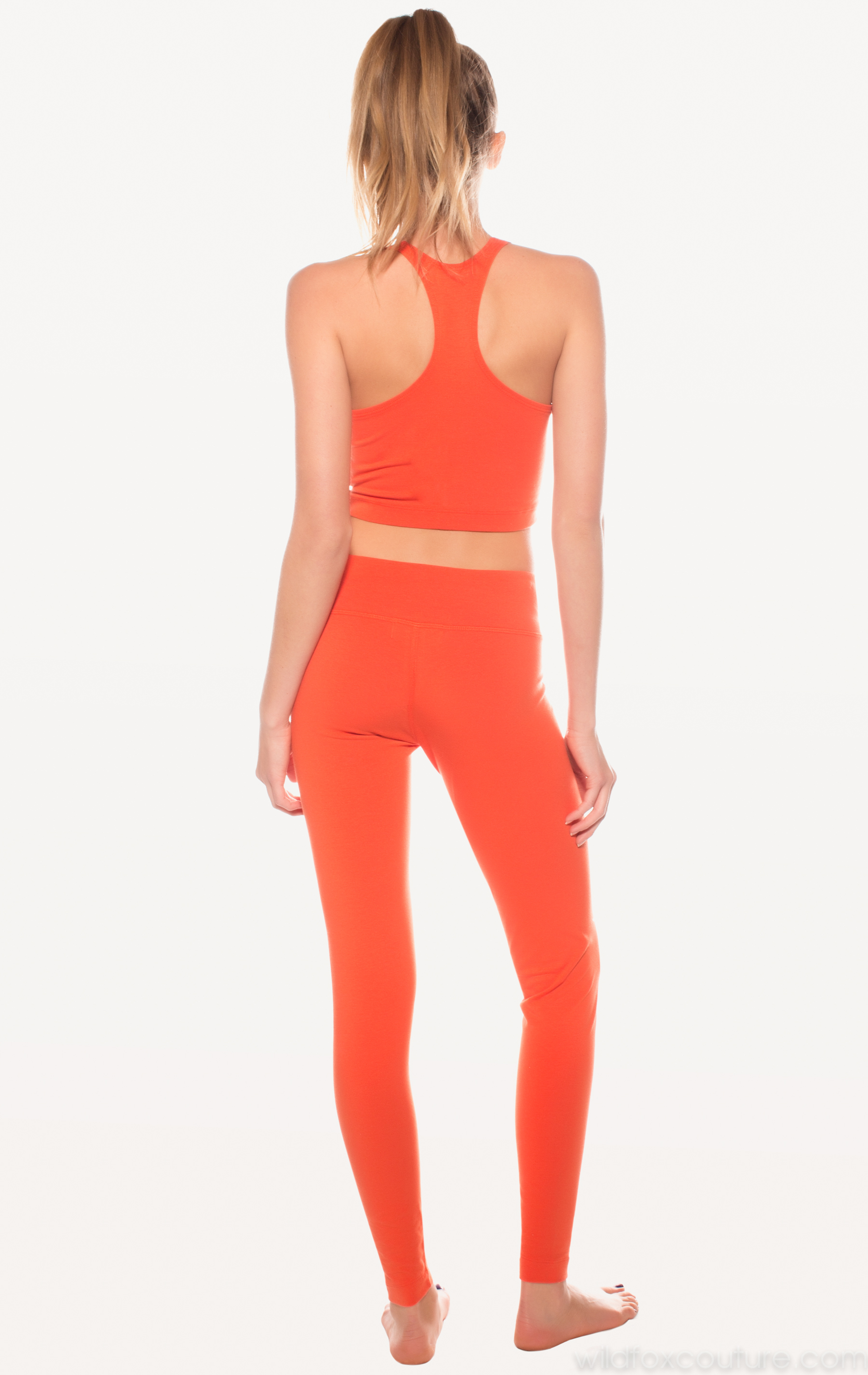
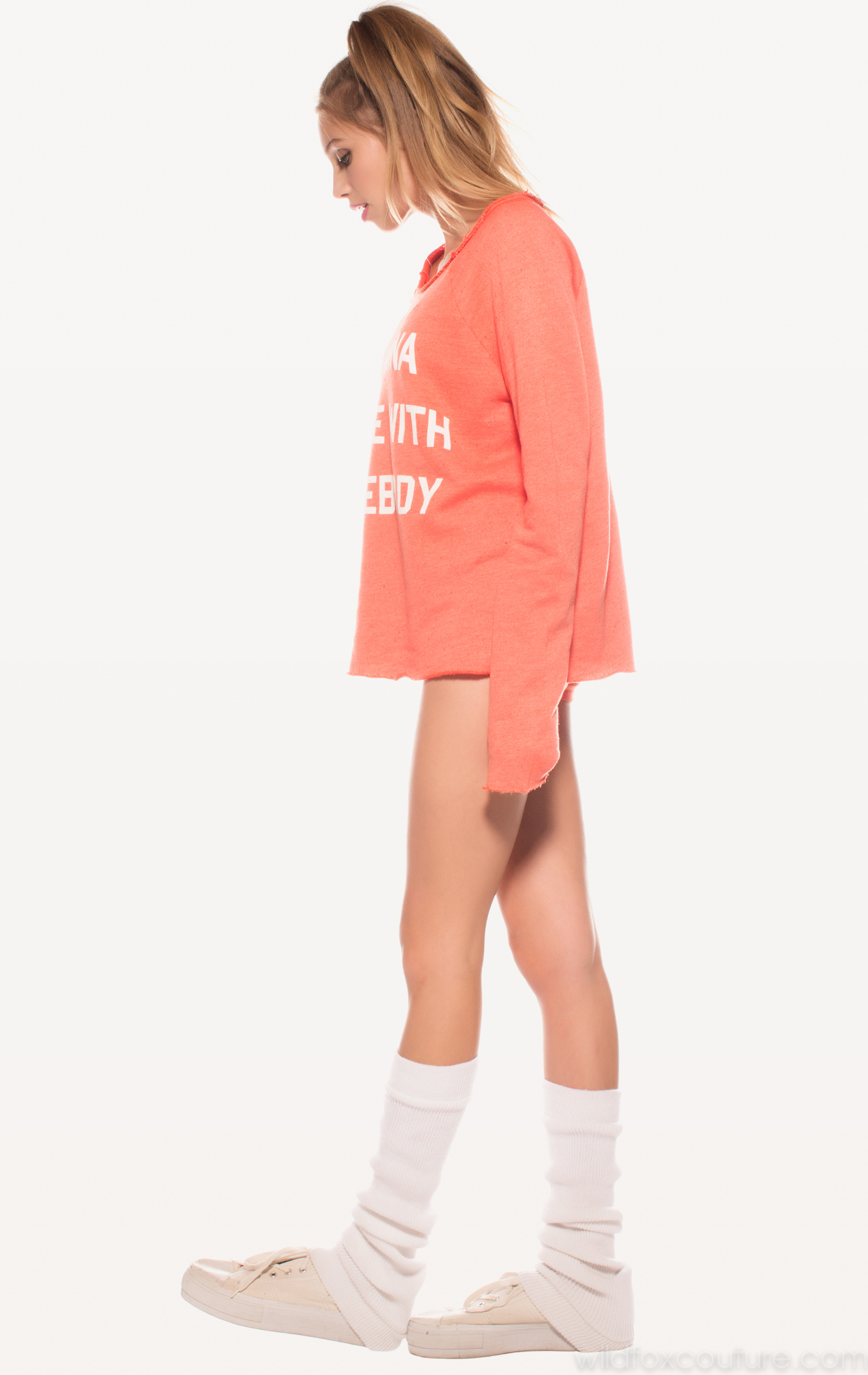
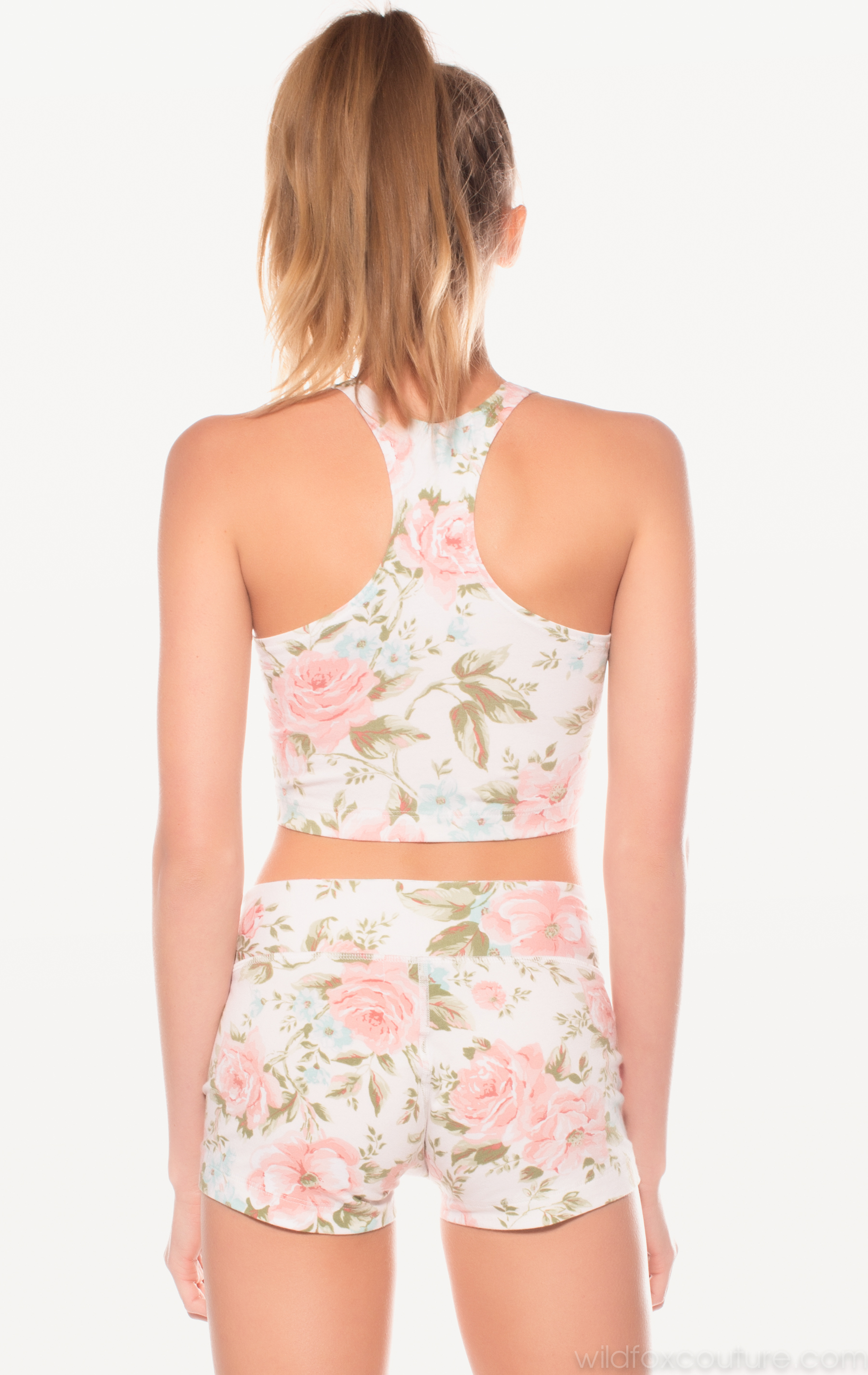
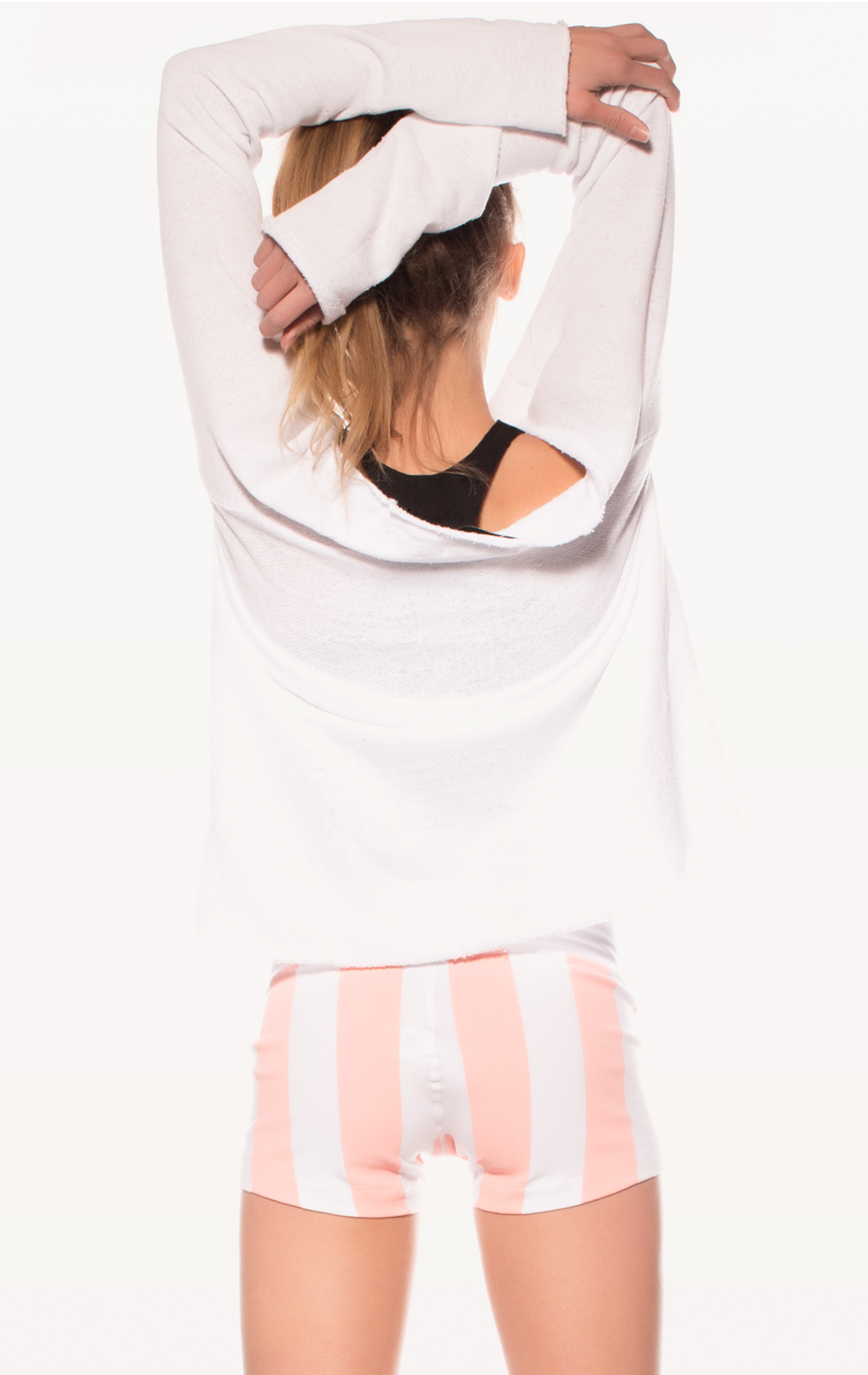
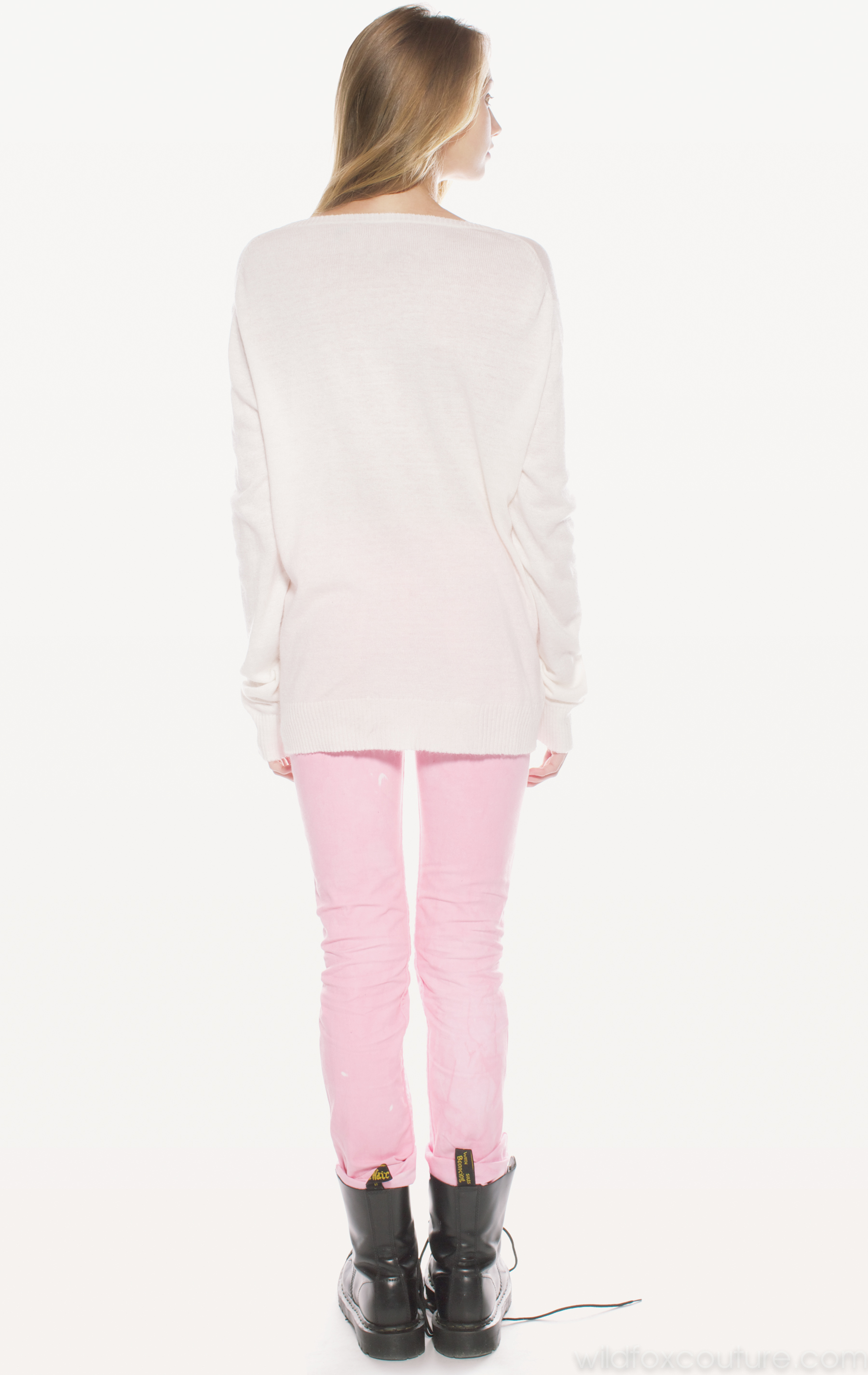
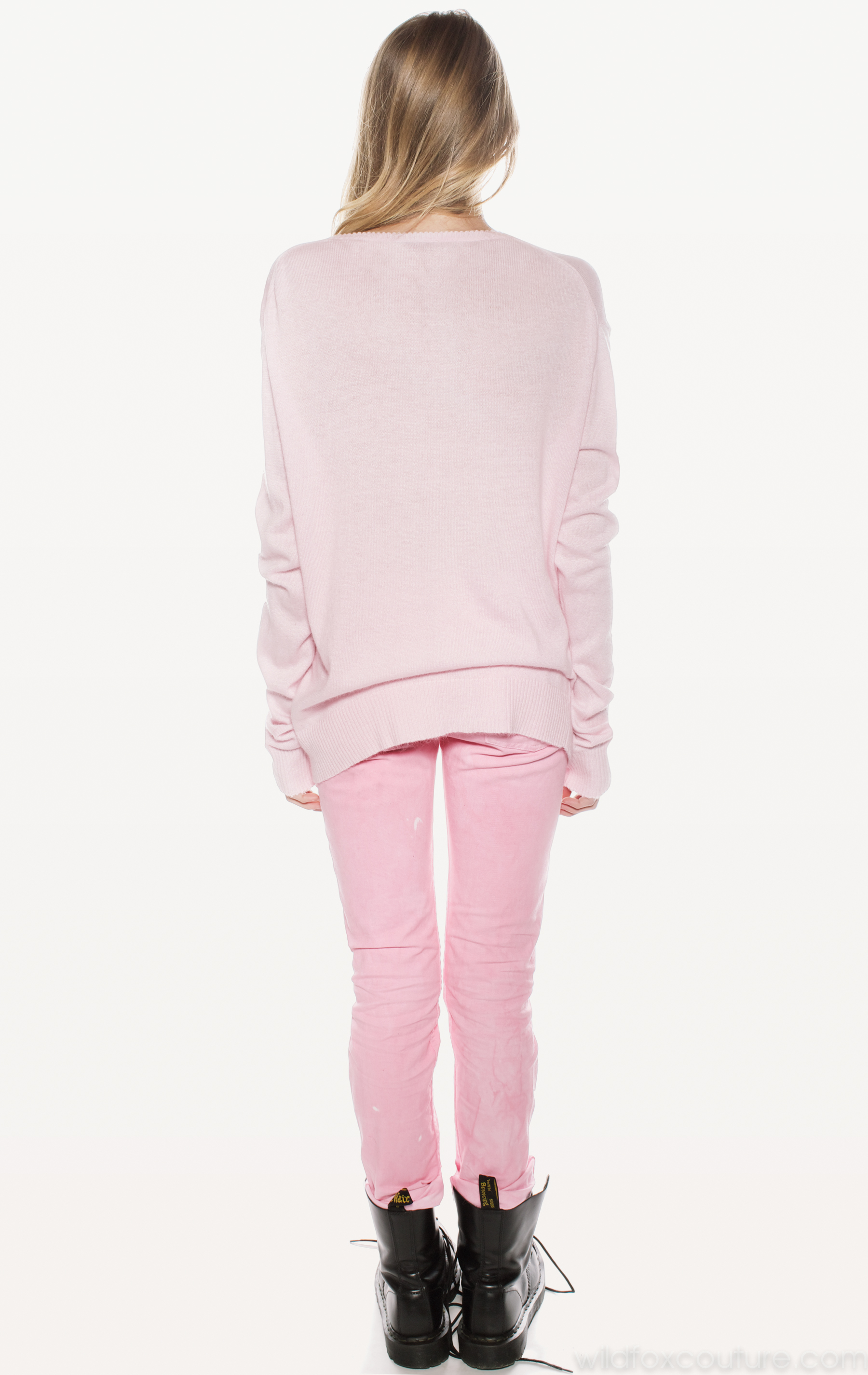
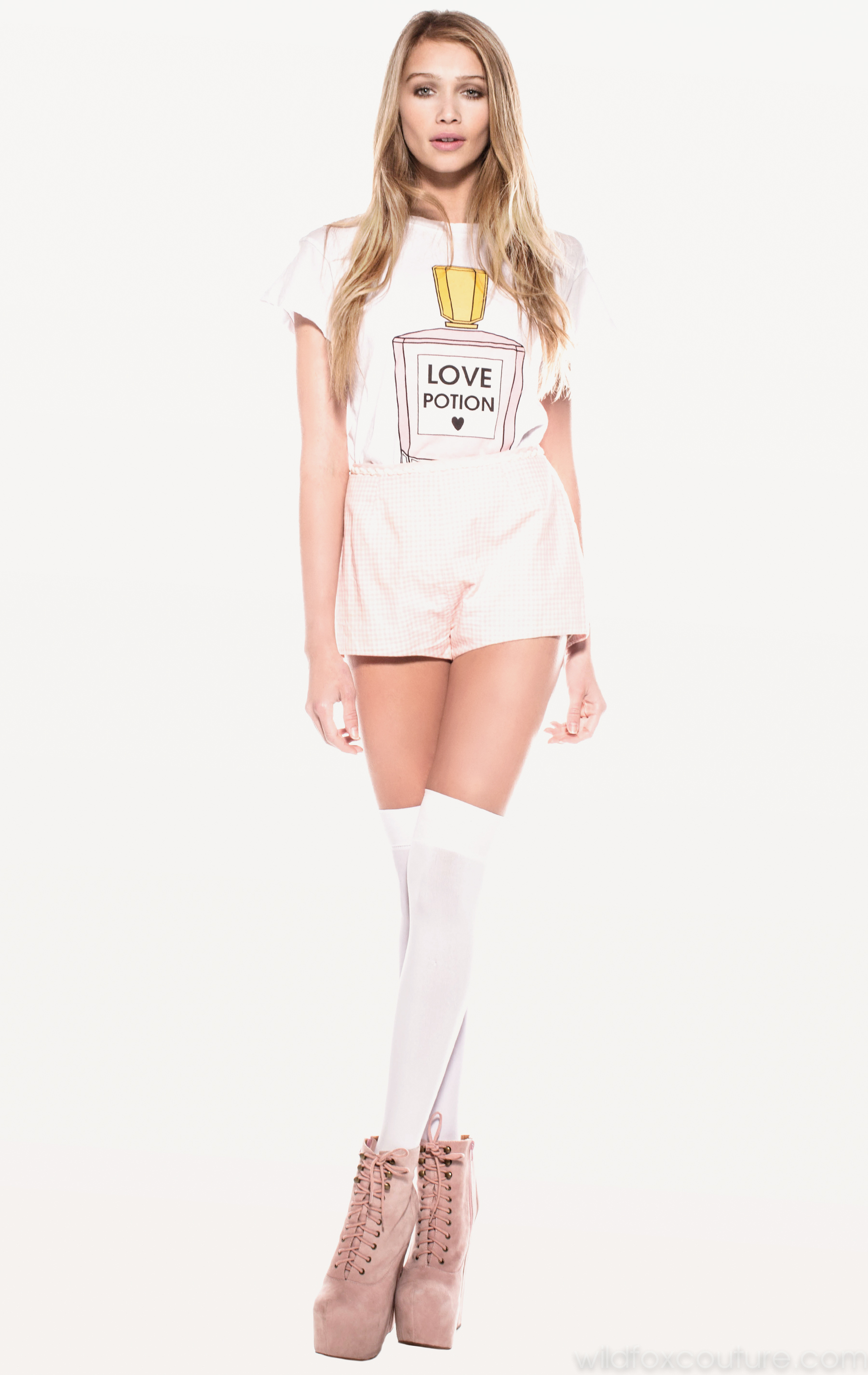
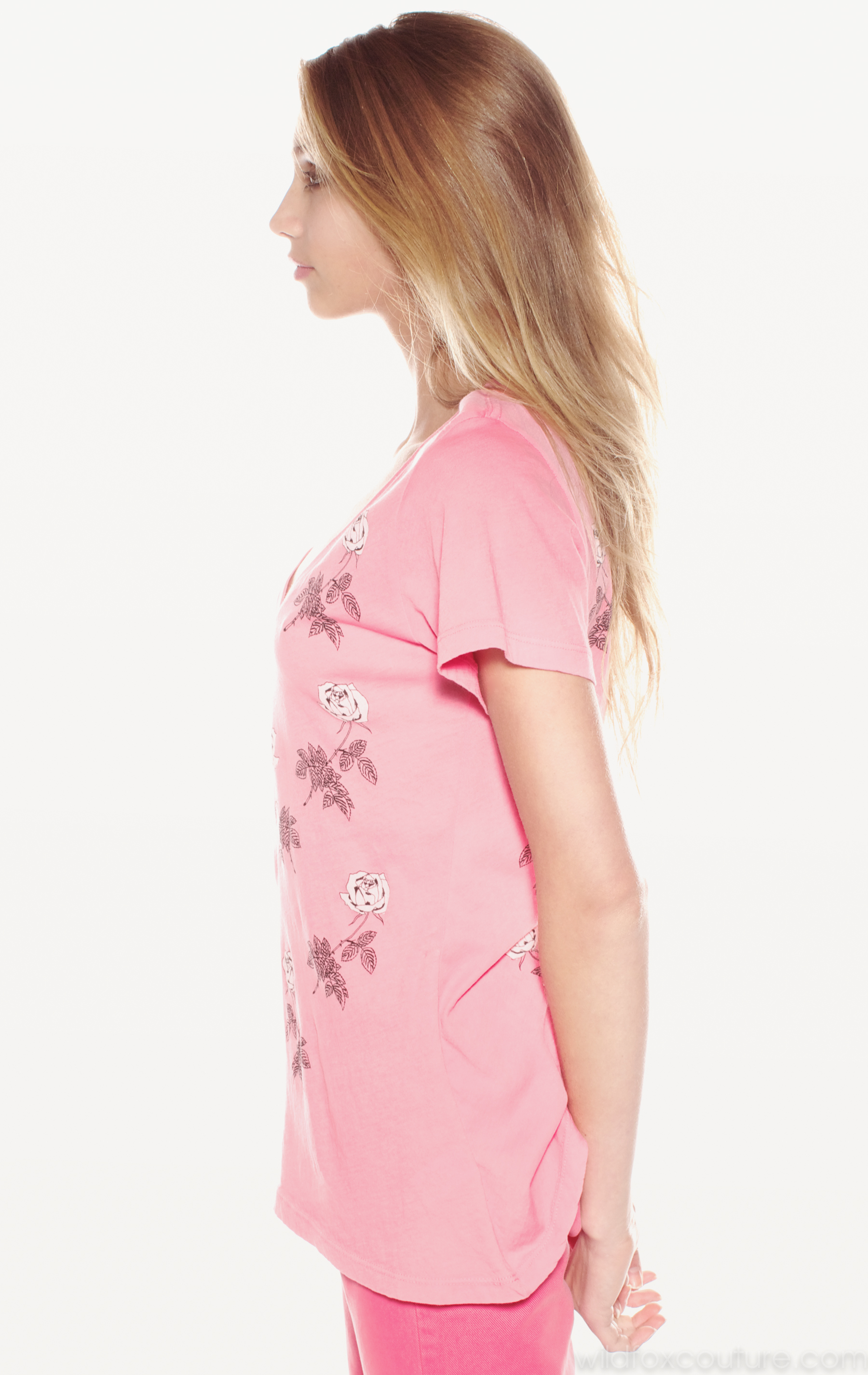
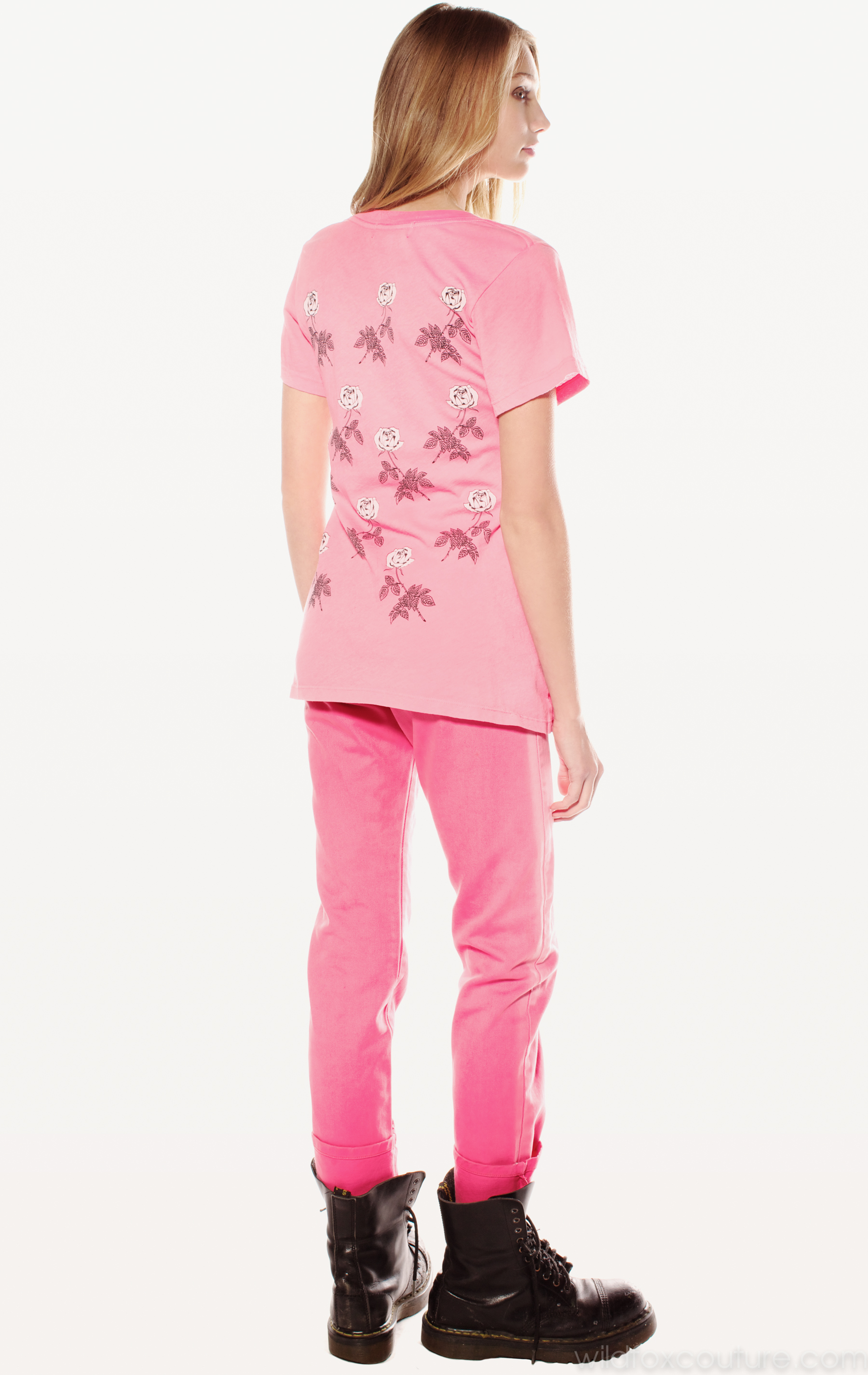
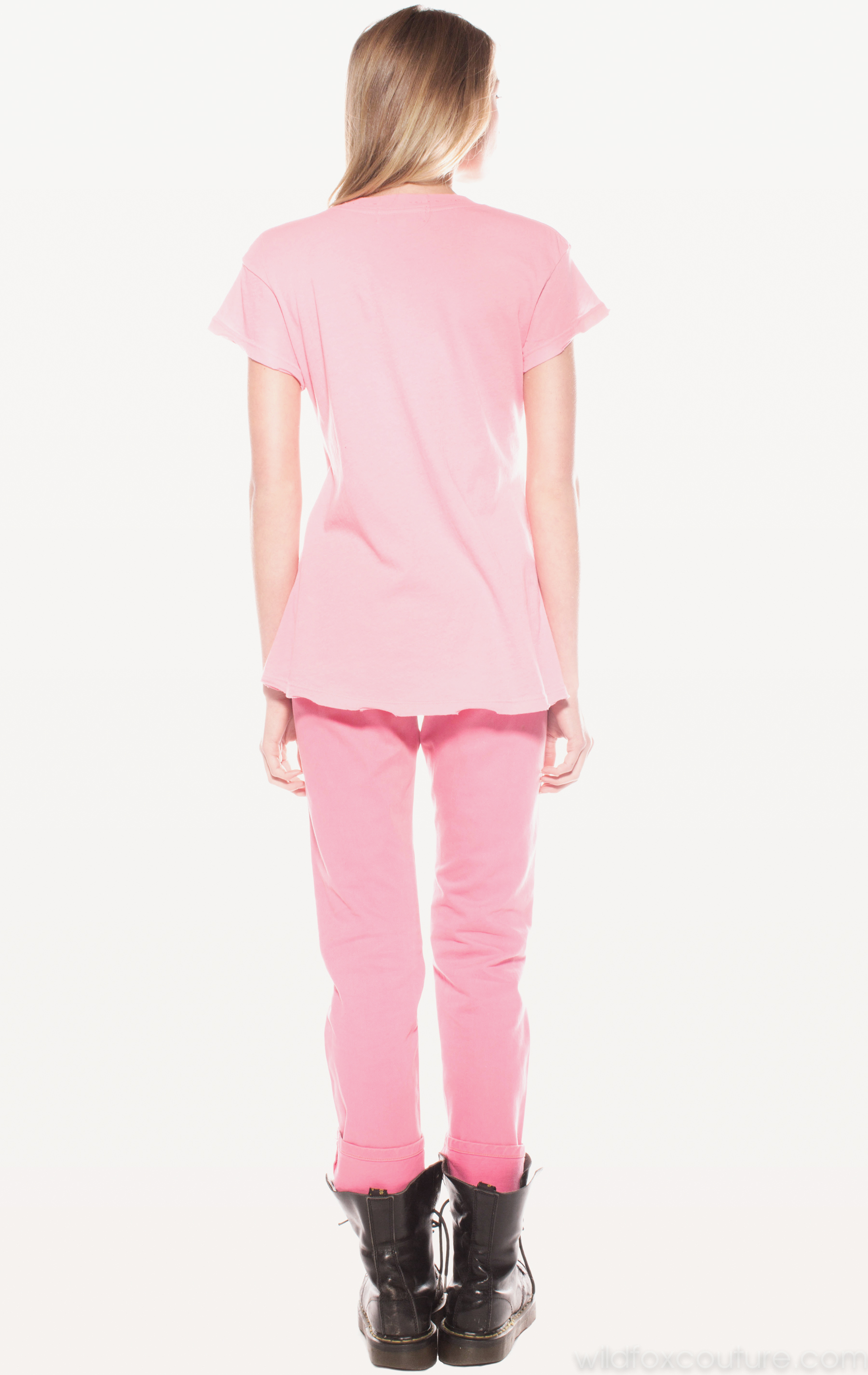
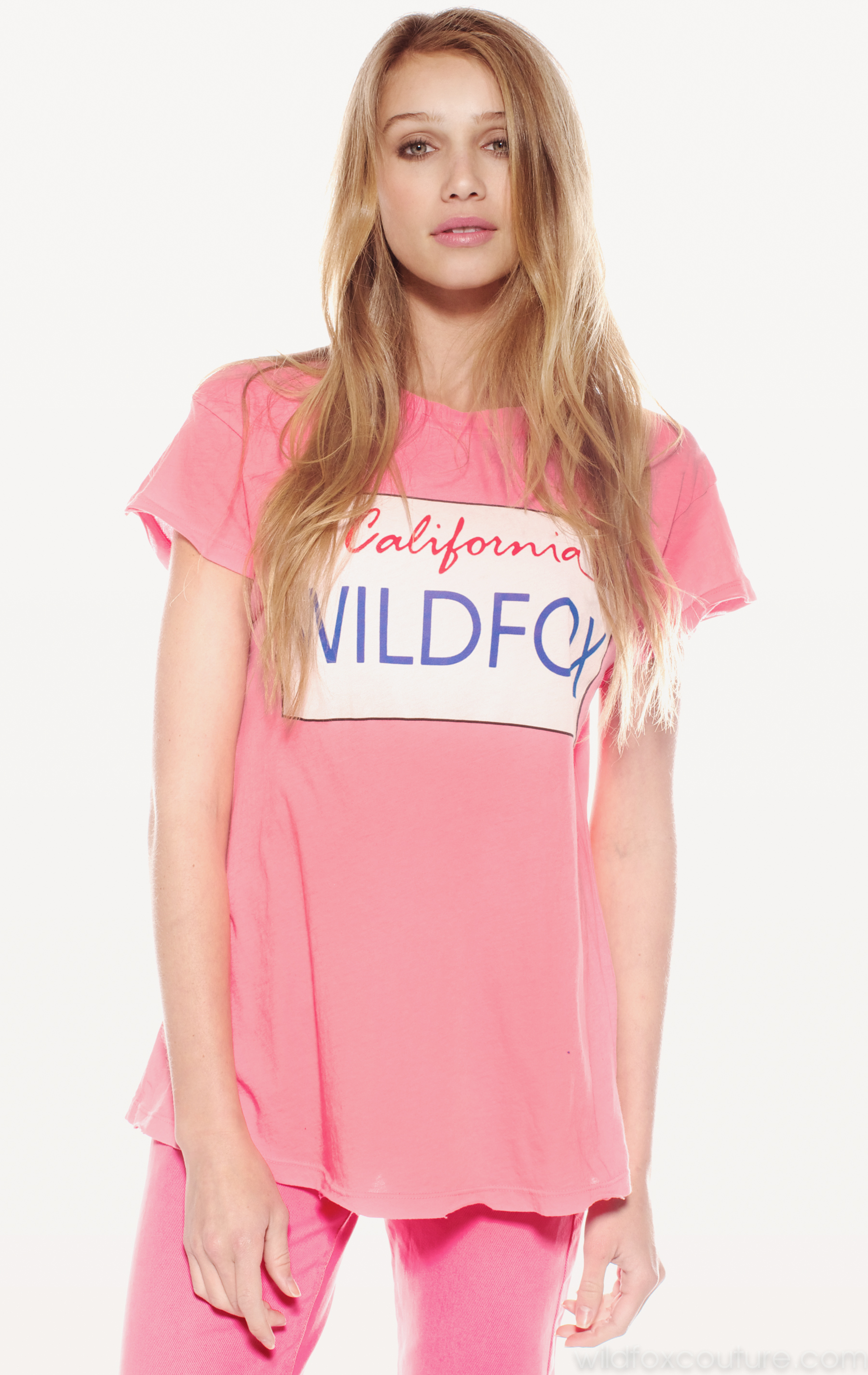
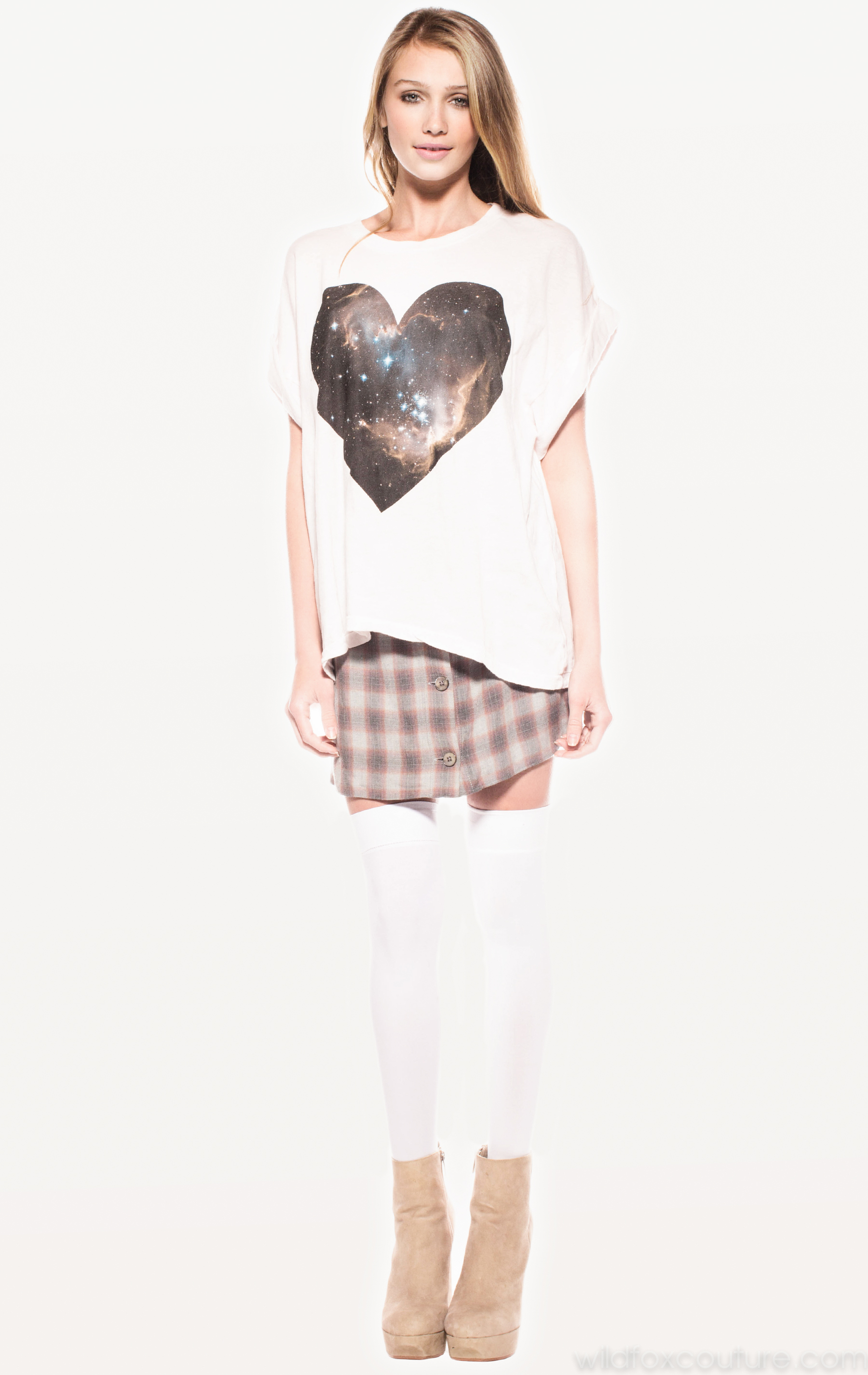
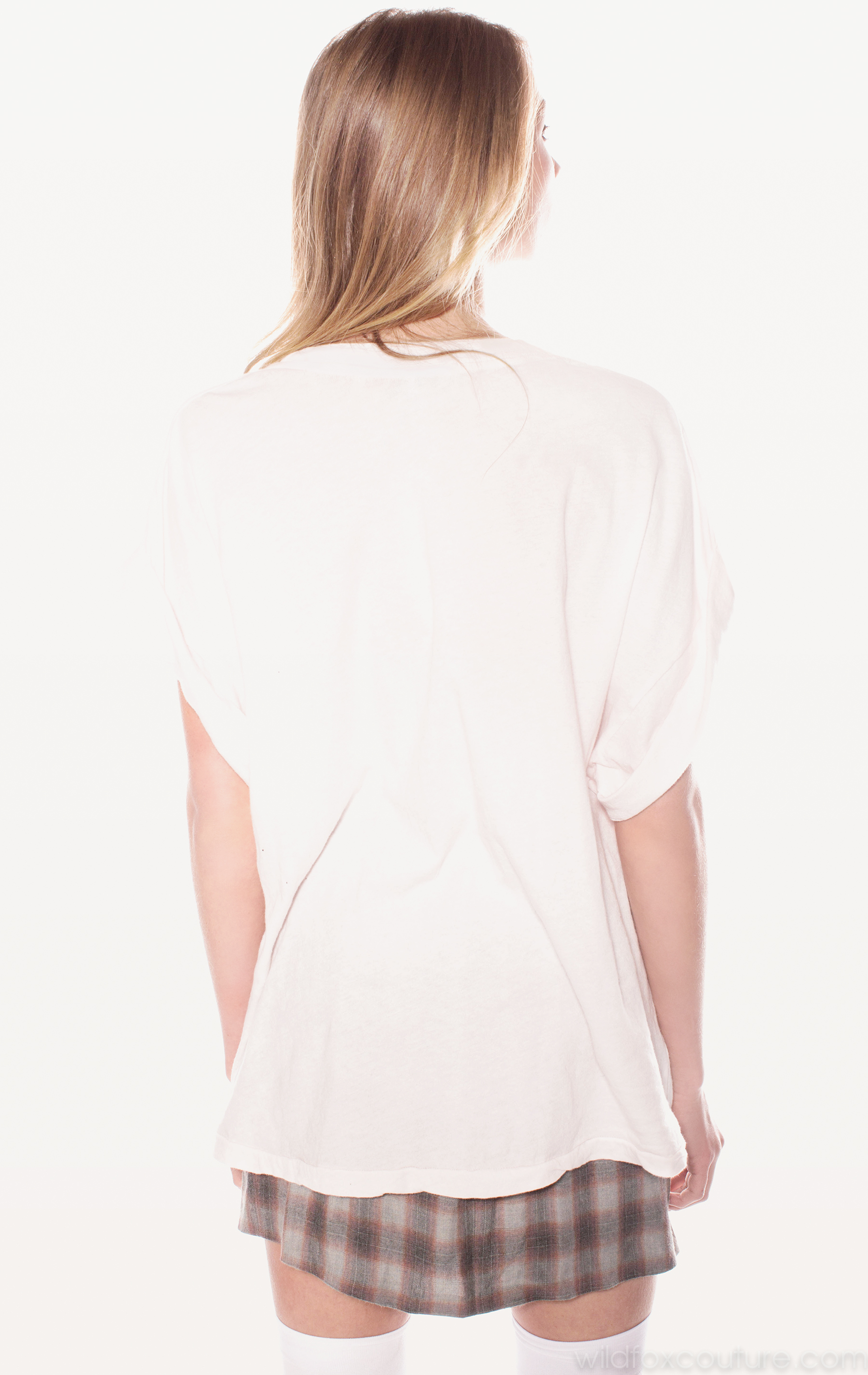
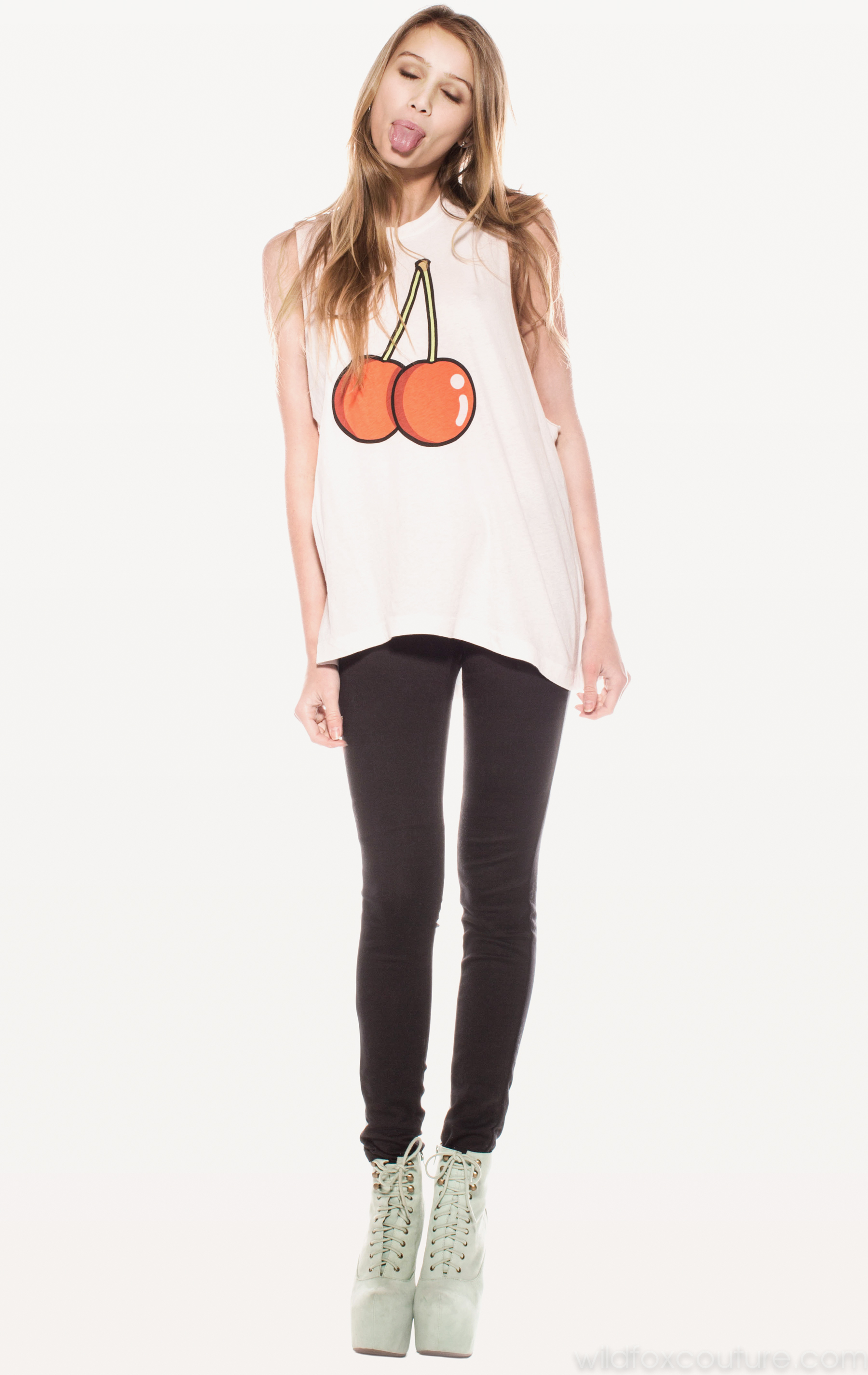
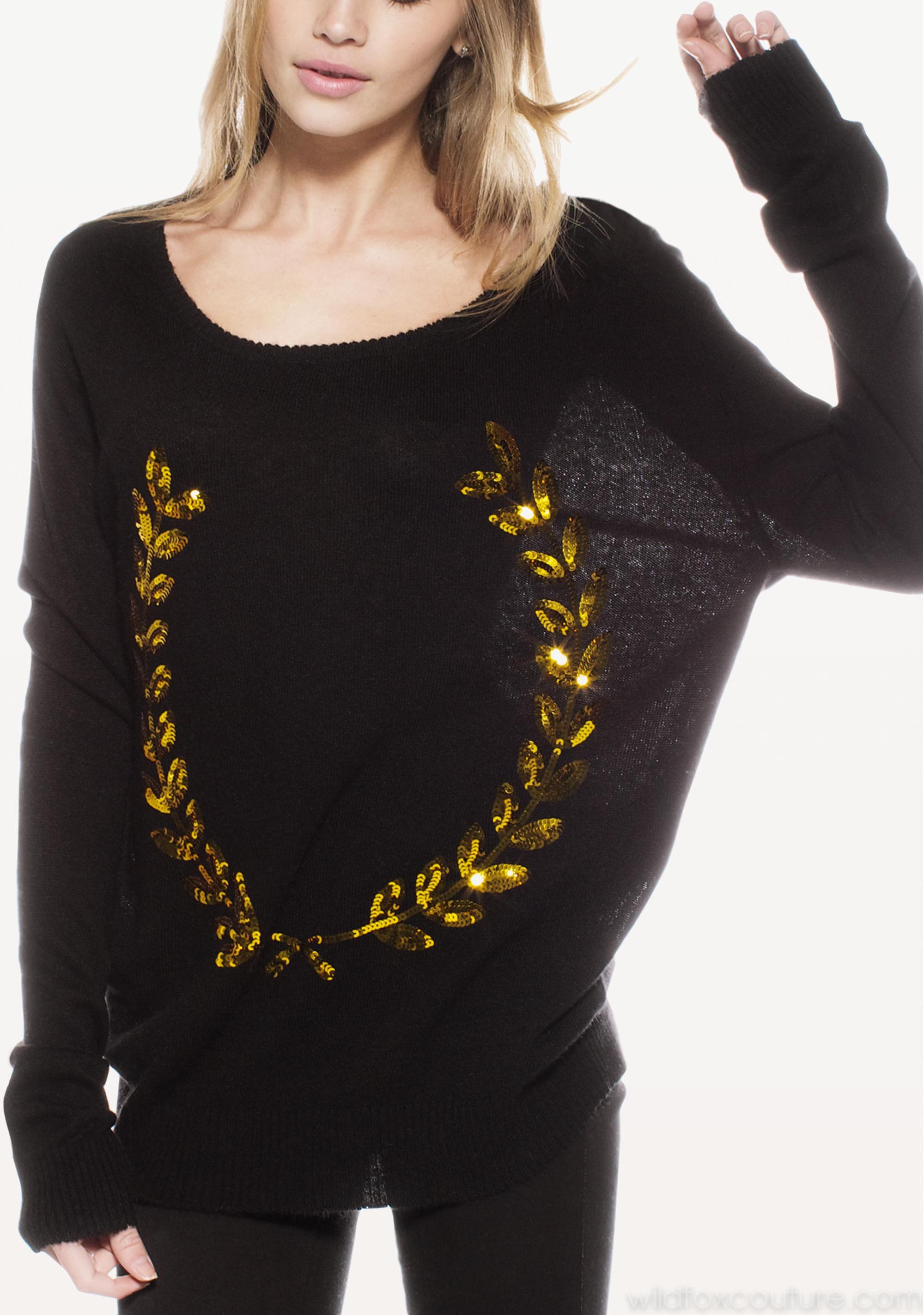
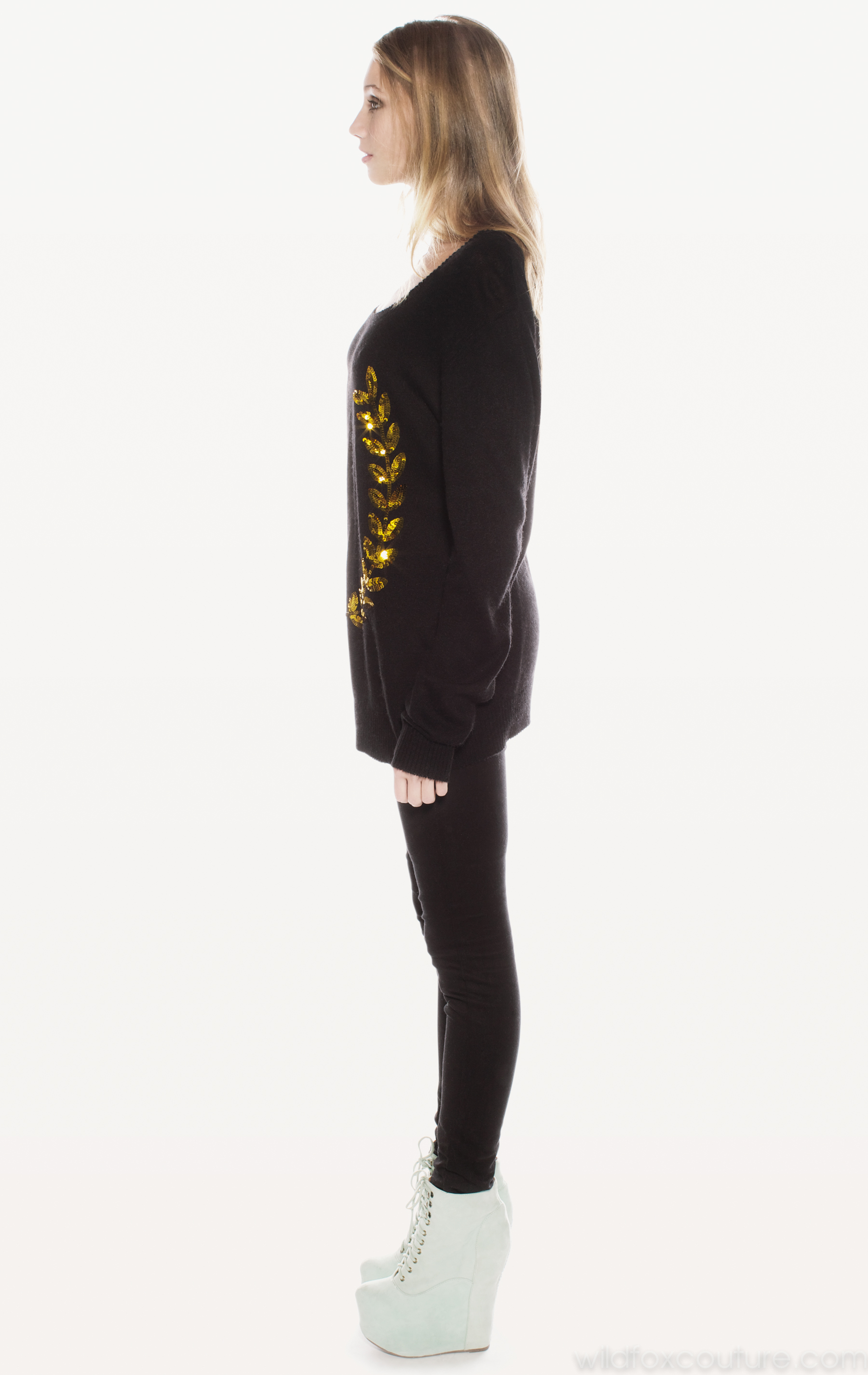
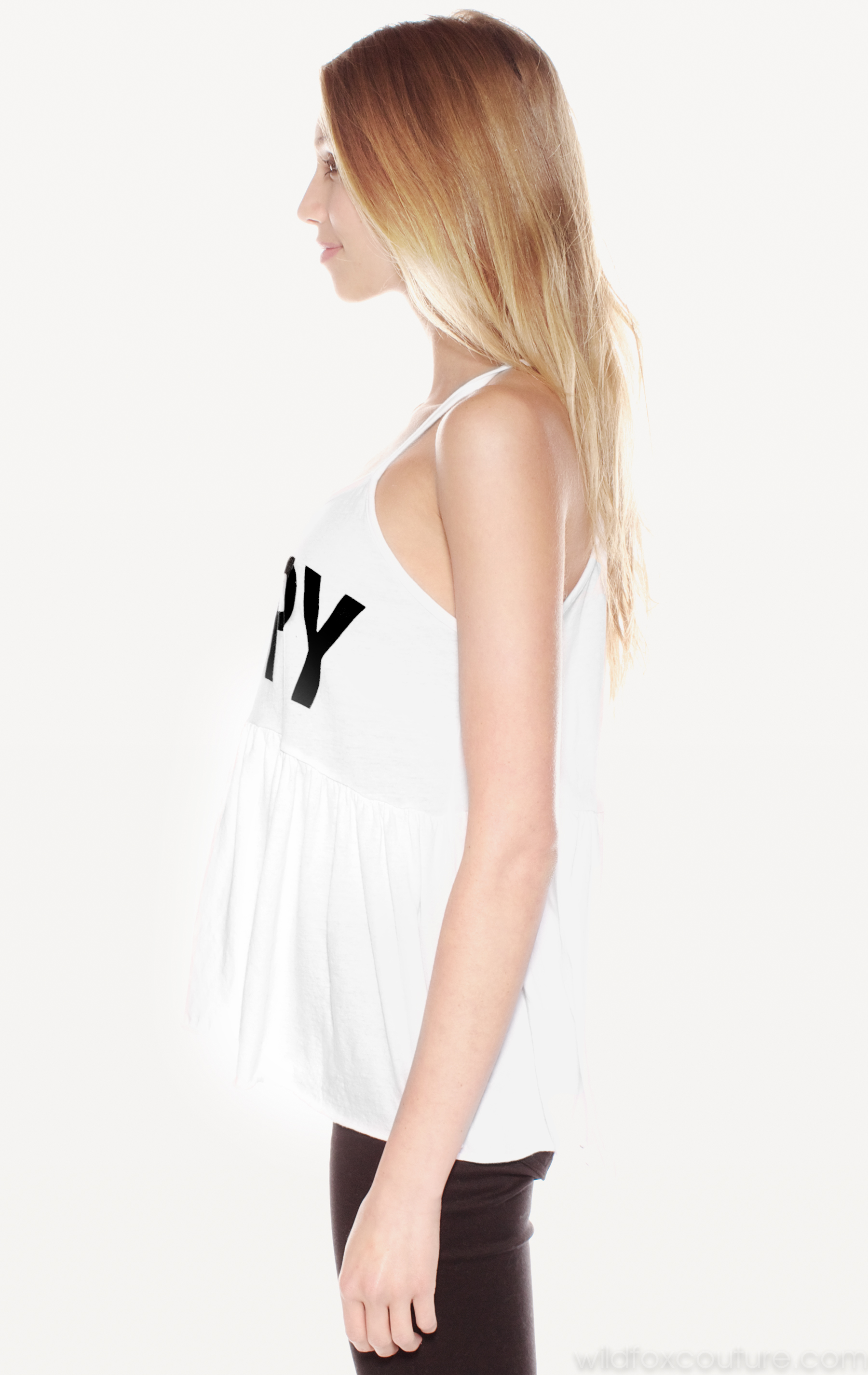
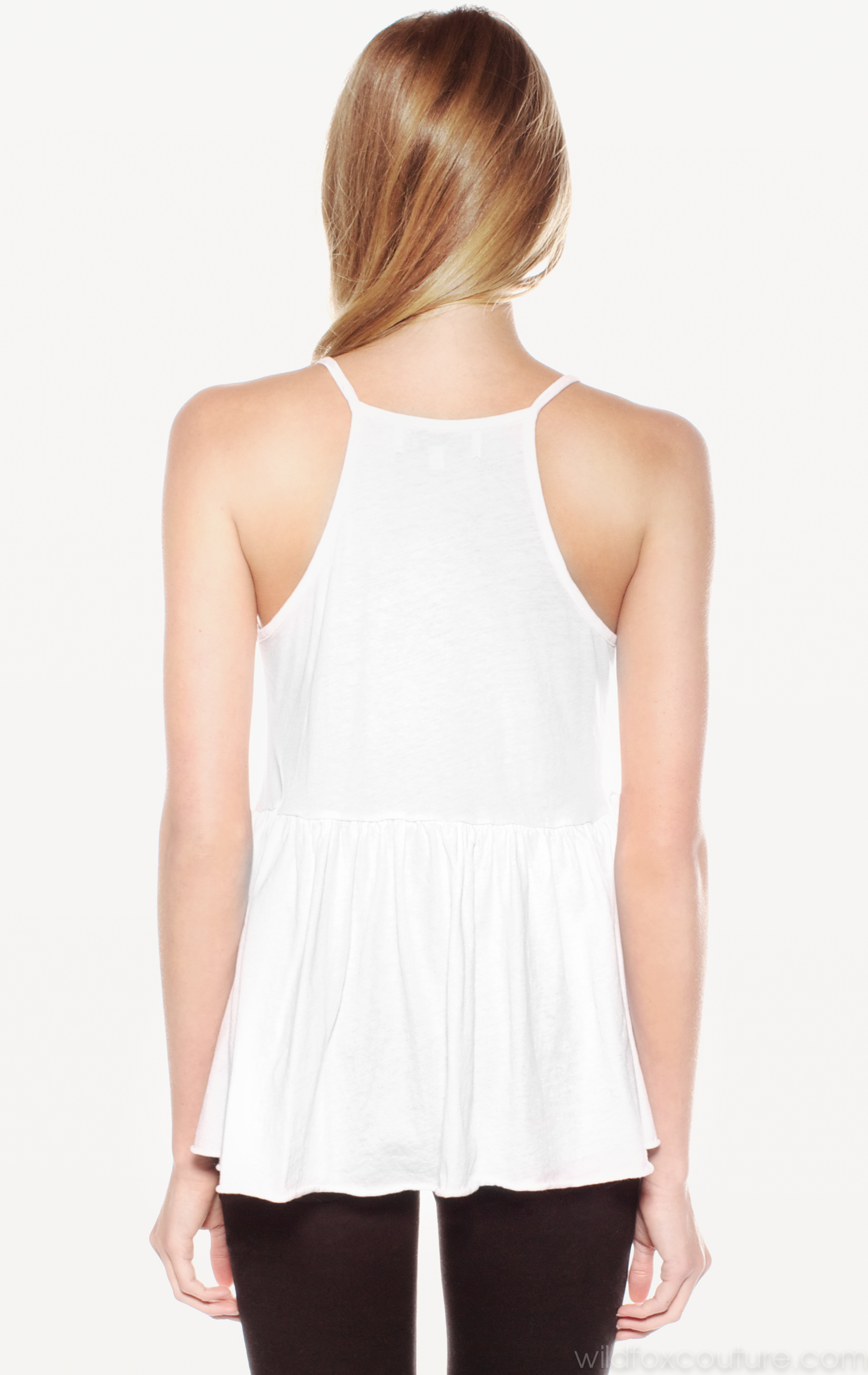
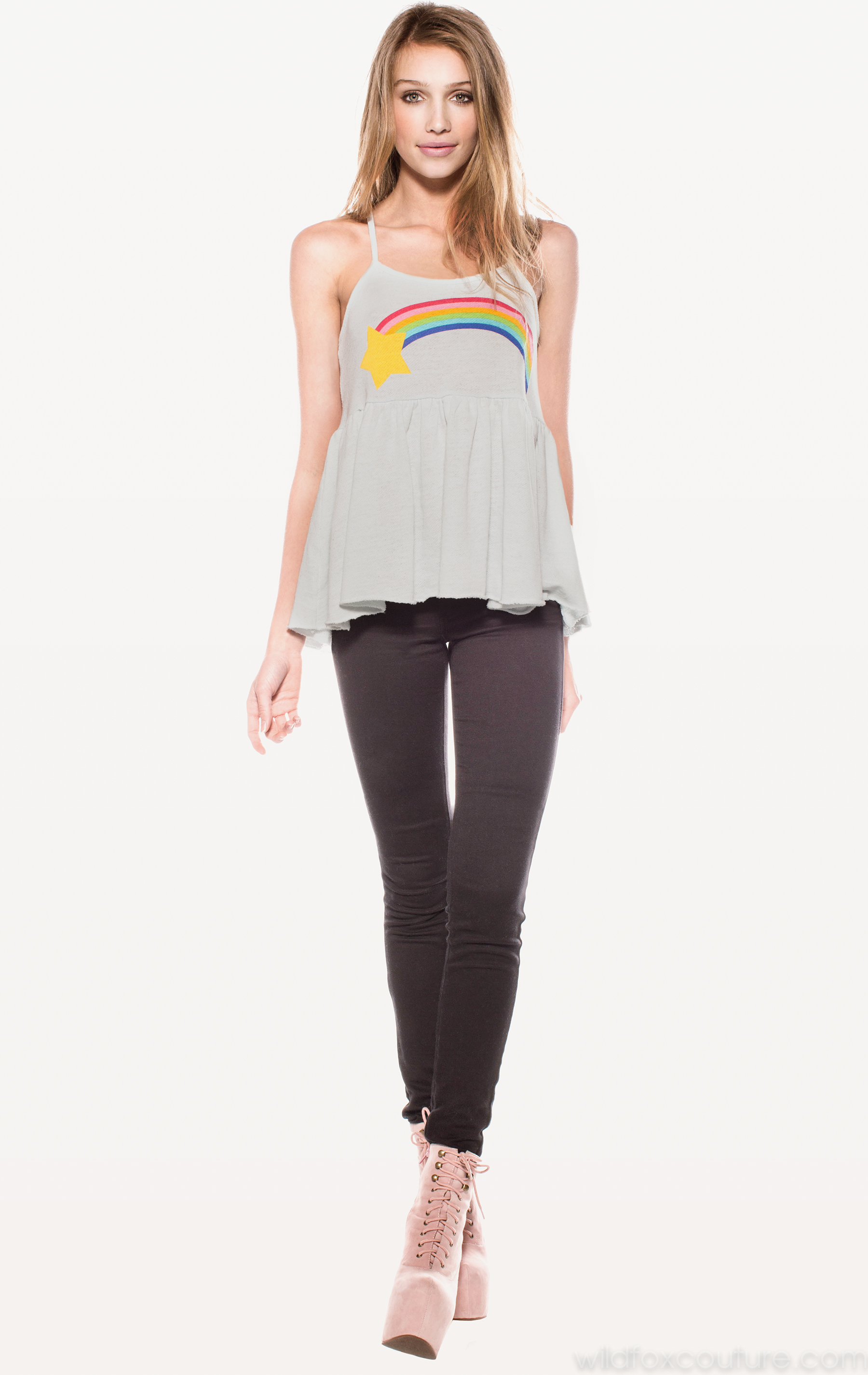
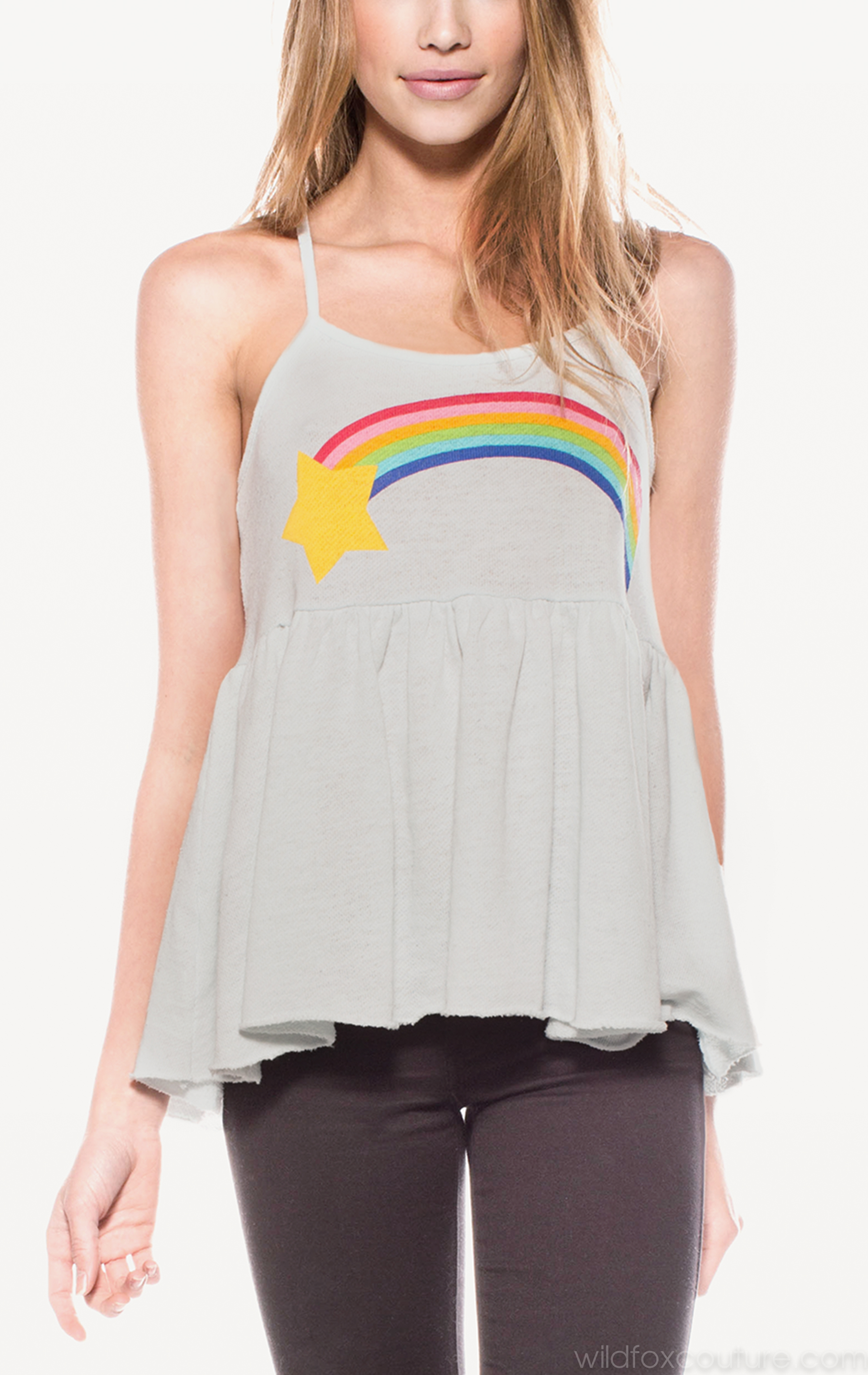
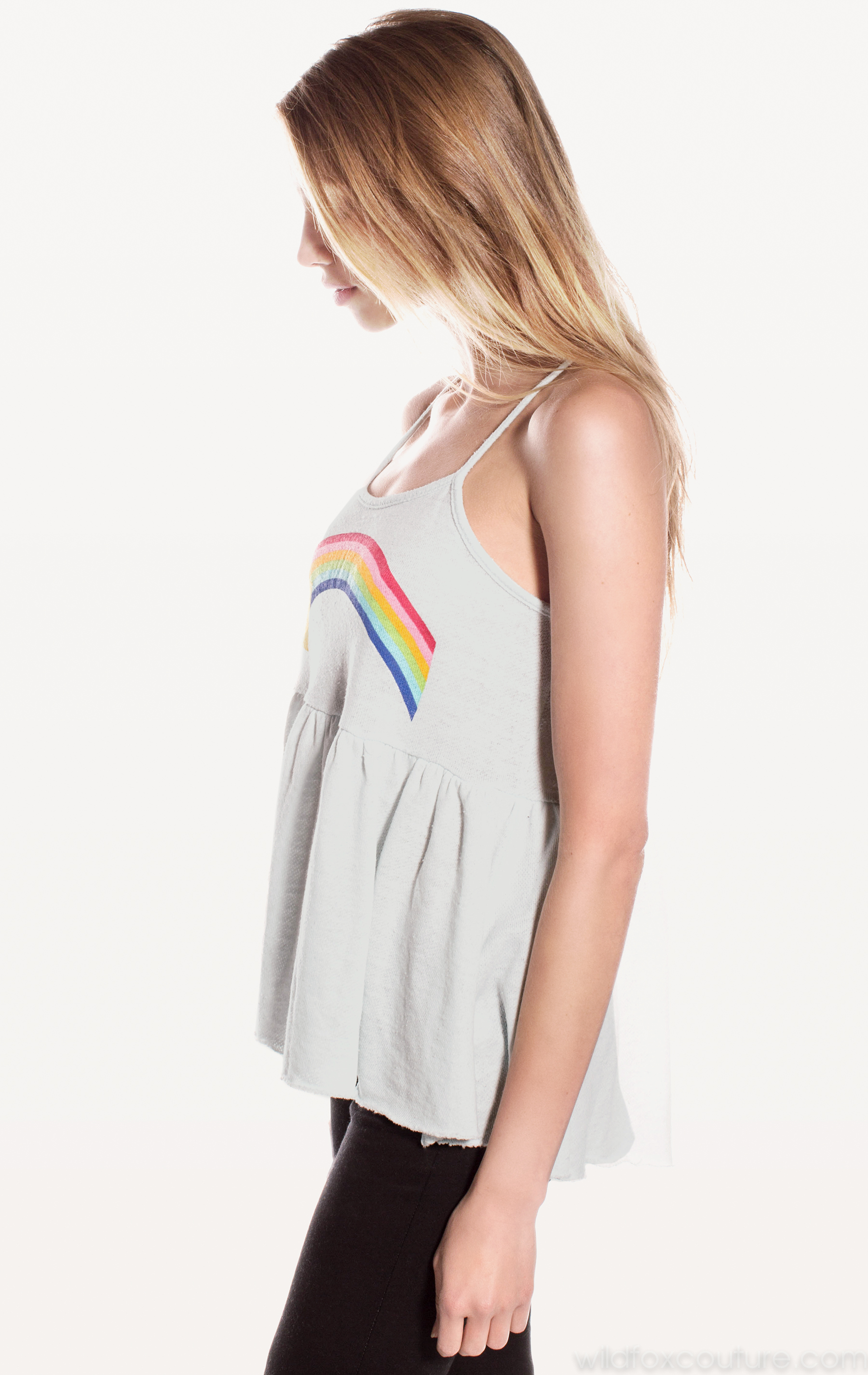
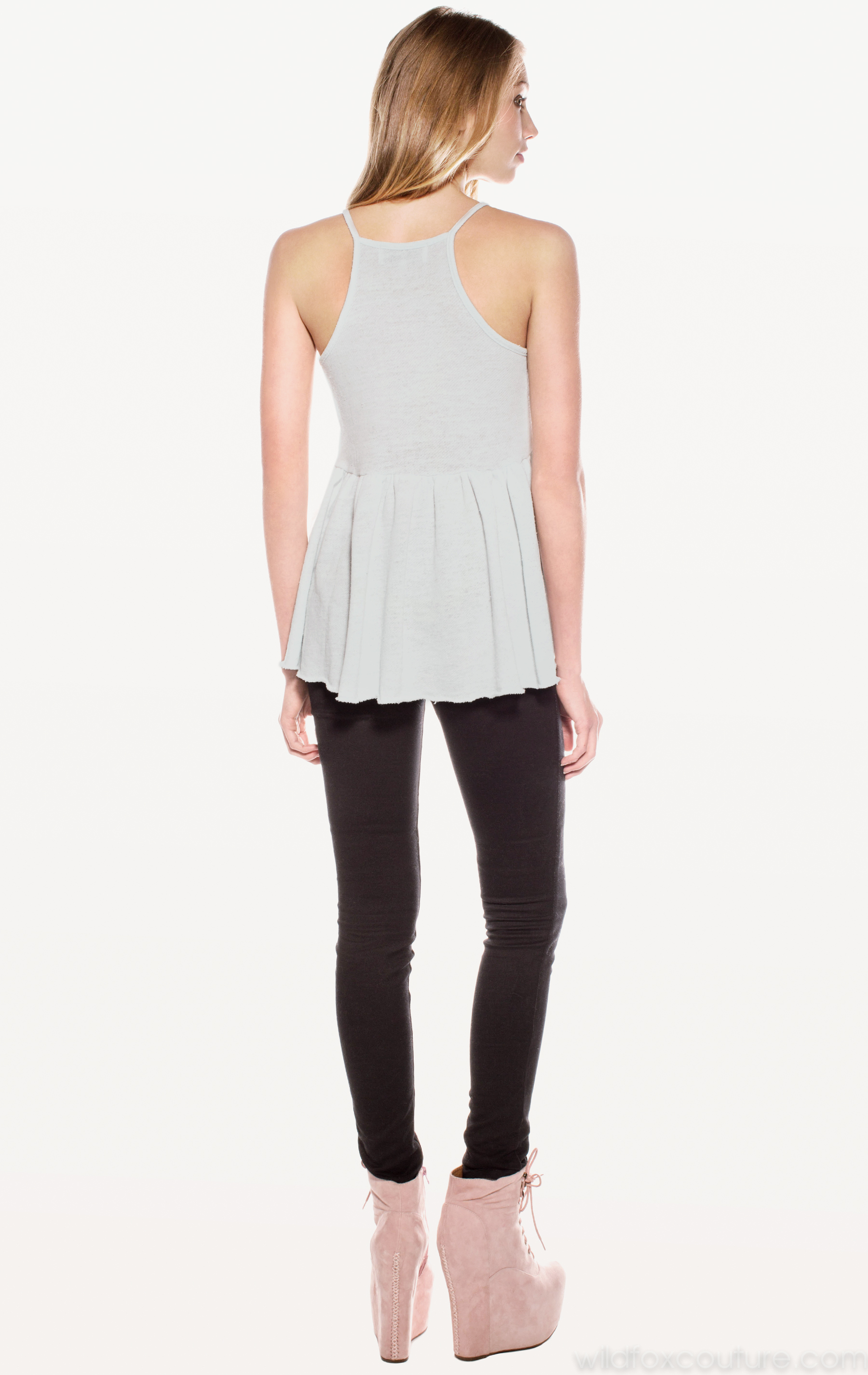
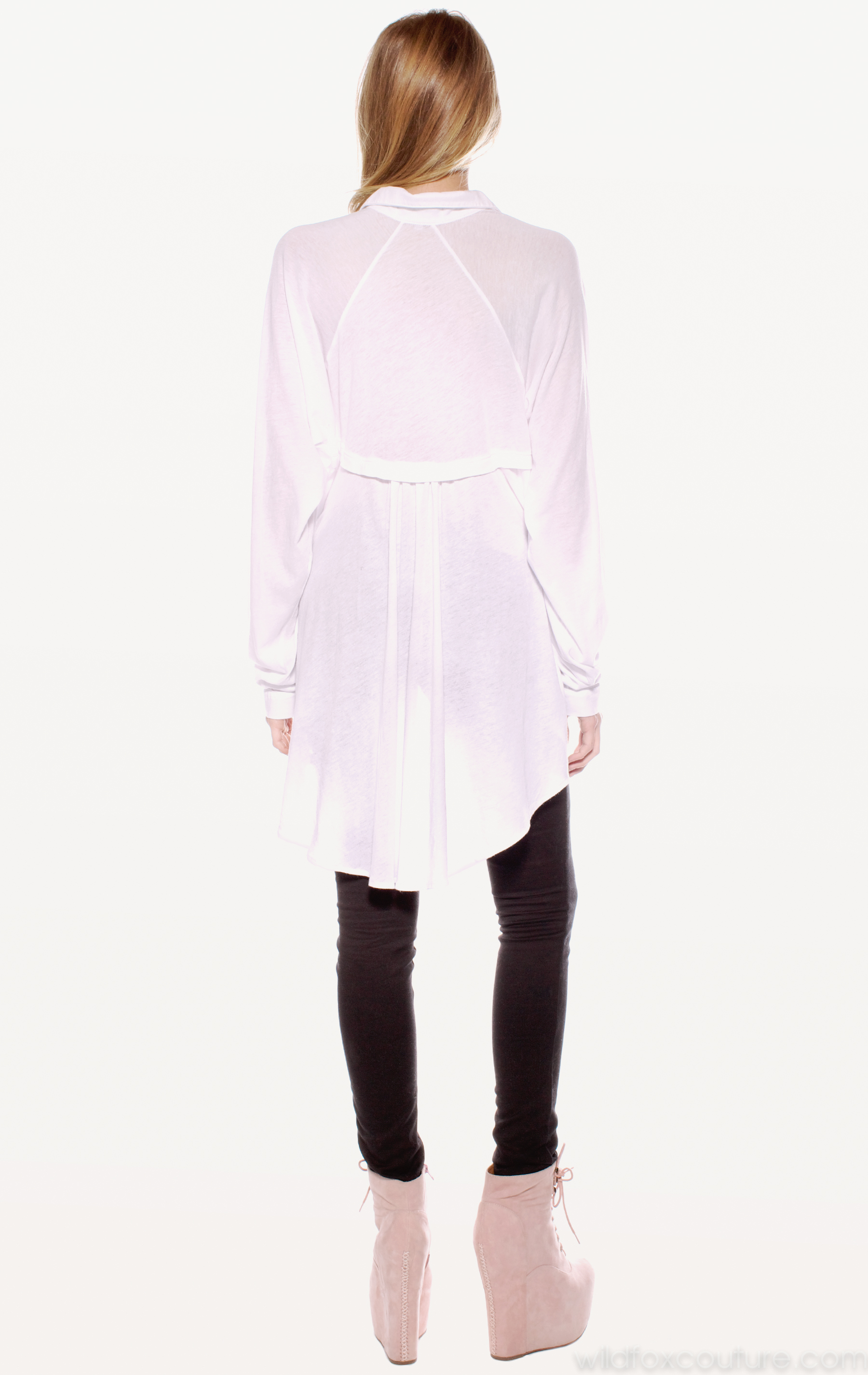
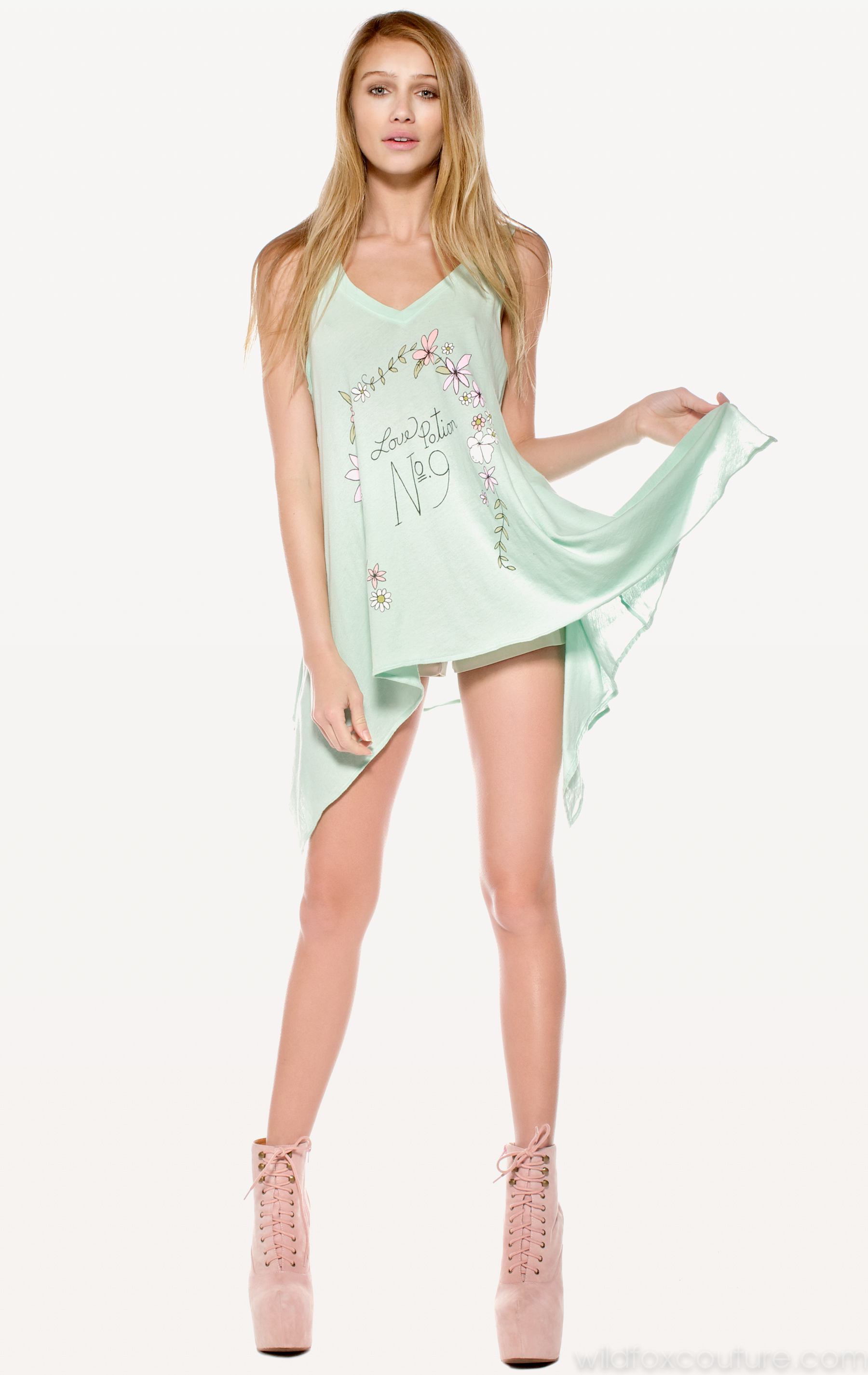
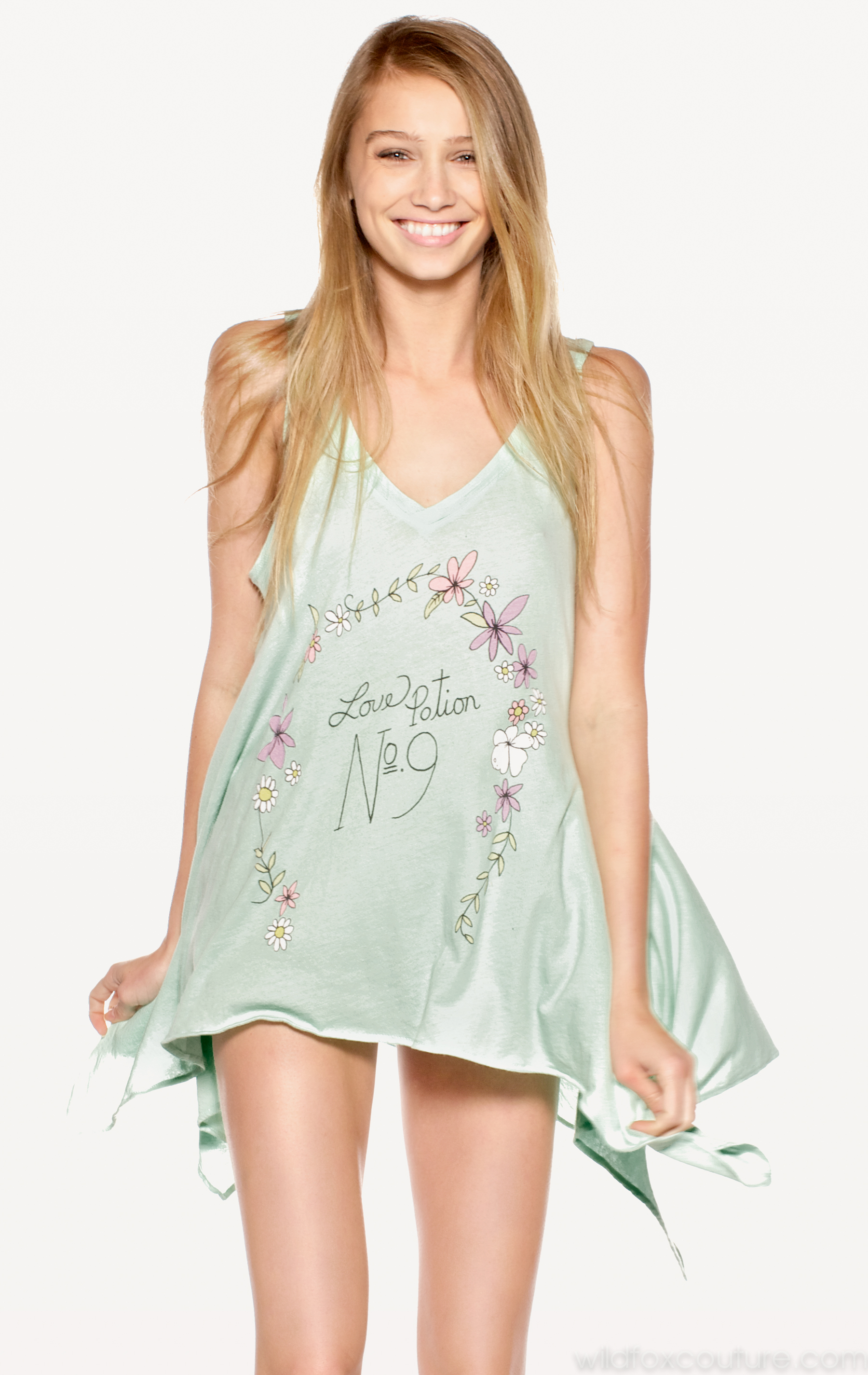
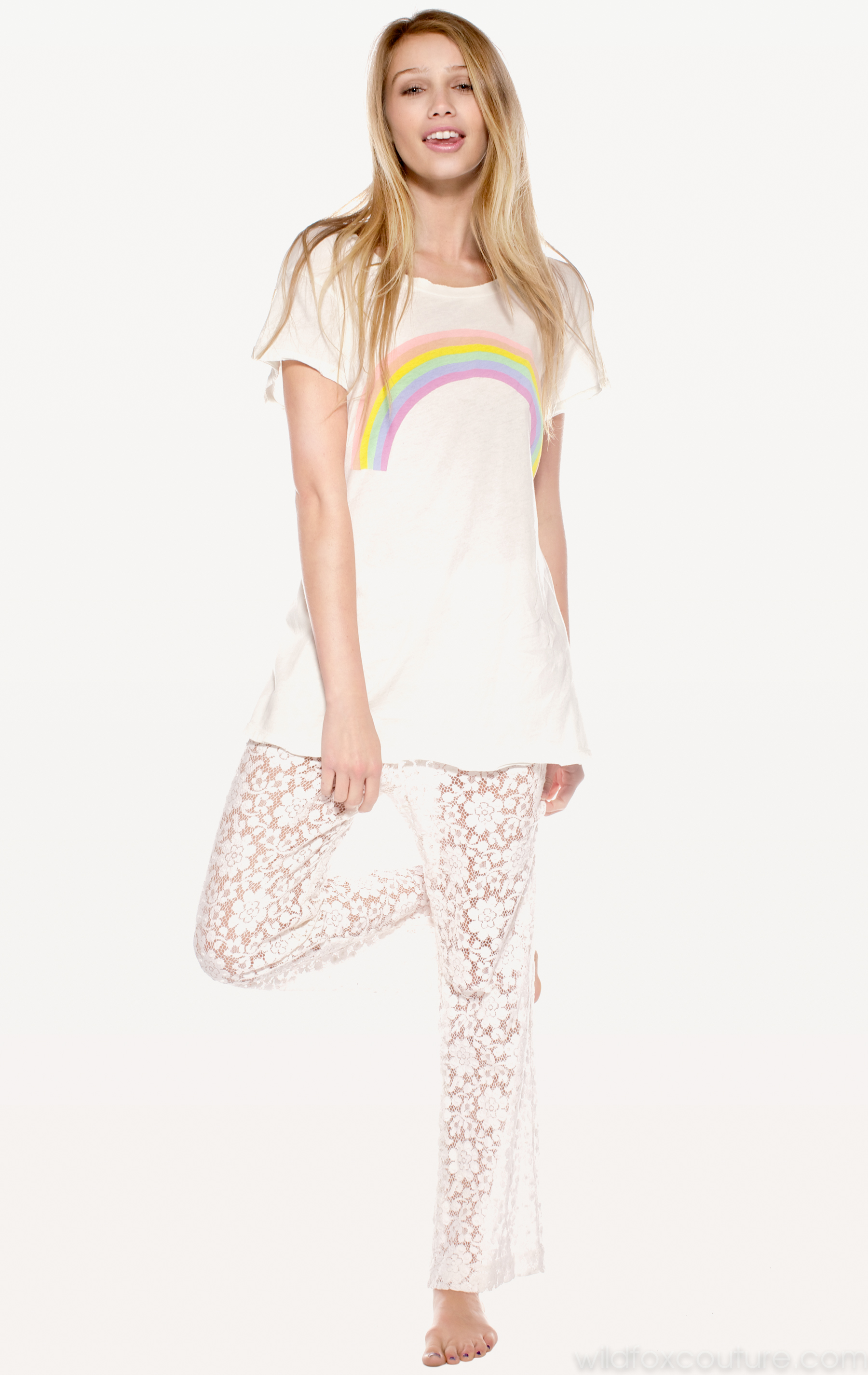
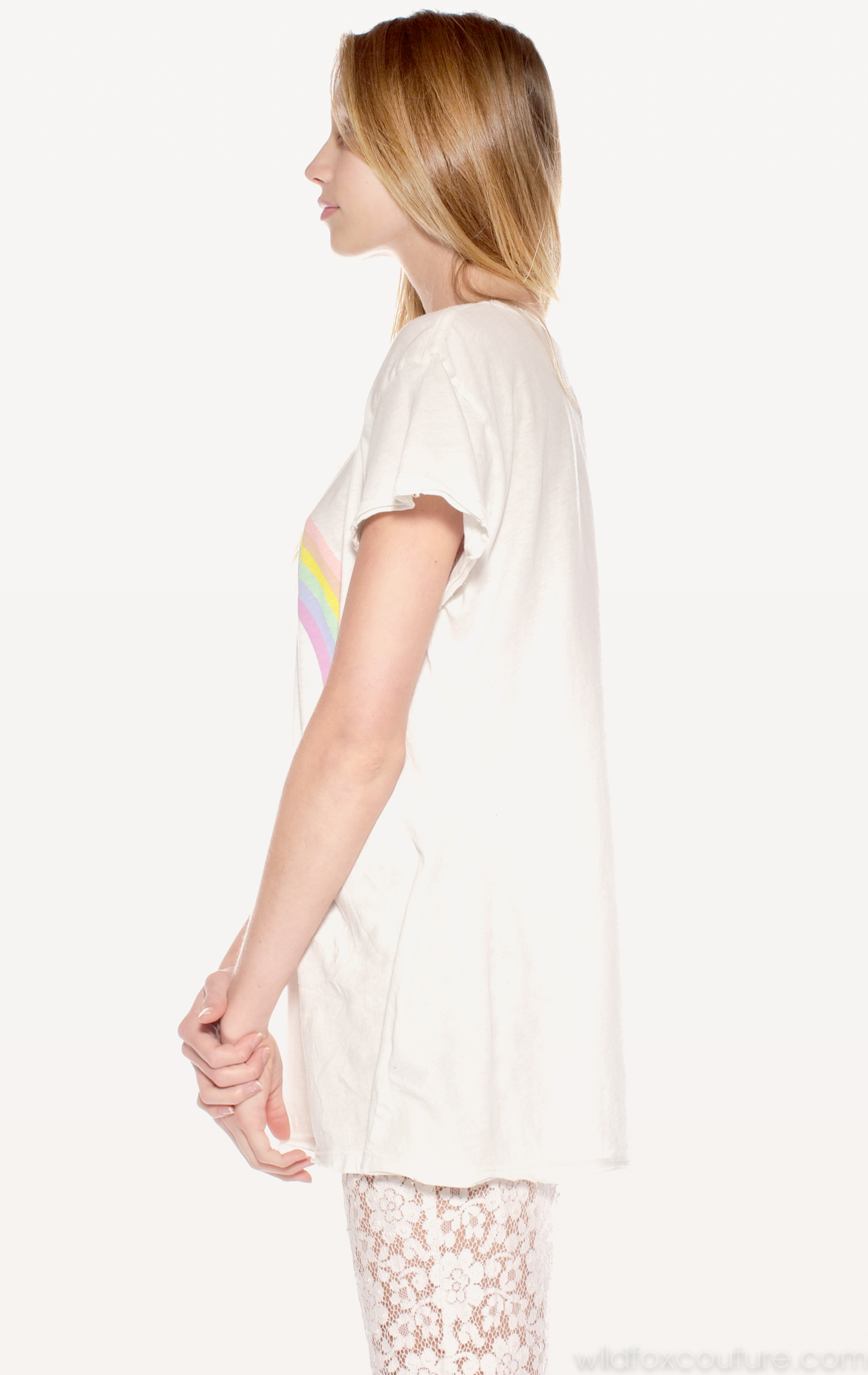
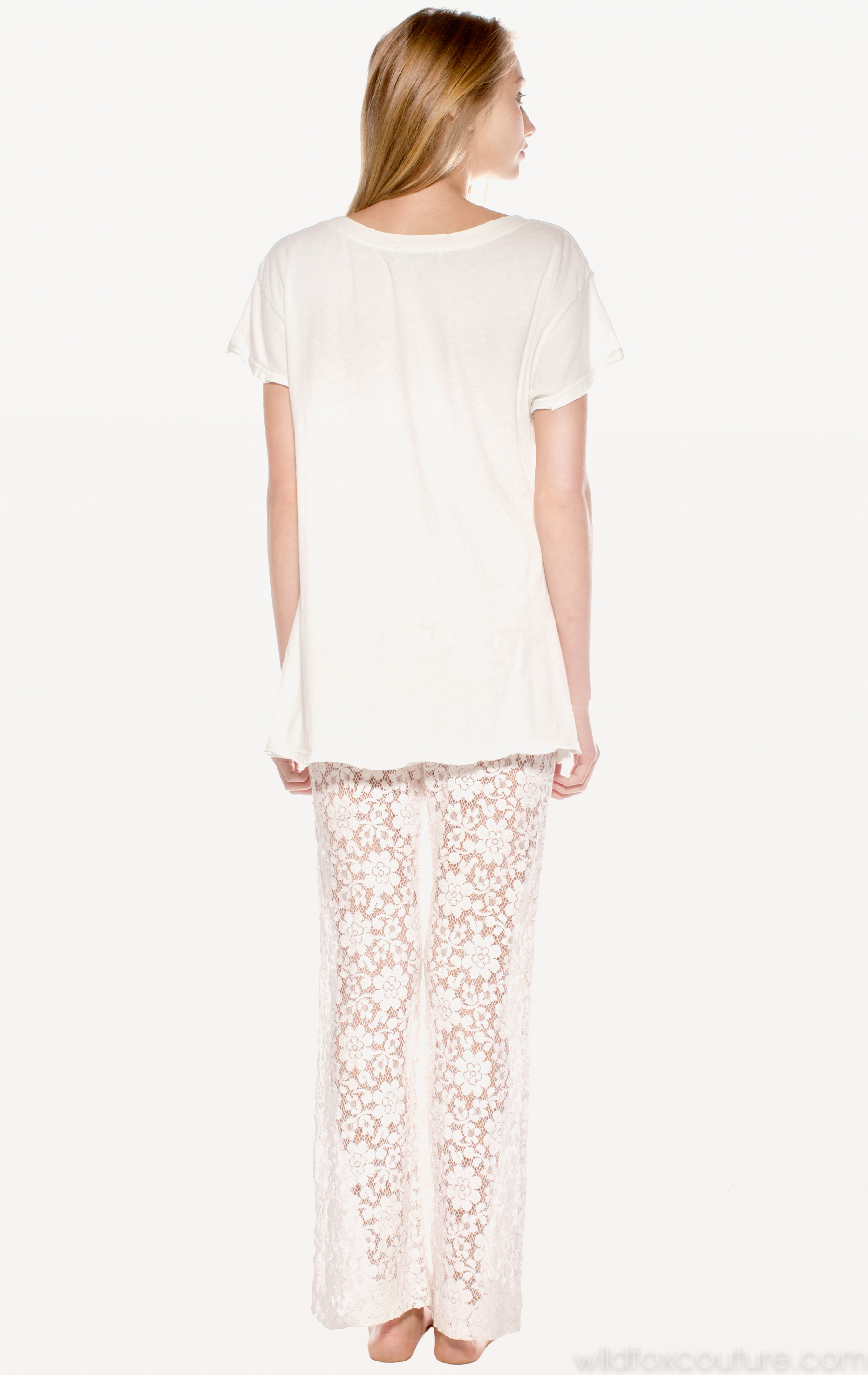
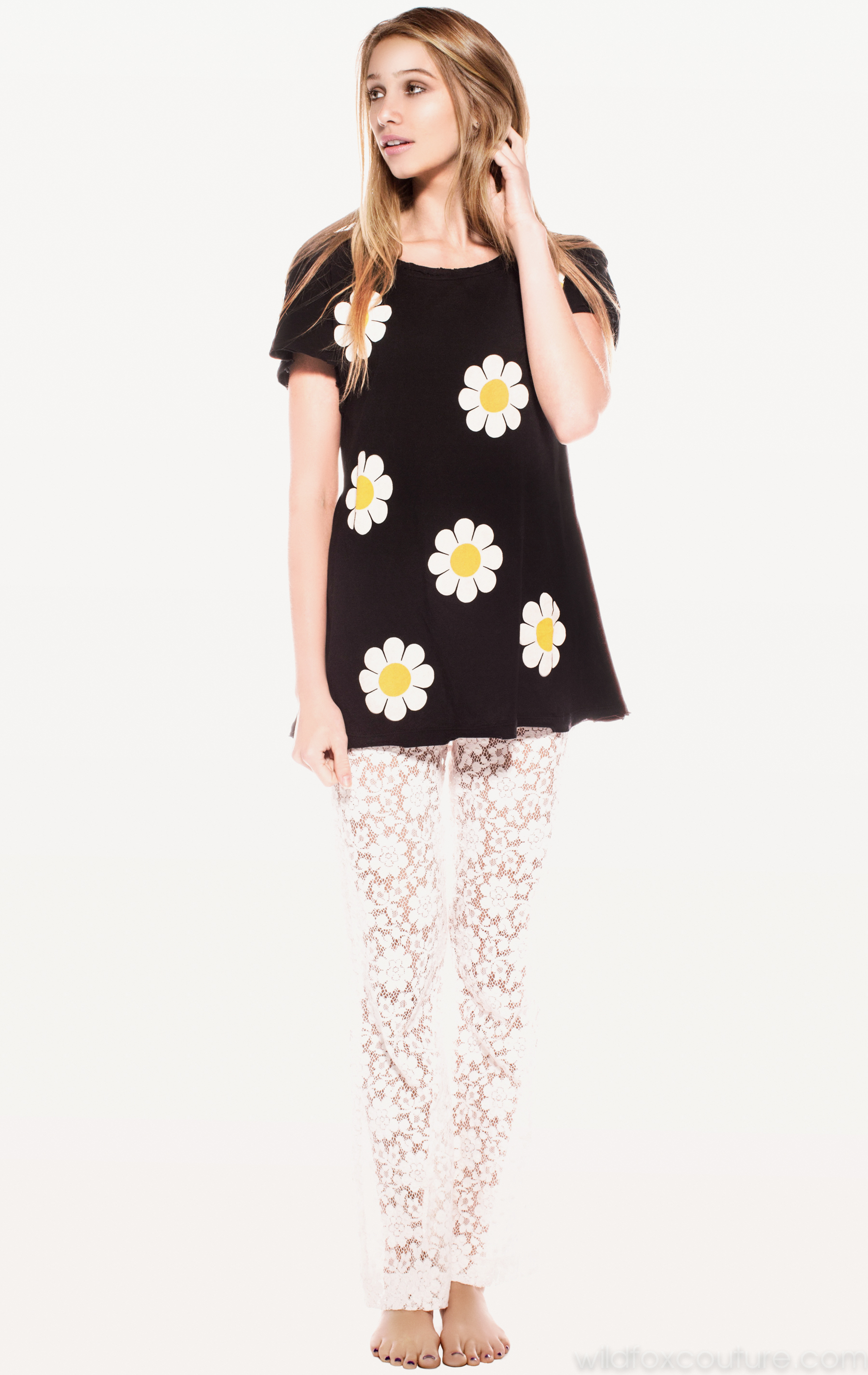
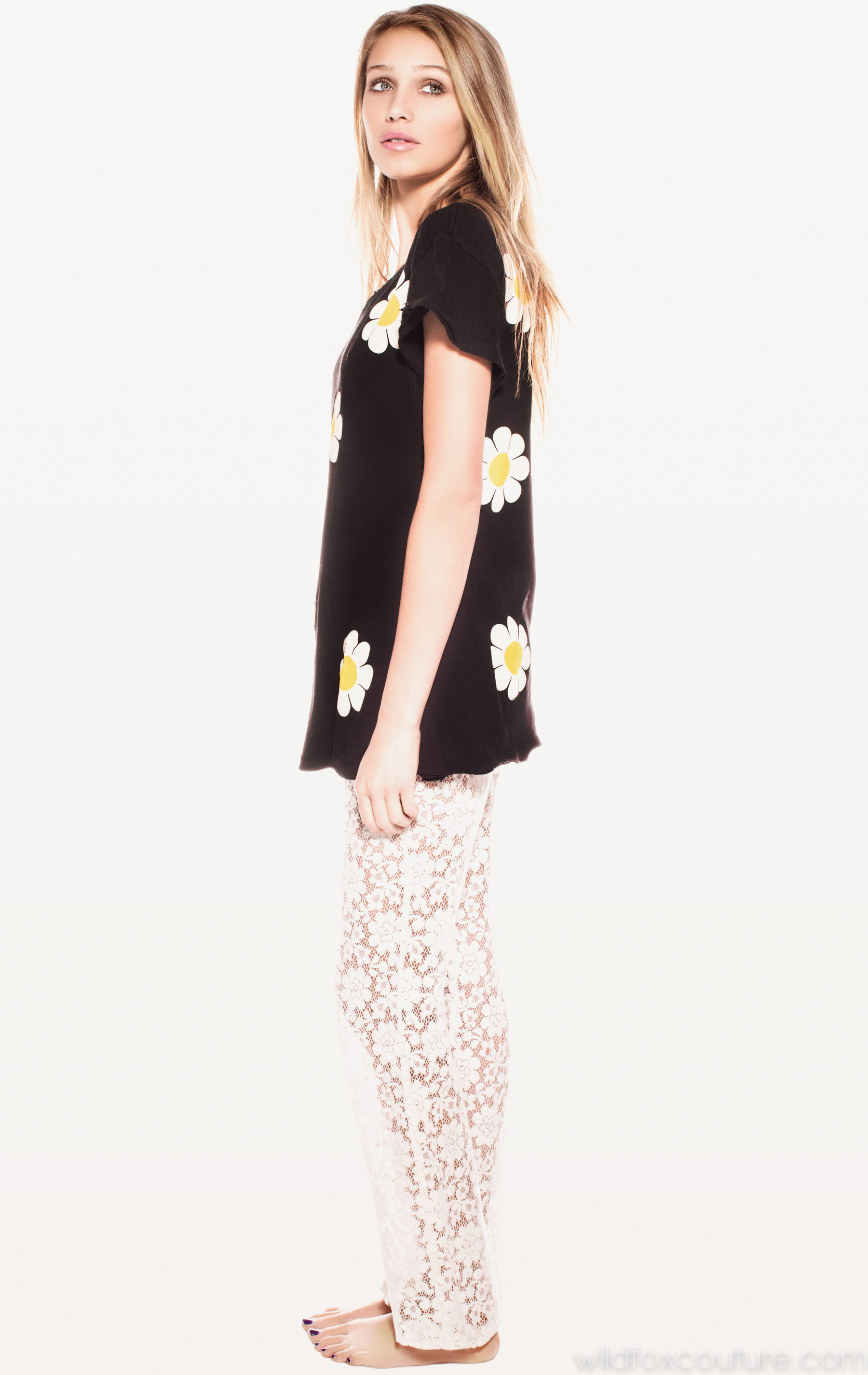
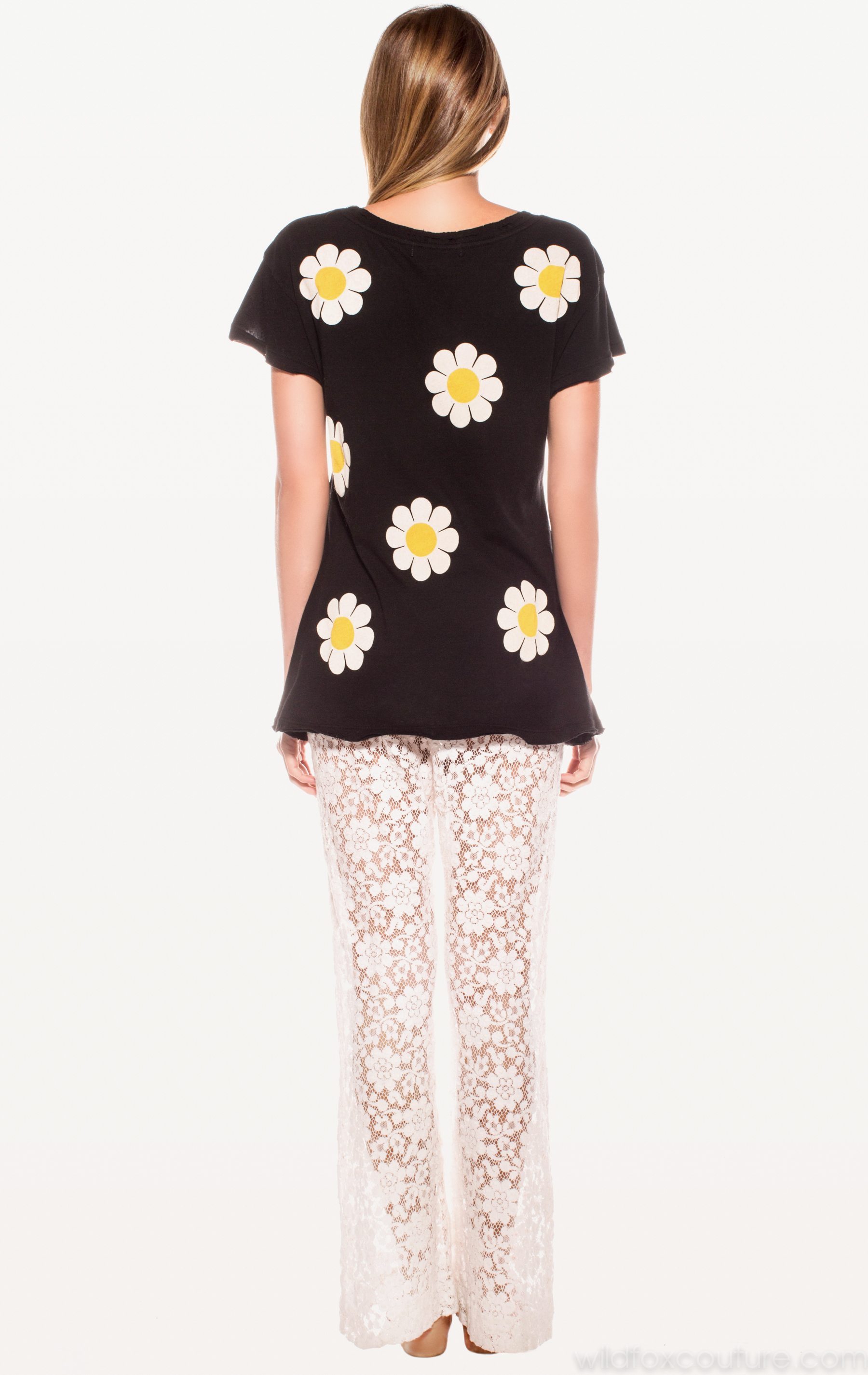
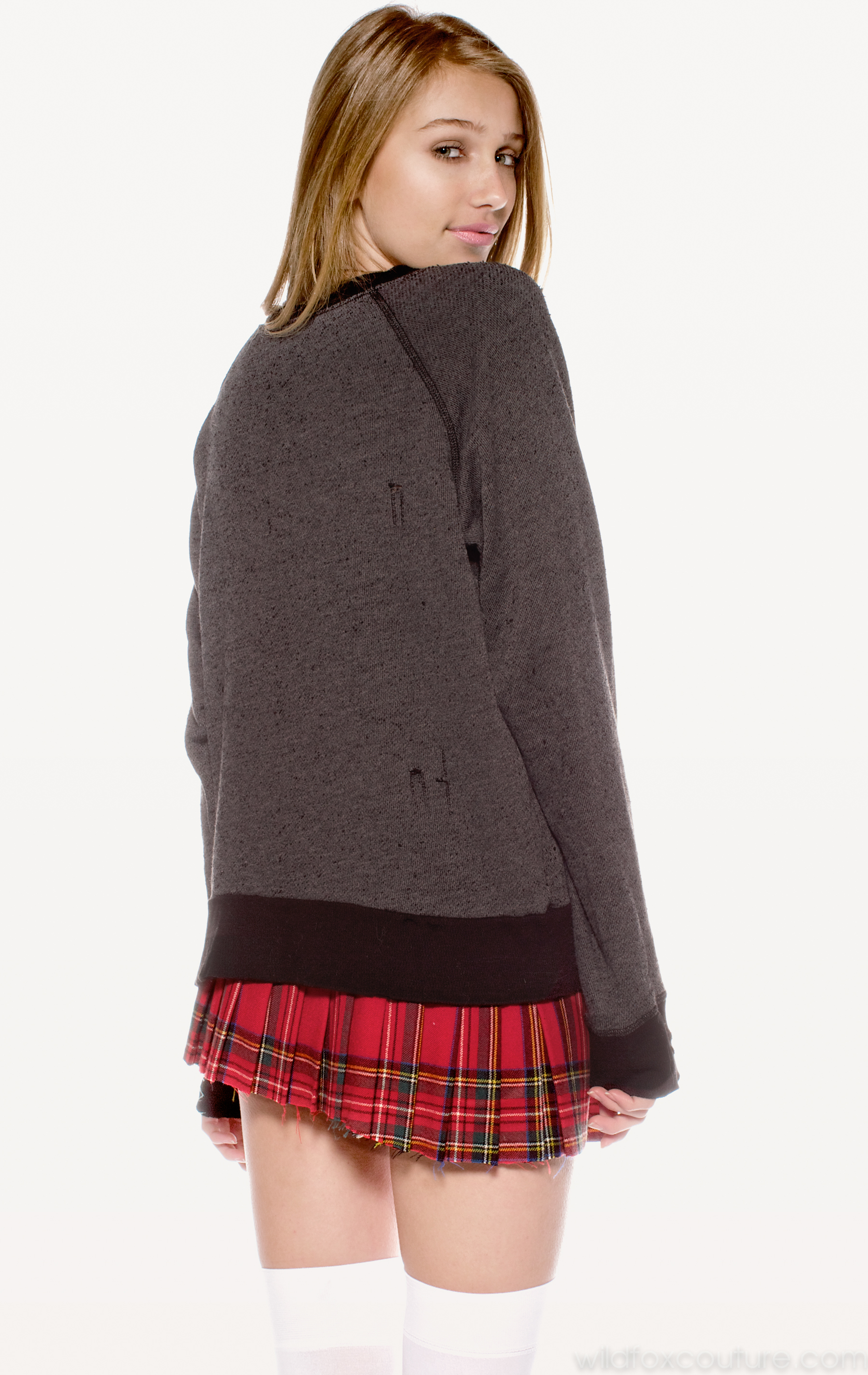
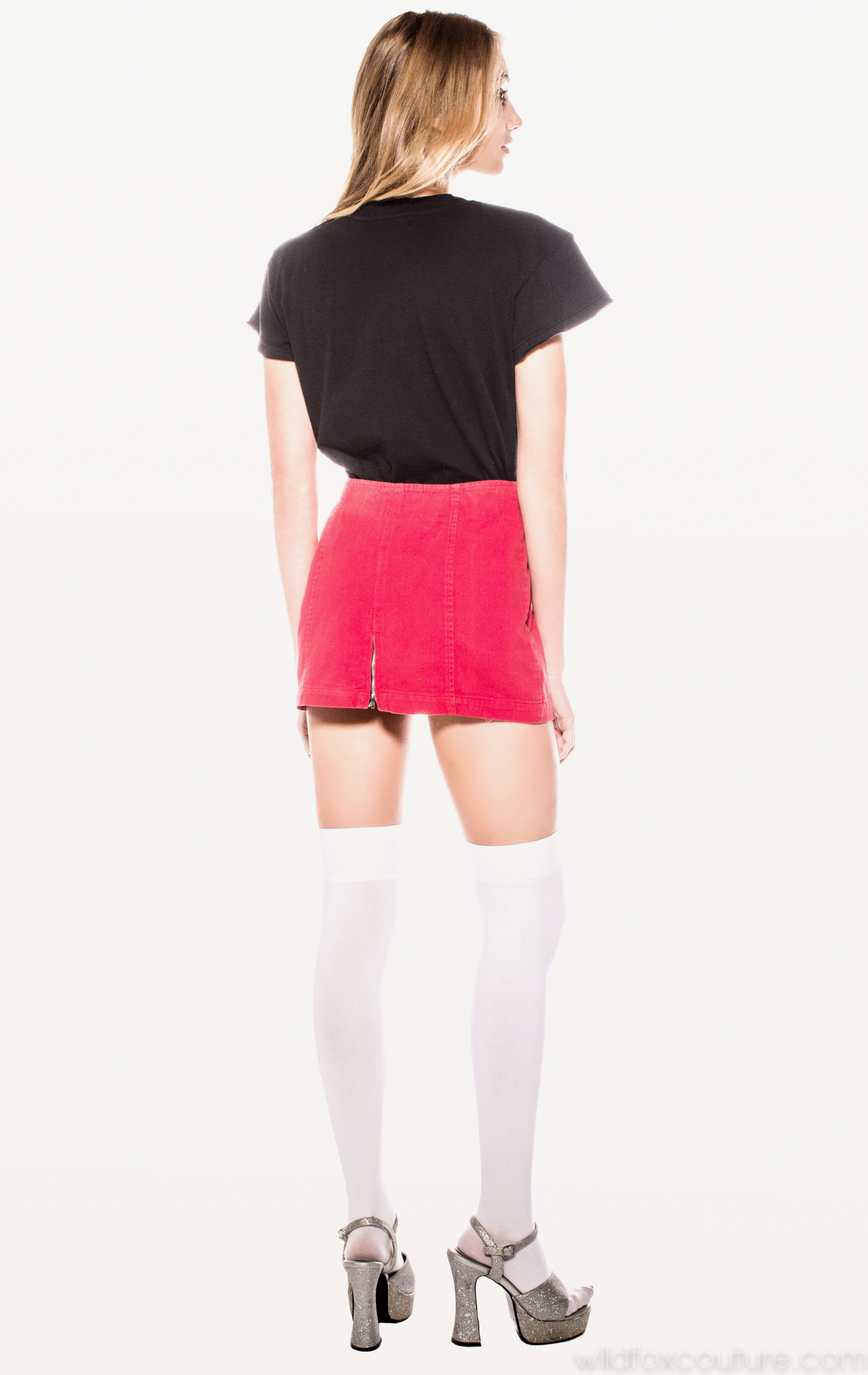
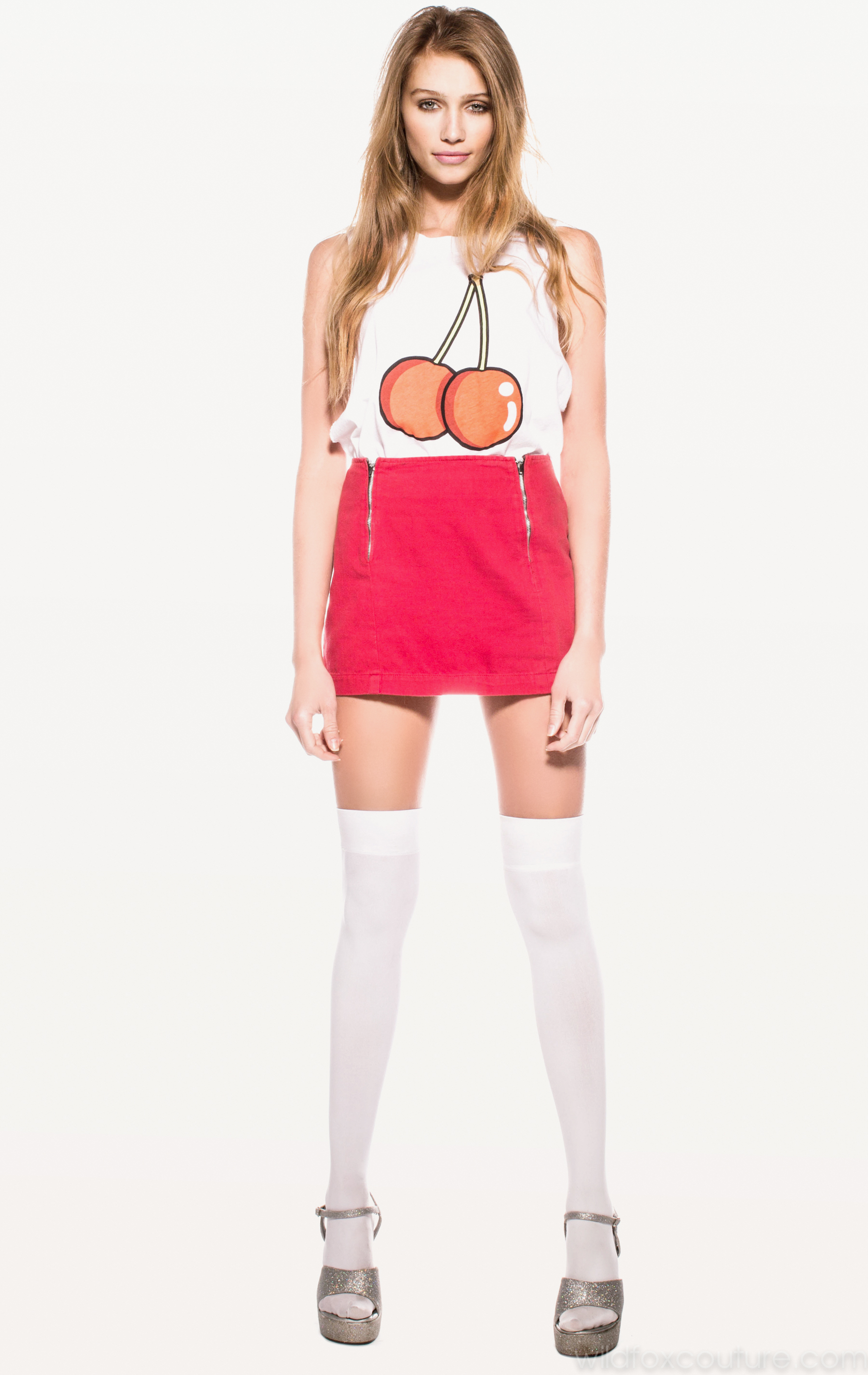
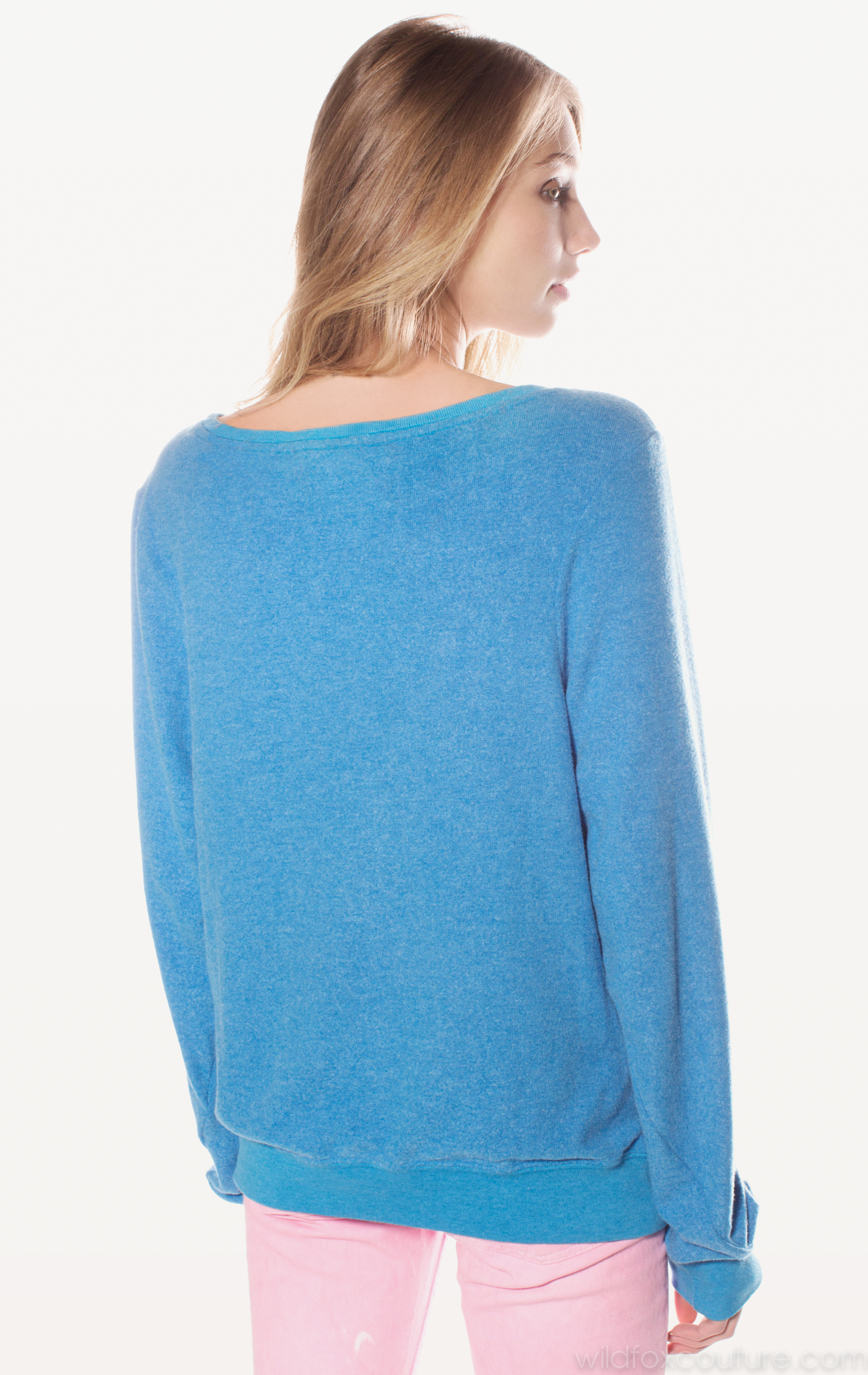
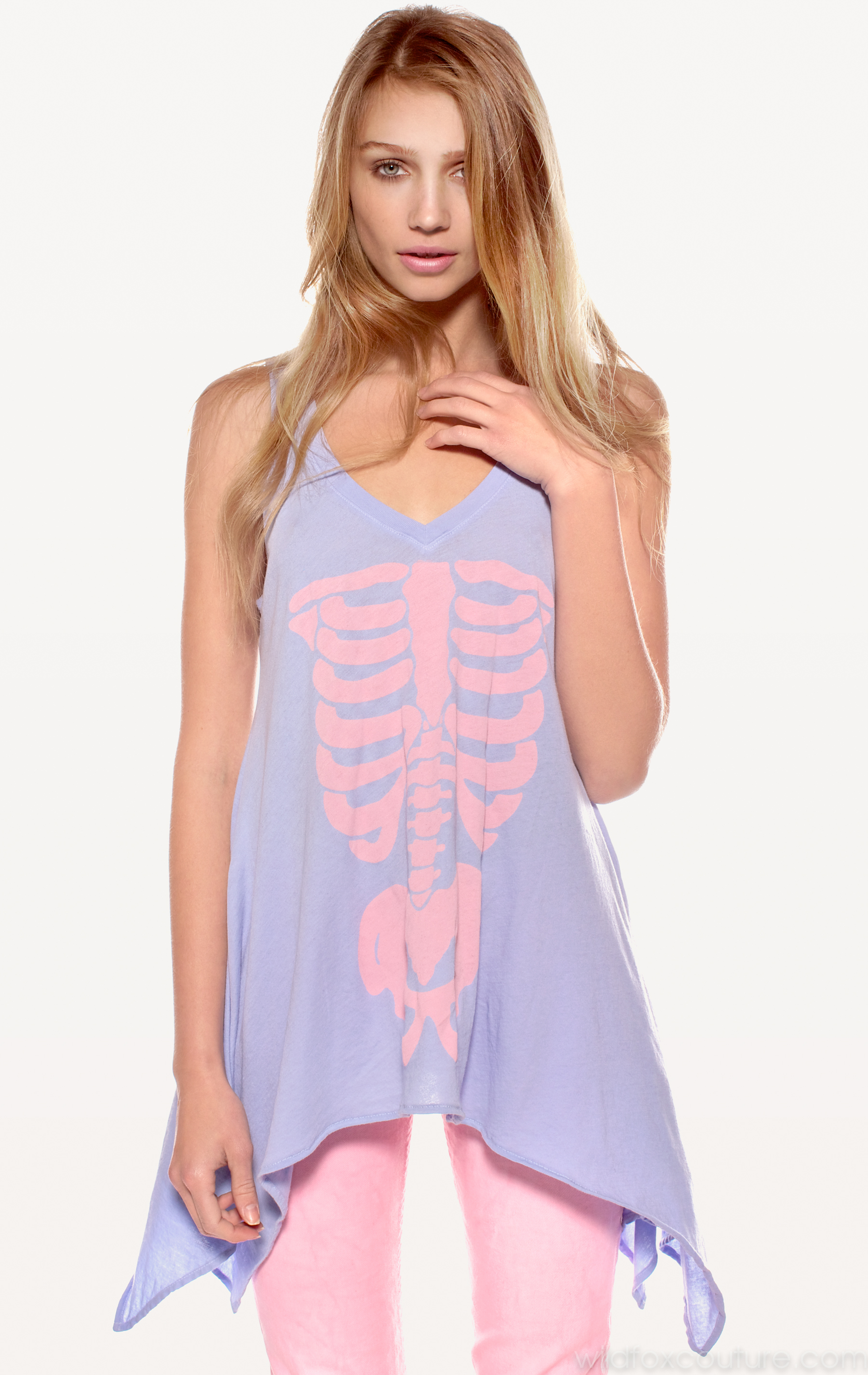
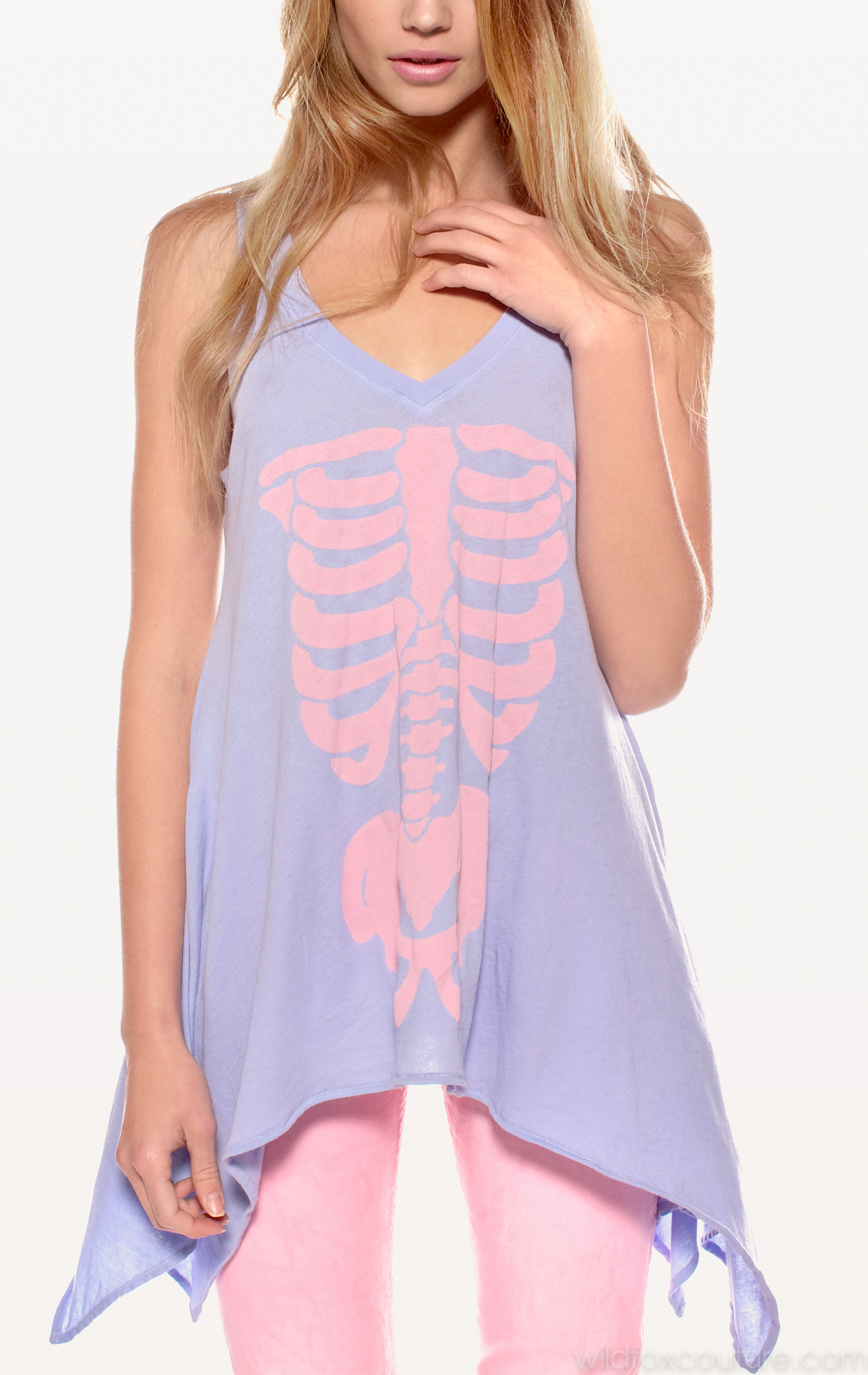
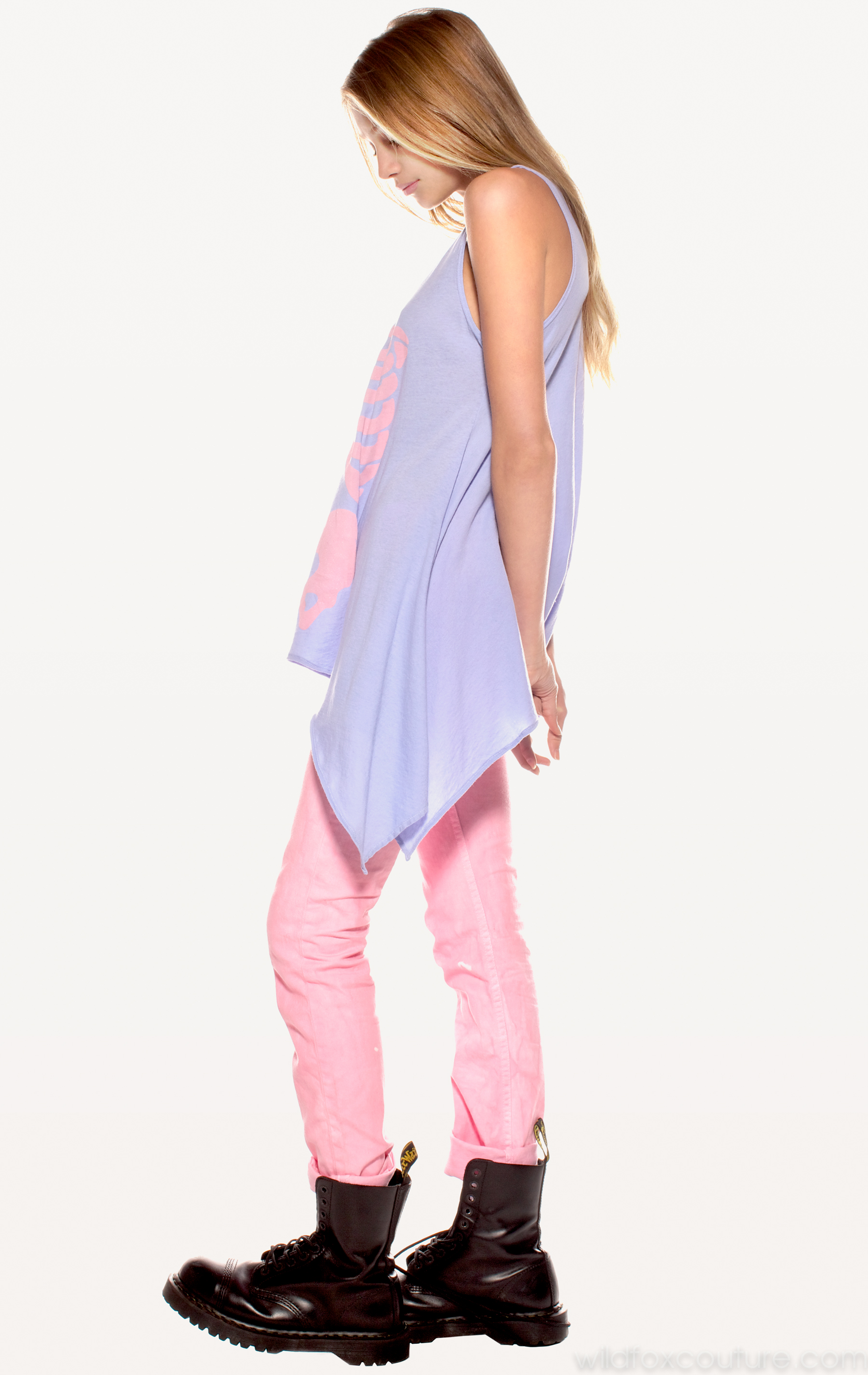
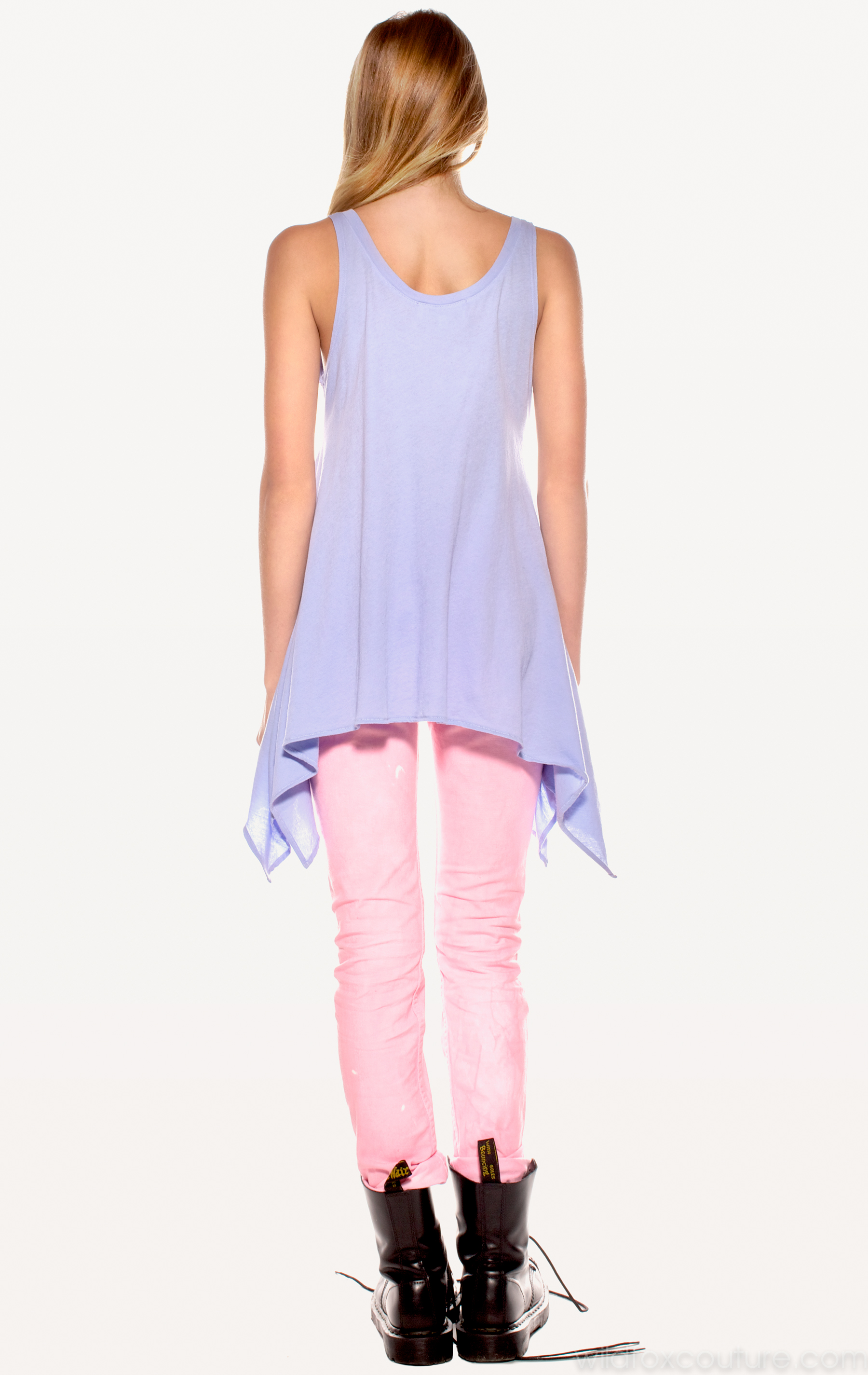
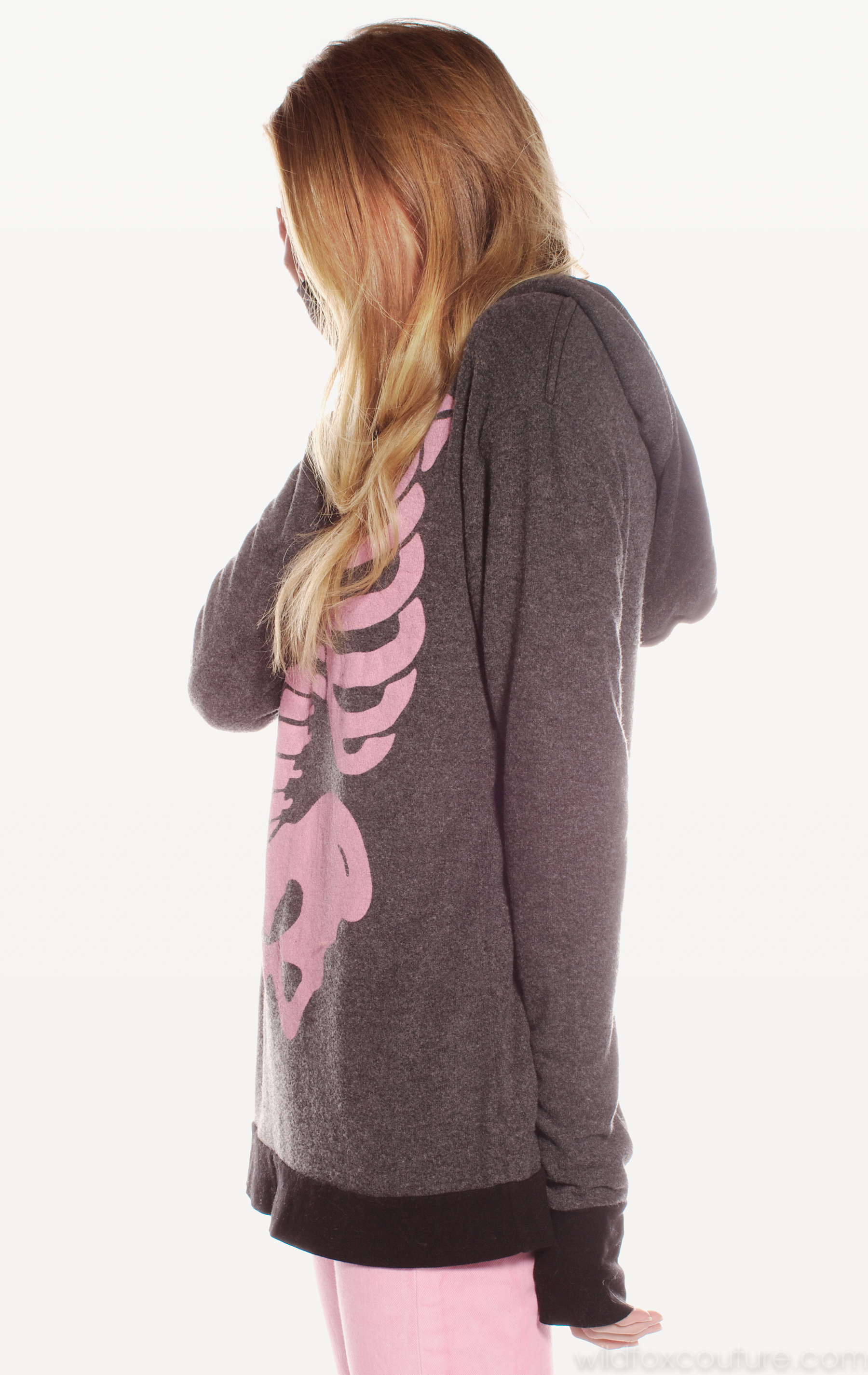
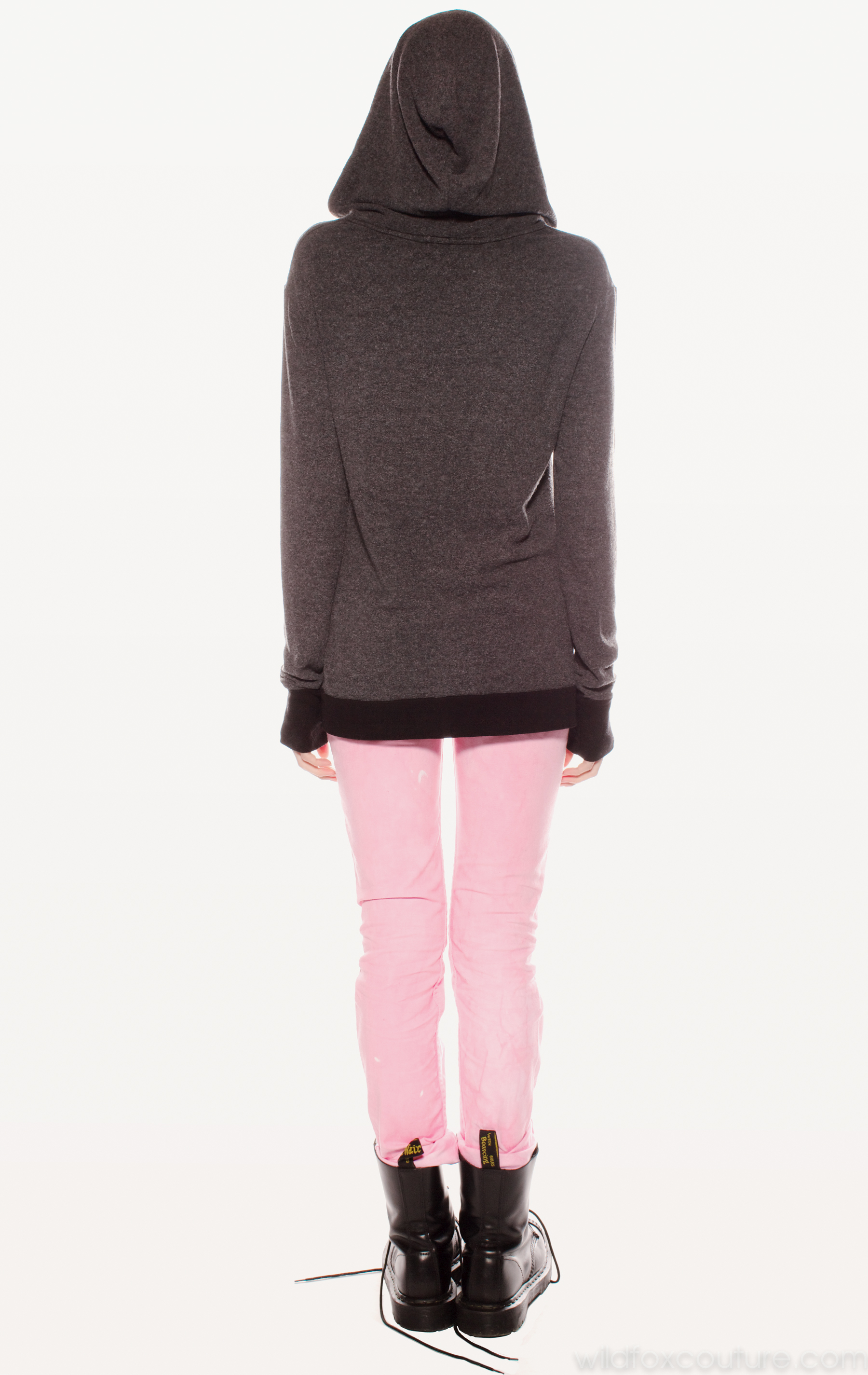
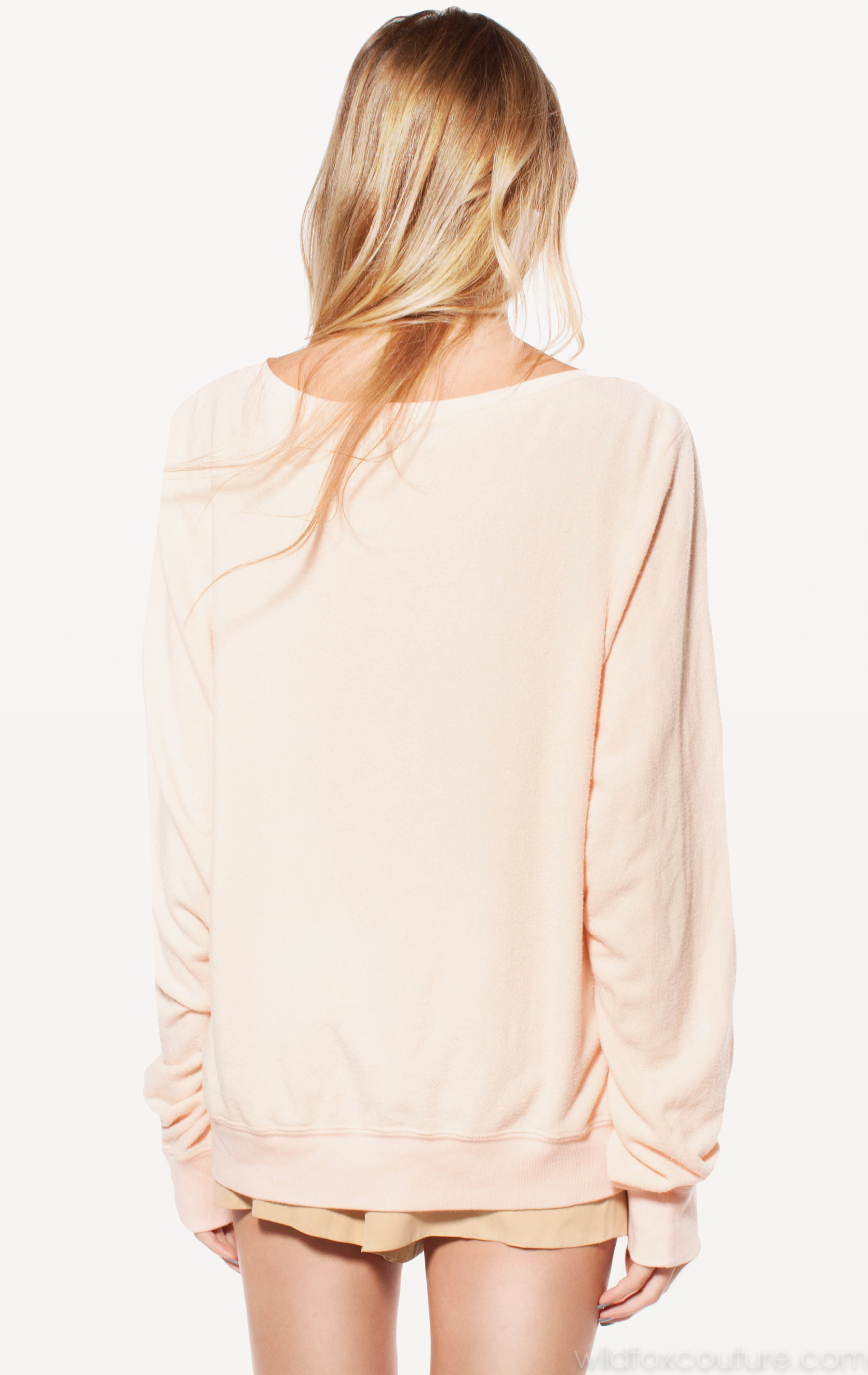
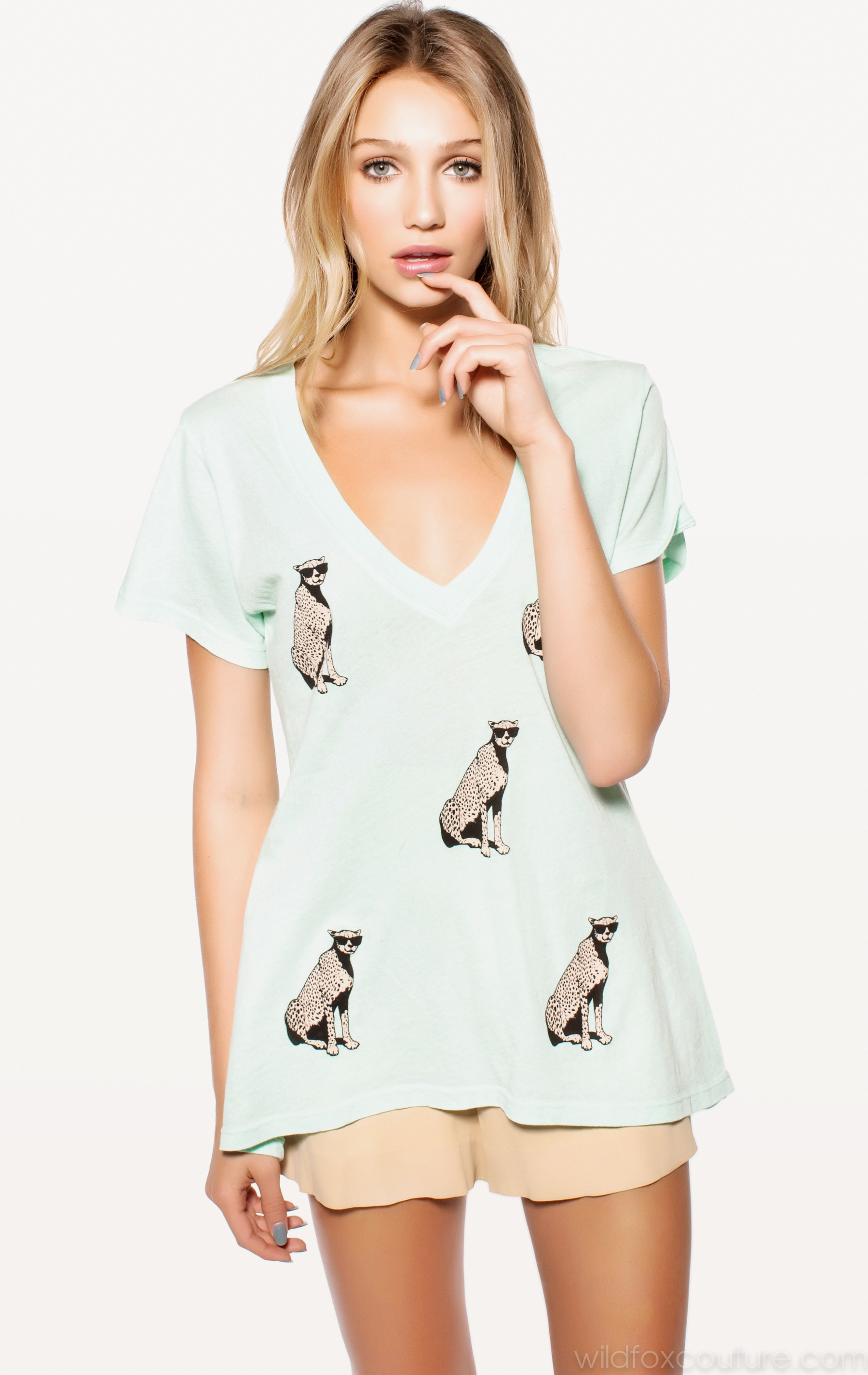
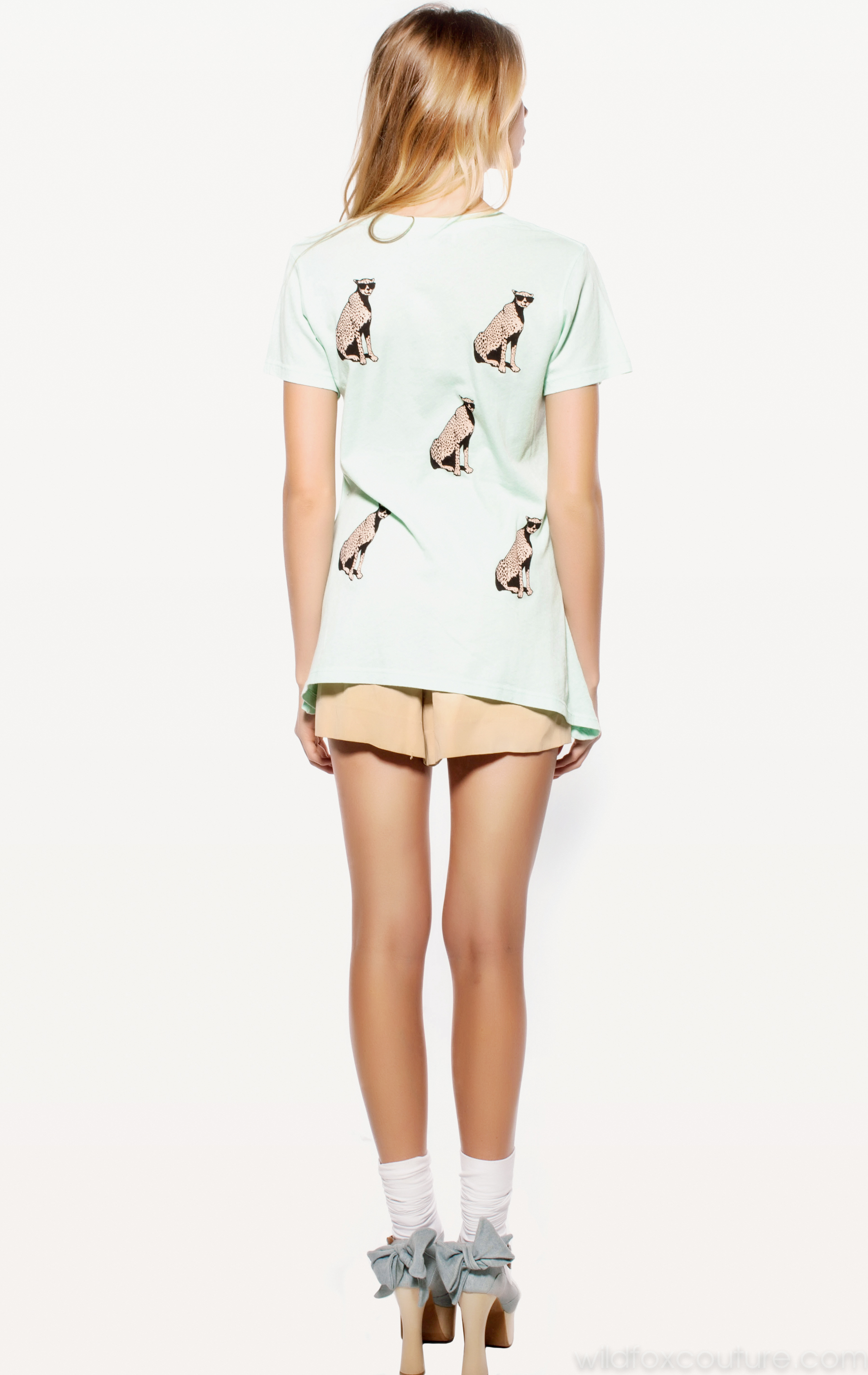
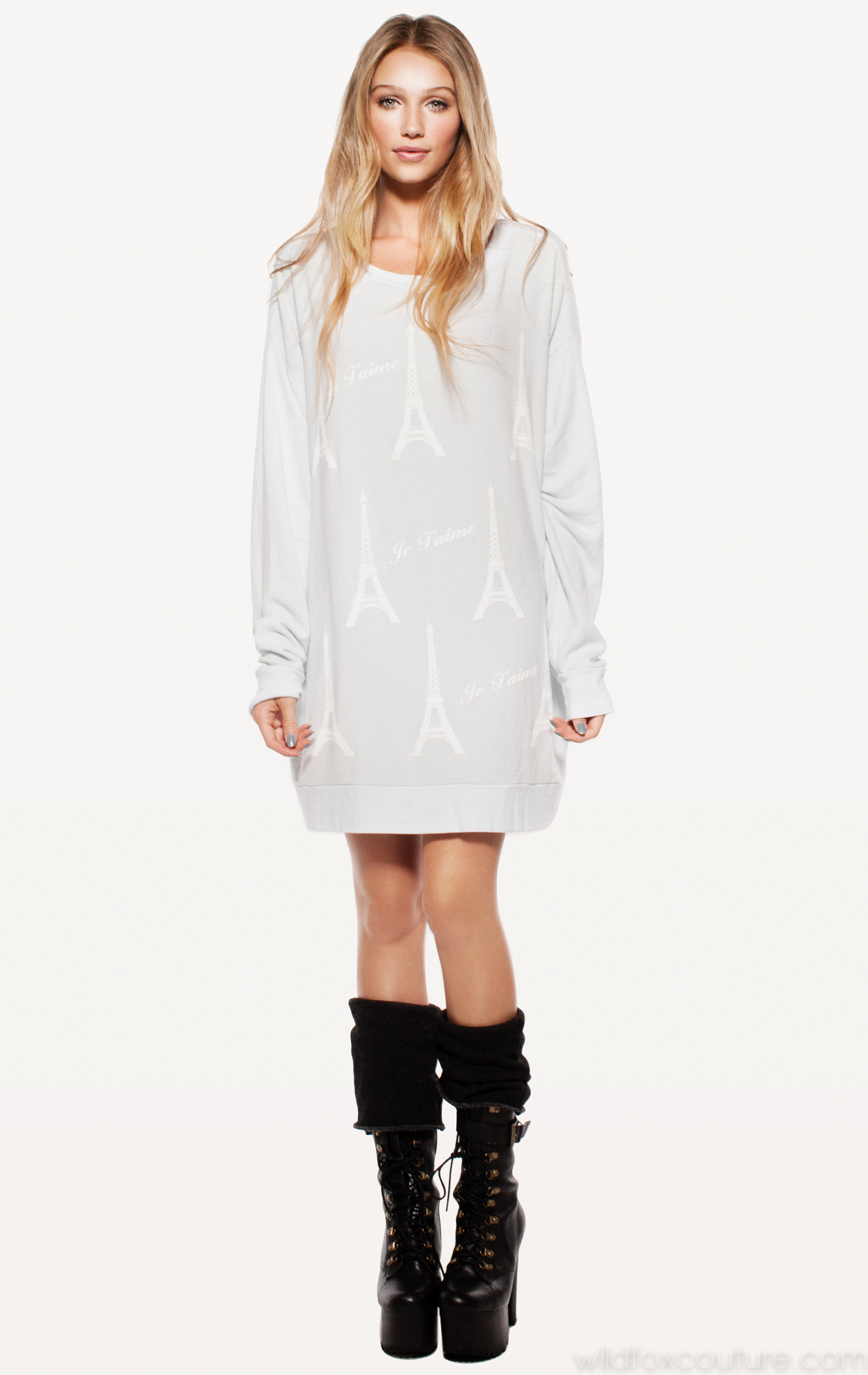
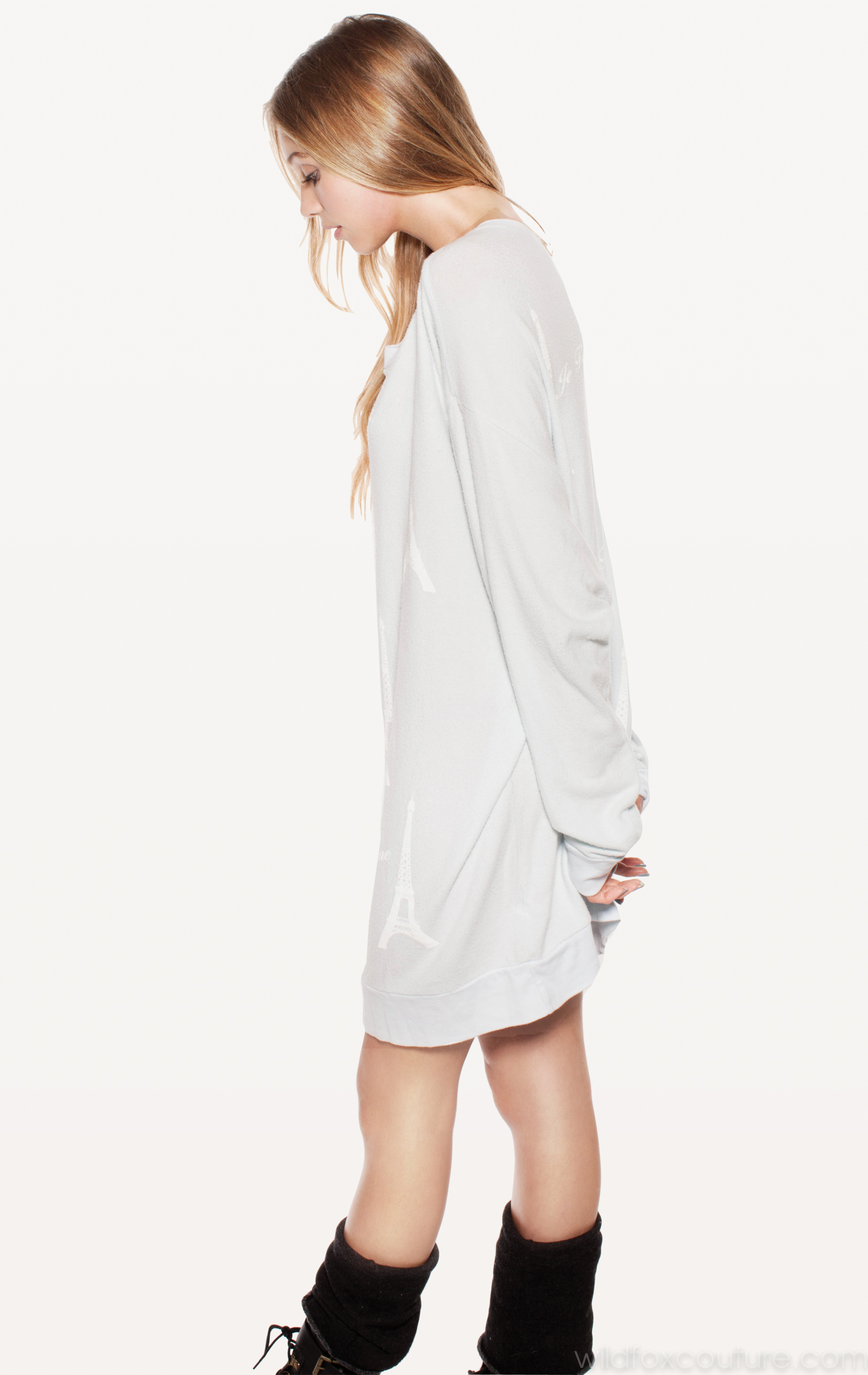
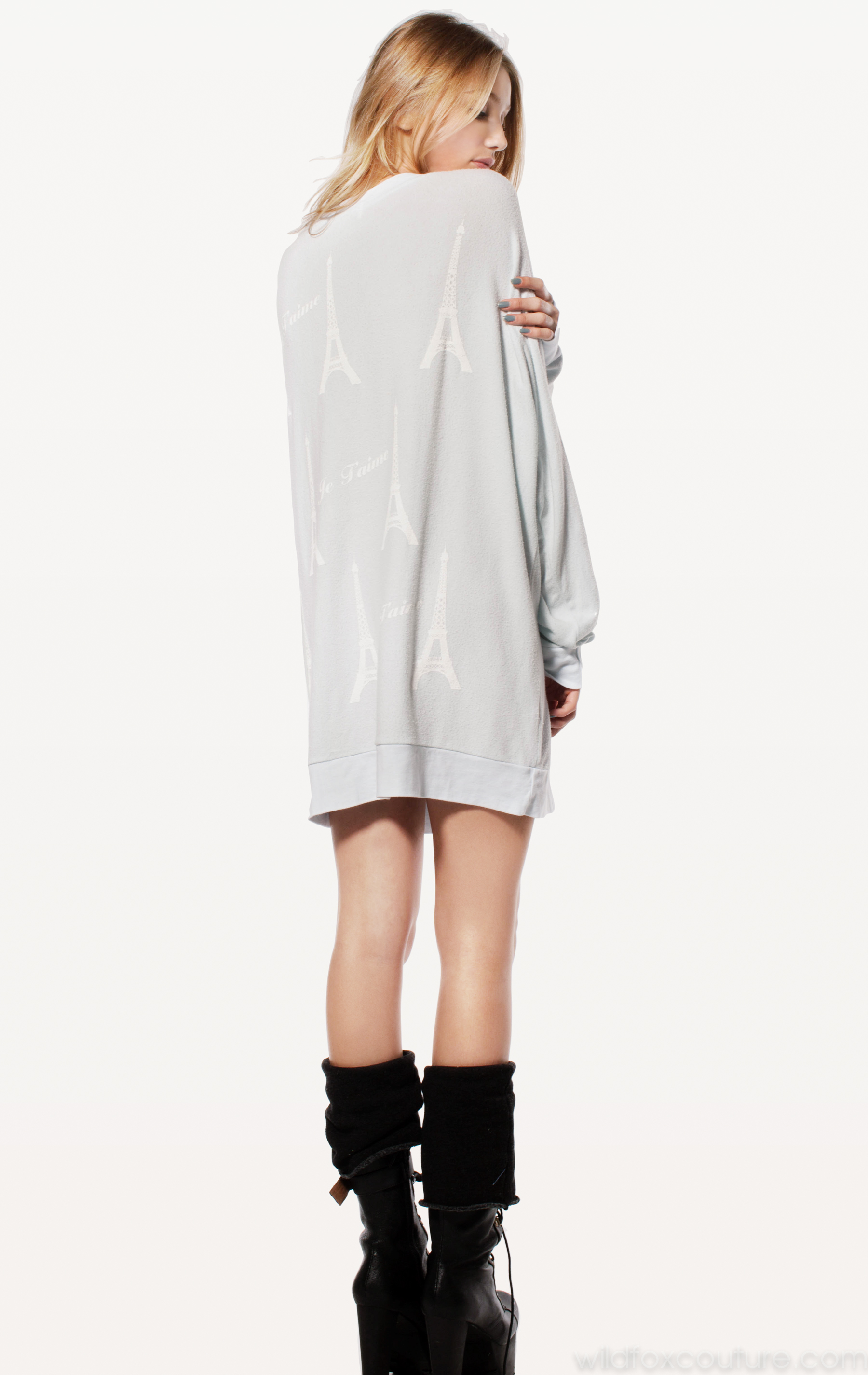
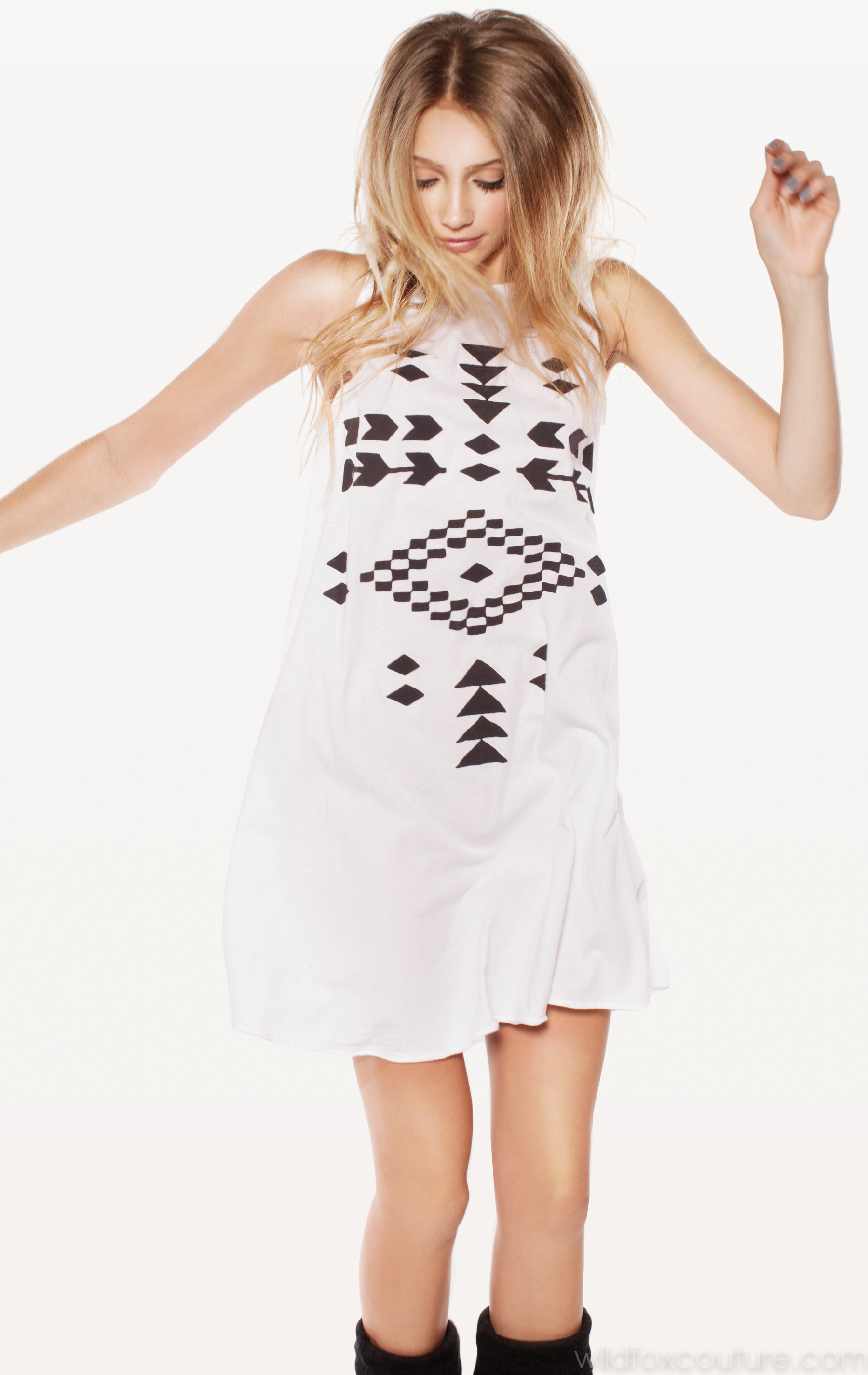
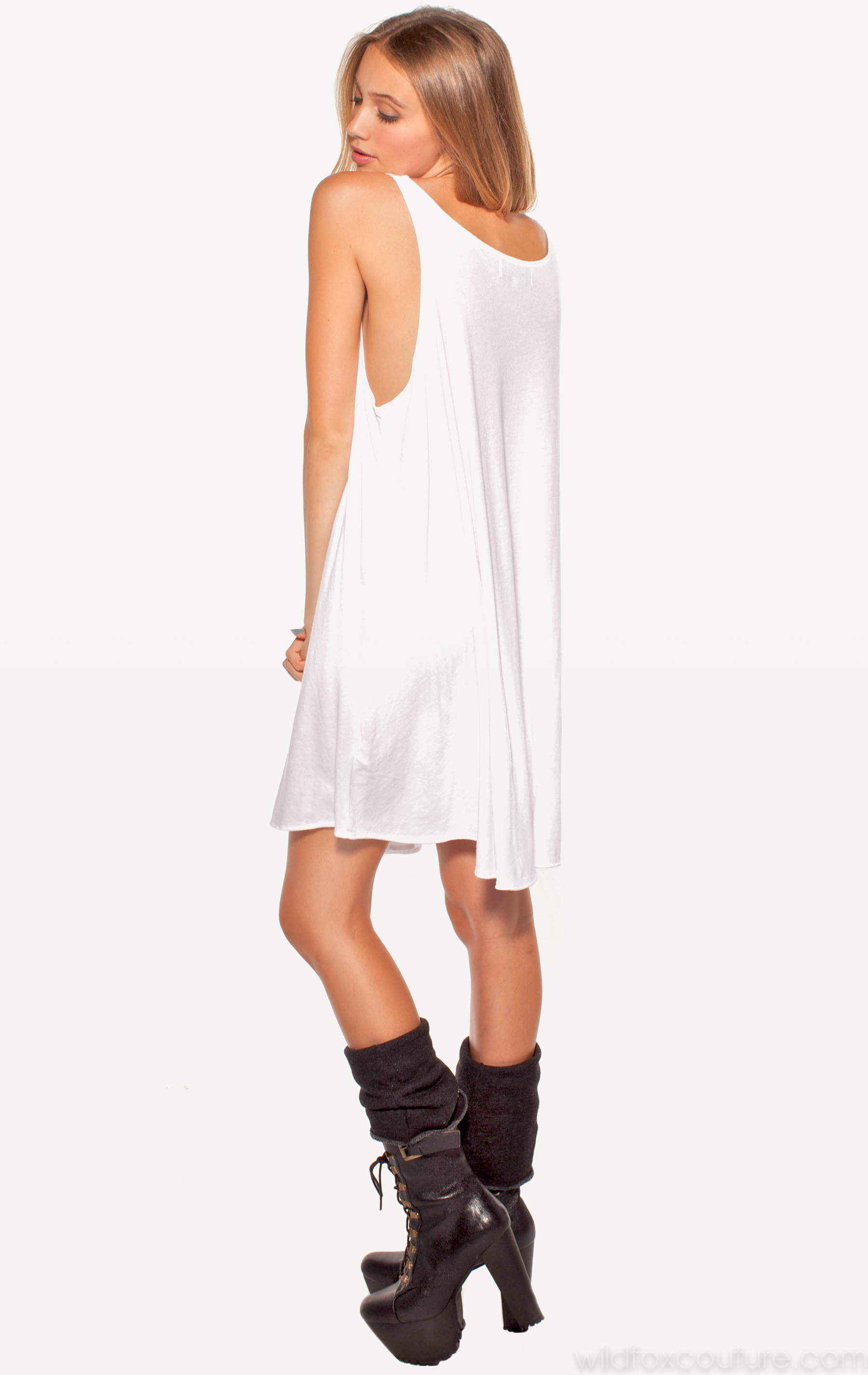
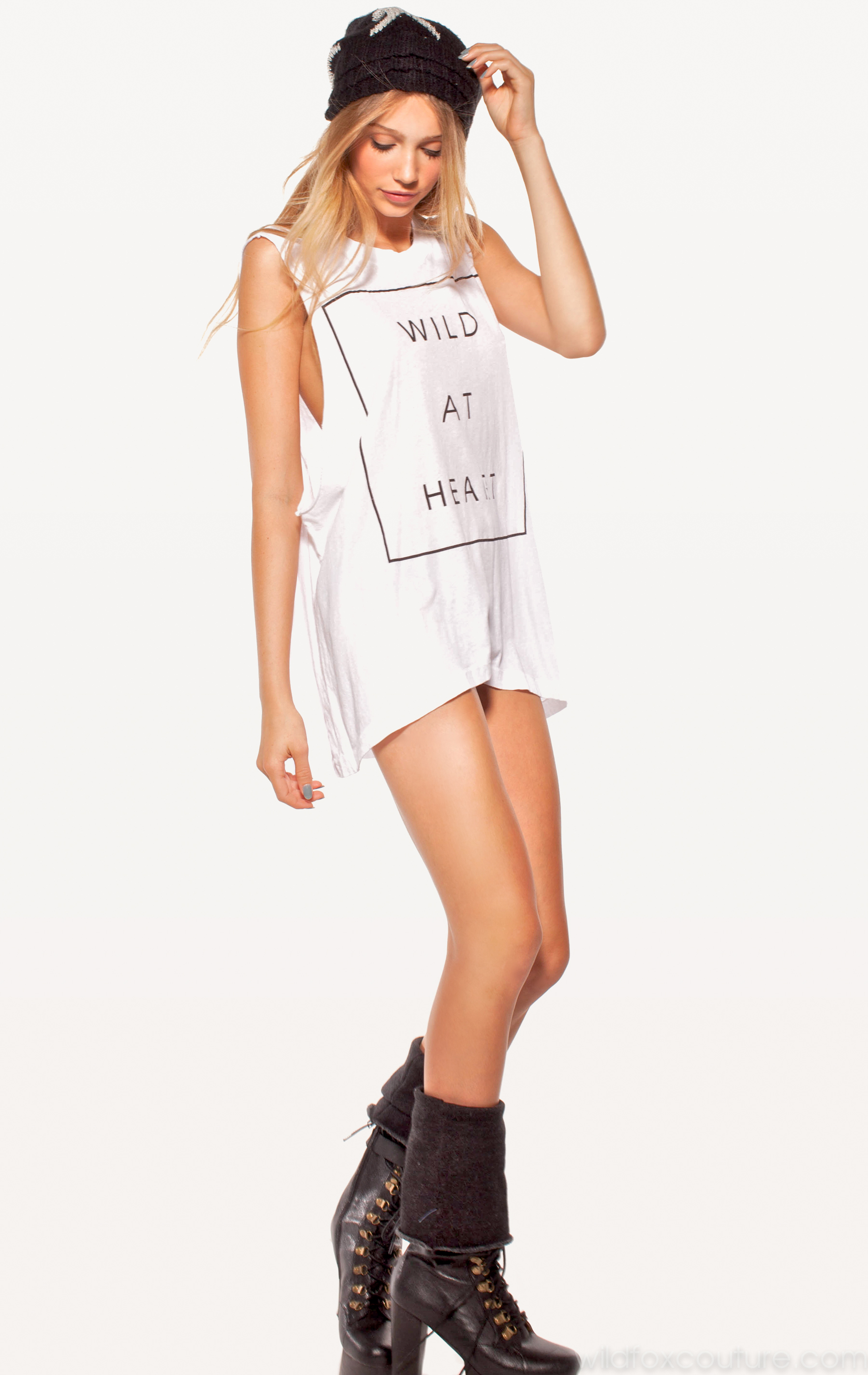
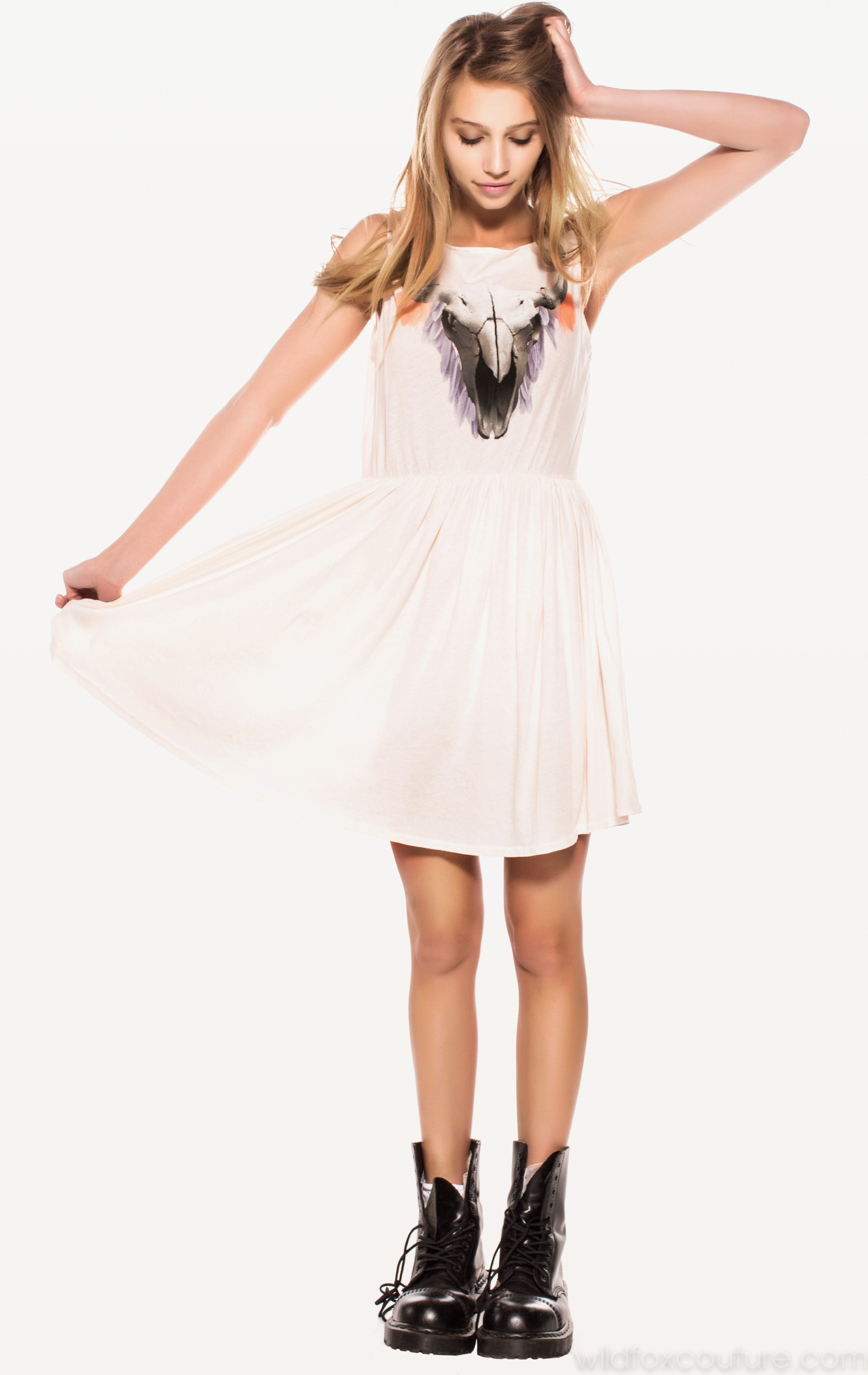
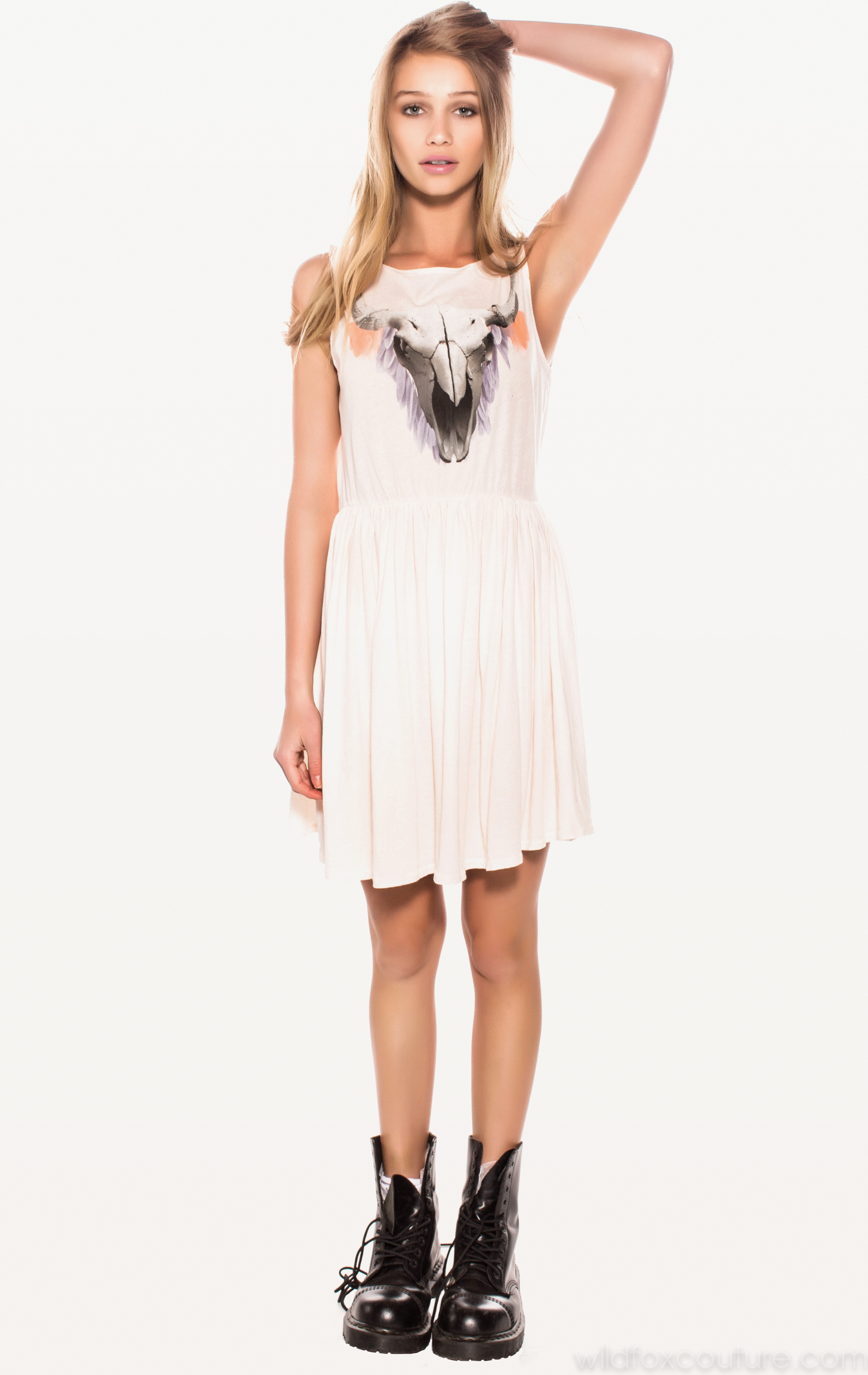
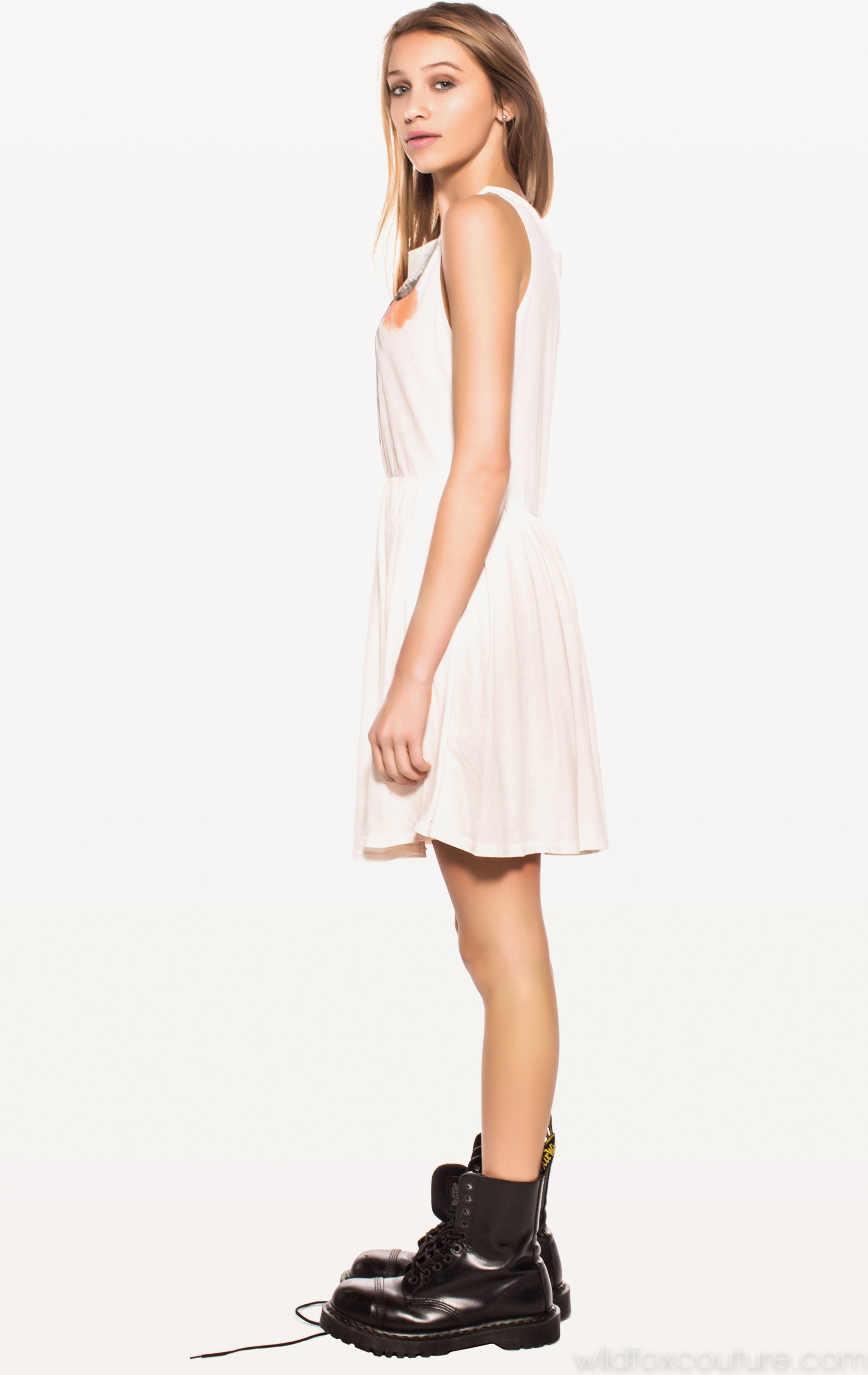
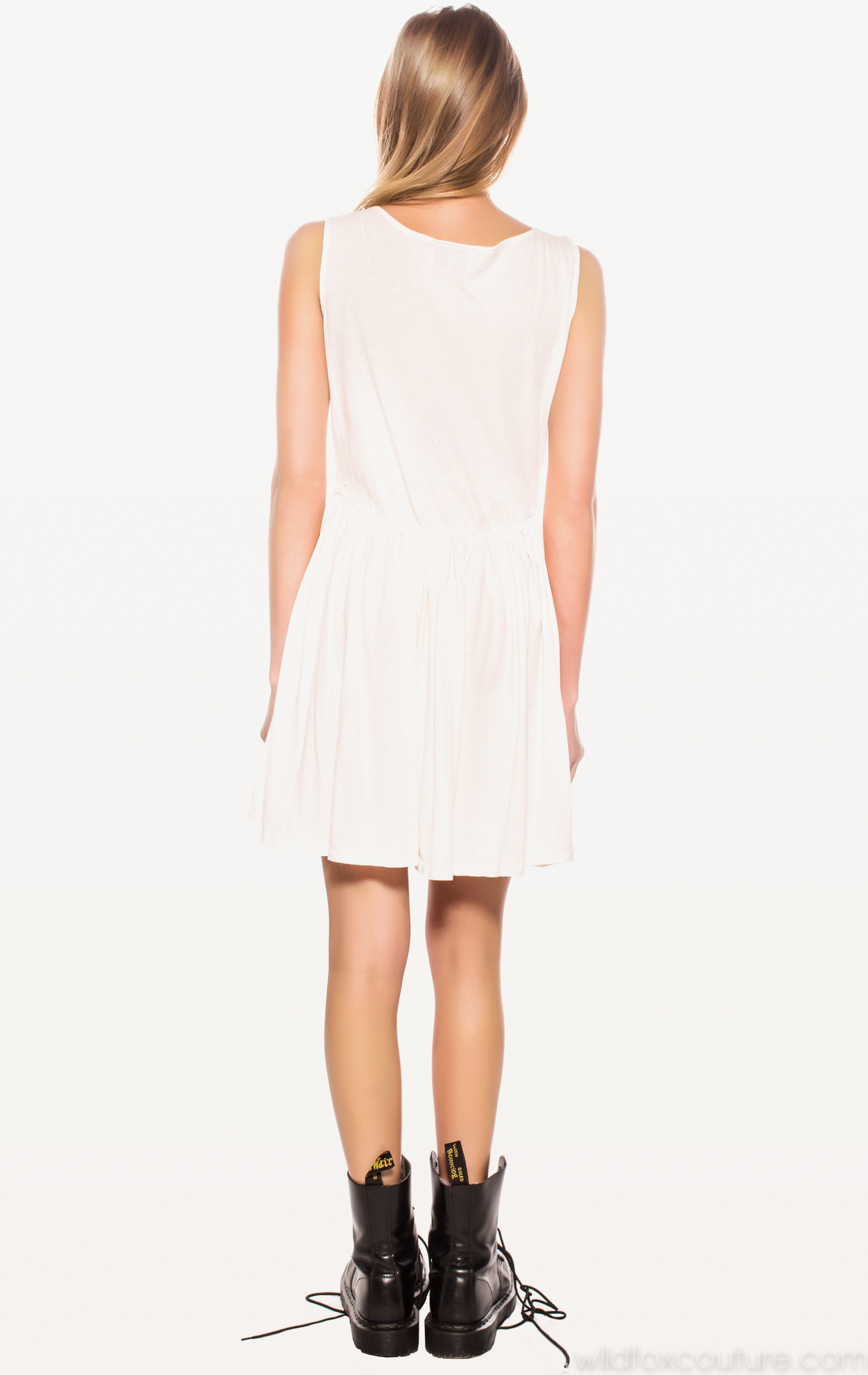
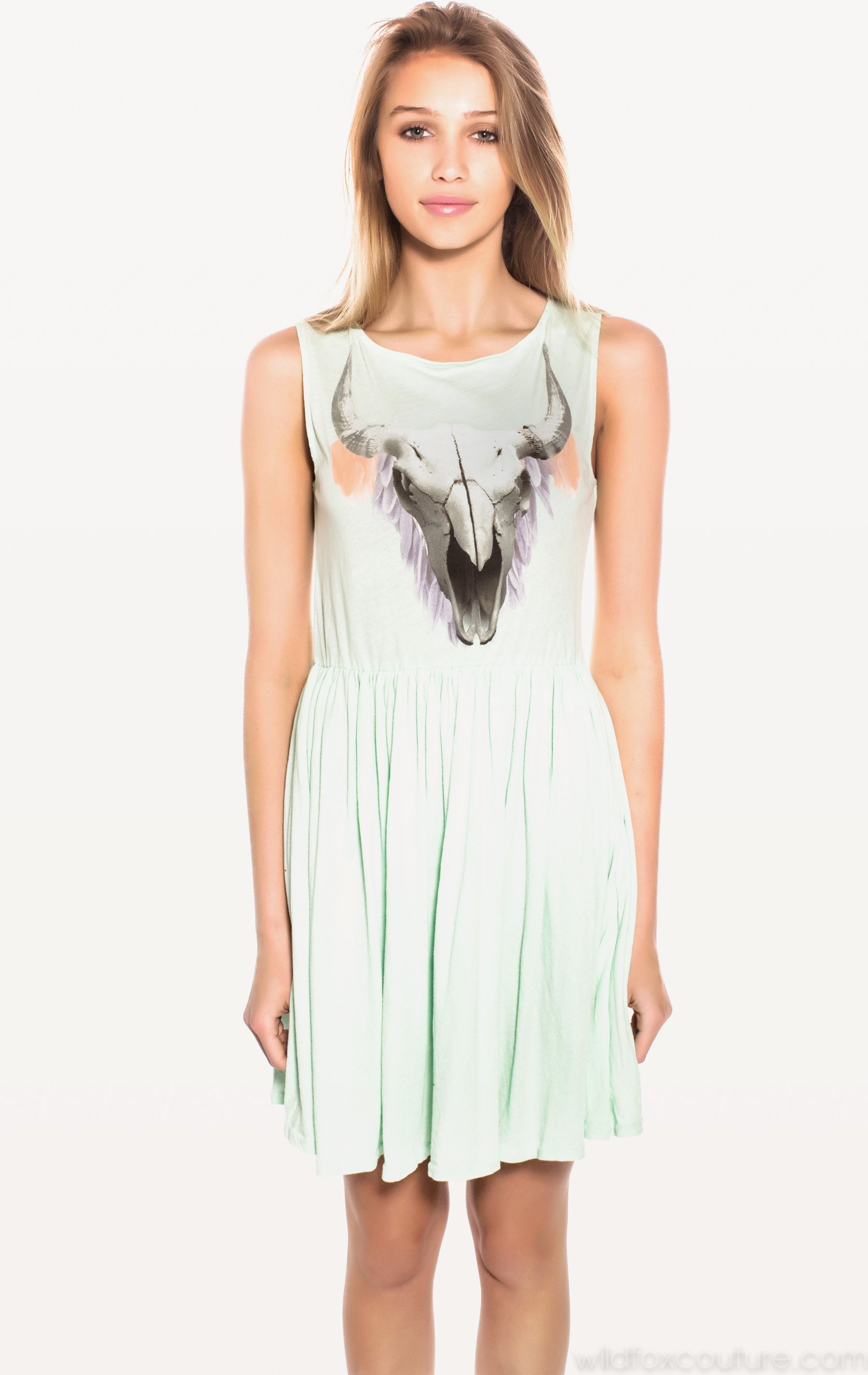
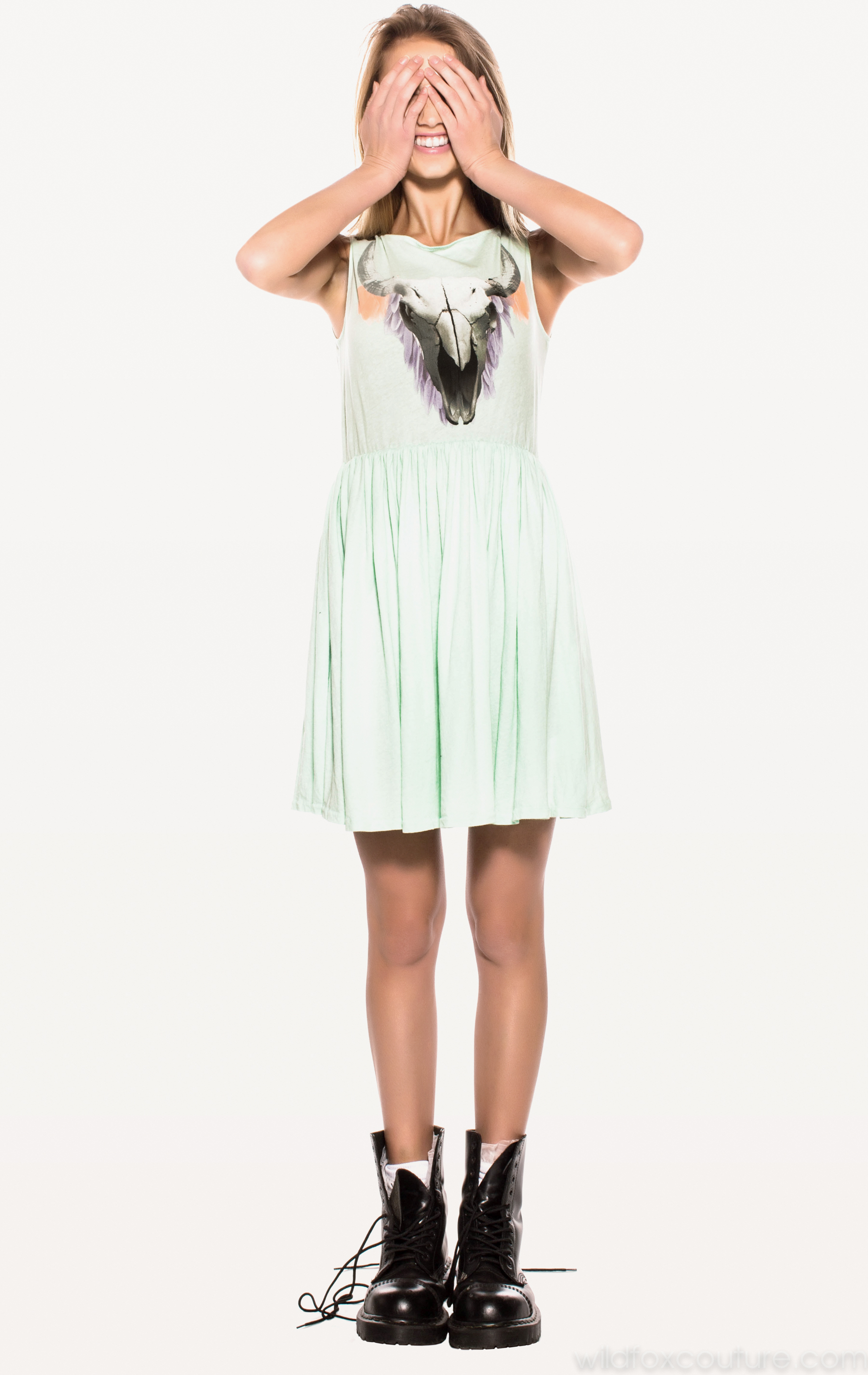
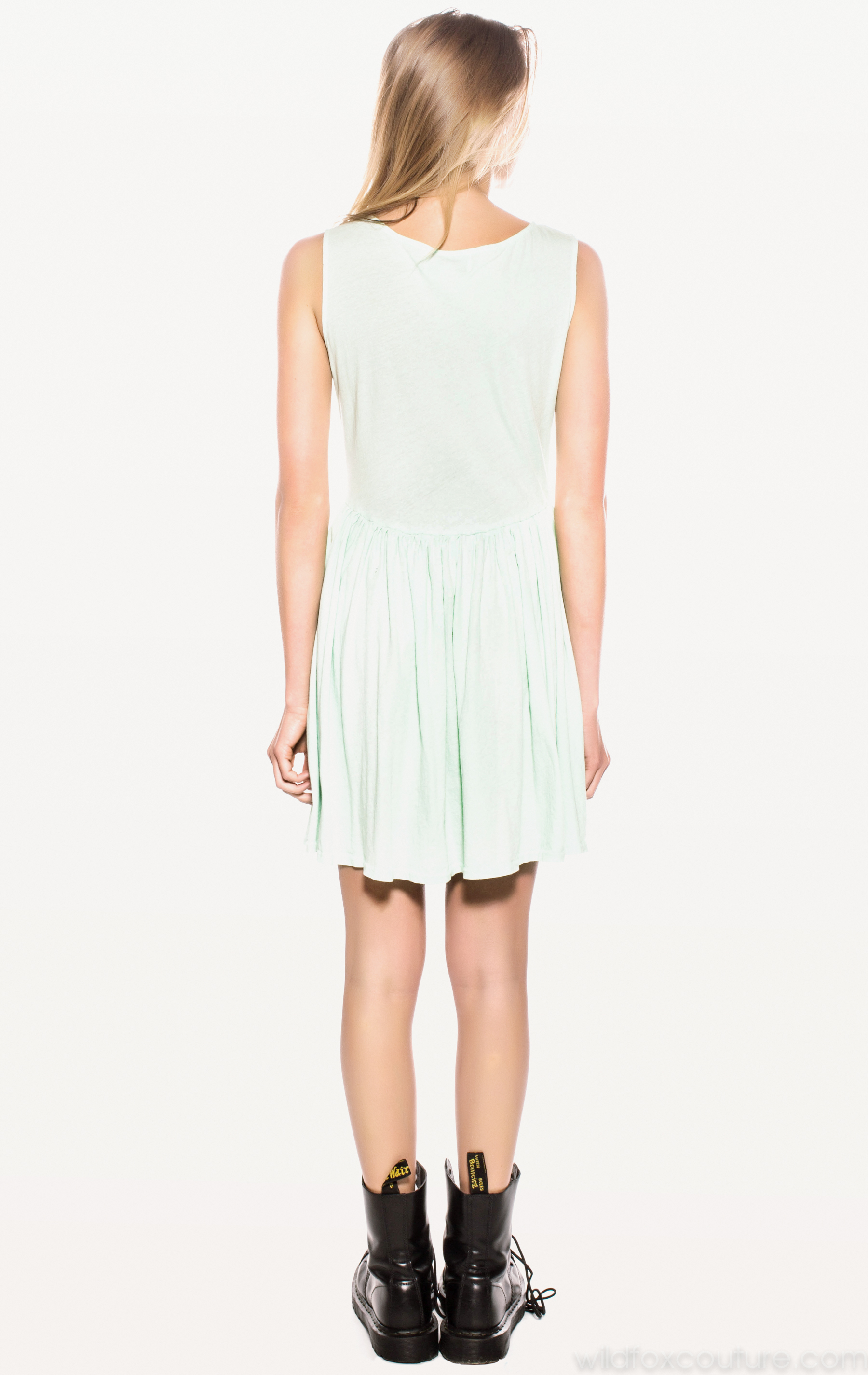
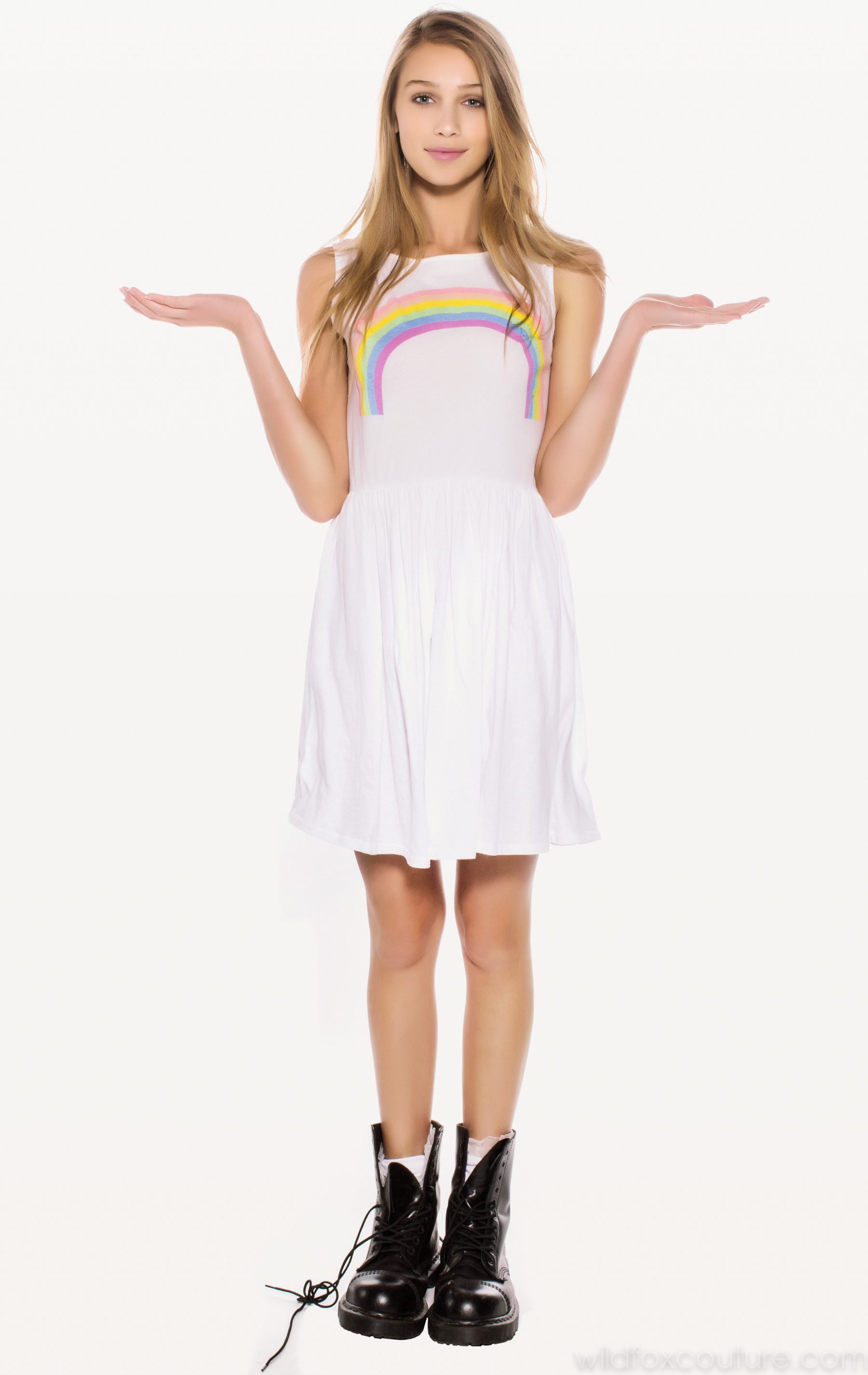
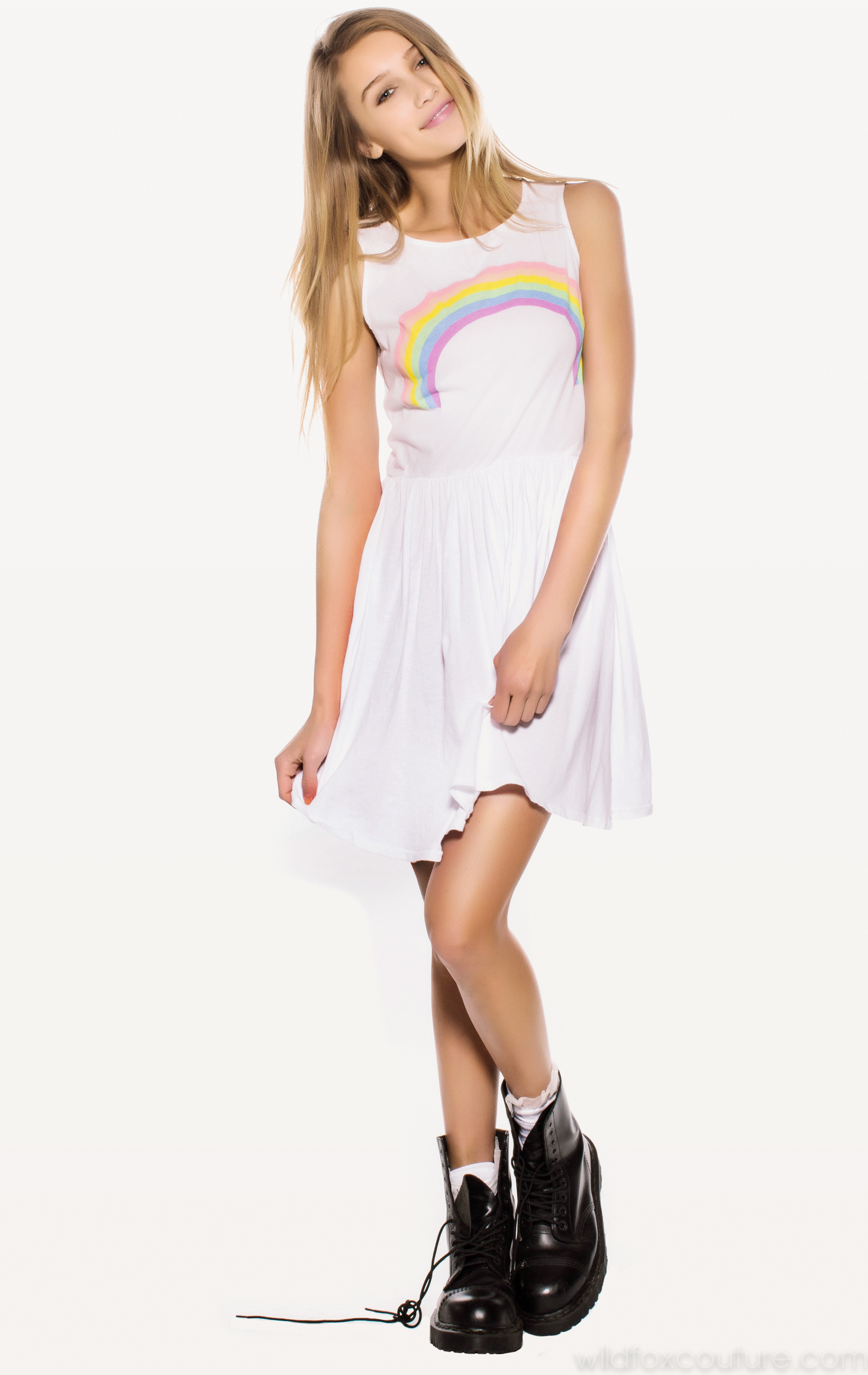
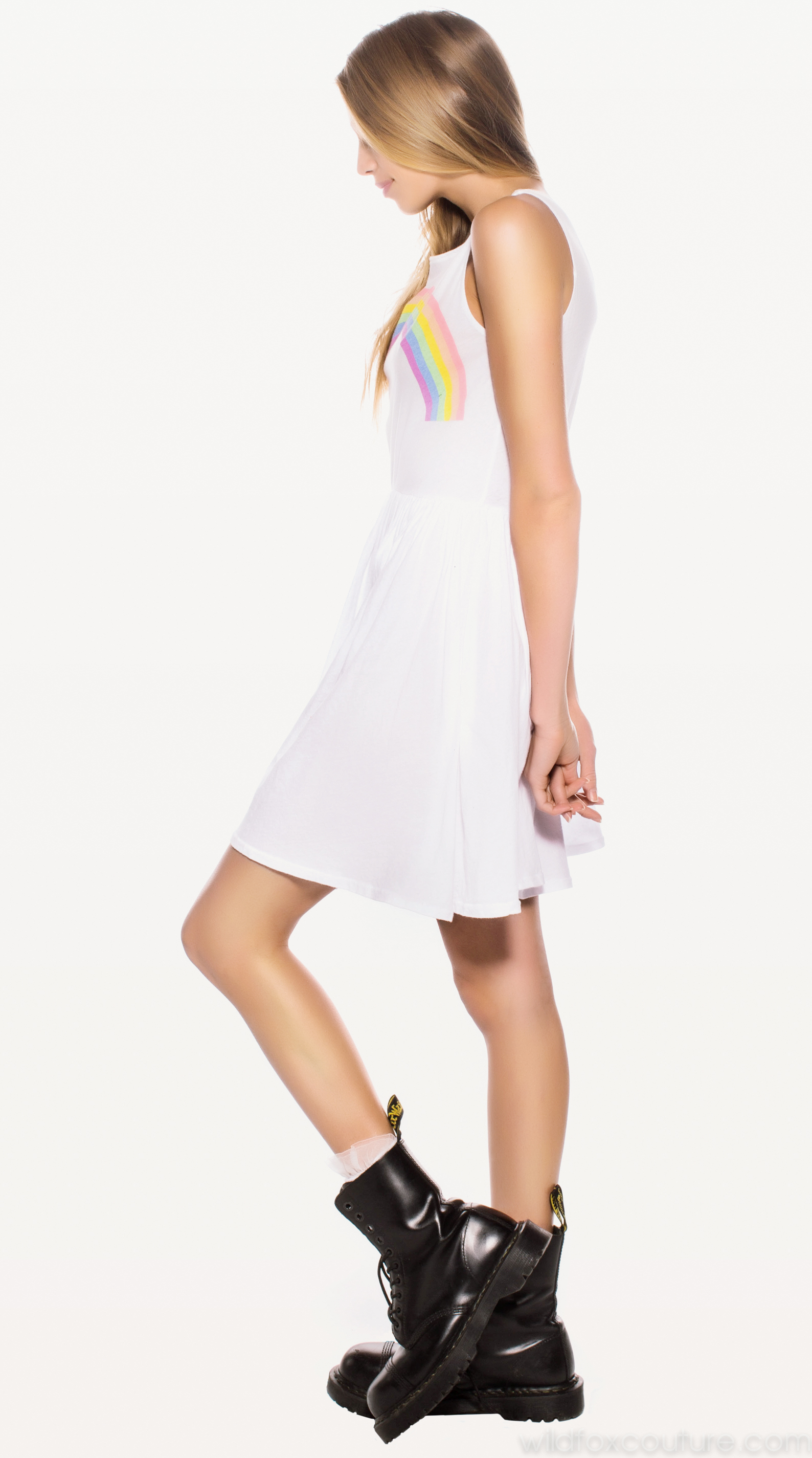
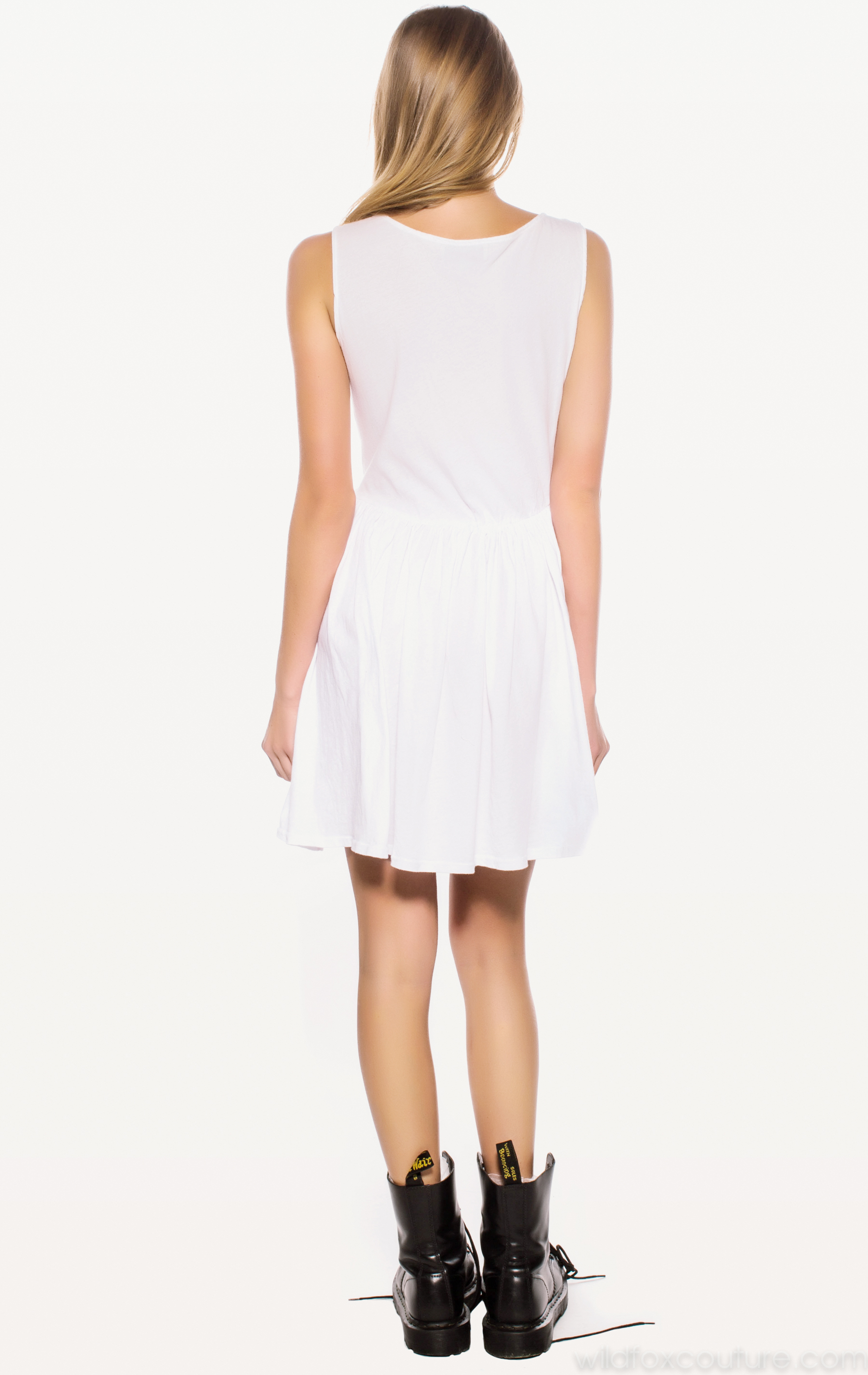
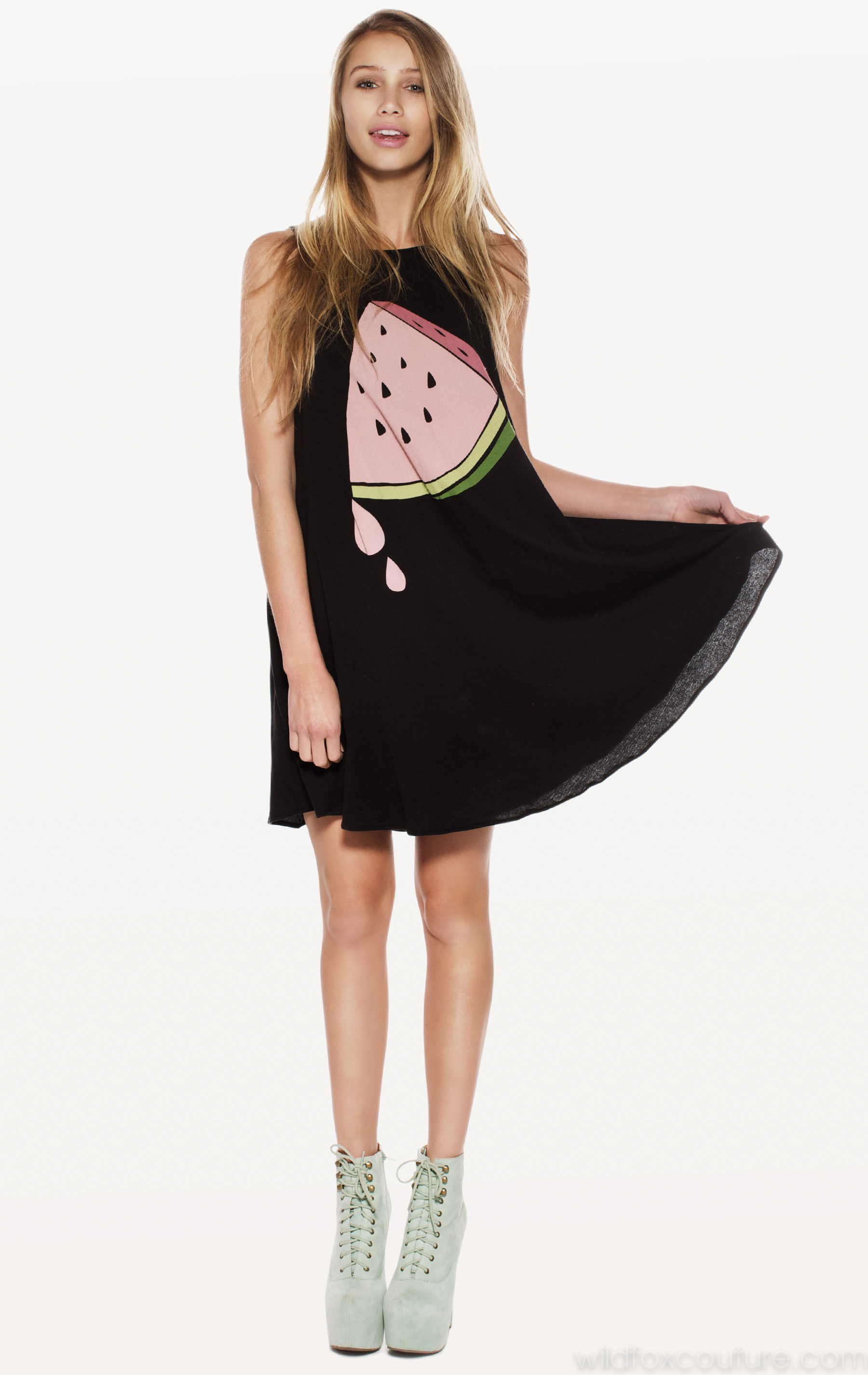
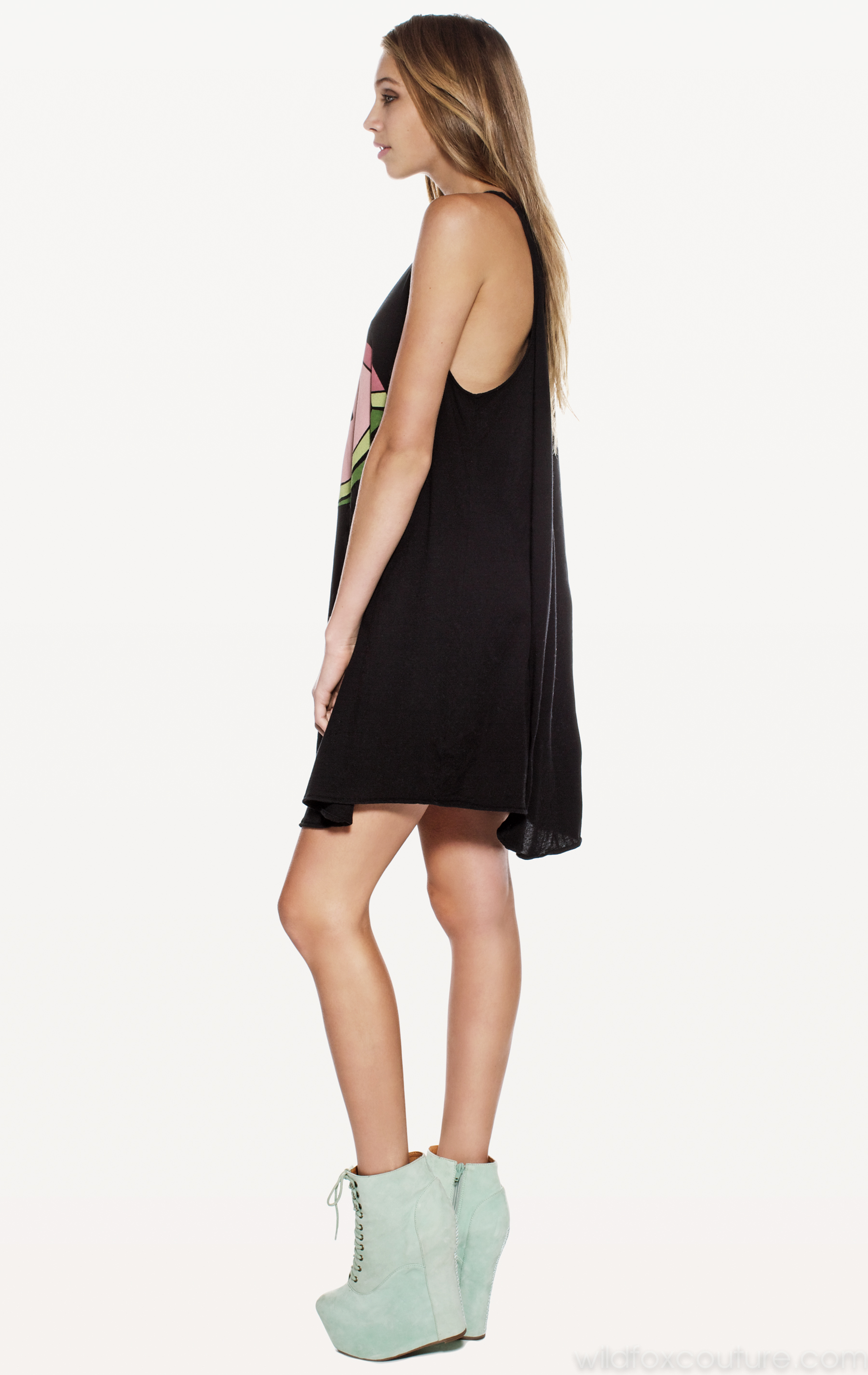
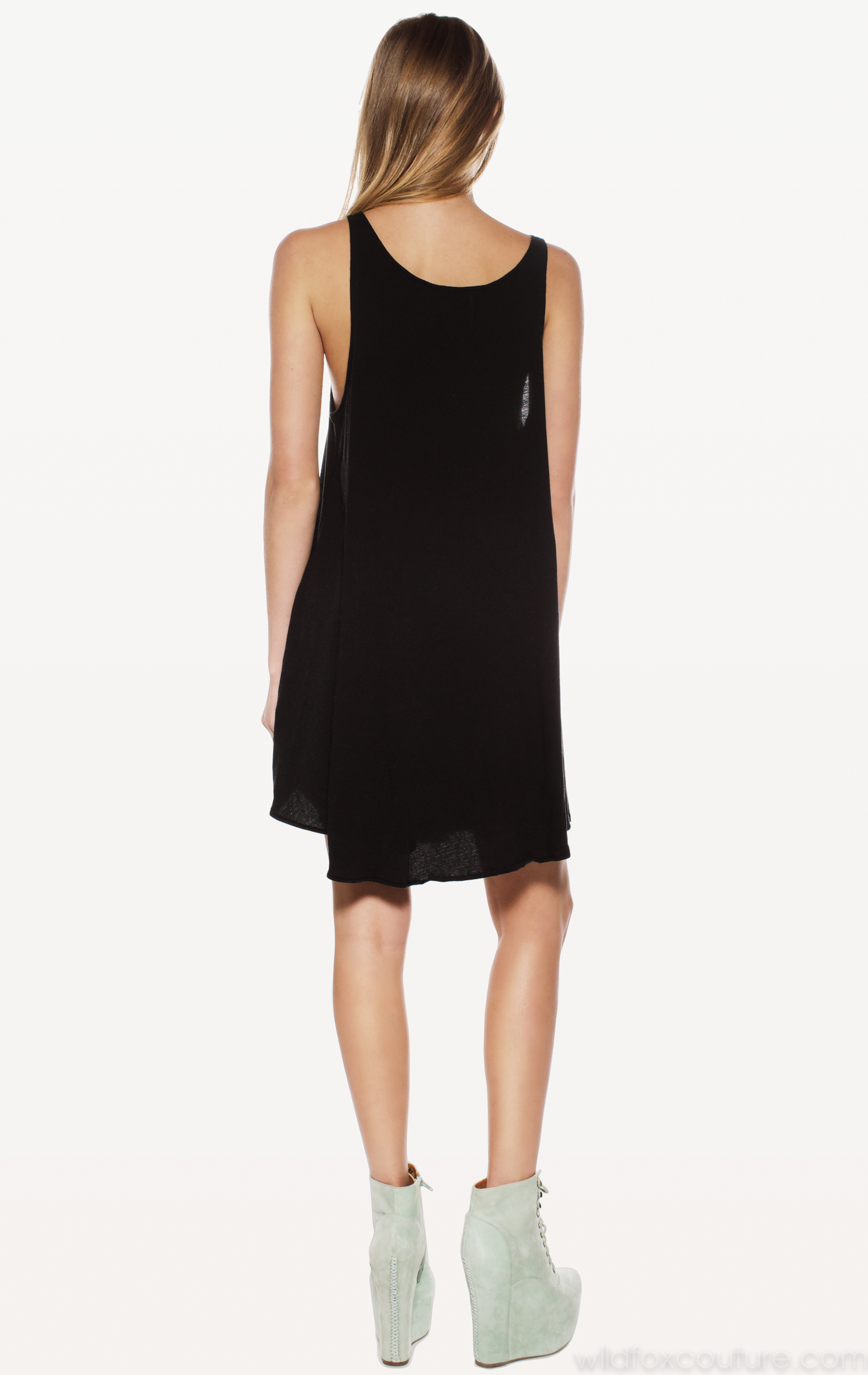
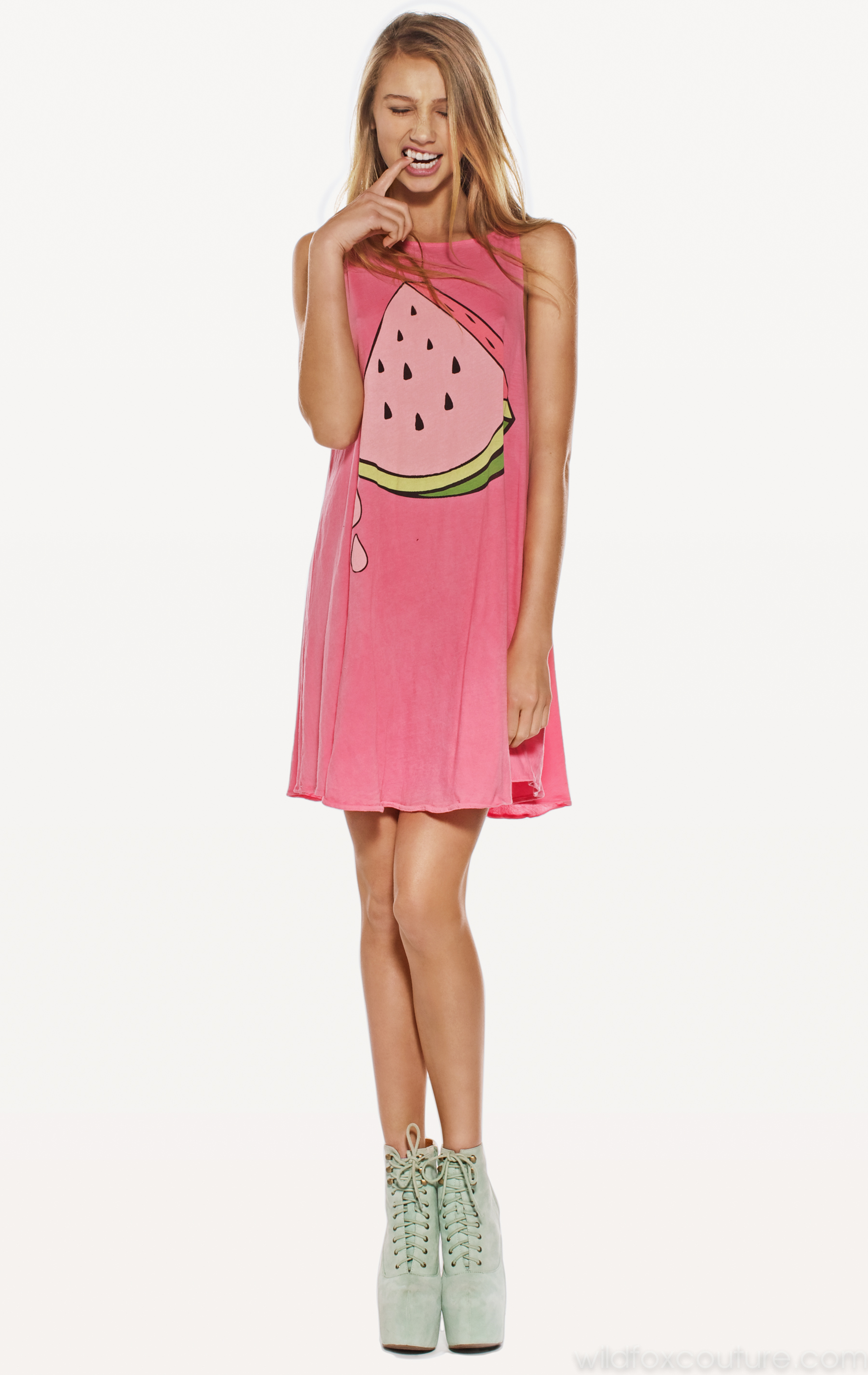
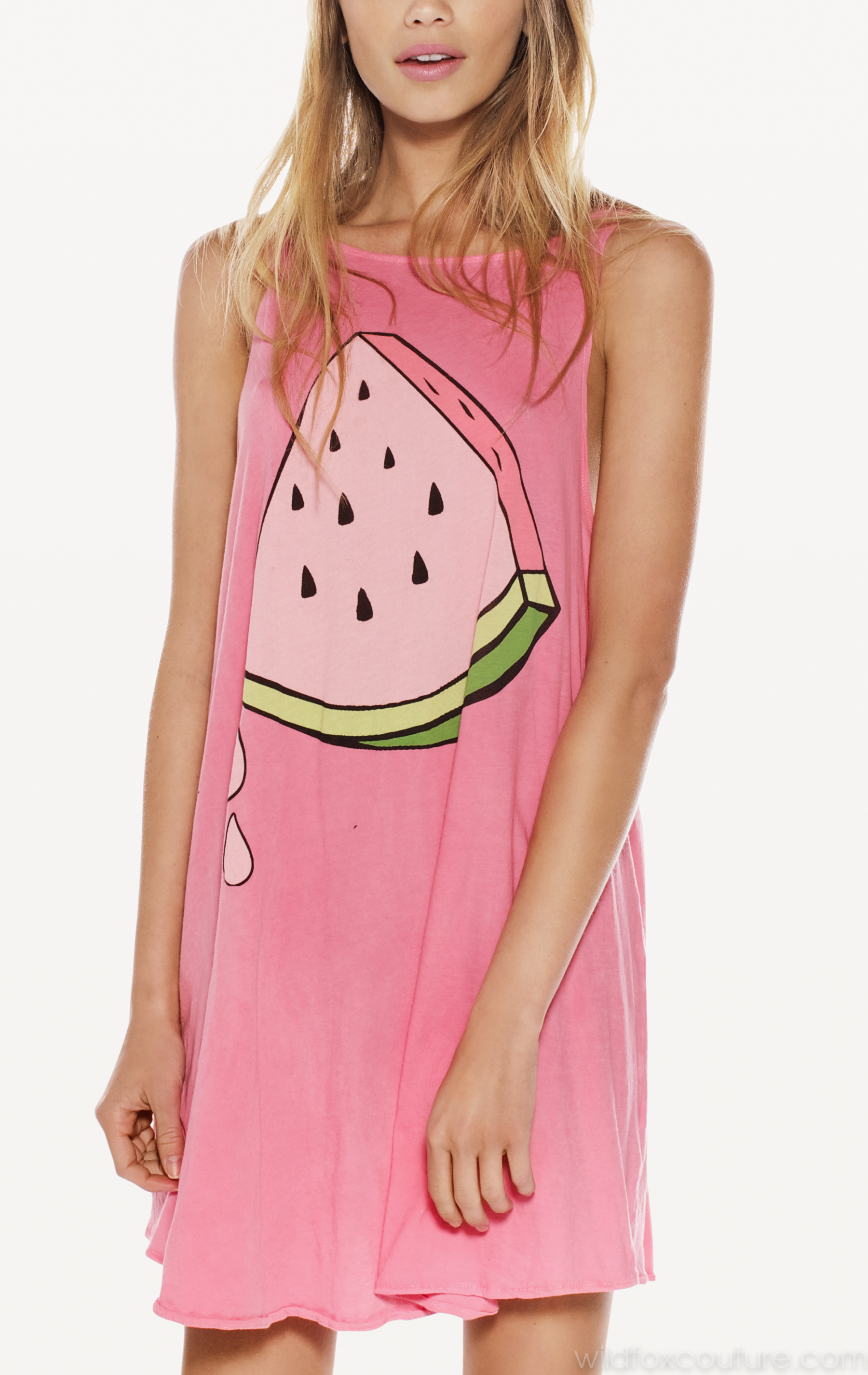
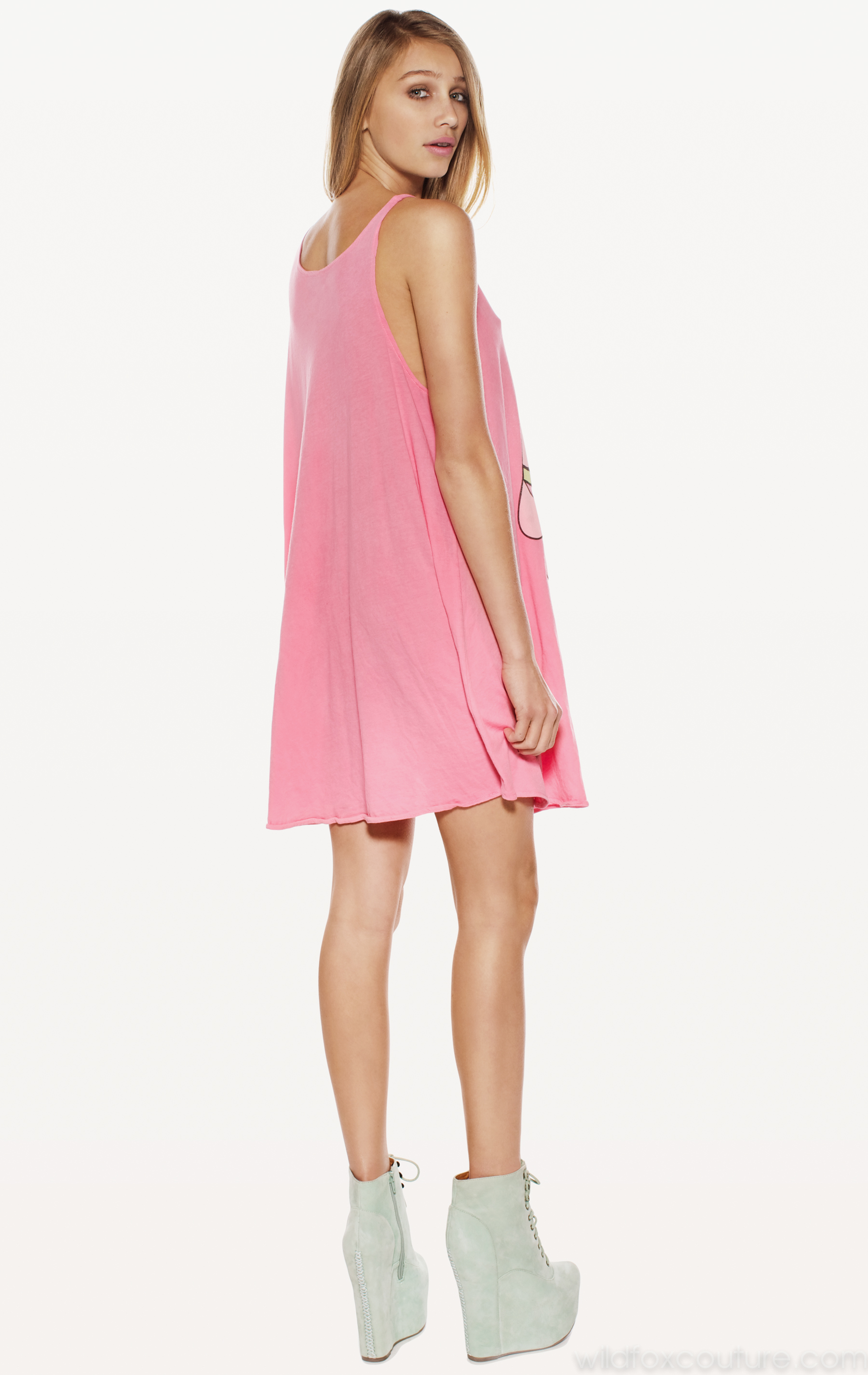
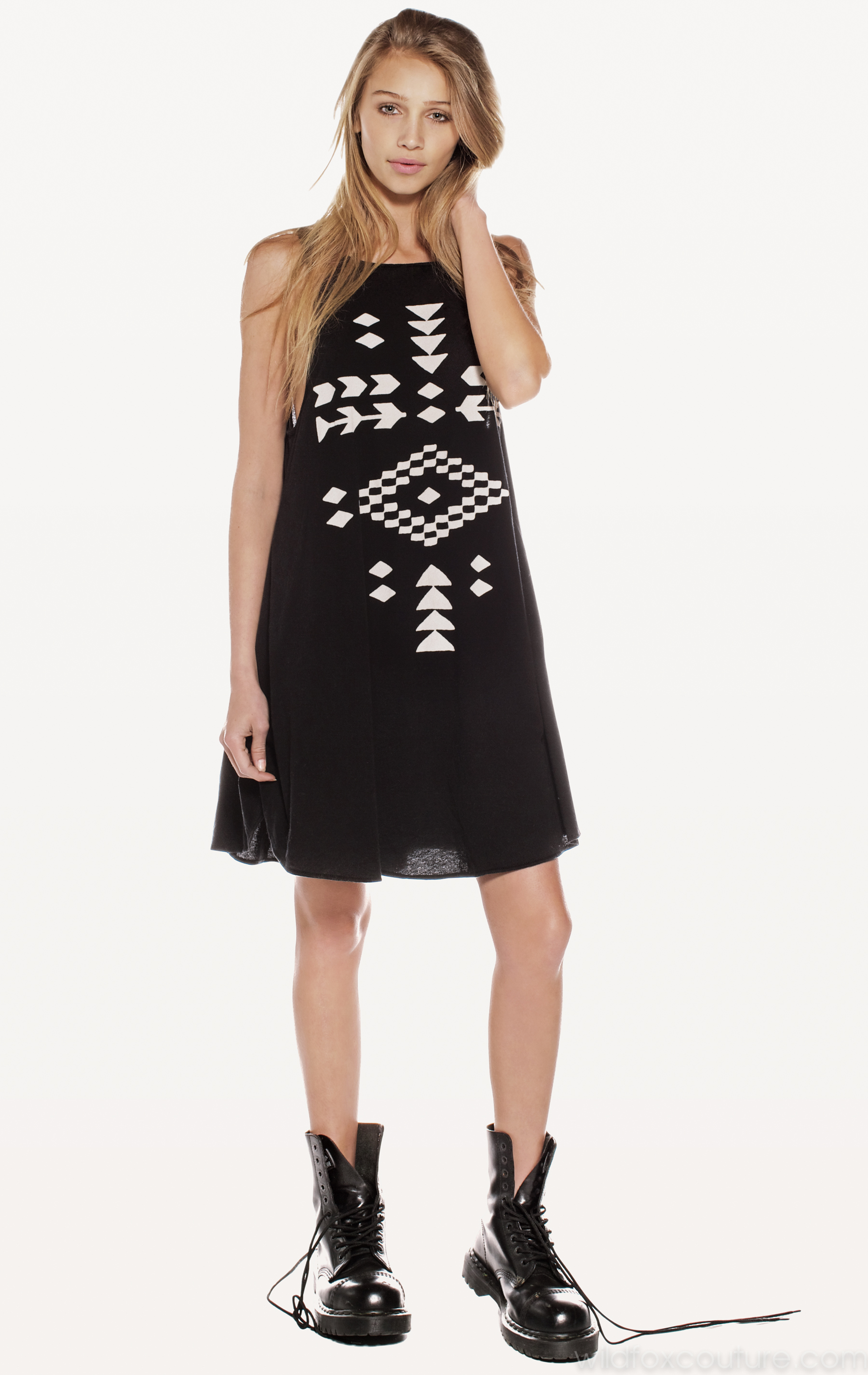
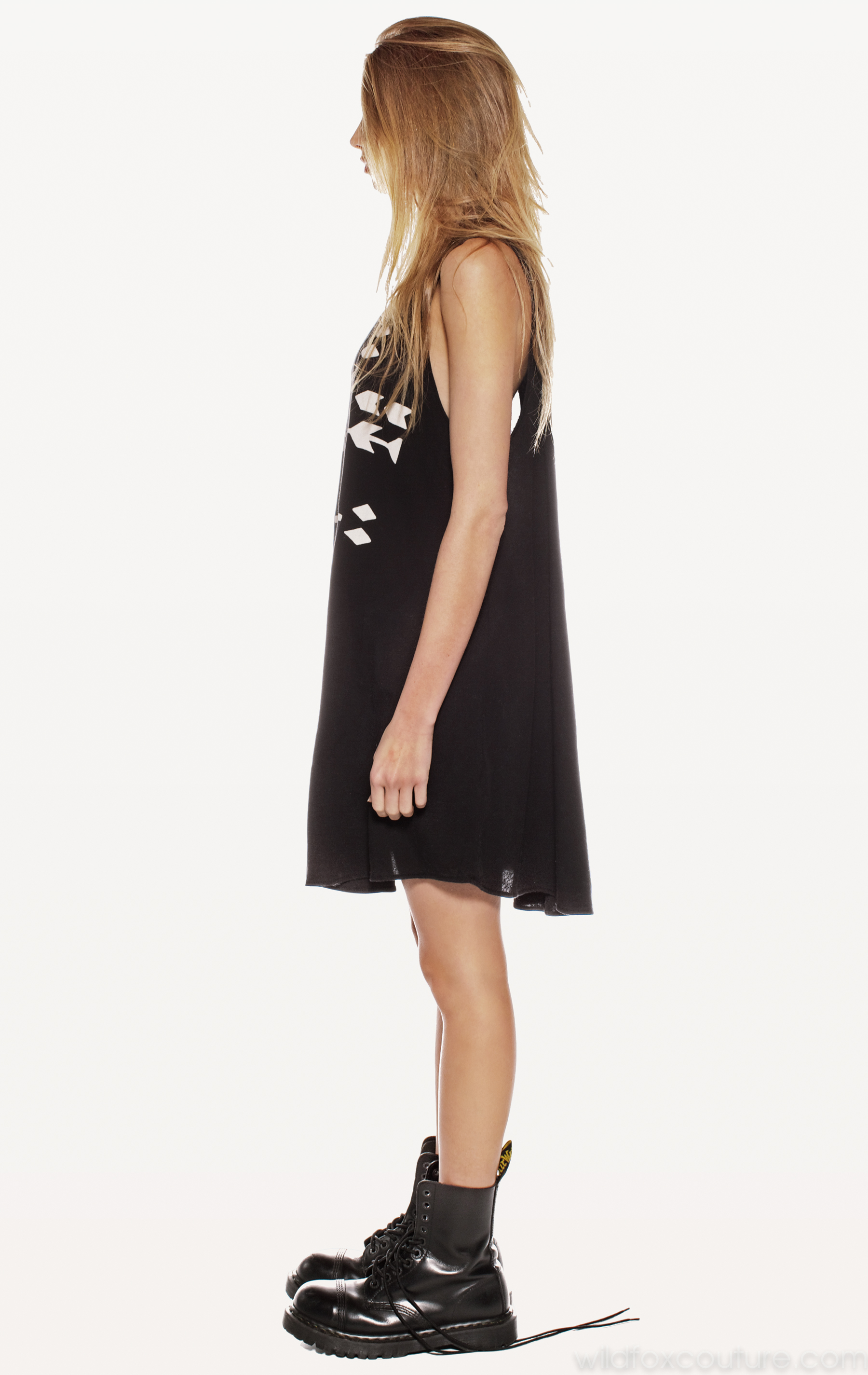
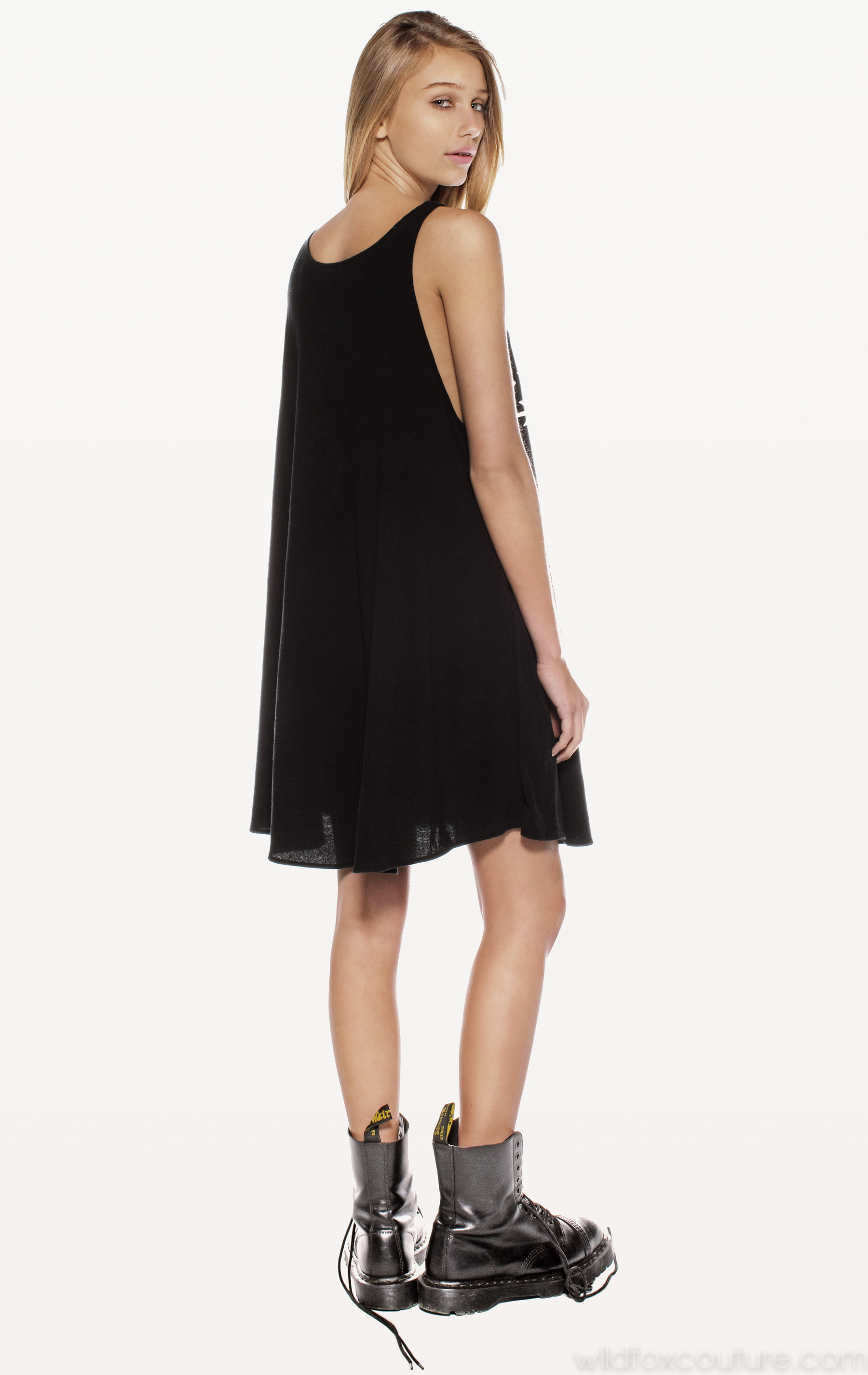
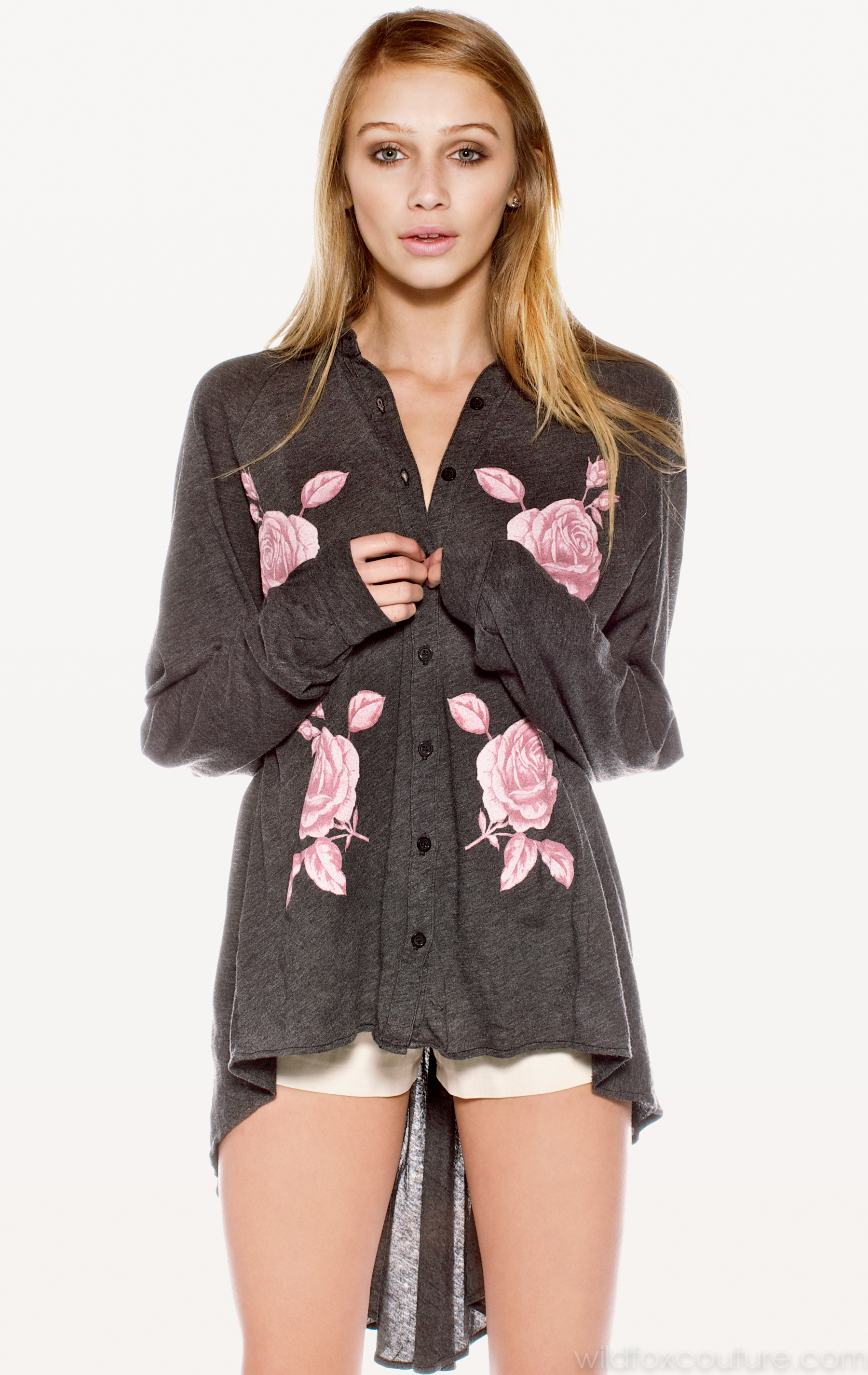
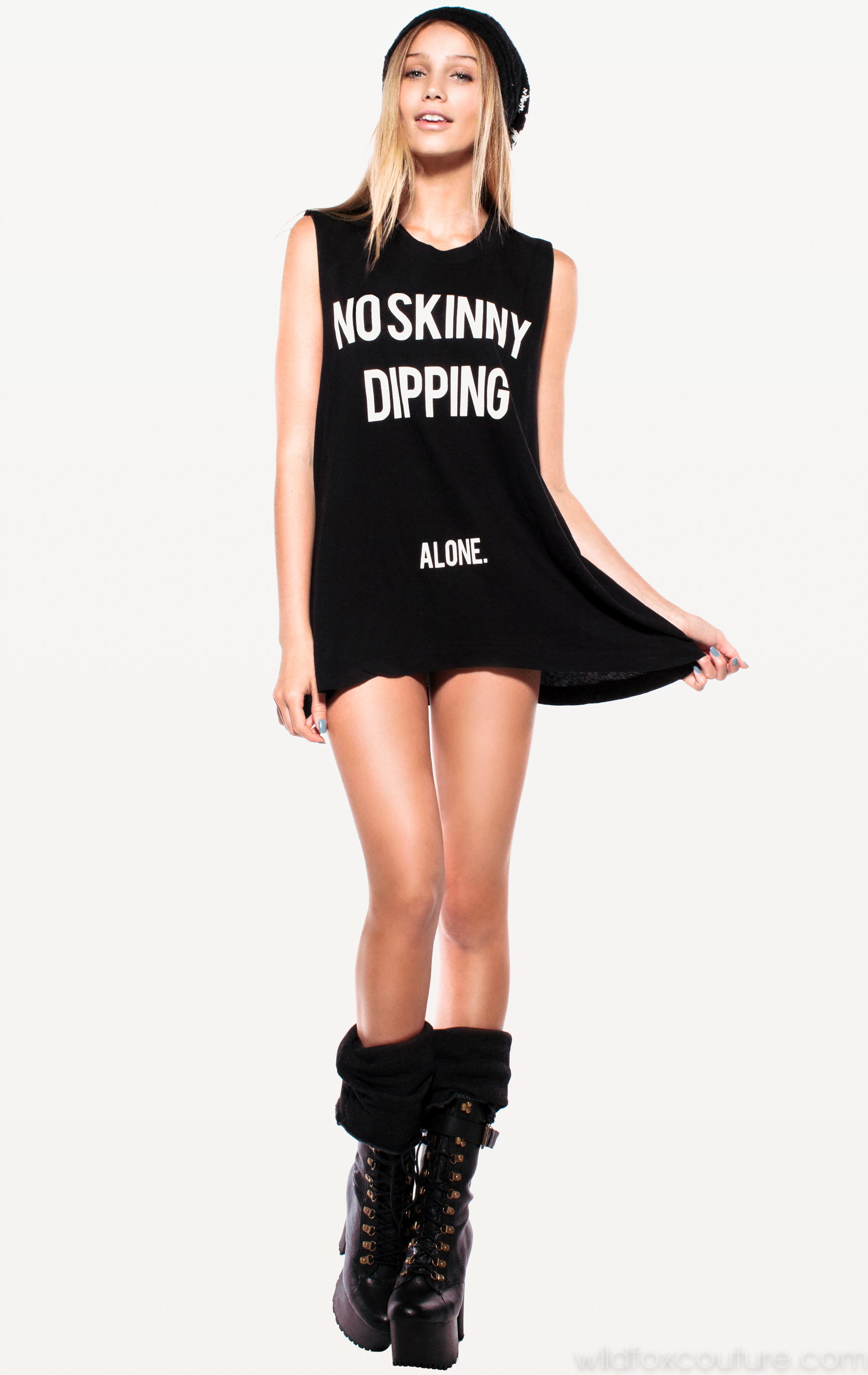
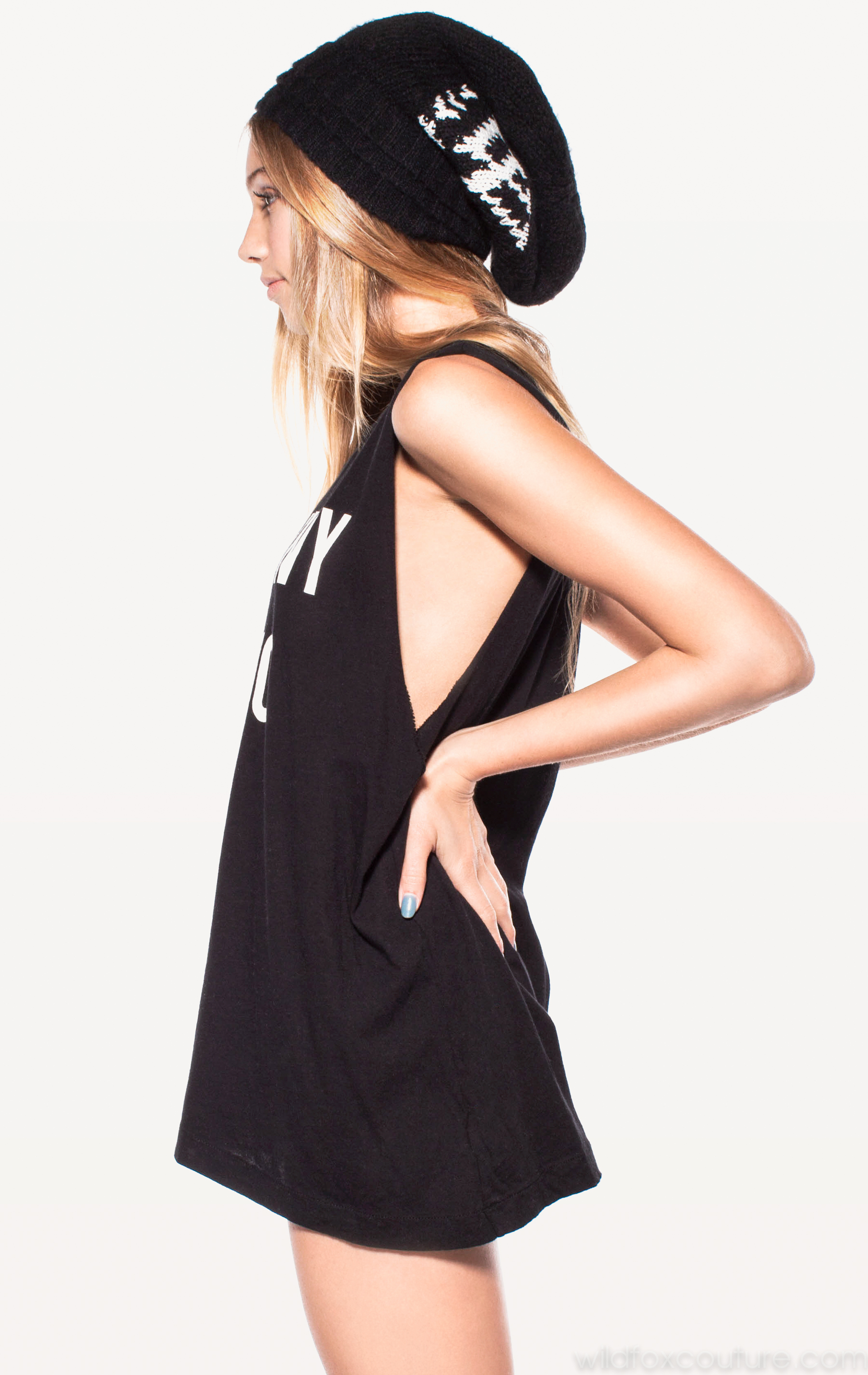
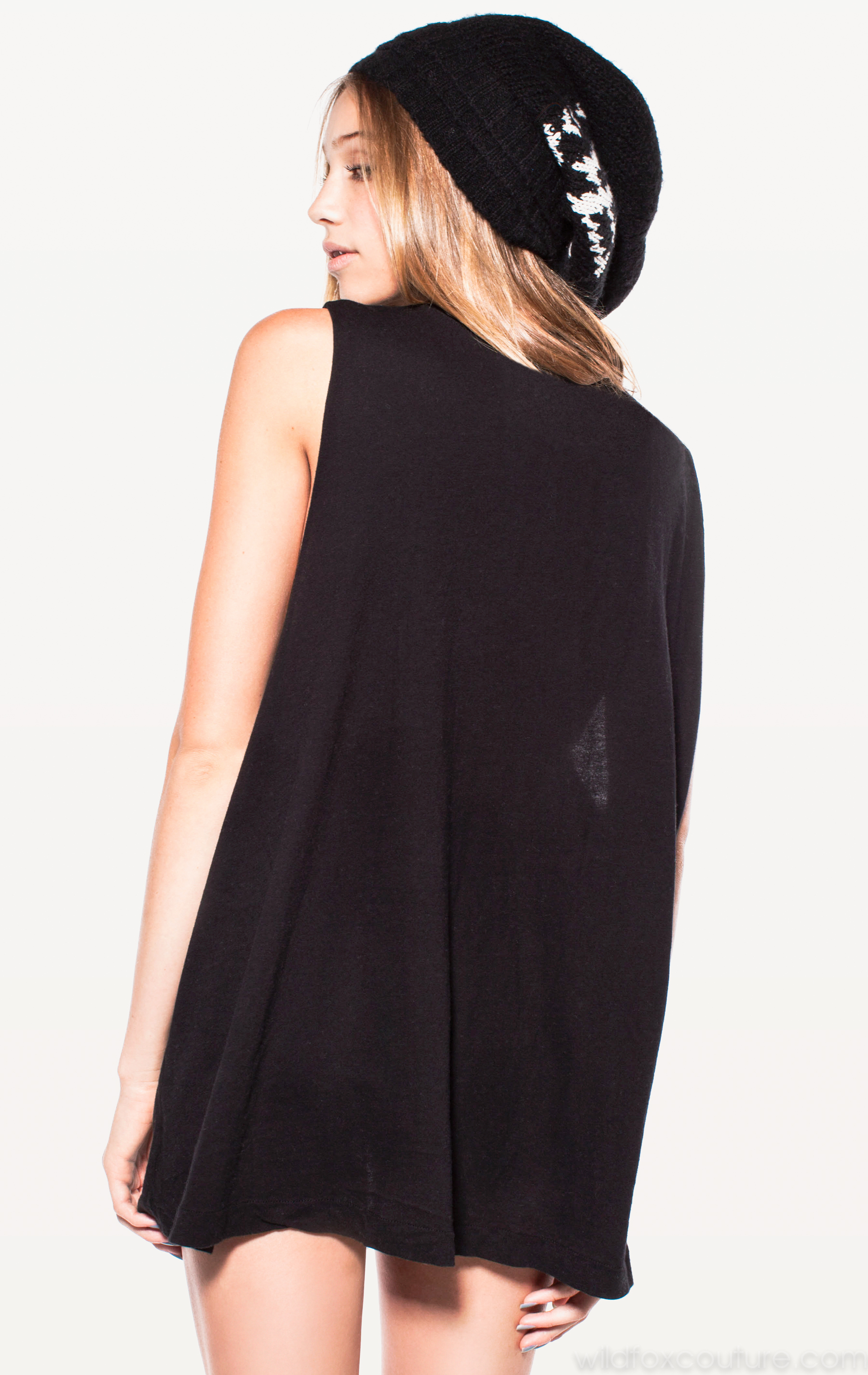
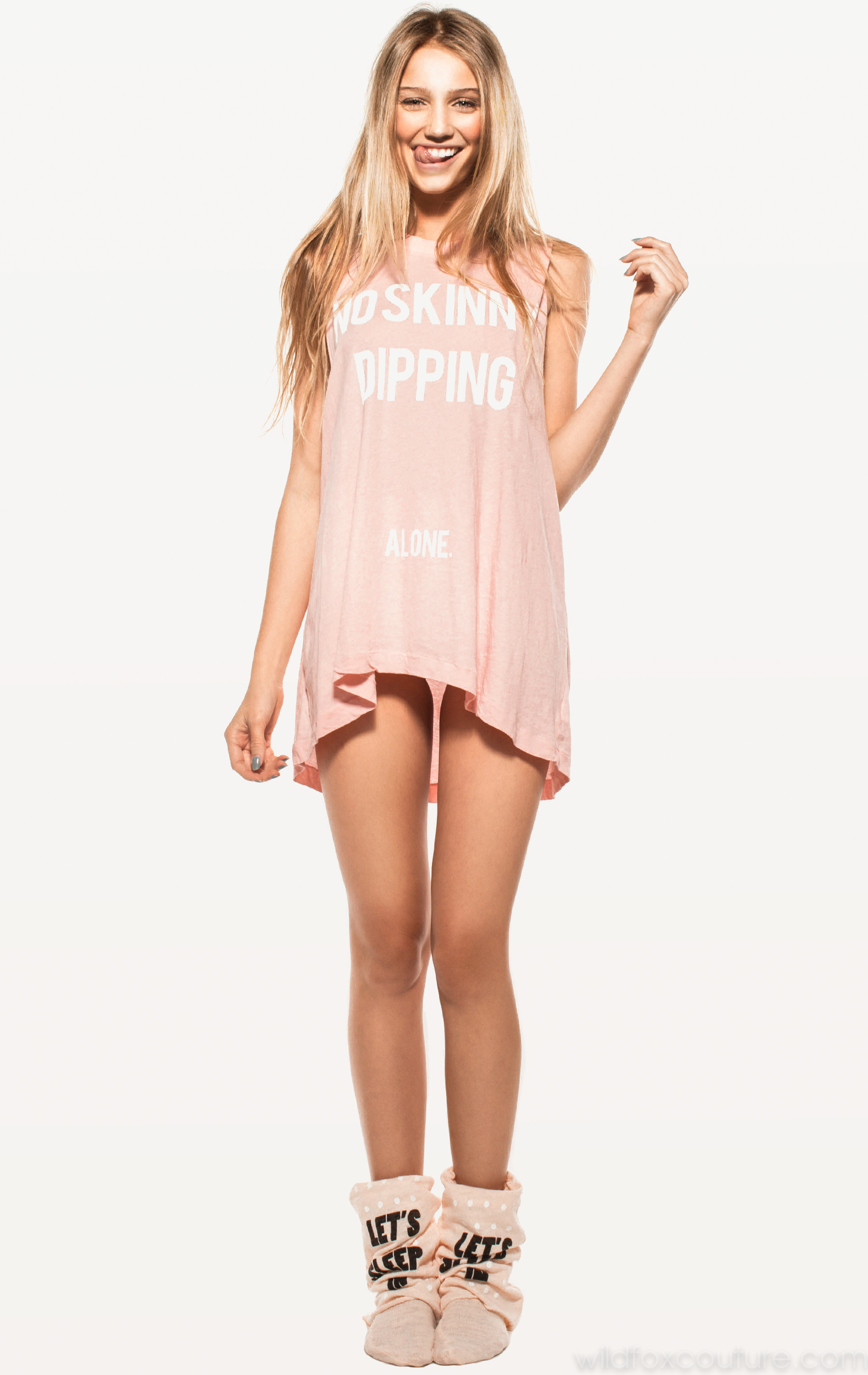
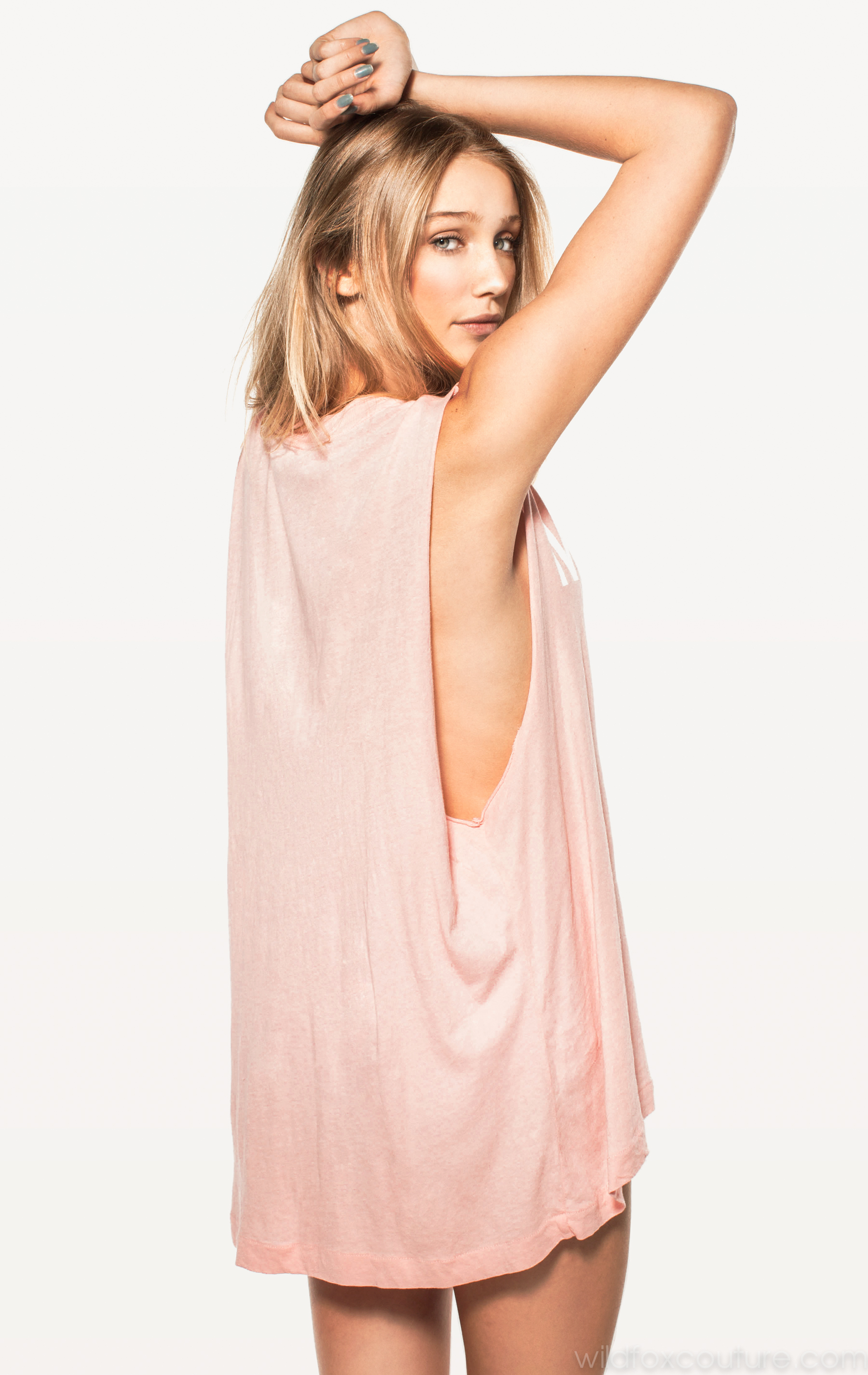
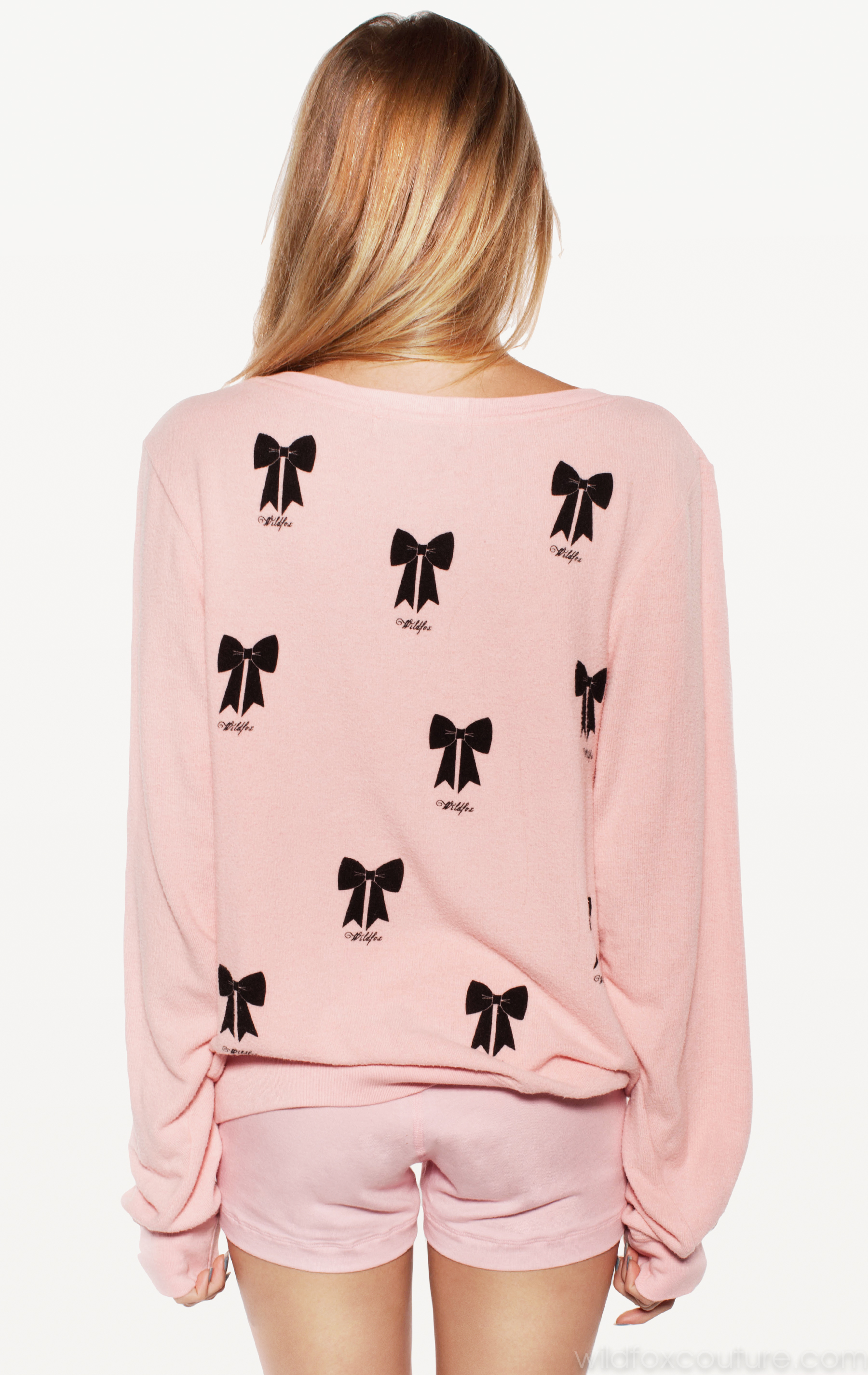
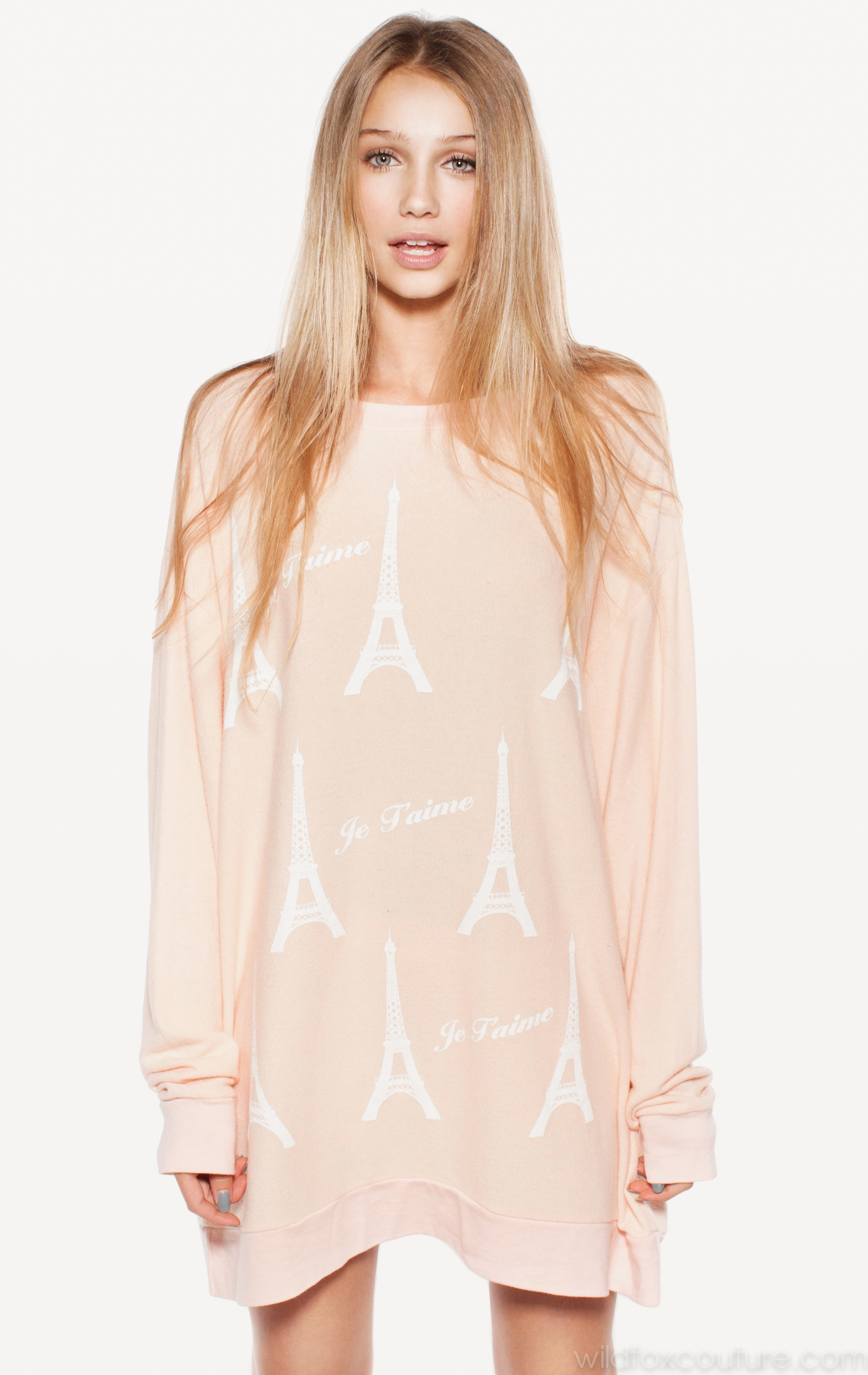
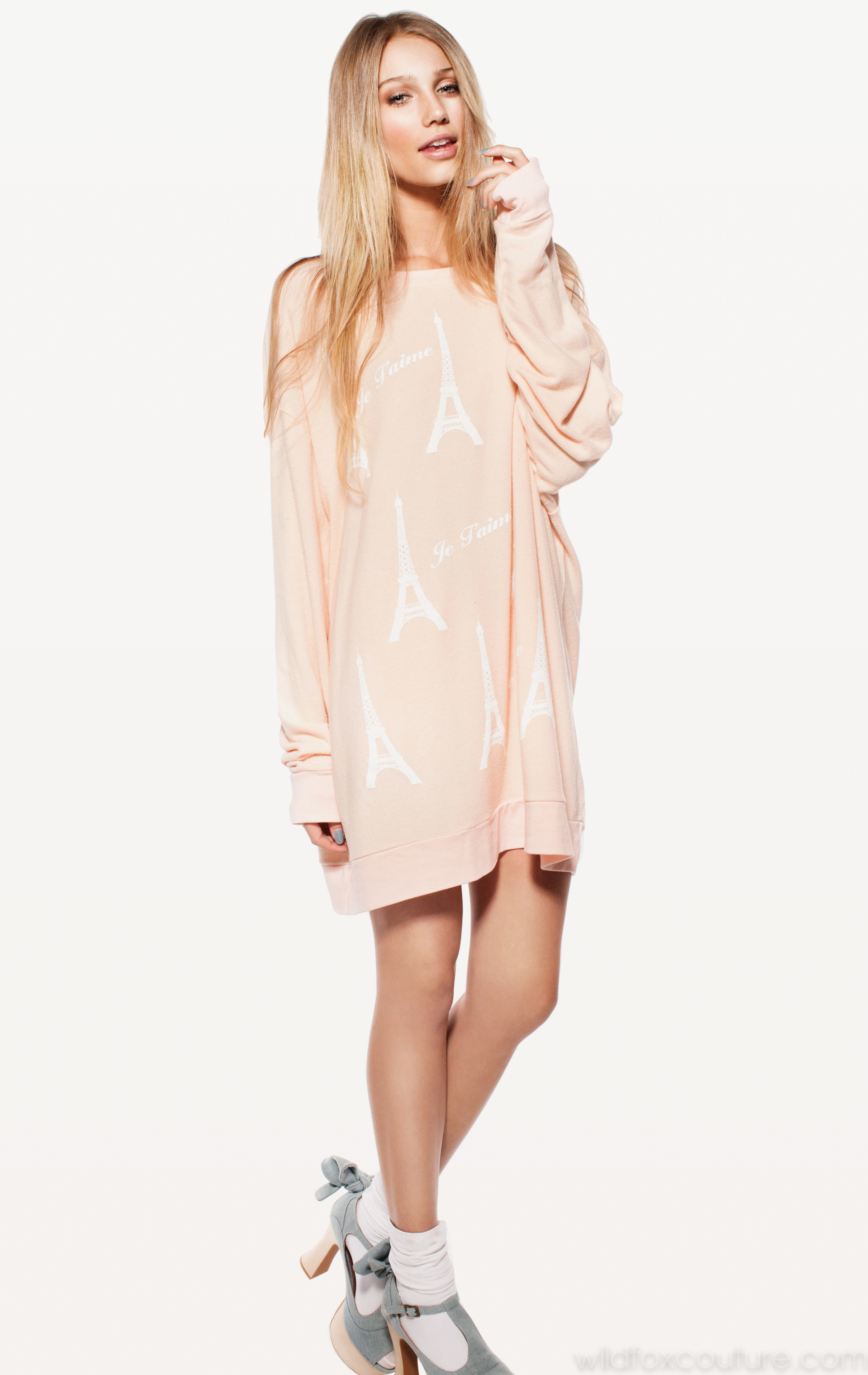
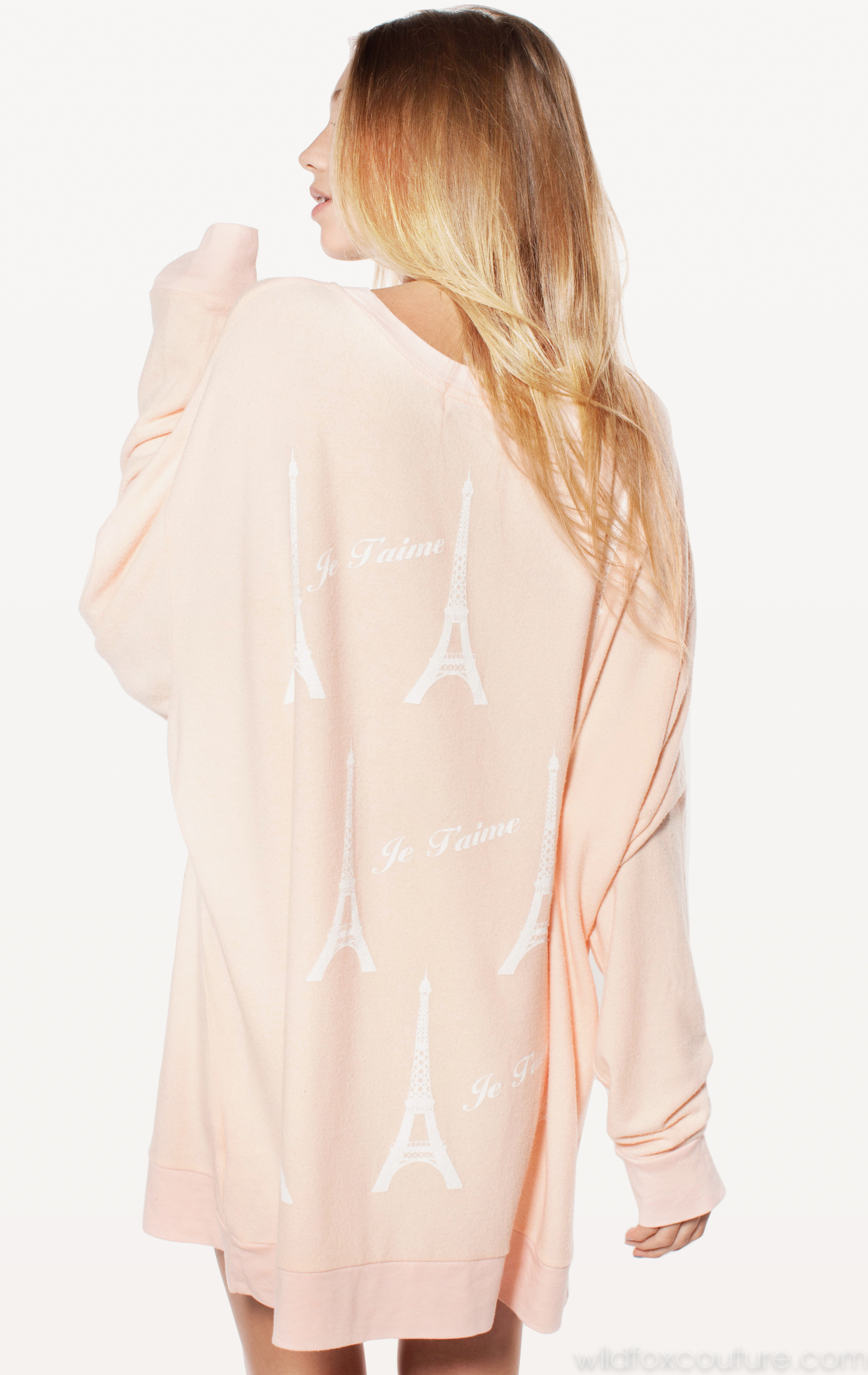
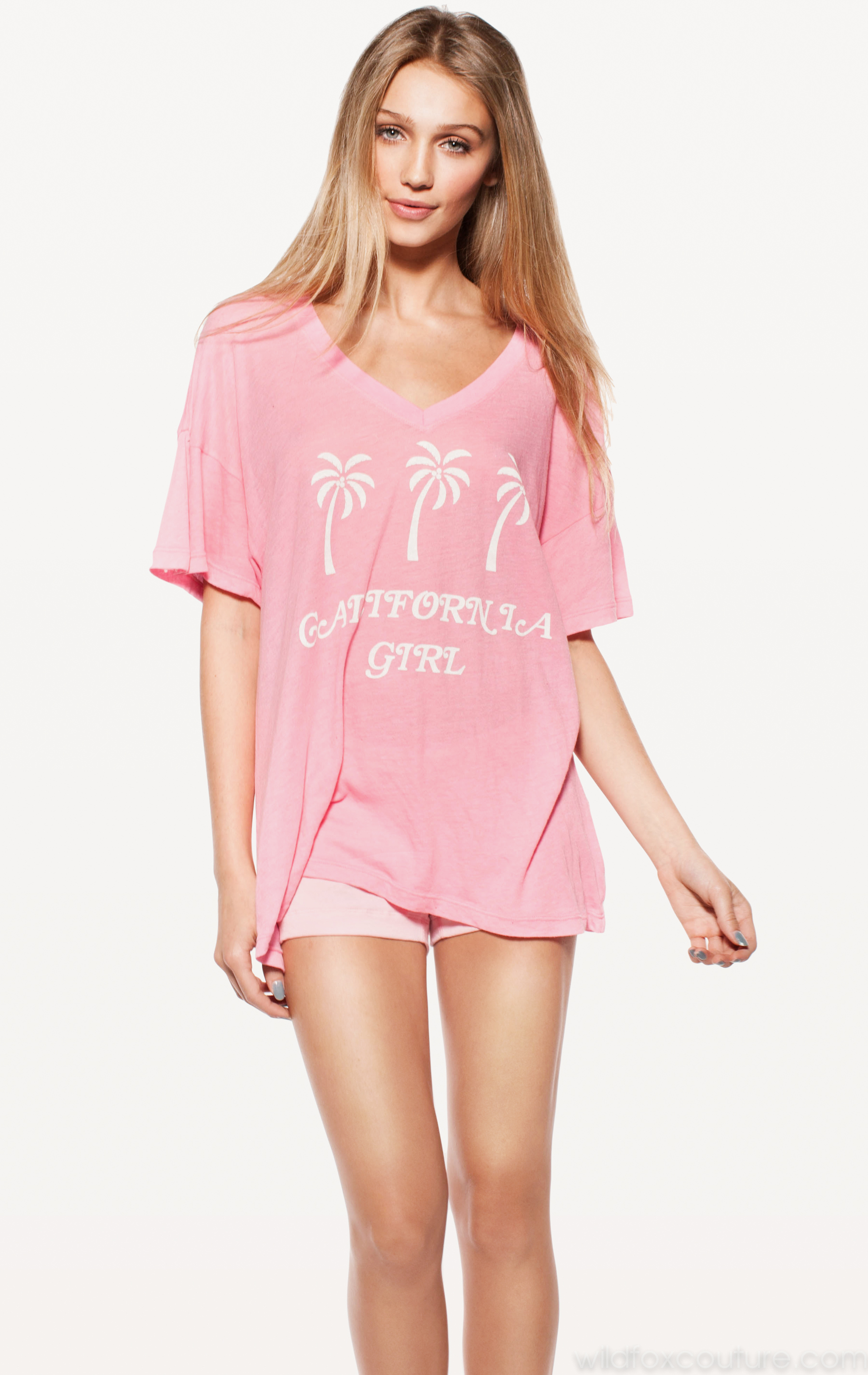
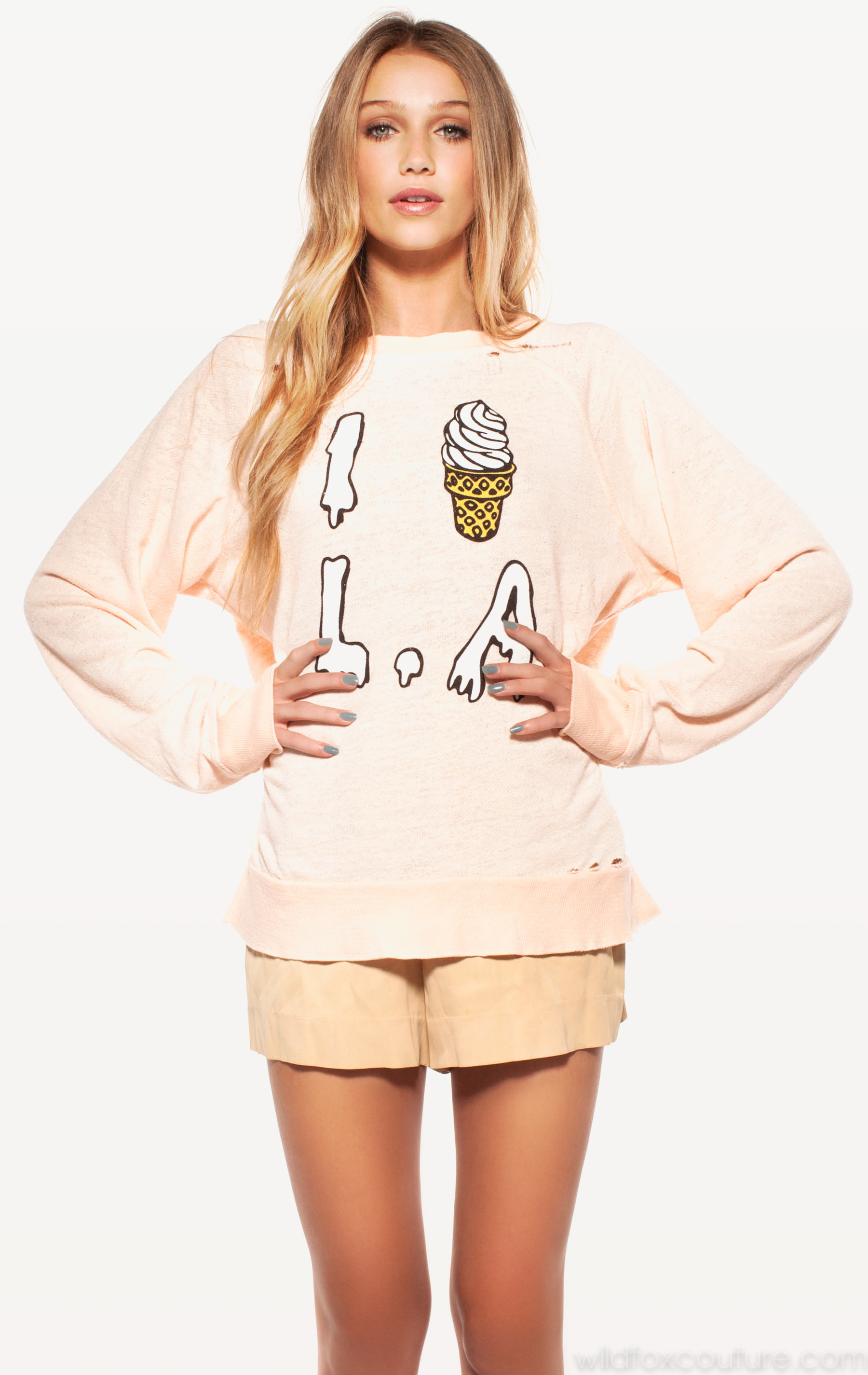
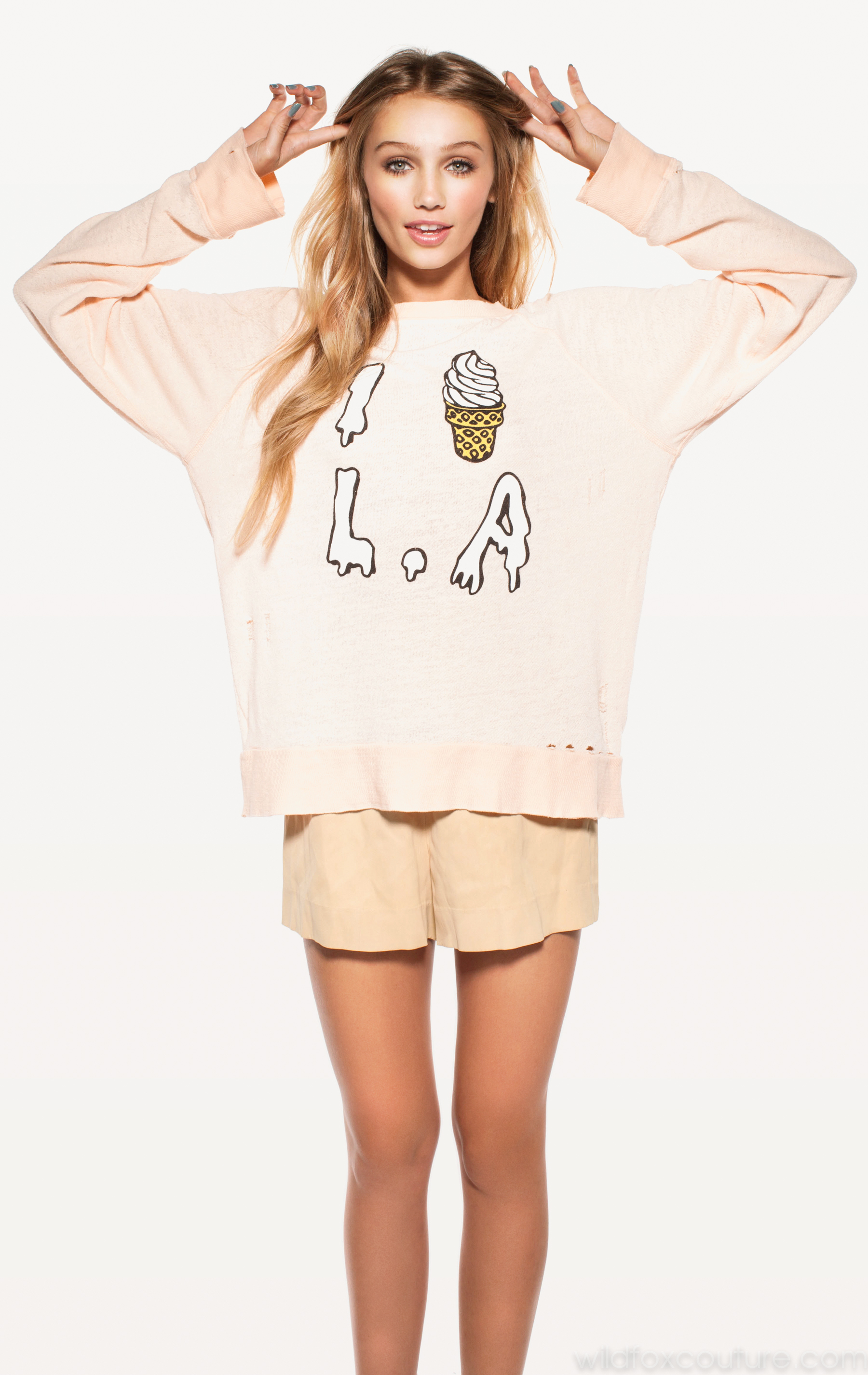
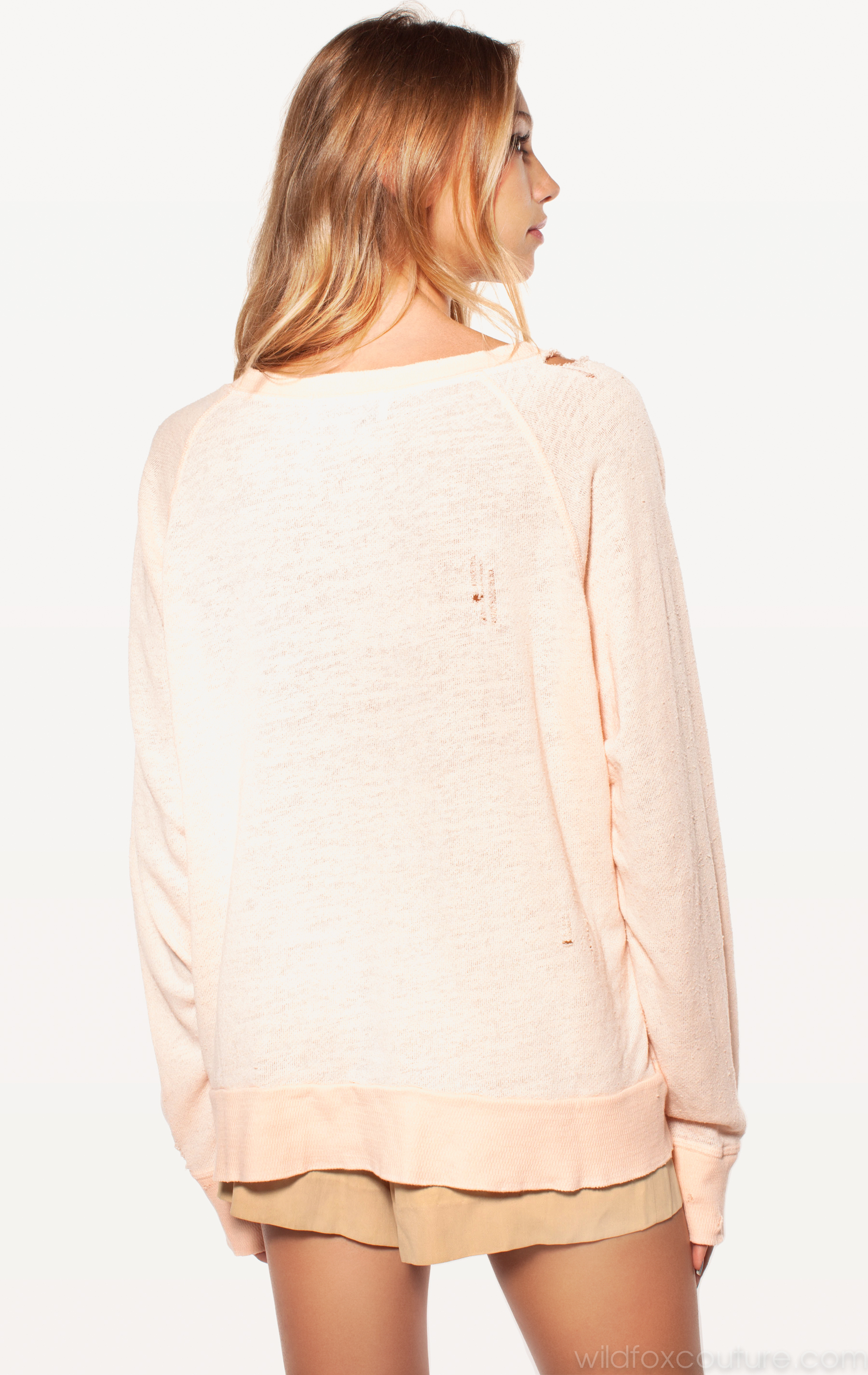
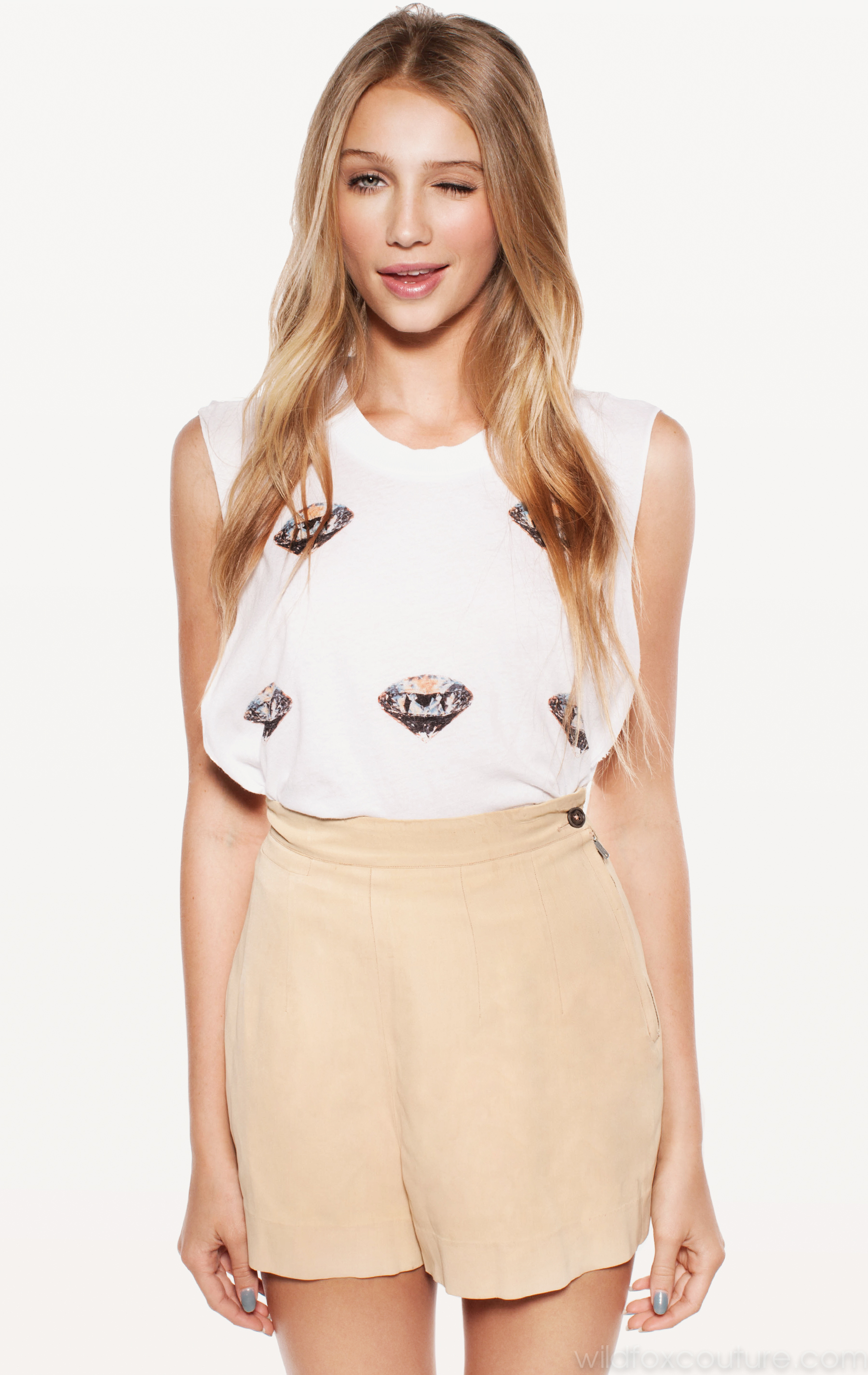
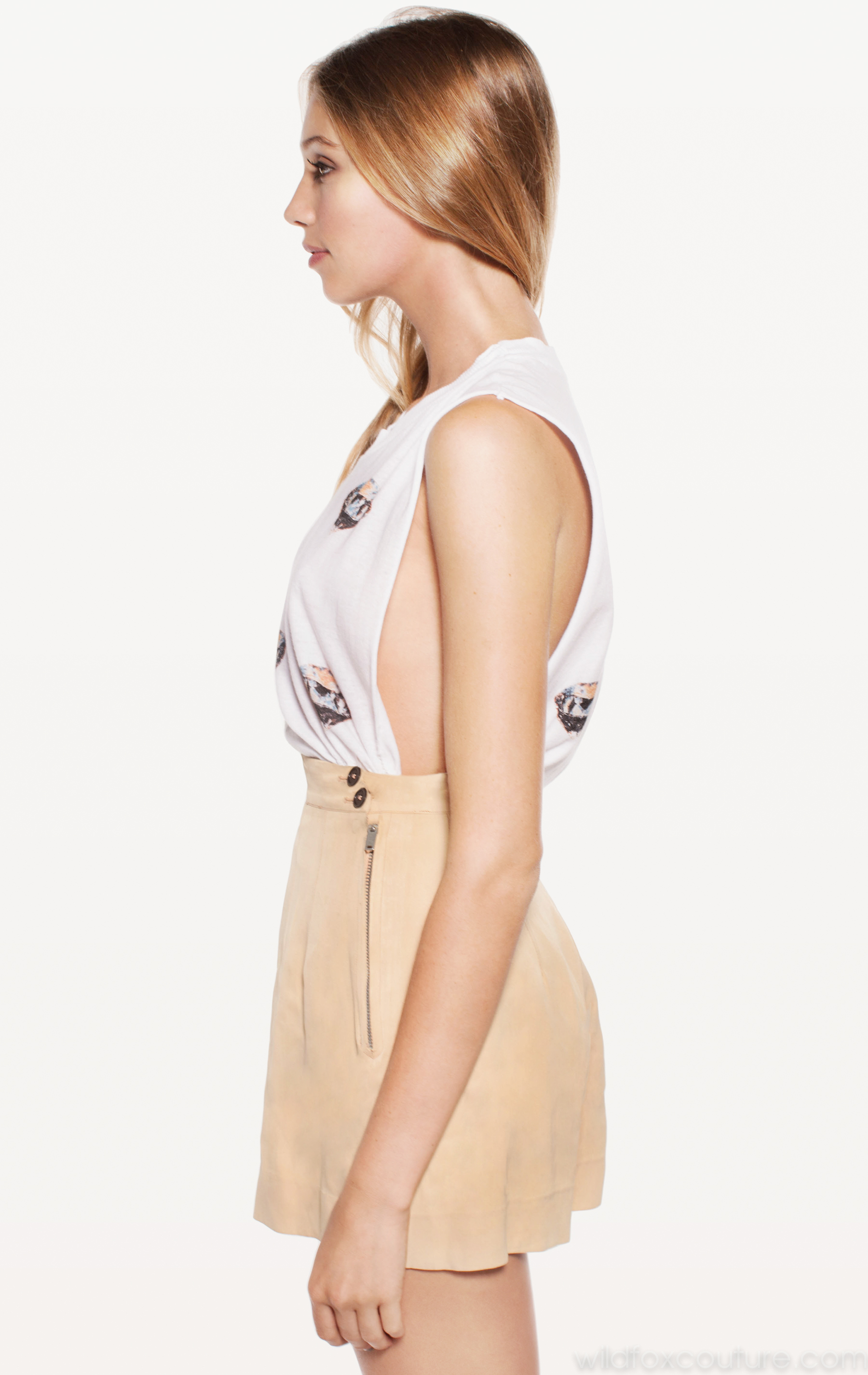
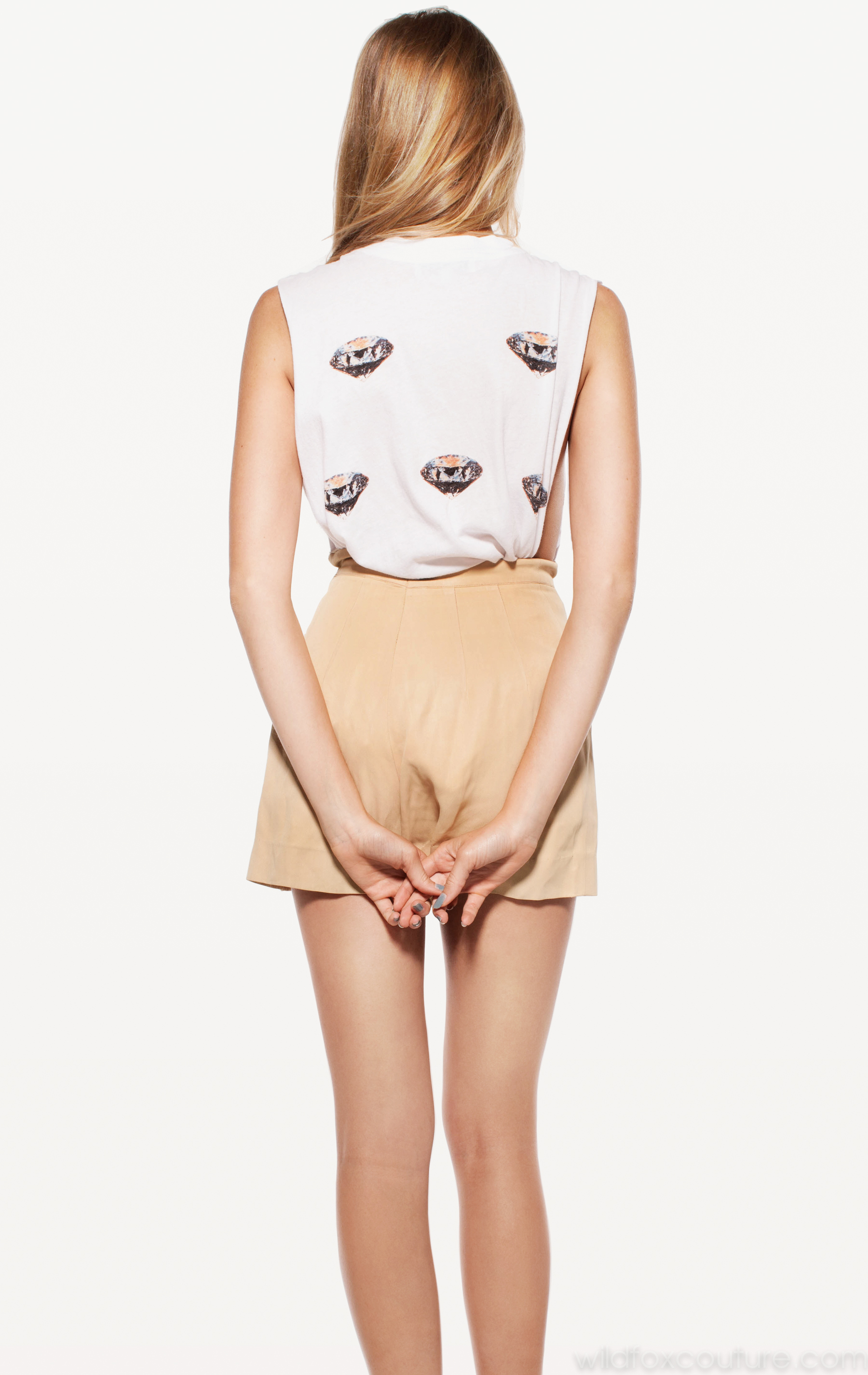
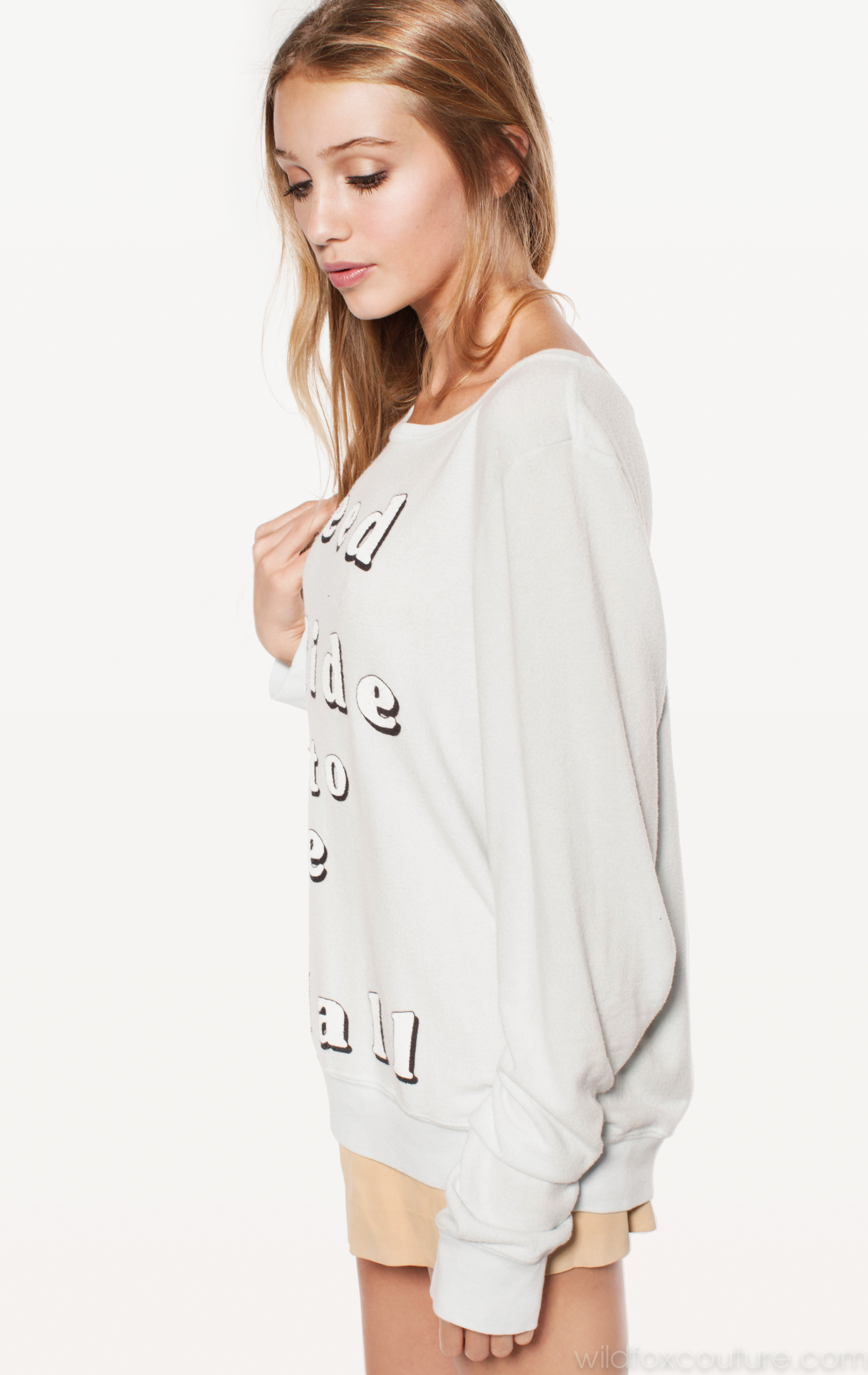
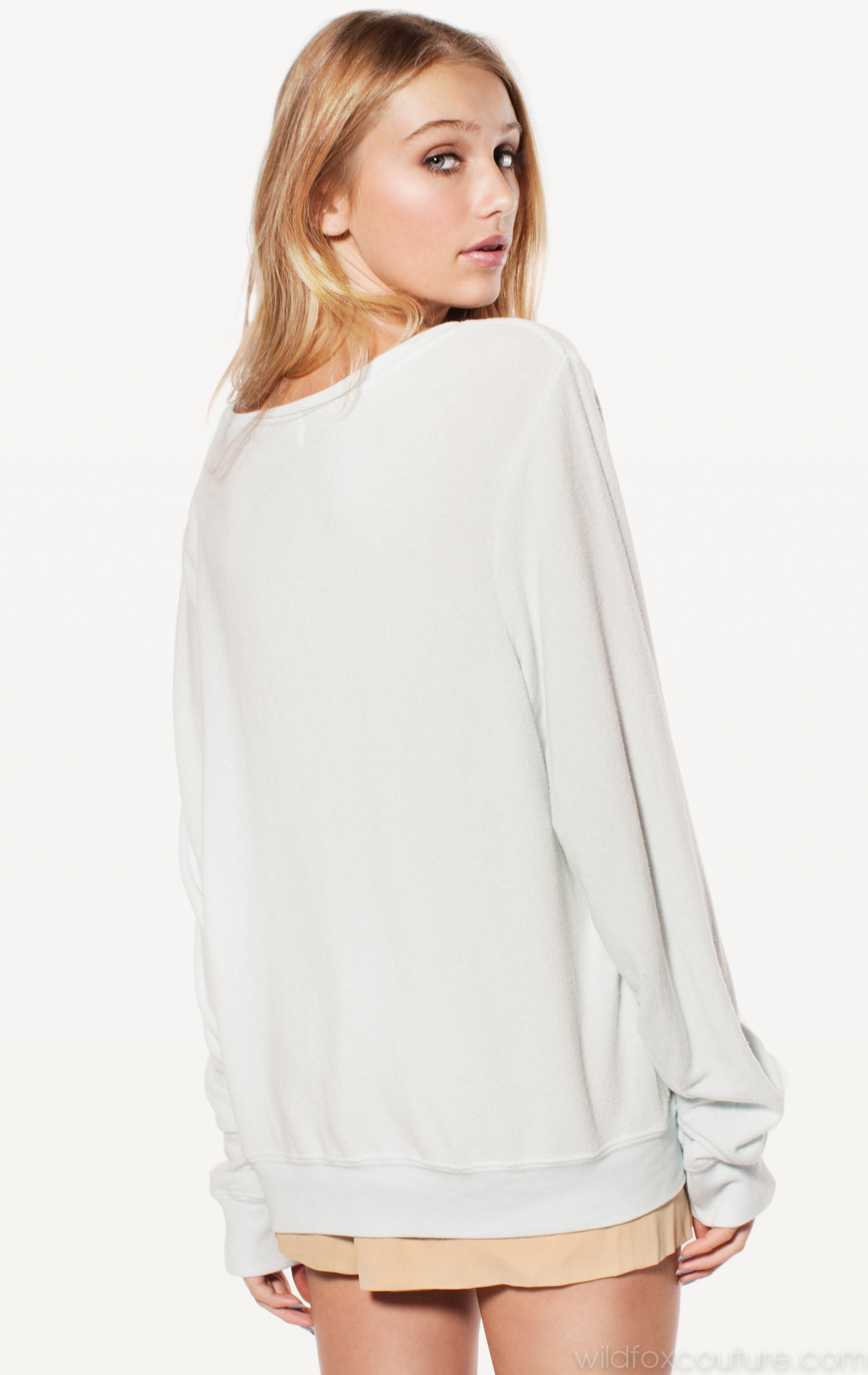
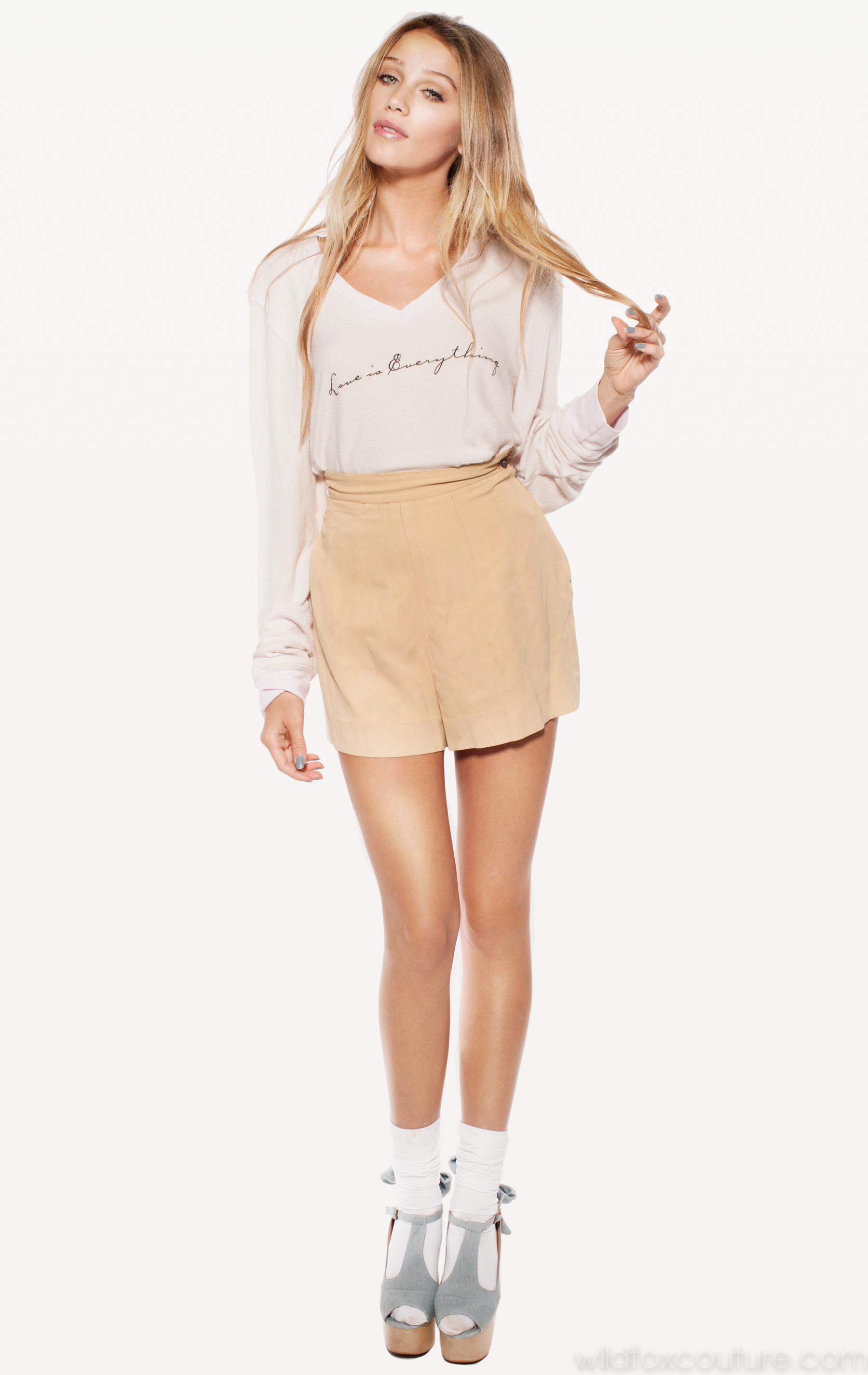
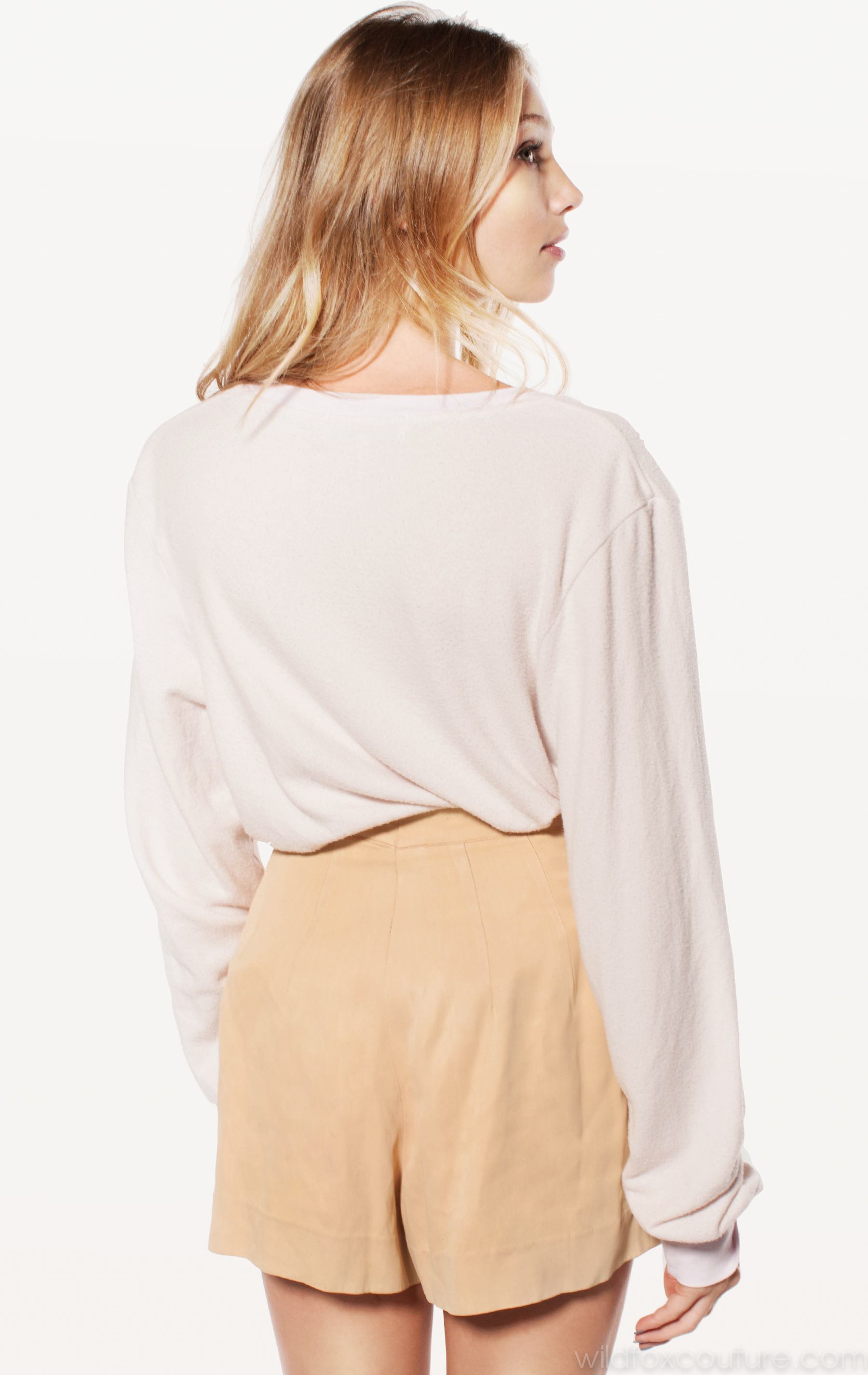
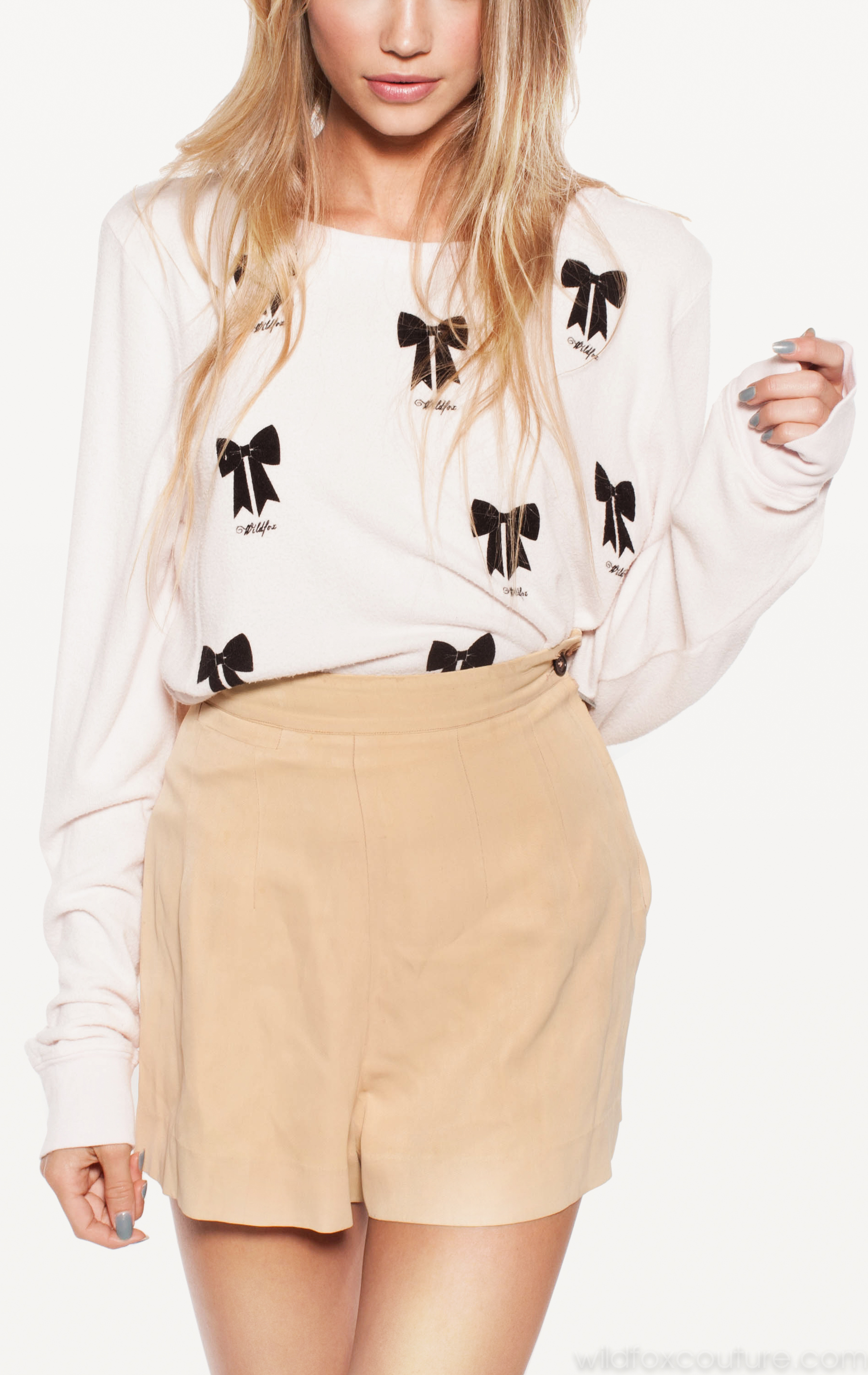
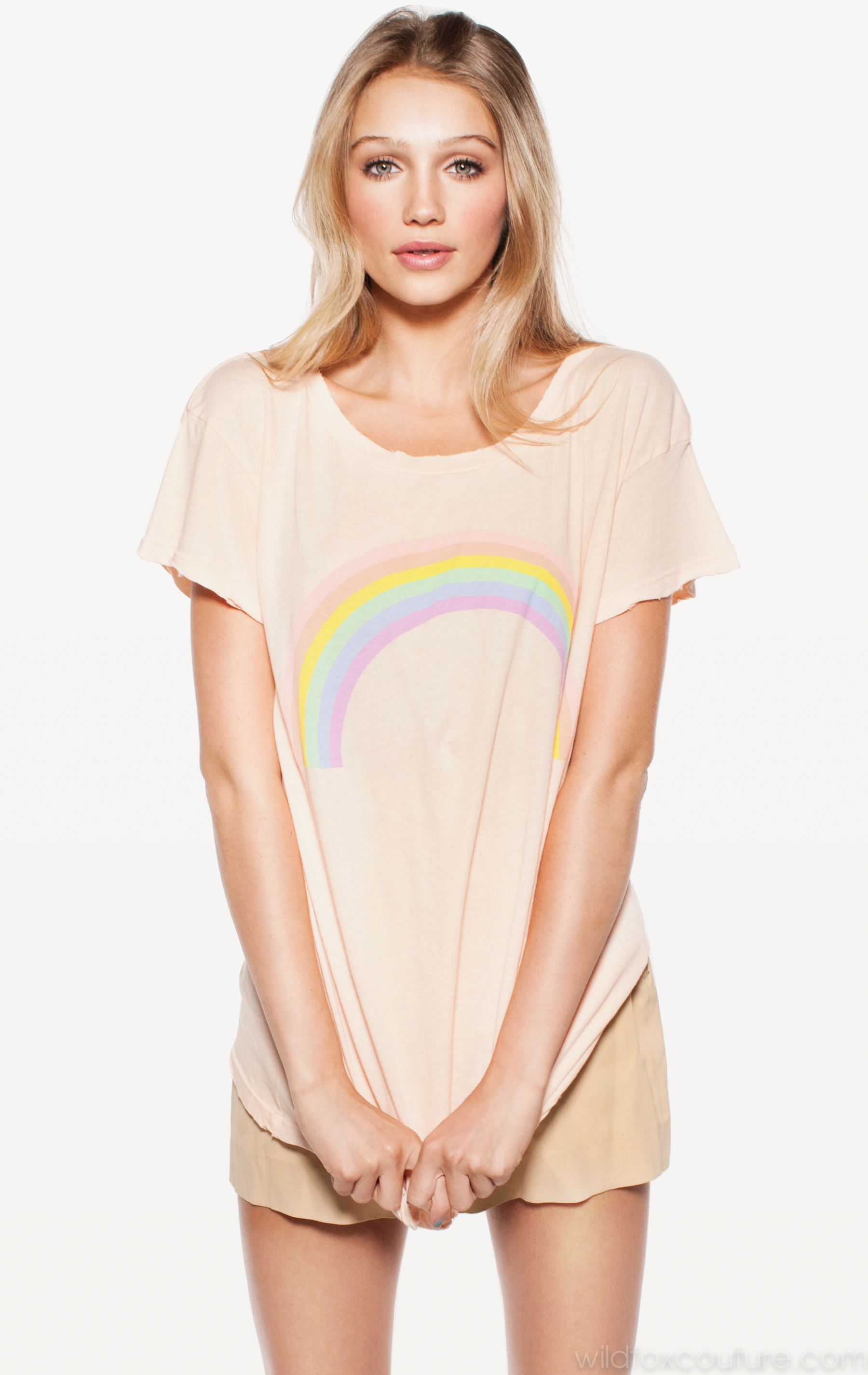
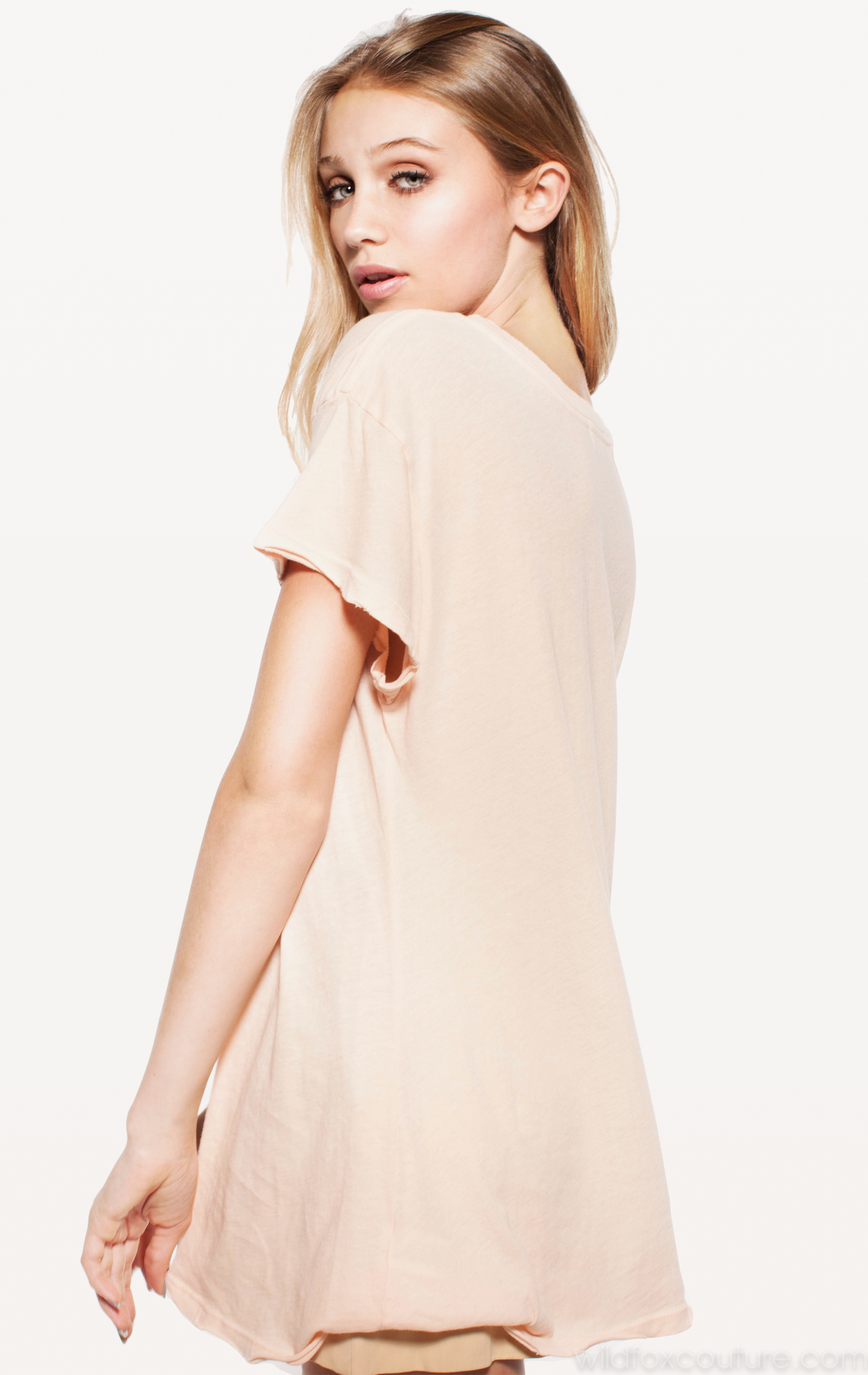
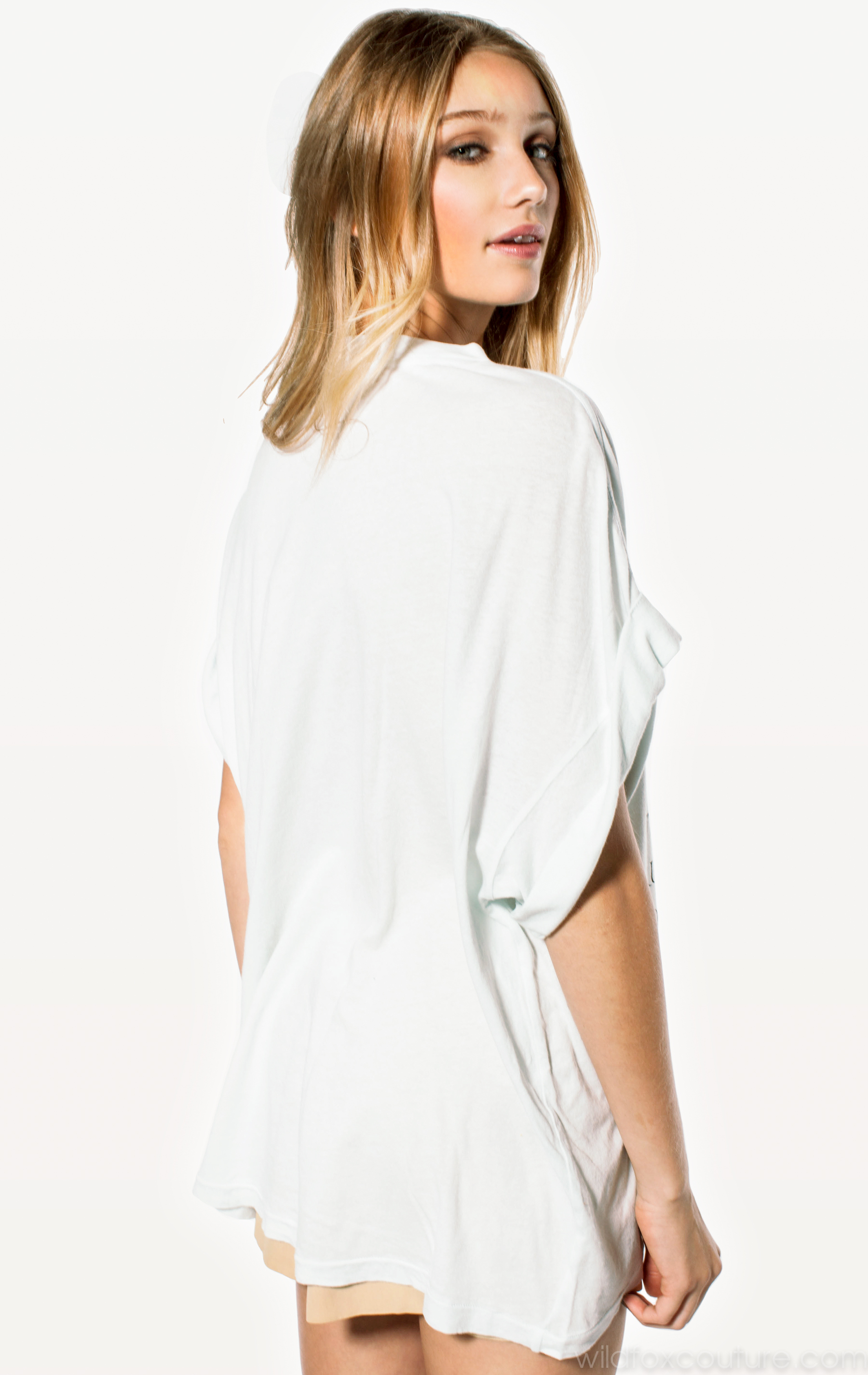
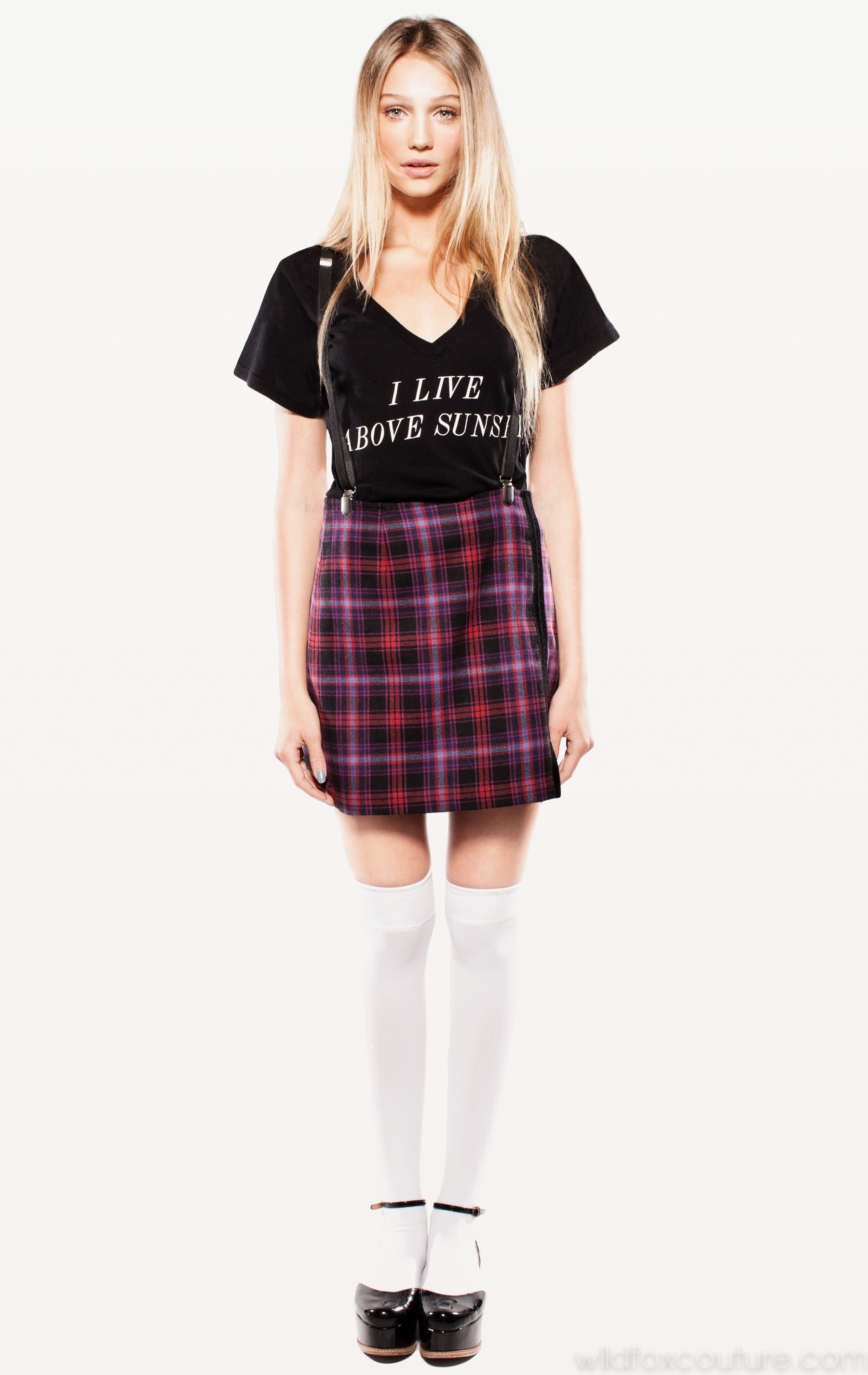
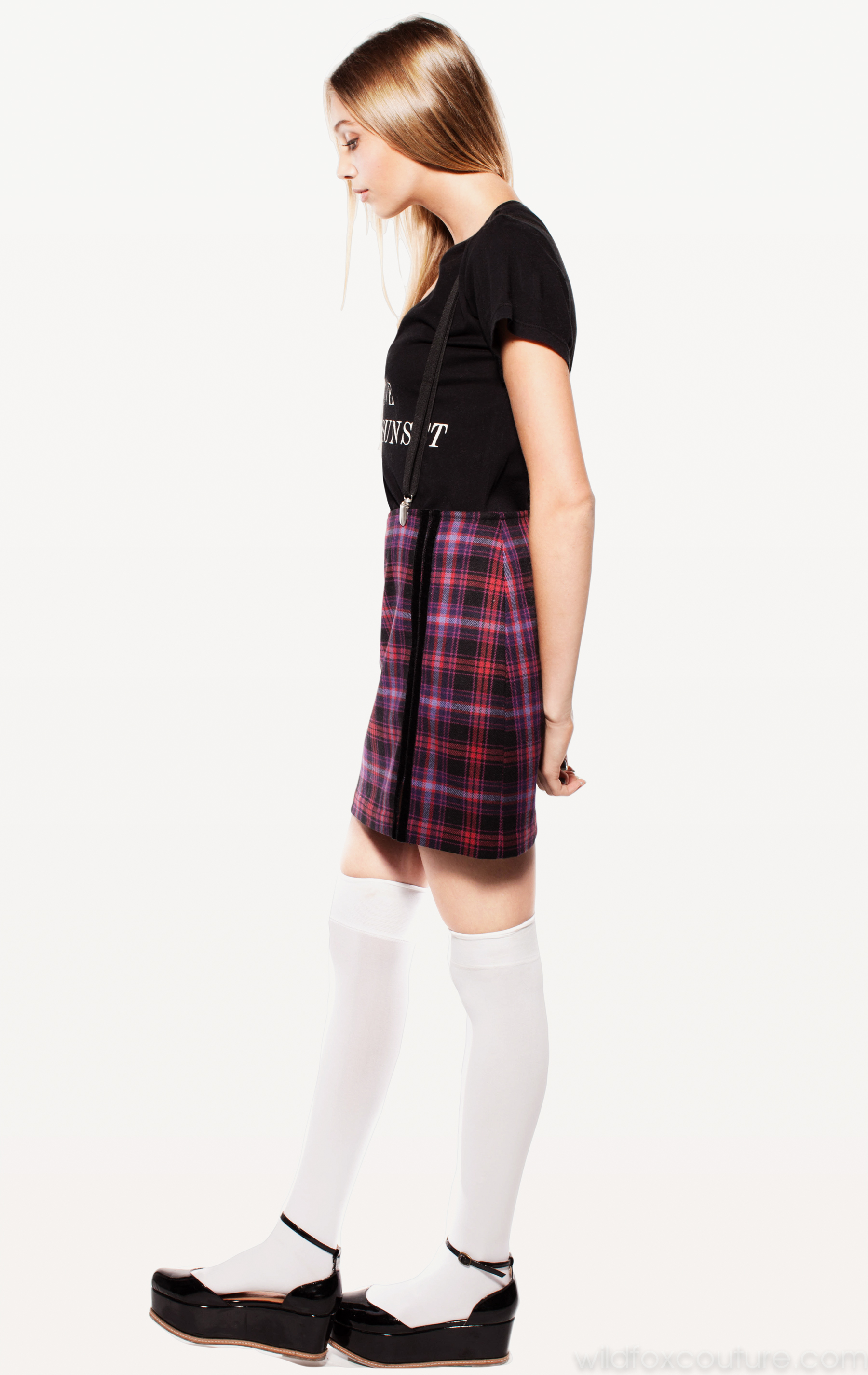
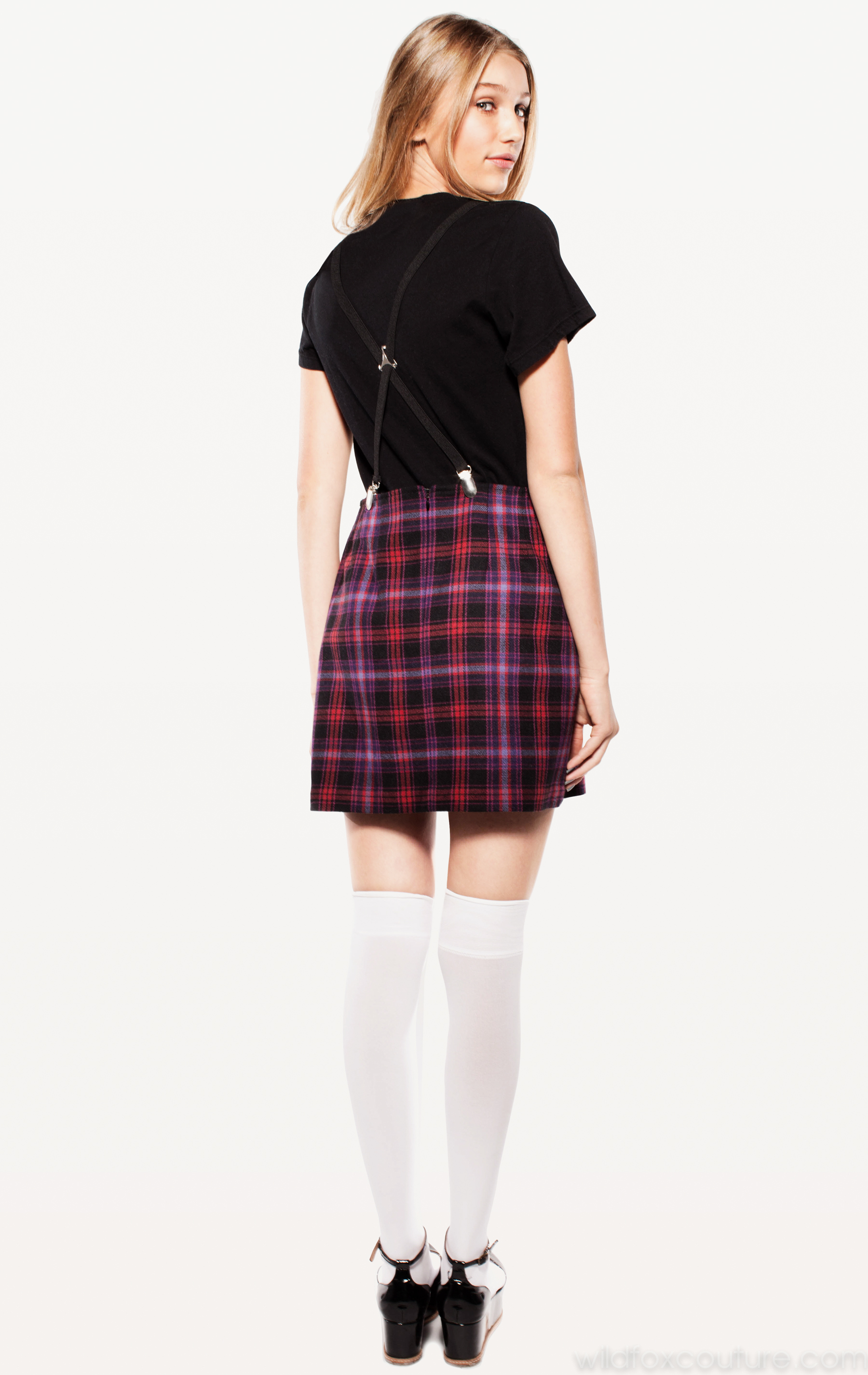
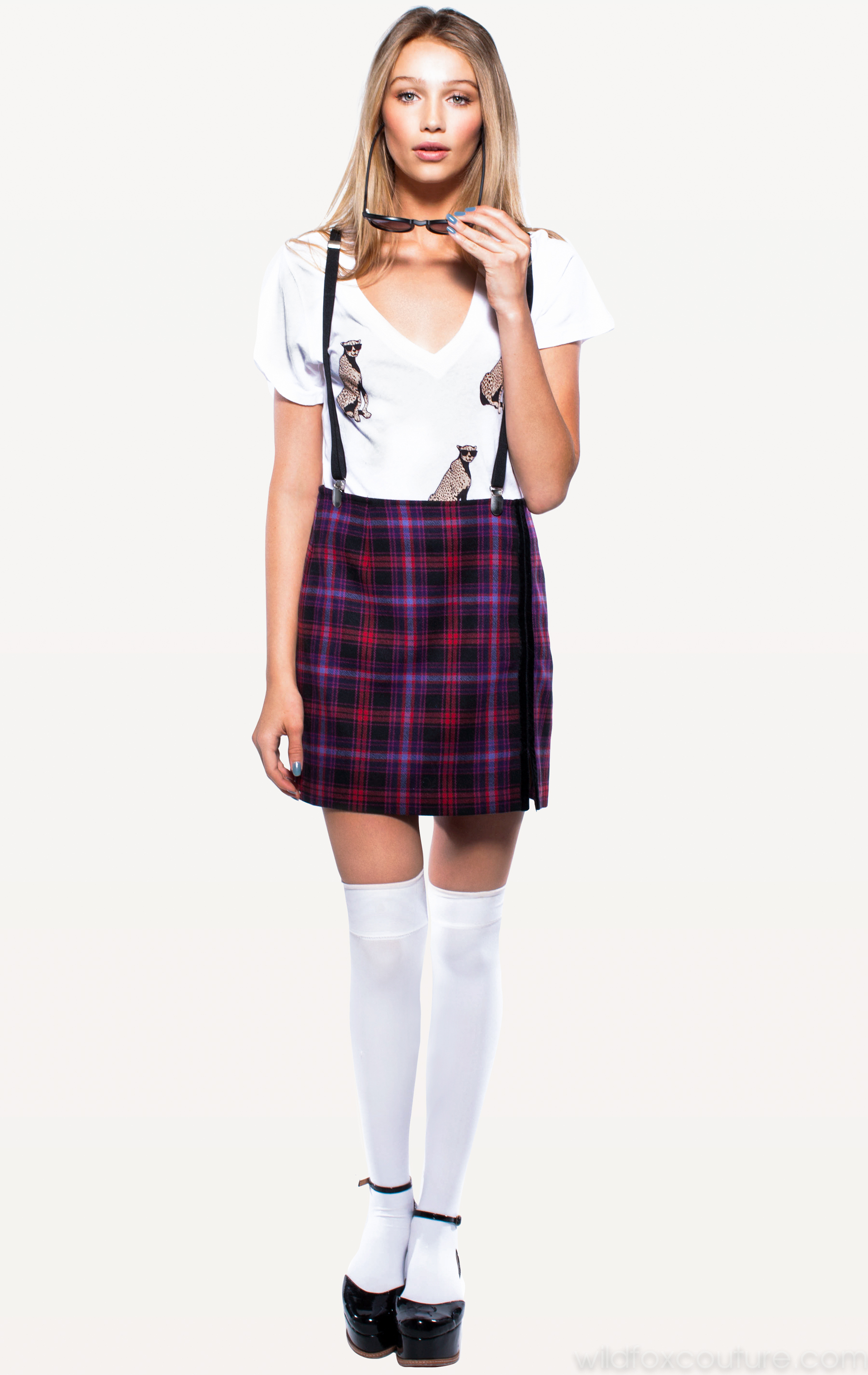
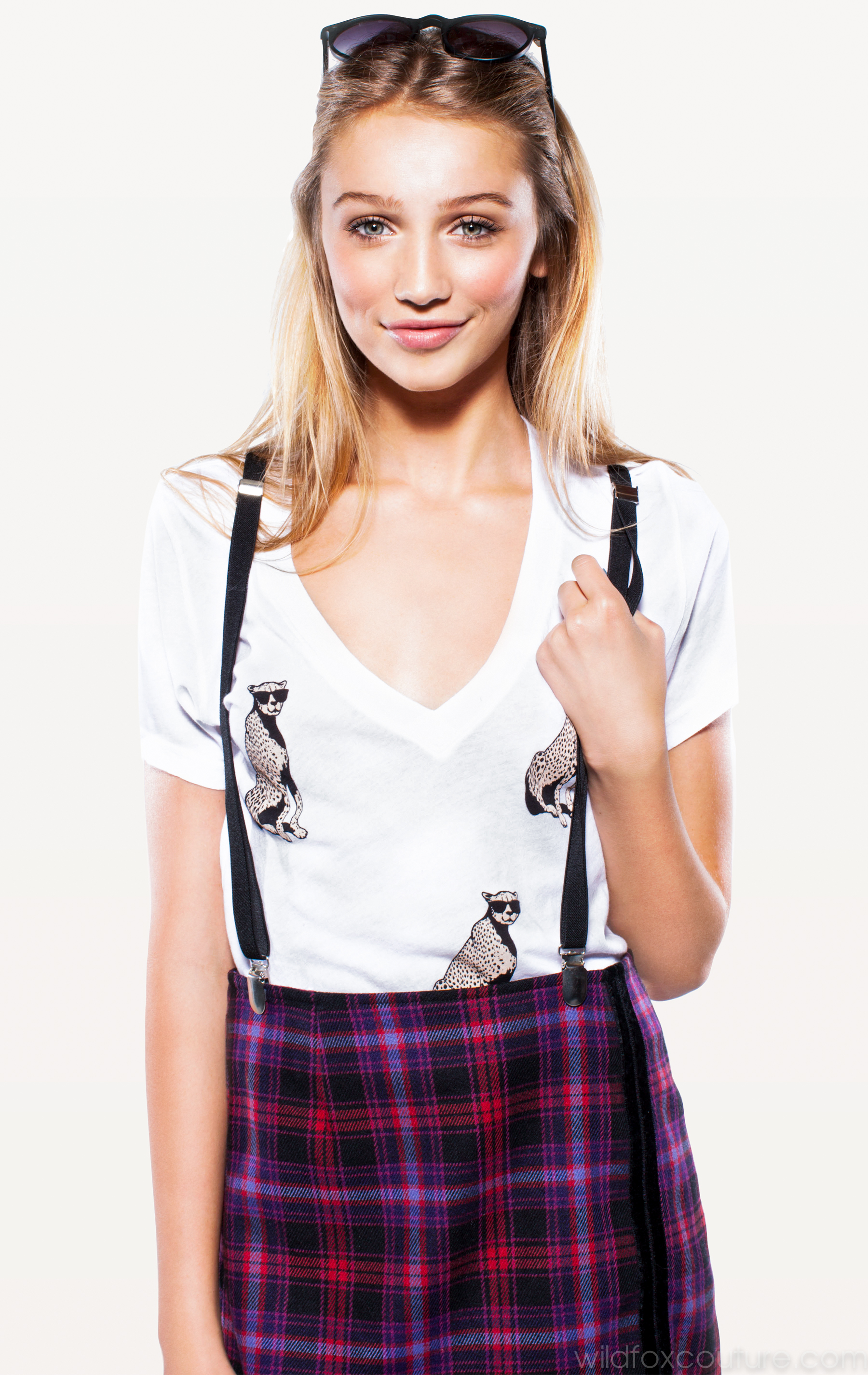
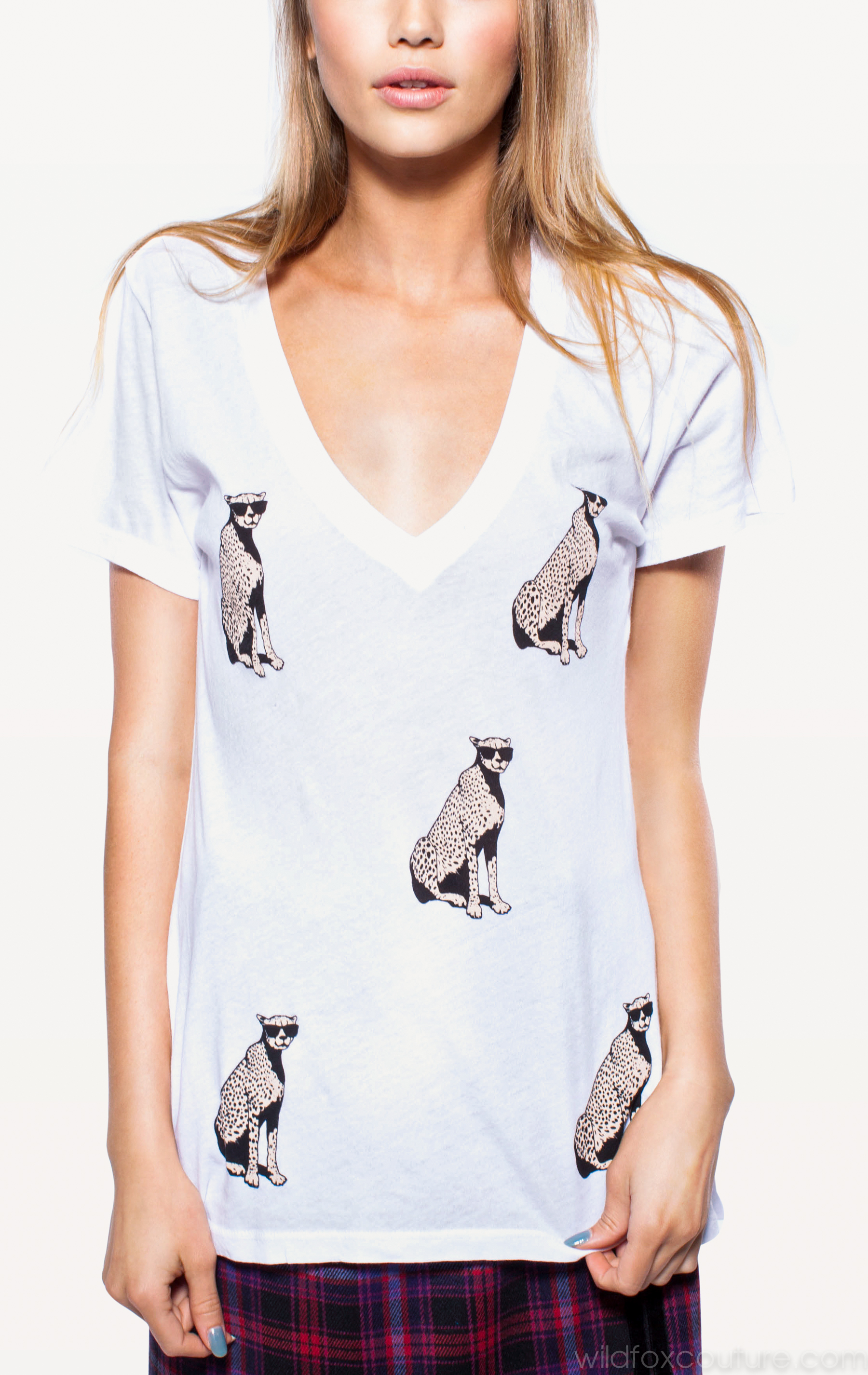
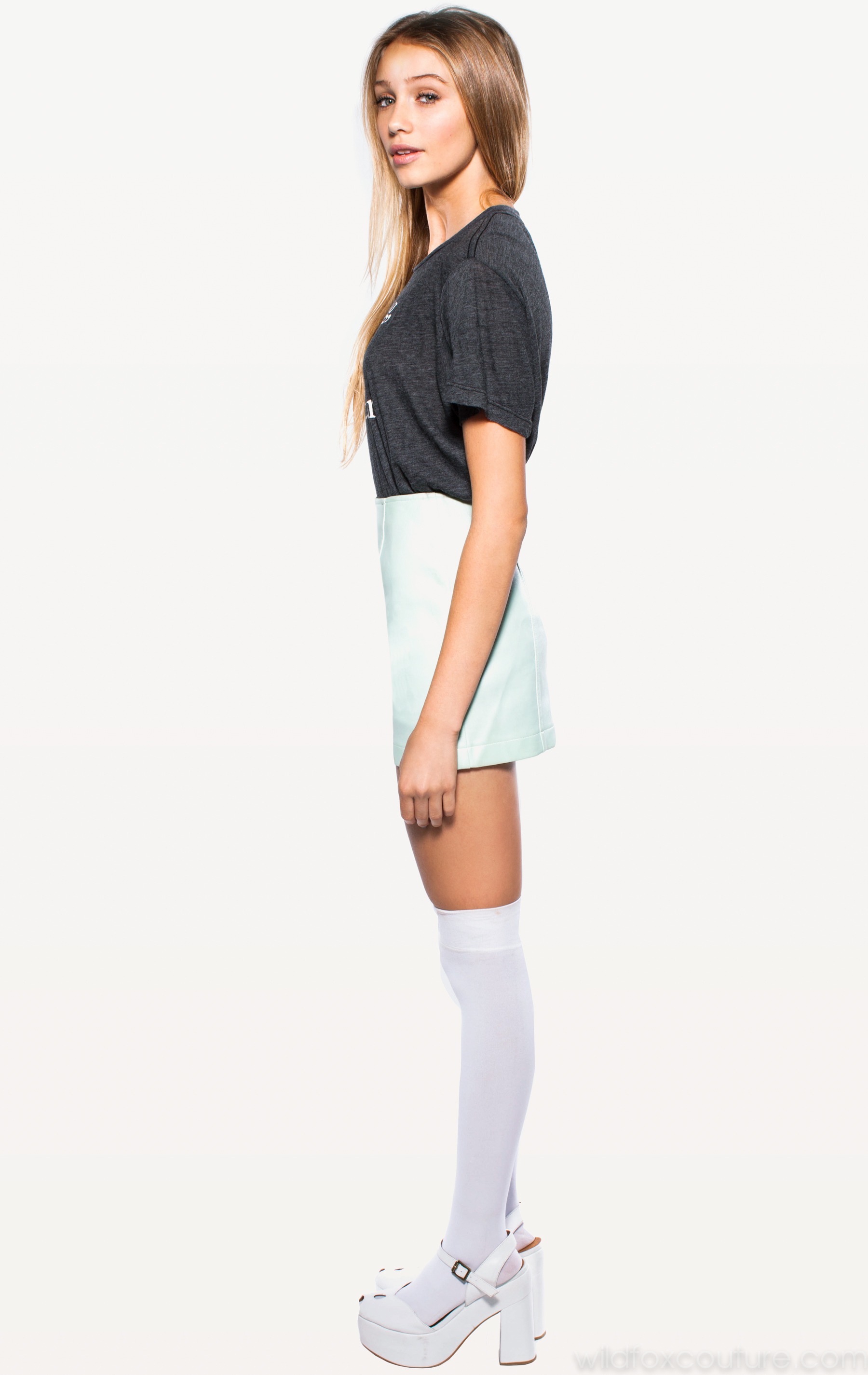
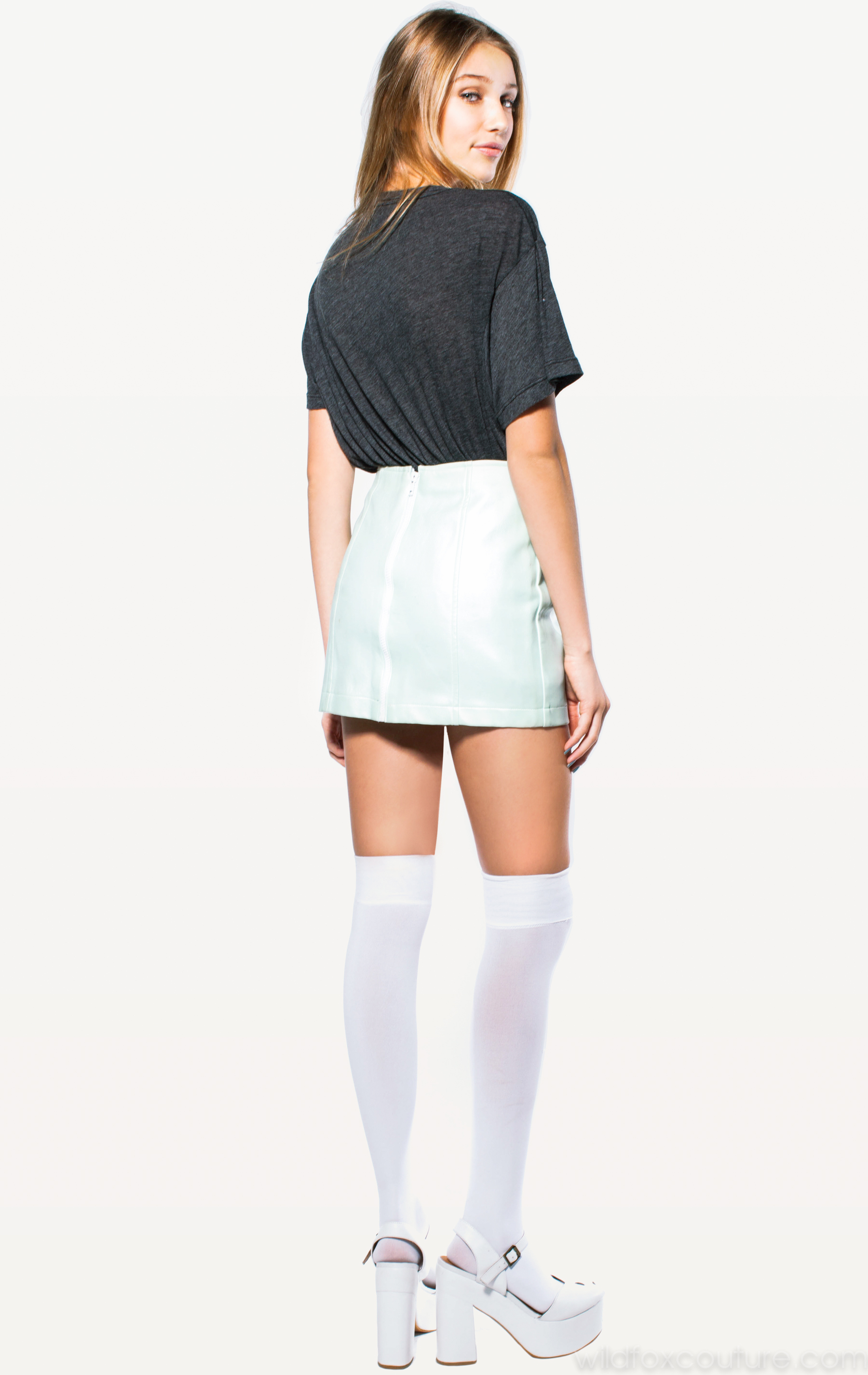
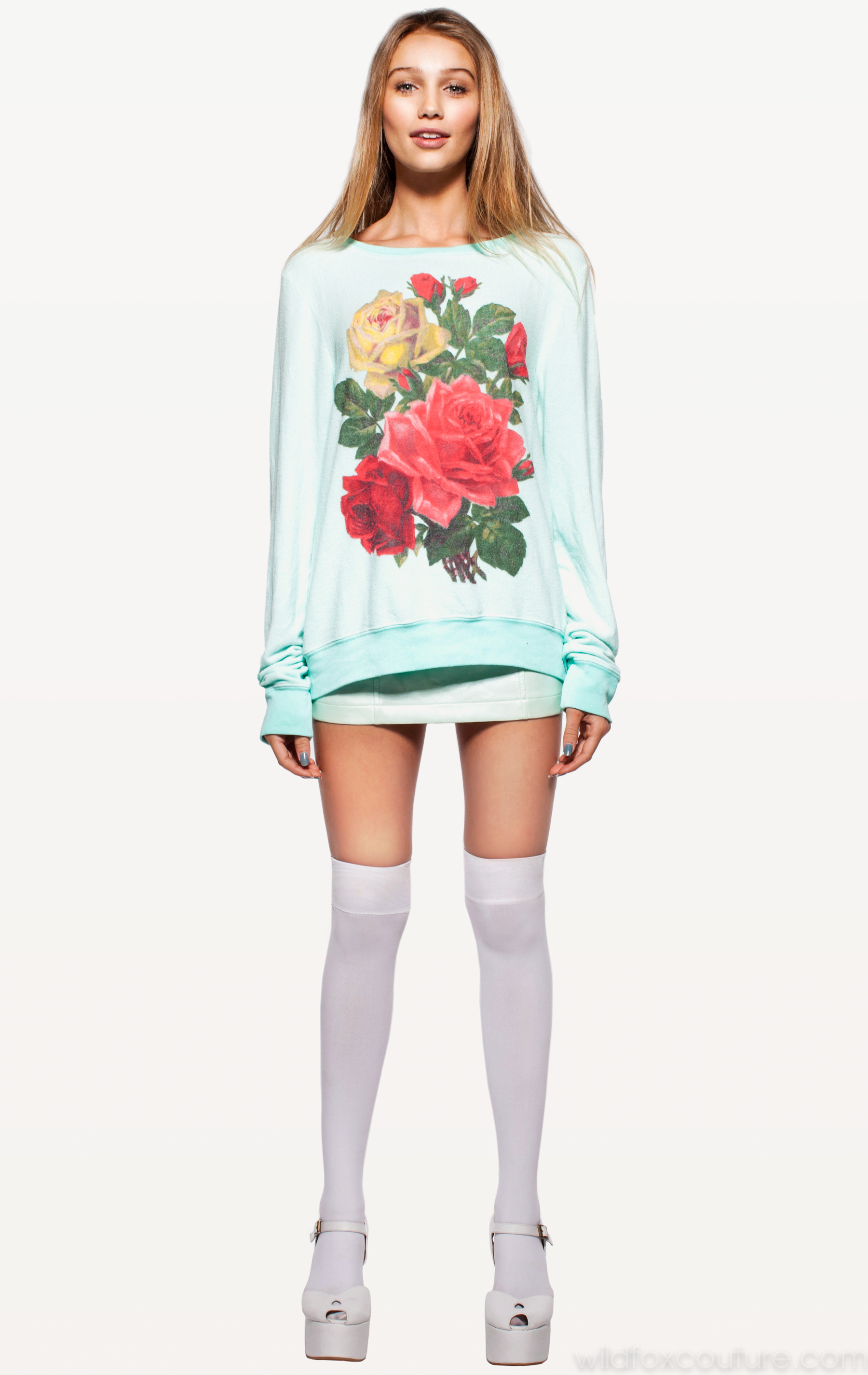
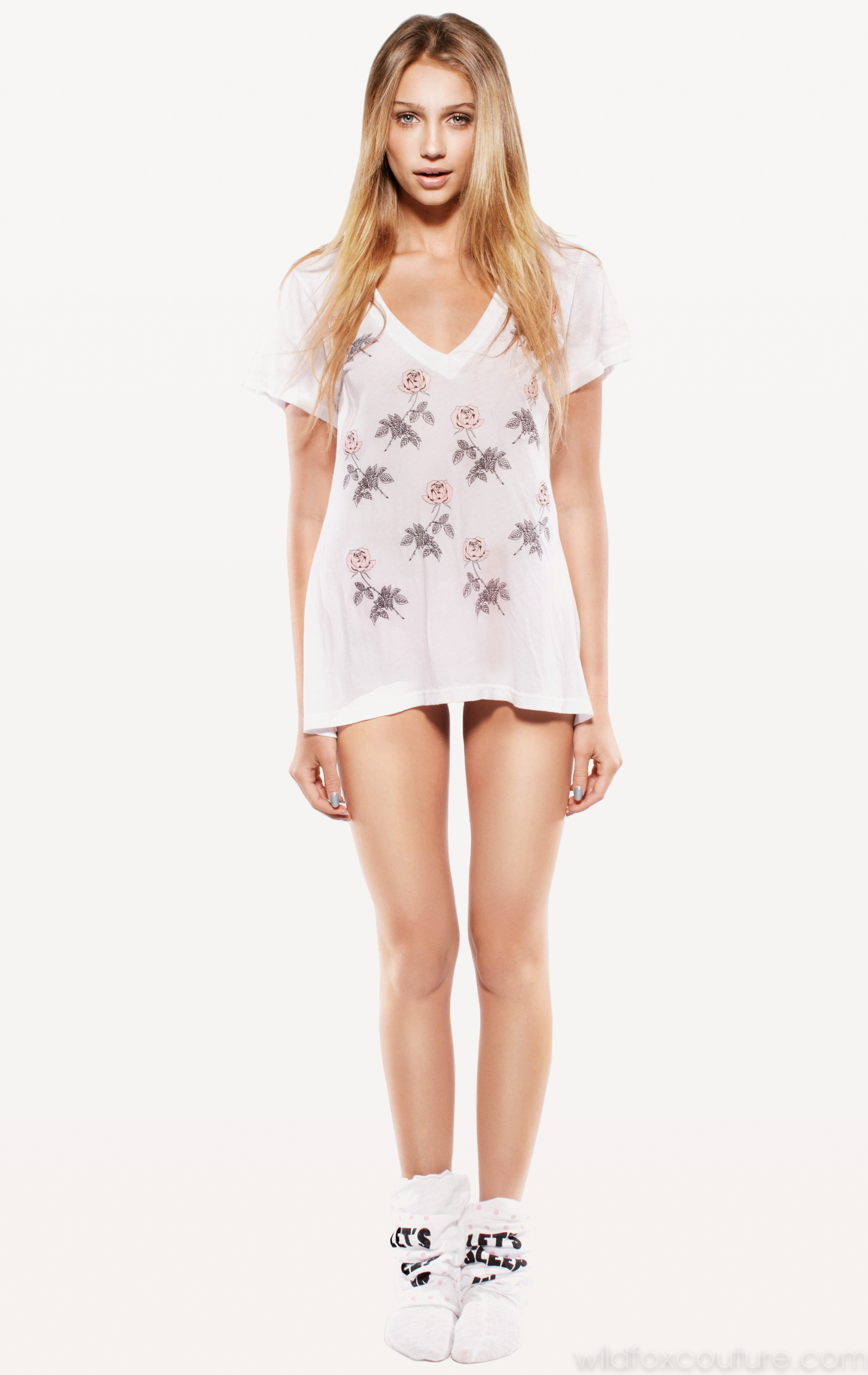
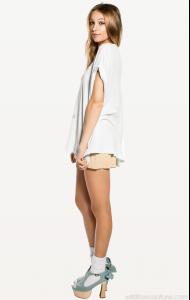
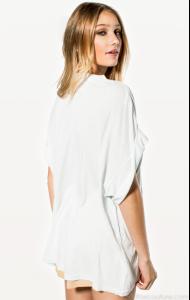
Cailin Russo ____________________________________________________________________________ More Info Twitter: @cairusso Facebook: http://www.facebook.com/cailin.russo Agency Portfolio: No Ties Management Age: at least 18 (according to an interview with her dad from 2011) ____________________________________________________________________________ Images Source: Wildfox Couture < wildfoxcouture.com > Part 1 of 11
-
Colesce Couture - 1998 (Lingerie) Source: RetroFashionArchive.com
-
Hi Matute, Out of the 62 images I posted only 15 are duplicates of yours, all of which I obtained myself from Next's website. I included everything so that others could view the complete collection of Noemie's images from Next's site. Also, I'm not hotlinking — those images are hosted off of my server. I do this so that I can share images without having to worry about file size limitations, and so that others can access them without ads/popups. Regards, Jam
-
Noemie Lenoir - 2009 Next (A British clothes retailer) Source: RetroFashionArchive.com
-
Lady Grace - 2001 (Semi-Annual)