
specdude
Members
-
Joined
-
Last visited
Everything posted by specdude
-
Wow she looks great in these Ungaro shots. That 1992 period was truly the golden age of Supermodels.
-
Here's part 3 @.26 and @1:59
-
I would say long. But she's rarely had it cut short anyway.
-
Oscar De La Renta Spring Summer 1992
-
Just when you think it can't get any better...........
-
http://www.maje.com.hk/ Hong Kong Harbor 170509_MAJEGRADE2_30S_small.mp4

-
Yes, now if only someone had all the editorial scans. We'd be all set.
-
Ariana, everything you post is rare! and fabulous!
-
Amazing
". Gail has been featured in editorials, covers and advertising campaigns for Vogue, Harpers Bazaar, Elle and Marie Claire magazines, as well as walking the runways for Gianni Versace, Calvin Klein, John Galliano, Dior, Dolce & Gabbana, Ralph Lauren, Gucci, Prada and Marc Jacobs, to name just a few"
Valentino Autumn/Winter 1991-1992 Valentino Fall/Winter 1991-92 http://www.gettyimages.ca/detail/video/british-model-gail-elliott-wears-two-looks-in-the-news-footage/176706125?esource=SEO_GIS_CDN_Redirect
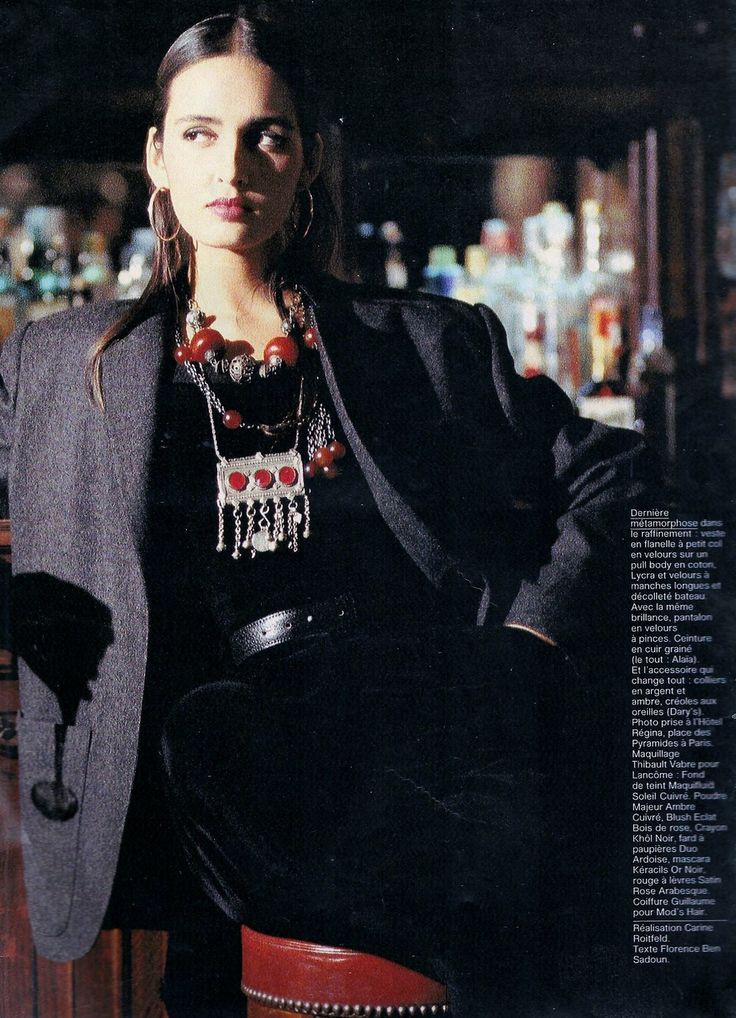
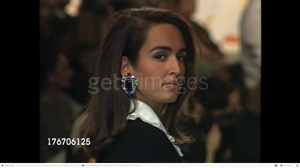 Vogue UK March 1986
 Sorry no. Found it on google. I would guess 88 or 89 YSL.
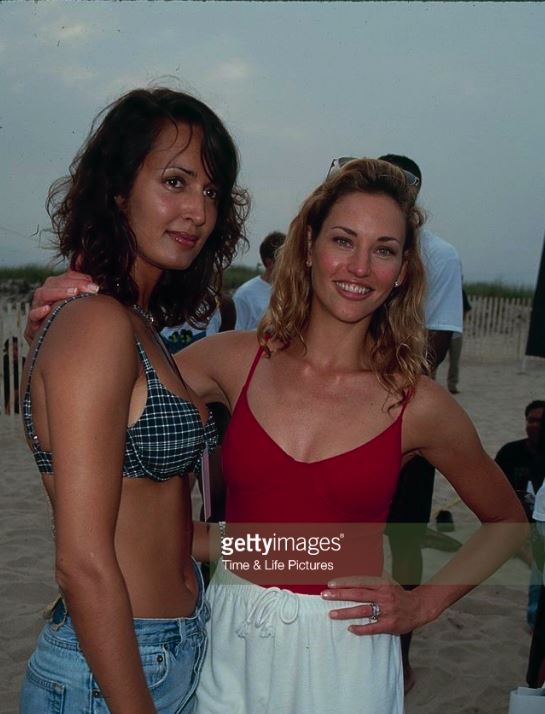
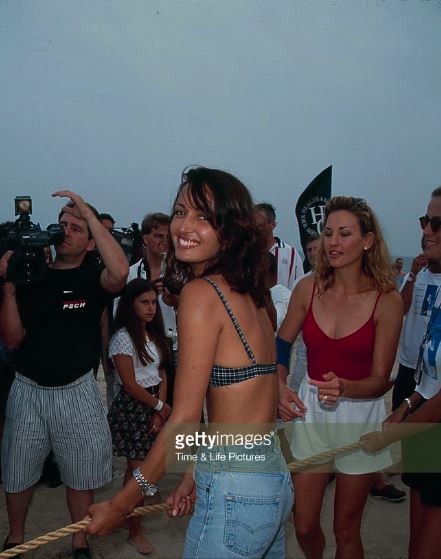
Gail Elliott & Jill Goodacre
Sorry no. Found it on google. I would guess 88 or 89 YSL.
Gail Elliott & Jill Goodacre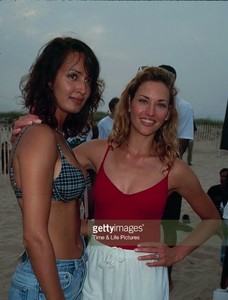

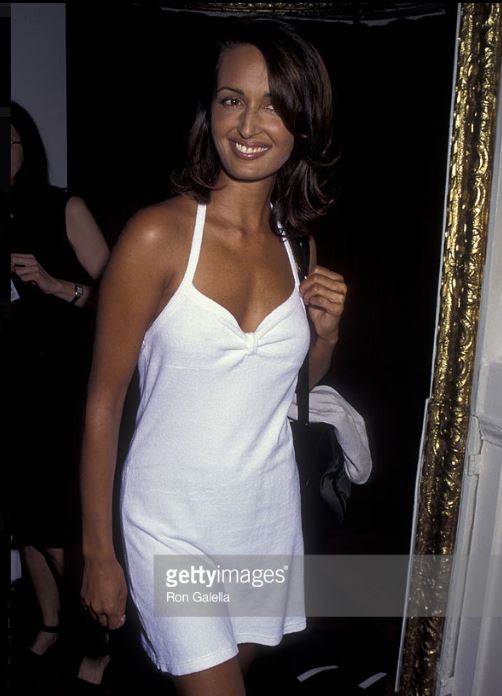
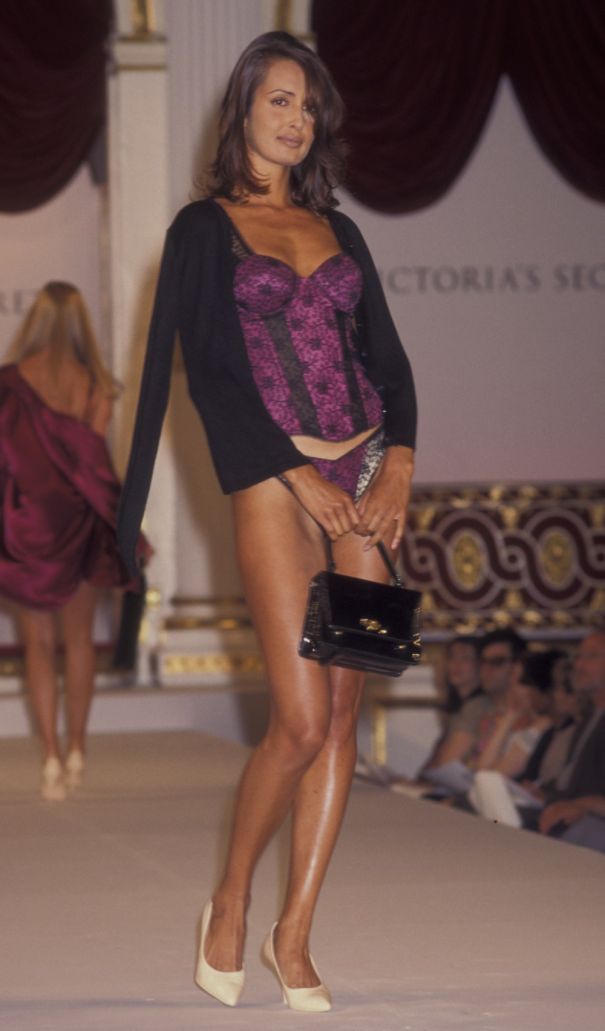
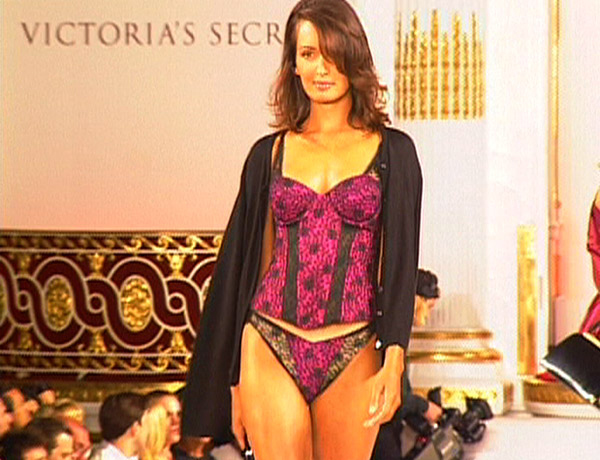
 Victoria Secret Fashion Show 1995





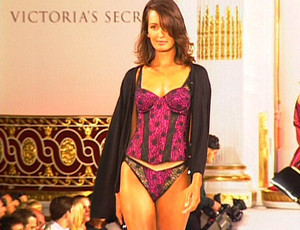 My gosh your archive is endless!
Fantastic! These 90-93 shots are by far the best.
She looks like a million bucks!
My gosh your archive is endless!
Fantastic! These 90-93 shots are by far the best.
She looks like a million bucks!











Account
Navigation
Search
Configure browser push notifications
Chrome (Android)
- Tap the lock icon next to the address bar.
- Tap Permissions → Notifications.
- Adjust your preference.
Chrome (Desktop)
- Click the padlock icon in the address bar.
- Select Site settings.
- Find Notifications and adjust your preference.
Safari (iOS 16.4+)
- Ensure the site is installed via Add to Home Screen.
- Open Settings App → Notifications.
- Find your app name and adjust your preference.
Safari (macOS)
- Go to Safari → Preferences.
- Click the Websites tab.
- Select Notifications in the sidebar.
- Find this website and adjust your preference.
Edge (Android)
- Tap the lock icon next to the address bar.
- Tap Permissions.
- Find Notifications and adjust your preference.
Edge (Desktop)
- Click the padlock icon in the address bar.
- Click Permissions for this site.
- Find Notifications and adjust your preference.
Firefox (Android)
- Go to Settings → Site permissions.
- Tap Notifications.
- Find this site in the list and adjust your preference.
Firefox (Desktop)
- Open Firefox Settings.
- Search for Notifications.
- Find this site in the list and adjust your preference.