Everything posted by specdude
-
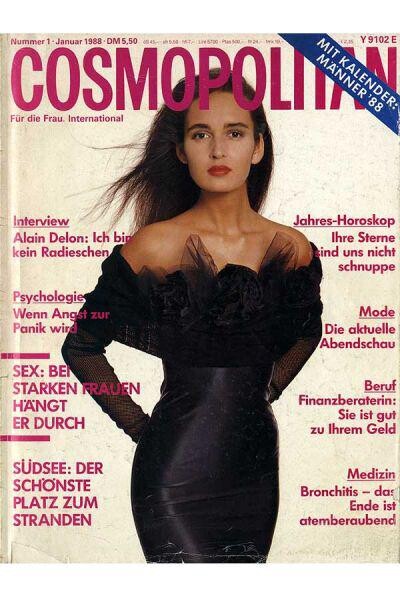
 Cosmopolitan January 1988 ( might be repost)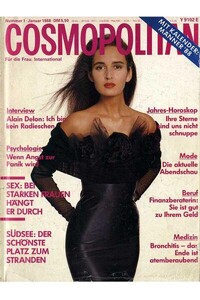
-
https://www.instagram.com/londonolive1/?hl=fr https://www.youtube.com/channel/UC_sg8prg9SCfUwVFUOBxV1Q
-
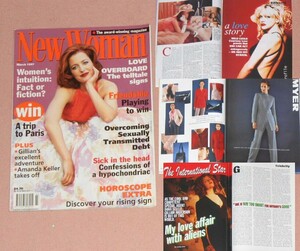
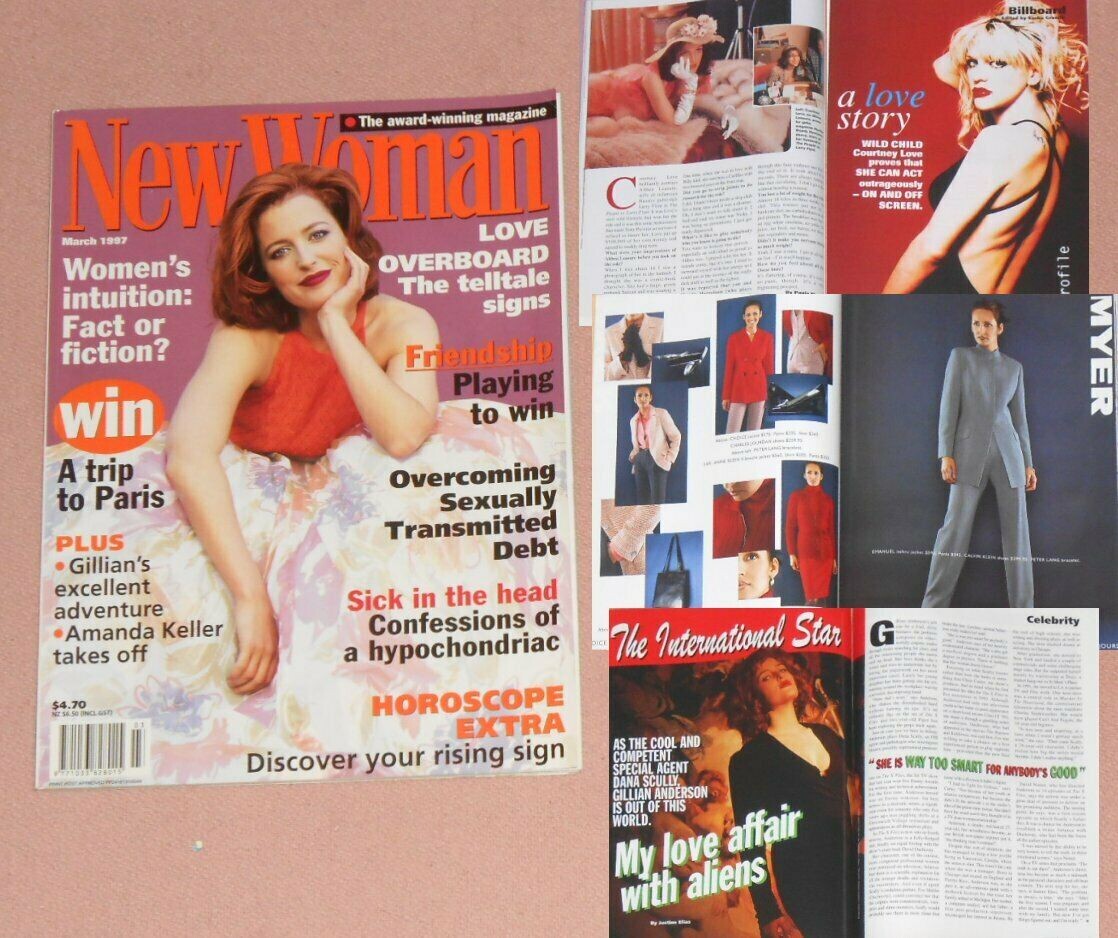
New Woman Magazine 1997 March
-
Versace SS 1985 59645088_2509342629098653_8288134057802442433_n.mp4

-
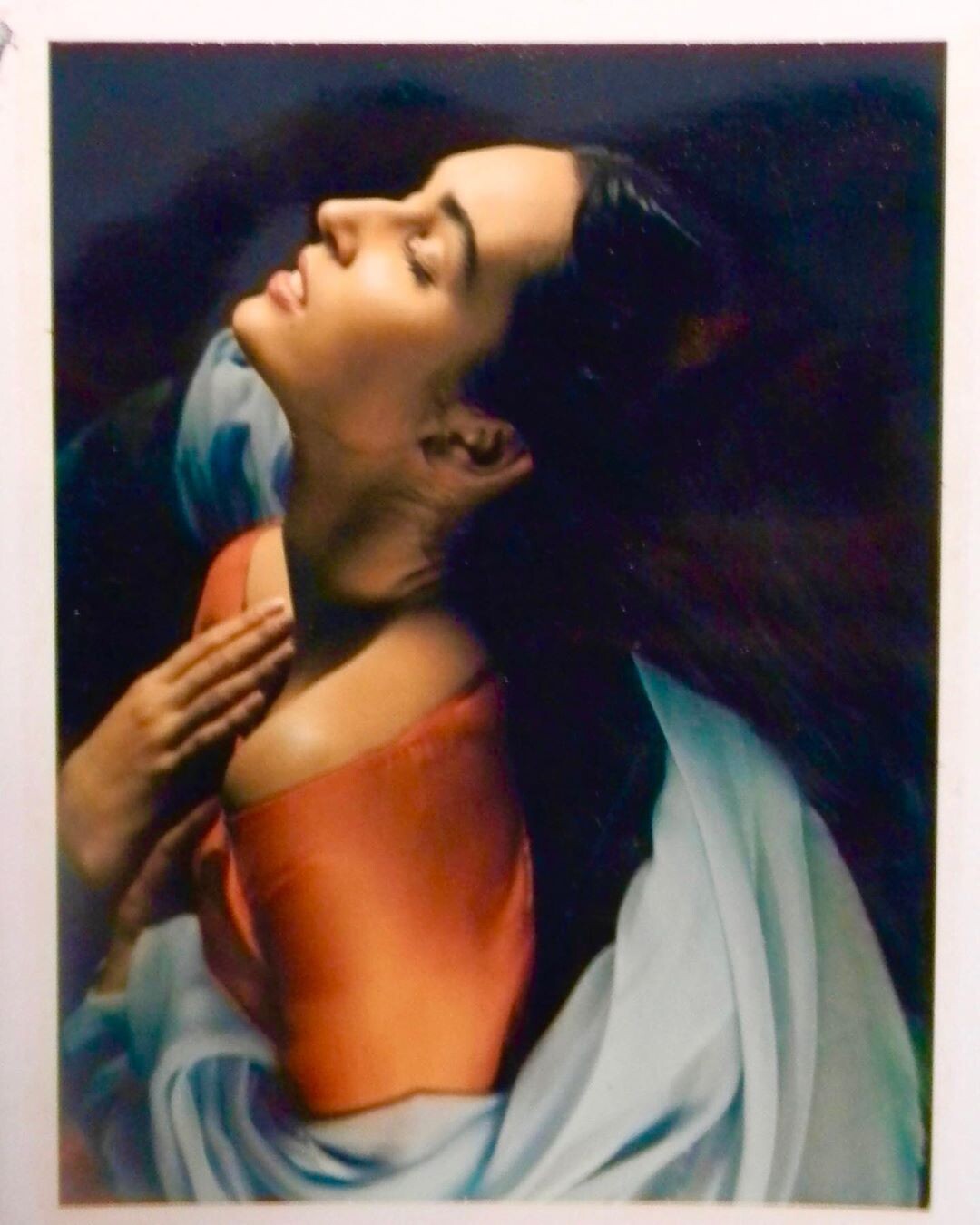
Albert Watson original Polaroid “Gail Elliott, Paris, 1989,” from a shoot for Vogue Italy https://zunkle.life/p/B0jCFmrAQNx

-
-
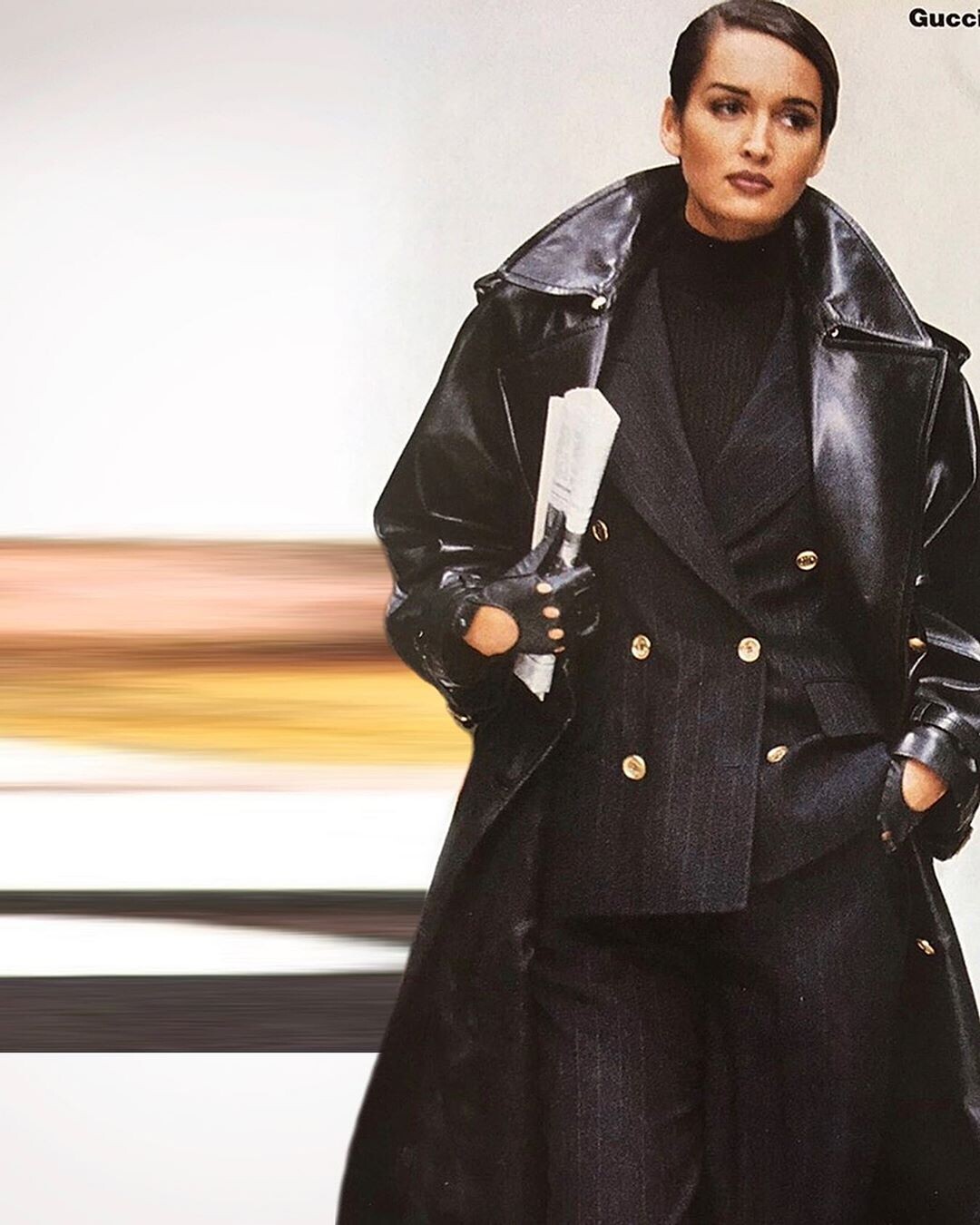
IG Gucci FW 1993

-
Incredible set!
Olivia is hilarious!
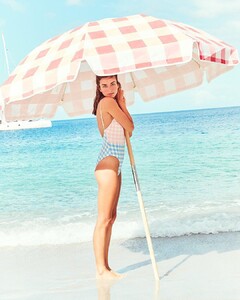
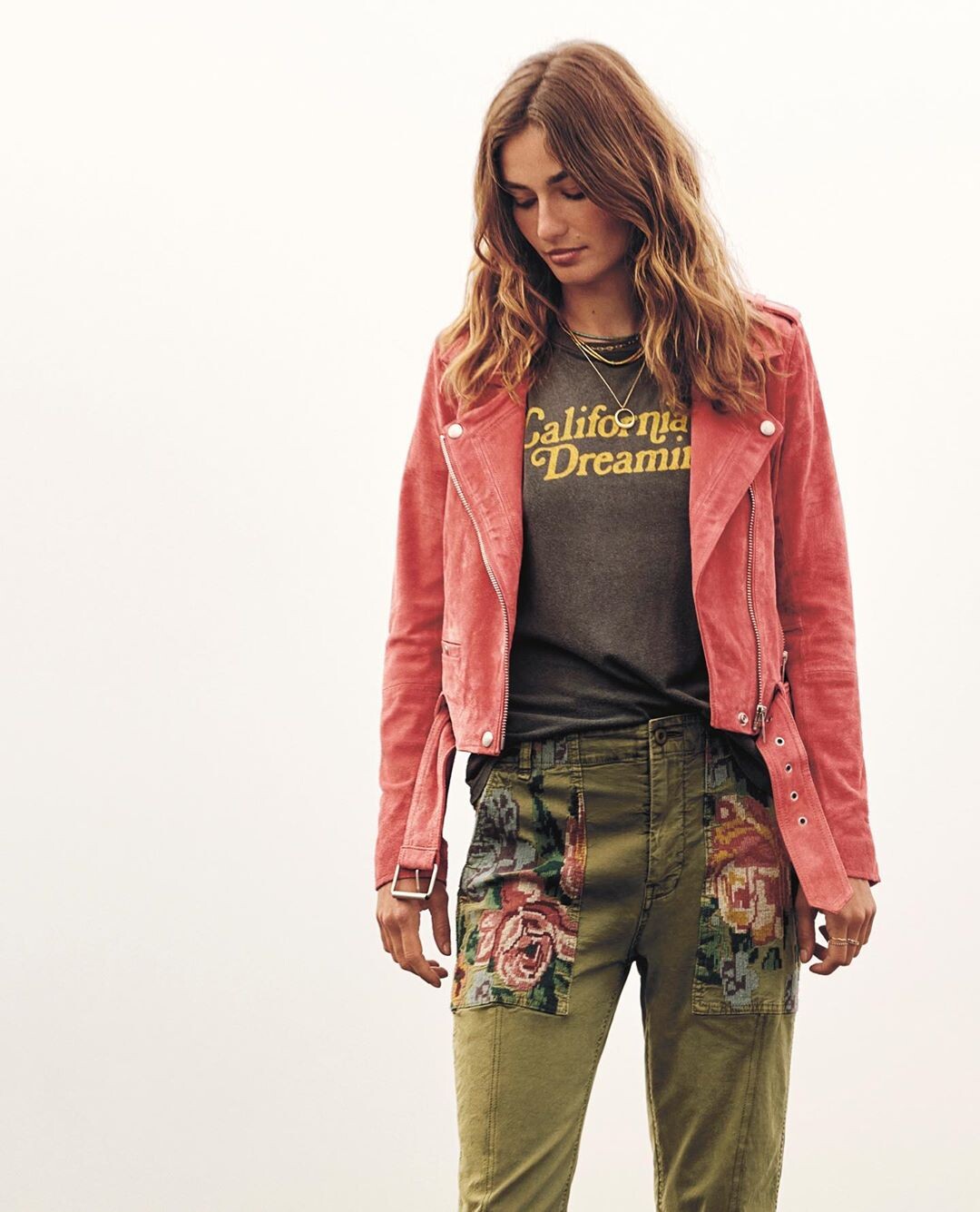
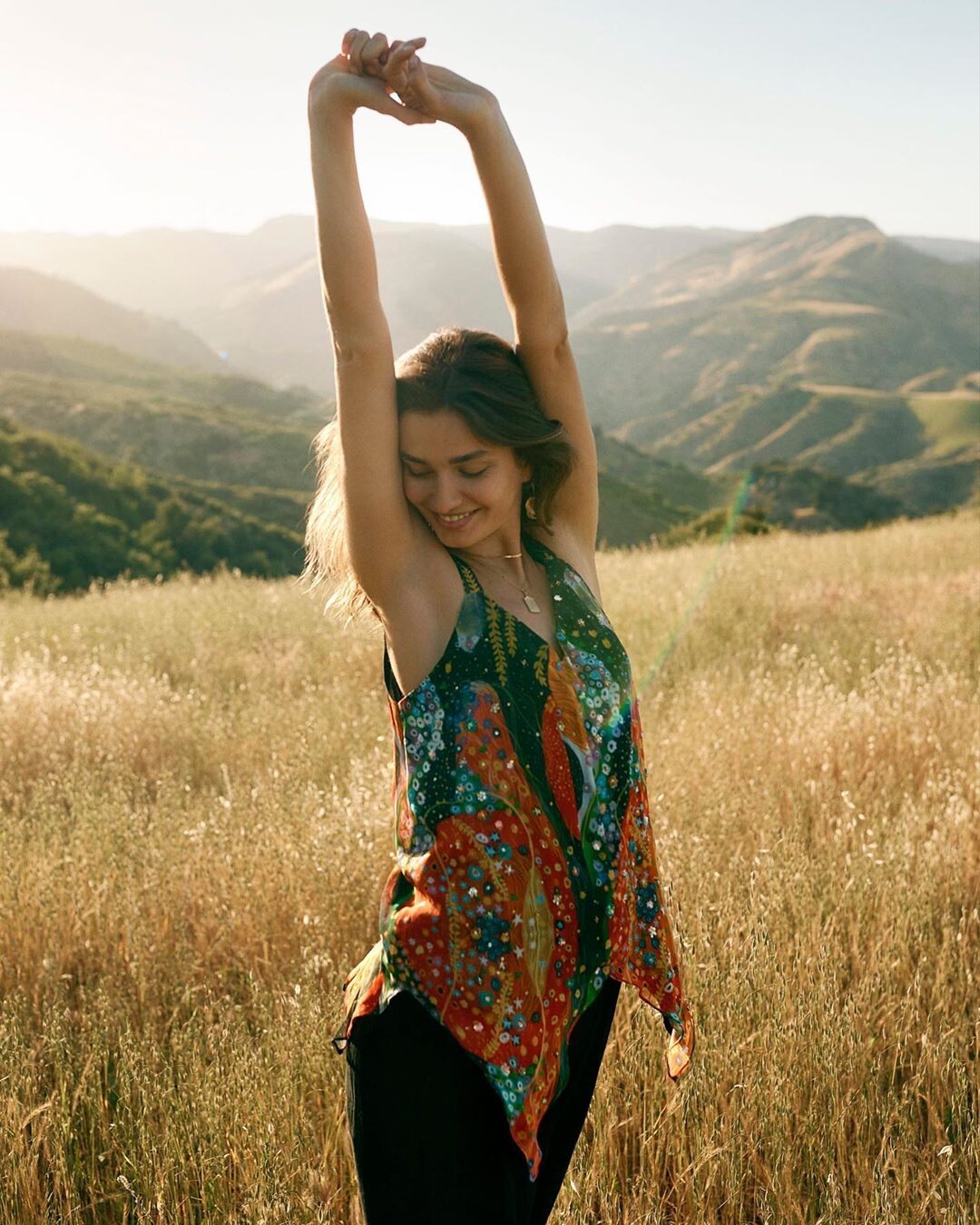
Anthroplogie IG
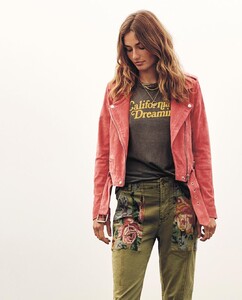


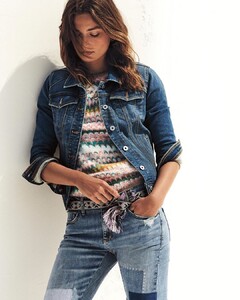 Nice stuff.
Great shots!
Etro etro_68061867_115803326386648_3935467852196111879_n (1).mp4
Nice stuff.
Great shots!
Etro etro_68061867_115803326386648_3935467852196111879_n (1).mp4 How tall?
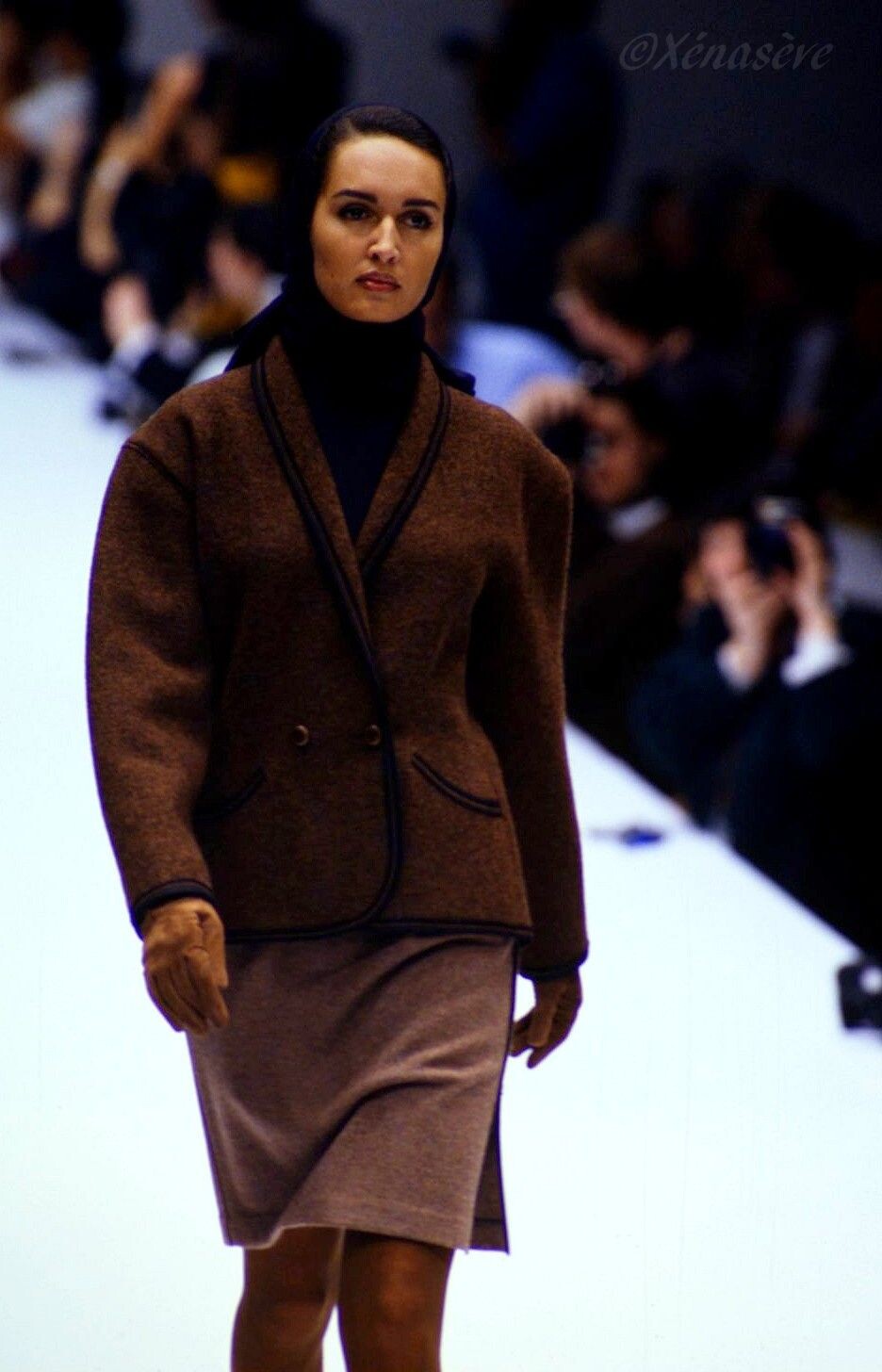
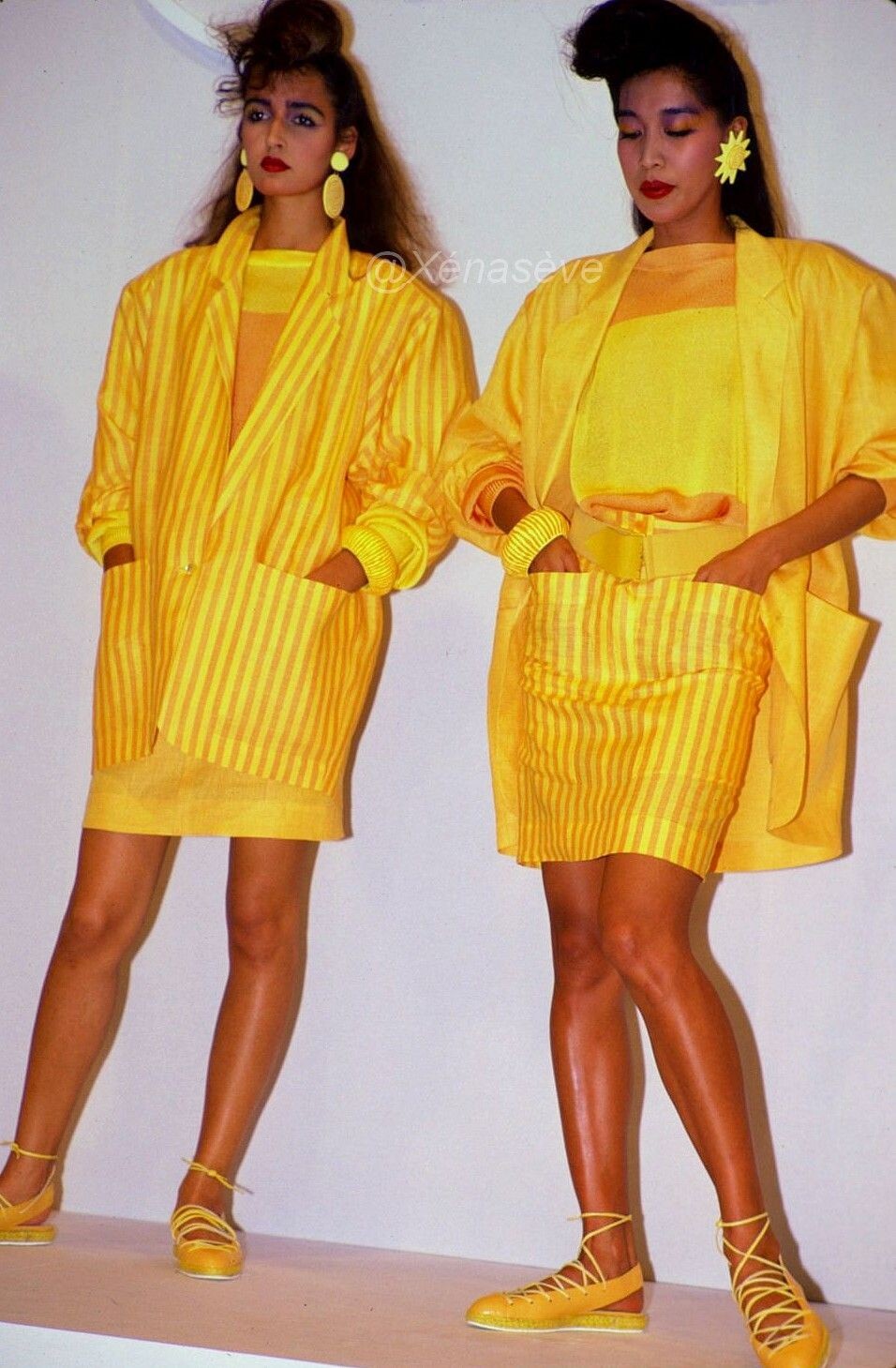
Complice SS 1984
How tall?
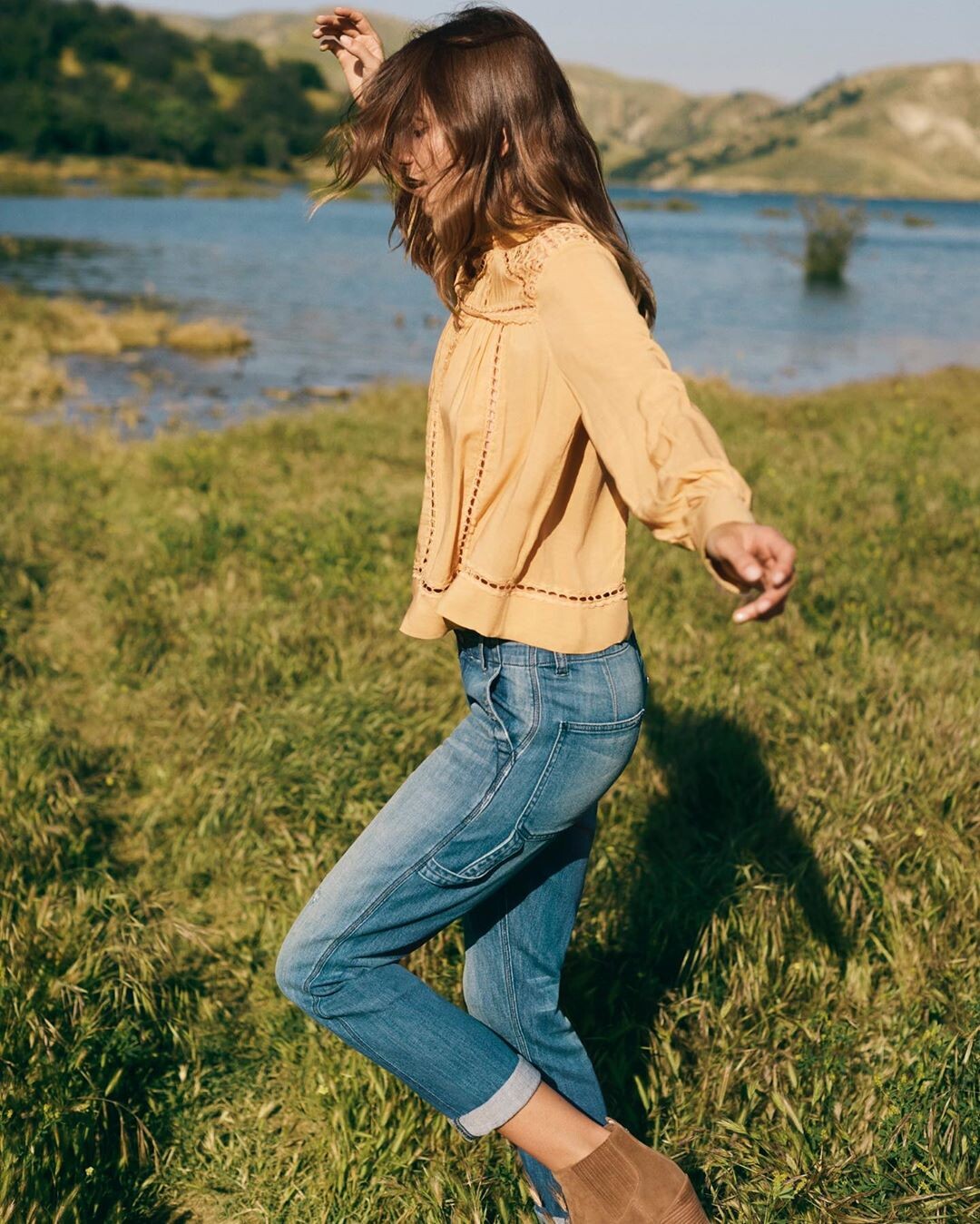
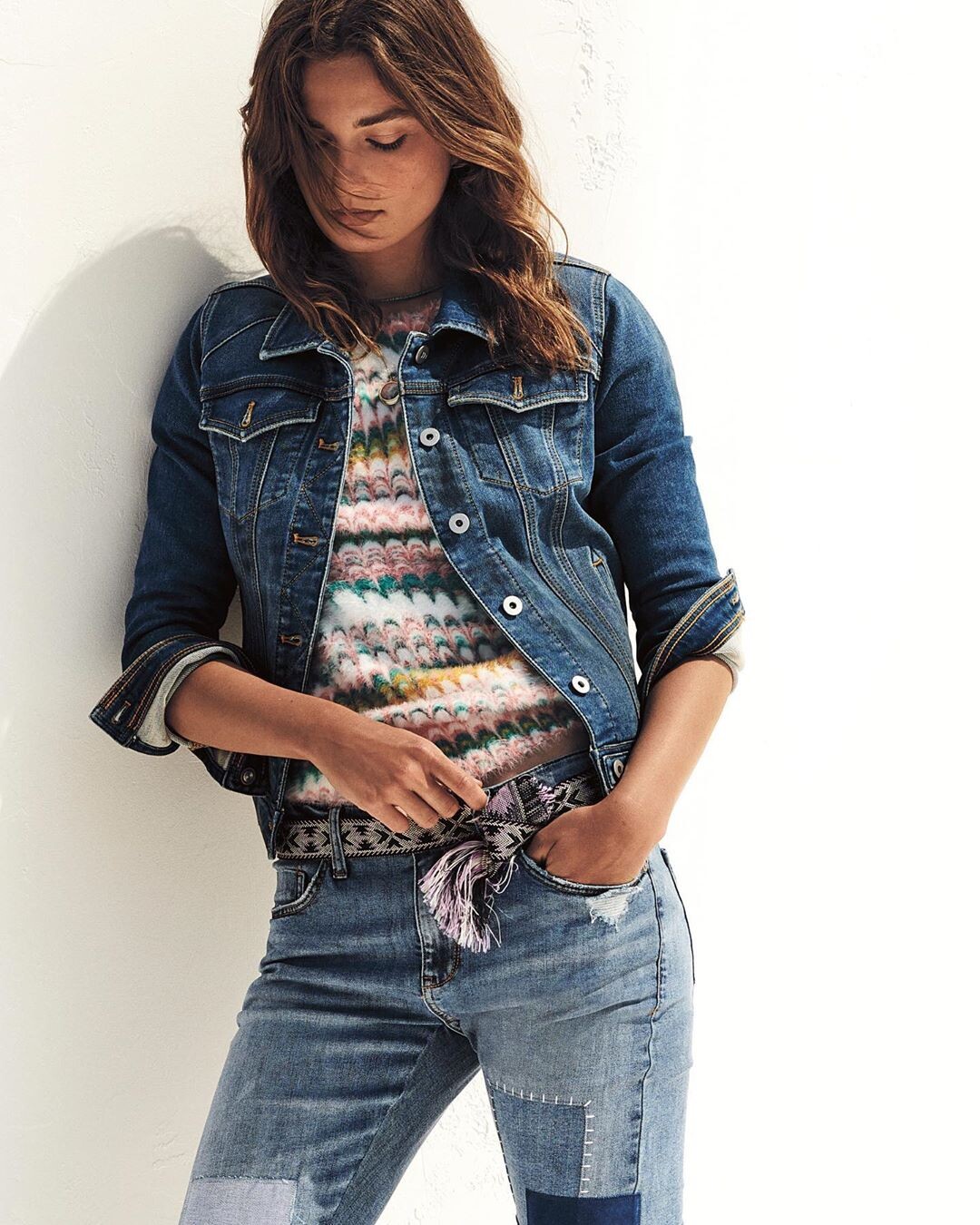
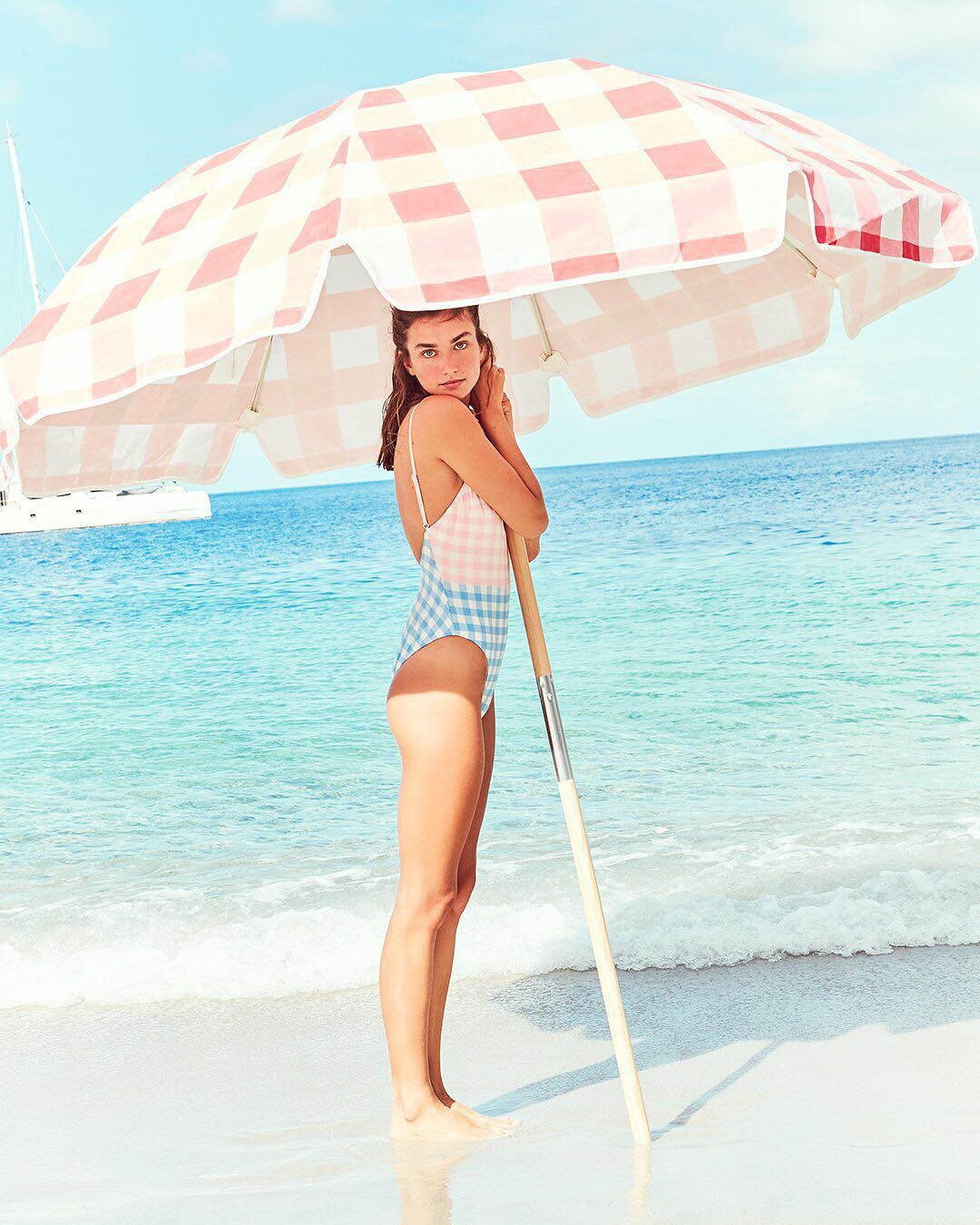
Complice SS 1984 J Crew jcrew_55636458_2535543516520906_3024448797705179383_n.mp4




Account
Navigation
Search
Configure browser push notifications
Chrome (Android)
- Tap the lock icon next to the address bar.
- Tap Permissions → Notifications.
- Adjust your preference.
Chrome (Desktop)
- Click the padlock icon in the address bar.
- Select Site settings.
- Find Notifications and adjust your preference.
Safari (iOS 16.4+)
- Ensure the site is installed via Add to Home Screen.
- Open Settings App → Notifications.
- Find your app name and adjust your preference.
Safari (macOS)
- Go to Safari → Preferences.
- Click the Websites tab.
- Select Notifications in the sidebar.
- Find this website and adjust your preference.
Edge (Android)
- Tap the lock icon next to the address bar.
- Tap Permissions.
- Find Notifications and adjust your preference.
Edge (Desktop)
- Click the padlock icon in the address bar.
- Click Permissions for this site.
- Find Notifications and adjust your preference.
Firefox (Android)
- Go to Settings → Site permissions.
- Tap Notifications.
- Find this site in the list and adjust your preference.
Firefox (Desktop)
- Open Firefox Settings.
- Search for Notifications.
- Find this site in the list and adjust your preference.