

armz1967
Members
-
Joined
-
Last visited
Everything posted by armz1967
-
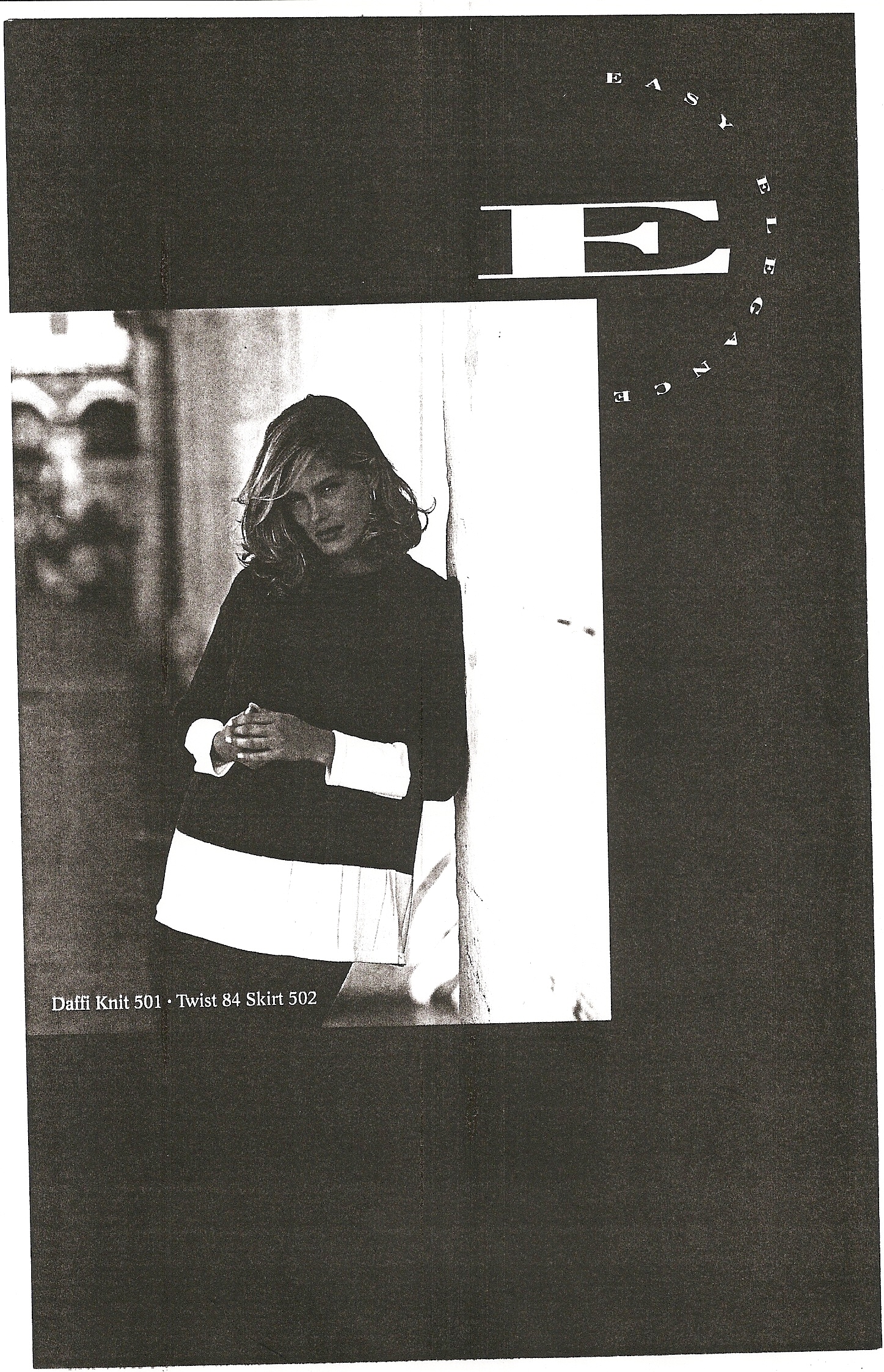
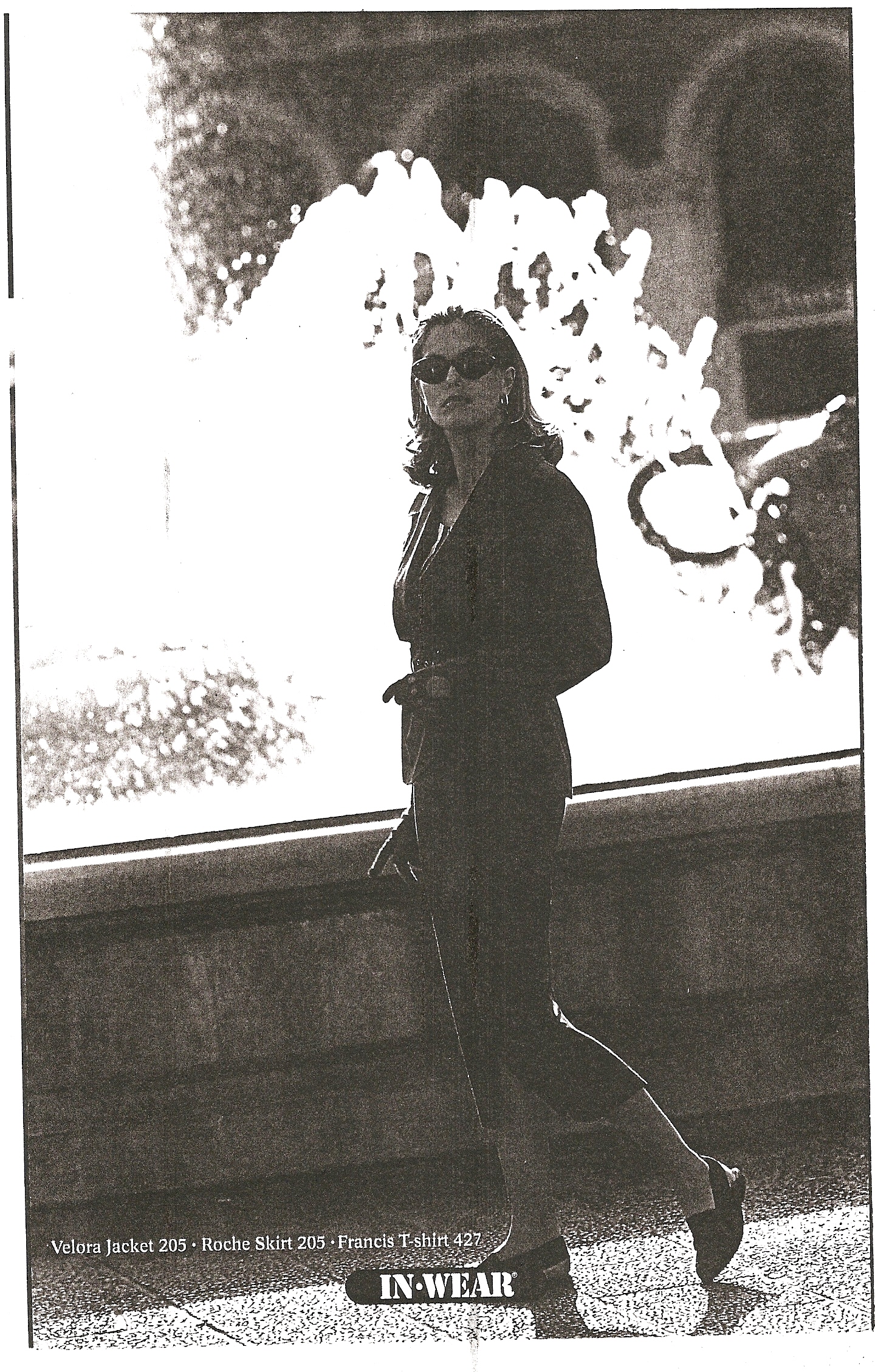
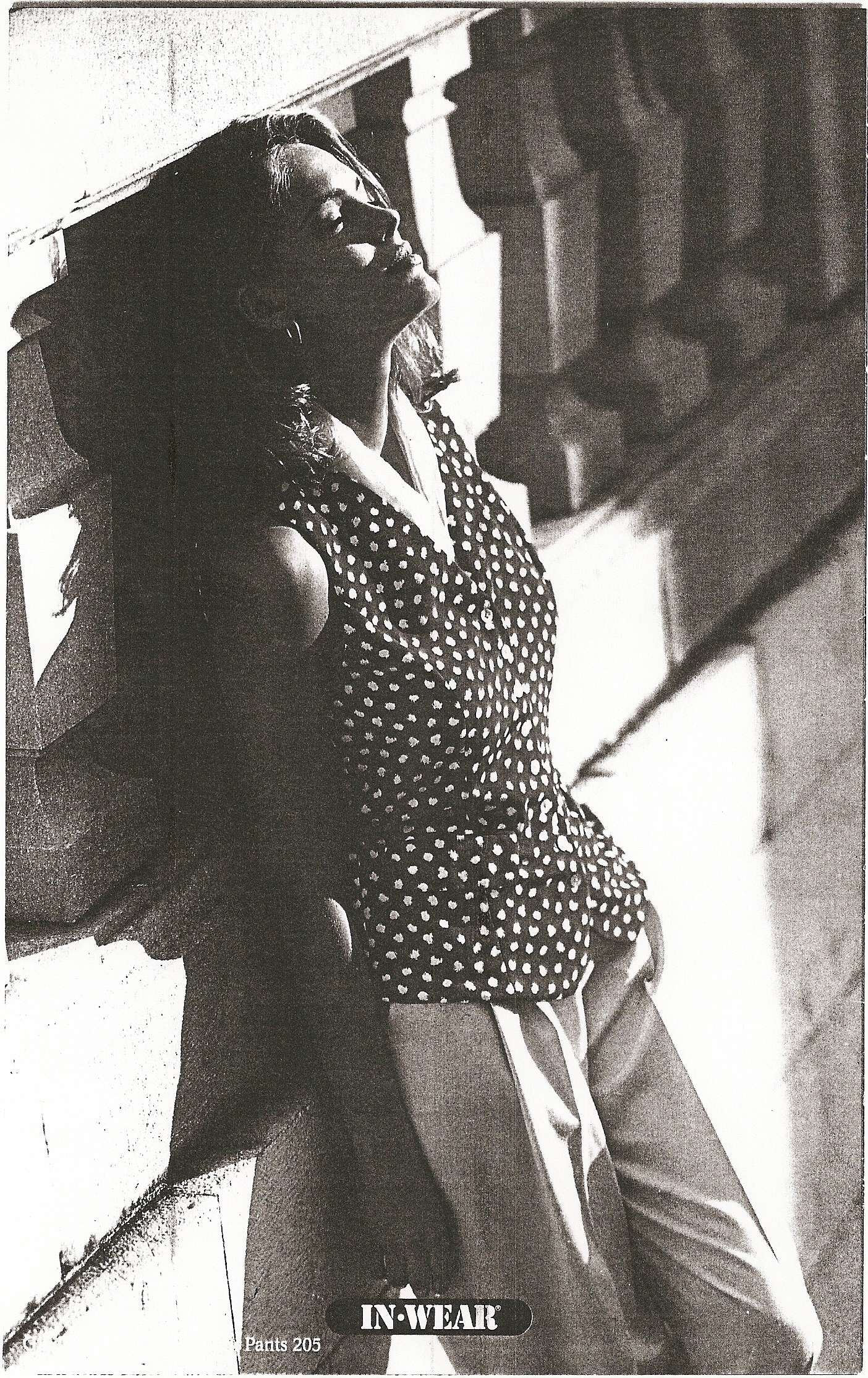
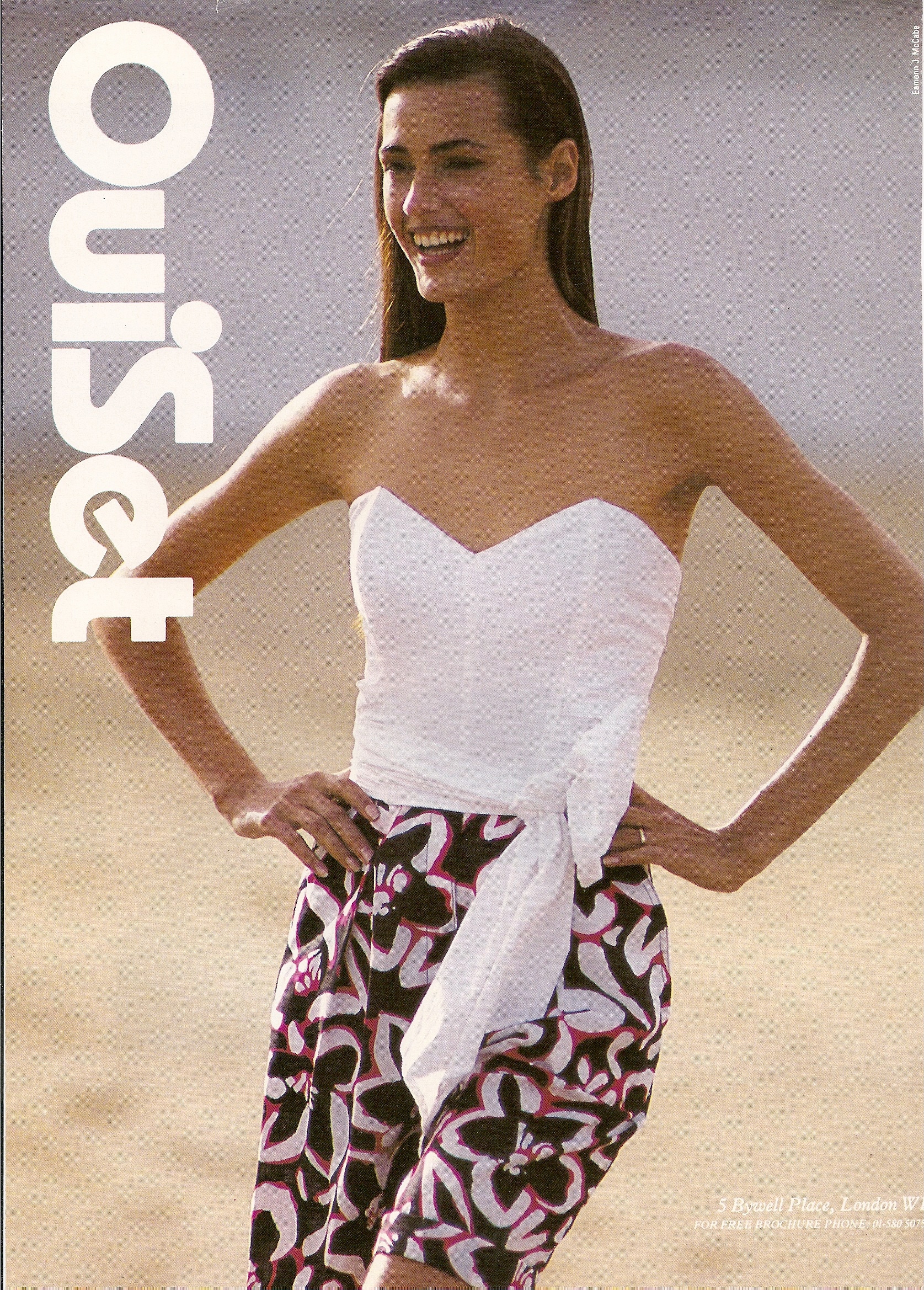
 I am looking for this IN WEAR catalogue.







-
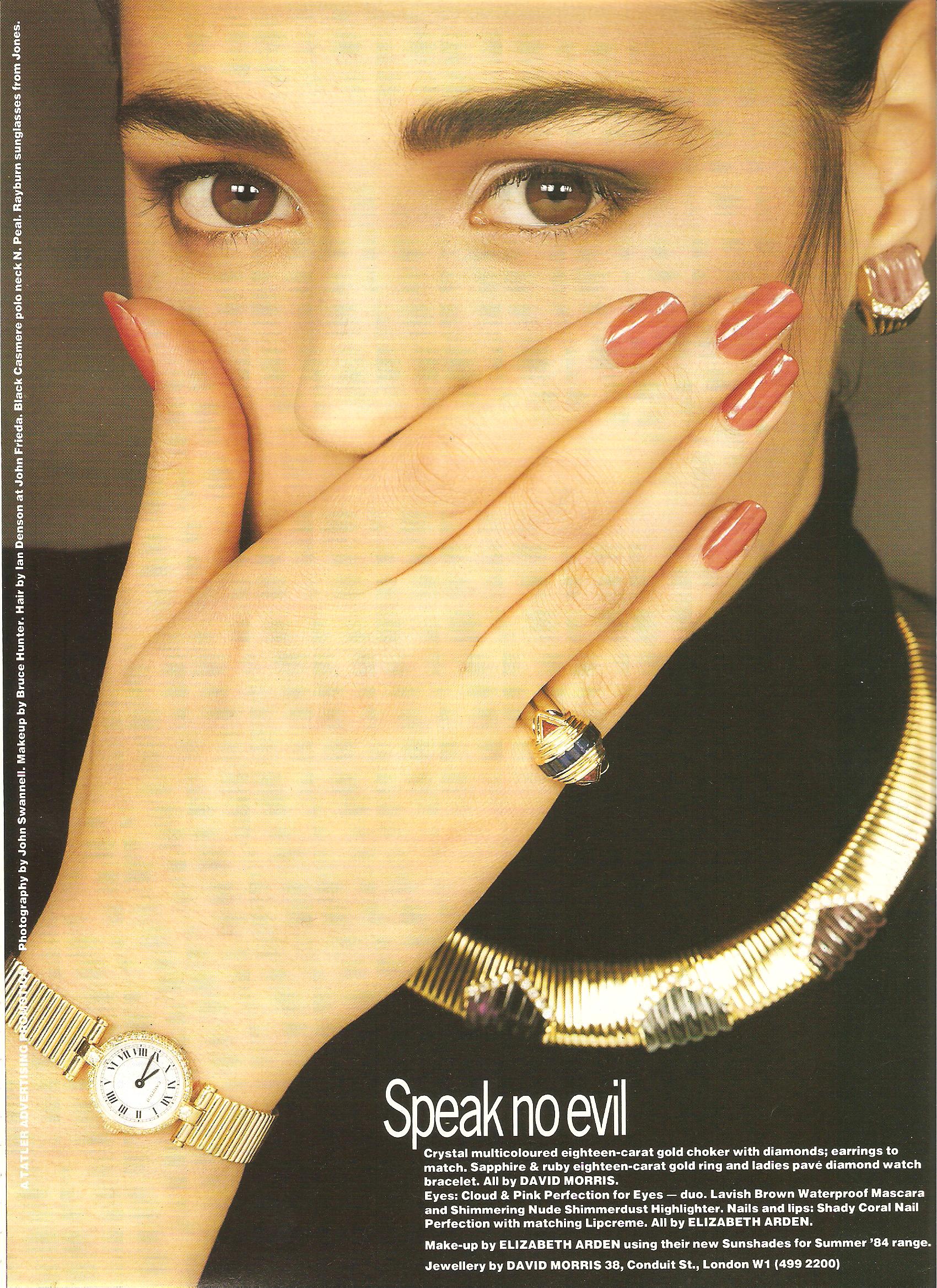
I have this picture but no info about it. I can't help.
-
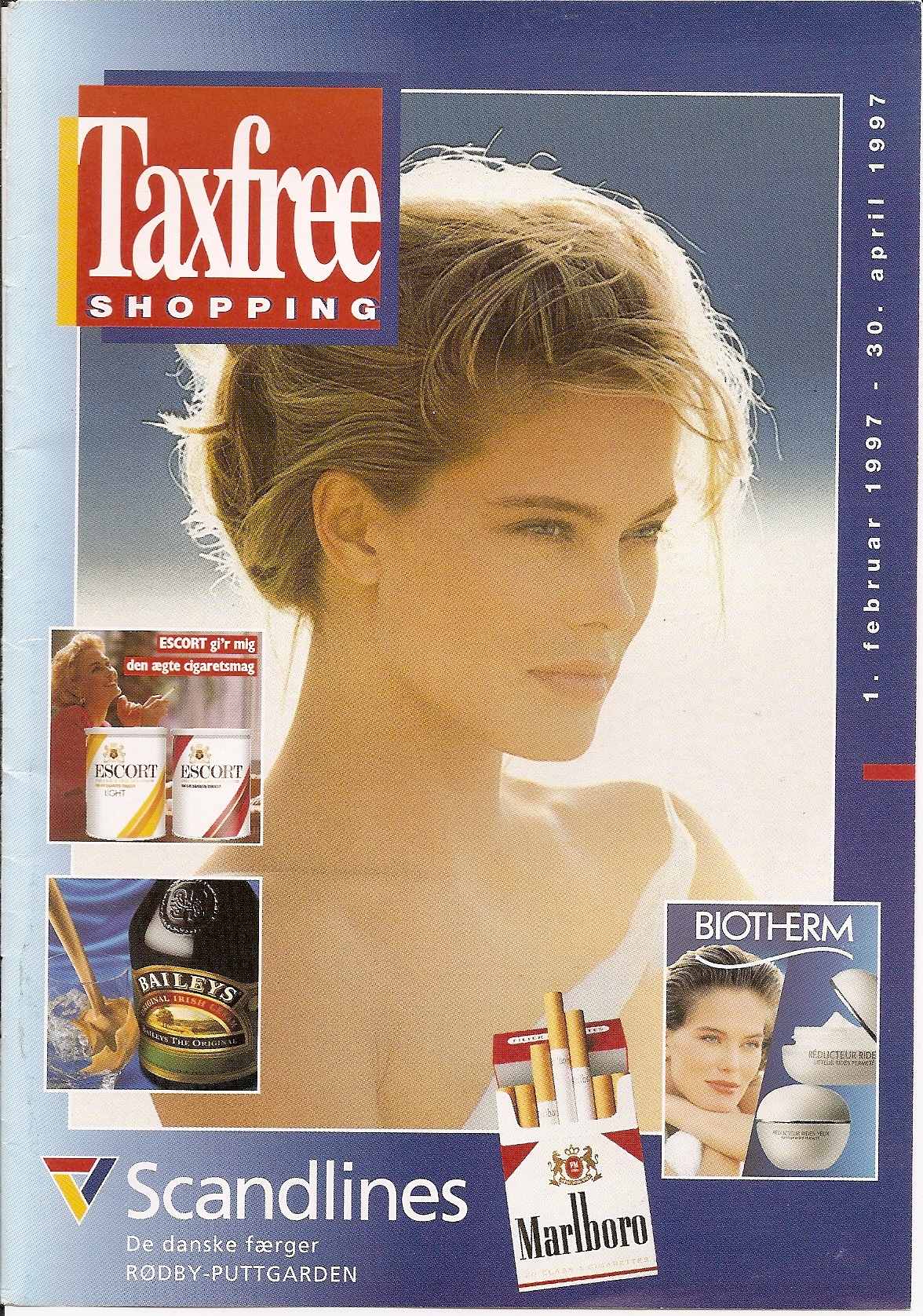
A cover with biotherm pictures.

-
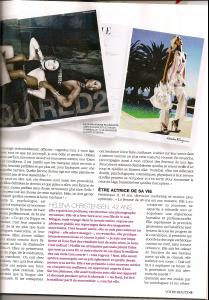
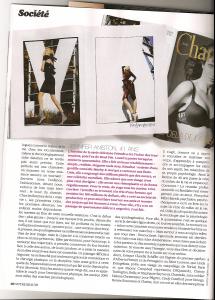
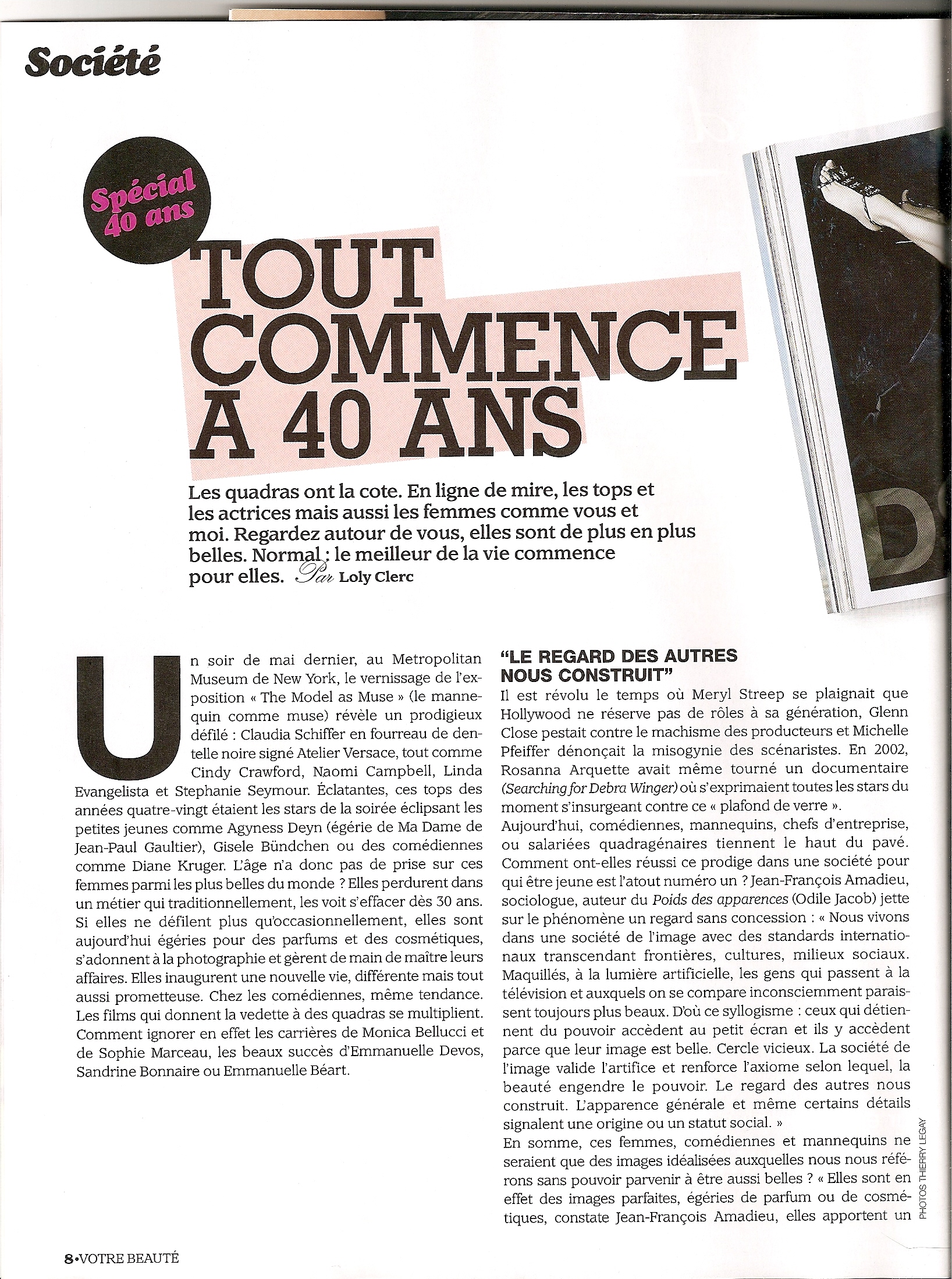
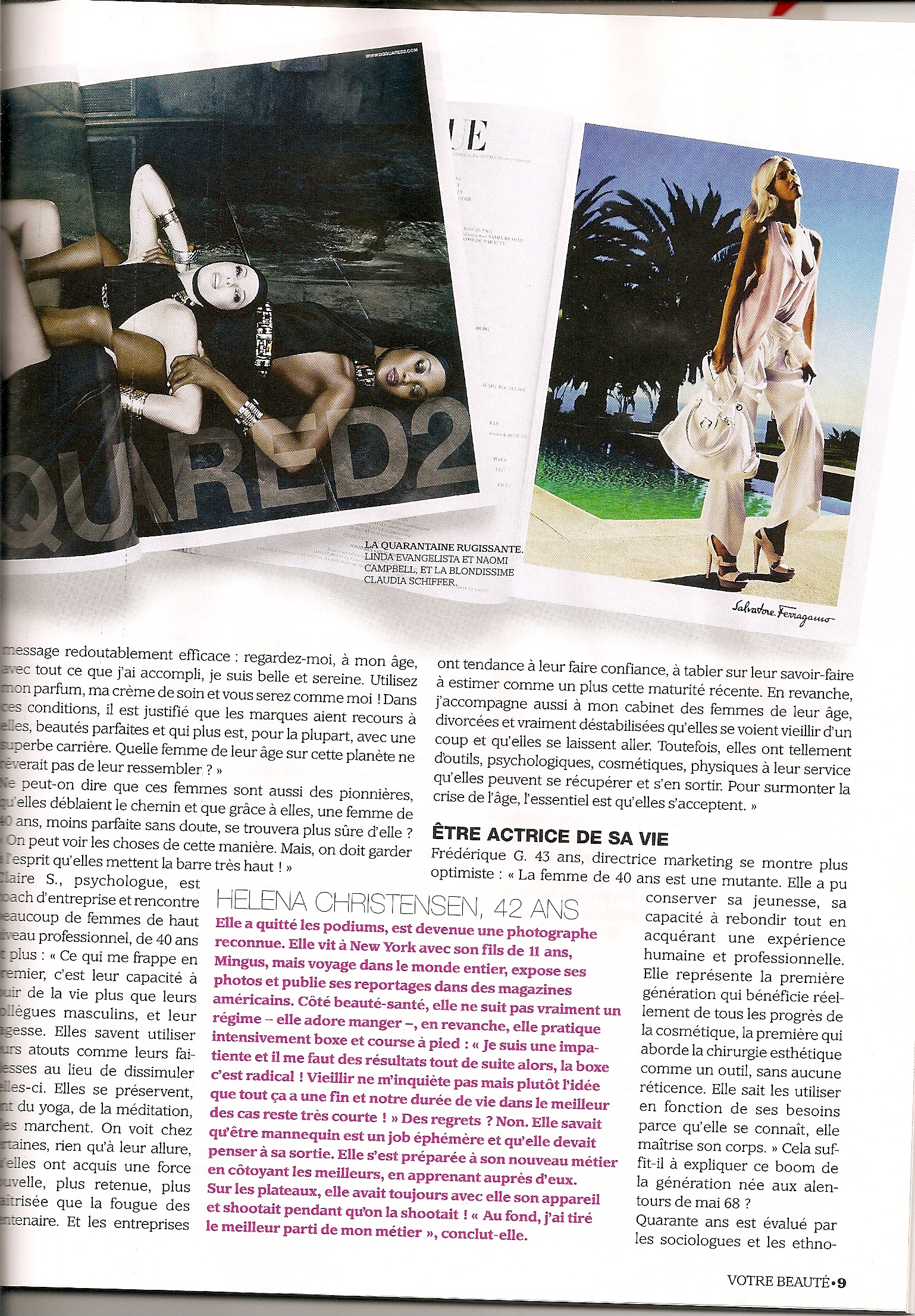
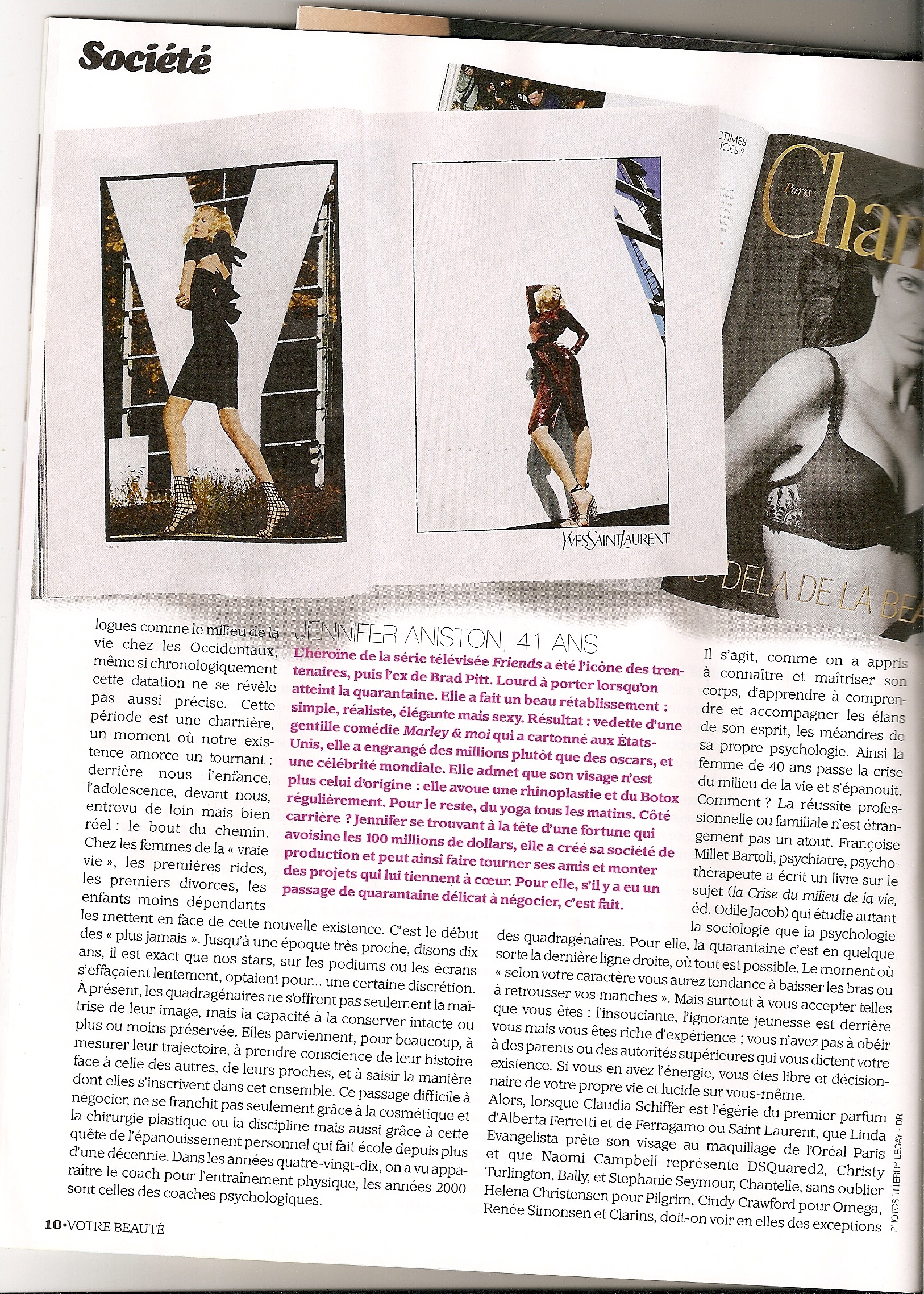
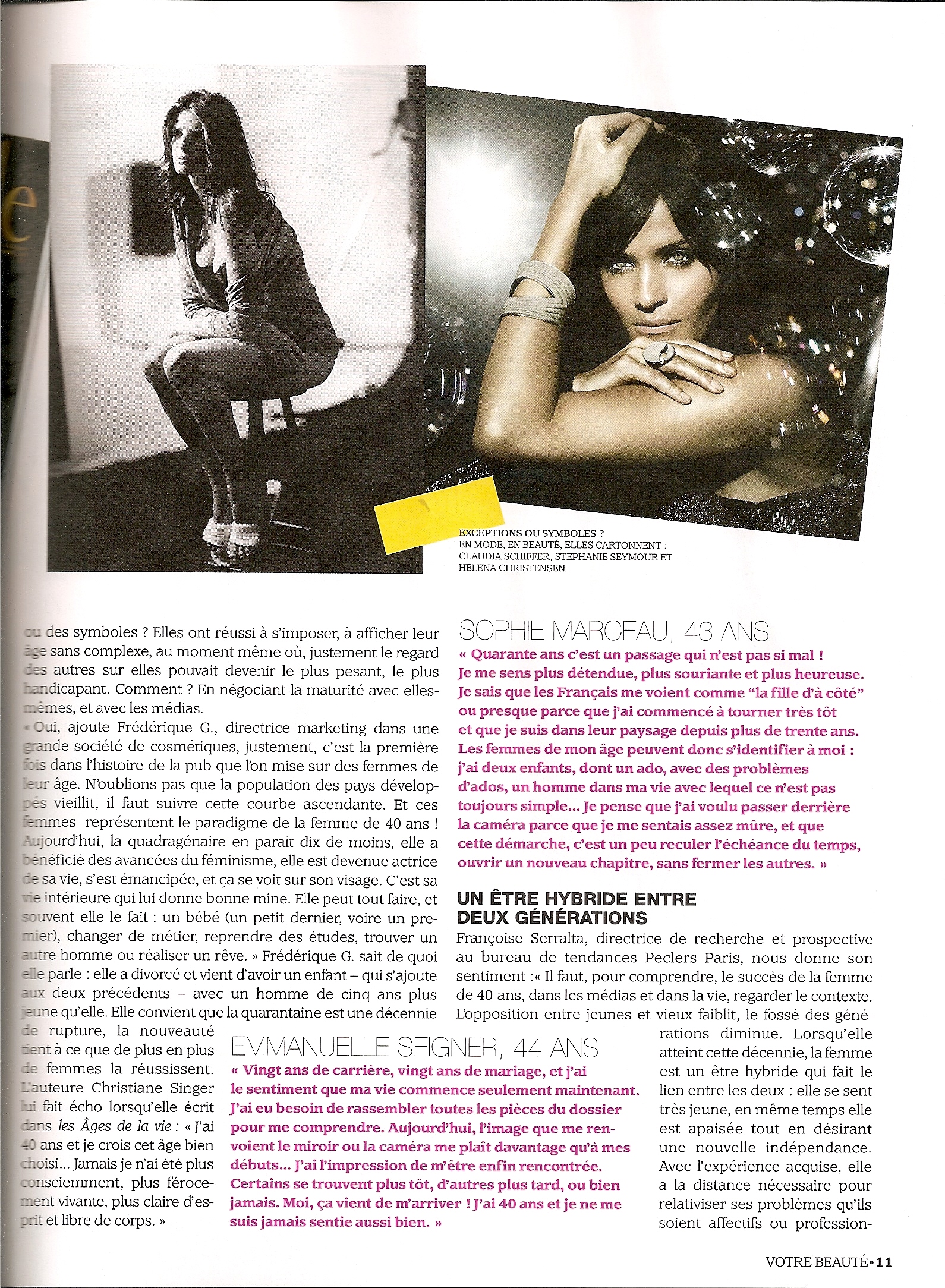
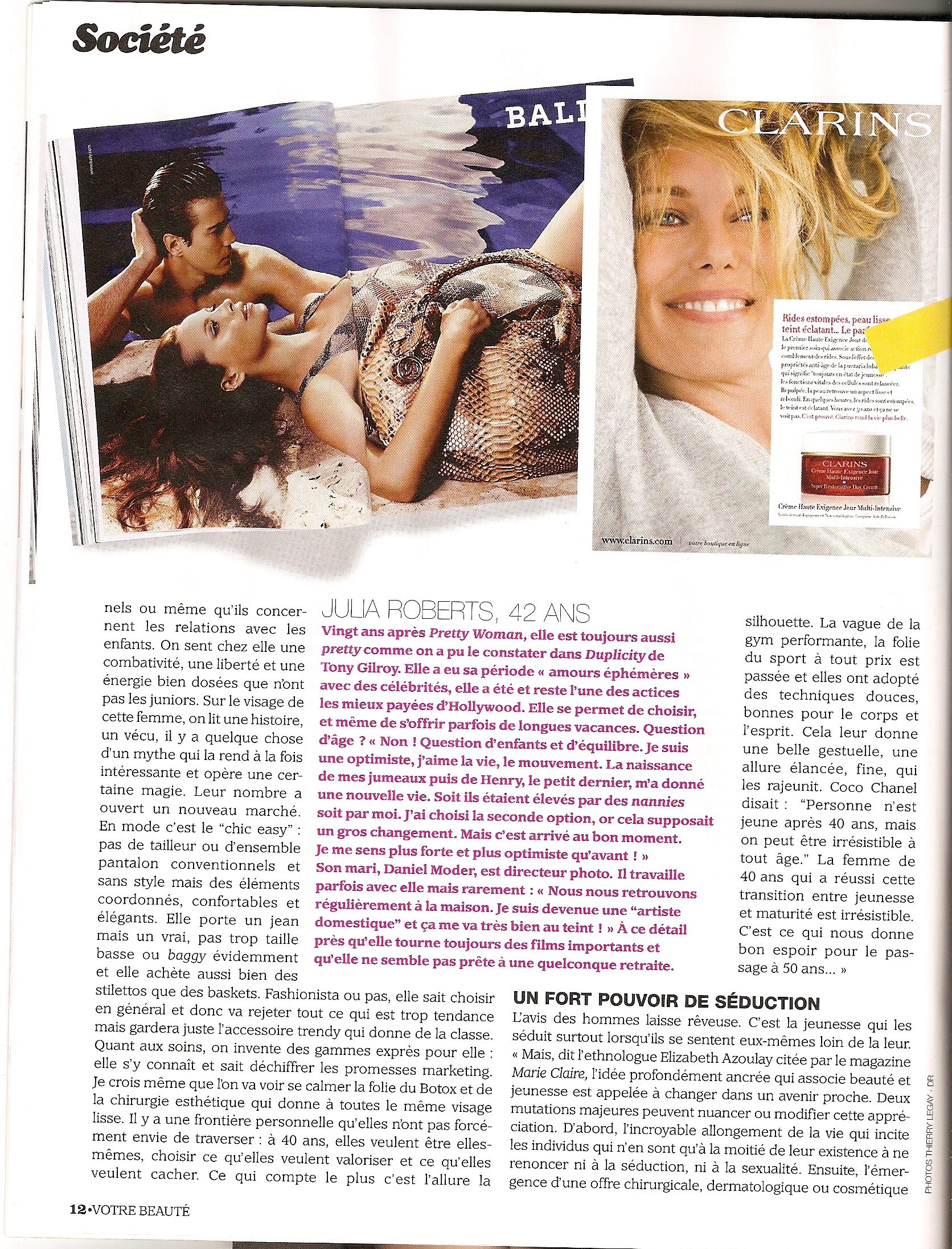
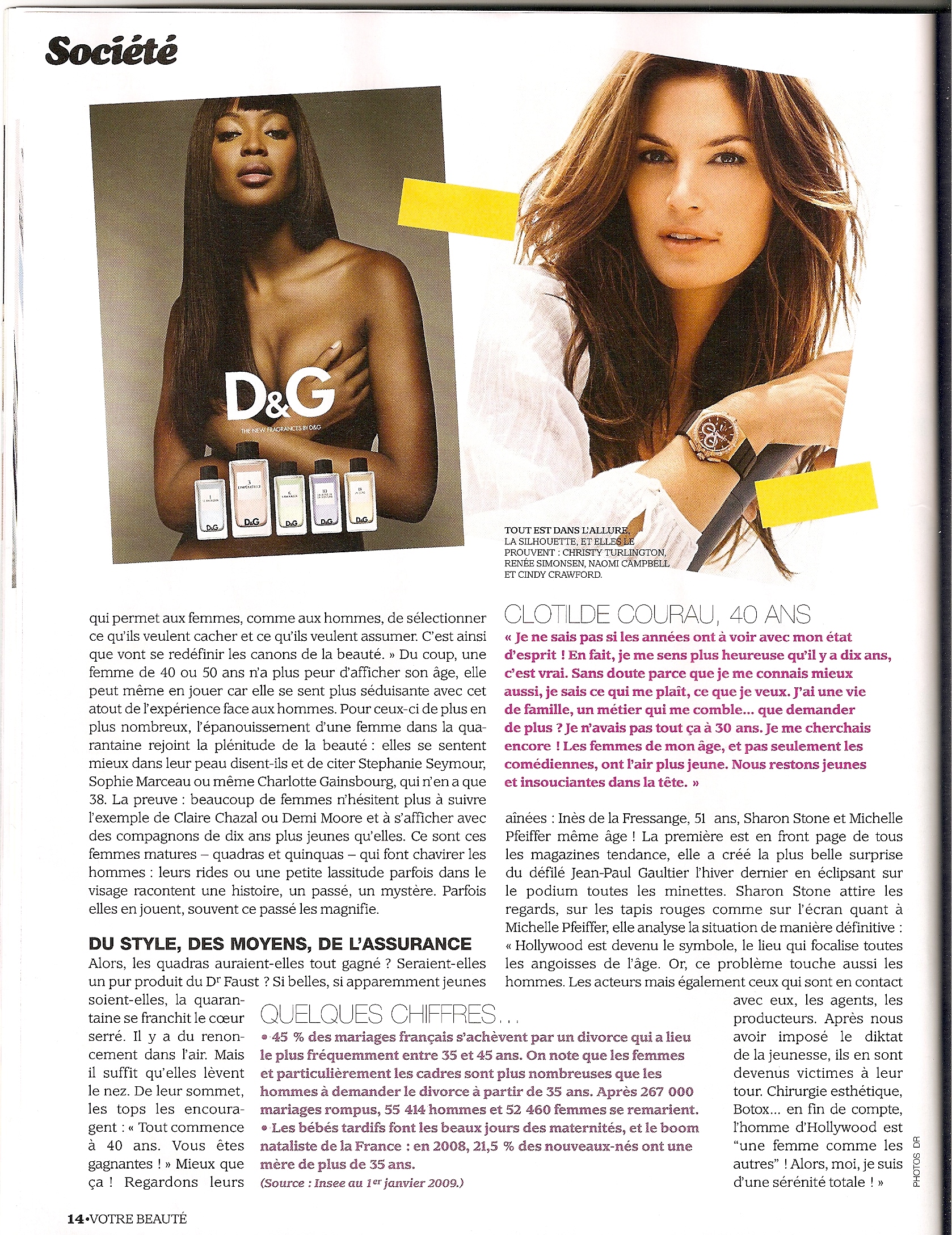
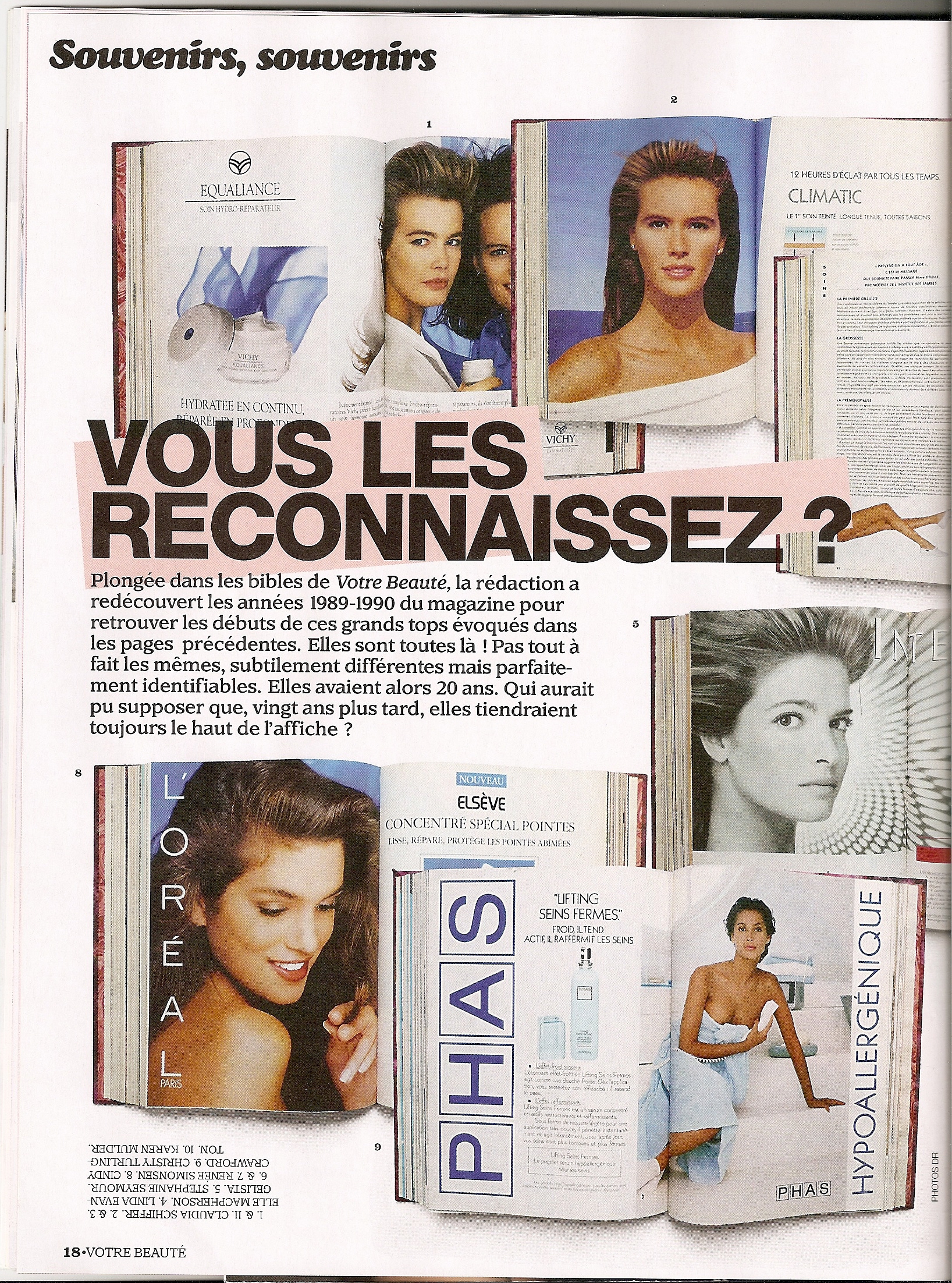
A article from french votre beaute sept 2009 pictures are knew but it's always great to see Renee inside magazine.






-
Hi armz1967! Great found! I´ve converted it into a .jpg-file, so we can see it immediately. thank you renee_Thailande_mars_2009.bmp
-
Another one just found on internet.

-
renee_Thailande_mars_2009.bmp I have just found this great picture of Renee on intenet.
-
:wub: Thank you soooo much for all fantastic pics of Renee. I love her Oscar de la Renta pictures…. and the pics from UK Vogue from November 1986 – special to see lovely Talisa Soto… not so much pics of her modeling work, but this was just fantastic Thank you so much missparker Oh, THANK YOU miss! Here´s another Oscar de la Renta I have, but unfortunately only a cutout. I think it´s also from this WWD magazine, because it´s the same size. Oh, wonderful picture of Renee thanks to post it. I have never seen it before.

-
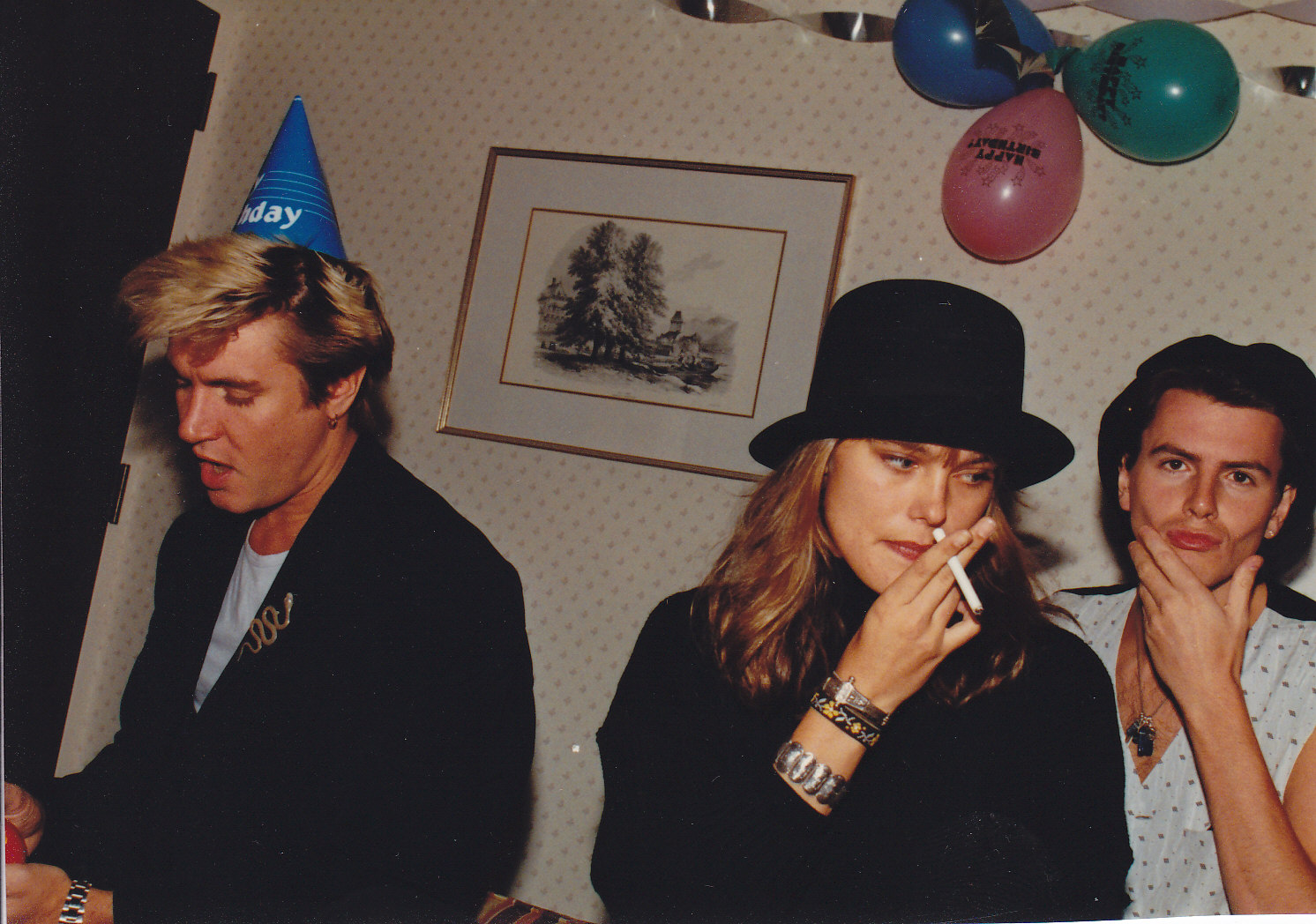
Someone know the souce of this picture, I don' thave it. :shock:

-
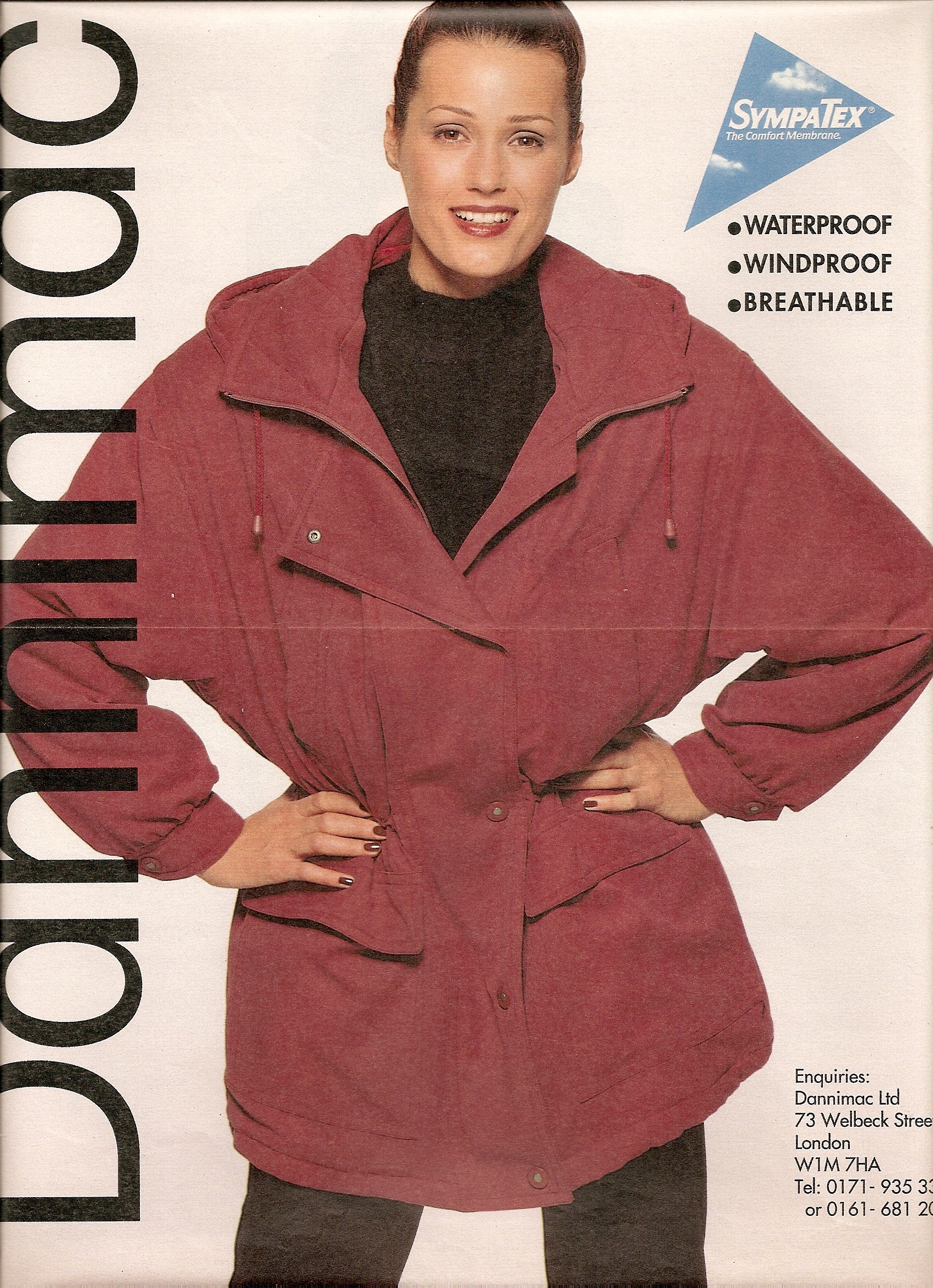
more danimac ads.



-
I don't think it's Renee on this cover and layout.
oh, it's new for me, I love the picture, I have never seen it before.
Thank you, I didn't know the source of this picture, I still miss the last page from it.
Oscar de la Renta advertisement - U.S. WWD/S September 1987 Thank you very much missparker7
 I am looking fro those 3 beautiful pictures of Yasmin

 I think Helena is so beautiful and sweet.
 No I don't think she's Amber. A few pictures of Amber that I really like.



 Cool! THANKS armz1967! Can you still add the URL, please? Ok here the link: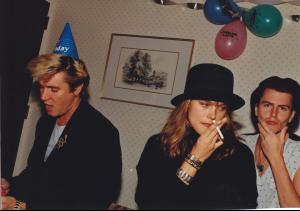
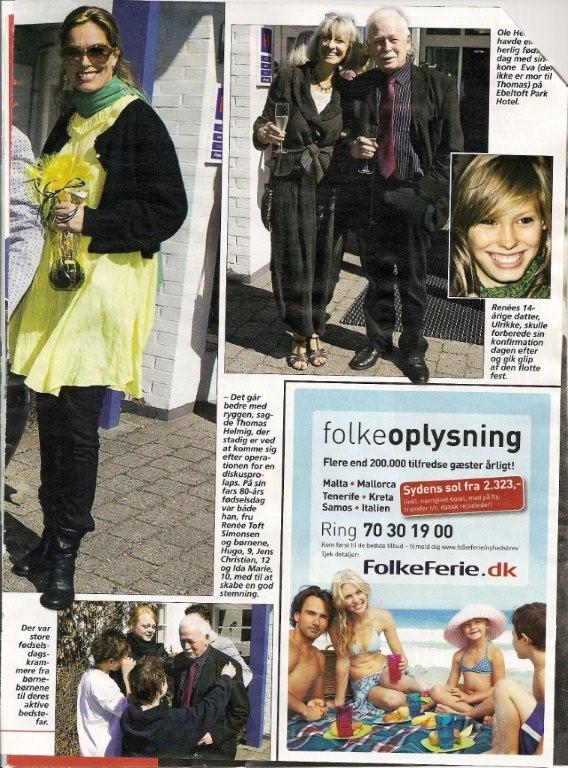
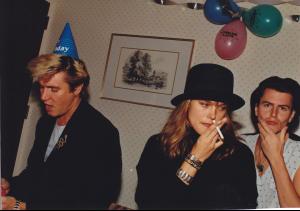 Renee with one of her worst dress in yellow.
 Just found on internet great photo


























Account
Navigation
Search
Configure browser push notifications
Chrome (Android)
- Tap the lock icon next to the address bar.
- Tap Permissions → Notifications.
- Adjust your preference.
Chrome (Desktop)
- Click the padlock icon in the address bar.
- Select Site settings.
- Find Notifications and adjust your preference.
Safari (iOS 16.4+)
- Ensure the site is installed via Add to Home Screen.
- Open Settings App → Notifications.
- Find your app name and adjust your preference.
Safari (macOS)
- Go to Safari → Preferences.
- Click the Websites tab.
- Select Notifications in the sidebar.
- Find this website and adjust your preference.
Edge (Android)
- Tap the lock icon next to the address bar.
- Tap Permissions.
- Find Notifications and adjust your preference.
Edge (Desktop)
- Click the padlock icon in the address bar.
- Click Permissions for this site.
- Find Notifications and adjust your preference.
Firefox (Android)
- Go to Settings → Site permissions.
- Tap Notifications.
- Find this site in the list and adjust your preference.
Firefox (Desktop)
- Open Firefox Settings.
- Search for Notifications.
- Find this site in the list and adjust your preference.