

kimflorida
Members
-
Joined
-
Last visited
Everything posted by kimflorida
-
 Philipp Plein Fall 2020 vogue.com
-
Ingie Fall 2020 nowfashion.com


-
Koché Fall 2020 (Opened) nowfashion.com

-
Victoria/Tomas Fall 2020 nowfashion.com

-
Mame Kurogouchi Fall 2020 nowfashion.com


-
Dolce & Gabbana Fall 2020 nowfashion.com

-
Emporio Armani Fall 2020 nowfashion.com


-
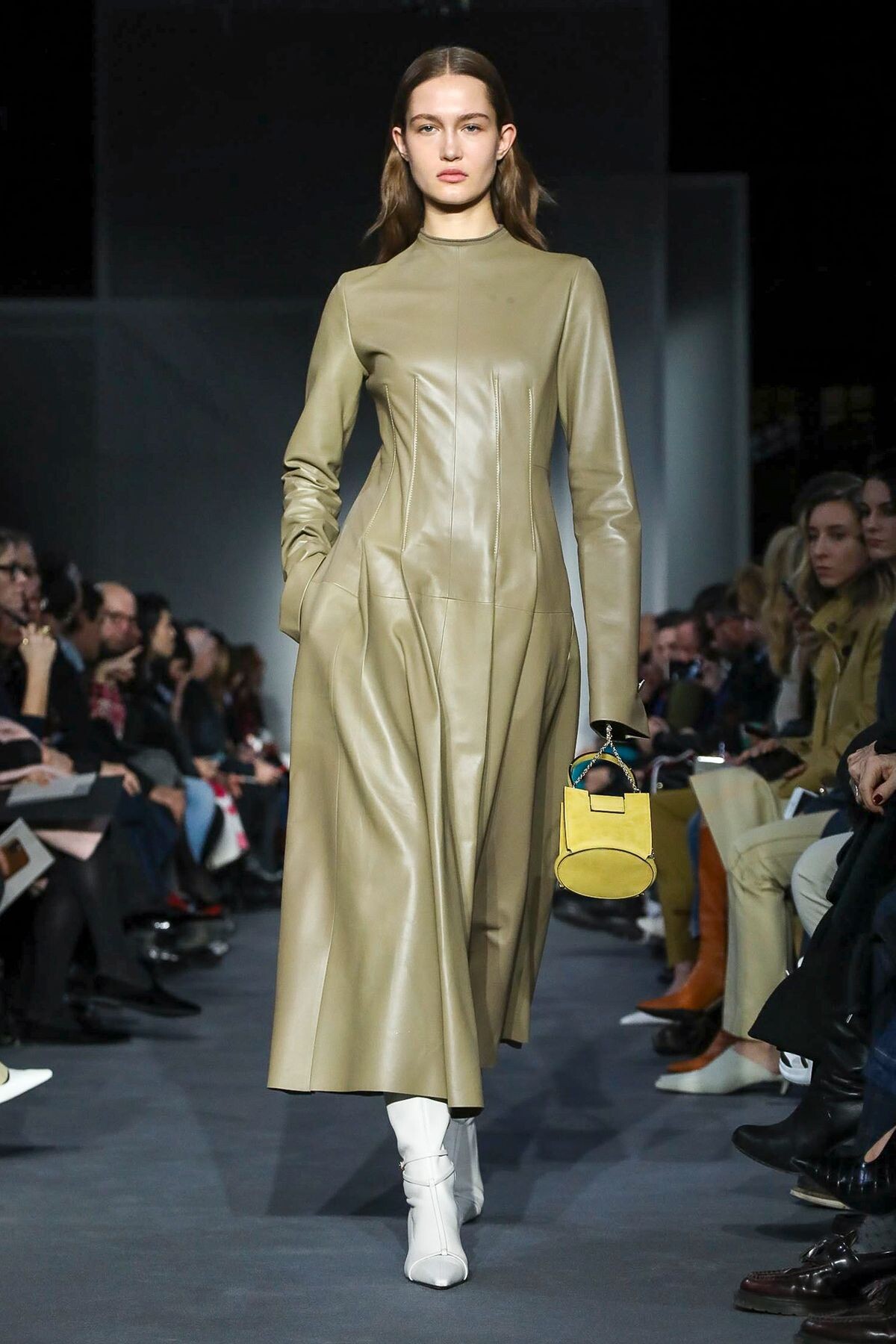
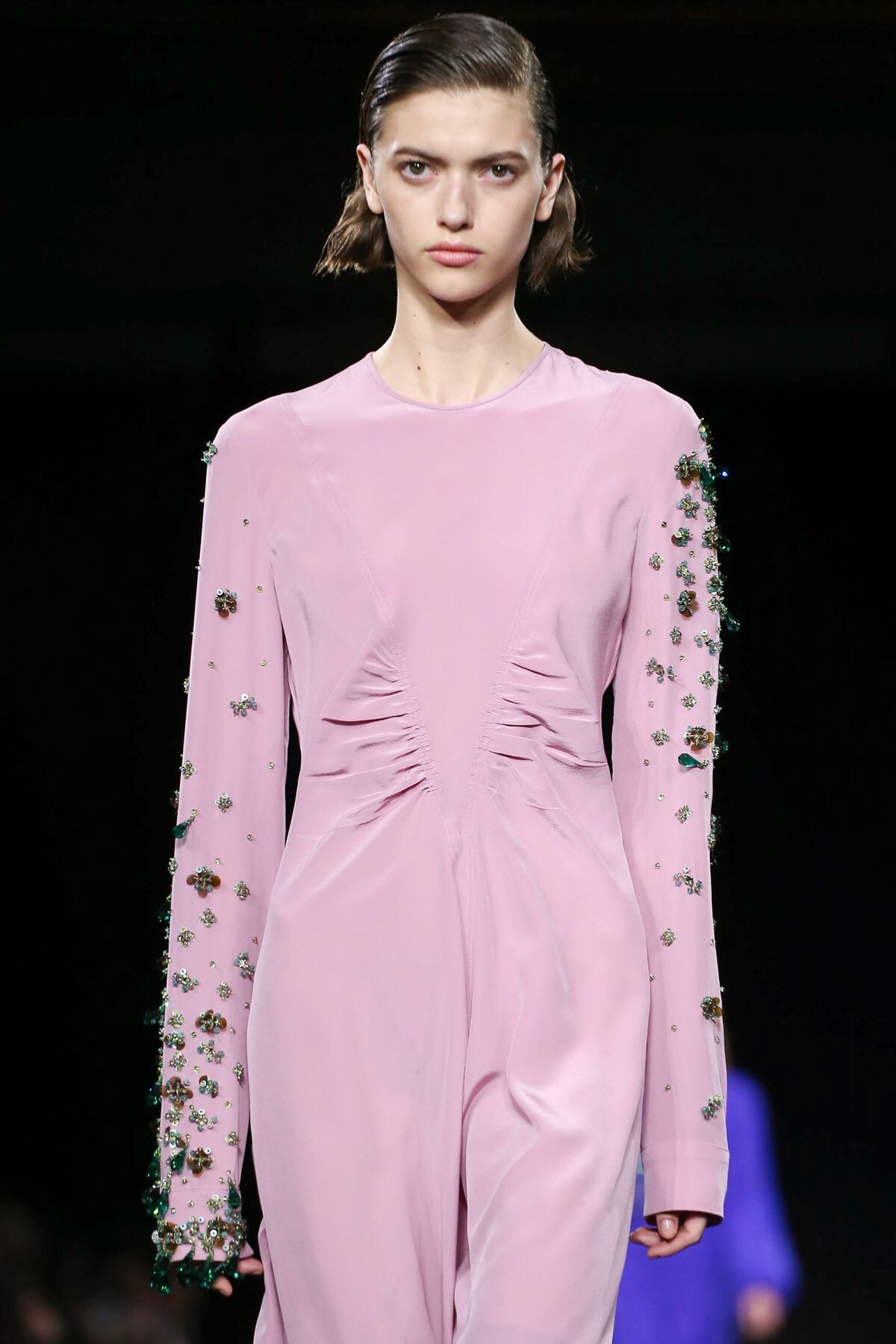
Burberry Fall 2020 nowfashion.com
 Giada Fall 2020 nowfashion.com
 Burberry Fall 2020 nowfashion.com
 Rochas Fall 2020 nowfashion.com
 Elisabetta Franchi Fall 2020 (Opened) wwd.com
 Dolce & Gabbana Fall 2020 nowfashion.com
 Ermanno Scervino Fall 2020 nowfashion.com
 Etro Fall 2020 nowfashion.com
 Rochas Fall 2020 nowfashion.com
 Rochas Fall 2020 nowfashion.com
 FUSION NY Digitals 2020 fusionmodelsnyc.com

 Adam Lippes Fall 2020 nowfashion.com
 Jonathan Cohen Fall 2020 nowfashion.com
 Chalayan Fall 2020 (Closed) nowfashion.com
 BALMAIN Spring 2020 Campaign ph: Mariya Pepelanova models.com

































Account
Navigation
Search
Configure browser push notifications
Chrome (Android)
- Tap the lock icon next to the address bar.
- Tap Permissions → Notifications.
- Adjust your preference.
Chrome (Desktop)
- Click the padlock icon in the address bar.
- Select Site settings.
- Find Notifications and adjust your preference.
Safari (iOS 16.4+)
- Ensure the site is installed via Add to Home Screen.
- Open Settings App → Notifications.
- Find your app name and adjust your preference.
Safari (macOS)
- Go to Safari → Preferences.
- Click the Websites tab.
- Select Notifications in the sidebar.
- Find this website and adjust your preference.
Edge (Android)
- Tap the lock icon next to the address bar.
- Tap Permissions.
- Find Notifications and adjust your preference.
Edge (Desktop)
- Click the padlock icon in the address bar.
- Click Permissions for this site.
- Find Notifications and adjust your preference.
Firefox (Android)
- Go to Settings → Site permissions.
- Tap Notifications.
- Find this site in the list and adjust your preference.
Firefox (Desktop)
- Open Firefox Settings.
- Search for Notifications.
- Find this site in the list and adjust your preference.