Jump to content
View in the app

A better way to browse. Learn more.

Bellazon

A full-screen app on your home screen with push notifications, badges and more.

To install this app on iOS and iPadOS
  1. Tap the Share icon in Safari
  2. Scroll the menu and tap Add to Home Screen.
  3. Tap Add in the top-right corner.
To install this app on Android
  1. Tap the 3-dot menu (⋮) in the top-right corner of the browser.
  2. Tap Add to Home screen or Install app.
  3. Confirm by tapping Install.

kimflorida

Members
  • Joined

  • Last visited

Everything posted by kimflorida

  1. you're welcome
  2. Thank you @RocketQueen
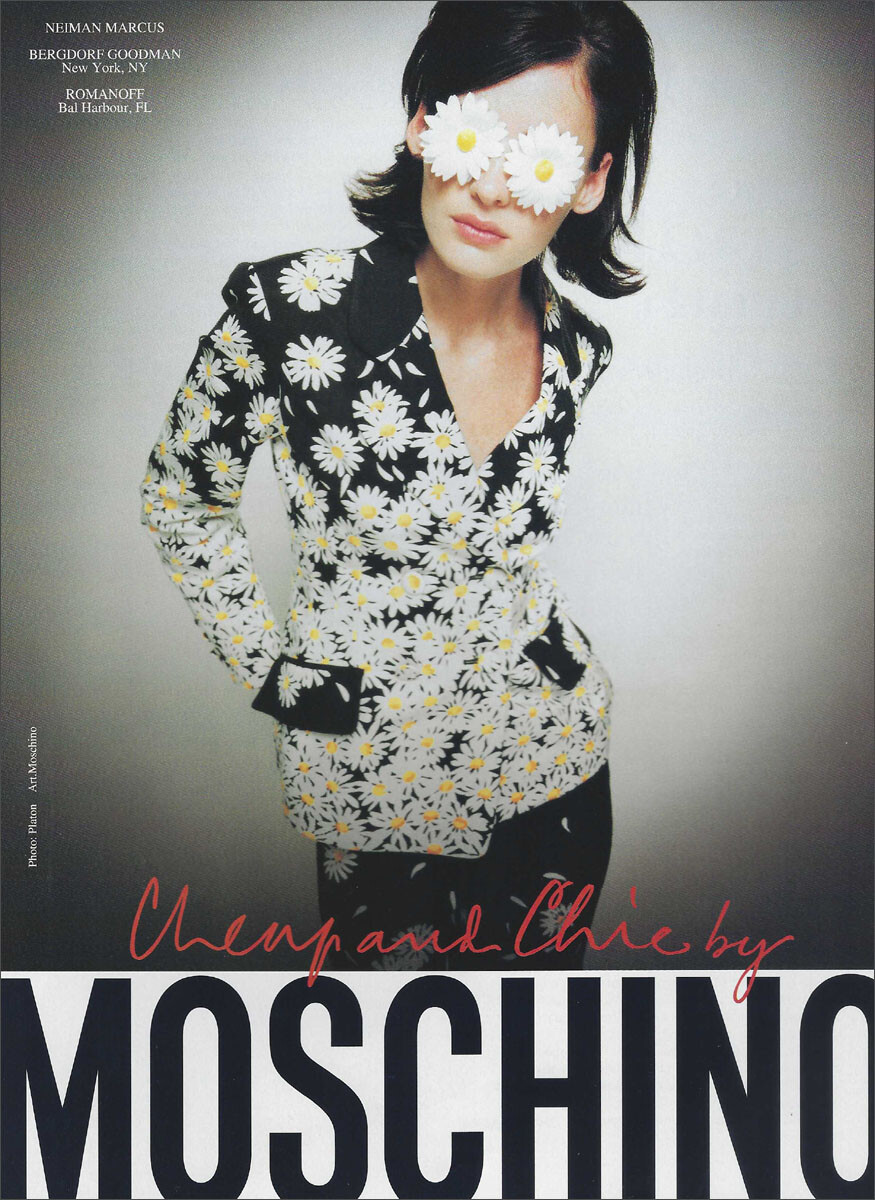
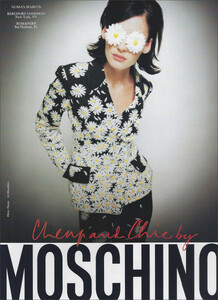
  3. Moschino Cheap and Chic S/S 1996 my scan (for some reason, I always assumed this was Avalon Hodges) TIA
  4. Thank you!
  5. Thank you!
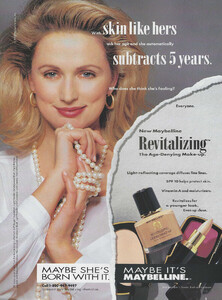
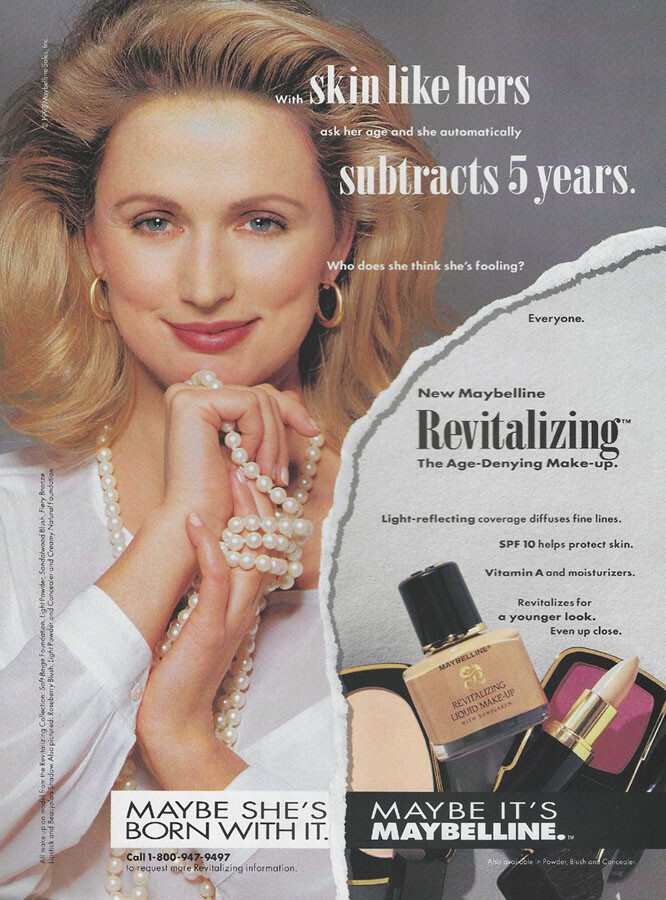
  6. Maybelline 1993 my scan TIA
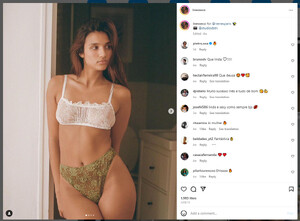
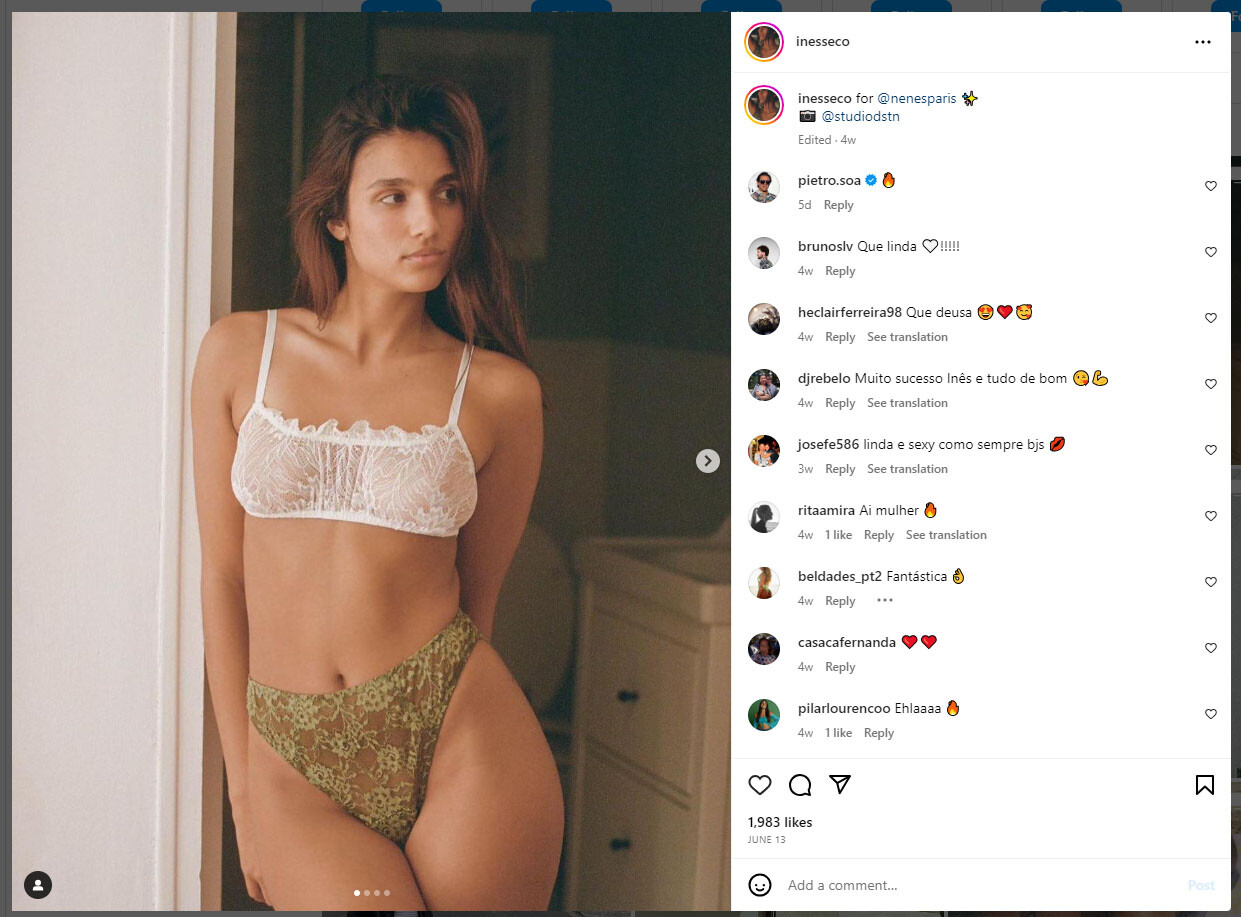
  7. confirmed on her IG -
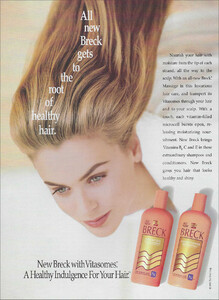
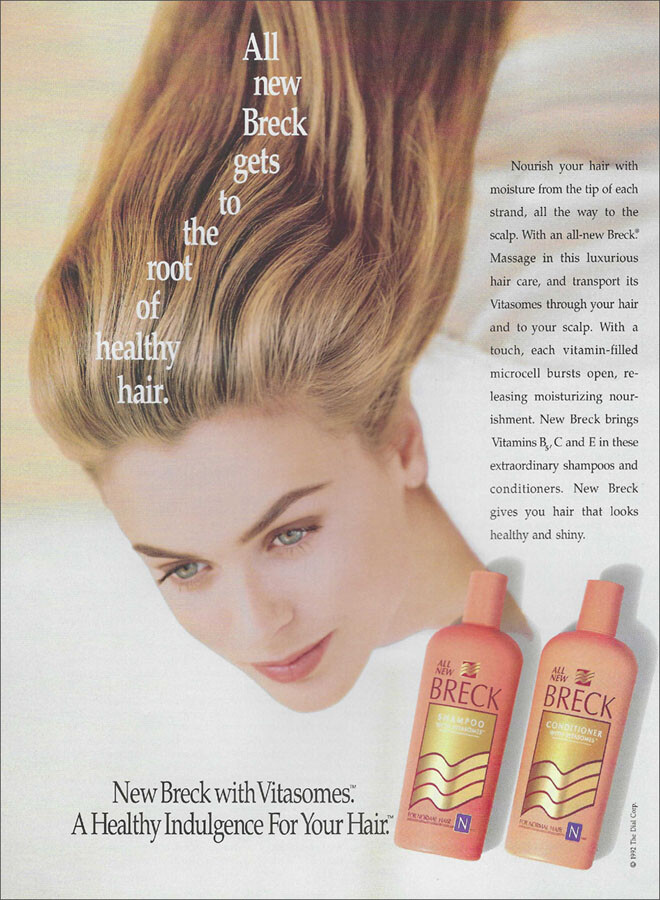
  8. Breck Haircare Fall 1992 my scan TIA
  9. Fabienne Terwinghe??
  10. Thank you @parisienne @RocketQueen do you agree?? Can anyone else confirm?
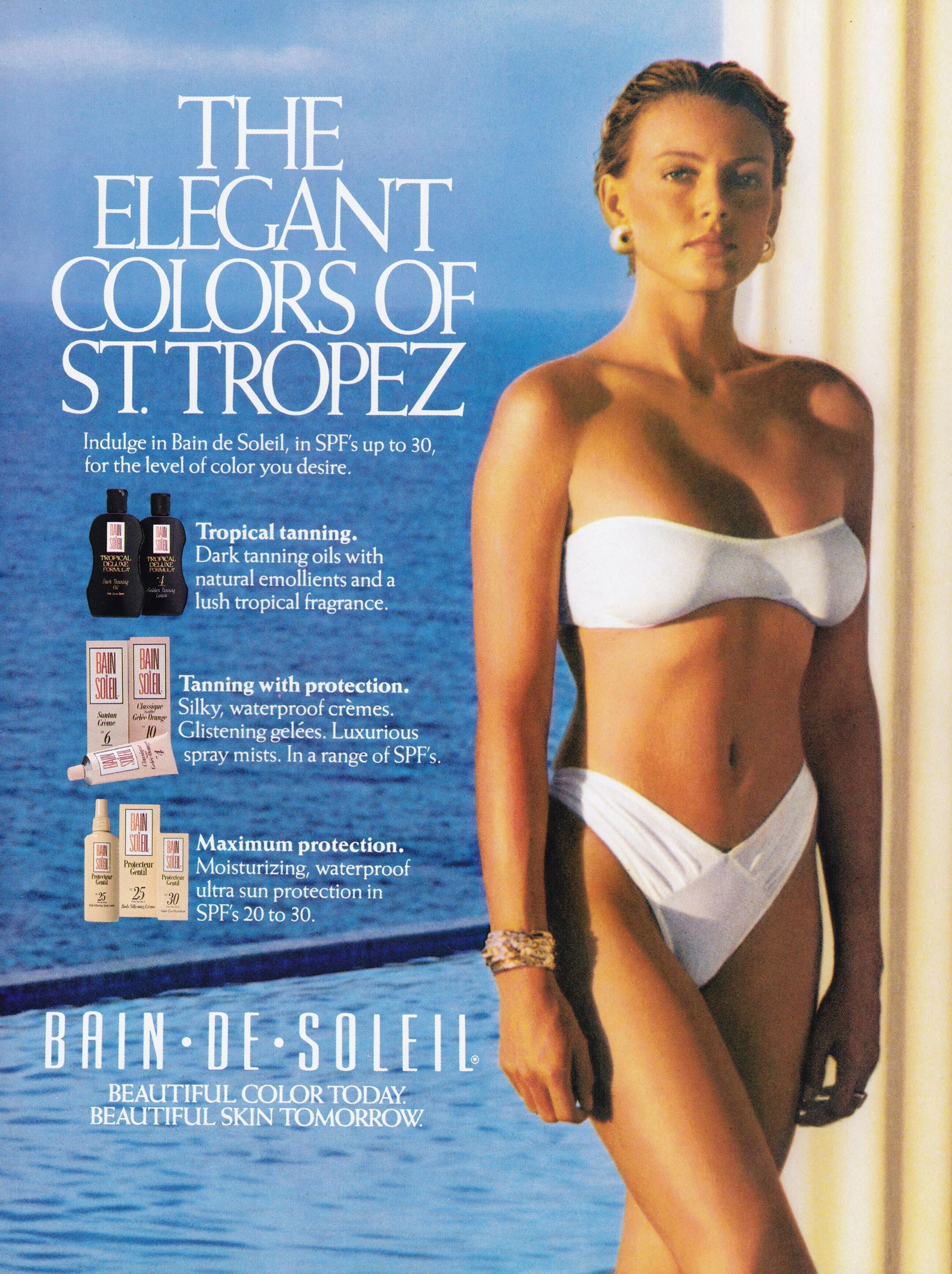
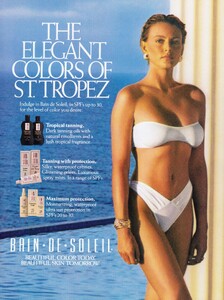
  11. Bain de Soleil 1990 (image also posted in Pam Ross' Bellazon thread, but I didn't see an ID for this model) image courtesy of @RocketQueen TIA
  12. Thank you!
  13. Dajana Radovanovic
  14. I think, Deimante Misiūnaitė
  15. 1. Aubrie Williams 4. I think, Christin Kalaskie (Breed)
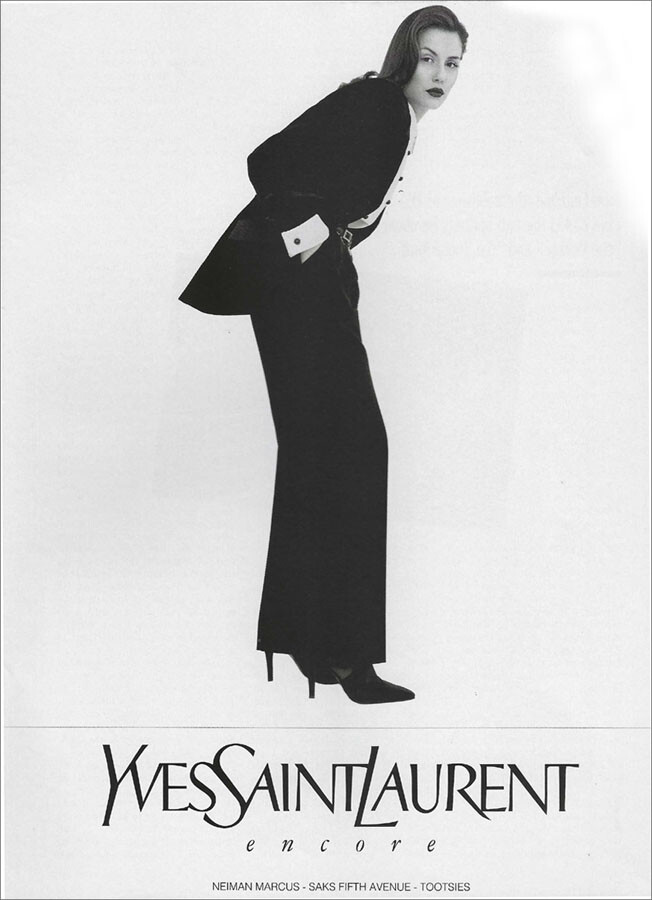
  16. Yves Saint Laurent Encore Fall 1995 my scan TIA
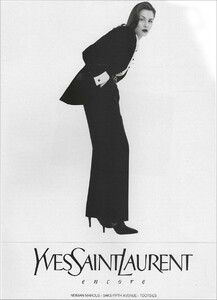
  17. Looks like Jessica Raemy
  18. thank you!
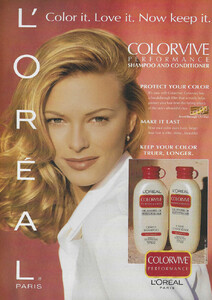
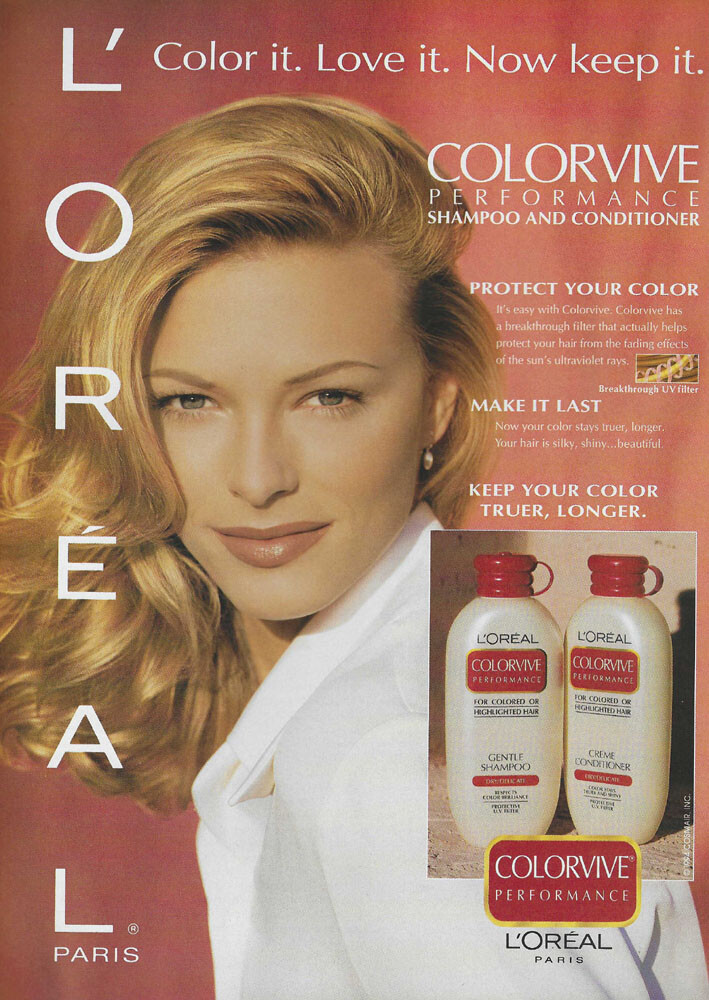
  19. L'Oreal Colorvive 1994 my scan TIA
  20. Alex-Ann Lavigne-Pelletier

Account

Navigation

Search

Configure browser push notifications

Chrome (Android)
  1. Tap the lock icon next to the address bar.
  2. Tap Permissions → Notifications.
  3. Adjust your preference.
Chrome (Desktop)
  1. Click the padlock icon in the address bar.
  2. Select Site settings.
  3. Find Notifications and adjust your preference.