
fumi
Members
-
Joined
Everything posted by fumi
-
I agree but poster said 1997.
-
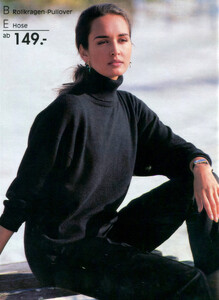
Heine aw 1997/1998

-
Ah, missed that one. Thanks.
-
American Vogue, August 1991 - Maybe a repost?

-
@missparker7 Thanks. Pulled Gail out and edited a bit.

-
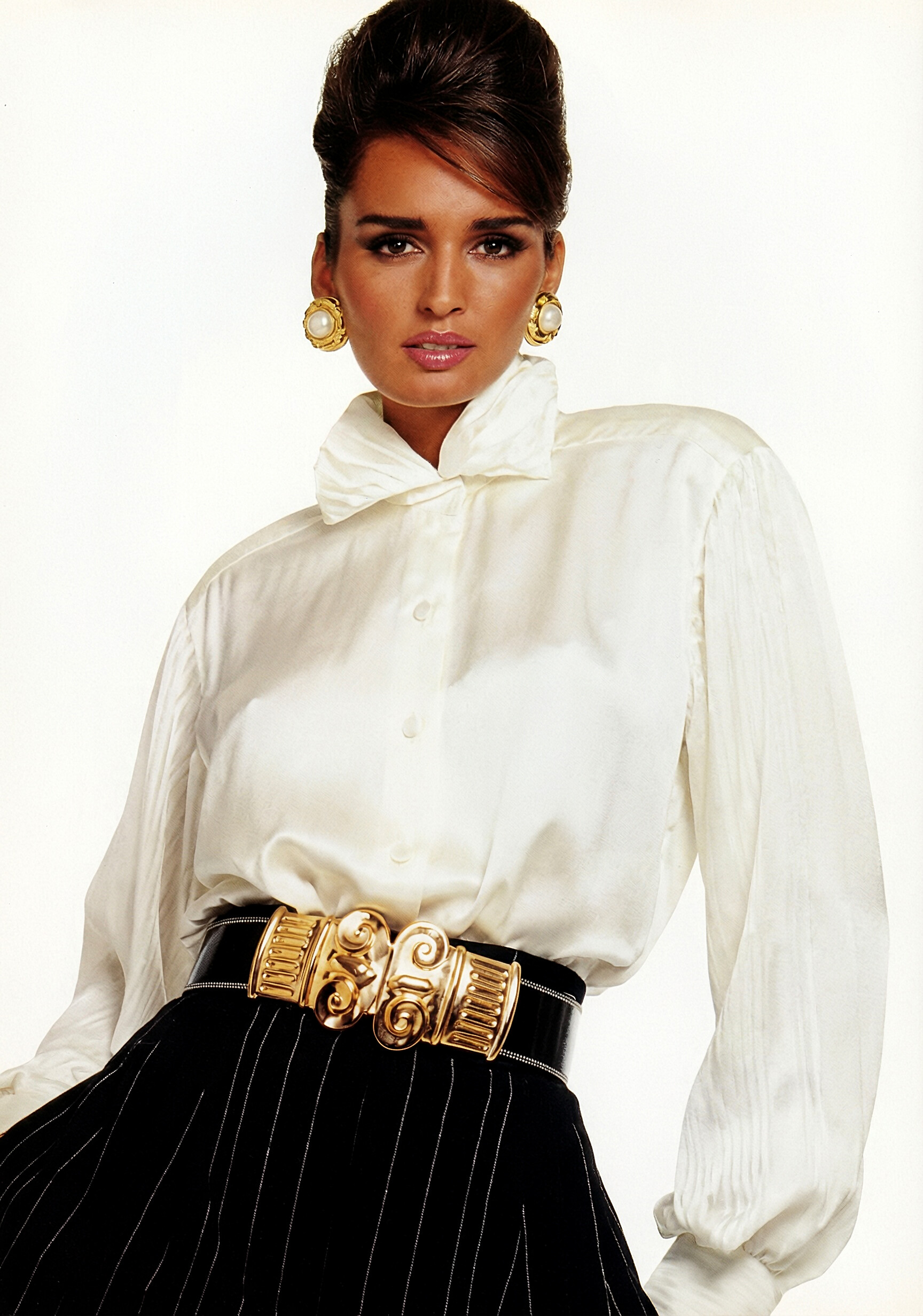
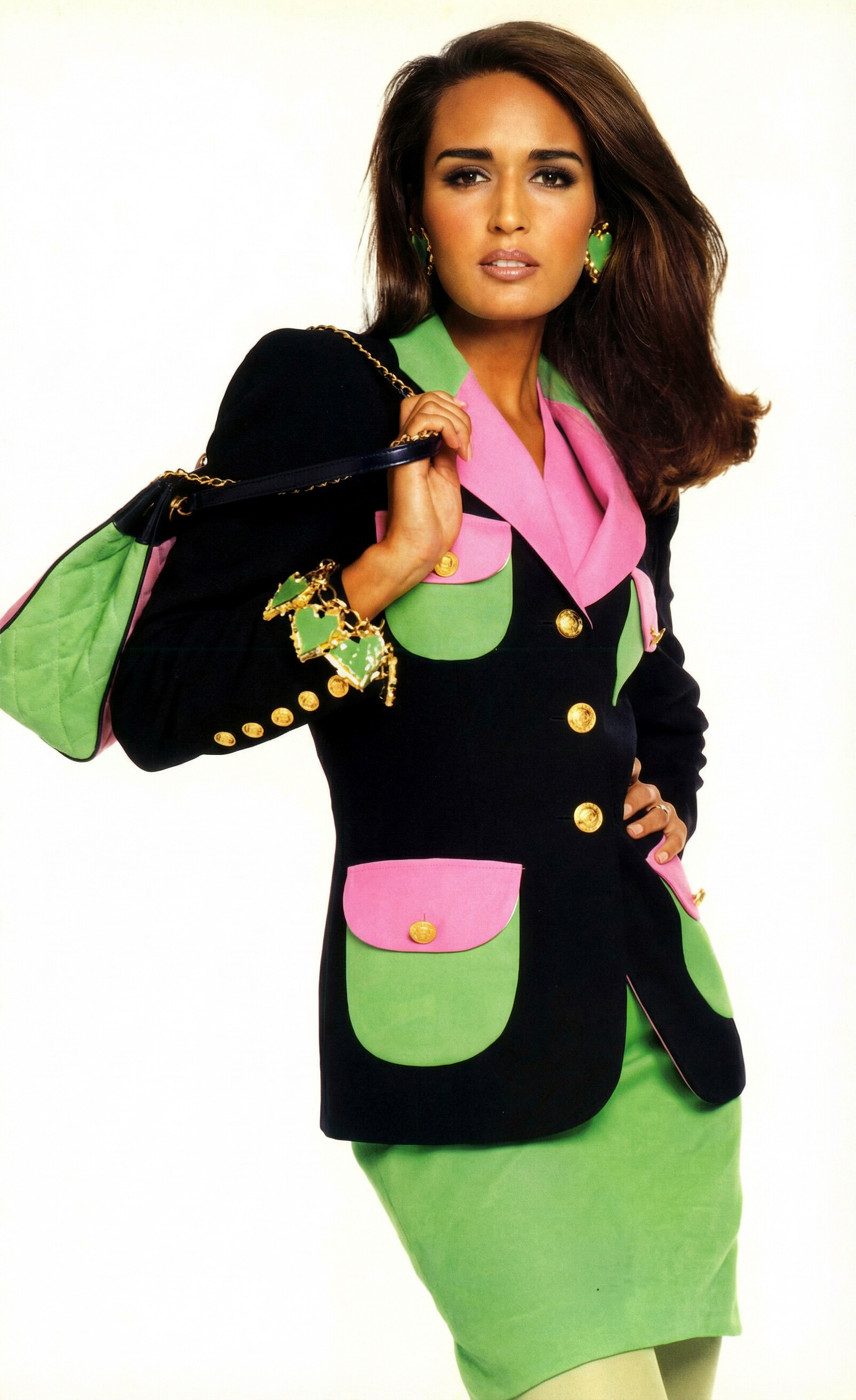
Wrote a blog post about this iconic (for me) issue. Maybe some of you might like it. Plutonic RainbowsWhen Tokyo Could Buy ParisSacha van Dorssen shot the cover. Gail Elliott — dark hair, brown eyes, that ethnically ambiguous beauty that let her slip between markets without friction —...

-
-
Er, I don't think you understood the message. I built the app myself. It doesn't exist anywhere else.
-
It's custom built A.I Generation apps that are local to my machine.
-
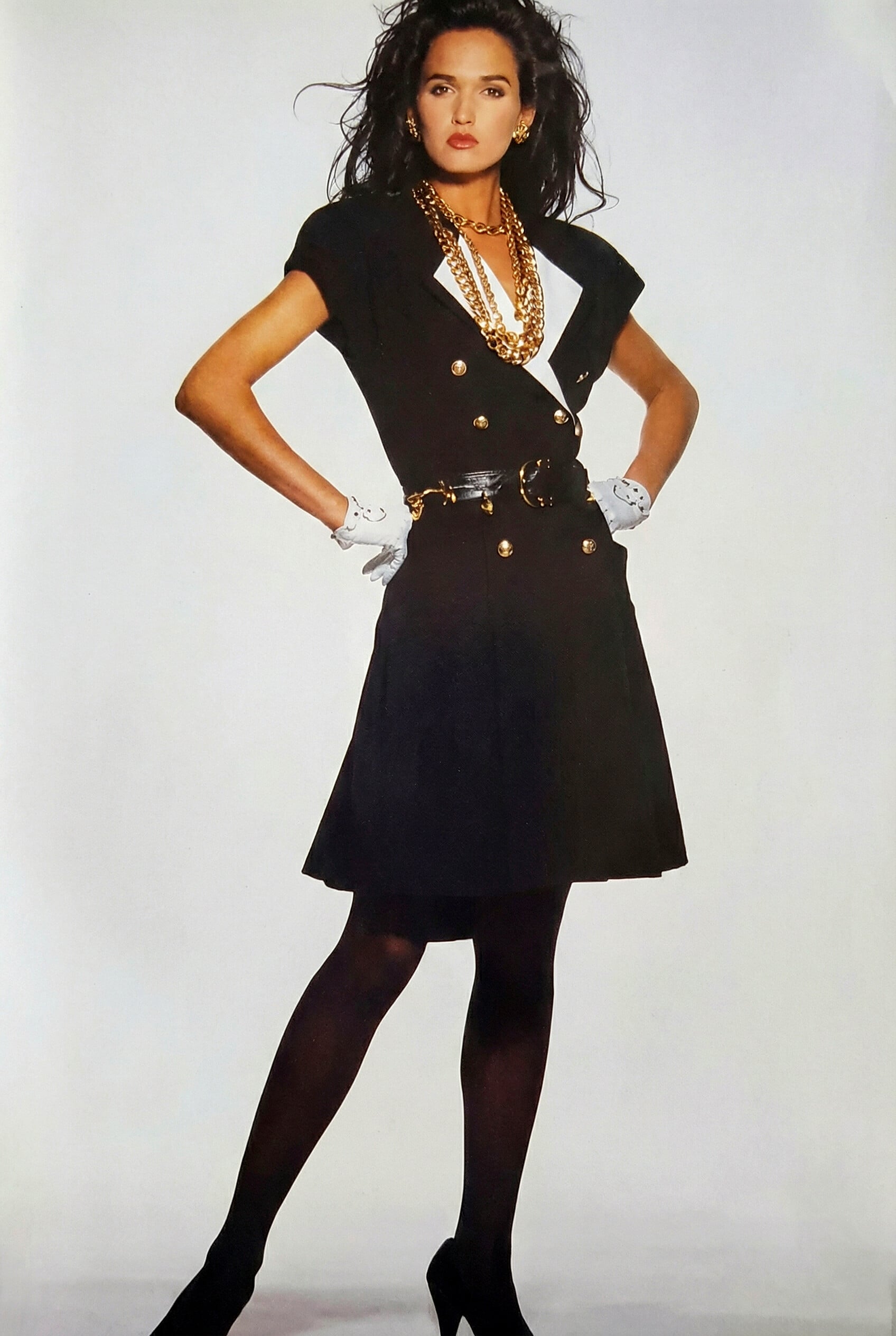
Escada Photoshoot 1992 (Reimagined). Gail, Escada 1992.mp4
-
Ralph Lauren Photoshoot. (Reimagined). Bridget.mp4
-
@specdude Are these on eBay? Thanks for posting them.
-
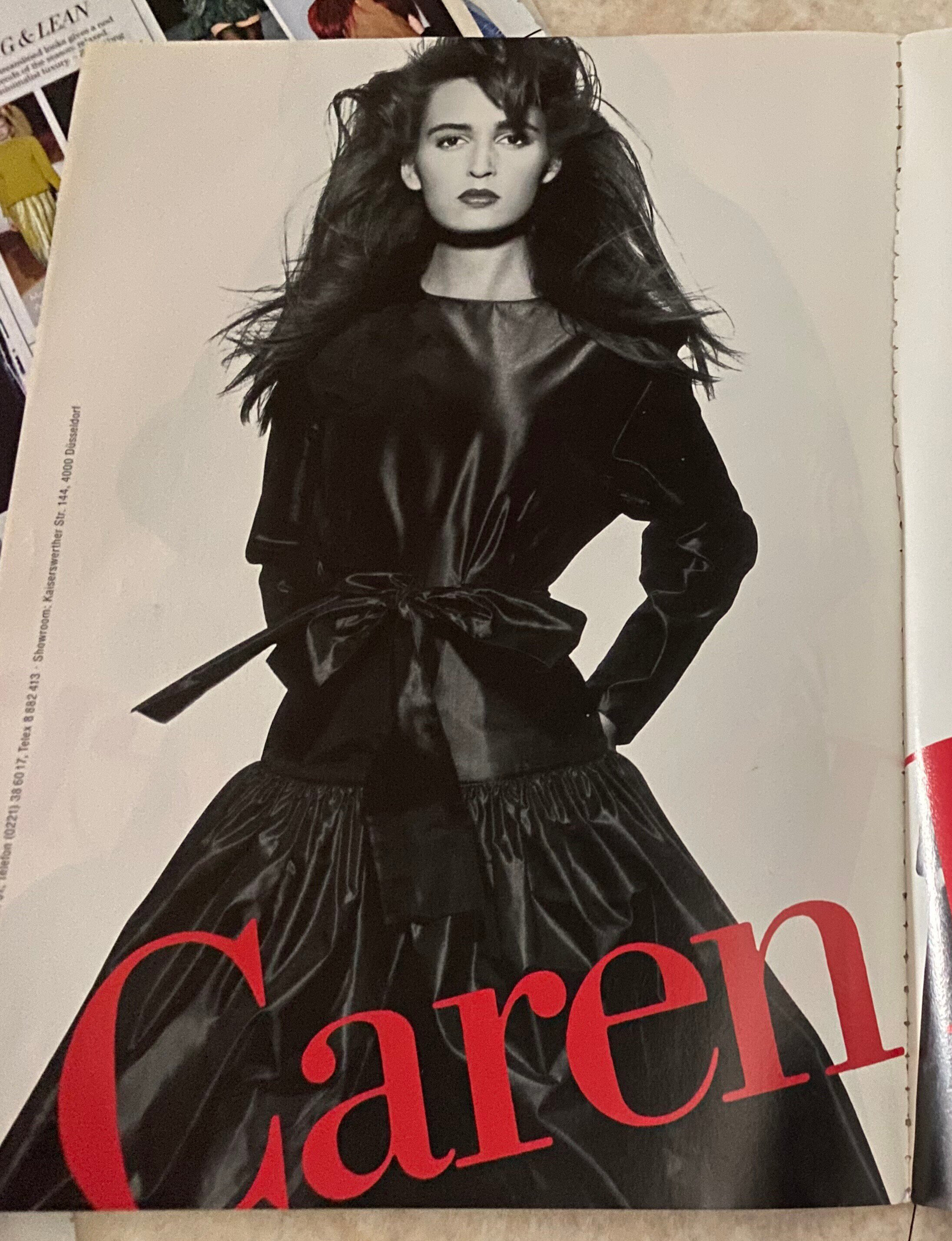
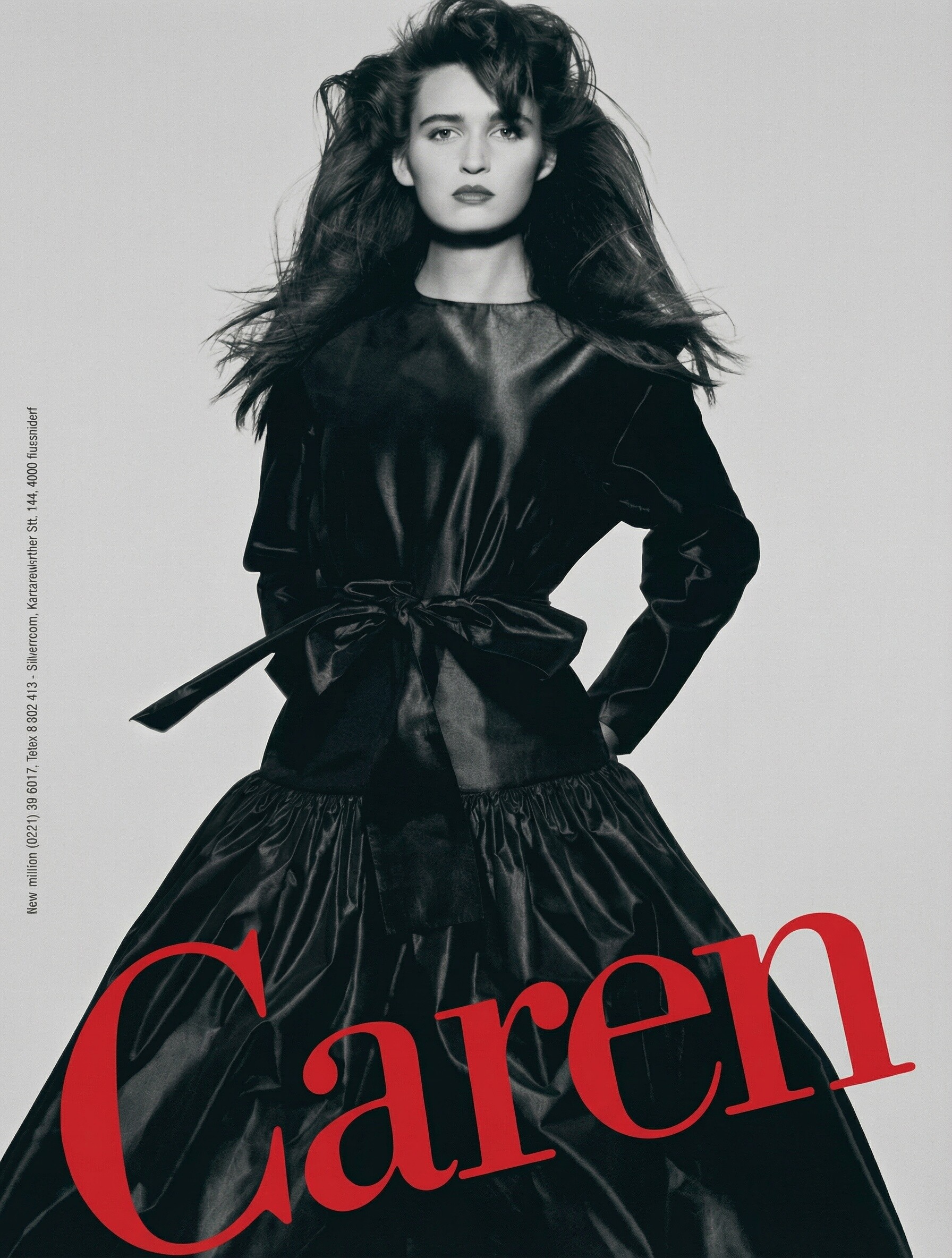
It was a slow day, so I created these imaginary Escada photoshoots. Gail Elliott 1.mp4Gail Elliott 2.mp4
-
-
Hi there, who is at bottom right? Is it Linda?
-
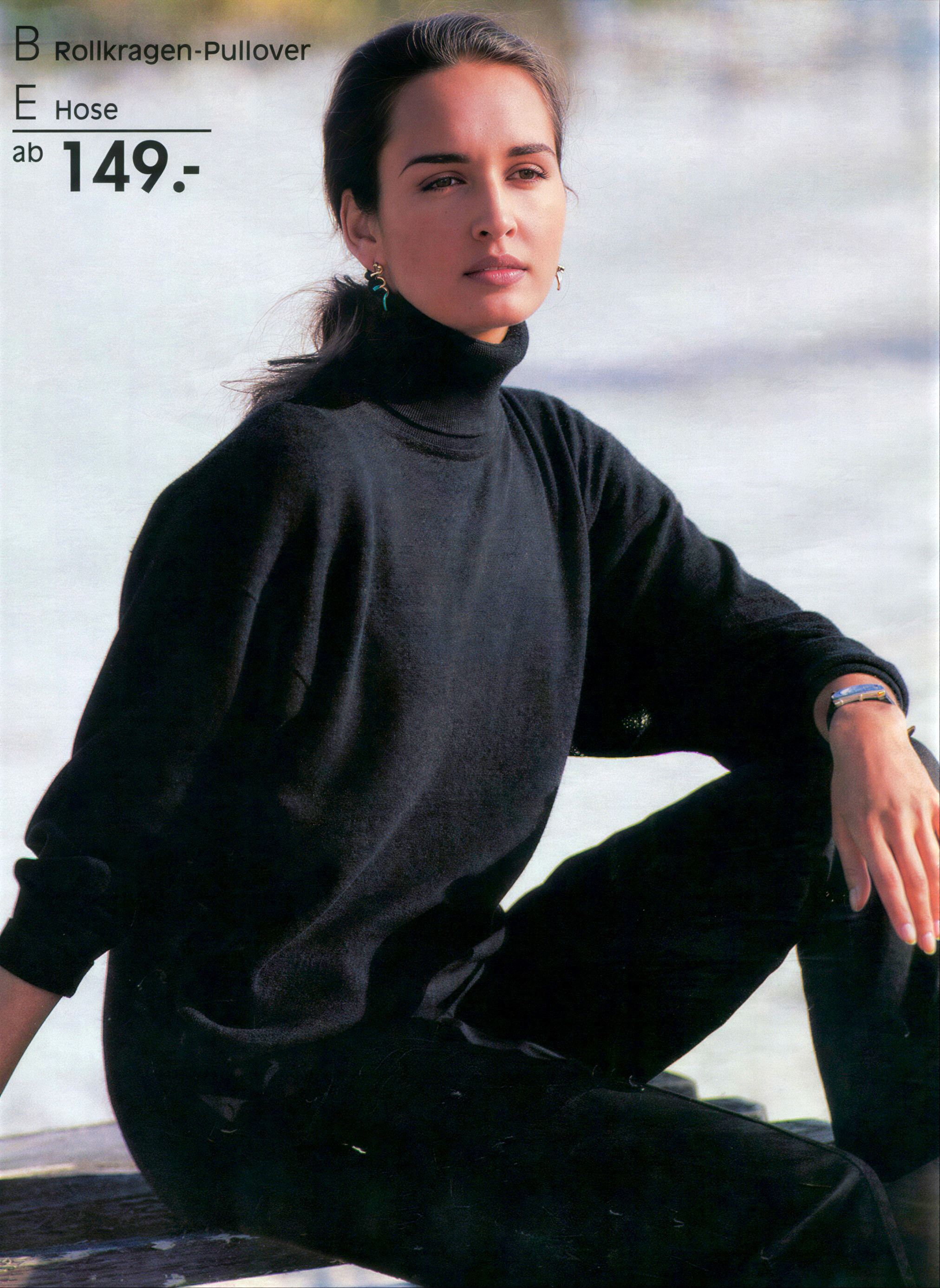
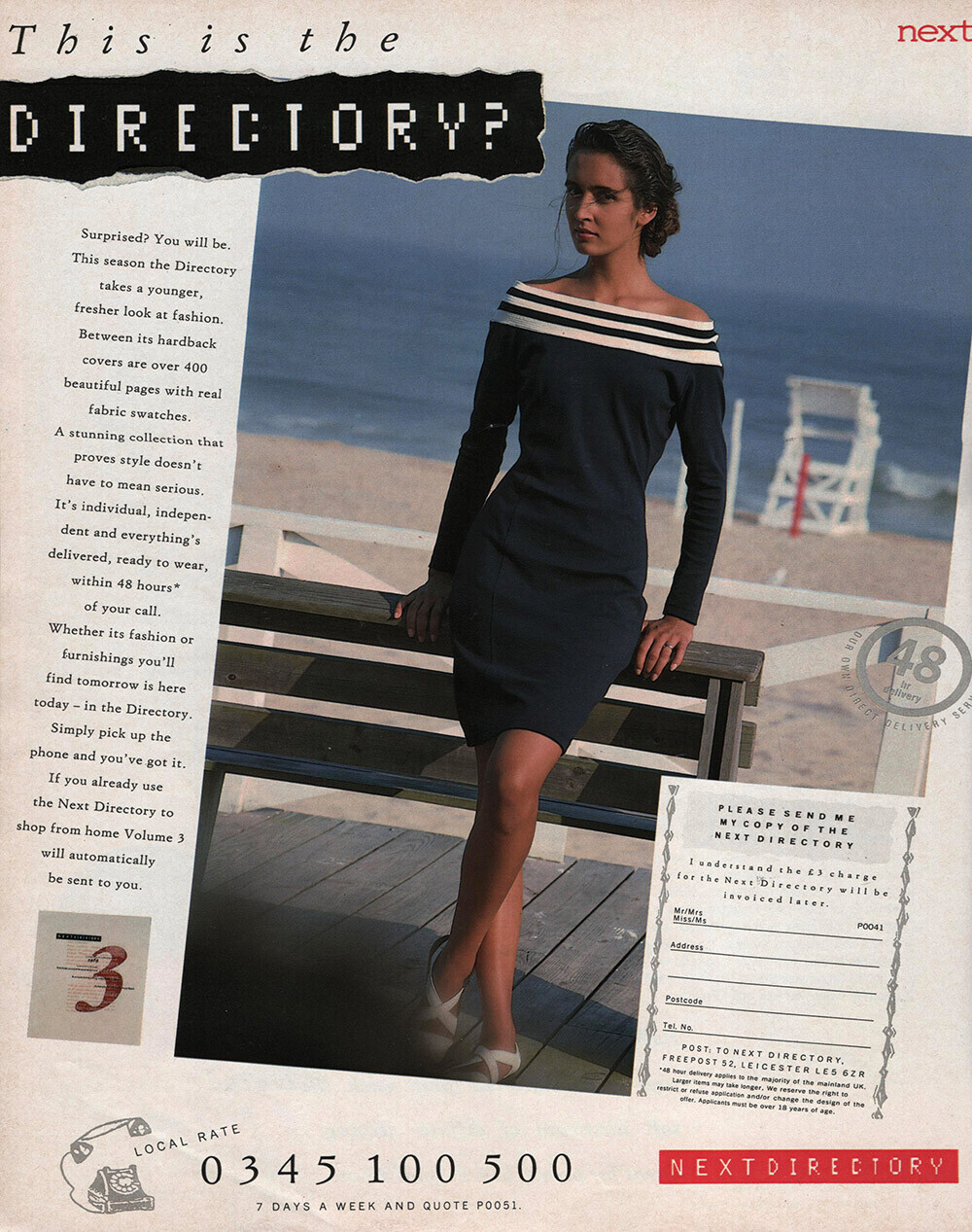
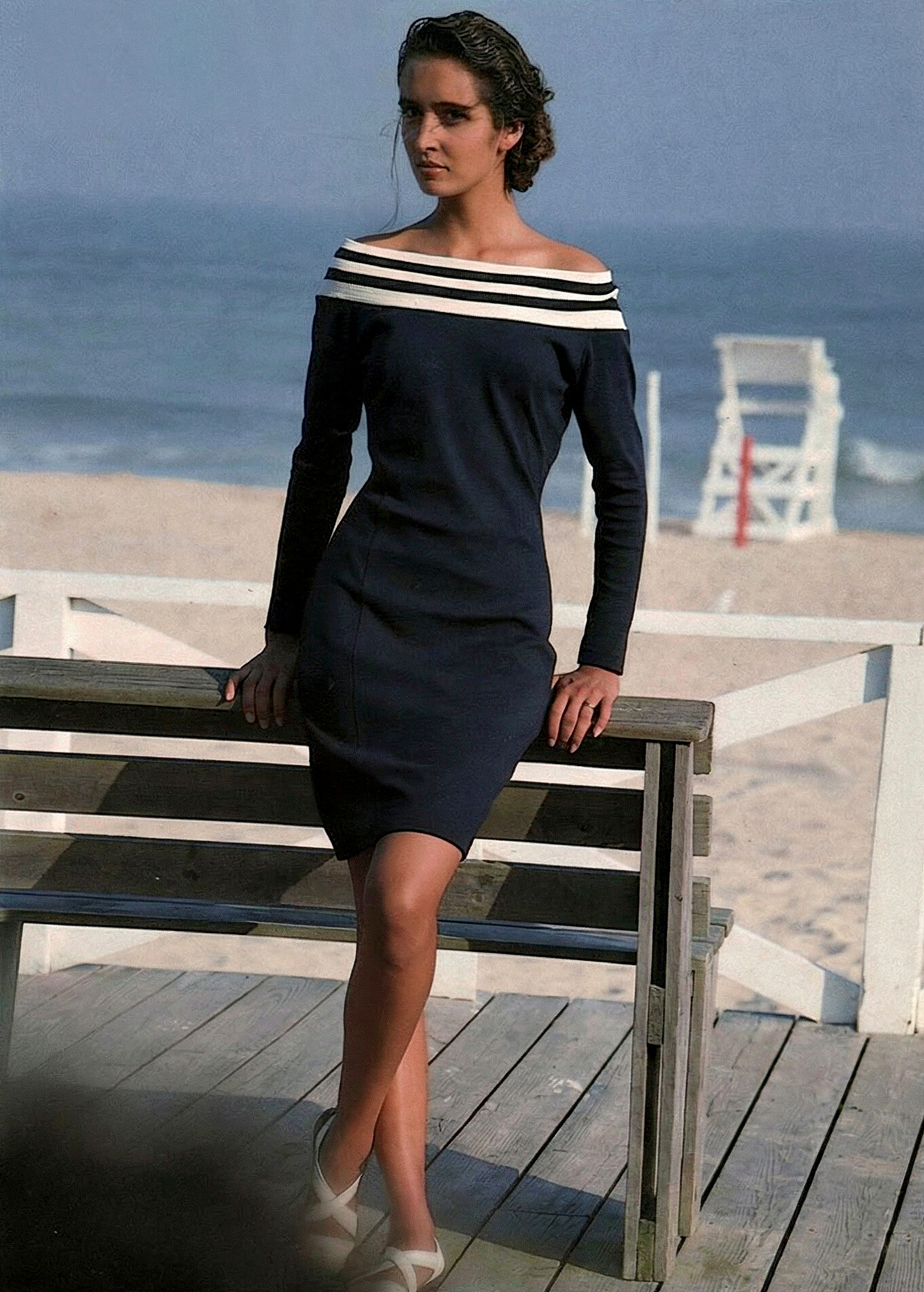
Low quality image of her I've always liked. Reworked with various tools.


-
Couldn't easily see this anywhere in the thread. Maybe smaller/ lower resolution.

-
Vogue USA September 1985.
 Vogue Australia December 1985.
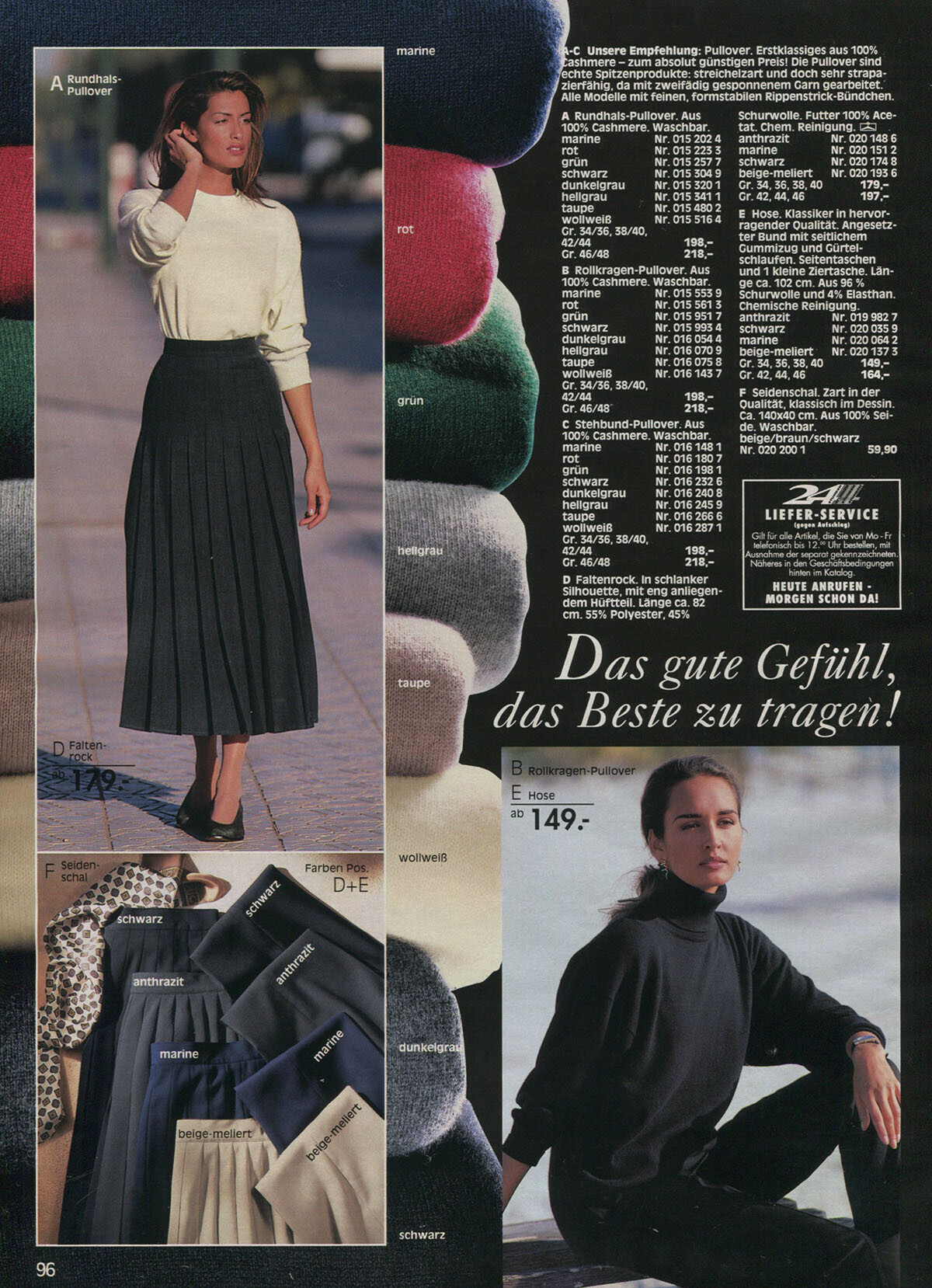
 Edited this scan from @RocketQueen posted back in 2022.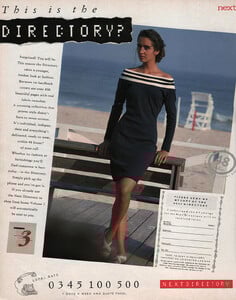
 I'm sure that's right. It was just the hair style that threw me. 😀













Account
Navigation
Search
Configure browser push notifications
Chrome (Android)
- Tap the lock icon next to the address bar.
- Tap Permissions → Notifications.
- Adjust your preference.
Chrome (Desktop)
- Click the padlock icon in the address bar.
- Select Site settings.
- Find Notifications and adjust your preference.
Safari (iOS 16.4+)
- Ensure the site is installed via Add to Home Screen.
- Open Settings App → Notifications.
- Find your app name and adjust your preference.
Safari (macOS)
- Go to Safari → Preferences.
- Click the Websites tab.
- Select Notifications in the sidebar.
- Find this website and adjust your preference.
Edge (Android)
- Tap the lock icon next to the address bar.
- Tap Permissions.
- Find Notifications and adjust your preference.
Edge (Desktop)
- Click the padlock icon in the address bar.
- Click Permissions for this site.
- Find Notifications and adjust your preference.
Firefox (Android)
- Go to Settings → Site permissions.
- Tap Notifications.
- Find this site in the list and adjust your preference.
Firefox (Desktop)
- Open Firefox Settings.
- Search for Notifications.
- Find this site in the list and adjust your preference.